Free Menu Maker
A designed menu to start from. Your dishes and prices in minutes.
Pick a menu for a restaurant, a café, a bar, a wedding or a holiday dinner. It opens in Design Studio with every dish and price as live text, so today's change is a click and a few keys. The AI designer can put a whole menu in for you.
Templates are free, and so is chatting with the AI designer, up to a daily limit. An AI picture is 46 credits with the default Seedream 5.5, or from 12 with FLUX 3 Klein, about $0.04 and $0.01 on the Basic plan.
Free. Sign in or create a free account to open it in Design Studio, on a computer. Star it to find it again later.
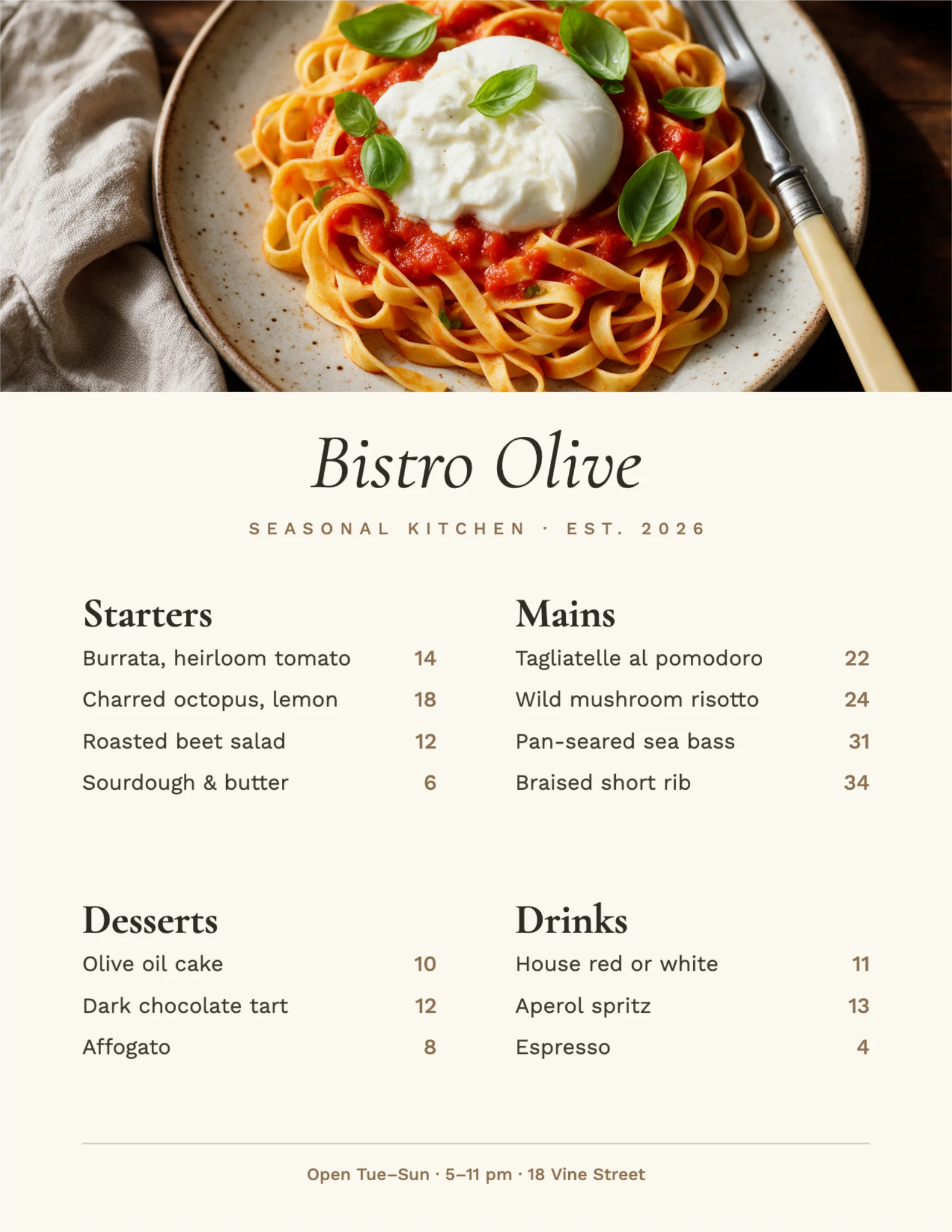
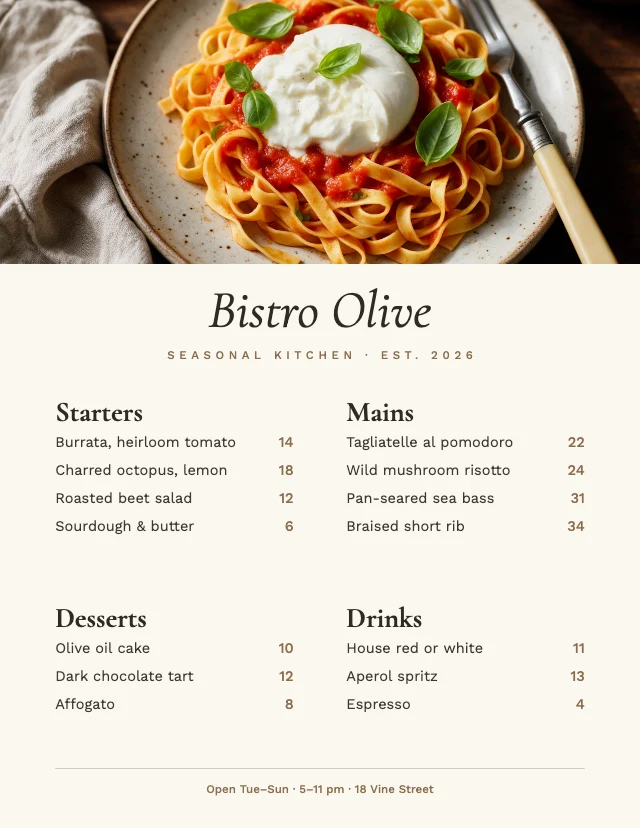
Shown: Bistro menu · US Letter · 2550×3300. Pick another below.
Pick a menu to start from
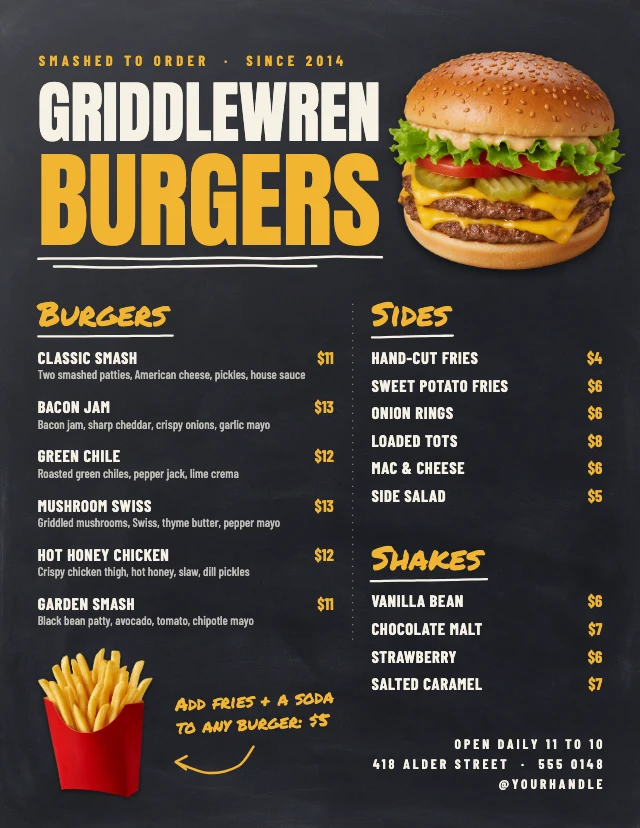
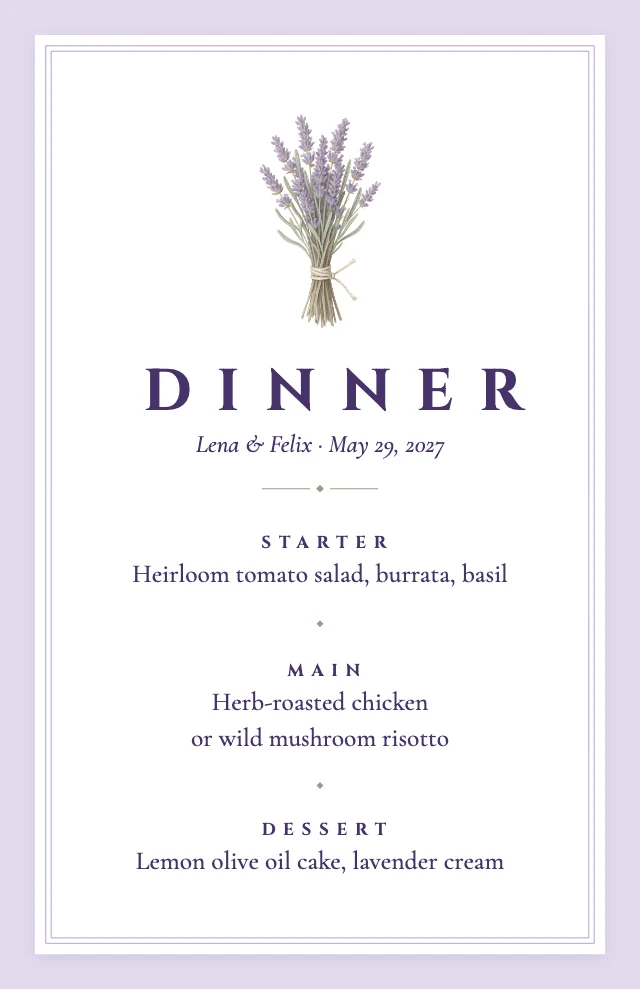
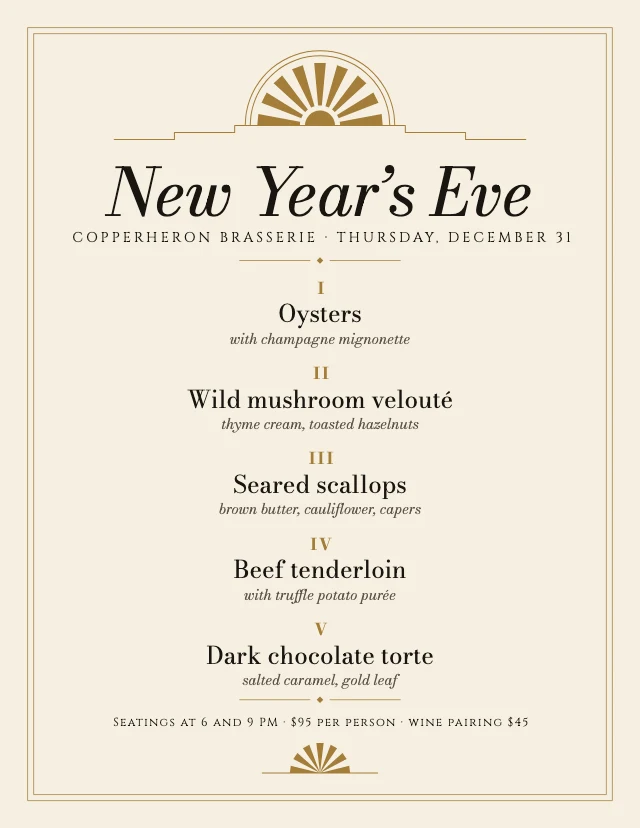
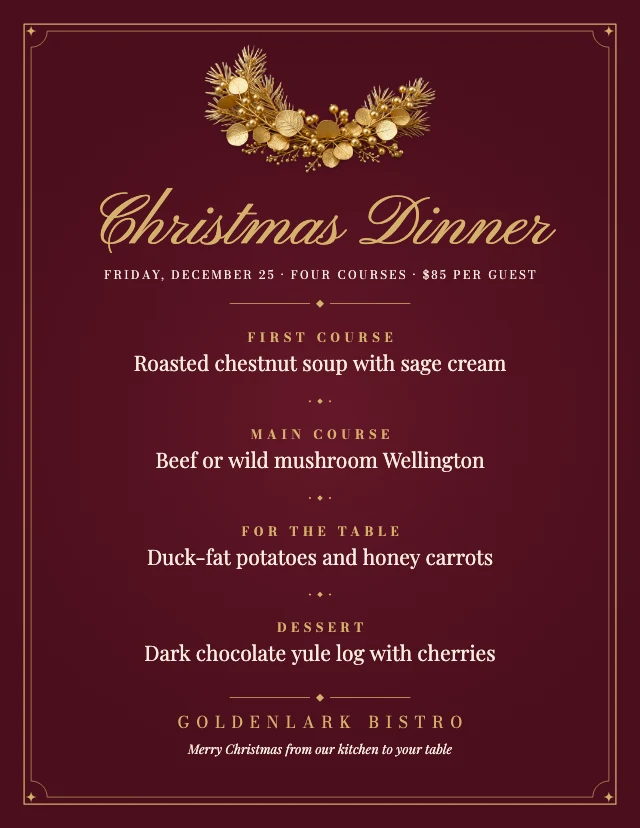
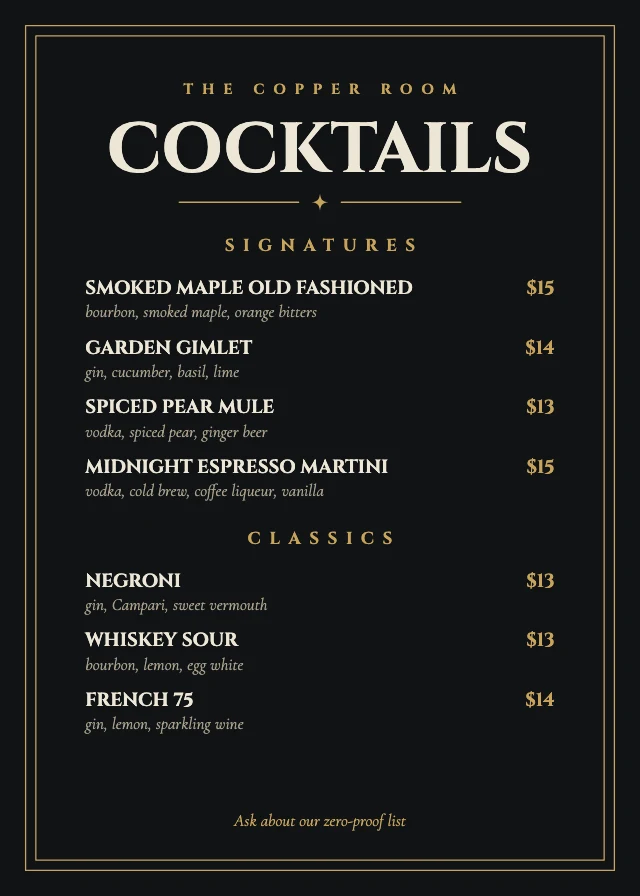
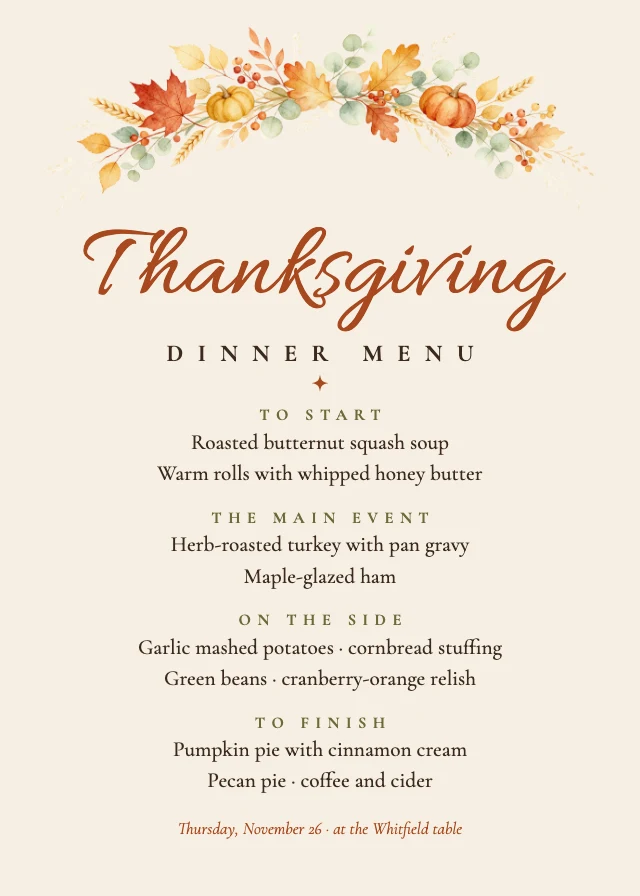
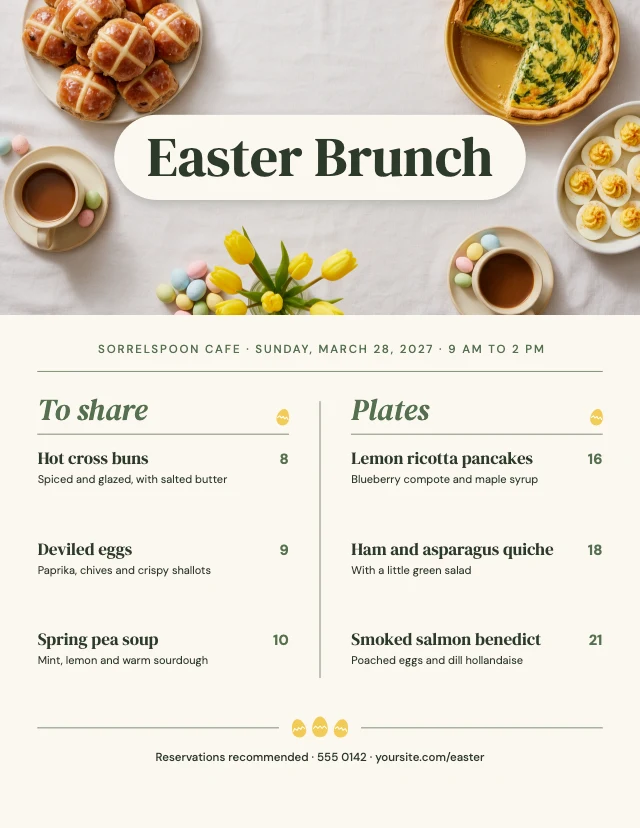
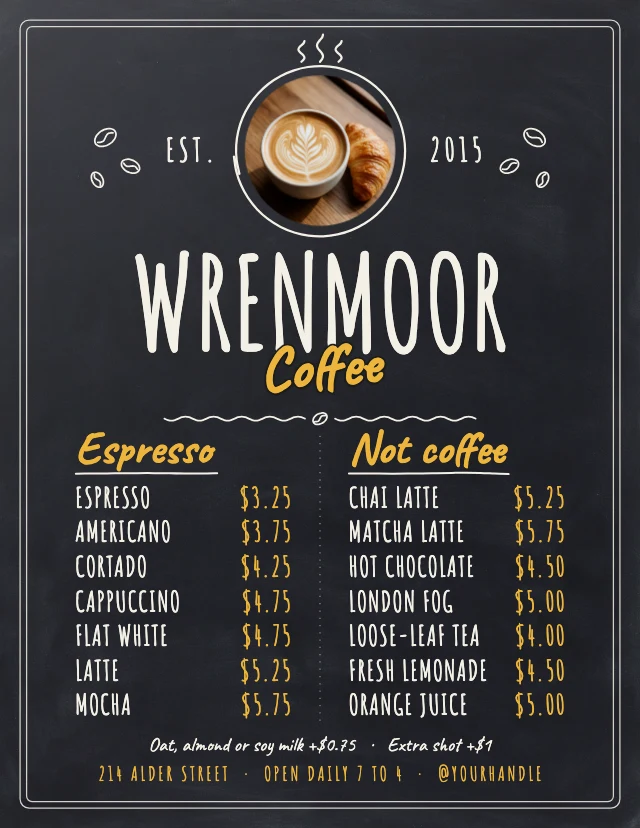
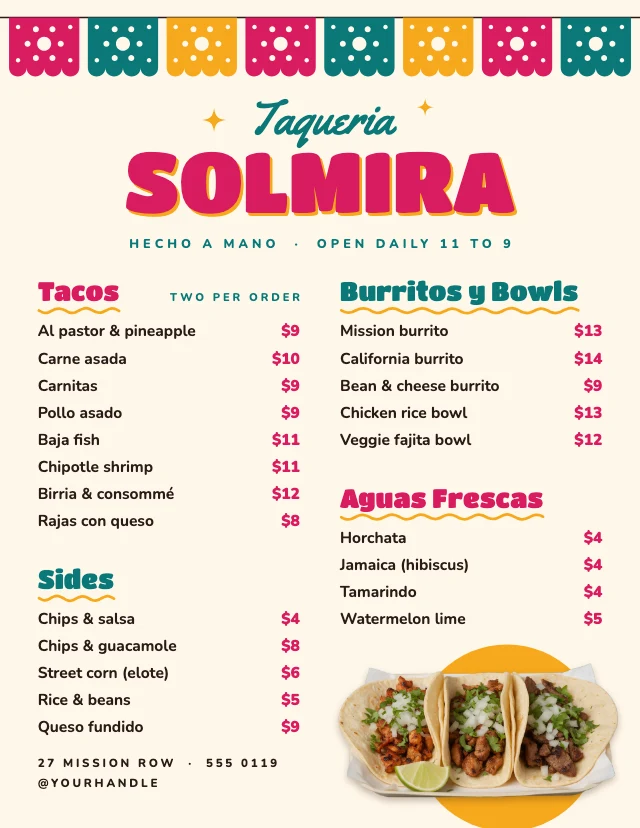
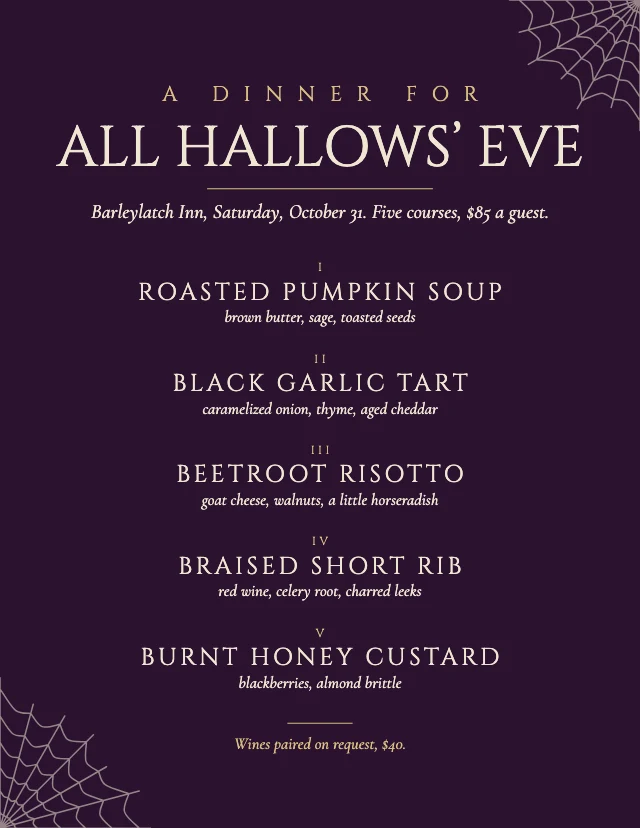
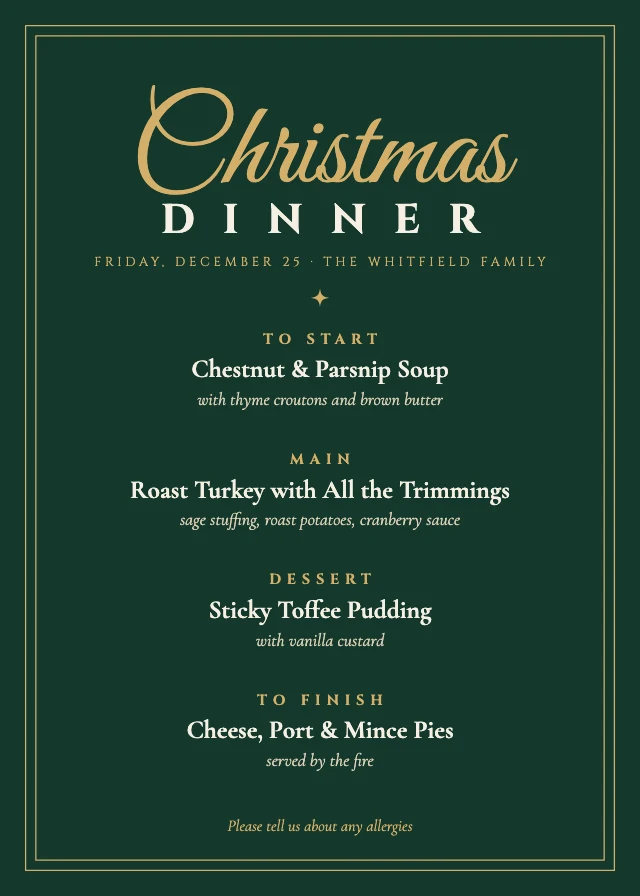
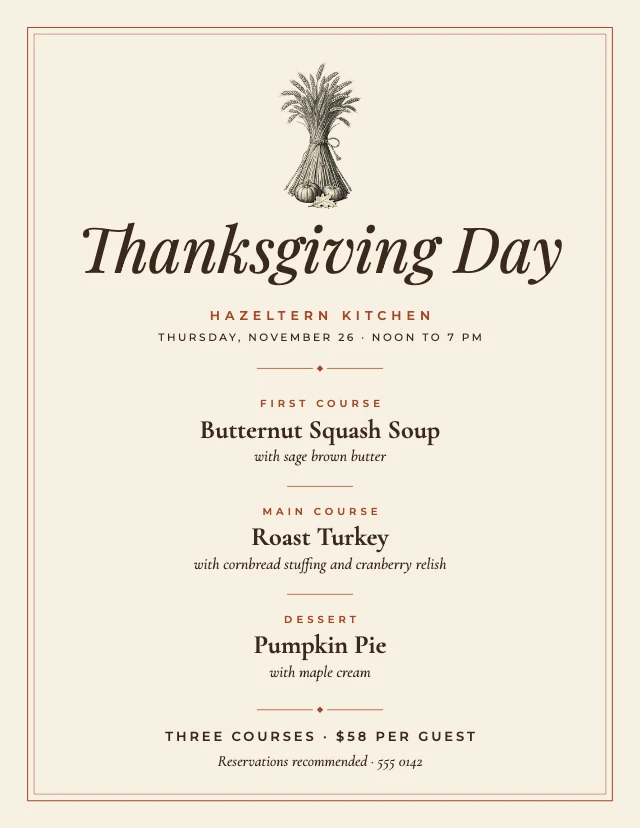
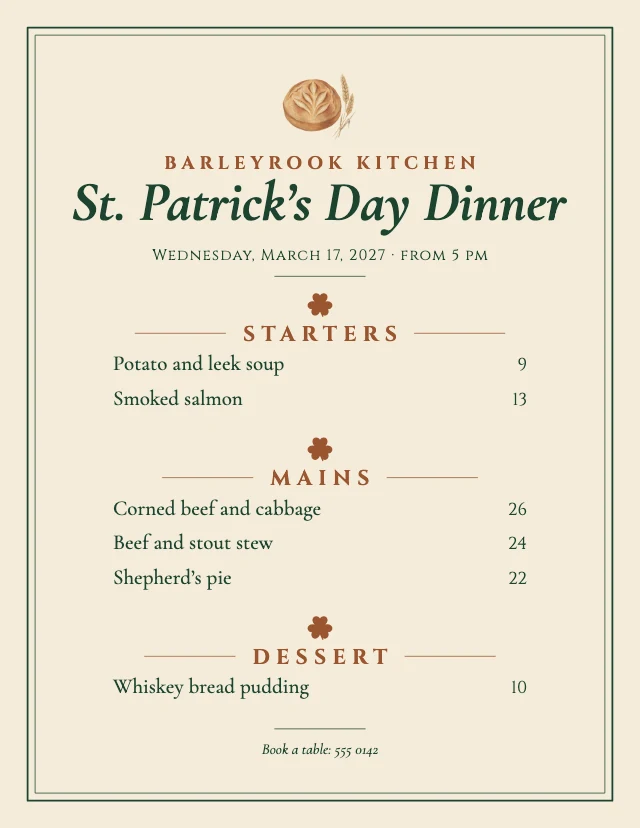
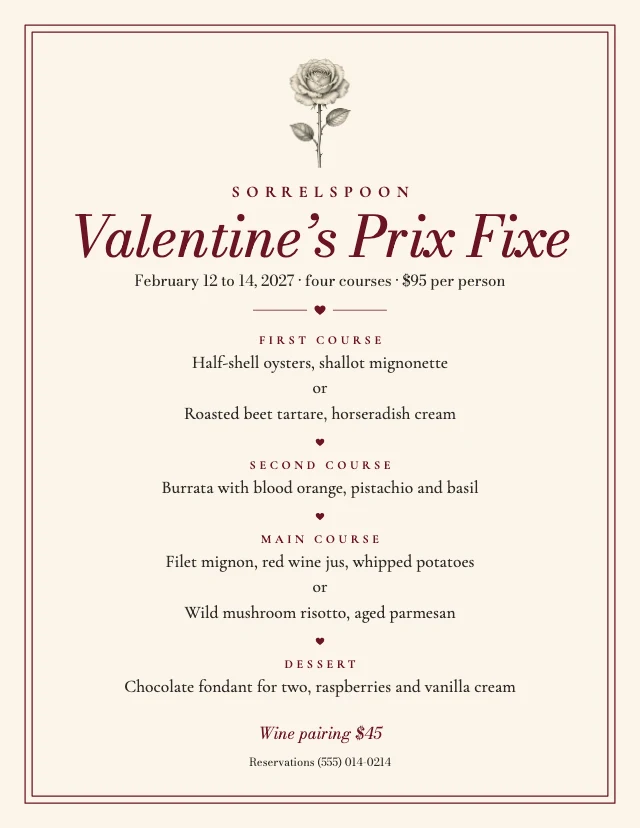
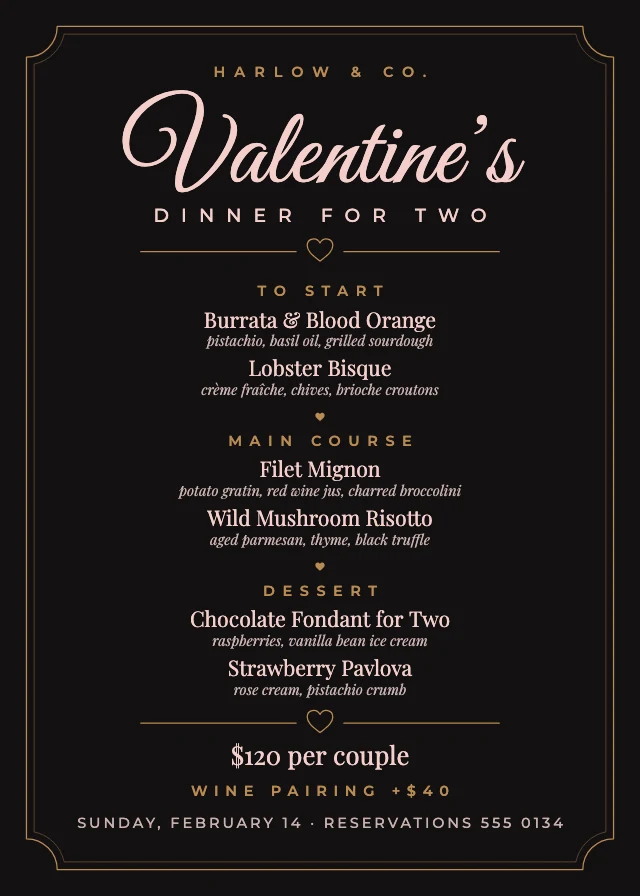
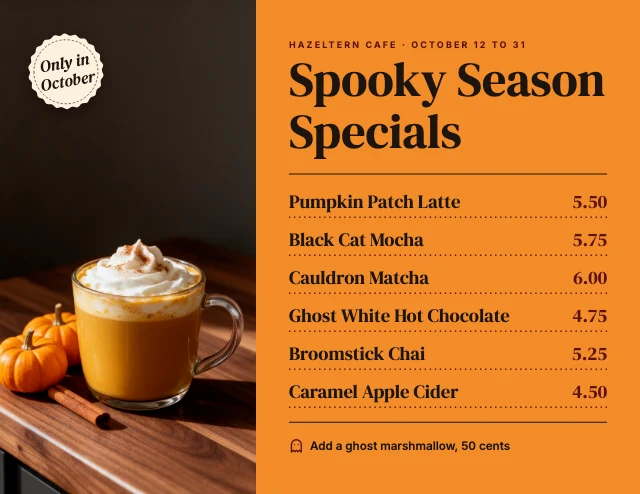
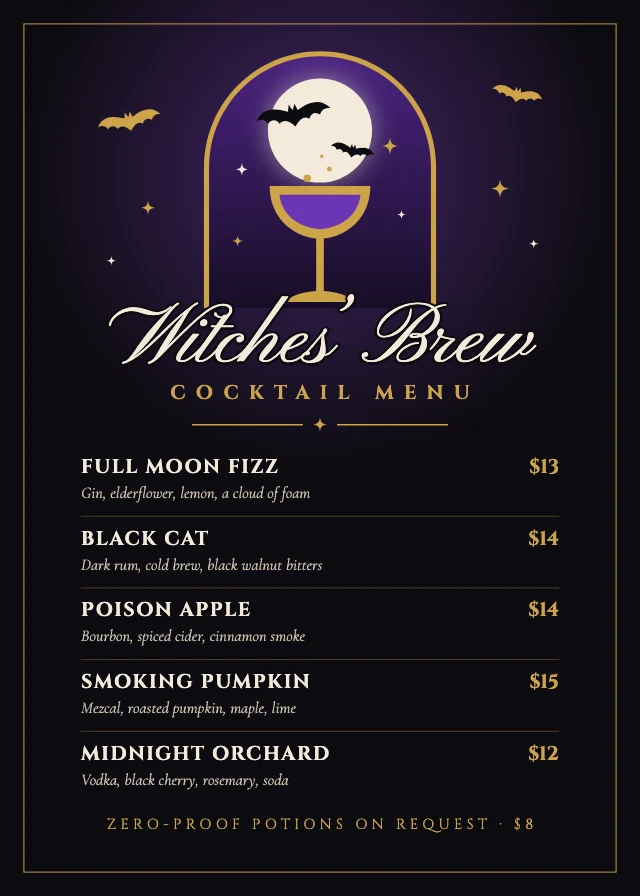
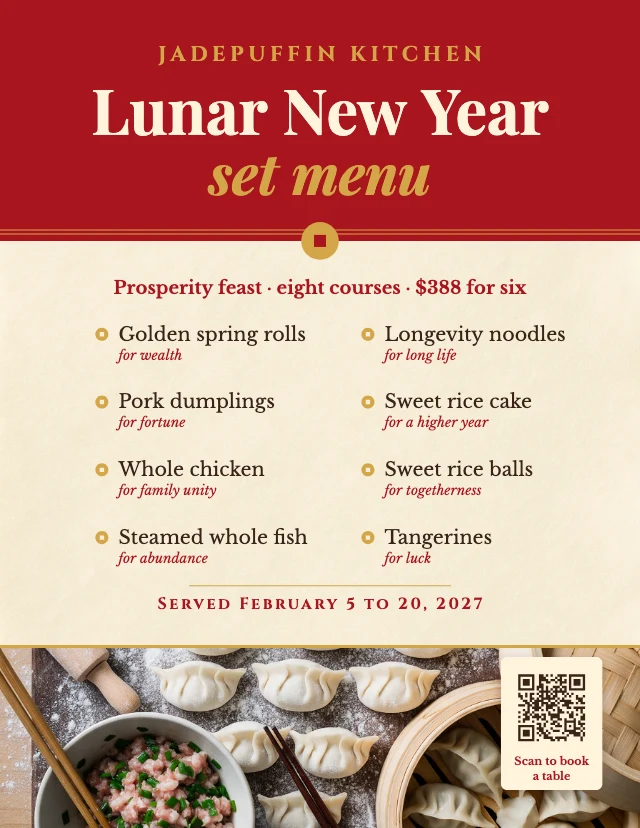
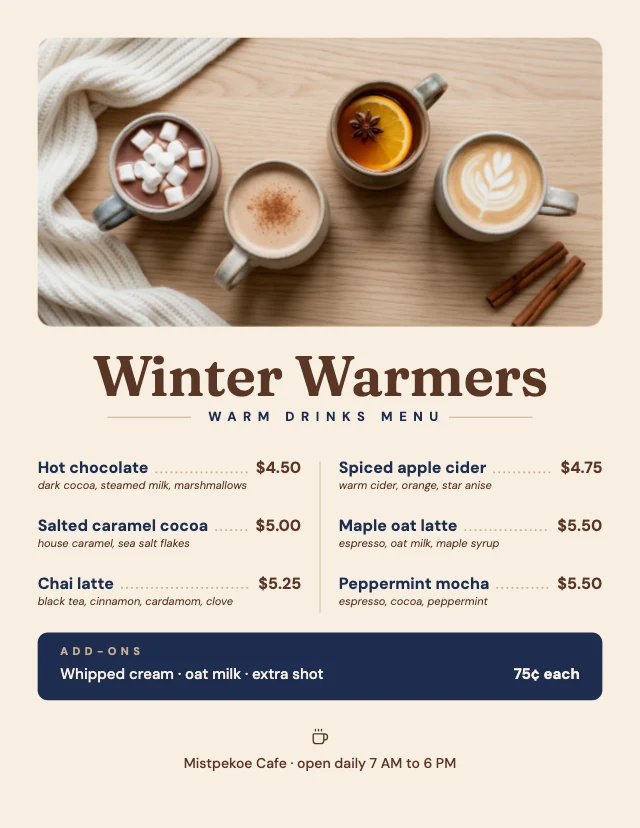
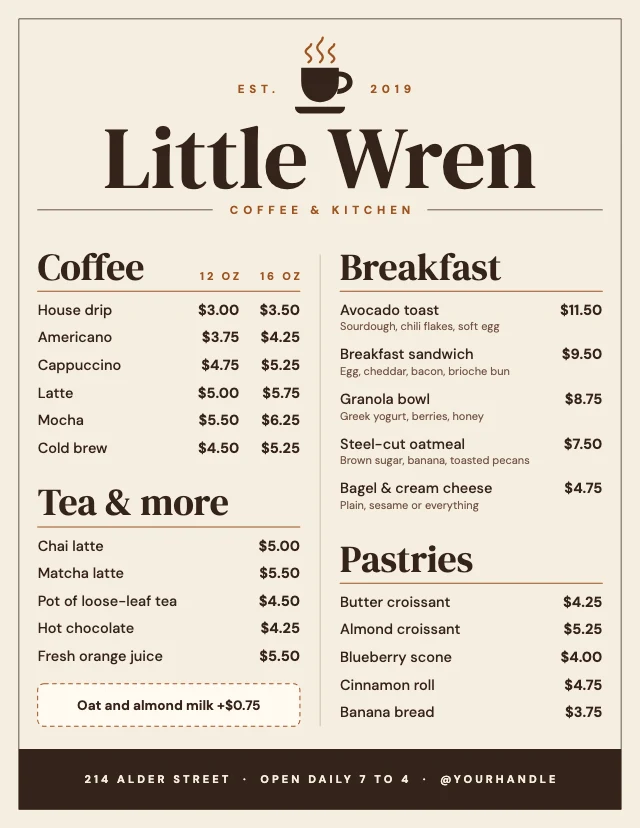
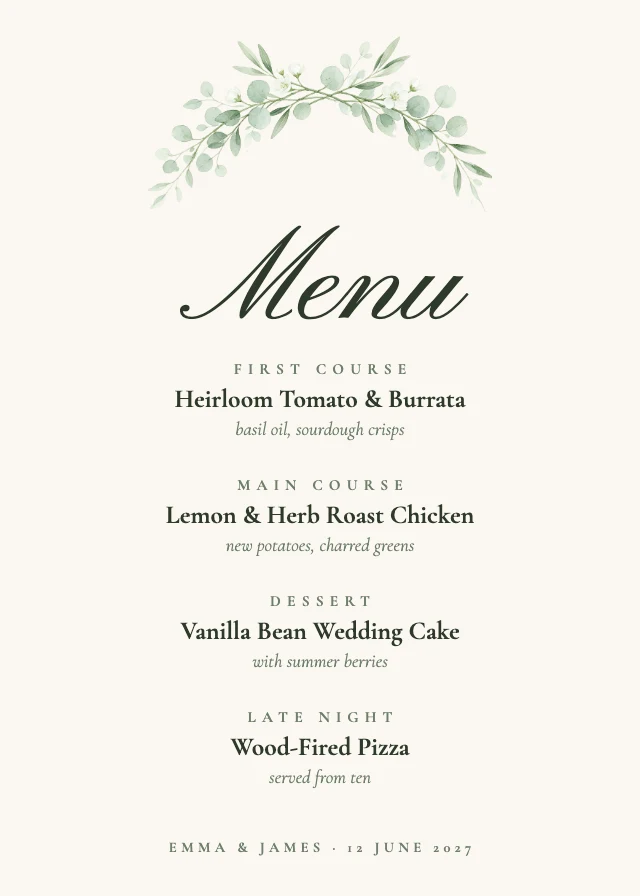
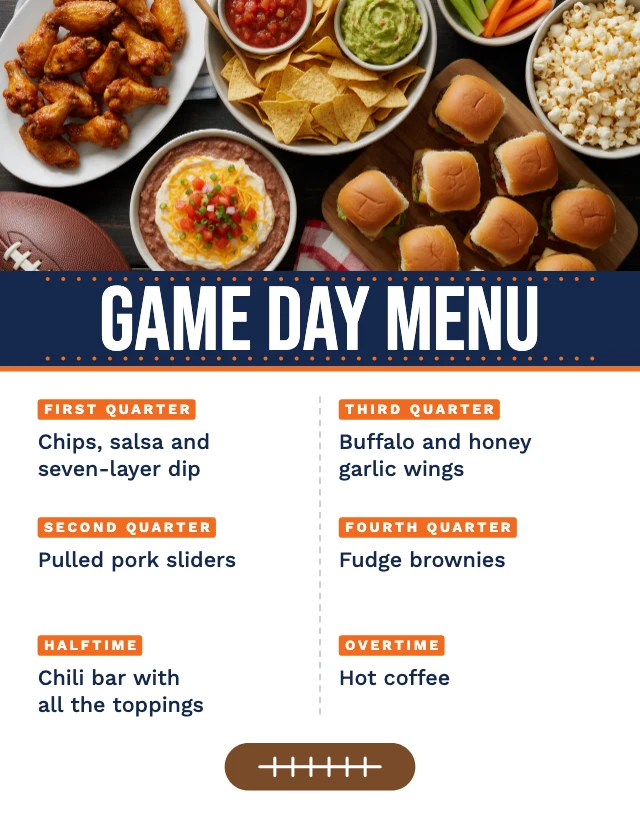
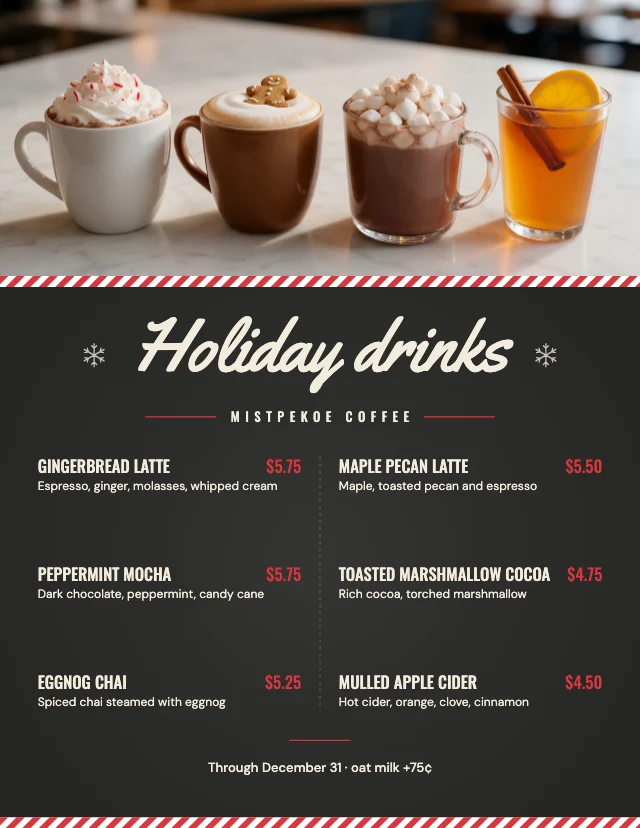
Every one is free and opens as your own copy with all its layers live. Sizes here: US Letter, Invitation 5×7 in, Program 5.5×8.5 in, US Letter, landscape.
What you can change
Dishes and prices are live text
Click a line and type. Add a dish, drop one, change a price. The columns keep their font and spacing, so the menu still looks designed after ten changes.
Paste your menu and let AI lay it out
Give the AI designer your dishes and prices in plain text and it writes them into the template's sections. Chatting with it is free; pictures it generates use credits.
Your photos and colours
Replace the food photo with one of yours, or change the colours to match your place. Every part is its own layer.
Print-ready, and a version for social
Printed menus are US Letter pages at 300 dpi (2550×3300 pixels). There are also menu posts and stories sized for Instagram and Facebook. Downloads are PNG or JPG at full size, with no watermark.
How It Works
- 1
Pick a menu
A bistro menu, a cocktail list, a wedding menu card, a holiday dinner, a price list, or a menu post for social. It opens as your own copy.
- 2
Put in your dishes
Type over the sample dishes and prices, or paste your list to the AI designer and let it fill the menu.
- 3
Download and print
Download at full size and print, or post the picture. Open it again whenever the menu changes.
Perfect For
Restaurants and cafés
The main menu, a brunch menu, today's specials: reprint when a dish or a price changes.
Bars
A cocktail list or a happy-hour menu with room for a line about each drink.
Weddings and dinners
A menu card for the table at a wedding, Thanksgiving or Christmas dinner.
Salons and services
A price list is a menu too: services, times and prices in clean columns.
Frequently Asked Questions
How much does Menu Maker cost?
What size are the menus, and can I print them?
Can I update the menu when prices change?
Can AI write or lay out my menu?
Do I need design software or design skills?
Can I use the menus I make for my business?
Does it work on a phone?
Free on every plan. You can use, edit and publish what you make from a template, for personal or commercial work. The templates themselves may not be resold or shared as templates.
More to design
Make your menu now
Free to start. No design software, no watermark.
Free. Sign in or create a free account to open it in Design Studio, on a computer. Star it to find it again later.