AI Background Generator
Generate clean, custom backgrounds from text prompts
Create original backgrounds for product shots, portraits, social graphics, and presentations using a simple text prompt. This tool is built for creators, marketers, and sellers who need polished scenes fast without searching through stock libraries.

See It In Action
Real outputs from ai background generator.
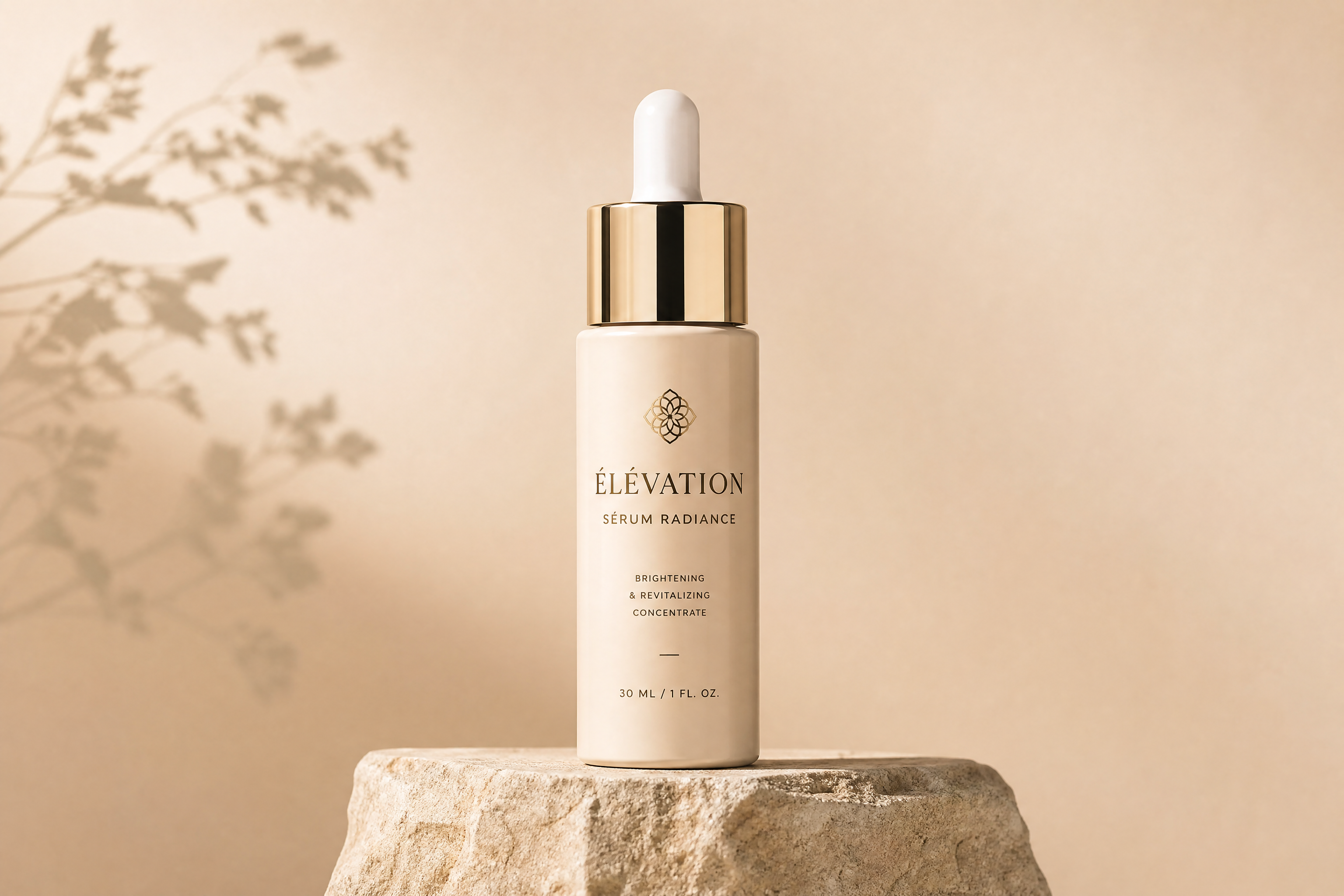
minimal luxury product background, soft beige stone pedestal, warm studio lighting, subtle shadows, clean editorial backdrop, high detail, wide composition

tropical summer background scene, turquoise water reflections, sunlit palm leaf shadows, pale sand texture, airy resort mood, photorealistic editorial style, wide composition

modern tech presentation background, dark graphite gradient, glowing blue lines, soft depth, sleek futuristic atmosphere, clean digital design style, wide composition

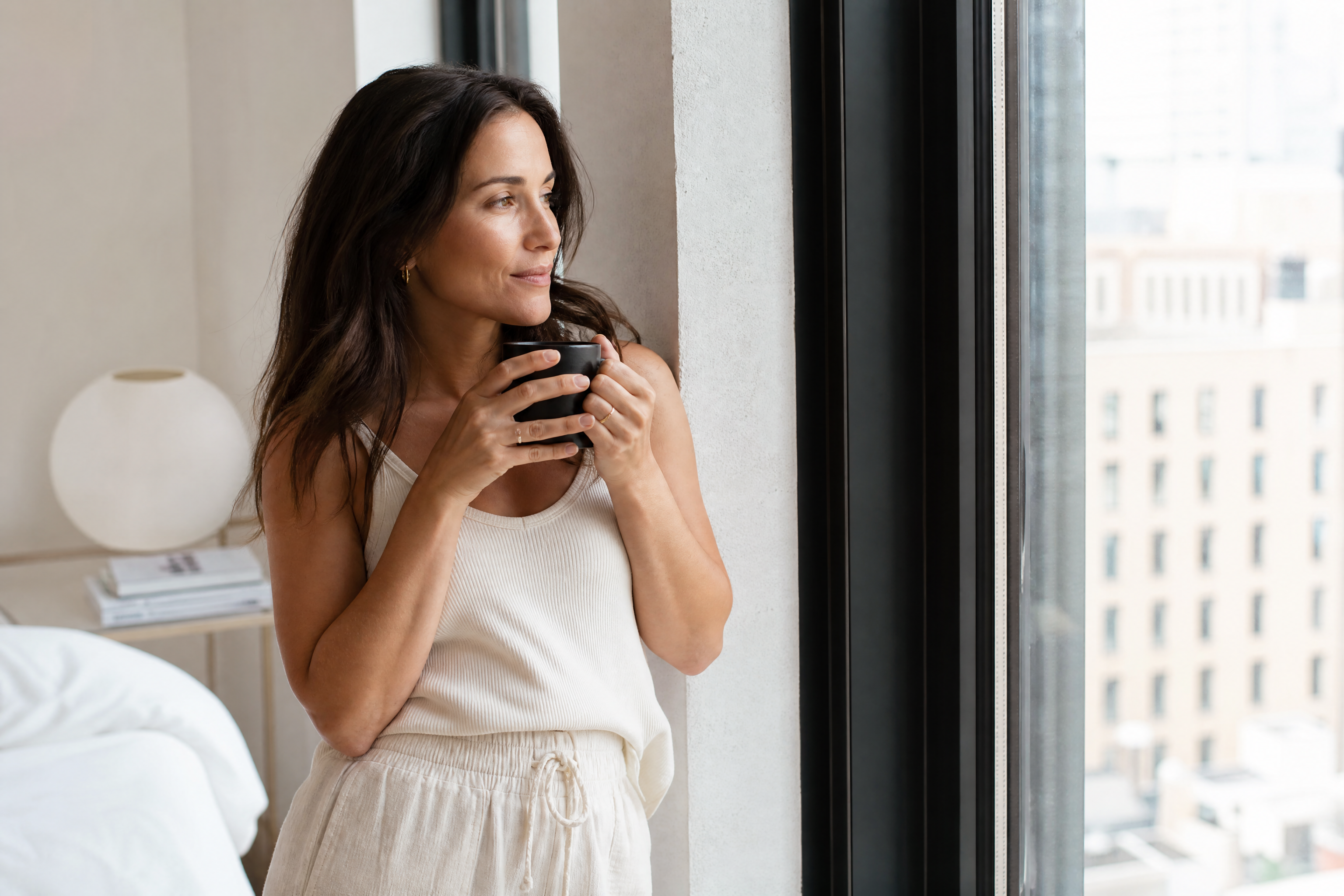
cozy cafe background, warm wood tones, blurred hanging lights, soft morning sunlight through windows, inviting lifestyle atmosphere, photographic style, wide composition

pastel abstract background, flowing paper-cut shapes, blush pink, lavender, cream tones, soft shadows, elegant modern design, wide composition
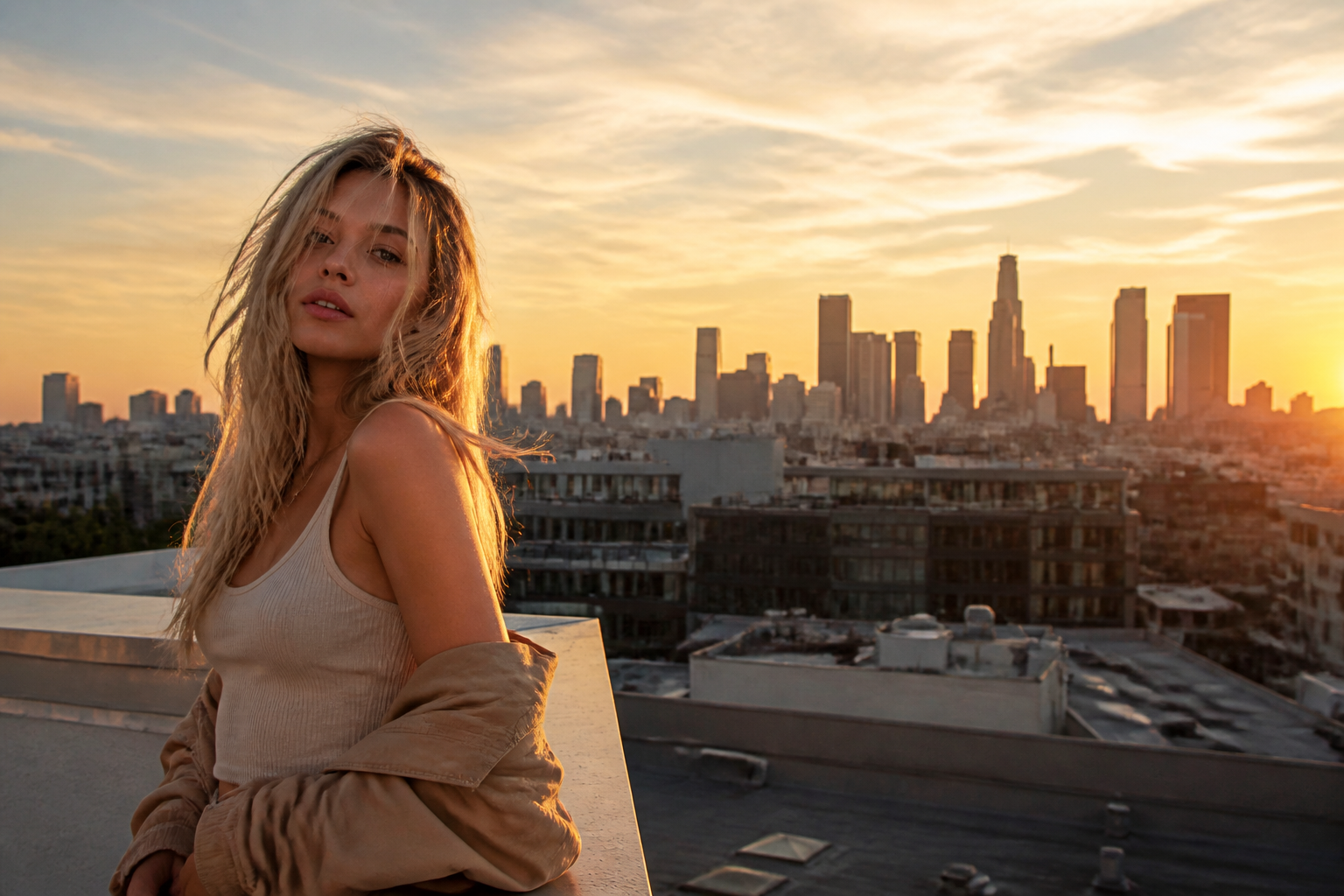
urban rooftop sunset background, golden hour sky, distant city skyline, soft haze, modern lifestyle editorial look, photorealistic, wide composition

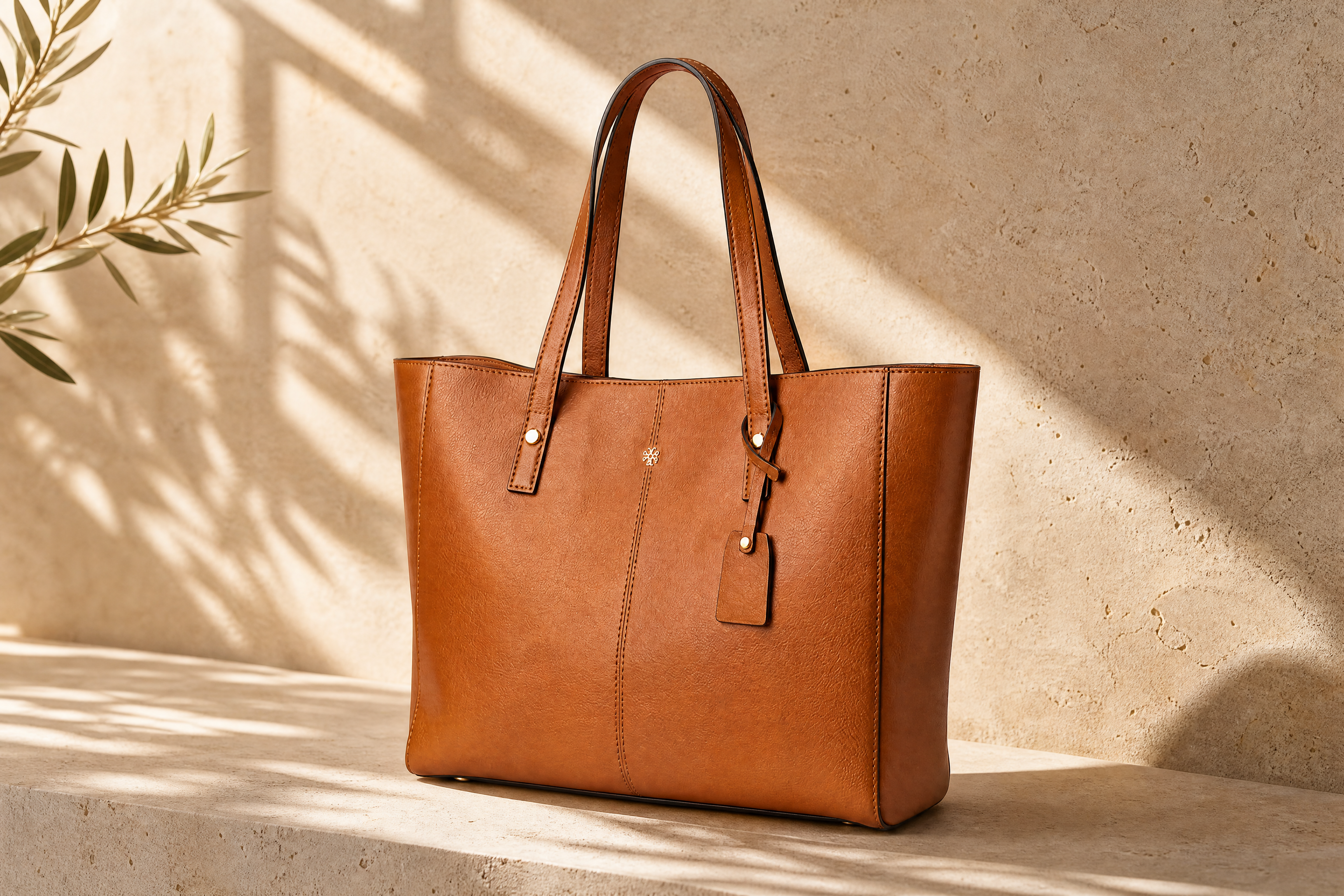
natural skincare background, fresh green leaves, pale stone surface, diffused daylight, clean botanical spa mood, high detail, wide composition

holiday background, soft twinkle lights, evergreen branches, warm neutral palette, elegant seasonal decor, magazine-style photography, wide composition

creative podcast cover background, bold orange and cream geometric shapes, subtle grain texture, modern flat illustration style, balanced negative space, wide composition

dreamy cloudscape background, soft peach and blue sky, layered clouds, gentle sunlight, calm atmospheric illustration, cinematic wide composition
Key Features
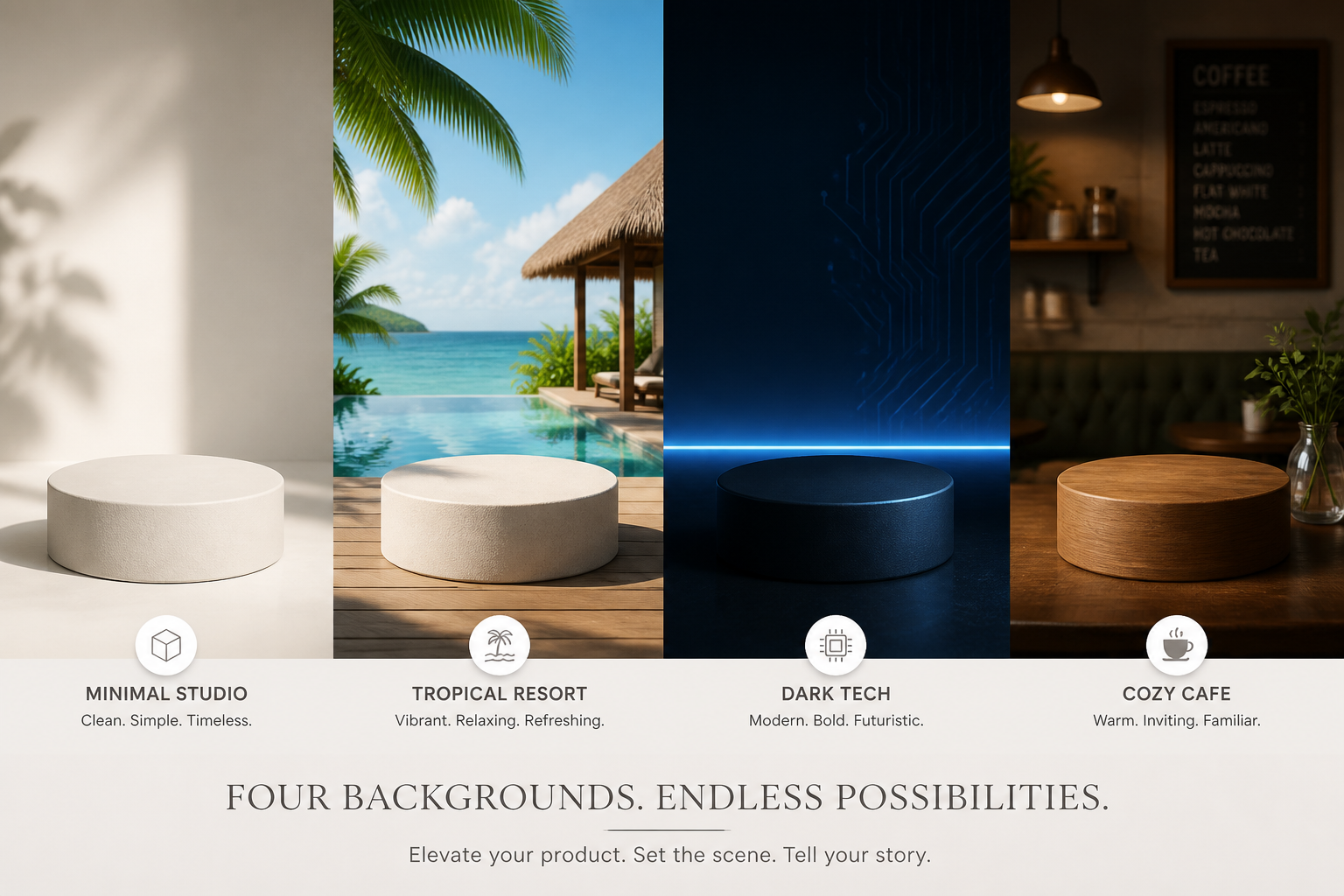
Backgrounds for many styles
Generate clean scenes for products, portraits, graphics, and ads without starting from scratch. You can describe a studio set, outdoor location, abstract design, or seasonal mood in plain English. That makes it easier to match the look of your project than relying on generic stock backgrounds. It also gives you more control over lighting, color, and composition from the first prompt.
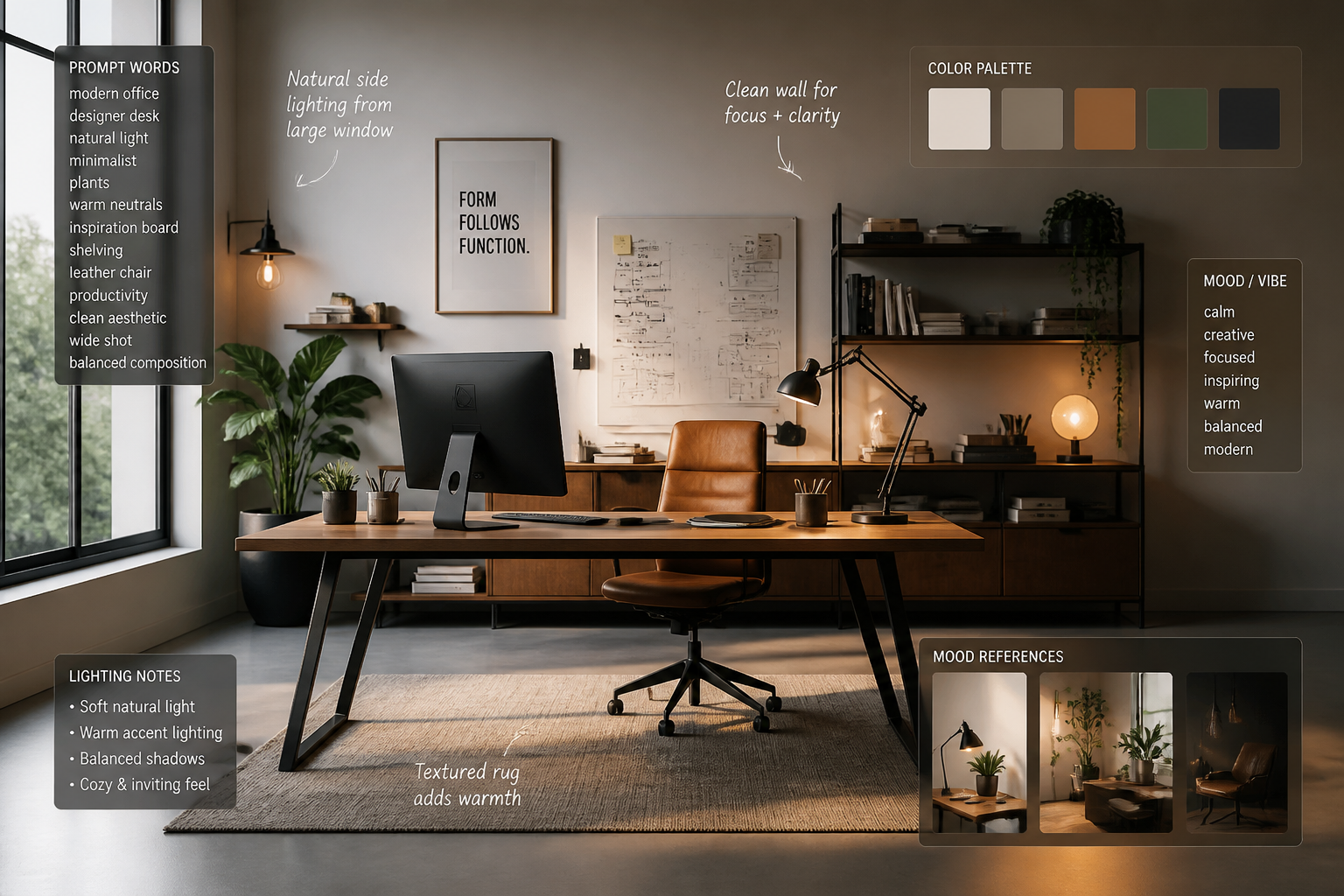
Clean prompt-based control
The tool works from text, so you can guide the exact atmosphere you want before generating. Describe textures, props, color palette, lighting, and visual style to get closer to your intended result. This is faster than piecing together references manually or browsing endless stock libraries. Small prompt edits can quickly shift a background from soft and minimal to bold and dramatic.

Made for polished output
Strong backgrounds need more than random scenery. This generator is useful for creating clean negative space, balanced depth, and lighting that feels intentional in marketing and content work. That helps your final design look more finished, whether you're placing text, products, or portraits over it. You get scenes that feel built for use, not just visually interesting.

Fast variations to compare
Background exploration usually means trying several moods before one fits. With AI generation, you can test multiple directions such as warm, cool, minimal, natural, or futuristic without rebuilding assets each time. That speeds up concepting for campaigns, listings, and social posts. It is especially helpful when you need options for clients or team review.
How It Works
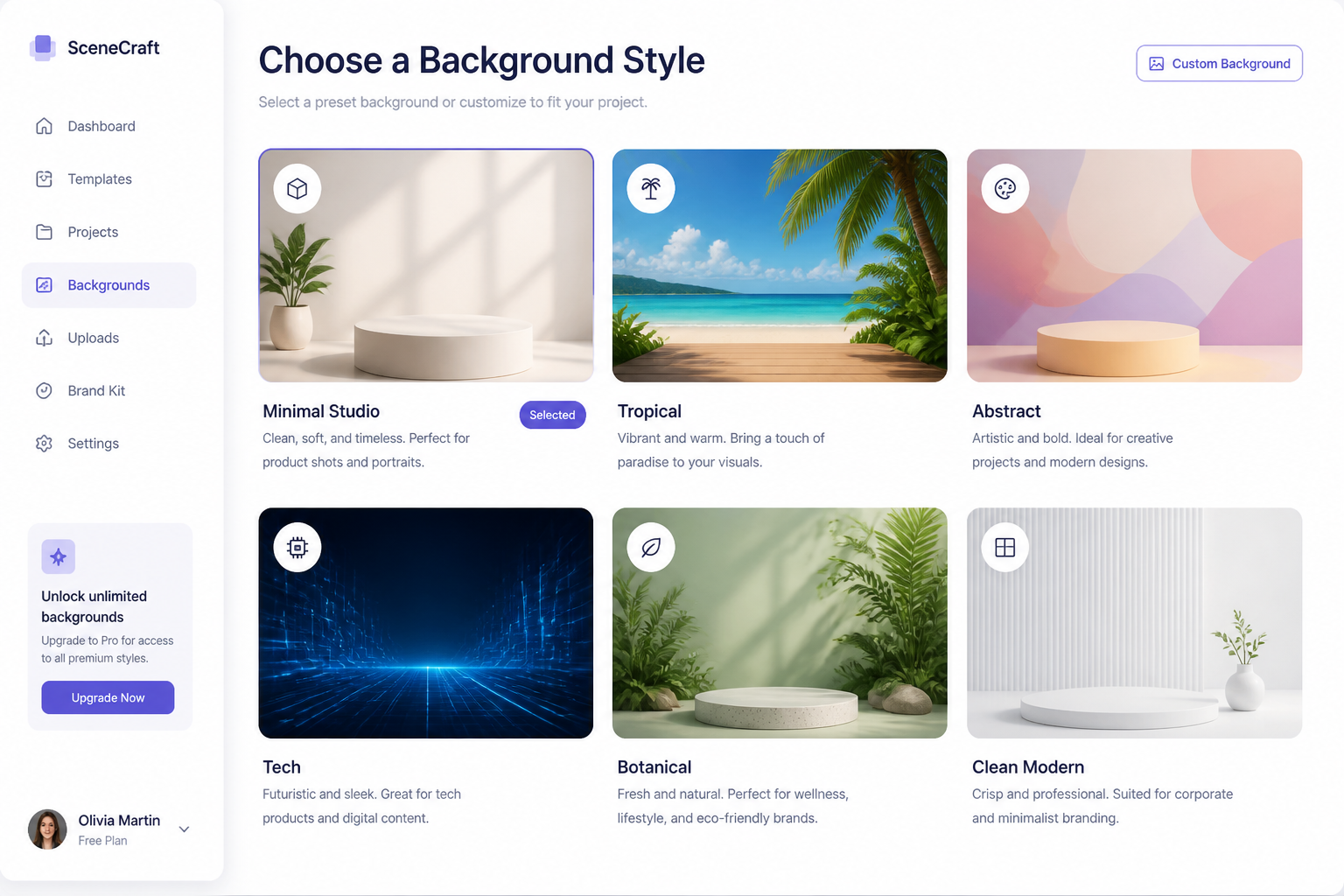
Pick a background style
Start with a prompt that matches your goal, such as studio, outdoor, abstract, or seasonal. The starter prompt gives you a solid visual direction you can refine.
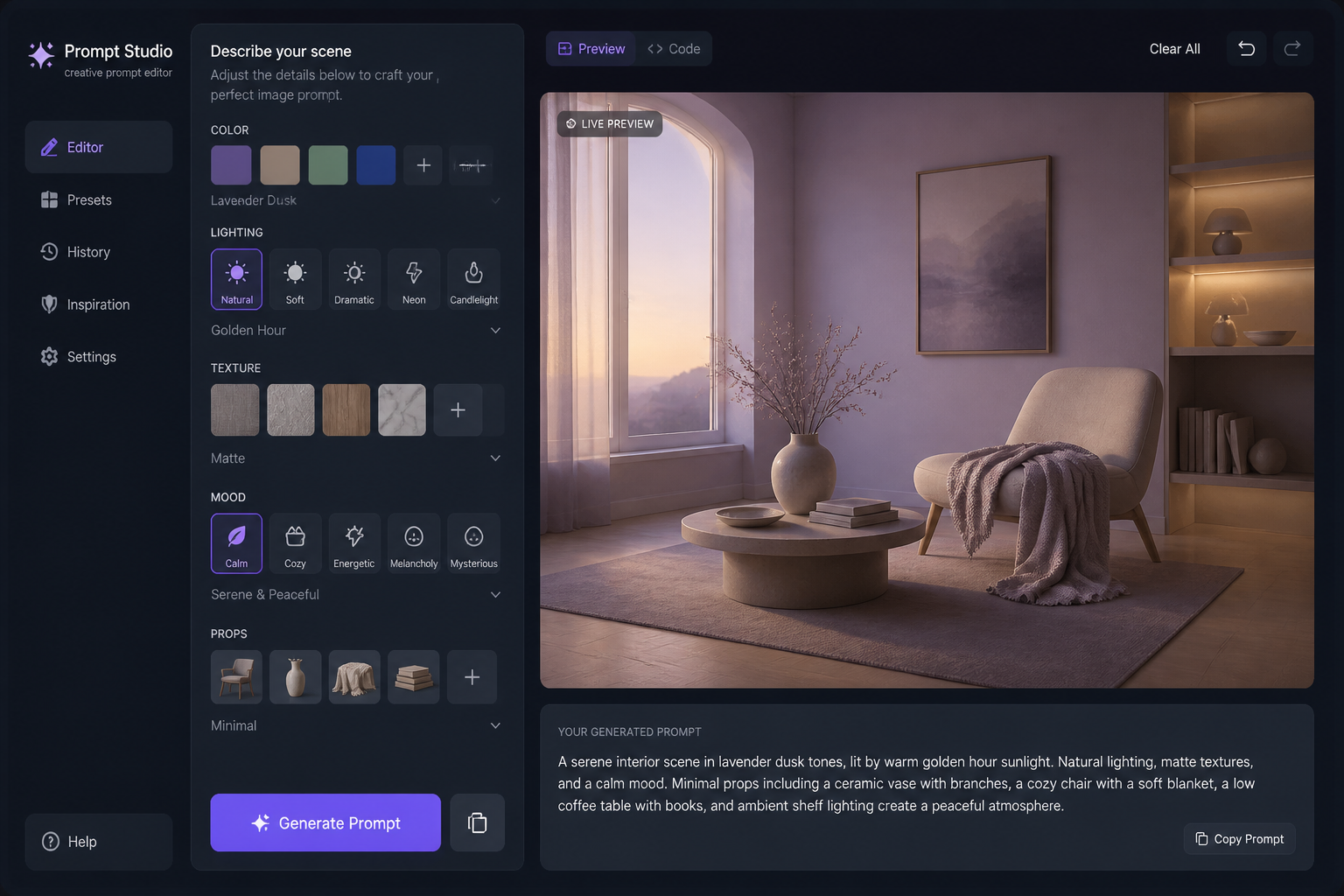
Describe the details
Add the mood, colors, materials, lighting, and scene elements you want. A few specific words like marble pedestal, golden hour, or pastel gradient can change the result significantly.
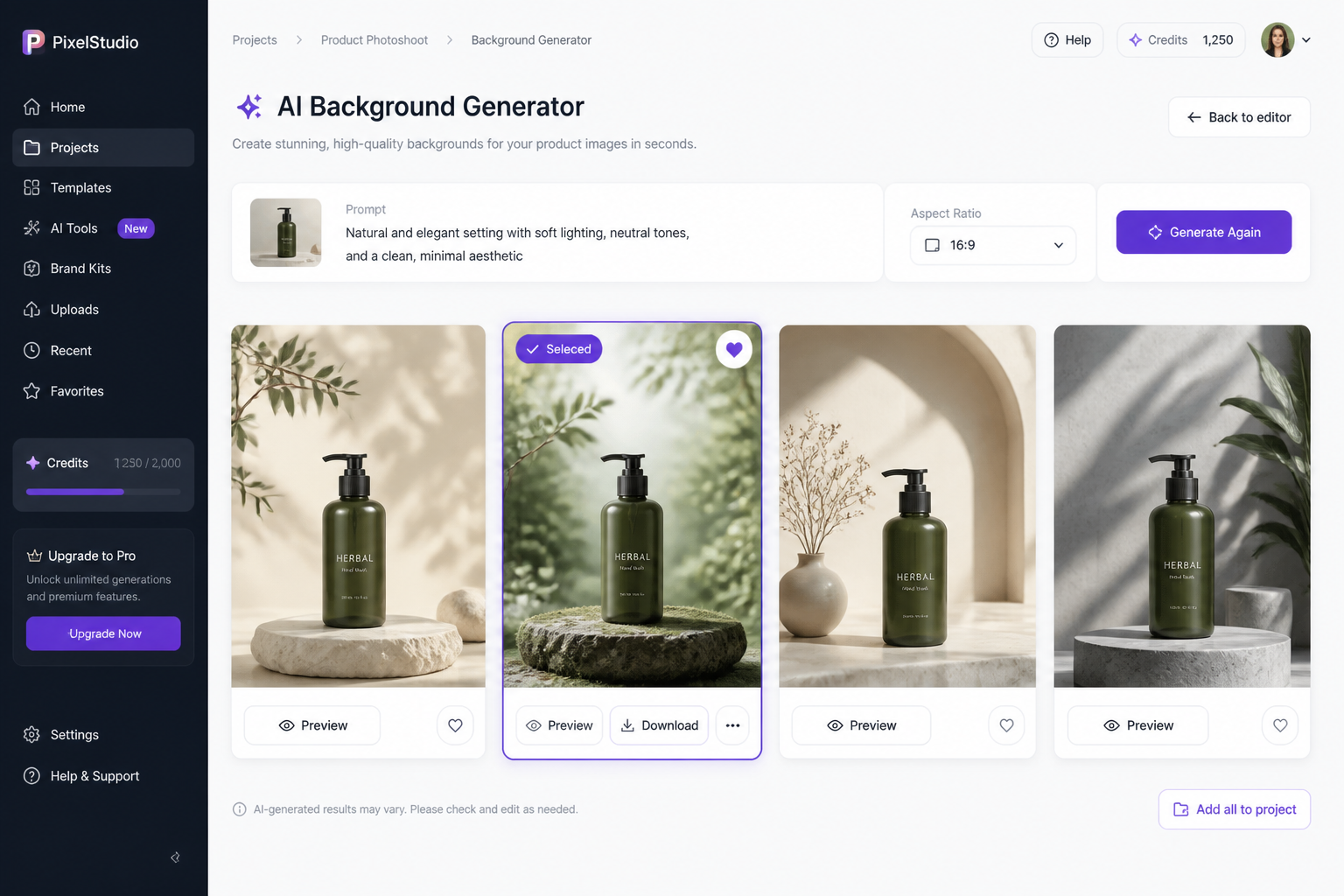
Generate and choose
Create variations, compare looks, and keep the one that fits your project best. When you find a strong option, download it and use it in your design or workflow.
Perfect For
Discover how creators and professionals use ai background generator
Product mockup scenes
Create clean backgrounds for cosmetics, tech, food, or packaging presentations without building a full set.
Social media graphics
Generate scroll-friendly backdrops for quotes, promos, announcements, and story visuals in your brand style.
Presentation and web design
Make polished backgrounds for hero sections, slides, banners, and landing page graphics with controlled color and mood.
Portrait and content concepts
Create scene ideas and styled backdrops for editorial concepts, thumbnails, or visual planning before production.
Built For
Marketers
Useful for campaign concepts, ad creative, landing page visuals, and fast background exploration across different themes.
Sellers and small brands
Helps create product-friendly scenes for listings, promos, and storefront graphics without hiring a full production team.
Designers and creators
Good for building custom backdrops, visual references, and polished assets for content, presentations, and mockups.
How this compares
A quick look at how we compare on the things that matter for this niche.
| Feature | BudgetPixel | Generic AI generators | Stock photo libraries |
|---|---|---|---|
| Background-focused prompt examples | Yes | Sometimes | No |
| Custom scene generation | Yes | Yes | No |
| Fast variation testing | Yes | Yes | No |
| Editable prompt library | Yes | Limited | No |
| Need to search existing assets | No | No | Yes |
Frequently Asked Questions
What is an AI background generator?
Can I make backgrounds for product images?
Do I need design experience to use it?
Can I generate different visual styles?
Is this better than using stock backgrounds?
Create together.
Share your creations, discover trending AI art, and grow with fellow creators.