AI Cinematic Ad Generator for Product Photos
Turn simple shots into polished ad-style visuals in minutes.
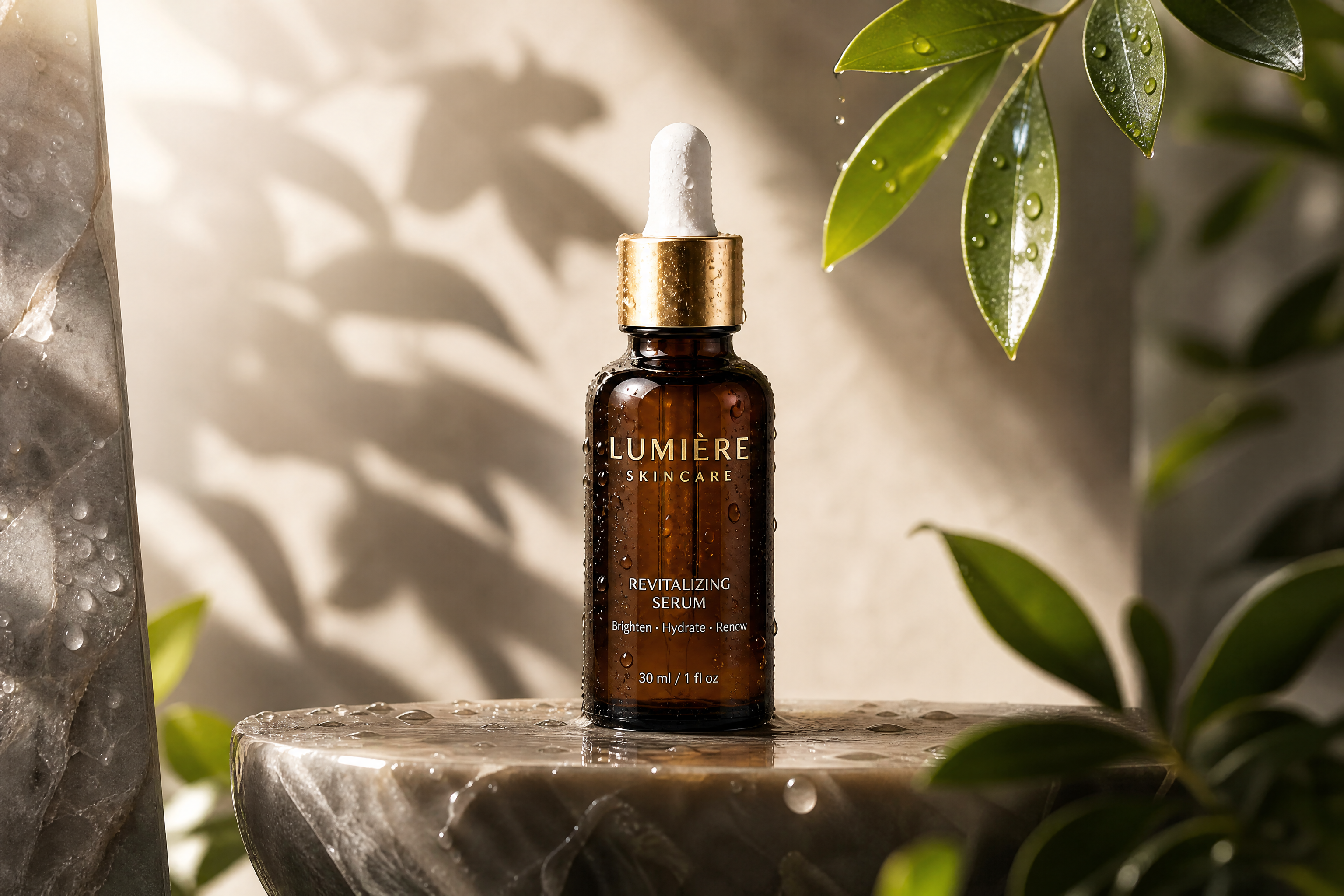
Upload a product photo and transform it into a cinematic advertising scene with dramatic lighting, premium mood, and campaign-ready composition. Our AI helps you create ad concepts, social creatives, and product hero images without building every scene from scratch.
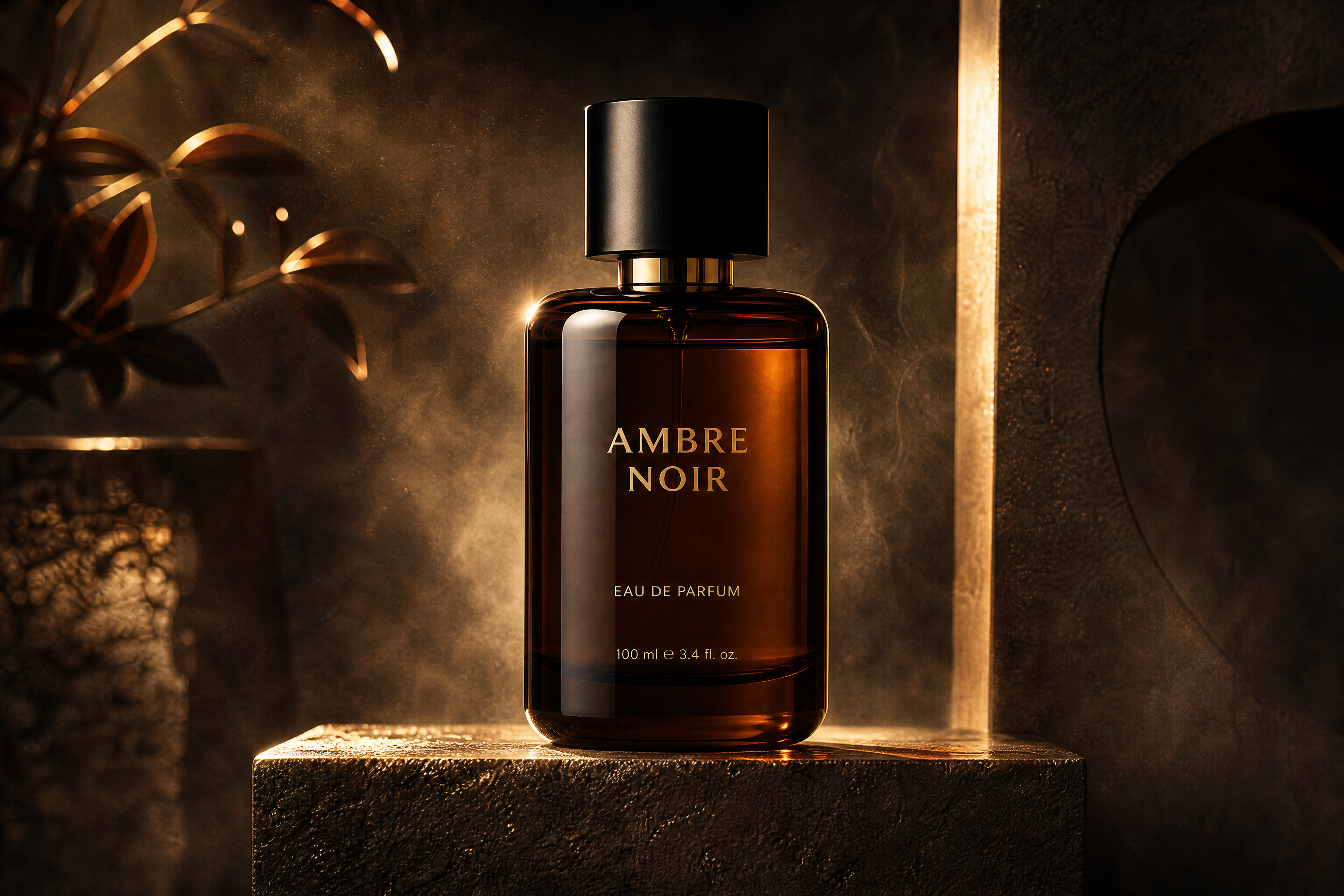
Watch the Transformation
See ai cinematic ad generator in motion — generated end-to-end by our AI.
See It In Action
Real outputs from ai cinematic ad generator.
BEFOREAFTER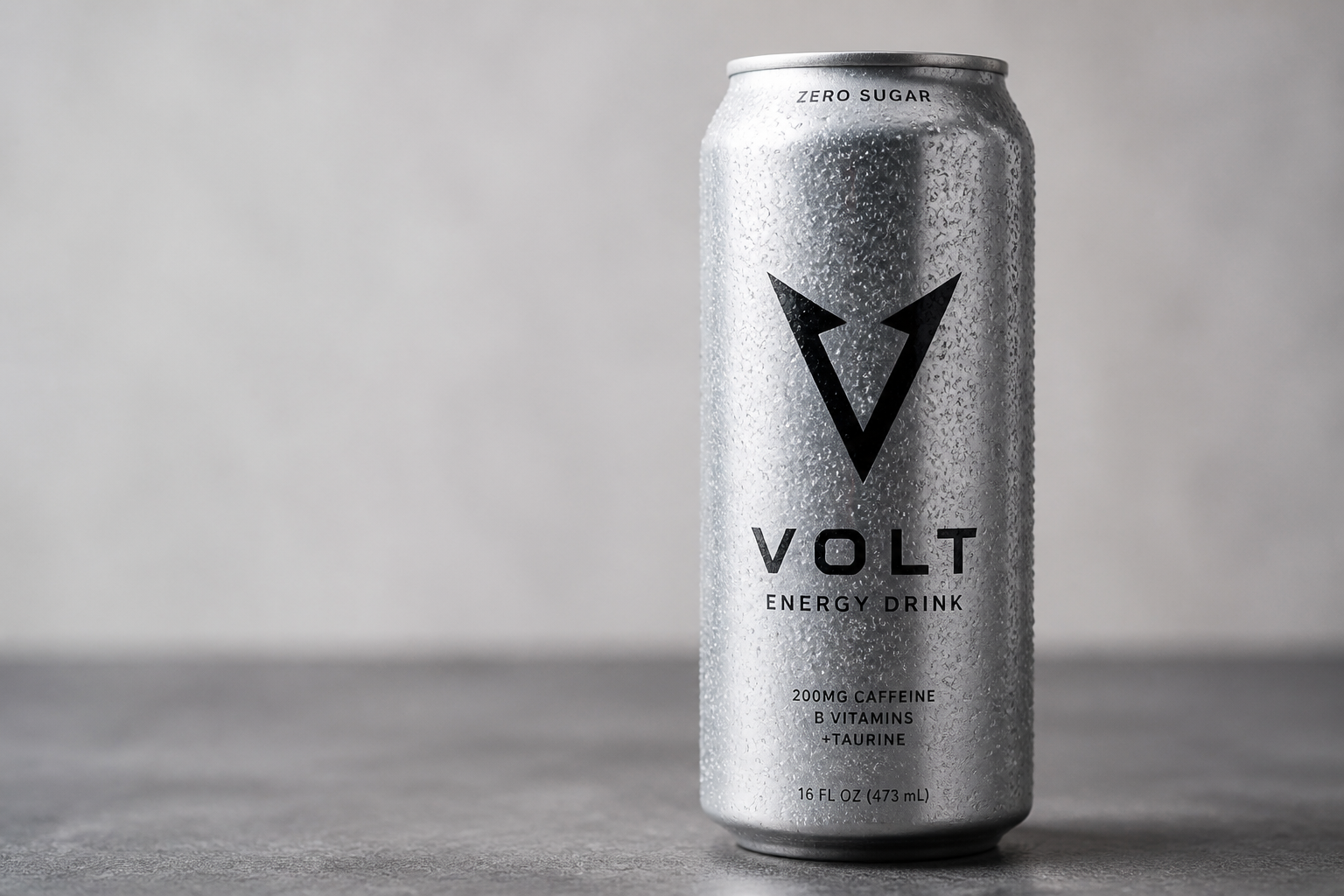 BEFORE
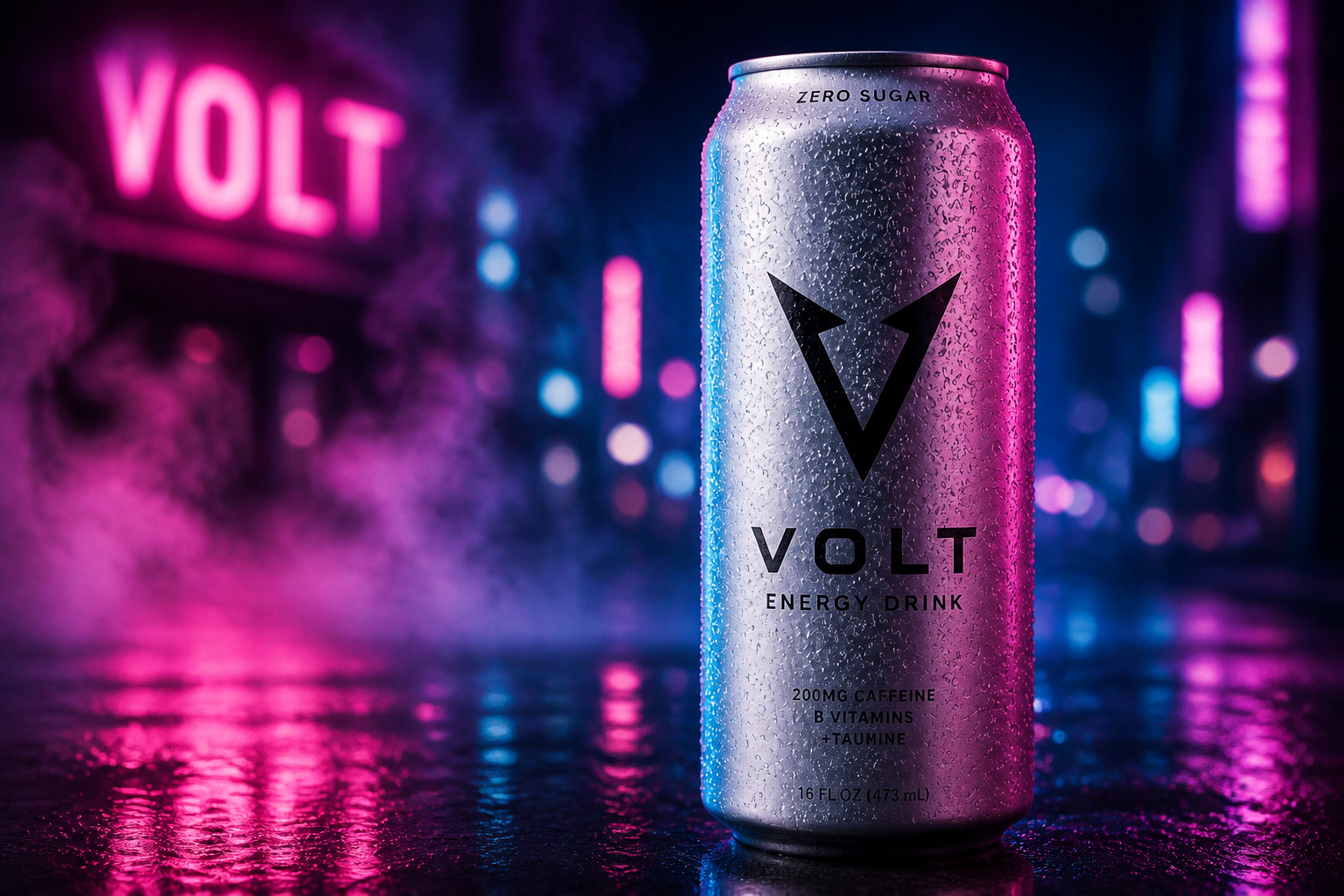 AFTER
AFTER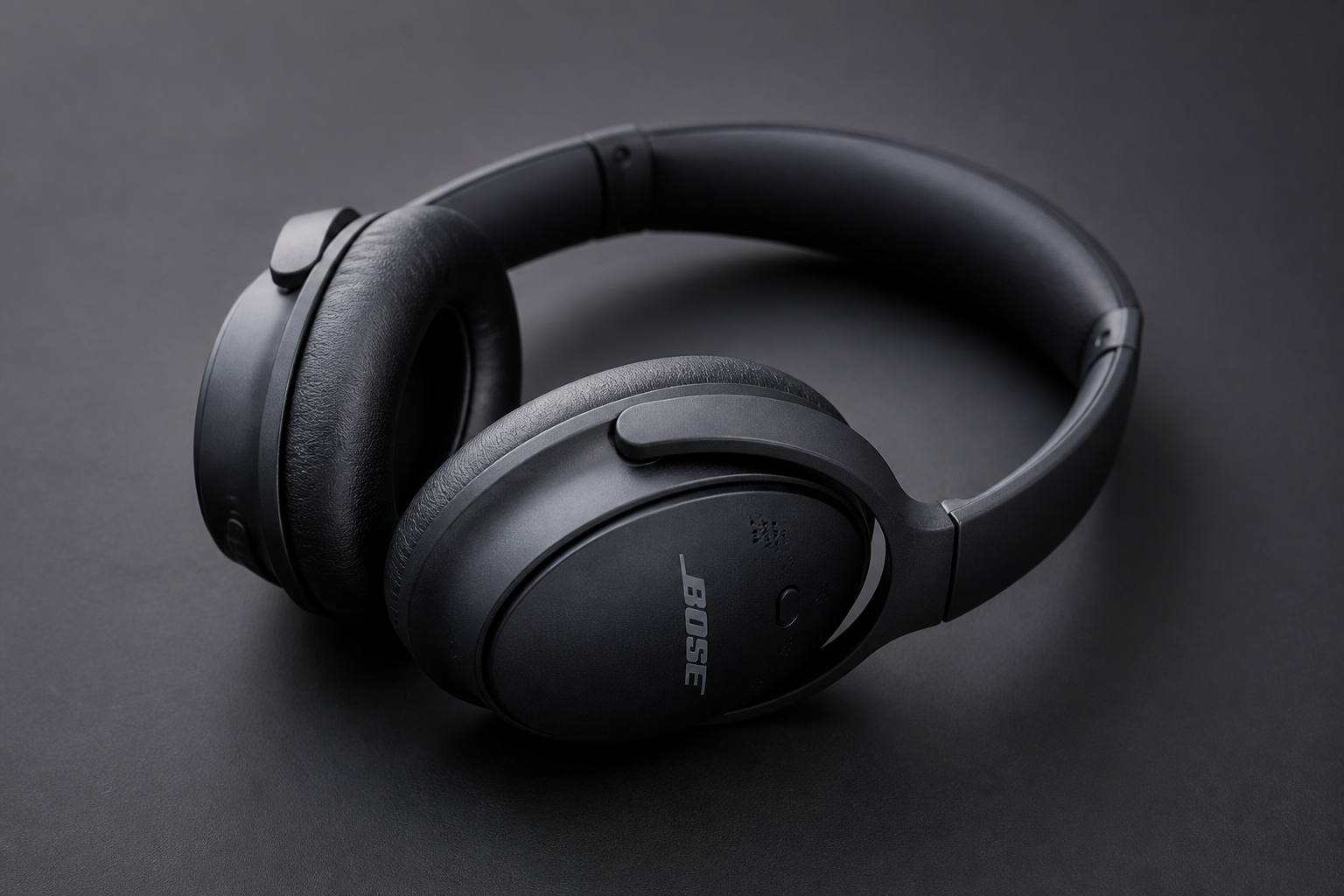 BEFORE
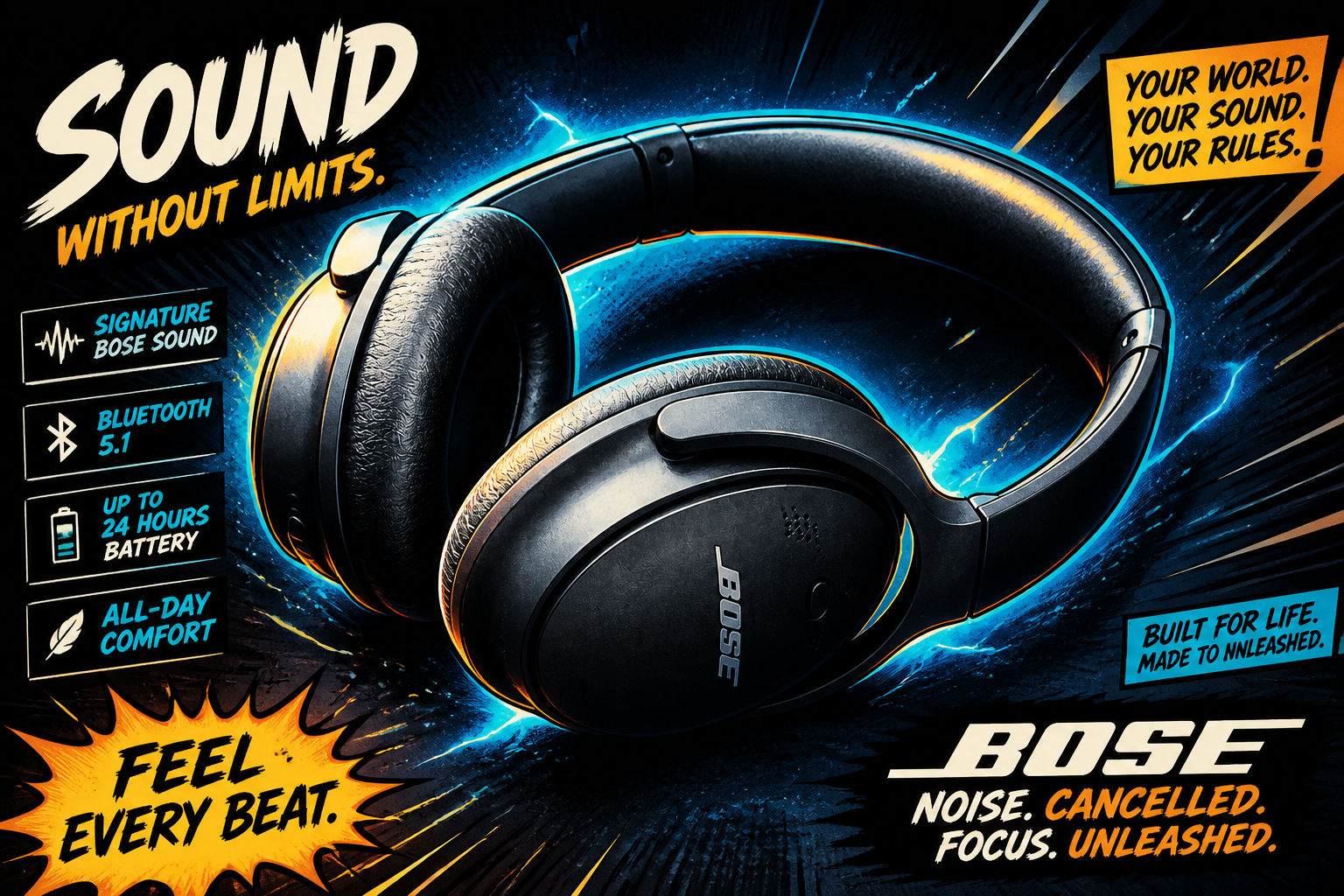 AFTER
AFTER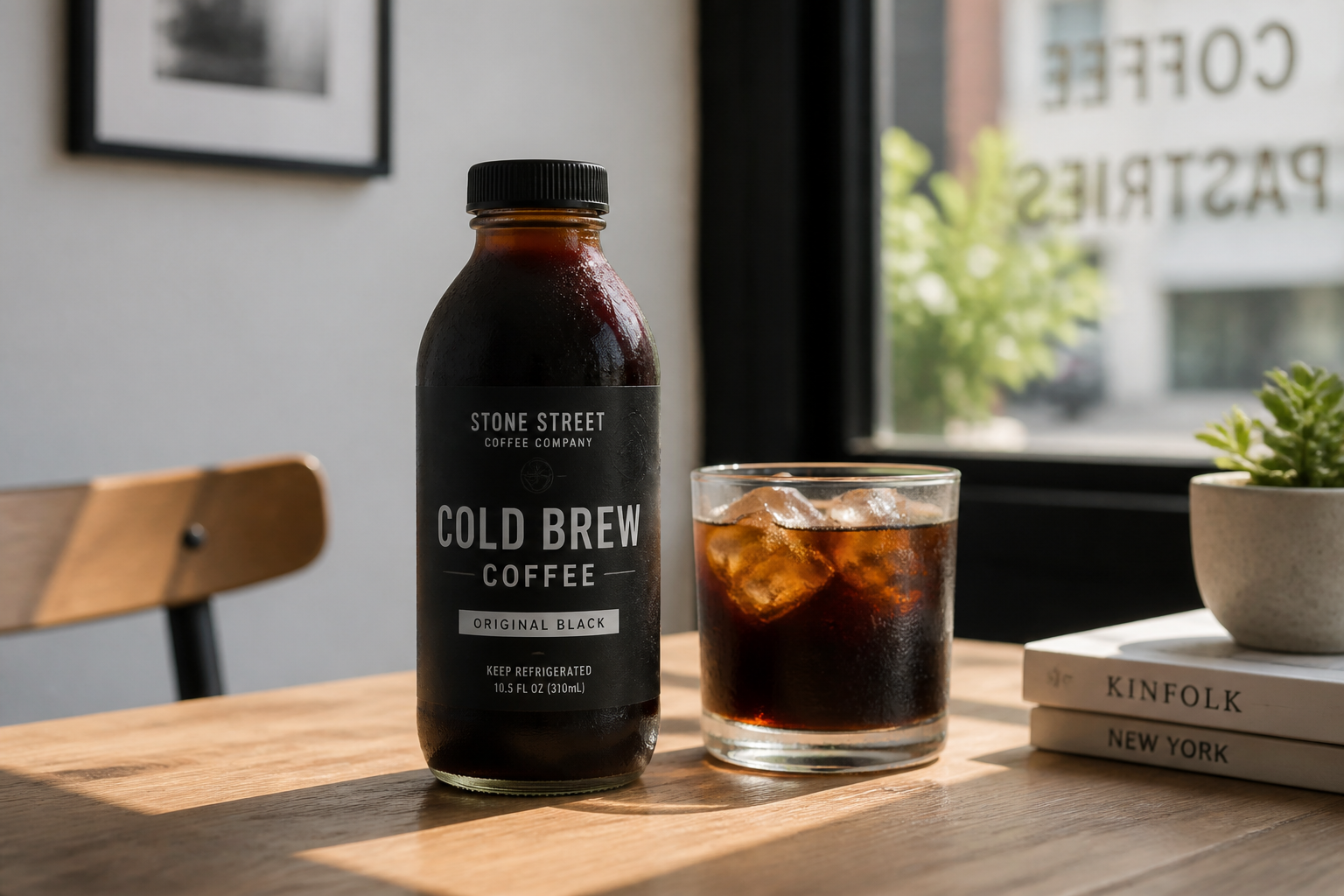 BEFORE
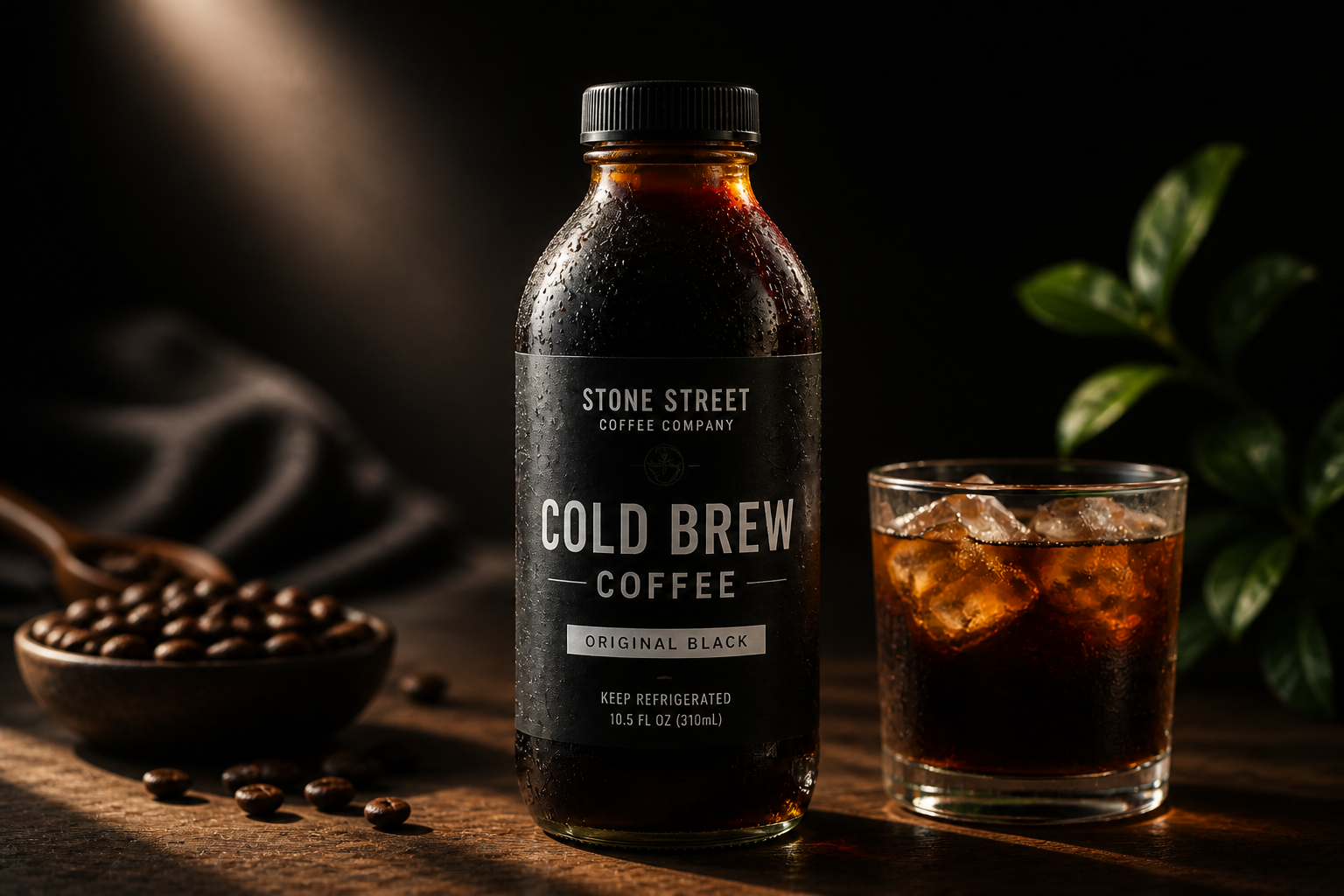 AFTER
AFTER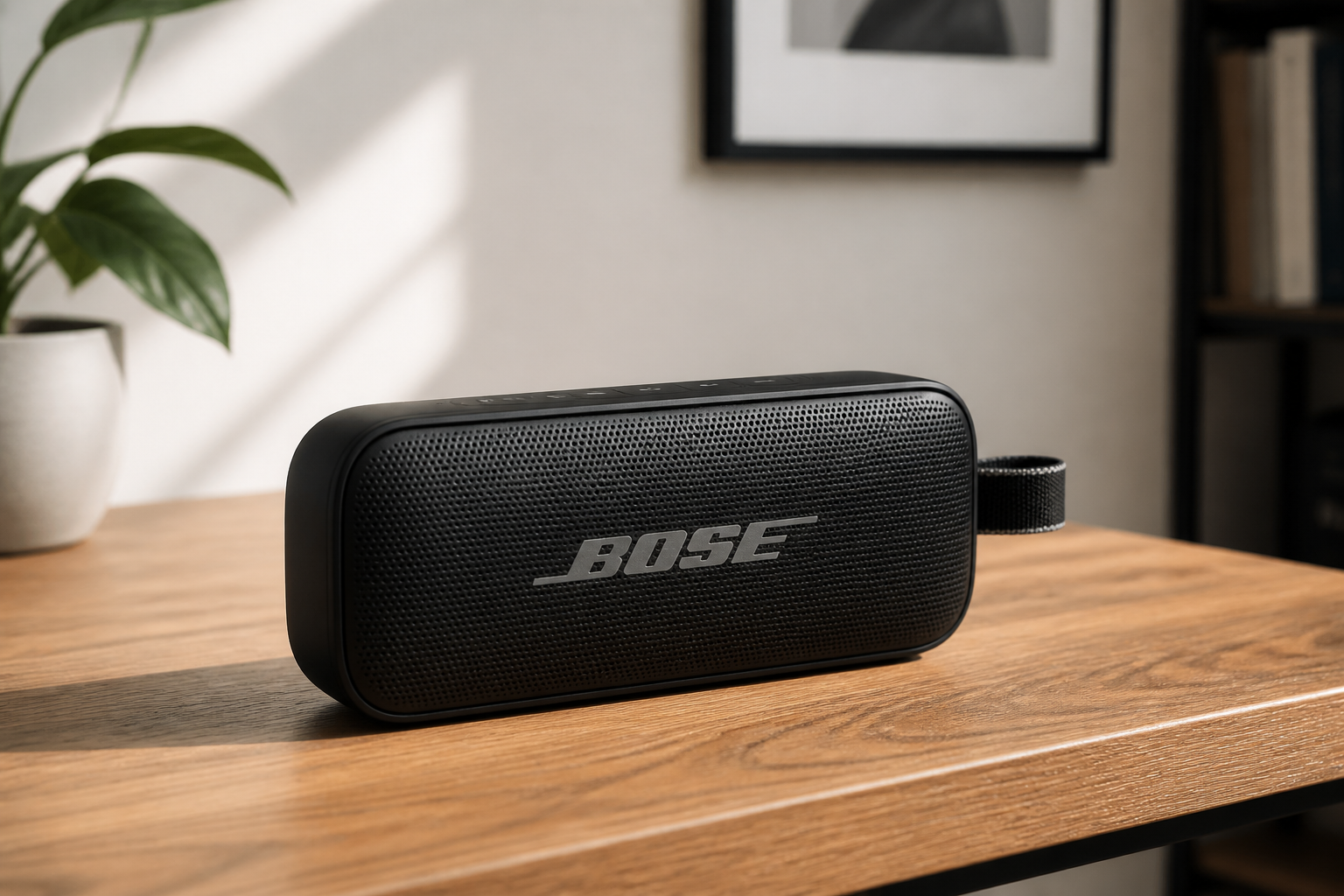 BEFORE
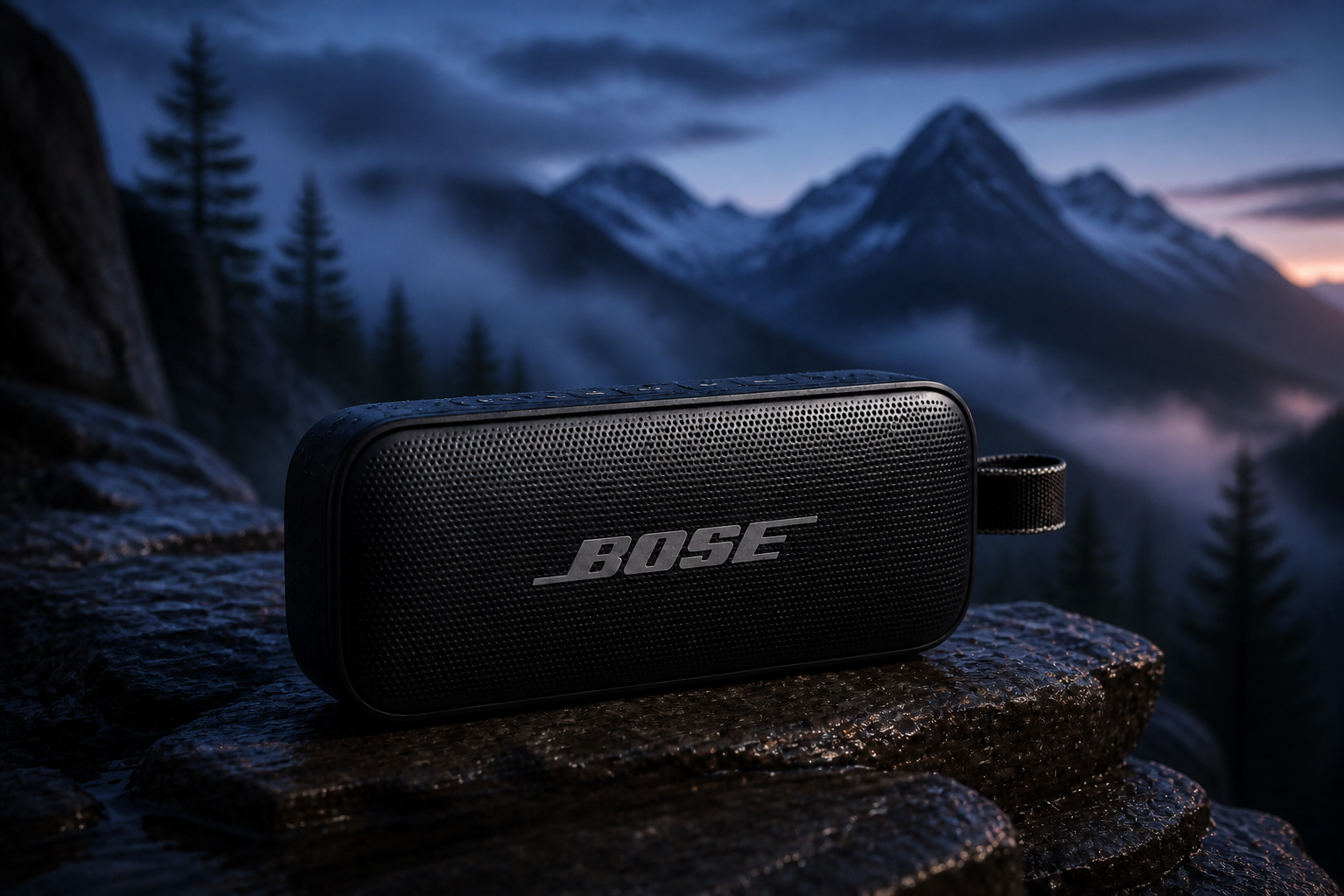 AFTERBEFOREAFTERBEFOREAFTERBEFOREAFTERBEFOREAFTERBEFOREAFTER
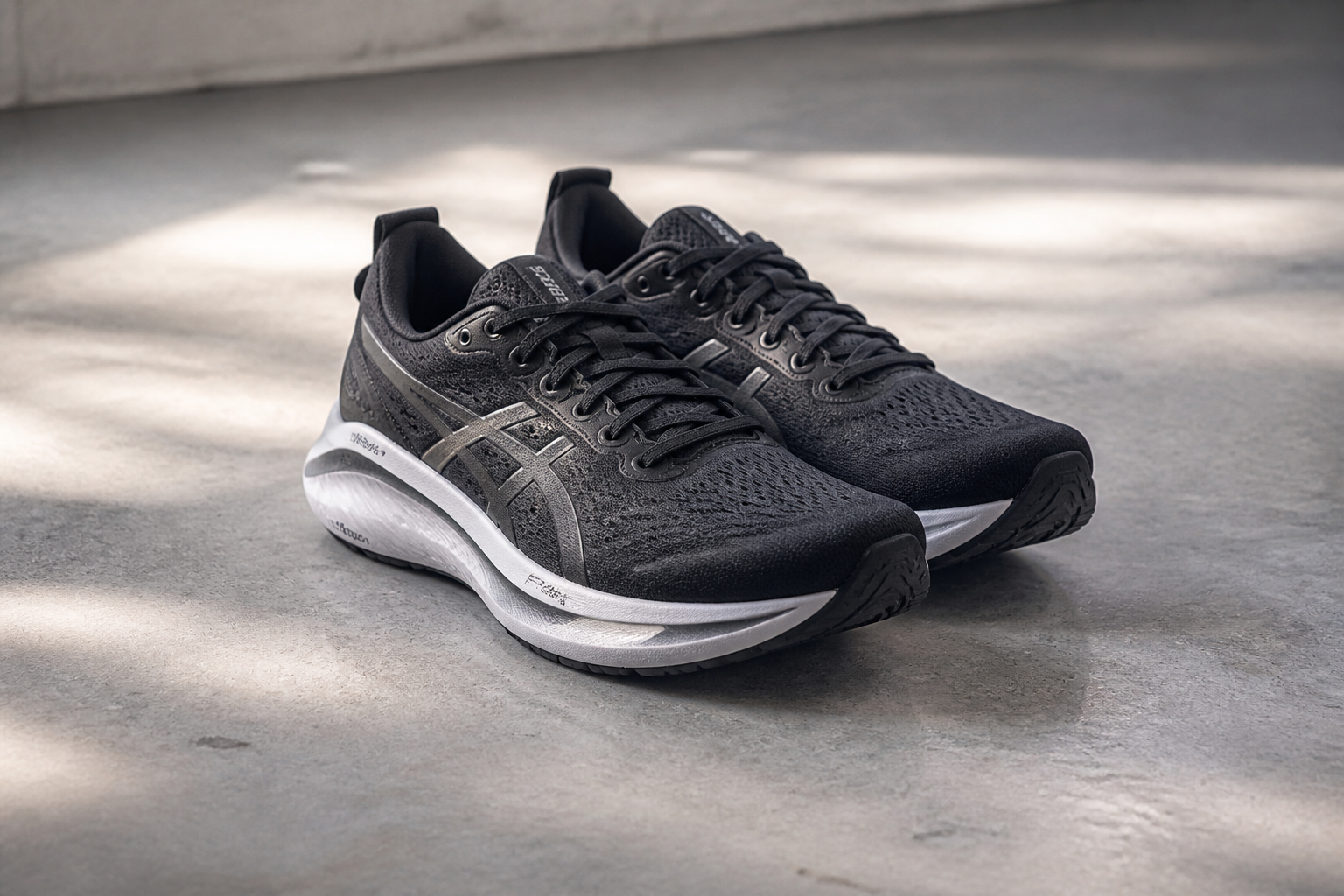 BEFORE
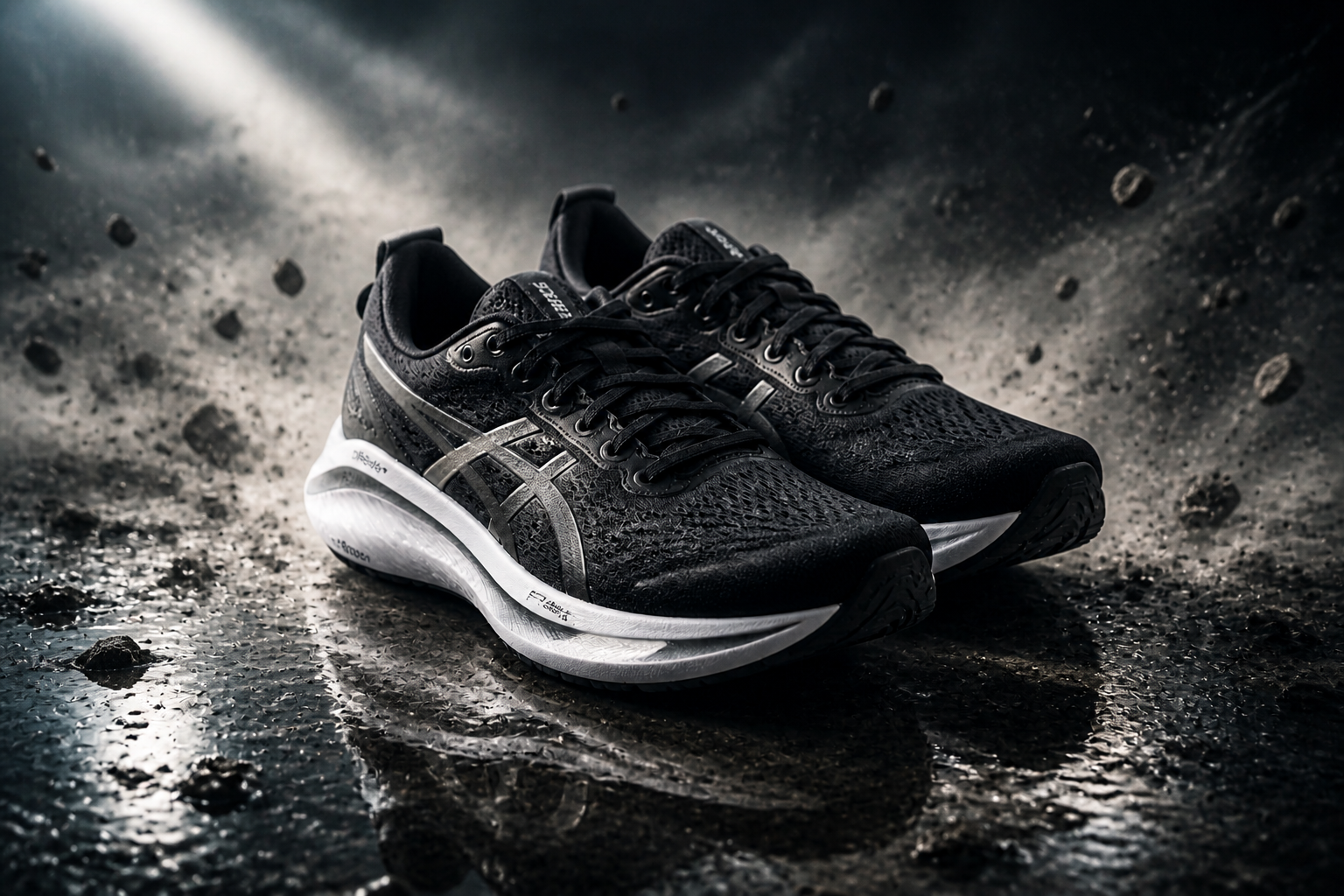 AFTER
AFTER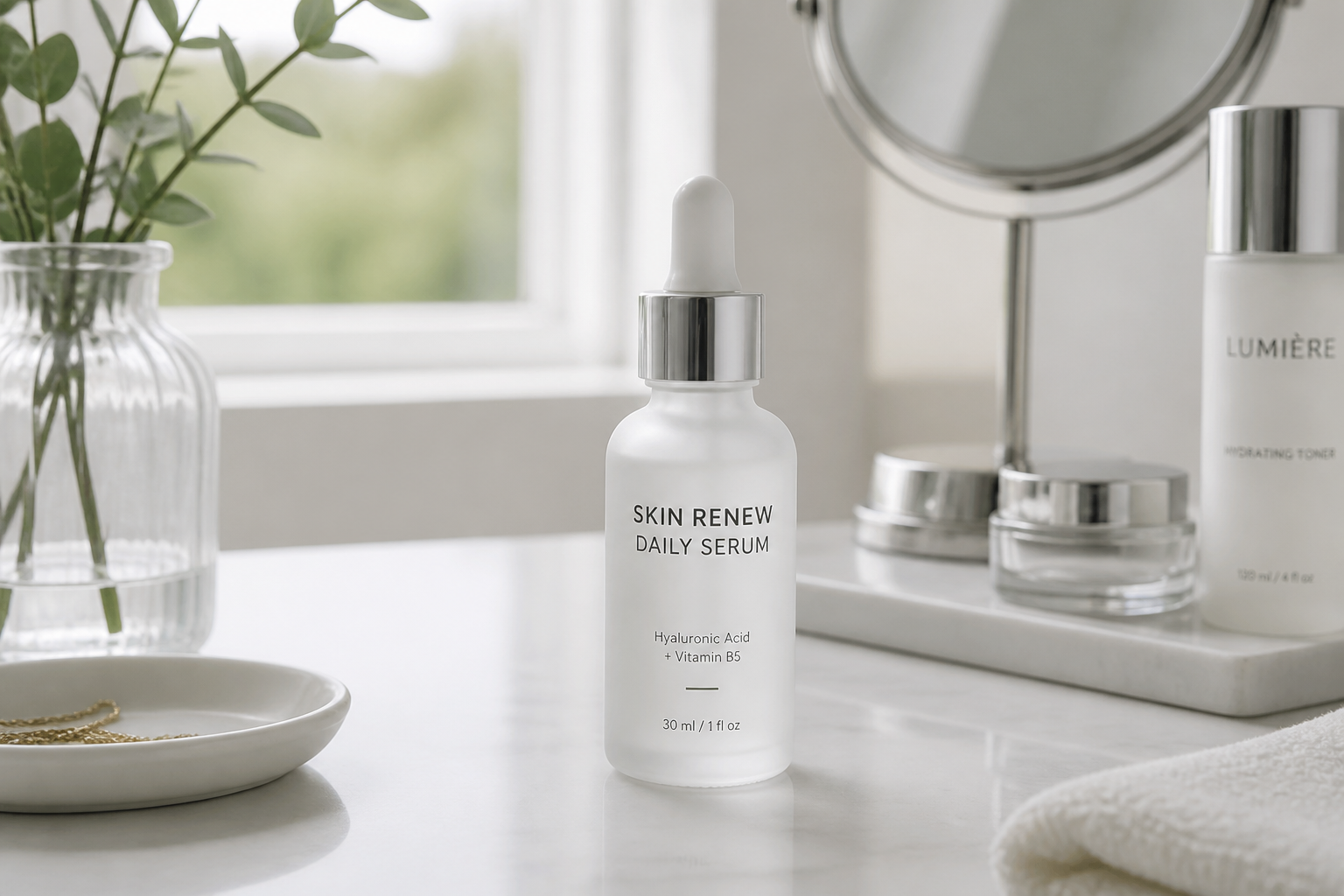 BEFORE
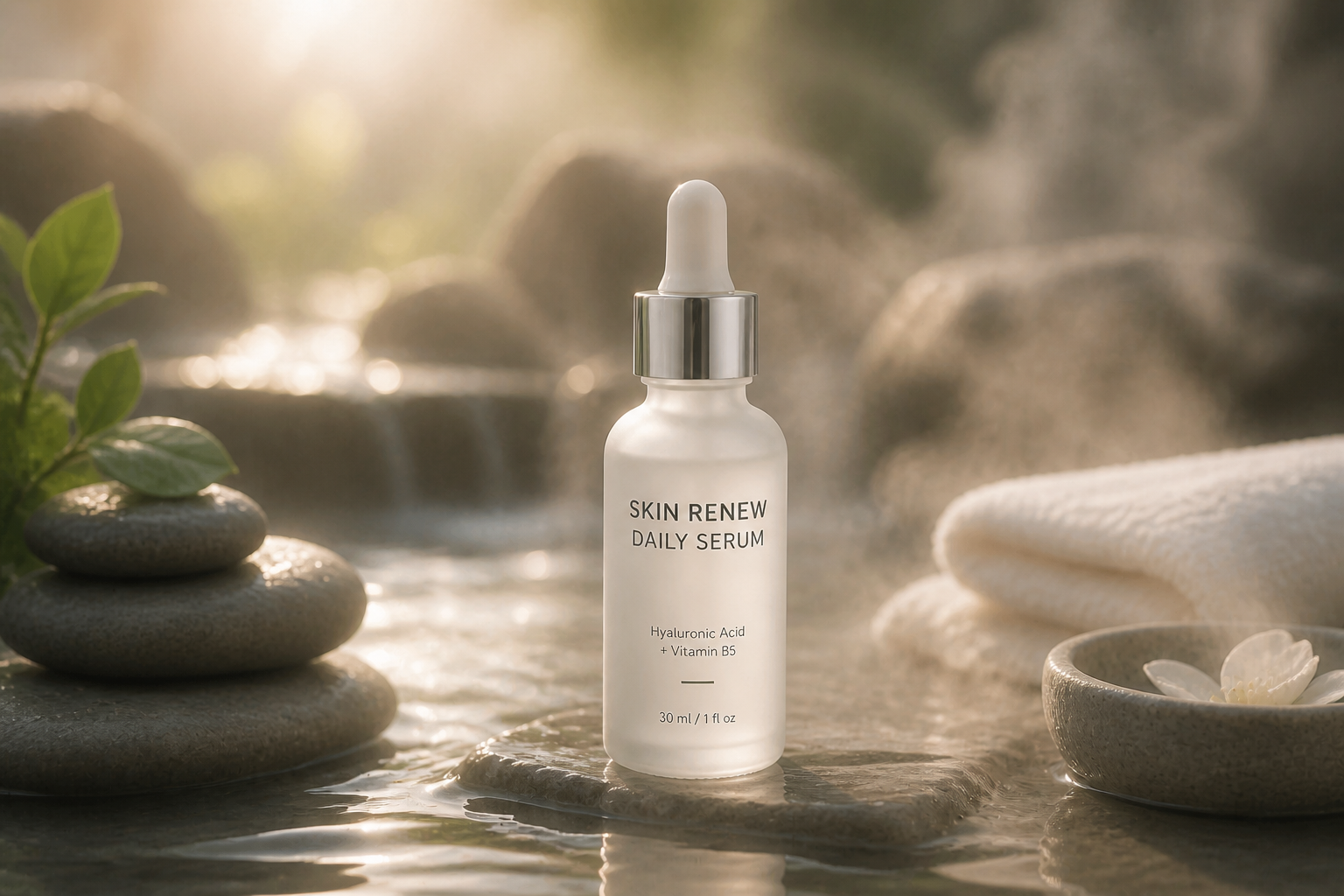 AFTER
AFTER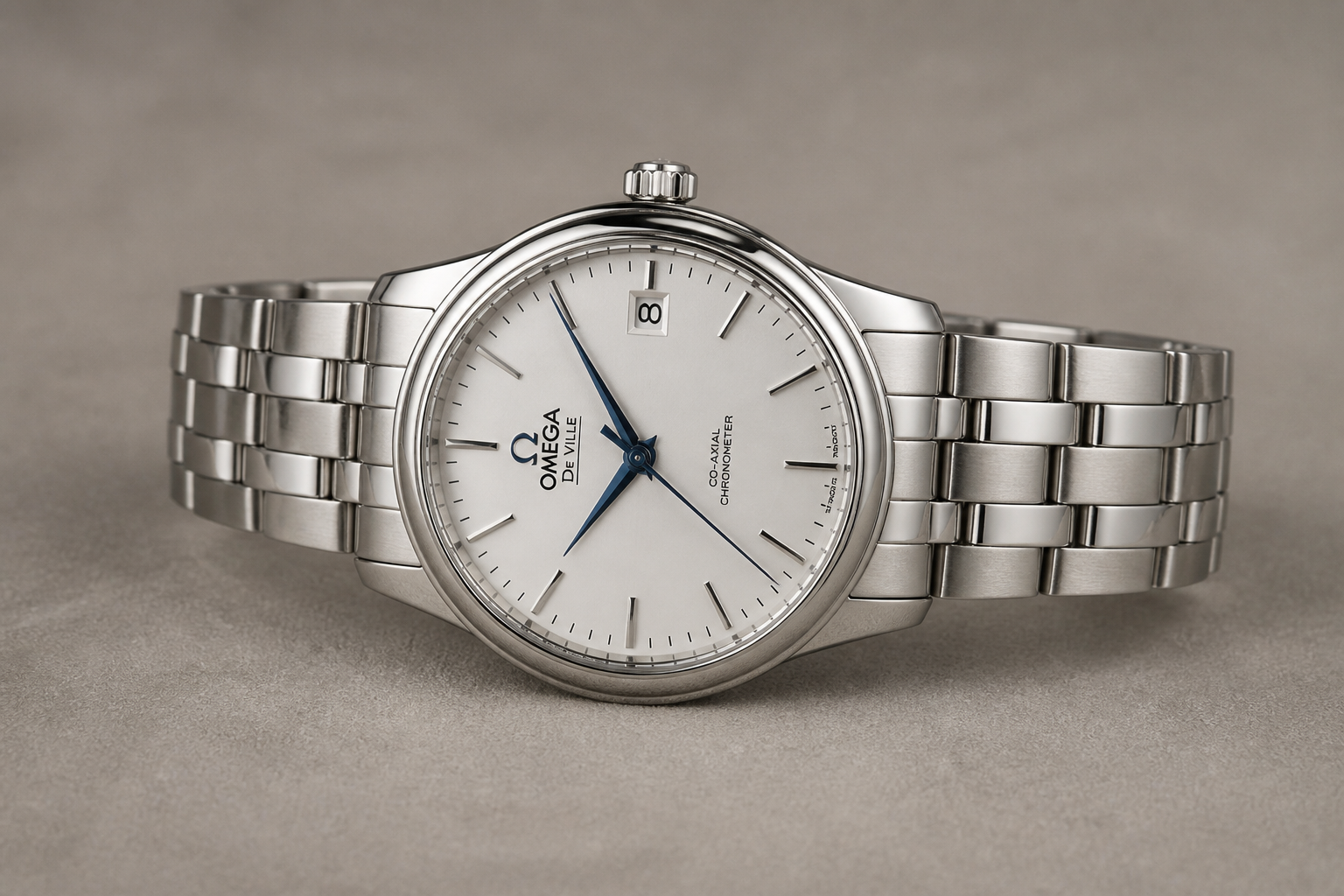 BEFORE
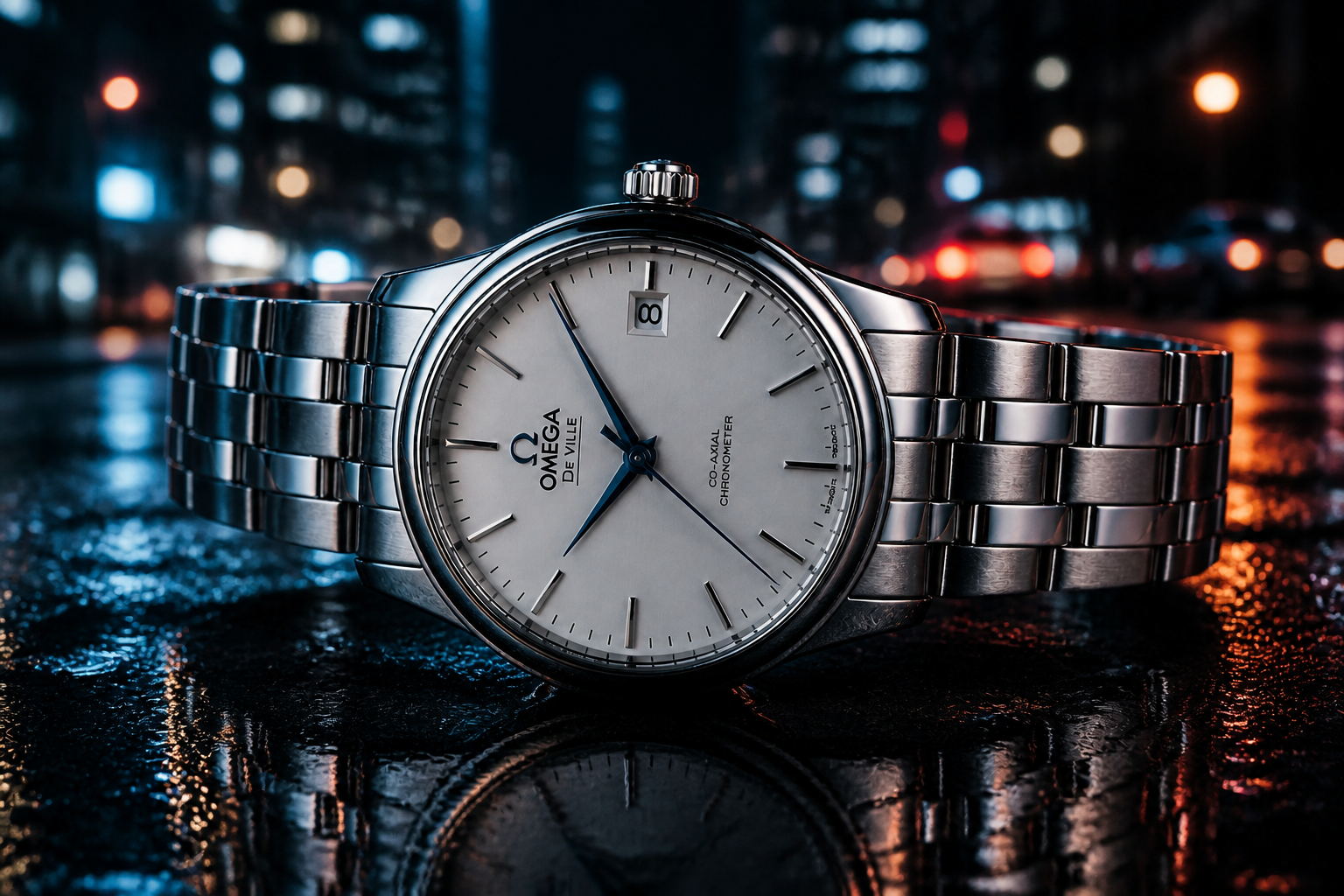 AFTER
AFTER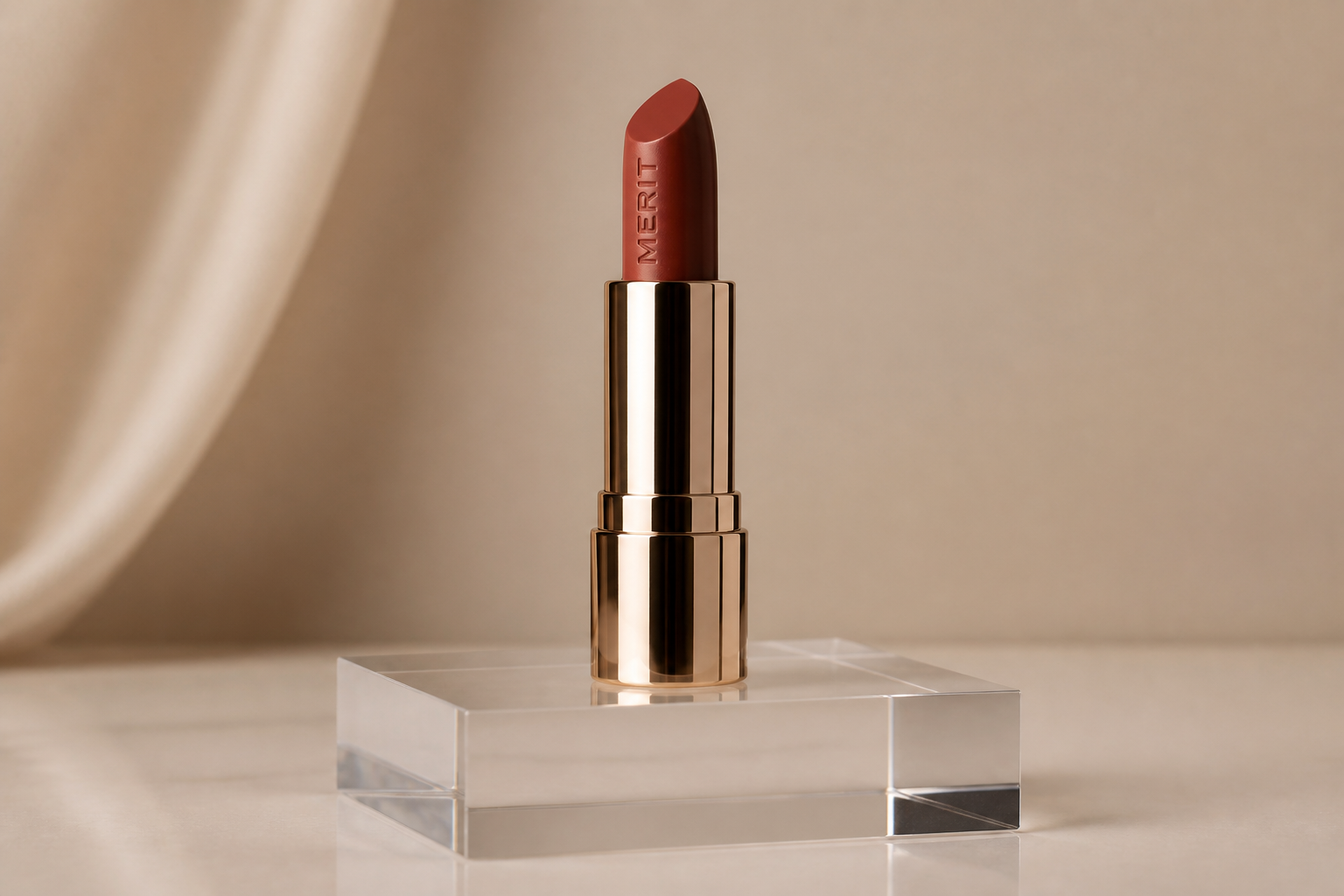 BEFORE
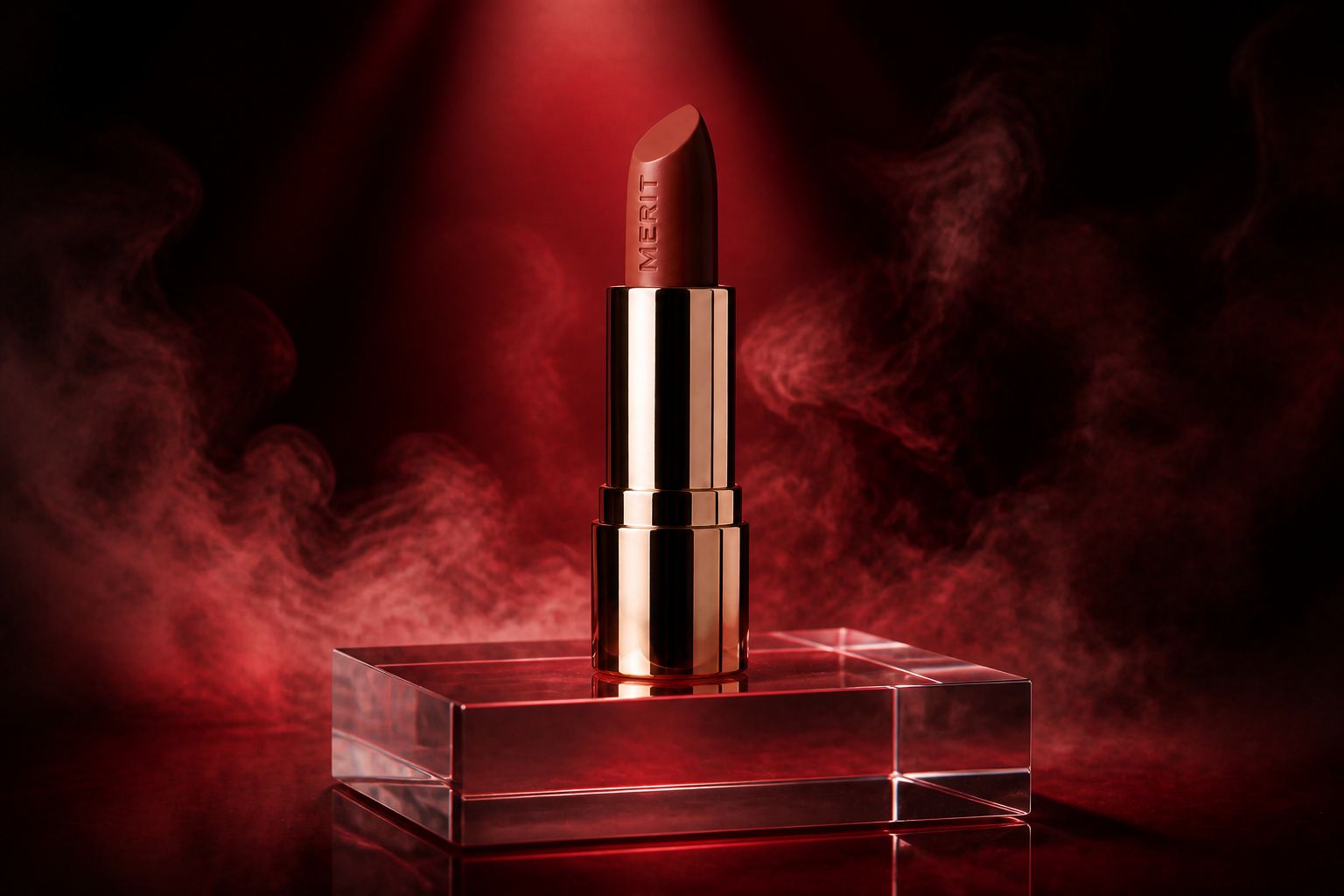 AFTER
AFTER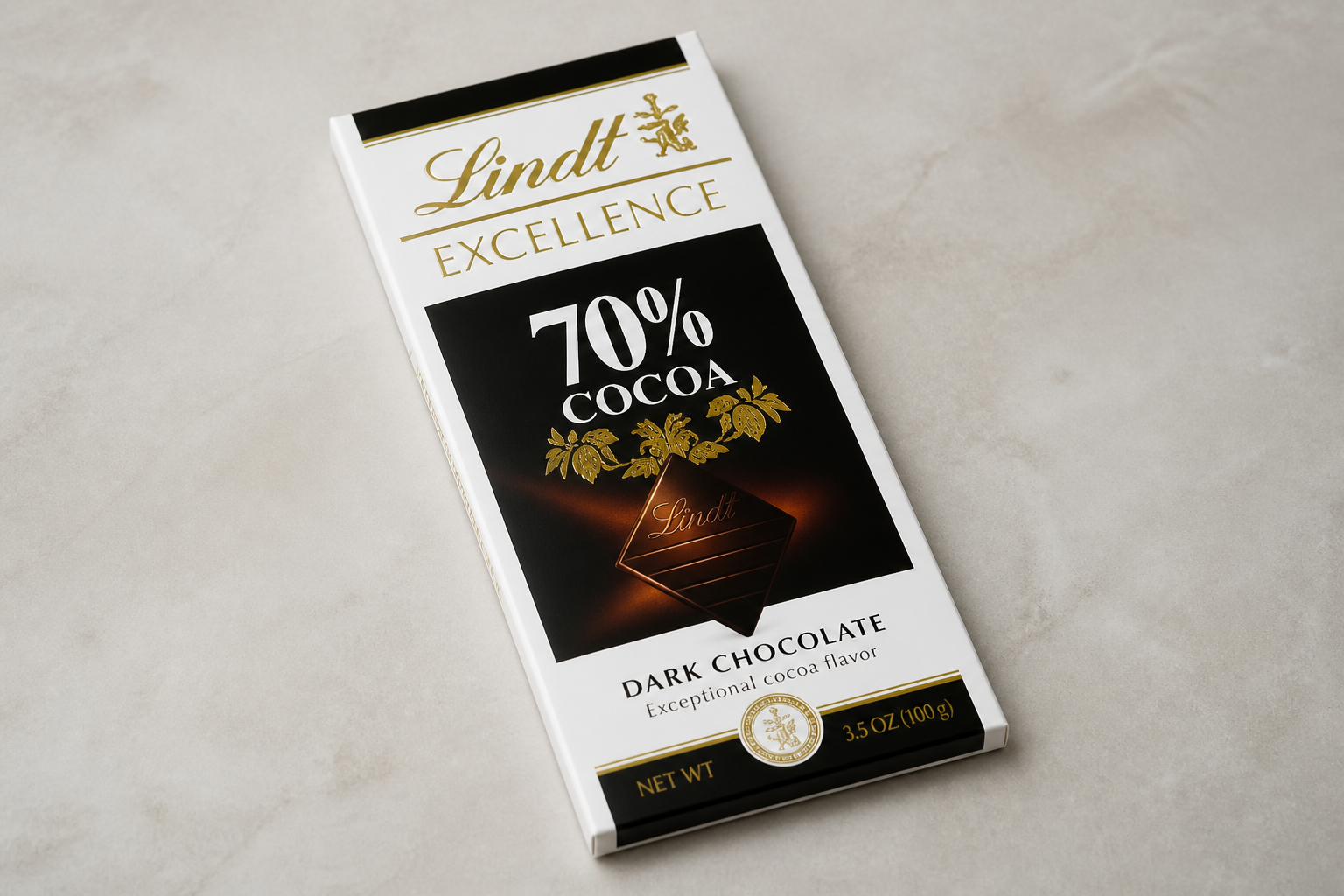 BEFORE
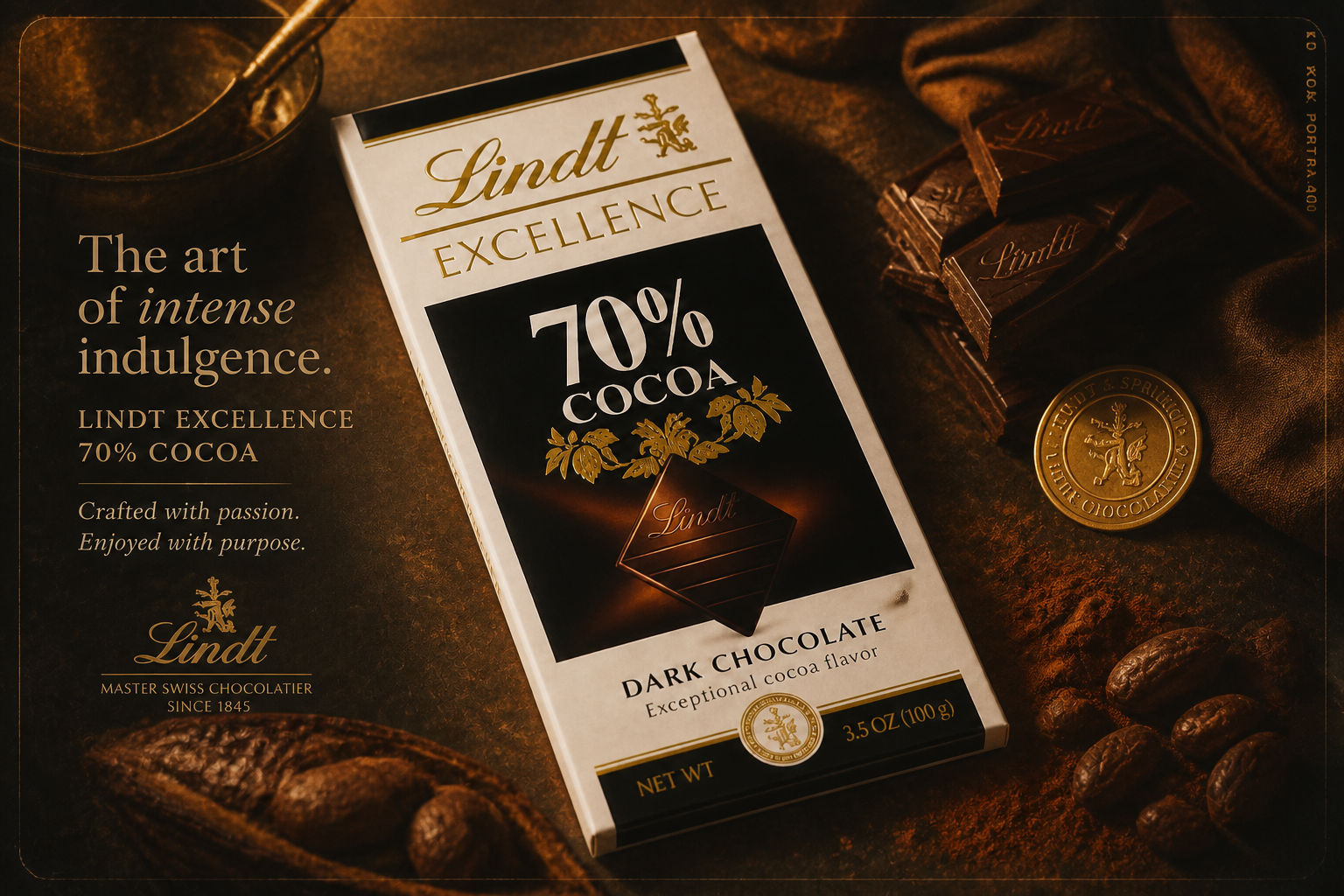 AFTERBEFOREAFTERBEFOREAFTERBEFOREAFTERBEFOREAFTERBEFOREAFTER
Key Features
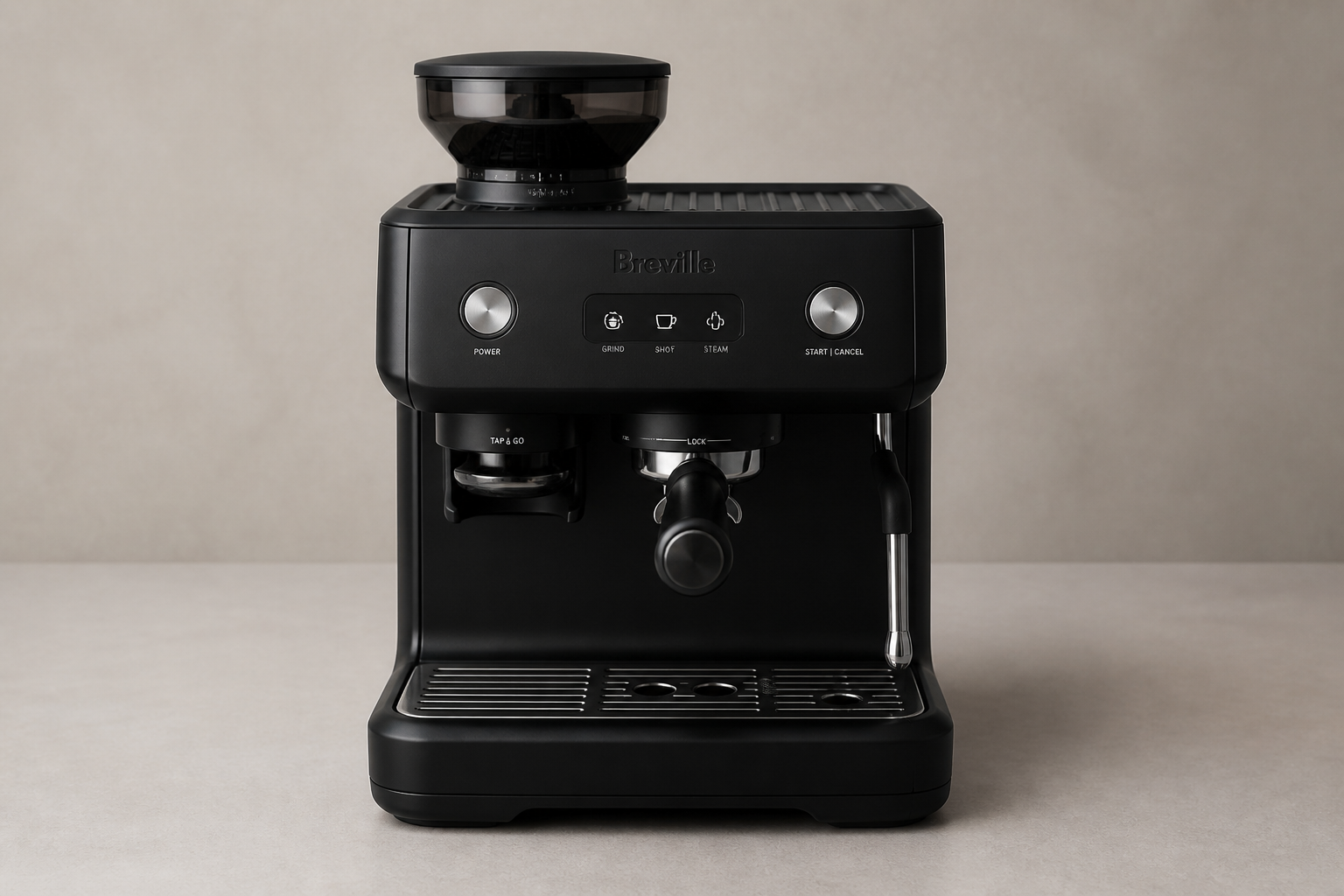
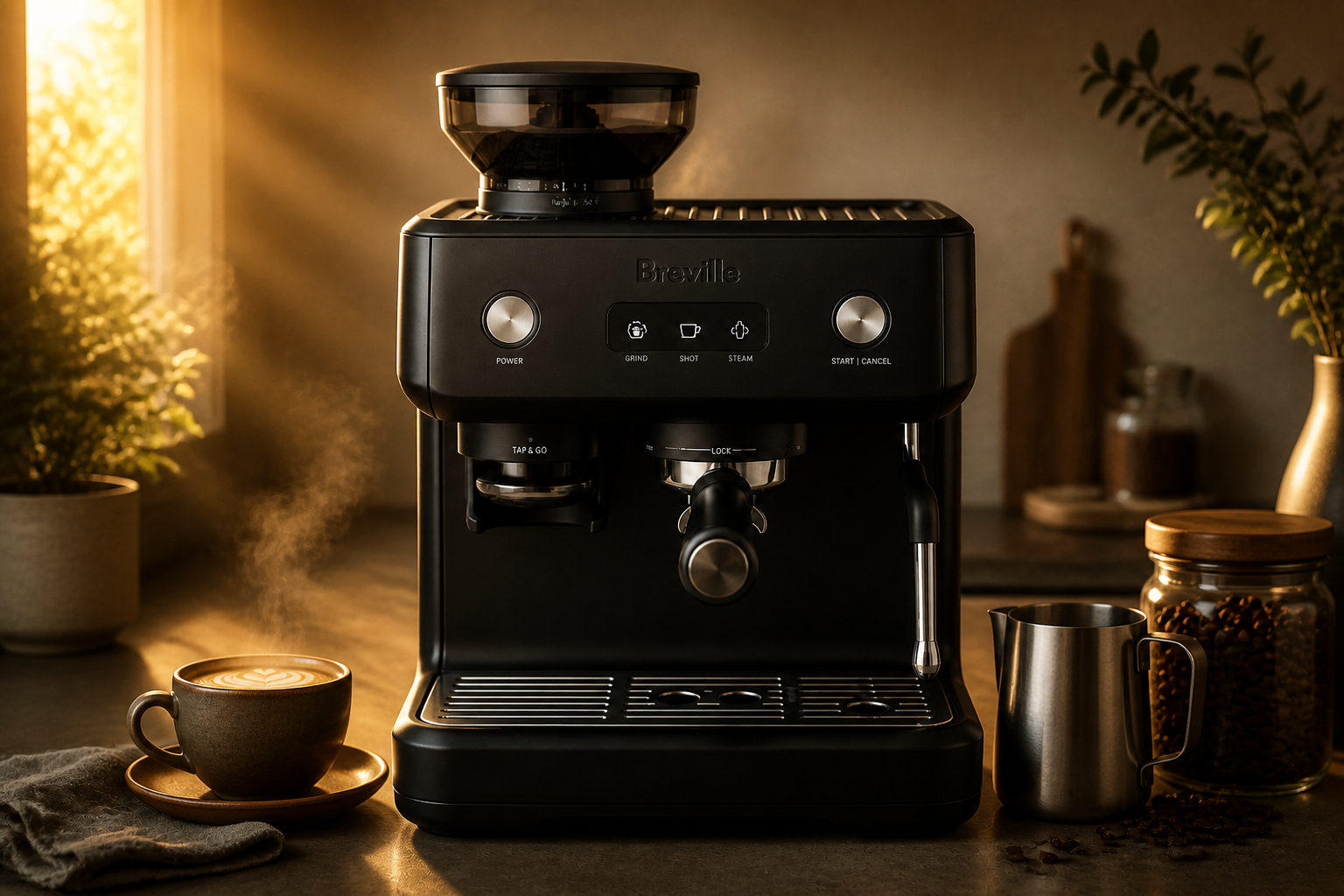
Turn plain shots cinematic
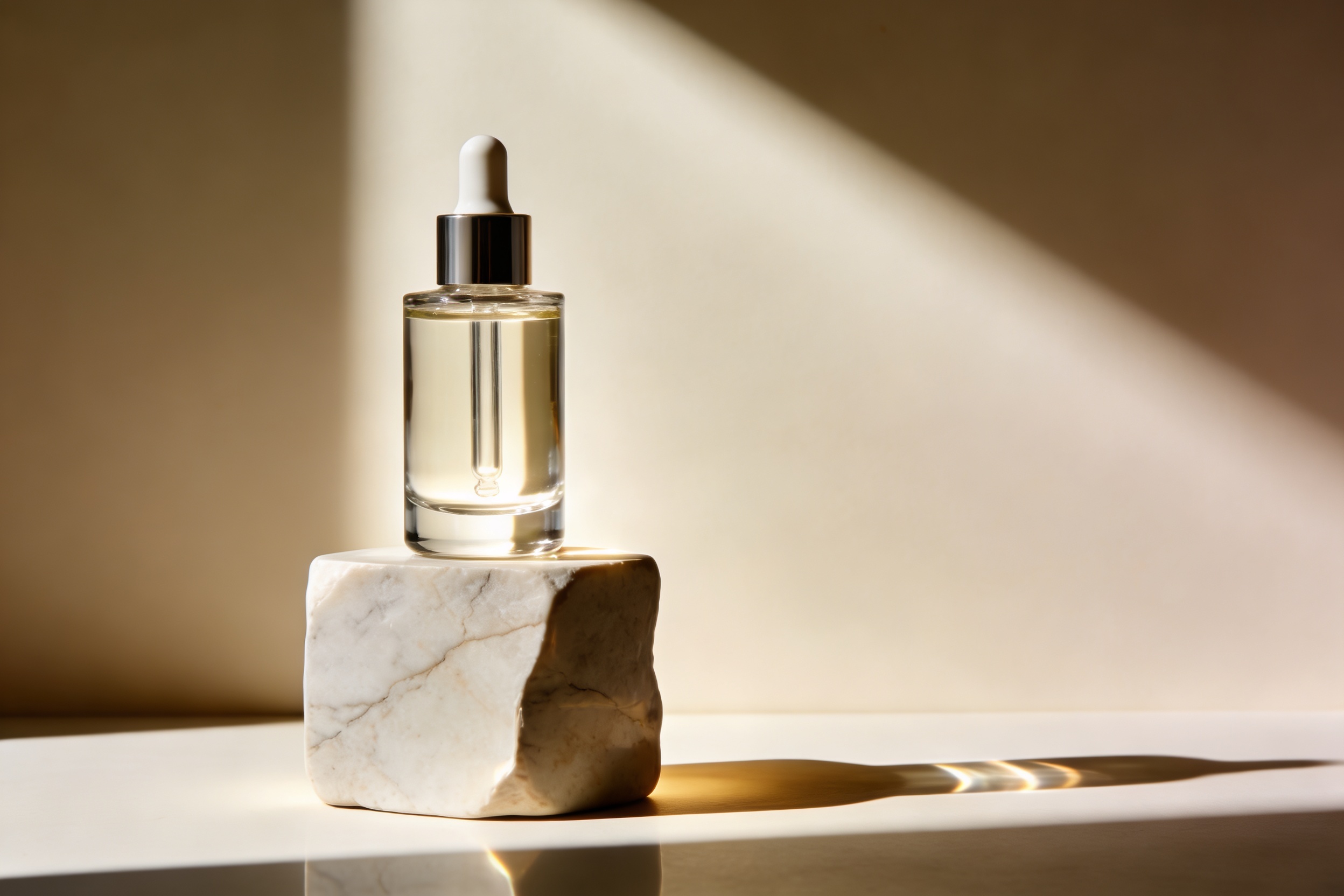
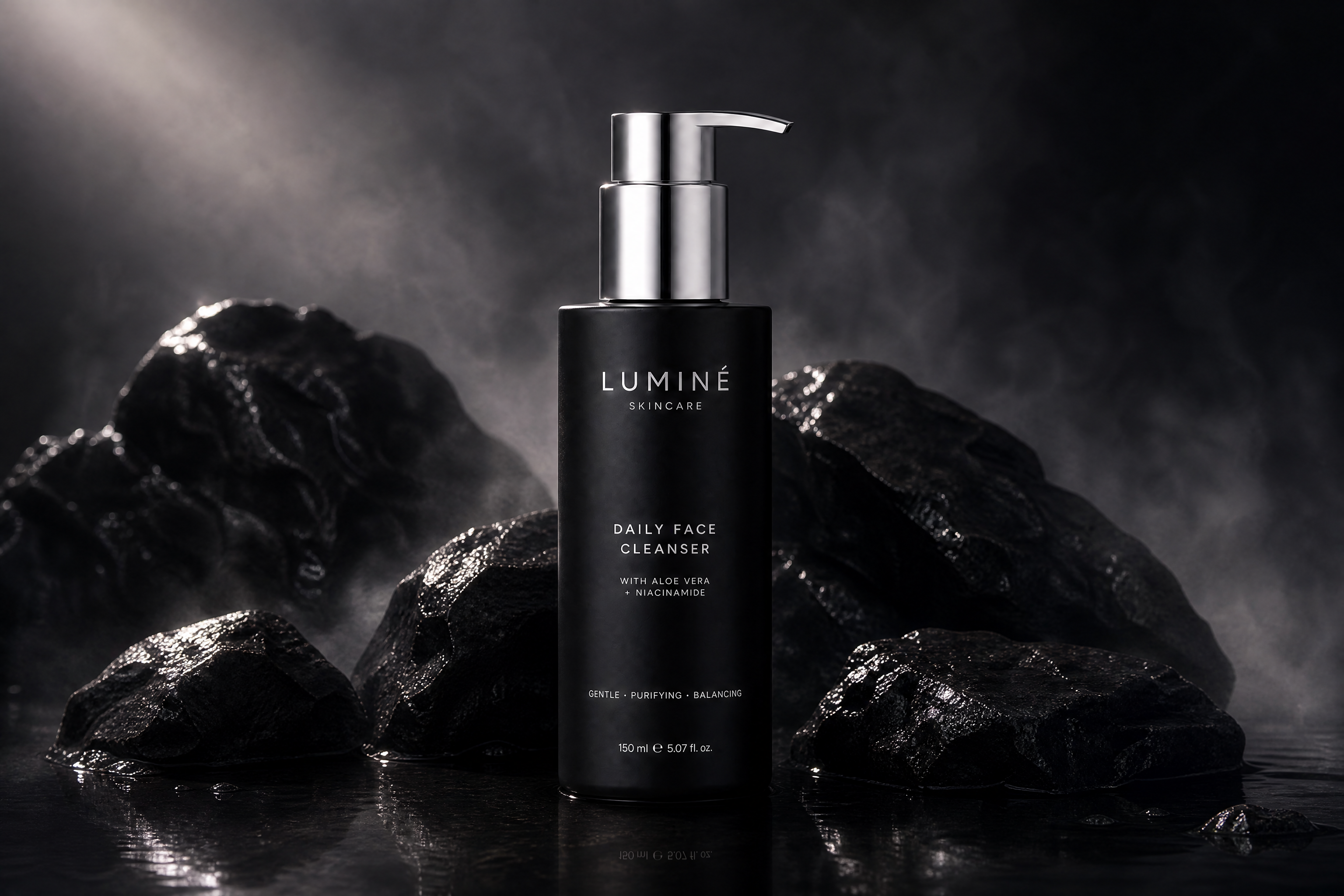
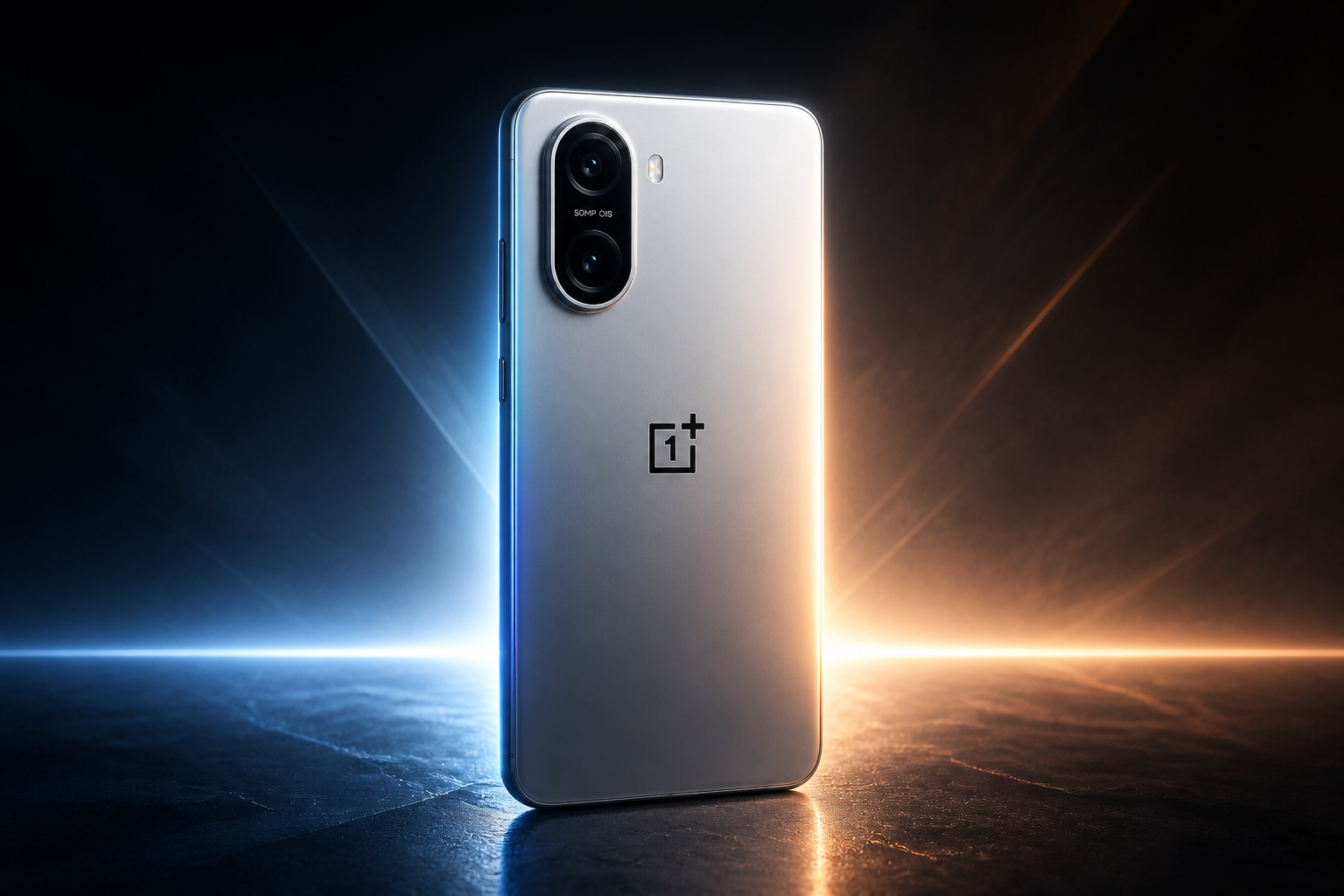
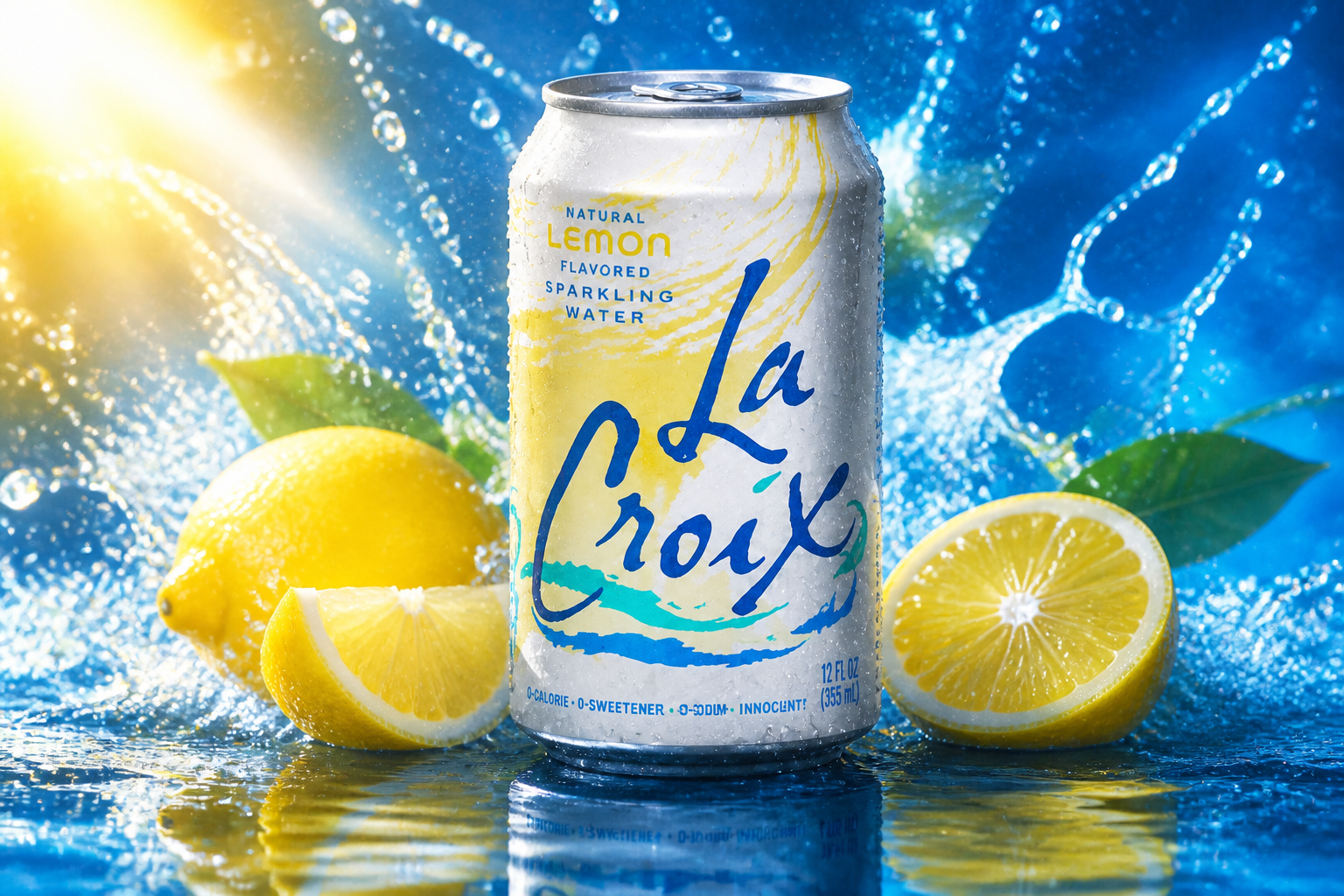
Start with a straightforward product photo and give it the lighting, atmosphere, and composition of a polished campaign visual. This helps small brands create premium-looking ads without renting sets or building complex scenes. Instead of manually compositing shadows, smoke, reflections, and mood elements, you can generate a finished direction in one edit. It is useful when you need fast creative options for paid ads, landing pages, or social promos.
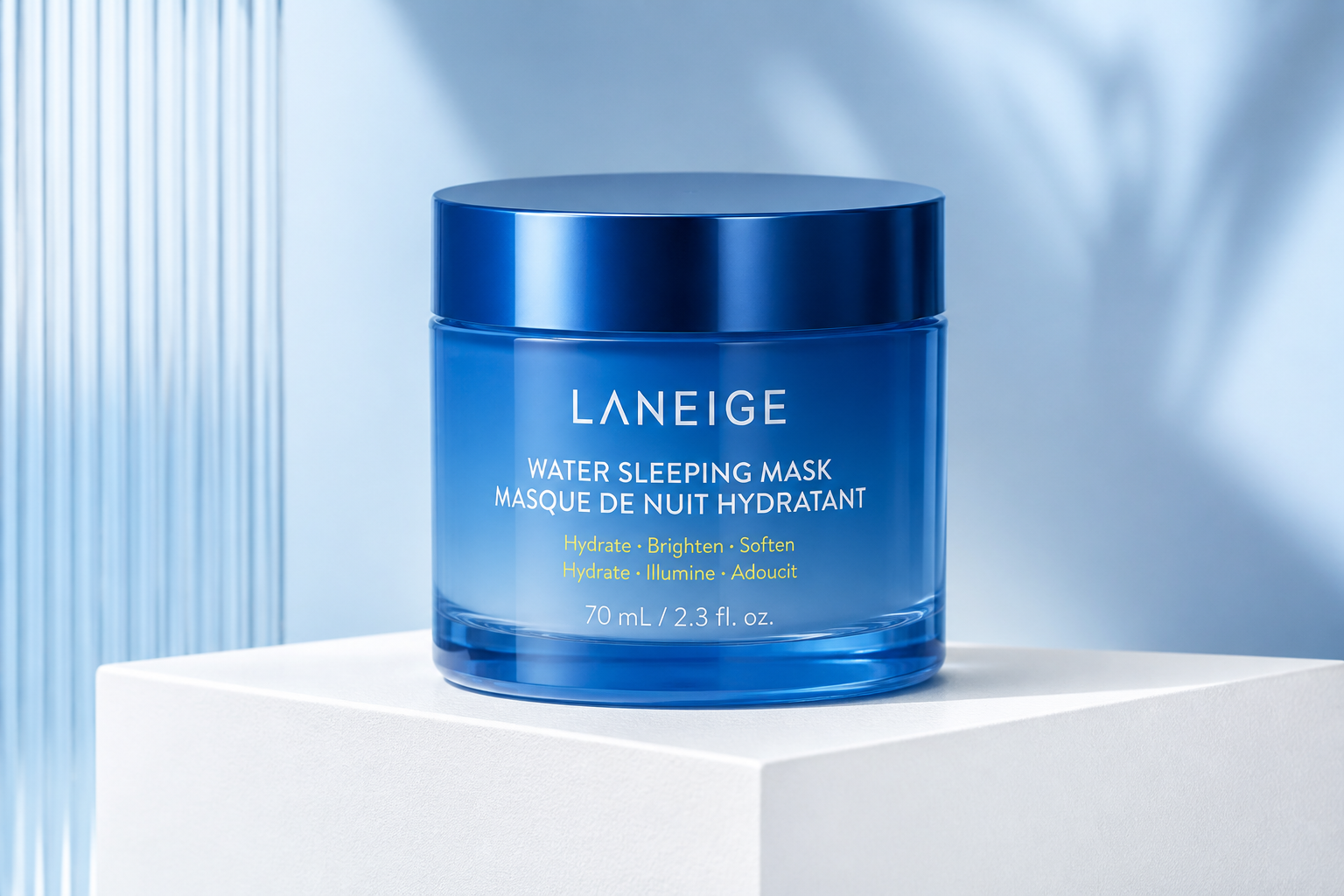
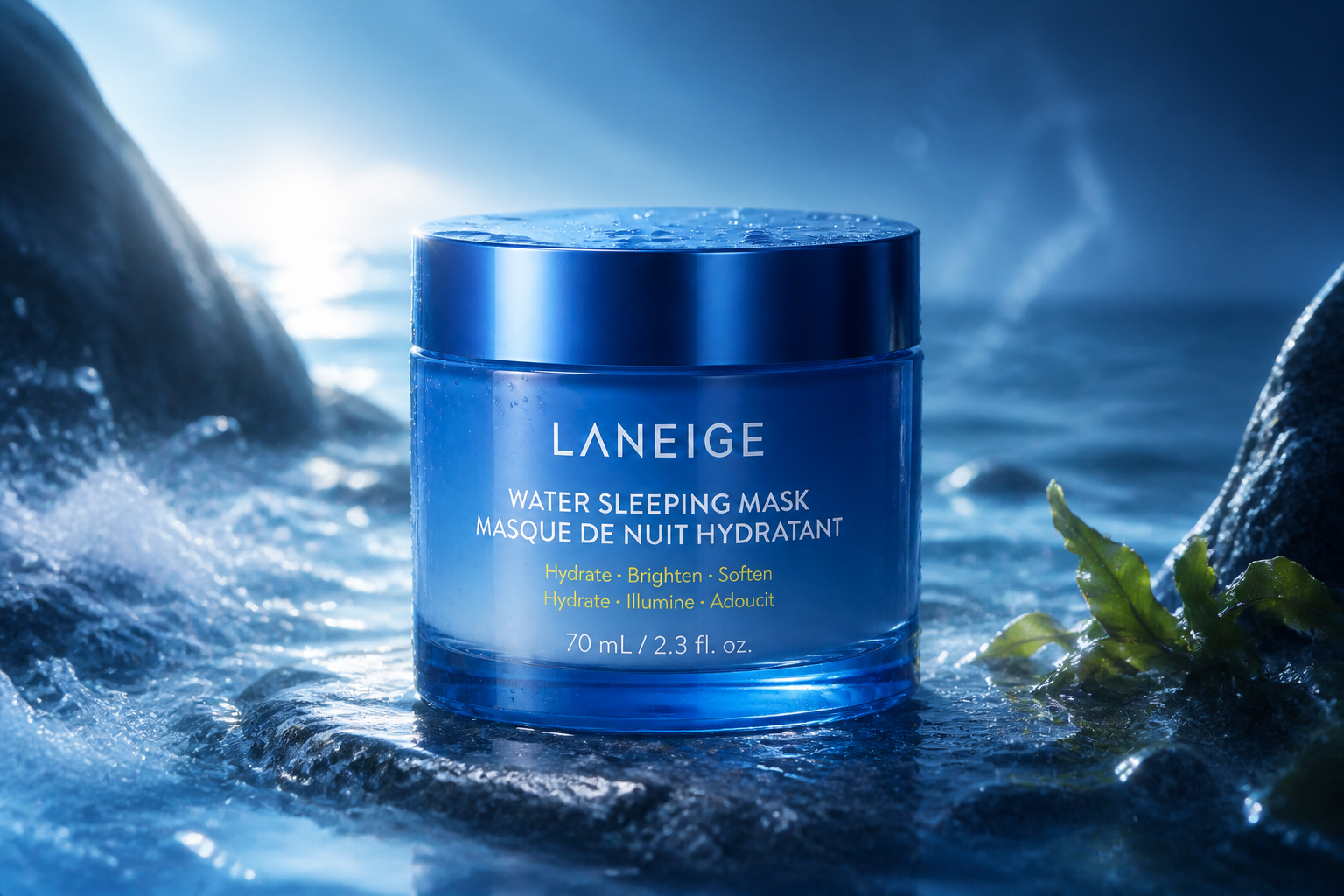
Keep the product recognizable
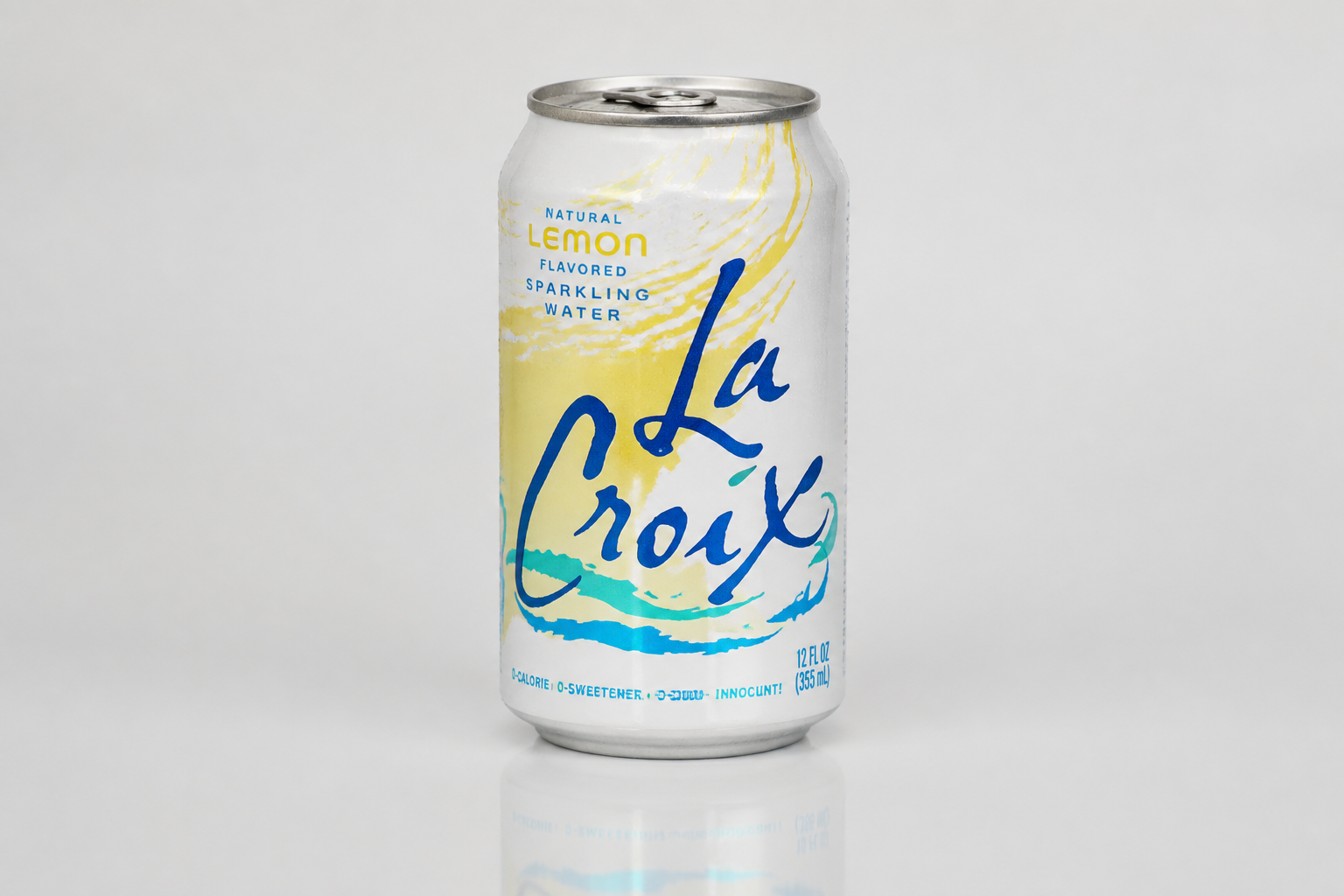
The edit changes the scene and mood while keeping the product itself easy to identify. That matters when you want stronger visuals without losing packaging details, logo placement, or overall shape. Manual editing often drifts into redesigning the product instead of promoting it. This workflow is better for marketers who need creative variation while staying close to the original item.
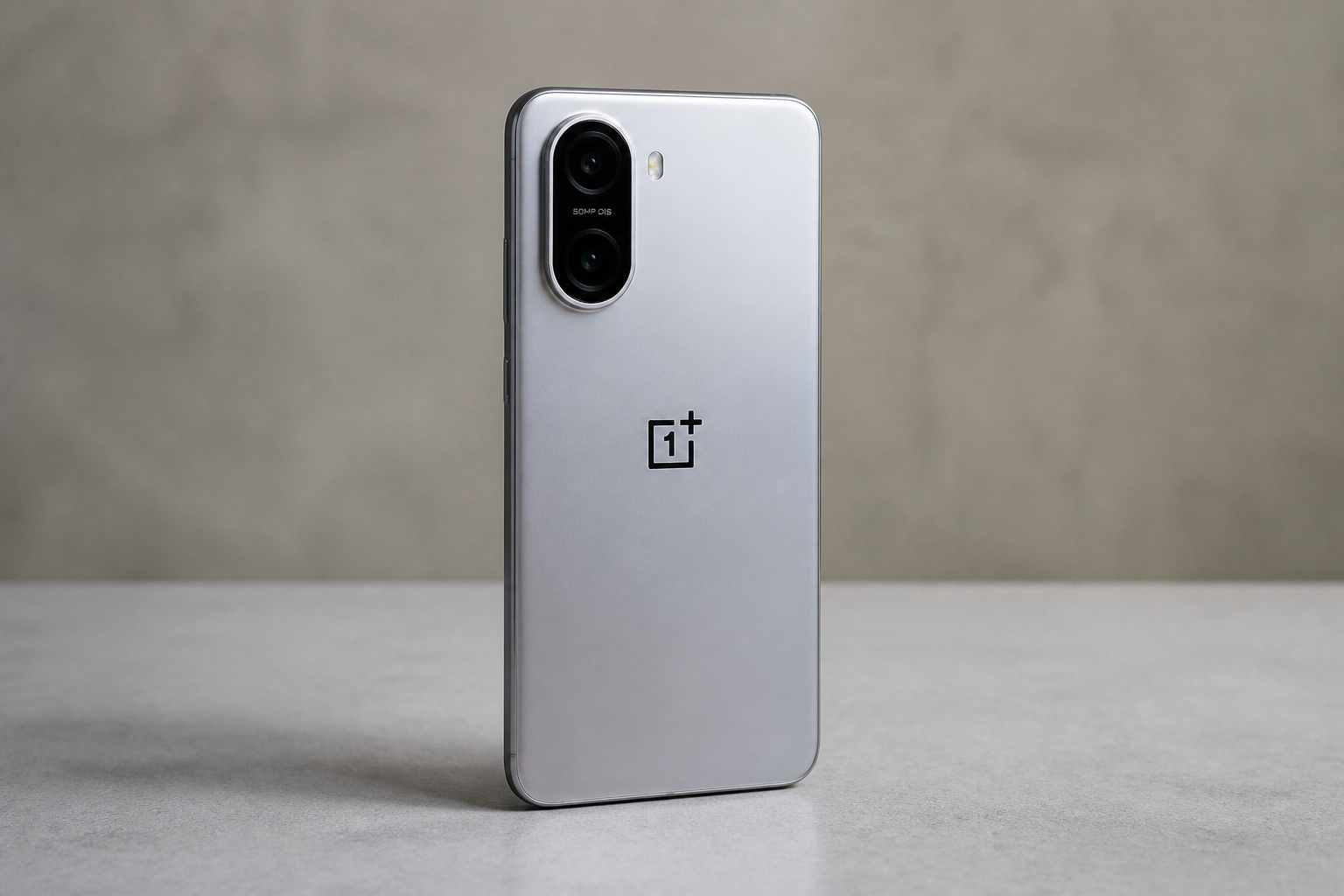
Explore multiple ad styles
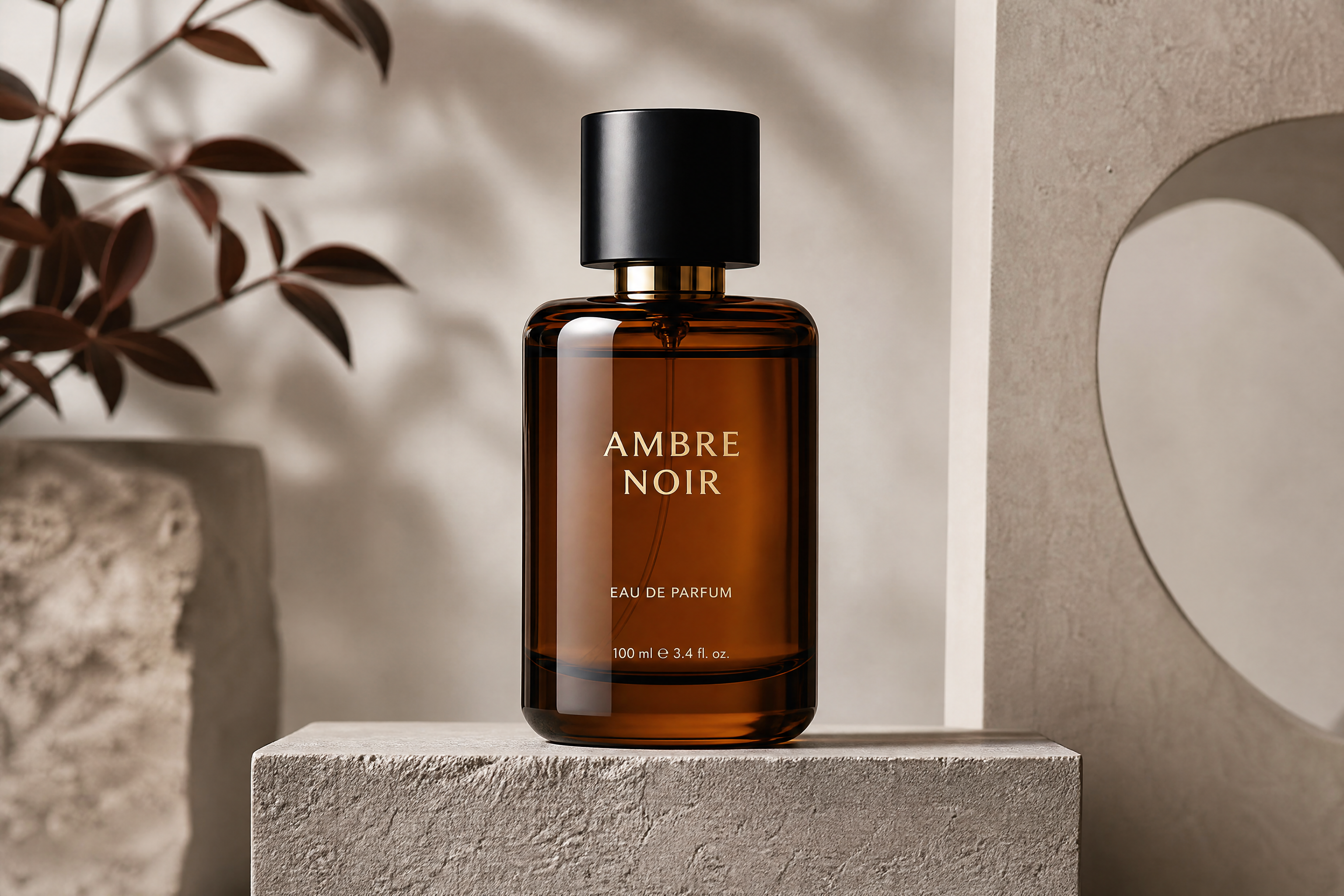
You can test different campaign directions from the same source image instead of reshooting every concept. Try luxury, sporty, moody, futuristic, or editorial looks to see what best fits your brand and channel. This makes creative exploration faster for teams that need options before committing to a final design direction. It also helps creators produce more varied visuals for A/B testing.
Make ads fit every channel
Cinematic product visuals work across landing pages, paid social, email banners, and pitch decks. A strong edit can make a single source photo feel more expensive and more attention-grabbing in crowded feeds. Doing that by hand usually takes layered retouching and concept mockups. Here, the same photo can quickly become a polished creative asset for multiple marketing uses.
How It Works
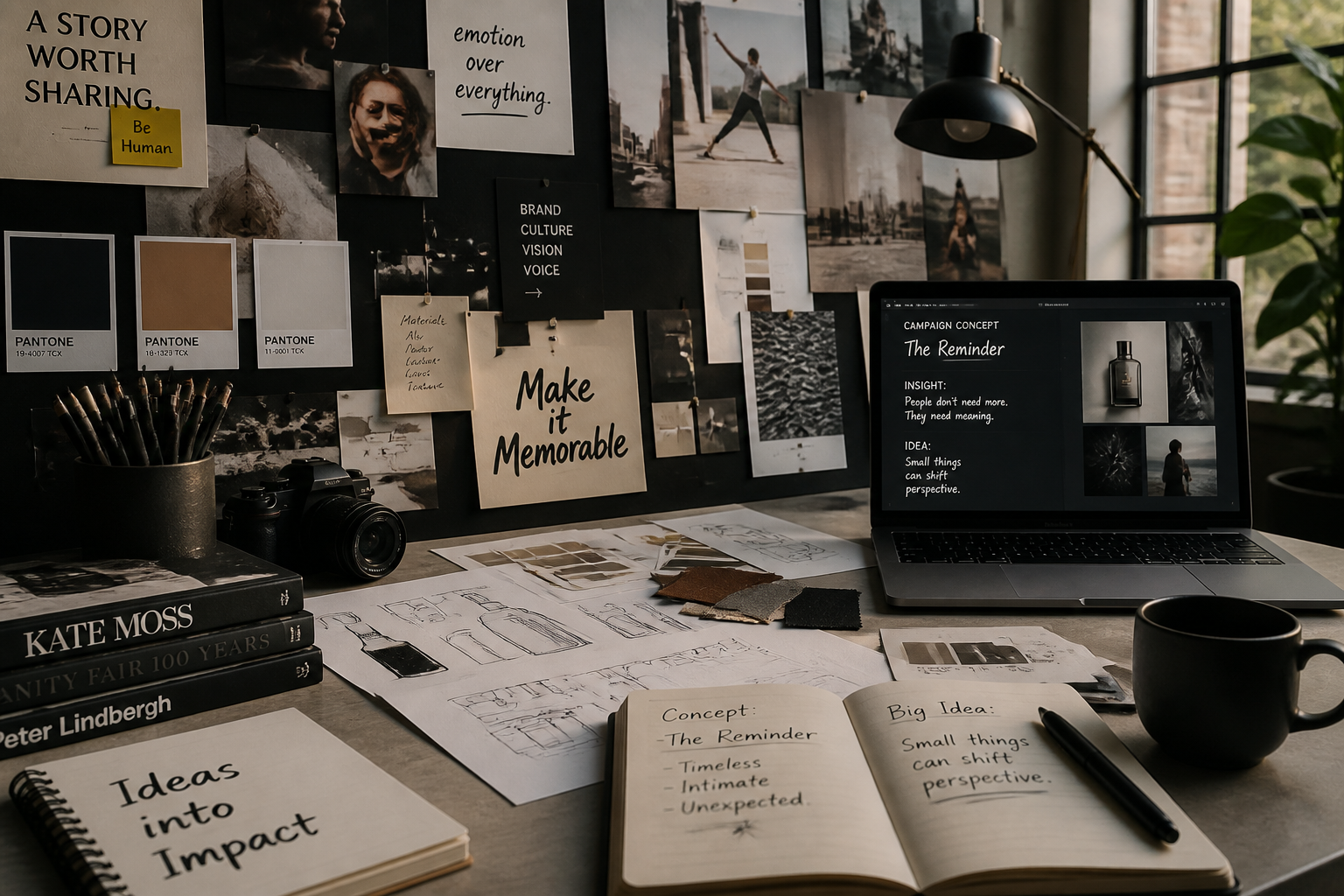
Upload your product photo
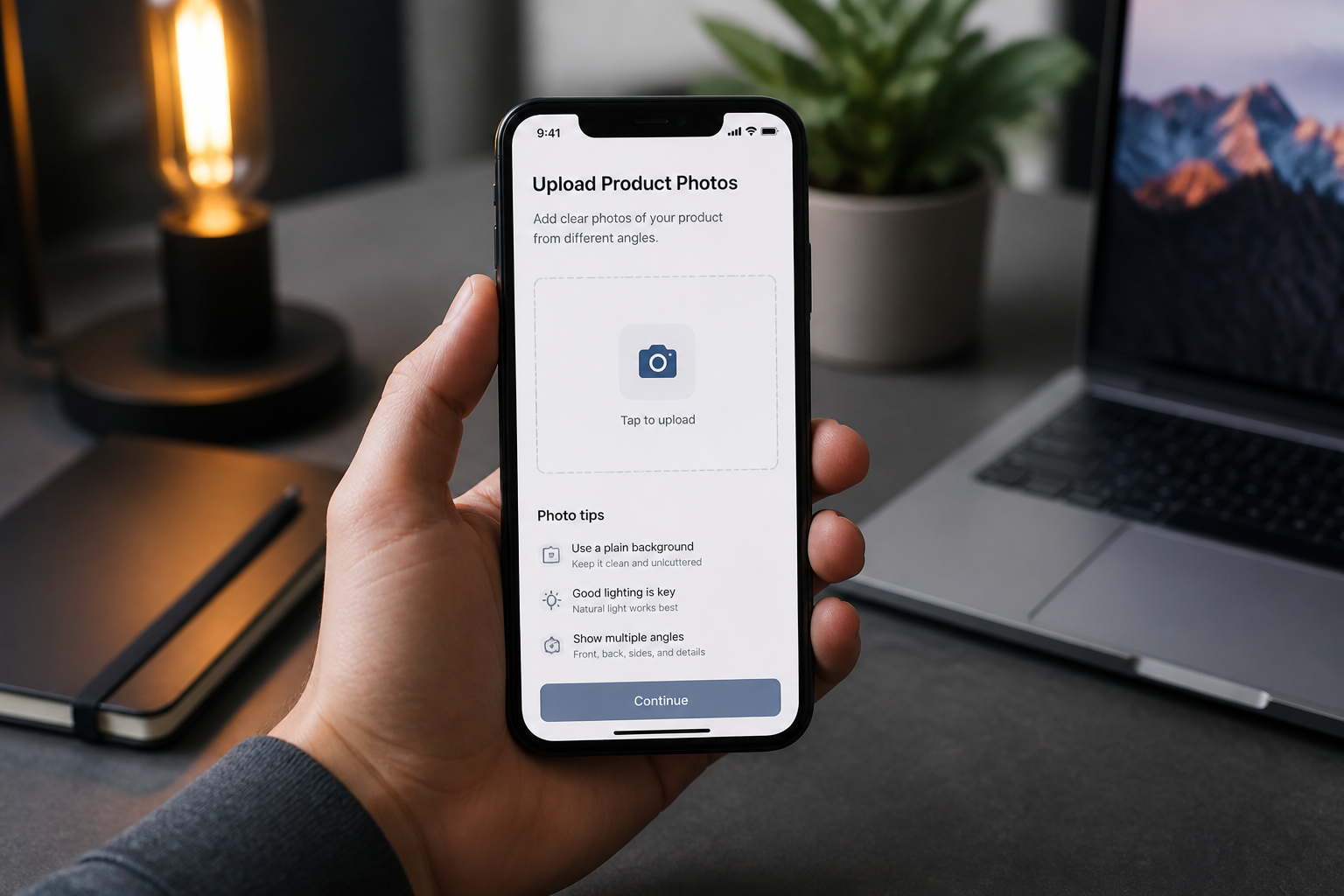
Start with a clean image of your product, packaging, or mockup. Centered shots with clear edges and good lighting usually give the strongest ad-style edits.
Describe the ad mood
Tell our AI what kind of campaign look you want, such as luxury, sporty, moody, or futuristic. You can also mention lighting, setting, color tone, and atmosphere to guide the result.
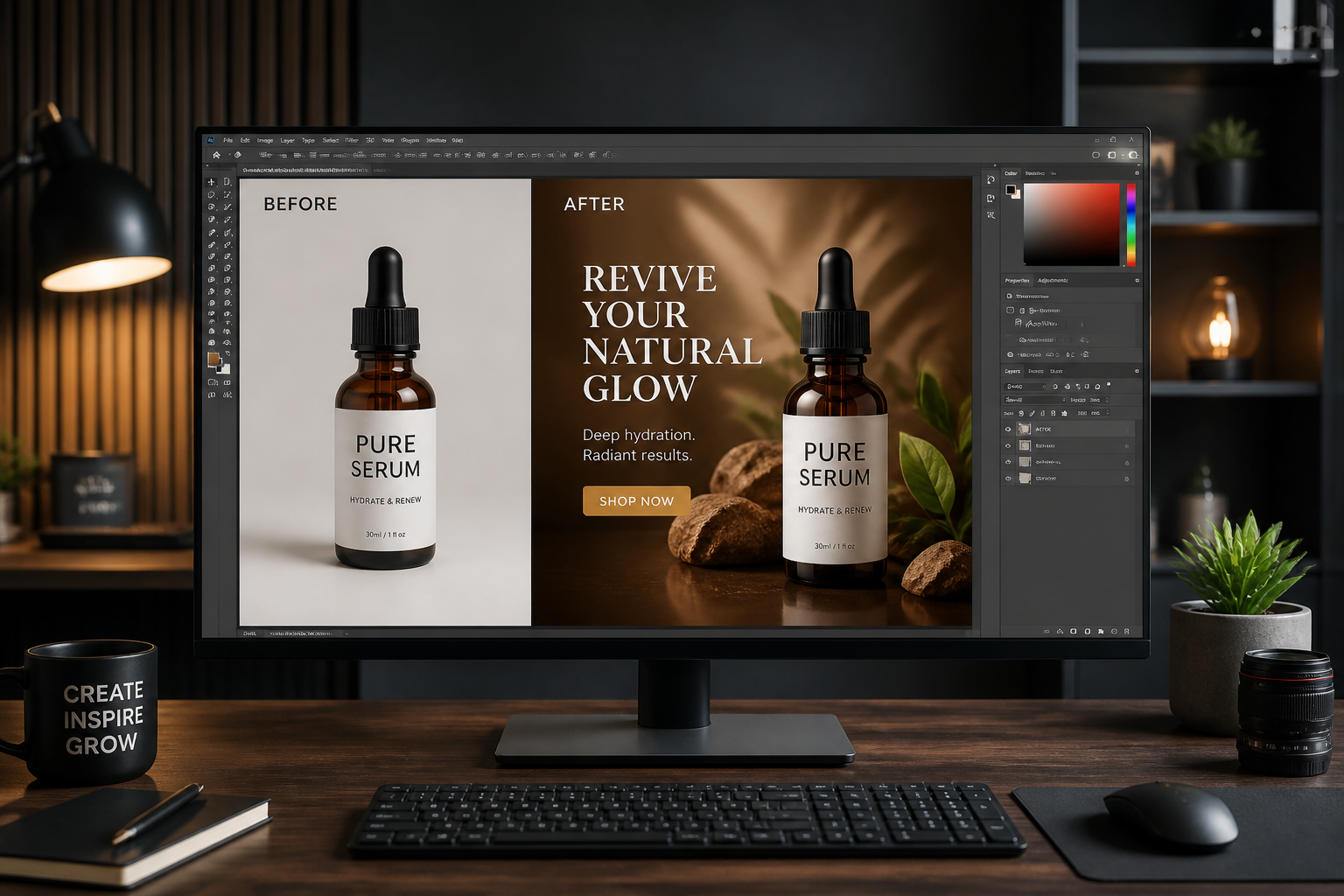
Compare and refine
Review the before and after, then adjust your prompt to push the look further or keep it more brand-safe. Repeat until the scene feels ready for your ad campaign.
Perfect For
Discover how creators and professionals use ai cinematic ad generator
Paid social creatives
Turn simple product photos into dramatic campaign visuals that stand out in feeds and story placements.
Landing page hero images
Create polished ad-style product scenes for homepage banners, launches, and seasonal promotions.
Concept testing
Explore multiple visual directions for the same product before investing in a full shoot or design pass.
Marketplace branding
Upgrade product imagery for storefronts, pitch decks, and brand presentations where plain packshots feel too basic.
Built For
Ecommerce teams
Make product photos feel more premium for launches, promos, and store visuals without a full creative production cycle.
Marketing freelancers
Create fast ad concepts for clients who need polished mockups, campaign ideas, or social-ready creative variations.
Founders and small brands
Build stronger visual ads from existing product shots when time, budget, or studio access is limited.
Why use it for ad visuals
A quick look at how we compare on the things that matter for this niche.
| Feature | BudgetPixel | Generic AI editors | Manual editing apps |
|---|---|---|---|
| Cinematic ad-style transformations | ✓ | ✓ | — |
| Keeps product framing consistent | ✓ | — | ✓ |
| Fast concept exploration | ✓ | ✓ | — |
| No advanced compositing skills needed | ✓ | ✓ | — |
| Useful for marketing mockups | ✓ | — | ✓ |
Frequently Asked Questions
What does an AI Cinematic Ad Generator do?
Do I need a professional studio photo first?
Can I keep my packaging and branding intact?
Is this good for social ads and landing pages?
Can I generate different ad styles from one photo?
Create together.
Share your creations, discover trending AI art, and grow with fellow creators.