AI Room Background Changer
Swap walls, decor, and interior style without reshooting the space.
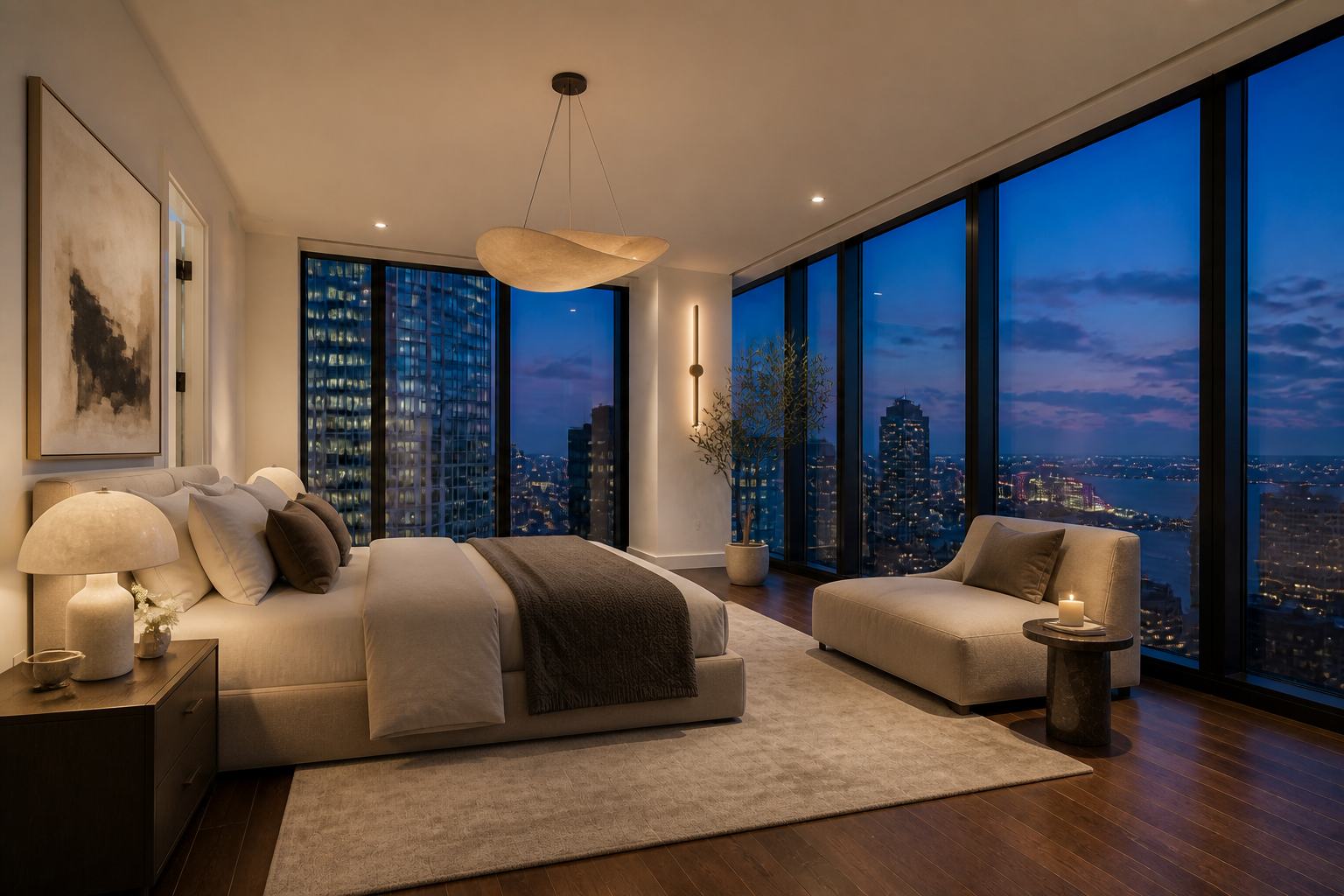
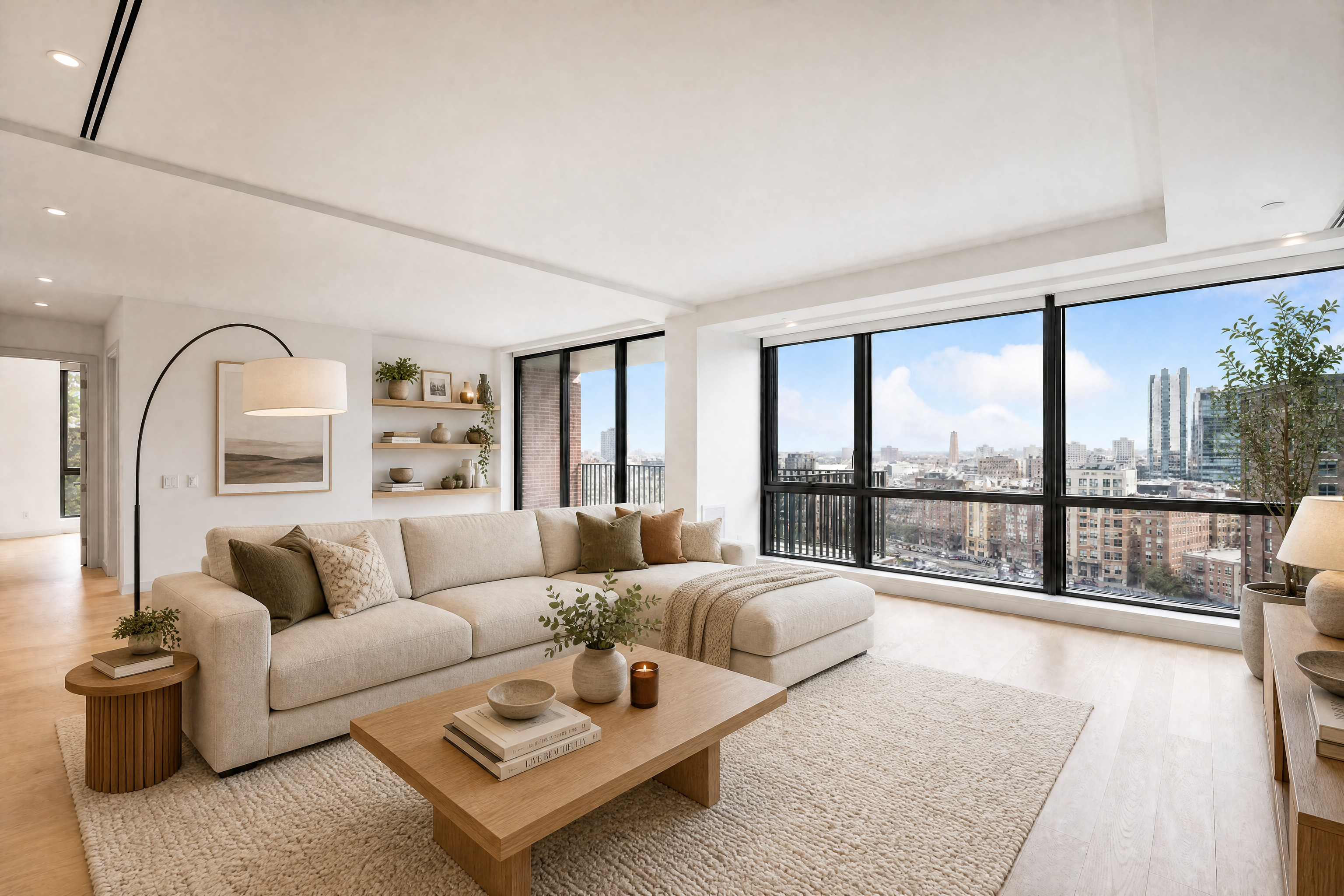
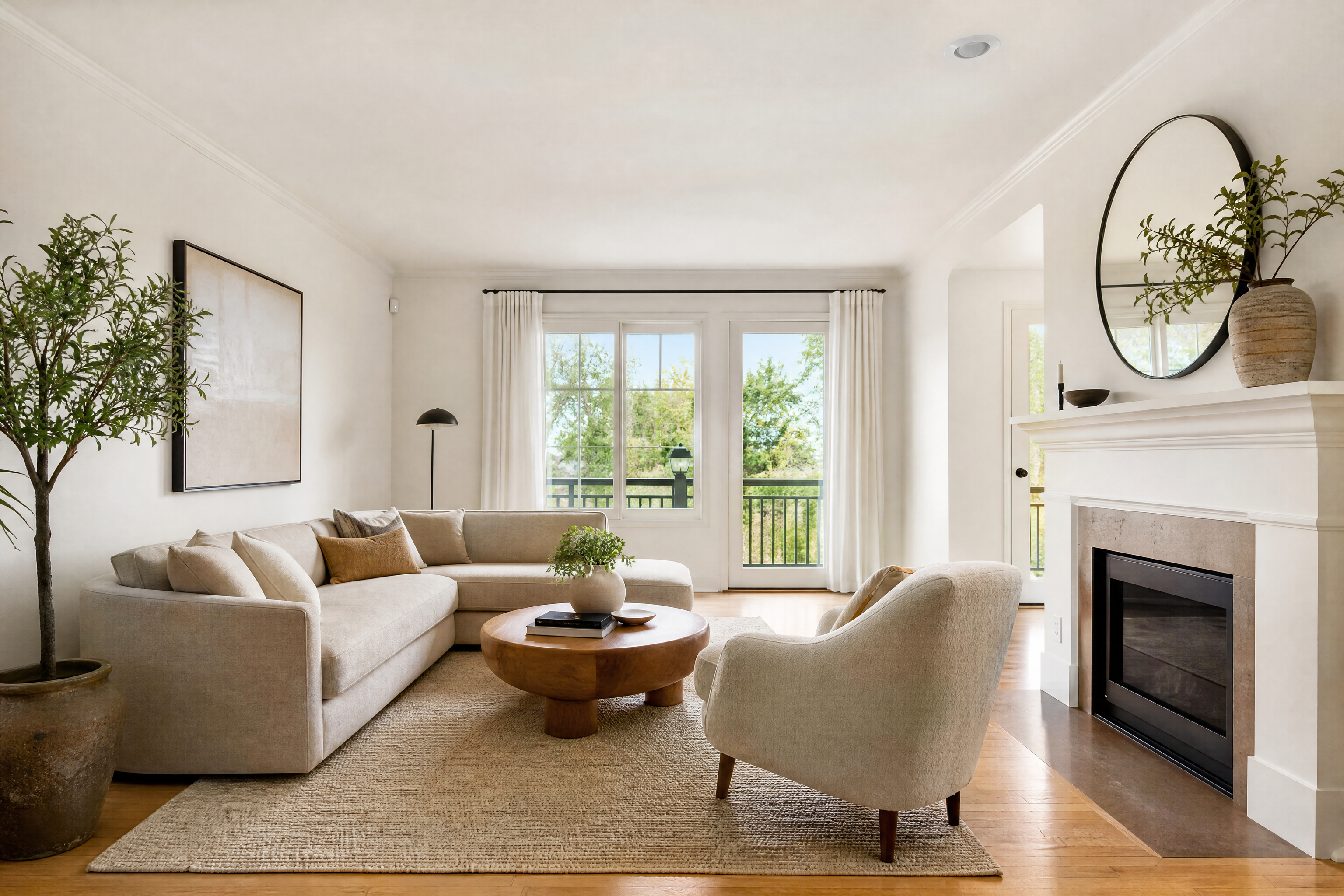
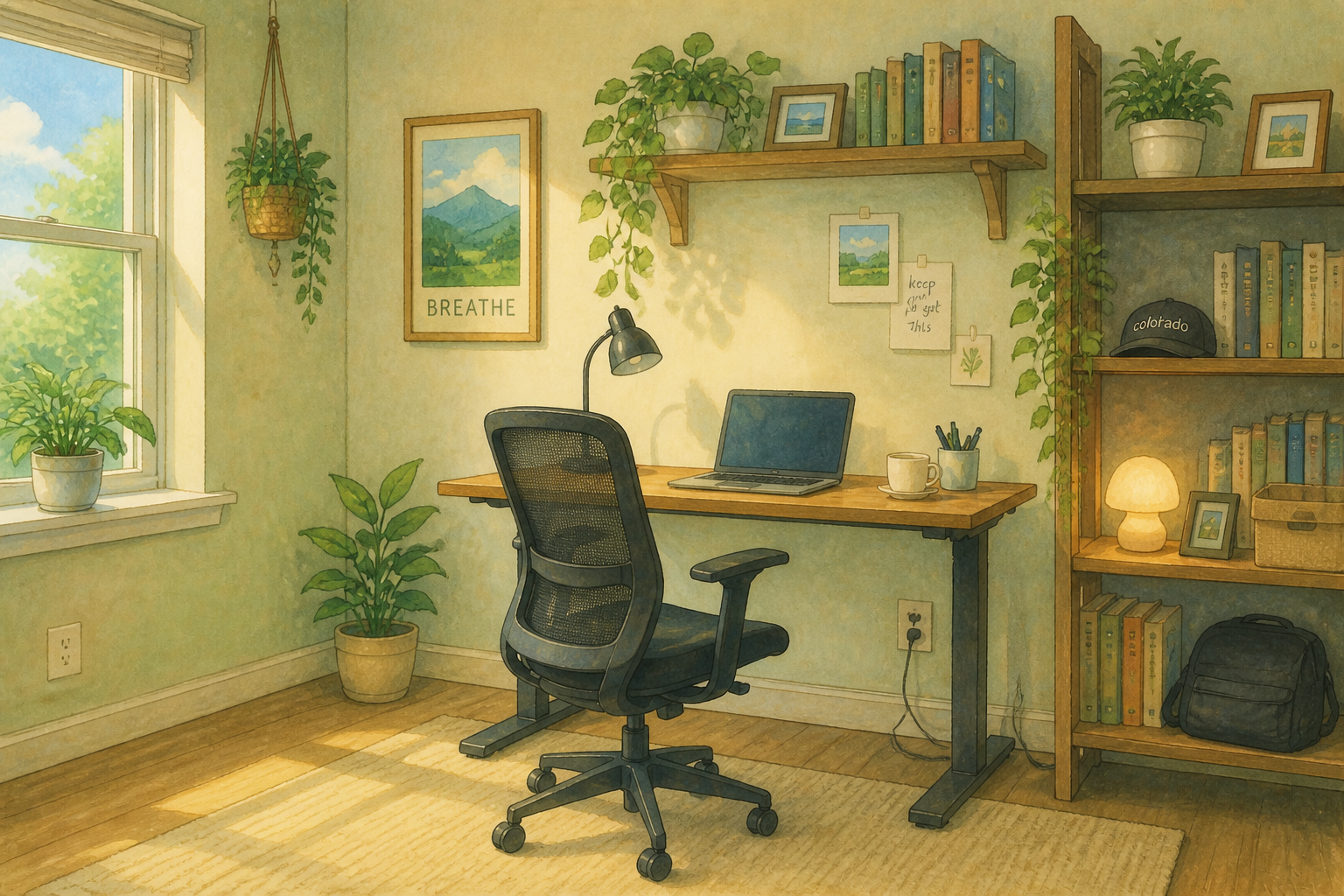
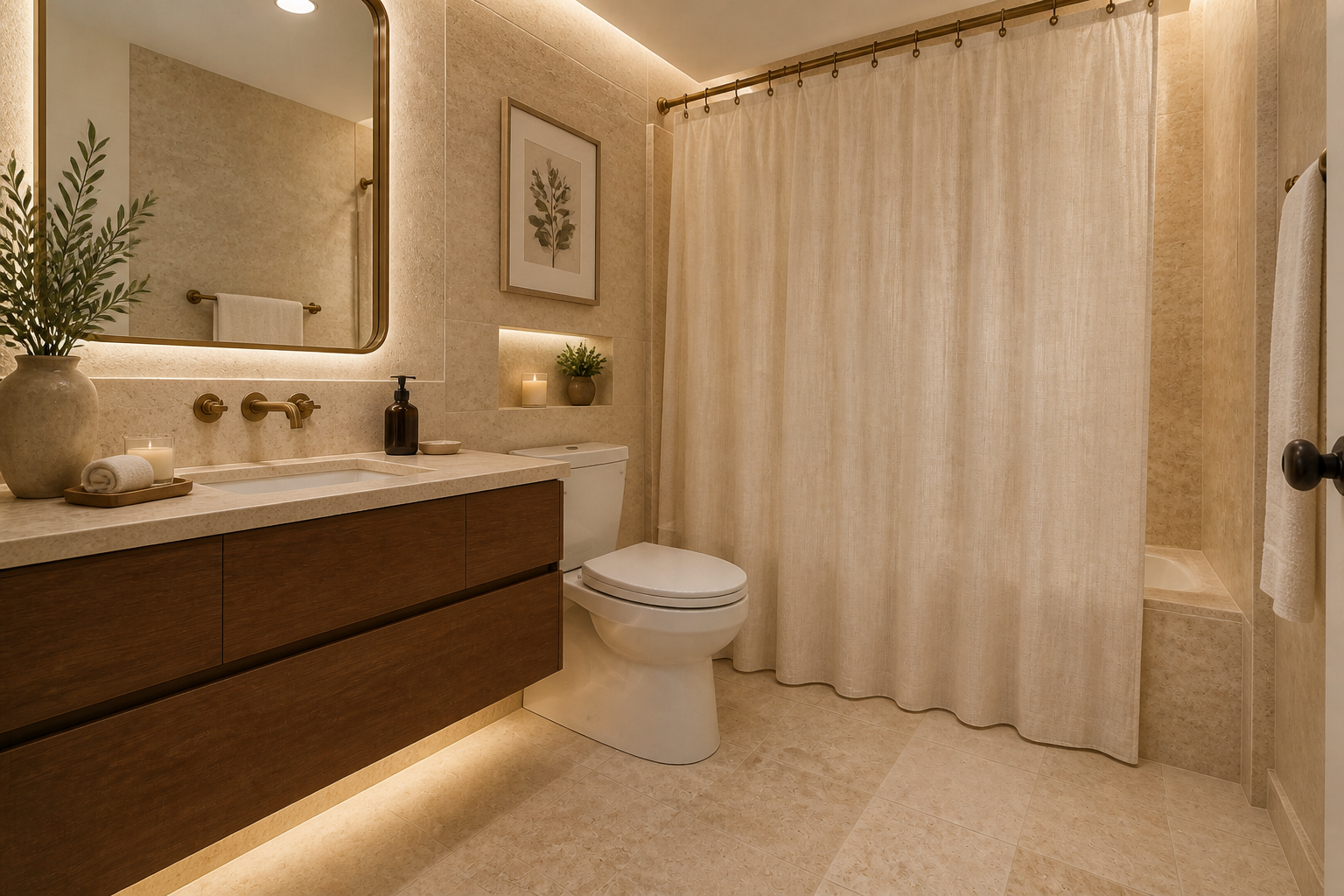
BudgetPixel lets you change a room’s background and overall interior look from a single photo. Test different styles, staging concepts, and decor directions while keeping the room layout believable. It’s a fast way to preview ideas for listings, renovations, and content.
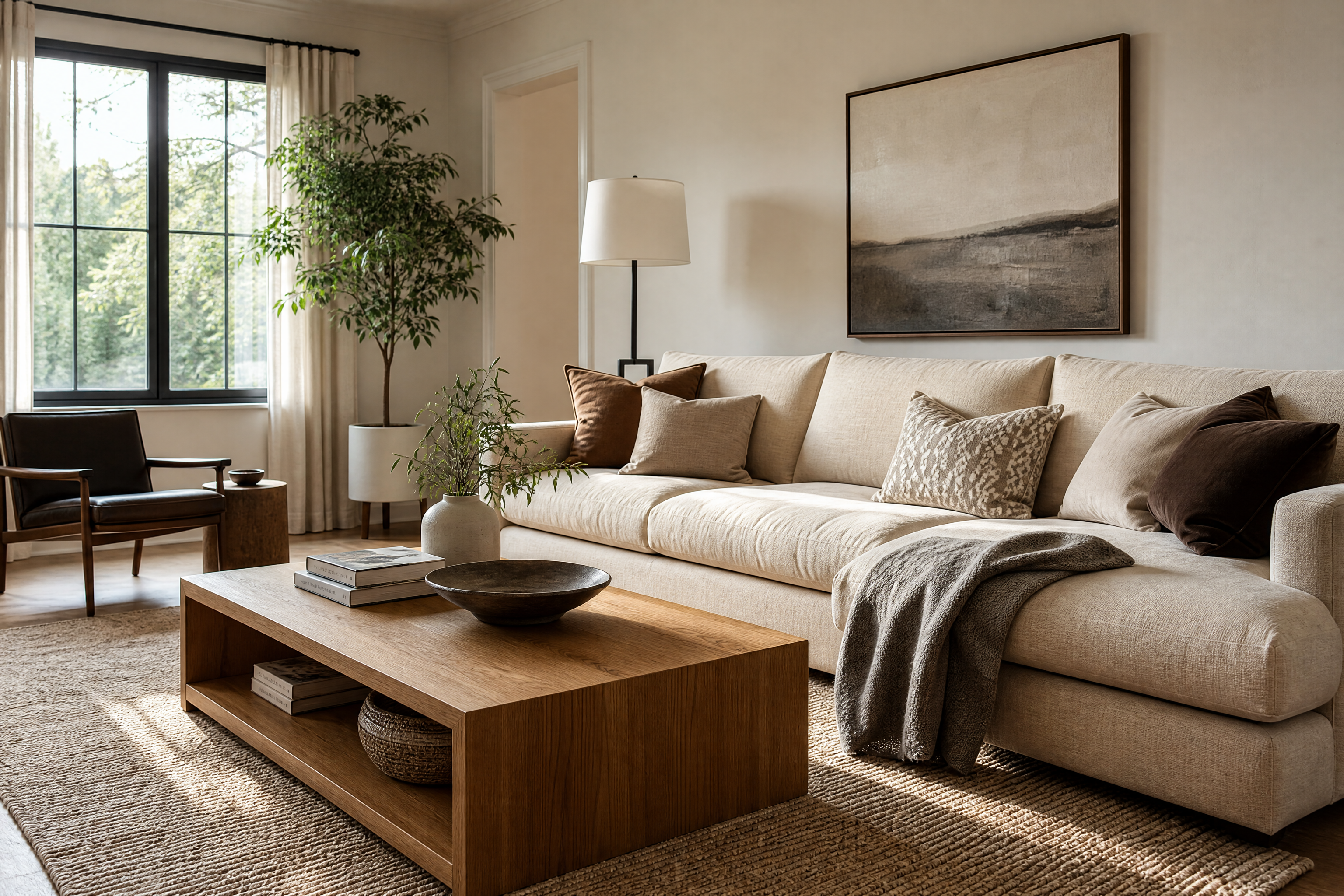
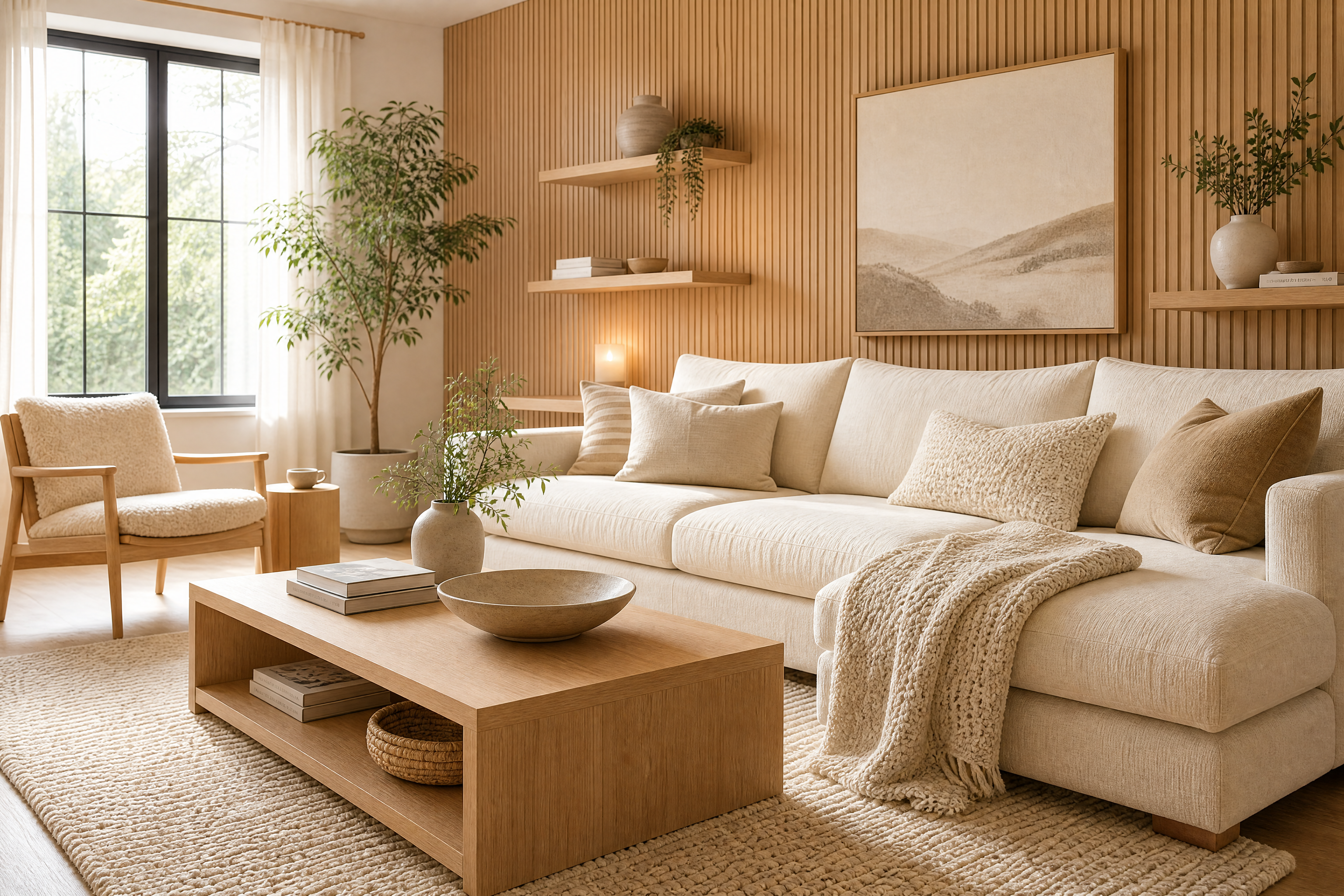
Watch the Transformation
See ai room background changer in motion — generated end-to-end by our AI.
See It In Action
Real outputs from ai room background changer.
BEFOREAFTER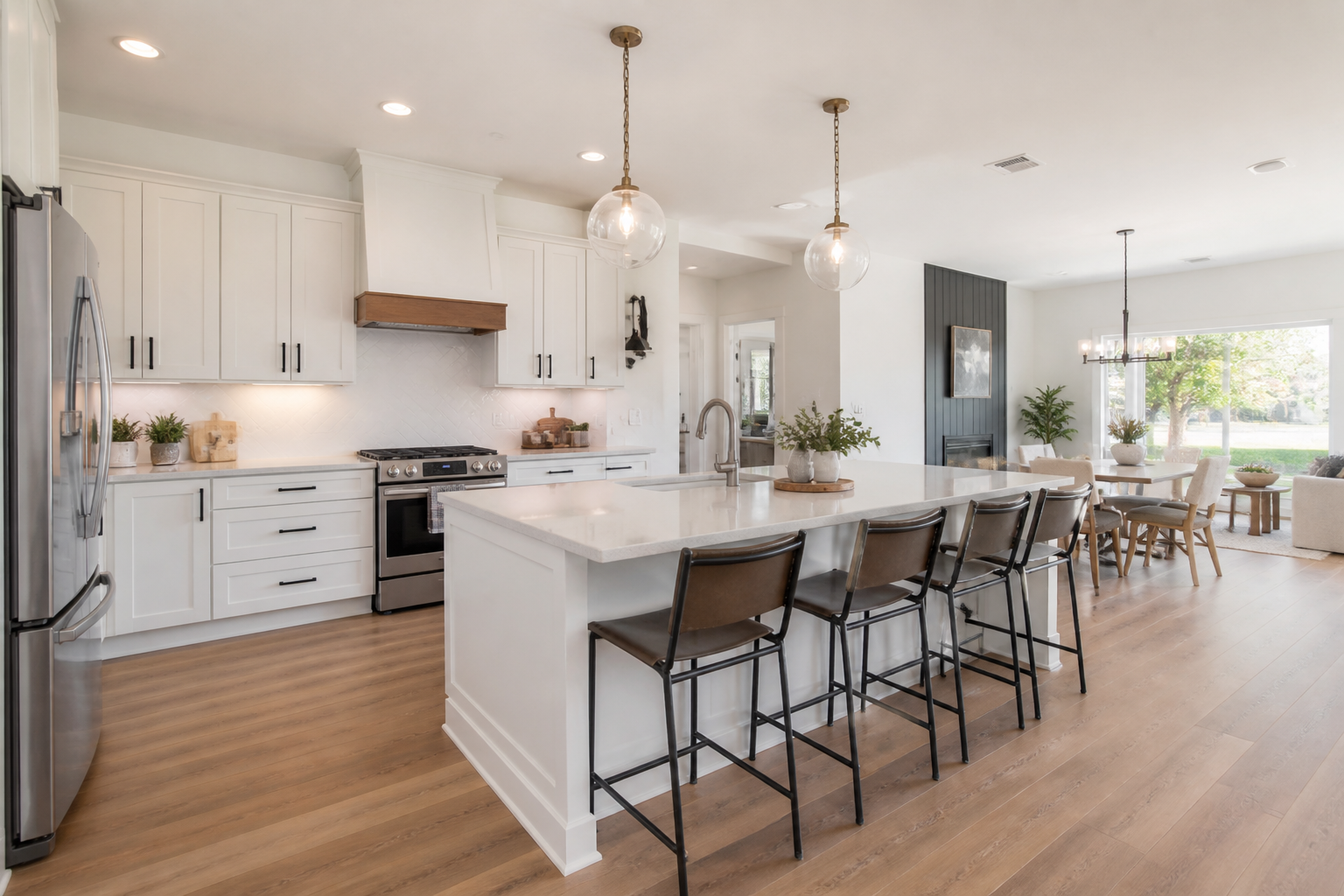 BEFORE
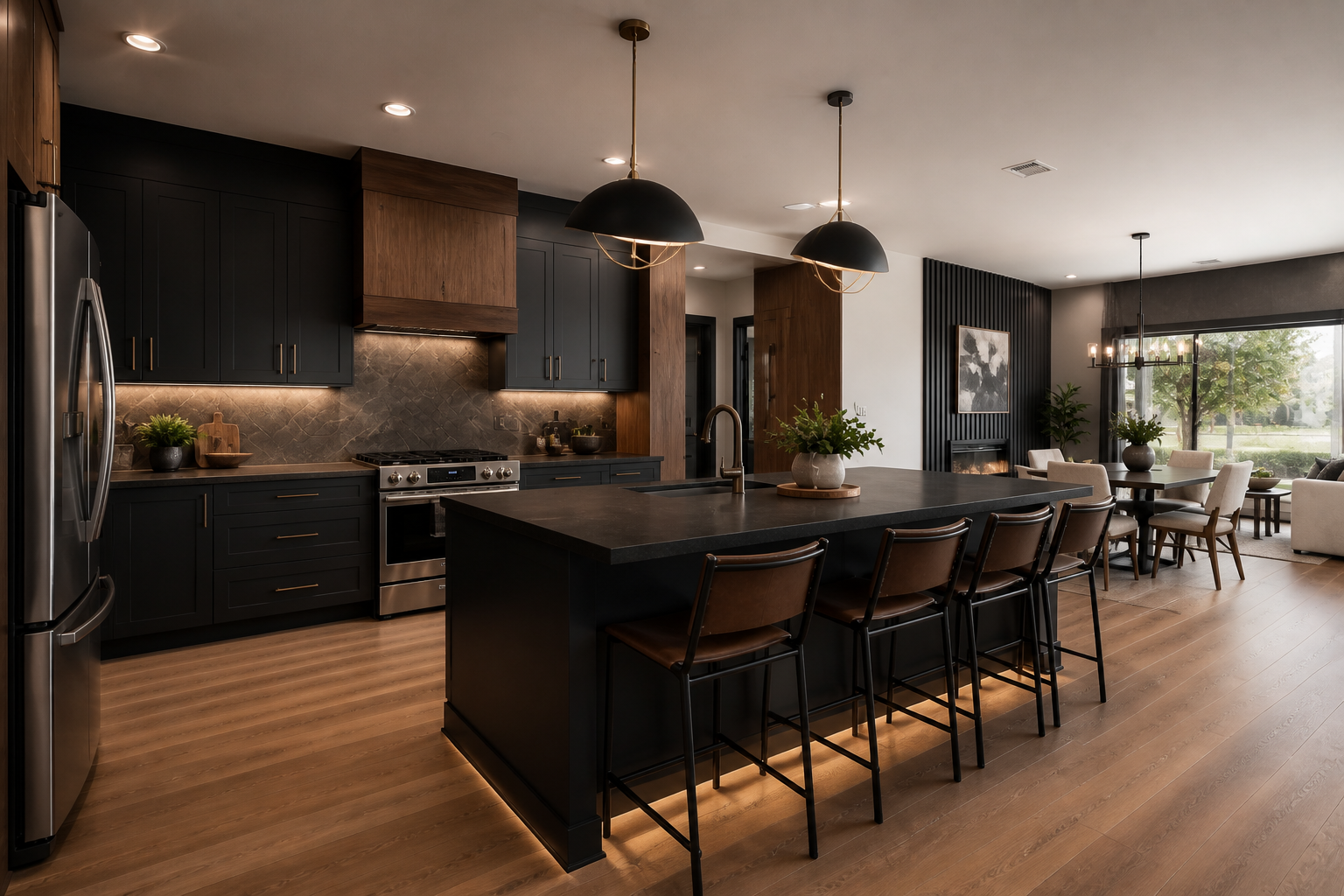 AFTER
AFTER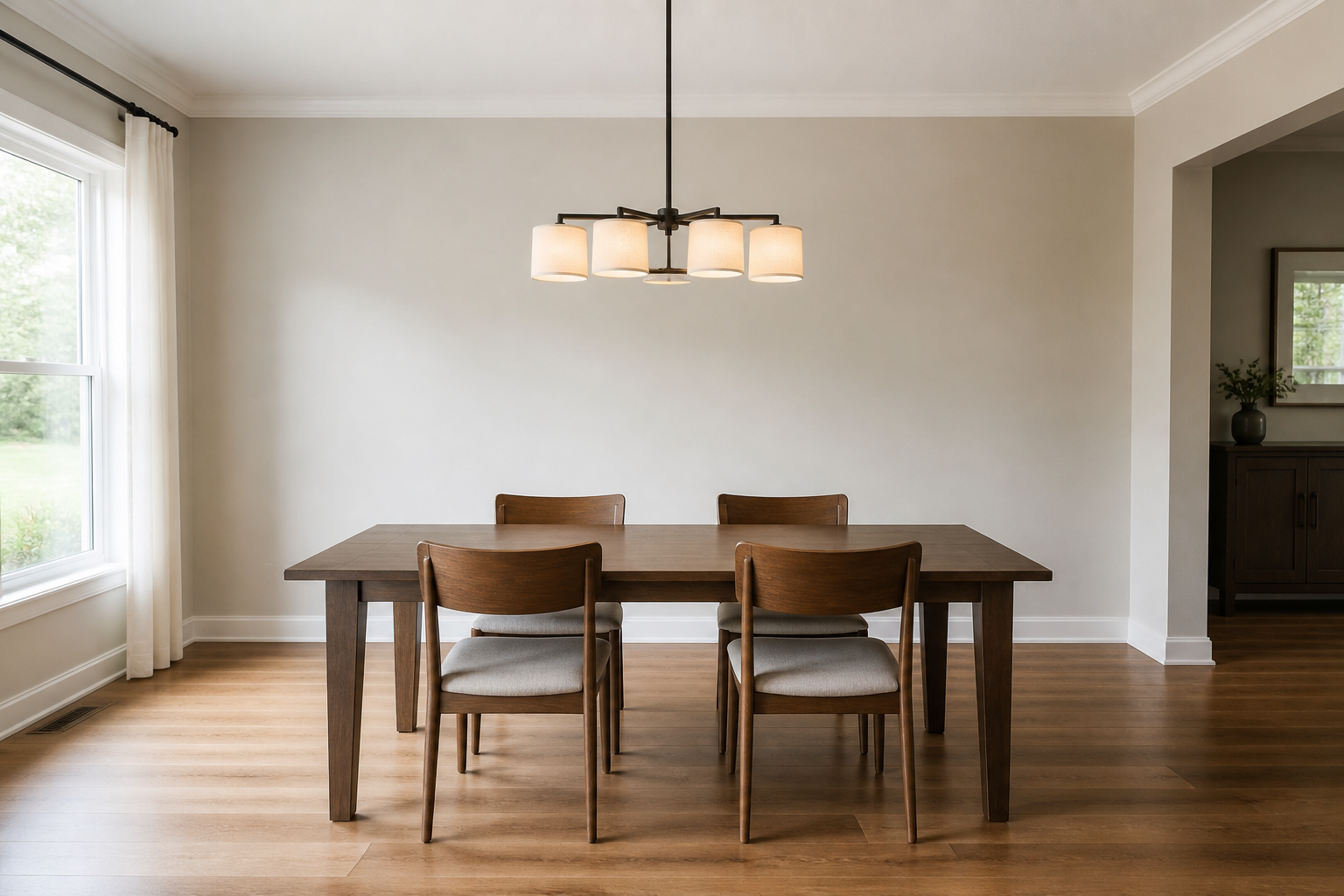 BEFORE
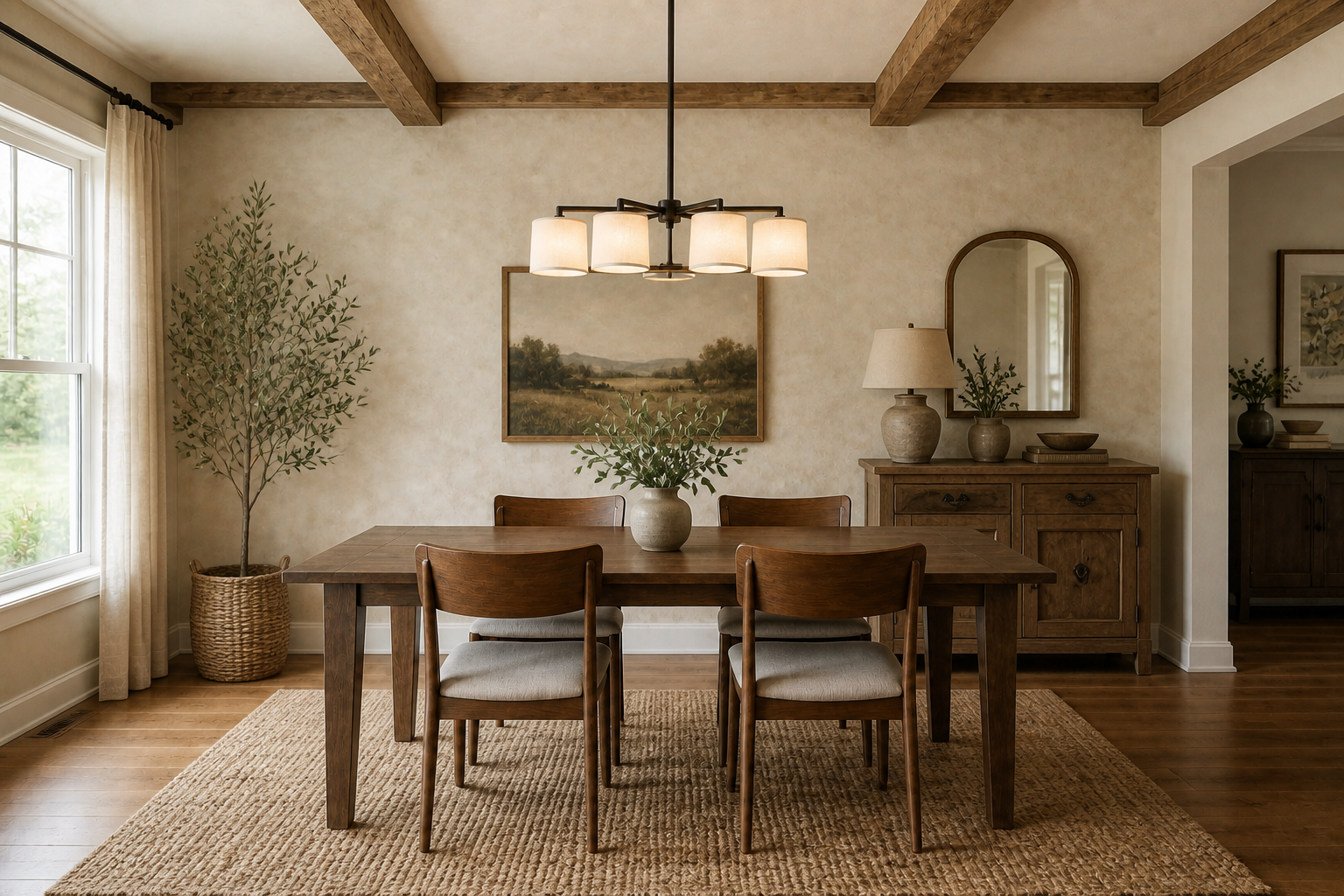 AFTER
AFTER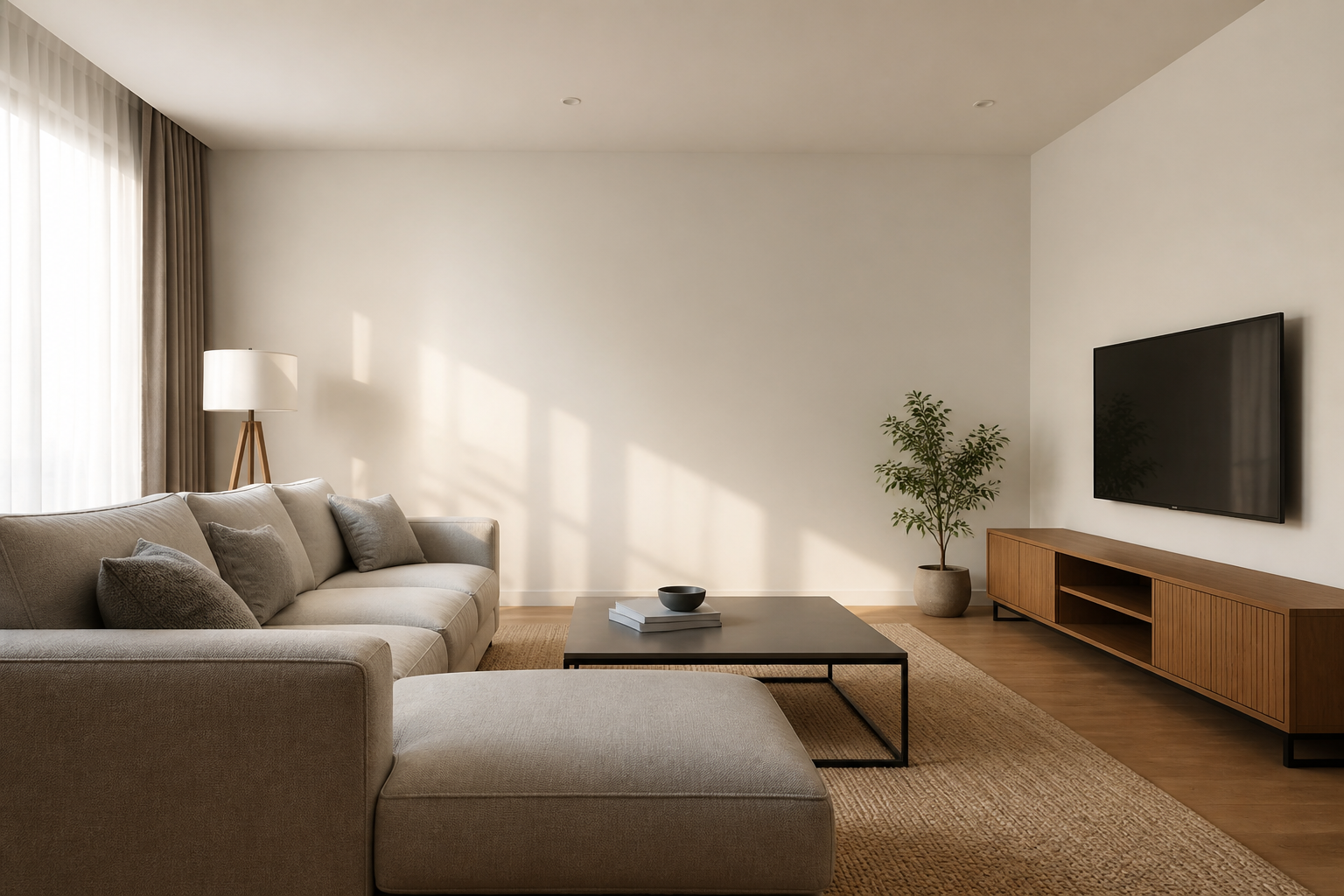 BEFORE
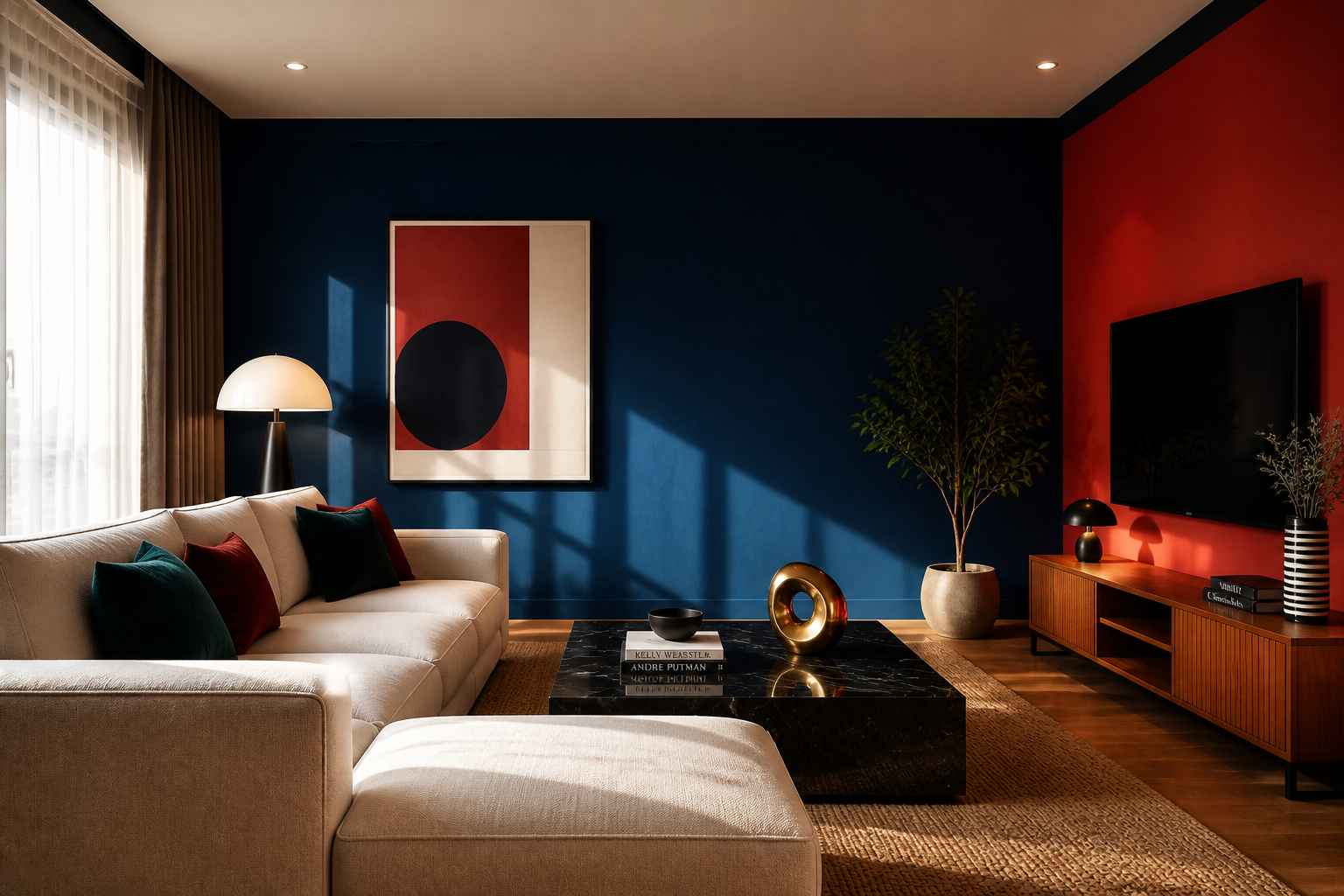 AFTER
AFTER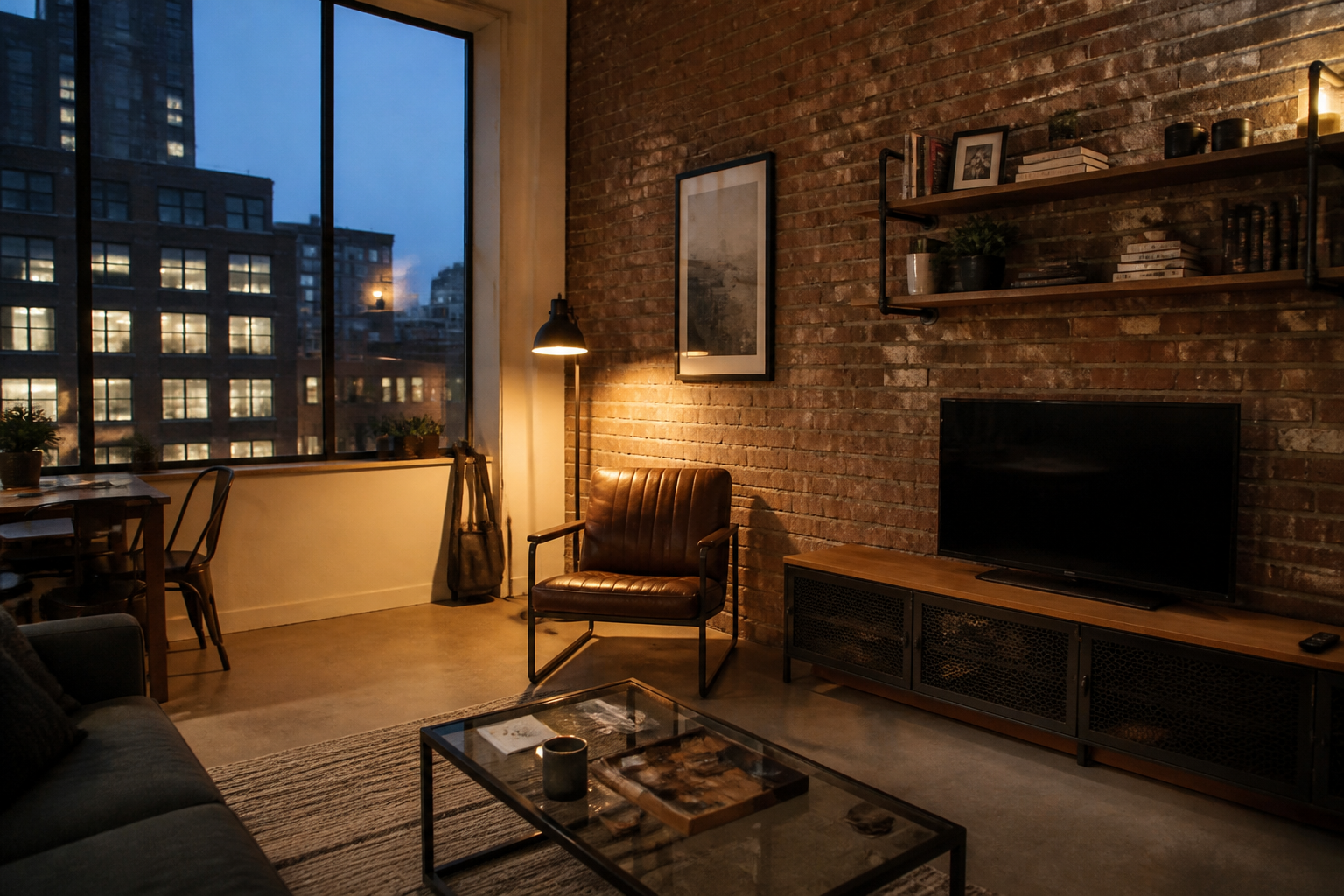 BEFORE
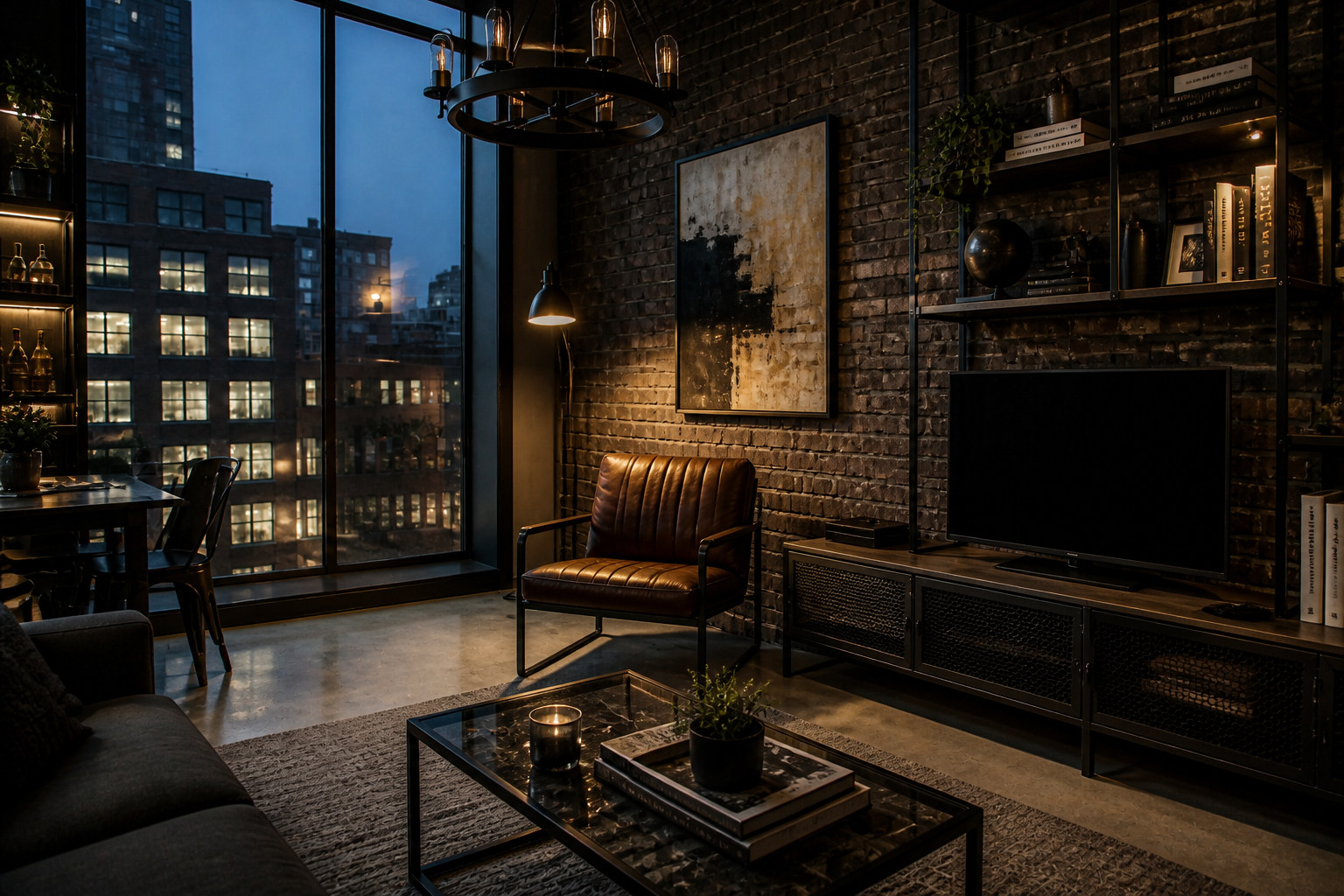 AFTERBEFOREAFTERBEFOREAFTERBEFOREAFTERBEFOREAFTERBEFOREAFTER
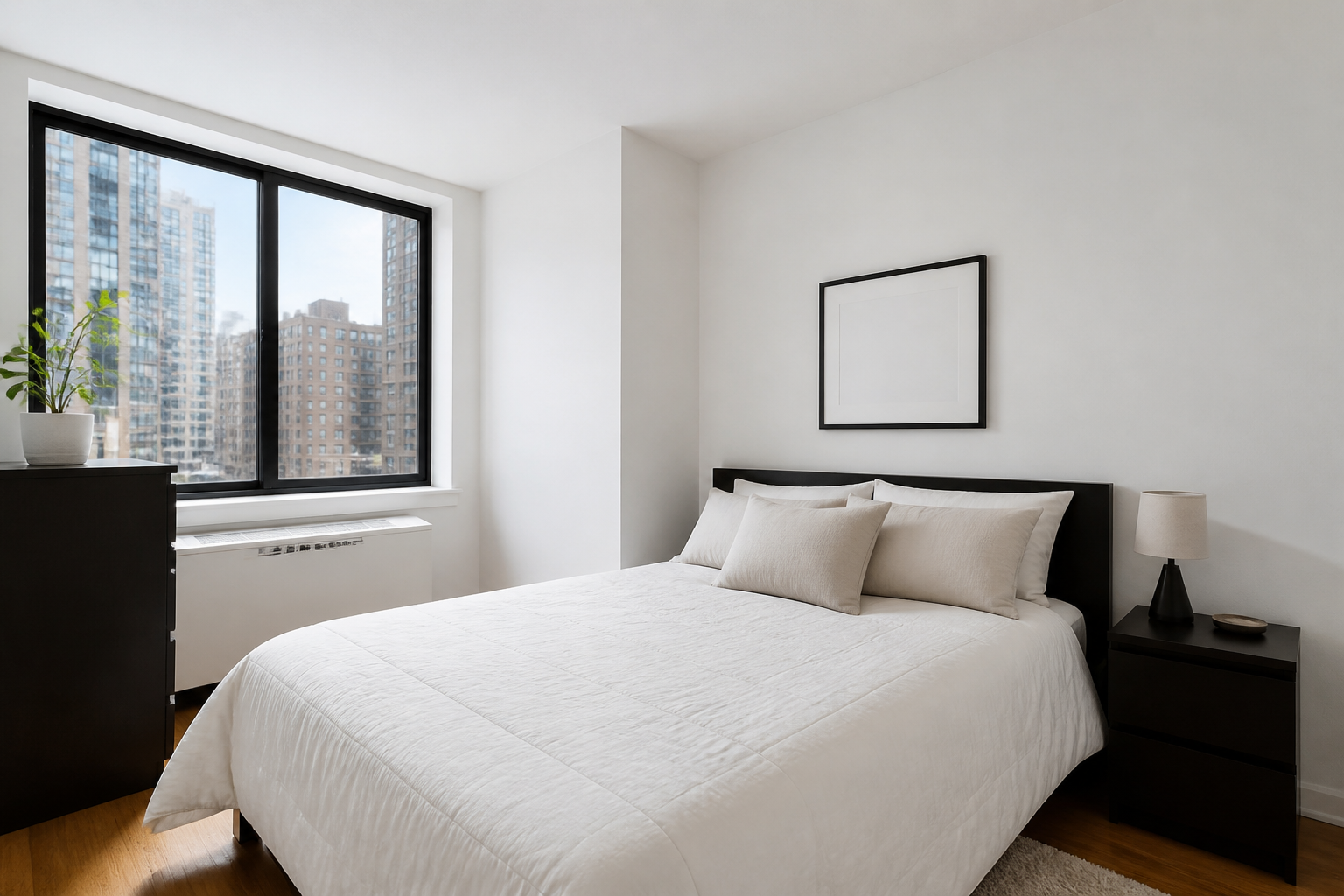 BEFORE
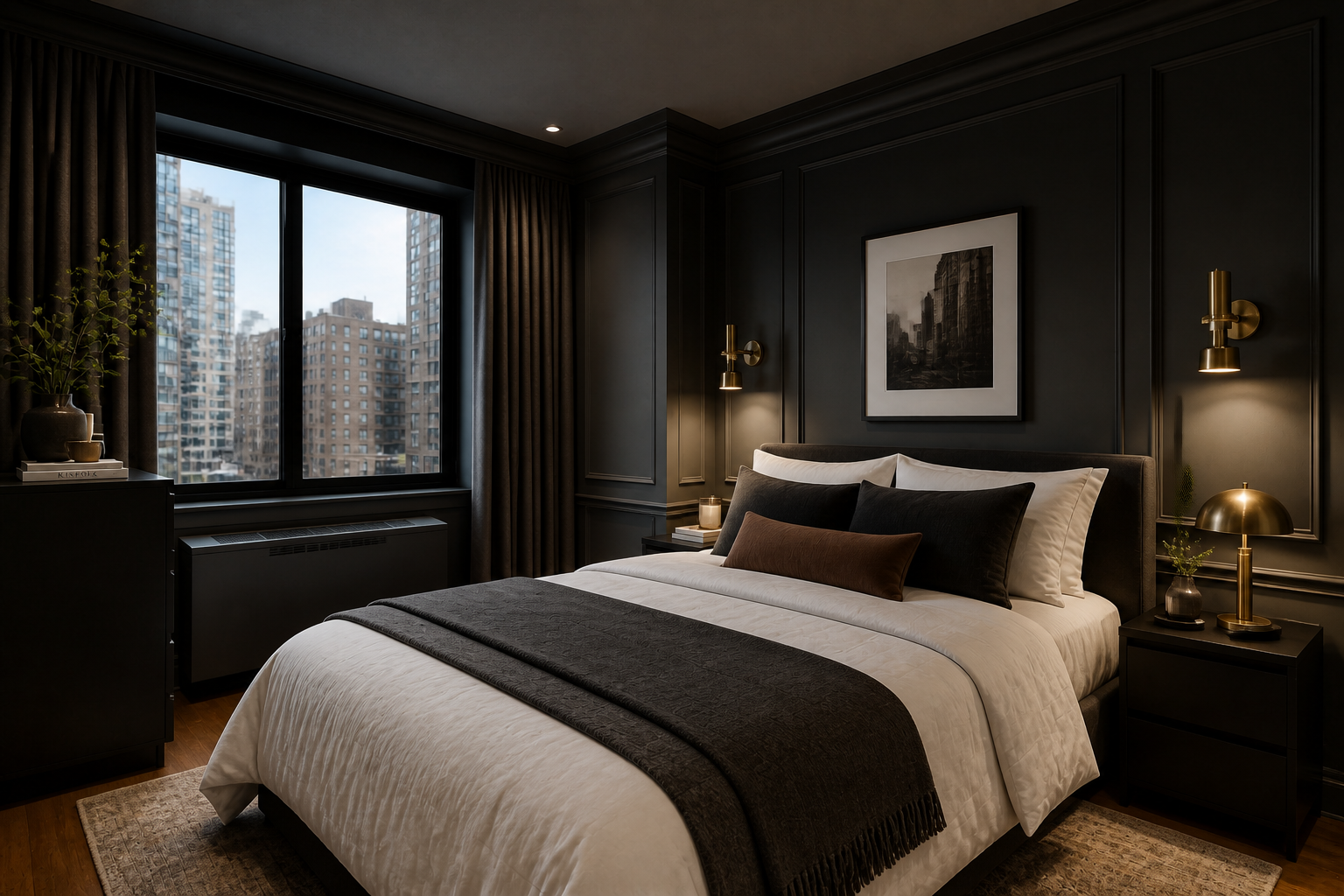 AFTER
AFTER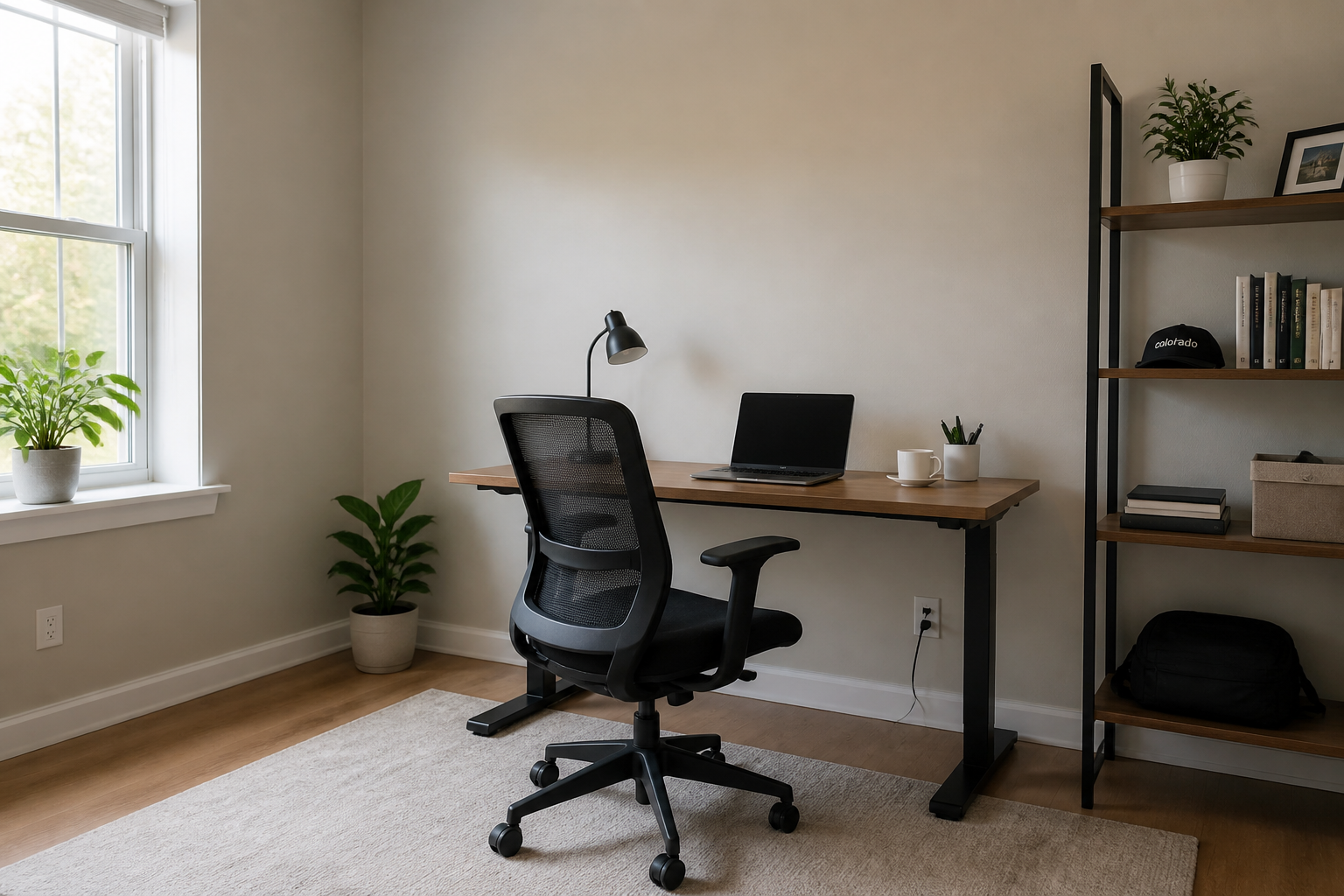 BEFORE
 AFTER
AFTER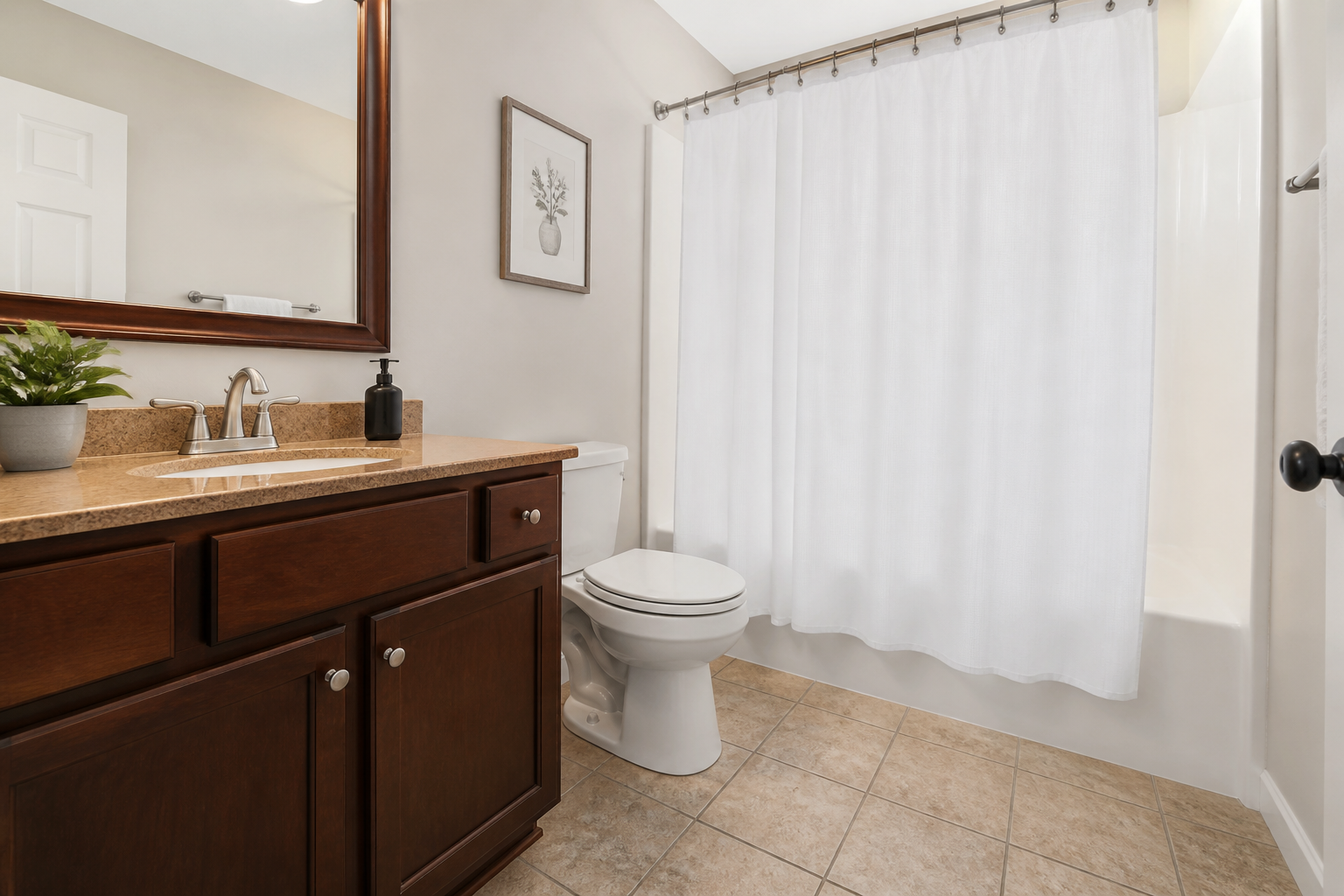 BEFORE
 AFTER
AFTER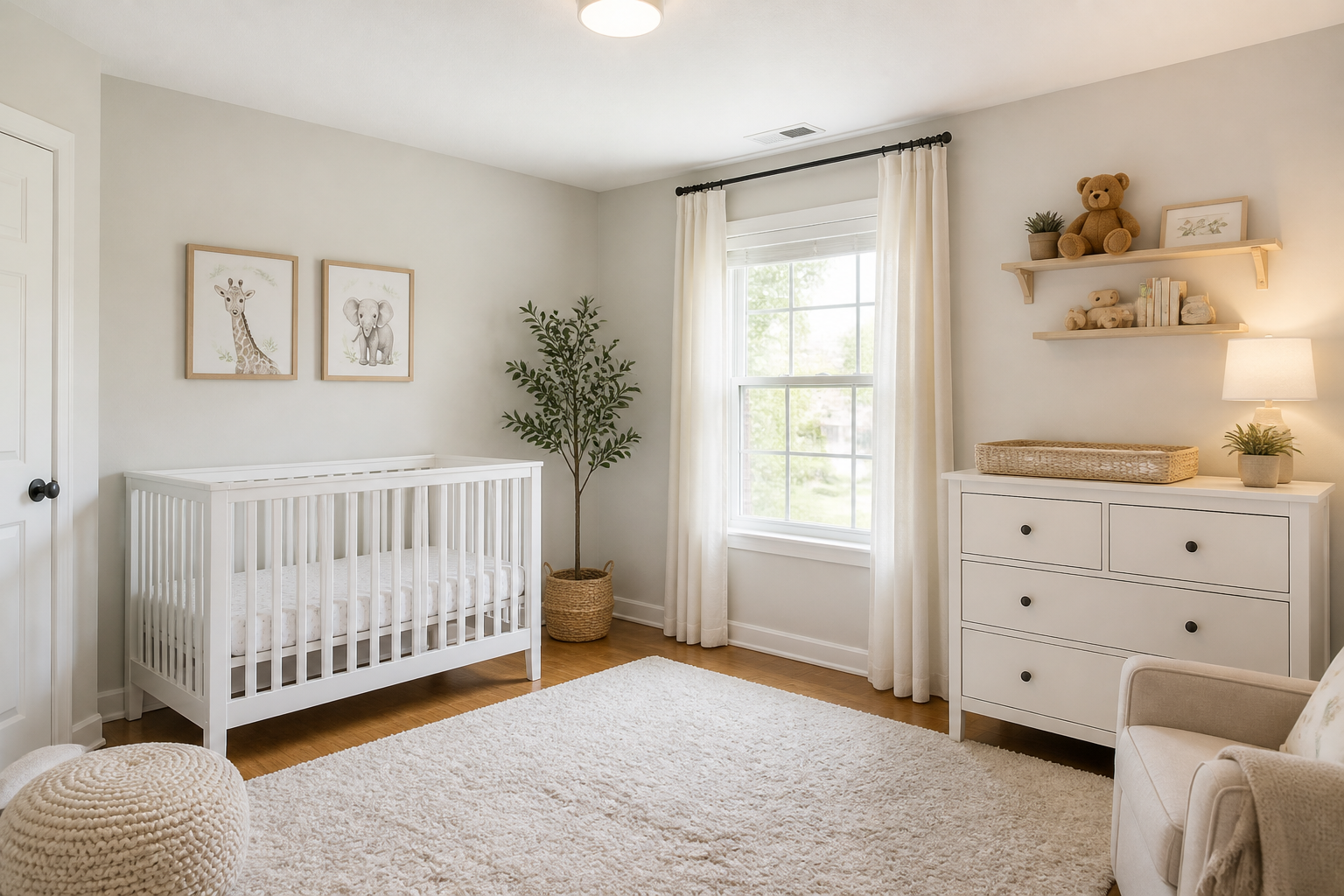 BEFORE
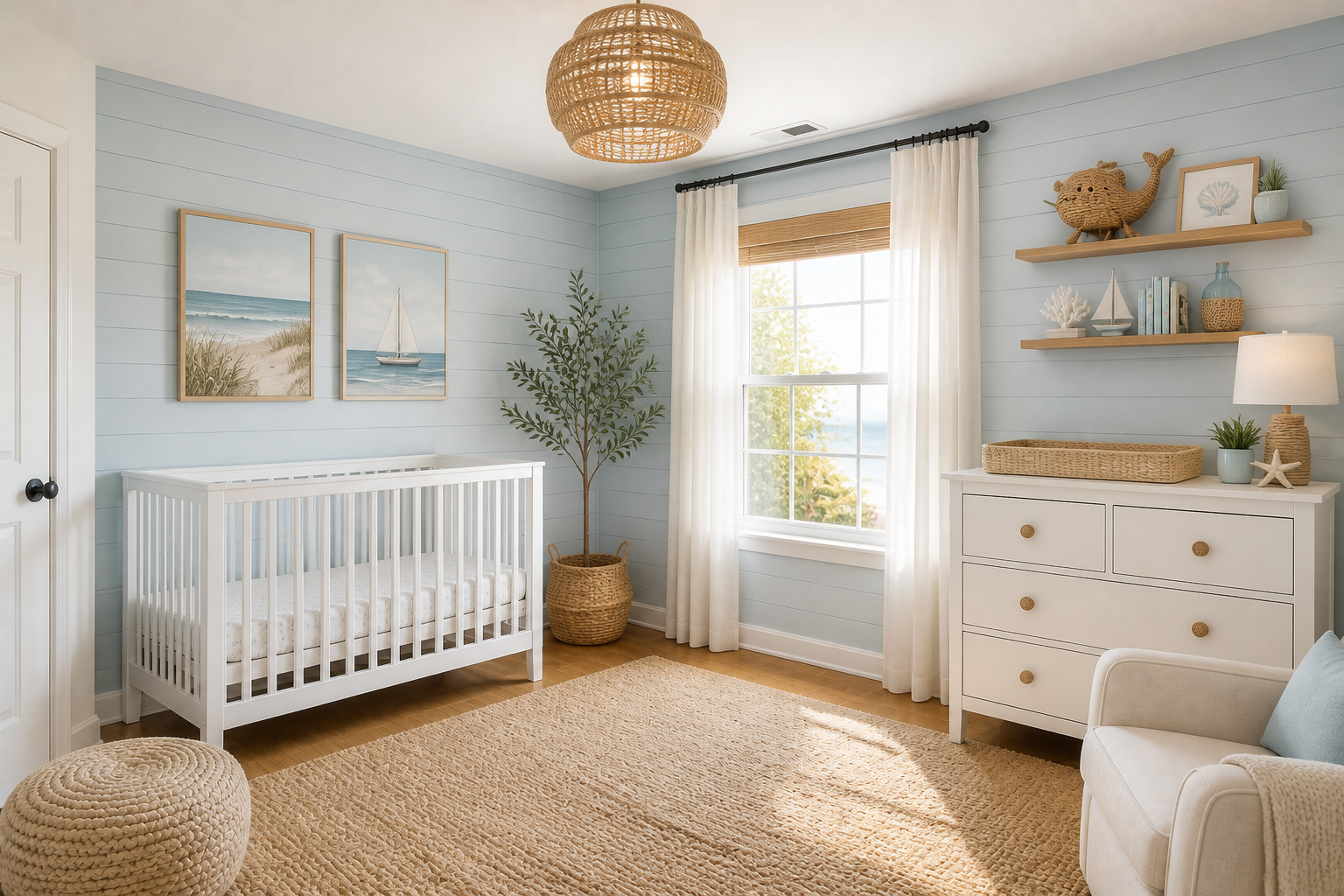 AFTER
AFTER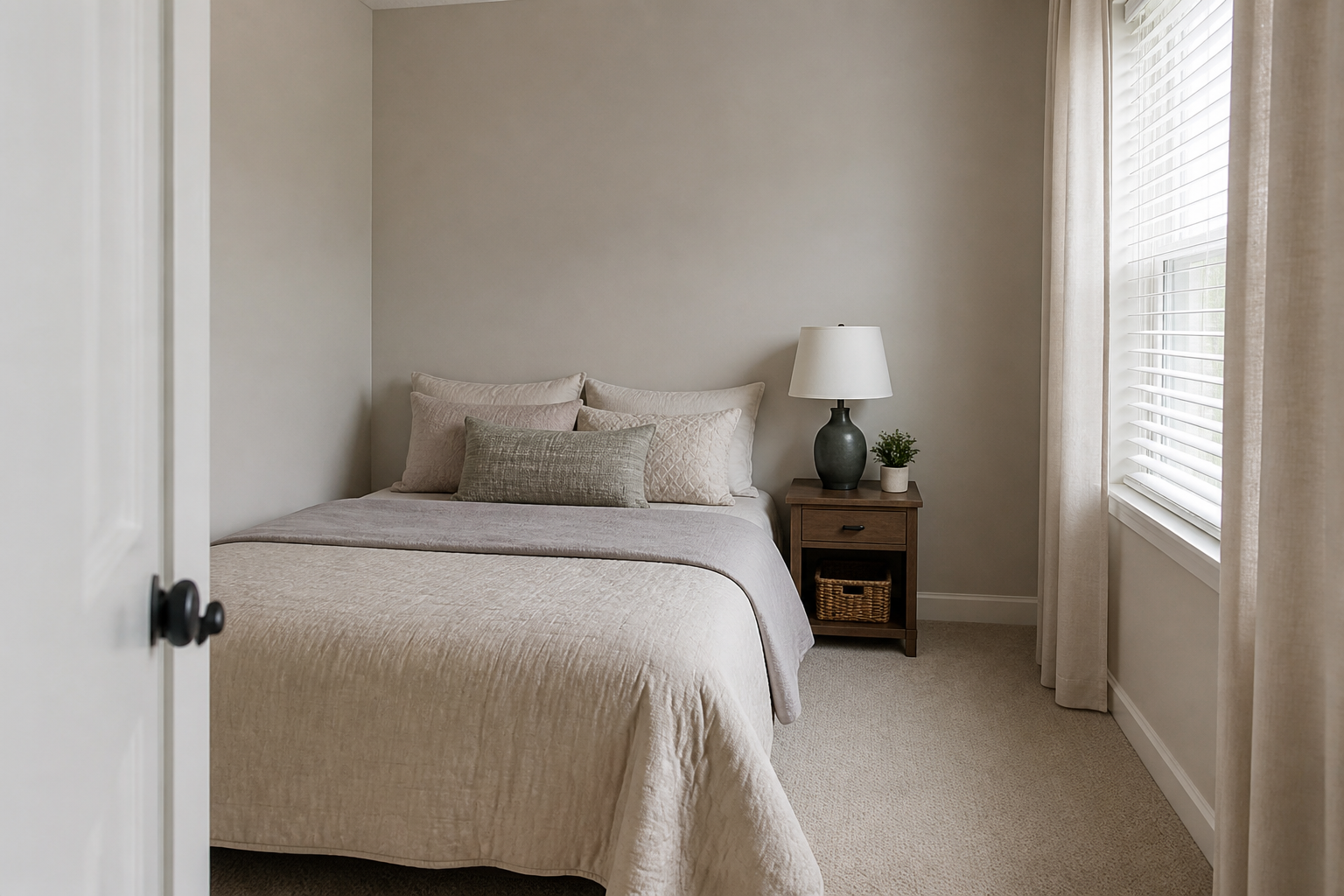 BEFORE
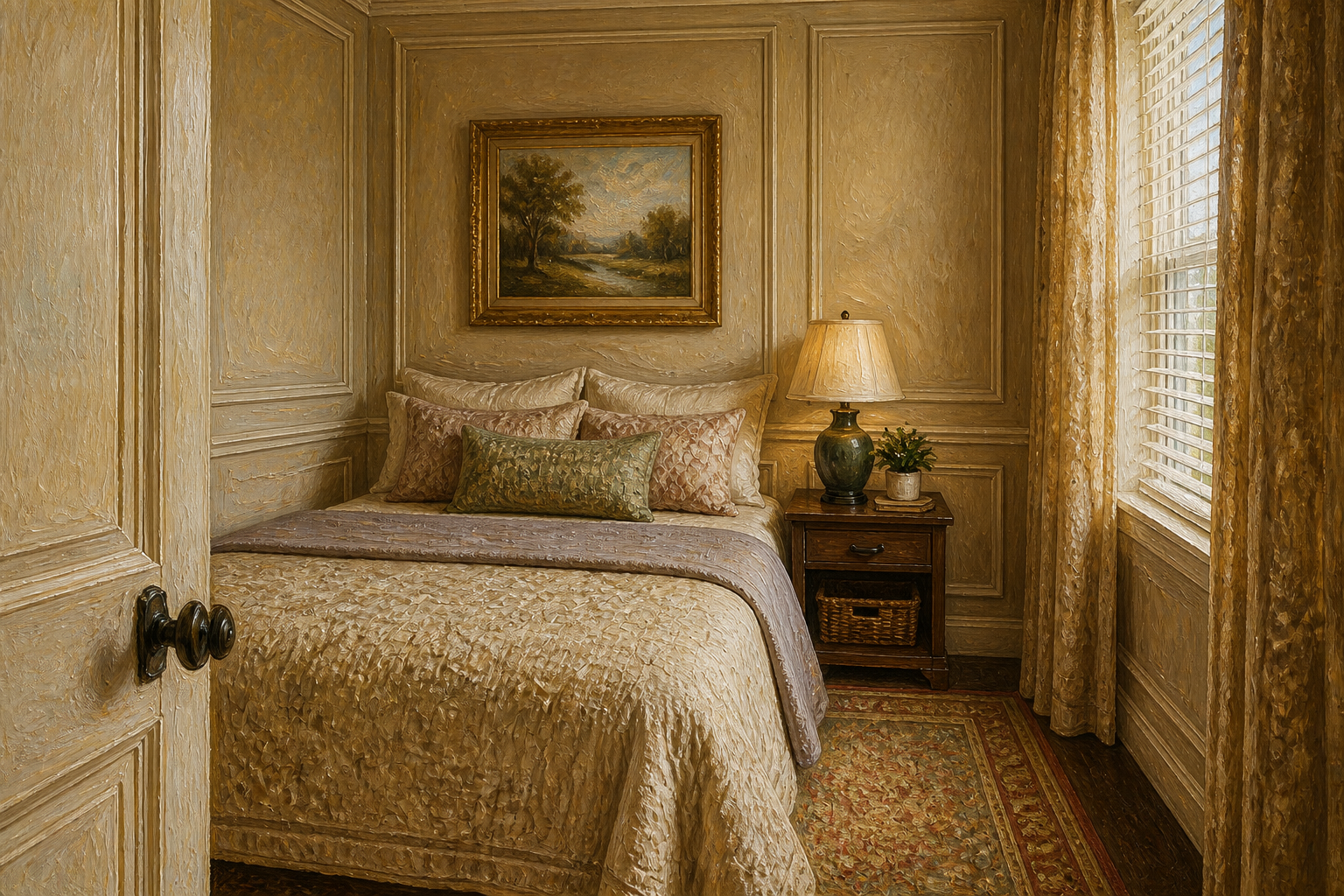 AFTERBEFOREAFTERBEFOREAFTERBEFOREAFTERBEFOREAFTERBEFOREAFTER
Key Features
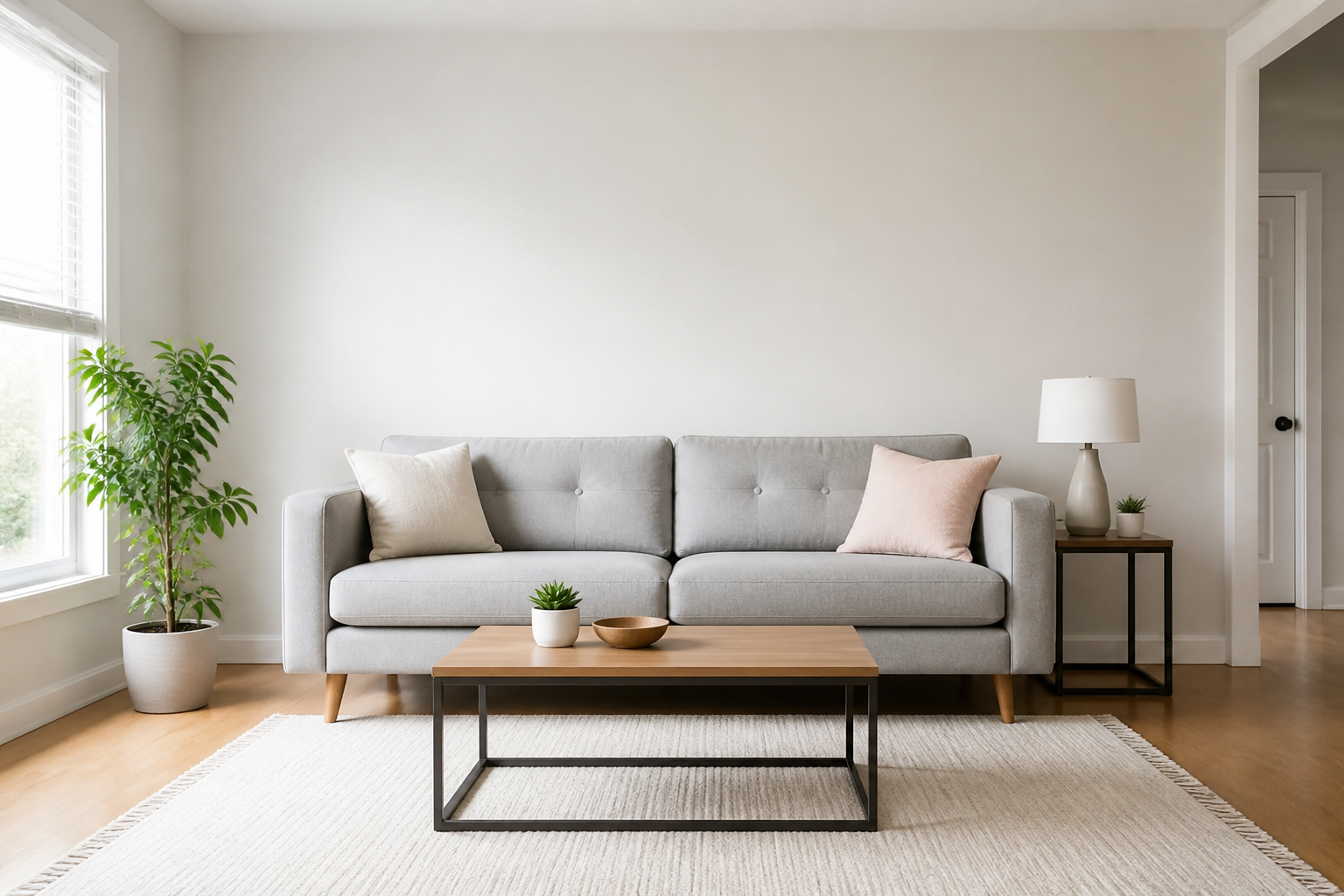
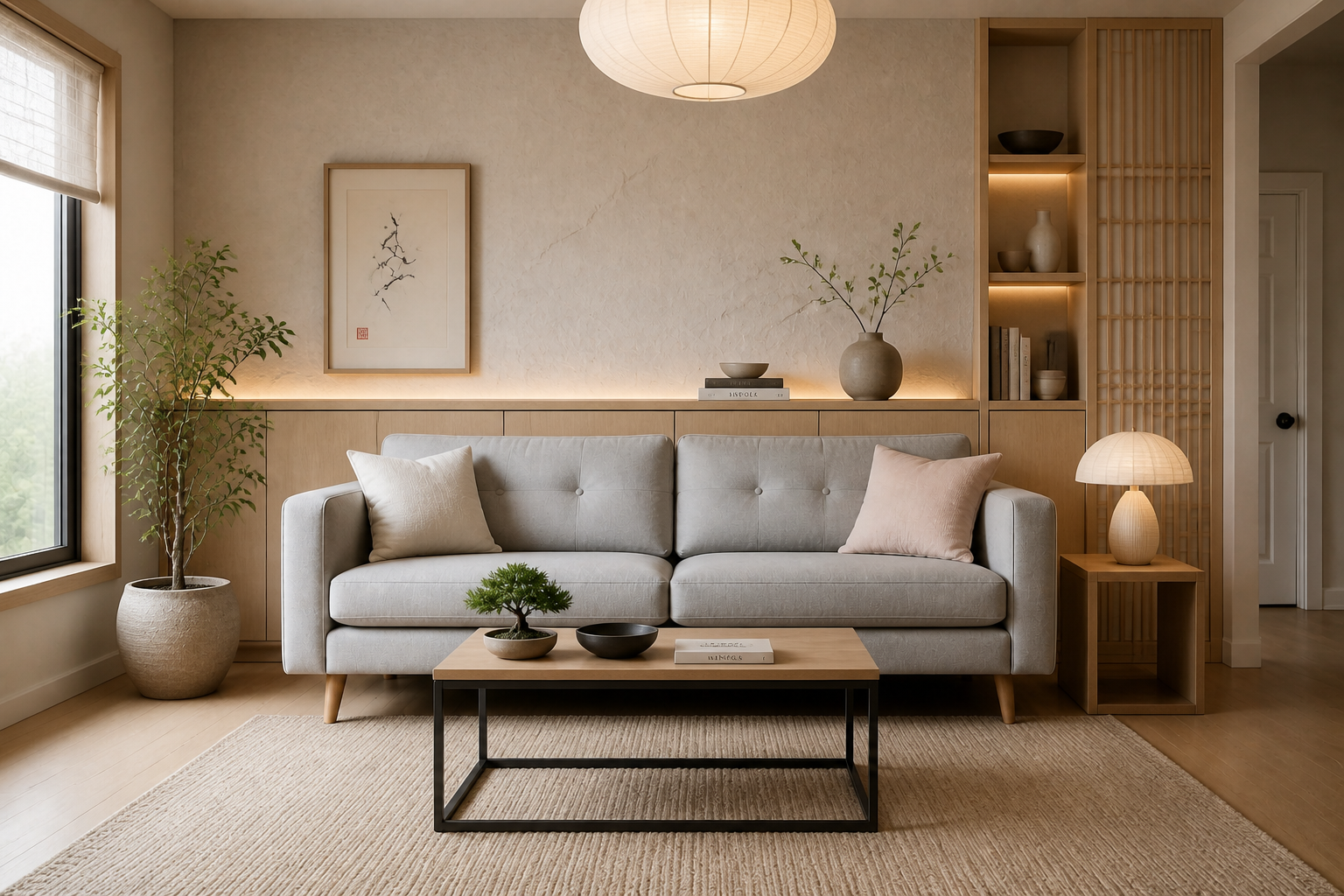
Try new styles fast
See the same room in completely different interior directions without rebuilding the scene from scratch. You can test modern, rustic, luxury, coastal, or minimal looks from one source image. That makes early design exploration much quicker than manually mocking up every option. It is especially useful when you want clear visual comparisons before making purchases or committing to a renovation.
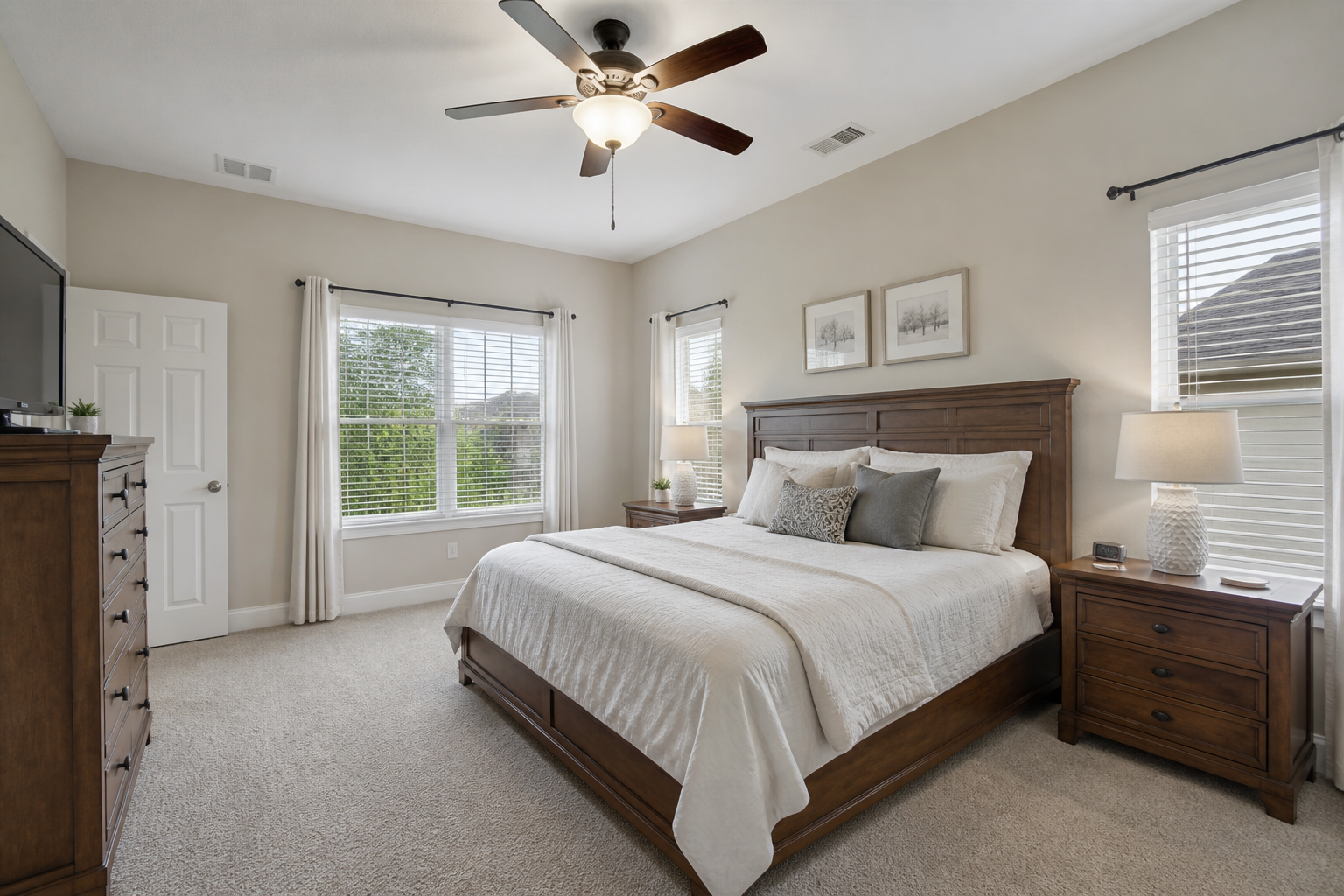
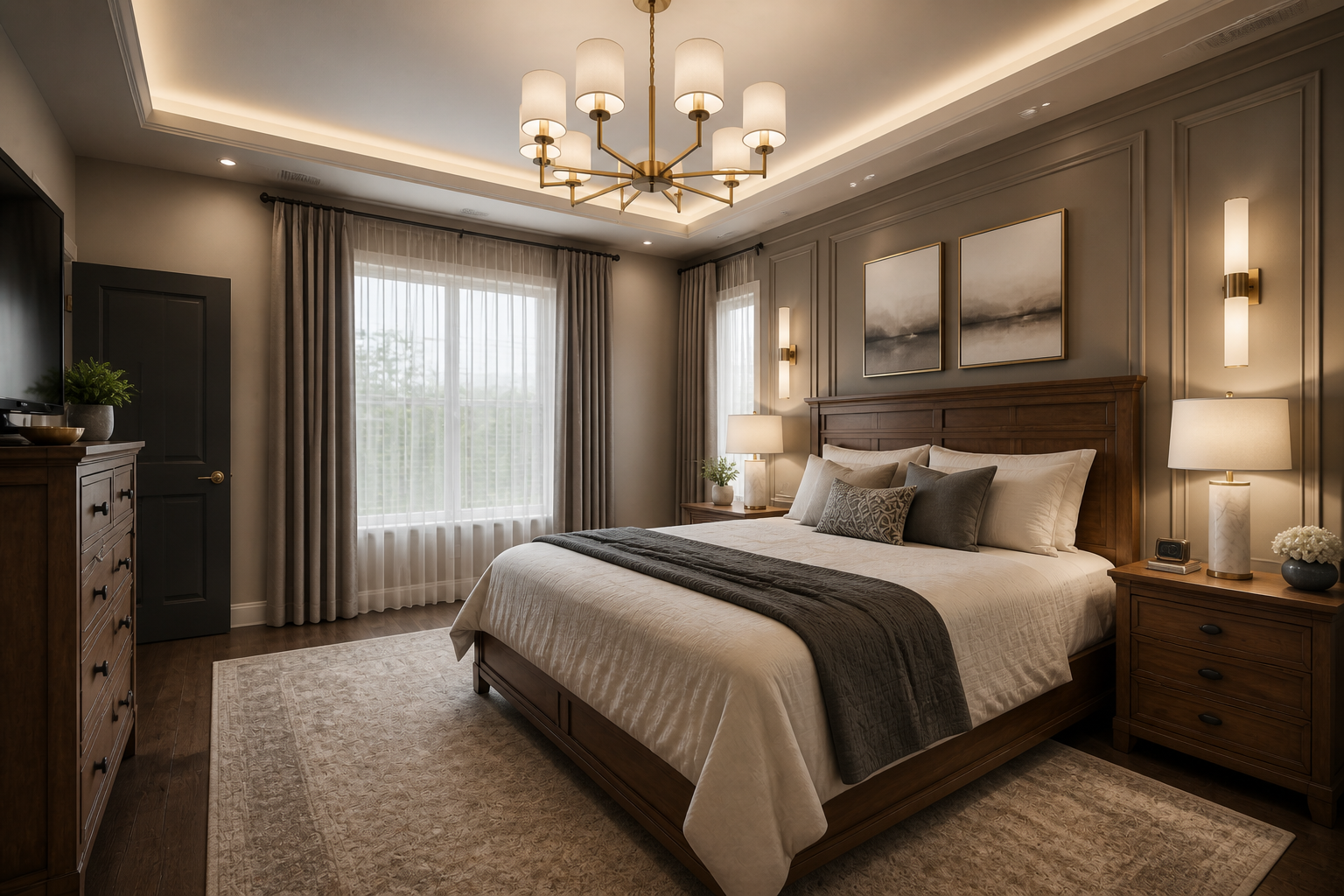
Keep the room believable
Our AI changes the surroundings while preserving the room’s basic structure, viewpoint, and proportions. The result looks closer to a real redesign preview instead of a totally unrelated image. That matters when you need stakeholders, clients, or buyers to trust what they are seeing. It also saves time you would otherwise spend fixing perspective mismatches by hand.
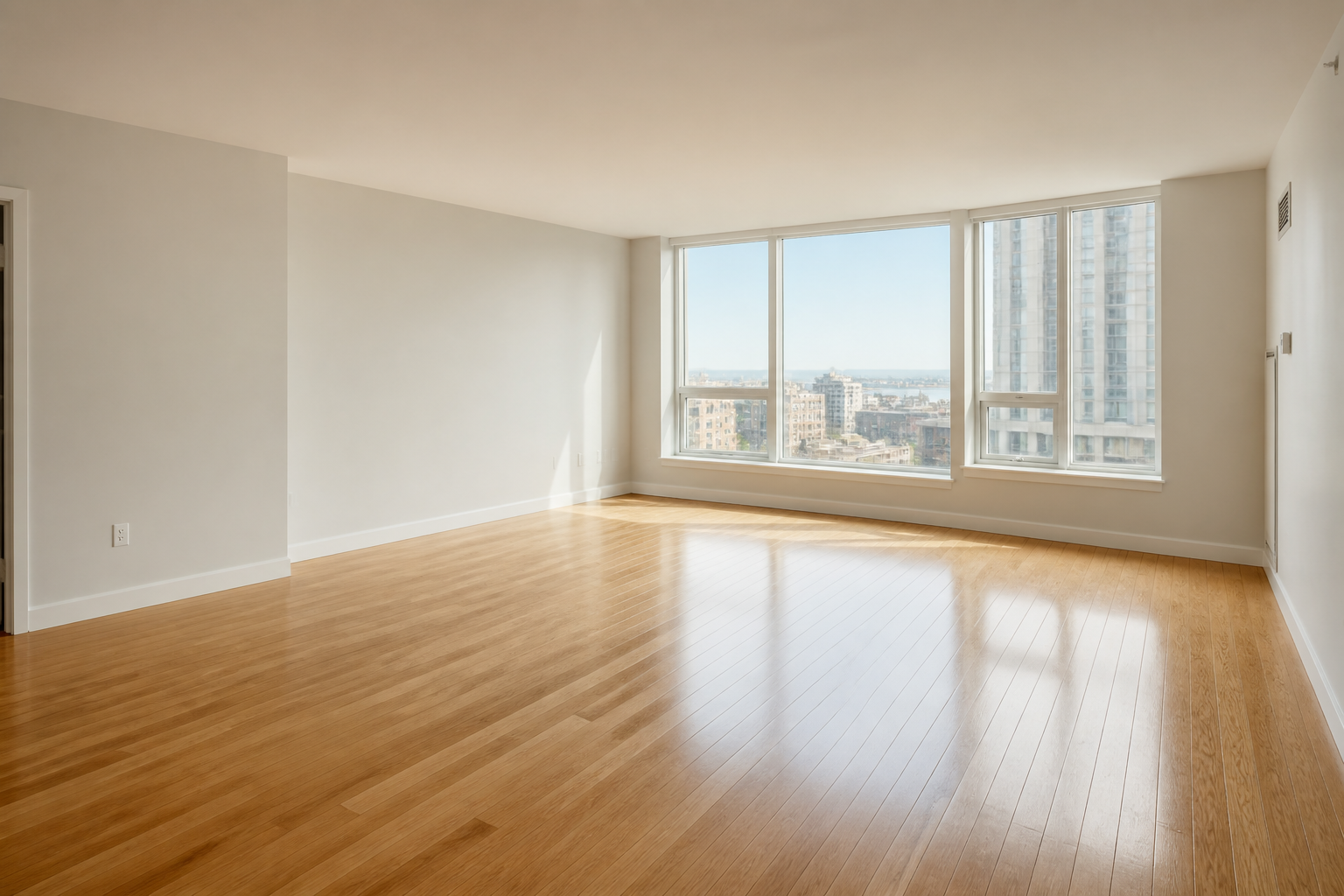
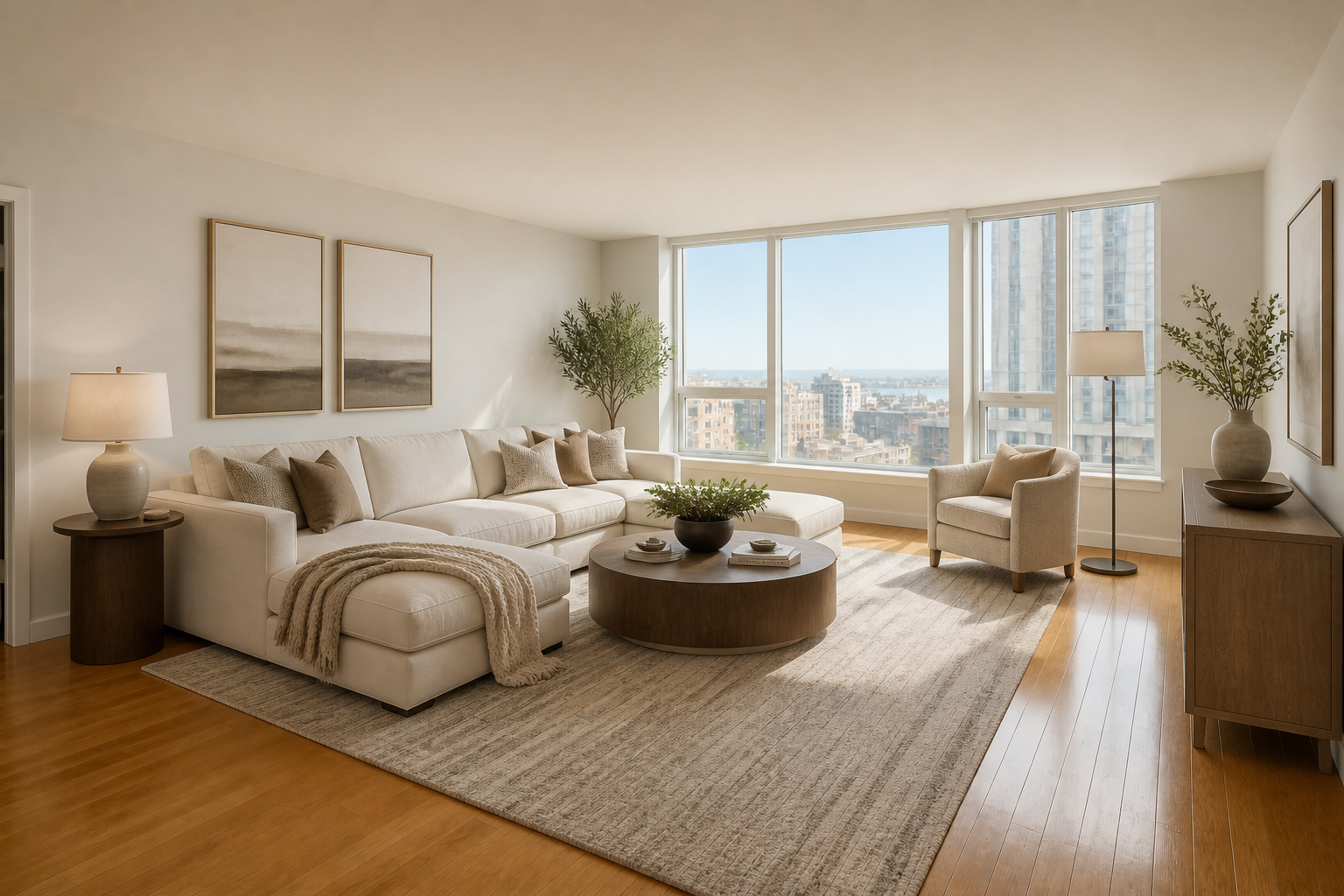
Great for staging previews
Empty or under-decorated rooms are hard for people to interpret. This tool lets you add a stronger design context so the space reads better in listings, presentations, and mood boards. You can show what a room could become without physically moving furniture into place. Compared with manual staging comps, it is much faster to generate multiple directions from one photo.
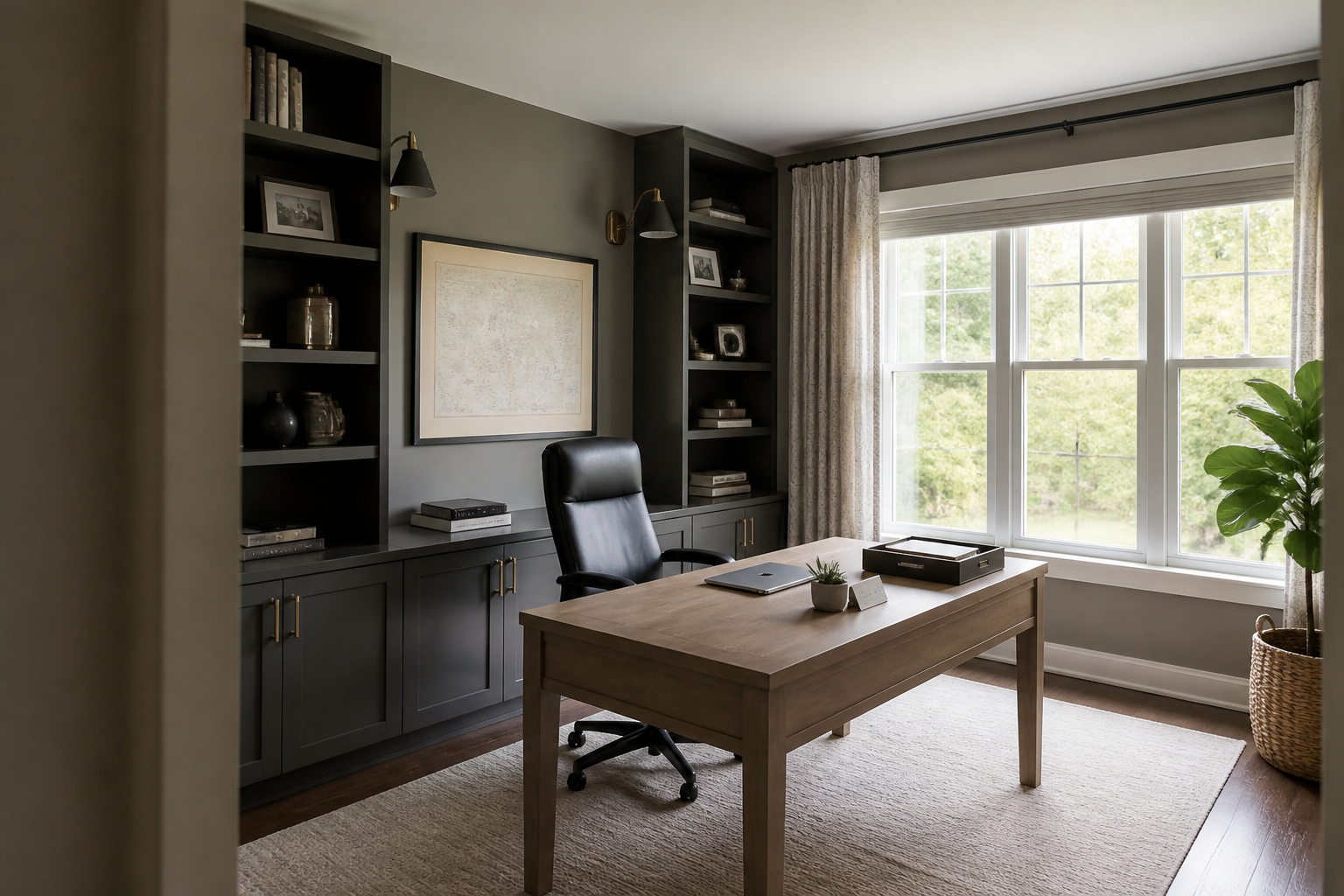
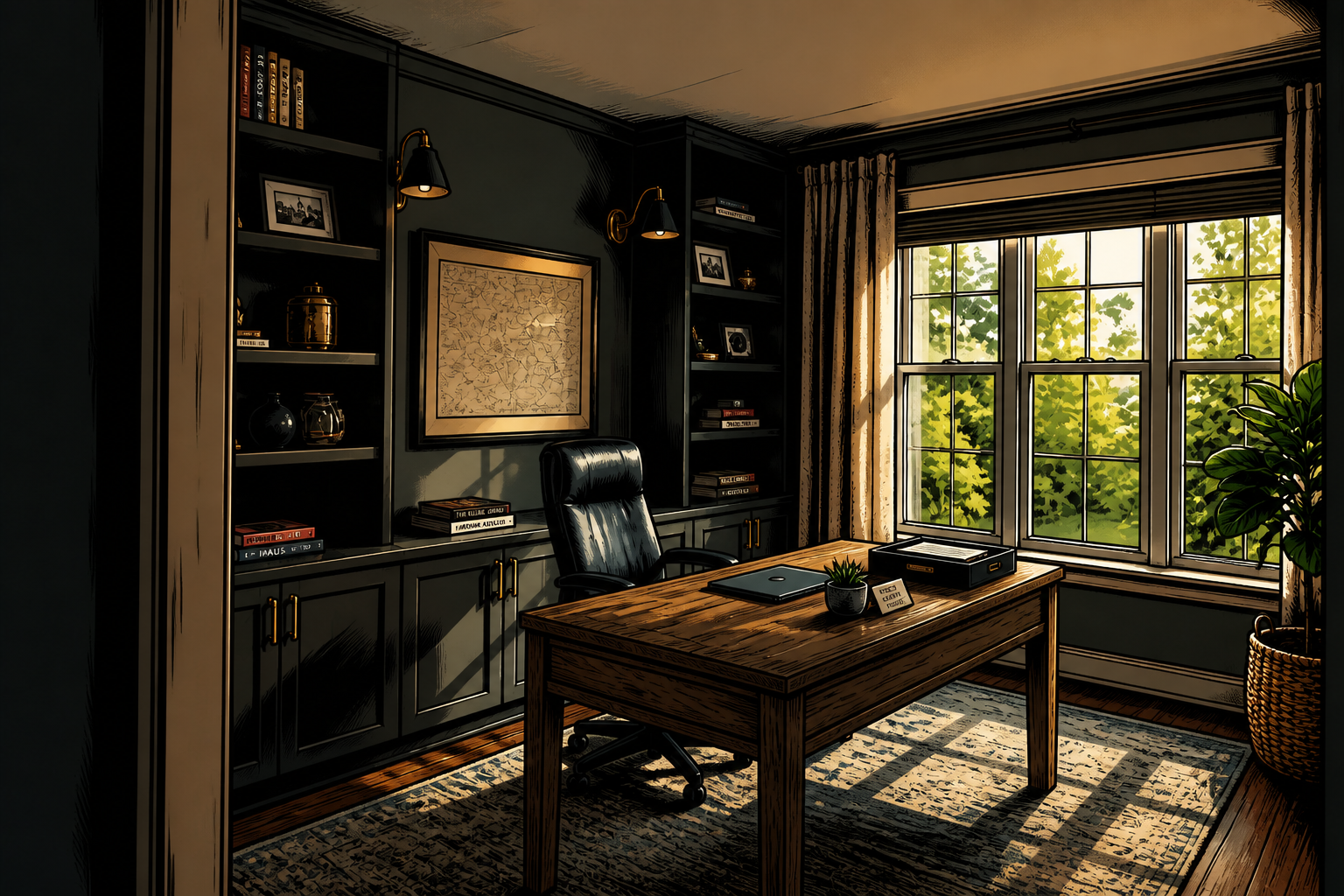
Explore creative visual ranges
You are not limited to one safe photoreal style. The same room photo can become a premium editorial concept, an illustrated interior, or another stylized presentation for content and pitching. This helps marketers, creators, and designers produce more varied visuals from the same source material. Doing that manually would require separate renders, compositing, or extensive repainting.
How It Works
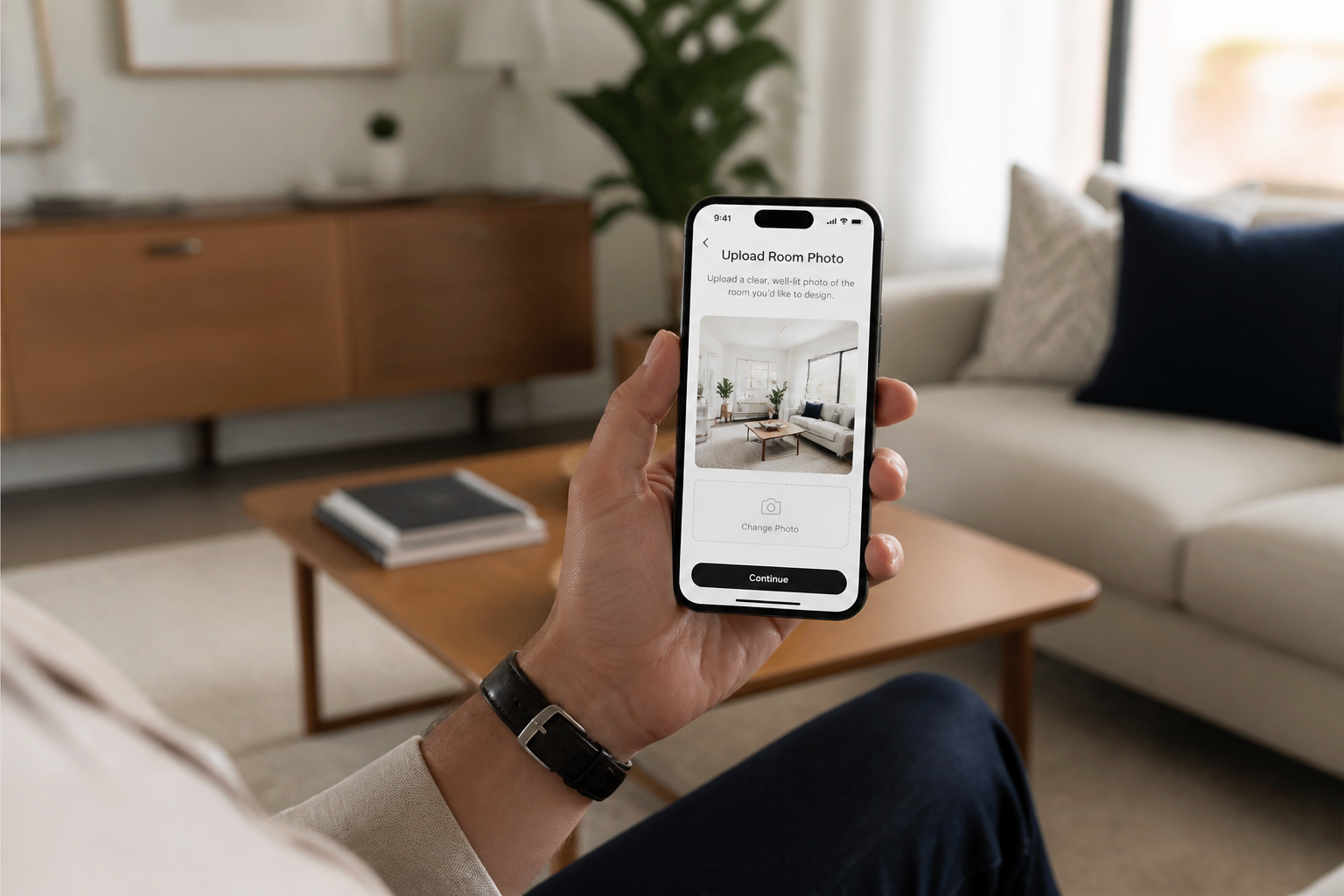
Upload your room photo
Start with a clear photo of the room you want to edit. Wide, well-lit shots usually give the AI more context to preserve the layout and perspective.
Describe the new look
Tell the AI what kind of room background or interior style you want. Mention the mood, materials, colors, and decor direction so the result matches your goal.
Compare and refine
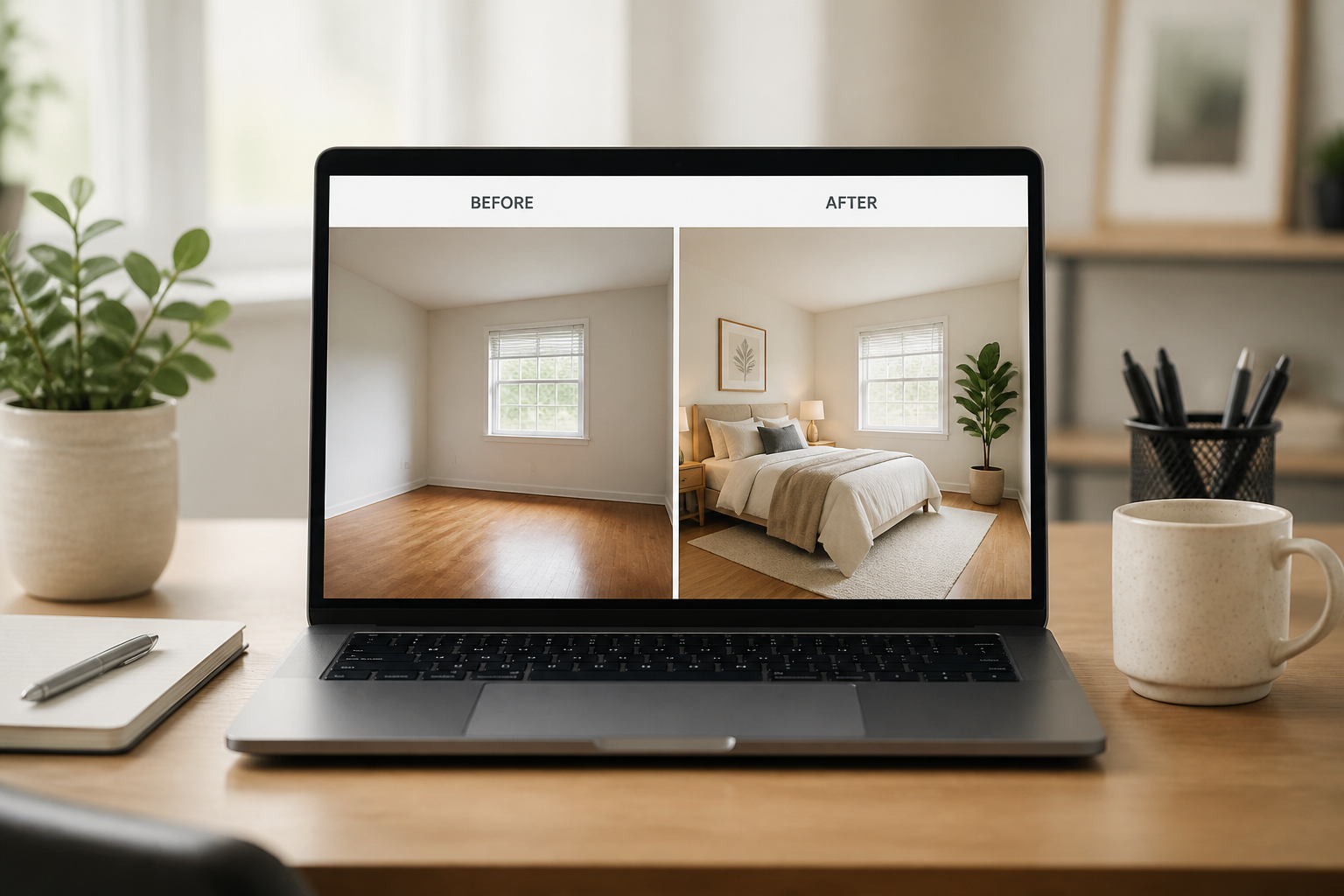
Review the before and after version, then adjust the prompt if needed. You can quickly test several directions until the room feels right for your project.
Perfect For
Discover how creators and professionals use ai room background changer
Real estate marketing
Show buyers a more polished vision of a room without organizing a full physical staging shoot.
Interior design concepts
Test multiple decor directions and present faster visual options to clients during early planning.
Renovation previews
Mock up new wall finishes, lighting moods, and overall style before spending on materials or labor.
Social content and mood boards
Create stronger room visuals for posts, presentations, and inspiration decks from one original image.
Built For
Real estate agents
Make listings more compelling by turning plain rooms into styled, easy-to-read spaces.
Interior designers
Generate fast concept variations that help clients compare styles without waiting for full renders.
Homeowners and creators
Preview makeover ideas or produce polished room content for blogs, socials, and personal projects.
Why use BudgetPixel for room background changes
A quick look at how we compare on the things that matter for this niche.
| Feature | BudgetPixel | Generic AI editors | Manual editing apps |
|---|---|---|---|
| Room-specific transformations | ✓ | — | — |
| Preserves layout and angle | ✓ | — | ✓ |
| Fast style variations | ✓ | ✓ | — |
| Useful for staging previews | ✓ | — | — |
| Beginner-friendly workflow | ✓ | ✓ | — |
Frequently Asked Questions
What kinds of room backgrounds can I change?
Will the room layout stay recognizable?
Do I need a perfectly staged photo first?
Can I create non-photoreal room styles too?
Is this useful for real estate listings?
Create together.
Share your creations, discover trending AI art, and grow with fellow creators.