AI Room Design Generator
Turn empty rooms into fully decorated concepts in a few clicks.
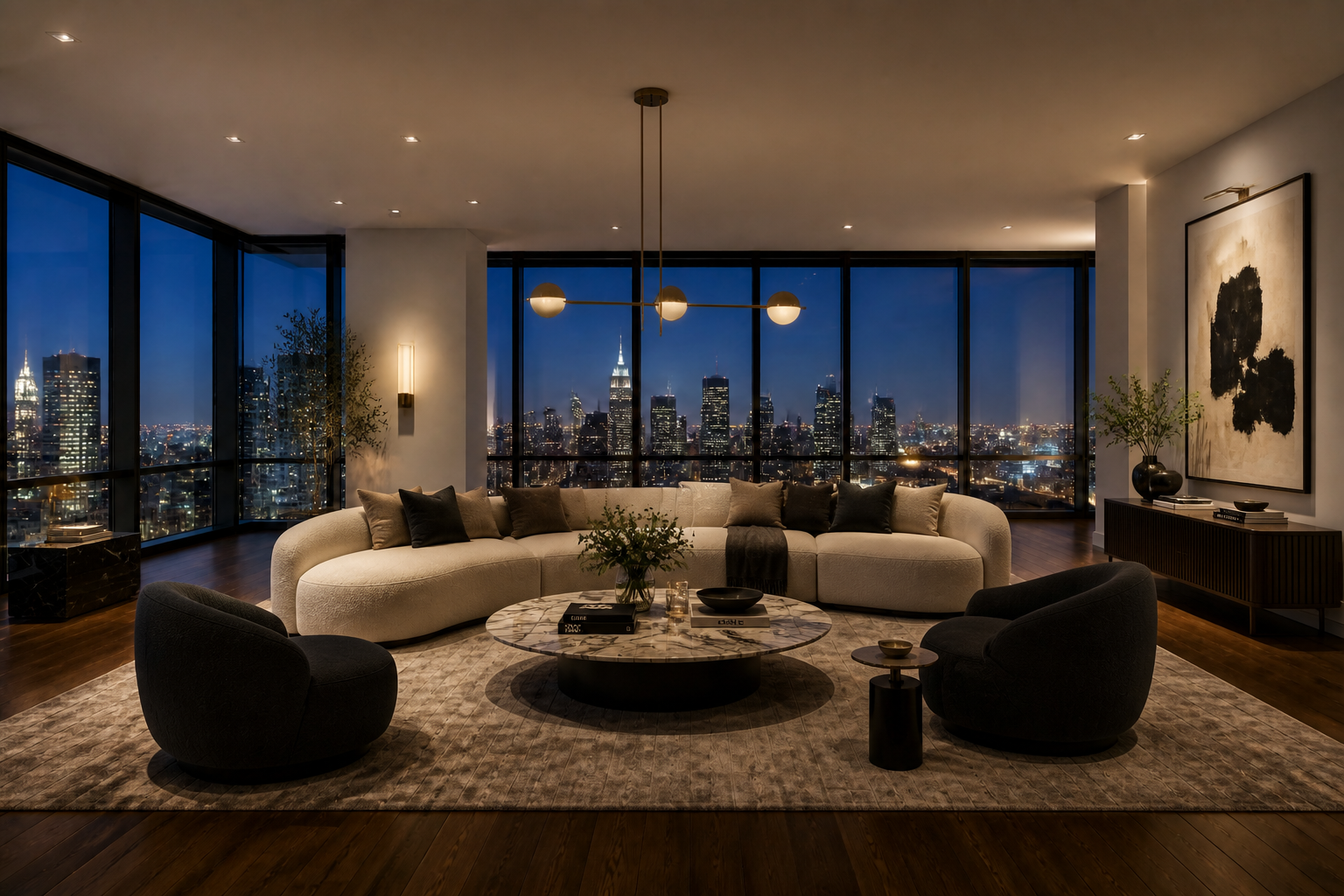
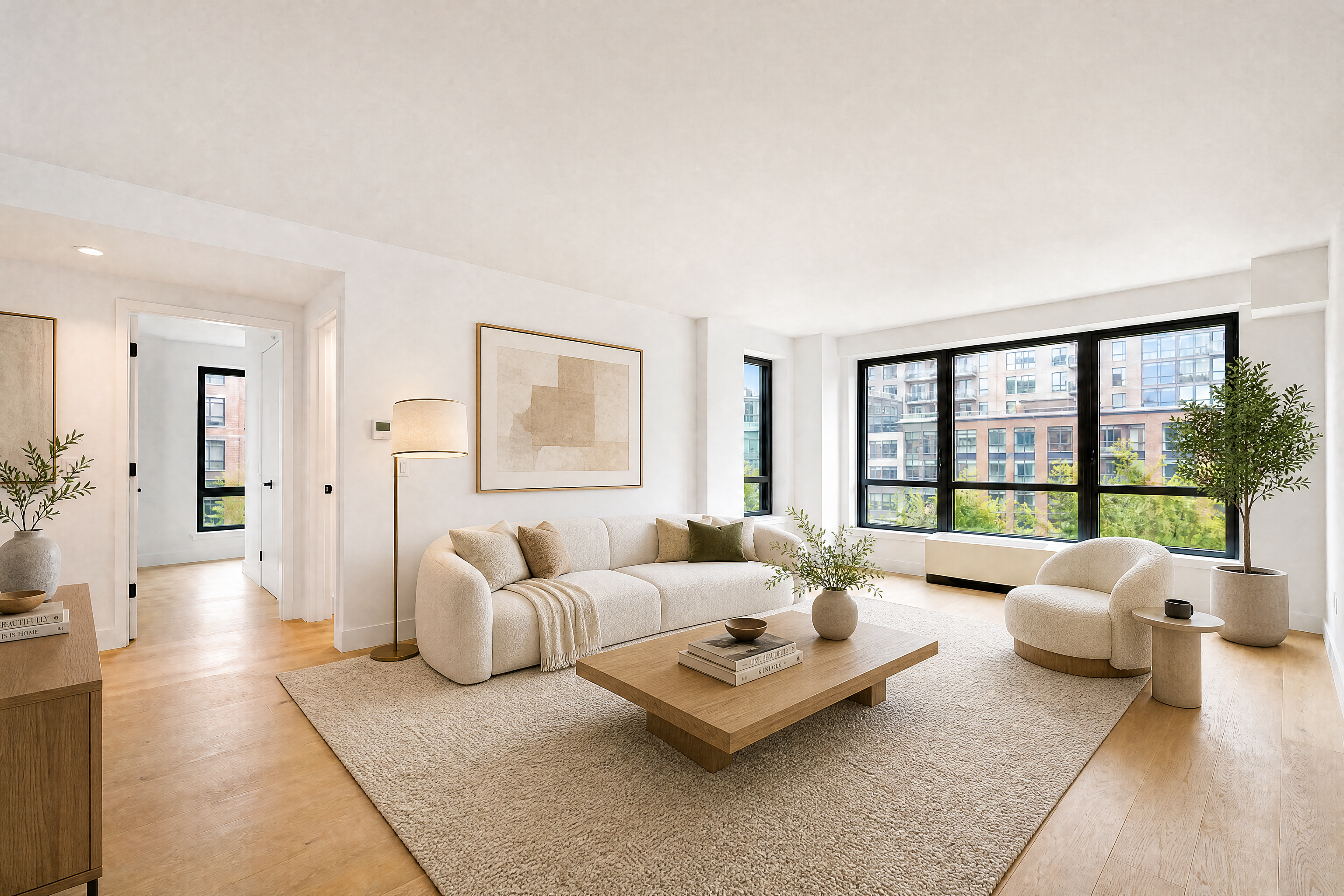
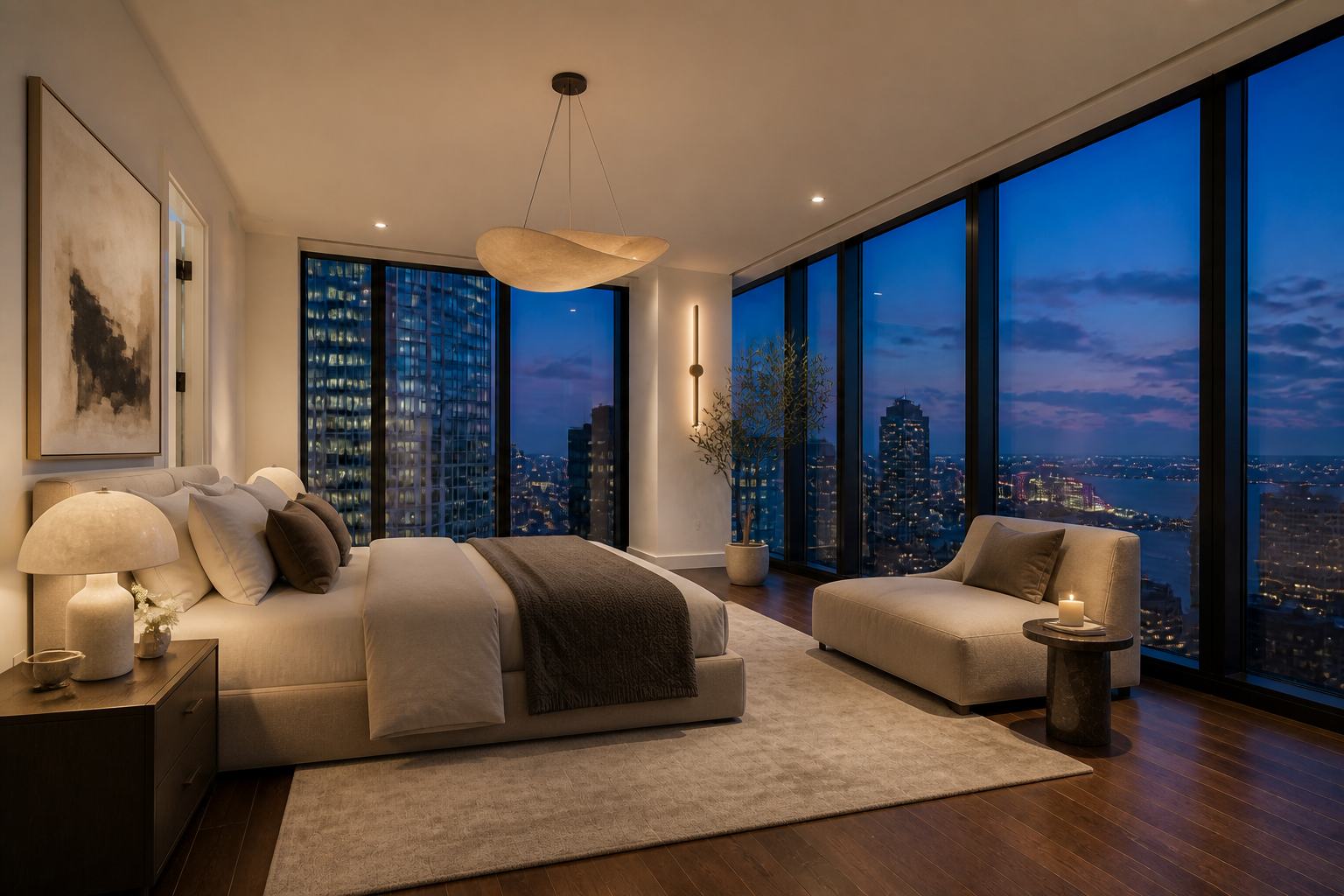
Upload a photo of an empty room and generate a styled, furnished version that keeps the same structure. Try different interior looks, layouts, and decor ideas without sketching or manual mockups.
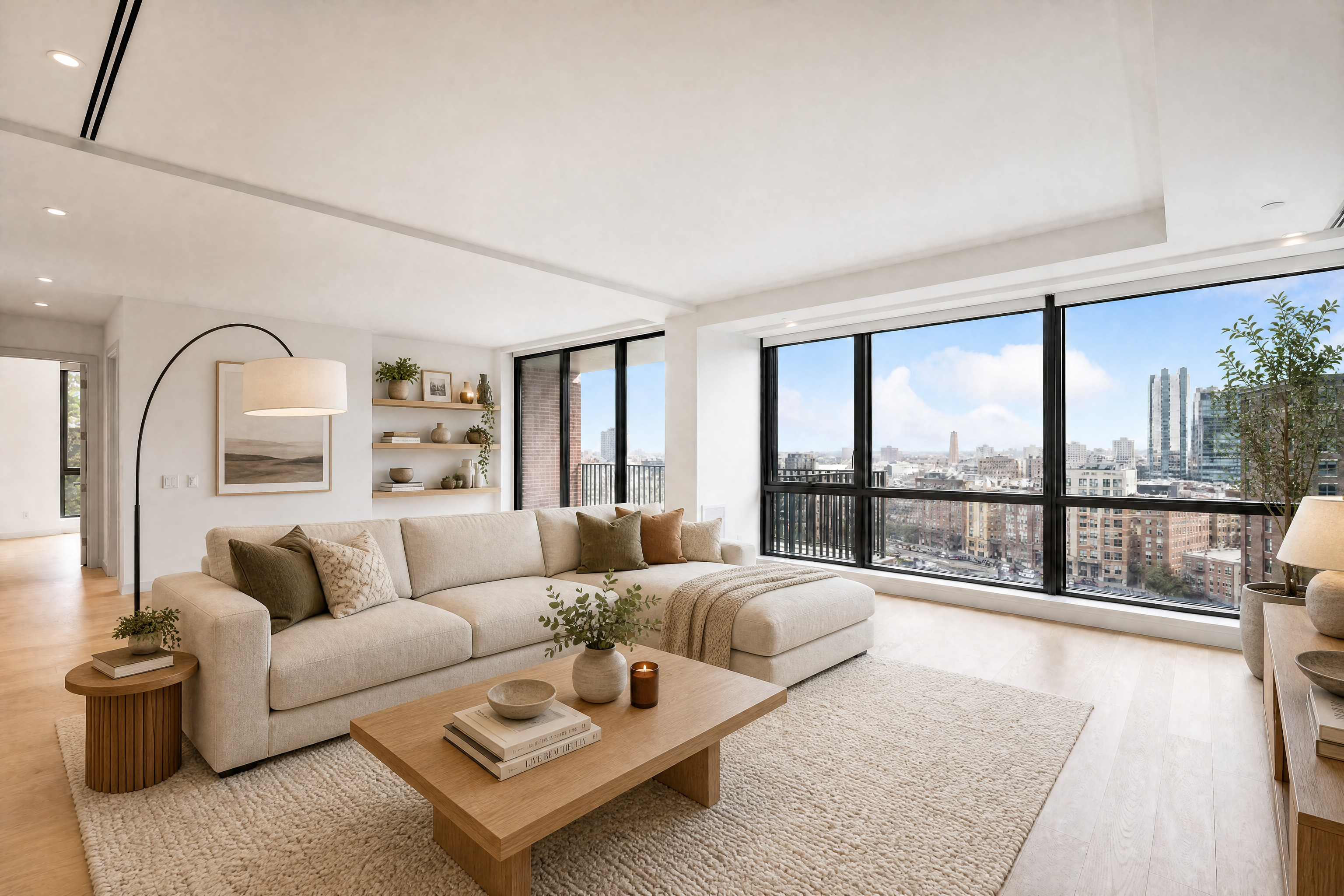
Watch the Transformation
See ai room design generator in motion — generated end-to-end by our AI.
See It In Action
Real outputs from ai room design generator.
BEFOREAFTER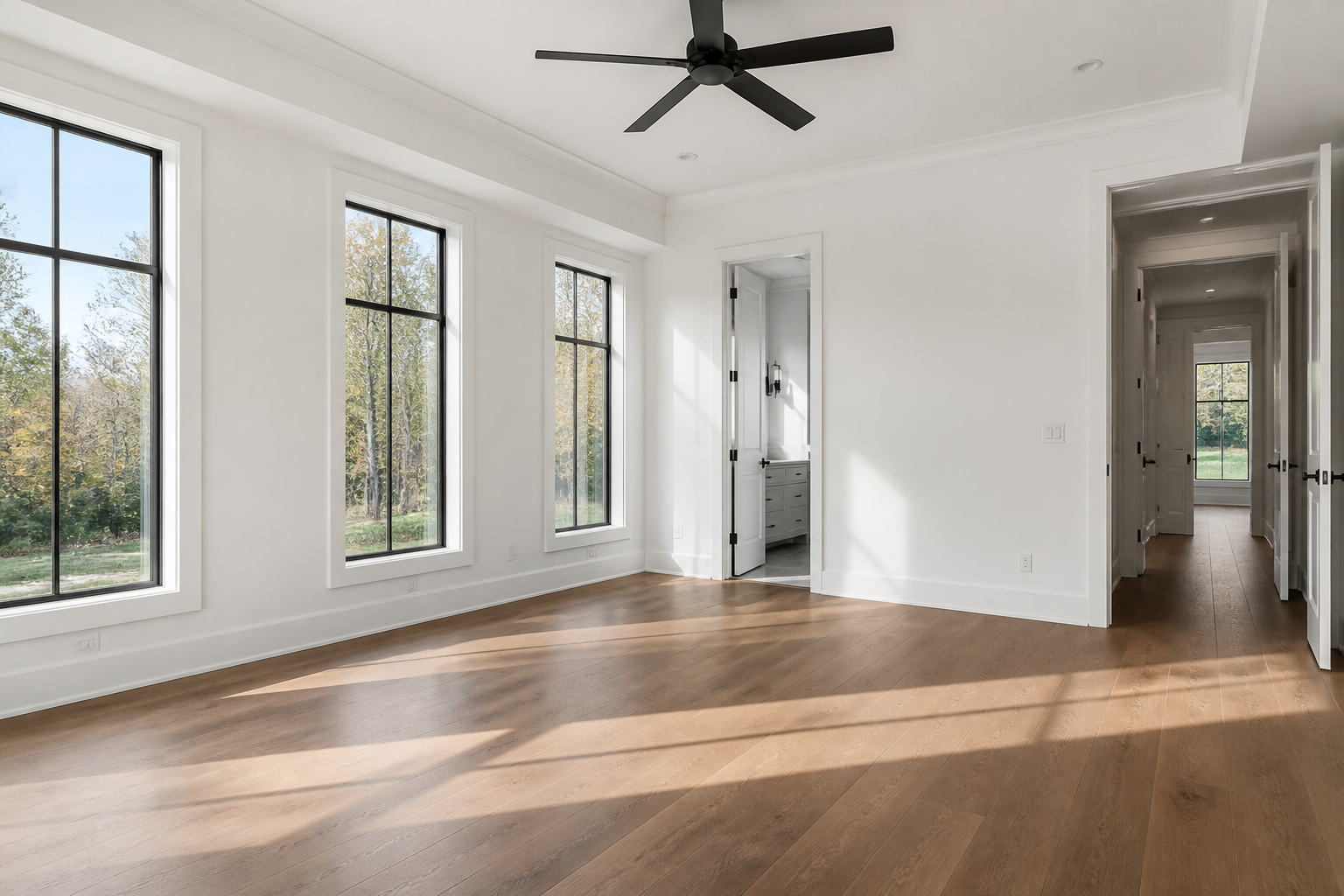 BEFORE
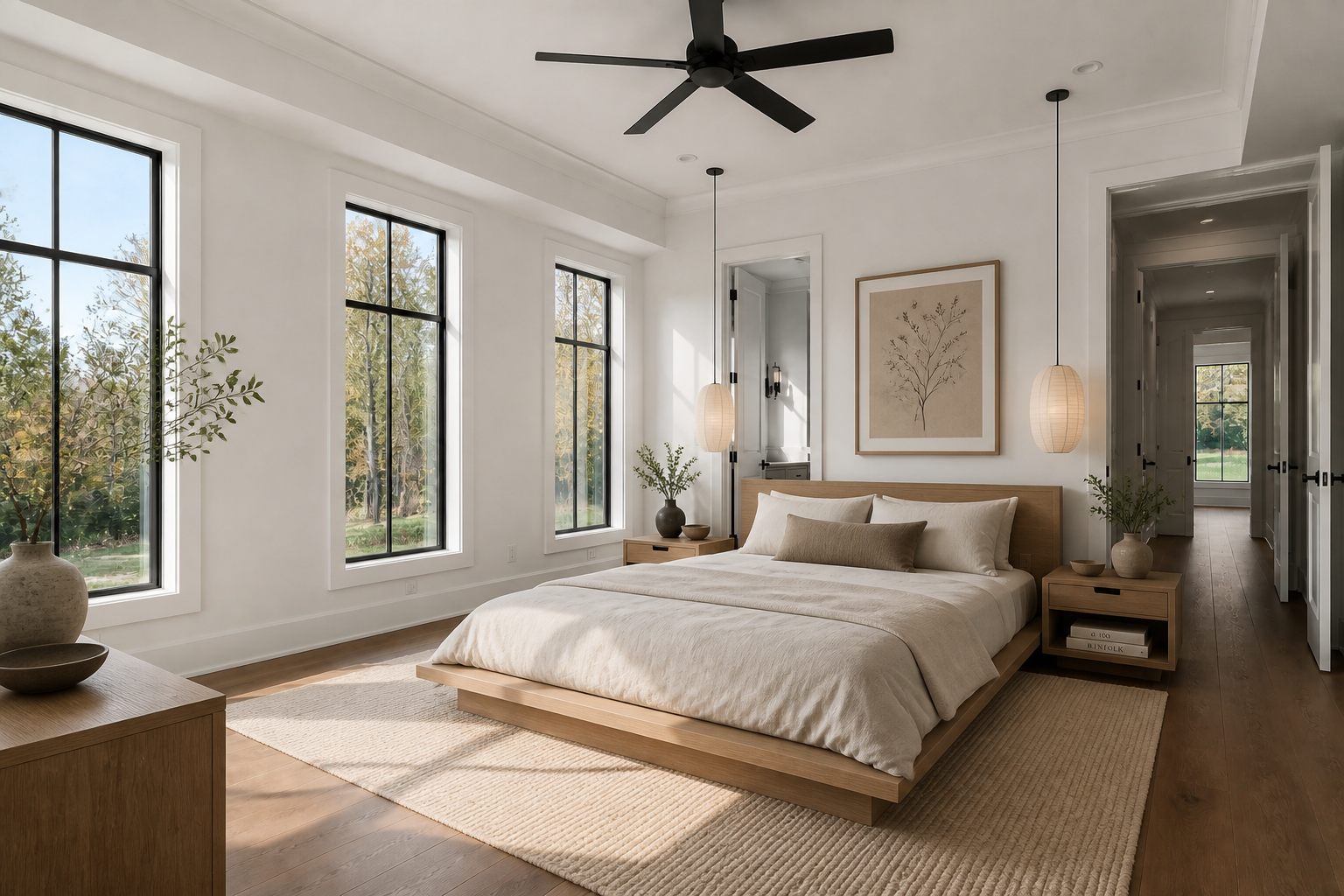 AFTER
AFTER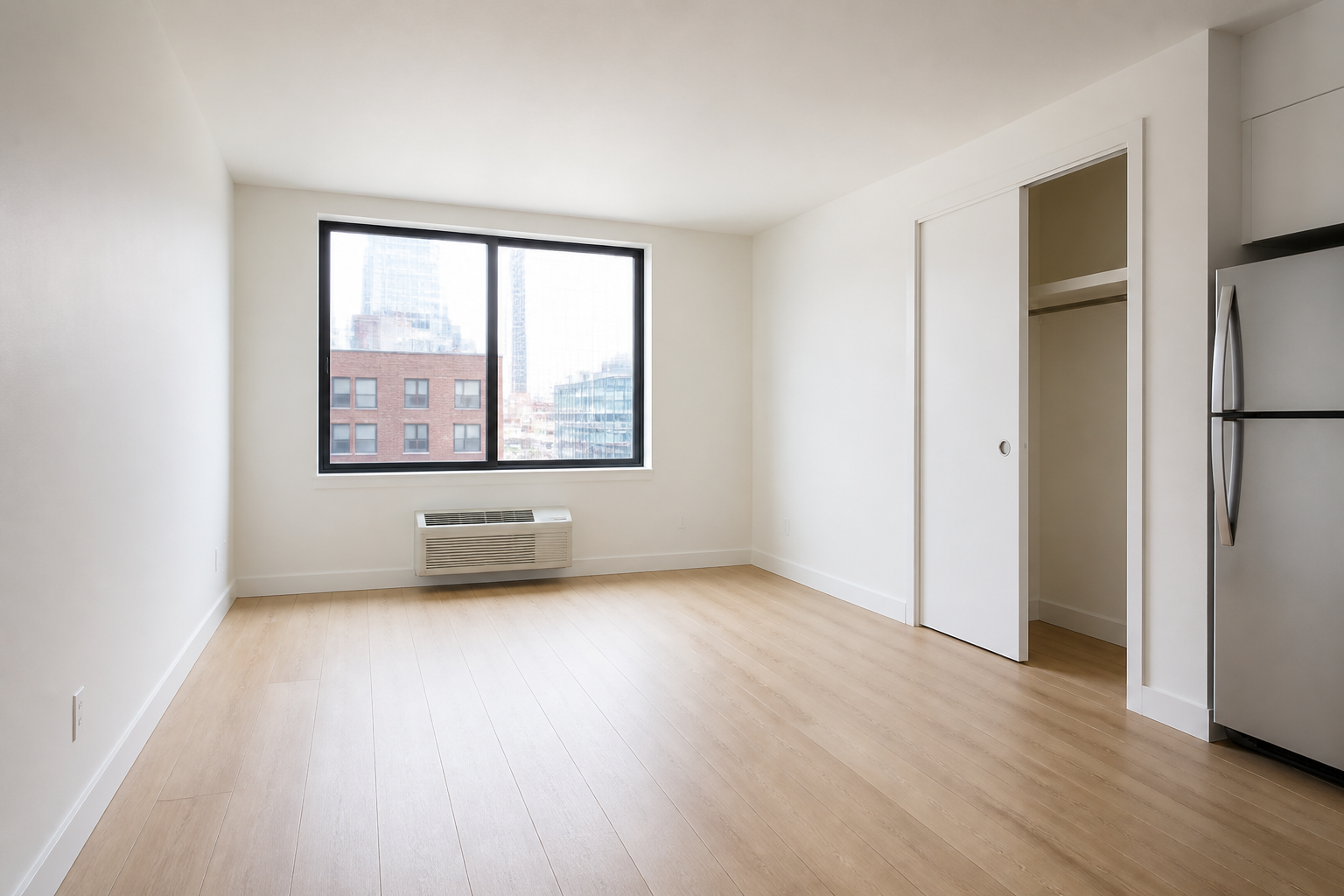 BEFORE
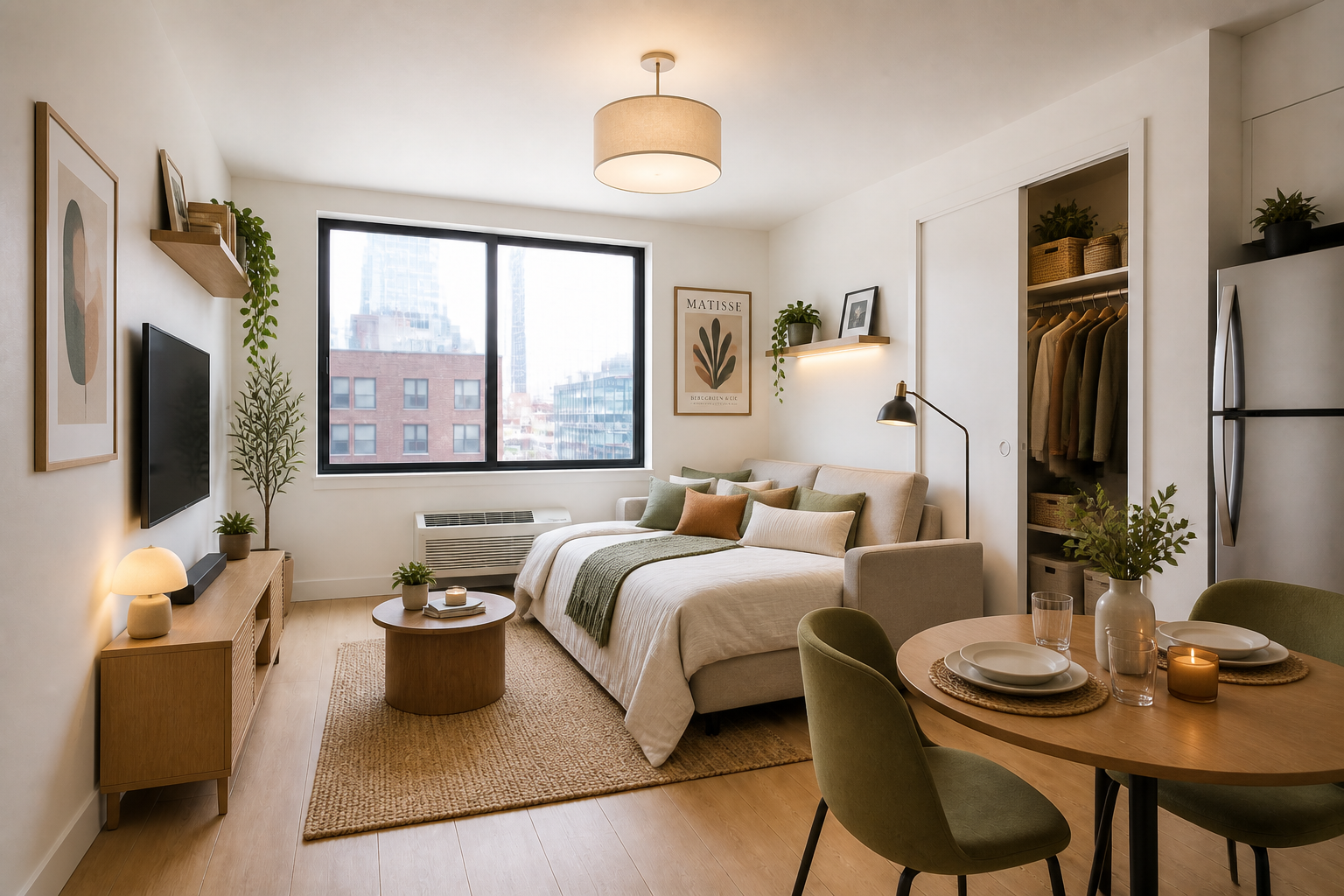 AFTER
AFTER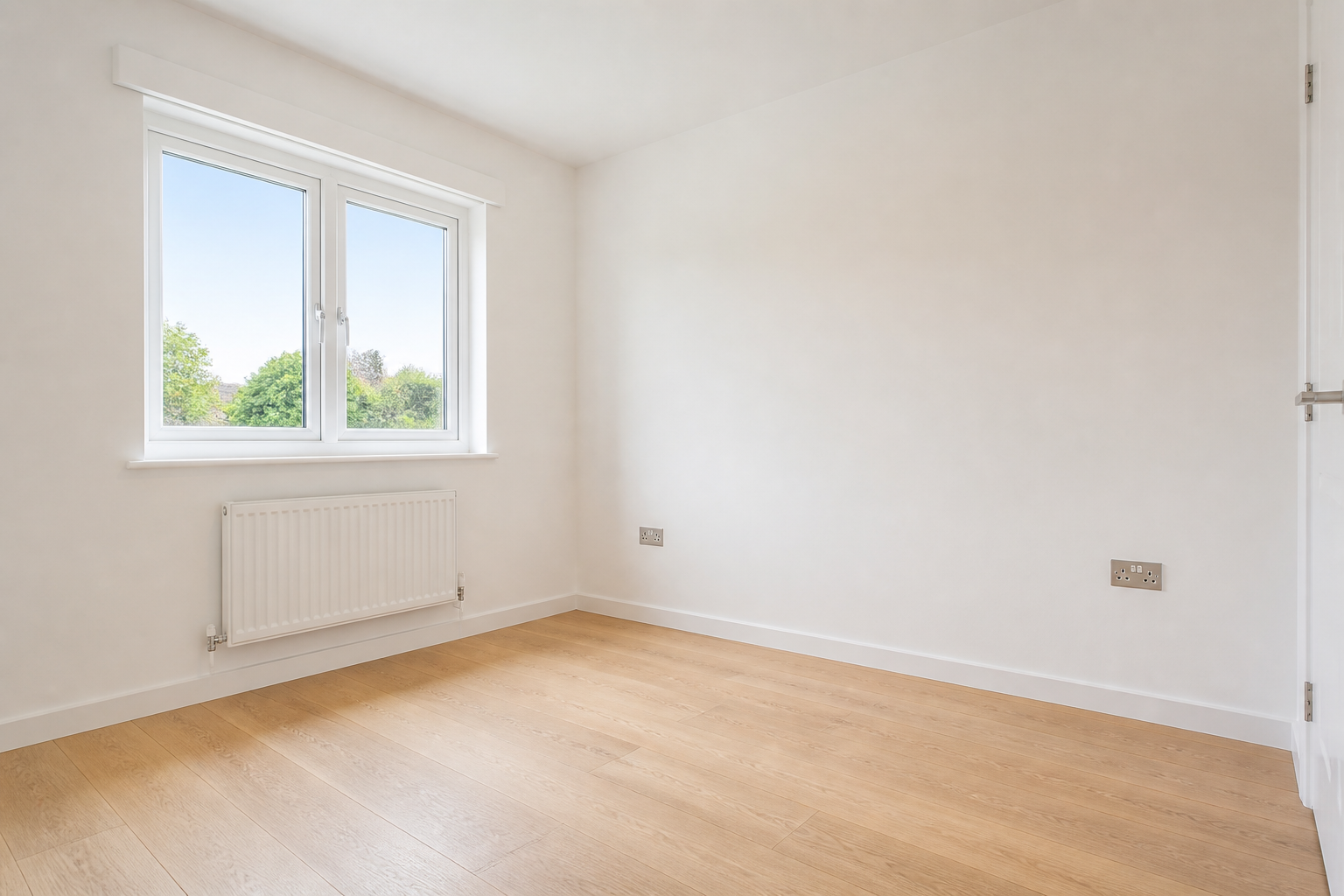 BEFORE
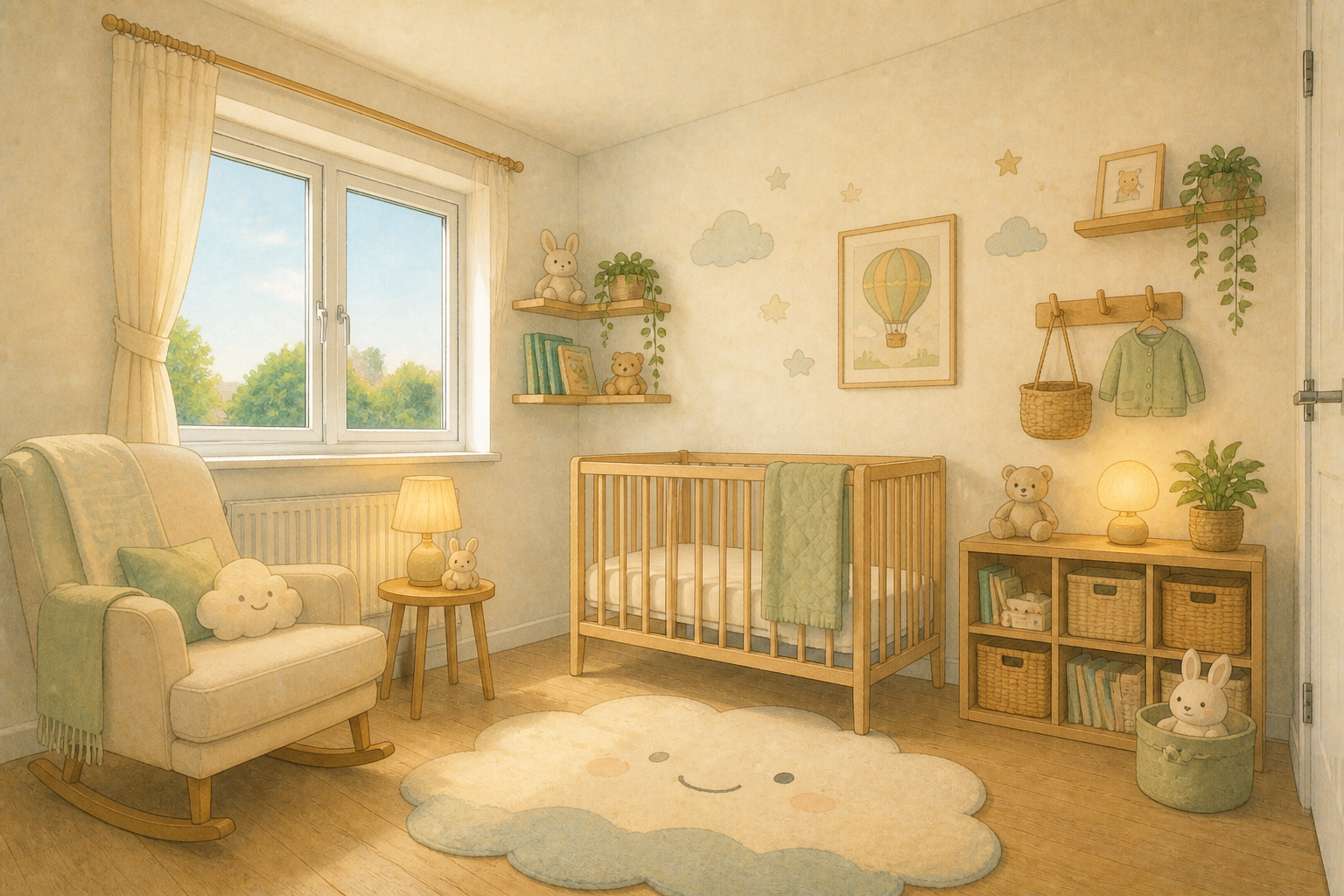 AFTER
AFTER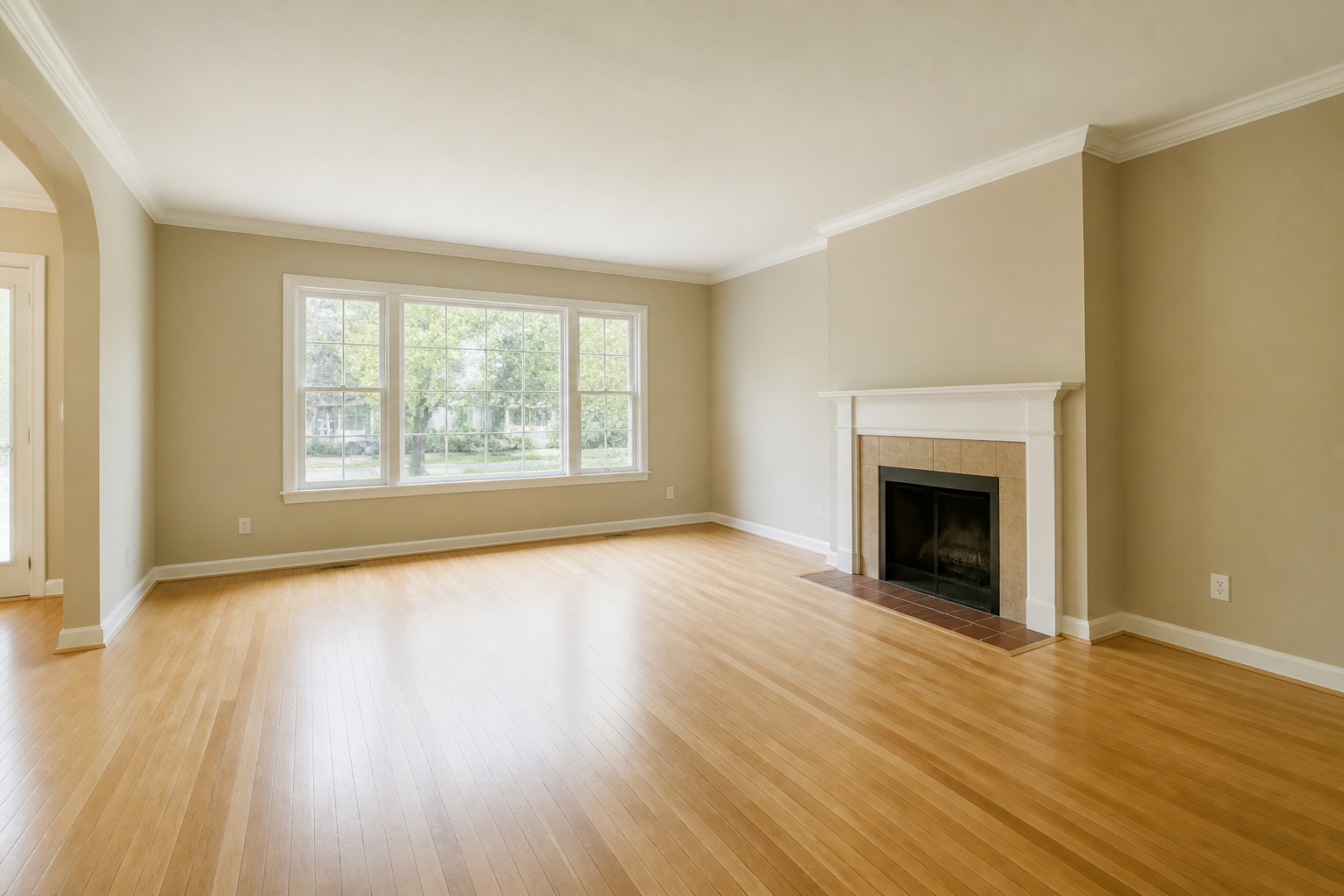 BEFORE
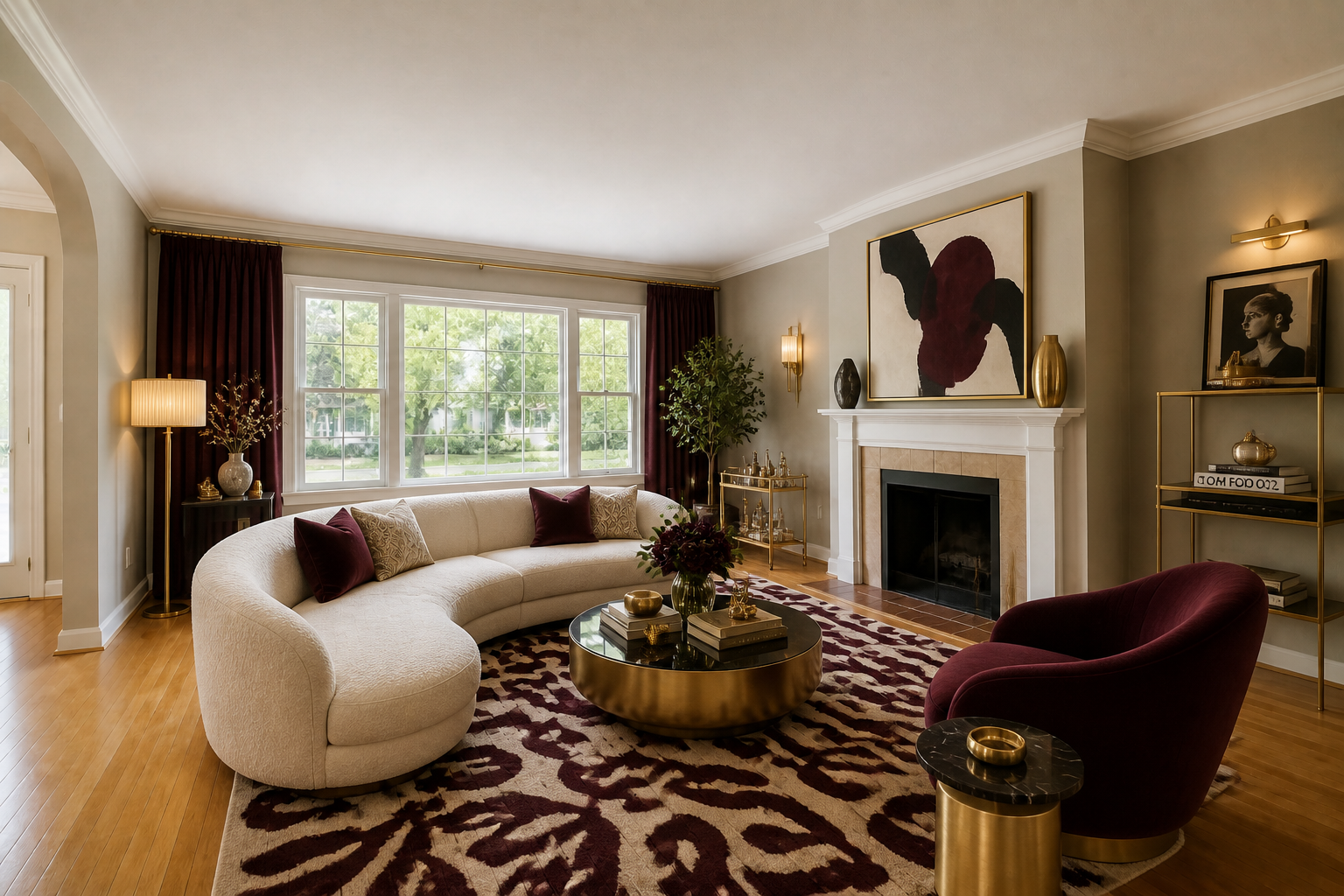 AFTERBEFOREAFTERBEFOREAFTERBEFOREAFTERBEFOREAFTERBEFOREAFTER
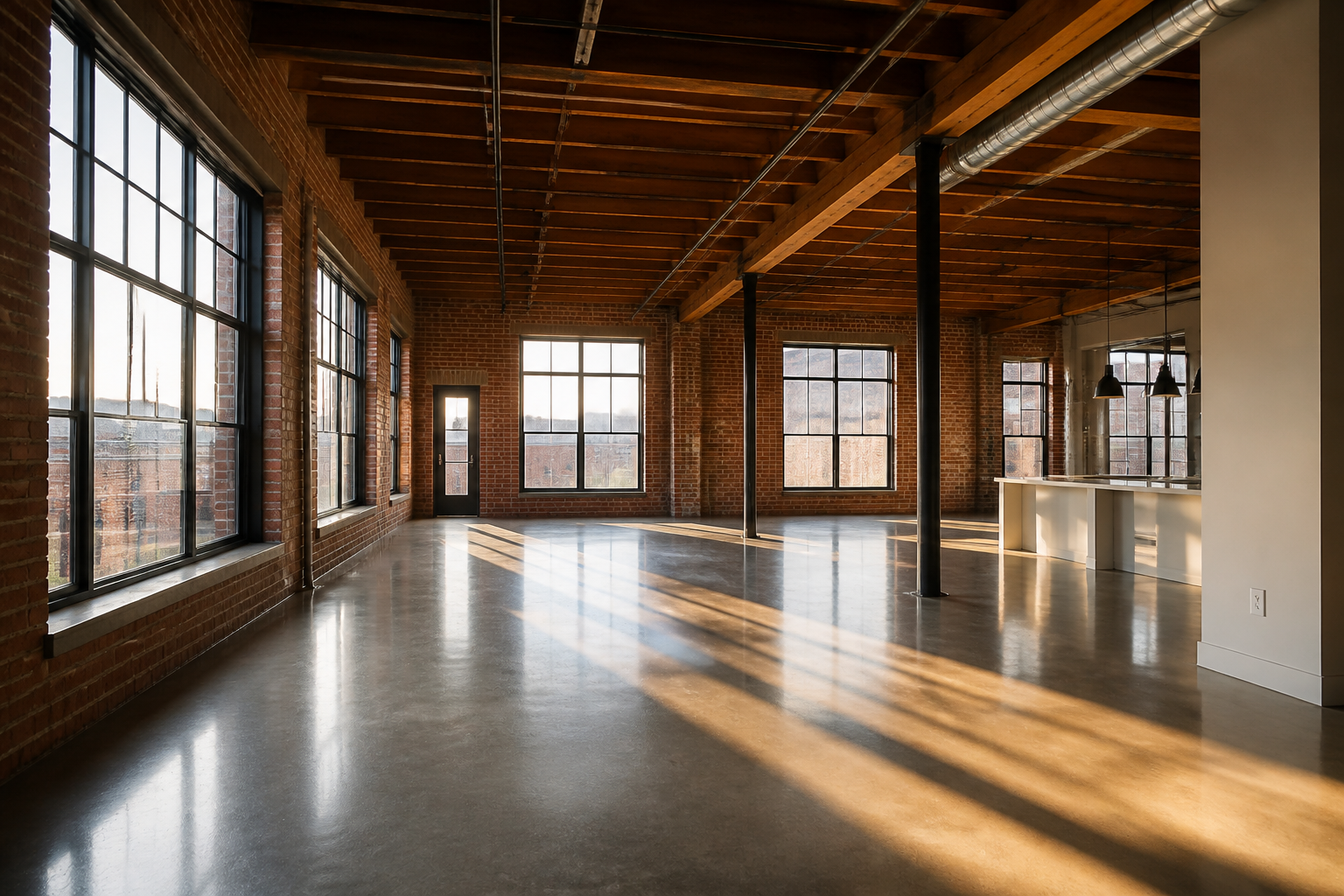 BEFORE
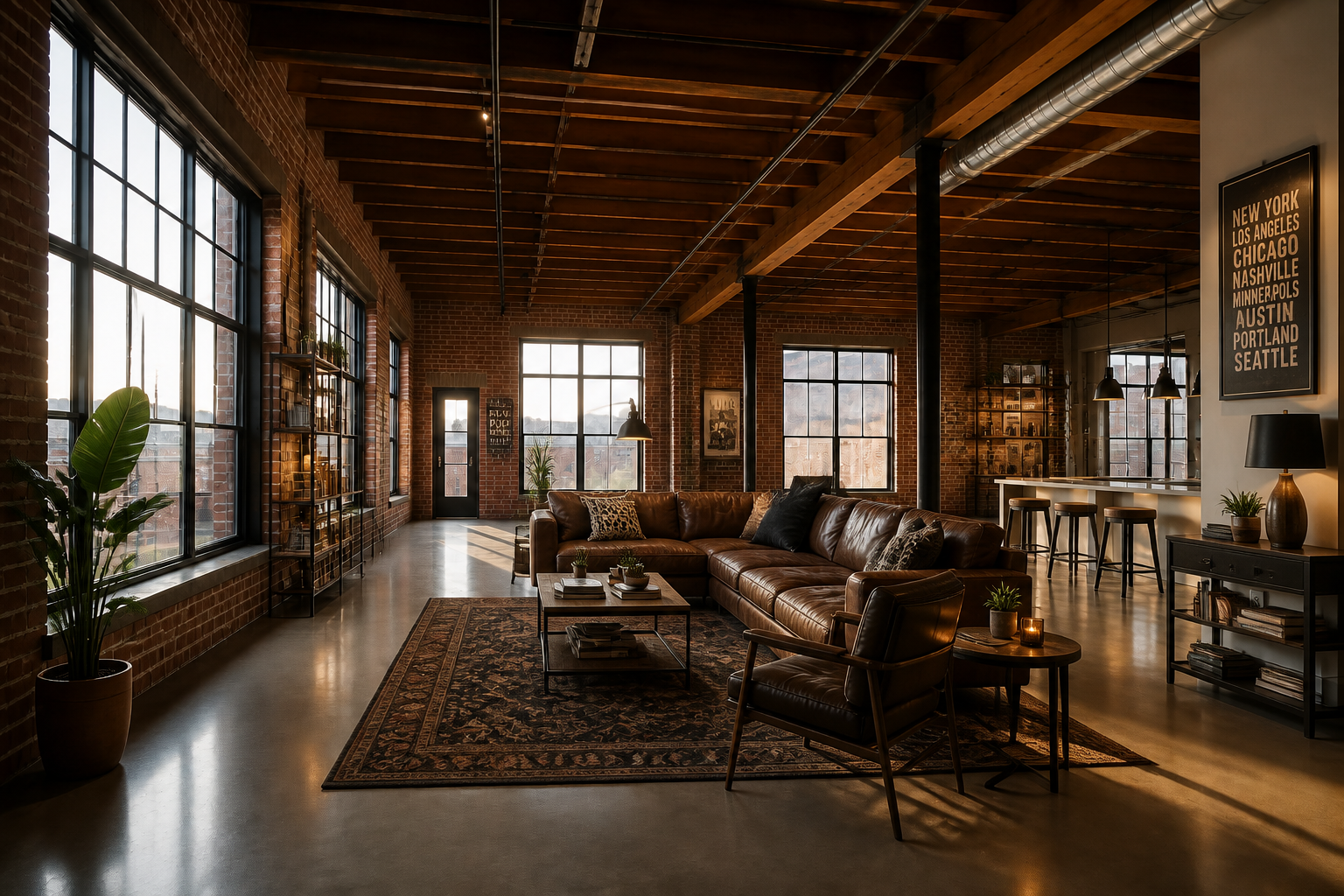 AFTER
AFTER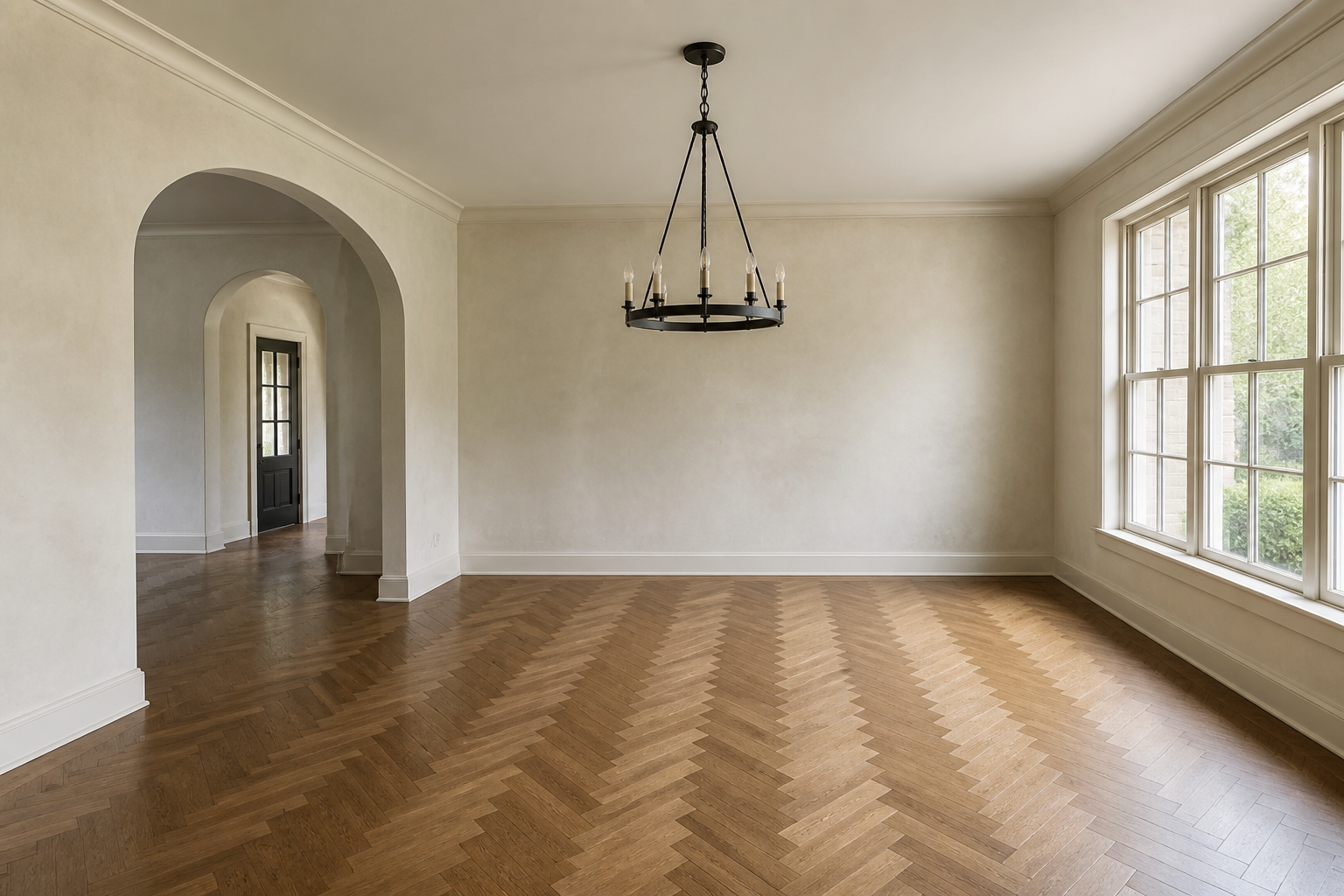 BEFORE
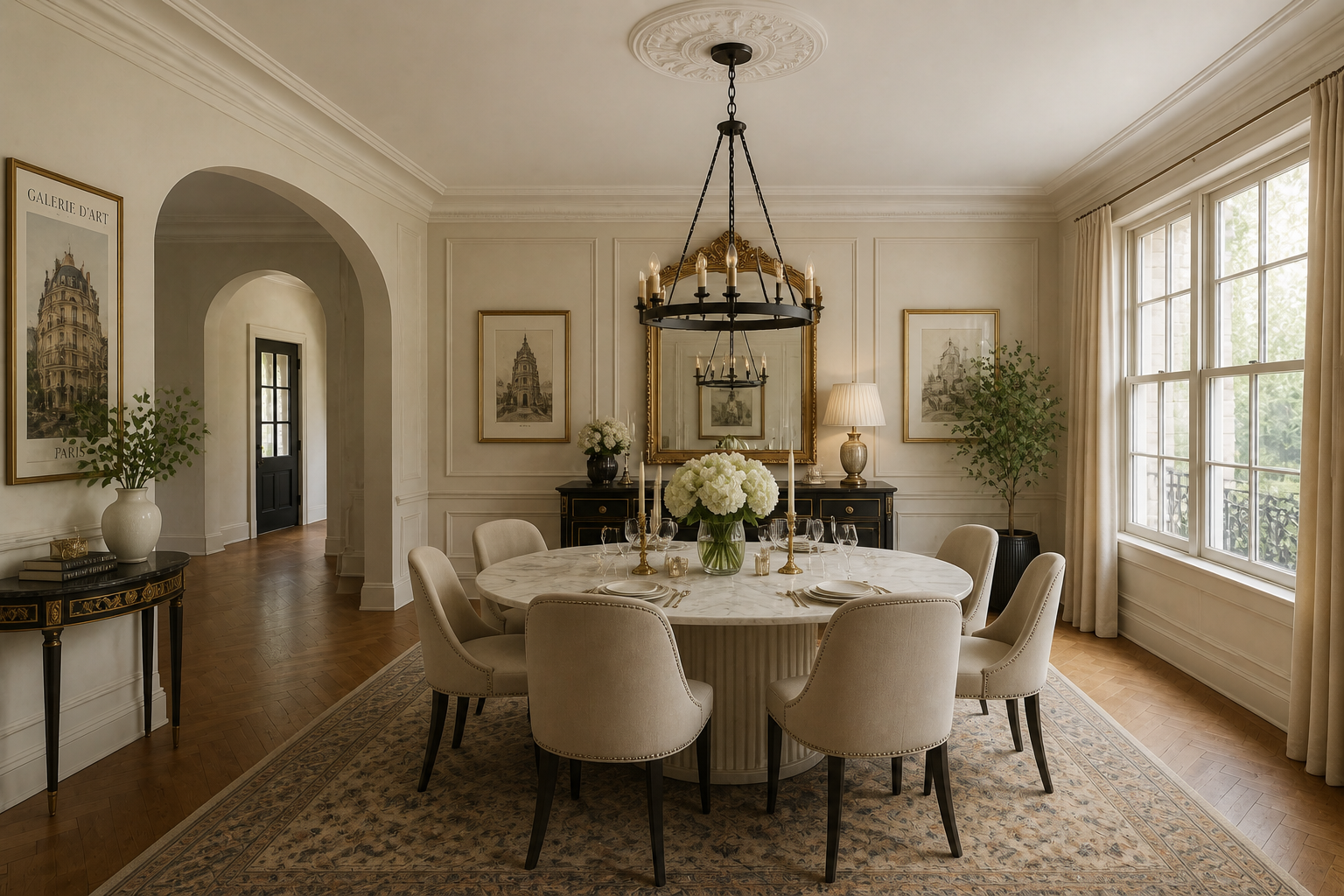 AFTER
AFTER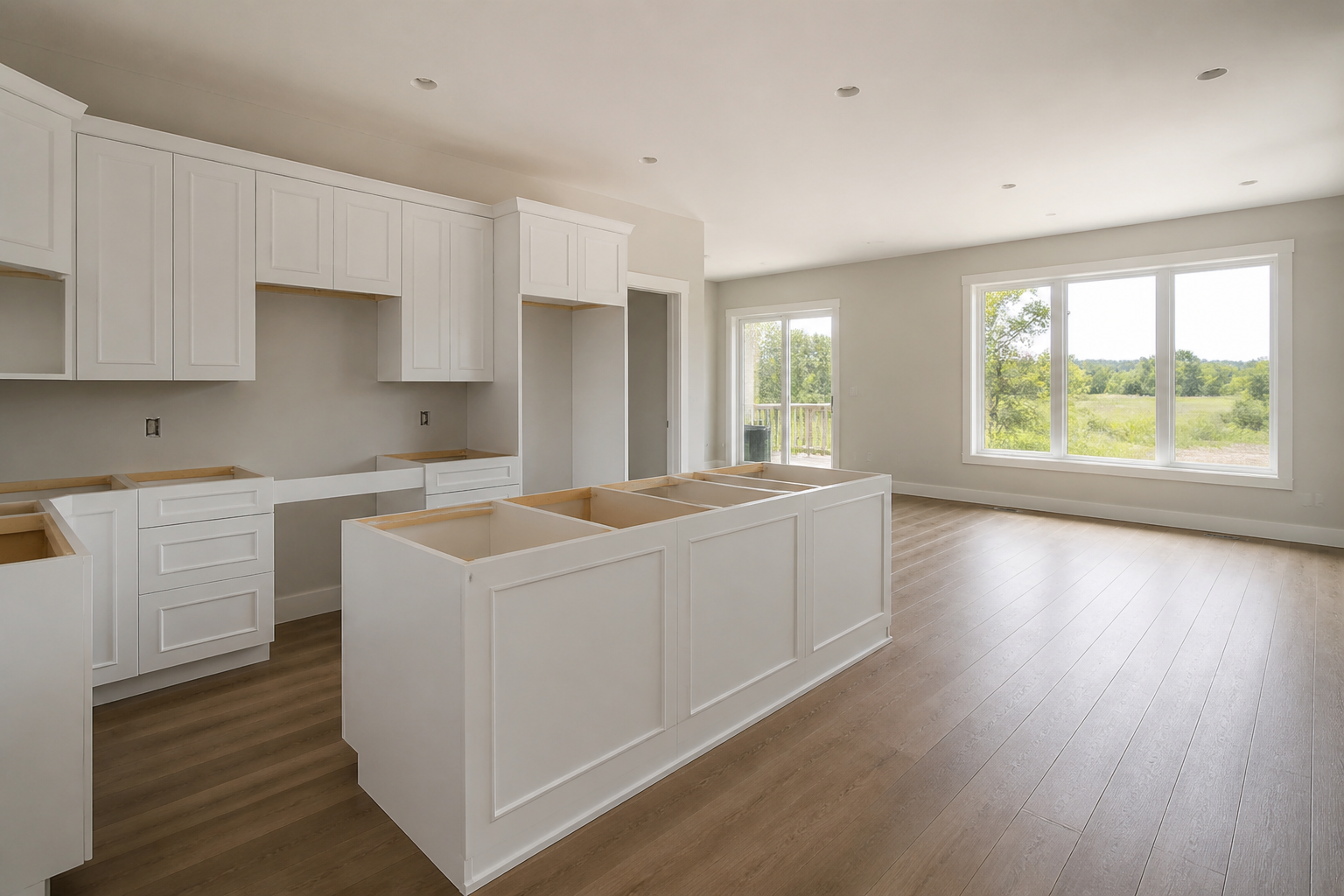 BEFORE
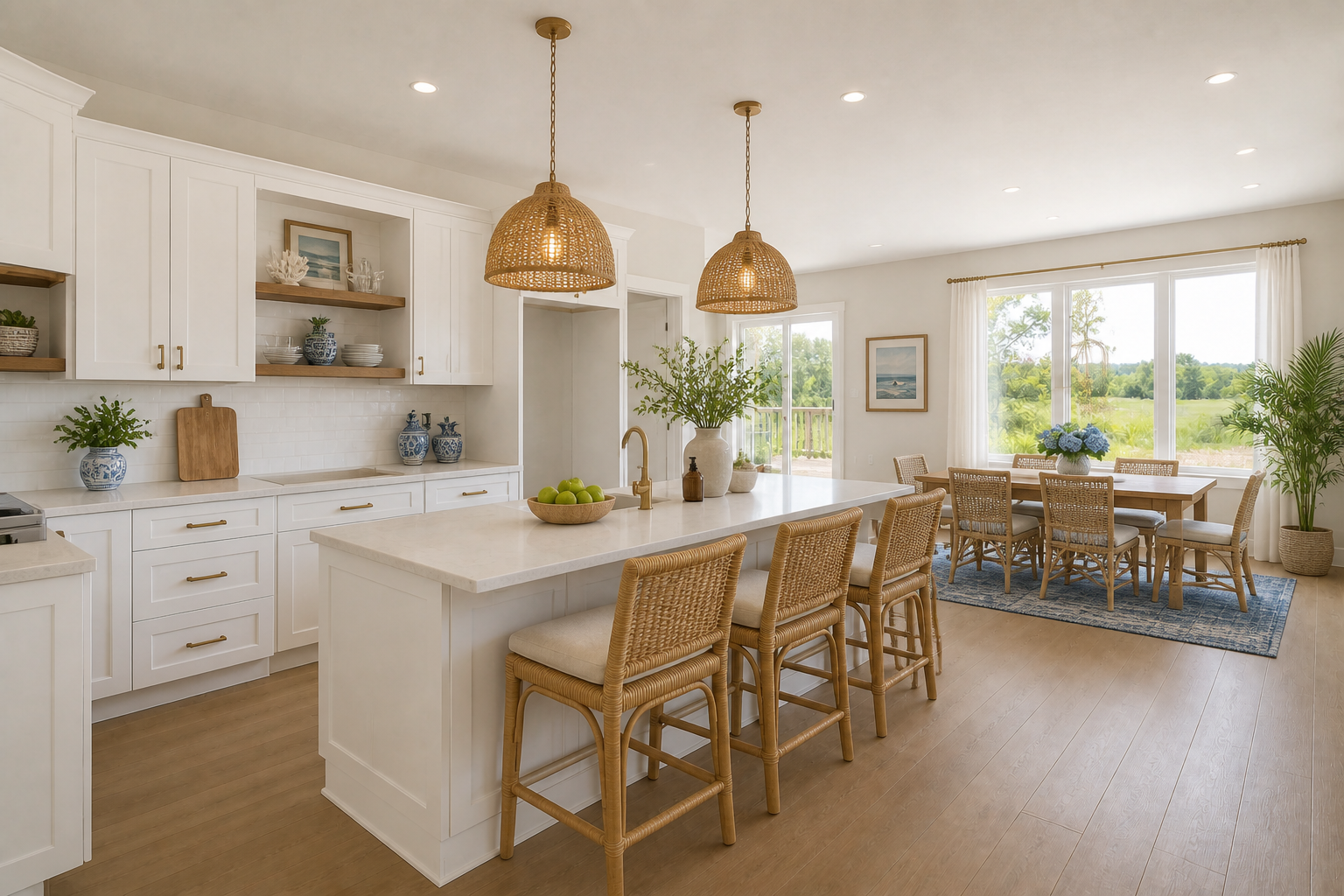 AFTER
AFTER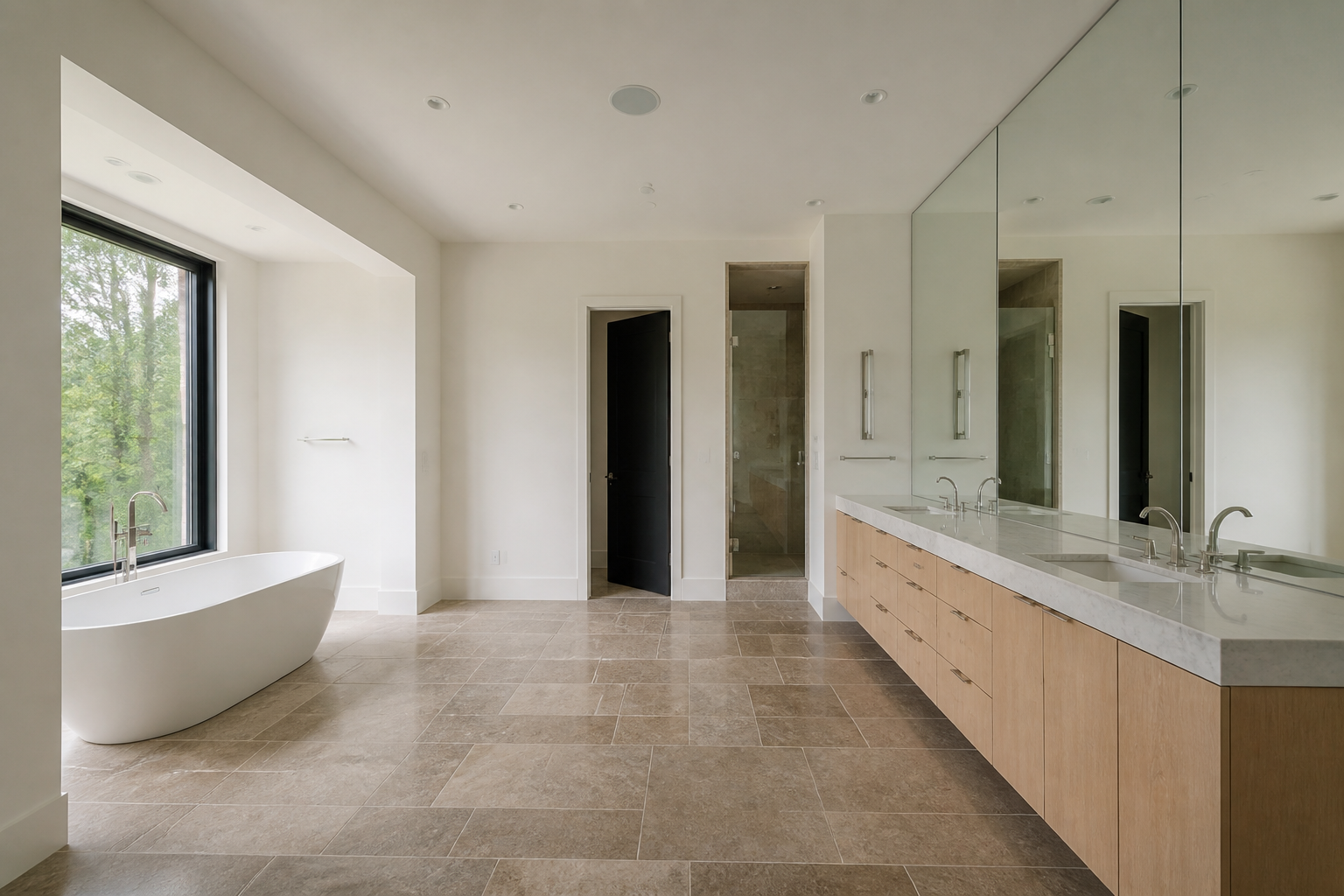 BEFORE
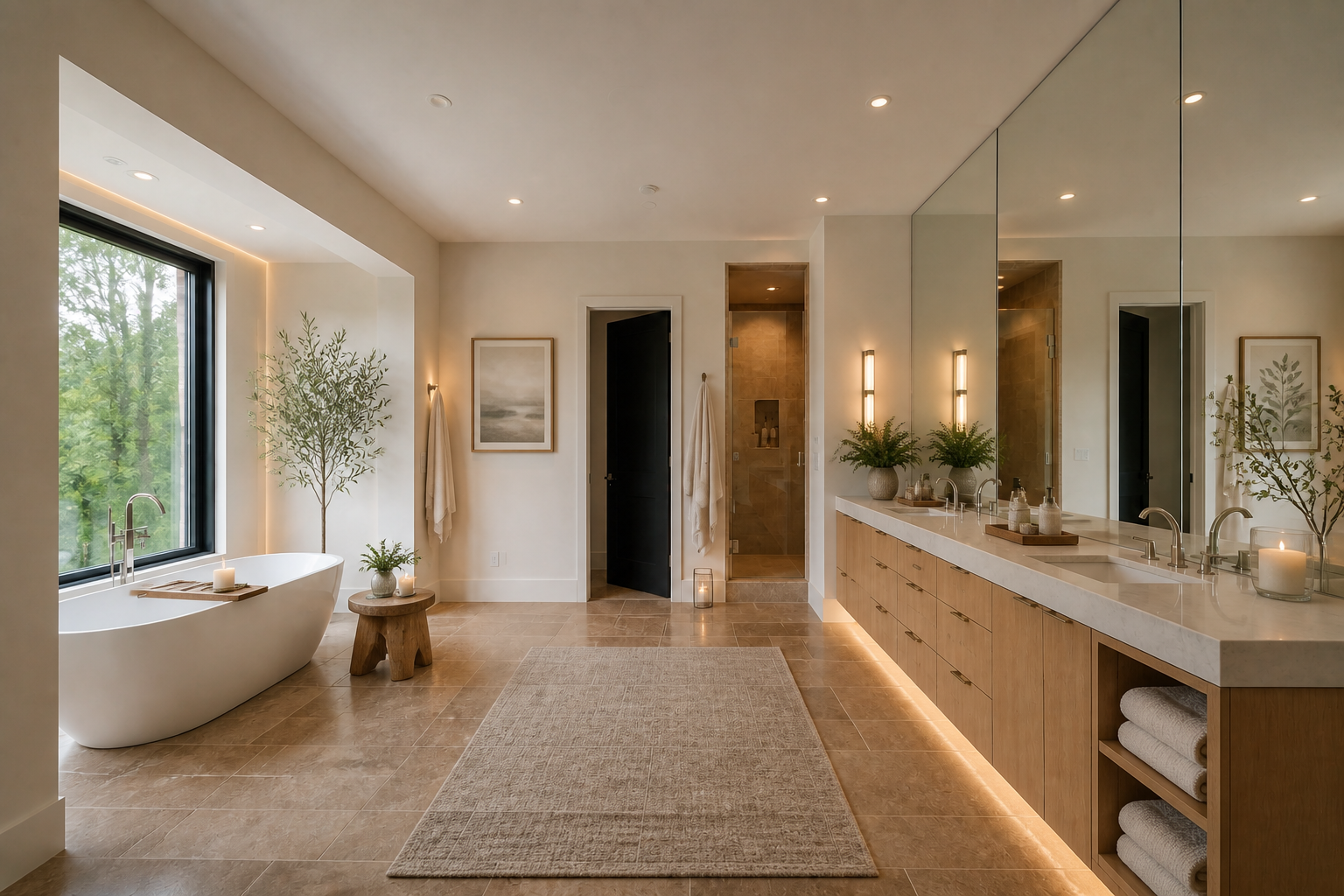 AFTERBEFOREAFTERBEFOREAFTERBEFOREAFTERBEFOREAFTER
Key Features
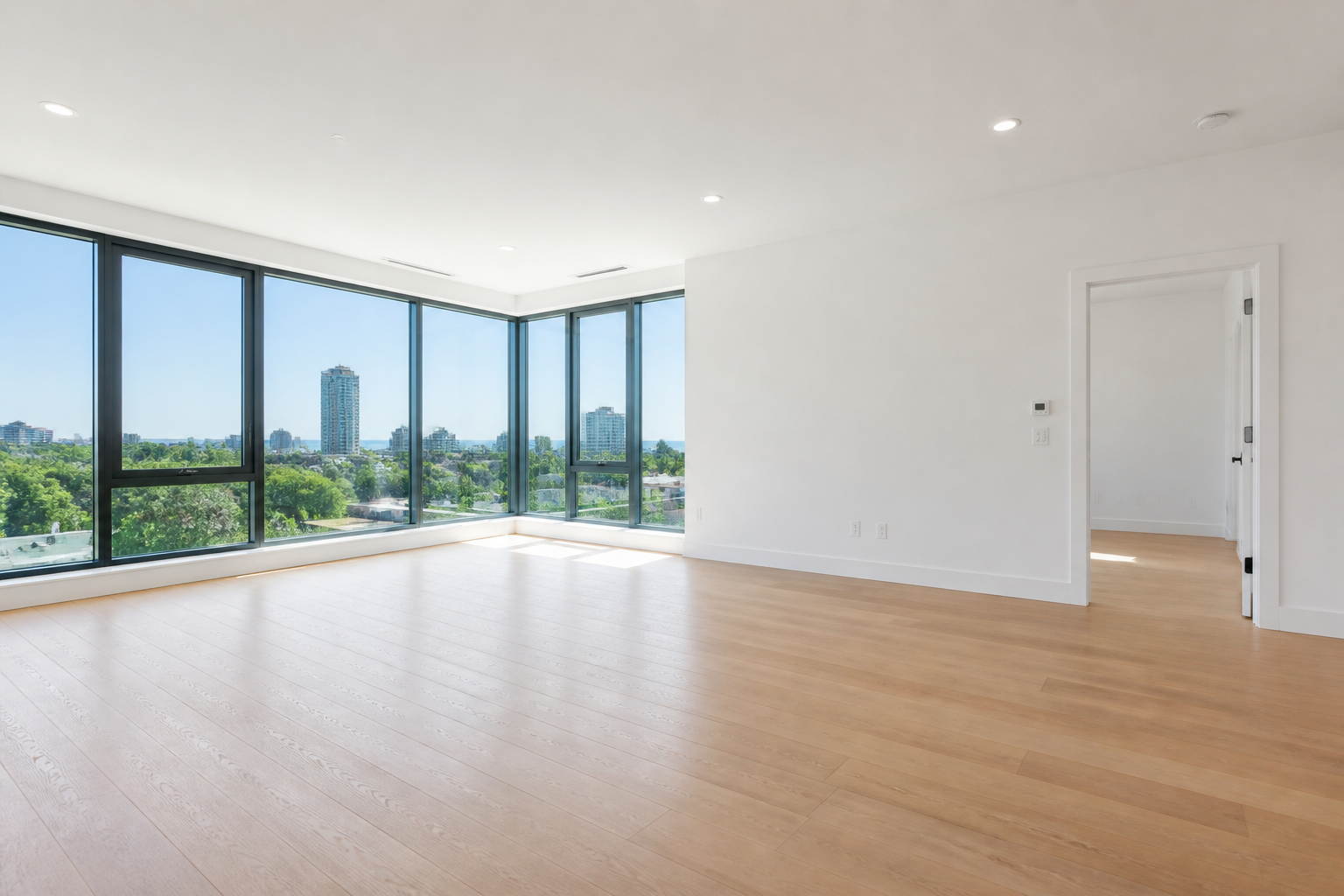
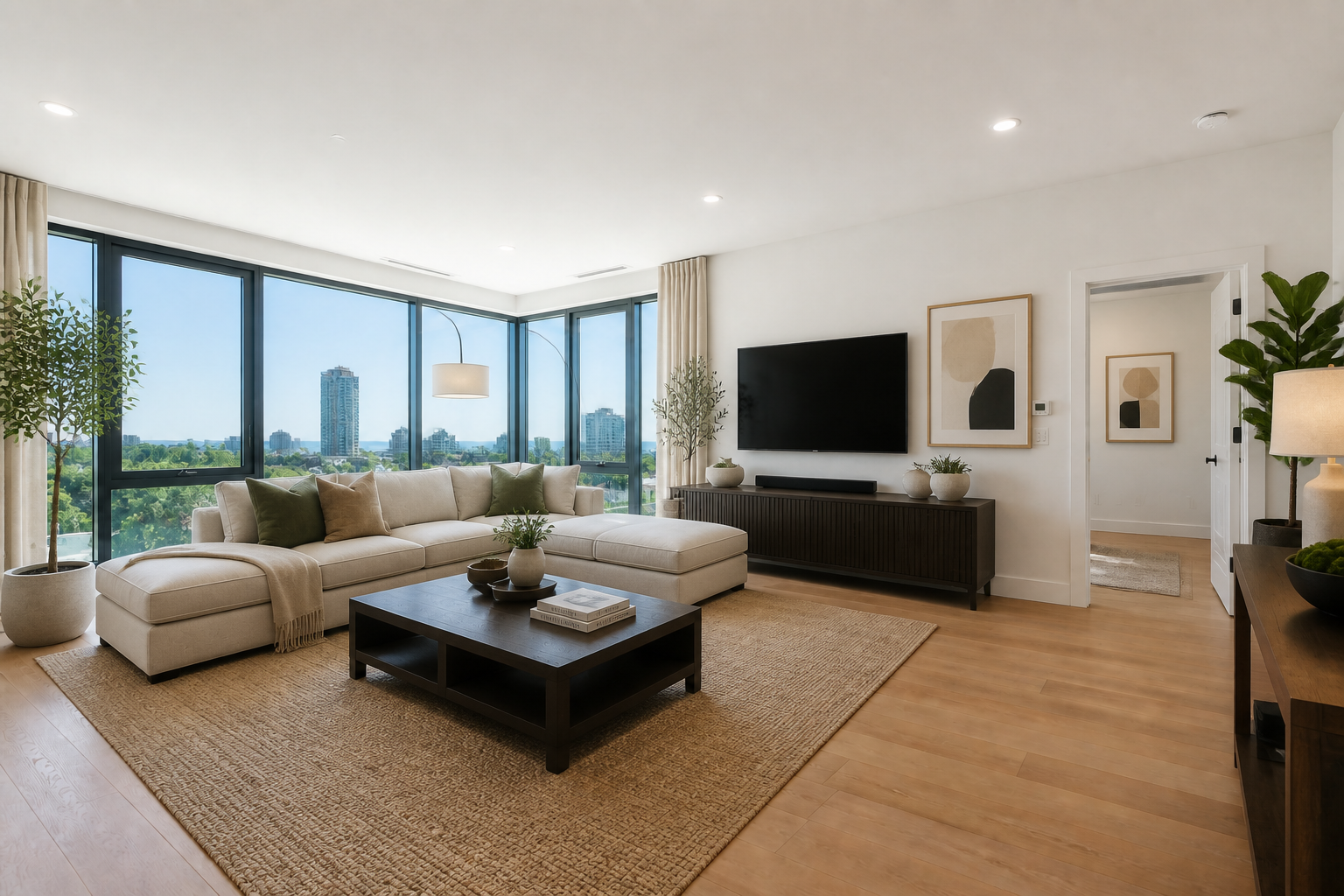
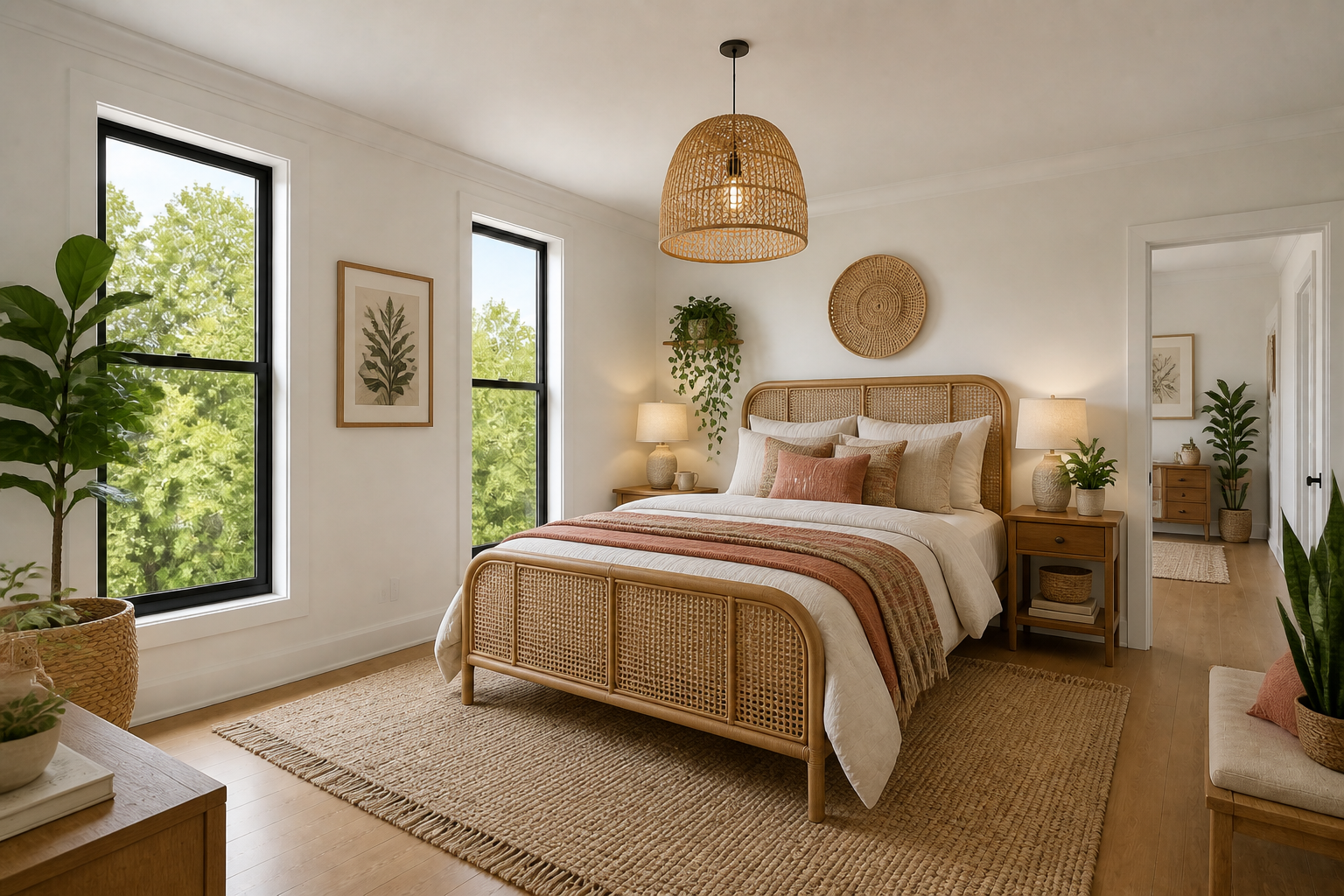
Furnish Empty Rooms Fast
Start with a bare room photo and generate a complete interior concept in one pass. The AI adds furniture, lighting, textiles, and decor so the result feels finished instead of half-staged. That makes it useful for quick visualization when you do not want to build a mockup piece by piece. It is much faster than dragging assets around in design software.
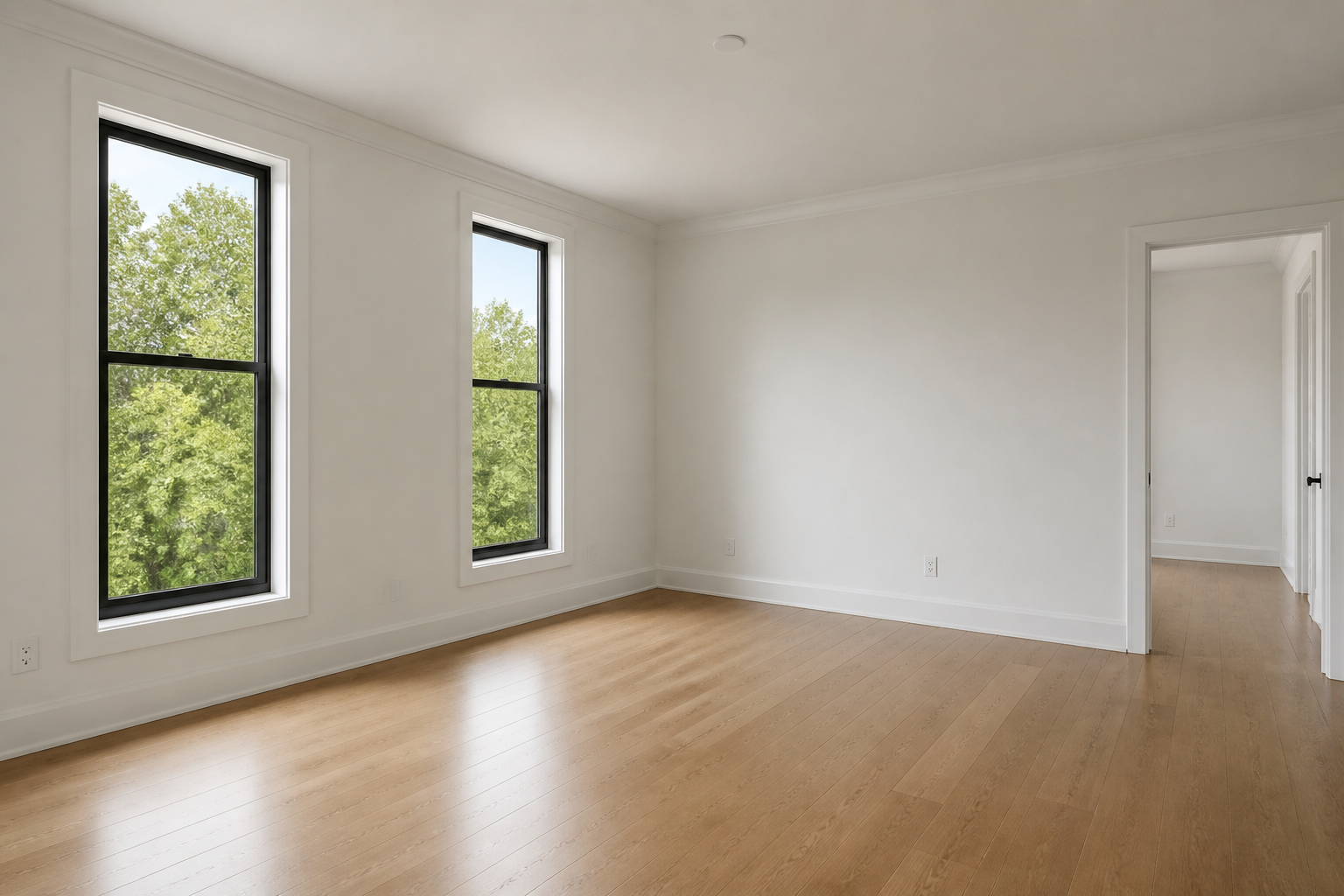
Try Multiple Design Styles
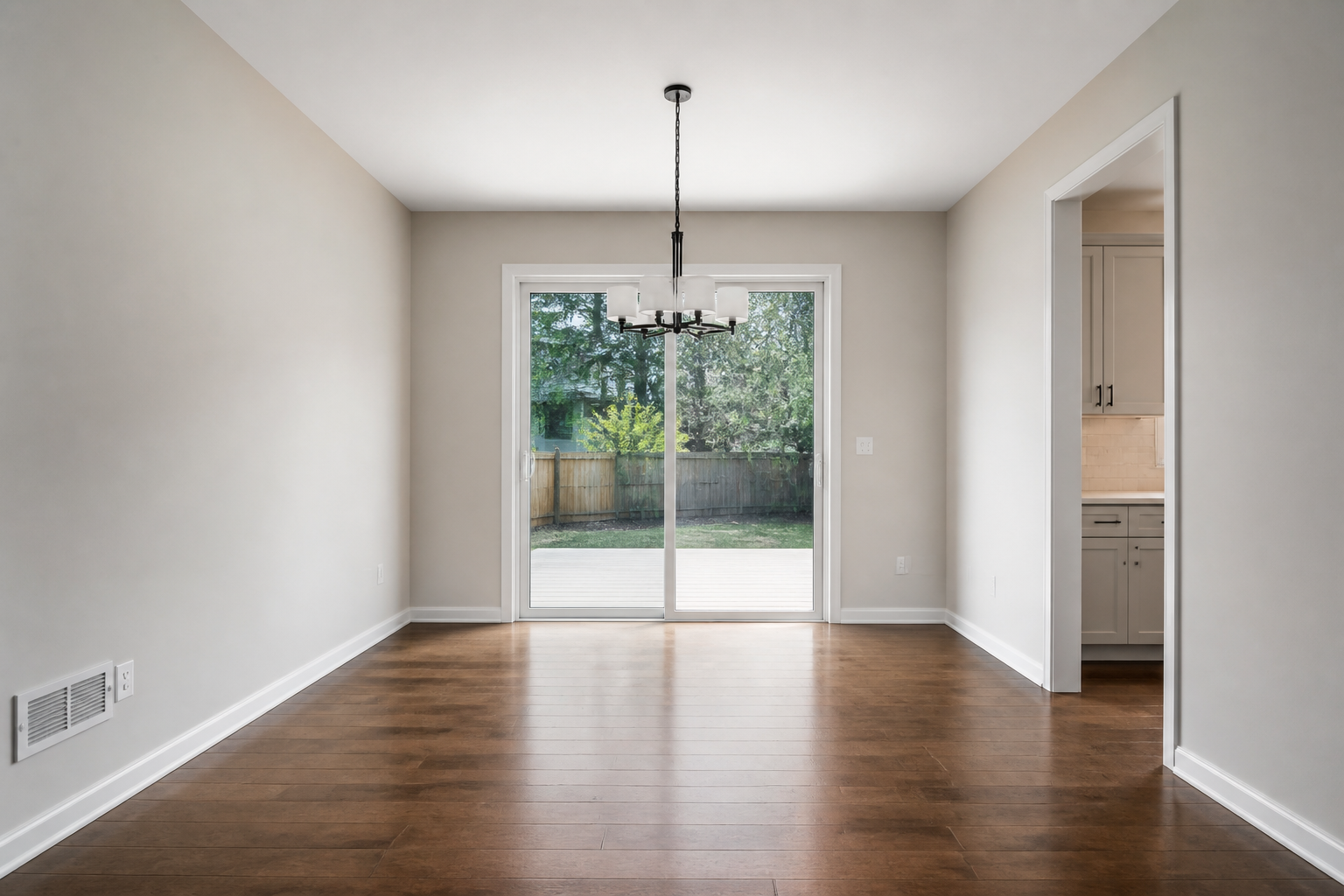
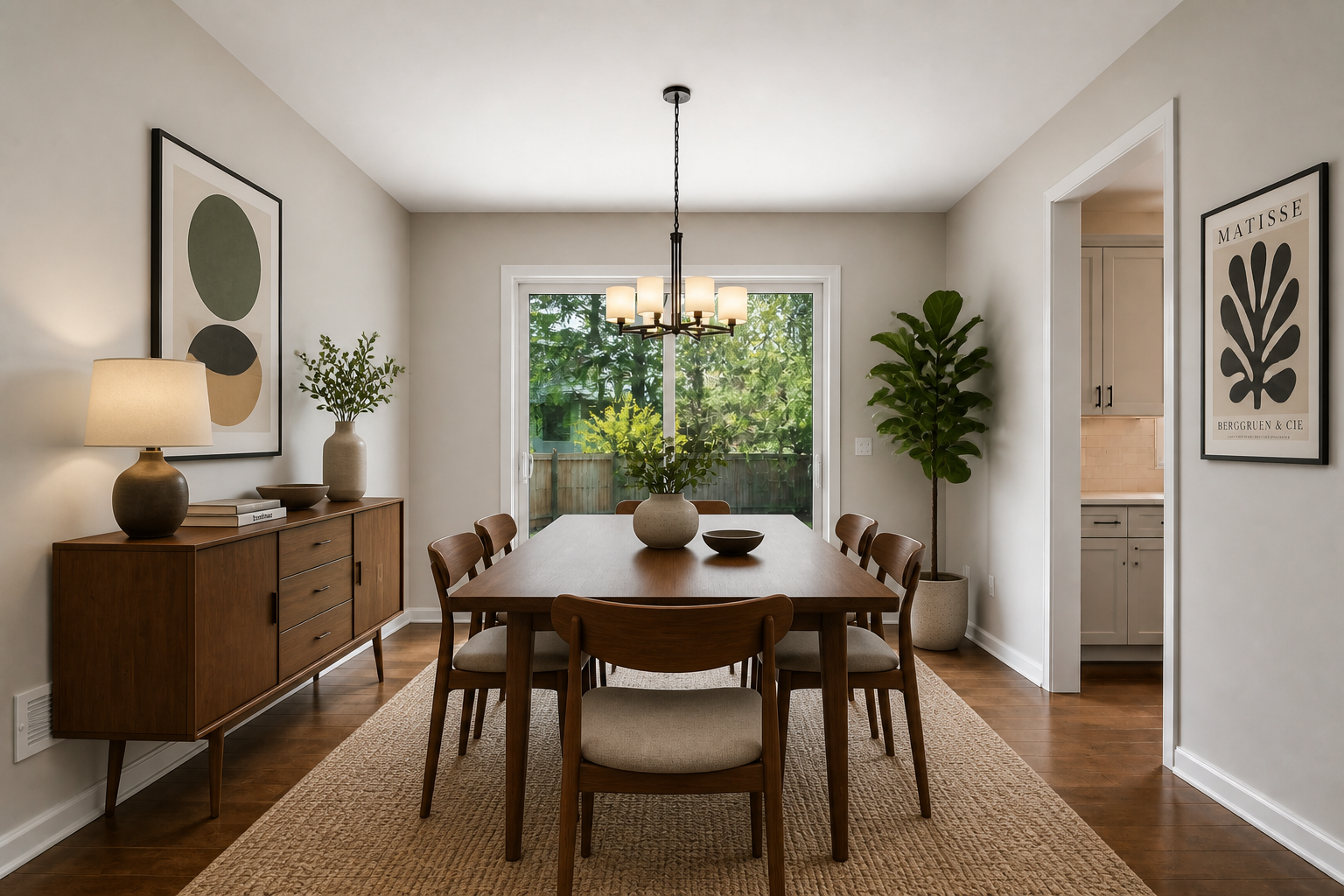
You can test very different aesthetics on the same empty room without reshooting anything. Compare minimal, cozy, luxury, or colorful directions while keeping the architecture fixed. This helps you evaluate mood and function before buying furniture or pitching a concept. It is easier than rebuilding the same room from scratch for every style option.
Keep The Room Layout
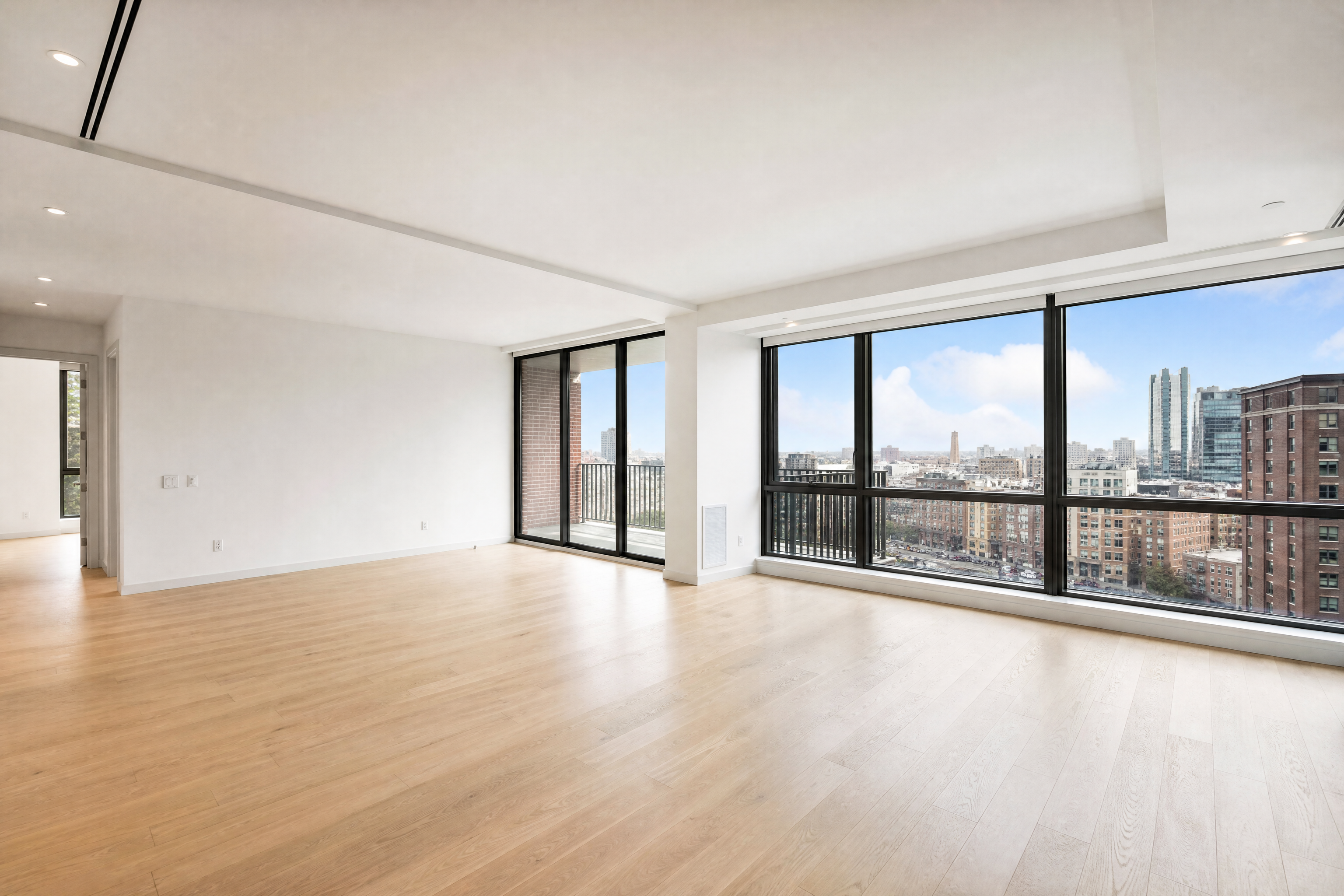
The edit stays anchored to the original photo so the walls, windows, doors, and camera angle remain consistent. That makes the result easier to review because you are seeing a design concept inside the actual space, not a different room. It is especially helpful for planning layout ideas or presenting staging concepts. Manual mood boards cannot show that same direct before-and-after continuity.
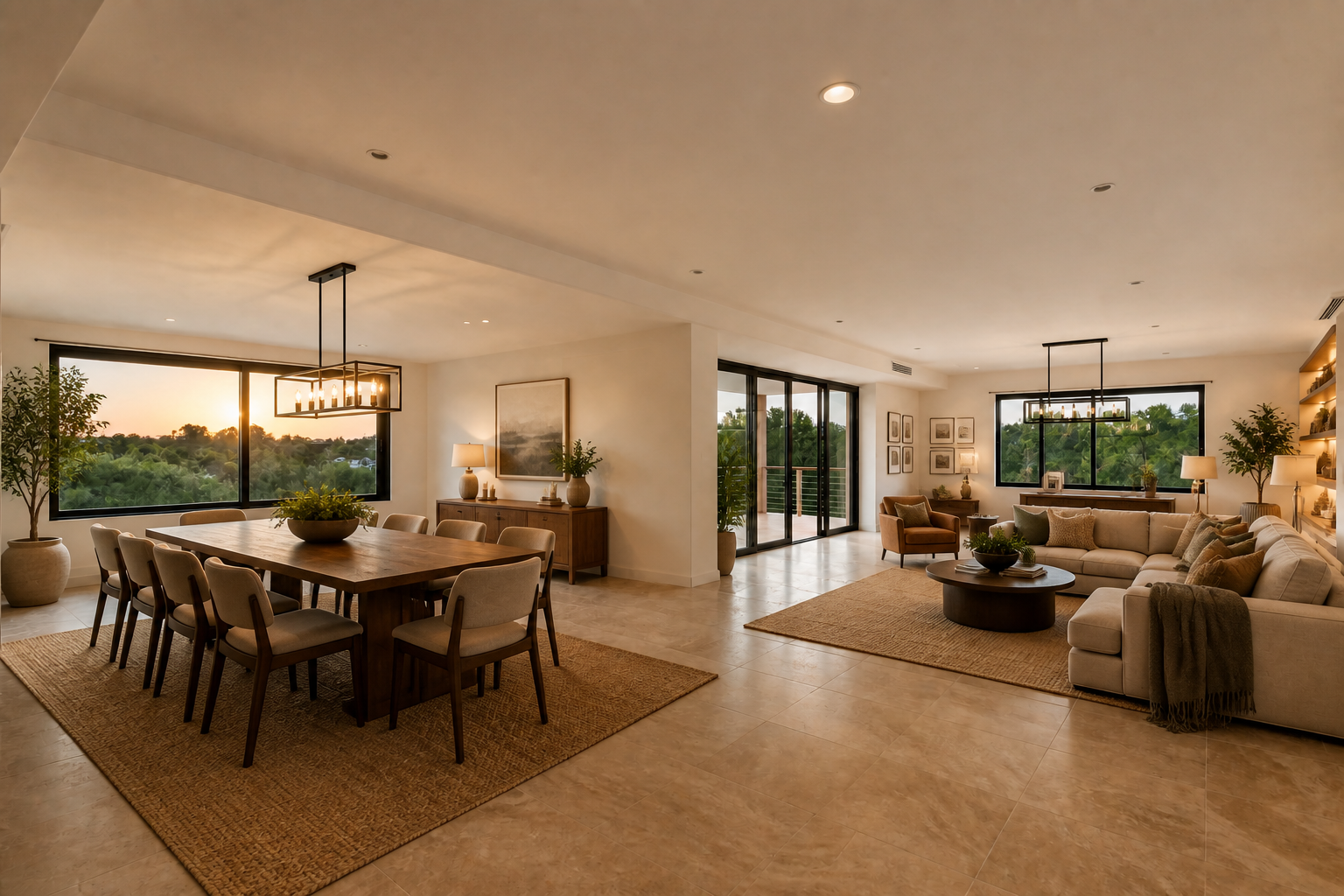
Make Shareable Before Afters
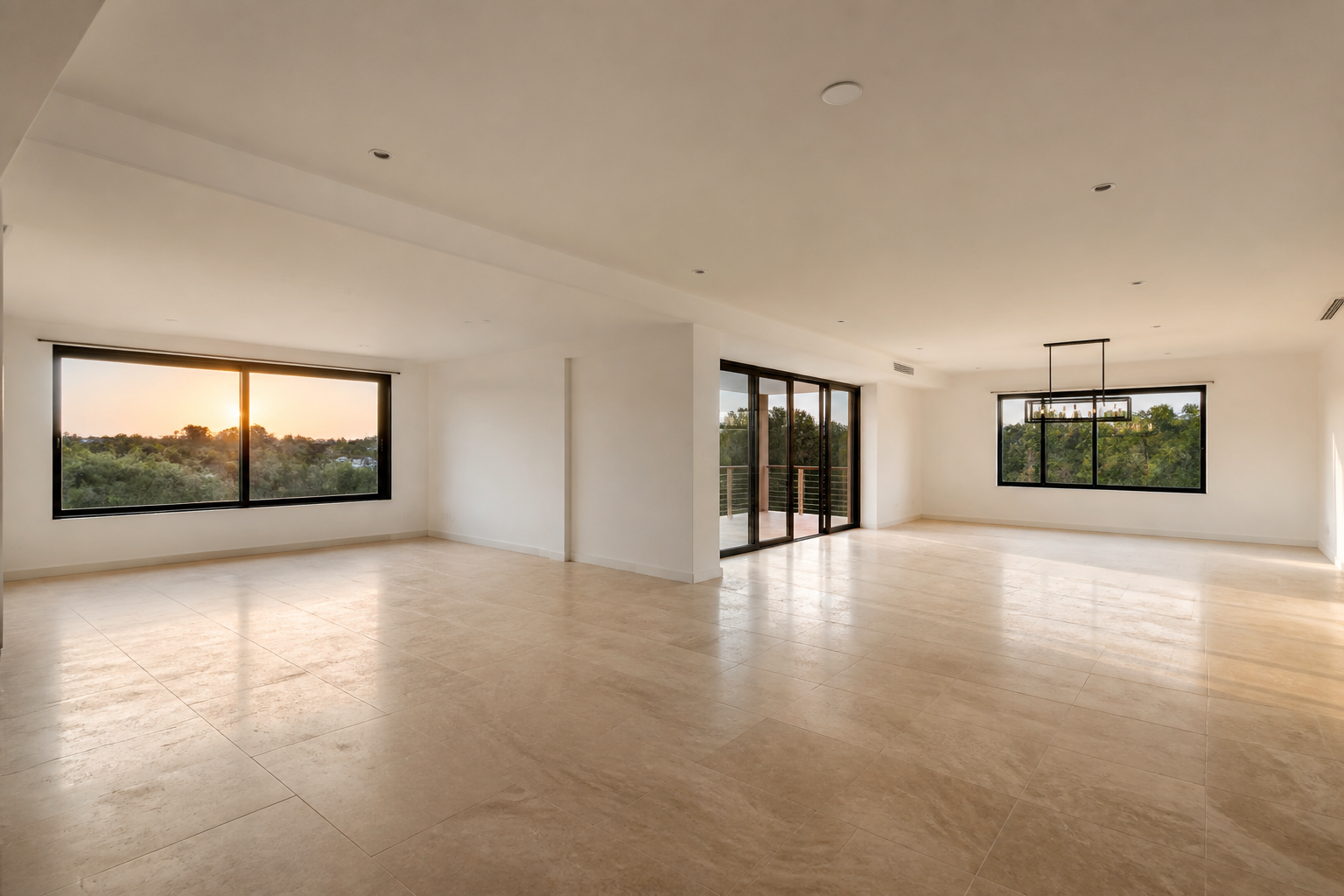
The tool creates clear empty-to-designed transformations that are easy to show to clients, teammates, or buyers. A simple before-and-after pair communicates the idea faster than a long explanation. That is useful for listings, presentations, social posts, and internal review. You get a visual concept people can react to immediately.
How It Works
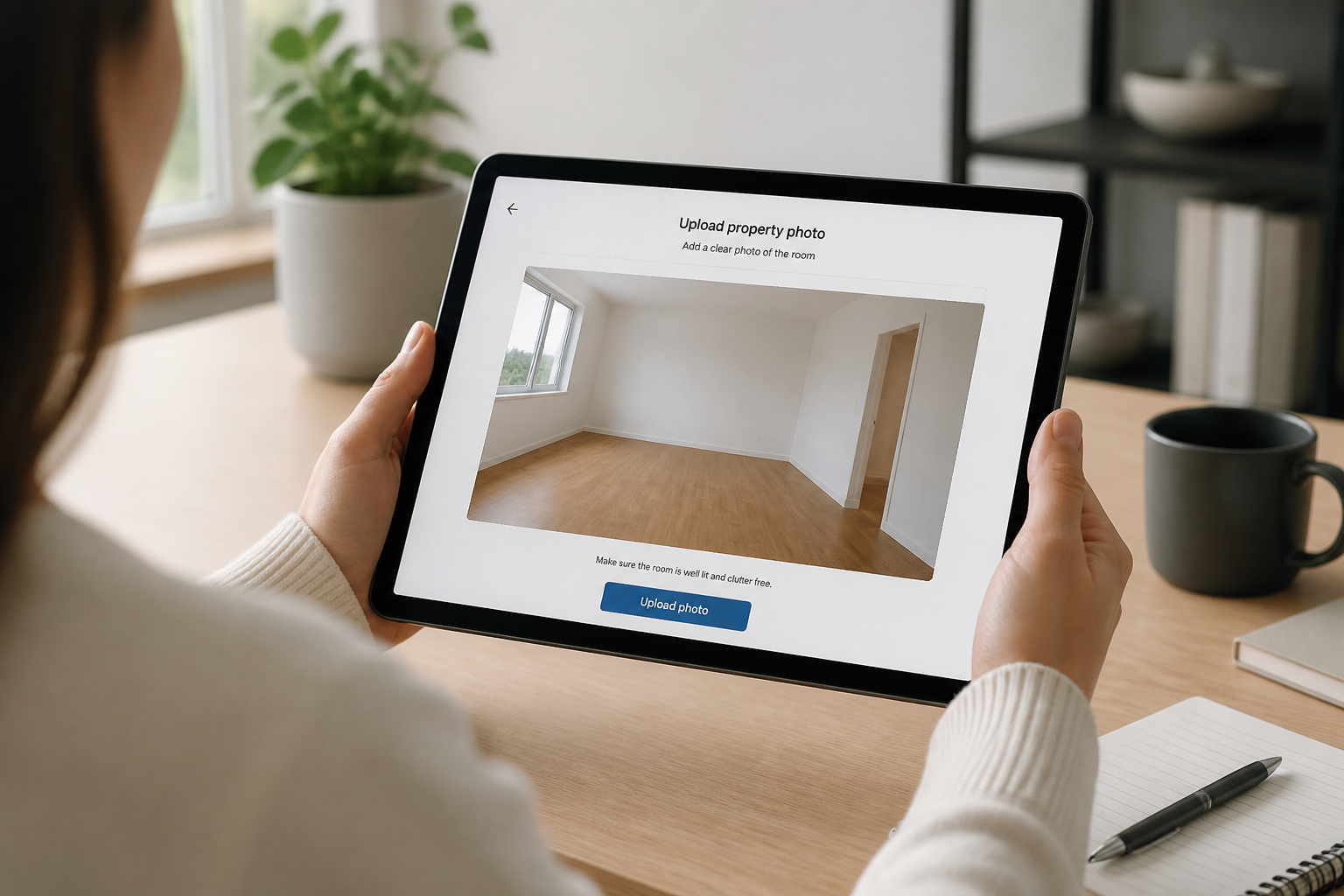
Upload your room photo
Start with a clear image of an empty room. Wide, well-lit shots usually give the best design concepts because the layout is easy for the AI to read.
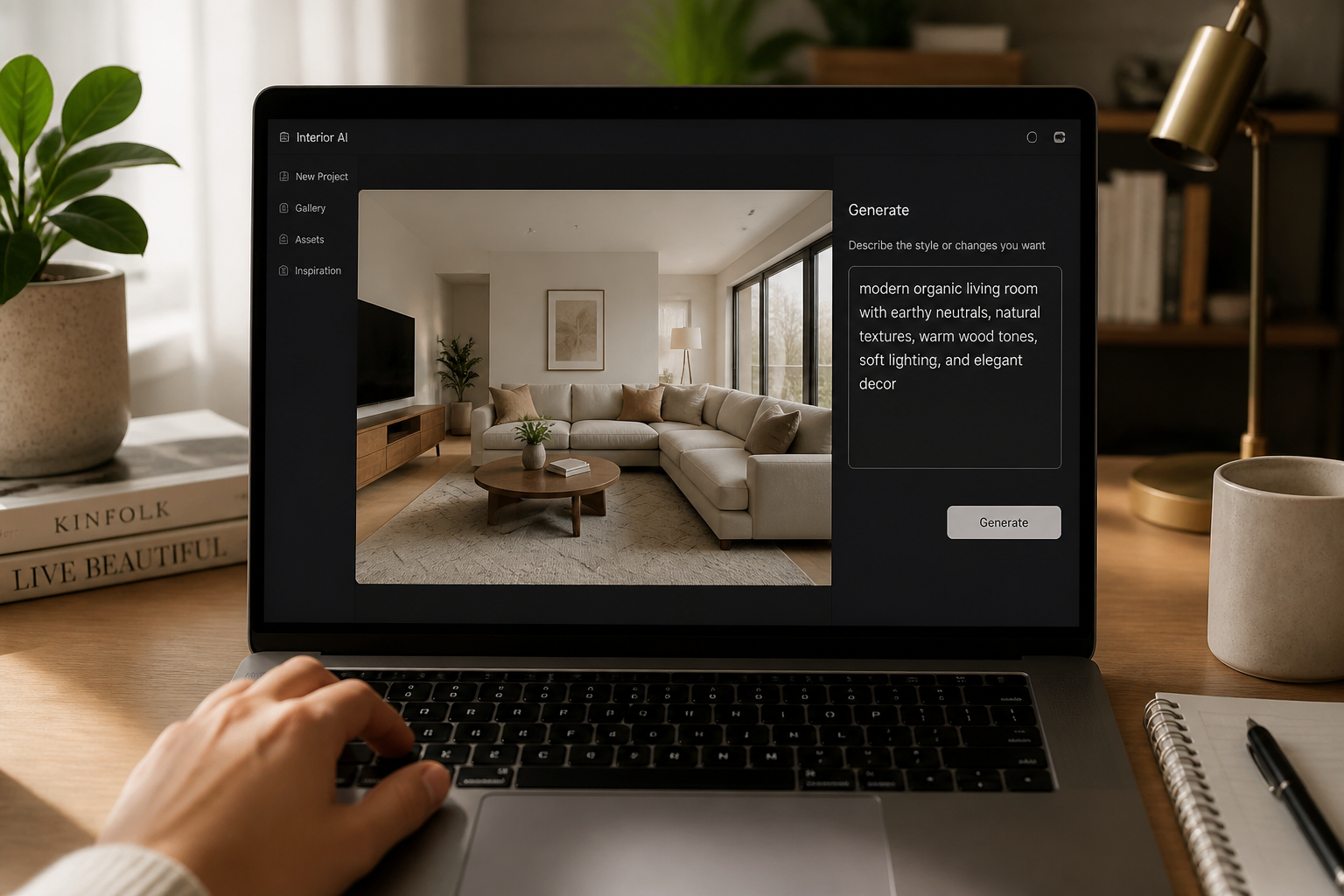
Describe the look
Tell the AI what kind of room you want, such as Scandinavian, cozy modern, industrial, or luxury. You can also mention the room type and key furniture pieces you want included.
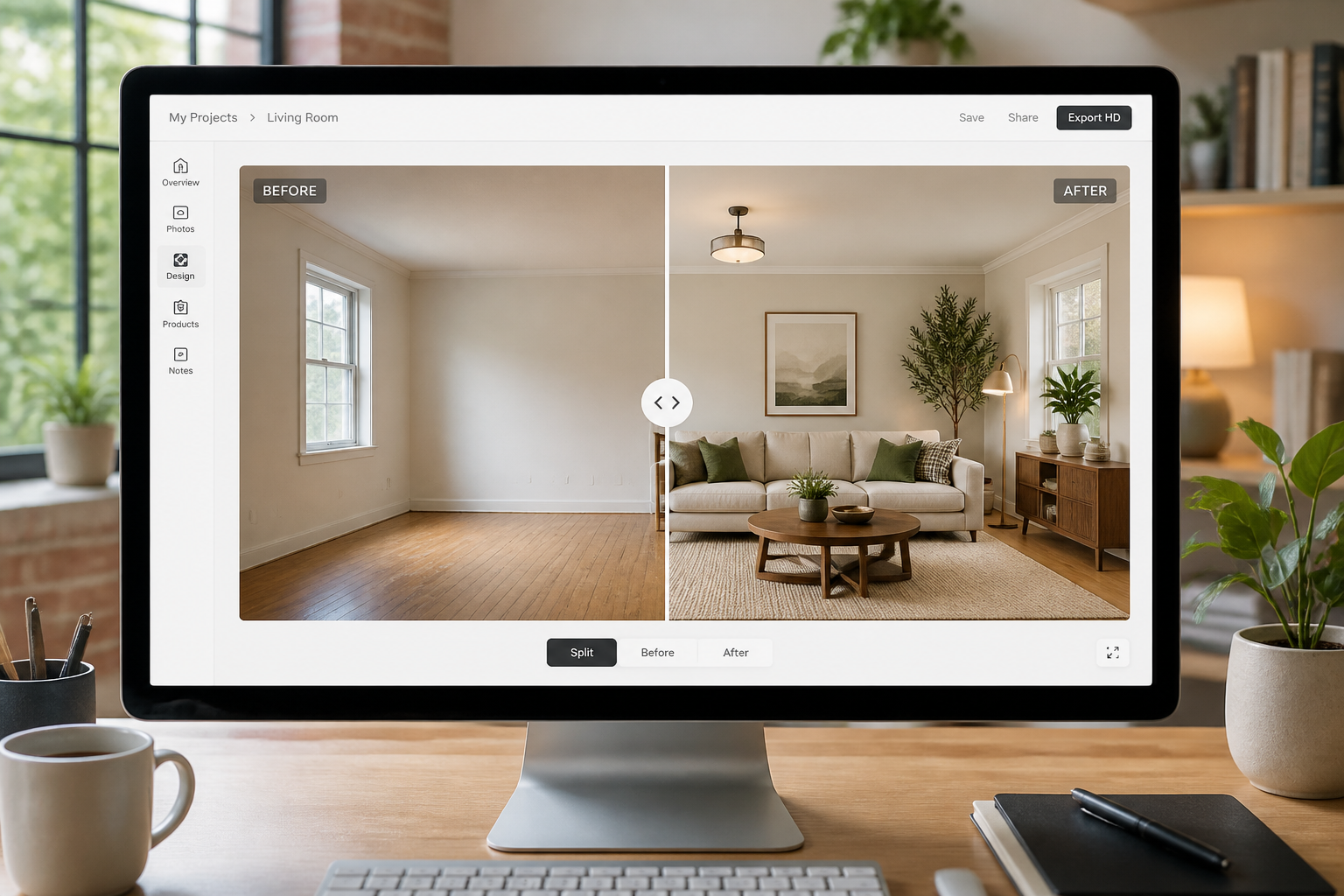
Compare and refine
Review the decorated result next to the original empty room. If you want a different mood or layout, adjust the prompt and generate another version.
Perfect For
Discover how creators and professionals use ai room design generator
Virtual staging for listings
Turn empty property photos into furnished interiors that help buyers picture how the space could look.
Interior style exploration
Test several decor directions on the same room before buying furniture or committing to a redesign.
Client concept mockups
Show clients fast visual options for room layouts, mood, and furniture choices using their existing space.
Content and social posts
Create clean before-and-after room transformations that are easy to share in portfolios, posts, and presentations.
Built For
Real estate agents
Create staged-looking room concepts from empty listing photos without arranging physical furniture.
Interior designers
Mock up style directions quickly to speed up early concept work and client review.
Homeowners and renters
Preview furnishing ideas for a room before shopping, moving, or starting a makeover.
Why use it for room concepts
A quick look at how we compare on the things that matter for this niche.
| Feature | BudgetPixel | Generic AI editors | Manual editing apps |
|---|---|---|---|
| Empty room to furnished concept | ✓ | ✓ | — |
| Keeps original room structure | ✓ | — | — |
| Fast style variations | ✓ | ✓ | — |
| Before/after ready outputs | ✓ | — | — |
Frequently Asked Questions
Can this really turn an empty room into a decorated one?
What kinds of rooms work best?
Can I try different interior styles on the same room?
Does it keep the room shape and camera angle?
Do I need design experience to use it?
Create together.
Share your creations, discover trending AI art, and grow with fellow creators.