AI Bedroom Design Generator
Turn empty bedrooms into polished, furnished spaces from one photo.
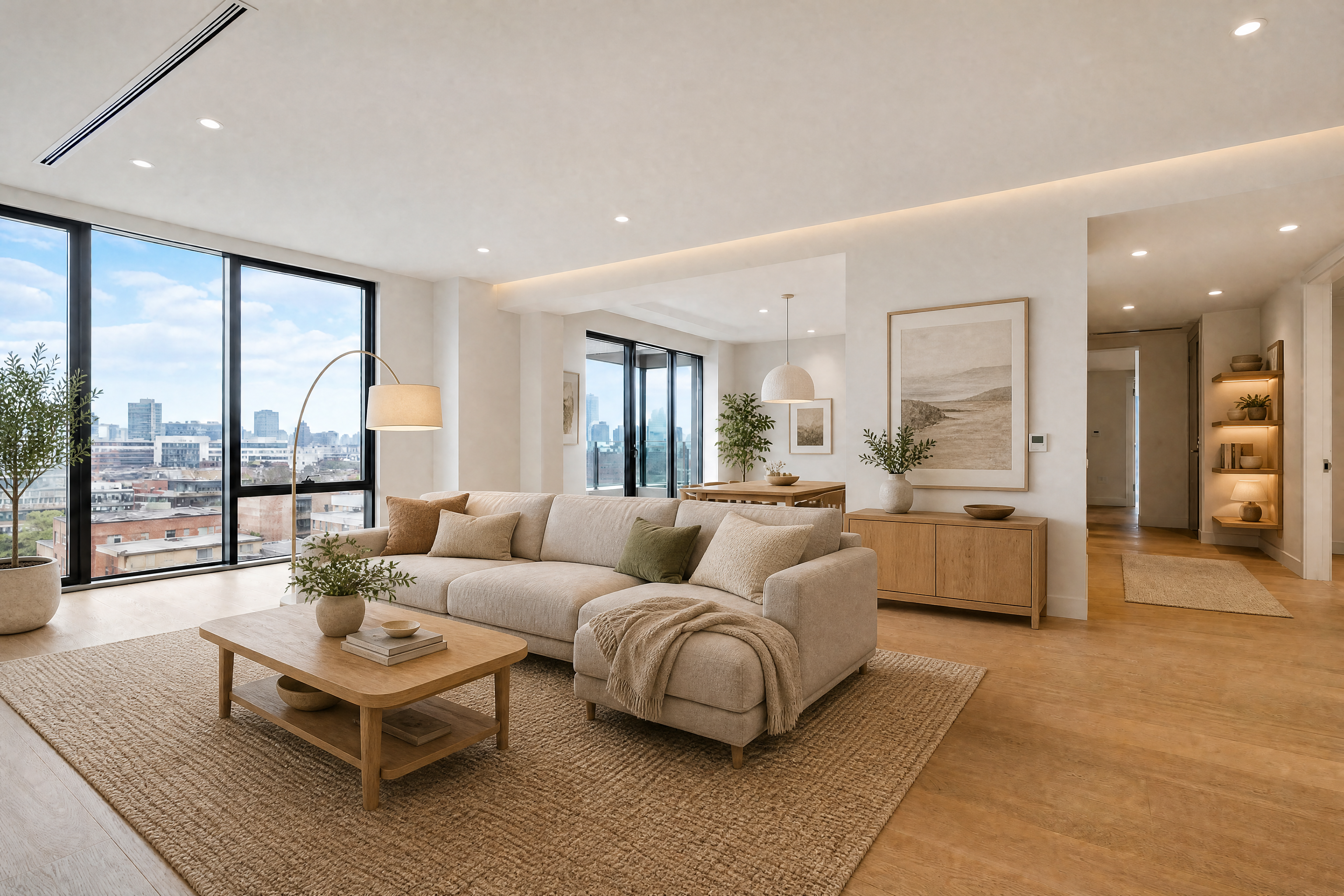
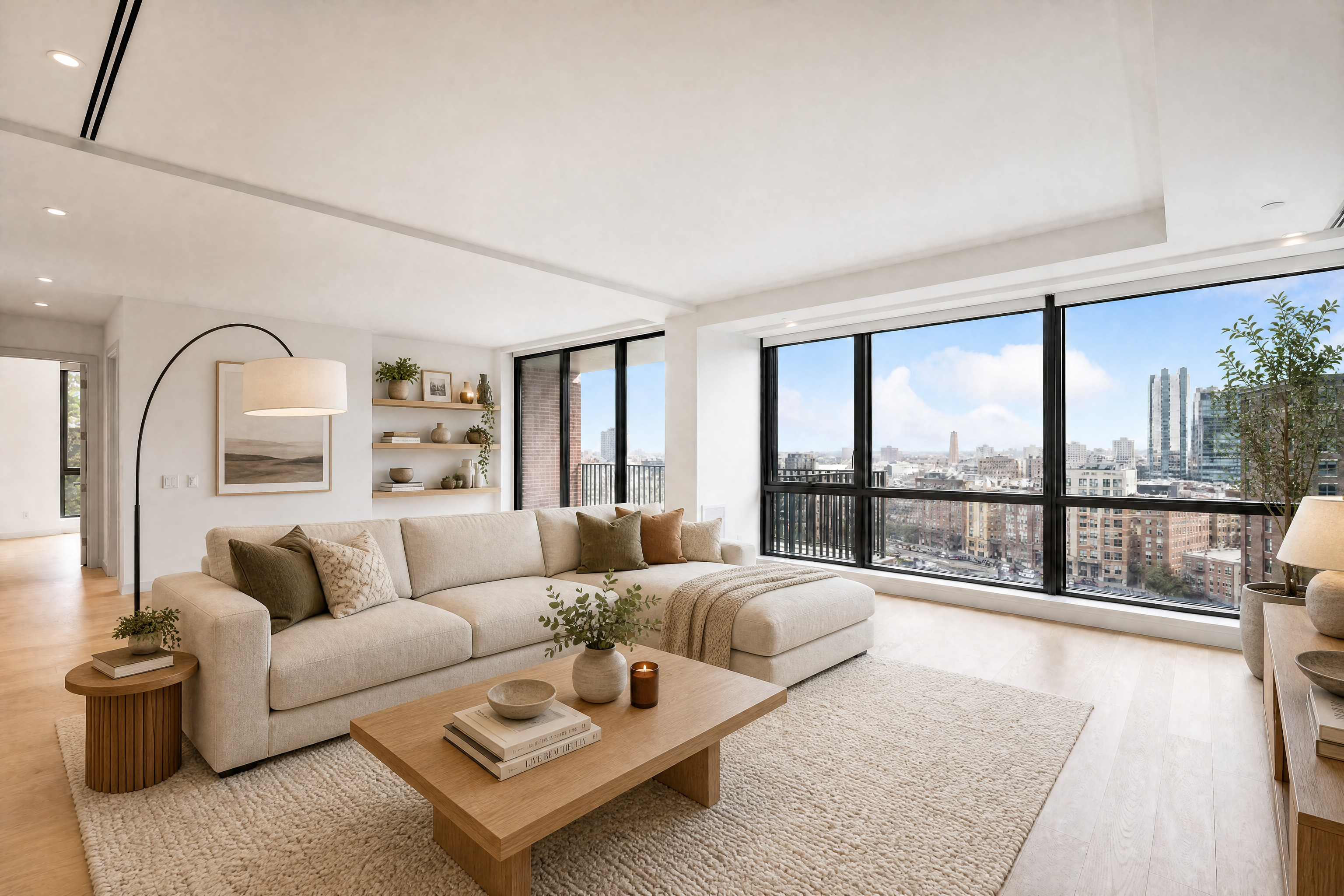
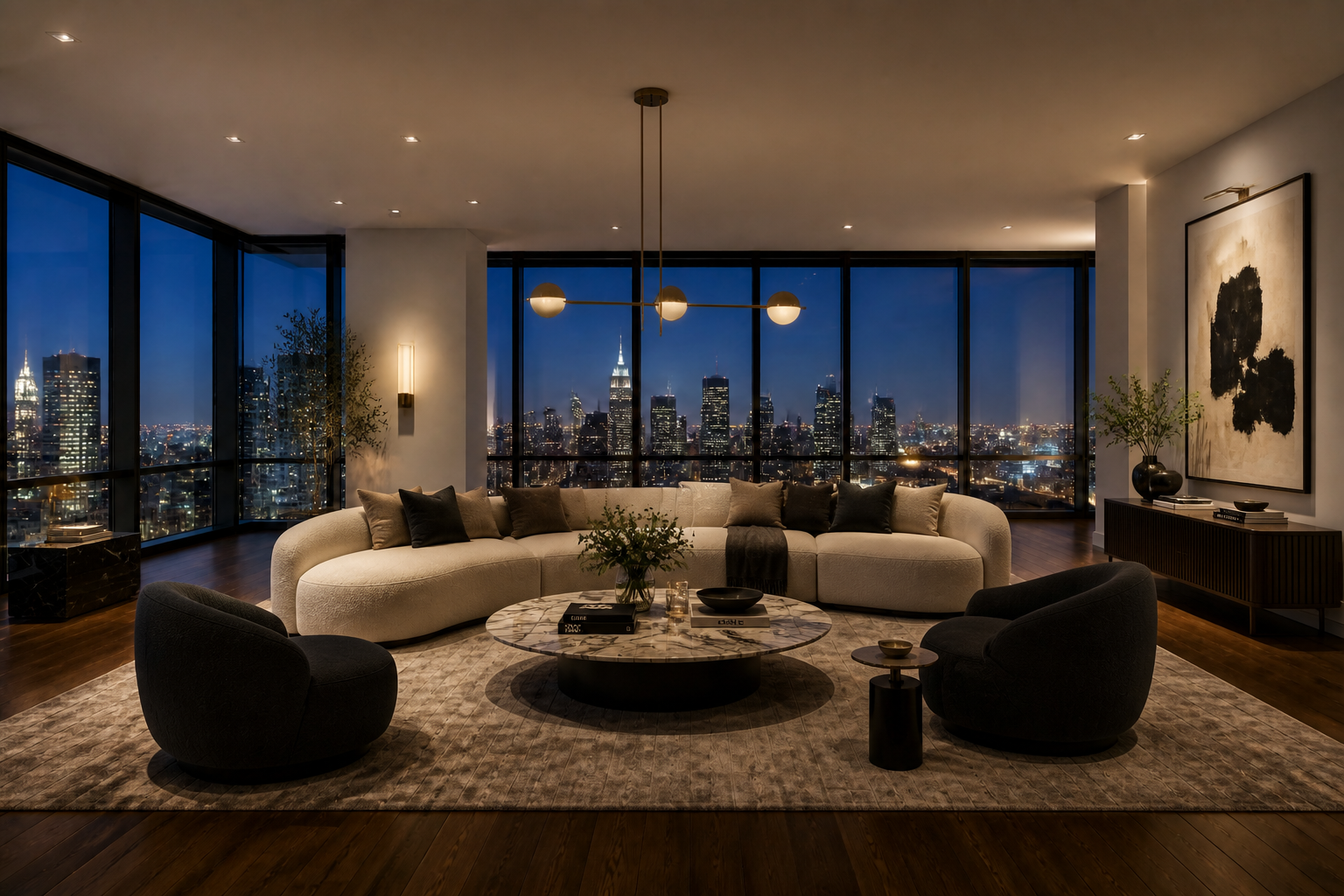
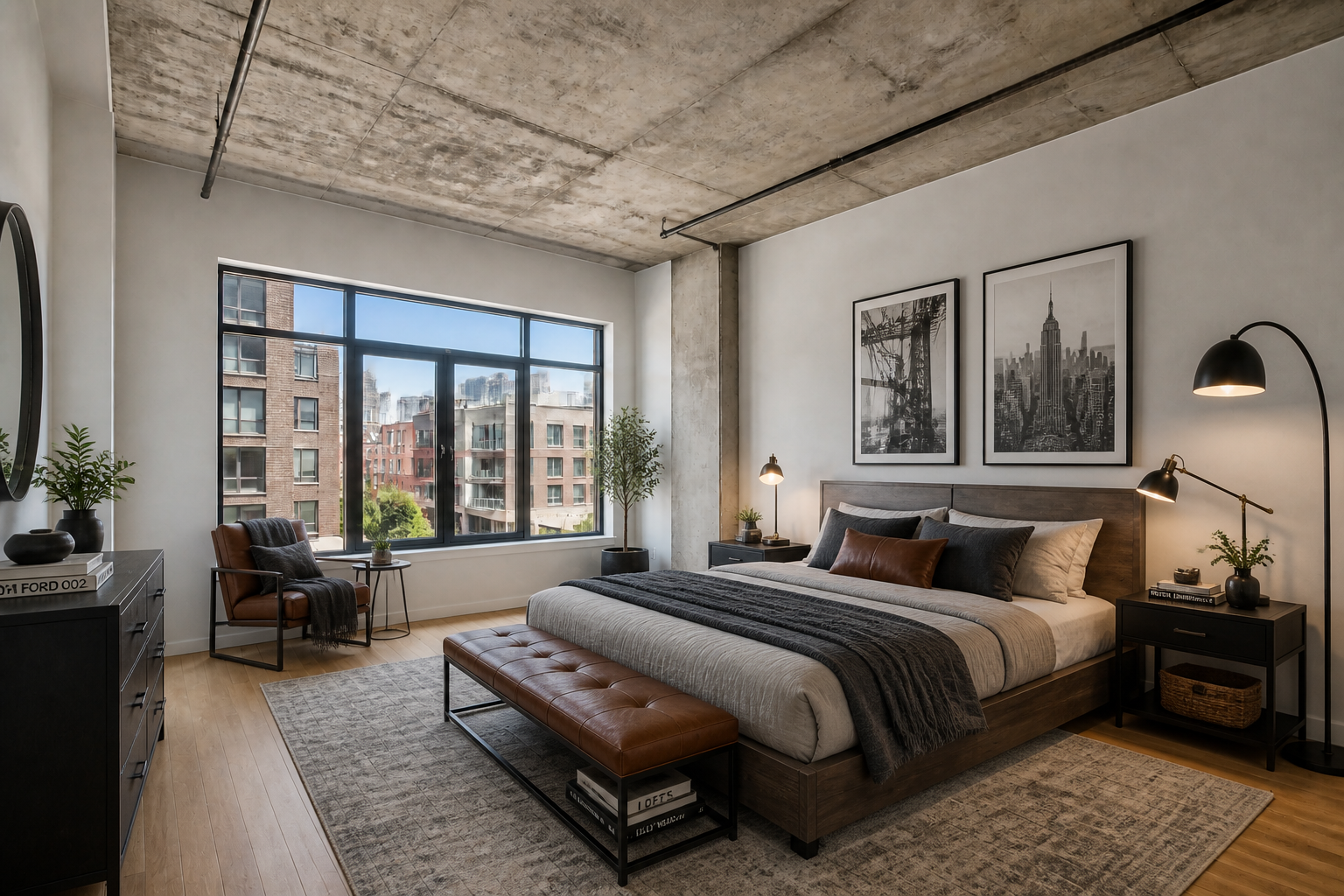
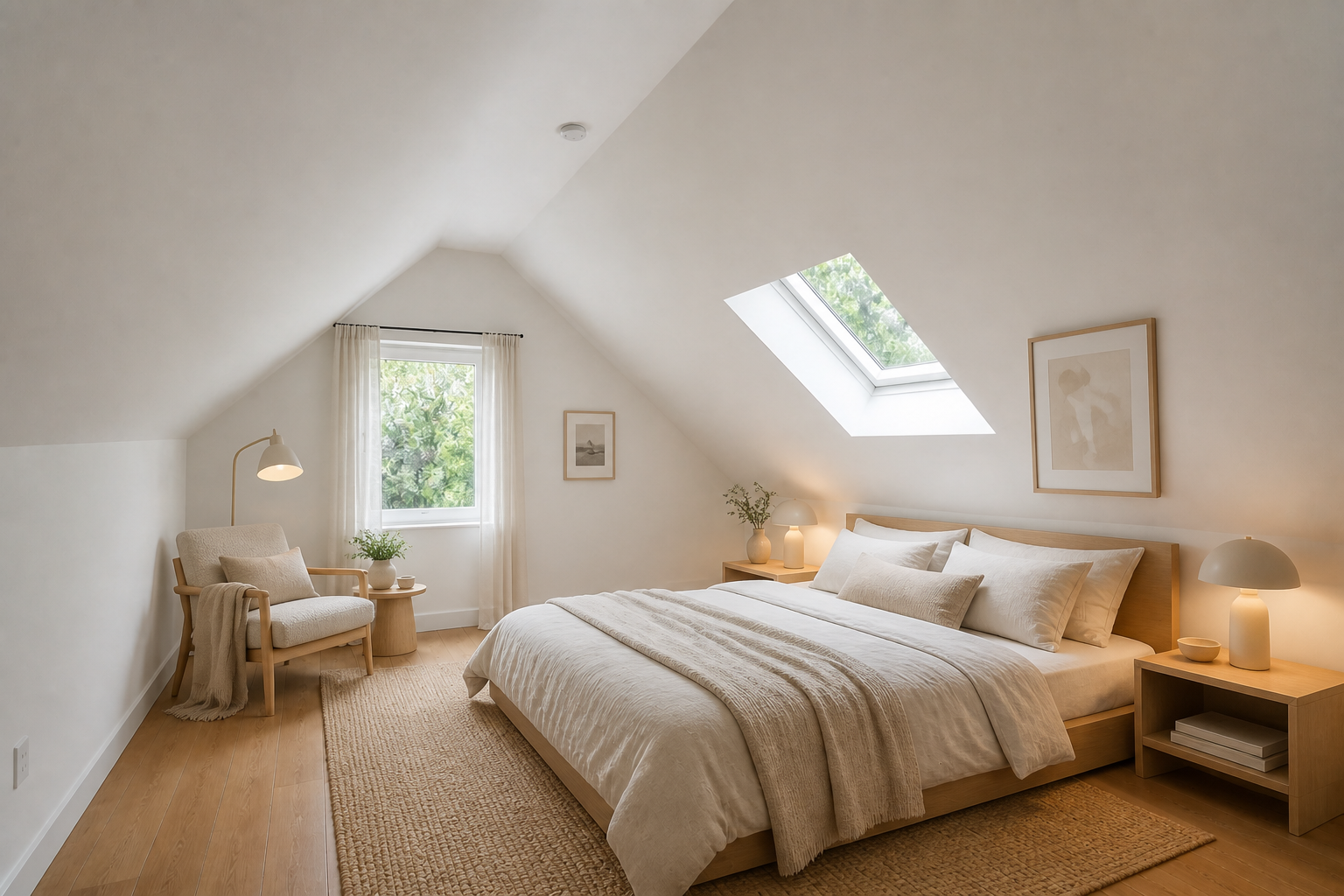
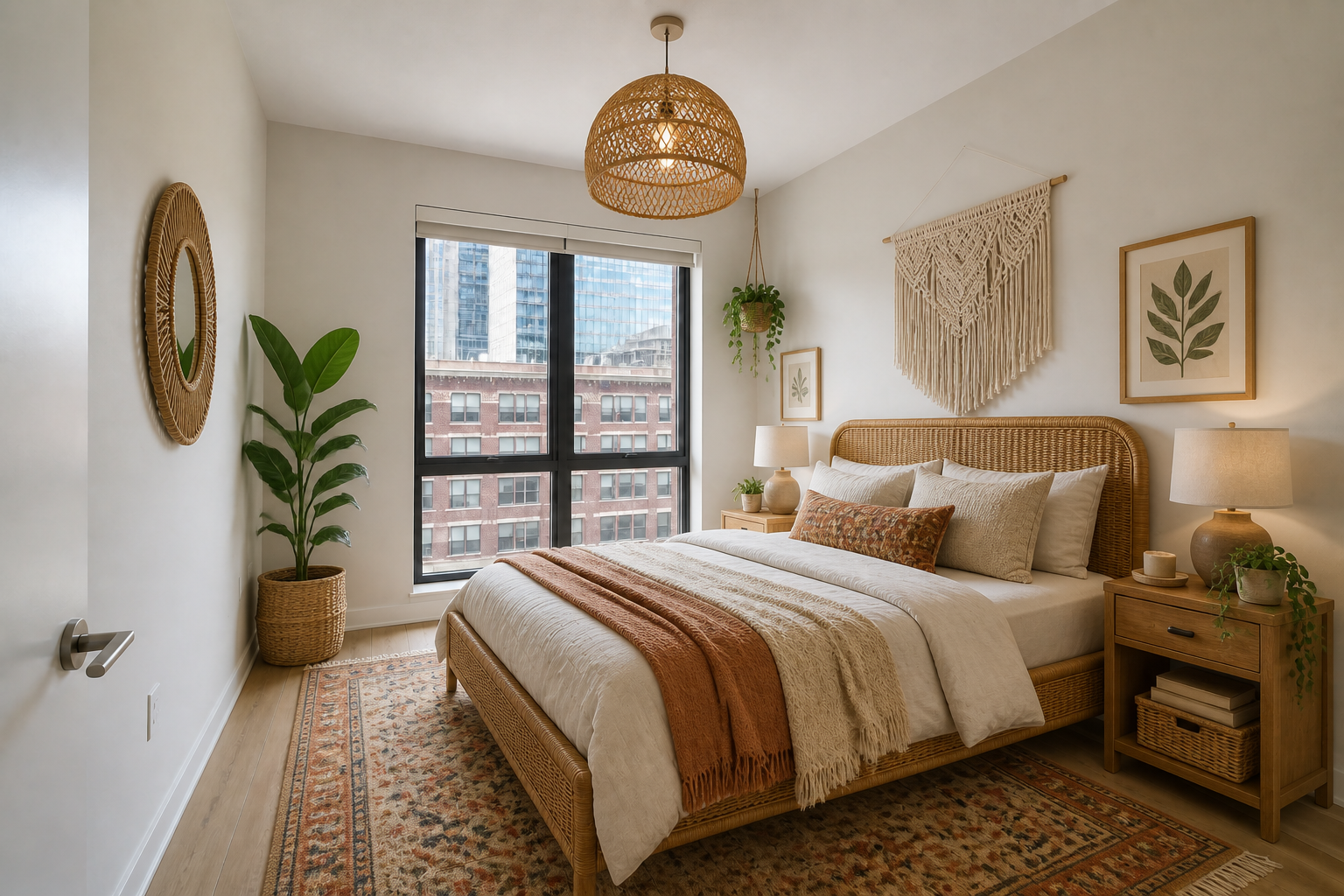
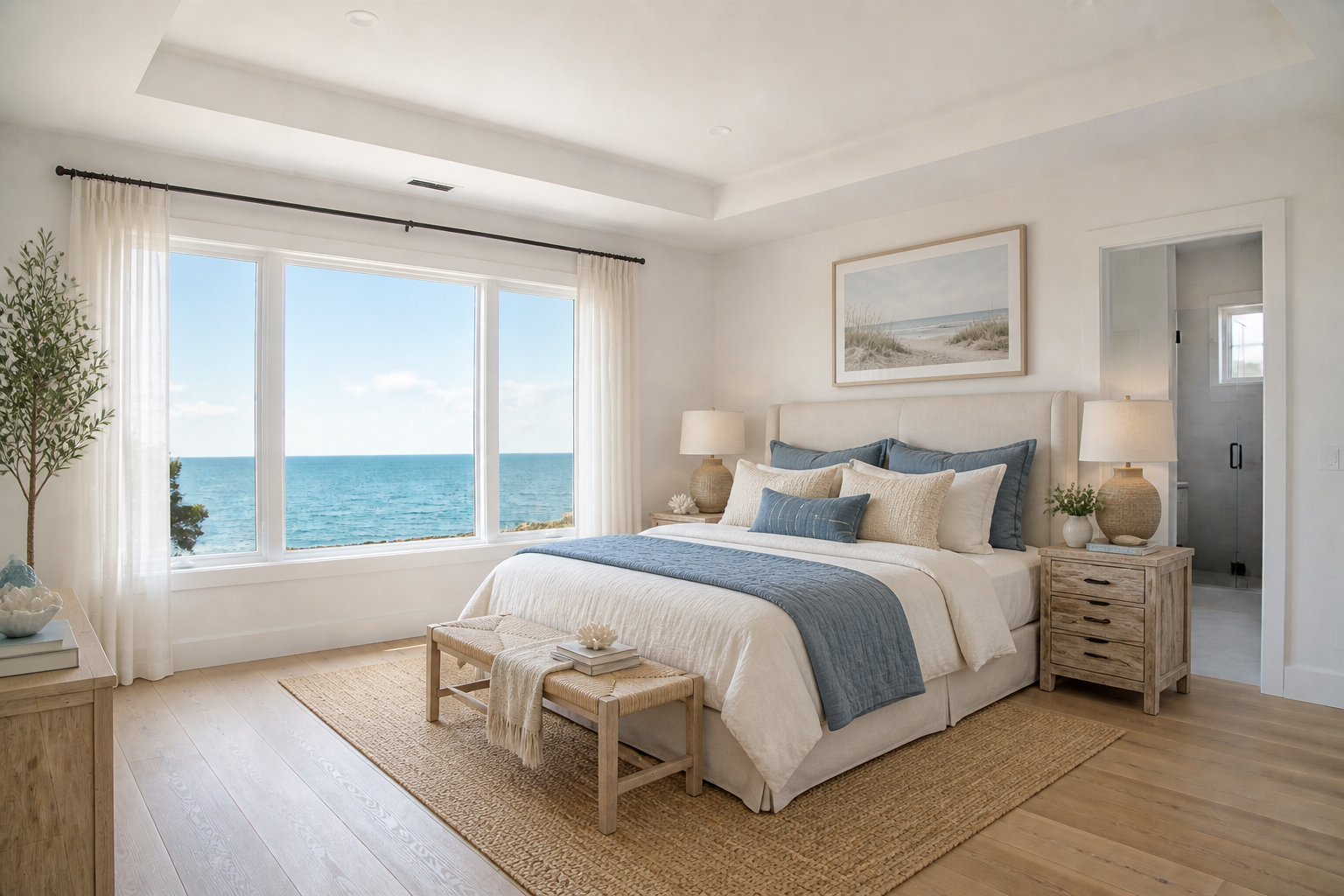
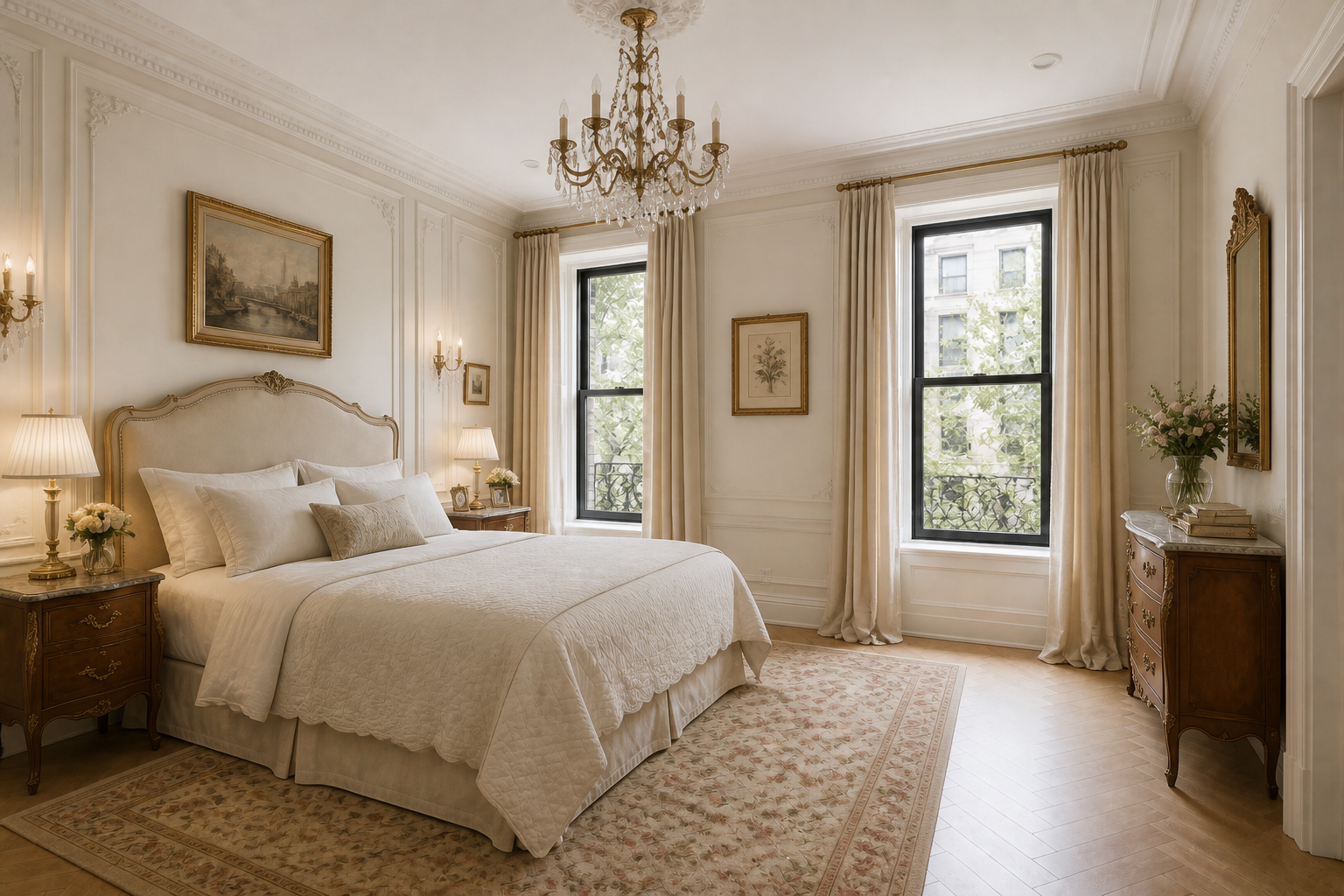
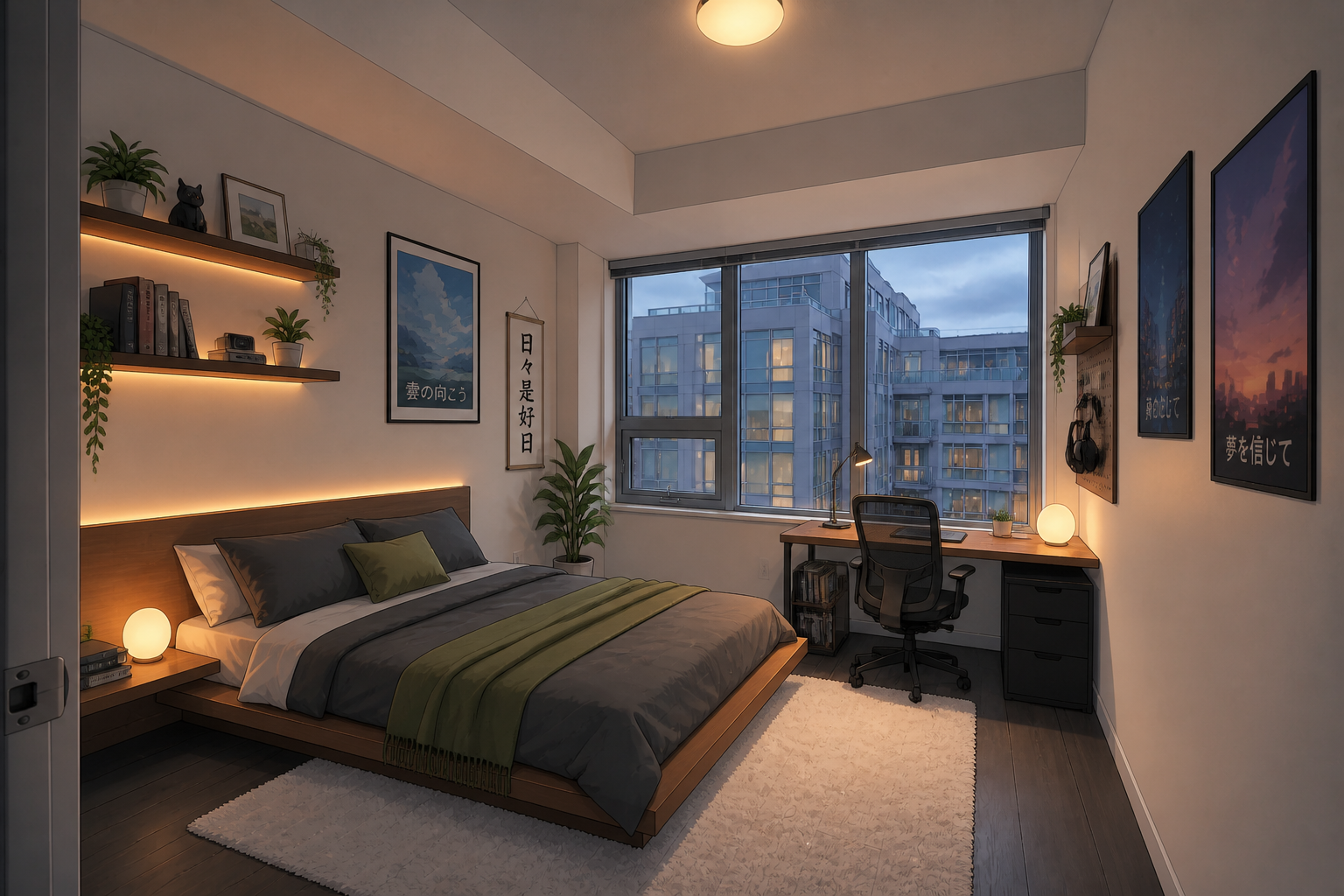
Upload a photo of an empty bedroom and describe the look you want. Our AI redesigns the room with furniture, lighting, decor, and finishes while keeping the structure and camera angle consistent.
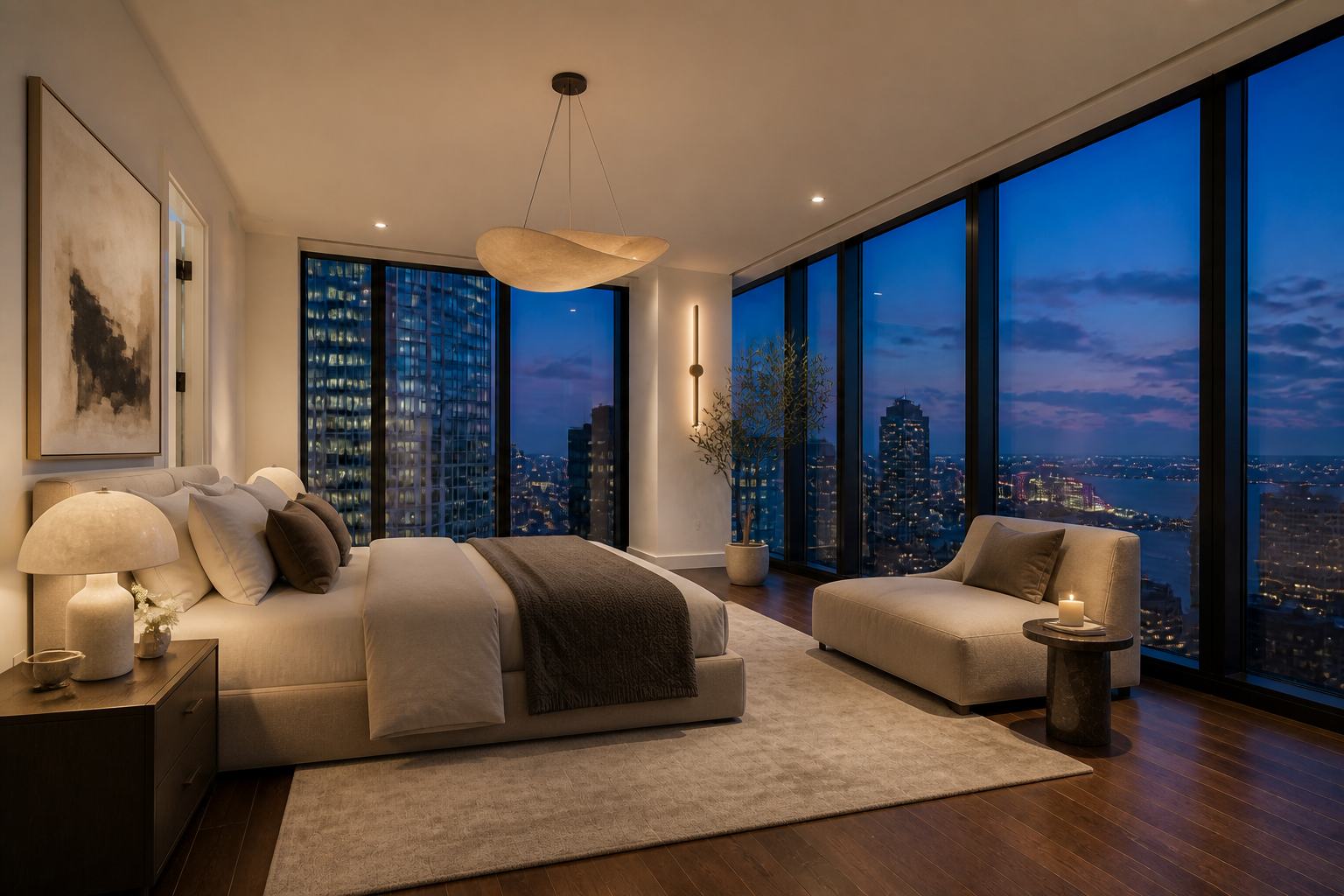
Watch the Transformation
See ai bedroom design generator in motion — generated end-to-end by our AI.
See It In Action
Real outputs from ai bedroom design generator.
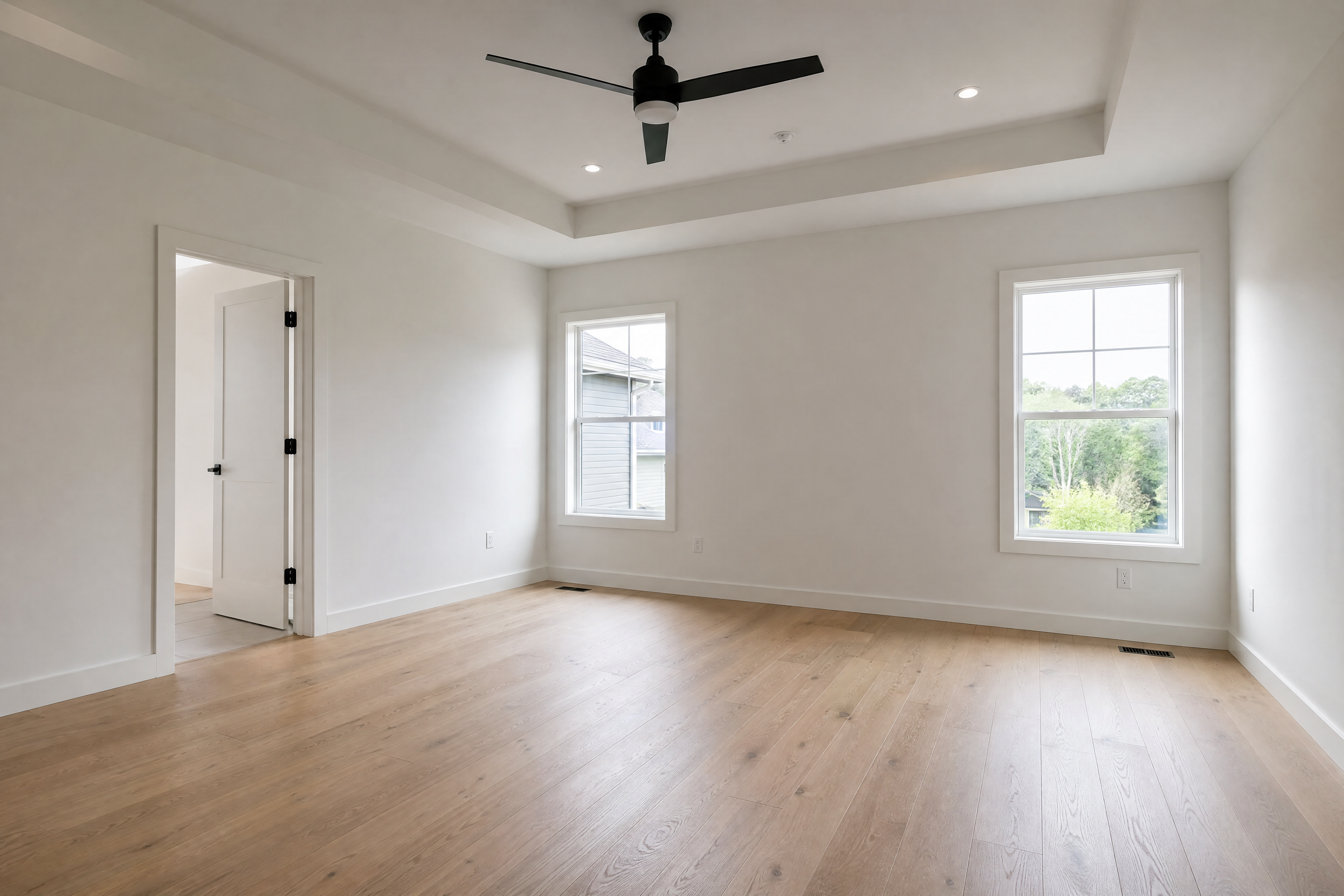 BEFORE
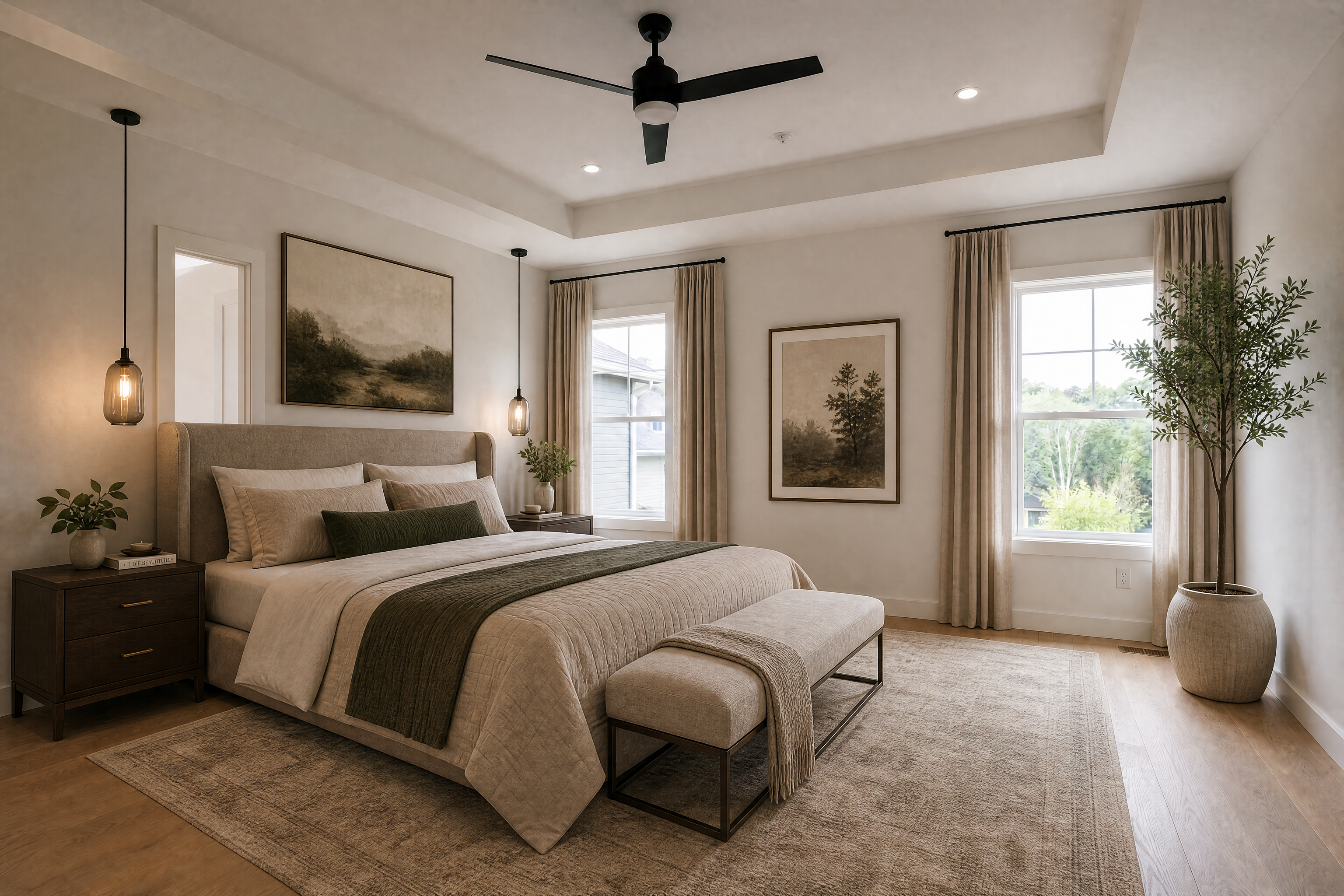 AFTER
AFTER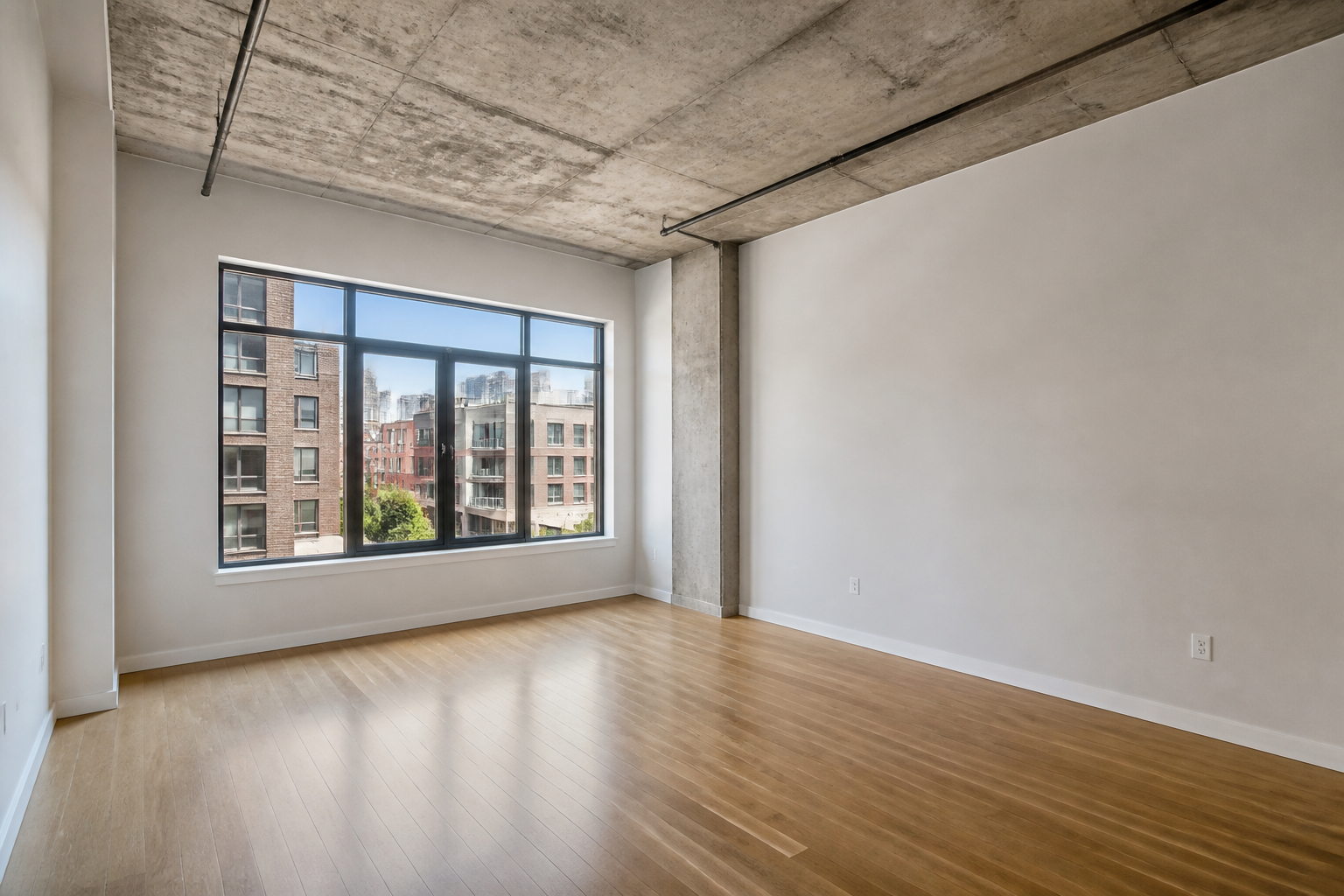 BEFORE
 AFTER
AFTER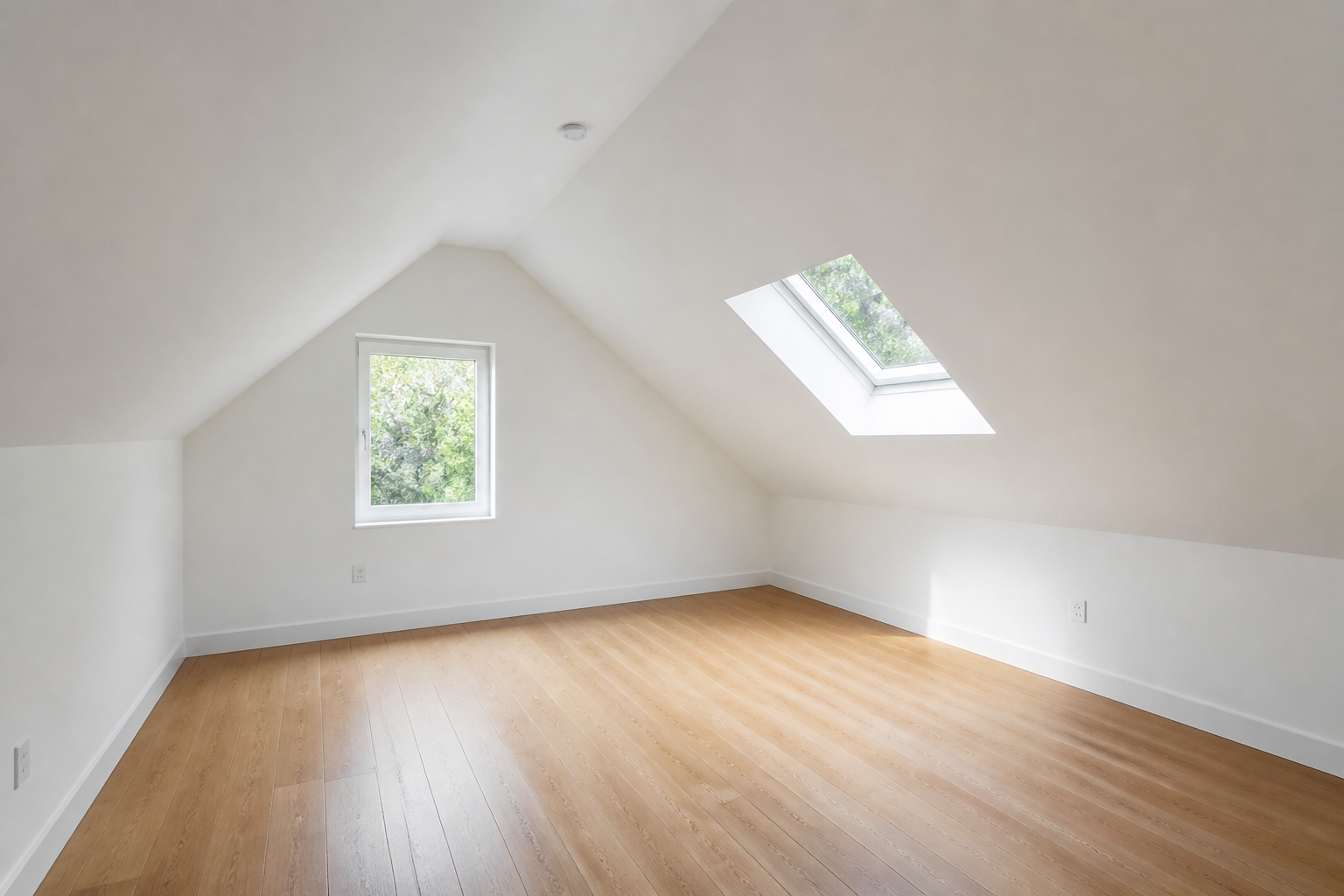 BEFORE
 AFTER
AFTER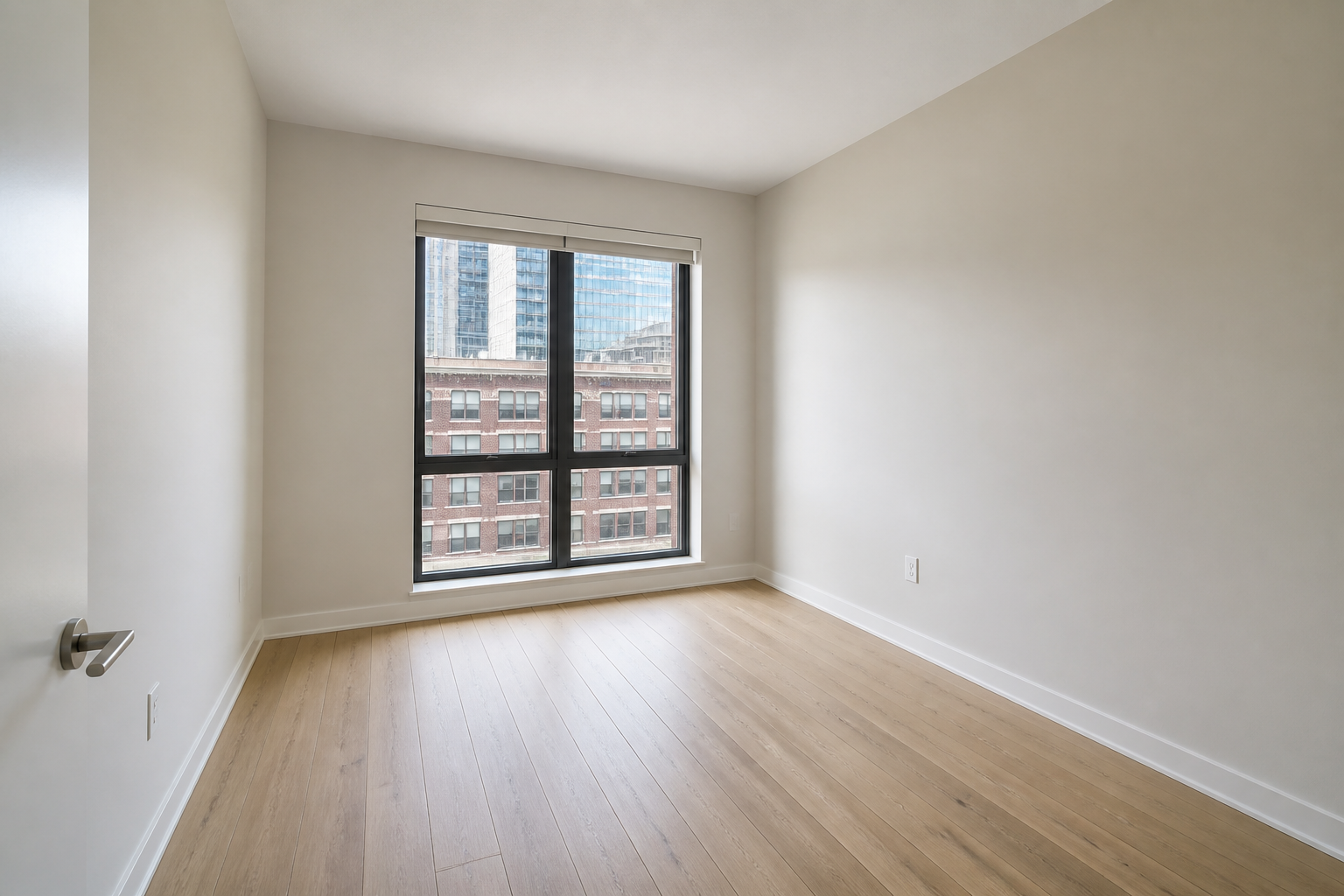 BEFORE
 AFTER
AFTER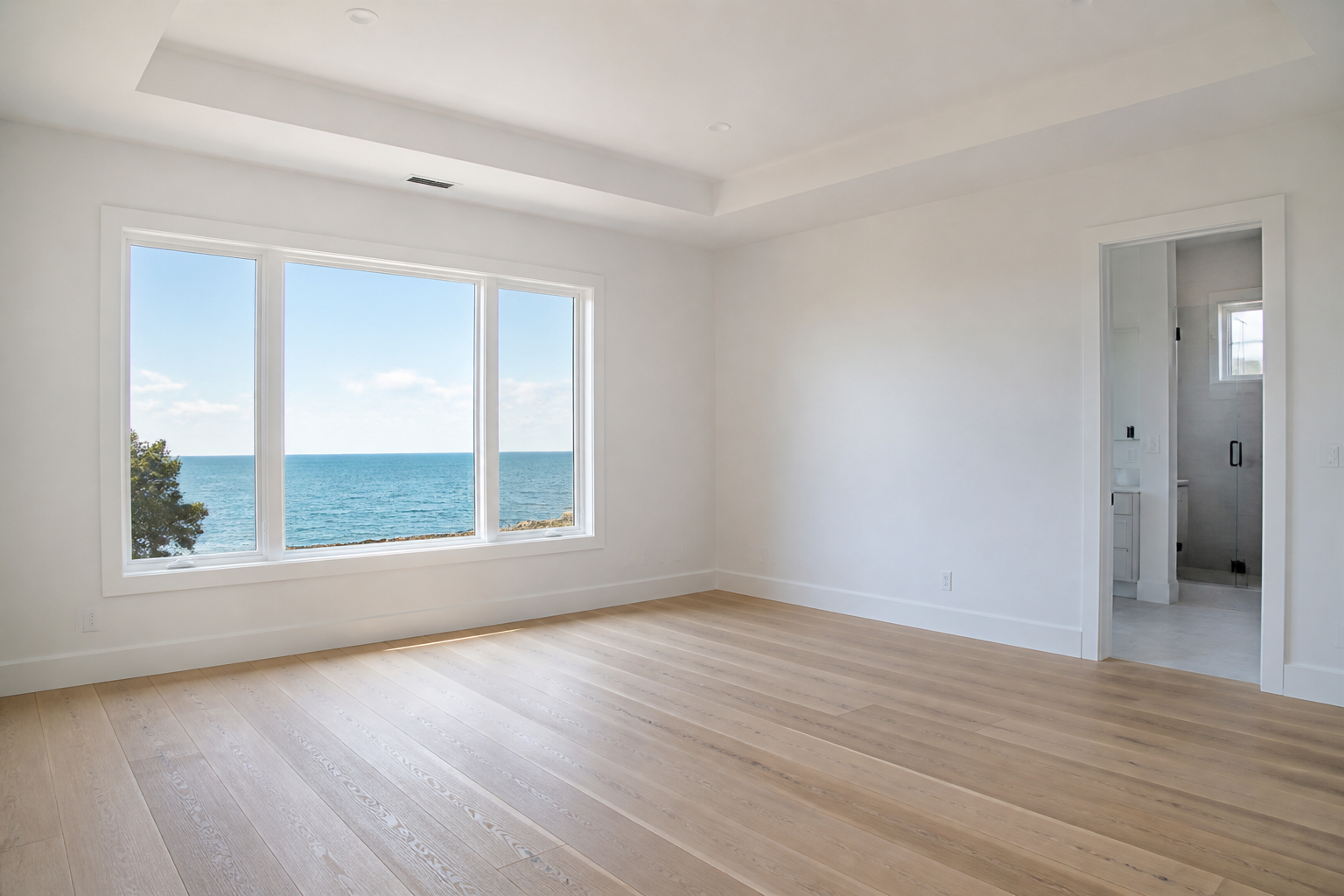 BEFORE
 AFTER
AFTER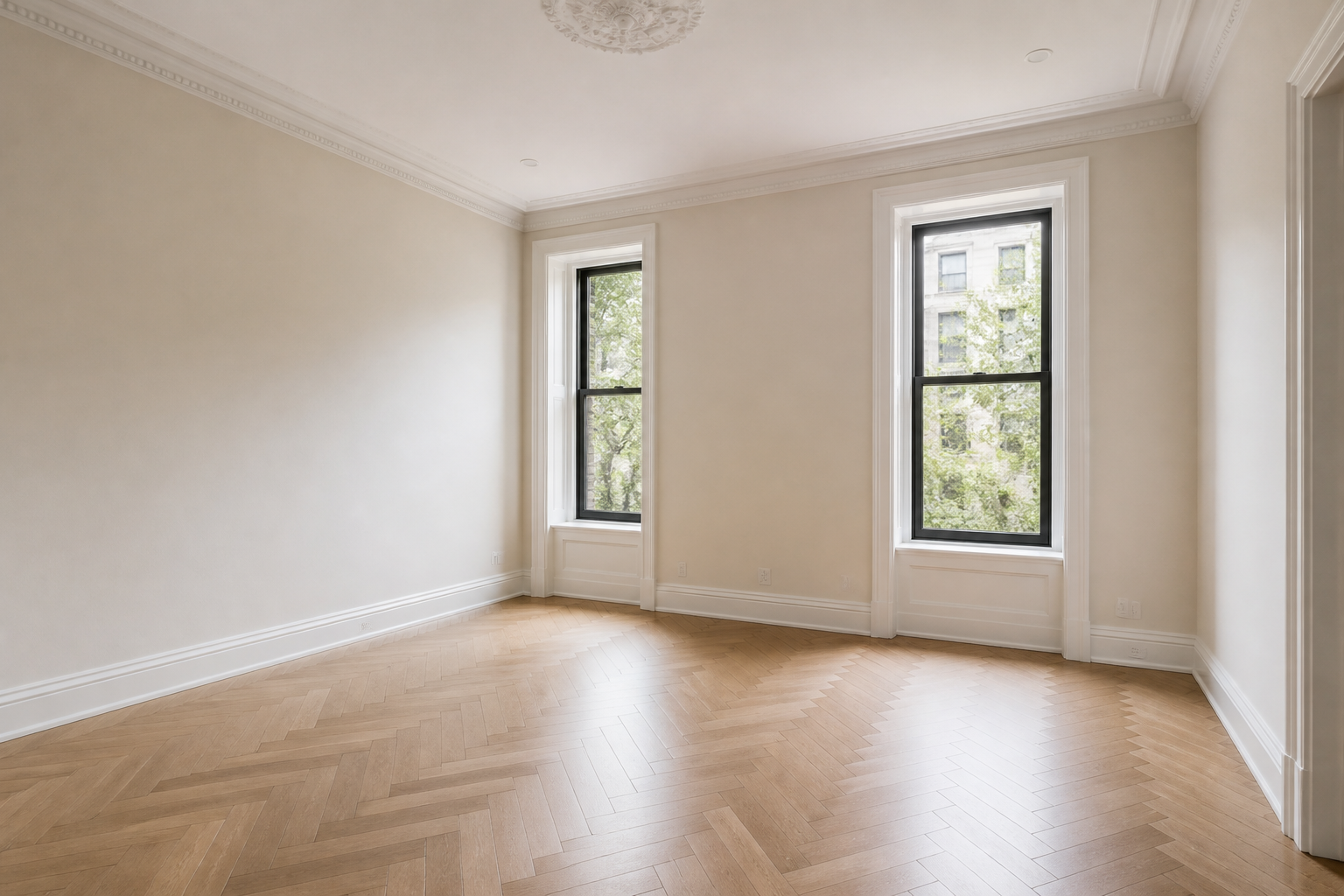 BEFORE
 AFTER
AFTER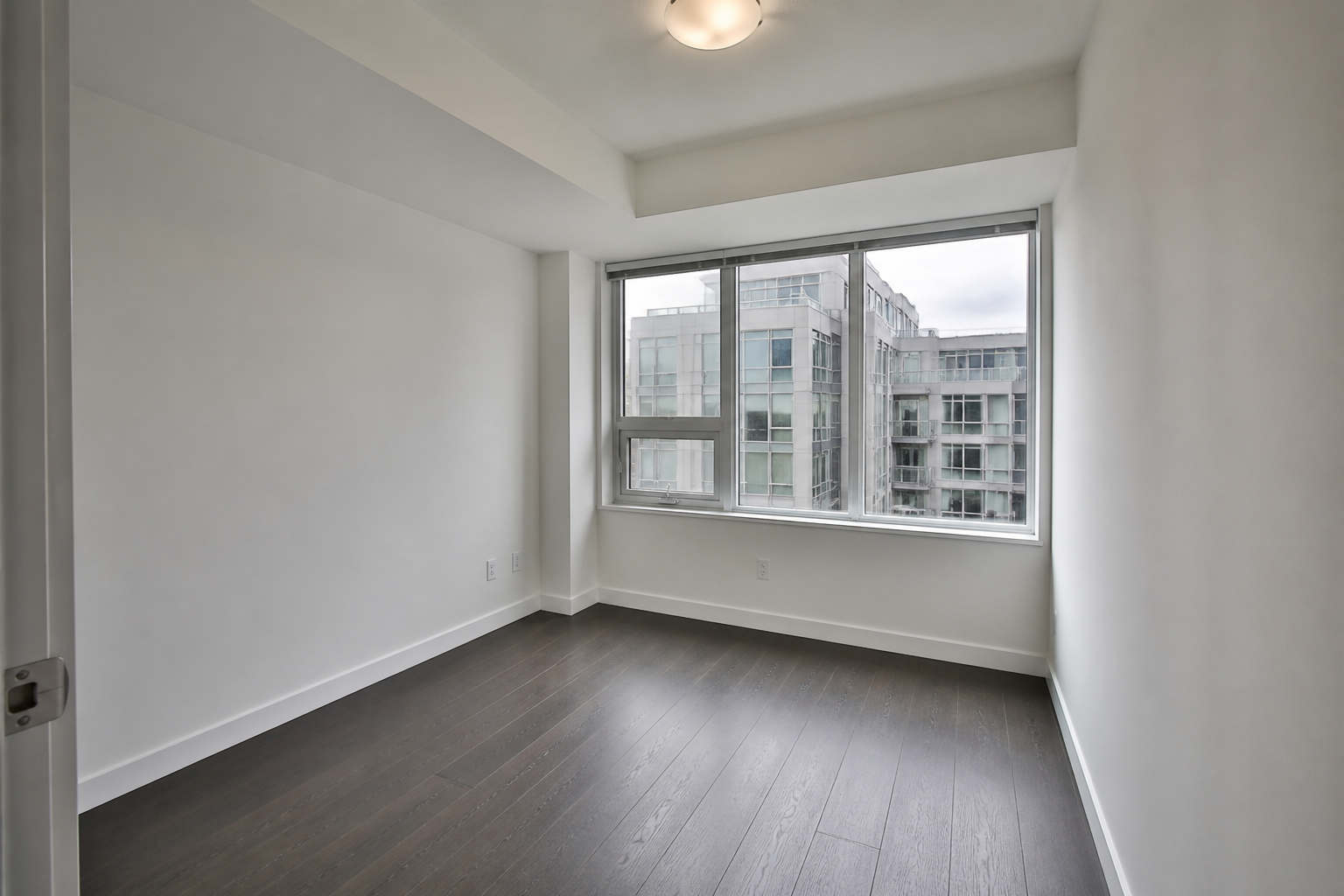 BEFORE
 AFTER
AFTER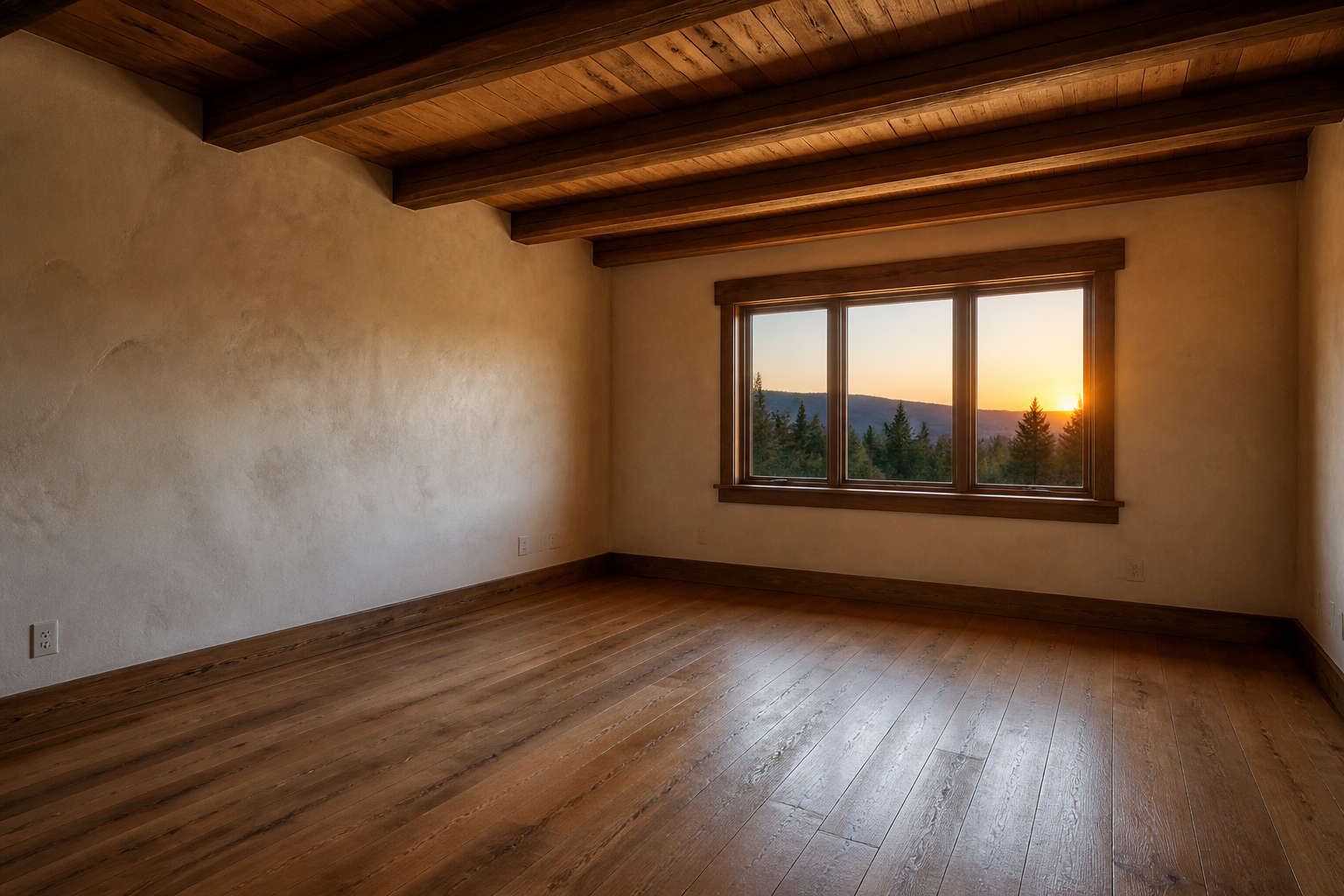 BEFORE
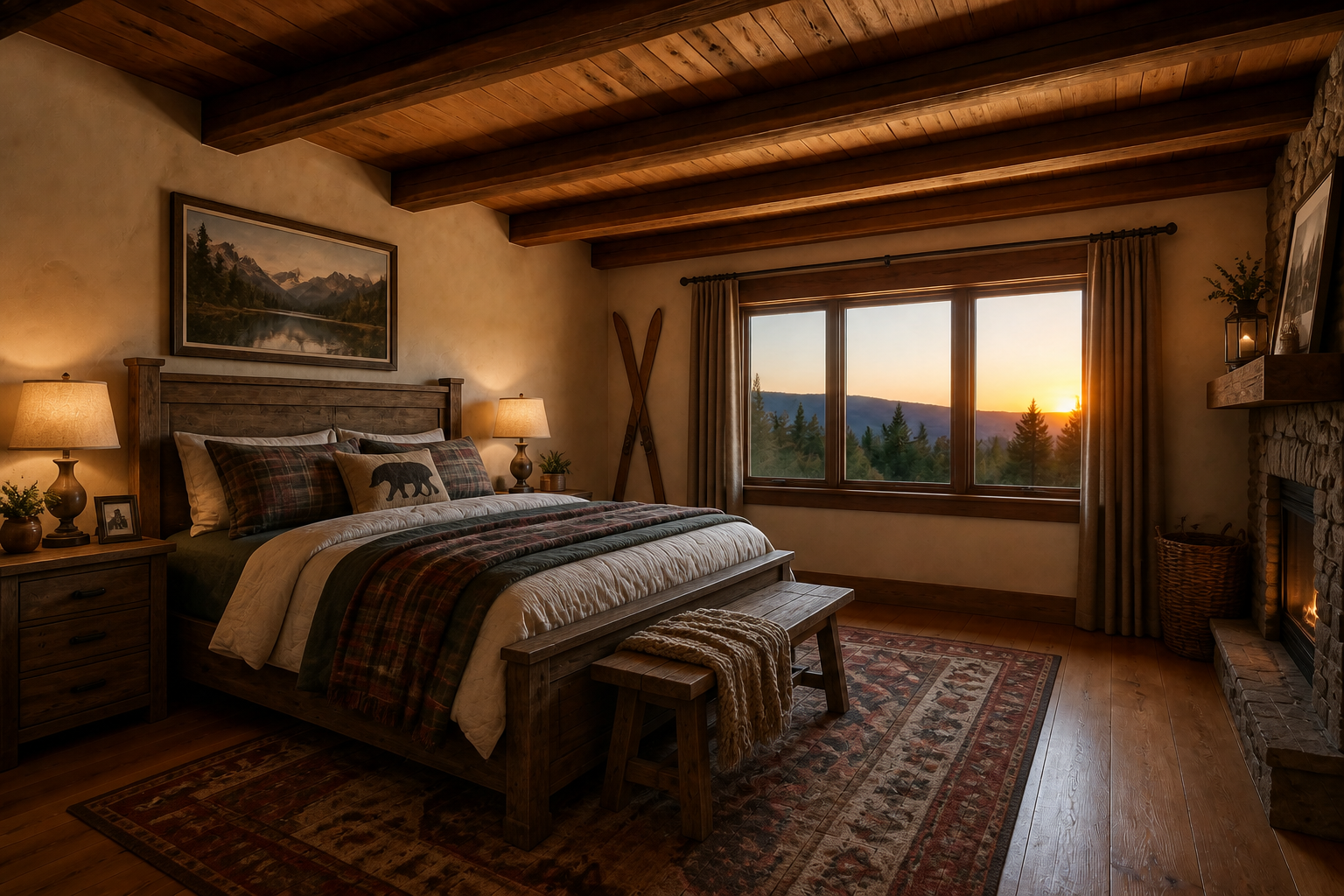 AFTERBEFOREAFTER
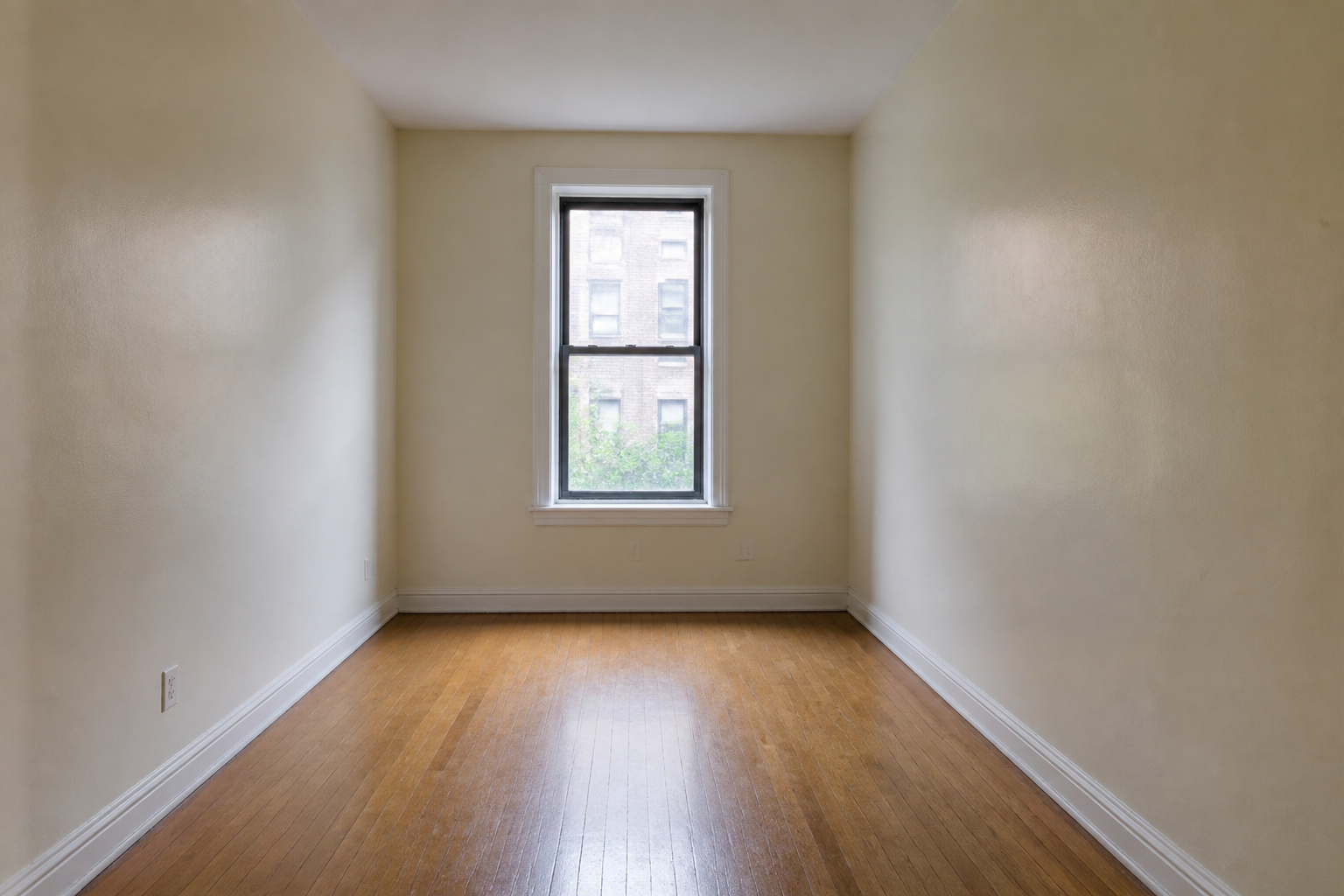 BEFORE
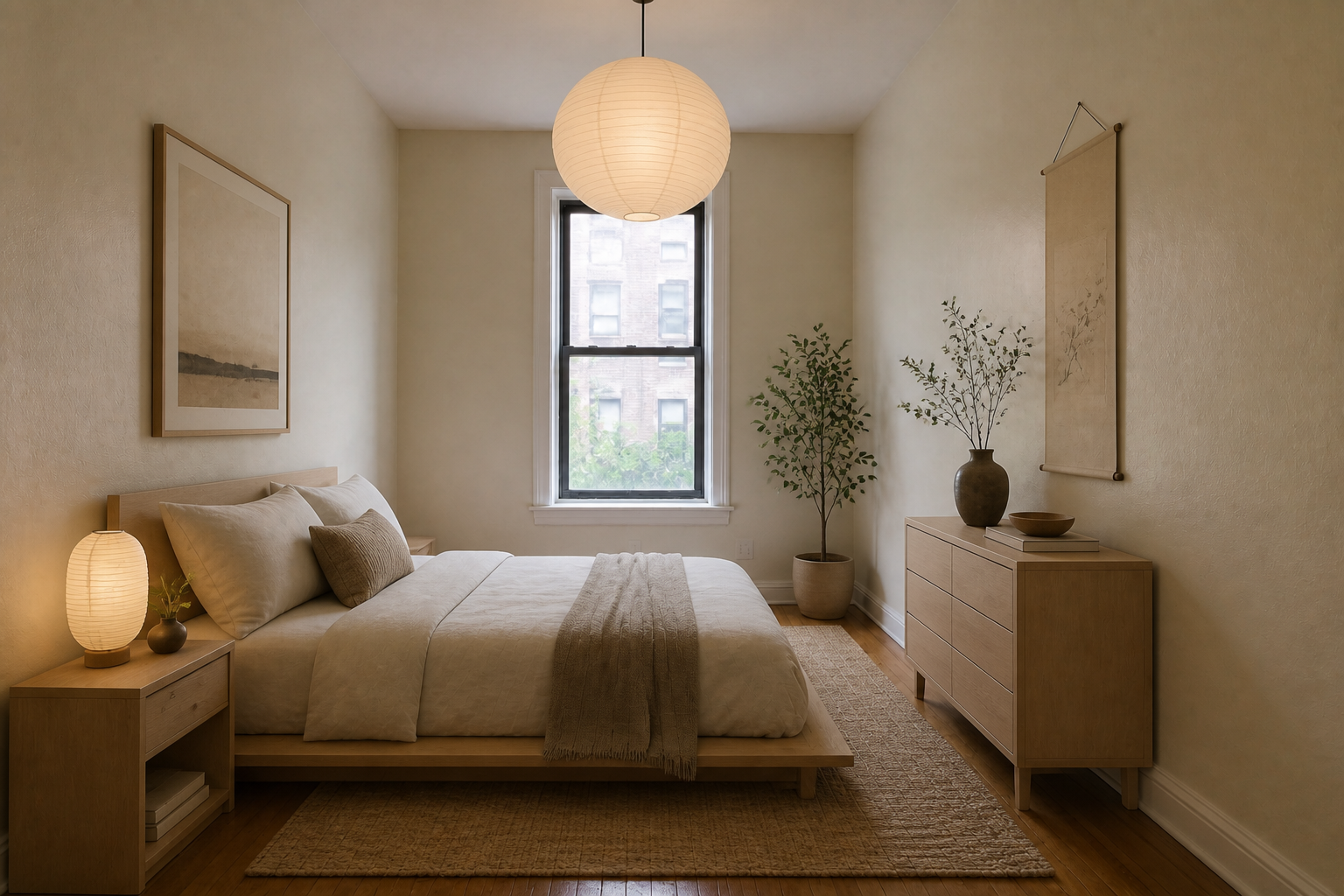 AFTER
AFTERKey Features
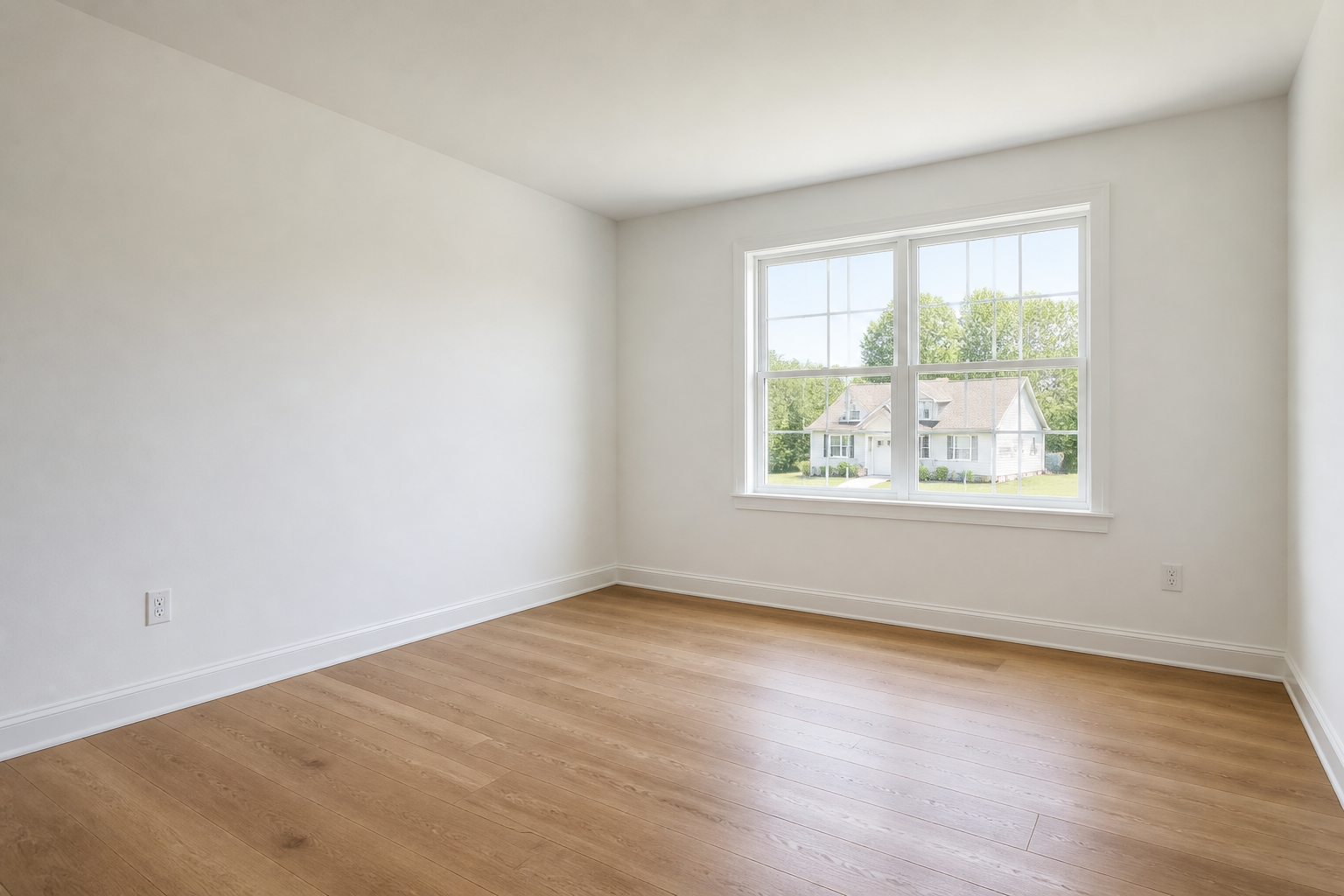
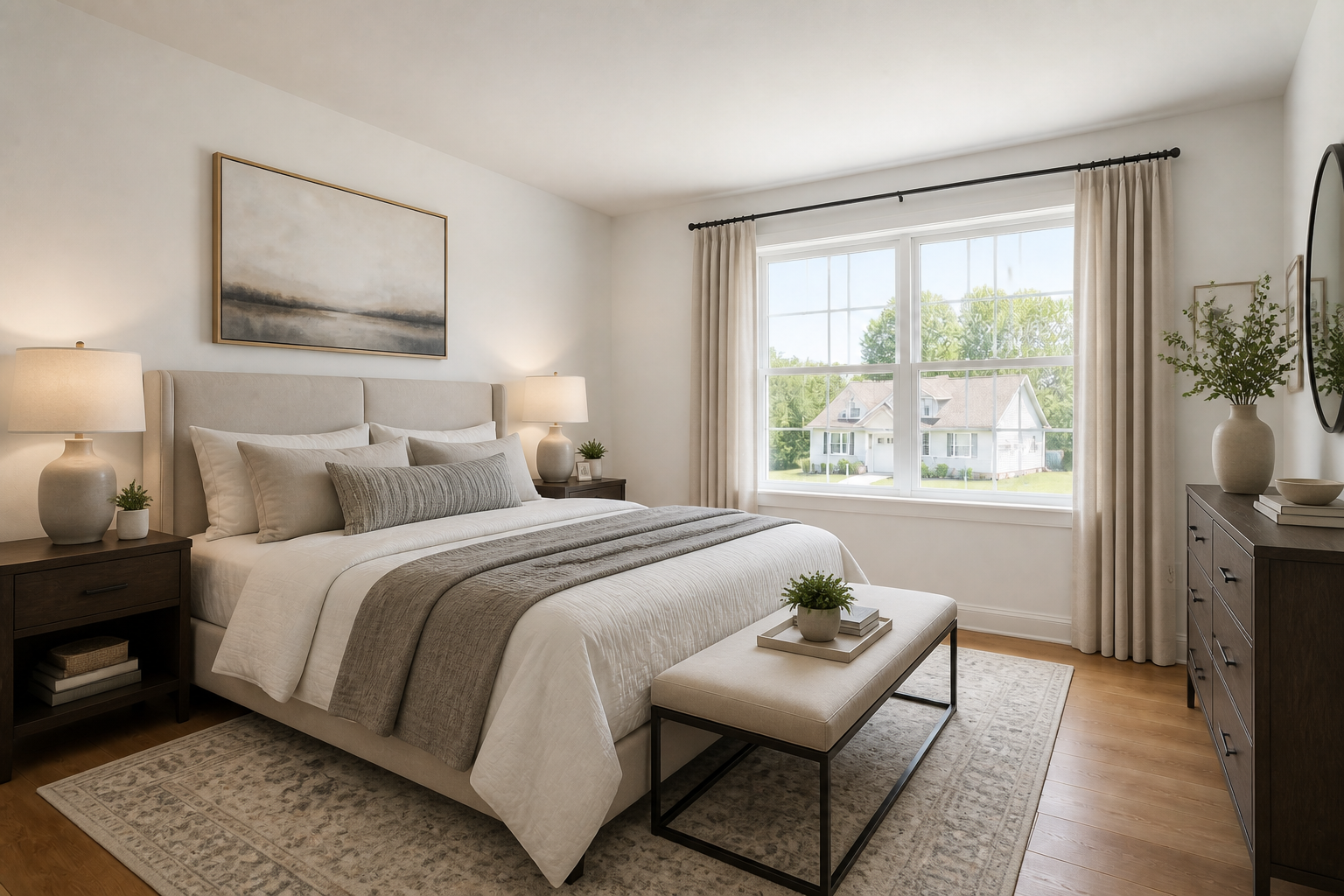
See full-room makeovers fast
Start with an empty bedroom photo and generate a fully furnished concept in one pass. The AI adds the major pieces that make the room feel finished, including the bed, lighting, rugs, storage, and decor. That gives you a realistic direction quickly instead of hunting for separate inspiration images. It is a practical way to test a complete look before you buy anything.
Try different design styles
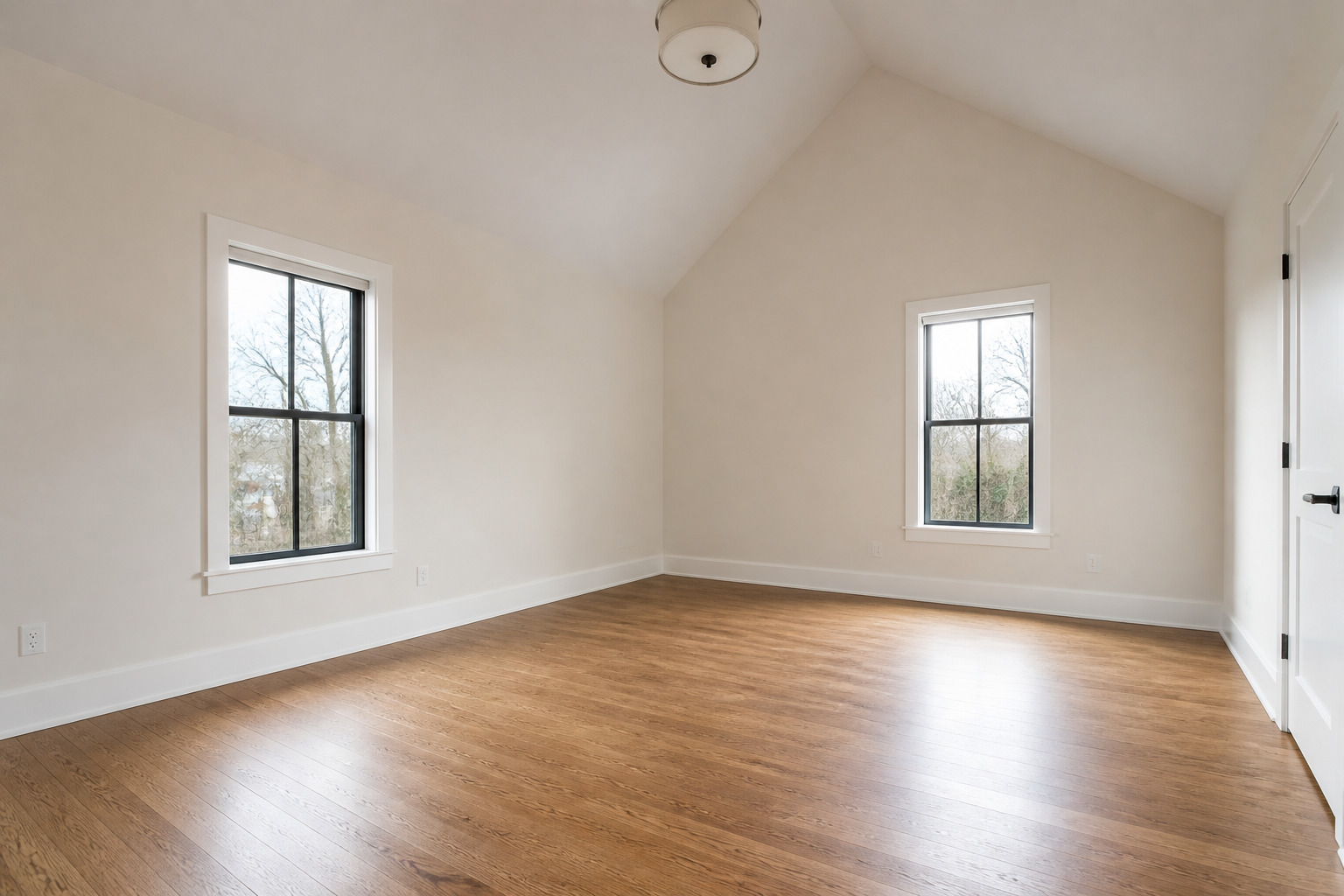
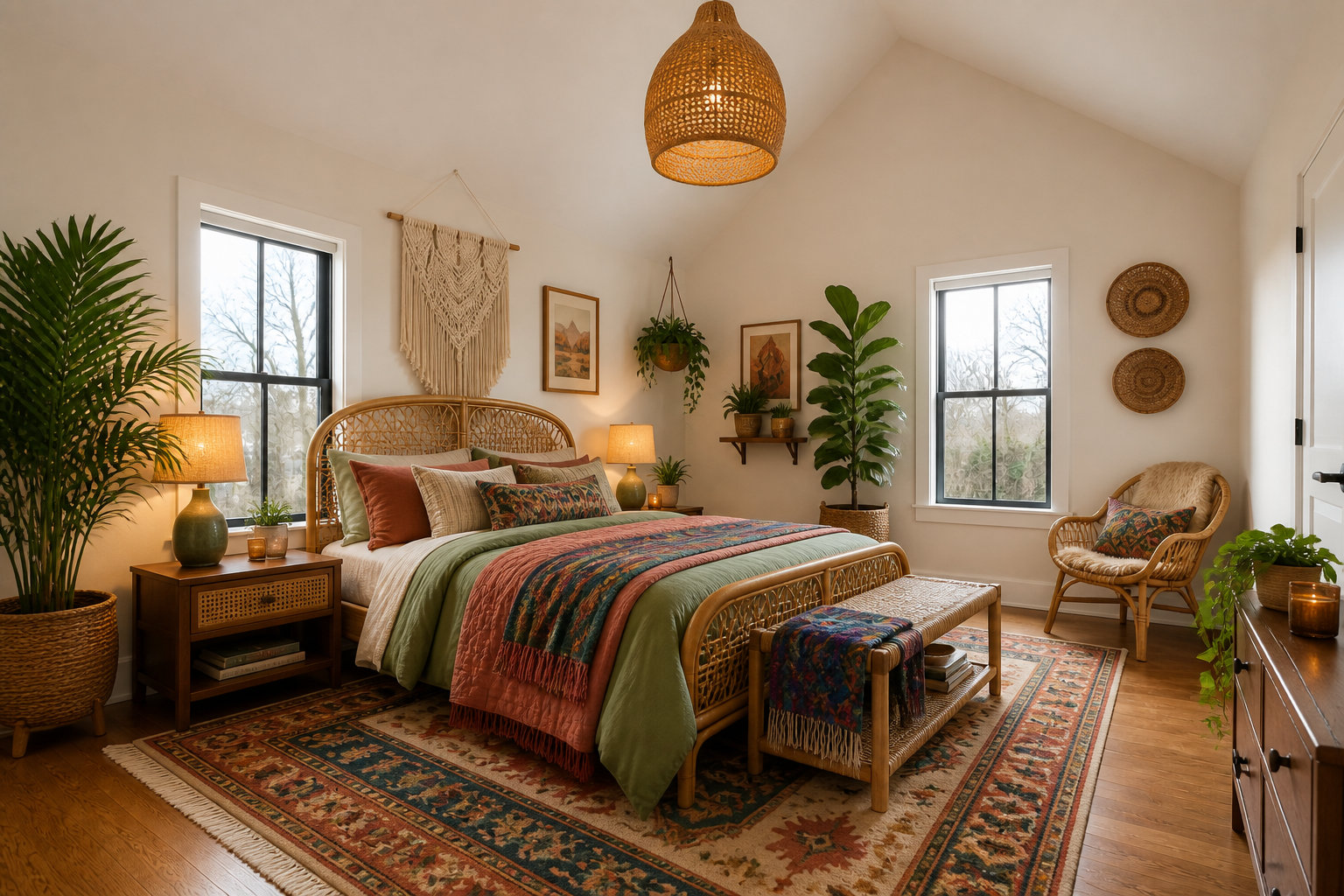
Use the same room photo to test multiple aesthetics without moving walls or changing the viewpoint. That makes it easy to compare modern, boho, coastal, Japandi, or classic looks on the exact same space. You can judge which style fits the room best because the architecture stays constant. It is far faster than rebuilding mood boards from scratch.
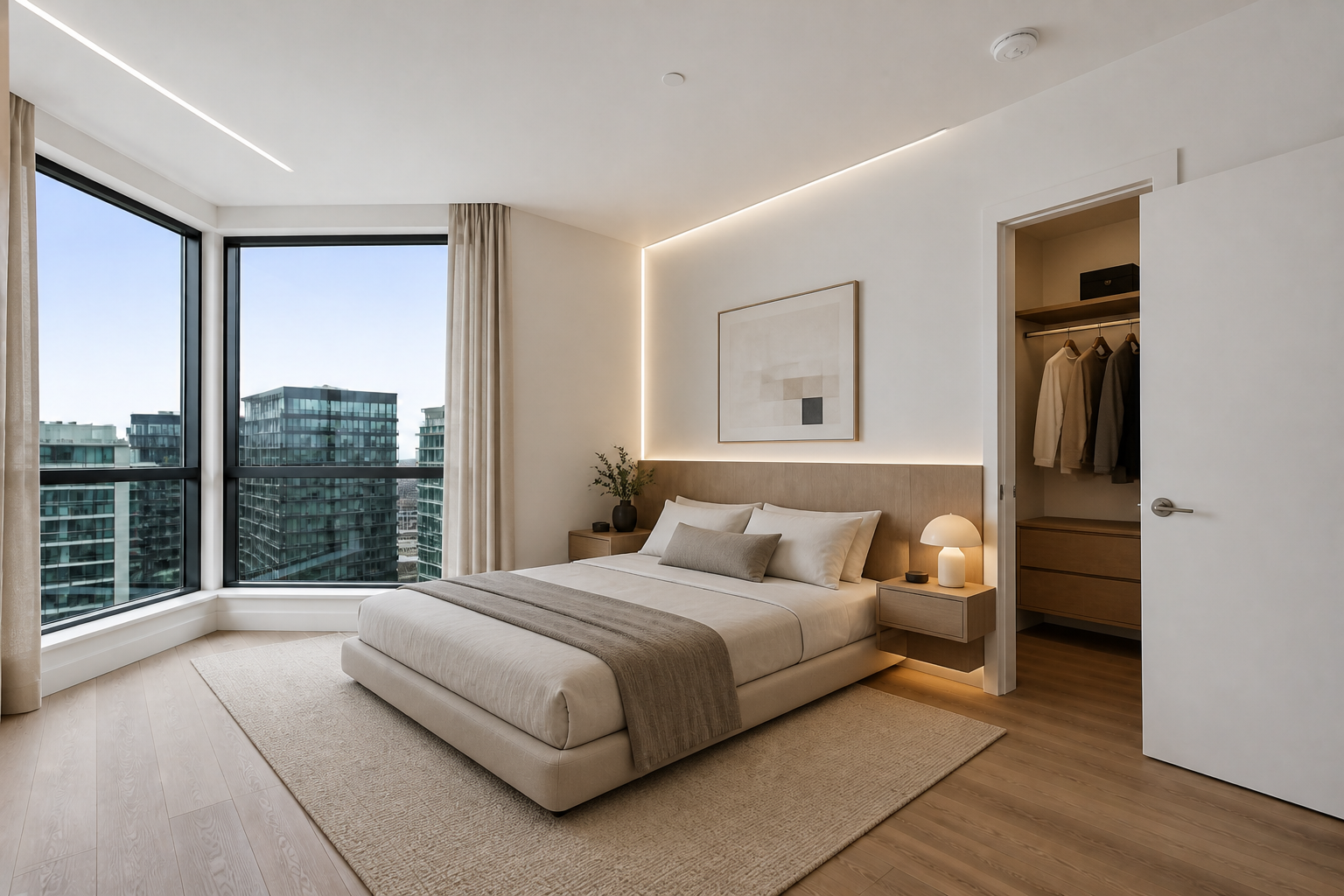
Keep the room layout consistent
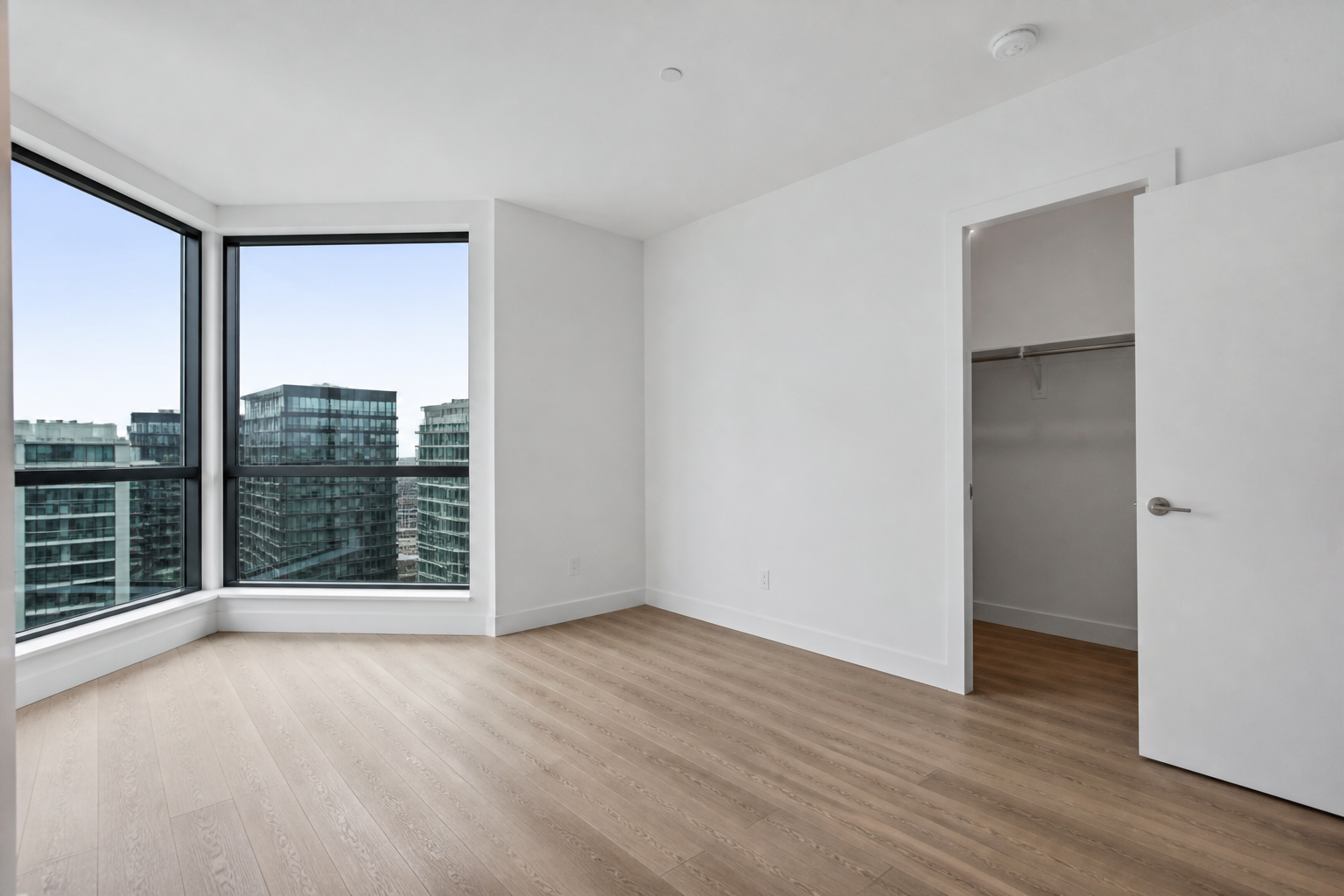
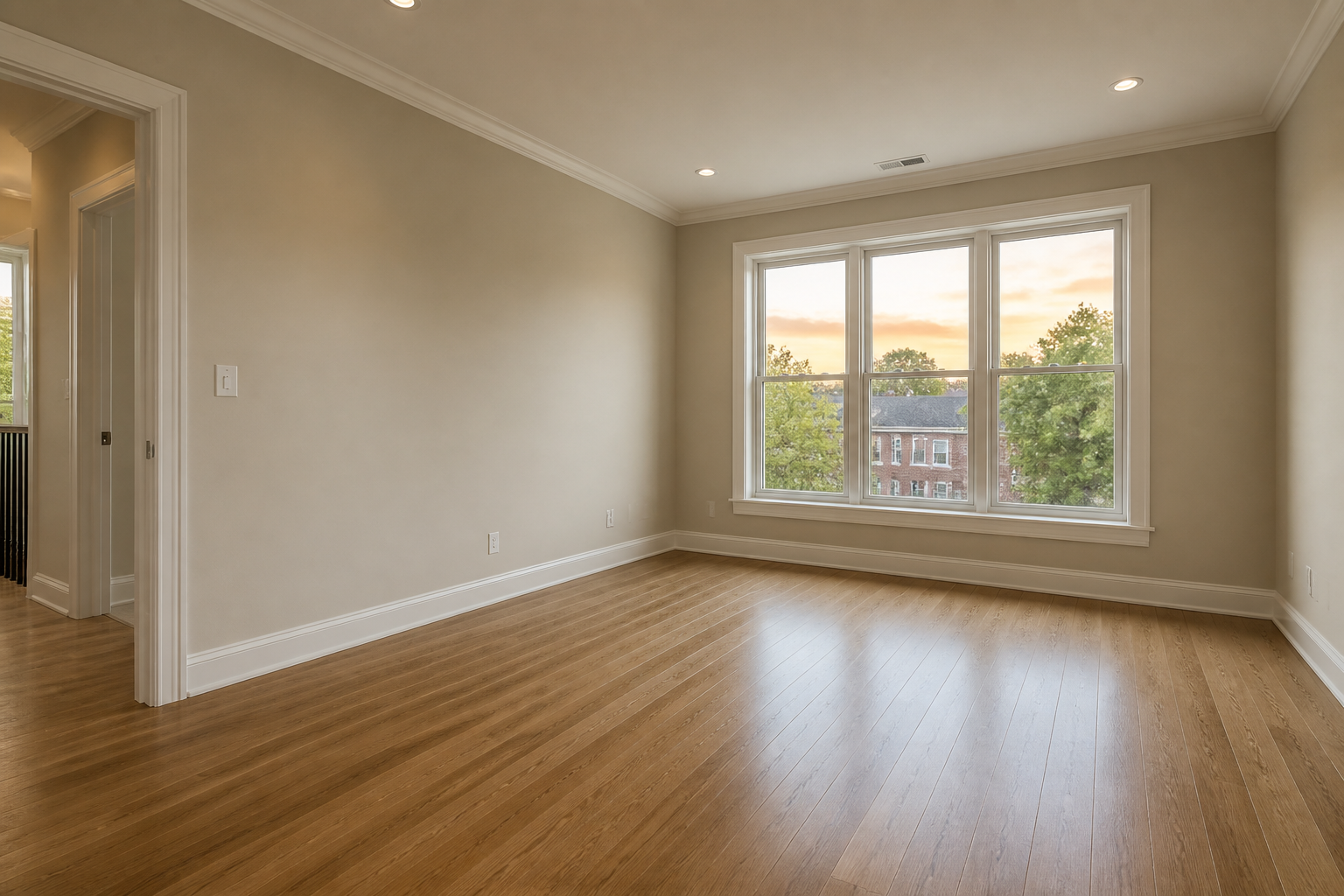
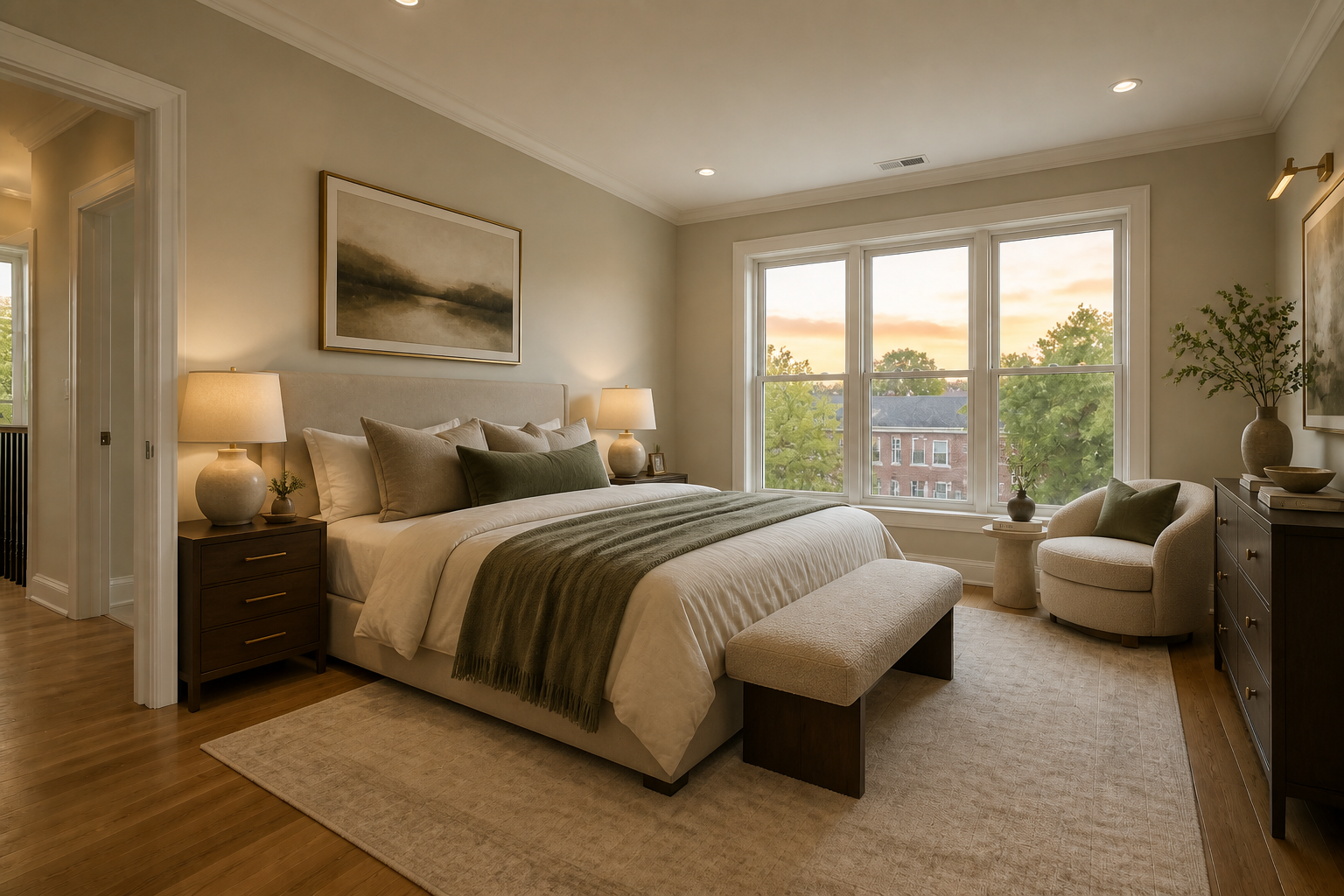
The AI redesign focuses on the furnishings and finishes while preserving the bedroom's structure. Windows, doors, floor shape, ceiling lines, and camera angle remain aligned so the result still reads as your room. That matters when you are planning a real redesign and need ideas that map to the space you already have. Manual mockups often take much longer to reach that level of consistency.
Generate shareable concept images
The outputs are polished enough to use for mood boards, client reviews, listing prep, or personal planning. You can create several decorated directions from one empty room and compare them side by side. That helps homeowners and pros communicate ideas clearly without technical drafting. It turns a plain room photo into visuals people can react to right away.
How It Works
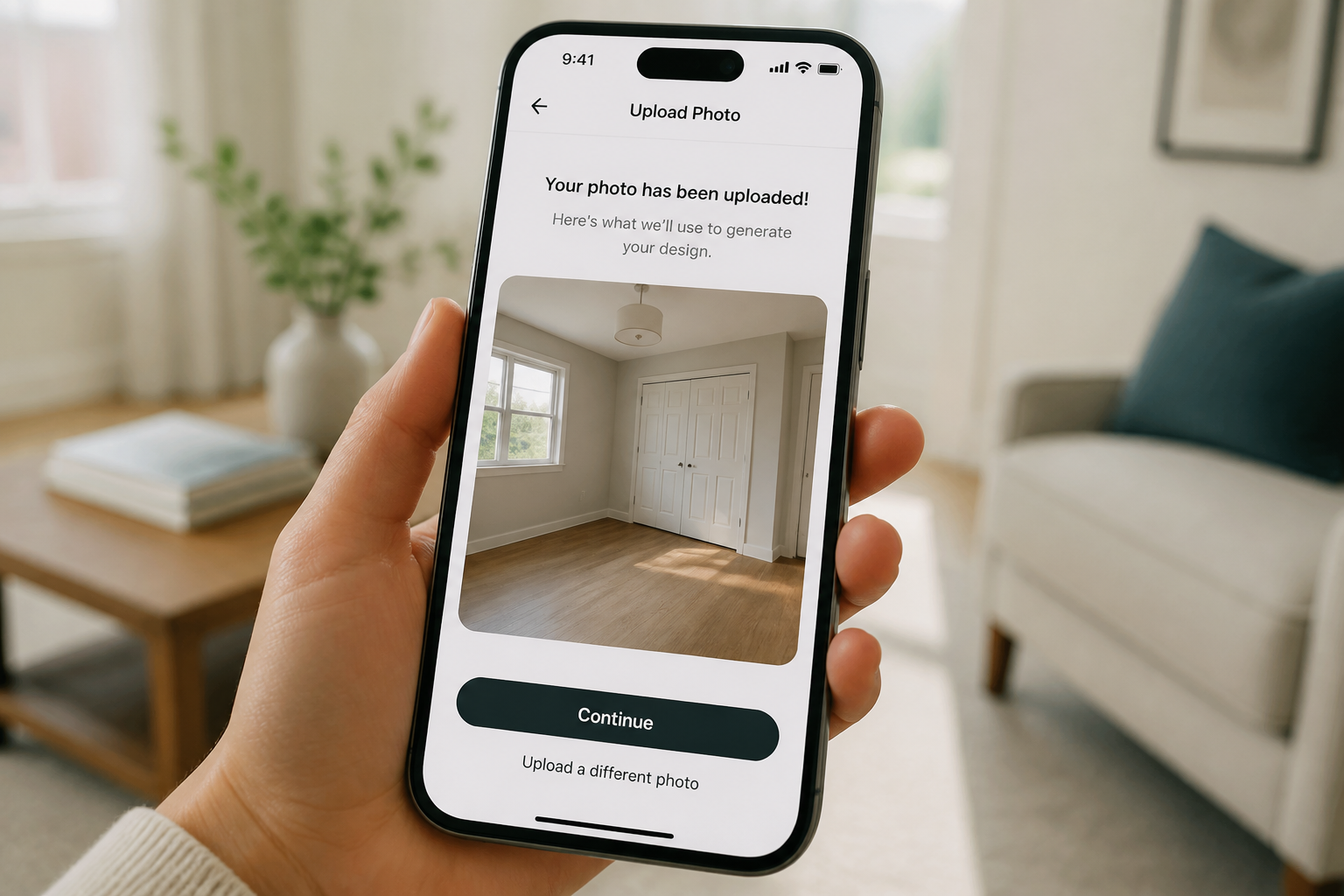
Upload your bedroom photo
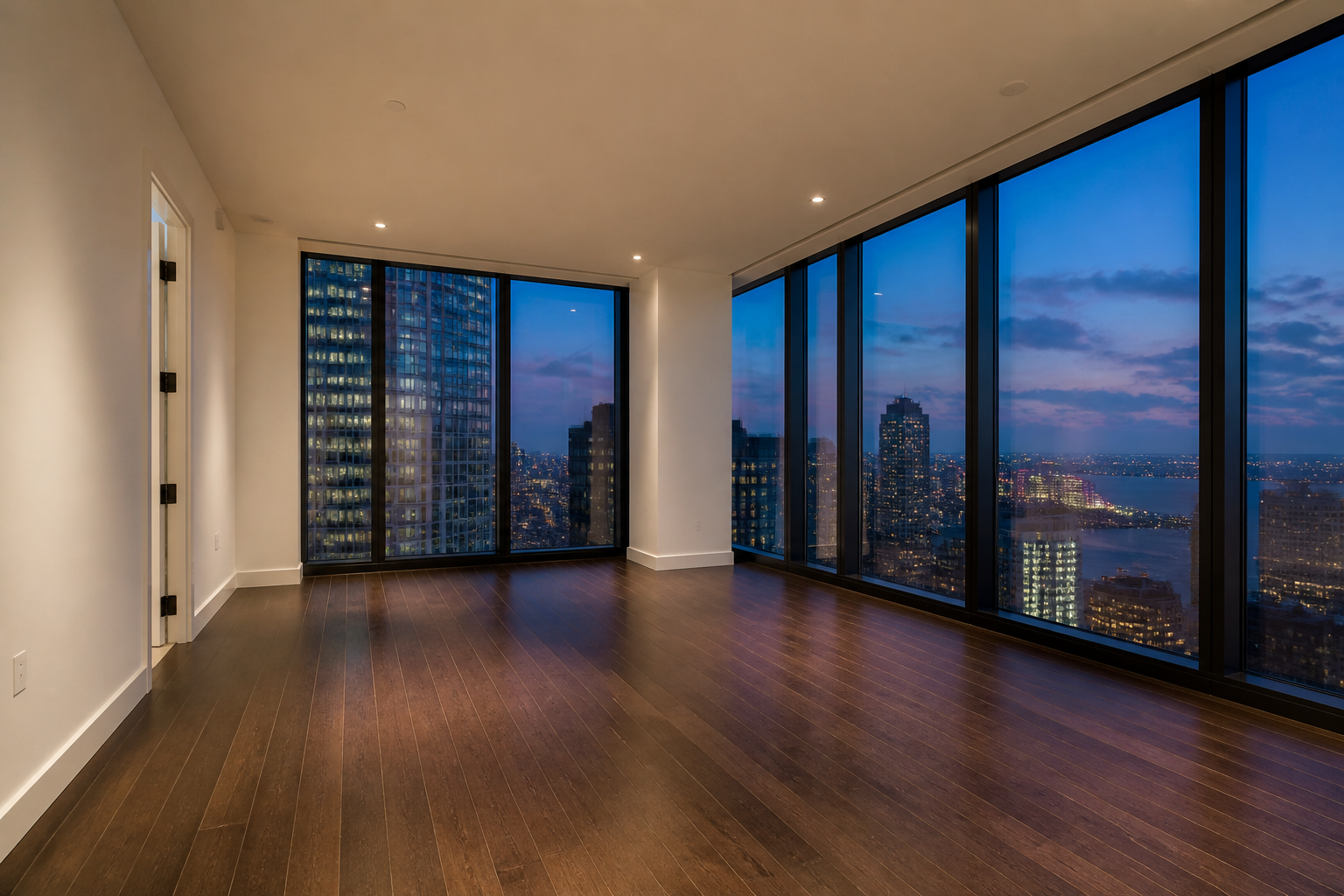
Start with a clear photo of an empty bedroom. Wide, well-lit shots work best because the AI can read the room shape and redesign the whole space.
Describe the style you want
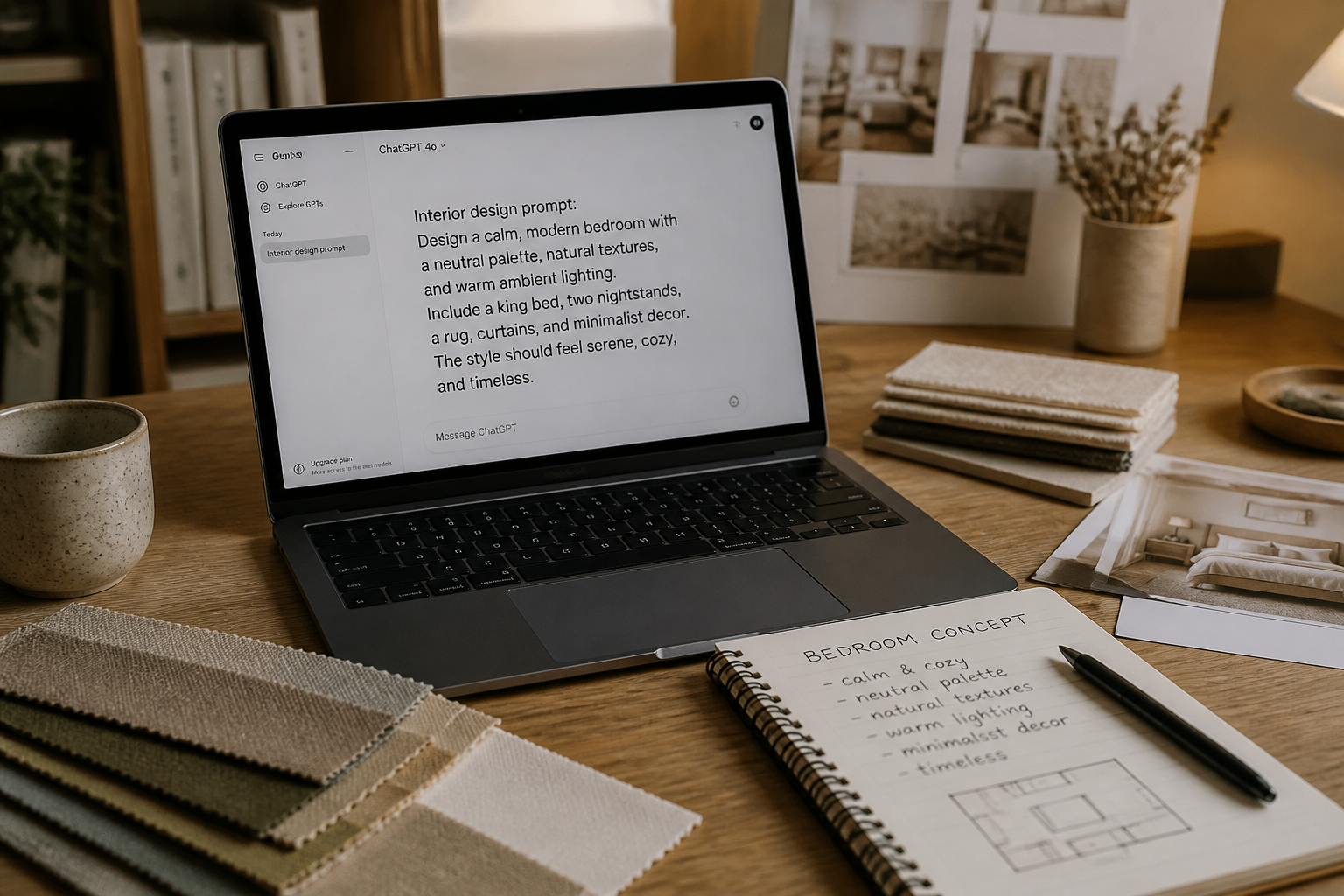
Type the look you want, such as Japandi, coastal, modern luxury, or boho. You can also mention furniture, colors, materials, or mood so the redesign feels more specific.
Compare decorated results
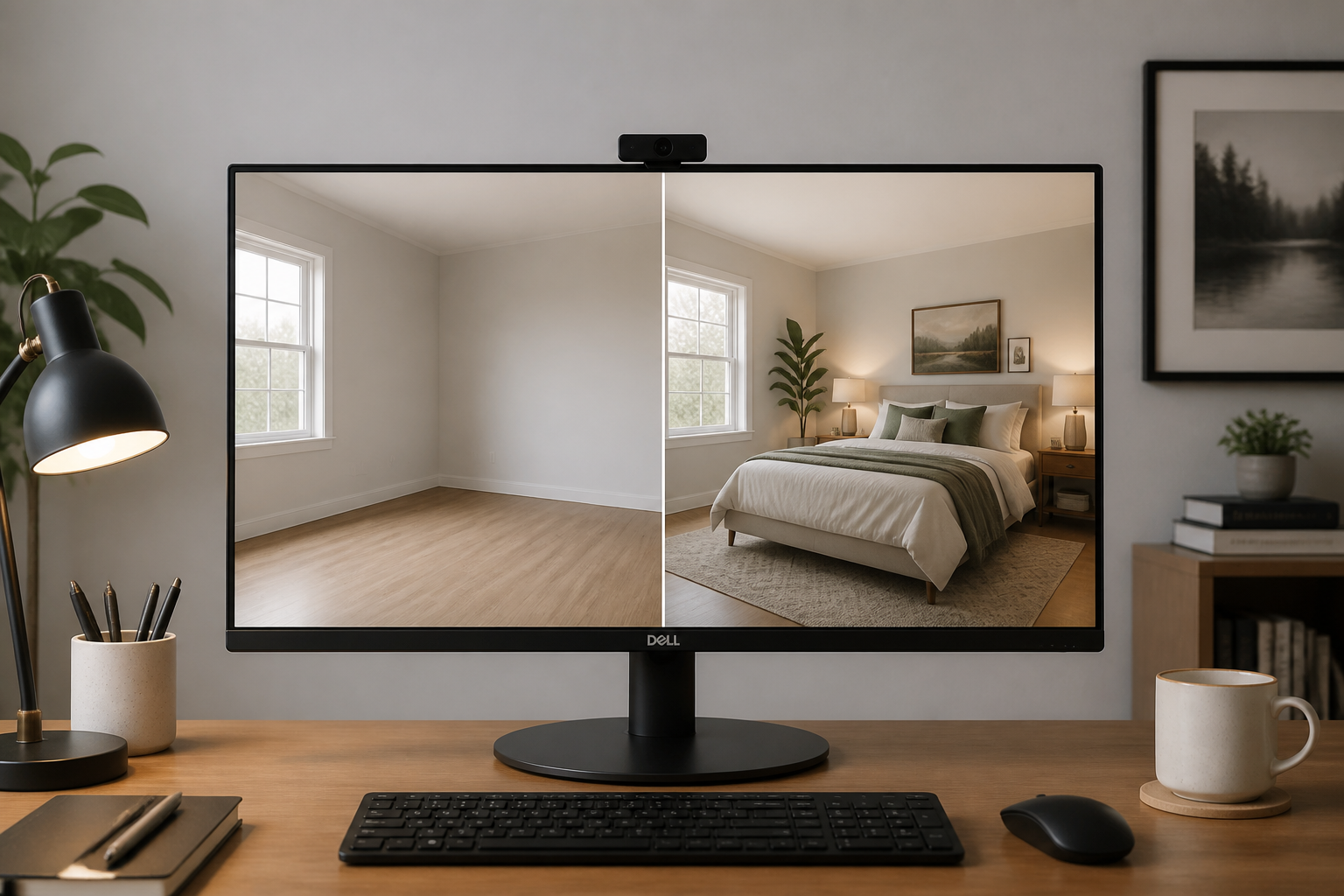
Review the redesigned bedroom and compare it with your original empty room. If needed, adjust the prompt and generate more versions until the layout and style feel right.
Perfect For
Discover how creators and professionals use ai bedroom design generator
Plan a bedroom makeover
Test furniture layouts, styles, and finishes before buying pieces or repainting the room.
Stage vacant listings
Turn empty bedroom photos into furnished visuals that help buyers understand the space.
Create client concepts
Show multiple decorated directions quickly when presenting ideas for a bedroom redesign.
Build mood boards faster
Generate room-specific concept images instead of collecting generic inspiration from many sources.
Built For
Homeowners
Explore bedroom styles and furniture ideas before spending on a real update.
Interior designers
Create fast concept visuals from empty-room photos for proposals and early-stage reviews.
Real estate agents
Virtually stage vacant bedrooms to make listings easier to imagine and market.
Why use it for bedroom redesigns
A quick look at how we compare on the things that matter for this niche.
| Feature | BudgetPixel | Generic AI editors | Manual editing apps |
|---|---|---|---|
| Empty room to furnished concept | ✓ | ✓ | — |
| Keeps room viewpoint consistent | ✓ | — | — |
| Fast style variations | ✓ | ✓ | — |
| No manual masking required | ✓ | ✓ | — |
| Good for virtual staging | ✓ | — | — |
Frequently Asked Questions
What kind of photo works best?
Can I choose a specific bedroom style?
Does it keep my room's layout?
Can I generate more than one version?
Is this useful for real estate staging?
Create together.
Share your creations, discover trending AI art, and grow with fellow creators.