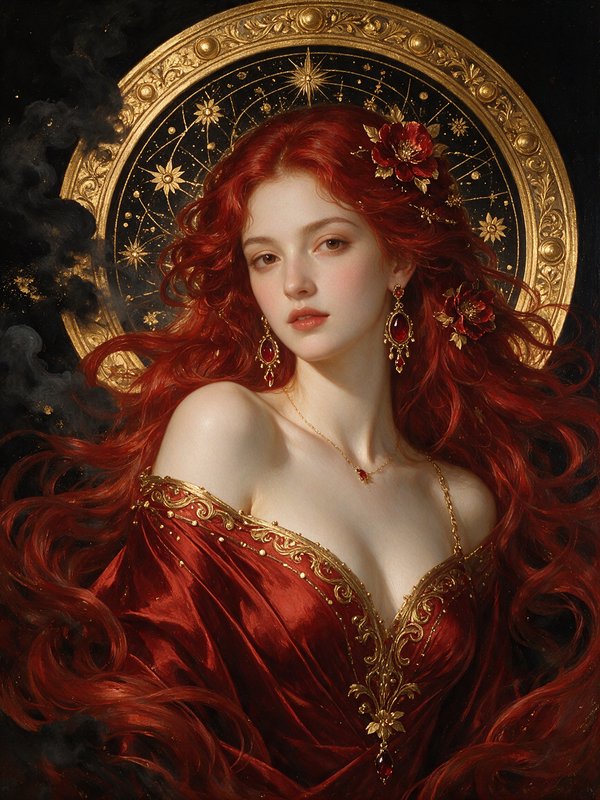
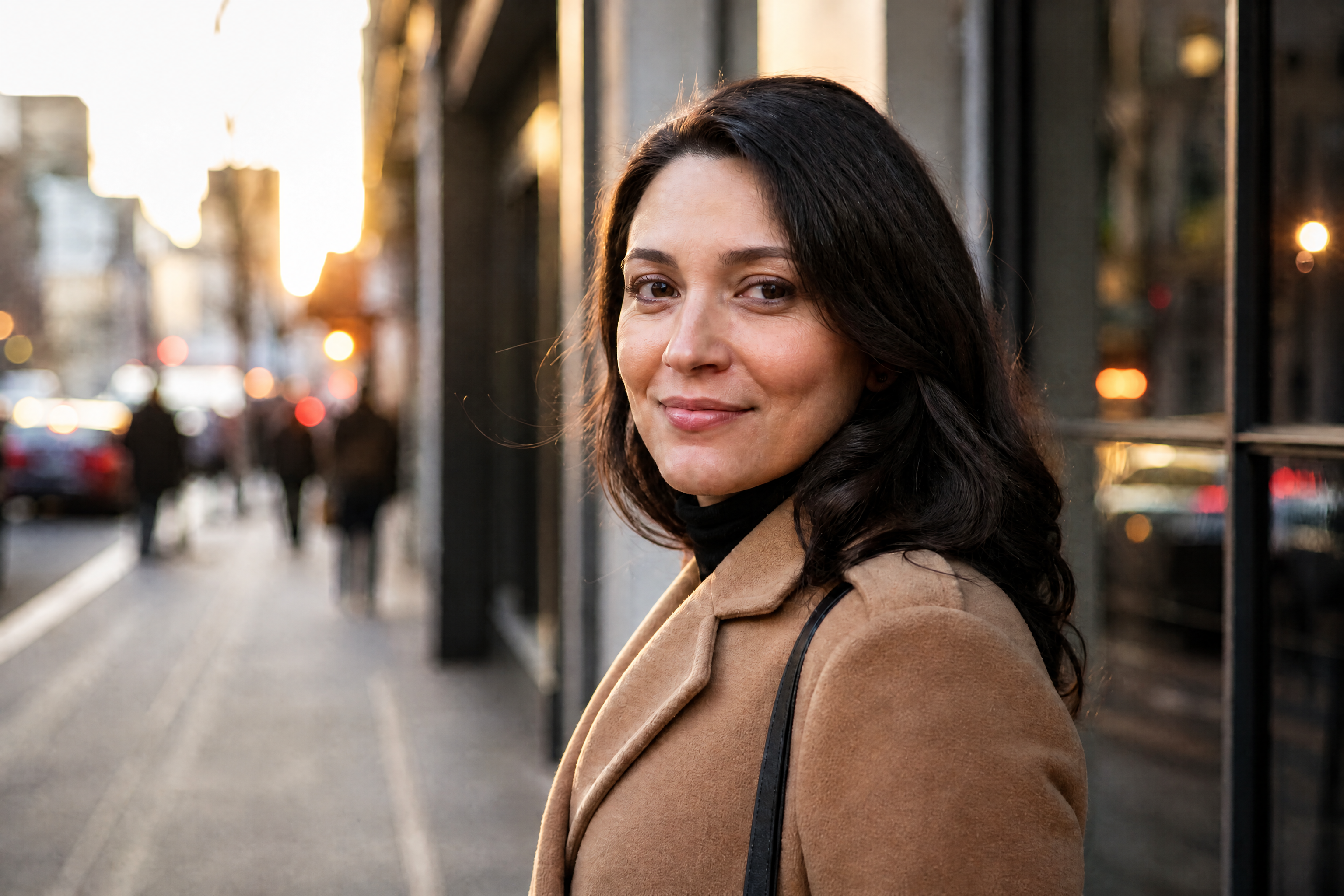
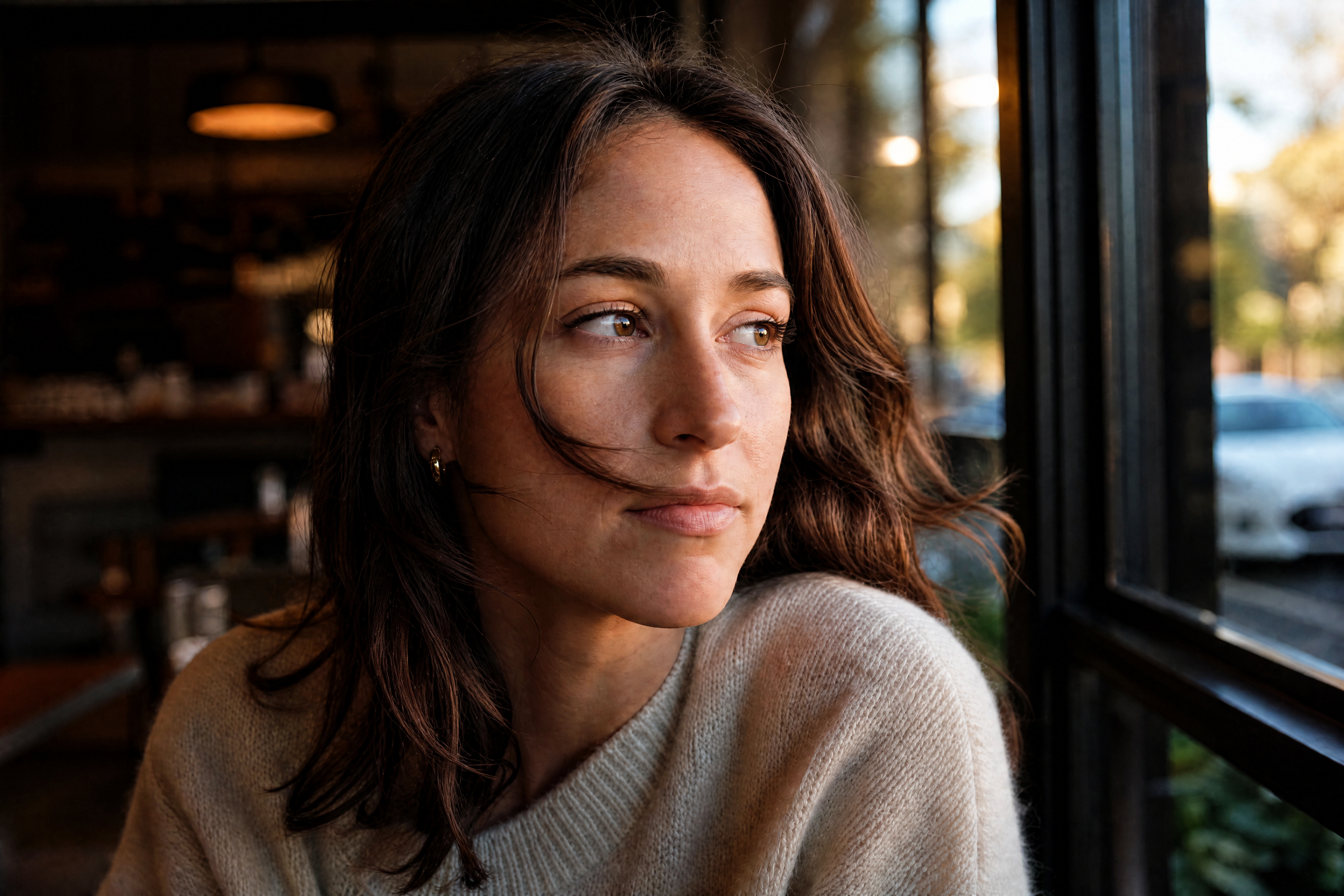
HD Photo Converter for Clearer, Sharper Pictures
Turn soft, blurry, or low-detail images into clean HD results.
BudgetPixel's HD Photo Converter improves photo clarity, sharpens edges, and restores detail while keeping the original composition intact. Use it to upgrade portraits, products, travel shots, and old digital photos without rebuilding the image from scratch.
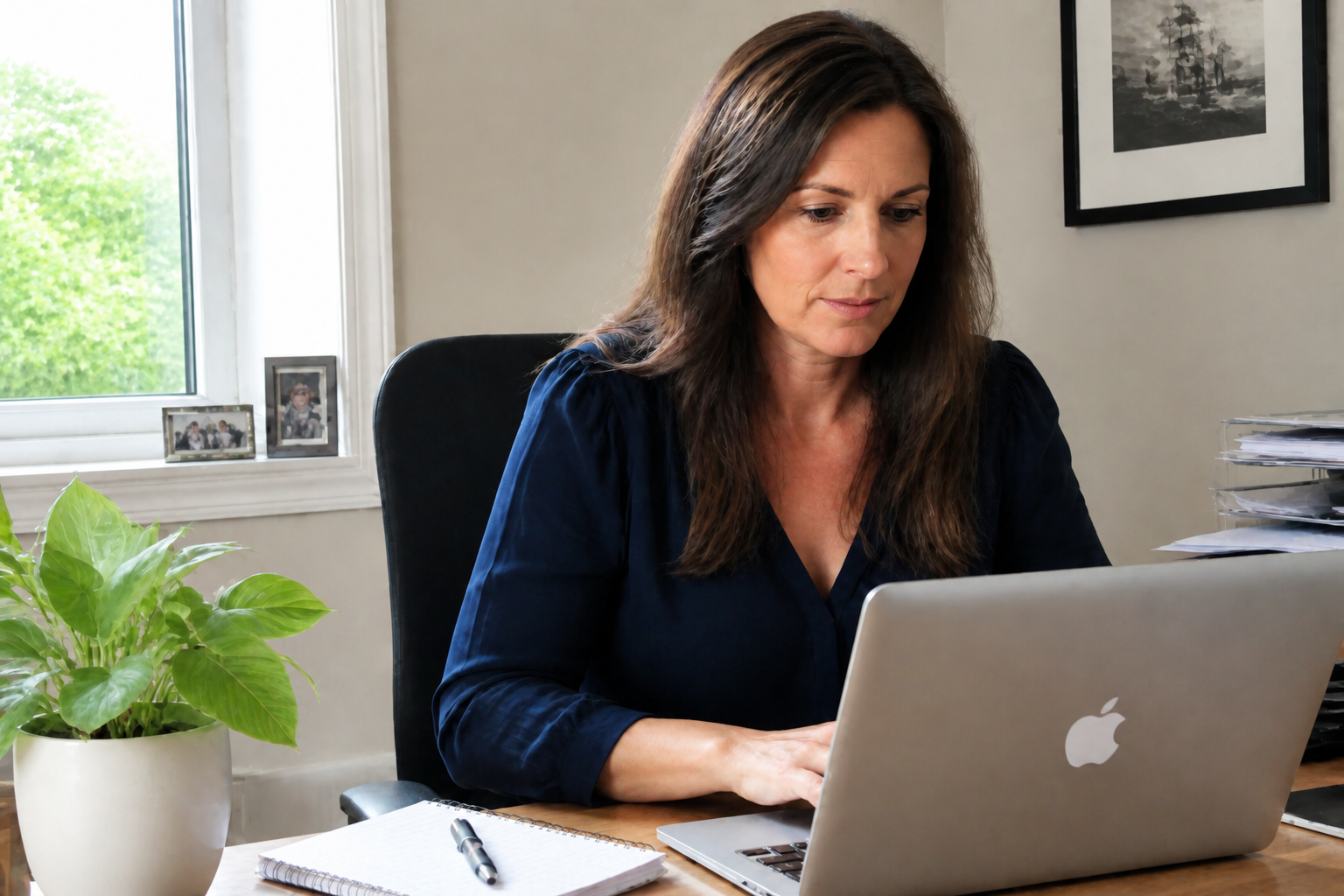
Watch the Transformation
See hd photo converter in motion — generated end-to-end by our AI.
See It In Action
Real outputs from hd photo converter.
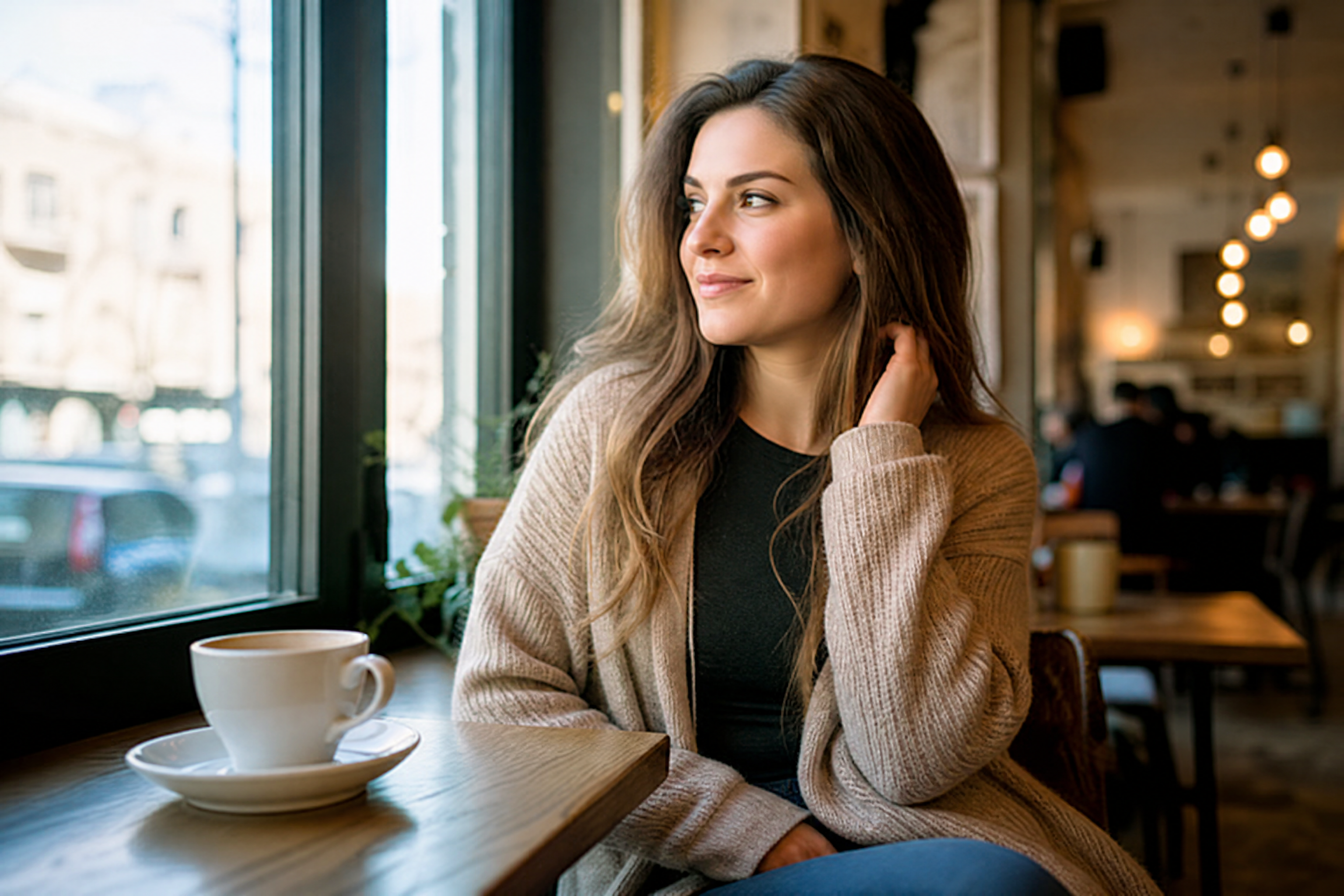 BEFORE
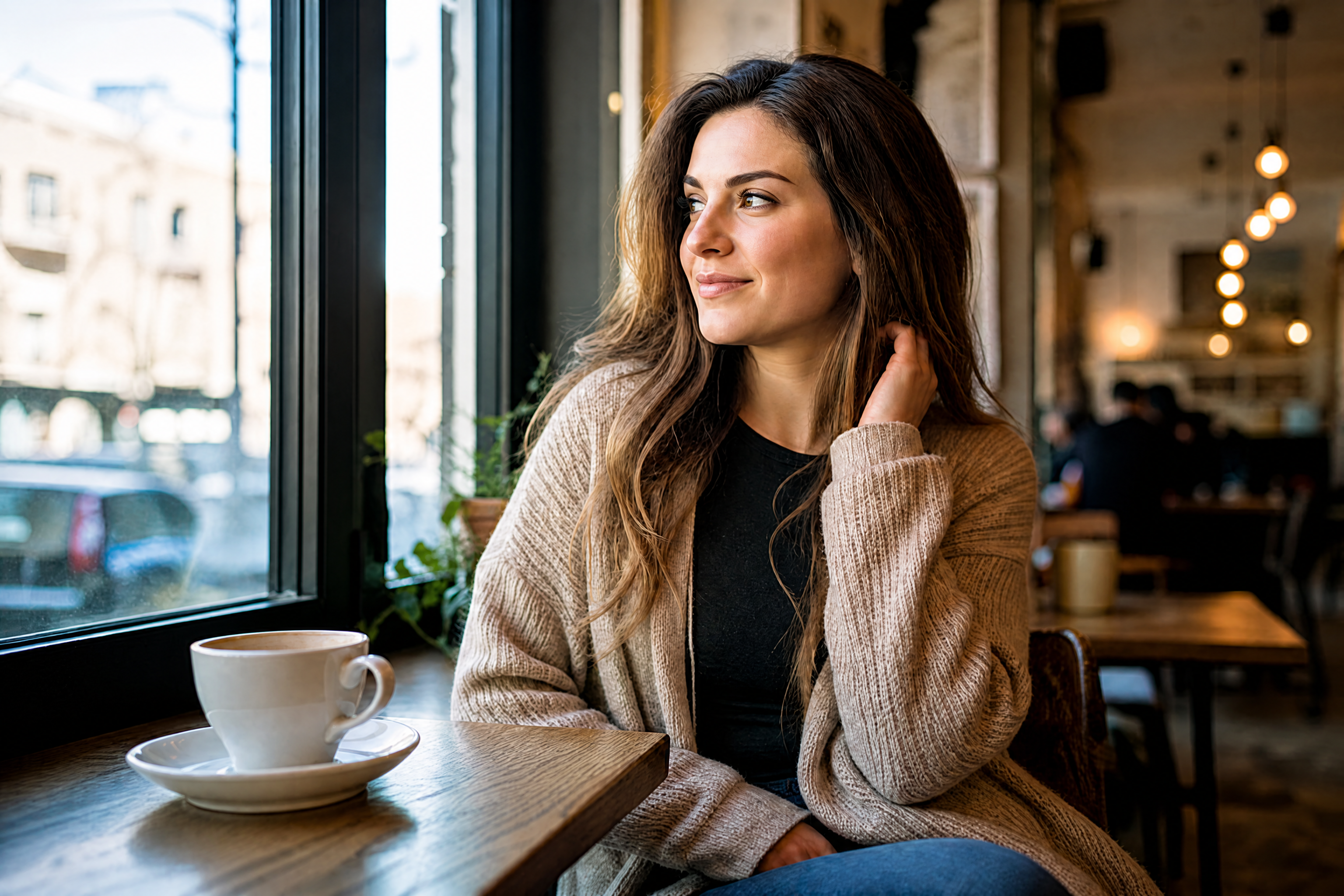 AFTER
AFTER BEFORE
 AFTER
AFTER BEFORE
 AFTER
AFTER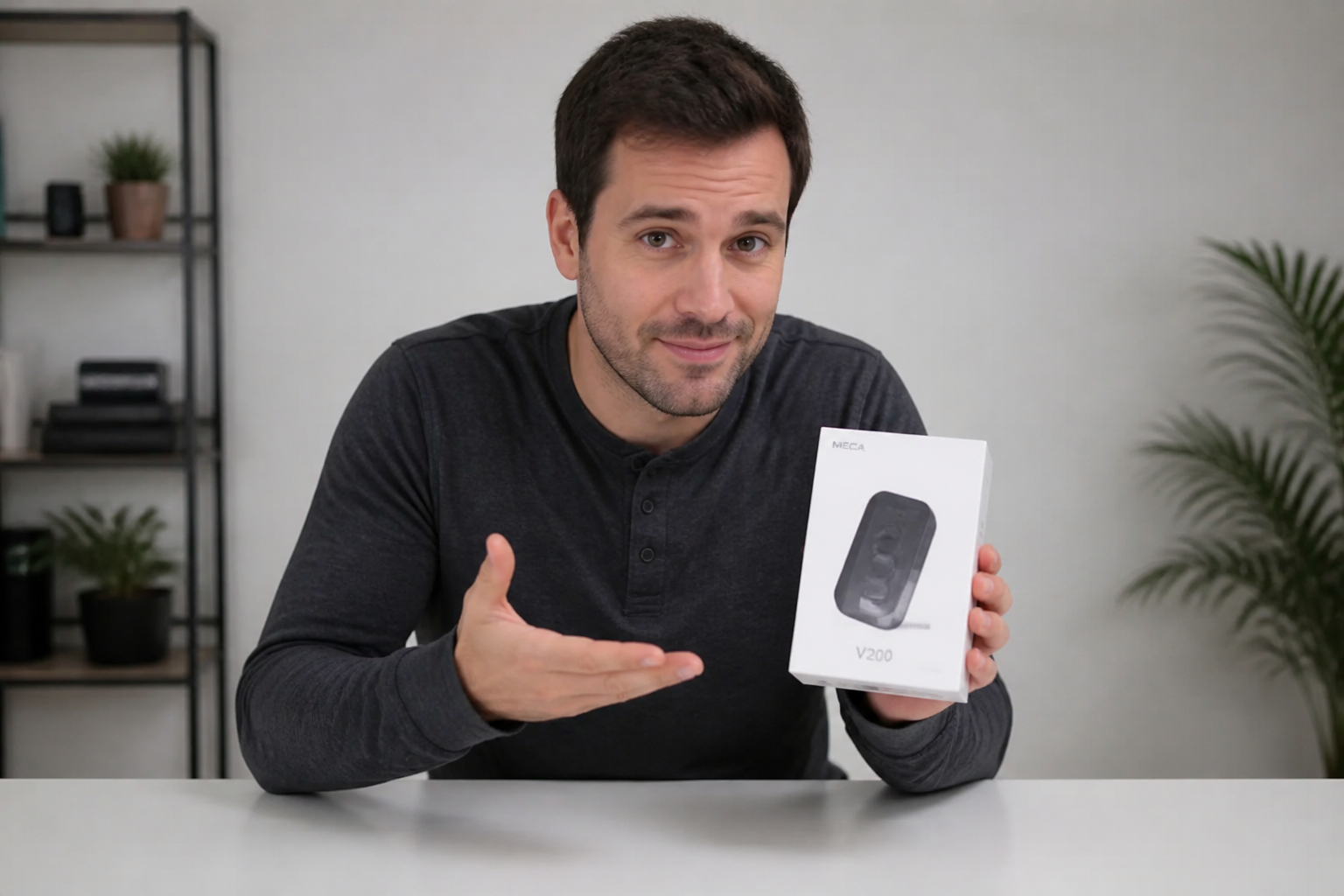 BEFORE
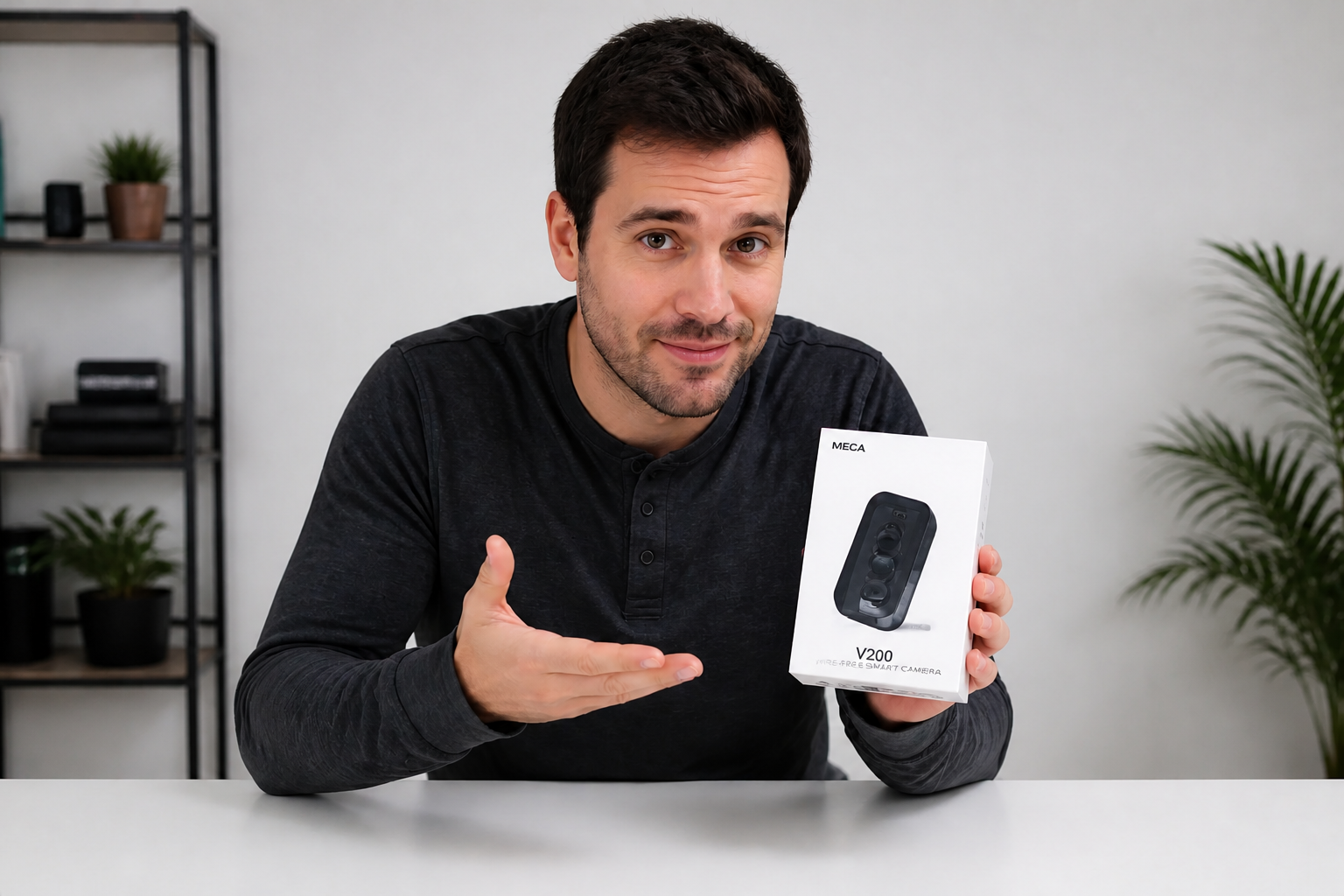 AFTER
AFTER BEFORE
 AFTERBEFOREAFTERBEFOREAFTERBEFOREAFTERBEFOREAFTERBEFOREAFTER
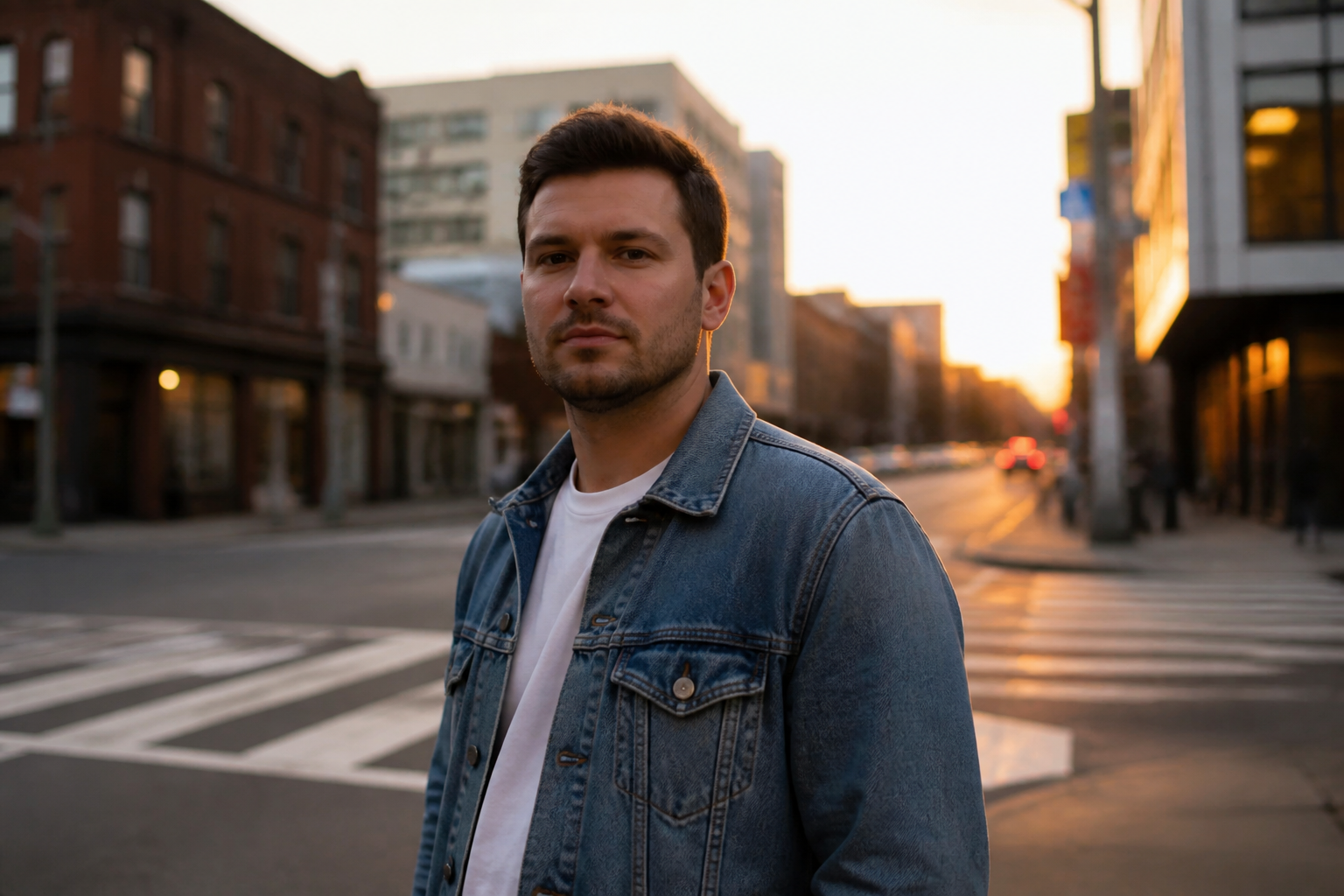 BEFORE
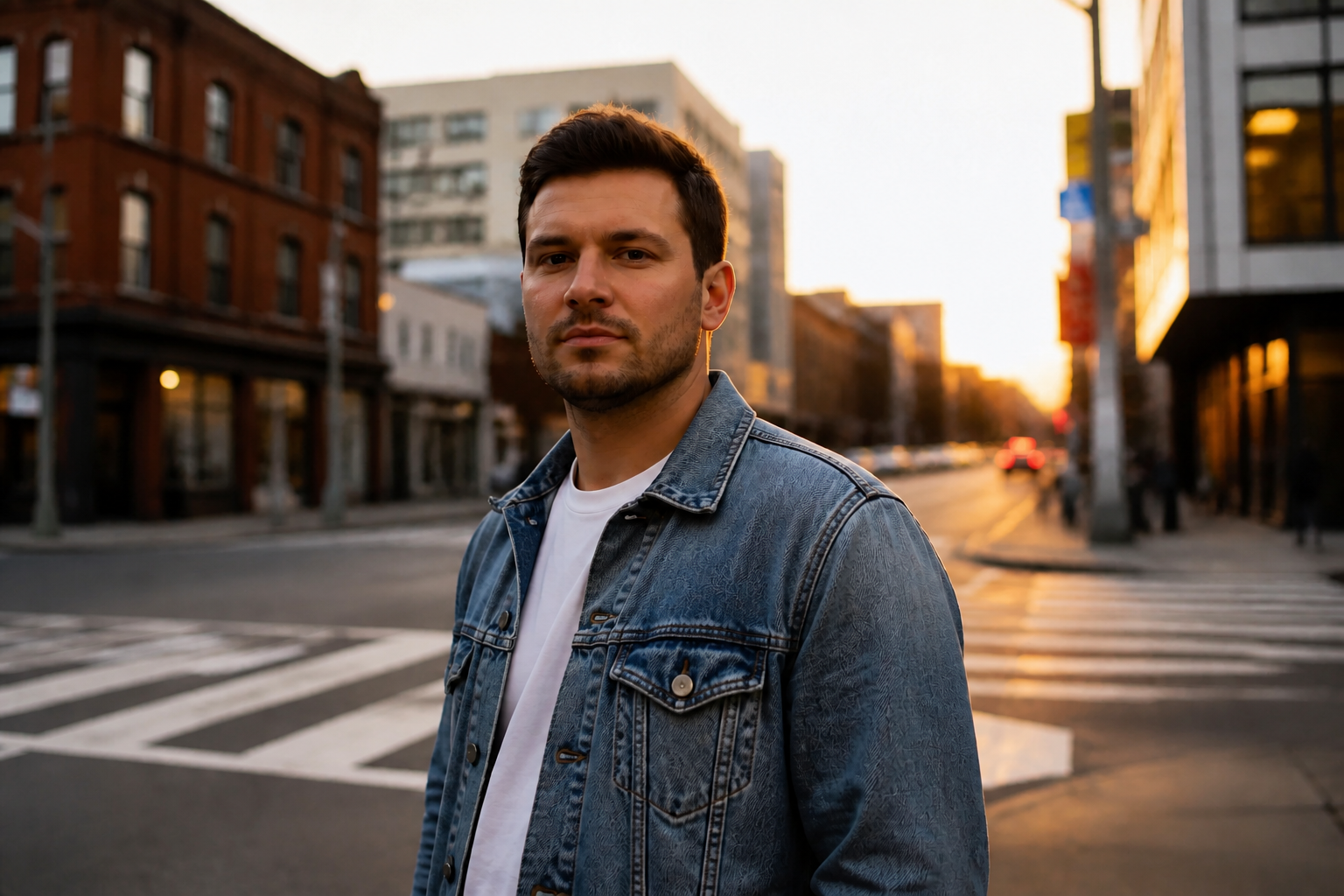 AFTERBEFOREAFTER
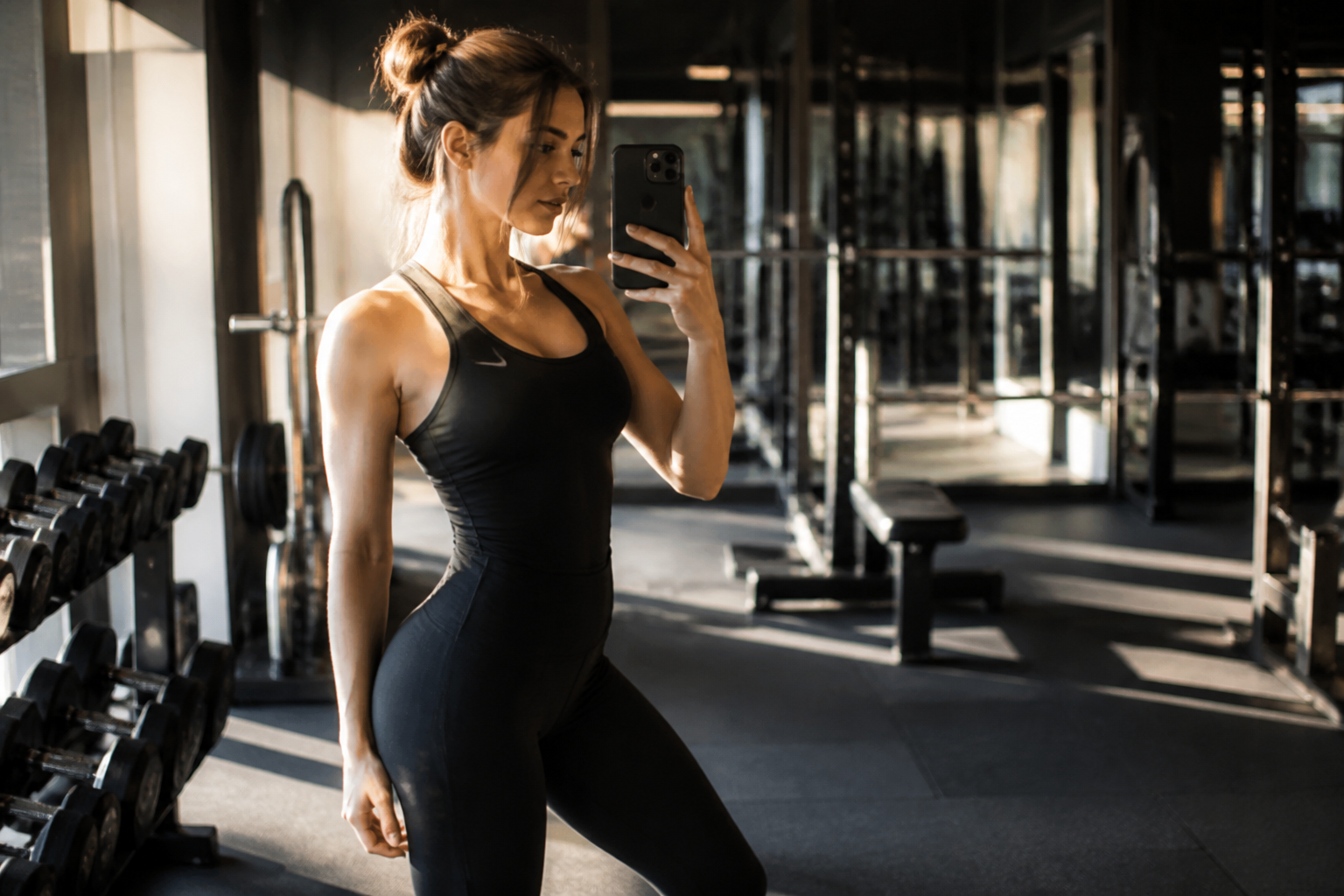 BEFORE
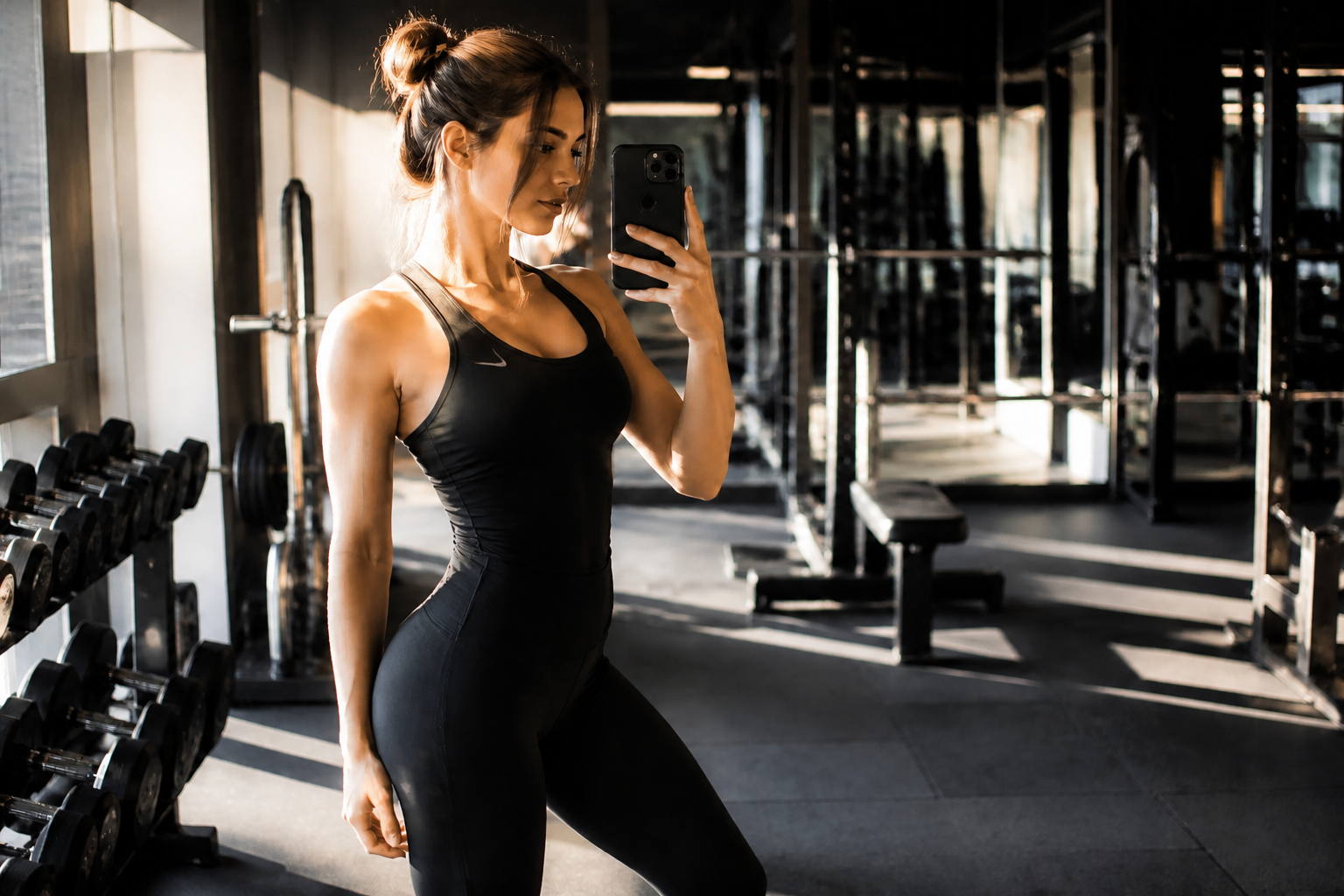 AFTER
AFTER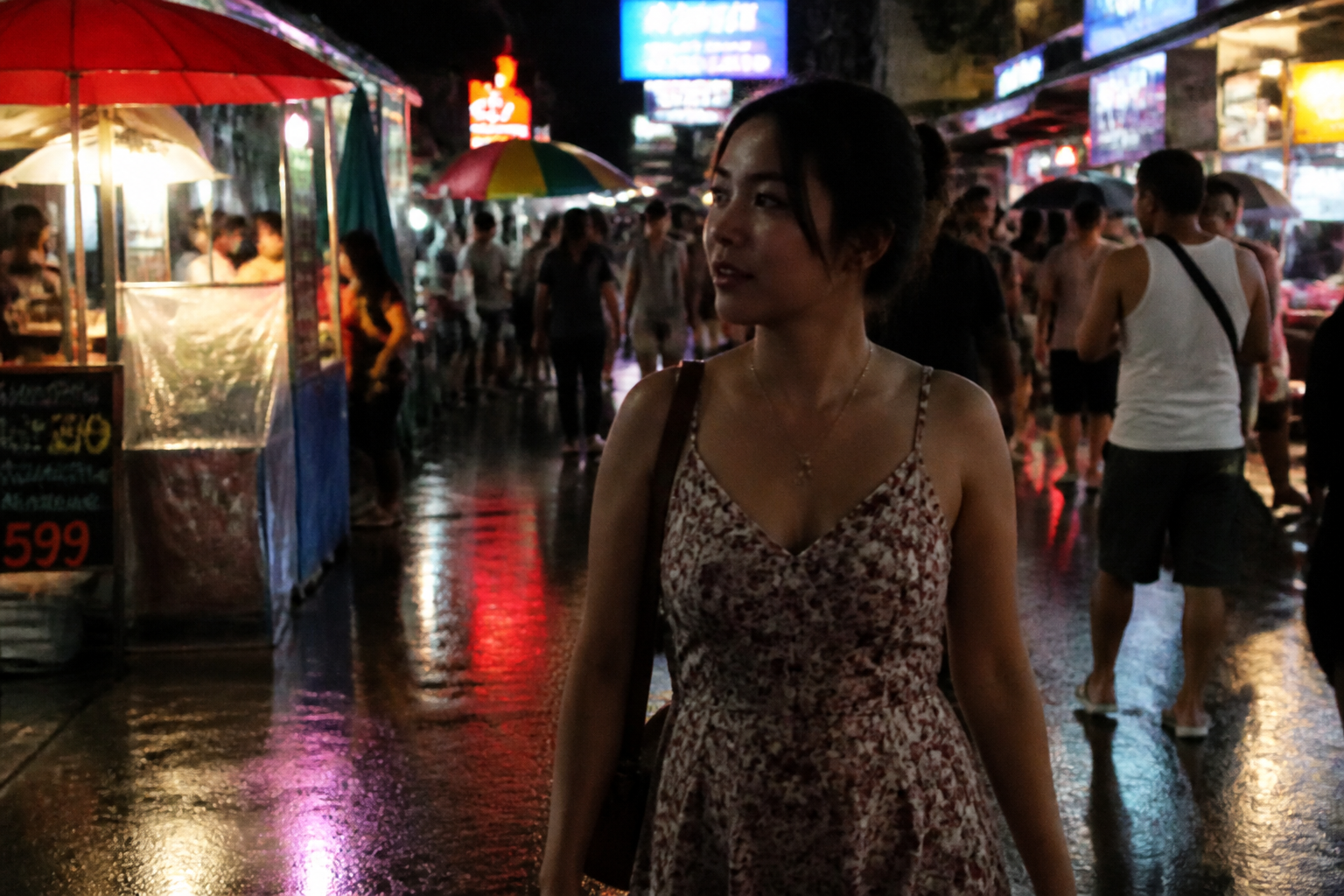 BEFORE
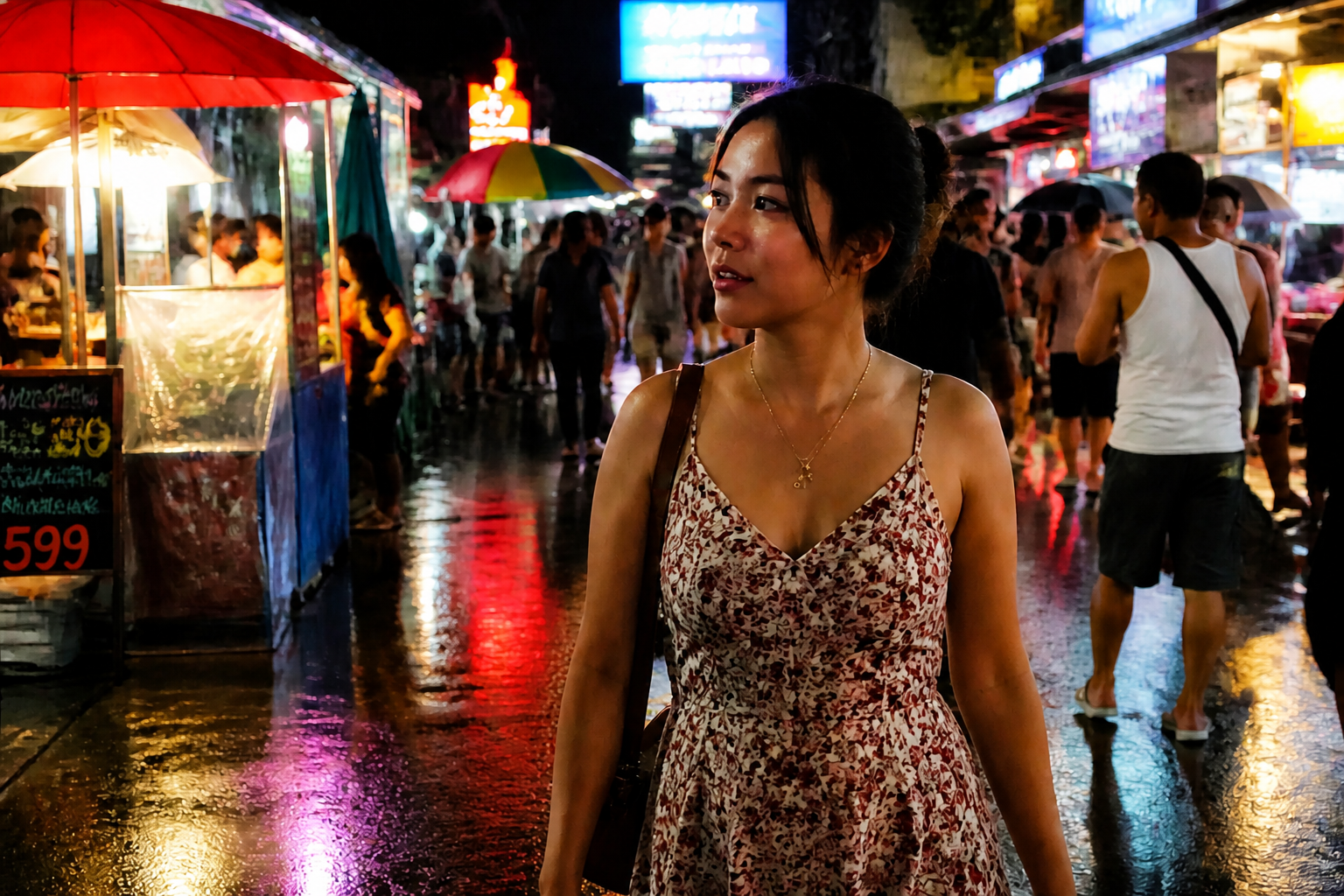 AFTER
AFTER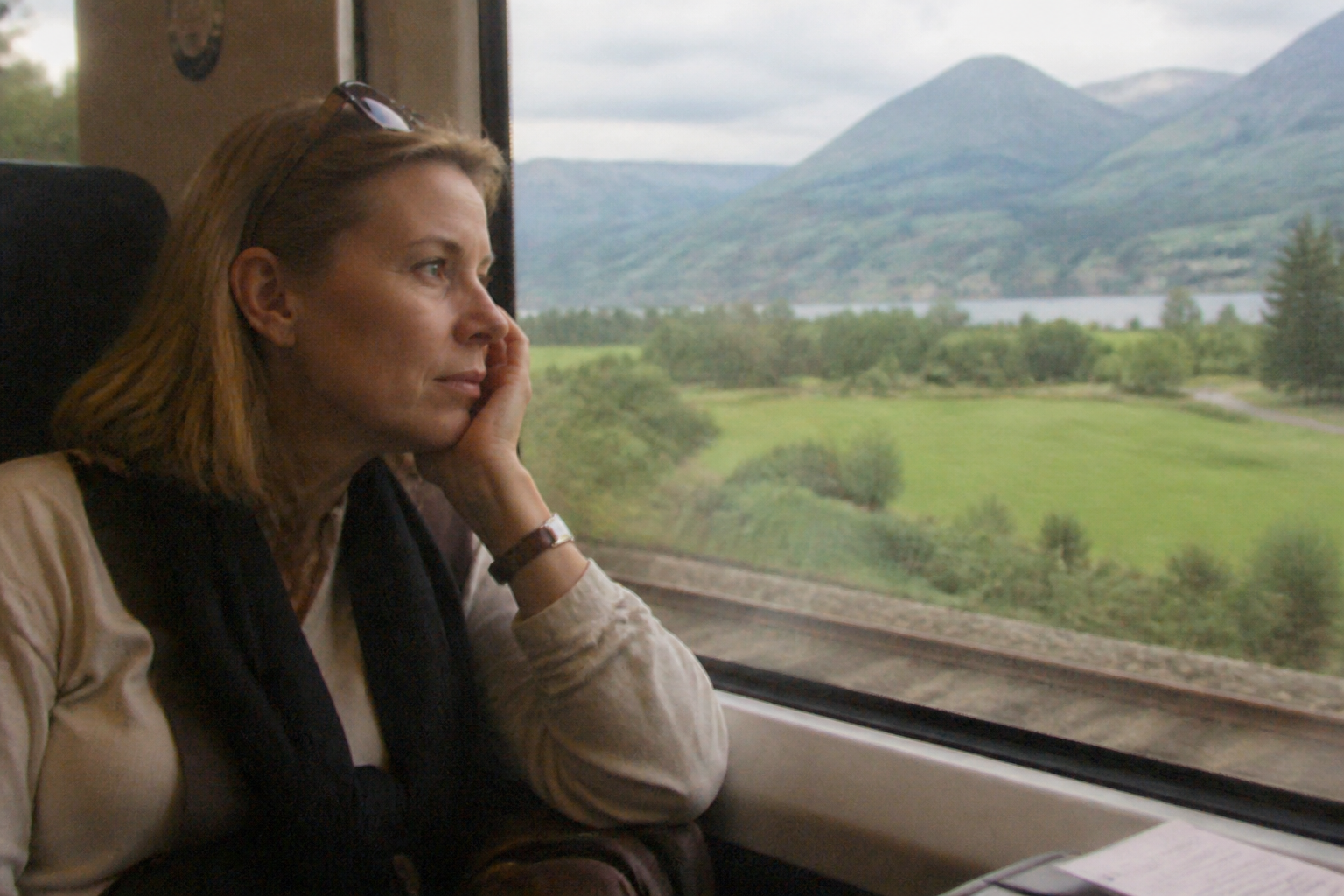 BEFORE
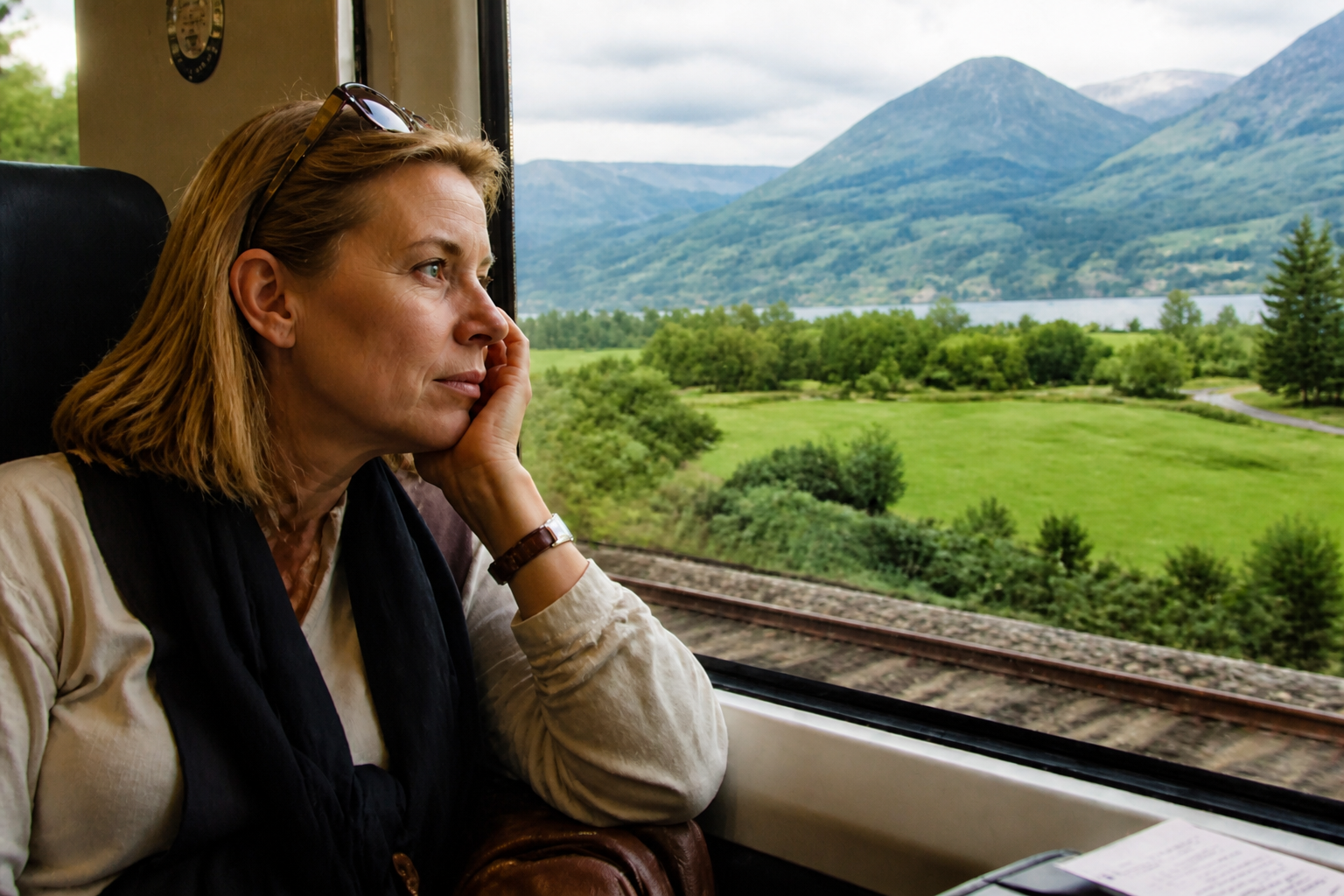 AFTERBEFOREAFTERBEFOREAFTERBEFOREAFTERBEFOREAFTERBEFOREAFTER
Key Features

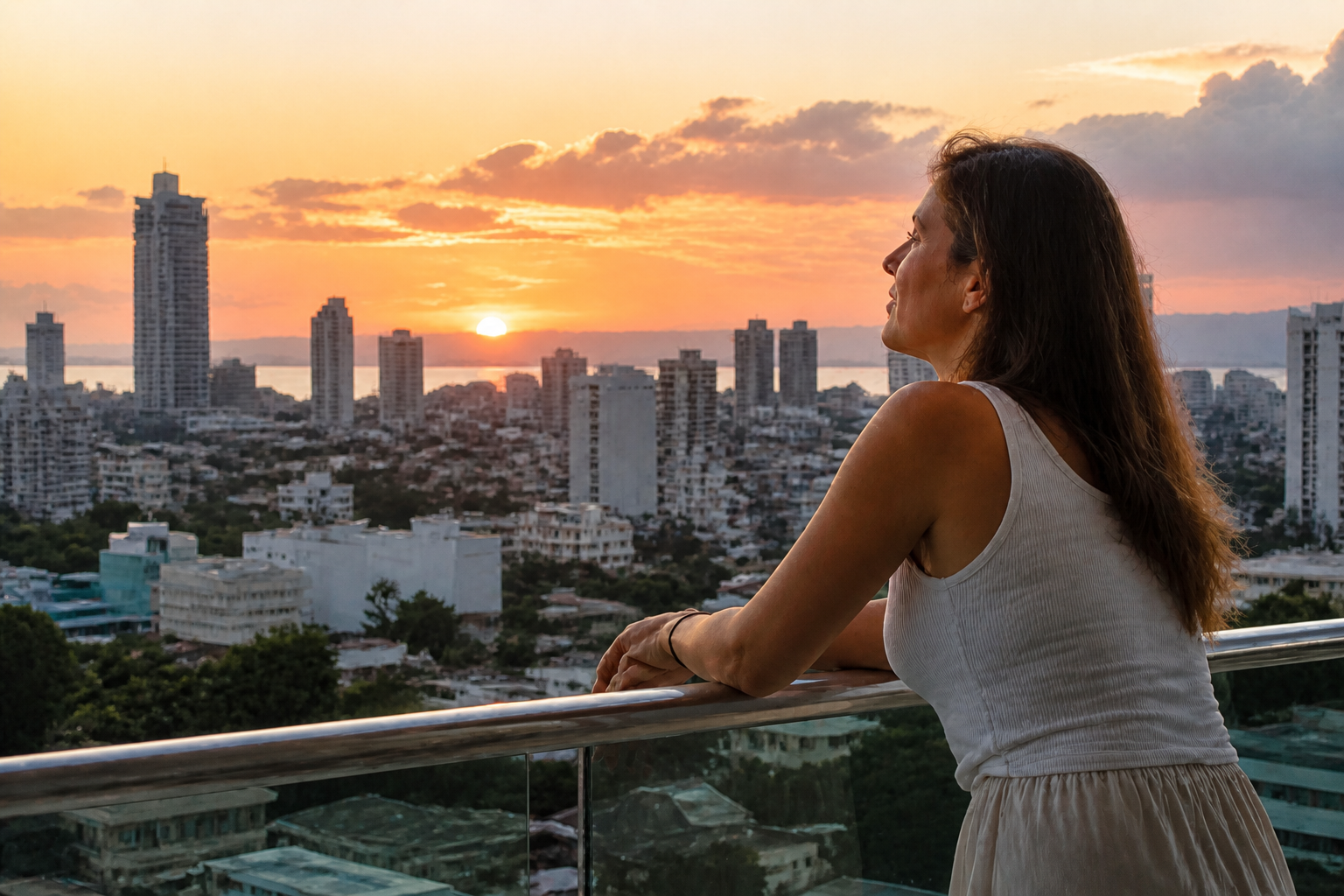
Sharper Detail Without Reframing
The tool improves clarity while keeping the original crop, pose, and layout intact. That matters when you already like the shot but the quality is too soft to use. Instead of rebuilding the image, it focuses on making edges, textures, and facial details easier to read. This is faster than trying to rescue the same picture with multiple manual sliders.
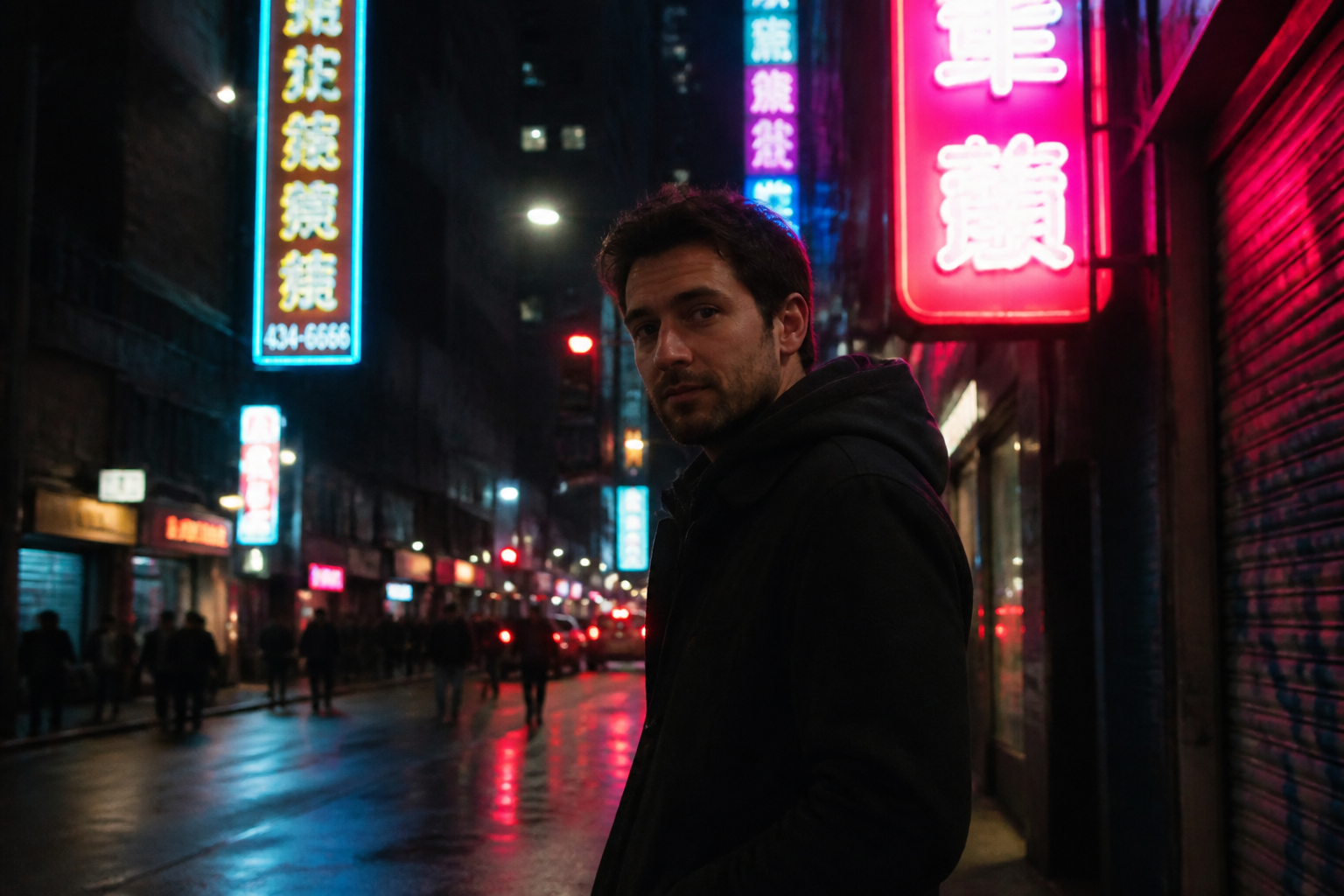
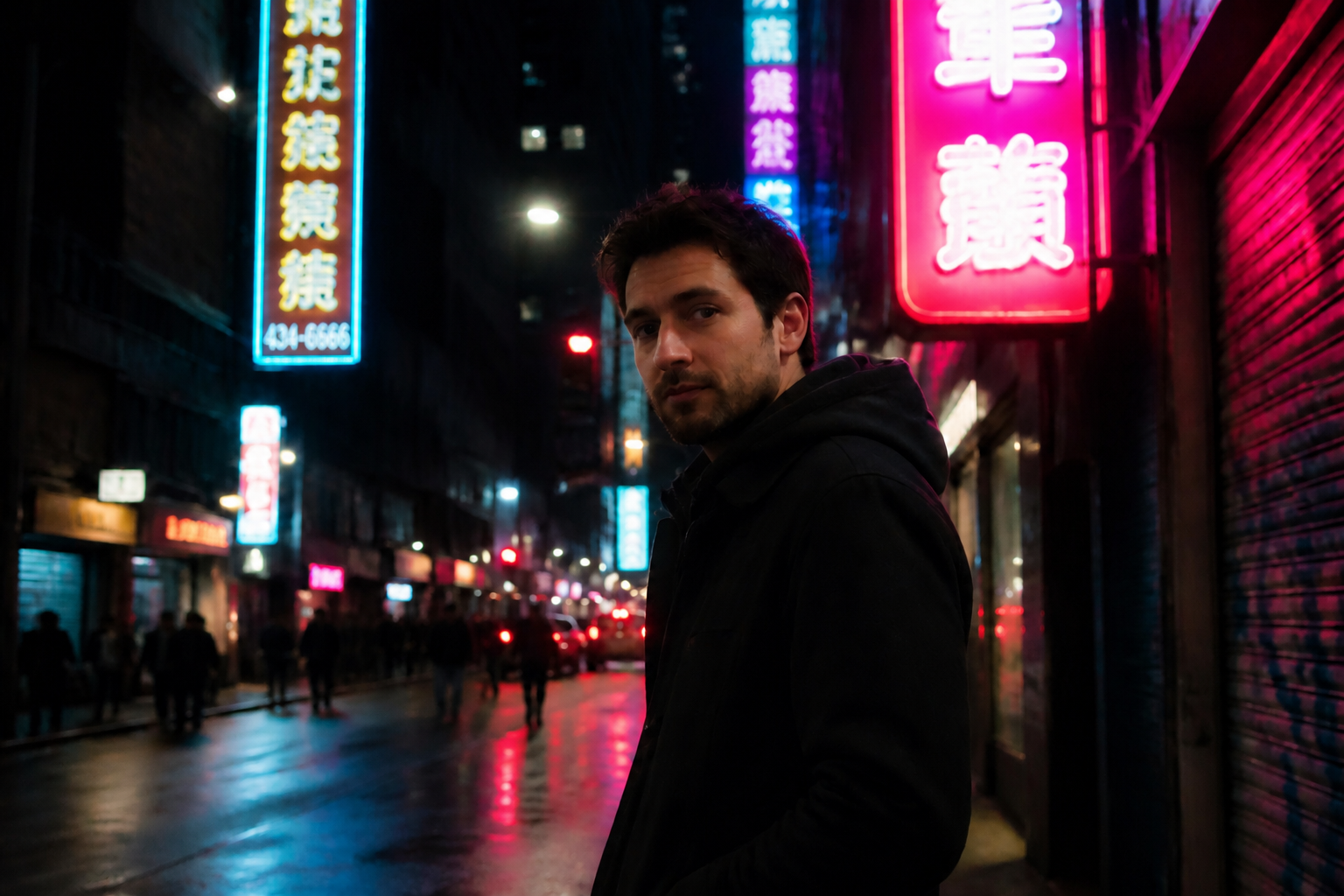
Cleans Up Noise Fast
Low-light photos often look grainy before they look sharp. This feature reduces digital noise and compression mess while preserving the subject's expression and scene. The result looks cleaner without turning skin, fabric, or backgrounds into plastic smears. It is especially useful for night shots, indoor phone photos, and older uploads from messaging apps.
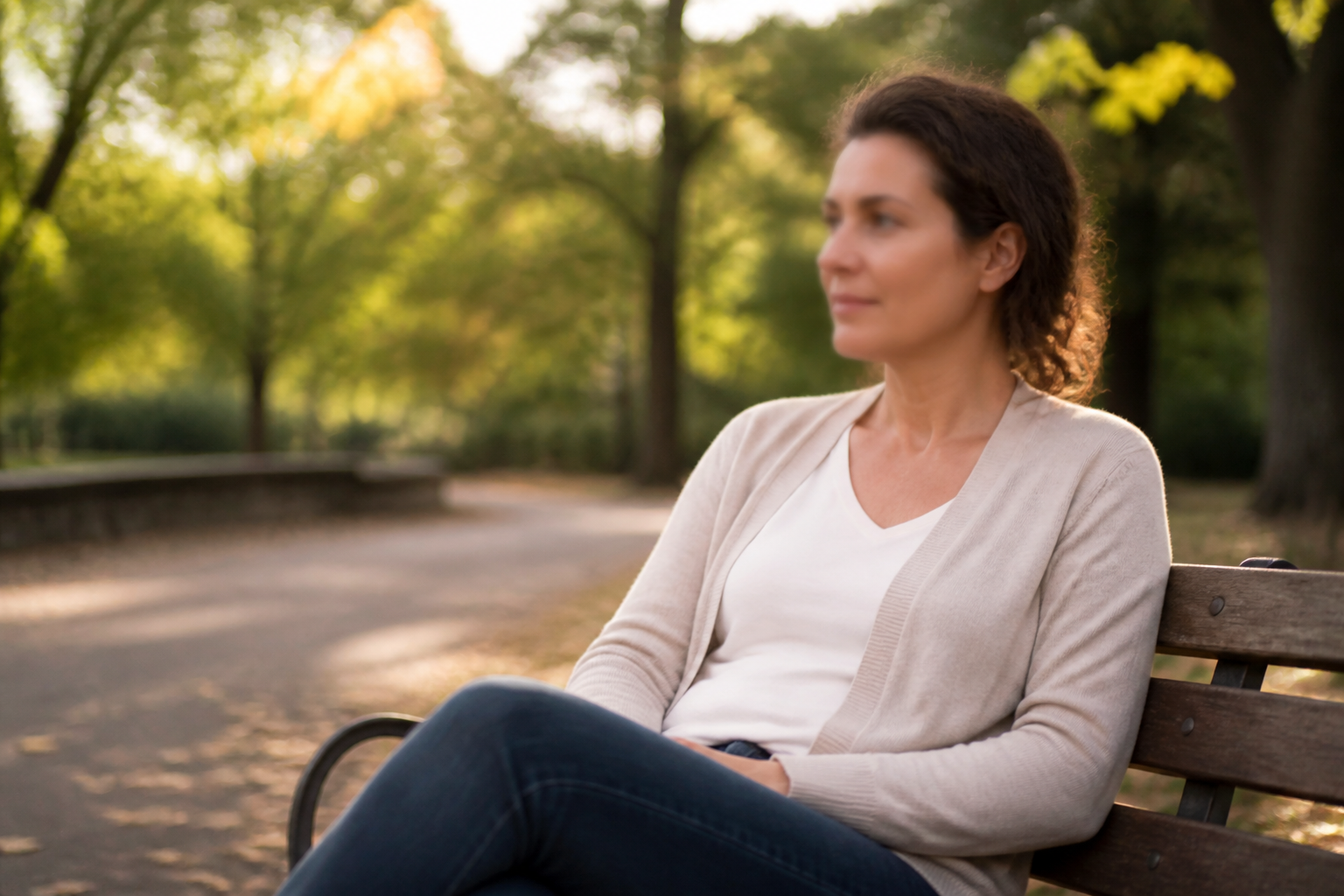
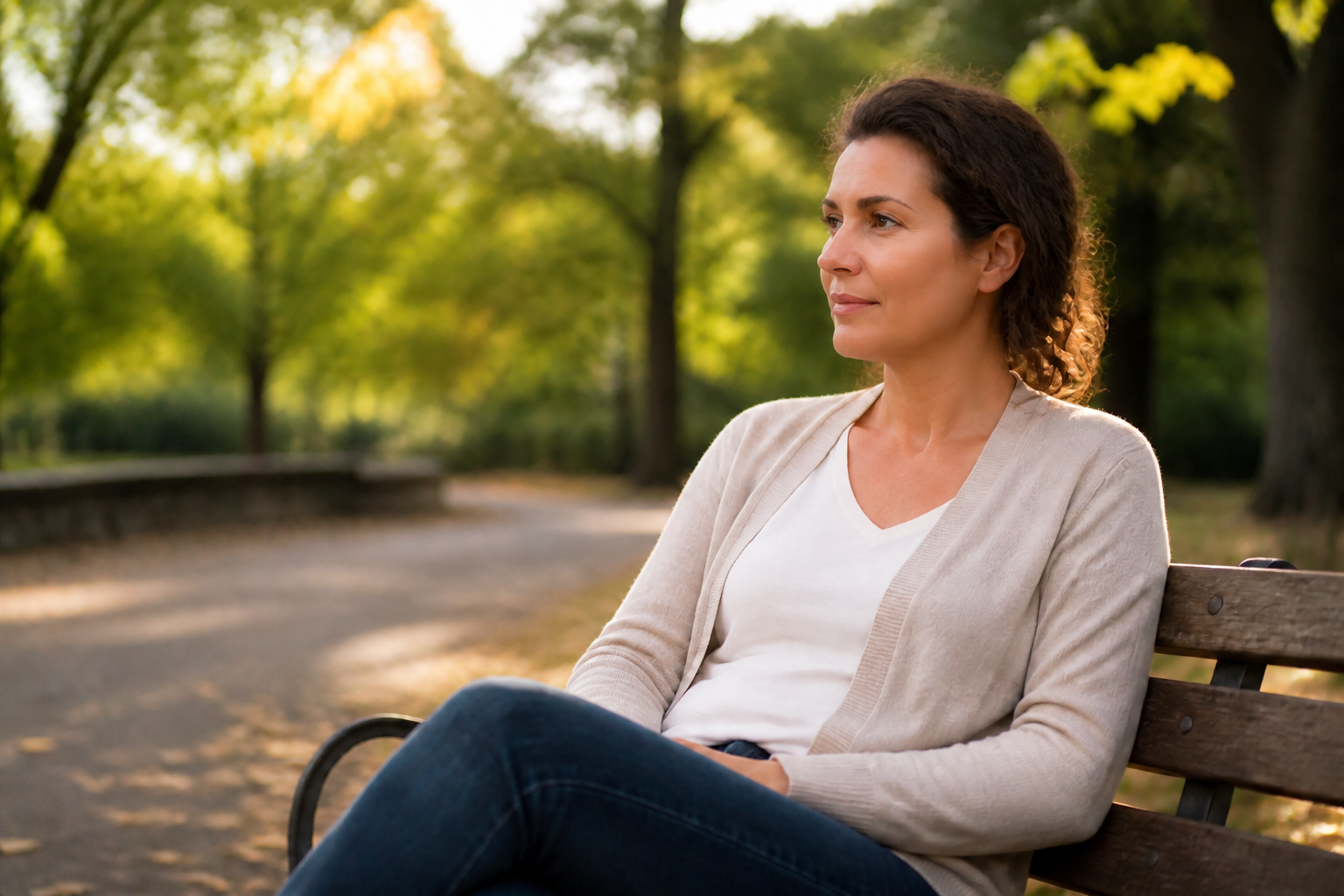
Better Faces and Textures
Portraits need more than global sharpening. Our AI brings back readable eyes, hair definition, skin texture, and clothing detail so the subject feels present again. That helps profile photos, creator shots, and casual portraits look more polished. You get a visible upgrade without changing the person's identity.


Works Across Photo Types
The same workflow can improve portraits, products, travel images, and social posts. You do not need a separate tool for each category or a complex editing routine for each file. Upload the image, apply the enhancement, and compare the result side by side. It is a practical way to upgrade mixed photo libraries quickly.
How It Works
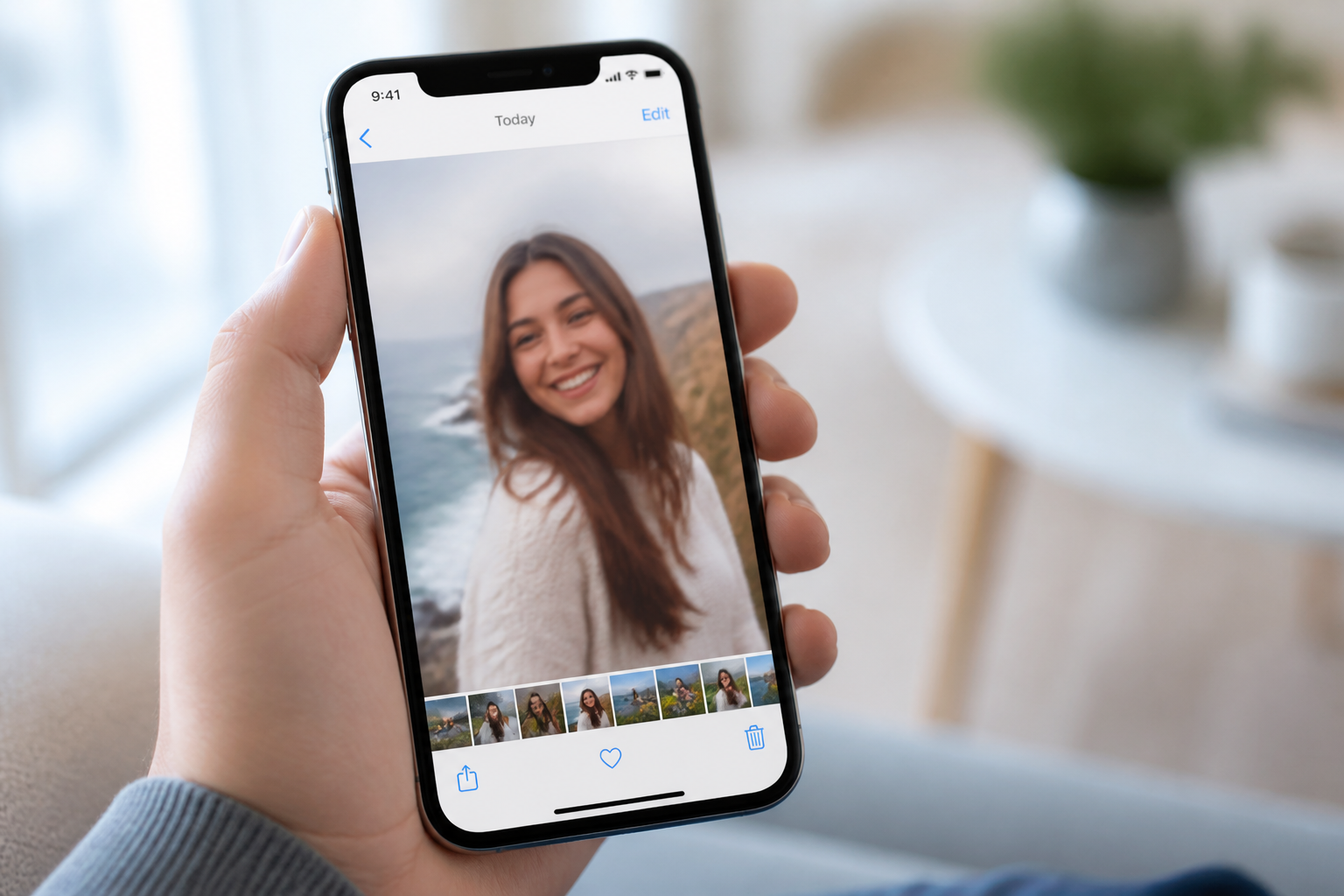
Upload your photo
Start with any image that looks soft, blurry, noisy, or low-detail. Portraits, travel shots, product photos, and old phone pictures all work well.
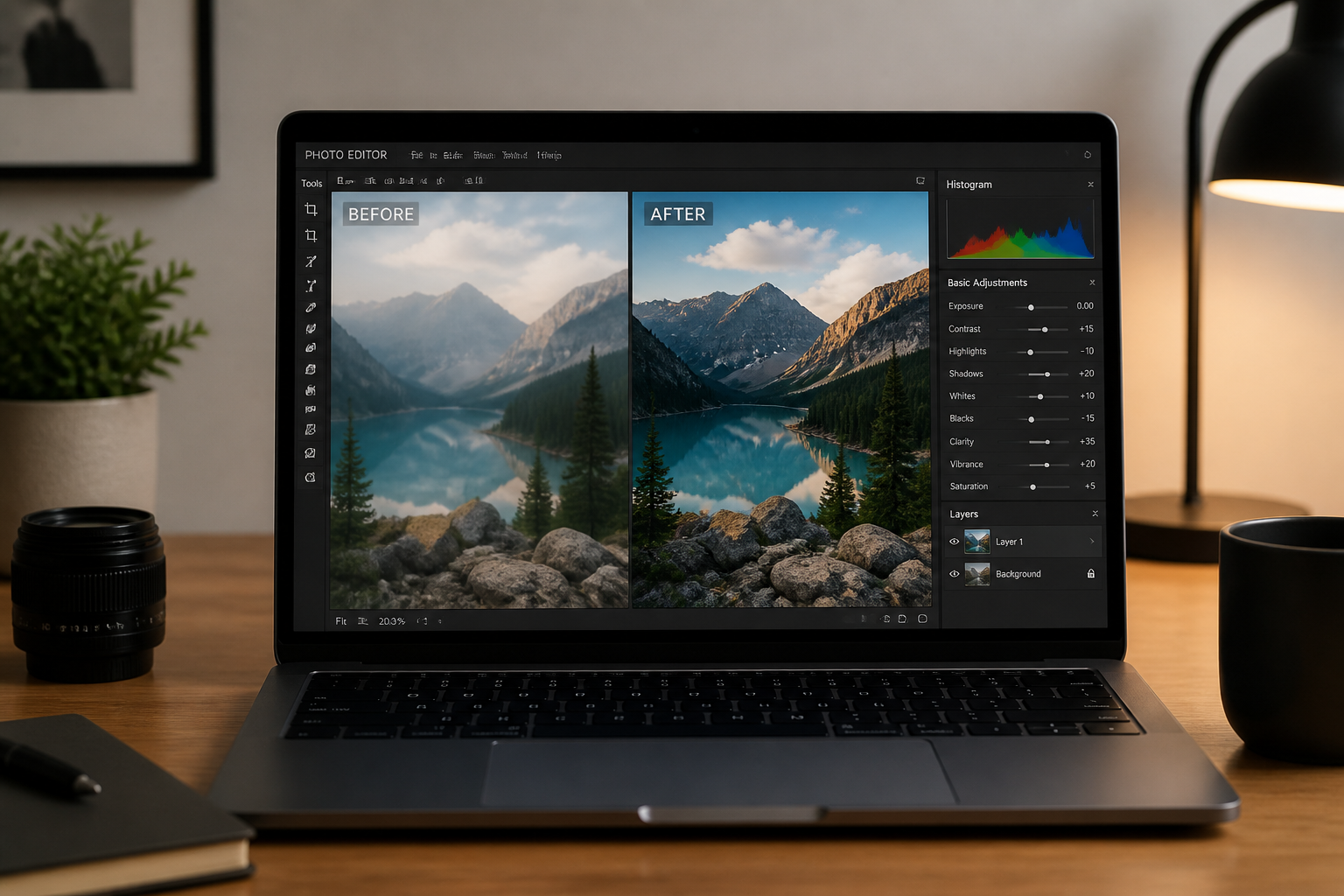
Apply the HD upgrade
Use the HD Photo Converter to increase clarity, sharpen details, and clean up noise. Our AI enhances the image while keeping the original scene and framing consistent.
Compare and download
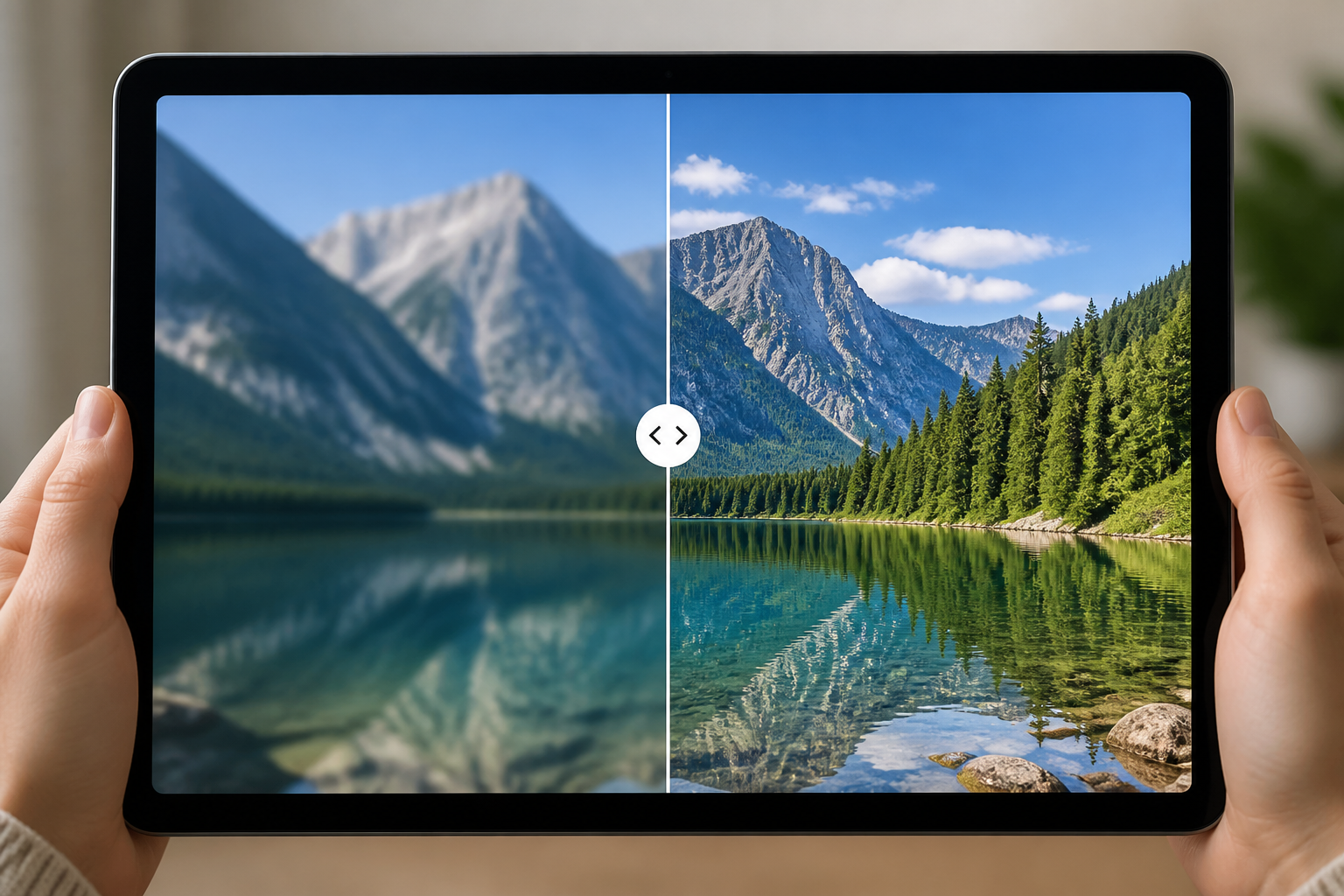
Check the before and after view to see the improvement in faces, textures, and edges. When the result looks right, save the HD version and use it anywhere you need a cleaner image.
Perfect For
Discover how creators and professionals use hd photo converter
Upgrade social media photos
Clean up soft phone shots before posting profile pictures, selfies, travel photos, or feed content.
Improve product listings
Make packaging, textures, and edges more readable for ecommerce, resale apps, and catalog images.
Rescue old digital pictures
Refresh older compressed photos that have lost detail from exports, backups, or messaging apps.
Polish client deliverables
Enhance portraits, event images, and marketing visuals when the source is usable but not sharp enough.
Built For
Creators and influencers
Make everyday photos look cleaner and more polished before posting or repurposing them across platforms.
Online sellers
Improve product image quality without staging a full reshoot every time a listing needs better detail.
Everyday photo organizers
Upgrade family photos, travel shots, and old phone pictures so they feel worth keeping and sharing.
Why use BudgetPixel for HD photo conversion
A quick look at how we compare on the things that matter for this niche.
| Feature | BudgetPixel | Generic AI editors | Manual editing apps |
|---|---|---|---|
| One-step HD enhancement | ✓ | ✓ | — |
| Before/after comparison | ✓ | ✓ | — |
| Preserves original composition | ✓ | — | ✓ |
| Useful without manual tuning | ✓ | — | — |
| Fast for mixed photo types | ✓ | — | — |
Frequently Asked Questions
What does the HD Photo Converter actually change?
Can it fix blurry phone photos?
Will it change the person's face or the scene?
Is this only for portraits?
Do I need editing skills to use it?
Create together.
Share your creations, discover trending AI art, and grow with fellow creators.