AI Add Object to Image
Place new objects into your photo without rebuilding the whole scene
Add a clear new object to an existing image with a simple prompt. Our AI fits the object into the scene so the edit looks intentional, readable, and easy to compare with the original.
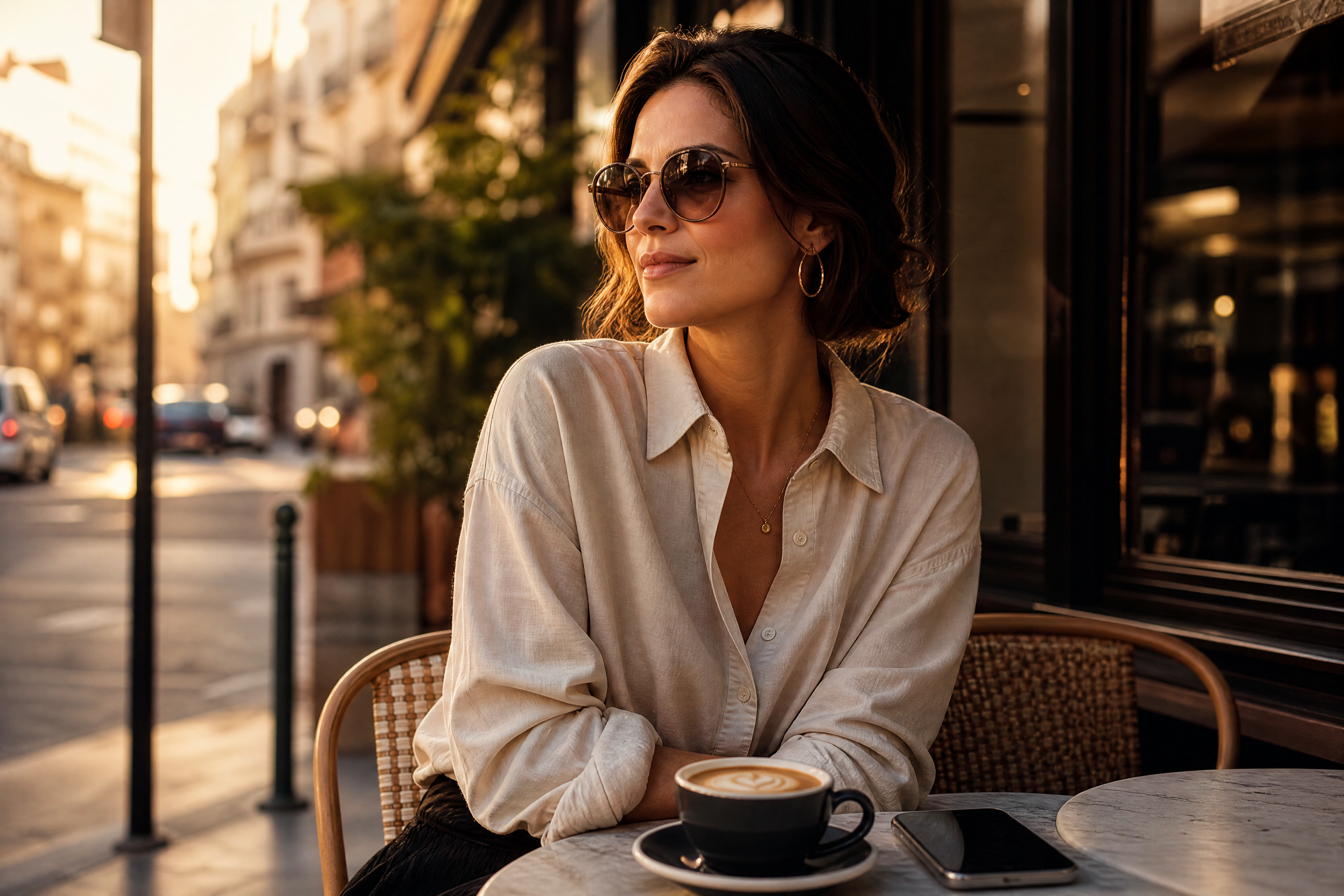
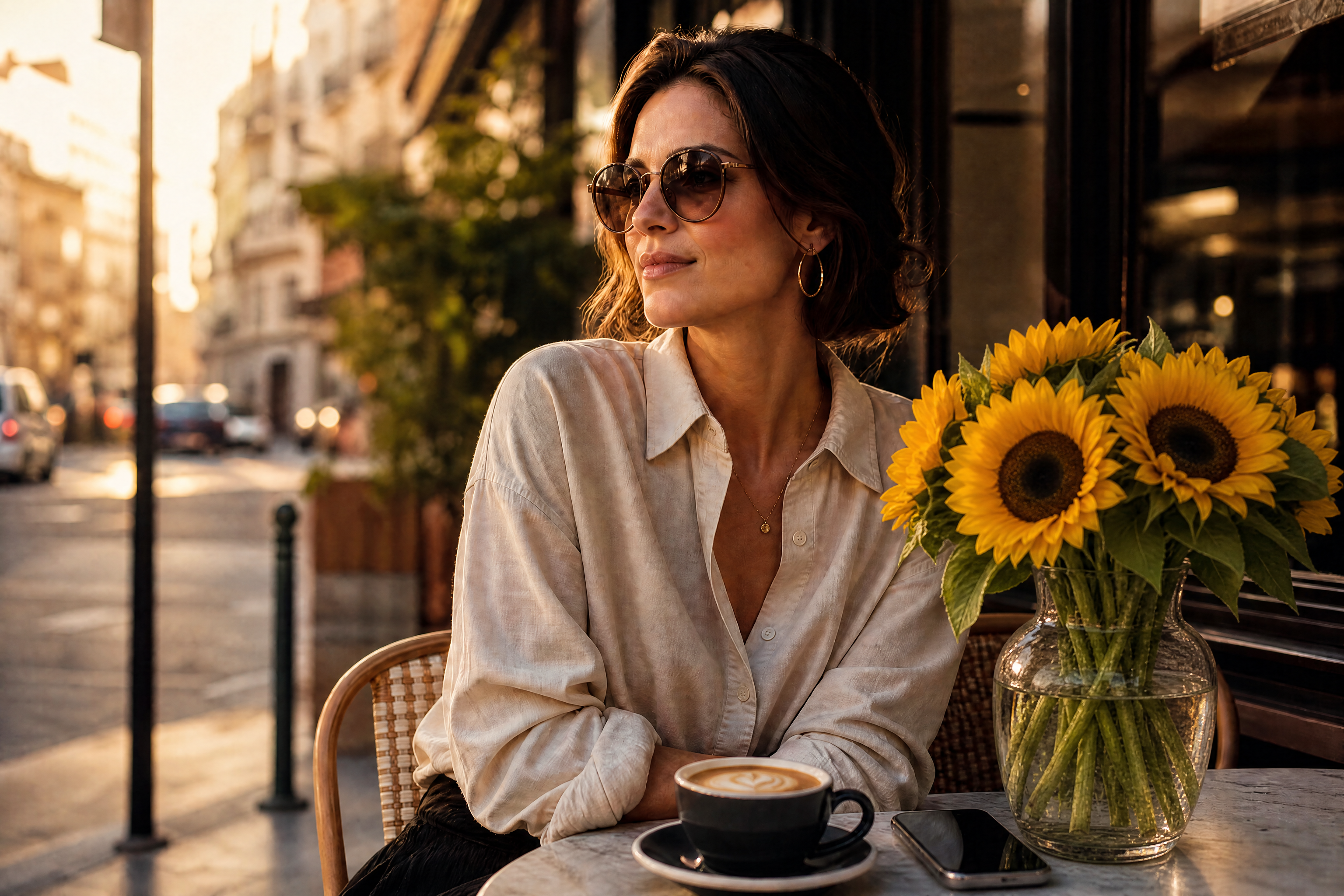
Watch the Transformation
See ai add object to image in motion — generated end-to-end by our AI.
See It In Action
Real outputs from ai add object to image.
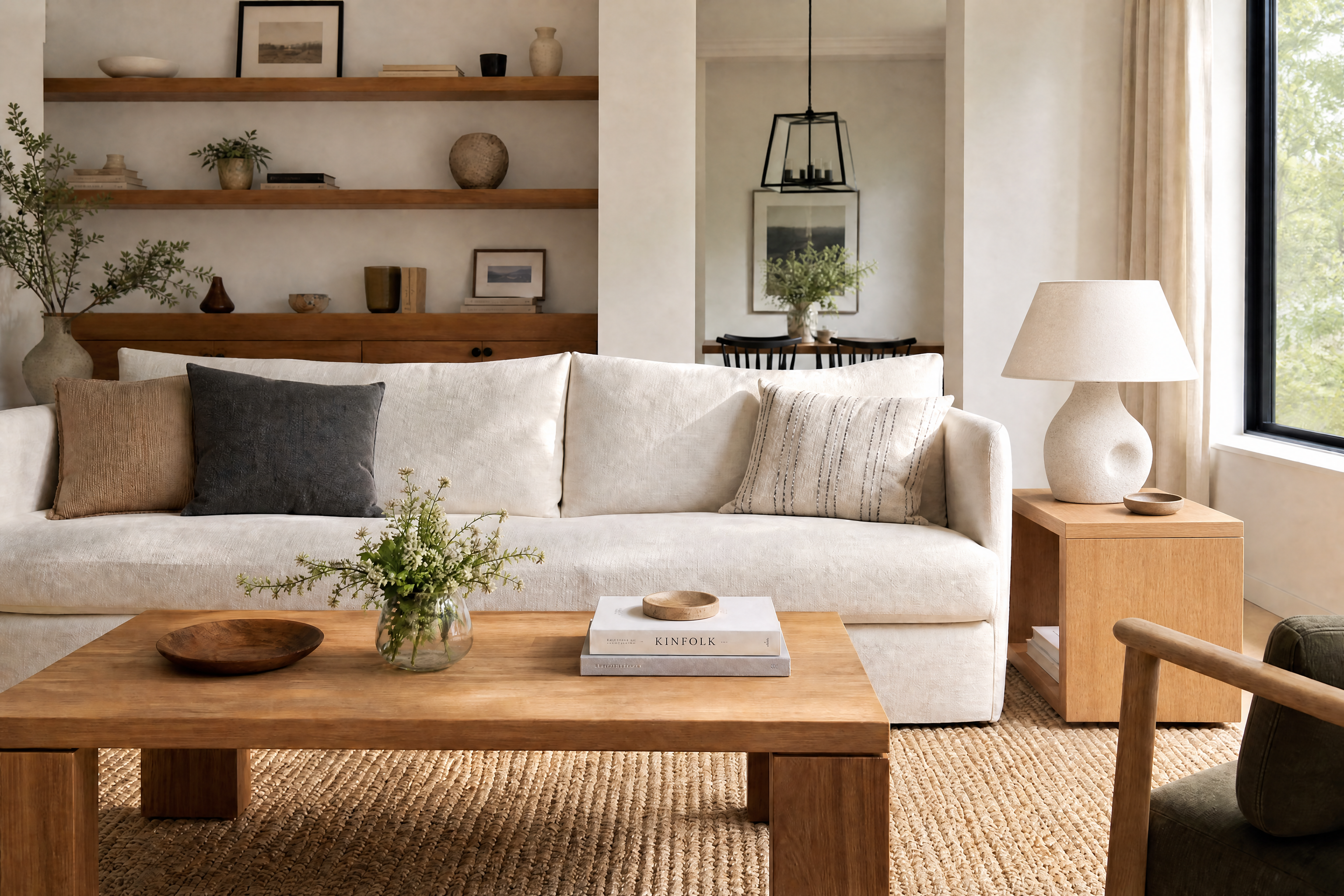
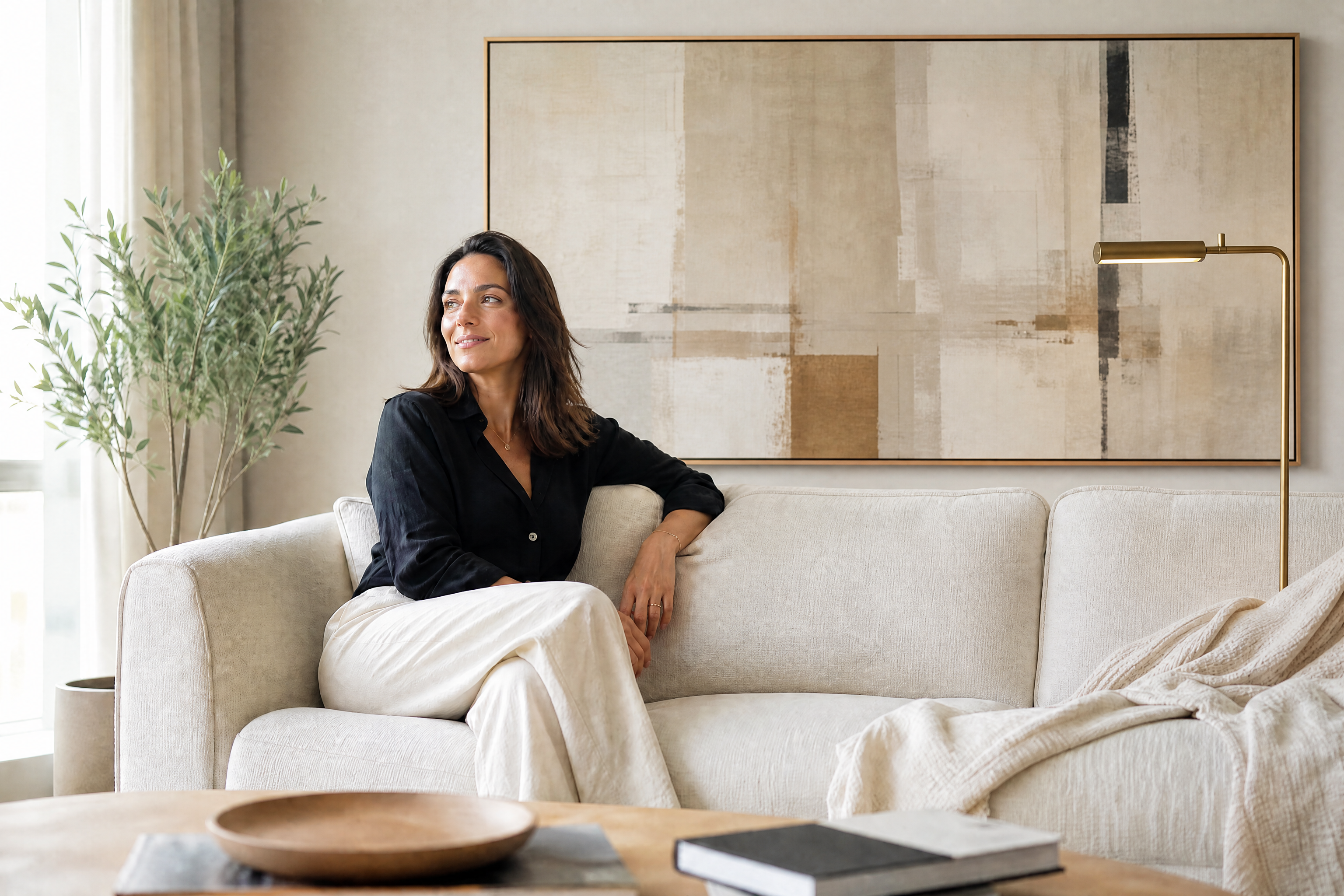
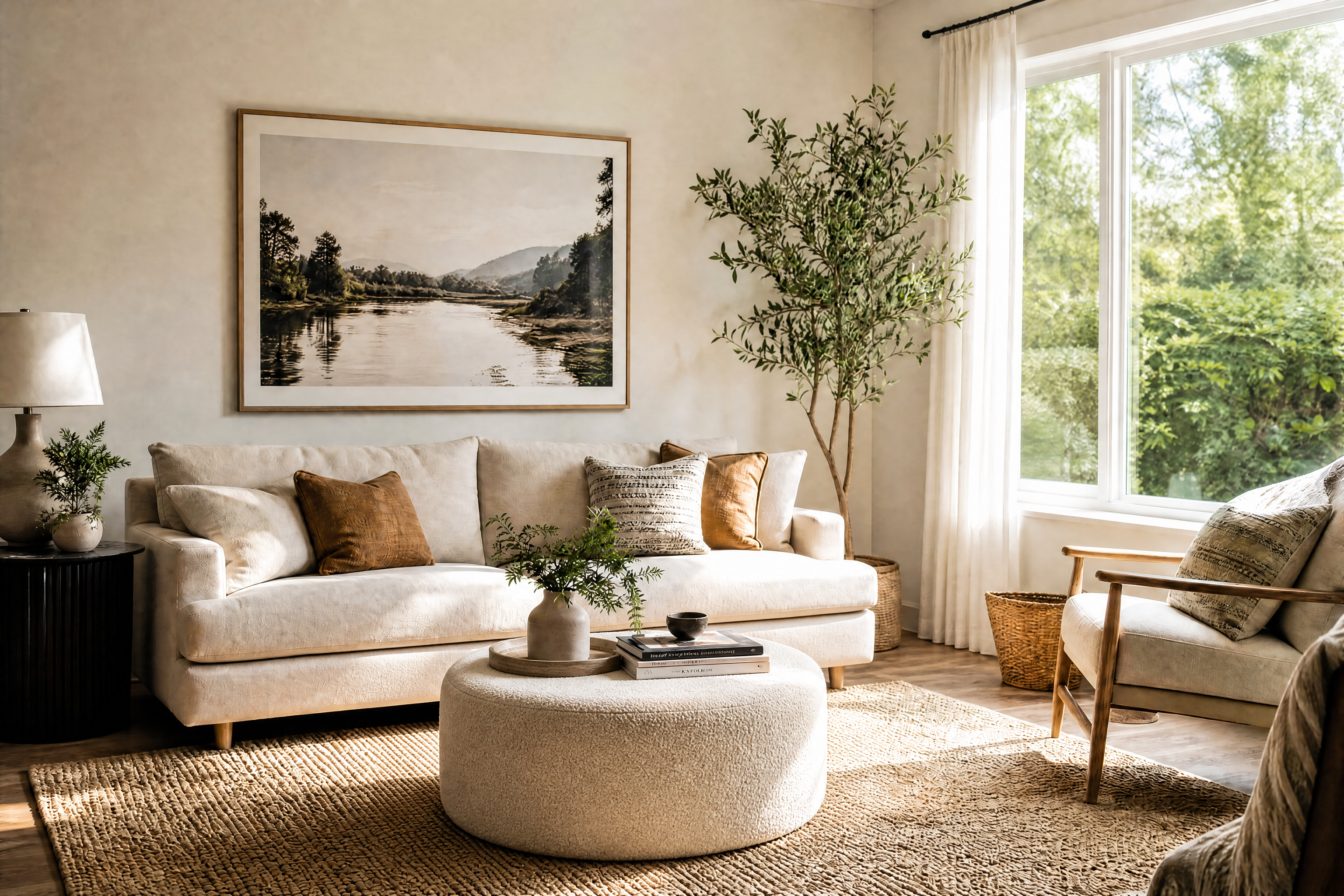
BEFOREAFTER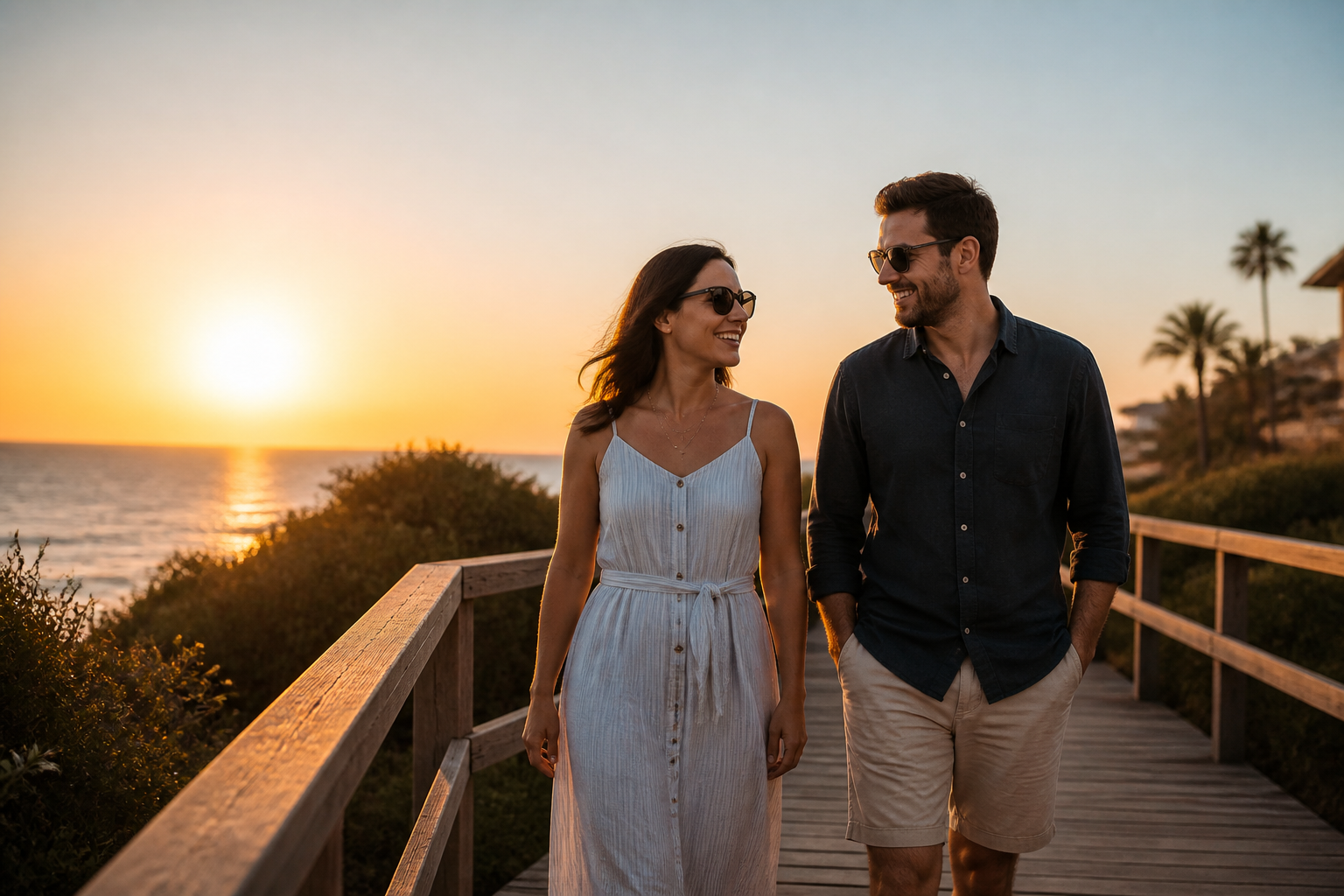 BEFORE
 AFTER
AFTER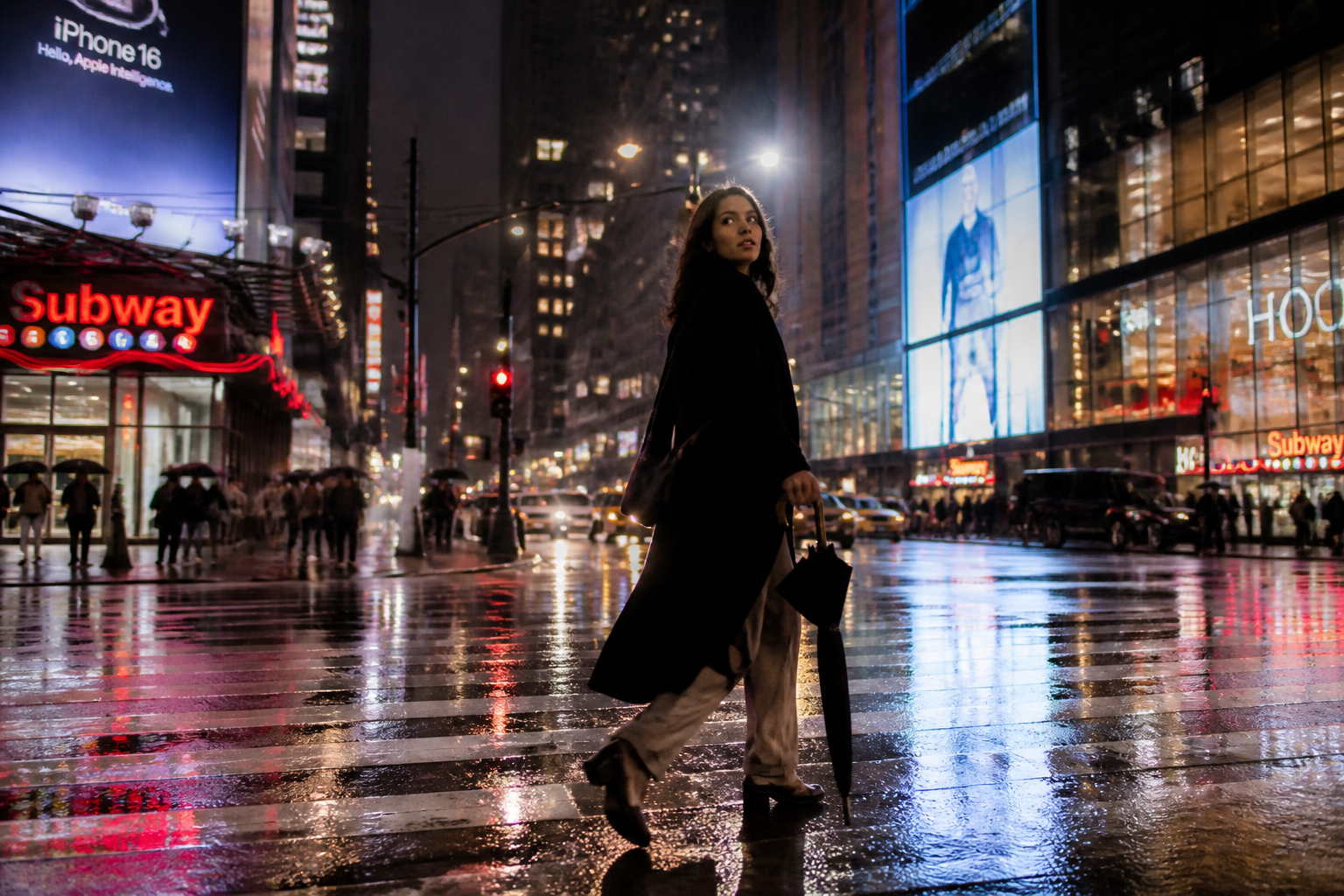 BEFORE
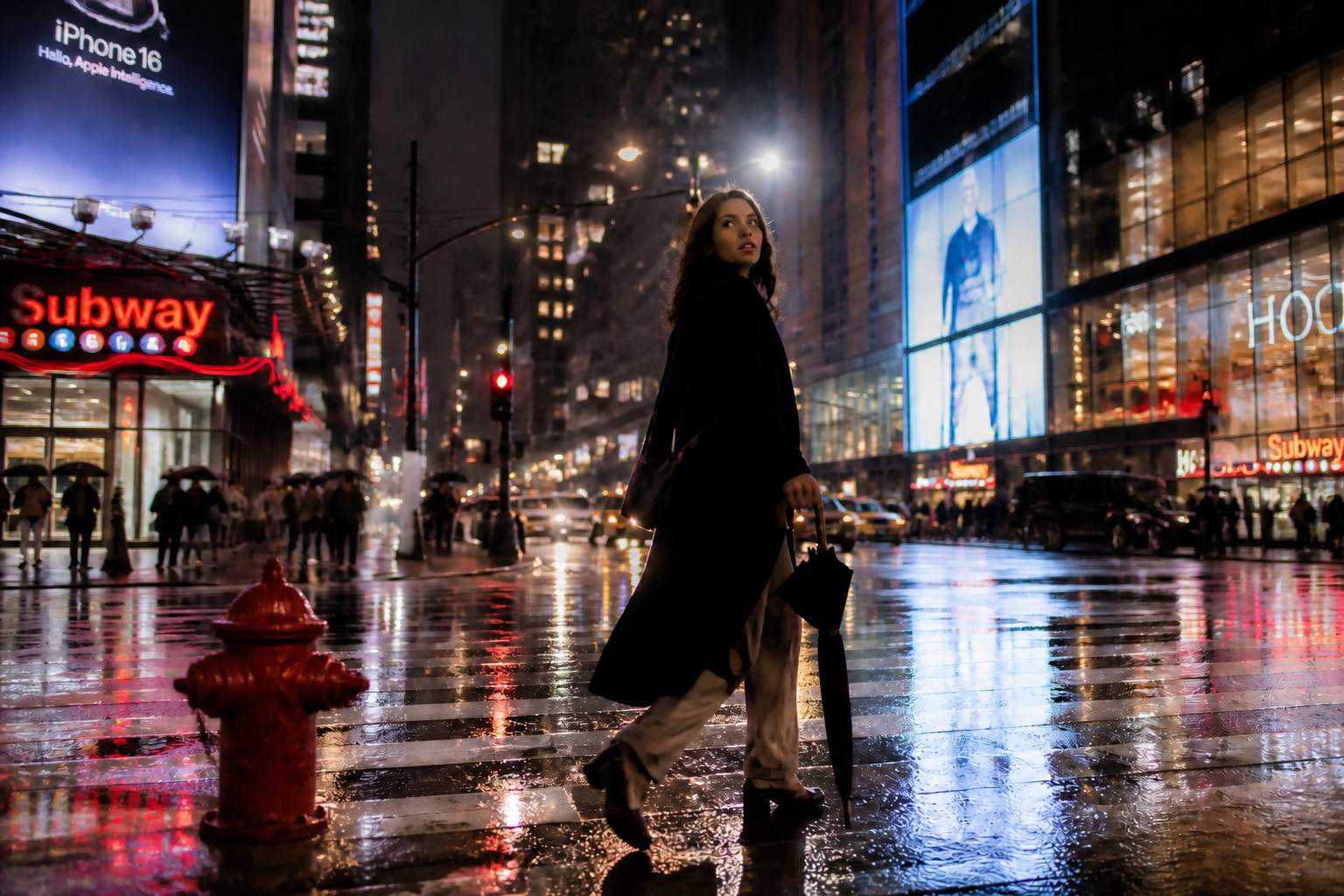 AFTER
AFTER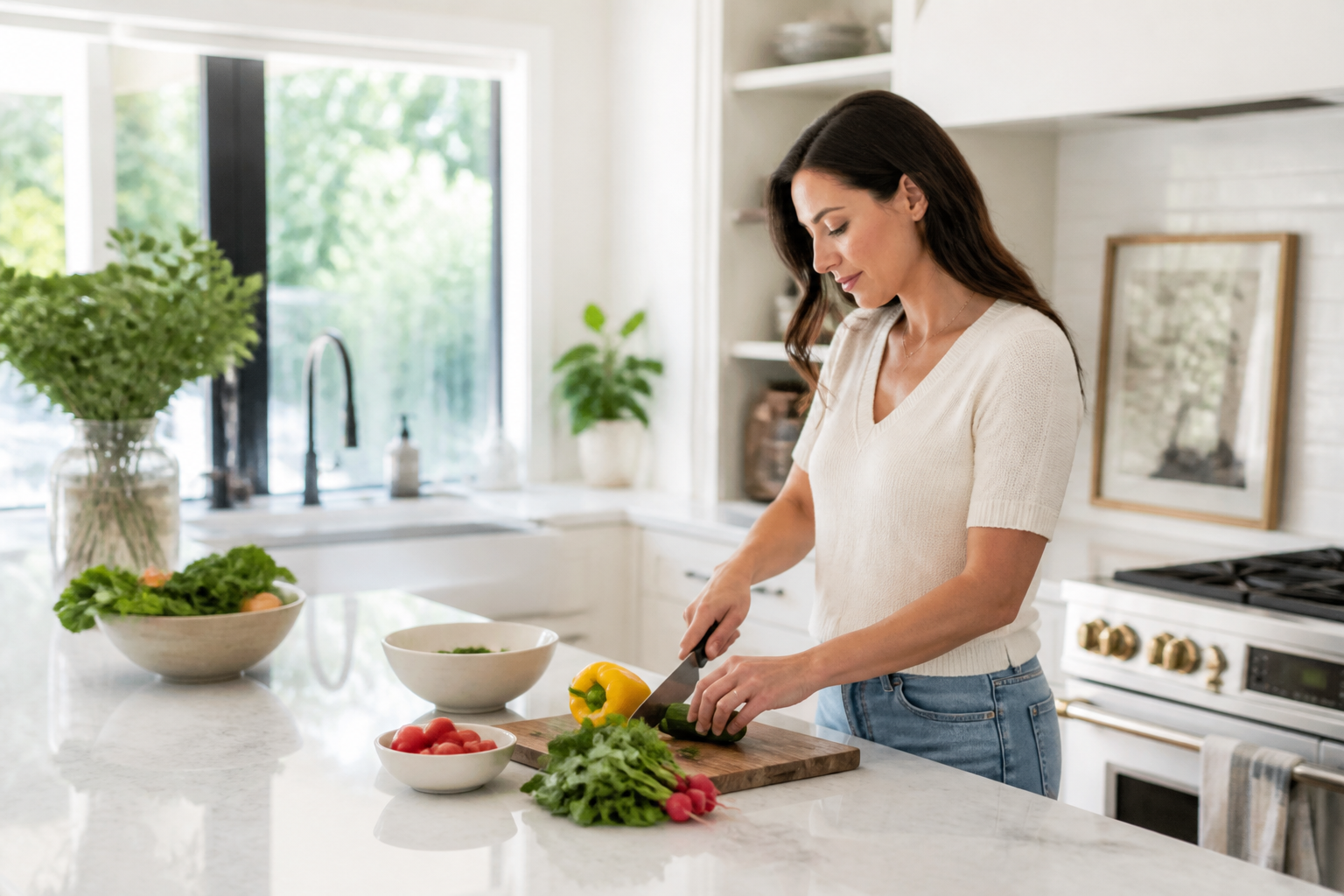 BEFORE
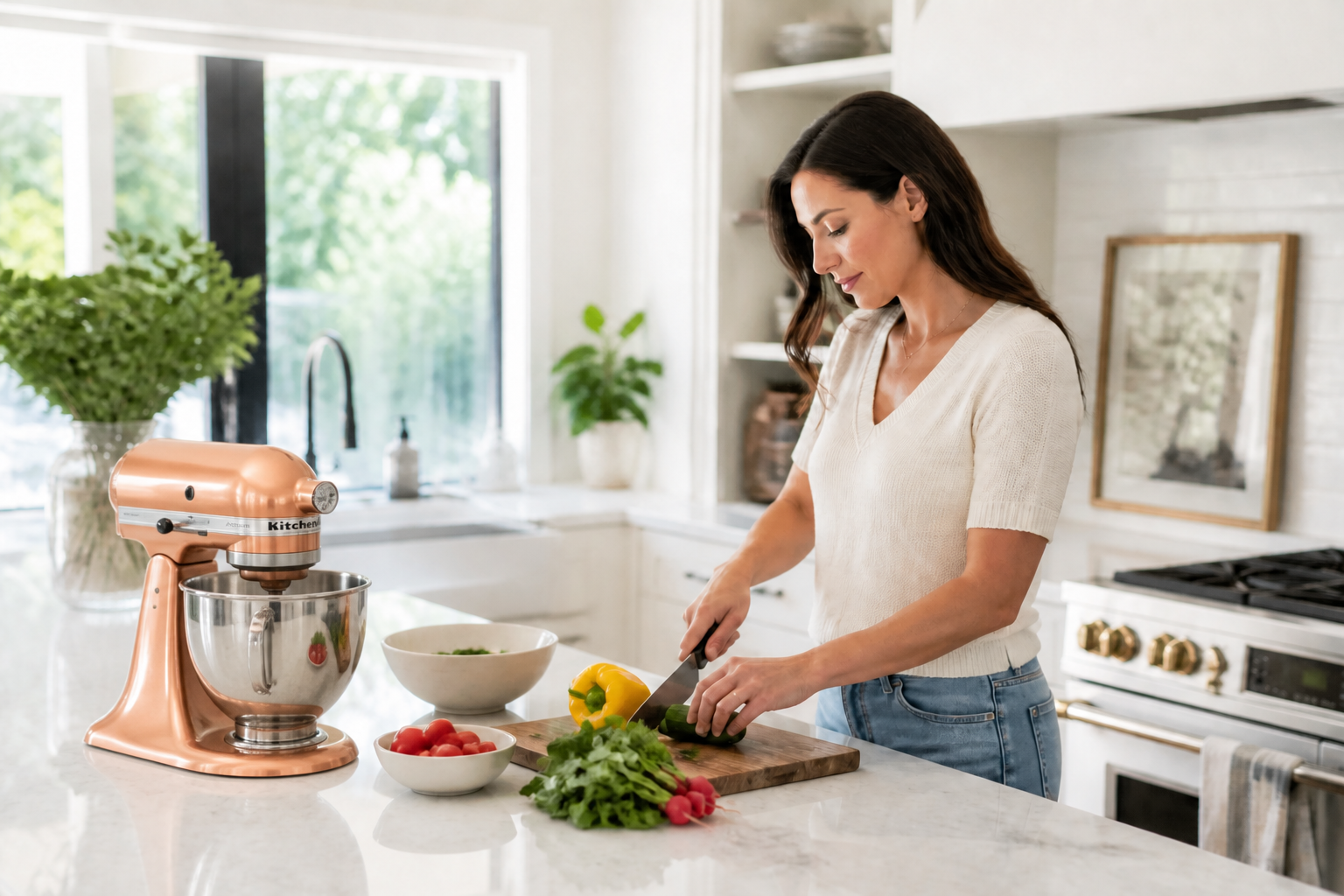 AFTER
AFTER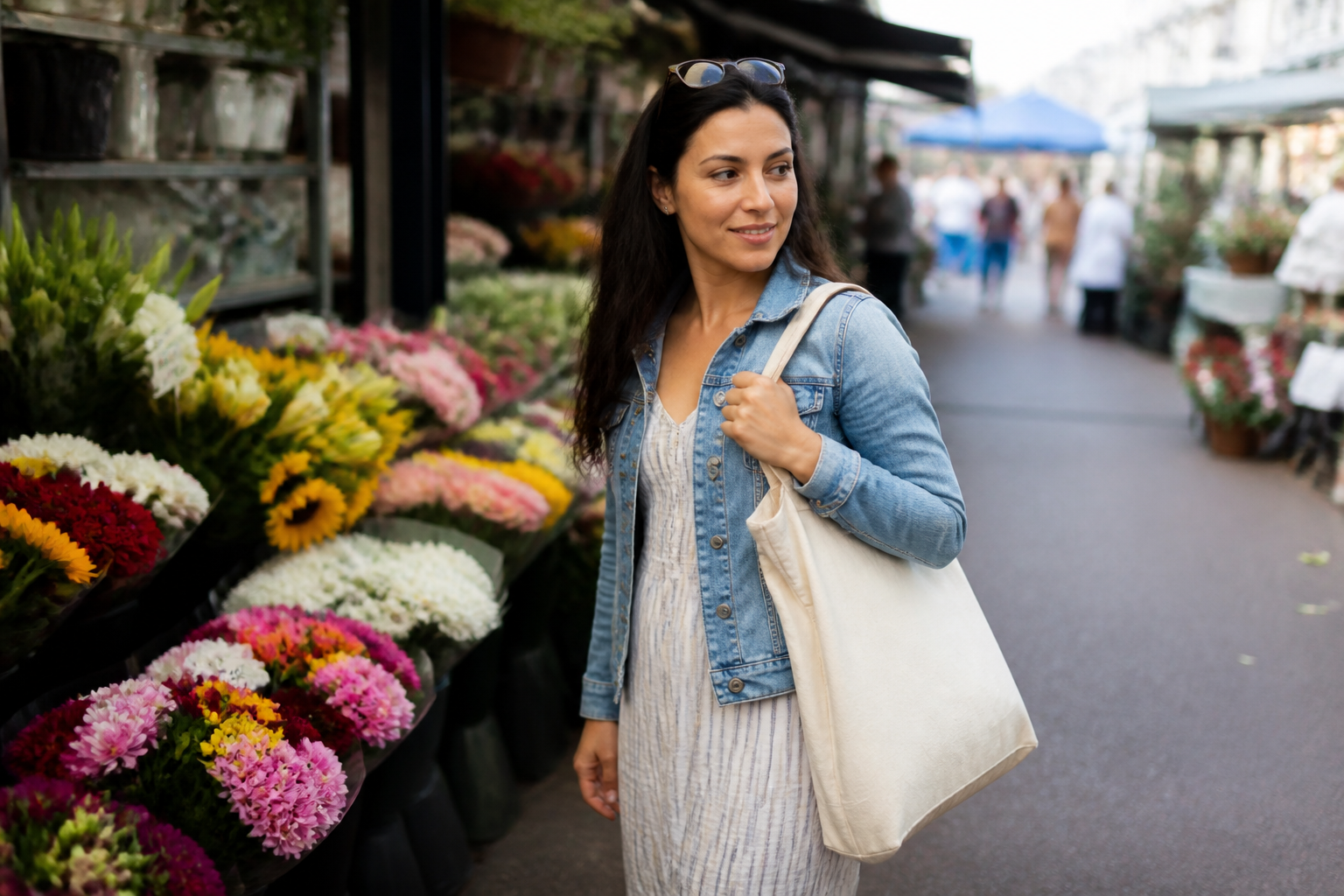 BEFORE
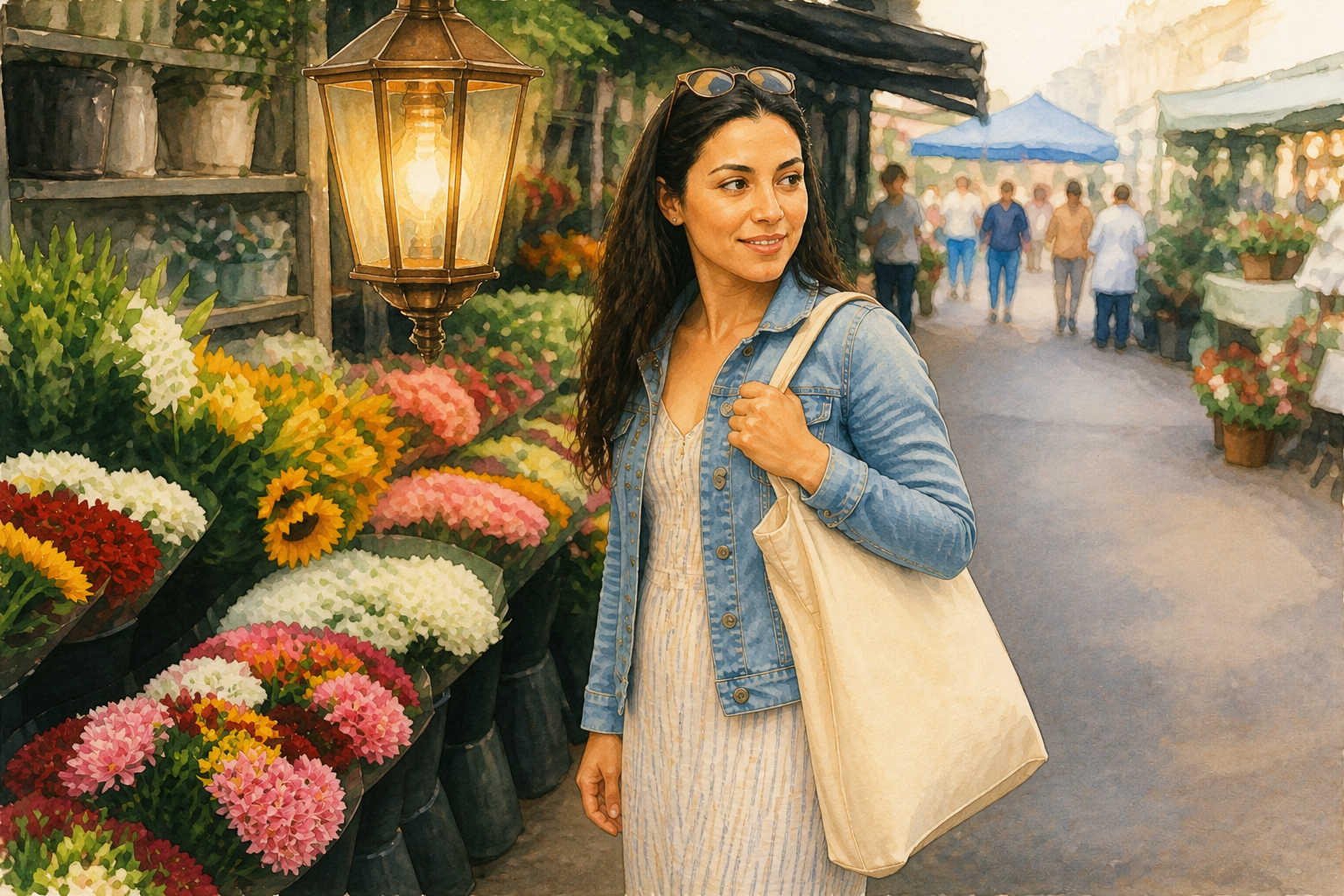 AFTERBEFOREAFTERBEFOREAFTERBEFOREAFTERBEFOREAFTERBEFOREAFTER
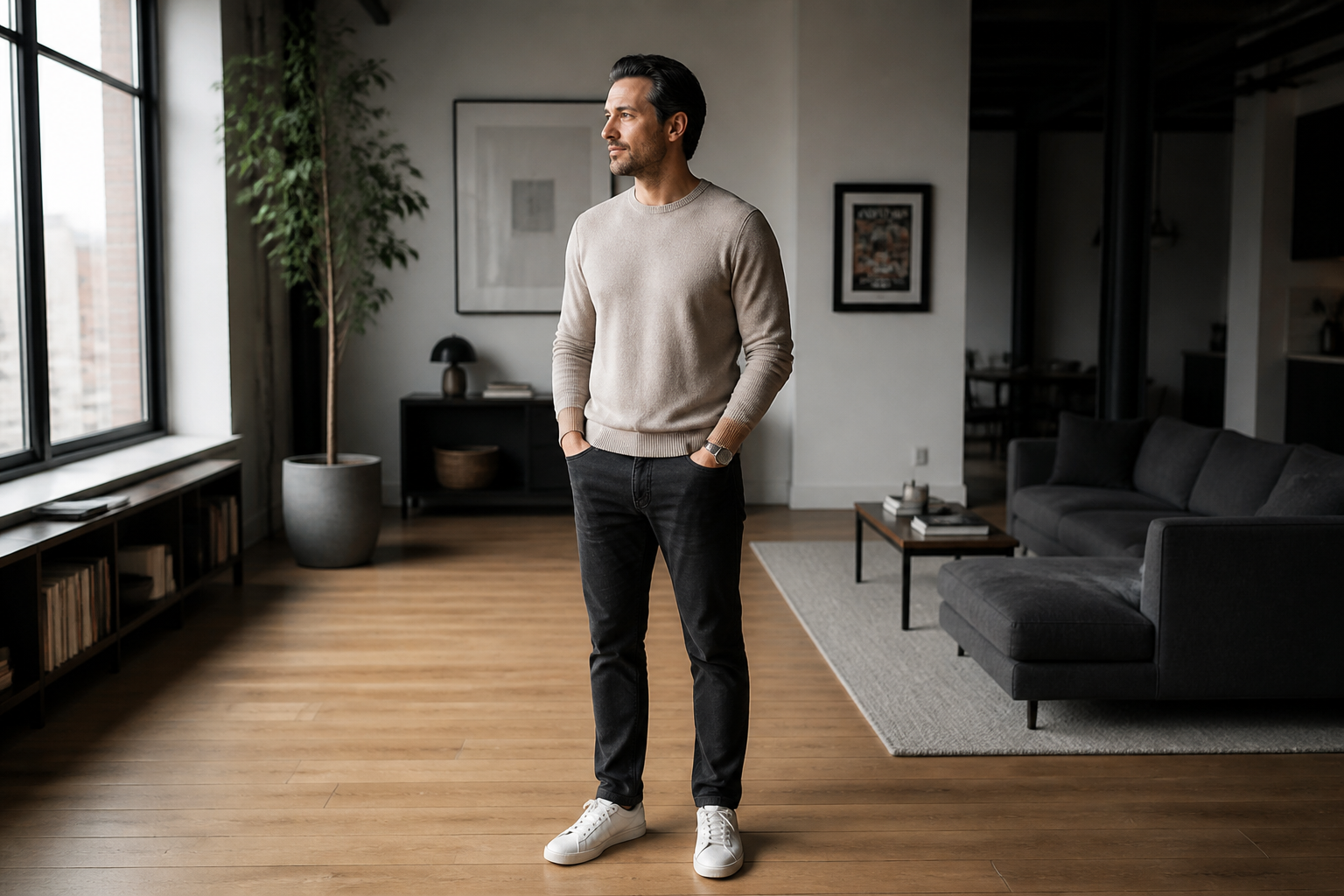 BEFORE
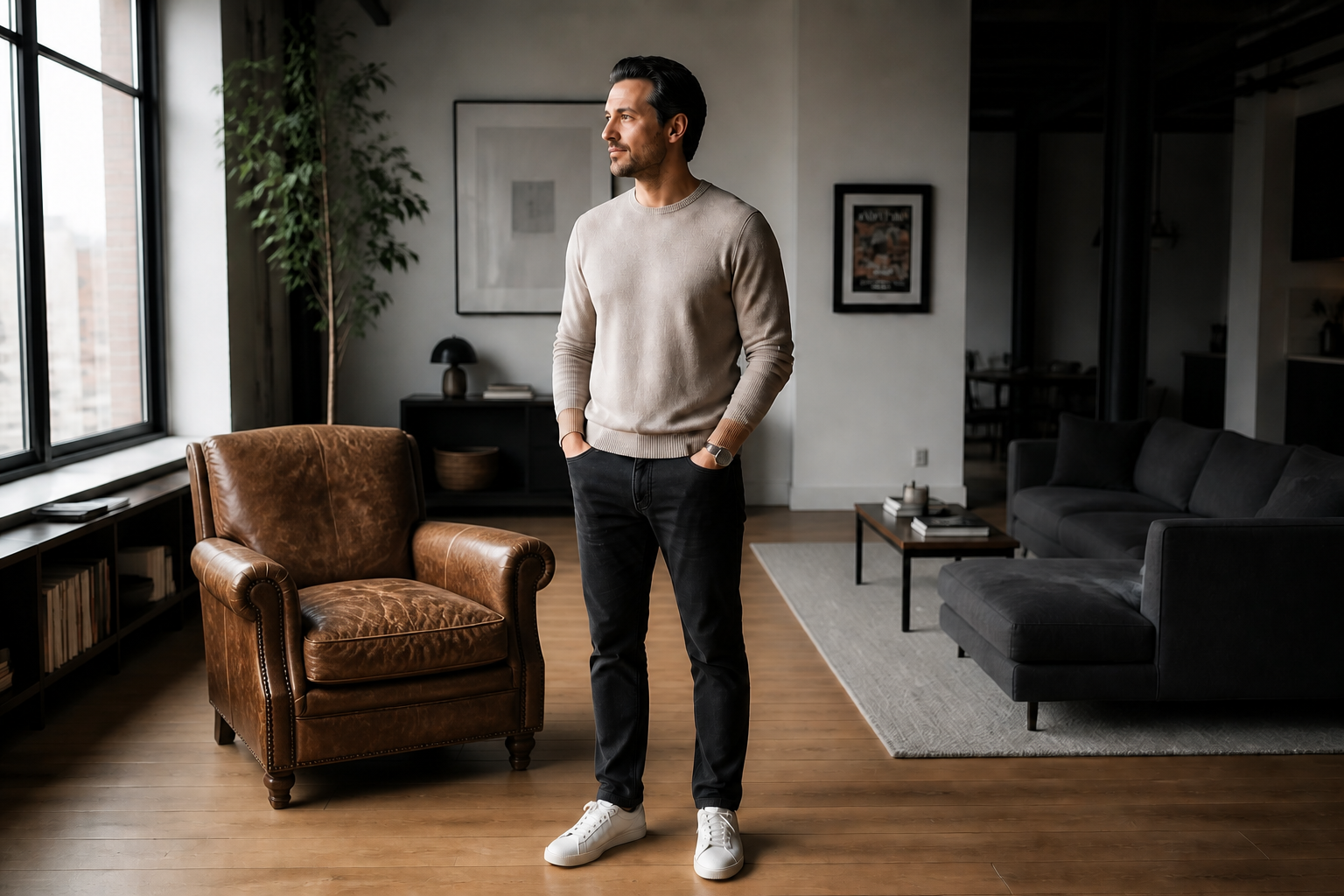 AFTER
AFTER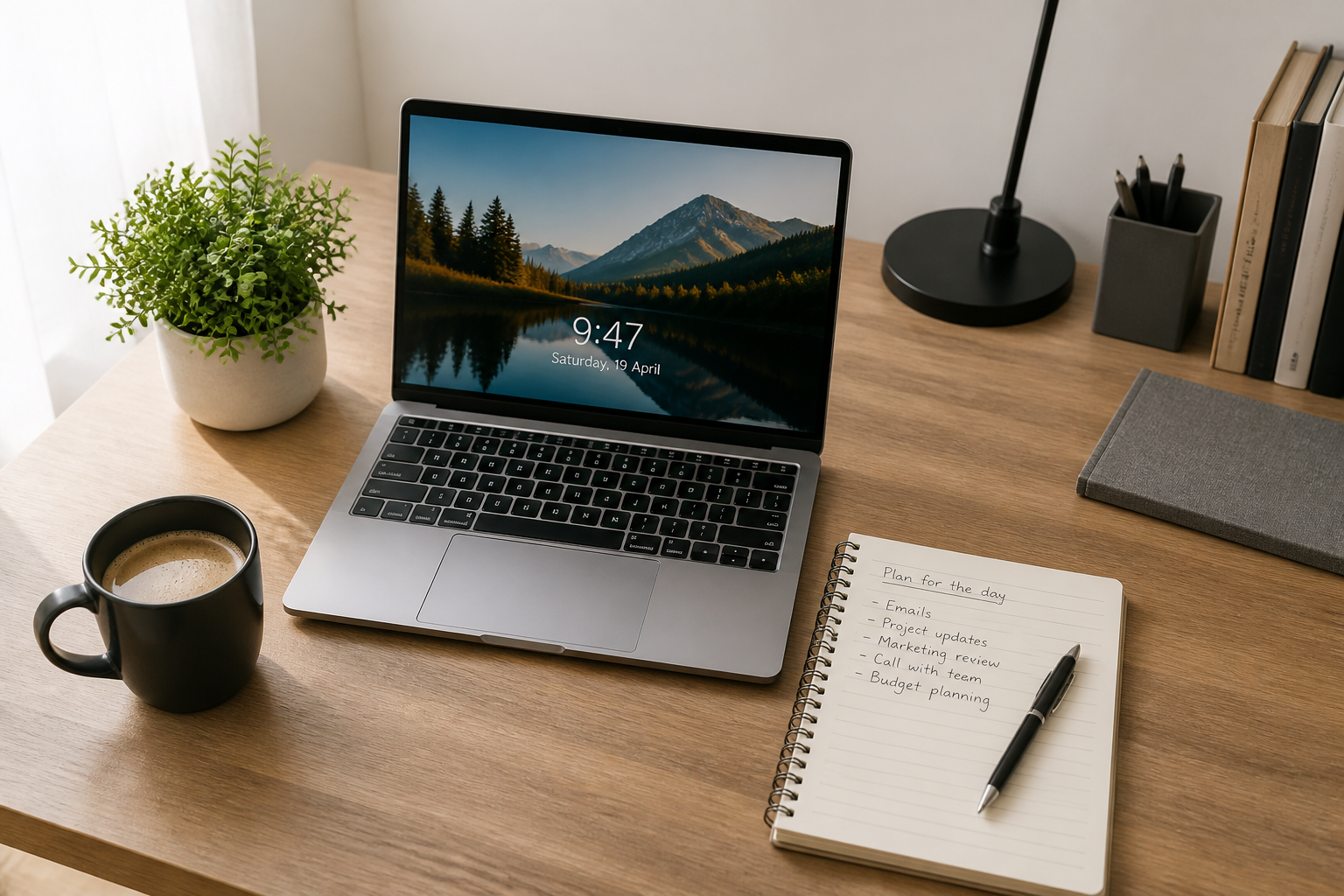 BEFORE
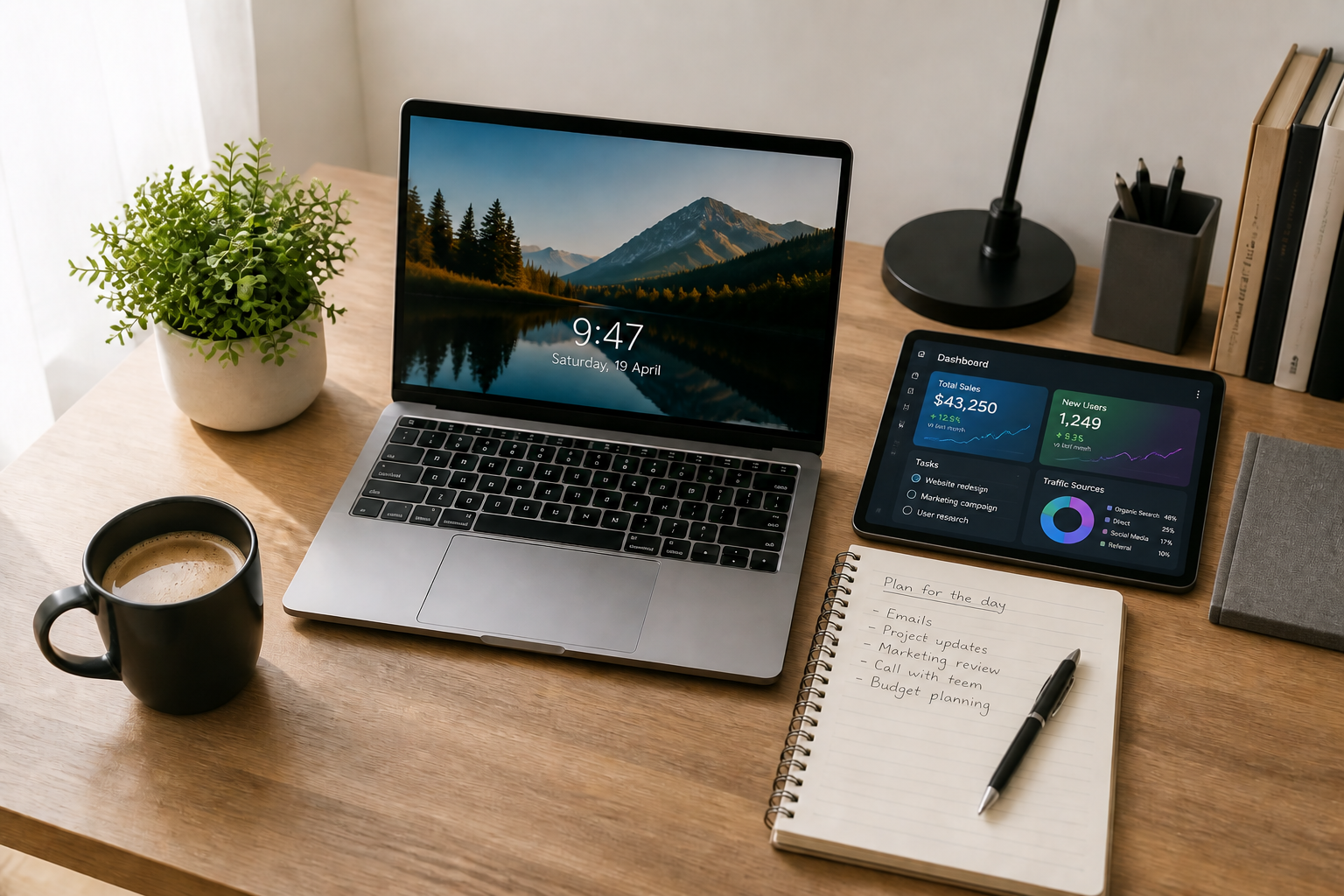 AFTER
AFTER BEFORE
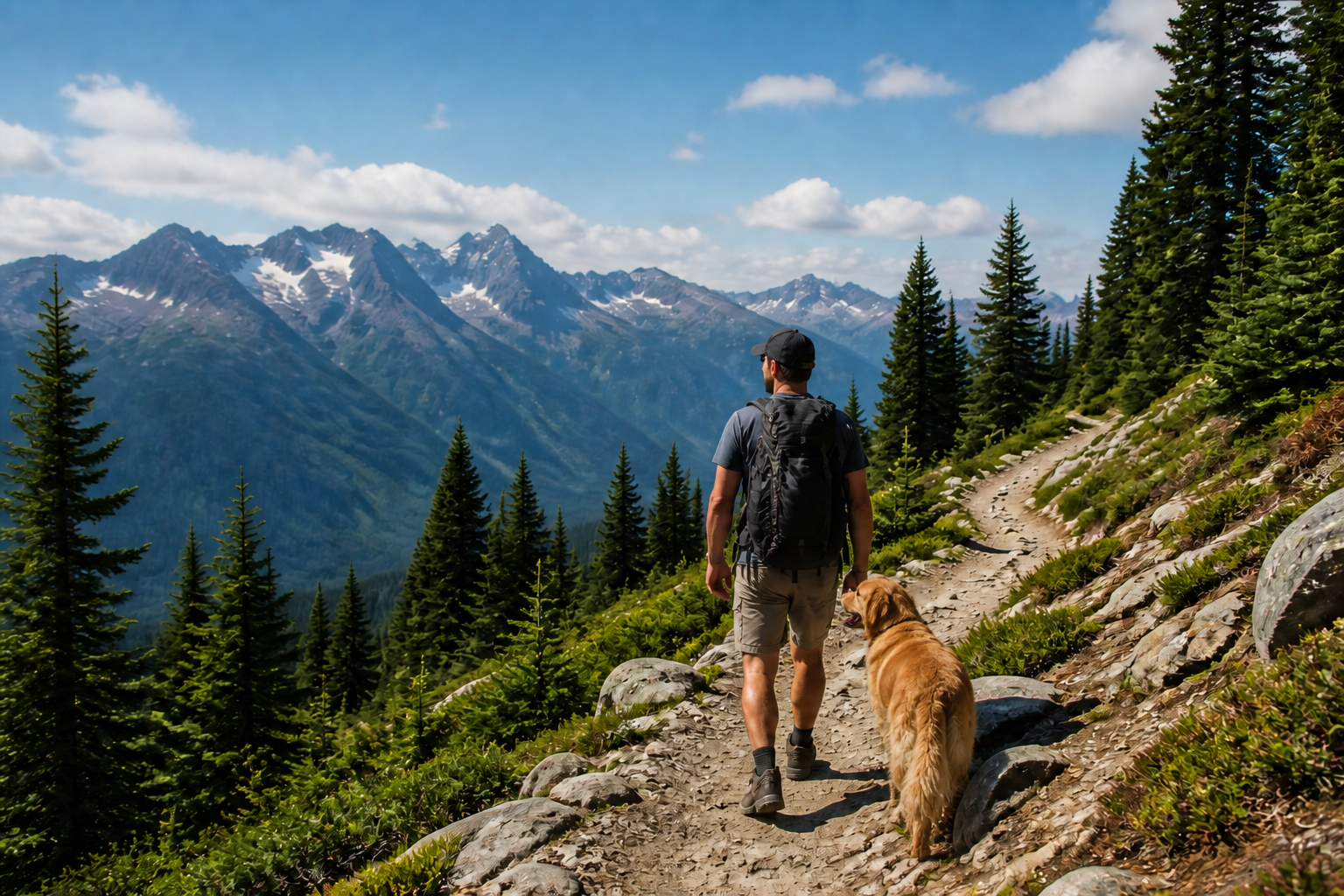 AFTER
AFTER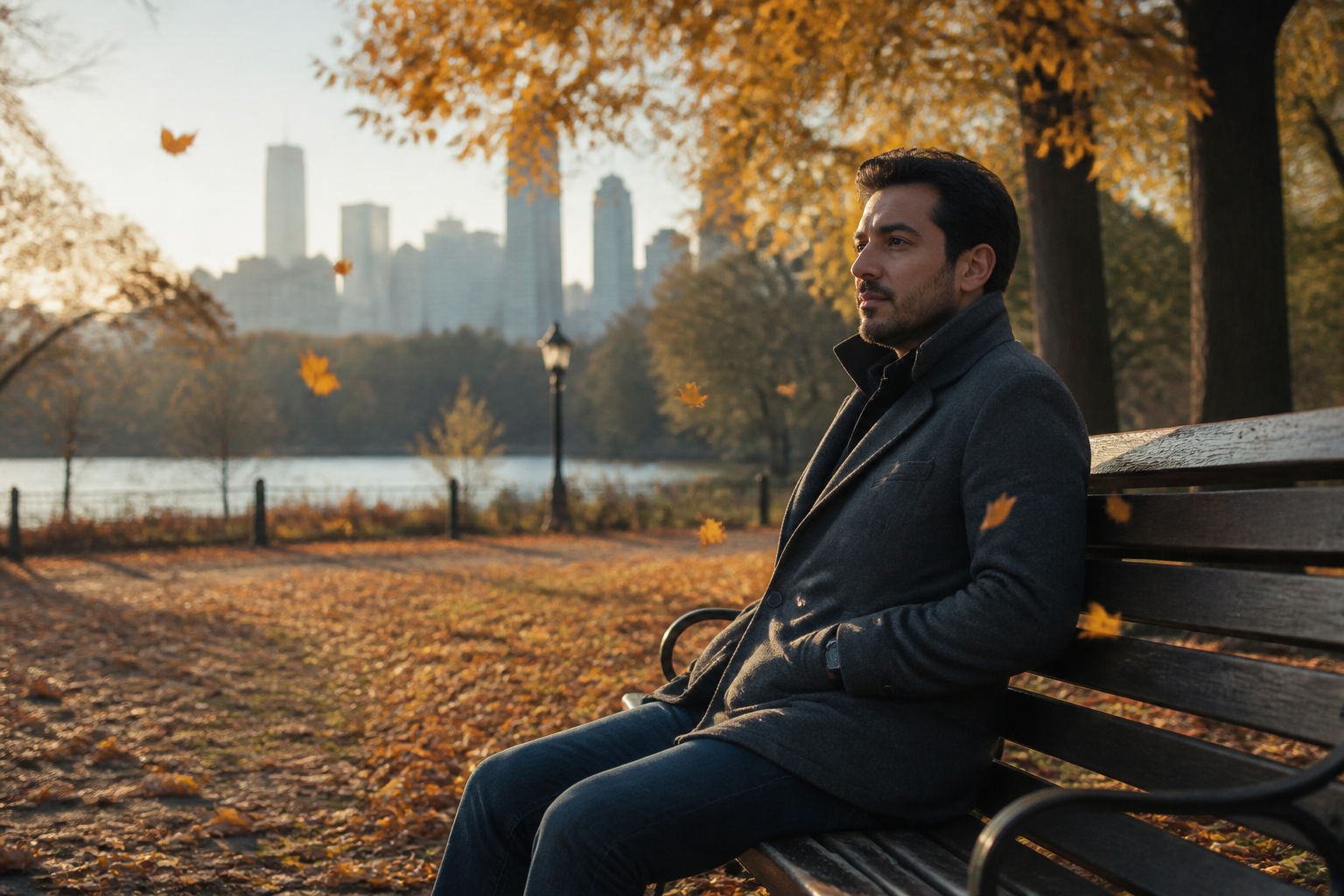 BEFORE
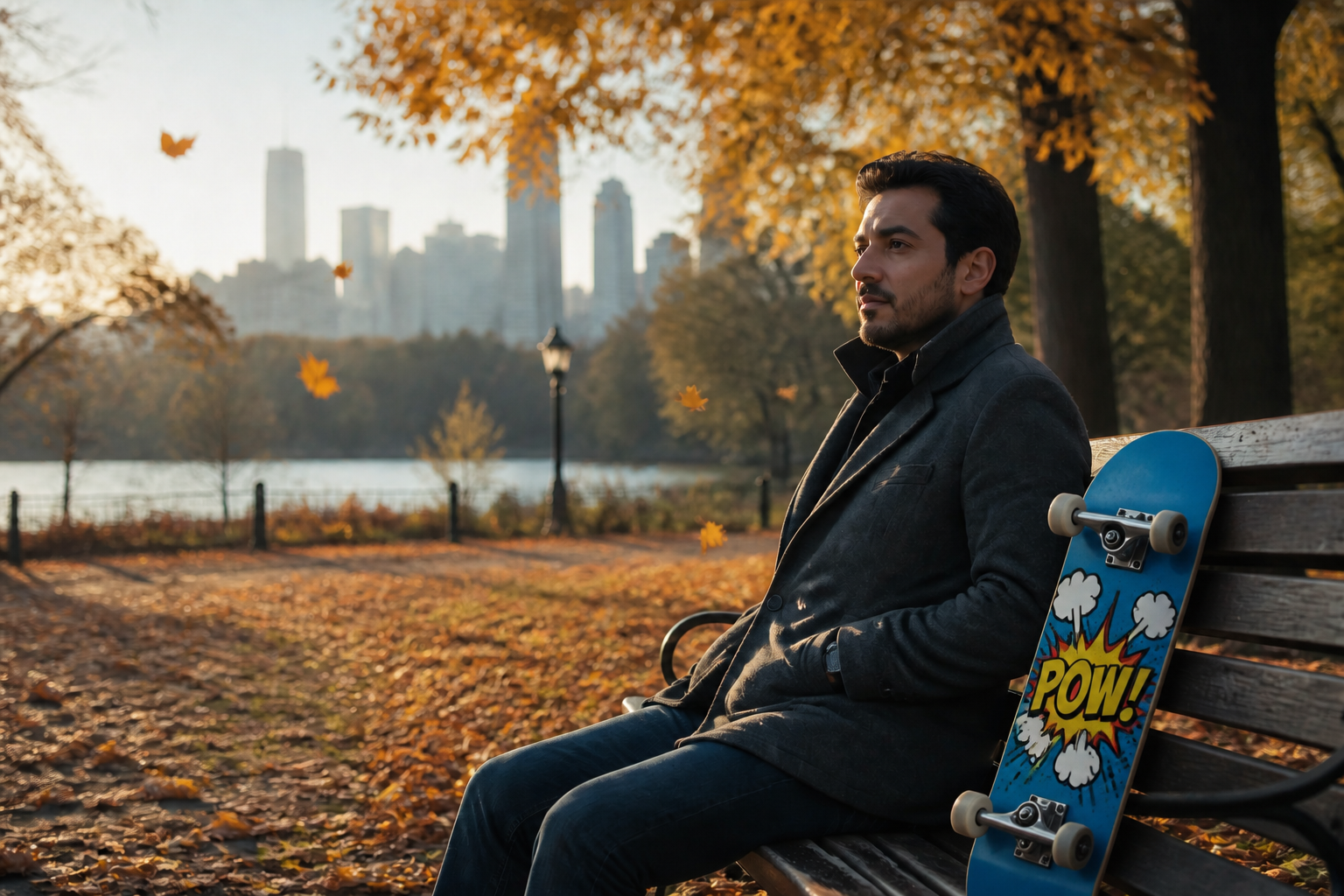 AFTER
AFTER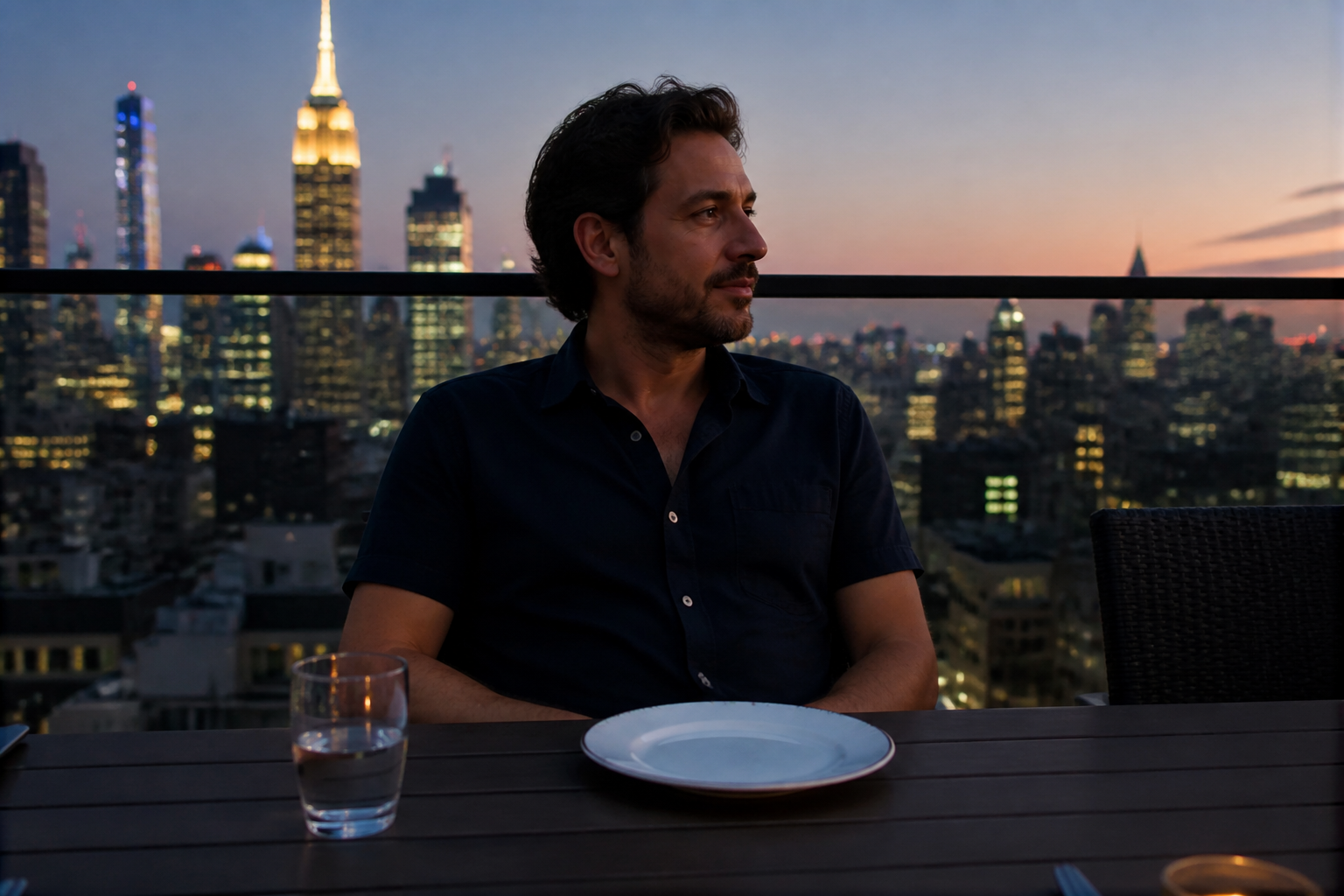 BEFORE
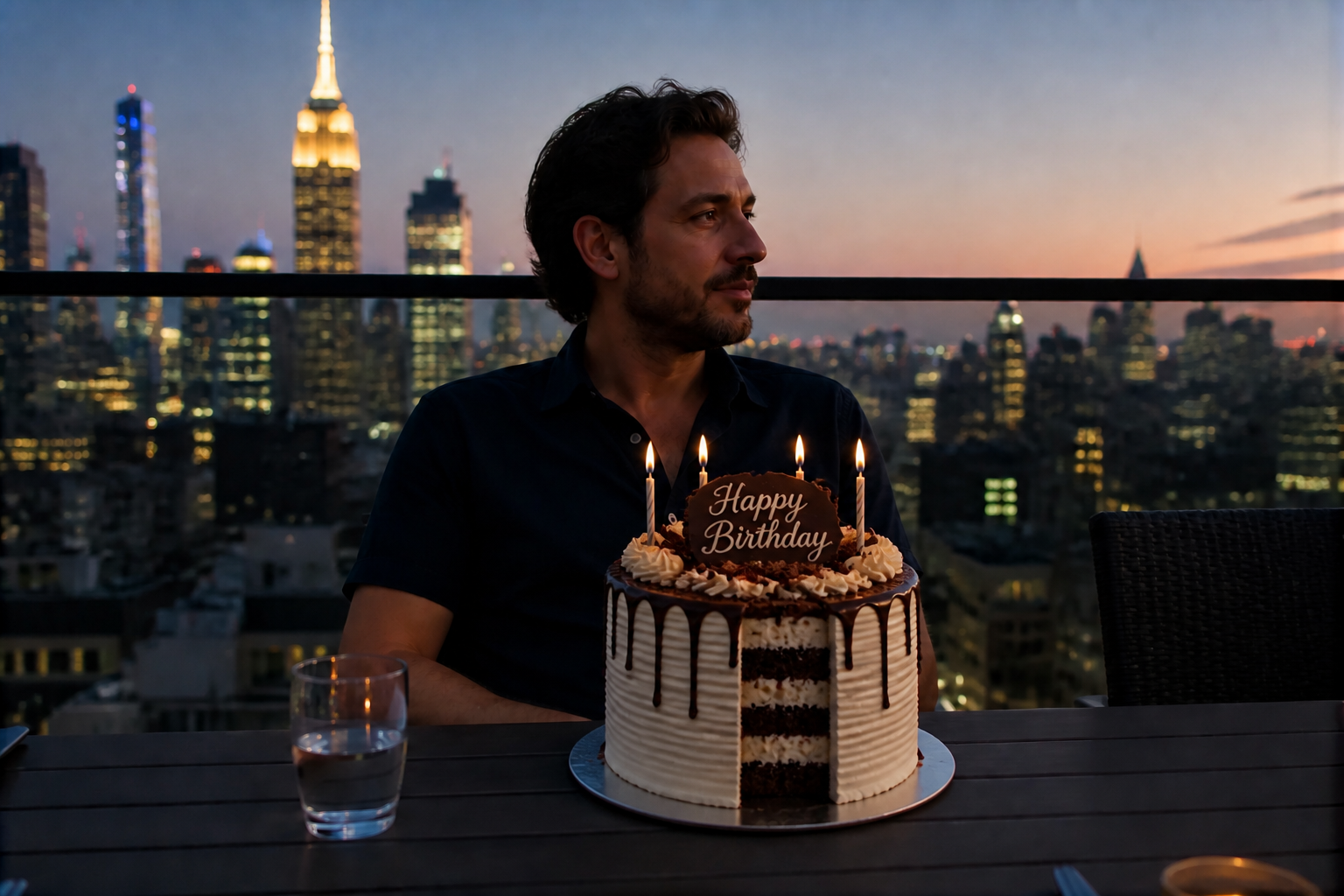 AFTERBEFOREAFTERBEFOREAFTERBEFOREAFTERBEFOREAFTERBEFOREAFTER
Key Features
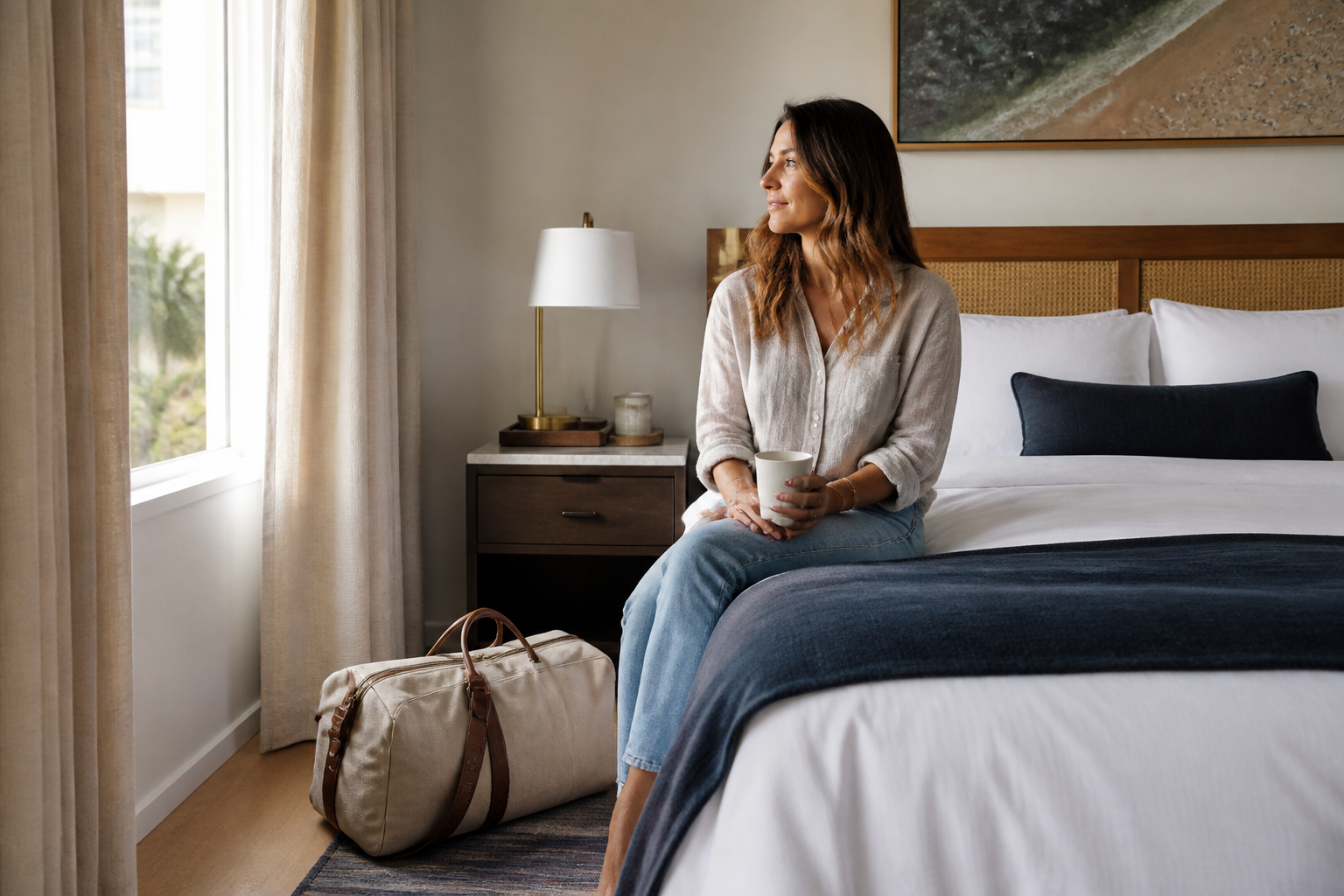
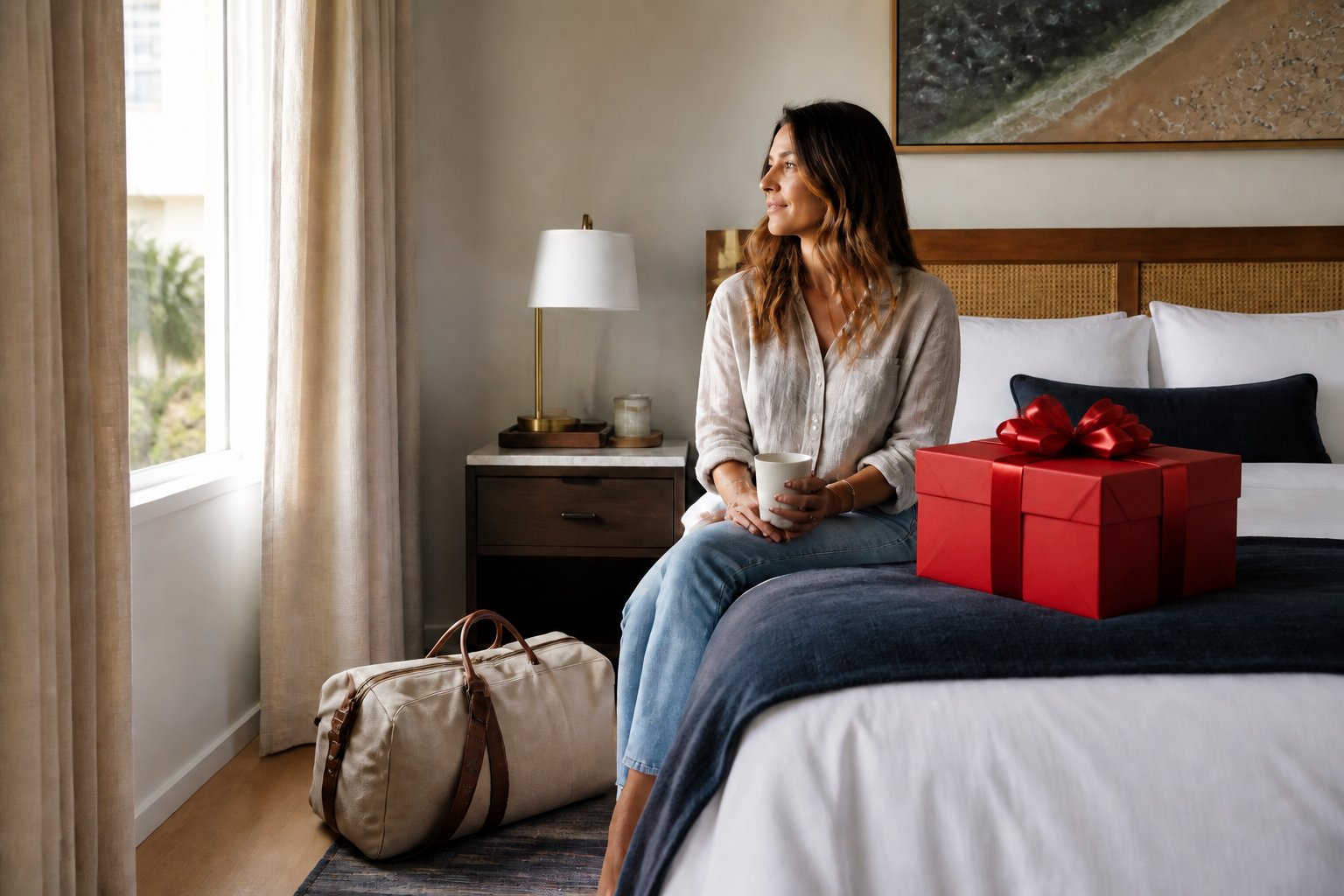
Add objects that stand out
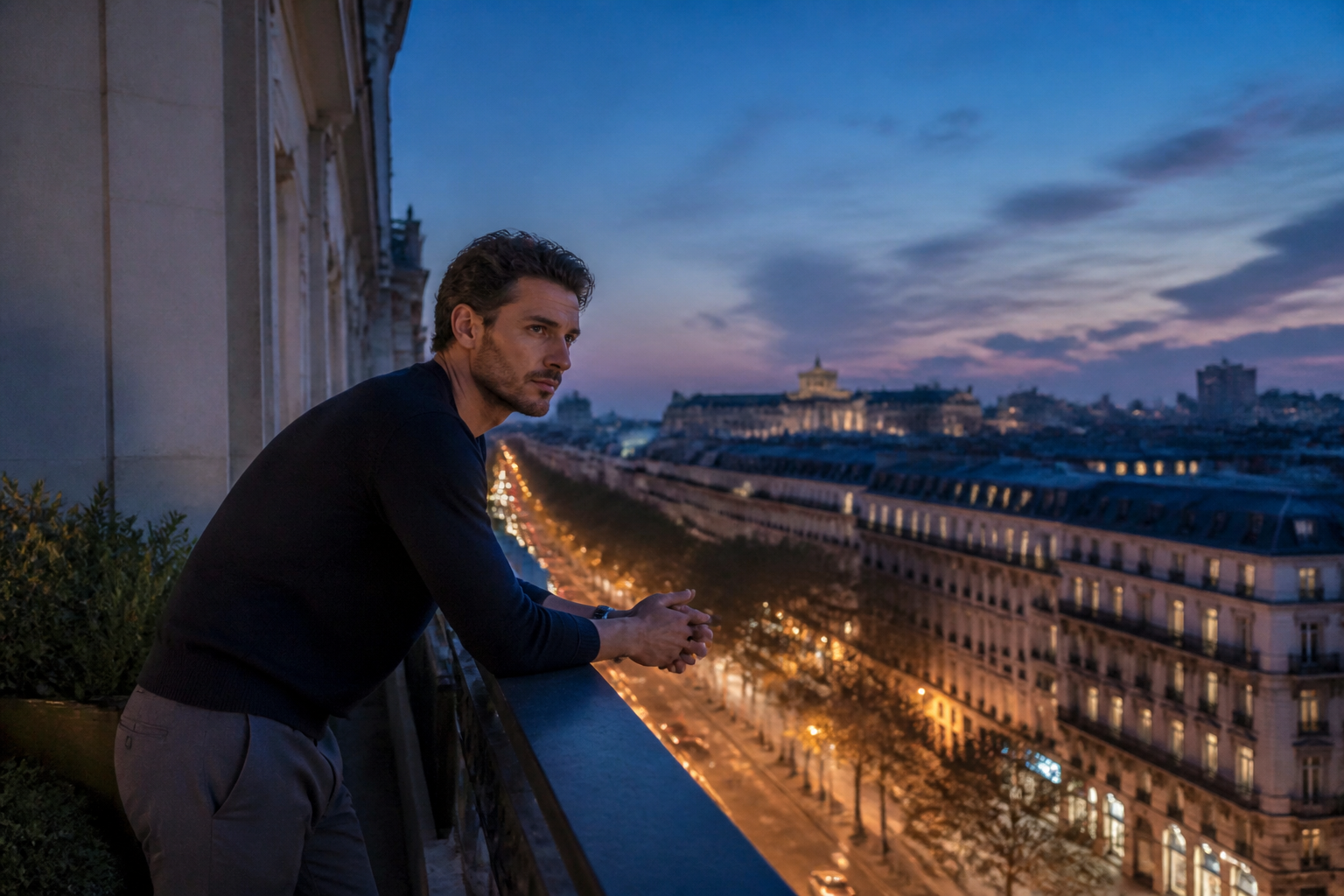
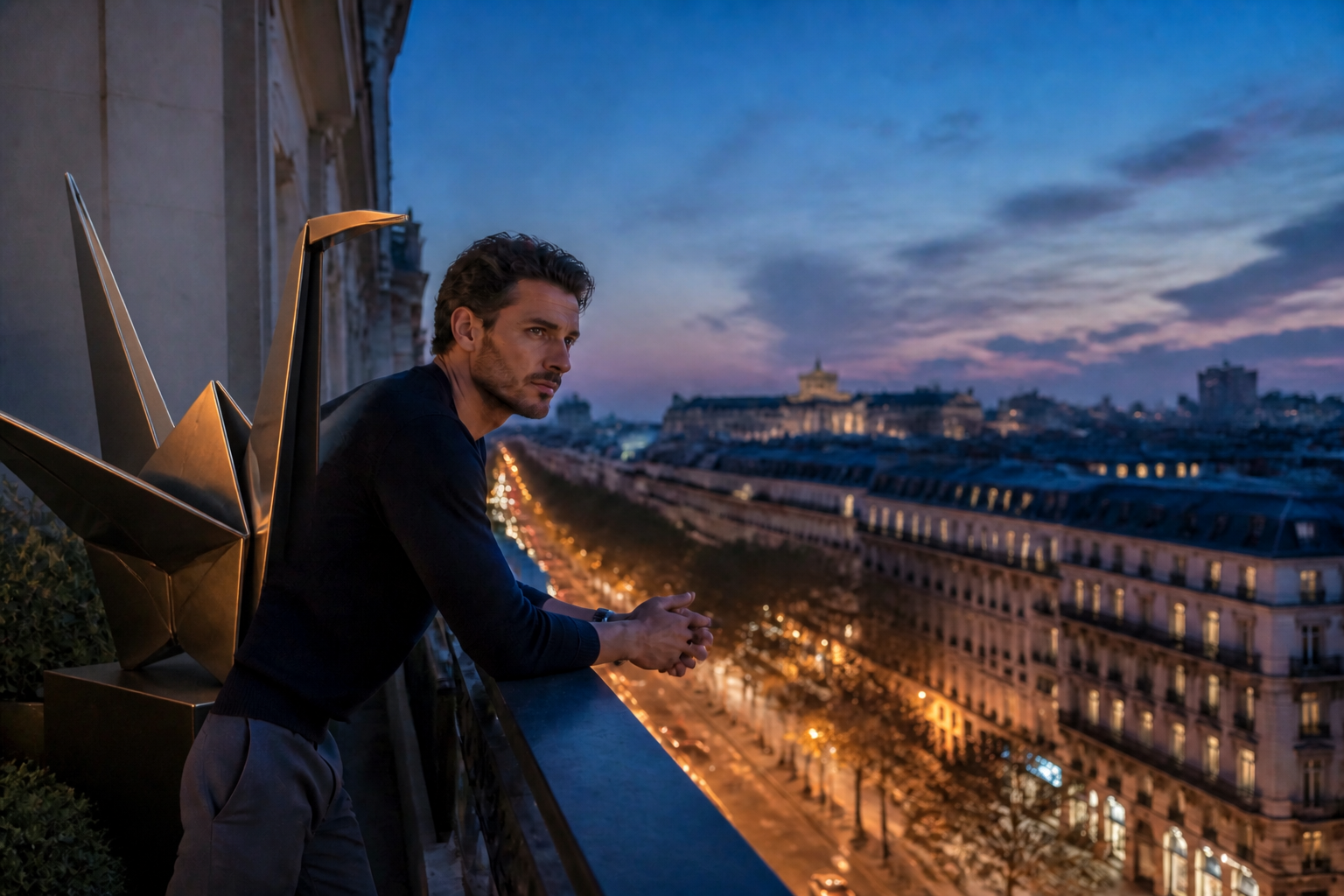
This tool is built for visible edits, not tiny changes that are hard to notice. You can place a new object into a scene and make it read clearly at a glance. That matters for product mockups, creative concepts, and social posts where the change needs to be obvious. Doing this manually usually means masking, perspective fixes, and shadow work across several steps.


Match scene lighting and angle
A new object looks wrong fast when the lighting, scale, or camera angle does not fit. Our AI aims to place the object so it belongs in the scene instead of floating on top of it. That gives you a cleaner first draft with less correction afterward. It is faster than manually compositing stock assets and trying to blend them by hand.

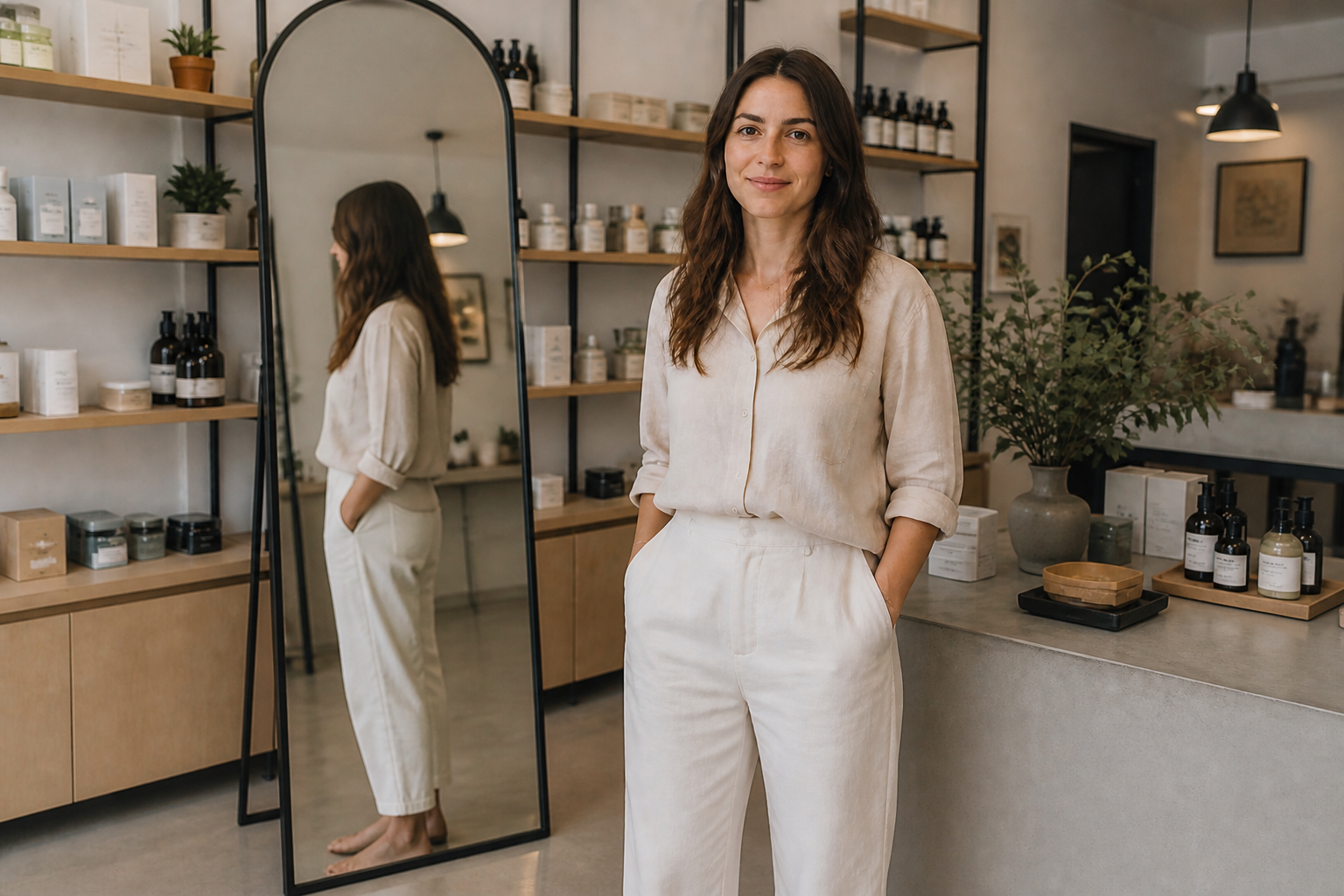
Keep the rest unchanged
When you add an object, you usually want the people, layout, and mood to stay the same. This edit style focuses the change on the requested addition while preserving the original composition. That makes comparisons cleaner and helps you iterate without redoing the whole image. It is especially useful when testing multiple object ideas on one base photo.
Work across photo styles
You can use the same core instruction across lifestyle scenes, interiors, travel shots, and more stylized outputs. The tool is flexible enough for realistic object placement or more graphic, artistic additions when needed. That range is useful if you create ad concepts, moodboards, or social variations from one idea. Manual workflows usually require different assets and techniques for each style.
How It Works
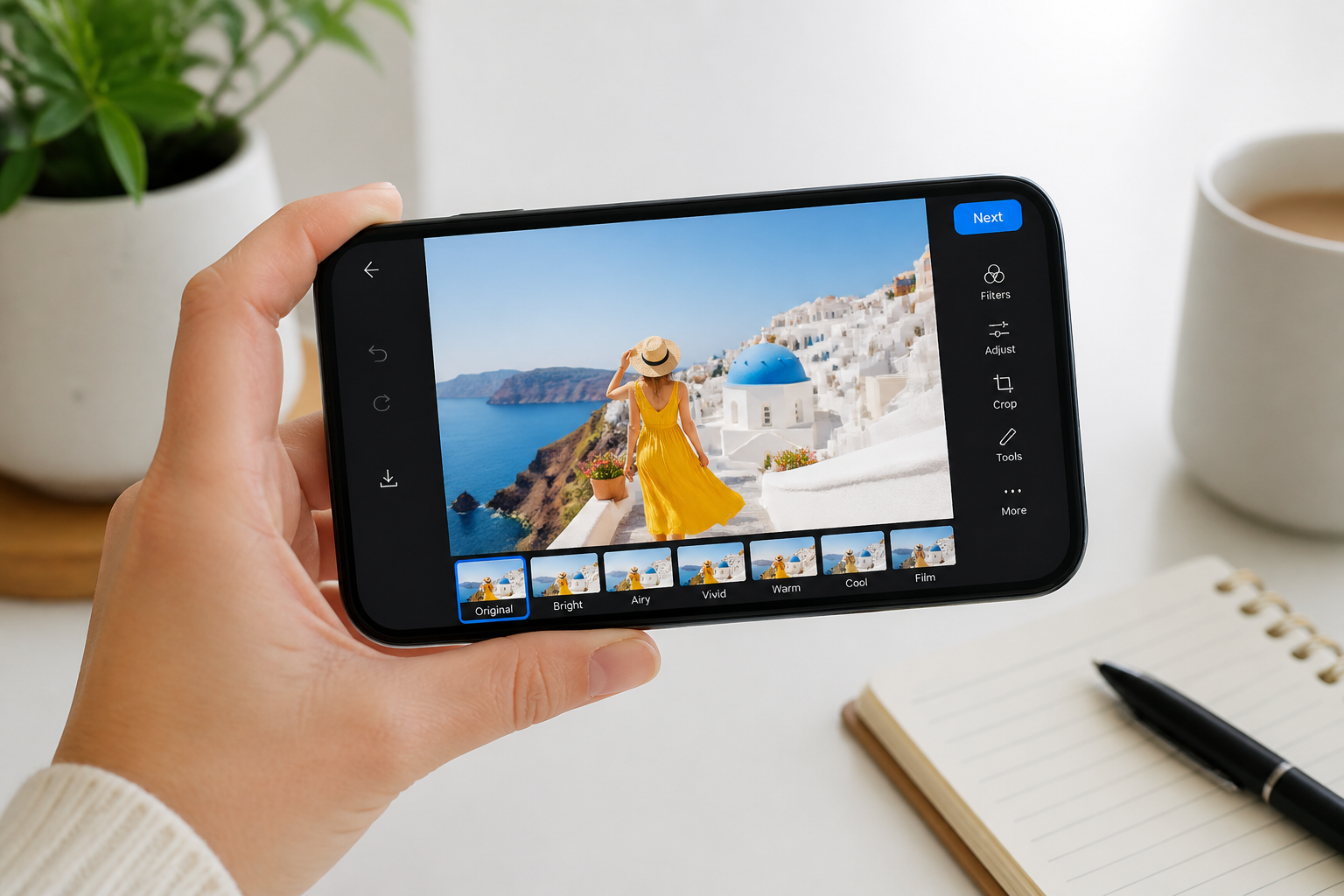
Upload your image
Start with the photo you want to edit. Pick an image where the scene is clear and there is enough space for the new object to be placed naturally.
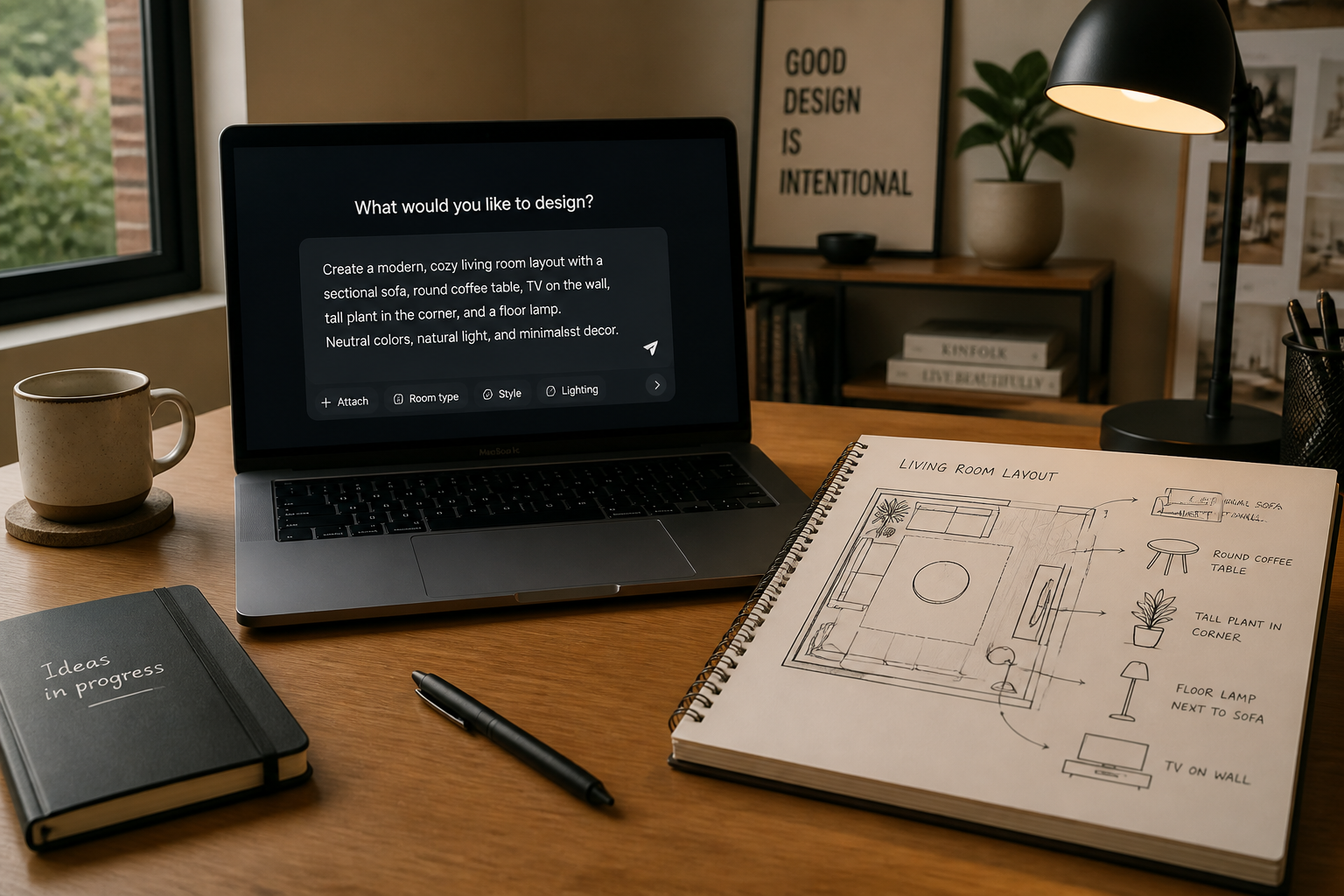
Describe the object
Tell our AI what to add and where it should appear. Be direct about the object, size, placement, and whether you want it to be bold or subtle in the scene.
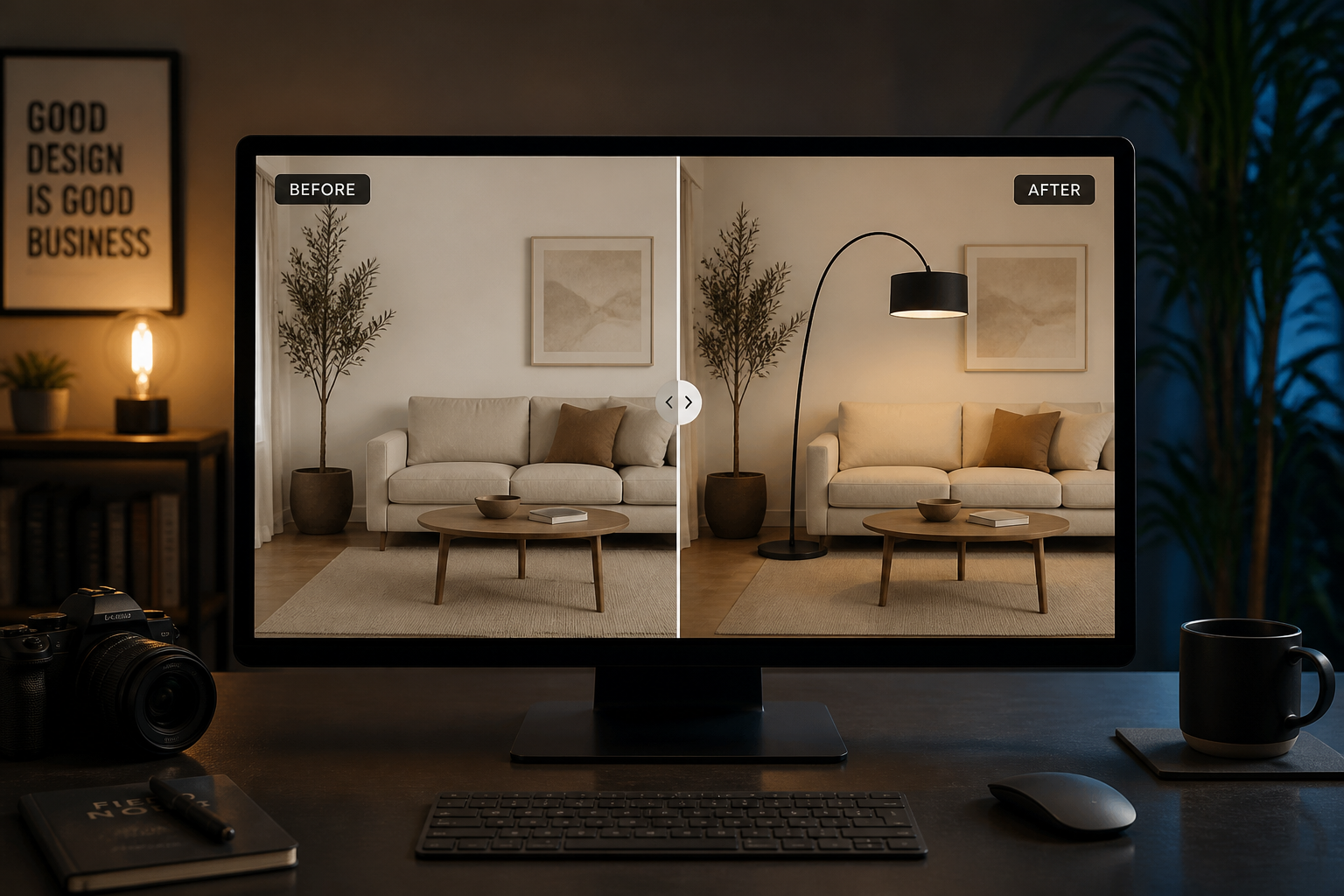
Review and refine
Compare the original and edited versions side by side. If needed, adjust your prompt to change the object size, position, or style and run another version.
Perfect For
Discover how creators and professionals use ai add object to image
Product concept mockups
Place furniture, decor, packaging, or props into real scenes to test ideas before a shoot or purchase.
Social content variations
Add eye-catching objects that make thumbnails easier to read and help posts feel fresh without rebuilding the image.
Listing and staging previews
Show how a room or outdoor area could look with added items like chairs, plants, lamps, or tables.
Creative storytelling
Insert symbolic or playful objects into portraits and lifestyle photos to create a stronger visual hook.
Built For
Creators and marketers
Quickly test visual ideas for ads, posts, thumbnails, and campaign concepts without a full design workflow.
Online sellers and stagers
Add objects to product or room photos to preview layouts, bundles, and merchandising ideas.
Everyday photo editors
Make a photo more interesting by dropping in a new item that feels like part of the original shot.
Why use it for object insertion
A quick look at how we compare on the things that matter for this niche.
| Feature | BudgetPixel | Generic AI editors | Manual editing apps |
|---|---|---|---|
| Add an object to an existing photo | ✓ | ✓ | ✓ |
| Before/after workflow | ✓ | — | — |
| Prompt-based object placement | ✓ | ✓ | — |
| Fast concept variations | ✓ | ✓ | — |
| Manual masking required | — | — | ✓ |
Frequently Asked Questions
What kinds of objects can I add to an image?
Will the rest of my photo stay the same?
How do I make the added object more obvious?
Can I add objects to portraits and indoor scenes?
Do I need editing skills to use it?
Create together.
Share your creations, discover trending AI art, and grow with fellow creators.