AI Image Inpainting Tool for Fast, Precise Edits
Replace, remove, or repair parts of any image without rebuilding the whole scene.
This AI Image Inpainting Tool lets you edit only the part of the image you want to change. Remove clutter, swap objects, fix damaged areas, or clean up product and lifestyle photos while keeping lighting, perspective, and the rest of the scene consistent.


Watch the Transformation
See ai image inpainting tool in motion — generated end-to-end by our AI.
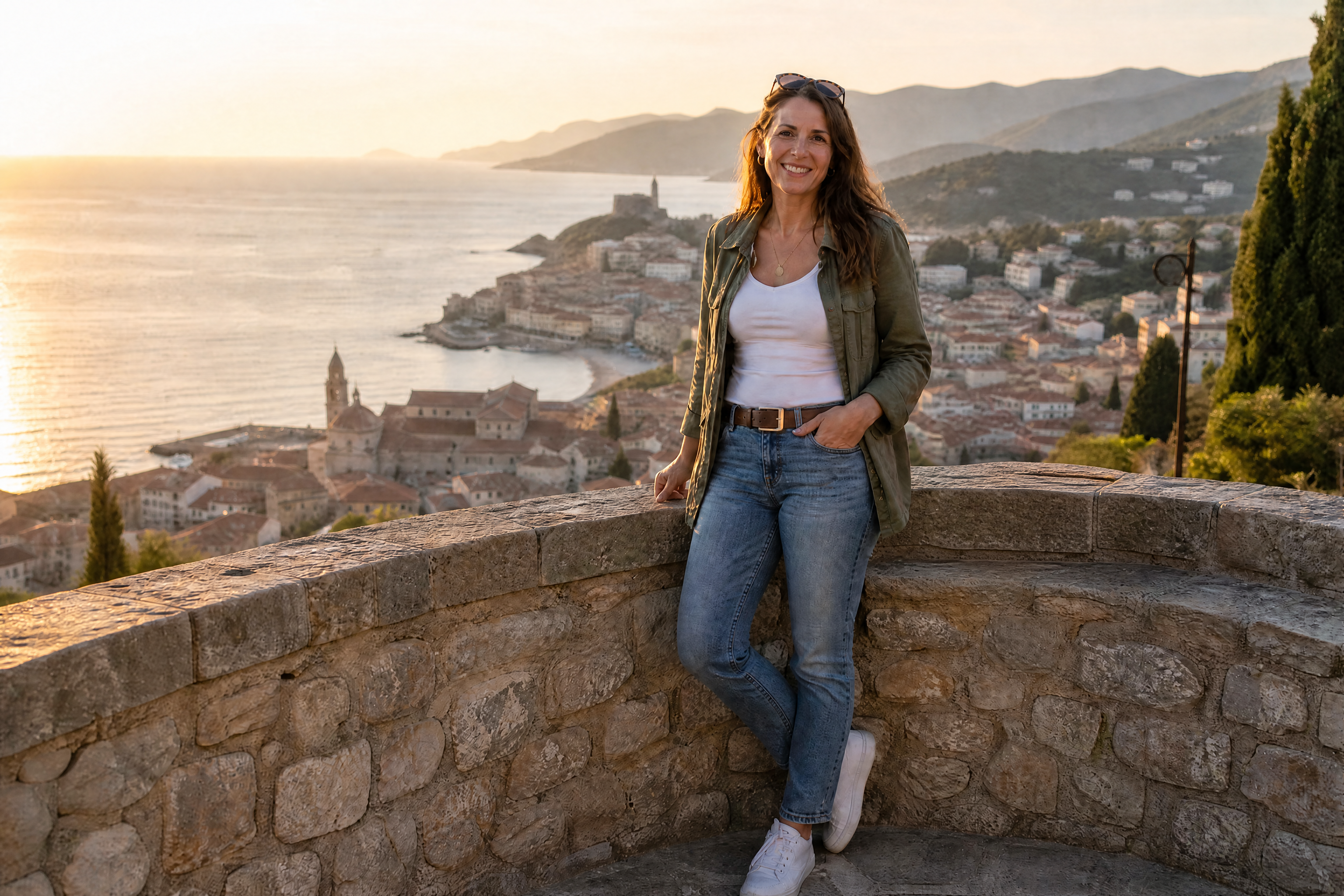
See It In Action
Real outputs from ai image inpainting tool.
BEFOREAFTER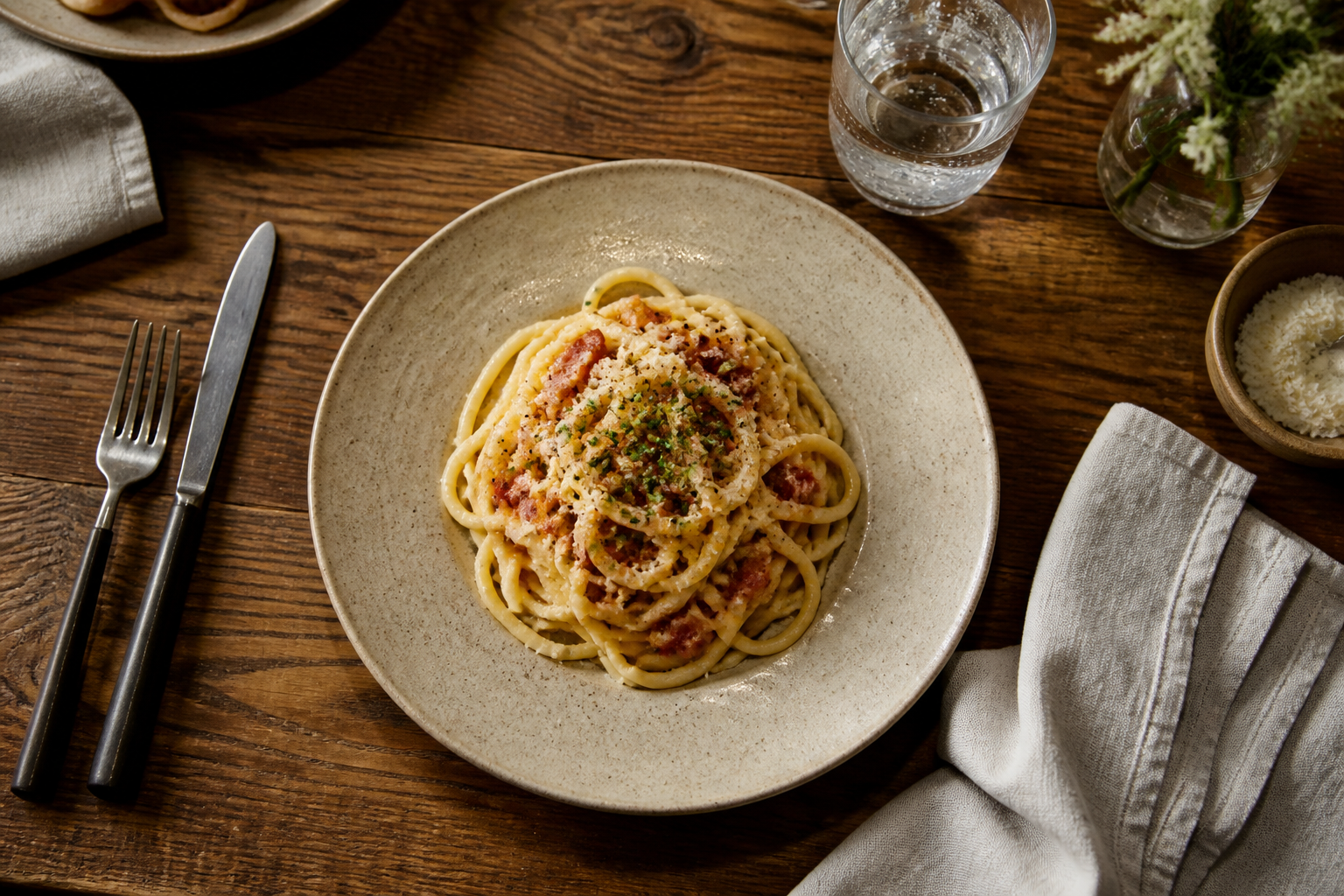 BEFORE
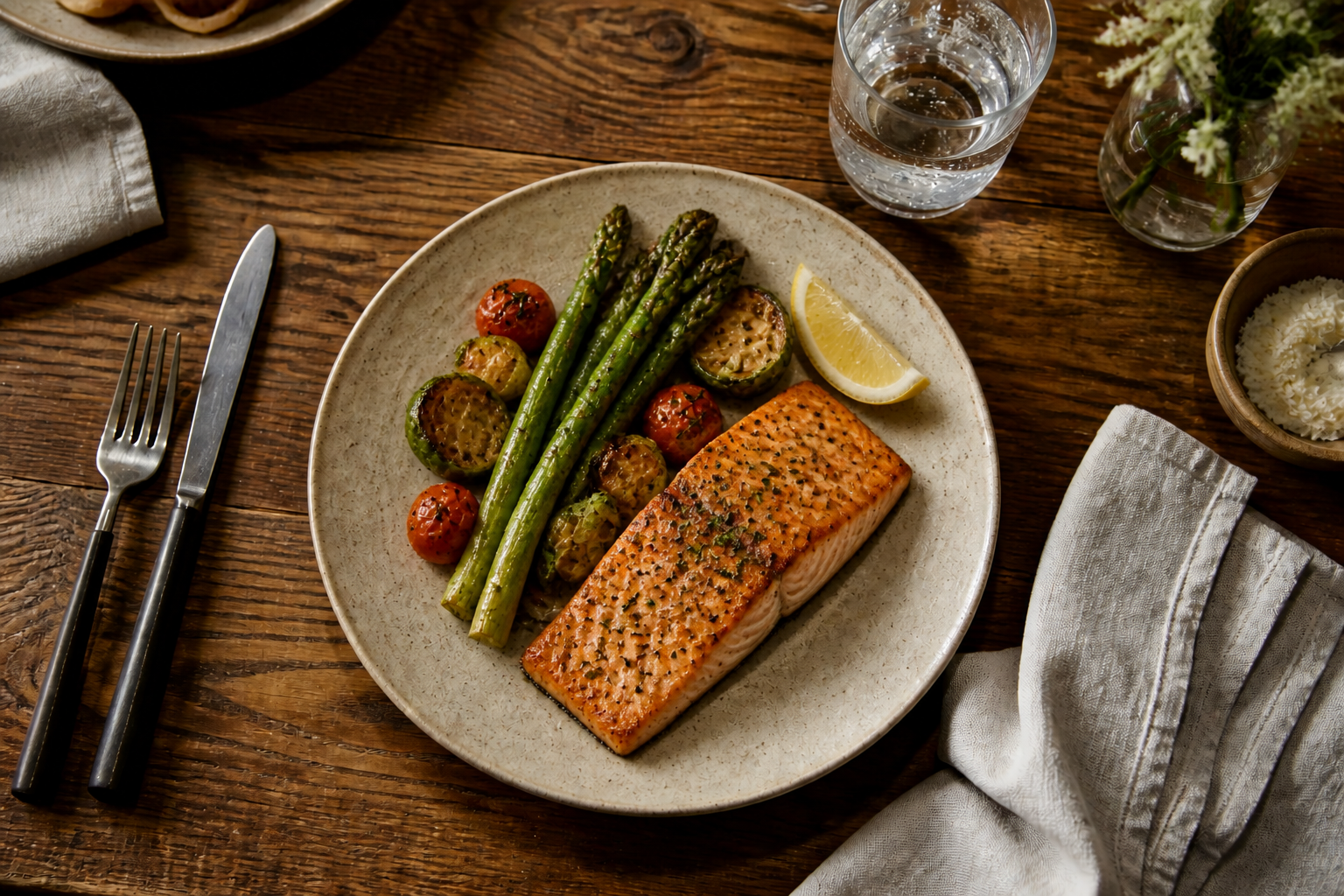 AFTER
AFTER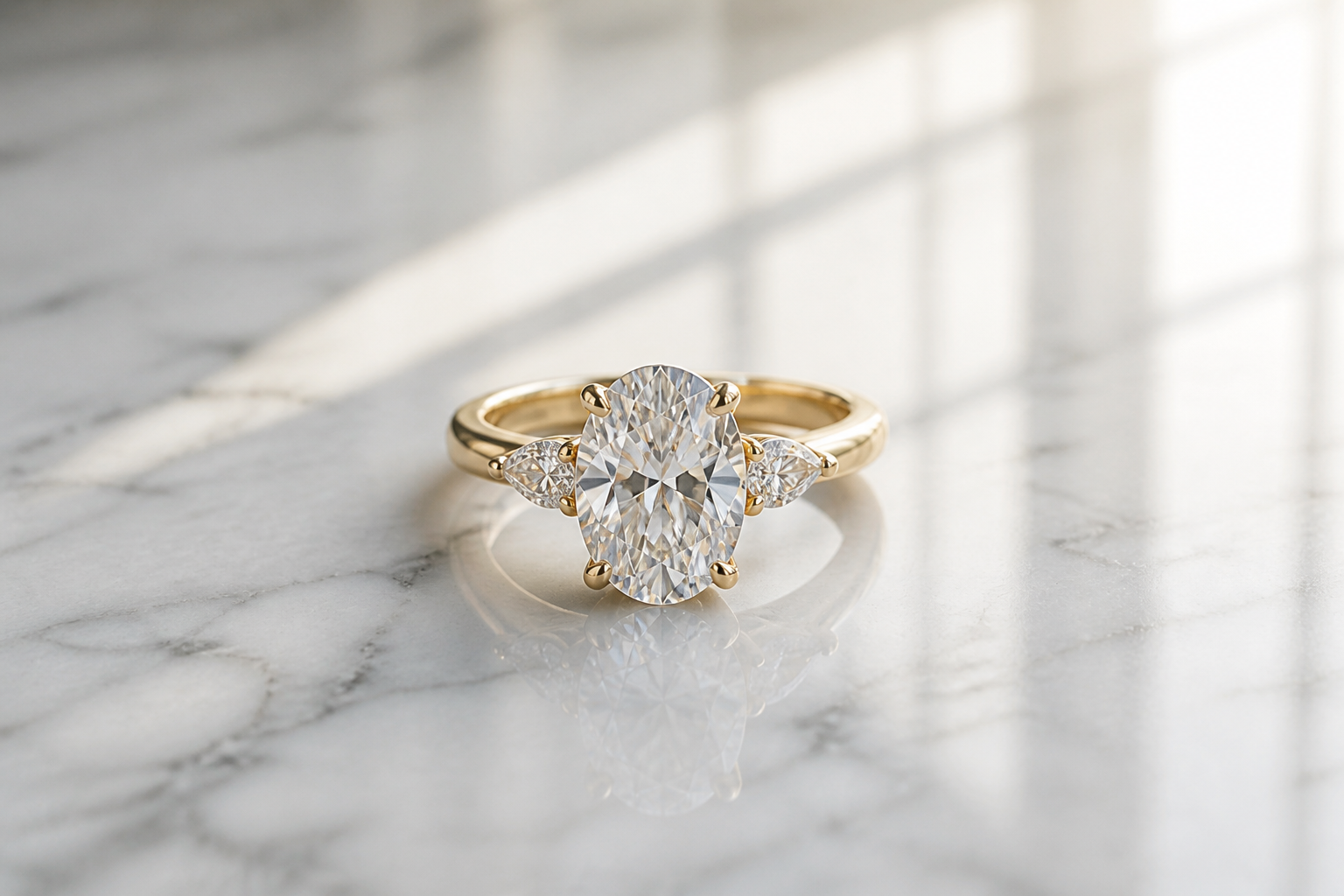 BEFORE
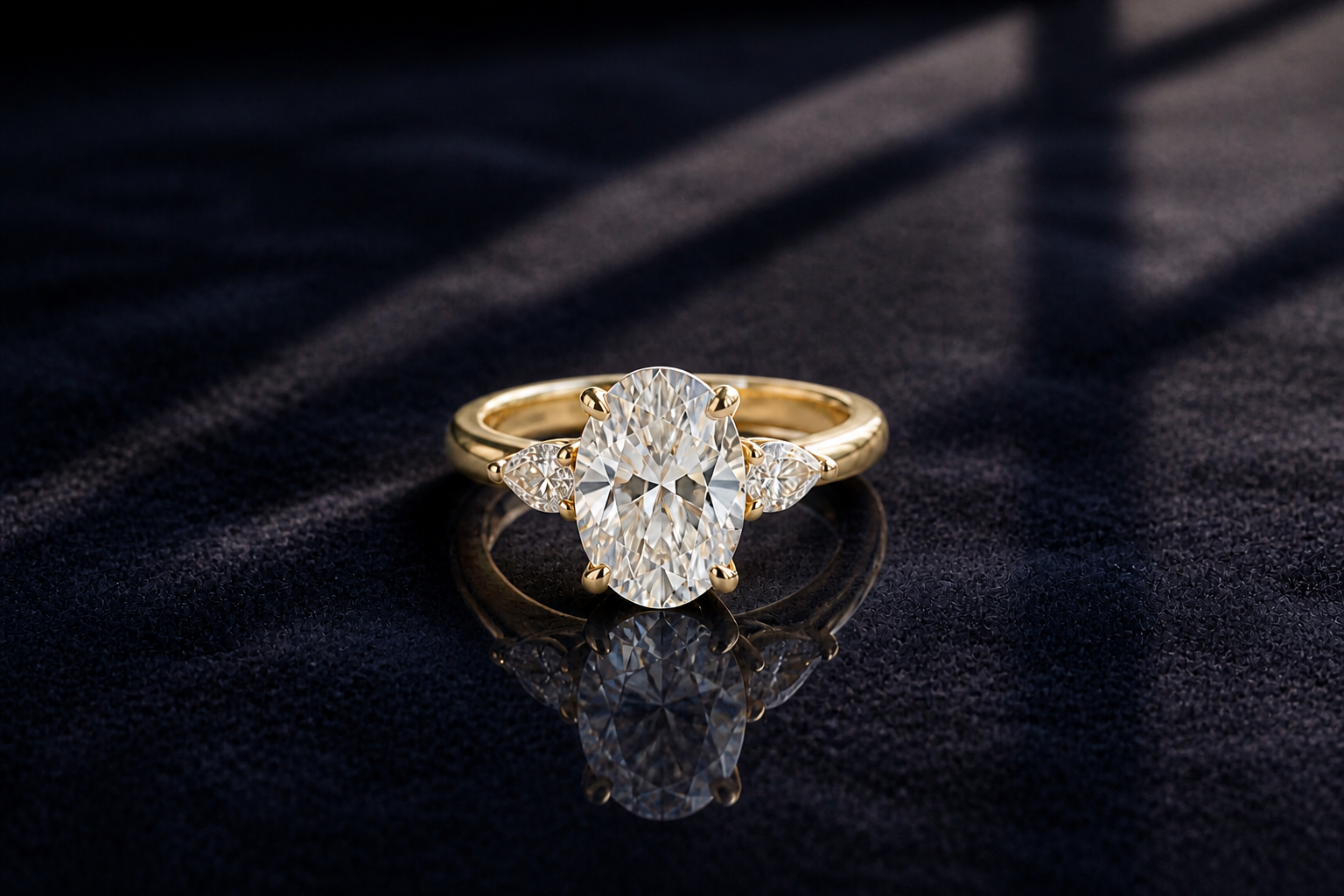 AFTER
AFTER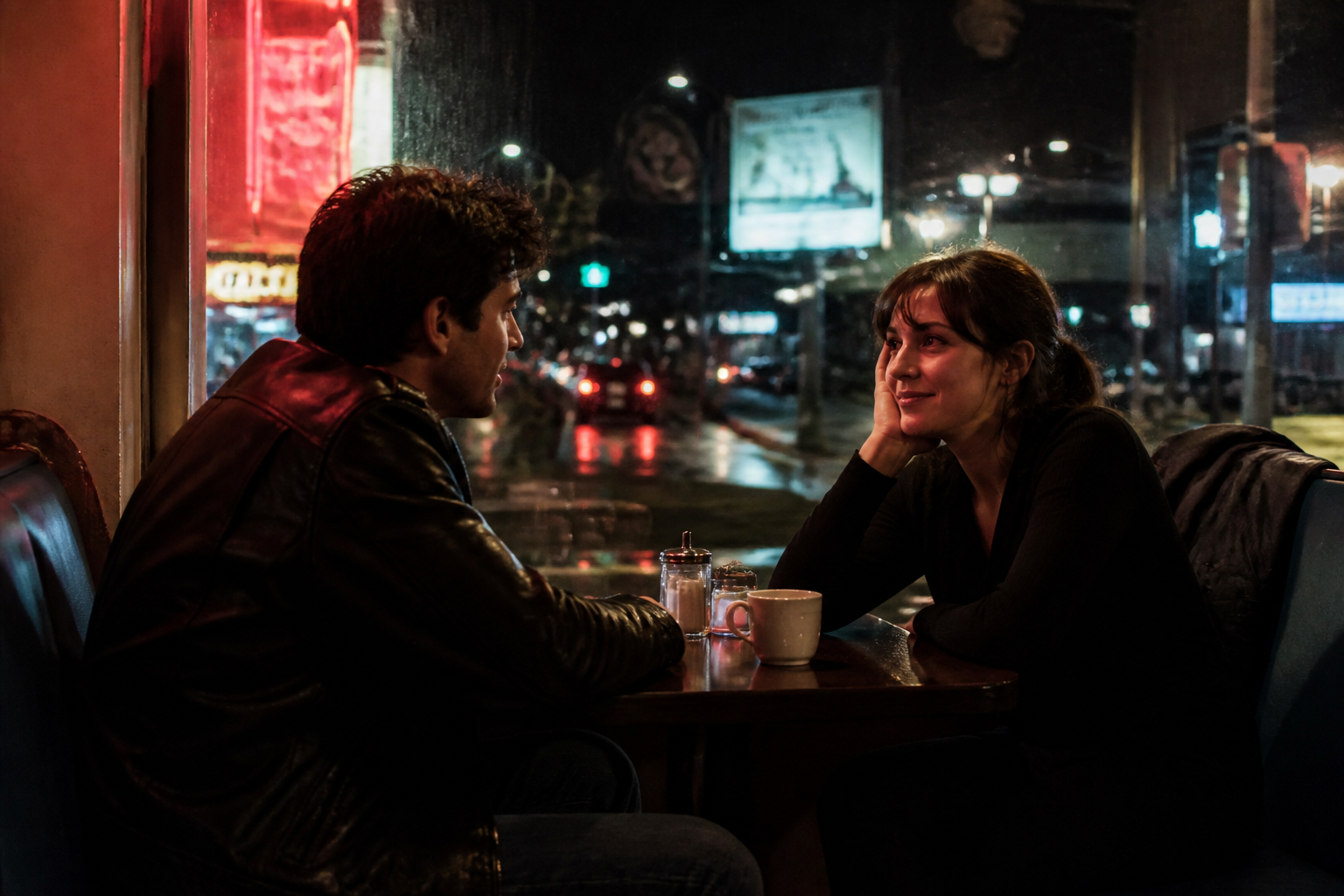 BEFORE
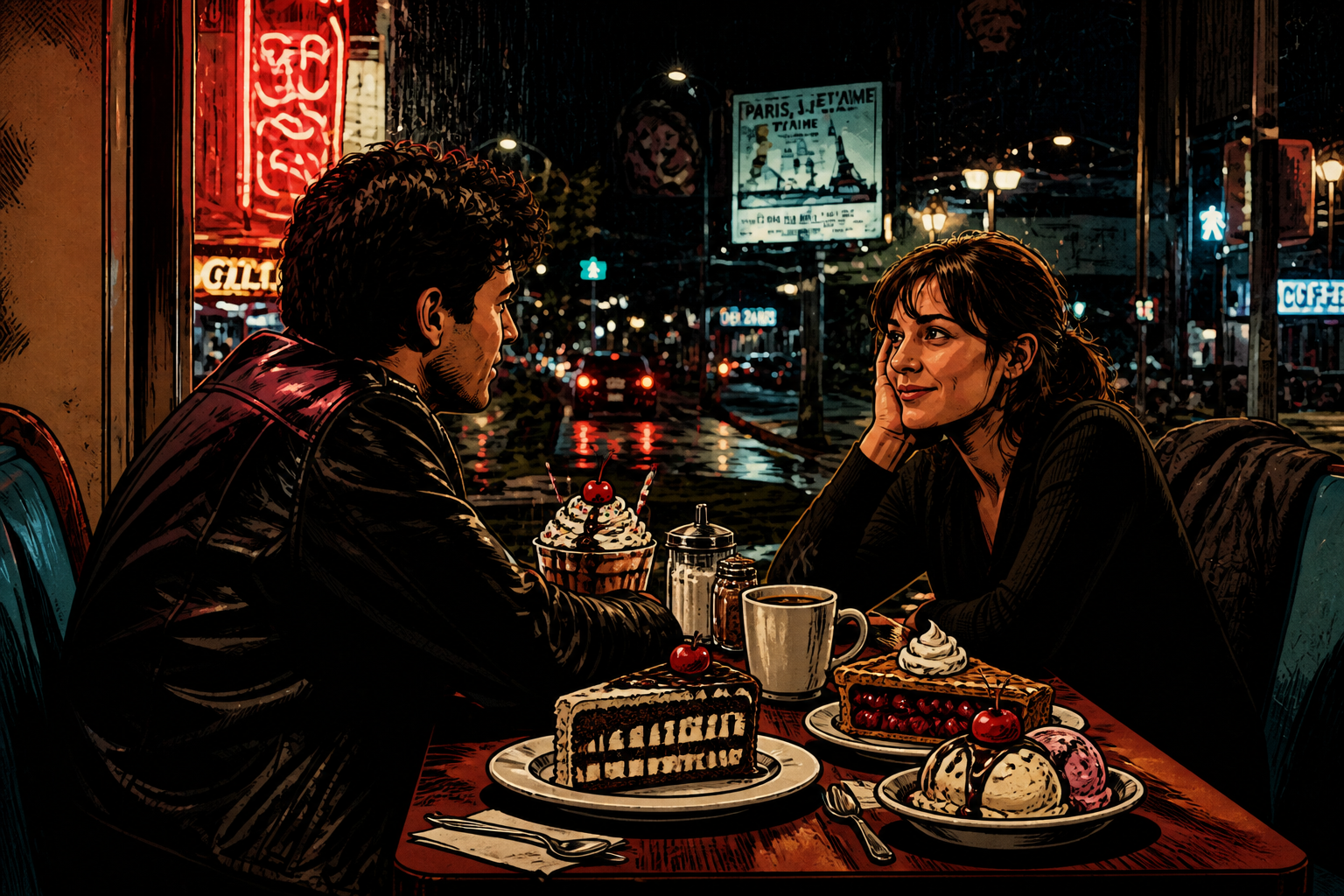 AFTER
AFTER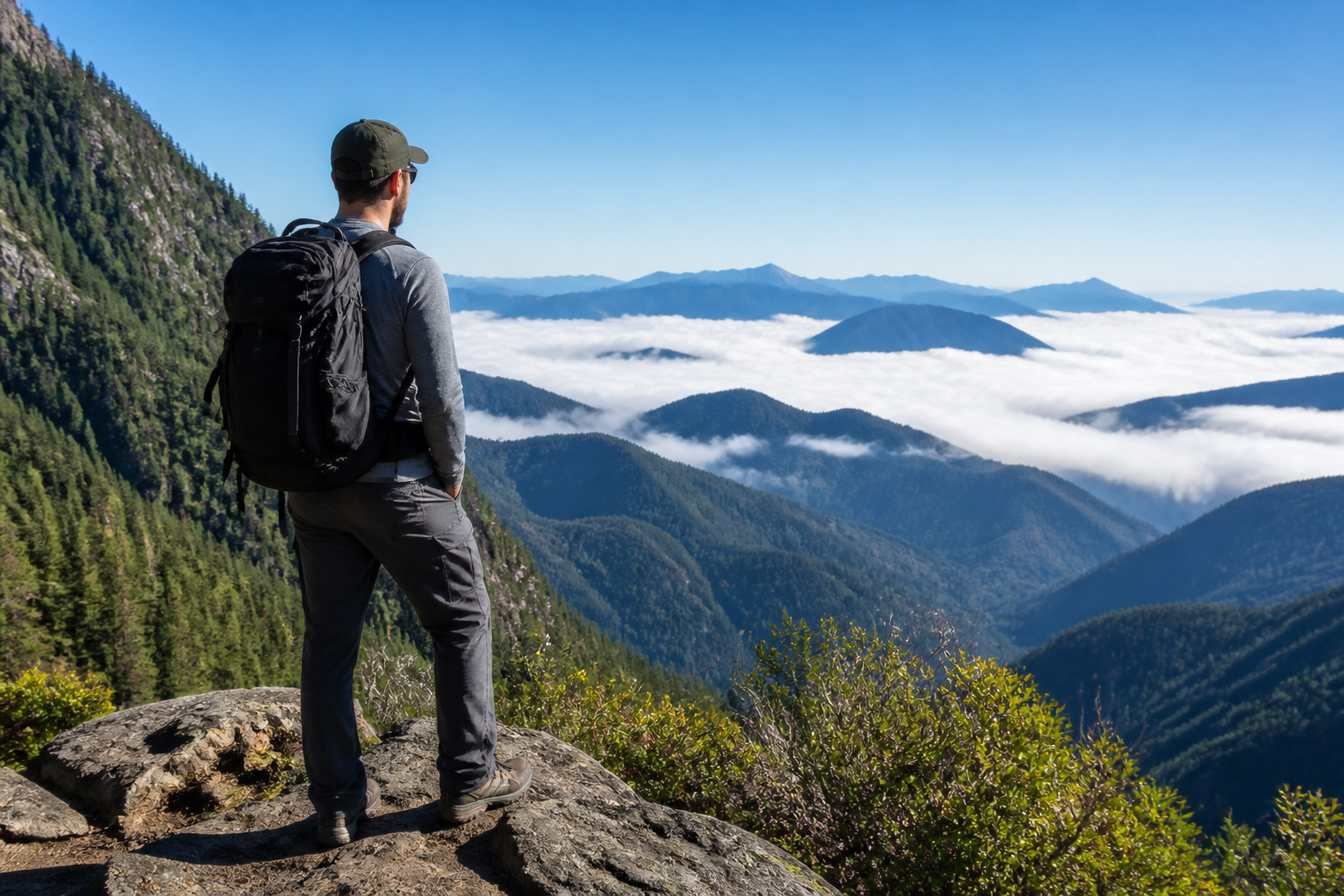 BEFORE
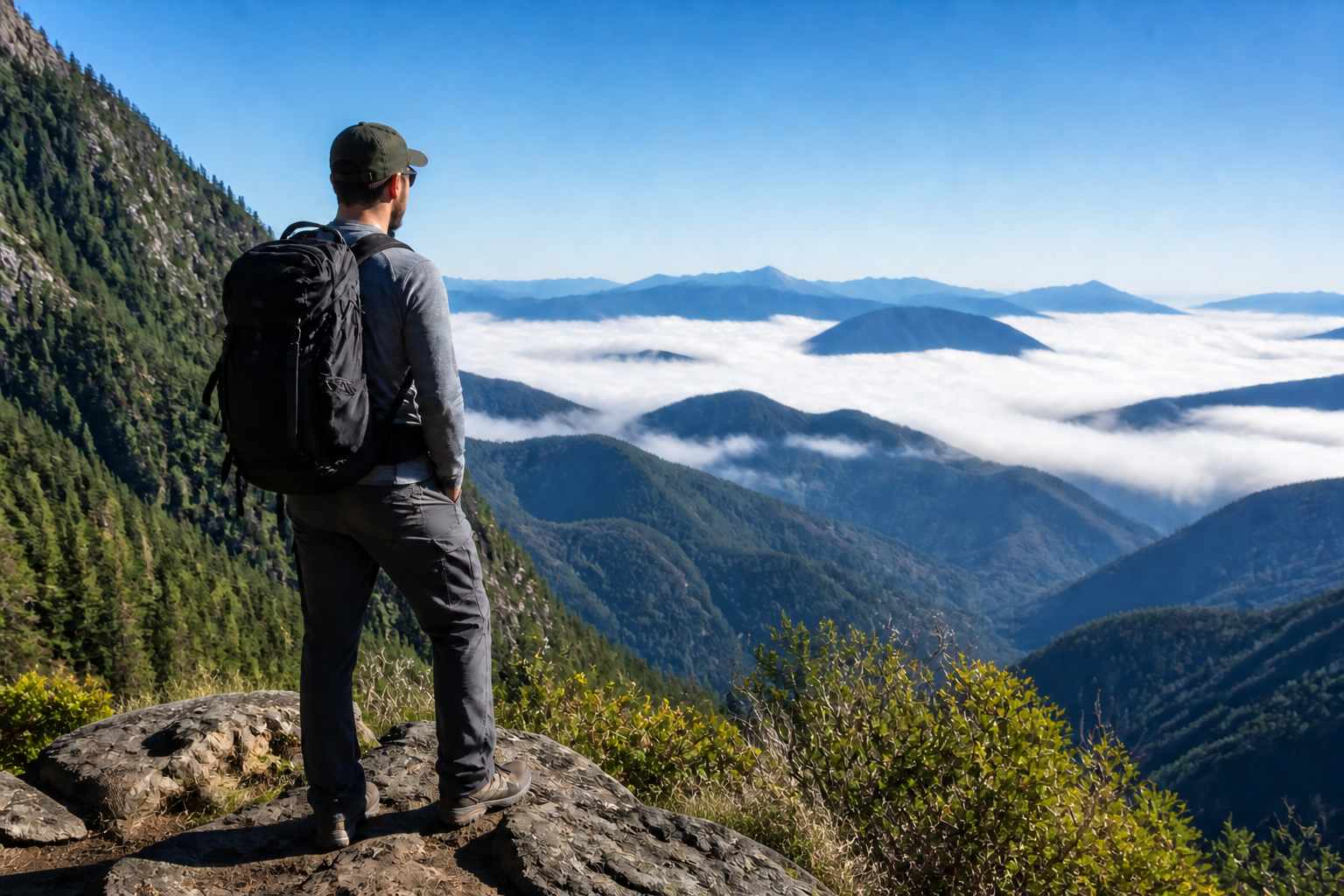 AFTERBEFOREAFTERBEFOREAFTERBEFOREAFTERBEFOREAFTERBEFOREAFTER
 BEFORE
 AFTER
AFTER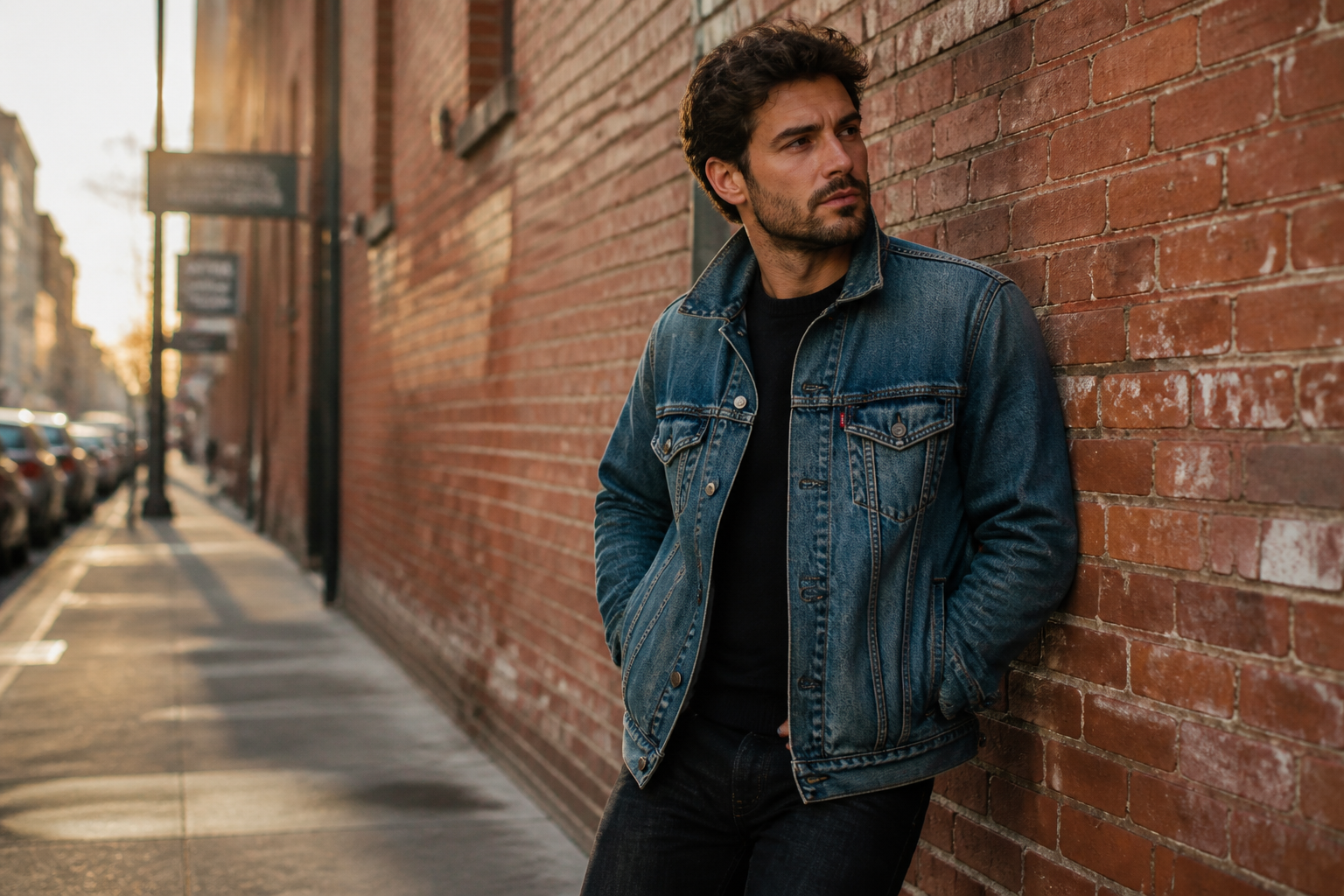 BEFORE
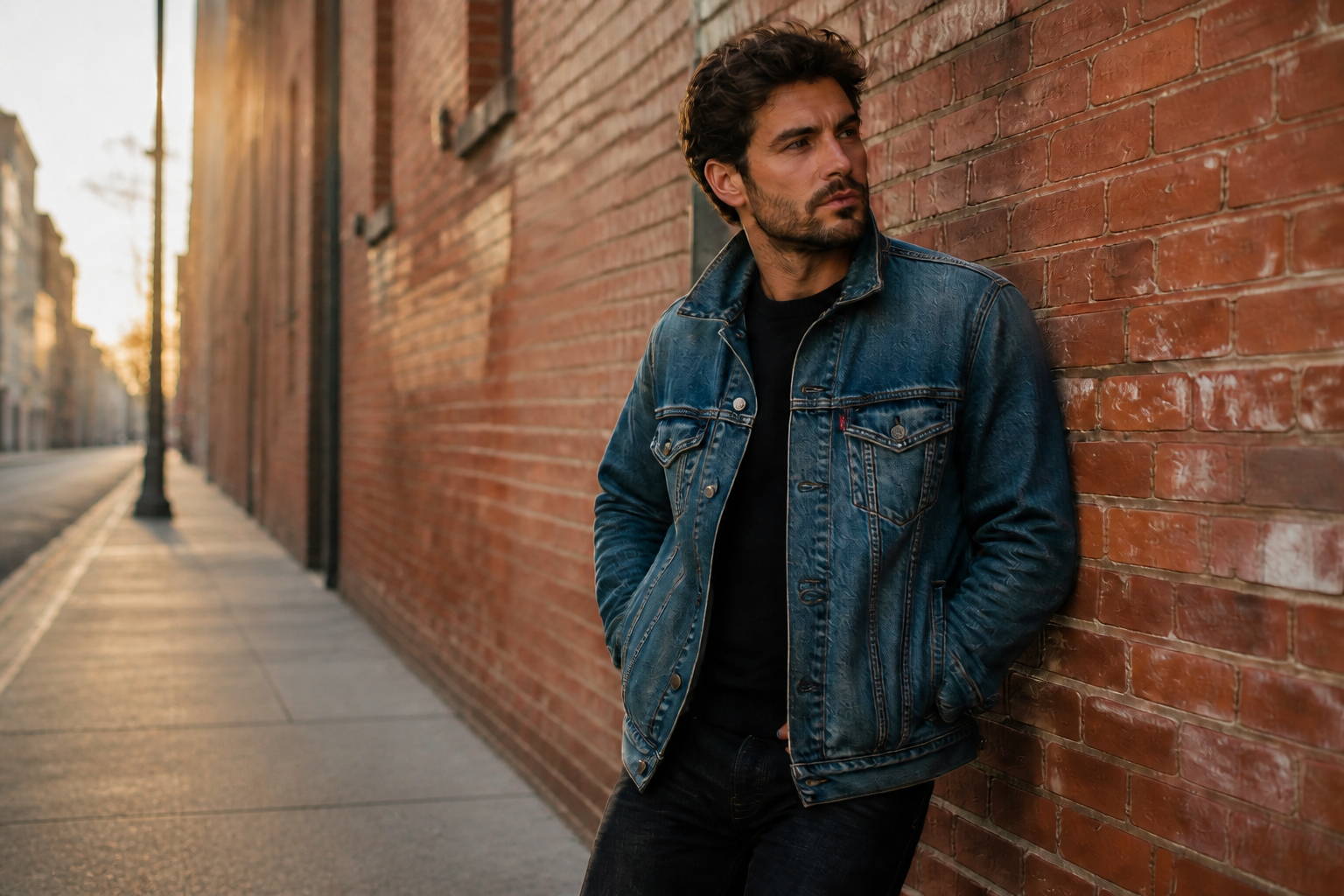 AFTER
AFTER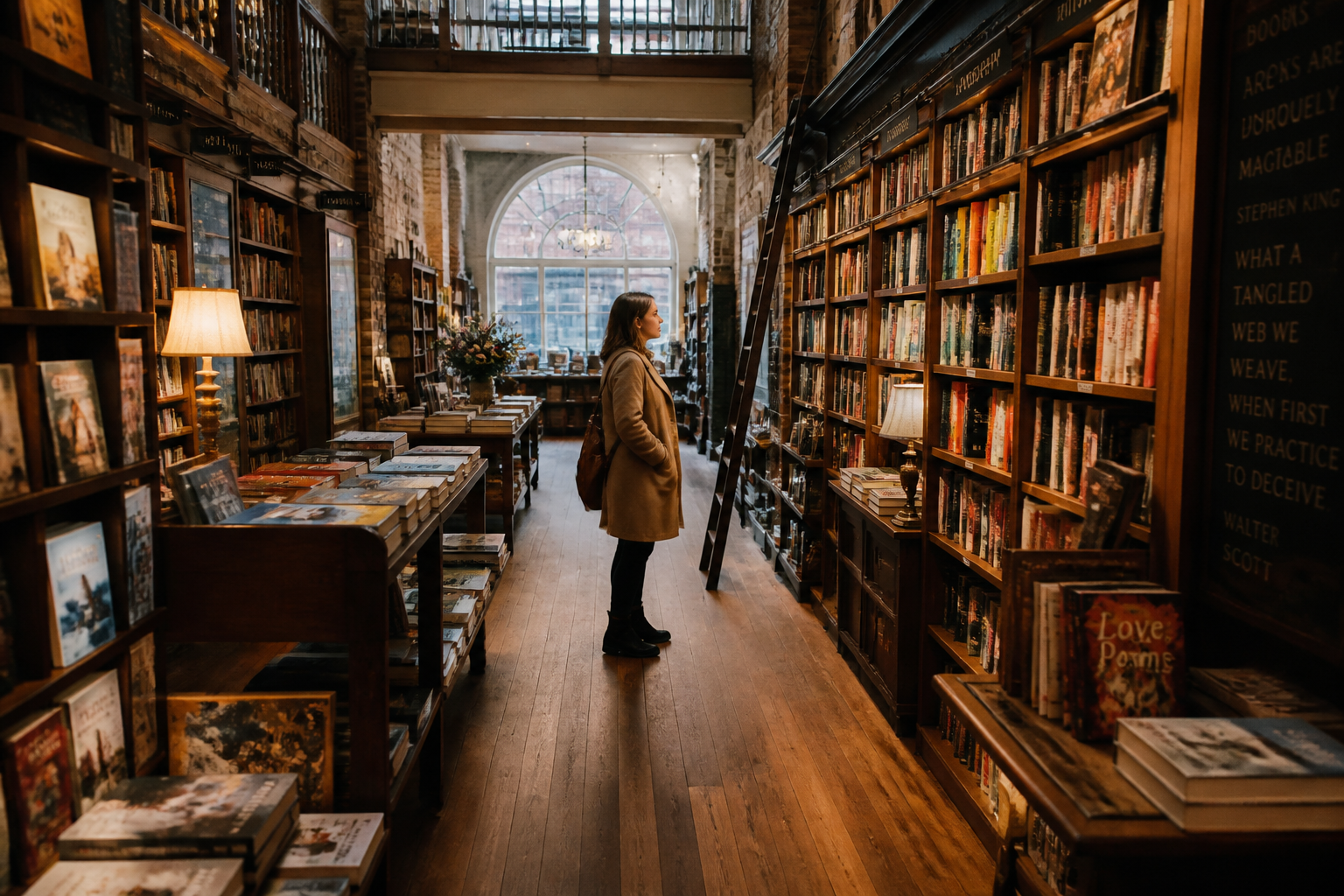 BEFORE
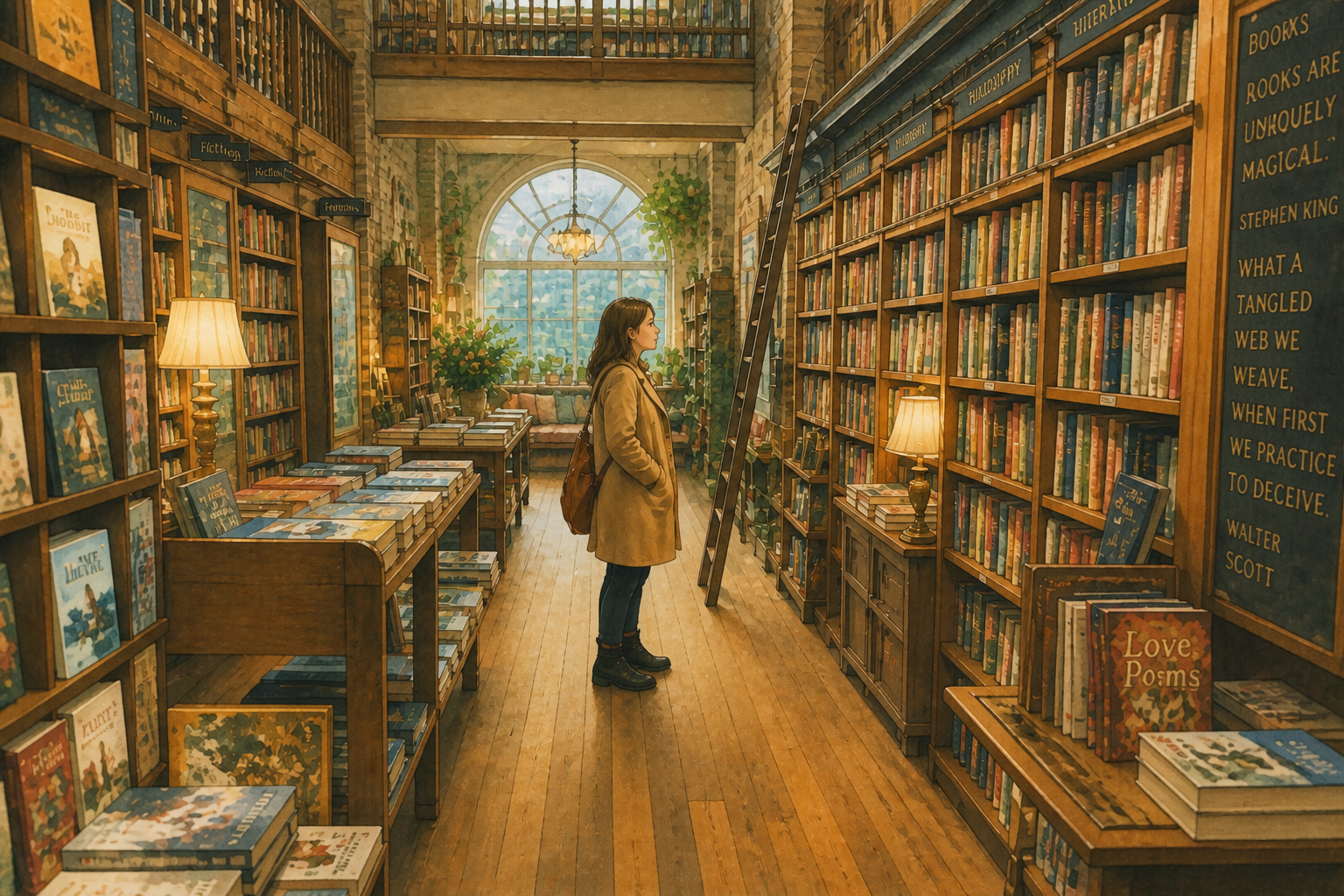 AFTER
AFTER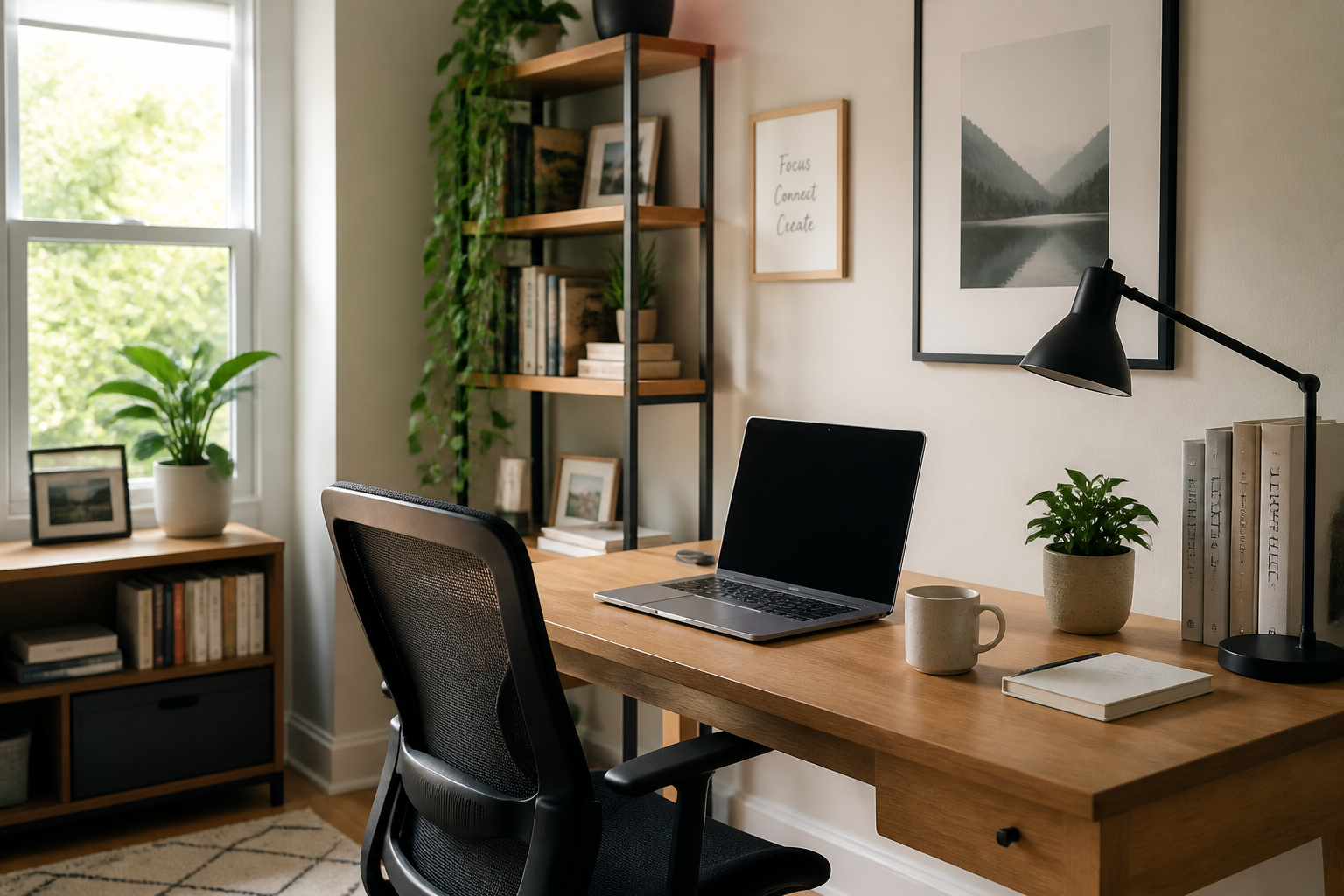 BEFORE
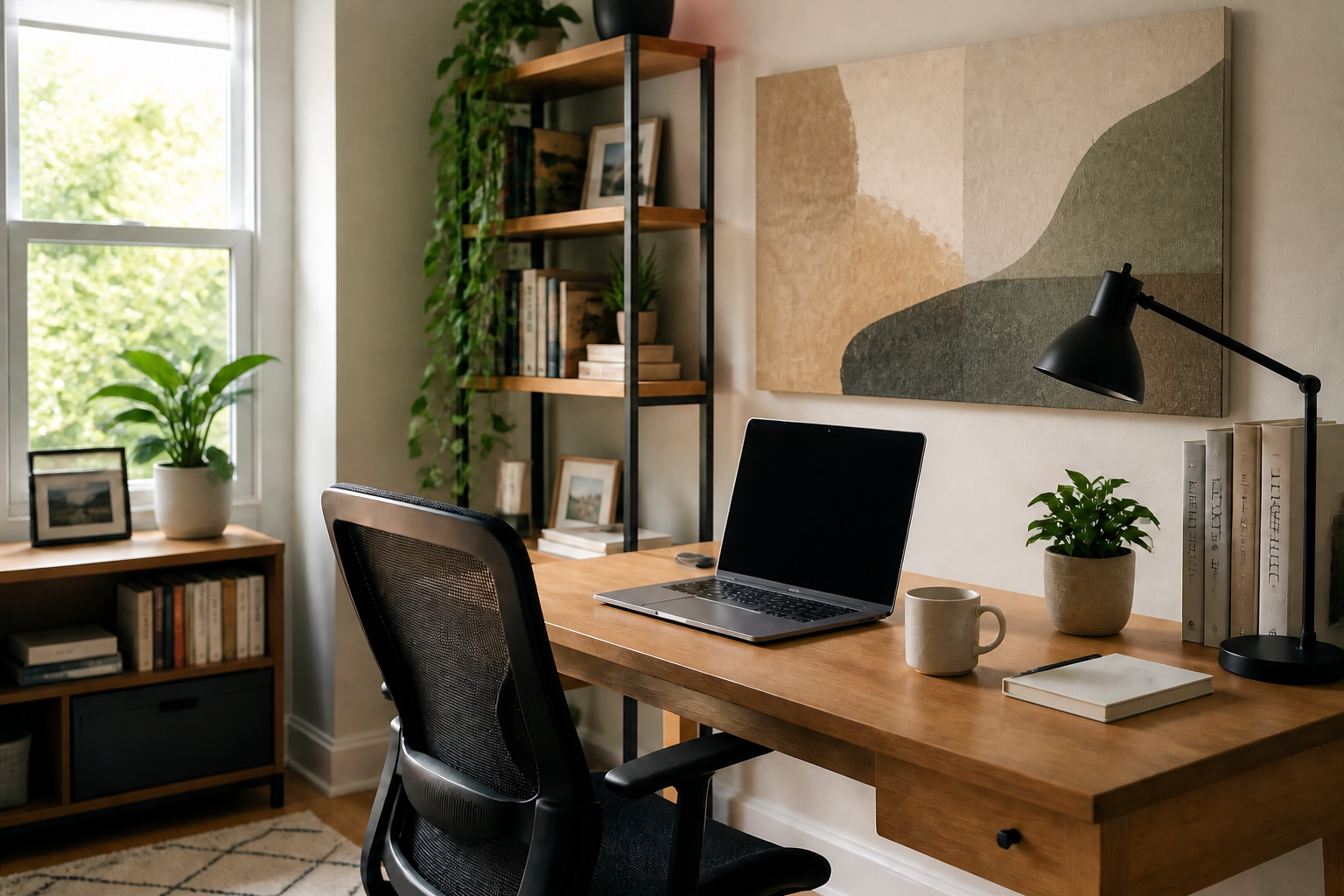 AFTER
AFTER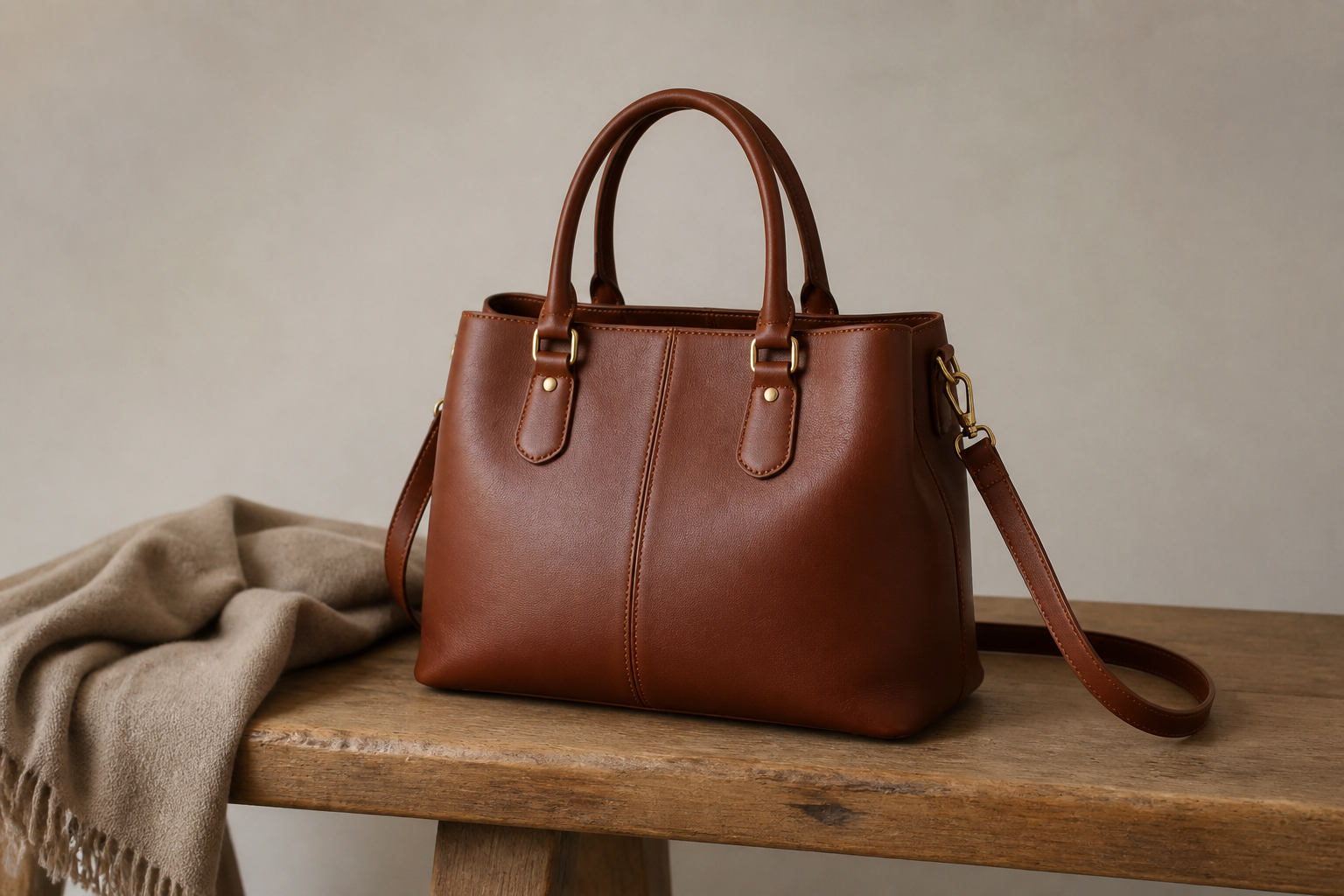 BEFORE
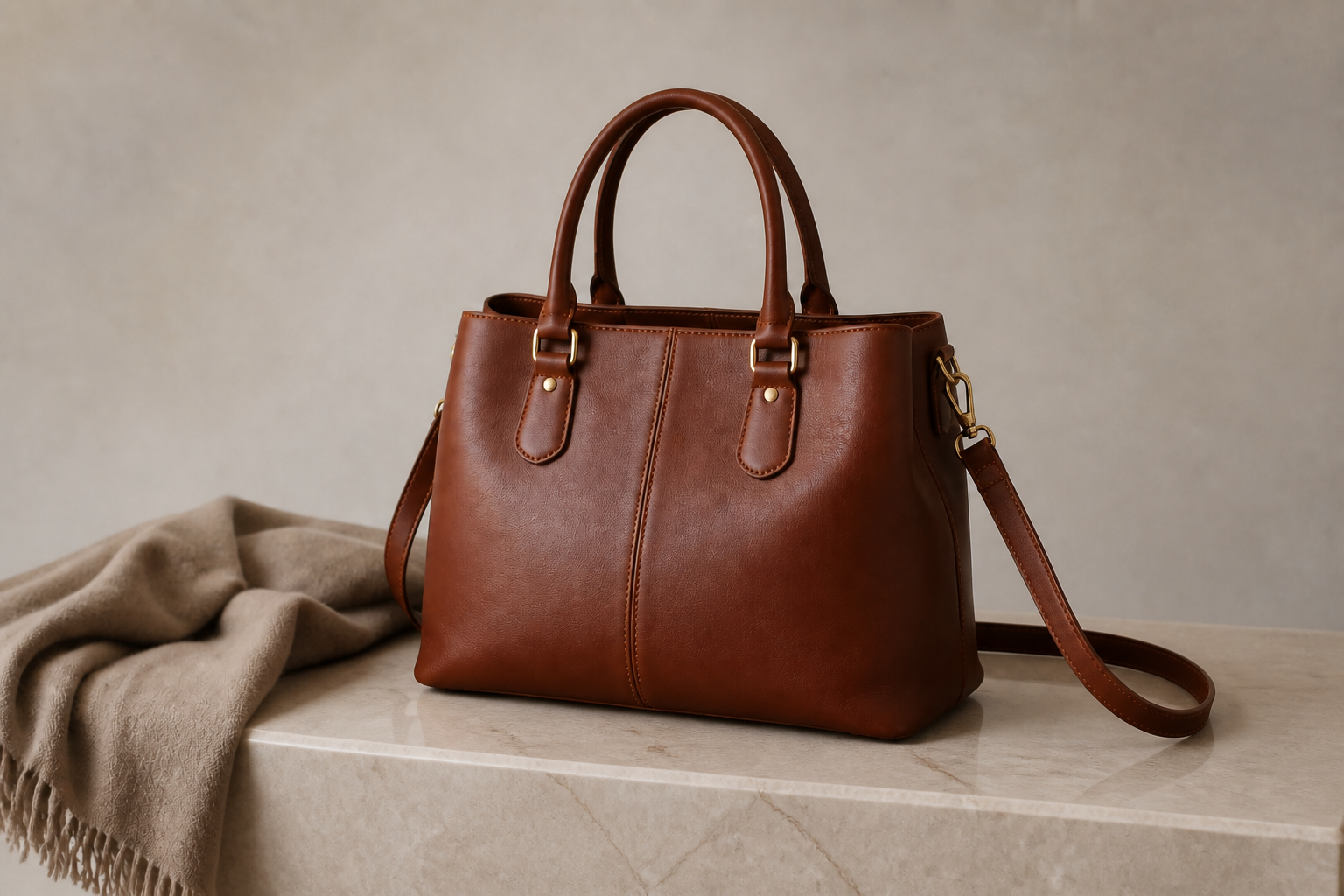 AFTERBEFOREAFTERBEFOREAFTERBEFOREAFTERBEFOREAFTERBEFOREAFTER
Key Features
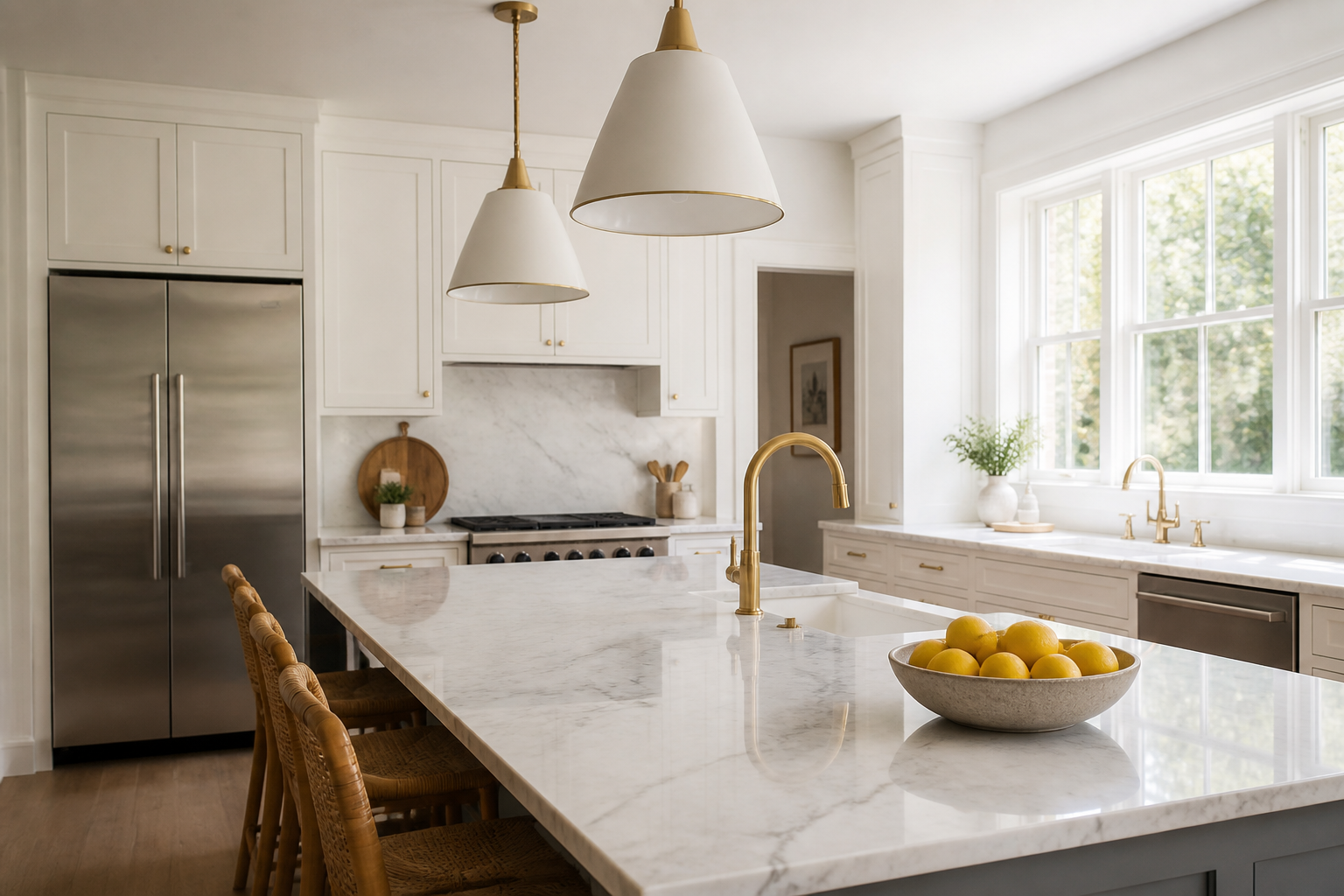
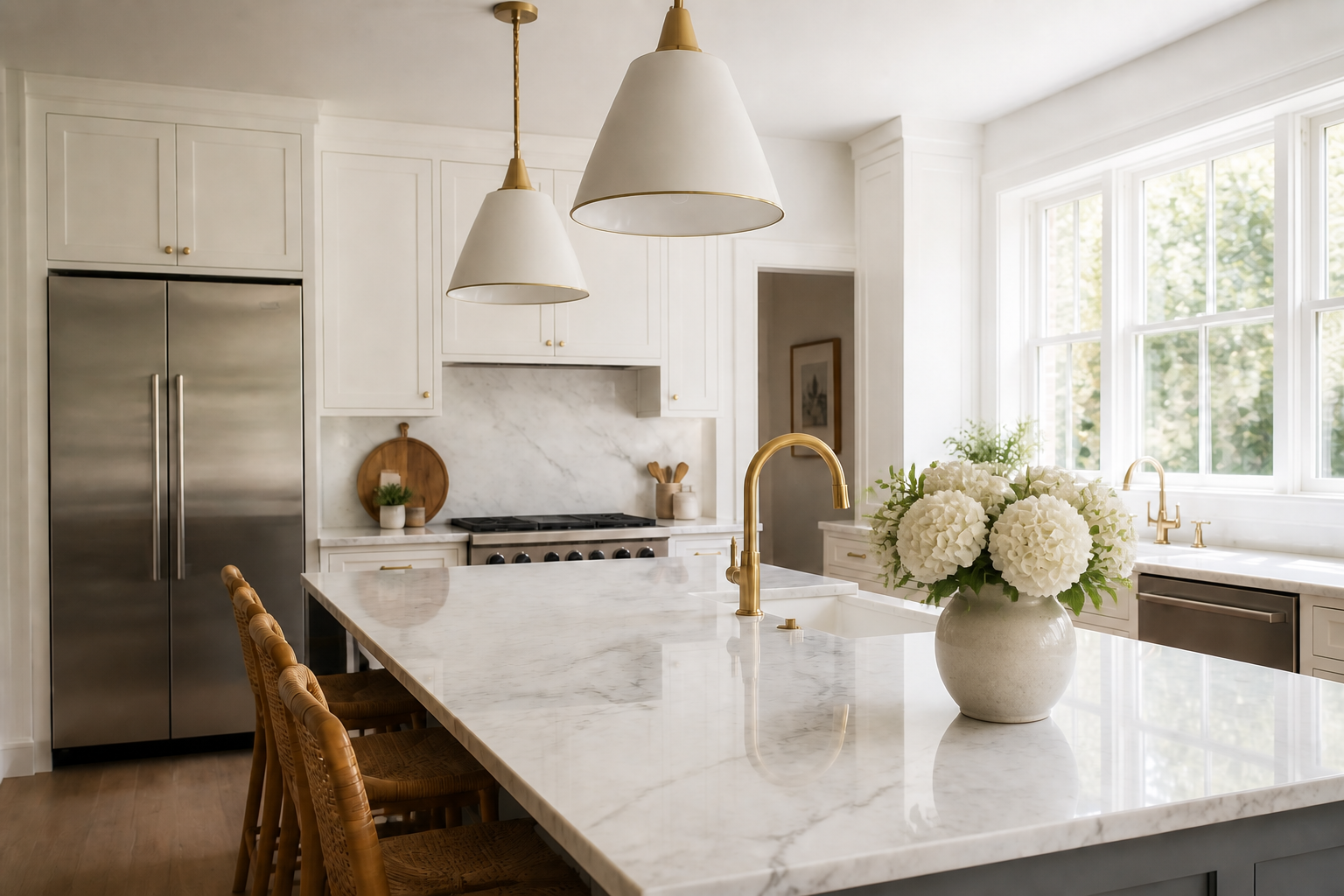
Edit One Area Only
You can change a specific part of the image without disturbing everything around it. That makes the result feel more believable than recreating the full scene from scratch. It is useful when the original composition already works and you only need to fix one object, background section, or damaged area. Manual retouching often takes multiple tools and careful cloning, but our AI handles the local replacement in one pass.
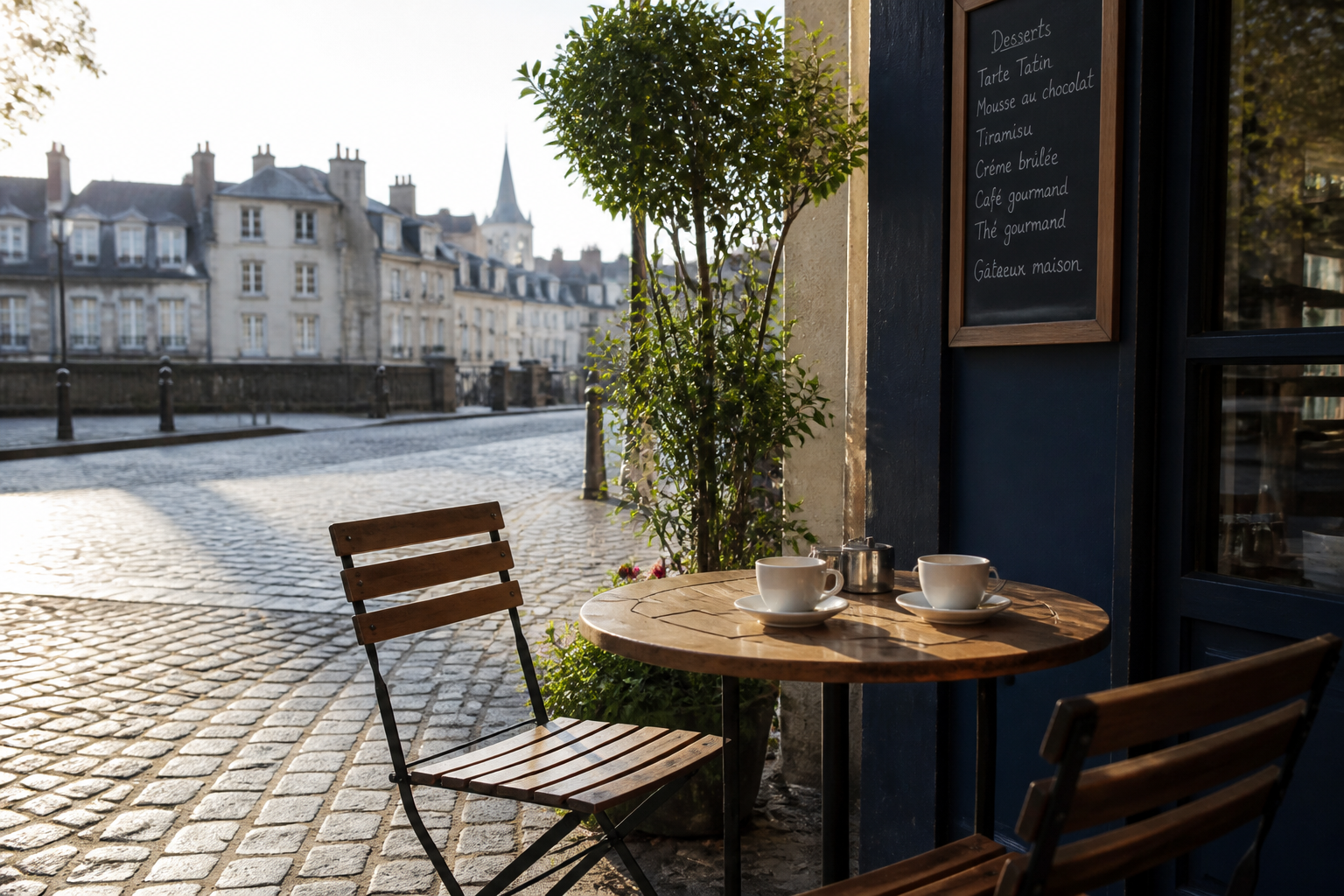
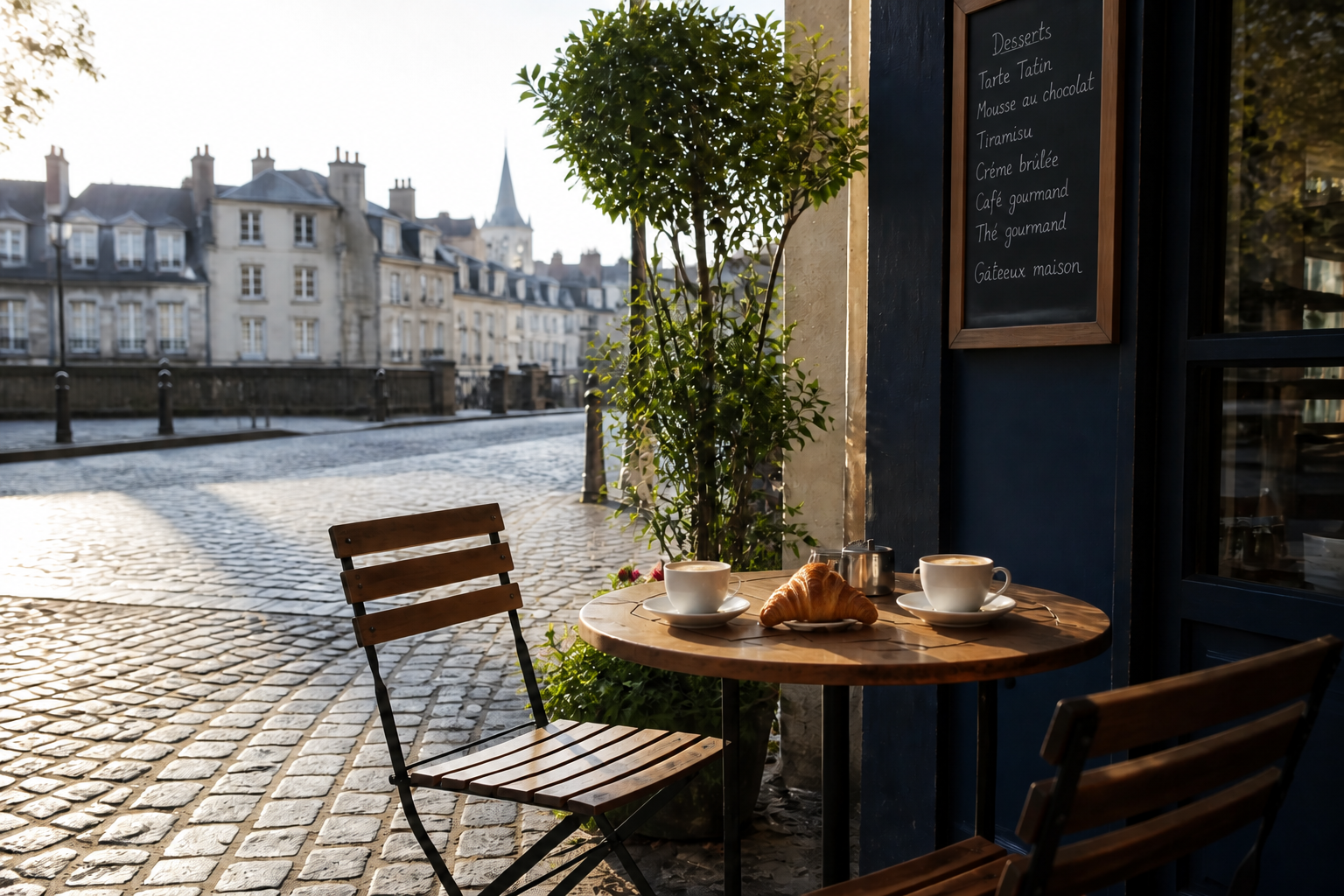
Keep Scene Consistency
Good inpainting is not just about adding something new. The replacement also needs to match the perspective, shadows, texture, and color of the original image. This helps edits blend naturally instead of looking pasted in. It saves time compared with manual masking, color matching, and edge cleanup.
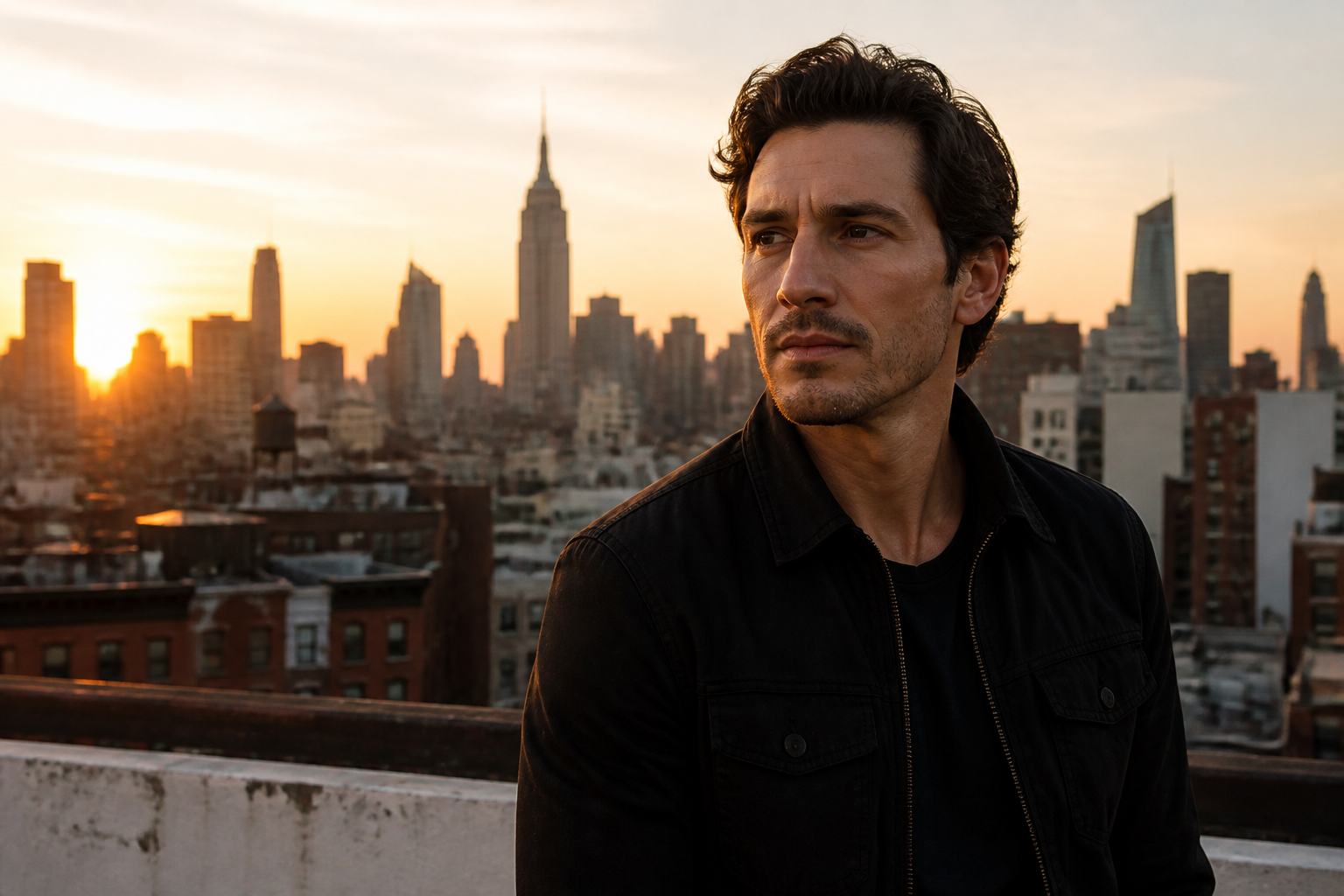
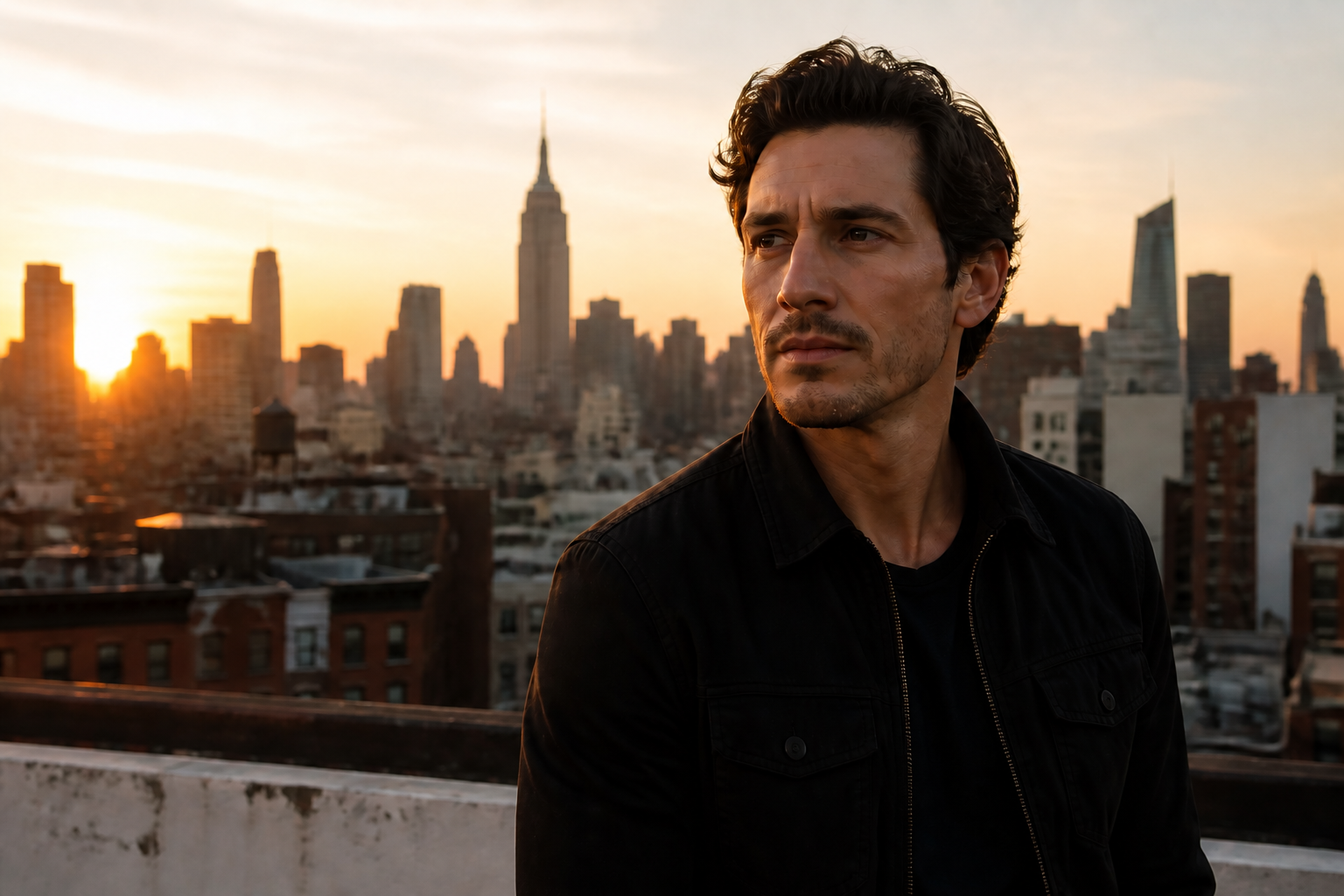
Remove Distractions Fast
Background clutter can pull attention away from the main subject. Our AI can remove unwanted objects and rebuild the missing area so the image looks cleaner and more focused. This is useful for listings, social posts, portraits, and travel photos. It is much quicker than patching textures by hand.
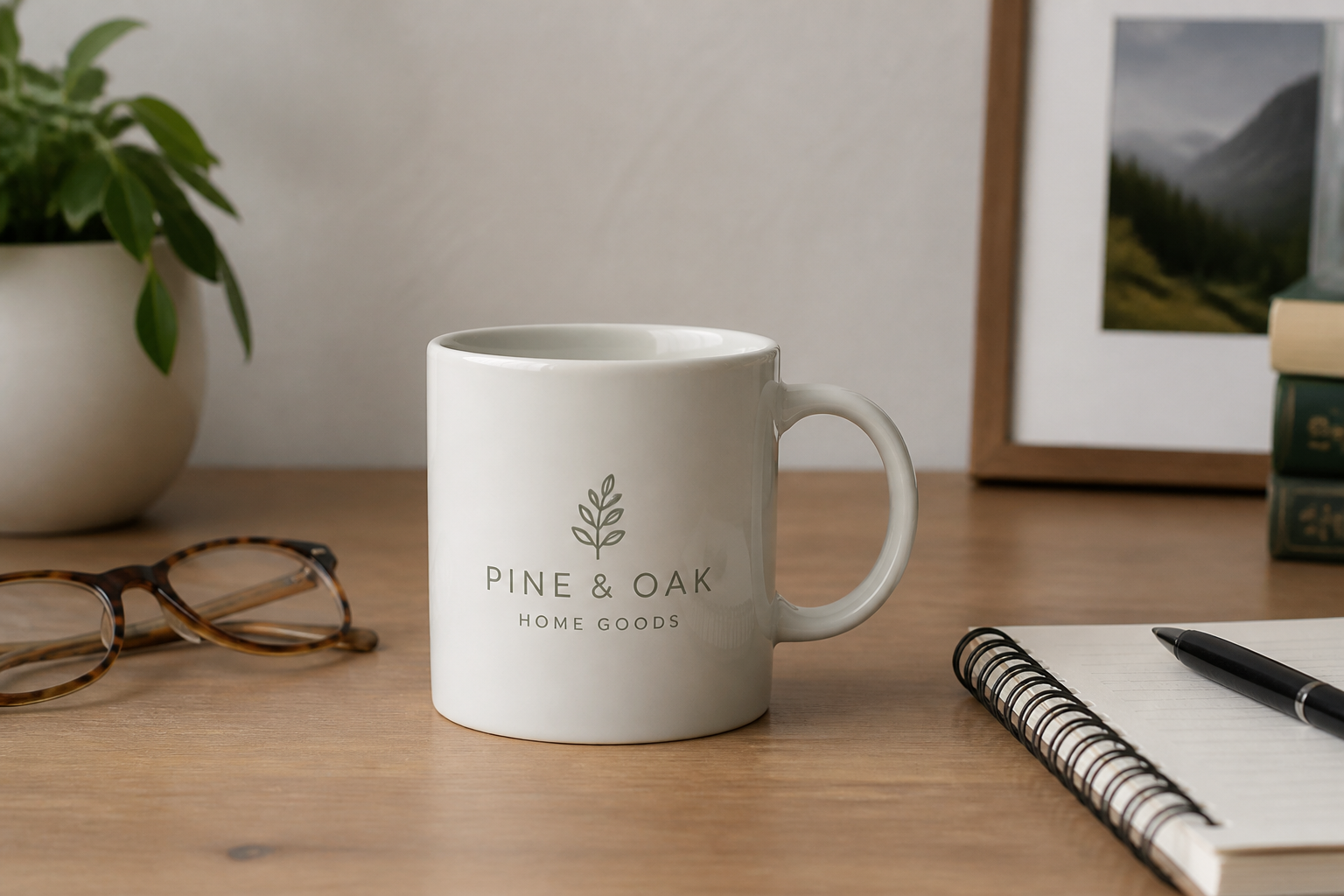
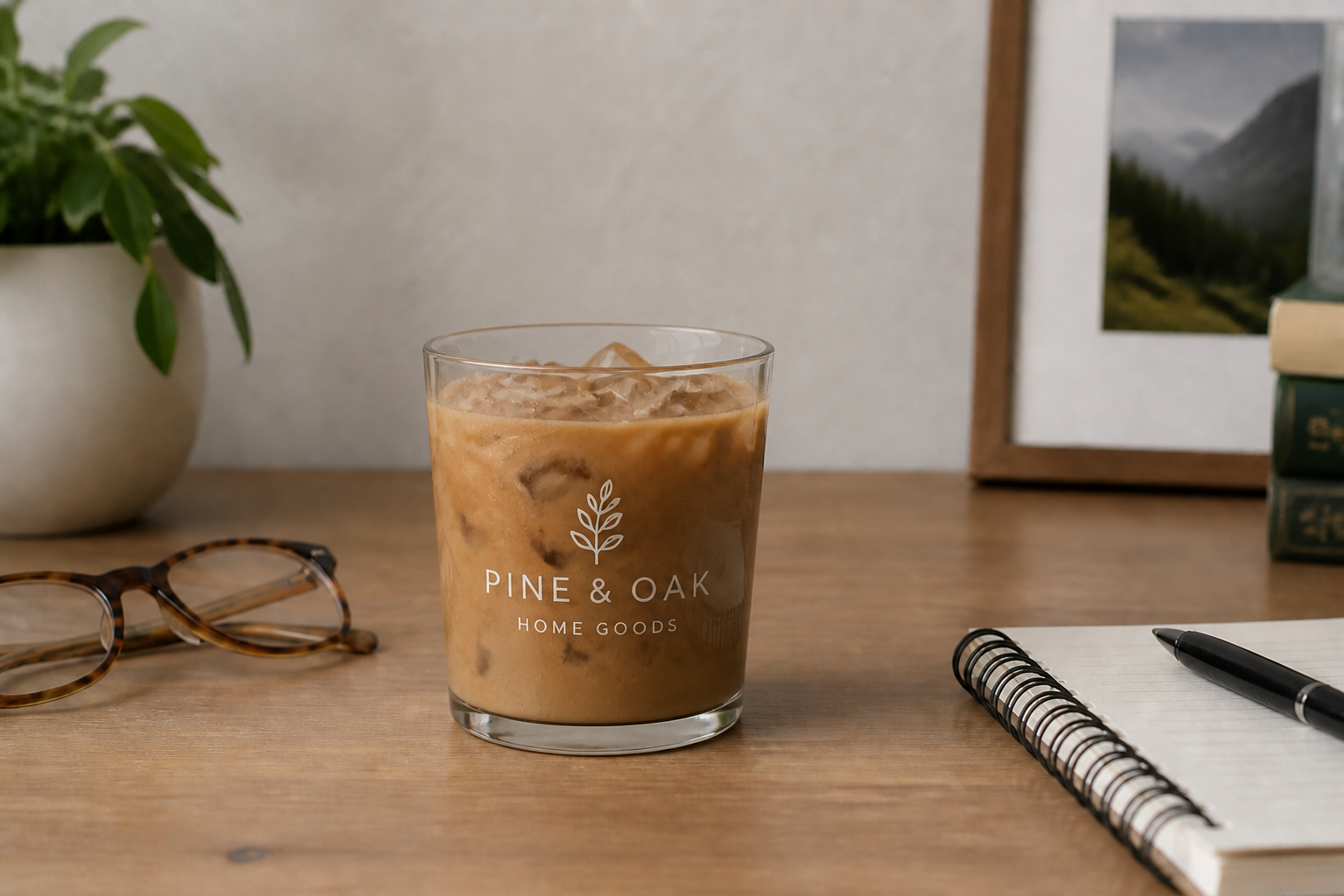
Swap Objects and Details
Inpainting also works when you want to replace one visible element with another. You can test props, food items, decor pieces, or small product variations without reshooting the entire image. This is practical for mockups, ecommerce, and creative iterations. It gives you fast alternatives while preserving the original scene.
How It Works
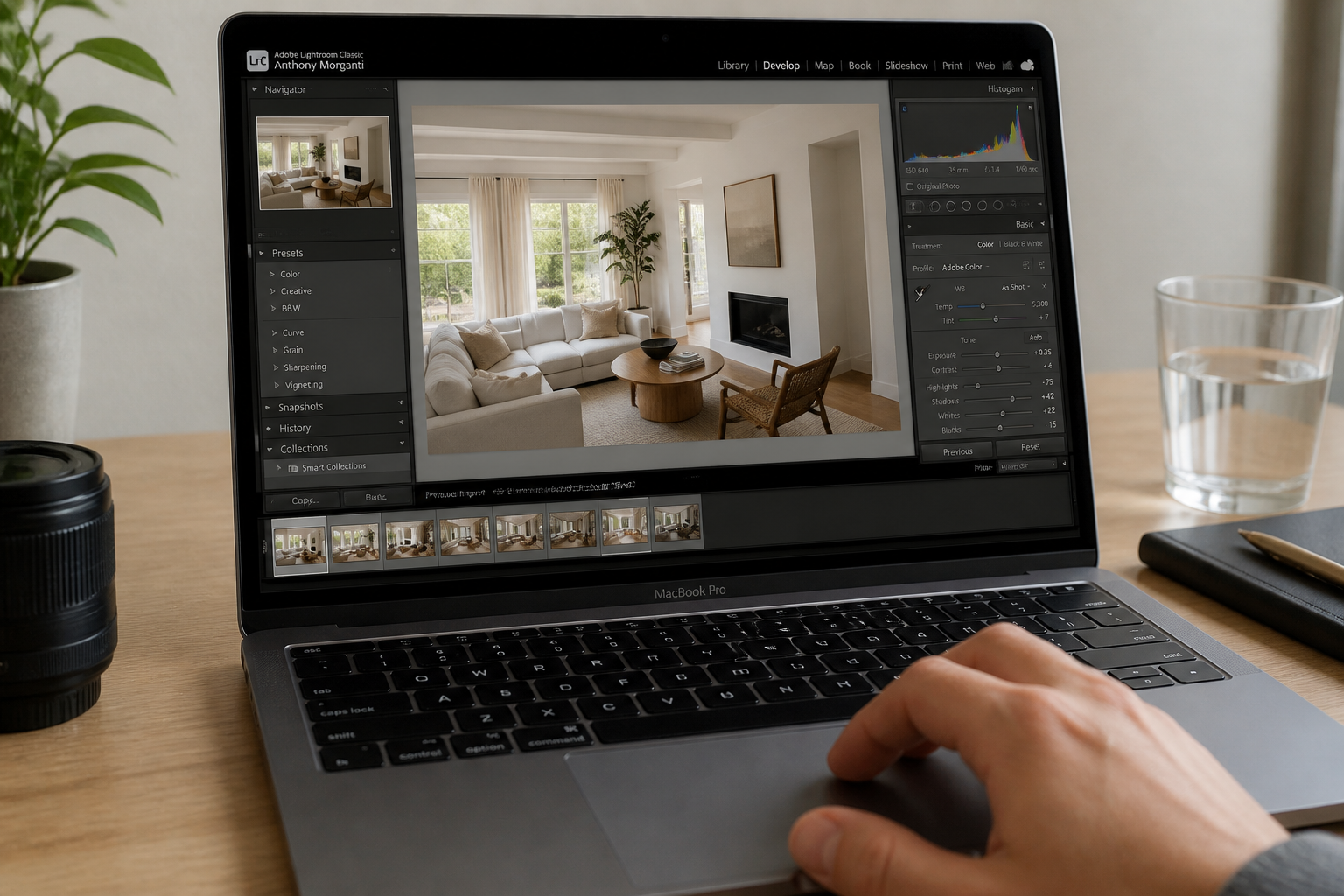
Upload your image
Start with a photo that already has the composition you want. Choose any image where one area needs to be removed, repaired, or replaced.
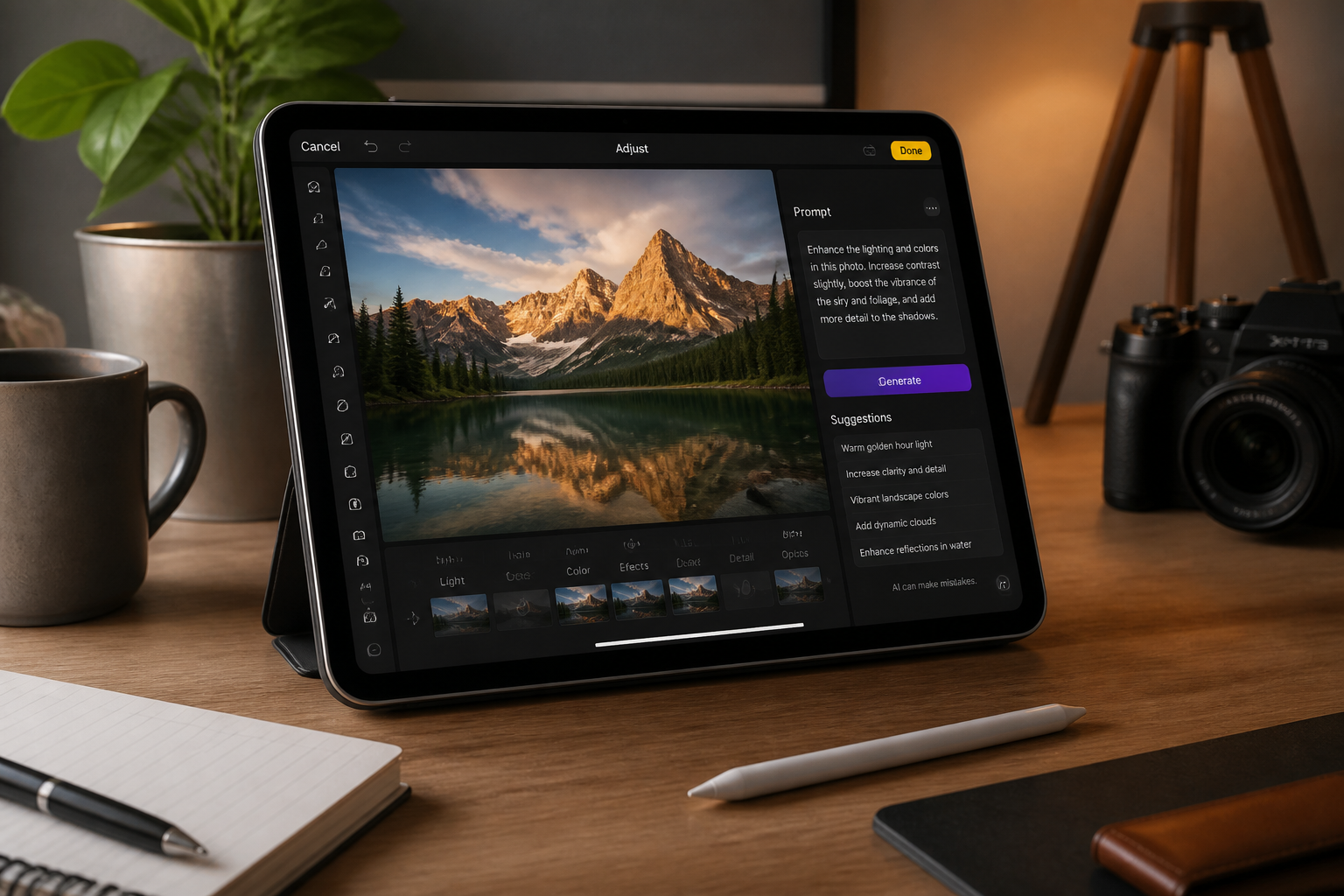
Describe the change
Tell the AI exactly what should appear in the selected area. Clear instructions like remove, replace, or repair usually produce the strongest results.
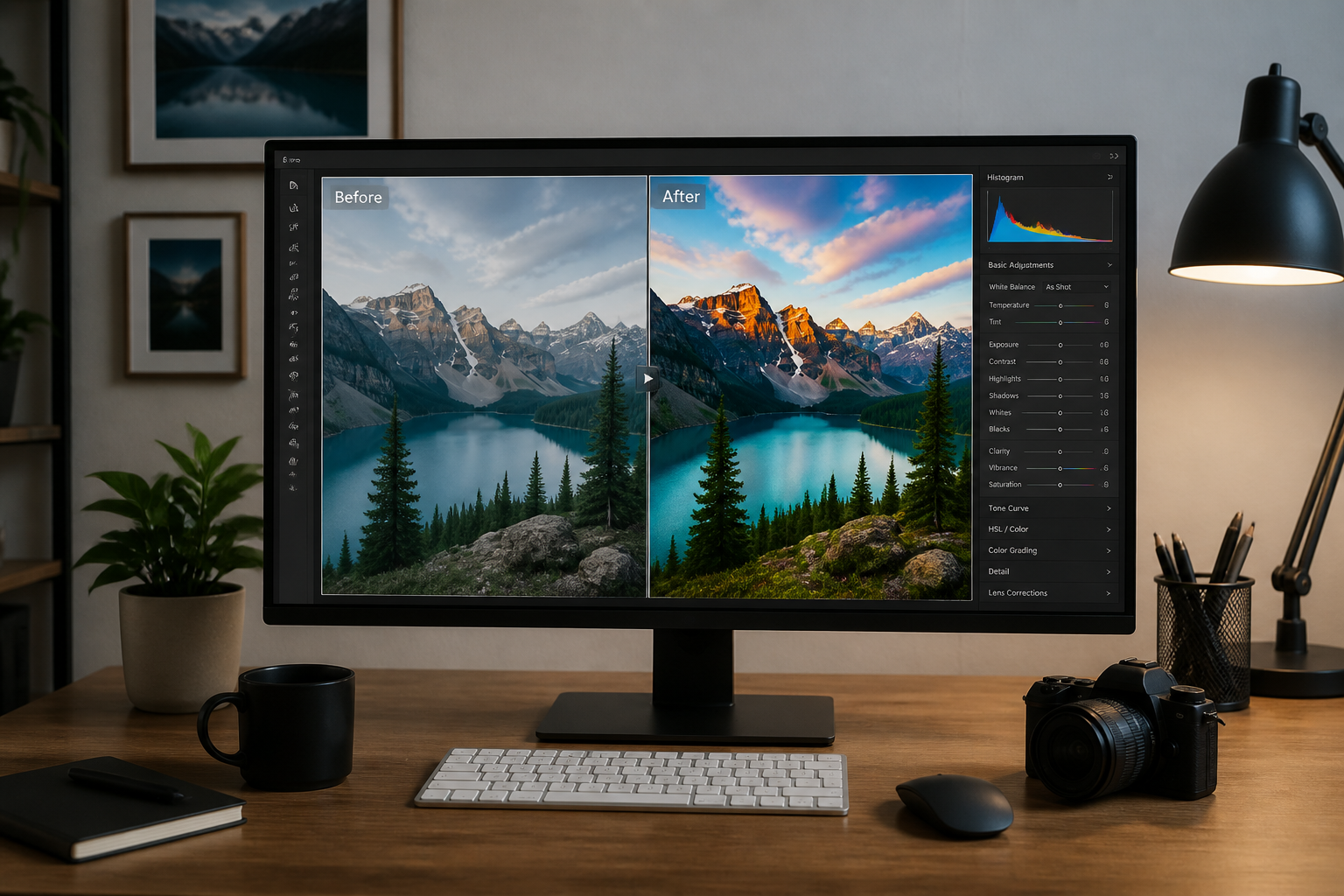
Compare and refine
Review the updated image and check whether the new area matches the original scene. If needed, adjust the prompt and generate another variation for a better fit.
Perfect For
Discover how creators and professionals use ai image inpainting tool
Remove unwanted objects
Clean up photobombers, street clutter, tabletop distractions, or random props without rebuilding the whole image.
Repair damaged photos
Fill scratches, missing patches, tears, or worn areas while keeping the rest of the image intact.
Replace products or props
Swap furniture, decor, food, packaging, or accessories to test new visual options in the same shot.
Improve marketing images
Refine listing photos, ad creatives, and social content by fixing small visual problems that make images look less polished.
Built For
Online sellers
Clean up product photos, replace props, and make listing images look more consistent without a full reshoot.
Creators and marketers
Remove distractions, test visual variations, and produce cleaner campaign assets faster.
Photographers and editors
Handle quick object removals and local scene fixes without spending as much time on manual retouching.
Why use BudgetPixel for inpainting
A quick look at how we compare on the things that matter for this niche.
| Feature | BudgetPixel | Generic AI editors | Manual editing apps |
|---|---|---|---|
| Targeted local edits | ✓ | ✓ | ✓ |
| Natural scene matching | ✓ | — | — |
| Fast object removal | ✓ | ✓ | — |
| Prompt-based replacements | ✓ | ✓ | — |
| Low manual effort | ✓ | ✓ | — |
Frequently Asked Questions
What is an AI image inpainting tool?
What kinds of edits work best with inpainting?
Will the rest of my image stay the same?
Can I use it for product and listing photos?
Do I need editing experience to use it?
Create together.
Share your creations, discover trending AI art, and grow with fellow creators.