AI Game Asset Generator
Generate original game asset concepts from a simple prompt
Create original game asset concepts for indie games, prototypes, and pitch decks from text alone. Generate props, UI icons, tiles, items, and environment pieces in a consistent visual style, then iterate with prompt edits.
See It In Action
Real outputs from ai game asset generator.
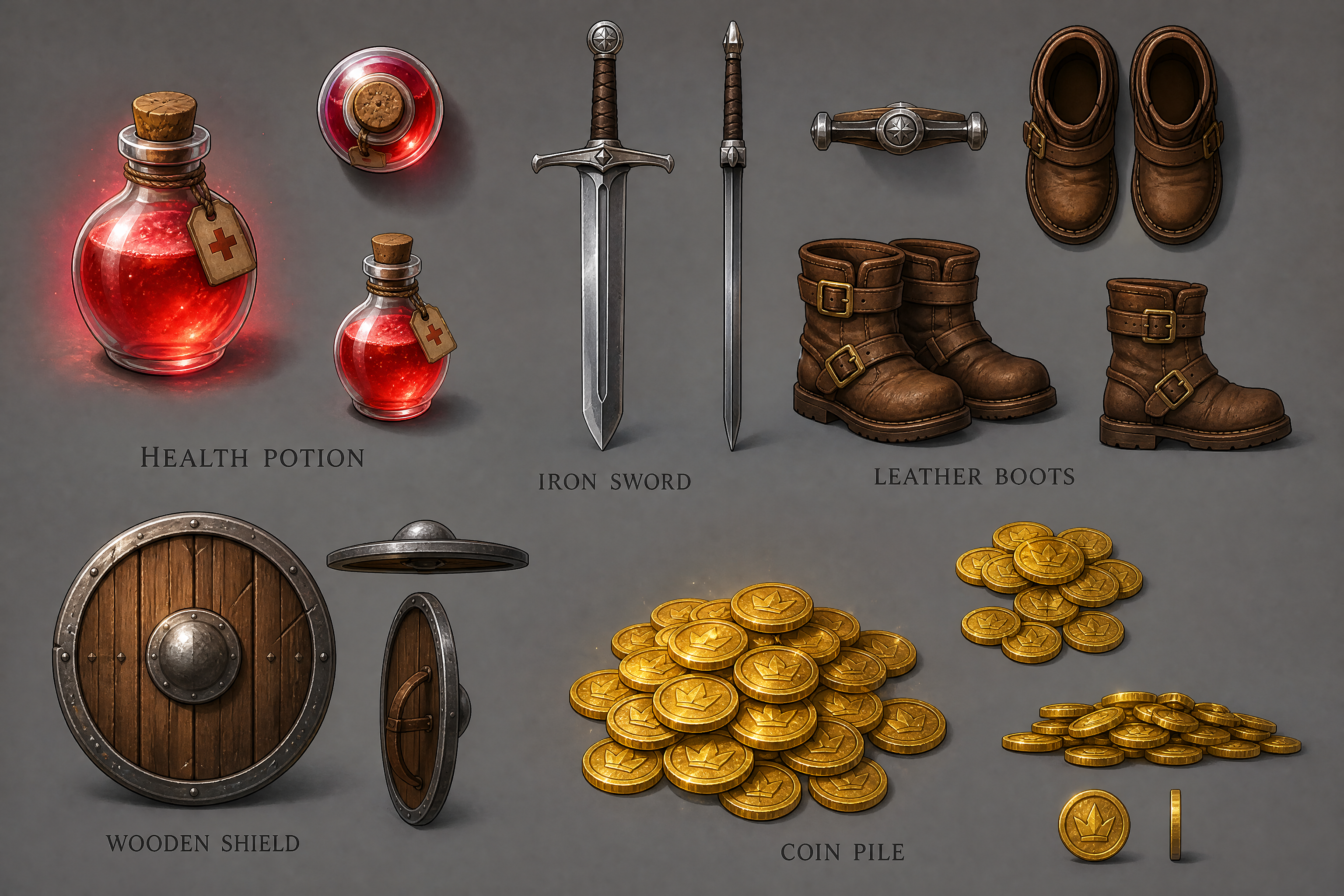
fantasy RPG game asset sheet, glowing health potion, iron sword, leather boots, wooden shield, coin pile, top-down and side-view mix, clean concept art, crisp outlines, studio lighting, neutral background
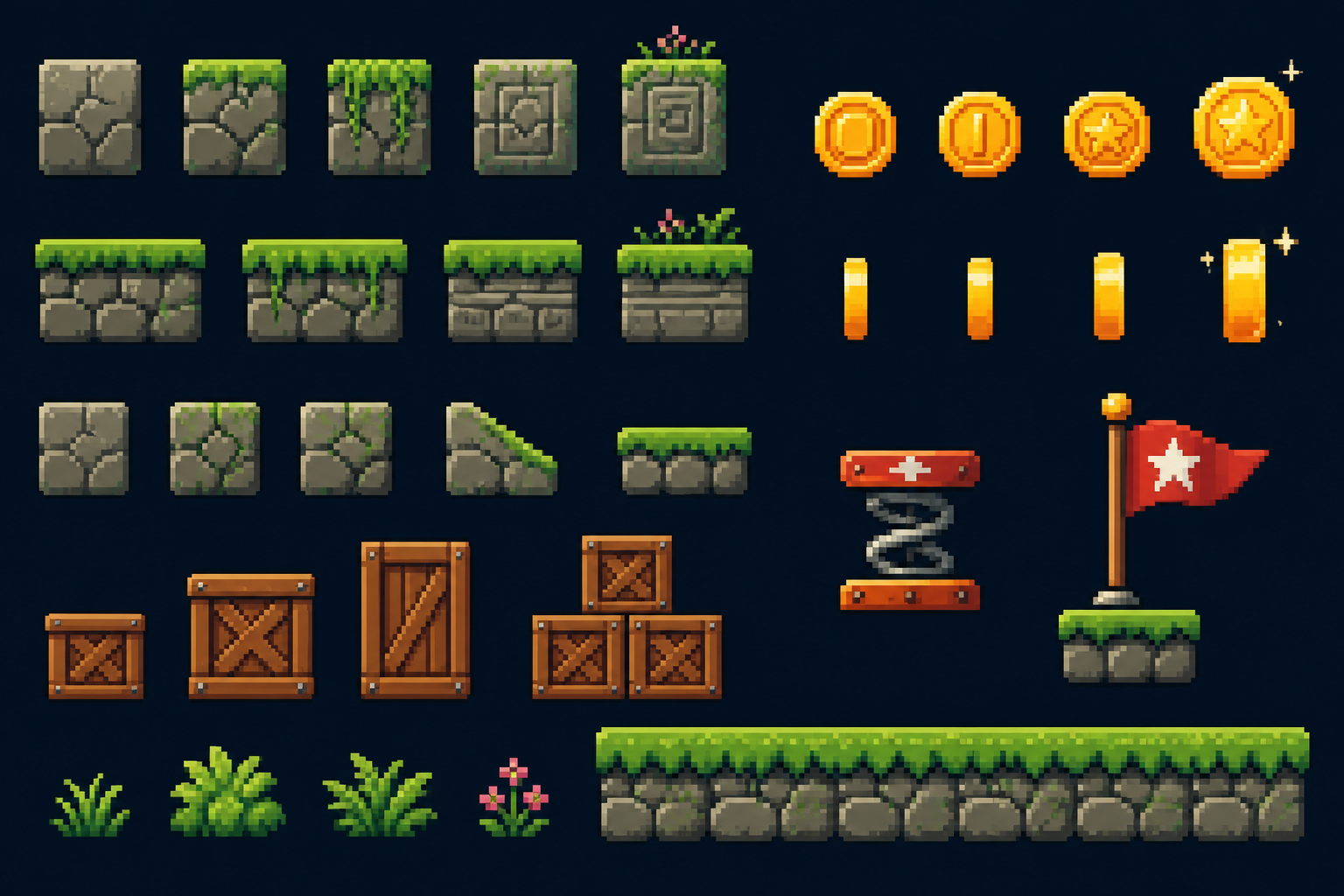
pixel art platformer asset pack, mossy stone blocks, wooden crates, spring pad, gold coins, checkpoint flag, side view, bright readable colors, clean grid layout, retro 16-bit style
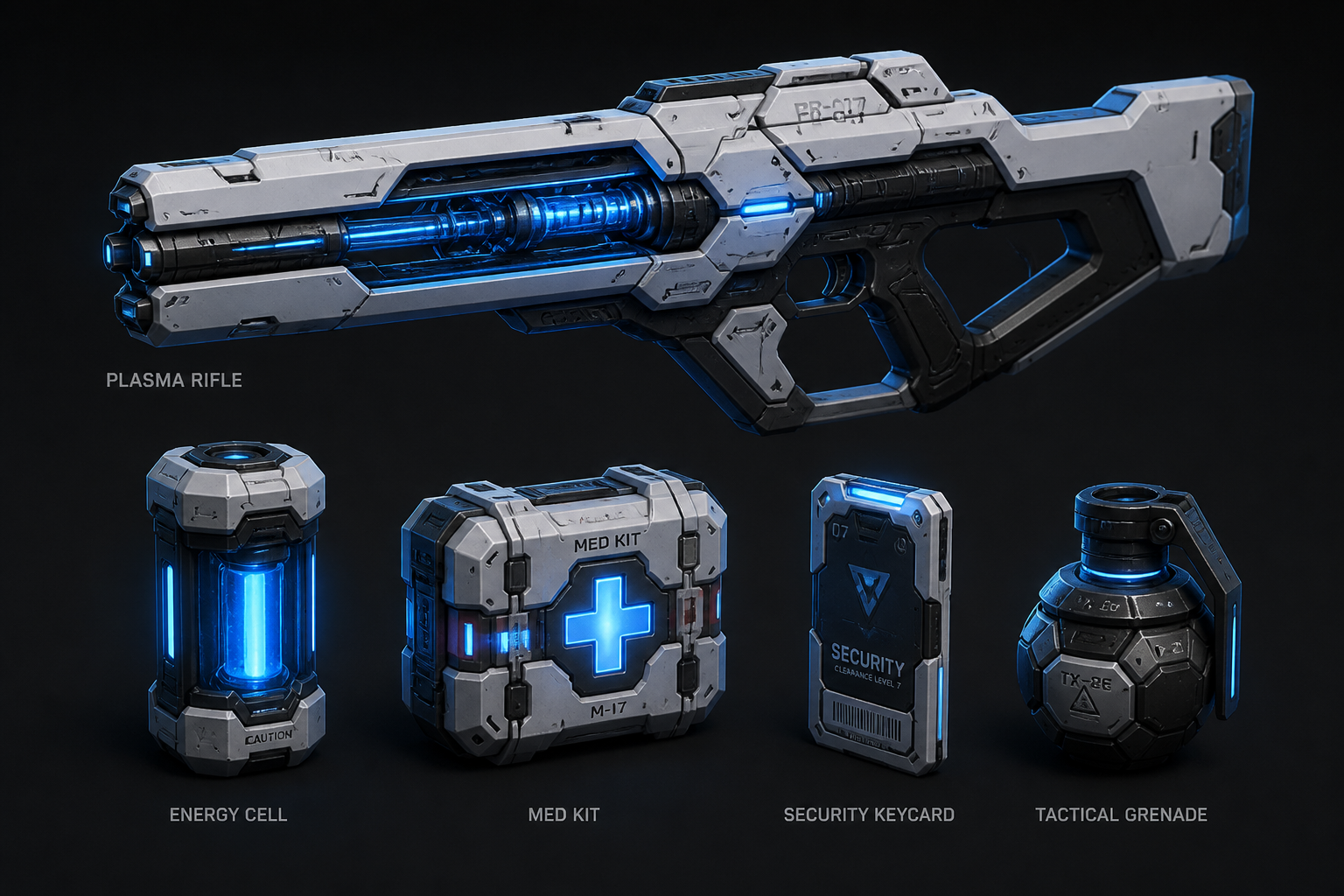
sci-fi shooter game assets, plasma rifle, energy cell, med kit, security keycard, tactical grenade, sleek hard-surface concept art, blue neon rim light, dark neutral backdrop
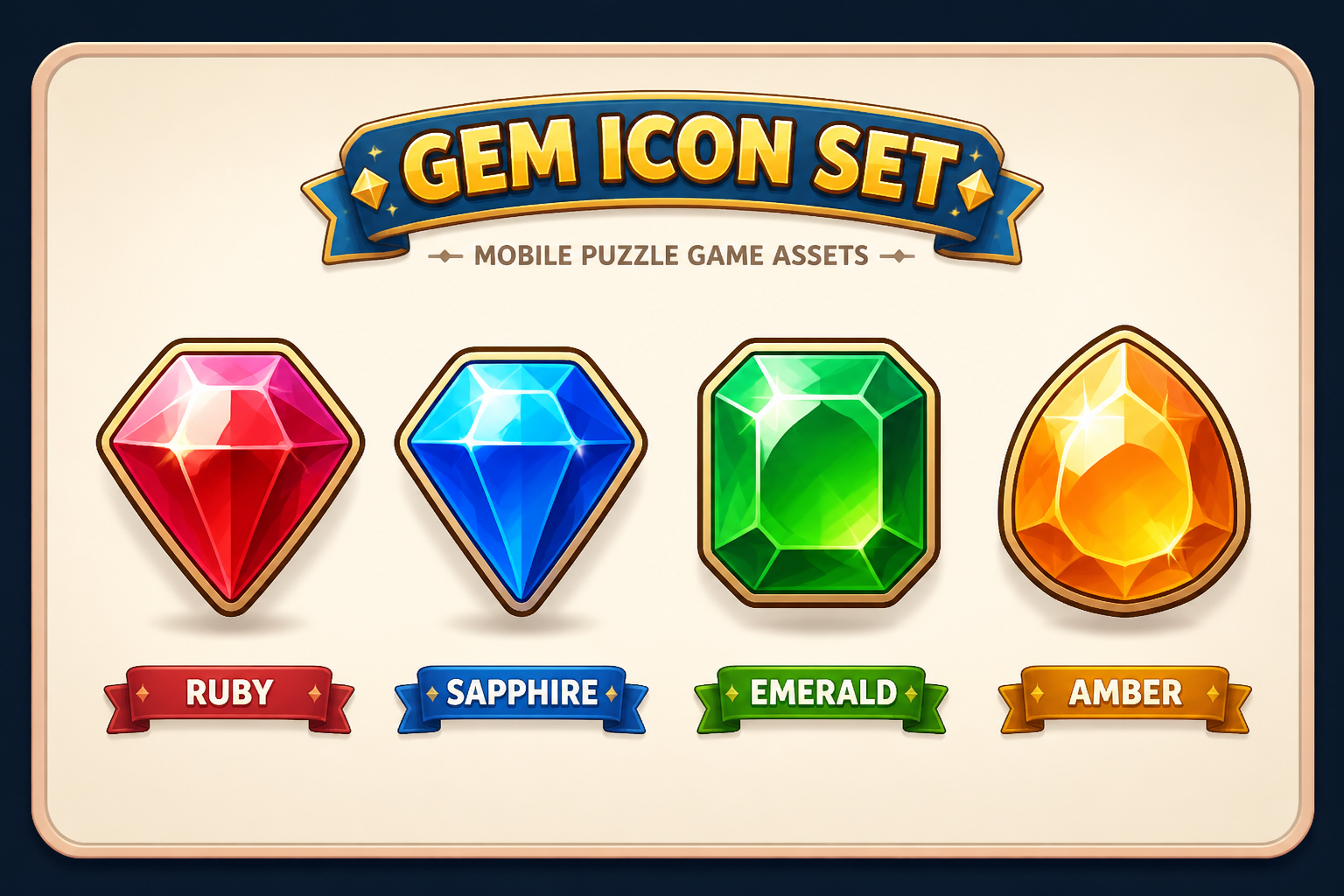
mobile puzzle game icon set, gem icons in ruby sapphire emerald amber, glossy casual game style, soft highlights, thick outlines, centered composition, clean presentation board
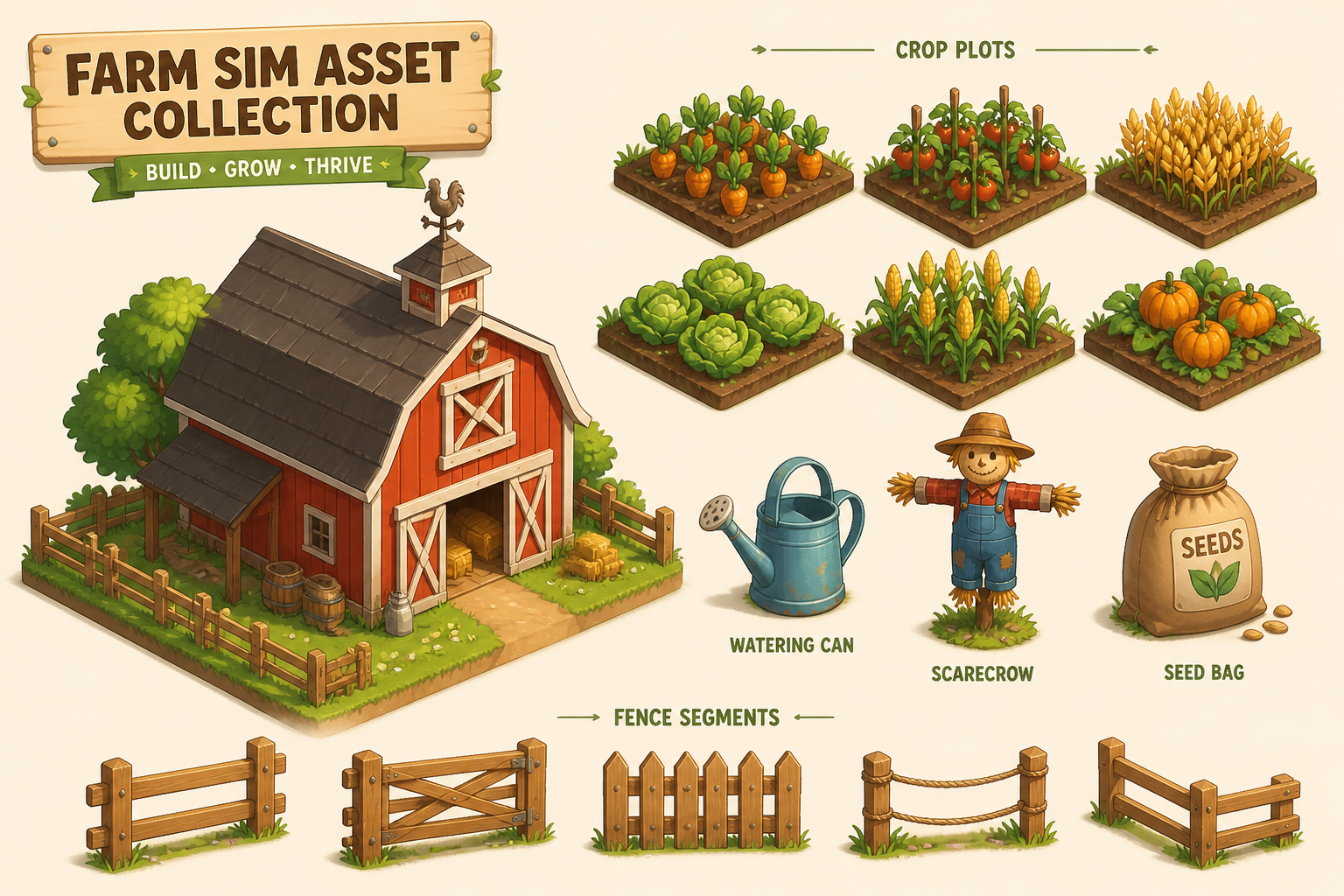
isometric farm sim asset collection, red barn, crop plots, watering can, scarecrow, seed bag, wooden fence segments, cheerful stylized illustration, warm daylight, presentation sheet
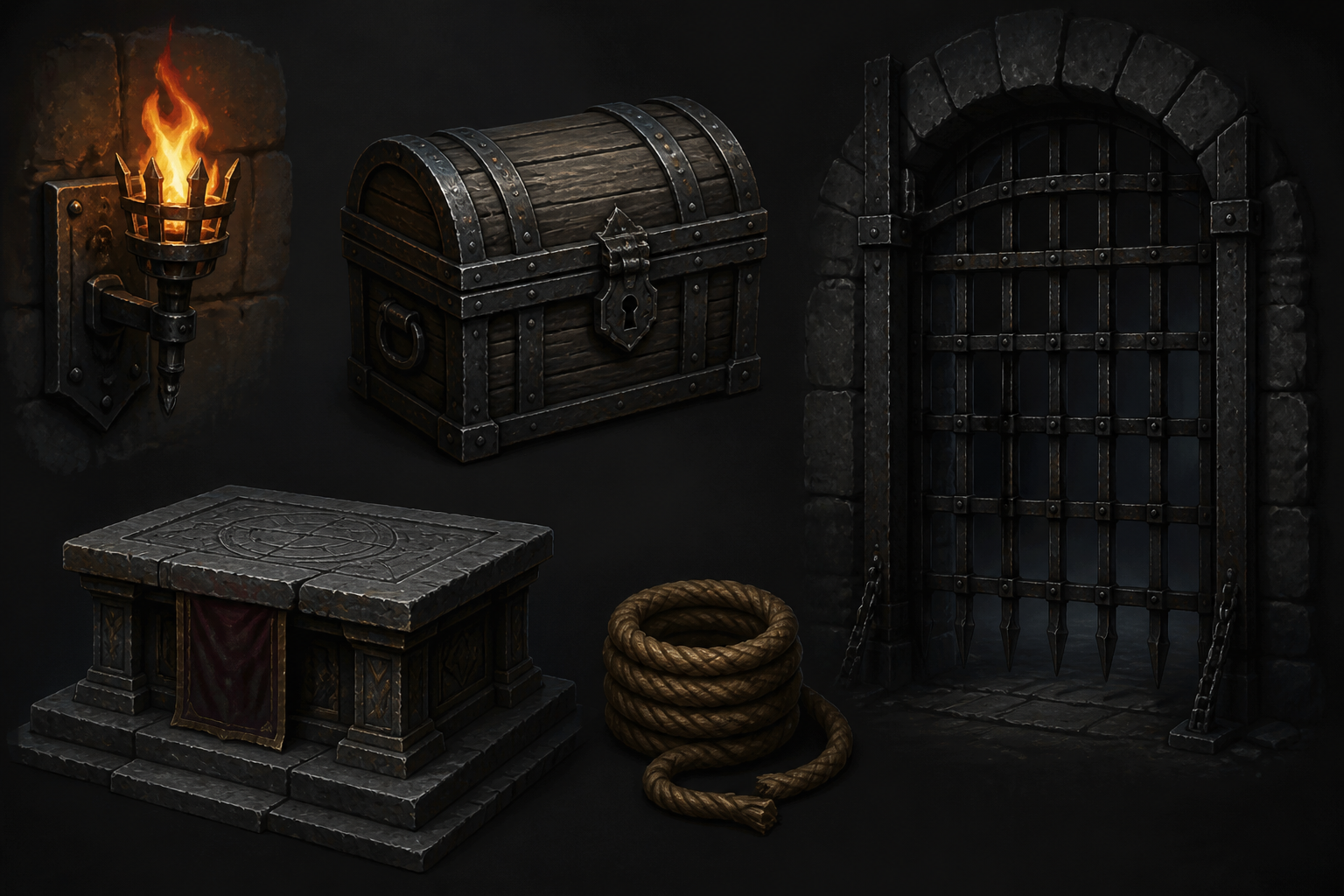
dark fantasy dungeon props for a game, torch bracket, treasure chest, iron gate, stone altar, rope bundle, skull-free clean prop lineup, painterly concept art, moody dramatic lighting
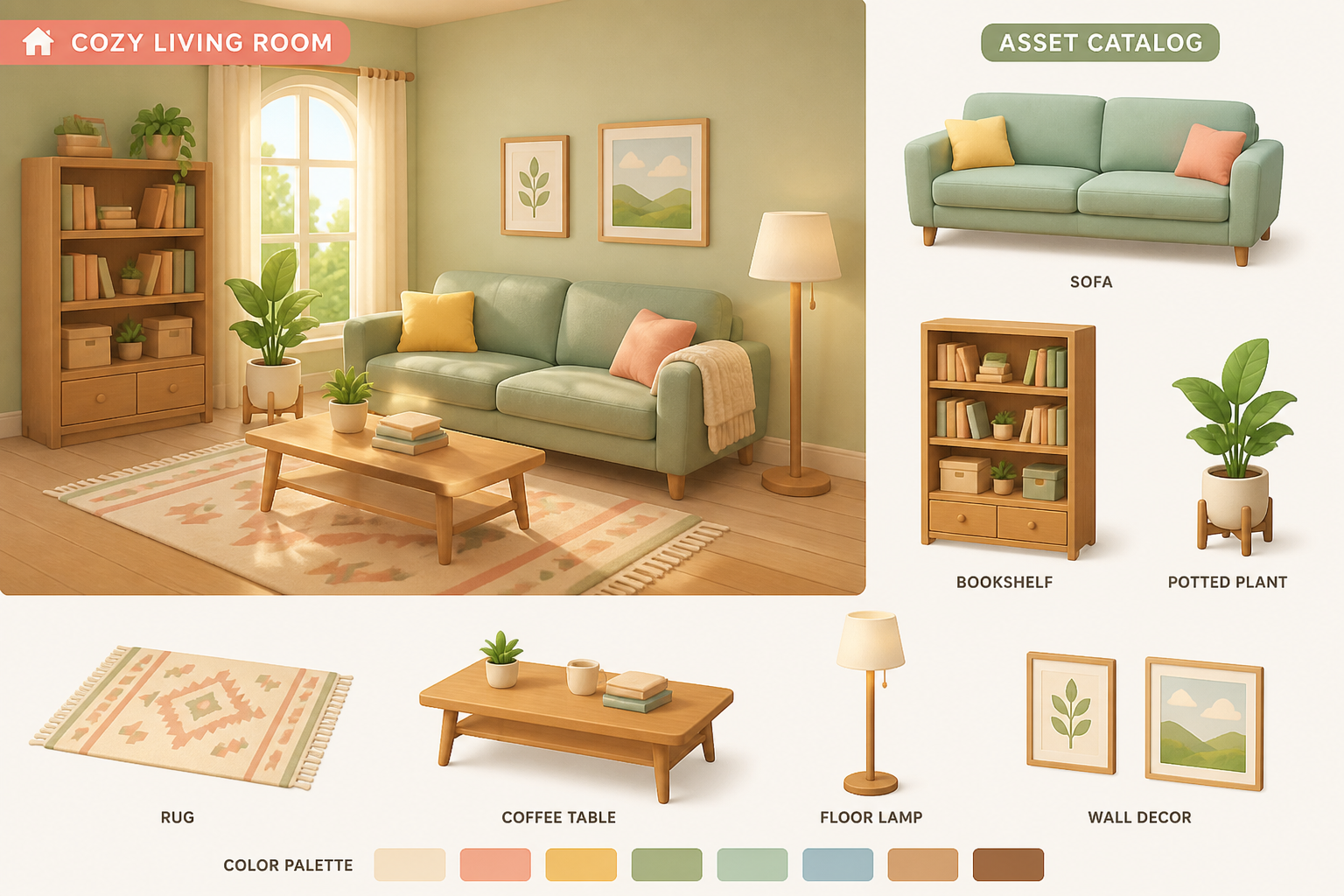
cozy life sim interior assets, sofa, bookshelf, rug, potted plant, coffee table, floor lamp, soft pastel palette, flat-shaded 3D render style, catalog layout, bright window light
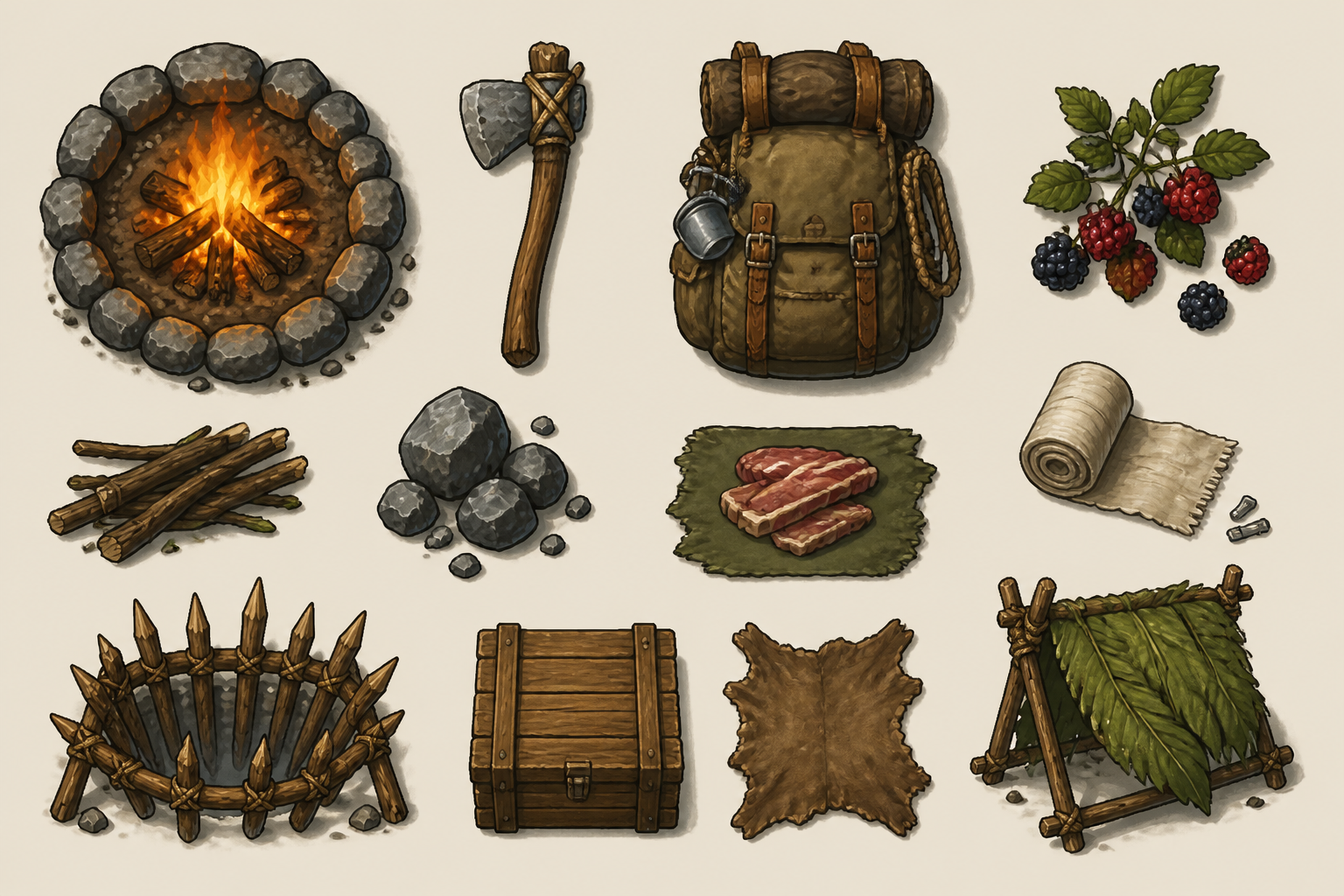
top-down survival crafting assets, campfire, axe, backpack, berries, bandage, wooden trap, readable silhouettes, earthy colors, top-down game art sheet, clean background
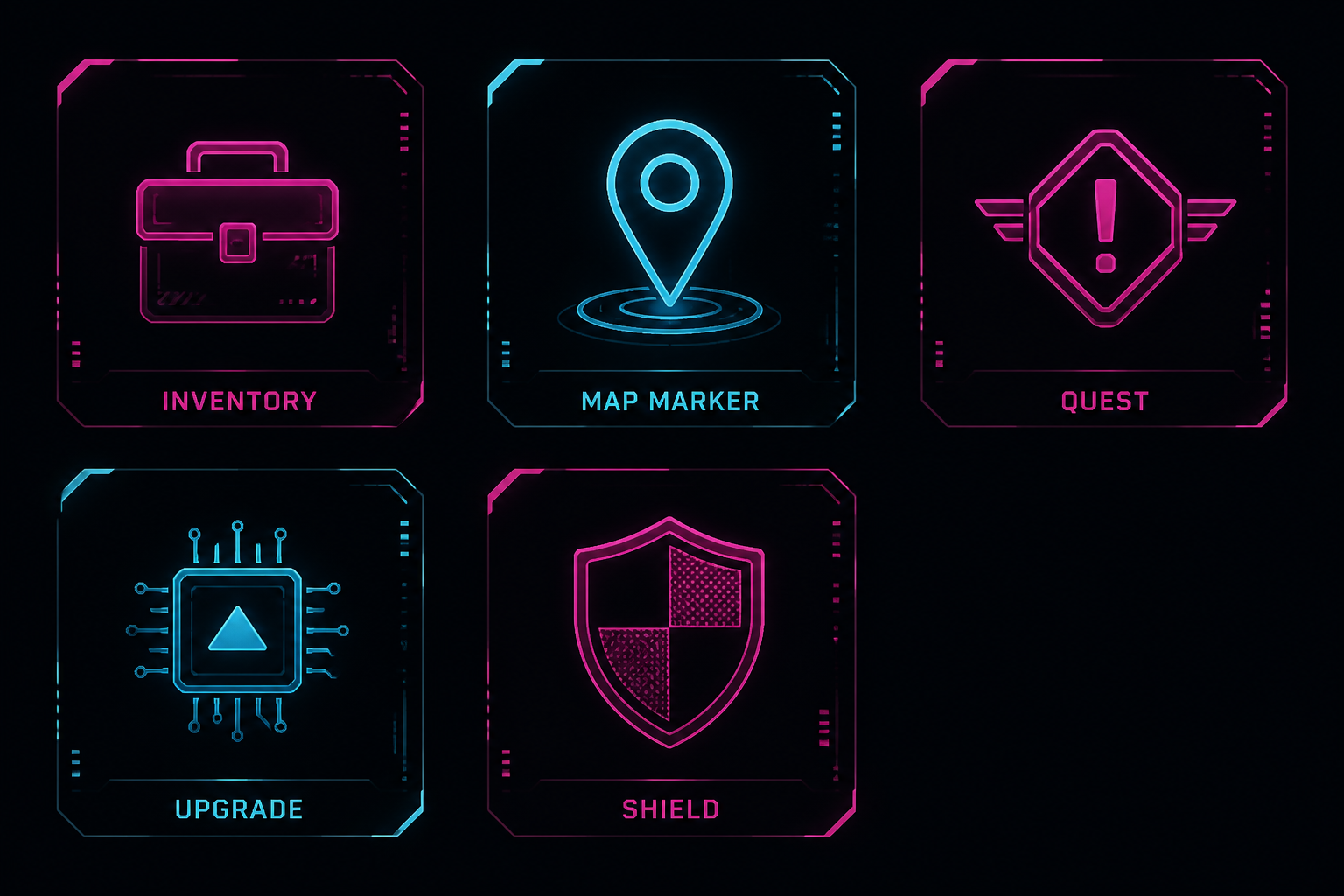
cyberpunk UI game icons, inventory symbol, map marker, quest badge, upgrade chip, shield icon, minimal vector style, neon magenta and cyan, dark interface panel, sharp contrast
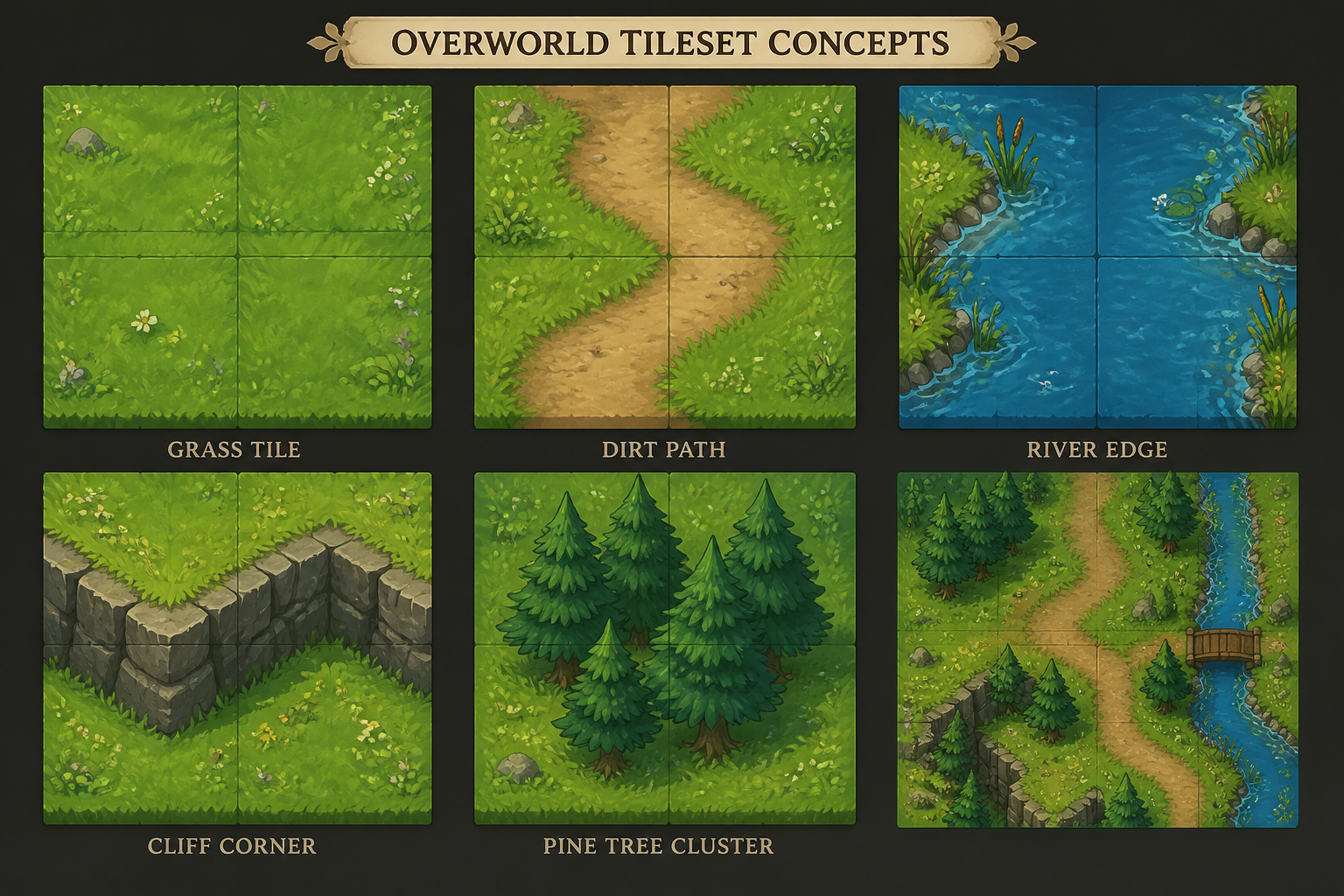
fantasy overworld tileset concepts, grass tile, dirt path, river edge, cliff corner, pine tree cluster, hand-painted game art, seamless-tile presentation, bright natural lighting
Key Features
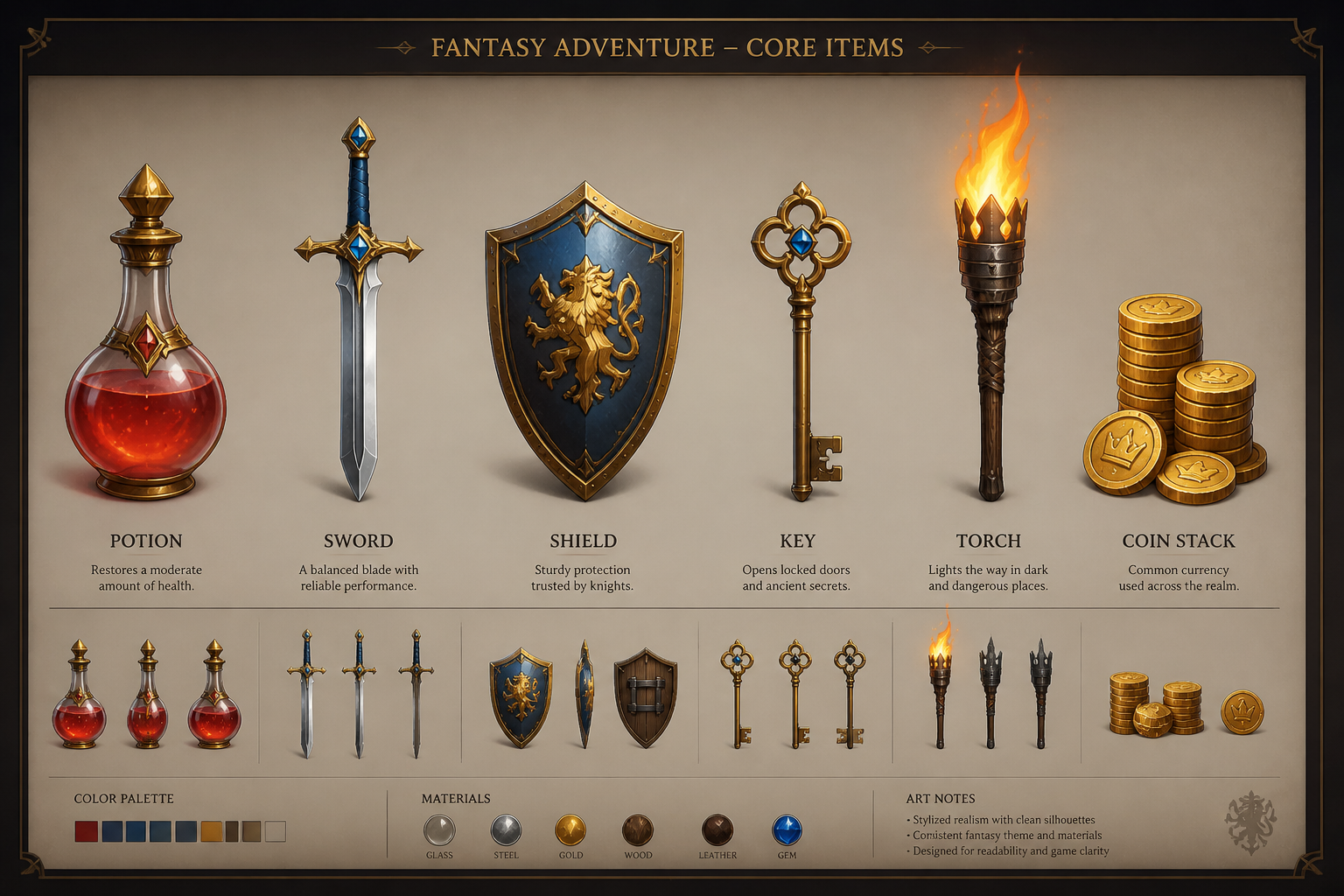
Generate asset sets fast
Turn a rough idea into a usable asset sheet in minutes. This works well for props, pickups, icons, and environment pieces that need a shared visual language. Instead of sketching every object from scratch, you can start with a coherent set and refine the pieces that matter most. That makes early production and prototyping much faster.
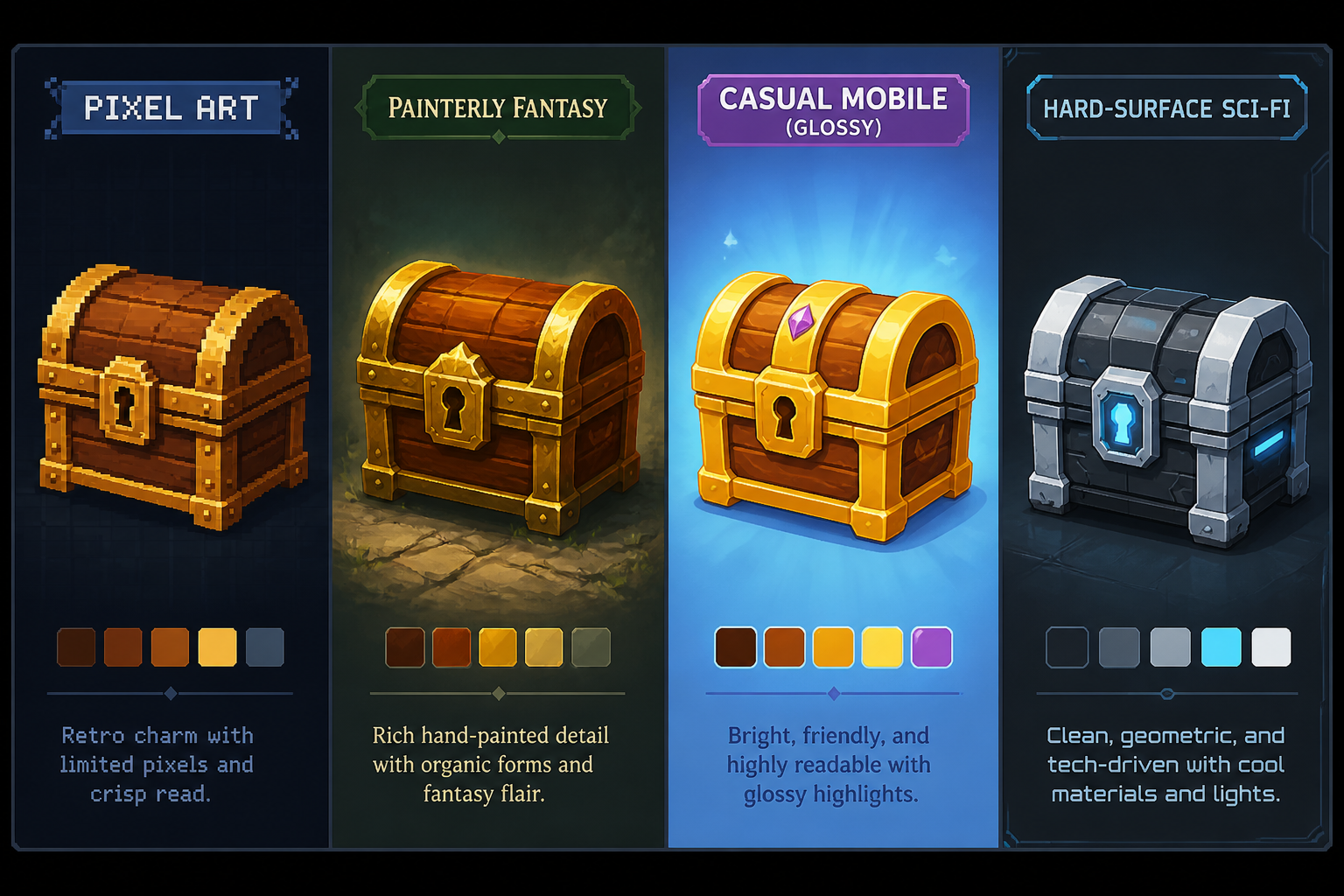
Explore multiple art styles
Test the same asset idea in pixel art, painterly, casual mobile, or sci-fi styles without rebuilding the concept each time. This helps teams compare visual directions before committing to a pipeline. A generic image generator may produce nice images, but this workflow is better for style exploration around actual game assets. You get clearer starting points for a real game art brief.
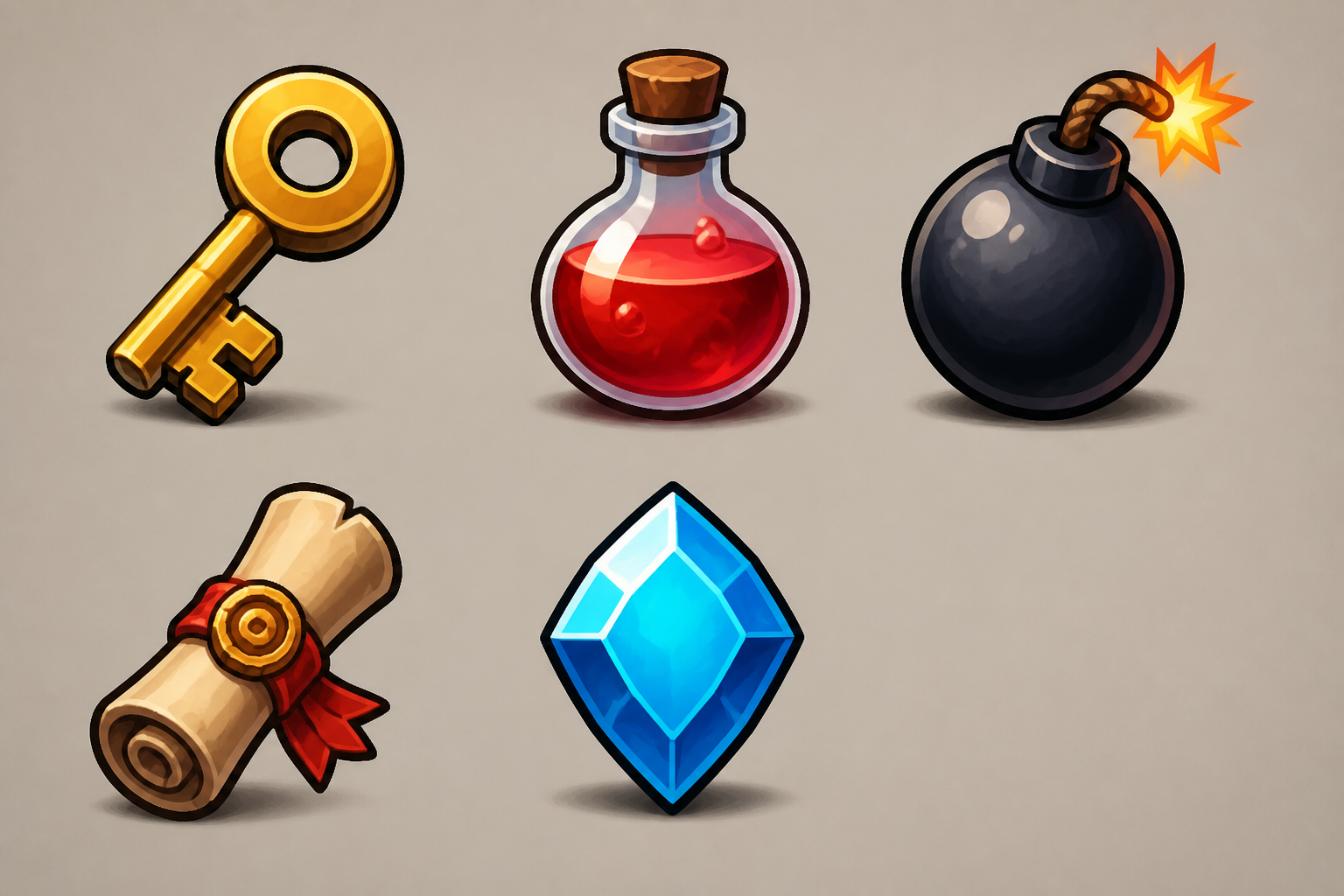
Keep shapes readable
Game assets need strong silhouettes and clear value contrast so players can understand them quickly. This generator is useful for creating prompts that emphasize readability, item hierarchy, and clean composition. That matters for small icons, pickups, and top-down items where detail can easily get muddy. It gives you concept art that is easier to translate into production-ready assets later.
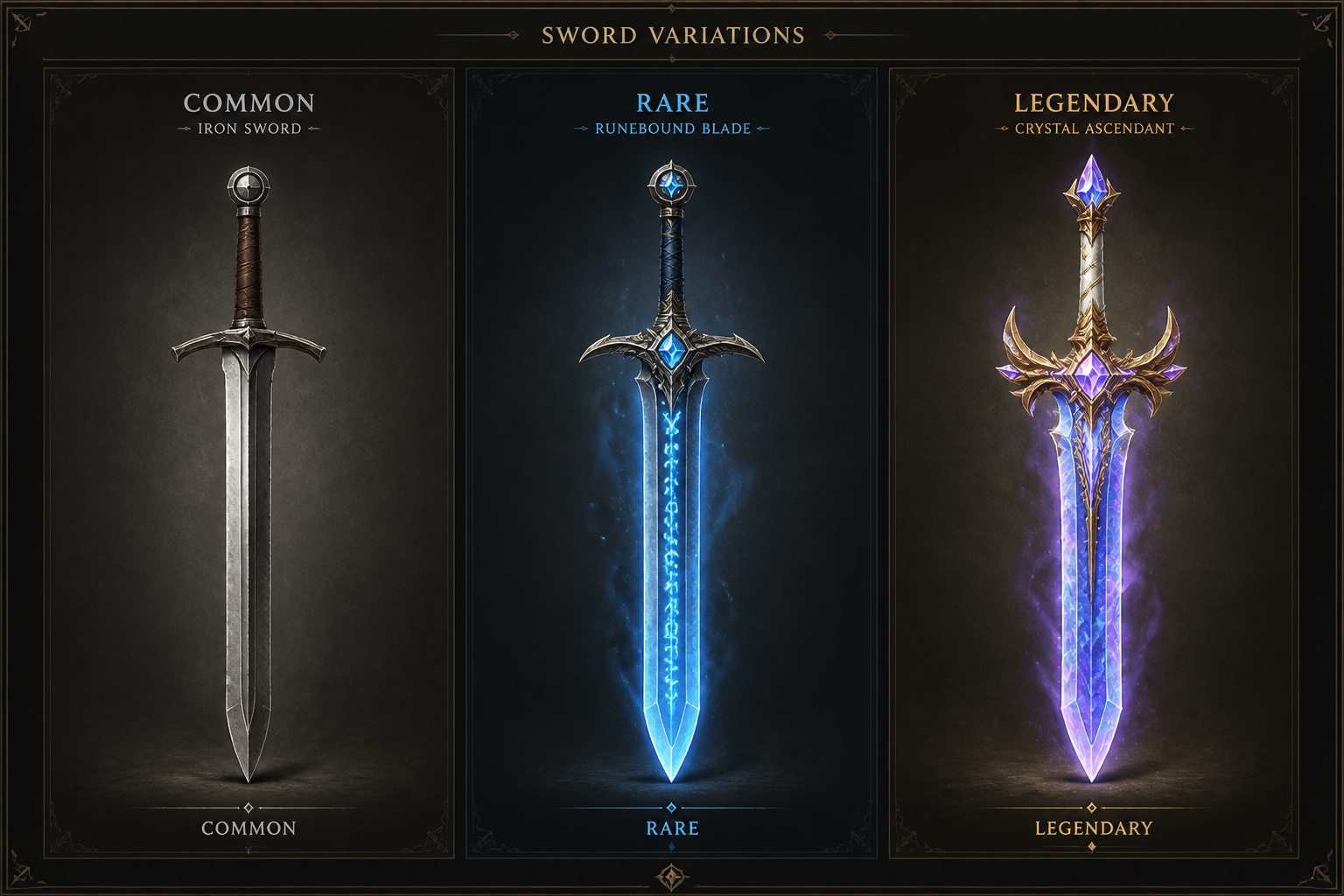
Build promptable variations
Once you have a good base prompt, you can swap material, rarity, biome, faction, or mood to generate related assets quickly. That is useful when you need common, rare, and legendary versions of the same item family. Doing this manually across many object types takes time and often leads to inconsistency. Here, your prompt becomes a reusable mini art brief.
How It Works
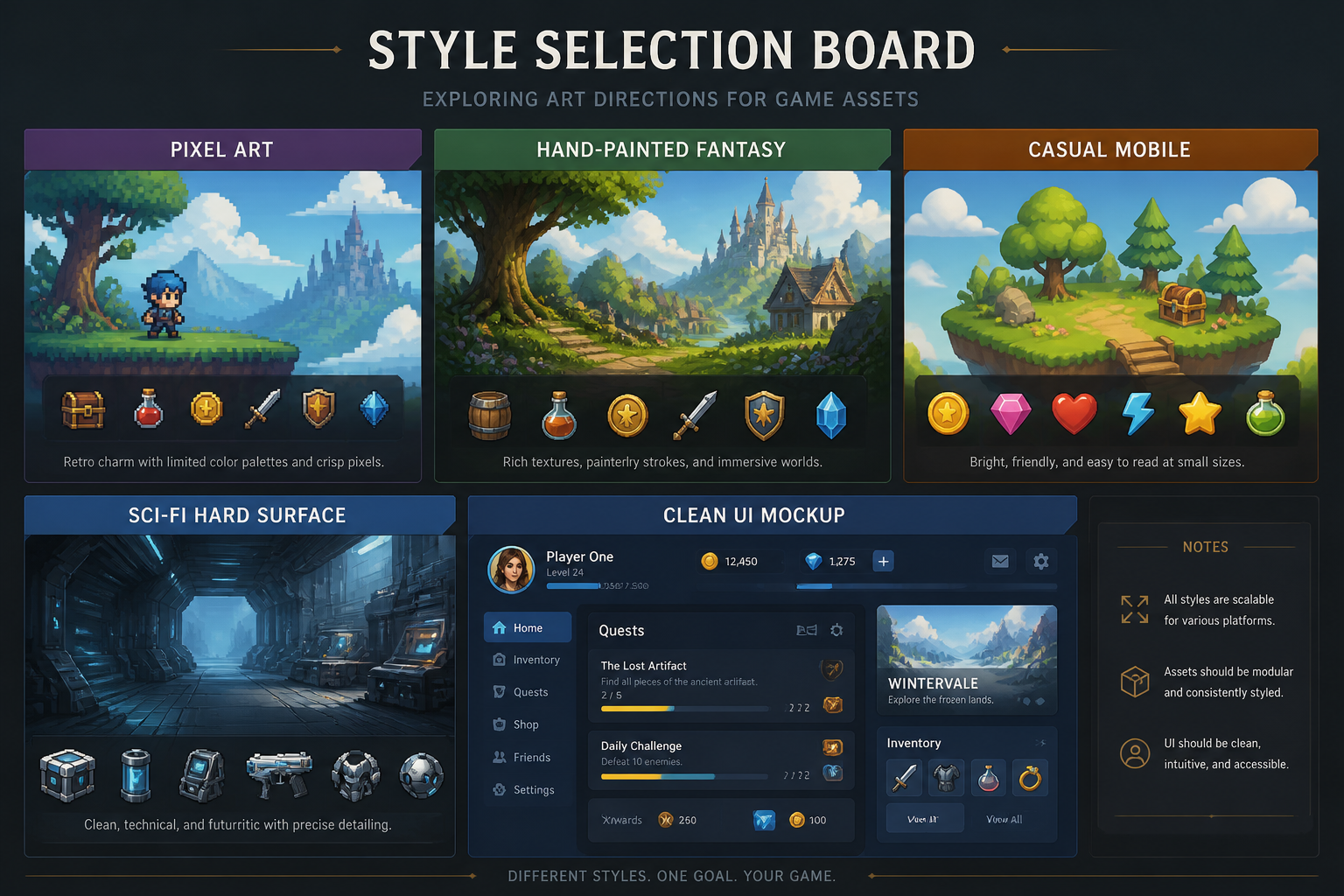
Pick a visual style
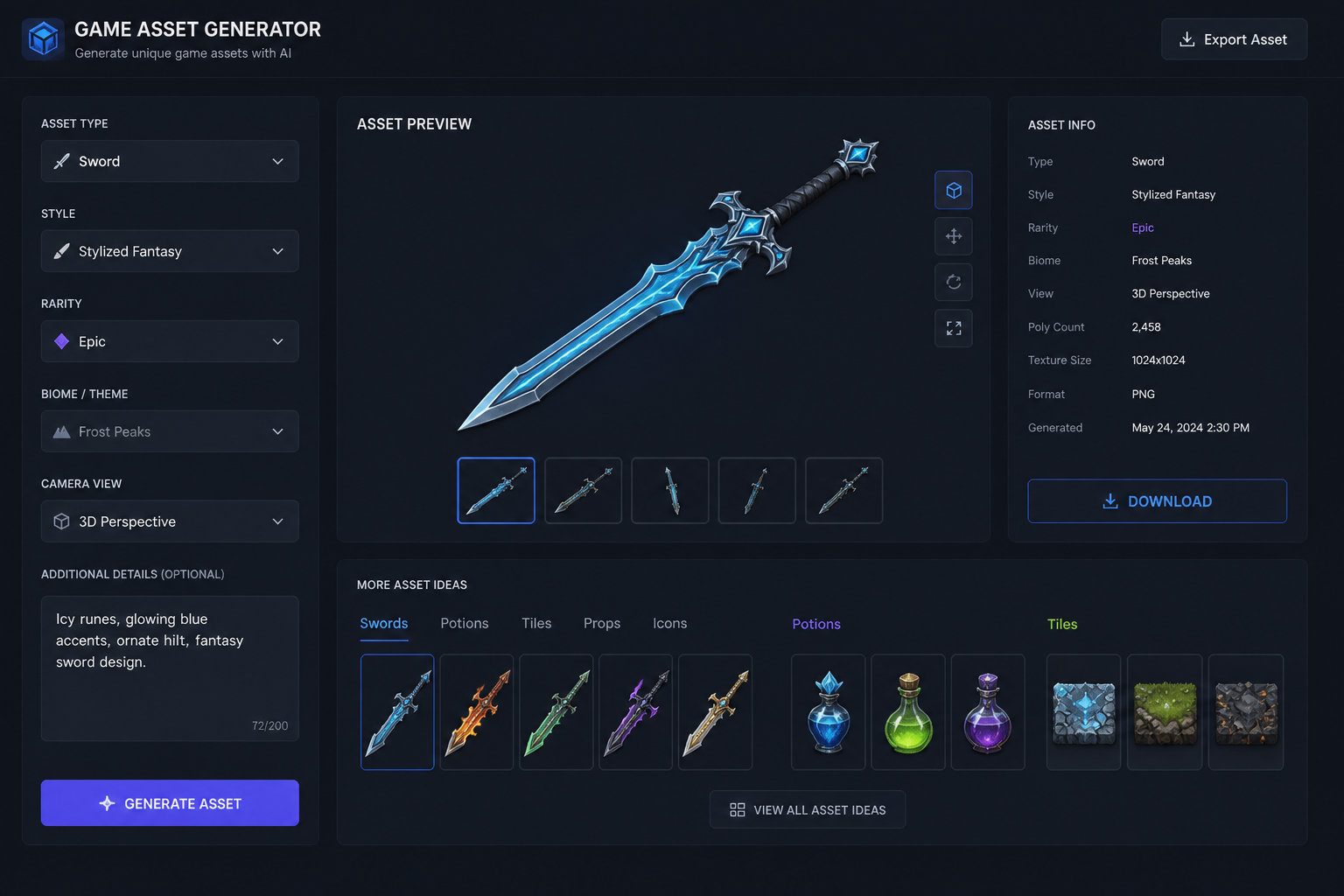
Start with a prompt that matches your game, such as pixel art, hand-painted fantasy, cozy sim, or sci-fi UI. The preset gives you a strong base structure so you are not writing from scratch.
Describe the asset details
Add the object type, theme, materials, camera view, and mood you want. You can specify things like top-down item icon, isometric building, rarity tier, or environment set to guide the result.
Generate and refine
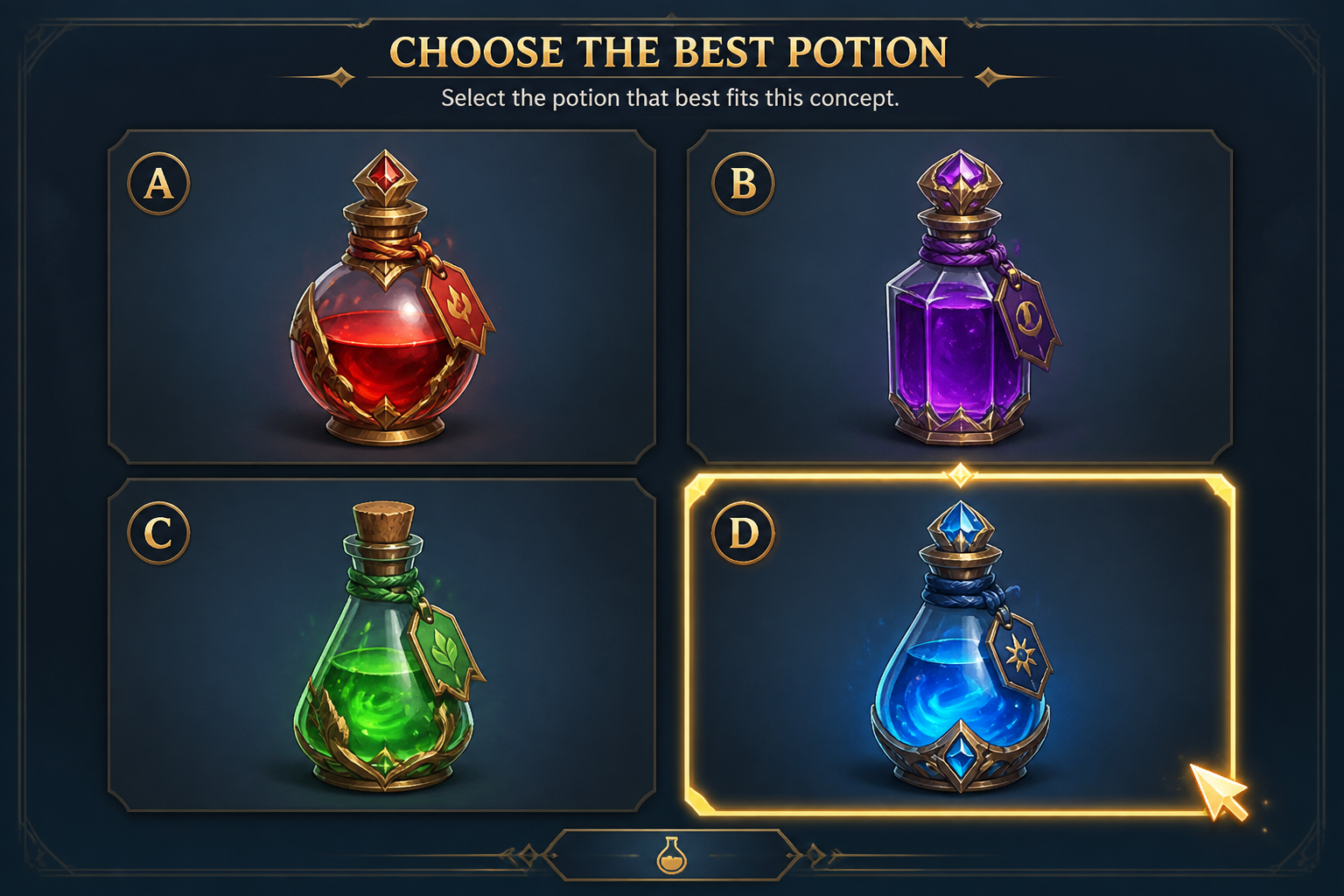
Create several variations, compare what reads best, and keep the strongest direction. Then edit the prompt to push color, shape, detail level, or consistency before downloading your favorite result.
Perfect For
Discover how creators and professionals use ai game asset generator
Prototype art for indie games
Create quick visual assets for game jams, vertical slices, and early builds before full production art is ready.
Style exploration for new projects
Compare different visual directions for the same item set or environment theme to help define your game's look.
Pitch deck and marketing mockups
Generate clean asset concepts to support publisher pitches, design docs, store mockups, and investor presentations.
Reference boards for artists
Use generated asset sheets as briefs and inspiration for illustrators, pixel artists, or 3D modelers.
Built For
Indie game developers
Useful for solo devs and small teams who need fast concept art for items, props, icons, and environment pieces.
Game designers
Helps designers visualize loot, crafting items, UI symbols, and world objects while systems are still being defined.
Art directors and freelancers
Supports moodboarding, art direction tests, and reusable prompt-based asset ideation for client projects.
Frequently Asked Questions
What kind of game assets can I generate?
Are these assets ready to drop straight into a game?
Can I make assets in a specific art style?
Can I generate matching variations of the same asset?
Do I need art skills to use it?
Create together.
Share your creations, discover trending AI art, and grow with fellow creators.