AI Game Environment Generator
Turn short scene ideas into game-ready environment concepts
Generate concept art for game worlds, levels, biomes, interiors, and cinematic backdrops from a simple prompt. This tool is built for developers, artists, and storytellers who need fast visual exploration without starting from a blank canvas.
See It In Action
Real outputs from ai game environment generator.
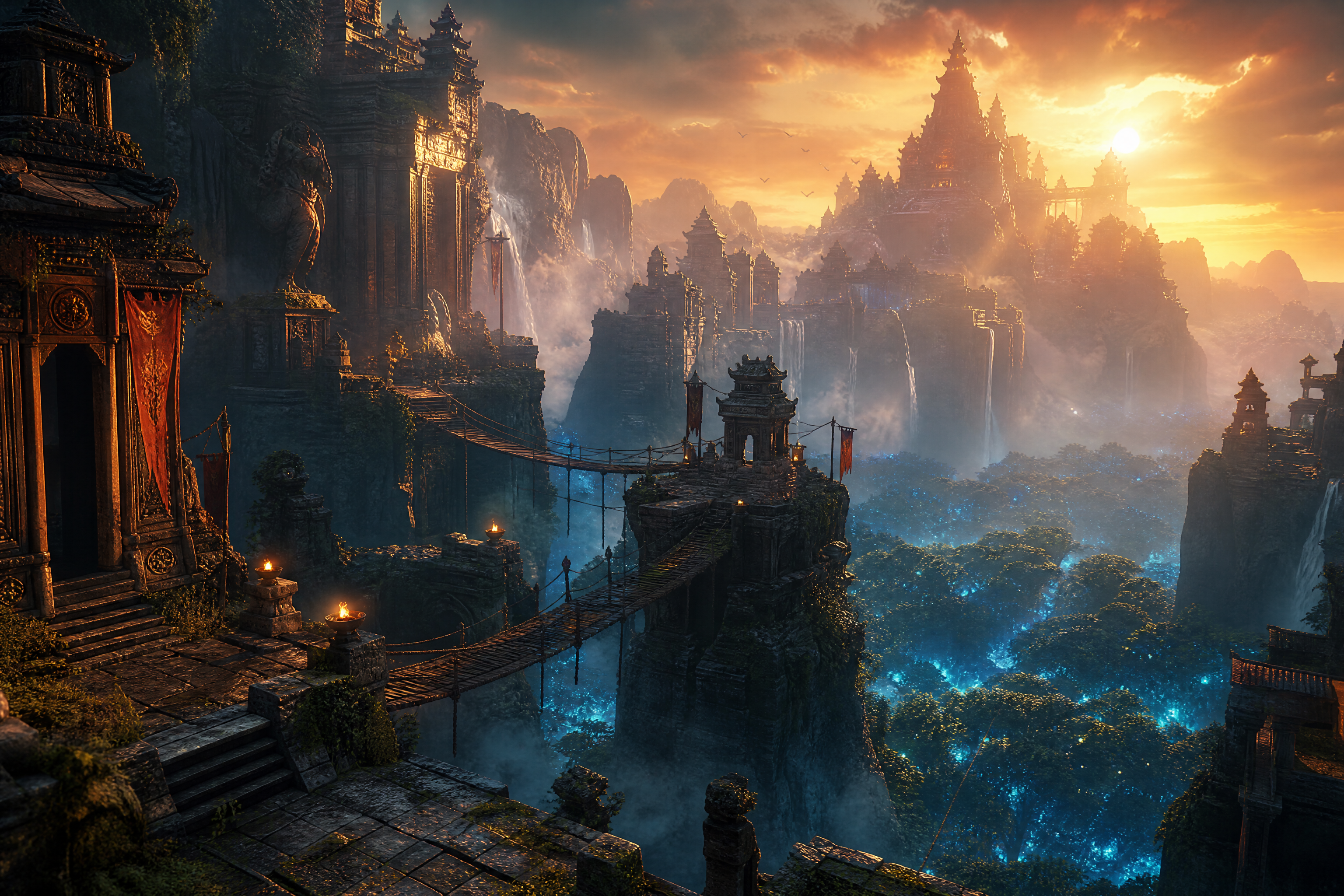
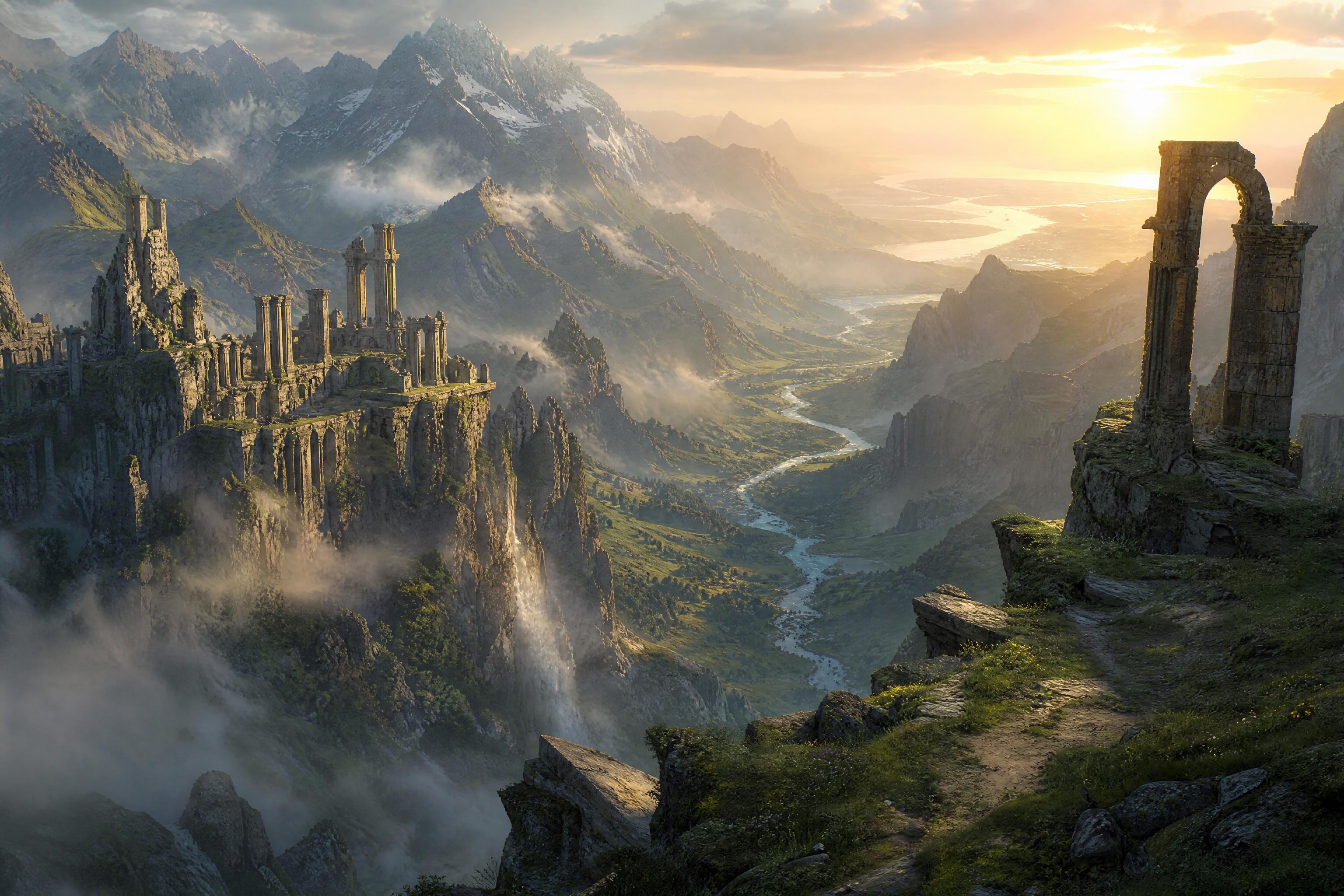
cinematic fantasy game environment, ancient cliffside temple above a glowing forest, layered stone ruins, hanging bridges, drifting mist, dramatic sunset lighting, atmospheric depth, detailed environment concept art, wide composition
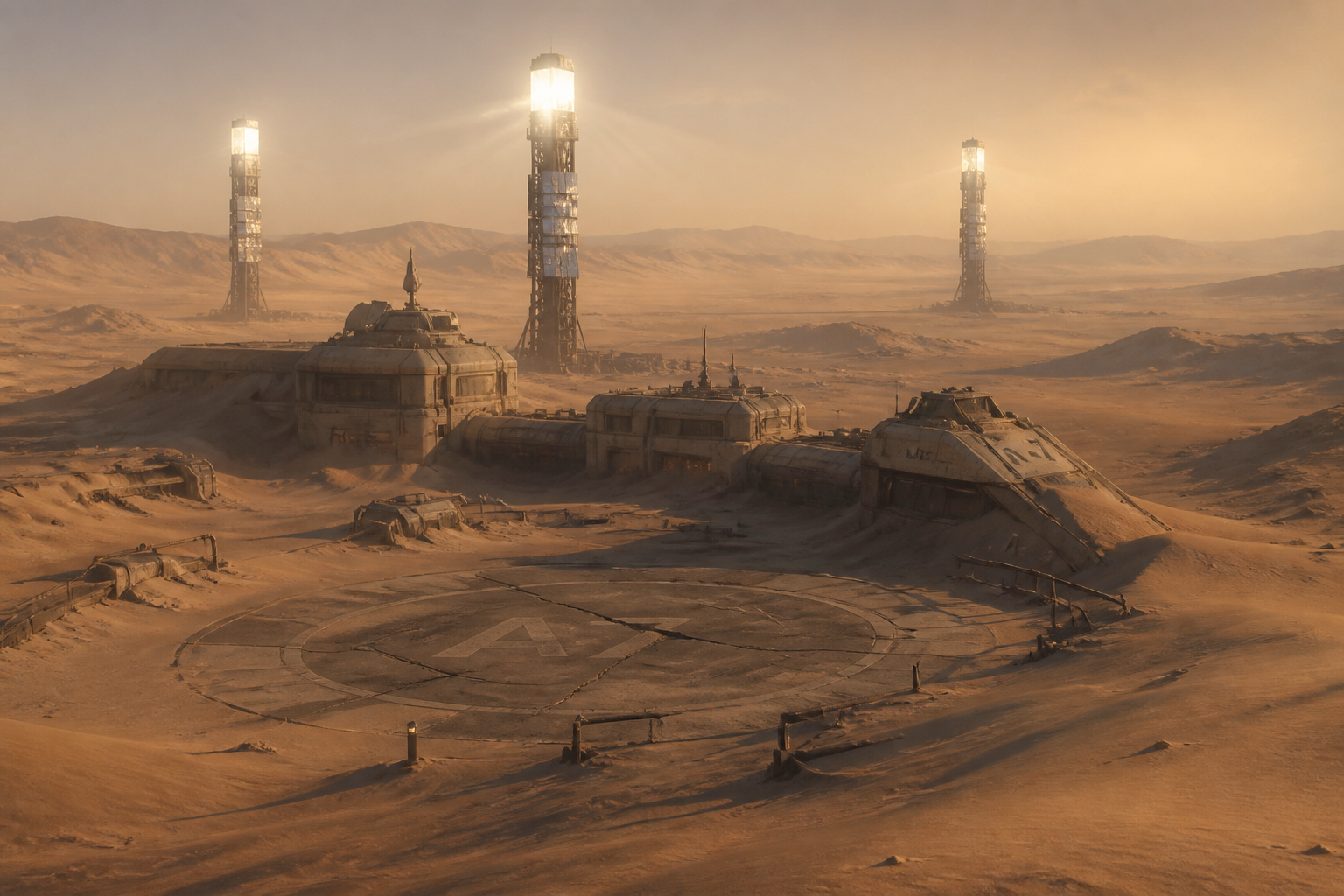
sci-fi game environment, abandoned desert research outpost half buried in dunes, solar towers, cracked landing pad, heat haze, long shadows, realistic concept art, cinematic wide shot
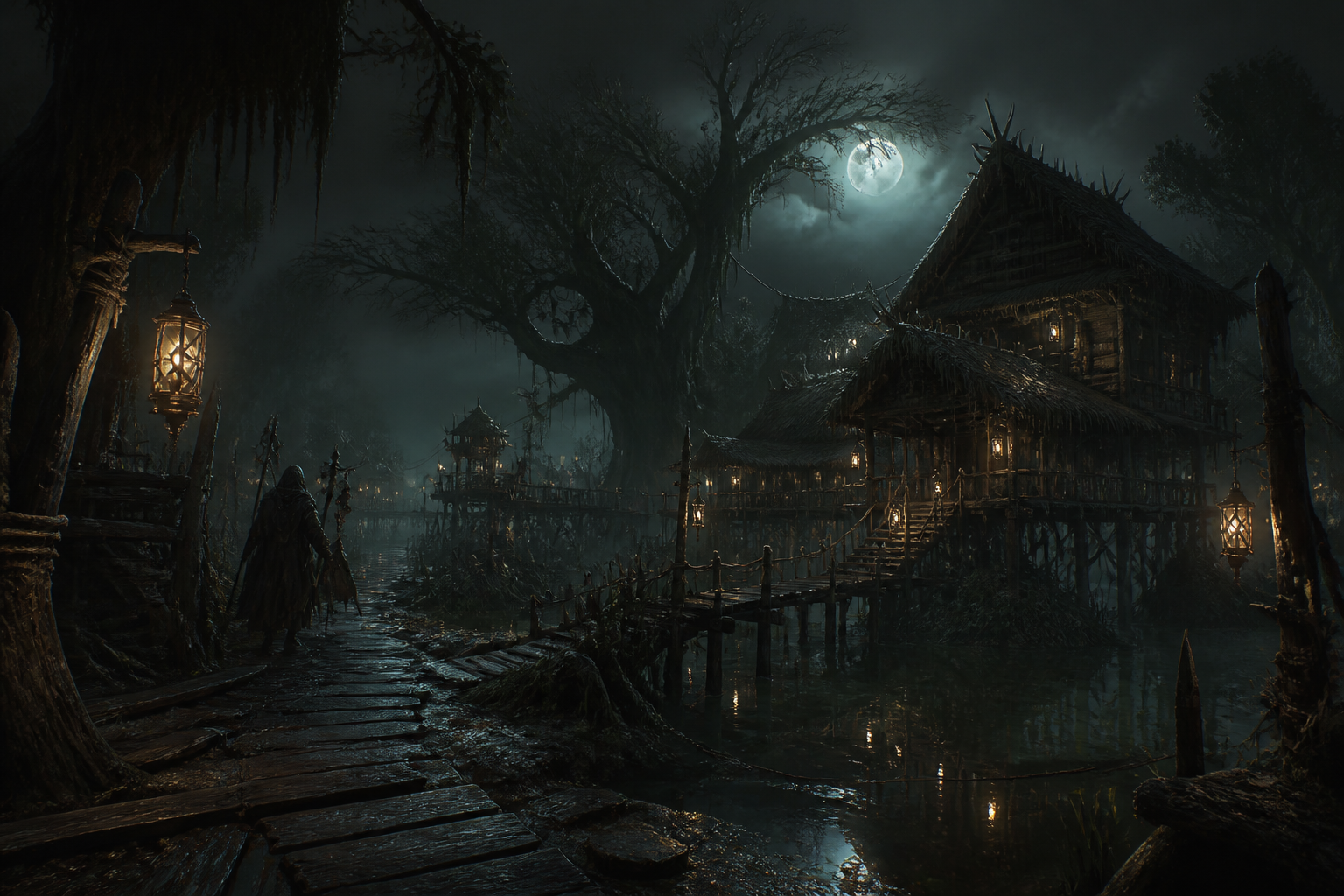
dark fantasy game environment, swamp village on stilts under twisted cypress trees, lantern reflections, heavy fog, muddy paths, moody moonlight, painterly concept art, wide composition
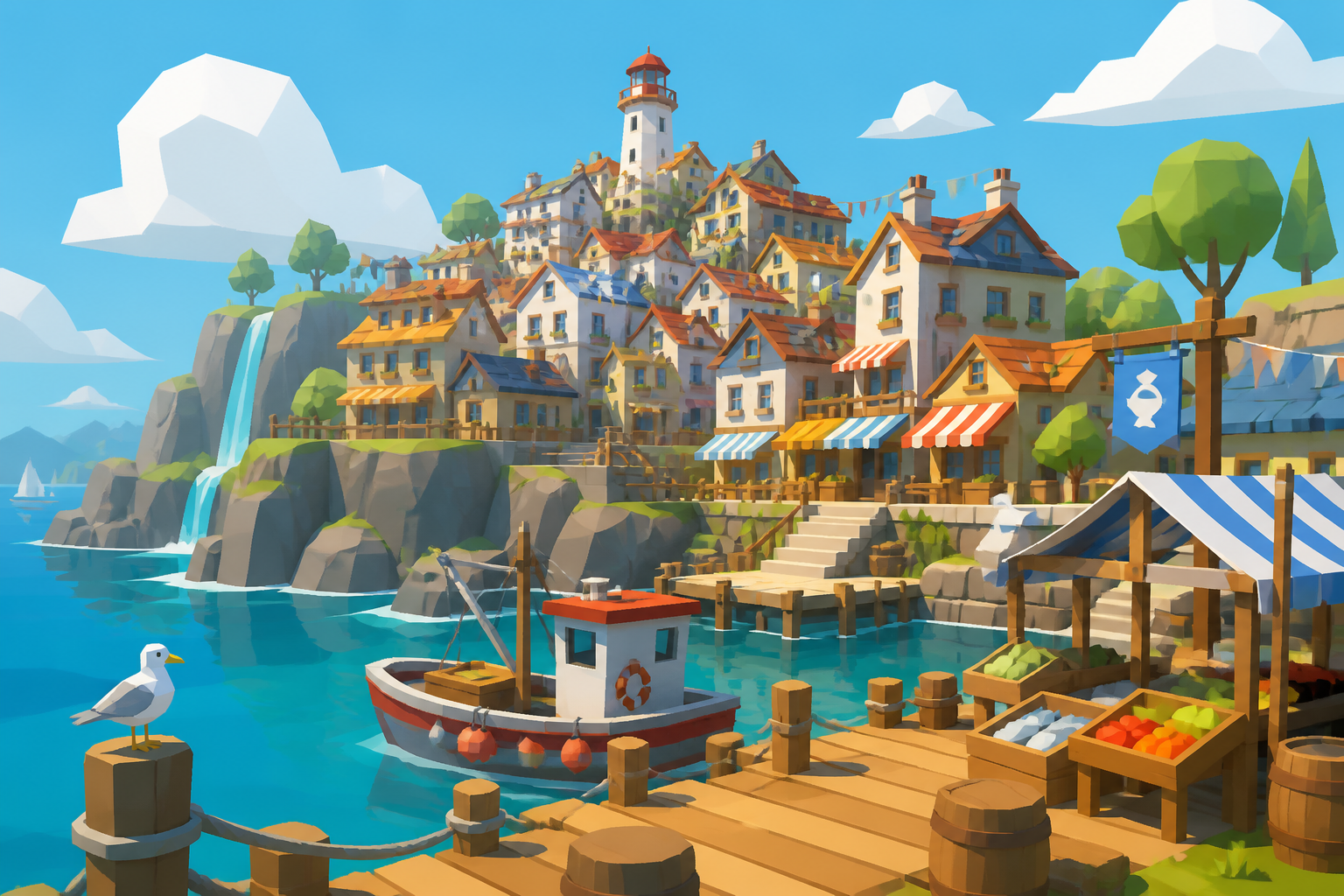
stylized low-poly game environment, colorful coastal harbor town with stacked houses, market awnings, bright water, playful shapes, clean lighting, indie game art style, wide composition
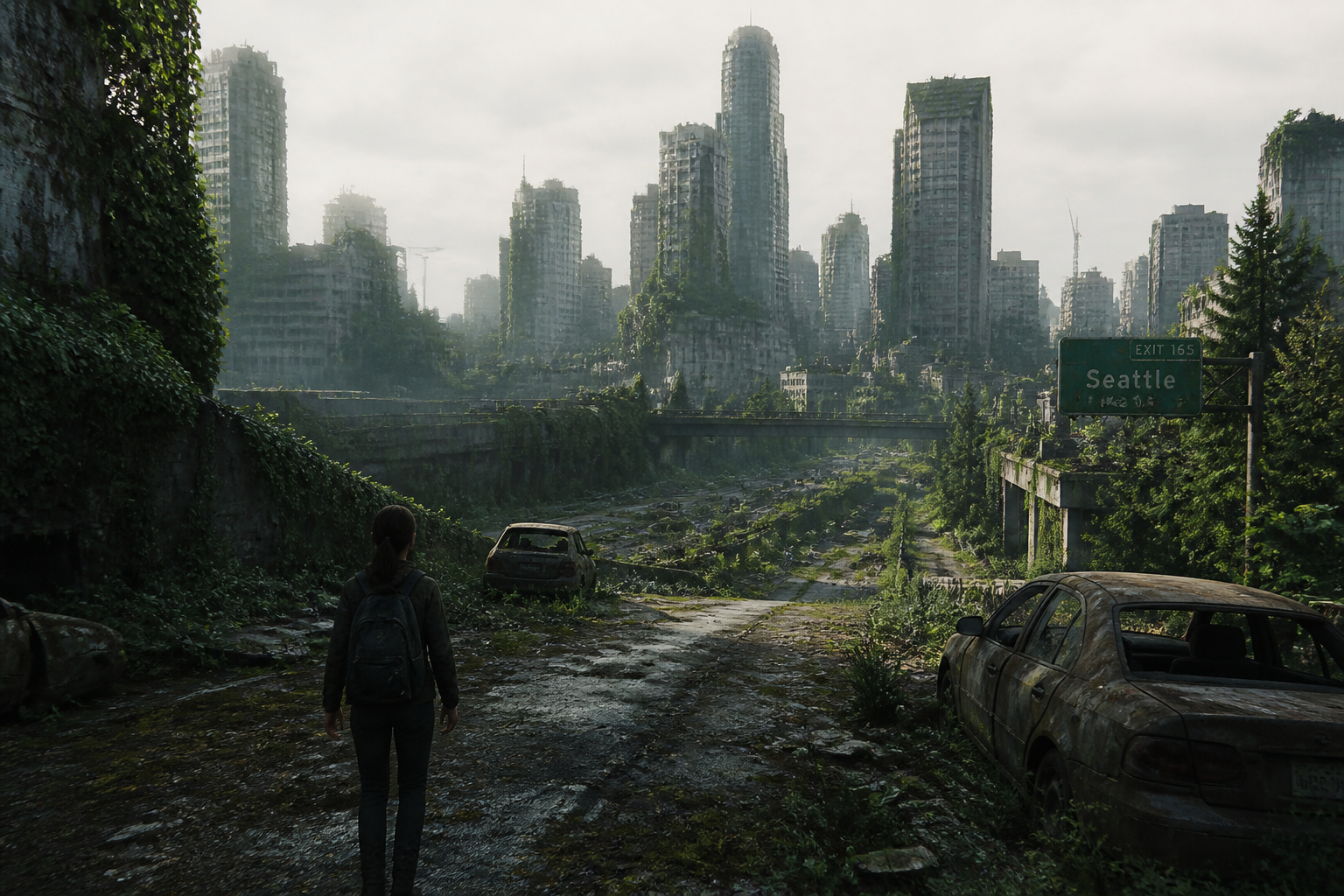
post-apocalyptic game environment, overgrown freeway leading into a ruined downtown skyline, vines, abandoned cars, soft morning light, realistic matte painting style, cinematic wide frame
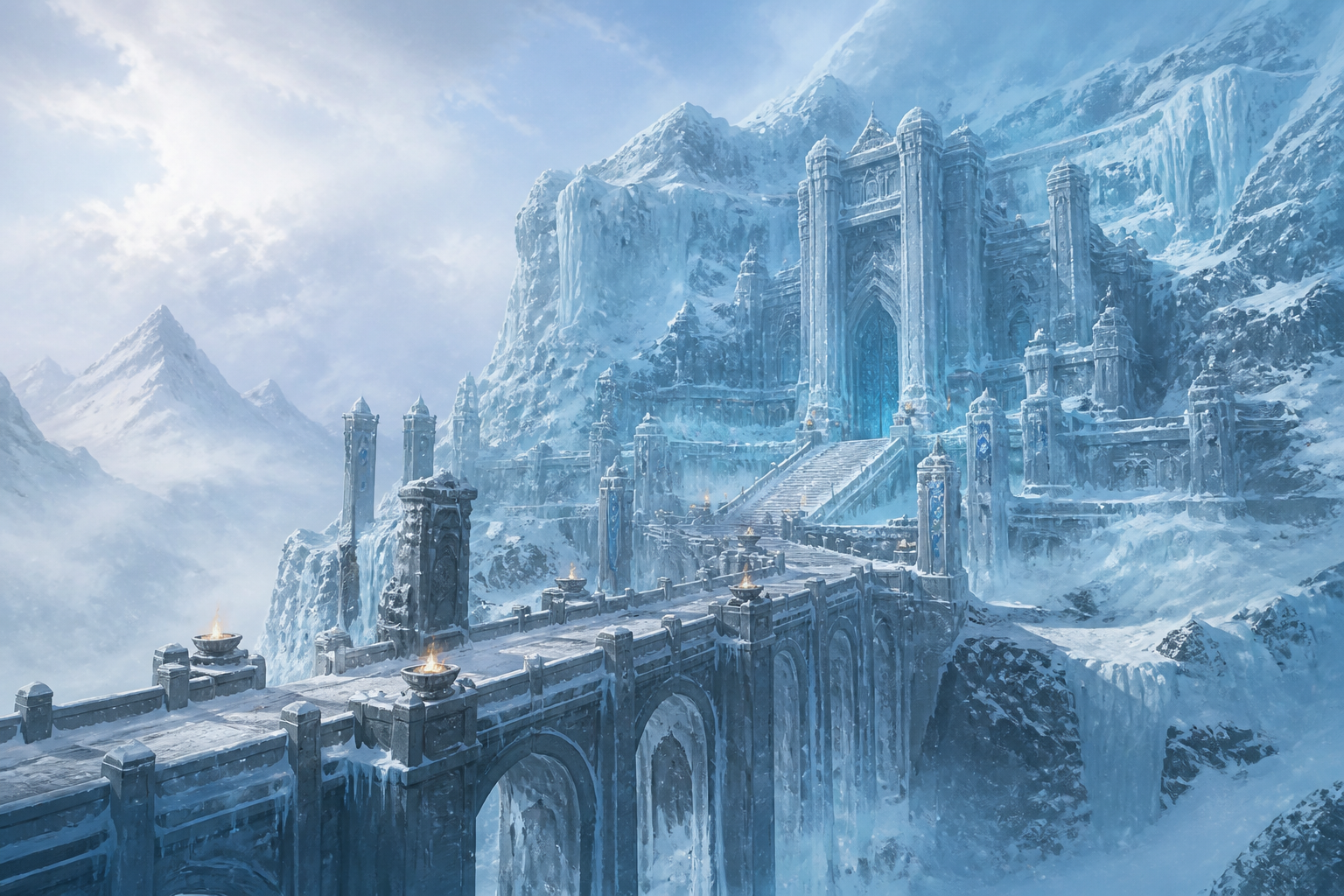
snow biome game environment, frozen fortress carved into a glacier, icy bridges, blowing snow, pale blue light, epic scale, high-detail concept art, wide composition
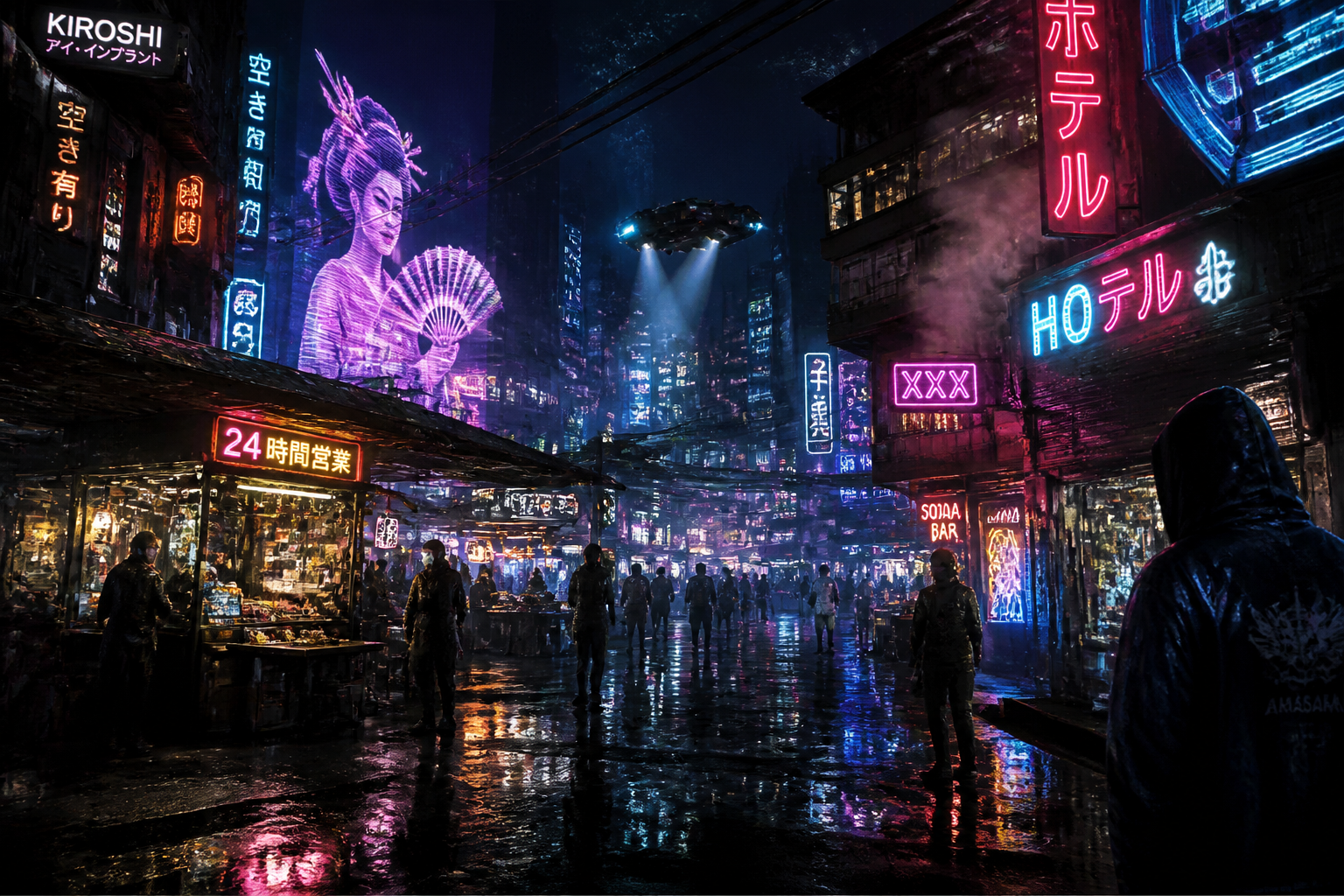
cyberpunk game environment, neon alley market in a dense megacity, rain-soaked pavement, holographic signage shapes, steam vents, rich reflections, cinematic concept art, wide composition
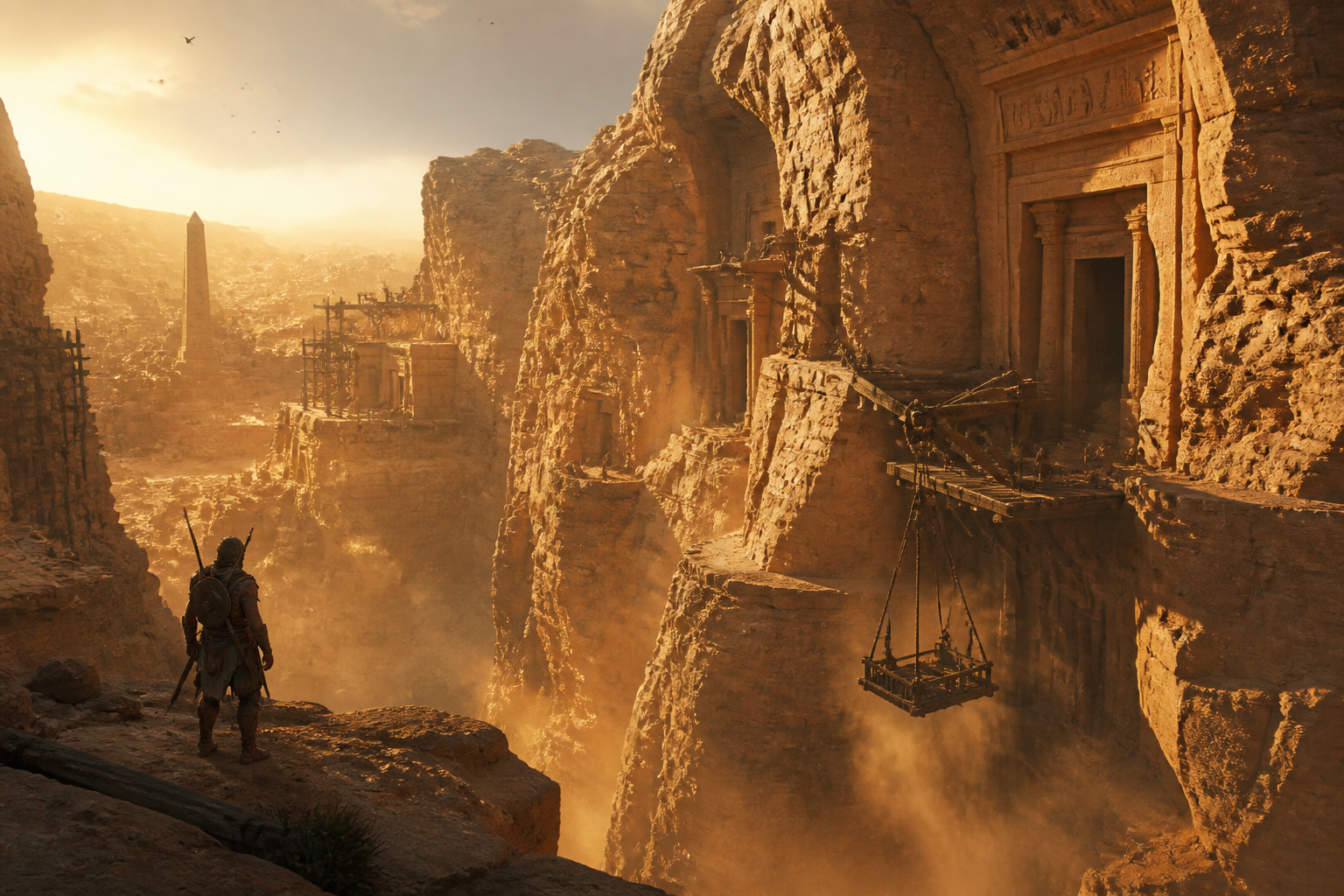
ancient desert game environment, colossal sandstone canyon with carved tomb entrances, rope lifts, dust clouds, golden hour light, adventure game concept art, wide composition
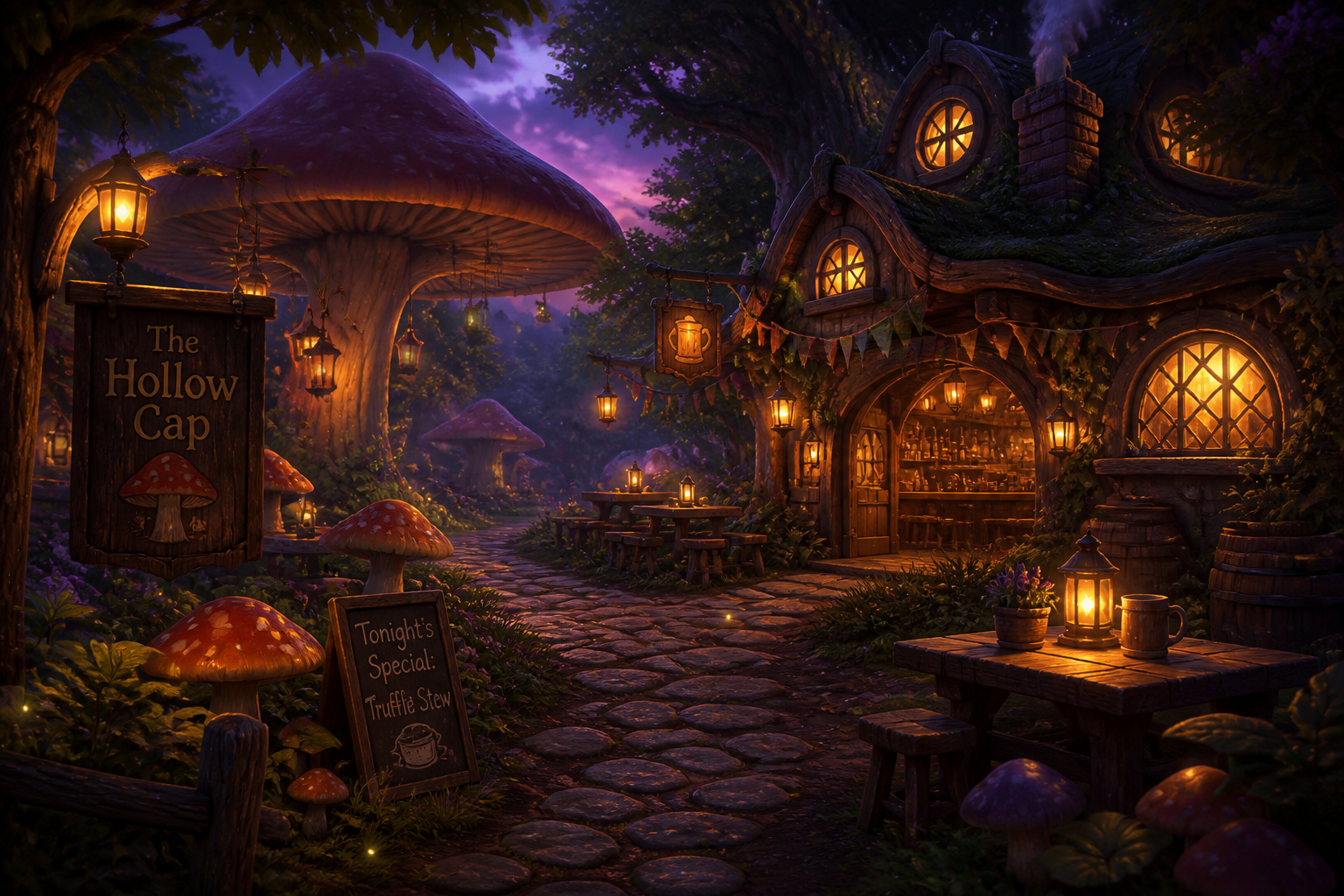
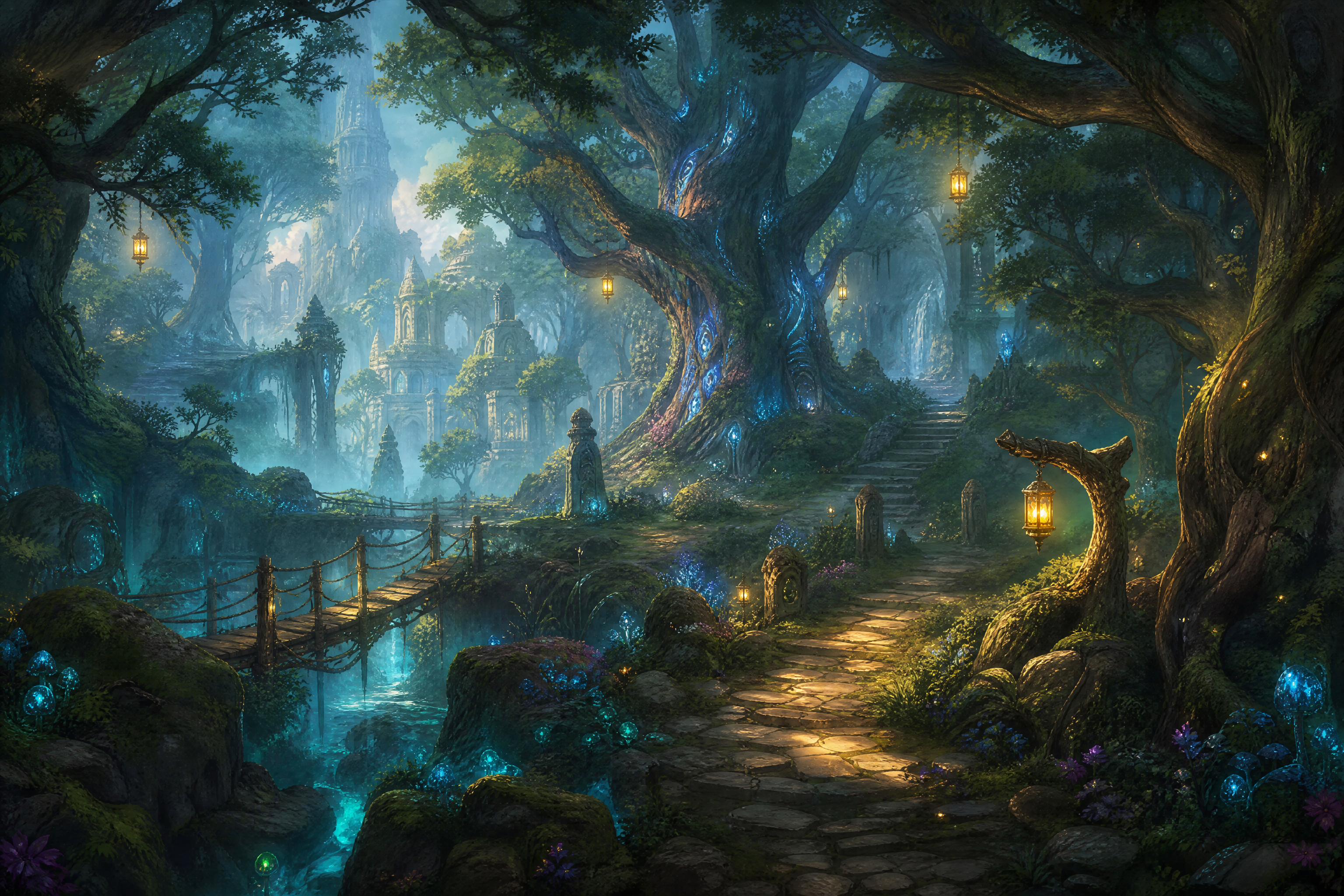
cozy fantasy game environment, forest tavern clearing with giant mushrooms, warm windows, cobblestone path, fireflies, twilight ambiance, storybook illustration style, wide composition
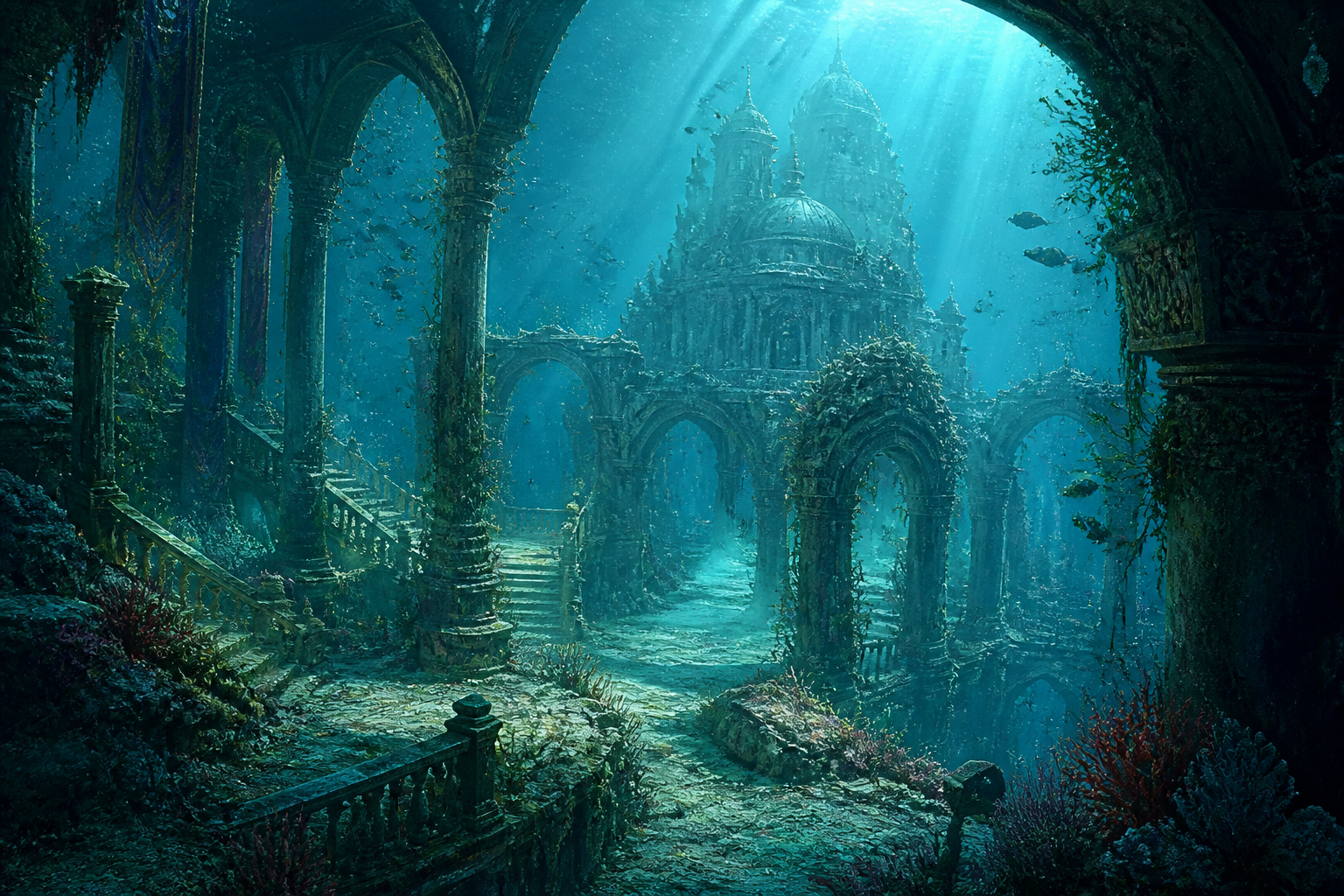
underwater game environment, submerged palace ruins with coral growth, shafts of sunlight, drifting particles, broken arches, turquoise palette, detailed concept art, wide composition
Key Features
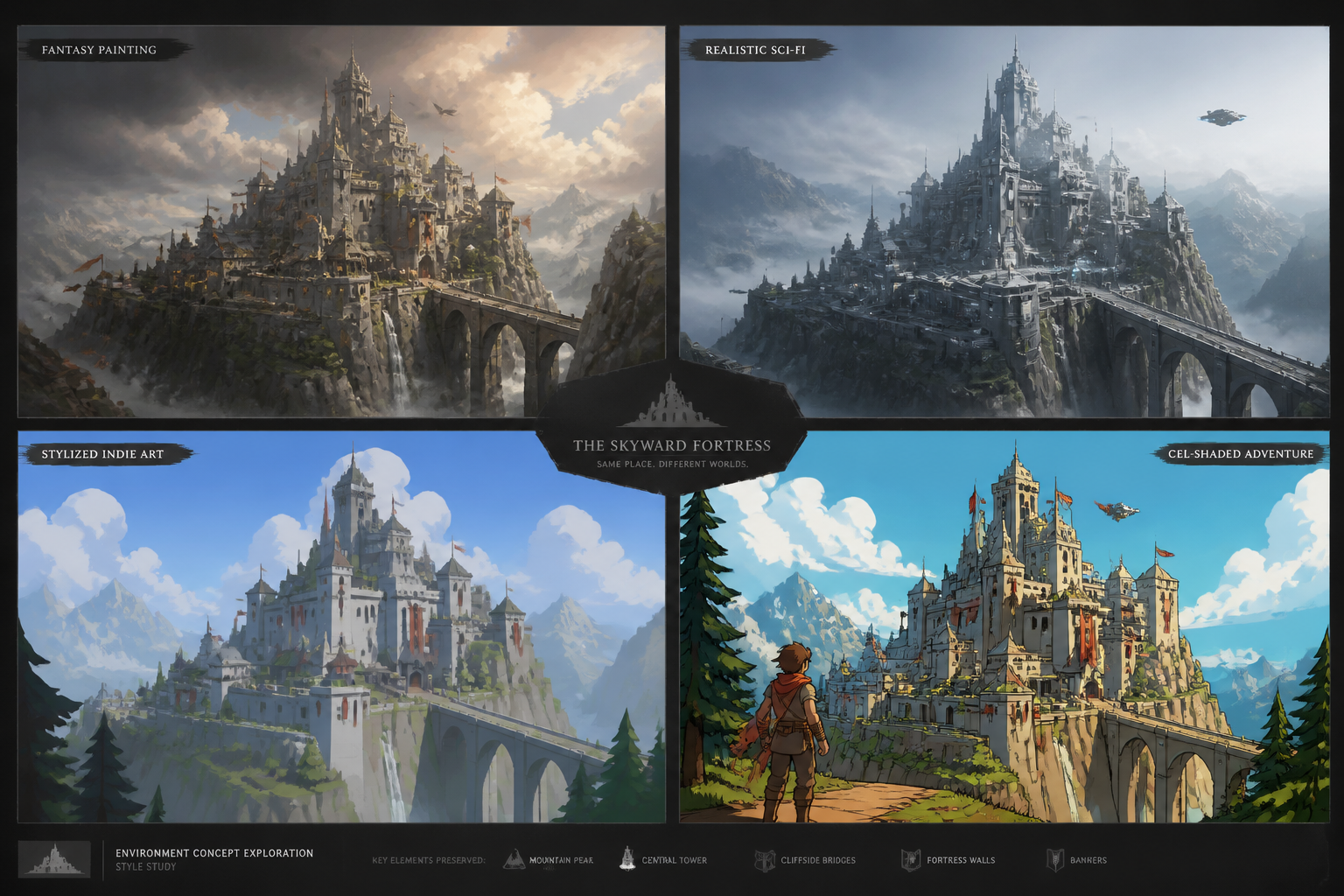
Explore world styles fast
Test fantasy, sci-fi, post-apocalyptic, stylized, or realistic environments from the same core idea. That makes early worldbuilding much faster when you are still deciding tone and art direction. Instead of sketching every option manually, you can compare distinct visual directions in minutes. It is especially useful for pitching a game world before full production art begins.
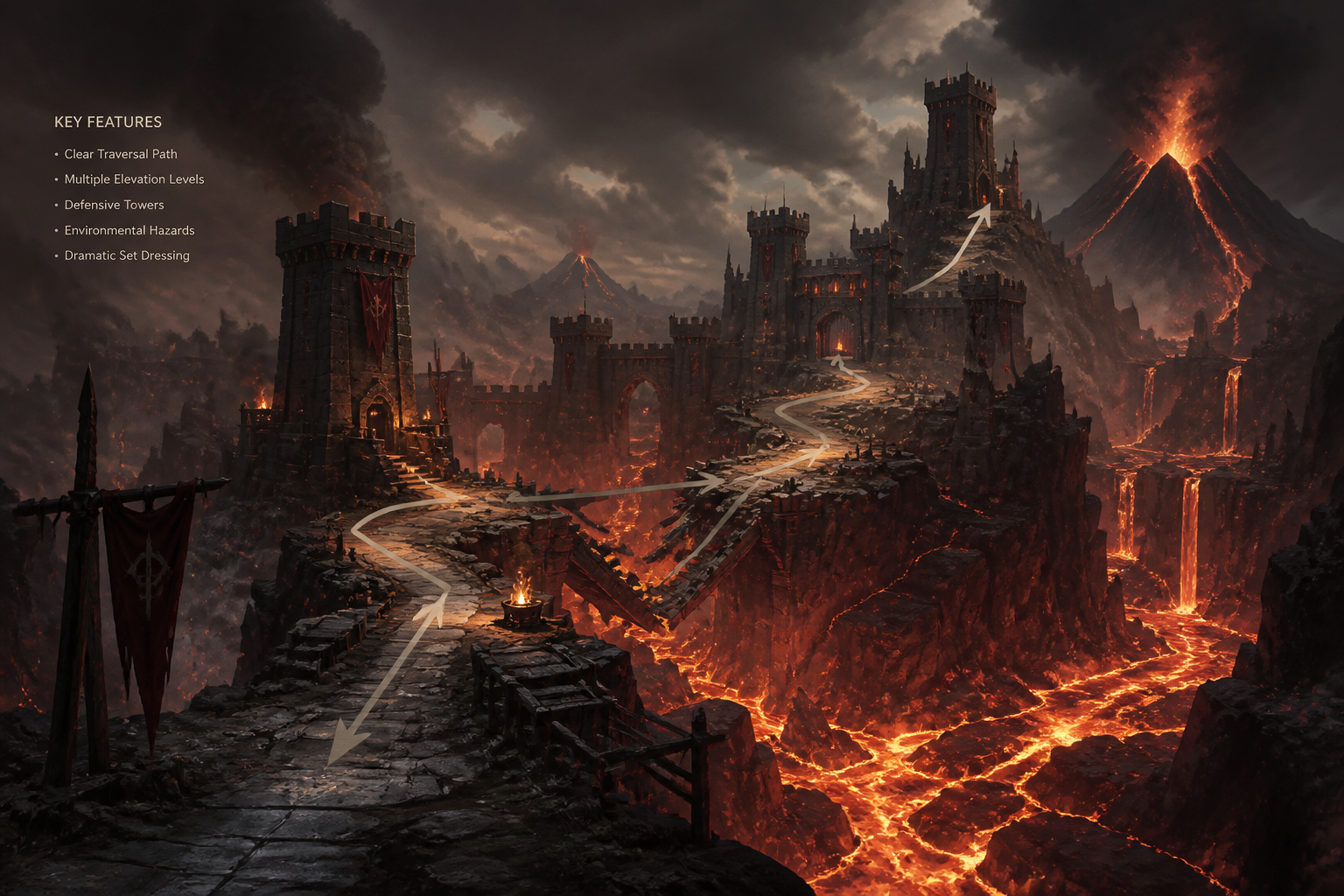
Build richer scene prompts
The generator responds well to concrete level details like biome, architecture, time of day, weather, and traversal paths. That helps you move beyond generic backgrounds into scenes that feel playable and intentional. You can describe landmarks, mood, and camera framing in one prompt. The result is more useful for environment ideation than a broad all-purpose image tool.
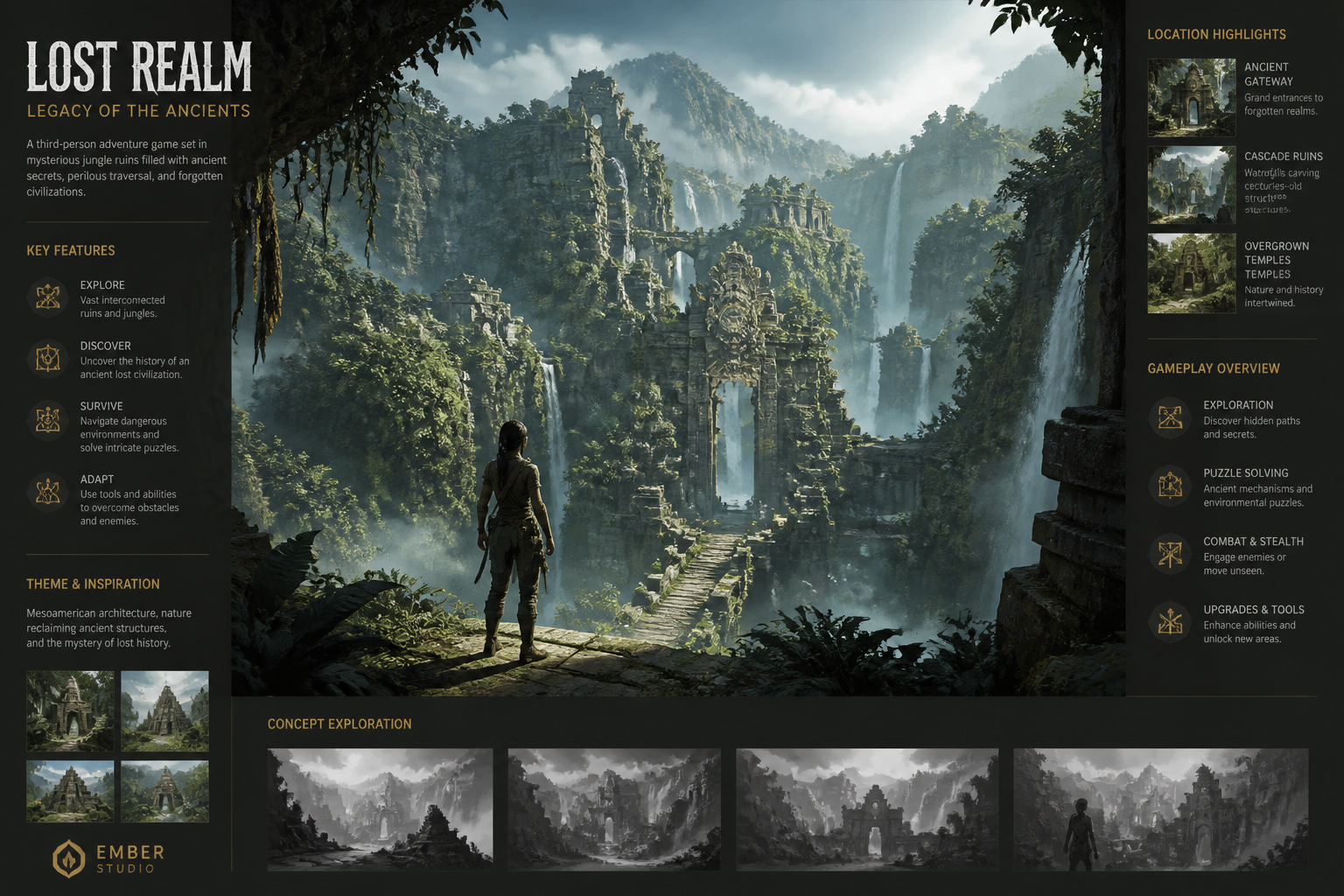
Pitch-ready concept visuals
Use generated scenes in mood boards, design decks, and internal presentations. A strong environment image communicates setting, scale, and atmosphere faster than text alone. That helps teams align on the look of a level before heavy production work starts. It is a practical shortcut for indie teams and solo creators who need clear visuals quickly.
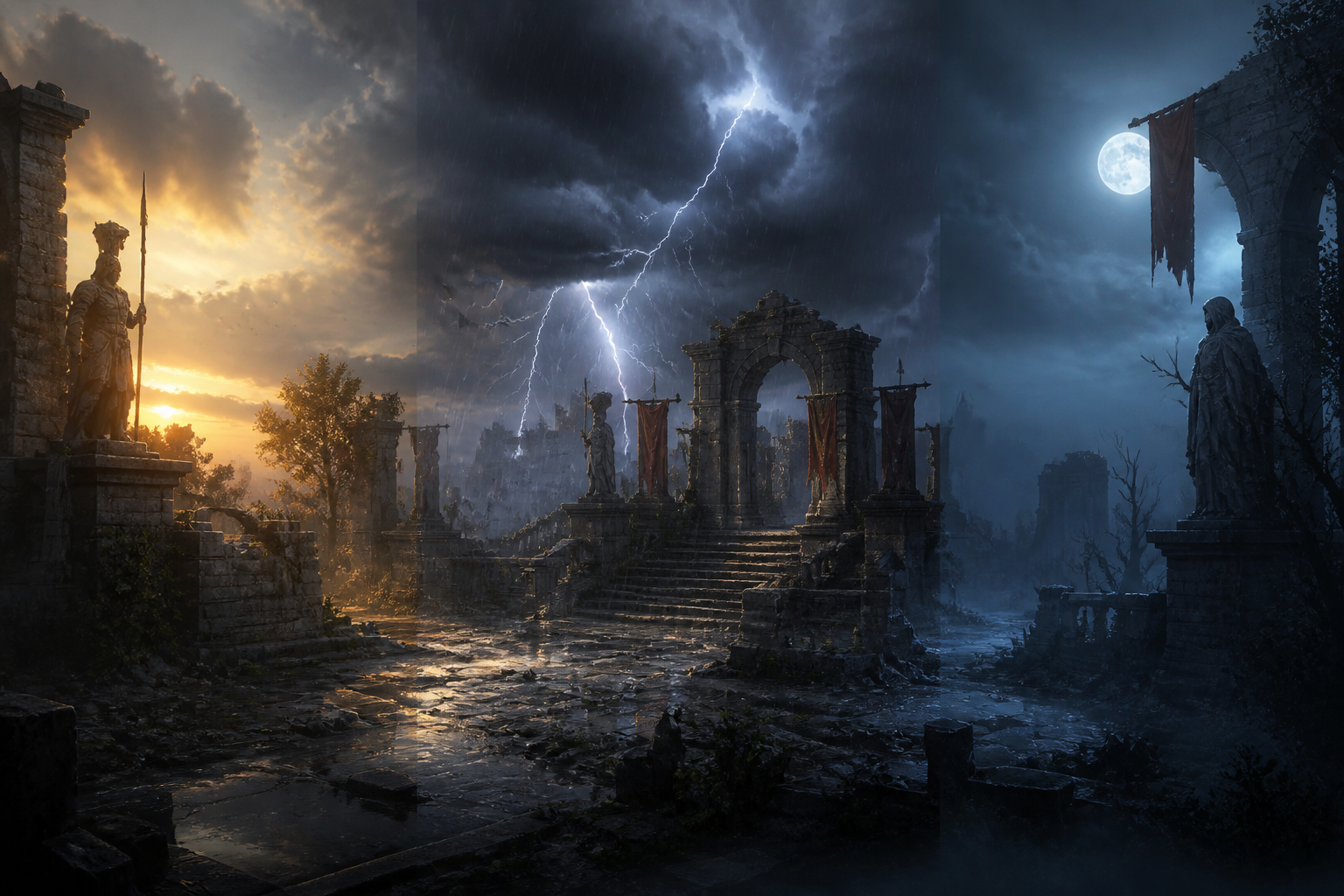
Iterate on level mood
Small prompt changes can shift the same location from calm to ominous, bright to stormy, or grounded to fantastical. This is useful when the environment needs to support a gameplay beat, narrative reveal, or faction identity. You can quickly test lighting, palette, and weather without rebuilding the whole scene. That kind of iteration is slow by hand and often overlooked in generic generators.
How It Works
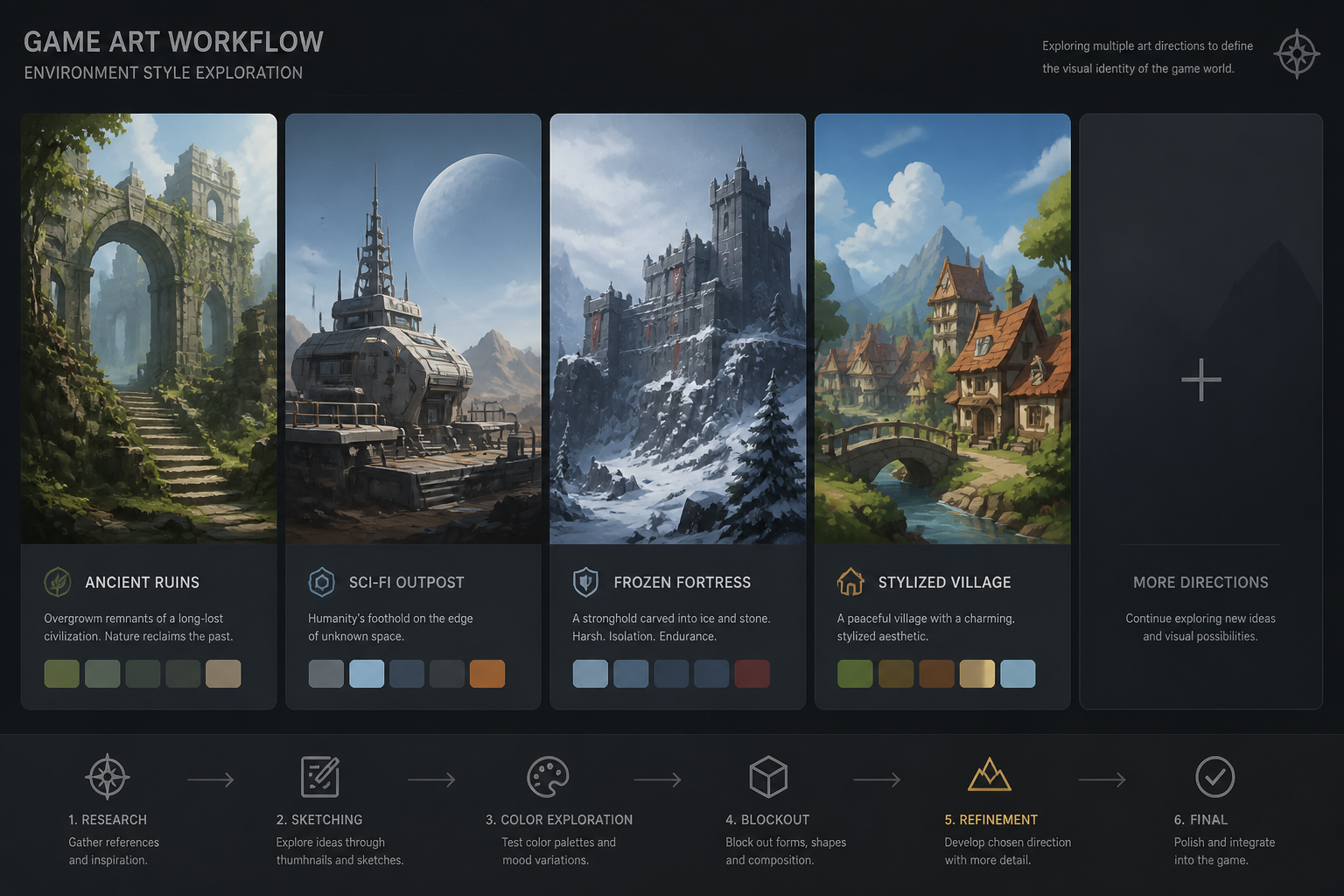
Pick a visual direction
Start with a preset prompt for a fantasy, sci-fi, realistic, or stylized environment. This gives you a strong base scene with a clear art direction and composition.
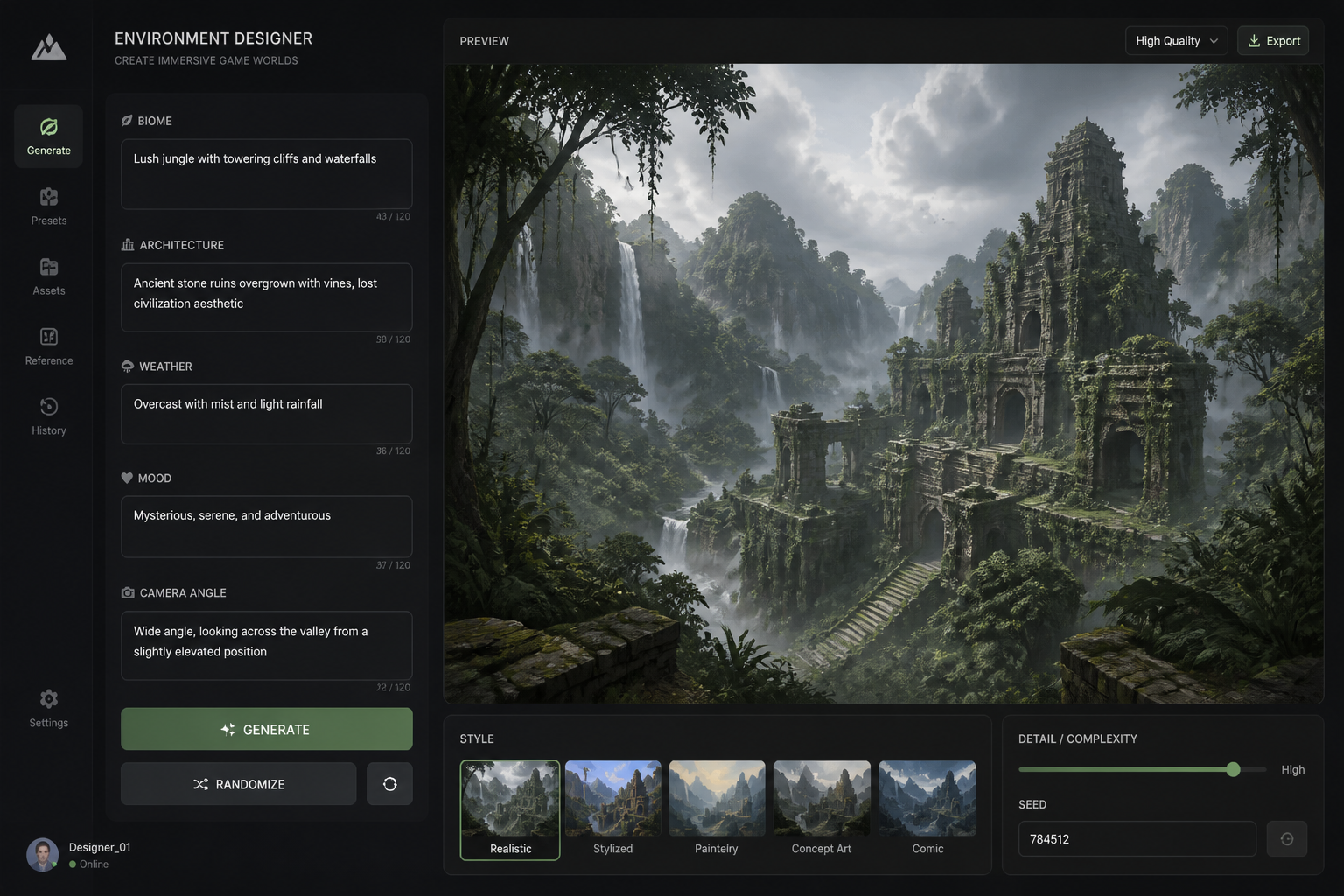
Describe the environment
Add the biome, architecture, lighting, weather, and mood you want. You can also mention landmarks, traversal routes, and camera angle to make the concept more useful for level planning.
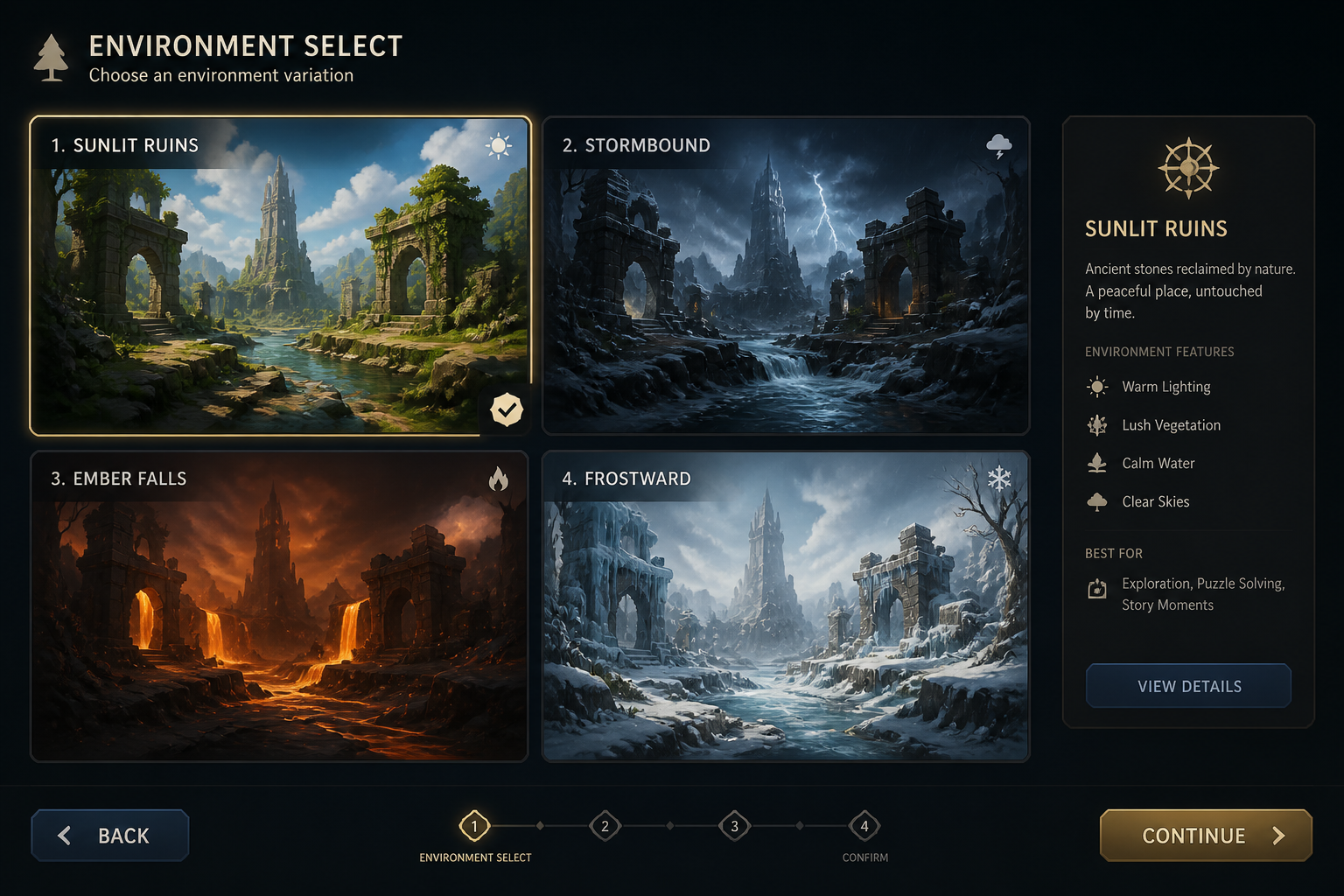
Generate and refine
Create variations, compare results, and keep the direction that fits your game best. Once you find a strong scene, download it for reference, pitch decks, or further art passes.
Perfect For
Discover how creators and professionals use ai game environment generator
Level concept exploration
Quickly visualize possible maps, hubs, dungeons, and traversal spaces before blocking them out.
Worldbuilding mood boards
Generate a consistent set of environment references to define the atmosphere of a game world.
Pitch deck visuals
Turn written ideas into strong environment art for presentations, publishers, and collaborators.
Art direction experiments
Compare multiple visual styles for the same setting to find the right look early.
Built For
Indie game developers
Create environment concepts without waiting on a full art pipeline, and test ideas while the game is still taking shape.
Concept artists
Use it for fast ideation, composition exploration, and alternate takes before refining a final painted scene.
Writers and worldbuilders
Visualize locations from your setting to support lore, quests, maps, and visual storytelling.
Why use this instead of a generic image tool
A quick look at how we compare on the things that matter for this niche.
| Feature | BudgetPixel | Generic AI generators |
|---|---|---|
| Prompt examples for game environments | Yes | Usually limited |
| Fast concept variation workflow | Yes | Varies |
| Useful for level mood boards | Yes | Less focused |
| Editable prompt library | Yes | Not always |
| No subscription required | Yes | Often no |
Frequently Asked Questions
What kind of environments can I generate?
Is this meant for finished production art?
Can I control the art style?
How do I get better environment results?
Can I make multiple versions of the same scene idea?
Create together.
Share your creations, discover trending AI art, and grow with fellow creators.



















Ready to Try AI Game Environment Generator?
Get started for free. No credit card required.
Try it Free