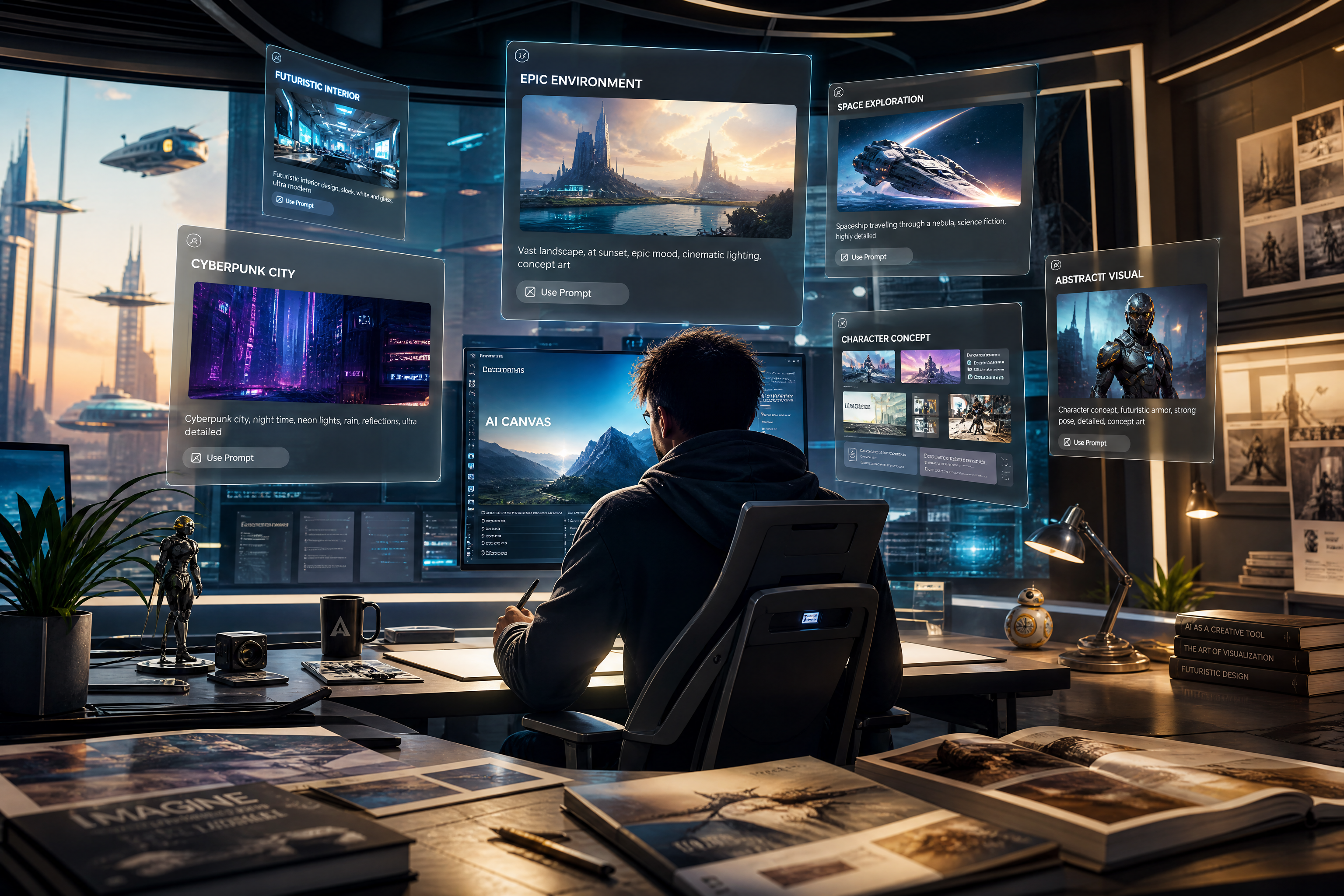
AI Image Prompt Generator from Images
Upload an image and get a cleaner prompt you can reuse.
BudgetPixel helps you turn a reference image into a structured prompt for future generations and edits. Upload a photo, artwork, or product shot, and our AI rewrites what it sees into prompt language that is easier to reuse, refine, and share.
Watch the Transformation
See ai image prompt generator in motion — generated end-to-end by our AI.
See It In Action
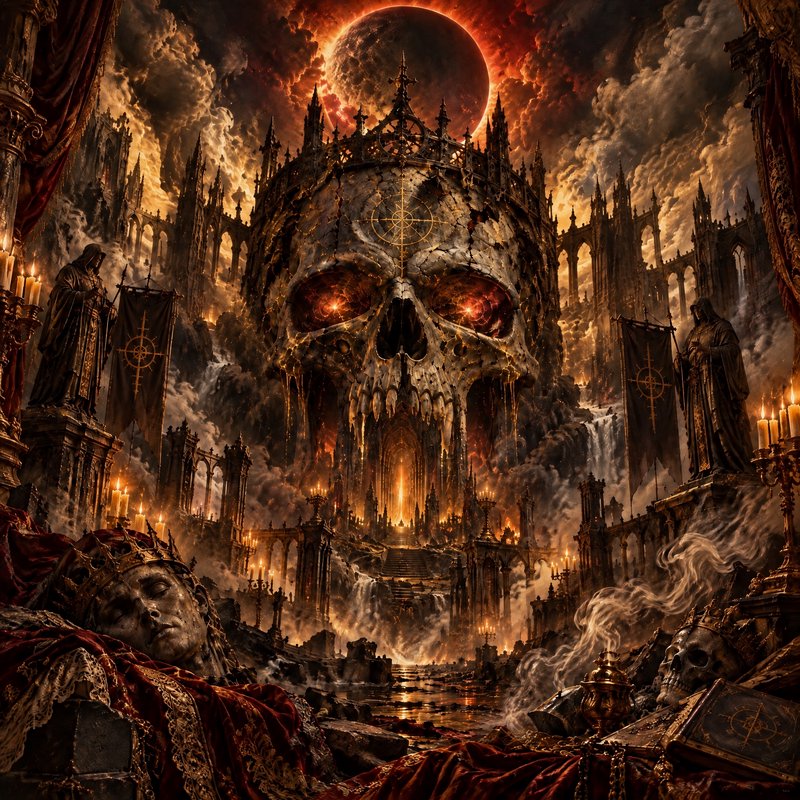
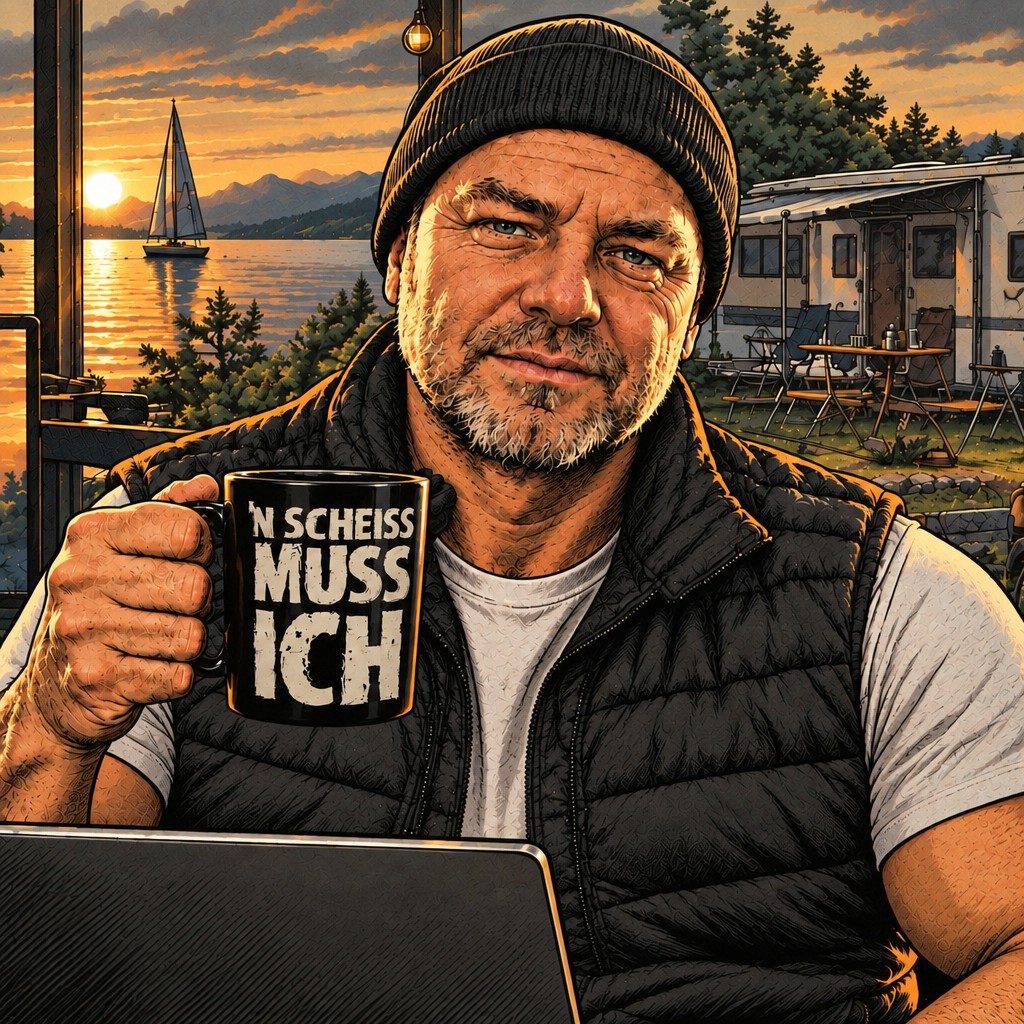
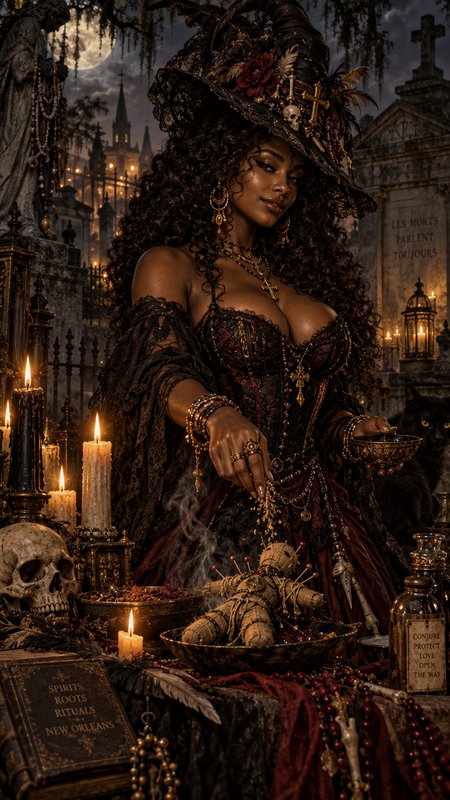
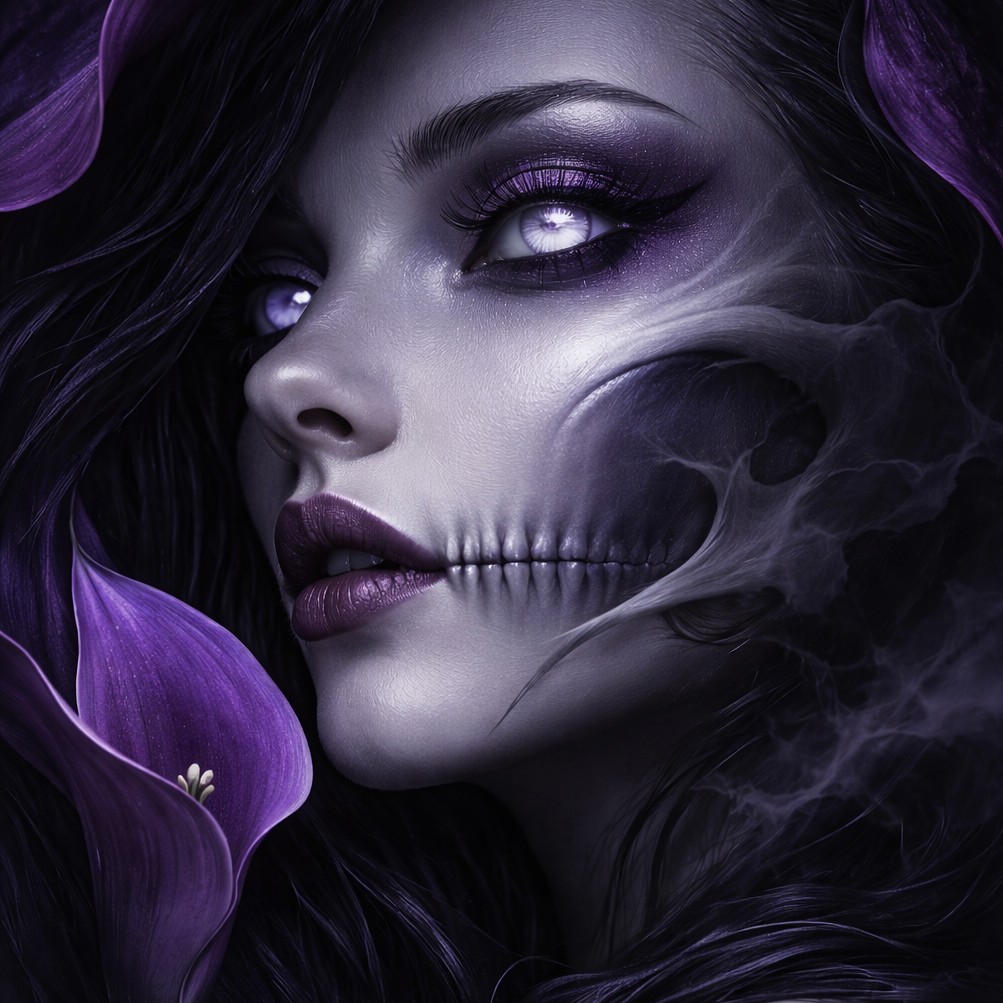
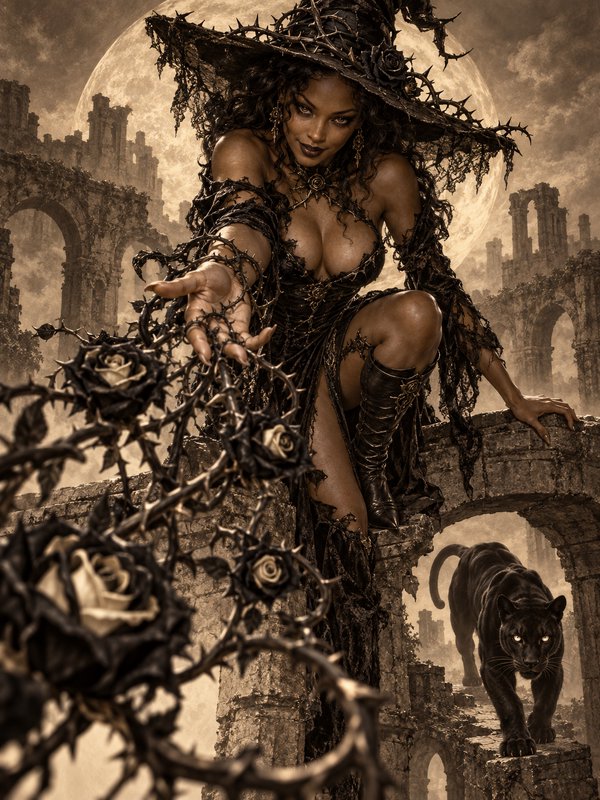
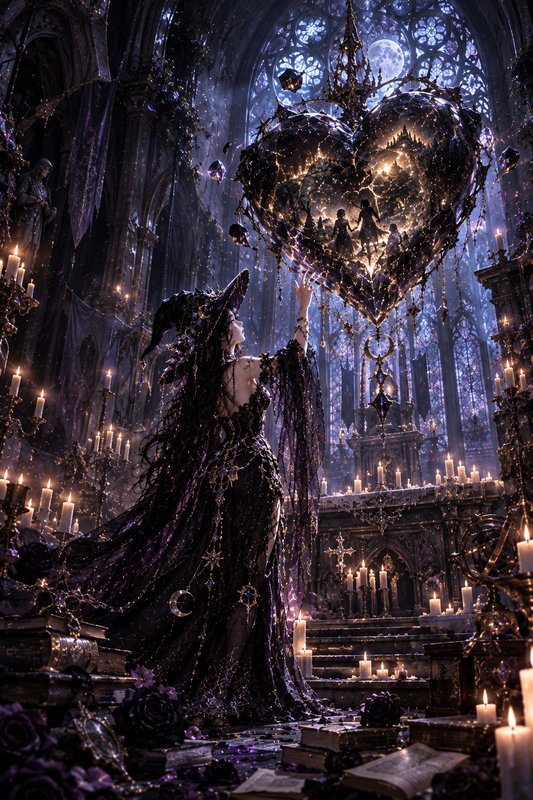
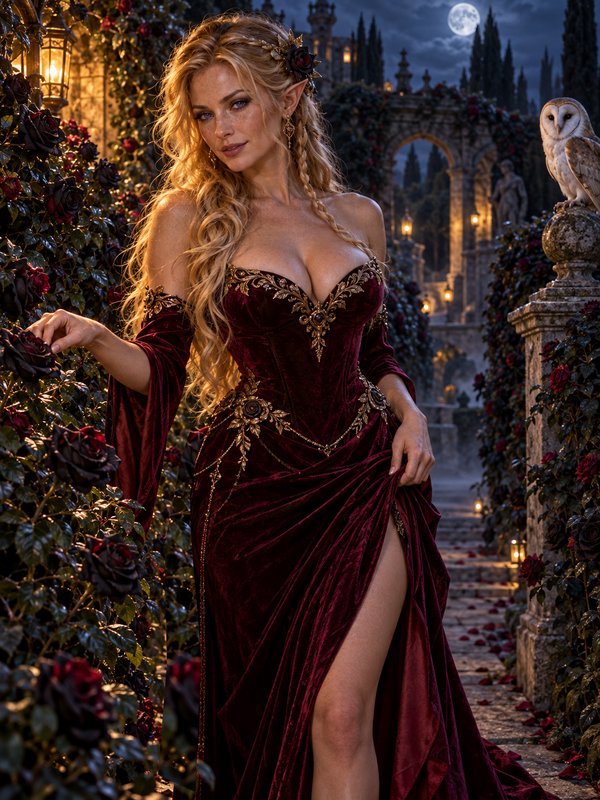
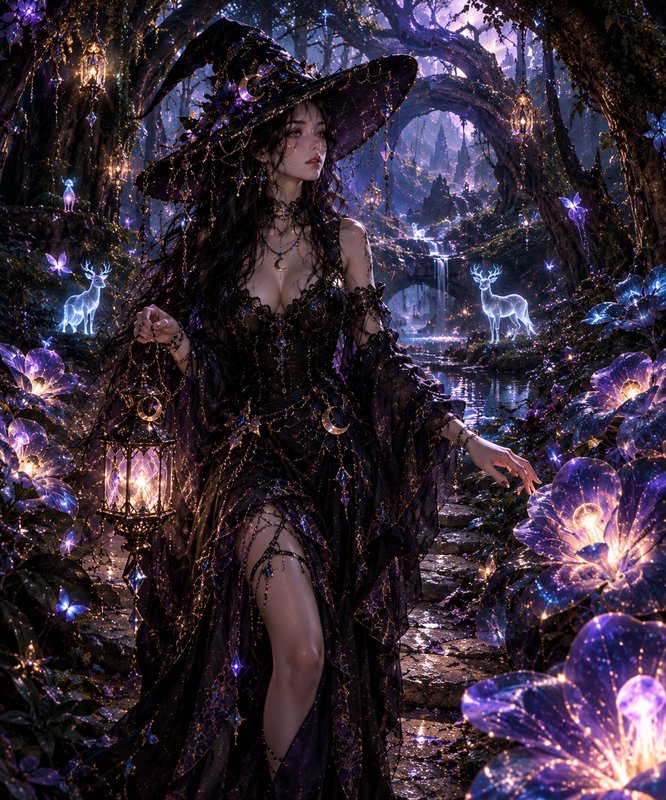
Real outputs from ai image prompt generator.
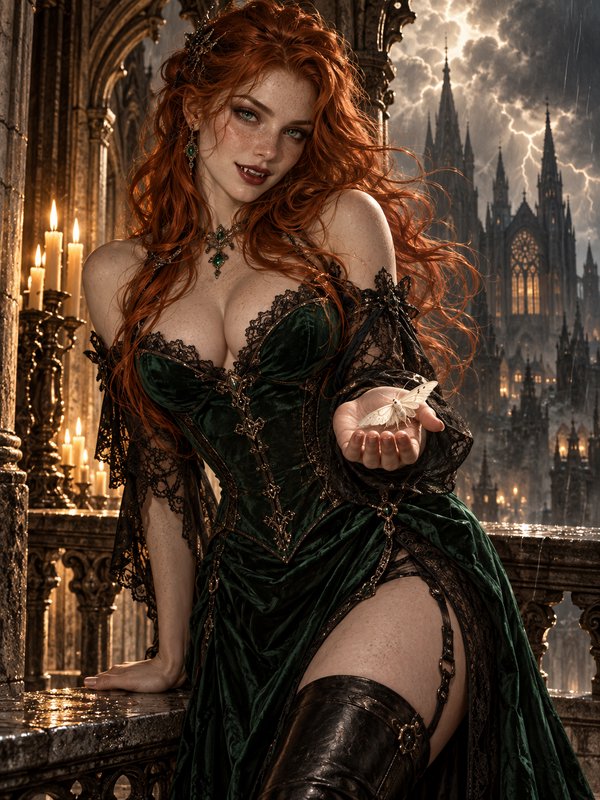
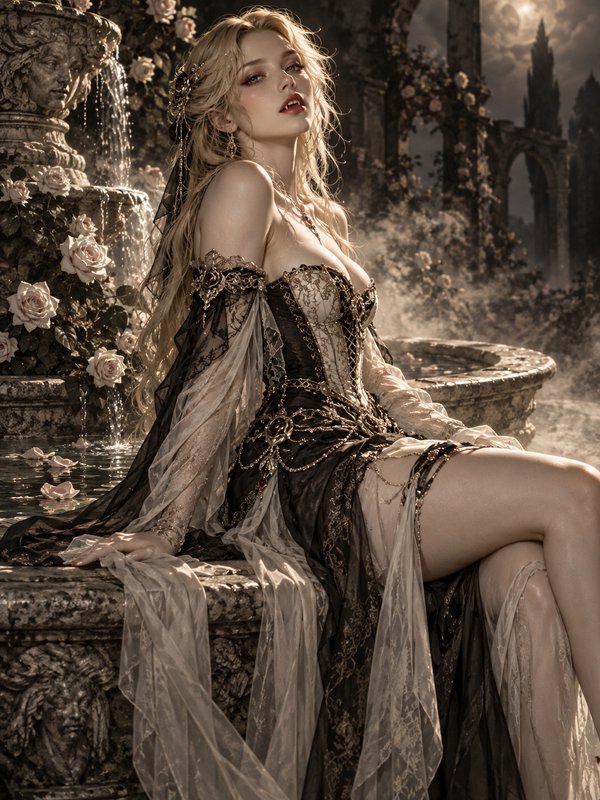
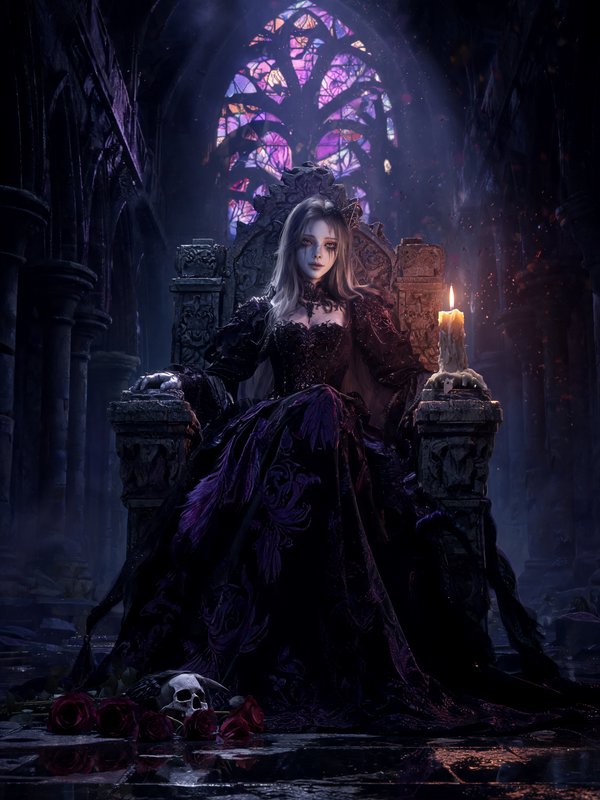
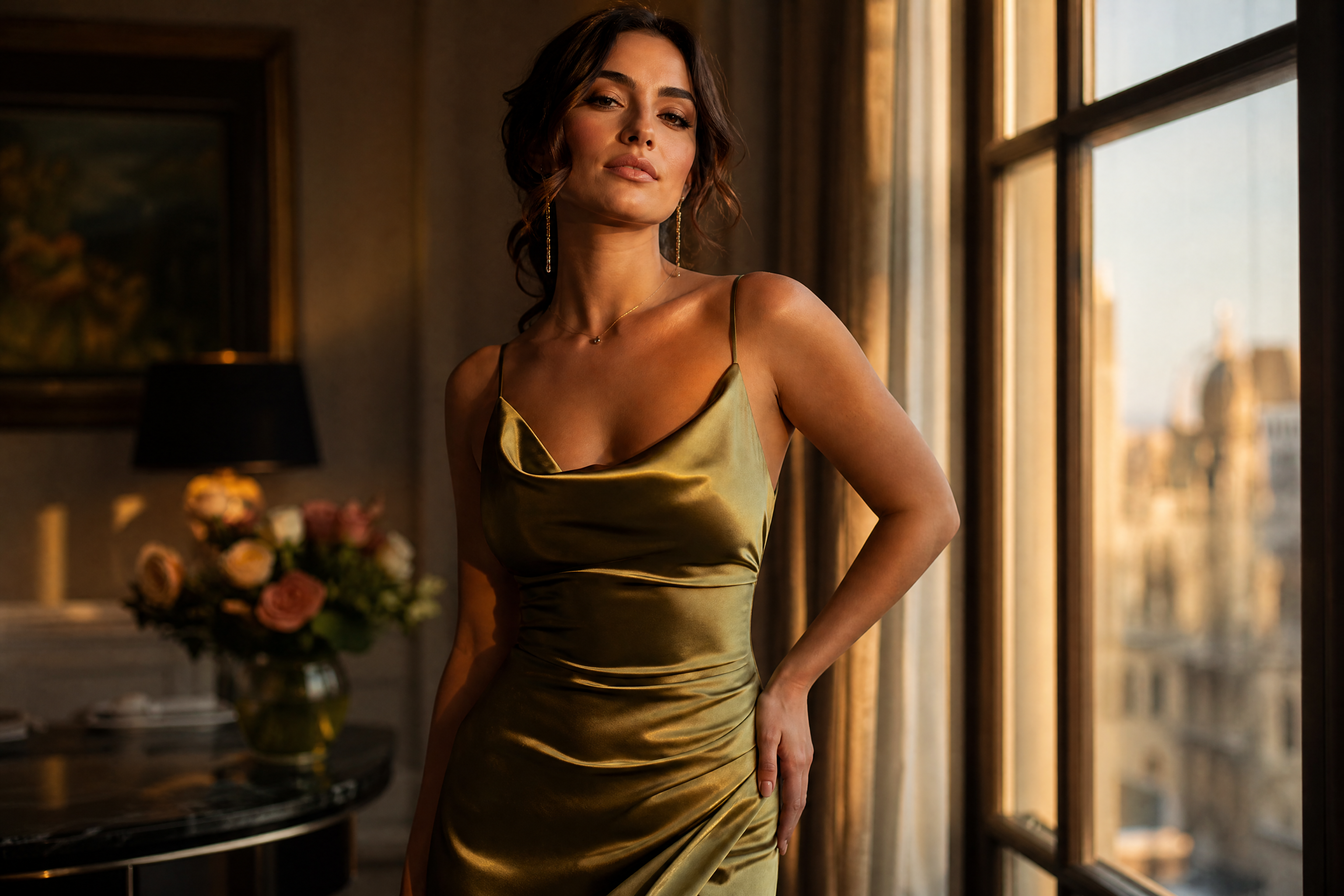
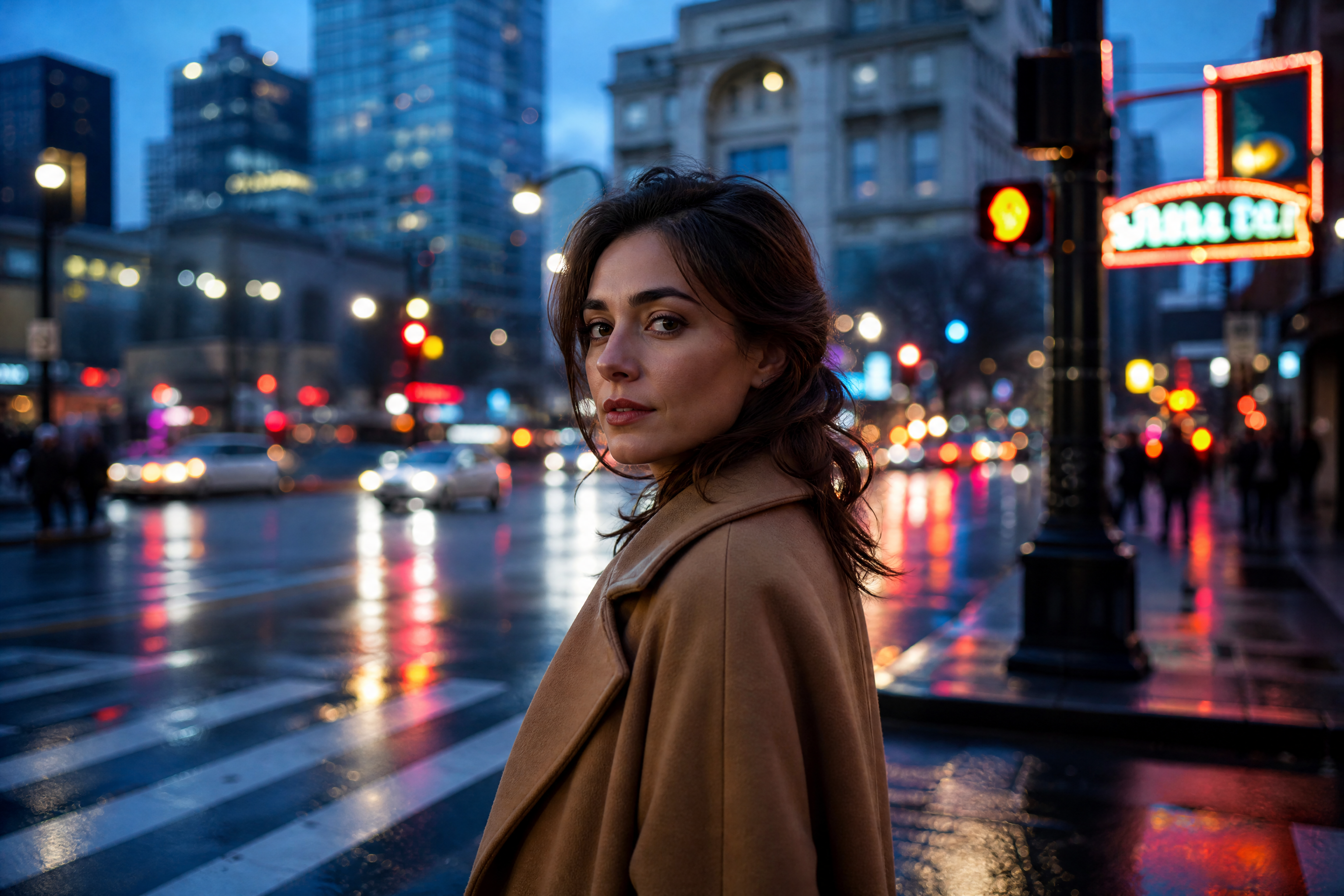
BEFOREAFTER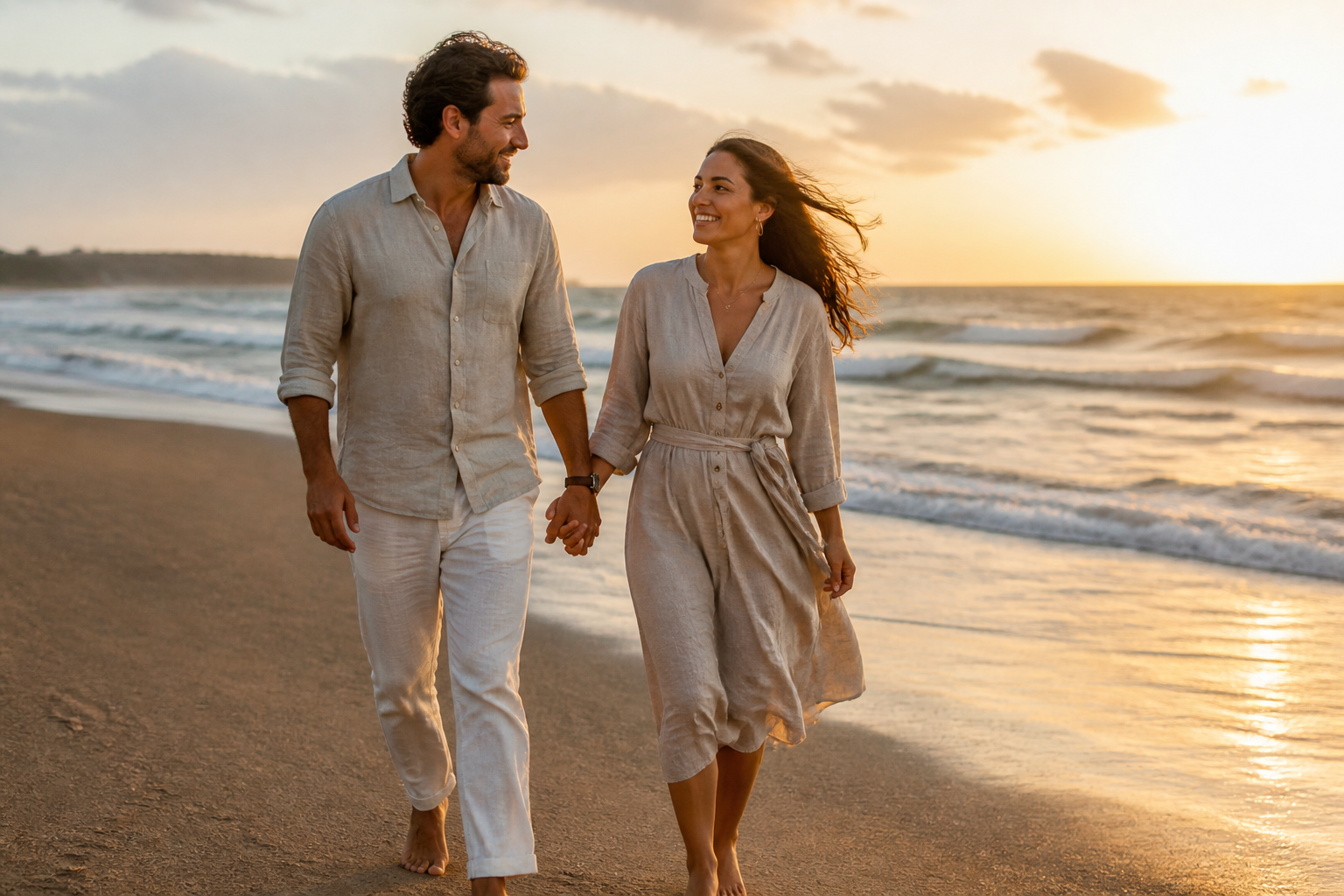 BEFORE
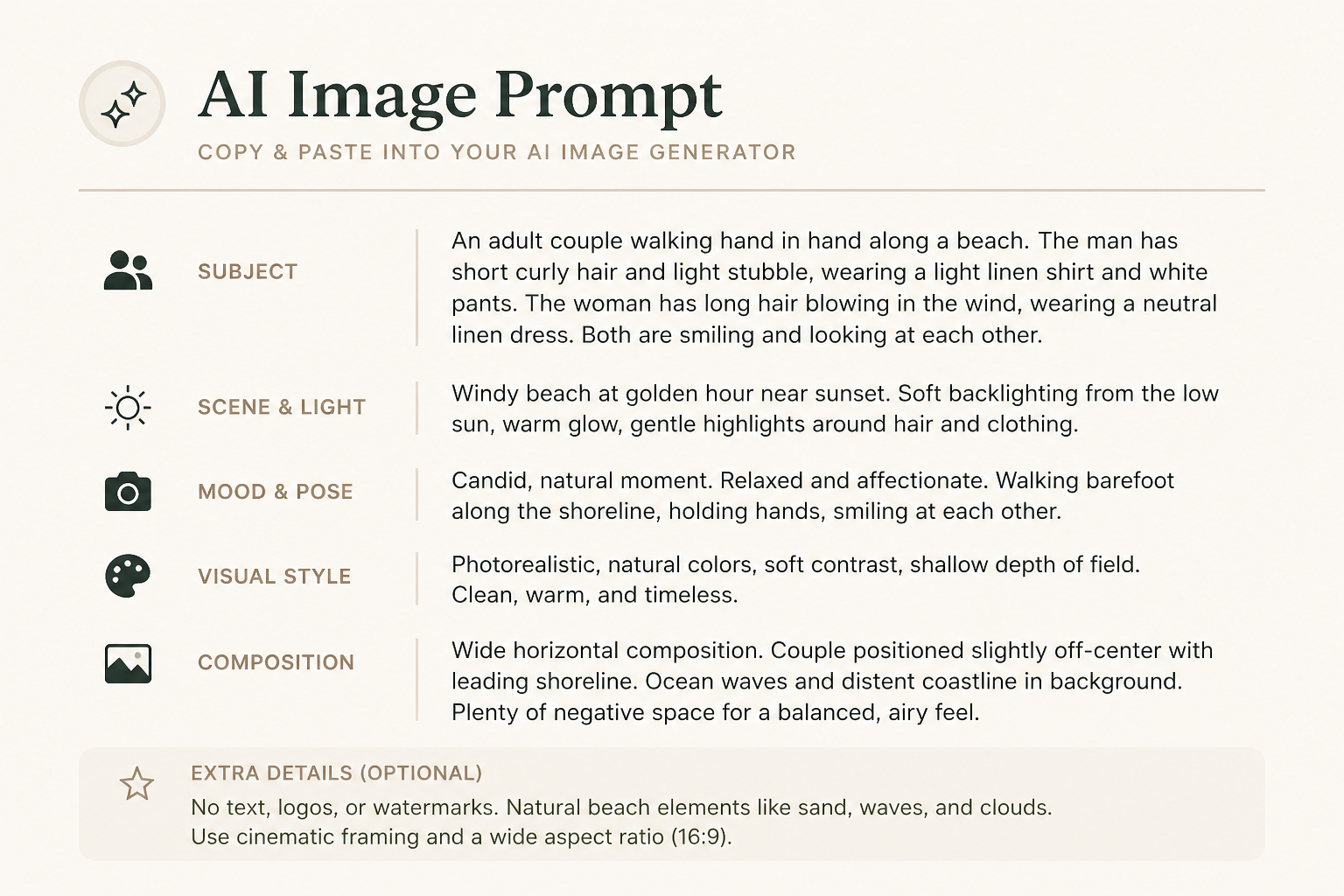 AFTER
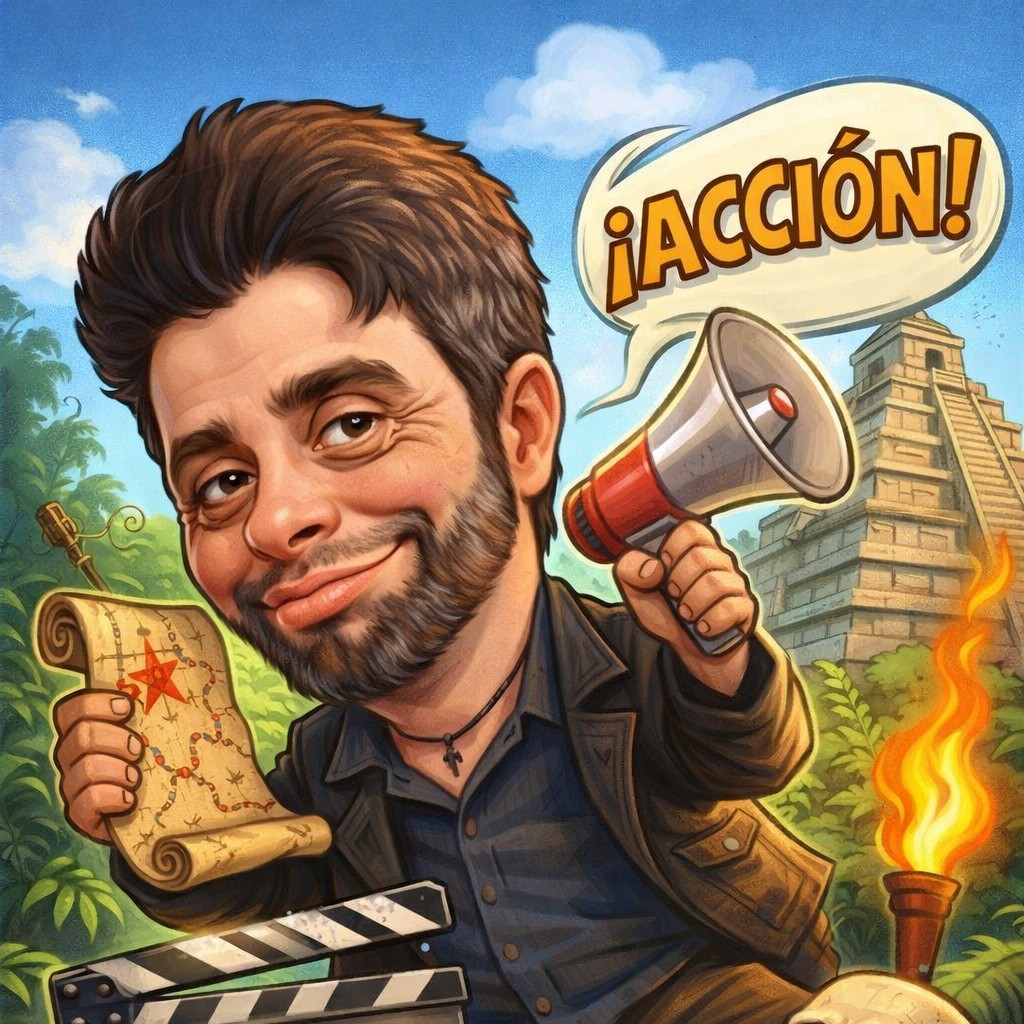
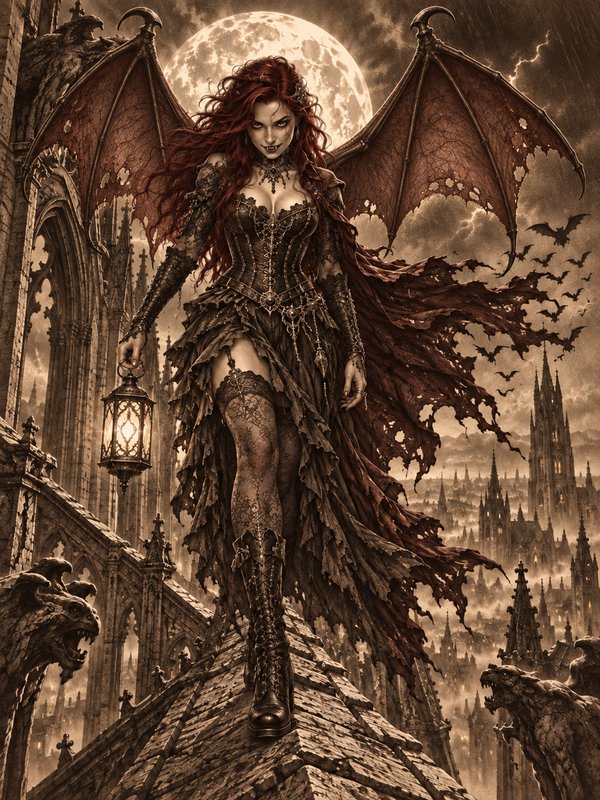
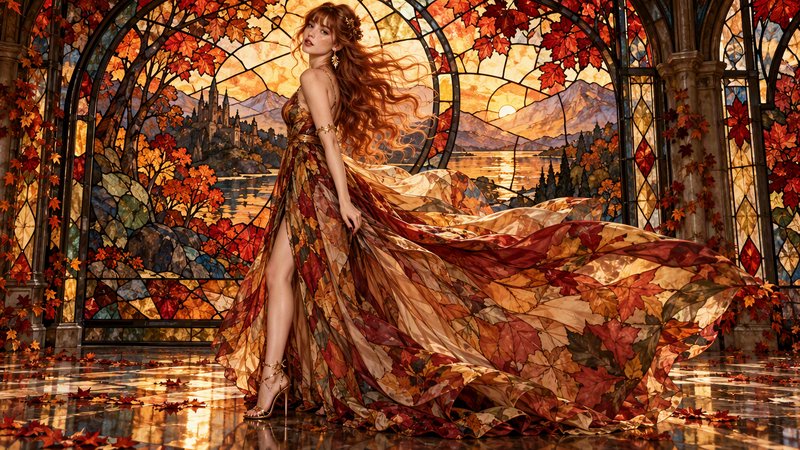
AFTER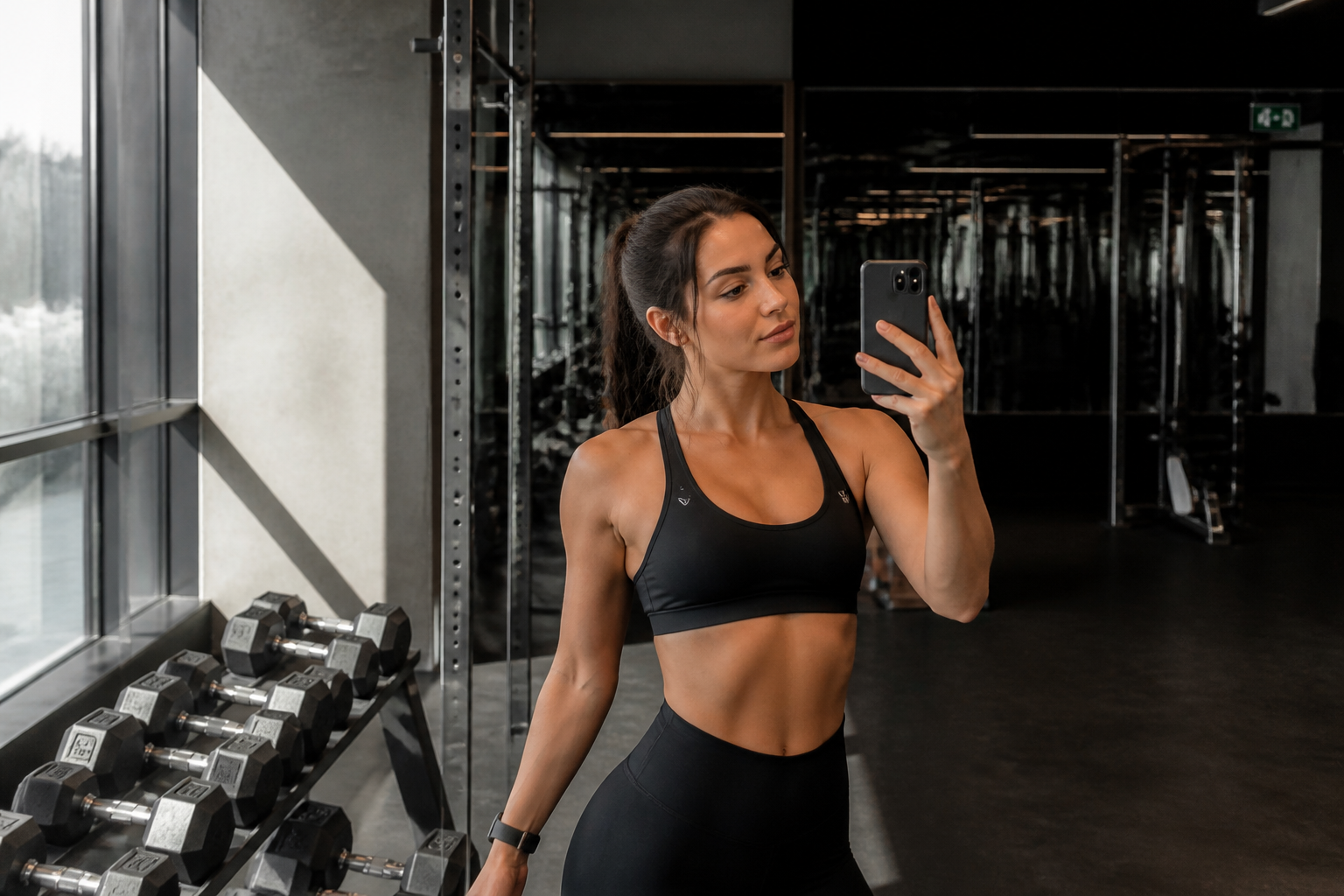 BEFORE
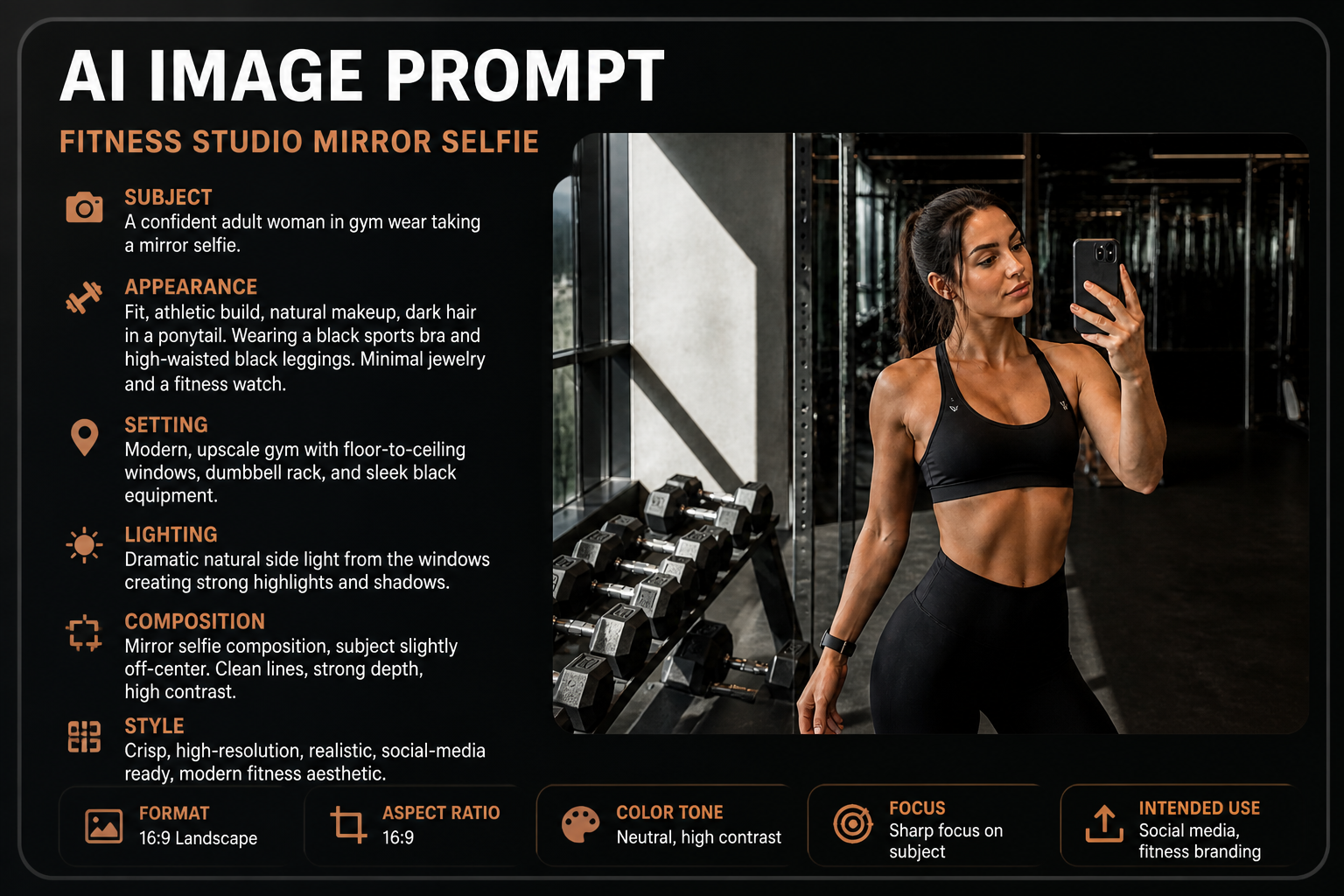 AFTER
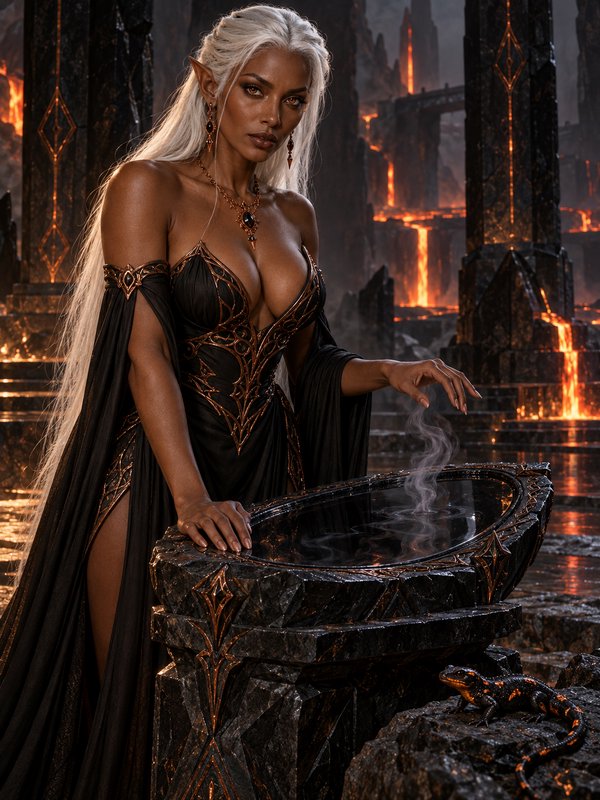
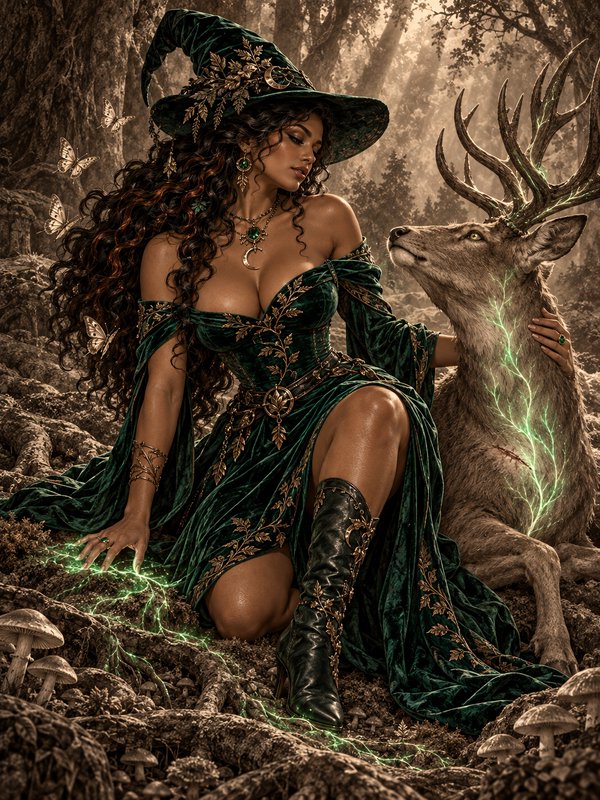
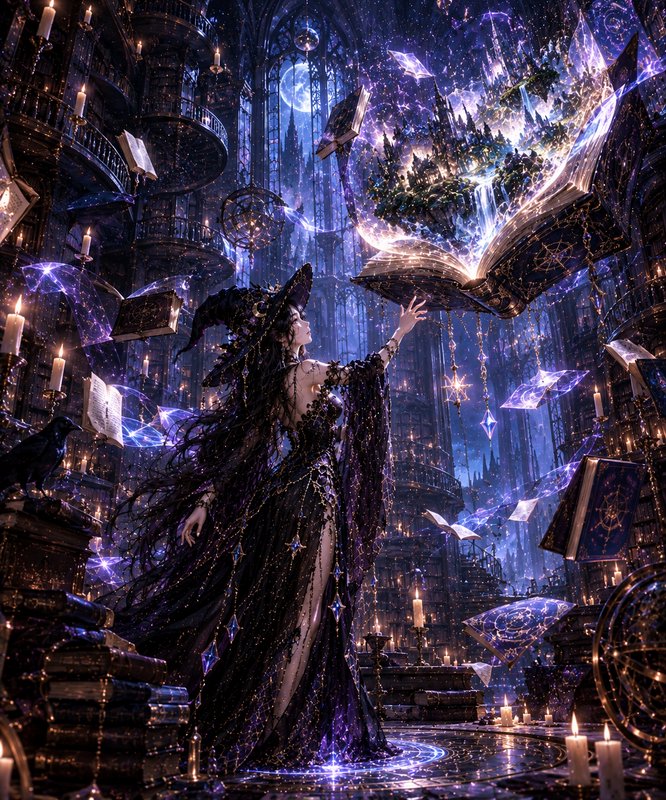
AFTER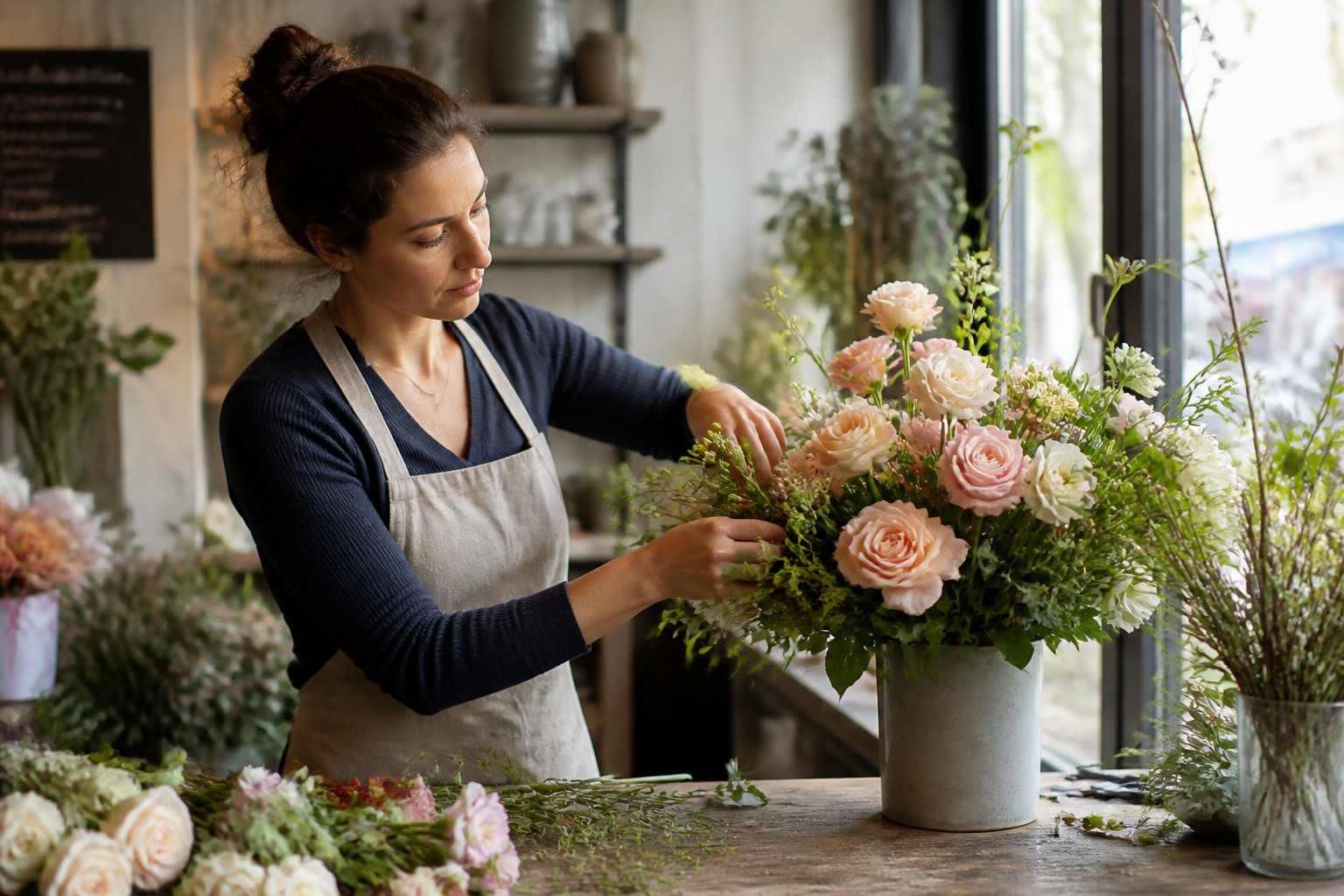 BEFORE
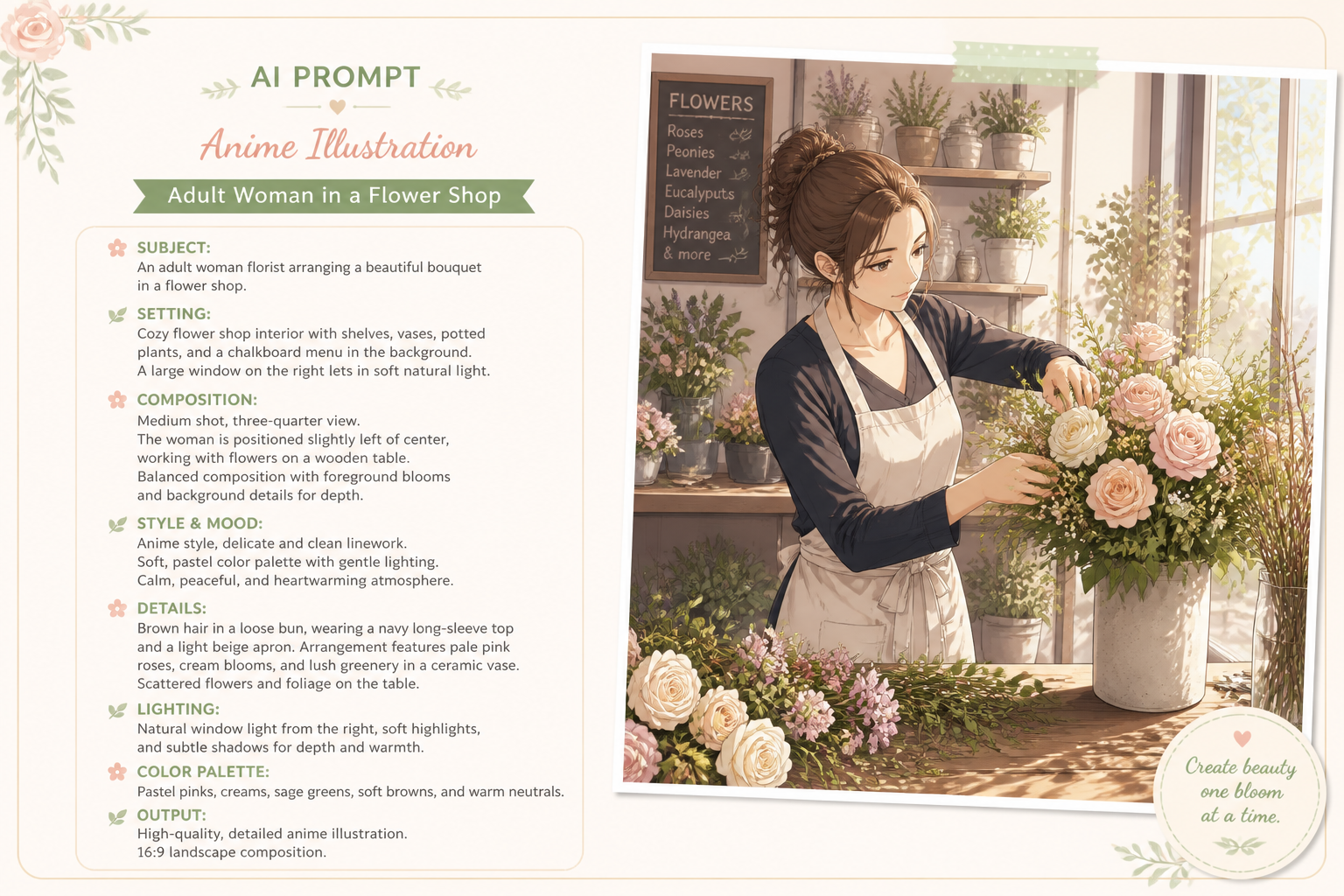 AFTER
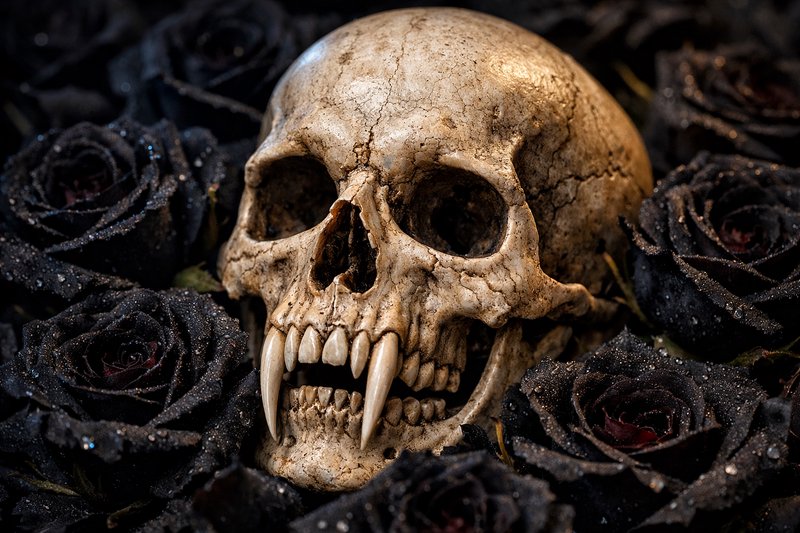
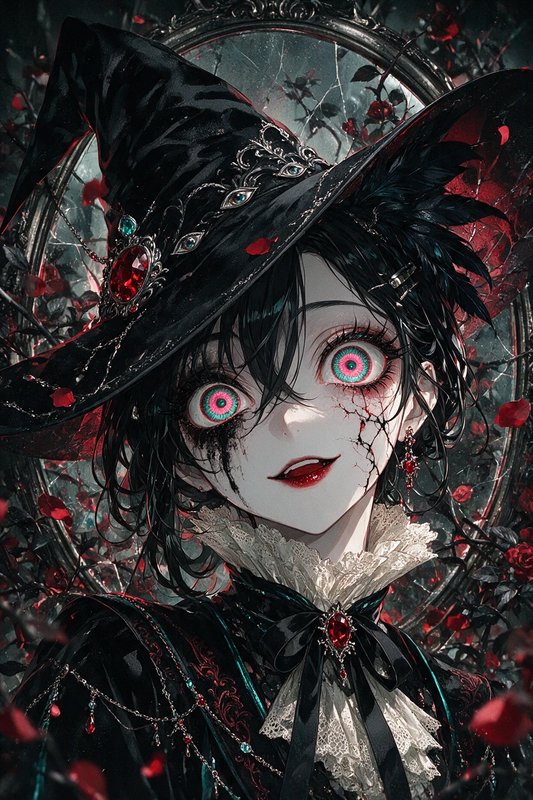
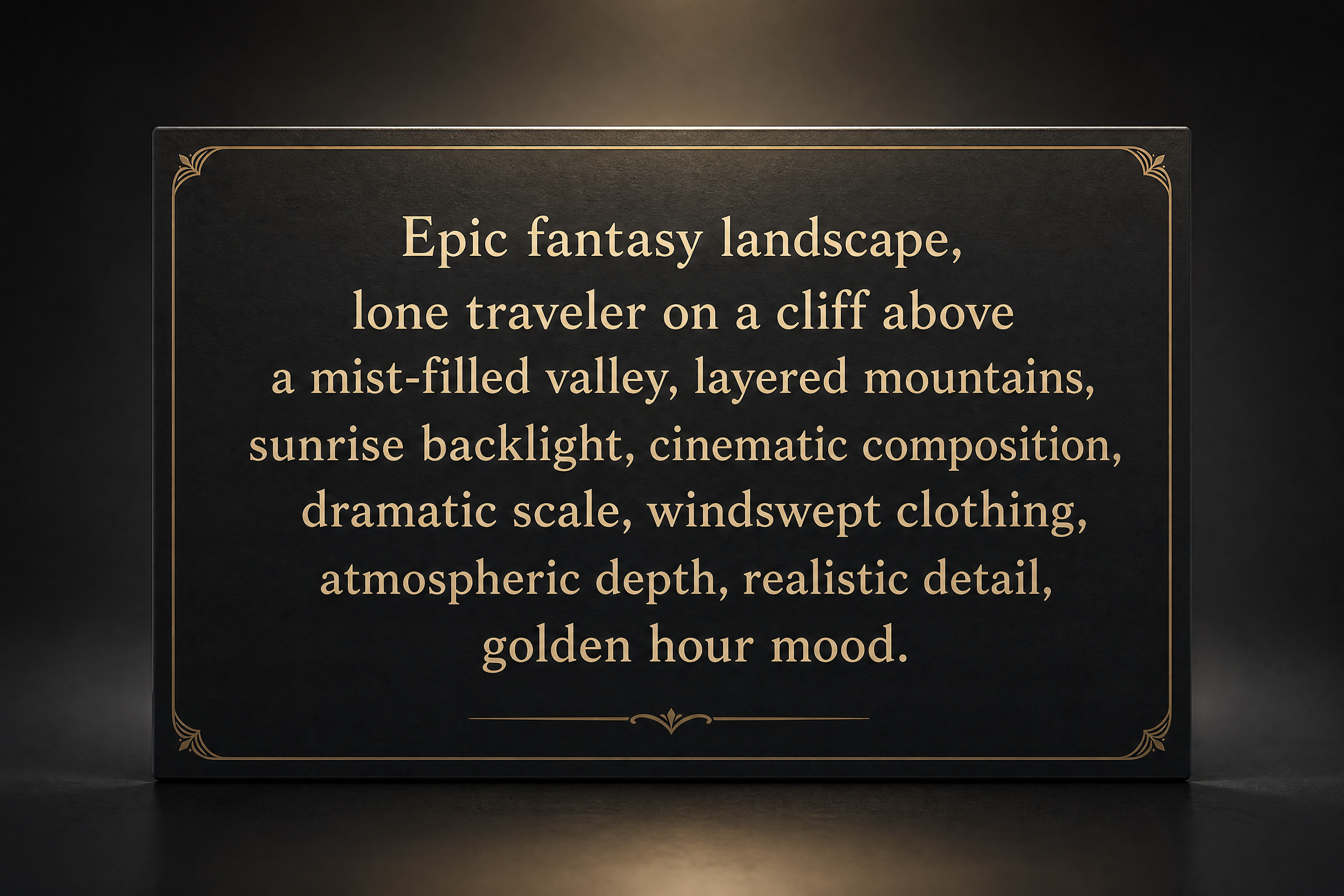
AFTER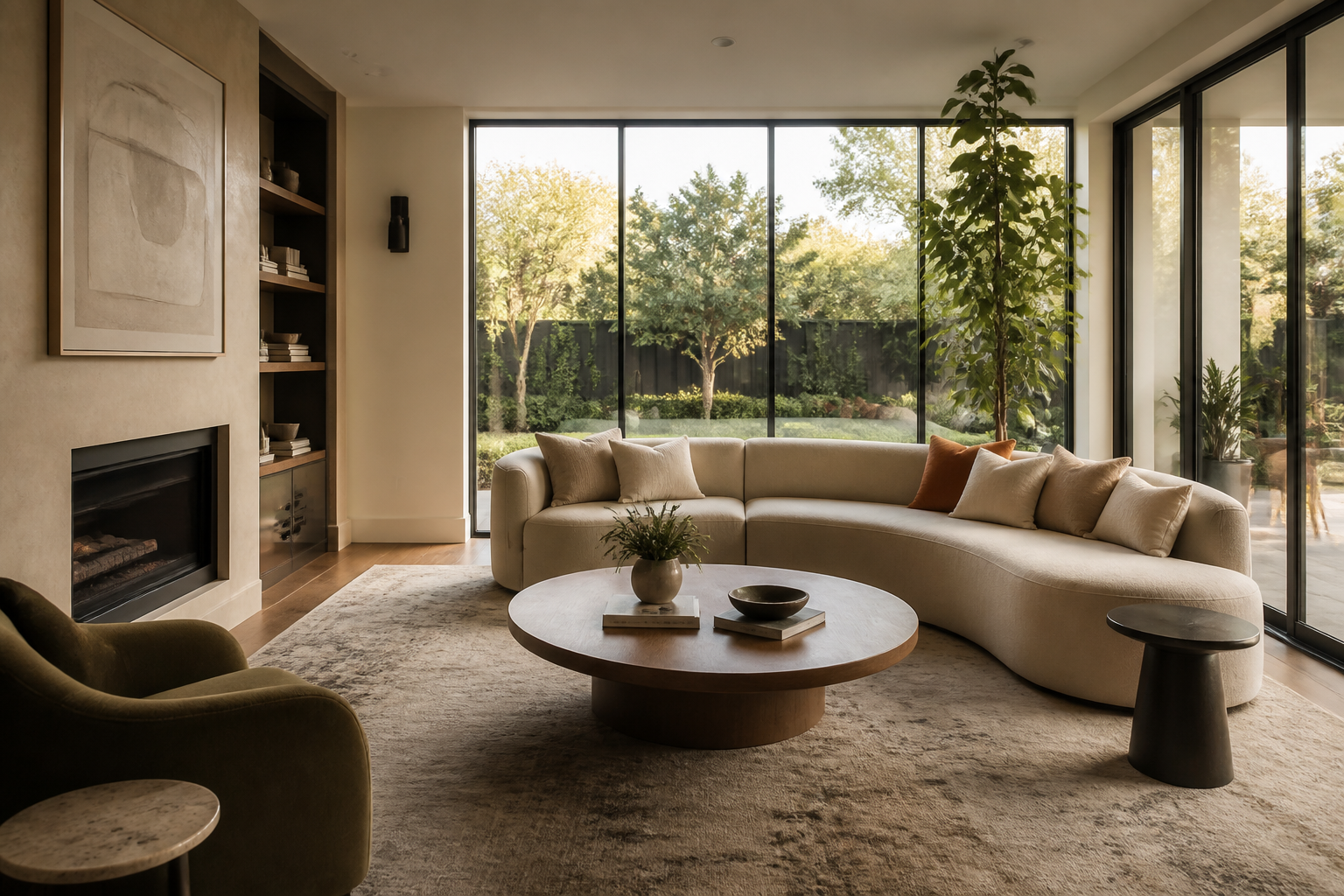 BEFORE
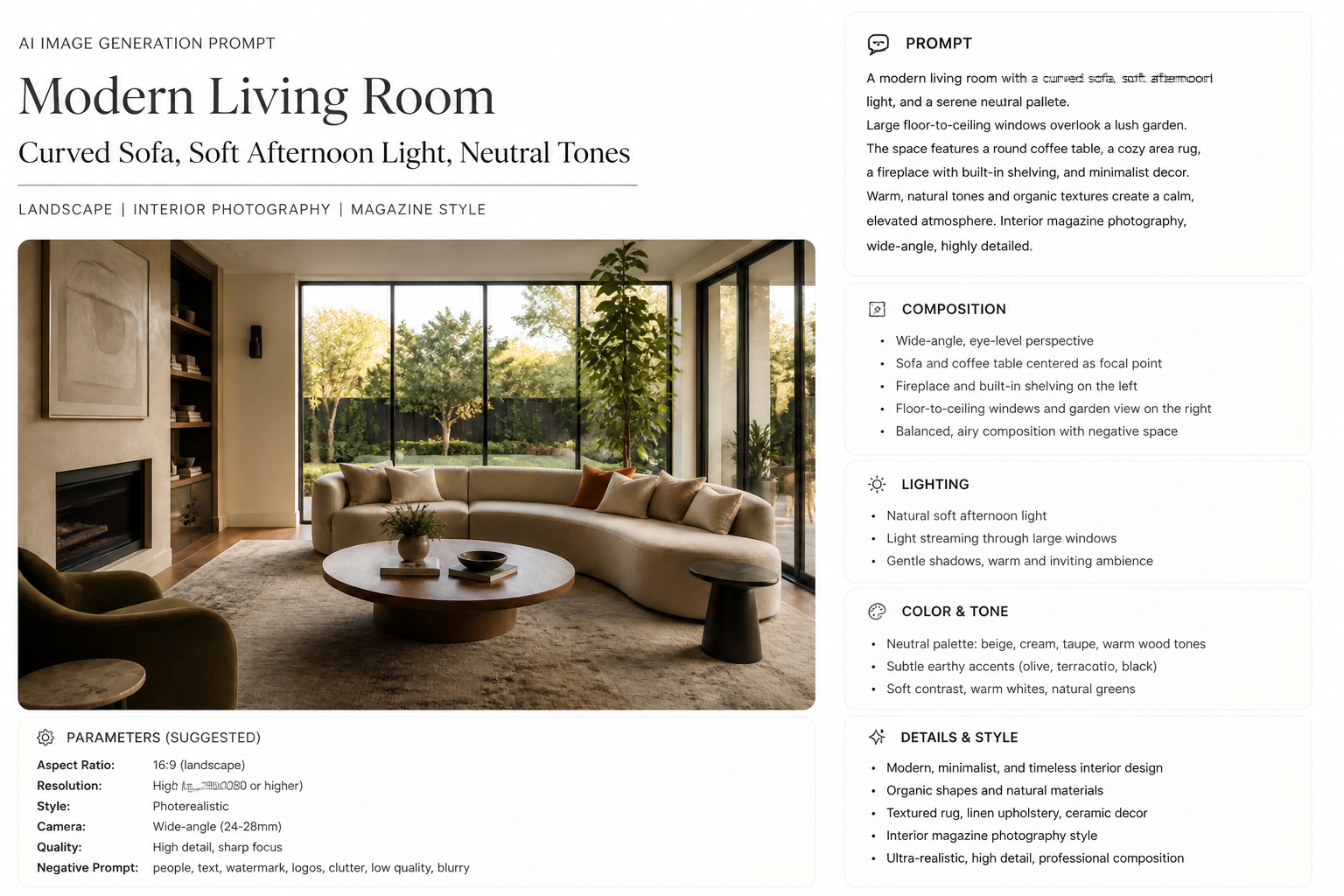 AFTERBEFOREAFTERBEFOREAFTERBEFOREAFTERBEFOREAFTERBEFOREAFTER
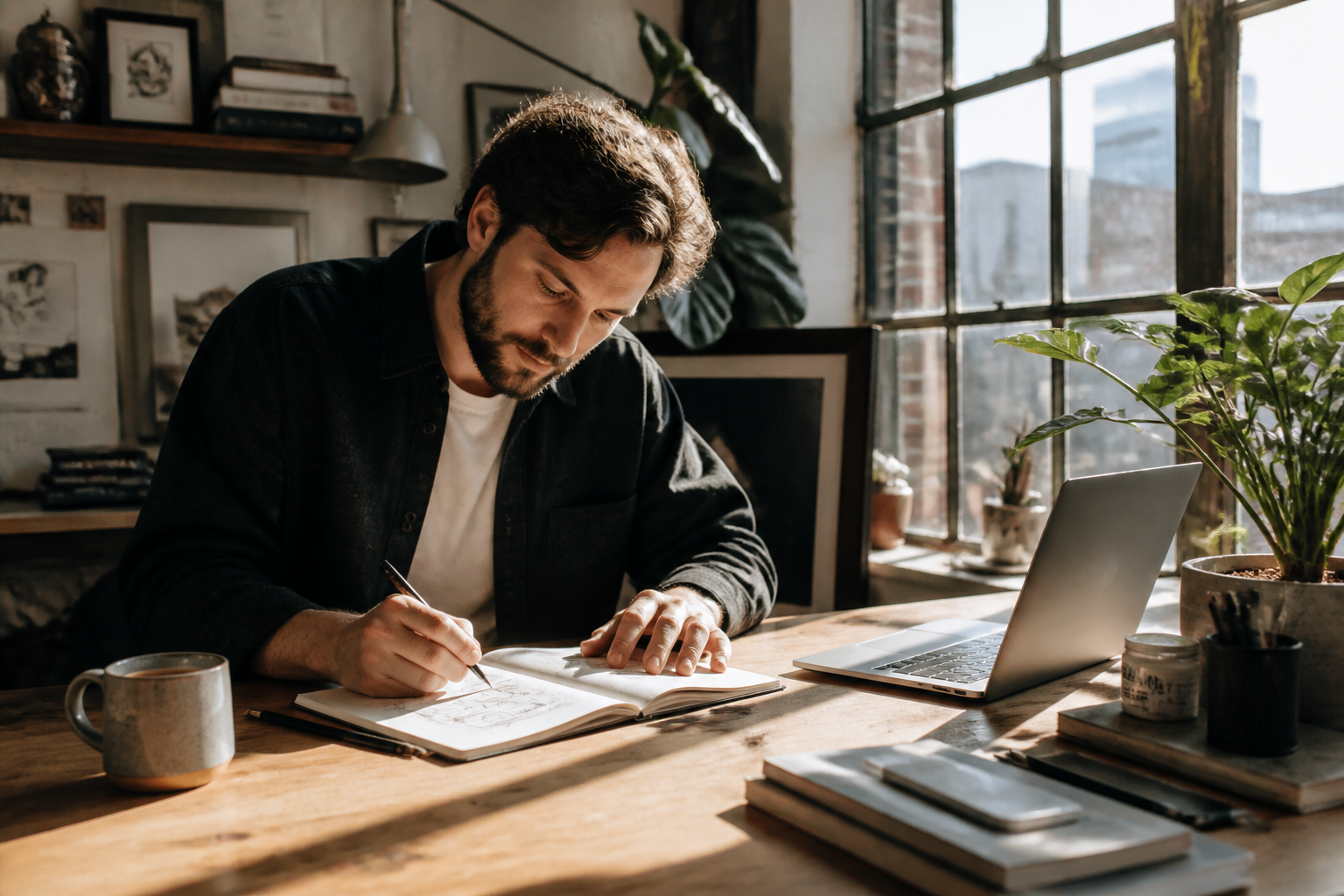 BEFORE
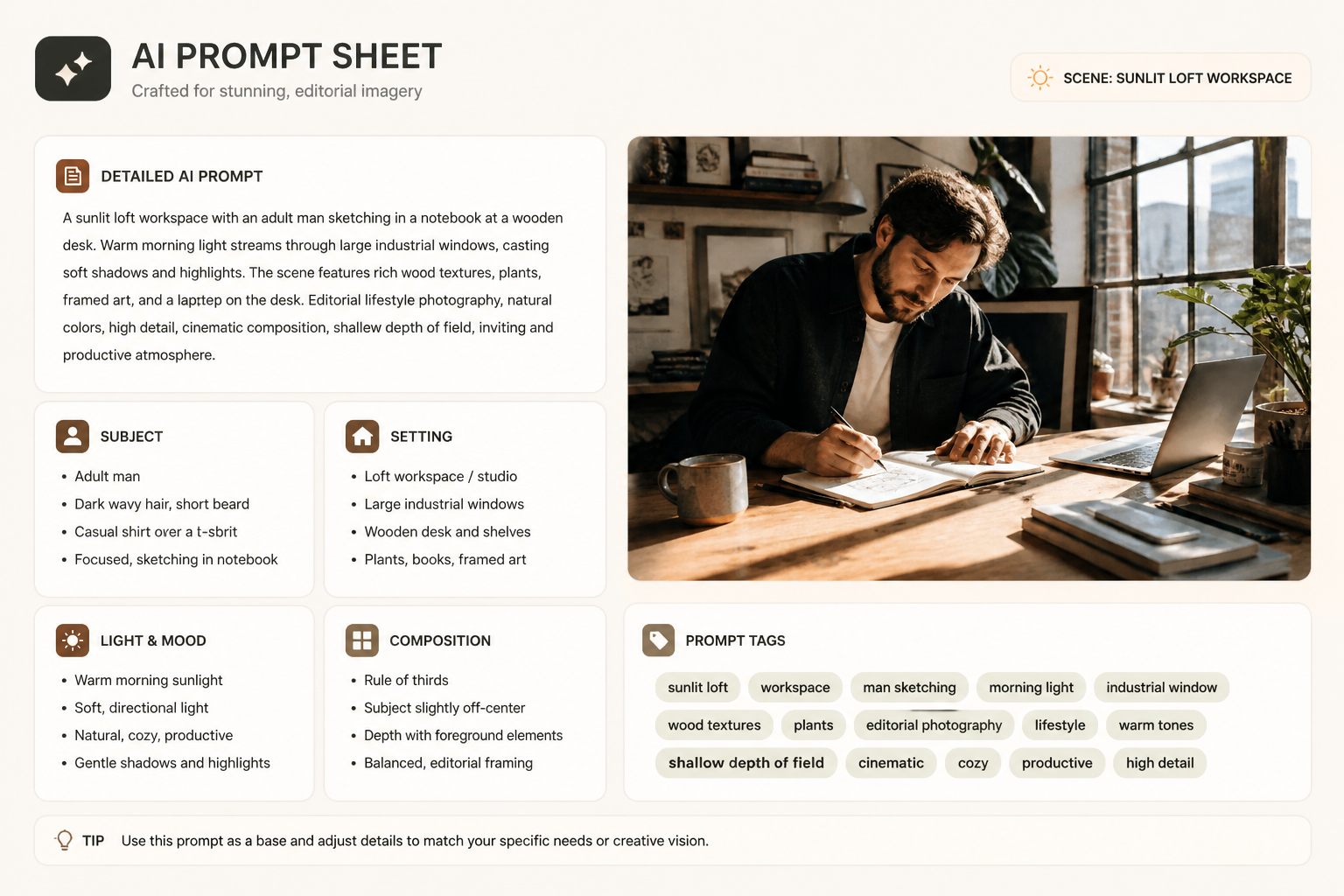 AFTER
AFTER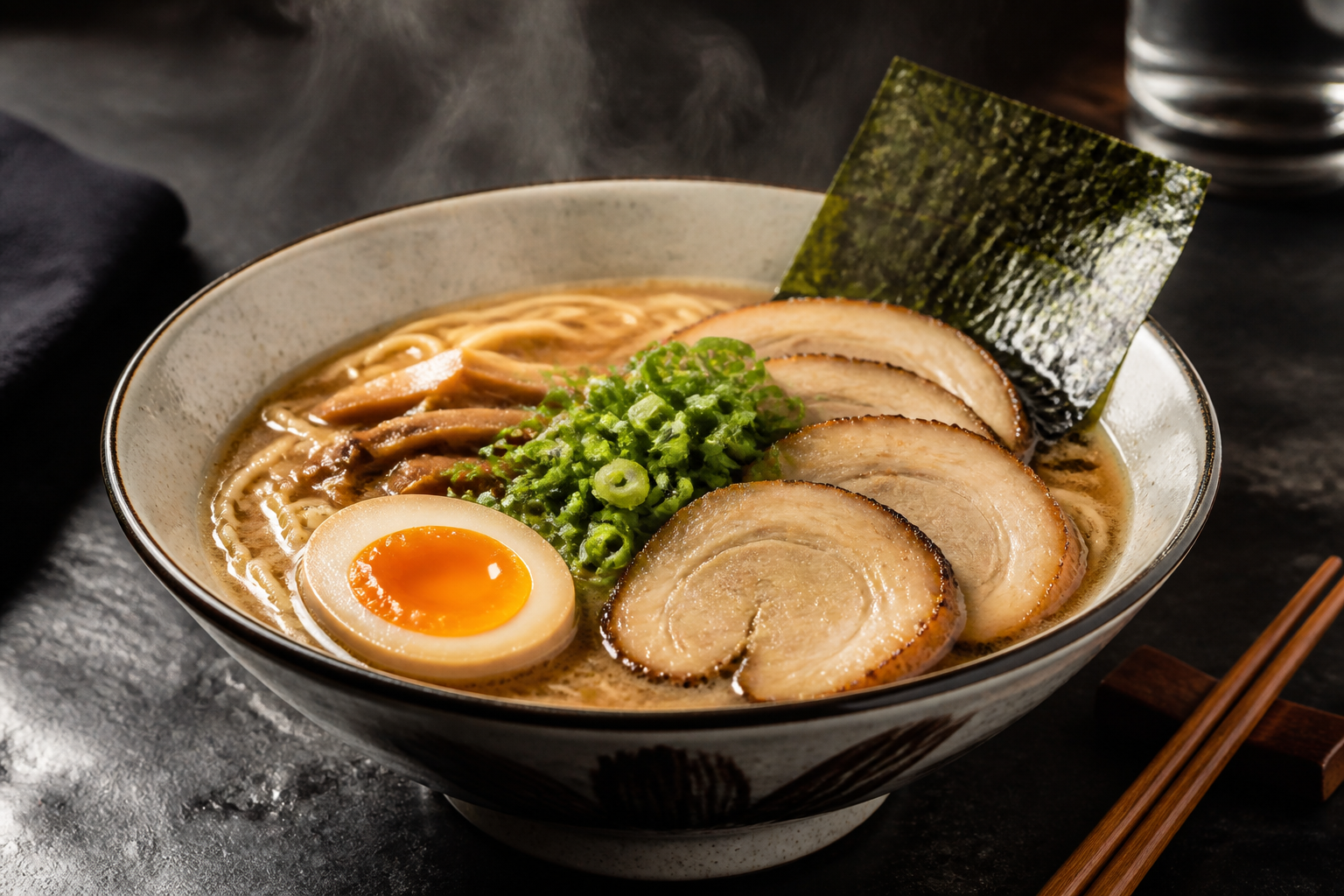 BEFORE
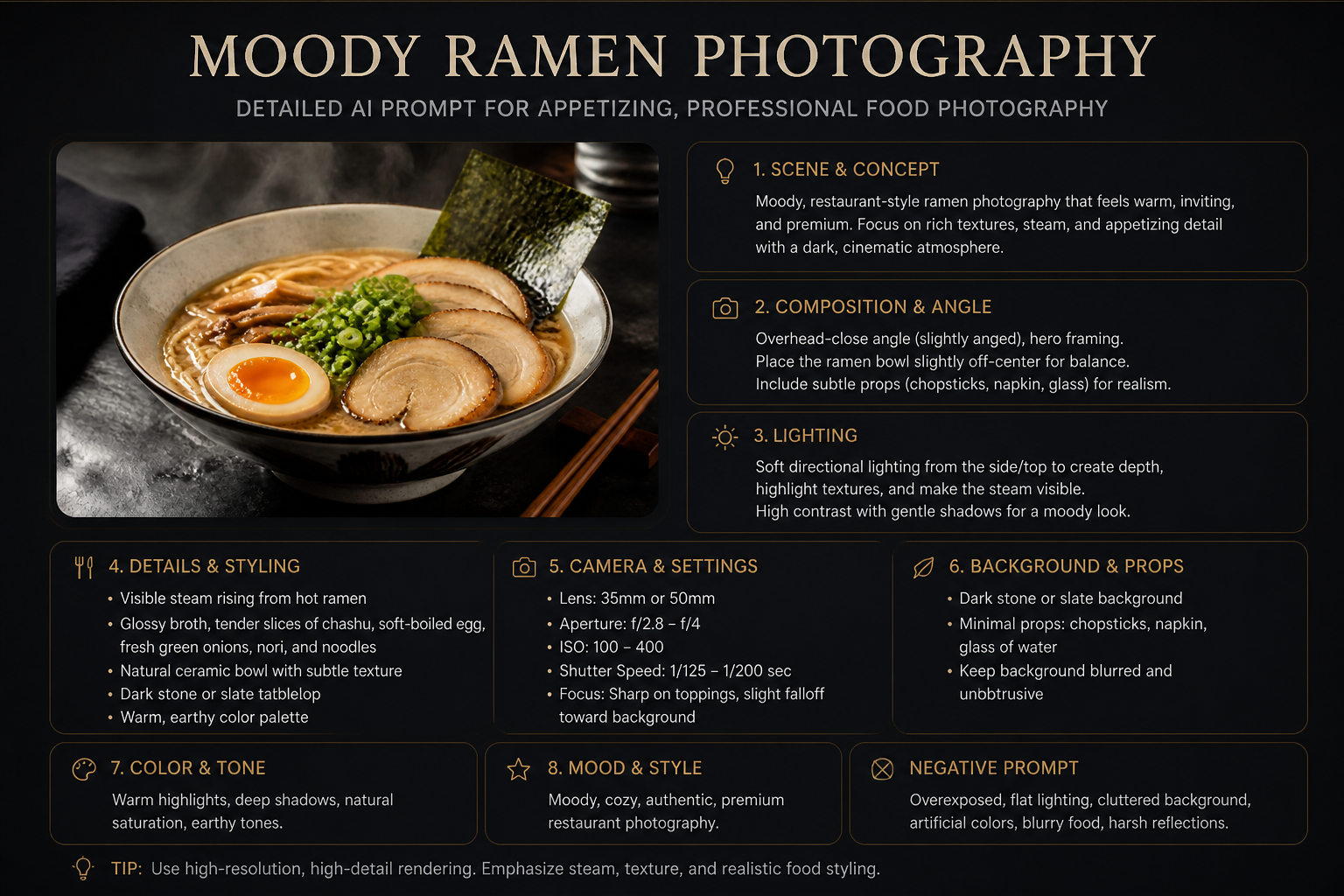 AFTER
AFTER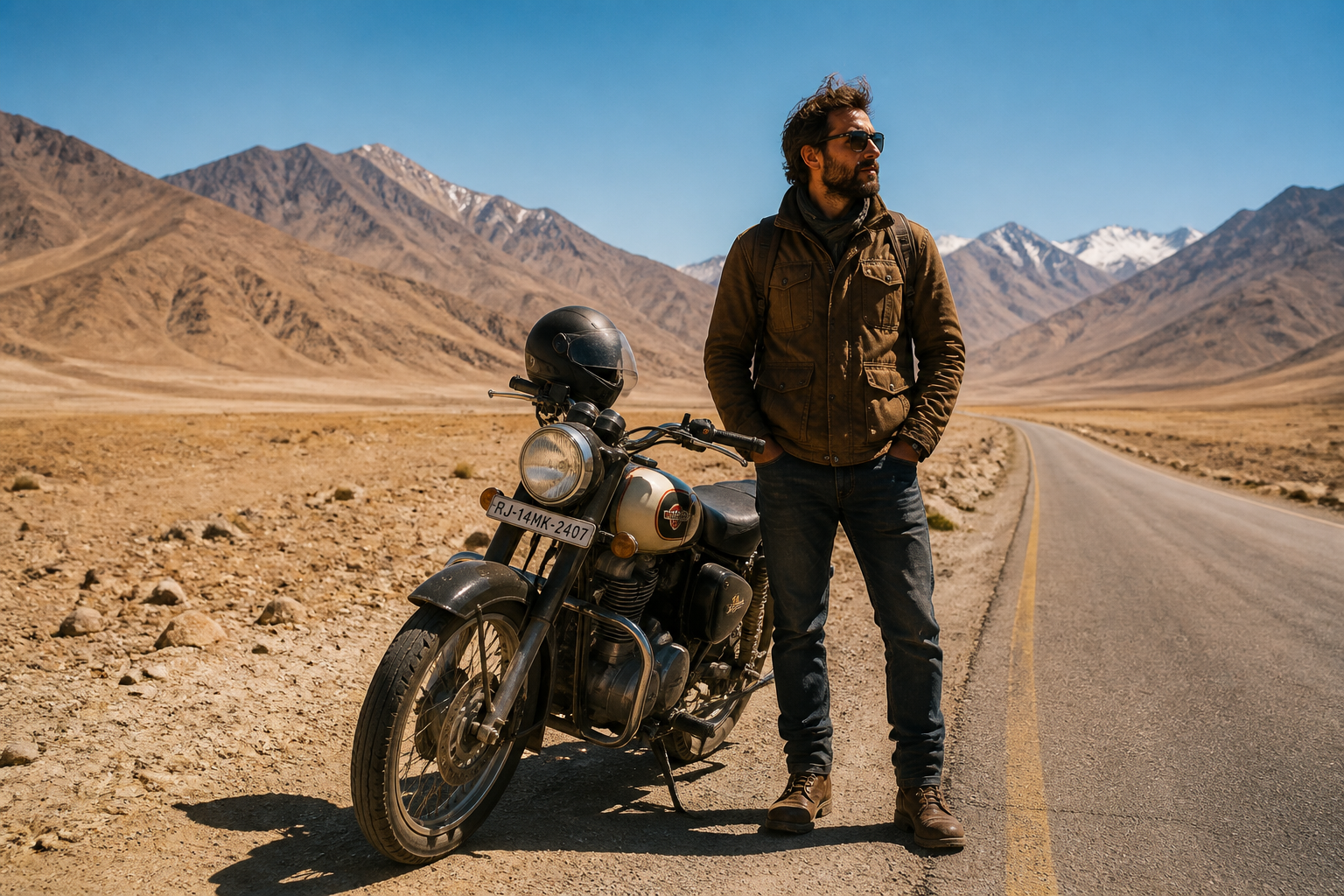 BEFORE
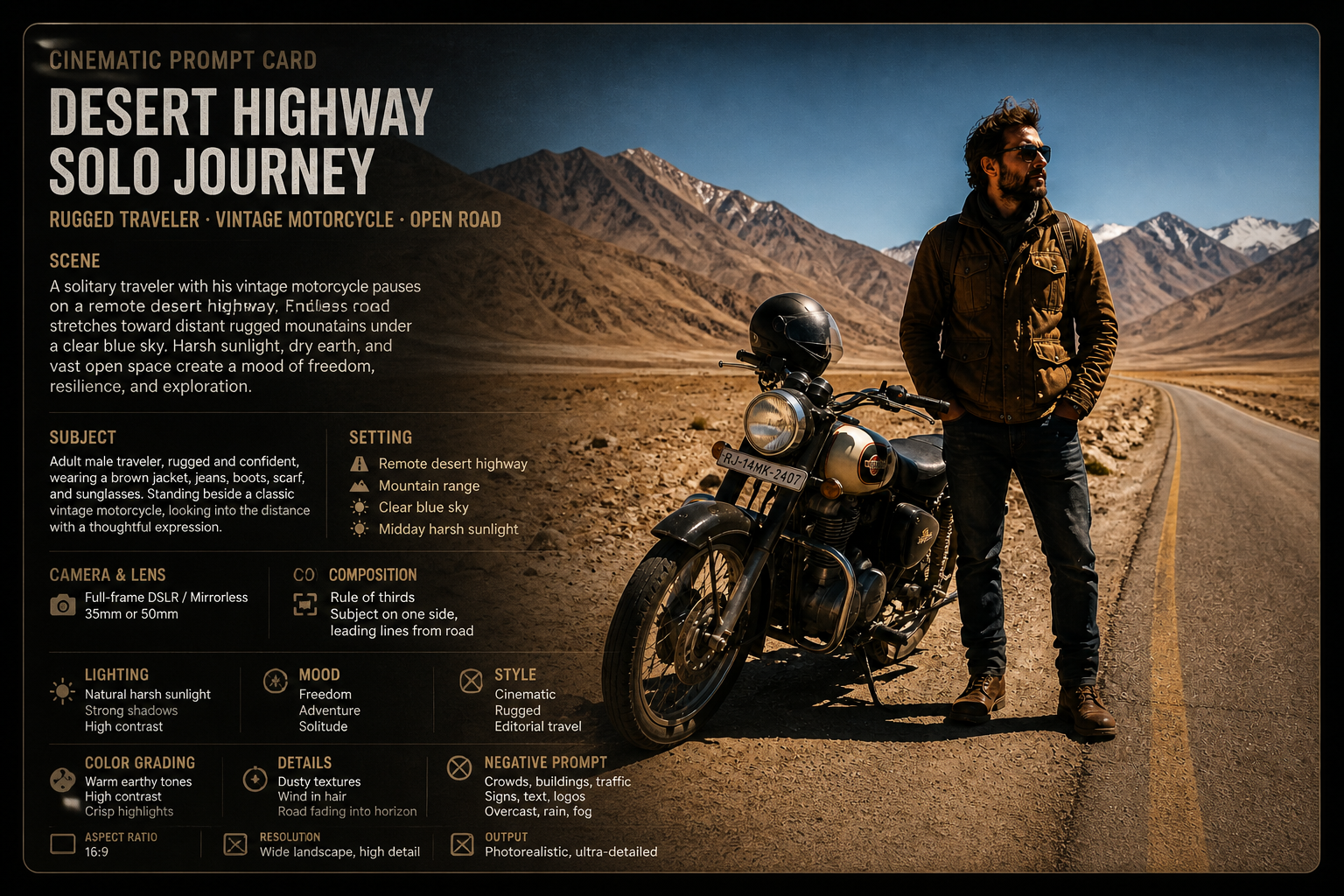 AFTER
AFTER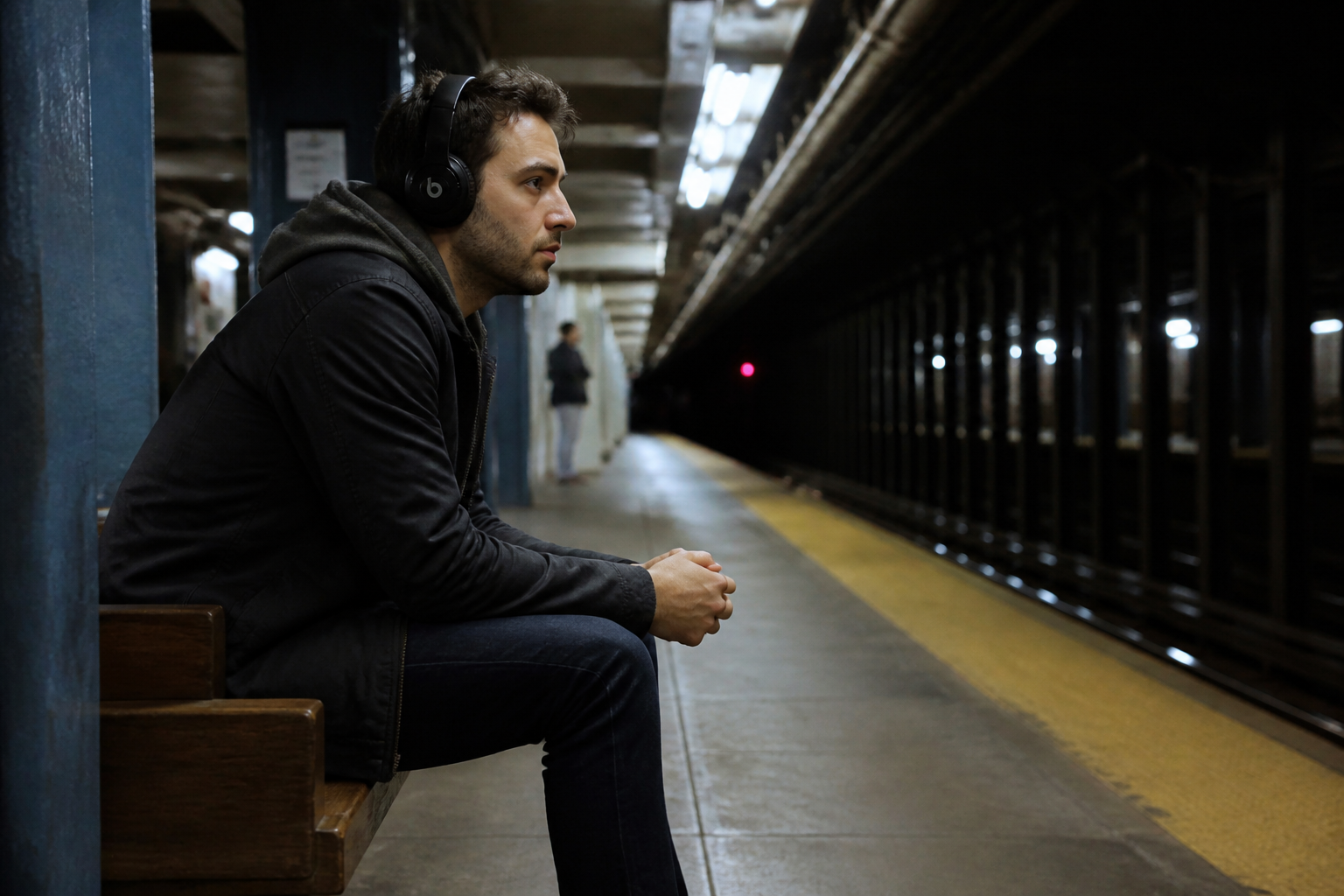 BEFORE
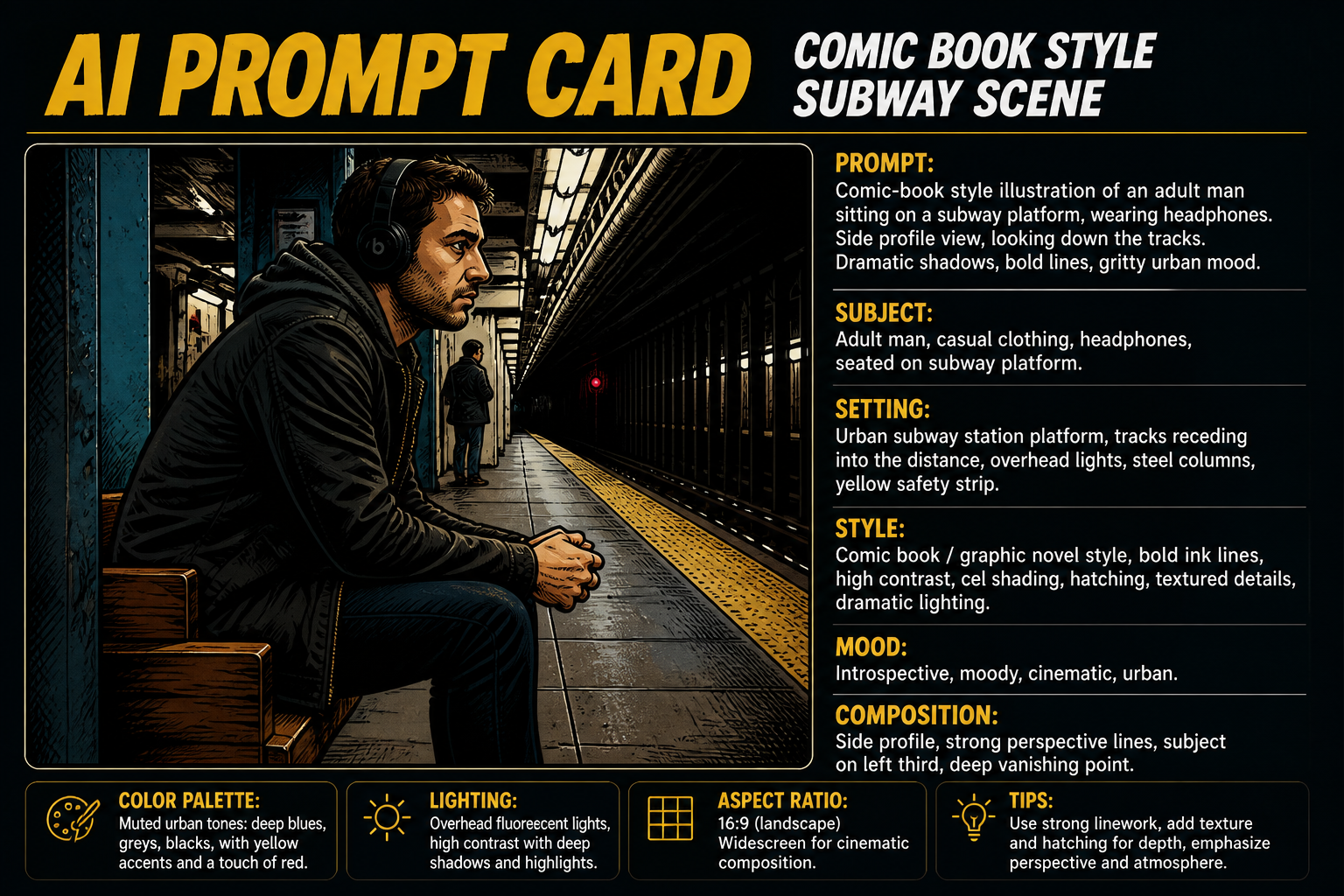 AFTER
AFTER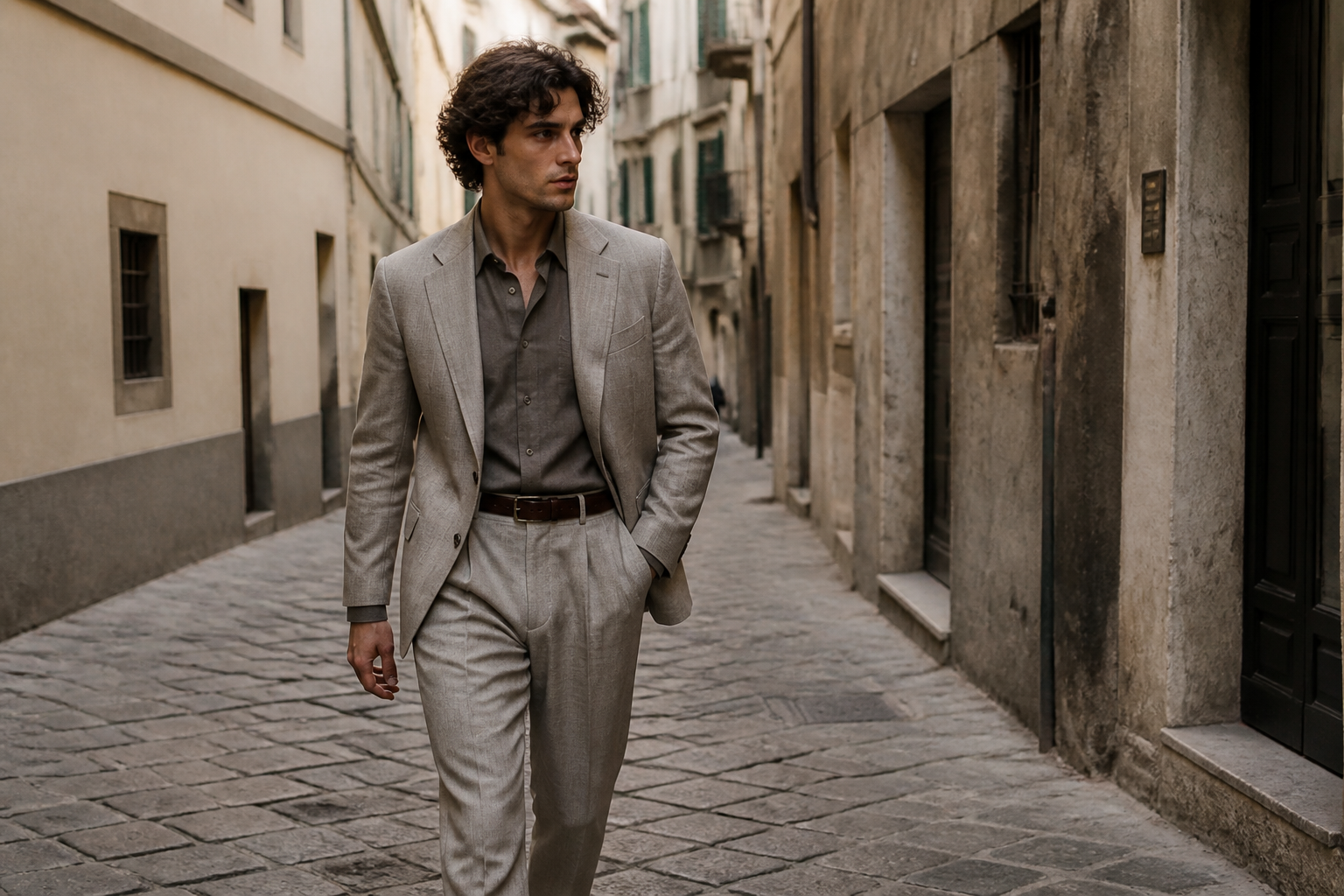 BEFORE
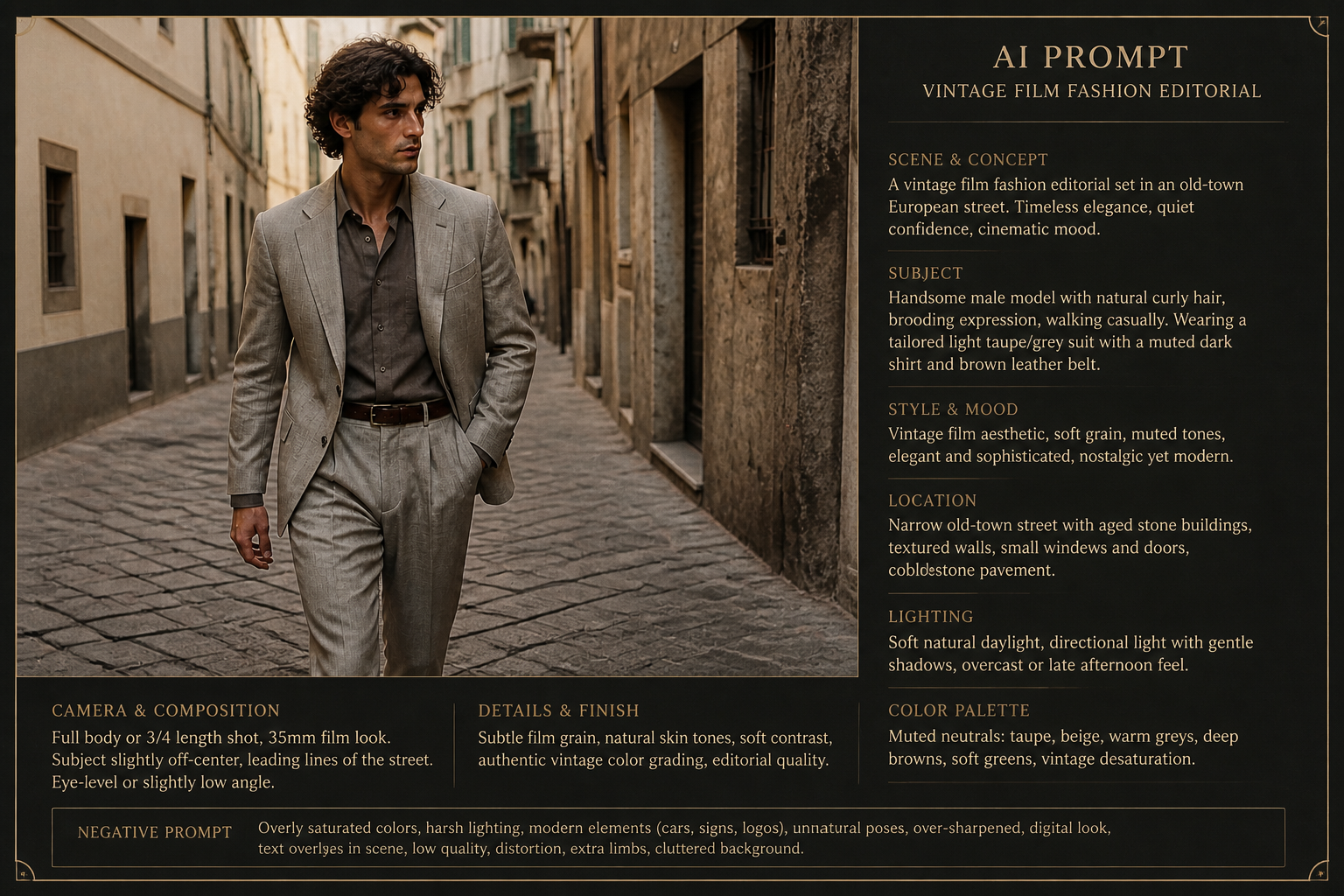 AFTERBEFOREAFTERBEFOREAFTERBEFOREAFTERBEFOREAFTERBEFOREAFTER
Key Features
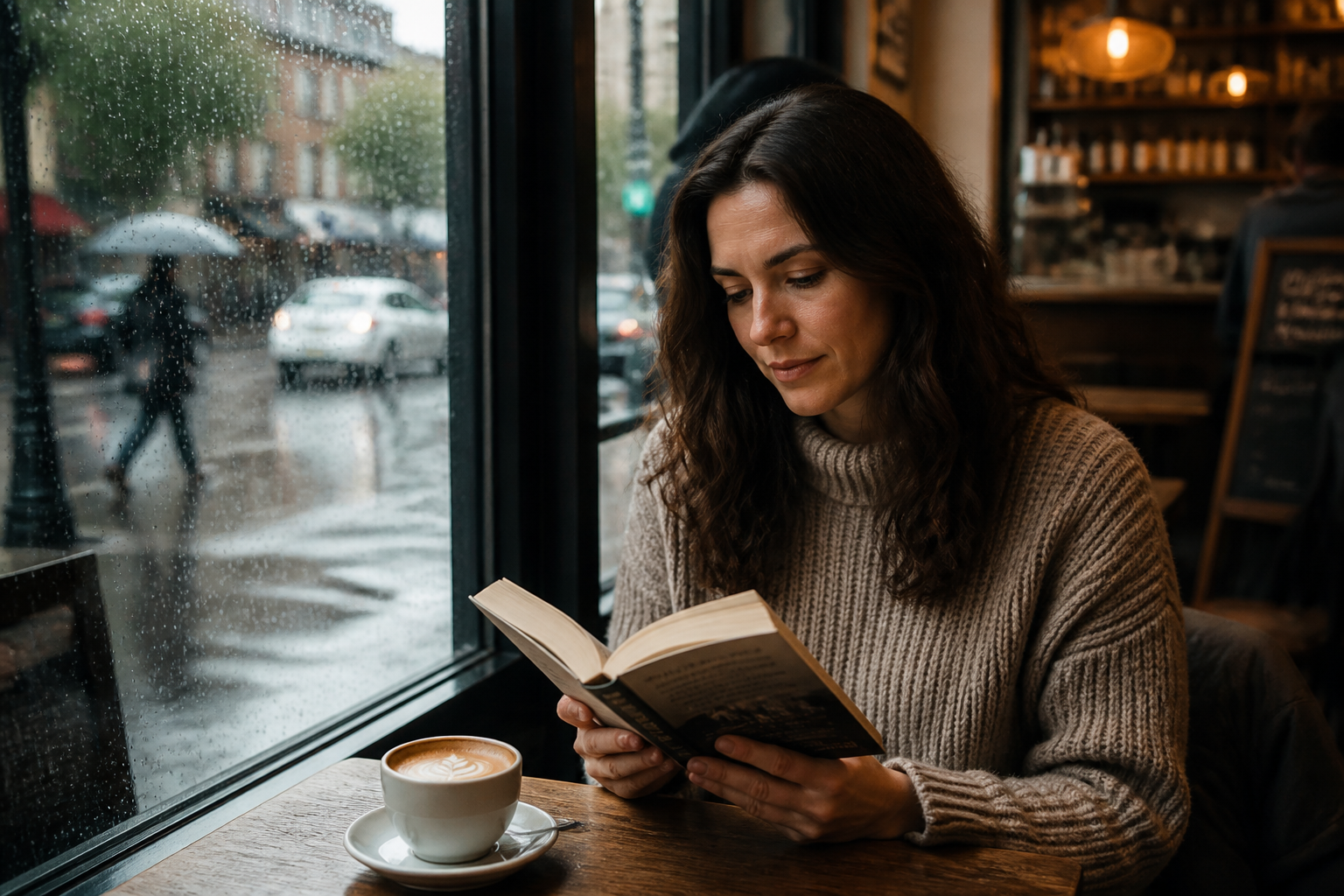
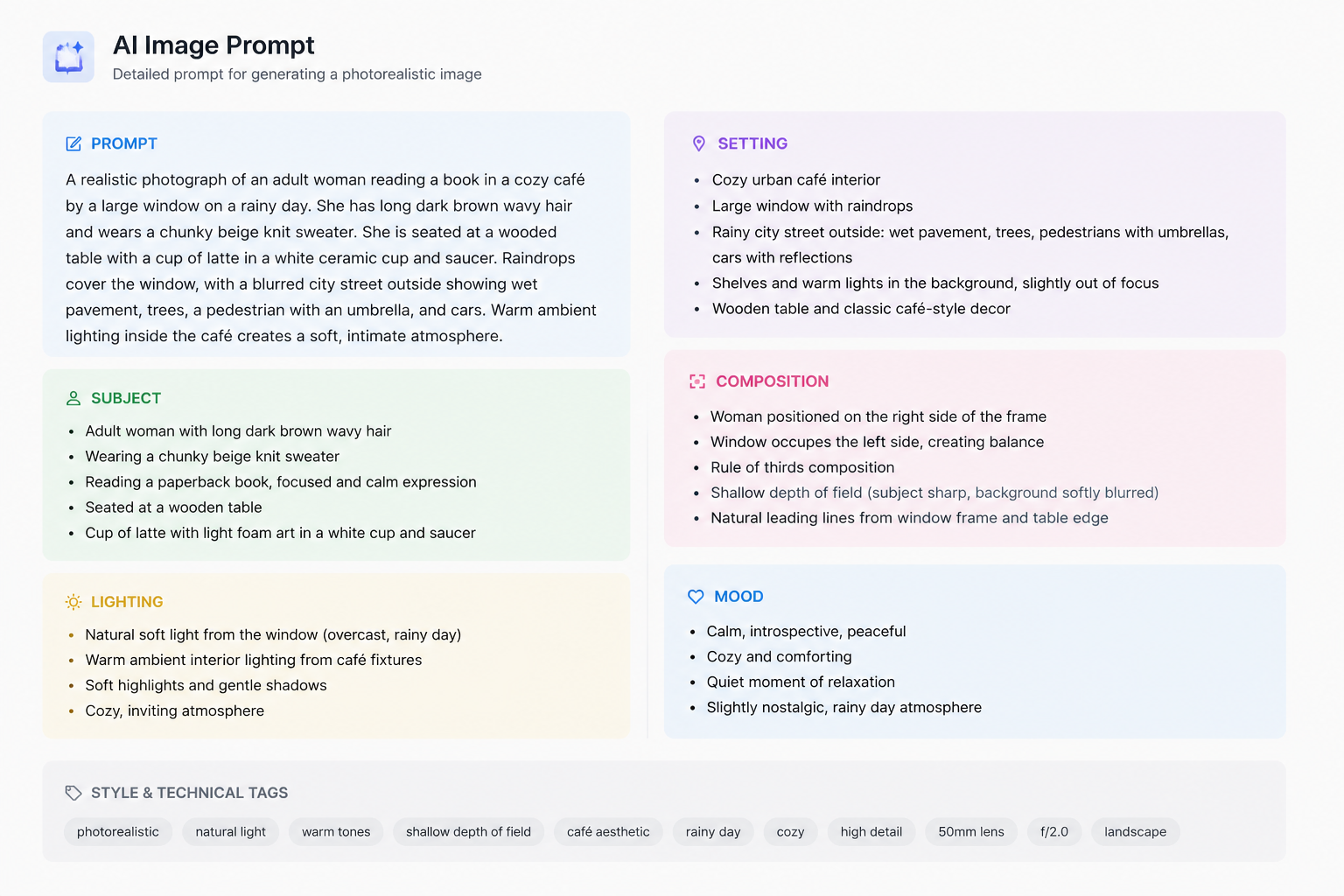
Turns visuals into prompt language
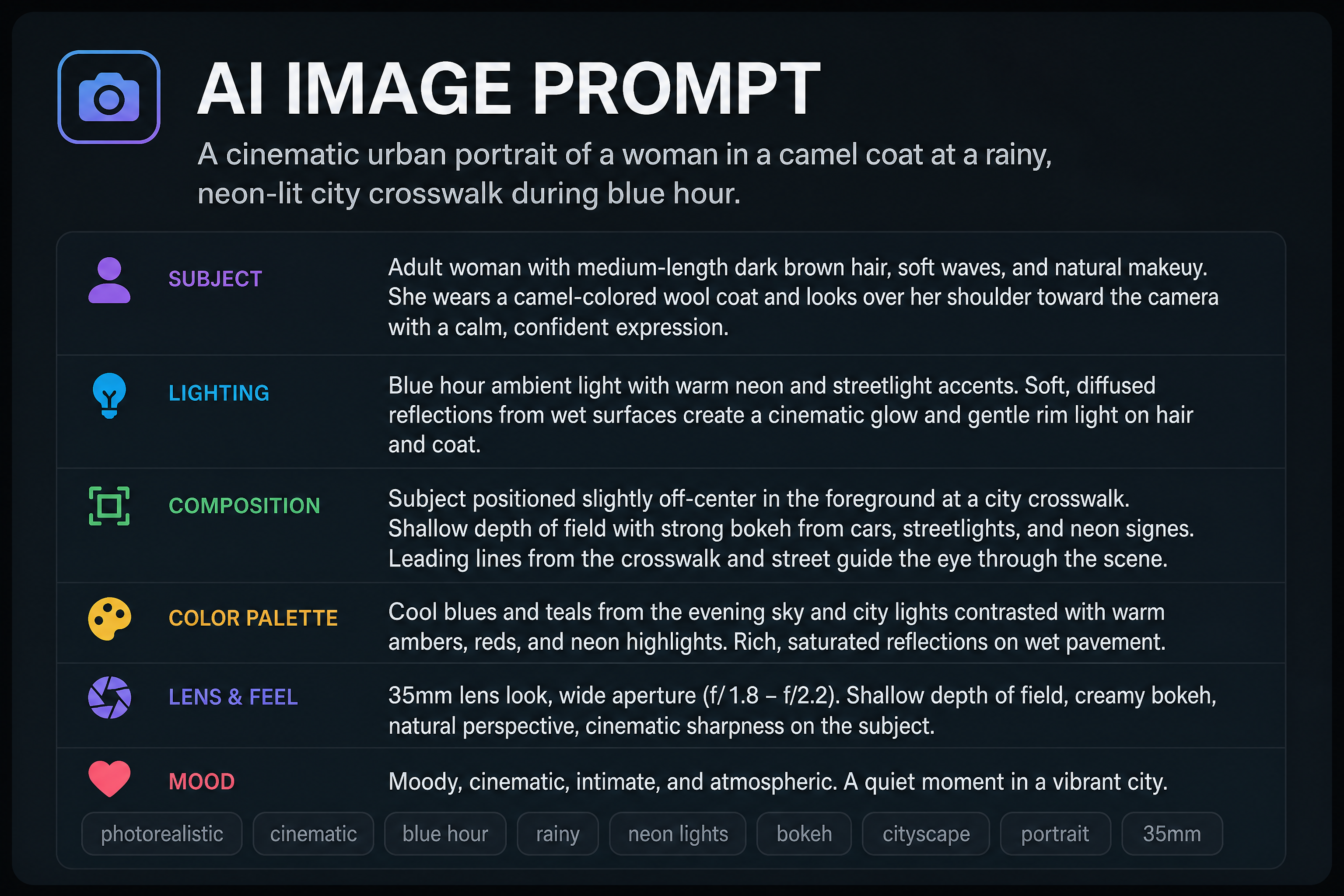
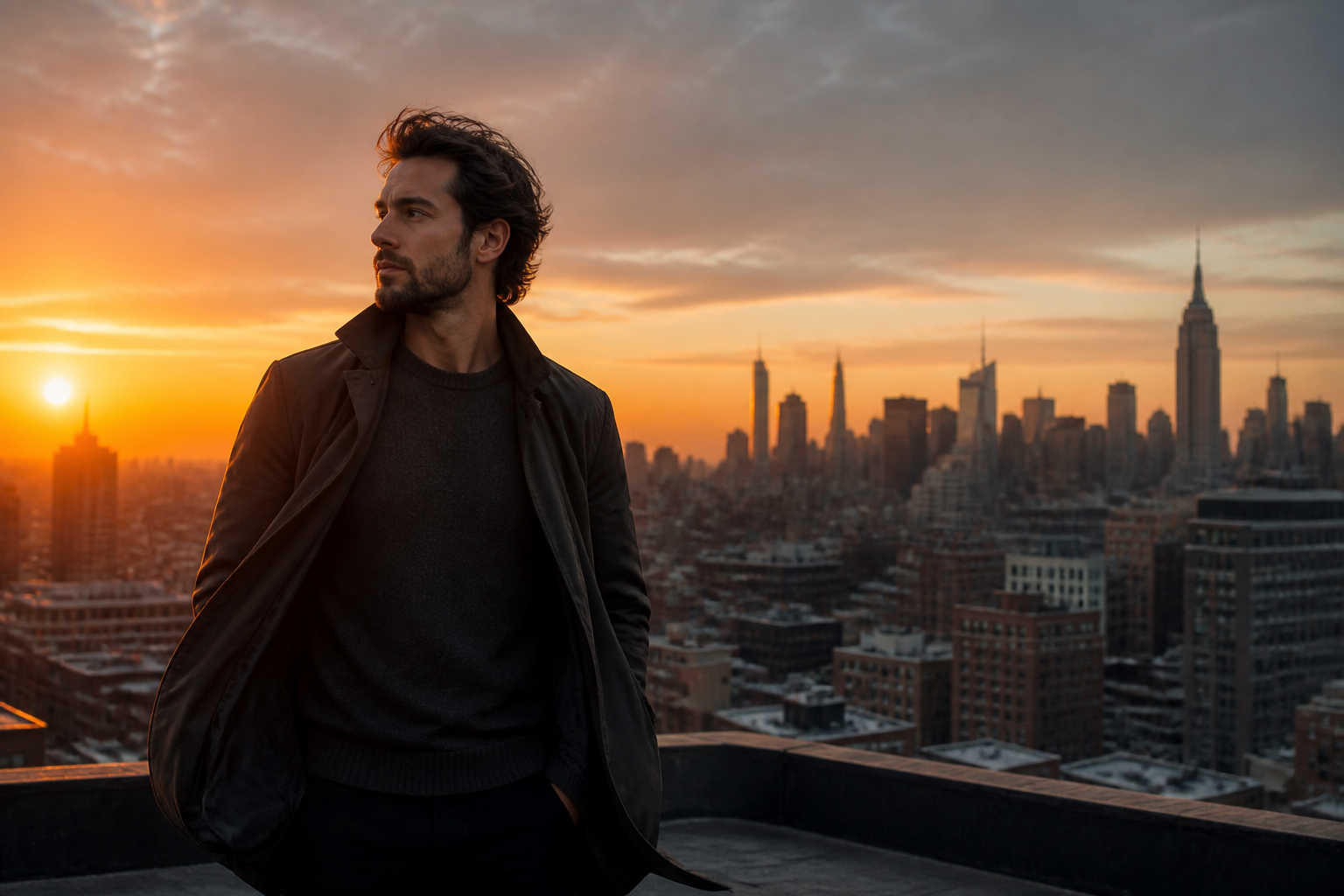
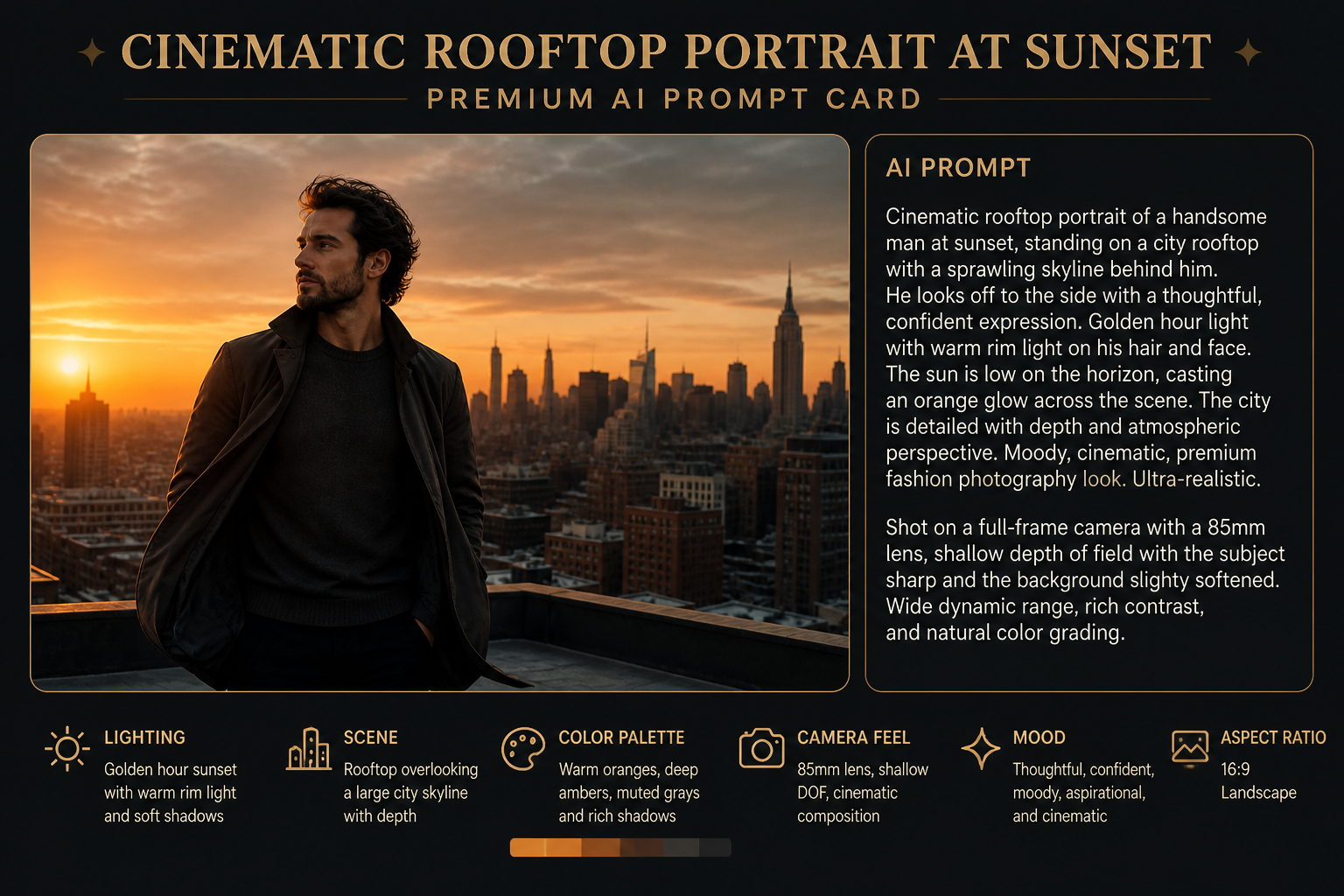
Start with an image instead of a blank text box. Our AI breaks the scene down into subject, lighting, composition, mood, and style so you get wording that is easier to reuse. That saves time when you already know the look you want but do not know how to describe it well.
Captures style and mood
Good prompts need more than nouns. The tool pulls out visual cues like golden hour, editorial framing, neon color, or painterly mood so the result is more specific than a simple label. You get prompt text that reflects how the image feels, not just what is in it.
Easy to refine and reuse
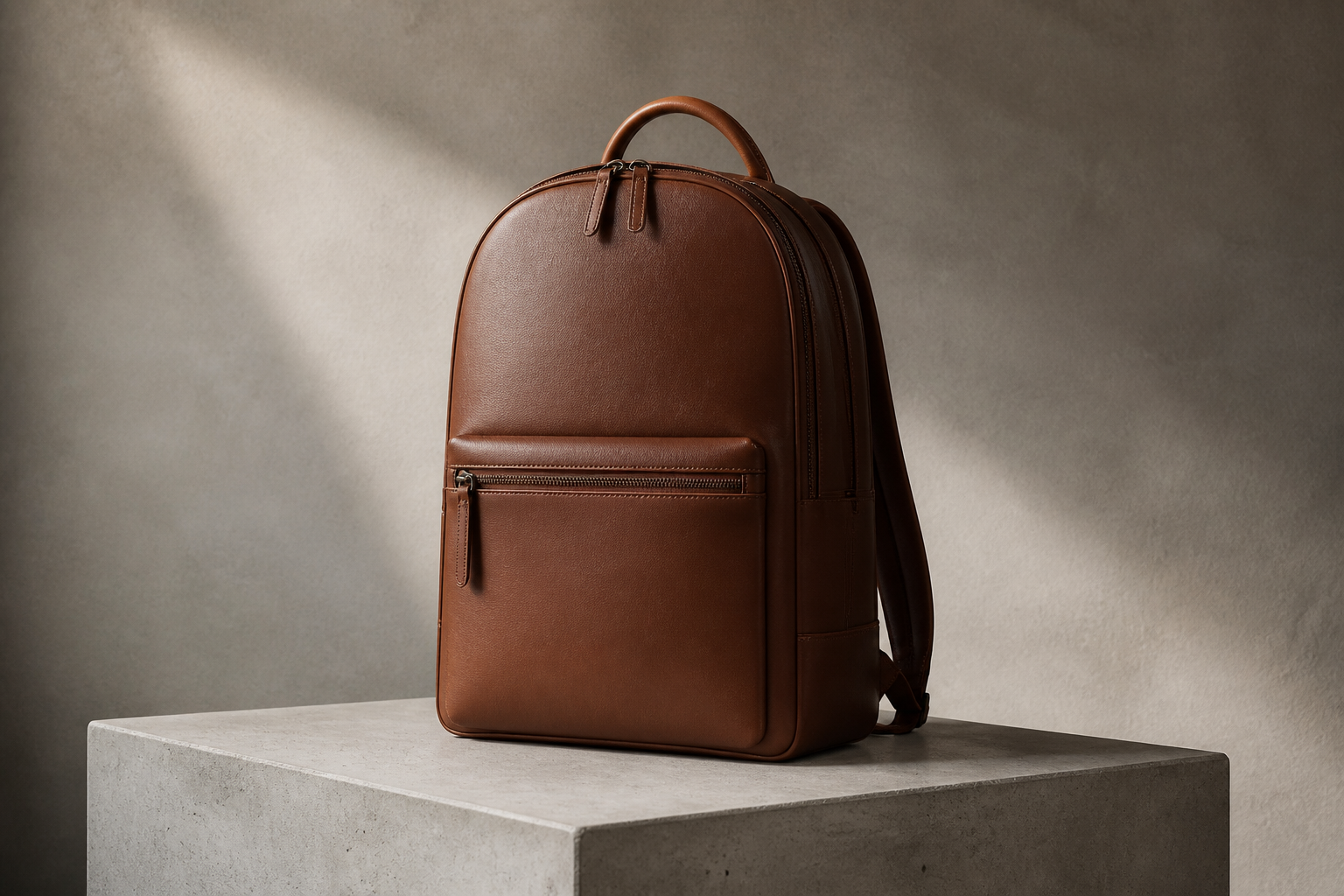
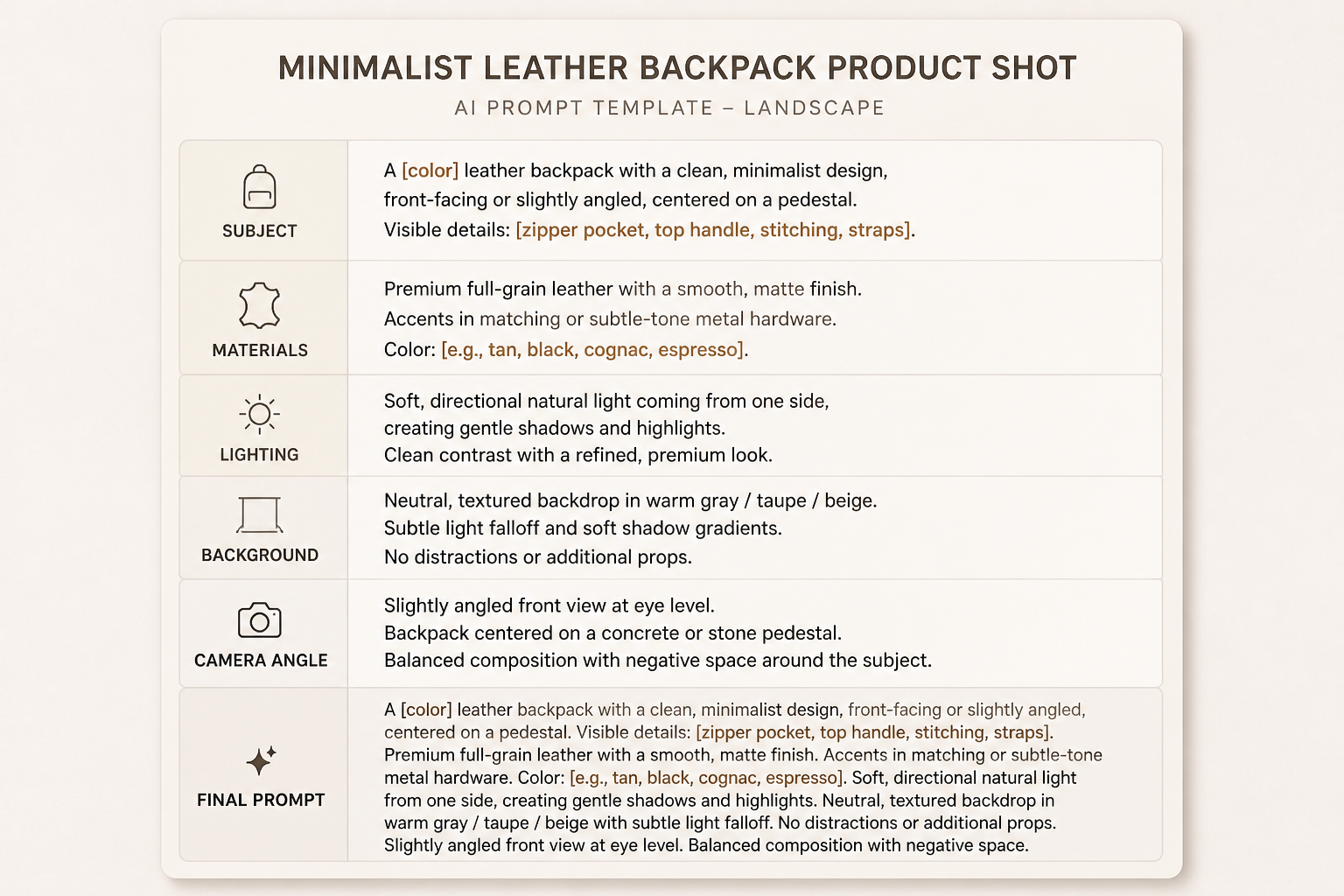
The generated prompt gives you a solid starting point for more edits. You can copy it as is, shorten it, or swap details like wardrobe, lens feel, or art style without rebuilding everything from scratch. It is much faster than manually reverse-engineering an image line by line.
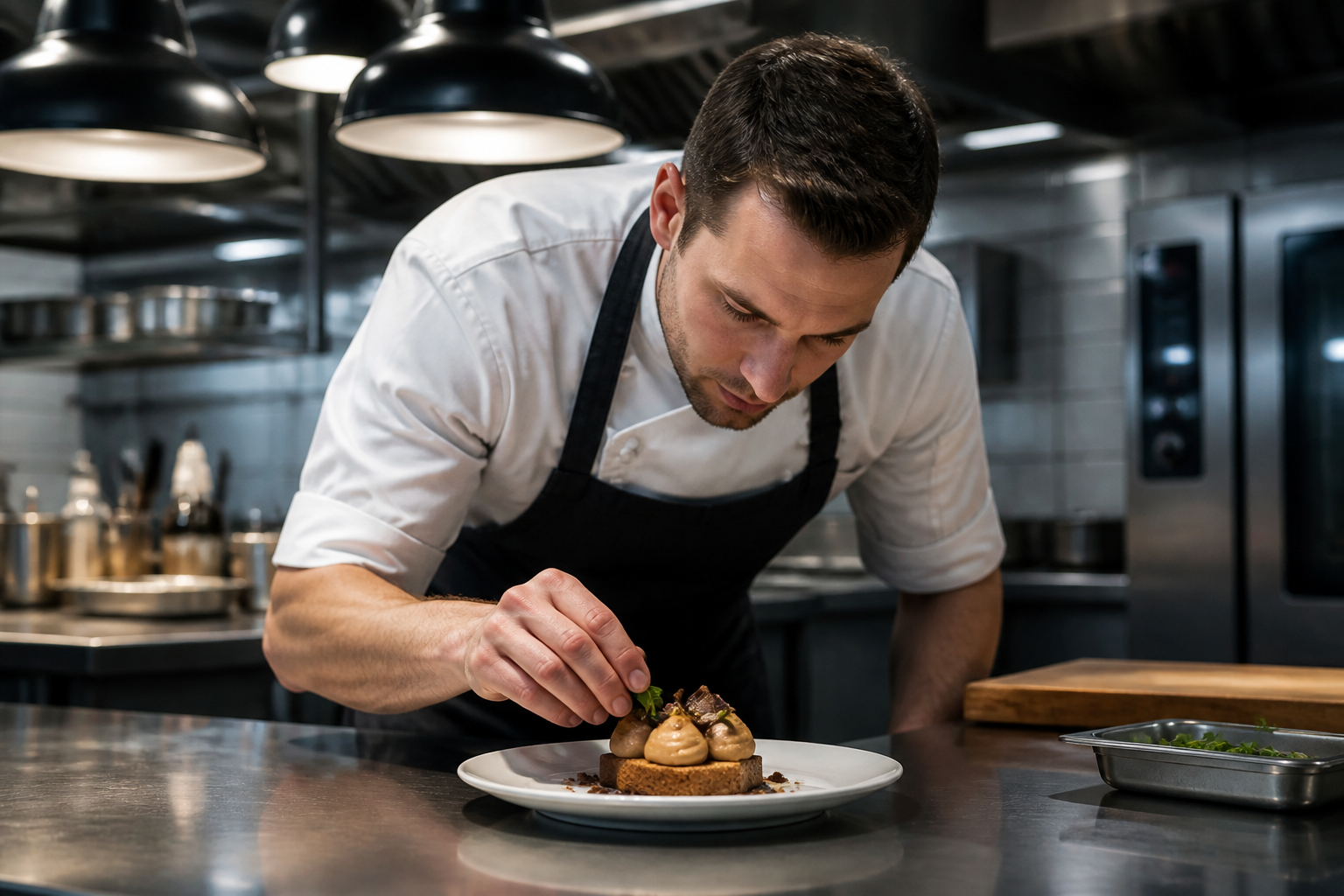
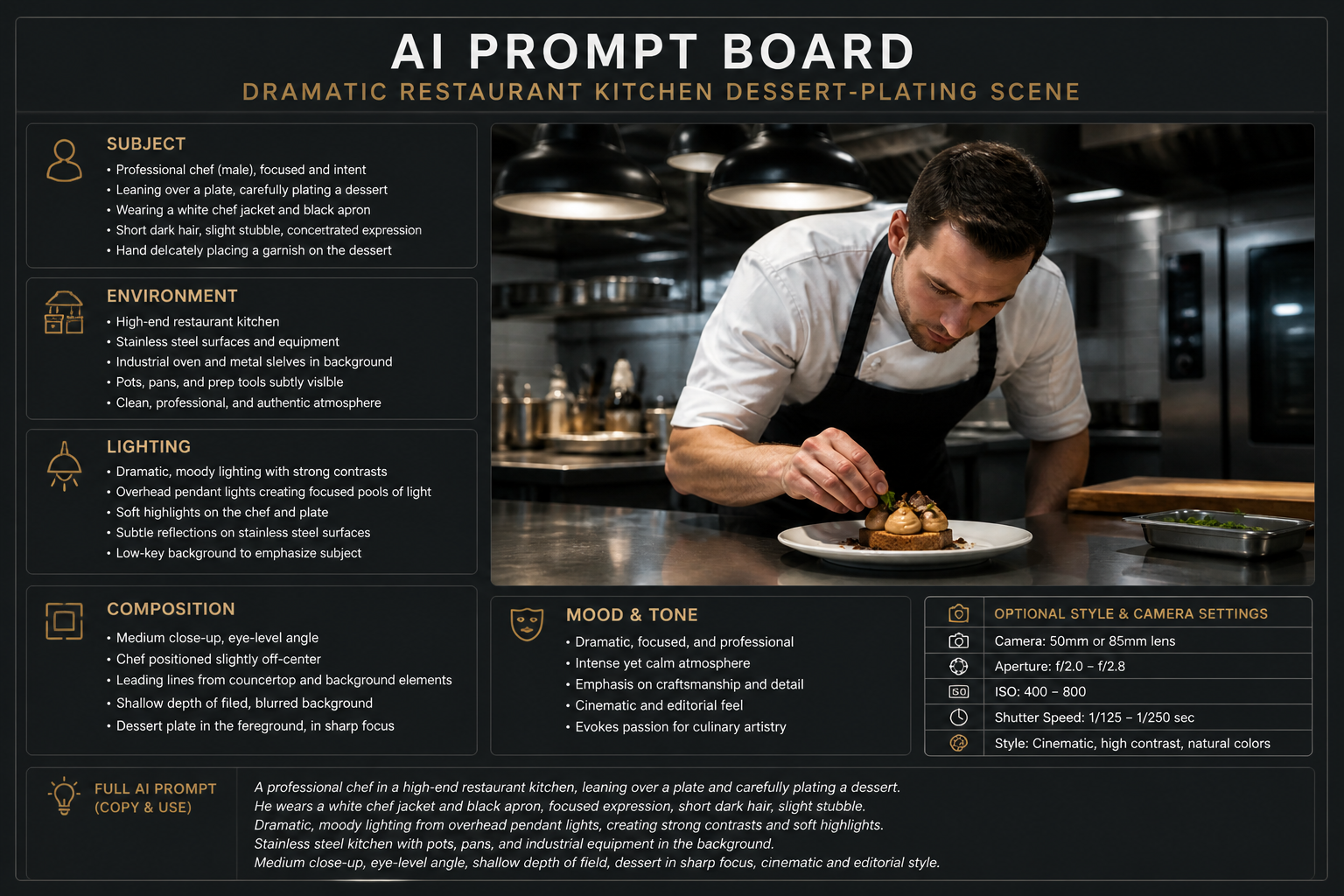
Works across many image types
You can use reference photos, product shots, interiors, food images, and stylized artwork. The tool adapts its wording to the content so the output reads like a usable prompt, not a vague caption. That range makes it practical for creators, marketers, and hobbyists alike.
How It Works
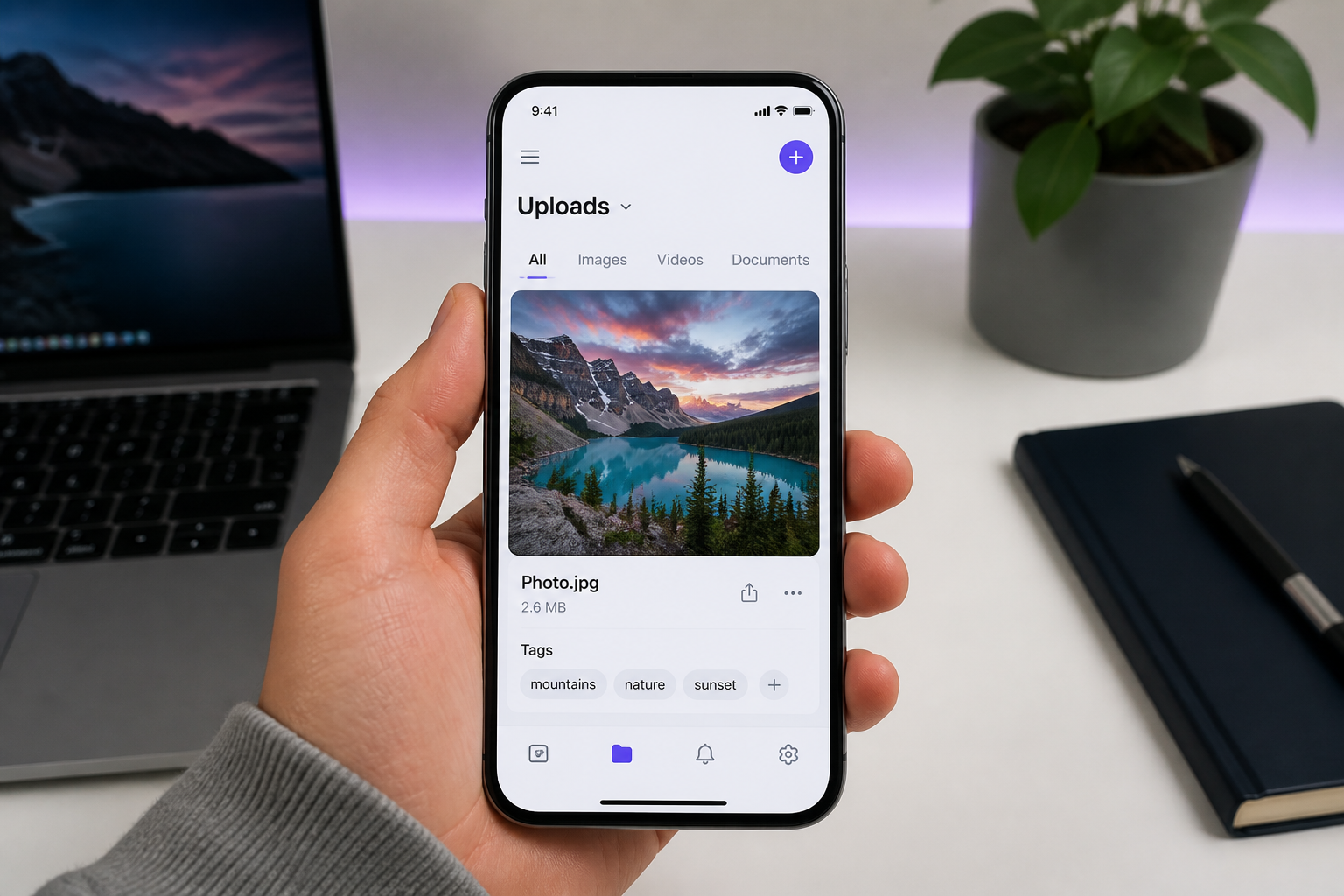
Upload your image
Add the photo, artwork, or reference image you want to analyze. Clear images with a strong subject usually produce the best prompt text.
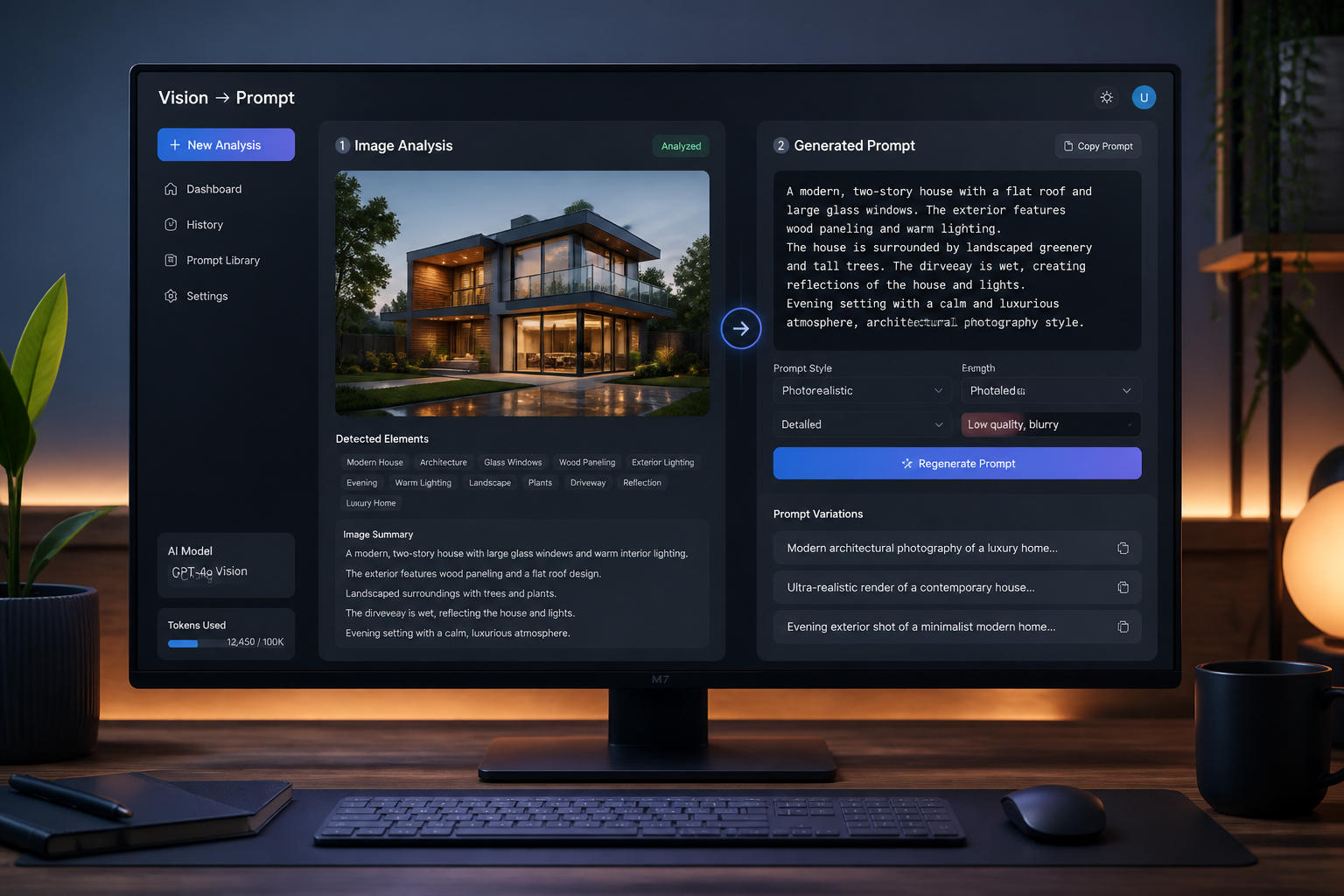
Generate the prompt
Our AI reads the image and writes a structured prompt based on what it sees. It pulls in visual details like subject, style, lighting, composition, and mood.
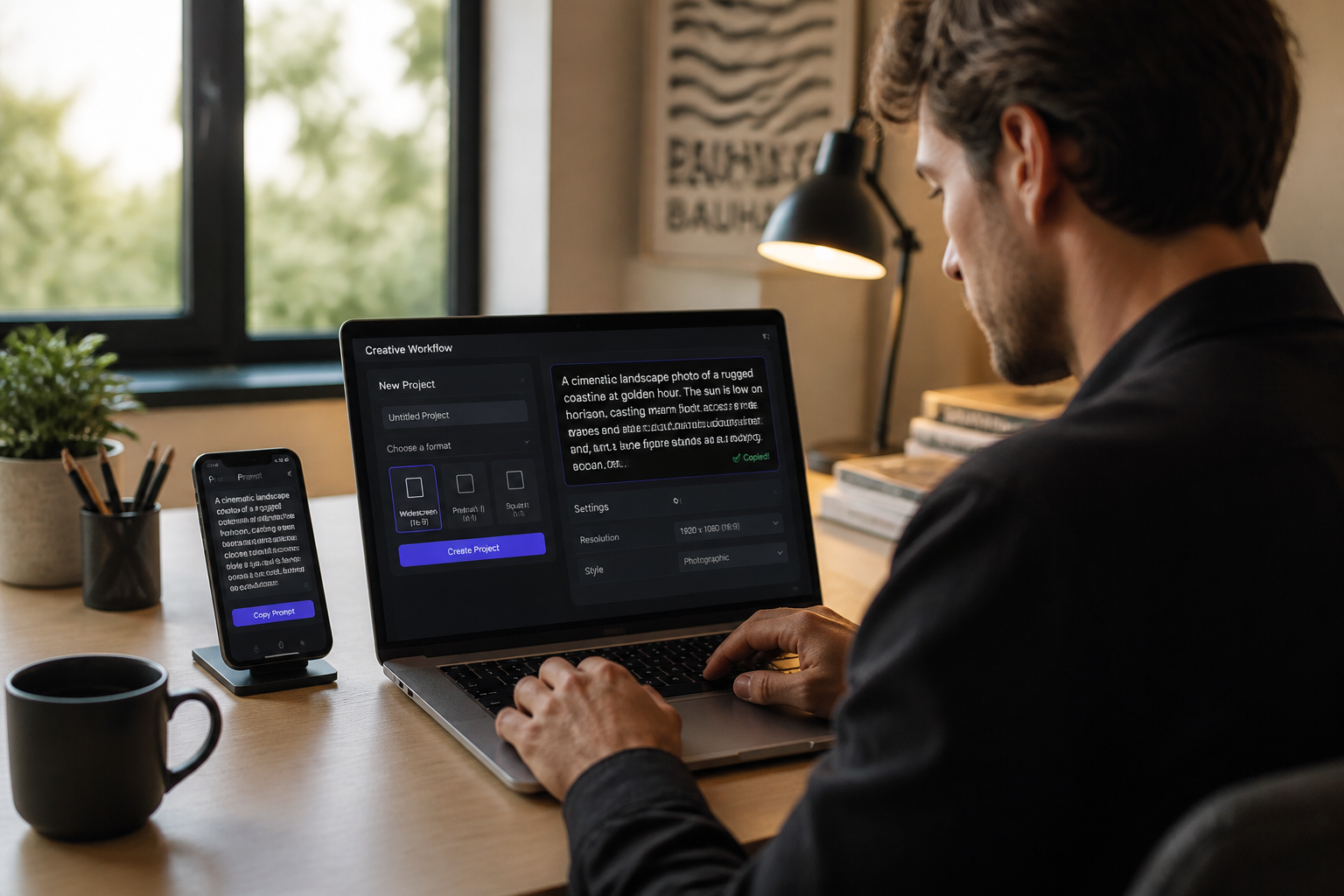
Copy and refine
Review the result, then paste it into your next generation or edit. You can keep it as written or quickly tweak parts of the wording for a different look.
Perfect For
Discover how creators and professionals use ai image prompt generator
Reverse-engineer reference photos
Turn a visual reference into prompt wording you can use again in future generations.
Build better creative briefs
Extract style, lighting, and composition details from example images for faster planning.
Create prompt libraries
Save generated prompts from successful images so your team can reuse proven directions.
Adapt images into new styles
Start with a prompt from an image, then swap style terms to explore new variations.
Built For
Designers and artists
Translate visual references into reusable prompt language for concept work and iteration.
Marketers and content teams
Turn campaign inspiration into clearer prompts for ads, product visuals, and social posts.
AI hobbyists
Learn how strong prompts are structured by starting from images you already like.
Why use an image-based prompt generator
A quick look at how we compare on the things that matter for this niche.
| Feature | BudgetPixel | Generic AI editors | Manual prompt writing |
|---|---|---|---|
| Starts from an image | ✓ | ✓ | — |
| Structured prompt output | ✓ | — | — |
| Captures lighting and composition | ✓ | Sometimes | Depends on skill |
| Fast to reuse | ✓ | Sometimes | — |
Frequently Asked Questions
What does an AI Image Prompt Generator do?
Can I use photos as the starting point?
Will the generated prompt be editable?
Is this better than writing prompts from scratch?
Can it help me learn prompt structure?
Create together.
Share your creations, discover trending AI art, and grow with fellow creators.