AI Line Art Generator
Turn short prompts into clean, editable-looking line art concepts
Generate crisp line art from a text prompt in seconds. Use it for tattoos, coloring pages, product illustrations, posters, icons, and concept sketches without starting from a blank canvas.
See It In Action
Real outputs from ai line art generator.
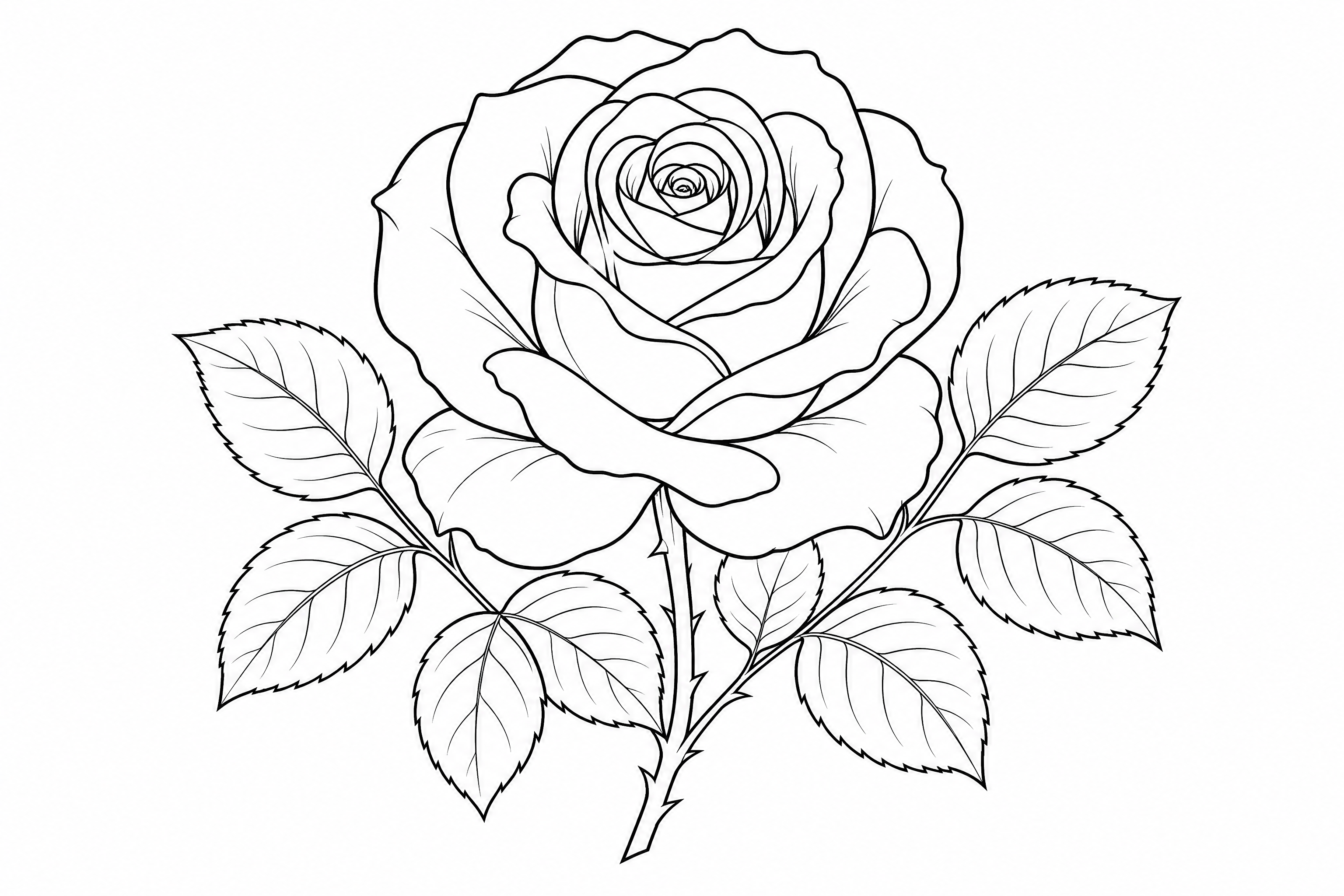
clean black ink line art of a blooming rose with leaves, minimal shading, white background, elegant contour lines, editorial illustration, high contrast, precise vector-like outlines, balanced centered composition
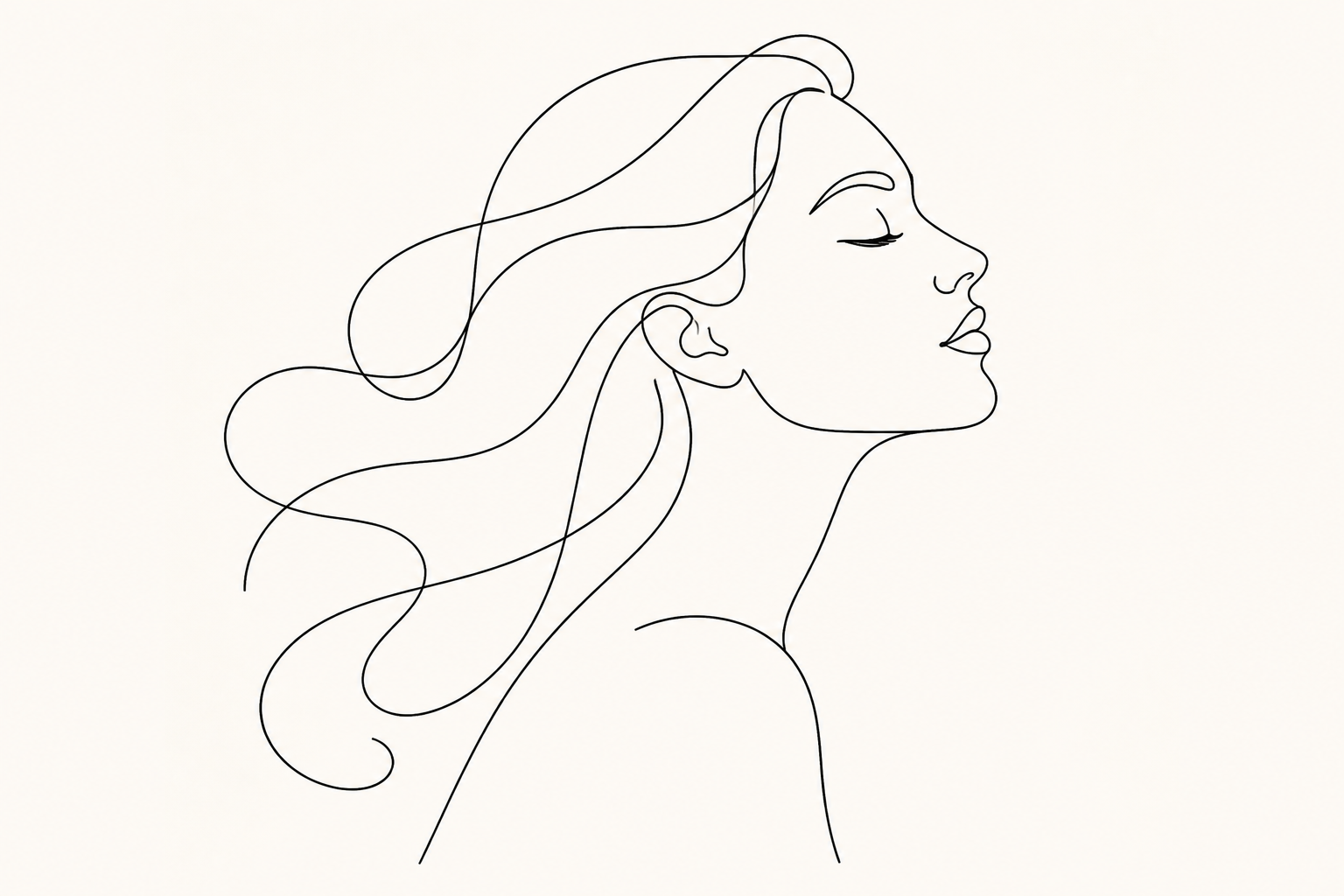
minimal single-line art portrait of an adult woman in profile, flowing hair, modern poster style, black line on warm white background, graceful negative space, refined continuous contour, gallery print composition
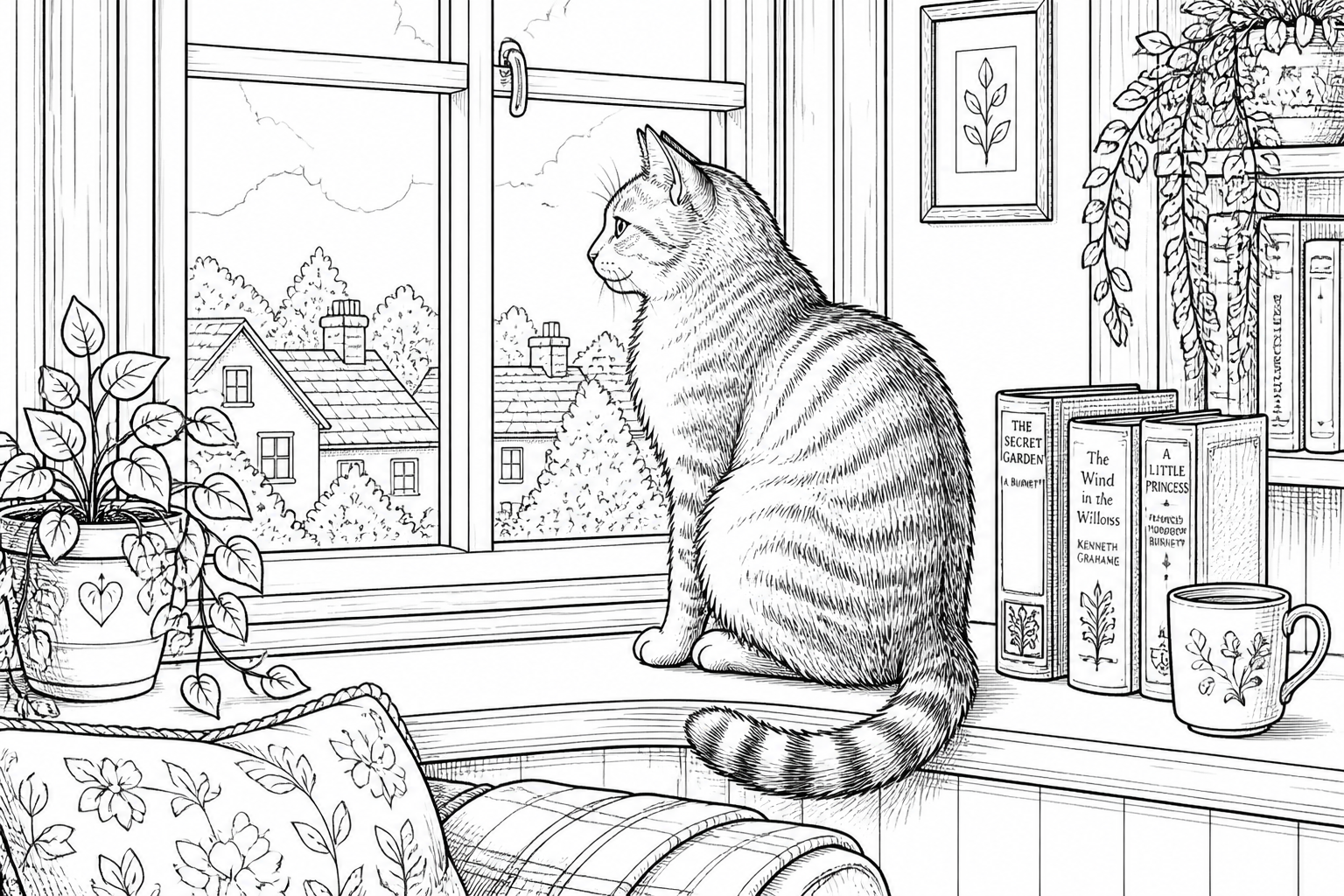
detailed line art of a sitting domestic cat looking out a window, clean pen outlines, subtle hatch texture, white background, cozy home scene, storybook illustration style, crisp black and white composition
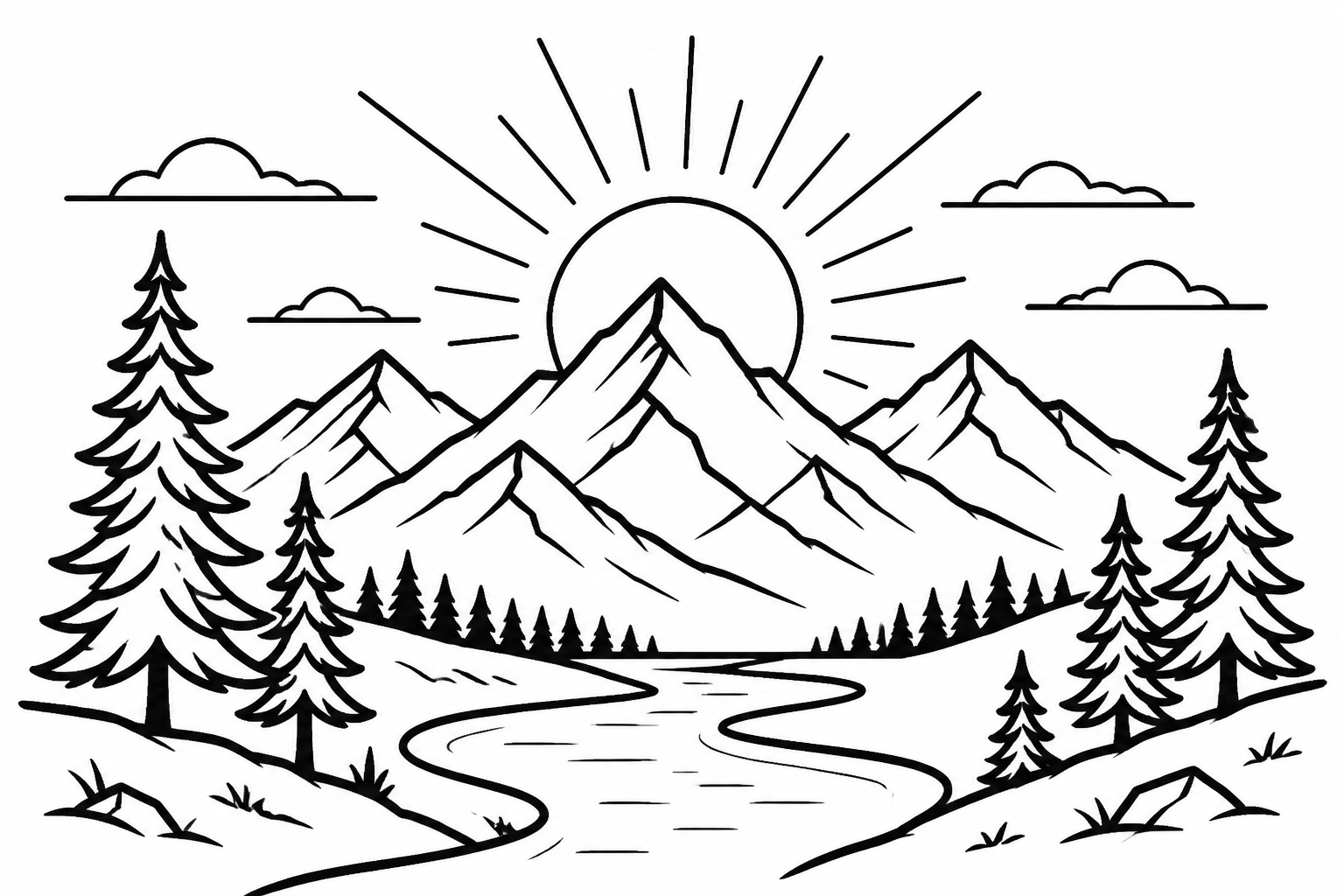
vector-style line art of a mountain landscape with pine trees, winding river, and rising sun, bold clean outlines, minimal detail, white background, travel poster aesthetic, wide 3:2 composition
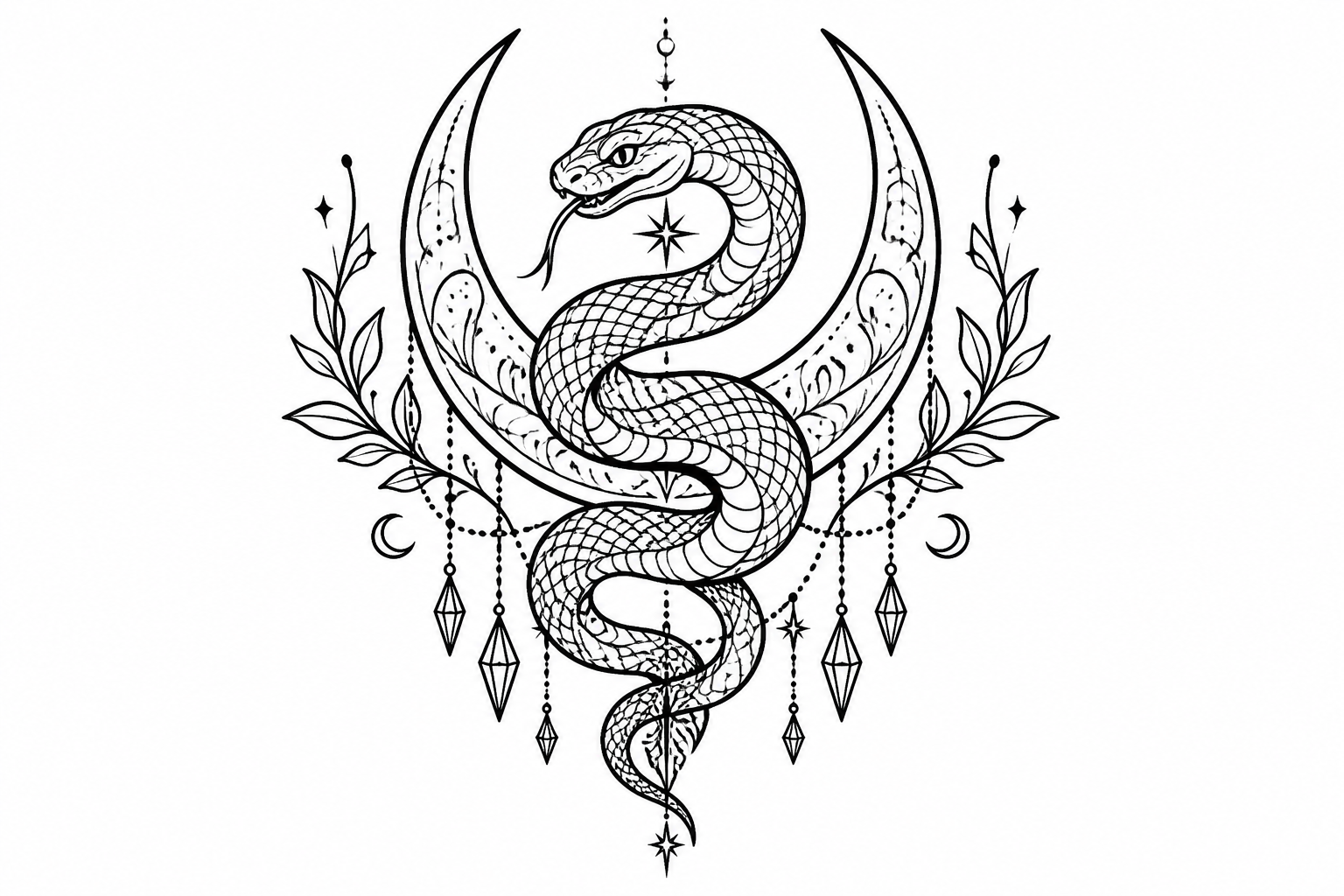
tattoo-style line art of a coiled snake around a crescent moon, ornamental details, sharp black outlines, symmetrical composition, white background, clean stencil look, adult aesthetic, high contrast
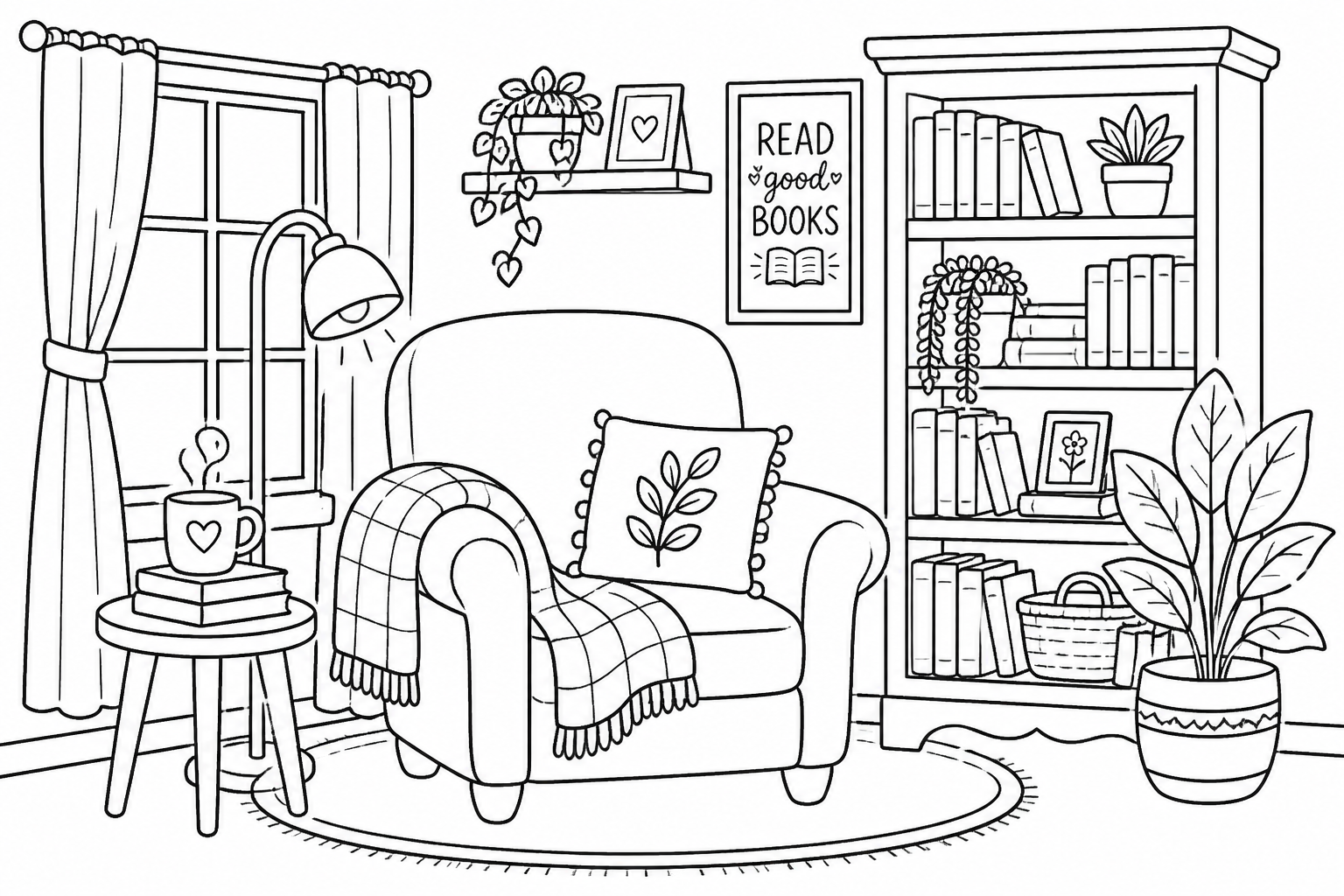
coloring book line art of a cozy reading nook with armchair, bookshelf, lamp, and potted plant, friendly outlines, no gray fills, white background, inviting interior scene, clean printable composition
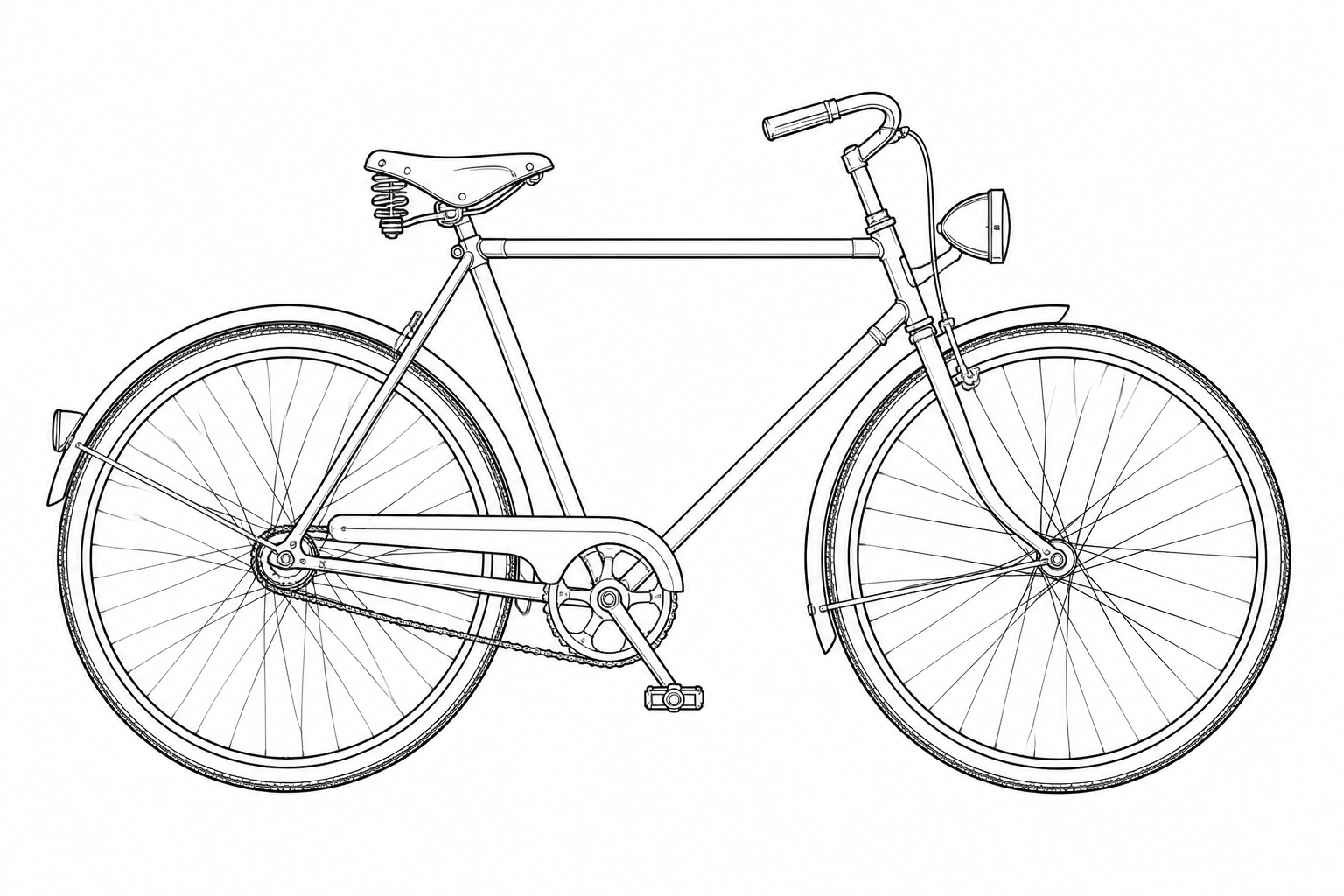
technical-style line art of a vintage bicycle, side view, precise contours, mechanical details simplified cleanly, black ink on white background, product illustration style, centered composition
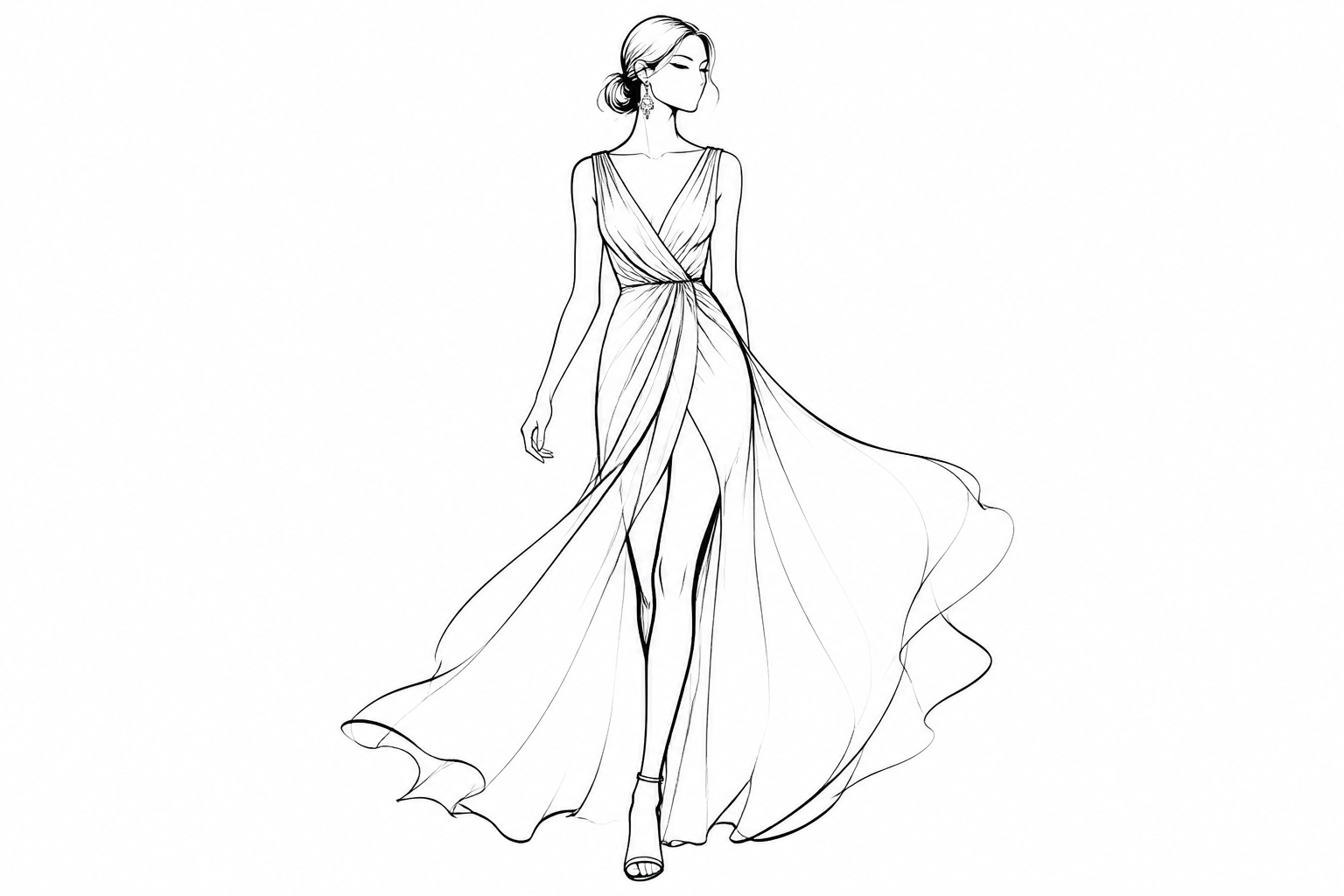
elegant fashion line art of an adult model wearing a long flowing dress, runway pose, minimal facial features, long sweeping contours, editorial sketch style, black on white, high-end magazine composition
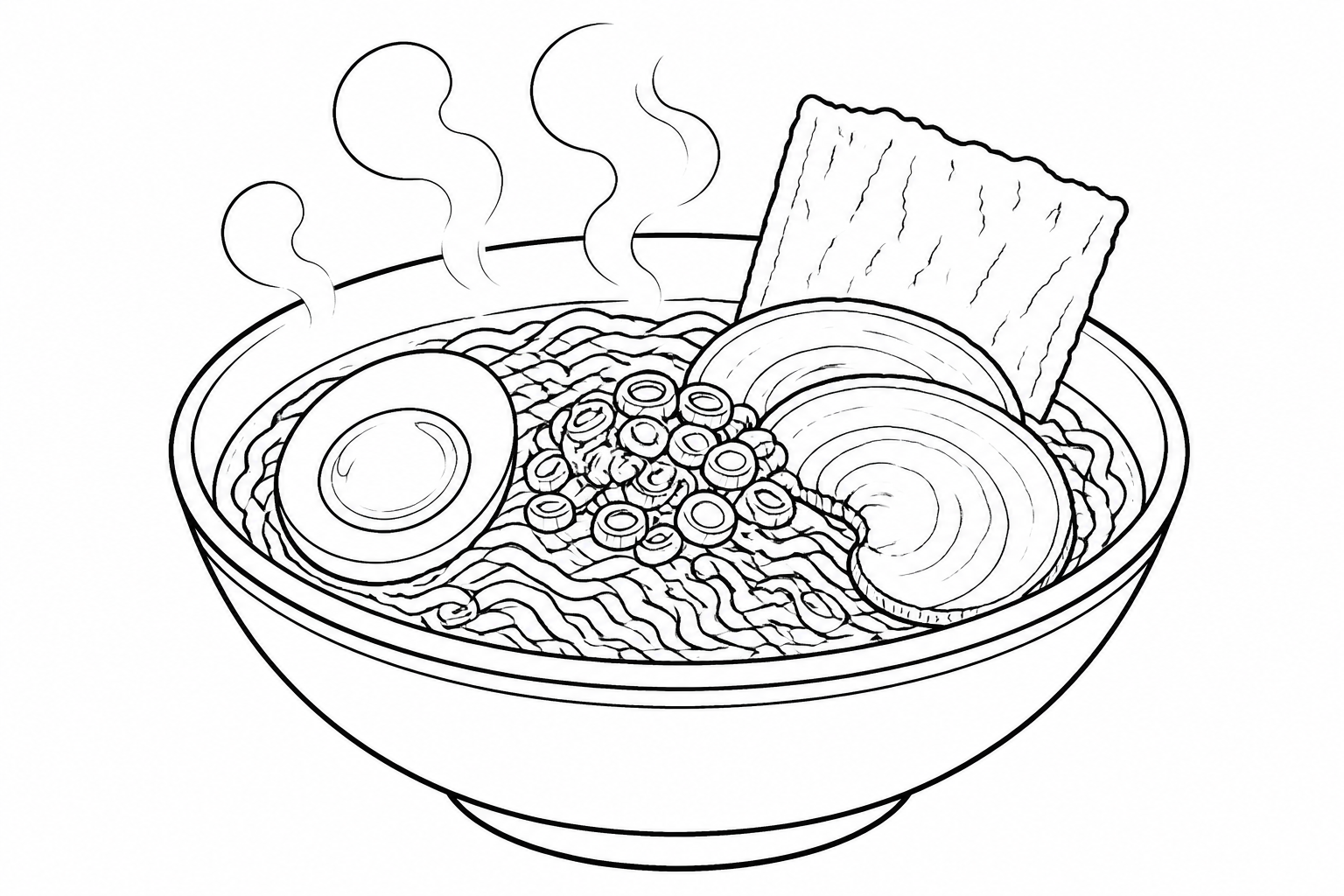
food illustration line art of a ramen bowl with noodles, egg, scallions, and steam, clean contour drawing, minimal hatch details, white background, menu illustration style, appetizing balanced framing
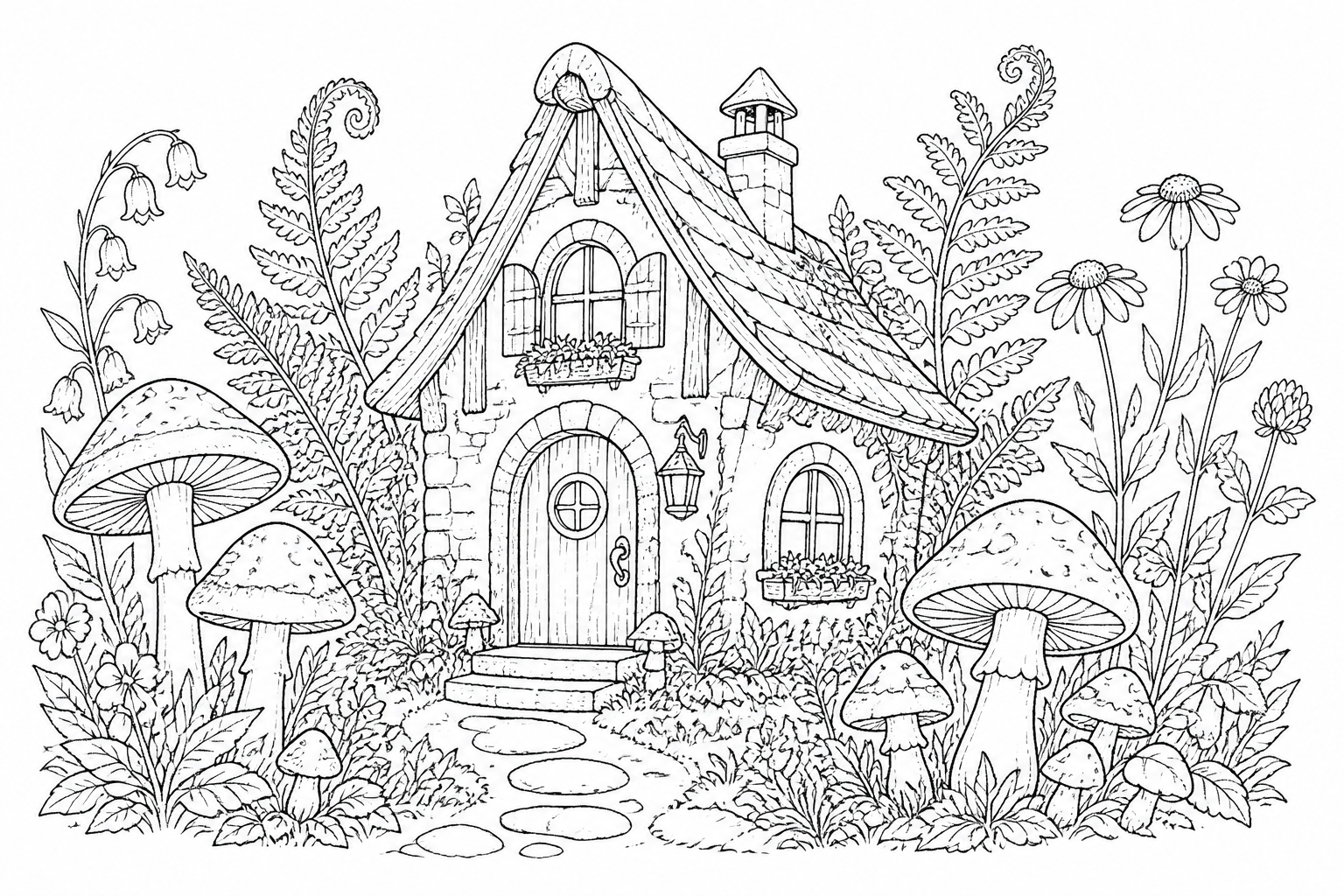
whimsical line art of a forest cottage surrounded by mushrooms, ferns, and wildflowers, ink illustration style, clean outlines with light detail, white background, fairytale coloring page composition
Key Features
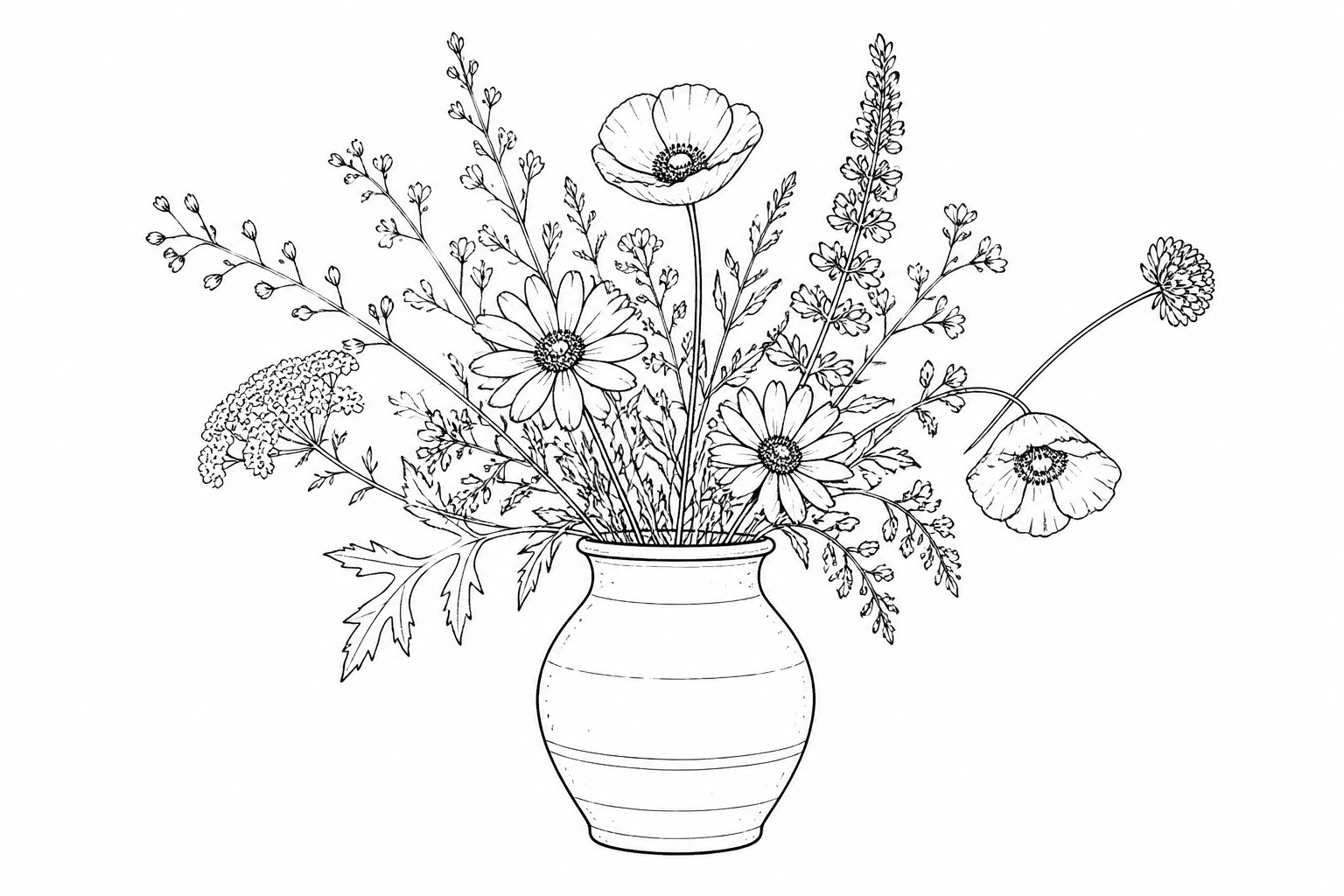
Clean lines from text
Describe a subject, object, or scene and get a line art concept instead of a generic full-color image. That matters when you need something simple, printable, or easy to trace into design workflows. A niche-tuned line art generator helps you skip the extra prompt cleanup usually needed to remove painterly textures and visual noise. It gives you a stronger starting point for outlines, icons, and monochrome illustrations.
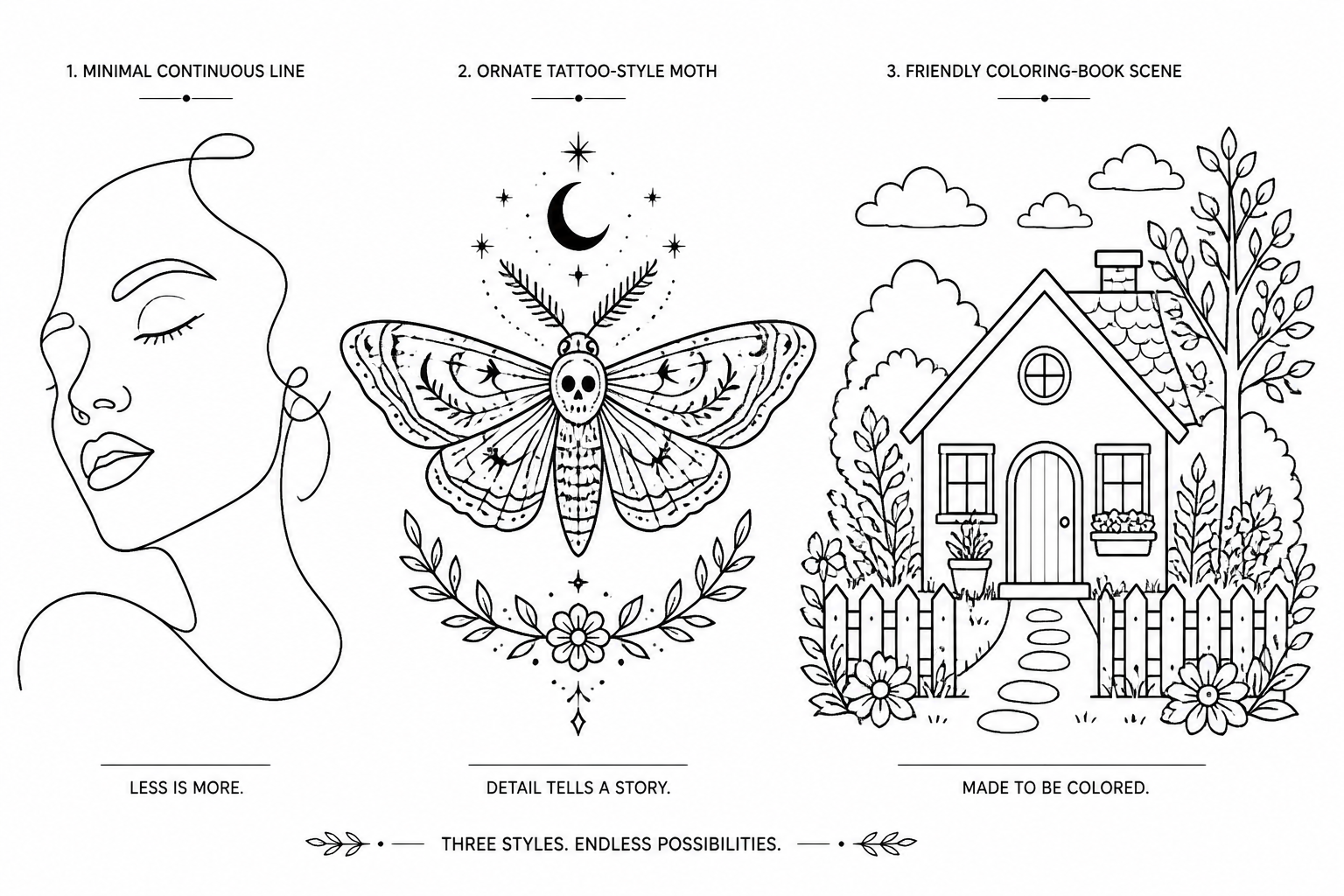
Works across illustration styles
Line art is not just one look. You can generate minimal continuous-line drawings, tattoo-style outlines, coloring-page scenes, fashion sketches, or technical pen illustrations from the same prompt workflow. This makes it easier to explore styles quickly without redrawing the same subject by hand each time. Generic image tools often drift into shaded or fully rendered artwork unless you guide them carefully.
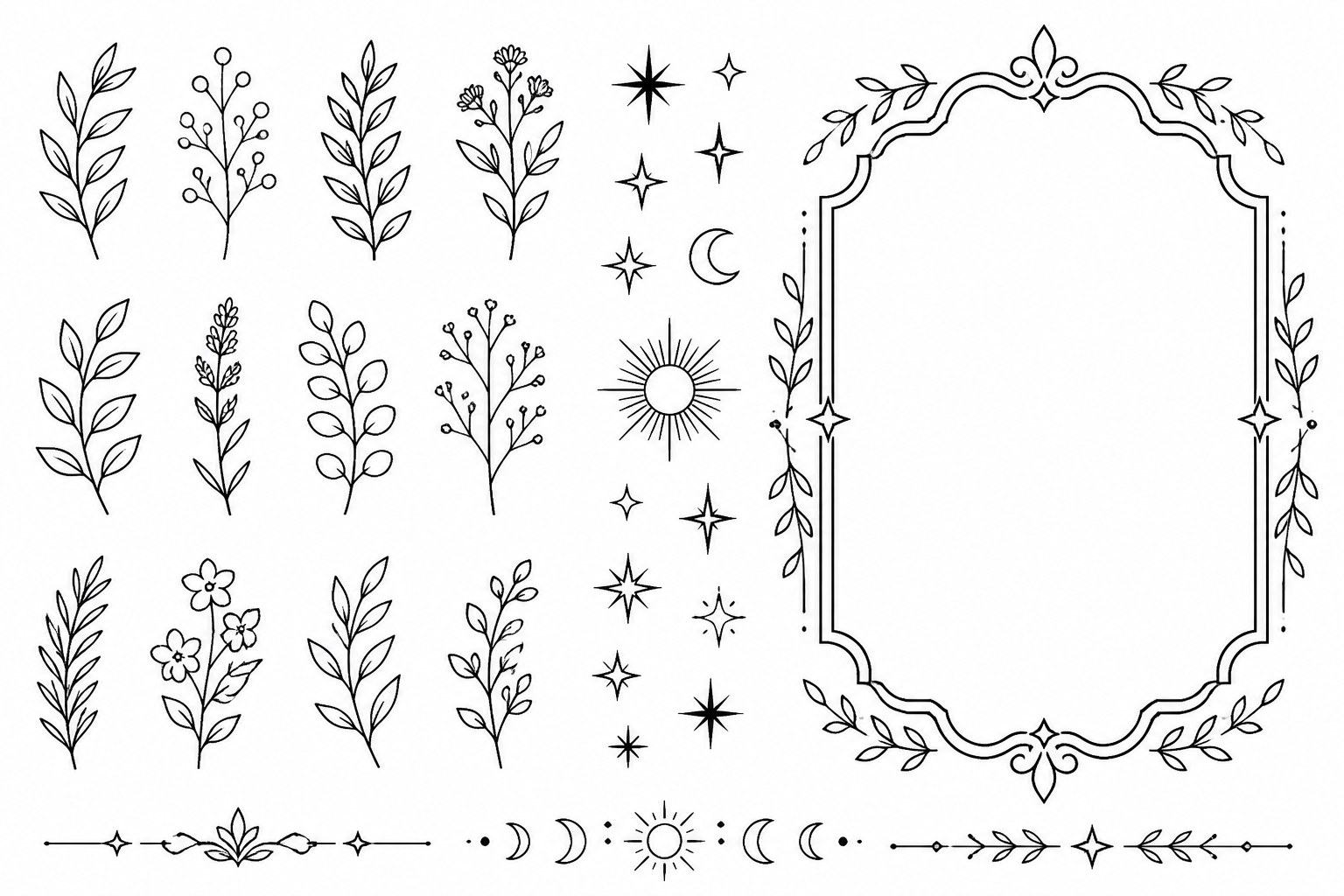
Strong for printable outputs
Simple black-and-white artwork is useful because it translates well to print, merch drafts, worksheets, decals, and laser-focused concept boards. Line art is easier to review, annotate, and adapt than a busy rendered image. If you create coloring pages, poster layouts, or stencil-ready concepts, this format saves time. It is a practical way to generate ideas you can refine further in your own design tools.
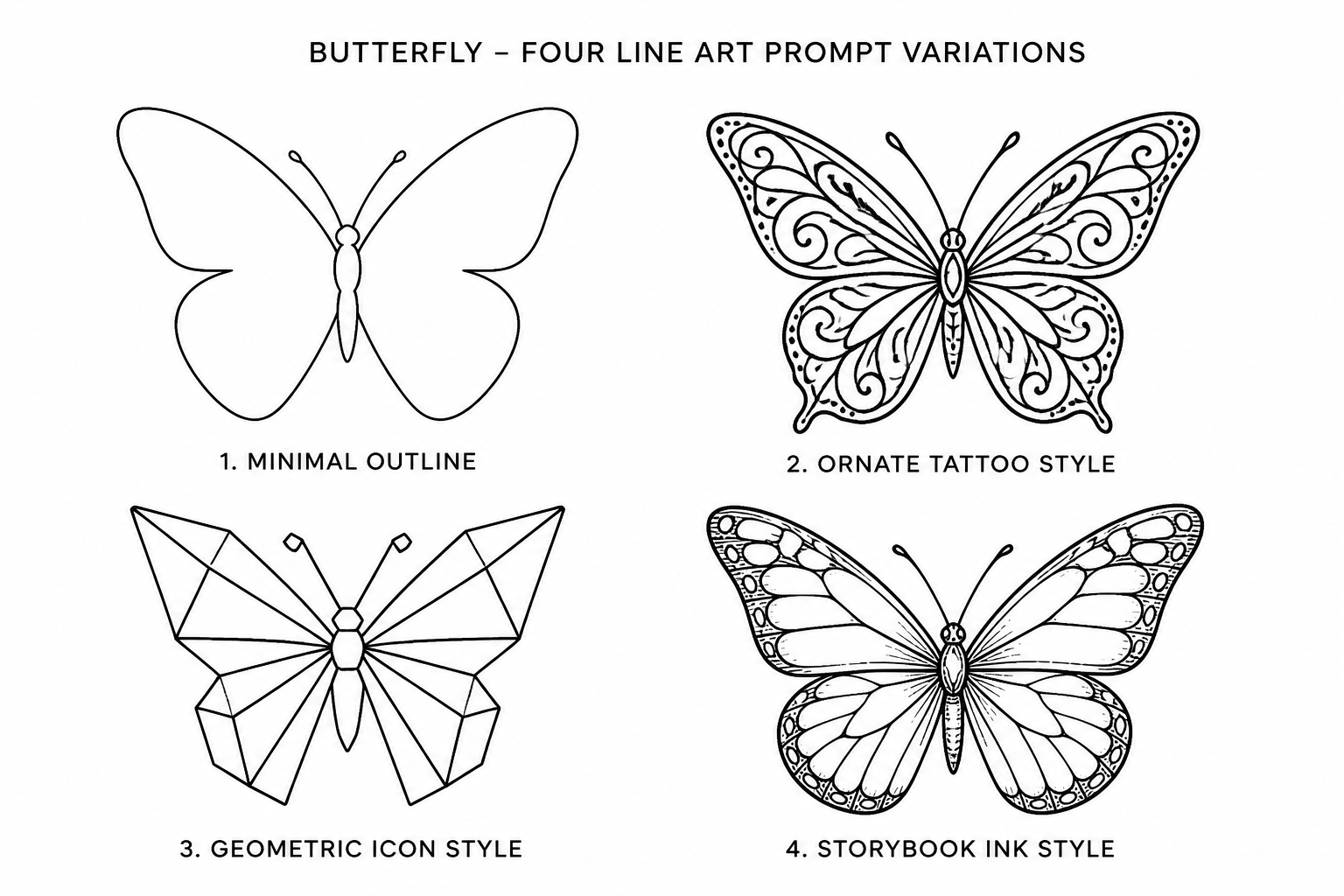
Easy prompt remixing
The example gallery gives you prompts you can reuse and modify instead of starting from scratch. Swap the subject, mood, detail level, or style direction to get fast variations for the same project. This is especially helpful when you are testing multiple concepts for a client, product, or personal piece. A prompt-first workflow keeps iteration simple and repeatable.
How It Works
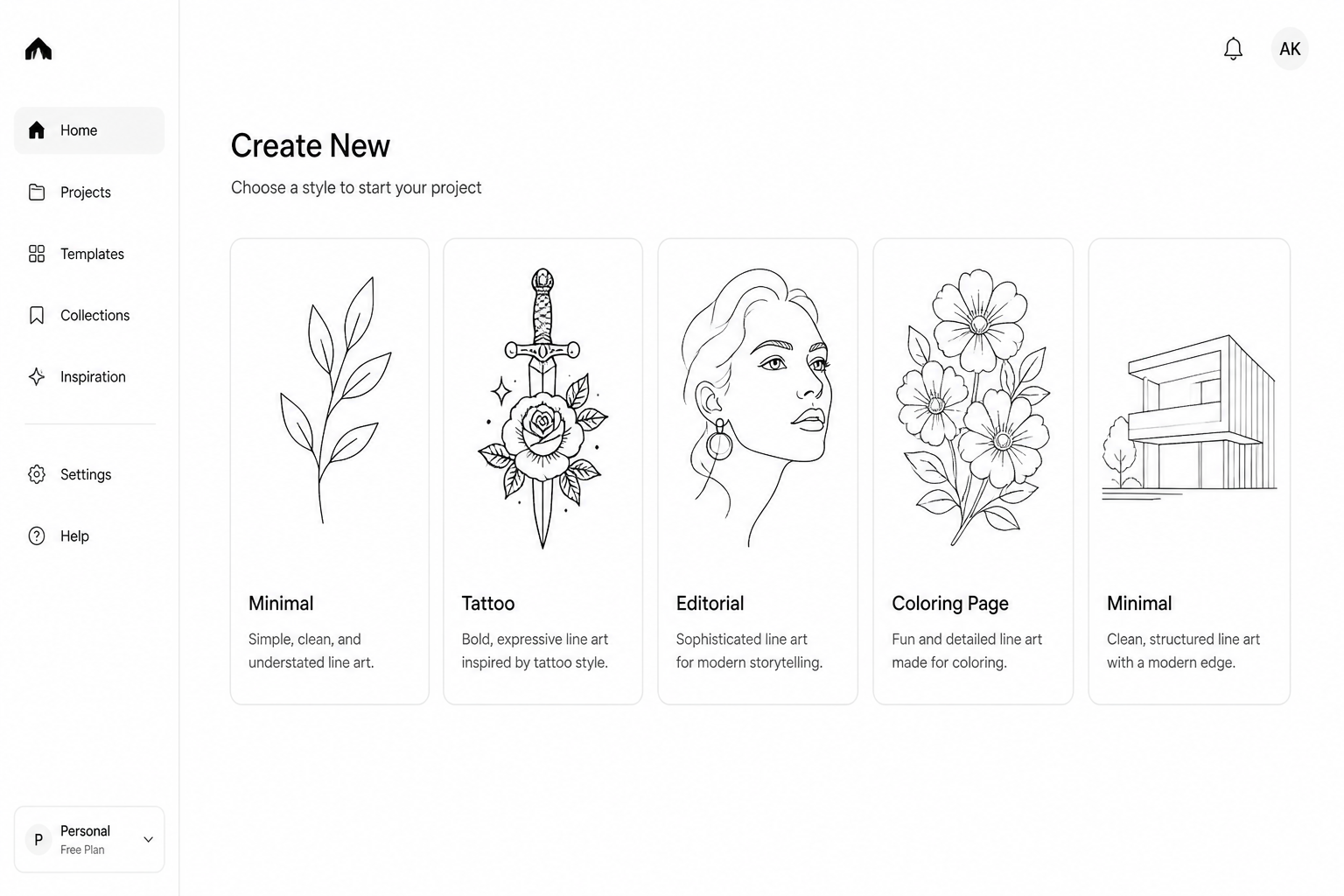
Pick a line style
Start with a ready-made prompt for clean outlines, single-line drawing, tattoo art, or coloring-page illustration. This gives you a strong base style before you add your own subject.
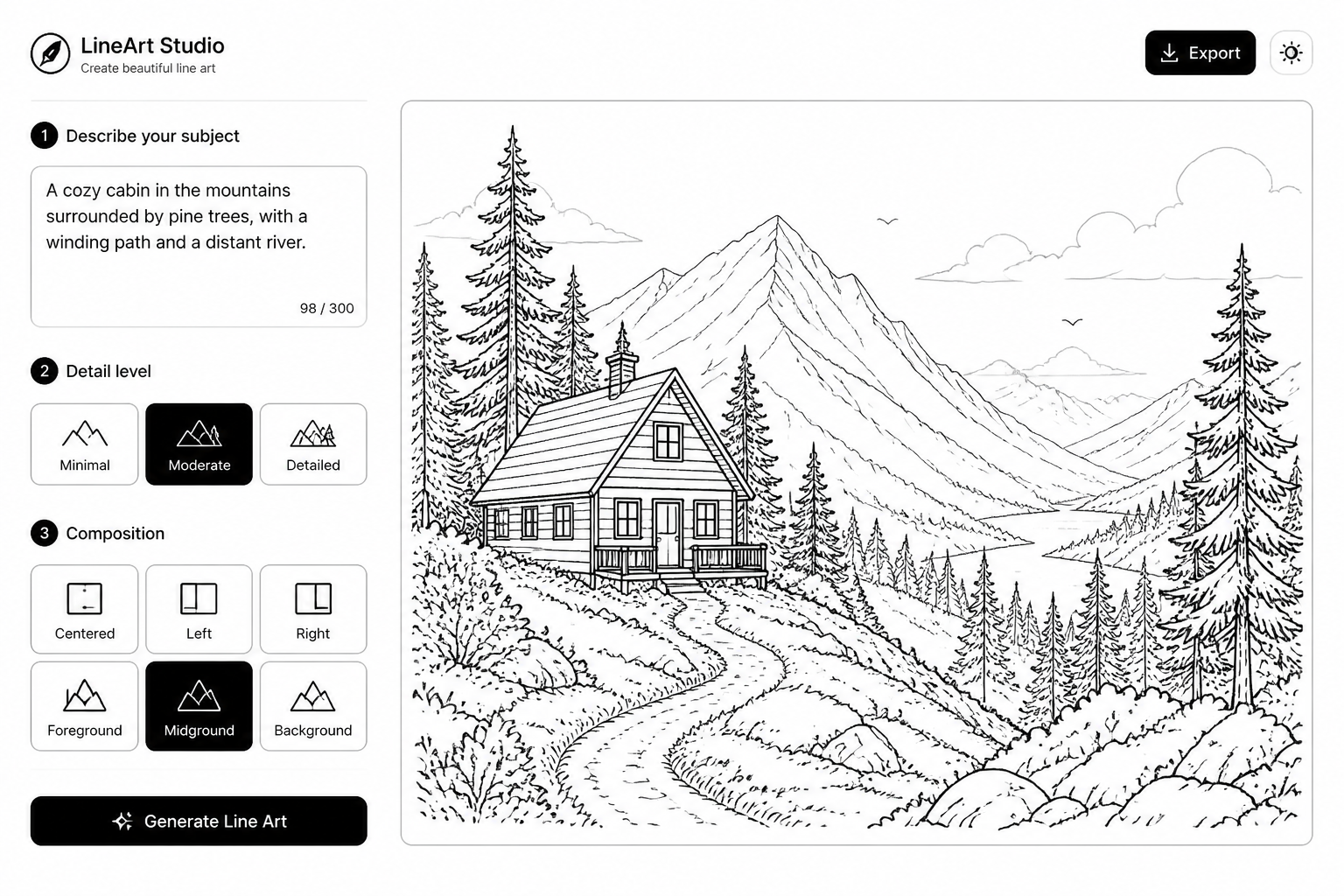
Describe the subject
Add the object, character, scene, or motif you want to generate. You can also mention detail level, composition, and whether you want a plain white background or a more decorative layout.
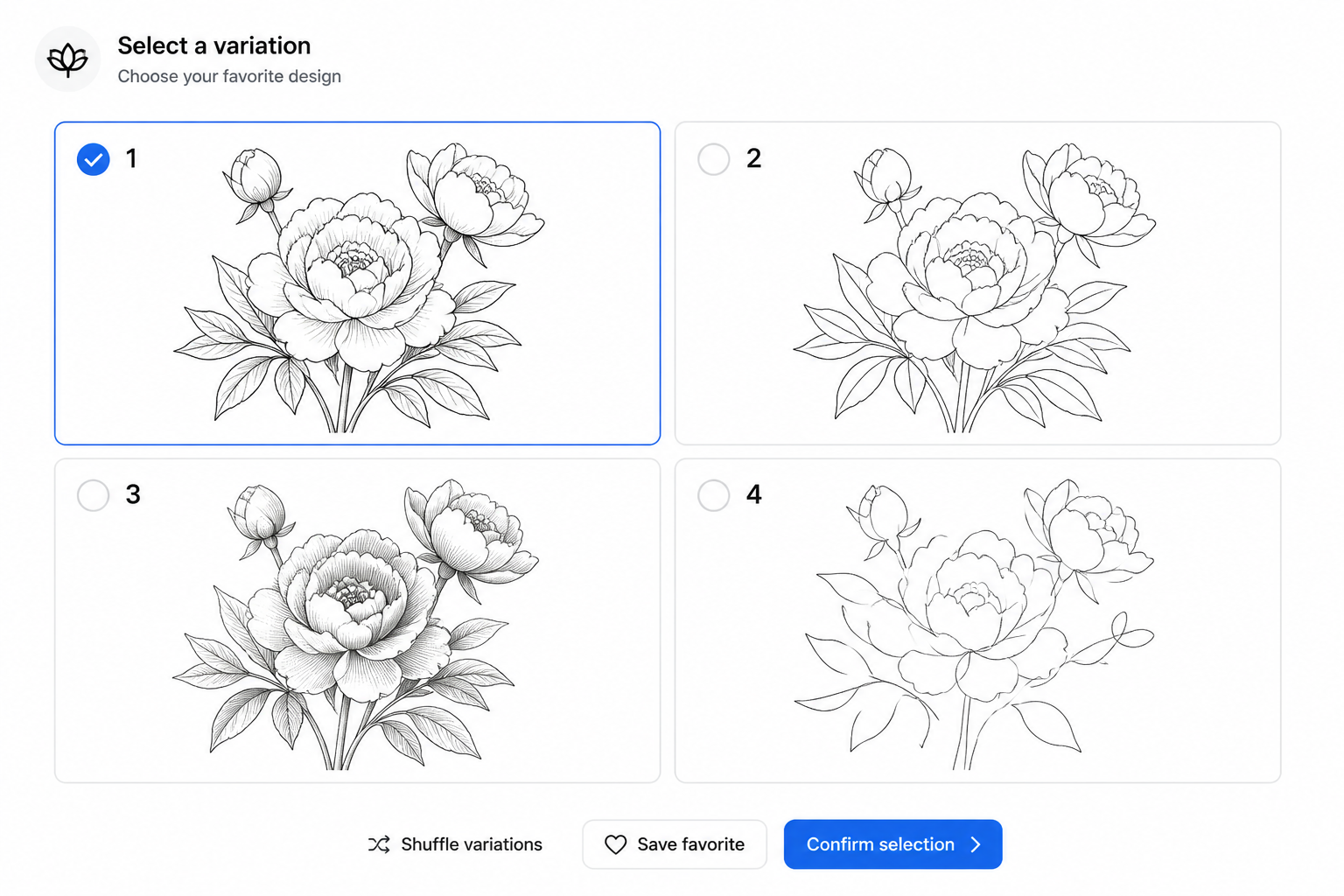
Generate and refine
Create several variations, compare the results, and keep the one that fits your project best. Then tweak the wording to make the lines simpler, bolder, more ornamental, or more technical.
Perfect For
Discover how creators and professionals use ai line art generator
Tattoo concept drafts
Generate clean black-ink concepts for floral, symbolic, geometric, and ornamental tattoo ideas before refining the final design.
Coloring page creation
Make printable black-and-white scenes, objects, and decorative pages with simple outlines that are easy to color.
Editorial and poster art
Create minimal illustrations for blog headers, article visuals, posters, menus, and social graphics that need a clean monochrome look.
Product and icon concepts
Visualize products, objects, and motifs as stripped-down outlines for packaging ideas, stickers, labels, and design exploration.
Built For
Designers and illustrators
Use it to explore compositions, motifs, and visual directions quickly before moving into your usual editing workflow.
Tattoo artists and clients
Start from prompt-based concept art for symbols, florals, and ornamental layouts that help shape an early idea.
Teachers, crafters, and creators
Generate printable line drawings for worksheets, coloring pages, merch concepts, wall art, and hobby projects.
Why use this line art generator
A quick look at how we compare on the things that matter for this niche.
| Feature | BudgetPixel | Generic AI generators | Stock photo libraries |
|---|---|---|---|
| Prompted for line art output | Yes | Sometimes | No |
| Editable prompt library | Yes | Varies | No |
| Multiple visual styles | Yes | Yes | Limited |
| Made for original concepts | Yes | Yes | No |
| No subscription required | Yes | Varies | No |
Frequently Asked Questions
What kind of line art can I generate?
Can I make minimal or single-line drawings?
Is this good for coloring pages?
Will the output look like vector art?
Do I need drawing skills to use it?
Create together.
Share your creations, discover trending AI art, and grow with fellow creators.