AI Sketch Generator
Turn simple text prompts into clean, expressive sketch-style images.
Create sketch-style images from a text prompt in seconds. This tool is built for artists, designers, writers, and anyone who wants fast visual concepts without starting from a blank page.
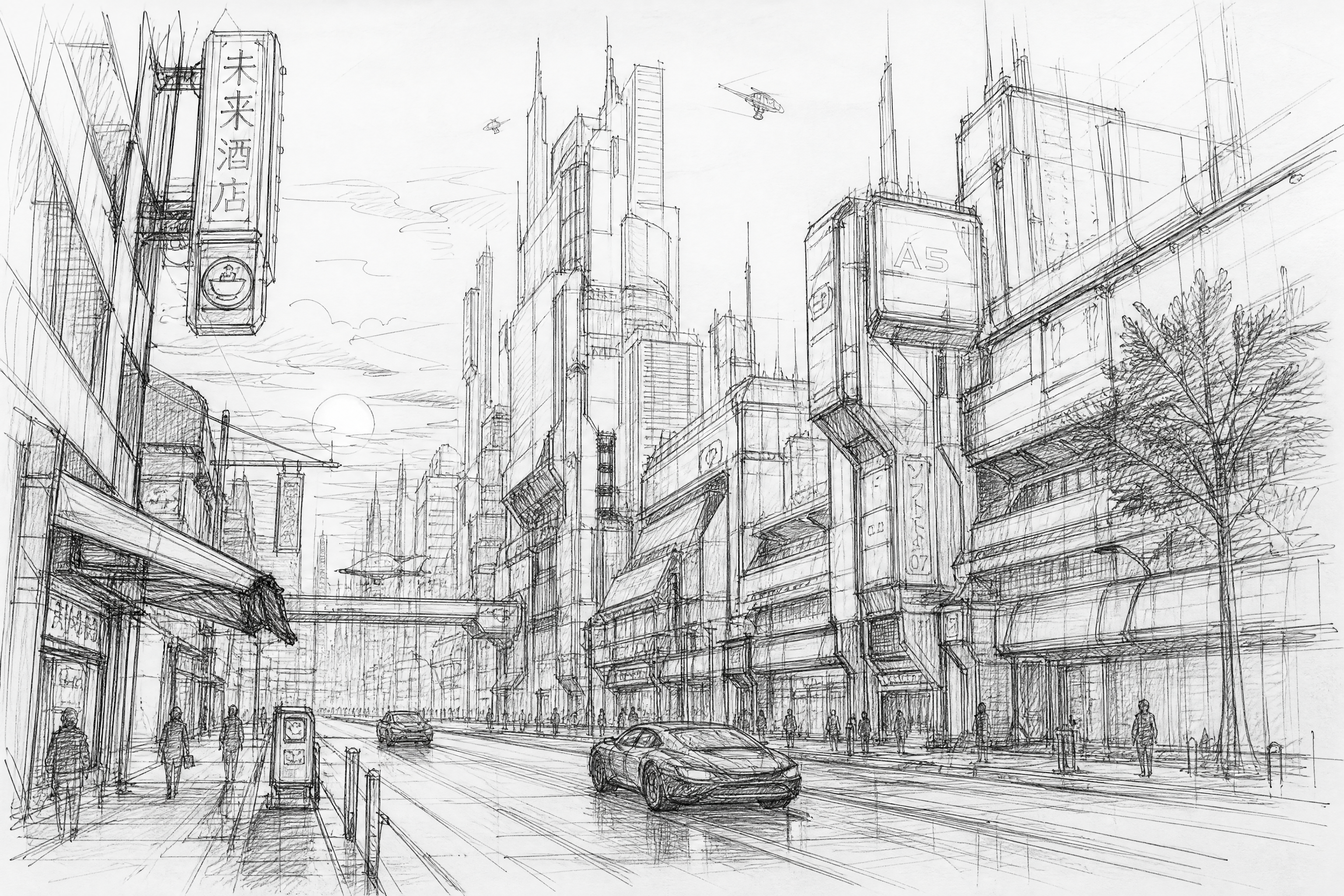
See It In Action
Real outputs from ai sketch generator.
clean pencil sketch of a futuristic city street at dusk, loose construction lines, detailed linework, cross-hatching, concept art style, dynamic perspective, white paper background
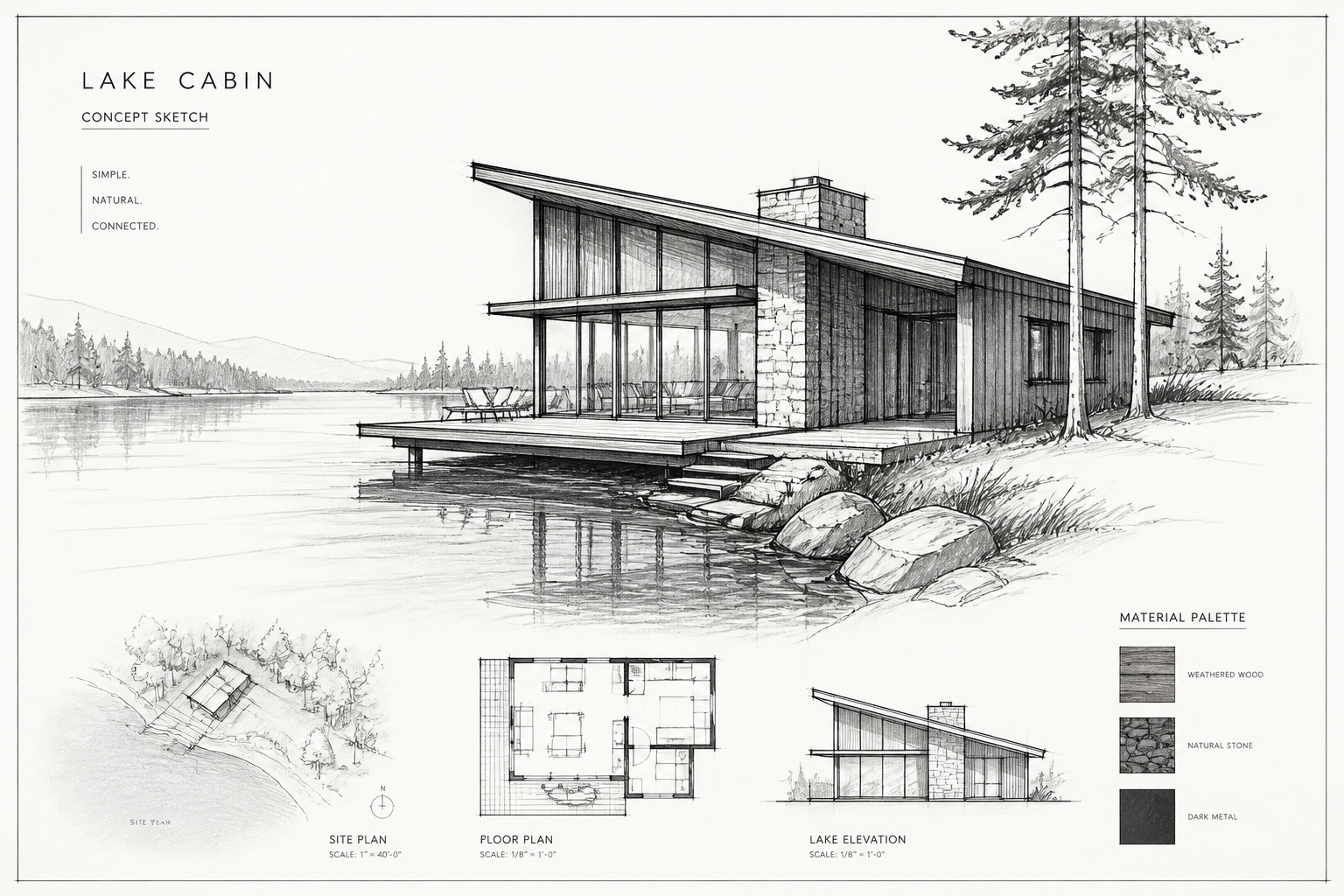
architectural sketch of a modern cabin by a lake, ink lines and graphite shading, perspective drawing, minimal trees and reflections, presentation board look, white paper texture
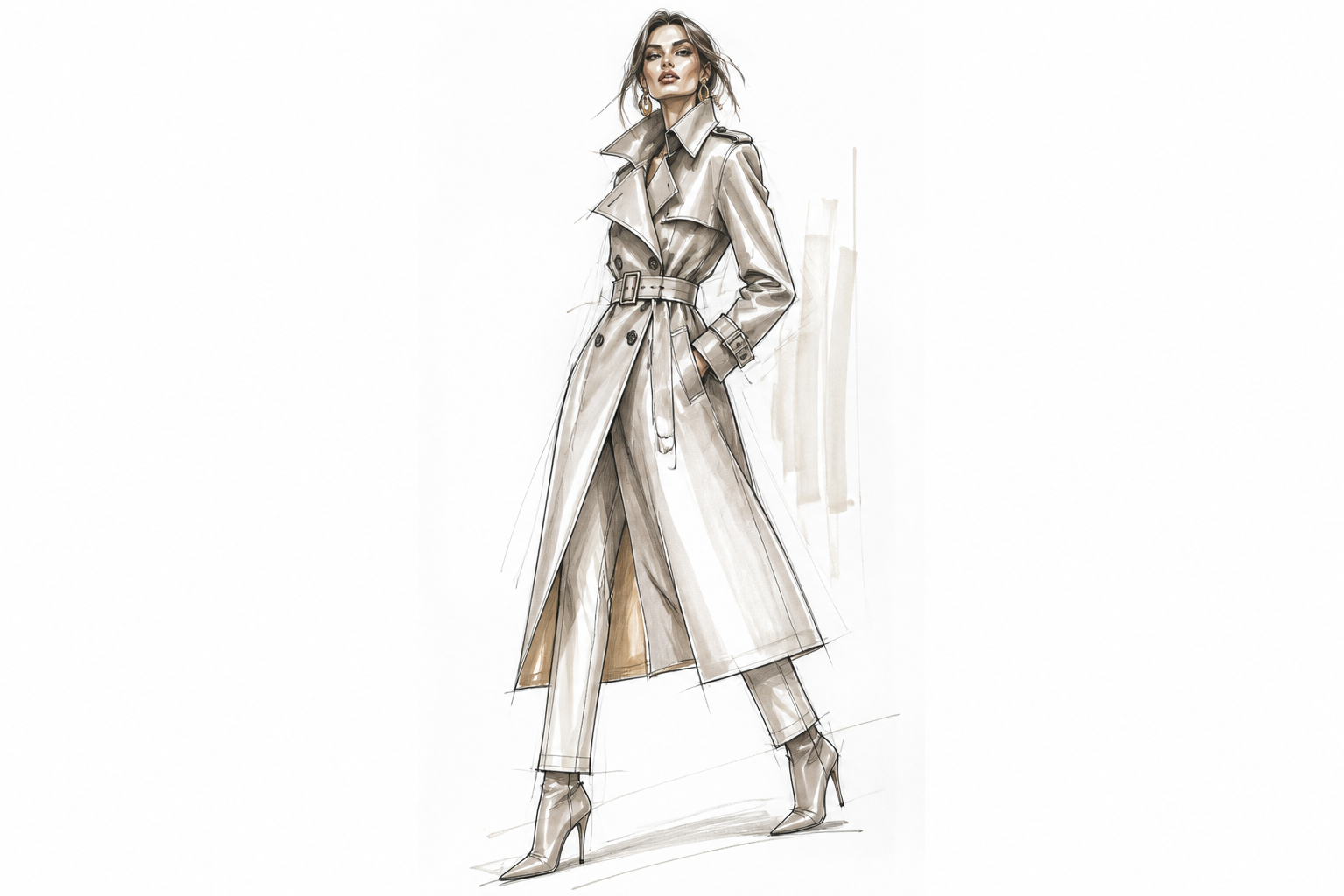
fashion sketch of an adult woman in a structured trench coat, elongated pose, confident stance, marker and pencil lines, soft neutral accents, clean white page, editorial design sketch
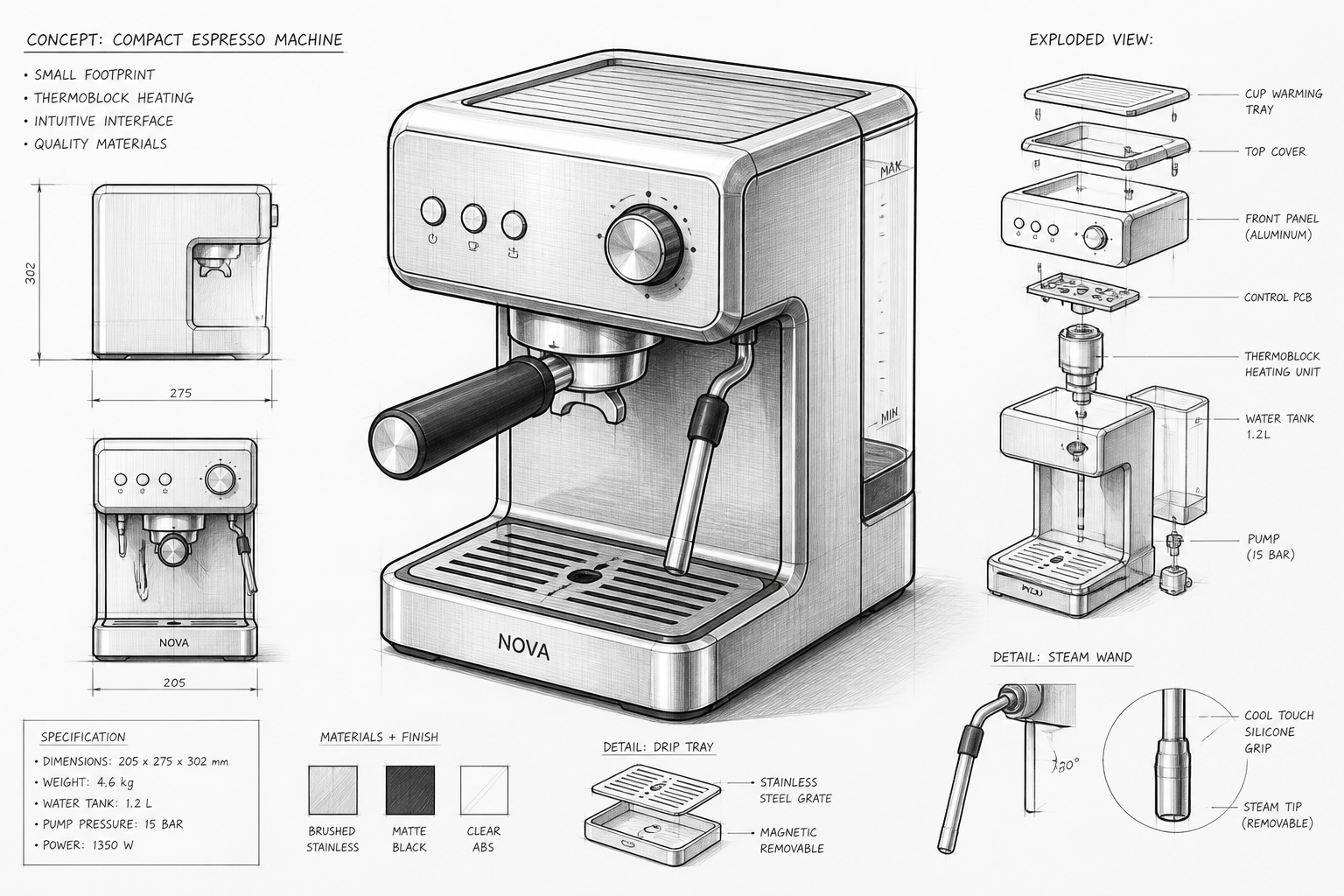
industrial design sketch of a compact espresso machine, three-quarter view, precise linework, exploded detail callouts, graphite and ink rendering, product concept sheet on white paper
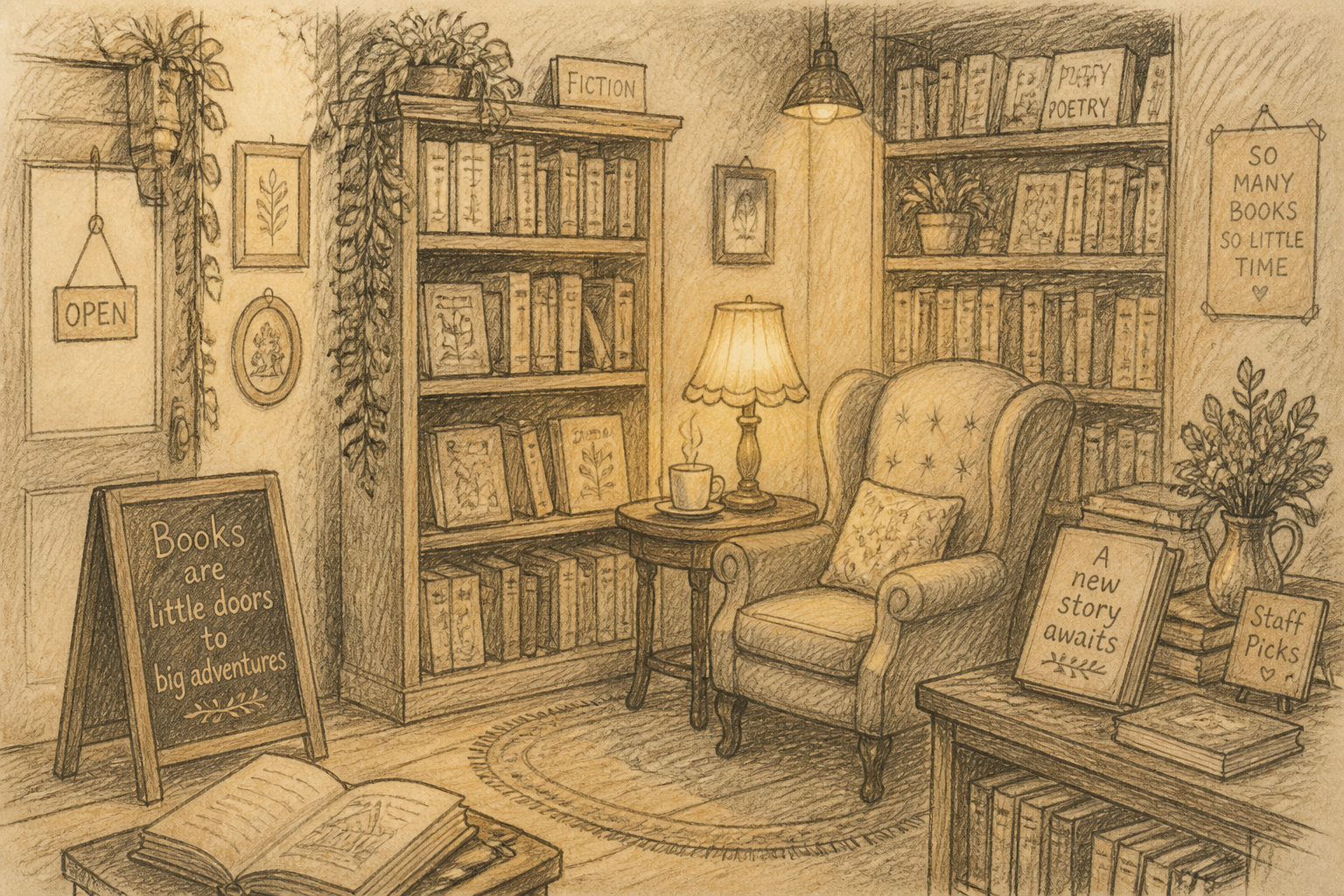
storybook sketch of a cozy bookstore interior, warm lamp glow suggested with soft shading, pencil lines, hand-drawn shelves and reading chair, whimsical illustration sketch on textured paper
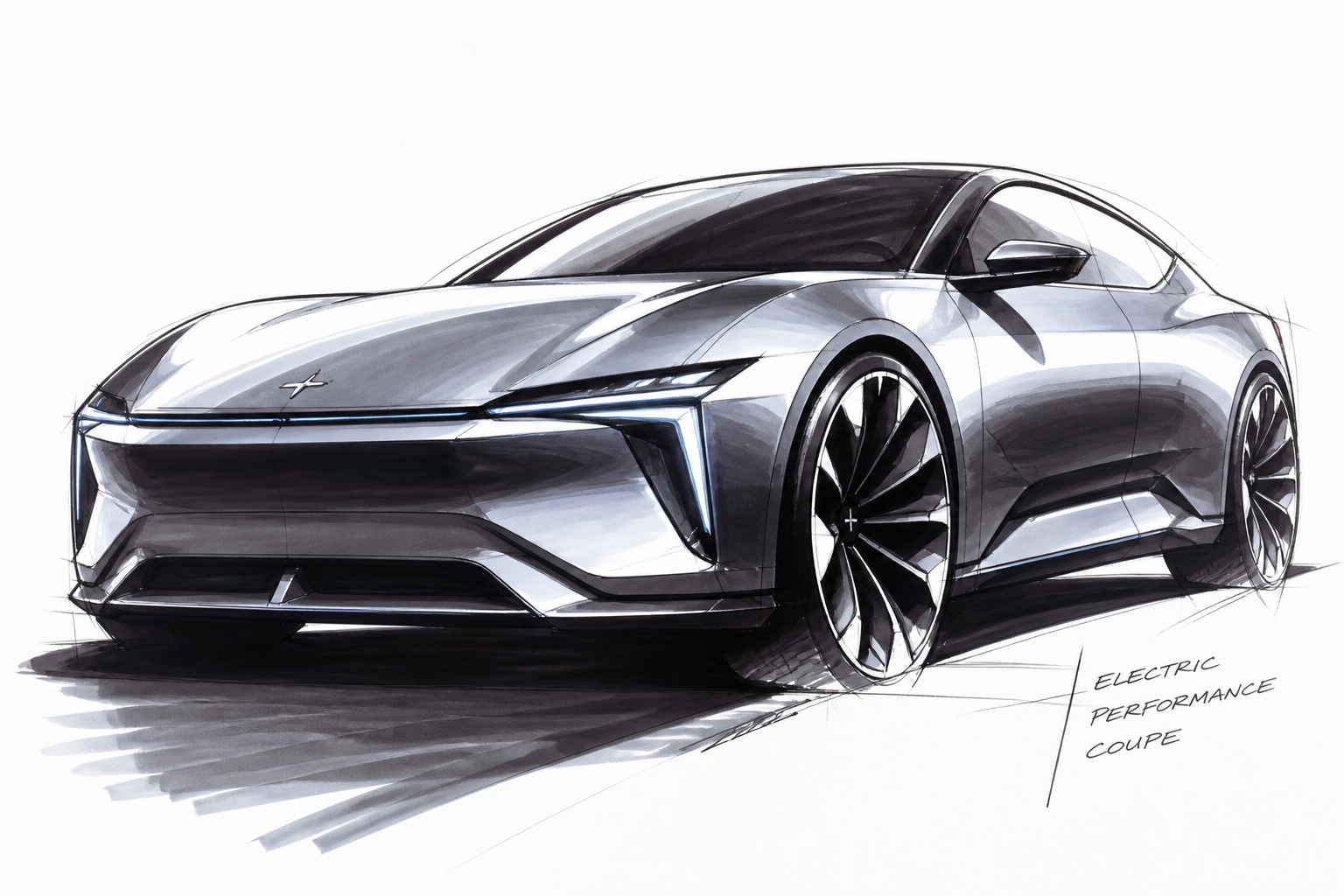
automotive concept sketch of a sleek electric coupe, dramatic low angle, bold marker strokes, sharp highlights, designer transportation sketch style, white studio paper background
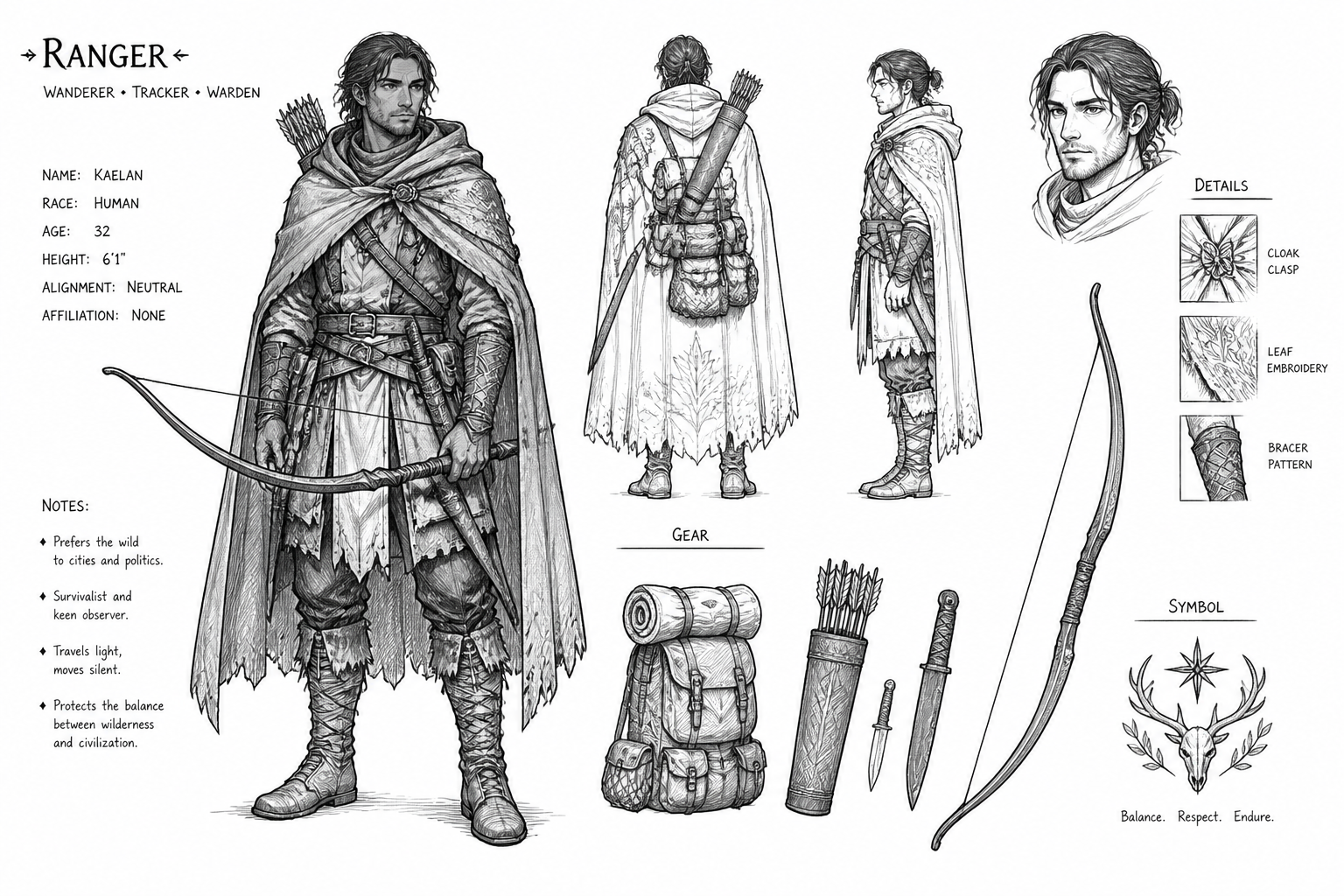
character design sketch of an adult fantasy ranger, layered cloak, bow and travel gear, front three-quarter pose, clean line art with cross-hatching, concept sheet aesthetic, white background
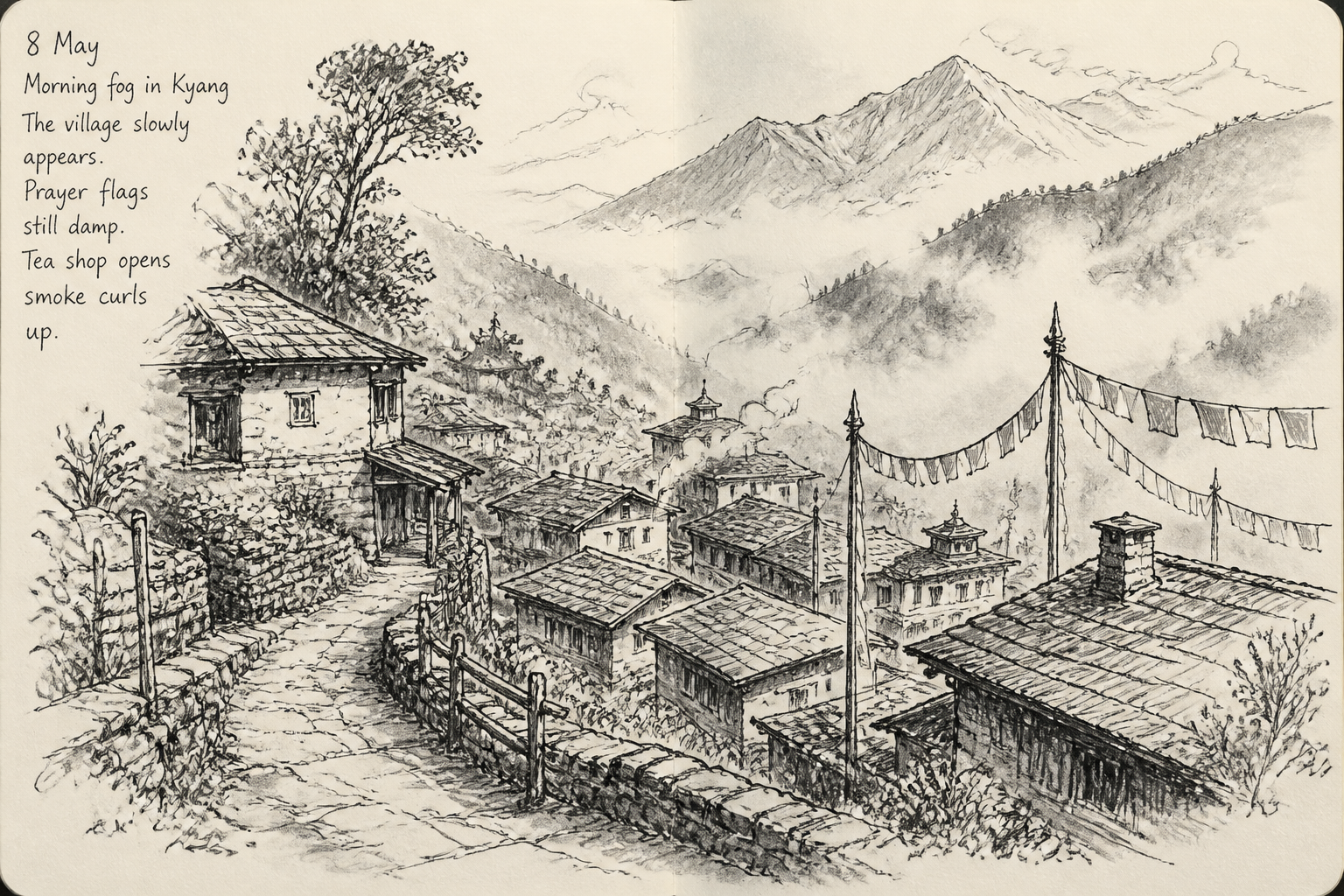
landscape sketch of a mountain village in morning fog, pen and ink lines, loose shading, layered rooftops and winding path, travel journal style on off-white paper
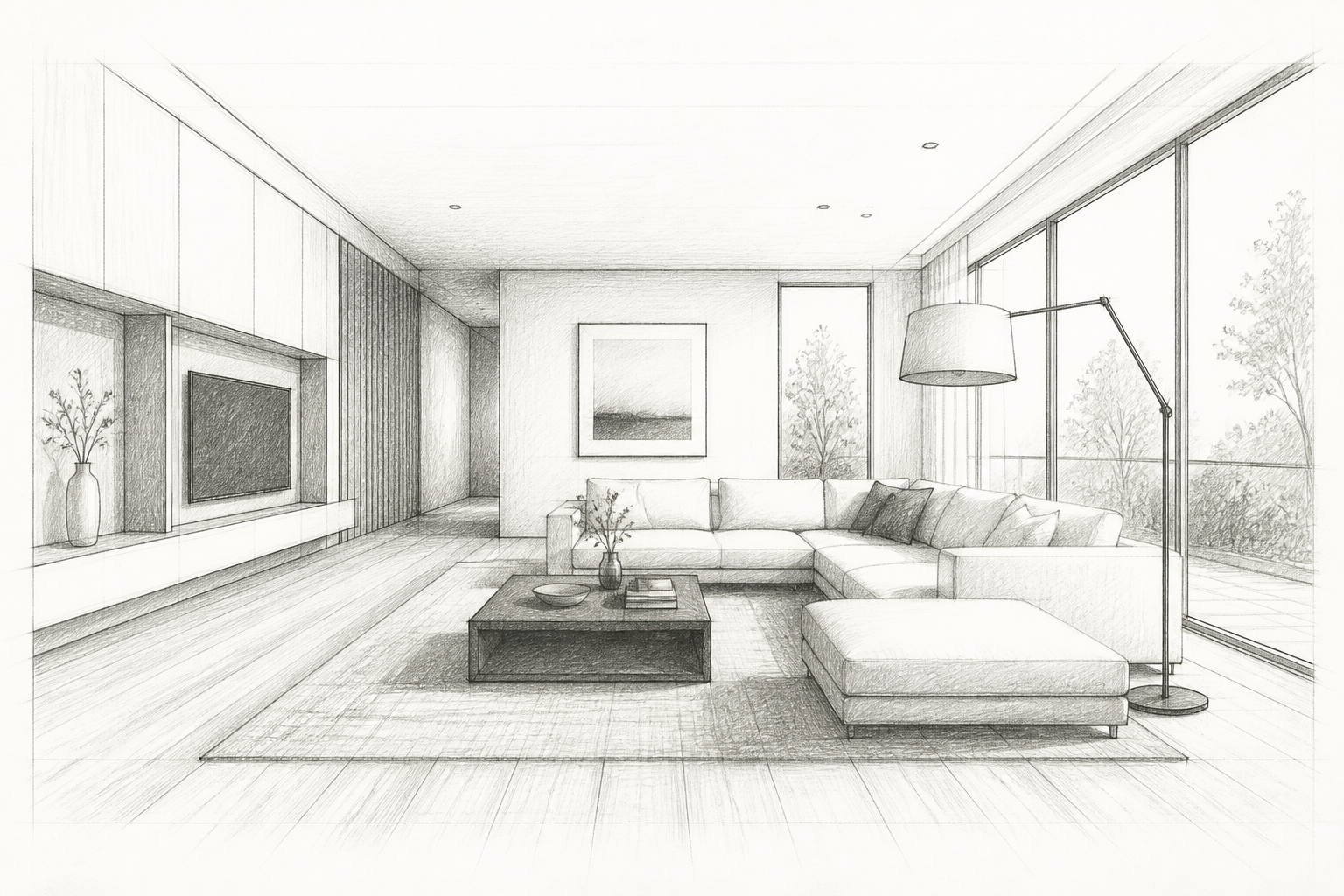
interior design sketch of a minimalist living room, sectional sofa, floor lamp, large windows, perspective drawing with soft graphite shadows, designer presentation sketch on white paper
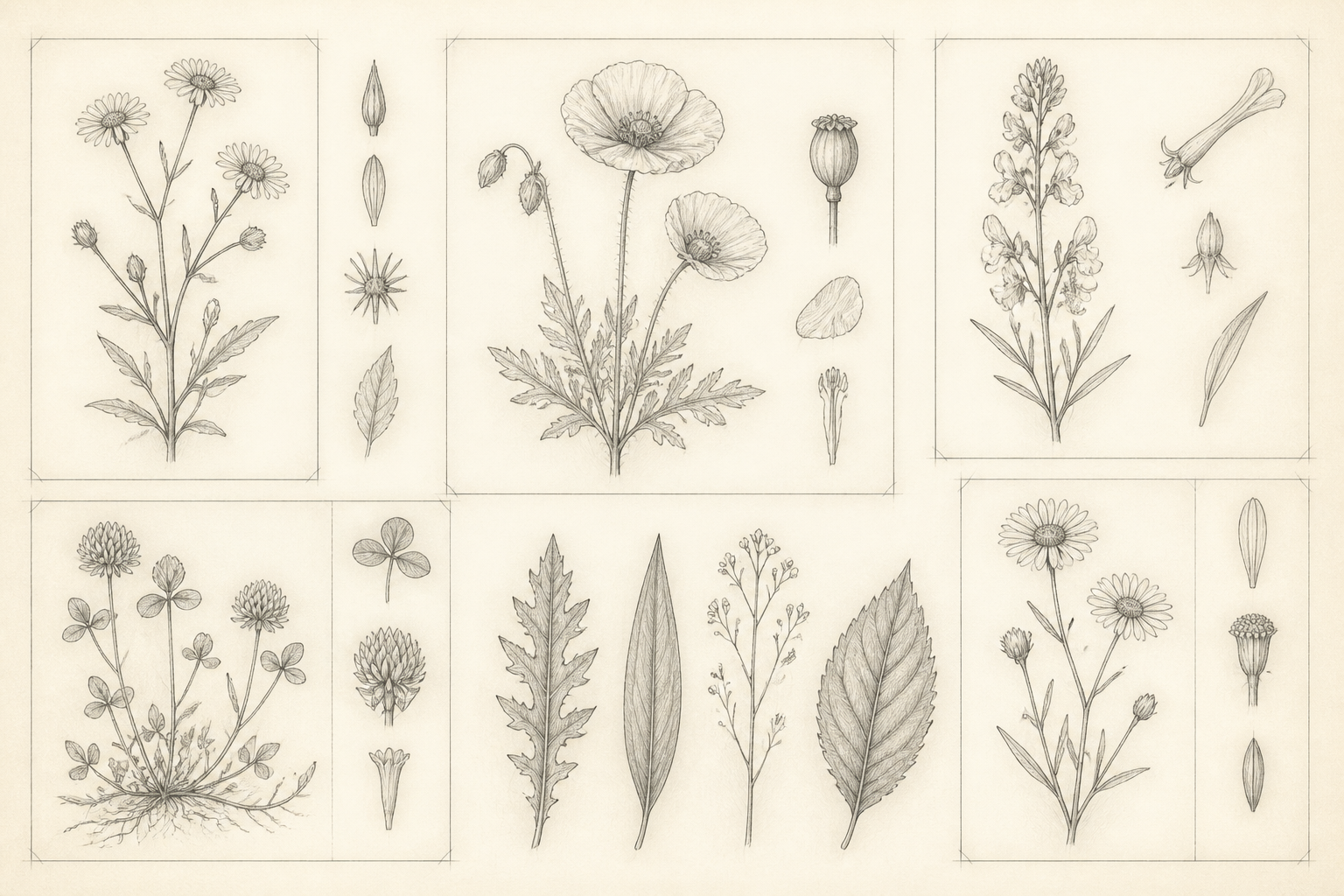
botanical sketch sheet of wildflowers and leaves, scientific illustration style, delicate pencil lines, labeled composition blocks without text, subtle shading, cream paper texture
Key Features
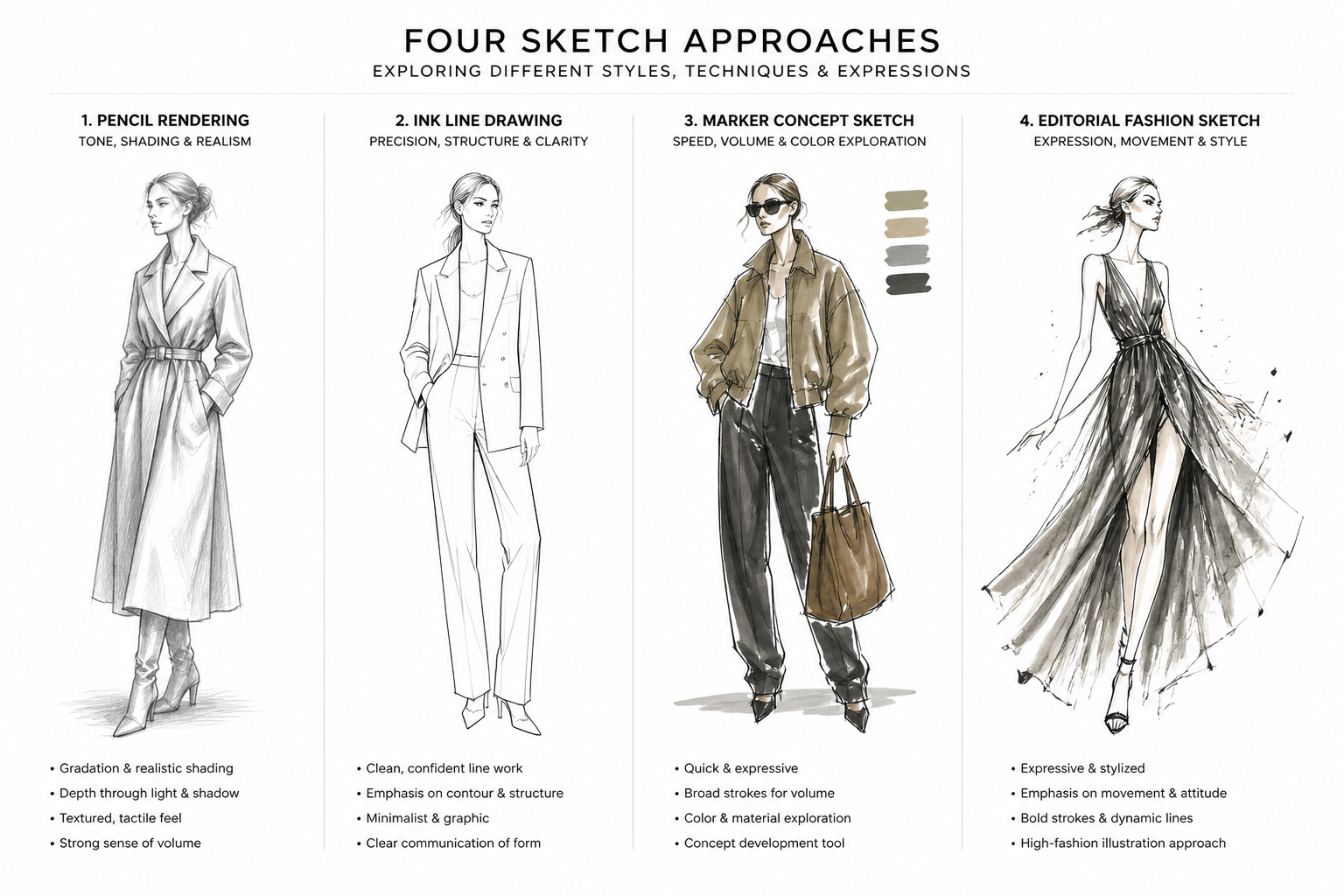
Sketch Styles That Read Clearly
Generate images that look intentionally sketched instead of loosely filtered photos. You can steer the result toward pencil, ink, marker, concept art, or editorial drawing styles with simple prompt edits. That makes the tool useful for both rough ideation and polished presentation boards. A generic image generator often needs more trial and error to land on a believable sketch look.
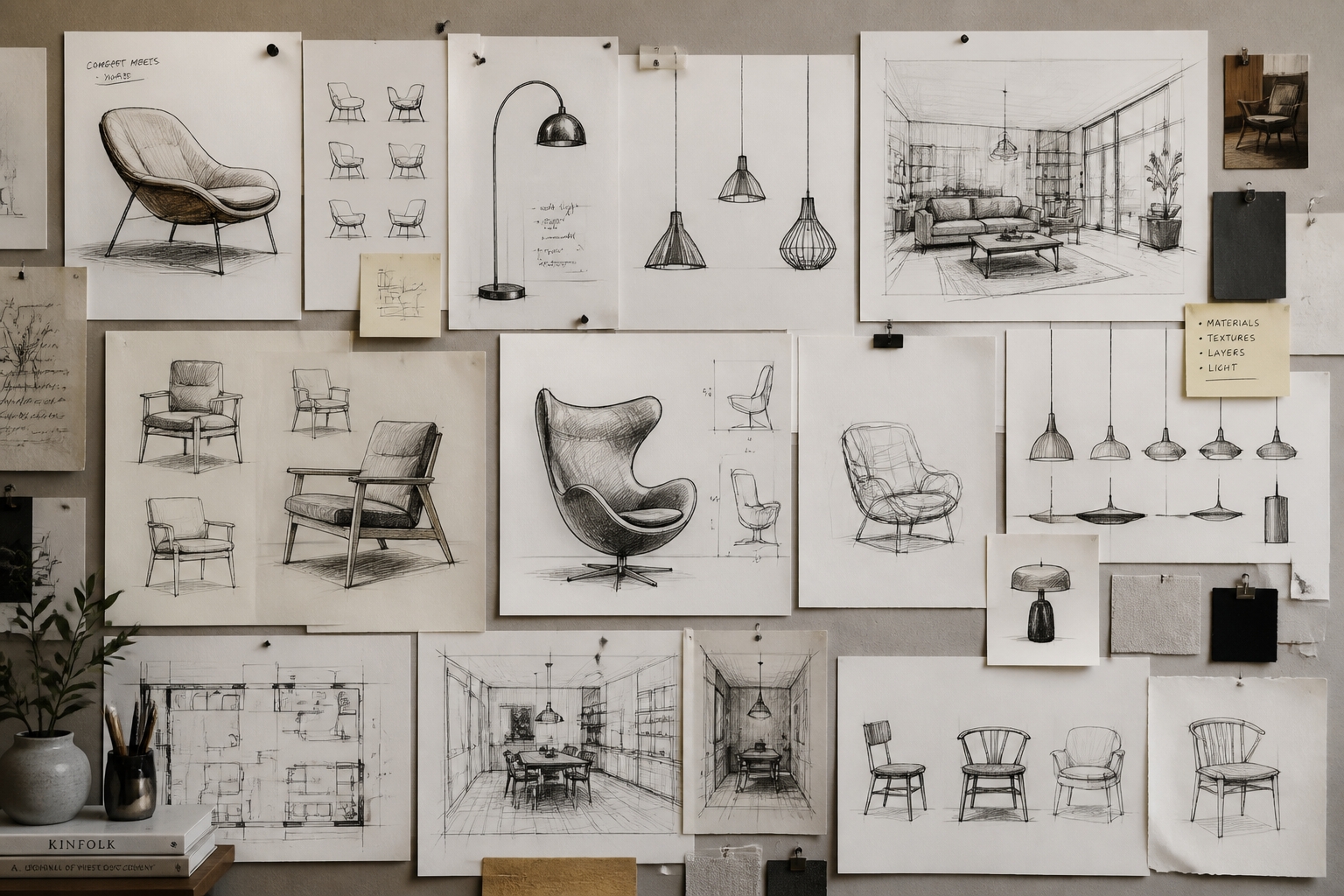
Fast Visual Concept Exploration
Use short prompts to explore multiple directions before you commit to one idea. This helps when you are shaping a product, scene, room, character, or mood and need options quickly. Instead of manually sketching every variation from scratch, you can test composition and styling in minutes. It is especially useful during brainstorming and early-stage review.
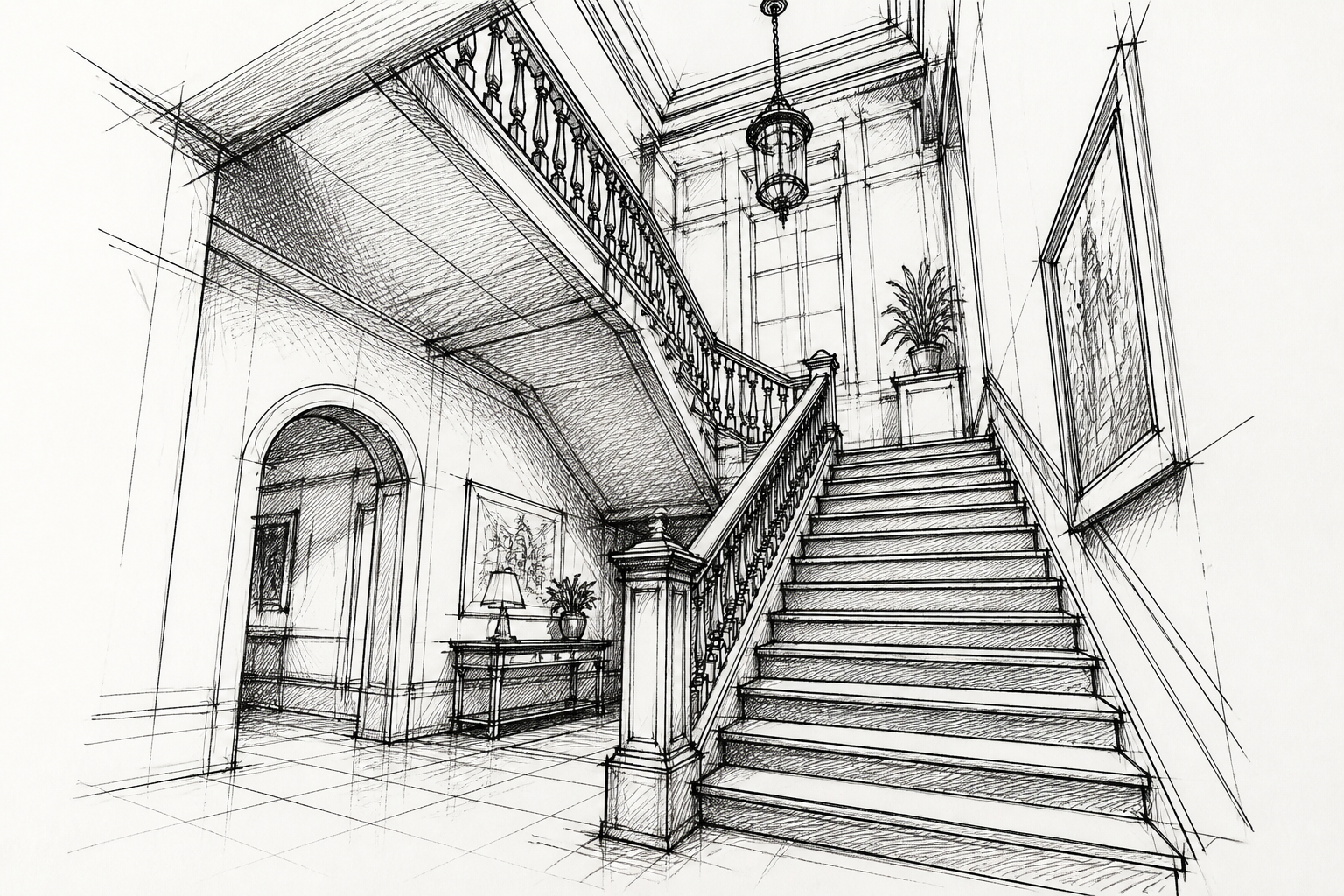
Strong Lines and Depth
Good sketch images need readable contours, not muddy detail. This generator is well suited for prompts that call for crisp outlines, perspective, cross-hatching, and tonal shading. Those details help the final image feel like a real concept sketch rather than a flat draft. You get visuals that are easier to present, refine, or build on later.
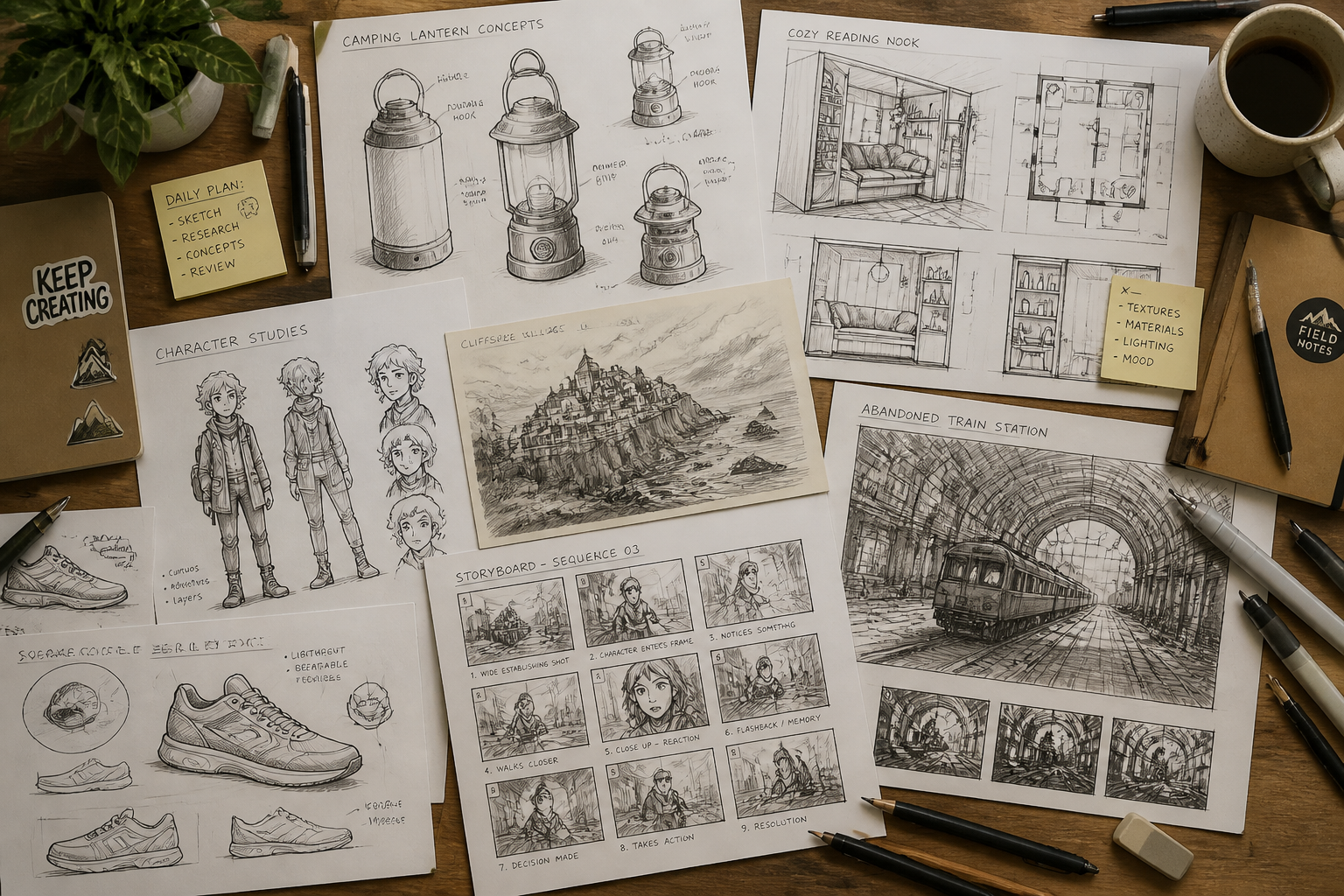
Useful for Many Creative Workflows
The same sketch prompt workflow can support product teams, writers, artists, and marketers. You can create mood sketches, character concepts, layout studies, and presentation visuals without switching tools. Because the prompt is editable, it is easy to adapt one good result into a new direction. That makes the generator practical beyond one narrow use case.
How It Works
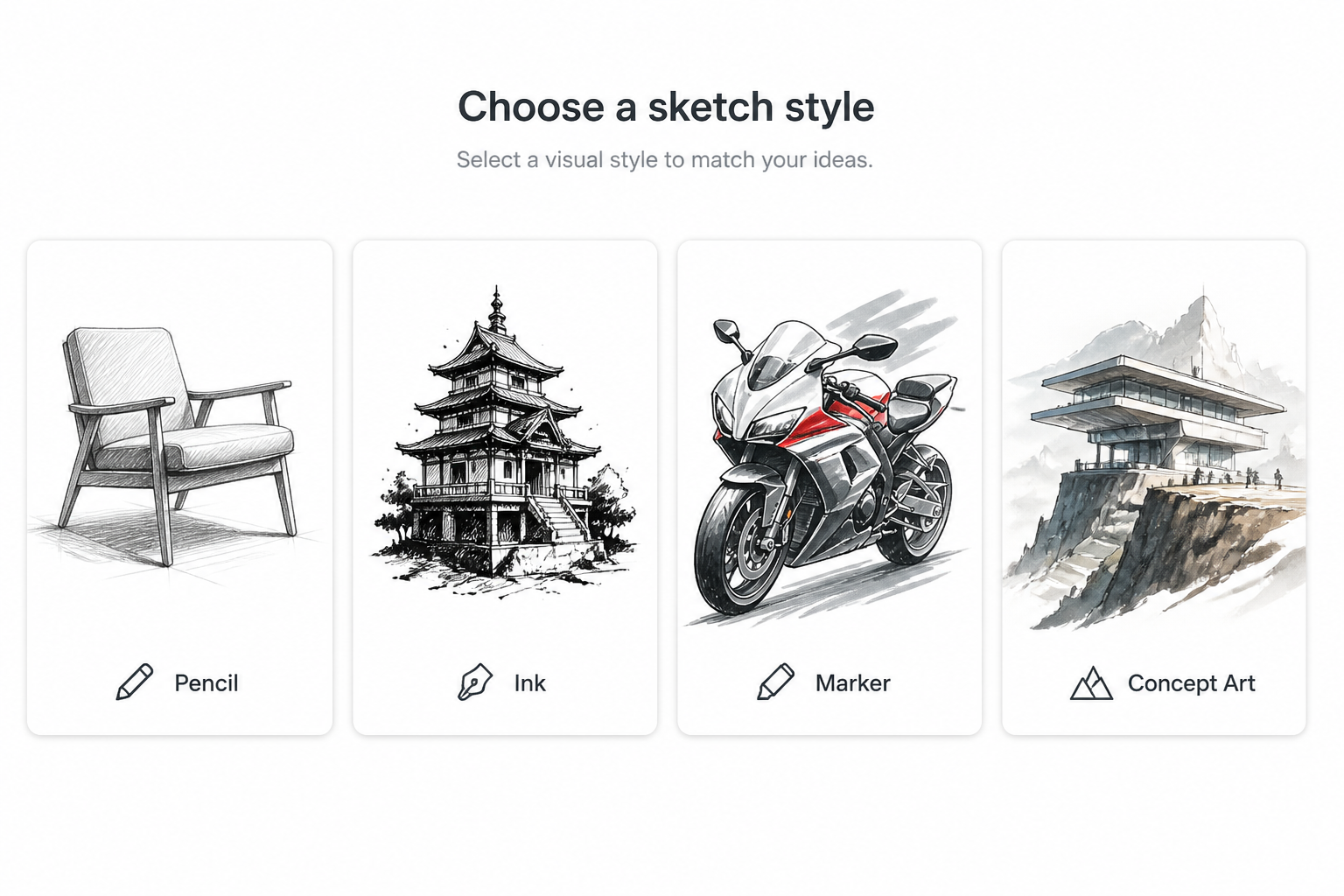
Pick a sketch style
Start with a ready-made prompt or type the kind of sketch you want to see. You can aim for pencil, ink, marker, concept art, editorial, or architectural drawing styles.
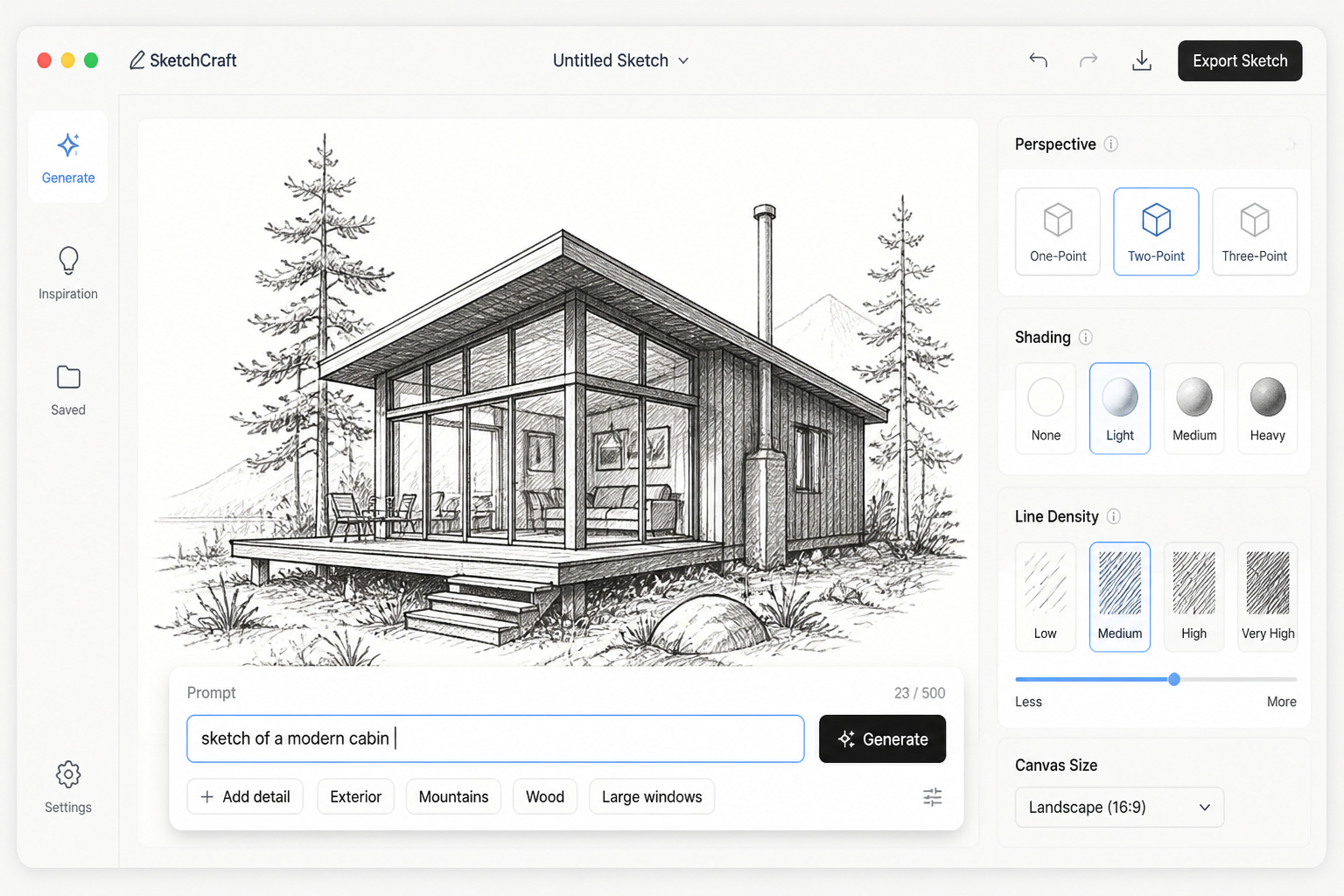
Describe the subject
Add the object, scene, or character you want, then shape the mood, angle, and level of detail. Small changes like perspective, paper texture, or cross-hatching can strongly affect the result.
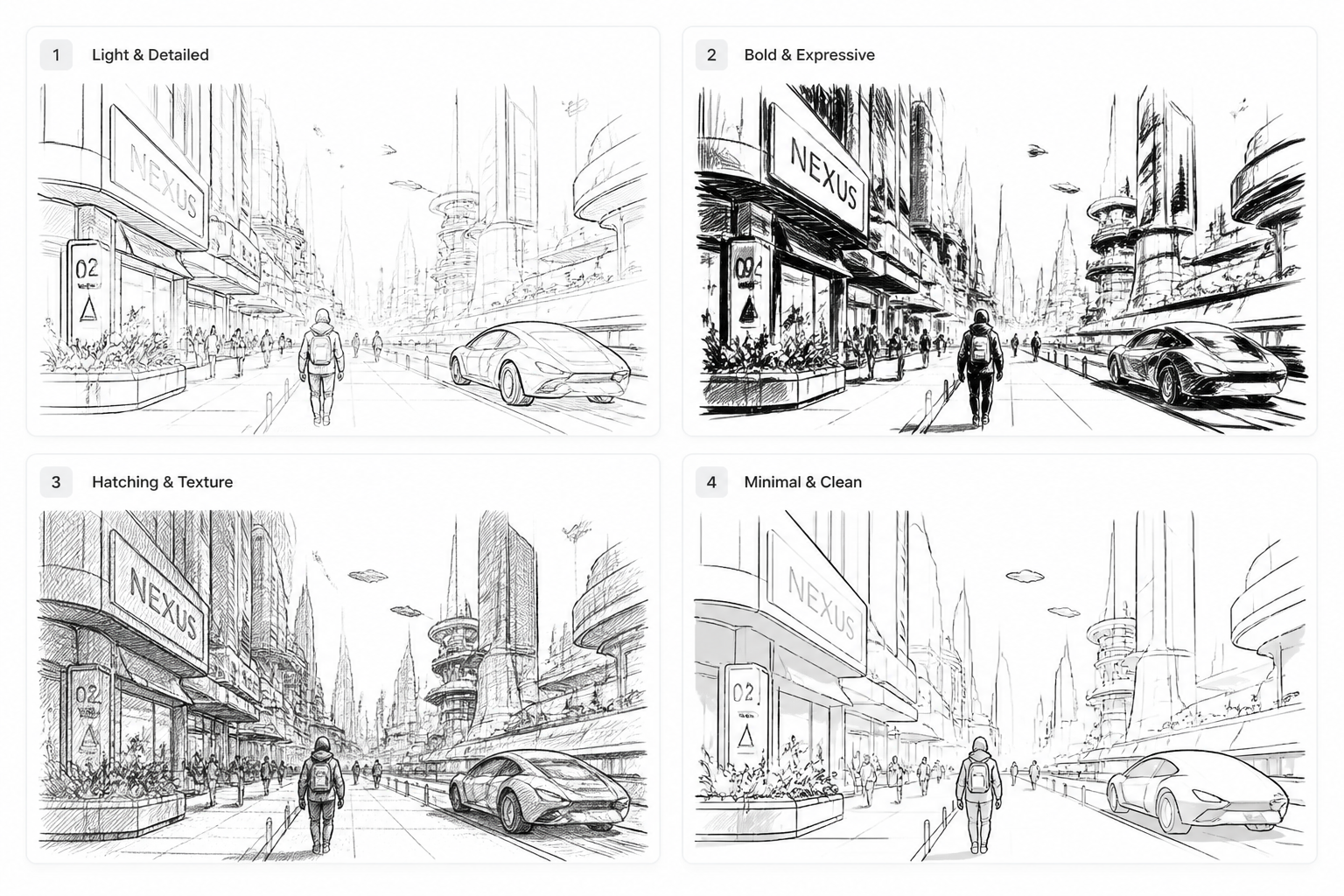
Generate and refine
Create variations, compare results, and keep the one that fits your idea best. If needed, tweak the prompt and regenerate until the sketch feels right for your project.
Perfect For
Discover how creators and professionals use ai sketch generator
Concept art drafts
Block out environments, props, and characters before moving into detailed production work.
Product idea visuals
Generate sketch-style product concepts for presentations, reviews, and internal brainstorming.
Interior and architectural studies
Explore room layouts, buildings, and perspective scenes in a fast hand-drawn style.
Editorial and story planning
Create scene sketches, mood frames, and visual references for articles, books, or campaigns.
Built For
Designers
Useful for rapid concept exploration, layout studies, and visual direction before polished execution.
Artists and illustrators
A fast way to test composition, subject ideas, and sketch styles when building references or roughs.
Writers and creative teams
Helps turn written ideas into visual sketches for pitches, story development, and mood boards.
Frequently Asked Questions
What kind of sketches can I generate?
Do I need drawing experience to use it?
Can I control the level of detail?
Is this good for product and architectural concepts?
Can I generate multiple versions of the same idea?
Create together.
Share your creations, discover trending AI art, and grow with fellow creators.