AI Vector Art Generator
Generate clean, scalable-looking vector-style artwork from a simple prompt.
Create bold vector-style illustrations, icons, posters, and graphic assets from text. This tool is built for designers, marketers, founders, and creators who want clean shapes, strong color, and editable-looking visual concepts fast.
See It In Action
Real outputs from ai vector art generator.
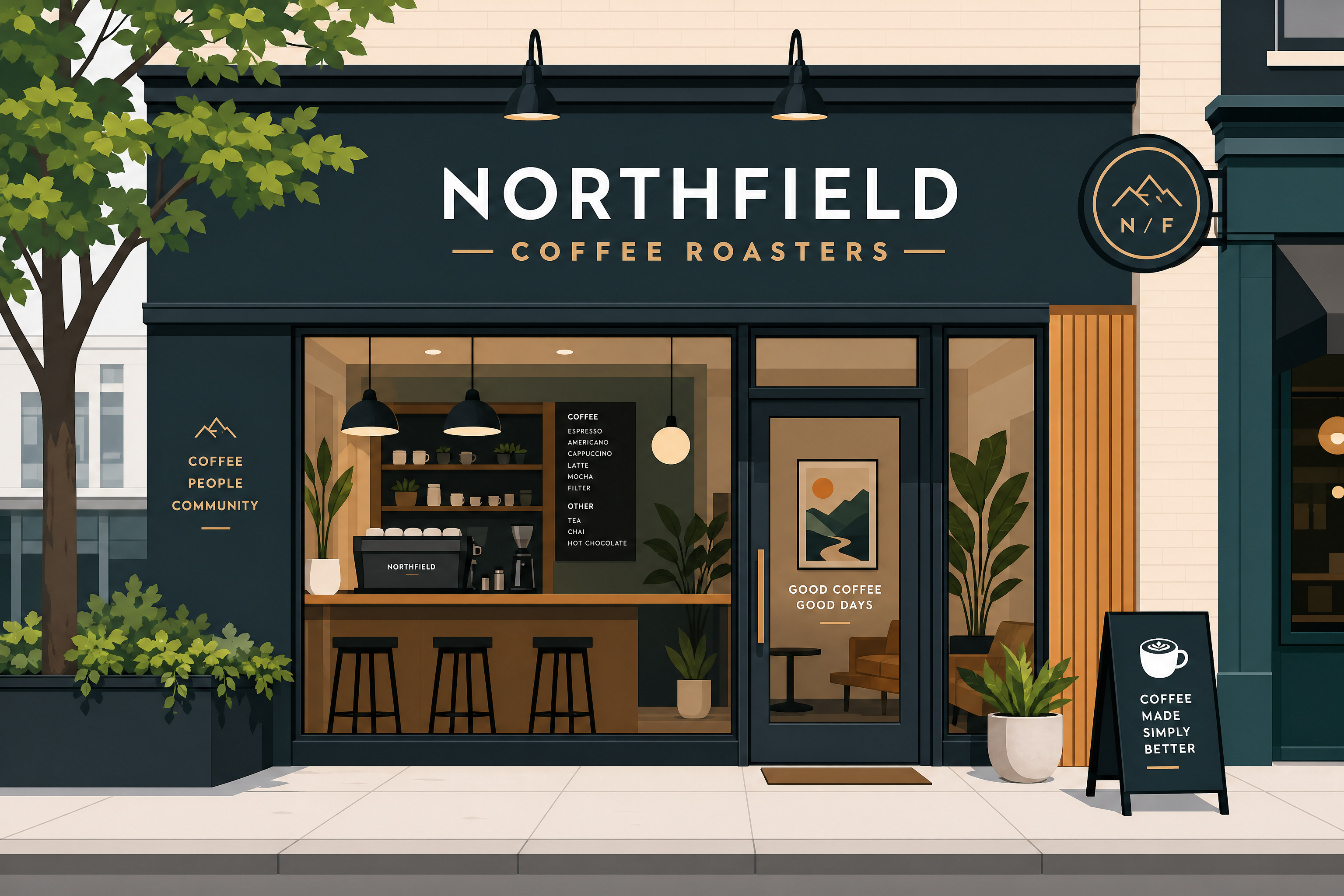
clean vector illustration of a modern coffee shop storefront, flat geometric shapes, bold color blocks, crisp outlines, minimal shading, editorial design style, professional branding aesthetic, wide composition
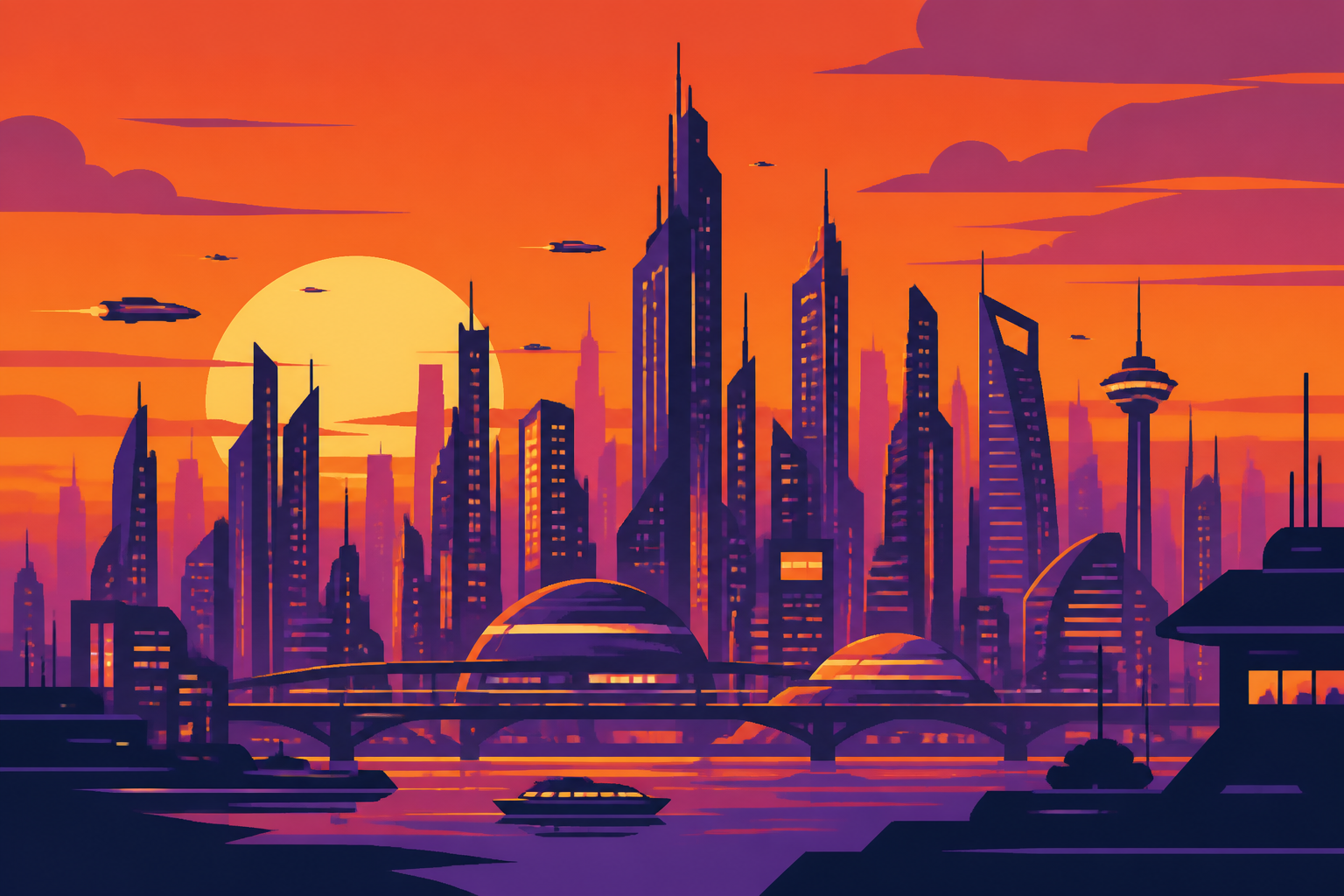
vector art of a futuristic city skyline at sunset, flat layered buildings, glowing windows, vibrant orange and purple palette, crisp edges, poster-style composition, minimal gradients, clean geometric design, wide framing
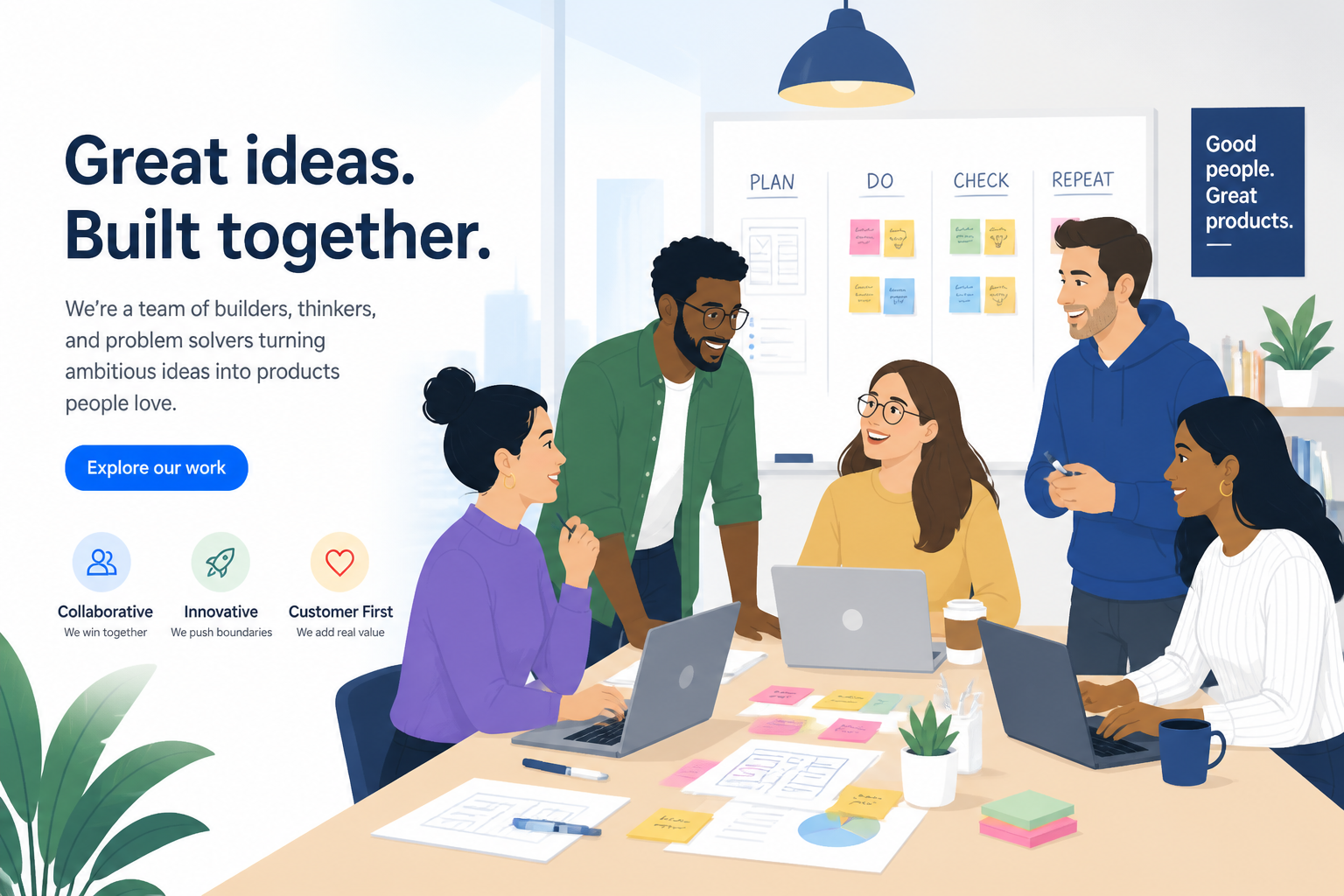
vector illustration of a startup team in a bright office, diverse adult professionals around a table, laptops and sticky notes, flat design, friendly shapes, clean outlines, soft modern color palette, corporate website hero style, wide composition

bold vector art of a mountain hiking badge, pine trees, winding trail, sunrise behind peaks, limited color palette, thick outlines, clean emblem design, outdoor brand style, centered wide layout
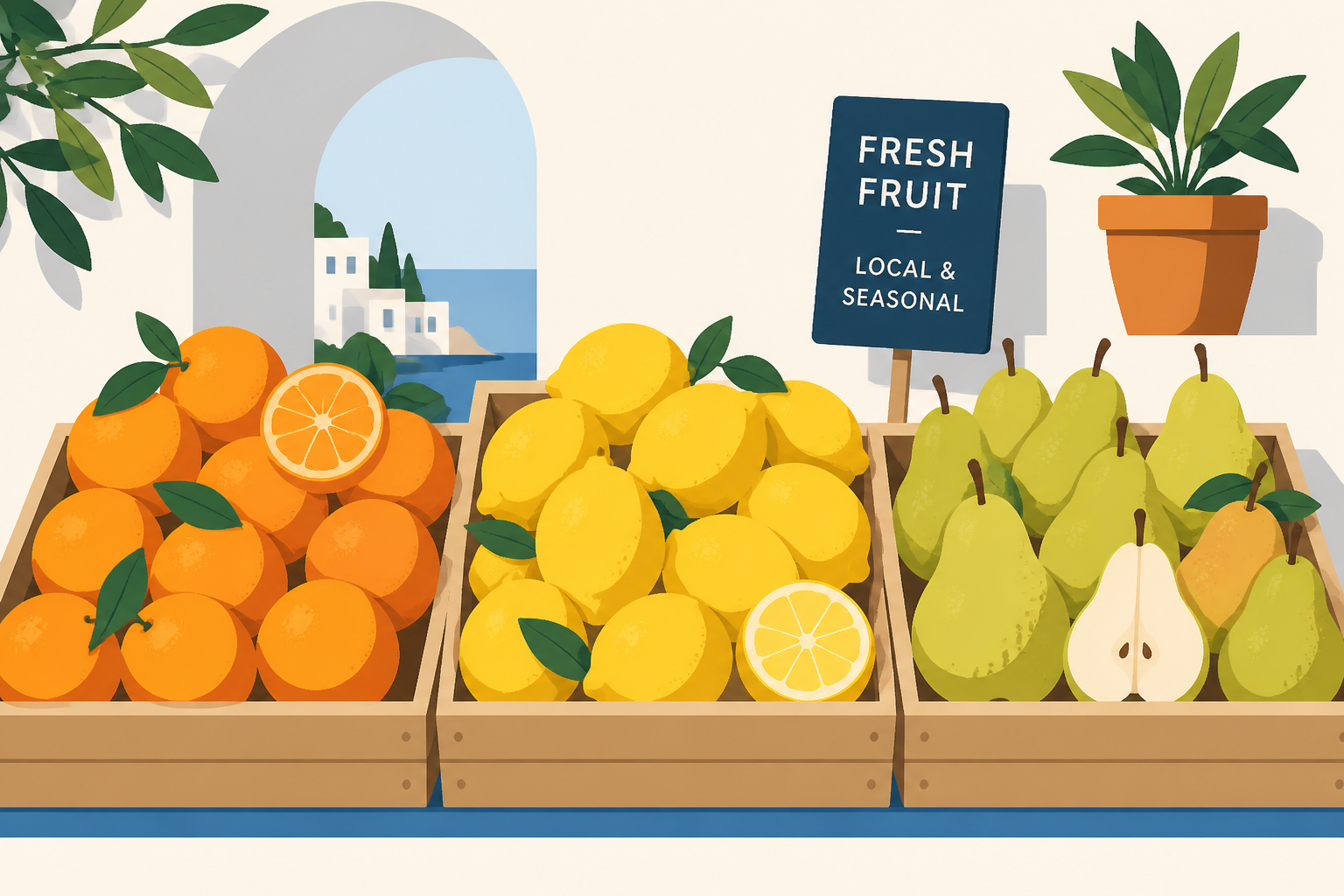
minimal vector illustration of fresh fruits arranged in a market display, oranges, lemons, pears, flat shadows, bright Mediterranean colors, clean editorial style, crisp simple forms, wide composition

vector poster of a jazz night event, saxophone silhouette, abstract sound waves, deep navy and gold palette, geometric shapes, elegant flat design, high contrast, modern event branding, wide framing
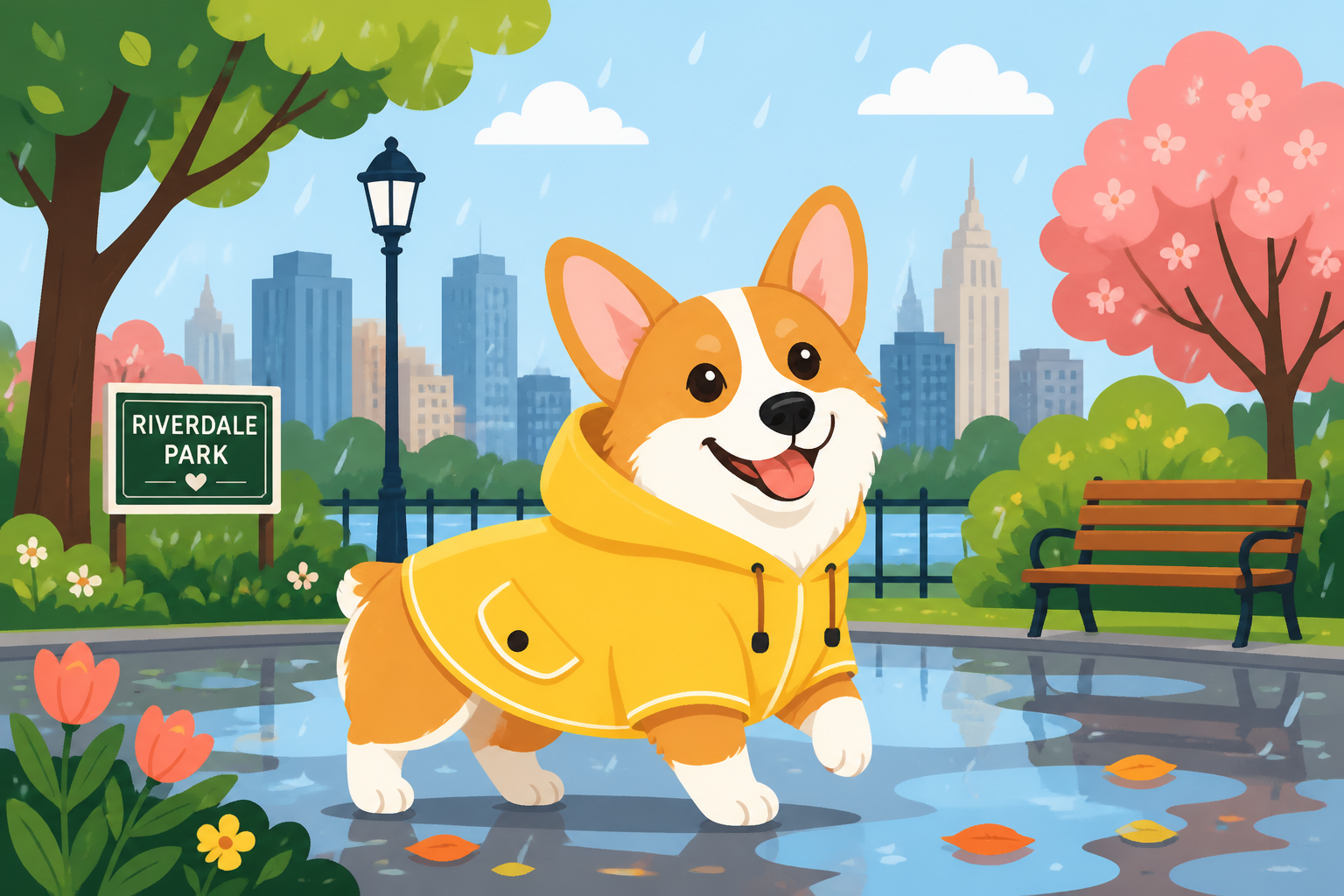
playful vector illustration of a corgi wearing a raincoat in a city park, flat colorful shapes, simplified trees and benches, cheerful expression, children's book style, crisp outlines, wide composition
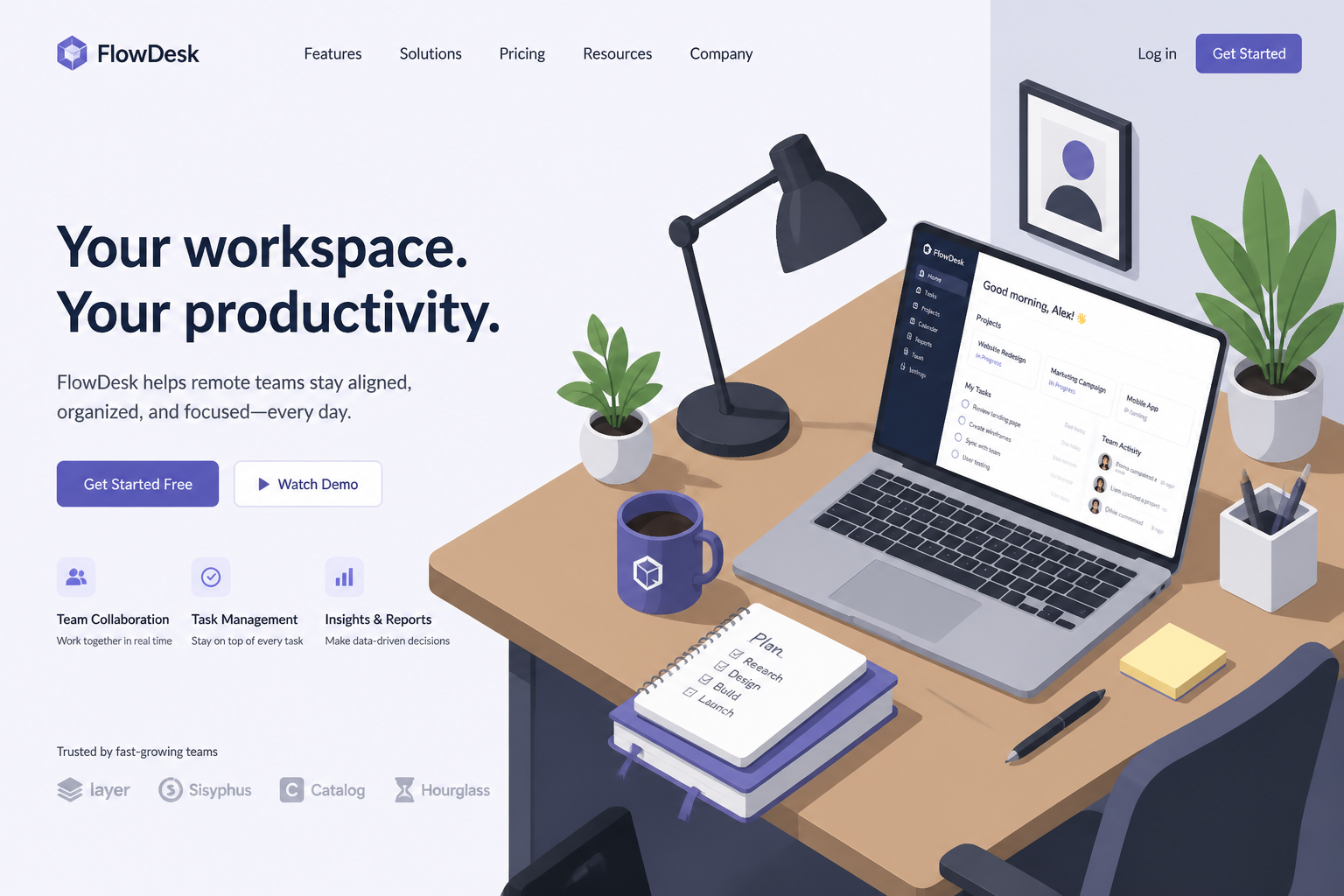
isometric vector illustration of a remote work desk setup, laptop, lamp, coffee mug, plant, notebooks, tidy geometric forms, clean shadows, modern SaaS landing page style, wide composition
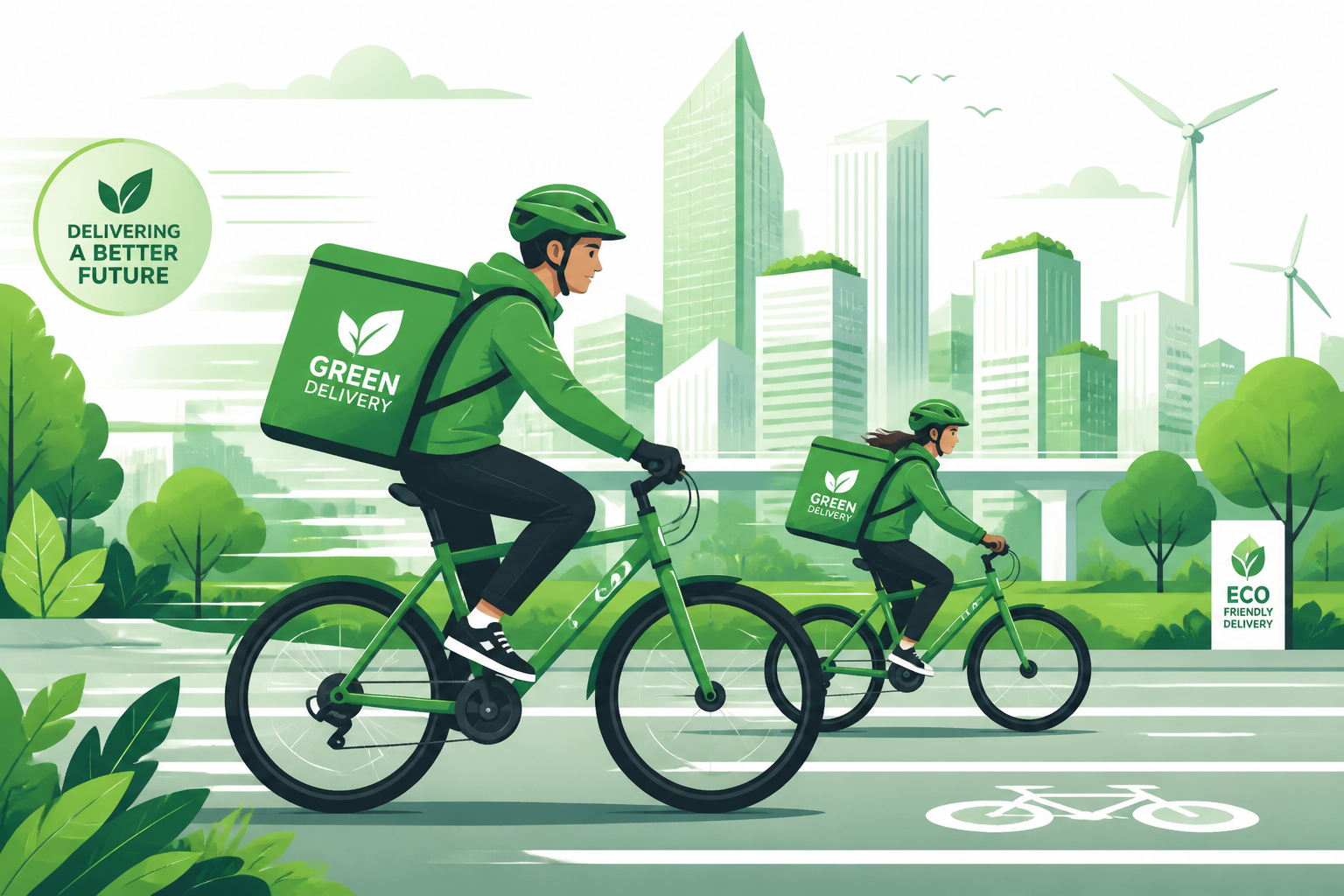
vector art of eco-friendly delivery cyclists riding through a modern city, flat dynamic motion lines, green palette, simplified urban buildings, clean commercial illustration style, wide composition
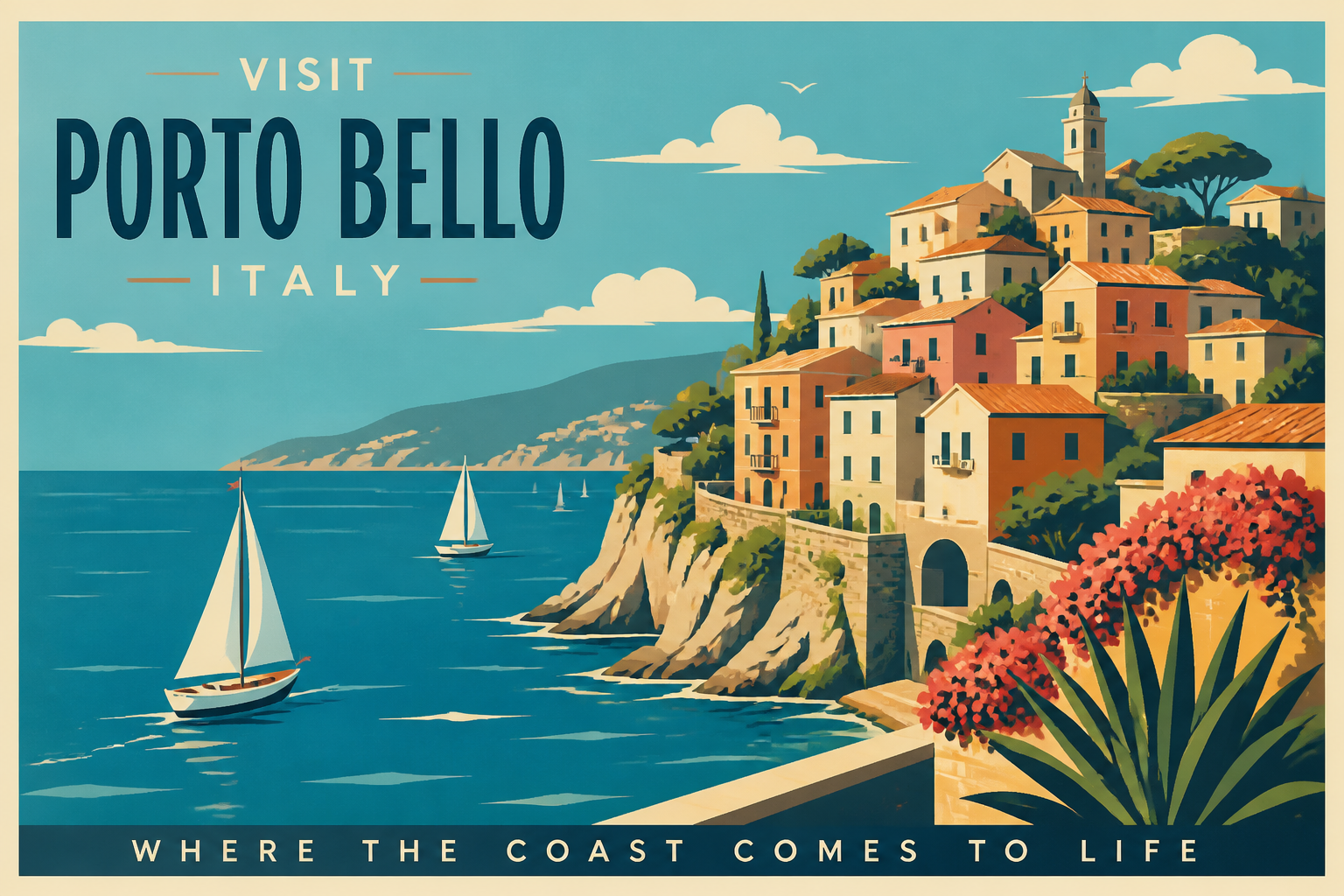
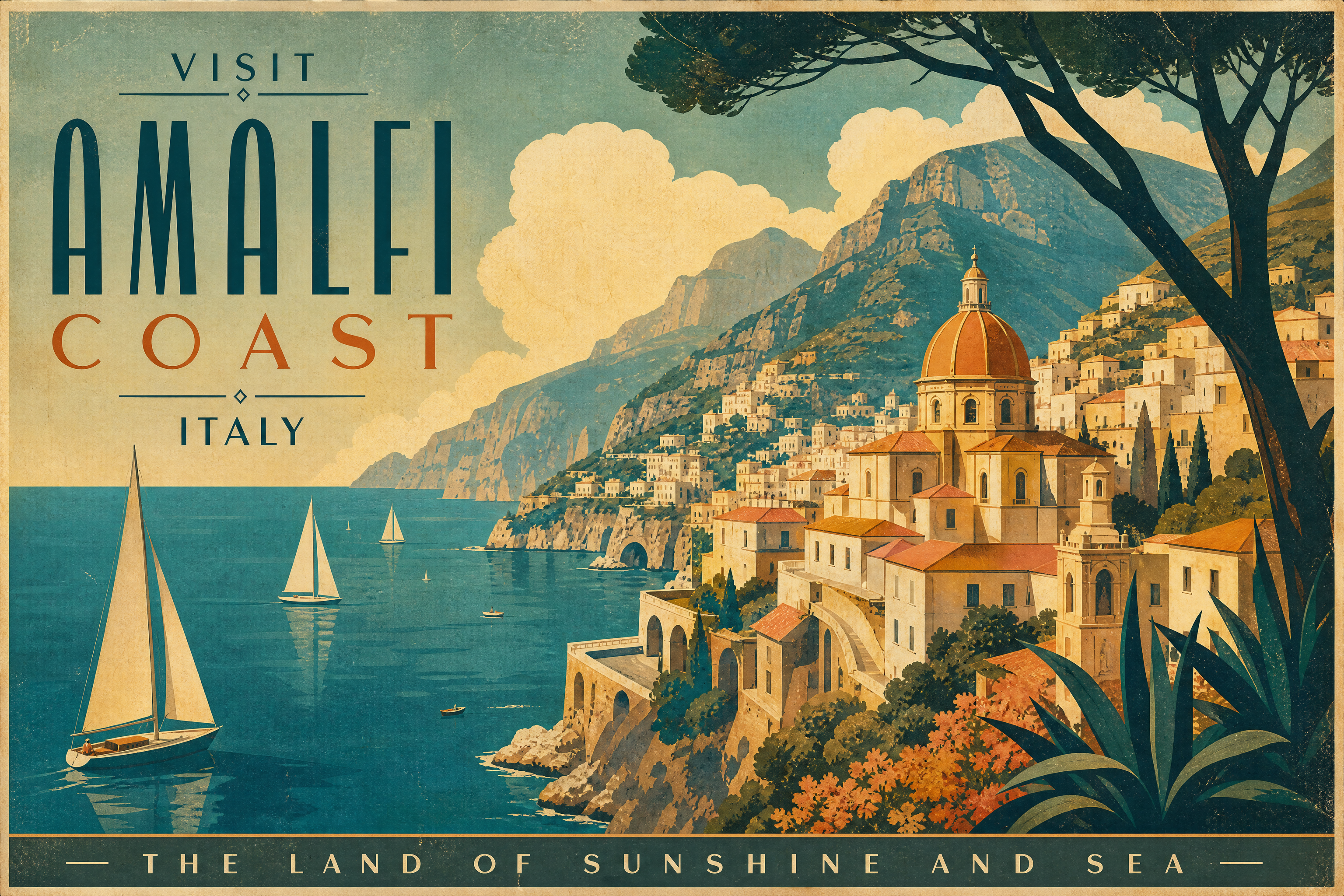
retro-inspired vector travel poster of a coastal village, cliffside houses, blue sea, sailboats, sunny sky, limited palette, bold shapes, screen print aesthetic, wide composition
Key Features
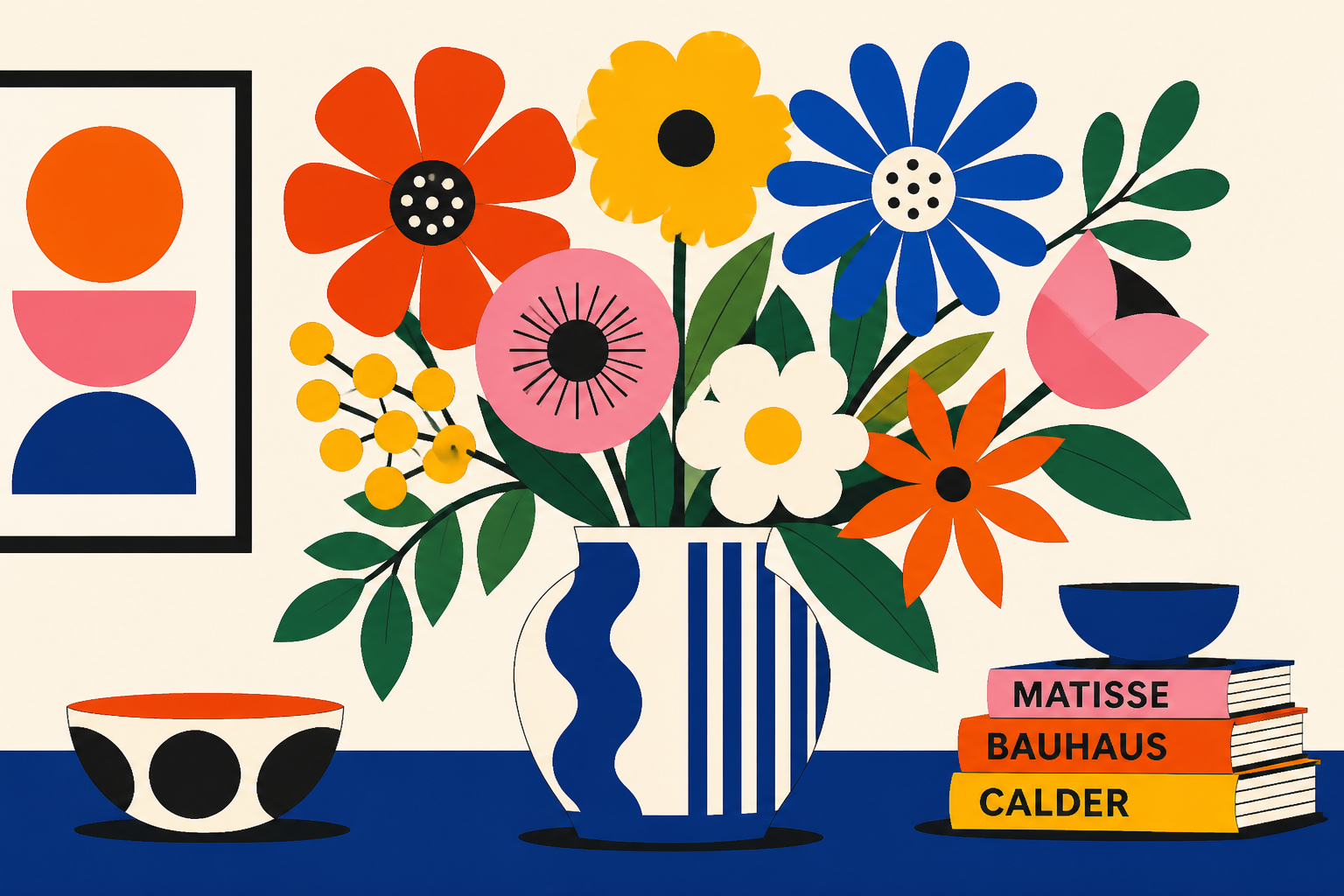
Clean Shapes, Strong Contrast
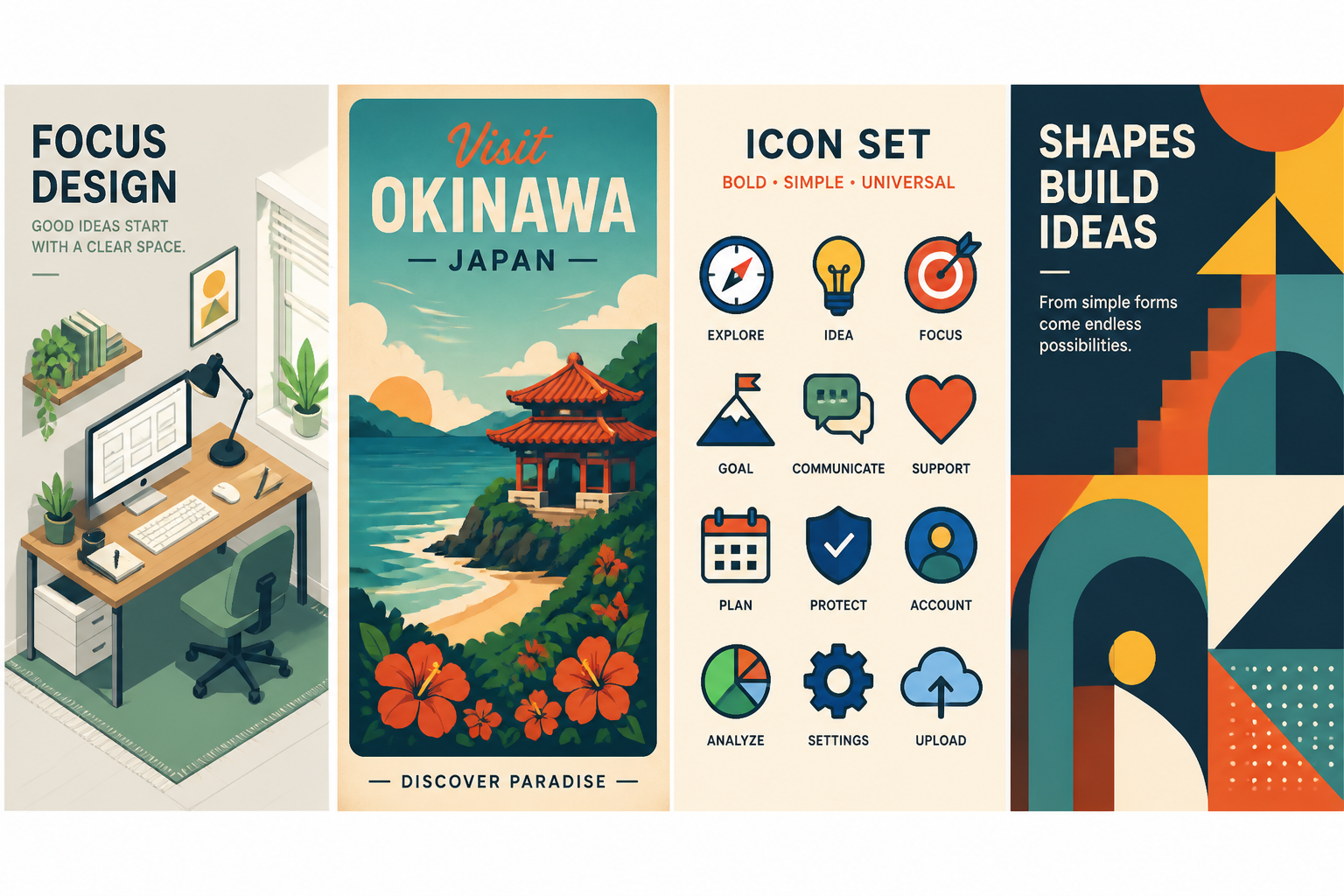
This generator is tuned for vector-style images with crisp edges, simple forms, and readable compositions. That matters when you need artwork that feels polished in thumbnails, presentations, ads, or web layouts. Instead of vague painterly output, you can steer toward flat illustration, geometric design, and poster-like clarity. It is a faster way to explore visual directions before moving into a full design workflow.
Built for Many Styles
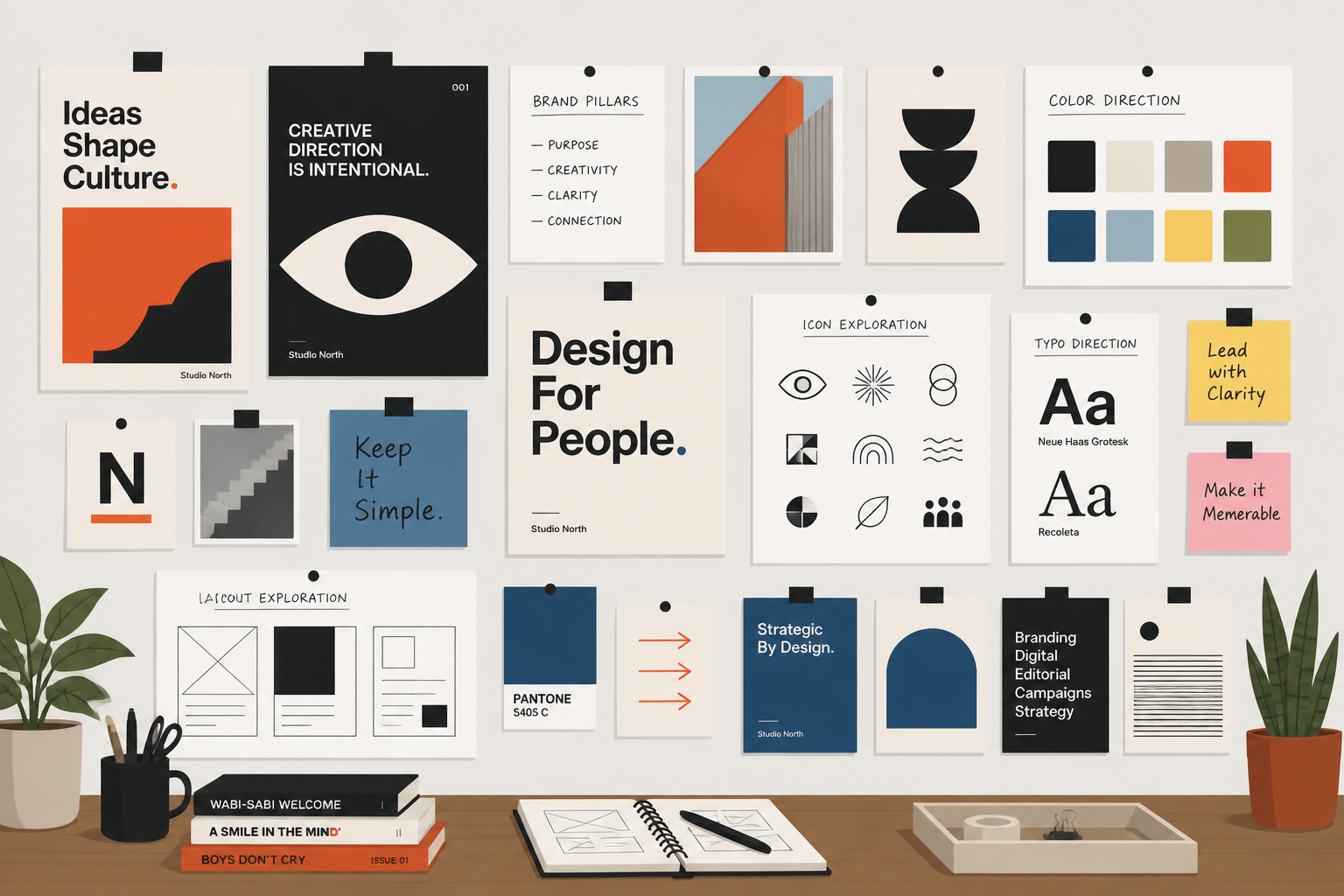
You can generate icon-like graphics, editorial illustrations, badge art, isometric scenes, and branded poster concepts from the same prompt flow. Style words like flat design, retro print, minimal, or isometric make a visible difference in the result. That gives you more control than a generic image generator that defaults to photo realism. It is useful when you need options for different channels without starting from scratch each time.
Fast Prompt-to-Concept Workflow
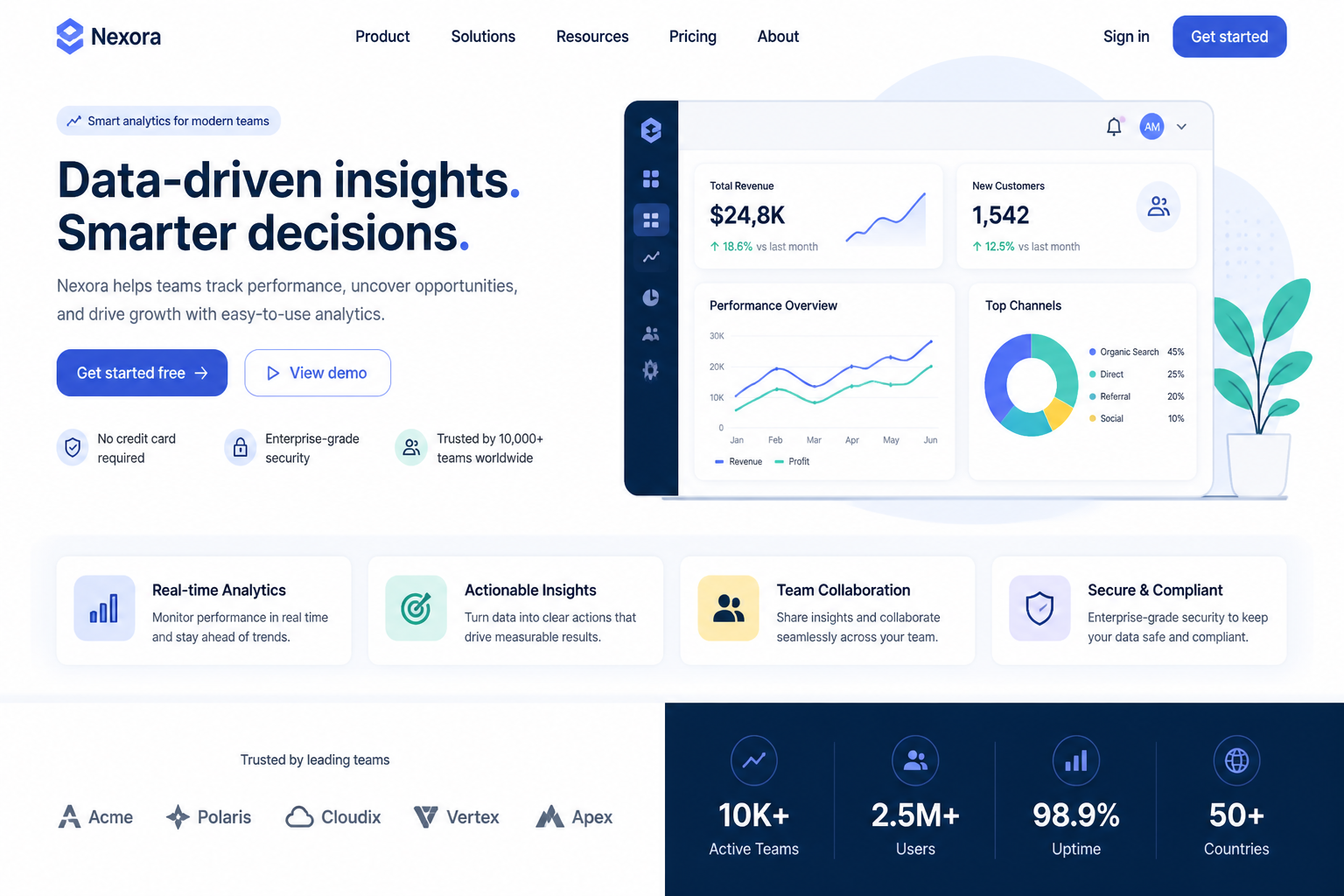
Describe the subject, color mood, and composition, then generate multiple vector-style directions in seconds. This helps when you are sketching ideas for a brand, blog, campaign, app, or product page. Manual vector drafting takes time before you even know which concept you want. Here, you can validate the visual direction first and refine the winning prompt.
Useful for Commercial Graphics
The results are well suited to marketing visuals, social posts, presentation slides, landing page illustrations, and concept art for branding systems. Clean vector-style artwork is easier to place alongside headlines, buttons, and interface elements than busy photographic imagery. That makes this tool practical for teams who need graphics that feel designed, not random. It gives you ready-to-use ideas for visual assets with a consistent look.
How It Works
Pick a Vector Style
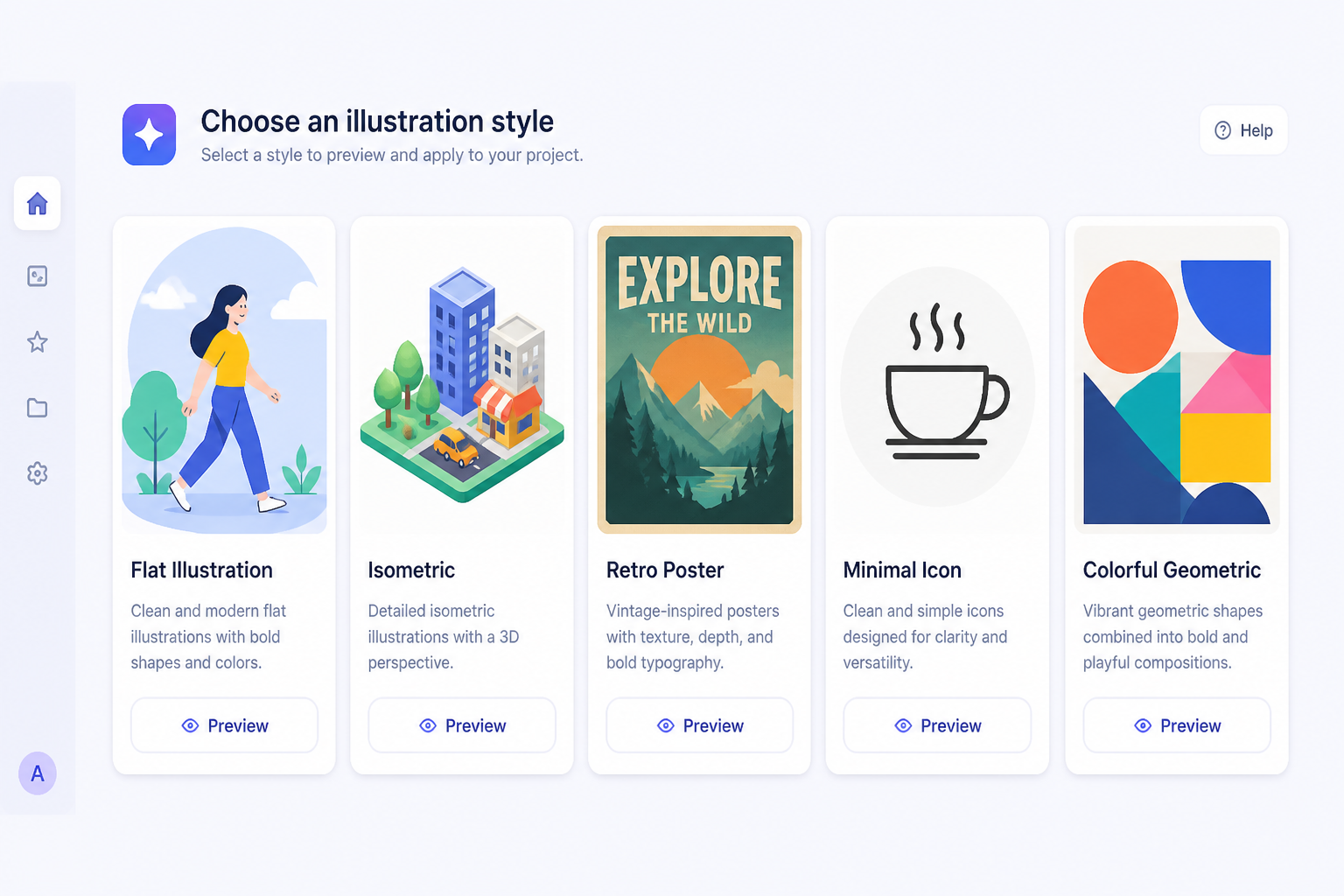
Start with a prompt that matches the kind of graphic you want, such as flat illustration, isometric art, poster design, or icon-style artwork. The prefilled prompt gives you a strong starting point instead of a blank box.
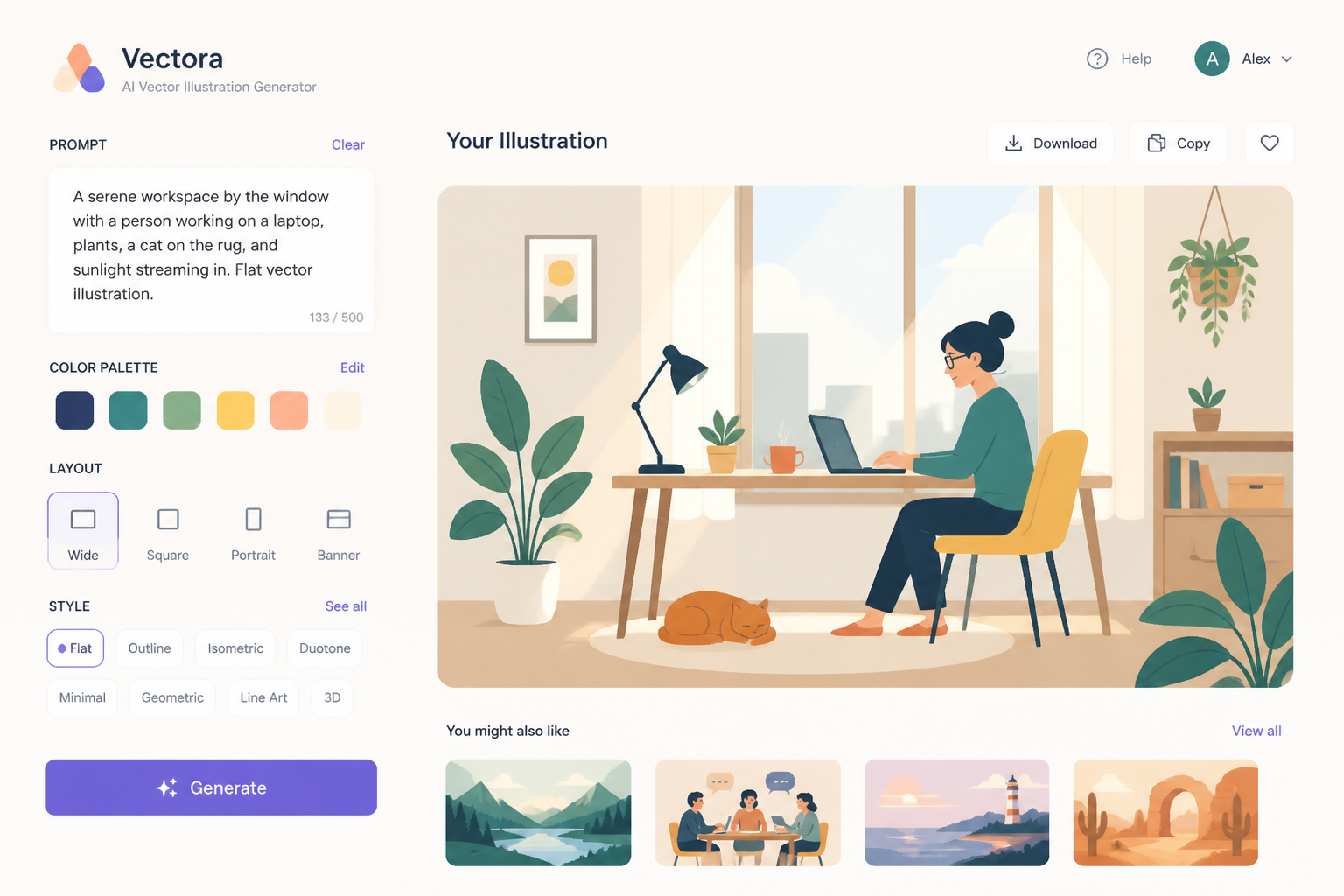
Describe the Graphic
Add your subject, color palette, layout, and mood. The more specific you are about shapes, composition, and style, the easier it is to get vector-style results that fit your project.
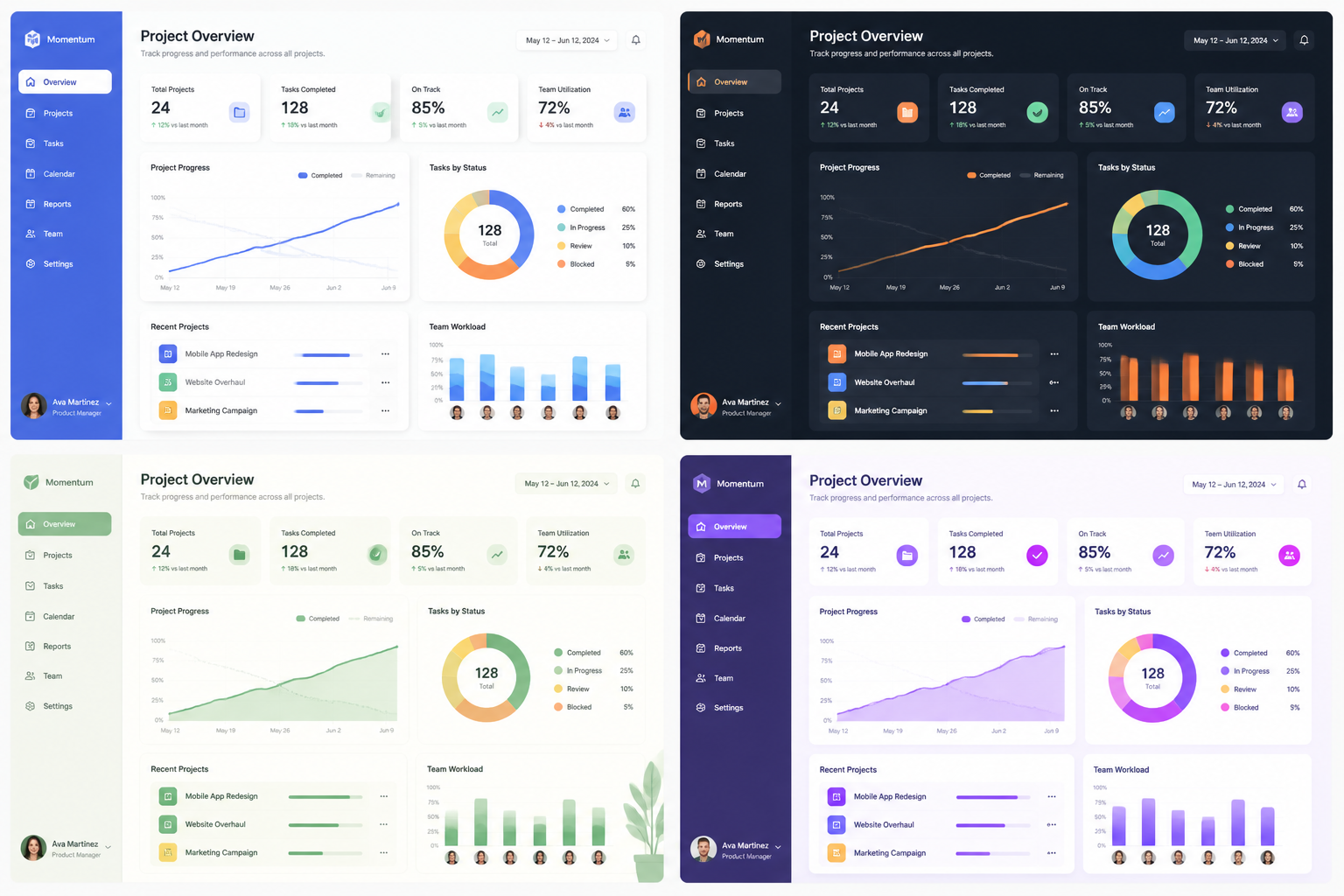
Generate and Refine
Create variations, compare compositions, and keep the version that fits best. You can then tweak the prompt for cleaner shapes, different colors, or a new illustration style before downloading.
Perfect For
Discover how creators and professionals use ai vector art generator
Marketing Graphics
Generate vector-style artwork for blog headers, social creatives, ad concepts, and landing page sections.
Brand Concepting
Explore visual directions for a new brand with badge art, icon systems, mascots, and poster-style graphics.
Product Illustrations
Create clean scenes and spot illustrations for apps, SaaS pages, onboarding flows, and presentation decks.
Print and Poster Ideas
Mock up editorial posters, event graphics, packaging concepts, and travel-style prints from simple text prompts.
Built For
Designers
Quickly explore illustration directions, mood, and composition before committing to manual vector work.
Marketers
Produce clean campaign visuals that fit brand content better than generic photo-heavy imagery.
Founders and creators
Make polished graphics for websites, decks, launches, and social posts without needing advanced design skills.
Frequently Asked Questions
Does this create true editable vector files?
What kind of prompts work best?
Can I use it for logos and icons?
Is this useful for websites and presentations?
Can I generate multiple styles from one idea?
Create together.
Share your creations, discover trending AI art, and grow with fellow creators.