Anime to Realistic Converter
Turn illustrated characters and scenes into lifelike images in seconds.
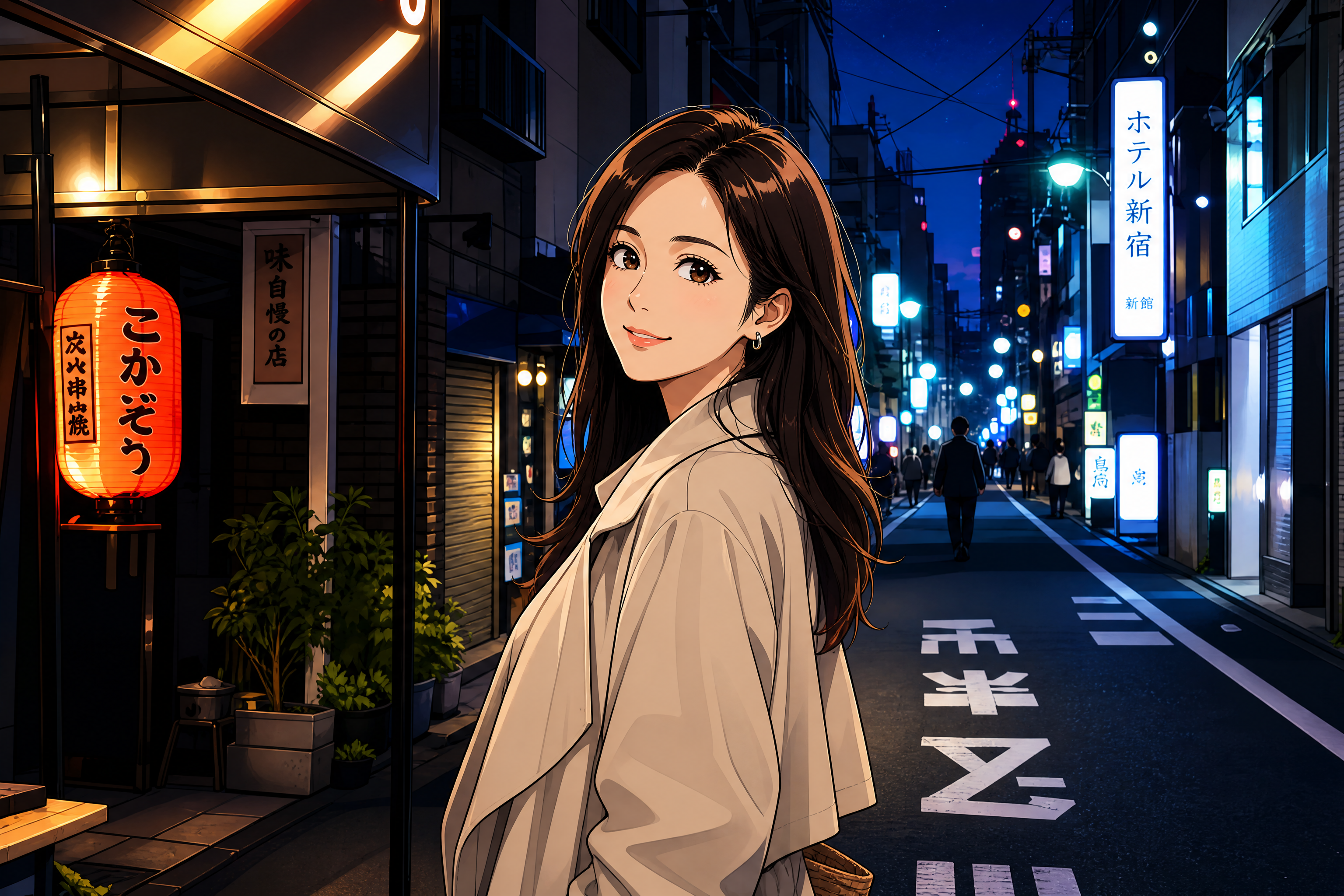
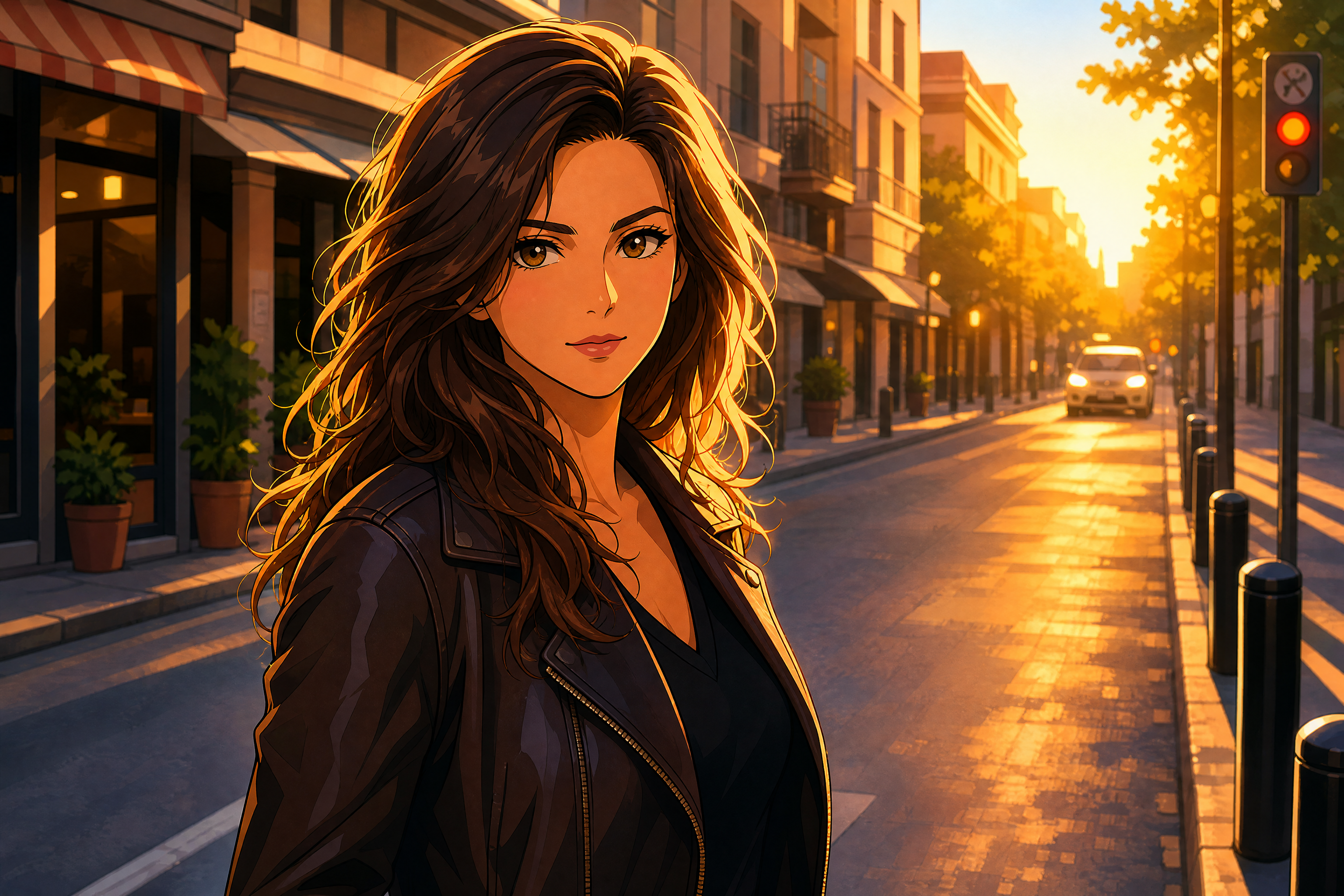
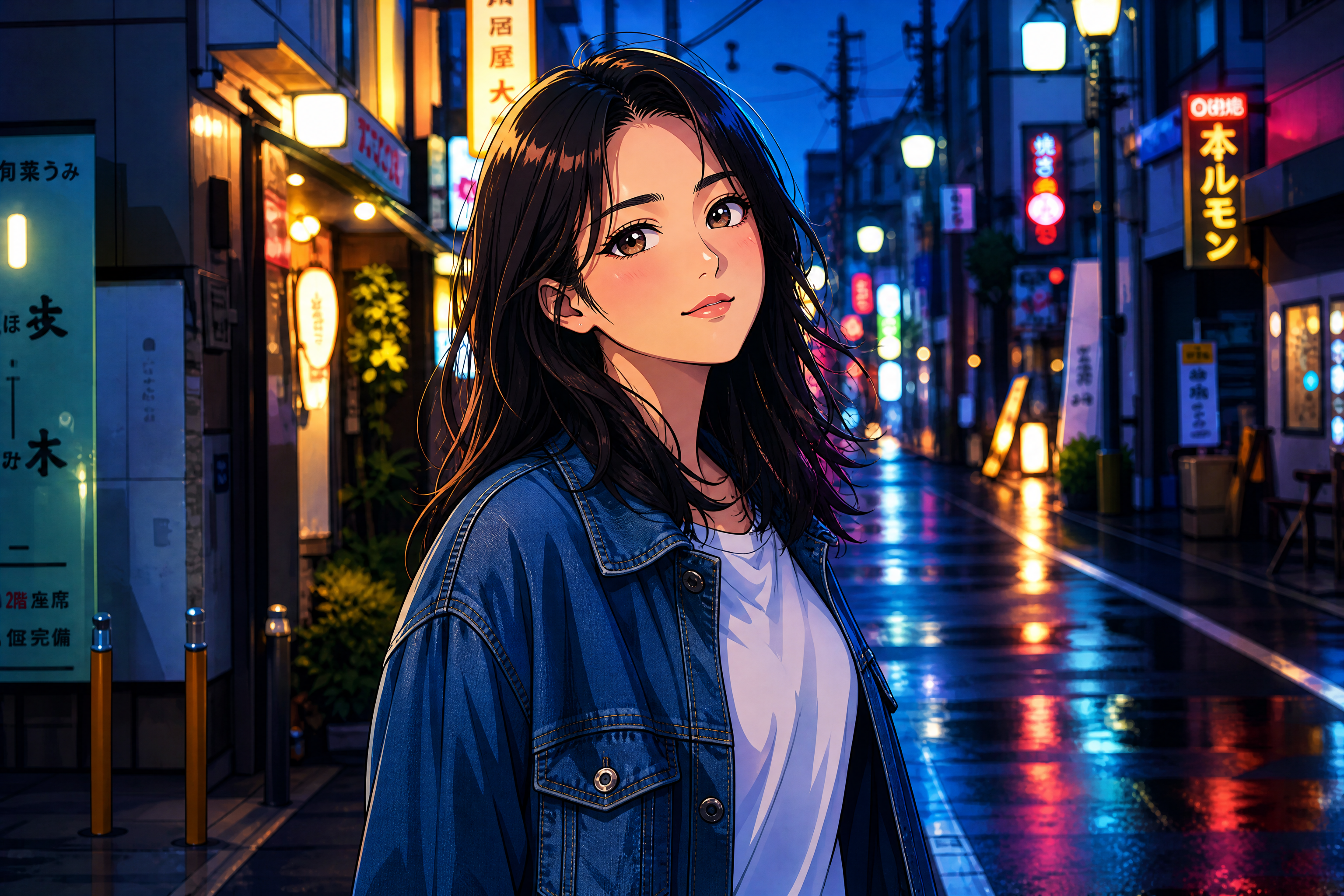
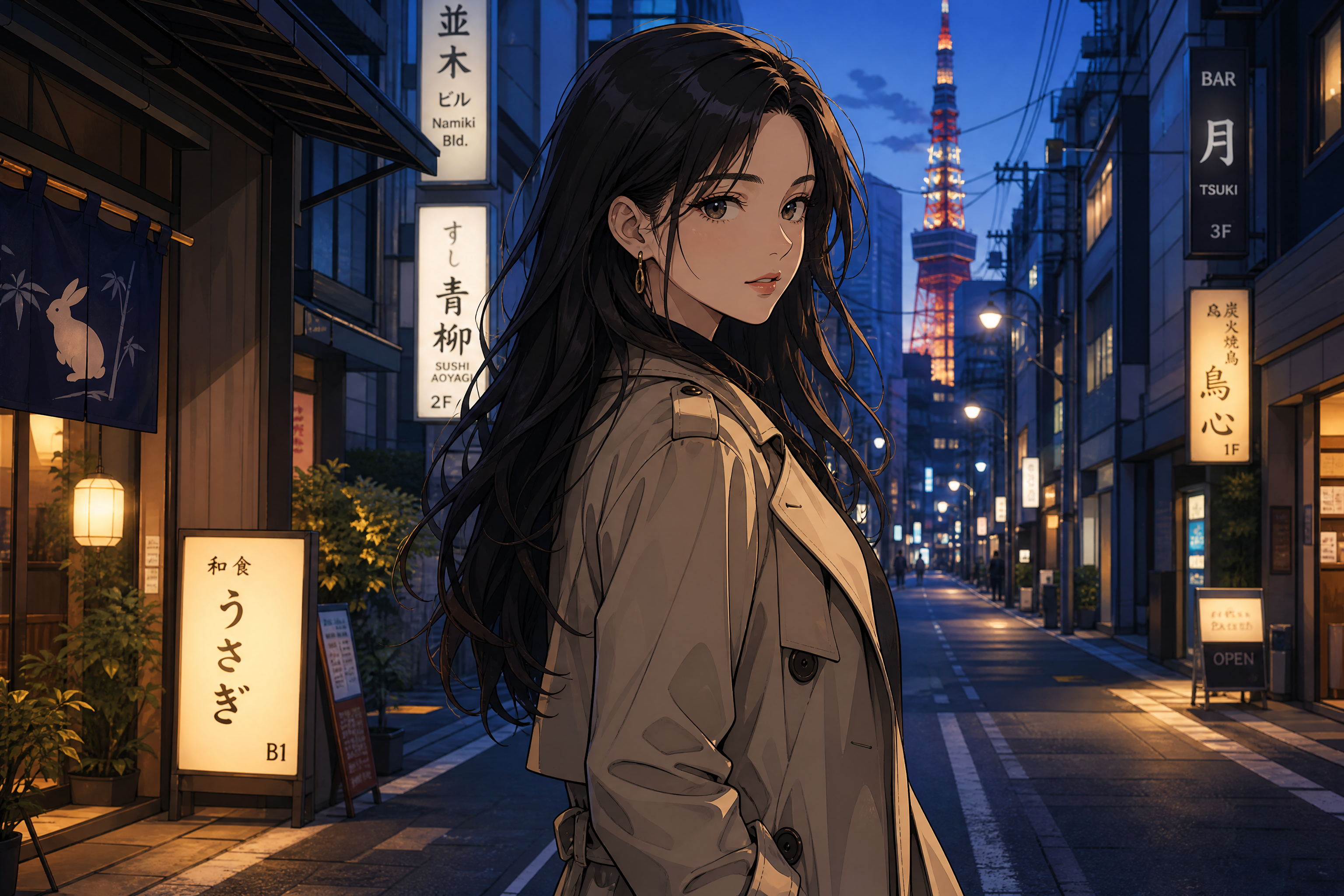
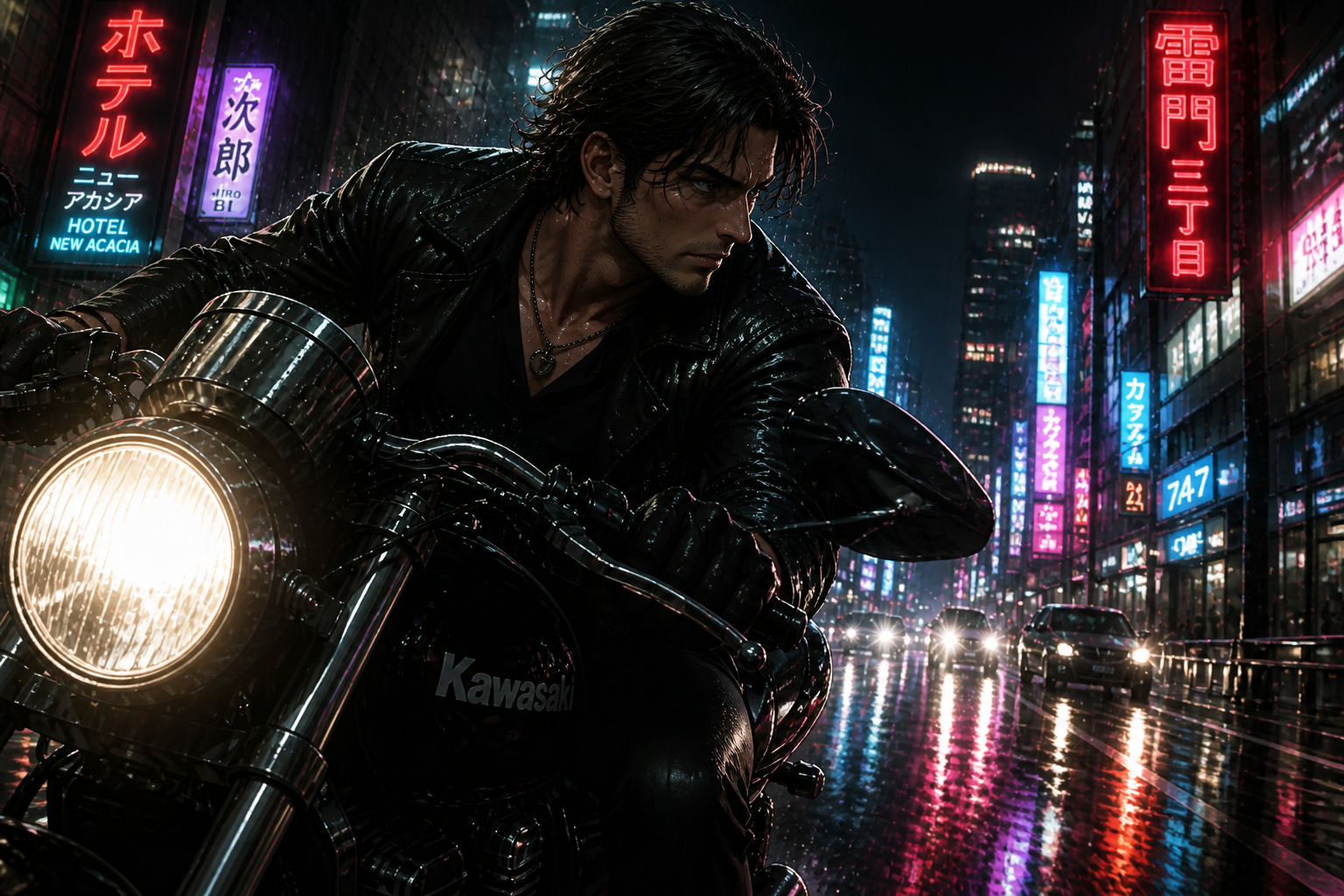
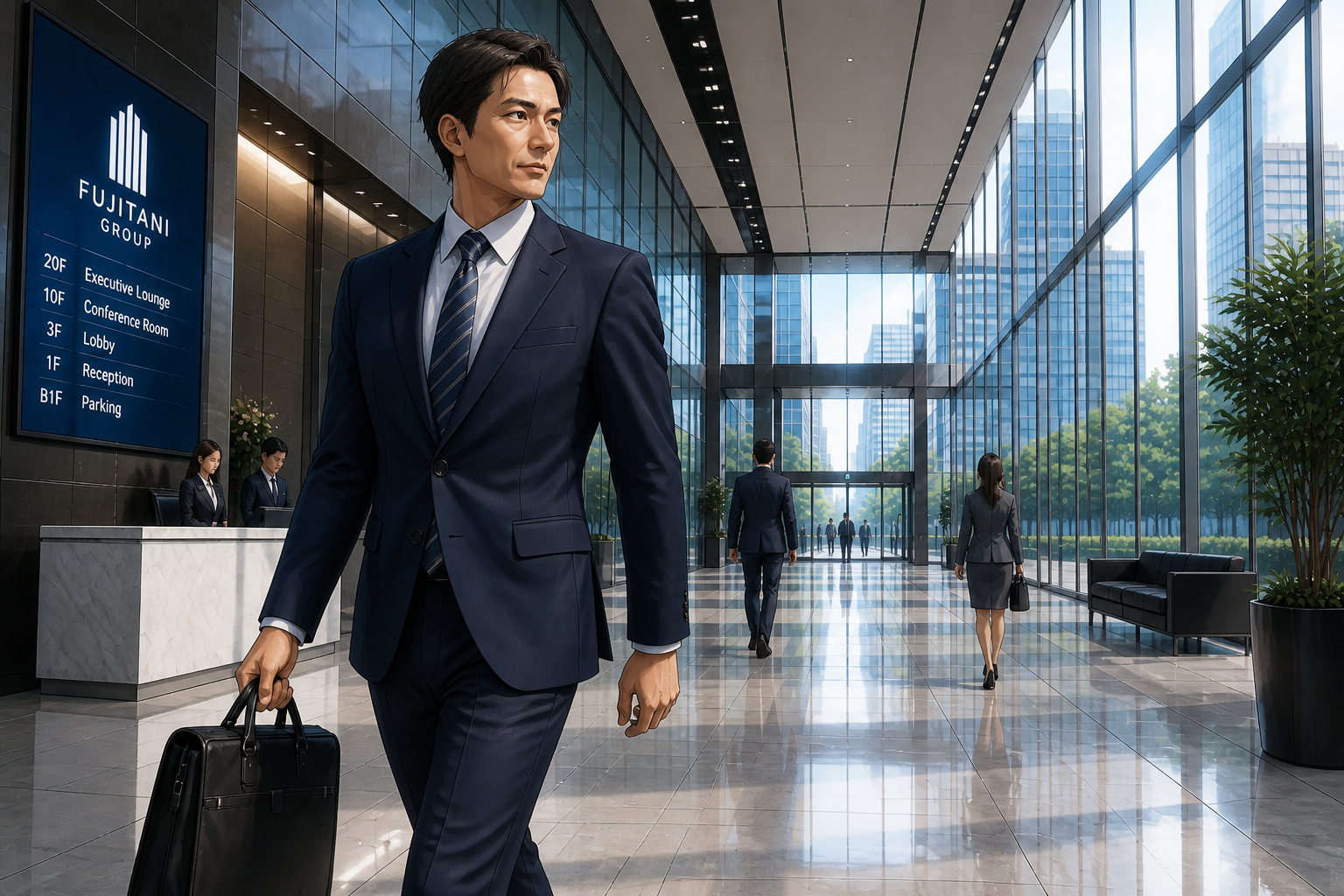
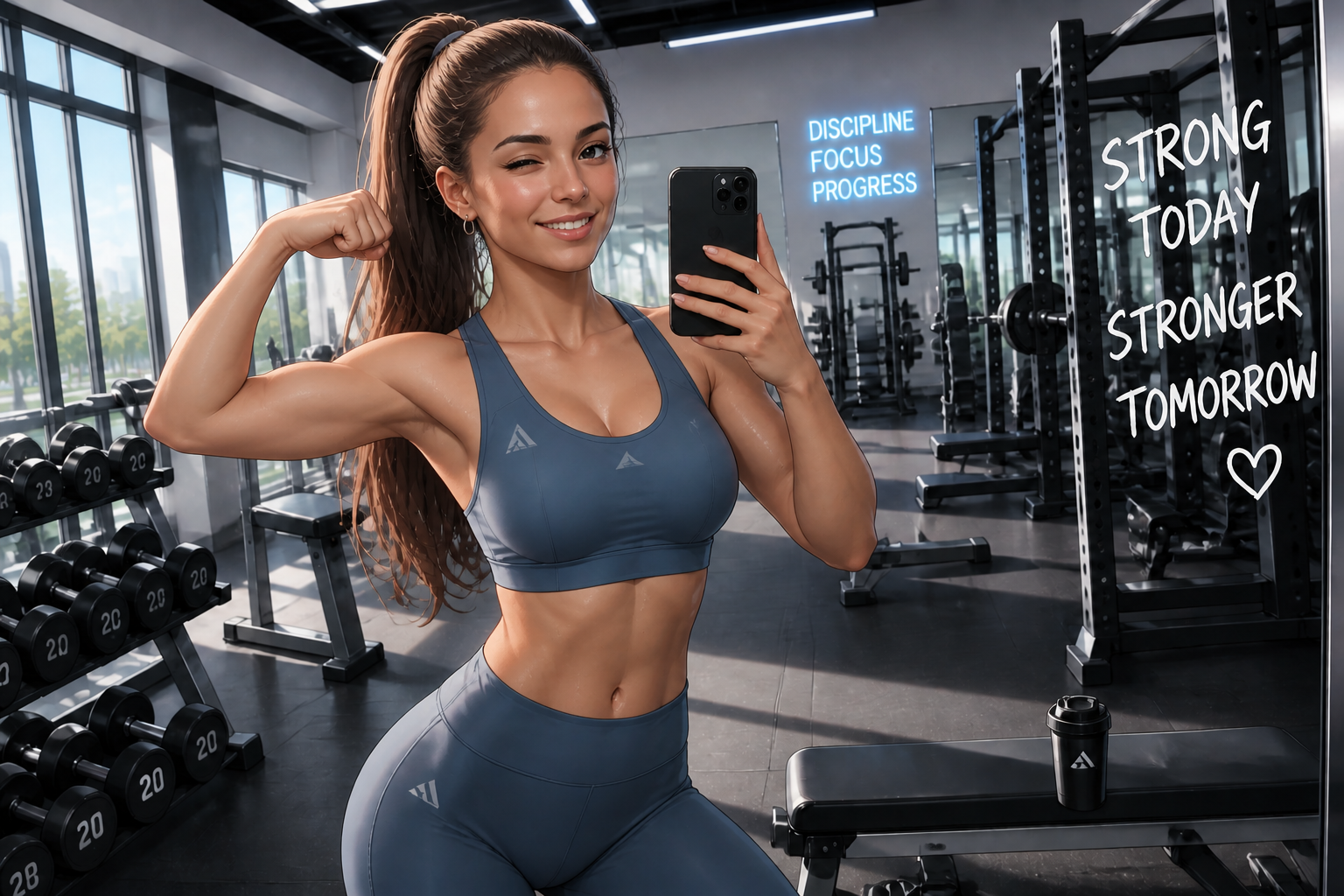
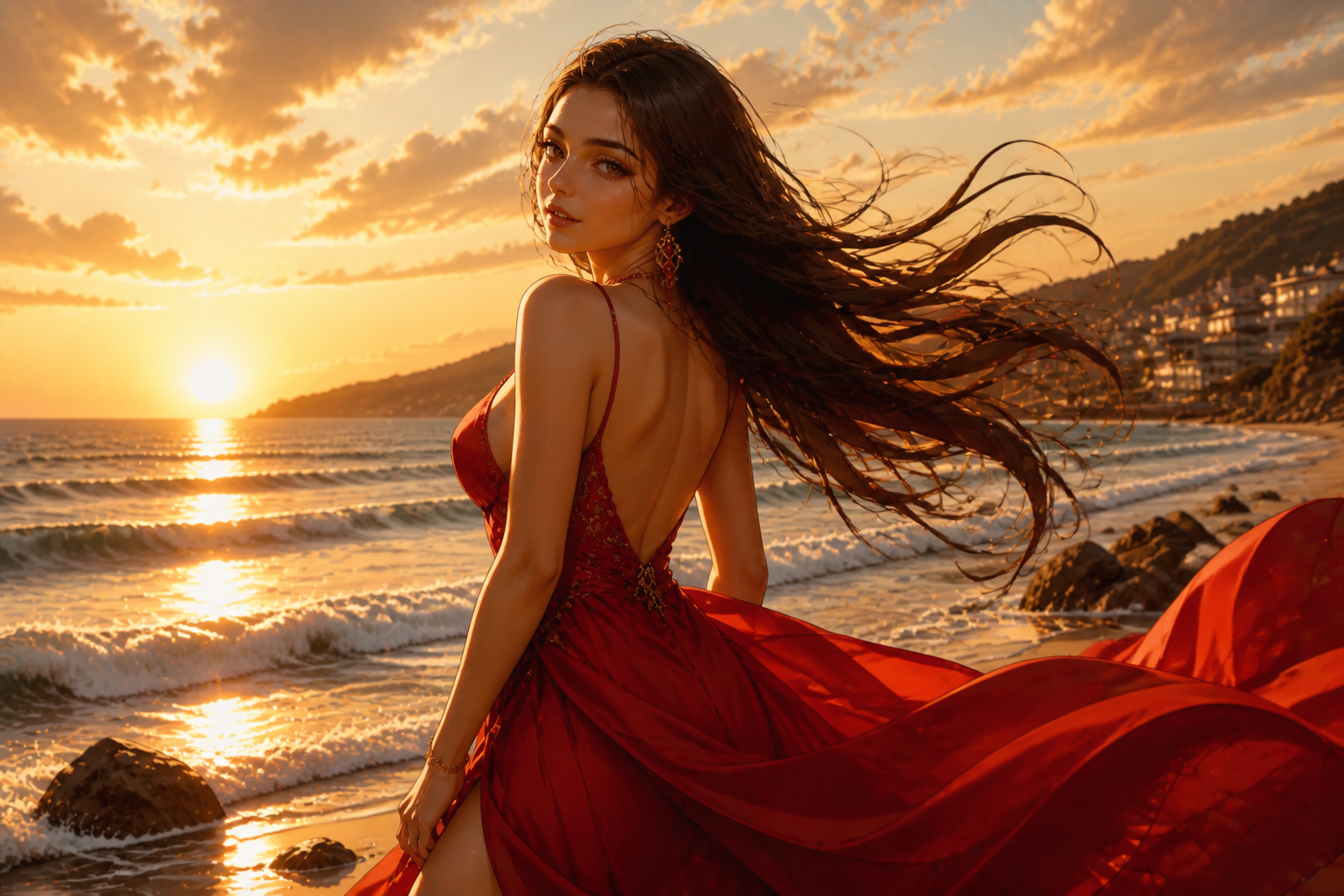
Upload an anime image and transform it into a realistic photo while keeping the pose, framing, and overall mood. Our AI helps you turn stylized art into believable portraits, fashion shots, and cinematic scenes without rebuilding the image from scratch.
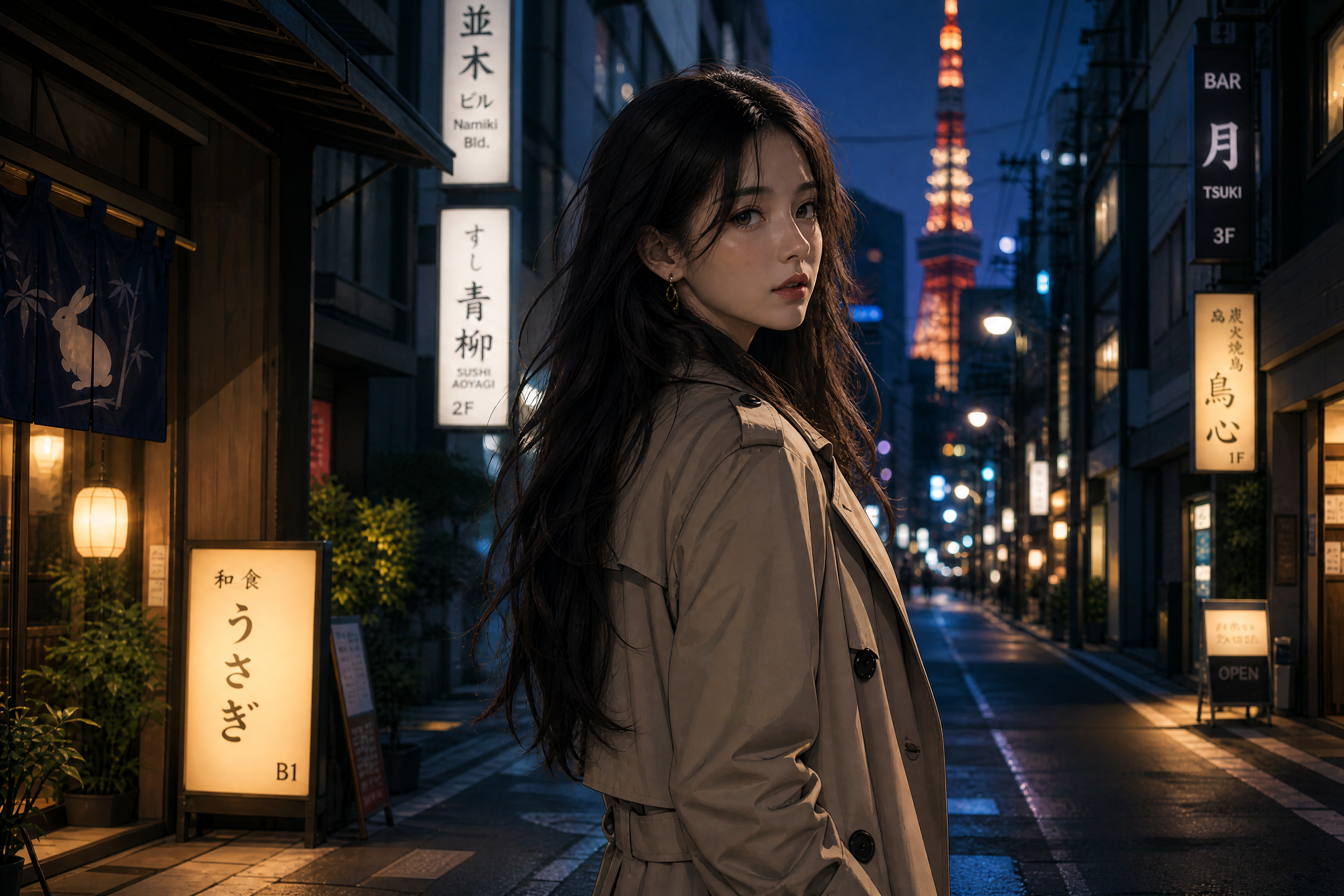
Watch the Transformation
See anime to realistic converter in motion — generated end-to-end by our AI.
See It In Action
Real outputs from anime to realistic converter.
BEFOREAFTER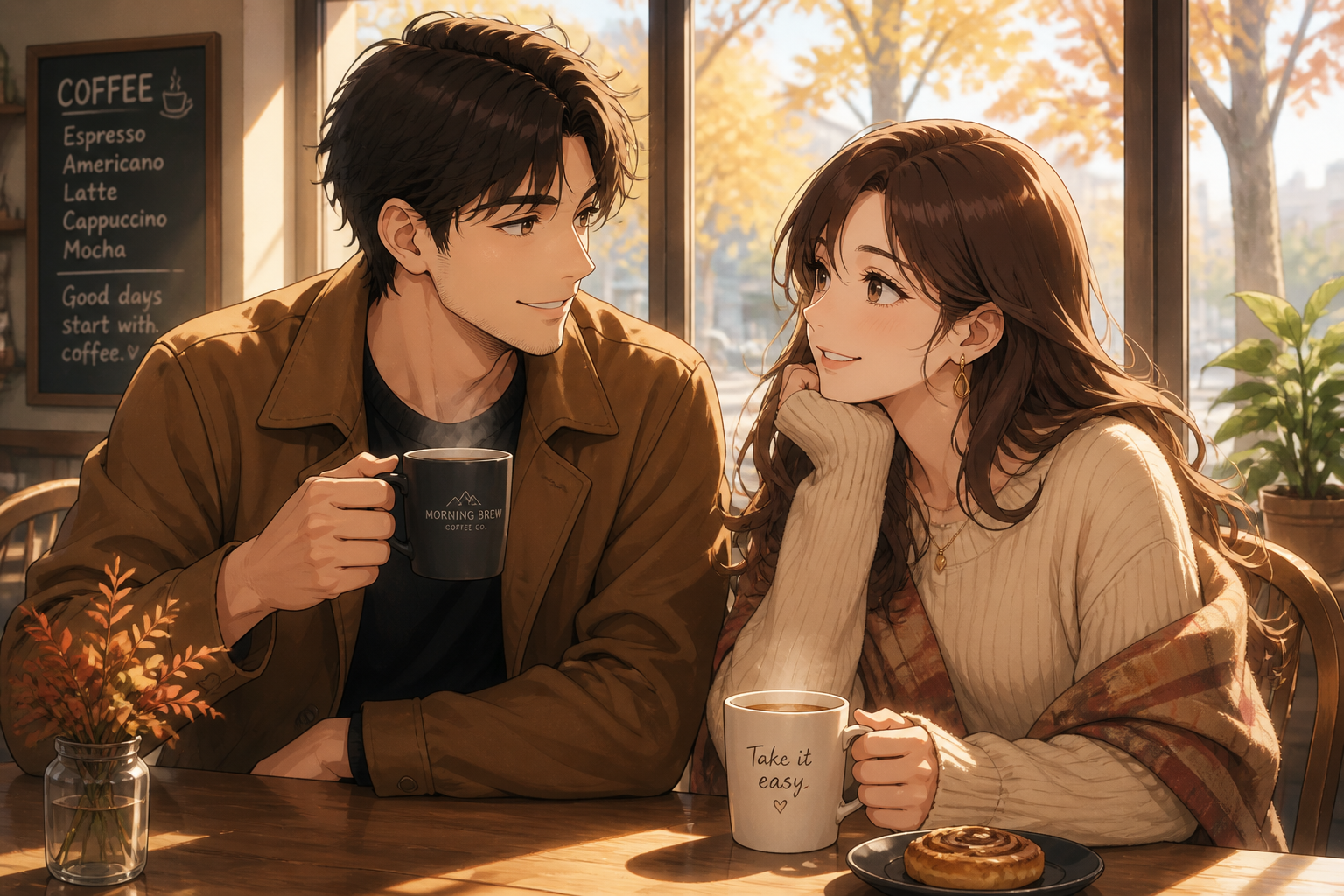 BEFORE
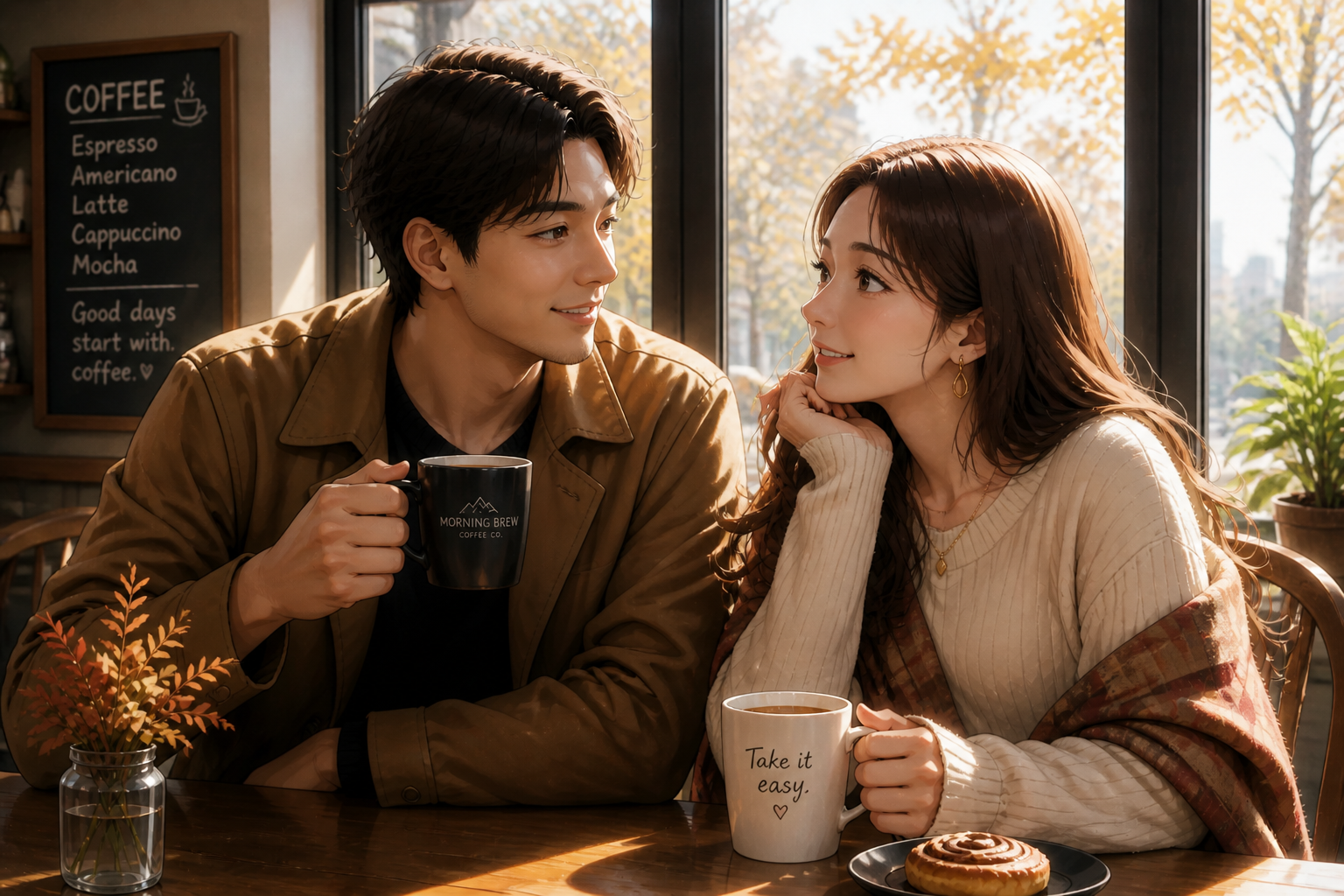 AFTER
AFTER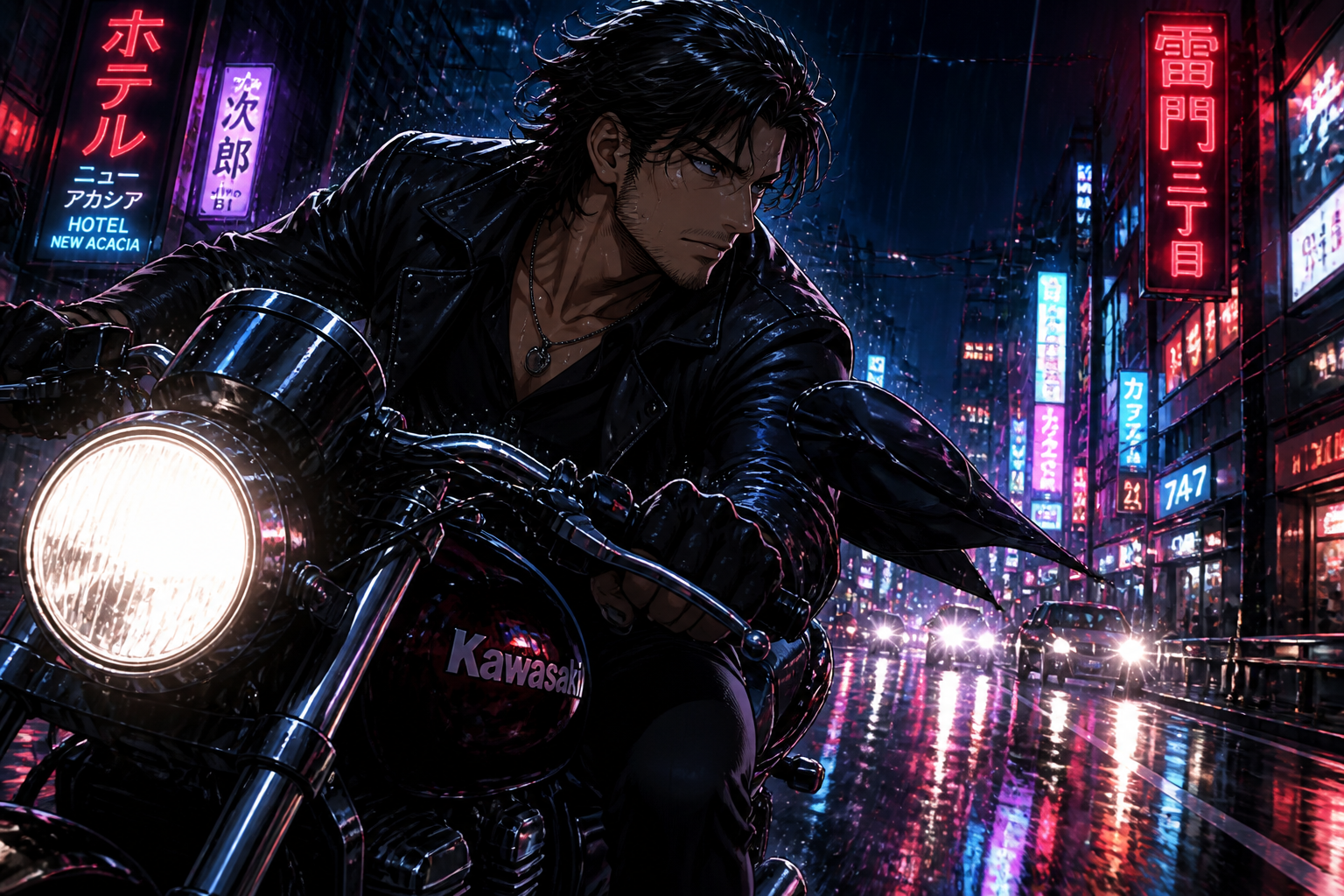 BEFORE
 AFTER
AFTER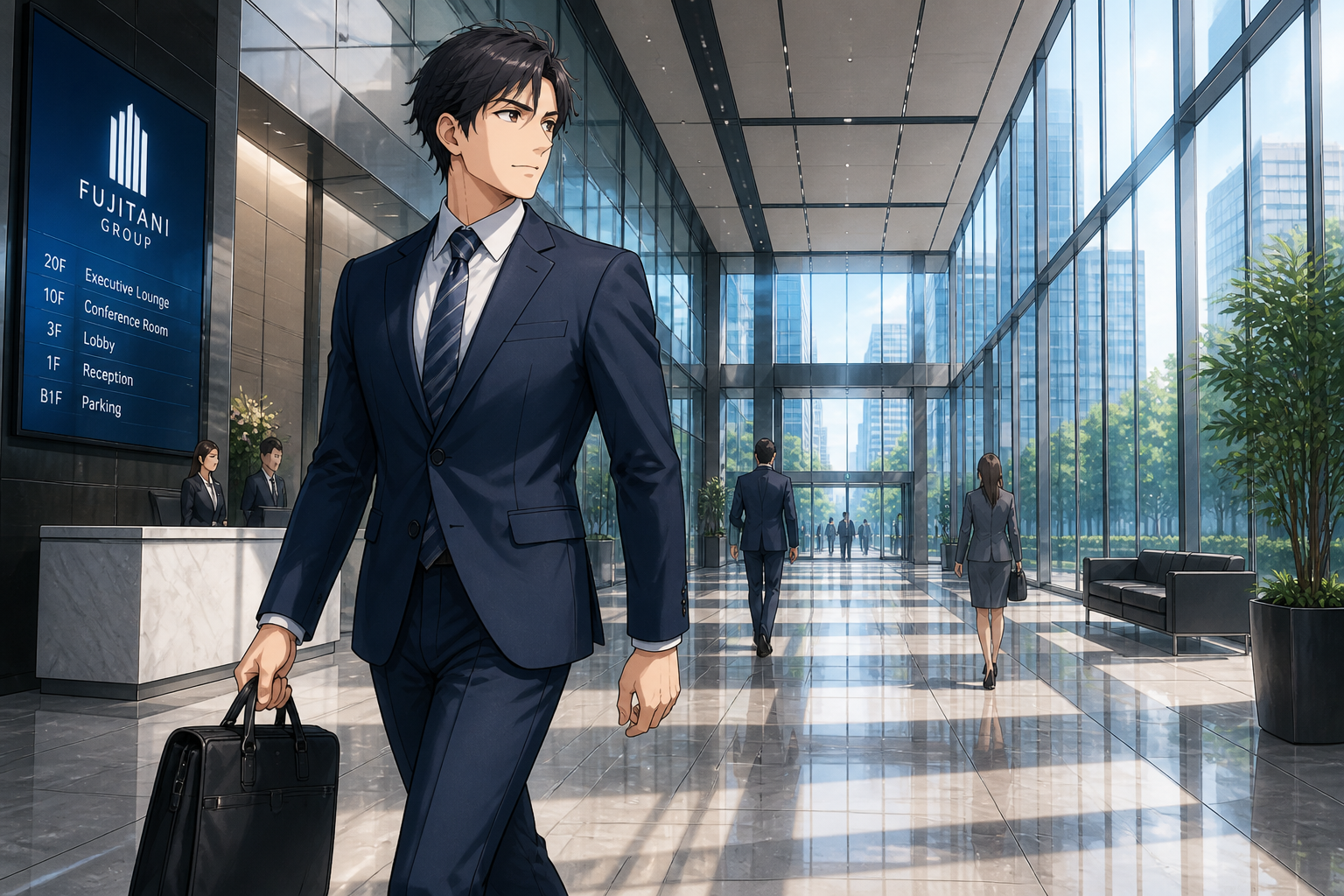 BEFORE
 AFTER
AFTER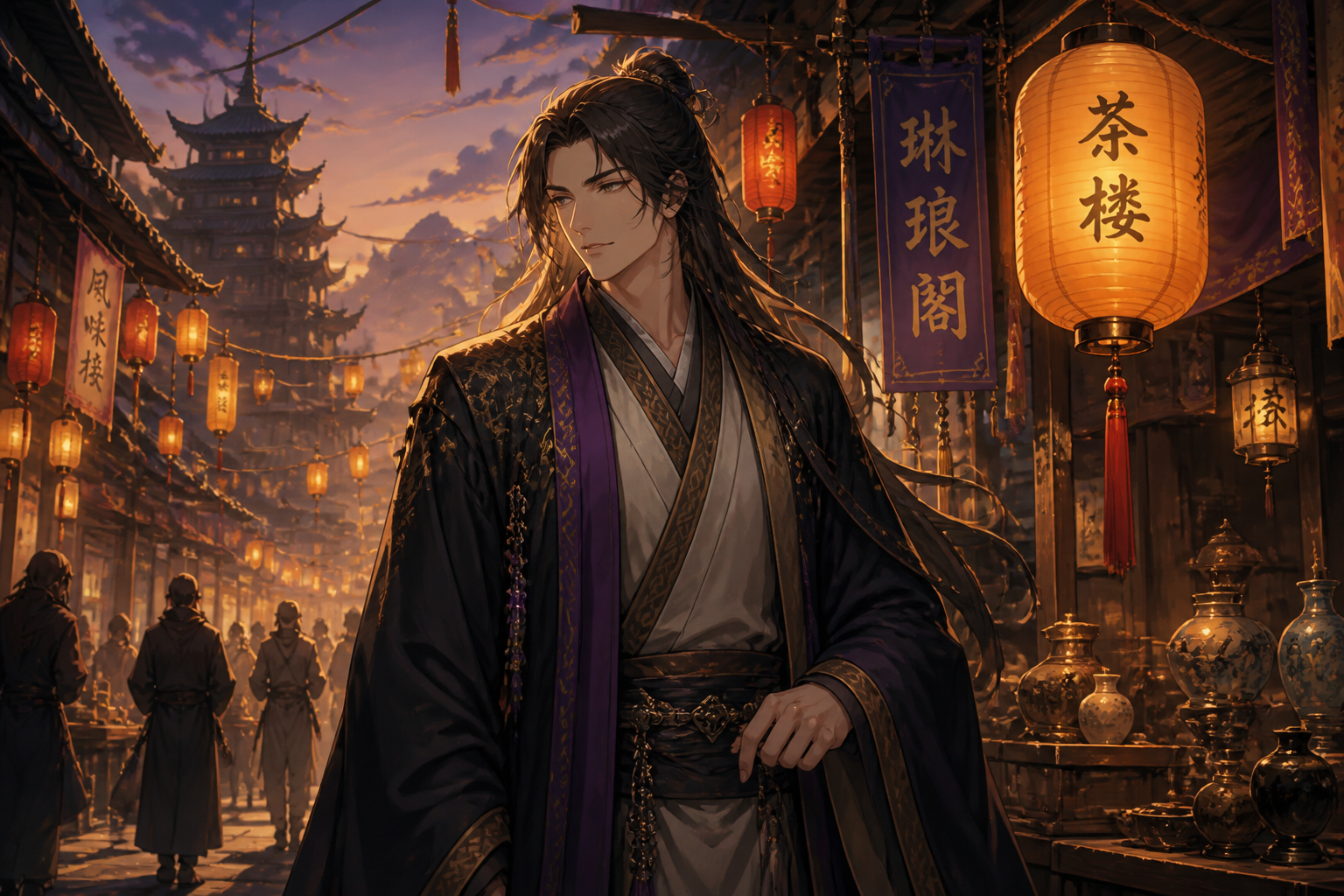 BEFORE
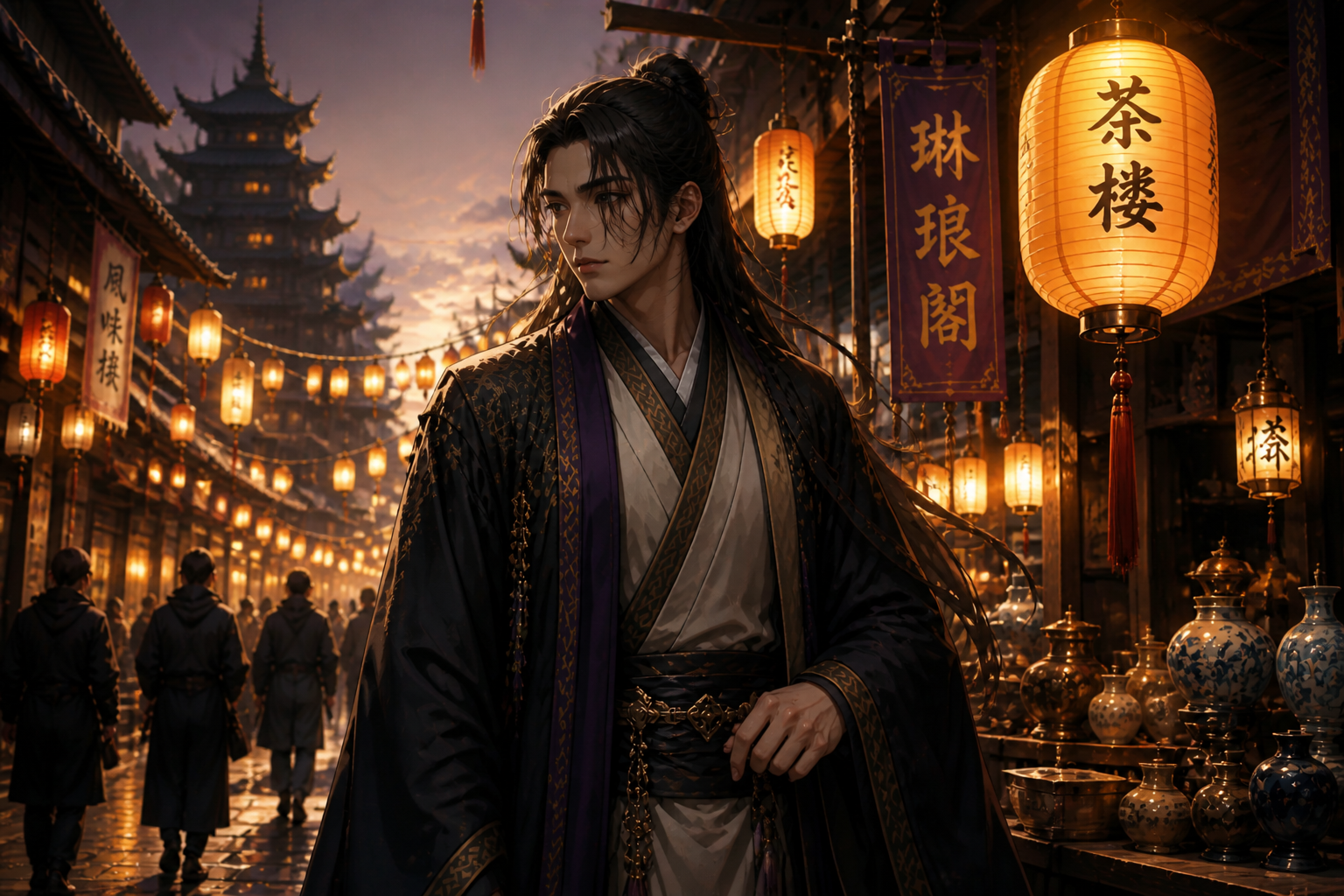 AFTERBEFOREAFTERBEFOREAFTERBEFOREAFTERBEFOREAFTERBEFOREAFTER
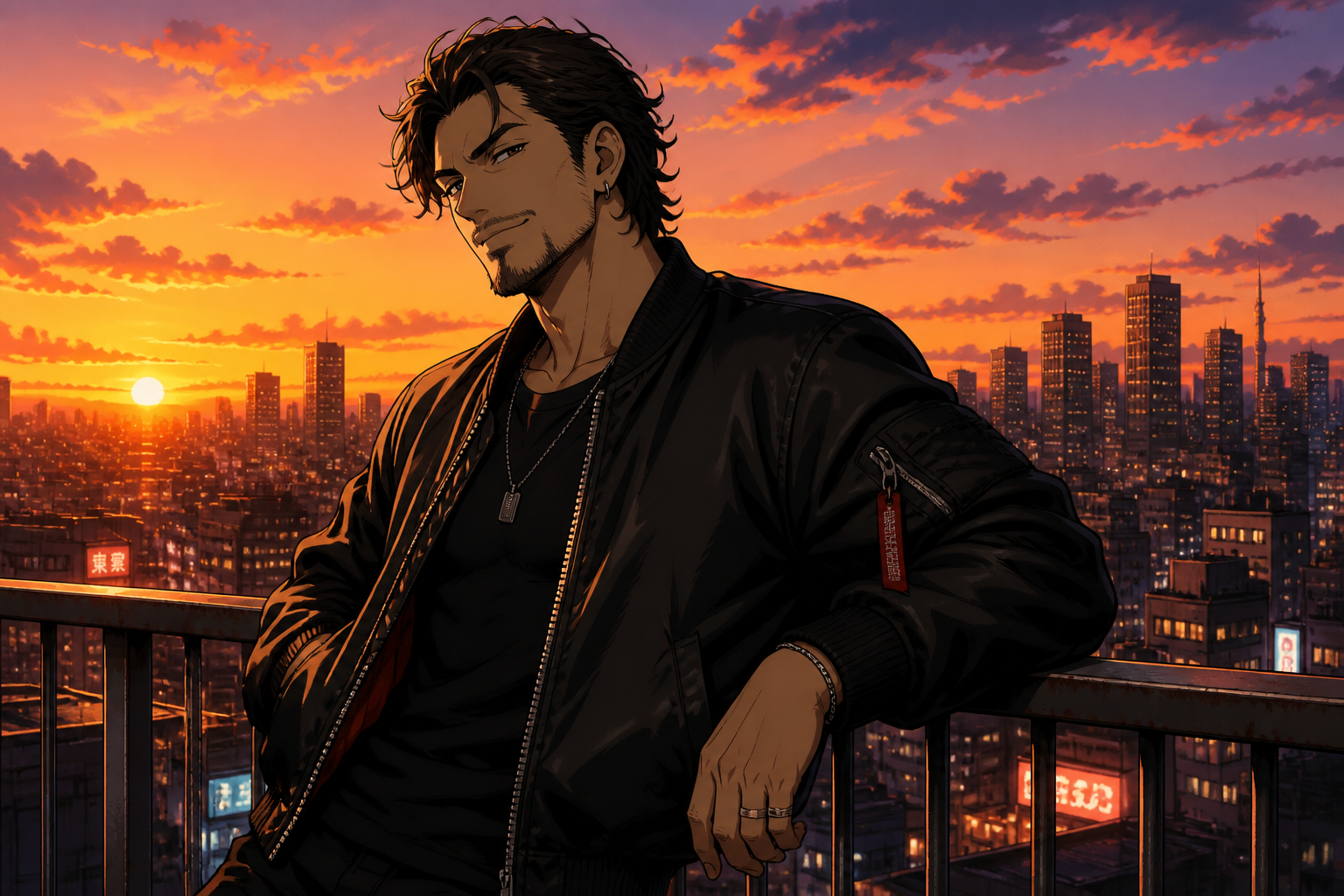 BEFORE
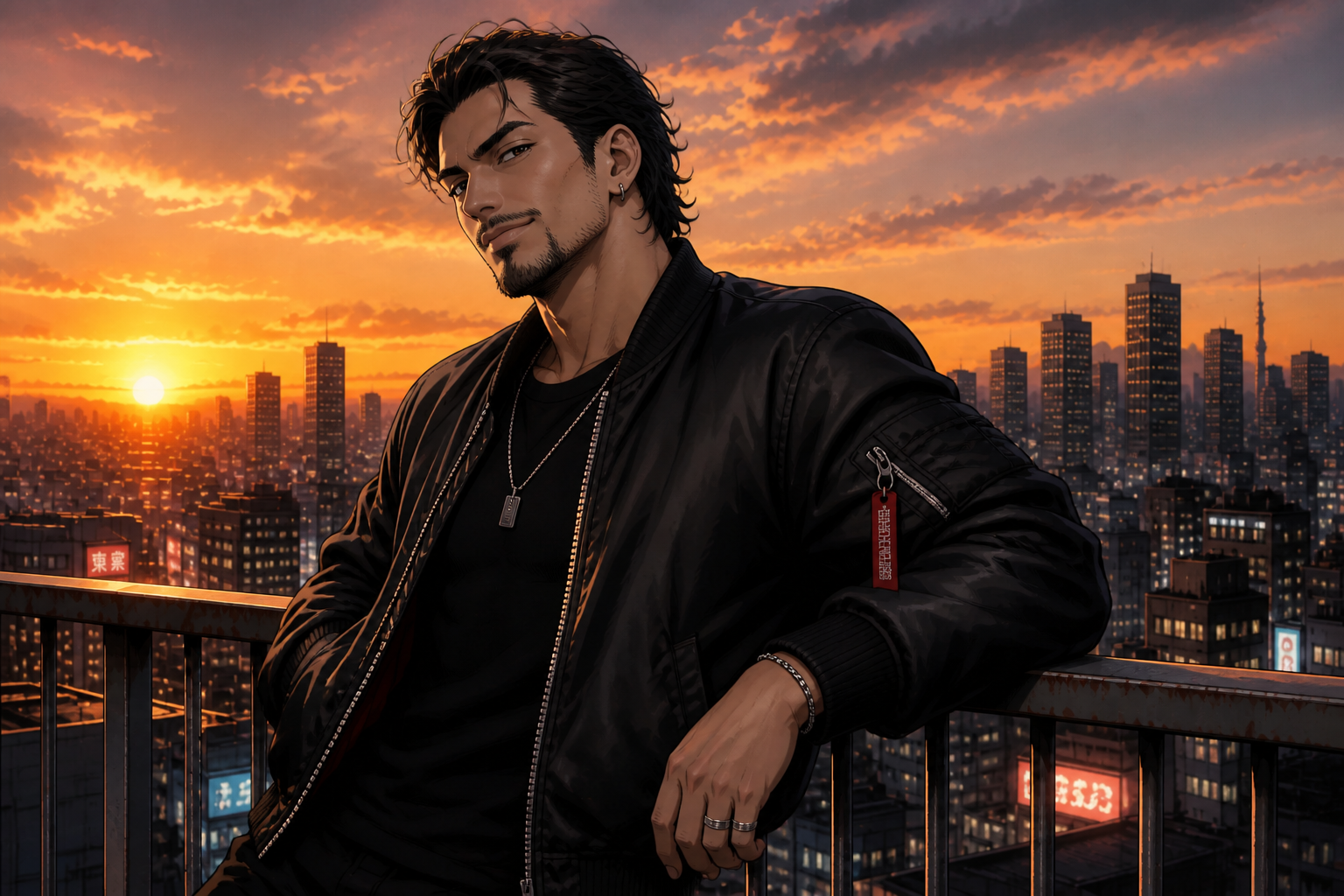 AFTER
AFTER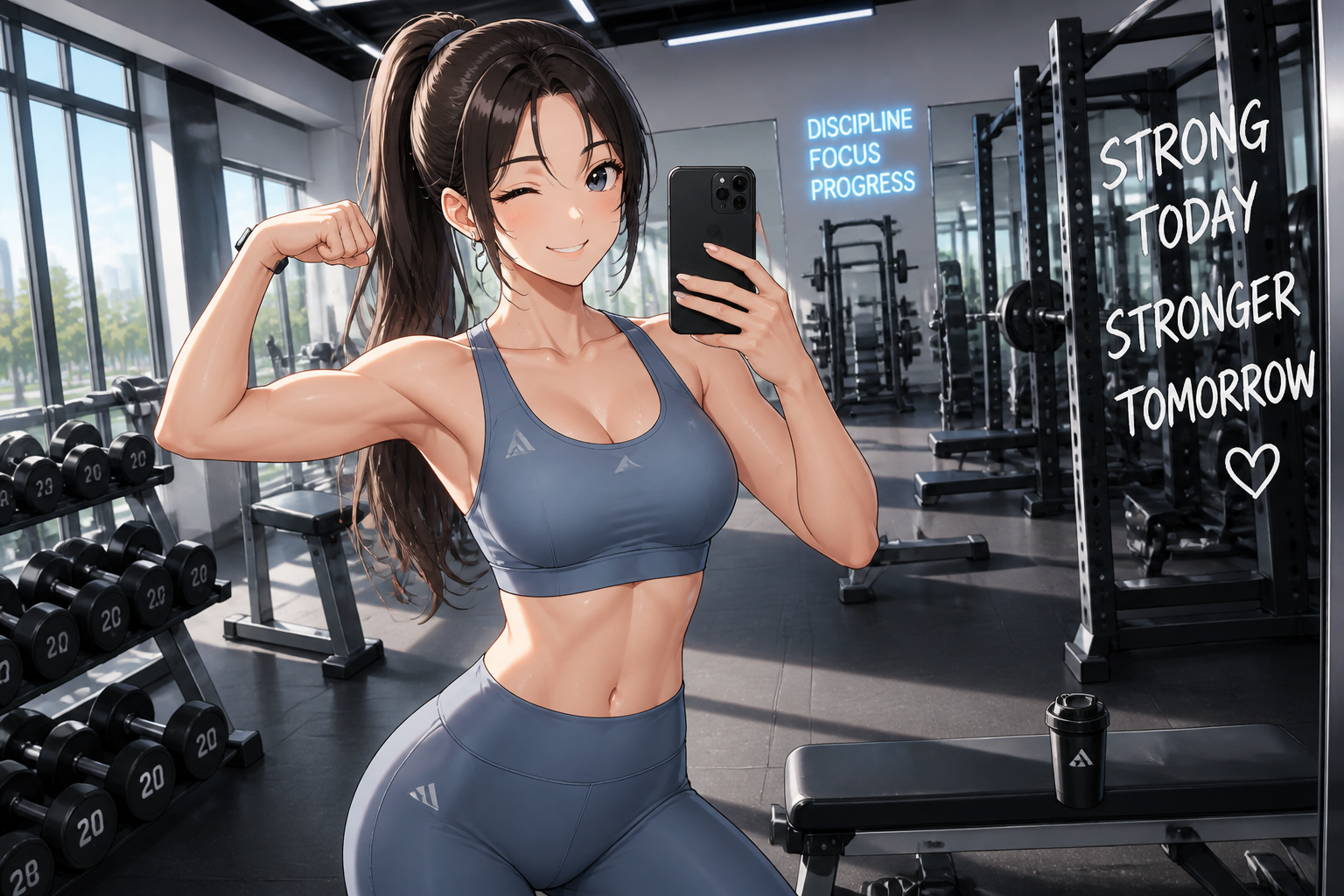 BEFORE
 AFTER
AFTER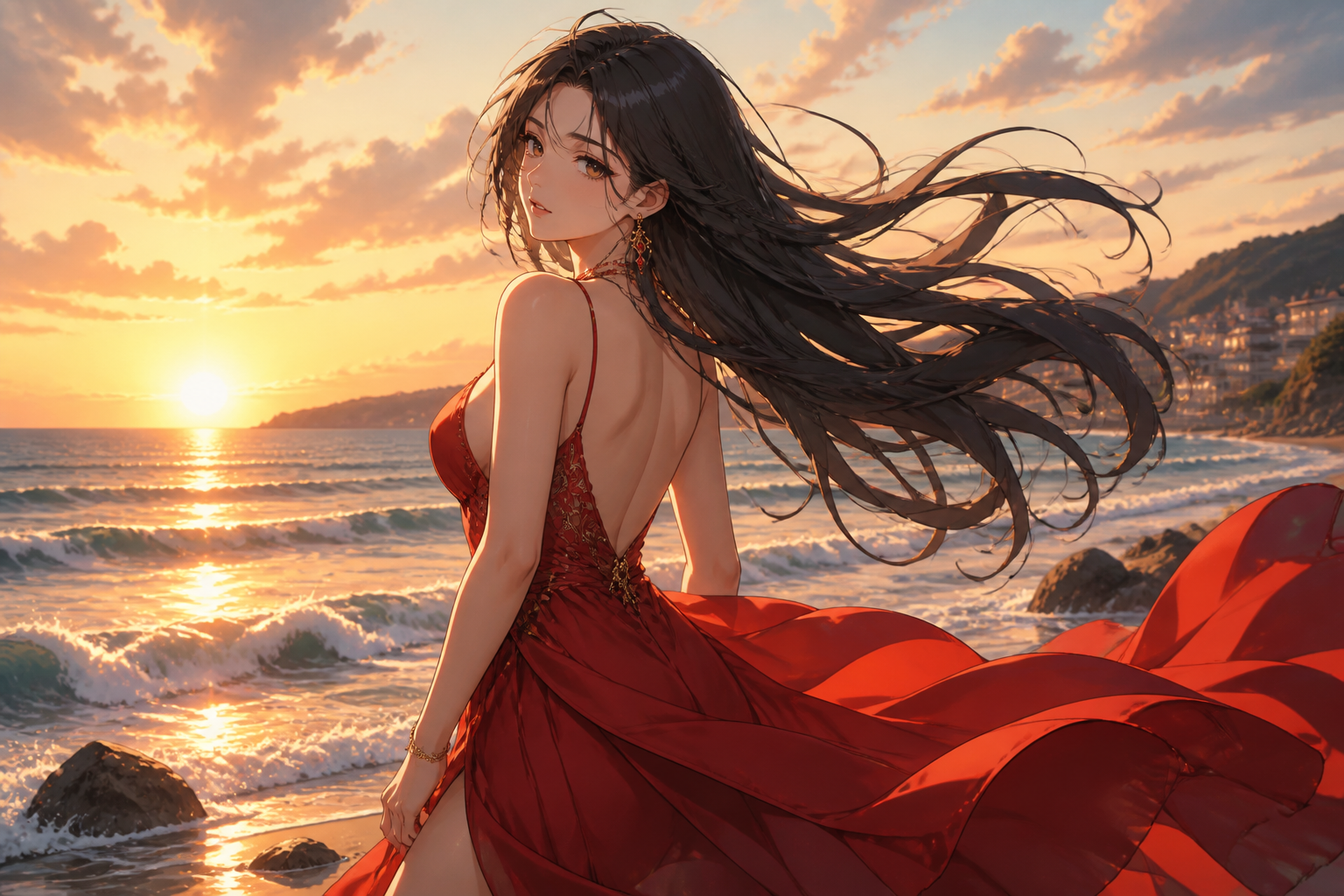 BEFORE
 AFTER
AFTER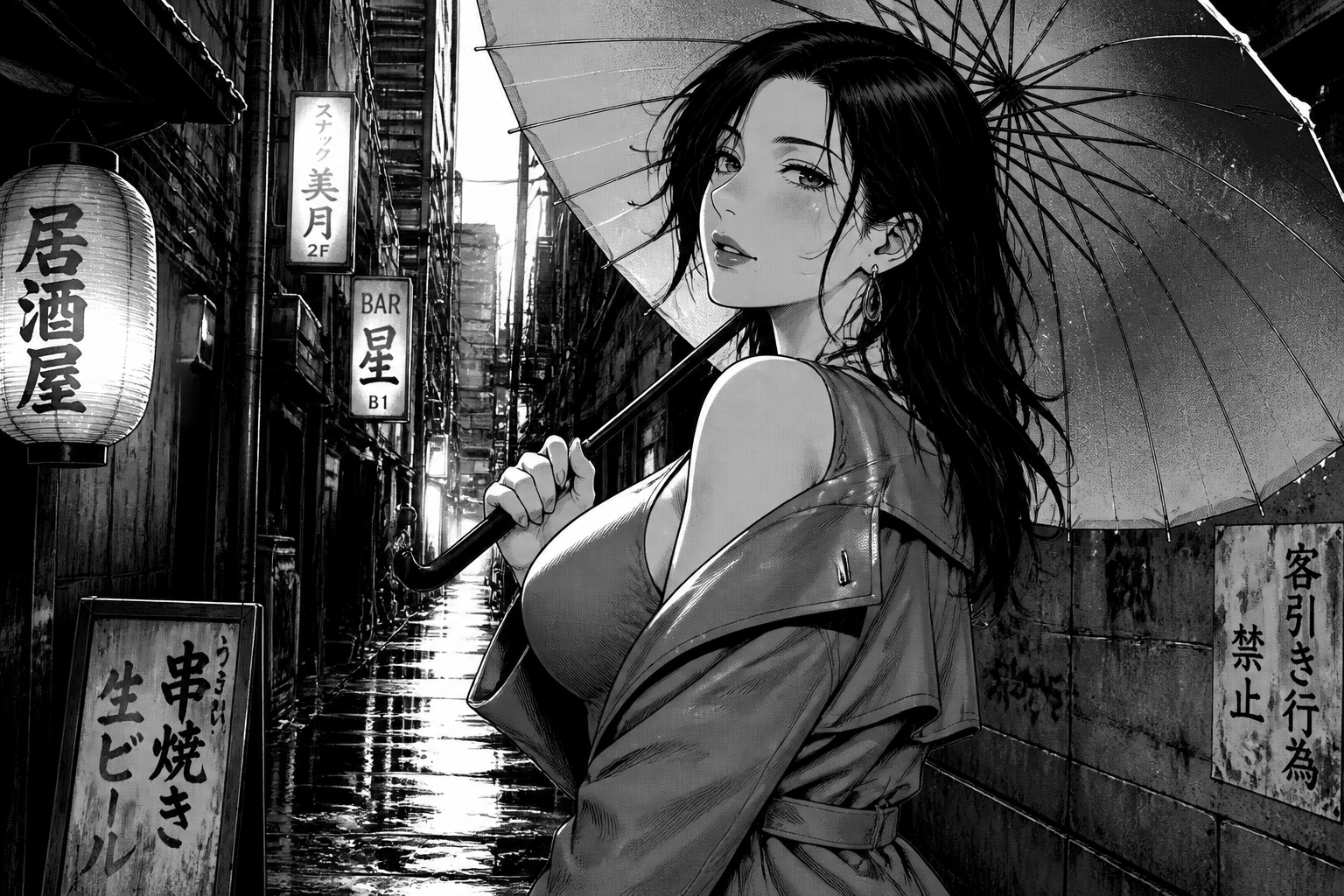 BEFORE
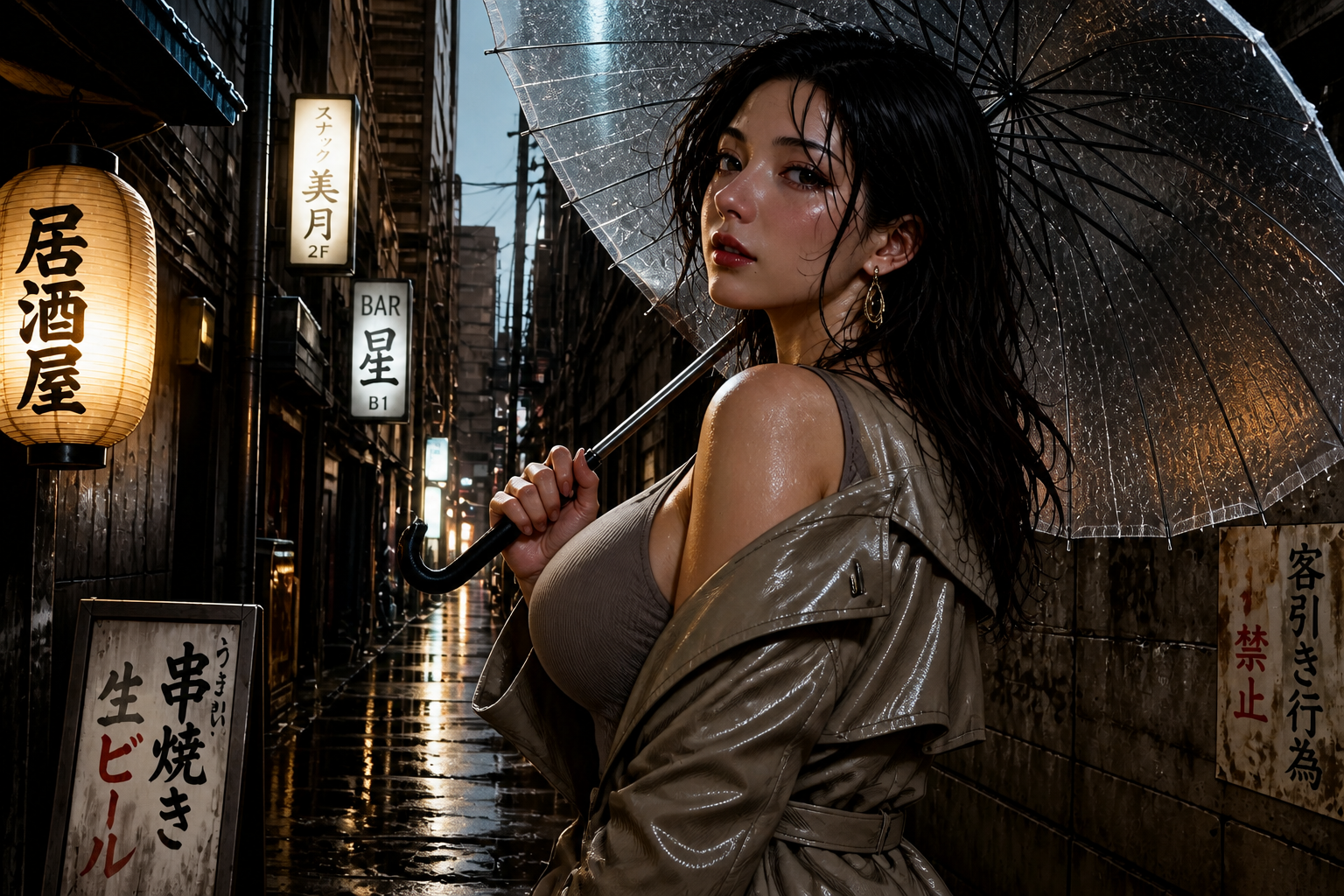 AFTER
AFTER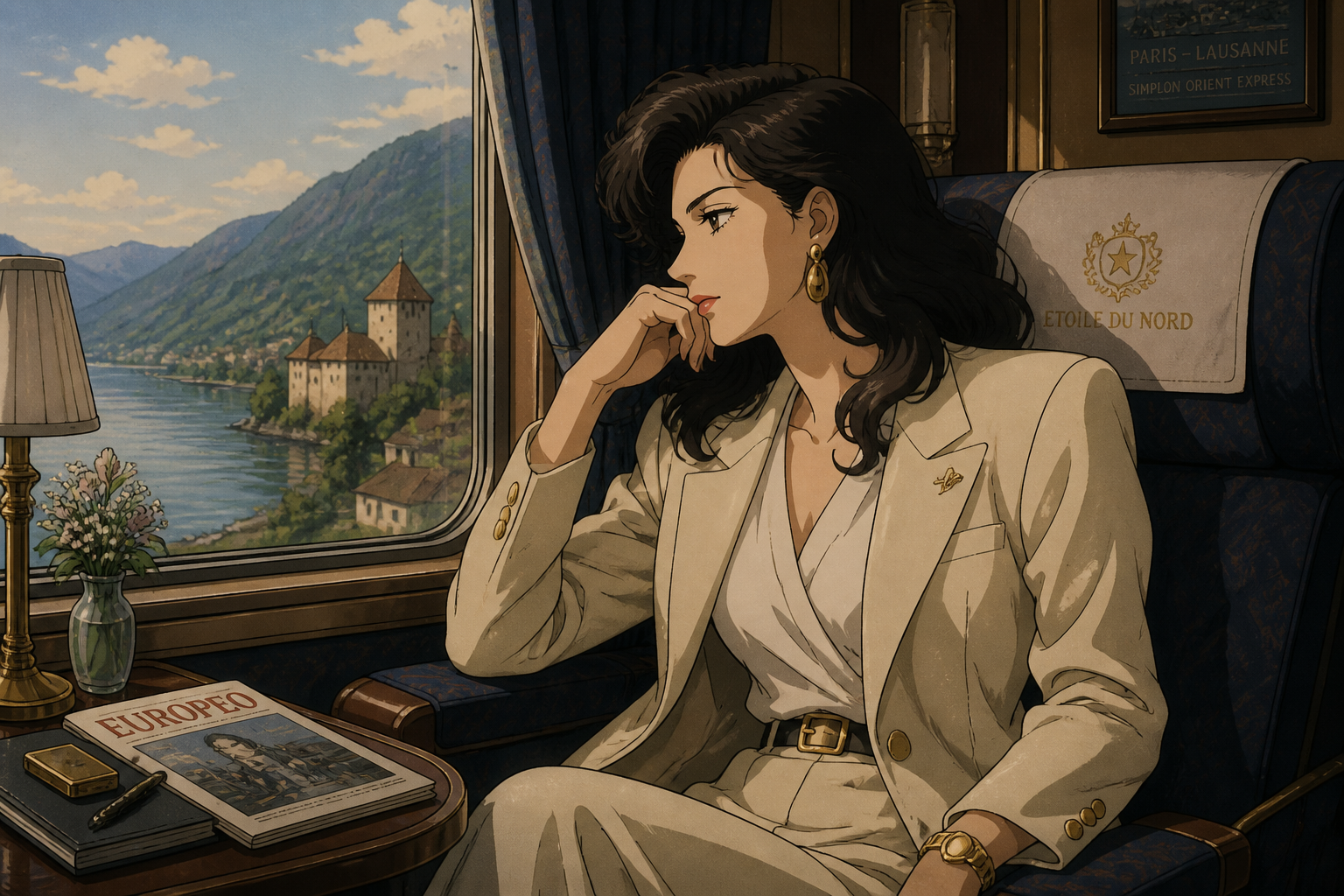 BEFORE
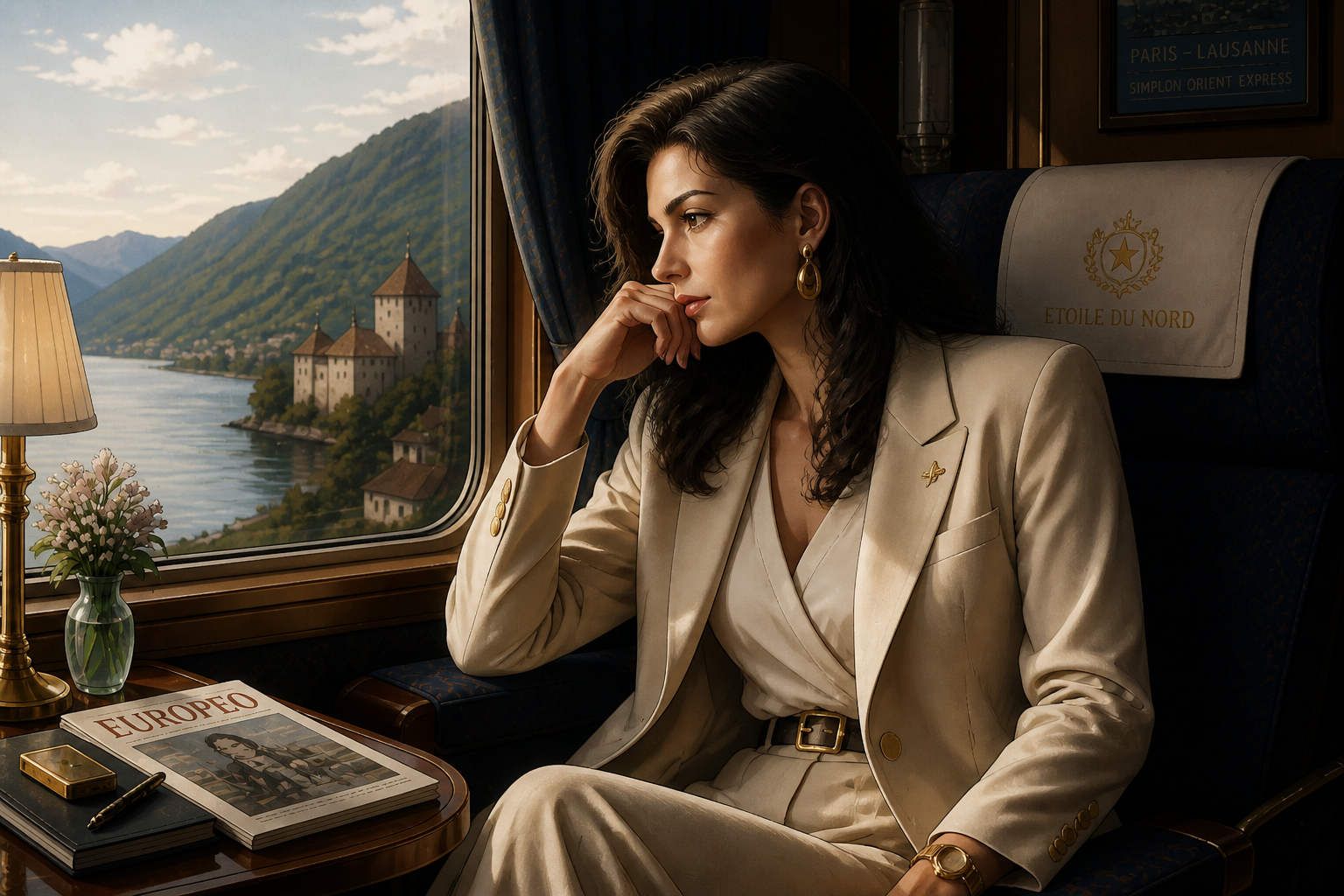 AFTERBEFOREAFTERBEFOREAFTERBEFOREAFTERBEFOREAFTERBEFOREAFTER
Key Features
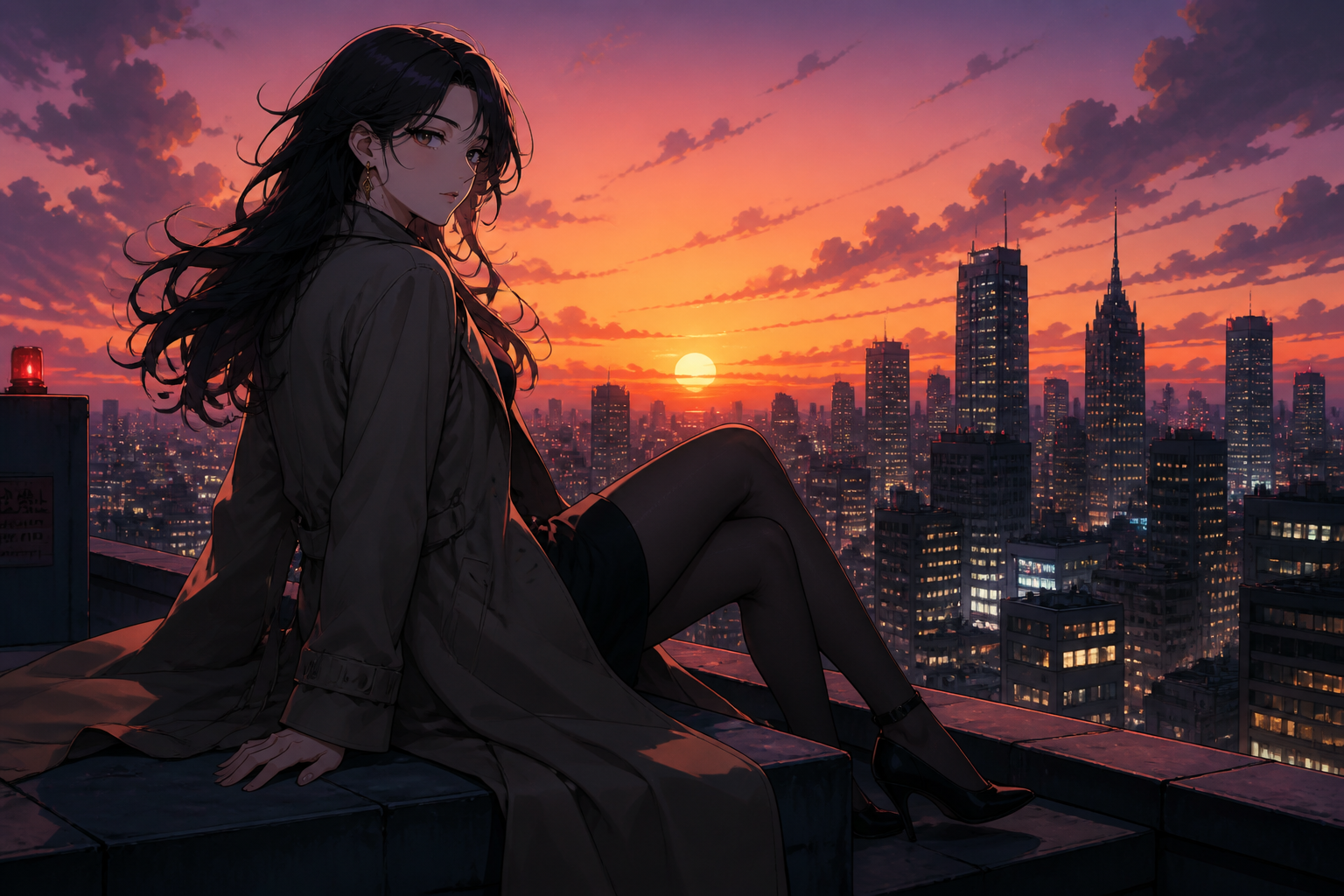
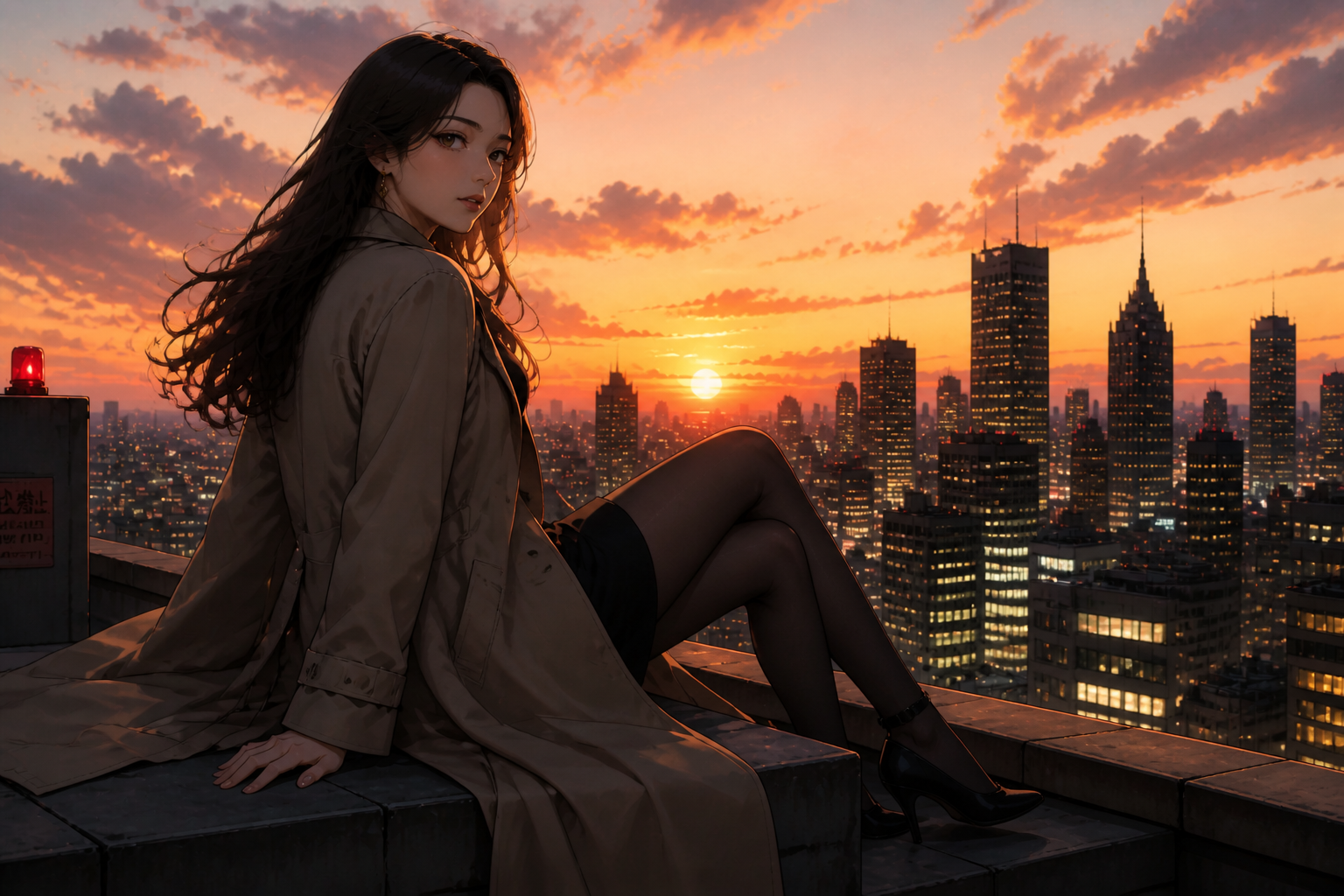
Keep the original composition
You do not need to rebuild the shot from scratch. The tool keeps the pose, camera angle, and scene layout while translating the artwork into a realistic image. That makes the result feel faithful to the source instead of becoming a loosely related new picture. It is much faster than manually repainting anatomy, lighting, and textures piece by piece.
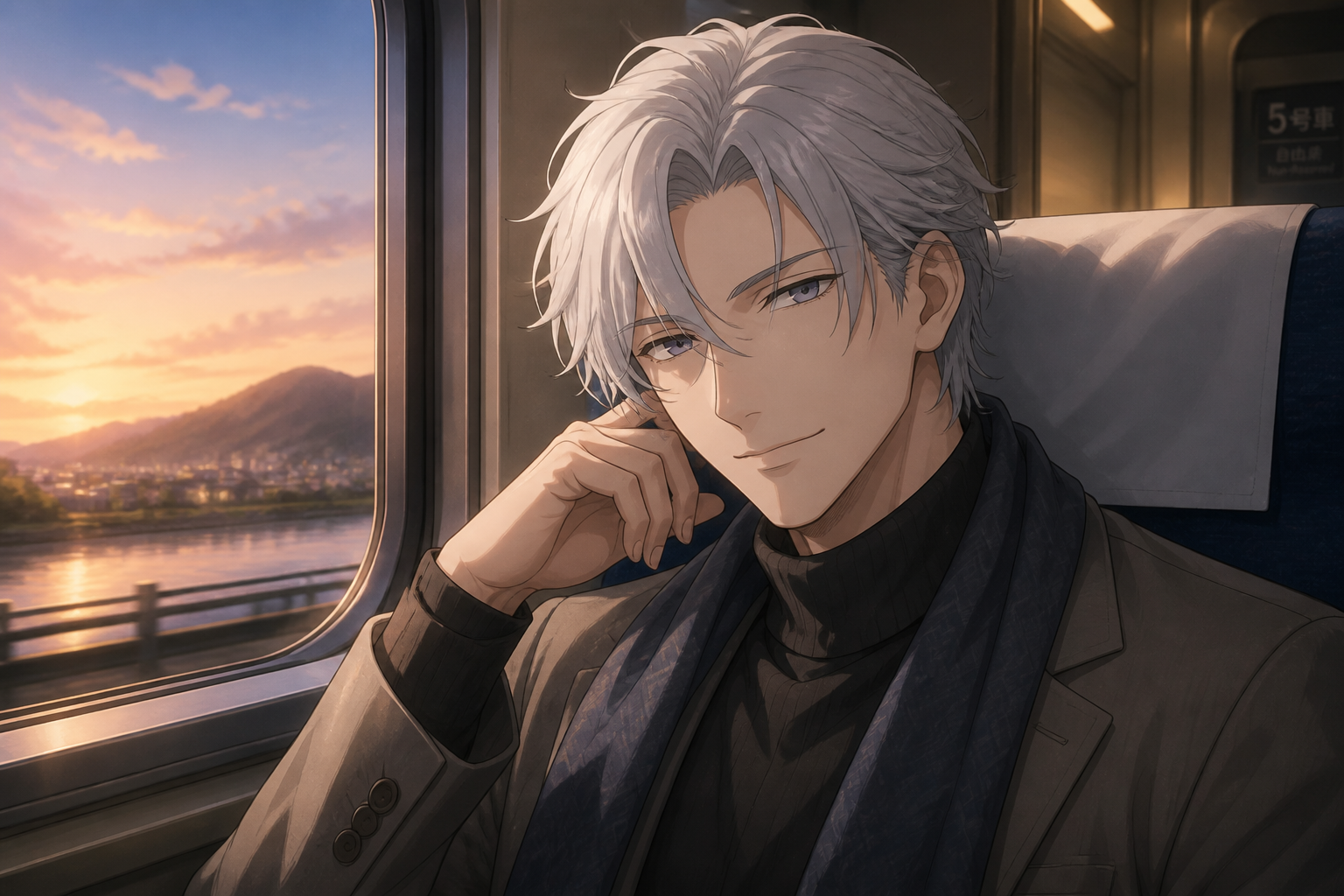
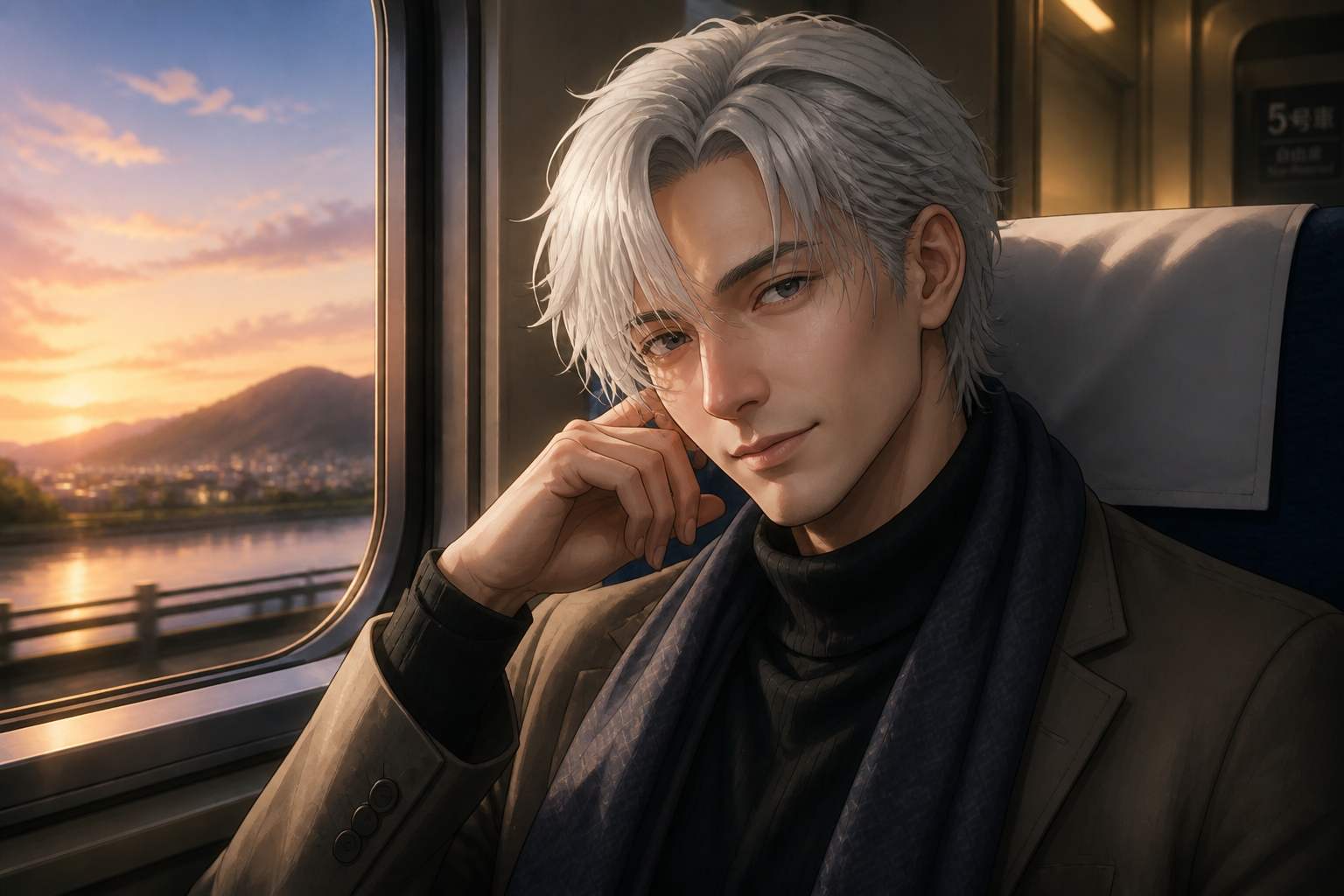
Faces look lifelike
Anime eyes, skin, and hair can be translated into believable human features without losing the character's expression. This is useful when you want a realistic portrait for mockups, storyboards, or social posts. Our AI focuses on readable facial structure and natural skin texture. Doing that by hand usually takes a lot of retouching skill and time.
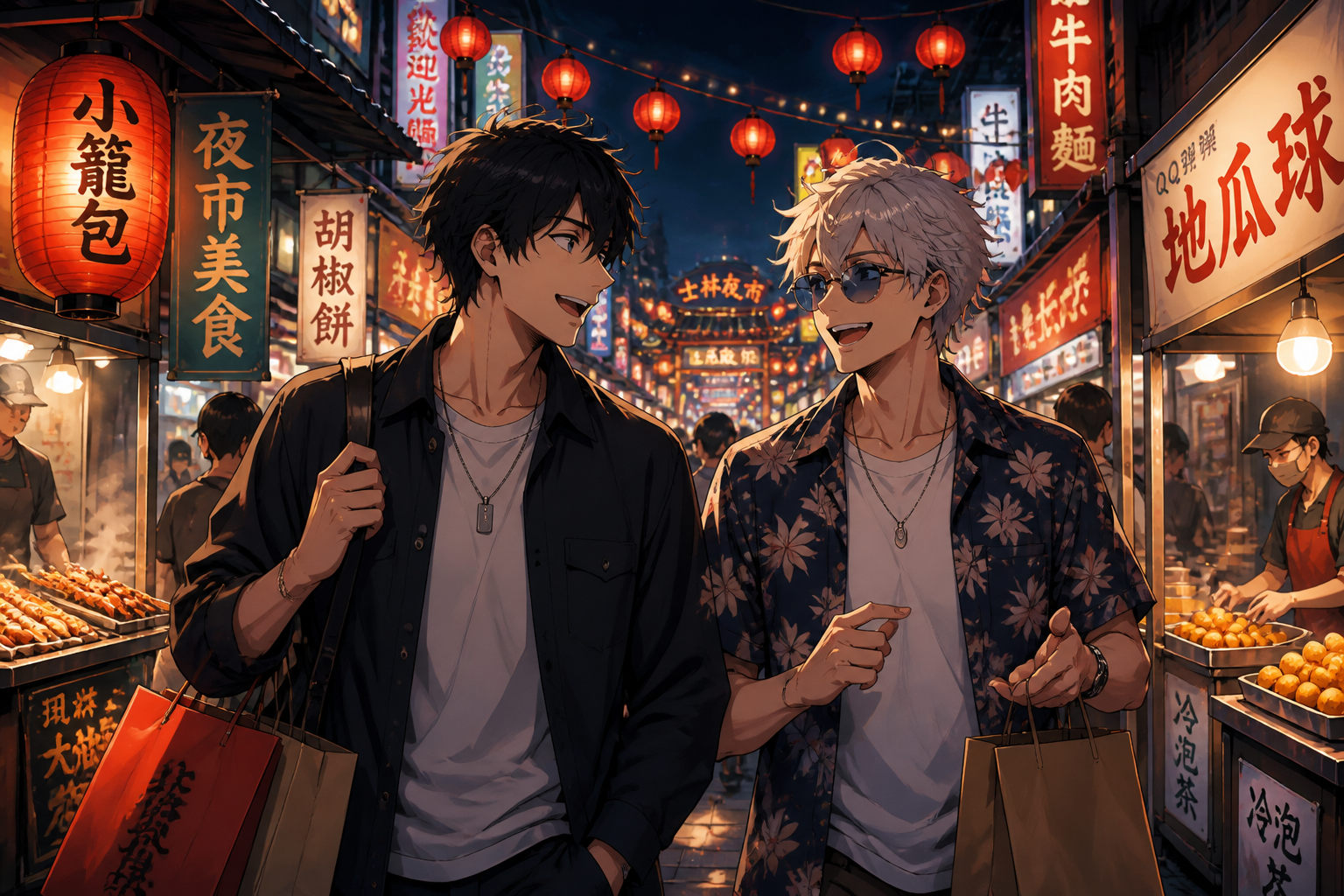
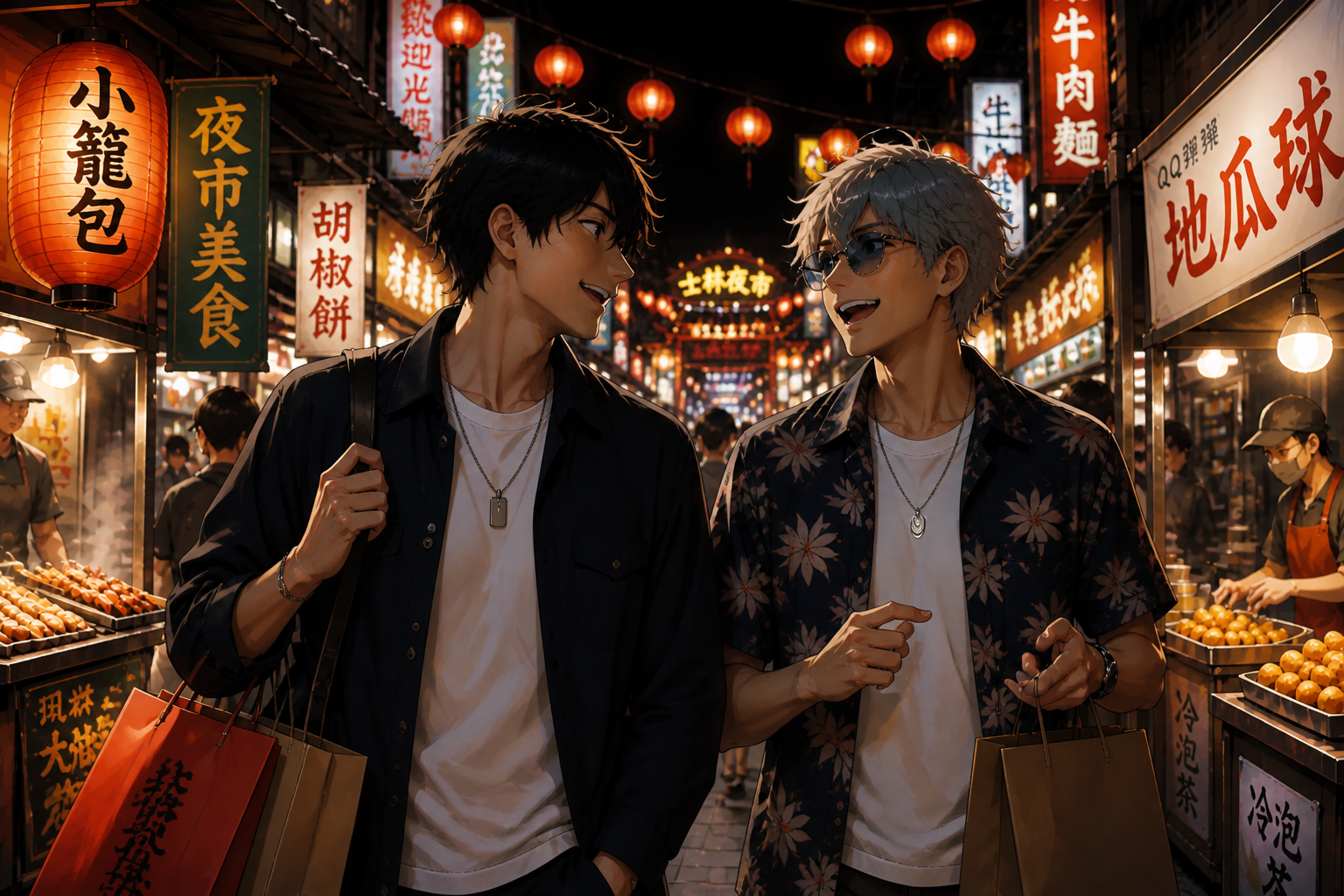
Works on scenes, not just heads
The converter can handle full environments like cafés, rooftops, streets, and interiors. It upgrades materials, lighting, and depth while preserving the original storytelling of the frame. That gives you realistic outputs that still feel like the same moment. Manual conversion of detailed backgrounds is usually where the workload explodes.
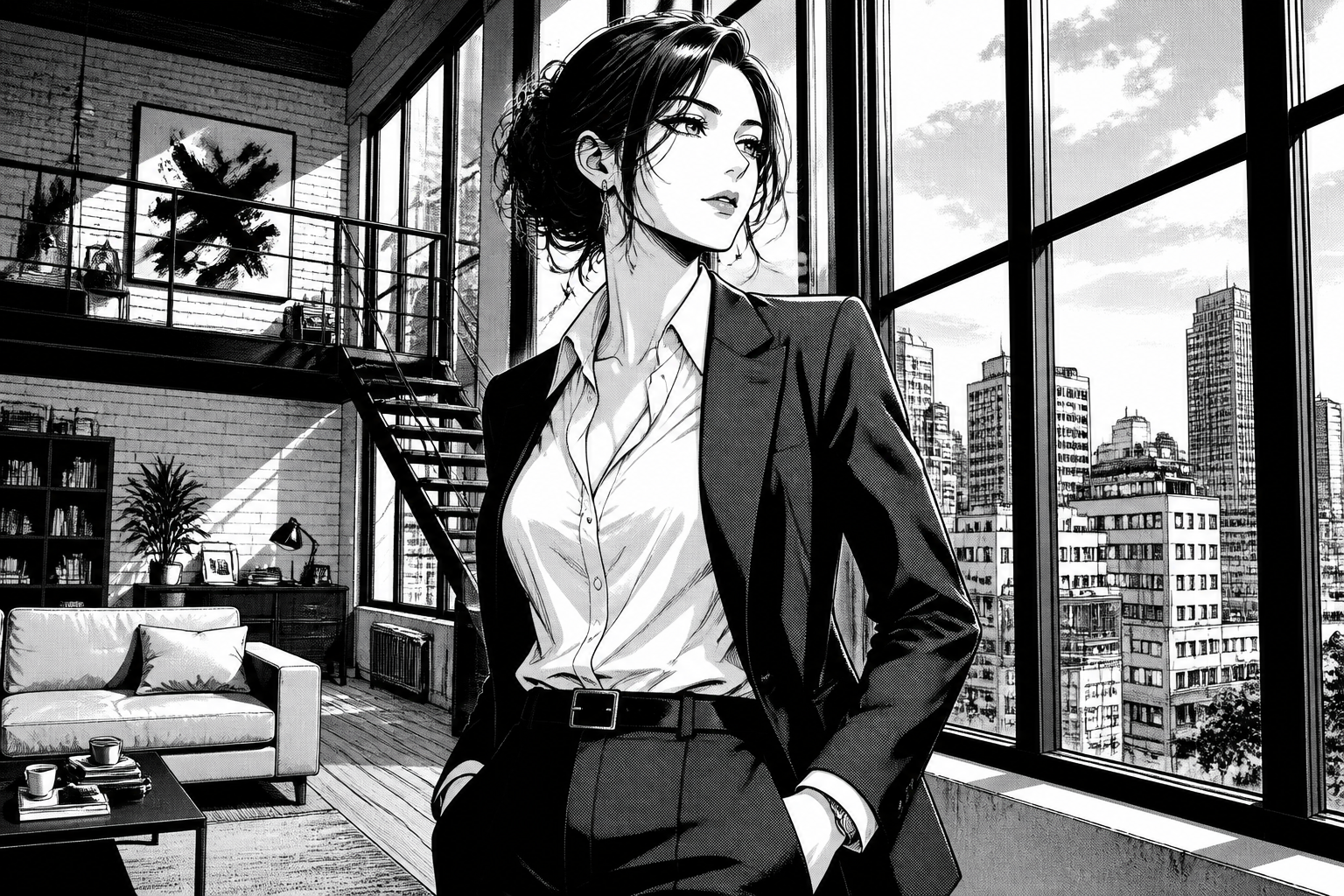
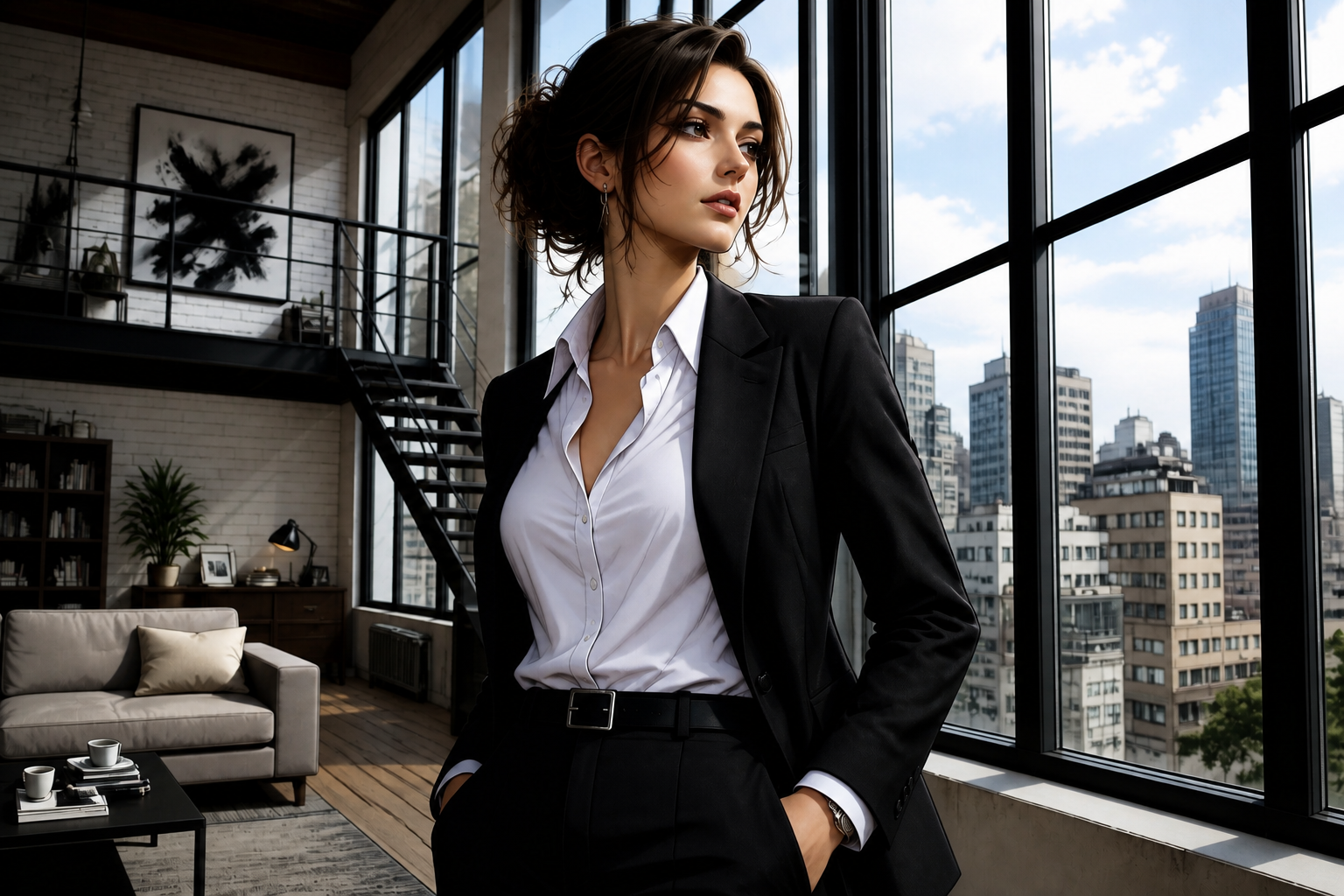
Useful for many visual styles
You can start from clean anime art, manga pages, or polished editorial-style illustrations. The tool turns each into a realistic result while holding onto the source layout and mood. That range is helpful for creators testing different concepts before committing to a final look. It saves time compared with redrawing every version by hand.
How It Works
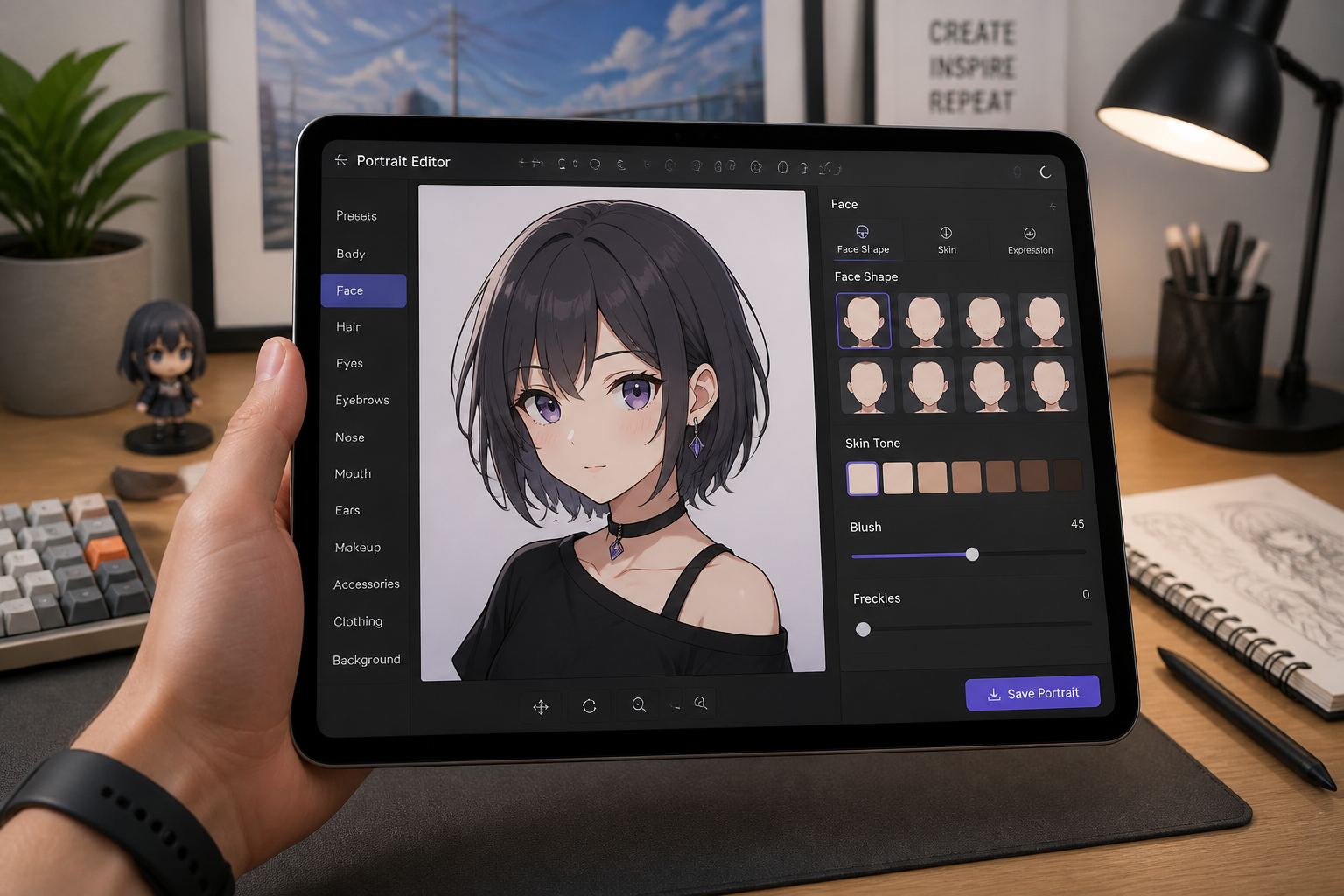
Upload your anime image
Start with an anime portrait, manga panel, or stylized scene. Pick an image with a clear subject and readable lighting for the strongest result.
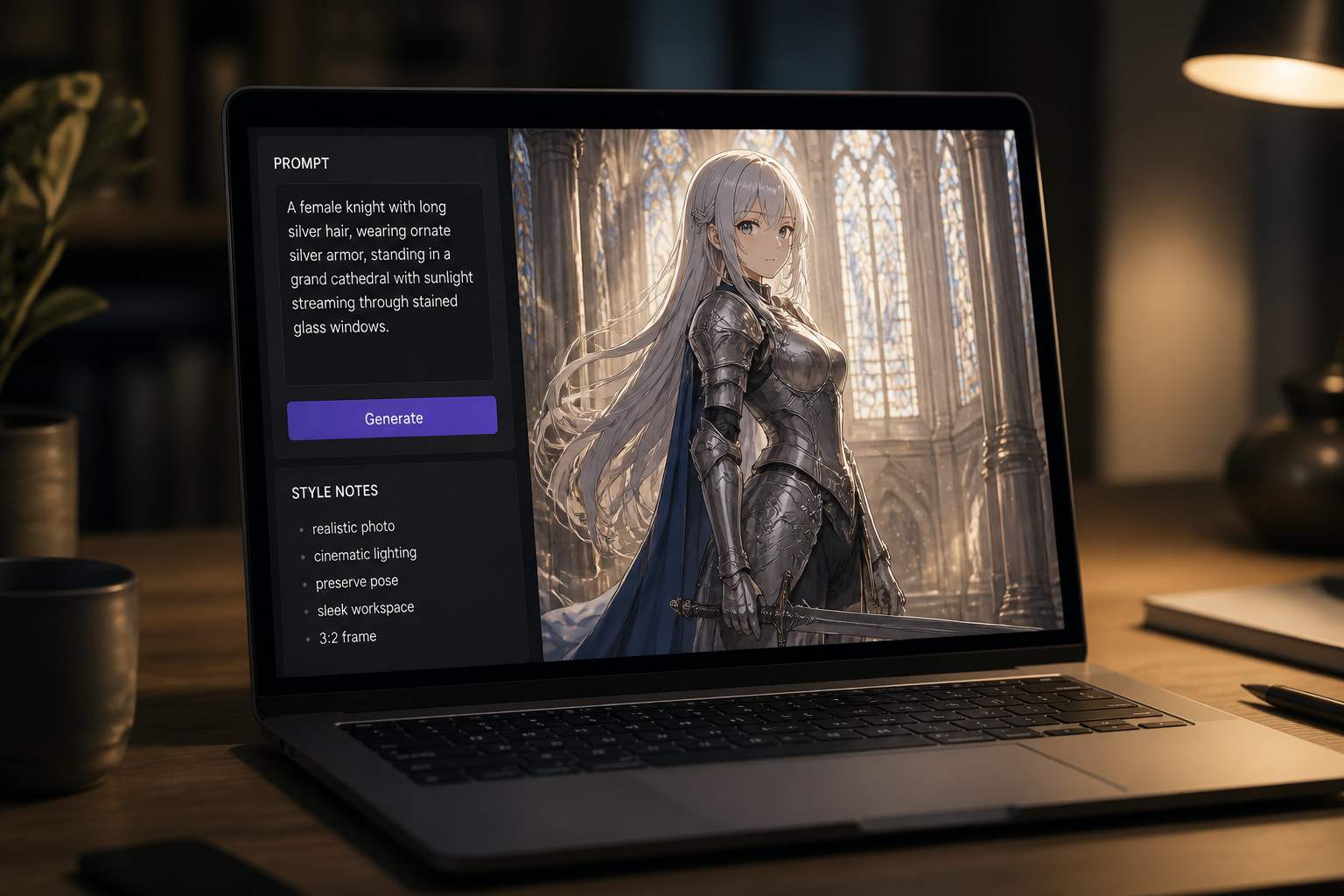
Describe the realistic look
Tell the editor to convert the image into a realistic photo while keeping the pose and composition. You can also add cues like cinematic, fashion, studio, or street photography.
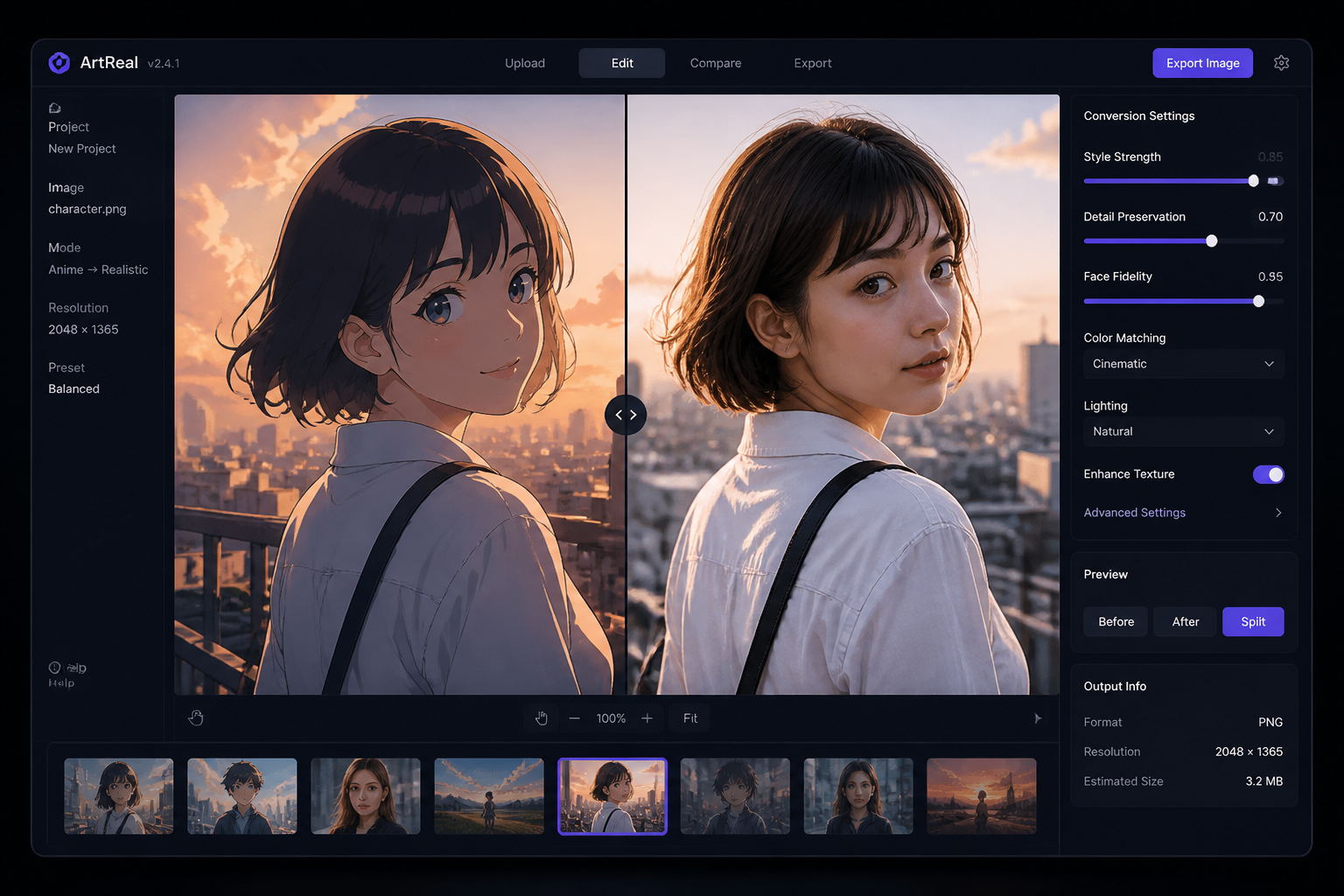
Compare and refine
Review the before and after side by side and adjust if needed. Try a stronger realistic look, different lighting, or a more photographic finish until it matches your goal.
Perfect For
Discover how creators and professionals use anime to realistic converter
Character concept previews
See how an illustrated character might look as a live-action person before moving into casting, costume, or promo planning.
Social content remixes
Turn anime-style posts into realistic variants for thumbnails, reels, and side-by-side transformation content.
Storyboarding and pitch decks
Convert stylized scenes into realistic frames for treatments, lookbooks, and visual references.
Profile and poster experiments
Test realistic versions of portraits and scenes for posters, covers, mock campaigns, or personal creative projects.
Built For
Anime artists
Translate your illustration into a realistic image to test how the same character or scene reads in a photo-based style.
Content creators
Make eye-catching before and after visuals for social posts, videos, and audience engagement.
Designers and storytellers
Create realistic references from stylized art for moodboards, pitch materials, and visual development.
Why use this converter
A quick look at how we compare on the things that matter for this niche.
| Feature | BudgetPixel | Generic AI editors | Manual editing apps |
|---|---|---|---|
| Anime-to-realistic conversion | ✓ | ✓ | — |
| Keeps original composition | ✓ | — | — |
| Fast style translation | ✓ | ✓ | — |
| No advanced retouching skills needed | ✓ | ✓ | — |
Frequently Asked Questions
What kind of images work best?
Will it keep the same pose and composition?
Can I convert manga panels too?
Does it only work for faces?
How do I get a more believable result?
Create together.
Share your creations, discover trending AI art, and grow with fellow creators.