Photo to Caricature Generator
Turn portraits into bold, playful caricatures in a few clicks.
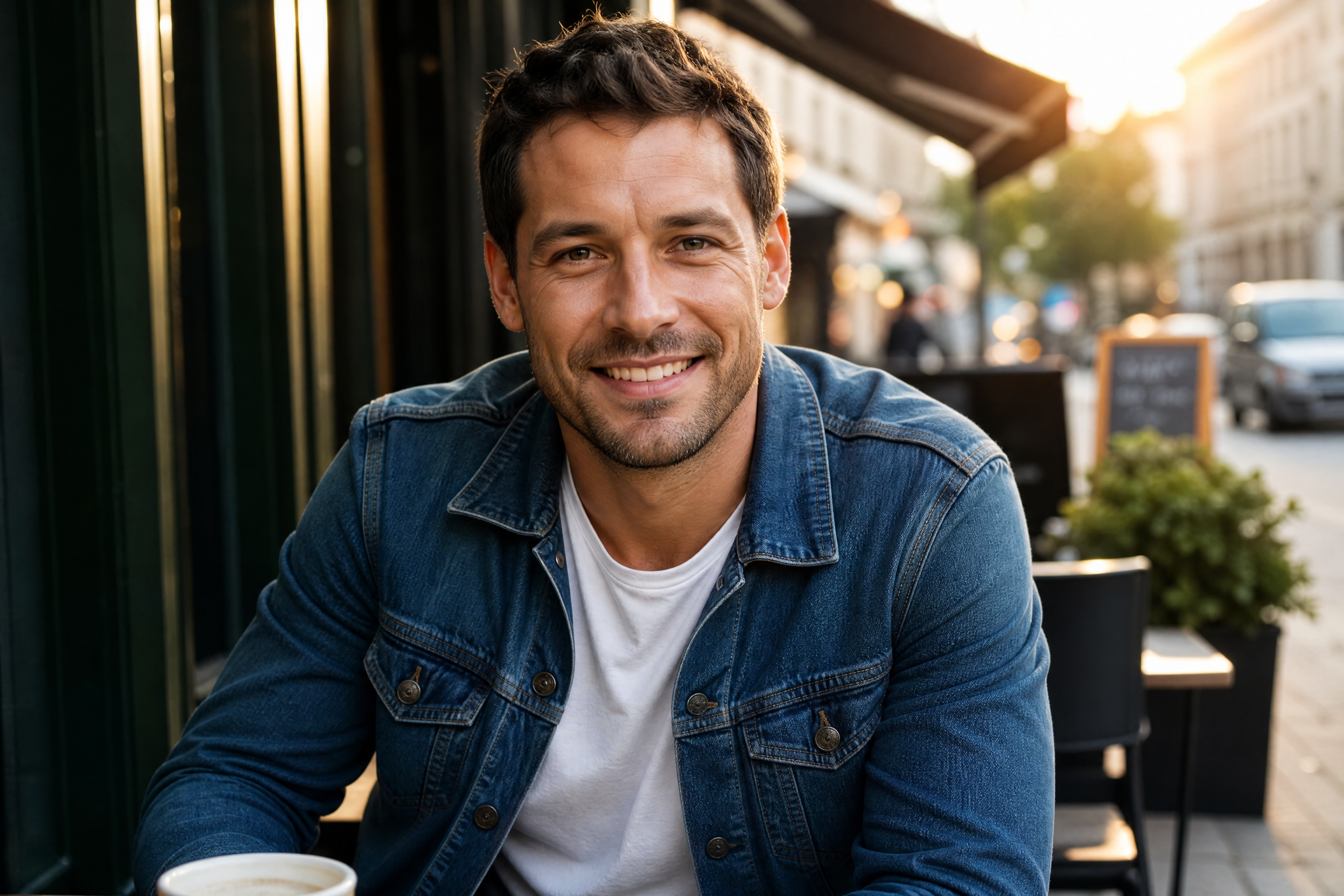
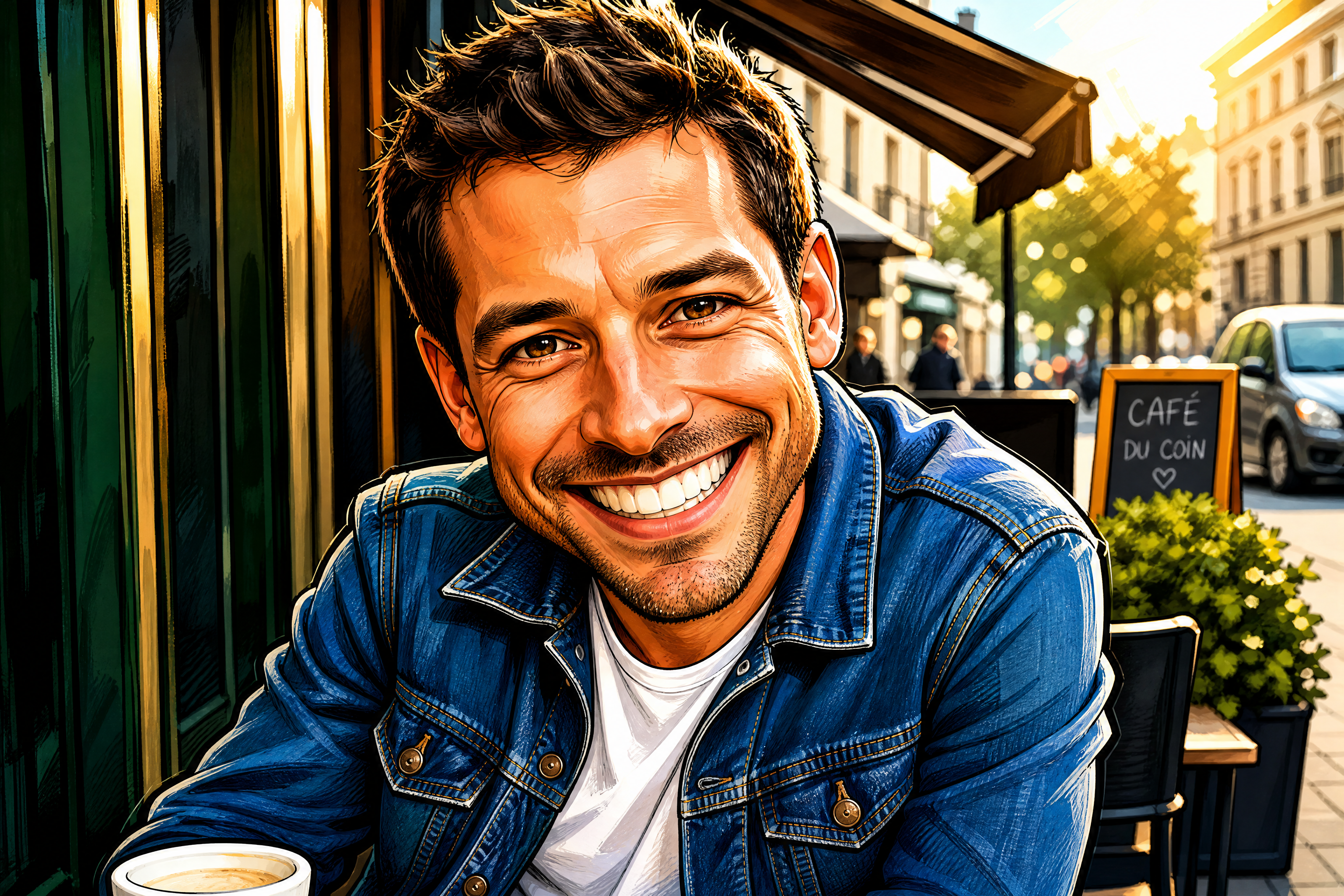
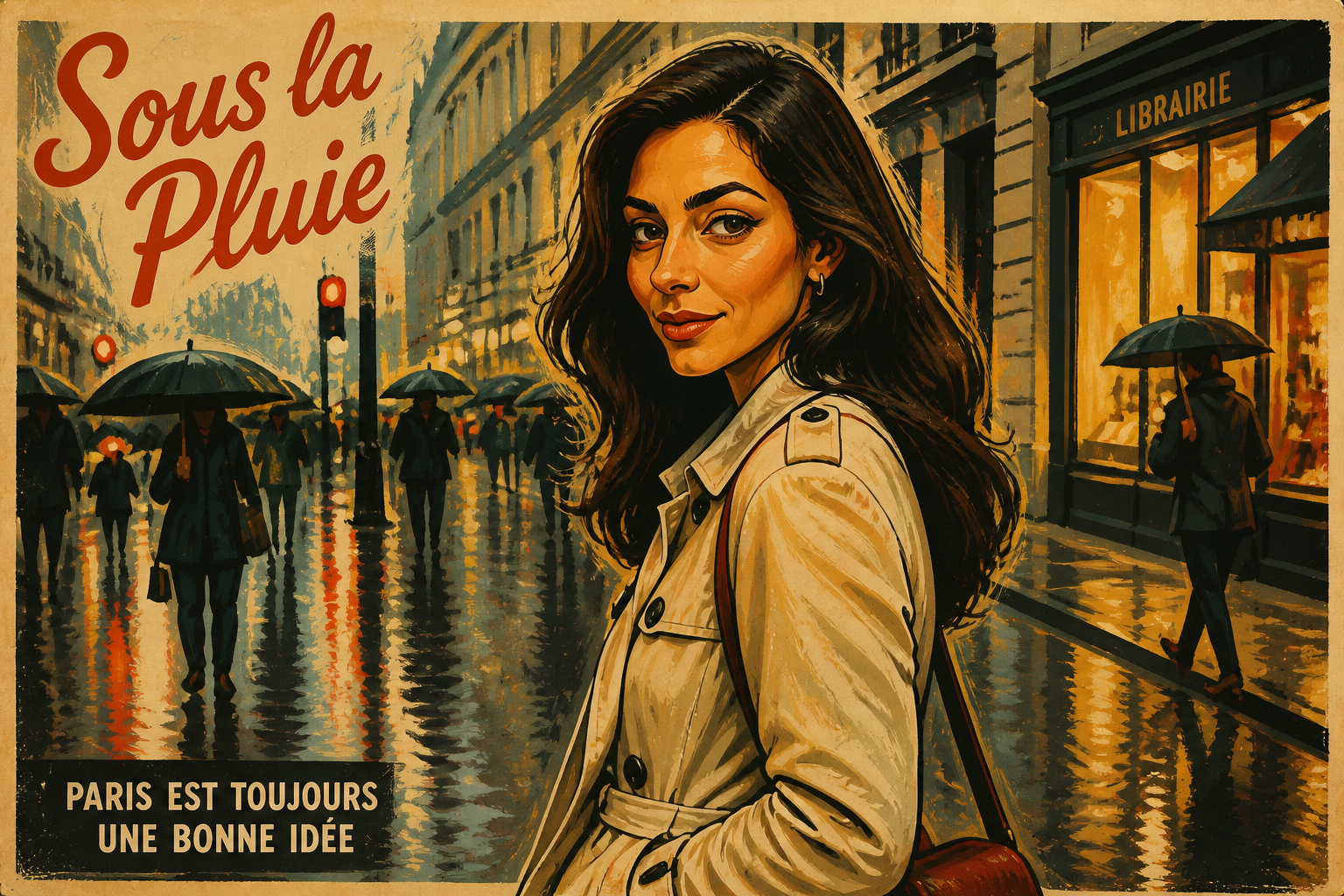
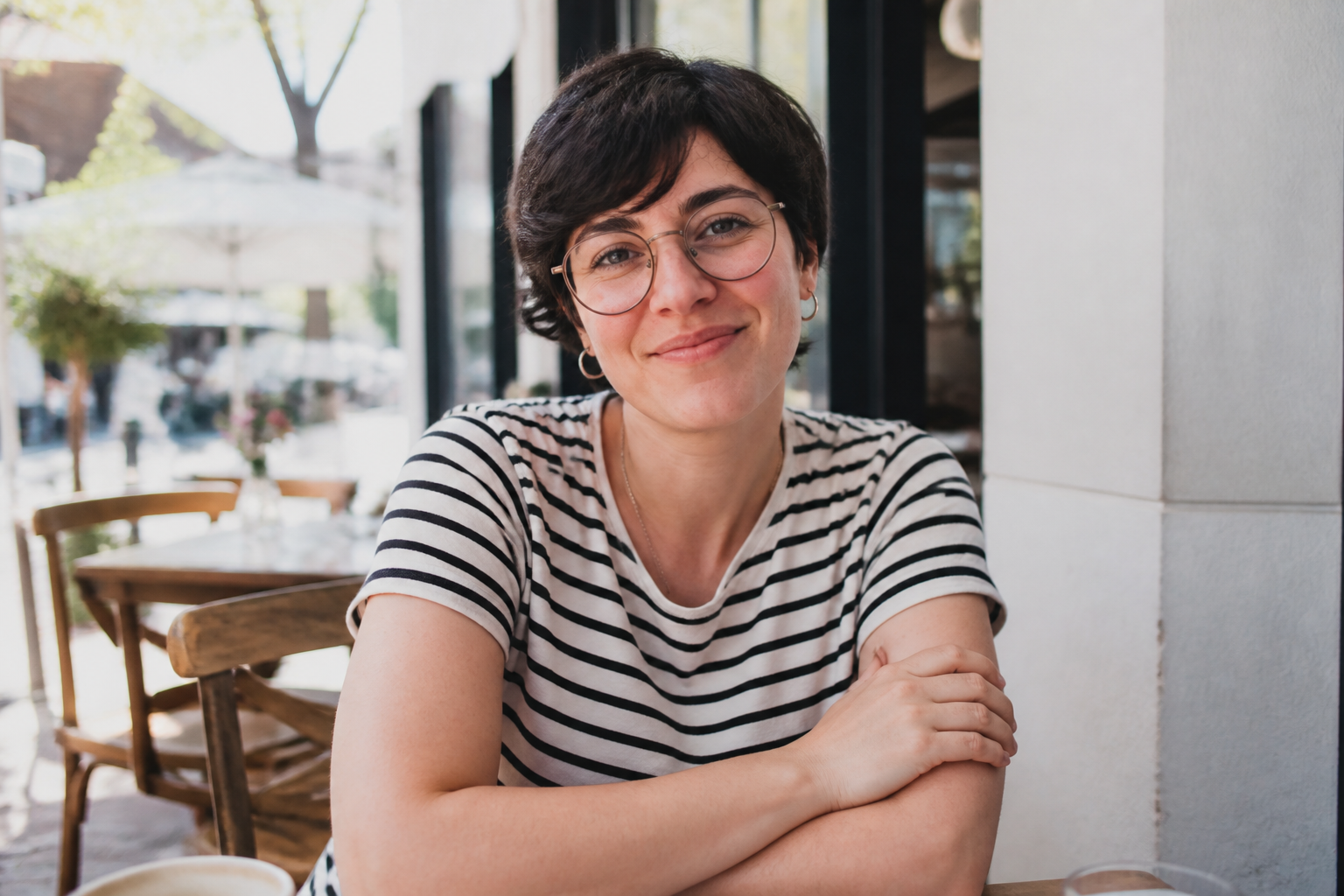
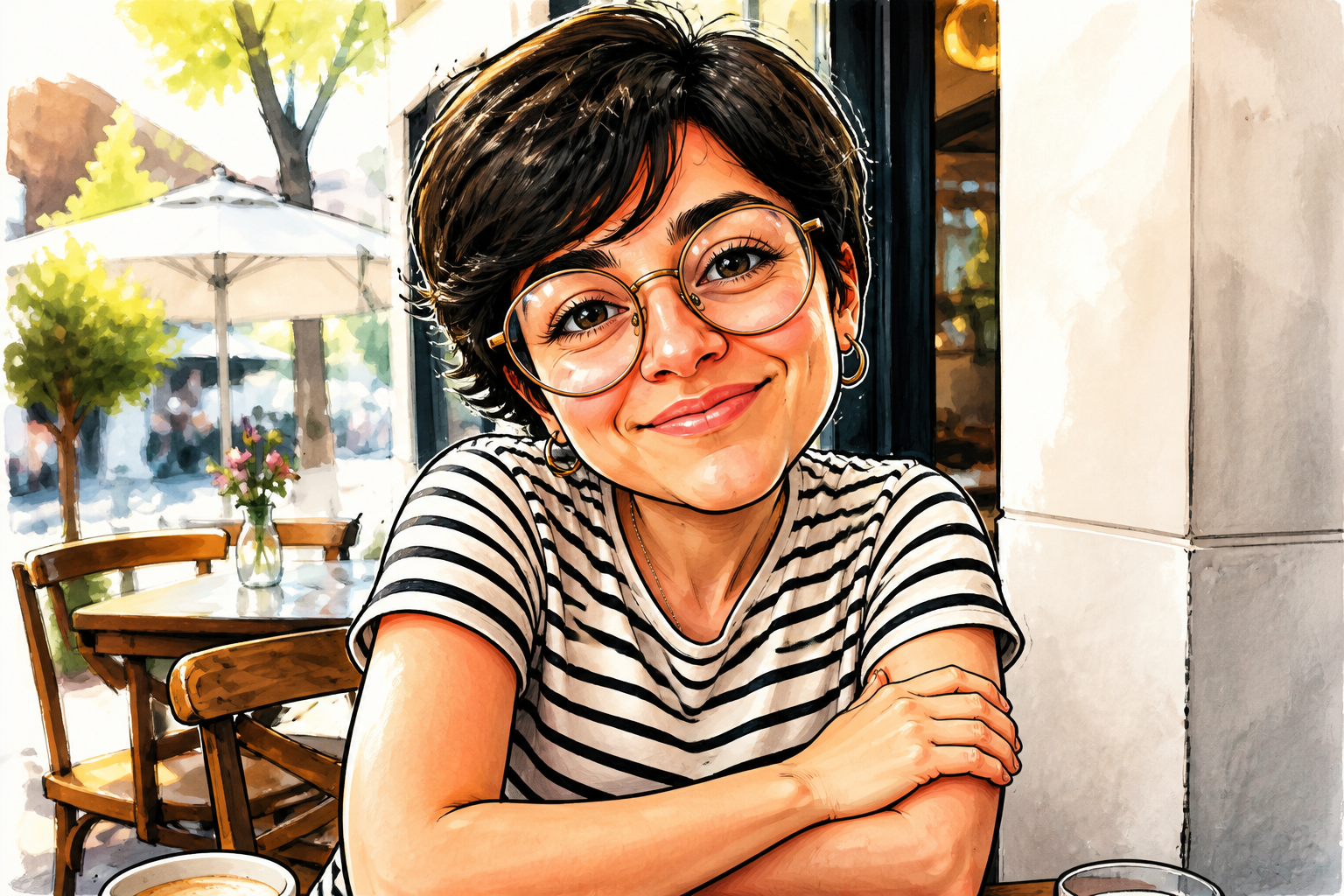
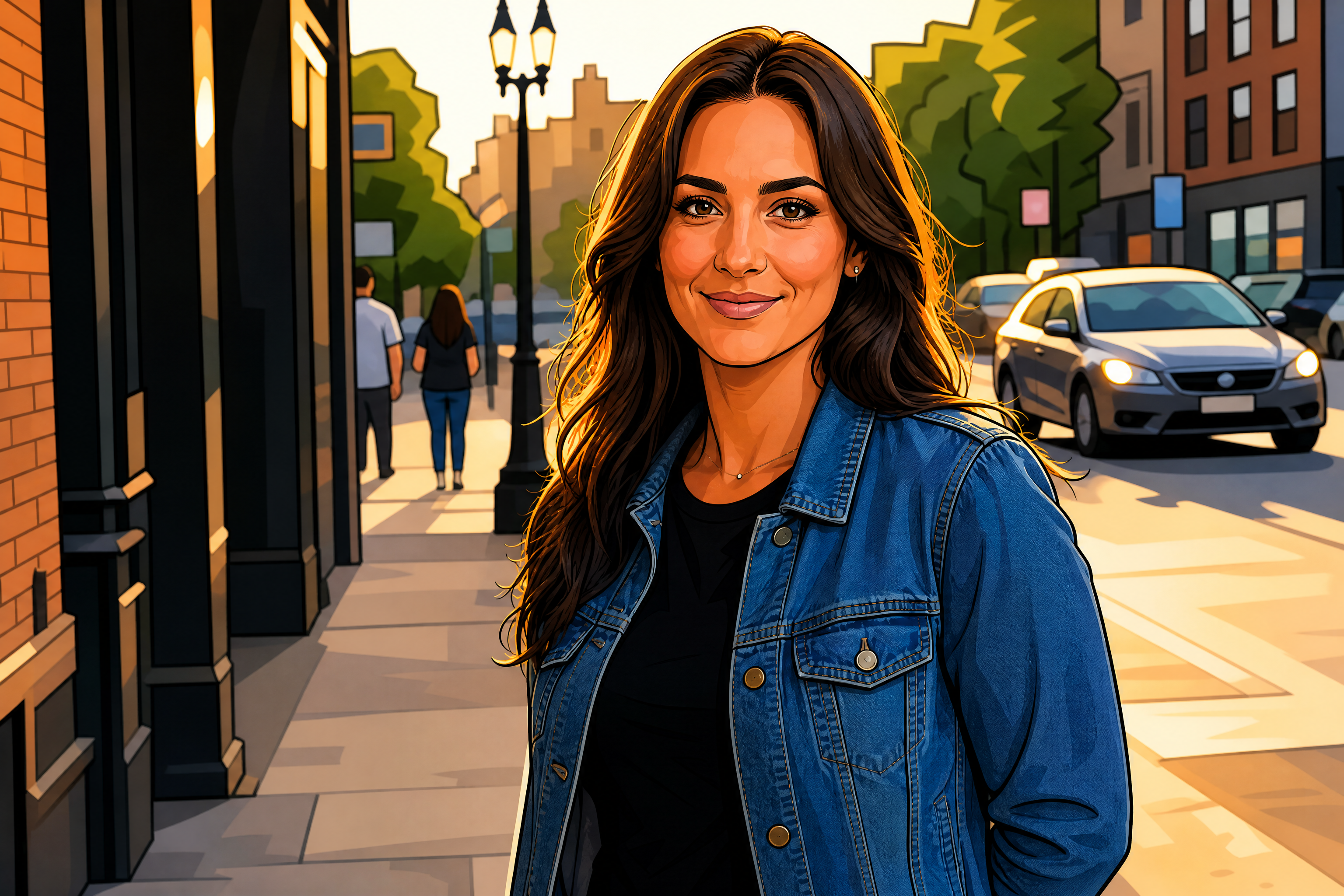
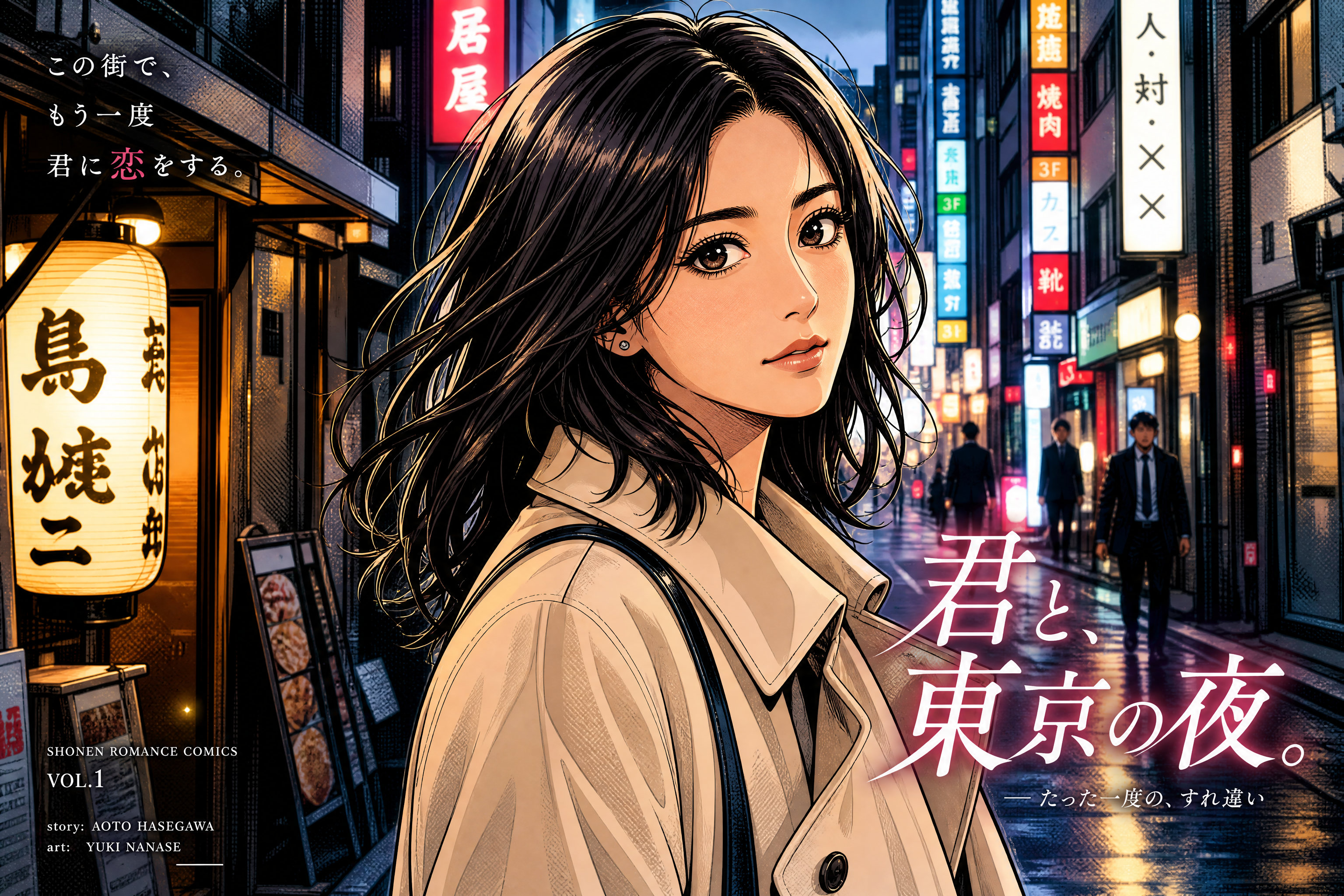
Upload a photo and turn it into a caricature with exaggerated features, expressive lines, and a strong illustrated look. Our AI keeps the subject recognizable while pushing the style far enough to feel fun, shareable, and clear at a glance.
Watch the Transformation
See photo to caricature generator in motion — generated end-to-end by our AI.
See It In Action
Real outputs from photo to caricature generator.
BEFOREAFTER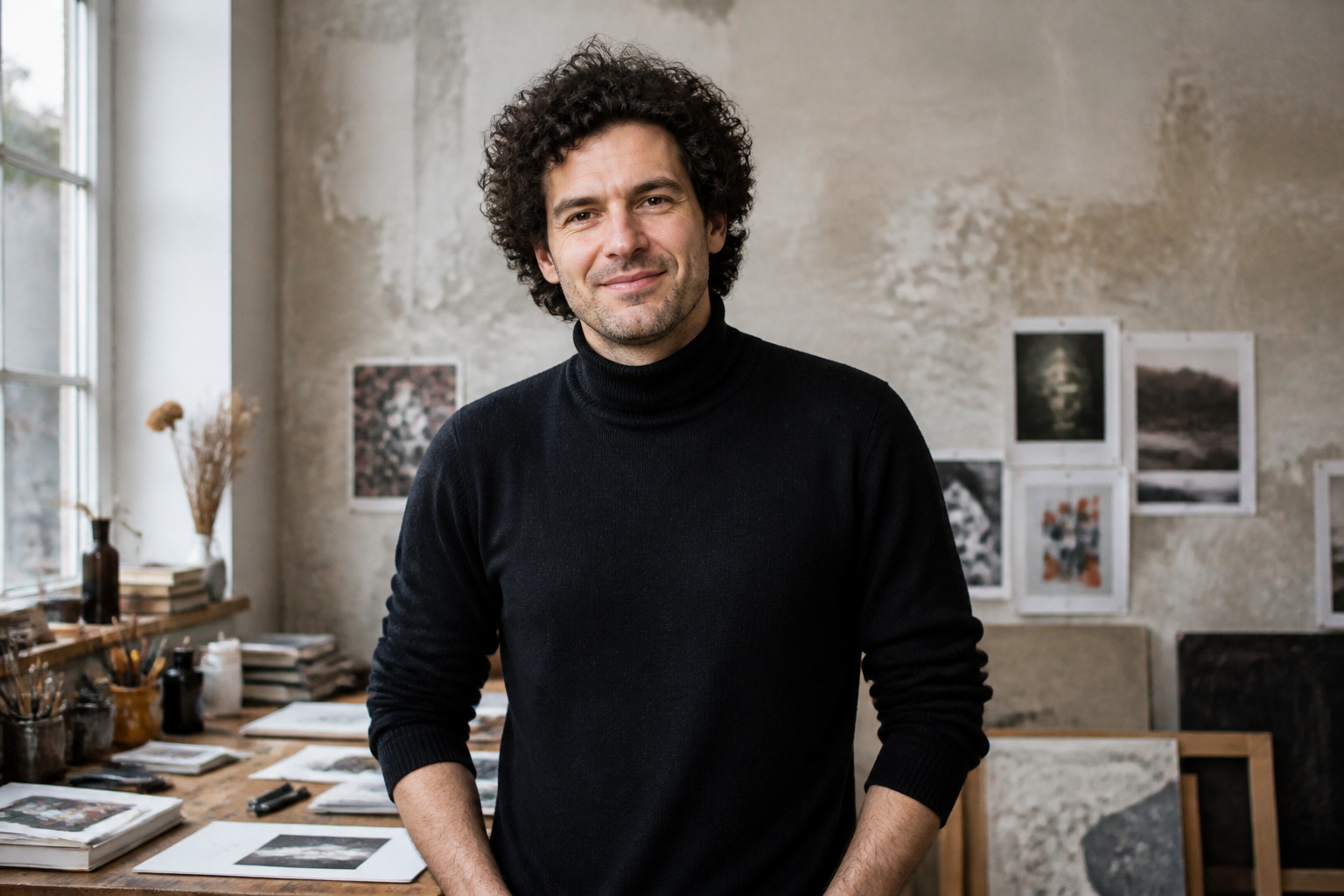 BEFORE
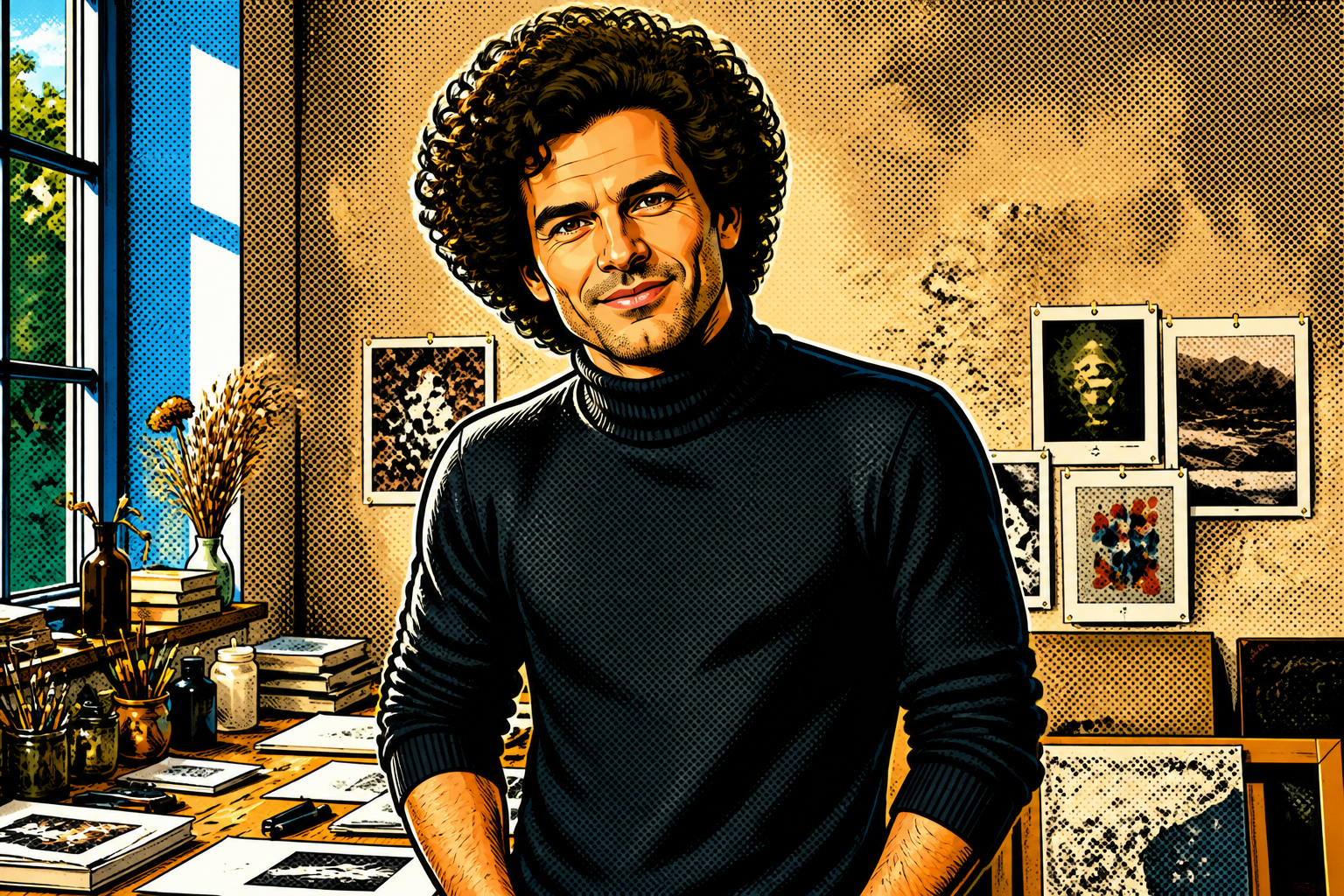 AFTER
AFTER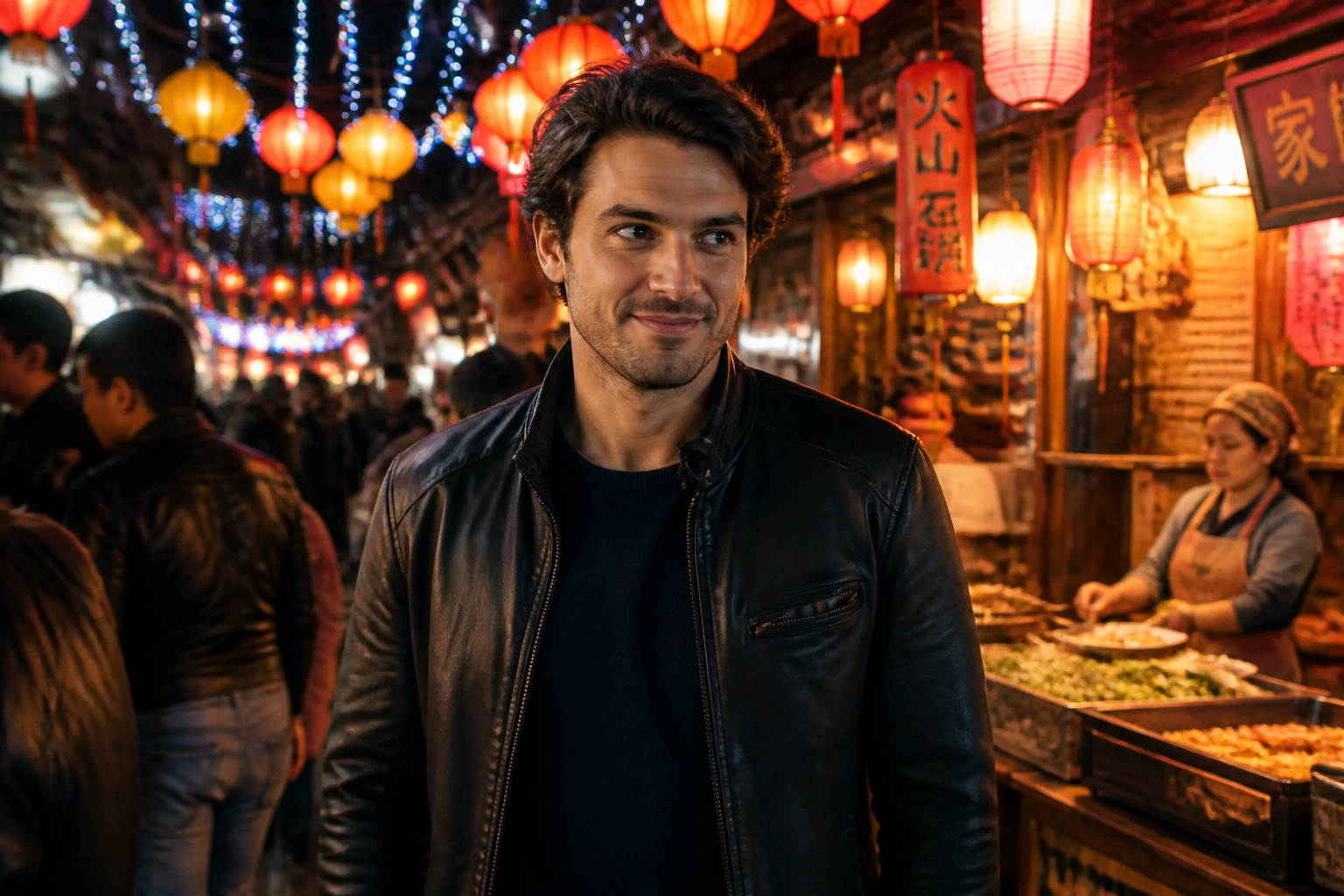 BEFORE
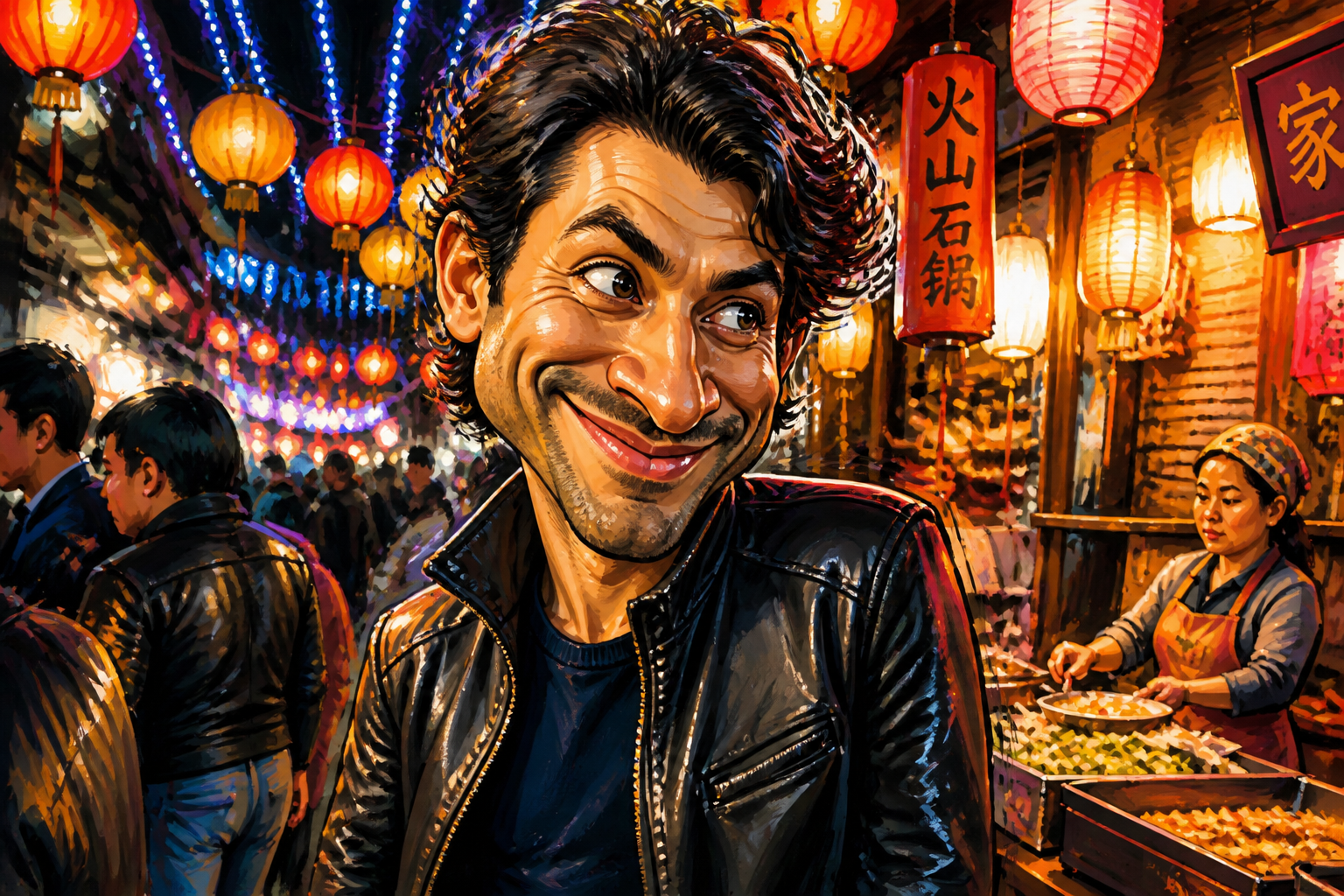 AFTER
AFTER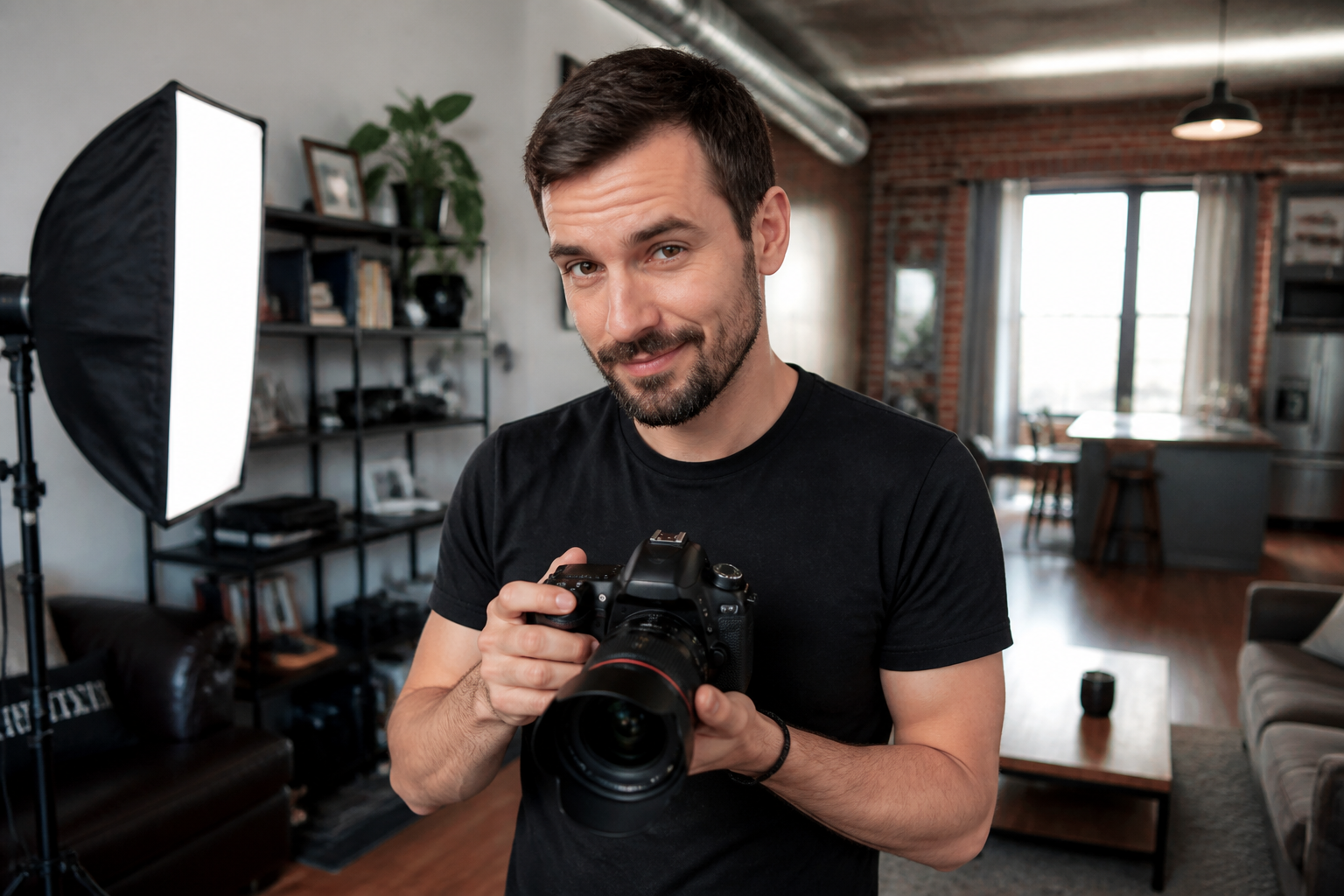 BEFORE
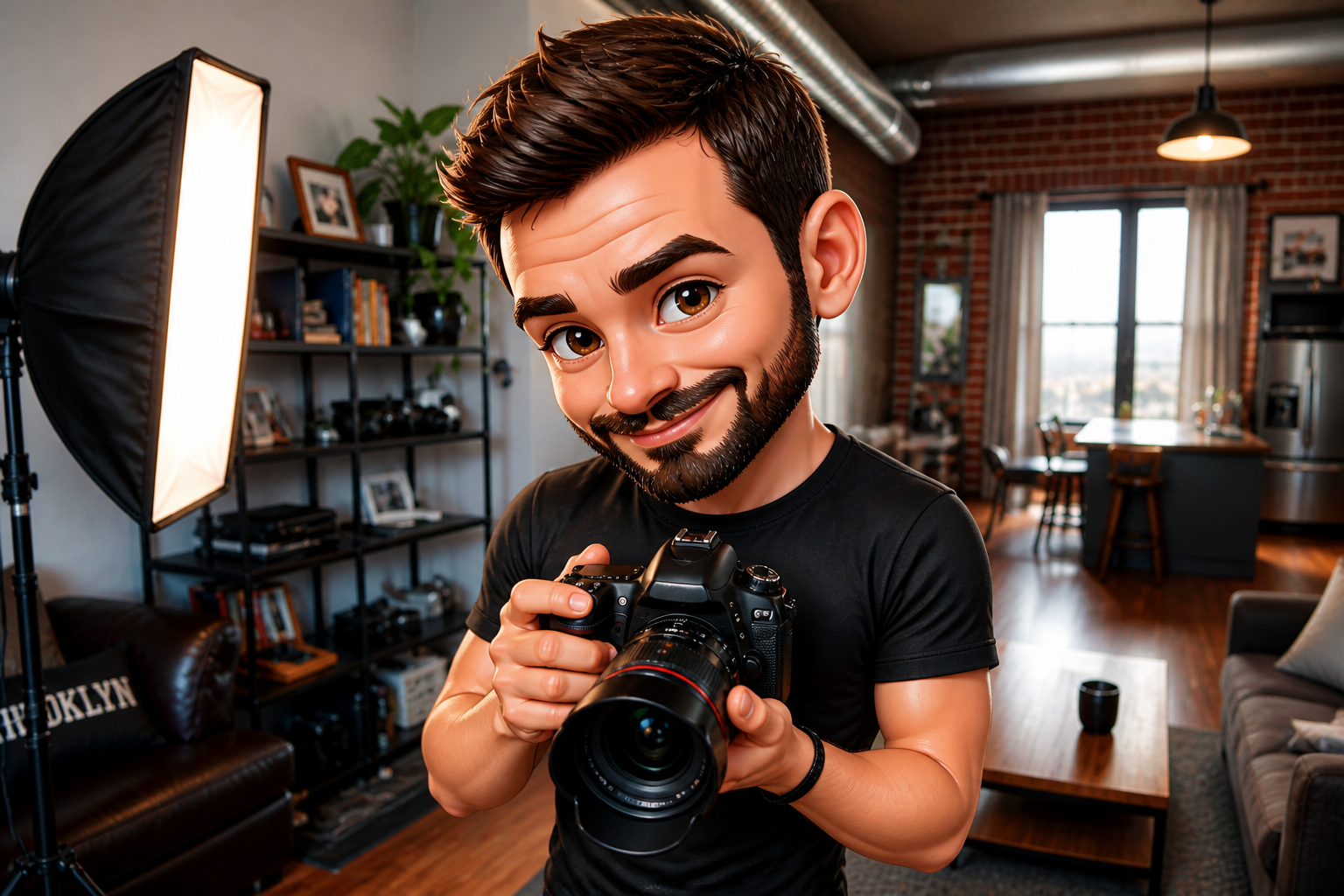 AFTER
AFTER BEFORE
 AFTERBEFOREAFTERBEFOREAFTERBEFOREAFTERBEFOREAFTERBEFOREAFTER
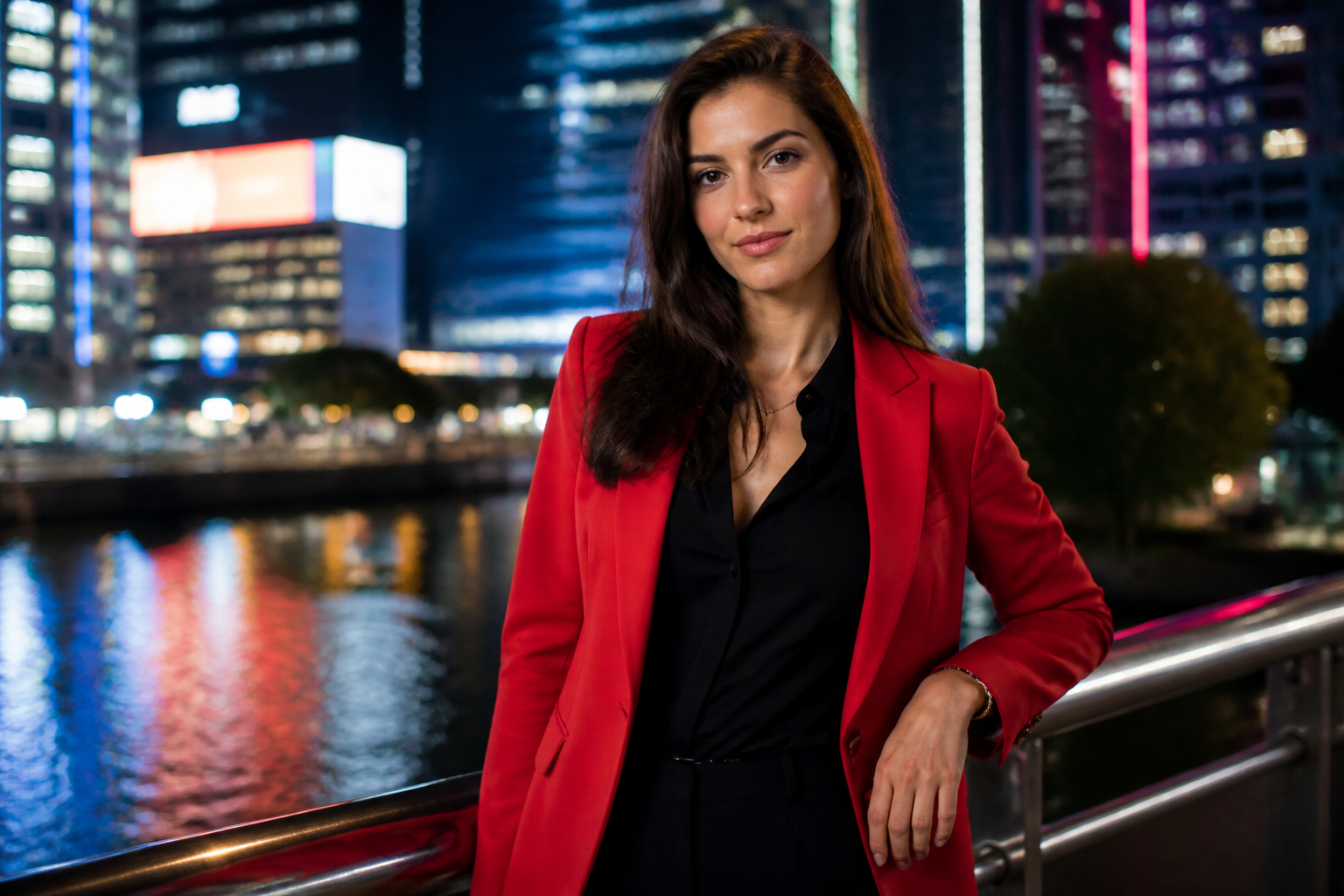 BEFORE
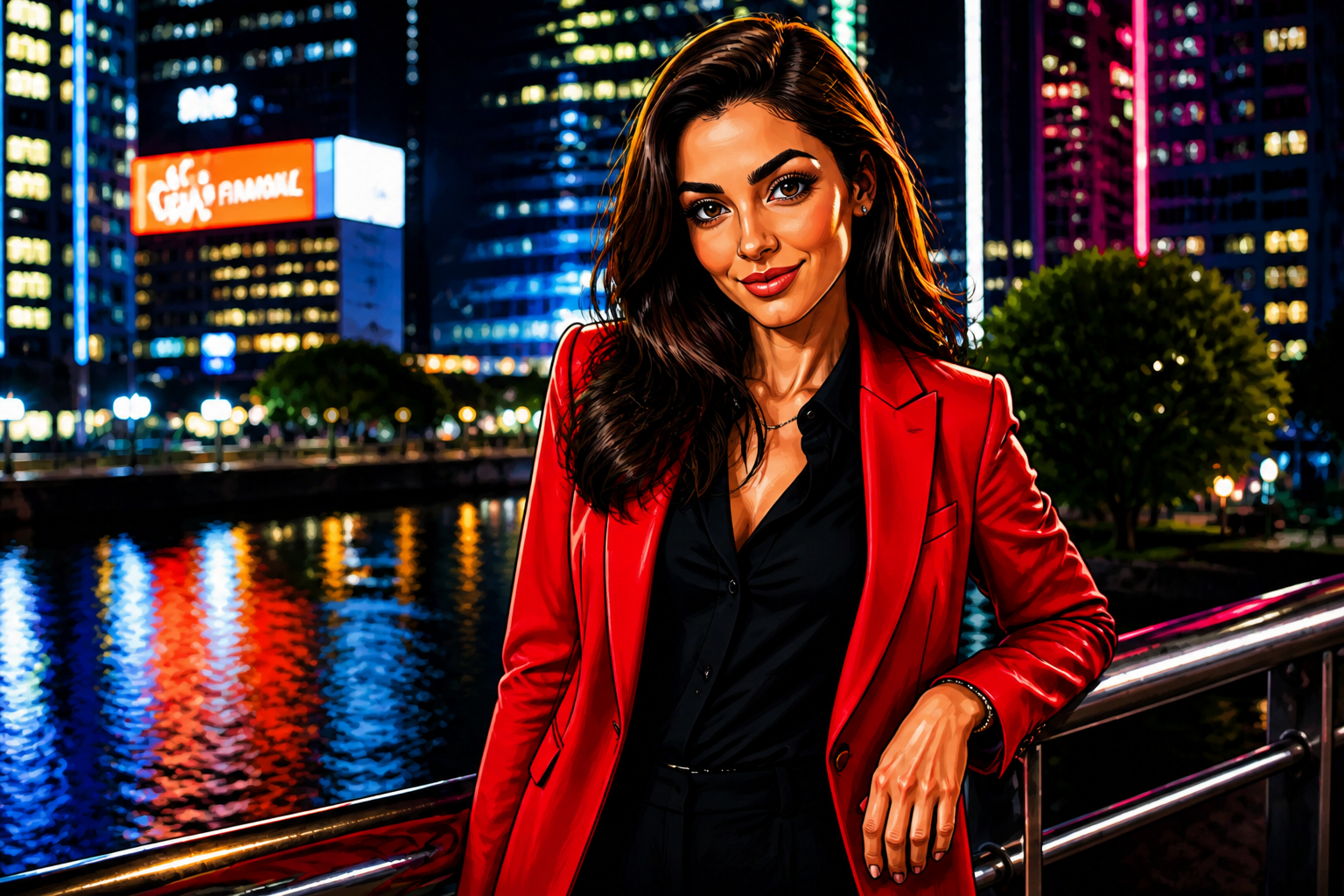 AFTER
AFTER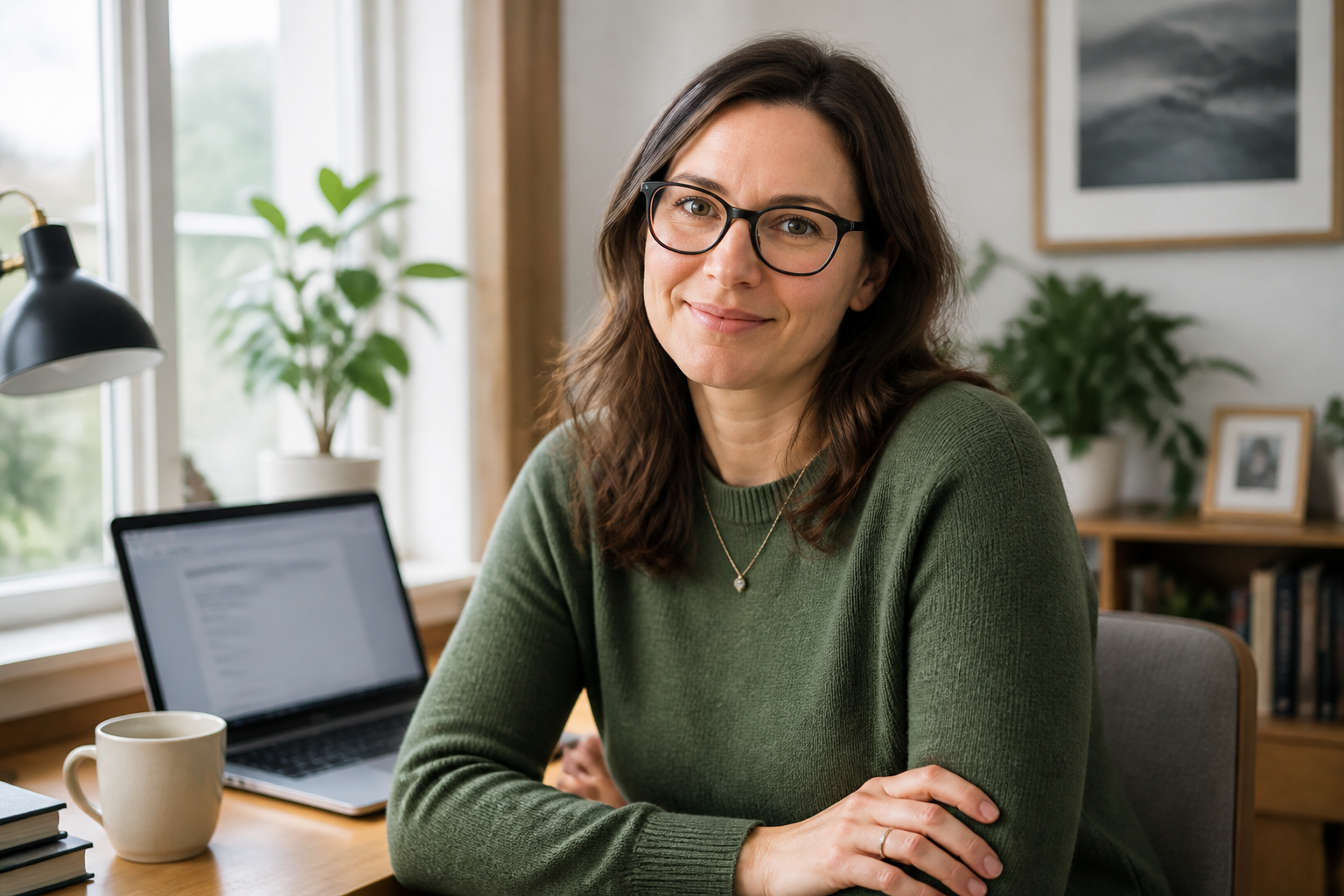 BEFORE
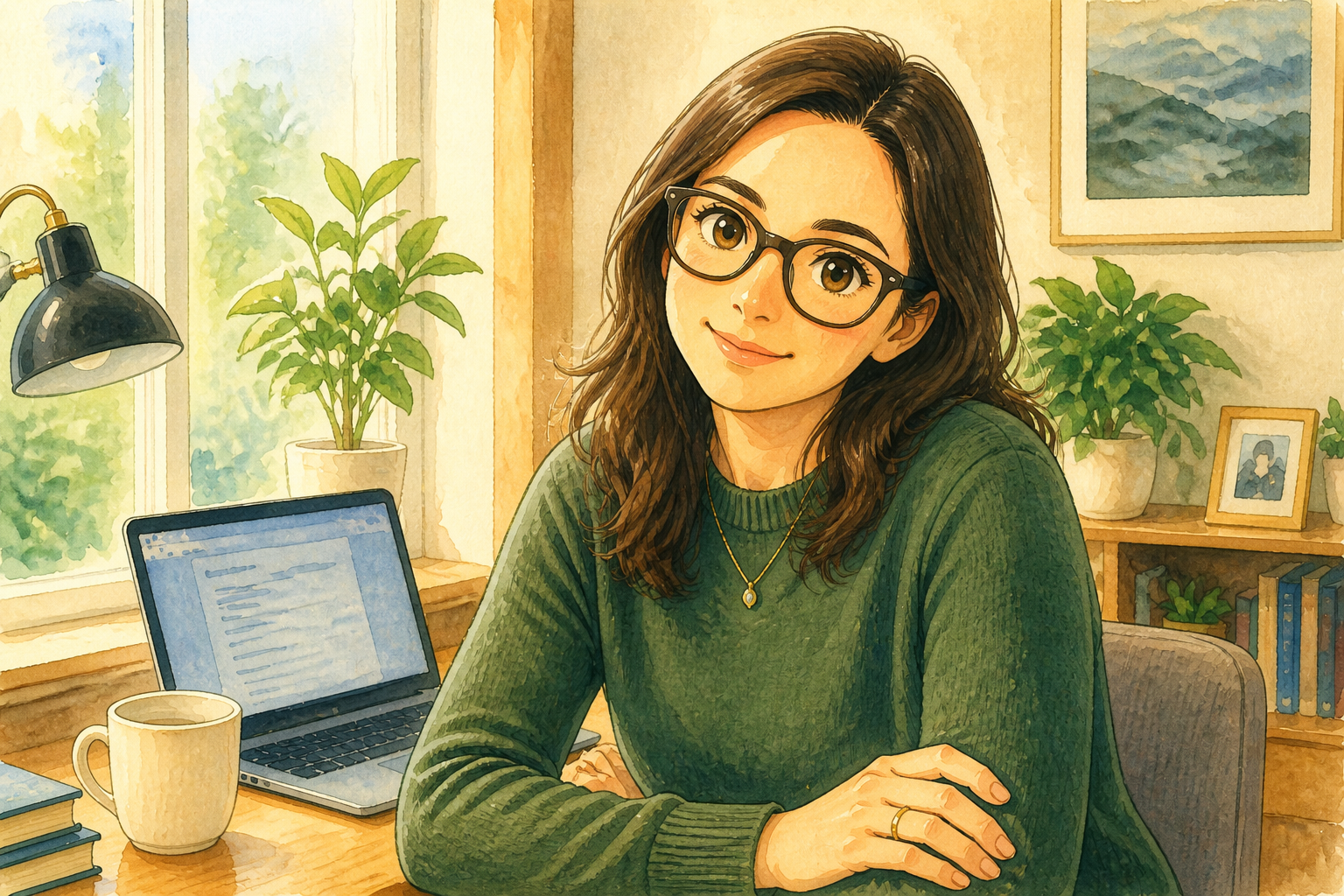 AFTER
AFTER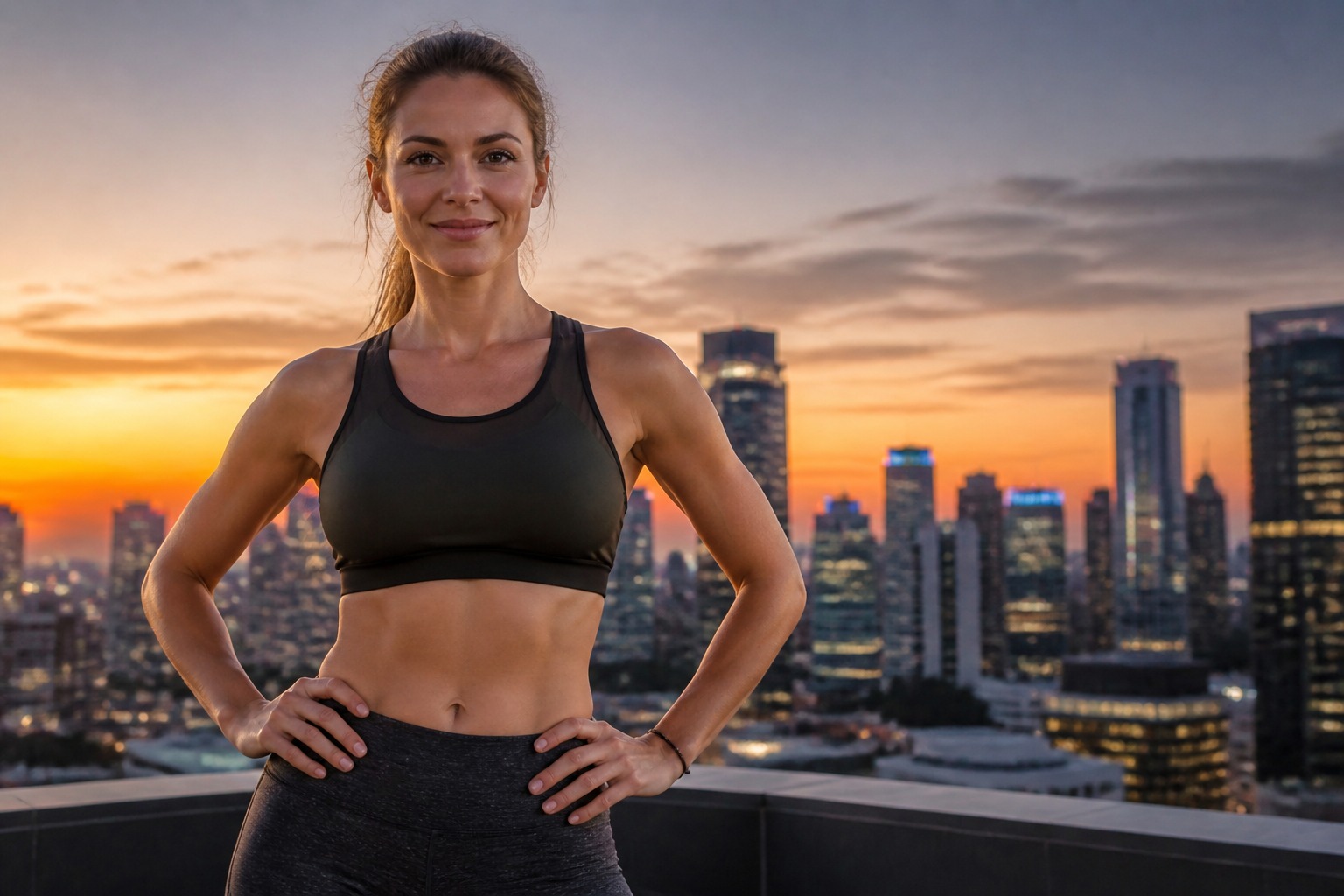 BEFORE
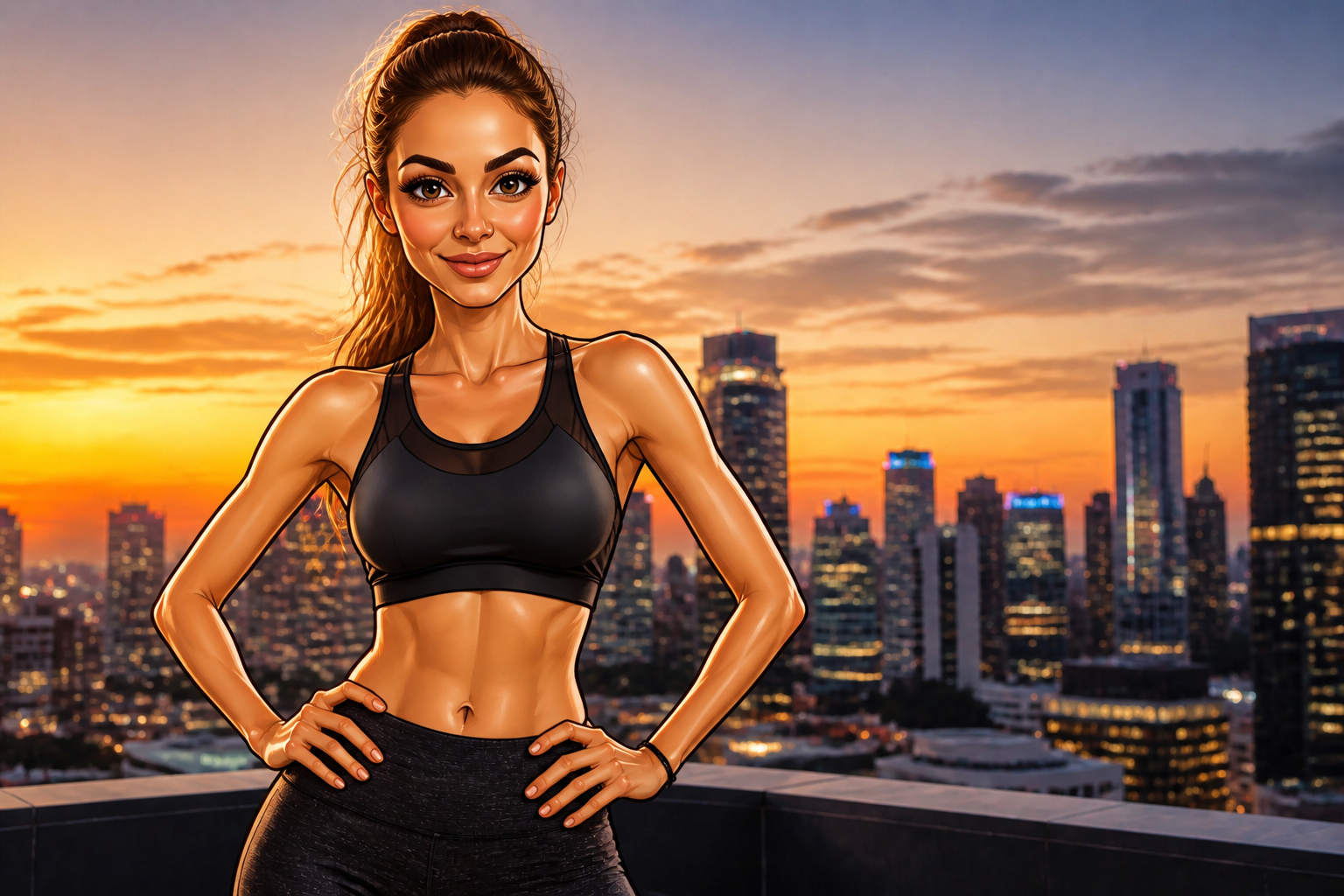 AFTER
AFTER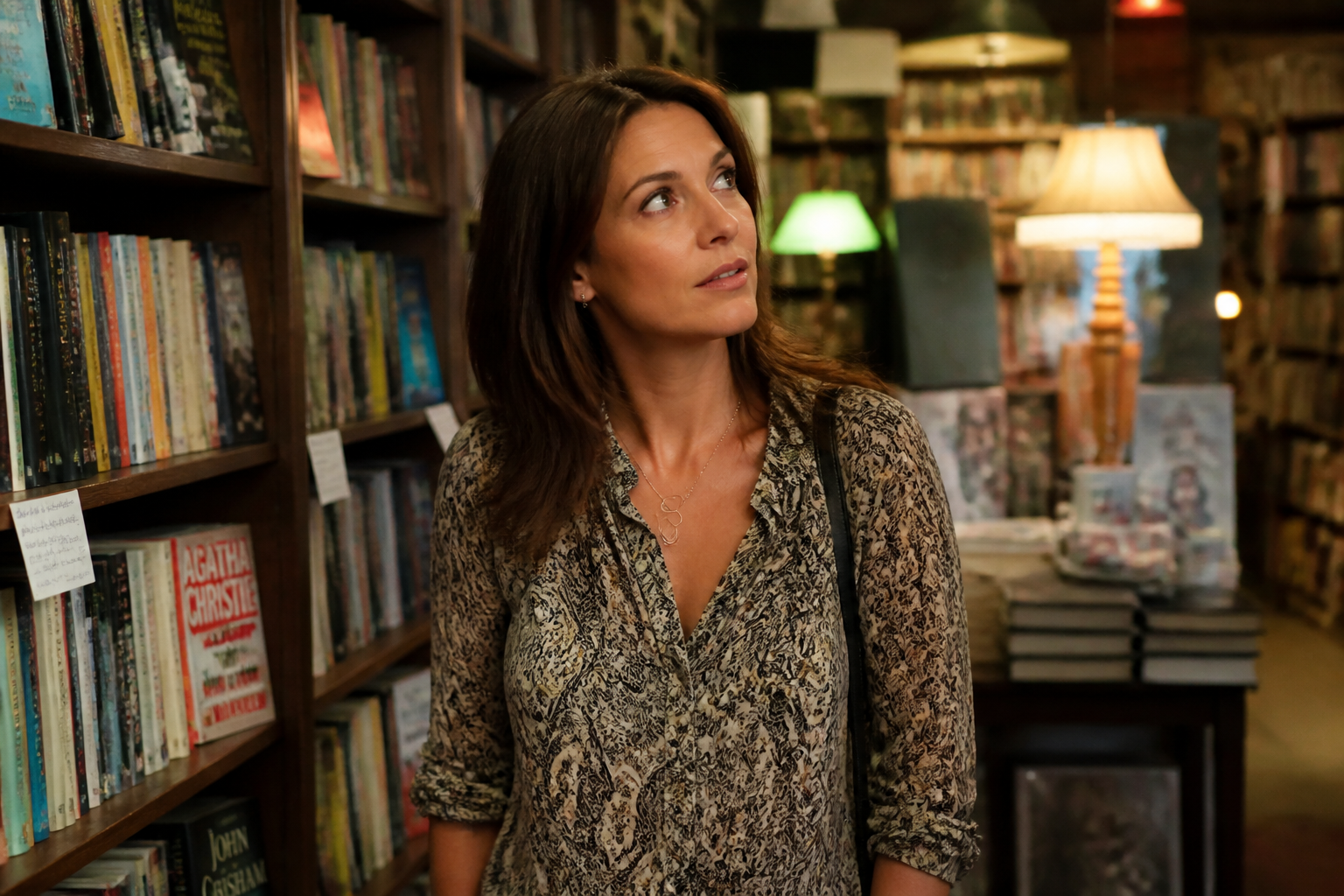 BEFORE
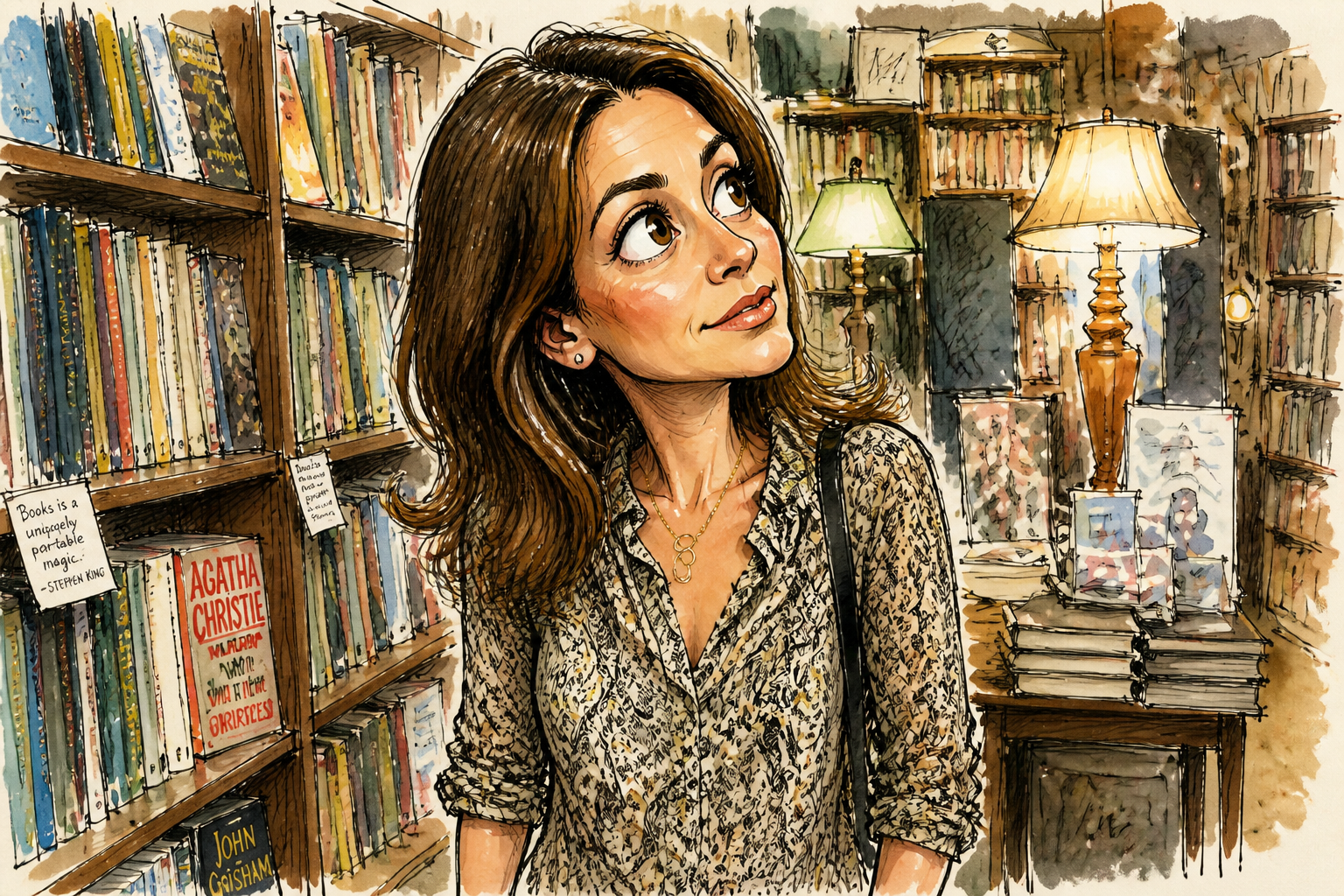 AFTER
AFTER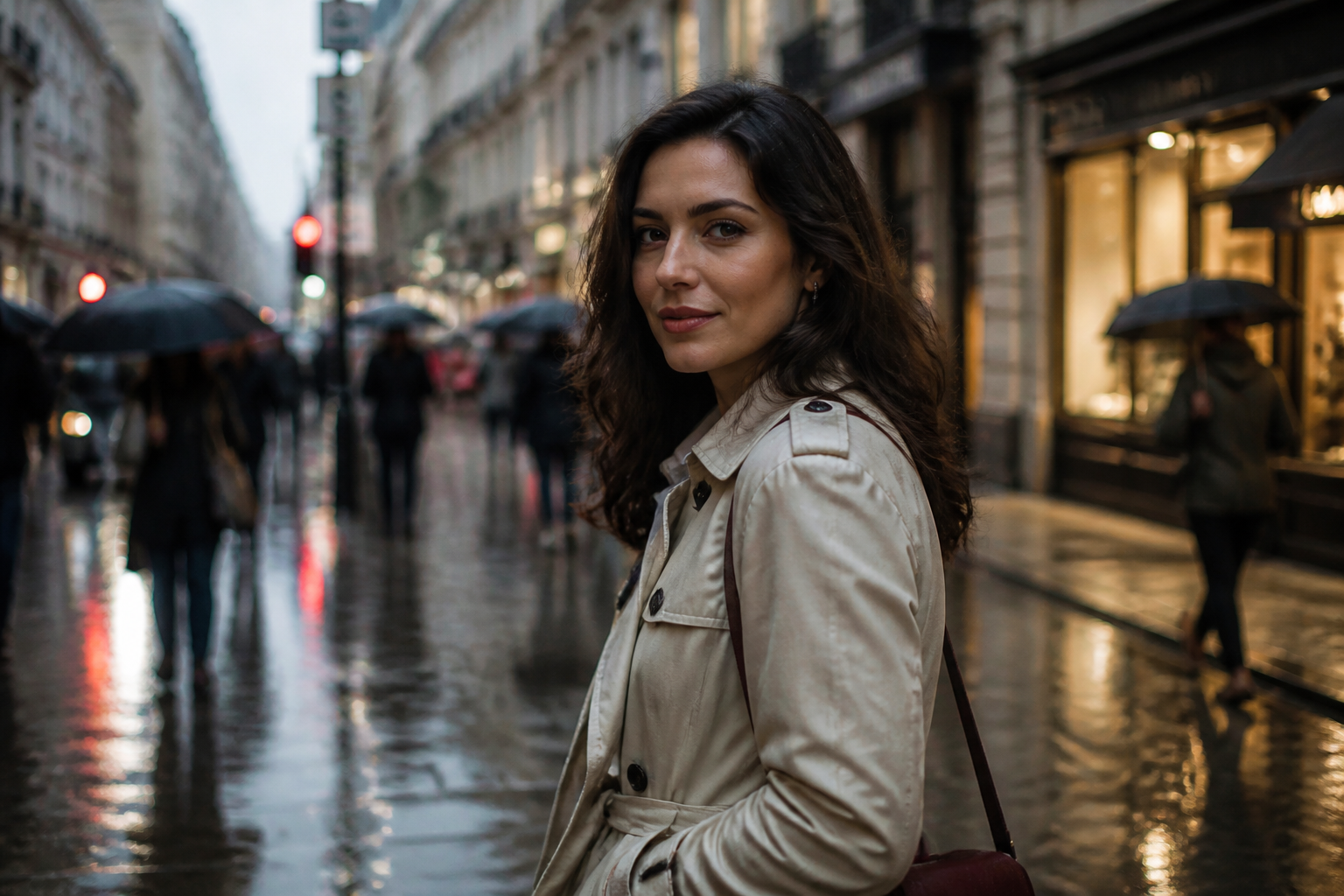 BEFORE
 AFTERBEFOREAFTERBEFOREAFTERBEFOREAFTERBEFOREAFTERBEFOREAFTER
Key Features
Recognizable, not generic
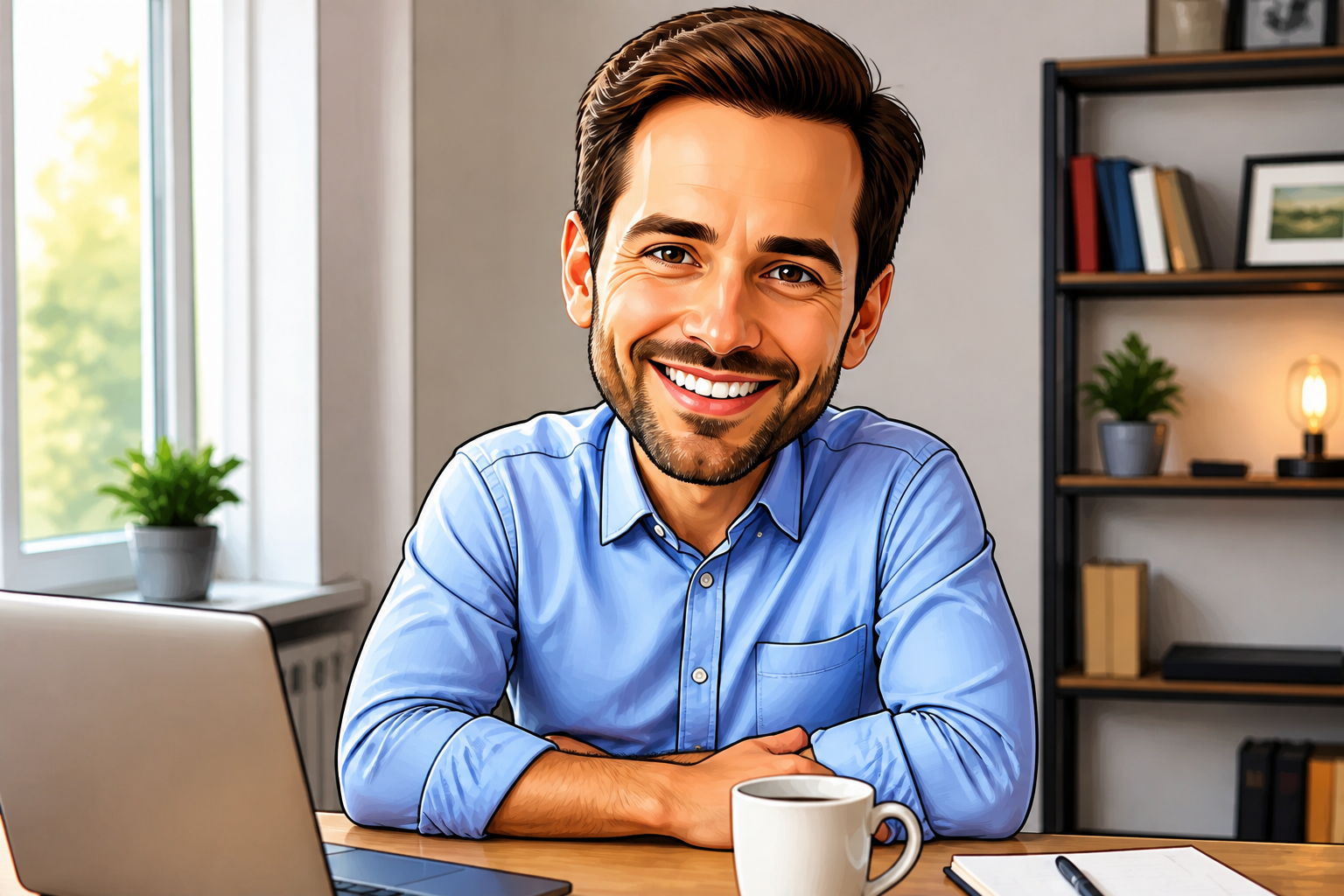
Caricatures work best when the person still feels like themselves. Our AI exaggerates standout features such as smile, jawline, hair shape, or glasses while keeping the core identity intact. That makes the result feel personal instead of like a random cartoon. You get a stylized image people can still instantly identify.
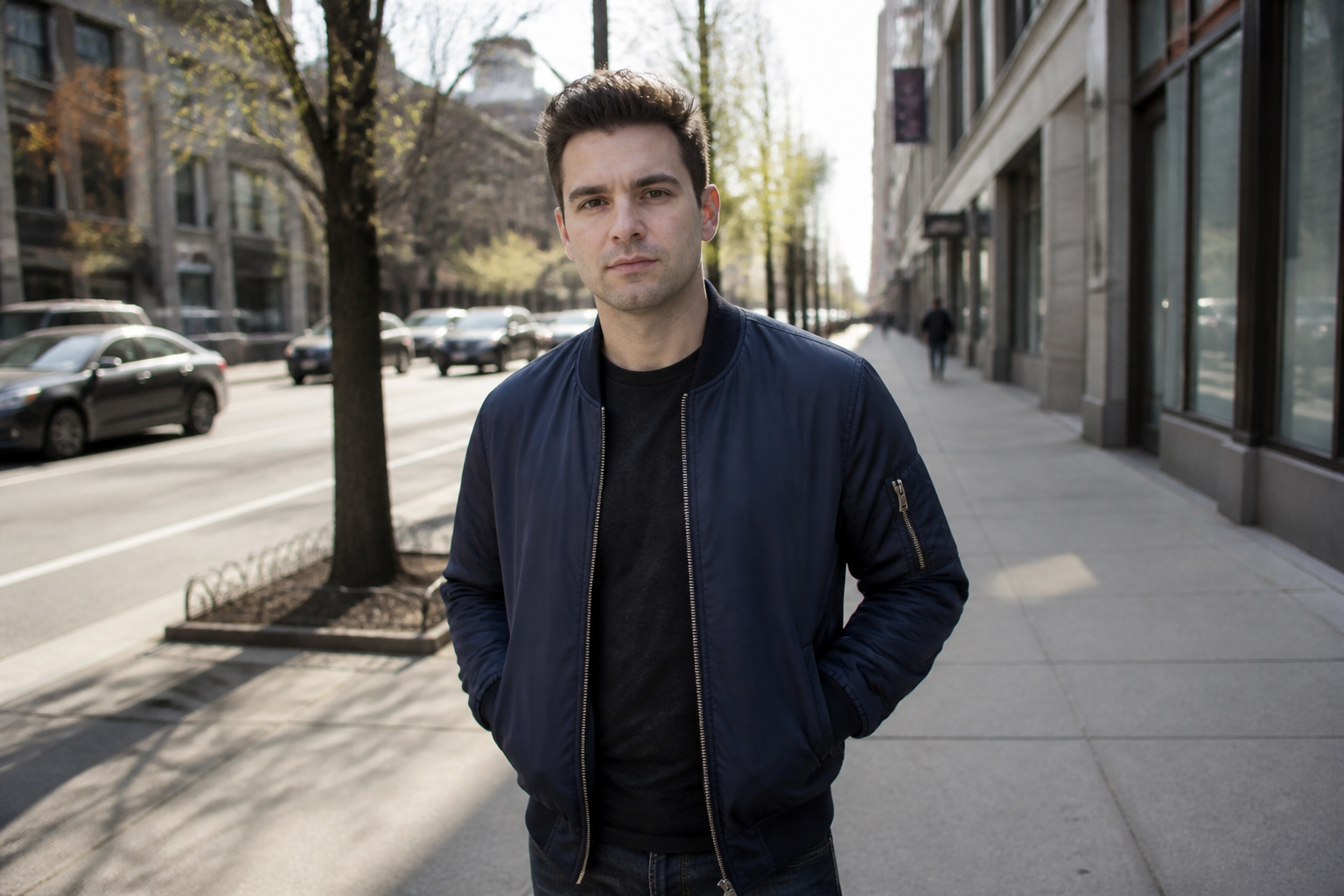
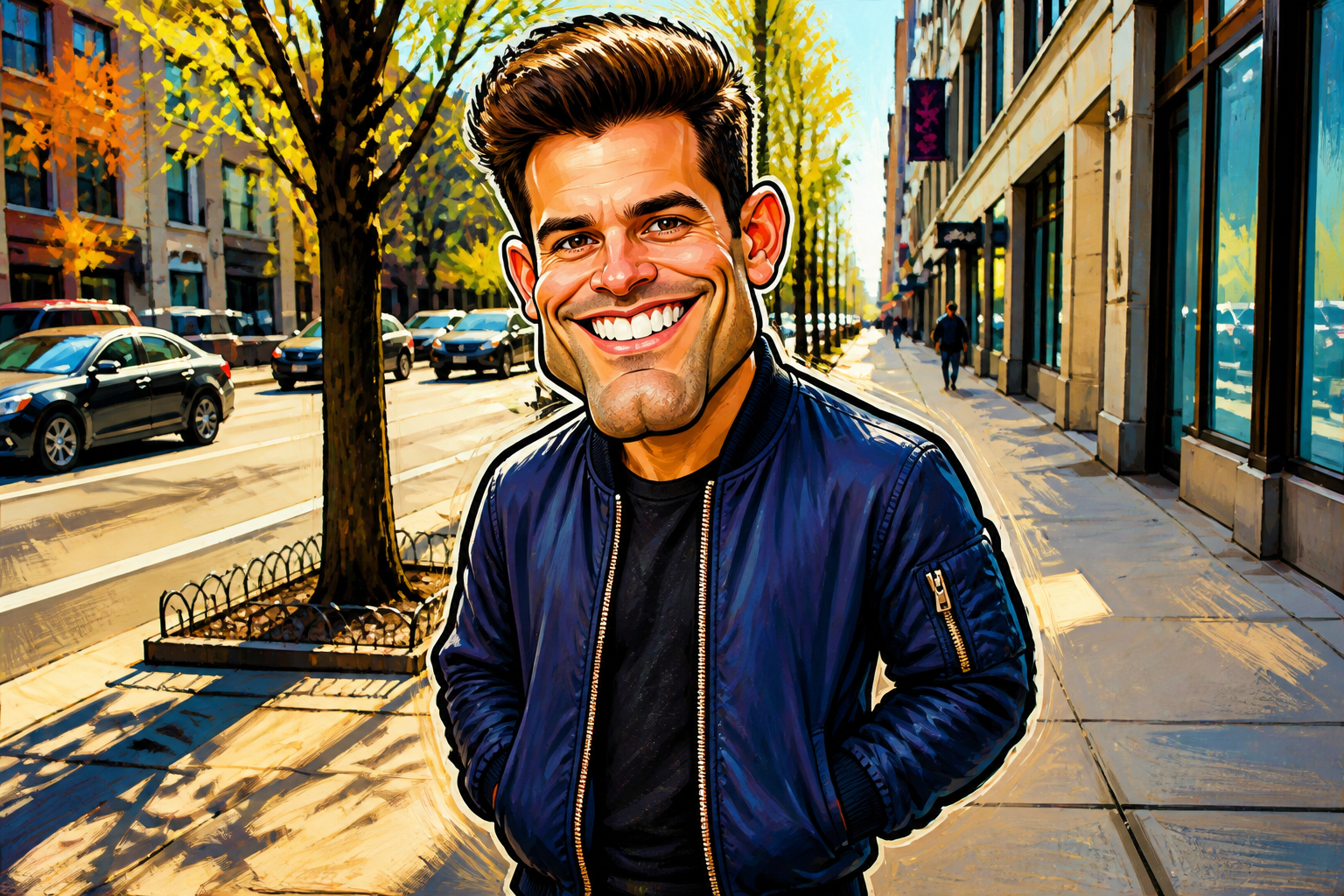
Big style payoff fast
A good caricature should read immediately, even in a small thumbnail. The edit pushes proportions, linework, and expression far enough that the change is obvious right away. You do not need to manually paint features or reshape parts one by one. It gives you a strong before-and-after with minimal effort.
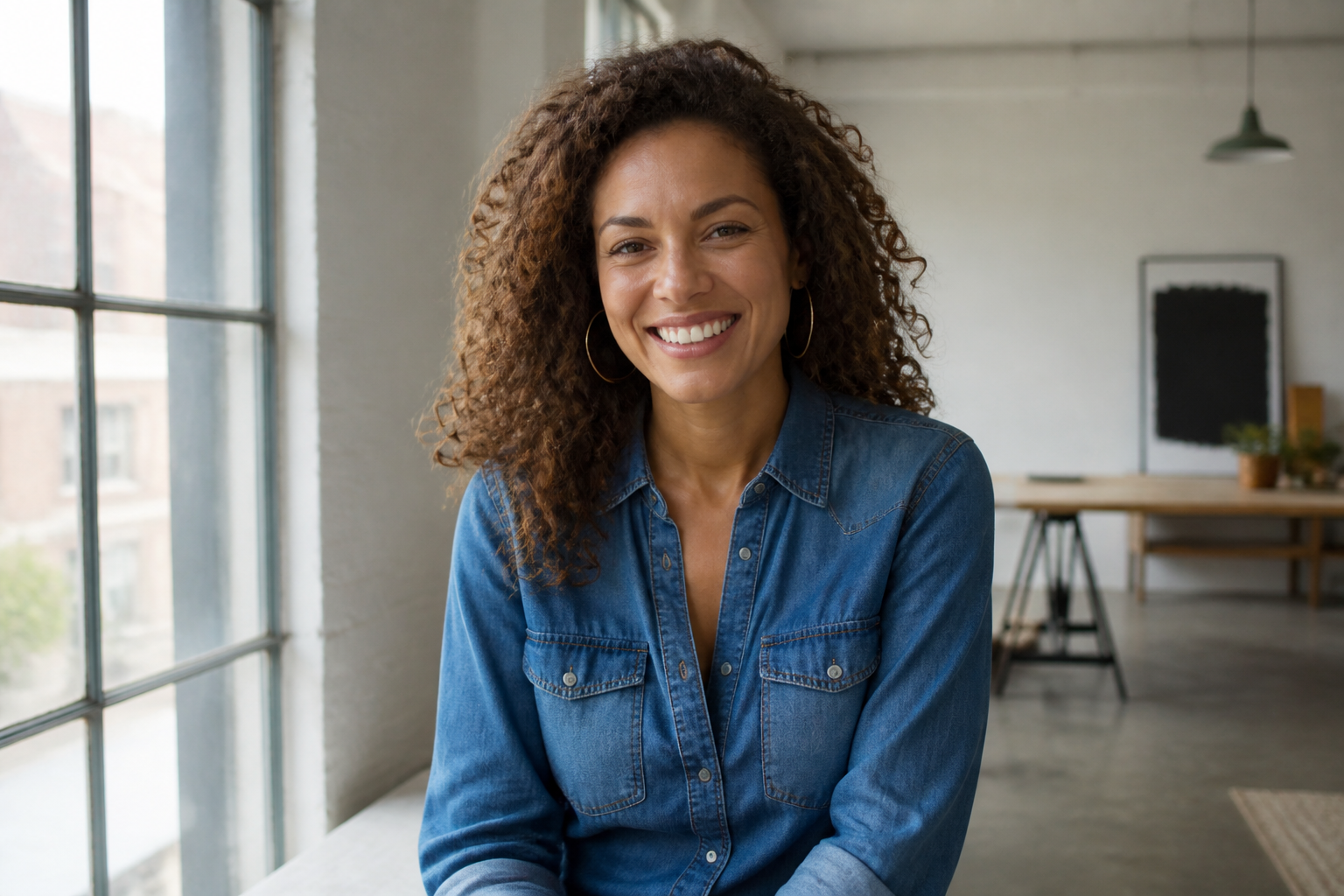
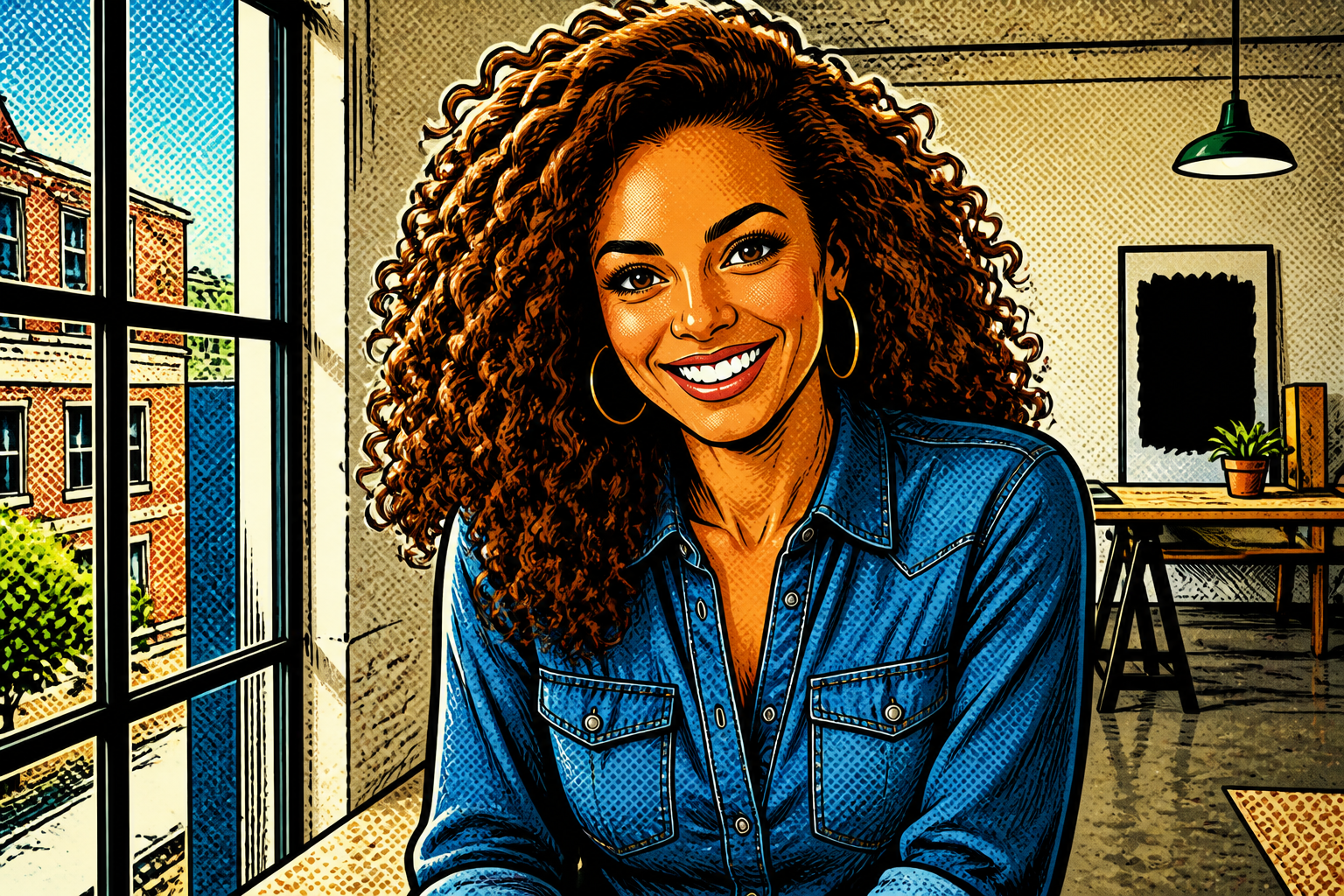
Works across art styles
You are not limited to one caricature look. You can go for glossy editorial illustration, comic-book energy, painterly watercolor, or a clean cartoon finish depending on the mood you want. This makes the tool useful for profile images, gifts, social posts, and creative experiments. Switching styles is much faster than rebuilding the image from scratch.

Clean shareable results
Caricatures are often used for avatars, announcements, gifts, and social content, so the image needs to look polished. Our AI keeps the framing coherent, preserves wardrobe and scene cues, and applies the effect across the whole image instead of only changing the face. That creates a finished result you can post or download without extra cleanup. It saves time compared with patchy manual edits.
How It Works
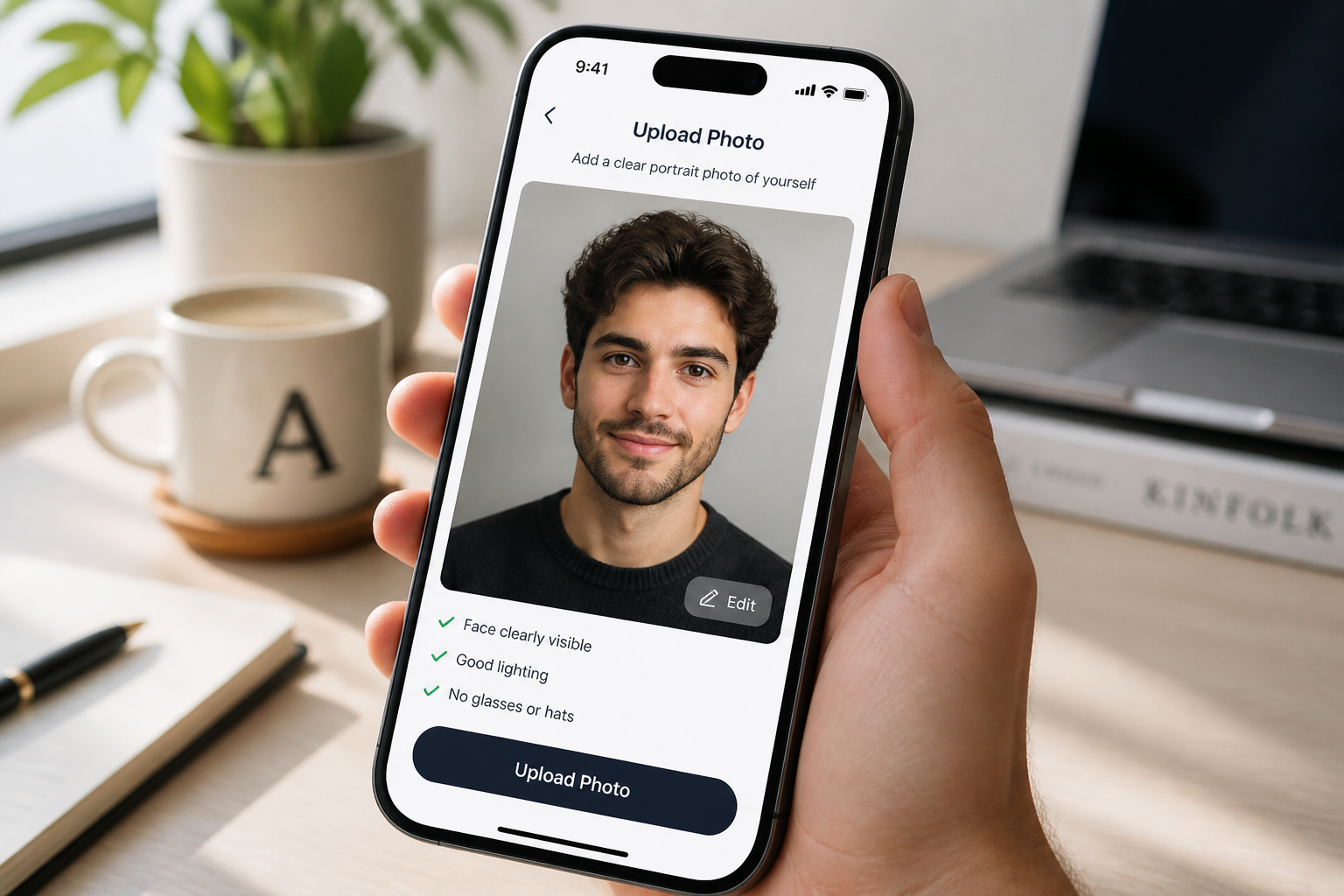
Upload your photo
Start with a clear portrait or medium shot of one adult subject. Good lighting and a readable face help the caricature come out cleaner and more recognizable.
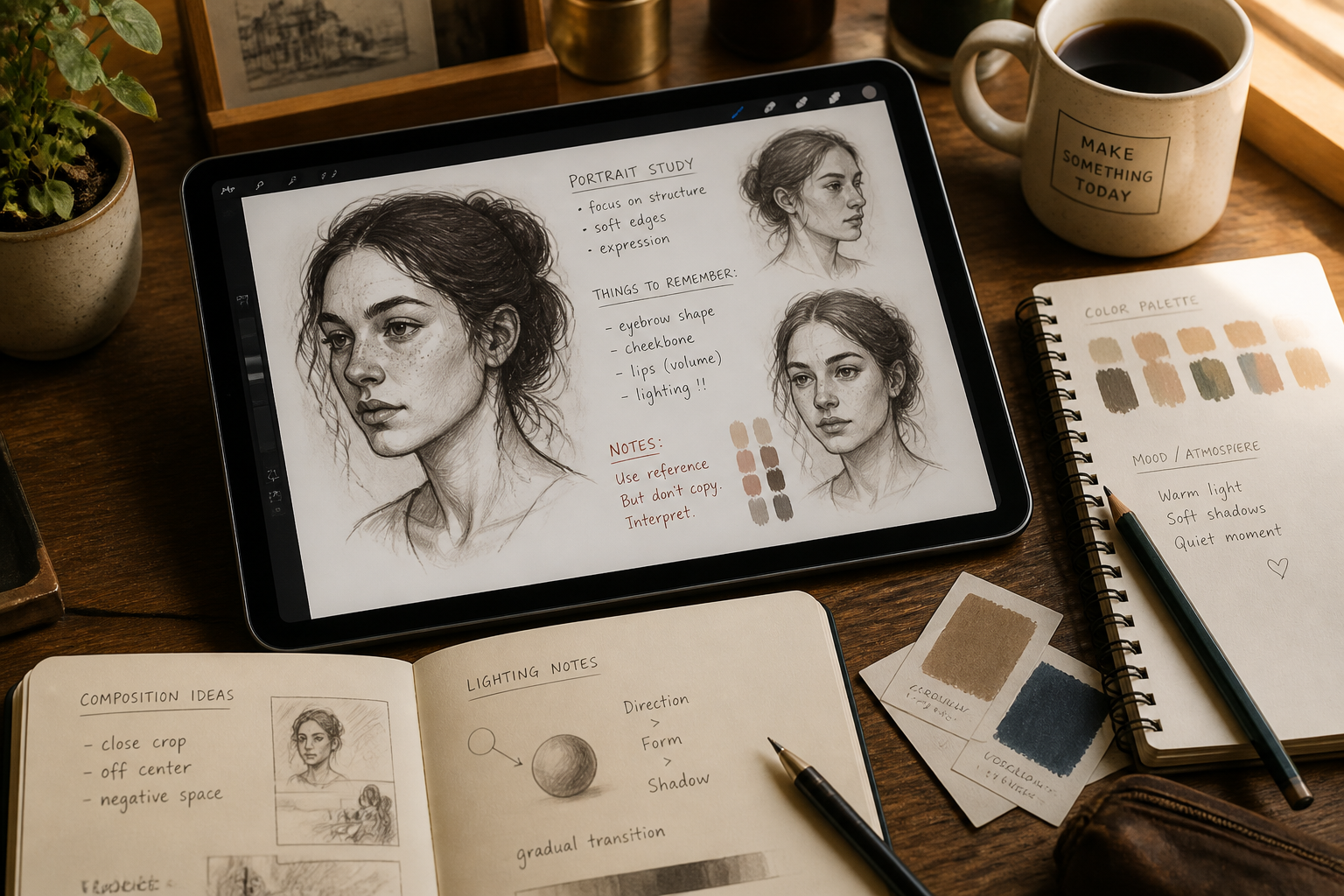
Describe the caricature look
Tell the AI what kind of exaggeration or illustration style you want. You can ask for bold cartoon lines, glossy editorial art, comic-book energy, or watercolor charm.
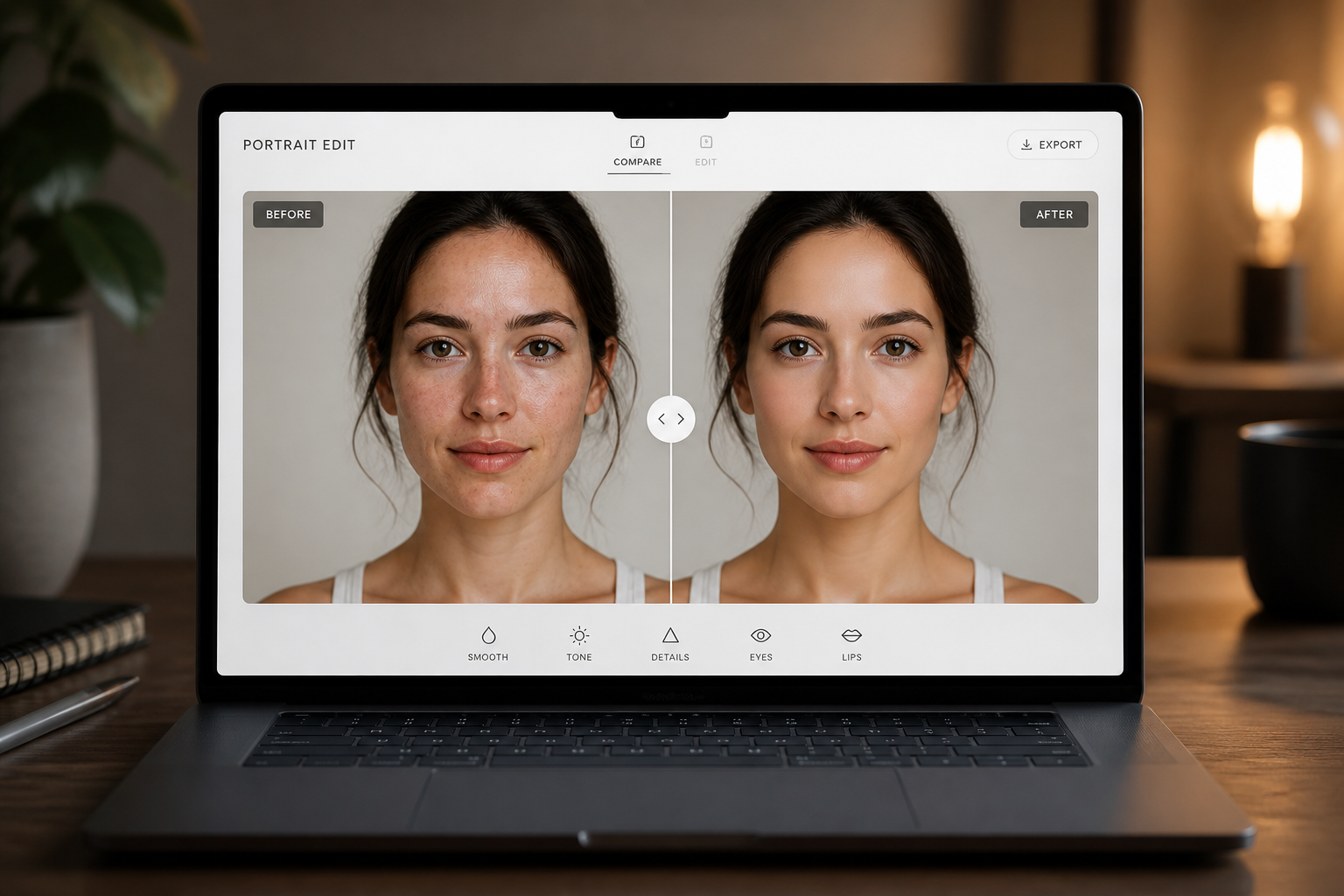
Generate and compare
Create the edit and compare the original photo with the caricature result. If you want a different mood, change the prompt and generate another version.
Perfect For
Discover how creators and professionals use photo to caricature generator
Social profile images
Make a portrait stand out on social platforms with a more playful and memorable look.
Custom gifts
Turn a friend's or partner's photo into a fun personalized caricature for digital or printed gifts.
Team bios and avatars
Create lighter, more distinctive profile images for internal directories, speaker cards, or creative teams.
Content and thumbnails
Use bold caricatures for YouTube, blog headers, or posts where the face needs to read quickly.
Built For
Creators
Make stylized portraits for channels, posts, thumbnails, and audience-facing visuals without drawing by hand.
Gift makers
Create personalized caricatures for birthdays, celebrations, and novelty prints from ordinary photos.
Professionals with personality
Add a friendlier illustrated touch to bio photos, speaker cards, or team pages while staying recognizable.
Why use this caricature tool
A quick look at how we compare on the things that matter for this niche.
| Feature | BudgetPixel | Generic AI editors | Manual editing apps |
|---|---|---|---|
| Photo to caricature workflow | ✓ | — | — |
| Recognizable face preservation | ✓ | — | — |
| Fast style variations | ✓ | ✓ | — |
| Strong before/after difference | ✓ | — | — |
Frequently Asked Questions
What kind of photos work best?
Will the person still look like themselves?
Can I choose different caricature styles?
Do caricatures only work for headshots?
Can I use the result for profile pictures or posts?
Create together.
Share your creations, discover trending AI art, and grow with fellow creators.


















Ready to Try Photo to Caricature Generator?
Get started for free. No credit card required.
Try it Free