Photo to Cartoon Filter
Turn real photos into clean, expressive cartoon art in seconds.
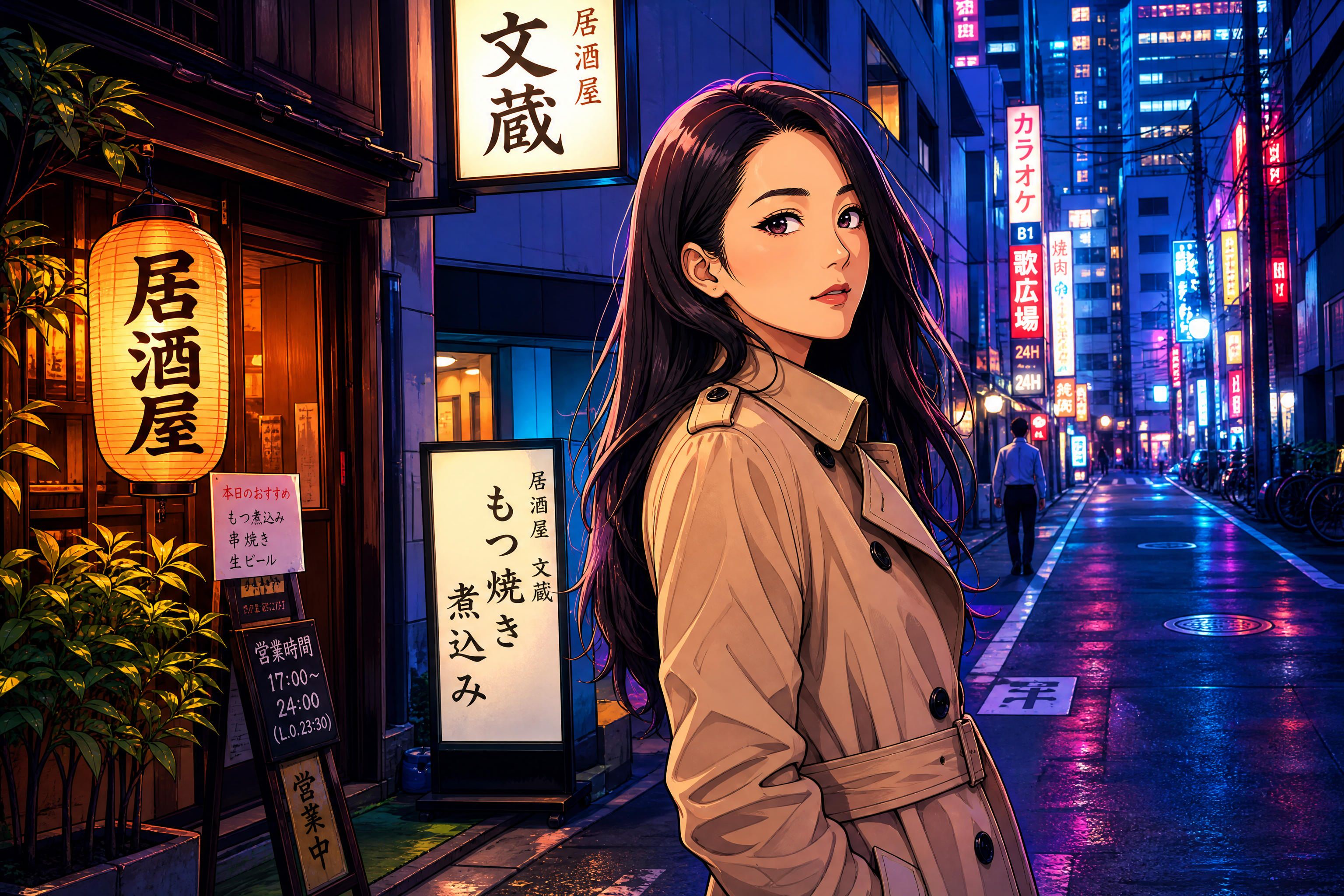
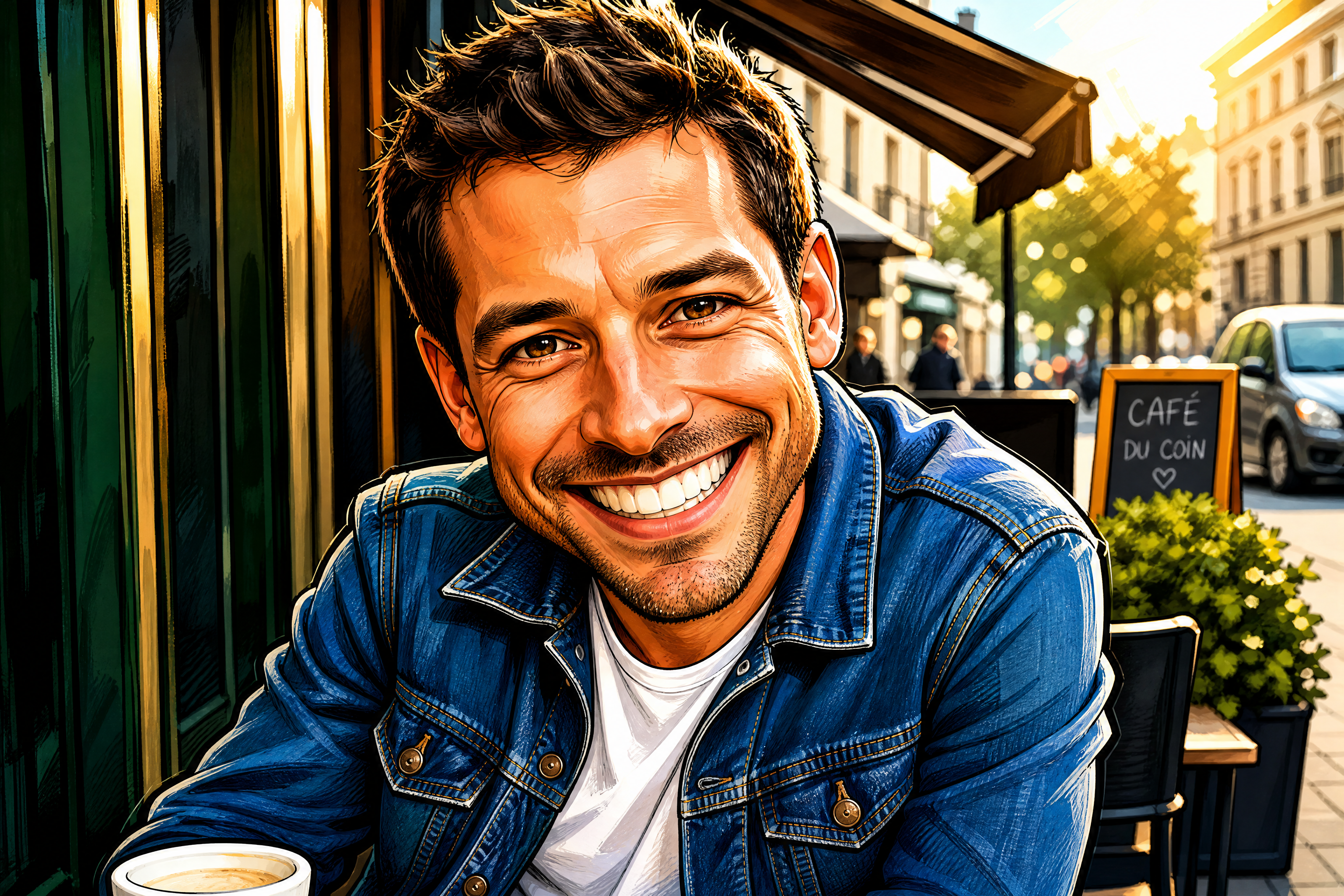
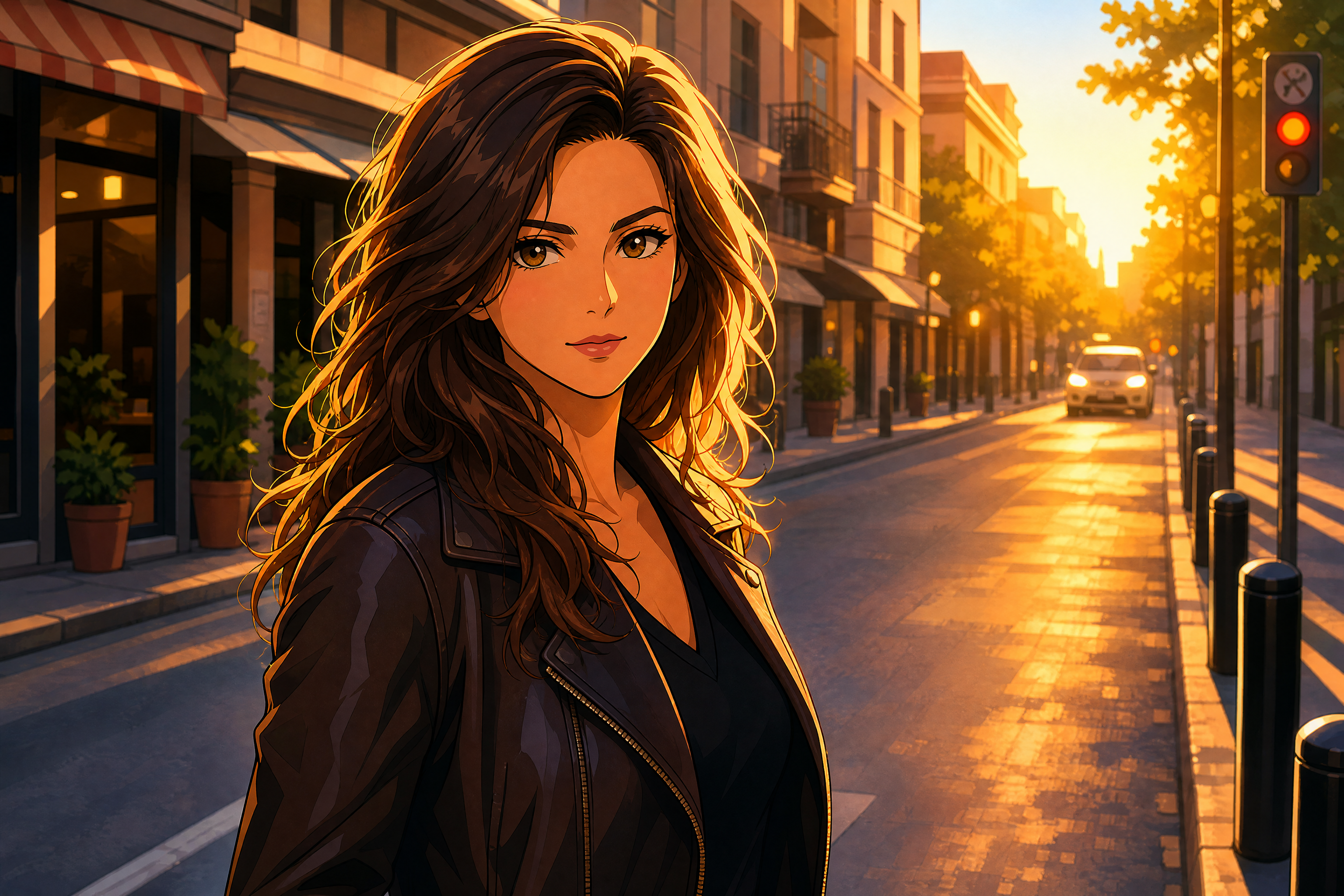
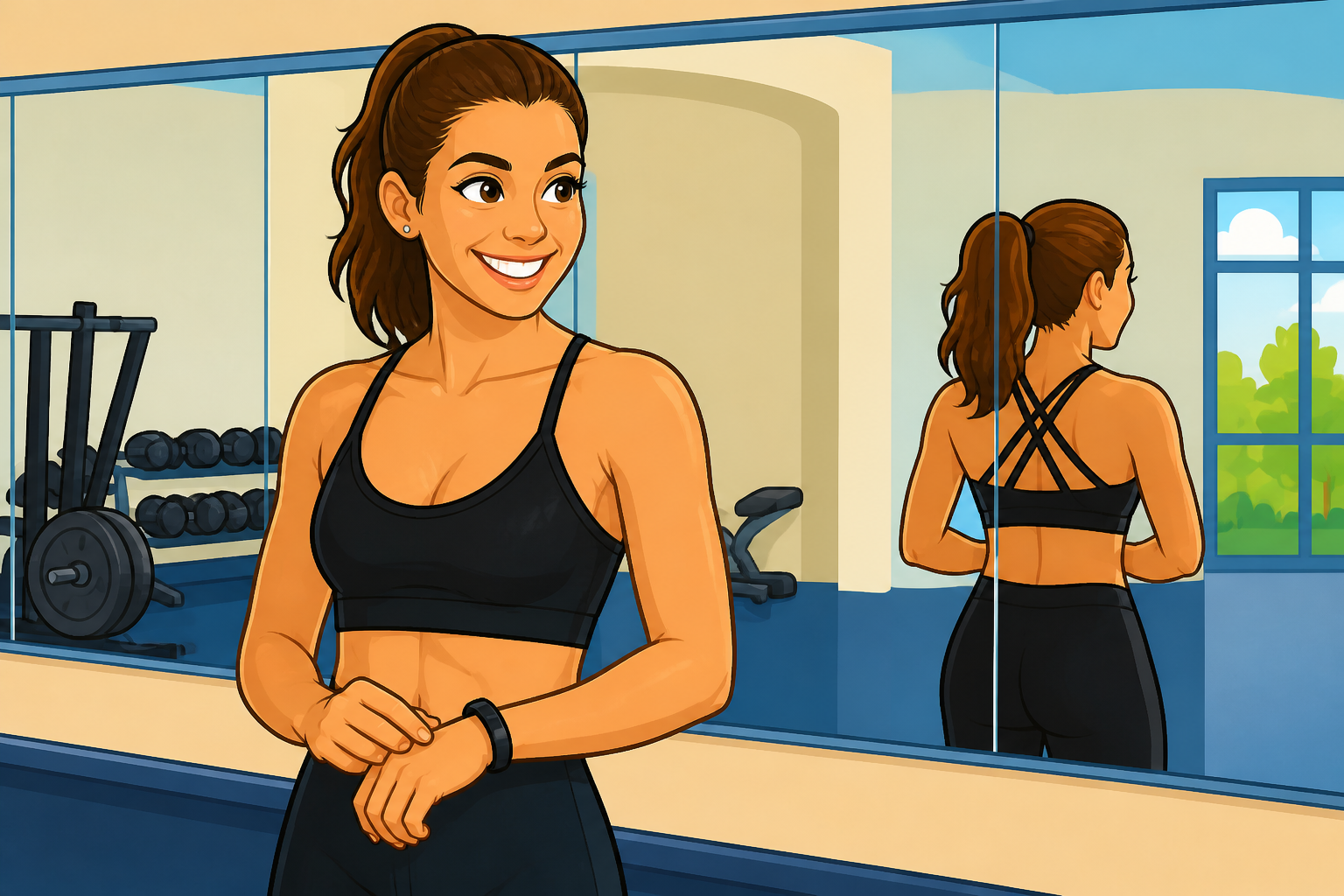
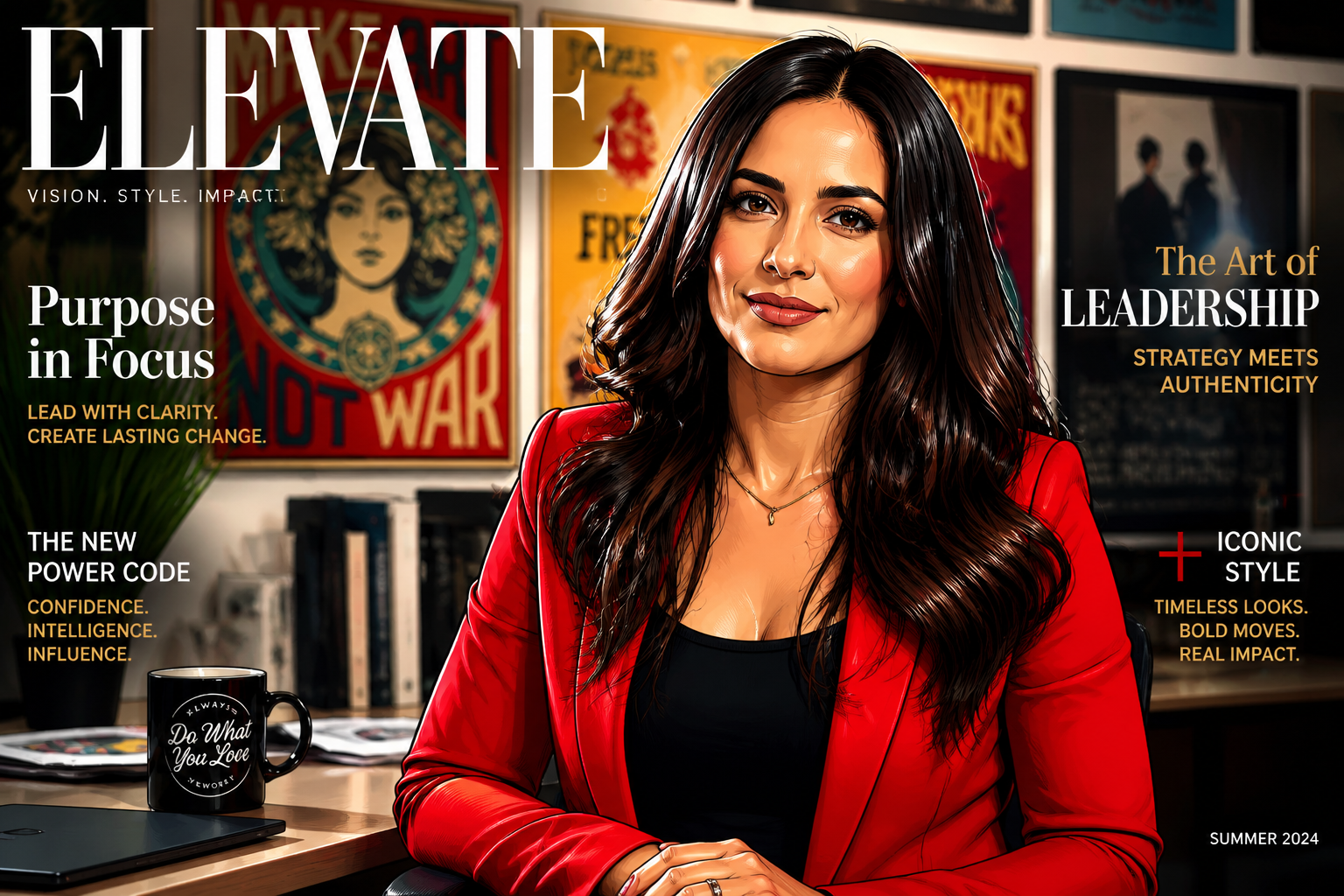
Upload a portrait and transform it into a polished cartoon while keeping the person's pose and recognizable features. Use it for profile pictures, social posts, avatars, or creative edits without redrawing anything by hand.
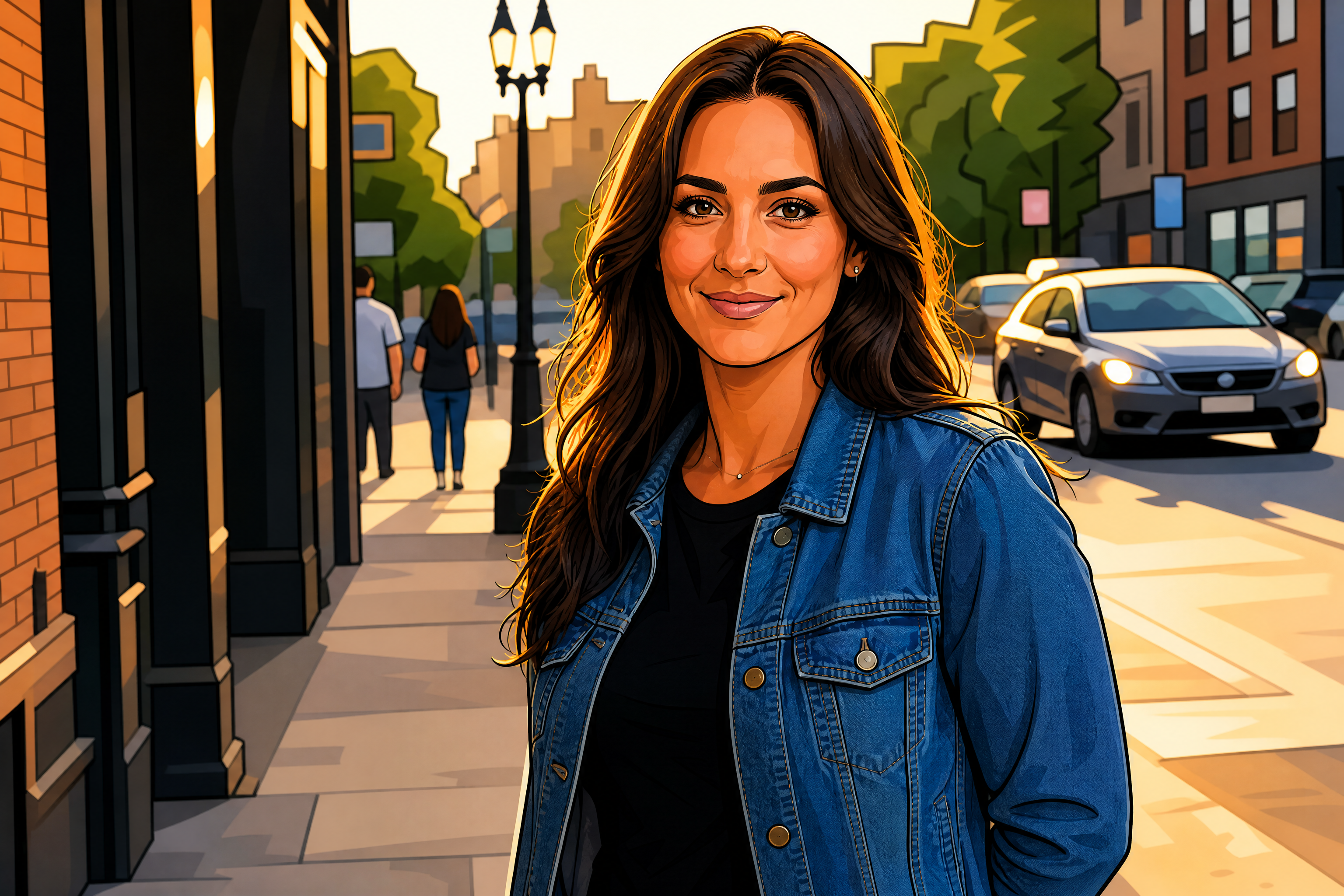
Watch the Transformation
See photo to cartoon filter in motion — generated end-to-end by our AI.
See It In Action
Real outputs from photo to cartoon filter.
BEFOREAFTER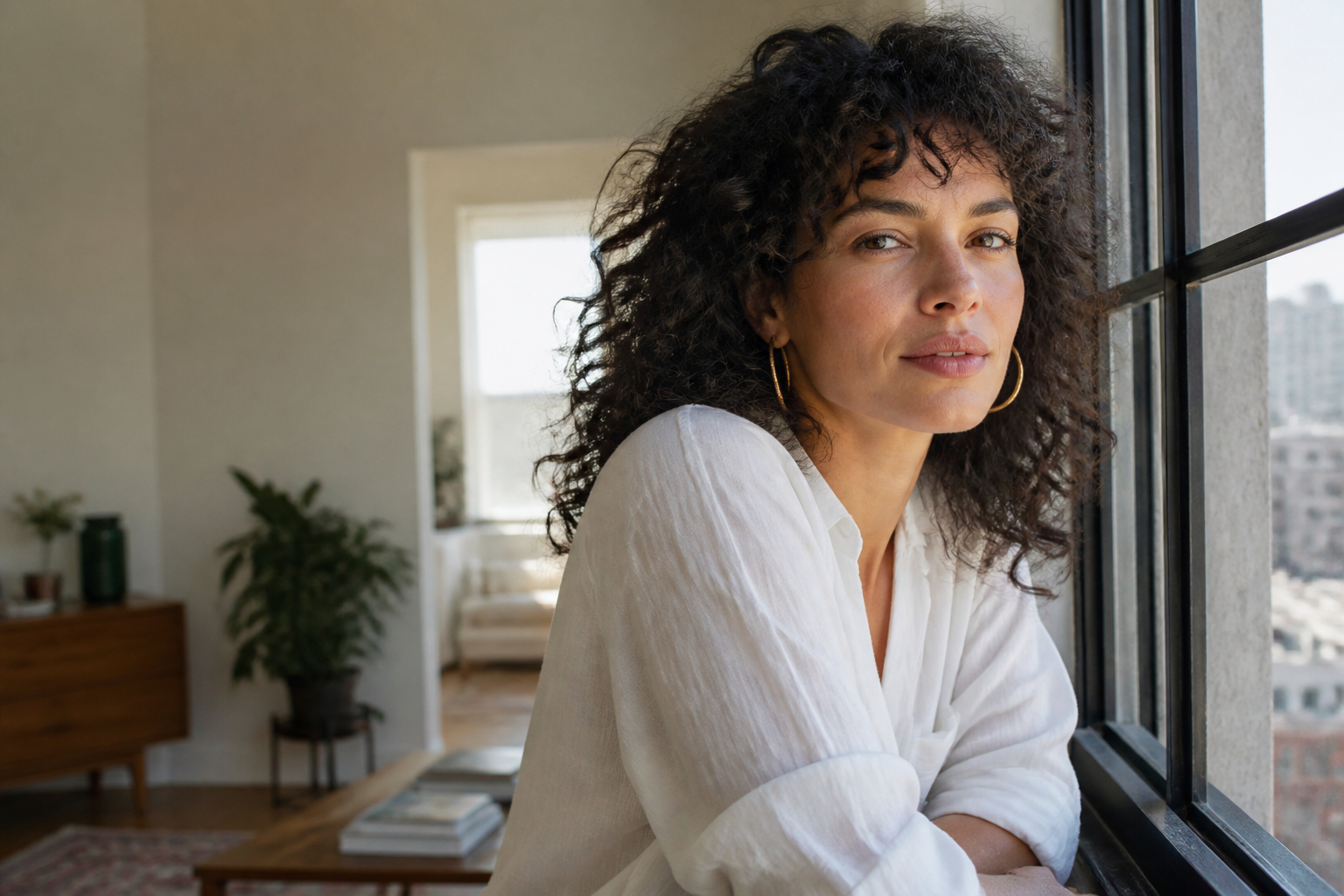 BEFORE
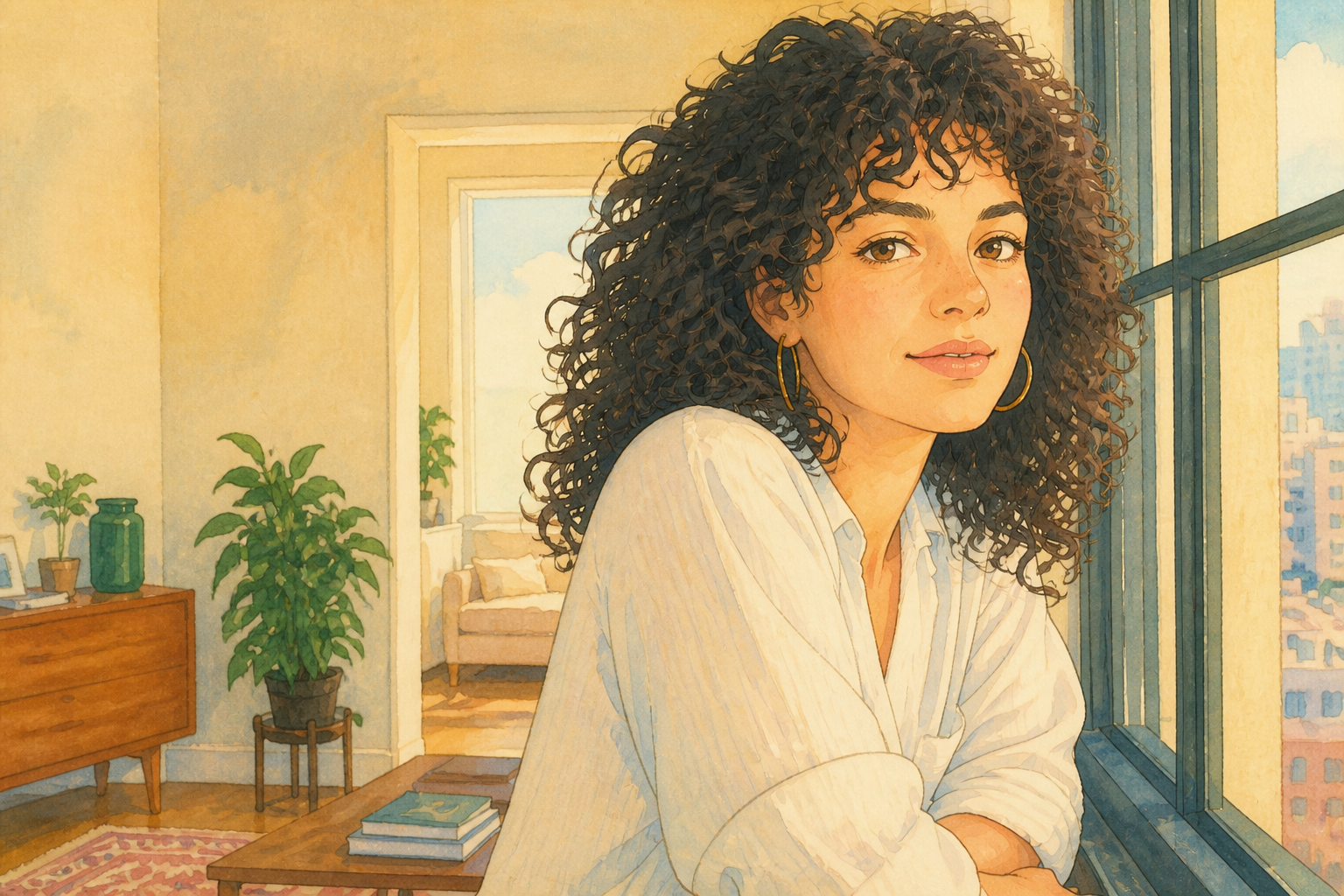 AFTER
AFTER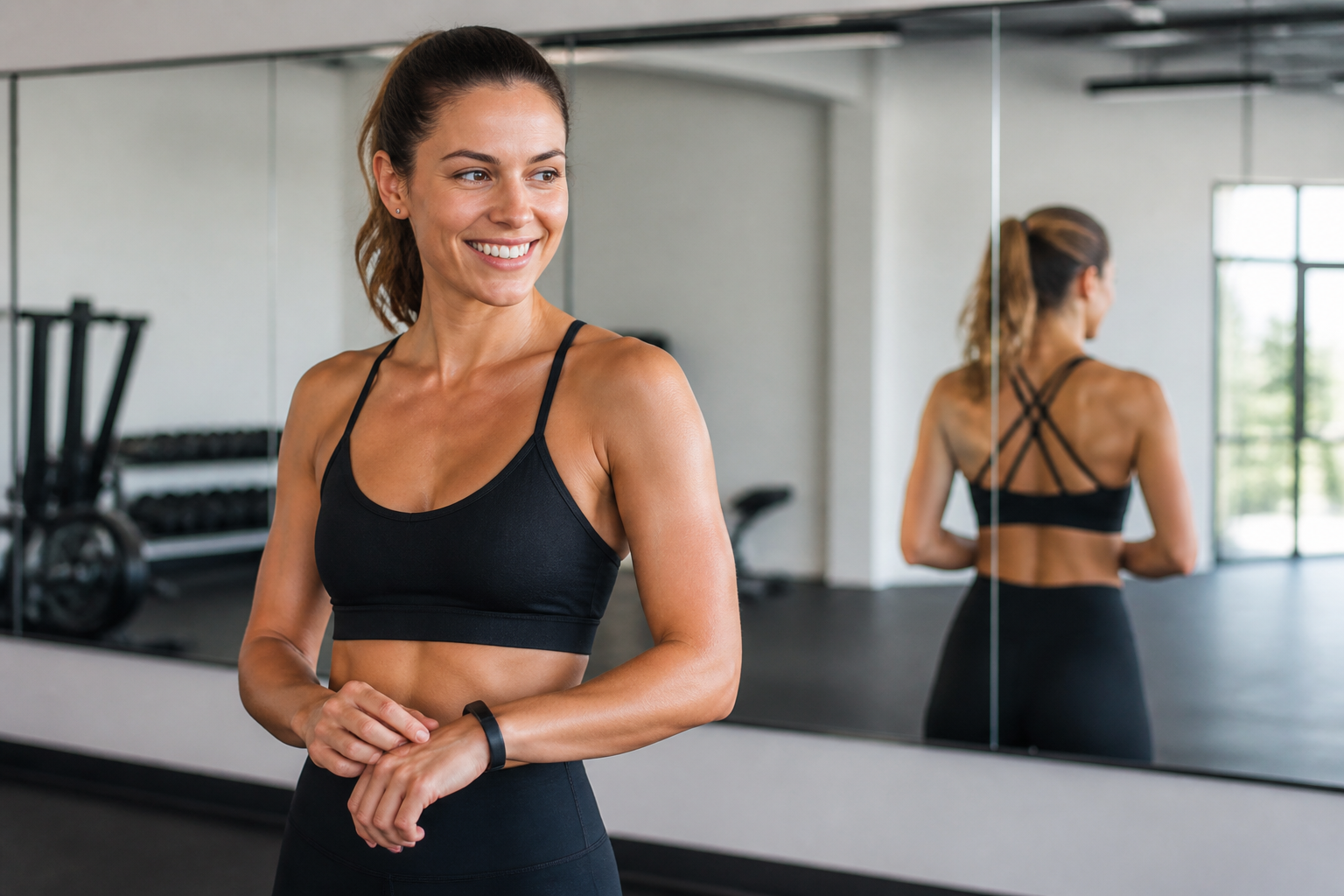 BEFORE
 AFTER
AFTER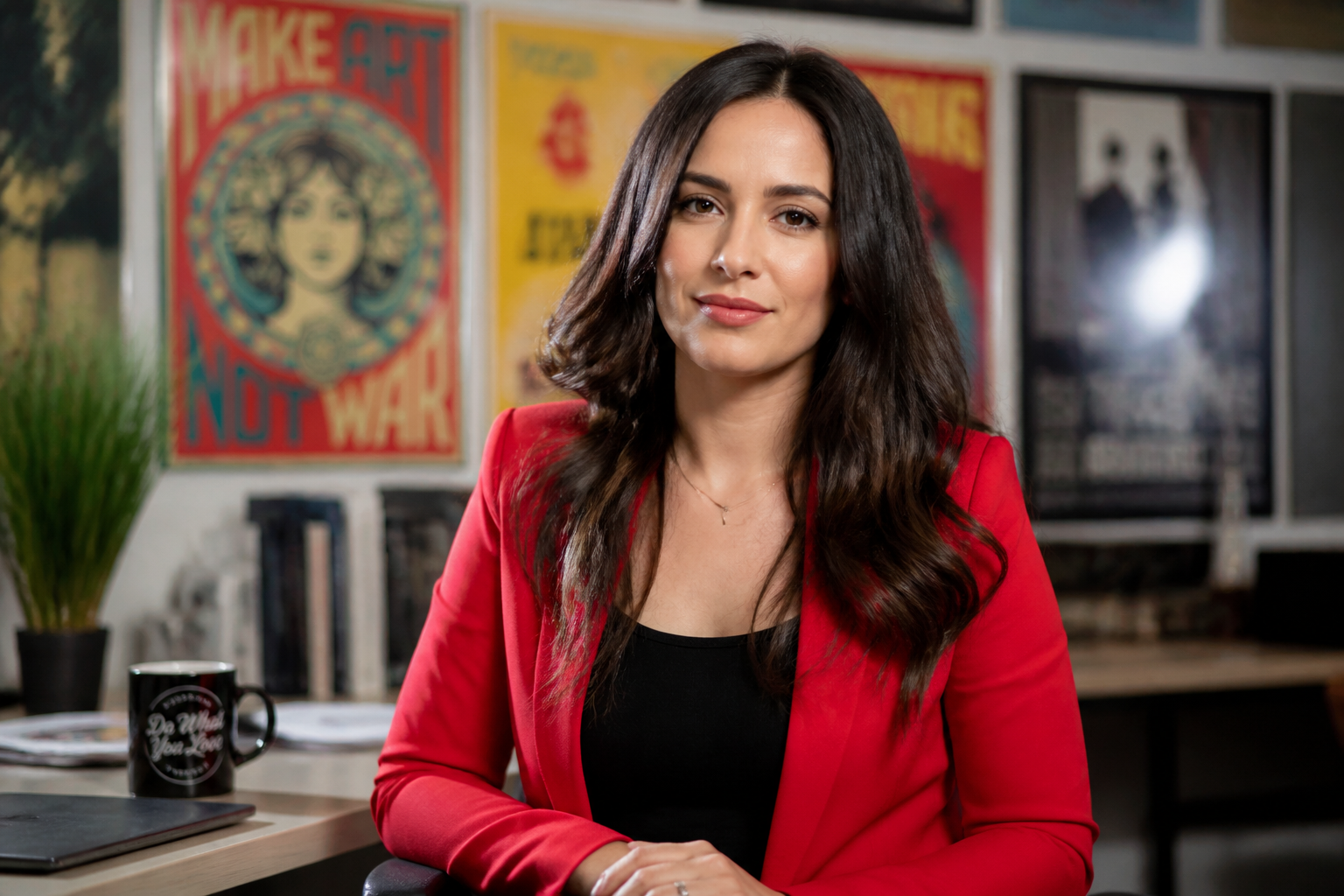 BEFORE
 AFTER
AFTER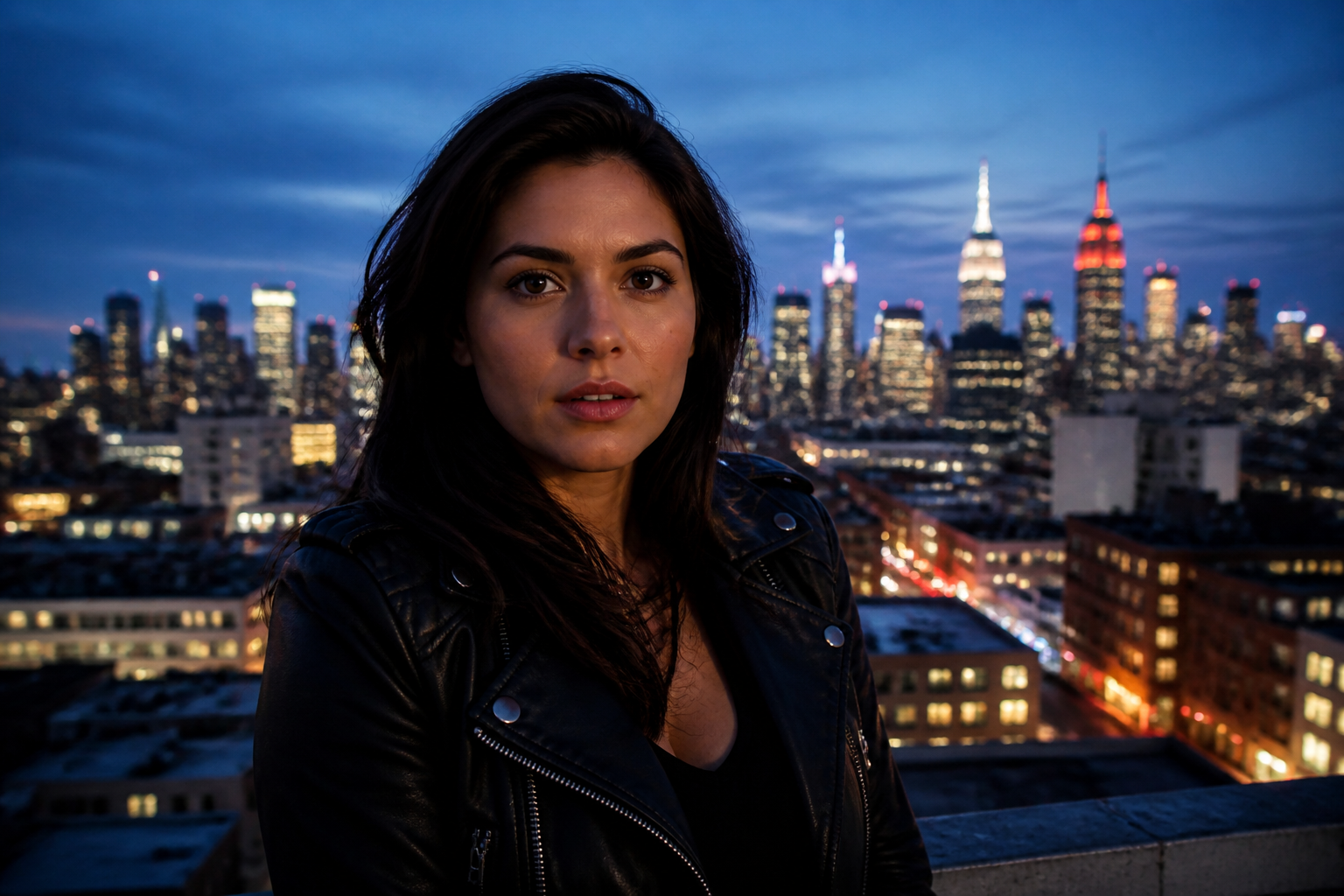 BEFORE
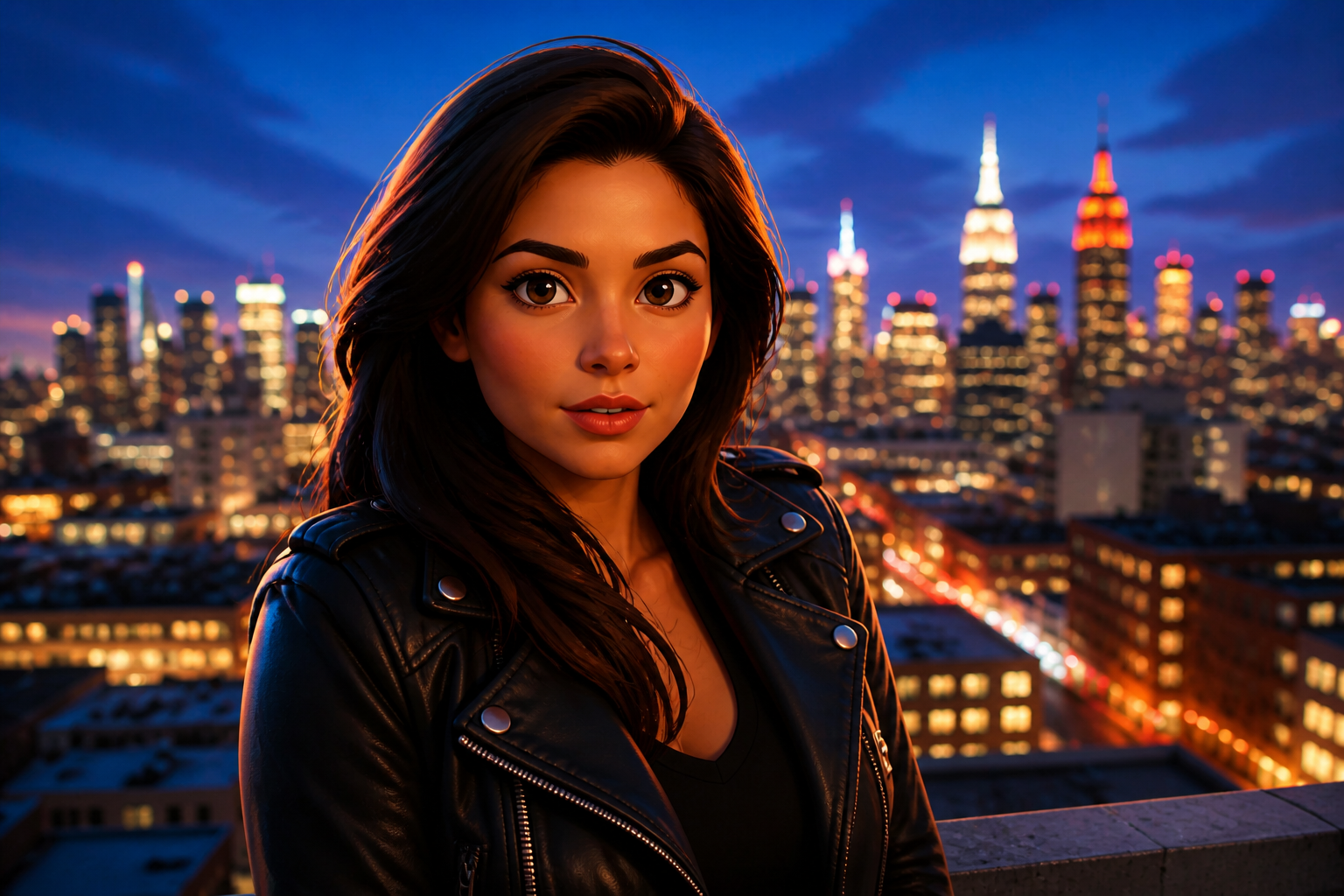 AFTERBEFOREAFTERBEFOREAFTERBEFOREAFTERBEFOREAFTERBEFOREAFTER
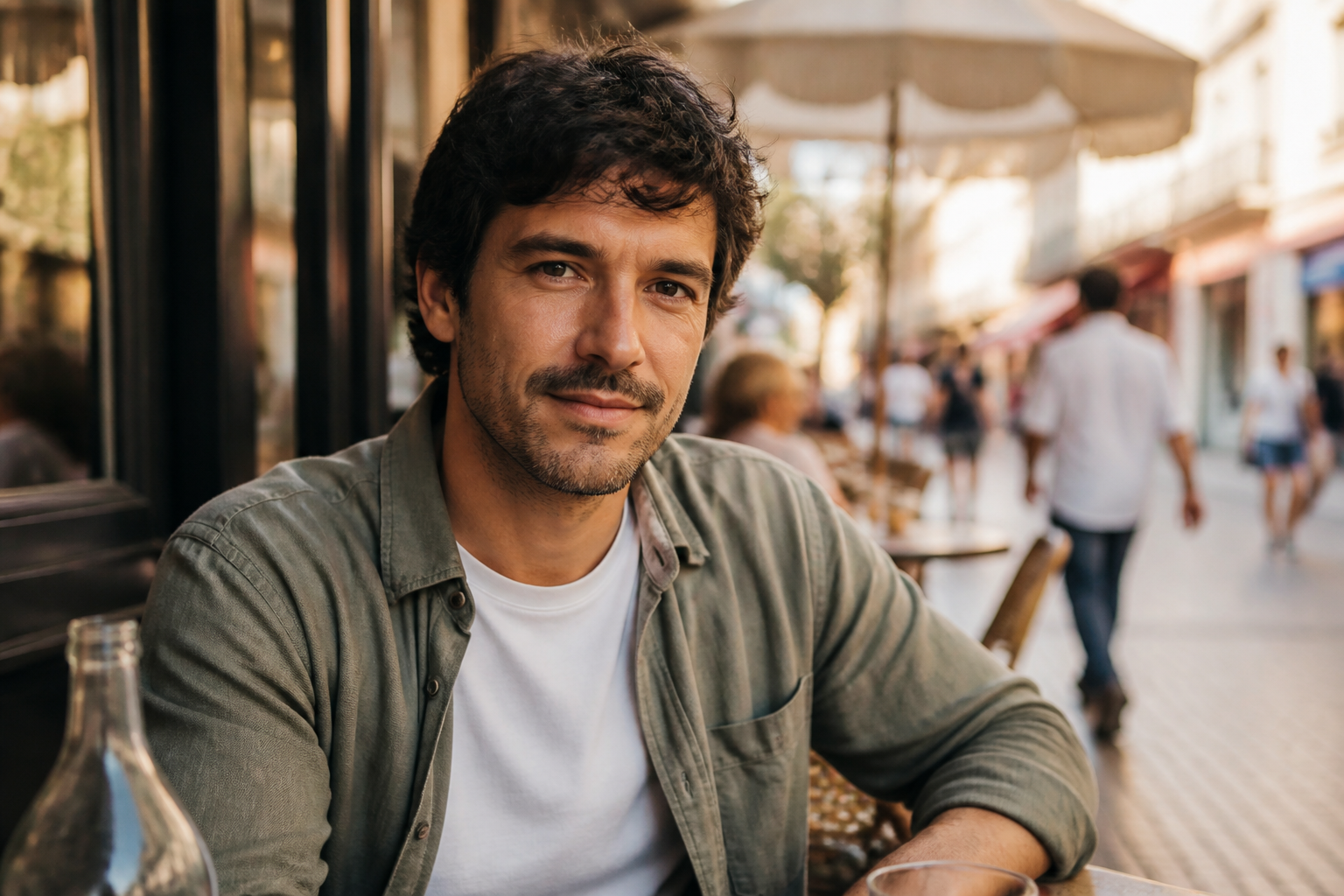 BEFORE
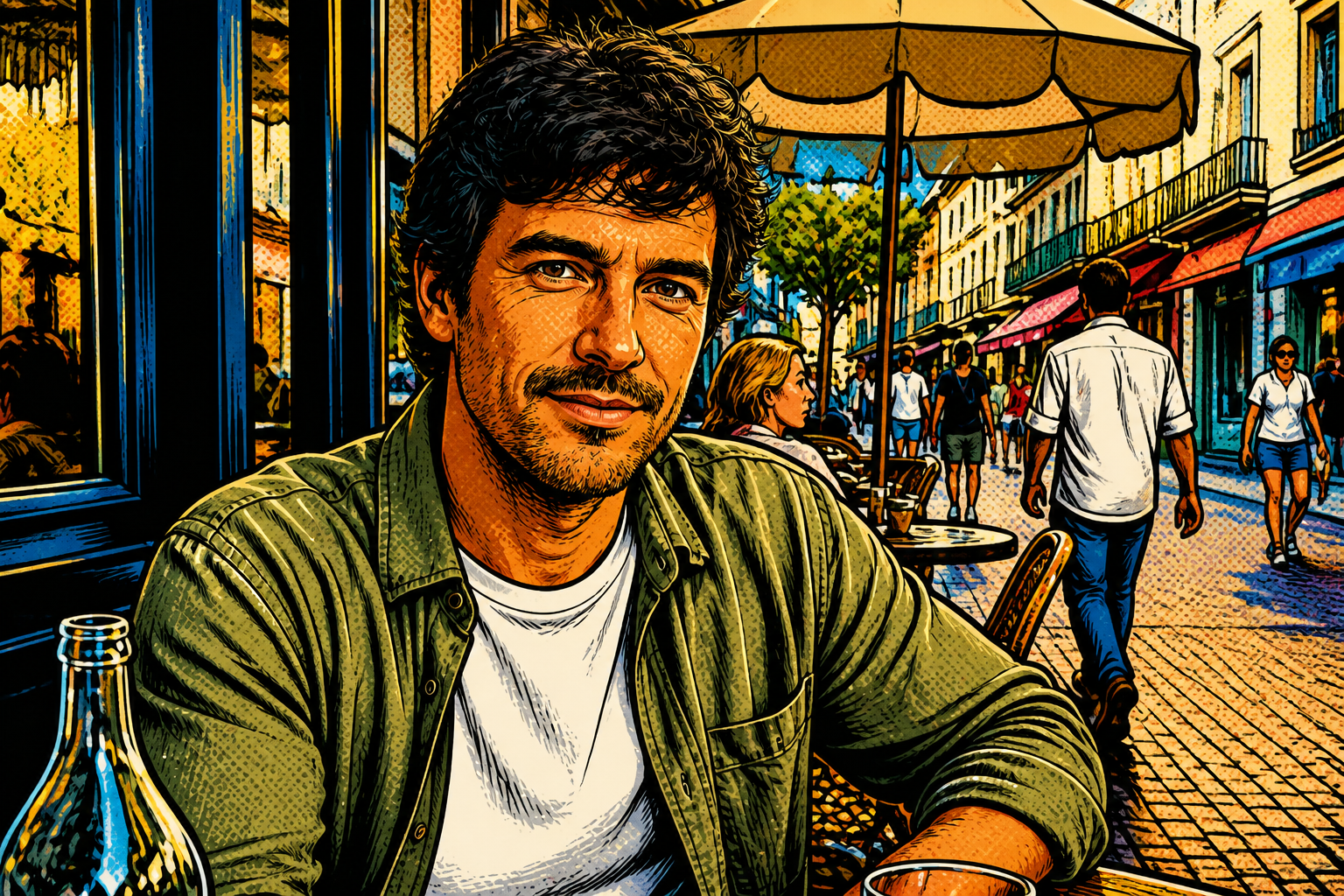 AFTER
AFTER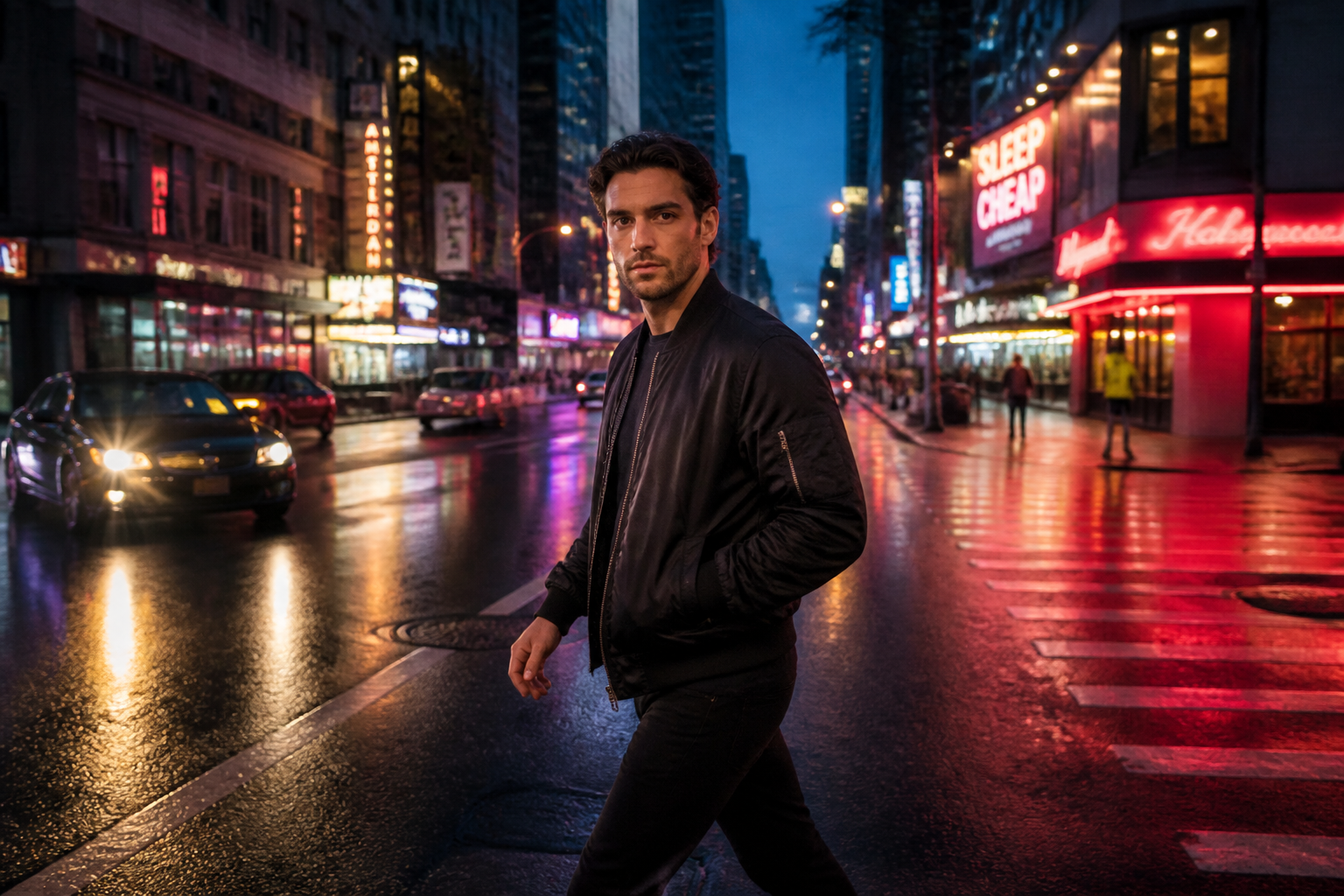 BEFORE
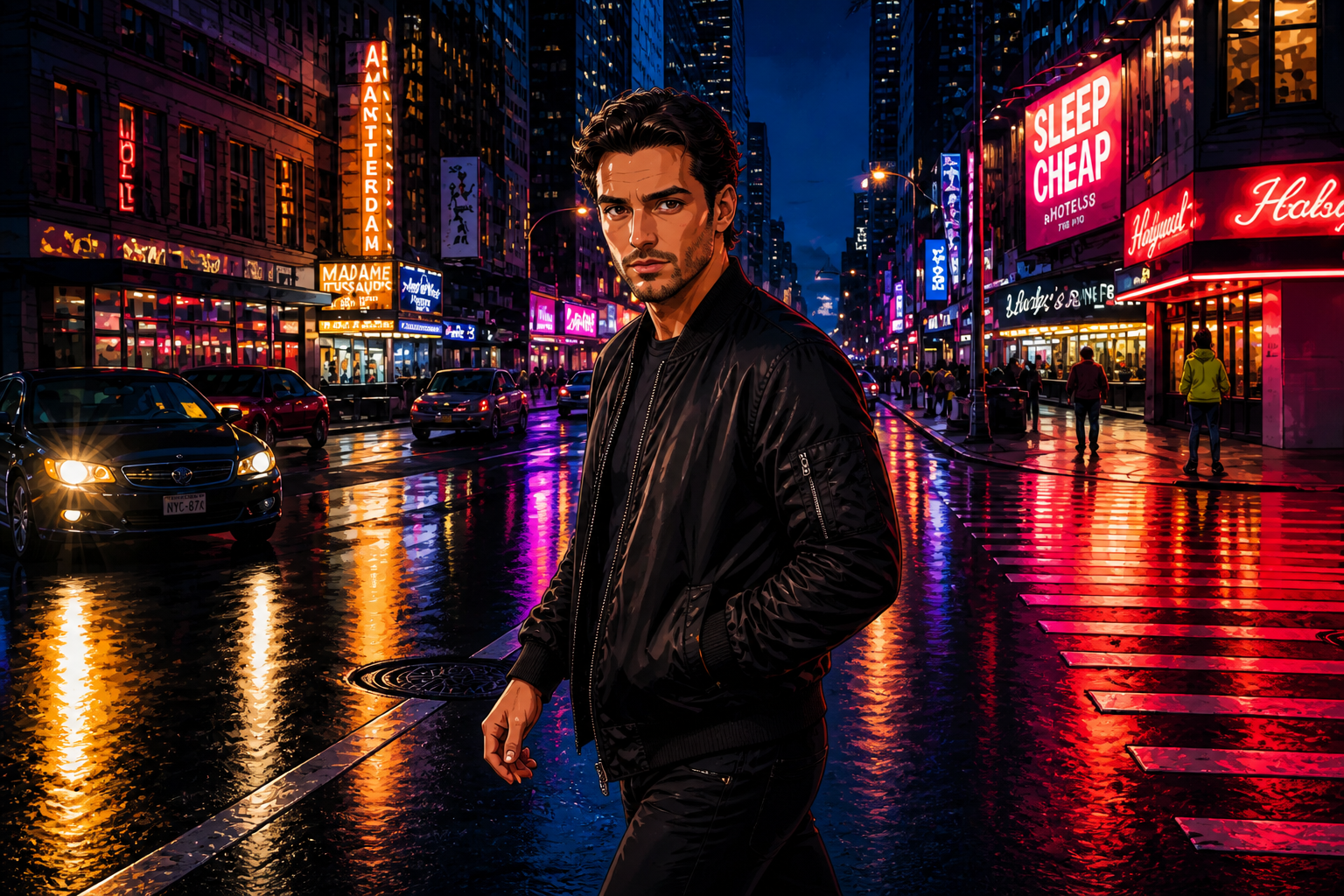 AFTER
AFTER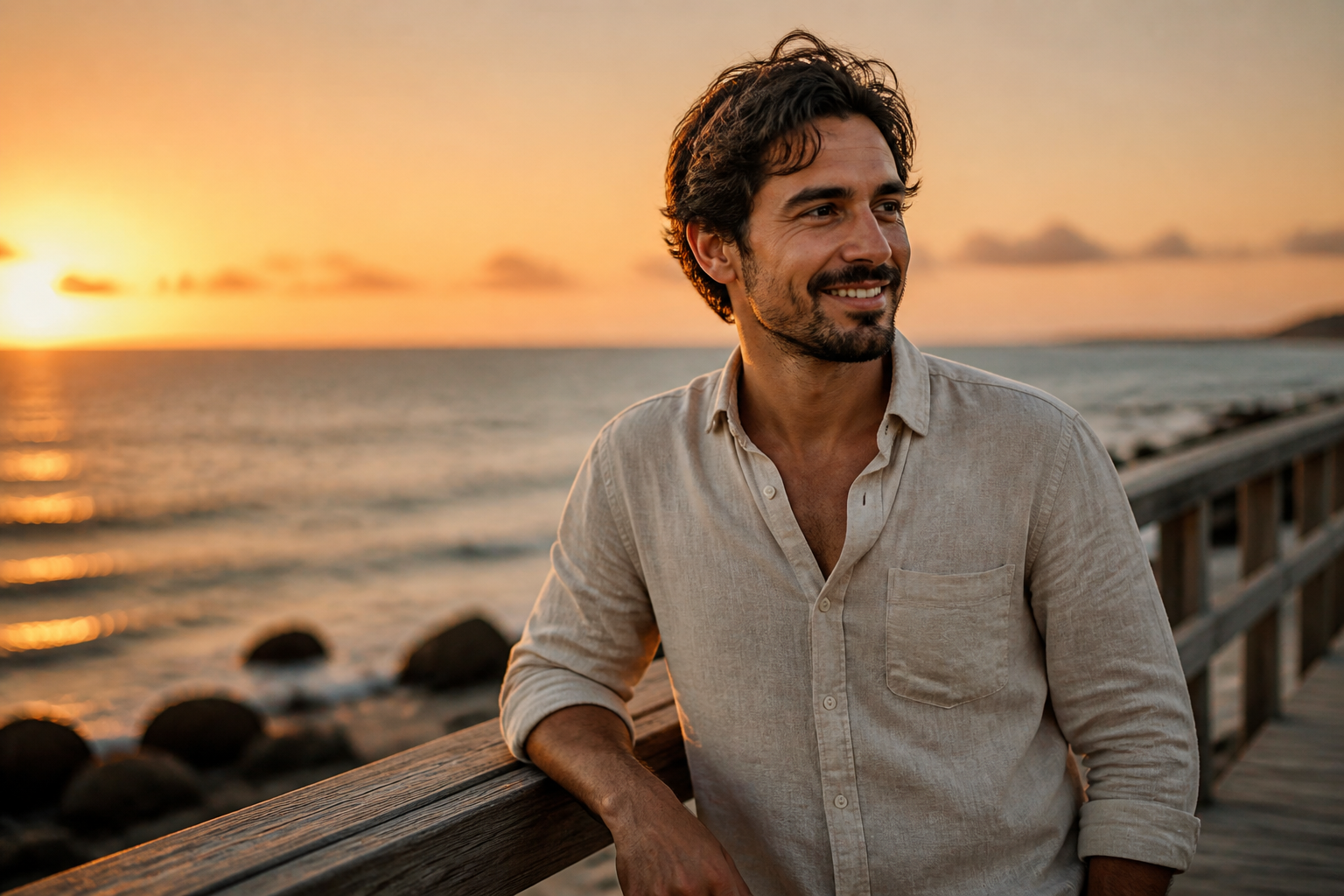 BEFORE
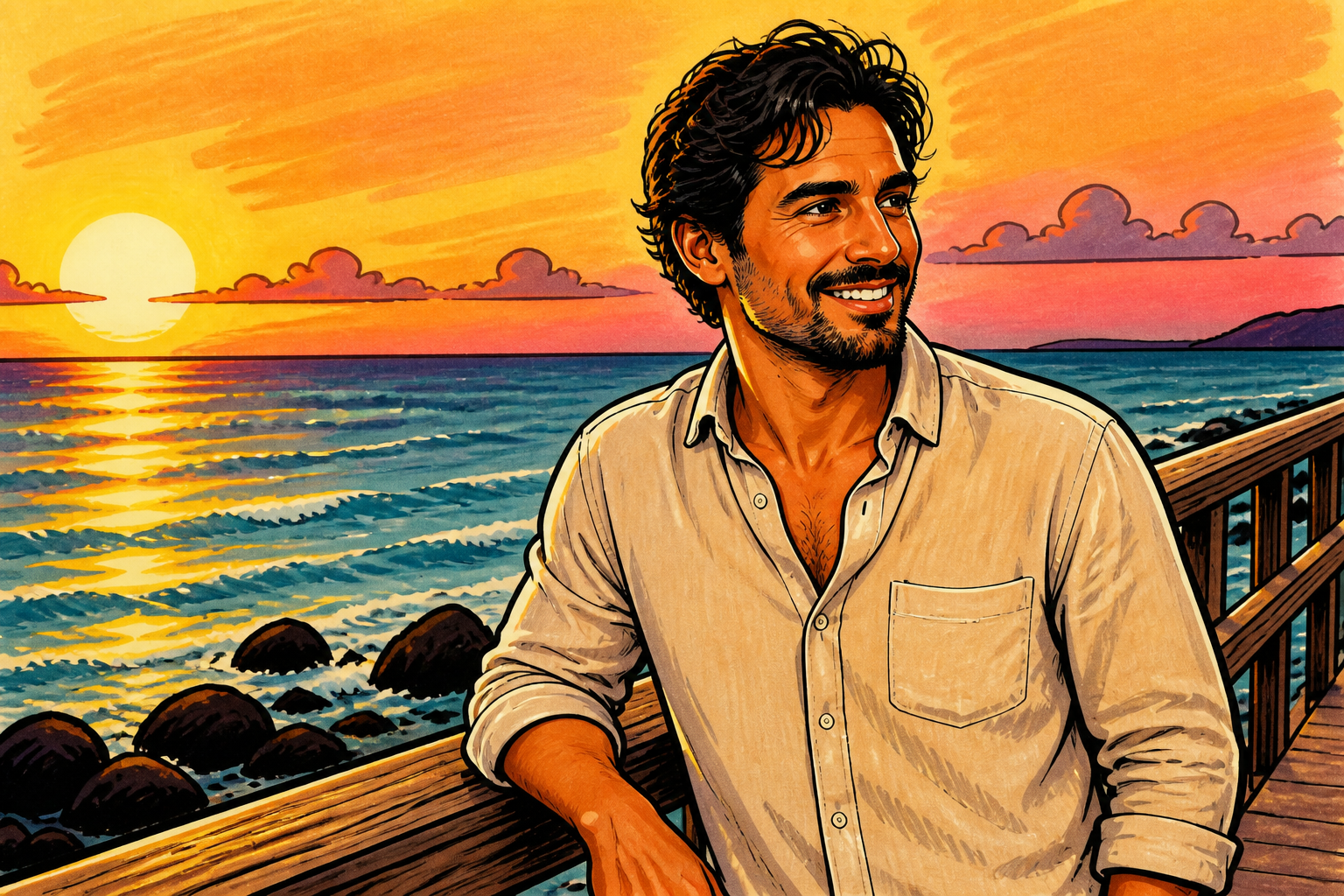 AFTER
AFTER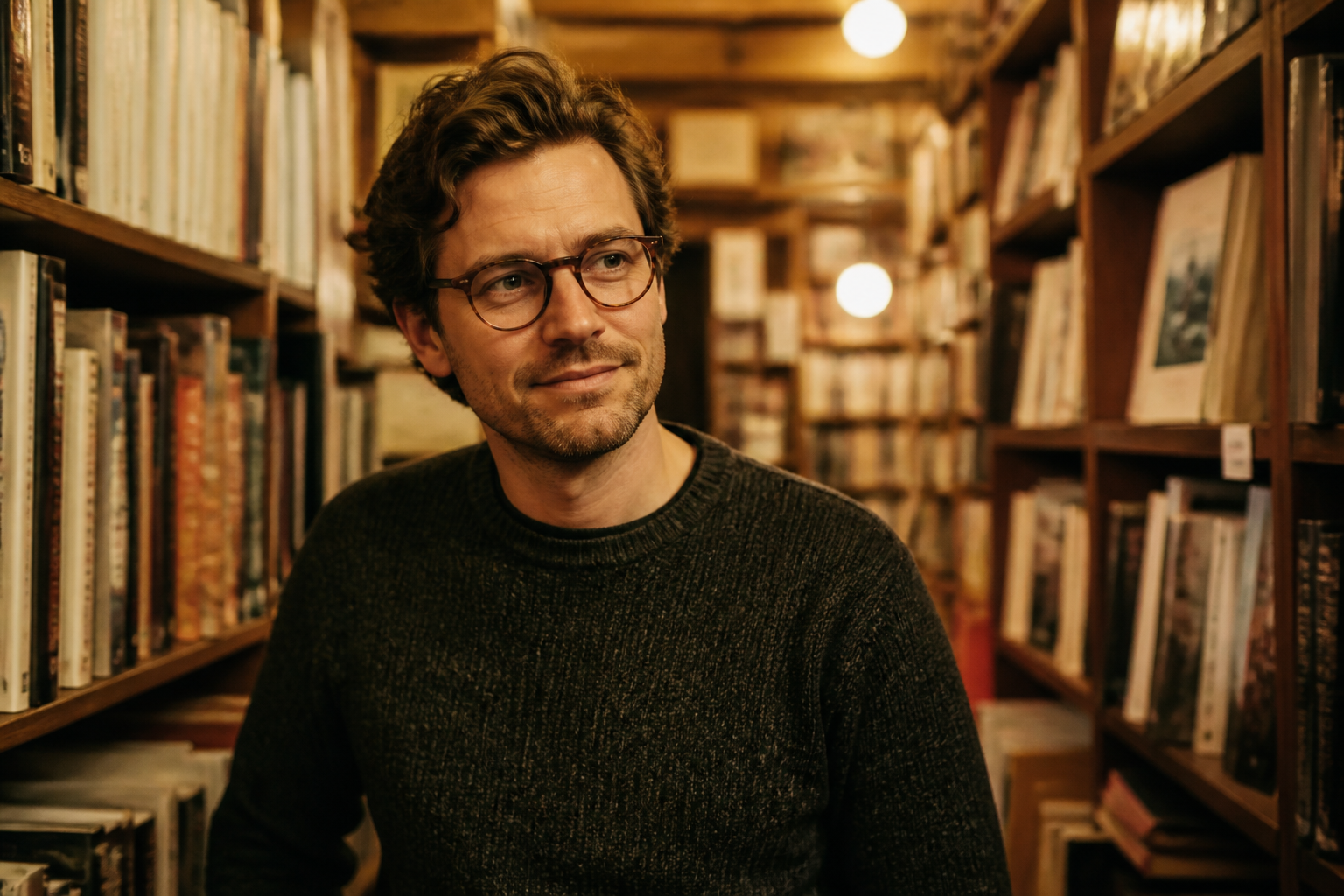 BEFORE
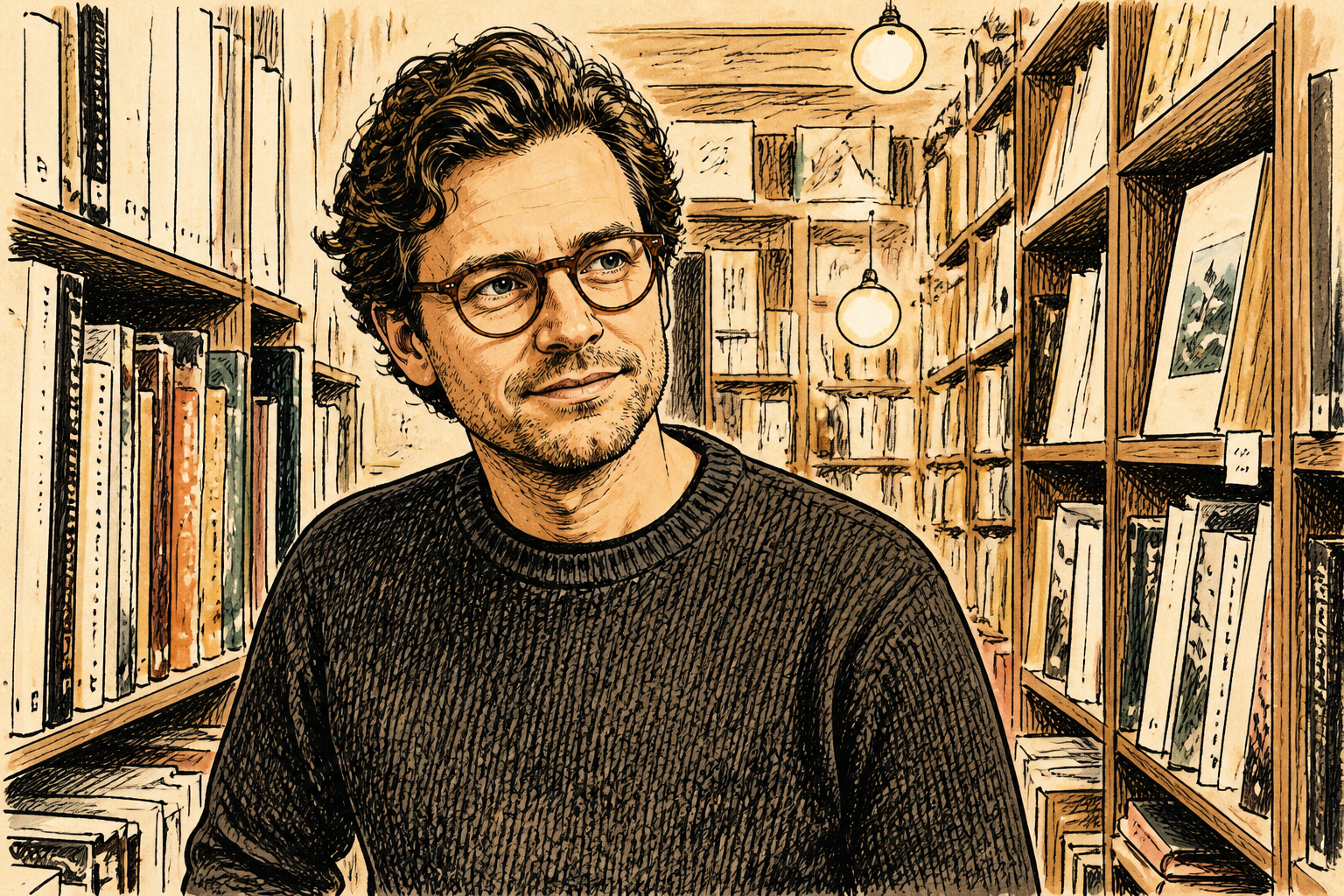 AFTER
AFTER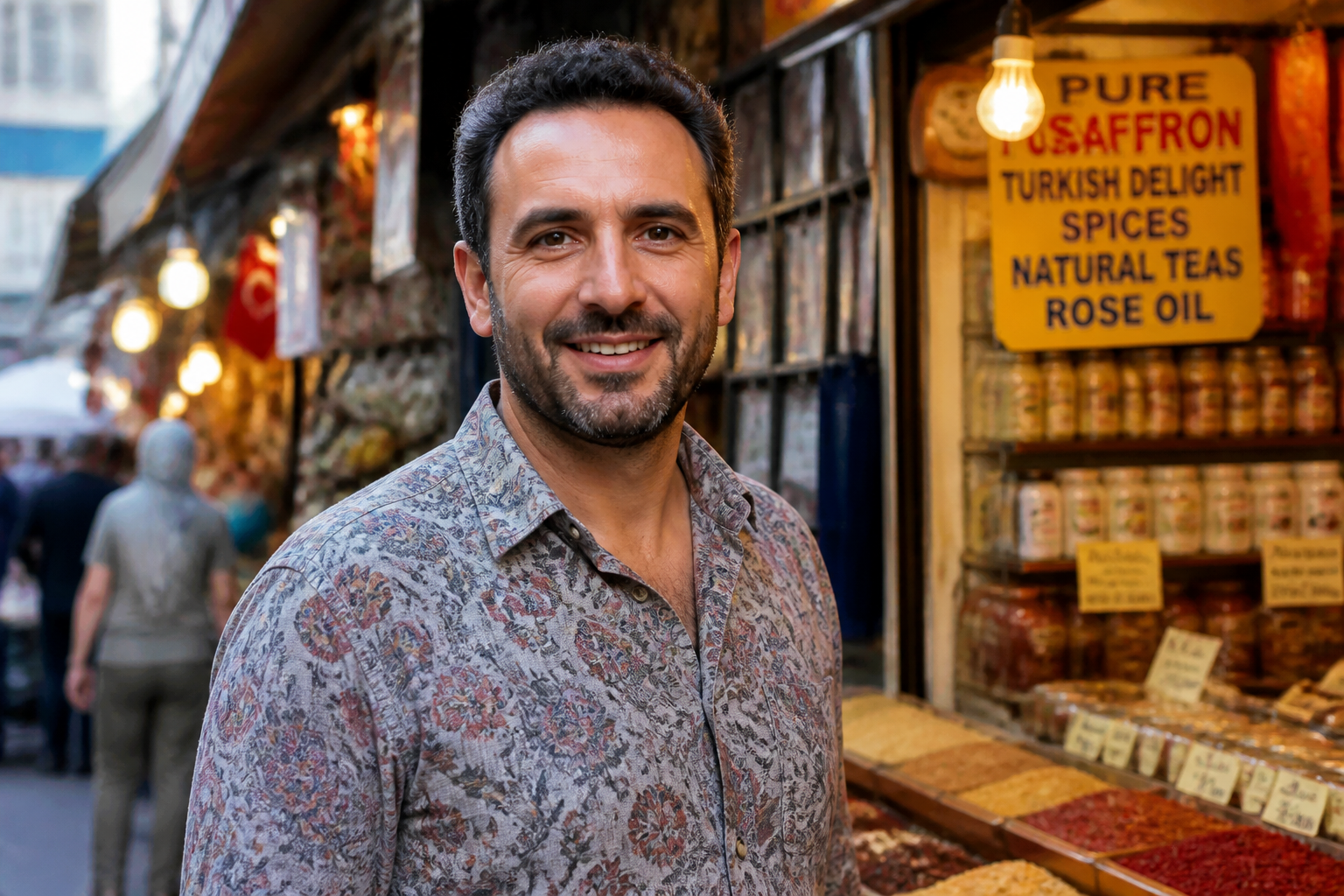 BEFORE
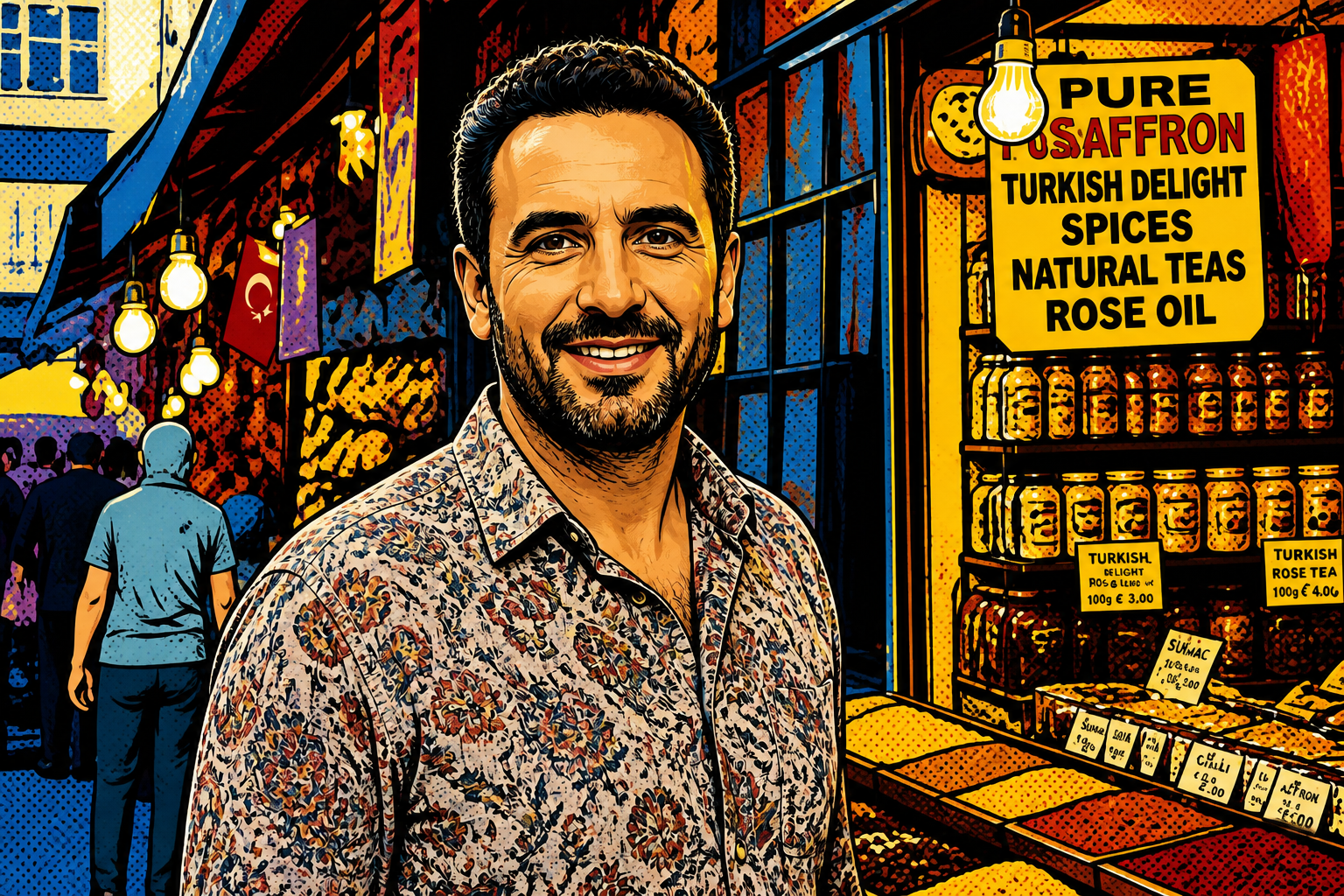 AFTERBEFOREAFTERBEFOREAFTERBEFOREAFTERBEFOREAFTERBEFOREAFTER
Key Features
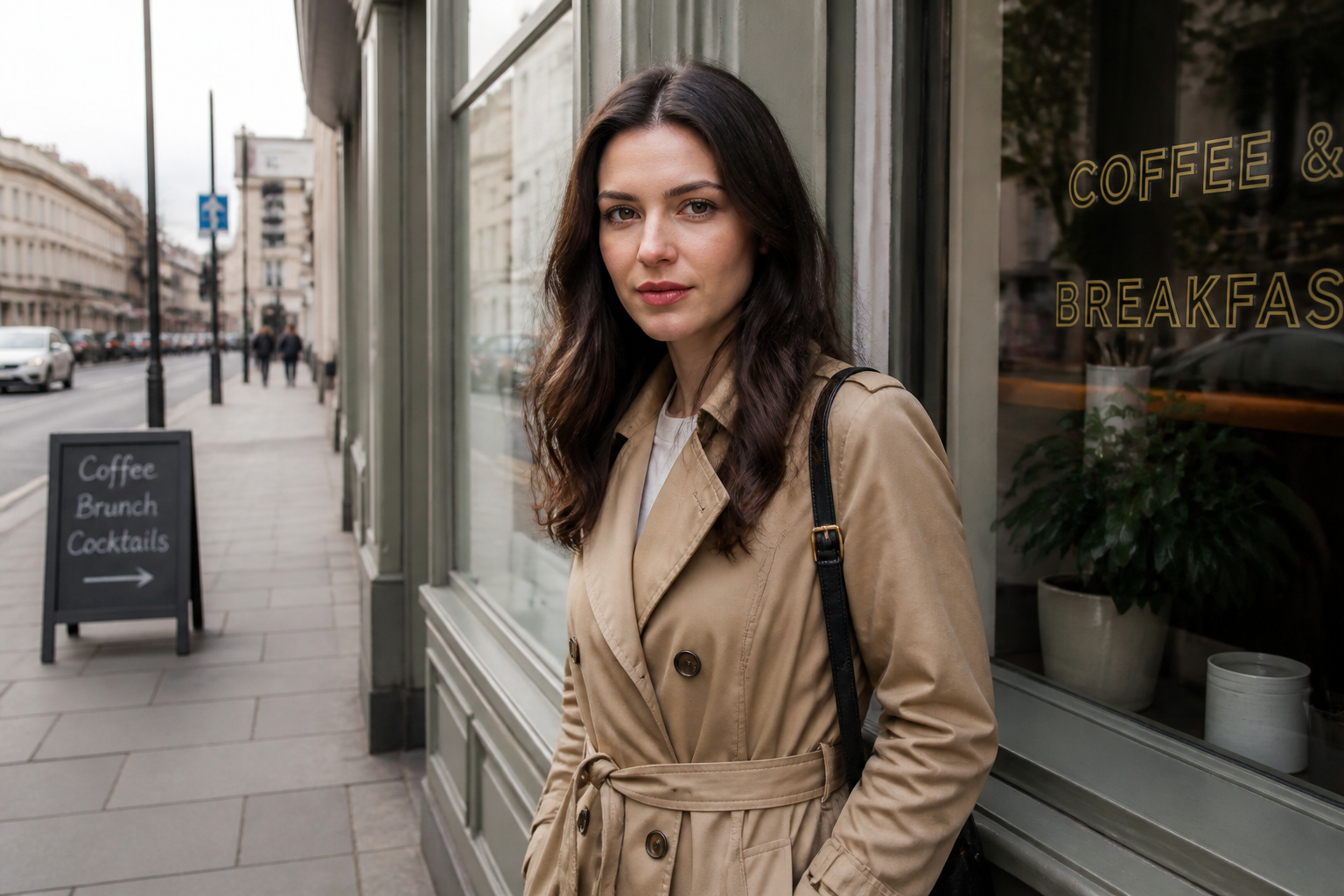
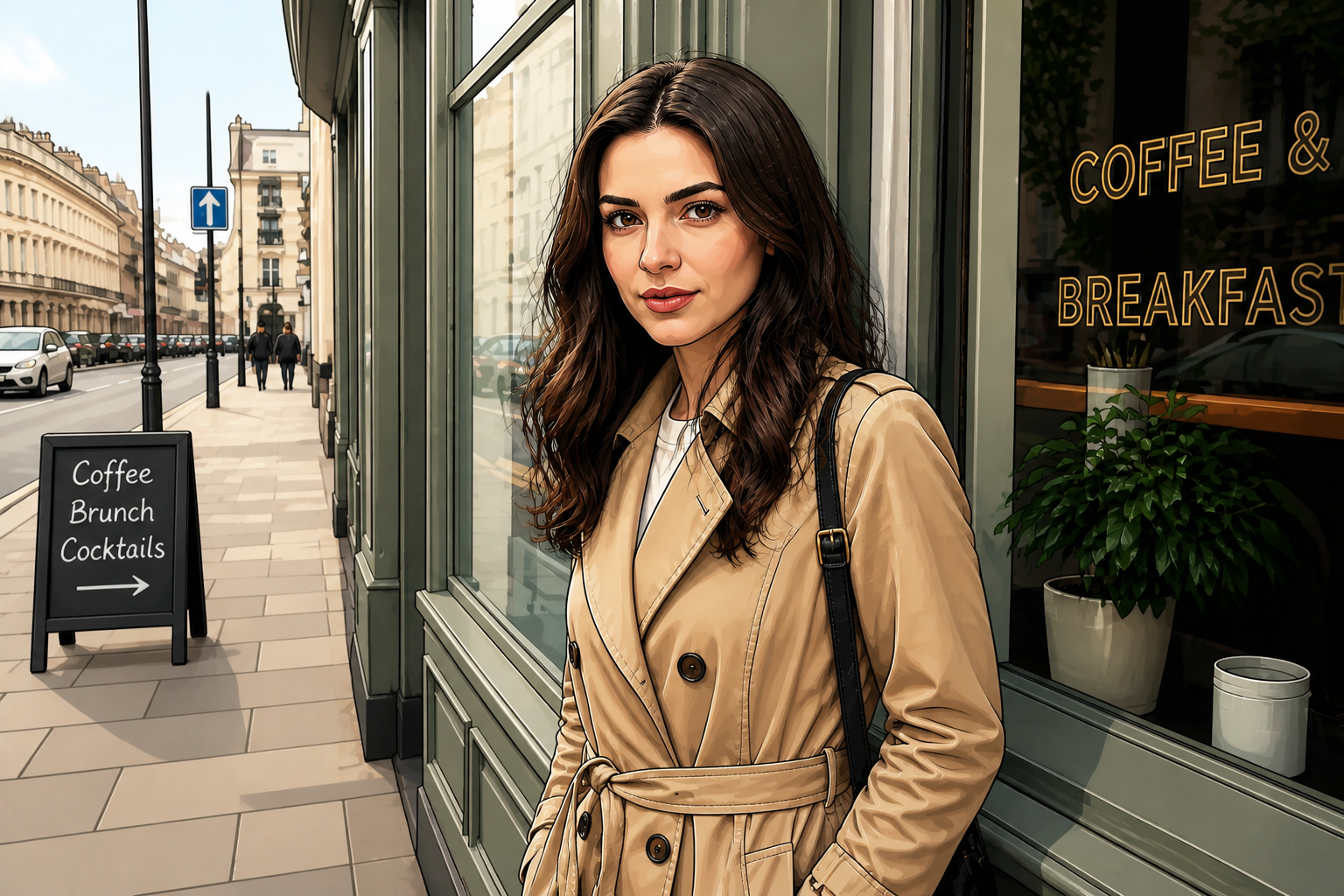
Keep faces recognizable
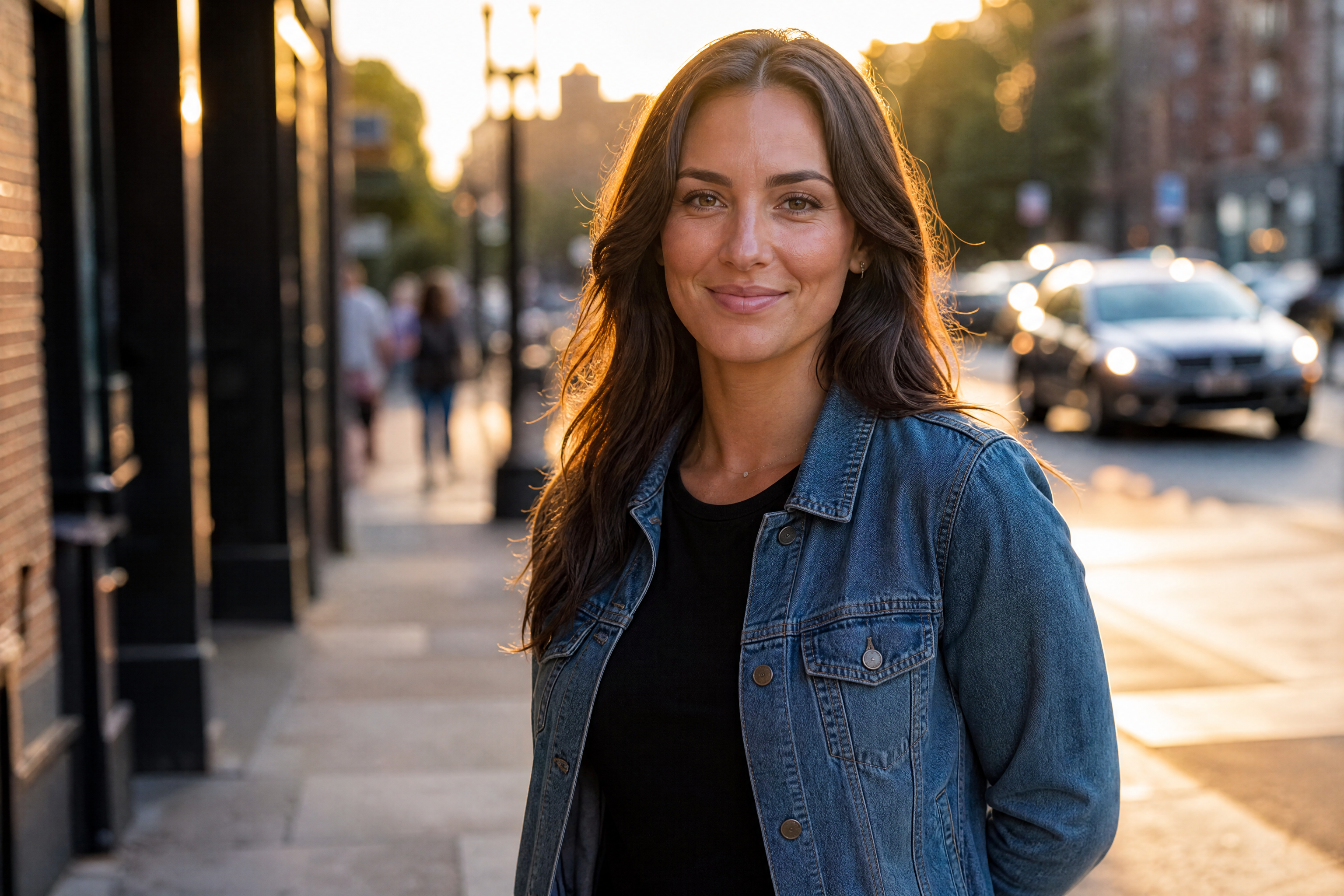
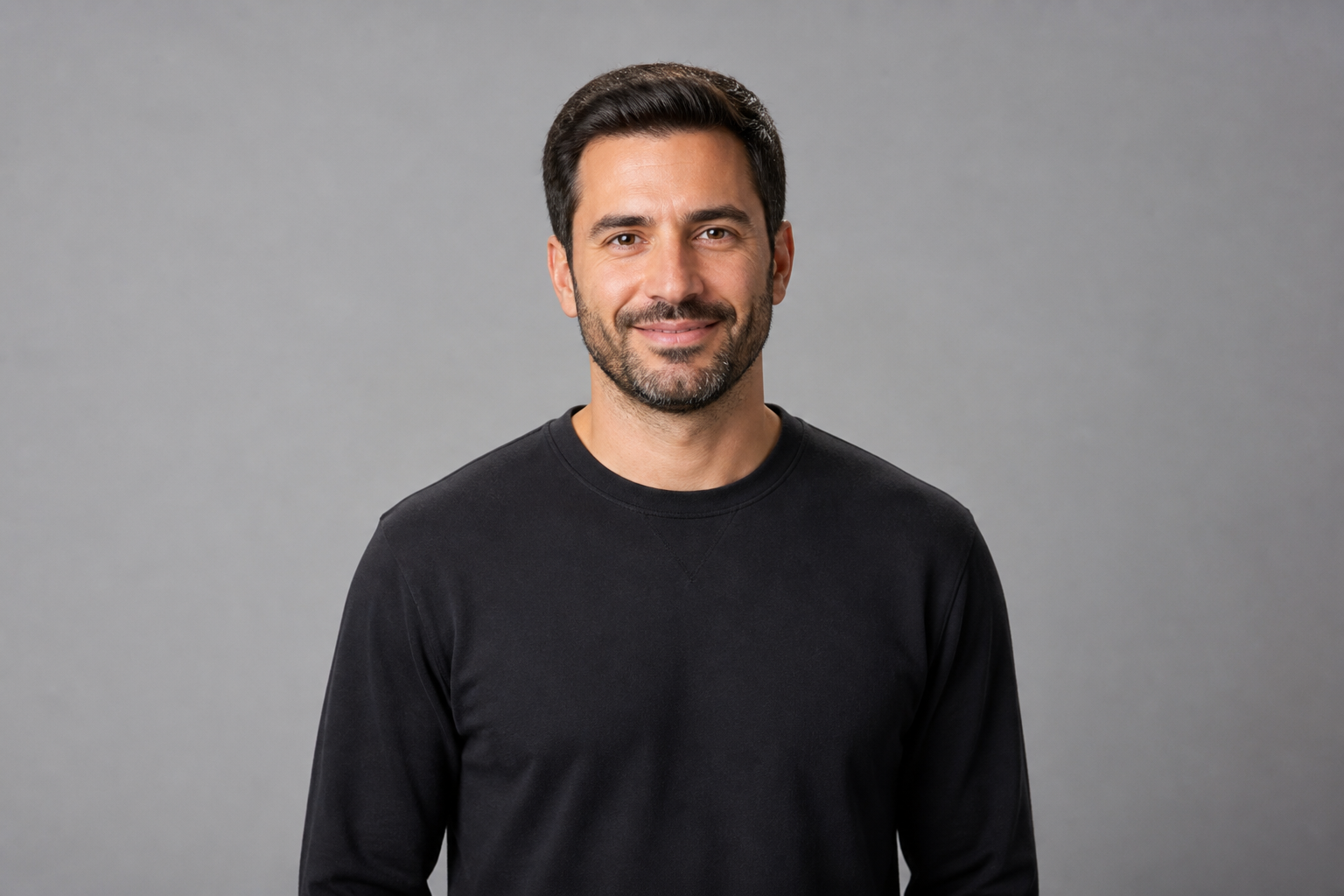
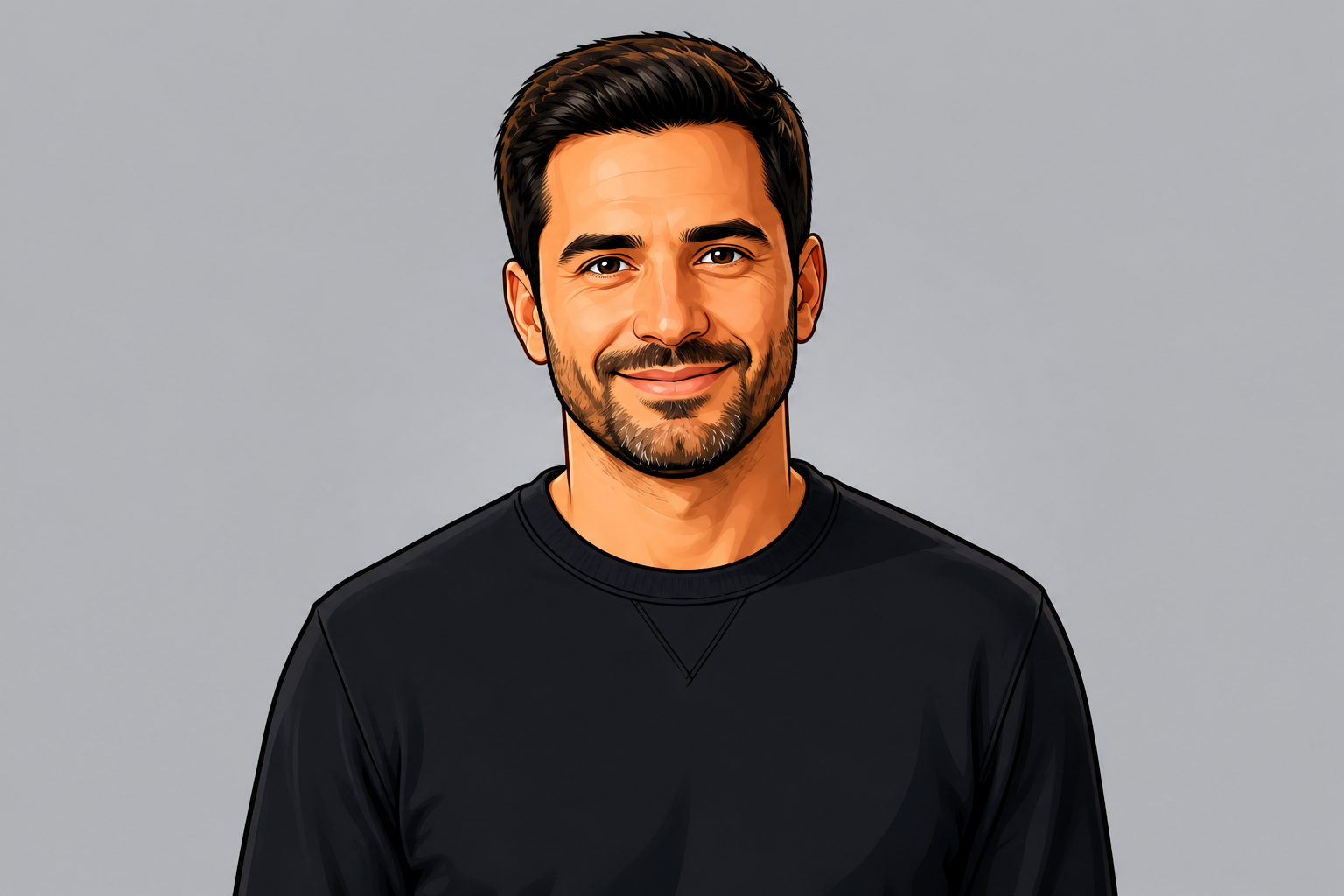
The edit changes the visual style without replacing the person in the photo. That matters for profile pictures, creator branding, and social posts where you still want to look like yourself. Instead of redrawing from scratch, our AI keeps the main facial structure, expression, and pose intact while applying a cartoon finish.
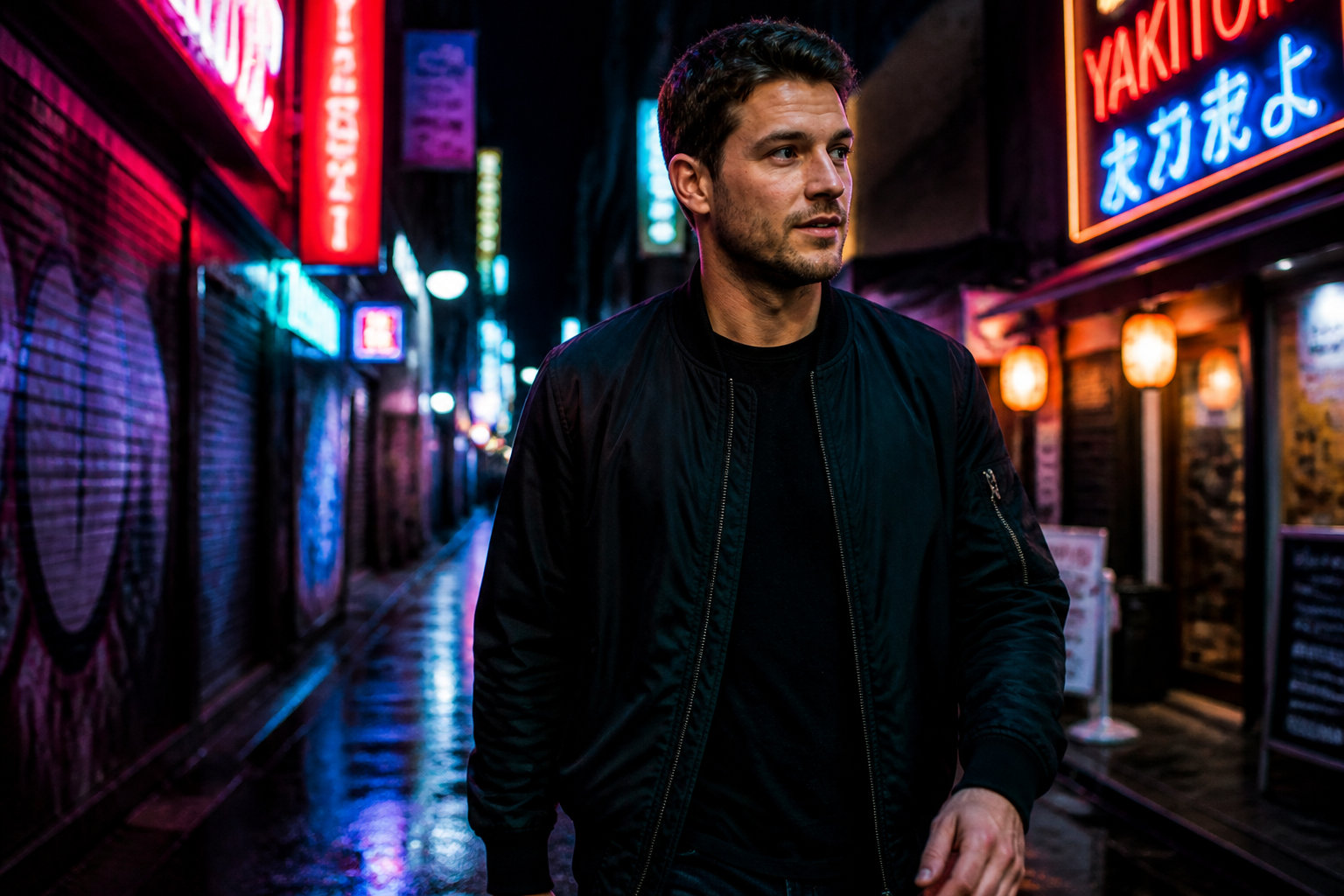
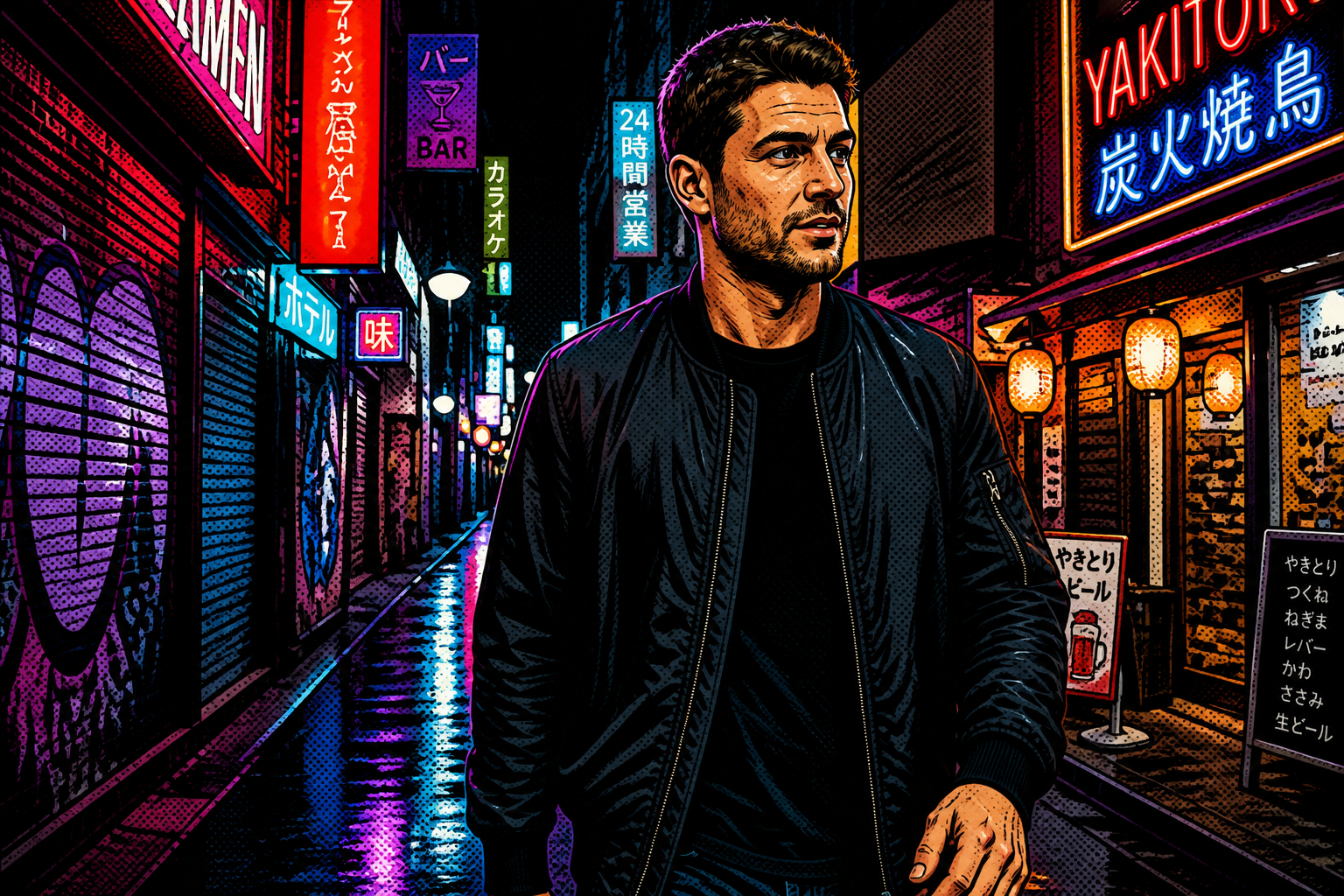
Strong style, clear result
A good cartoon filter should read instantly, even in a small thumbnail. This edit creates obvious linework, simplified shading, and graphic color separation so the before and after feel clearly different. You get a stylized result that looks intentional, not just lightly smoothed or posterized.
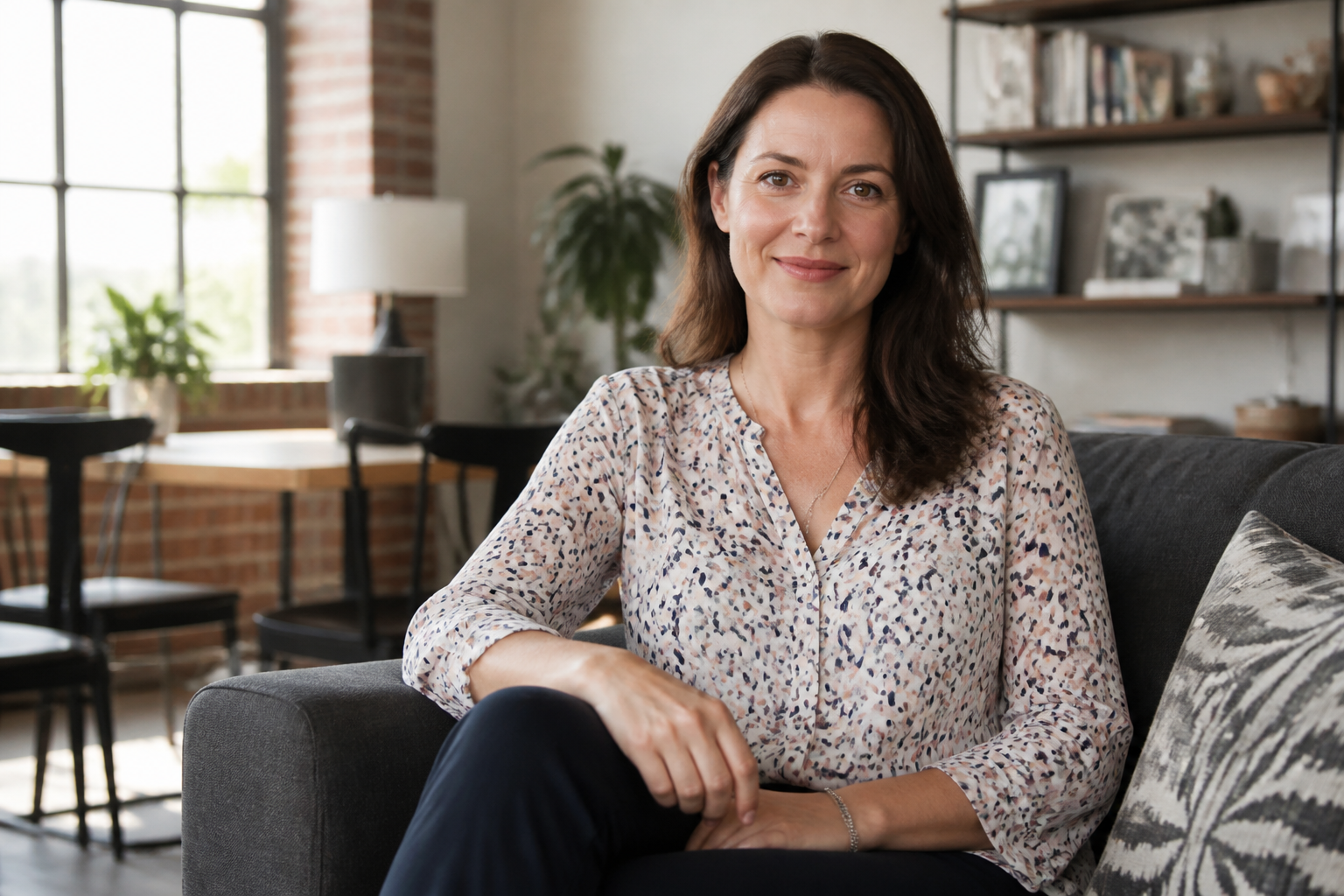
Works across art styles
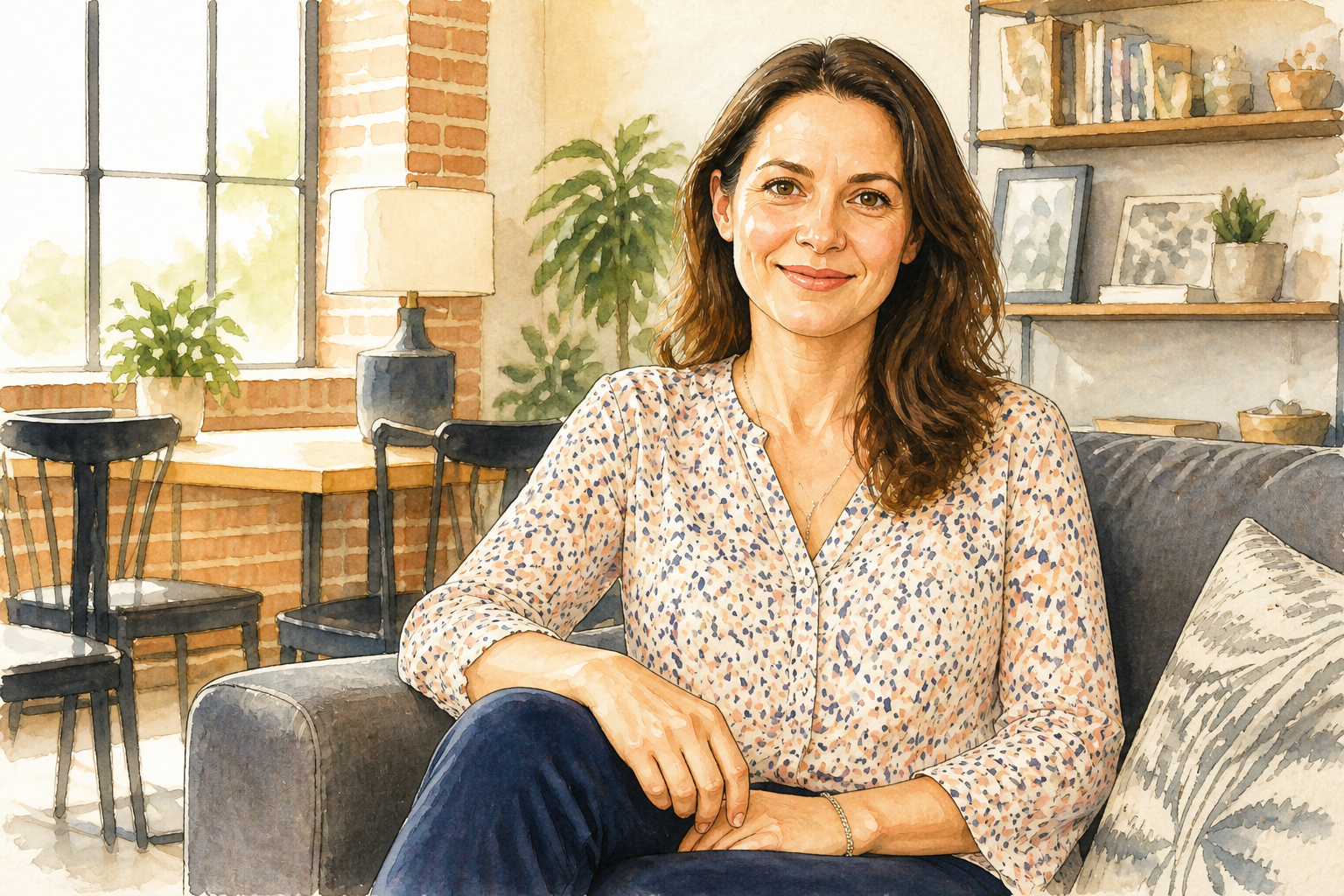
You are not limited to one cartoon look. You can go from clean cel-shaded portraits to anime, watercolor cartoons, comic-book art, or glossy illustration styles depending on the vibe you want. That gives creators more range than one-click filters that produce the same look every time.
Fast avatar-ready edits
Cartoonized photos work well for avatars, channel art, team pages, and social profiles because they feel polished and approachable. Our AI gets you to a usable result quickly without masking edges or manually tracing features. It is an easy way to turn ordinary portraits into something more distinctive for online use.
How It Works
Upload your photo
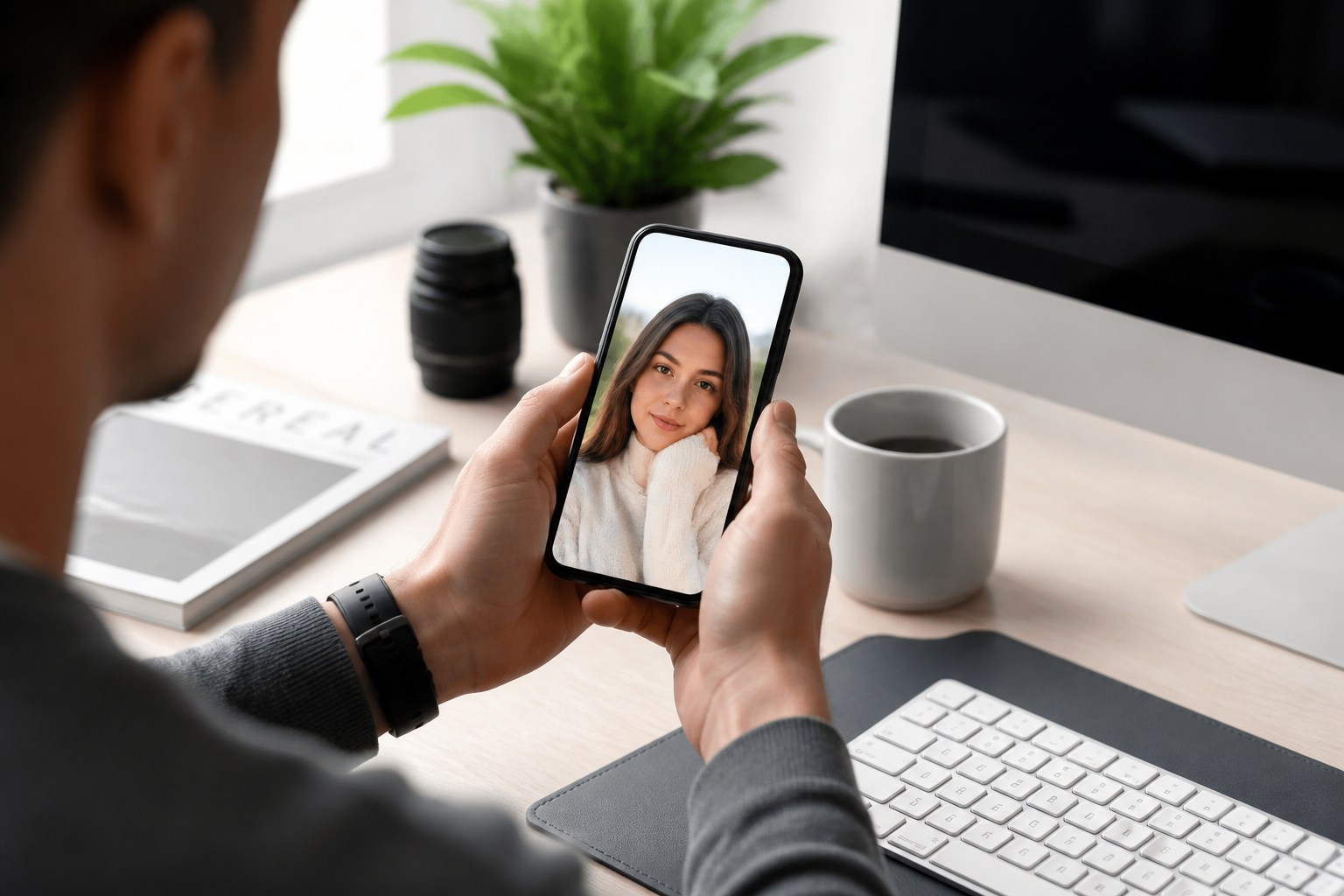
Start with a clear portrait, selfie, or lifestyle photo. Images with visible facial features and decent lighting usually produce the strongest cartoon effect.
Pick the cartoon look
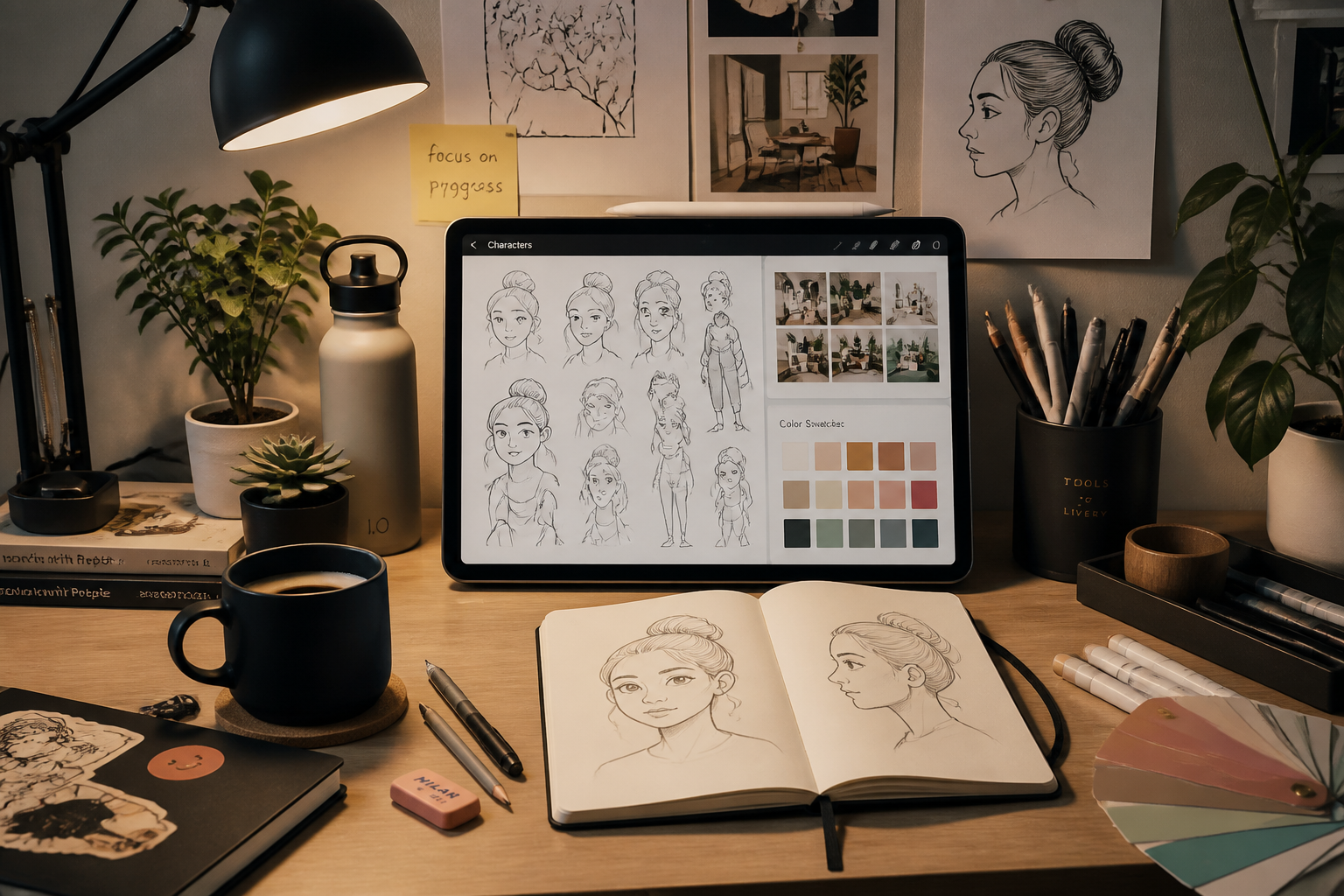
Describe the style you want, such as comic-book, anime, watercolor, or clean cel shading. You can keep it simple or add details about linework, color, and mood.
Compare and download
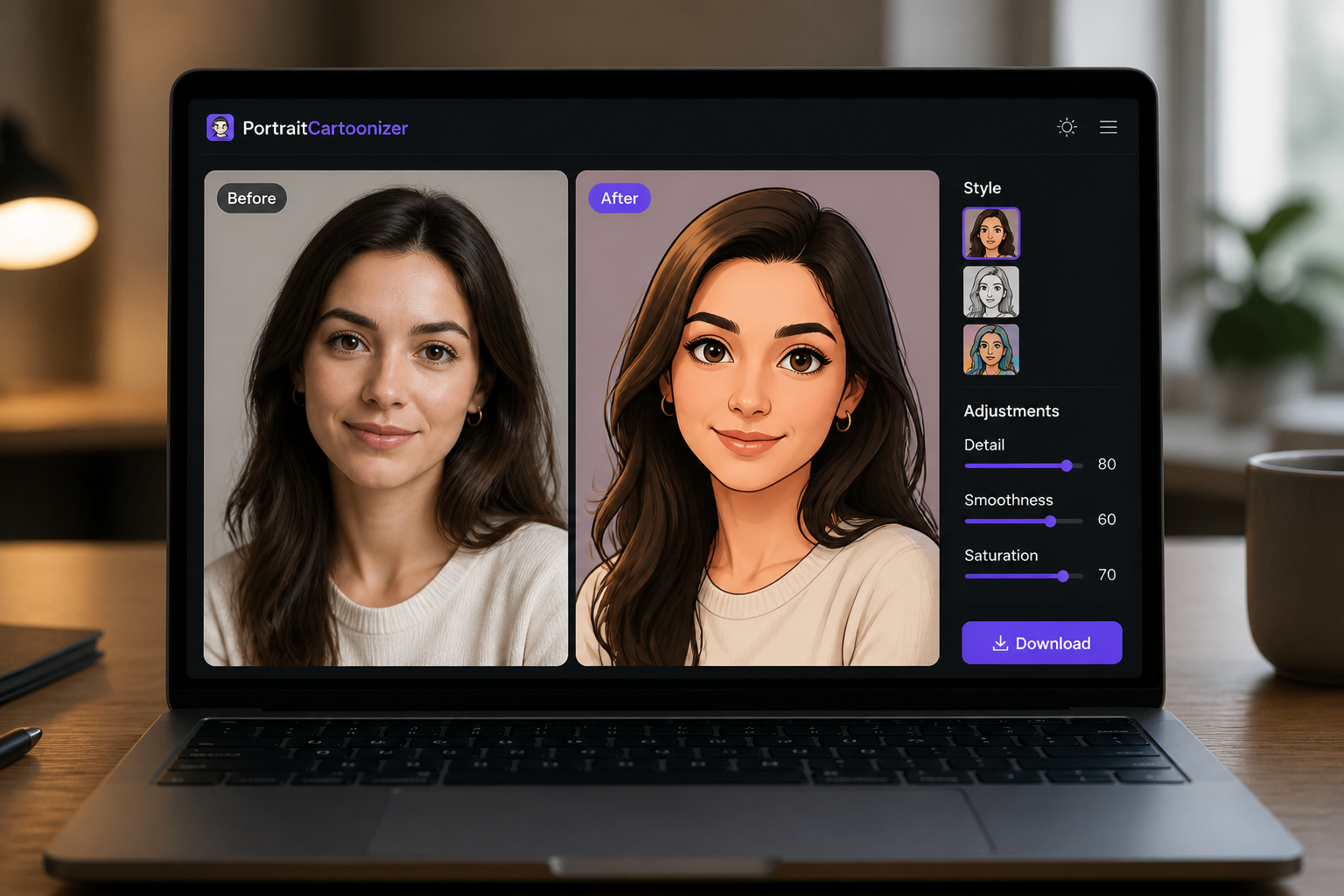
Review the before and after side by side and regenerate if you want a different style. When it looks right, download the image for social posts, avatars, or creative projects.
Perfect For
Discover how creators and professionals use photo to cartoon filter
Profile pictures
Turn selfies and portraits into stylized profile images that feel more distinctive than a standard photo.
Social media posts
Create eye-catching cartoon versions of photos for reels covers, stories, thumbnails, and feed graphics.
Creator branding
Use cartoon portraits for channel art, about pages, newsletters, and personal brand assets.
Giftable portraits
Make playful cartoon edits from everyday photos for prints, messages, and digital keepsakes.
Built For
Creators and influencers
Make portraits stand out across social platforms without commissioning custom illustration for every post.
Casual users
Turn favorite photos into fun cartoon images for avatars, messages, and personal sharing.
Designers and marketers
Generate stylized character-like visuals from real photos for lightweight campaigns and content mockups.
Why use a dedicated photo to cartoon filter
A quick look at how we compare on the things that matter for this niche.
| Feature | BudgetPixel | Generic AI editors | Manual editing apps |
|---|---|---|---|
| Recognizable cartoon portraits | ✓ | — | — |
| Multiple cartoon styles | ✓ | — | — |
| Fast before/after workflow | ✓ | — | — |
| No manual tracing | ✓ | — | — |
Frequently Asked Questions
What kind of photos work best with the Photo to Cartoon Filter?
Will the cartoon version still look like the original person?
Can I choose different cartoon styles?
Is this only for selfies?
Do I need editing experience?
Create together.
Share your creations, discover trending AI art, and grow with fellow creators.