Buzz Cut Hair Filter
See how a close-cropped cut looks before you commit
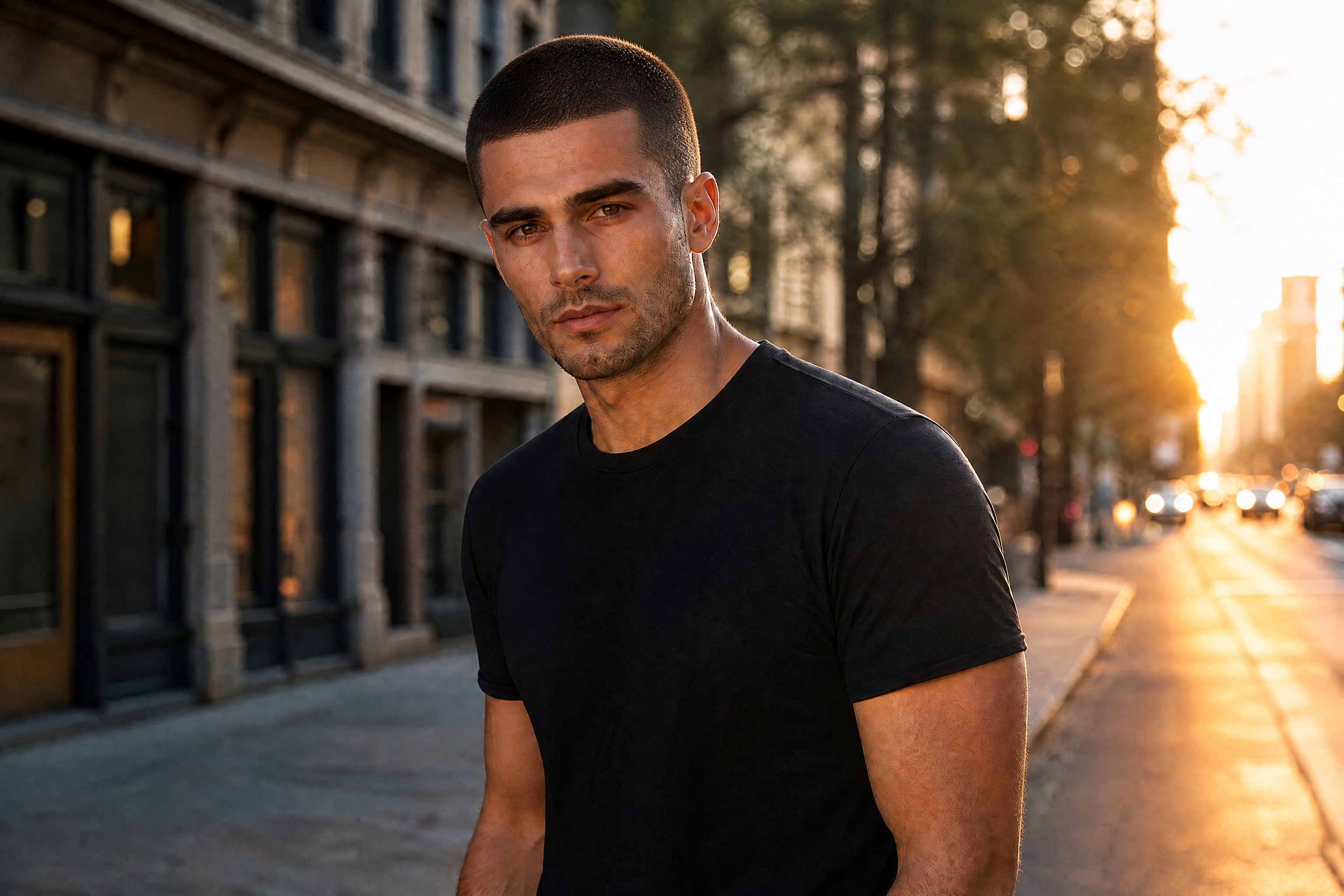
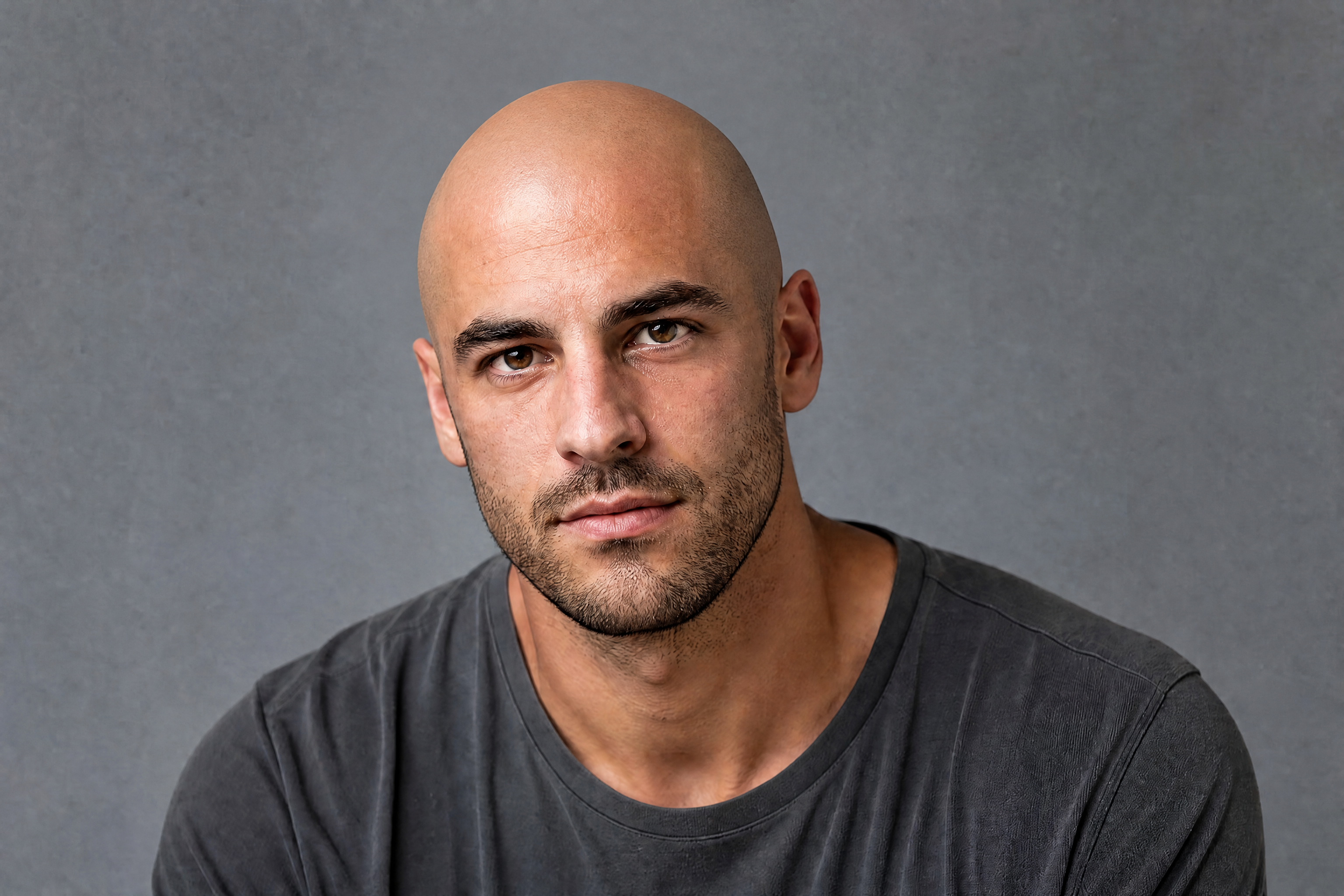
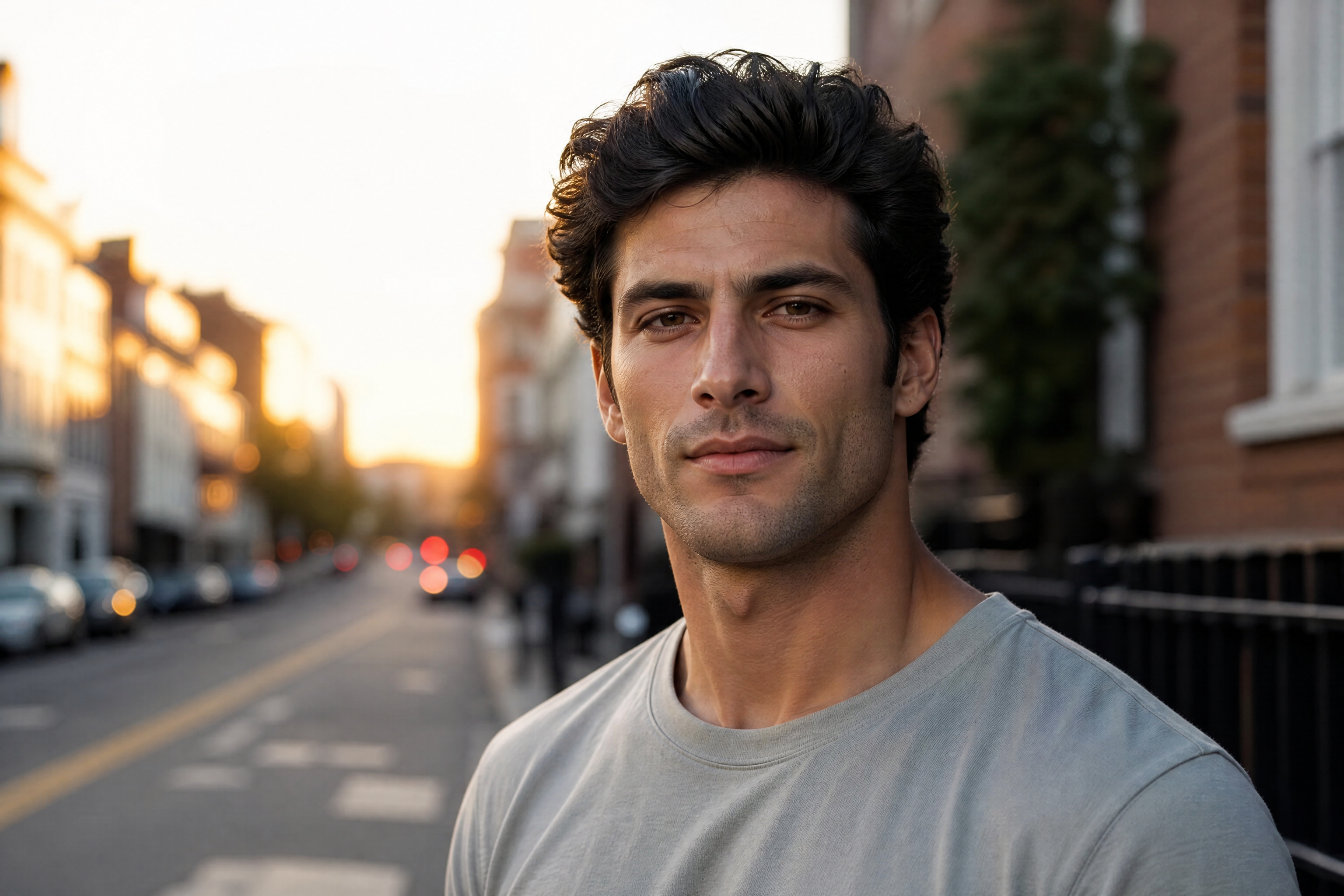
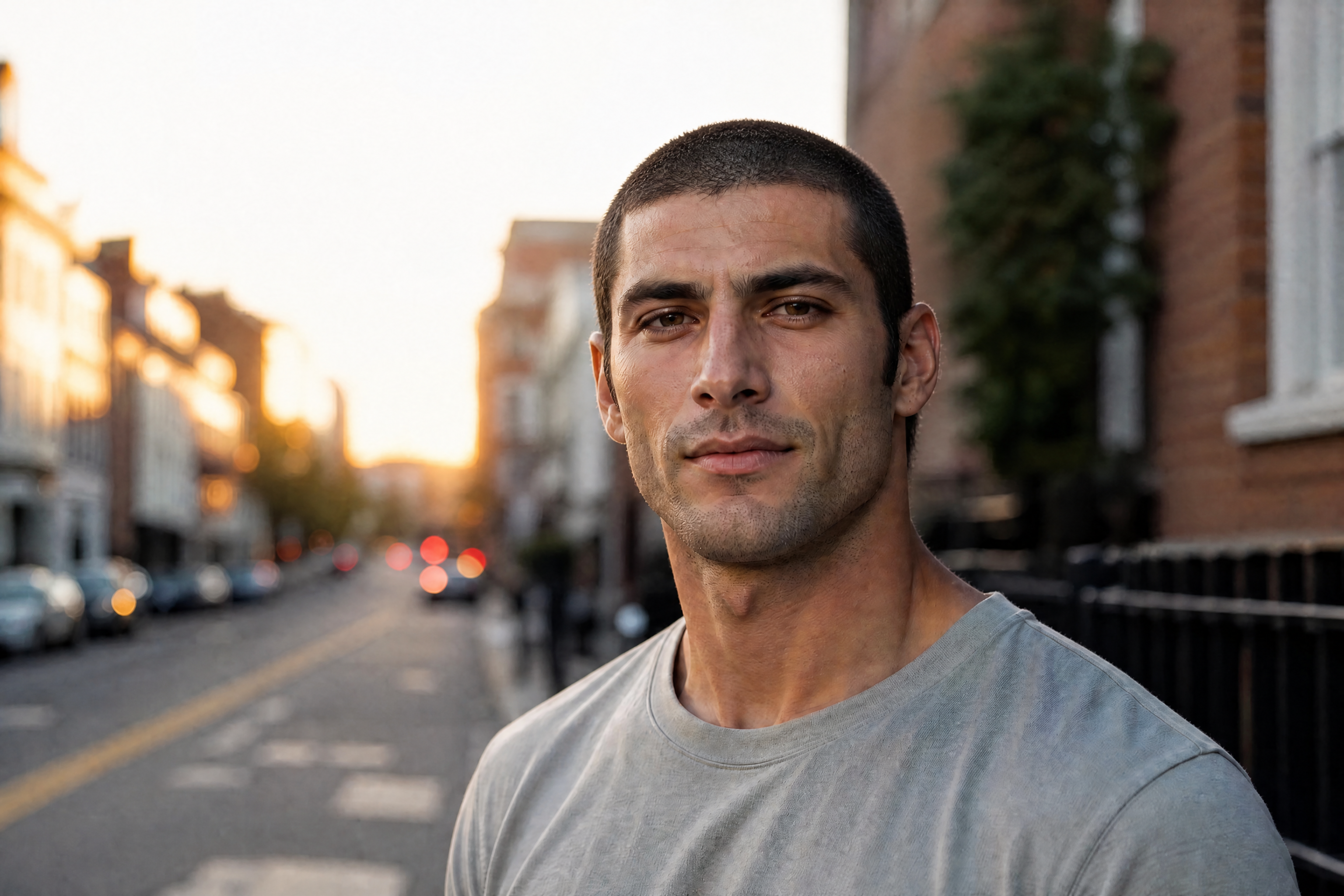
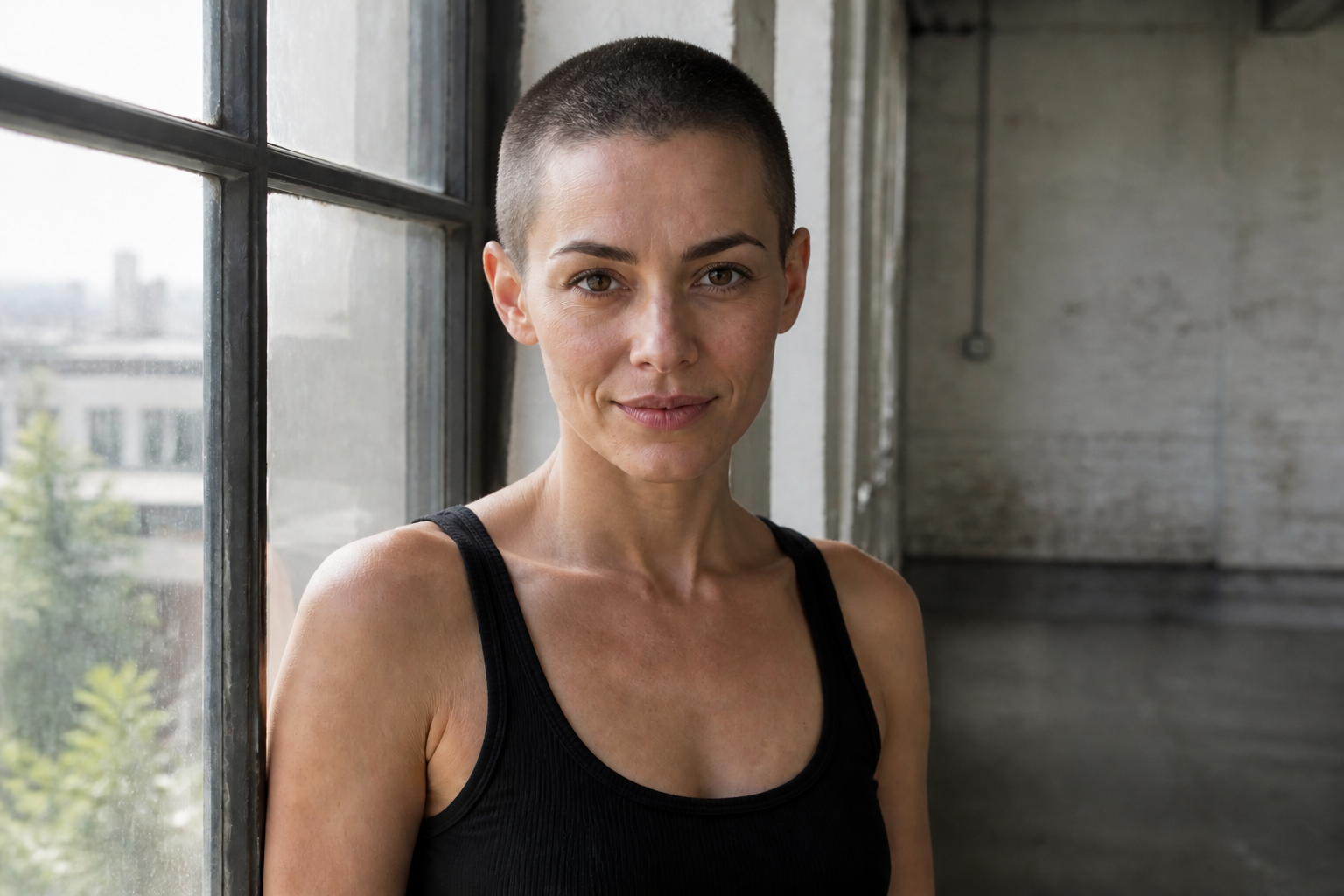
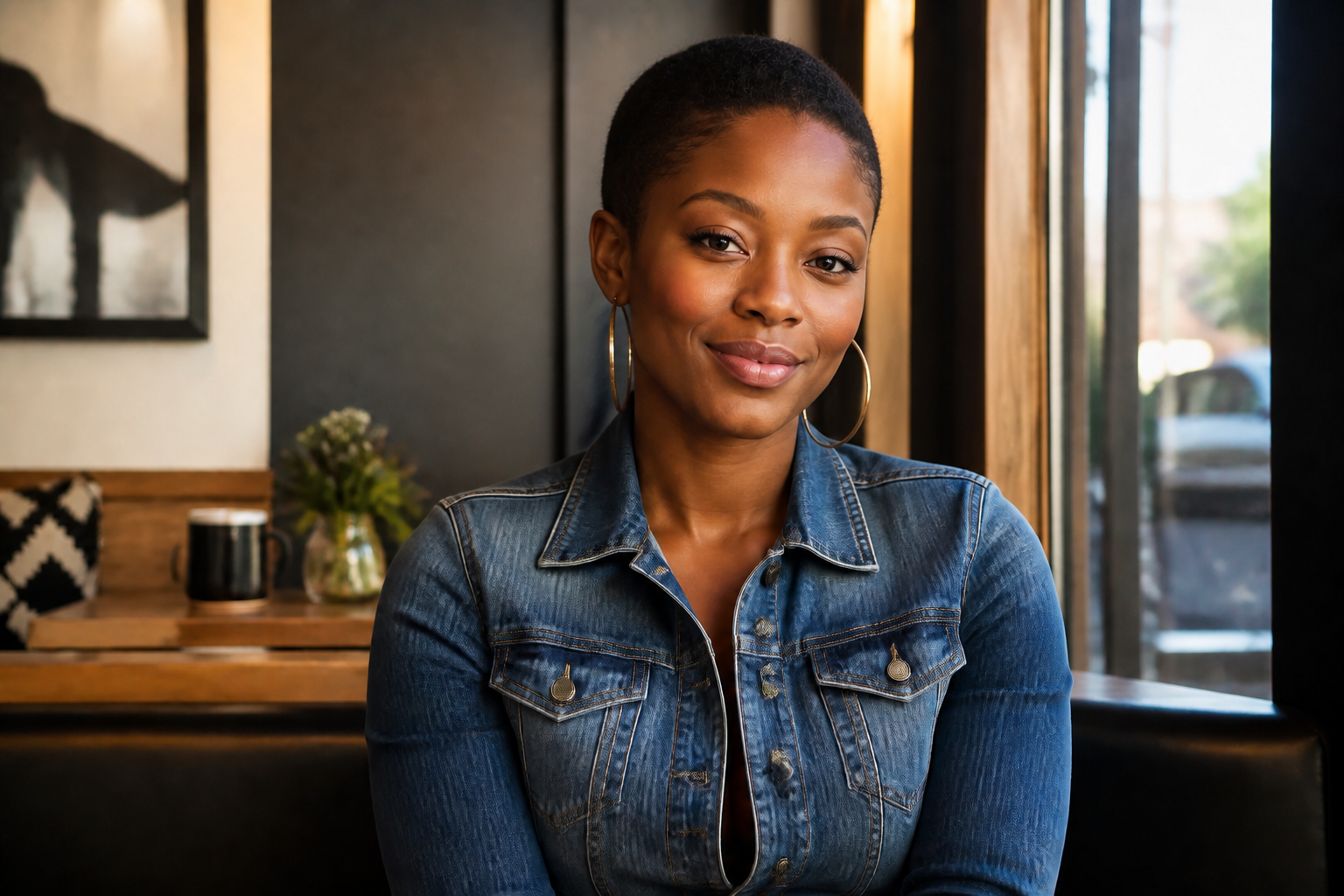
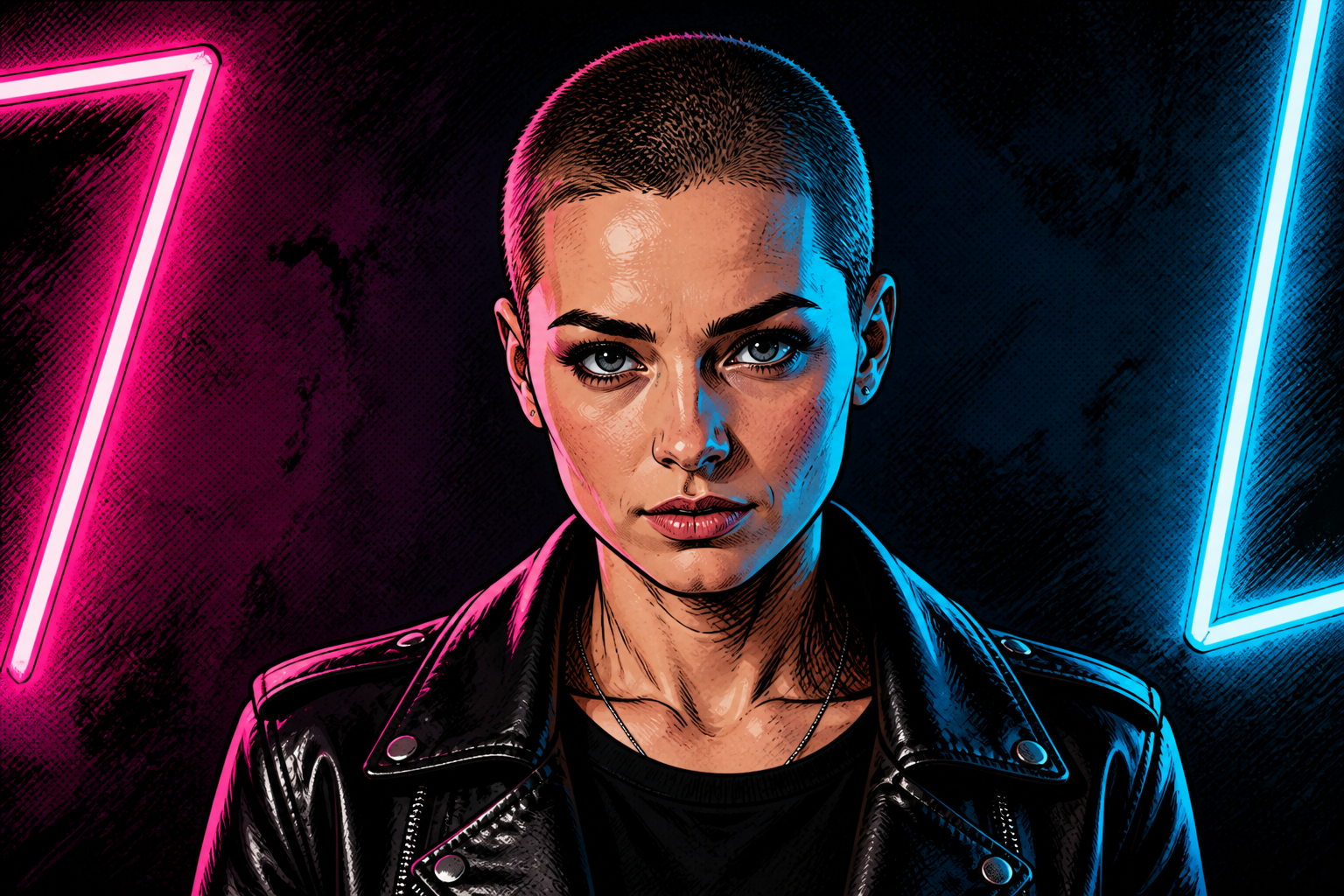
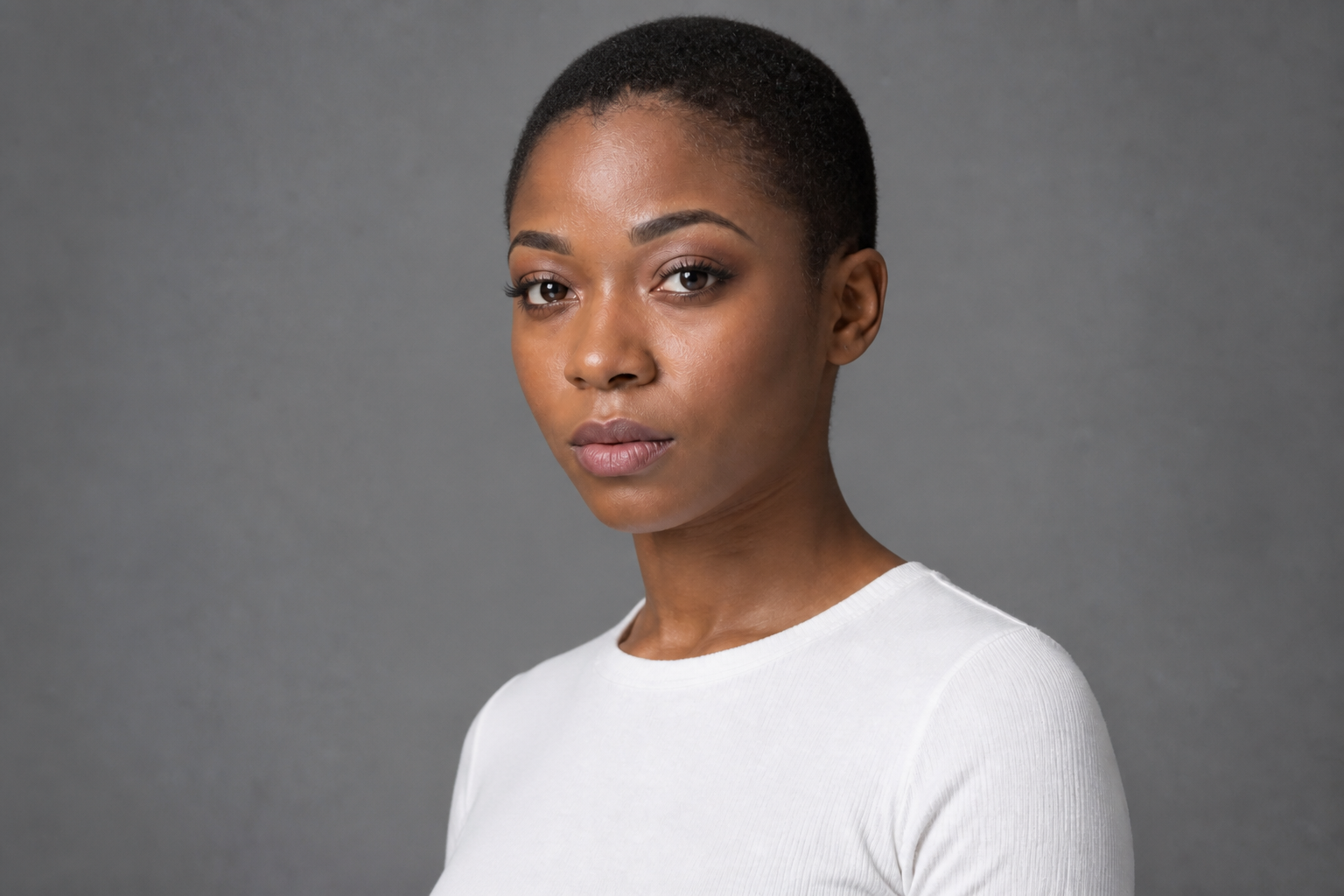
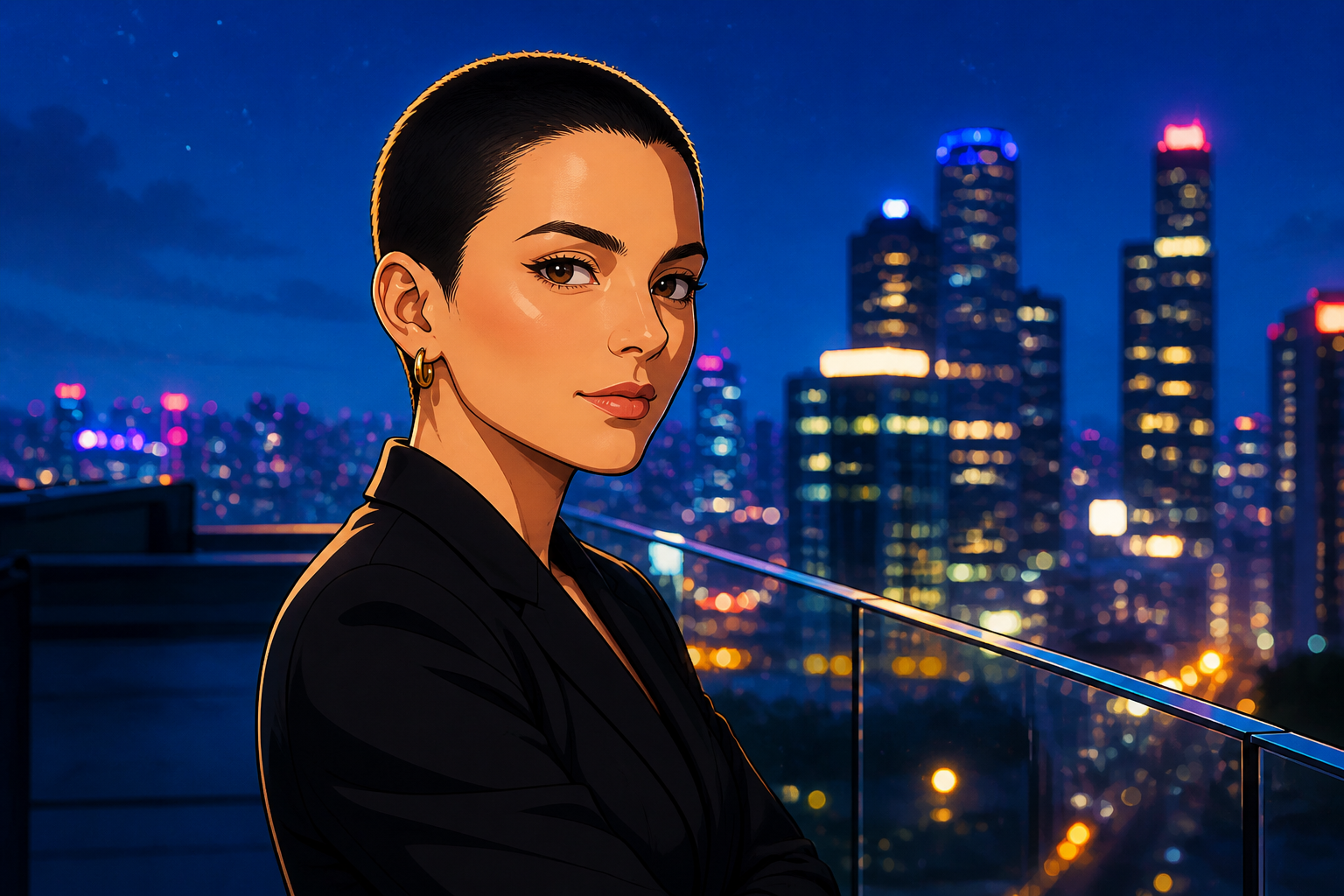
Upload a photo and turn your current hairstyle into a buzz cut in one edit. Our AI keeps your facial features, pose, and overall scene consistent so the haircut change is easy to judge.
Watch the Transformation
See buzz cut hair filter in motion — generated end-to-end by our AI.
See It In Action
Real outputs from buzz cut hair filter.
BEFOREAFTER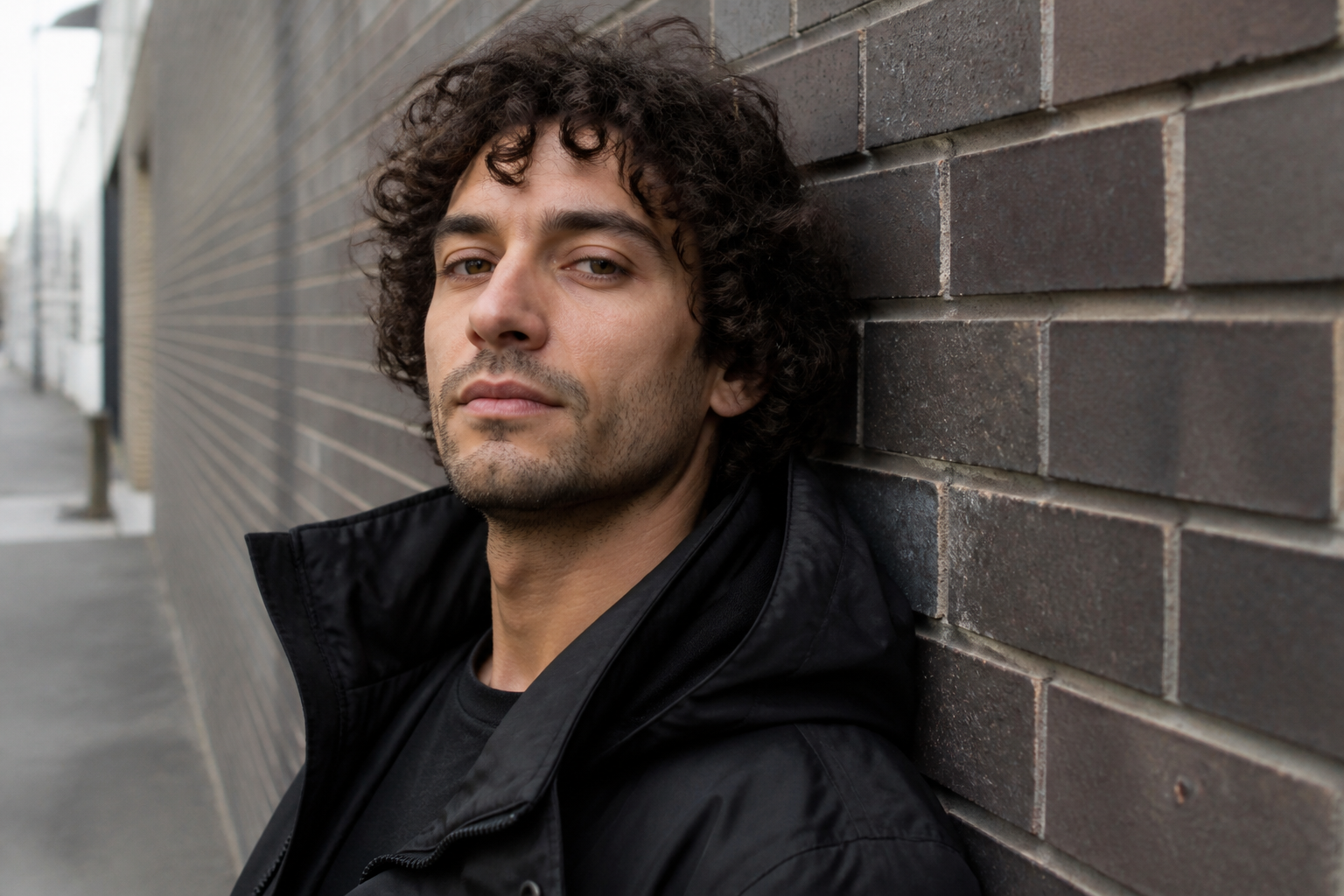 BEFORE
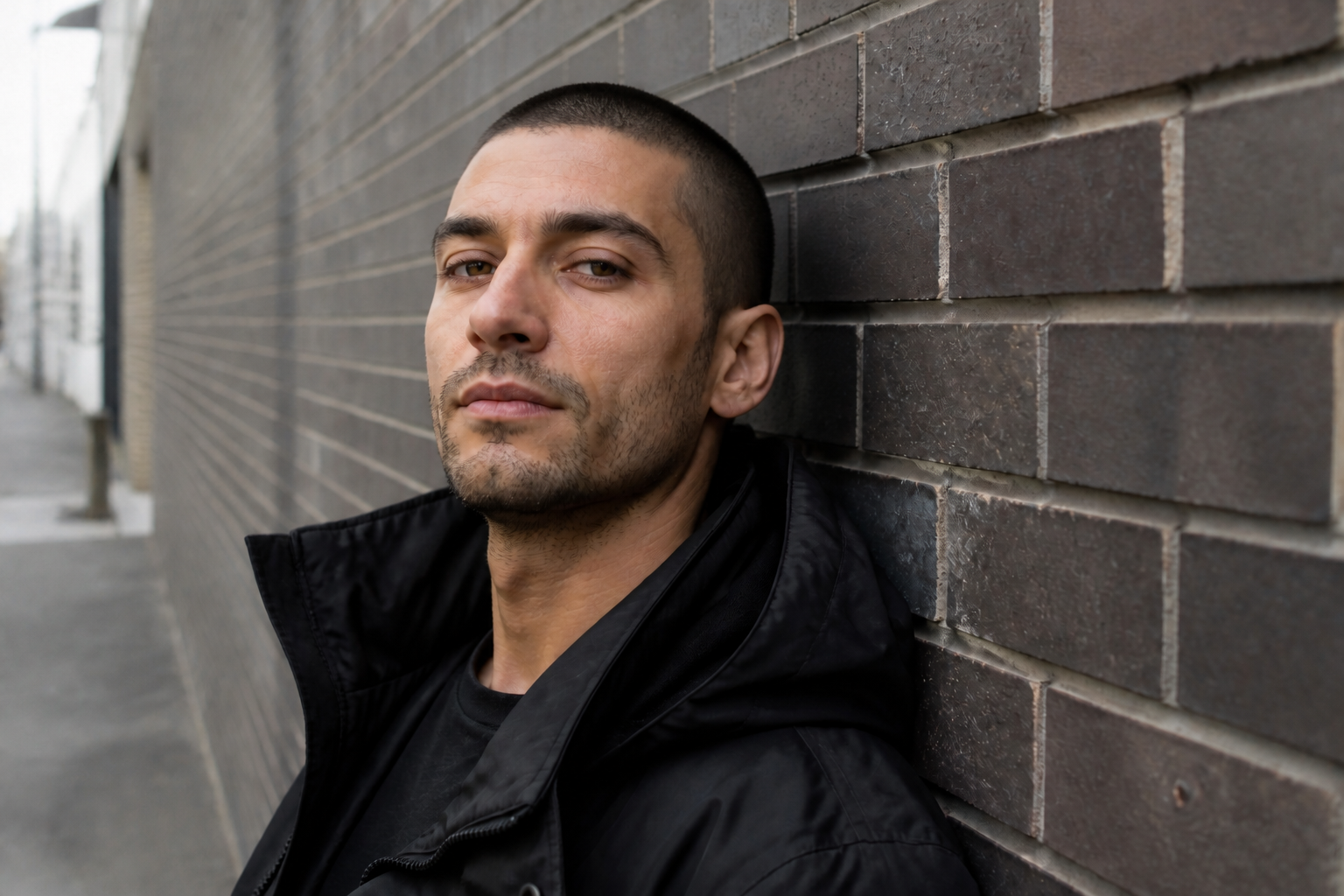 AFTER
AFTER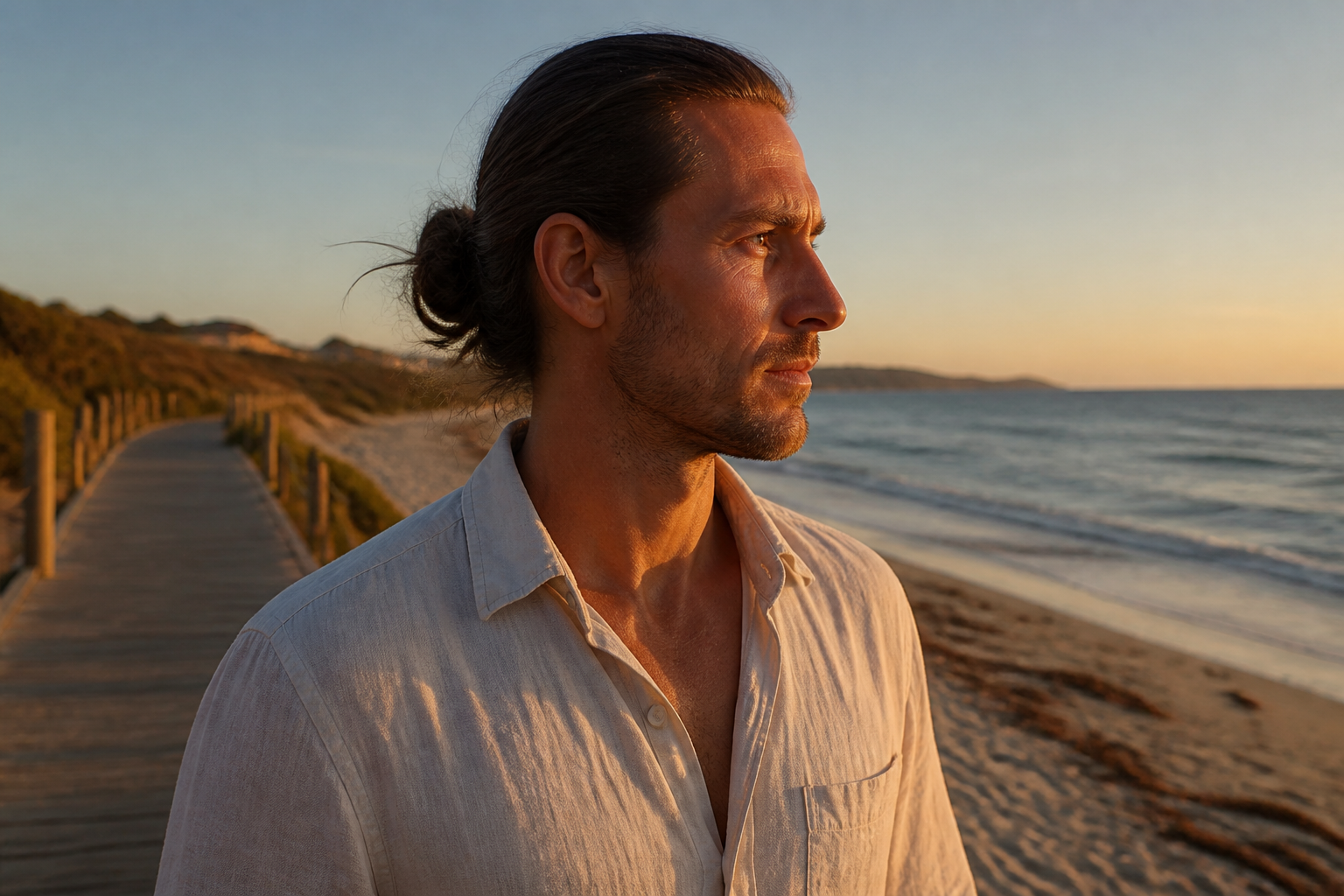 BEFORE
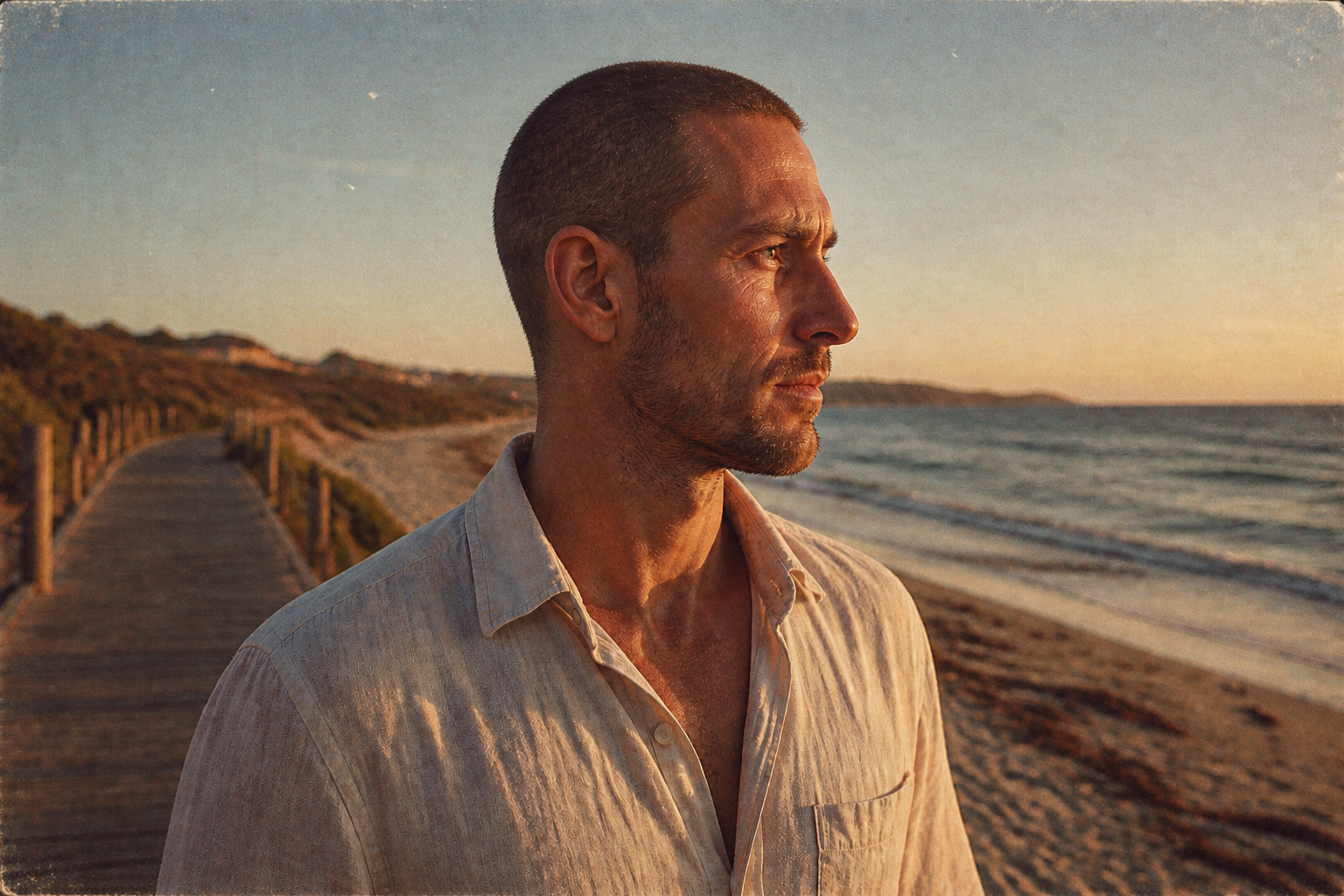 AFTER
AFTER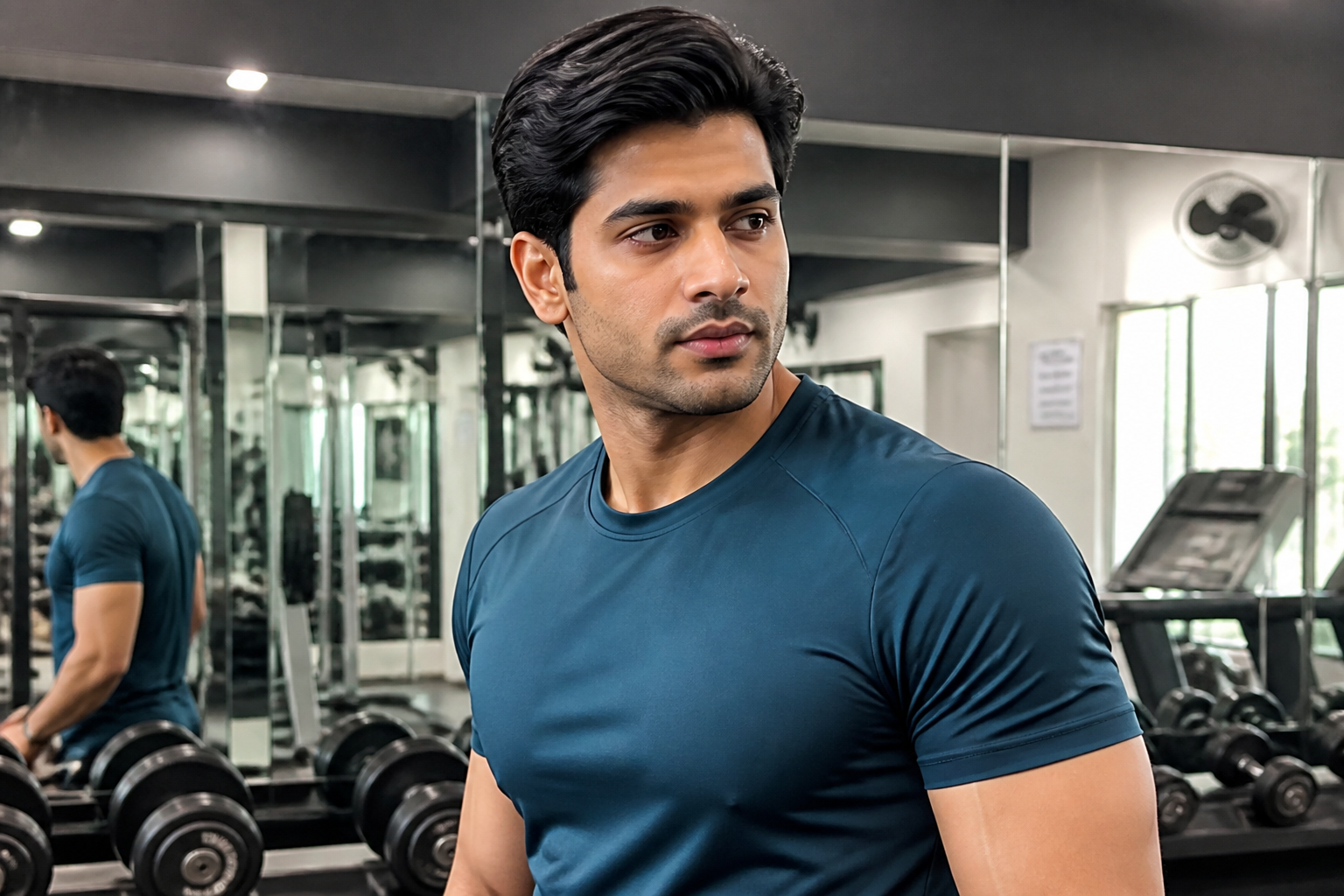 BEFORE
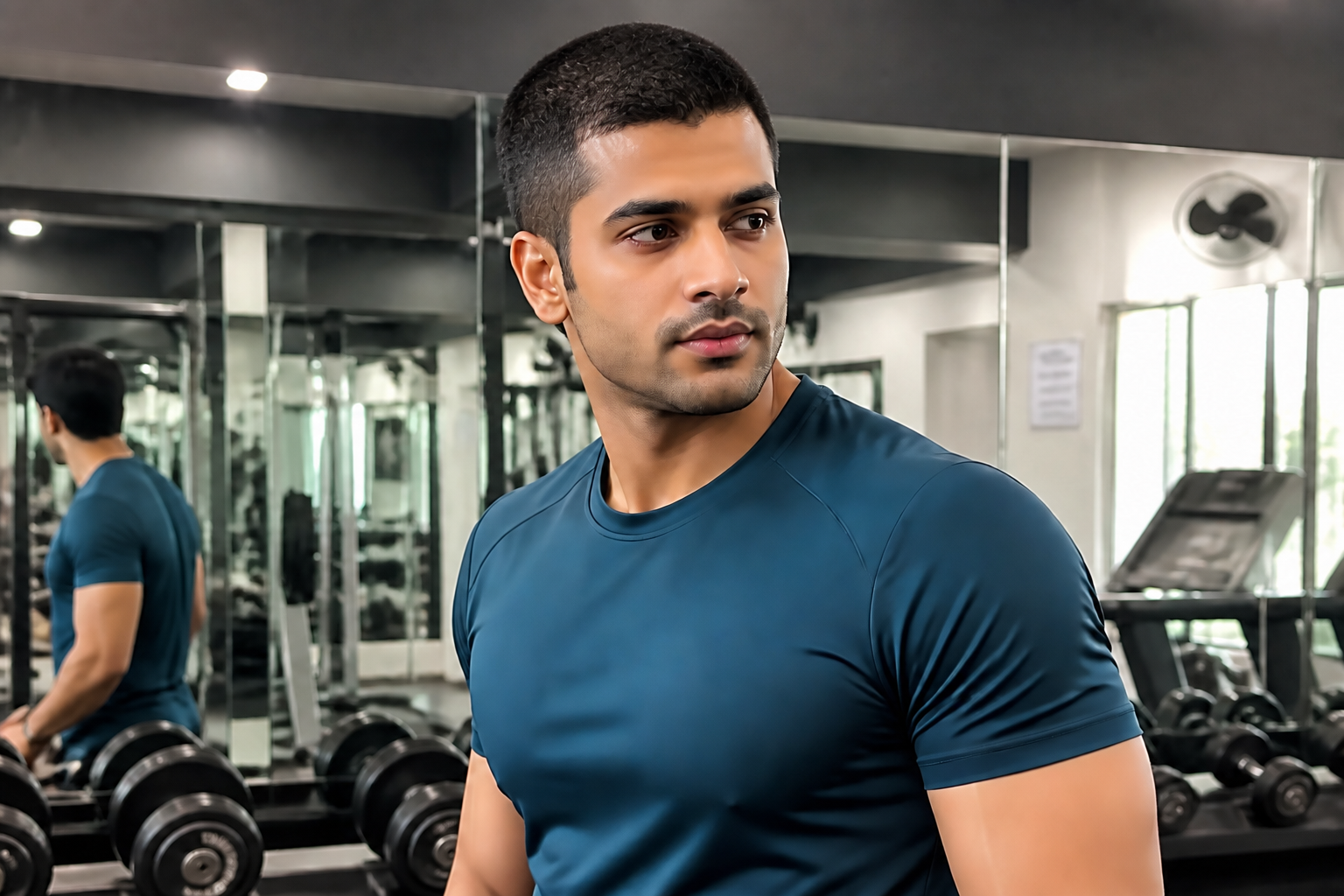 AFTER
AFTER BEFORE
 AFTERBEFOREAFTERBEFOREAFTERBEFOREAFTERBEFOREAFTERBEFOREAFTER
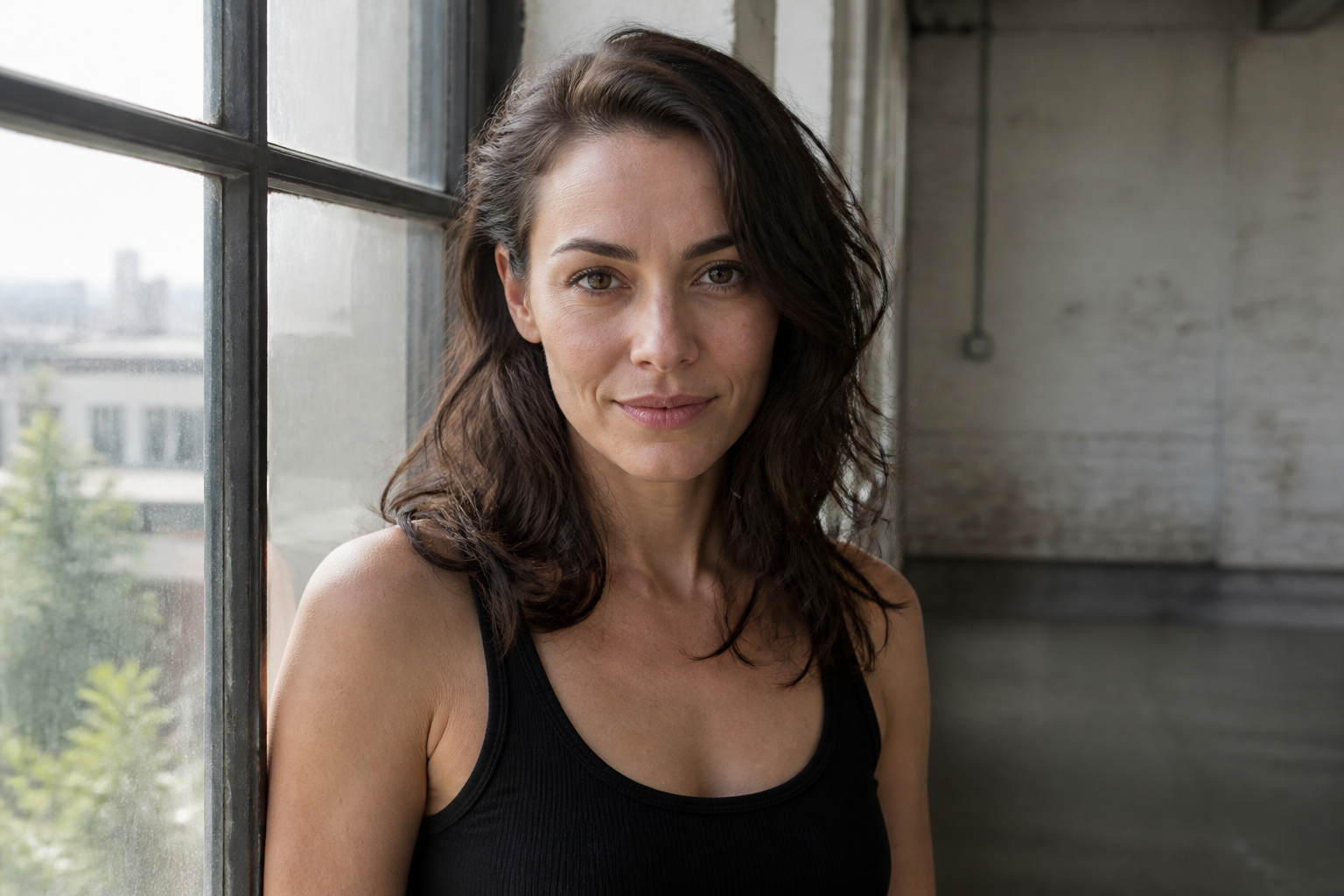 BEFORE
 AFTER
AFTER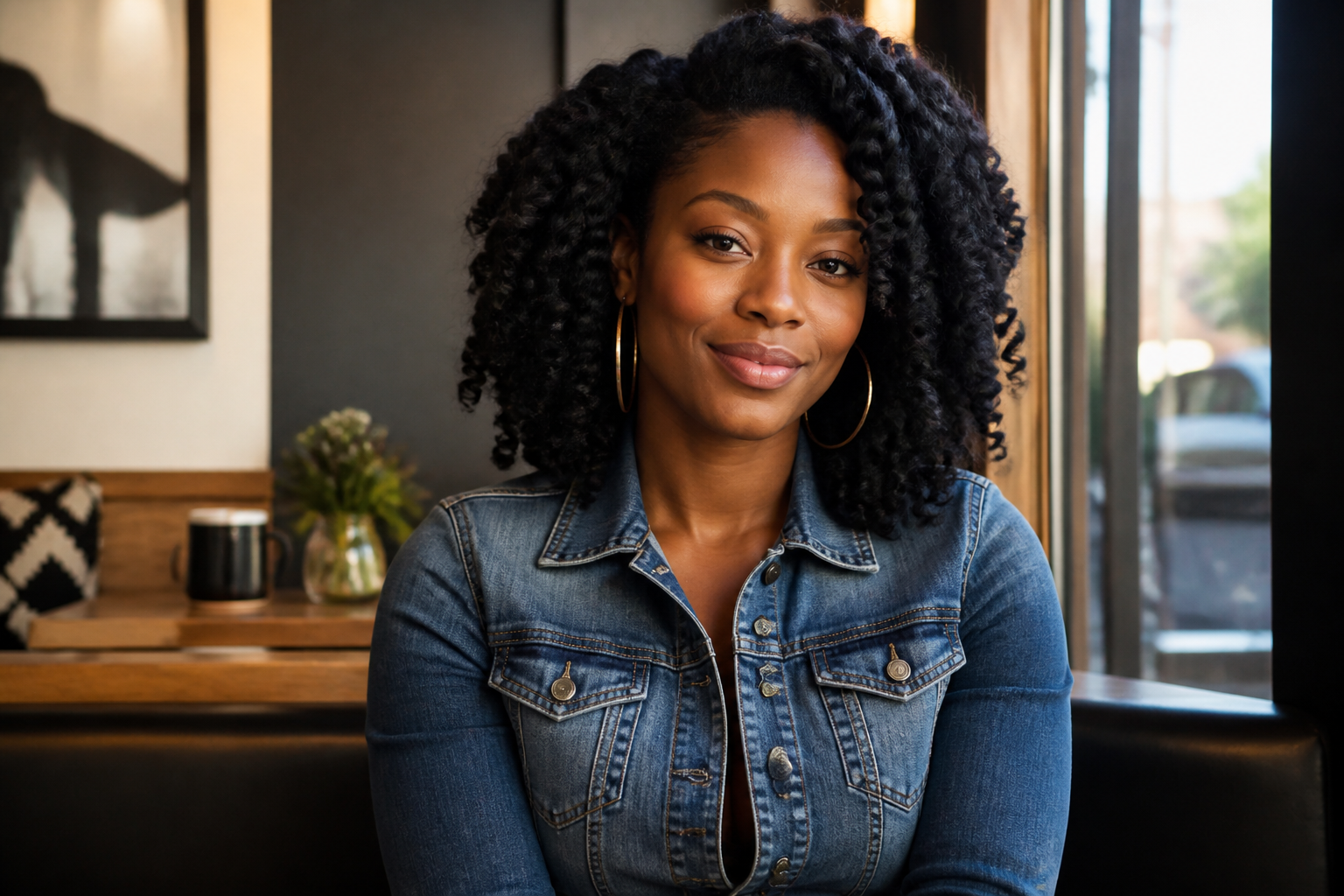 BEFORE
 AFTER
AFTER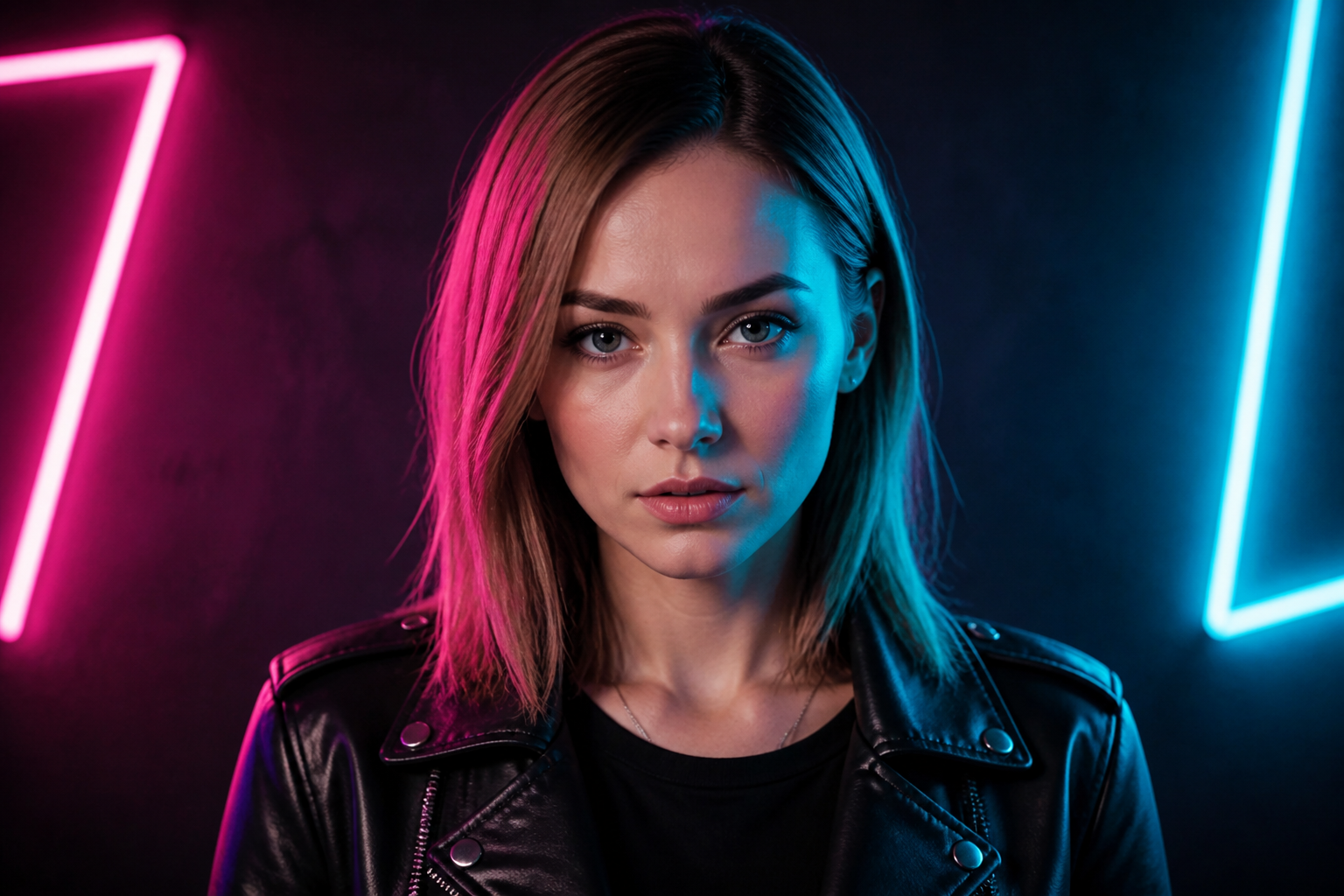 BEFORE
 AFTER
AFTER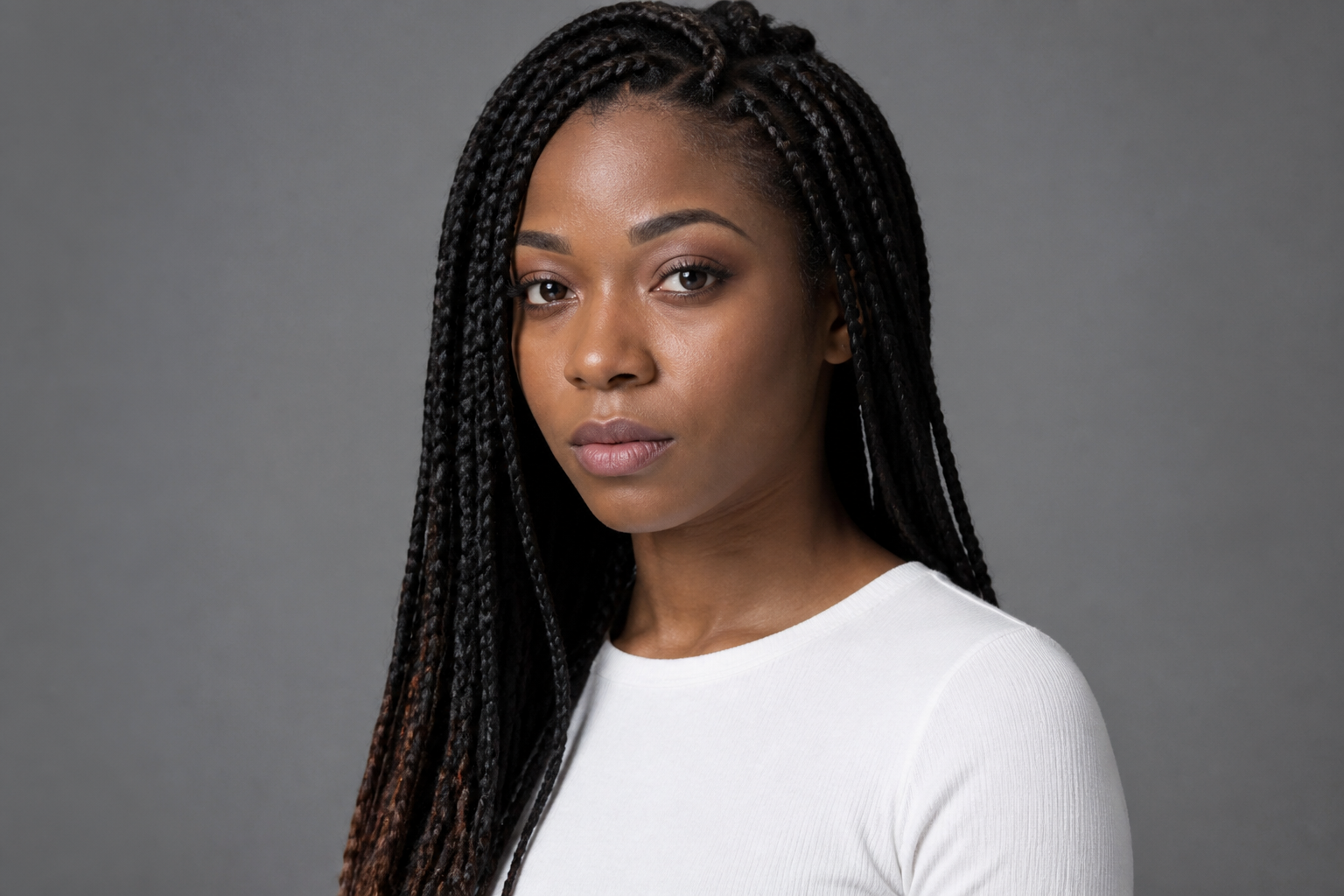 BEFORE
 AFTER
AFTER BEFORE
 AFTERBEFOREAFTERBEFOREAFTERBEFOREAFTERBEFOREAFTERBEFOREAFTER
Key Features
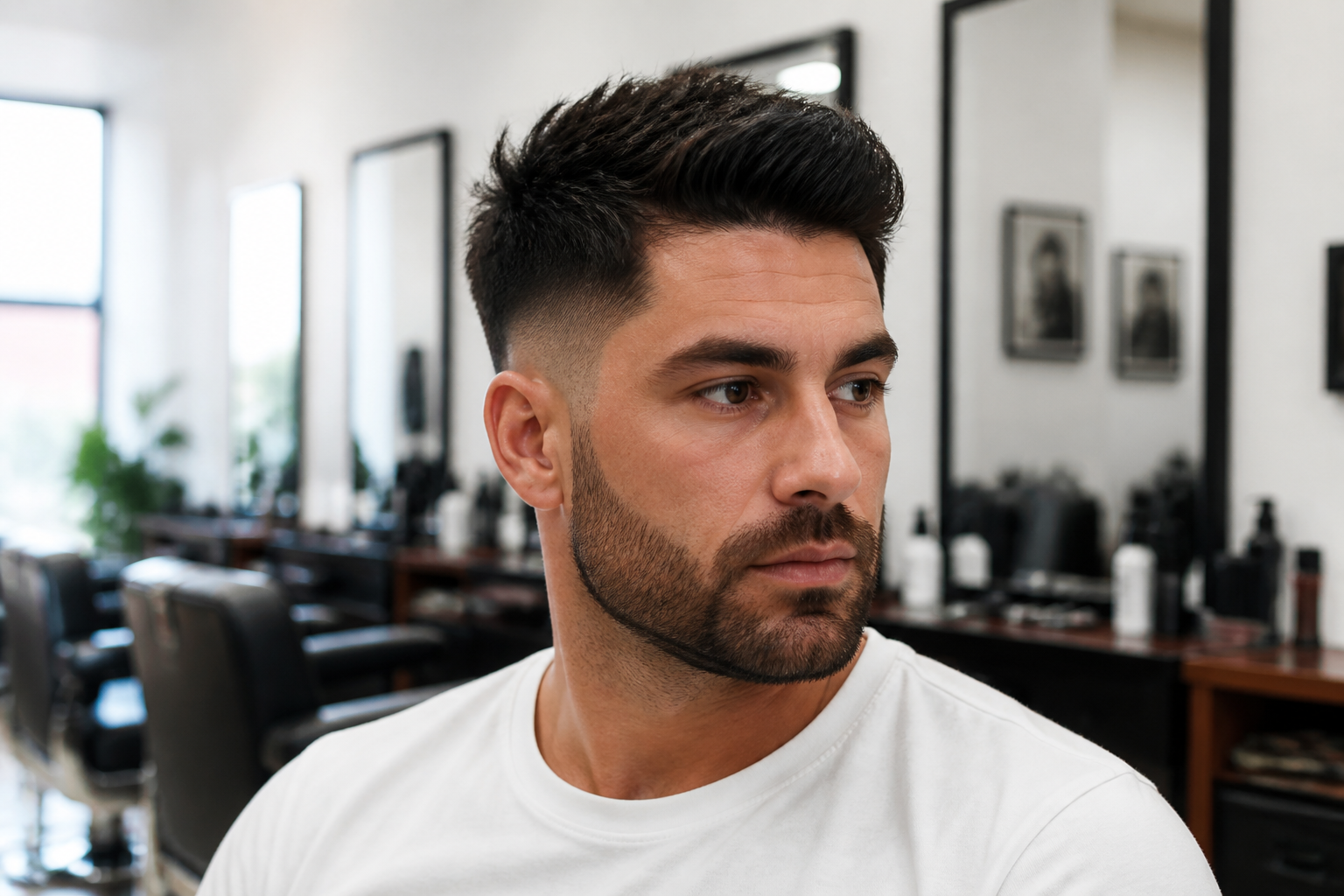
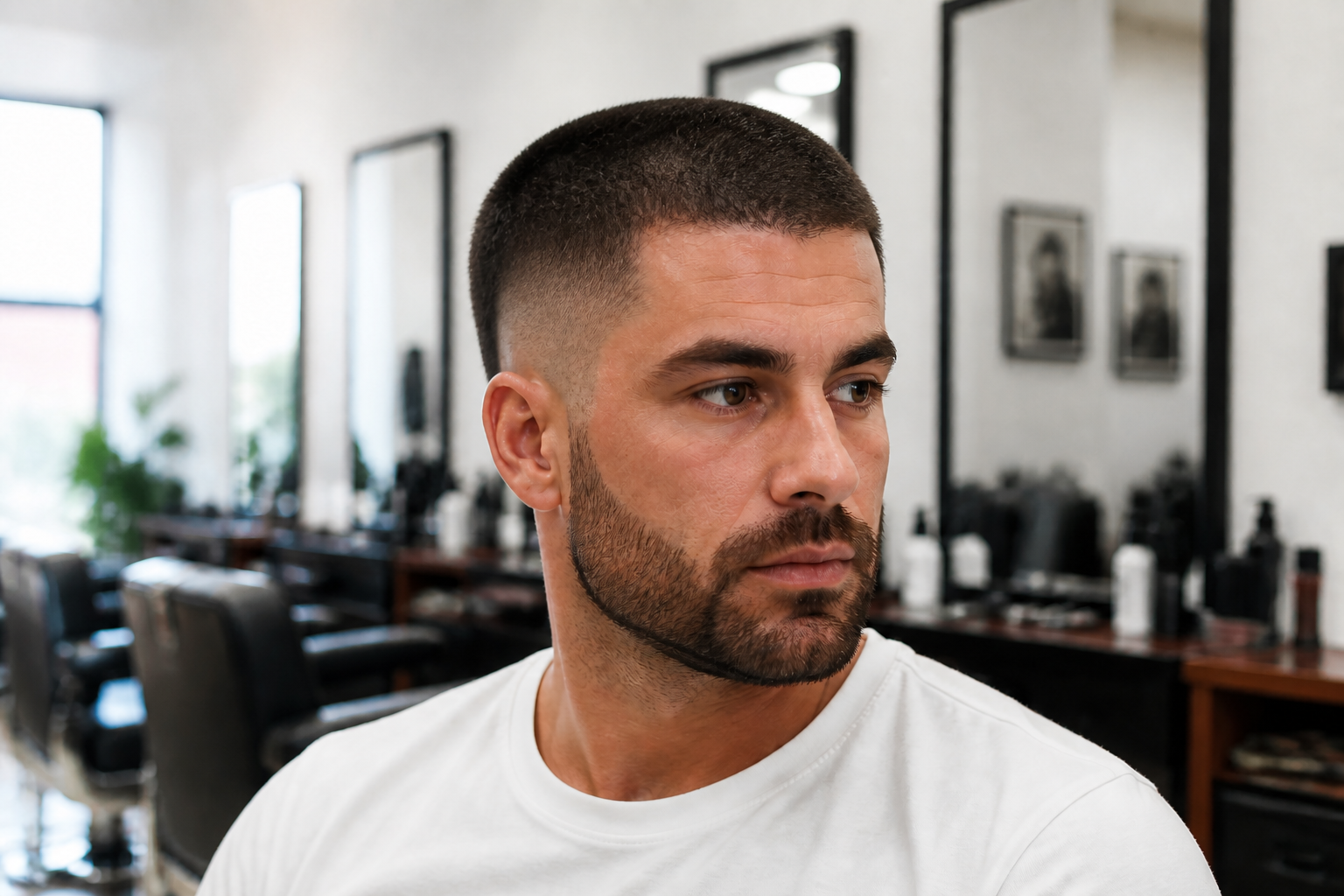
See the cut clearly
This filter makes the haircut change obvious, so you can judge the shape right away. It removes longer hair and replaces it with a close-cropped look that reads well even in a small preview. That matters when you are deciding whether a buzz cut suits your head shape and face. Doing this manually in an editor takes masking, painting, and a lot of guesswork.
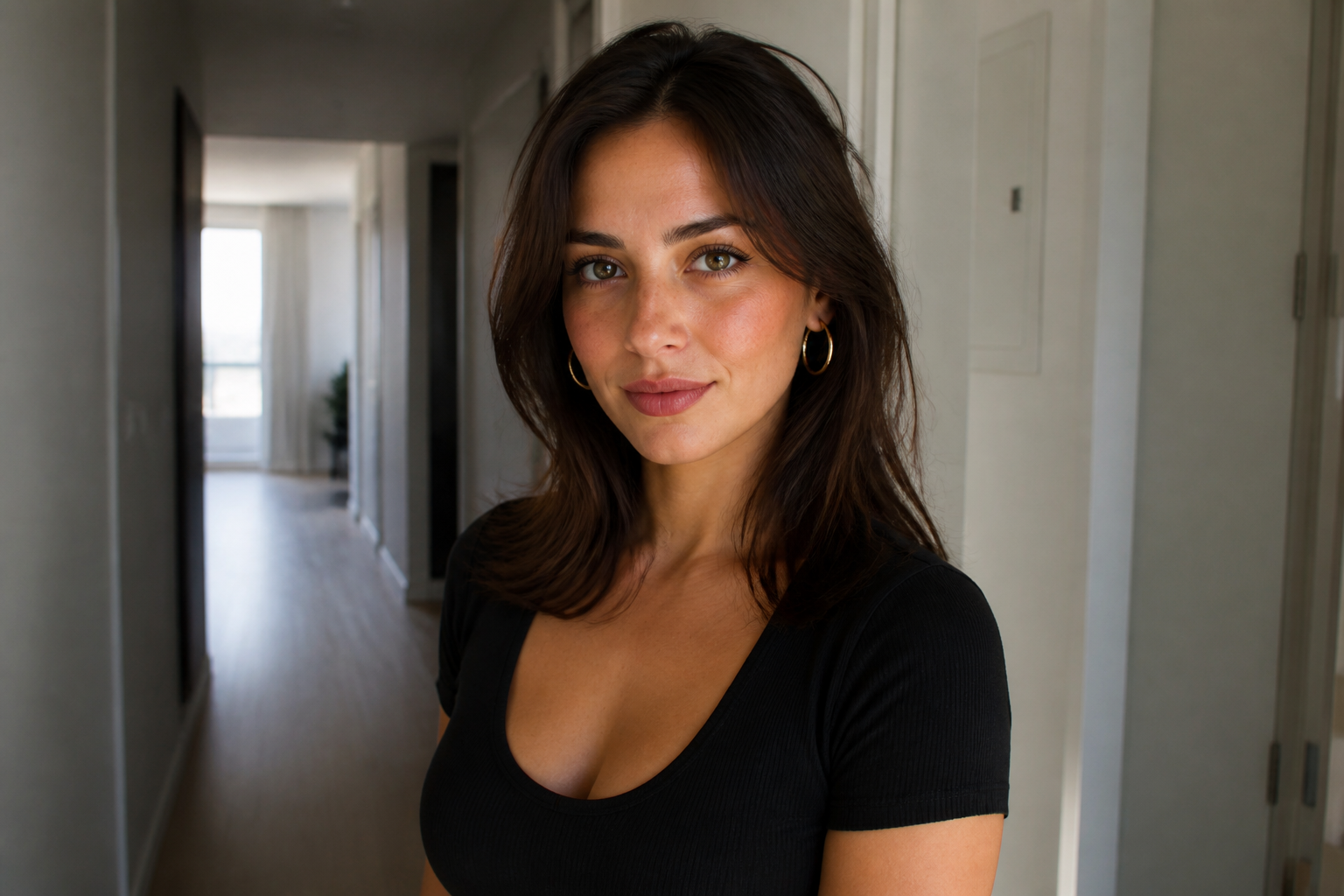
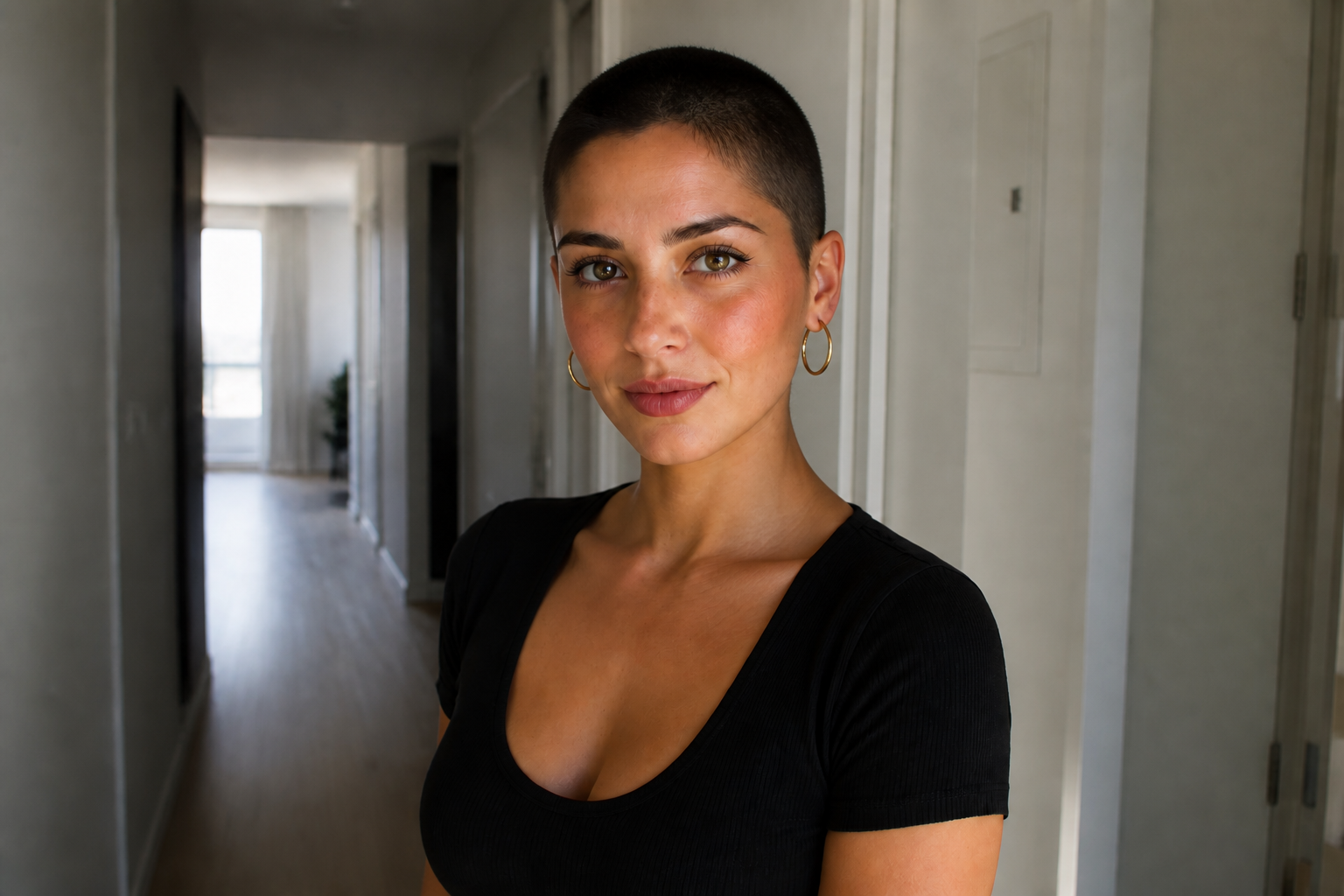
Keeps your face recognizable
A haircut preview is only useful if you still look like yourself. Our AI changes the hair while holding onto facial structure, expression, skin tone, and the rest of the photo. That gives you a more trustworthy before-and-after than a generic hairstyle mockup. You can test bold hair changes without turning the whole image into a different person.


Works on many hair types
The buzz cut filter is useful whether the starting photo has curls, waves, braids, or straight hair. Instead of needing a perfectly staged source image, it can handle everyday selfies, portraits, and styled shots. That makes it practical for quick what-if testing before a real cut. You spend less time preparing the photo and more time comparing looks.
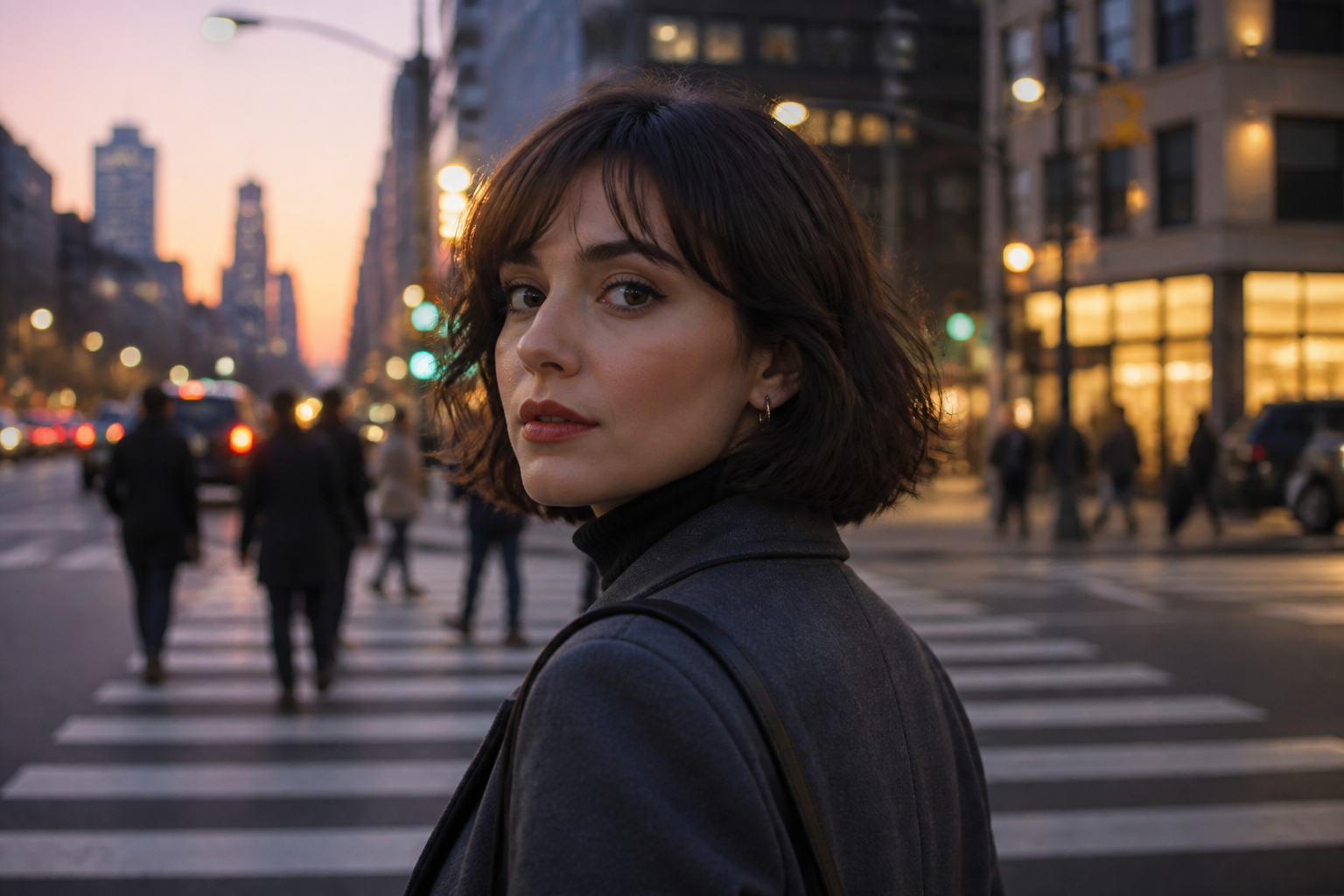
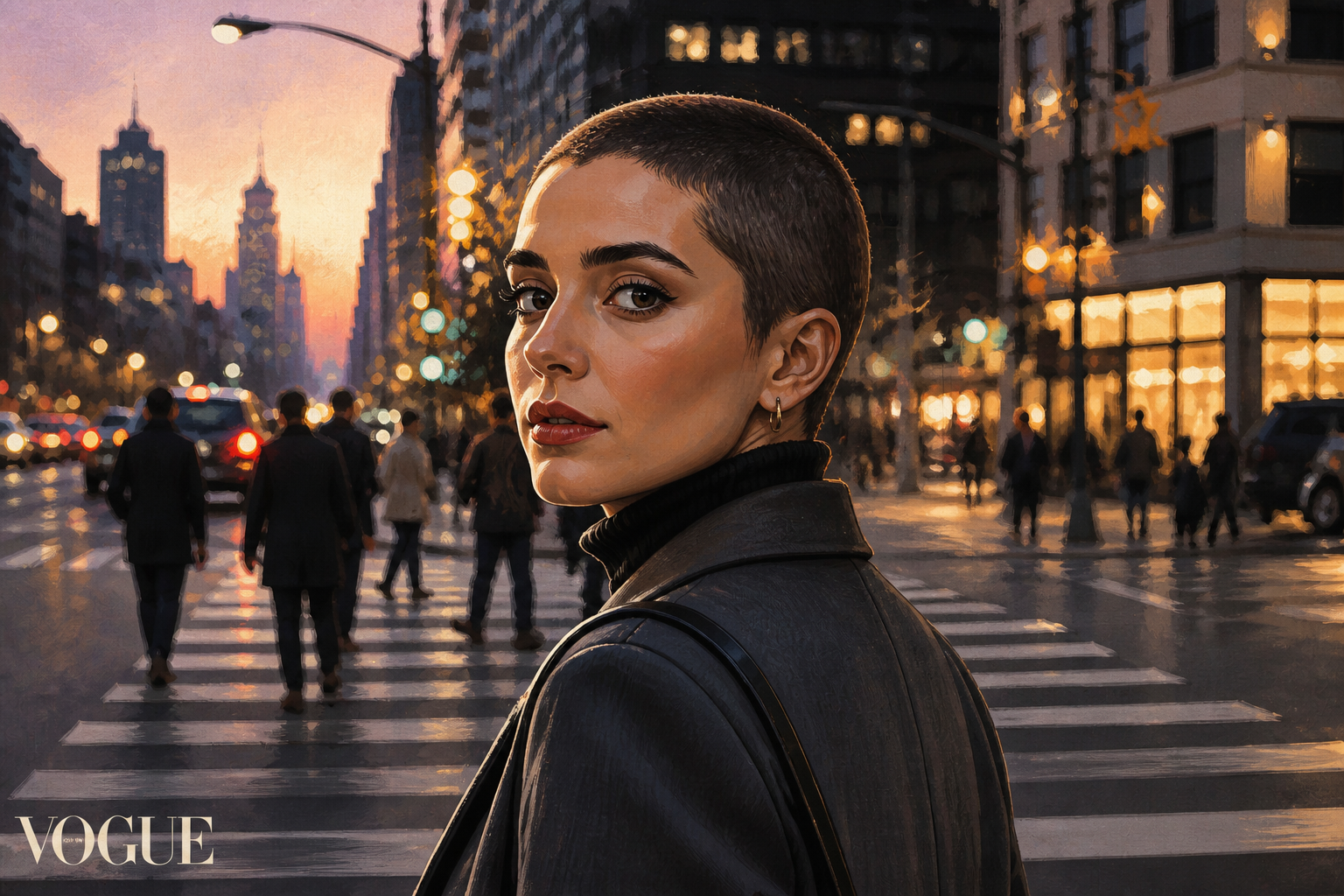
Try realistic or stylized previews
You can use the same haircut idea in realistic portraits or more stylized visuals for social posts and mood boards. That lets you preview the practical haircut first, then explore a more graphic version if you want to share it. The underlying face and composition stay stable across looks. It is much faster than rebuilding the image from scratch in separate apps.
How It Works
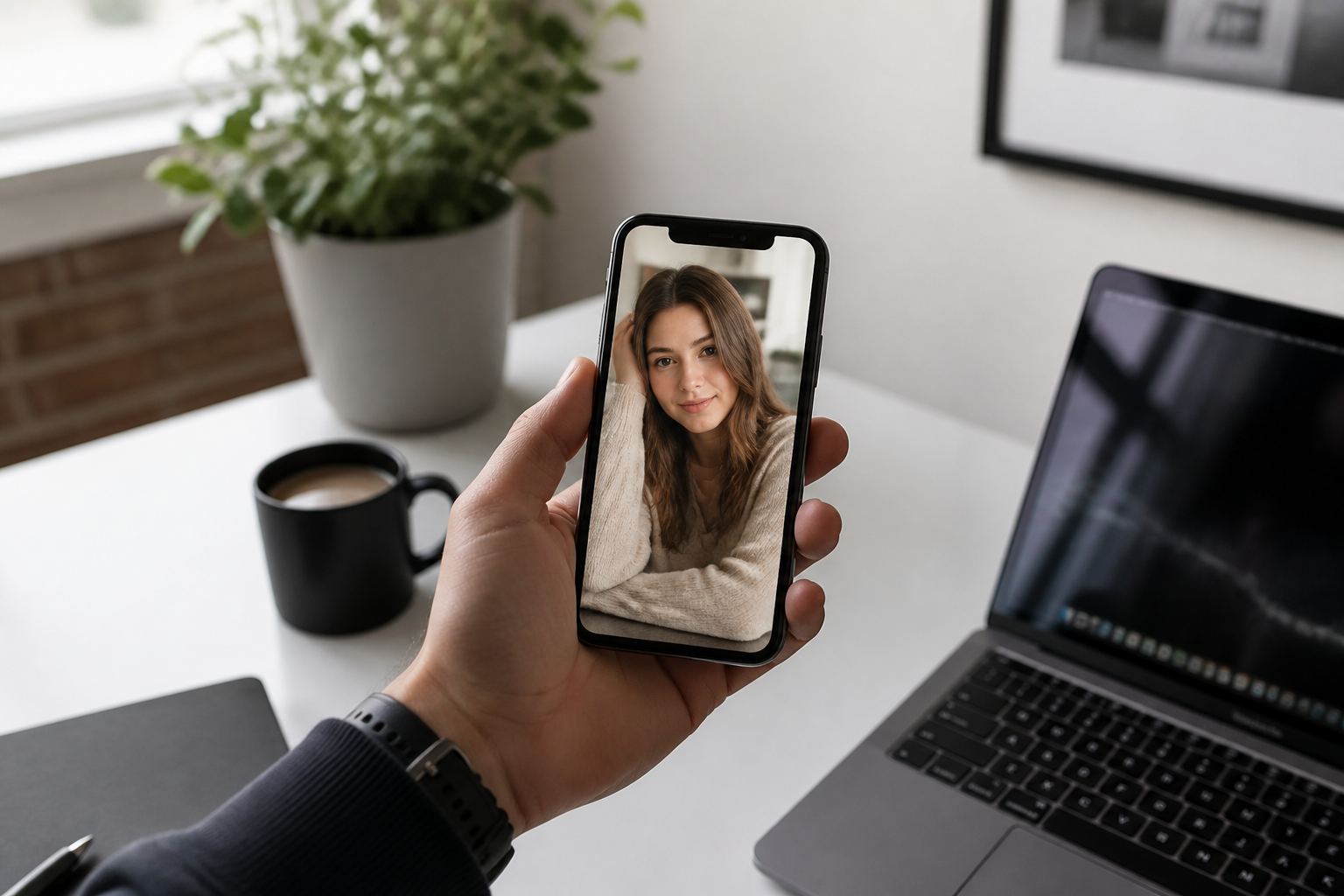
Upload your photo
Start with a clear portrait where the hairline and face are easy to see. Medium close-up photos usually give the most believable buzz cut preview.
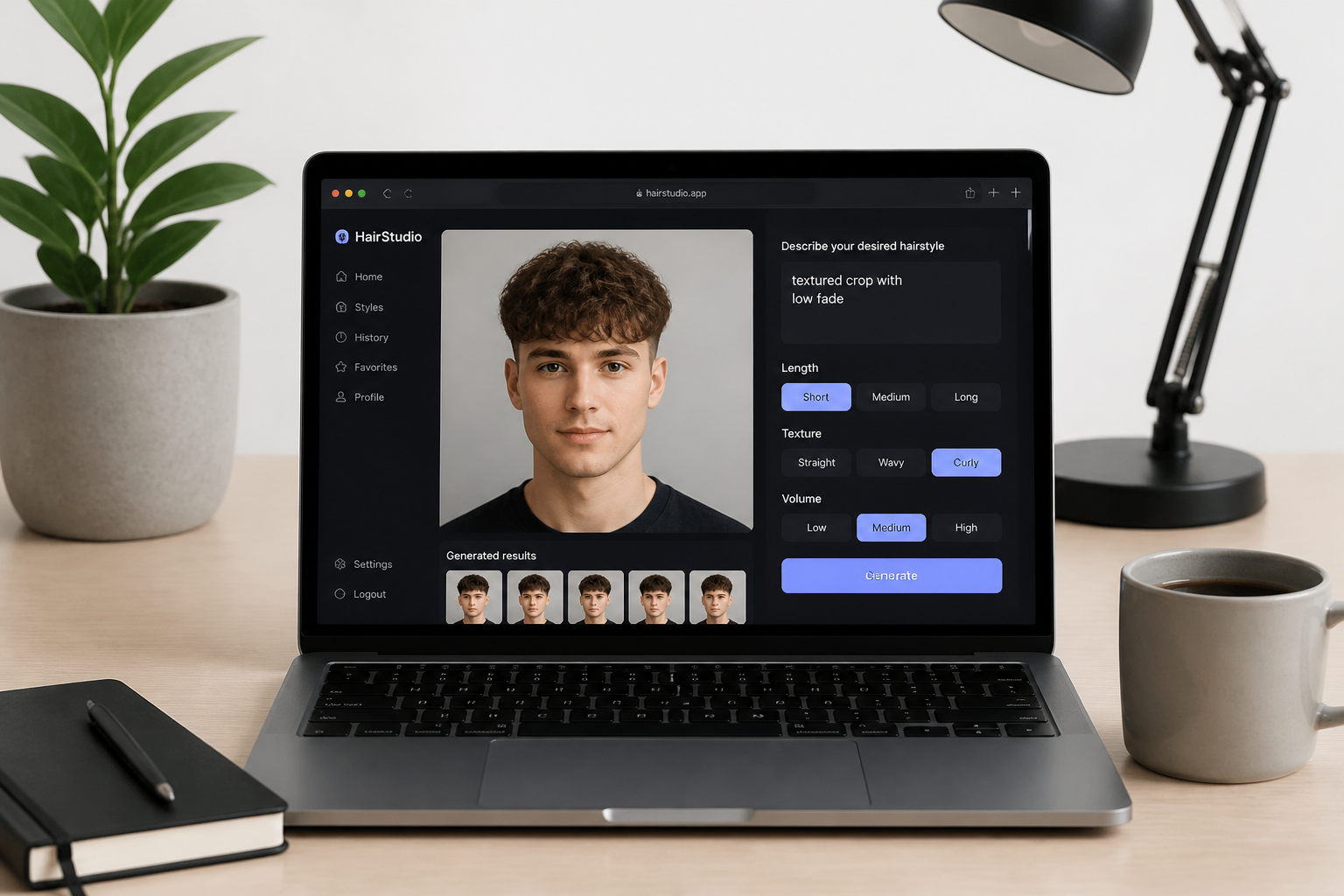
Describe the buzz cut
Choose how short you want the cut to look, such as even all over or very tight with a clean hairline. You can also mention whether to keep the rest of the photo unchanged.
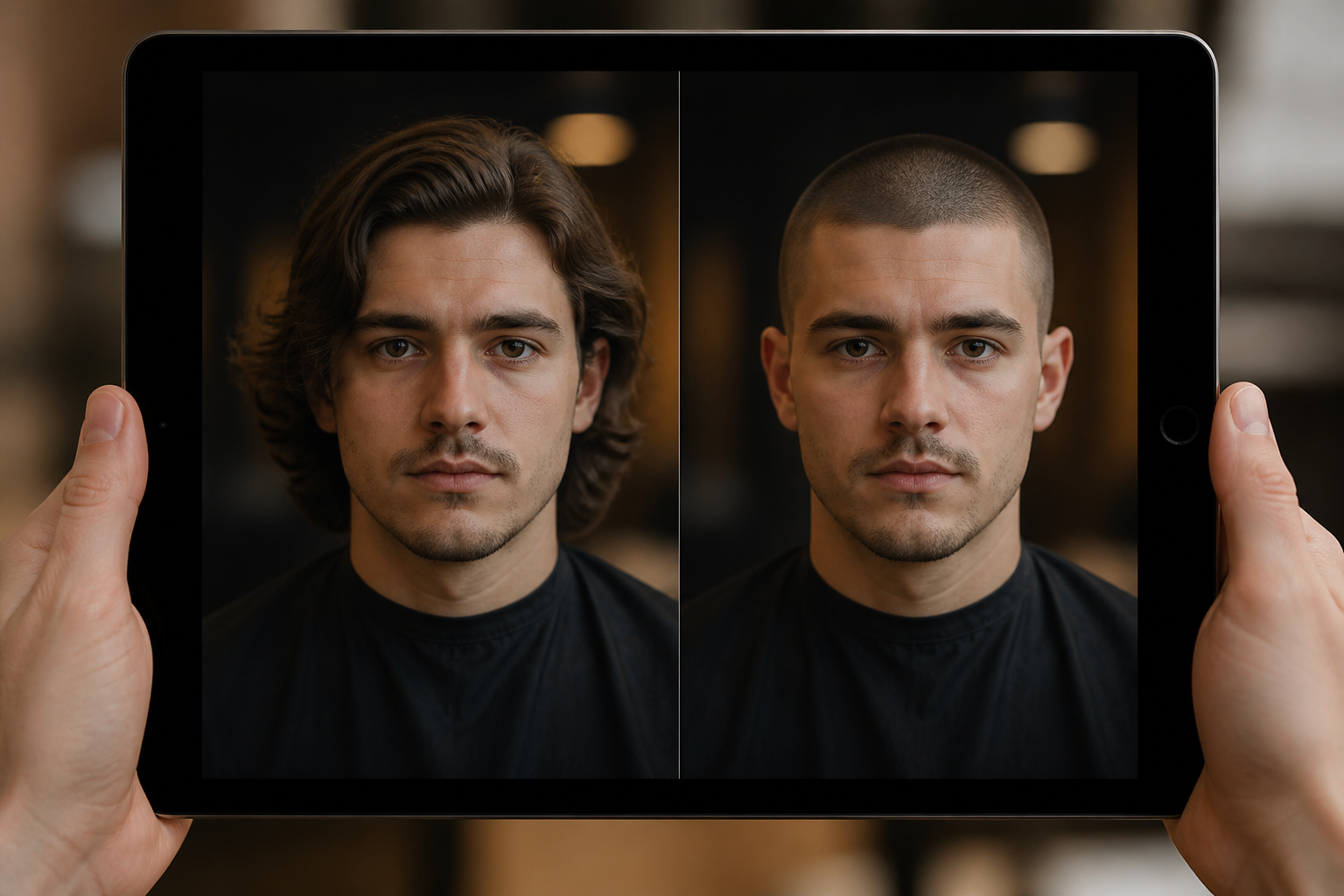
Compare the result
Review the before and after side by side to see how the buzz cut changes your overall look. If needed, run another version with a shorter or slightly fuller crop.
Perfect For
Discover how creators and professionals use buzz cut hair filter
Pre-barbershop decision
Check whether a buzz cut suits your face shape before booking a real haircut.
Hair reset planning
Preview a close shave when considering a fresh start after long or damaged hair.
Content and social posts
Create before-and-after haircut visuals for style content, reels, or personal updates.
Style experimentation
Test a bold low-maintenance look without committing to clippers first.
Built For
Anyone considering a buzz cut
Get a quick visual answer before making a permanent haircut decision.
Barbers and stylists
Show clients a rough buzz cut preview to guide the conversation before the cut starts.
Creators and trend accounts
Make strong haircut transformations that read clearly in thumbnails and short videos.
Why use this buzz cut filter
A quick look at how we compare on the things that matter for this niche.
| Feature | BudgetPixel | Generic AI editors | Manual editing apps |
|---|---|---|---|
| Fast haircut preview | ✓ | ✓ | — |
| Before/after hairstyle edits | ✓ | ✓ | — |
| Keeps photo composition | ✓ | — | ✓ |
| No manual masking required | ✓ | ✓ | — |
Frequently Asked Questions
Will the buzz cut filter keep my face the same?
What kind of photo works best?
Can I use it on women or men?
Can I try different buzz cut lengths?
Does it work for curly, braided, or long hair?
Create together.
Share your creations, discover trending AI art, and grow with fellow creators.