Bald Filter
See yourself with a shaved head before making the cut.
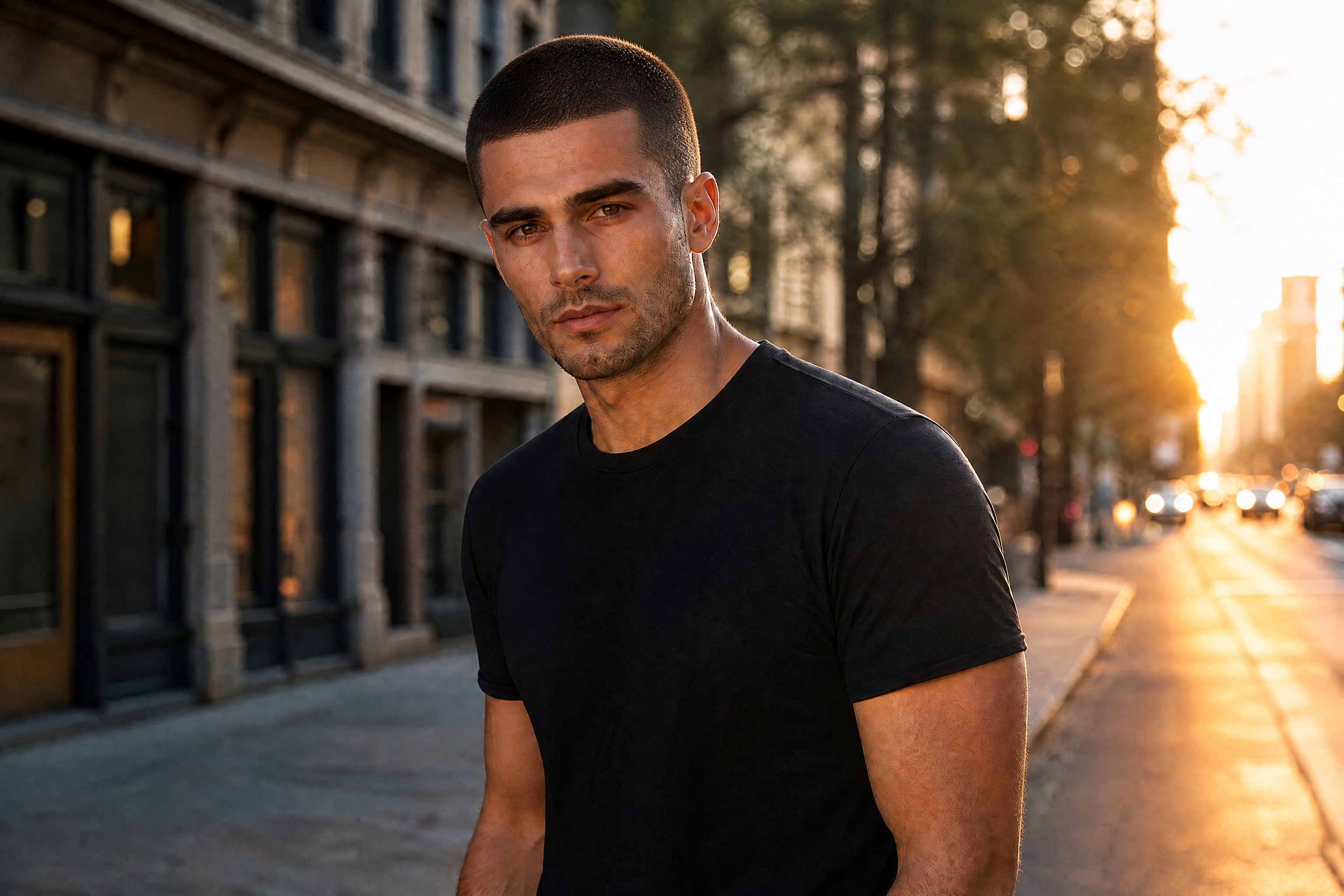
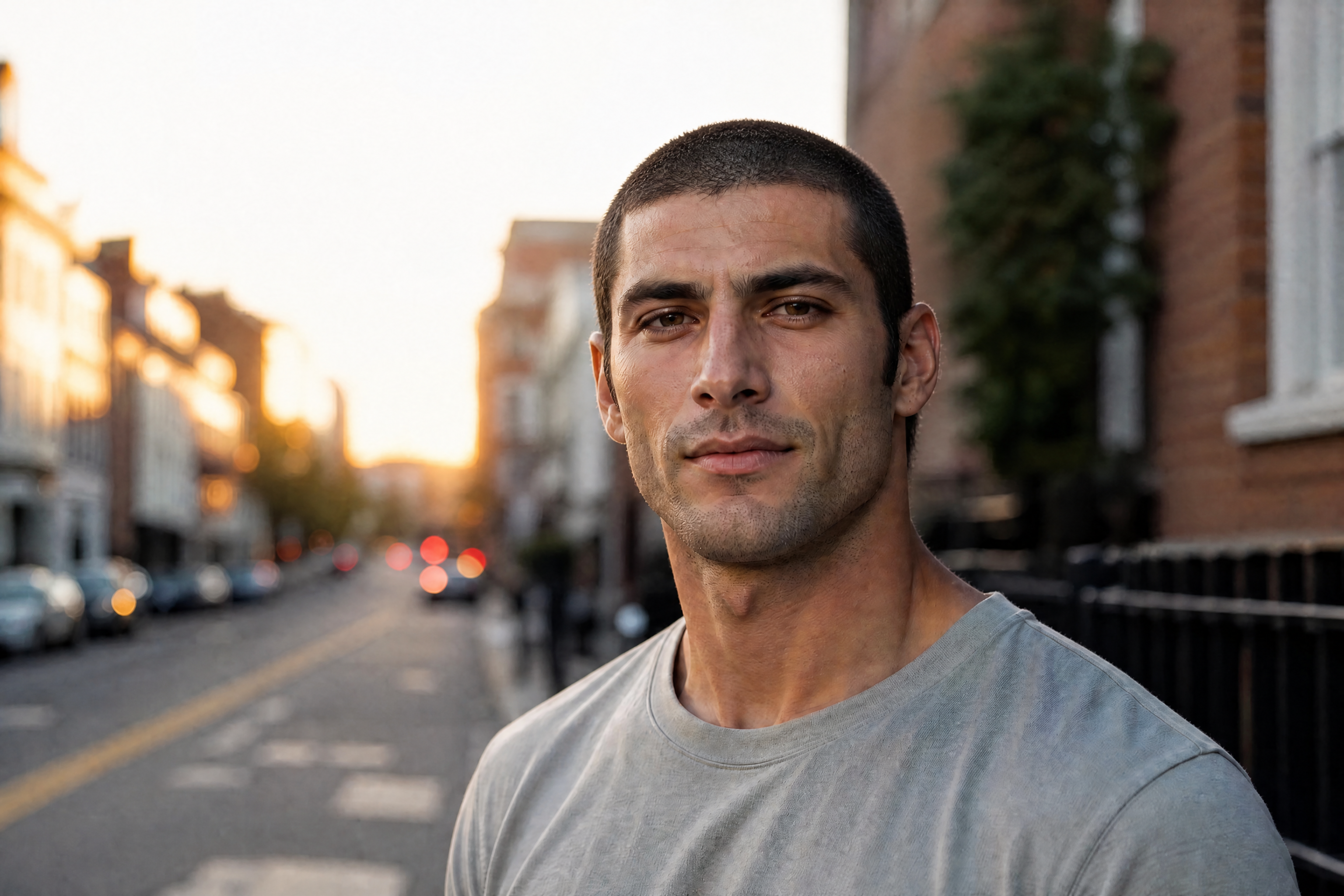
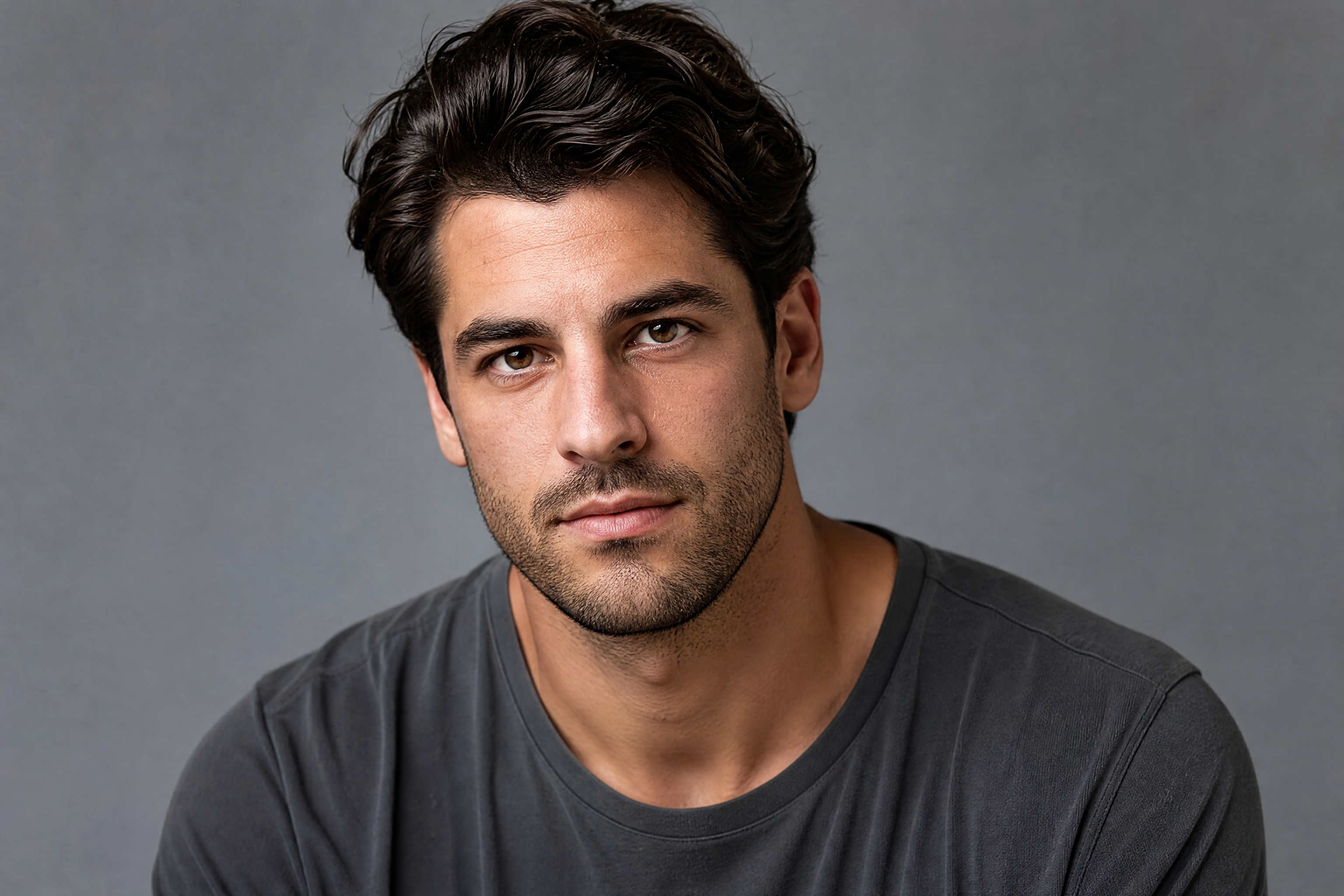
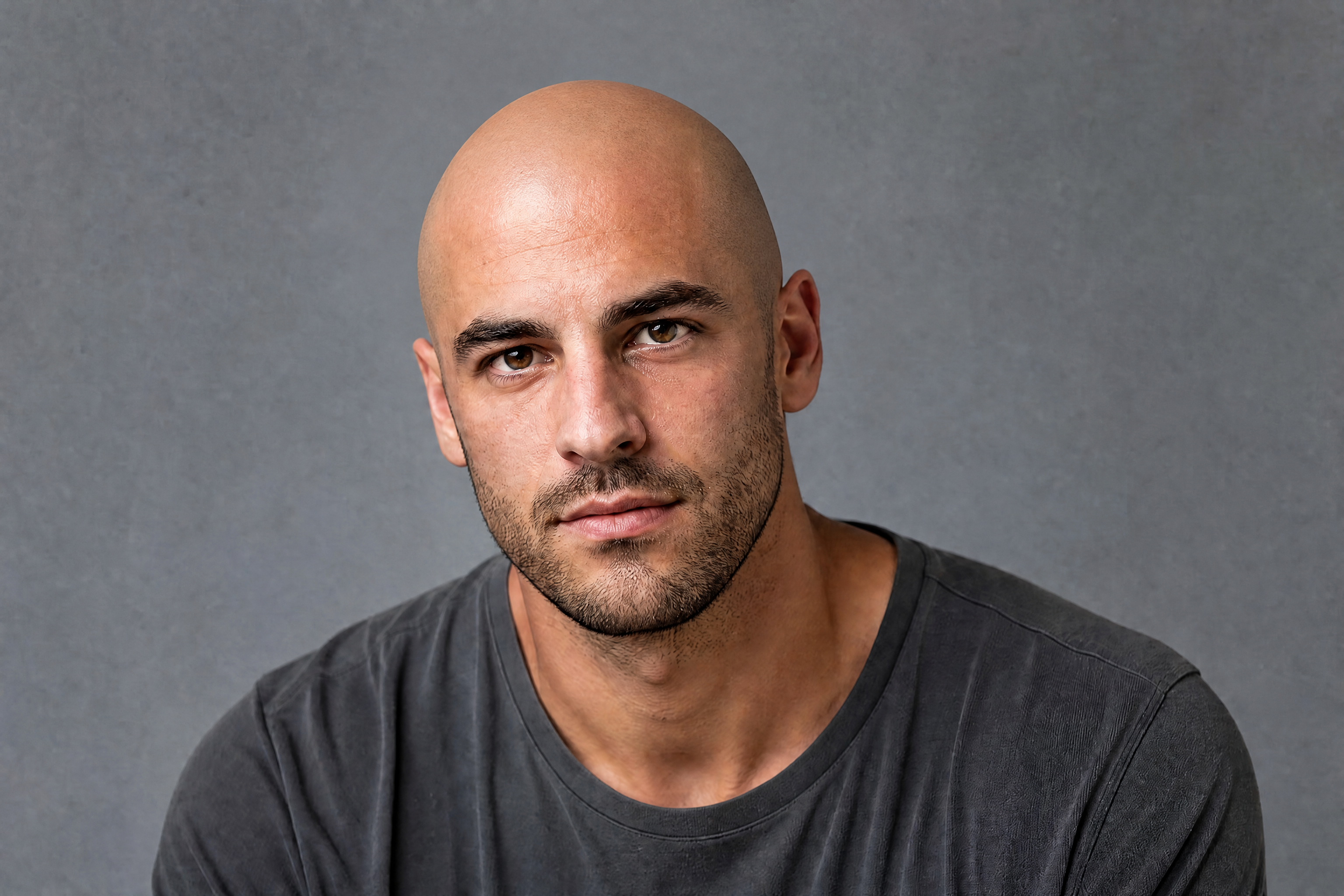
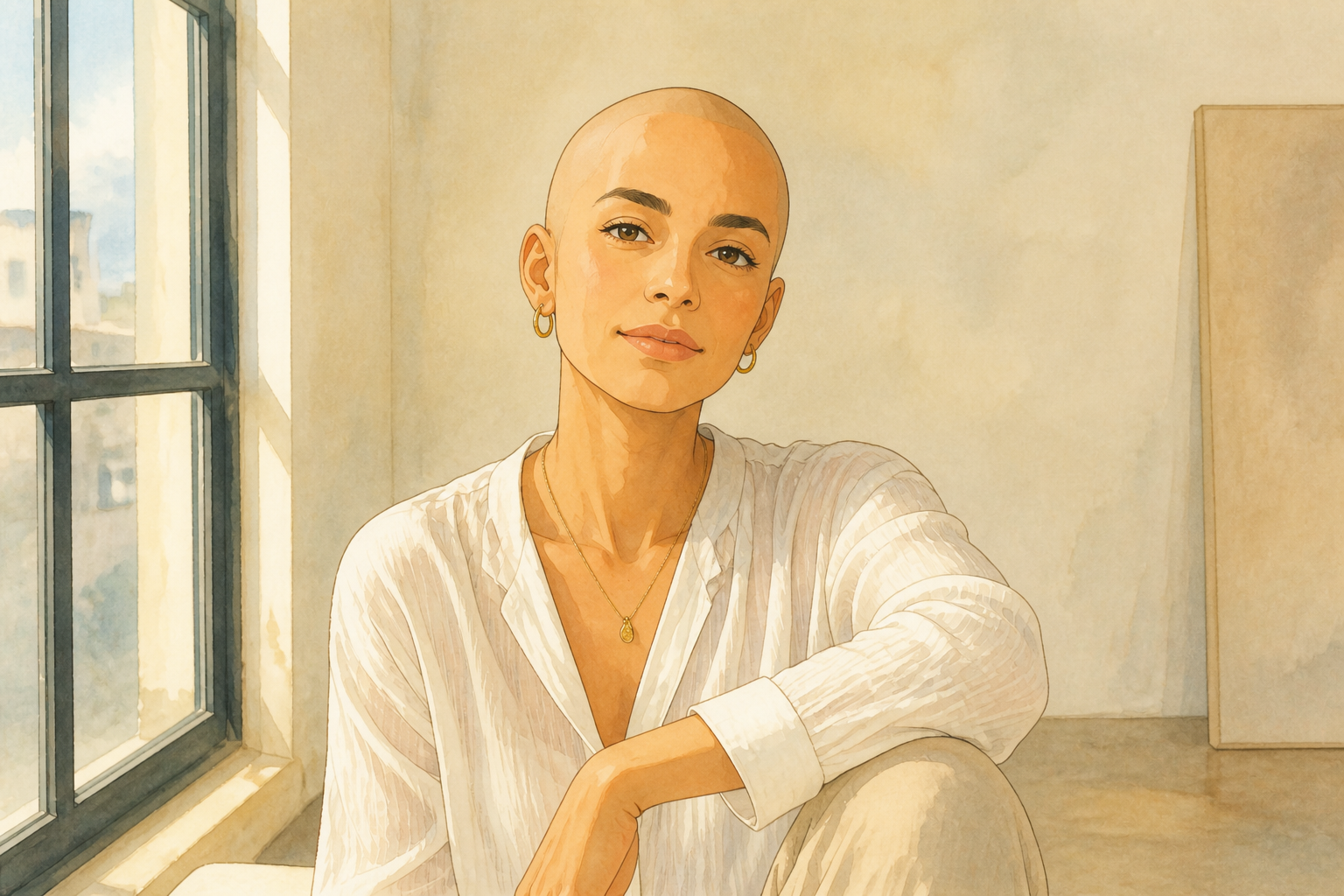
BudgetPixel lets you preview a bald look from a single photo. Upload a portrait, apply the bald filter, and get a clean head-shave edit that keeps your face, expression, and overall vibe recognizable.
Watch the Transformation
See bald filter in motion — generated end-to-end by our AI.
See It In Action
Real outputs from bald filter.
BEFOREAFTER BEFORE
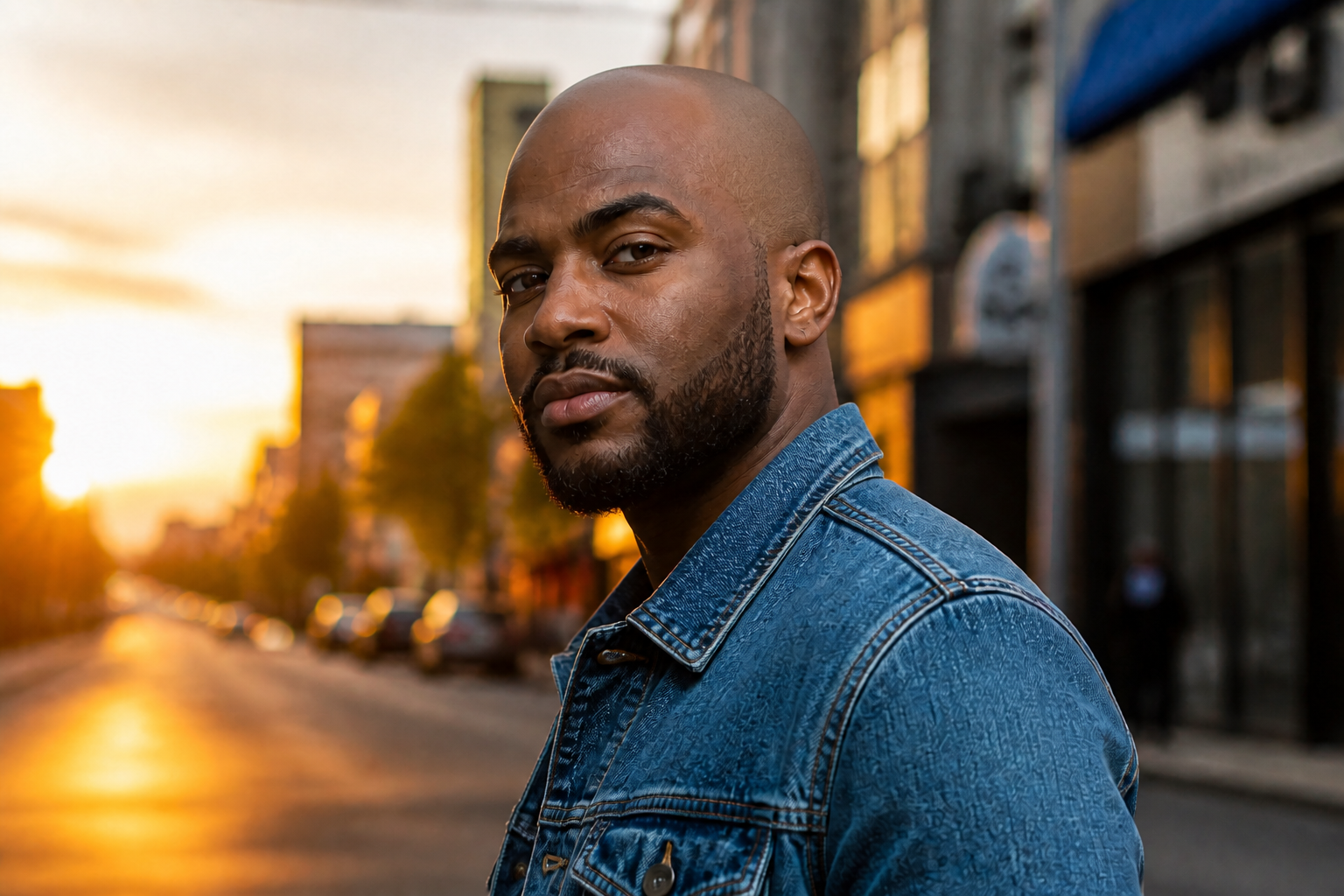 AFTER
AFTER BEFORE
 AFTER
AFTER BEFORE
 AFTER
AFTER BEFORE
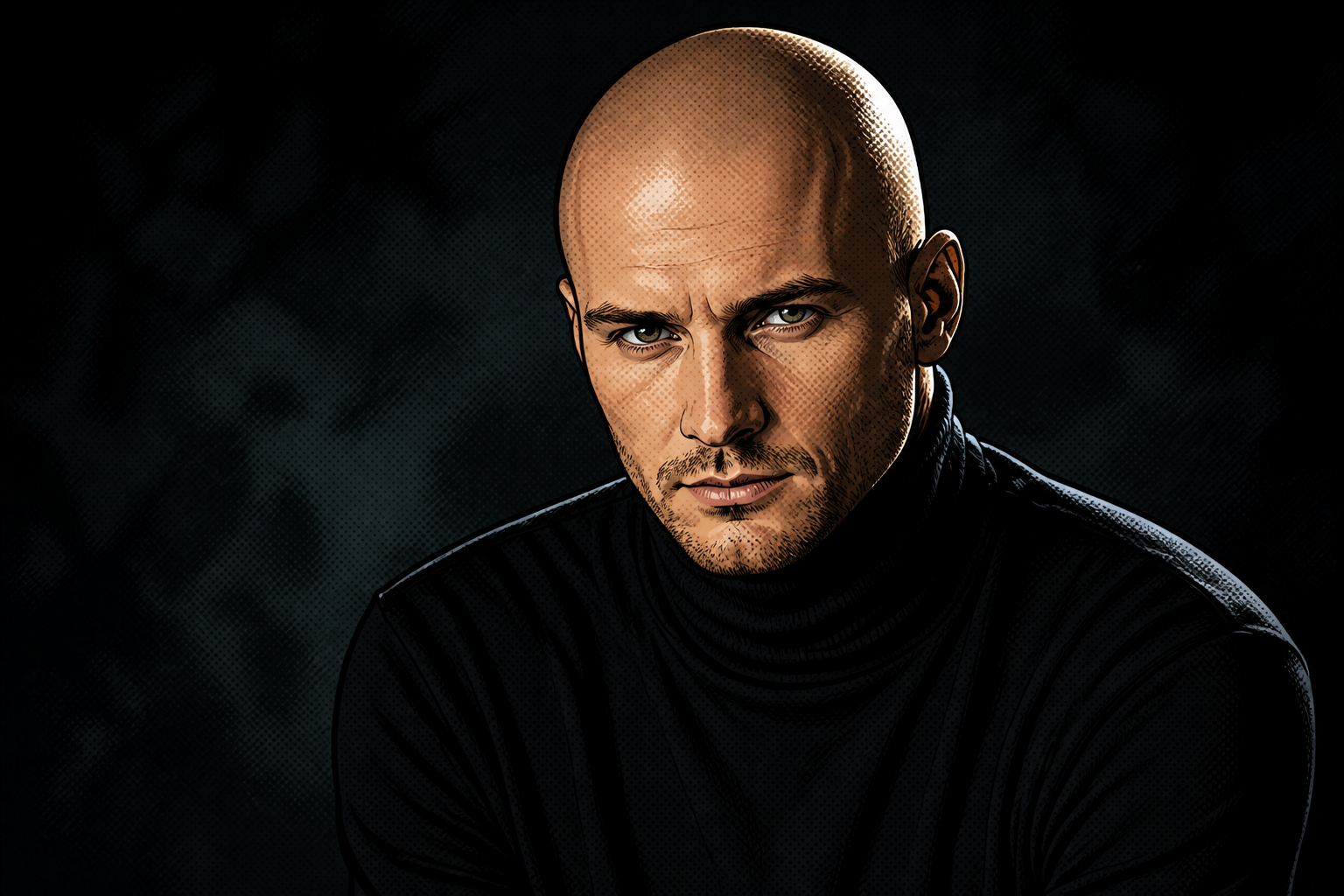 AFTER
AFTER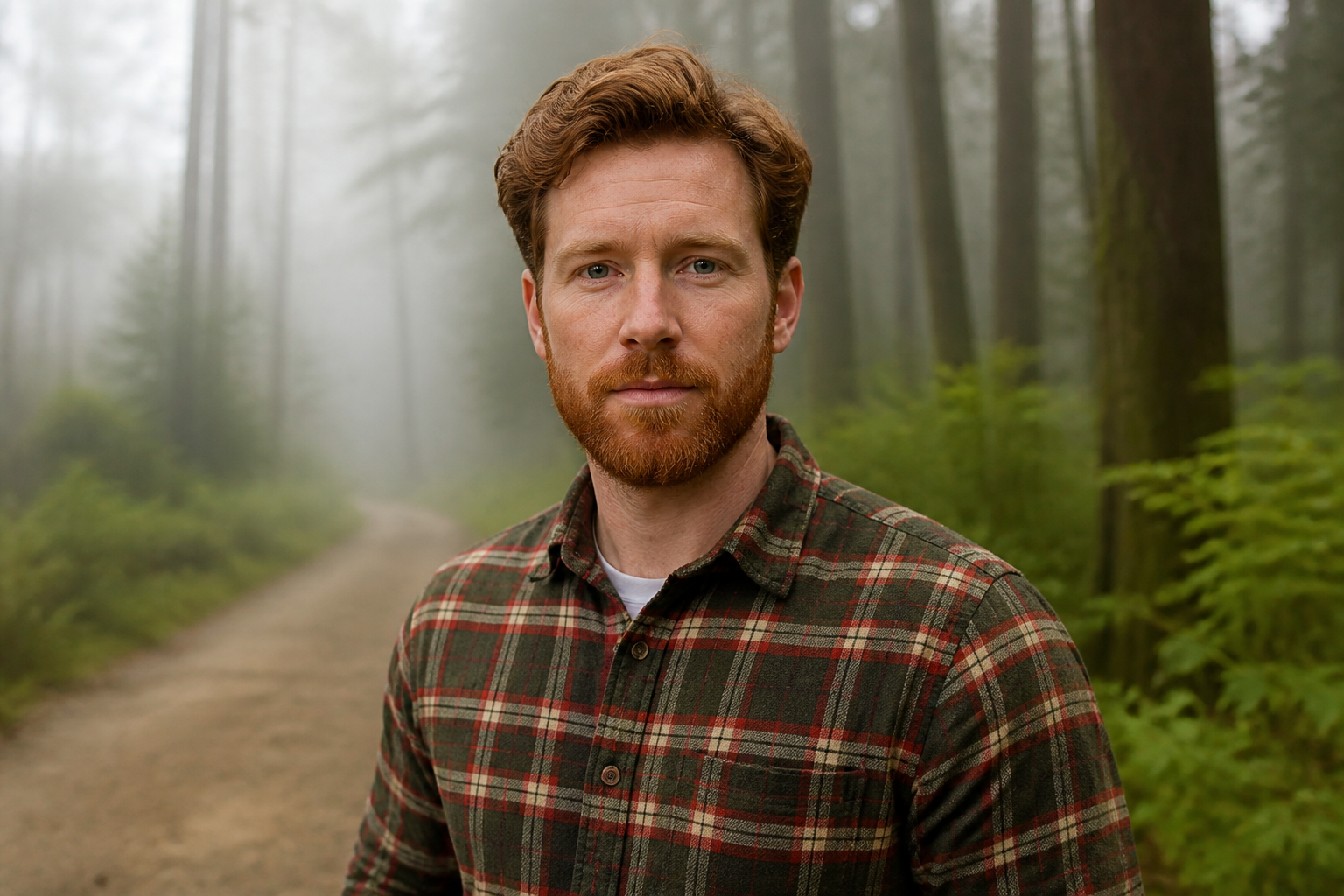 BEFORE
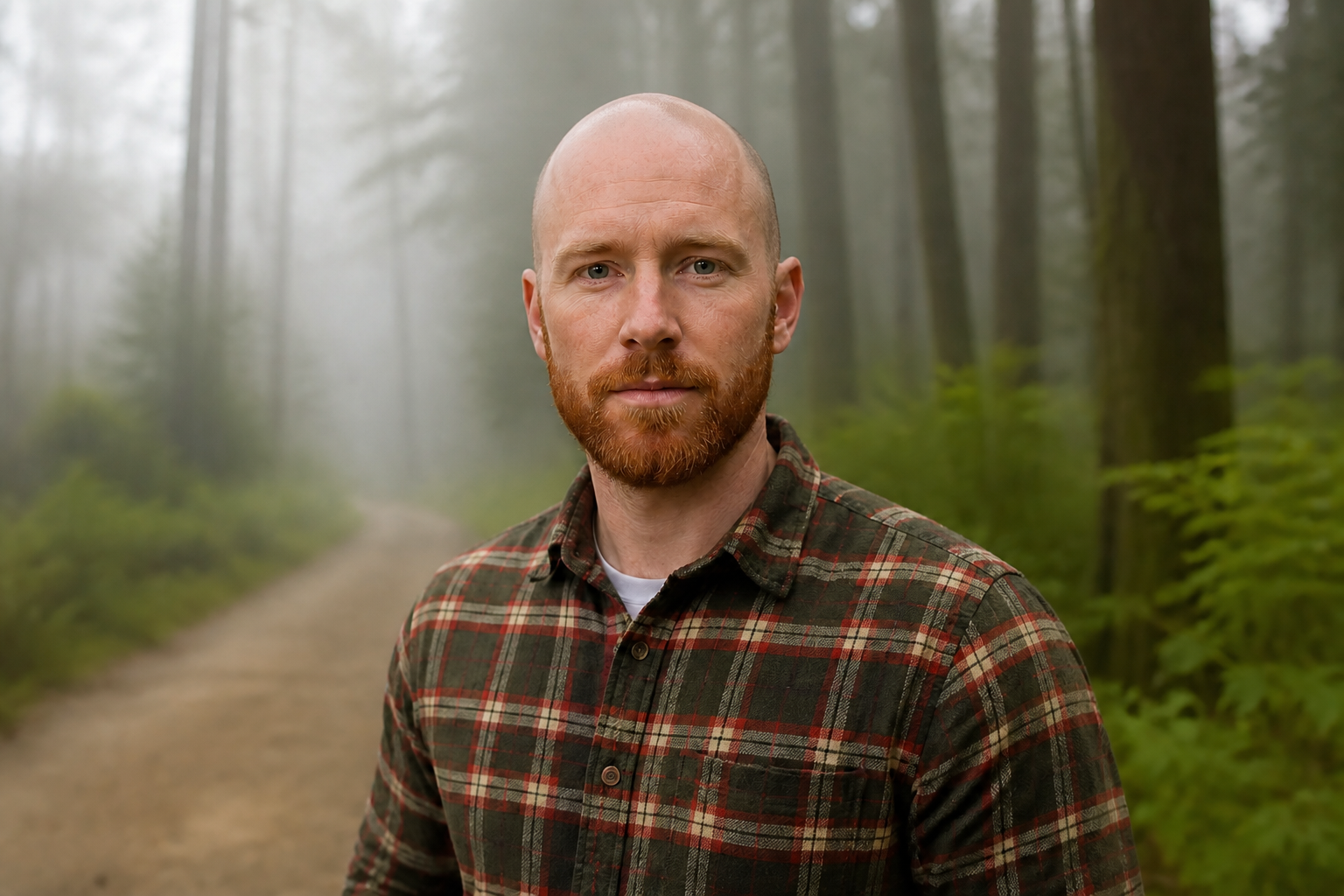 AFTERBEFOREAFTERBEFOREAFTERBEFOREAFTERBEFOREAFTERBEFOREAFTERBEFOREAFTER
 BEFORE
 AFTER
AFTER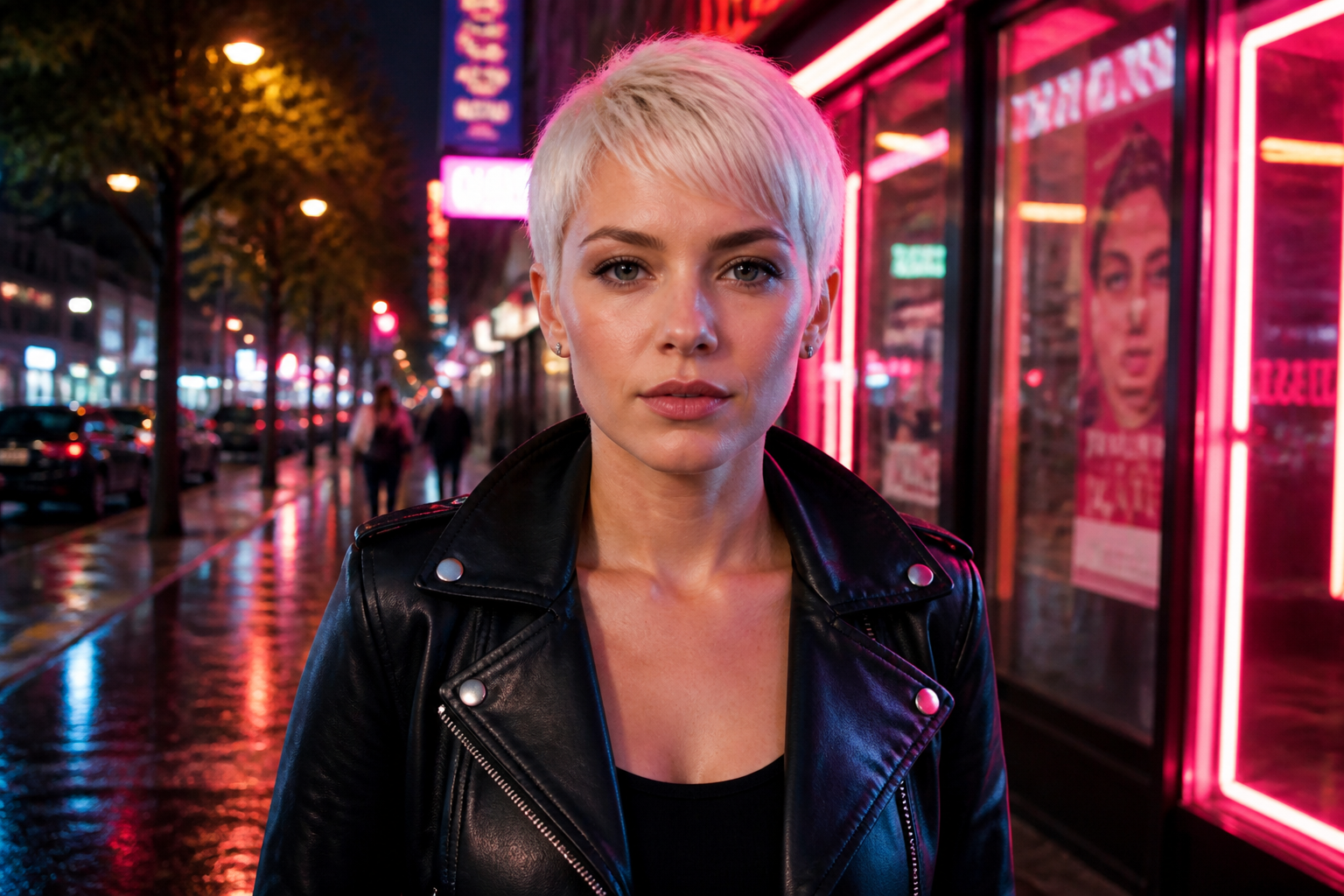 BEFORE
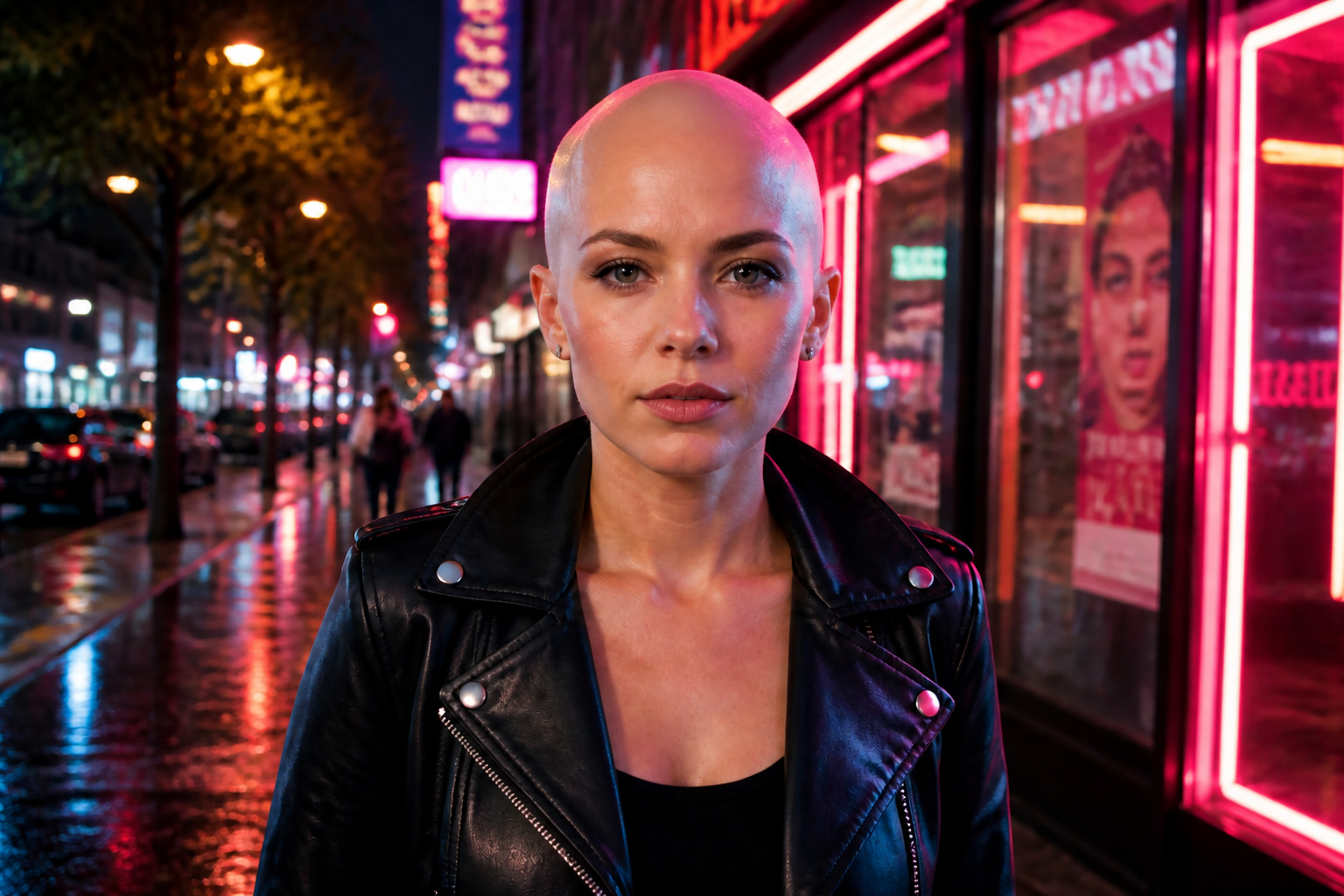 AFTER
AFTER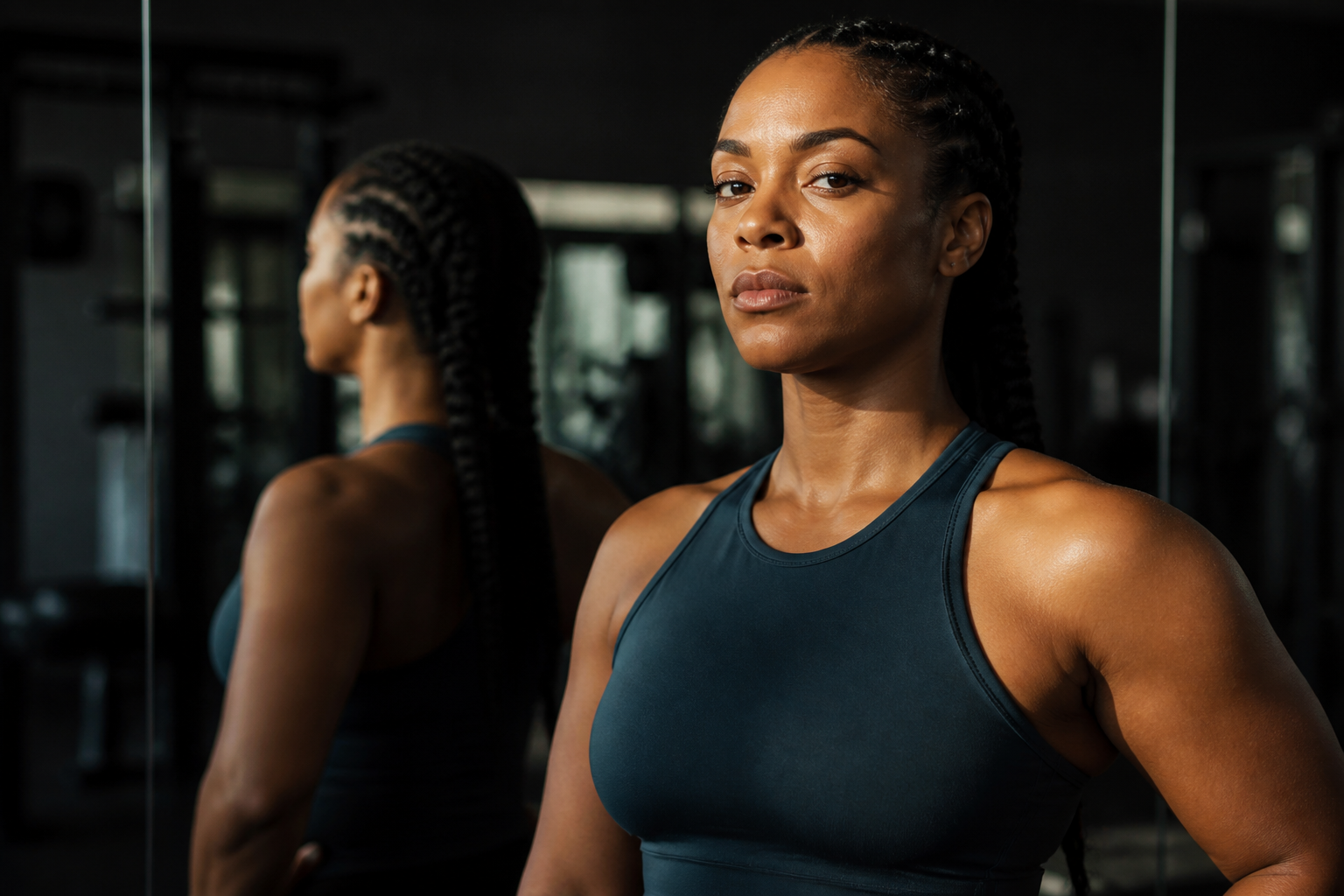 BEFORE
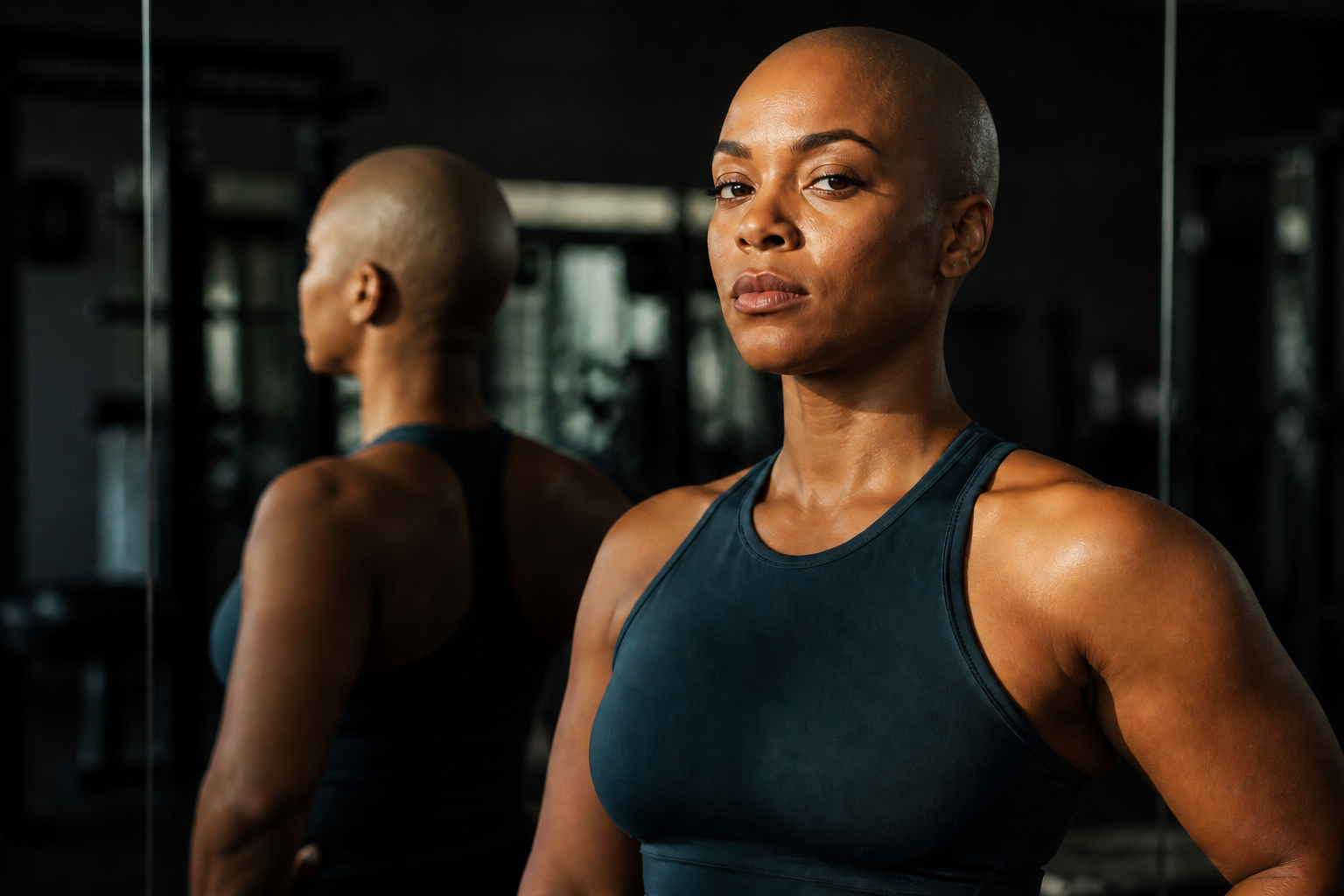 AFTER
AFTER BEFORE
 AFTER
AFTER BEFORE
 AFTER
AFTER BEFORE
 AFTERBEFOREAFTERBEFOREAFTERBEFOREAFTERBEFOREAFTERBEFOREAFTERBEFOREAFTER
Key Features


Keep your face recognizable
A bald filter only works if you still look like yourself. BudgetPixel removes the hair while keeping facial structure, expression, skin tone, and other defining details consistent. That makes the result useful for trying a serious shaved-head preview instead of a generic face swap.
Works on different hair lengths
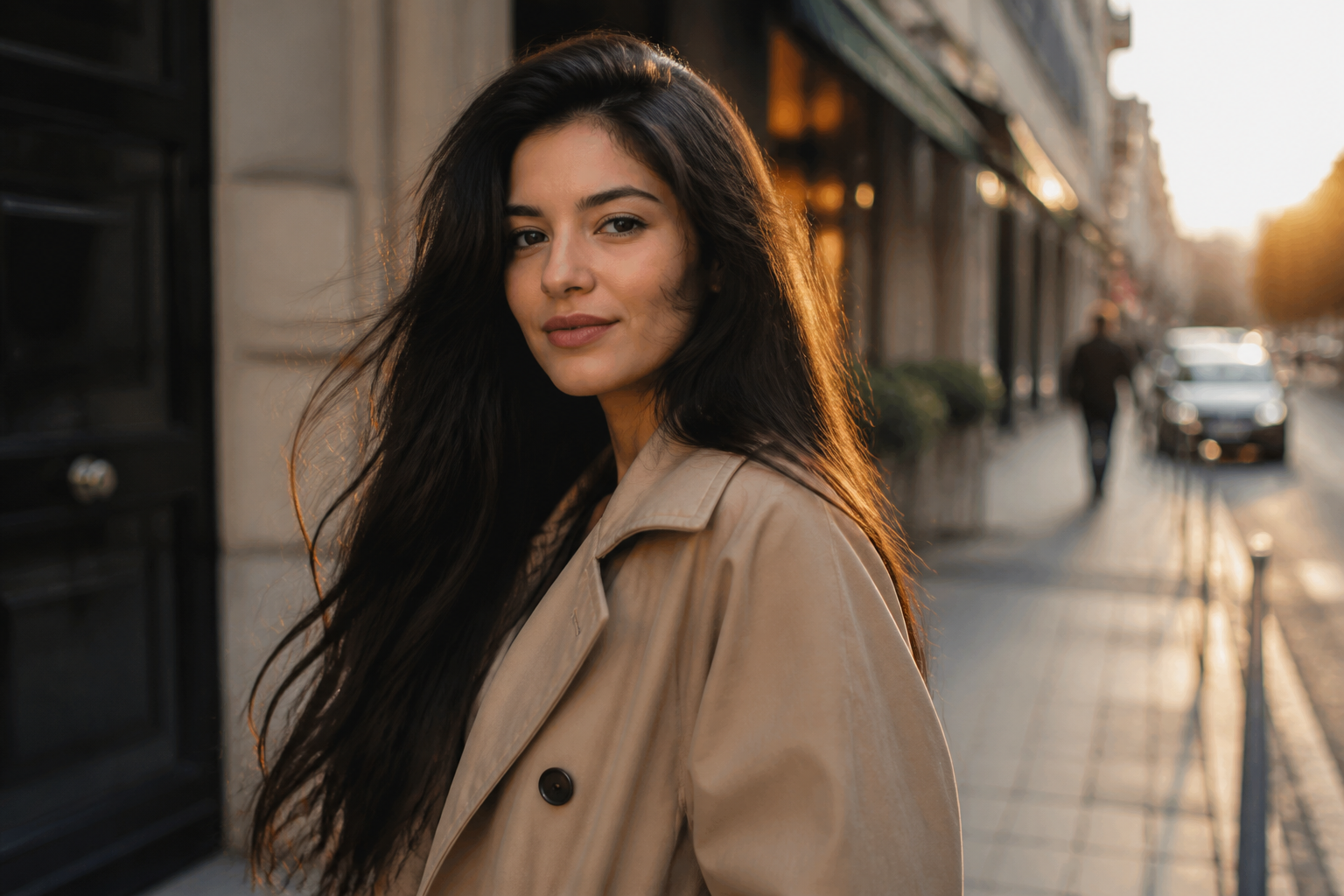
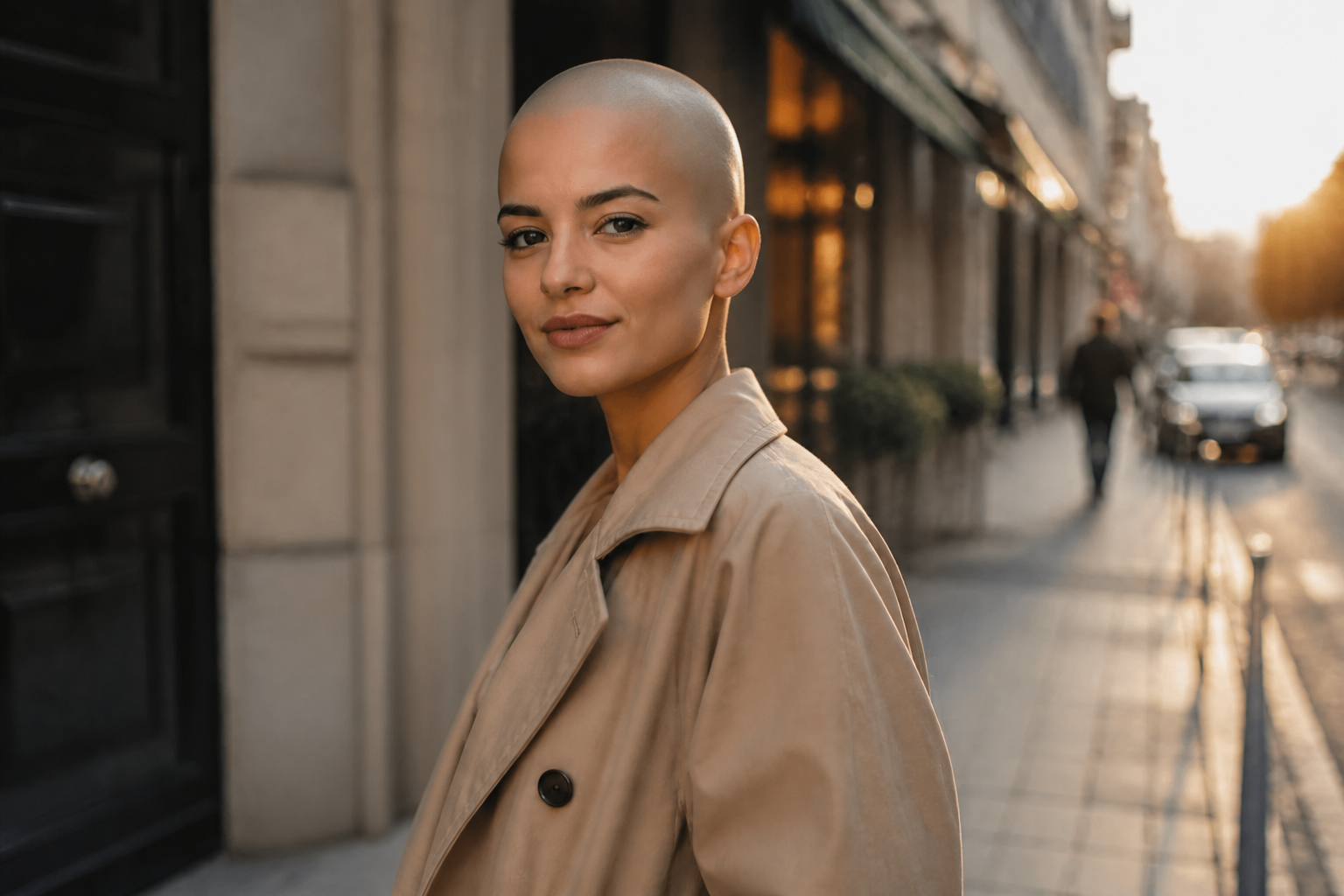
Long hair, short cuts, curls, fades, and styled looks need different edits to look believable. Our AI reshapes the scalp and removes visible hair mass so the bald result reads clearly in one glance. You get a stronger preview than manual retouching or basic sticker-style filters.

Natural scalp lighting
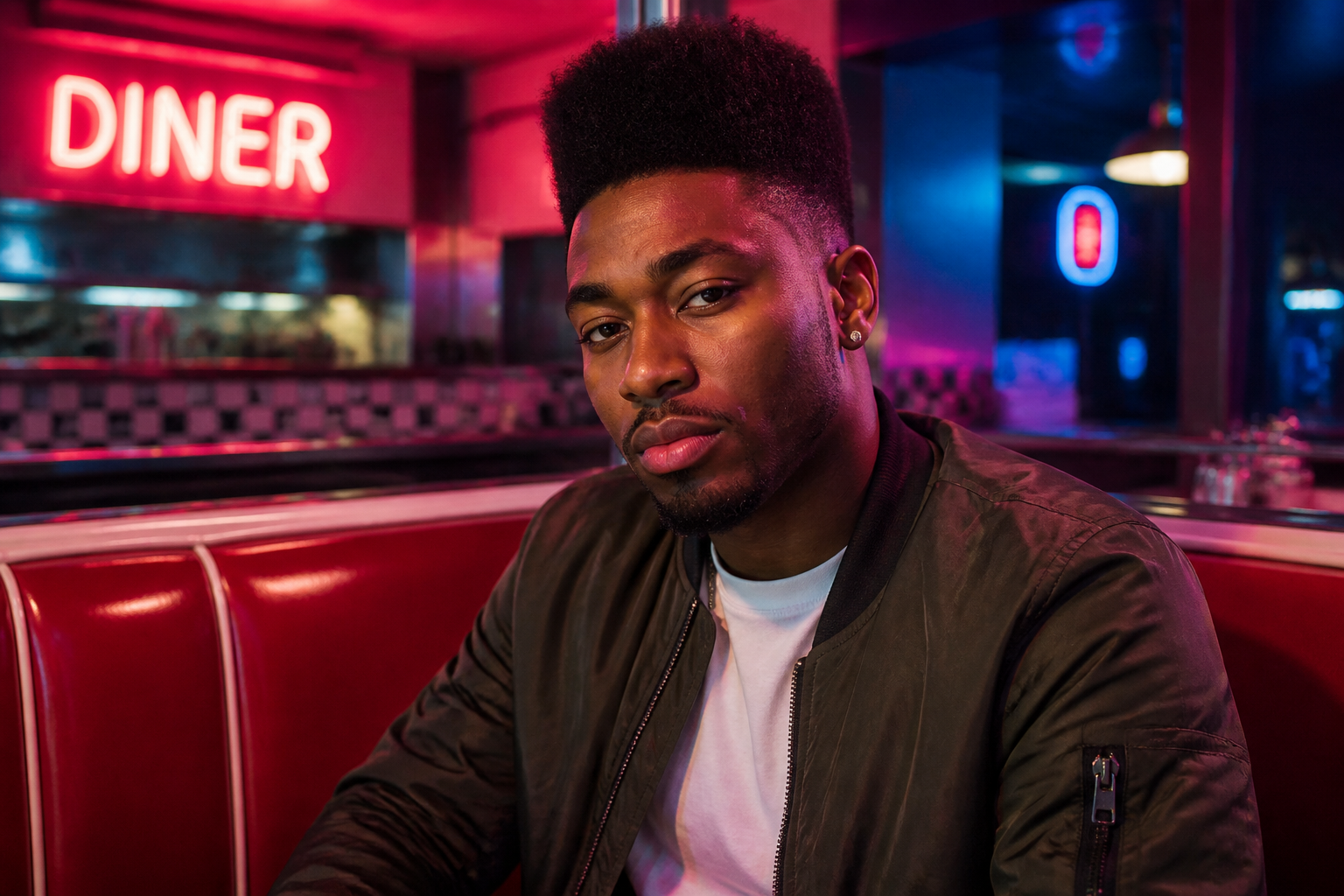
A convincing shaved-head edit has to match the scene's light and shadow. BudgetPixel keeps the new scalp aligned with studio light, window light, or outdoor sun so the after image feels coherent. That saves you from patchy, flat-looking edits that break realism.
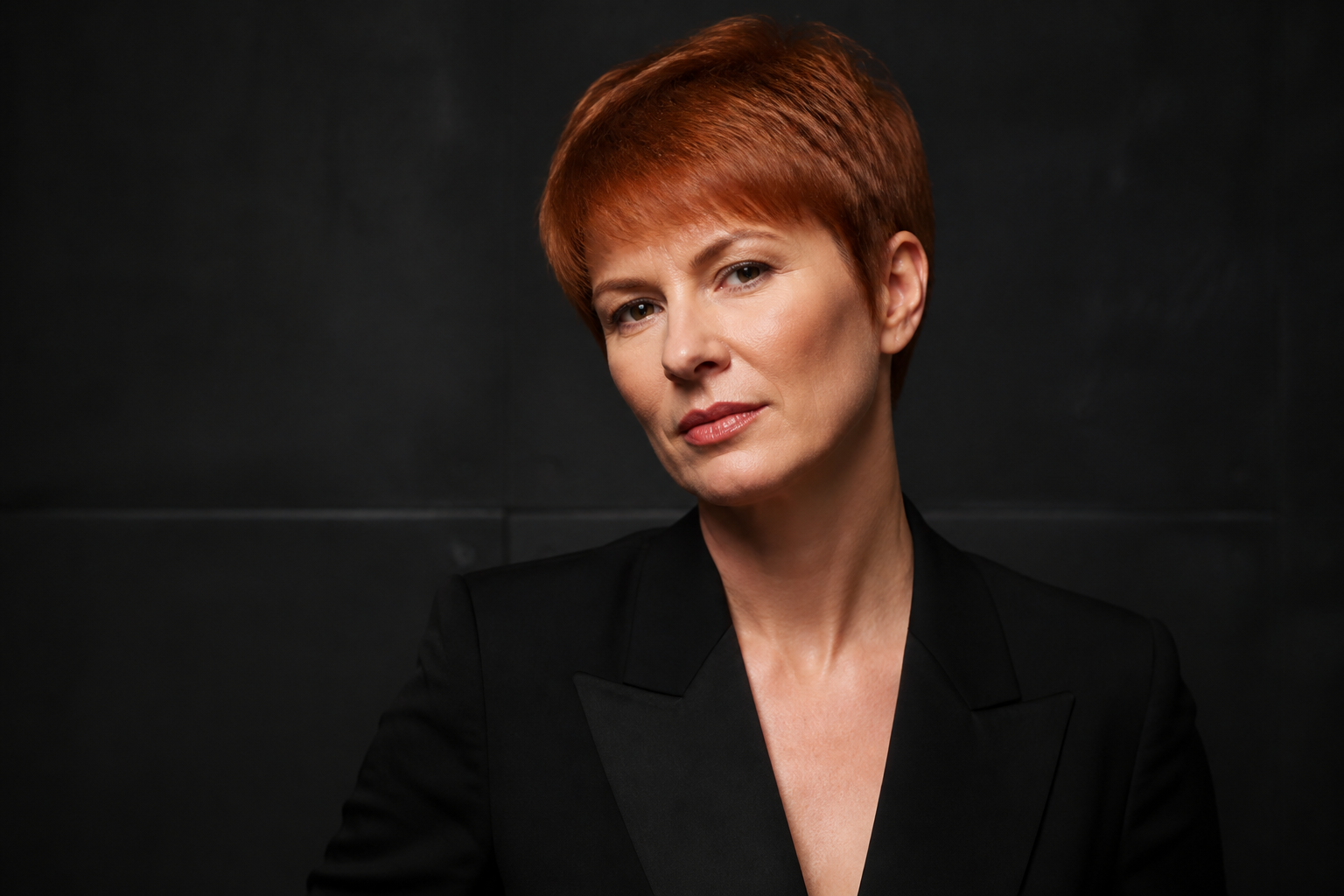
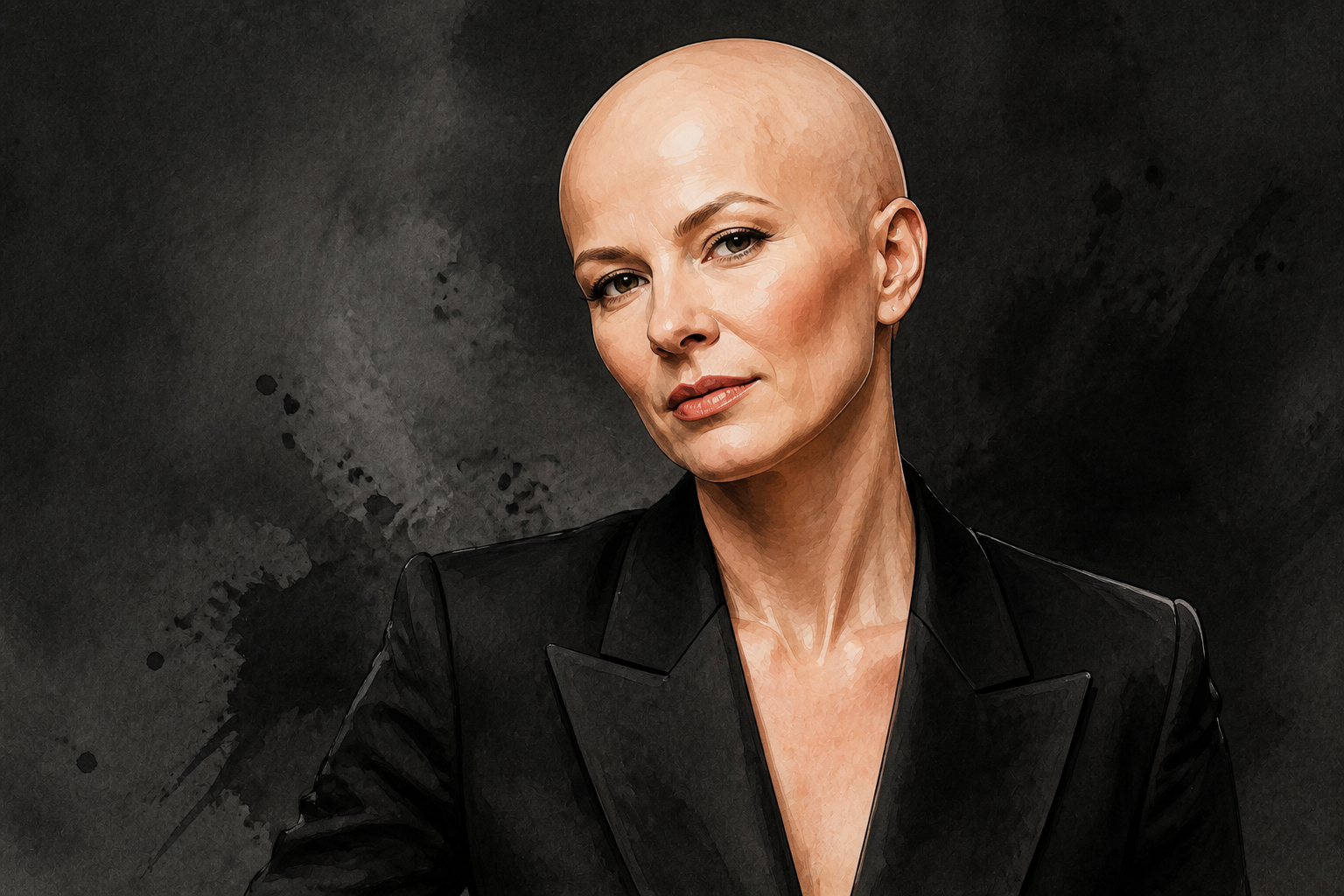
Try realistic or stylized looks
Some people want a practical preview, while others want a fun post for social media. You can use the same bald filter concept for realistic portraits, editorial looks, or stylized artwork. That range makes it useful for both personal experimentation and creative content.
How It Works
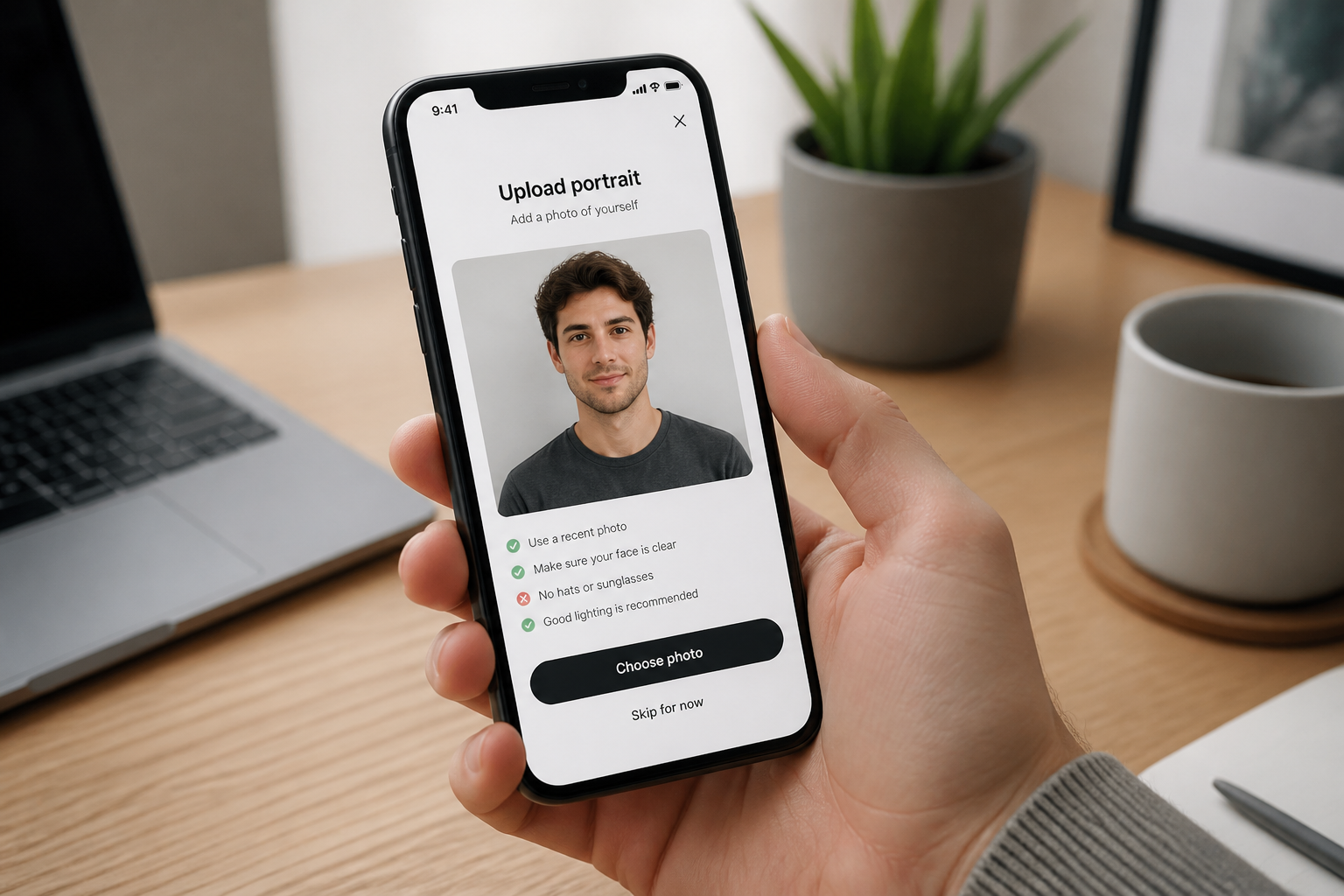
Upload your photo
Start with a clear portrait, selfie, or styled photo. Good lighting and a visible face make the bald filter easier to read.
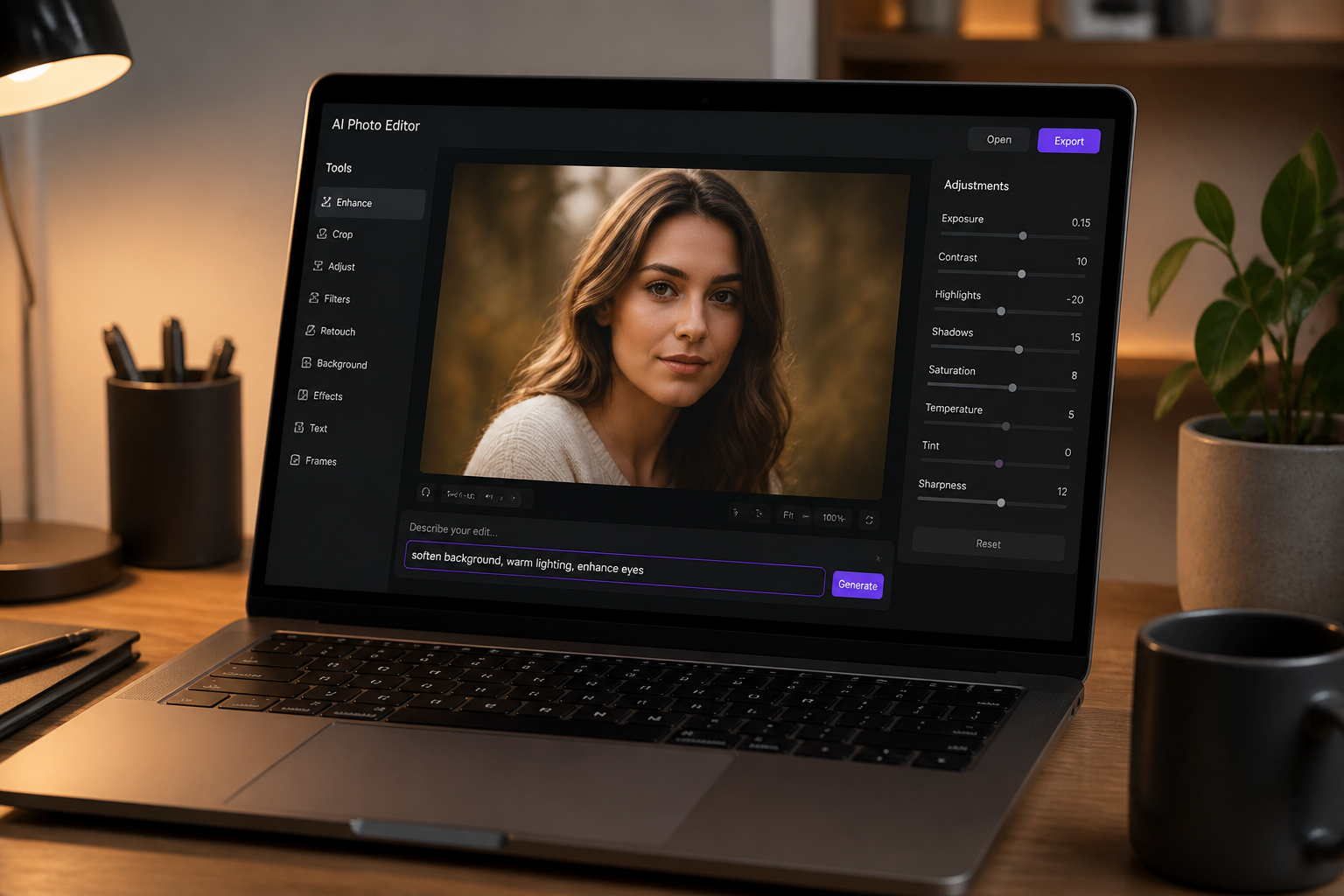
Describe the bald look
Use a simple prompt like clean shaved head or smooth bald scalp. You can also mention keeping the face, clothes, and background unchanged.
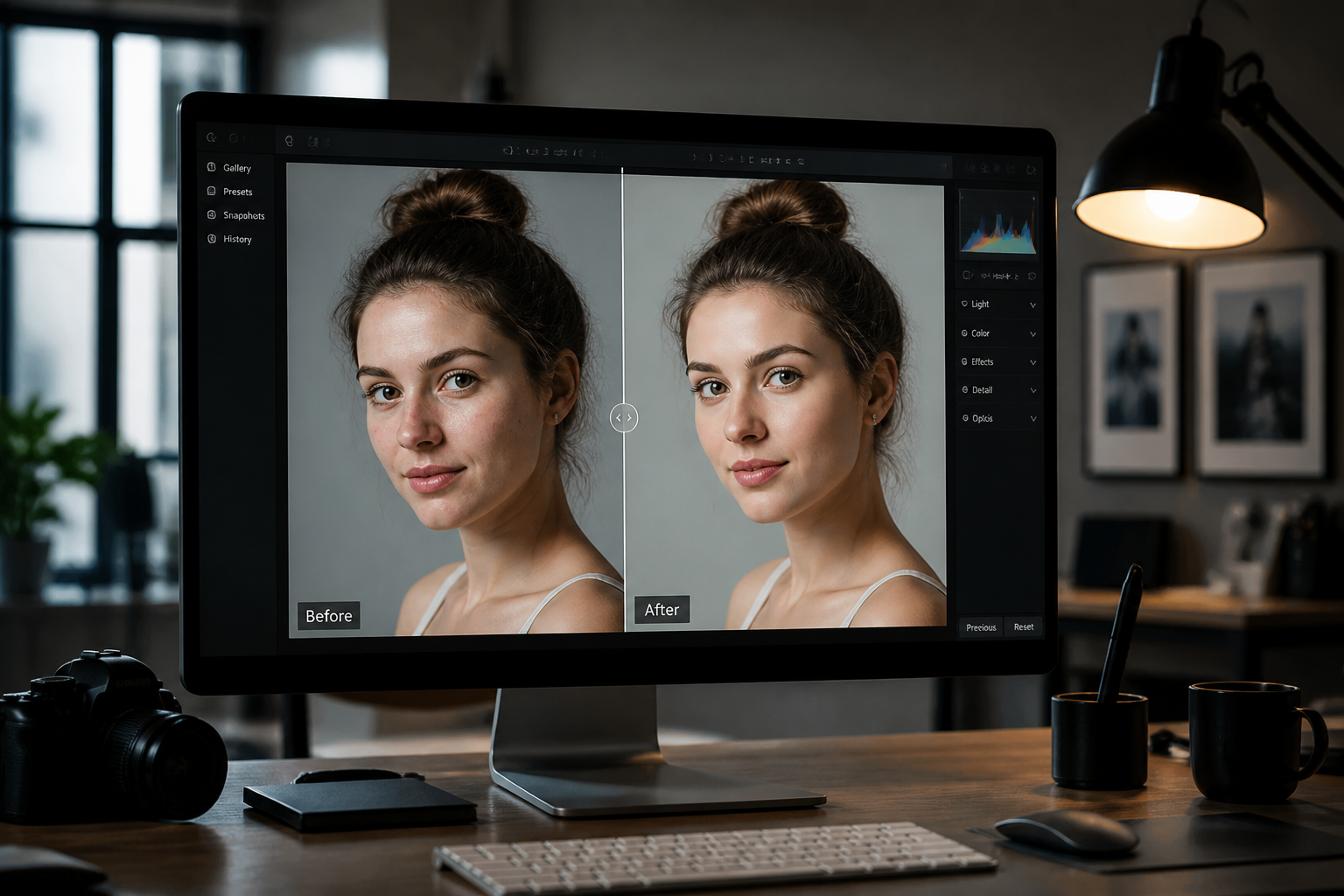
Compare and refine
Review the before and after side by side. If needed, run another edit to make the scalp cleaner or more realistic for the lighting in your image.
Perfect For
Discover how creators and professionals use bald filter
Preview a shaved head
See whether a bald look suits your face before making a haircut decision.
Create social content
Make funny reveal posts, transformation videos, or before-and-after shares for TikTok, Reels, and stories.
Plan styling choices
Test how glasses, beard, makeup, or clothing read when the hair is fully removed.
Build character concepts
Use the bald filter as a fast starting point for avatars, posters, and editorial mockups.
Built For
Anyone considering a shave
Try a bald look in a photo before committing to a razor or clippers.
Creators and meme makers
Generate clear bald transformations that read instantly in thumbnails and short-form posts.
Designers and art directors
Mock up bald portraits quickly for concepts, comps, and visual experiments.
Why use BudgetPixel for a bald filter
A quick look at how we compare on the things that matter for this niche.
| Feature | BudgetPixel | Generic AI editors | Manual editing apps |
|---|---|---|---|
| Fast bald look preview | ✓ | ✓ | — |
| Keeps portrait identity | ✓ | — | — |
| Clear before/after transformation | ✓ | — | — |
| Stylized creative versions | ✓ | ✓ | — |
| No manual masking required | ✓ | ✓ | — |
Frequently Asked Questions
What does the bald filter do?
Does it work on long hair and short hair?
Will I still look like myself?
Can I use it for realistic and stylized edits?
What kind of photo works best?
Create together.
Share your creations, discover trending AI art, and grow with fellow creators.