AI RPG Character Generator
Generate original RPG heroes, villains, and party-ready fantasy portraits from text
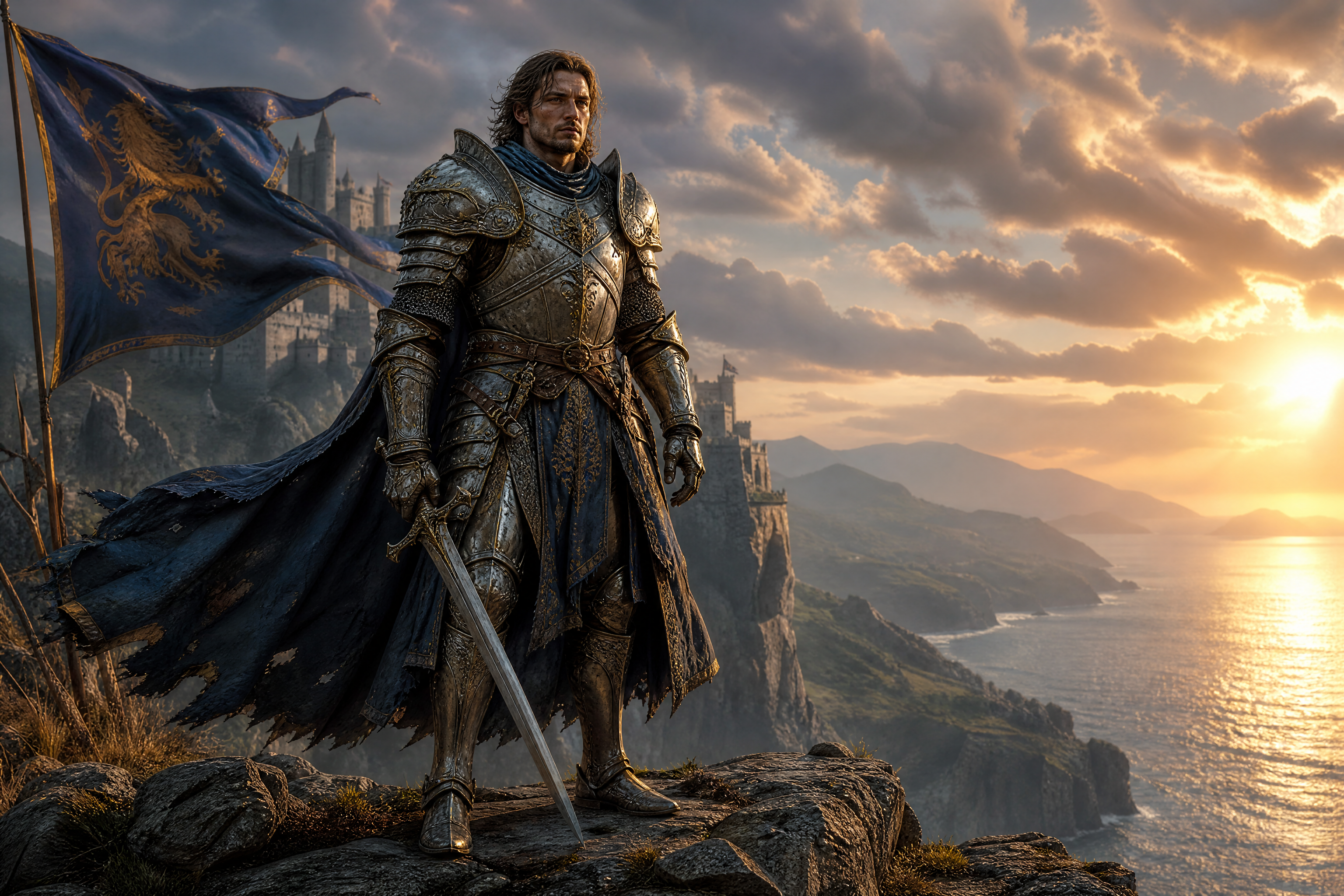
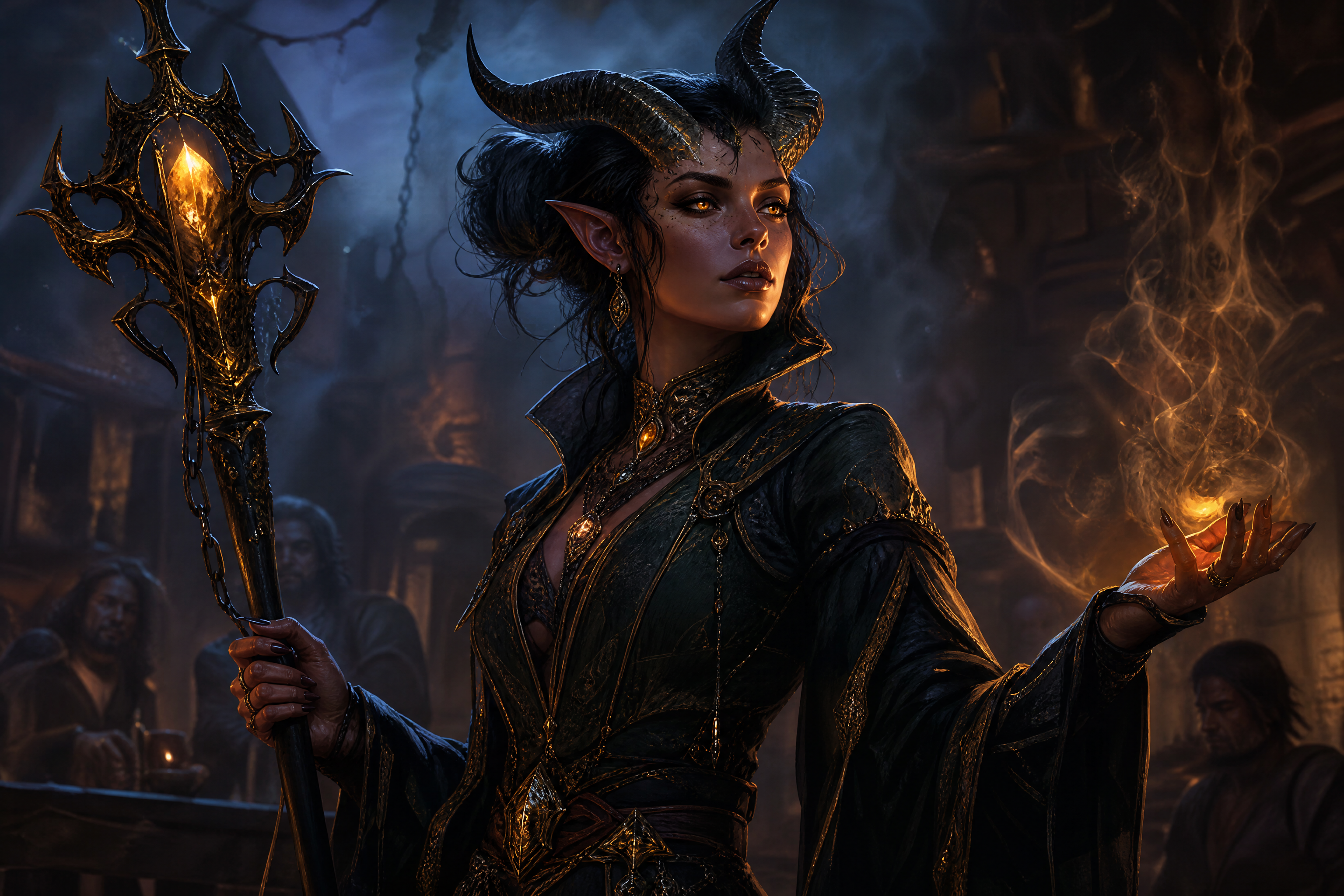
Create original RPG character art from a simple prompt. This tool is built for players, game masters, and indie creators who want fast character concepts, portraits, and fantasy visuals in a range of styles.
See It In Action
Real outputs from ai rpg character generator.
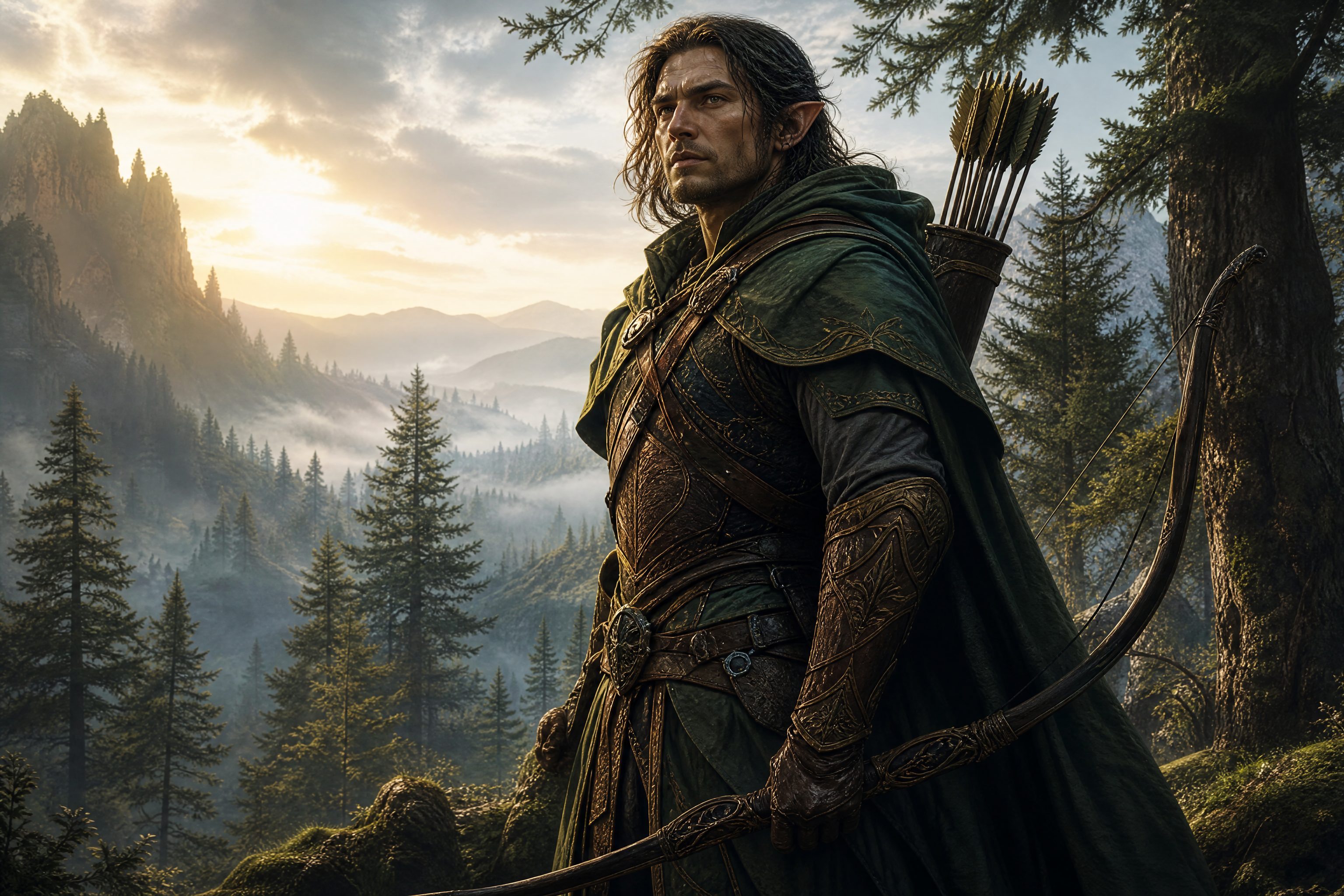
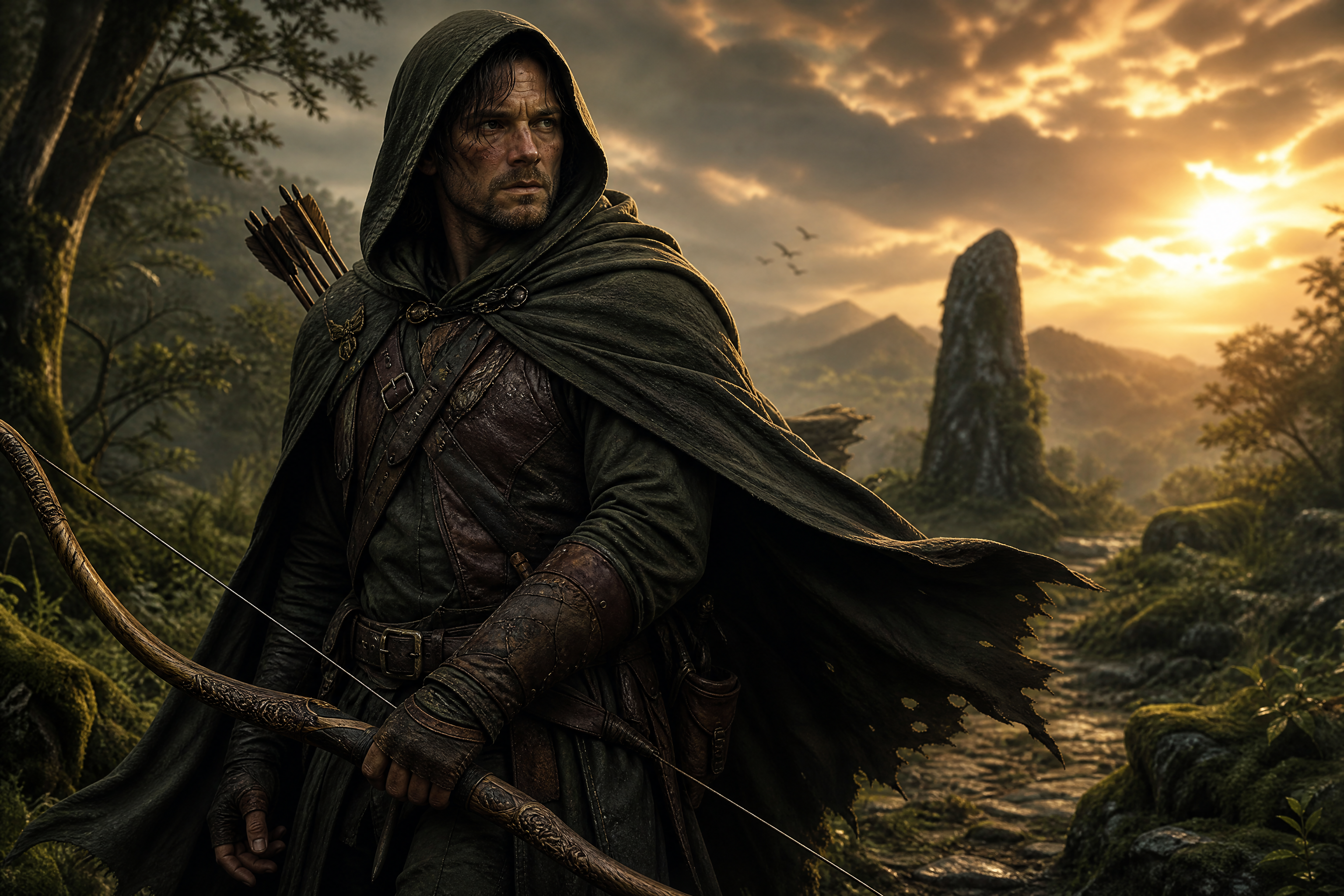
epic RPG character portrait, battle-worn human ranger with a hooded cloak and carved longbow, standing on a mossy forest path, dramatic golden hour light, detailed leather armor, wind in cloak, painterly realism, cinematic composition, 3:2
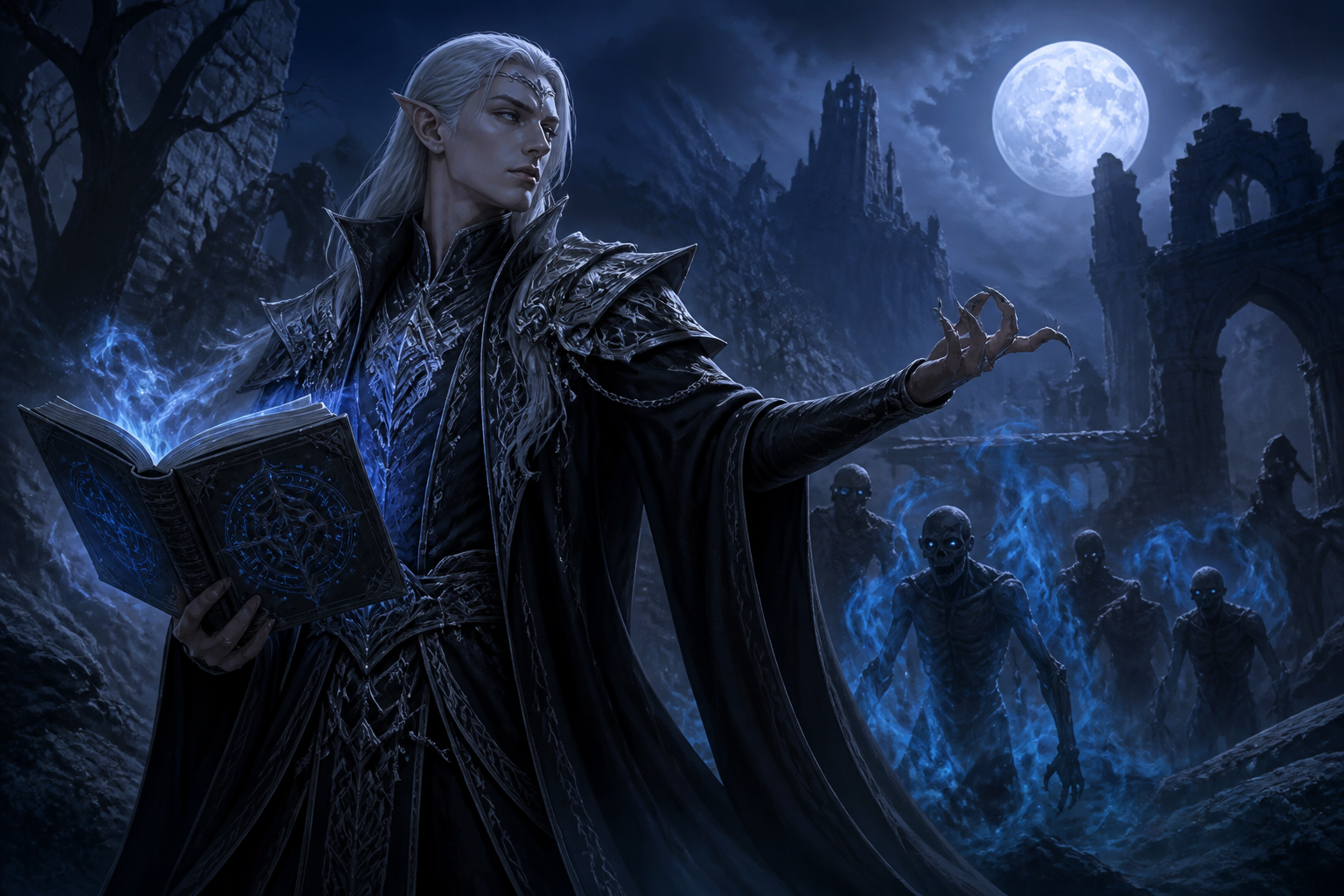
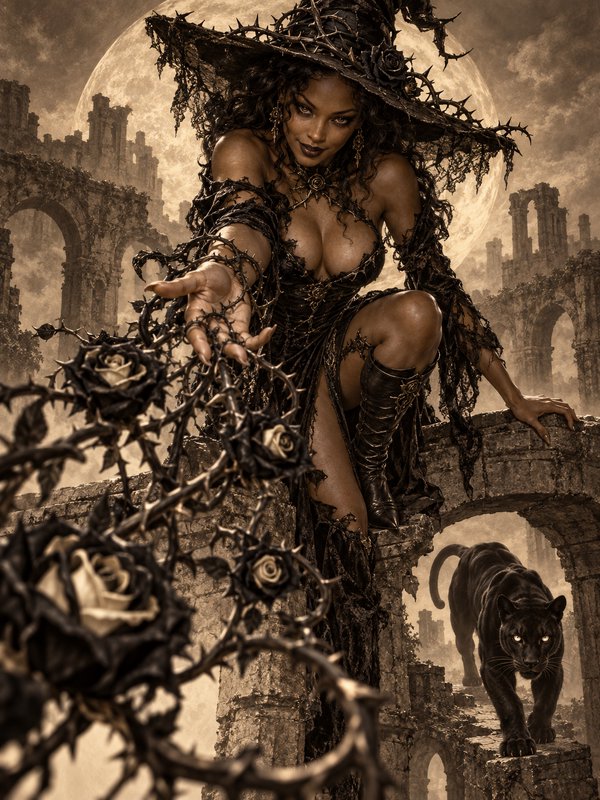
dark fantasy RPG character, elegant elven necromancer in black and silver robes, glowing rune book, moonlit ruins, blue mist, high-detail digital painting, cinematic side lighting, 3:2
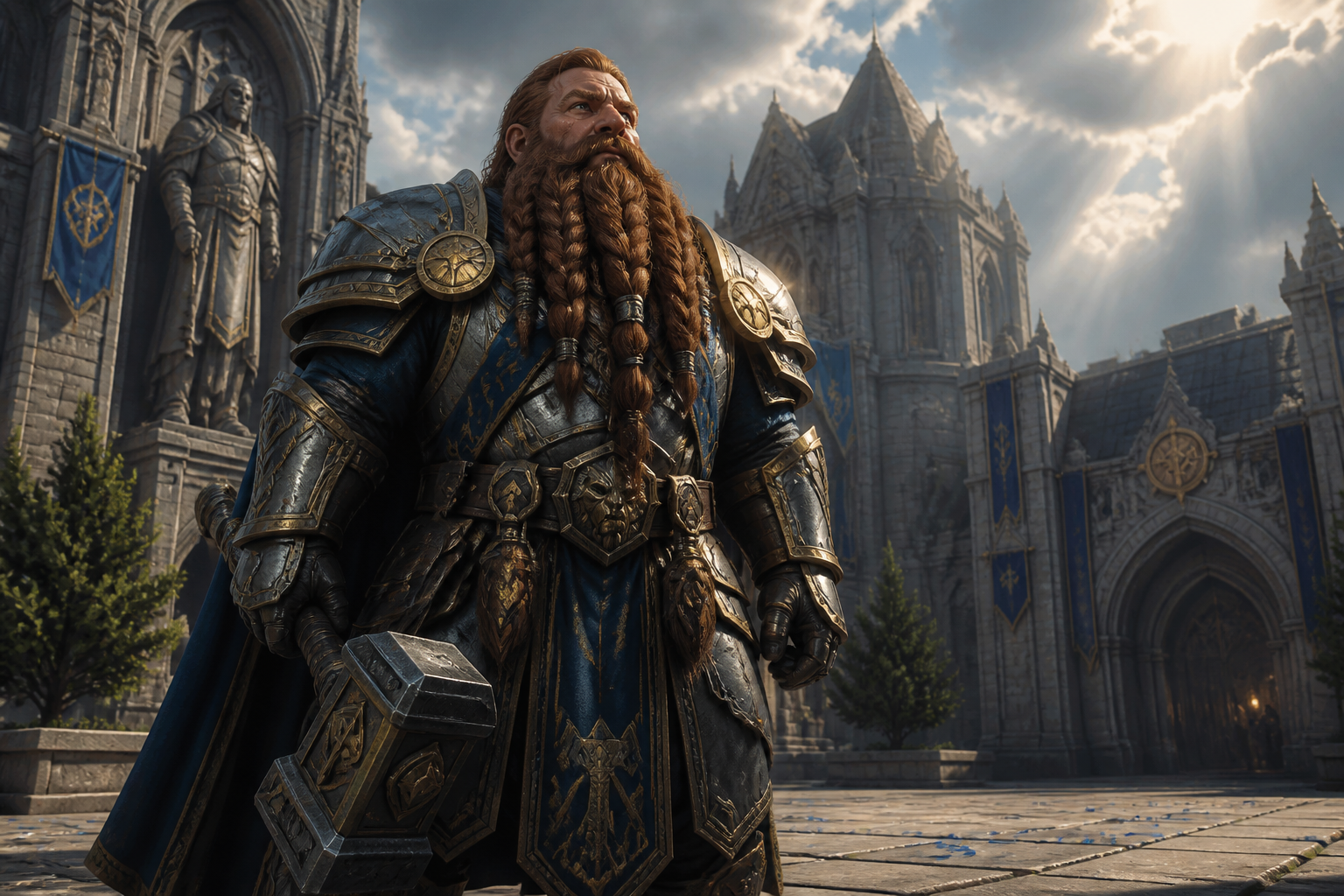
heroic dwarf paladin RPG portrait, braided beard, polished plate armor with hammer at side, cathedral courtyard, sun rays through clouds, realistic fantasy illustration, strong low-angle composition, 3:2
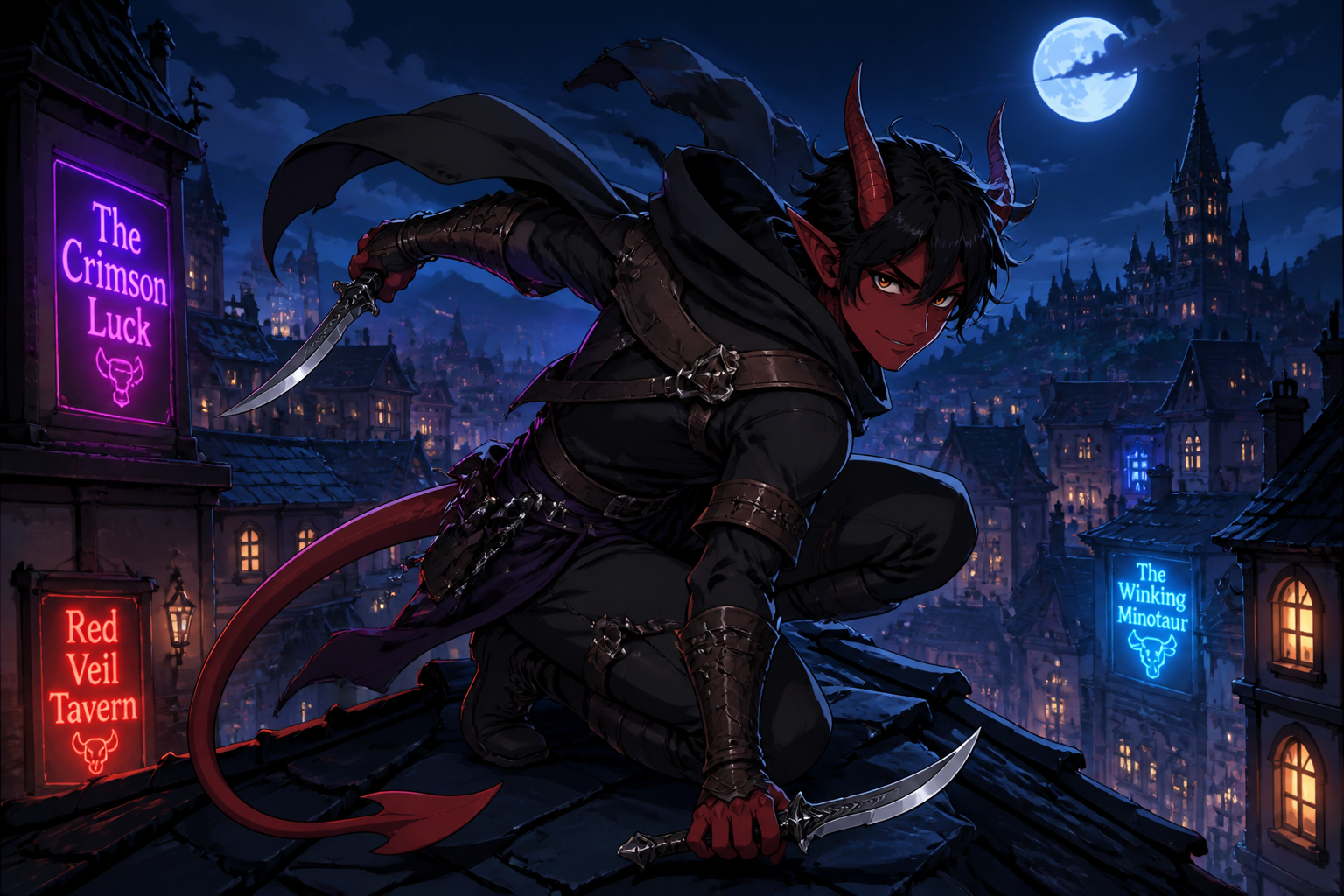
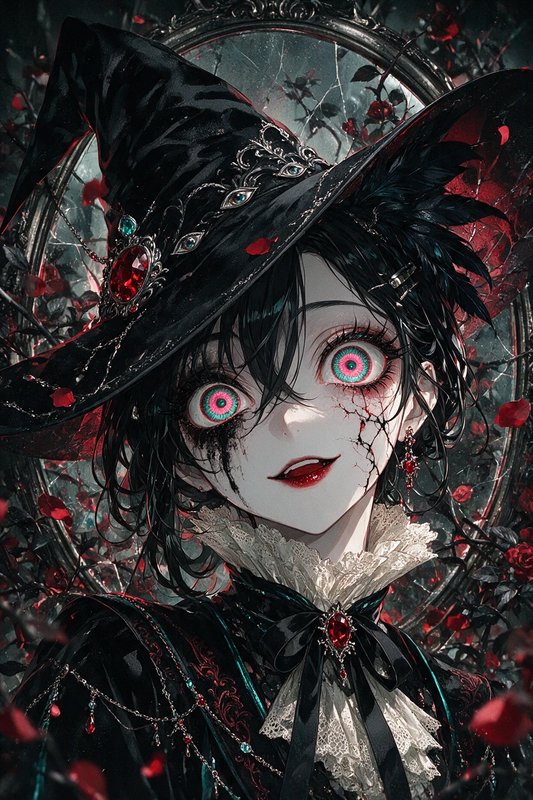
anime-style RPG character art, agile tiefling rogue with curved daggers and crimson tail, rooftop above a medieval city at night, neon tavern signs, dynamic pose, crisp cel shading, 3:2
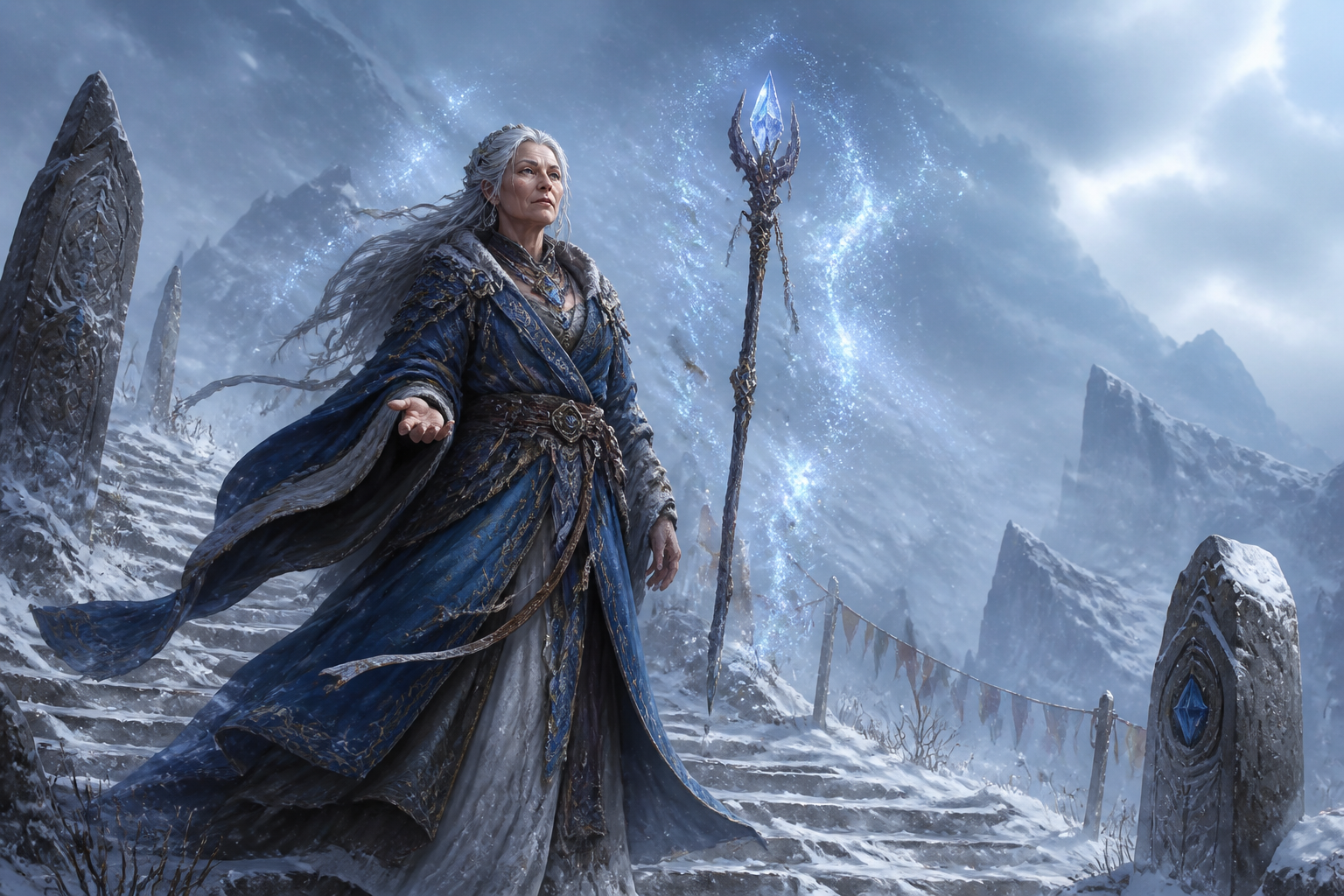
high fantasy mage character concept, older woman wizard with silver hair and layered blue robes, floating crystal staff, snowy mountain pass, magical particles, detailed concept art, cool atmospheric light, 3:2
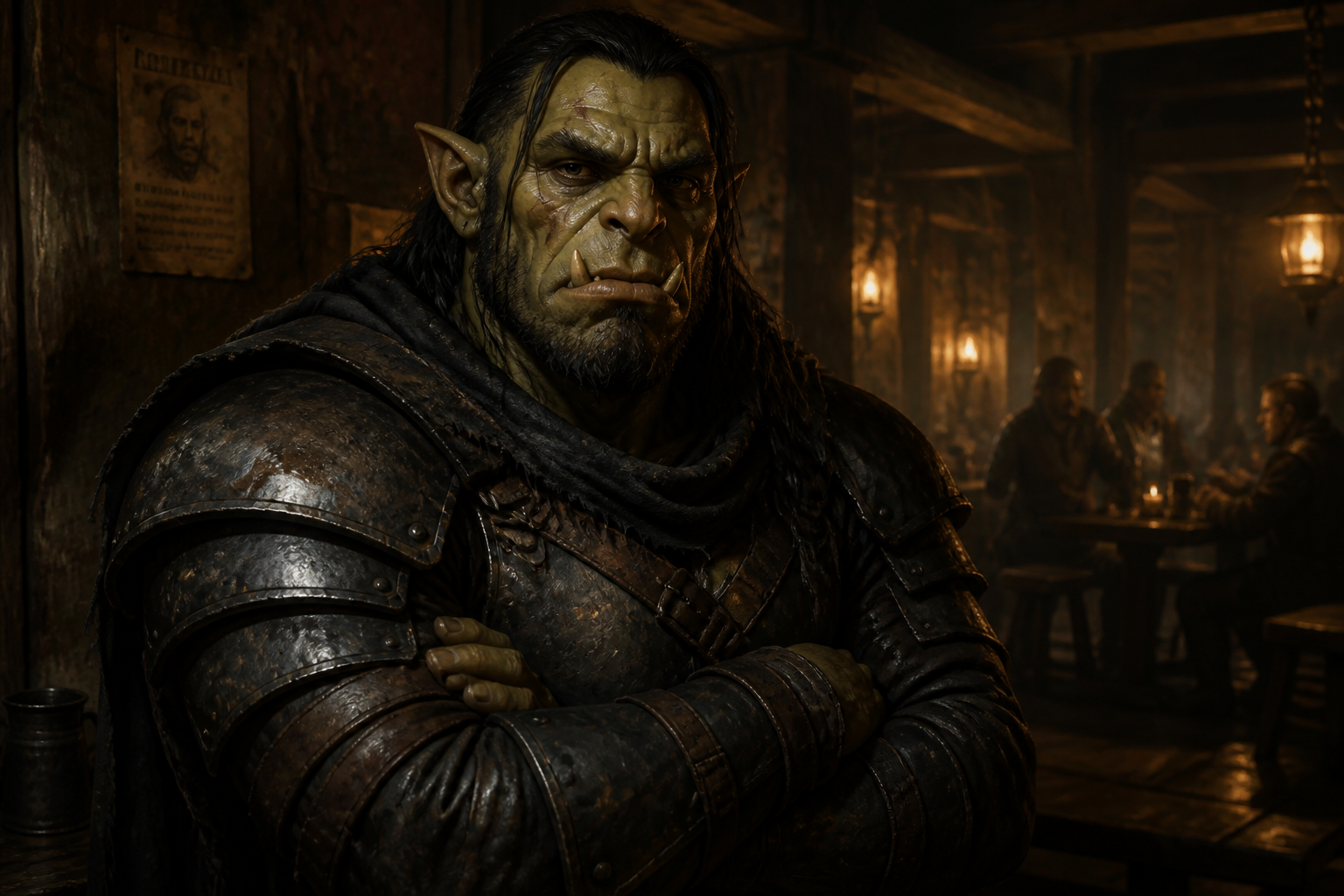
grim mercenary warrior RPG portrait, scarred half-orc fighter in worn steel armor, torchlit tavern interior, arms crossed, realistic oil painting style, rich texture, dramatic shadows, 3:2
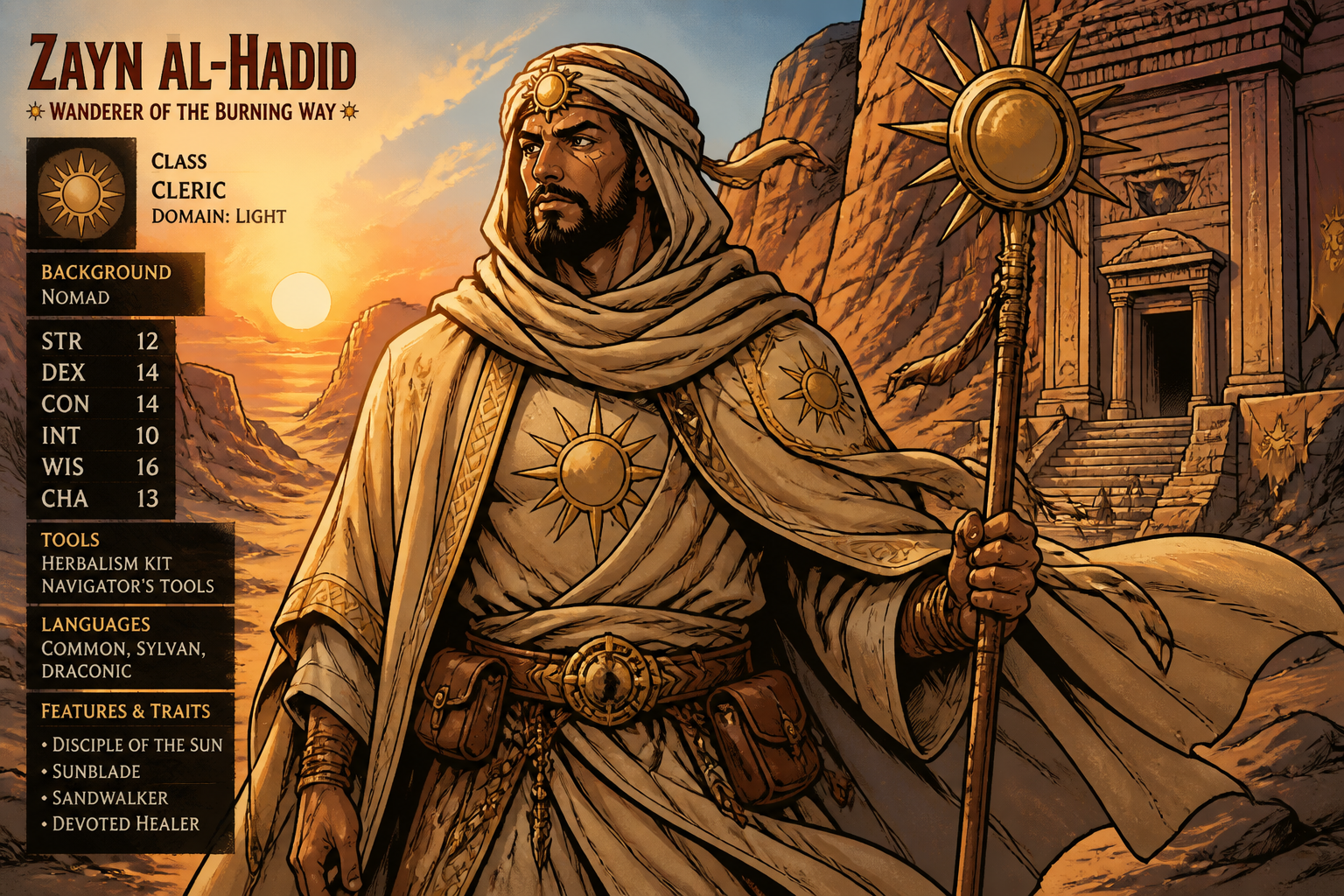
stylized comic-book RPG character, desert nomad cleric with sun symbols and flowing tan robes, sandstone canyon temple, warm sunset light, bold ink lines and painted colors, 3:2
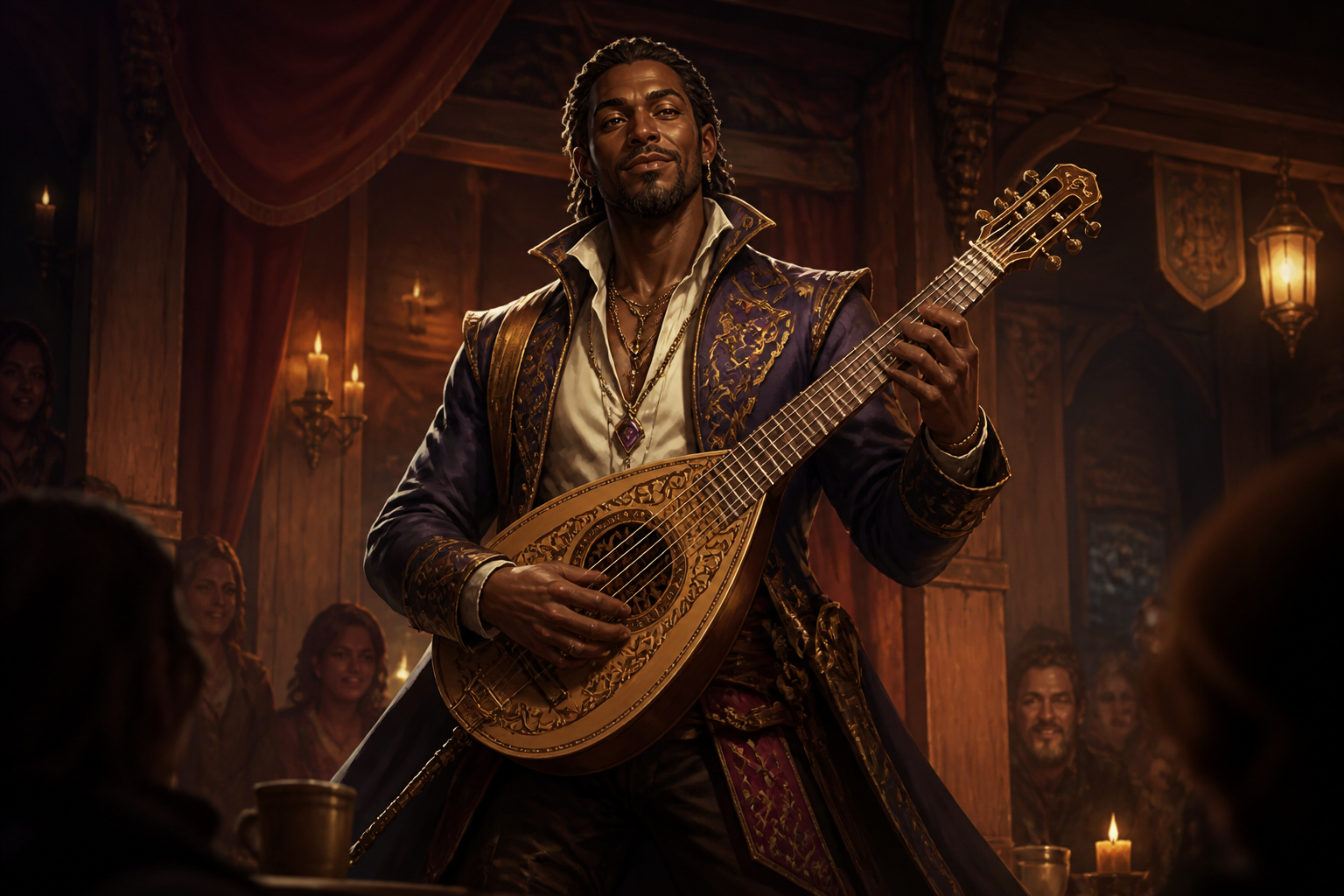
party leader RPG hero shot, confident dark-skinned human bard with ornate lute and embroidered coat, candlelit inn stage, fantasy fashion details, romantic warm lighting, semi-realistic illustration, 3:2
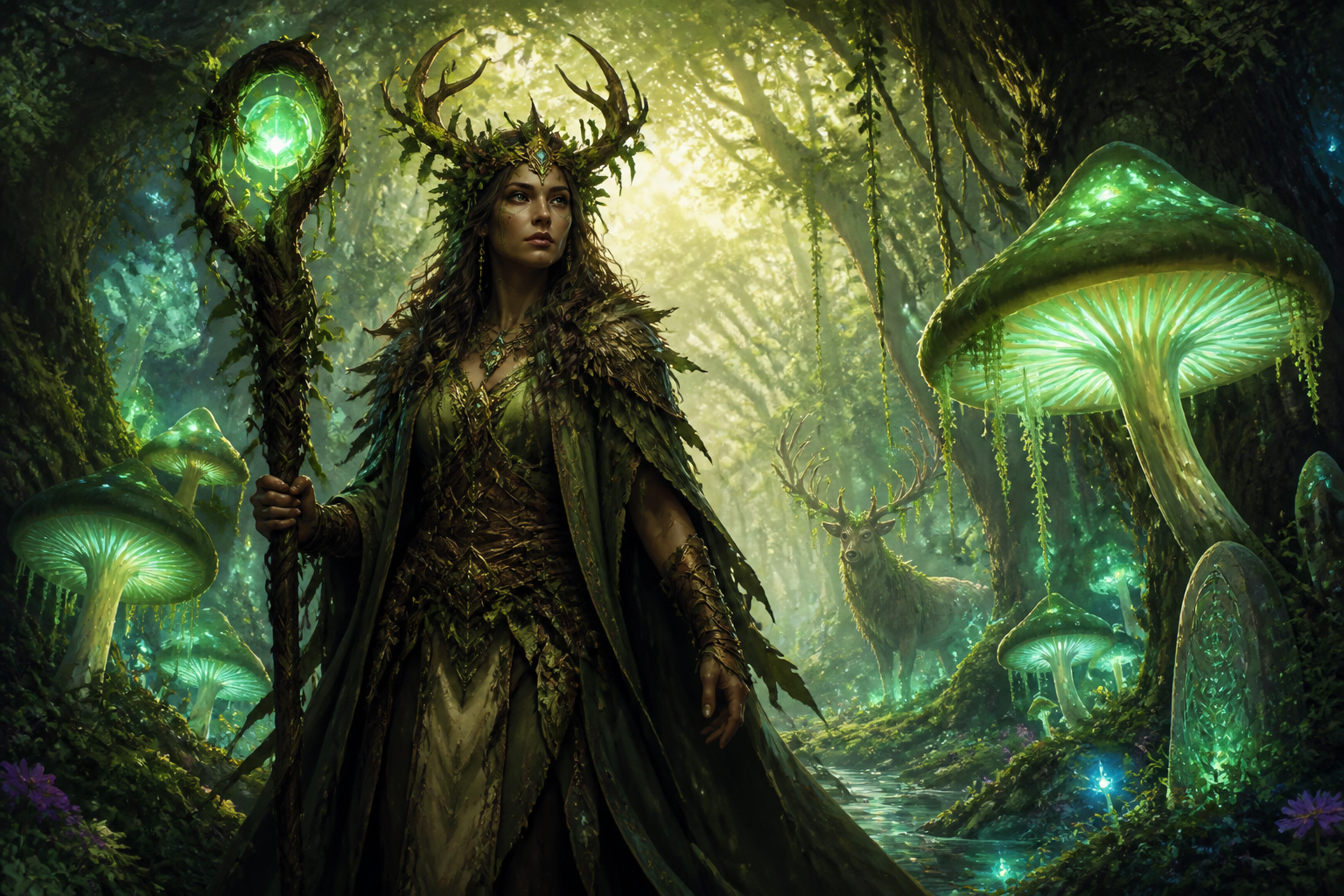
forest guardian druid RPG character, adult woman with antler crown and vine-wrapped staff, giant glowing mushrooms, enchanted woodland clearing, luminous green atmosphere, painterly fantasy art, 3:2
Key Features
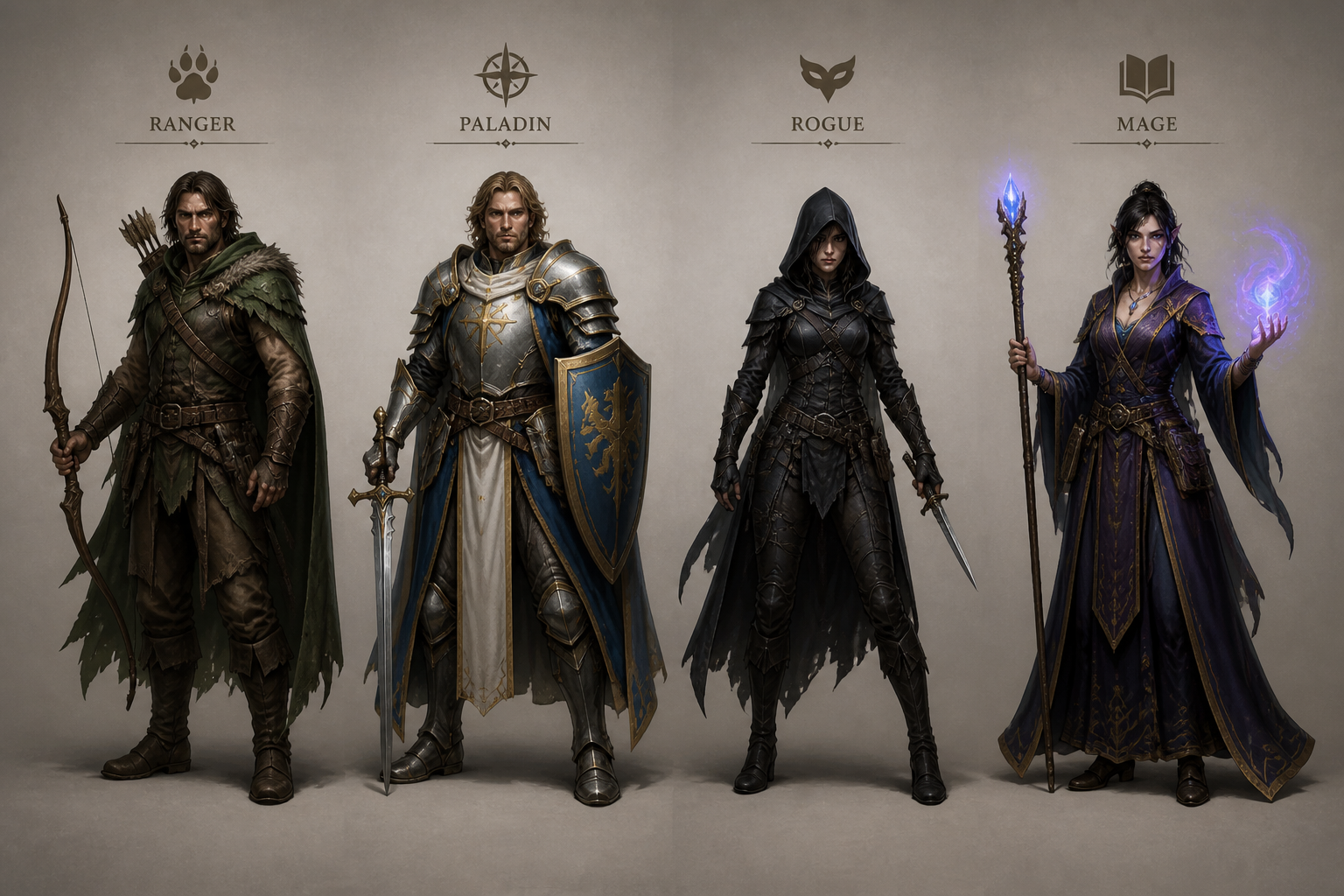
Create Distinct Character Archetypes
Generate classic RPG roles like ranger, rogue, mage, cleric, or tank from a single prompt. You can quickly shift class, gear, race, and mood without starting from scratch. That makes it easier to explore fresh ideas for player characters, NPCs, and villains than sketching each concept manually. Generic image tools often need more trial and error to land on recognizable fantasy roles.
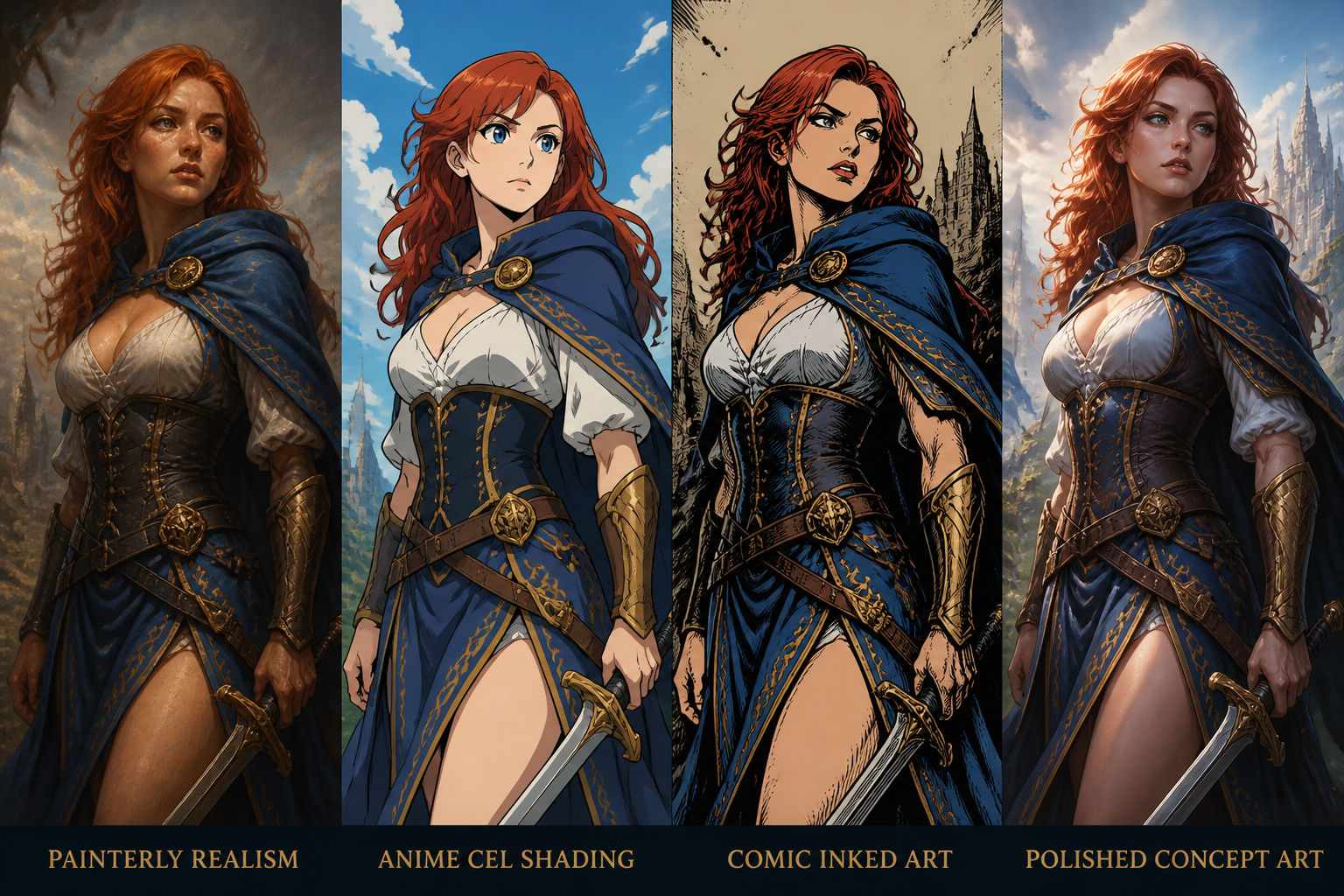
Switch Art Styles Fast
Use the same character idea across painterly realism, anime, comic, or concept art styles. This helps you match the tone of your campaign, setting guide, stream overlay, or game pitch. Instead of learning separate illustration workflows, you can change the style directly in the prompt and compare outputs. It is a practical way to test visual direction before committing to one look.
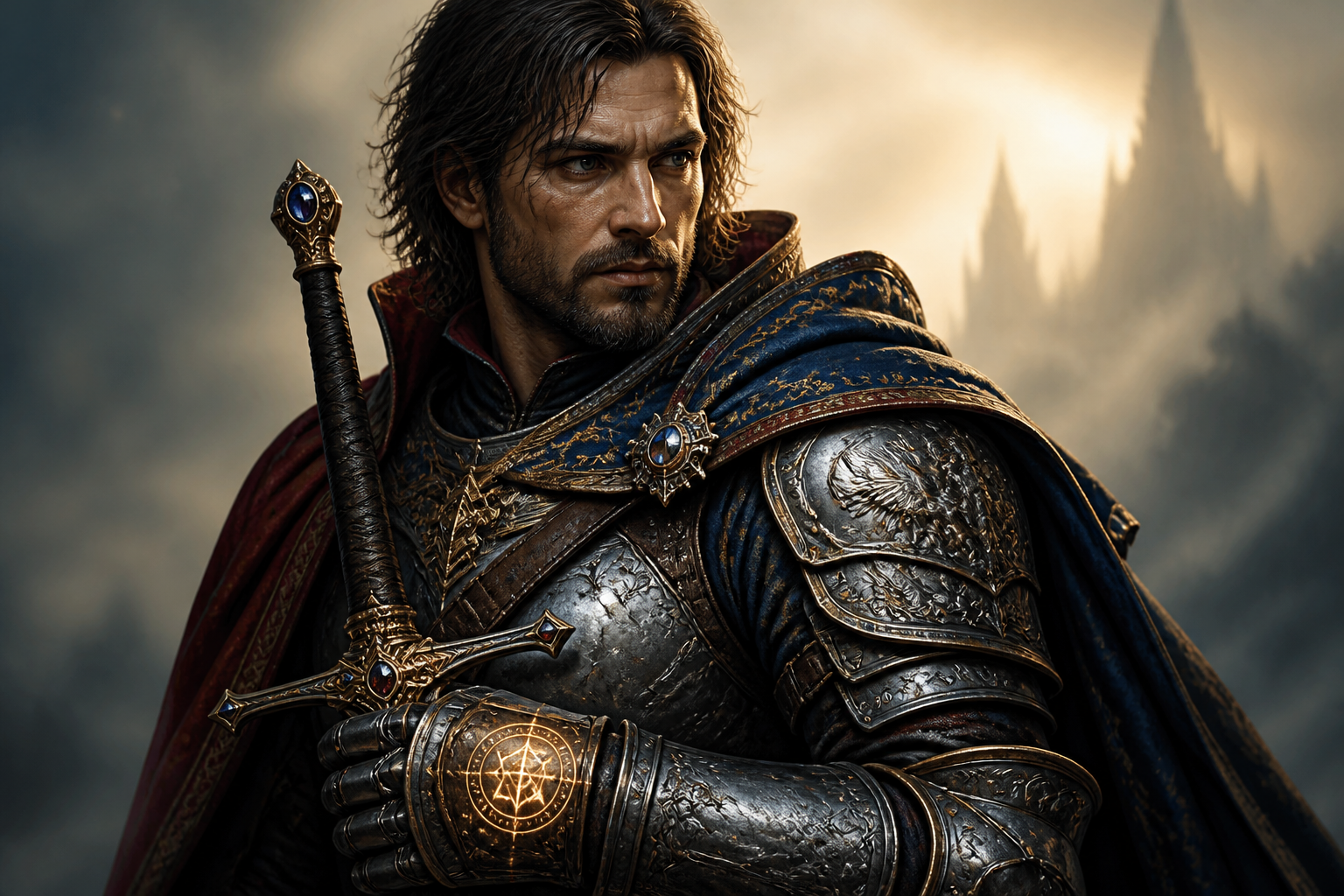
Add Rich Fantasy Details
Describe armor, fabrics, weapons, props, and magical effects in plain language. Our AI turns those details into polished character art with stronger visual storytelling than a vague generic prompt. That is useful when you want characters to reflect class fantasy, backstory, or faction identity. Small changes to items and materials can make a character feel unique fast.
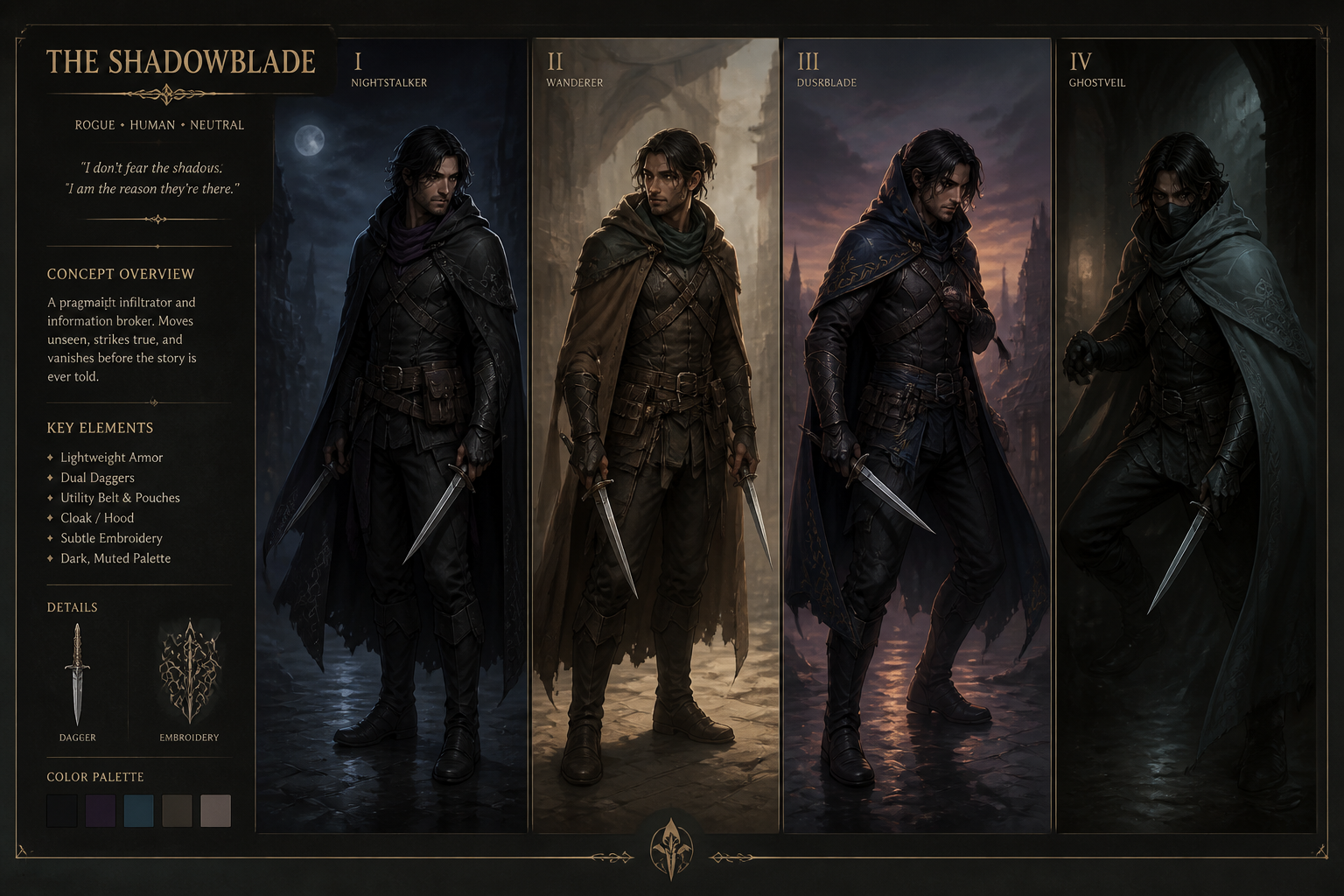
Generate Ready-to-Use Variations
Create multiple takes on the same character concept and pick the one that fits best. This is helpful for refining mood, pose, costume, and setting without rewriting everything from zero. For tabletop campaigns and indie projects, fast variation saves time during planning and presentation. It also gives you a reusable prompt base for future party members or recurring NPCs.
How It Works
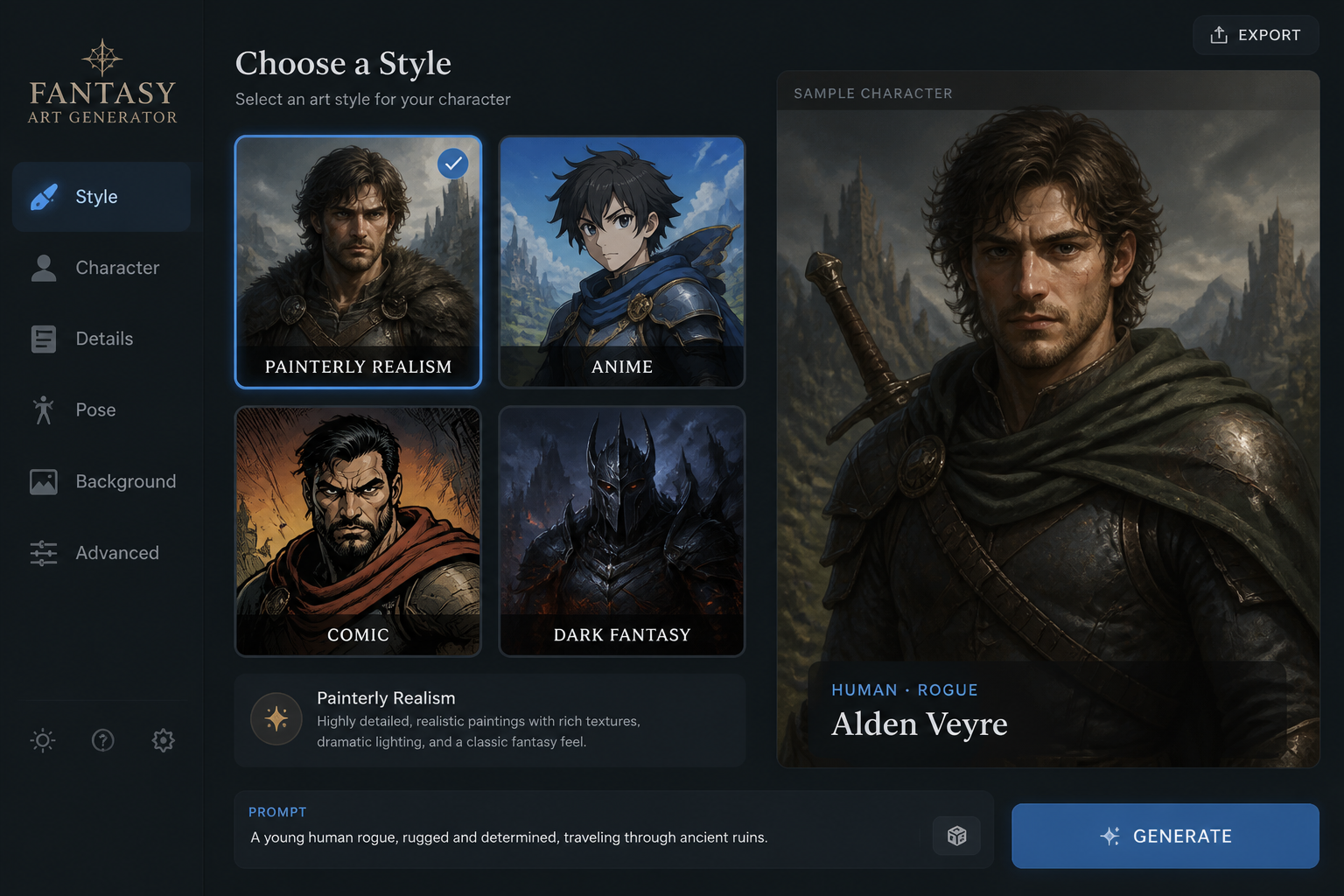
Start With a Style
Begin with a ready-made RPG prompt as your base. Pick a visual direction such as painterly realism, anime, comic, or dark fantasy so the first result already fits your world.
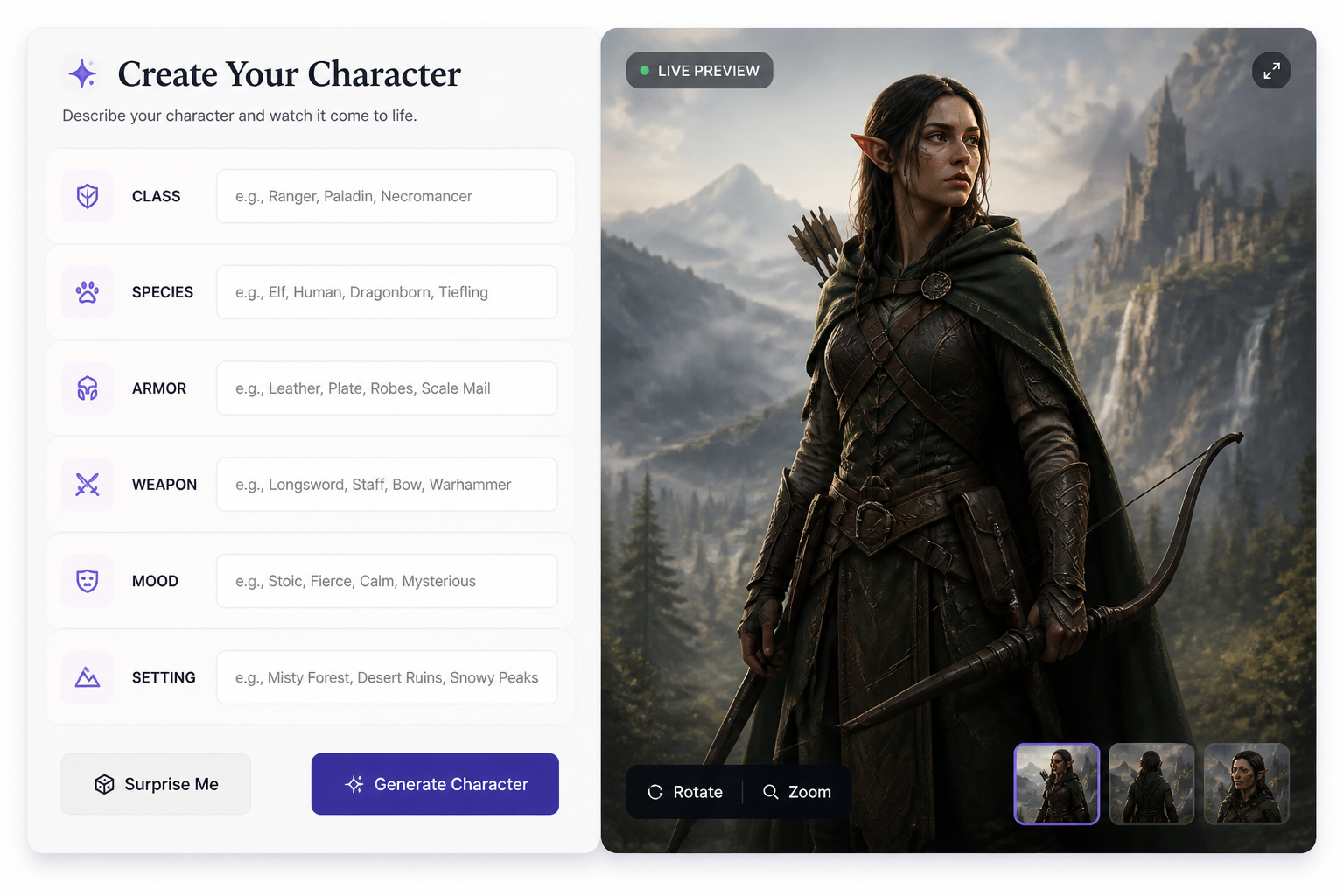
Describe Your Character
Add the class, species, gear, pose, and setting you want. Mention mood, lighting, and colors to shape the final look and make the character feel specific instead of generic.
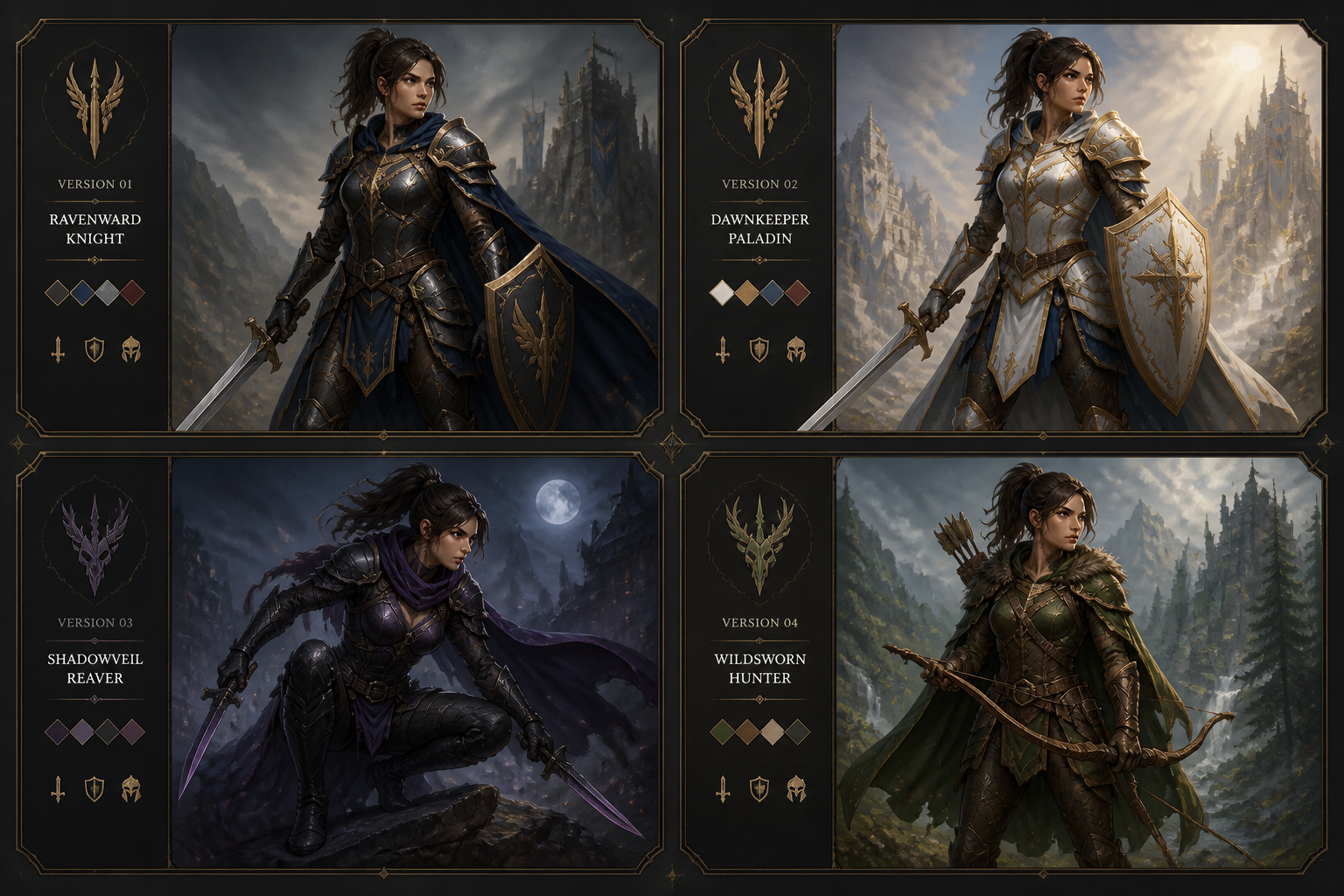
Generate and Refine
Create variations, compare results, and keep the image that matches your campaign or project. You can then tweak the prompt for alternate outfits, stronger atmosphere, or a different art style.
Perfect For
Discover how creators and professionals use ai rpg character generator
Player Character Portraits
Generate custom hero art for your next campaign, one-shot, or online profile.
NPC and Villain Concepts
Create memorable side characters, faction leaders, and antagonists for game prep.
Party Visual Lineups
Build a consistent look for full adventuring groups, guilds, or rival teams.
Indie Game Preproduction
Explore fantasy classes, costume ideas, and visual tone before commissioning final art.
Built For
Tabletop players
Make character portraits that match your class, build, and backstory without waiting on a commission.
Game masters
Quickly create NPCs, bosses, and regional character concepts for sessions and campaign notes.
Indie creators
Prototype fantasy characters for games, stories, pitches, and worldbuilding materials.
Frequently Asked Questions
What kinds of RPG characters can I generate?
Can I choose different art styles?
Do I need to upload a reference image?
Is this useful for dungeon masters and worldbuilders?
Can I make multiple versions of one character?
Create together.
Share your creations, discover trending AI art, and grow with fellow creators.