AI Jewelry Model Generator
Turn plain jewelry shots into polished model photos for ads, stores, and social content.
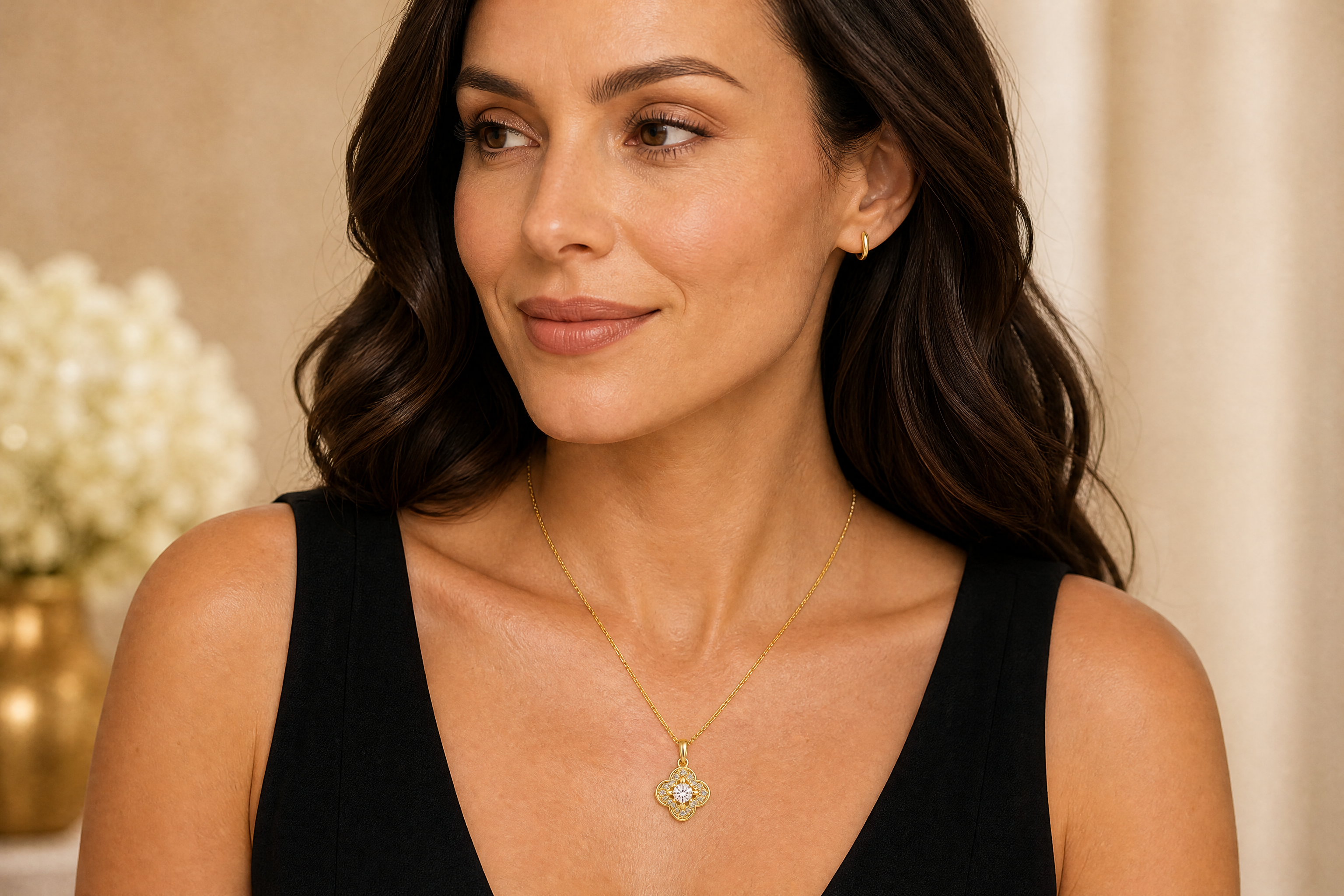
Upload a jewelry image or a simple product photo and our AI places it on a styled adult model scene. Create realistic campaign-style visuals for rings, necklaces, earrings, and bracelets without booking a shoot.
Watch the Transformation
See ai jewelry model generator in motion — generated end-to-end by our AI.
See It In Action
Real outputs from ai jewelry model generator.
BEFOREAFTER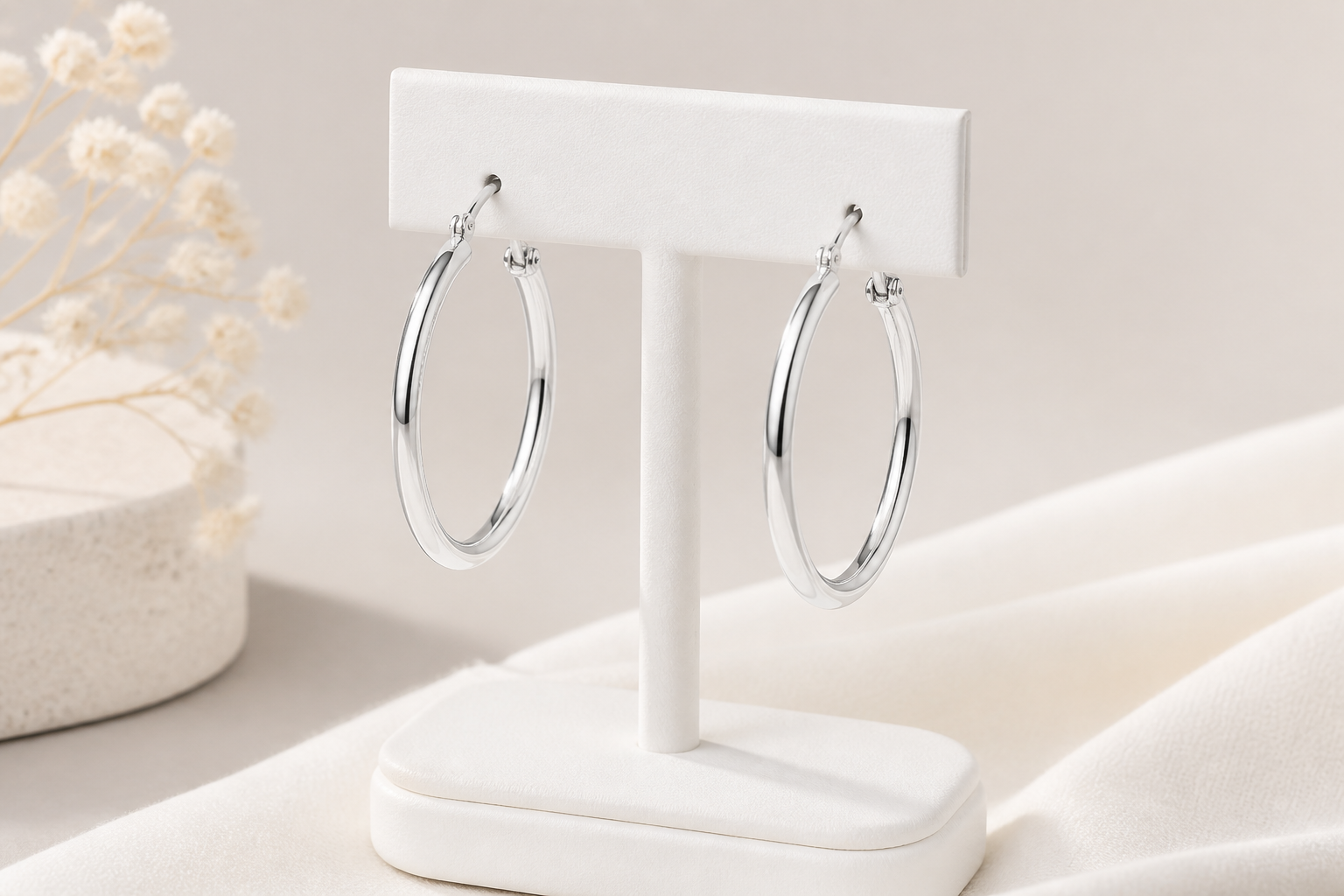 BEFORE
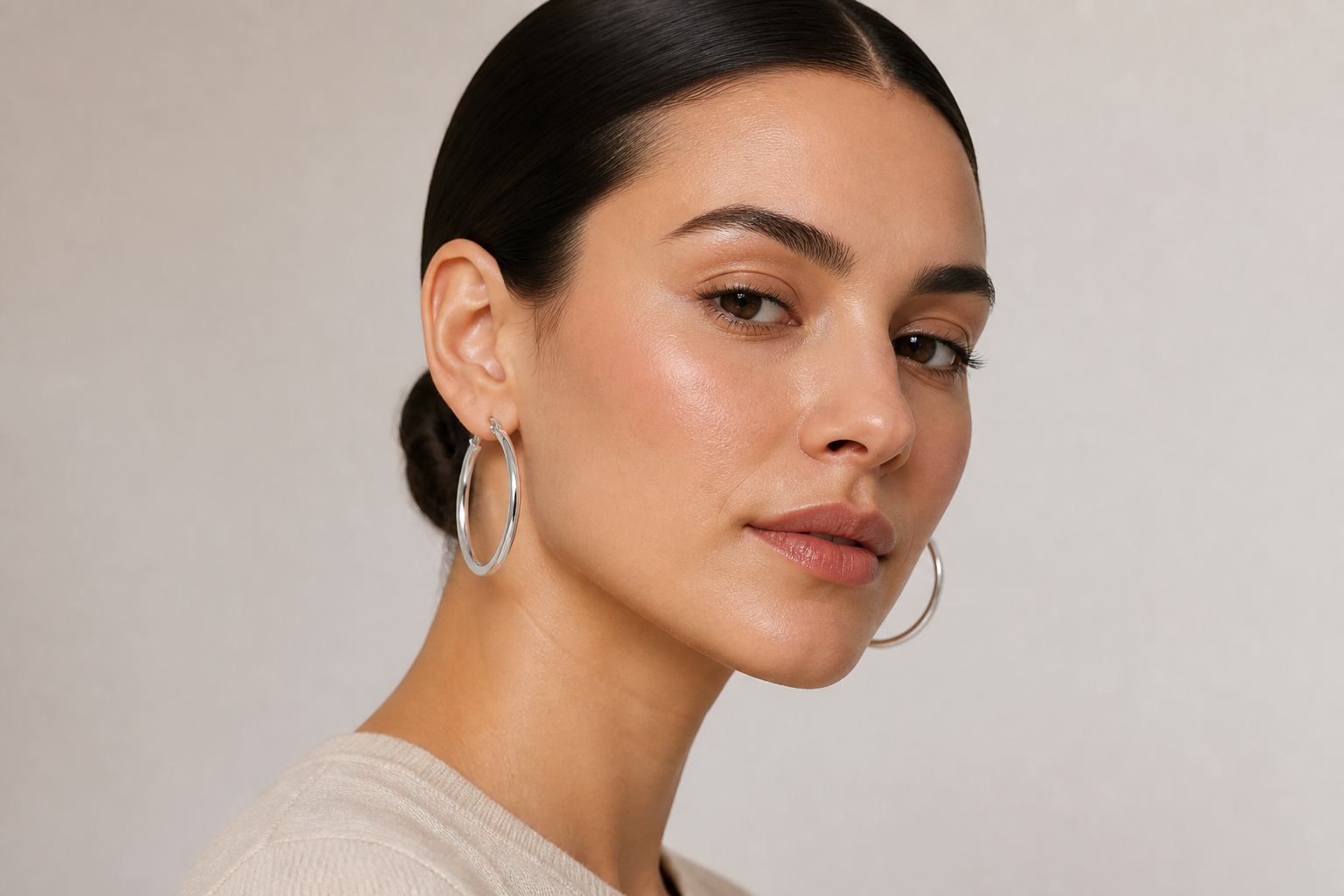 AFTER
AFTER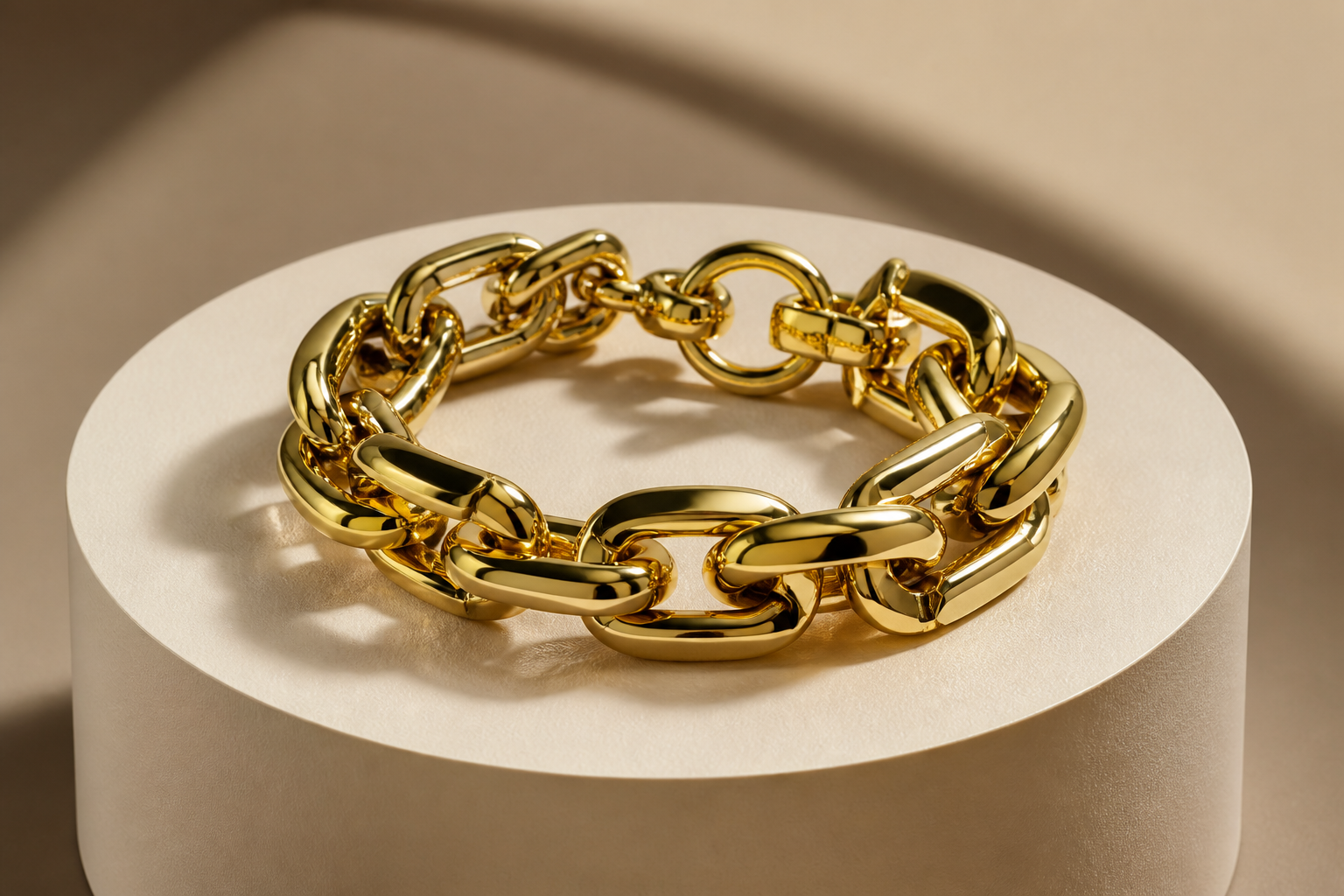 BEFORE
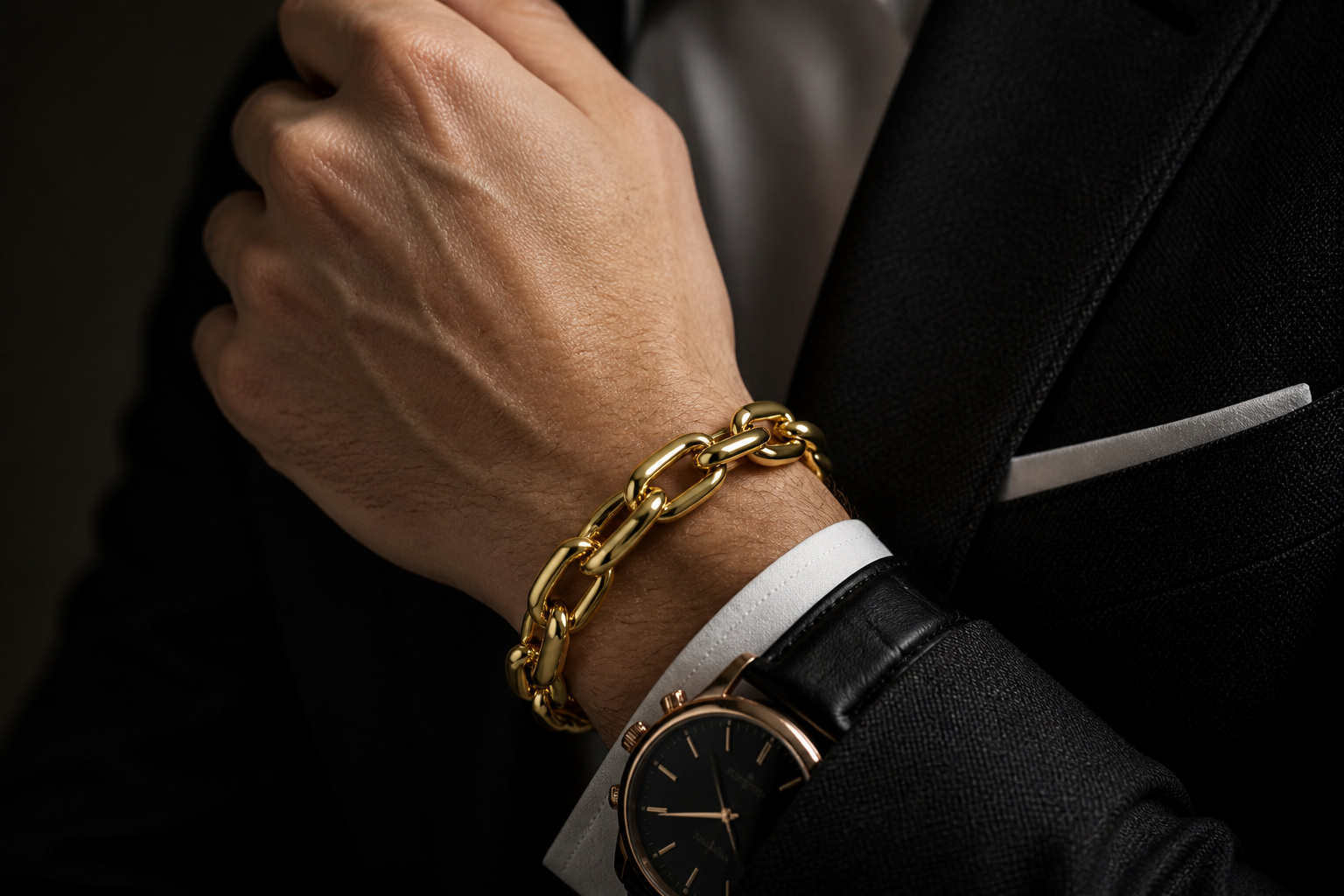 AFTER
AFTER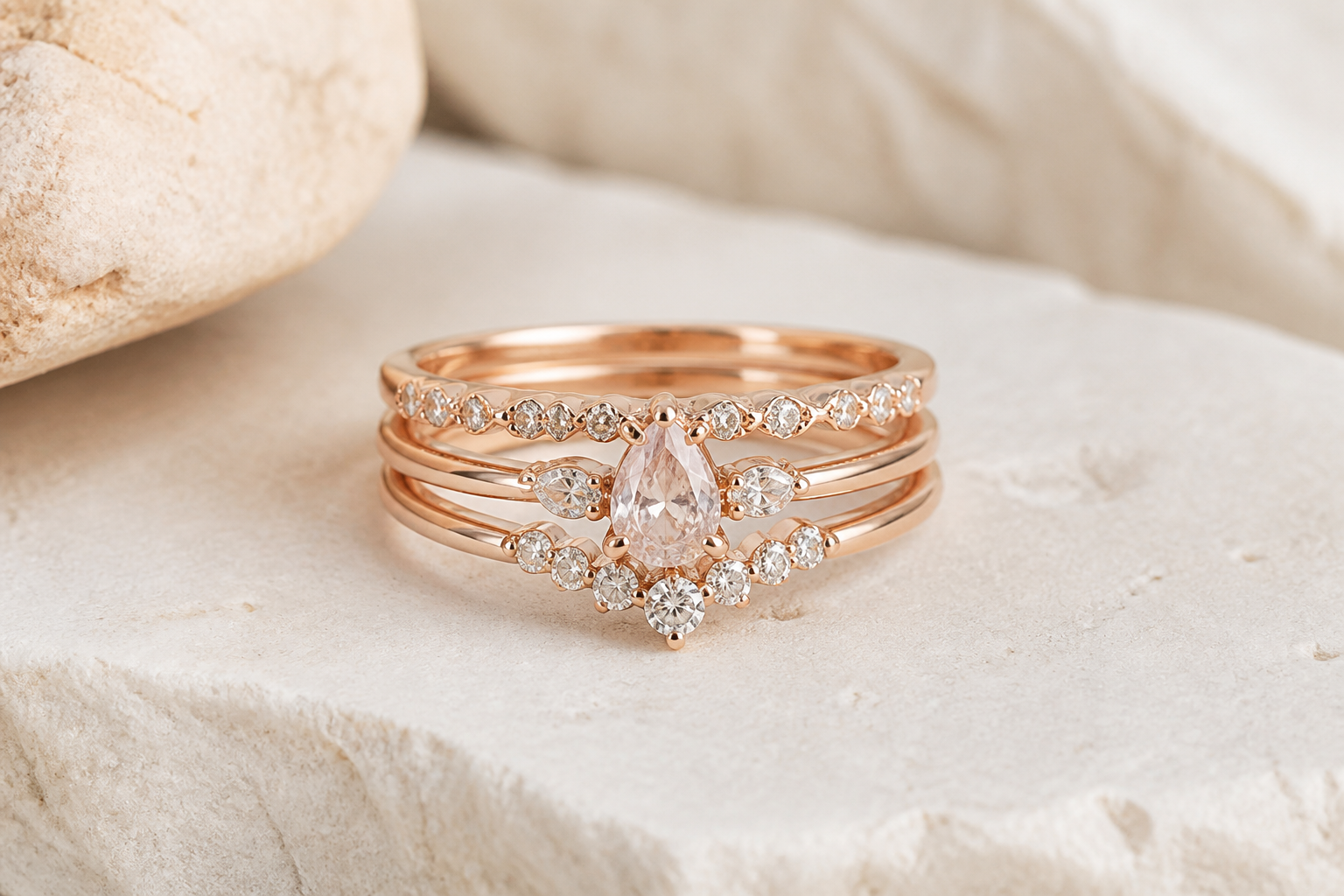 BEFORE
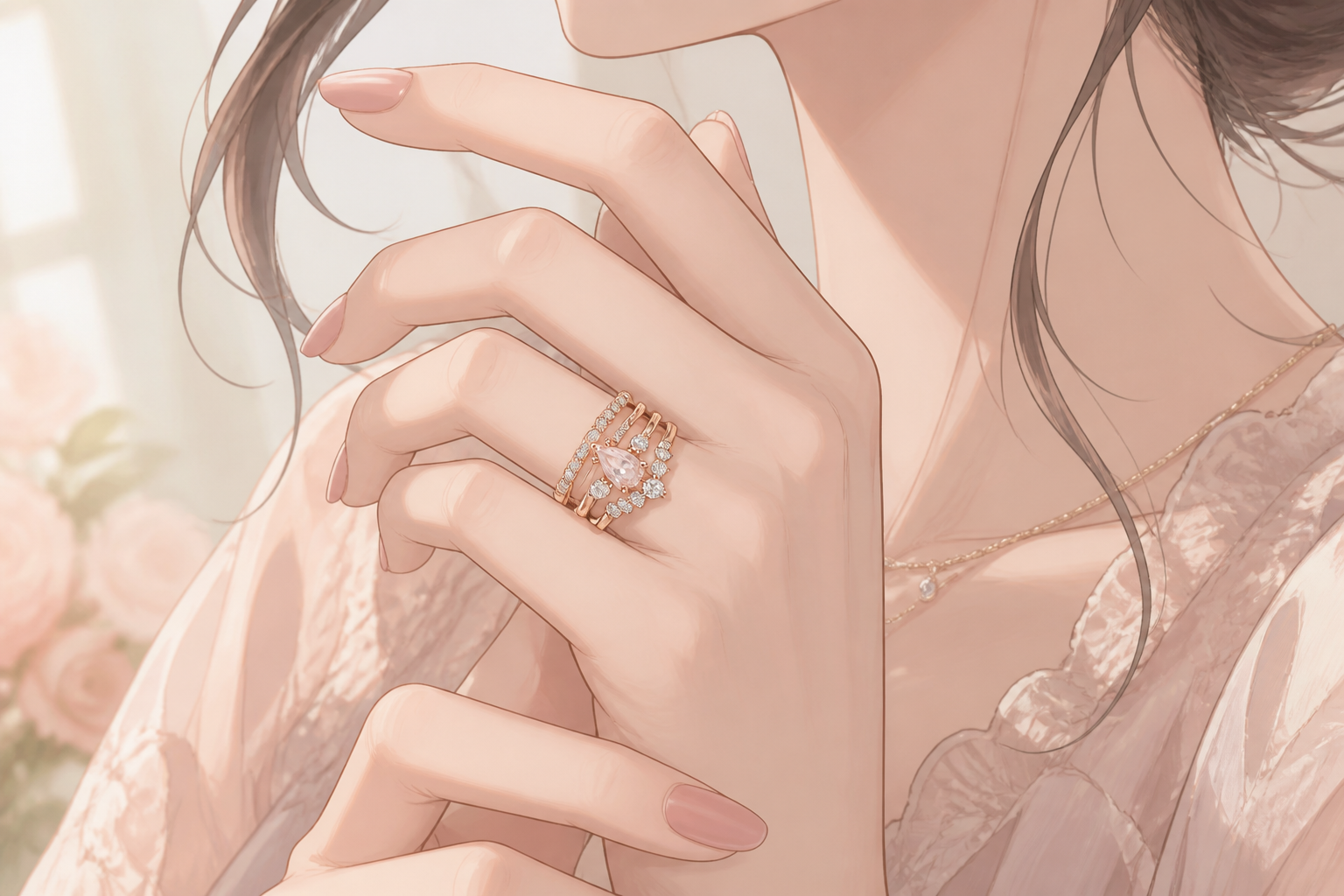 AFTER
AFTER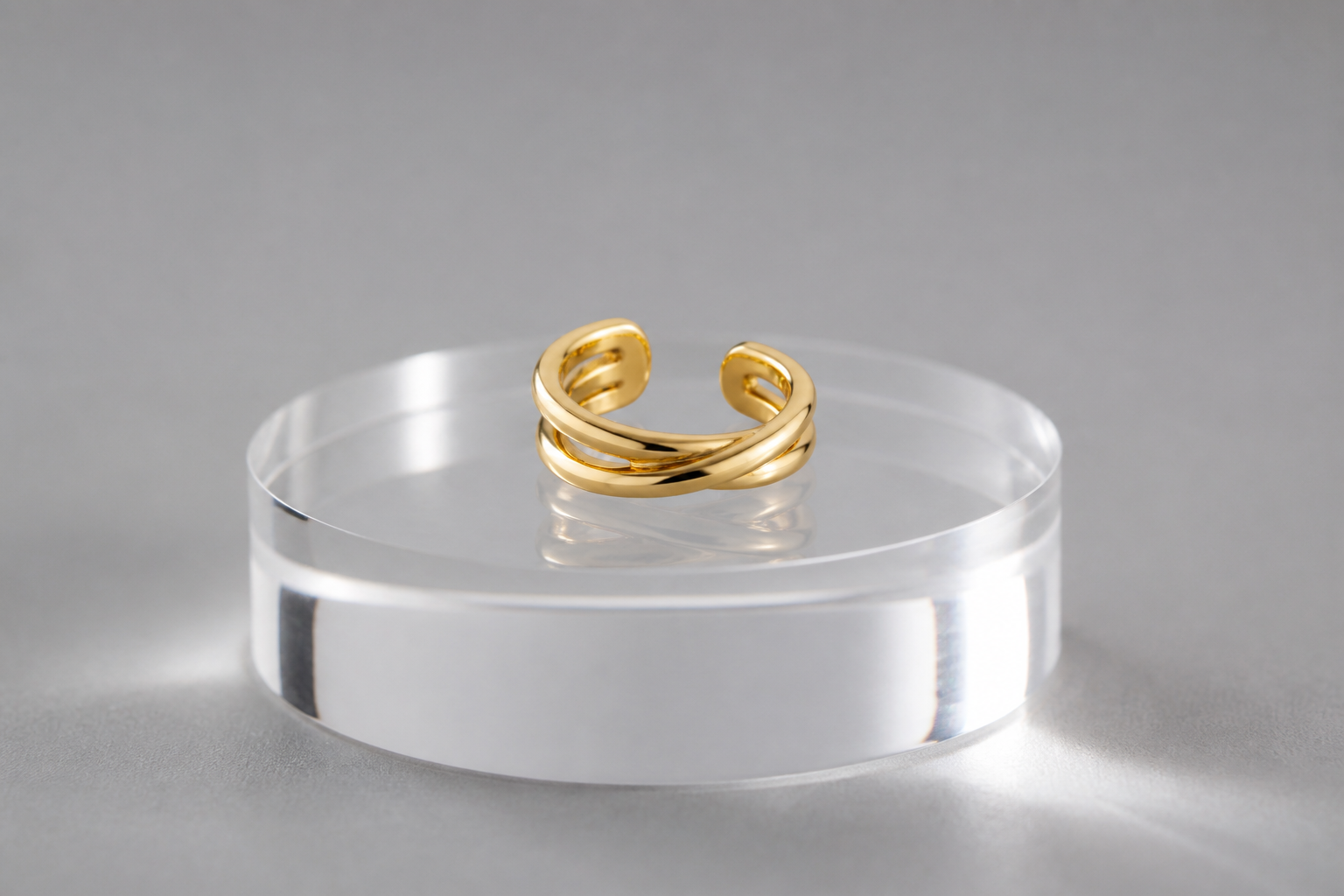 BEFORE
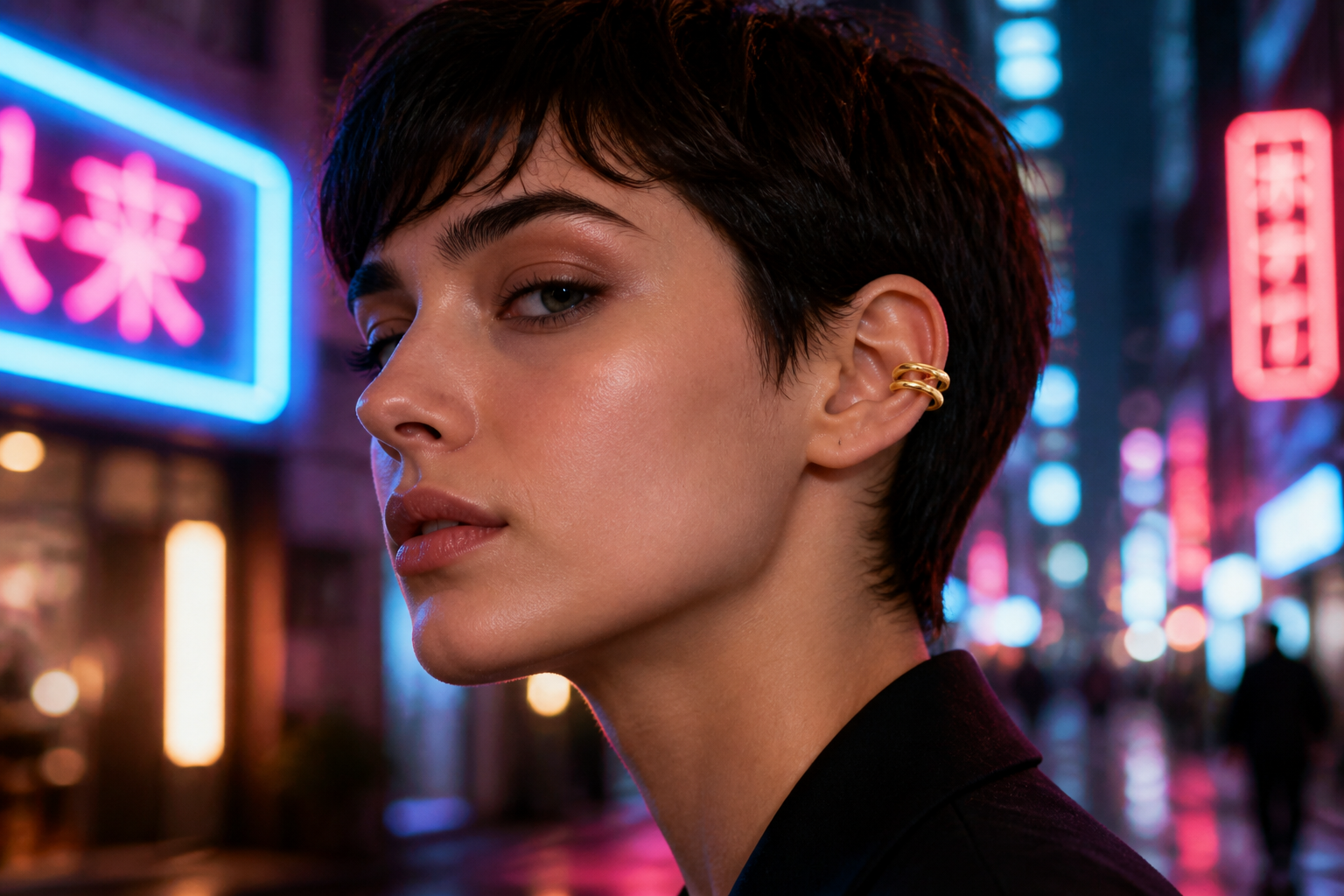 AFTERBEFOREAFTERBEFOREAFTERBEFOREAFTERBEFOREAFTERBEFOREAFTER
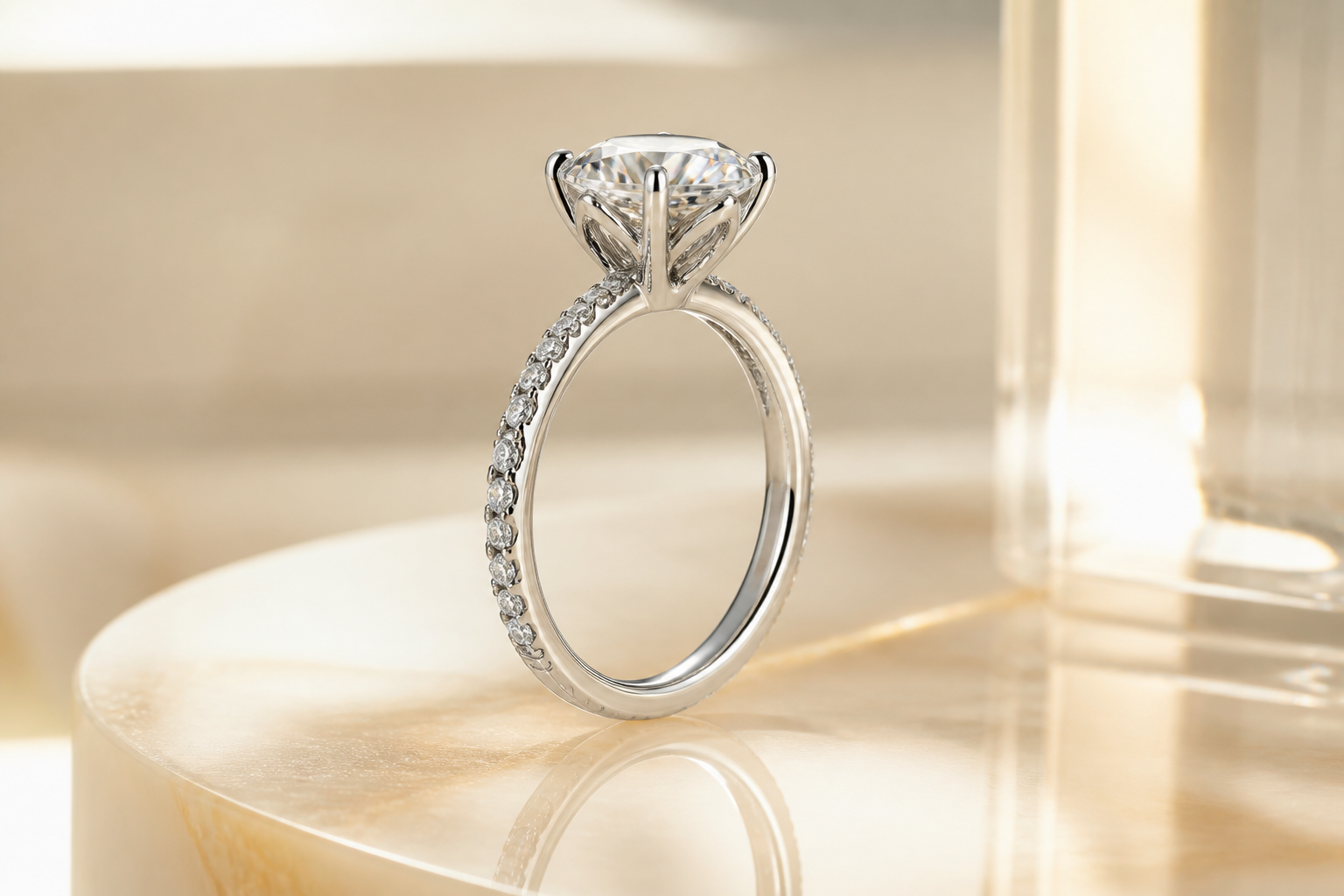 BEFORE
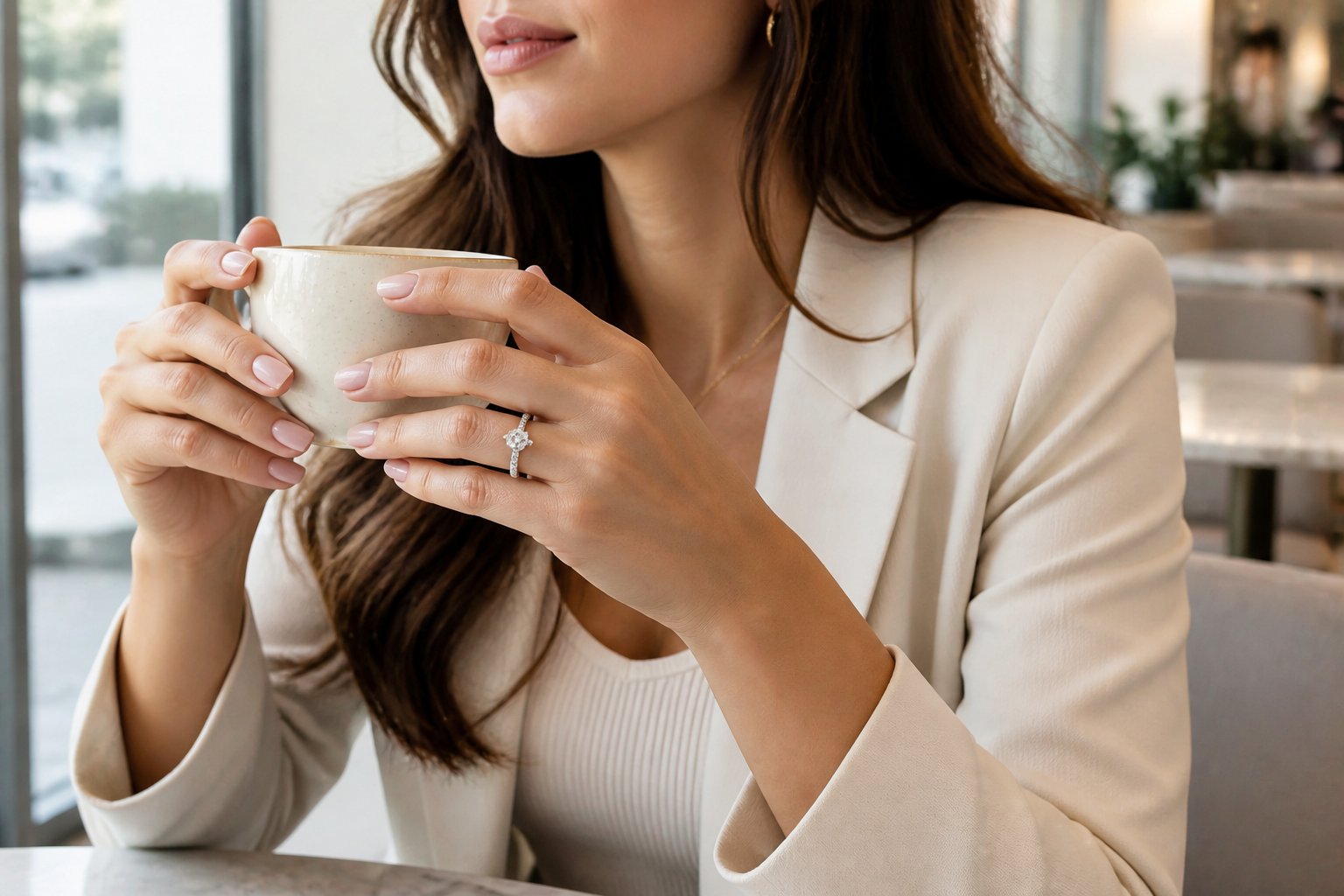 AFTER
AFTER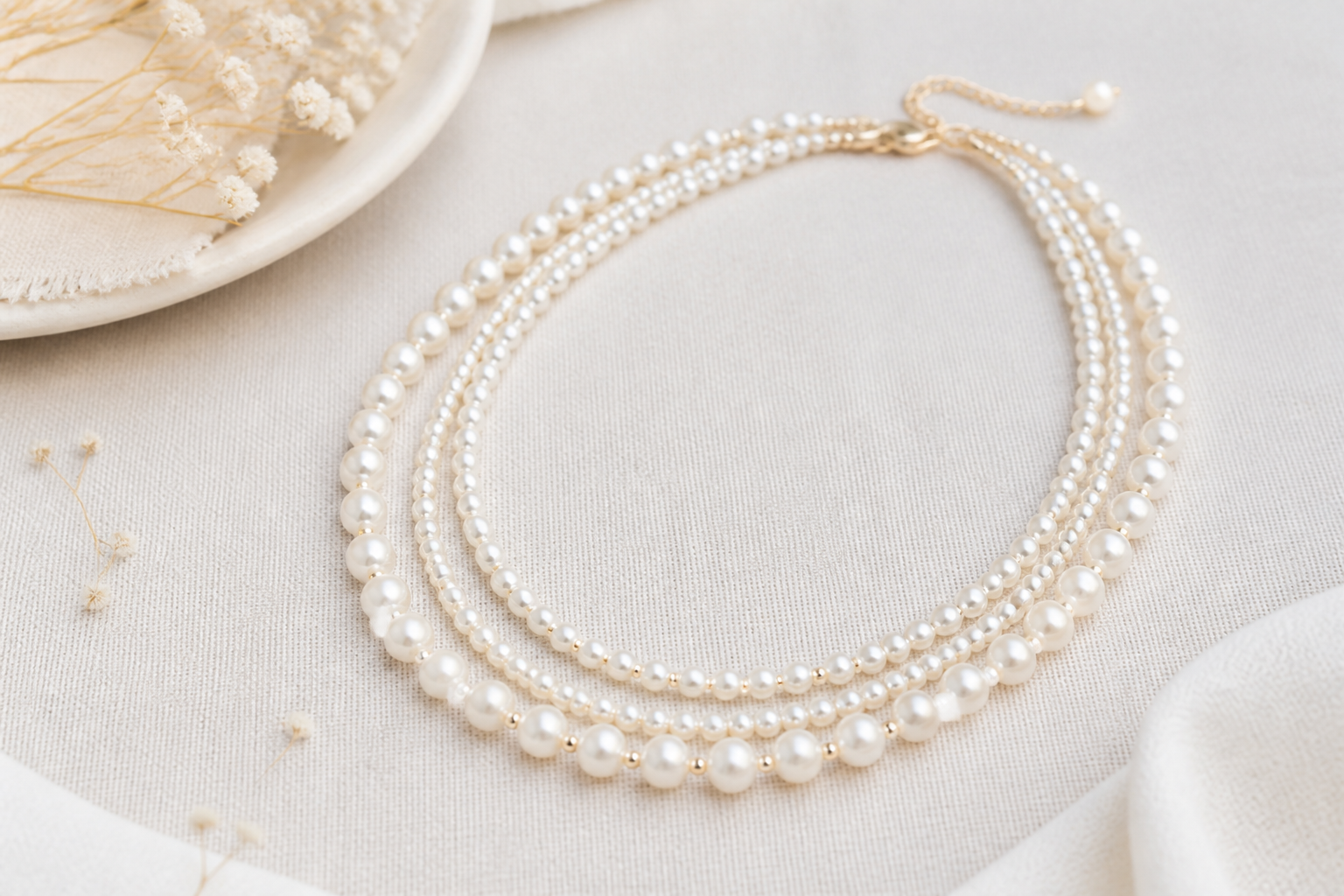 BEFORE
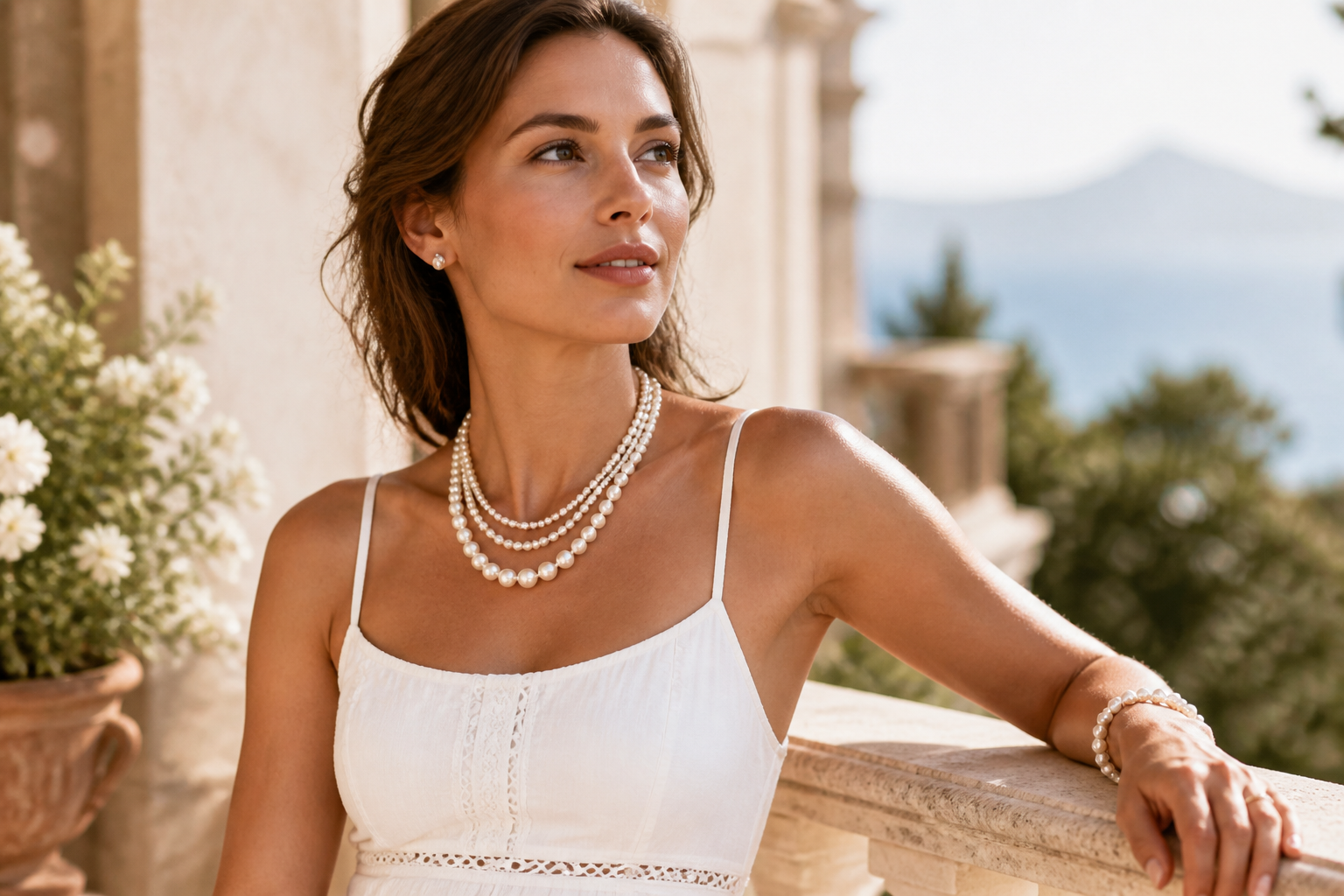 AFTER
AFTER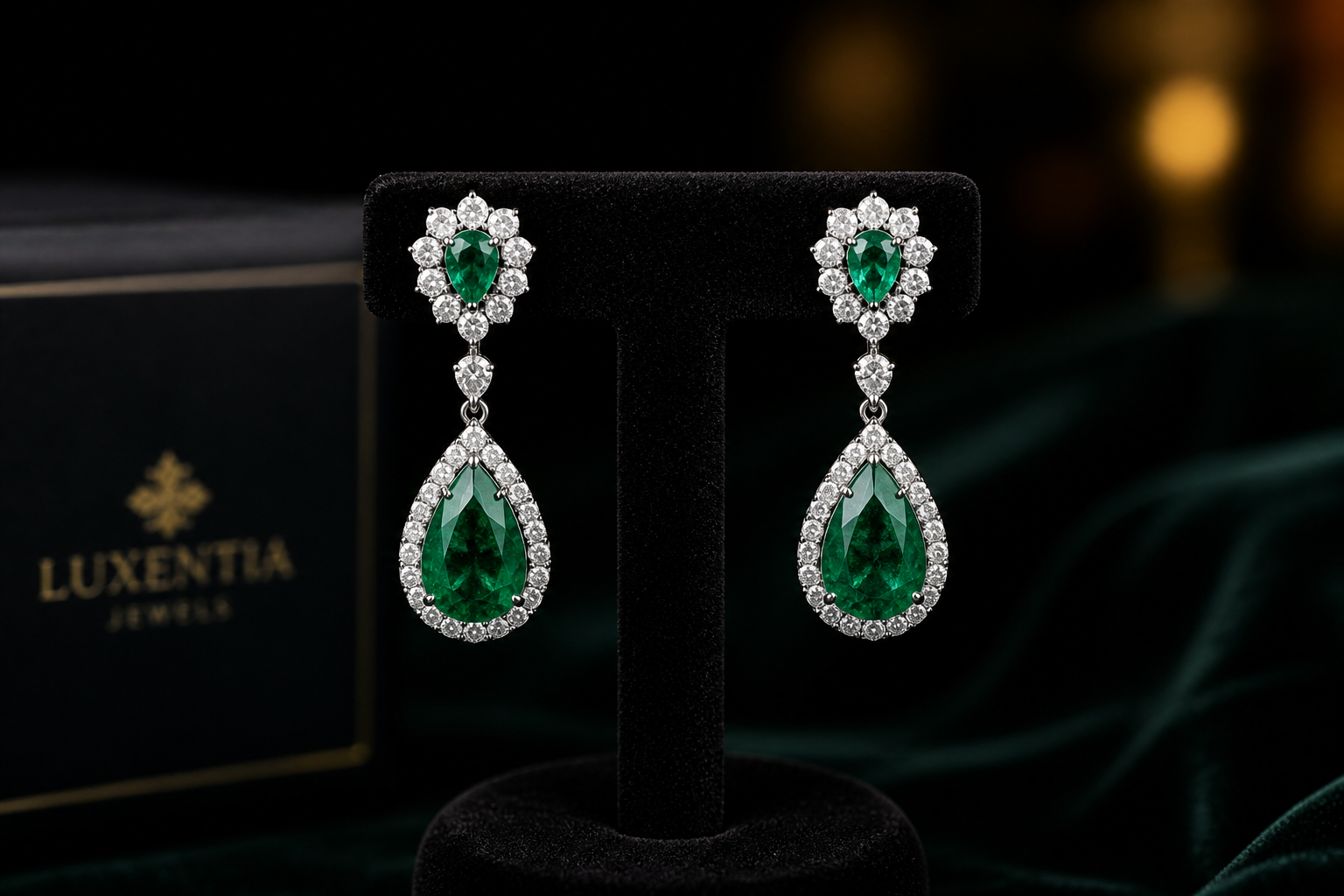 BEFORE
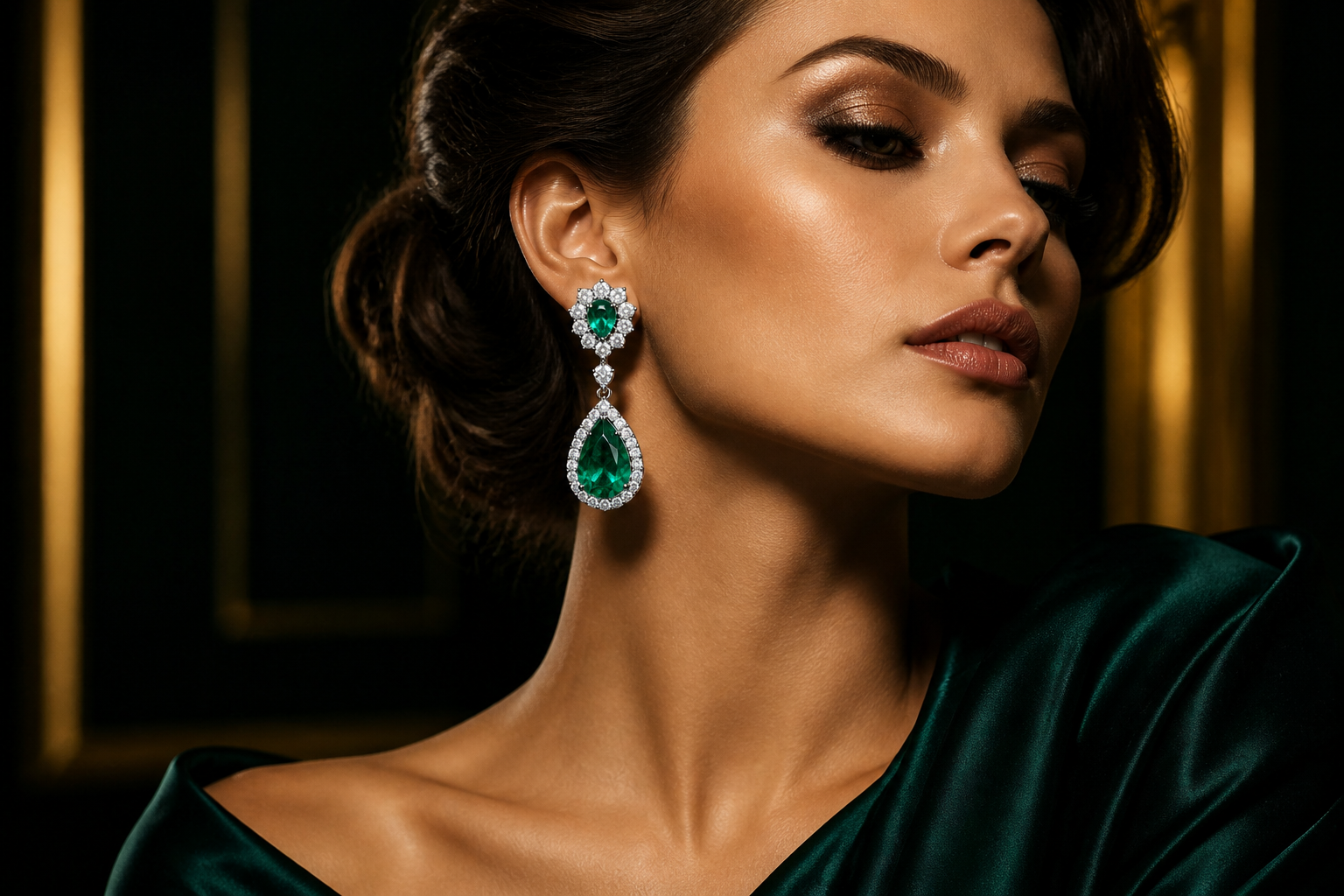 AFTER
AFTER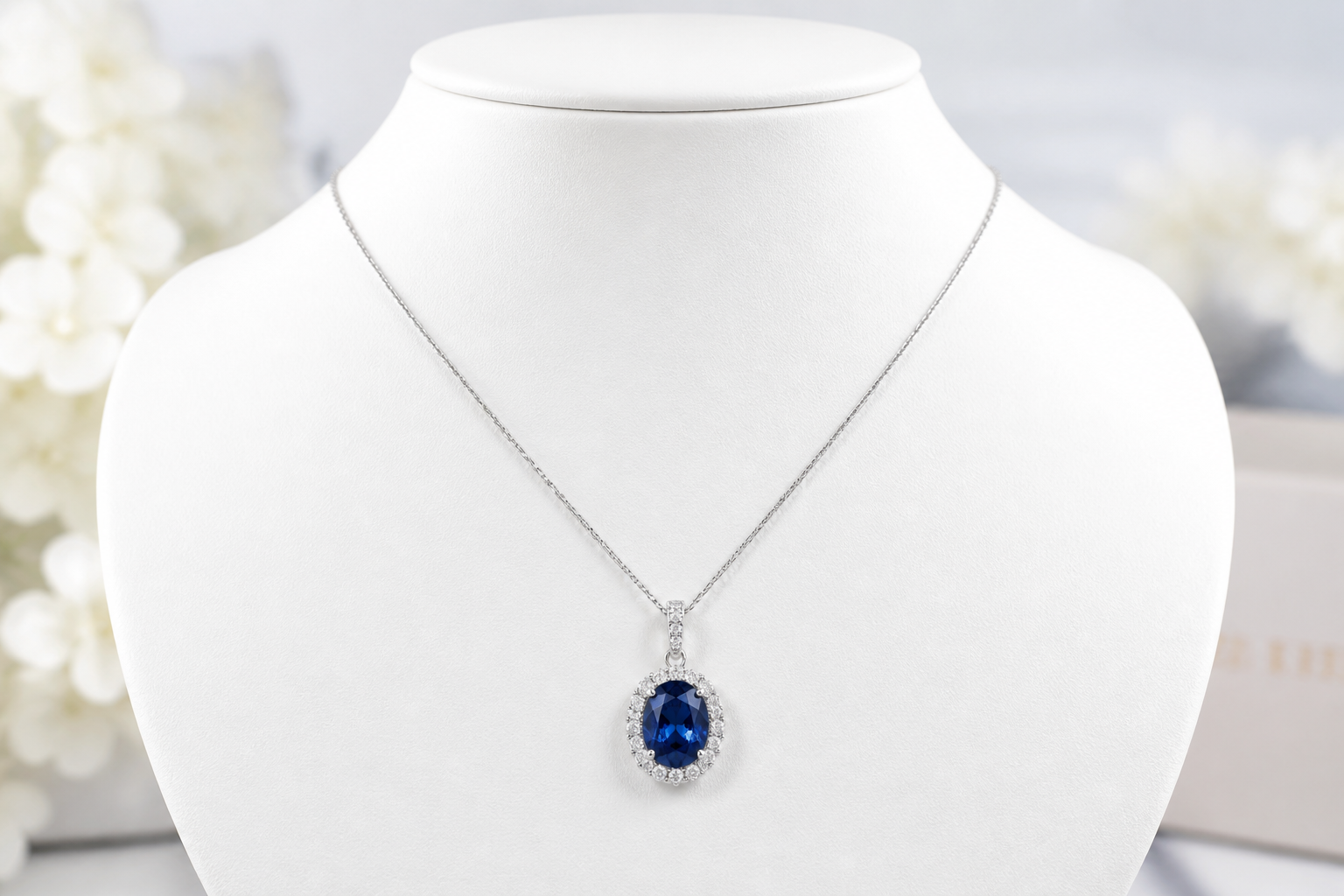 BEFORE
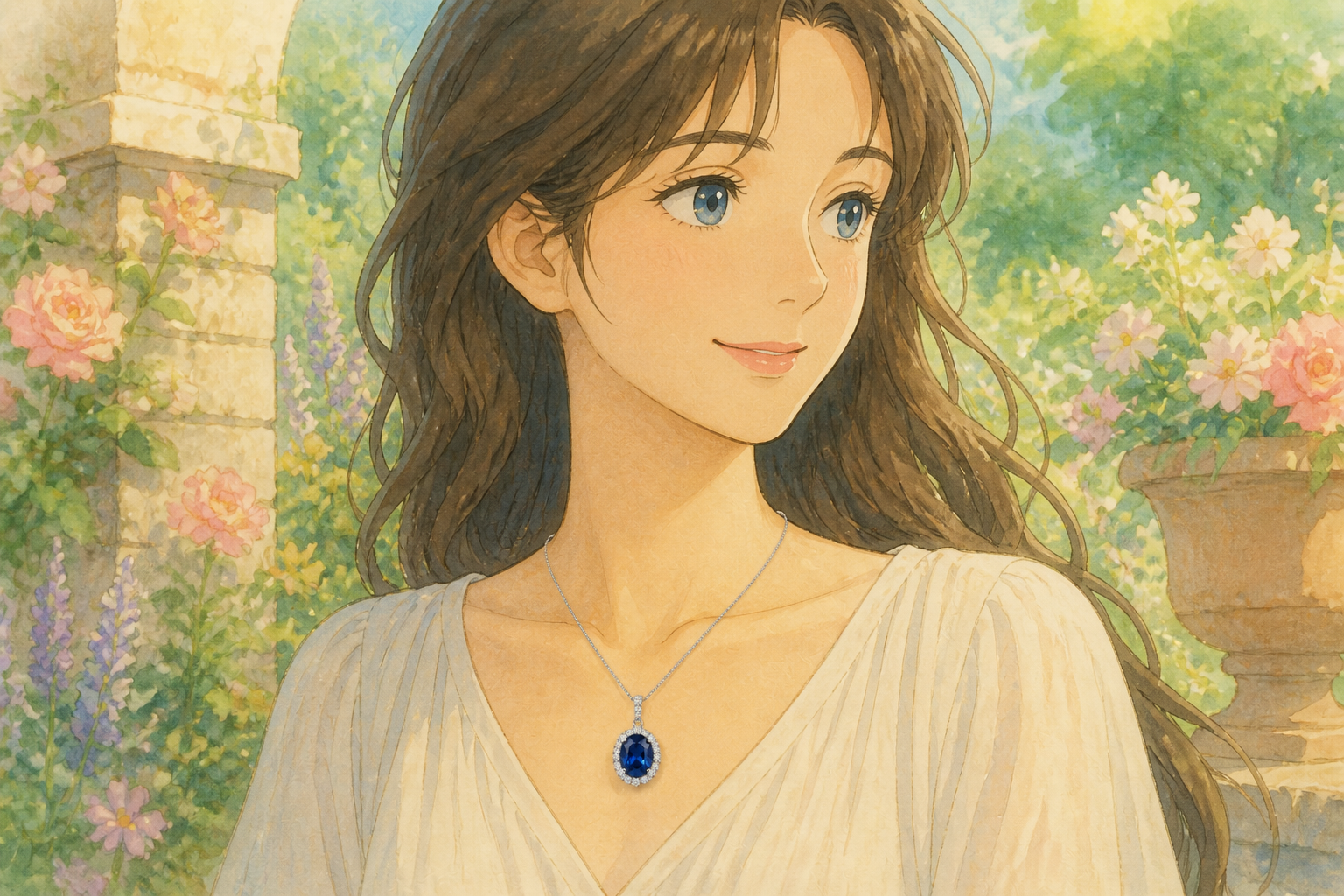 AFTER
AFTER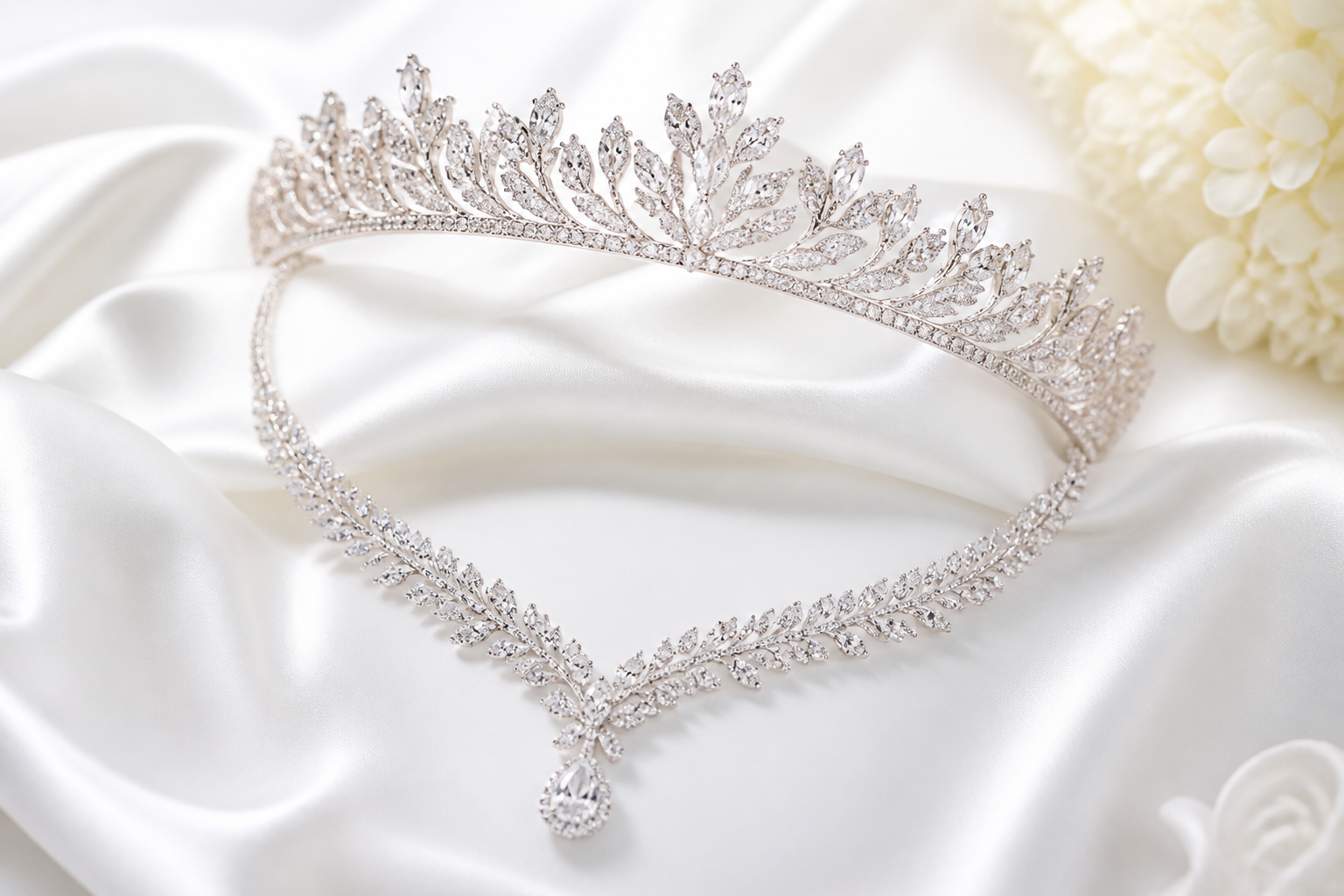 BEFORE
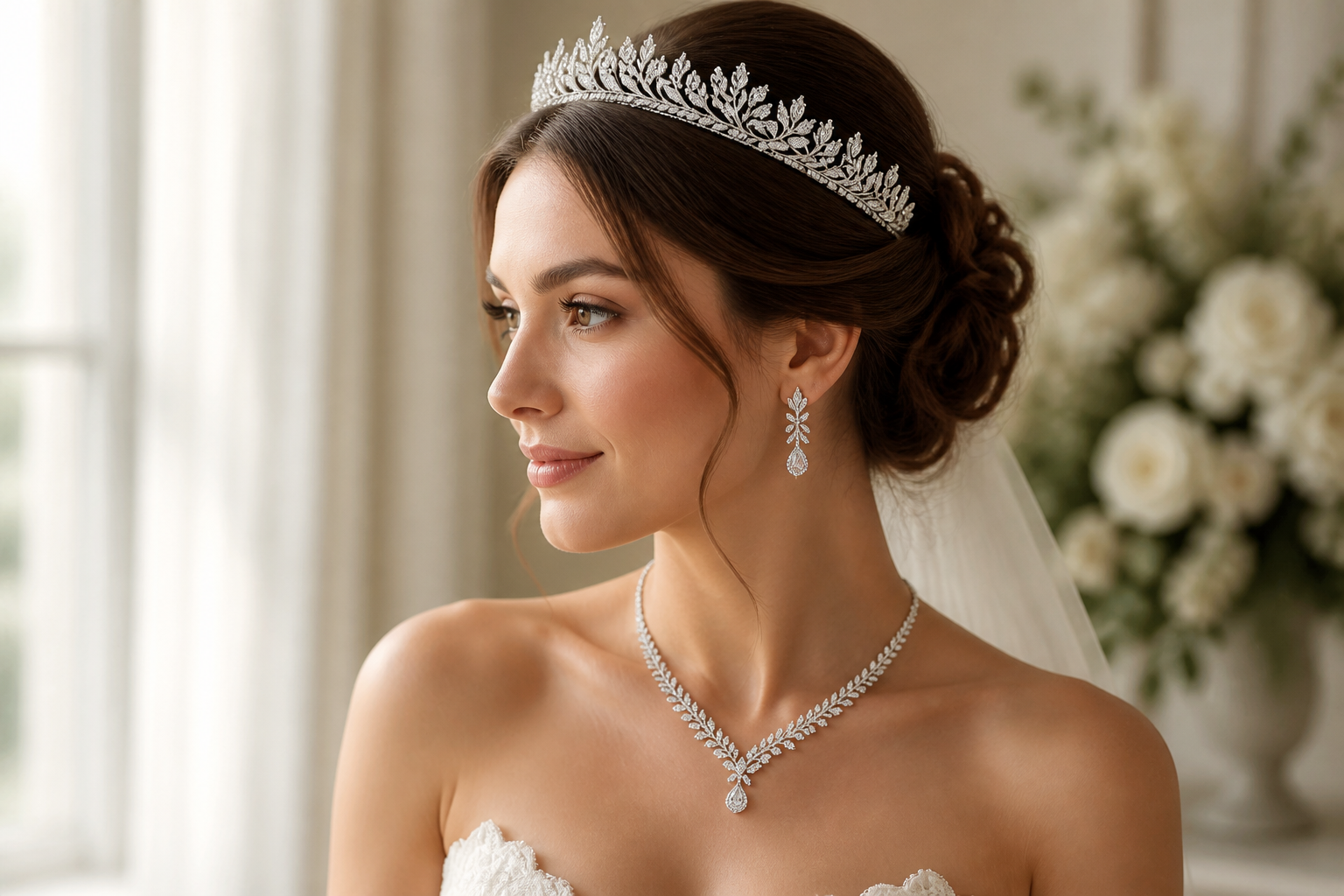 AFTERBEFOREAFTERBEFOREAFTERBEFOREAFTERBEFOREAFTERBEFOREAFTER
Key Features
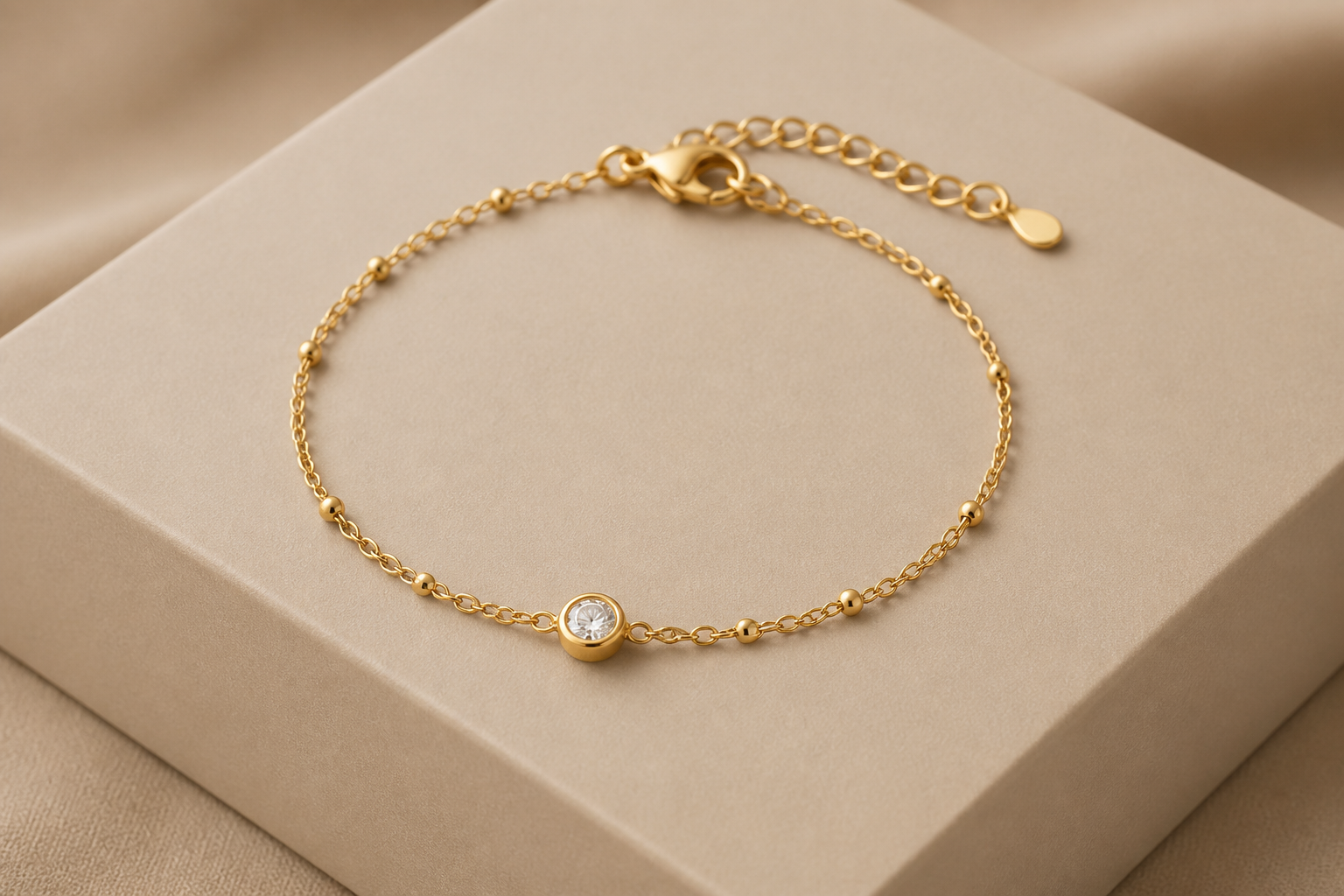
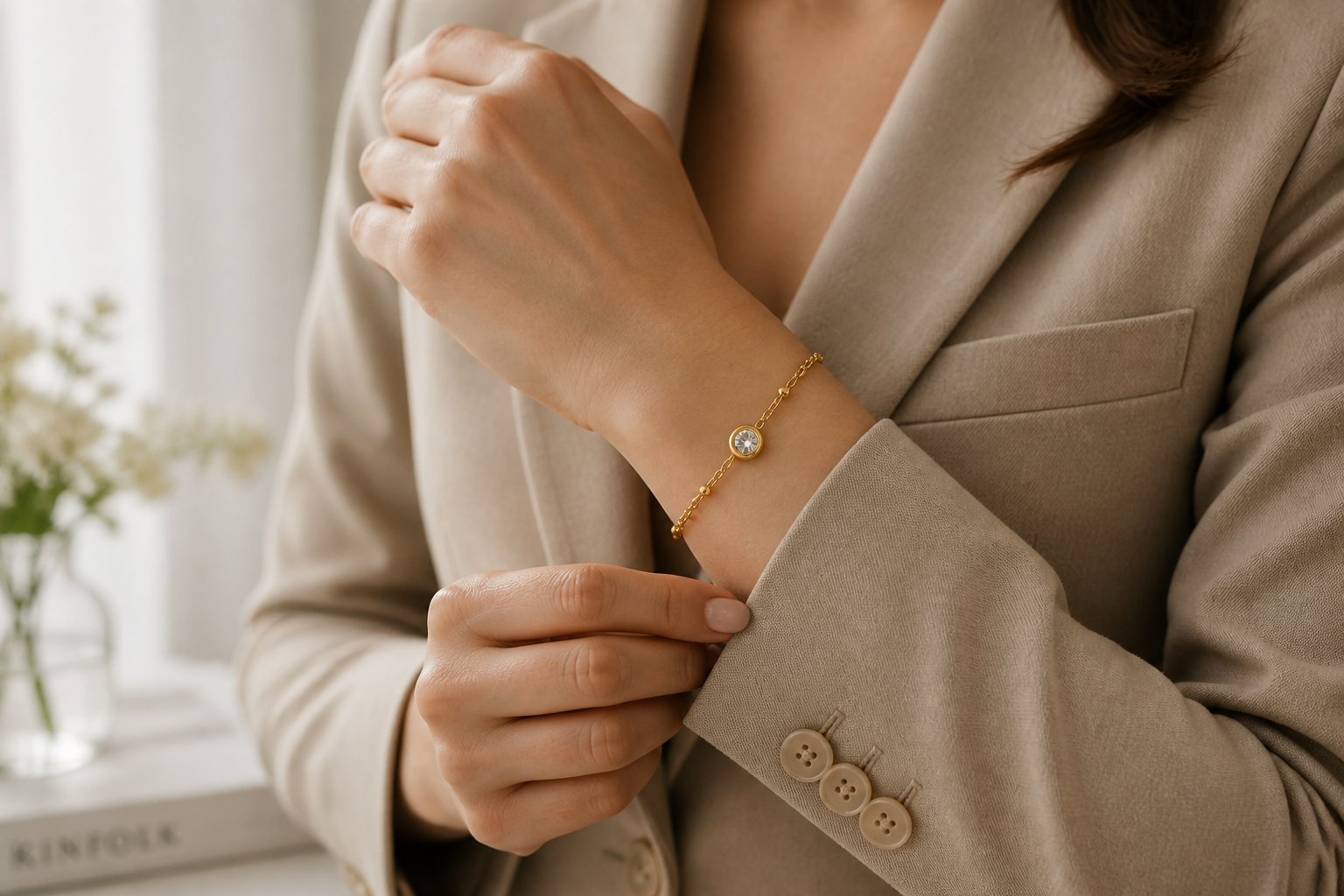
Place Jewelry on Real Models
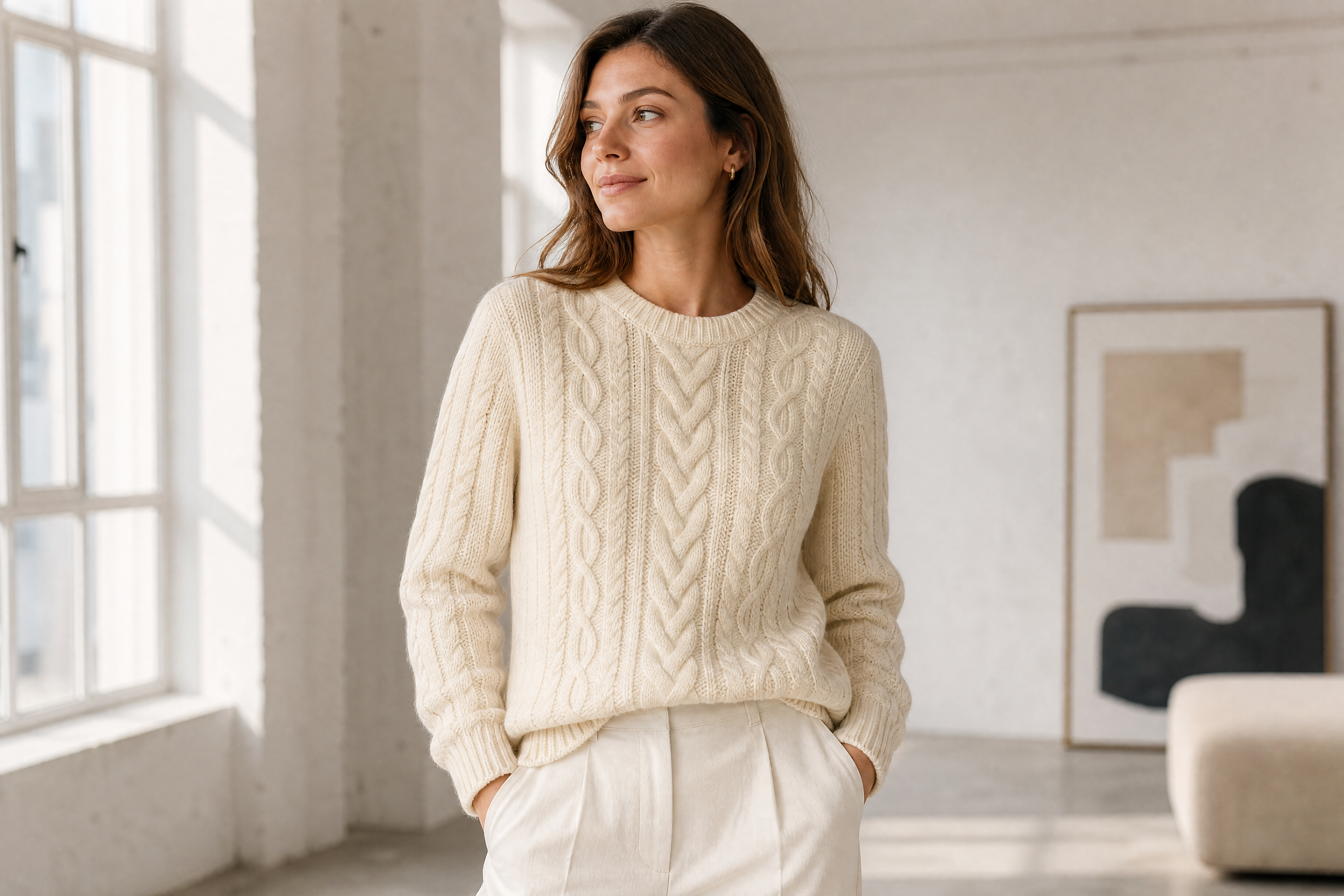
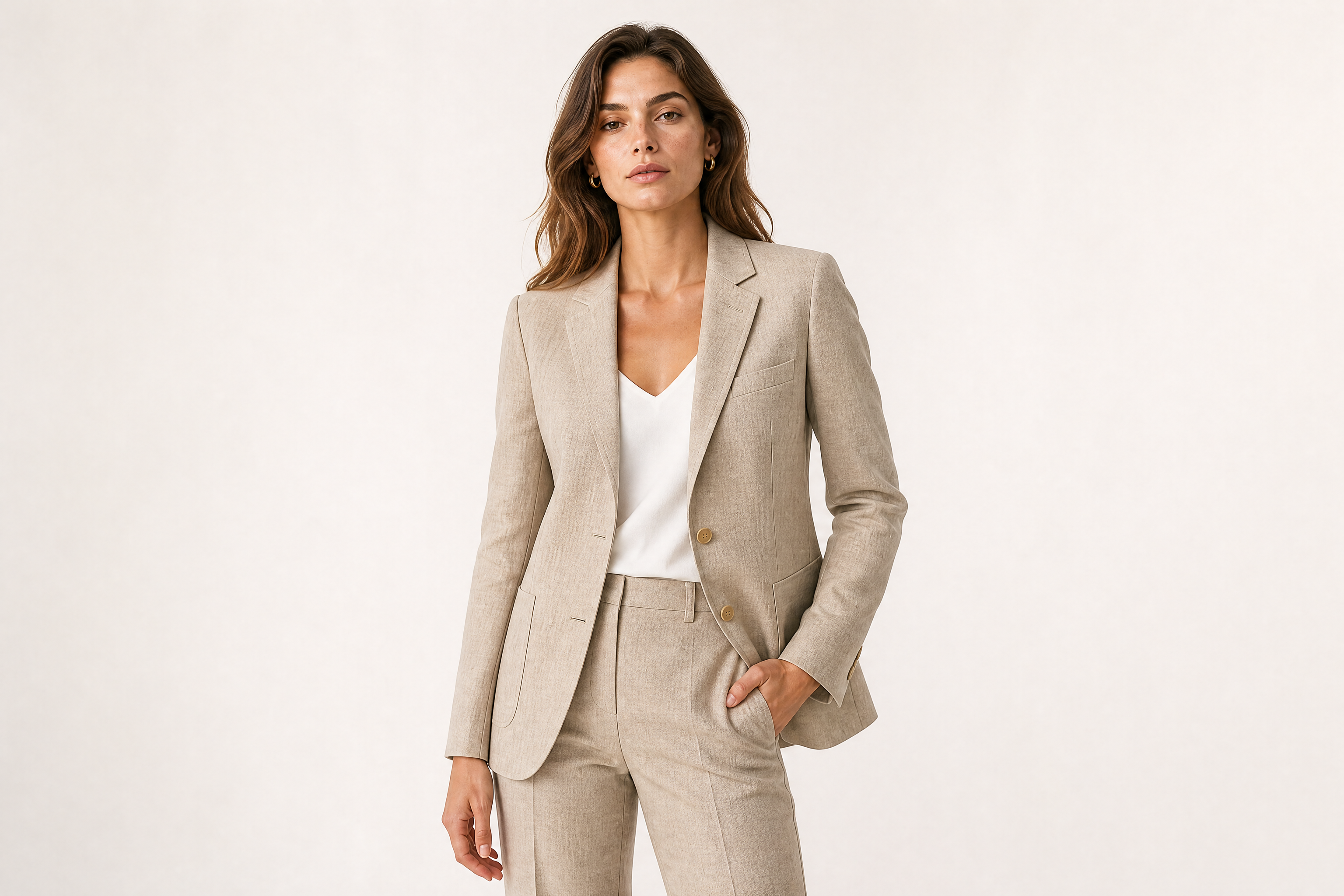
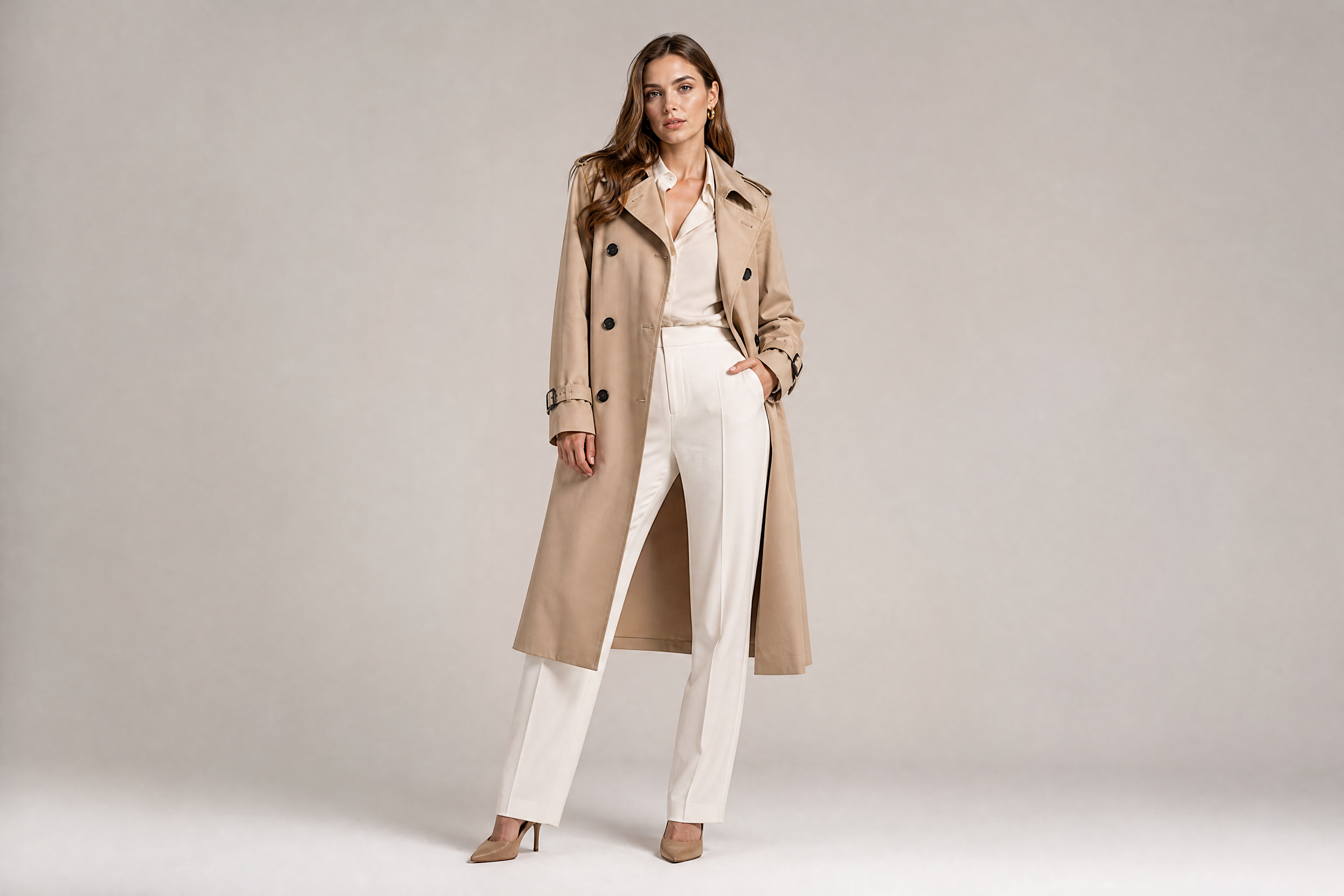
Turn a plain product shot into a styled model image with one edit. This helps shoppers picture scale, fit, and overall look much faster than isolated packshots. You get campaign-ready visuals without arranging talent, styling, and lighting for every variation. It is a practical shortcut when you need more sellable images from the same inventory.
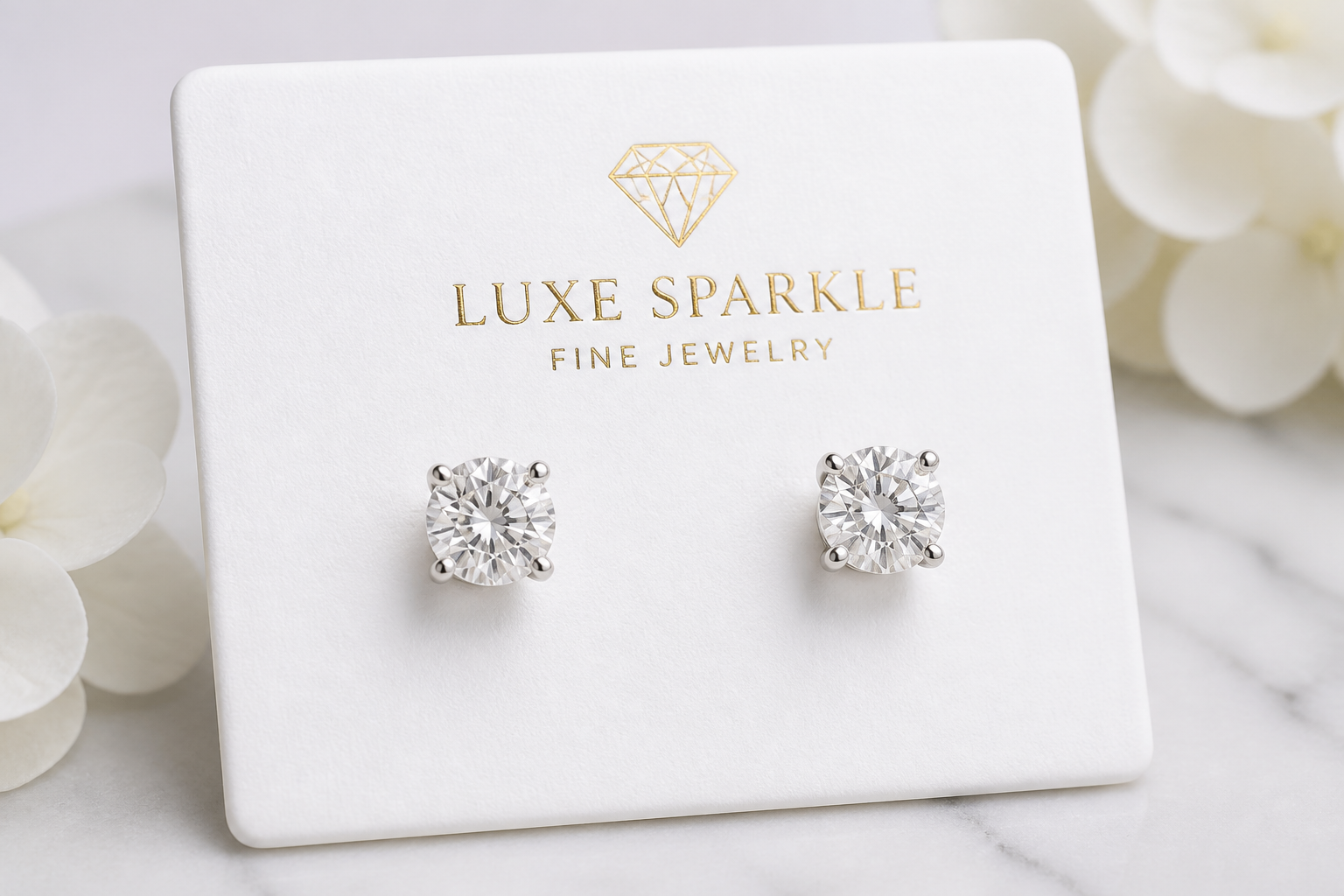
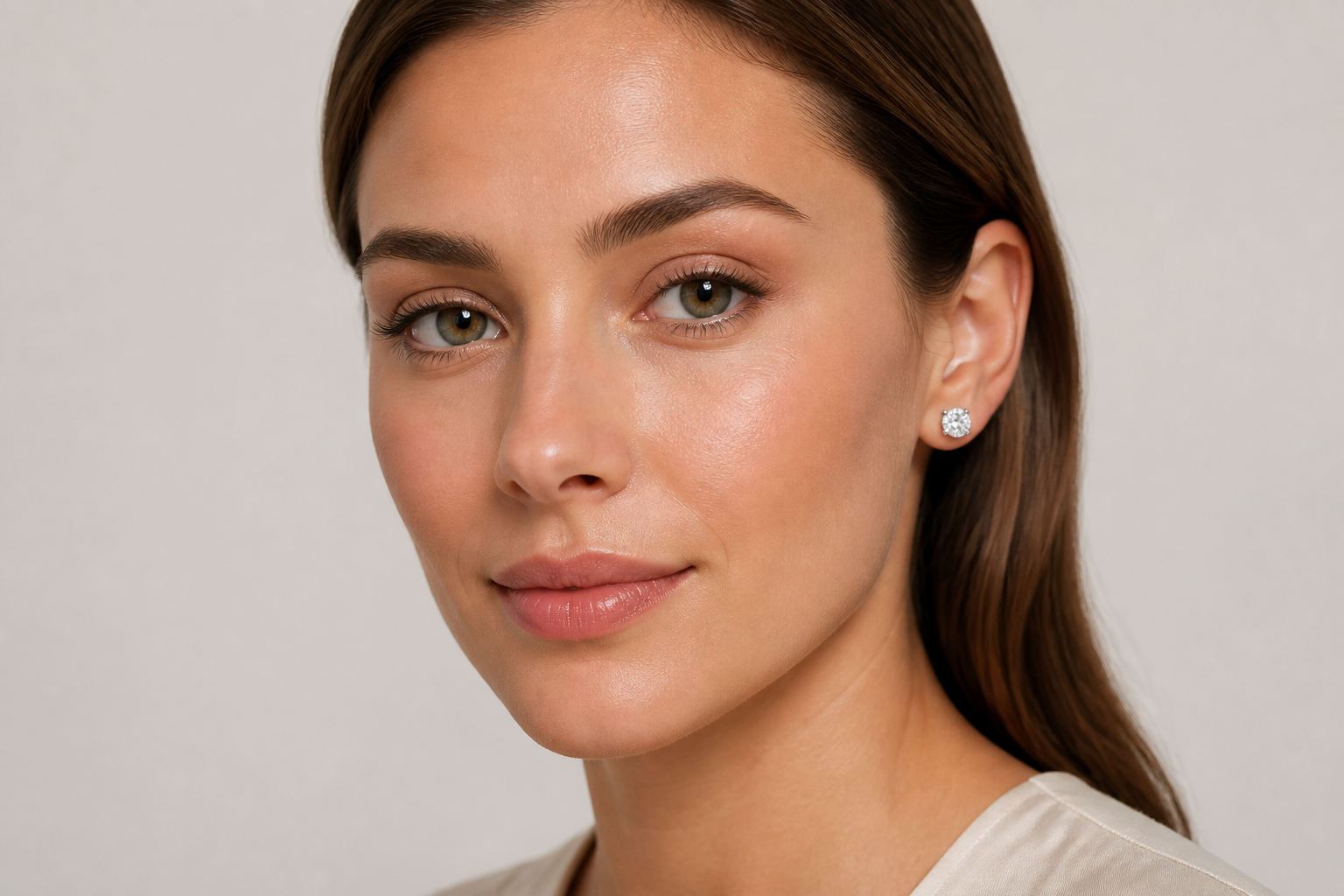
Keep Product Details Clear
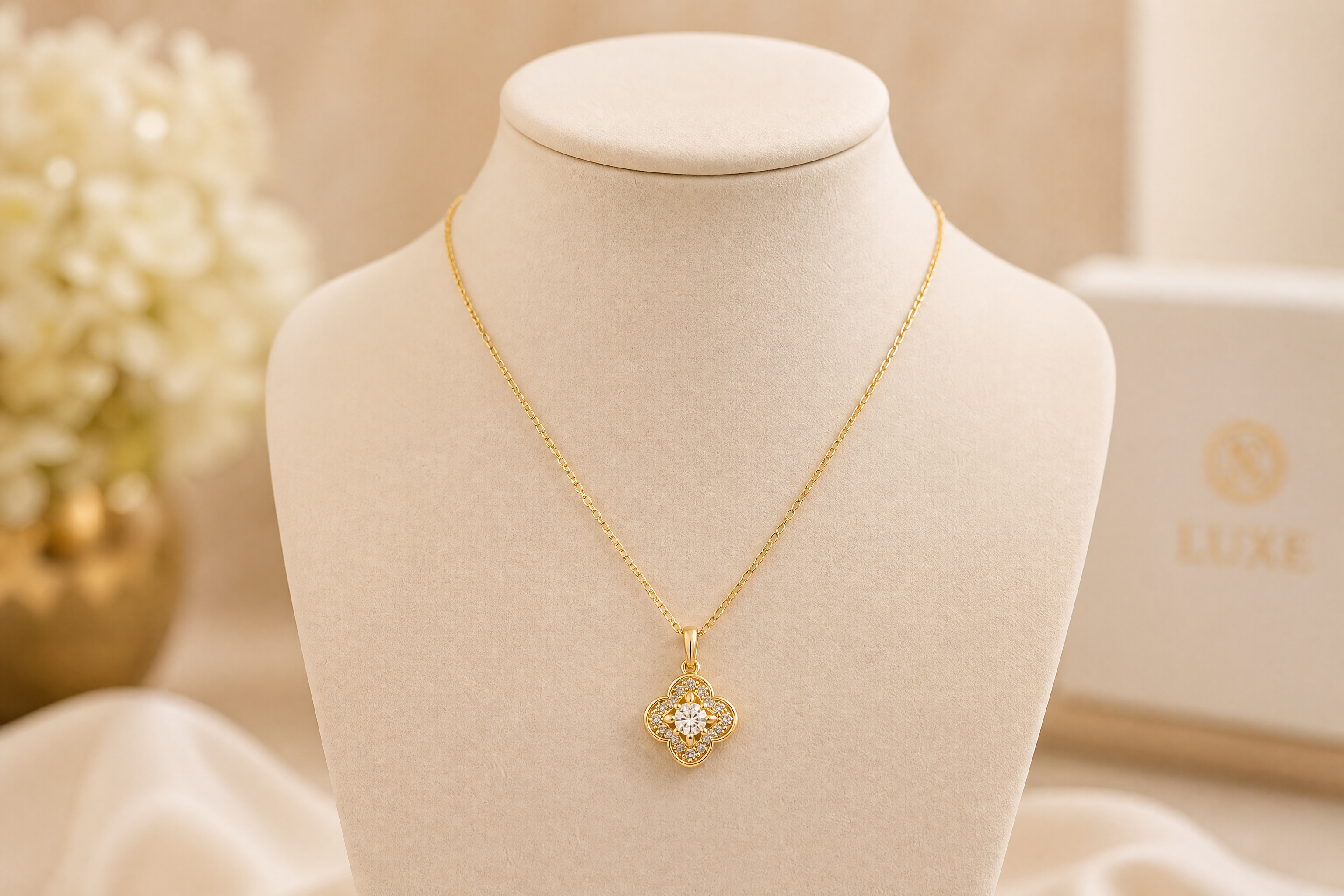
Jewelry images only work if the stones, metal shape, and overall silhouette stay readable. Our AI is suited for edits where the product still needs to look like the item you sell, not a vague accessory inspired by it. That makes the output more useful for listings, ads, and lookbooks. You spend less time correcting images by hand just to make the piece recognizable.
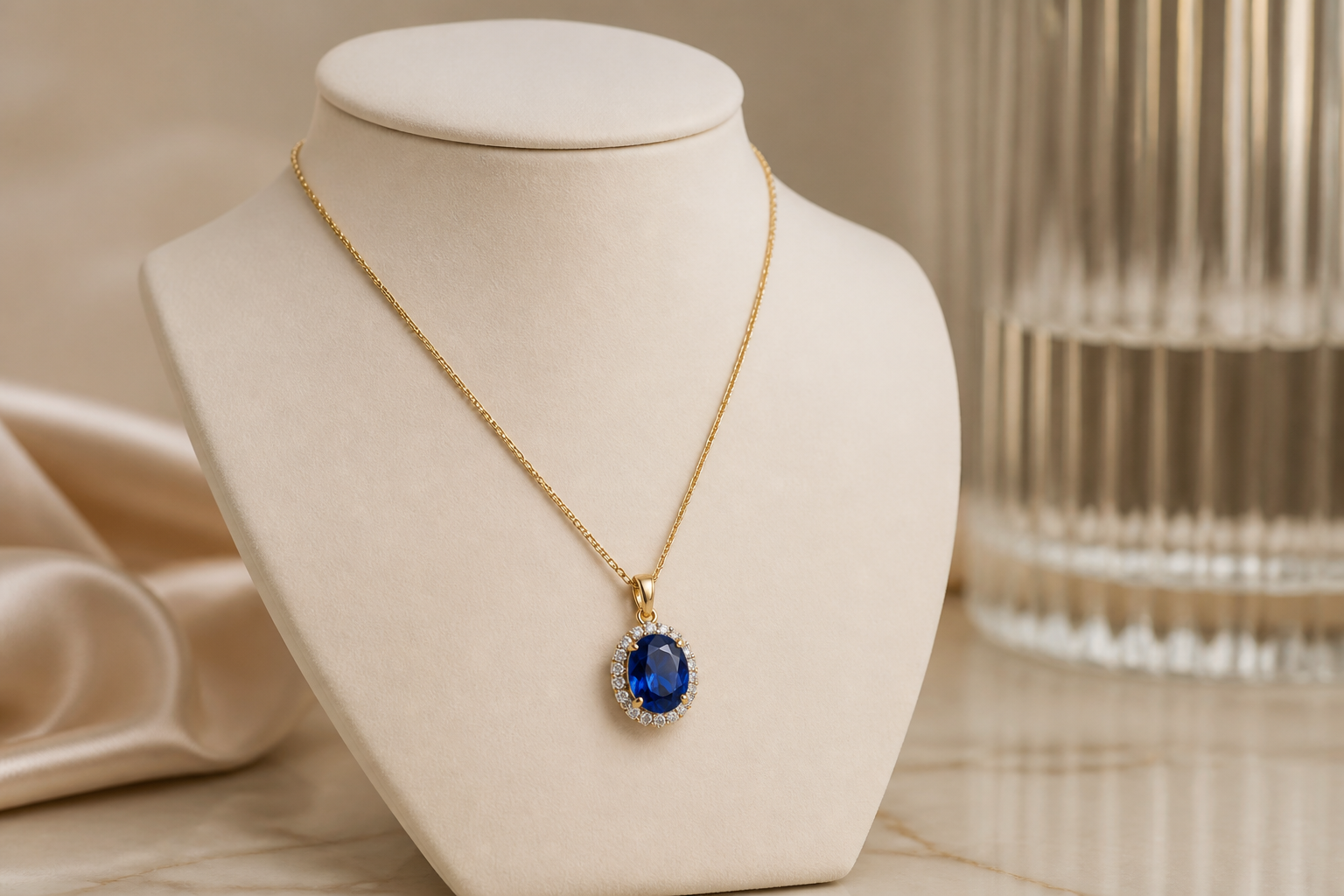
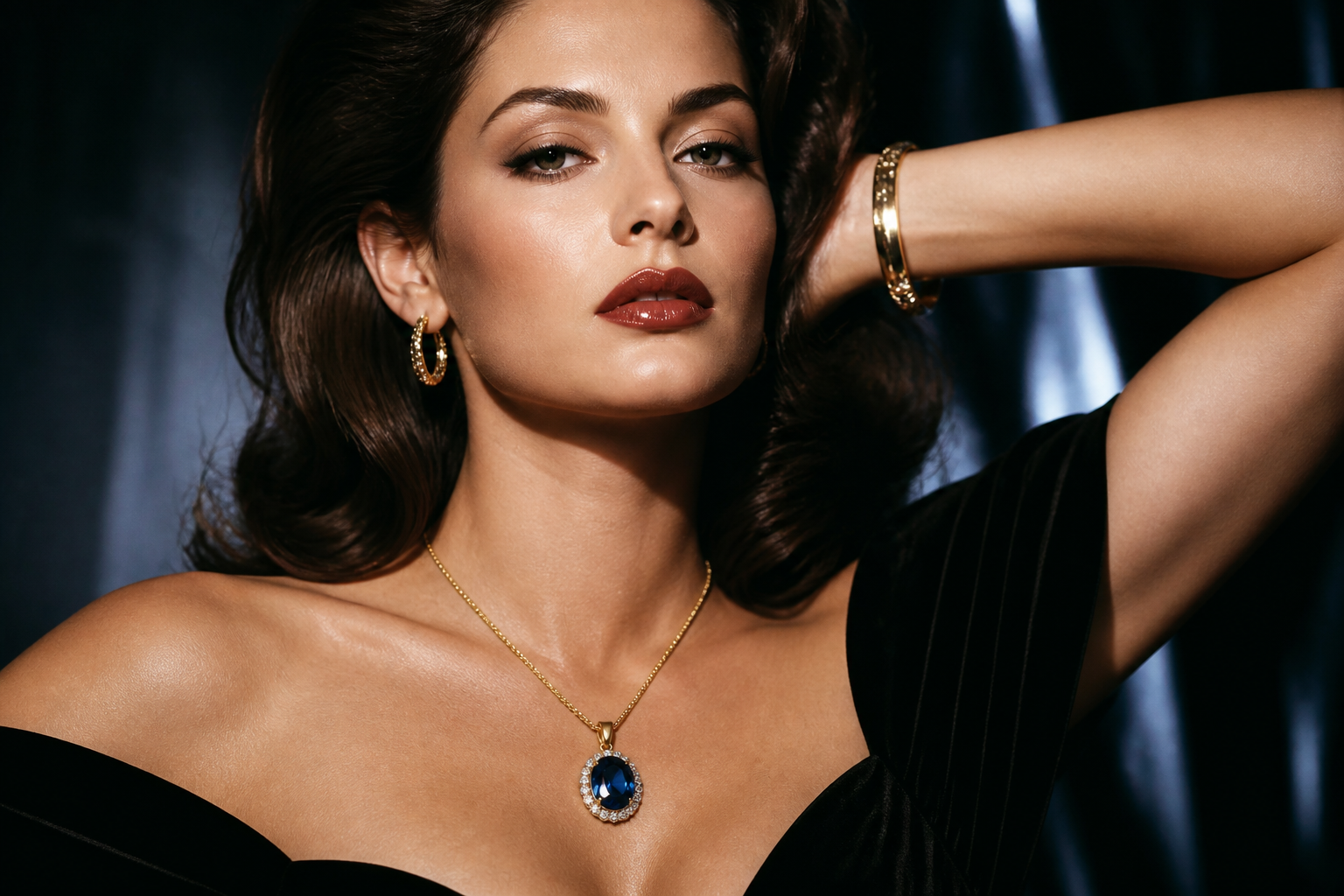
Create Multiple Visual Styles
A single jewelry item can be shown in classic studio, lifestyle, editorial, or illustrated formats. This lets you test different creative directions for paid ads, seasonal launches, and social posts without reshooting the product. It is faster than building each concept manually in a design app. You can quickly see which presentation best matches your brand.
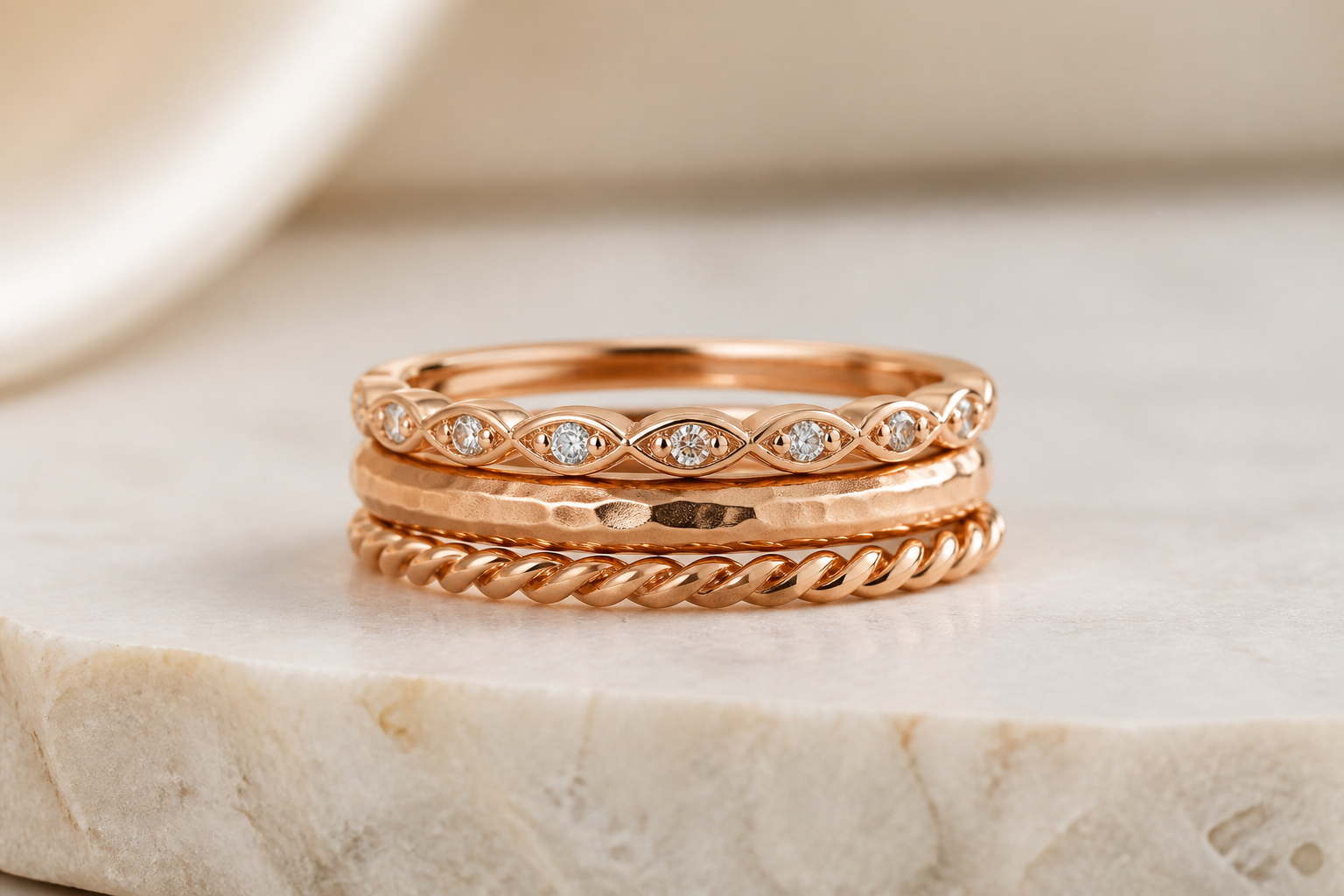
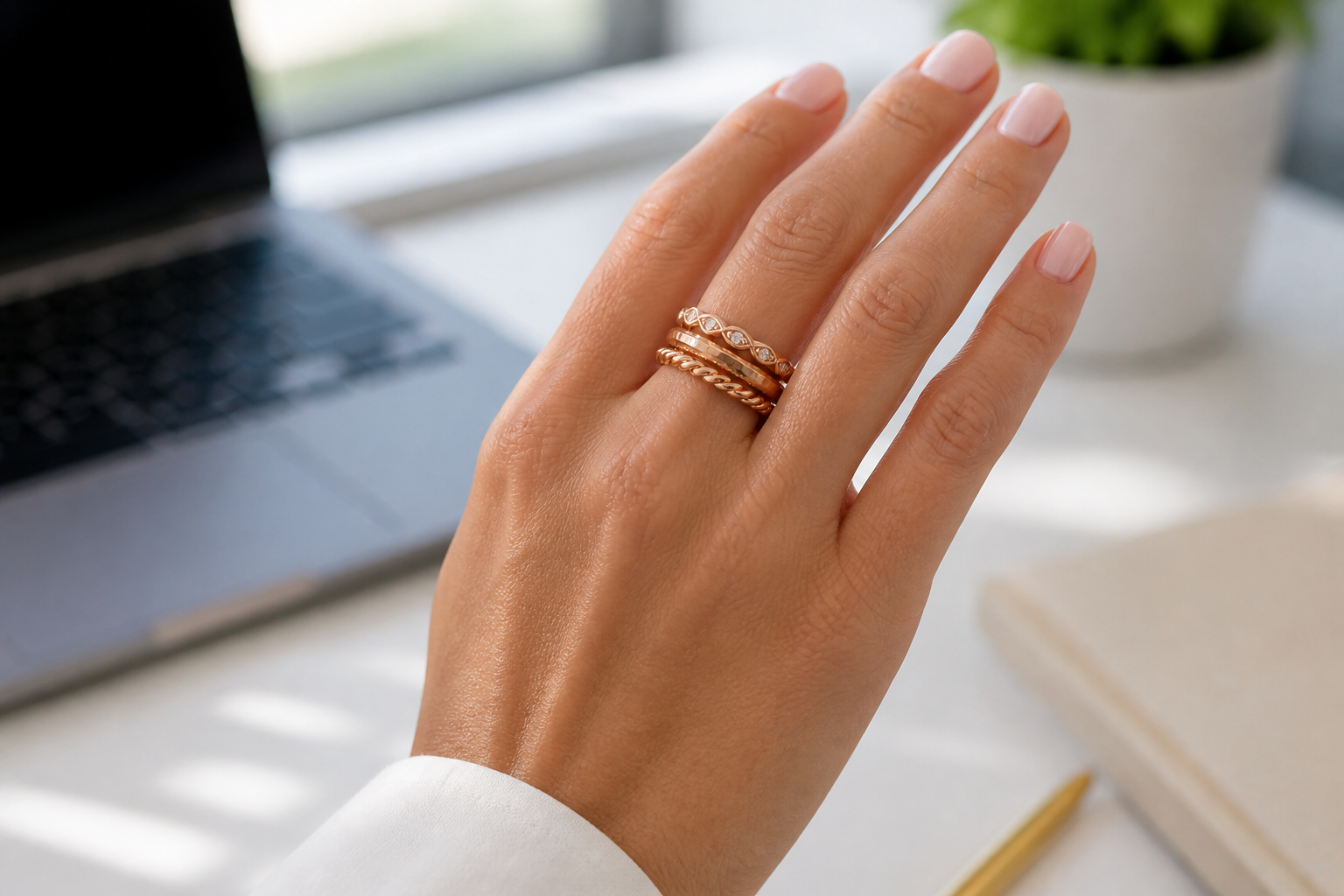
Scale Creative Output Fast
Jewelry brands often need many images across products, audiences, and channels. Instead of organizing separate shoots for every ring, necklace, and bracelet, you can create a broad set of model visuals from existing product photos. That reduces turnaround time when launching new stock or testing fresh concepts. It is especially helpful for small teams that need more content without more production overhead.
How It Works
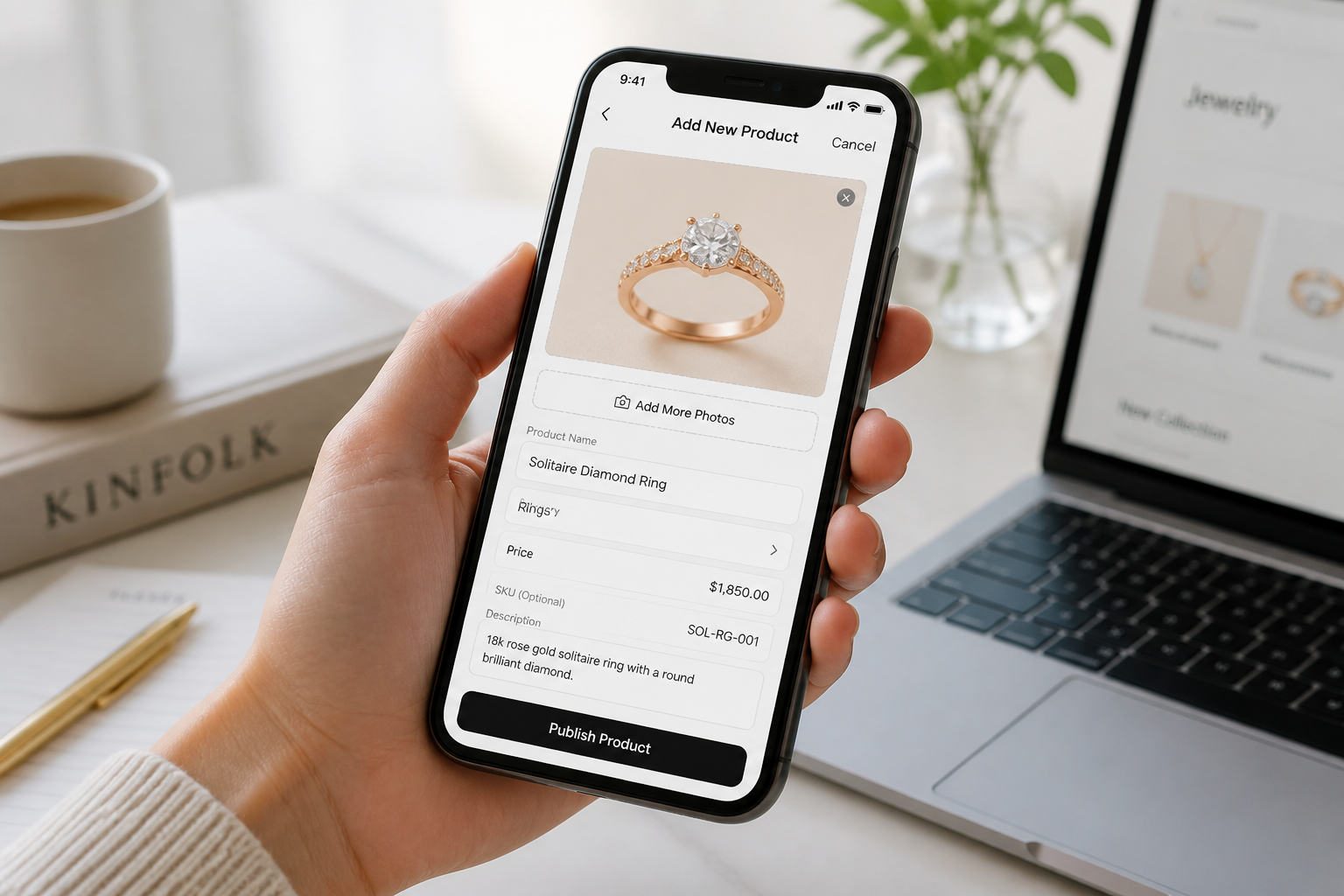
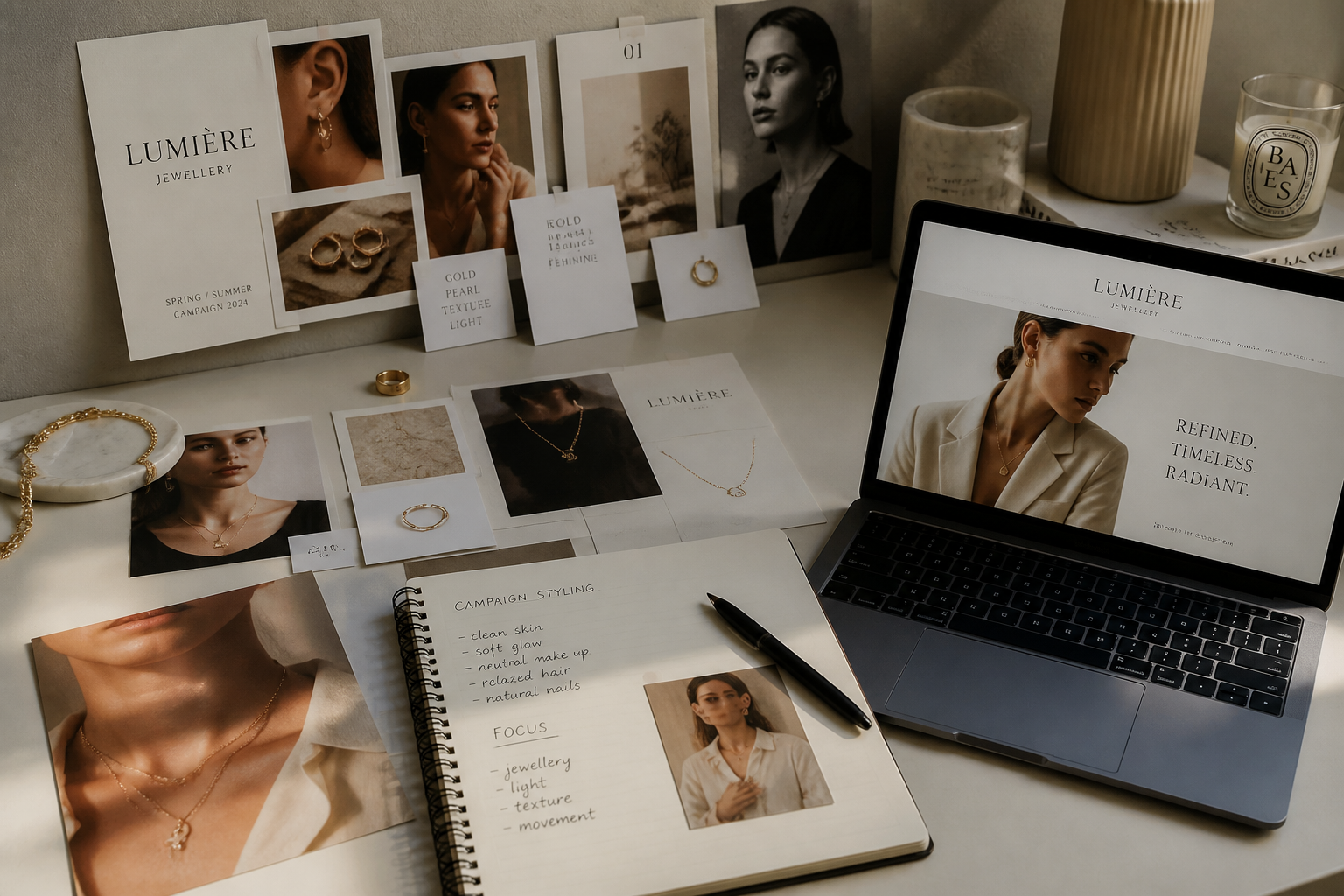
Upload your jewelry image
Start with a clear product photo or a simple source image. Clean lighting and sharp detail help the AI place the piece more convincingly on a model.
Describe the model scene
Tell the AI what kind of model shot you want, such as studio portrait, bridal look, or street-style campaign. You can also mention the angle, outfit, and overall mood.
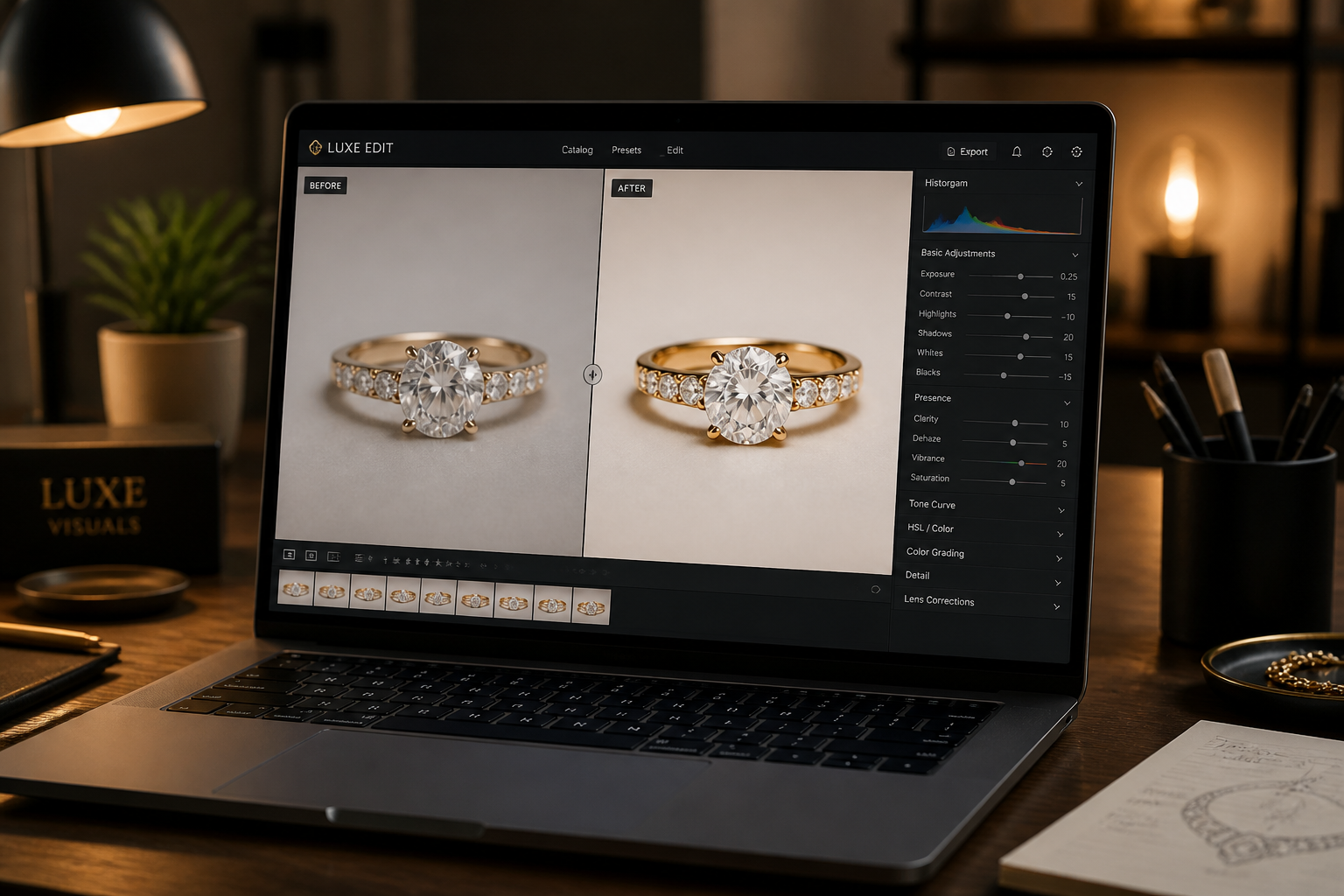
Generate and compare results
Review the before and after image to check product visibility and styling. If needed, refine the prompt and generate more variations for different channels.
Perfect For
Discover how creators and professionals use ai jewelry model generator
Ecommerce product pages
Show how jewelry looks when worn so shoppers can judge style, scale, and outfit pairing more easily.
Paid social ads
Create fresh campaign images for different audiences, seasons, and product angles without booking new shoots.
Marketplace listings
Add polished model visuals alongside standard product photos to make listings feel more complete and premium.
Lookbooks and launch teasers
Build quick branded visuals for new collections, limited drops, and pre-launch promotion.
Built For
Jewelry brands
Create more wearable product imagery from existing catalog assets and test new presentation styles faster.
Ecommerce teams
Fill product pages, ads, and email campaigns with model shots without the full cost of repeated studio production.
Creative freelancers
Produce jewelry concept visuals for clients, pitches, and social content with faster turnaround.
Why use it for jewelry model photos
A quick look at how we compare on the things that matter for this niche.
| Feature | BudgetPixel | Generic AI editors | Manual editing apps |
|---|---|---|---|
| Before/after jewelry placement | ✓ | ✓ | — |
| Fast model scene variations | ✓ | ✓ | — |
| Useful for ecommerce visuals | ✓ | — | — |
| No full photoshoot required | ✓ | ✓ | — |
| Easy prompt-based workflow | ✓ | ✓ | — |
Frequently Asked Questions
What kinds of jewelry work best?
Do I need a photo of a real model first?
Will the jewelry design stay accurate?
Can I make different campaign styles from one product image?
Is this a replacement for a full jewelry photoshoot?
Create together.
Share your creations, discover trending AI art, and grow with fellow creators.