AI Tattoo Design Generator
Turn a tattoo idea into polished visual concepts you can refine.
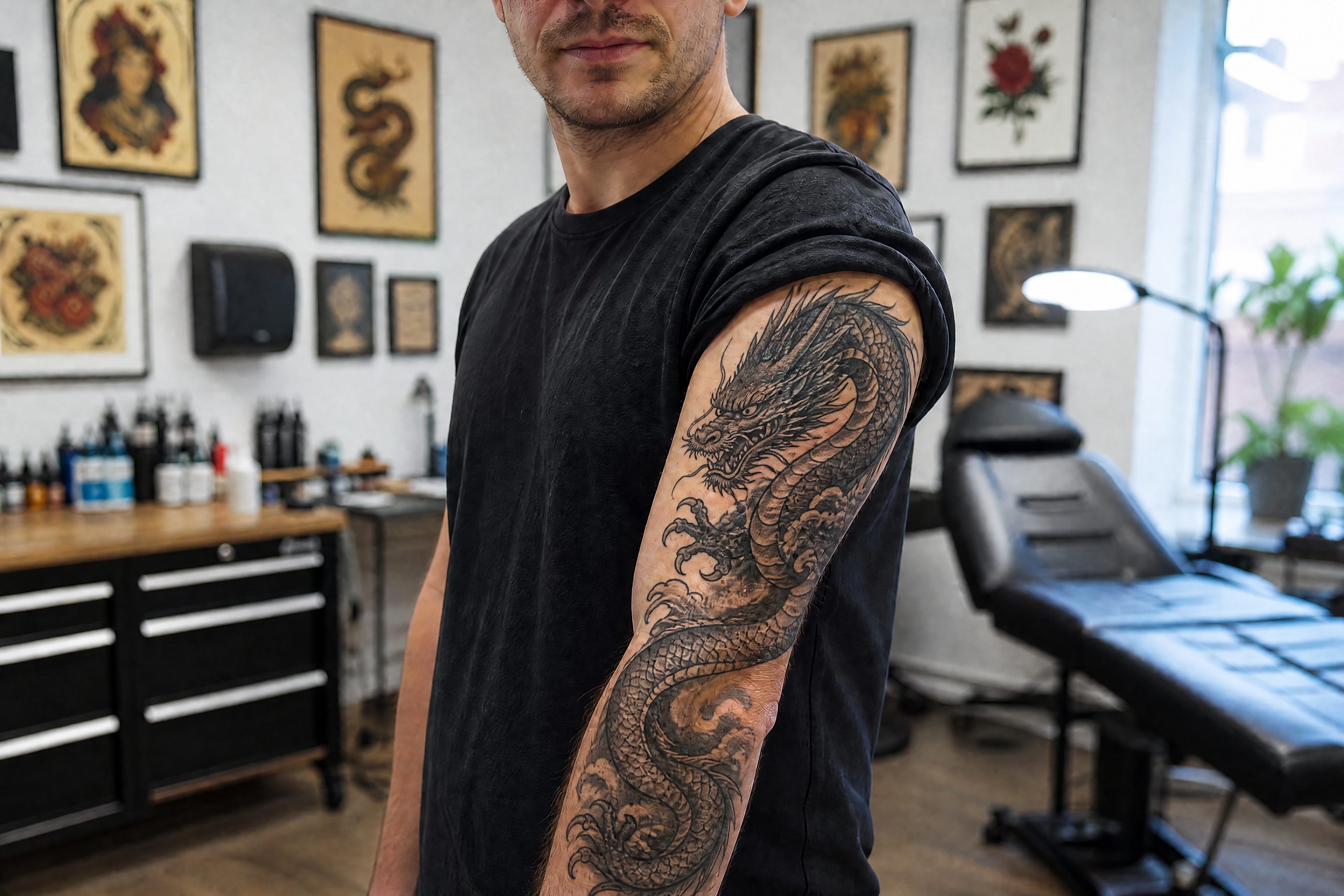
Generate custom tattoo artwork from a simple text prompt. Explore different styles, motifs, and compositions for flash sheets, sleeve concepts, or single-piece inspiration before you commit to ink.
See It In Action
Real outputs from ai tattoo design generator.
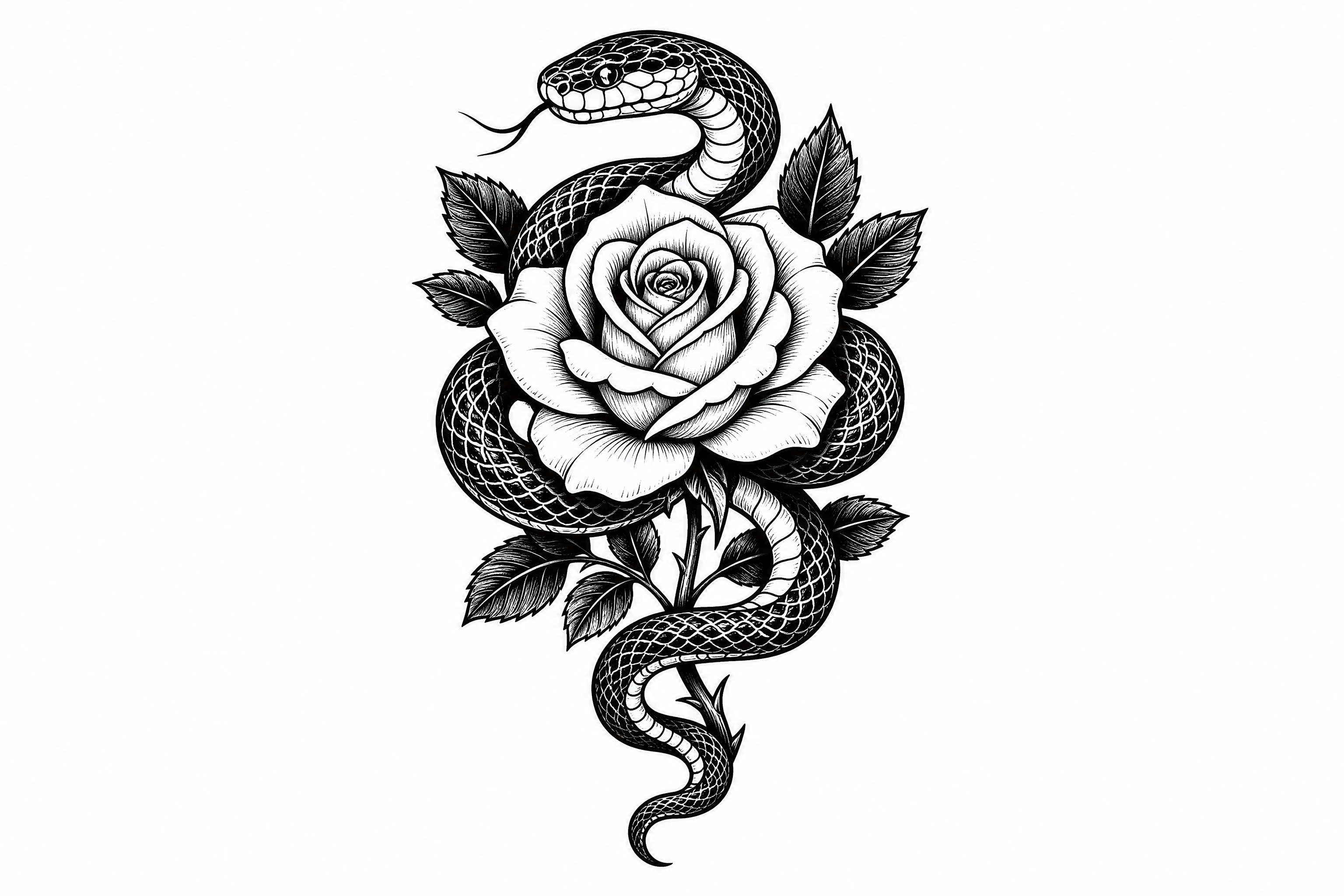
custom tattoo design, blackwork serpent coiled around a blooming rose, clean stencil lines, high contrast ink style, centered composition, white background, detailed but placement-friendly
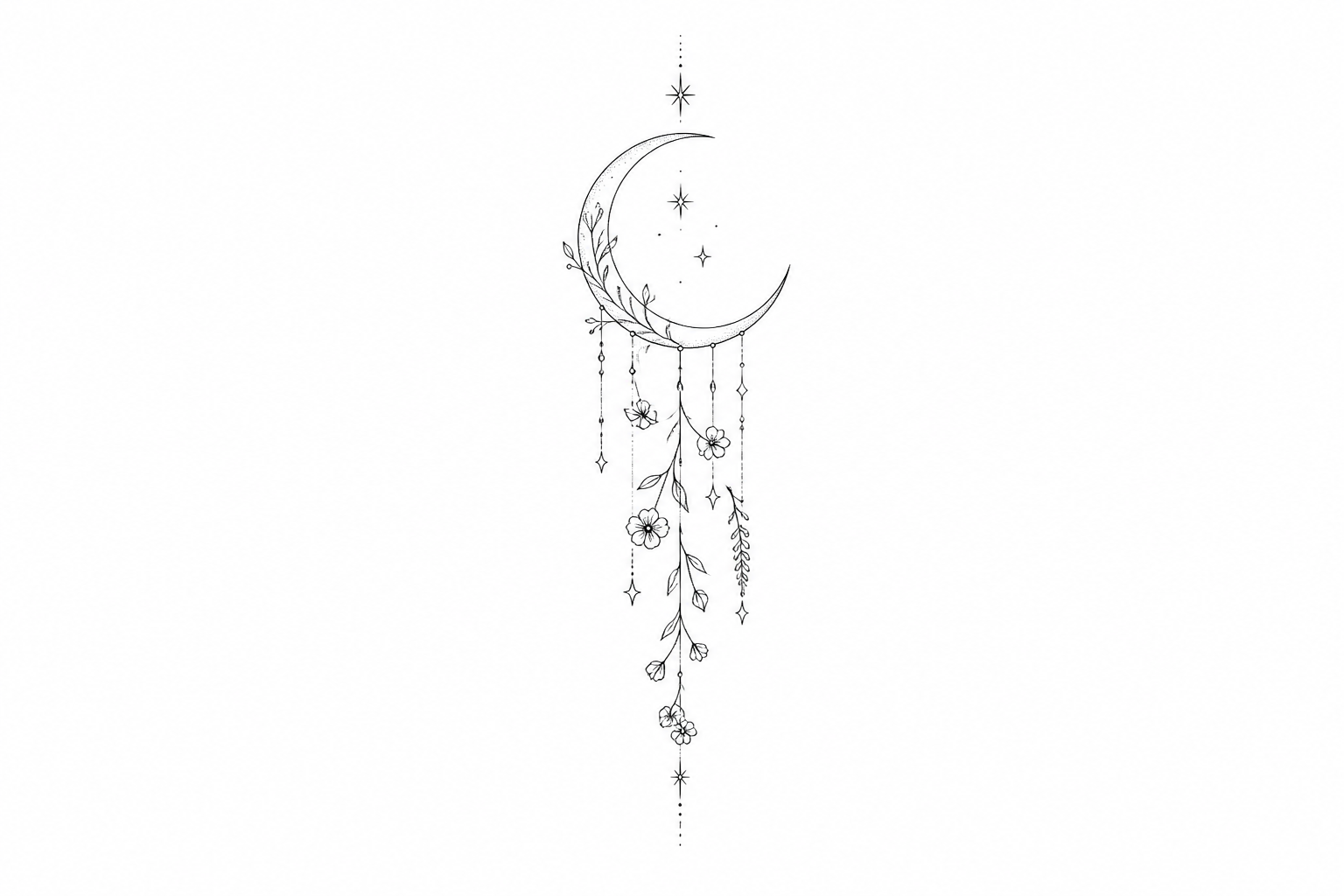
fine line tattoo design, crescent moon with hanging botanical elements and tiny stars, delicate single-needle aesthetic, elegant vertical composition, clean black ink on white background
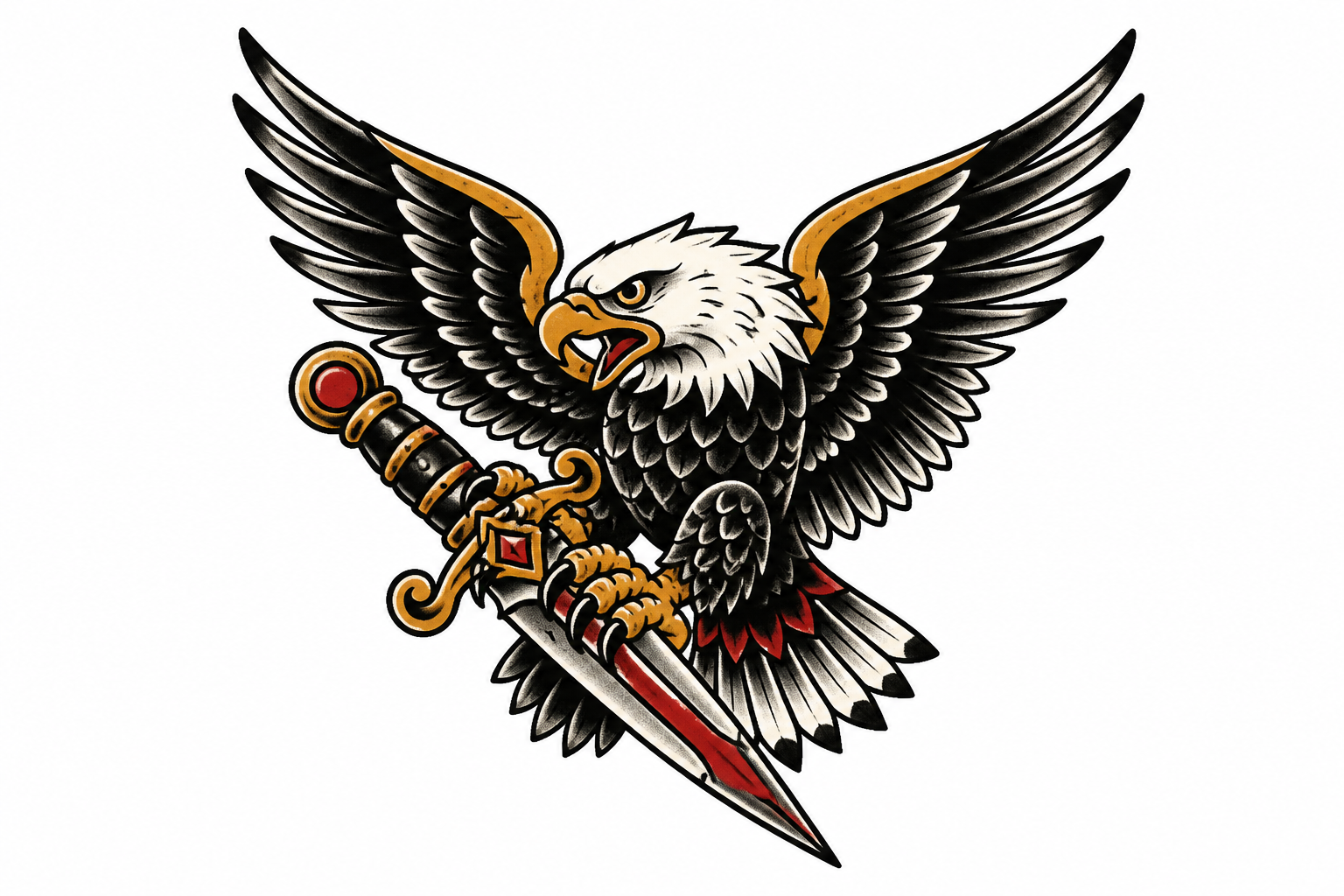
traditional tattoo flash design, fierce eagle clutching a dagger with bold outlines, limited red and gold accent tones, vintage flash sheet style, centered on white background
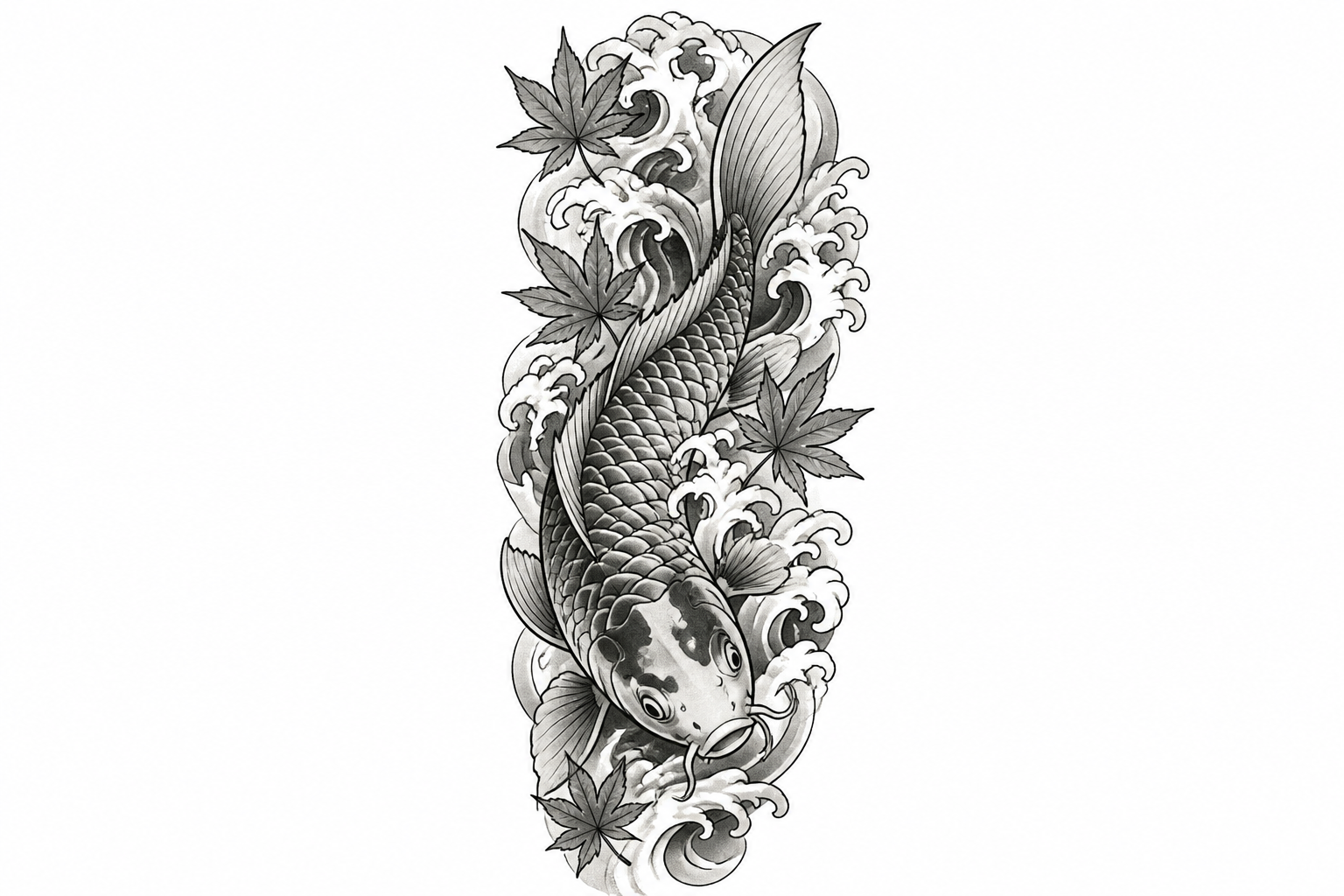
tattoo sleeve concept, Japanese-inspired koi fish swimming through stylized waves and maple leaves, flowing composition for forearm placement, crisp linework, black and grey ink style, white background
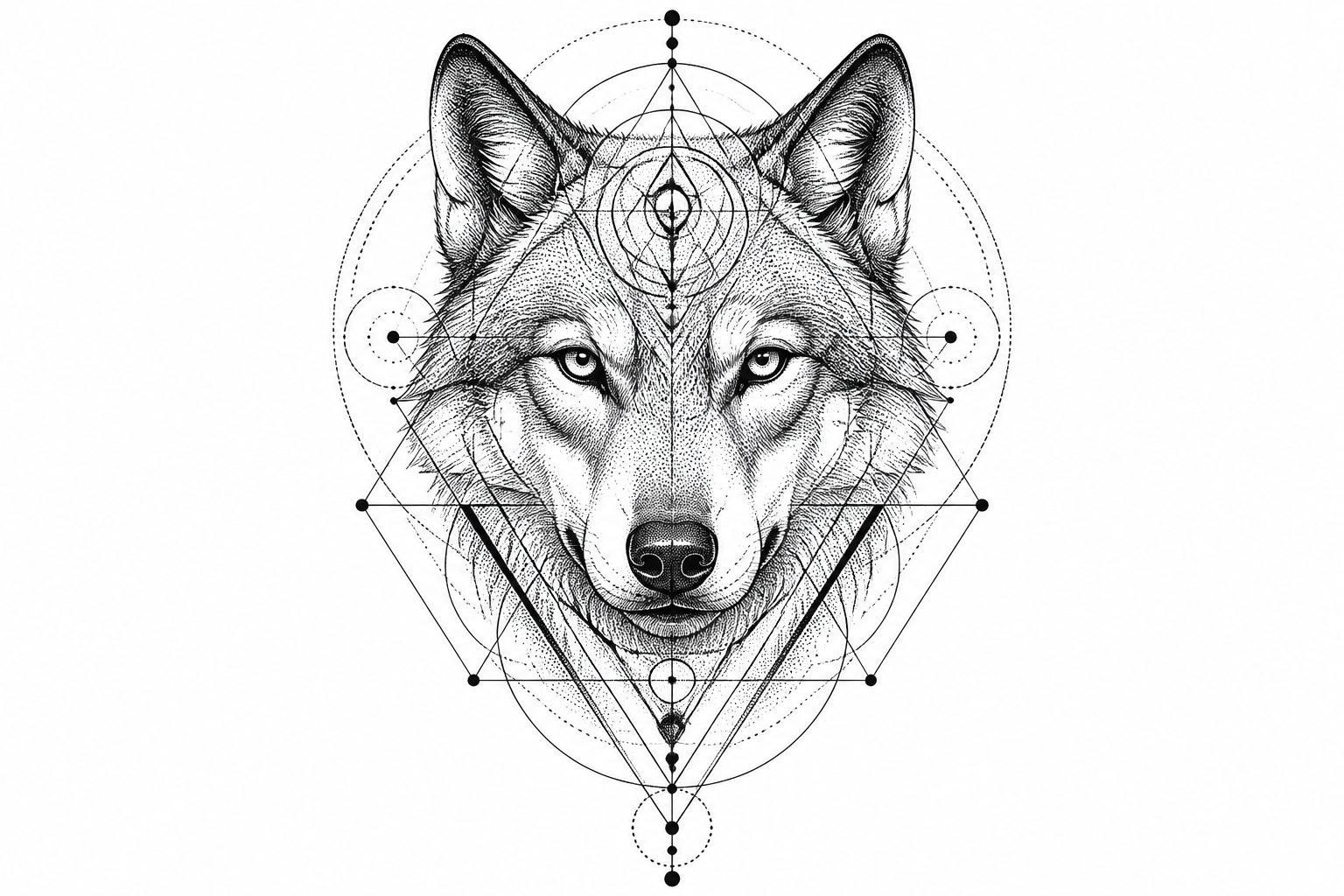
geometric tattoo design, wolf head merged with sacred geometry circles and triangle patterns, symmetrical composition, dotwork shading, black ink on white background
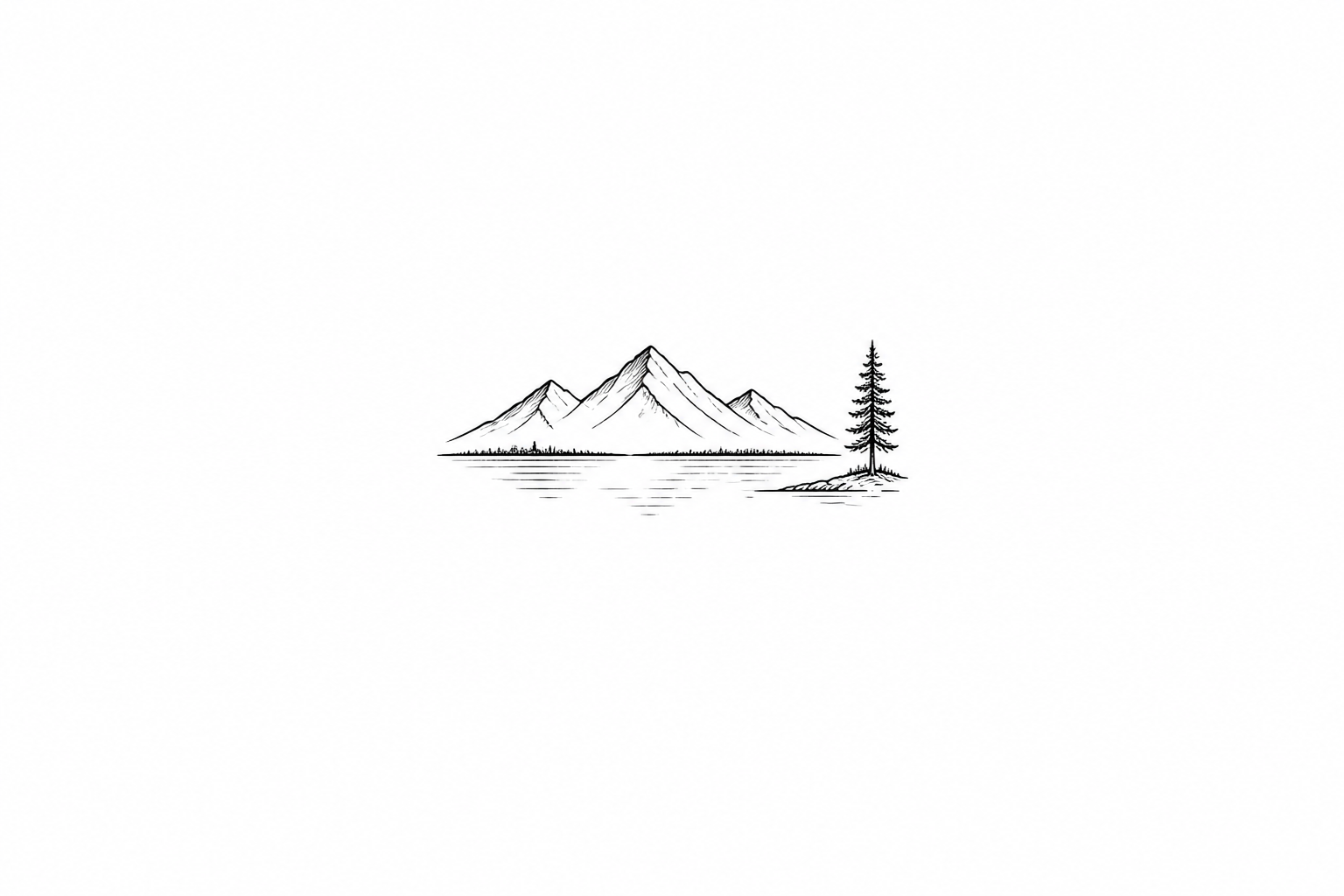
minimal tattoo design, tiny mountain range above a calm lake with one pine tree, clean micro tattoo linework, simple composition, white background
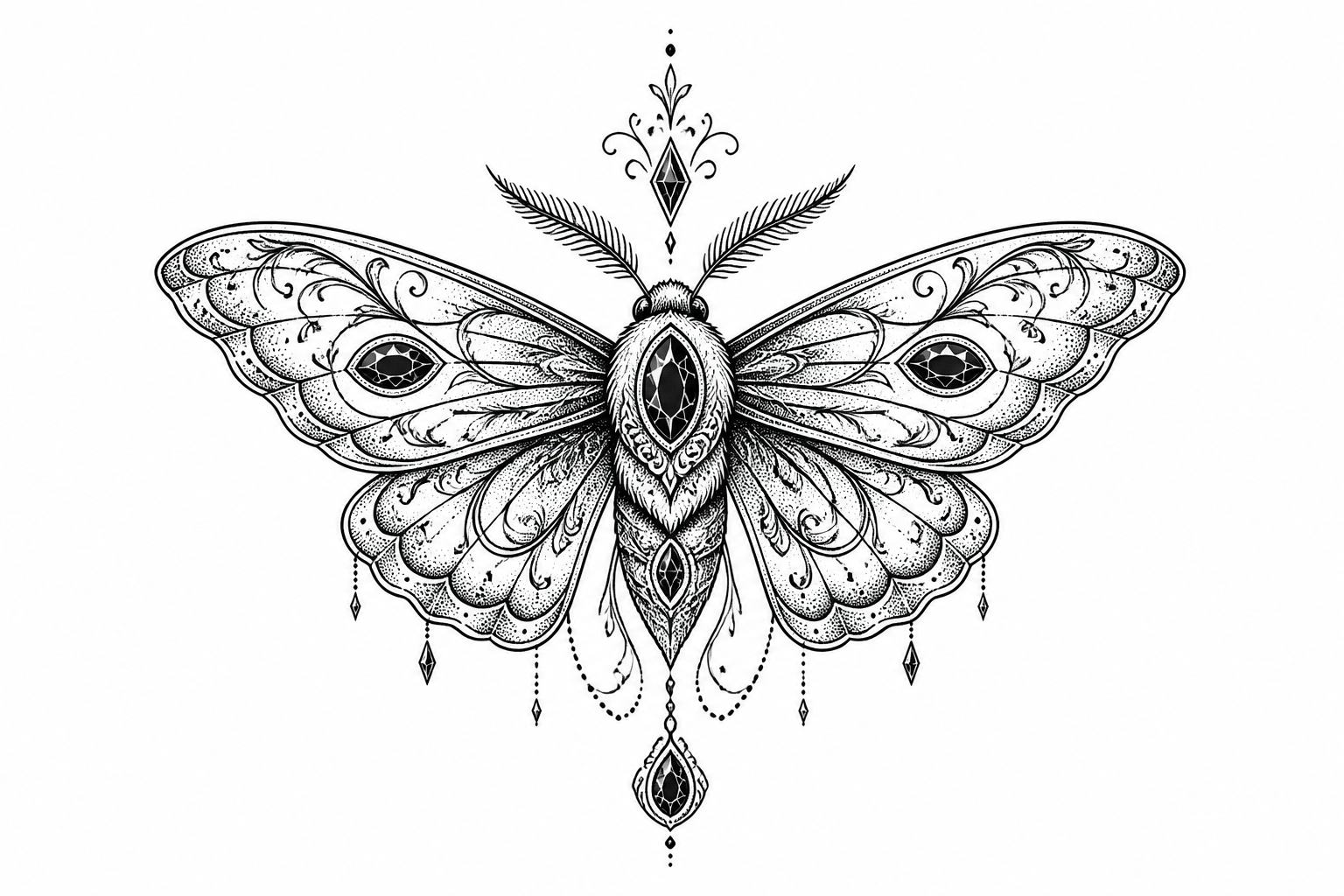
ornamental tattoo design, elegant moth with filigree wings, jewel-like shapes, balanced symmetry, blackwork with fine dot shading, clean white background
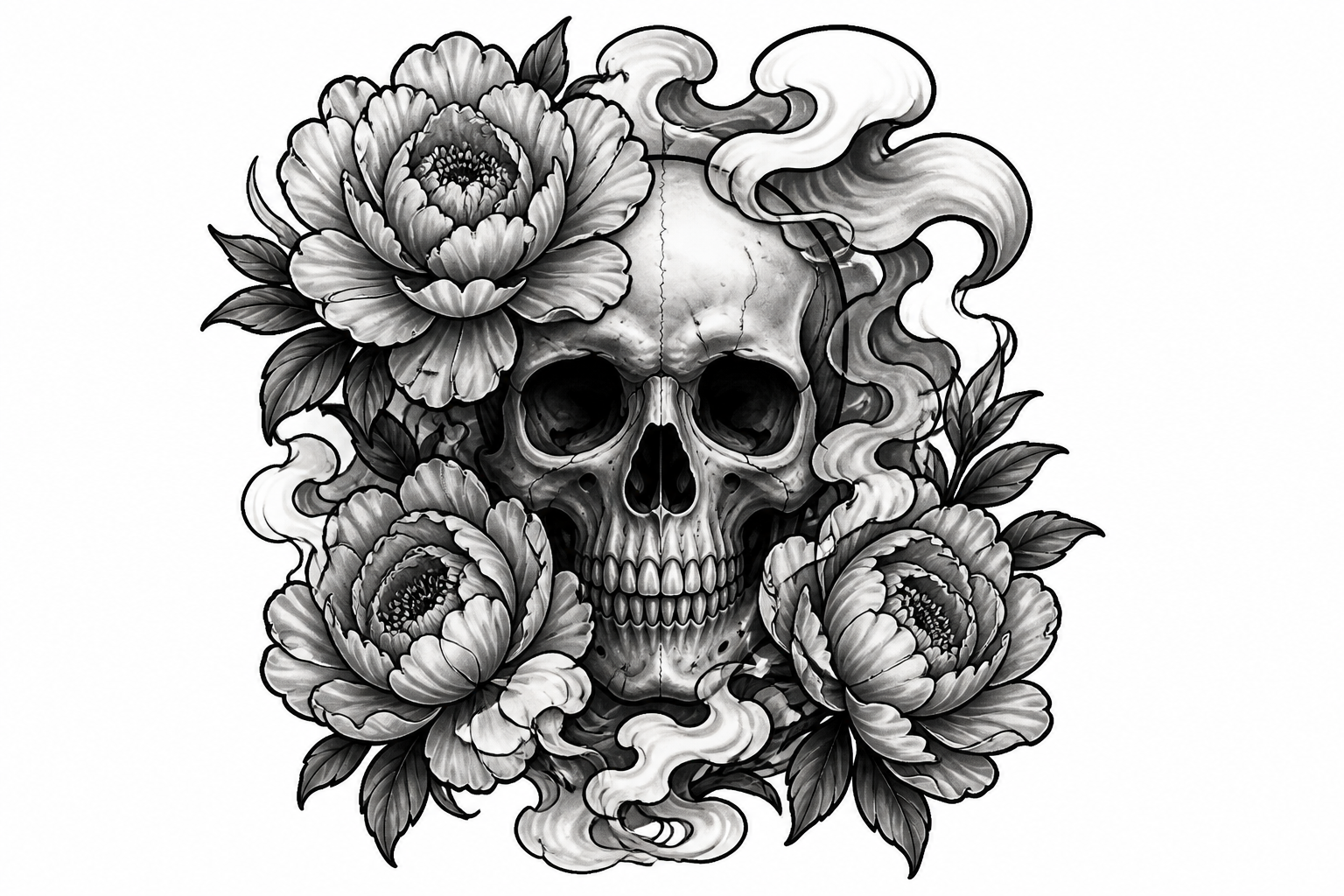
tattoo flash design, skull framed by peonies and smoke, black and grey realism mixed with bold outline elements, centered composition, white background
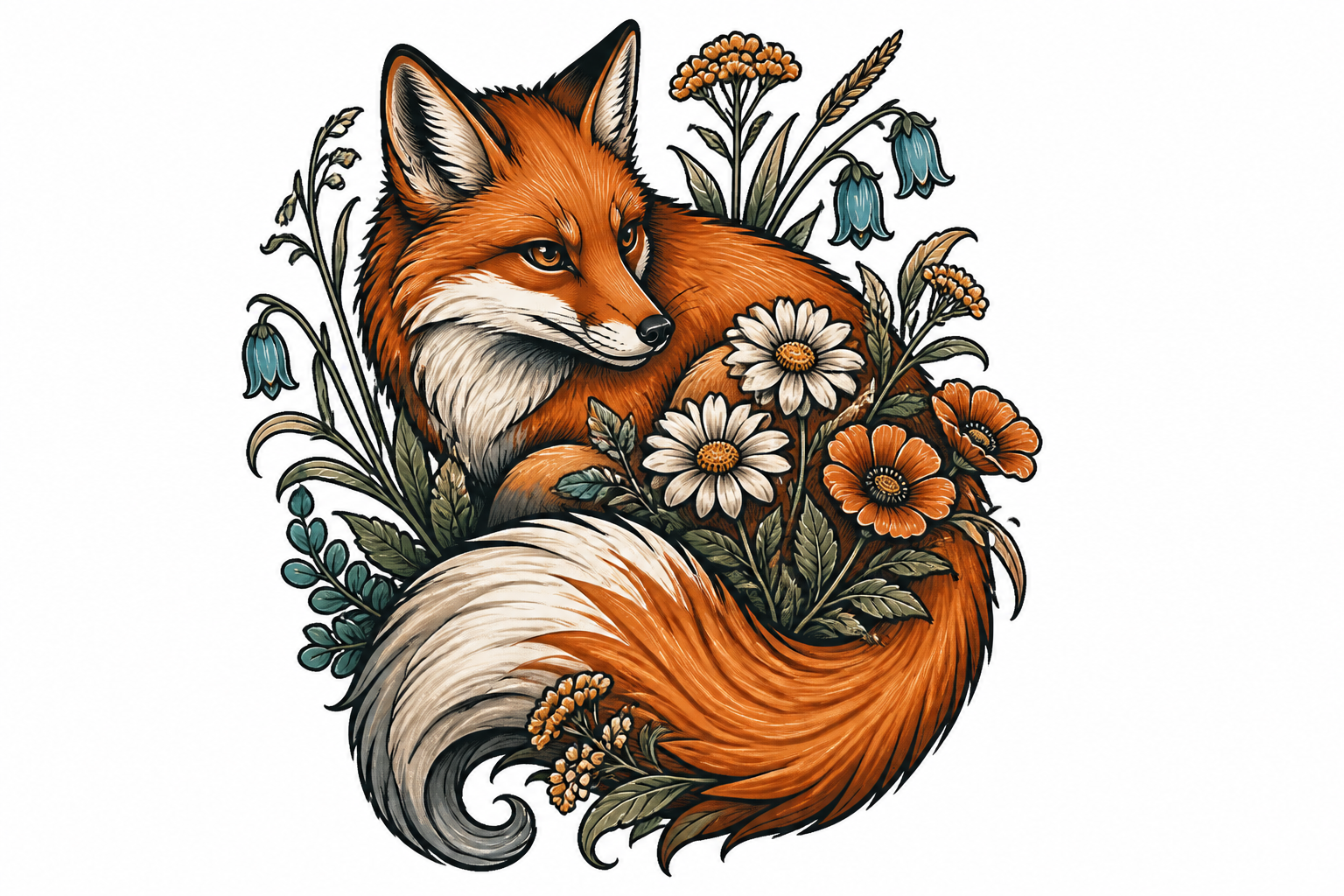
neo-traditional tattoo design, fox curled around wildflowers with flowing tail, rich illustrative linework, subtle orange and teal accents, white background
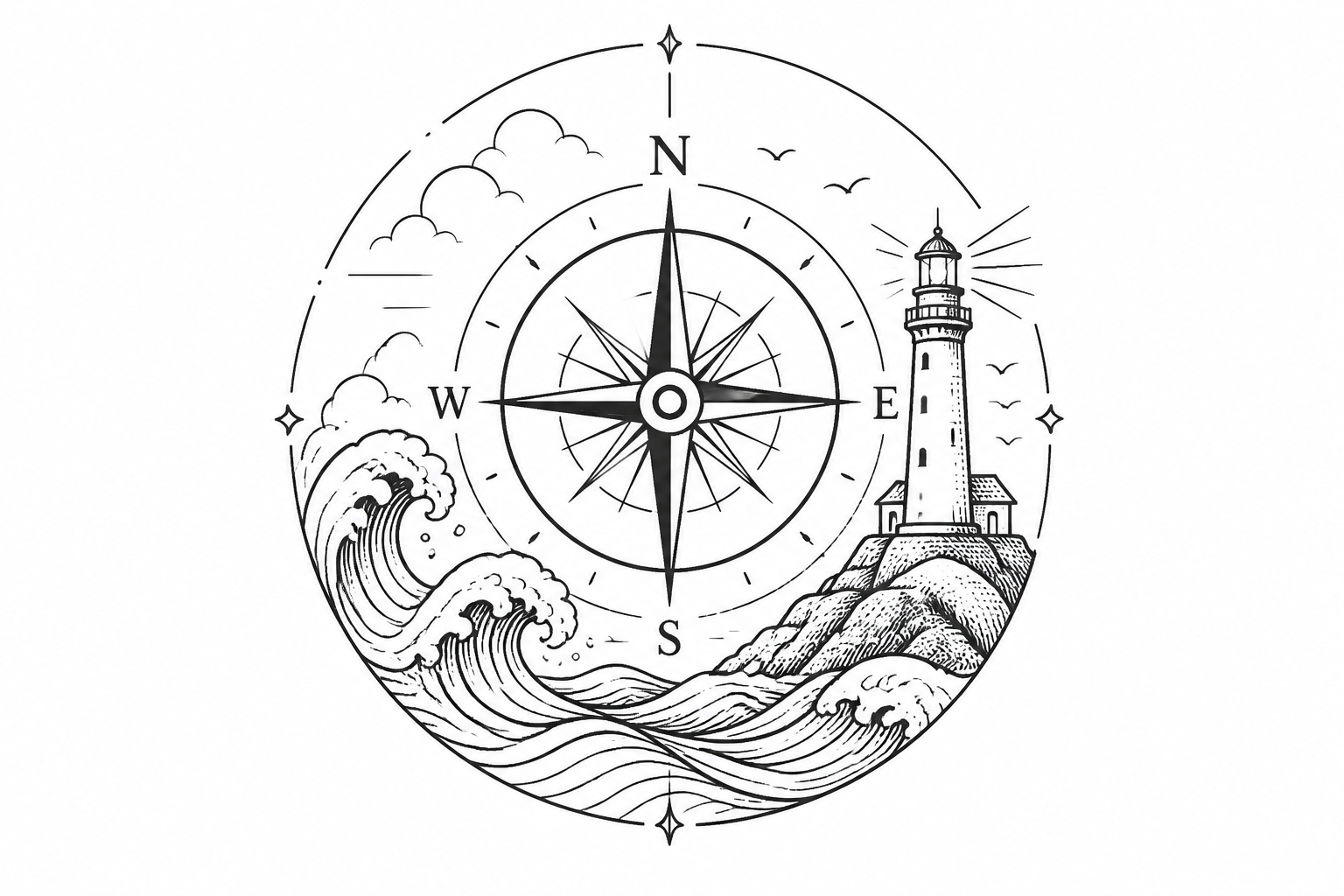
tattoo stencil concept, compass combined with waves and a small lighthouse, travel theme, clean line art, balanced circular composition, black ink on white background
Key Features
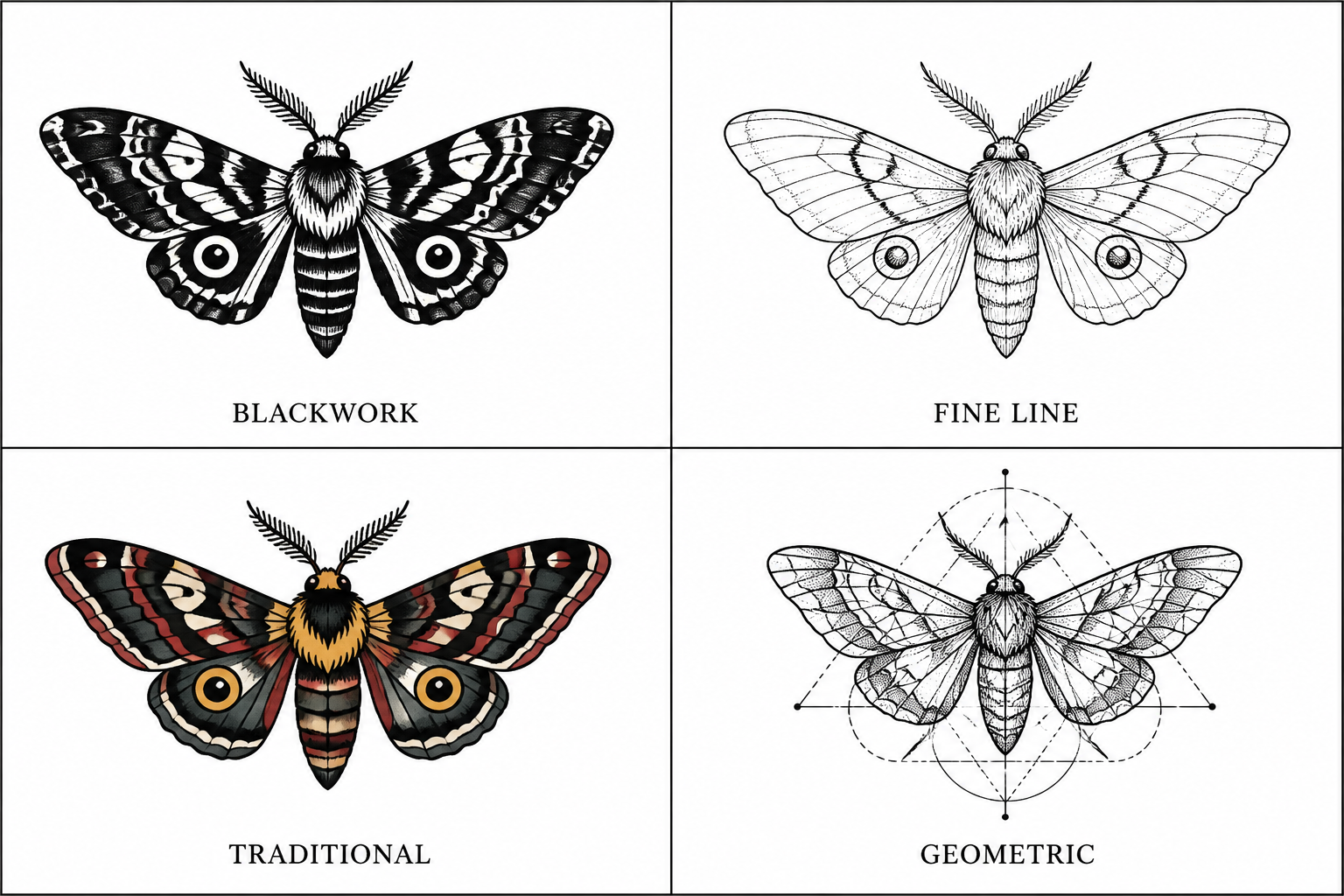
Explore tattoo styles fast
Try blackwork, fine line, traditional, geometric, or ornamental directions from the same core idea. That makes it easier to compare looks before you bring references to an artist. A generic image generator often produces scene art instead of tattoo-ready compositions. This tool is better suited to clean, placement-friendly concepts on plain backgrounds.
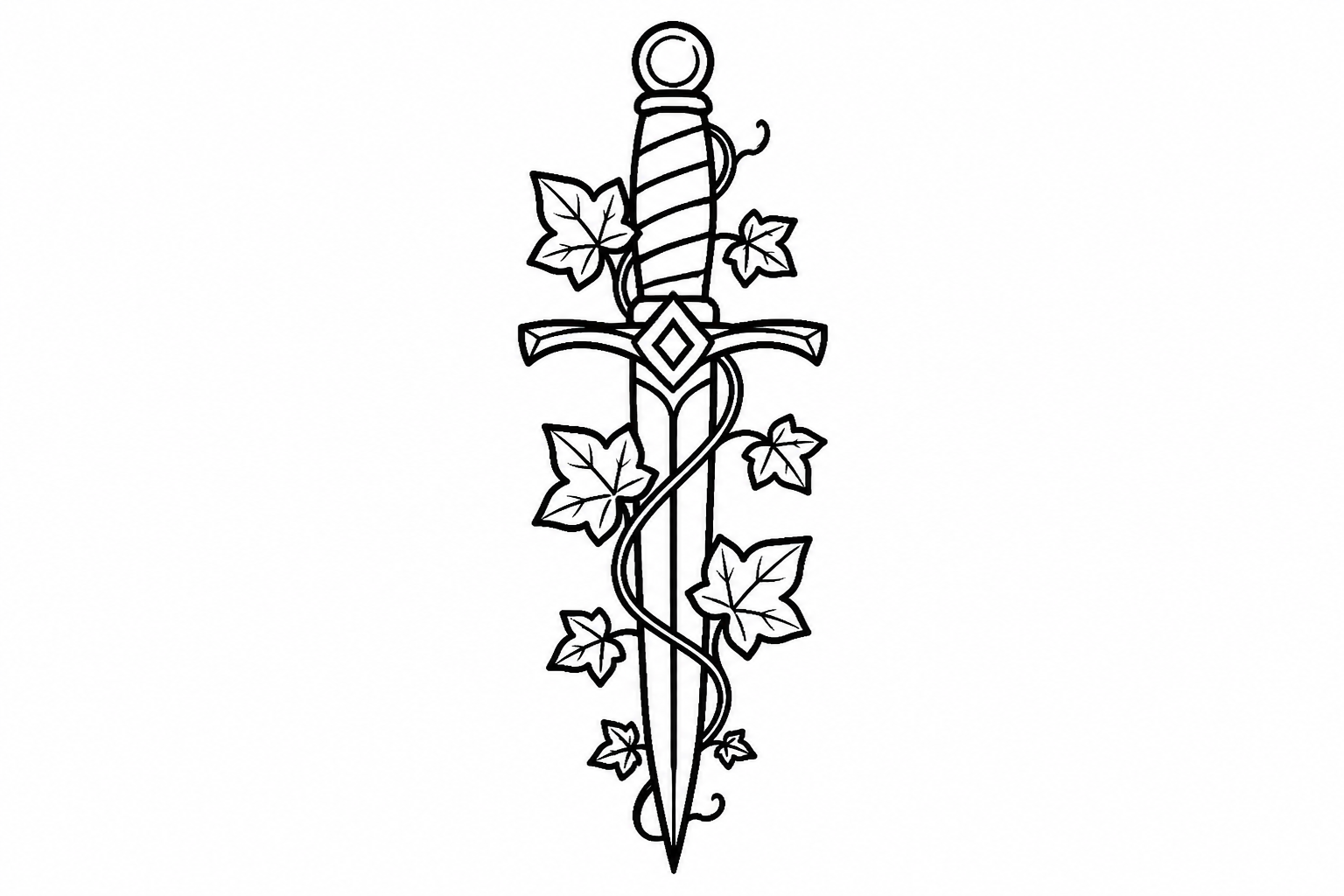
Get cleaner stencil concepts
Prompts can produce designs with stronger outlines, simpler silhouettes, and clearer negative space. That matters because tattoo ideas need to read well at skin scale, not just look good as a poster. Creating that structure manually takes time and repeated sketching. Here, you can start with a solid concept and refine from there.
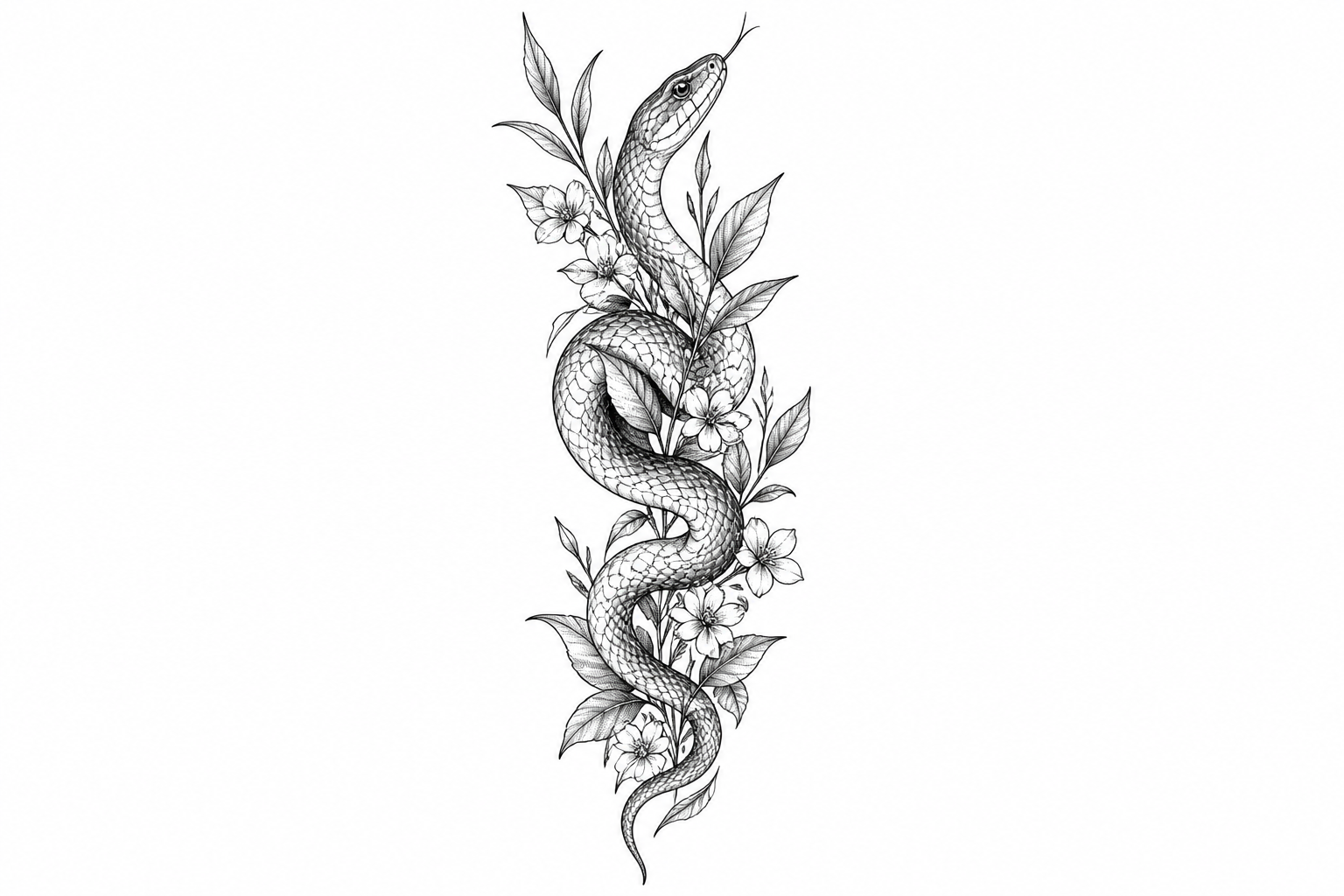
Test placement-friendly layouts
You can describe long vertical pieces, circular chest motifs, or forearm and calf compositions directly in the prompt. That helps generate artwork that fits the body area you have in mind. With a broad-purpose generator, proportions often feel random or hard to adapt. Here, layout intent becomes part of the design from the start.
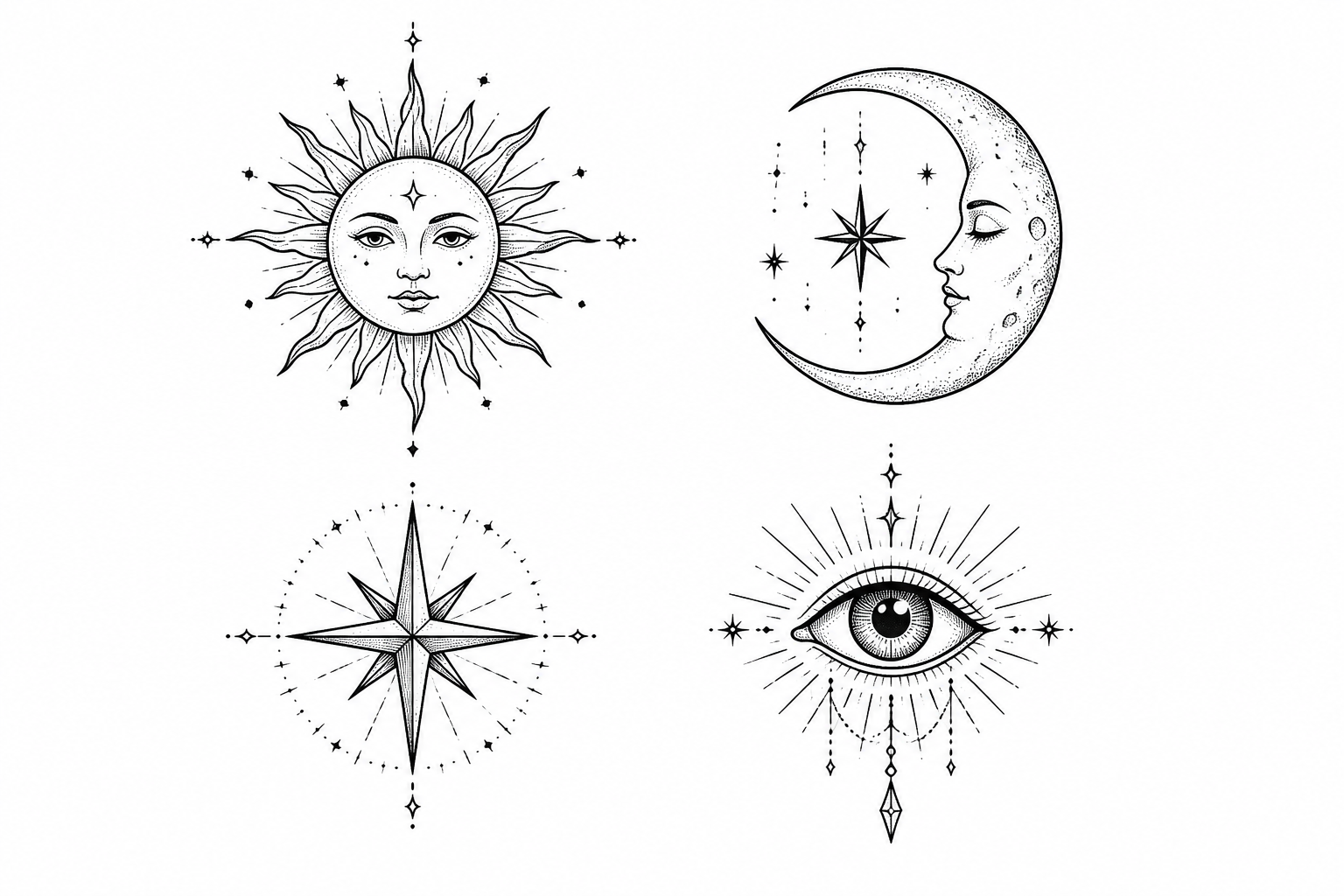
Build references worth sharing
Use the generator to create polished concept art, flash-style sheets, or multiple variations around one motif. This is useful when discussing direction with a tattoo artist or narrowing down symbolism and mood. It also saves time compared with collecting scattered references from many sources. You get a clearer visual starting point in minutes.
How It Works
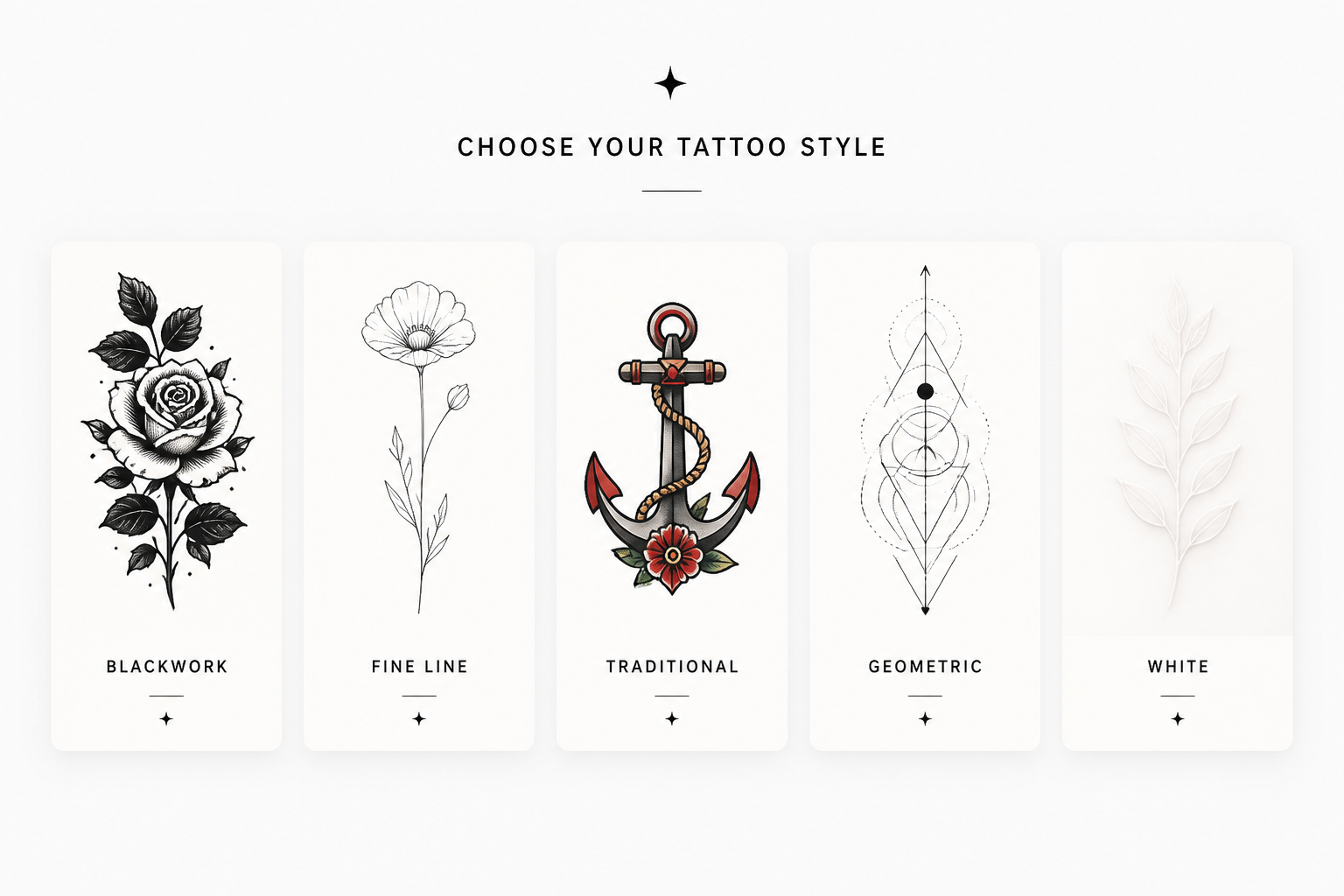
Pick a tattoo style
Start with a prompt for the look you want, such as blackwork, fine line, traditional, or ornamental. The starter prompt gives you a strong first concept without needing to write from scratch.
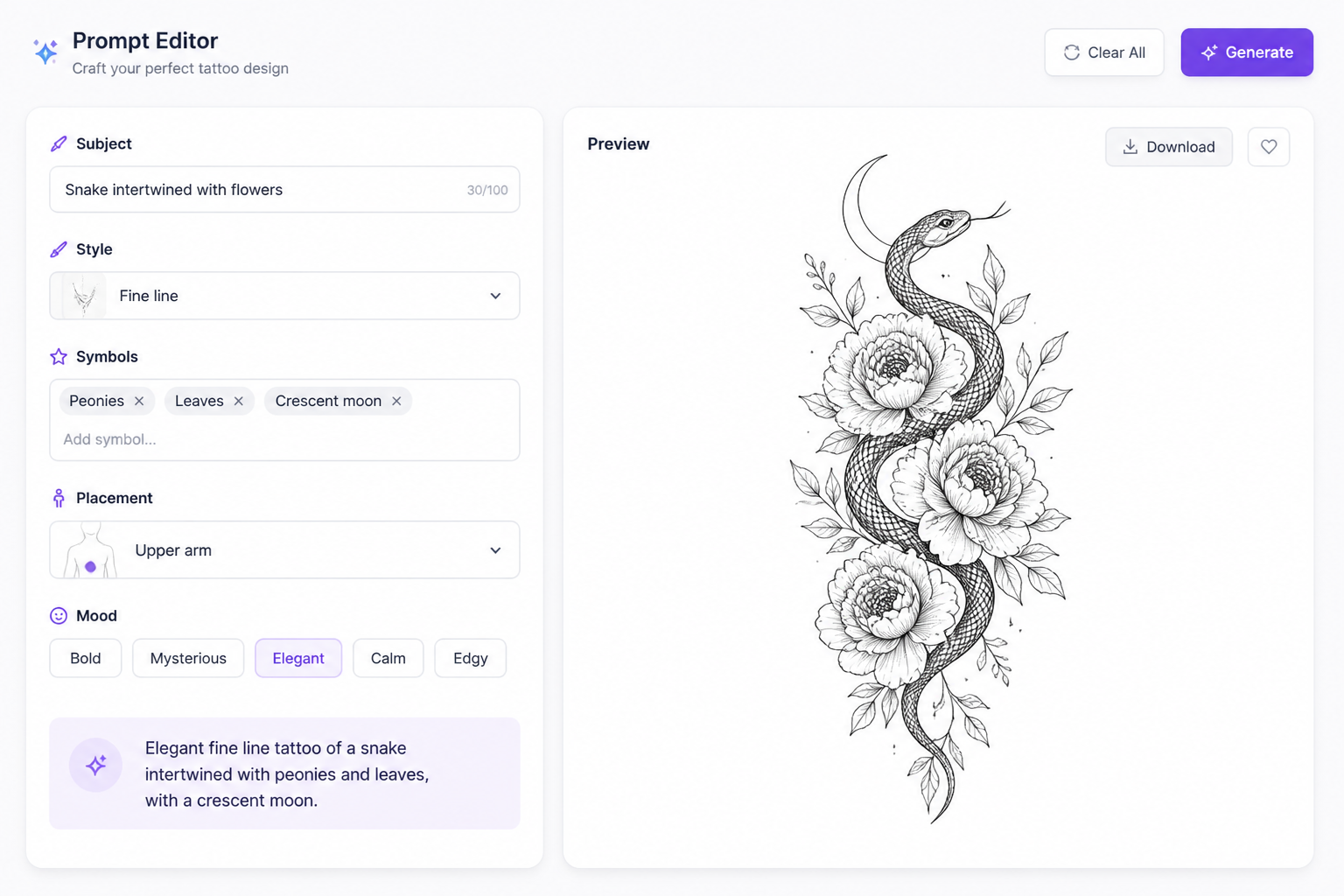
Describe your design details
Add the subject, symbols, mood, and preferred layout or body placement. You can be specific about flowers, animals, sacred geometry, smoke, symmetry, or minimalism.
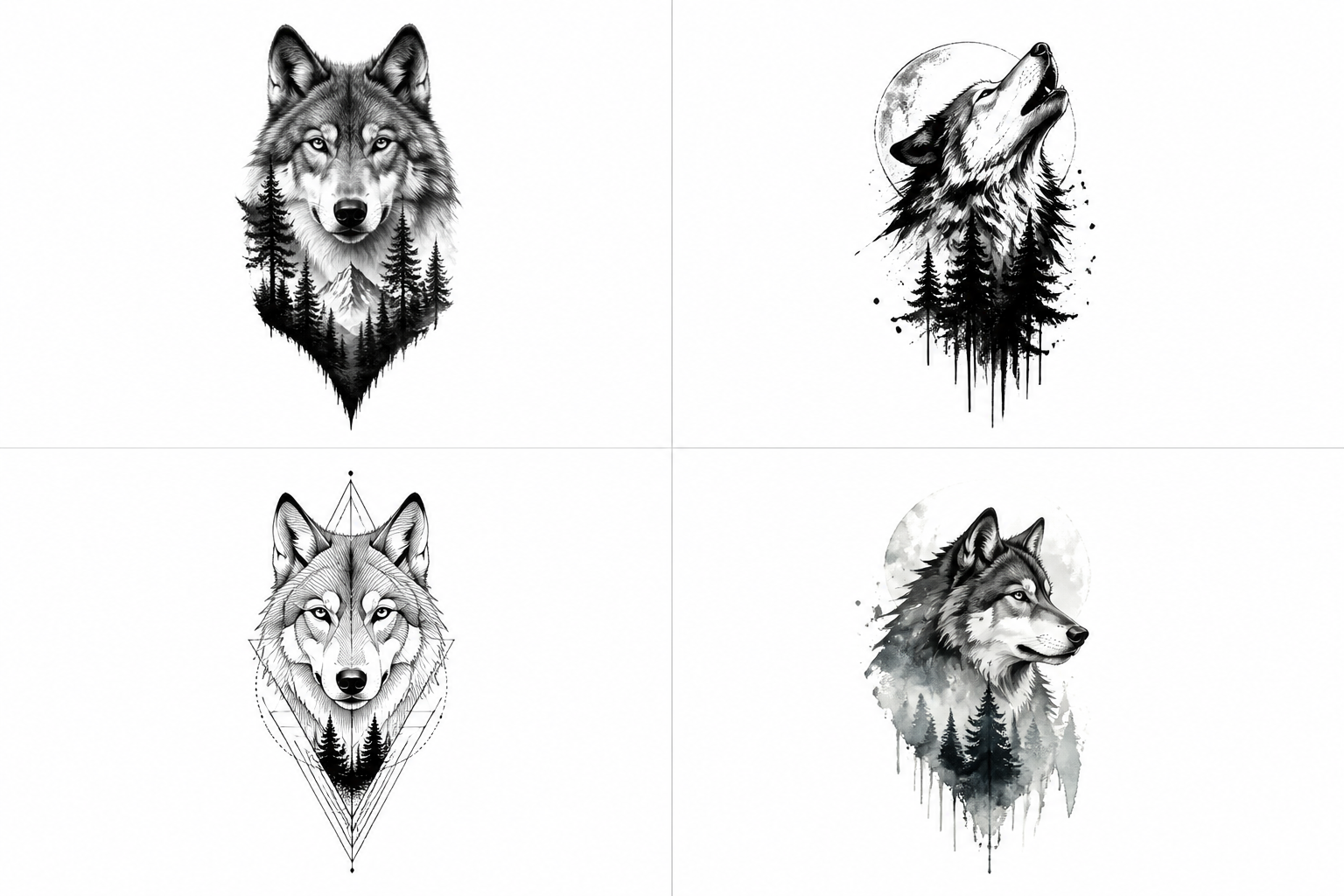
Generate and refine variations
Create several options, compare compositions, and keep the concept that feels closest to your idea. Then download the design and use it as a reference for your next revision or artist consultation.
Perfect For
Discover how creators and professionals use ai tattoo design generator
Custom first tattoo ideas
Turn a rough concept into a clear visual direction before you book an appointment.
Flash sheet inspiration
Generate themed tattoo flash concepts for motifs, symbols, and repeatable design sets.
Sleeve and placement planning
Explore long-form layouts and composition ideas suited to forearm, calf, or upper arm pieces.
Artist reference gathering
Create focused references to communicate style, symbolism, and composition more clearly.
Built For
Tattoo clients
Useful for people who know the theme they want but need help visualizing the design.
Tattoo artists
Helpful for fast concept exploration, style boards, and early-stage client discussions.
Creative hobbyists
Good for building personal flash ideas, sketch references, or visual mood boards.
Frequently Asked Questions
Can I generate tattoo designs in different styles?
Are these designs ready to tattoo exactly as generated?
Can I make designs for a specific body area?
What kinds of tattoo ideas work best?
Can I use the generated image with my tattoo artist?
Create together.
Share your creations, discover trending AI art, and grow with fellow creators.