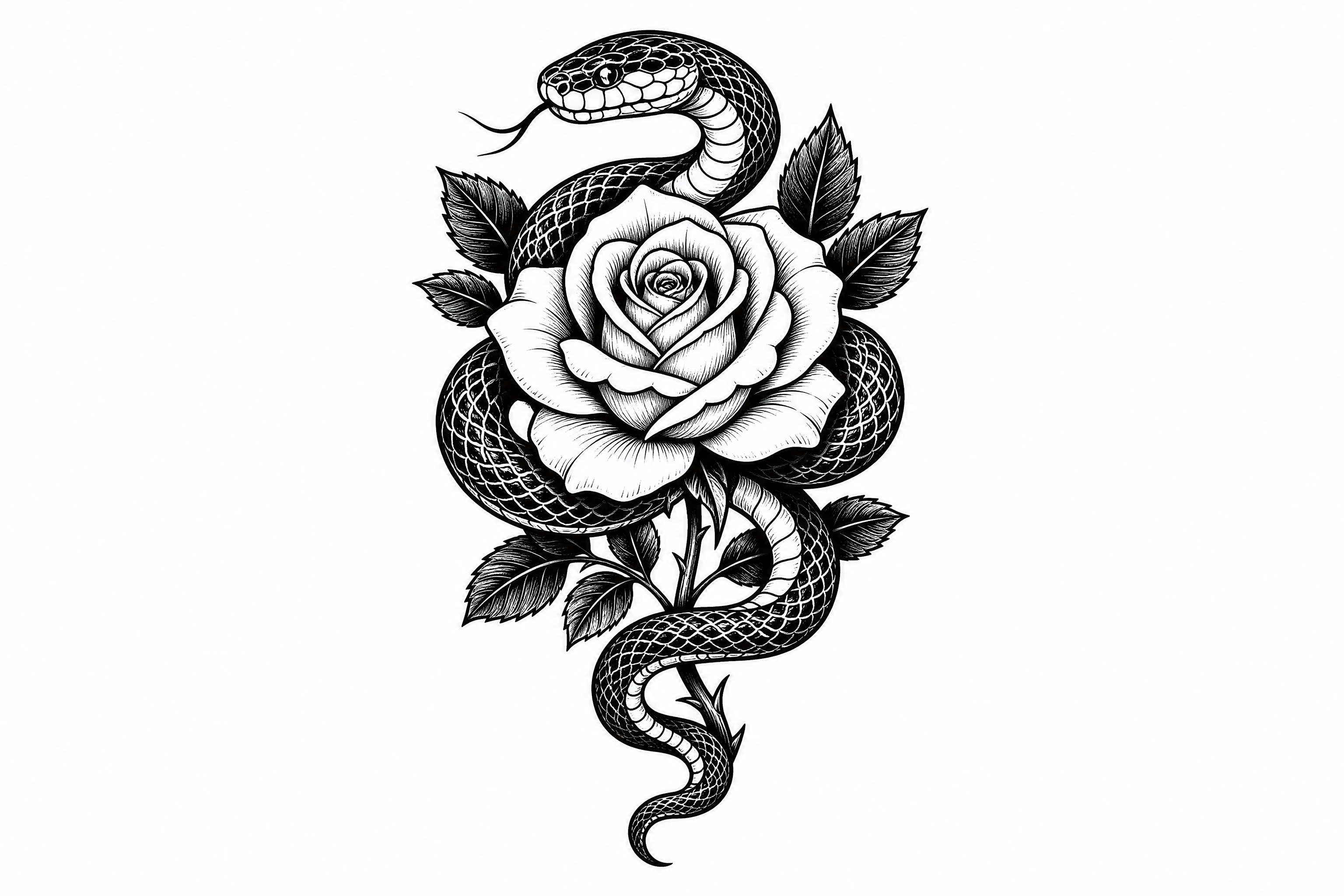
AI Tattoo Generator for Realistic Tattoo Mockups
Preview tattoo ideas on your photo before you book the session.
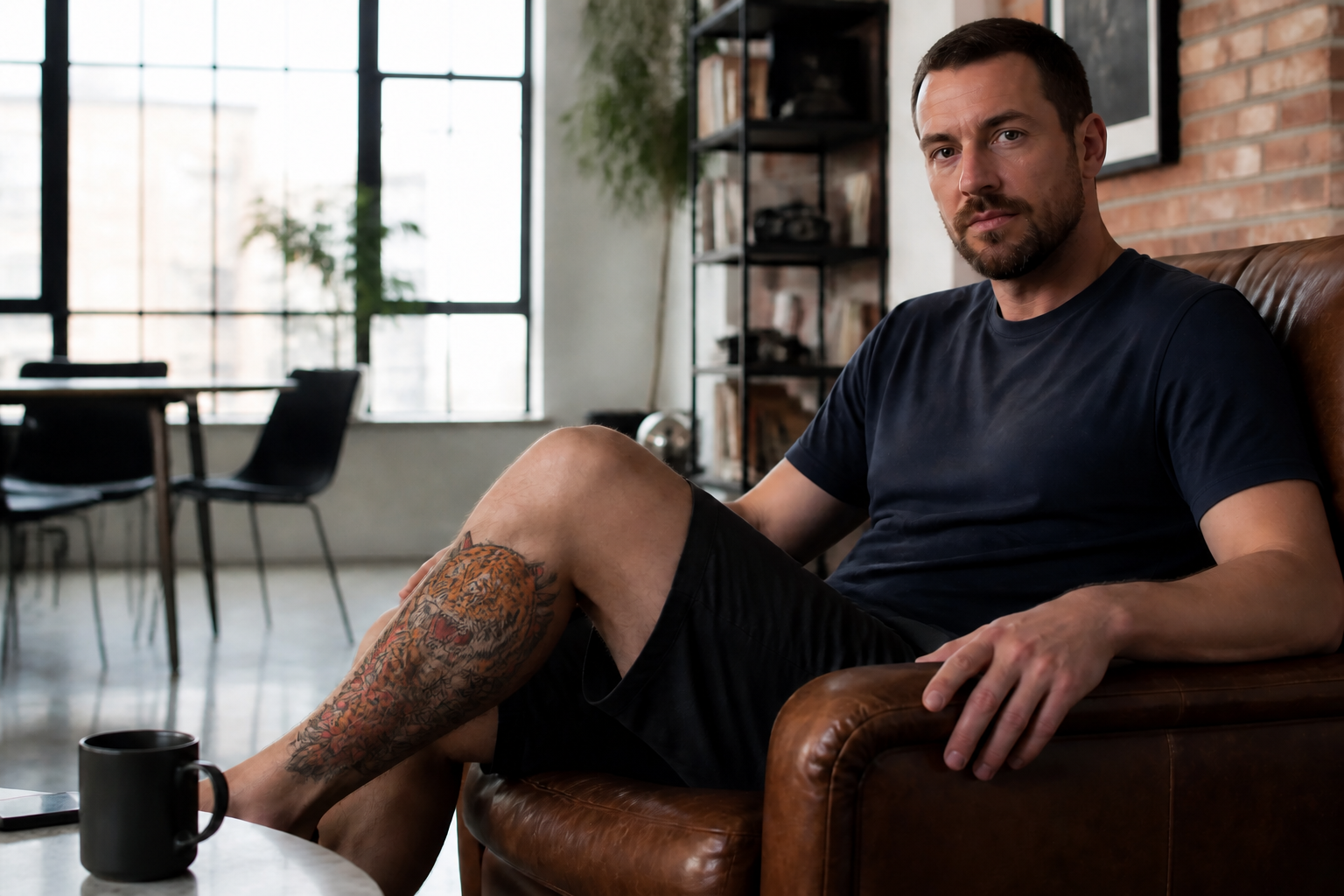
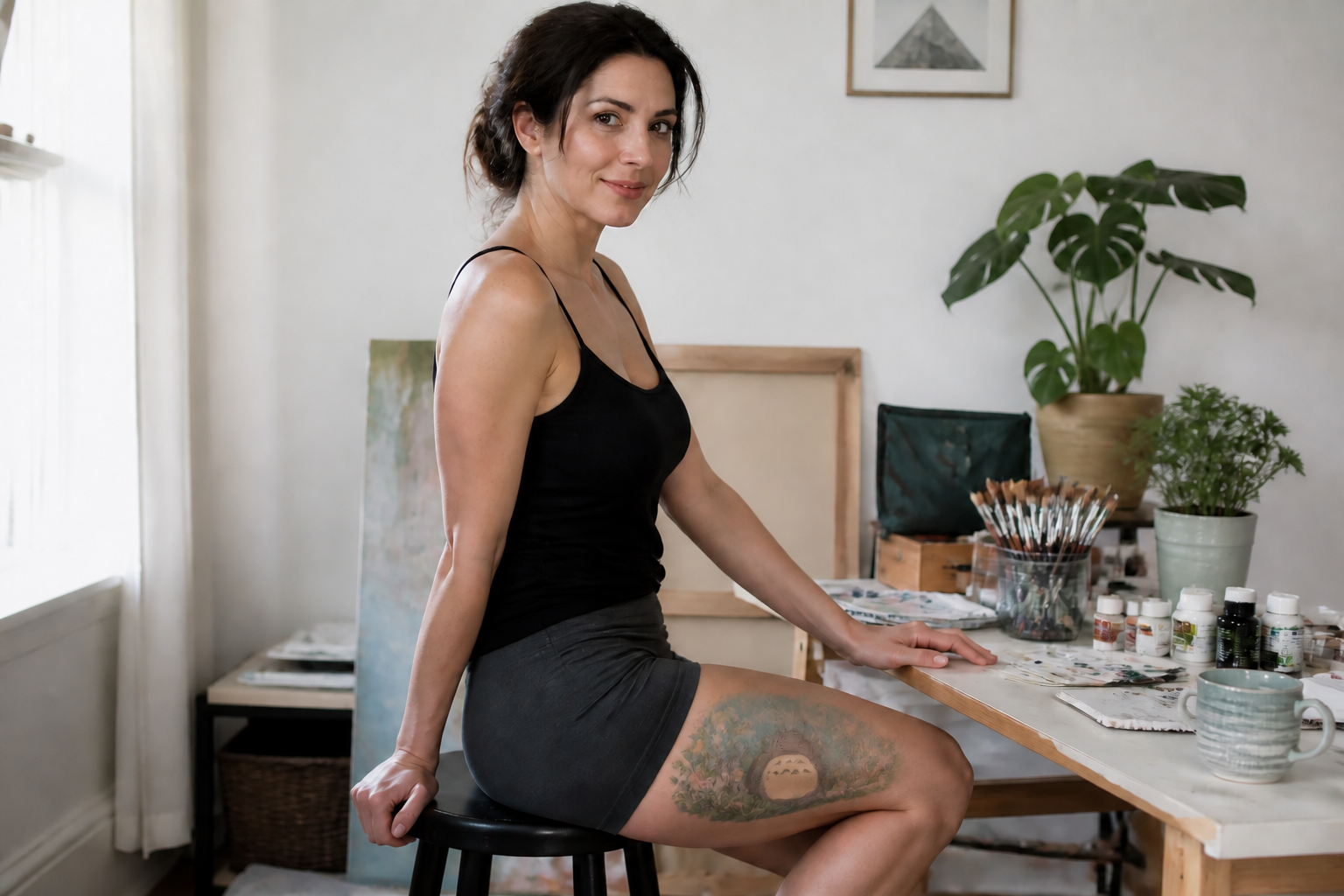
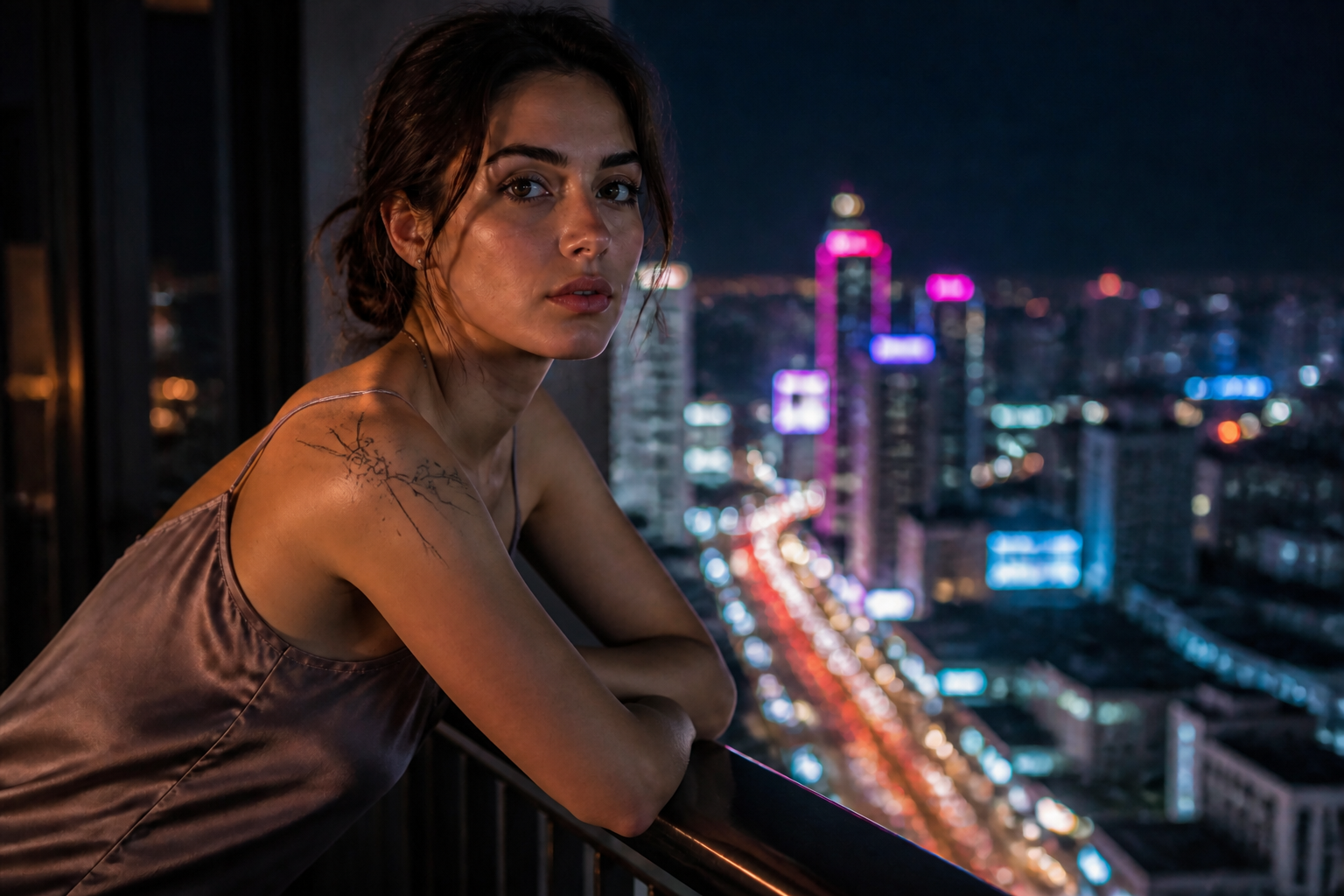
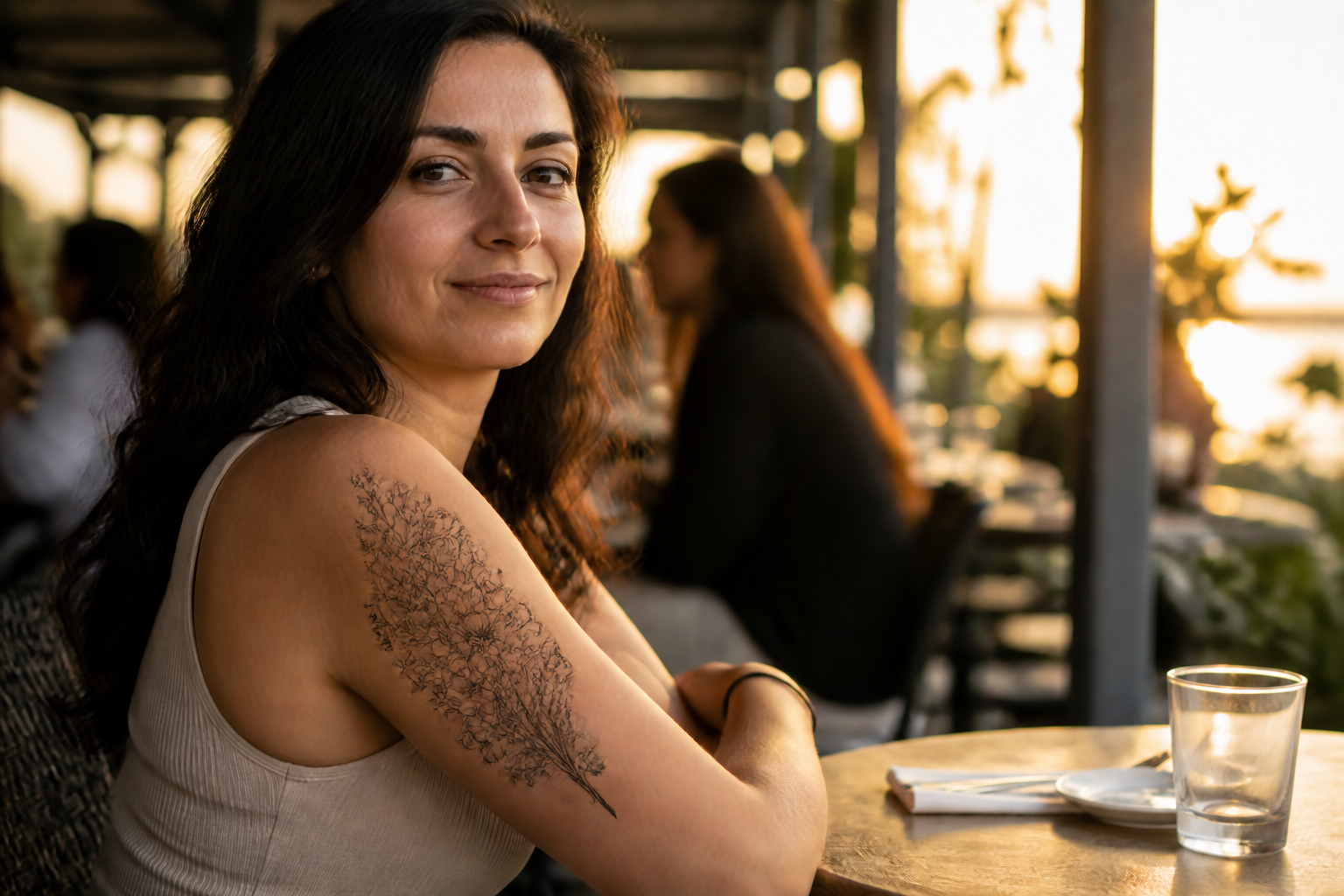
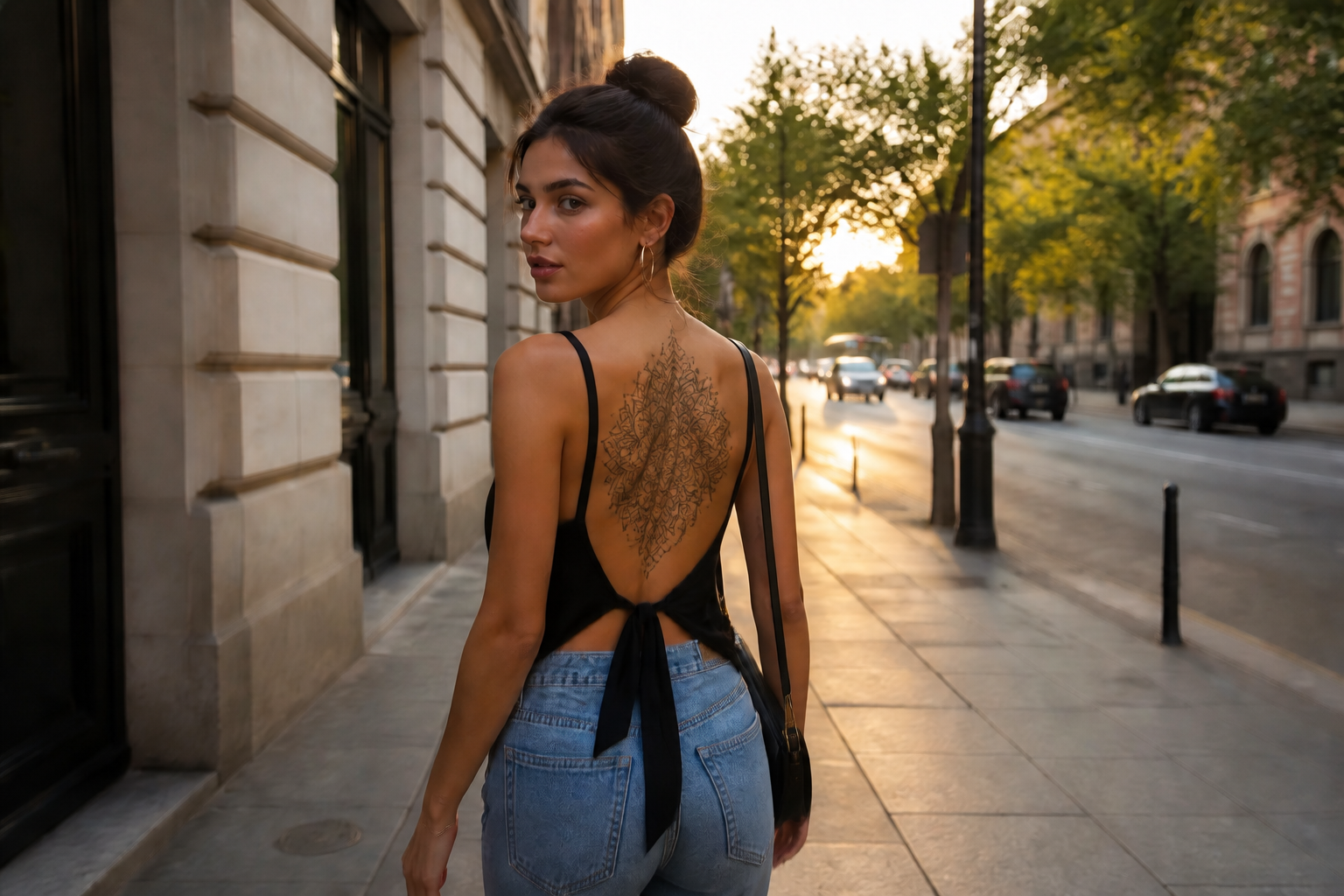
AI Tattoo Generator lets you place custom tattoo concepts on real photos so you can test style, scale, and placement. Upload a photo of an arm, back, chest, or leg, describe the design, and see a realistic mockup in seconds.
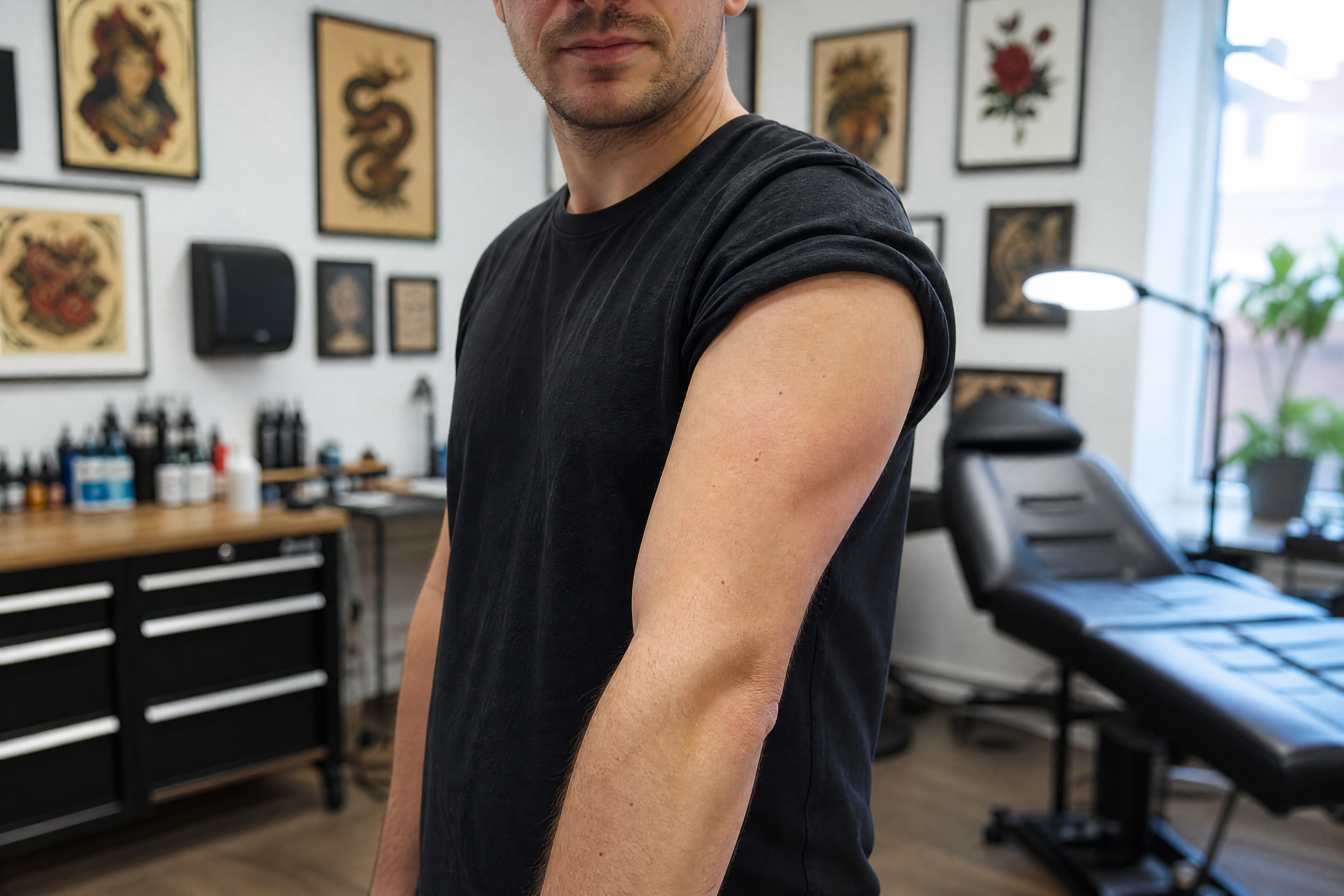
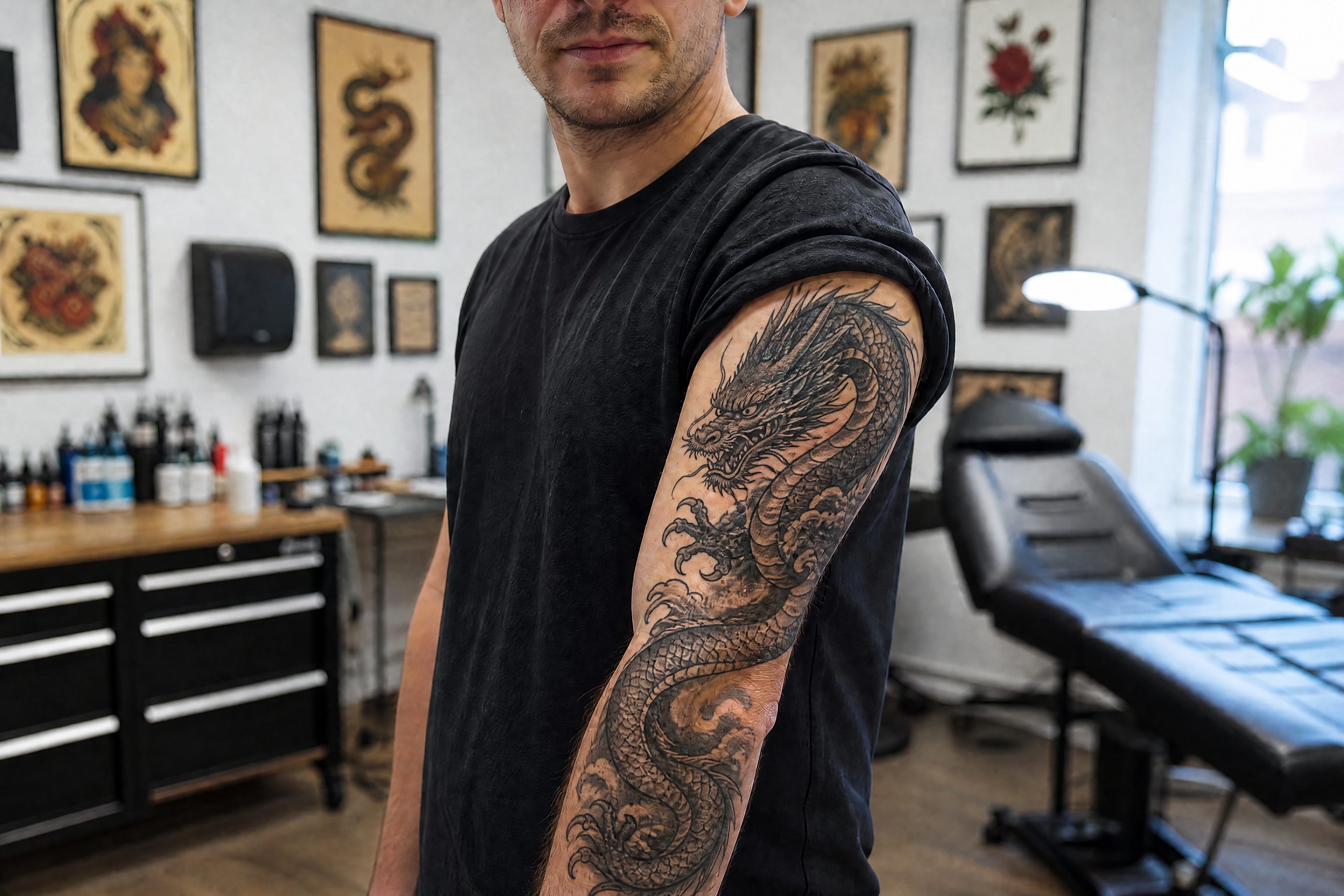
Watch the Transformation
See ai tattoo generator in motion — generated end-to-end by our AI.
See It In Action
Real outputs from ai tattoo generator.
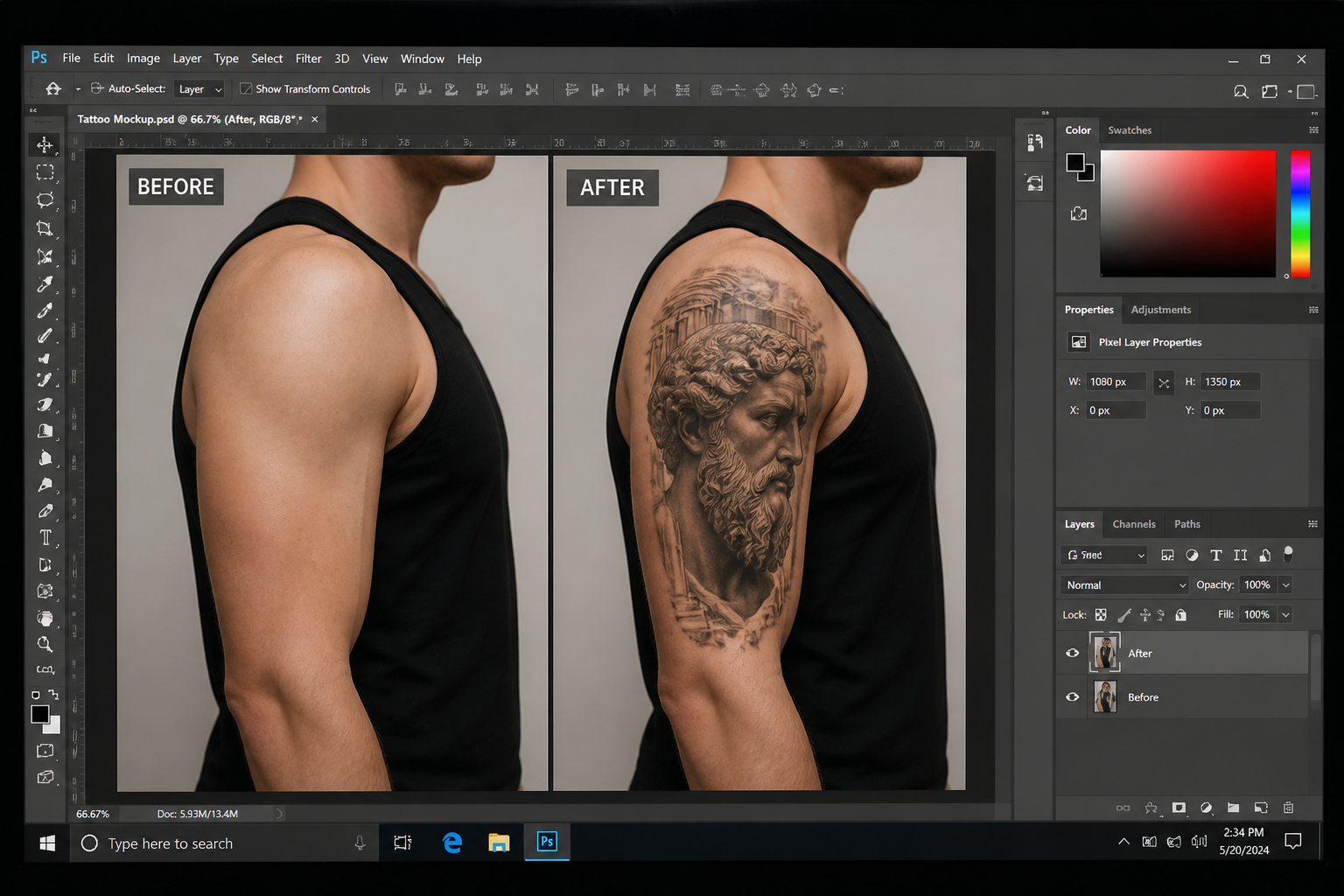
BEFOREAFTER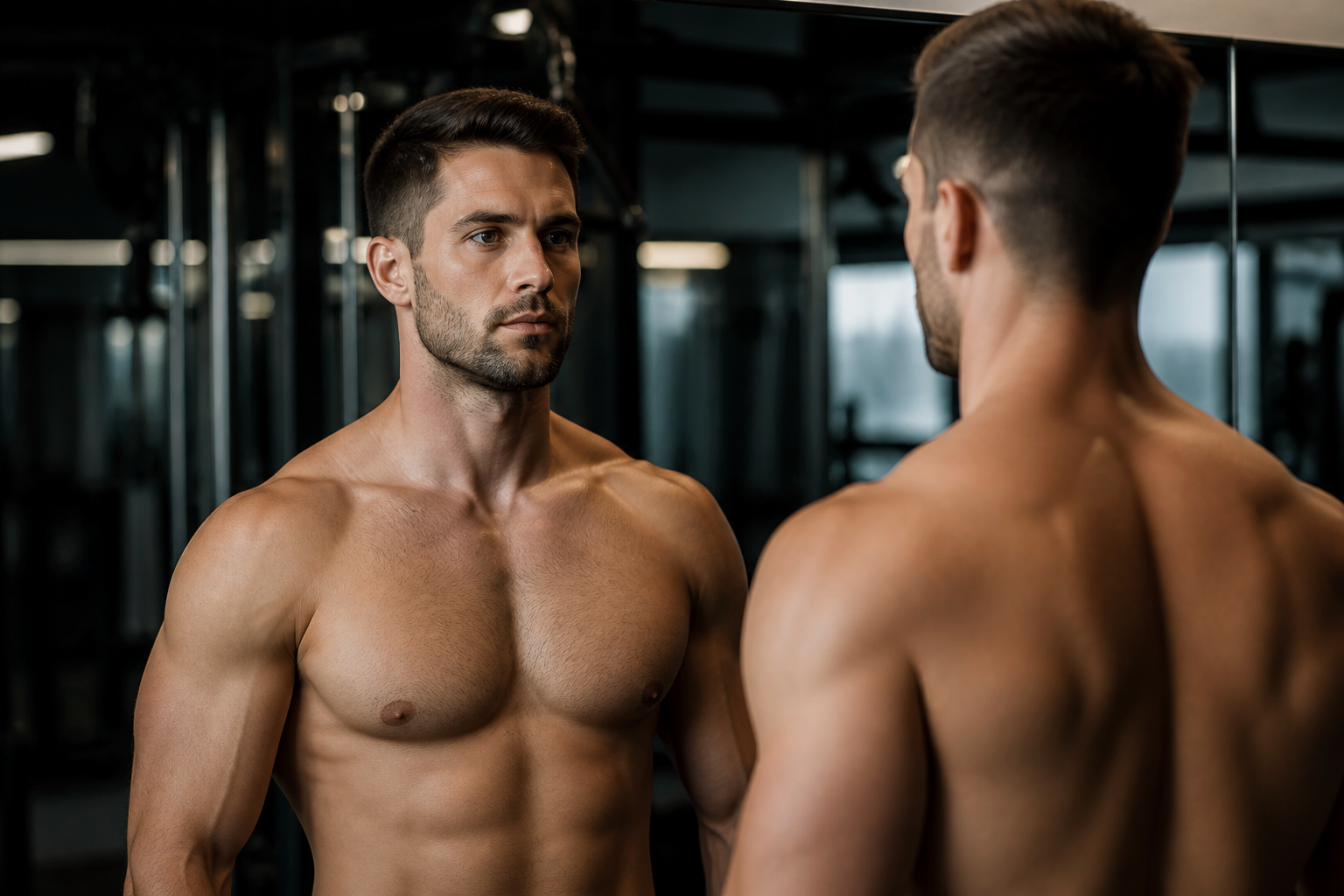 BEFORE
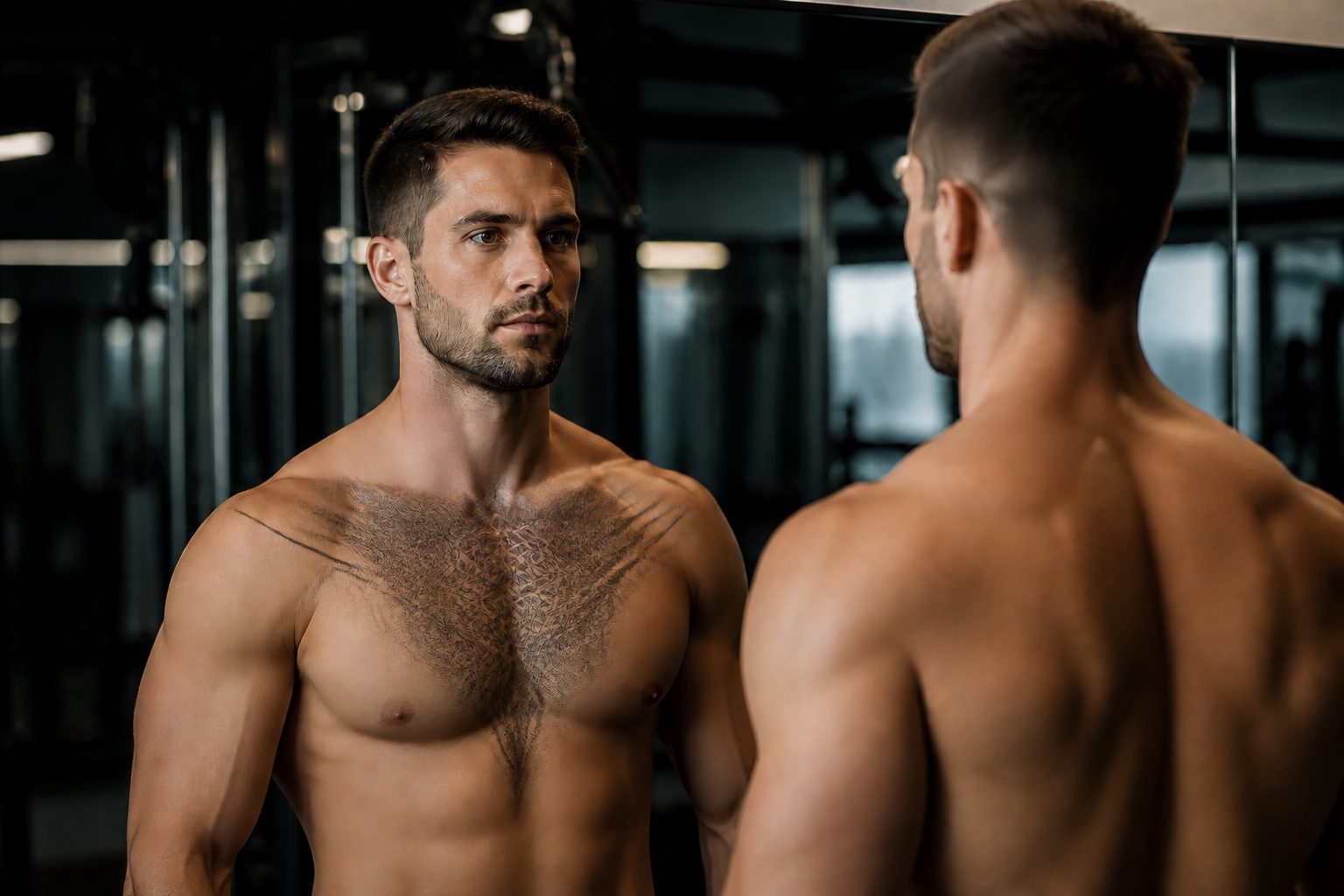 AFTER
AFTER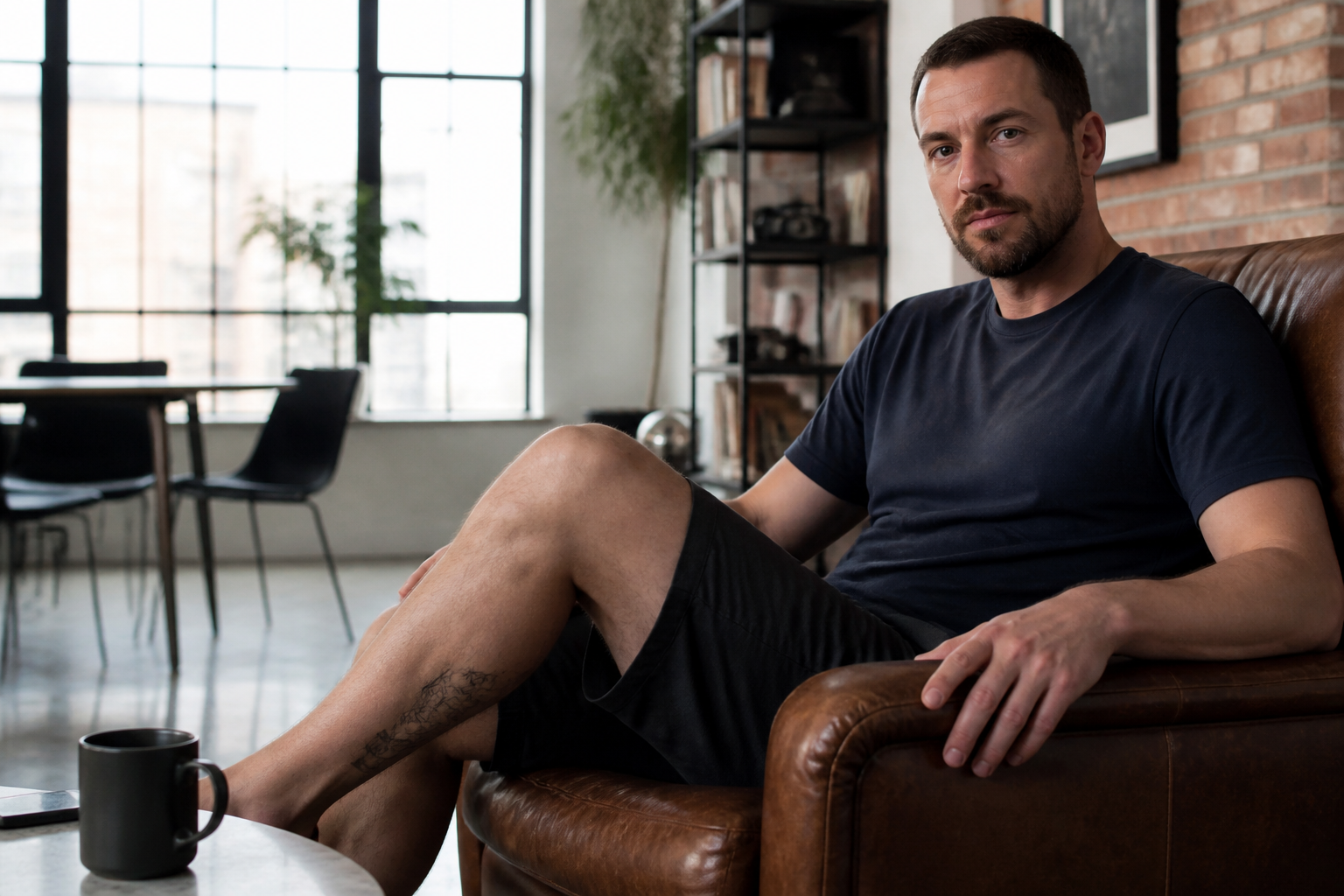 BEFORE
 AFTER
AFTER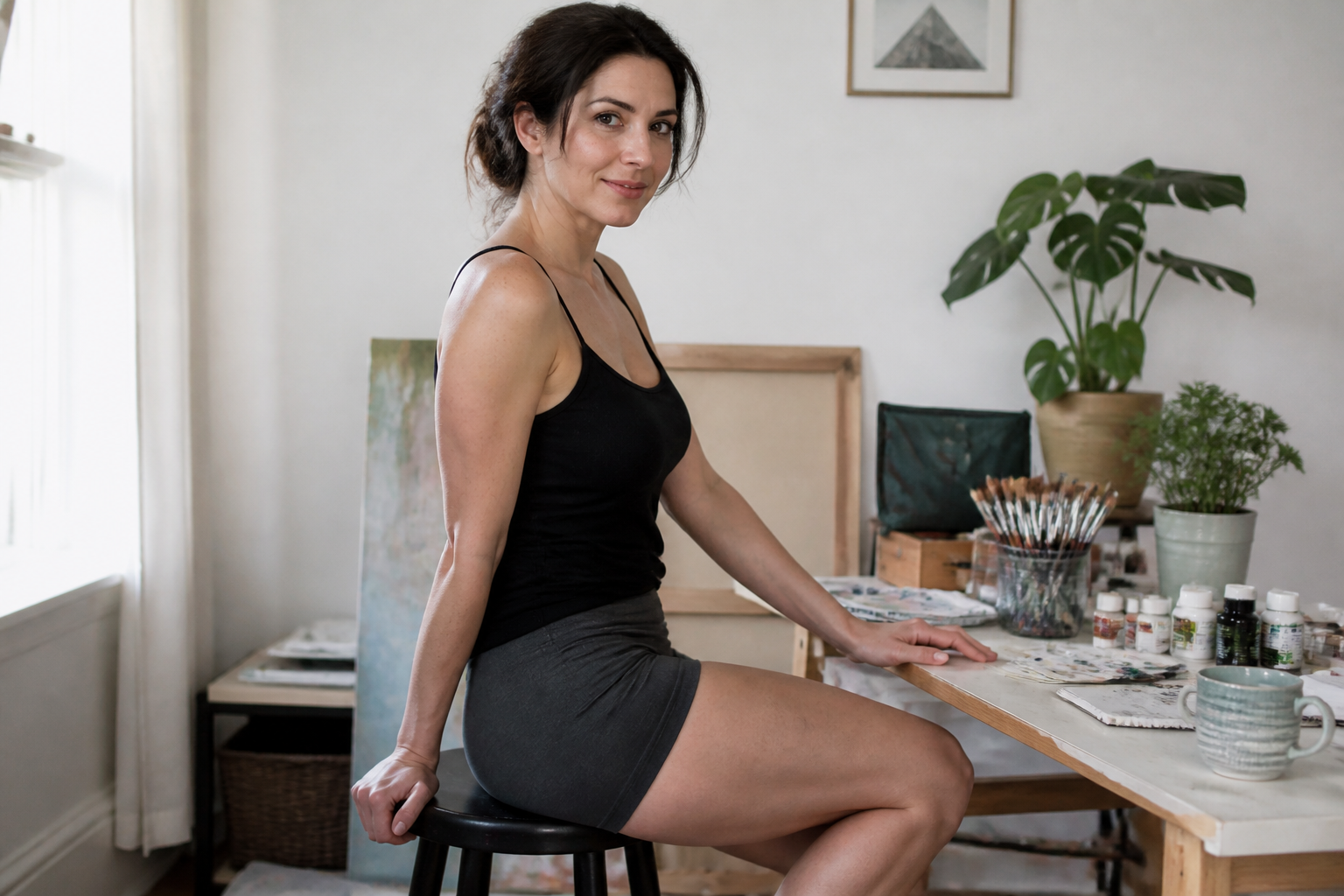 BEFORE
 AFTER
AFTER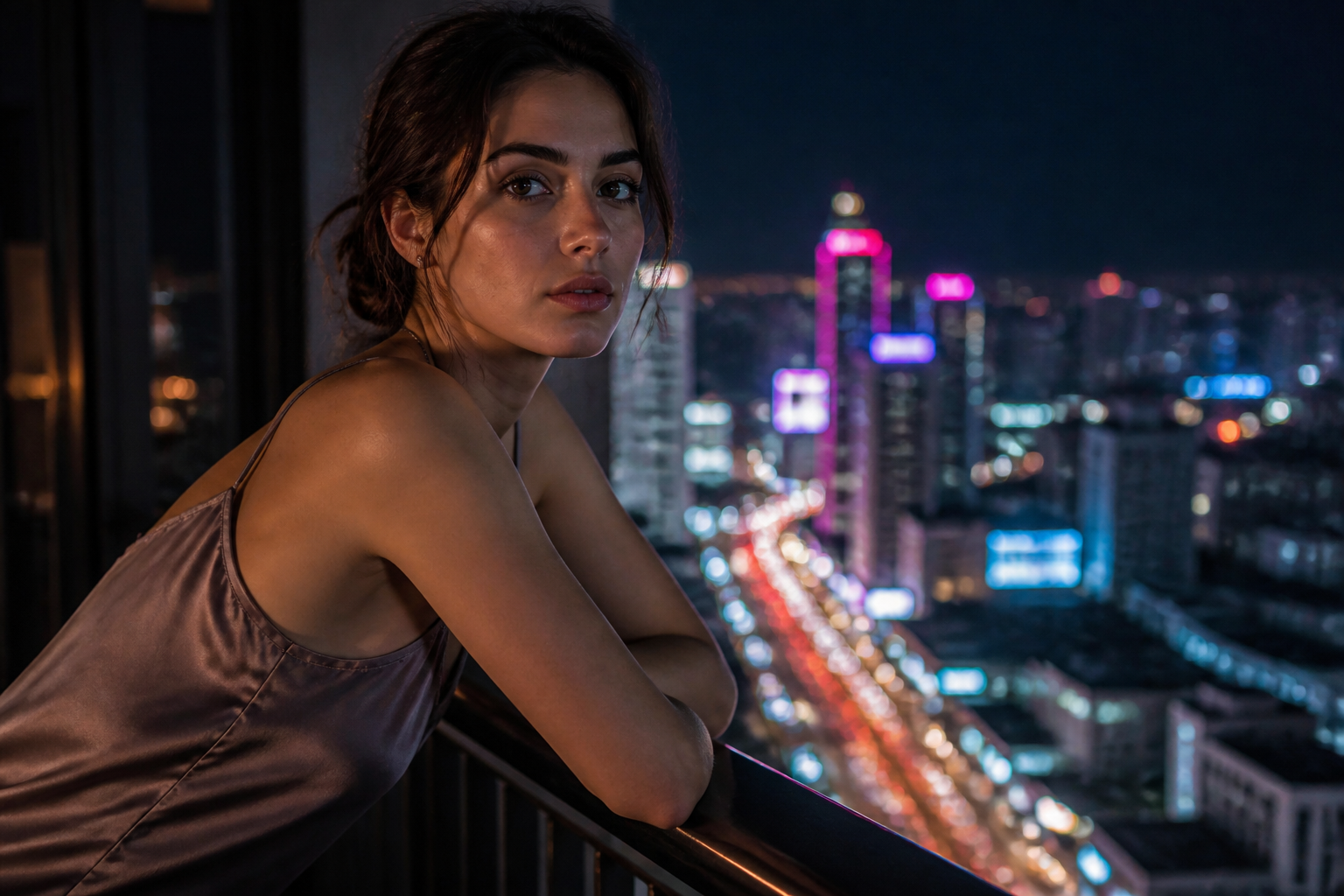 BEFORE
 AFTERBEFOREAFTERBEFOREAFTERBEFOREAFTERBEFOREAFTERBEFOREAFTER
 BEFORE
 AFTER
AFTER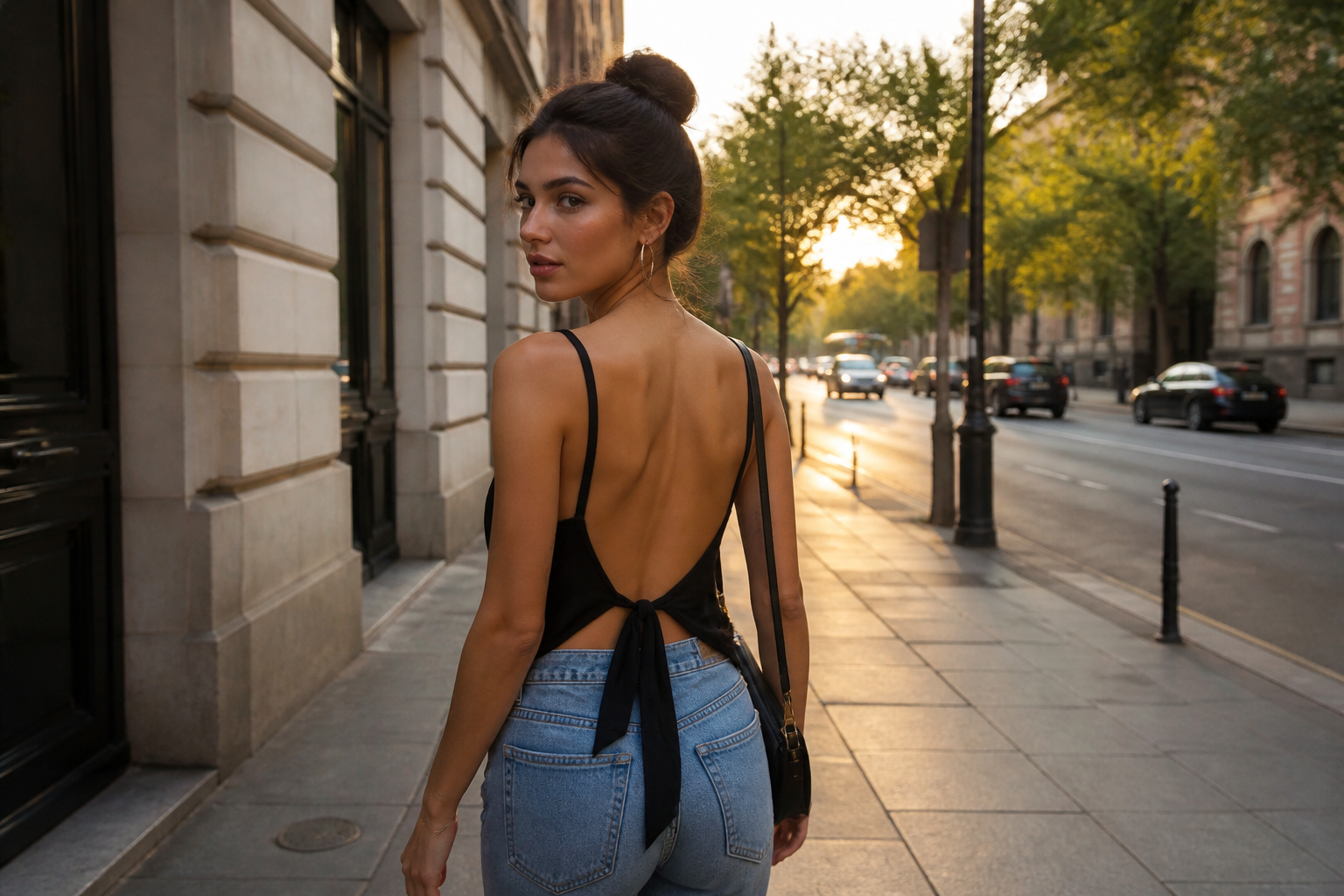 BEFORE
 AFTER
AFTER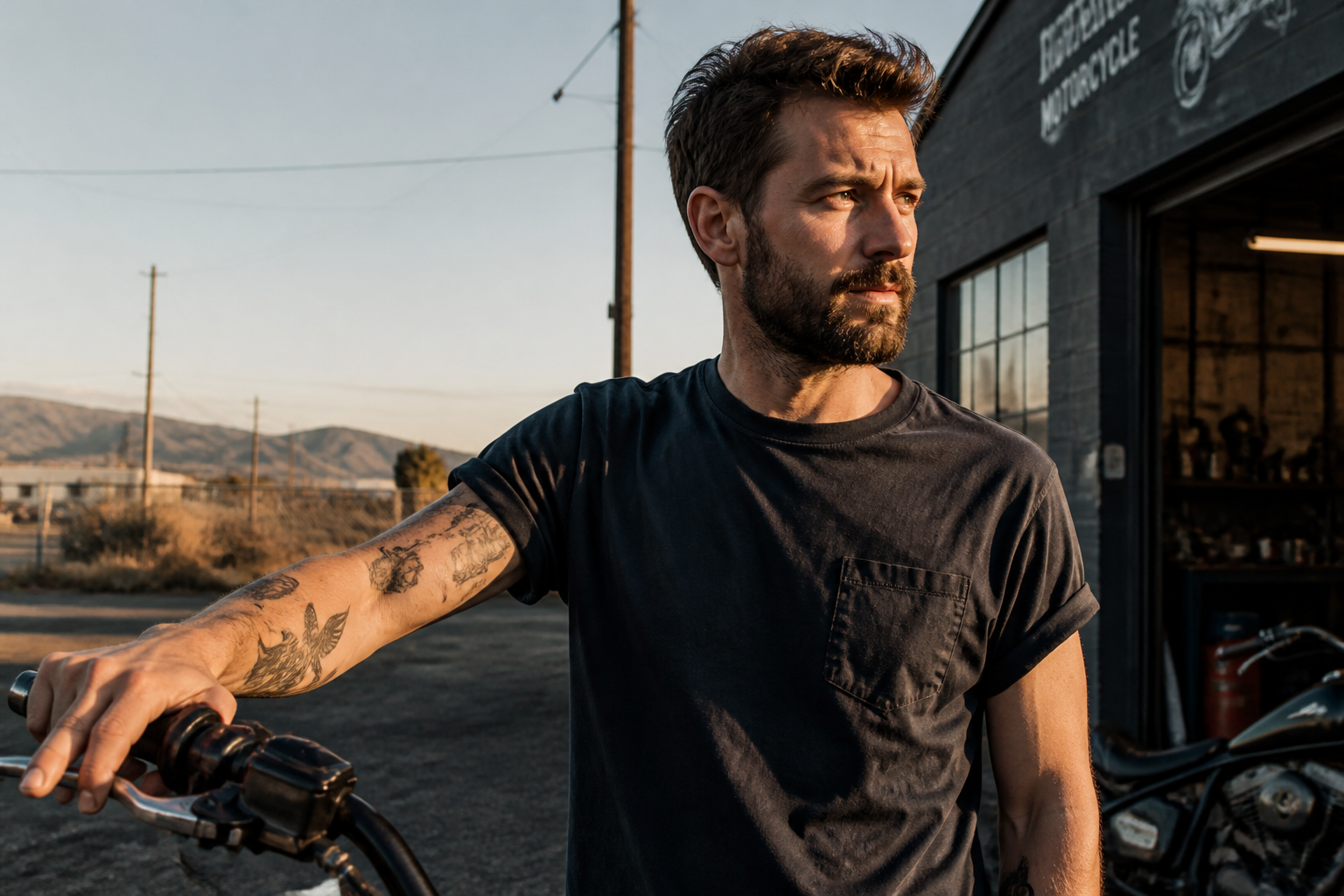 BEFORE
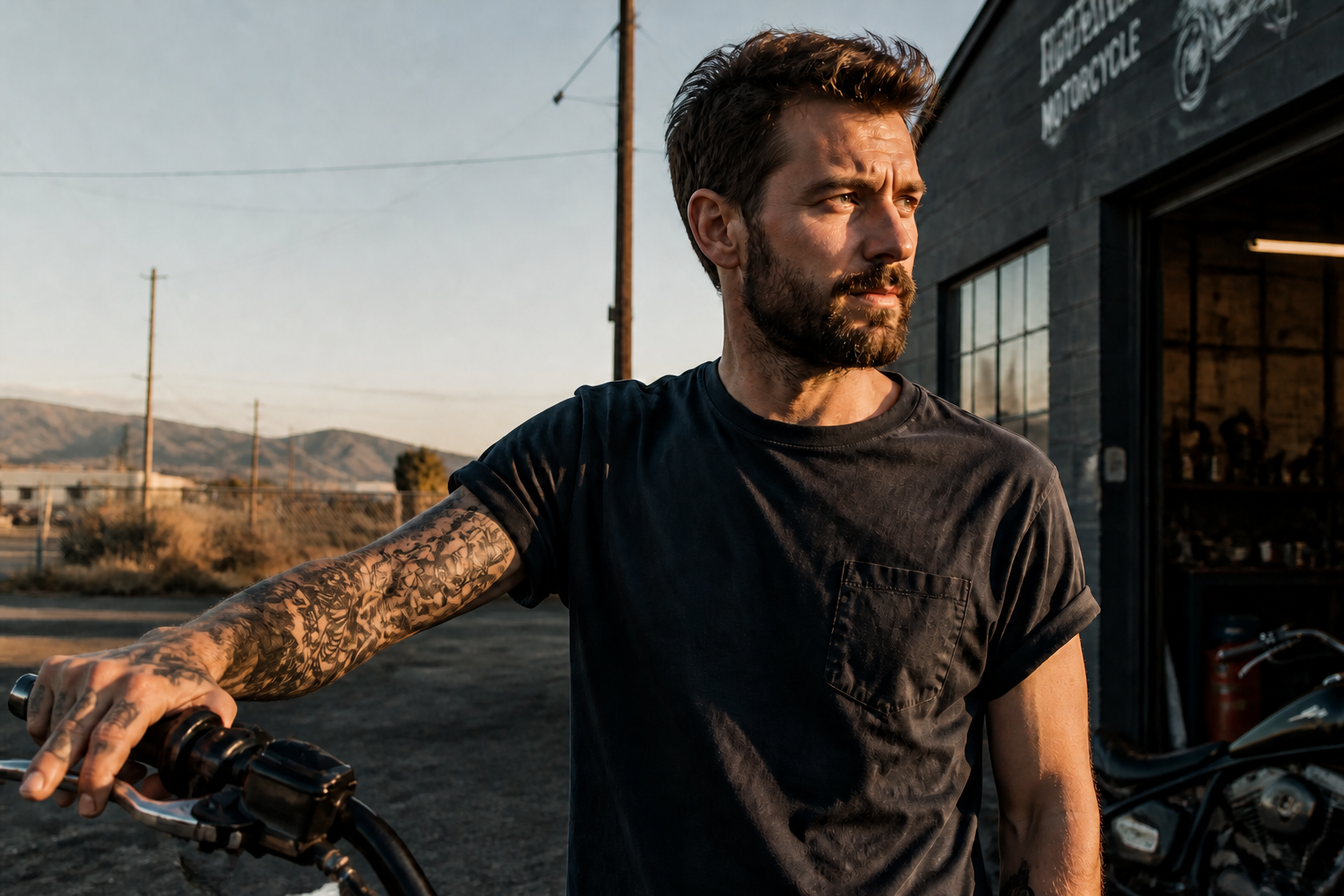 AFTER
AFTER BEFORE
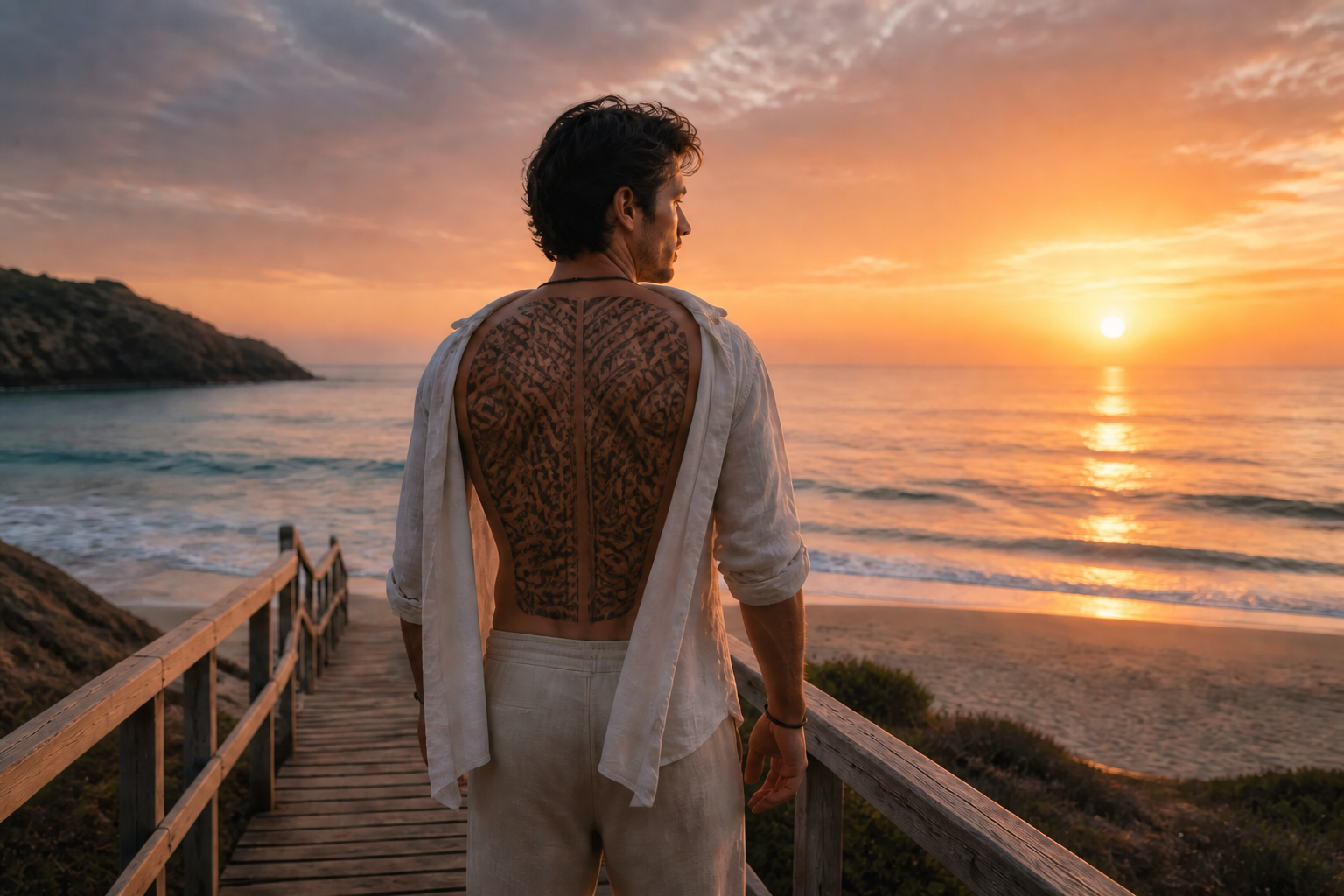 AFTERBEFOREAFTERBEFOREAFTERBEFOREAFTERBEFOREAFTER
Key Features
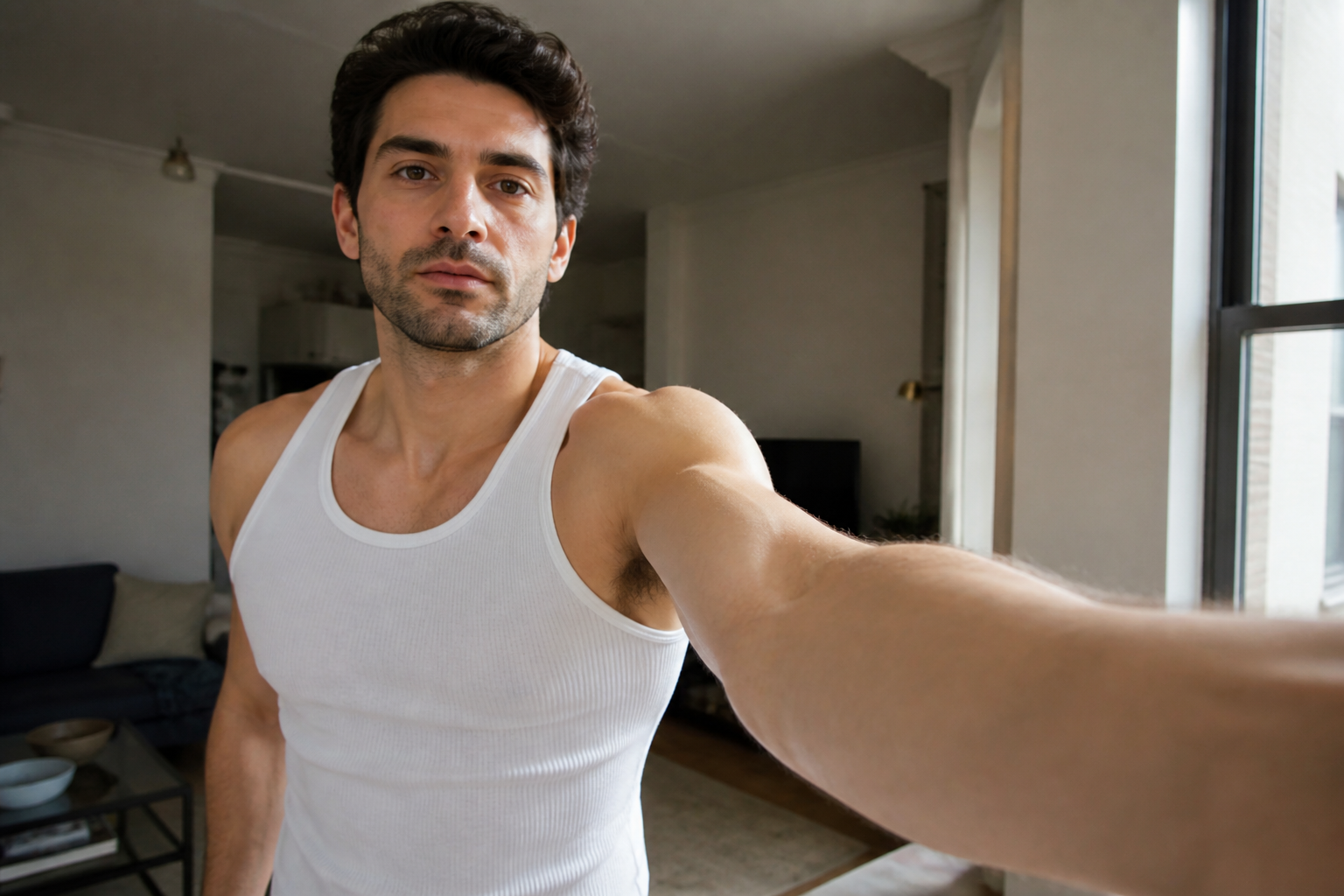
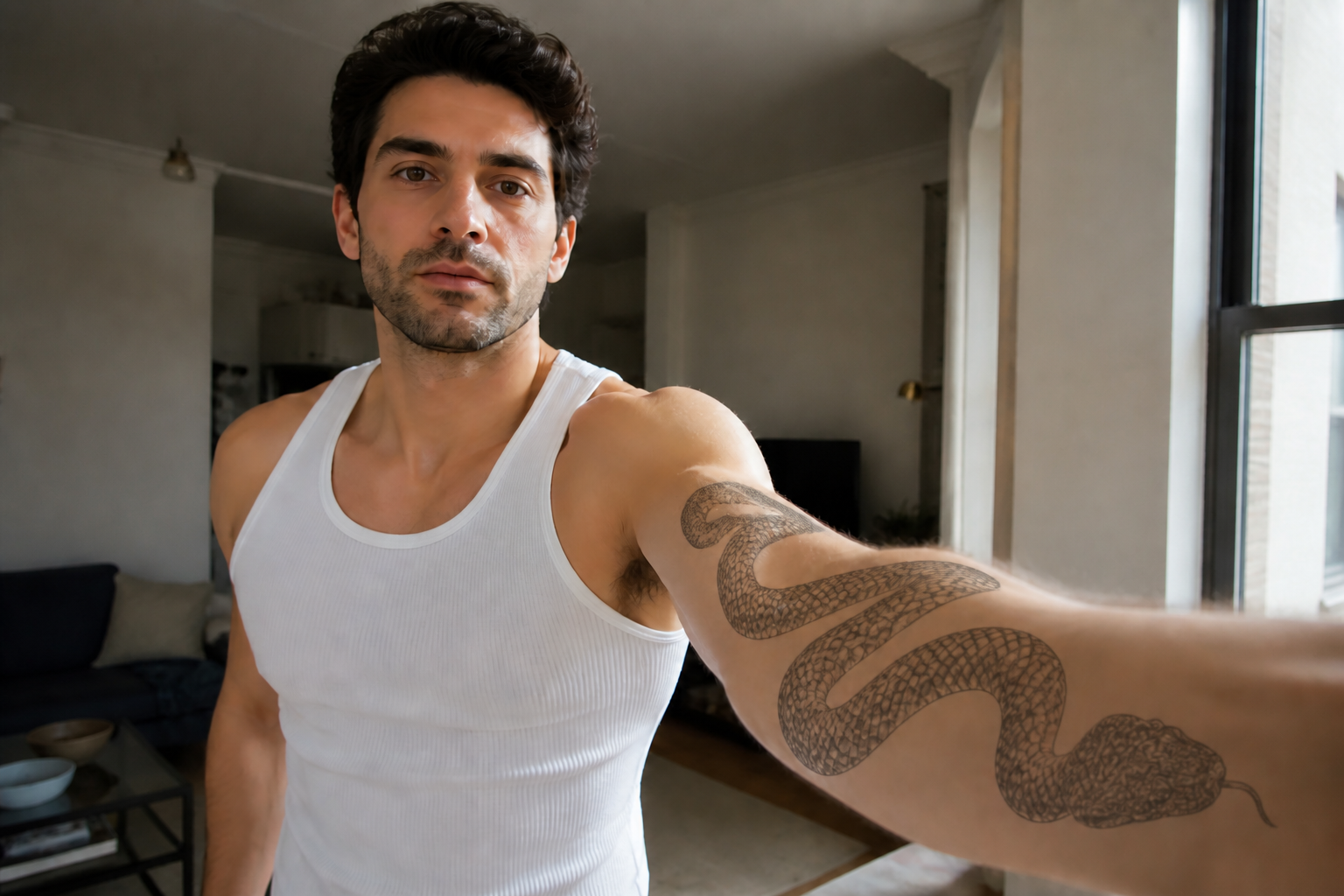
Test placement before ink
See how a tattoo looks on the exact body area you care about before making it permanent. You can check whether the design fits the arm, chest, ribs, back, or leg without guessing from flat sketches. That matters because placement changes how a tattoo reads with muscle, curves, and posture. Doing this manually usually means rough mockups or marker drawings, while our AI gives you a clean visual preview in seconds.
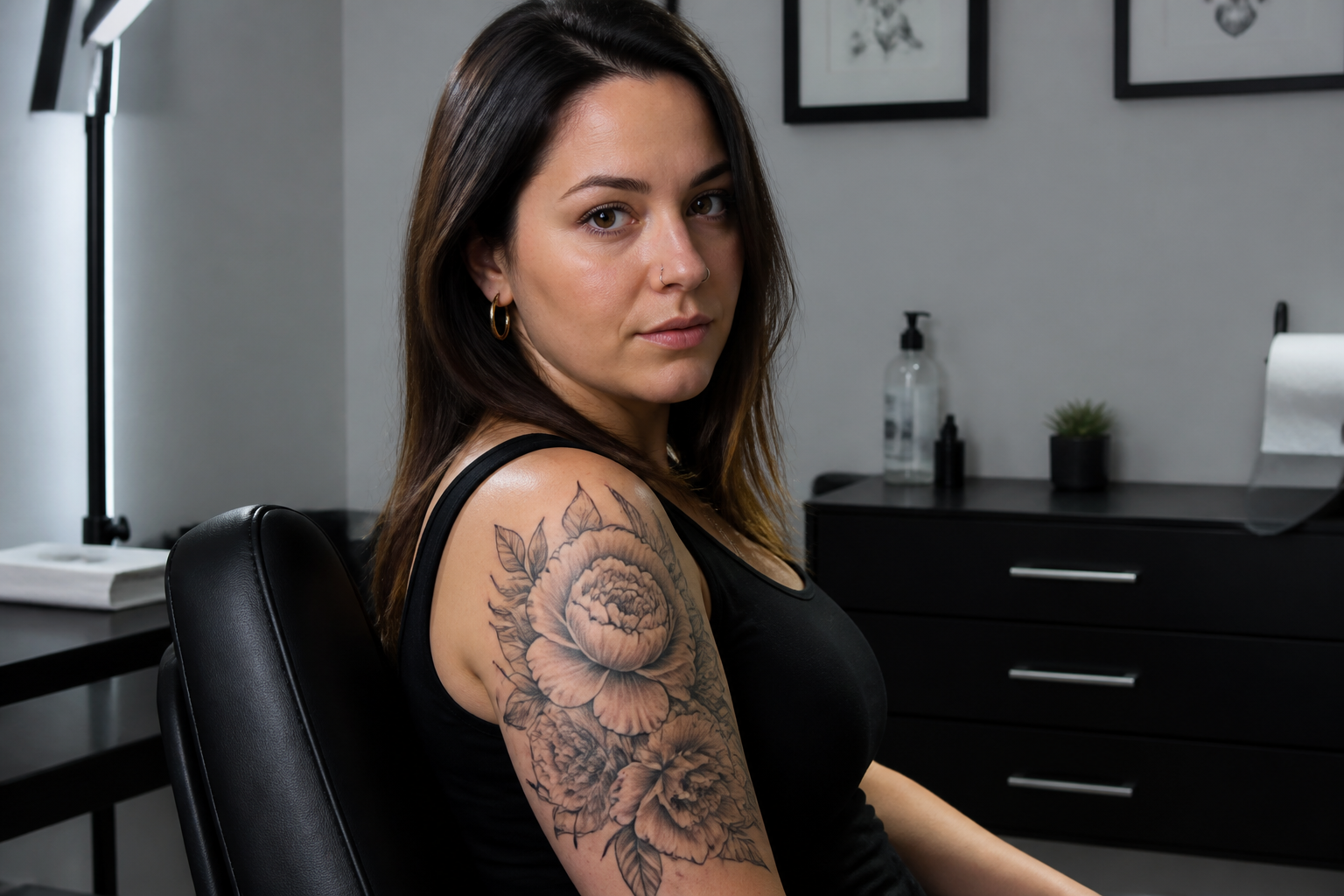
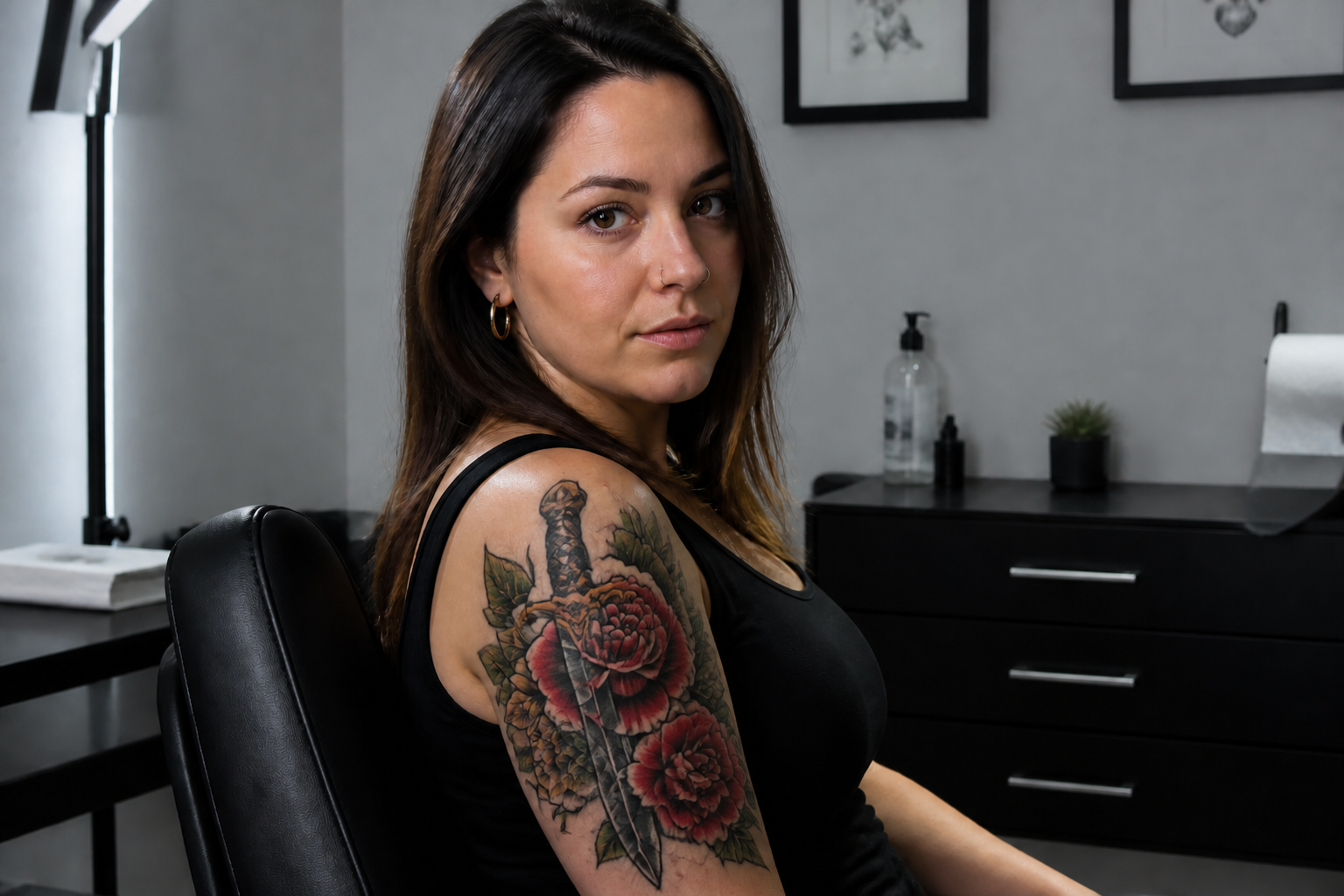
Try different tattoo styles
A good idea can feel completely different as fine line, blackwork, neo-traditional, or ornamental. This feature helps you compare visual directions on the same photo so you can decide what style fits your taste and body area. It is useful when you have a concept but not a final art direction yet. Instead of collecting random references and imagining the result, you can preview a specific style directly on your image.
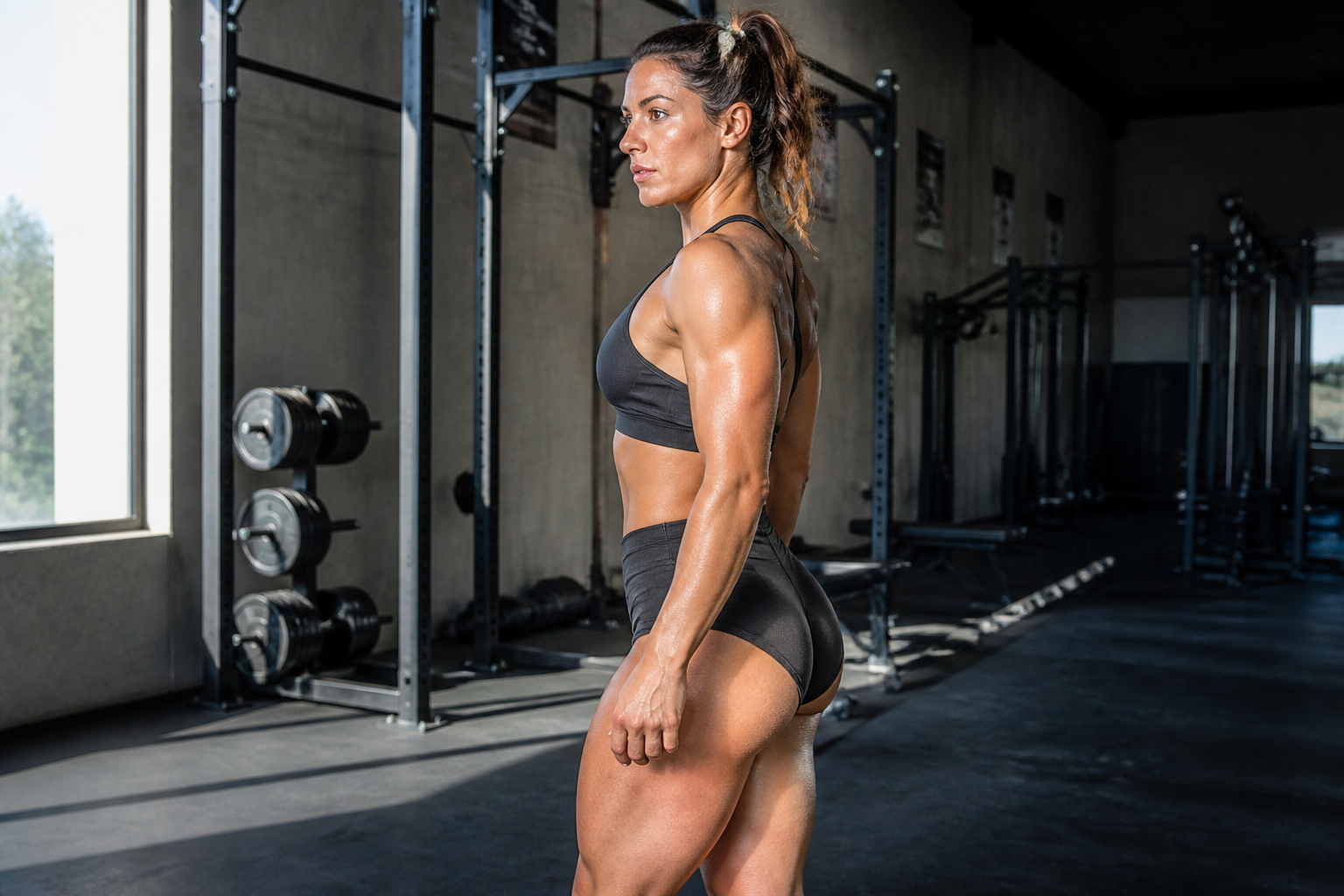
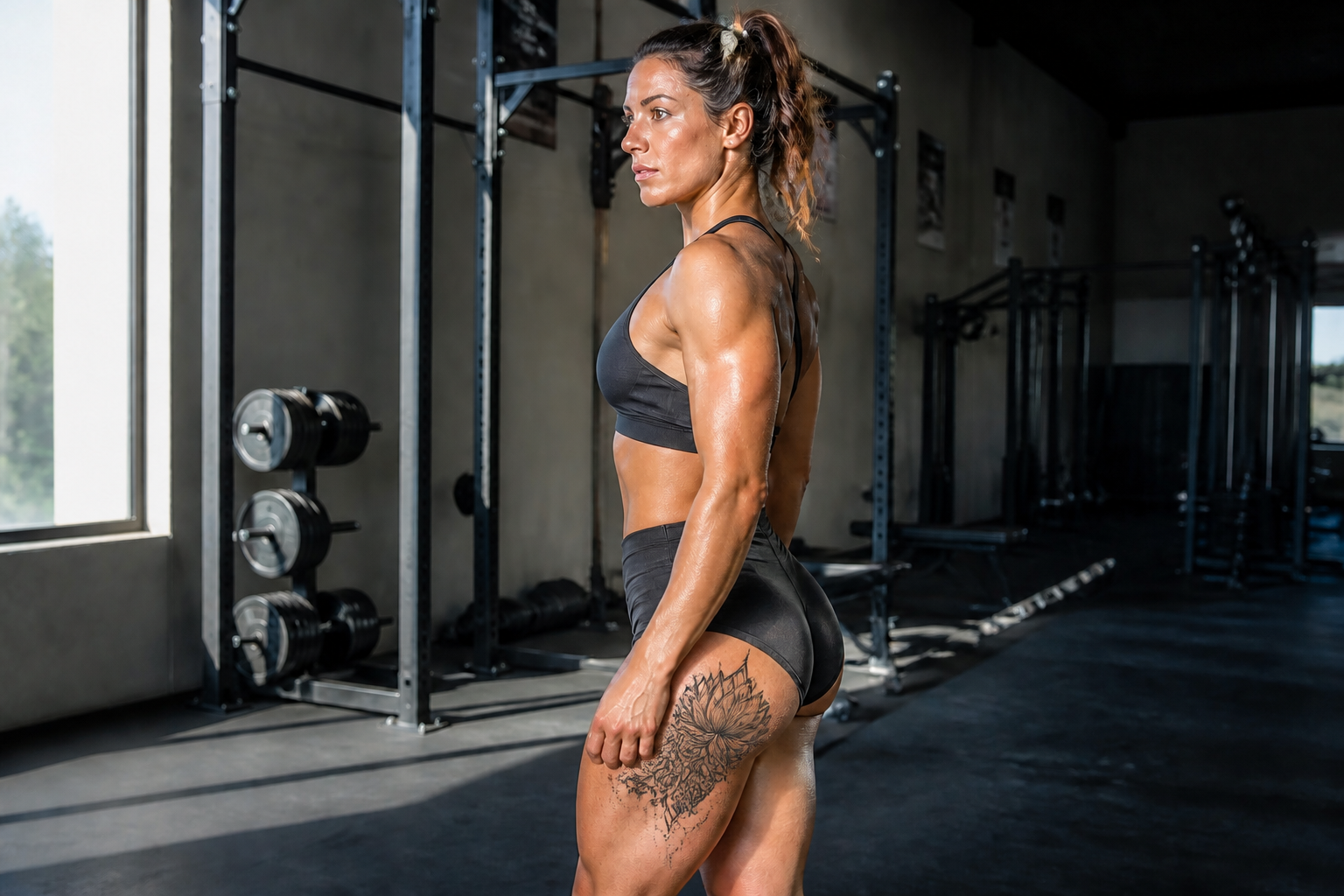
Keep skin and anatomy believable
Tattoo previews should follow the body, not float on top of it. Our AI is built to keep the design aligned with skin texture, body contours, and natural lighting so the result reads like a realistic mockup. That makes it easier to judge size, visibility, and overall balance. Manual comps often look pasted on, which can lead to bad size or placement decisions.
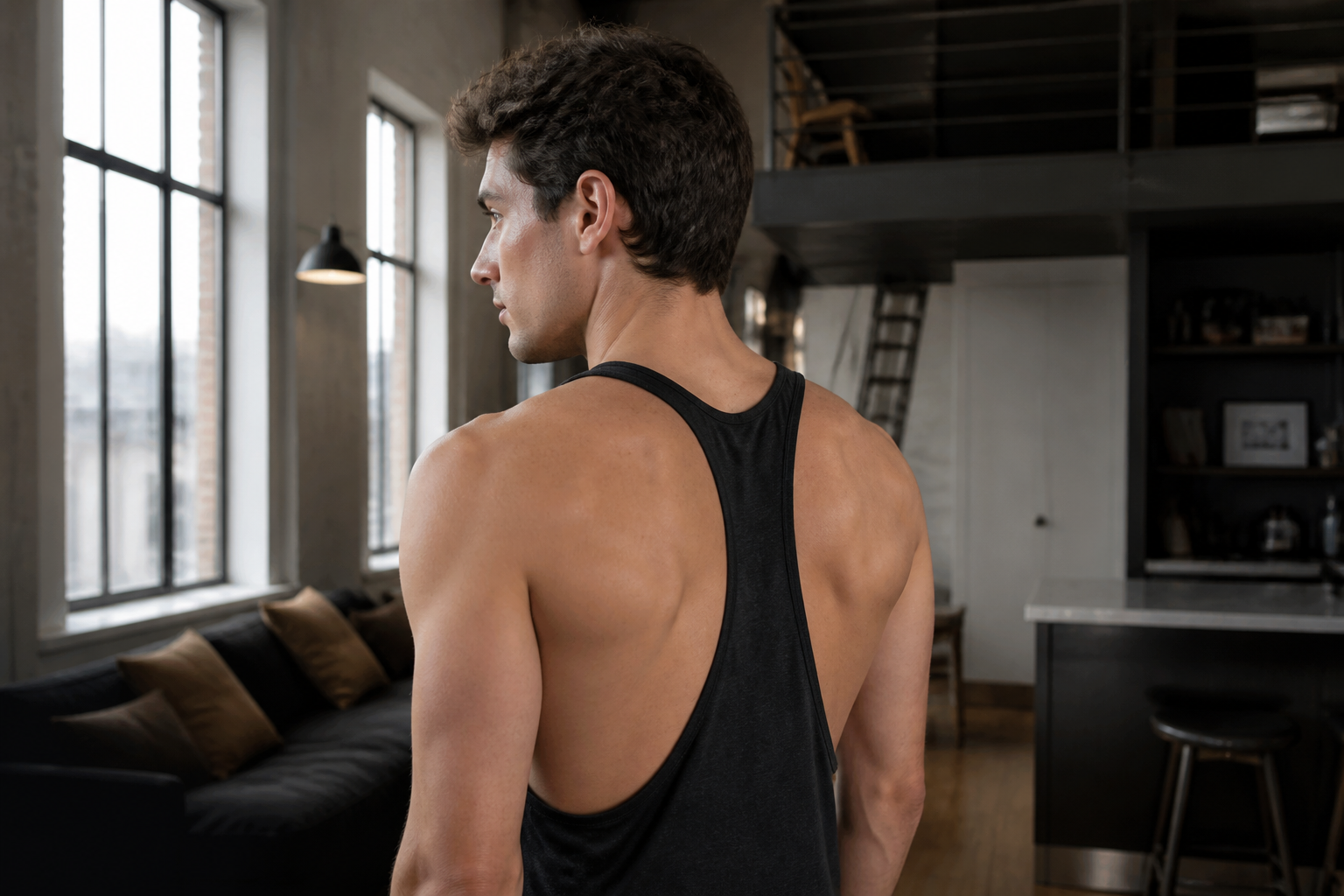
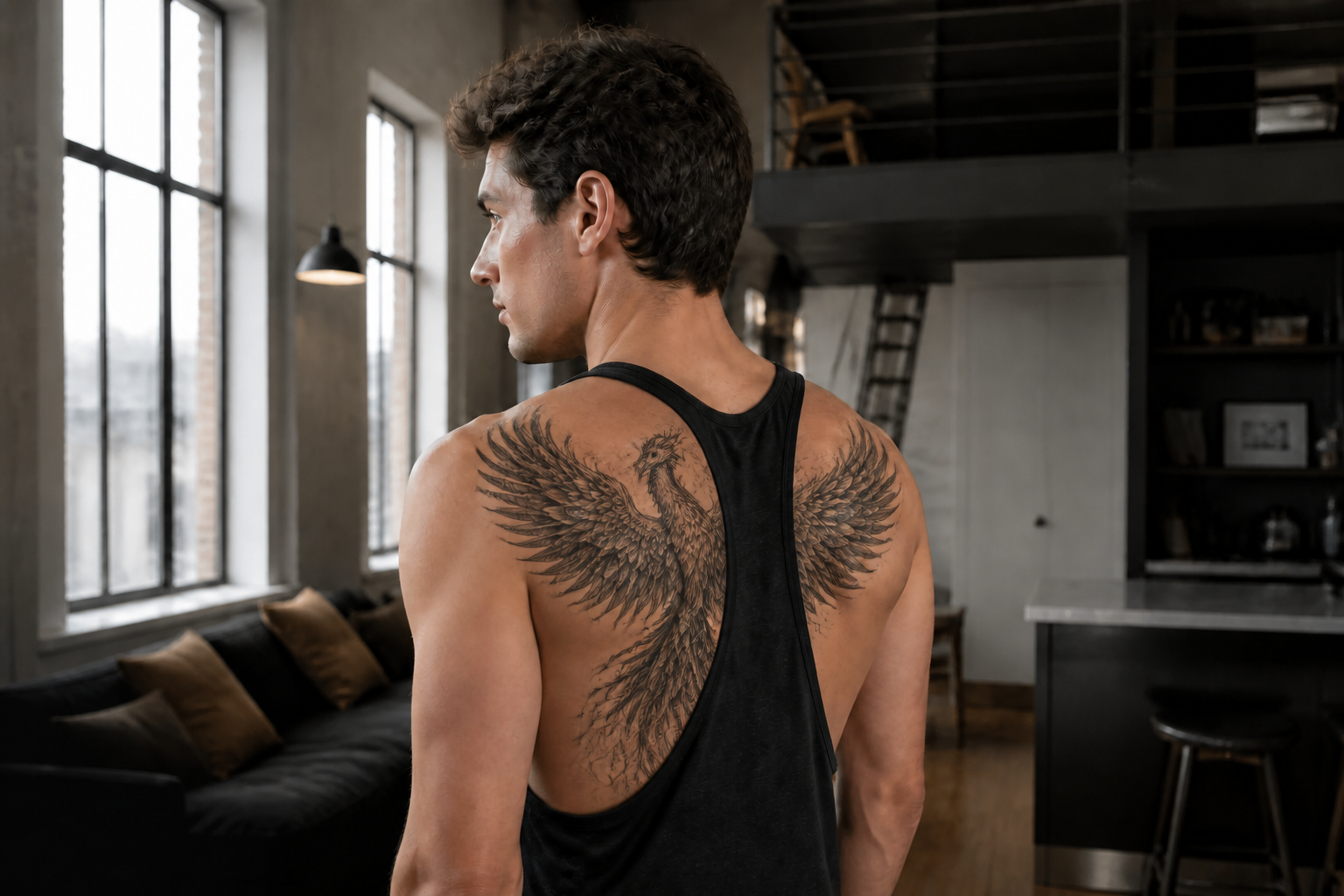
Refine ideas fast
Tattoo planning usually takes several rounds of references, screenshots, and rough sketches. This feature lets you iterate quickly by changing concept, scale, and coverage while staying on the same base photo. You get clear feedback on what works without restarting from scratch each time. That speed helps both clients and artists narrow down ideas before the real design process begins.
How It Works
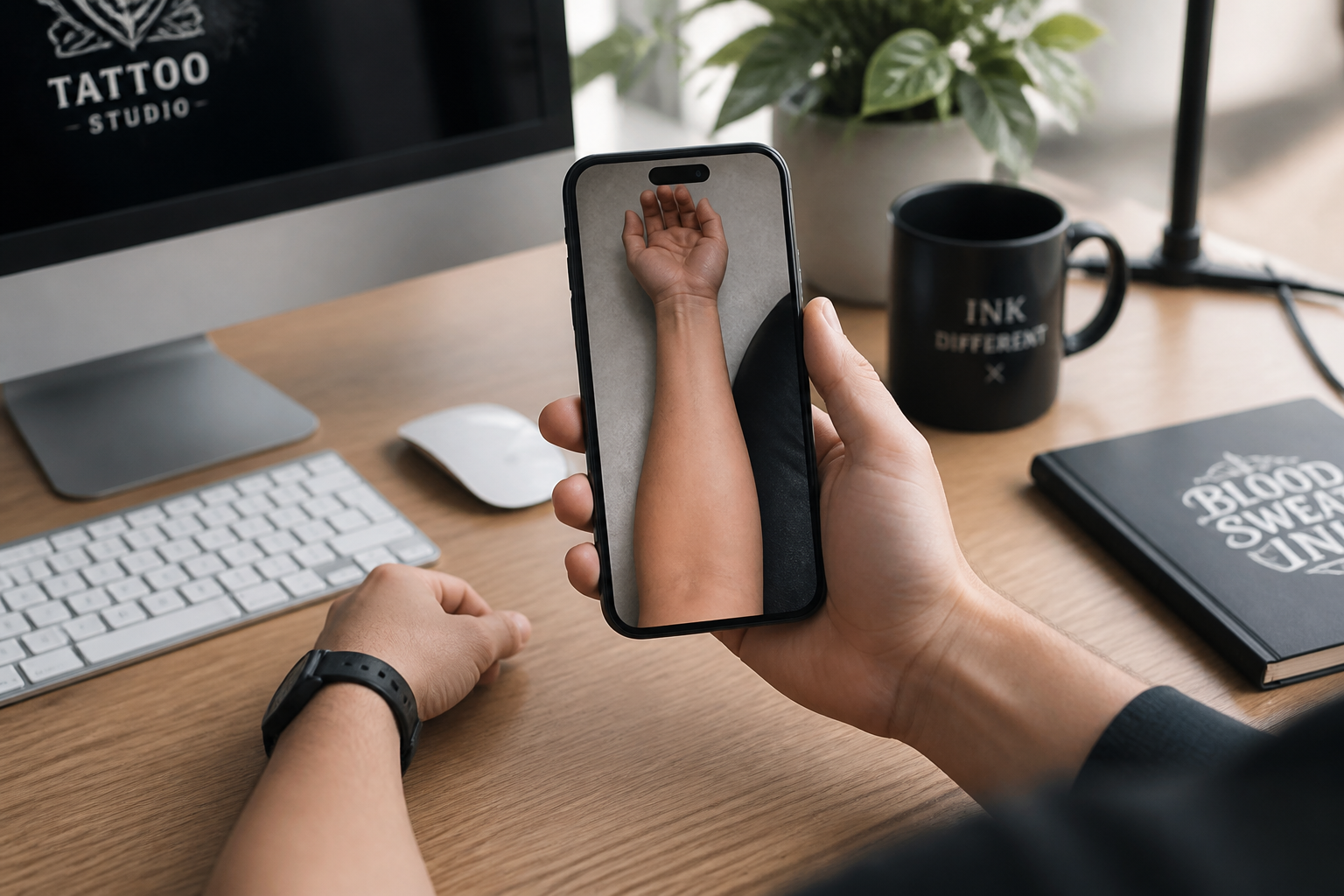
Upload your photo
Start with a clear photo of the body area where you want the tattoo. Good lighting and a visible arm, back, chest, leg, or ribs will give you a cleaner preview.
Describe the tattoo
Type the design idea, style, and placement you want to test. You can be direct, such as blackwork snake on forearm or fine line flowers on shoulder.
Compare and refine
Review the generated mockup and see how the tattoo sits on the body. If needed, adjust the size, style, or location and generate another version.
Perfect For
Discover how creators and professionals use ai tattoo generator
Tattoo placement previews
Check how a design looks on different body areas before you commit to one.
Style exploration
Try blackwork, fine line, ornamental, tribal, and color-heavy concepts on the same photo.
Client consultations
Create fast visual mockups to make artist-client discussions more concrete.
Reference building
Turn rough tattoo ideas into clearer visual references for your next appointment.
Built For
Tattoo clients
Preview ideas on your own photo so you can decide on placement, scale, and style with more confidence.
Tattoo artists
Use quick mockups to guide consultations and narrow concepts before drawing the final custom design.
Content creators
Generate polished tattoo concept visuals for posts, moodboards, and style experiments.
Why use an AI tattoo mockup tool
A quick look at how we compare on the things that matter for this niche.
| Feature | BudgetPixel | Generic AI editors | Manual editing apps |
|---|---|---|---|
| Tattoo-specific mockups | ✓ | — | — |
| Fast placement previews | ✓ | ✓ | — |
| Realistic on-skin edits | ✓ | — | — |
| Easy style variation | ✓ | ✓ | — |
| Manual design skill needed | — | — | Yes |
Frequently Asked Questions
Can I use my own photo?
Will the tattoo look realistic on skin?
Can I try different tattoo styles?
Does it work for different body areas?
Is this a replacement for a tattoo artist?
Create together.
Share your creations, discover trending AI art, and grow with fellow creators.