AI Real Estate Staging for Empty Rooms
Turn vacant property photos into polished, furnished listing images.
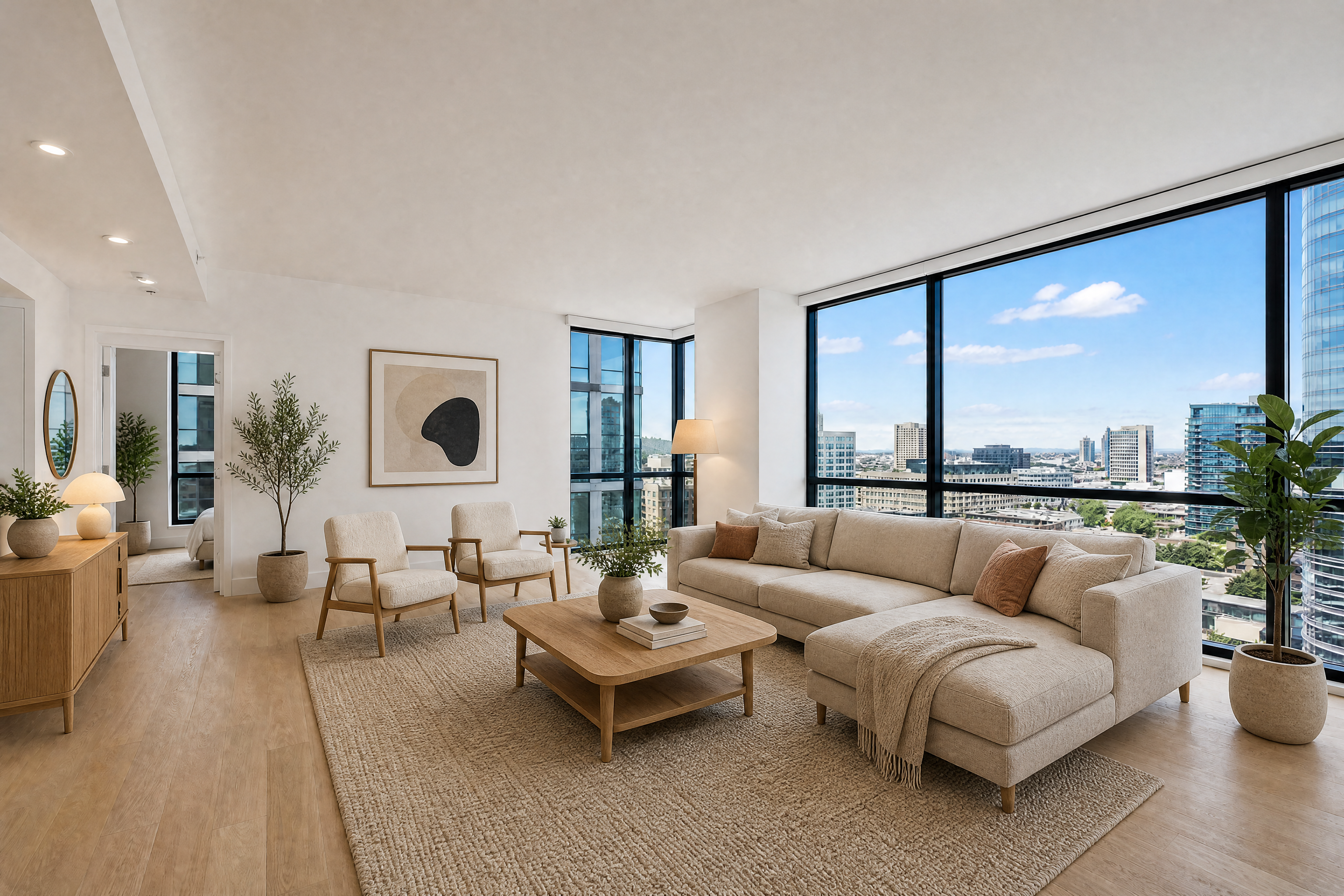
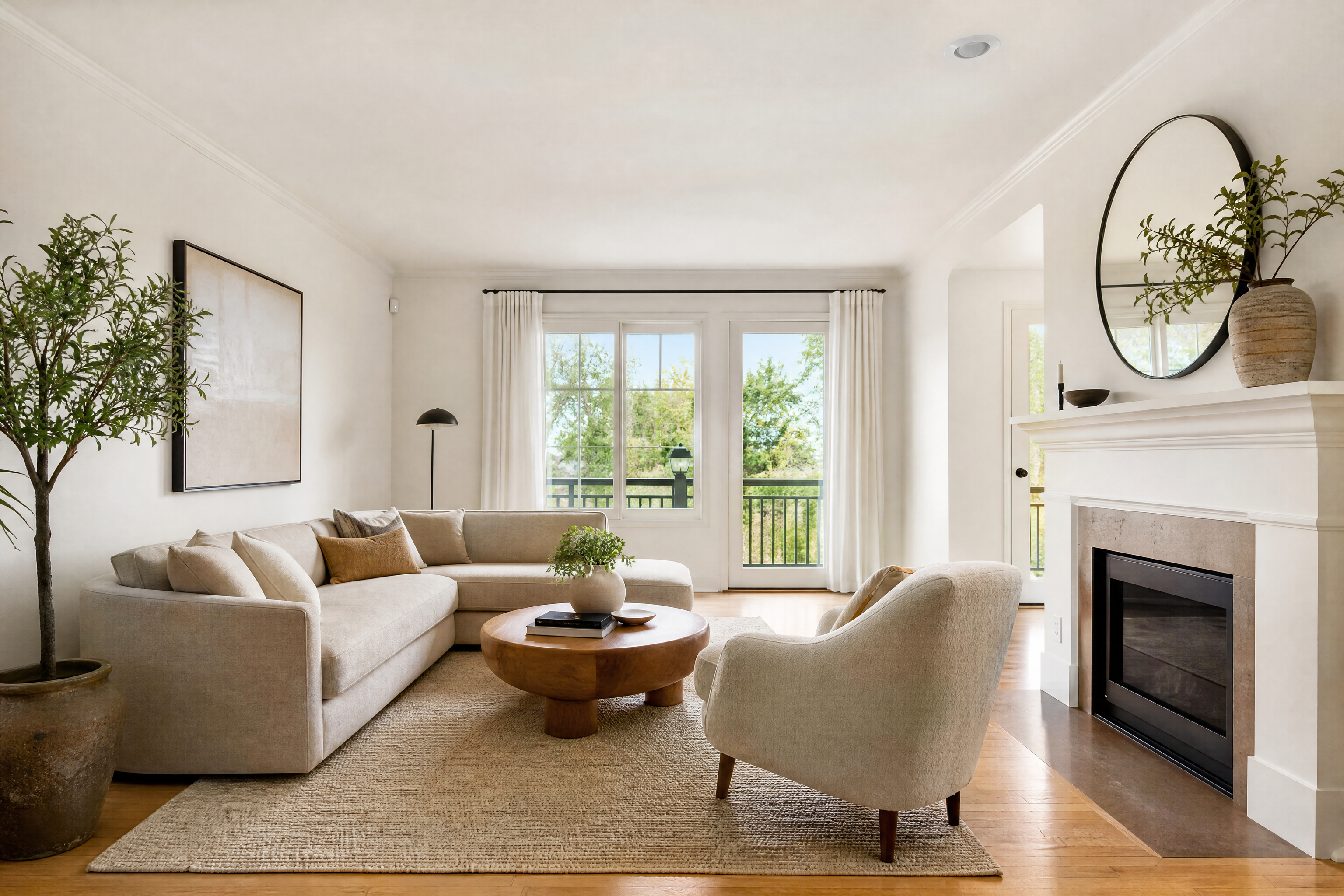
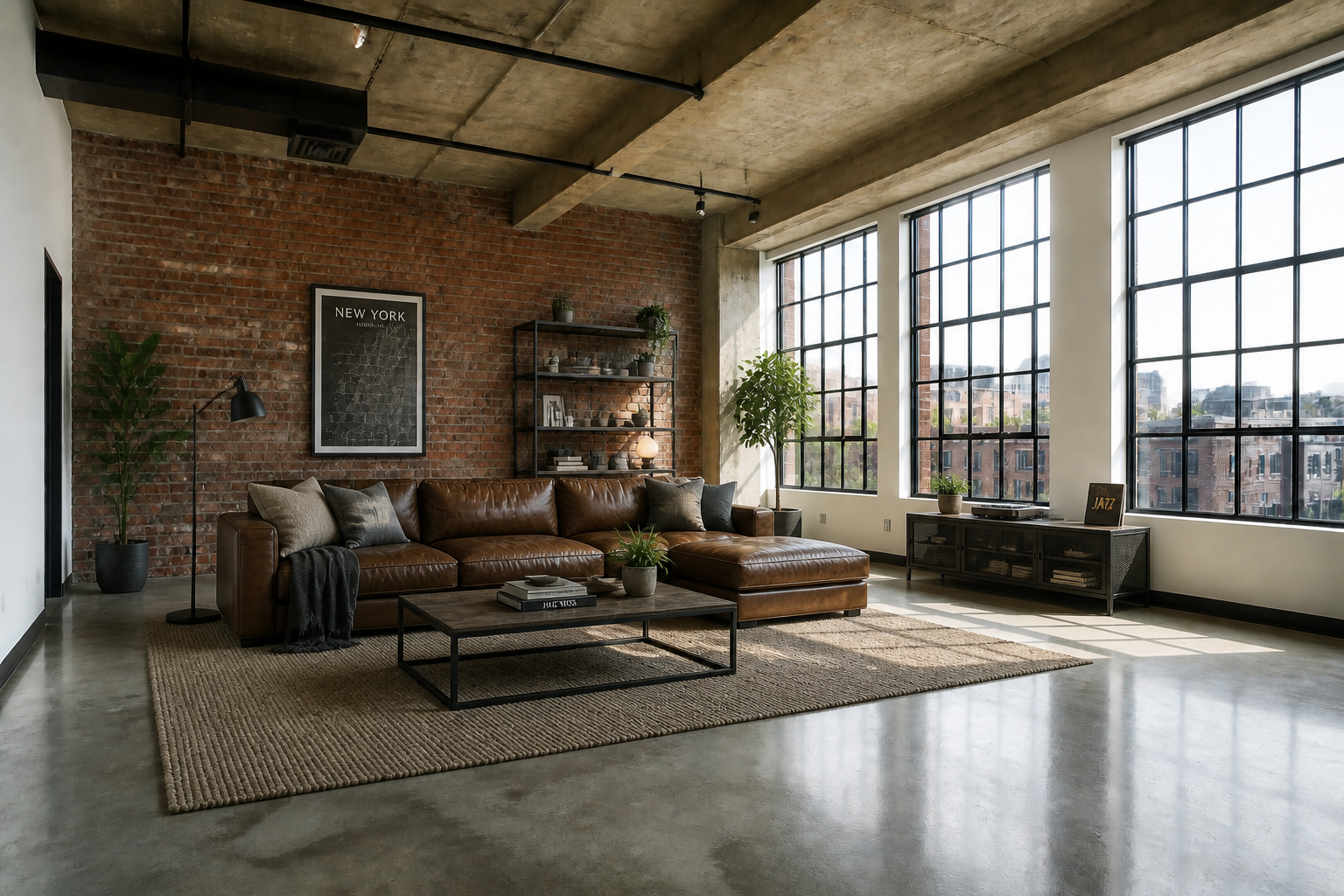
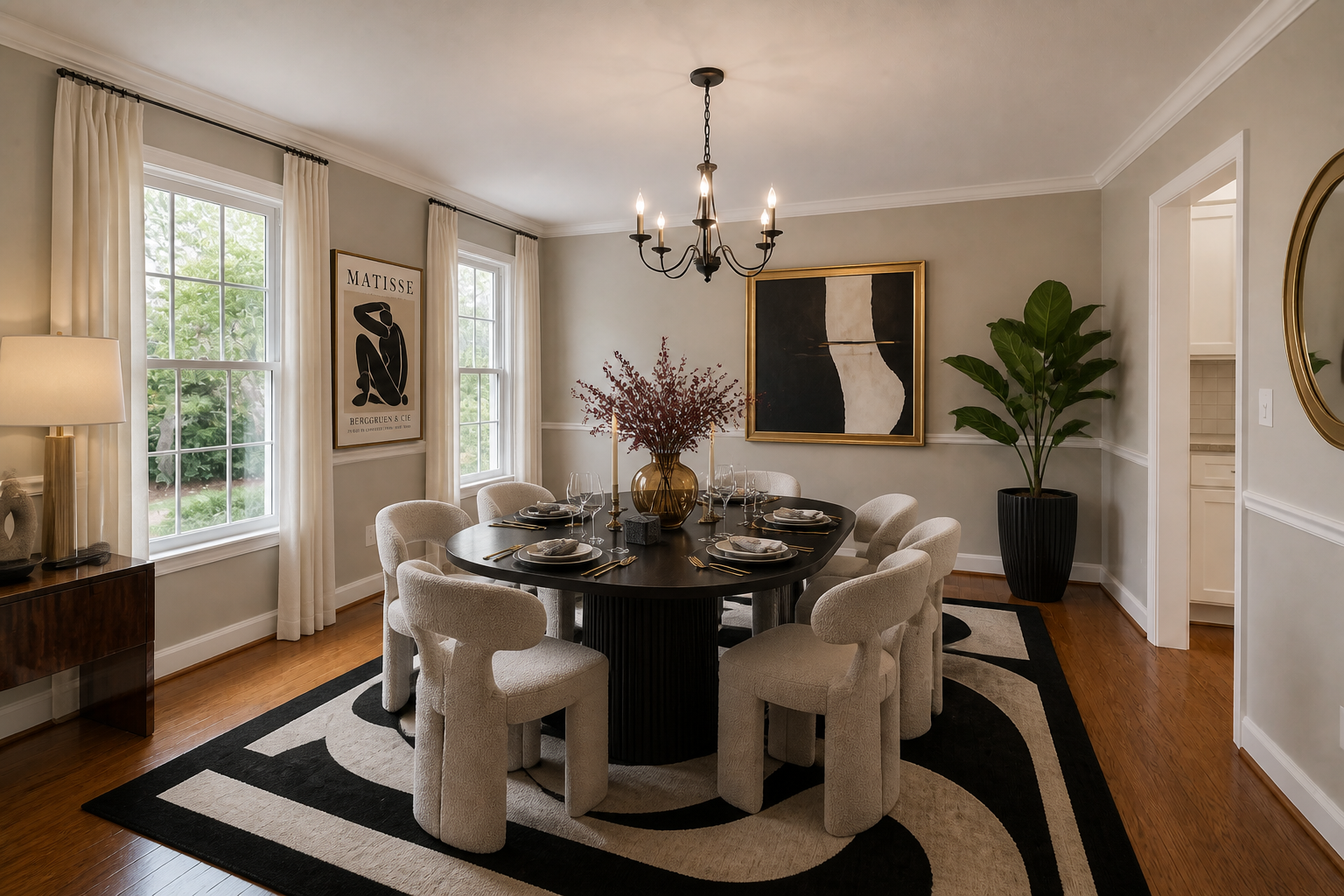
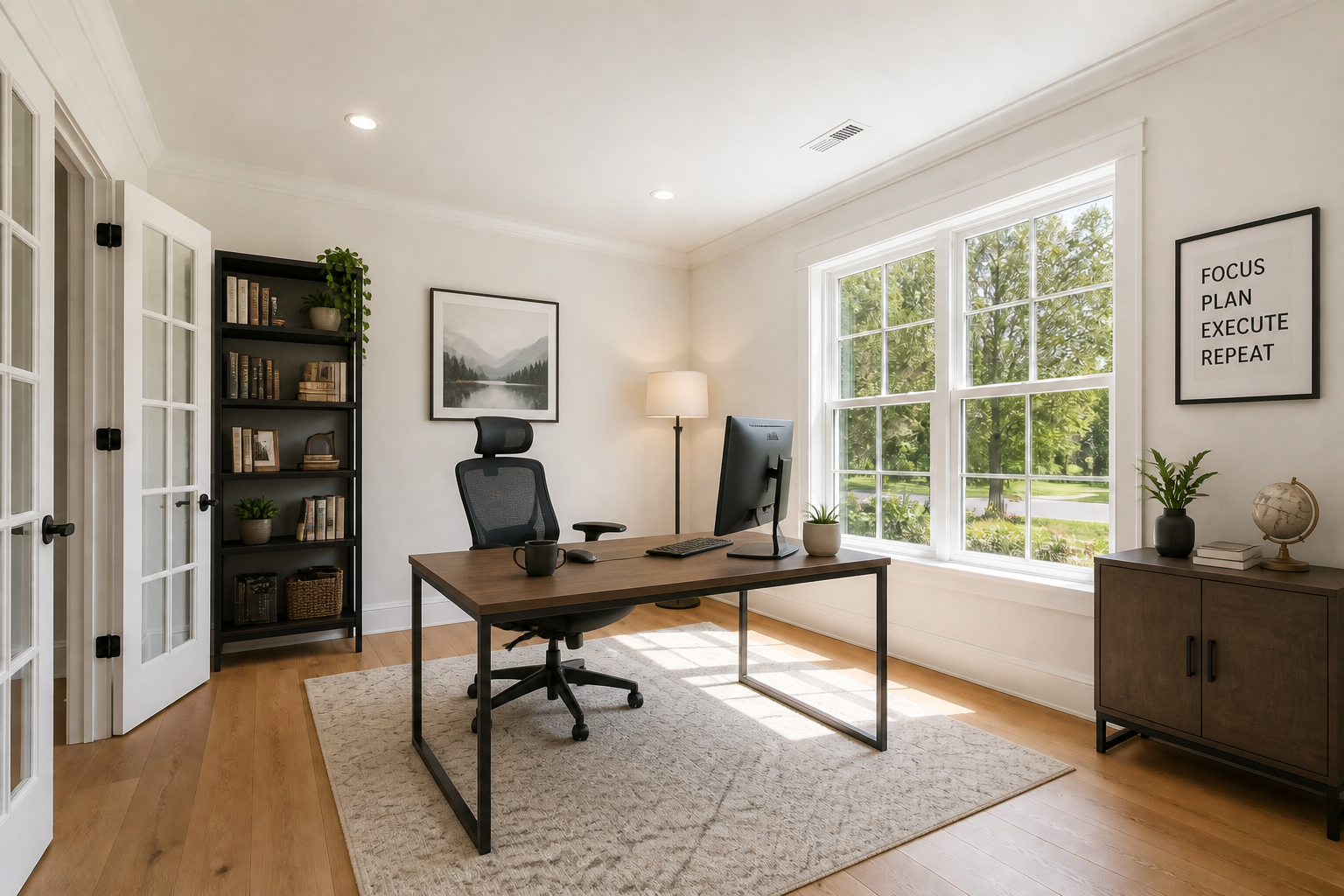
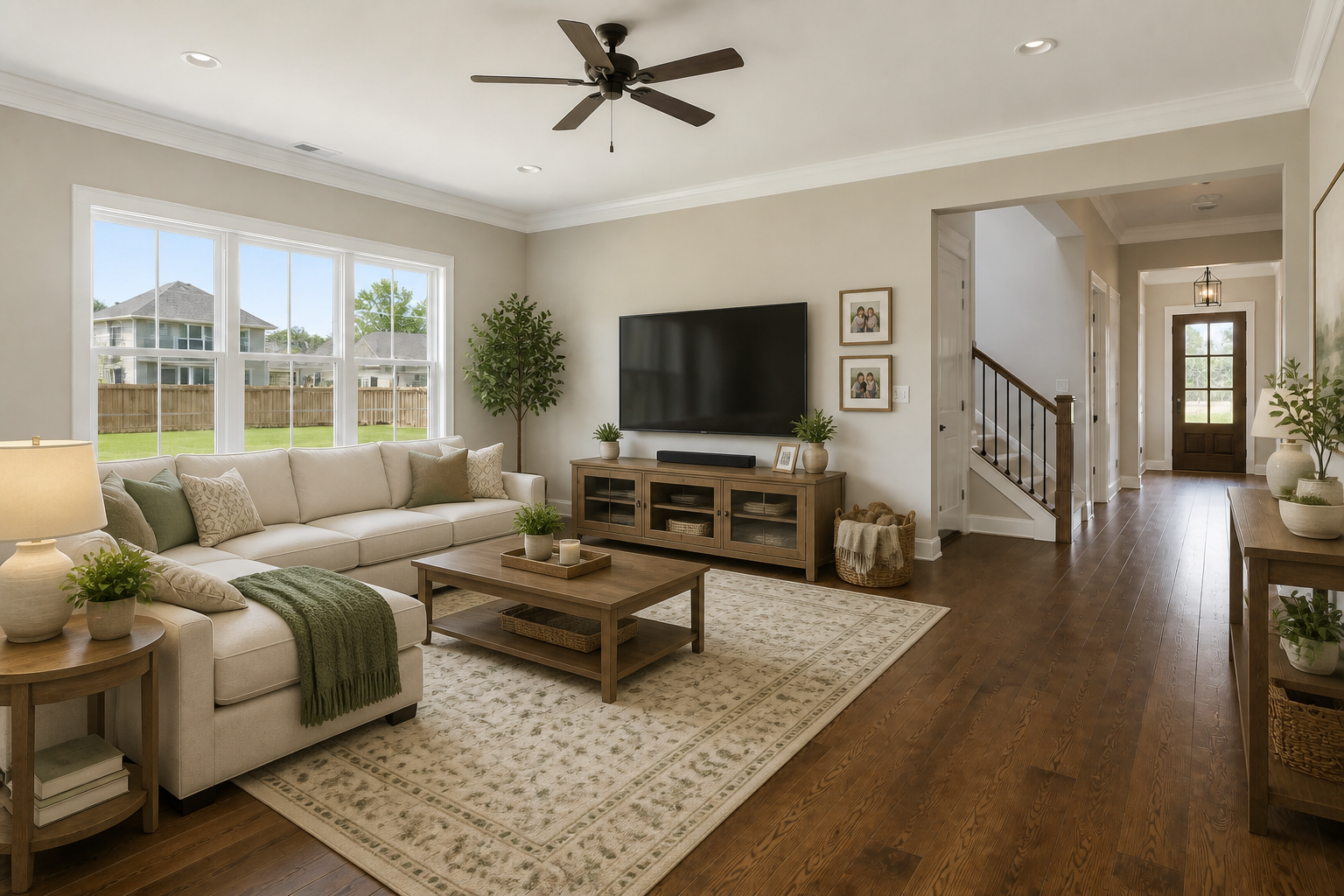
AI Real Estate Staging lets you upload photos of empty rooms and transform them into fully decorated interiors. Add furniture, lighting, rugs, art, and layout cues while keeping the room structure and camera angle consistent.
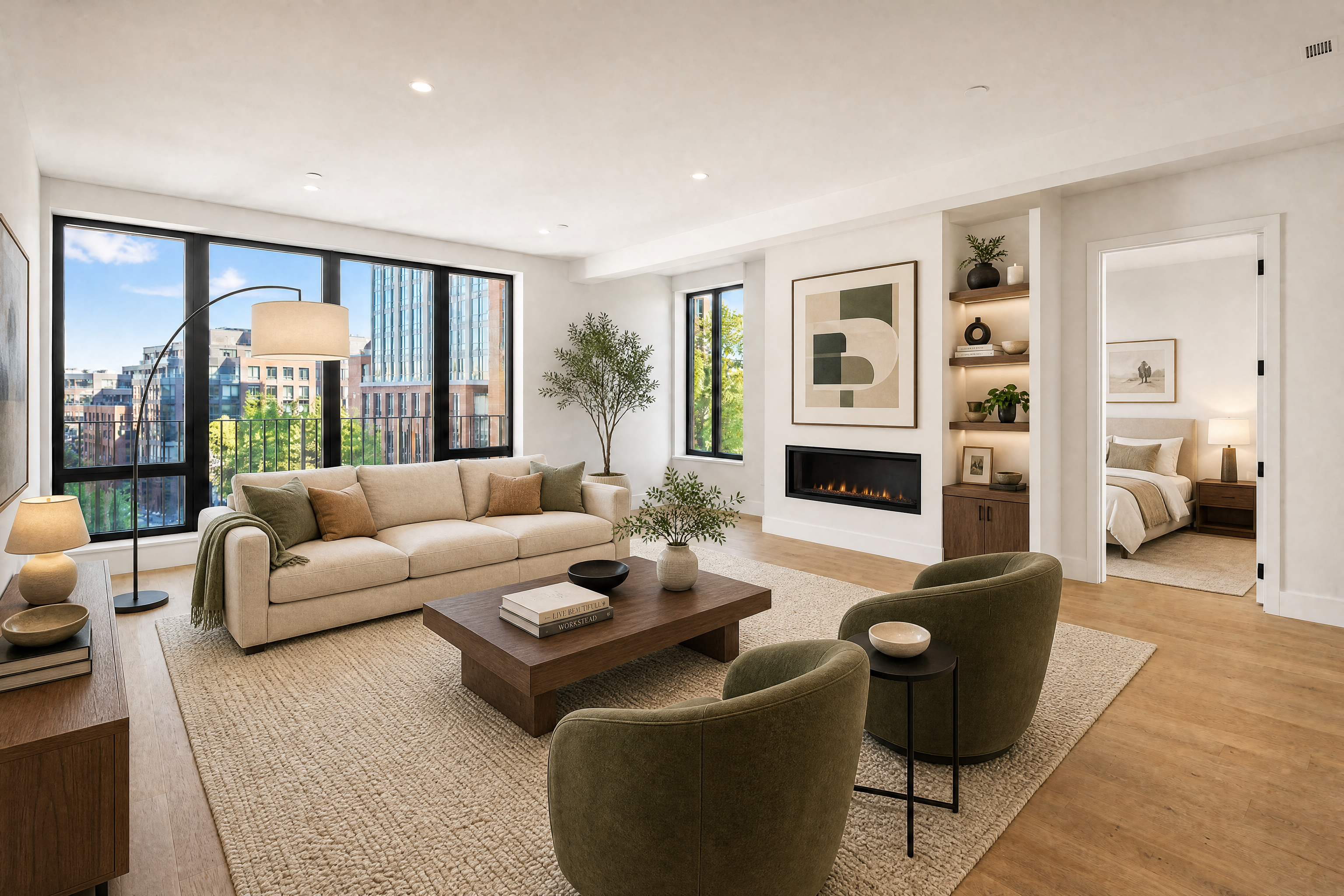
Watch the Transformation
See ai real estate staging in motion — generated end-to-end by our AI.
See It In Action
Real outputs from ai real estate staging.
BEFOREAFTER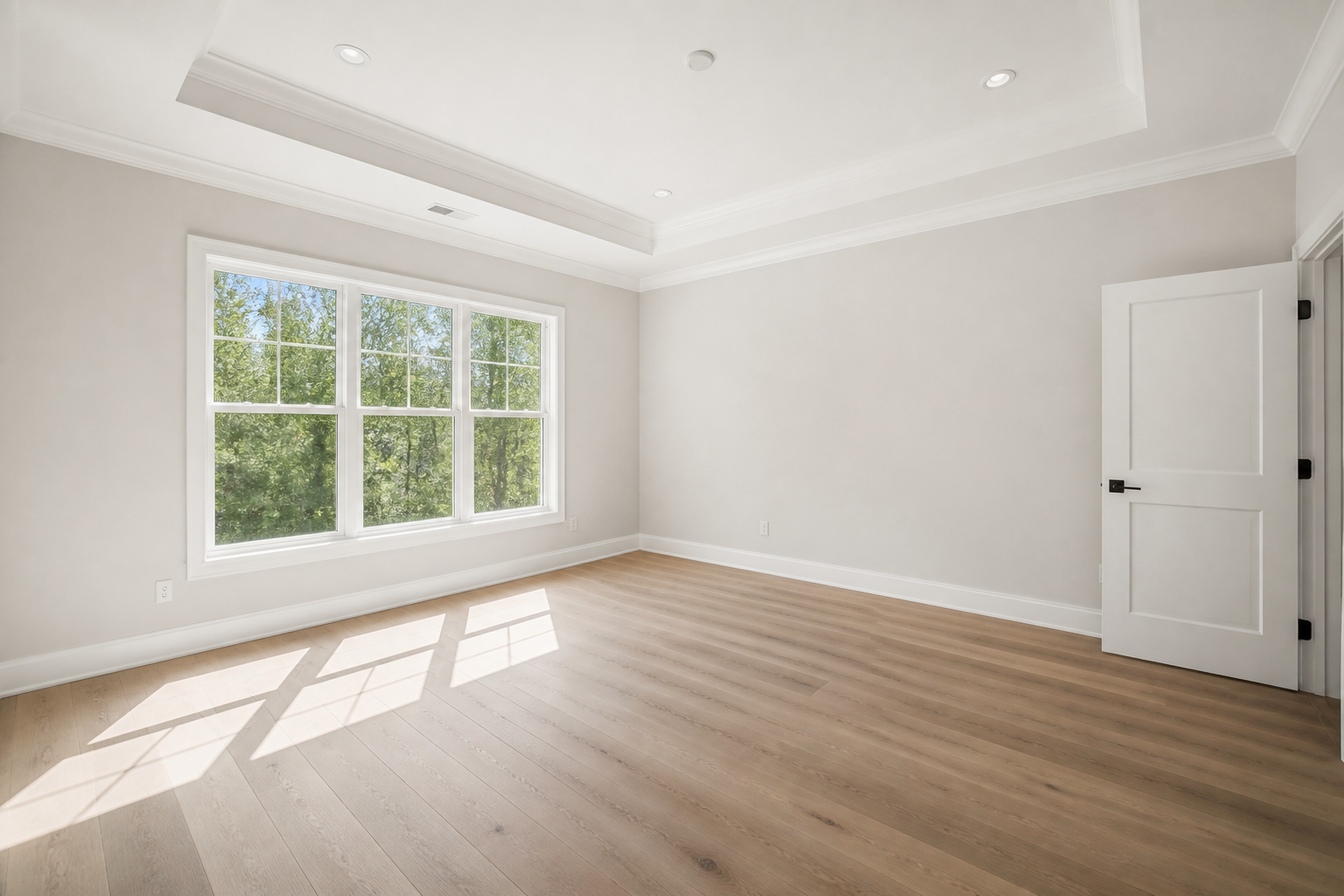 BEFORE
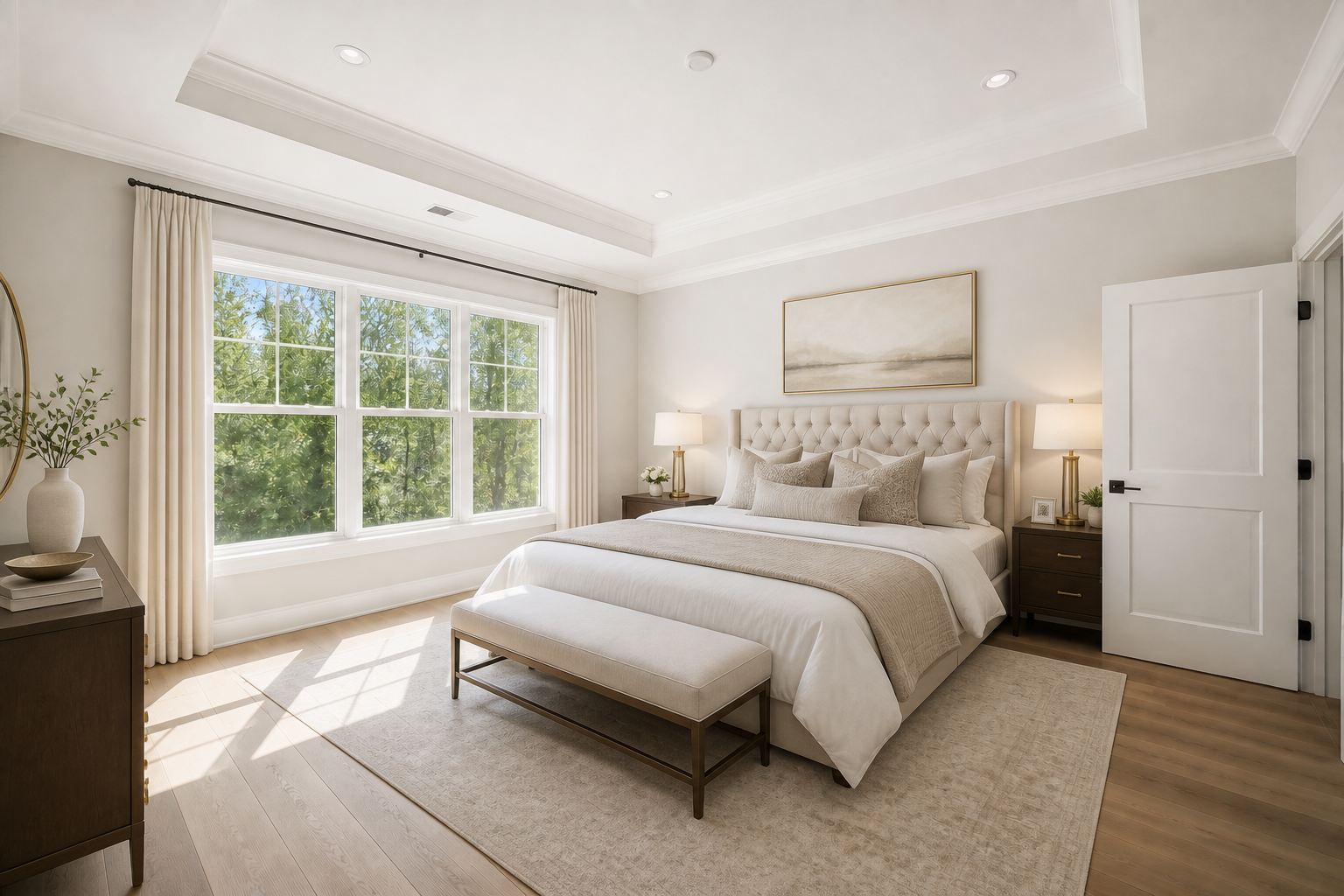 AFTER
AFTER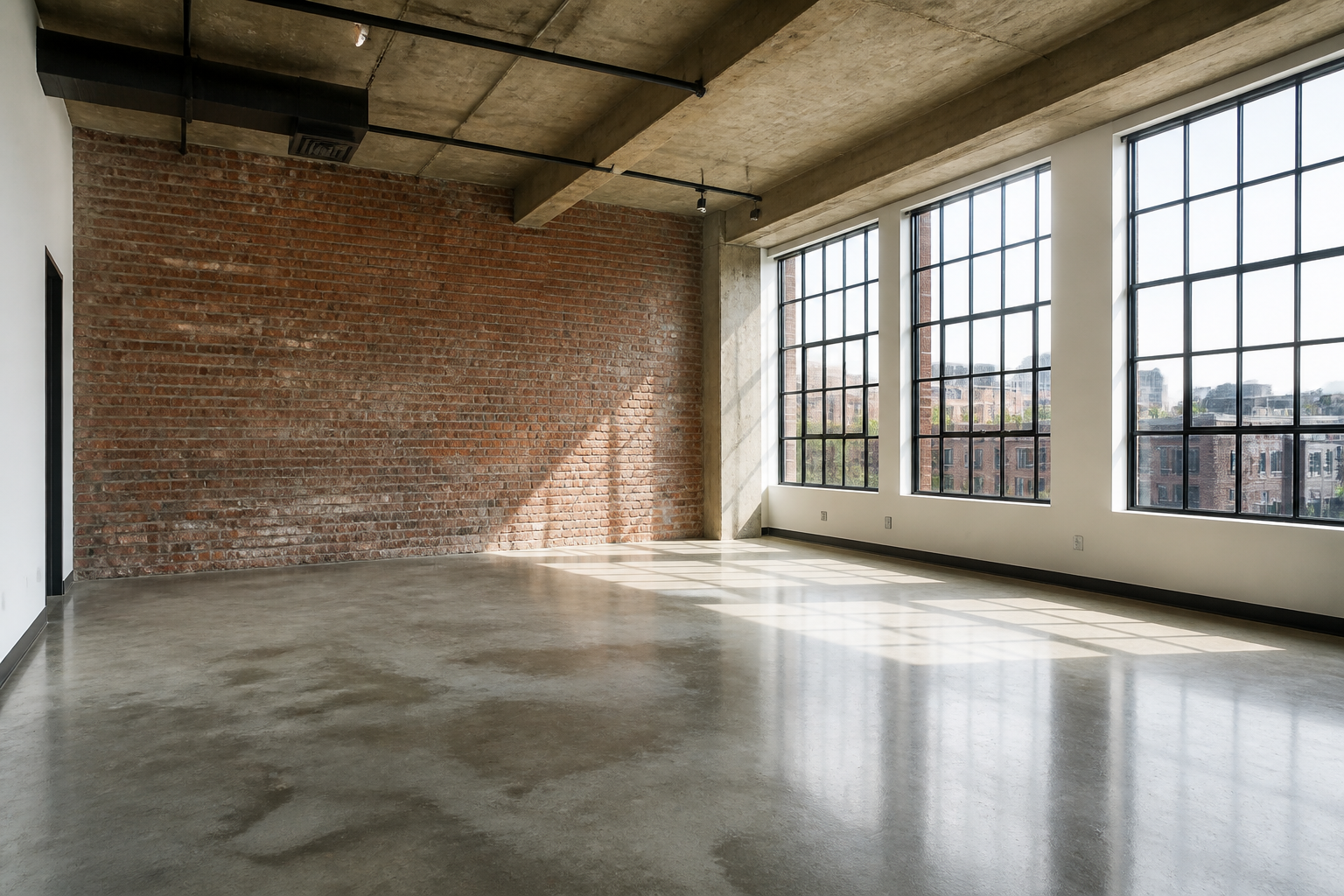 BEFORE
 AFTER
AFTER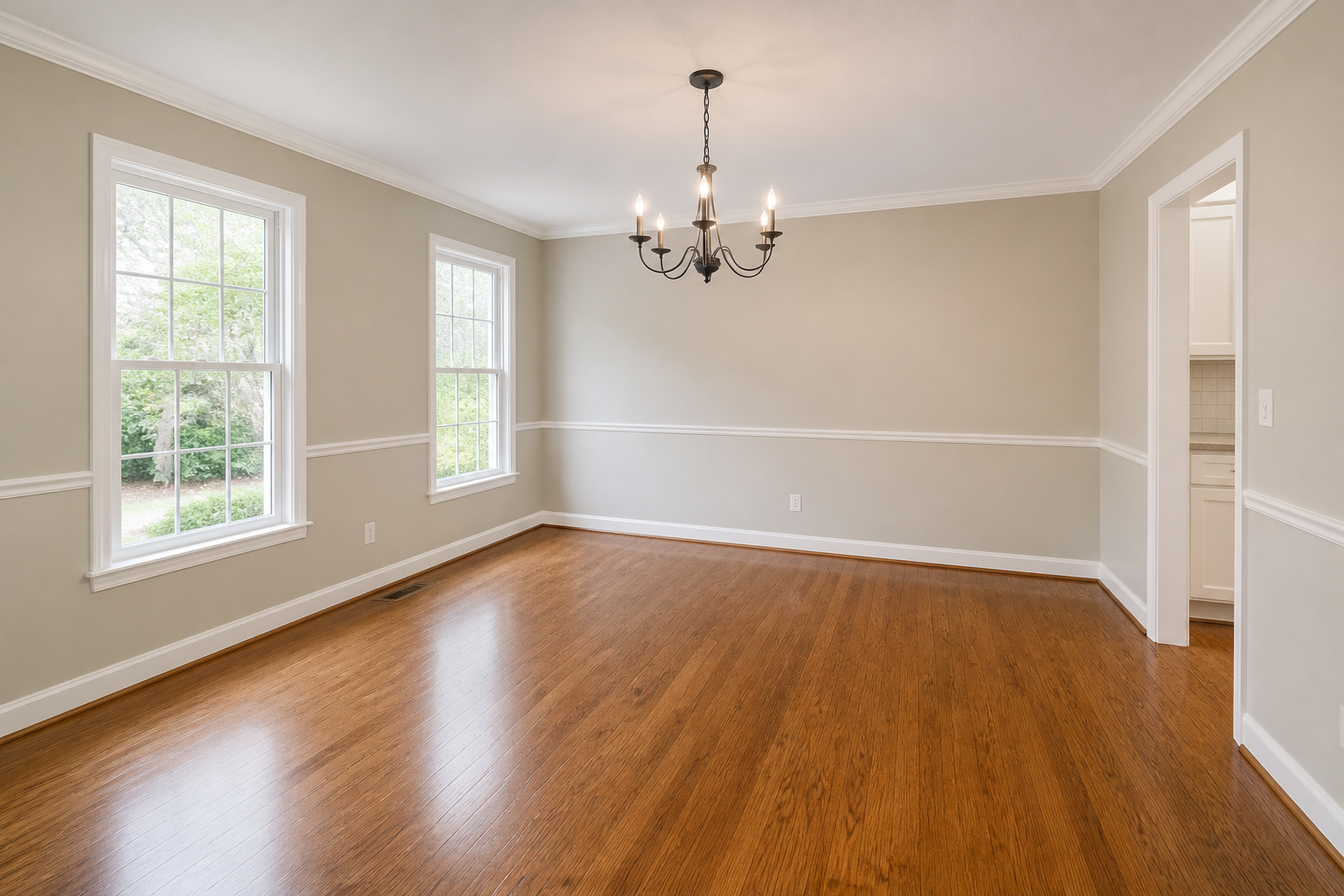 BEFORE
 AFTER
AFTER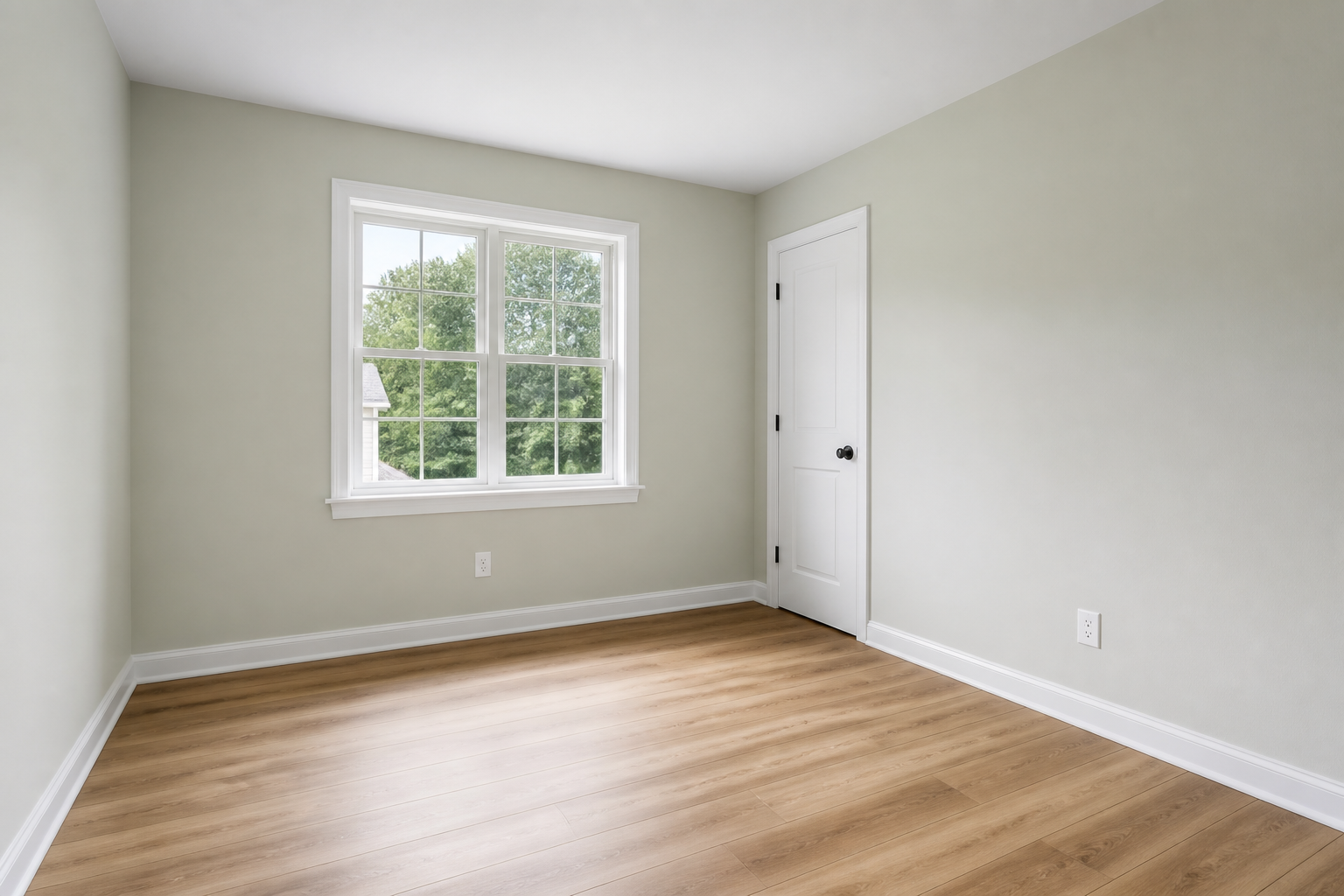 BEFORE
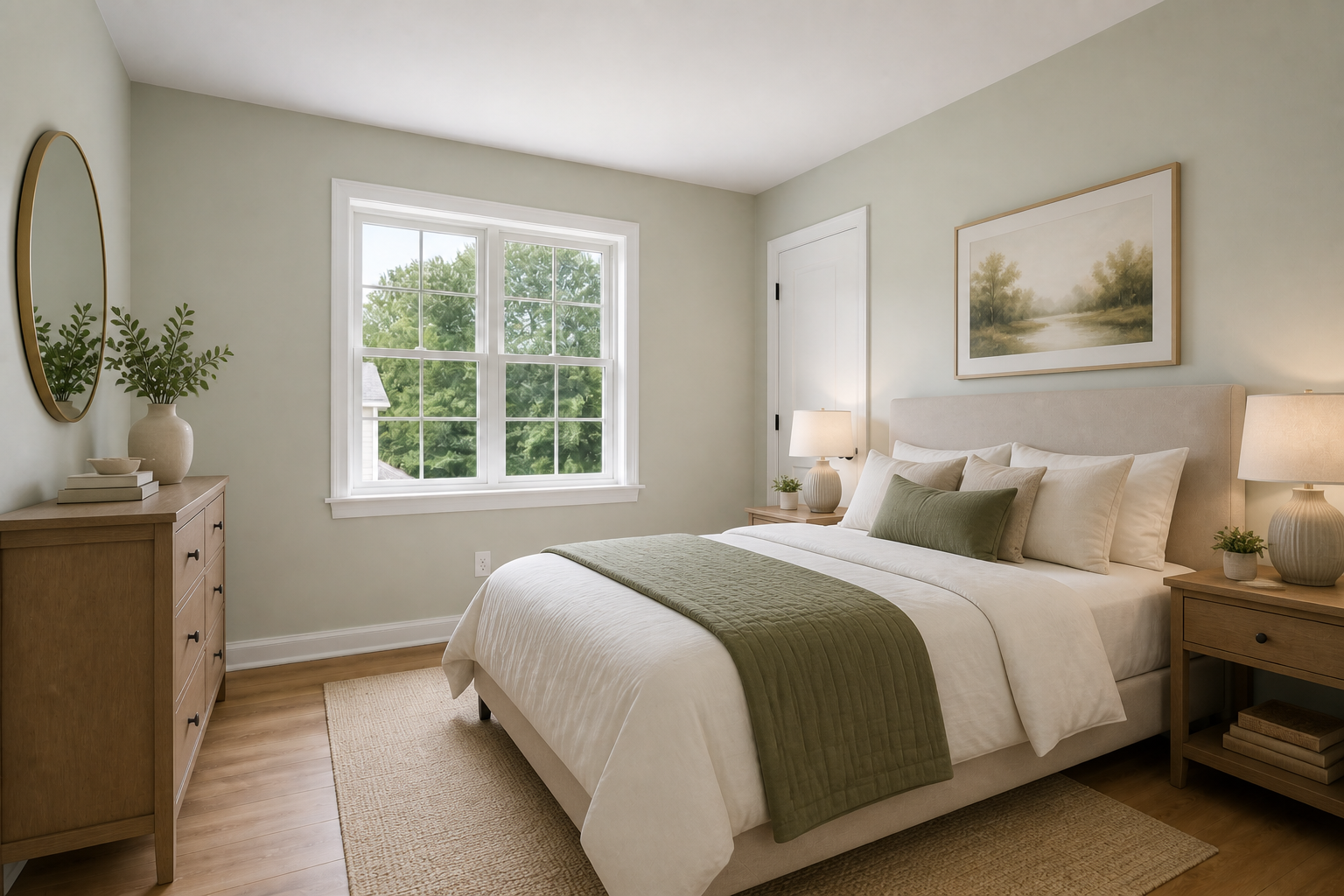 AFTERBEFOREAFTERBEFOREAFTERBEFOREAFTERBEFOREAFTERBEFOREAFTER
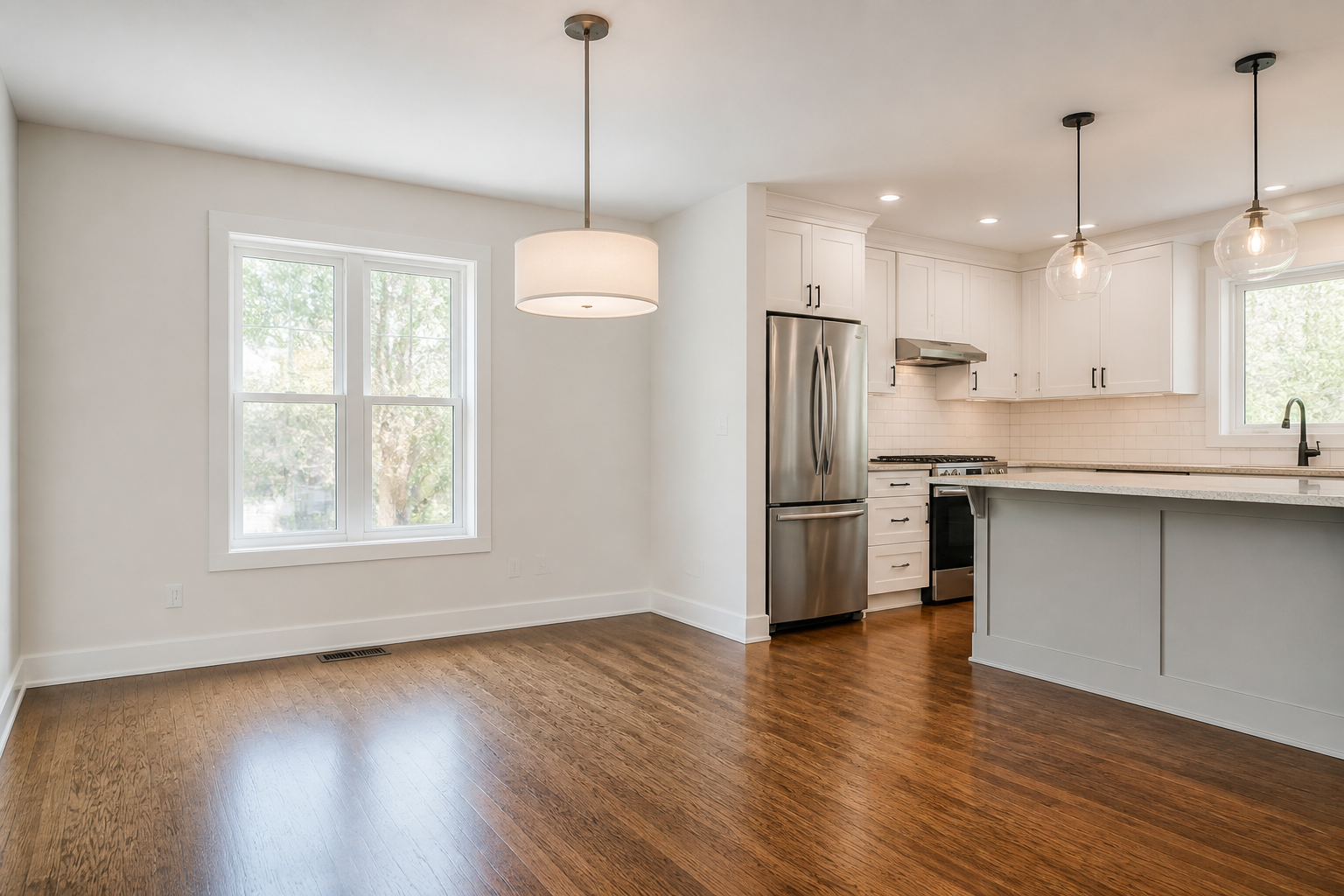 BEFORE
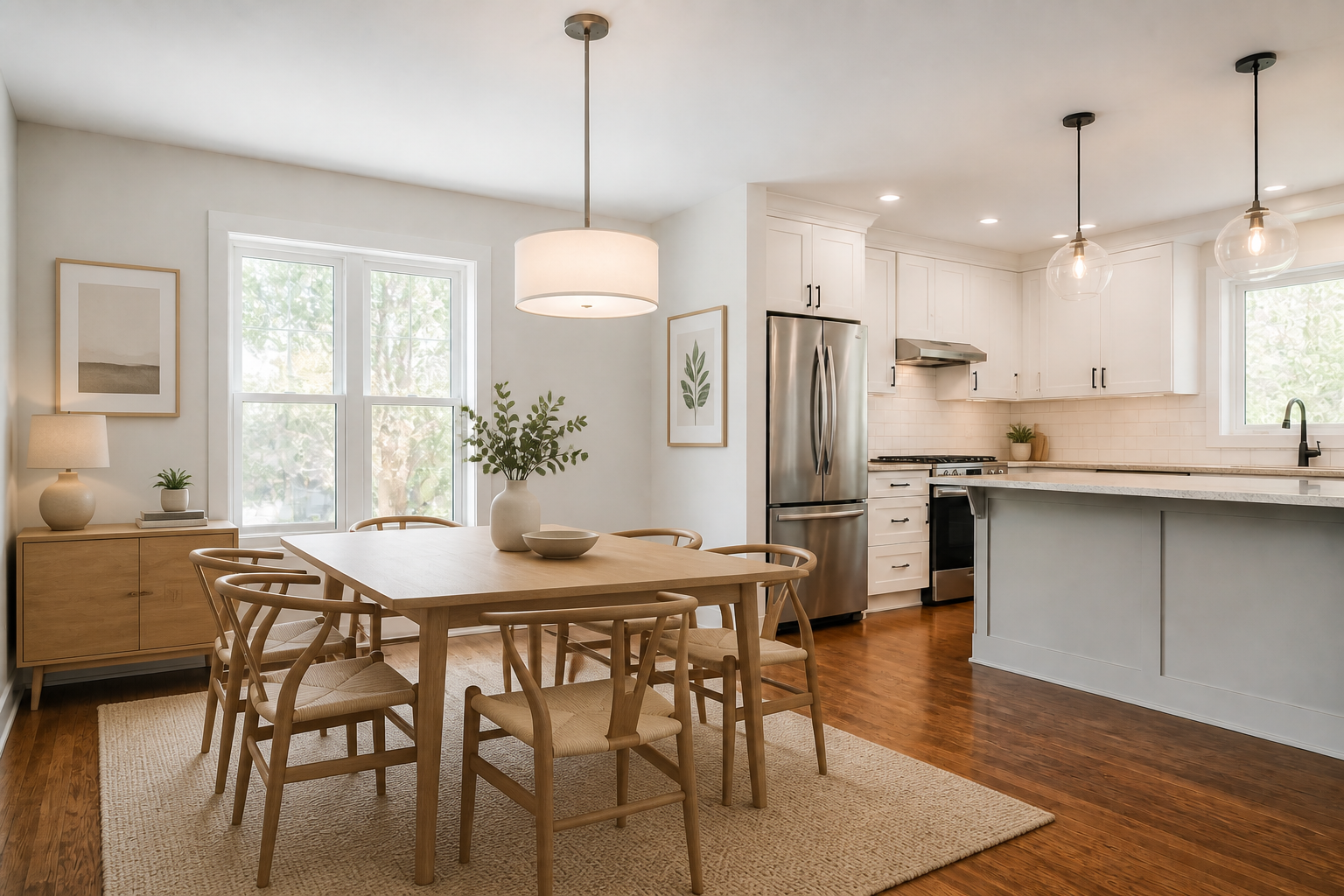 AFTER
AFTER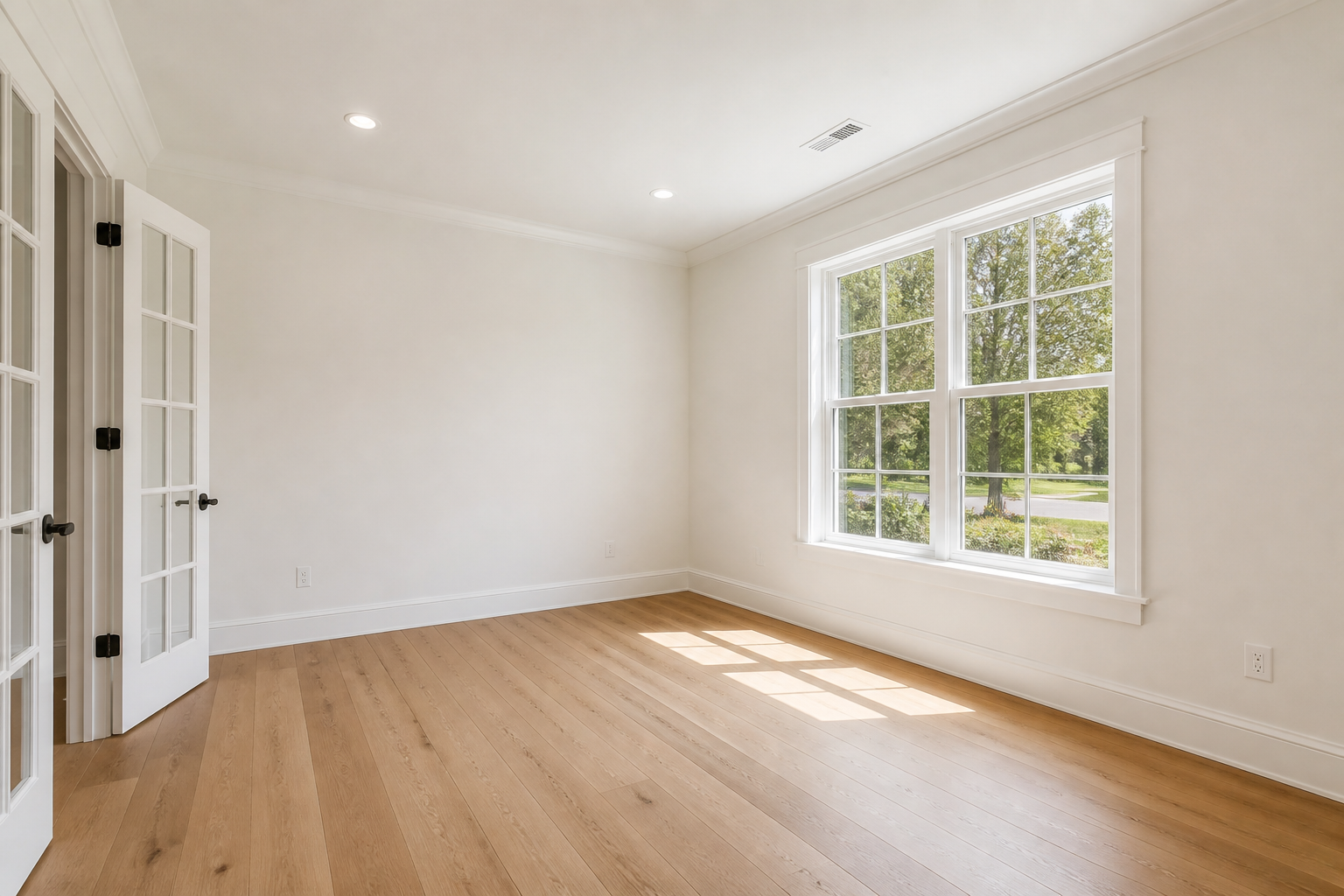 BEFORE
 AFTER
AFTER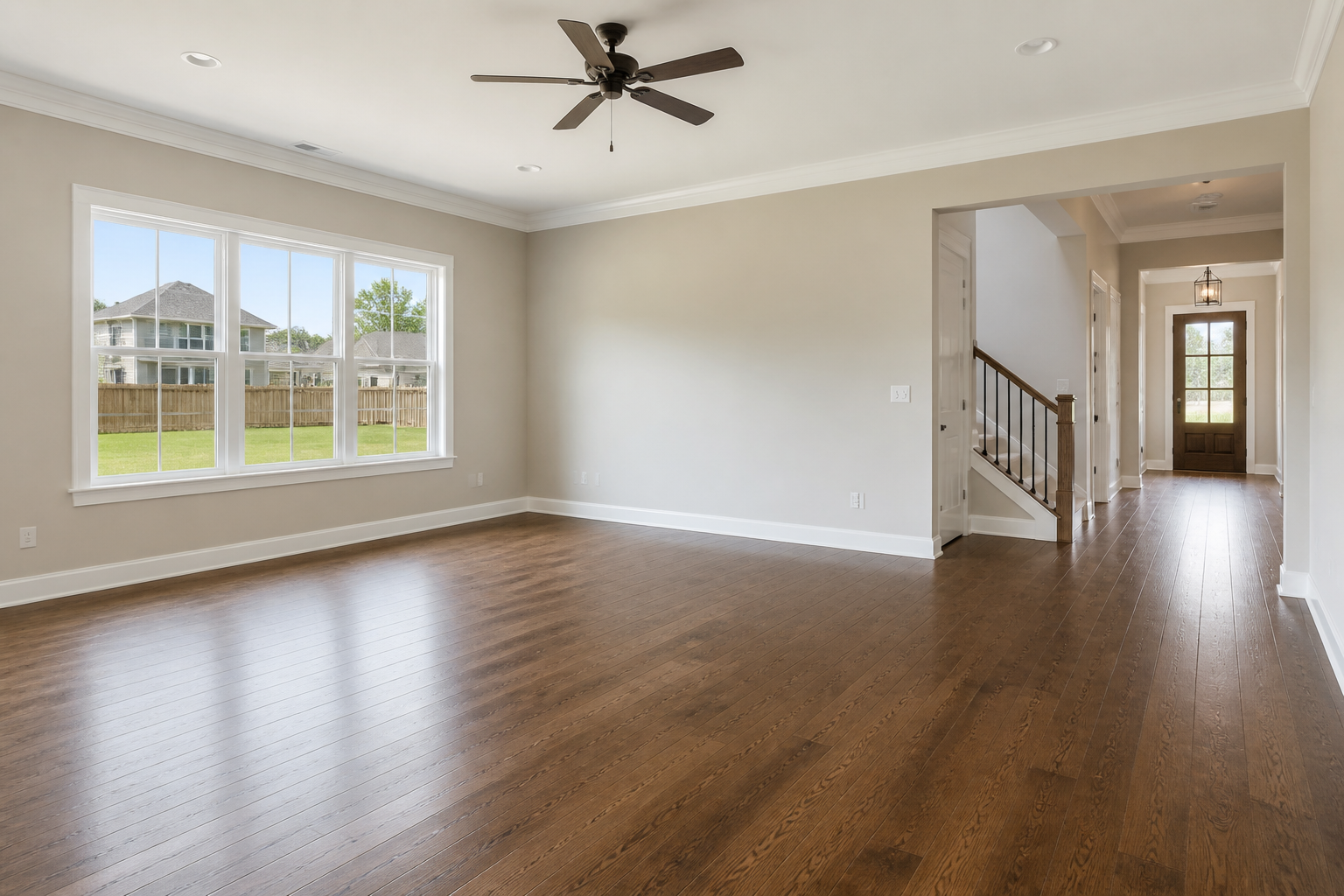 BEFORE
 AFTER
AFTER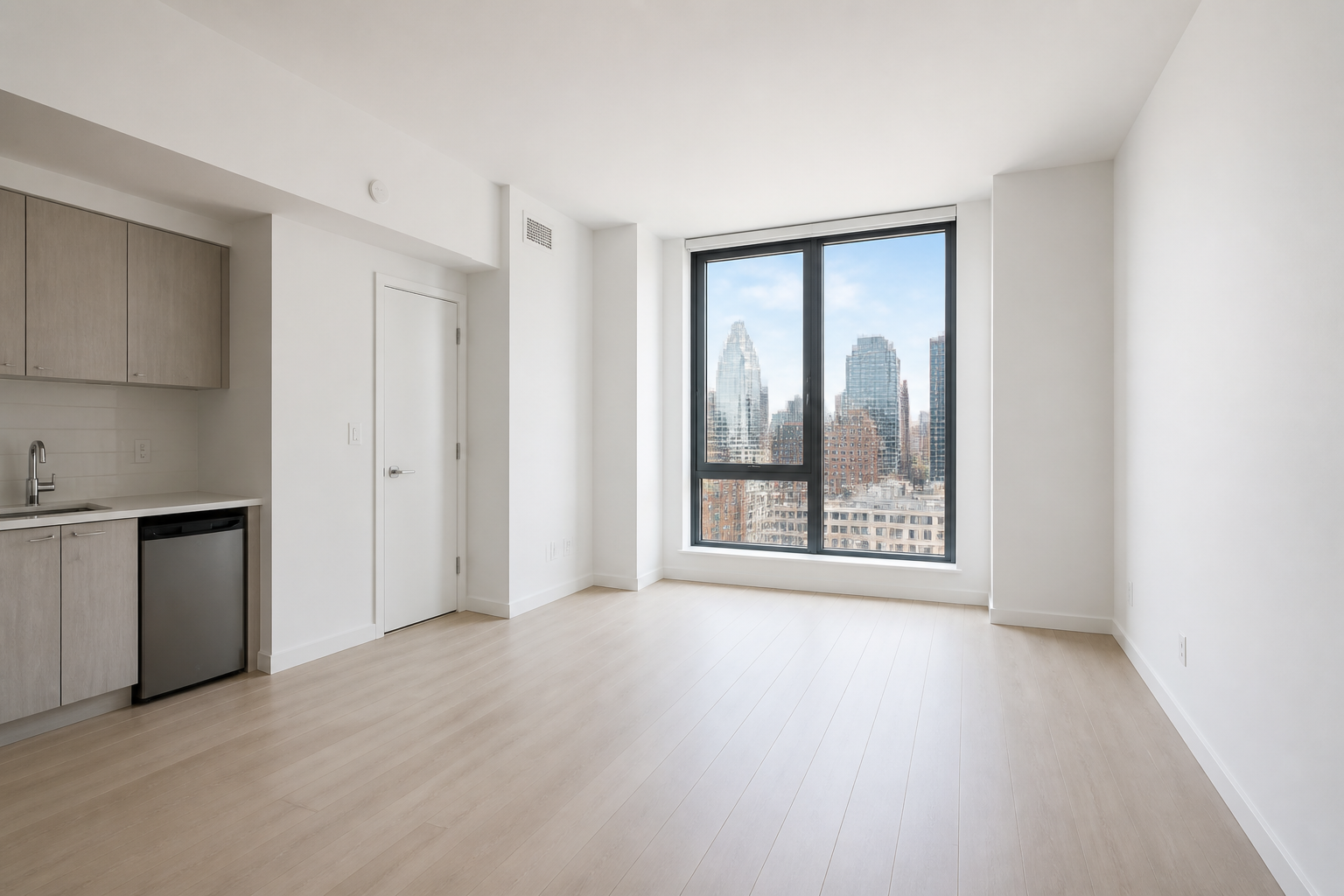 BEFORE
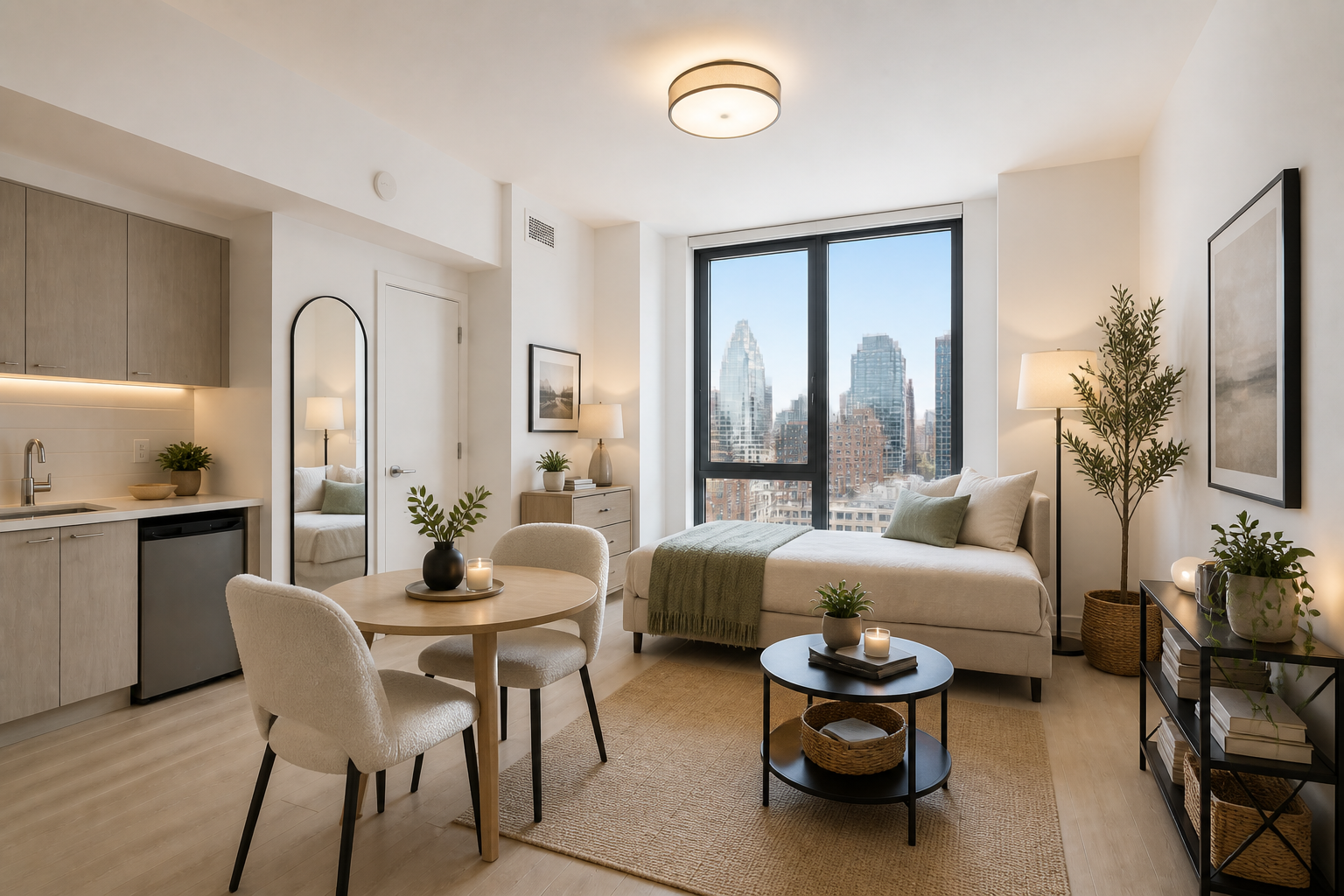 AFTER
AFTER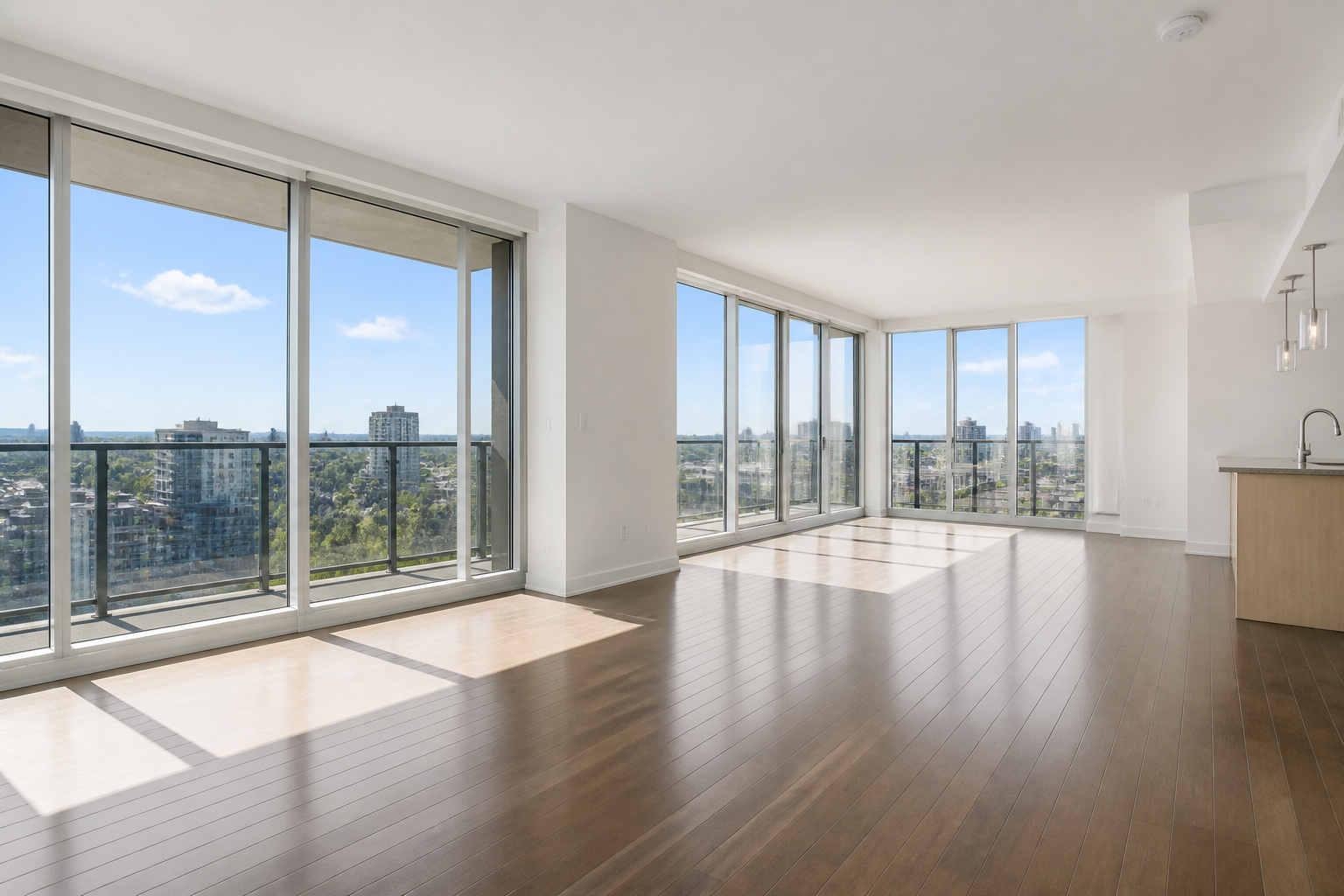 BEFORE
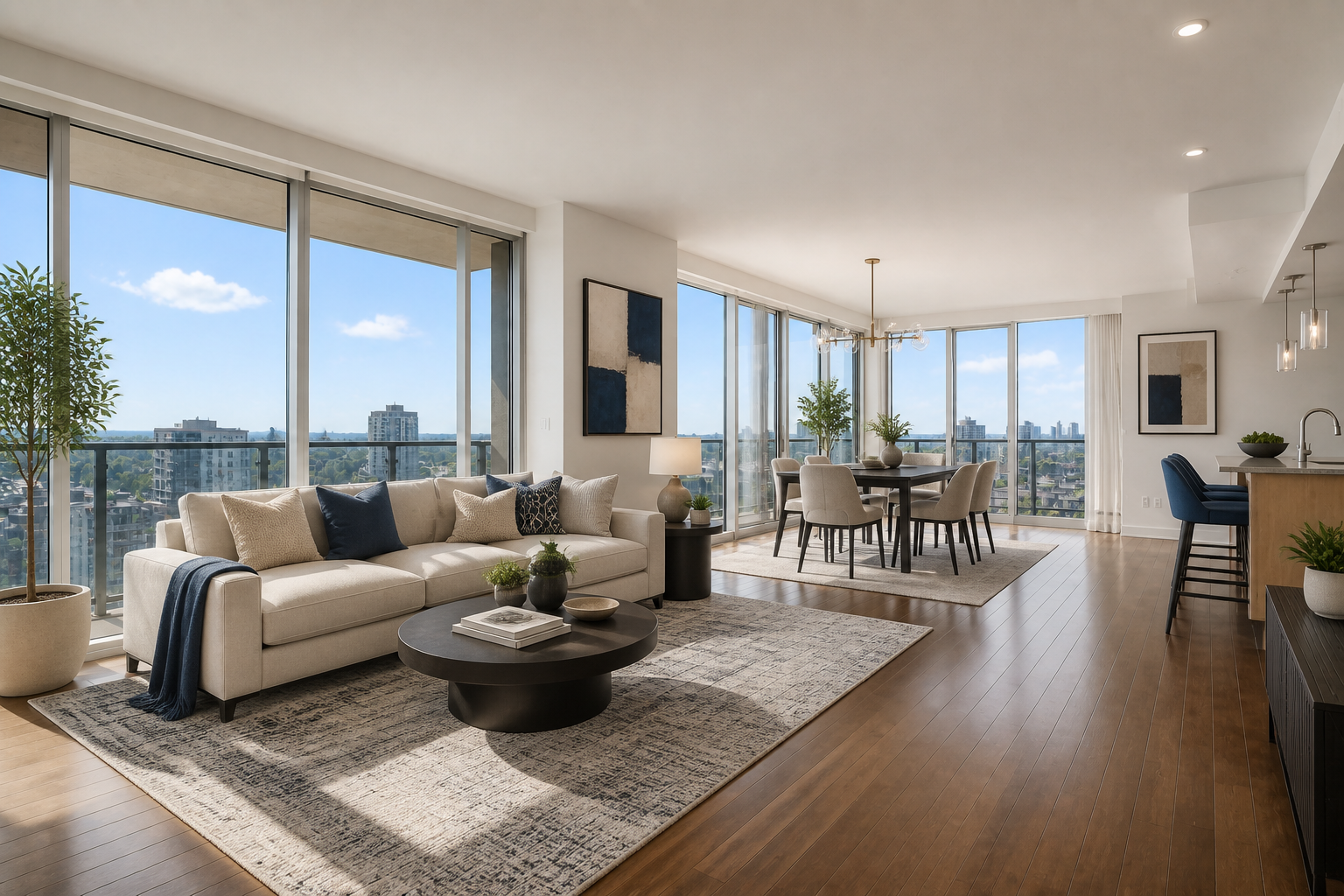 AFTERBEFOREAFTERBEFOREAFTERBEFOREAFTERBEFOREAFTERBEFOREAFTER
Key Features
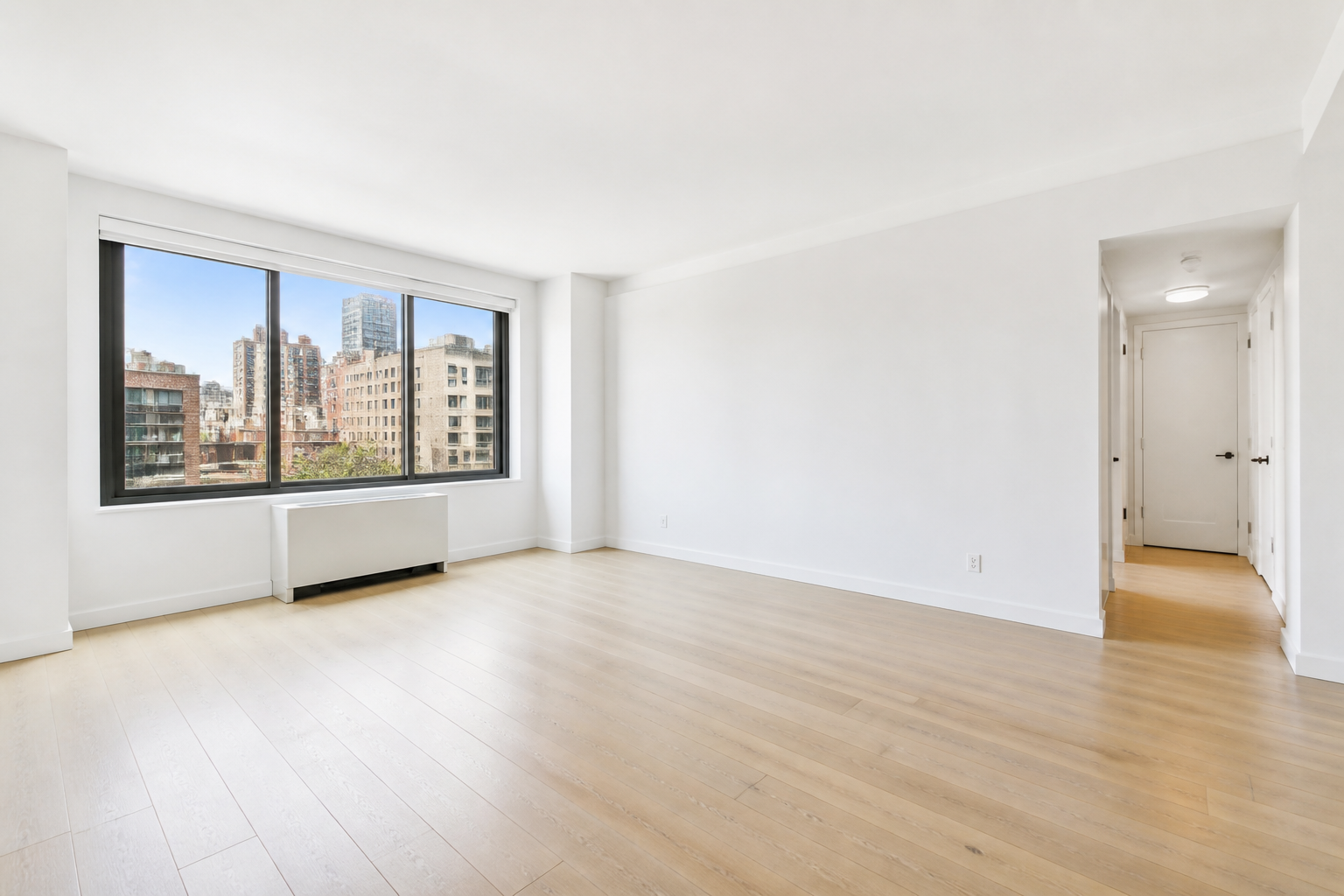
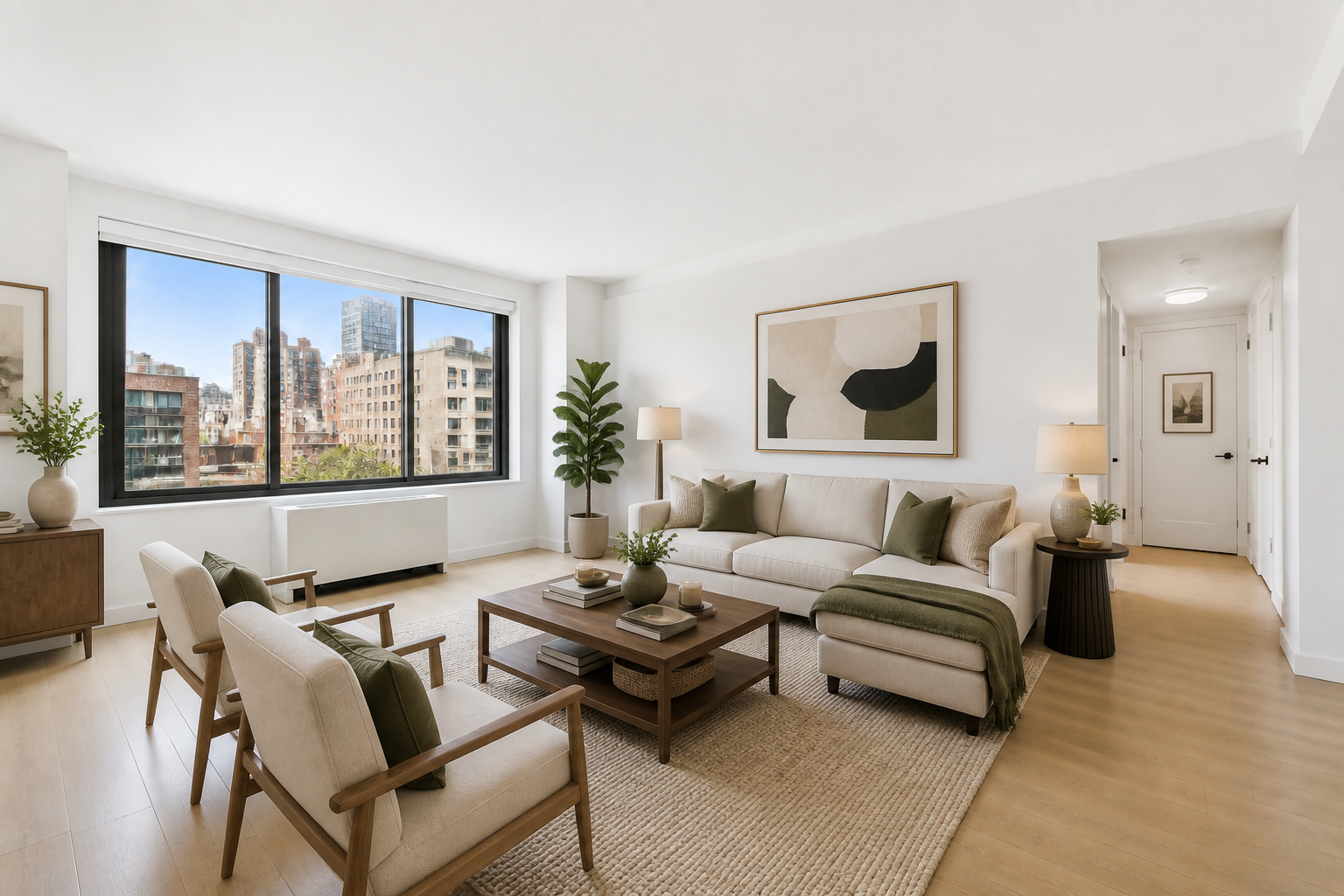
Stage Empty Rooms Fast
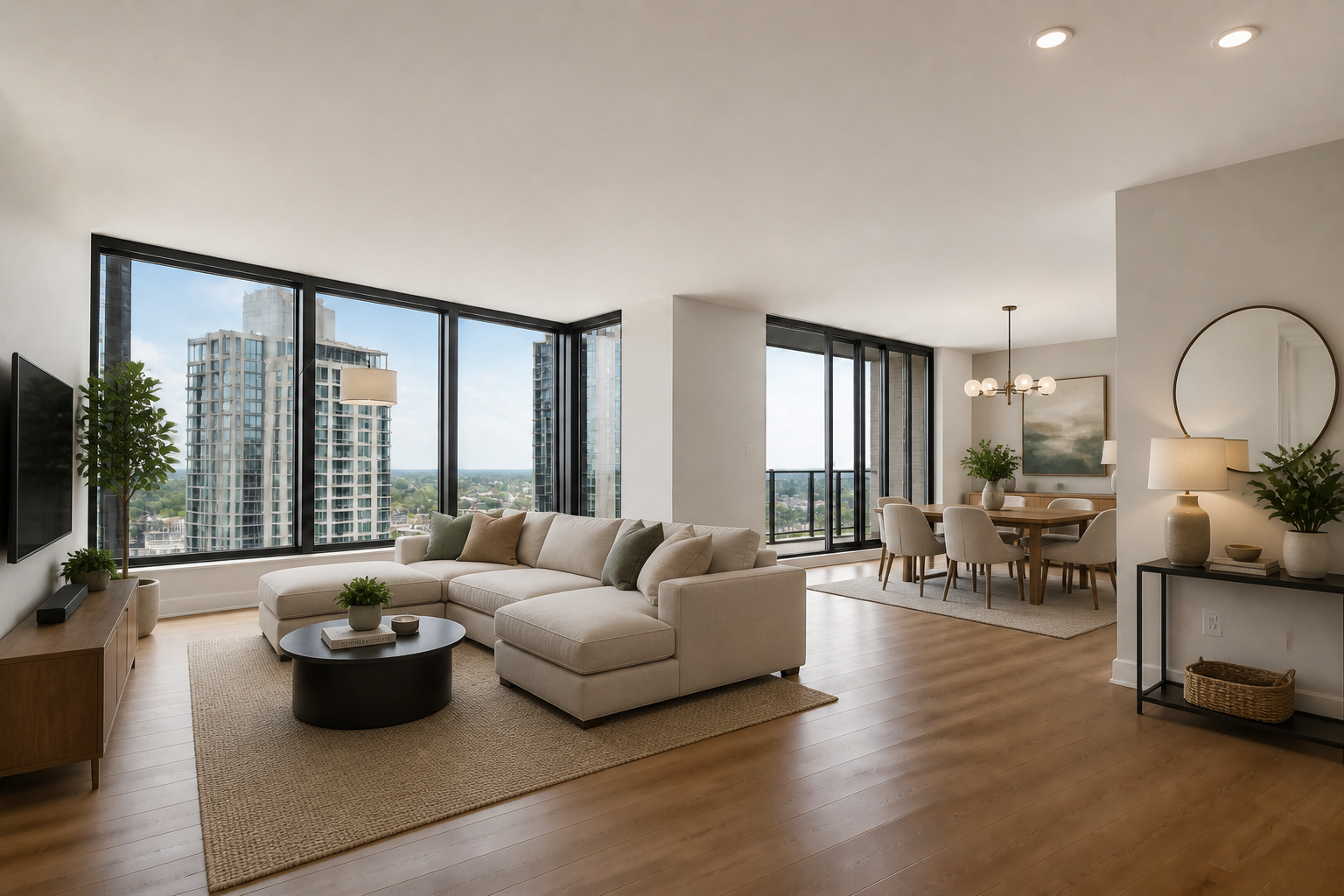
Start with a clean vacant room photo and turn it into a furnished interior in one edit. Our AI adds furniture, decor, rugs, lighting, and layout cues that make the space easier to understand. This is faster than manually compositing assets or building mockups room by room. It gives you polished listing visuals without needing a physical staging setup.
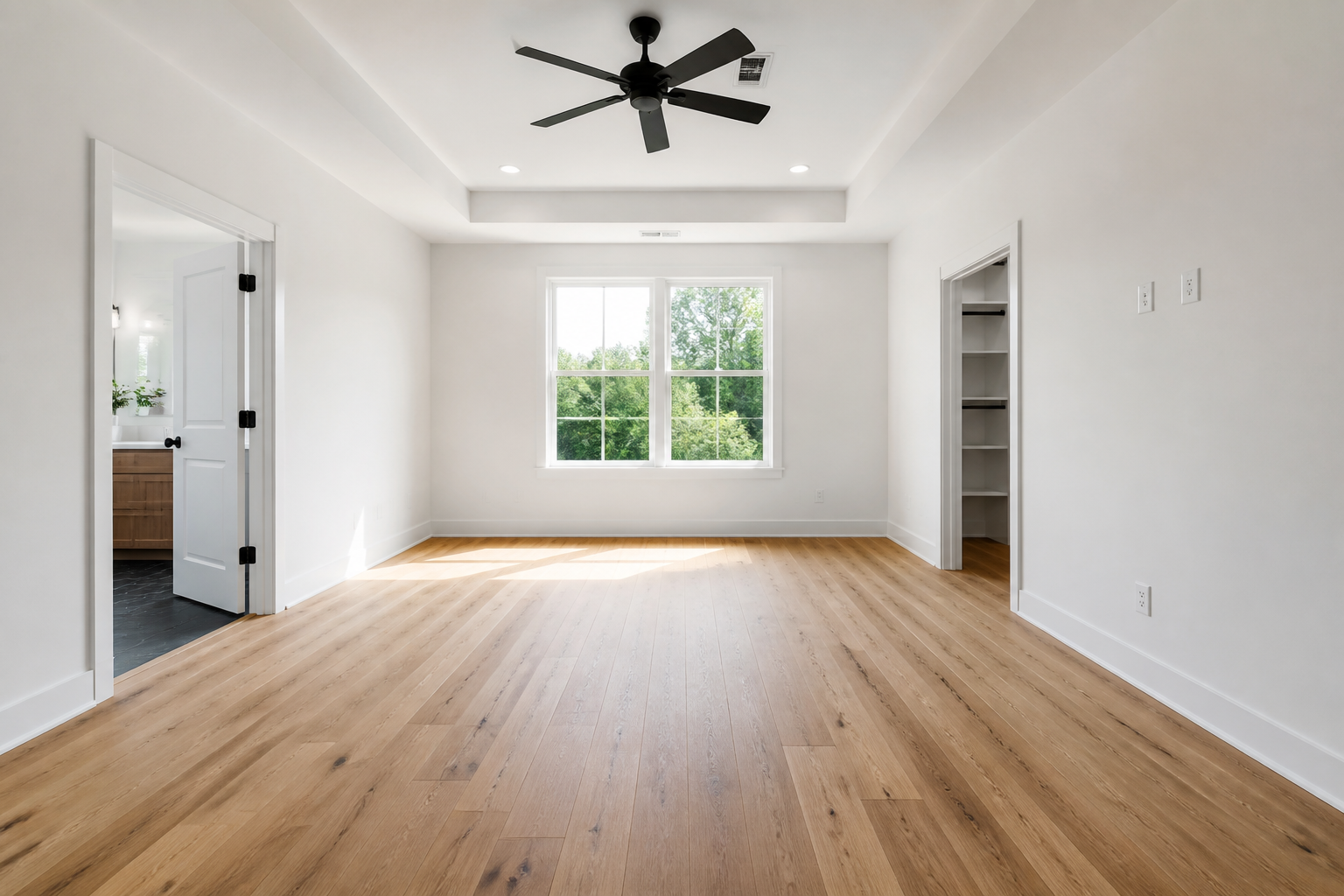
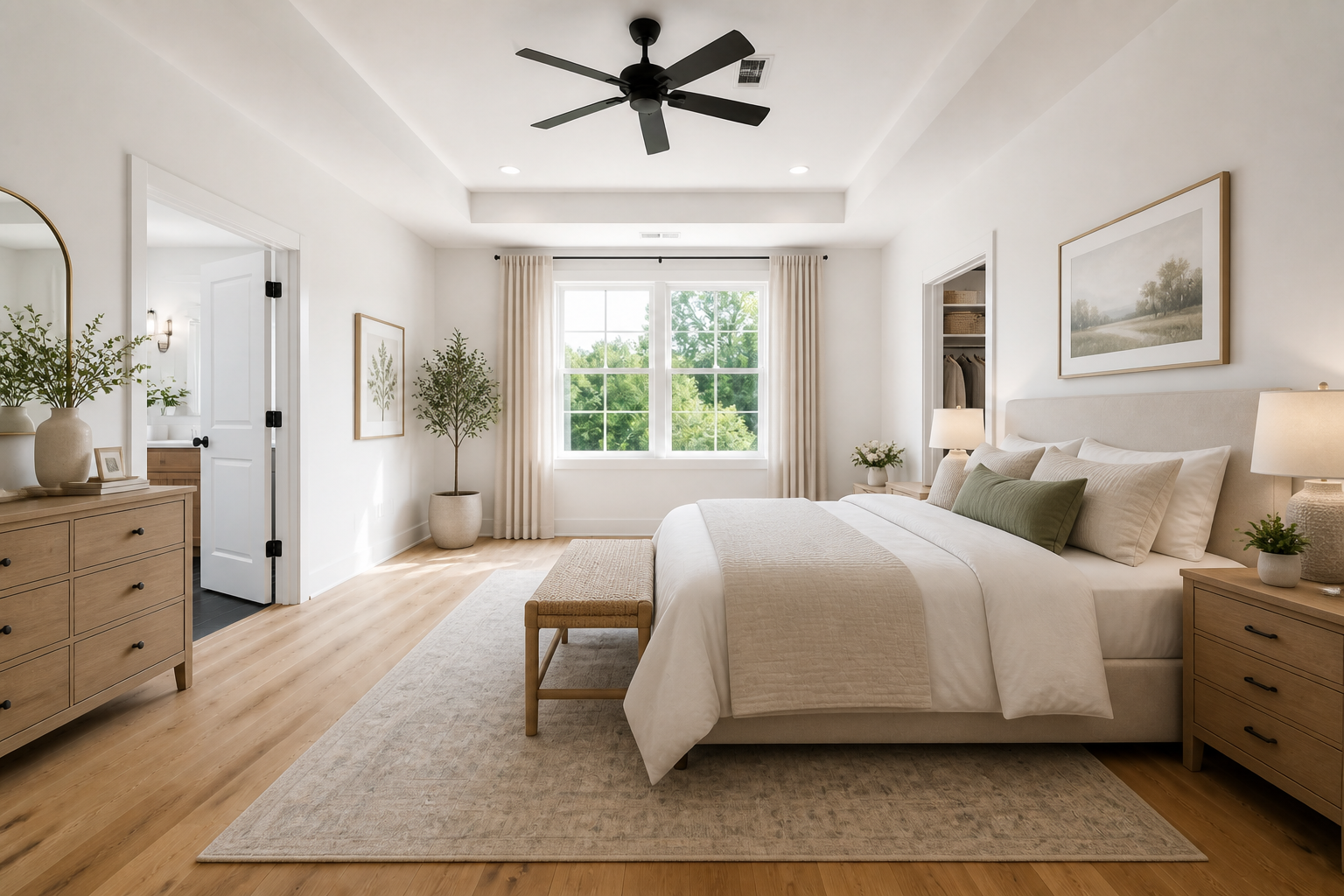
Keep The Room Accurate
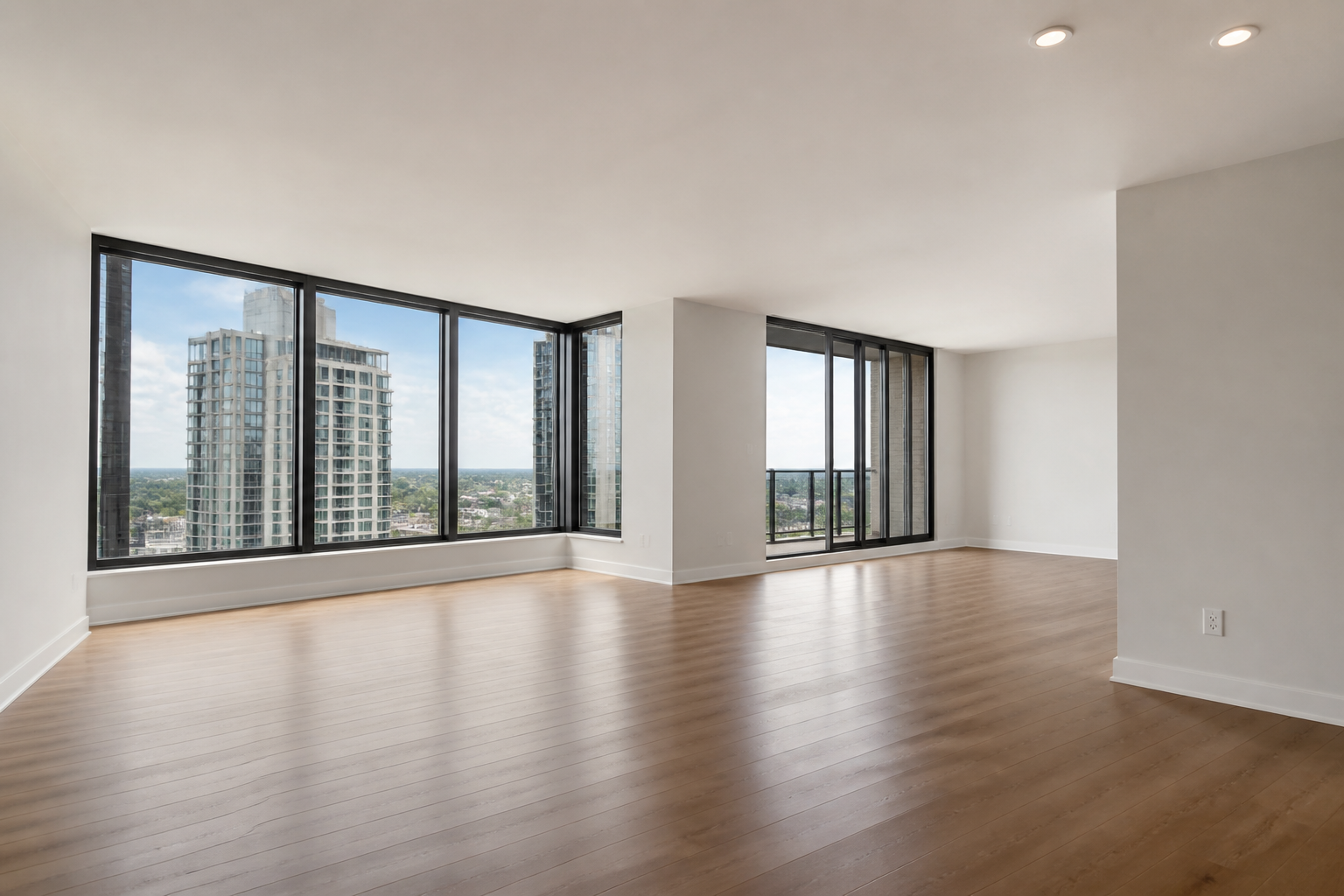
The edit focuses on furnishing and decorating the space without changing the room itself. Walls, windows, floor layout, and perspective stay consistent so buyers still see the actual property. That matters for listing trust and for client presentations where accuracy is expected. You get a staged look without misrepresenting the structure.
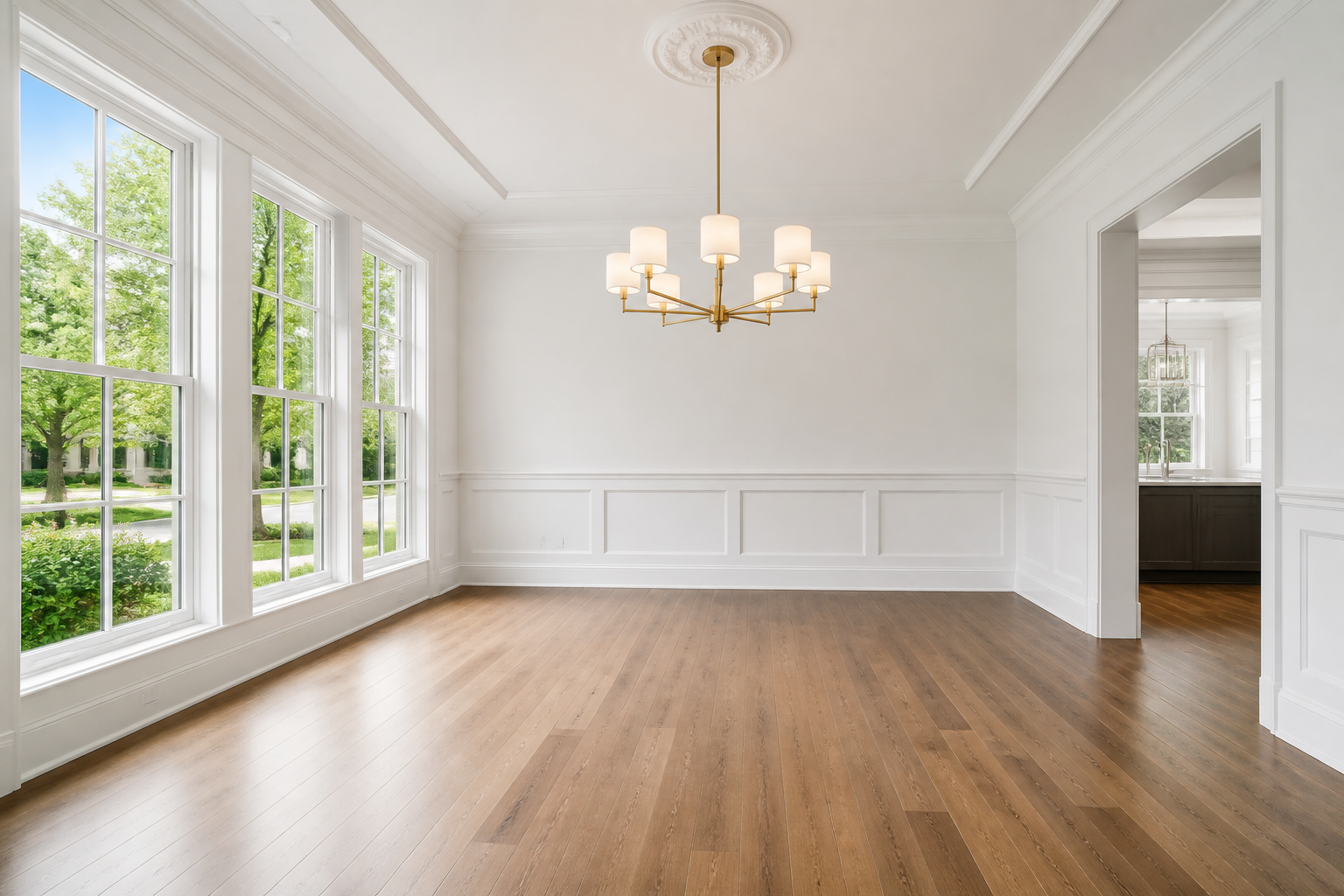
Match Different Buyer Styles
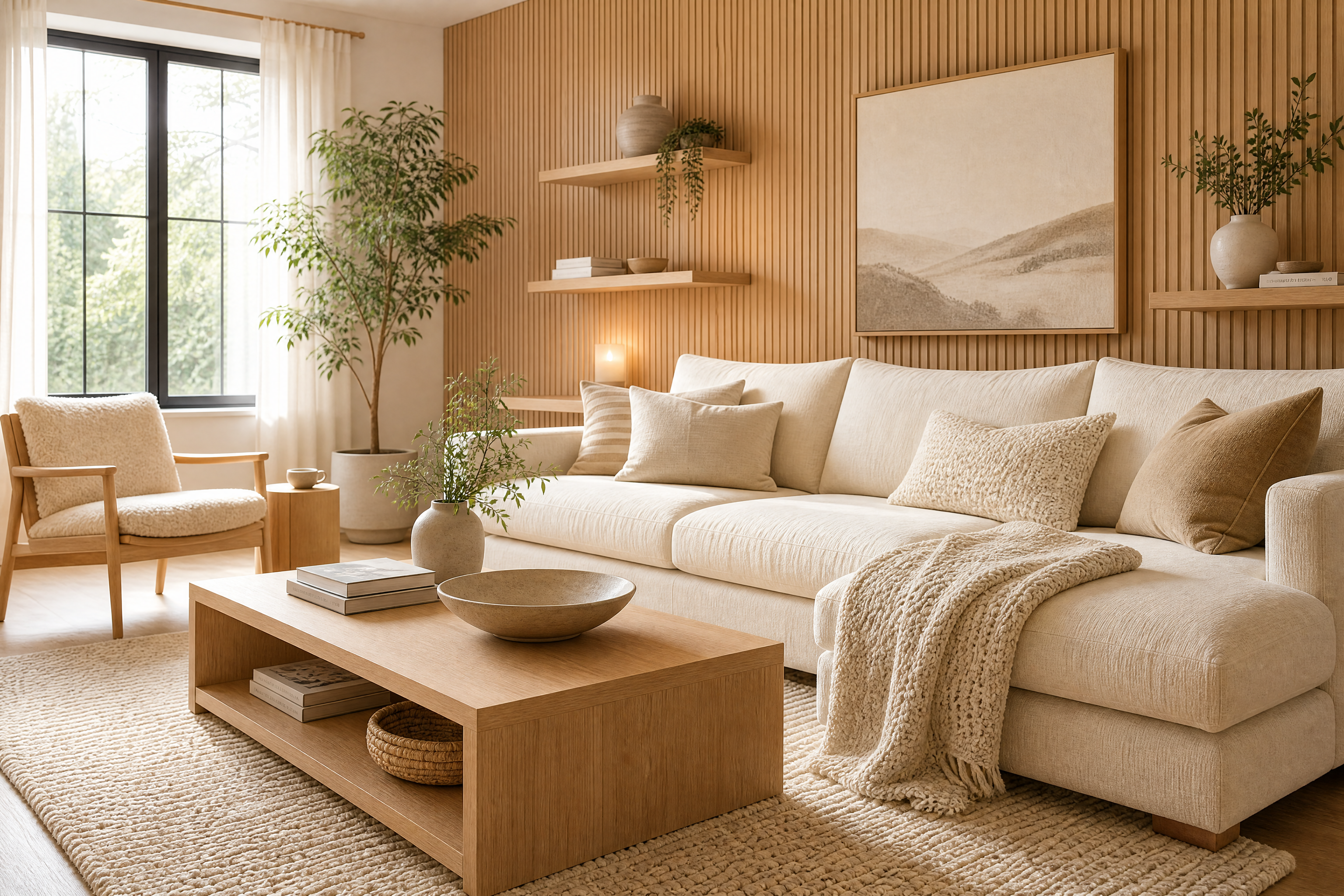
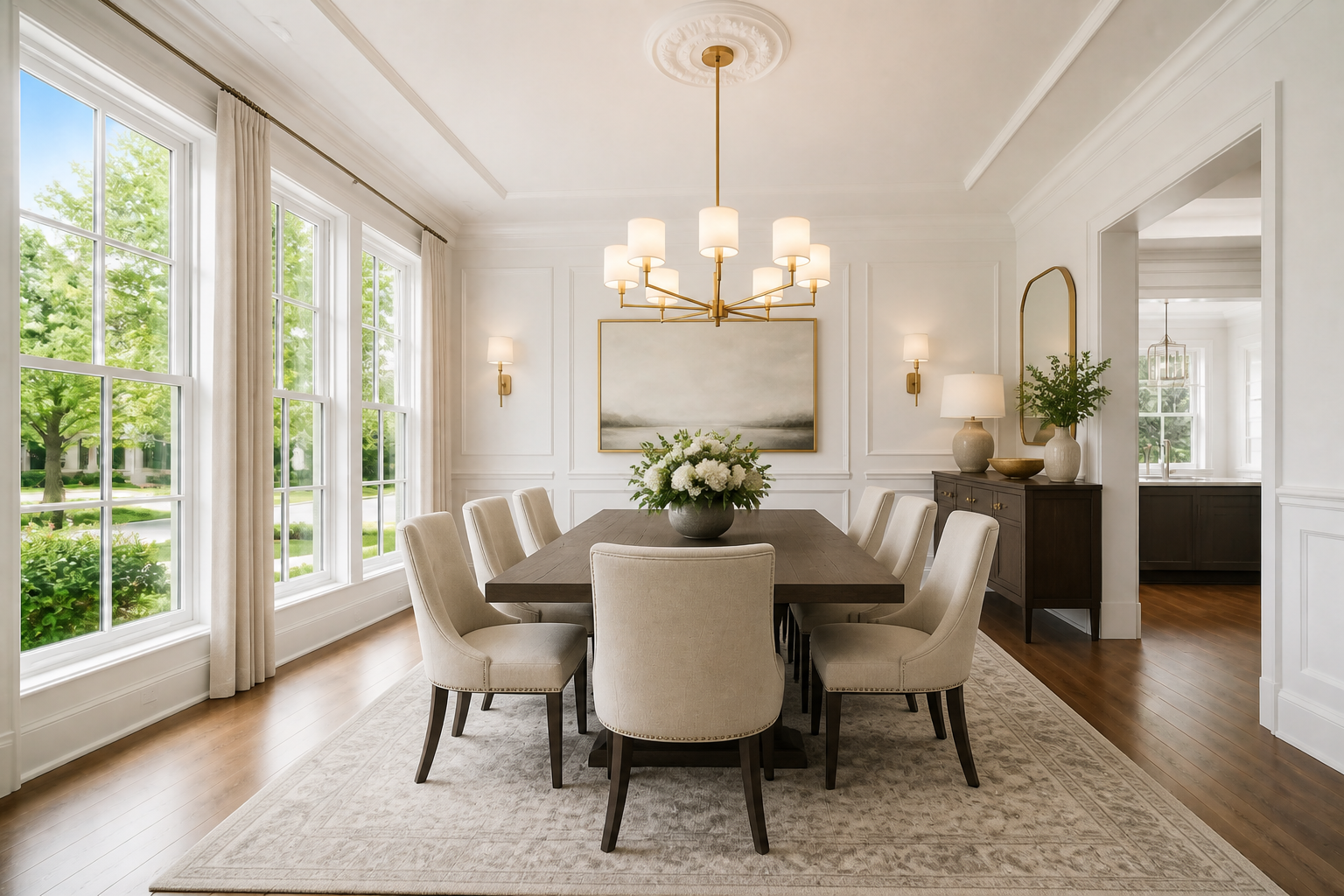
Not every property should be staged the same way. You can test clean modern, cozy family, upscale luxury, or other interior directions using the same empty room photo. This helps agents present a stronger vision to different audiences without reshooting the property. It is a practical way to tailor listing images to the market.
Show Potential In Any Space
Empty rooms often look smaller, colder, and harder to interpret in listing photos. A staged version gives shape to the layout and helps people imagine how the space can be used. That is especially helpful for awkward corners, compact rooms, or open-plan areas. Instead of explaining possibilities, you can show them clearly.
How It Works
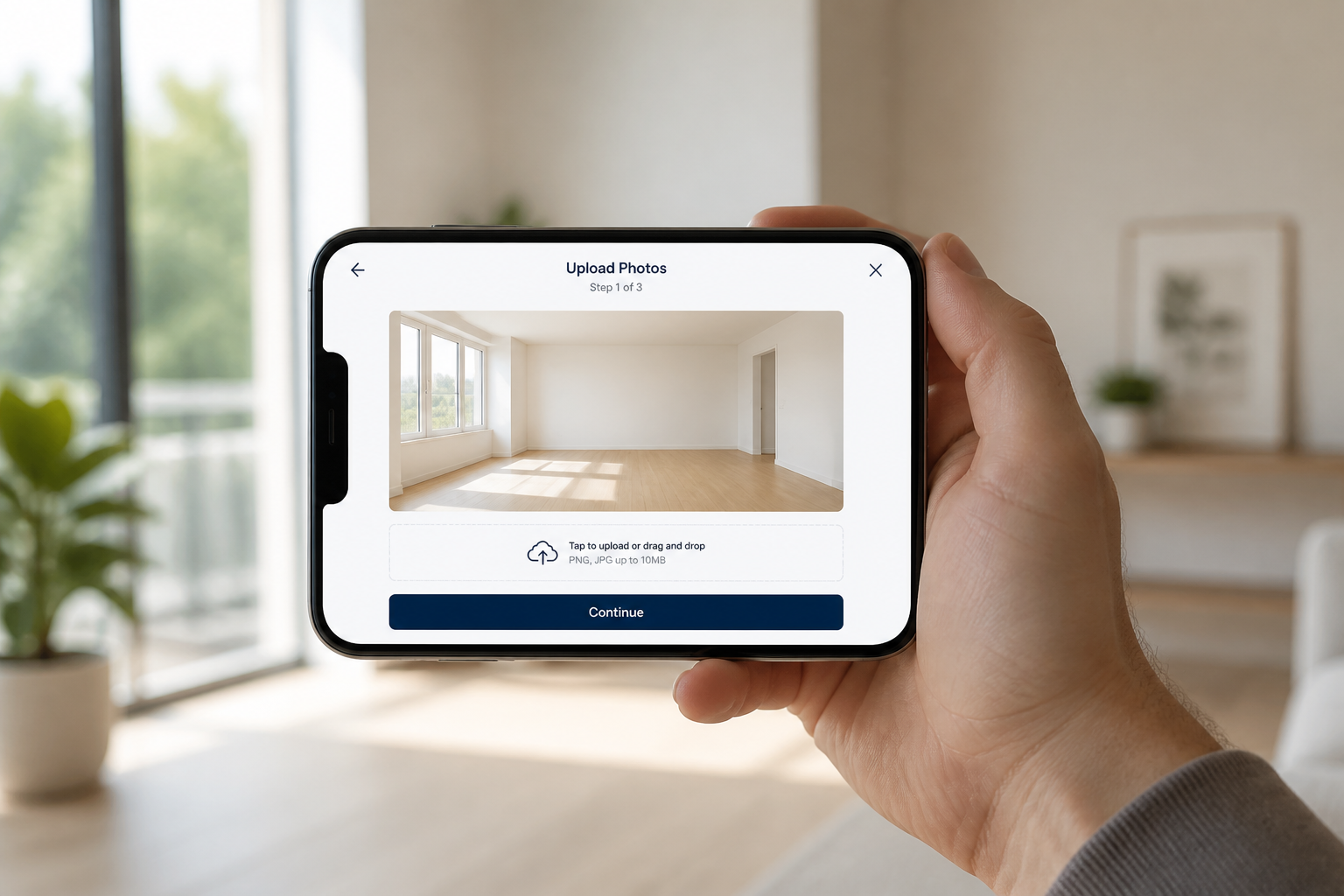
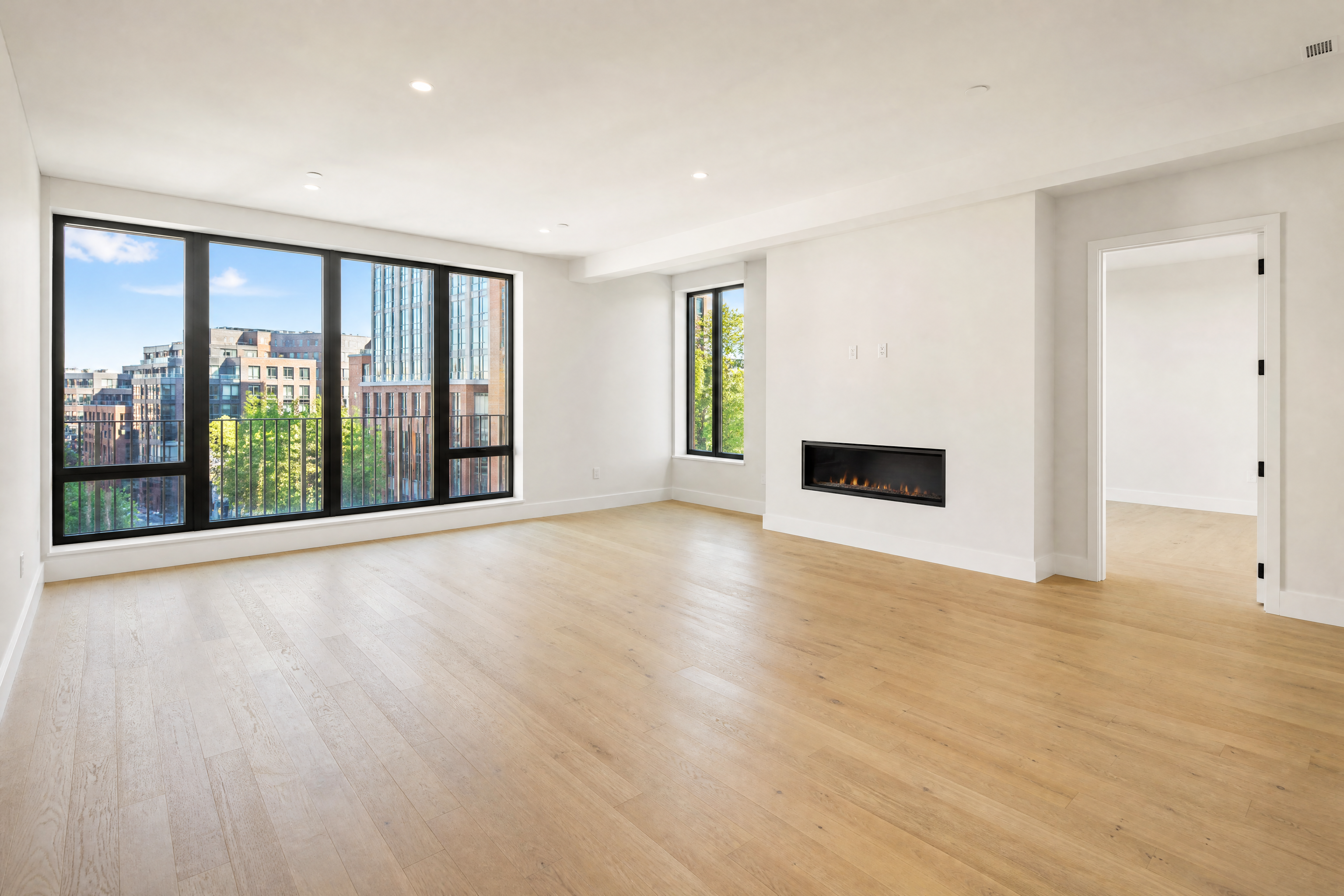
Upload an empty room photo
Start with a clear photo of a vacant room. Wide, well-lit listing shots work best because they show the room layout and leave space for staging elements.
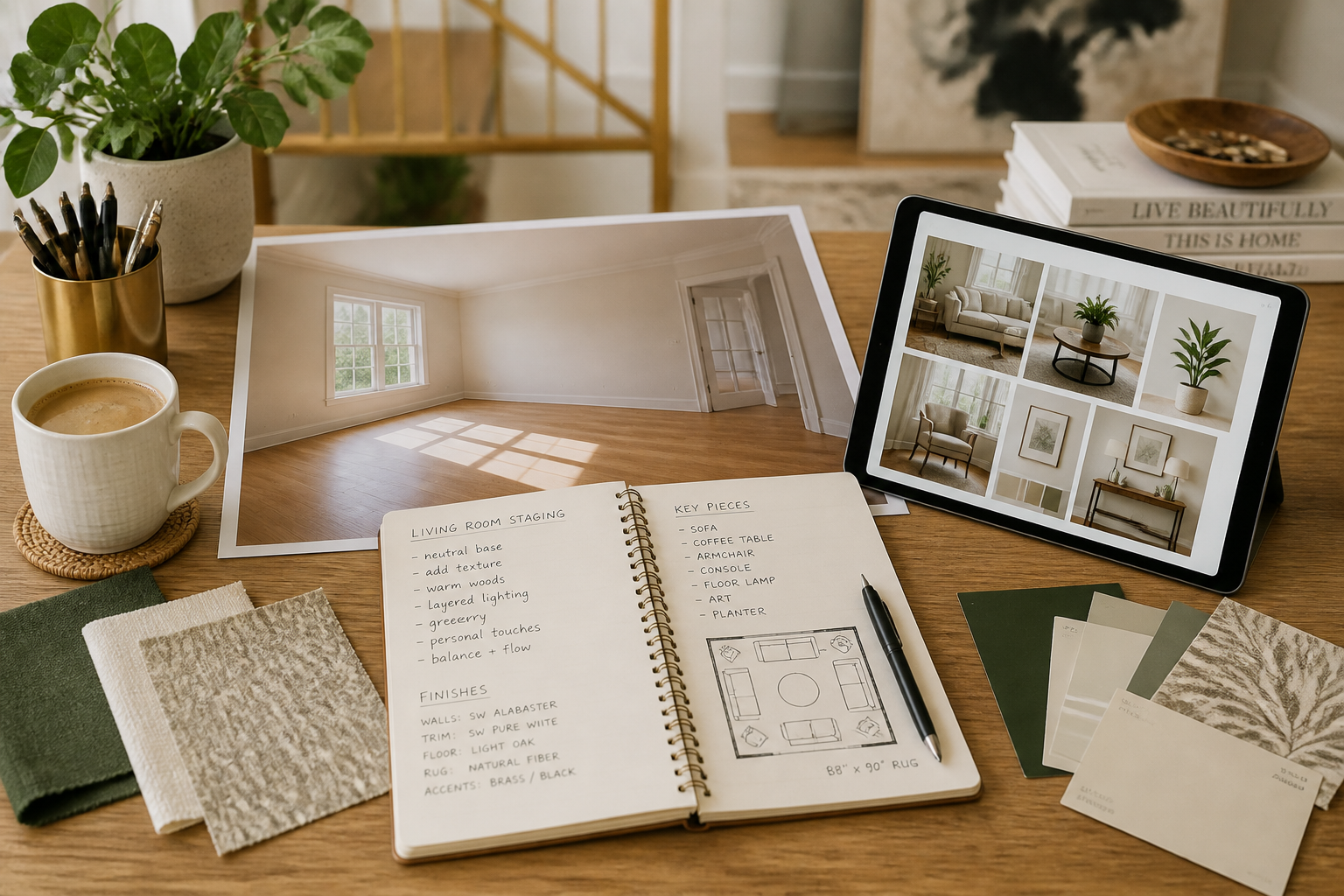
Describe the staging style
Tell the AI what kind of interior you want to show, such as modern, Scandinavian, luxury, or family-friendly. You can be brief or specific about furniture, mood, and decor direction.
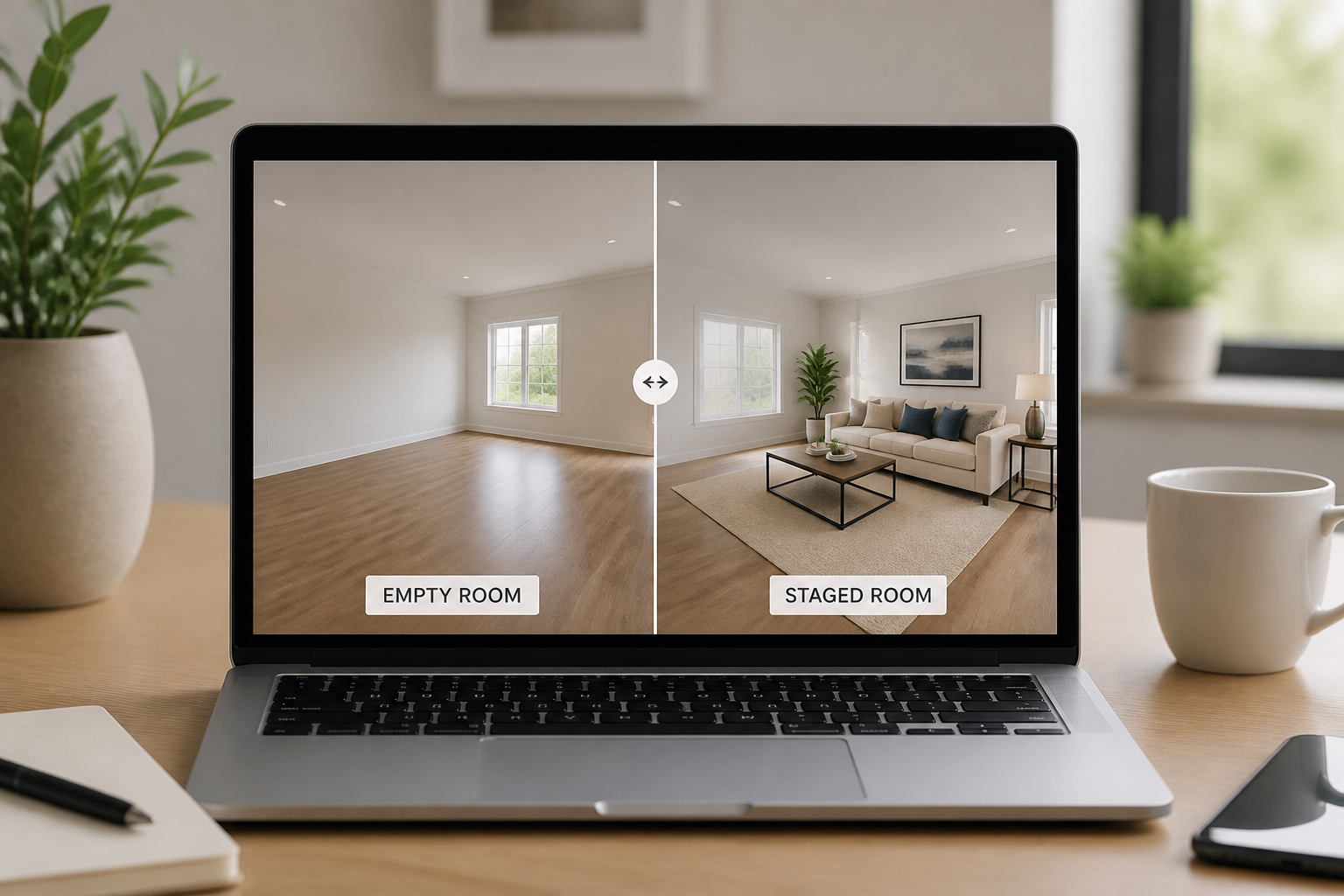
Review and compare results
Generate the staged version and compare it with the original empty room. Keep the version that best fits the listing, or try another style for a different buyer audience.
Perfect For
Discover how creators and professionals use ai real estate staging
Vacant property listings
Turn empty listing photos into furnished visuals that help buyers read room size, function, and flow.
Seller presentations
Show homeowners how their vacant property can look in marketing materials before publishing the listing.
Rental marketing
Stage empty apartments and condos to make online listings feel warmer and more livable.
Design concept previews
Test different furnishing directions for the same empty room before choosing a final presentation style.
Built For
Real estate agents
Create stronger listing images for vacant homes without arranging physical staging.
Property managers
Market empty units with furnished visuals that help renters understand the space.
Home stagers and marketers
Produce quick staging concepts for presentations, campaigns, and client approvals.
Why use AI real estate staging
A quick look at how we compare on the things that matter for this niche.
| Feature | BudgetPixel | Generic AI editors | Manual editing apps |
|---|---|---|---|
| Built for empty-room staging | ✓ | — | — |
| Keeps room perspective consistent | ✓ | — | ✓ |
| Fast style variations | ✓ | ✓ | — |
| Manual asset placement required | — | — | ✓ |
Frequently Asked Questions
What kind of photos work best for AI Real Estate Staging?
Does it change the structure of the room?
Can I try different interior styles on the same room?
Is this useful for rental listings too?
Do I need editing experience to use it?
Create together.
Share your creations, discover trending AI art, and grow with fellow creators.