Mortal Kombat Cosplay AI
Turn a normal photo into a cinematic fighting-game cosplay look.
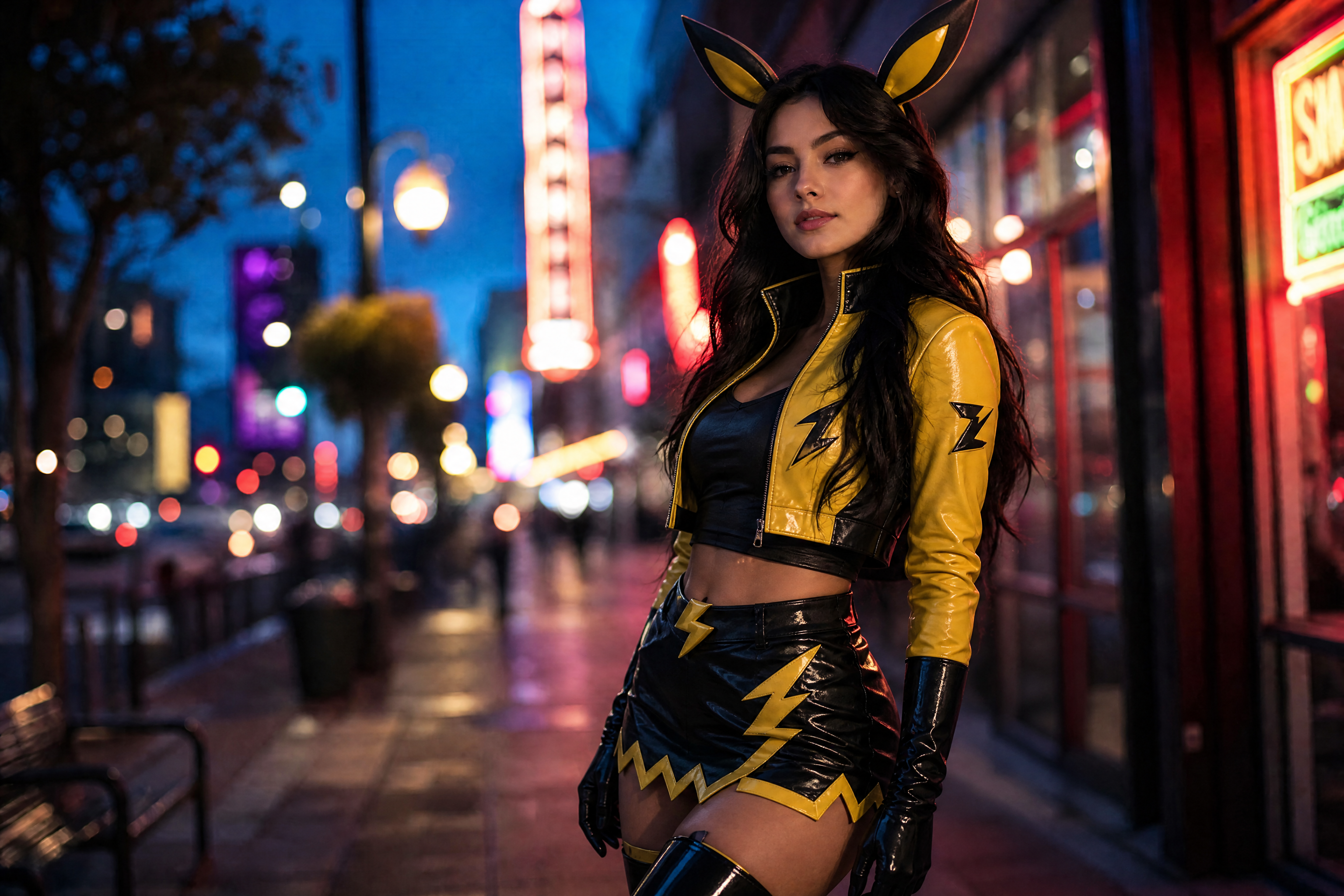
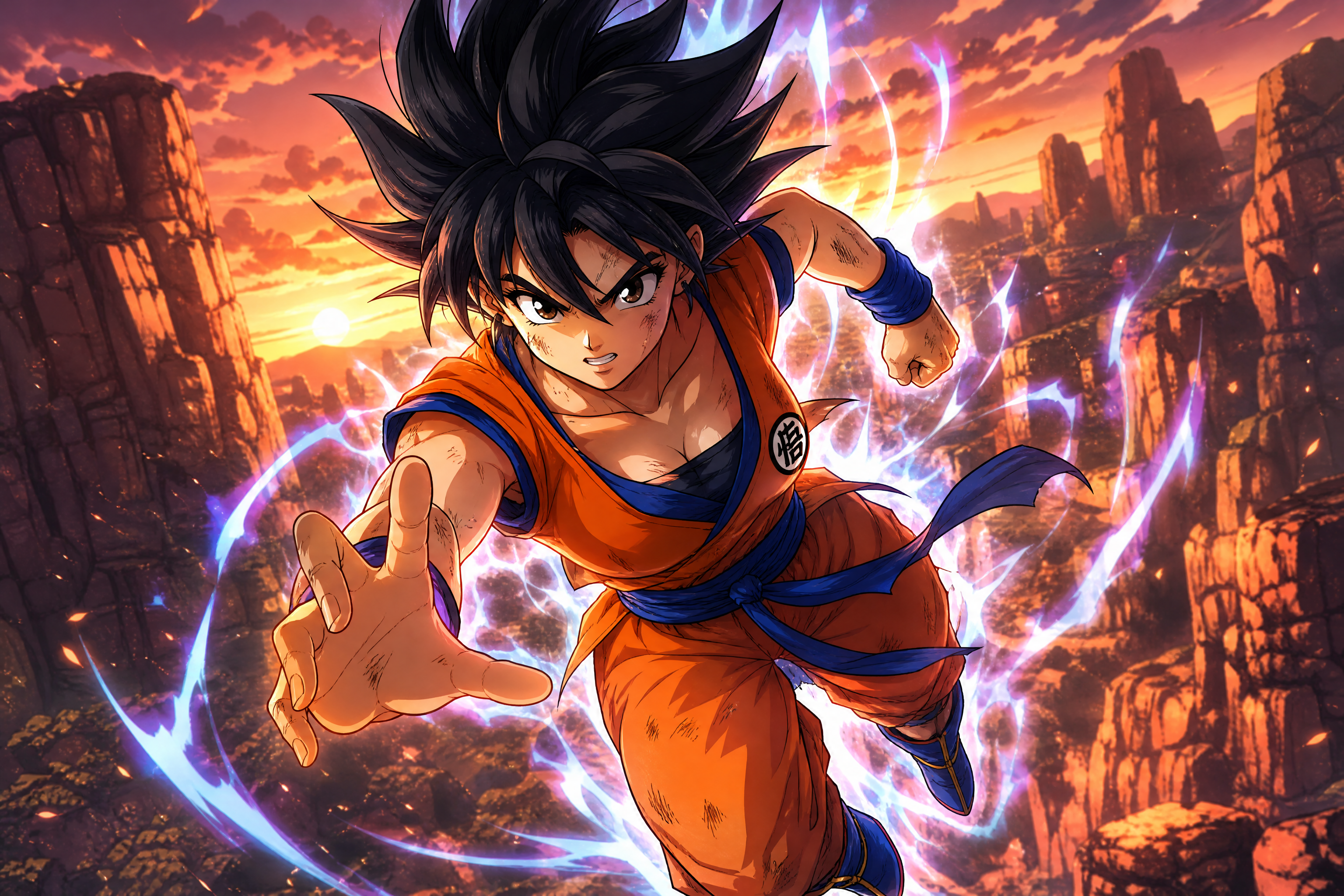
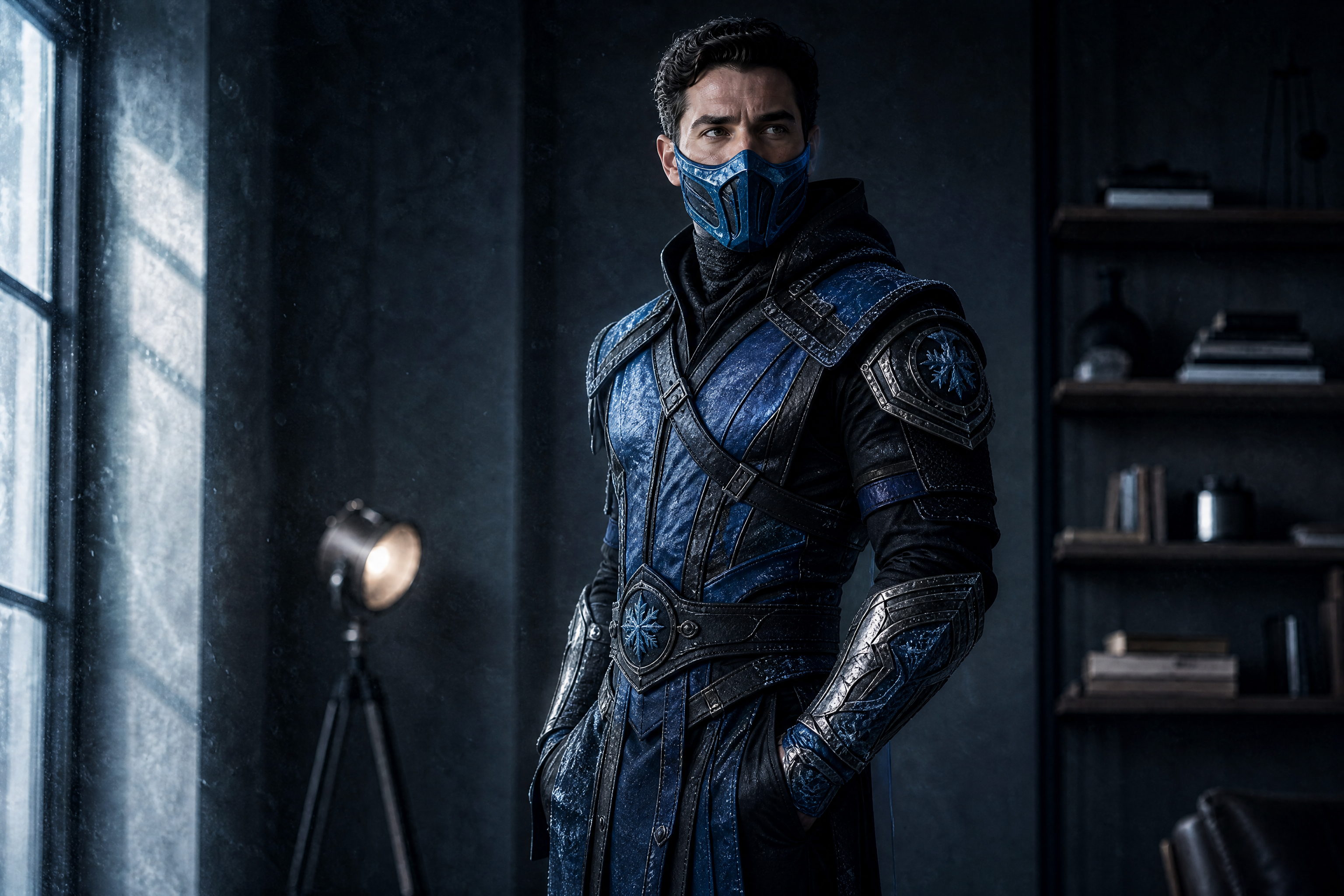
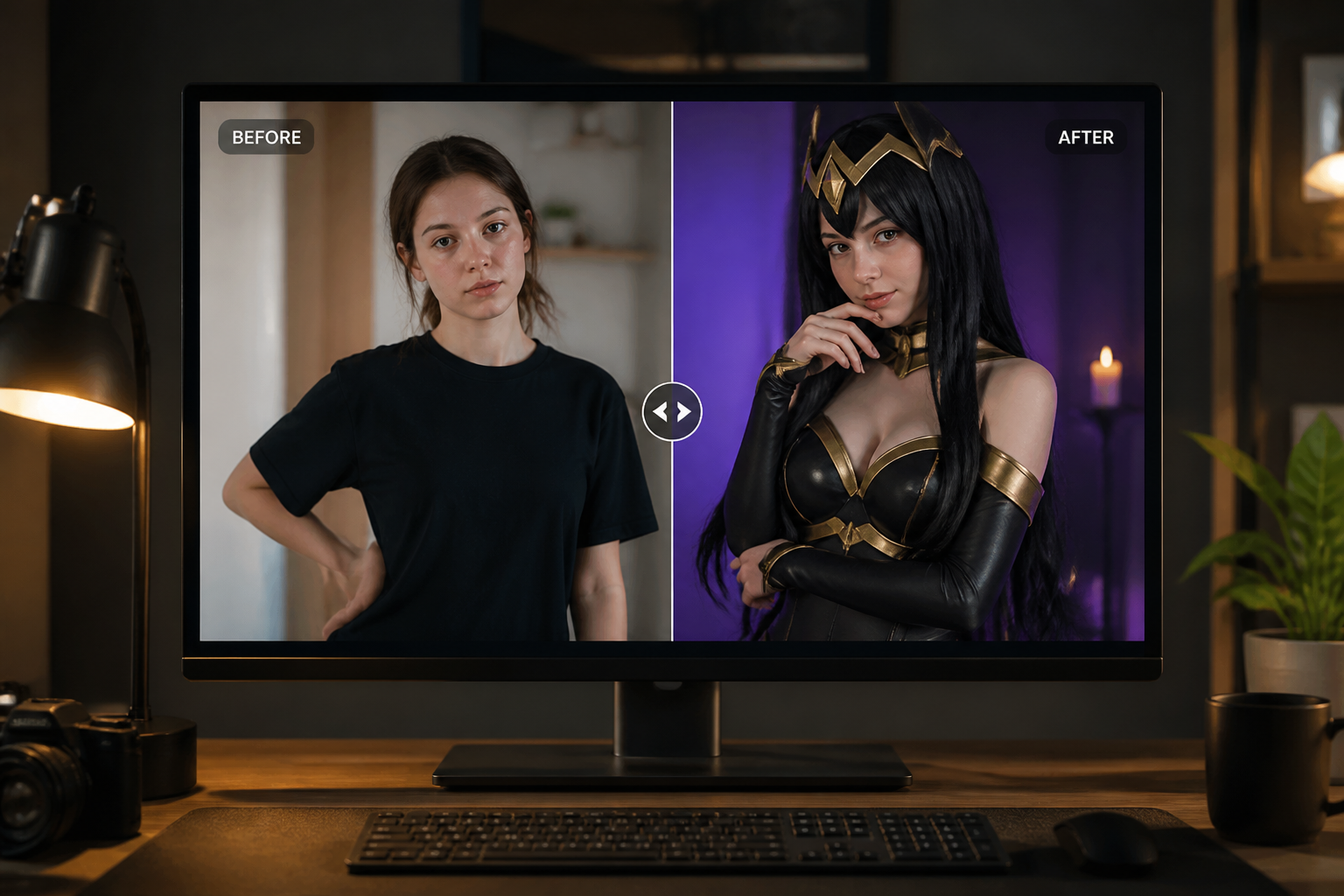
Upload a photo and transform it into a high-impact Mortal Kombat cosplay edit with masks, armor, fabric details, and dramatic lighting. You can create realistic fighter-inspired looks or switch into manga and anime-styled versions while keeping the pose and identity consistent.
Watch the Transformation
See ai mortal kombat cosplay in motion — generated end-to-end by our AI.
See It In Action
Real outputs from ai mortal kombat cosplay.
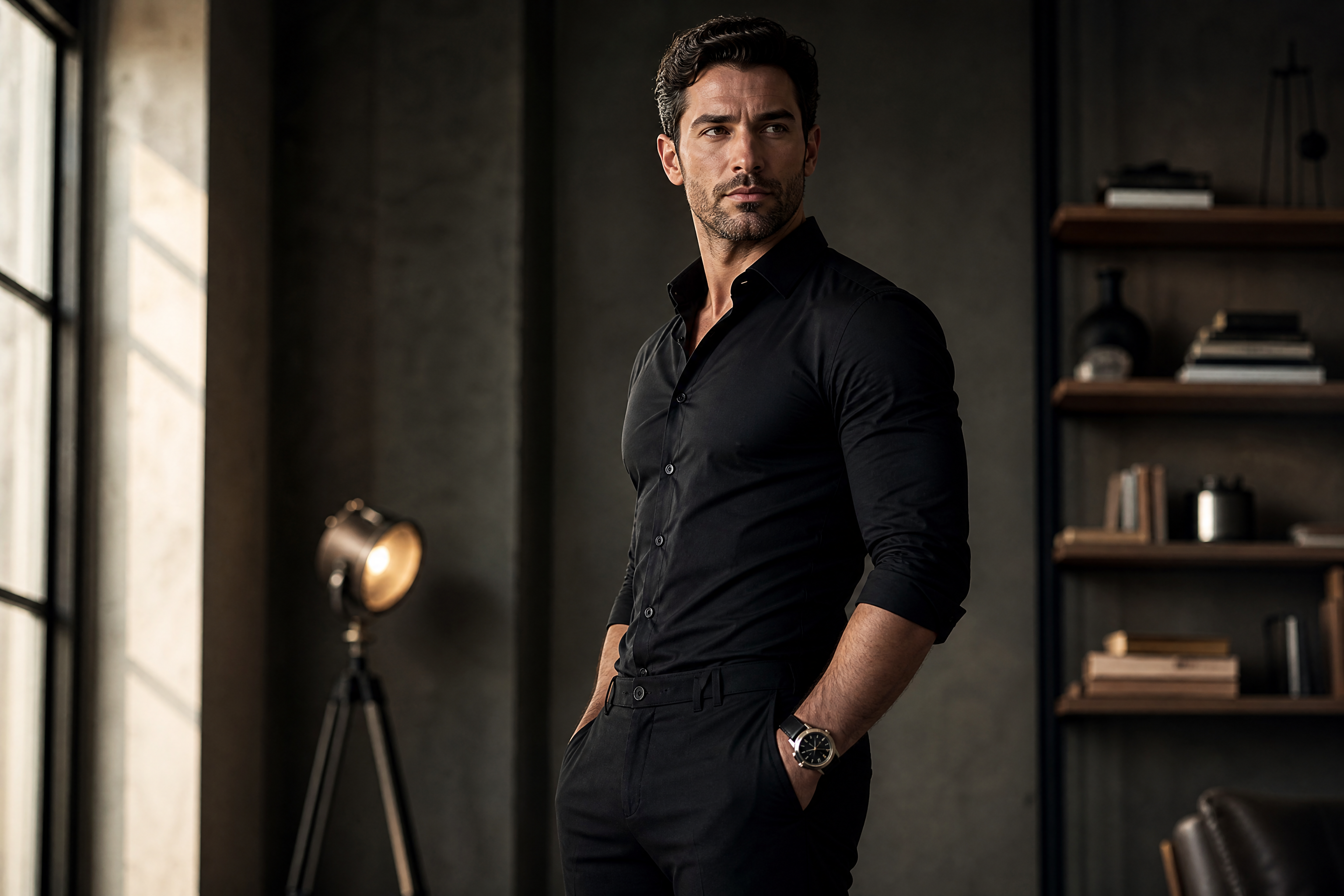
BEFOREAFTER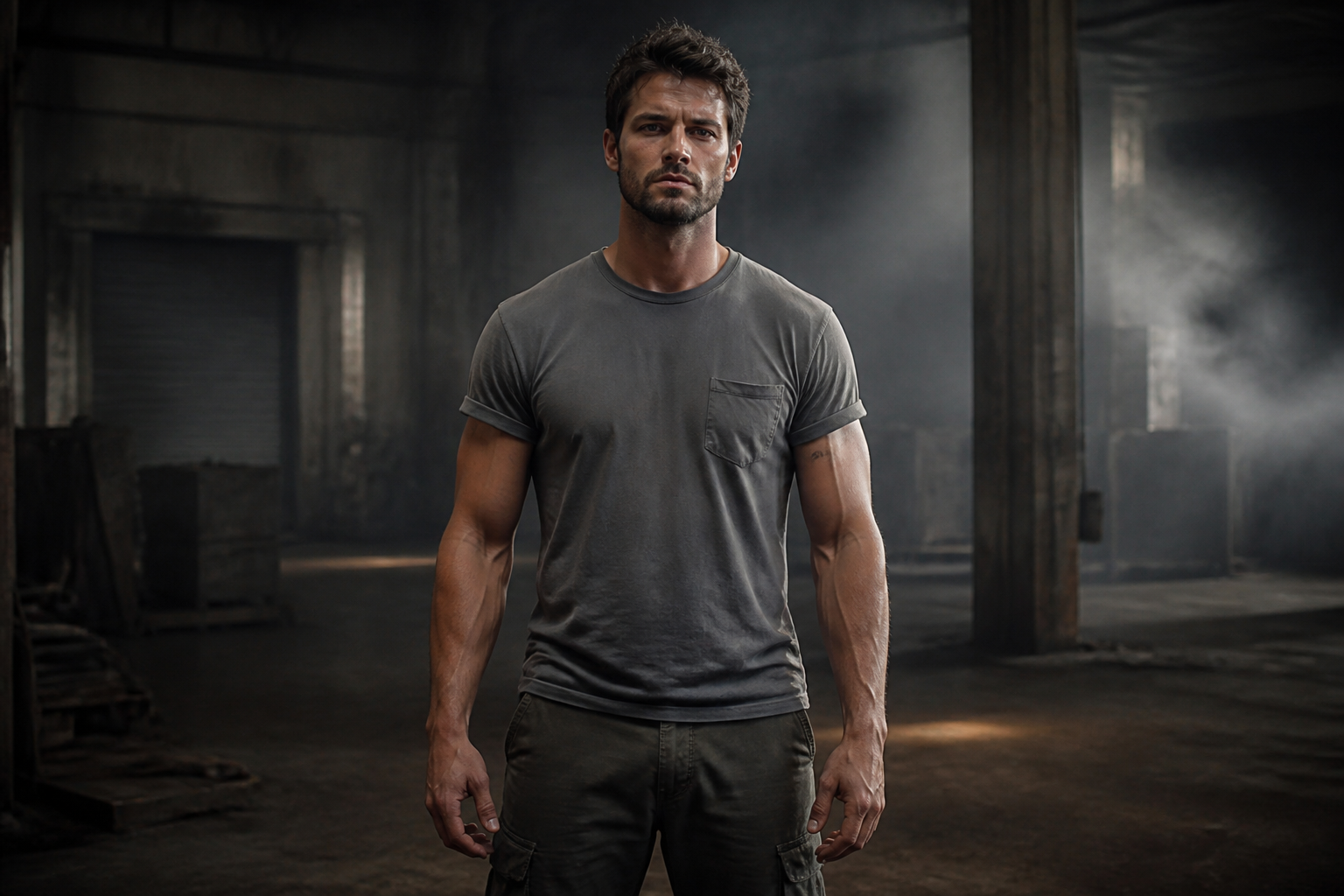 BEFORE
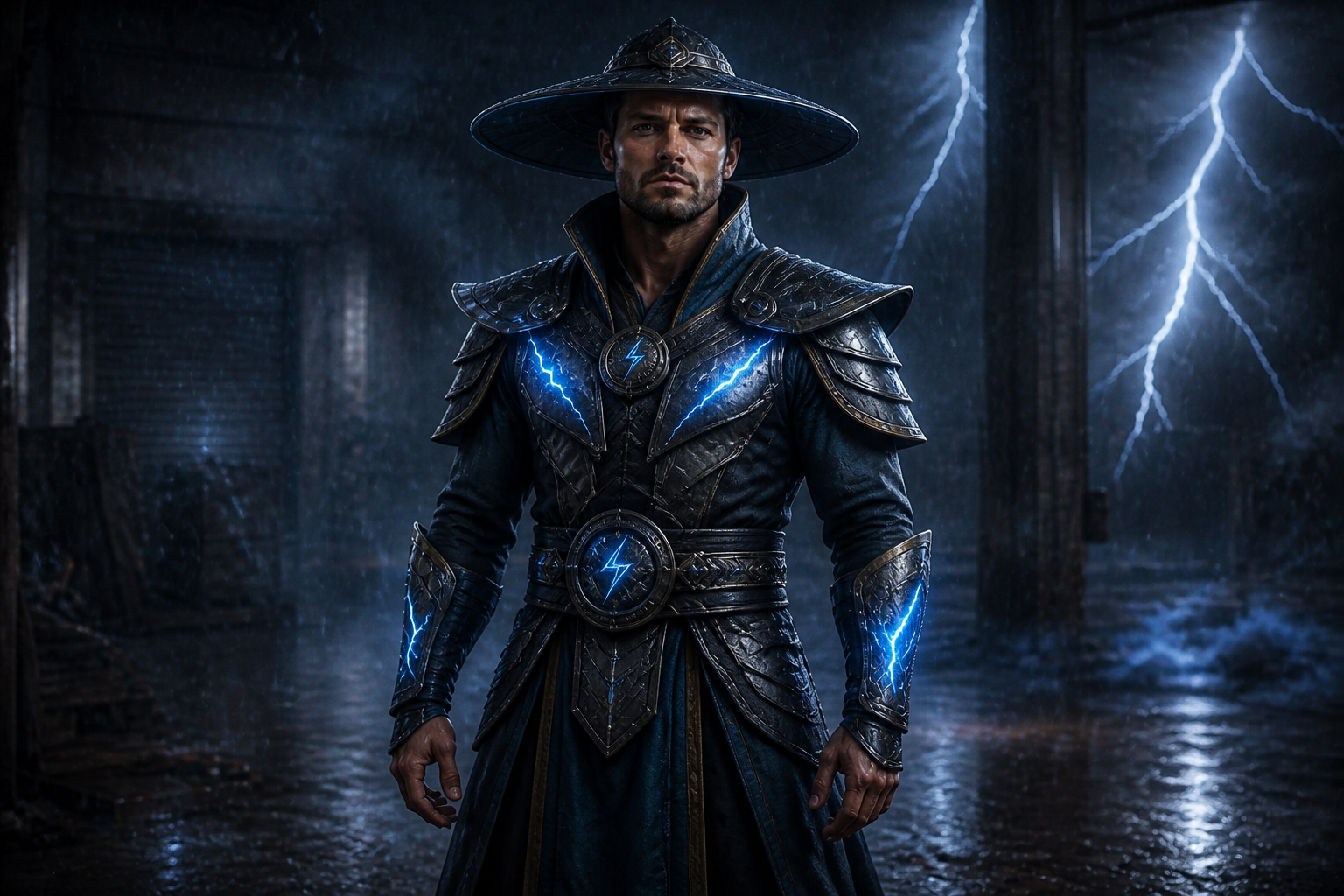 AFTER
AFTER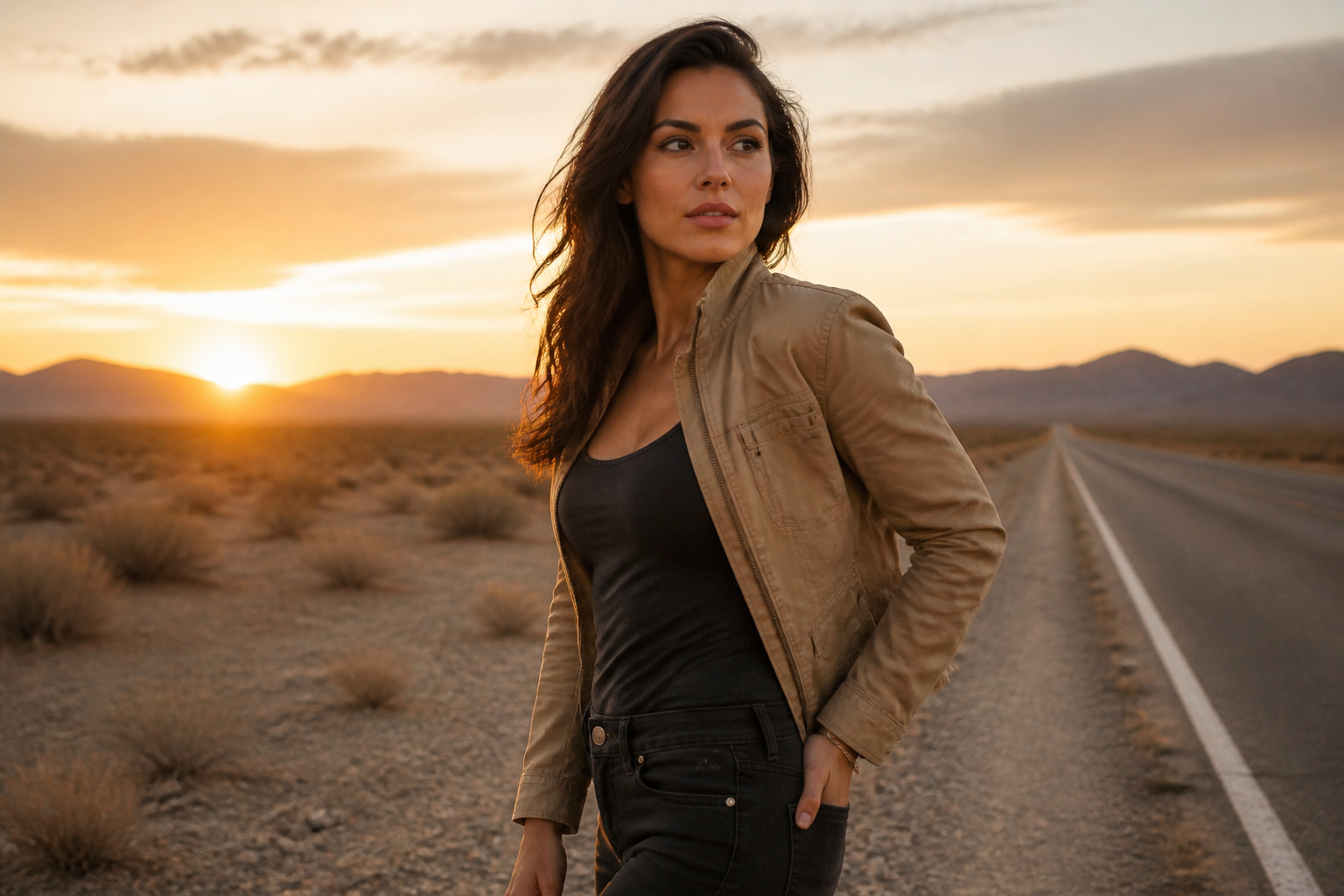 BEFORE
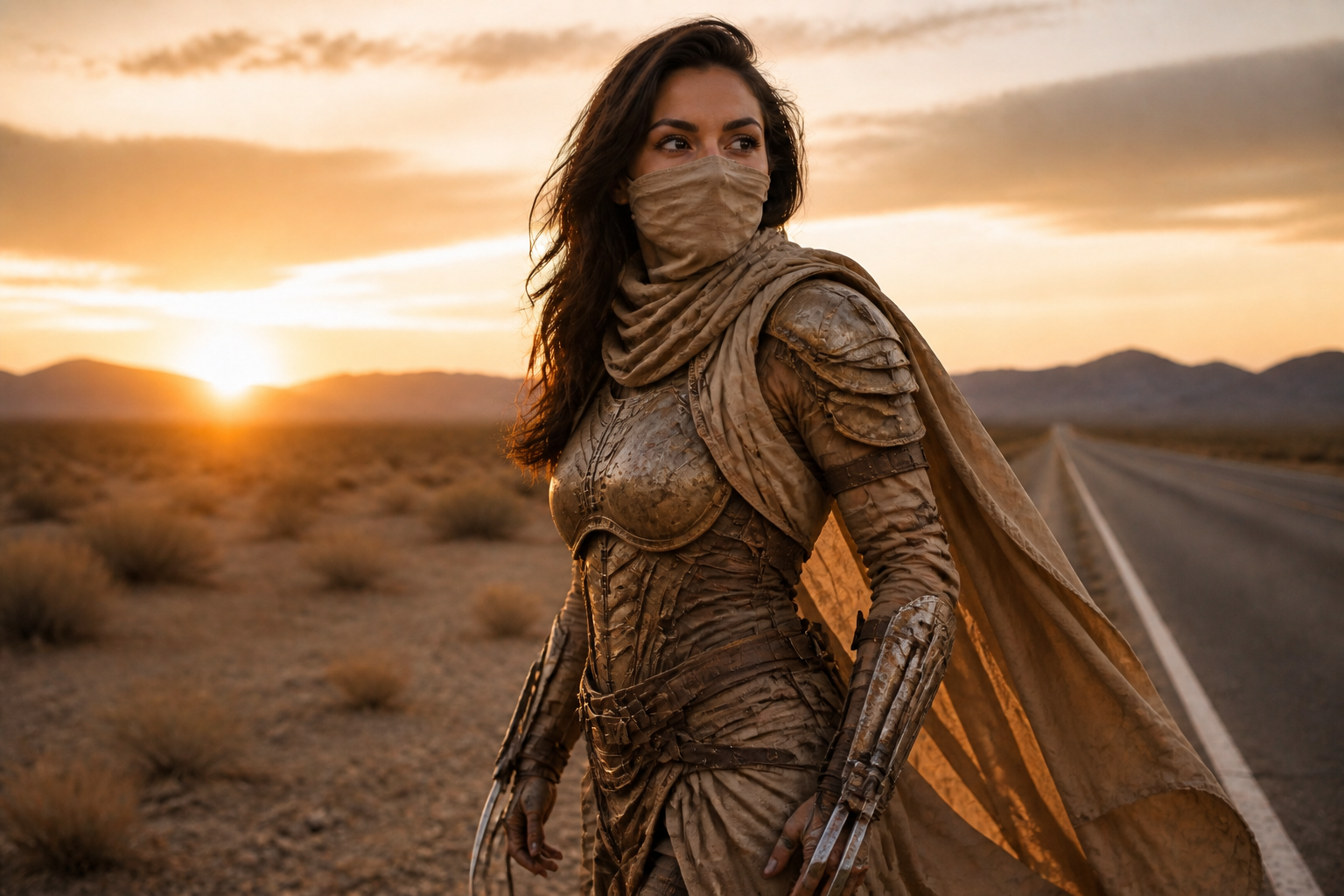 AFTER
AFTER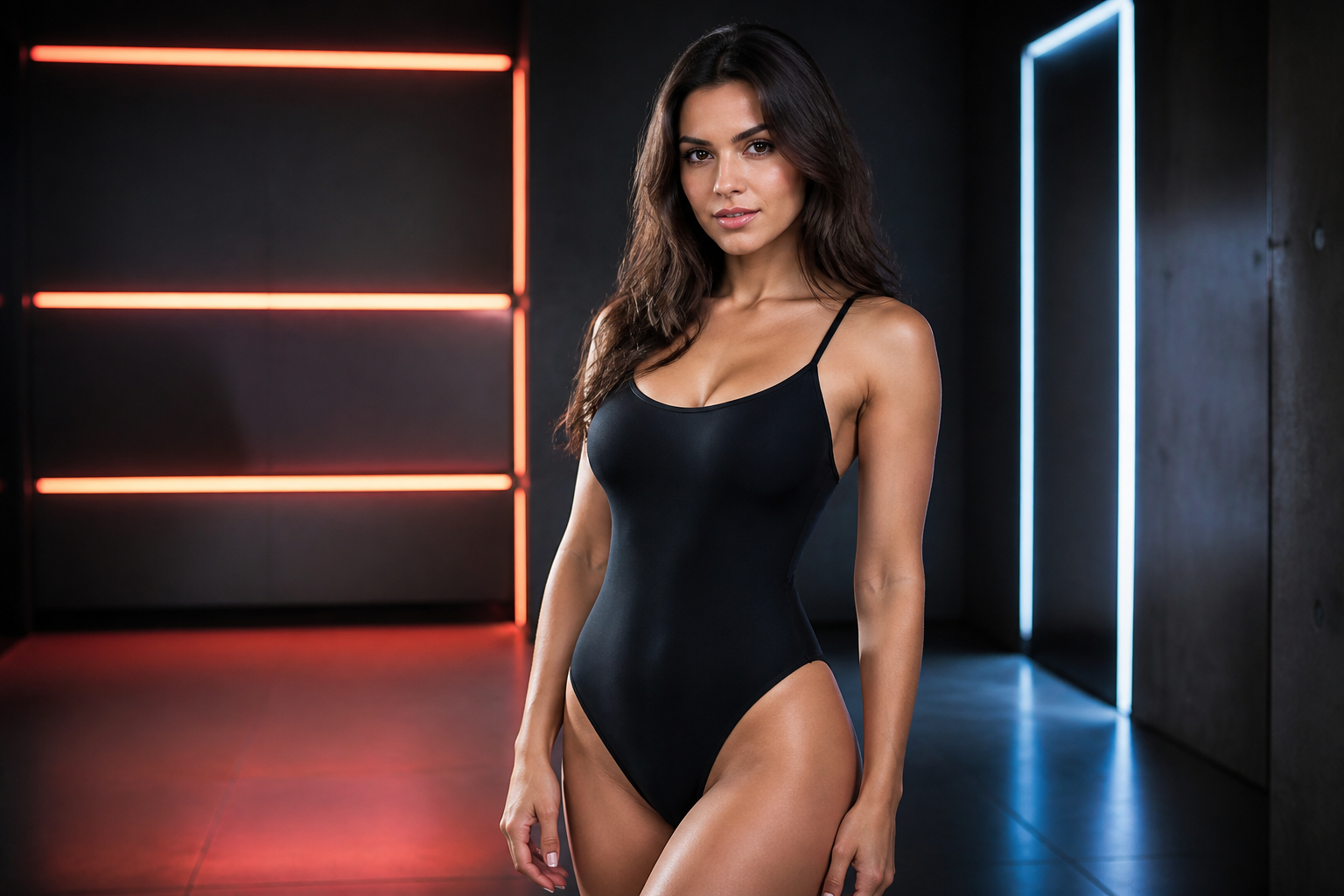 BEFORE
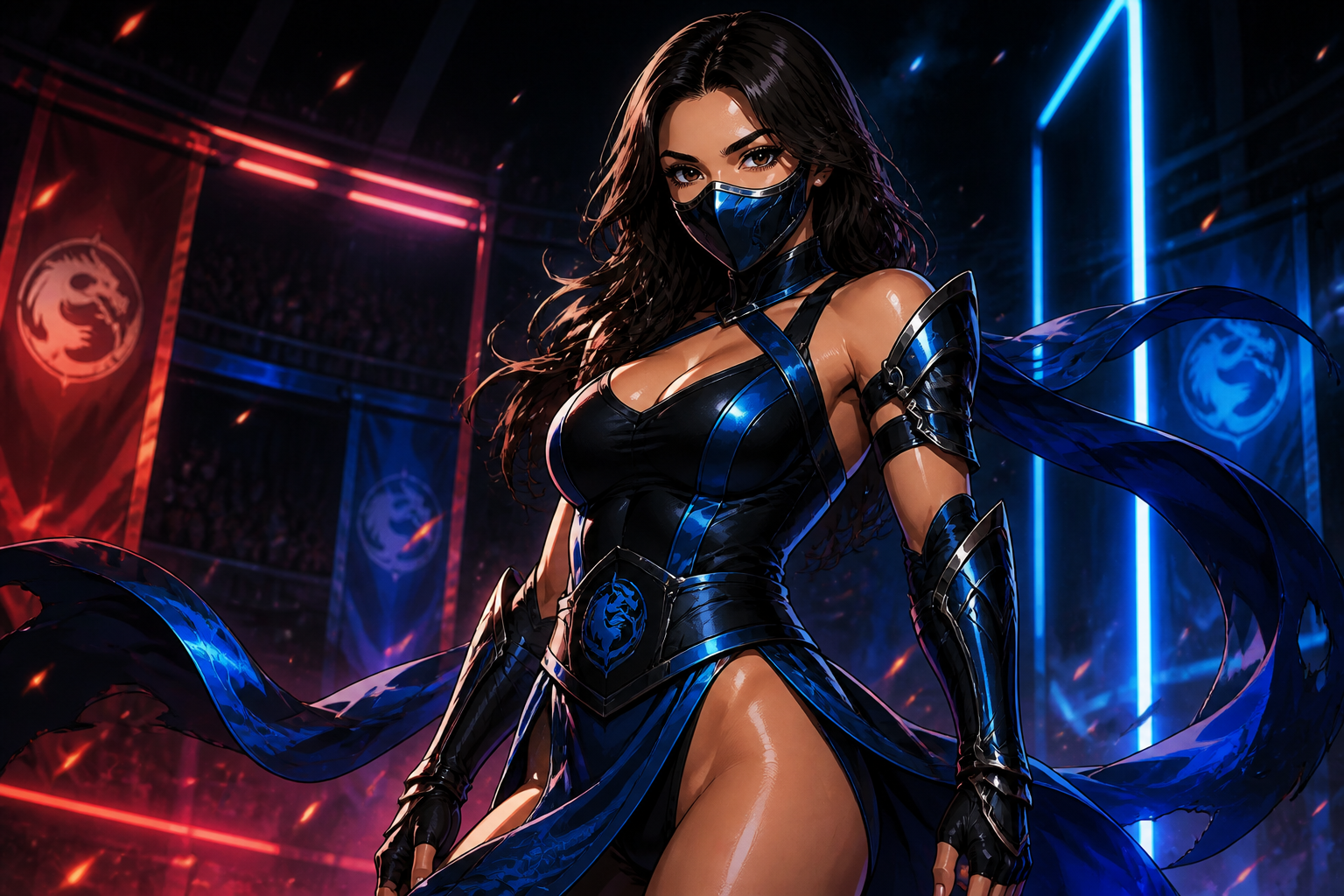 AFTERBEFOREAFTERBEFOREAFTERBEFOREAFTERBEFOREAFTER
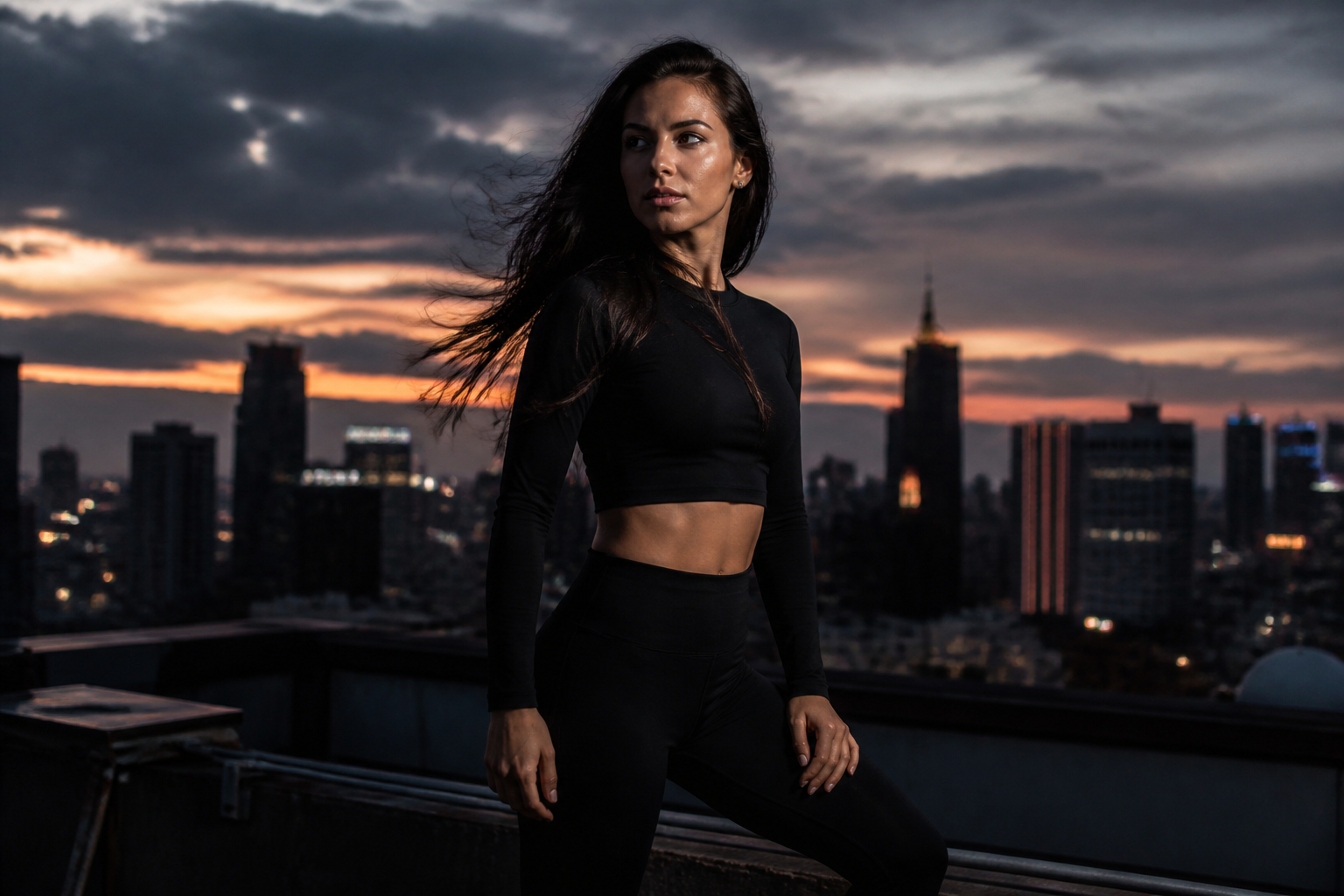 BEFORE
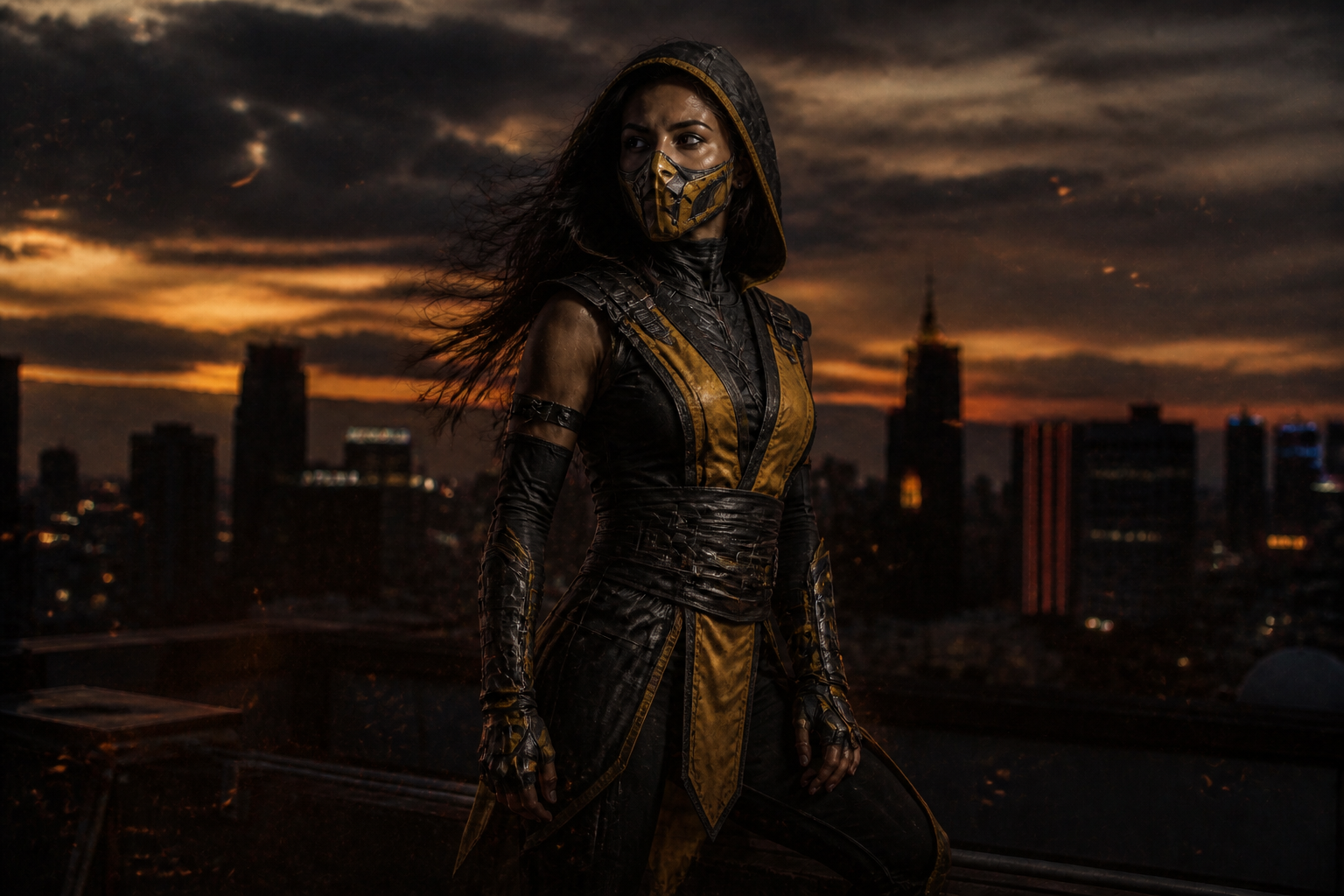 AFTER
AFTER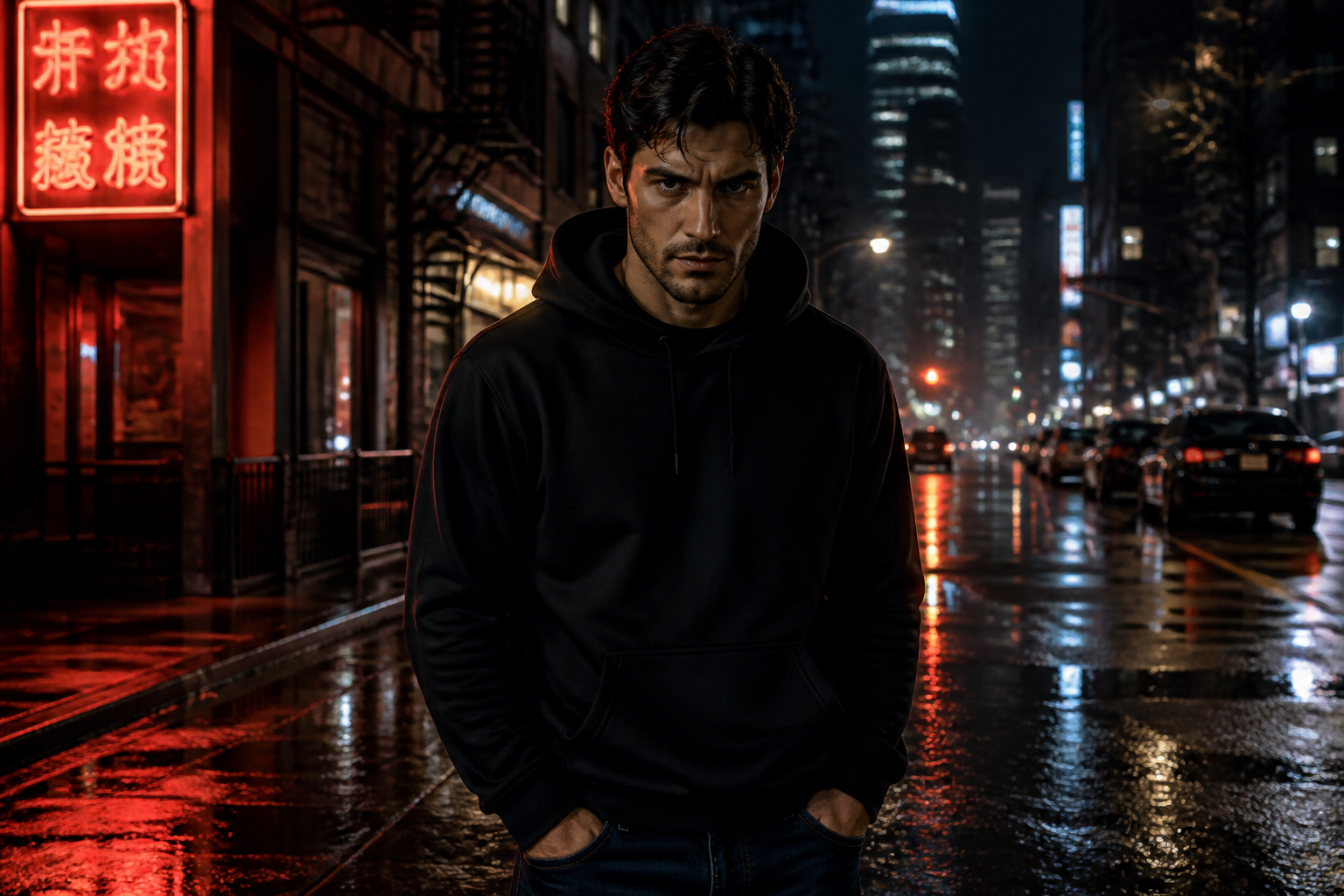 BEFORE
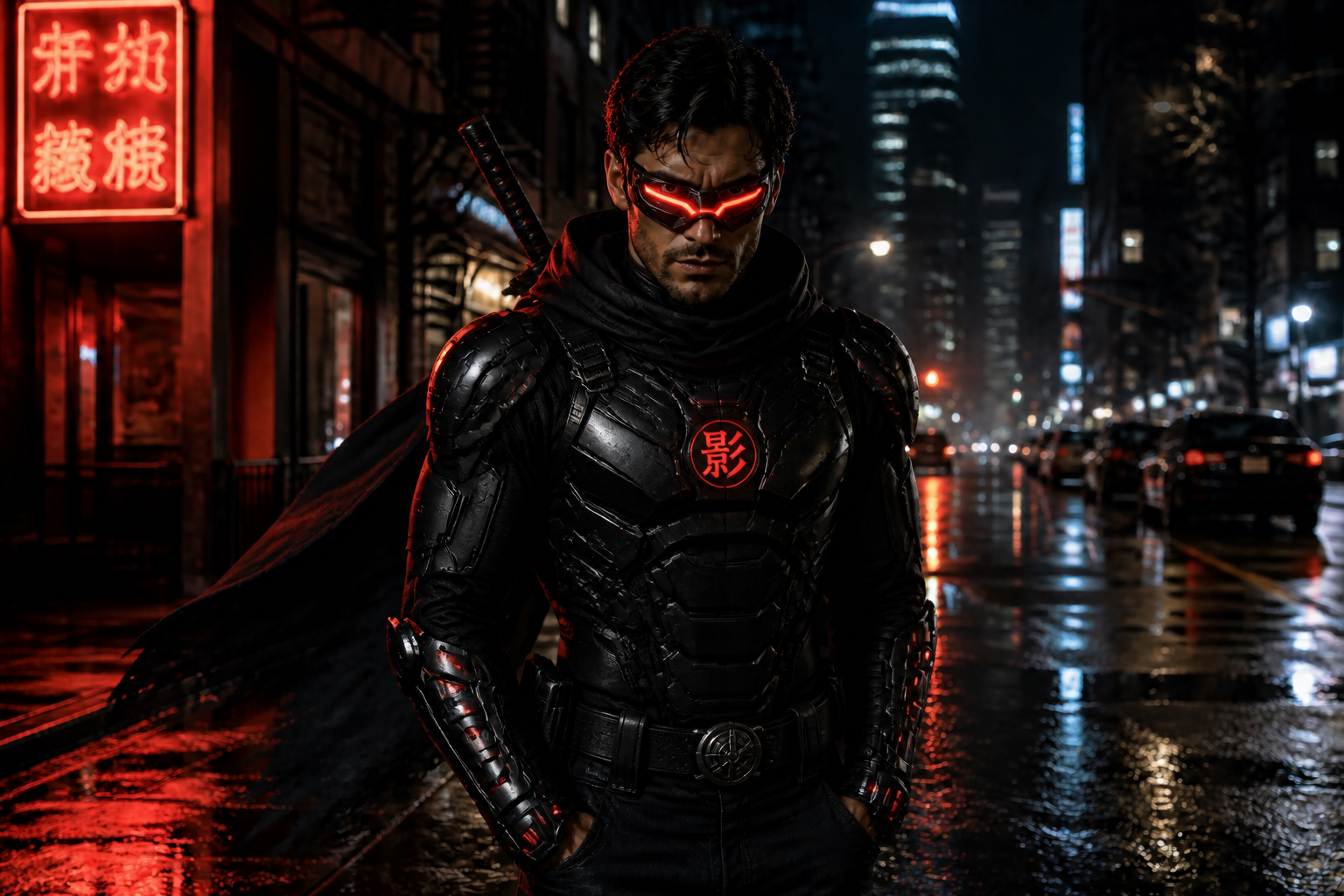 AFTER
AFTER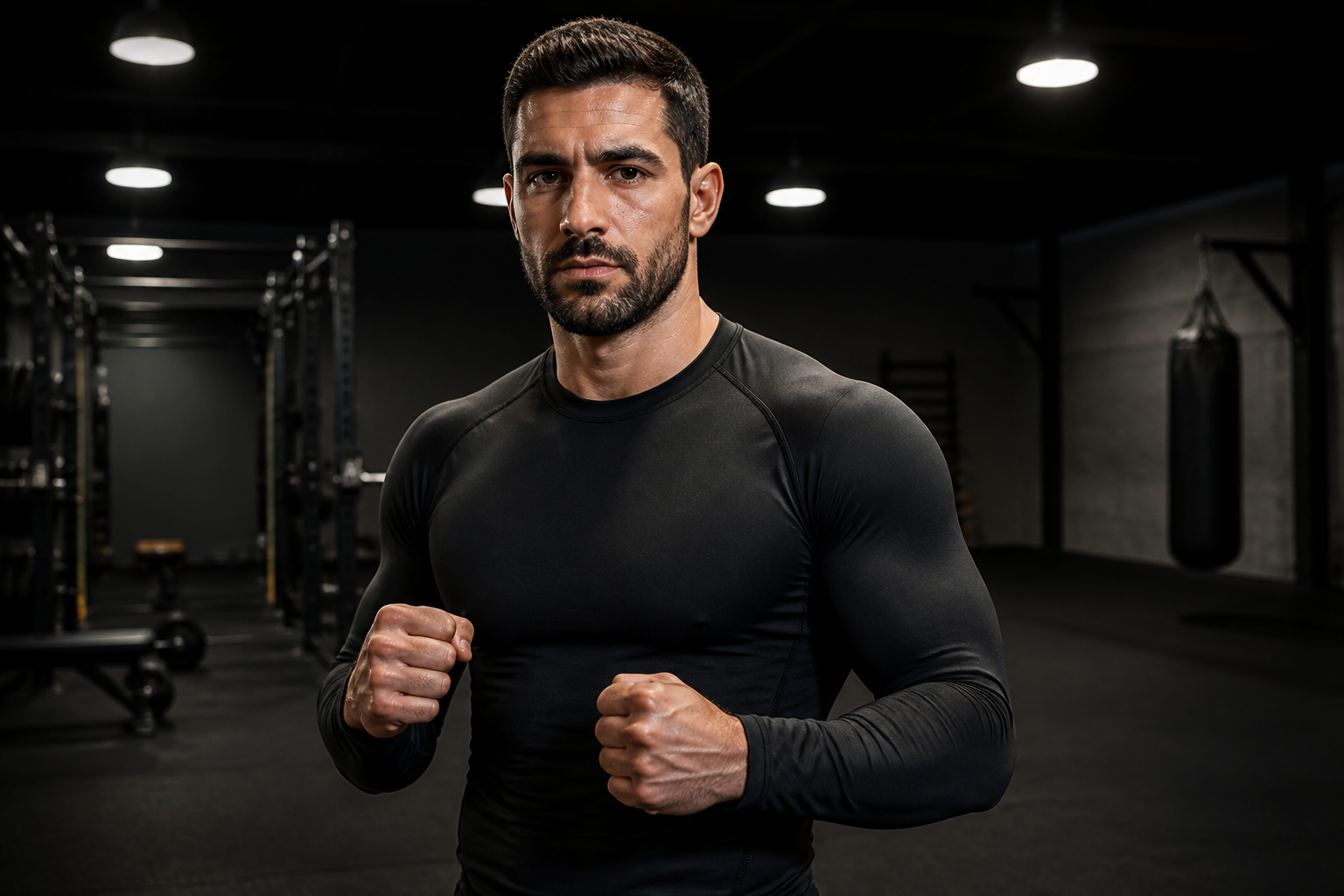 BEFORE
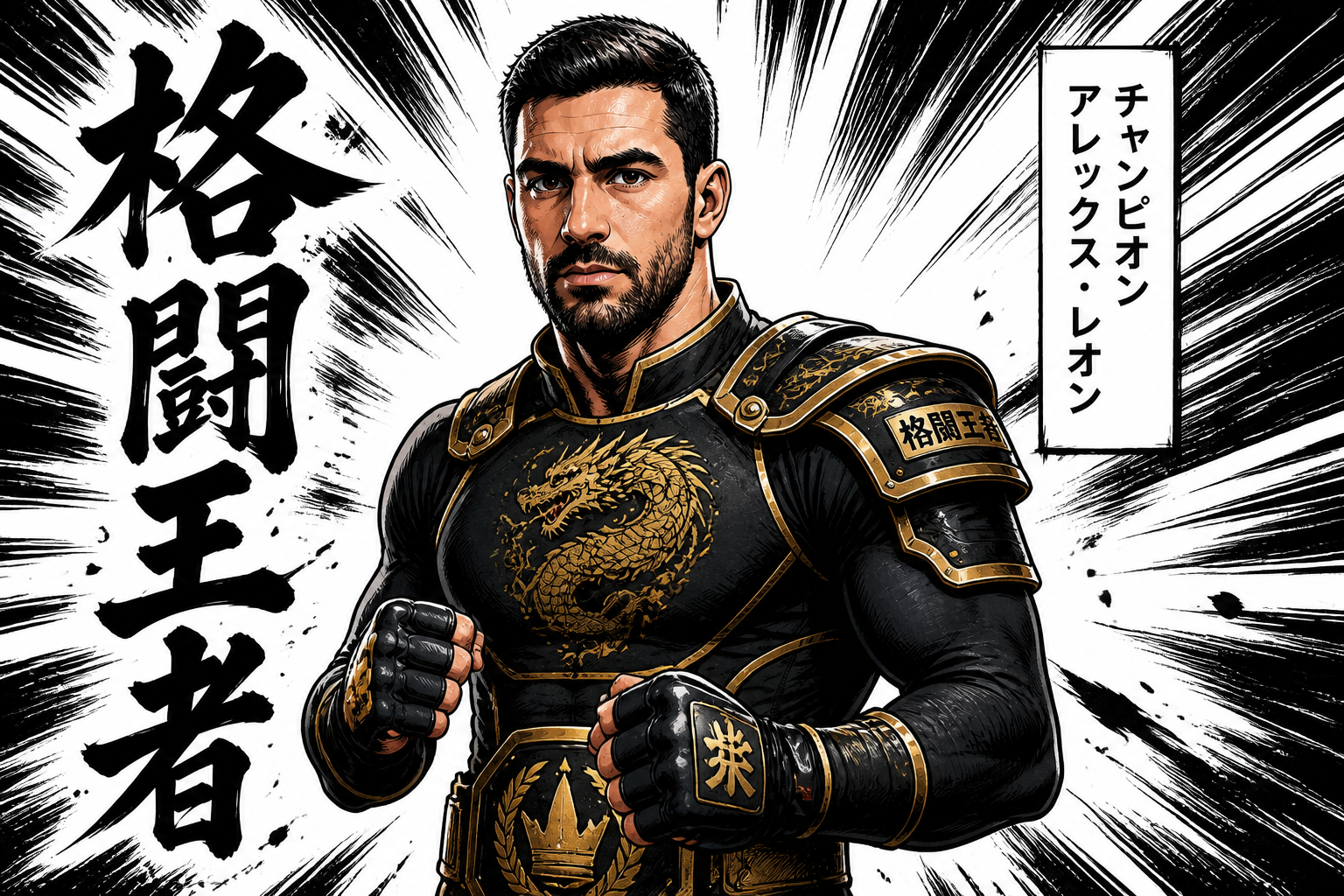 AFTER
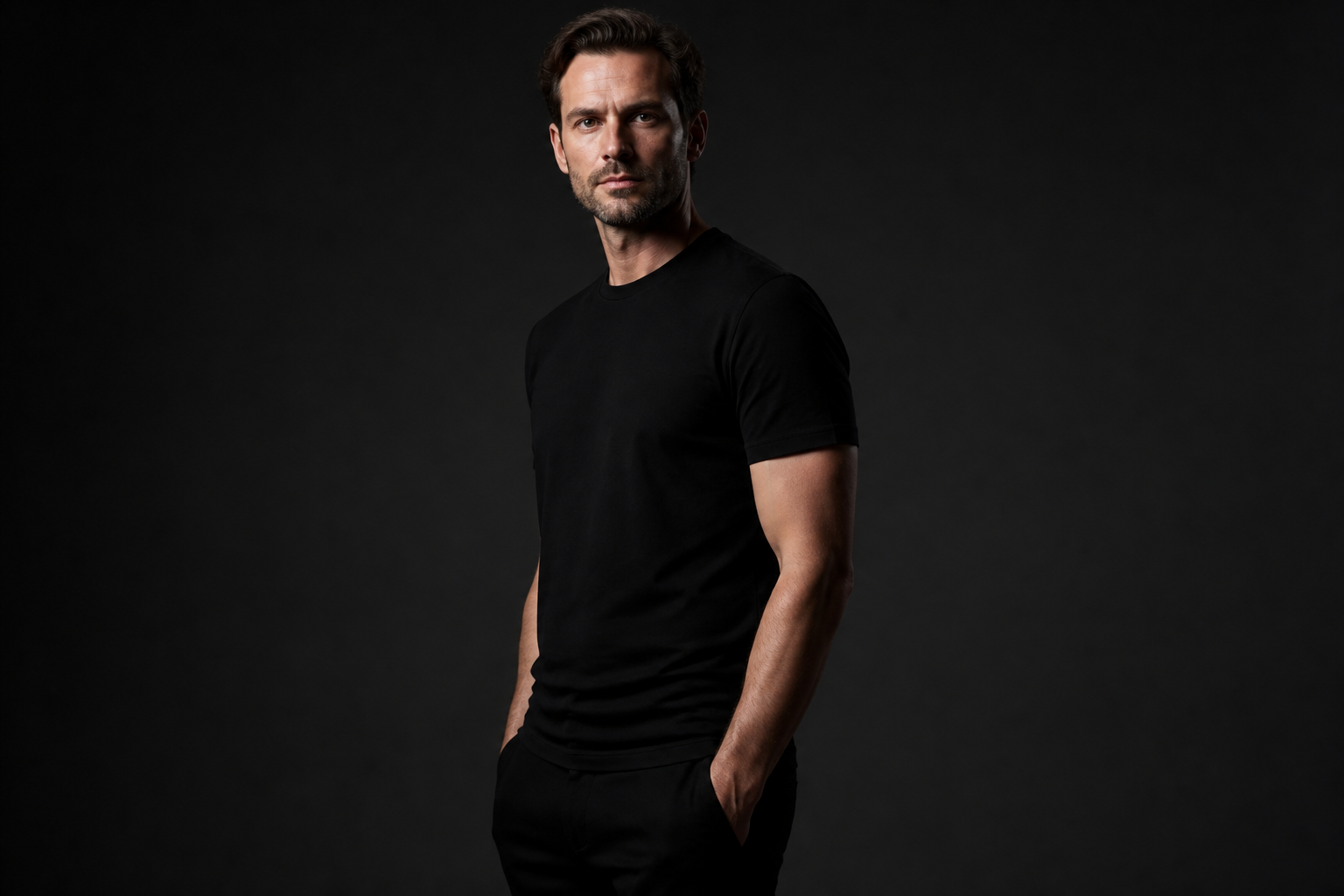
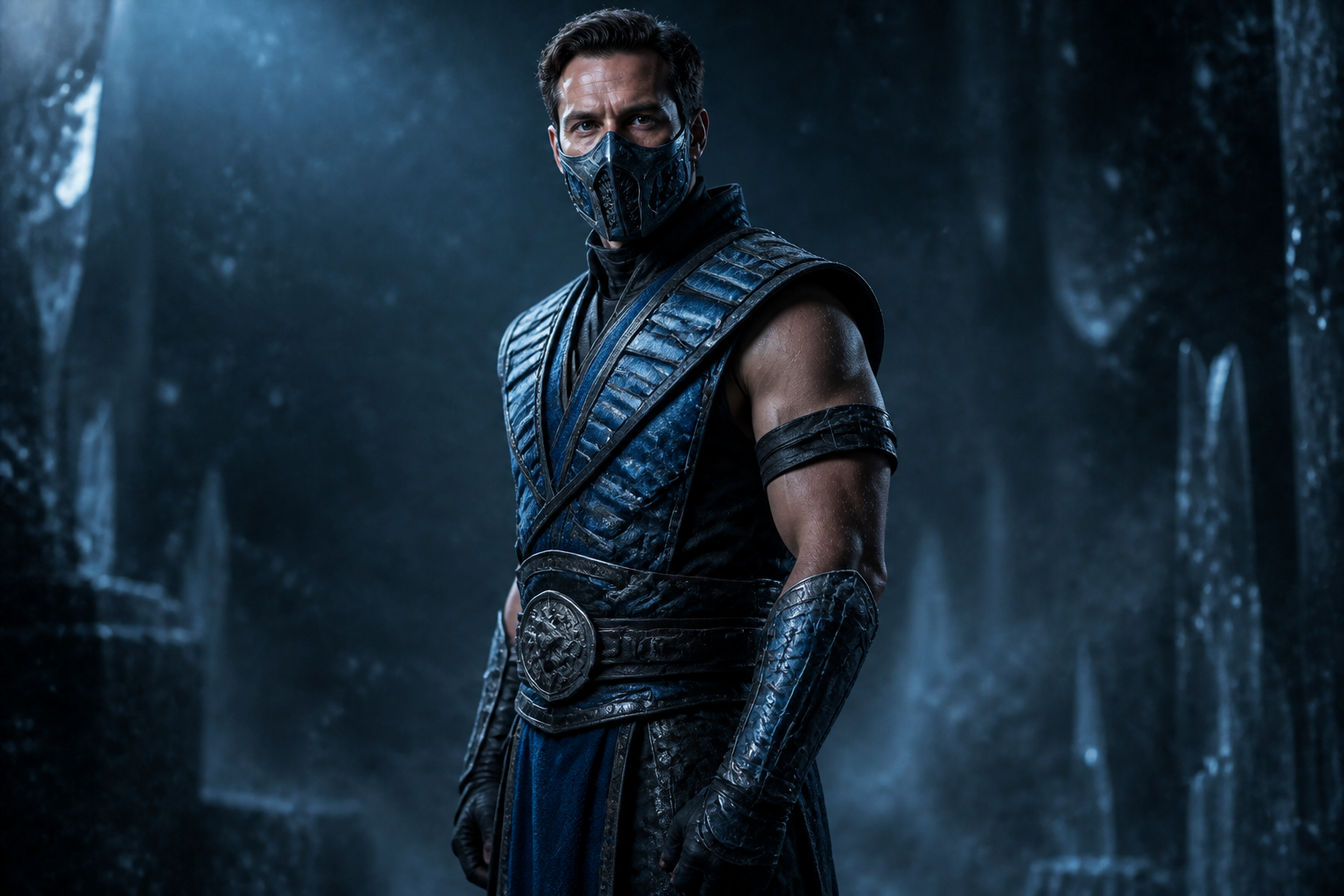
AFTER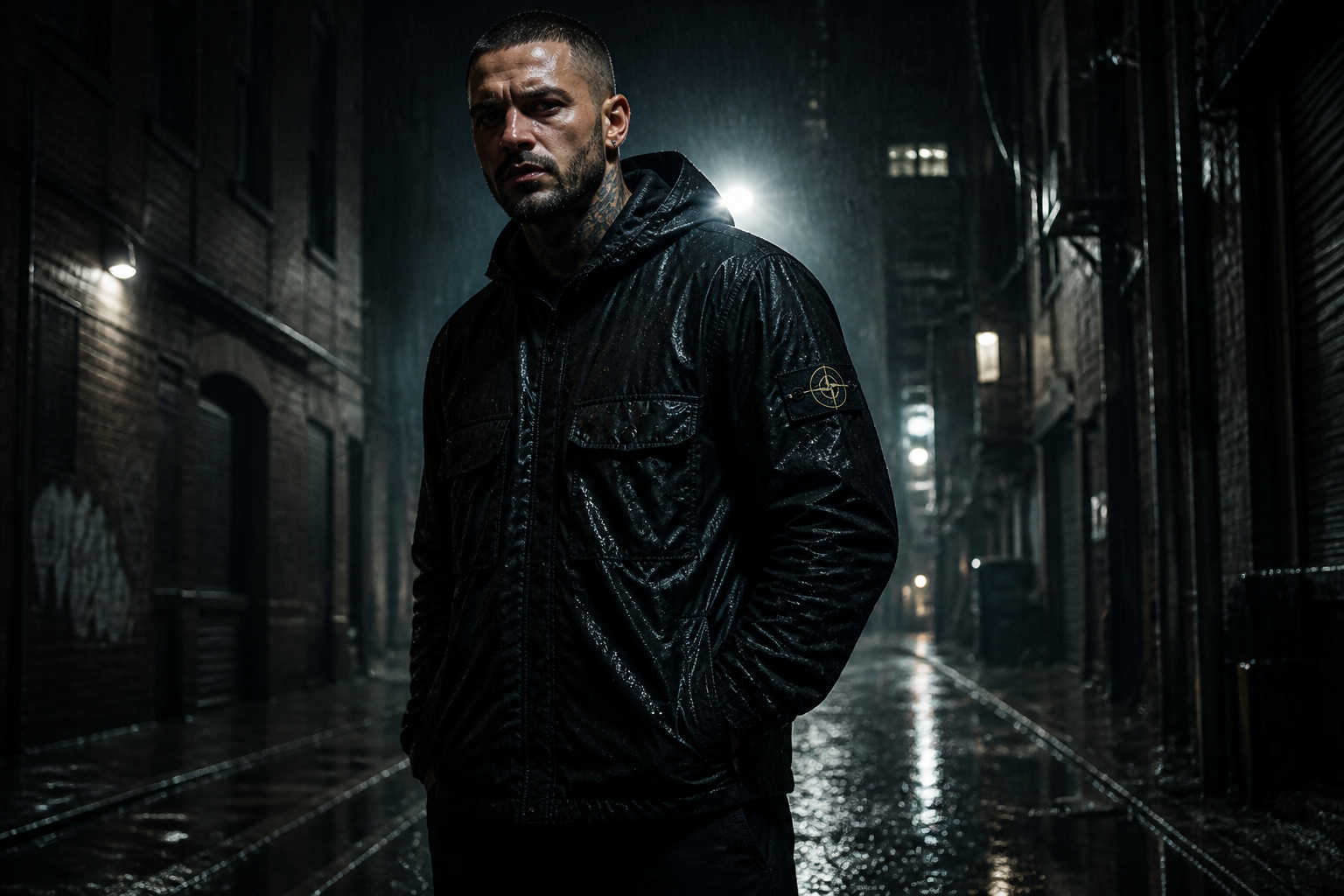 BEFORE
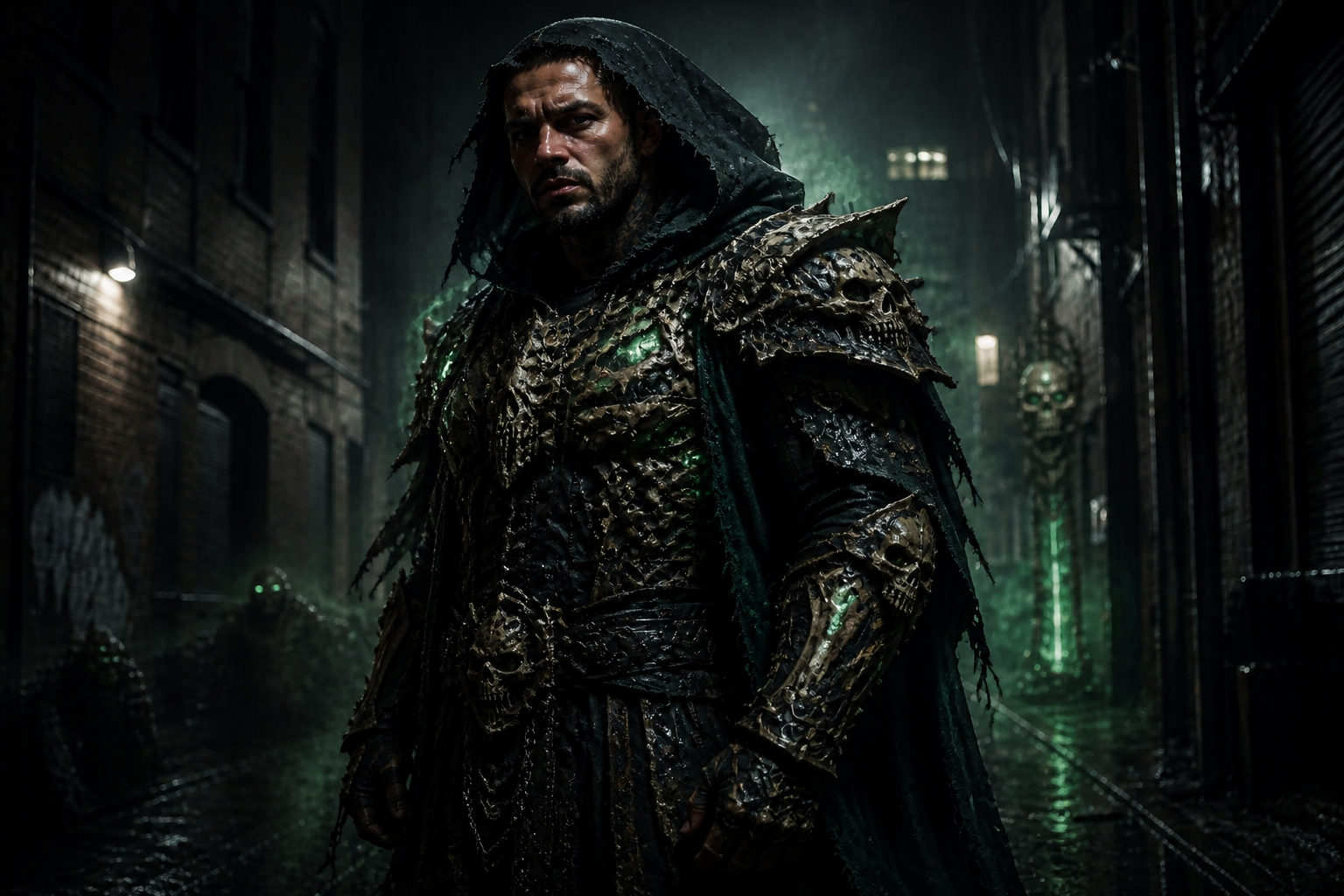 AFTERBEFOREAFTERBEFOREAFTERBEFOREAFTERBEFOREAFTER
Key Features
Realistic costume detail
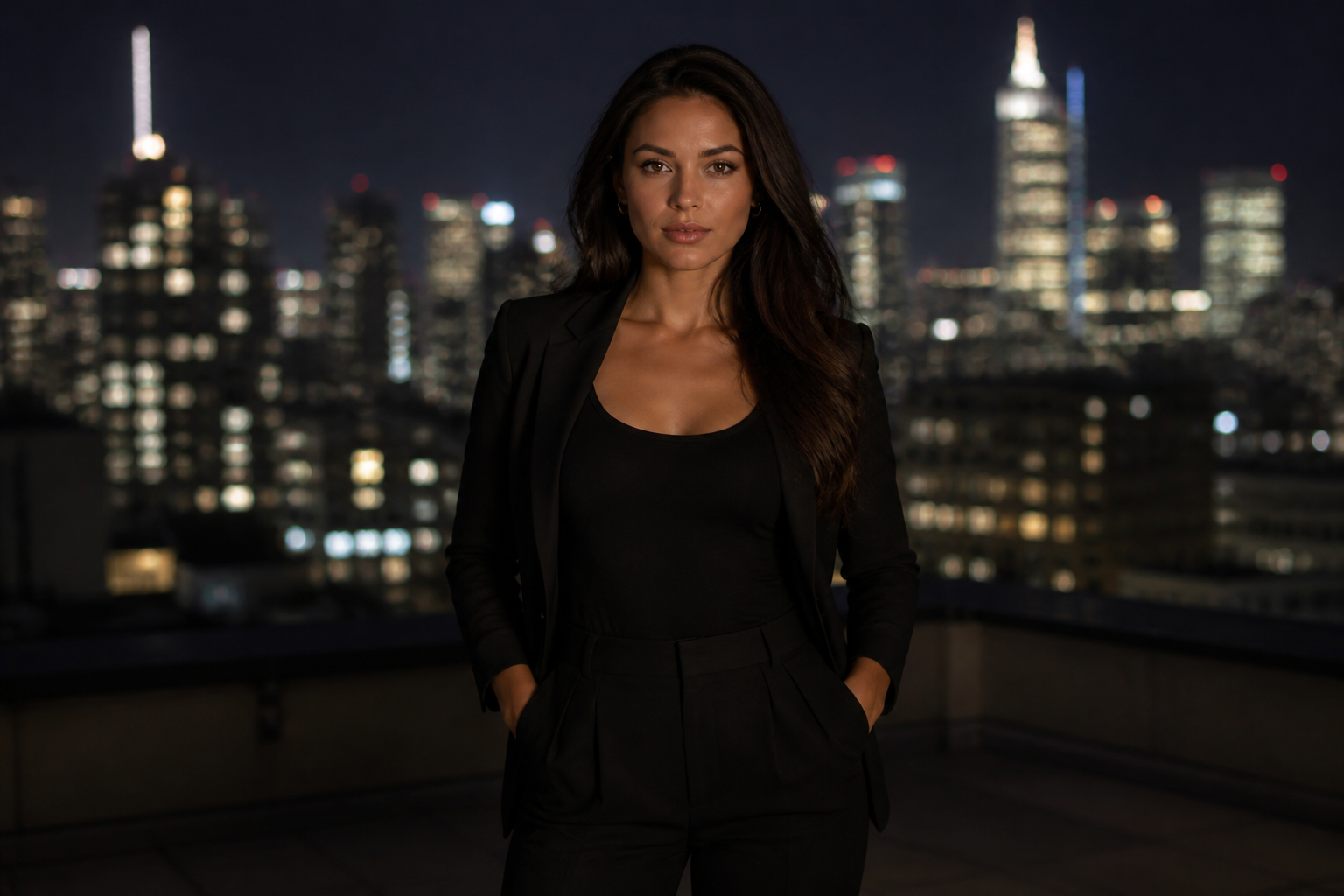
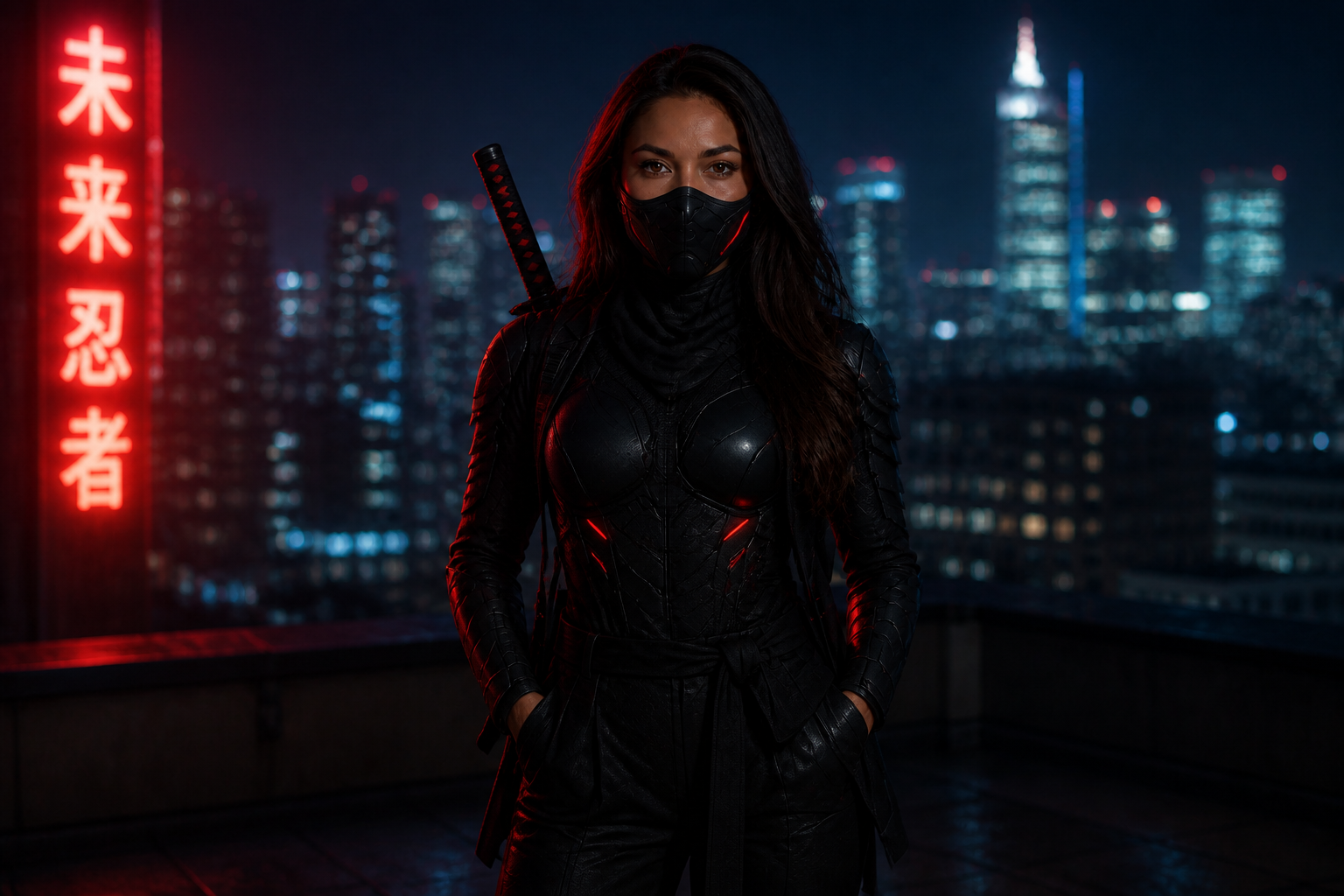
Build convincing cosplay edits with layered armor, fabric texture, masks, and metallic accessories that read clearly in a thumbnail. The result looks closer to a photographed costume than a flat filter. That matters when you want the image to feel like a real convention shoot or movie-style portrait. It also saves time compared with painting every costume element by hand.
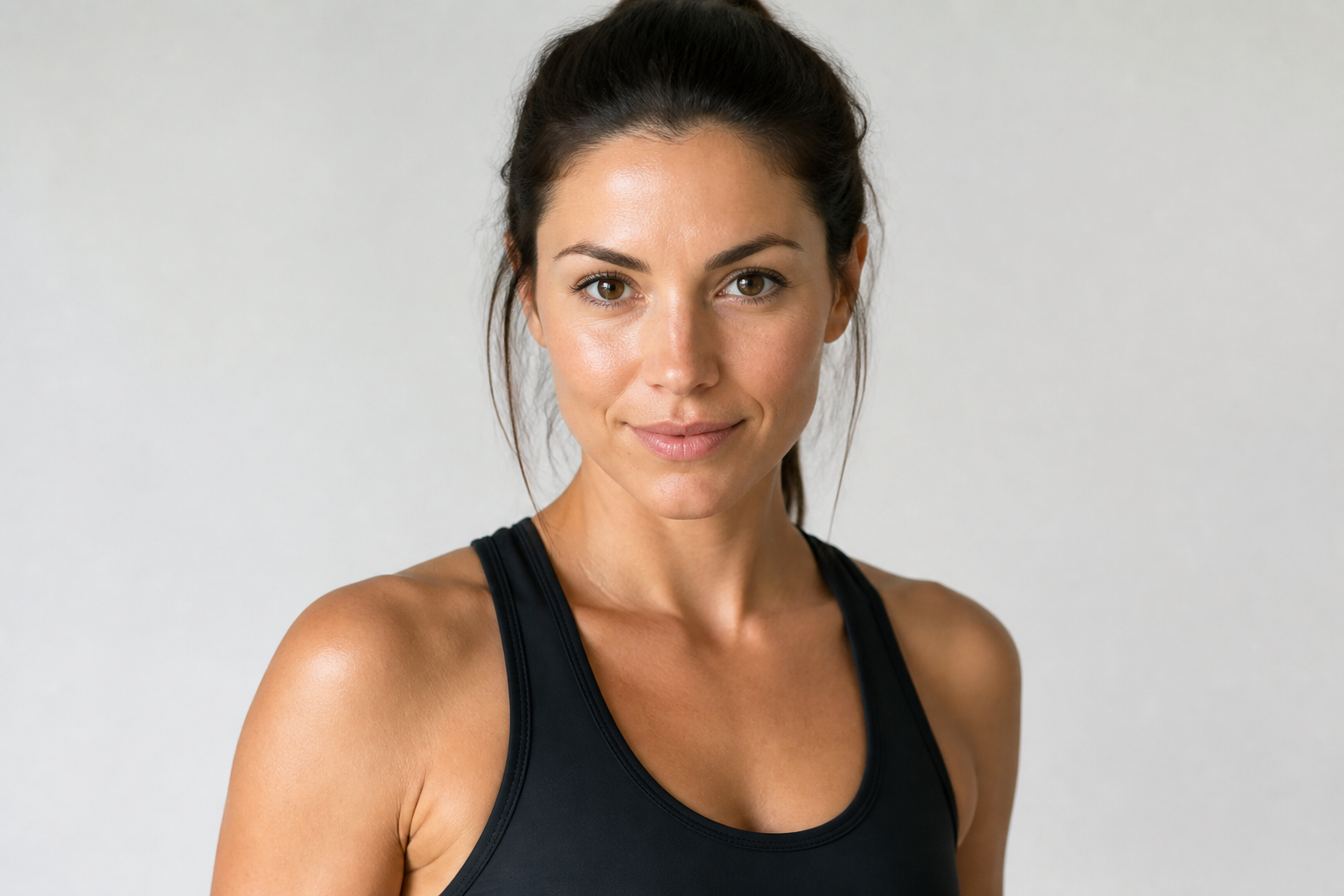
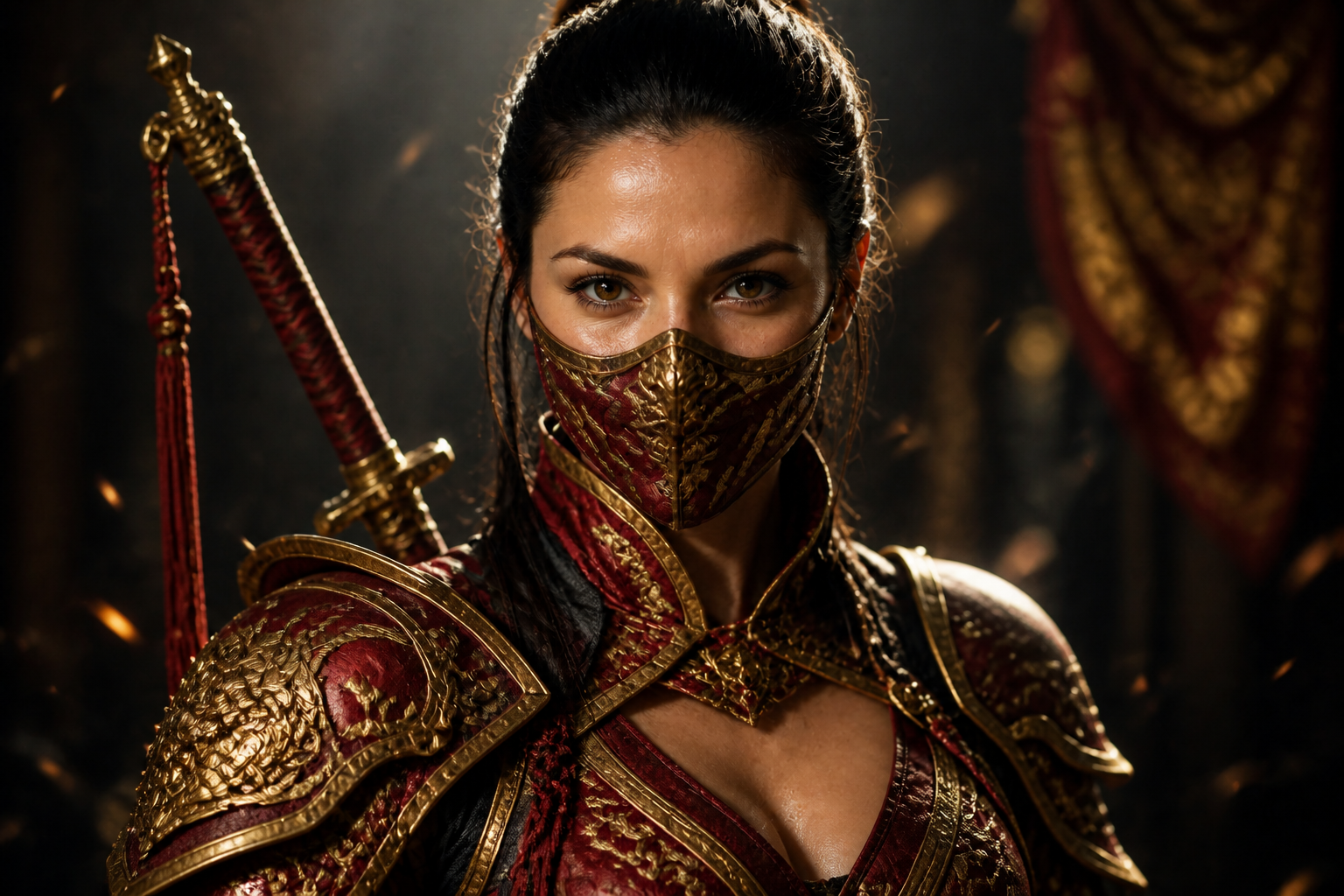
Keeps the face recognizable
You can change the costume completely without losing the person in the photo. Facial structure, expression, and overall identity stay consistent while the outfit, mask, and styling change around them. This makes the edit feel personal instead of generic. It is especially useful for creators making cosplay versions of themselves.
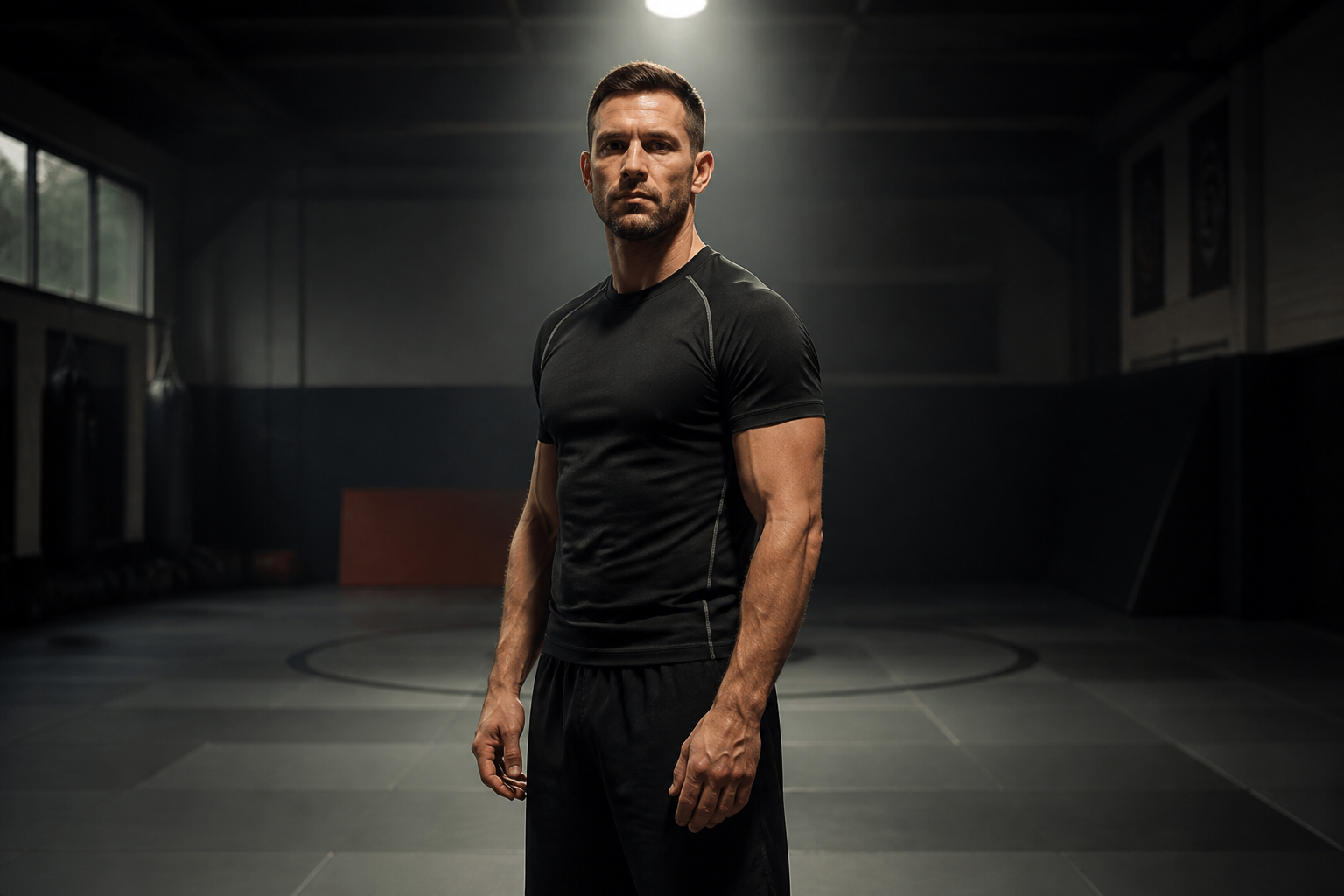
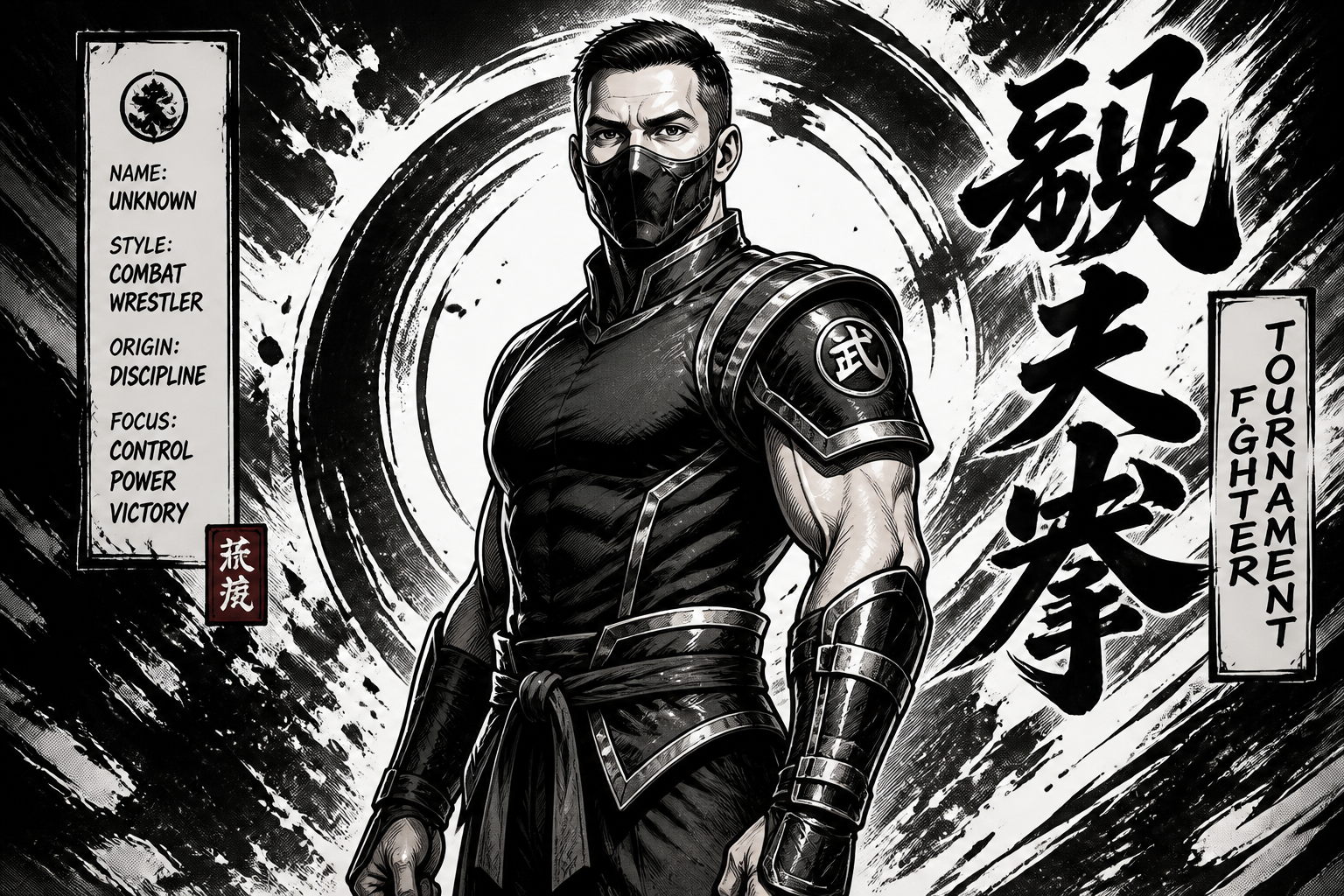
Multiple art styles
You are not limited to one visual treatment. Start with a realistic cosplay render, then push the same photo into manga or anime for posters, profile images, or concept art. The pose remains stable so the style shift is easy to compare. That gives you more range than building separate images from scratch.
Cinematic fighter lighting
Lighting does a lot of the heavy lifting in this niche. The tool can add cold, fiery, neon, or stormy atmosphere so the cosplay feels like a film still instead of a normal room photo. That helps simple source images gain drama fast. You get a stronger final look without building a full scene manually.
How It Works
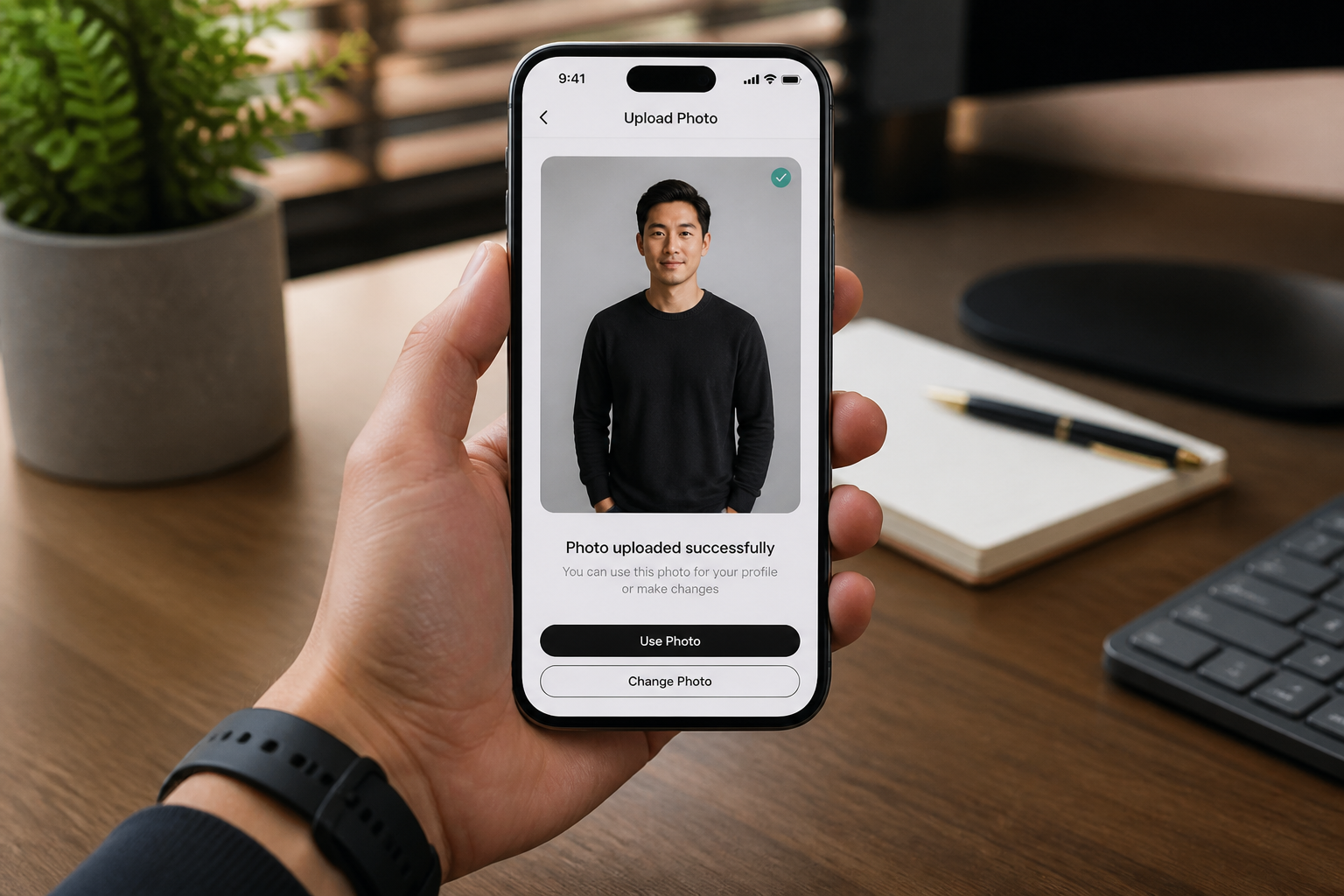
Upload your photo
Start with a clear photo of one adult person. Full or three-quarter body shots work best for armor, masks, and costume details.
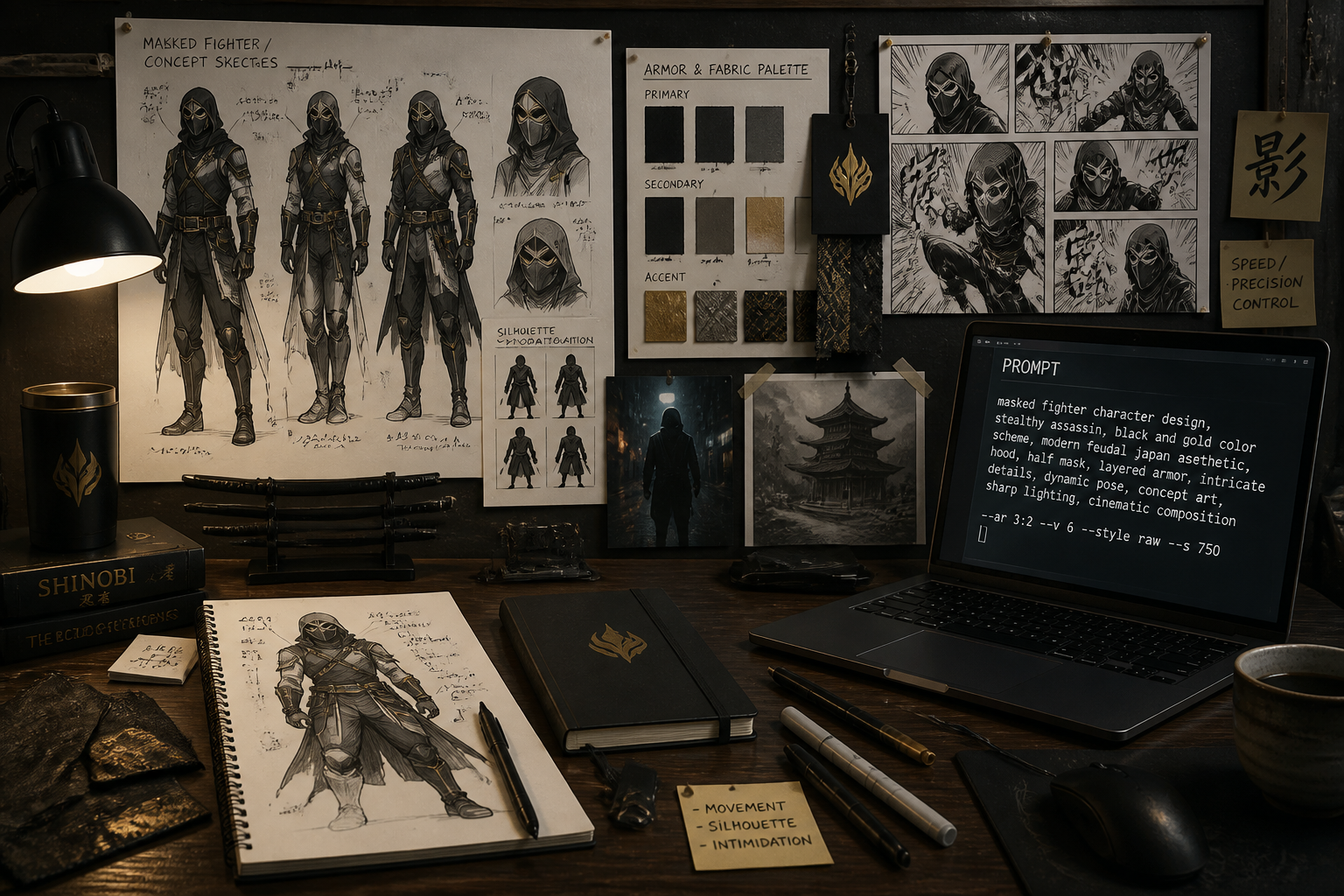
Pick a fighter style
Describe the cosplay look you want, such as ice ninja, thunder warrior, royal fighter, or anime arena warrior. You can aim for realistic movie-style detail or a more graphic manga finish.
Generate and compare
Our AI creates the transformed version while keeping the original pose readable. Compare the before and after, then rerun with a different costume style if you want more options.
Perfect For
Discover how creators and professionals use ai mortal kombat cosplay
Convention concept previews
Test fighter-inspired costume ideas on your own photo before buying fabric, masks, or armor pieces.
Social media cosplay posts
Create bold portraits that look like cinematic character shoots for TikTok, Instagram, thumbnails, and banners.
Manga and anime remixes
Turn the same source image into illustrated fighting-game inspired versions for posters, avatars, or fan-style artwork.
Character mood boards
Explore different color palettes, armor designs, and dramatic lighting setups from one base photo.
Built For
Cosplayers
Useful for planning costume builds, testing themes, and creating polished portraits without a full production setup.
Content creators
Fast character-inspired edits for thumbnails, shorts covers, profile images, and themed social posts.
Digital artists
A quick way to mock up realistic or illustrated fighter looks before moving into manual paintovers or final designs.
Why use BudgetPixel for cosplay edits
A quick look at how we compare on the things that matter for this niche.
| Feature | BudgetPixel | Generic AI editors | Manual editing apps |
|---|---|---|---|
| Visible costume transformations | ✓ | ✓ | — |
| Identity kept recognizable | ✓ | — | ✓ |
| Realistic and stylized outputs | ✓ | — | — |
| Fast cosplay concept testing | ✓ | ✓ | — |
Frequently Asked Questions
Can I make realistic Mortal Kombat cosplay edits from a normal photo?
Does it work for anime and manga styles too?
Will the result still look like me?
What kind of photos work best?
Can I try multiple fighter looks from one image?
Create together.
Share your creations, discover trending AI art, and grow with fellow creators.