Pokemon Style Cosplay Generator
Create creature-inspired cosplay looks from any portrait
Upload a photo and turn it into a polished creature-inspired cosplay portrait. Our AI adds themed outfits, makeup, color palettes, and accessories while keeping the person recognizable and the result photo-ready.
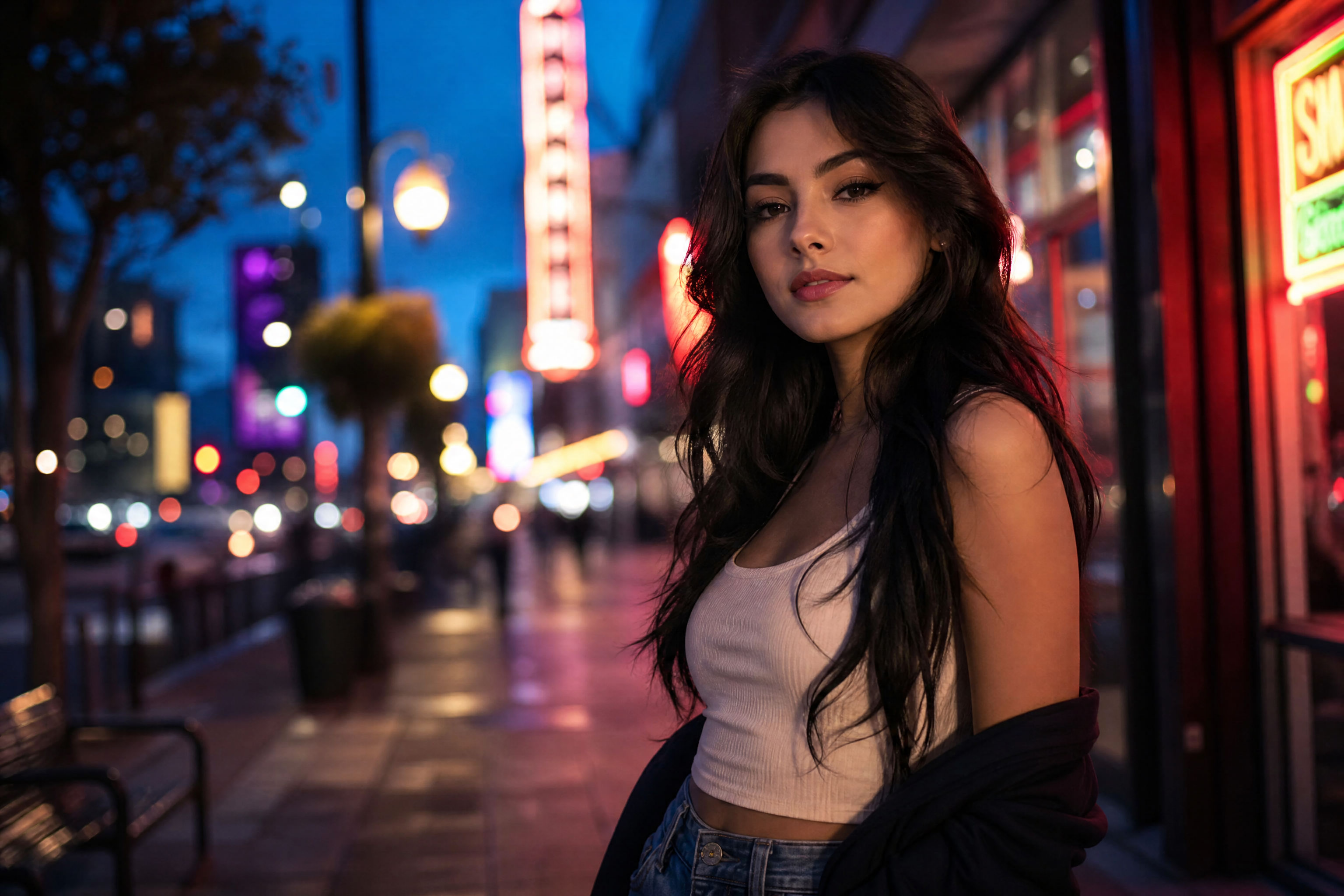
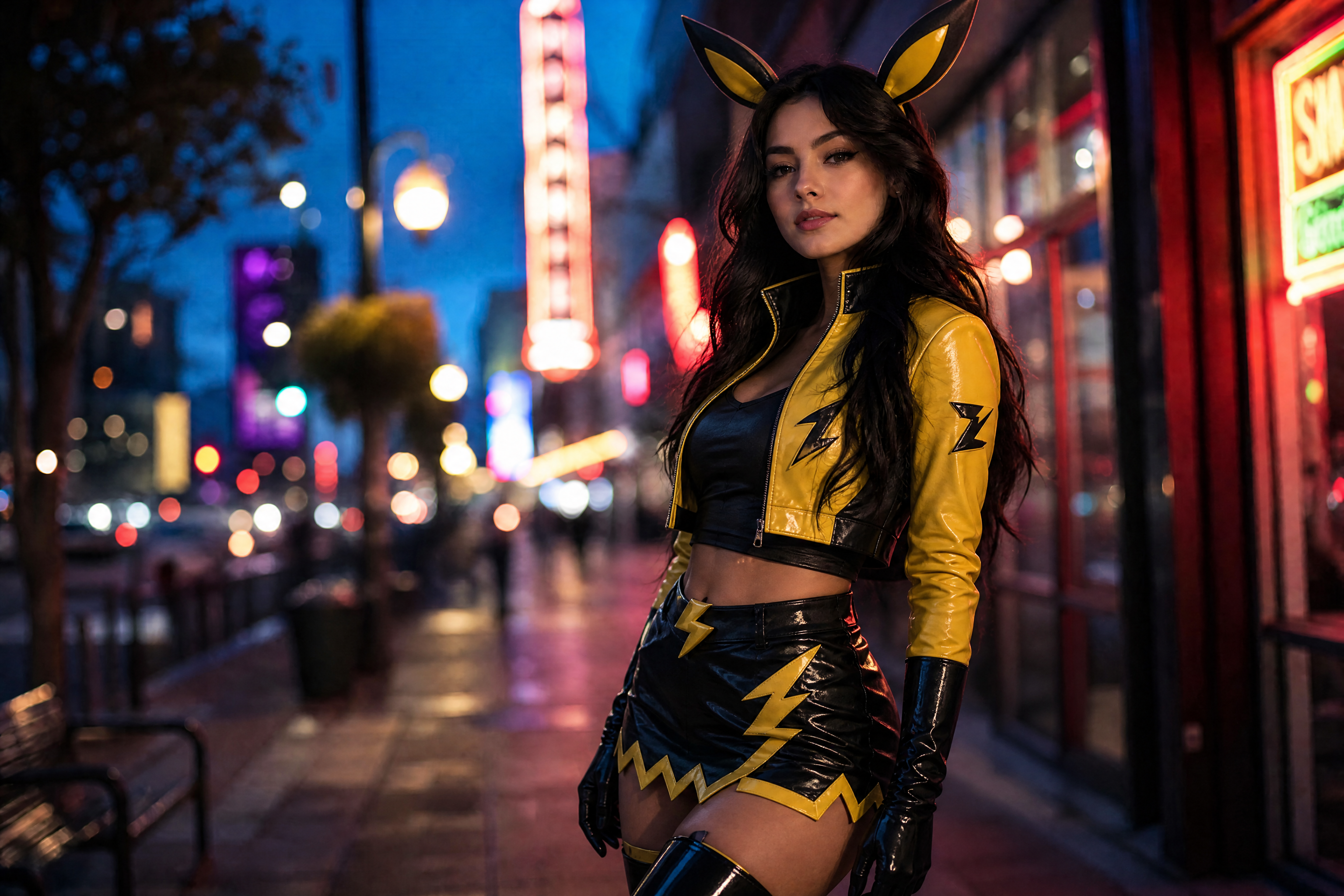
Watch the Transformation
See pokemon style cosplay generator in motion — generated end-to-end by our AI.
See It In Action
Real outputs from pokemon style cosplay generator.
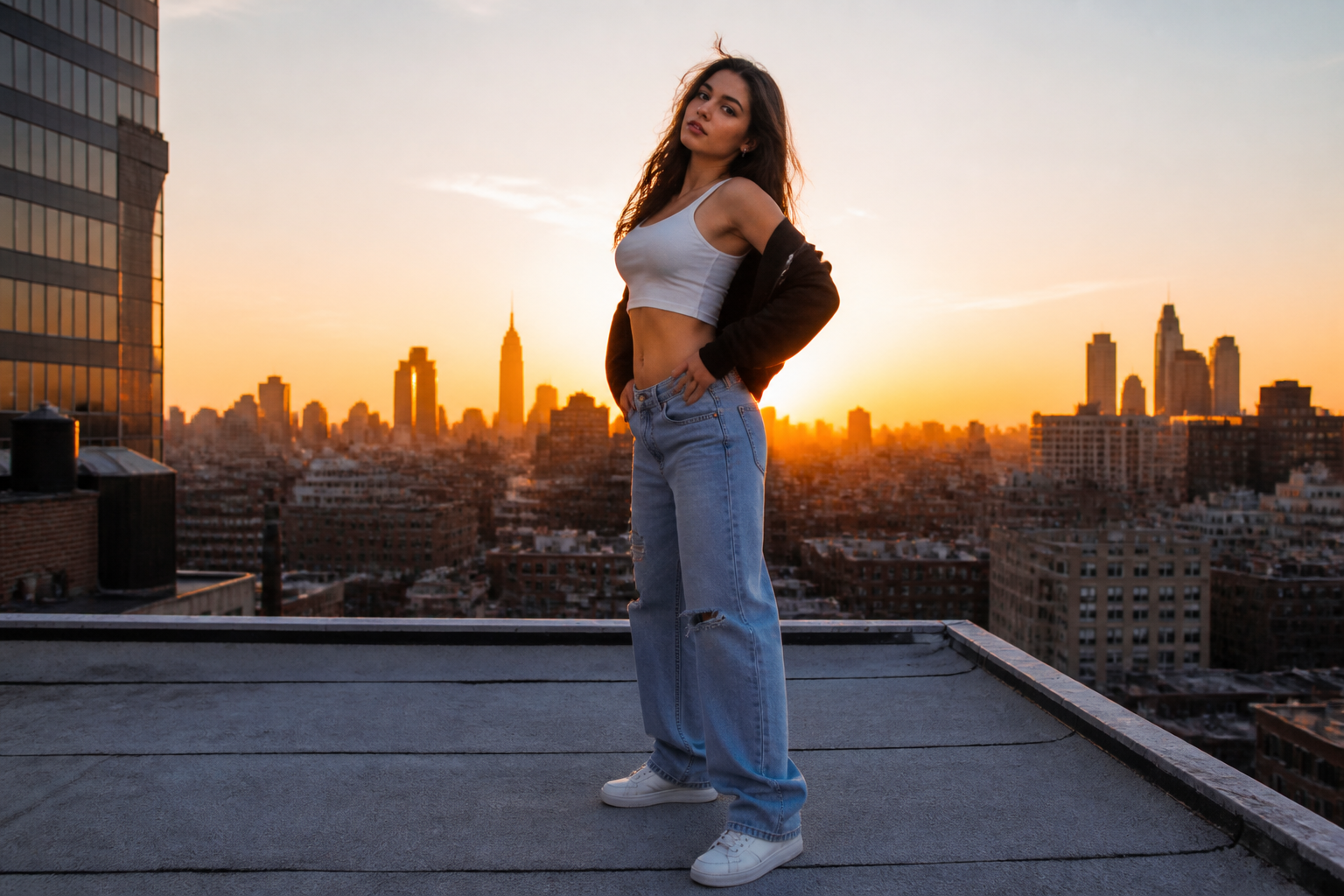
BEFOREAFTER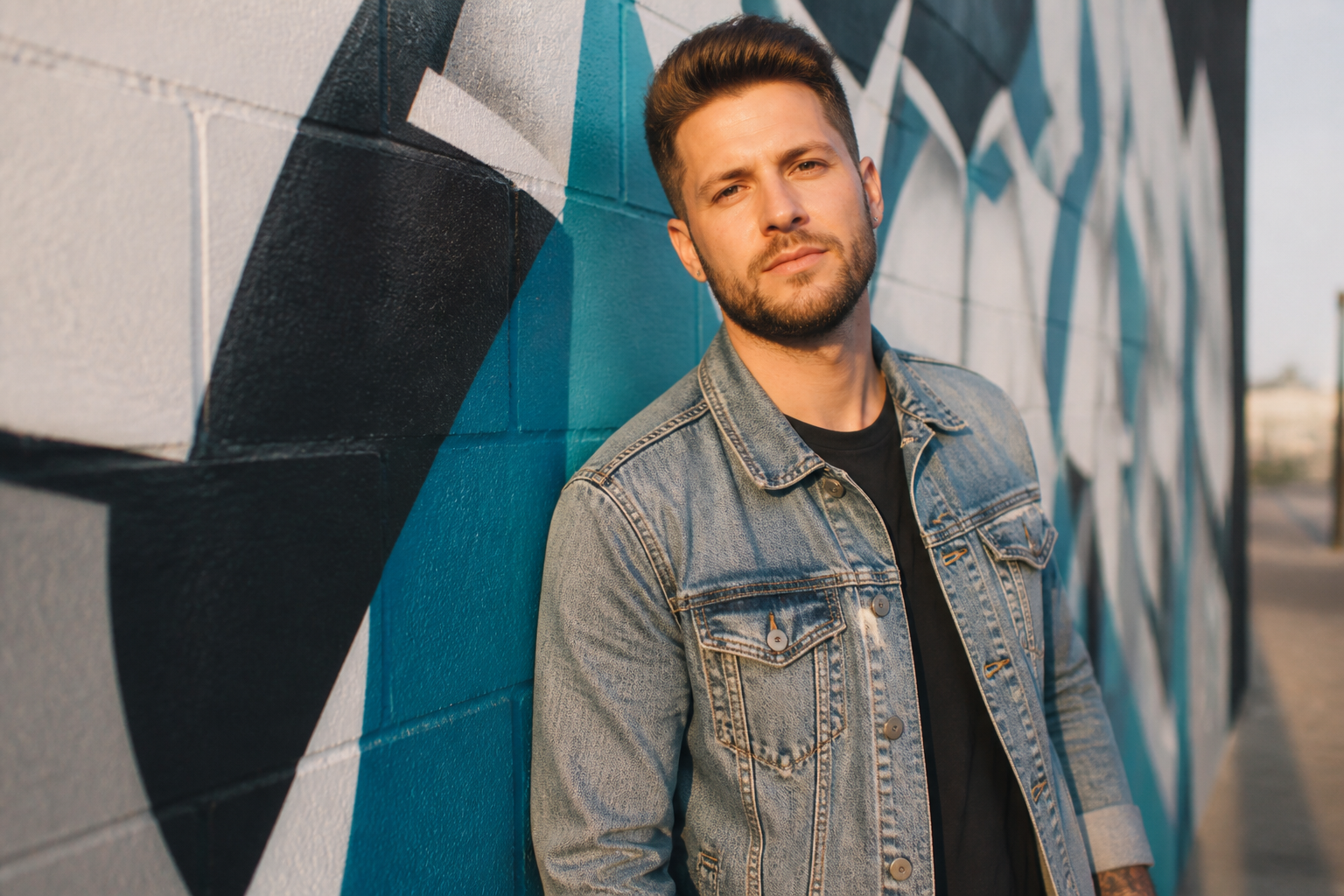 BEFORE
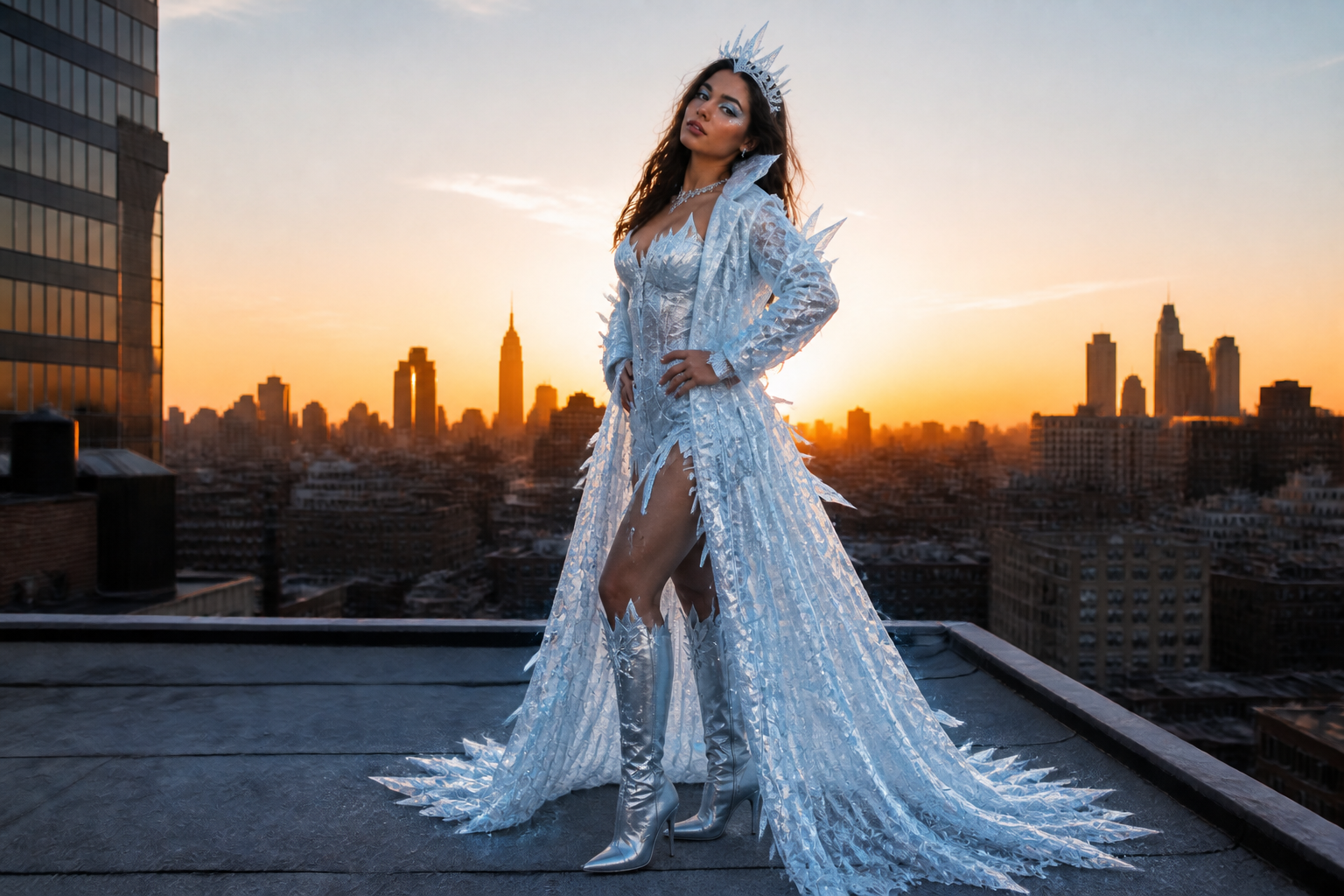
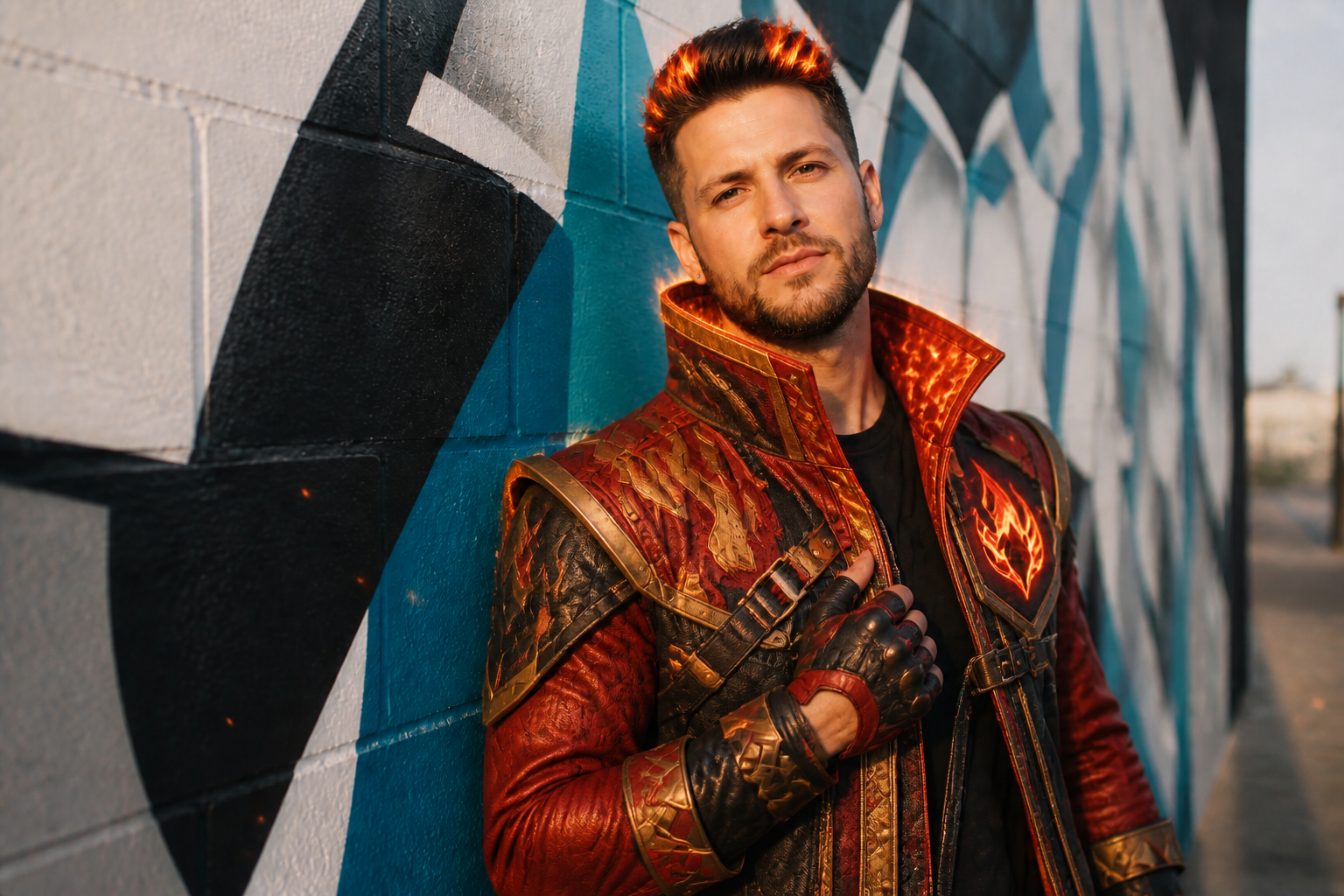 AFTER
AFTER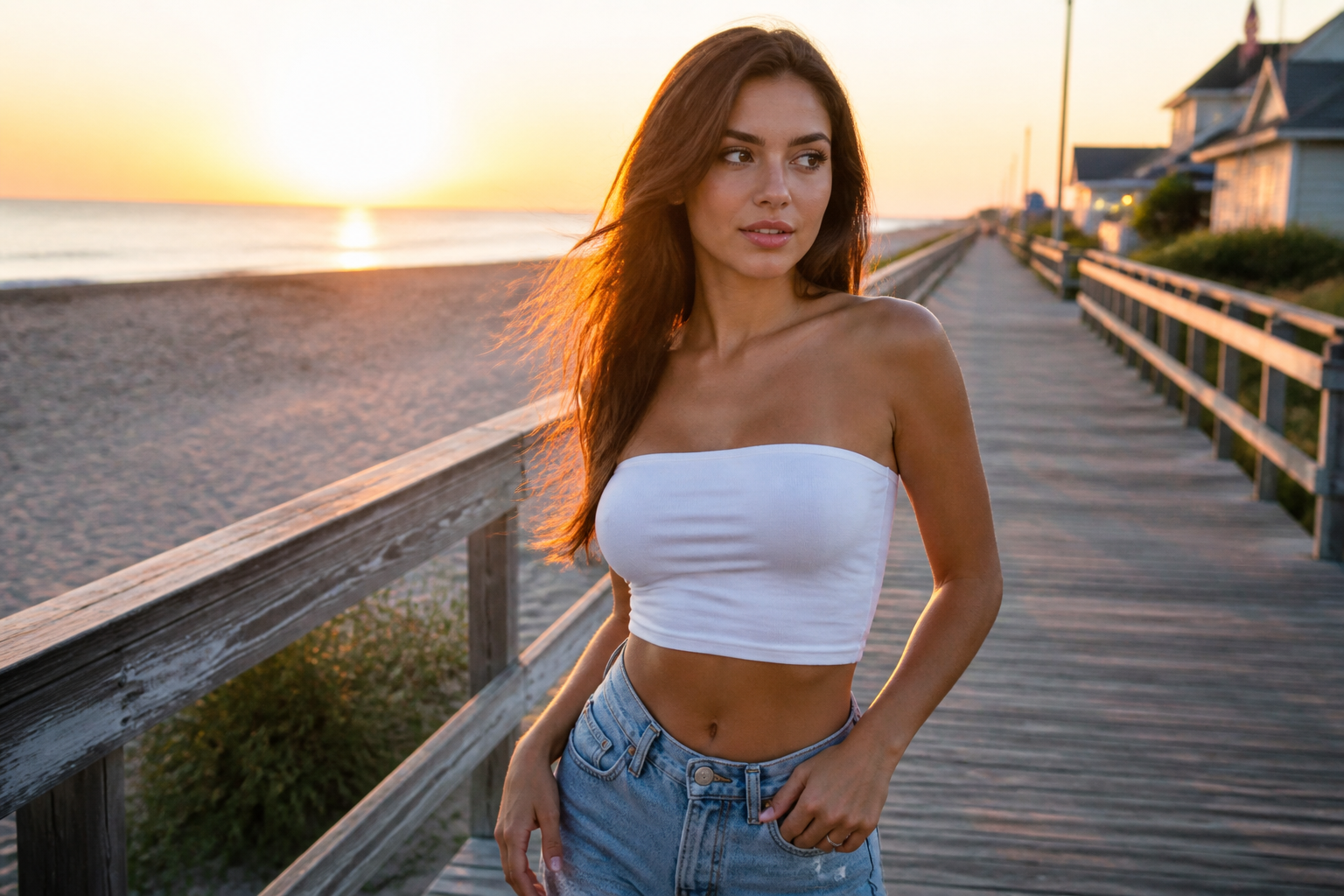 BEFORE
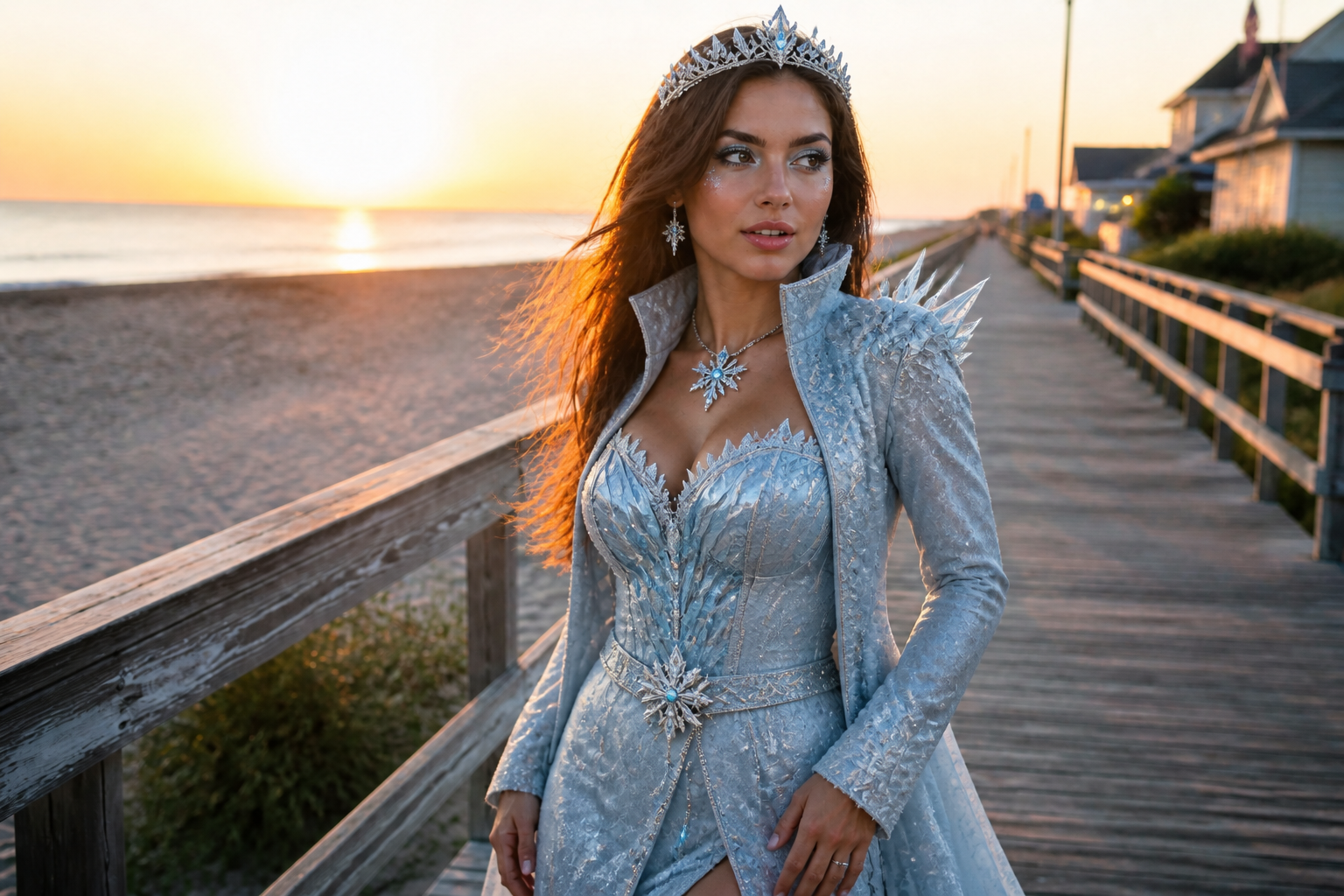 AFTER
AFTER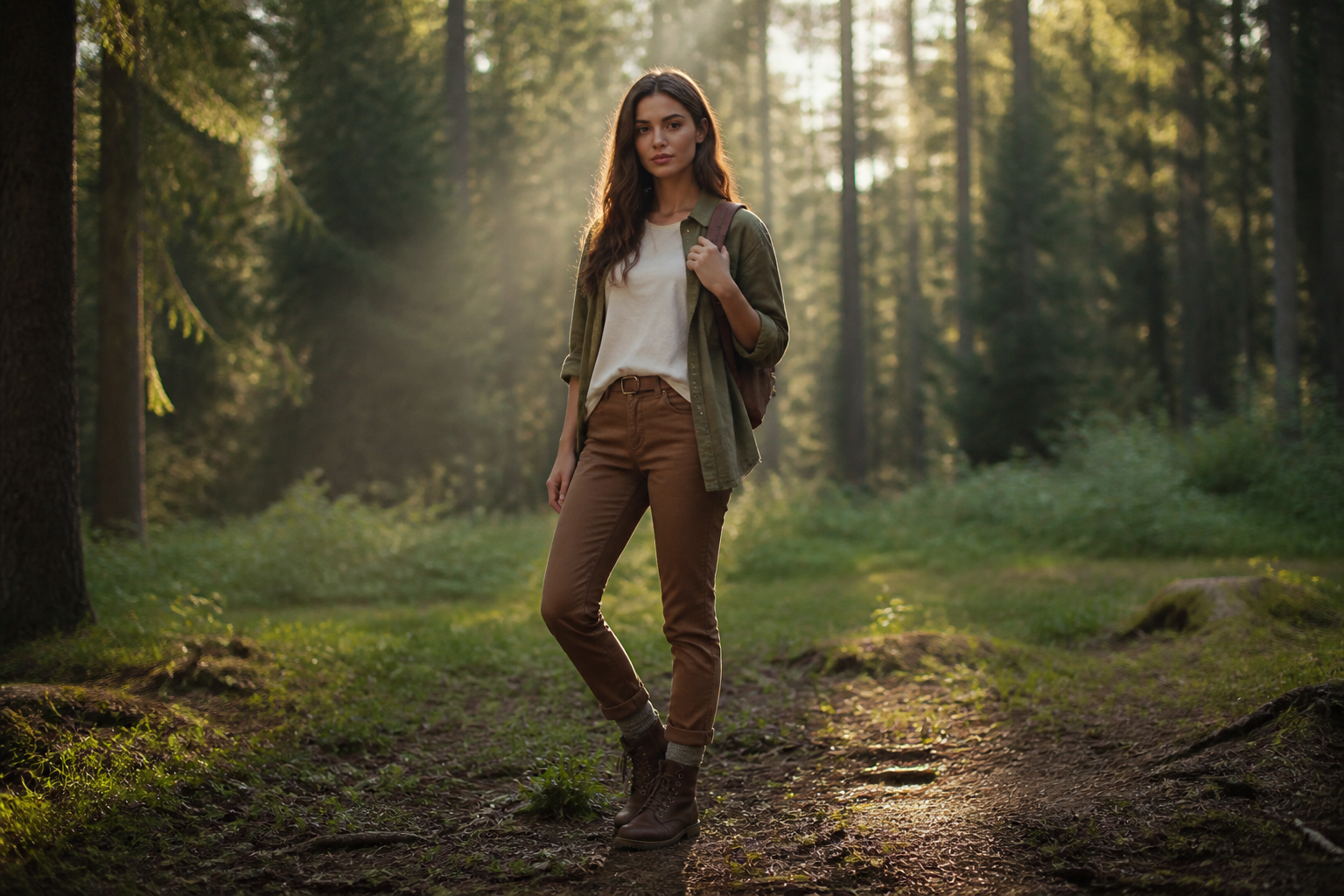 BEFORE
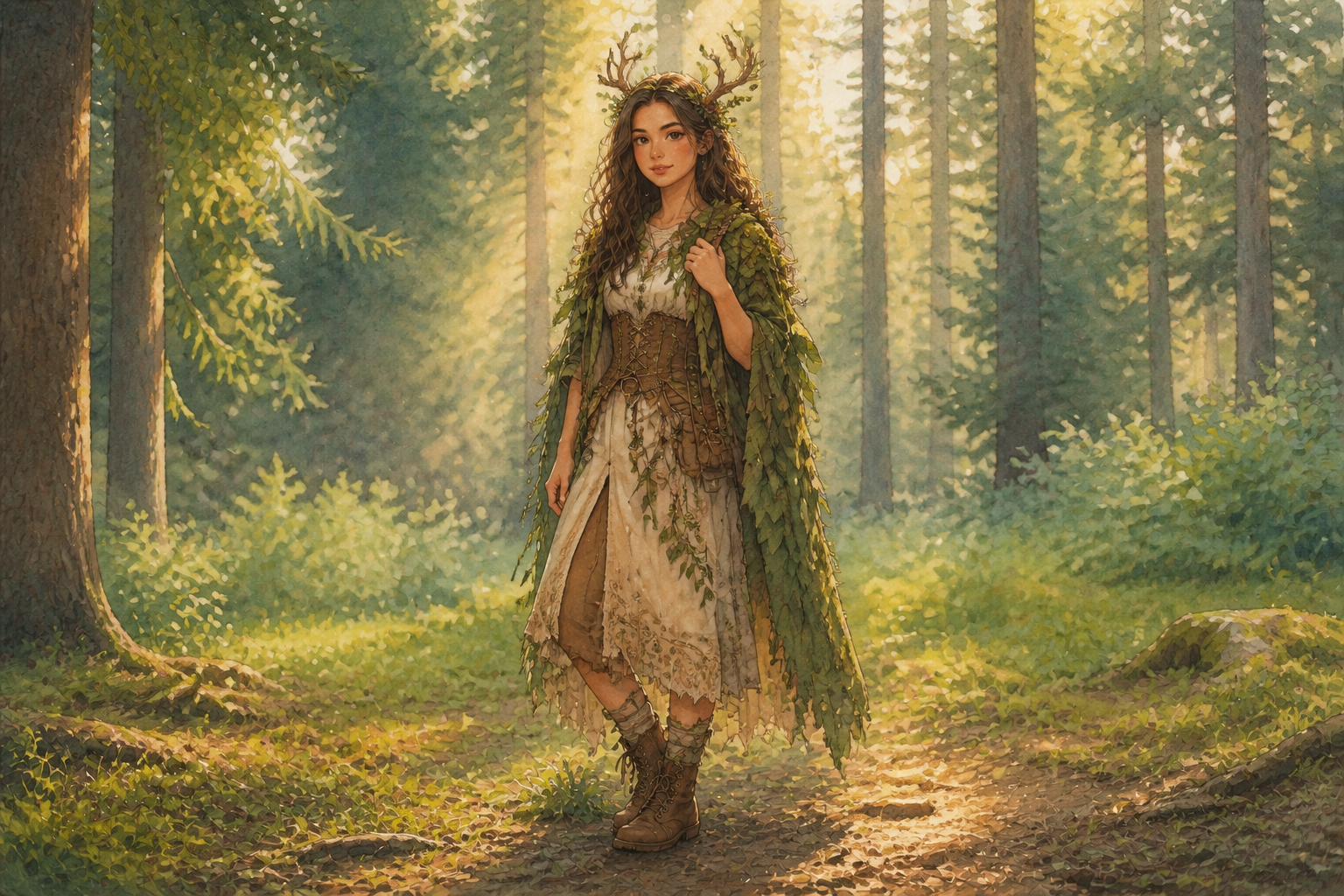 AFTER
AFTER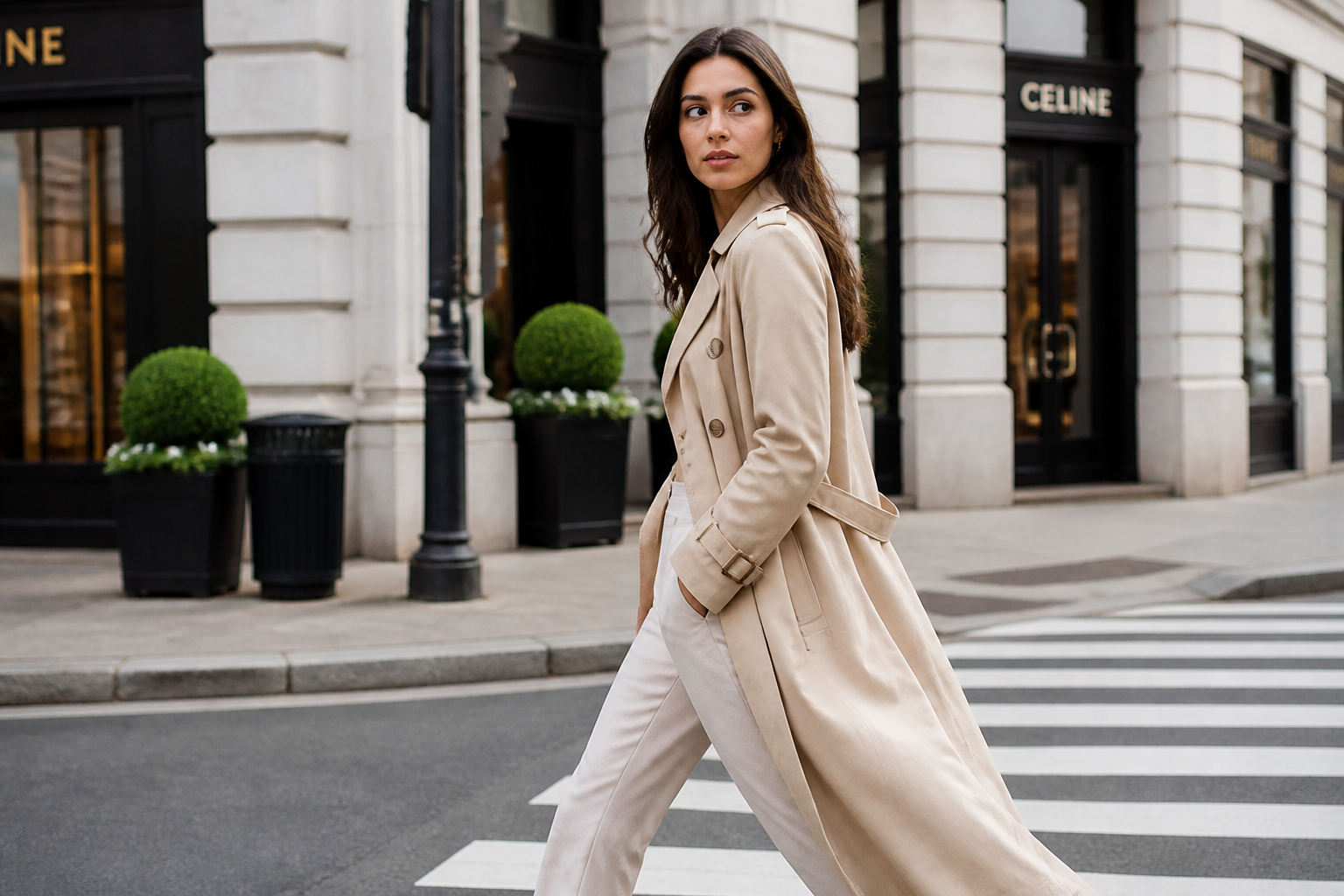 BEFORE
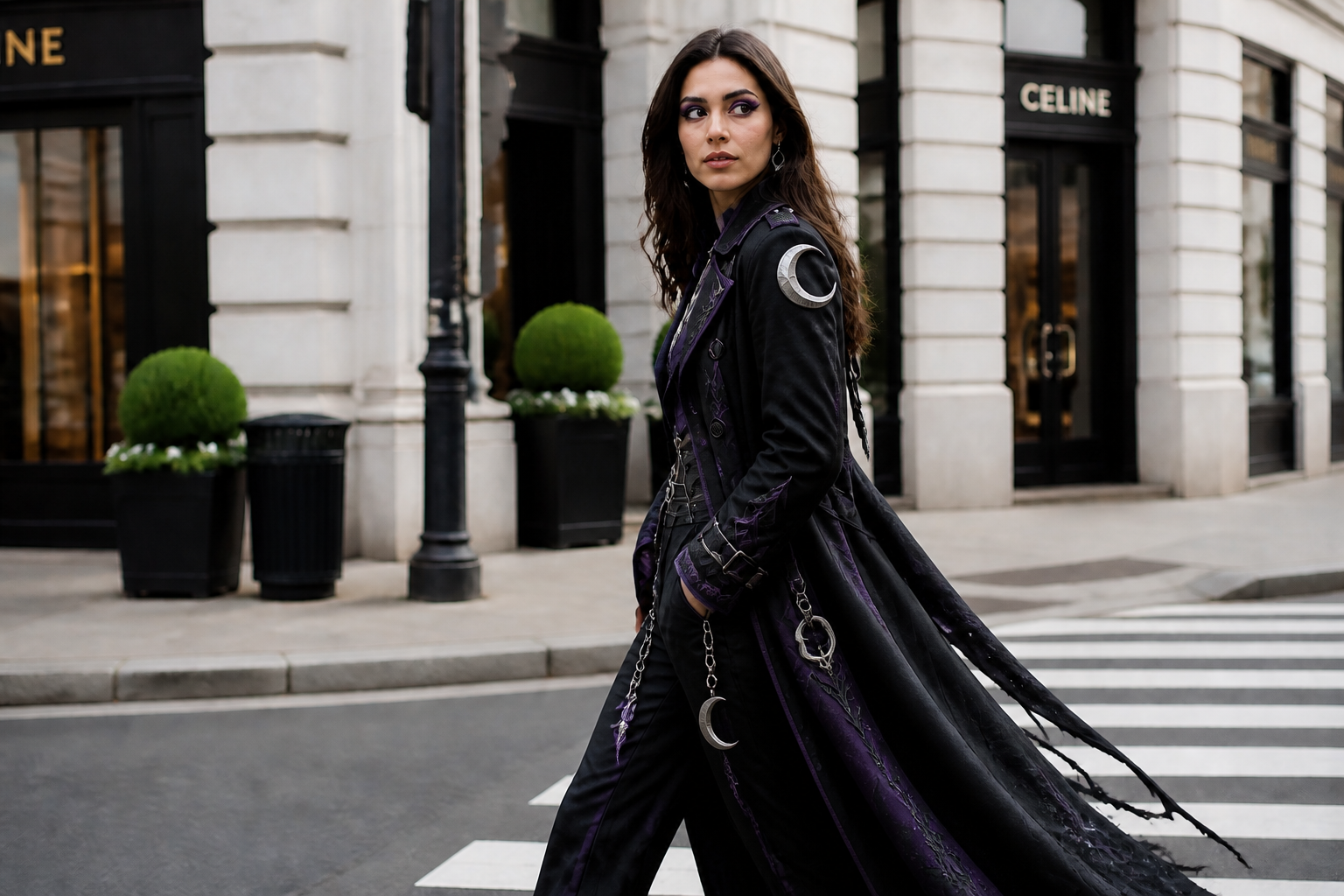 AFTERBEFOREAFTERBEFOREAFTERBEFOREAFTERBEFOREAFTERBEFOREAFTER
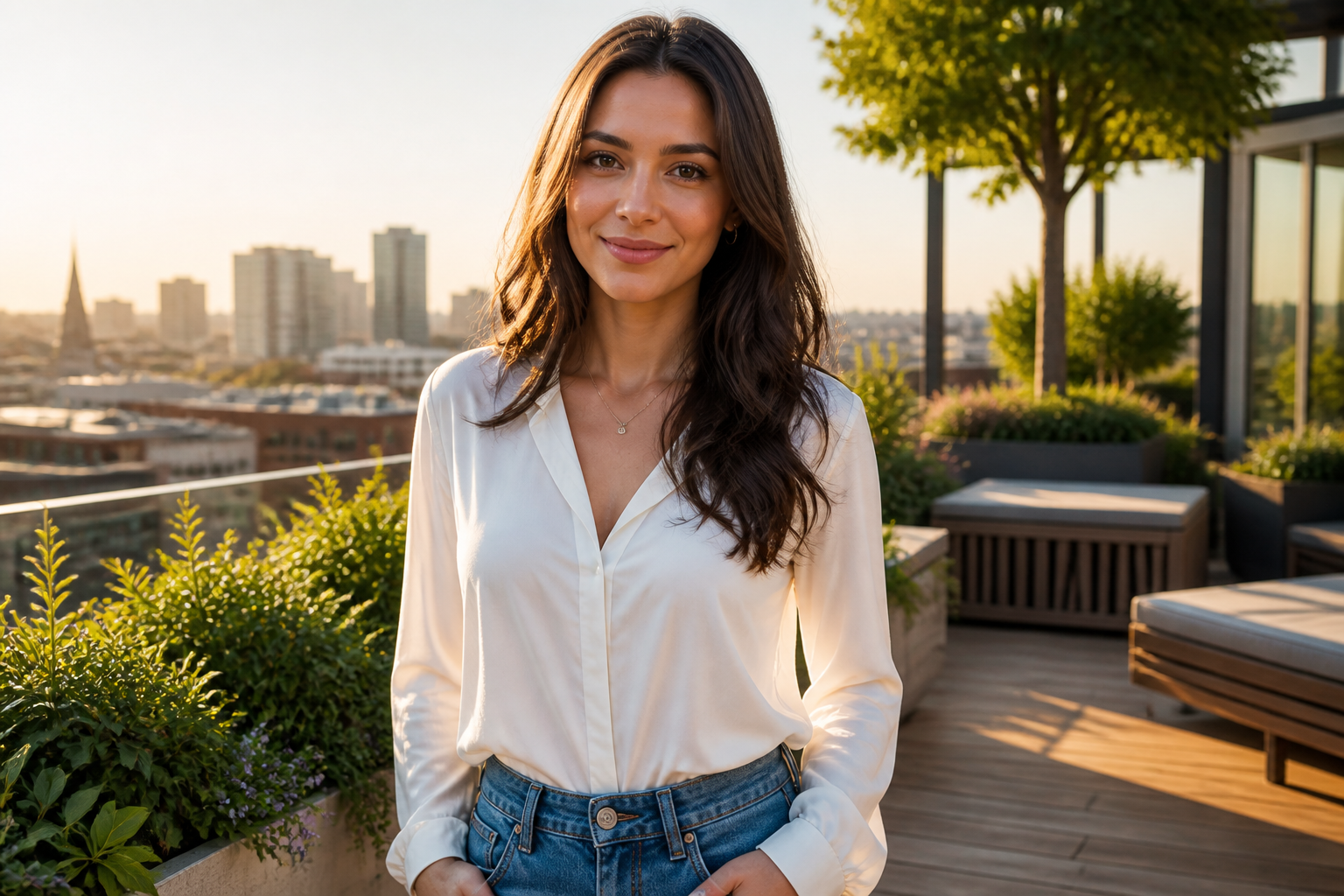 BEFORE
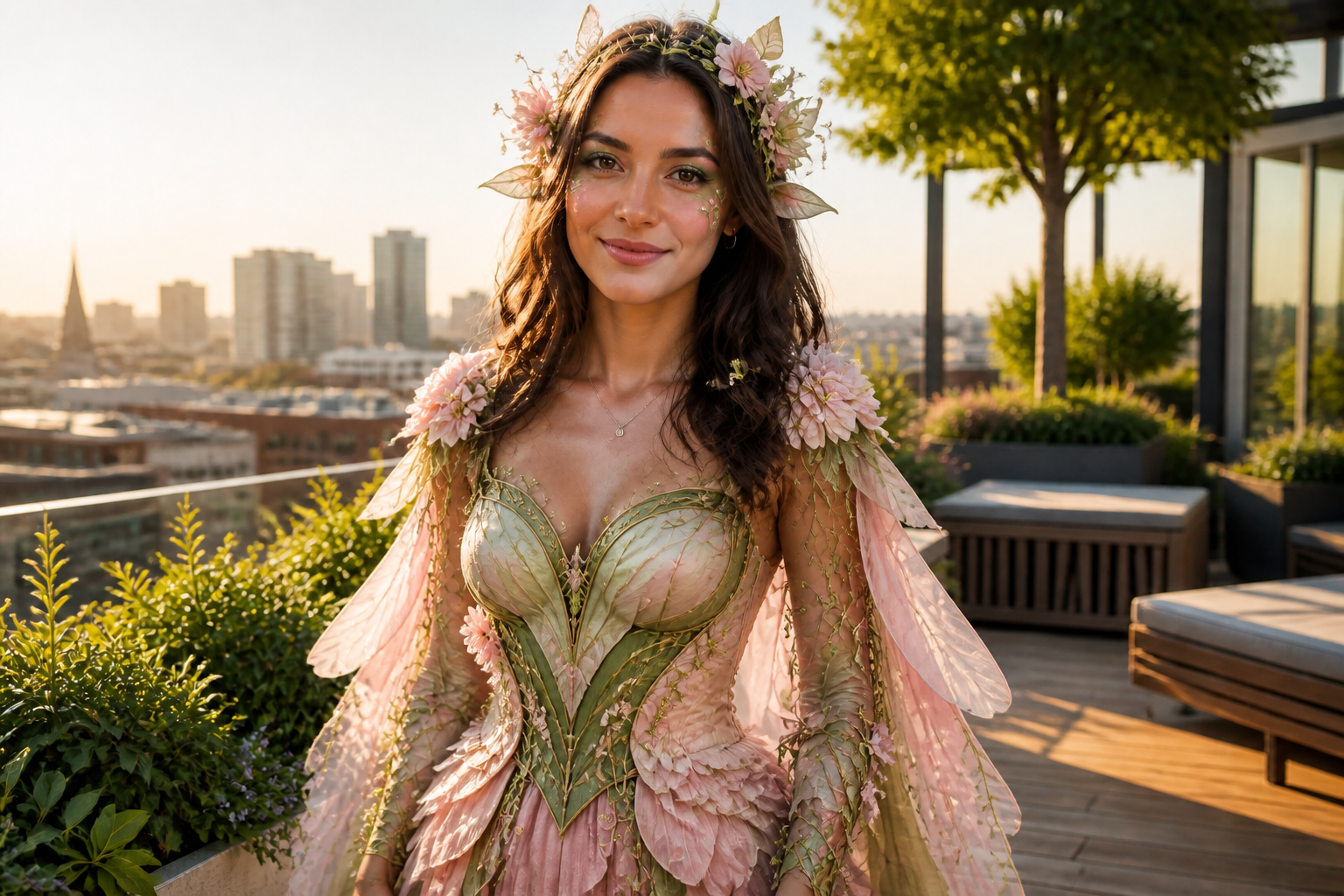 AFTER
AFTER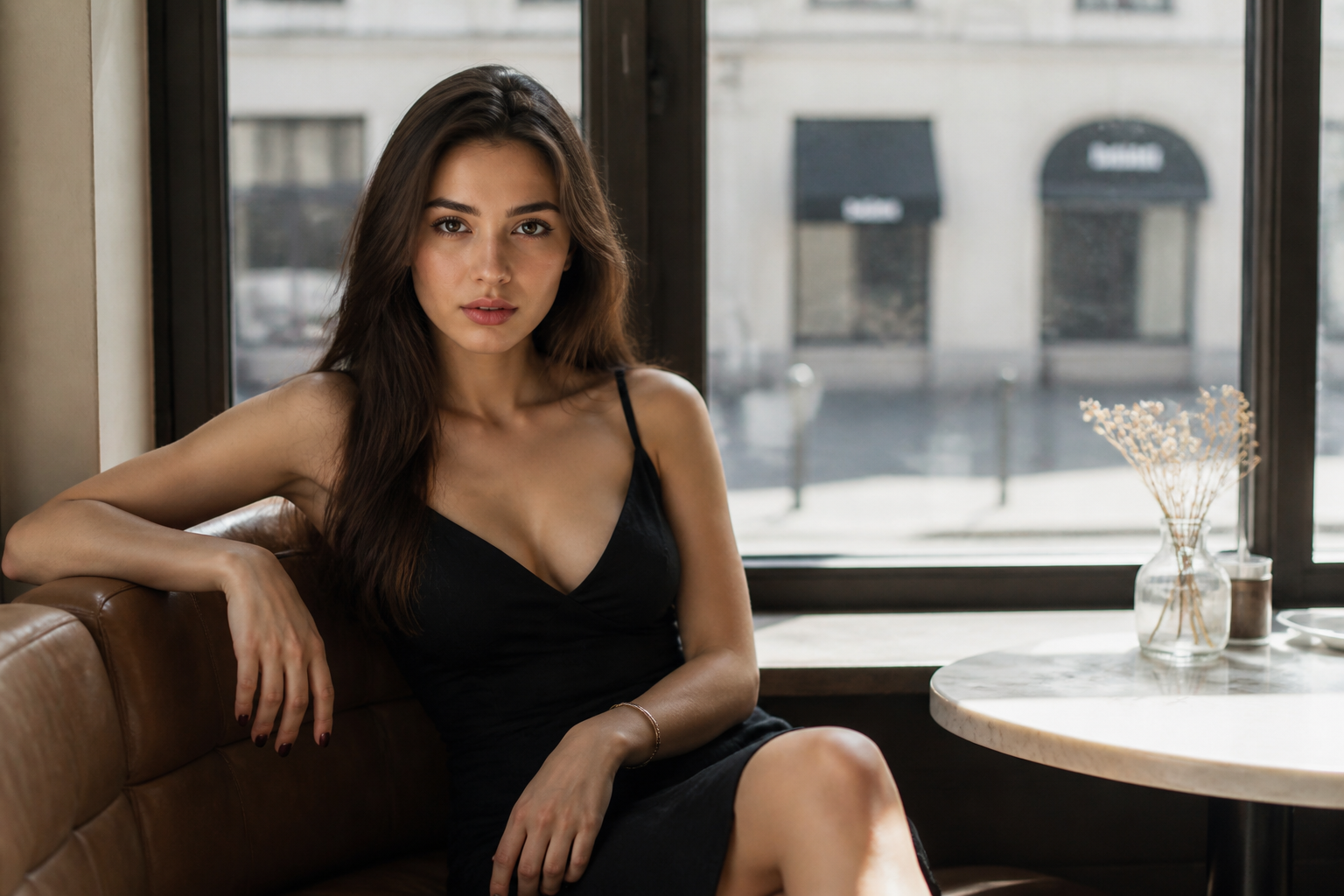 BEFORE
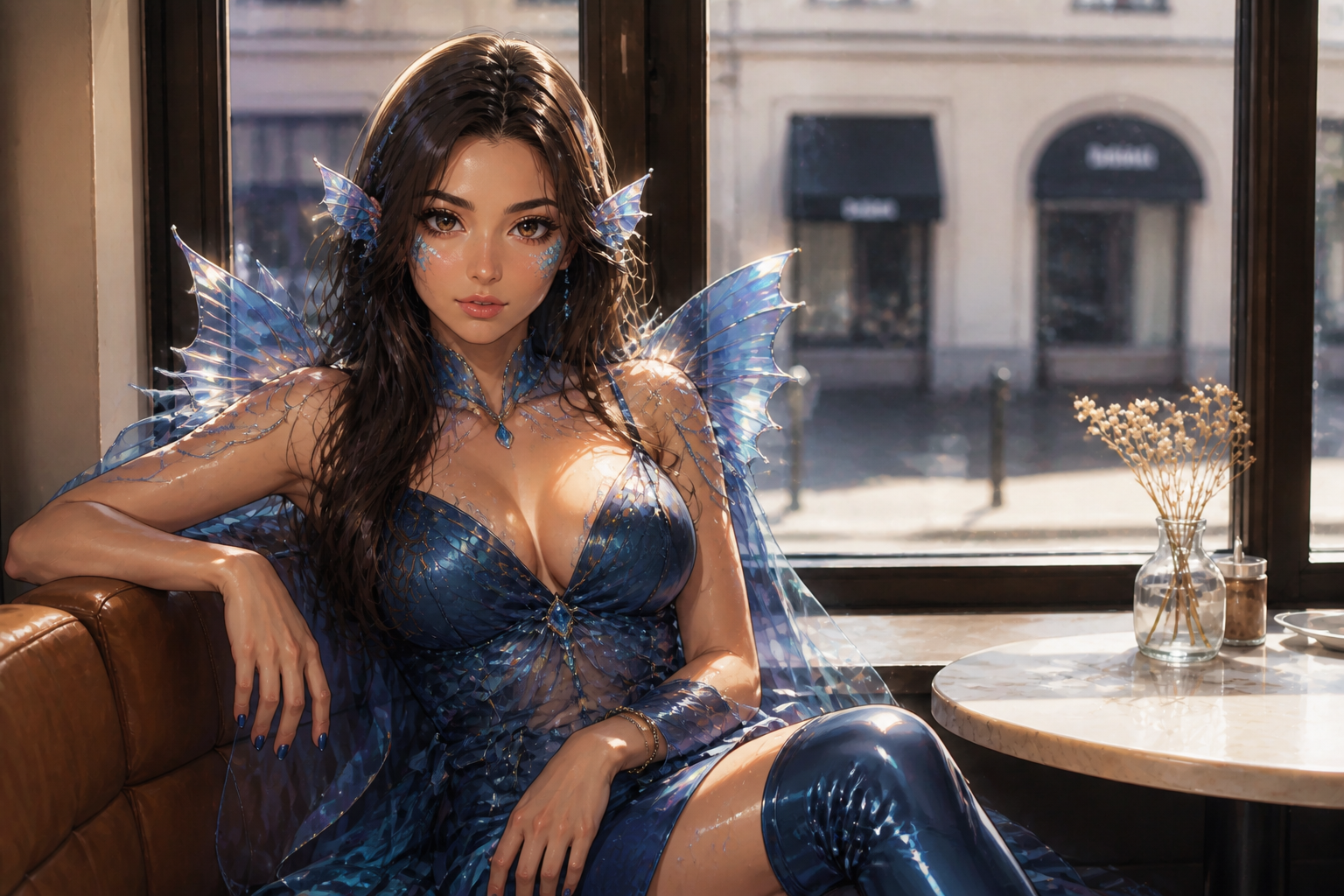 AFTER
AFTER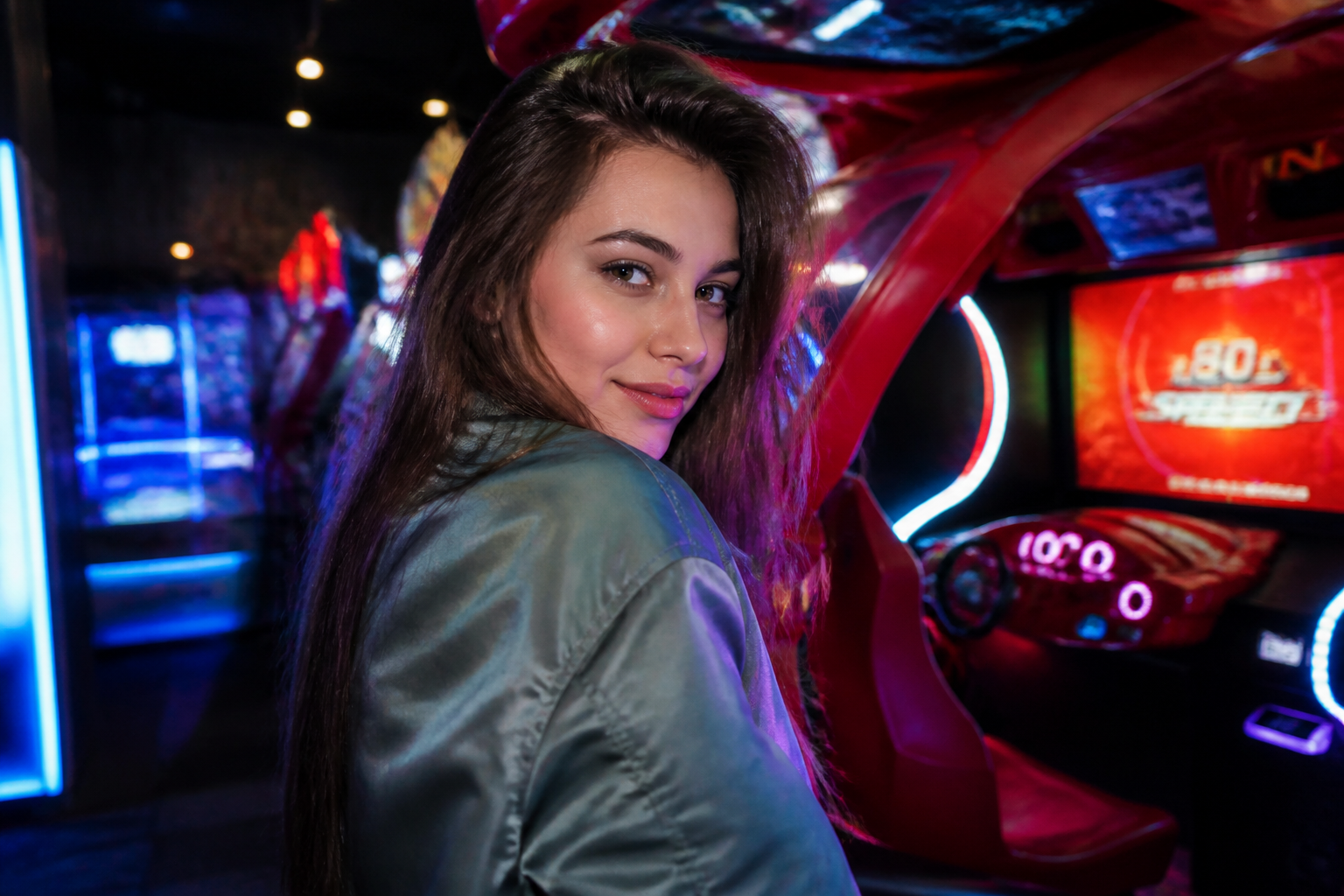 BEFORE
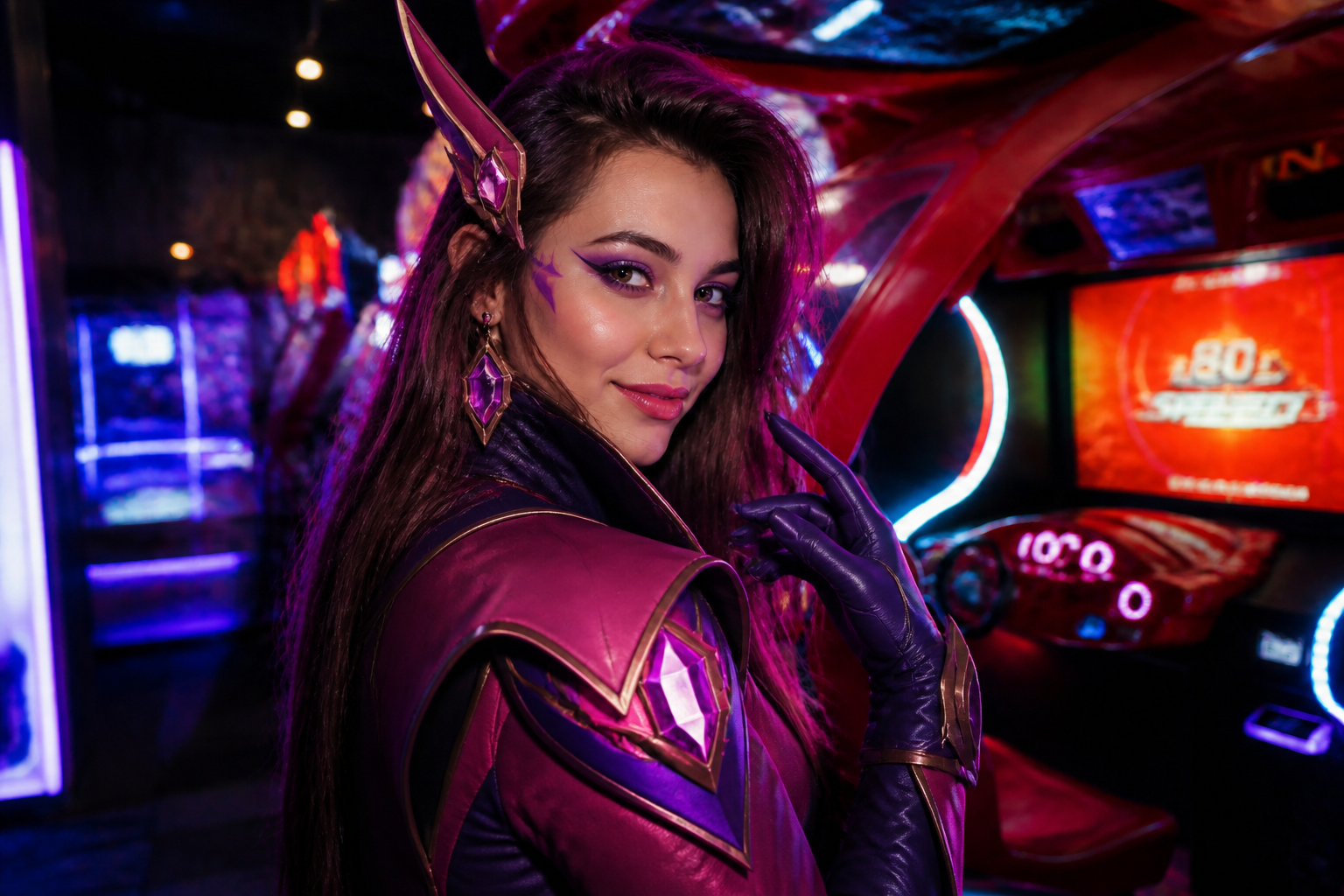 AFTER
AFTER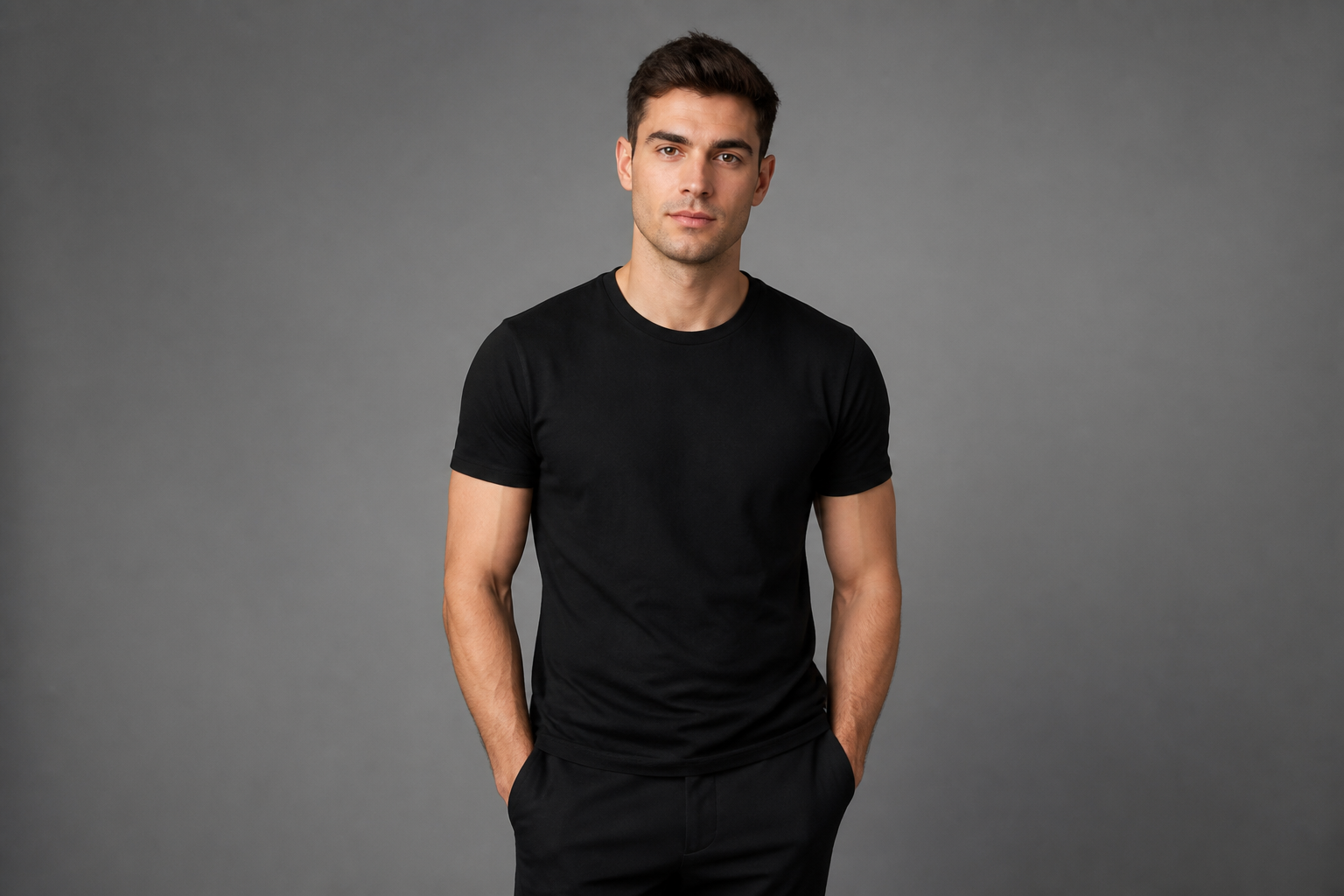 BEFORE
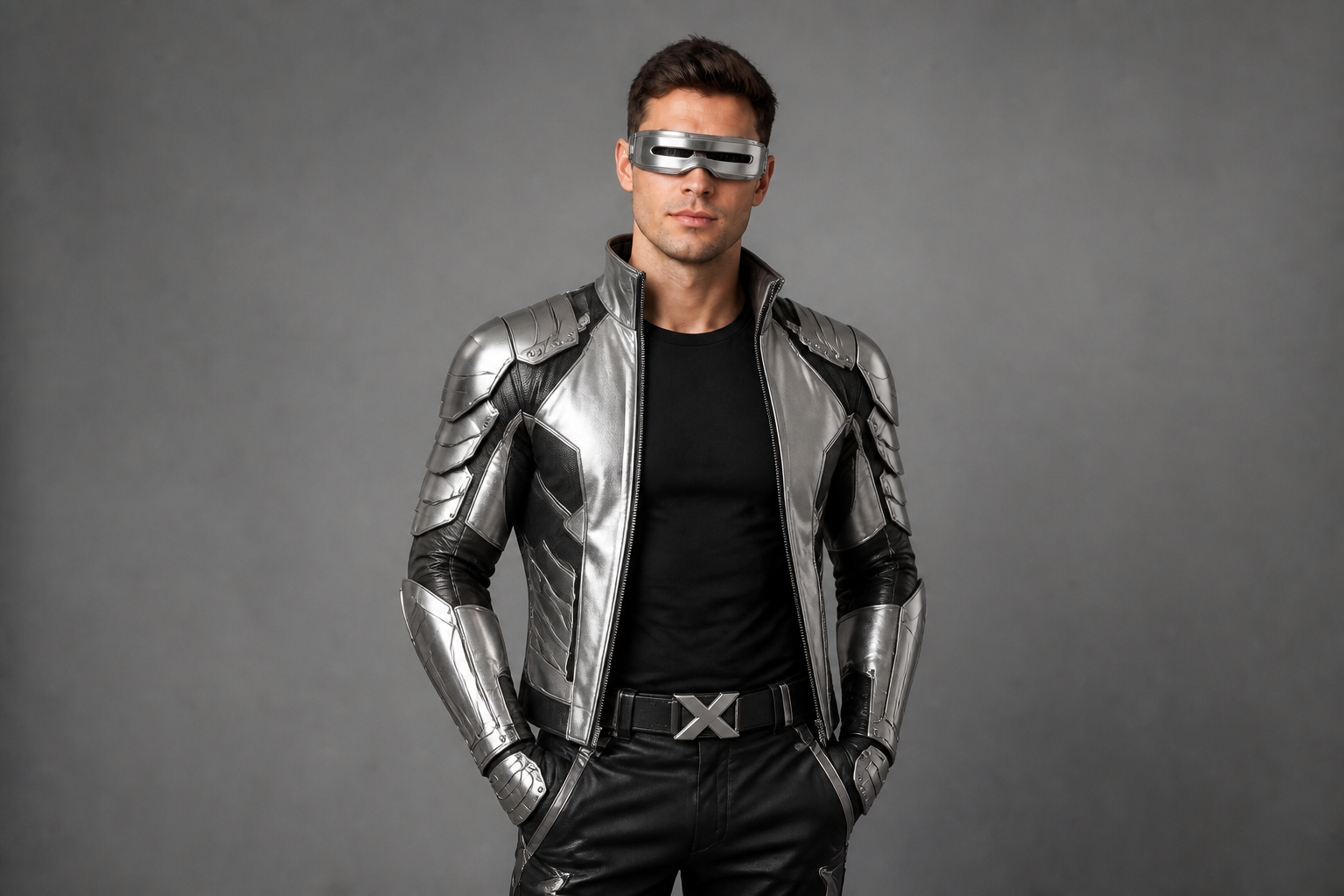 AFTER
AFTER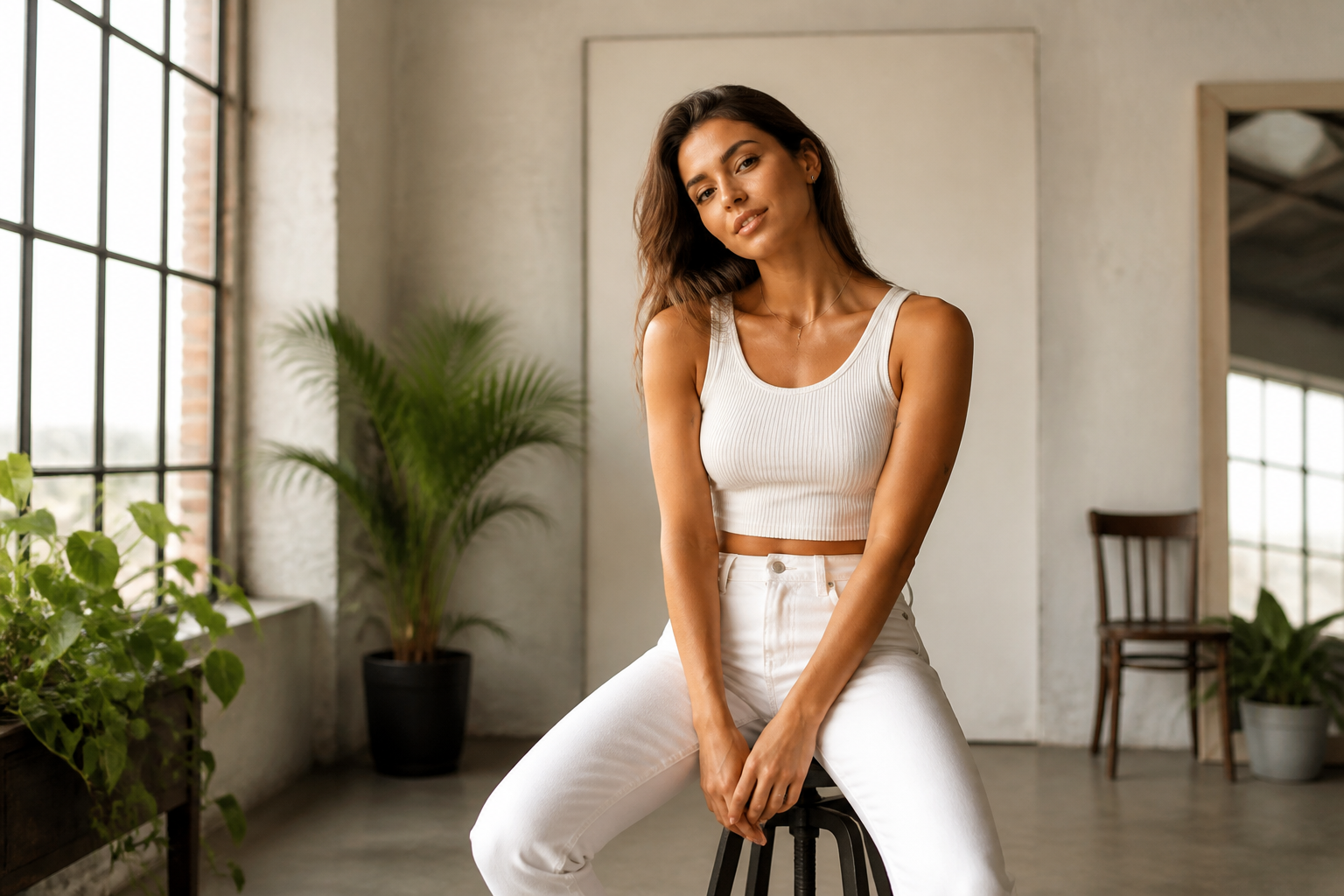 BEFORE
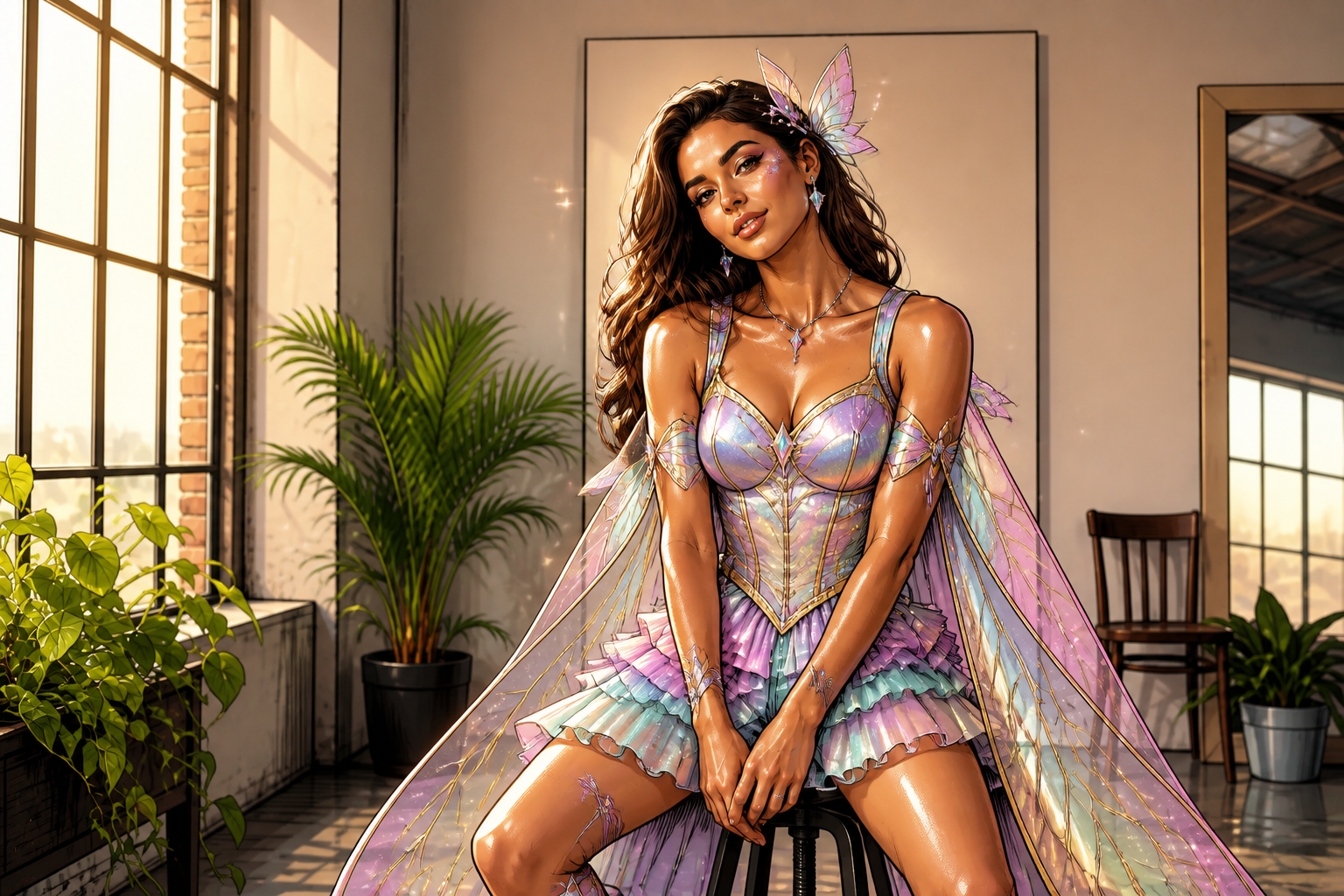 AFTERBEFOREAFTERBEFOREAFTERBEFOREAFTERBEFOREAFTERBEFOREAFTER
Key Features
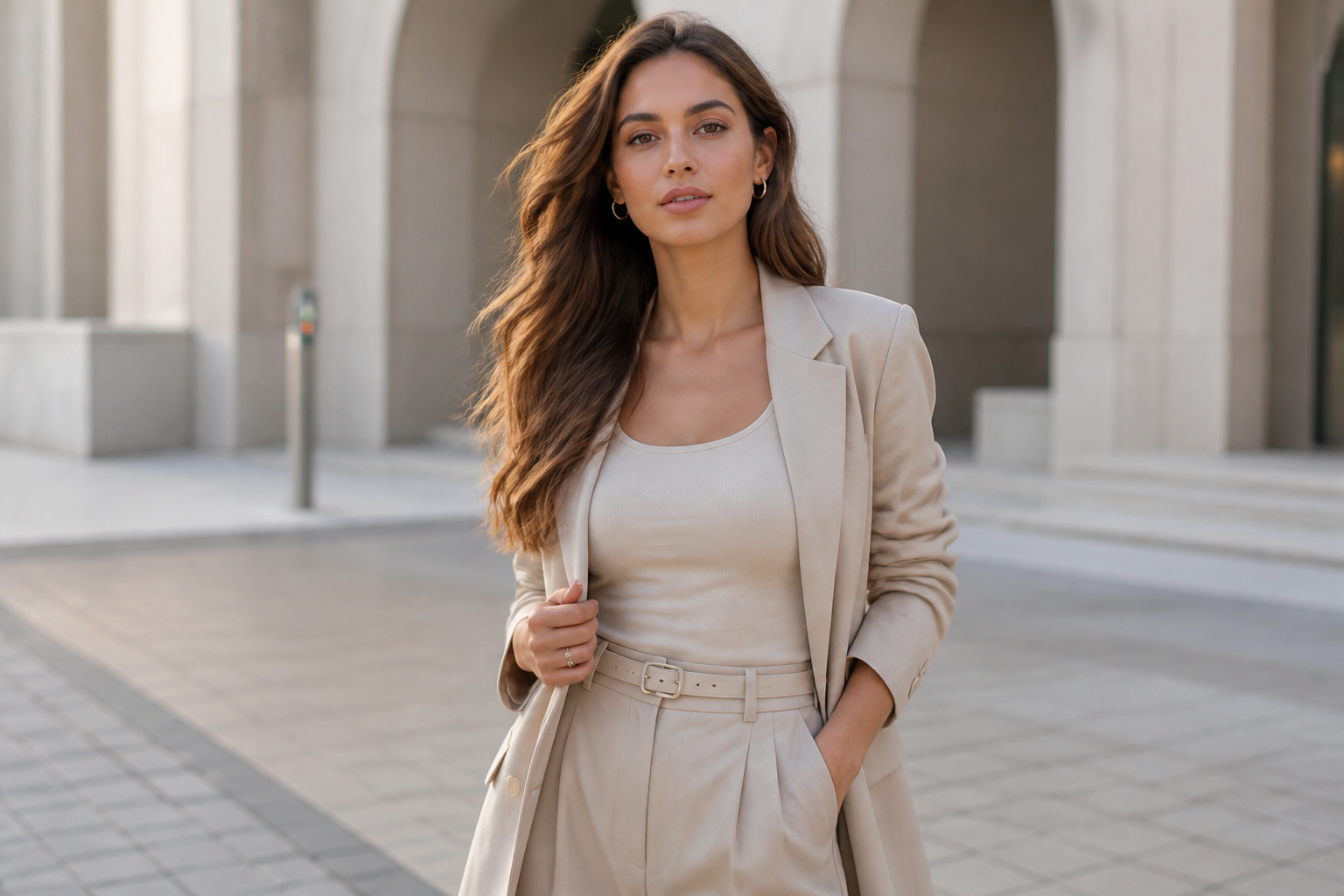
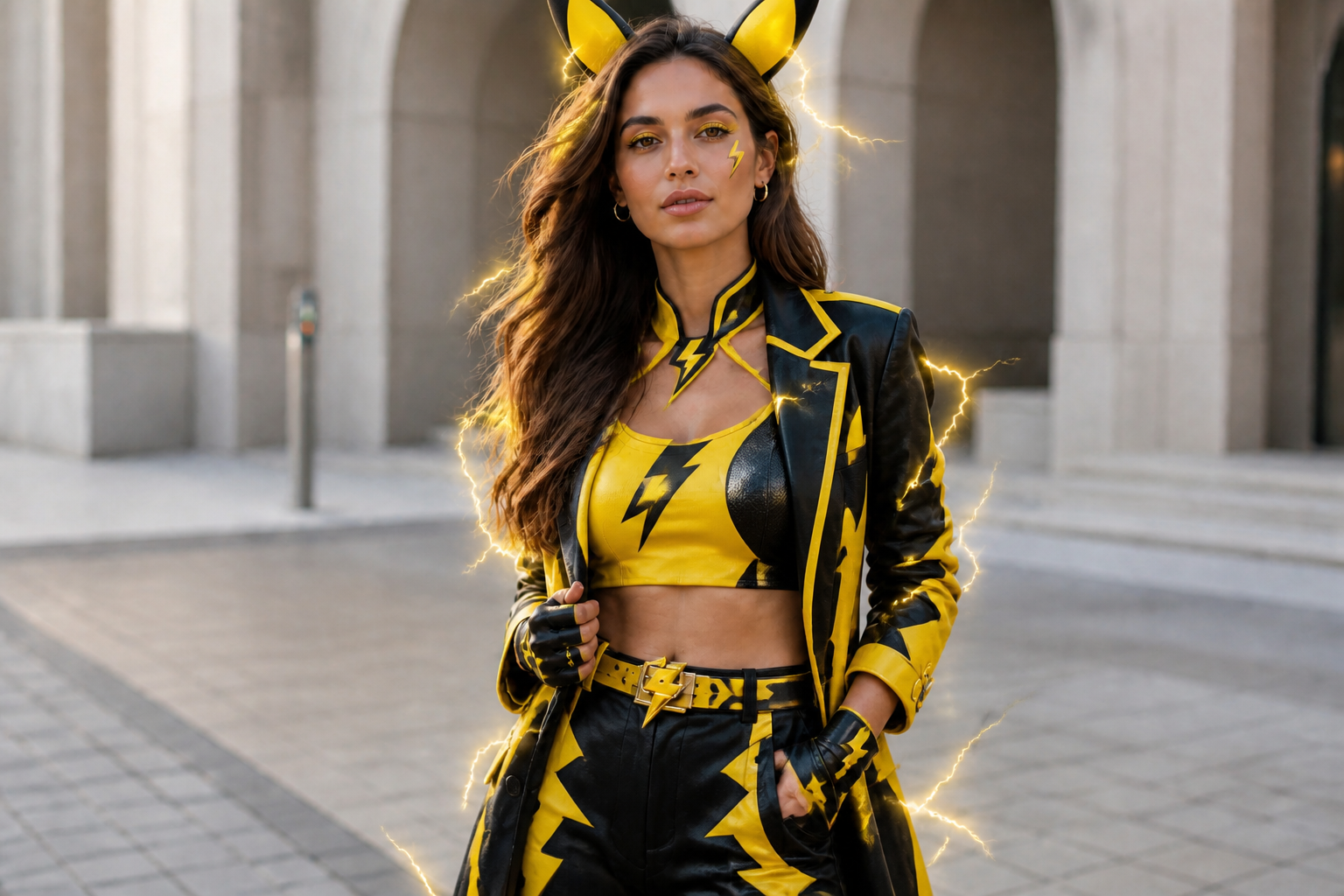
Creature Looks, Not Costume Chaos
Generate polished cosplay inspired by creature themes instead of random props piled onto a photo. The edit can change outfit, color palette, makeup, and accessories in one pass. That gives you a cohesive look faster than piecing together filters and stickers by hand. The result reads clearly even in a small thumbnail.
Keeps Faces Recognizable
You want the cosplay theme to change, not the person. Our AI preserves facial structure, expression, and pose while restyling clothing and visual details around them. That makes the result useful for profile photos, social posts, and character concepts. It also saves time compared with rebuilding a face after a heavy stylization pass.
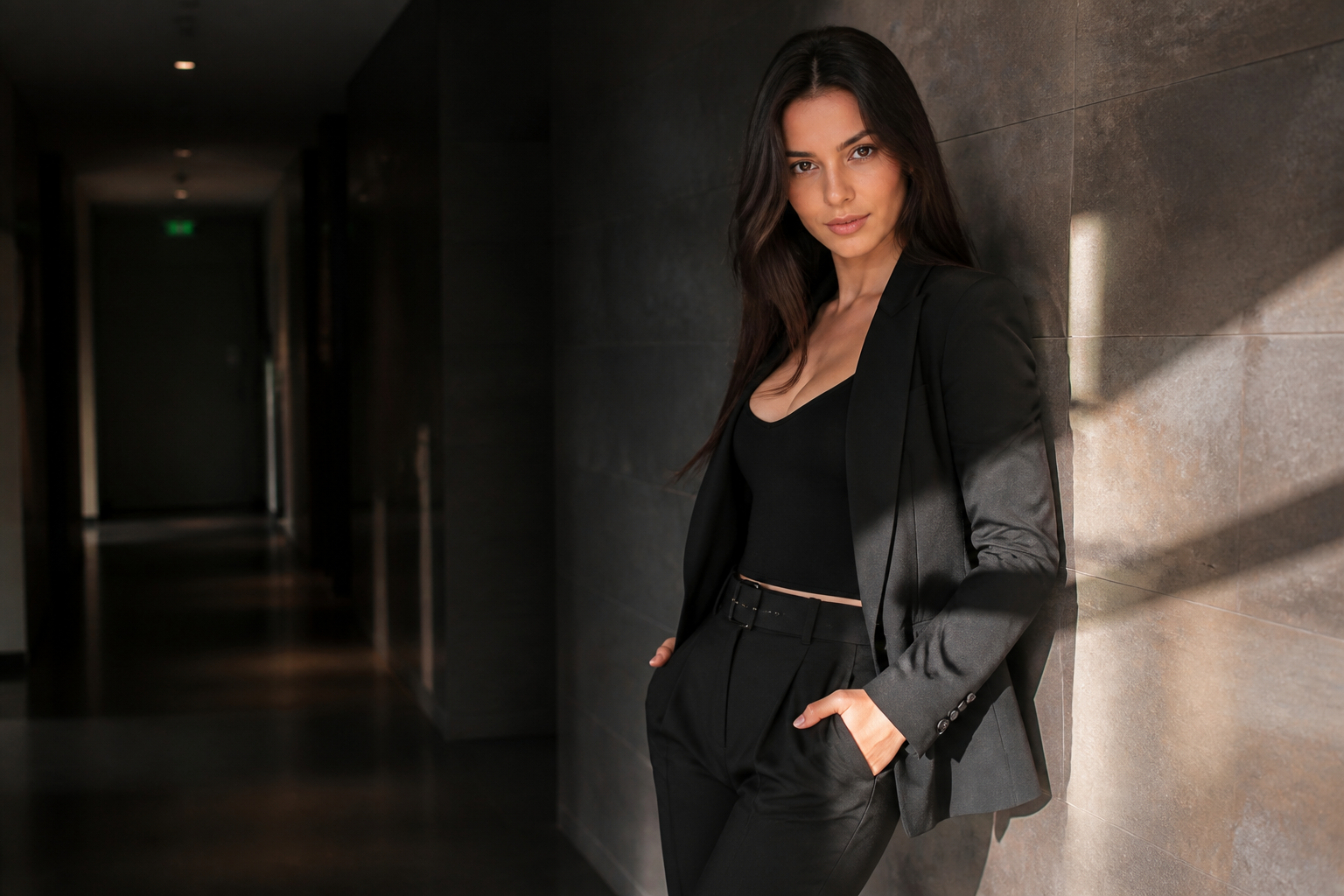
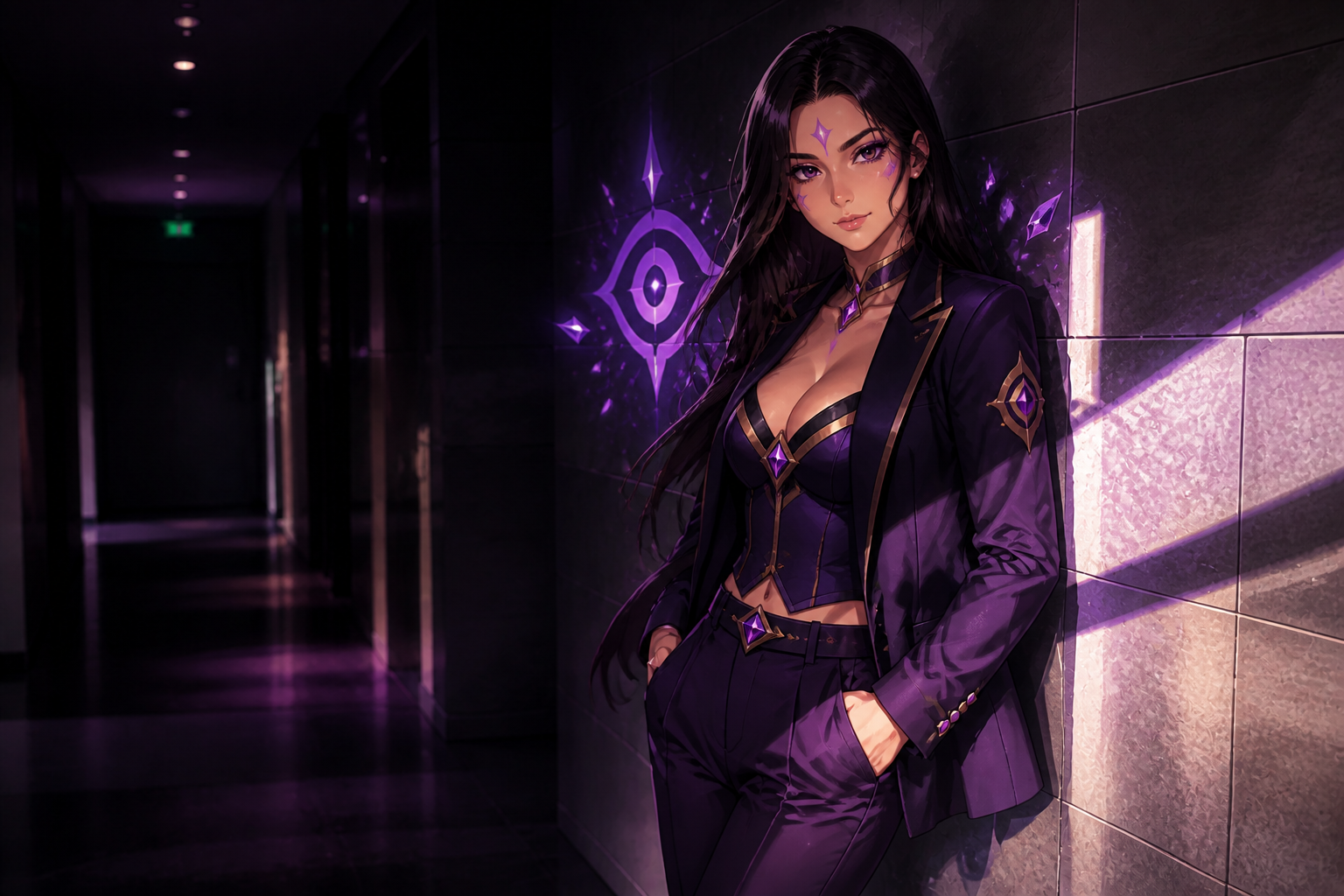
Works Across Art Styles
You can keep edits photorealistic or push them into stylized formats for a different mood. That helps when you want one look for a realistic cosplay shoot and another for fan art style sharing. Switching styles manually usually means starting over from scratch. Here, the same portrait can become multiple versions quickly.
Made For Shareable Portraits
The edits are designed to read clearly on social feeds, thumbnails, and mobile screens. Strong color blocking, clean accessories, and well-defined silhouettes make the transformation obvious right away. That matters for cosplay posts where viewers scroll fast. You get a stronger before-and-after moment than with subtle wardrobe tweaks.
How It Works
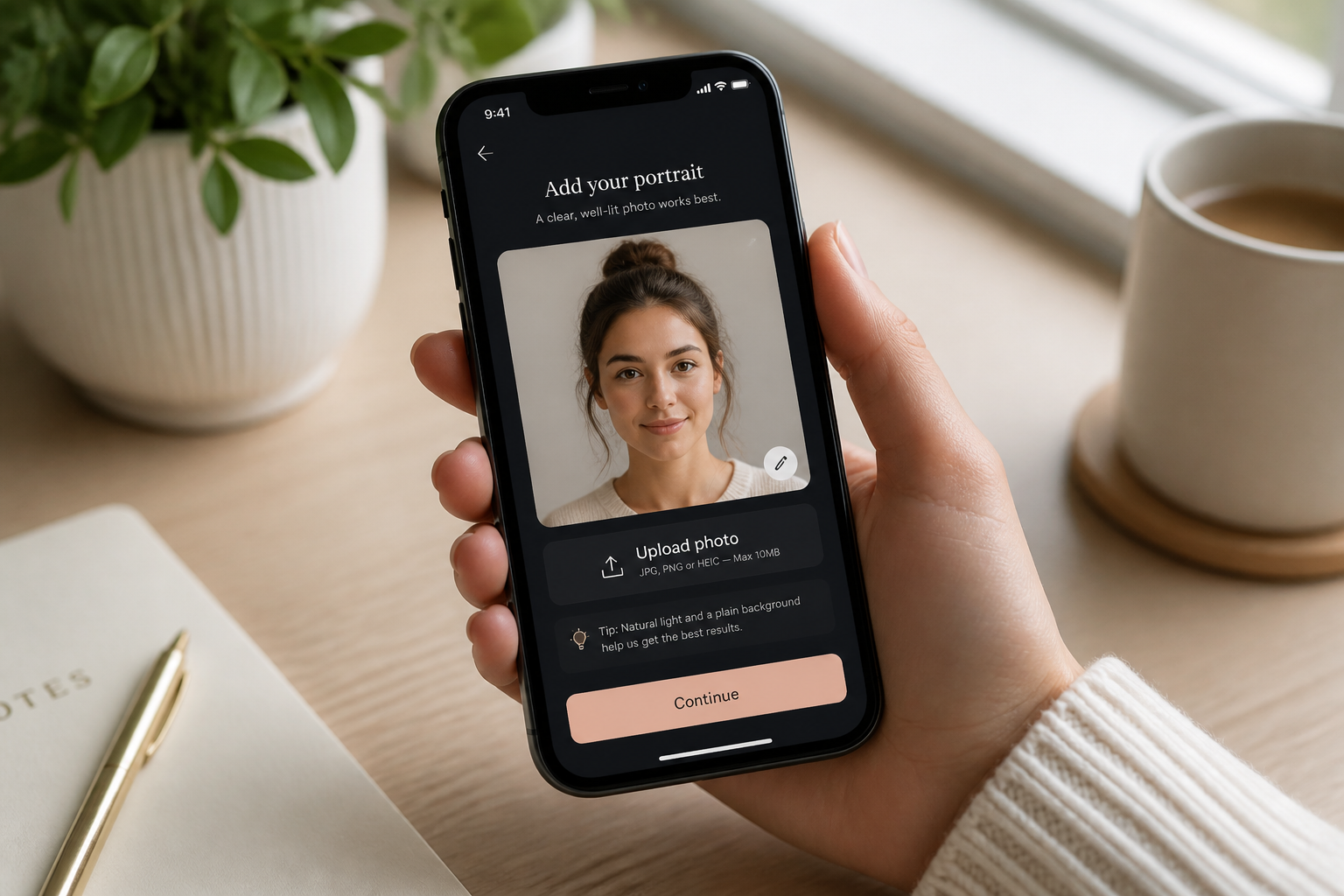
Upload your portrait
Start with a clear photo of one adult person. Full-body or mid-shot images work best when you want the outfit change to show clearly.
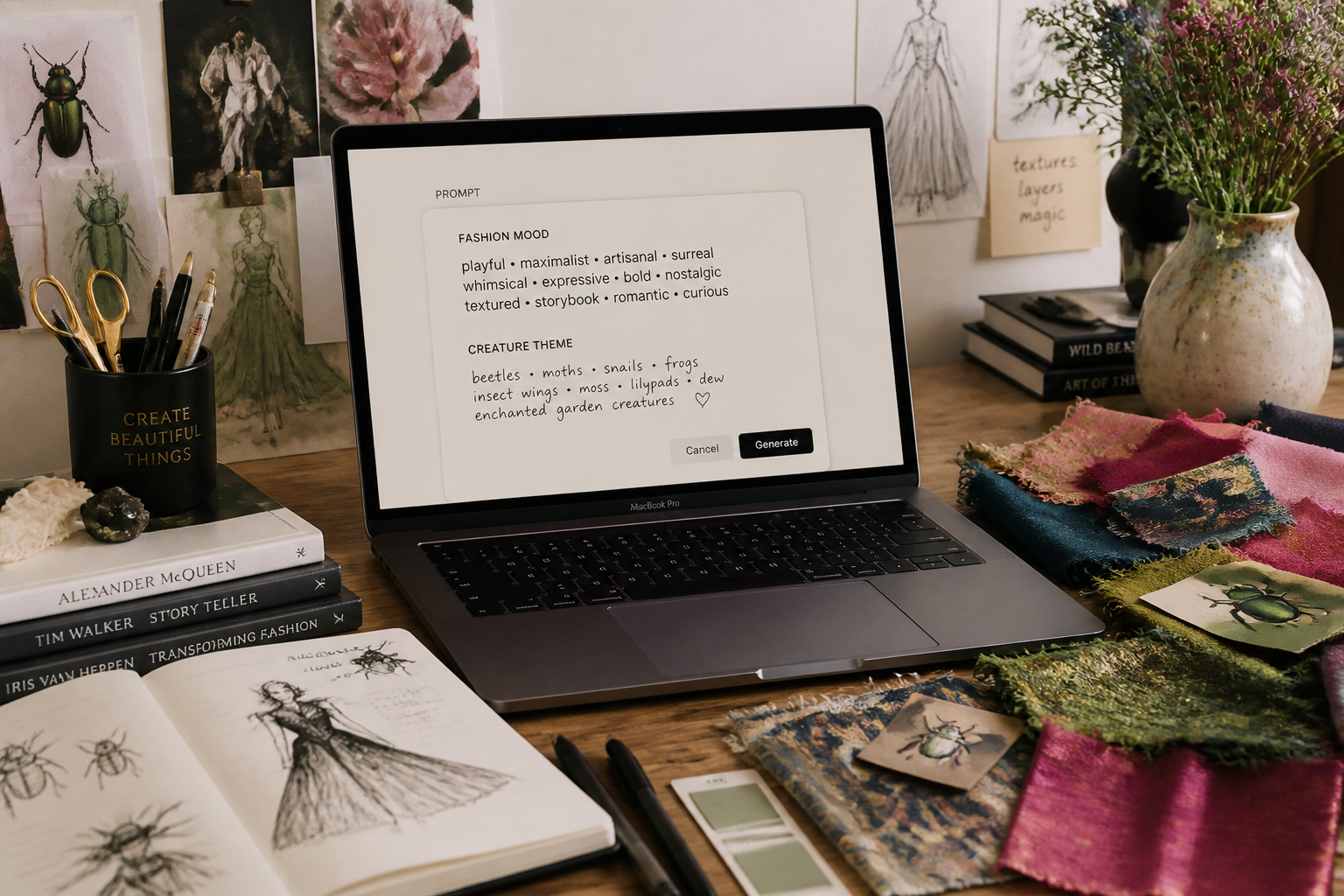
Describe the creature theme
Tell the AI what kind of cosplay look you want, such as electric, floral, ice, dark, or fairy-inspired. You can also mention outfit mood, accessories, and whether you want realistic or illustrated styling.
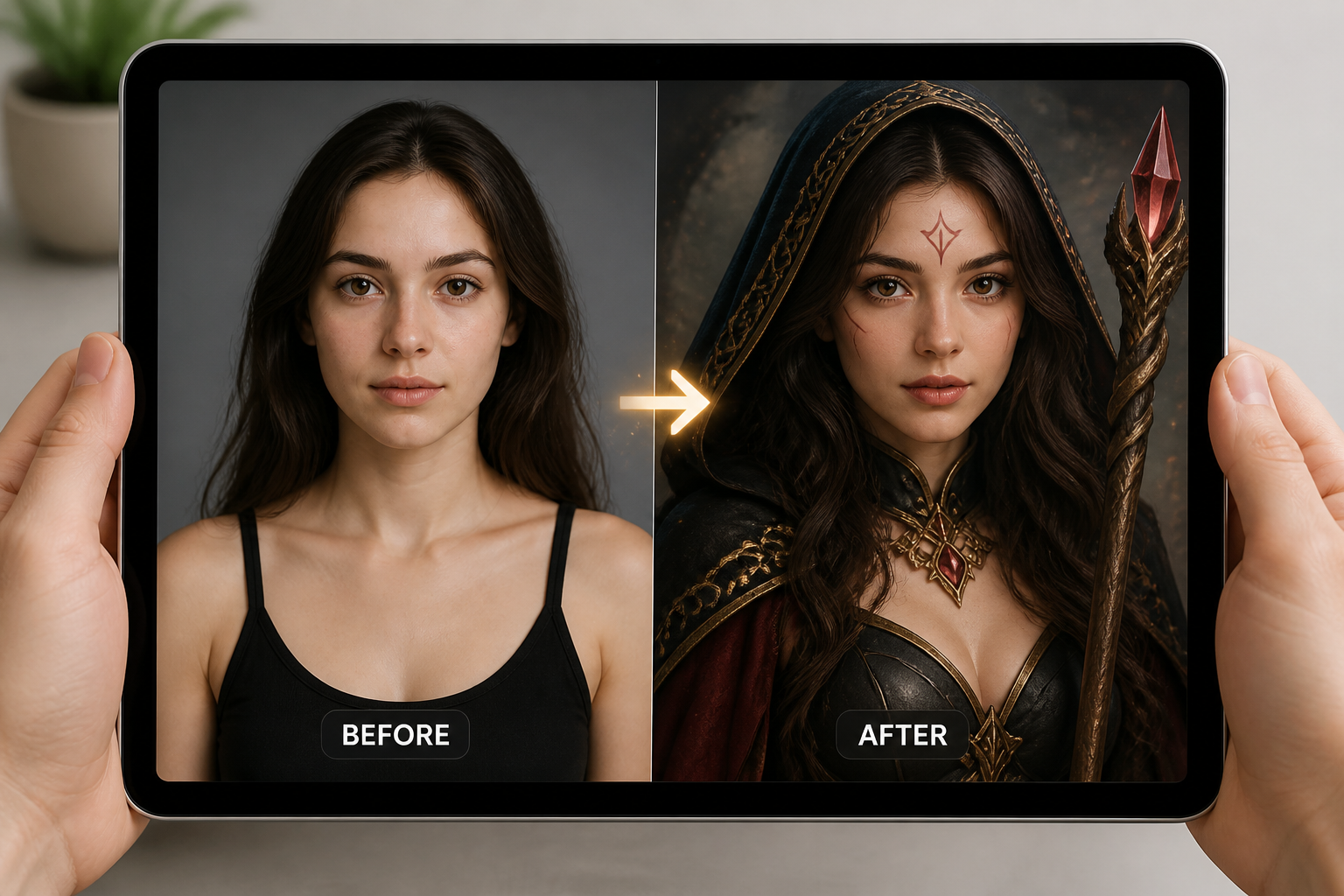
Compare and refine
Review the edited image and check how the outfit, makeup, and theme came through. If needed, adjust the prompt for stronger accessories, cleaner colors, or a different art style.
Perfect For
Discover how creators and professionals use pokemon style cosplay generator
Social media glow-ups
Turn ordinary portraits into creature-inspired cosplay posts that stand out in feeds and short-form videos.
Convention look previews
Test outfit directions and color themes before buying fabric, makeup, or accessories for a real cosplay build.
Profile and banner art
Create themed portraits for avatars, headers, and community profiles without losing your face or pose.
Creative character concepts
Explore different creature aesthetics on the same photo to find a look worth developing further.
Built For
Cosplay fans
Preview themed looks quickly, from elegant fantasy builds to bold convention-style designs.
Content creators
Make before-and-after edits that read clearly in thumbnails, reels, and short social posts.
Portrait hobbyists
Experiment with creature-inspired fashion edits without needing advanced manual retouching skills.
Why use BudgetPixel for cosplay edits
A quick look at how we compare on the things that matter for this niche.
| Feature | BudgetPixel | Generic AI editors | Manual editing apps |
|---|---|---|---|
| Creature-themed outfit changes | ✓ | ✓ | — |
| Keeps face recognizable | ✓ | Varies | ✓ |
| Stylized and realistic outputs | ✓ | Varies | — |
| Fast before/after generation | ✓ | ✓ | — |
| No manual layer work | ✓ | ✓ | — |
Frequently Asked Questions
Does this make exact copyrighted characters?
Will it keep the person looking like themselves?
What photos work best?
Can I choose different creature themes?
Do I need editing experience?
Create together.
Share your creations, discover trending AI art, and grow with fellow creators.



























Ready to Try Pokemon Style Cosplay Generator?
Get started for free. No credit card required.
Try it Free