AI Product Ad Generator
Turn simple product photos into polished ad-ready creatives.
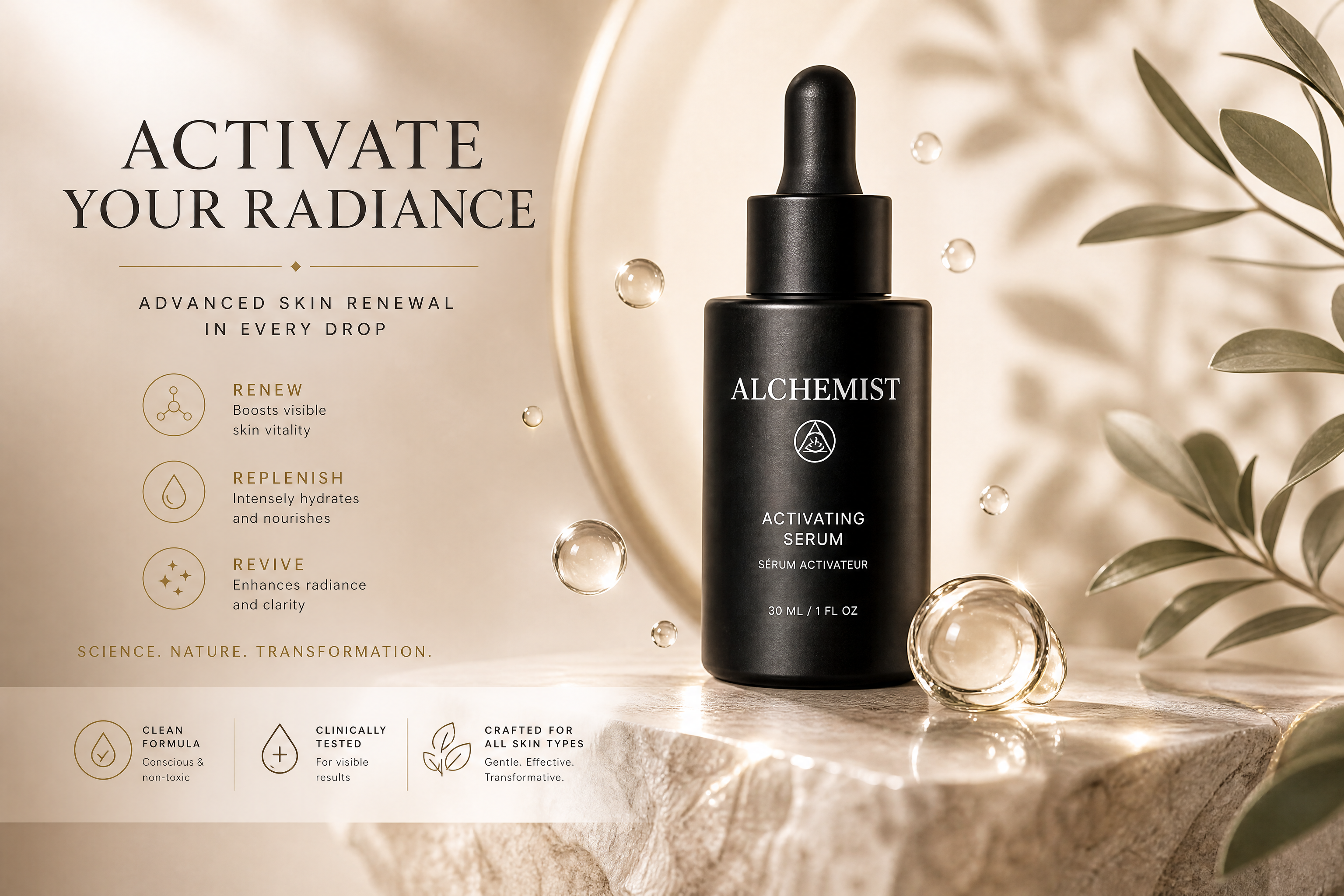
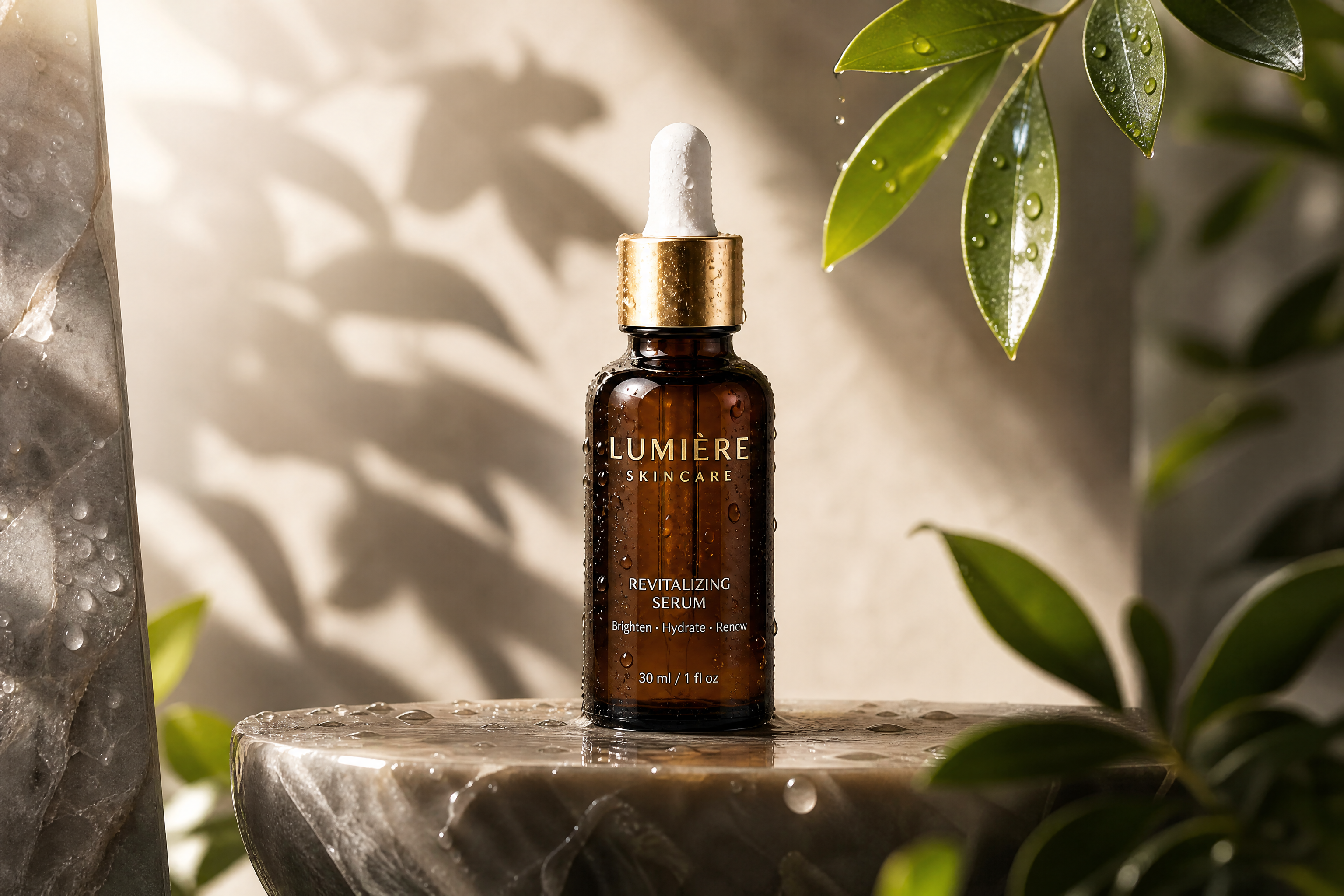
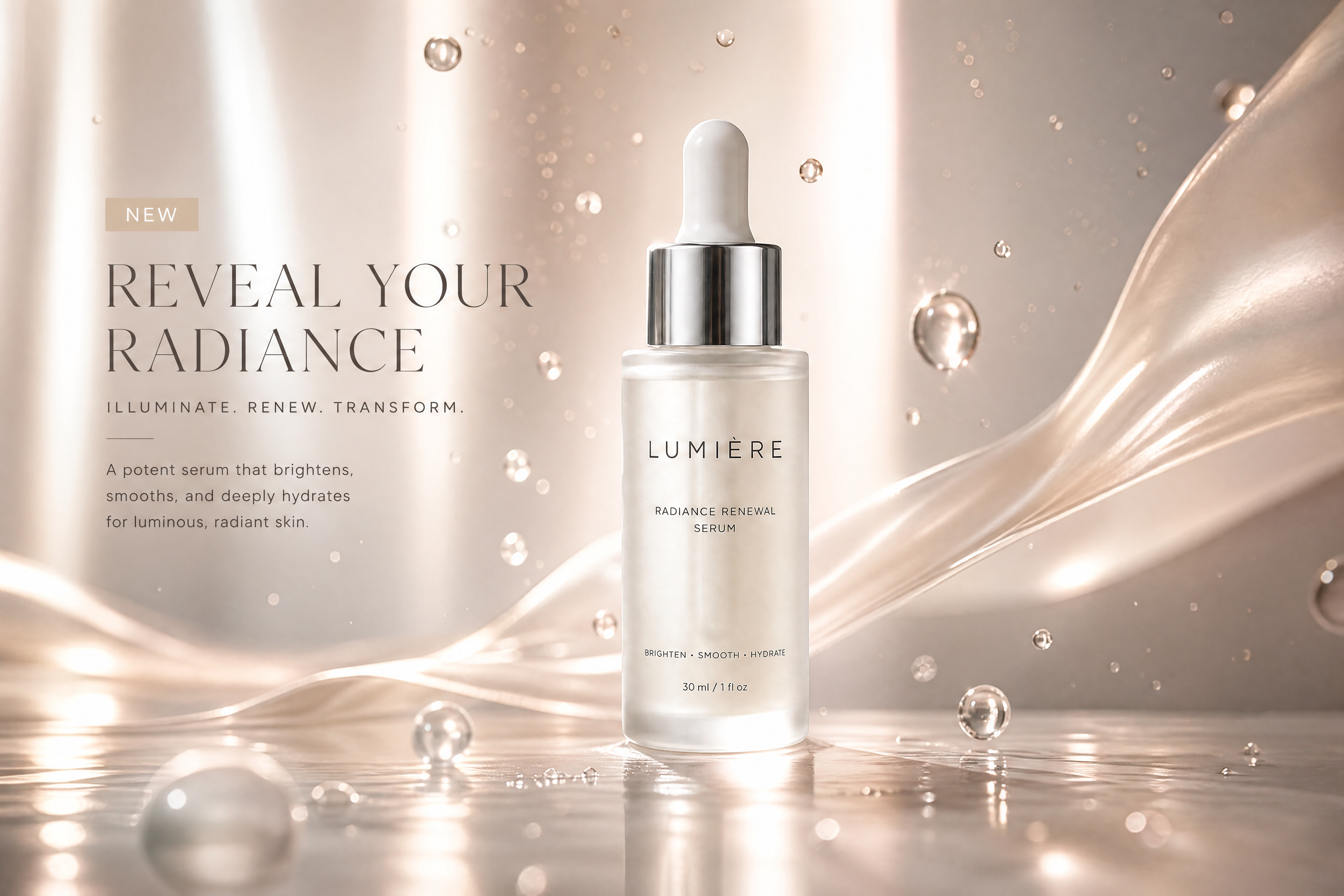
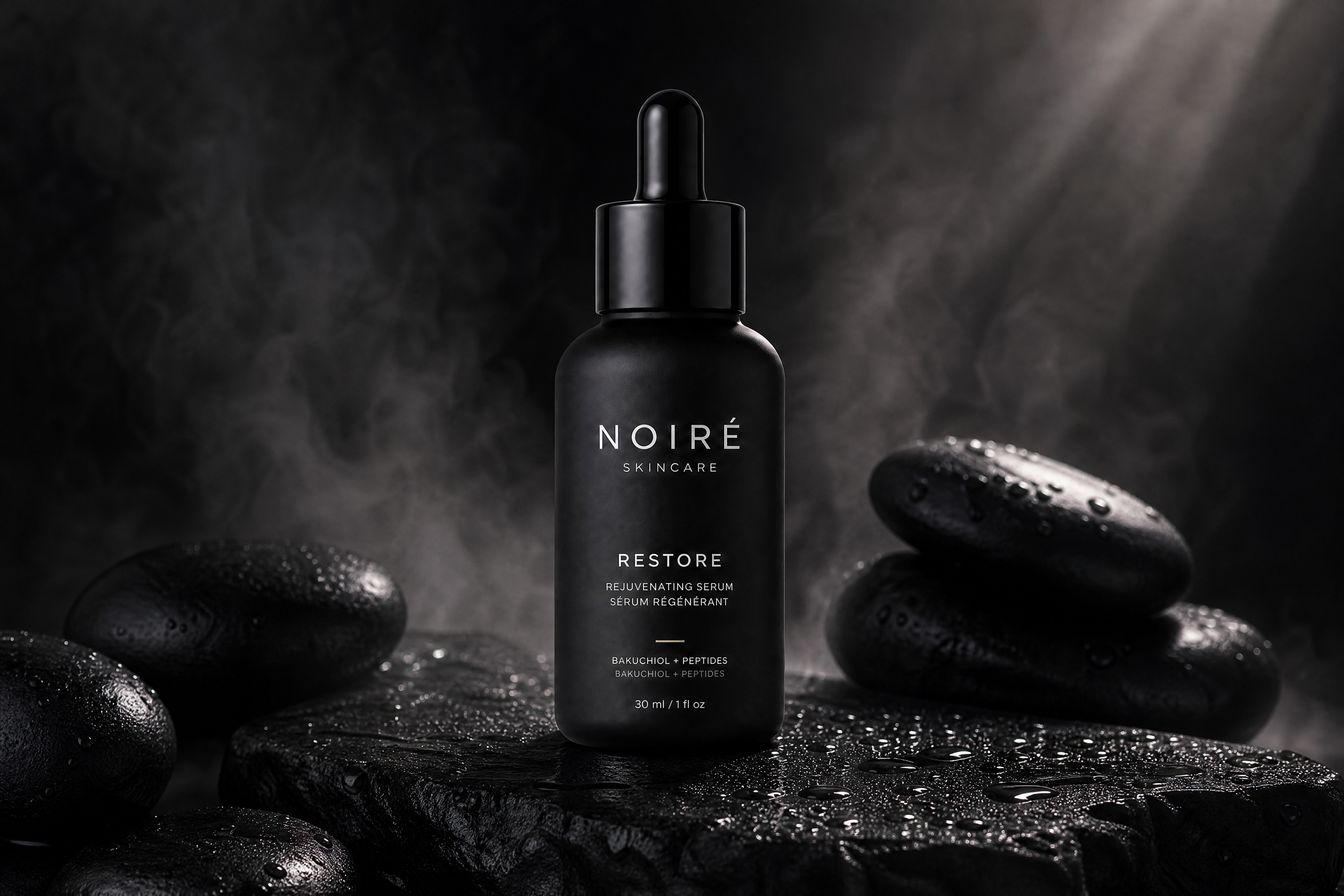
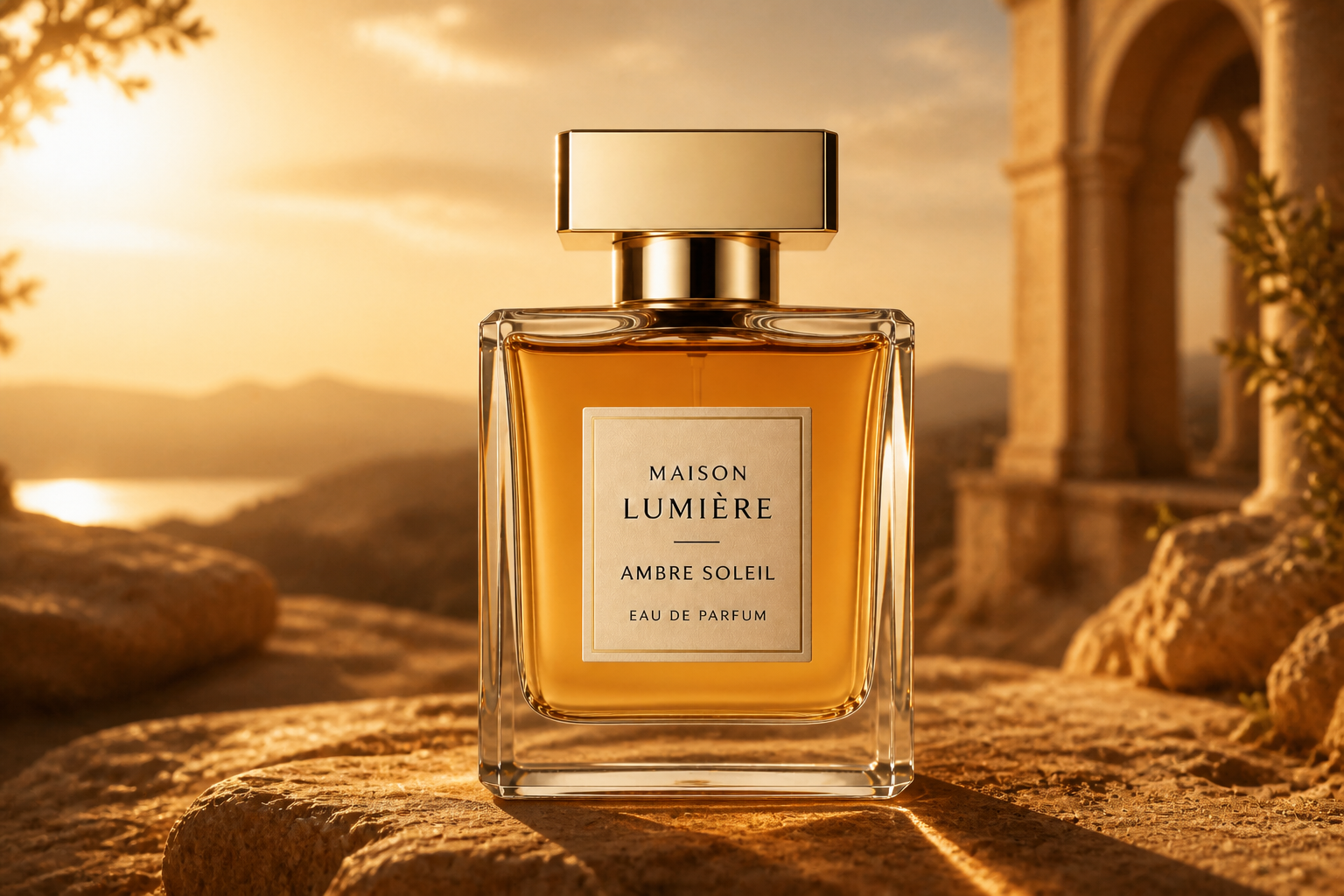
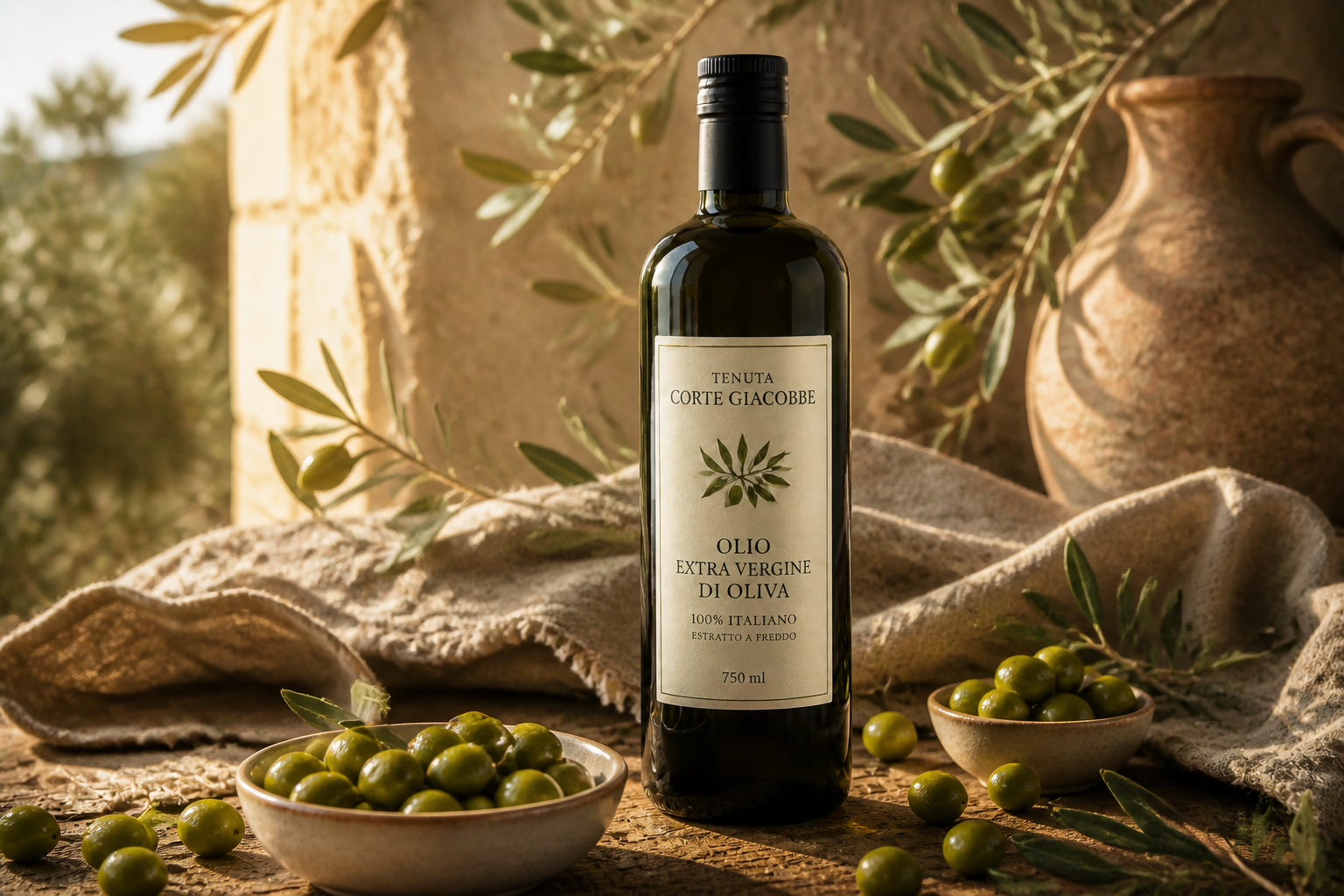
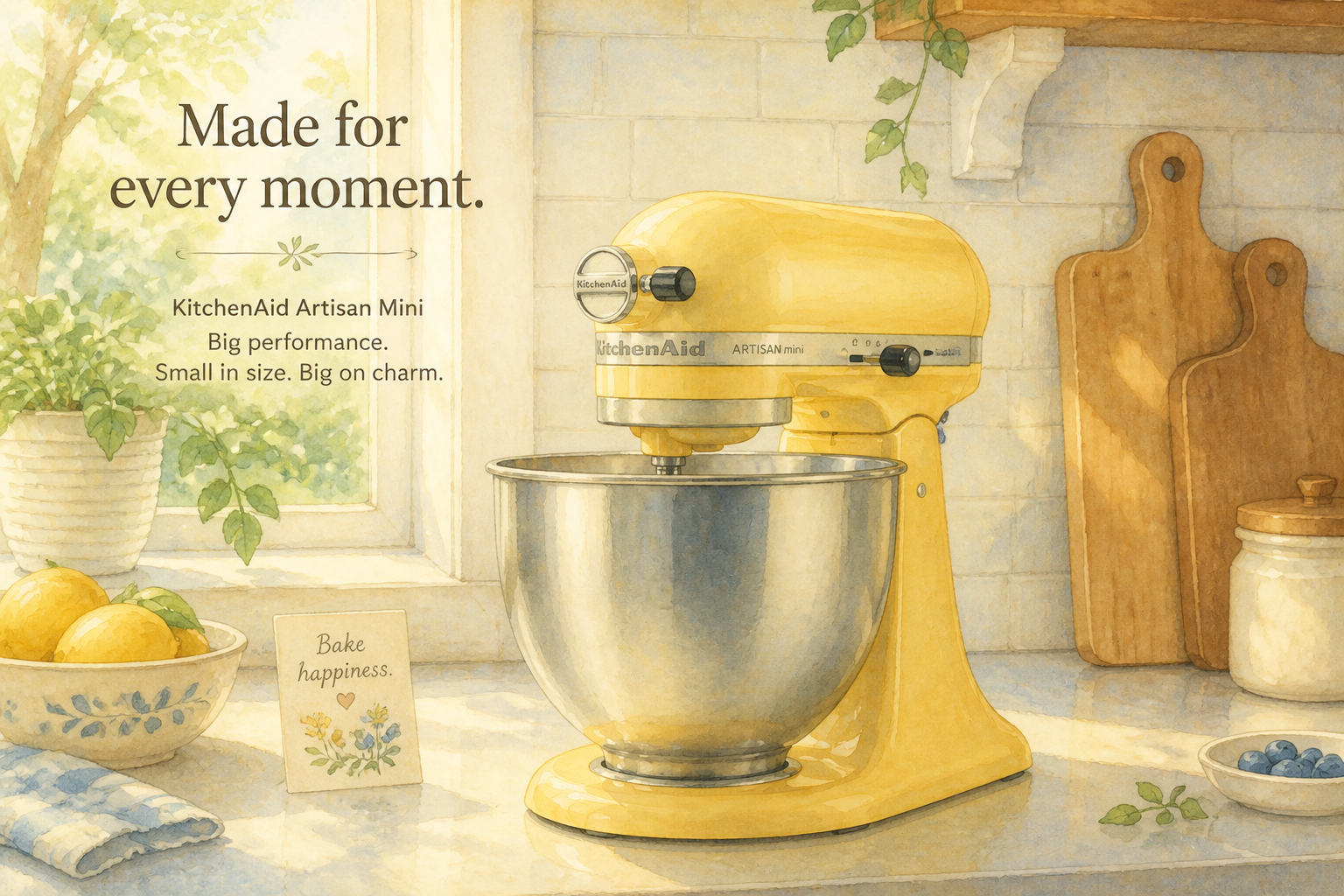
Upload a clean product photo and generate a styled advertising image around it. Our AI can change the setting, lighting, and presentation while keeping the product clear and central. It is a quick way to mock up campaign visuals, social ads, and storefront images.
Watch the Transformation
See ai product ad generator in motion — generated end-to-end by our AI.
See It In Action
Real outputs from ai product ad generator.
BEFOREAFTER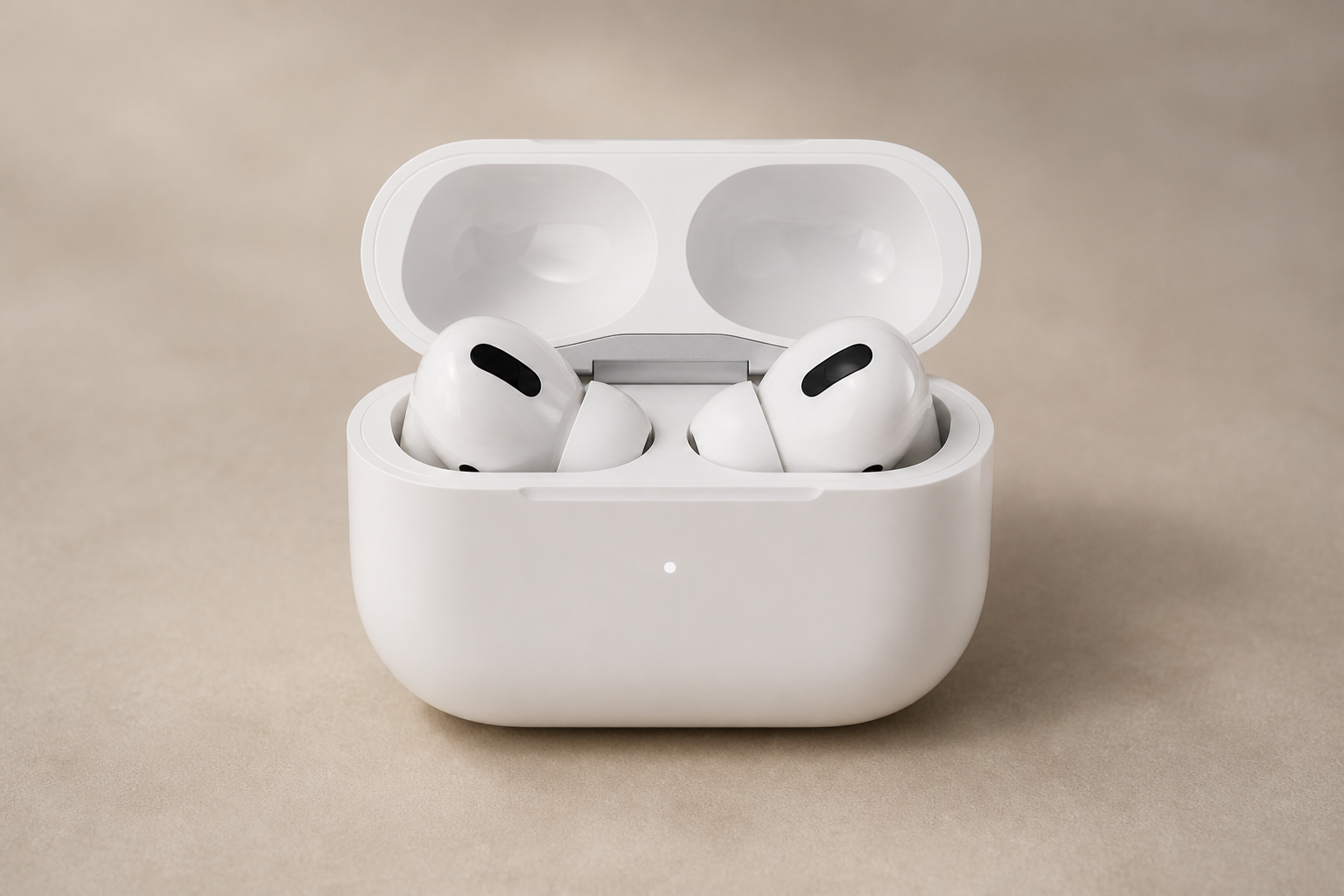 BEFORE
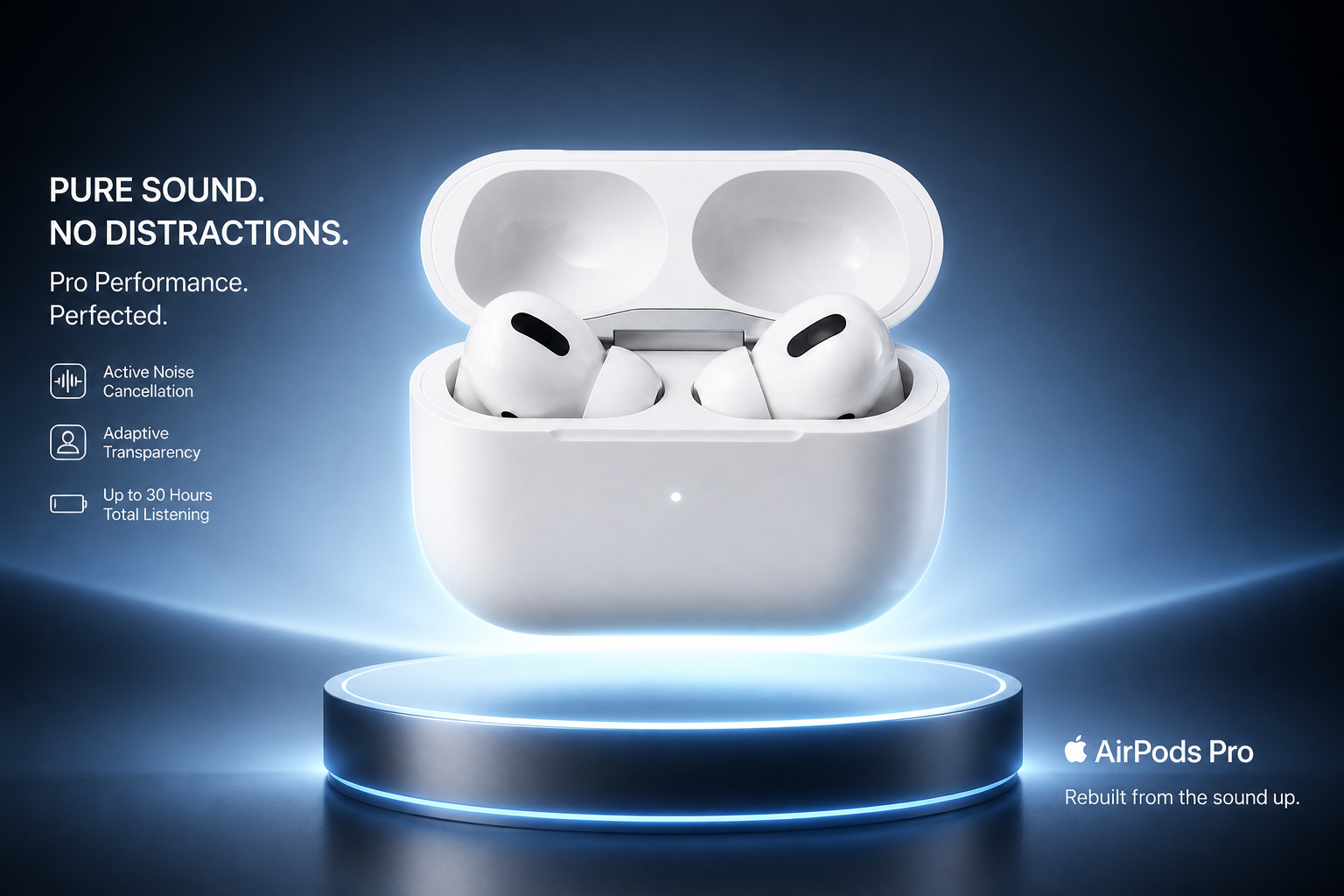 AFTER
AFTER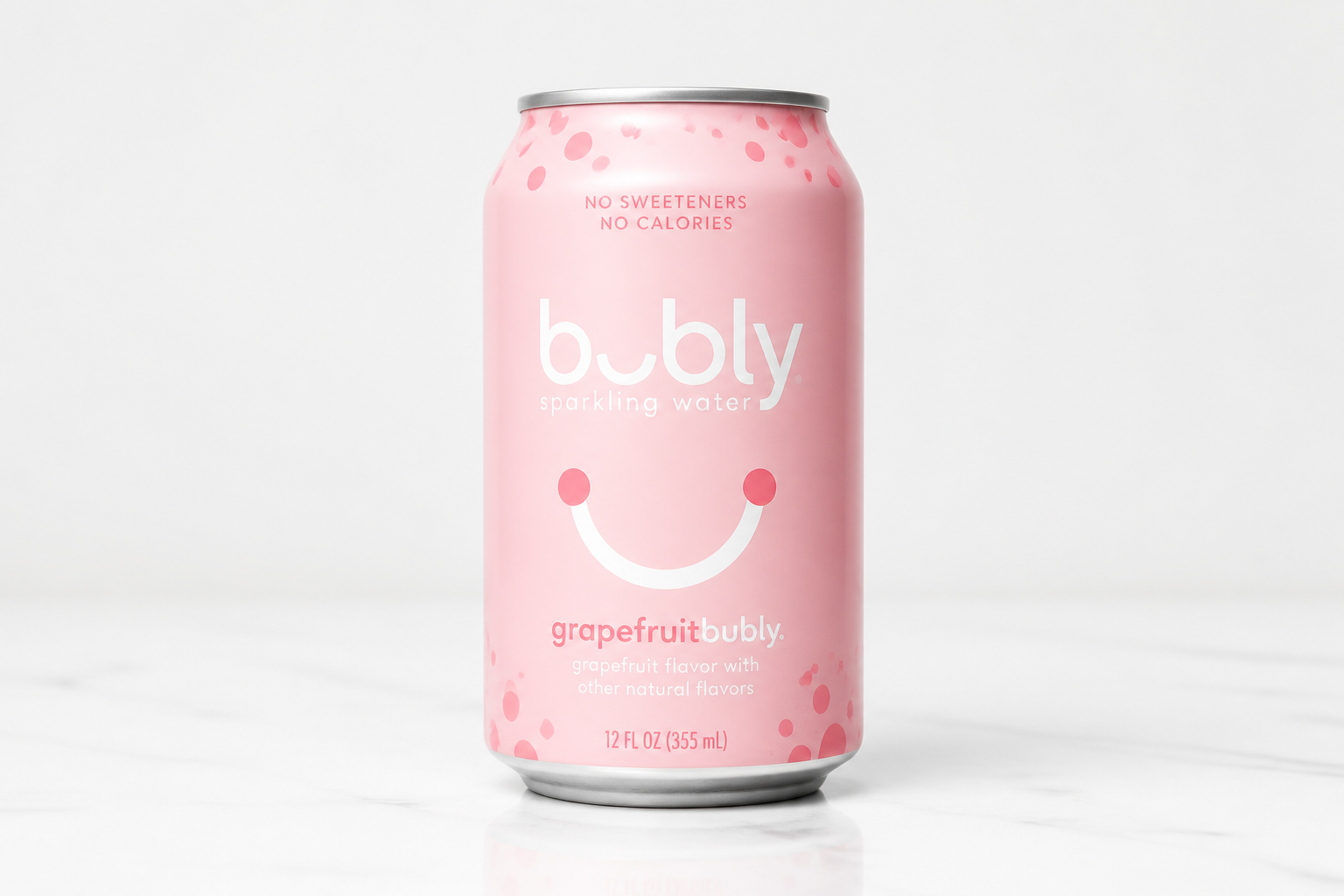 BEFORE
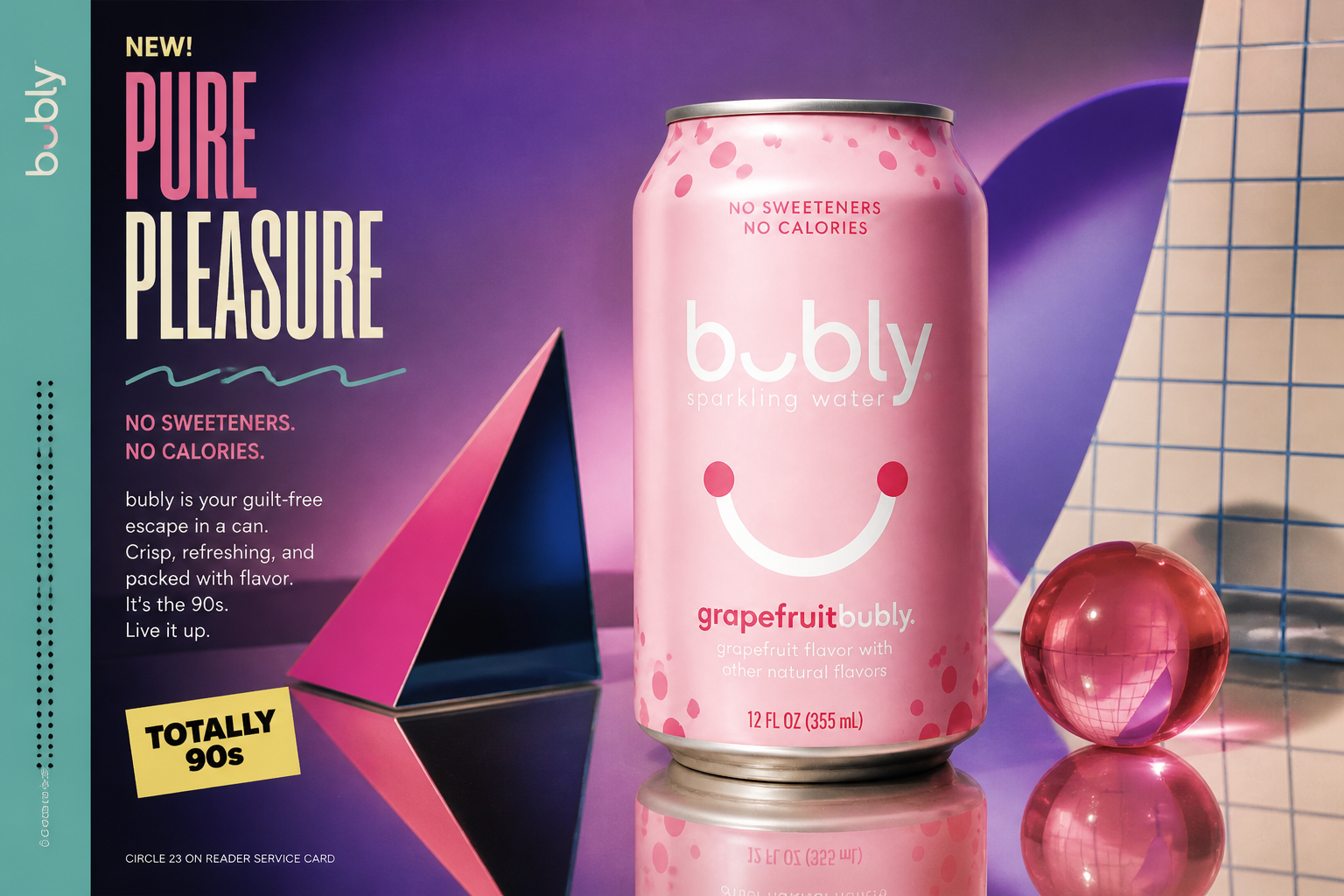 AFTER
AFTER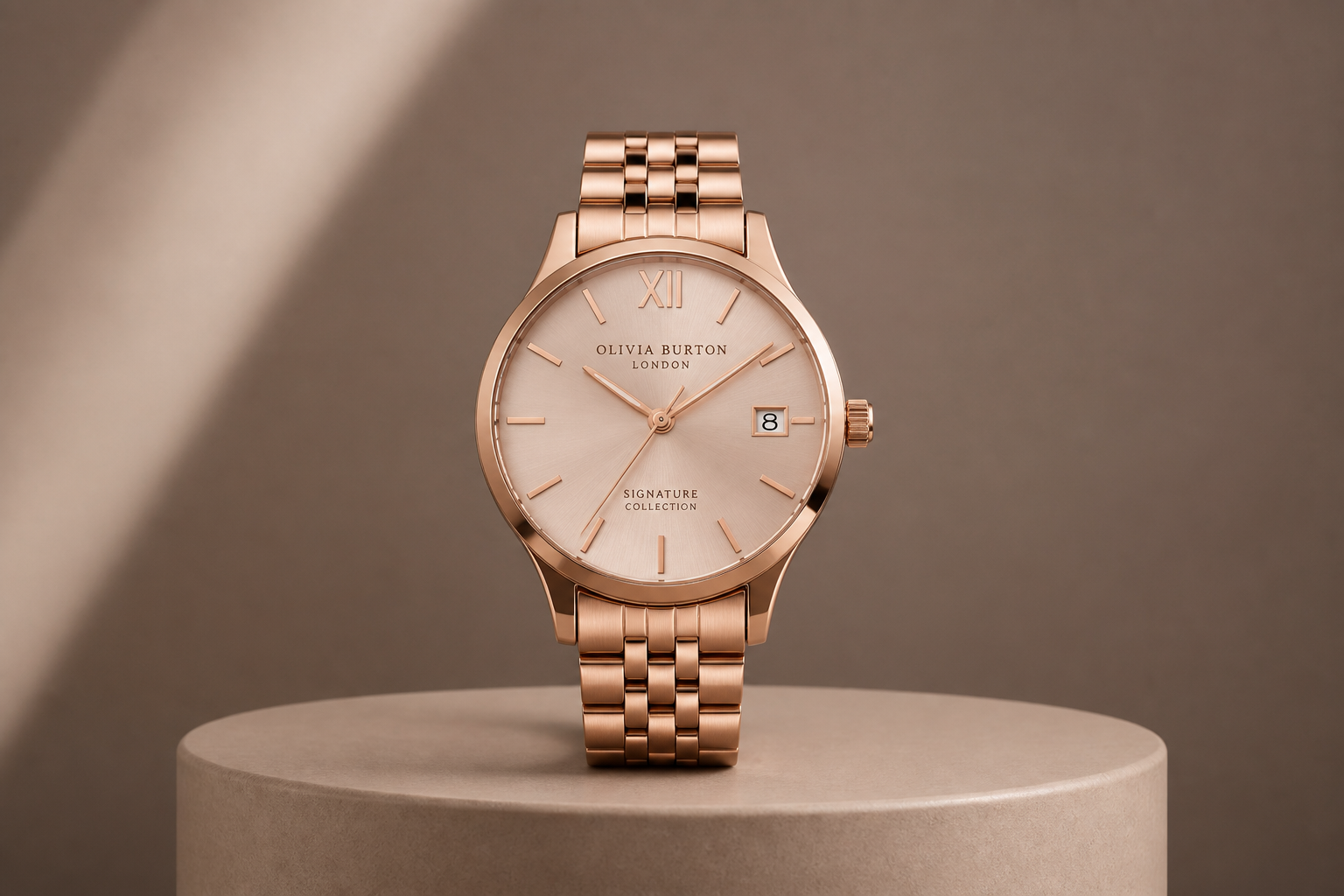 BEFORE
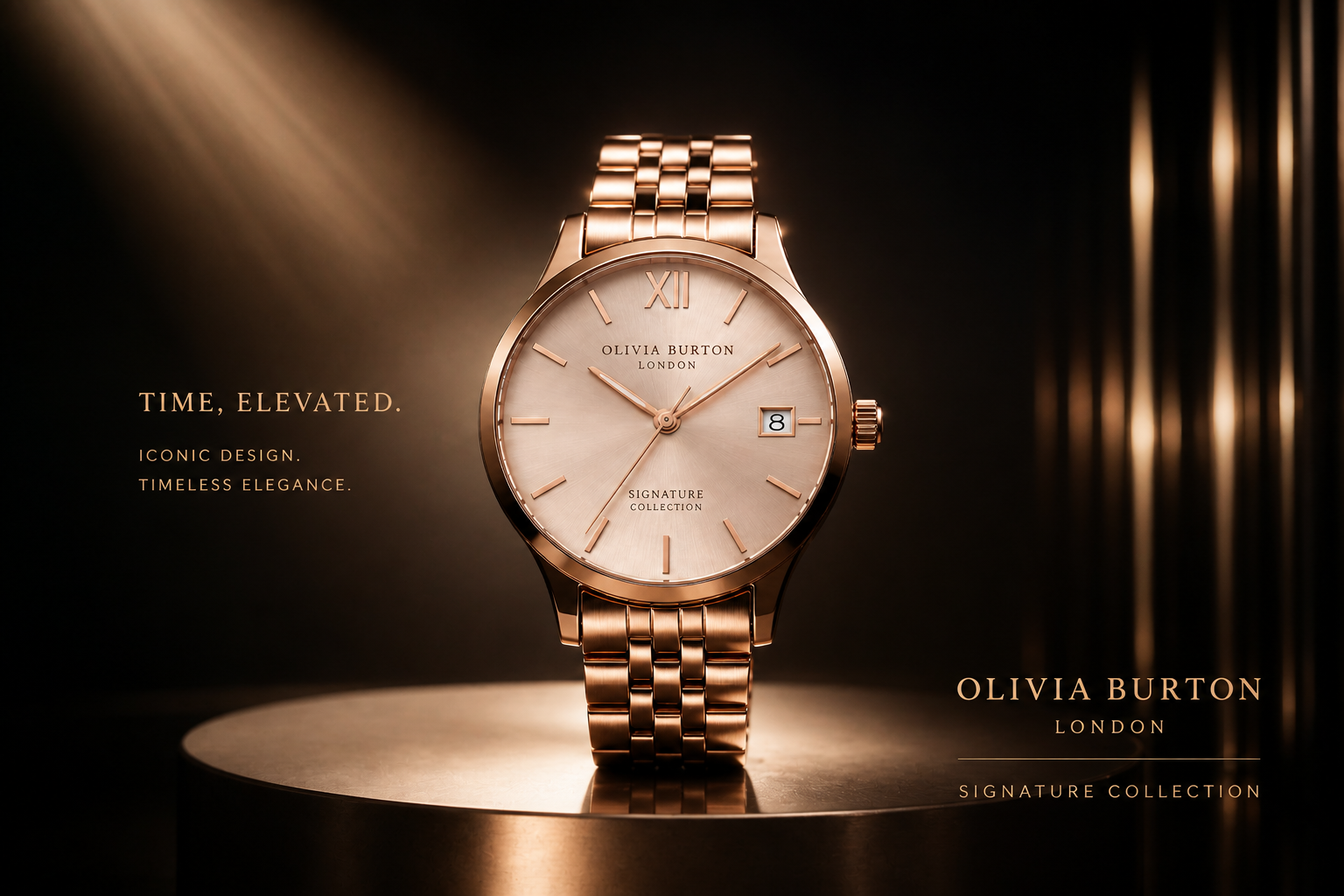 AFTER
AFTER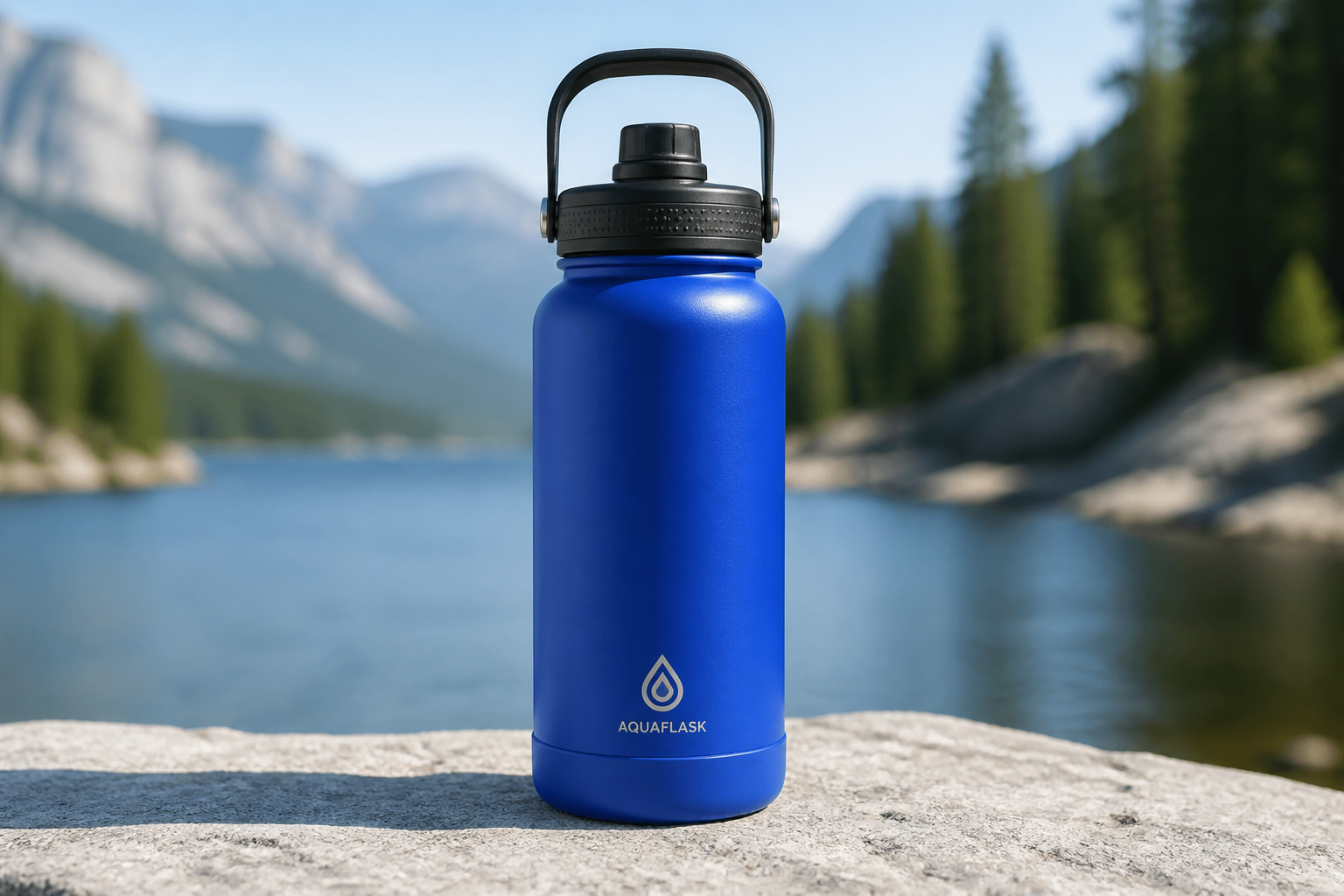 BEFORE
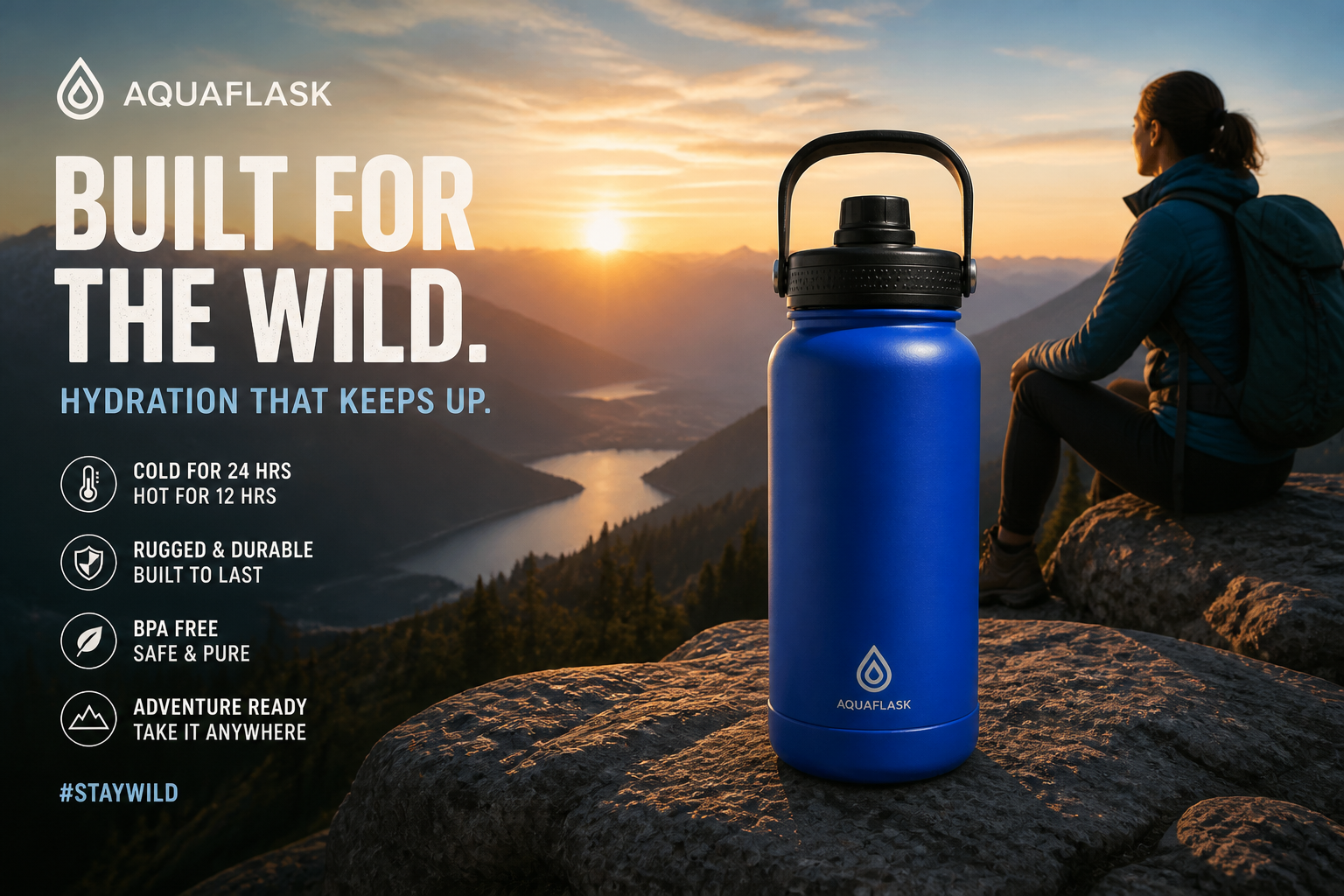 AFTERBEFOREAFTERBEFOREAFTERBEFOREAFTERBEFOREAFTERBEFOREAFTER
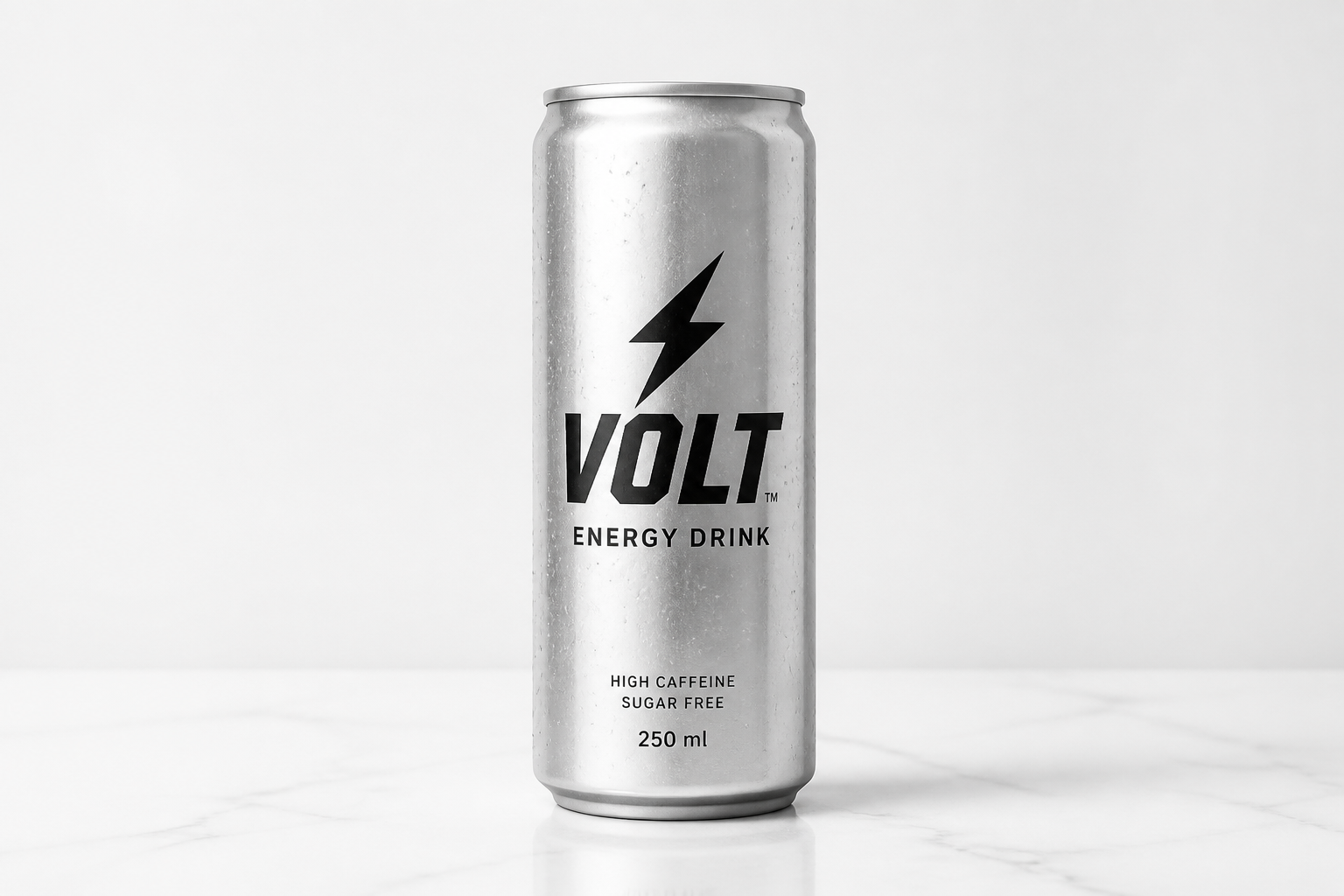 BEFORE
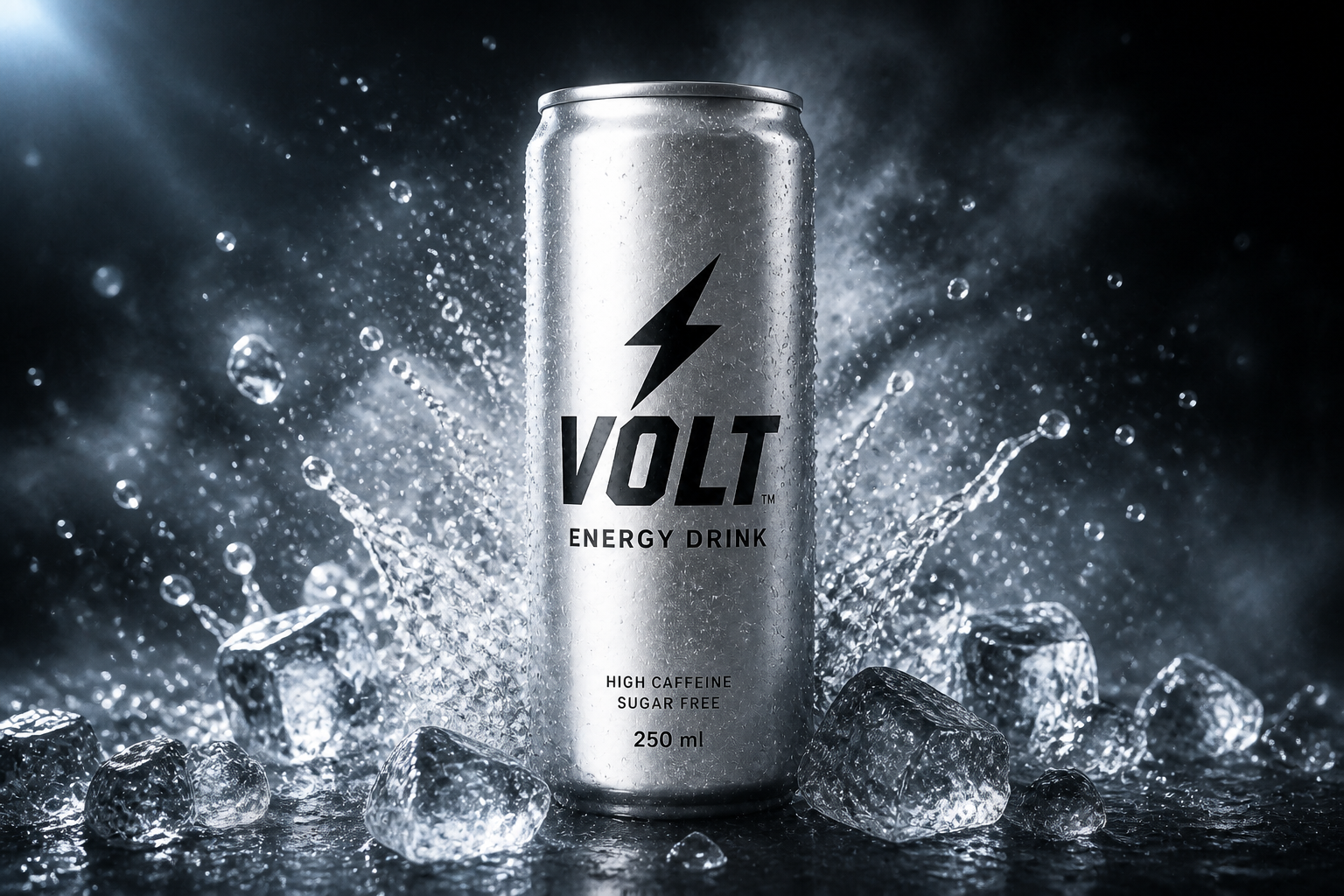 AFTER
AFTER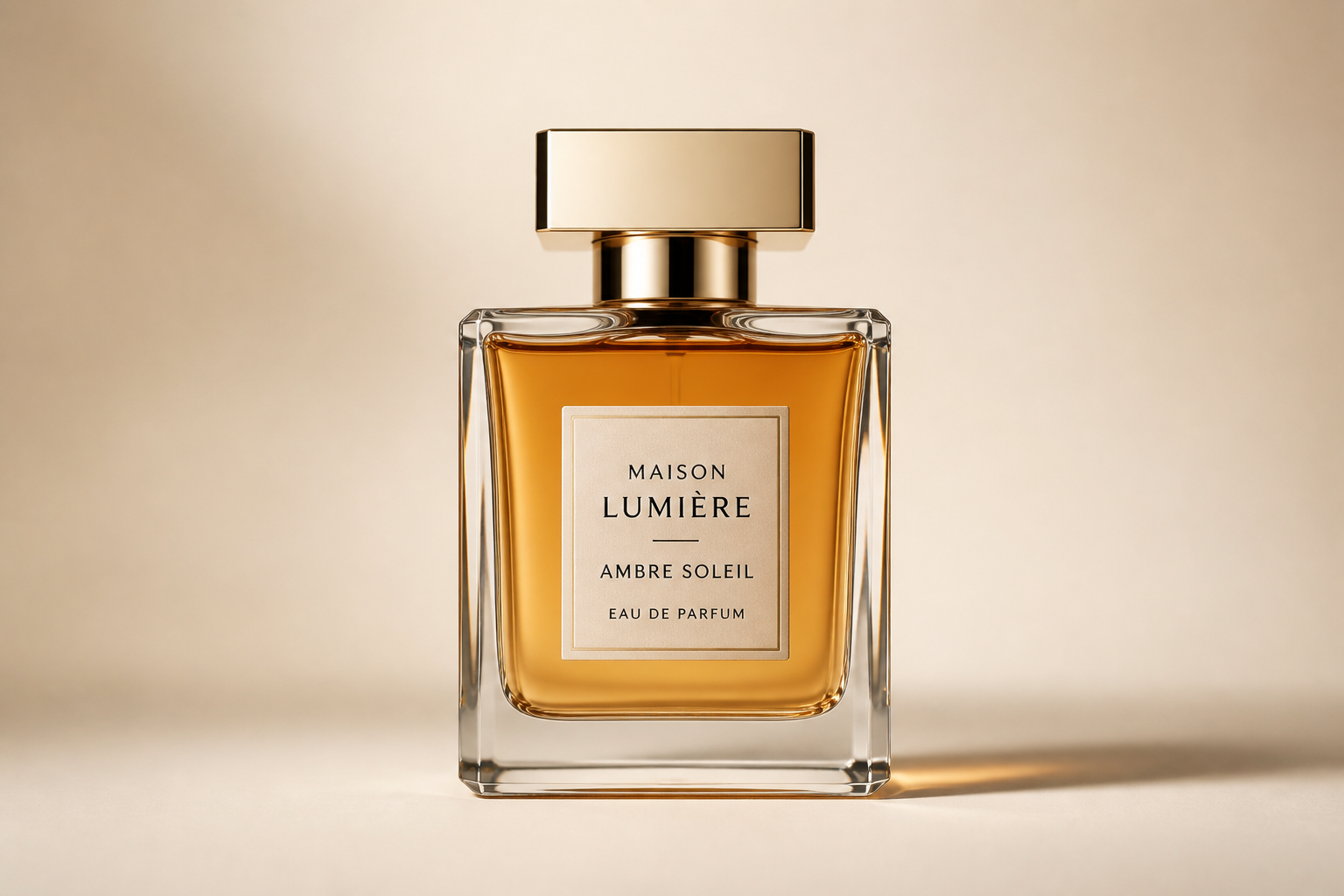 BEFORE
 AFTER
AFTER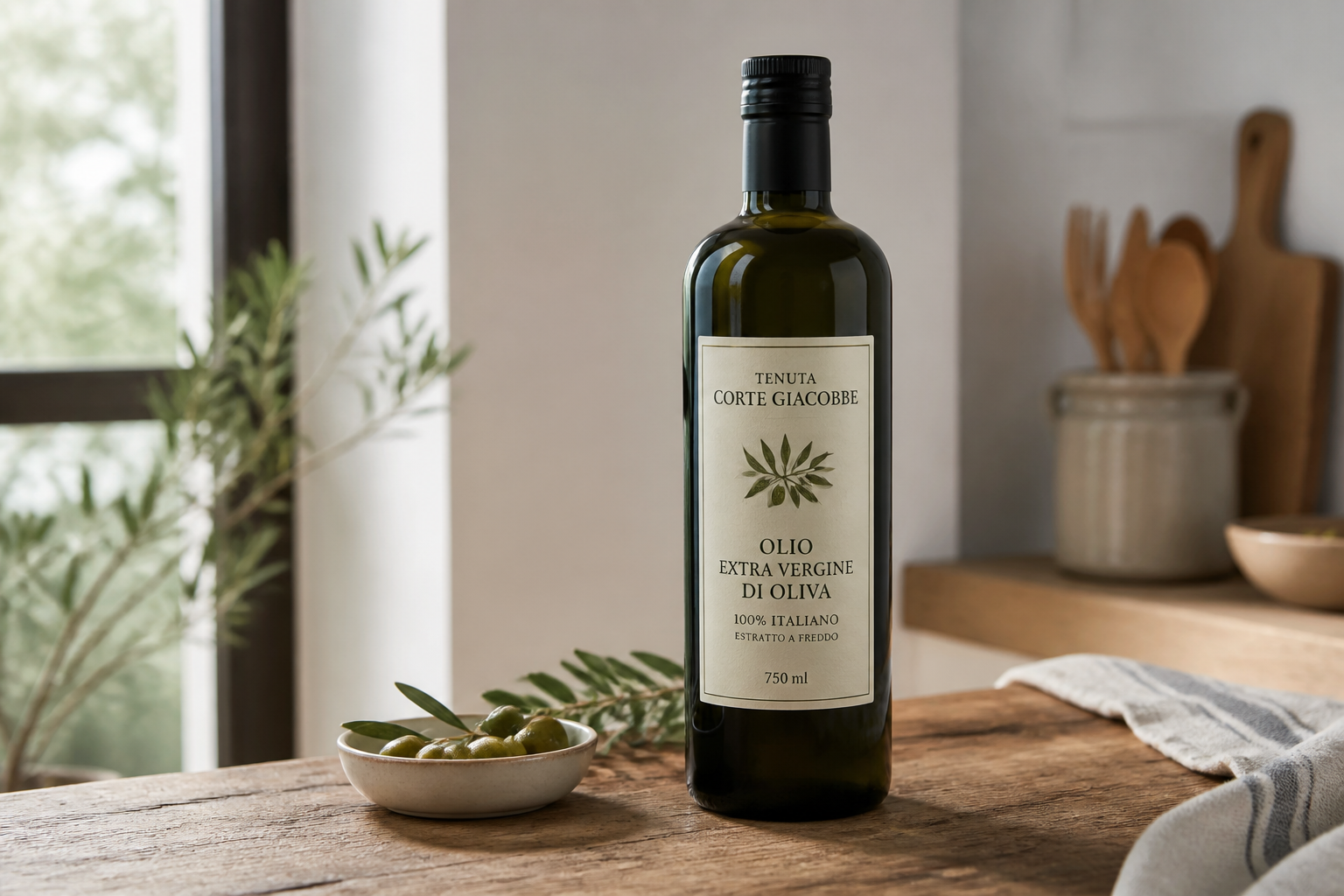 BEFORE
 AFTER
AFTER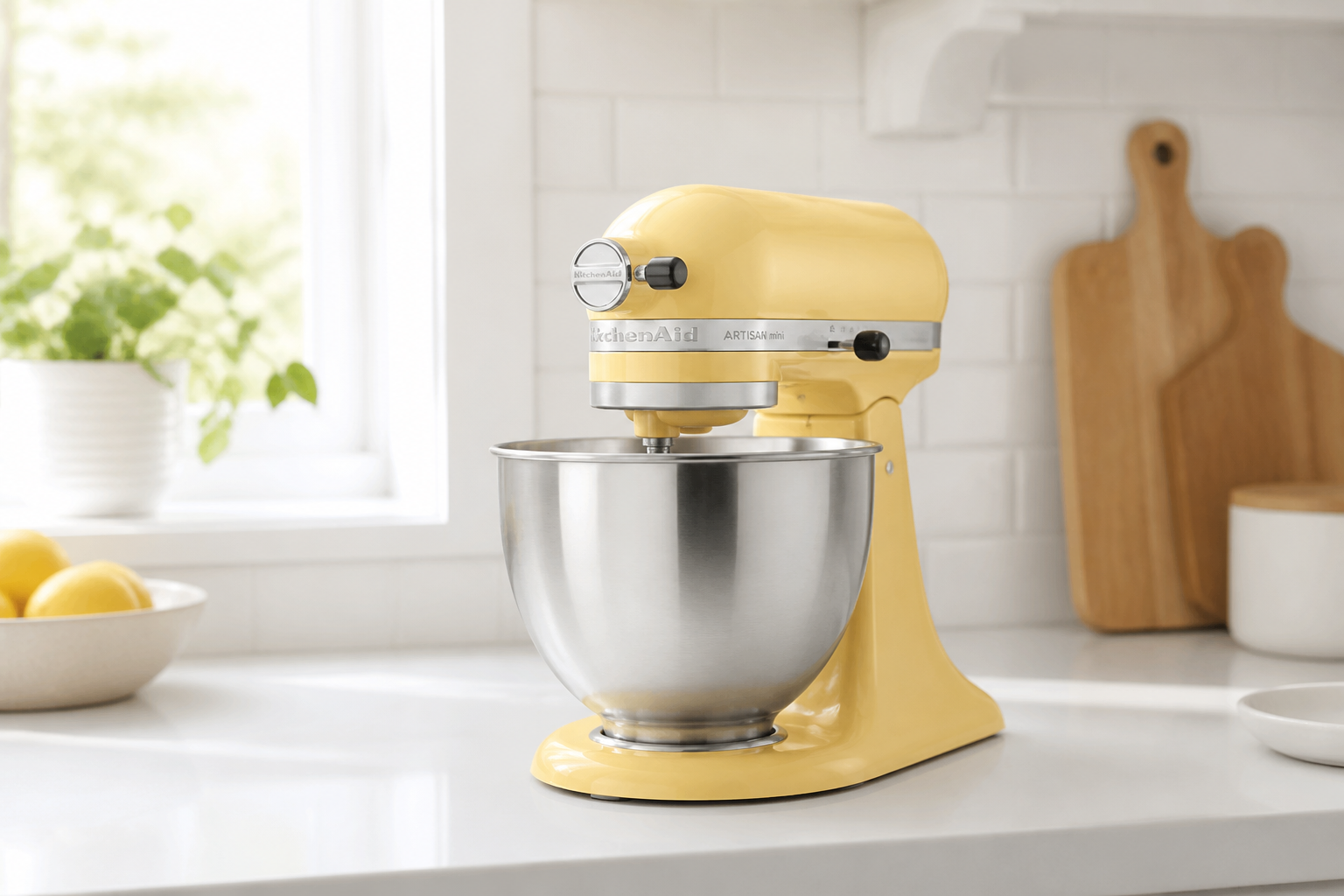 BEFORE
 AFTERBEFOREAFTERBEFOREAFTERBEFOREAFTERBEFOREAFTER
Key Features
From plain shot to ad
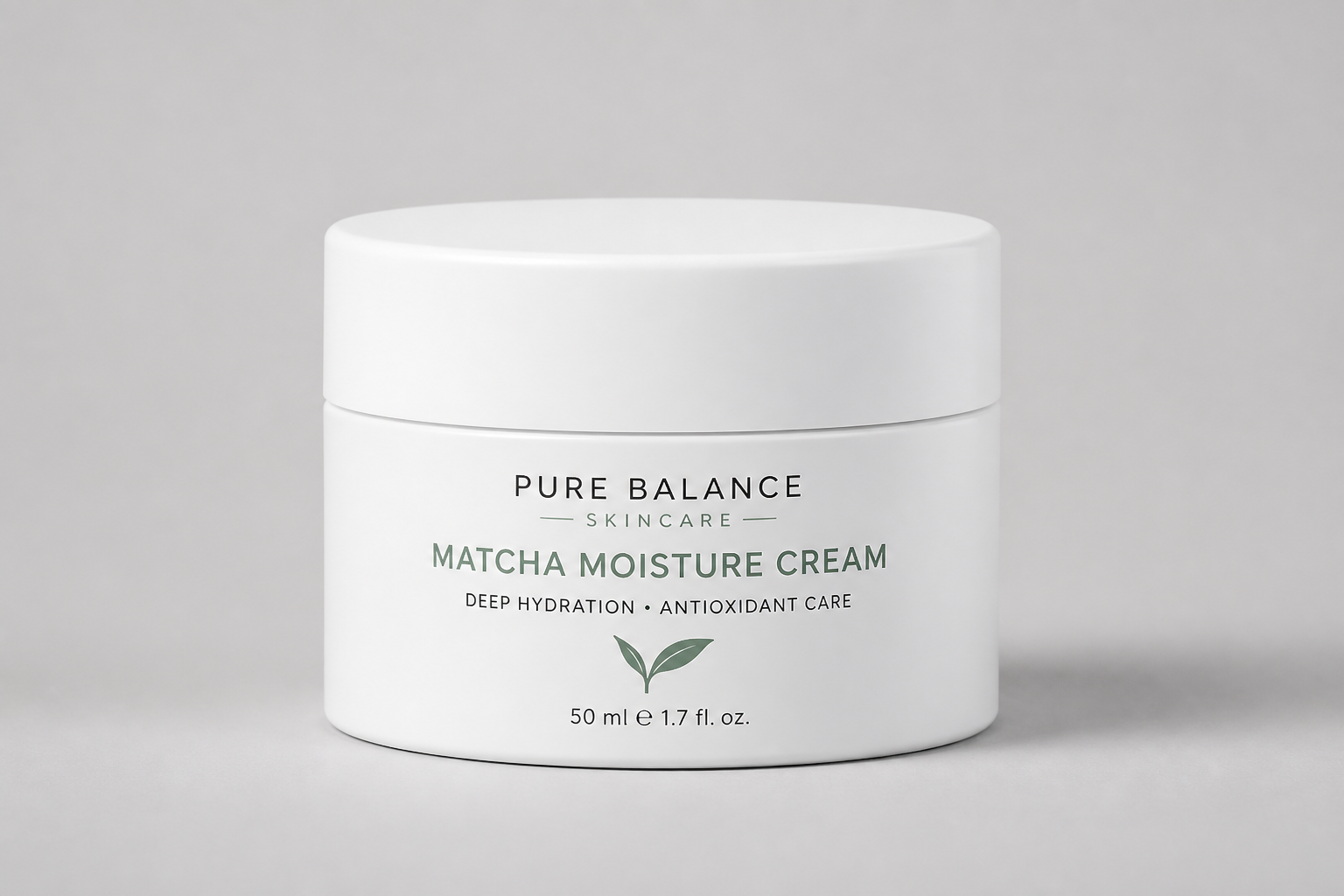
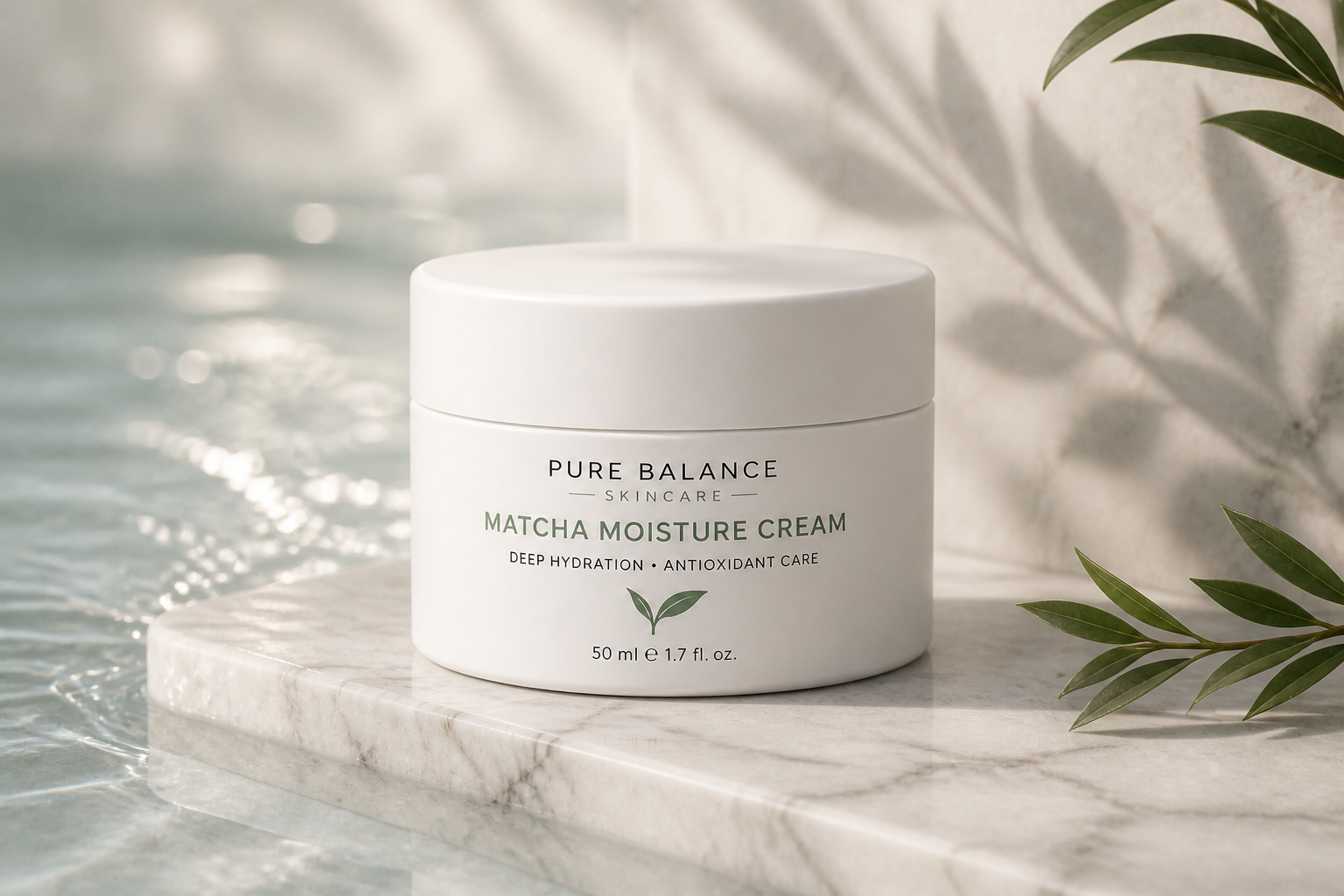
Start with a simple product photo on a basic background and turn it into a polished campaign image. The edit changes the setting, lighting, and mood so the result looks closer to a real ad concept. This saves time compared with building a full scene manually in design software.
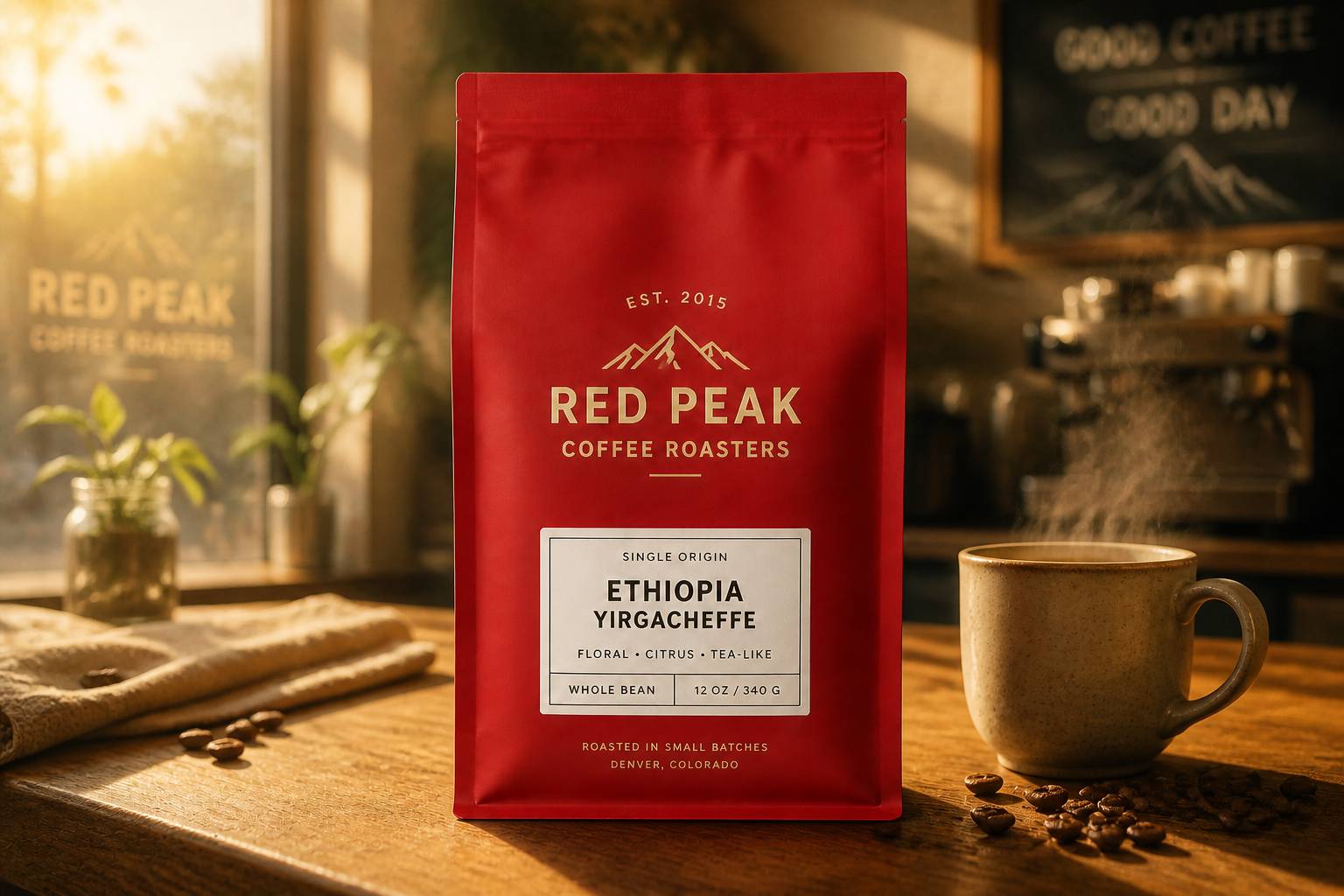
Keep the product recognizable
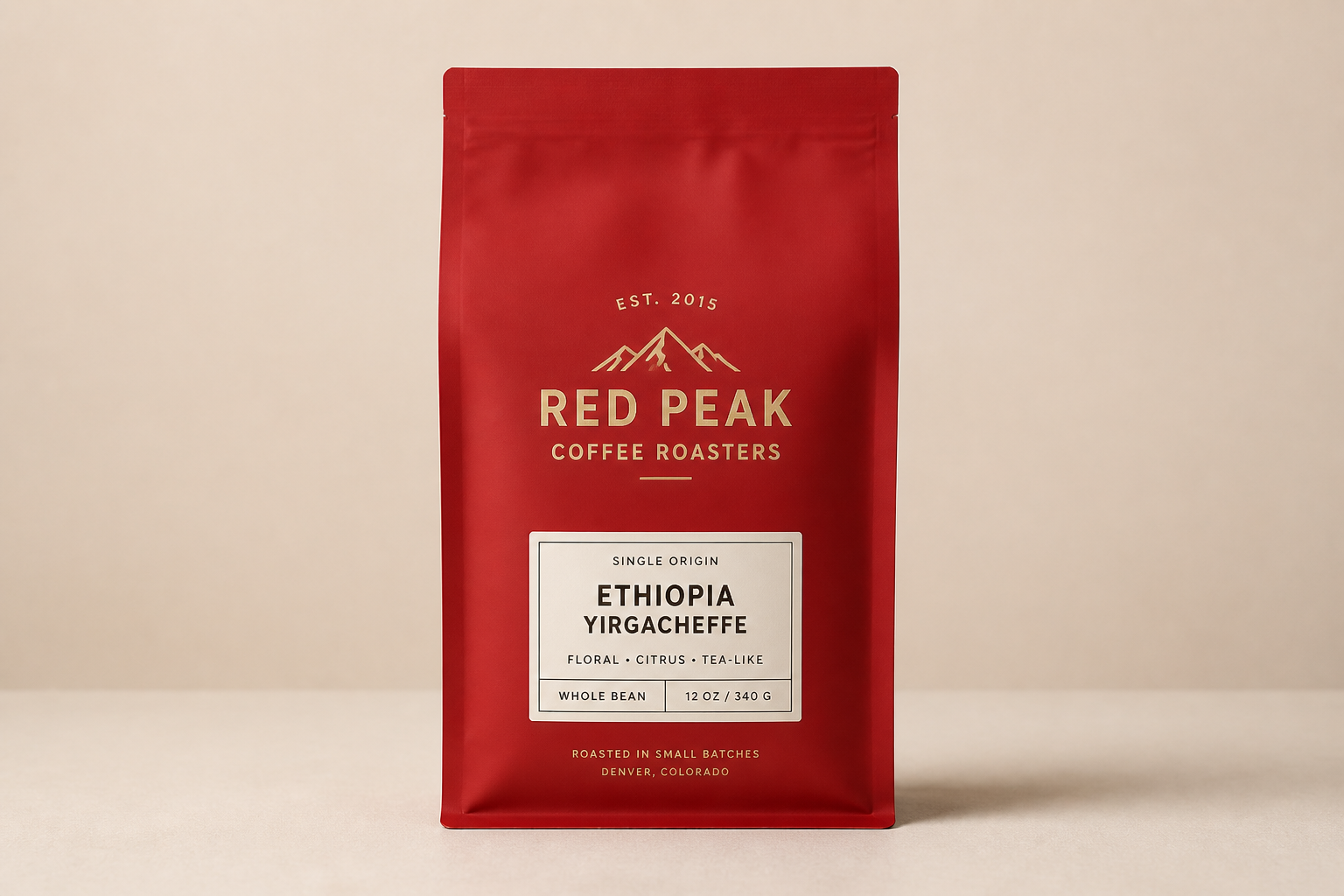
Ad concepts only work if the product still looks like the item you sell. Our AI focuses on changing the environment and presentation while keeping the core shape, proportions, and visible packaging consistent. That makes the result more useful for quick mockups, internal reviews, and storefront testing.
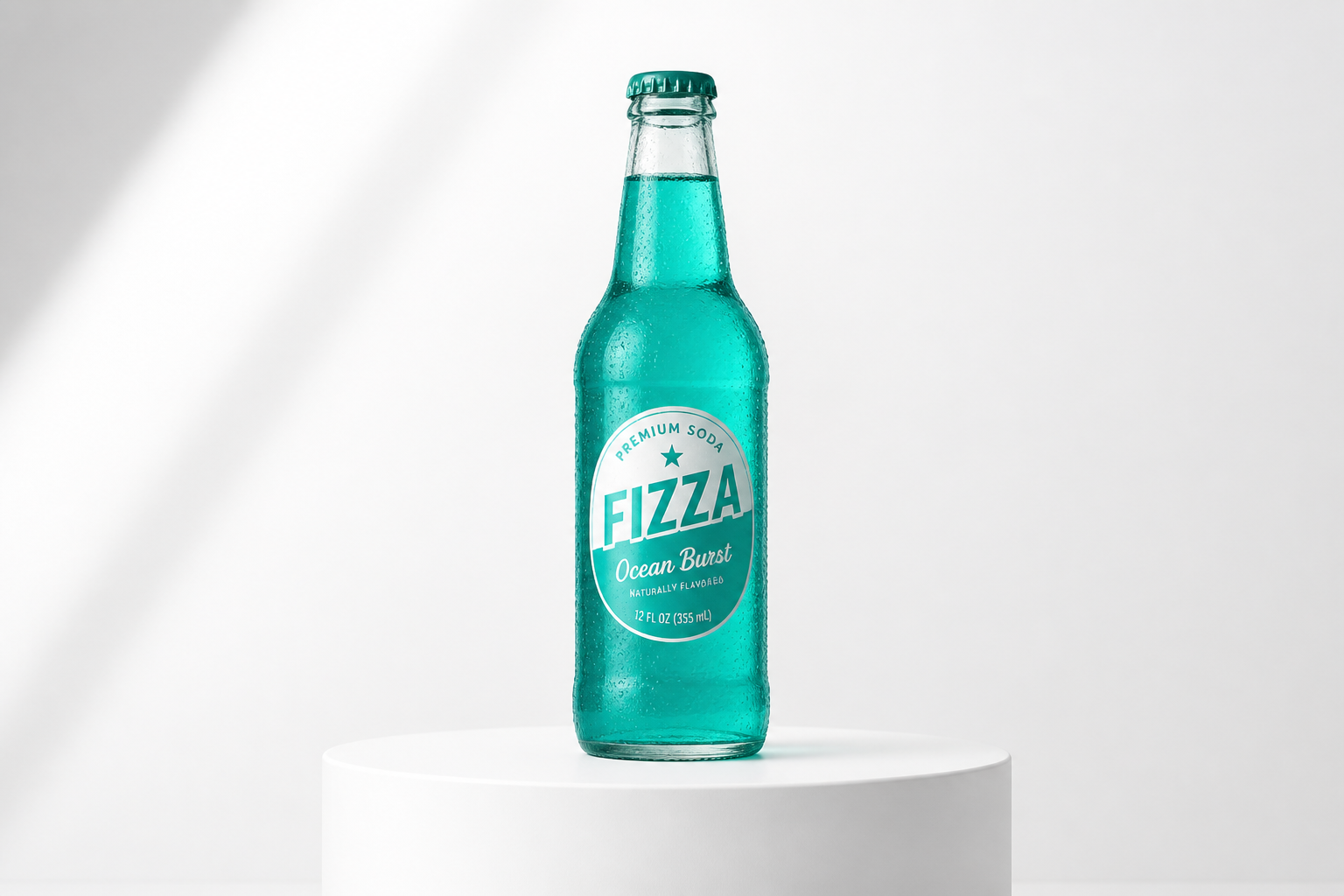
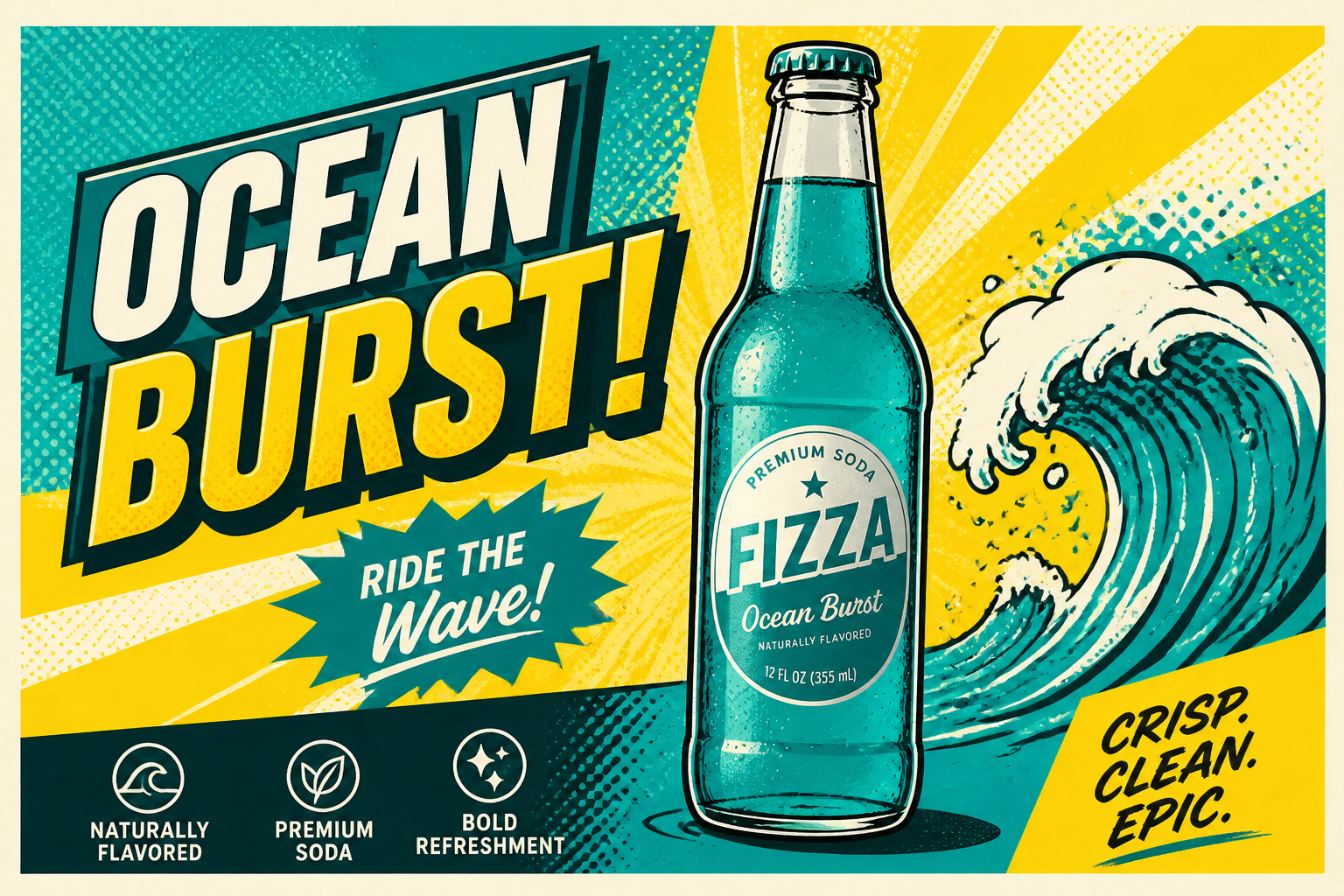
Explore multiple visual styles
You can test realistic, editorial, and illustrated ad directions from the same starting image. This helps when you need options for social posts, seasonal promos, or pitch decks. Instead of rebuilding each concept from scratch, you can generate distinct looks around one product photo.
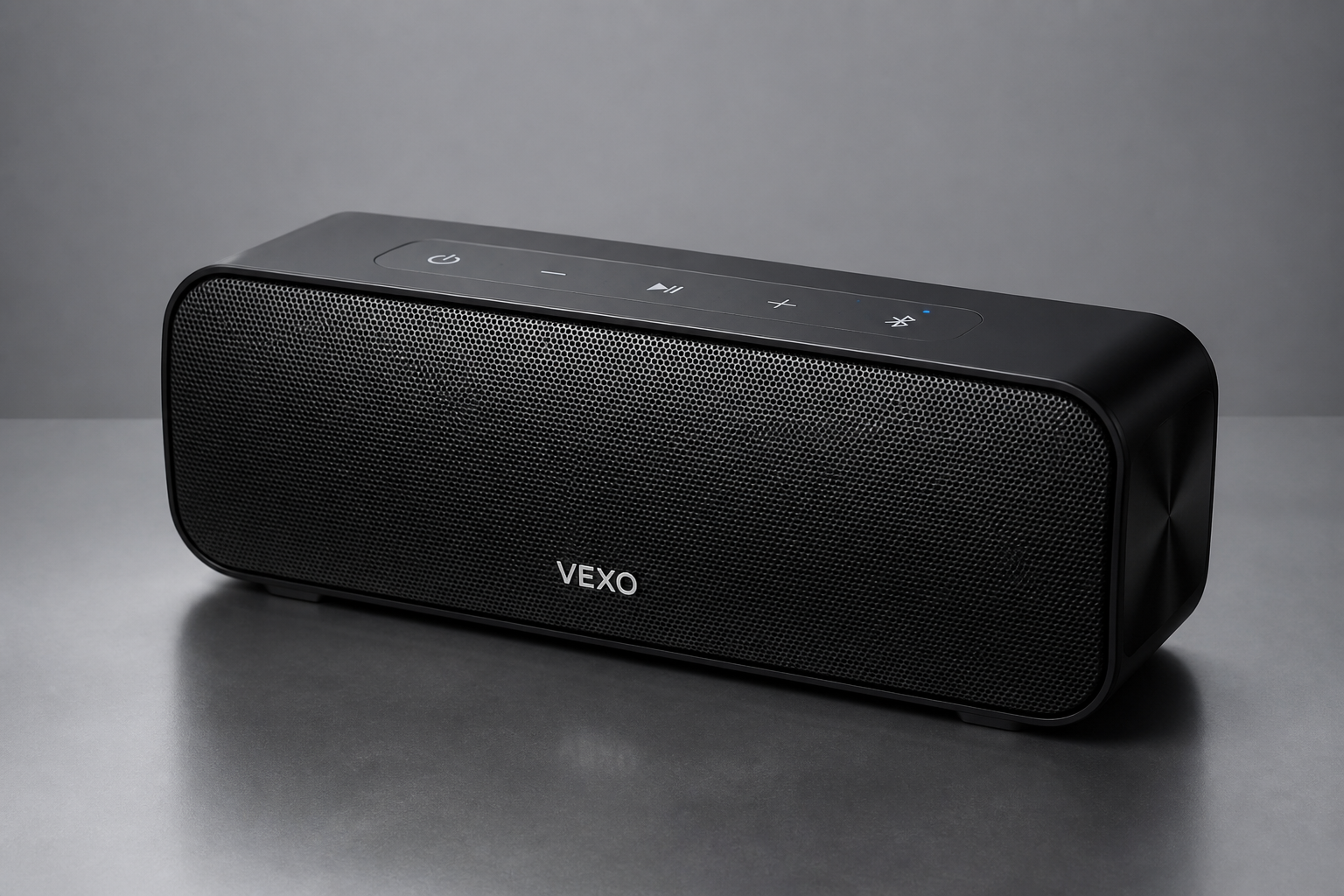
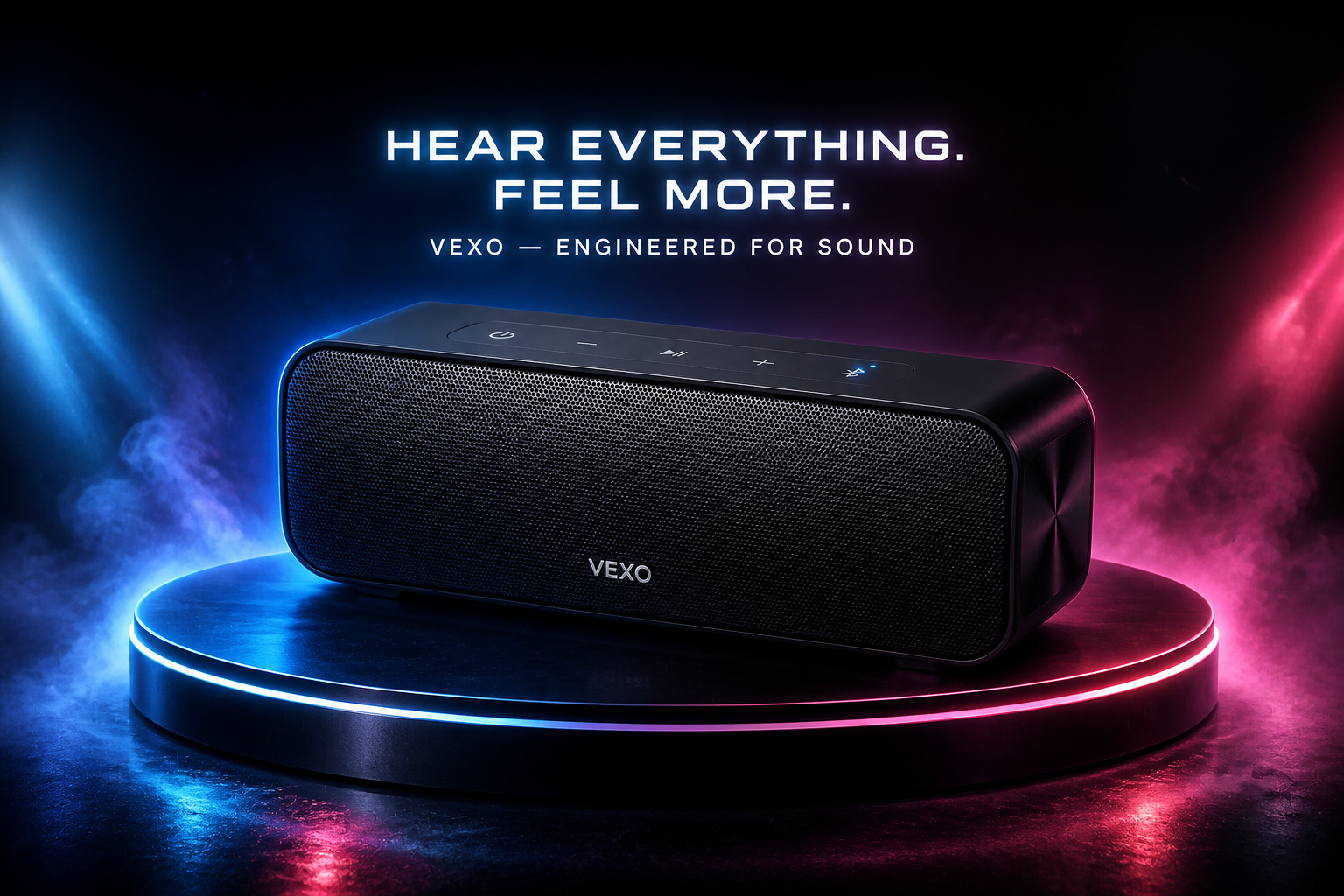
Fast concepts for campaigns
Use it to create ad mockups quickly before a full production shoot or designer pass. Marketers can test visual directions, compare moods, and gather feedback with less setup. It is much faster than sourcing props, locations, and retouching every version by hand.
How It Works
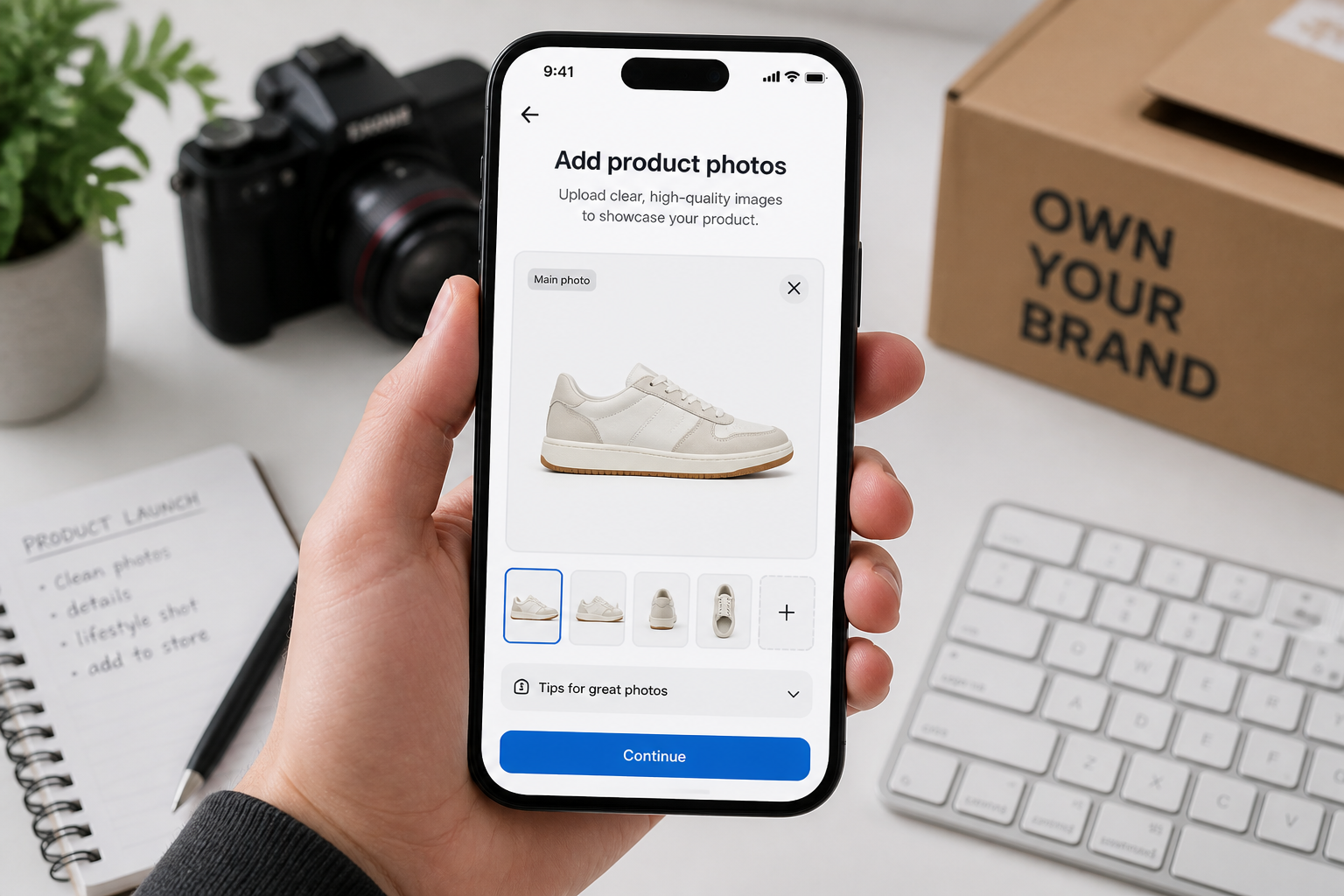
Upload your product photo
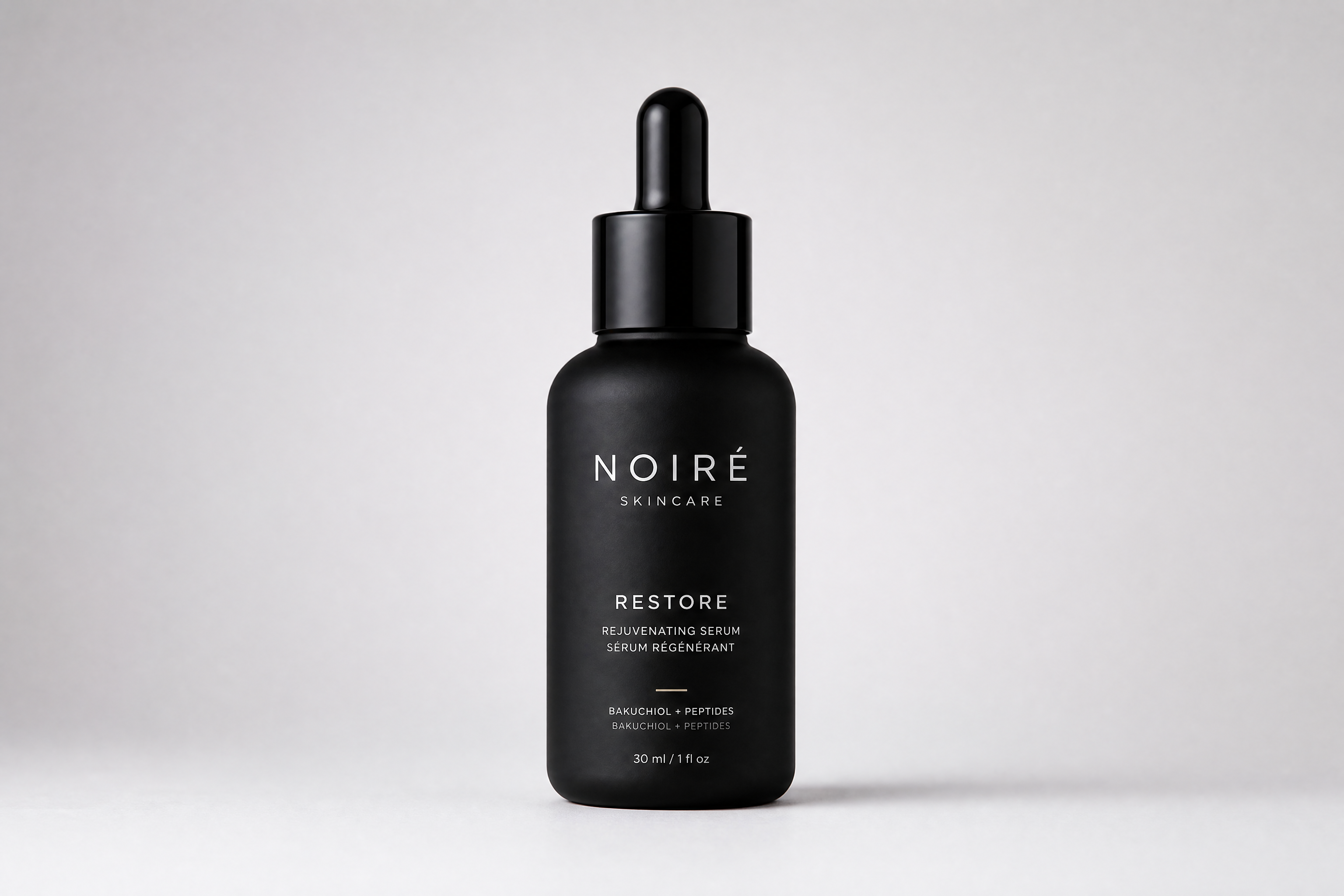
Start with a clear photo of the product by itself. Simple lighting and a clean background work well, because the product stays easier to preserve during the edit.
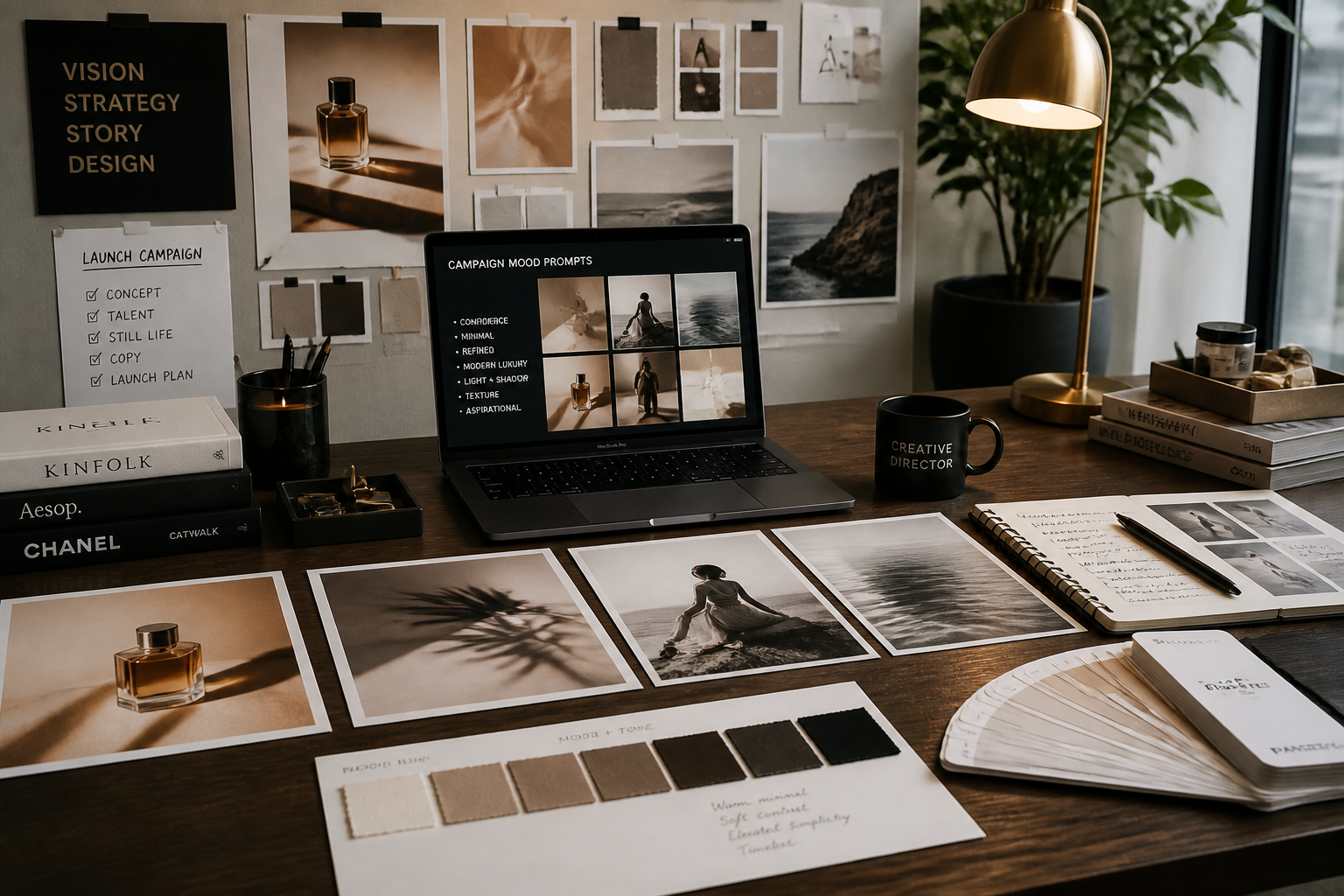
Describe the ad look
Tell the AI what kind of campaign image you want, such as luxury beauty, outdoor lifestyle, or bold editorial. The more specific the setting and mood, the easier it is to generate a strong concept.
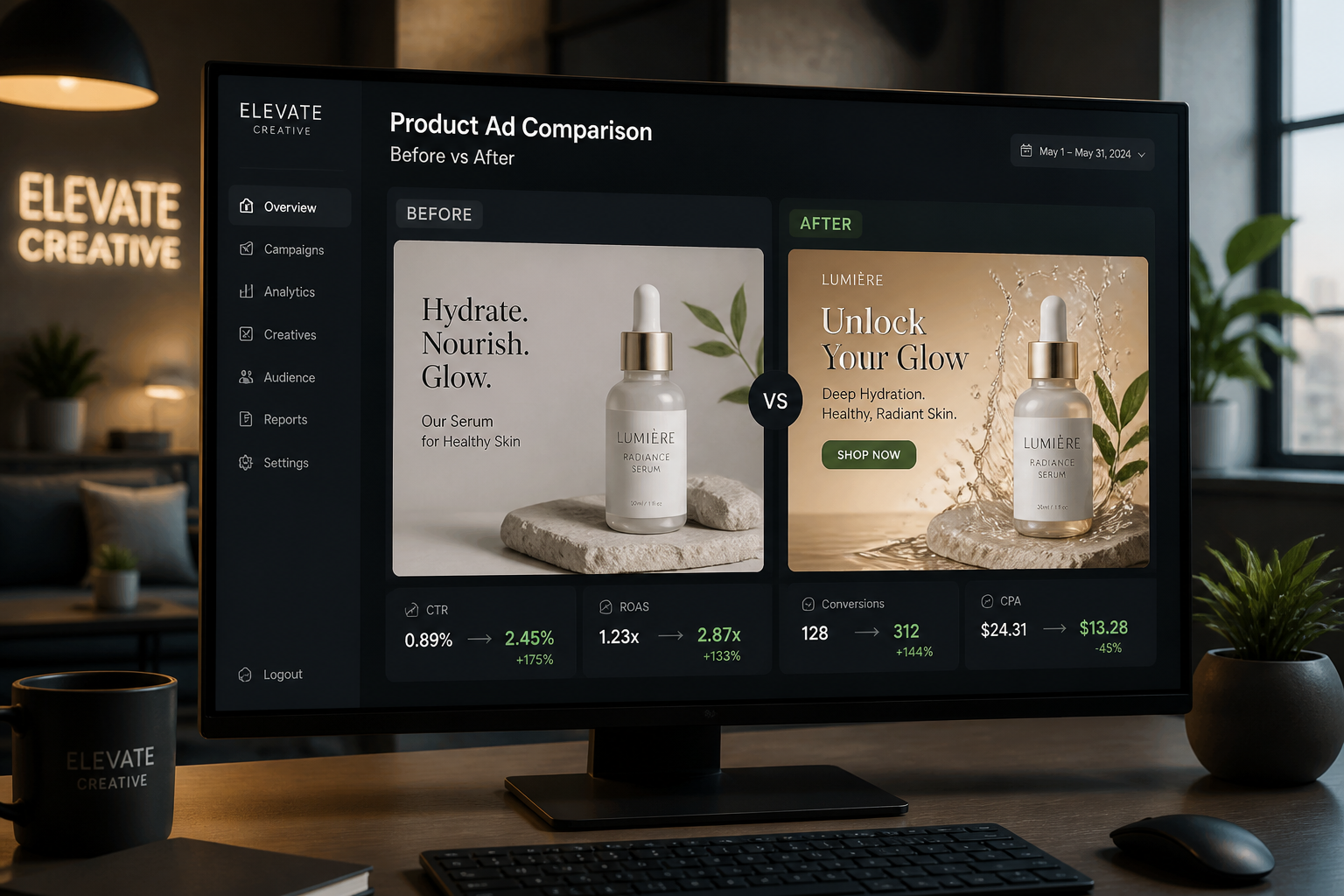
Generate and compare
Review the new ad image and compare it against the original product shot. If needed, adjust the style prompt and generate more versions for different campaign directions.
Perfect For
Discover how creators and professionals use ai product ad generator
Social ad mockups
Quickly create polished product visuals for paid social concepts before committing to a full campaign shoot.
Ecommerce launches
Turn packshots into more styled hero images for new product pages, landing pages, and launch materials.
Creative direction testing
Explore multiple campaign moods from one product photo to decide which visual direction fits the brand best.
Pitch deck visuals
Generate ad-style product images for internal presentations, client proposals, and seasonal planning decks.
Built For
Ecommerce teams
Create more polished product marketing visuals without setting up a new photo shoot for every concept.
Marketers and ad buyers
Test campaign-ready creative directions fast so you can move from idea to review with less production overhead.
Designers and freelancers
Use simple product shots as starting points for ad concepts, moodboards, and client presentation drafts.
Why teams use it for product ad concepts
A quick look at how we compare on the things that matter for this niche.
| Feature | BudgetPixel | Generic AI editors | Manual editing apps |
|---|---|---|---|
| Built for product-photo inputs | ✓ | — | — |
| Fast ad-style scene generation | ✓ | ✓ | — |
| Keeps product as the focal point | ✓ | — | ✓ |
| Multiple visual directions from one photo | ✓ | ✓ | — |
| Manual setup required | Low | Medium | High |
Frequently Asked Questions
What kind of input photo works best?
Will the product still look like the original item?
Can I generate different ad styles from one photo?
Is this good for ecommerce images too?
Do I need design skills to use it?
Create together.
Share your creations, discover trending AI art, and grow with fellow creators.