AI App Ad Generator for Fast Ad Creatives
Turn plain app visuals into polished ads in minutes
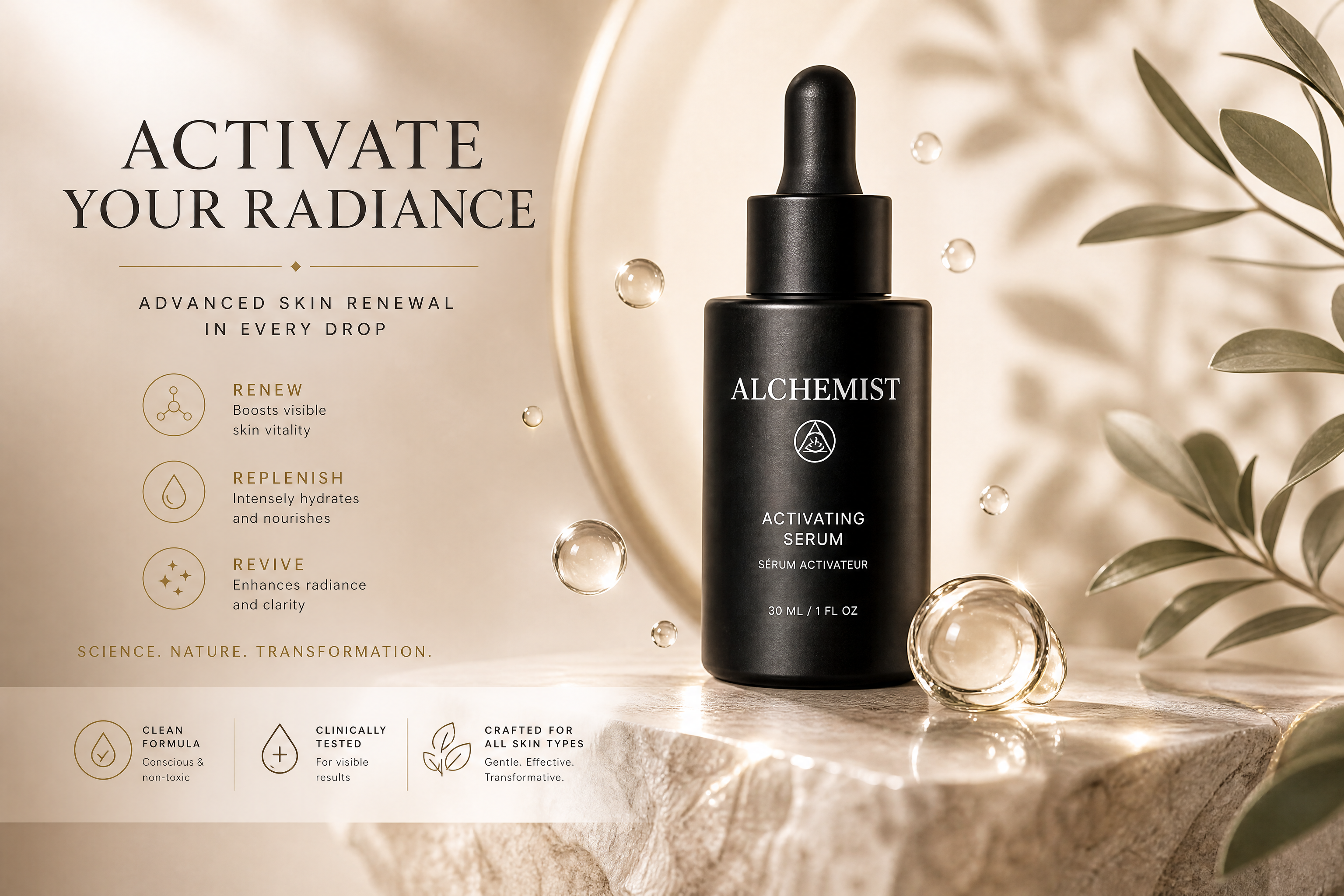
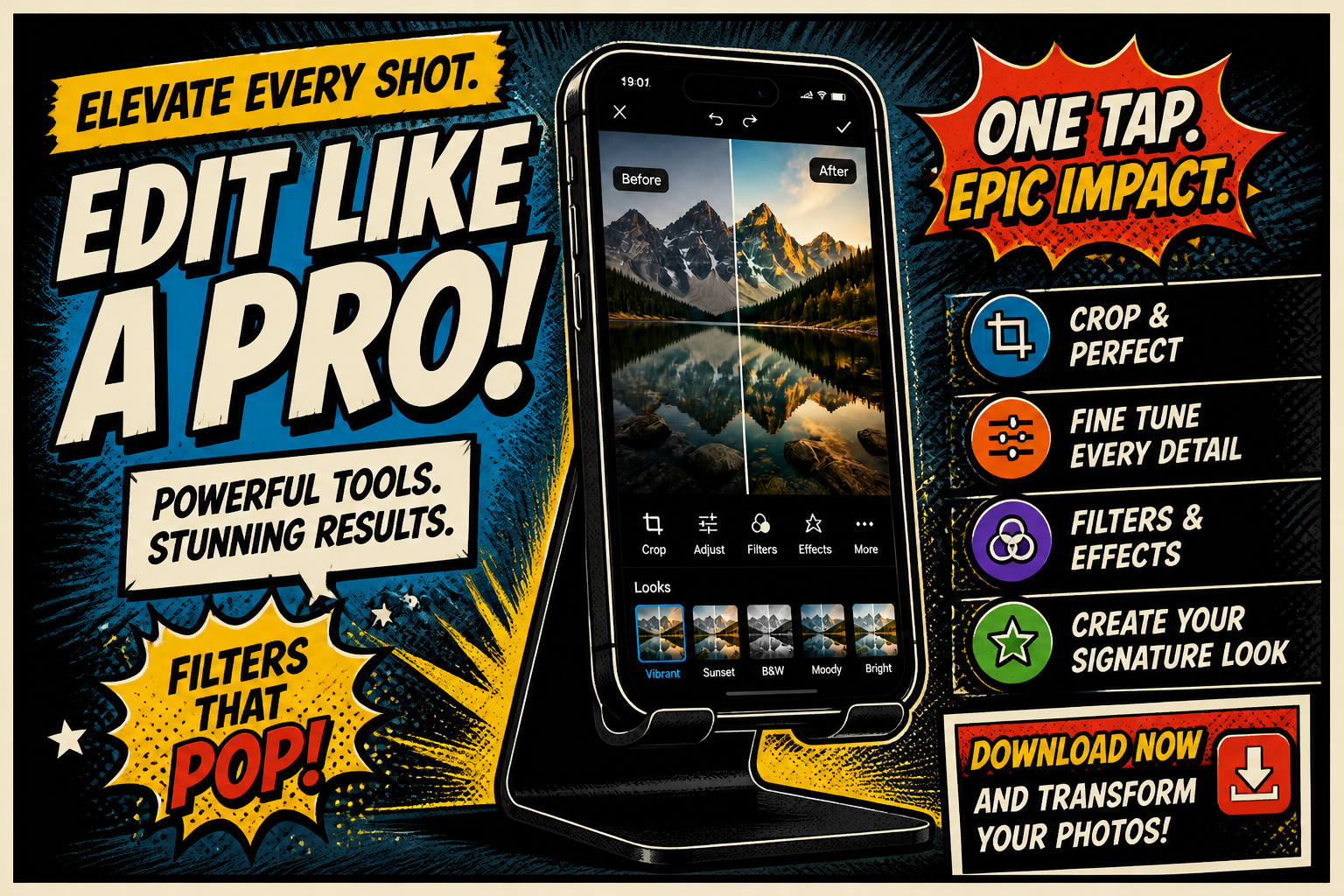
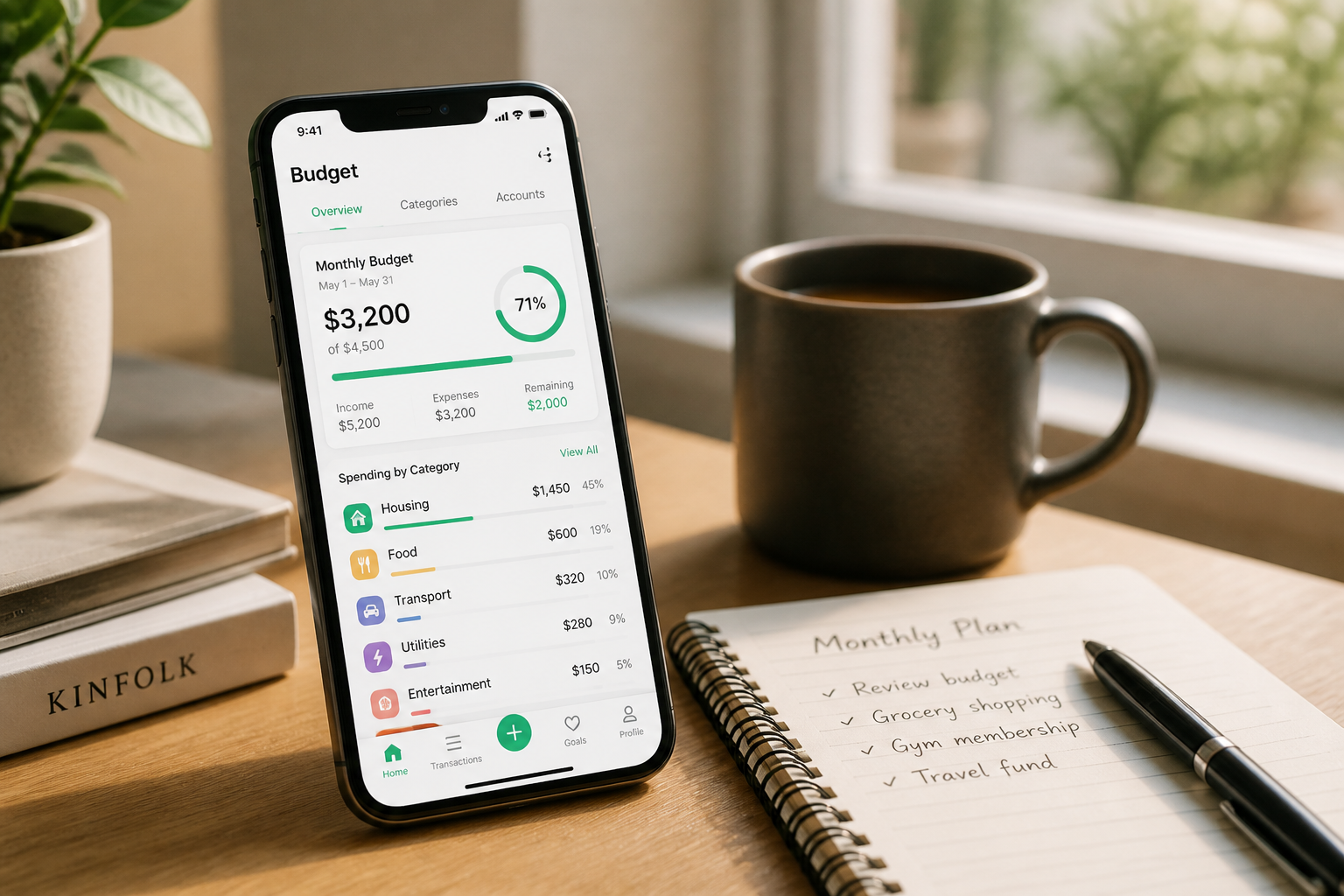
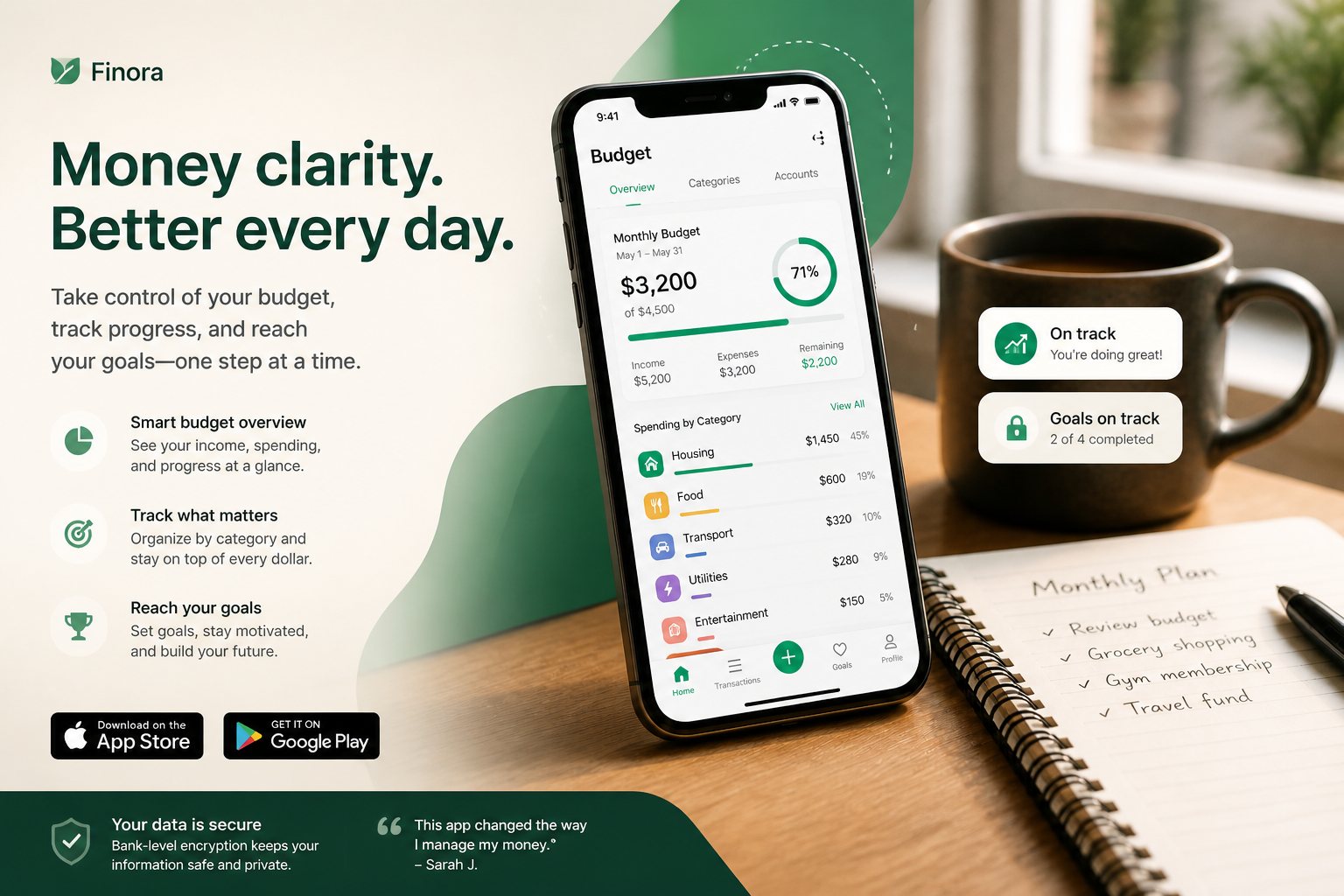
Upload an app screenshot, UI mockup, or product image and turn it into a ready-to-use ad creative. Our AI can add layout, lighting, props, text-ready composition, and campaign-style polish while keeping your app screen clear and readable.
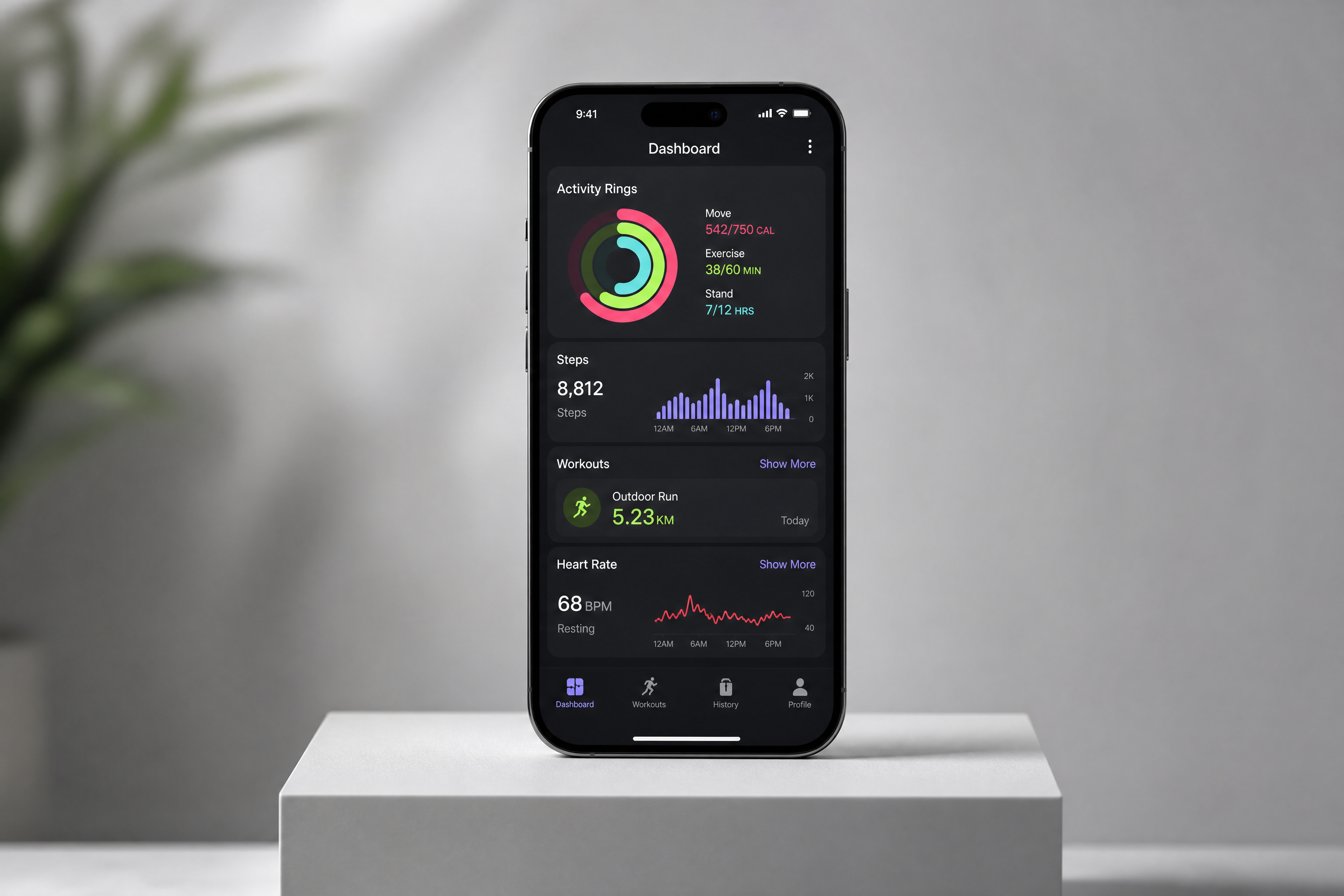
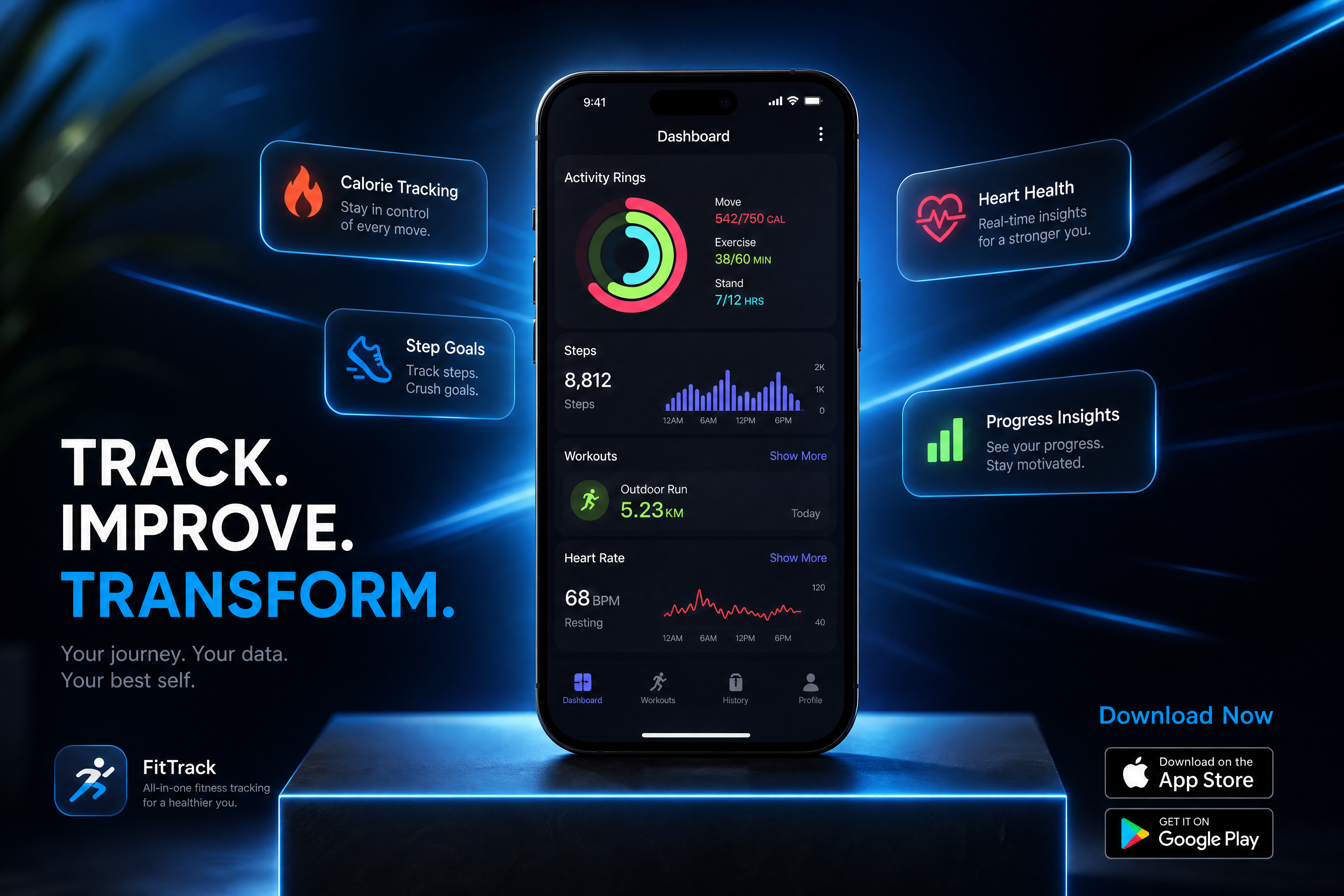
Watch the Transformation
See ai app ad generator in motion — generated end-to-end by our AI.
See It In Action
Real outputs from ai app ad generator.
BEFOREAFTER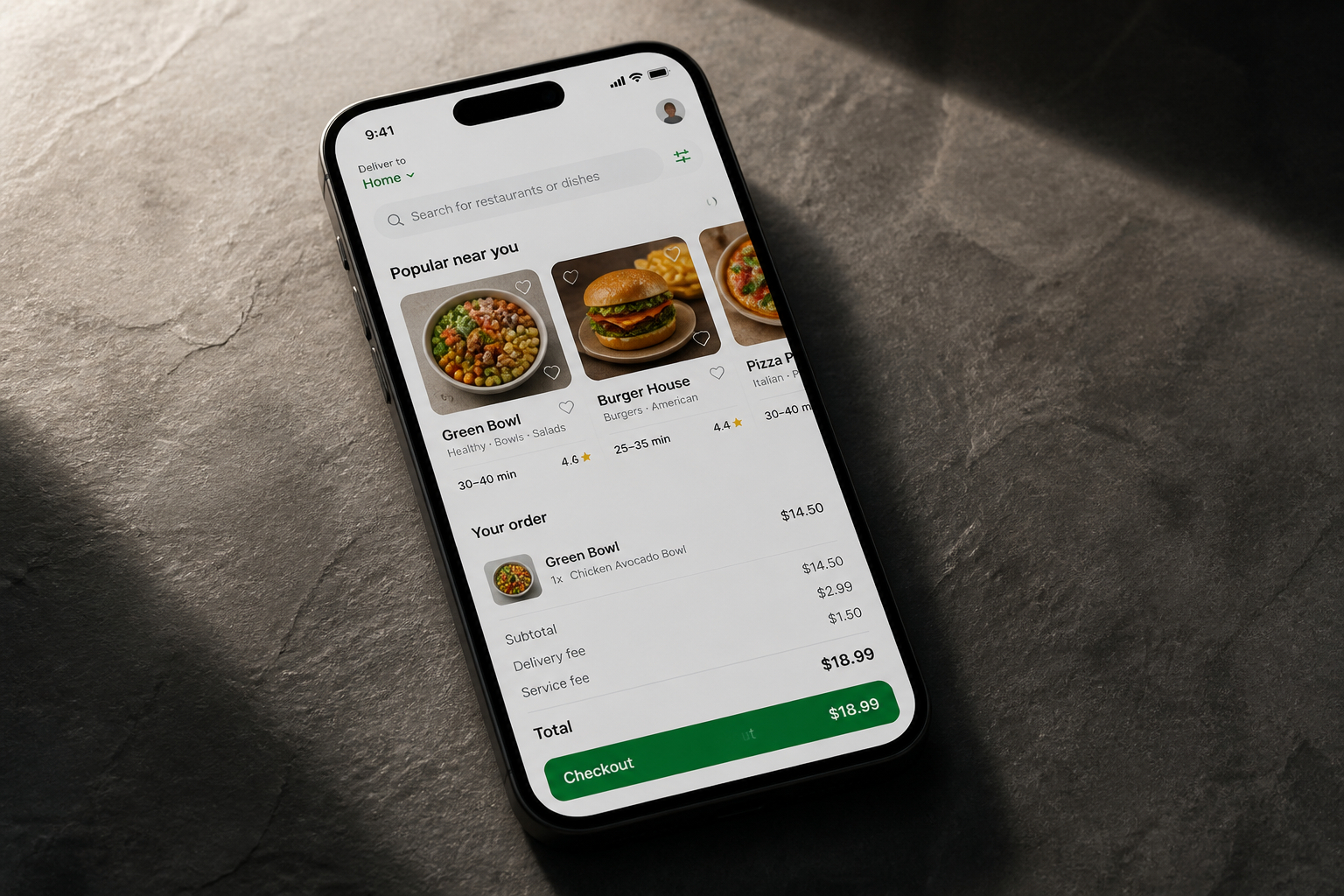 BEFORE
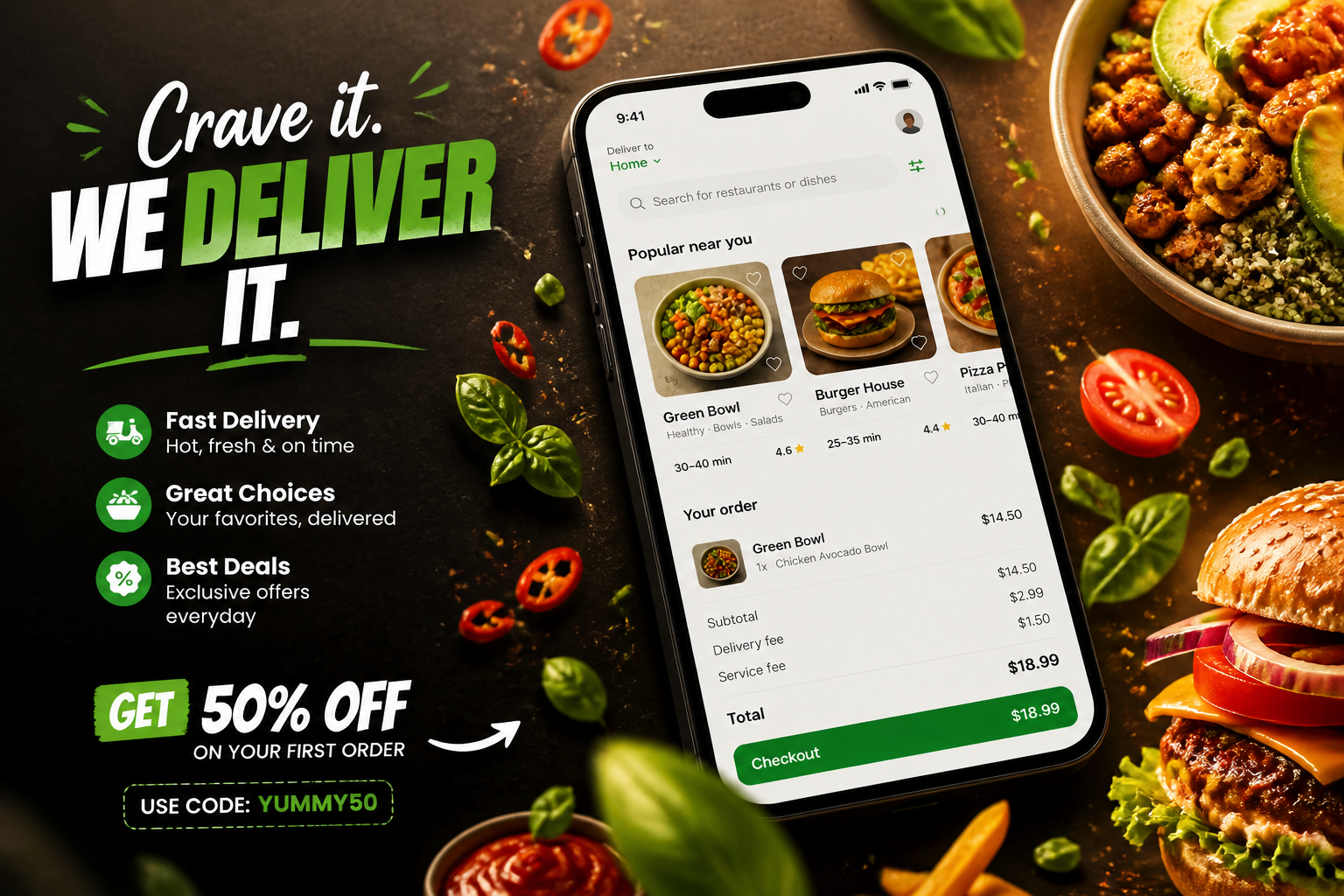 AFTER
AFTER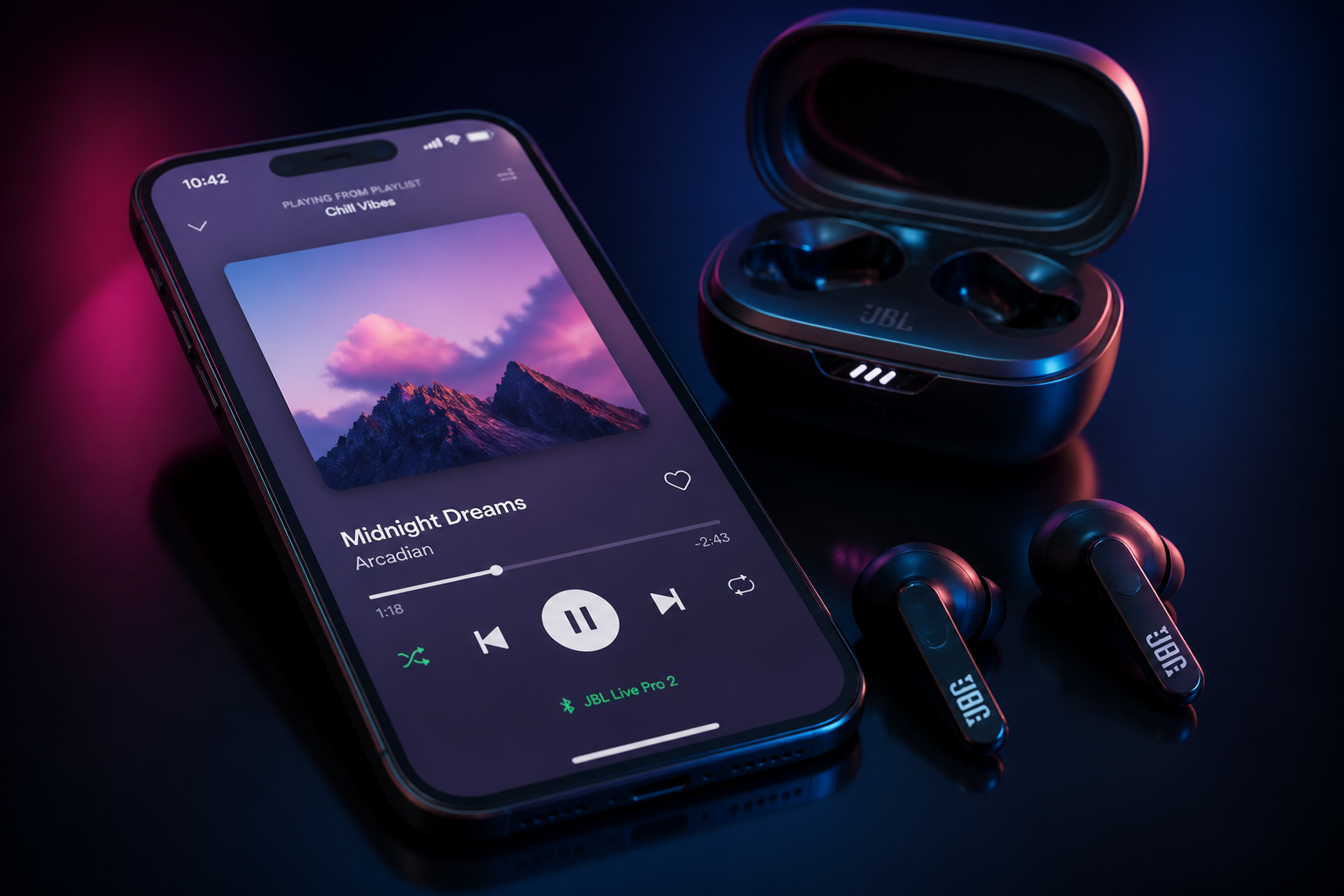 BEFORE
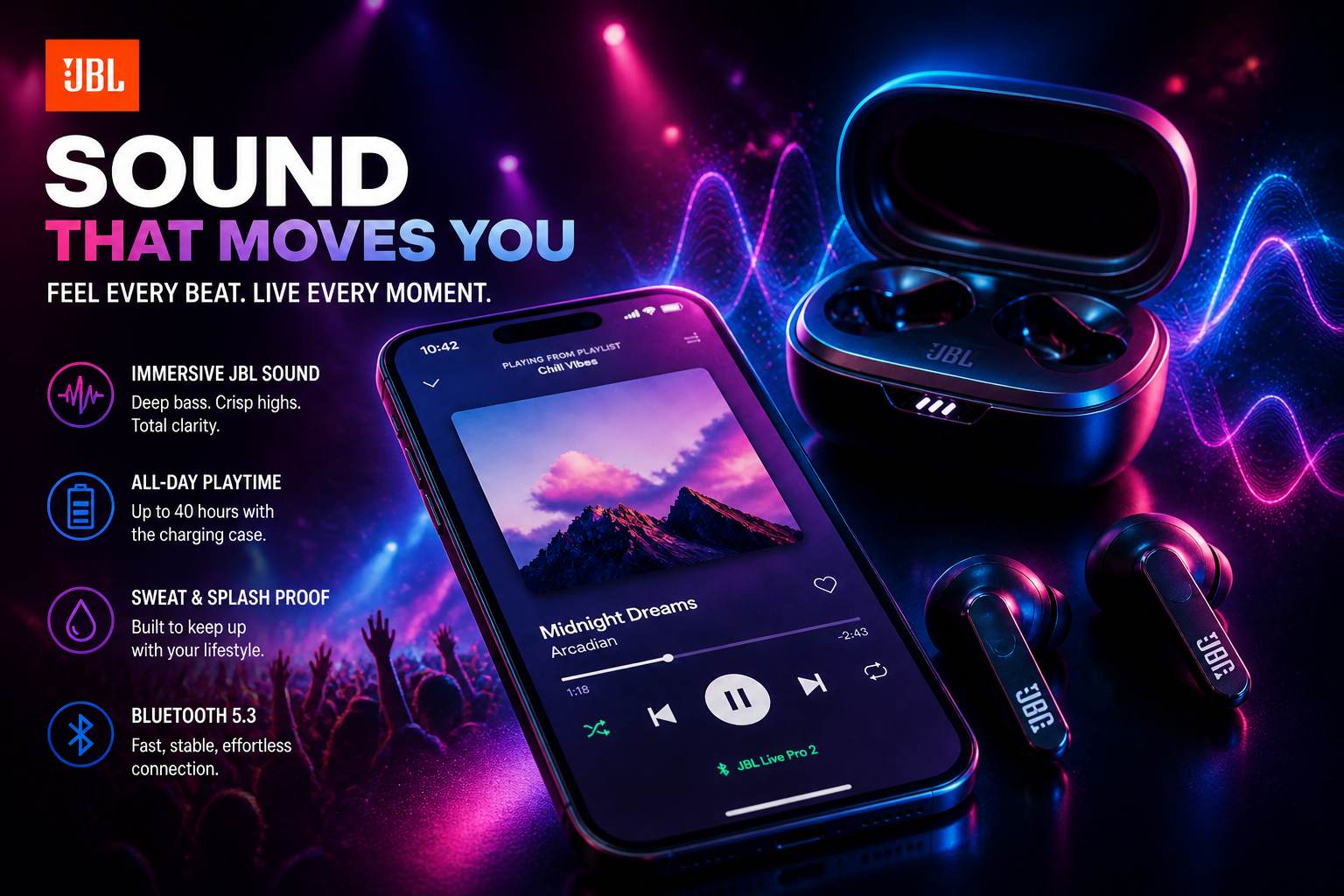 AFTER
AFTER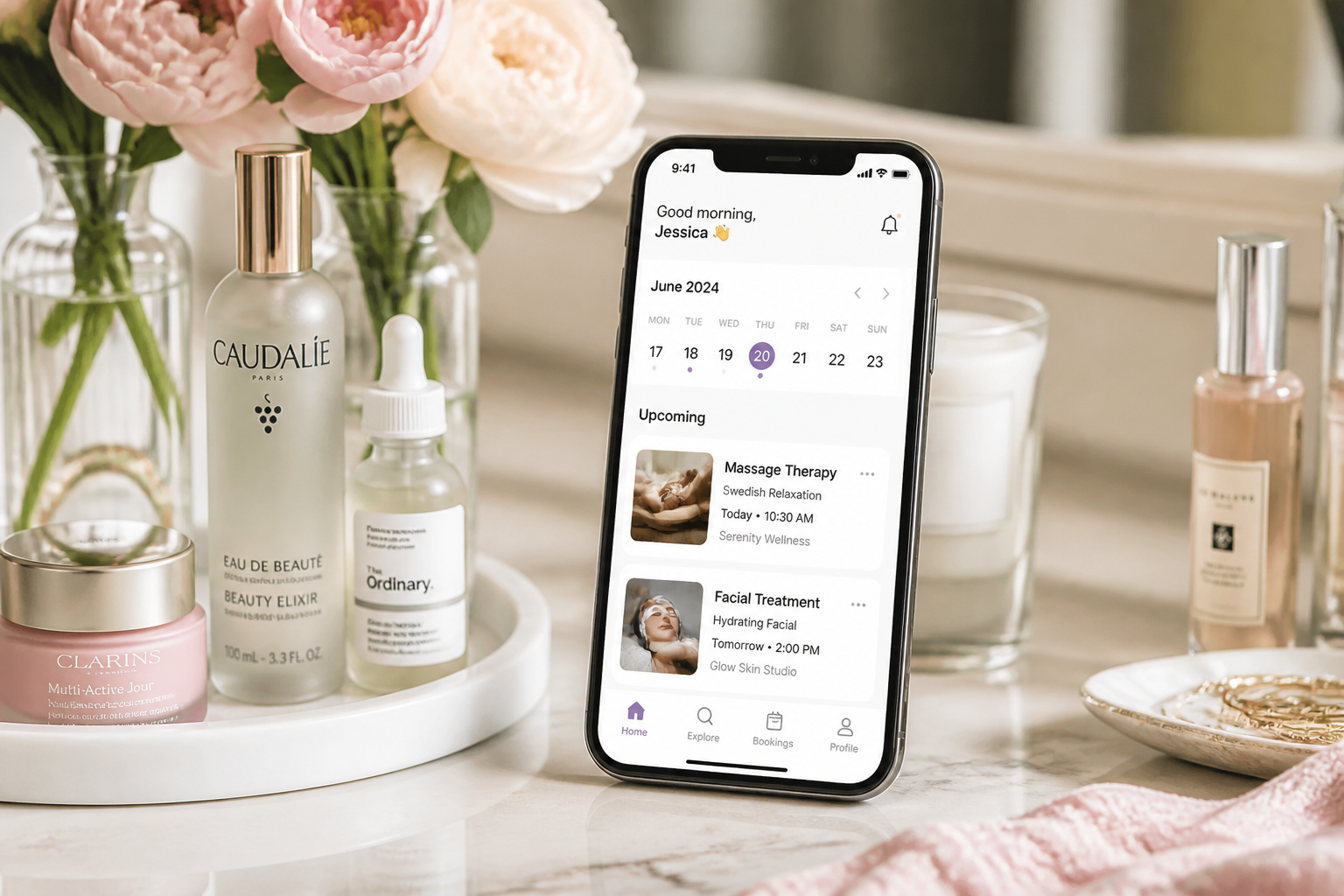 BEFORE
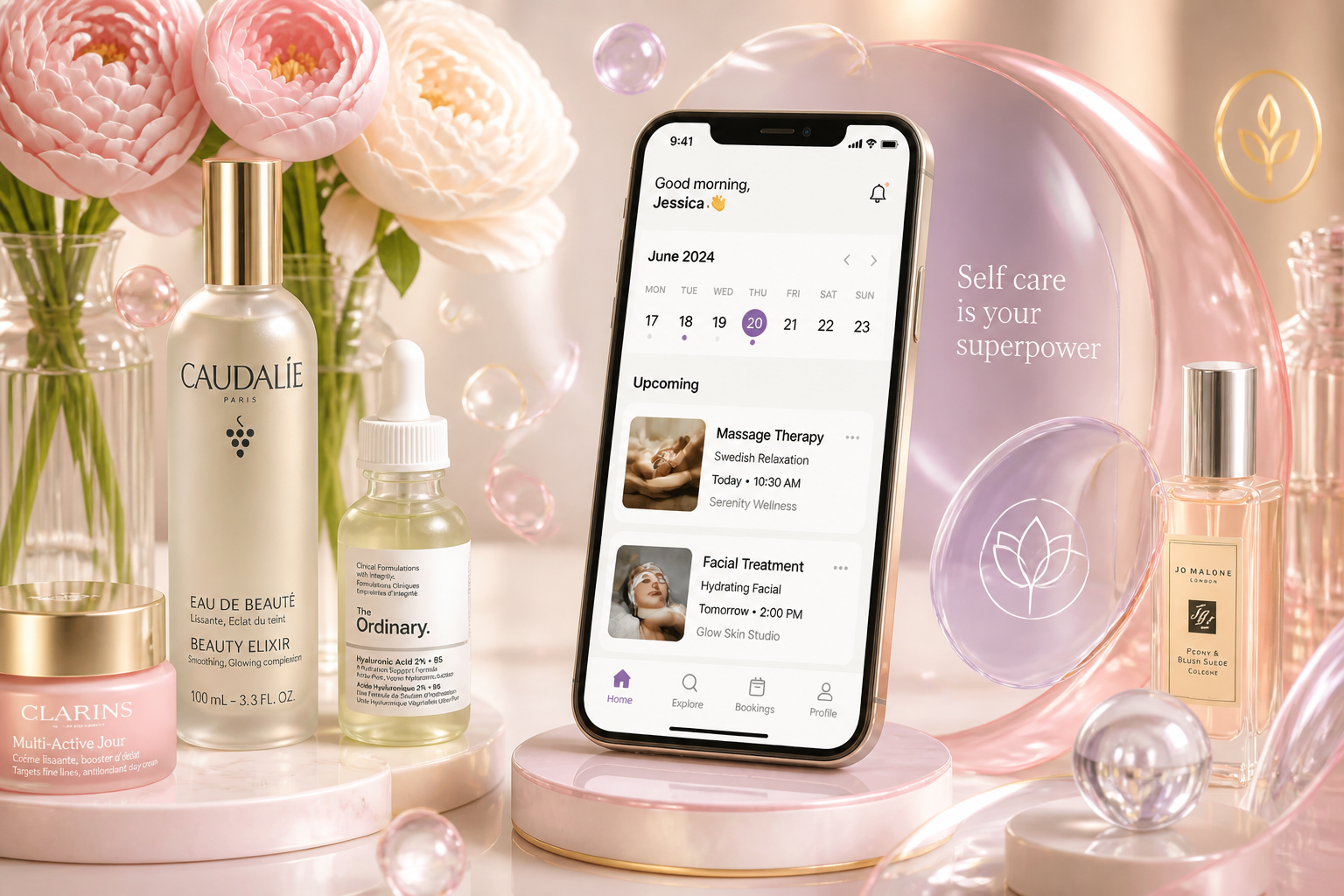 AFTER
AFTER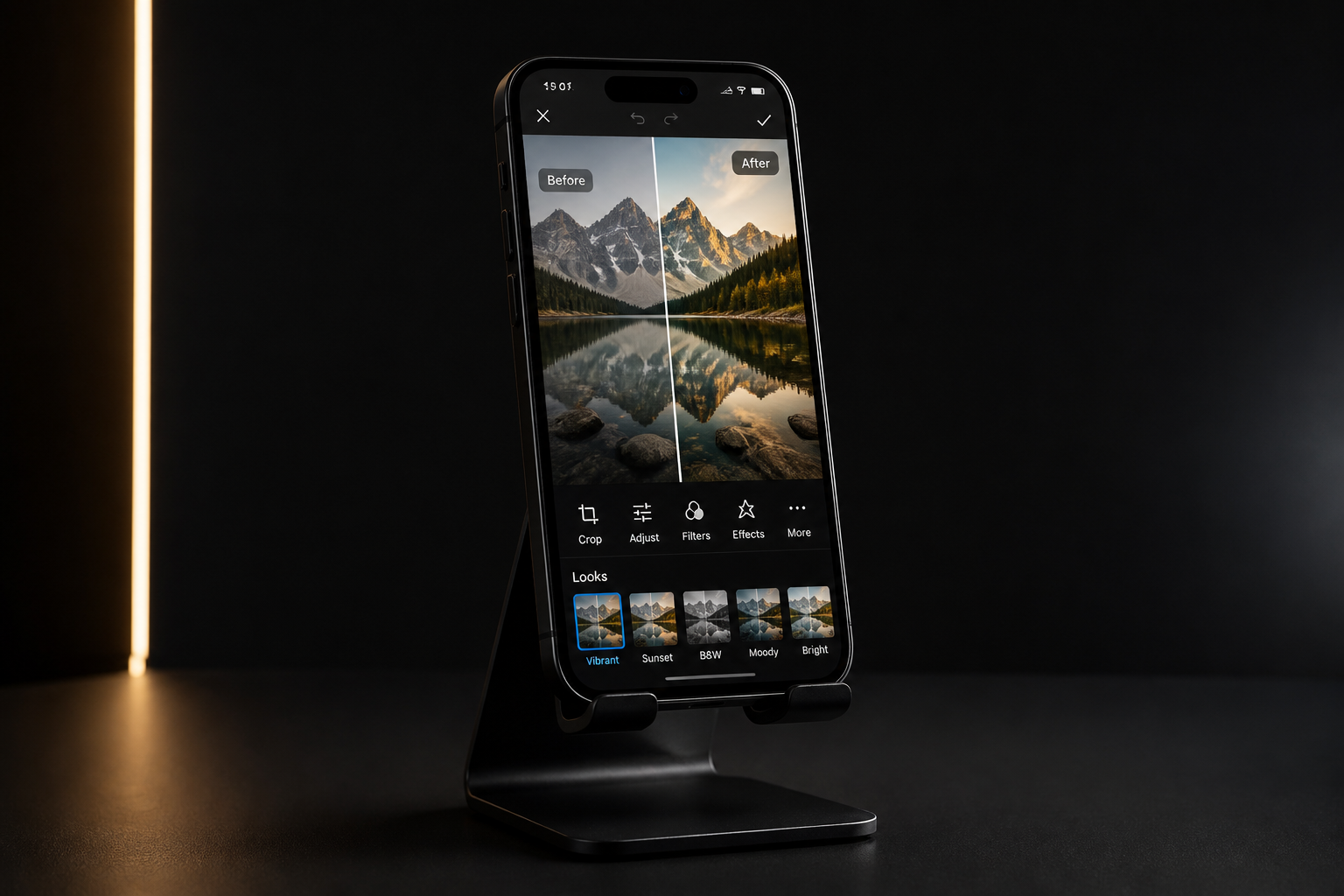 BEFORE
 AFTERBEFOREAFTERBEFOREAFTERBEFOREAFTERBEFOREAFTERBEFOREAFTER
 BEFORE
 AFTER
AFTER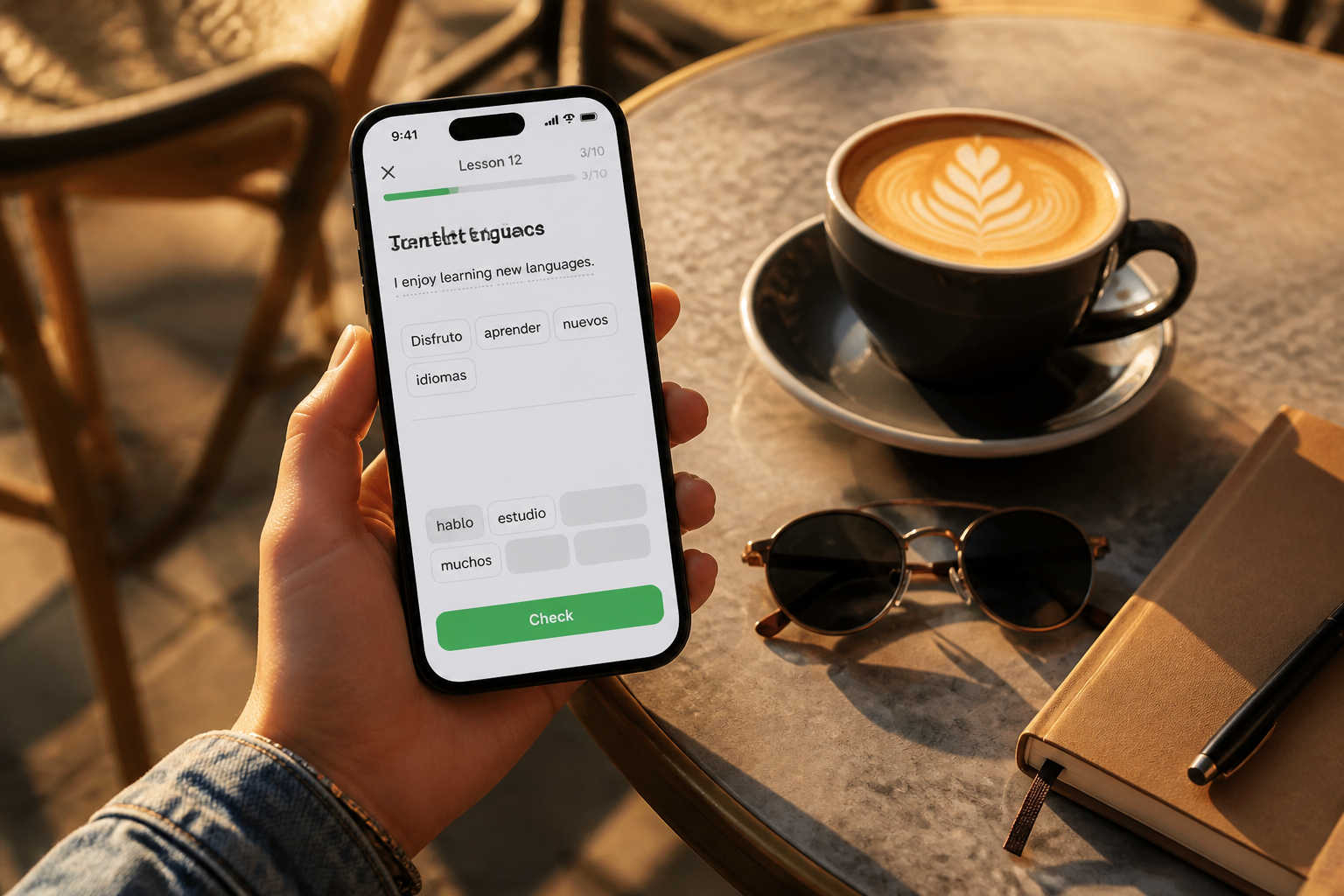 BEFORE
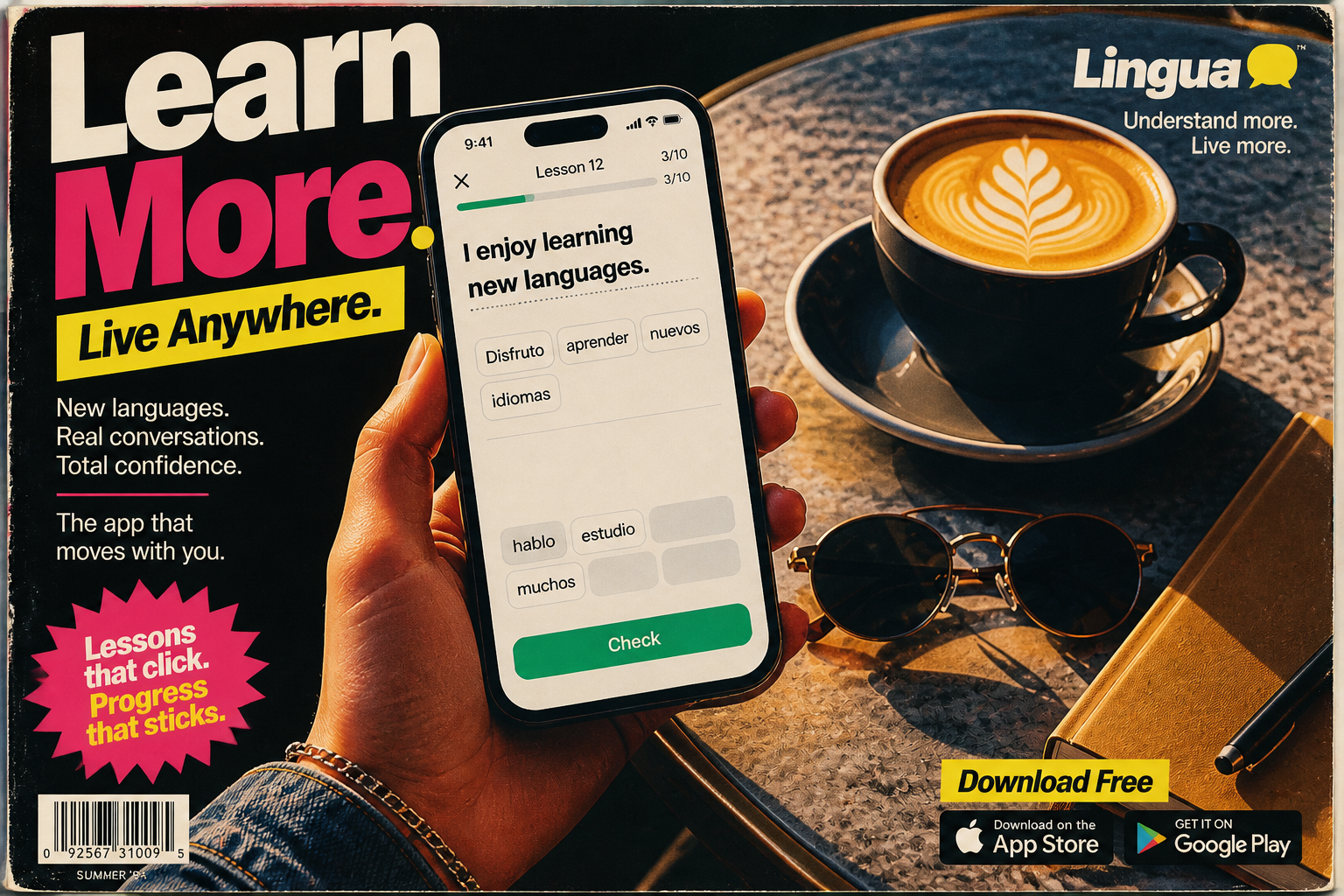 AFTER
AFTER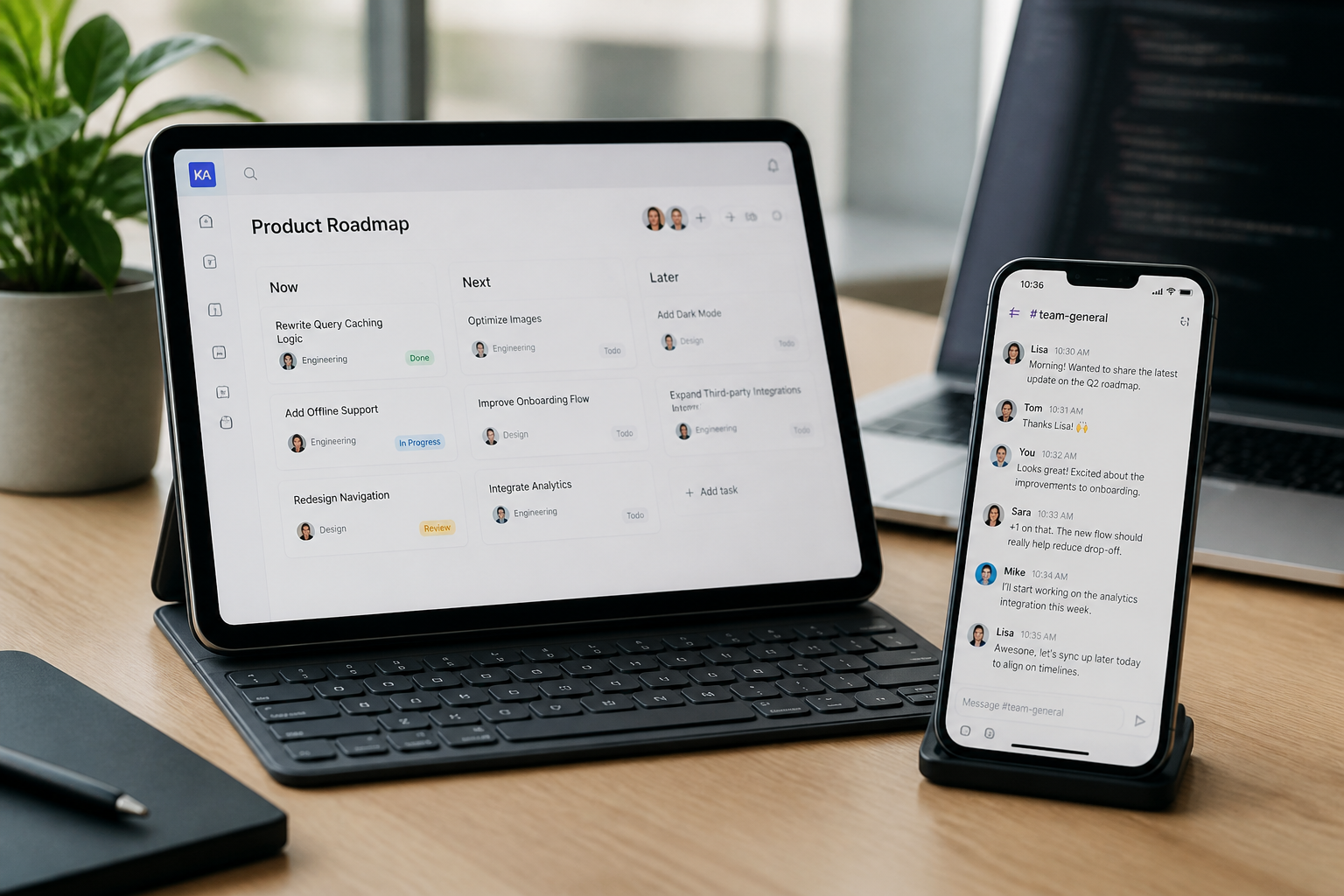 BEFORE
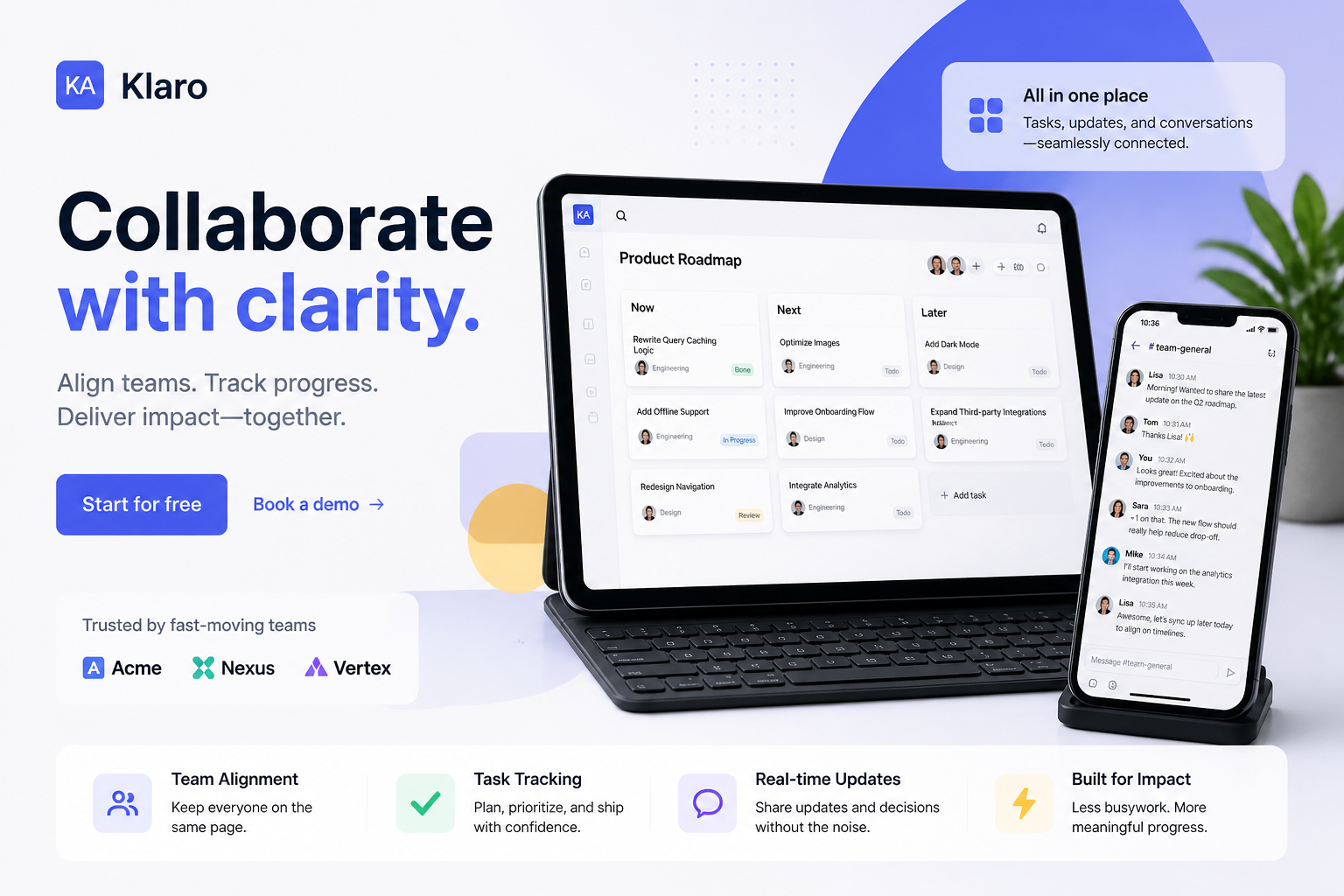 AFTER
AFTER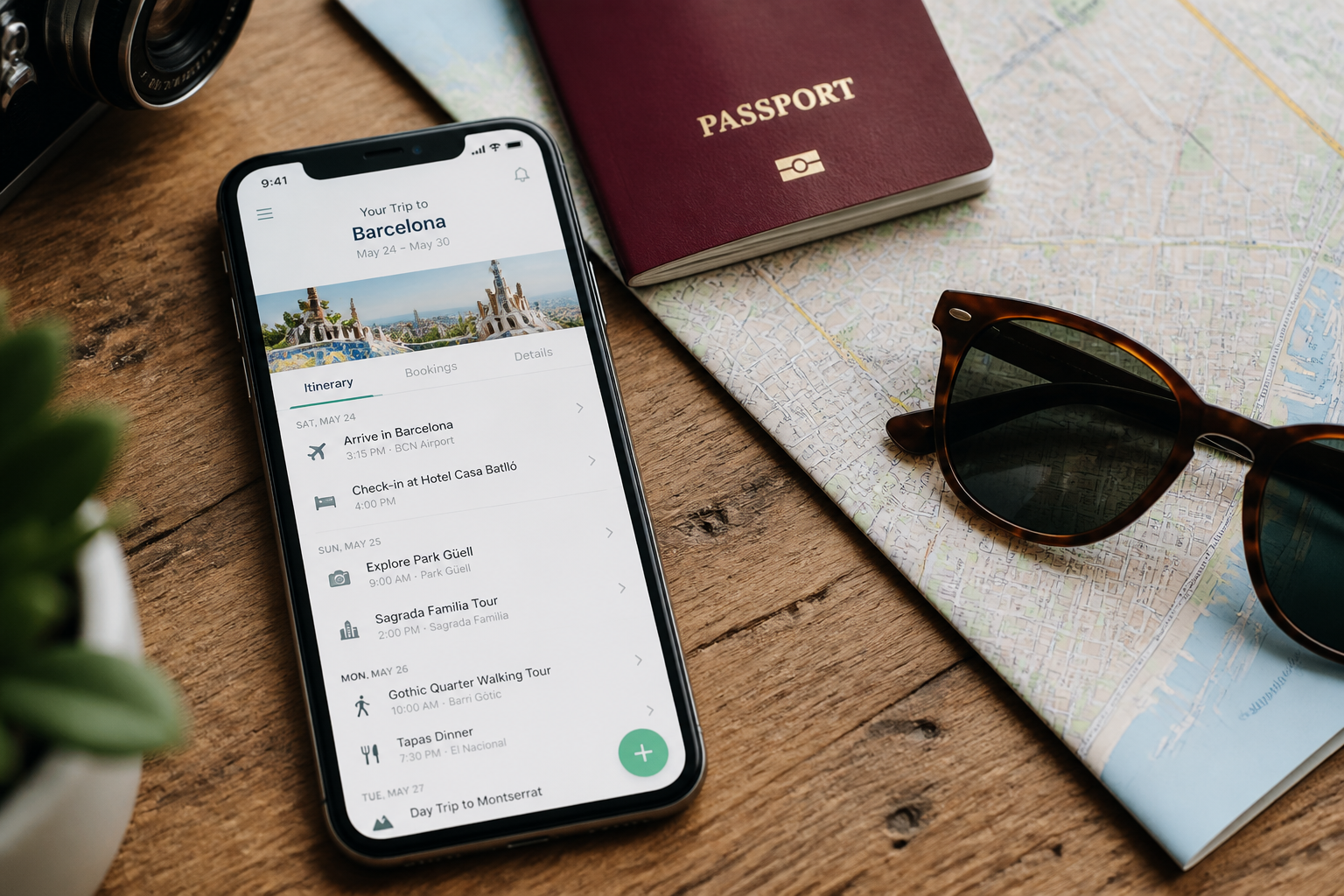 BEFORE
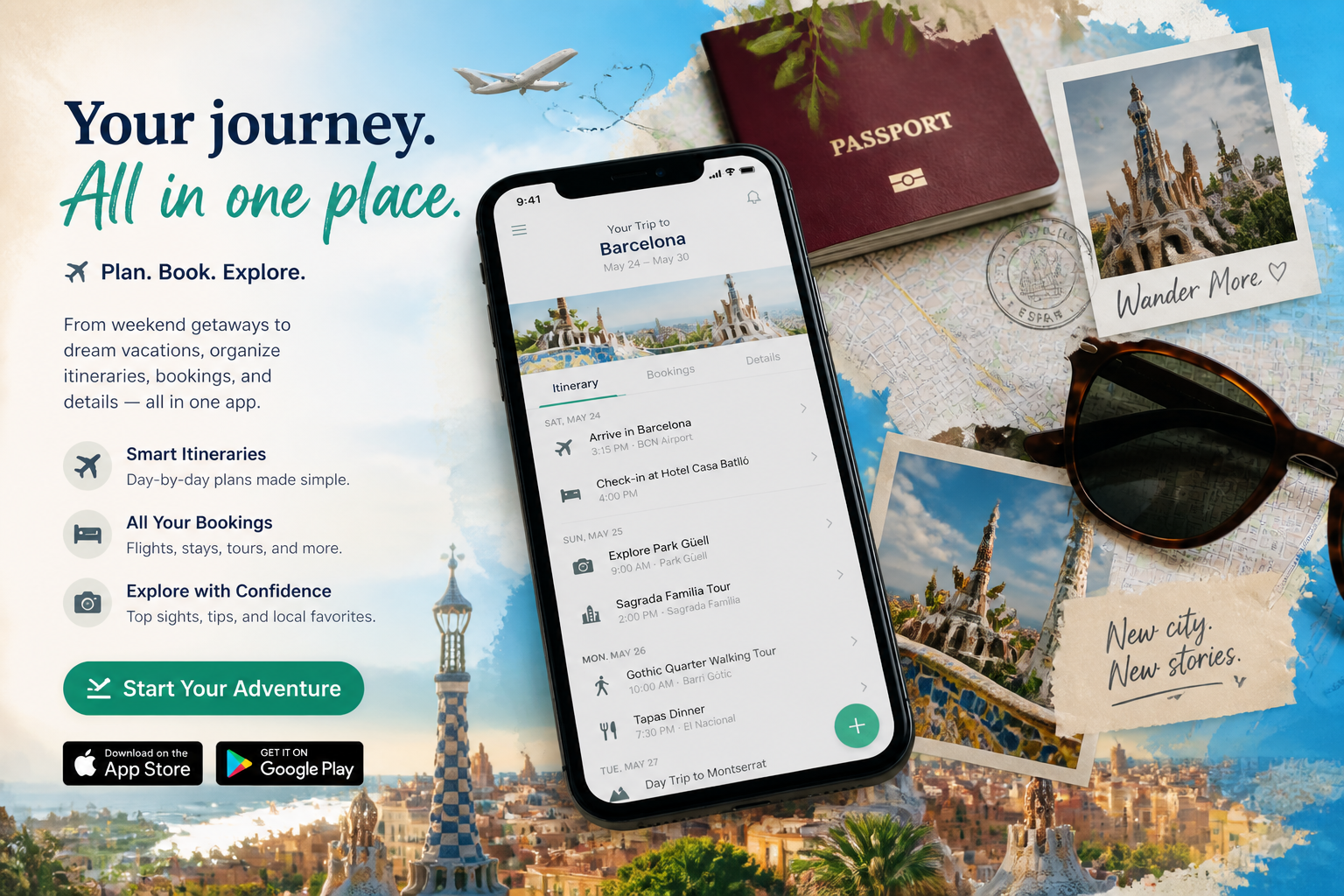 AFTER
AFTER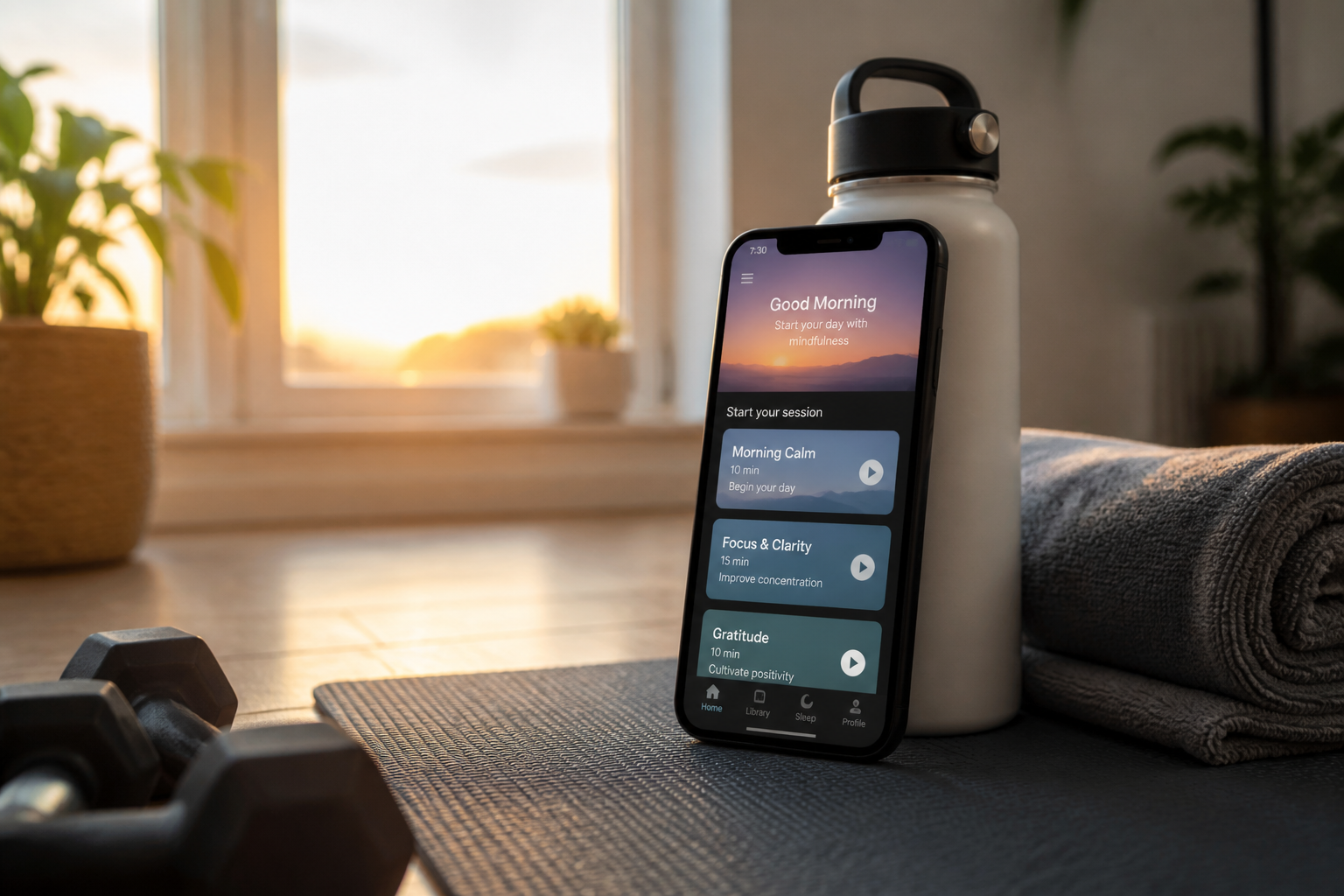 BEFORE
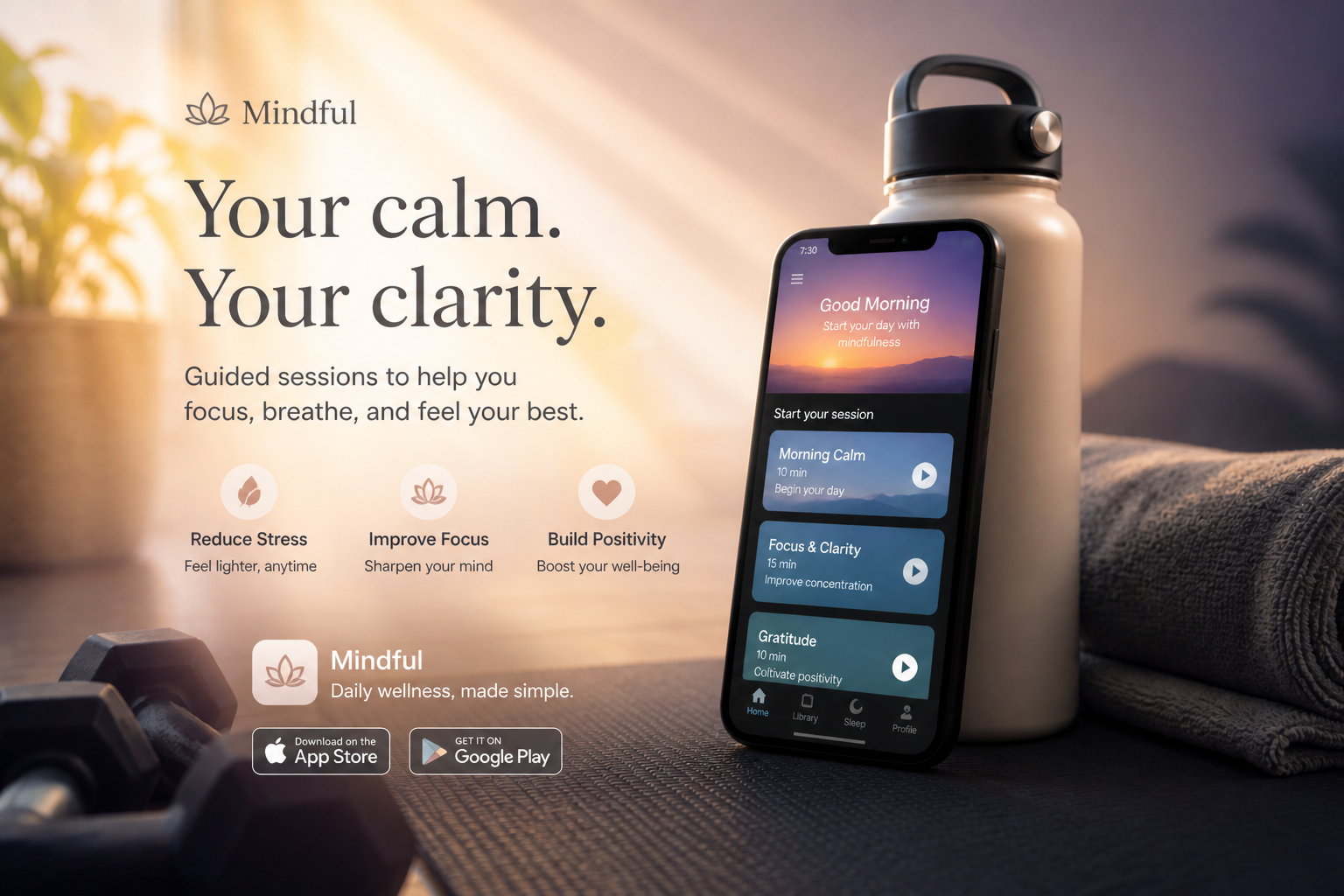 AFTERBEFOREAFTERBEFOREAFTERBEFOREAFTERBEFOREAFTERBEFOREAFTER
Key Features
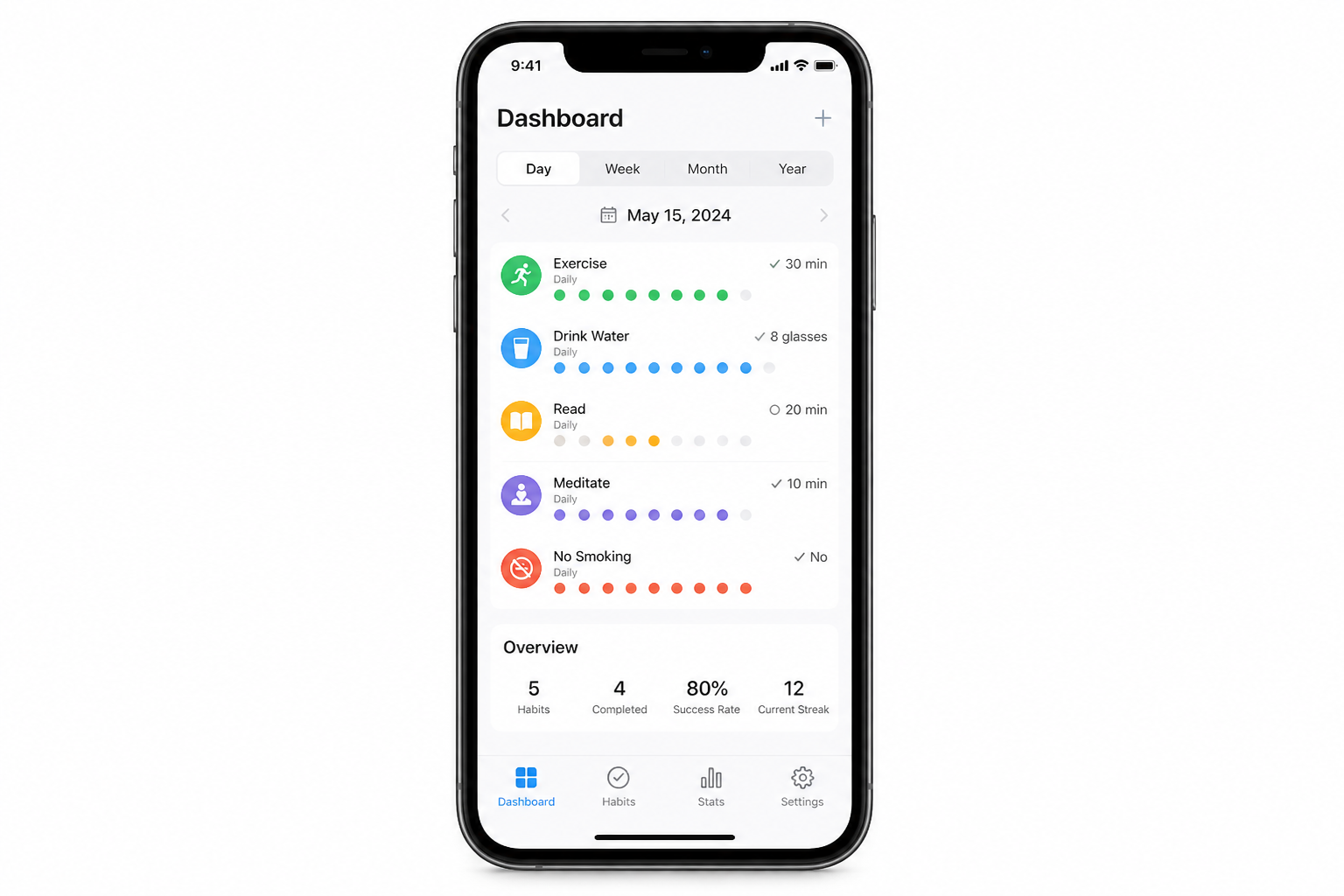
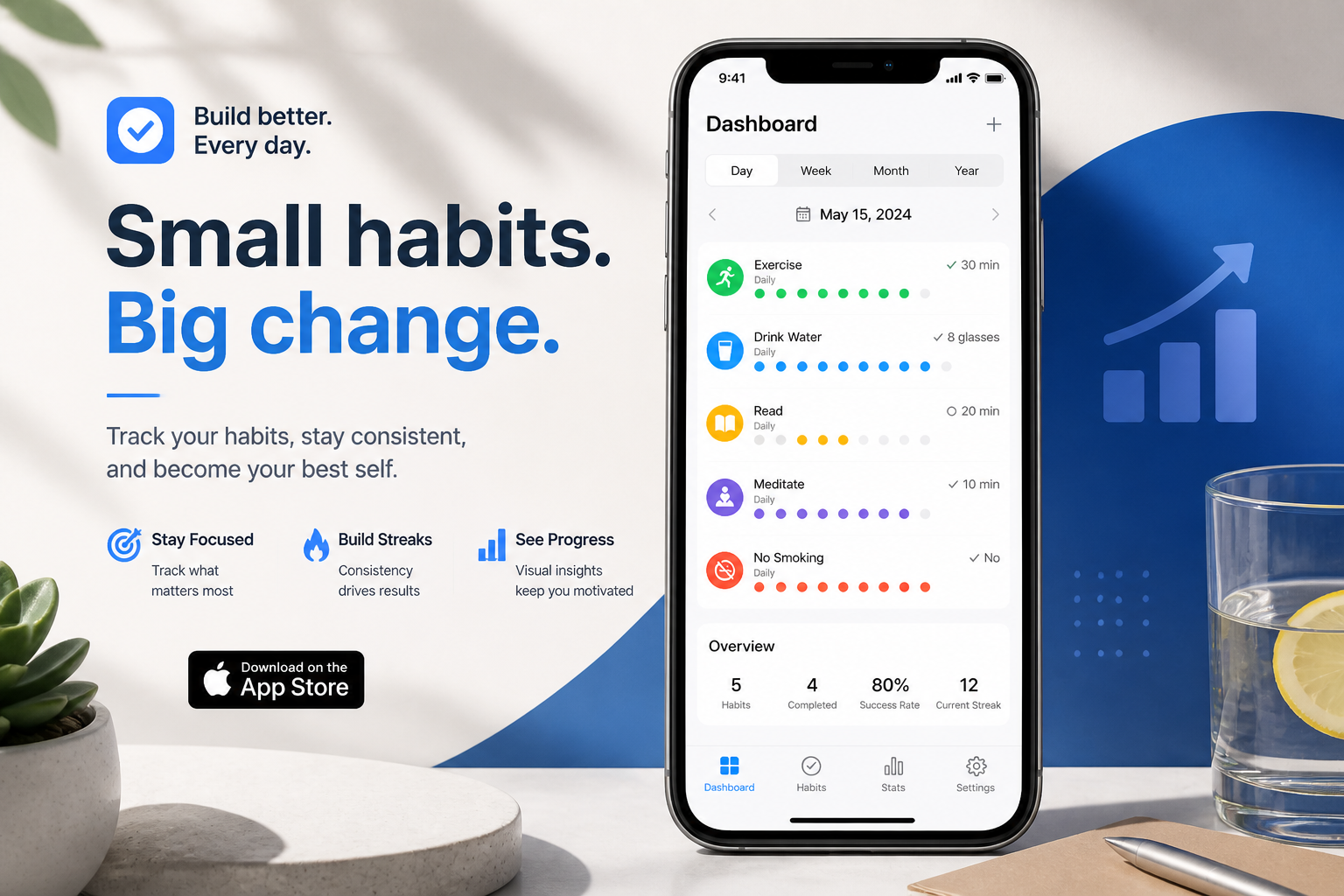
Turn screenshots into ads
Start with a plain app screenshot or product mockup and turn it into a campaign-style image that looks designed, not improvised. Our AI adds lighting, layout, props, and visual hierarchy around the app instead of leaving you with a flat device shot. That makes it useful for landing pages, paid social, and app store promotion when you need something stronger than a raw screenshot.
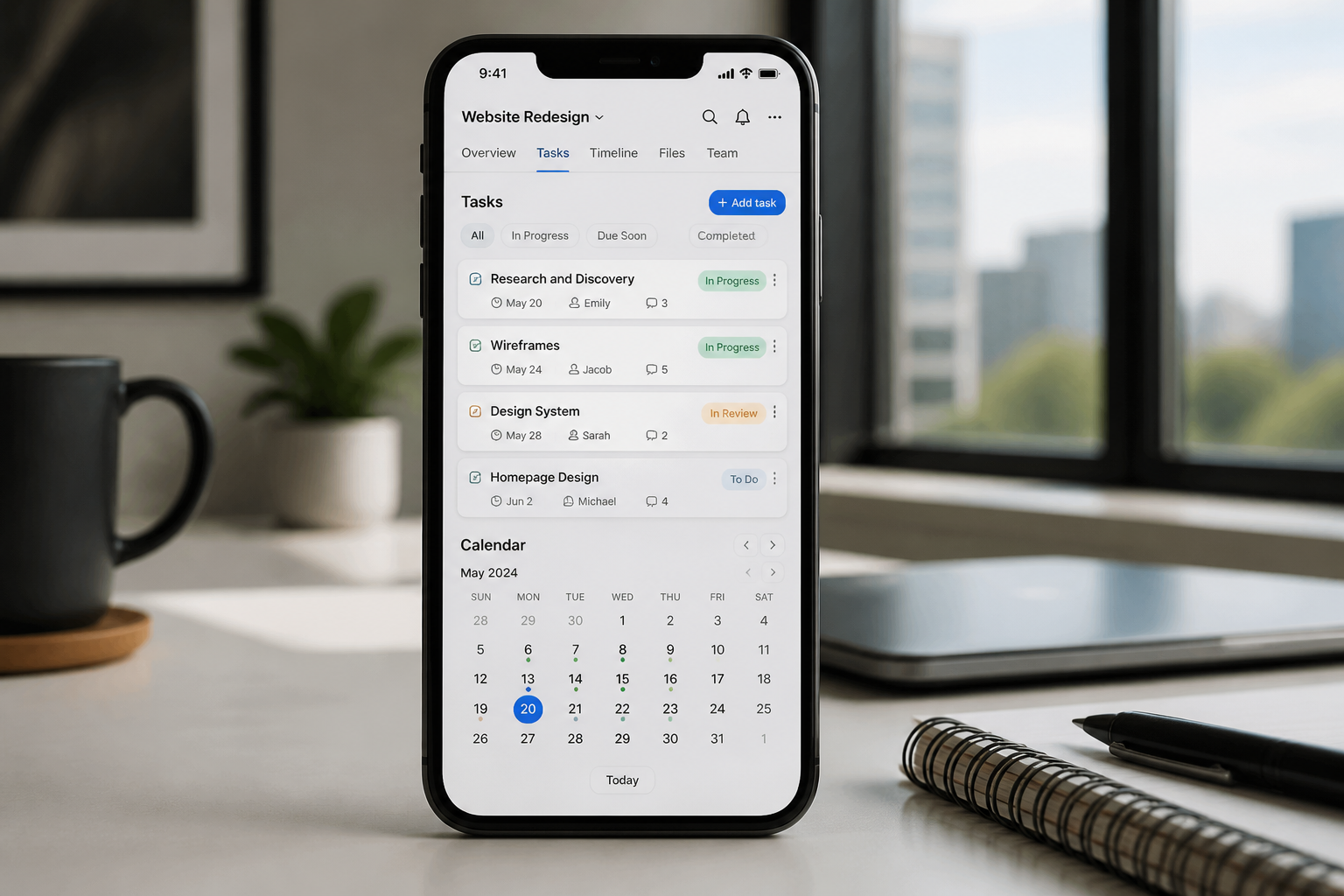
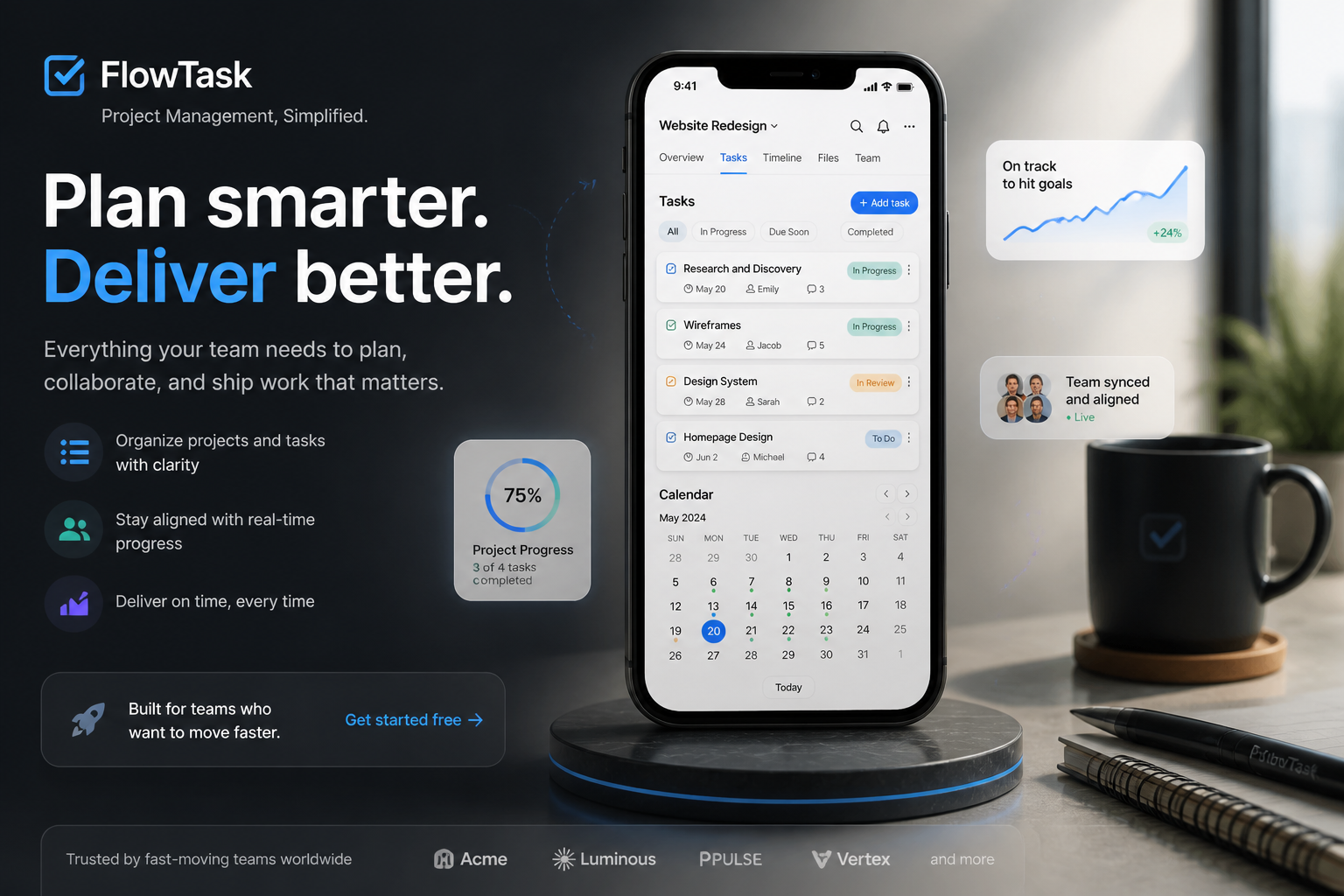
Keep the app readable
Ad creative only works if the product is still clear. This tool is built to preserve the screen as the focal point while improving the surrounding composition, so the app interface does not get lost in the design. That saves time compared with manual editing where overlays, effects, and cropping often make the UI harder to understand.
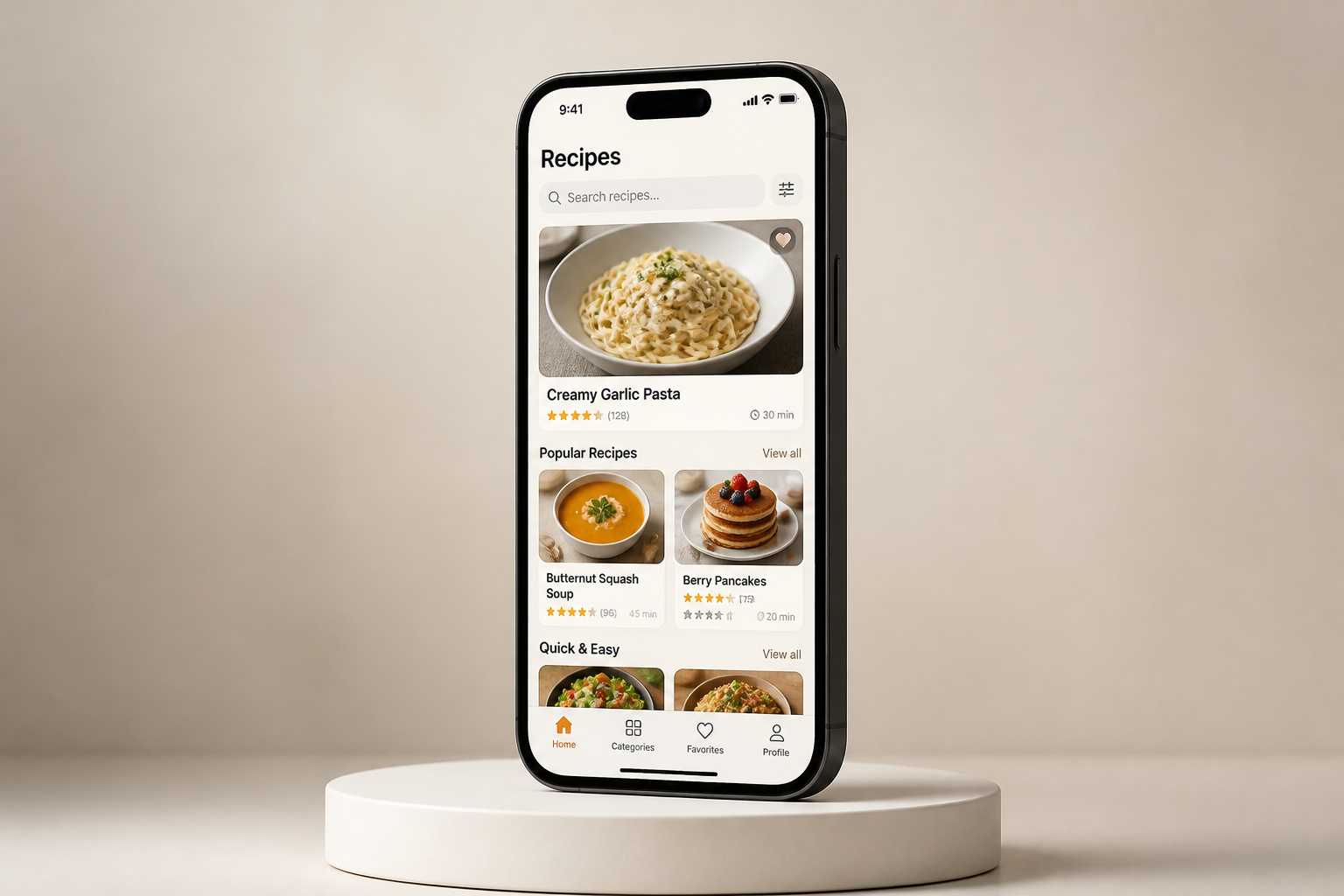
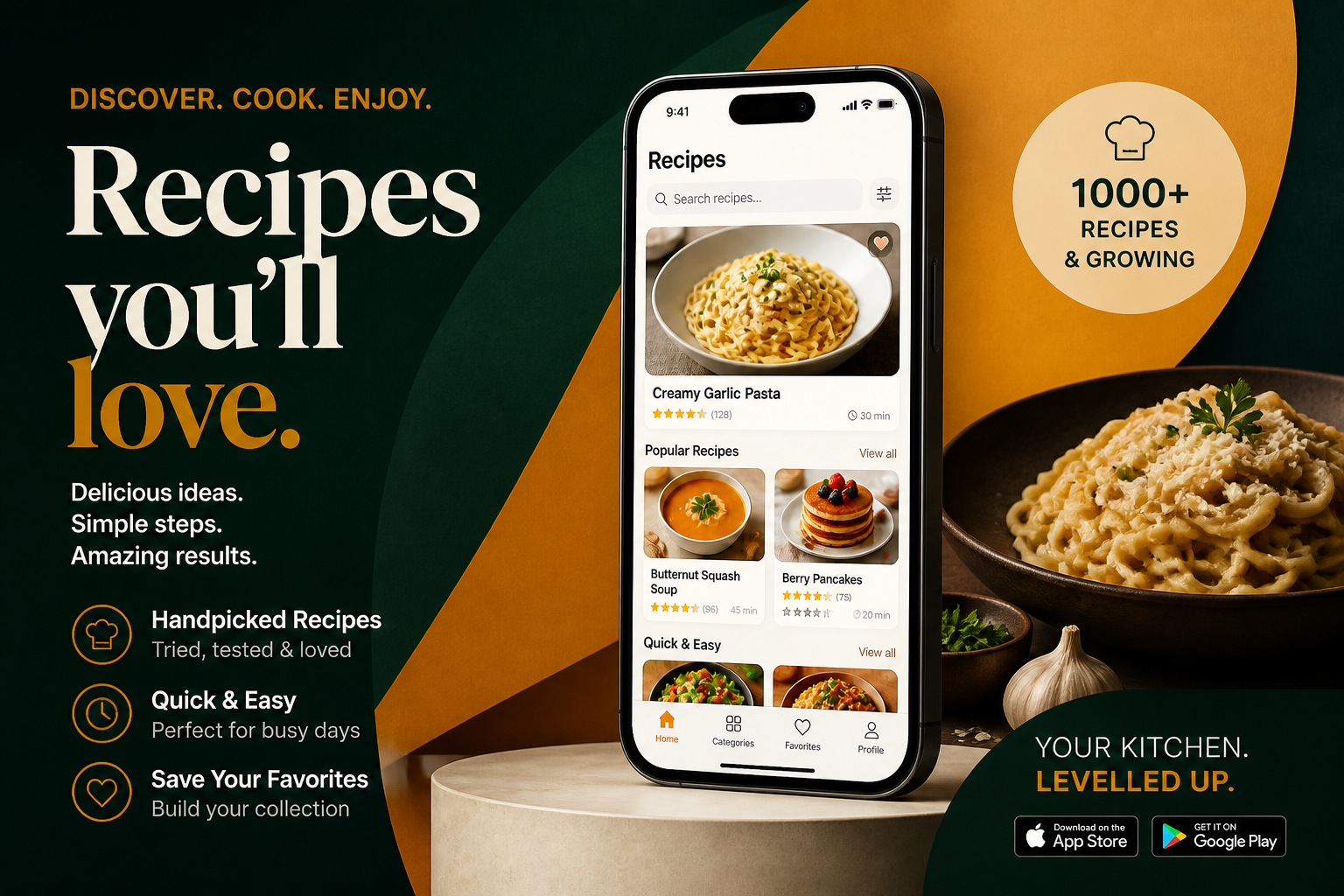
Match different campaign styles
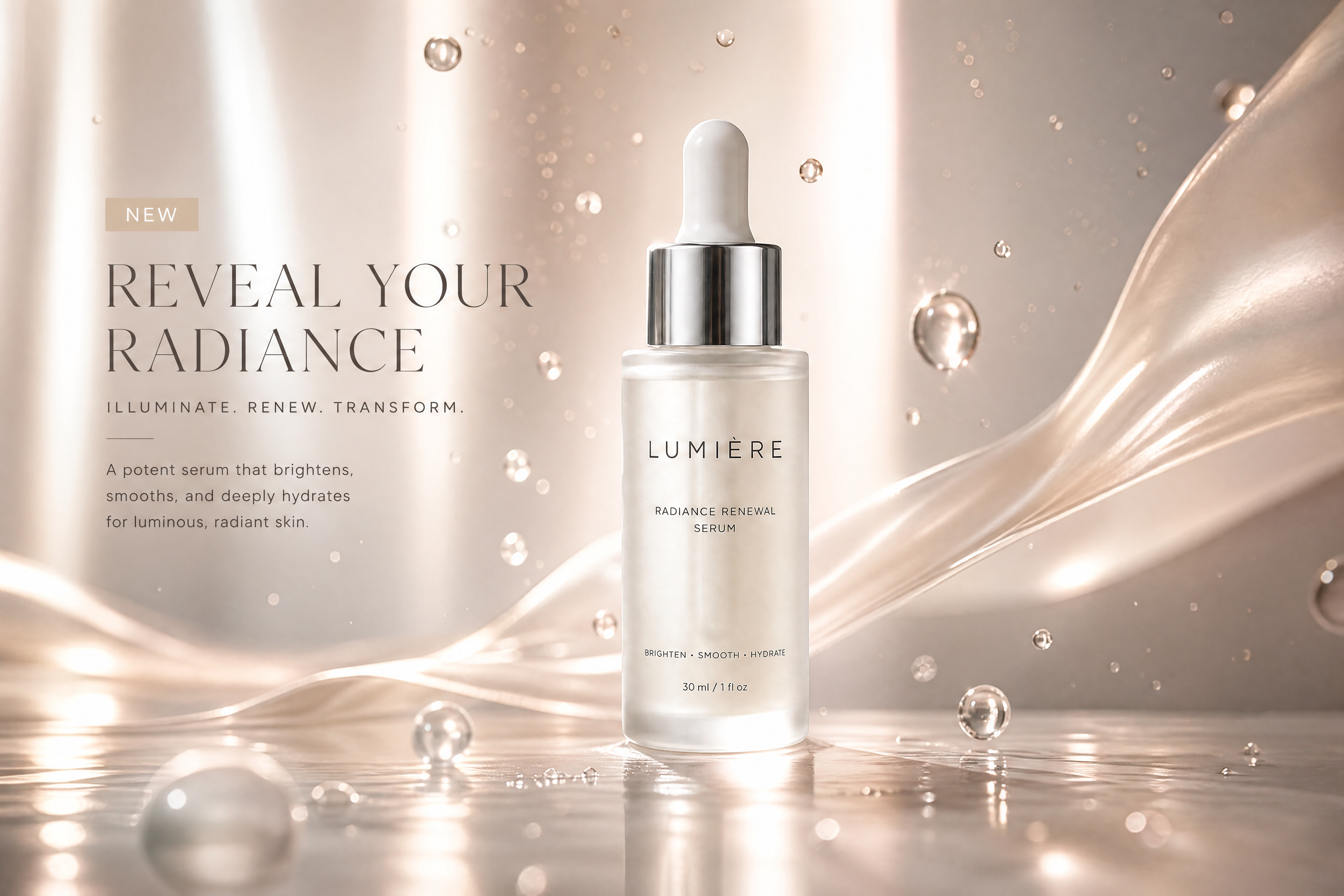
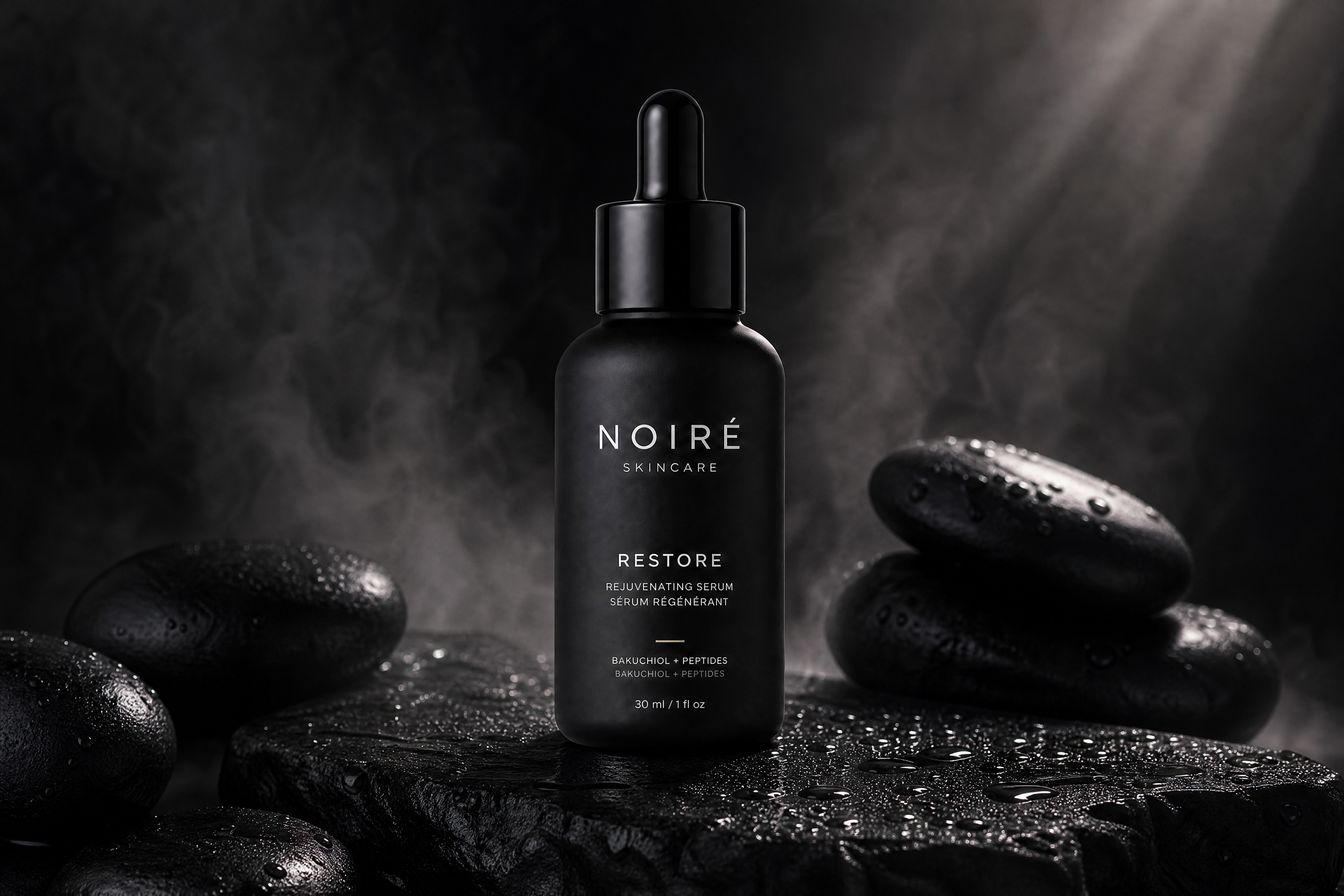
You can generate sleek, minimal ads, bold promo visuals, editorial layouts, or stylized poster treatments from the same source image. That makes it easier to test different directions for different channels without rebuilding the creative from scratch each time. Manual concepting usually means separate design passes, while here you can explore multiple looks with a new prompt.
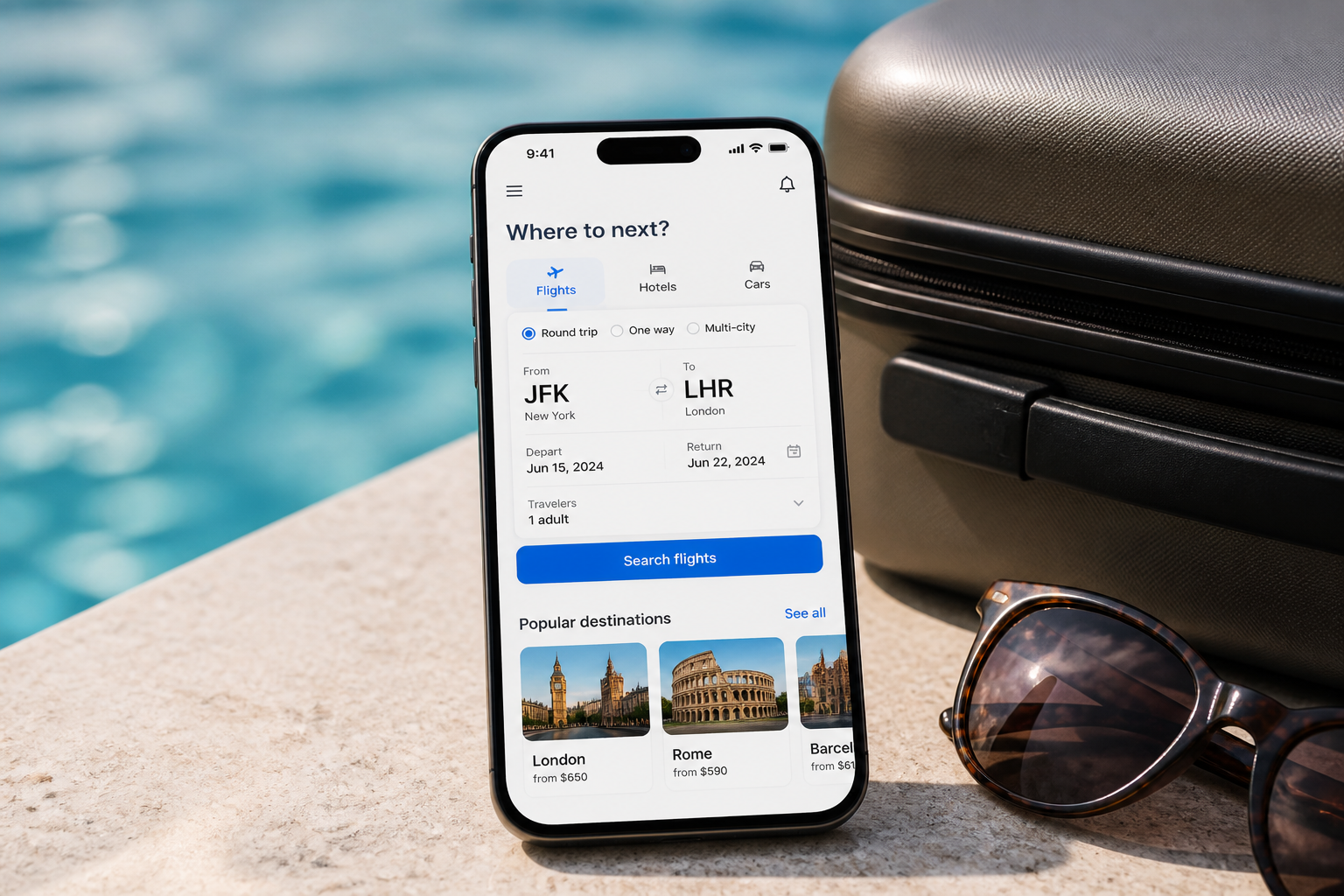
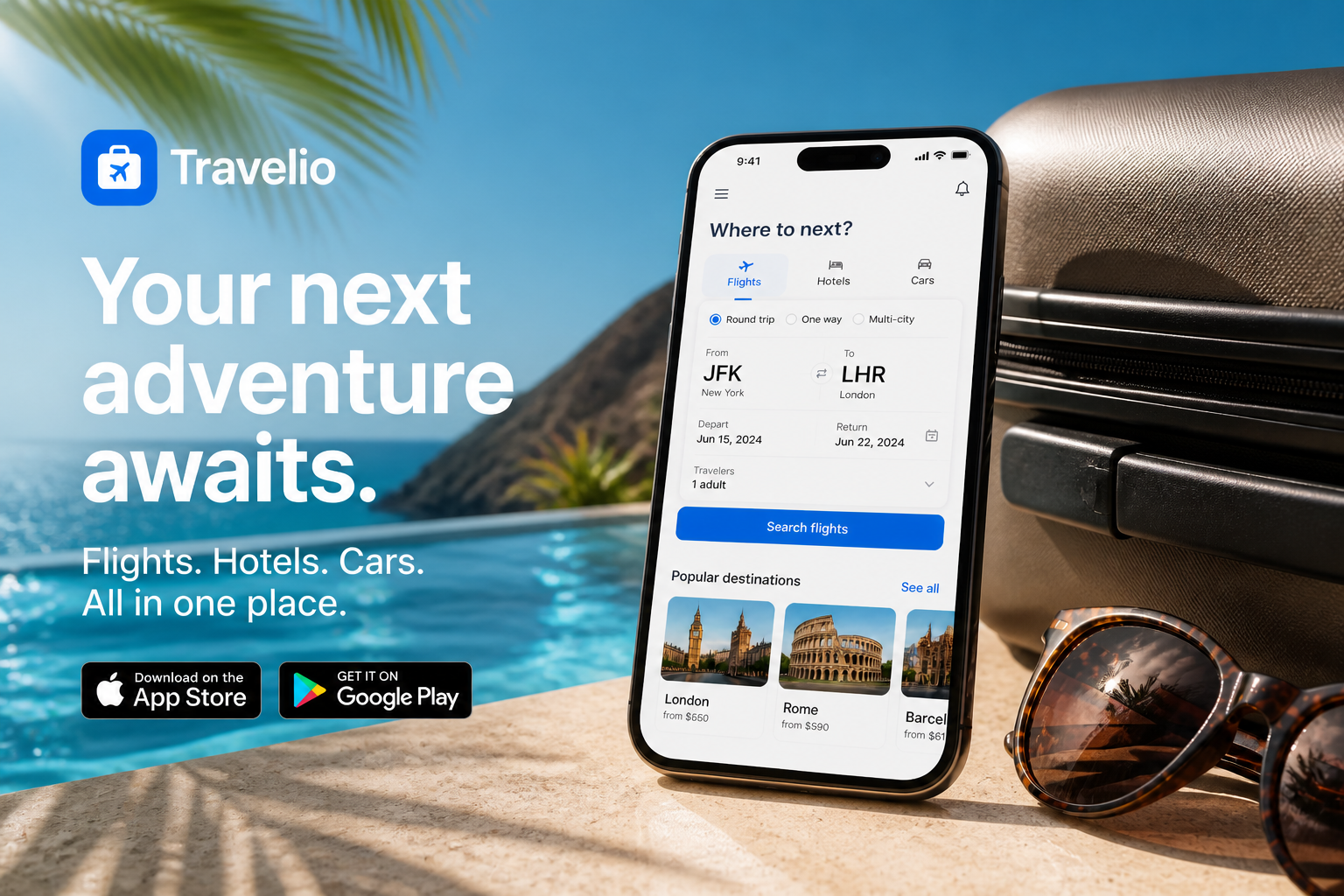
Make channel-ready variations
Different placements need different creative moods, but they still need to feel like one campaign. Use the same source image to produce multiple ad directions with consistent branding and product focus. That helps marketers move faster on testing instead of manually compositing new scenes for every experiment.
How It Works
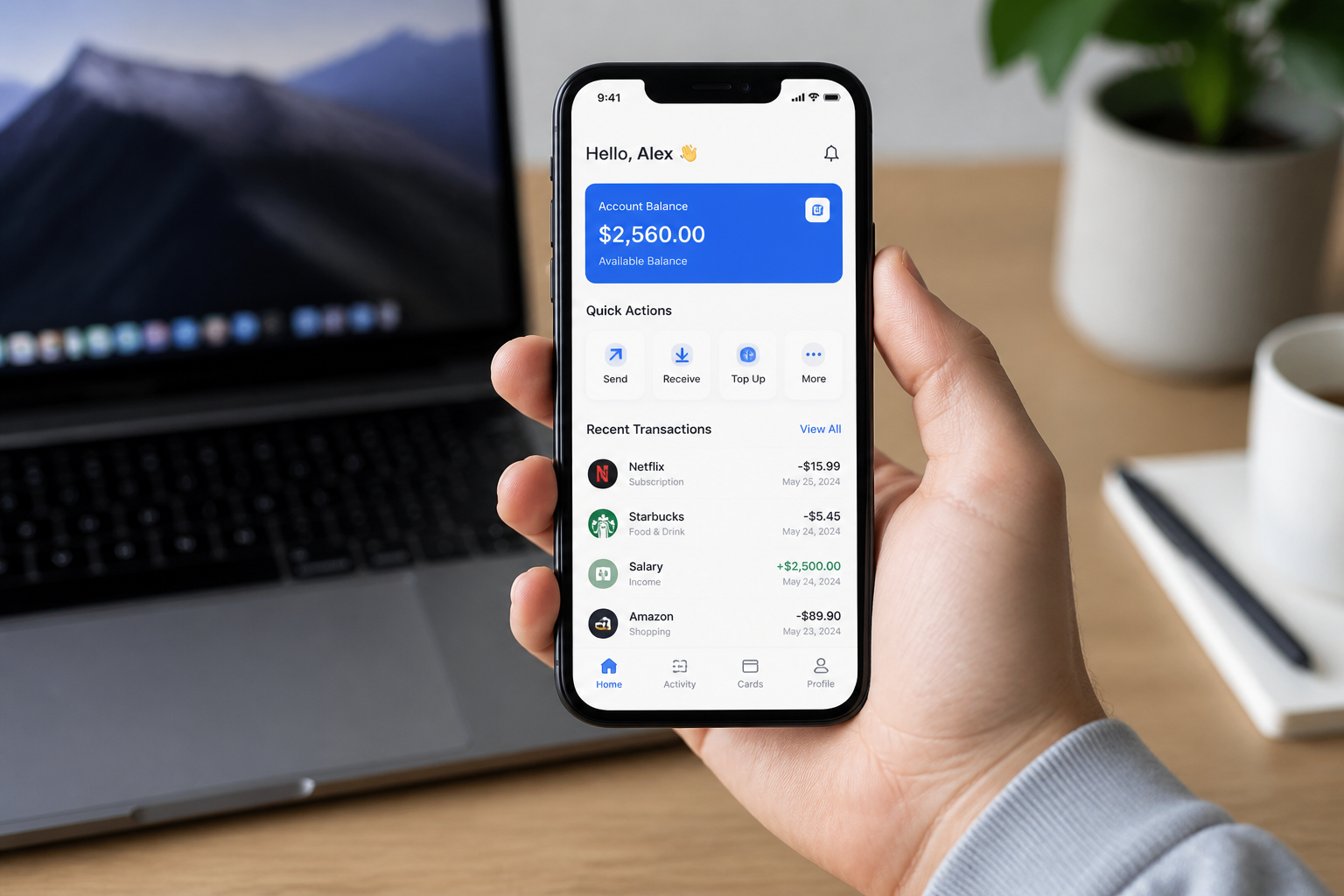
Upload your app image
Start with a screenshot, device mockup, or product photo that clearly shows your app. Clean, readable source images usually produce the strongest ad layouts.
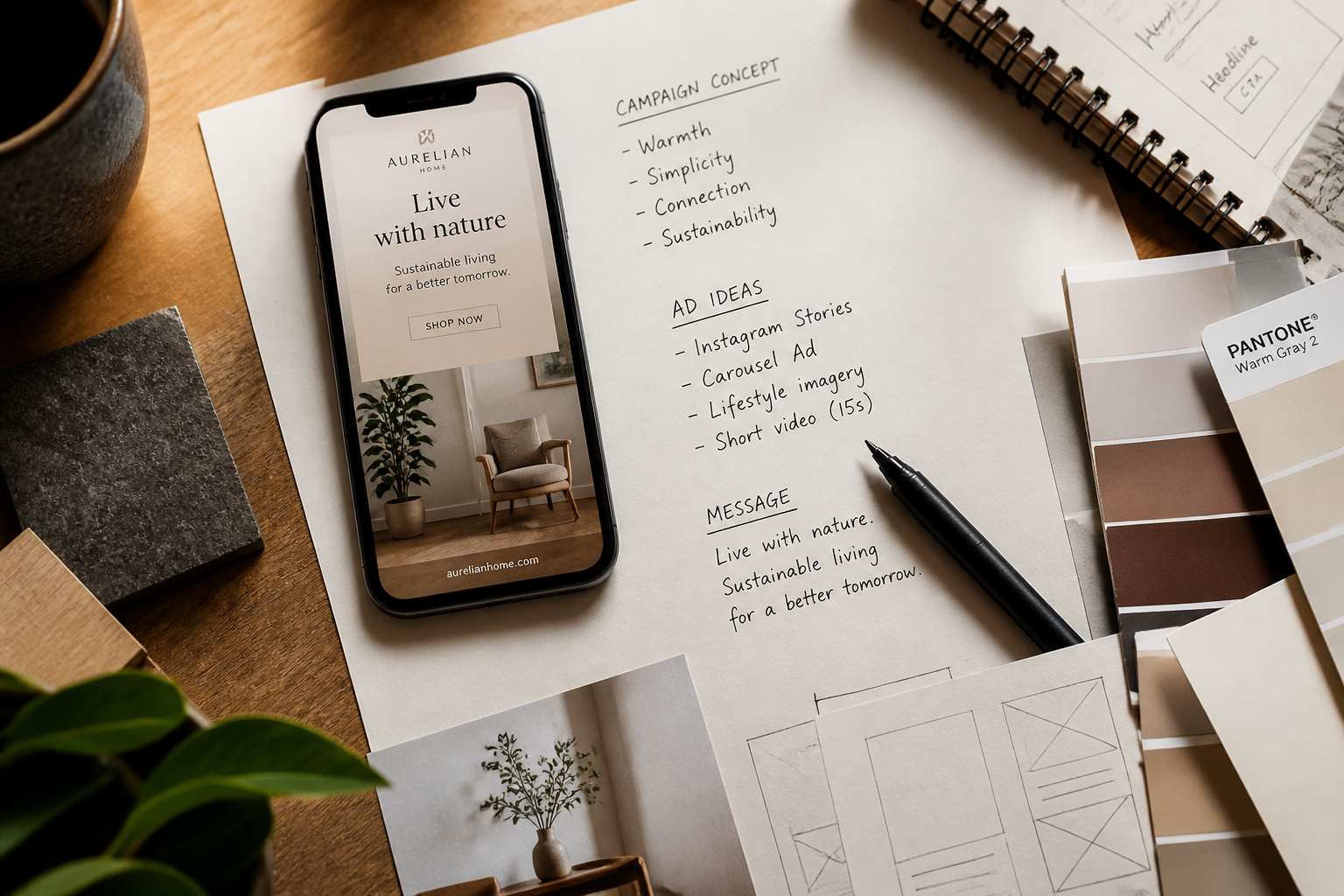
Describe the ad style
Tell the AI what kind of creative you want, such as premium, bold, minimal, seasonal, or editorial. You can also mention props, colors, mood, and where you want copy space.
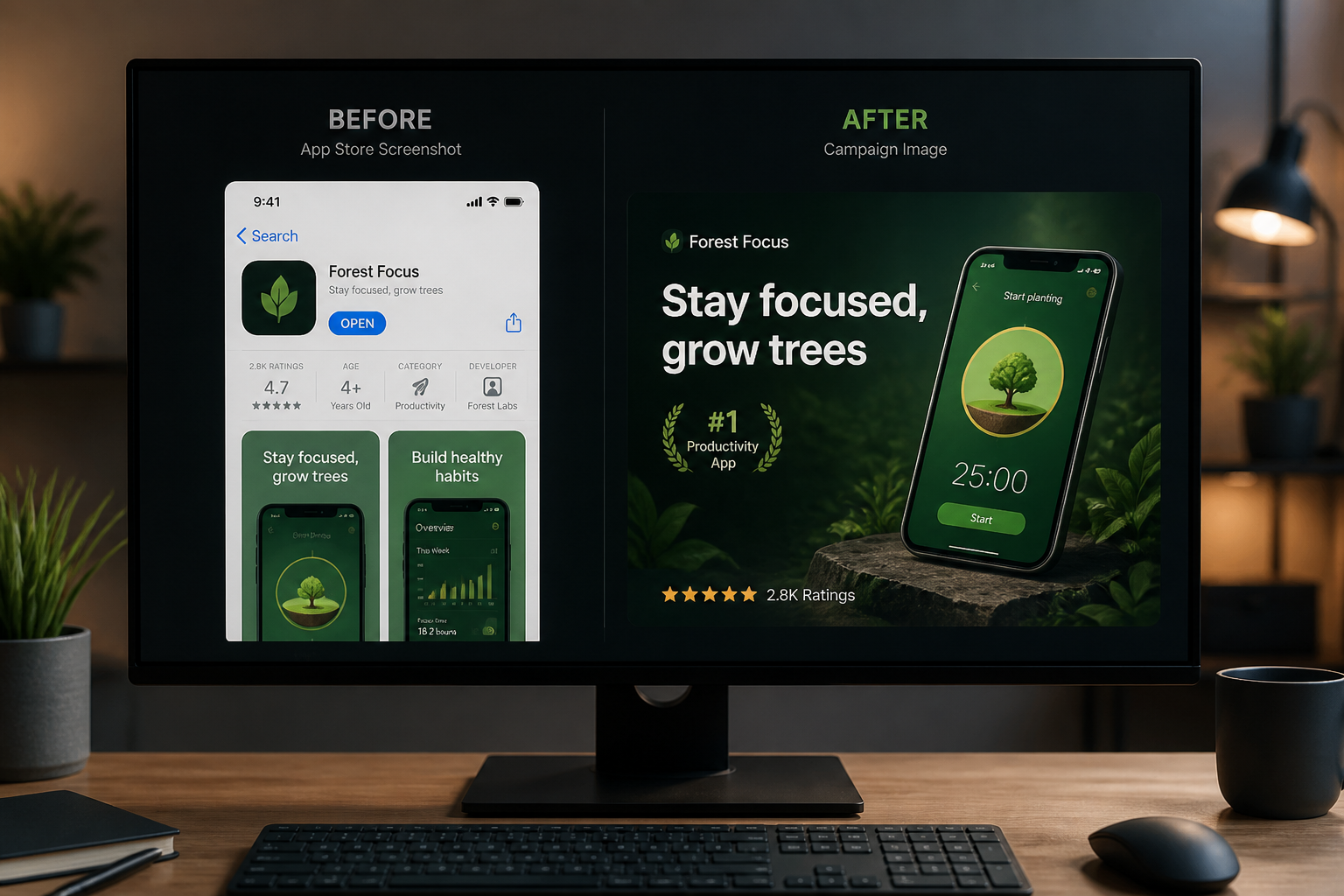
Generate and compare
Review the result, compare it with the original, and iterate if needed. Try a few styles to build a small set of creatives for ads, landing pages, or social posts.
Perfect For
Discover how creators and professionals use ai app ad generator
Paid social creatives
Turn plain app screenshots into stronger images for ad testing on social platforms.
App store promo visuals
Create polished marketing images that make feature screens feel more premium and campaign-ready.
Landing page hero images
Build attention-grabbing app visuals for homepage sections, feature banners, and product launches.
Creative concept testing
Explore multiple ad directions before committing time to full manual design work.
Built For
App marketers
Make more campaign variations from the product assets you already have.
Indie founders
Create launch visuals without needing a full design team for every test.
Creative teams
Prototype directions quickly, then refine the strongest concepts for production.
Why use an AI app ad generator
A quick look at how we compare on the things that matter for this niche.
| Feature | BudgetPixel | Generic AI editors | Manual editing apps |
|---|---|---|---|
| Built for screenshot-to-ad workflows | ✓ | — | — |
| Keeps app UI as the focal point | ✓ | — | ✓ |
| Fast style variation testing | ✓ | ✓ | — |
| Manual design skill required | Low | Low | High |
Frequently Asked Questions
What kind of images work best as input?
Can it keep my app interface readable?
Can I make different ad styles from one screenshot?
Is this only for mobile apps?
Do I still need a designer?
Create together.
Share your creations, discover trending AI art, and grow with fellow creators.