AI Luxury Ad Generator for Premium Product Ads
Turn ordinary product shots into polished luxury campaign visuals.
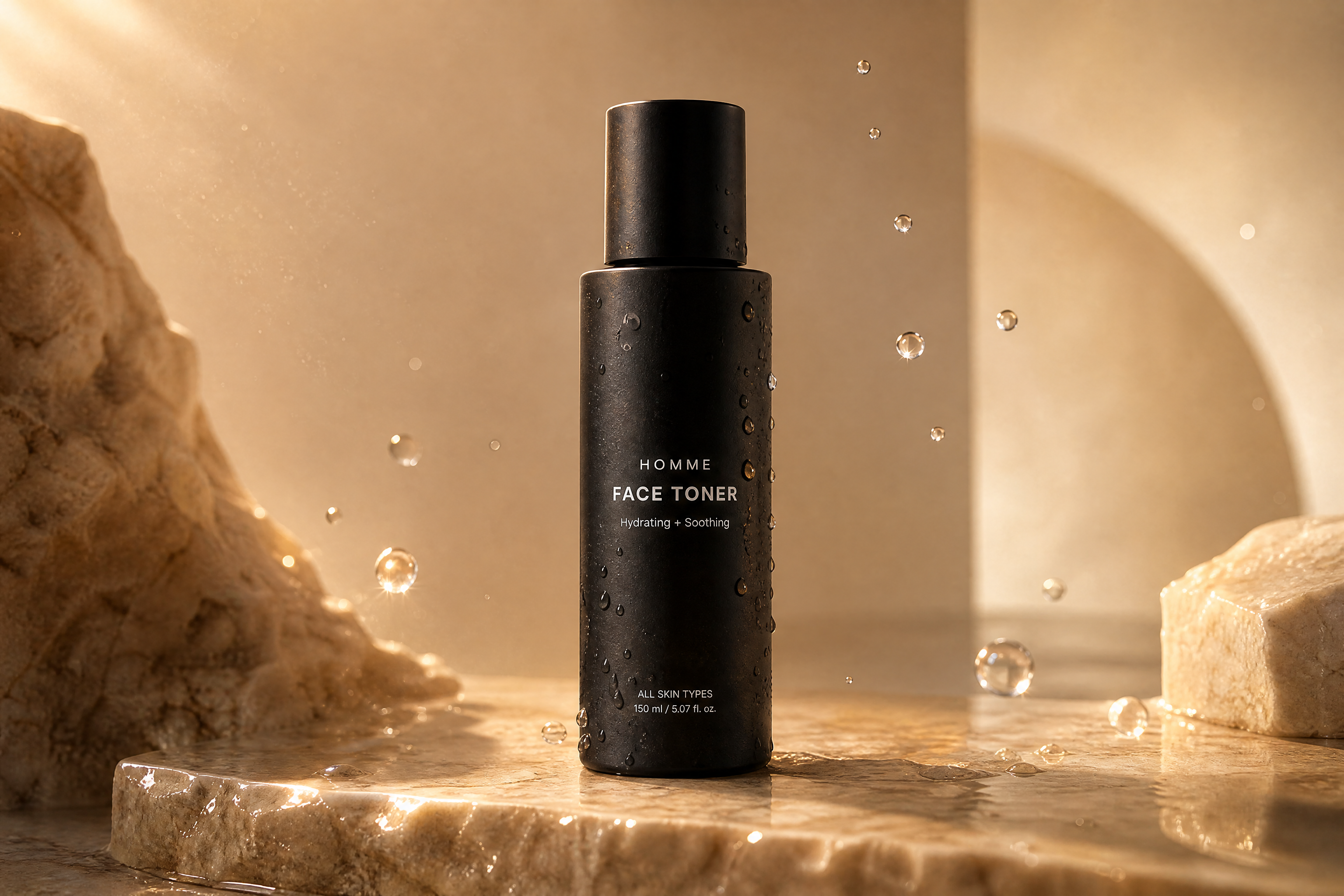
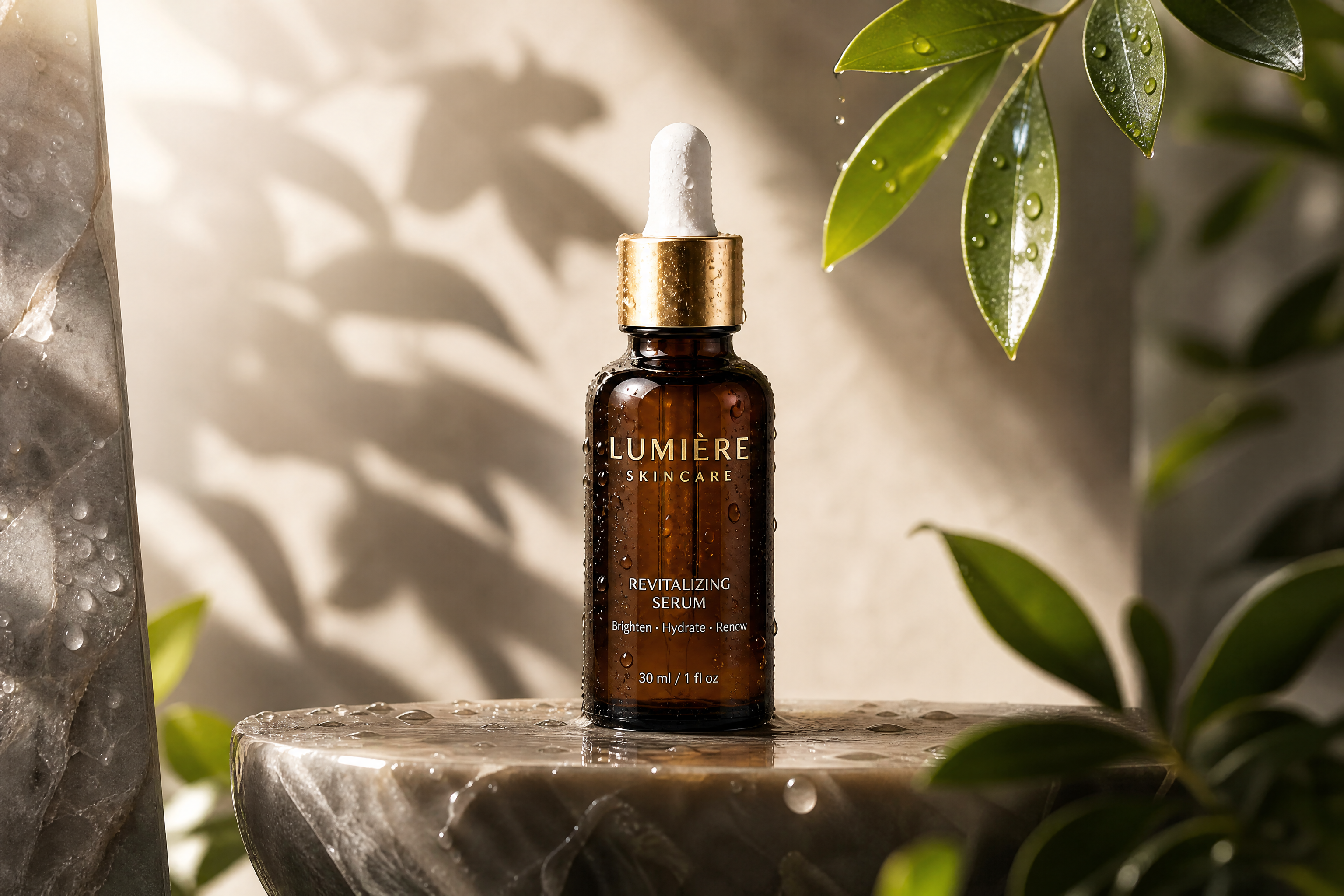
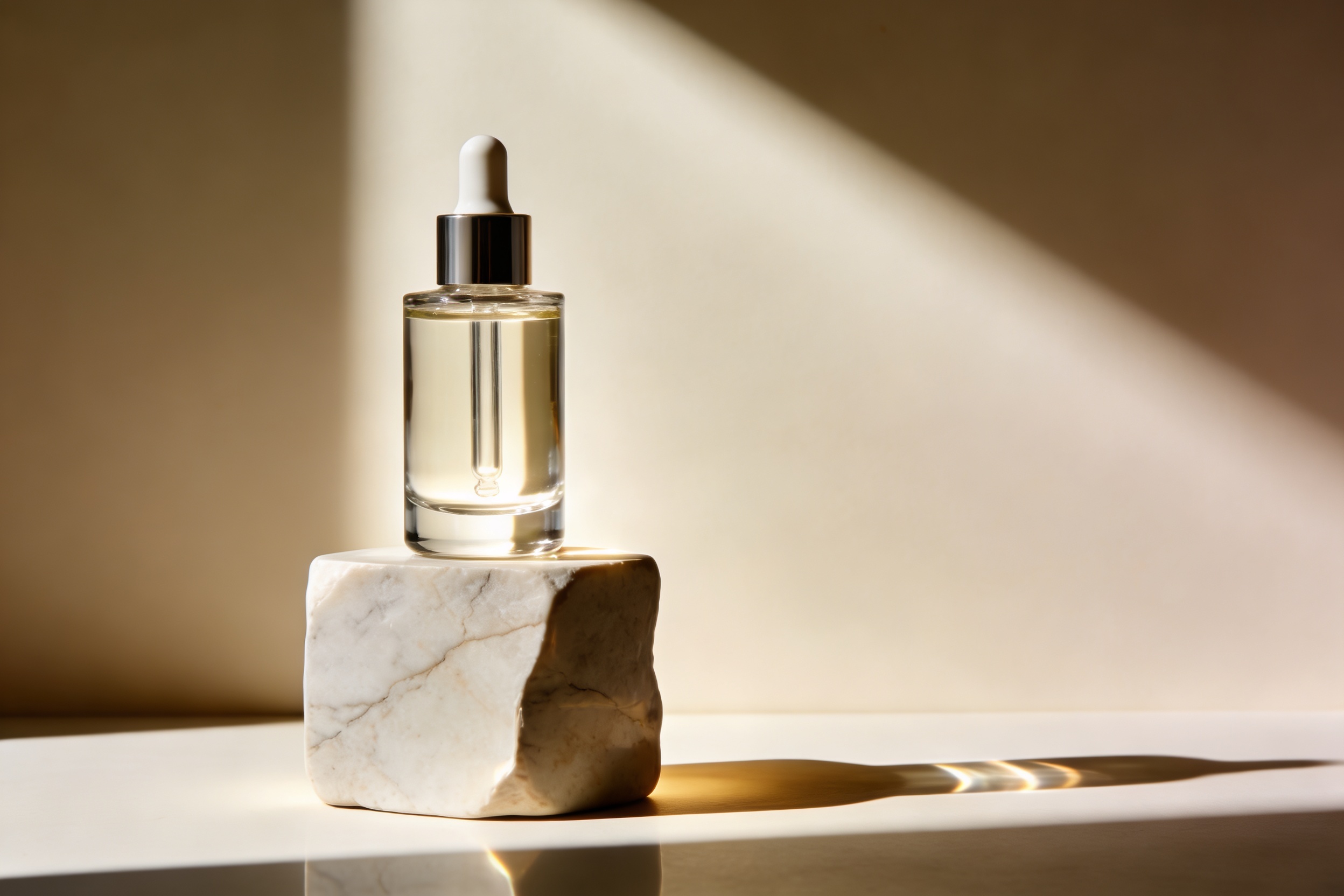
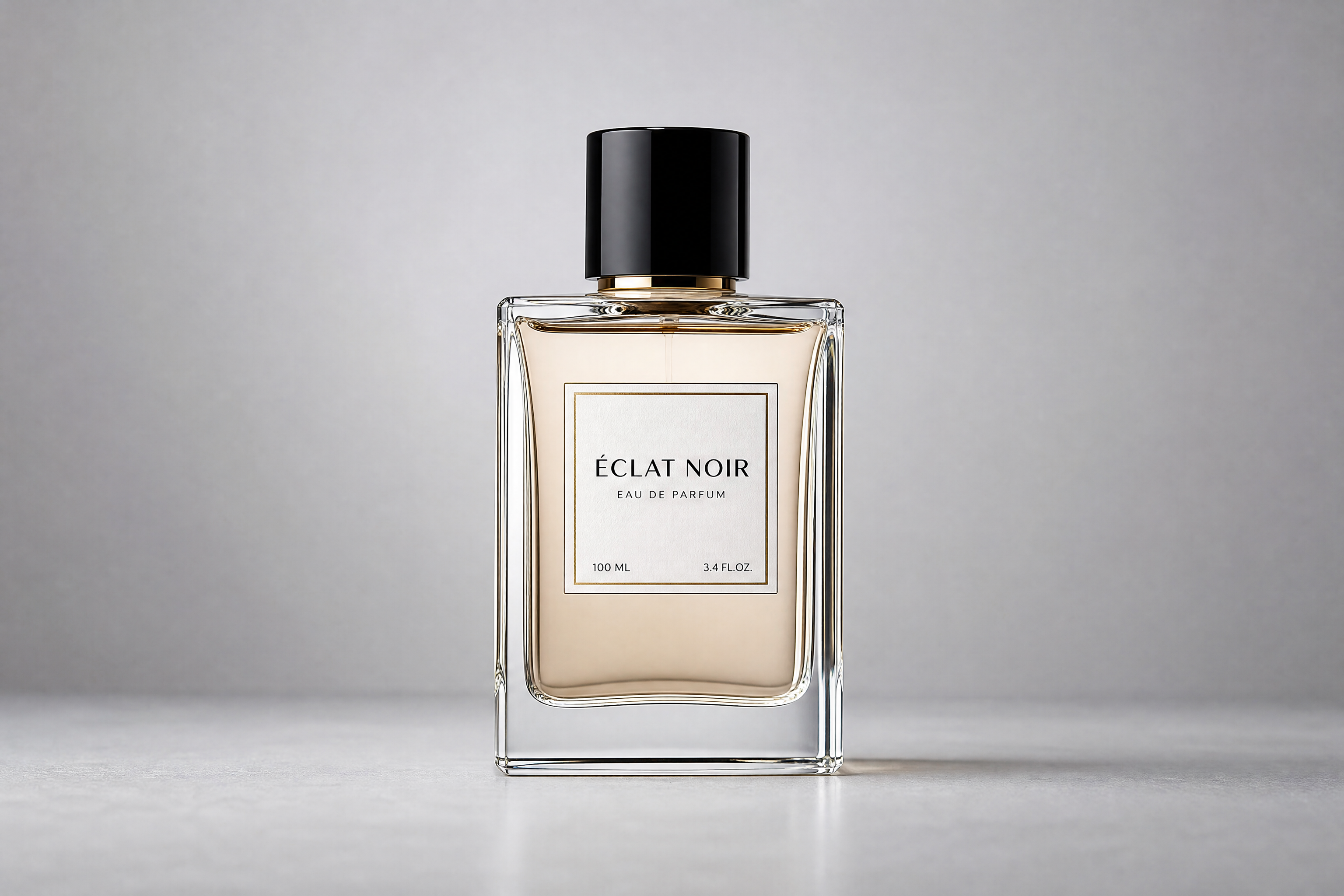
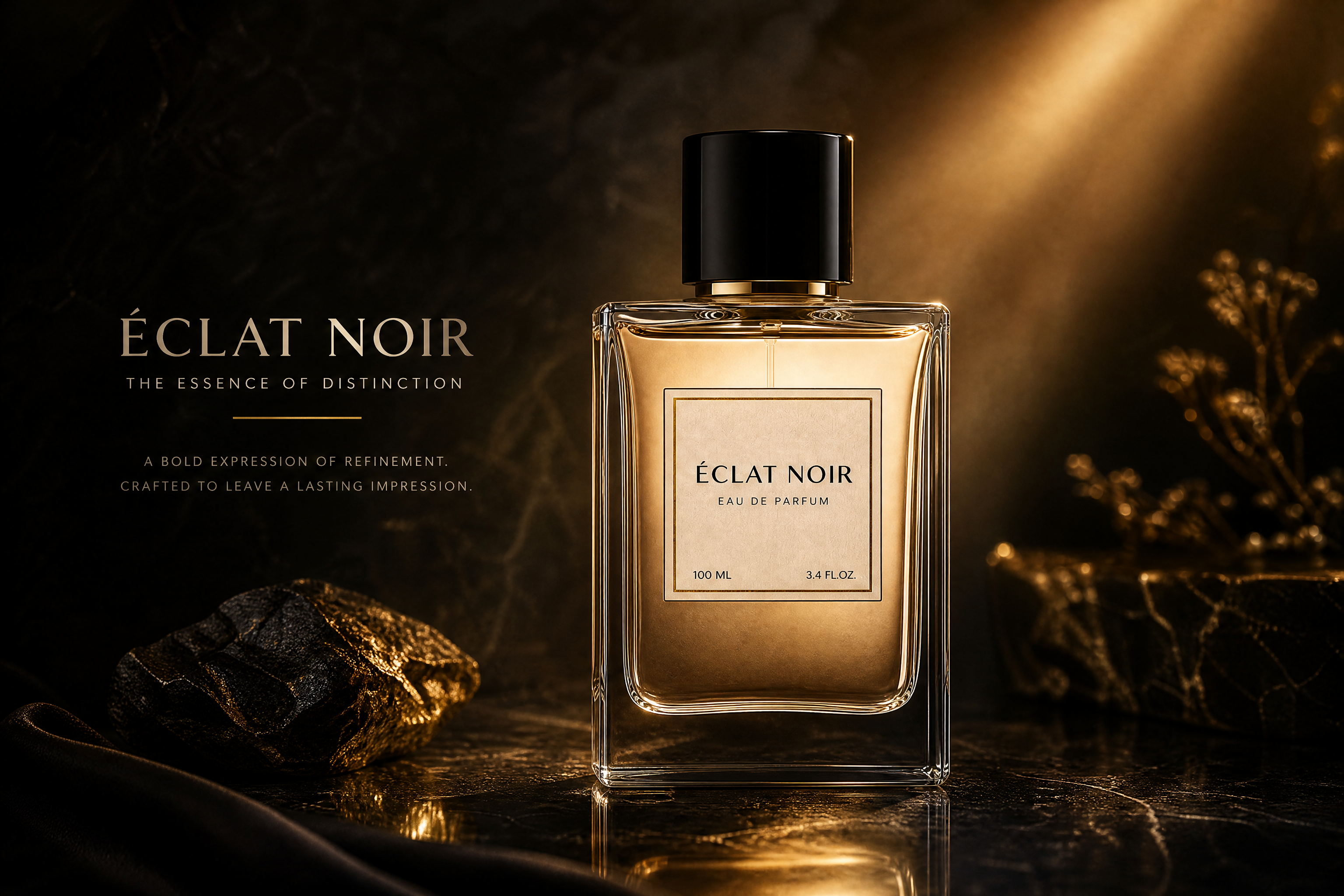
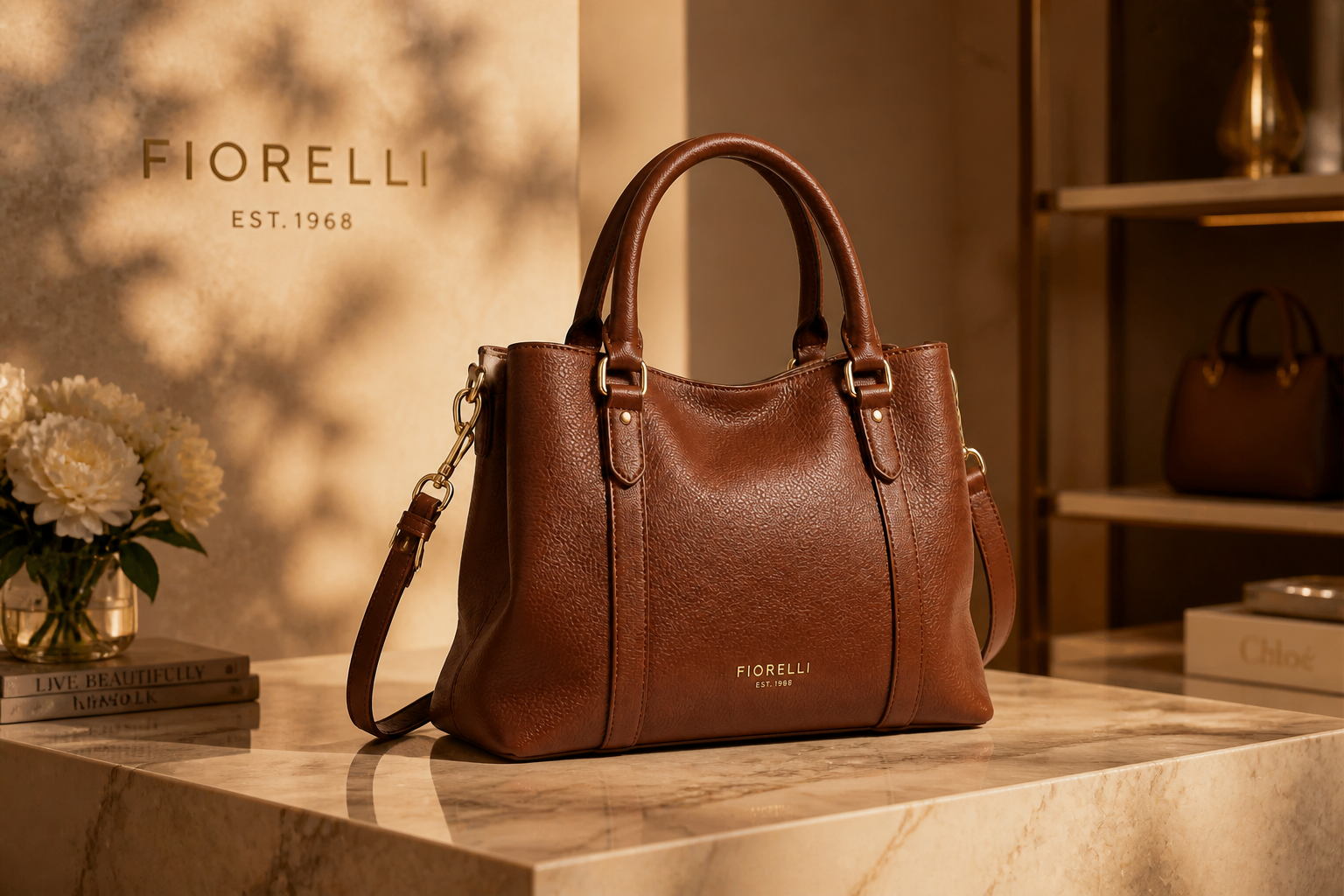
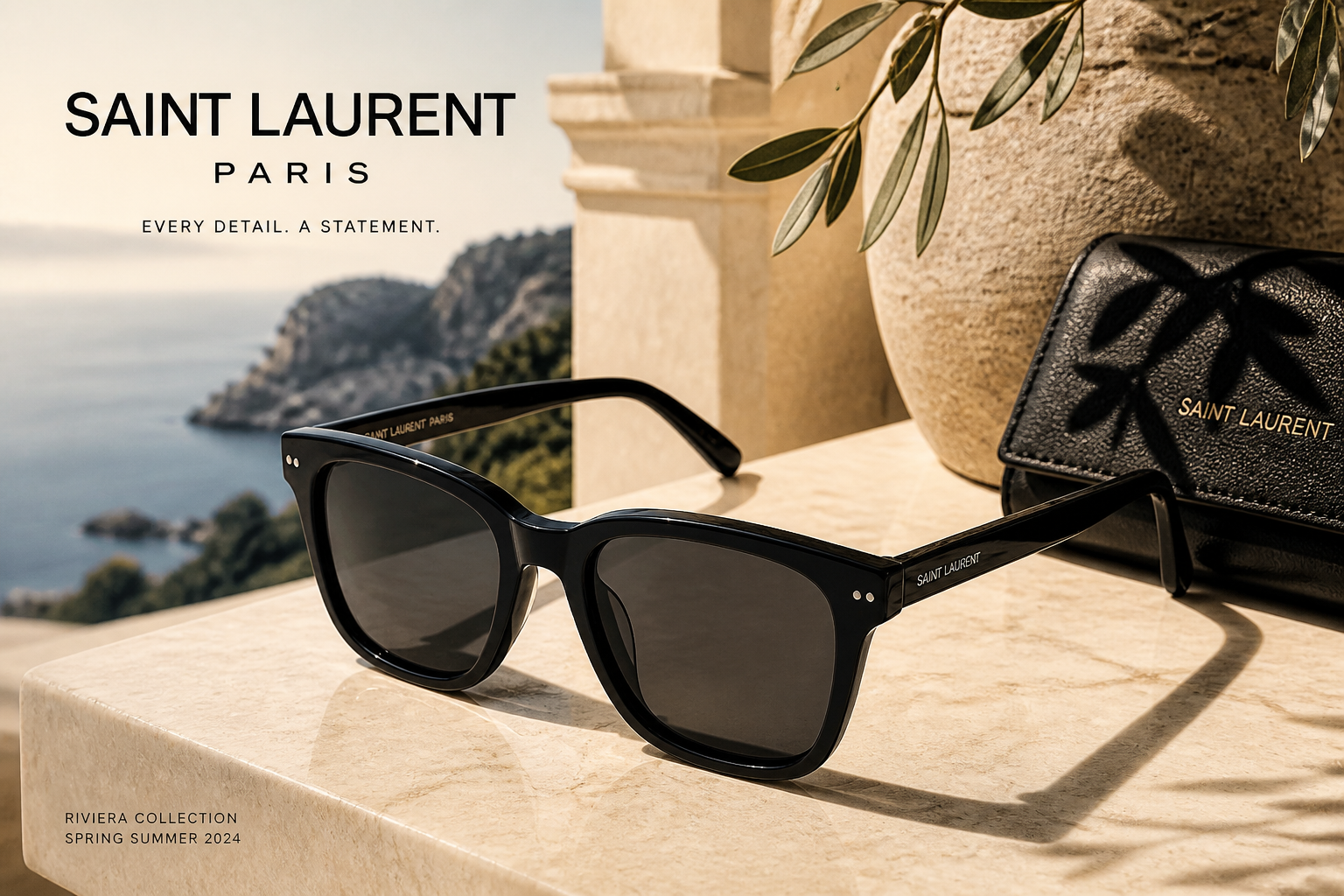
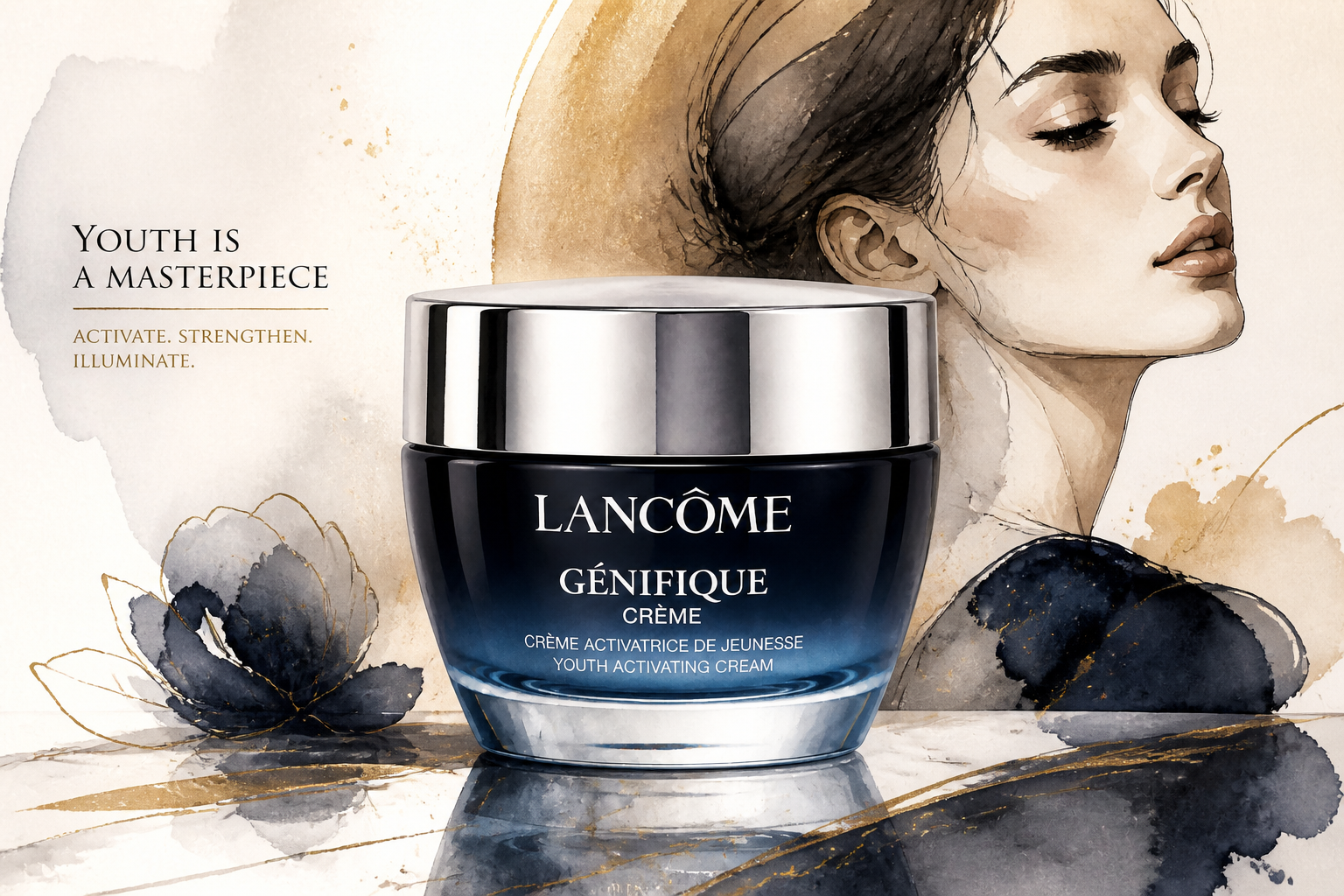
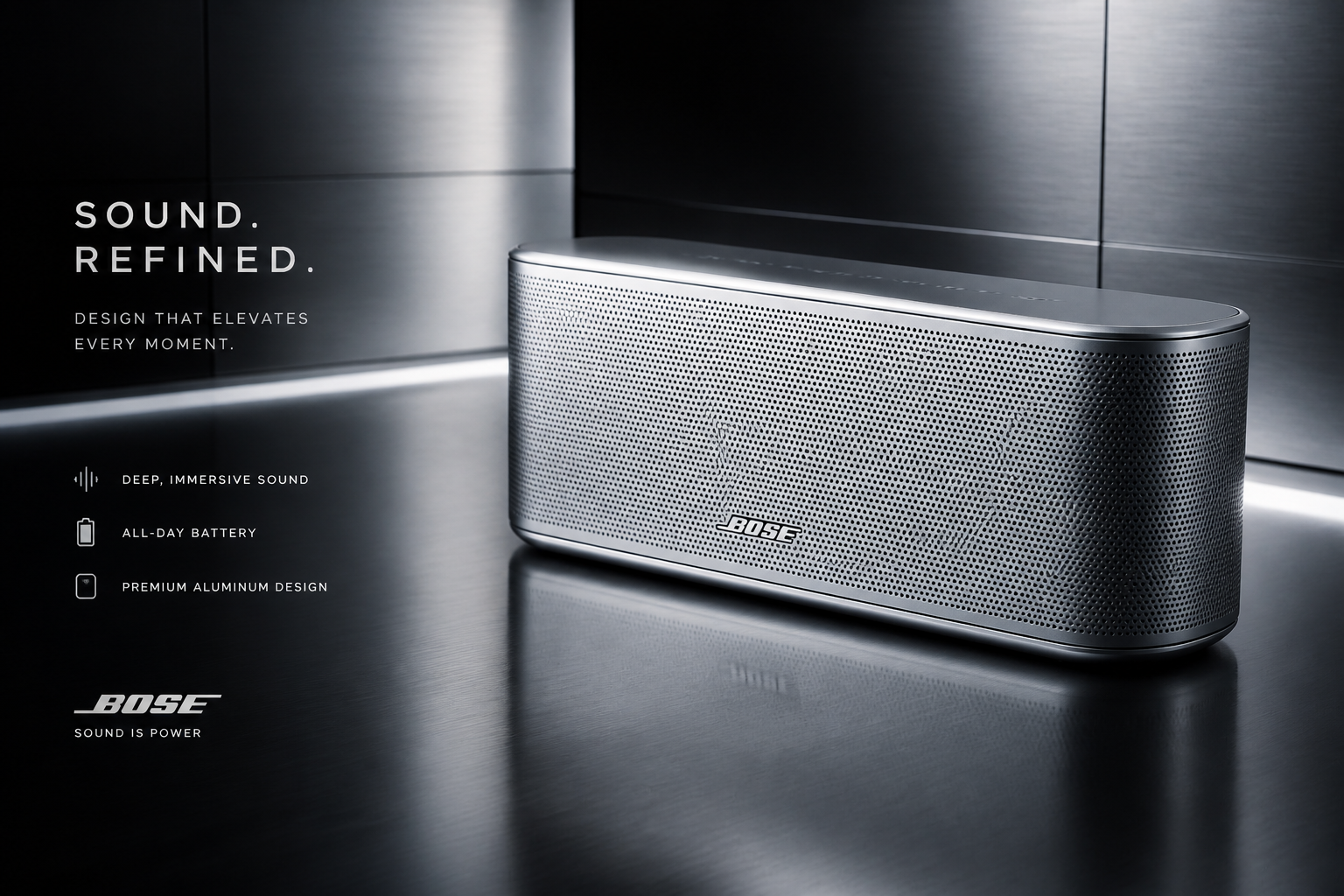
Upload a product photo and transform it into a high-end ad with richer lighting, premium styling, and editorial composition. Our AI helps you create luxury-looking campaign images without building a full studio set or hiring a retoucher.
Watch the Transformation
See ai luxury ad generator in motion — generated end-to-end by our AI.
See It In Action
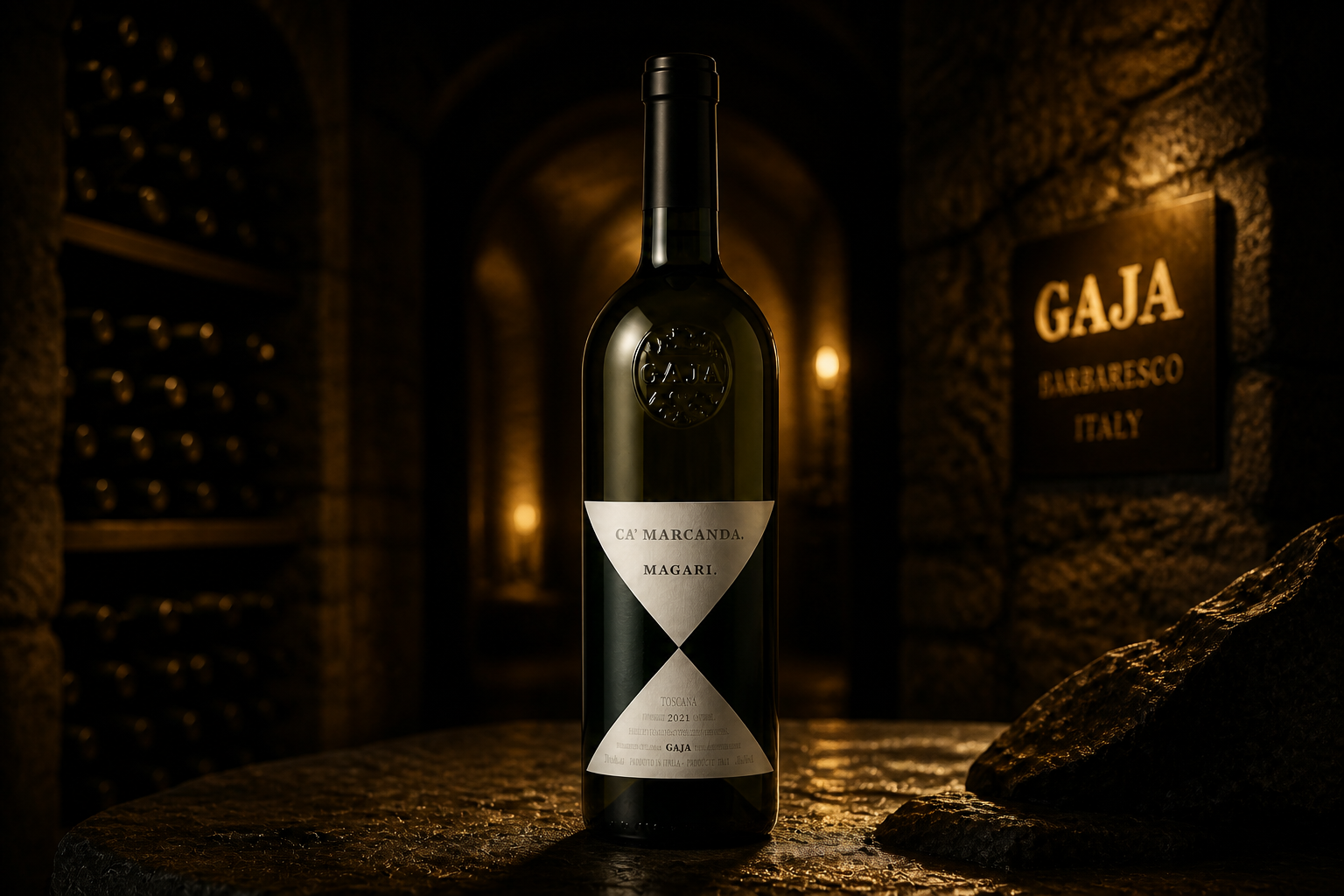
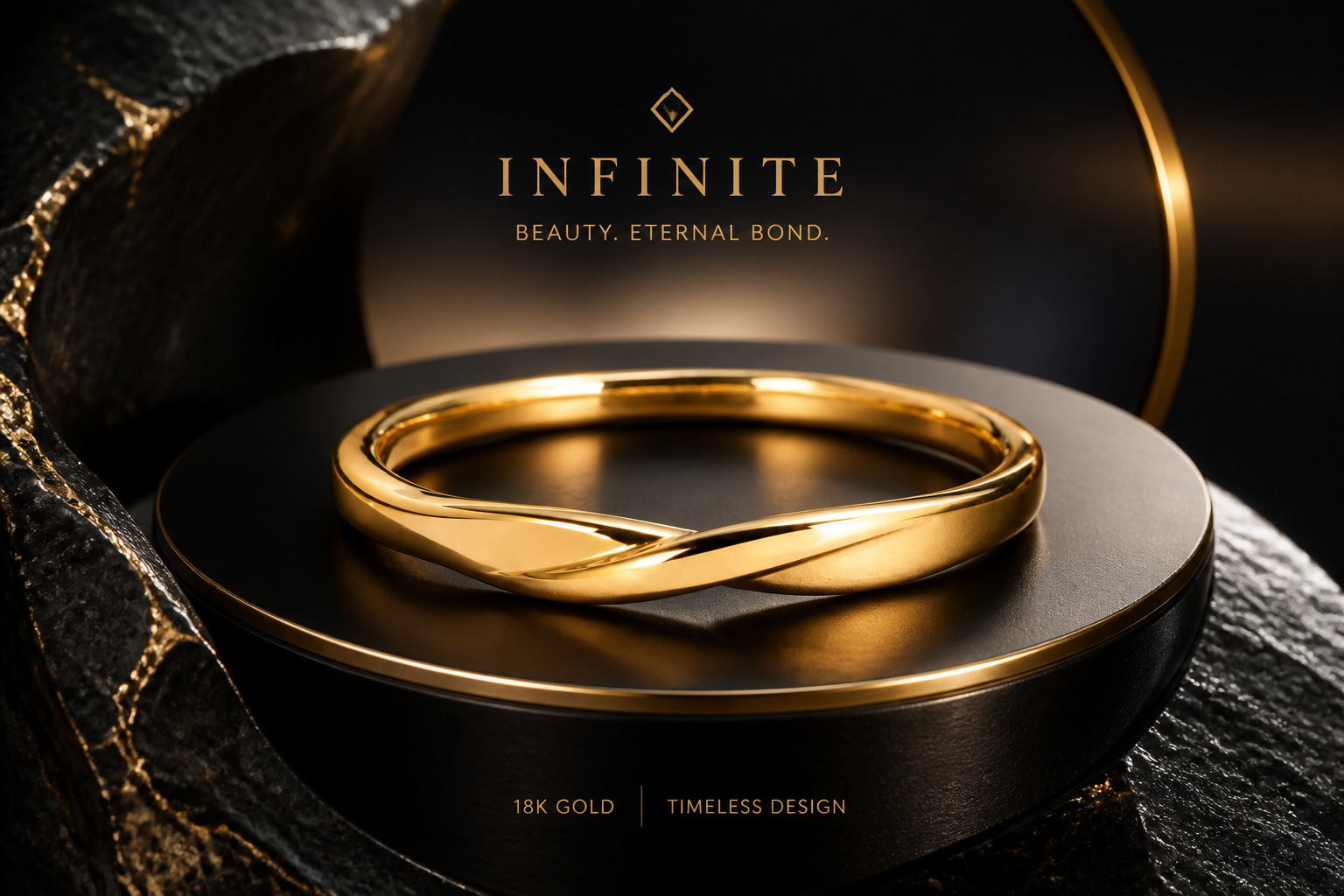
Real outputs from ai luxury ad generator.
BEFOREAFTER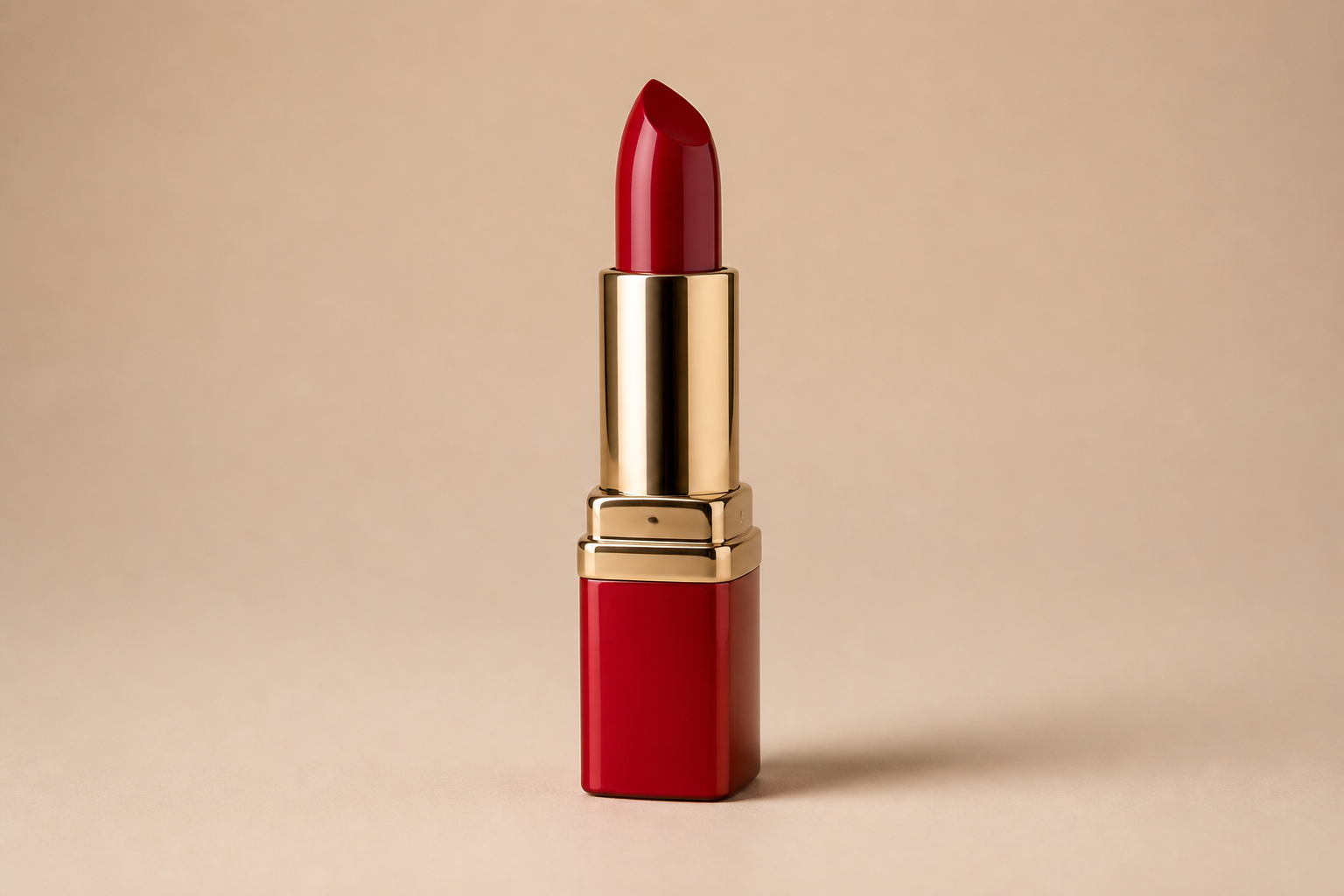 BEFORE
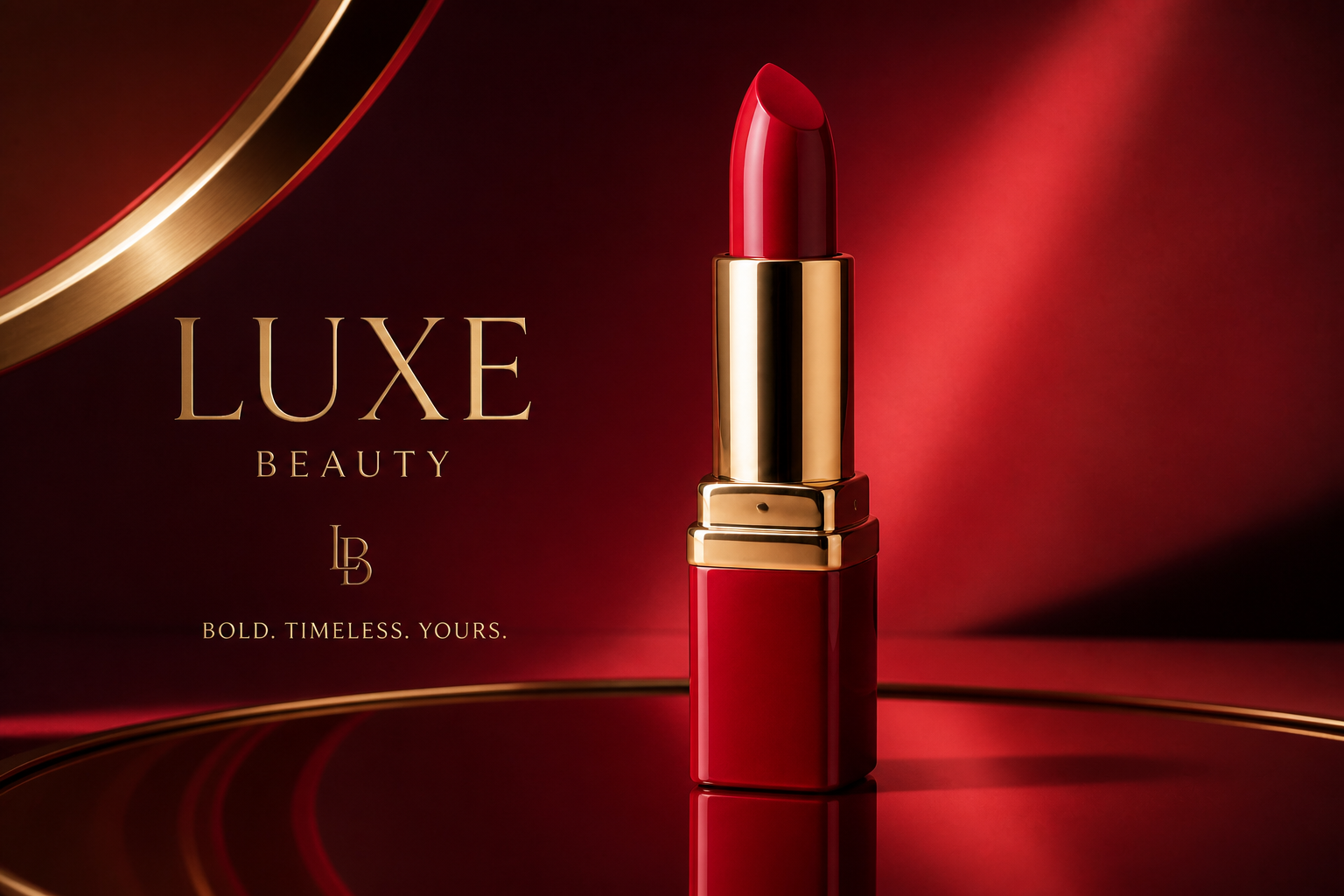 AFTER
AFTER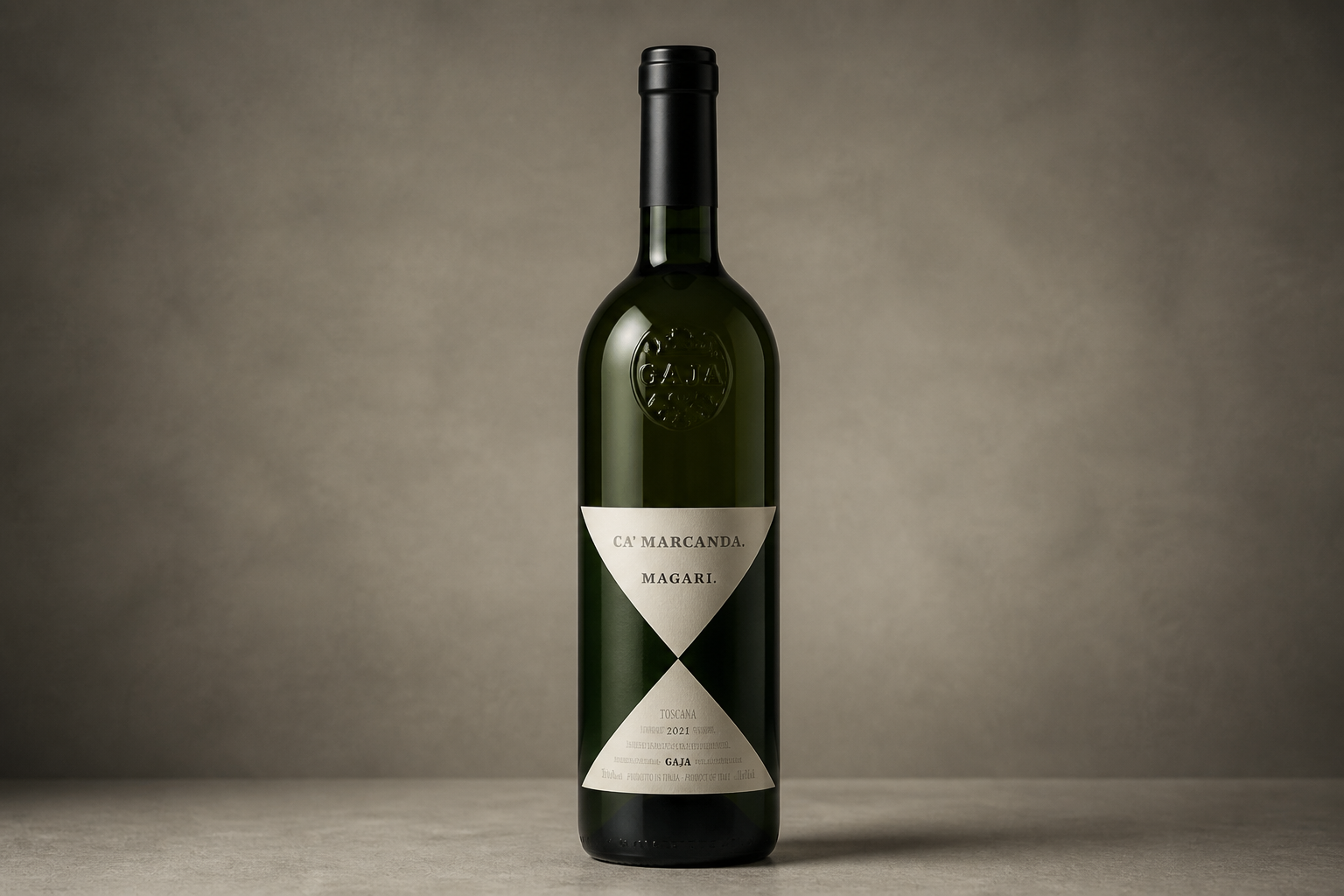 BEFORE
 AFTER
AFTER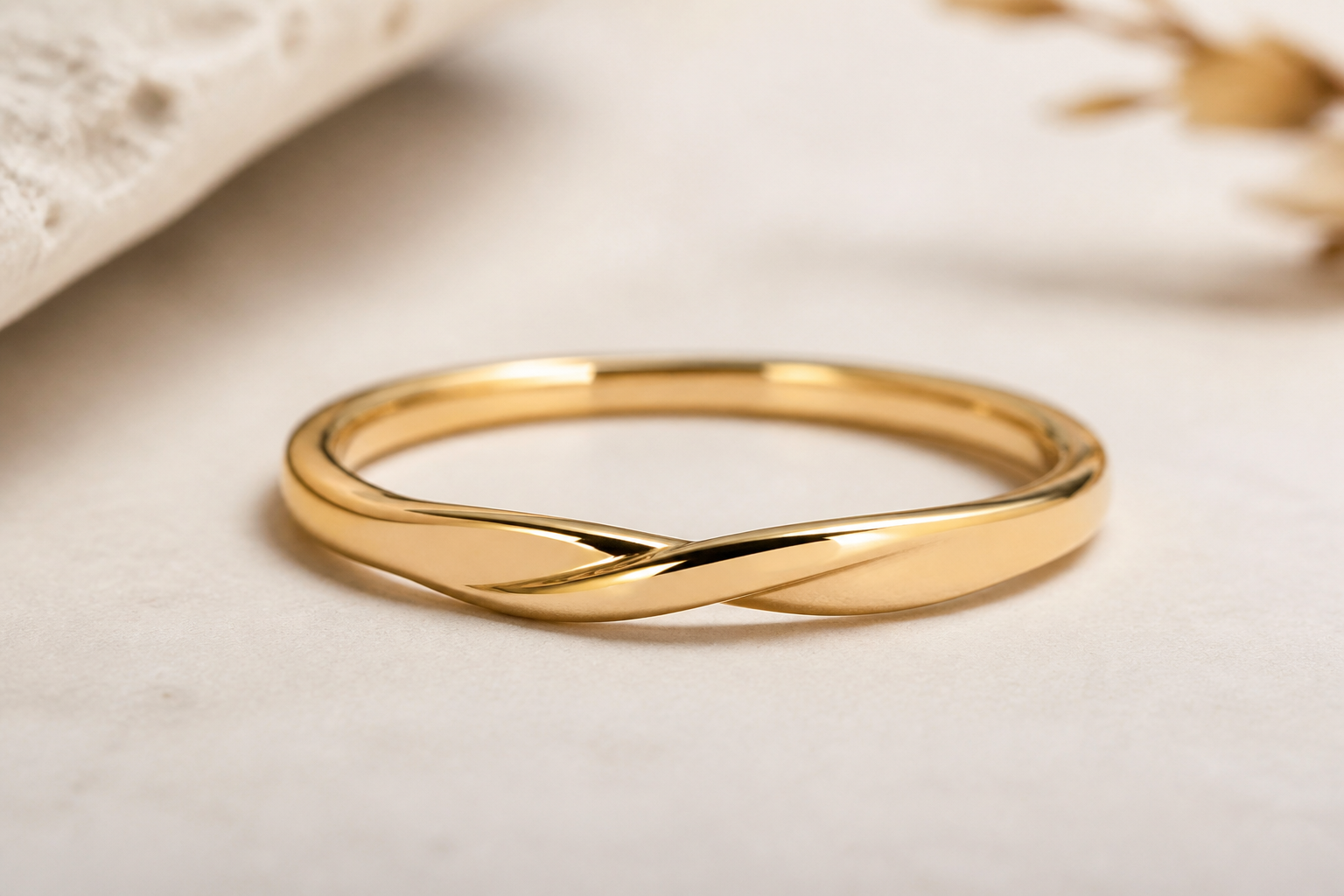 BEFORE
 AFTER
AFTER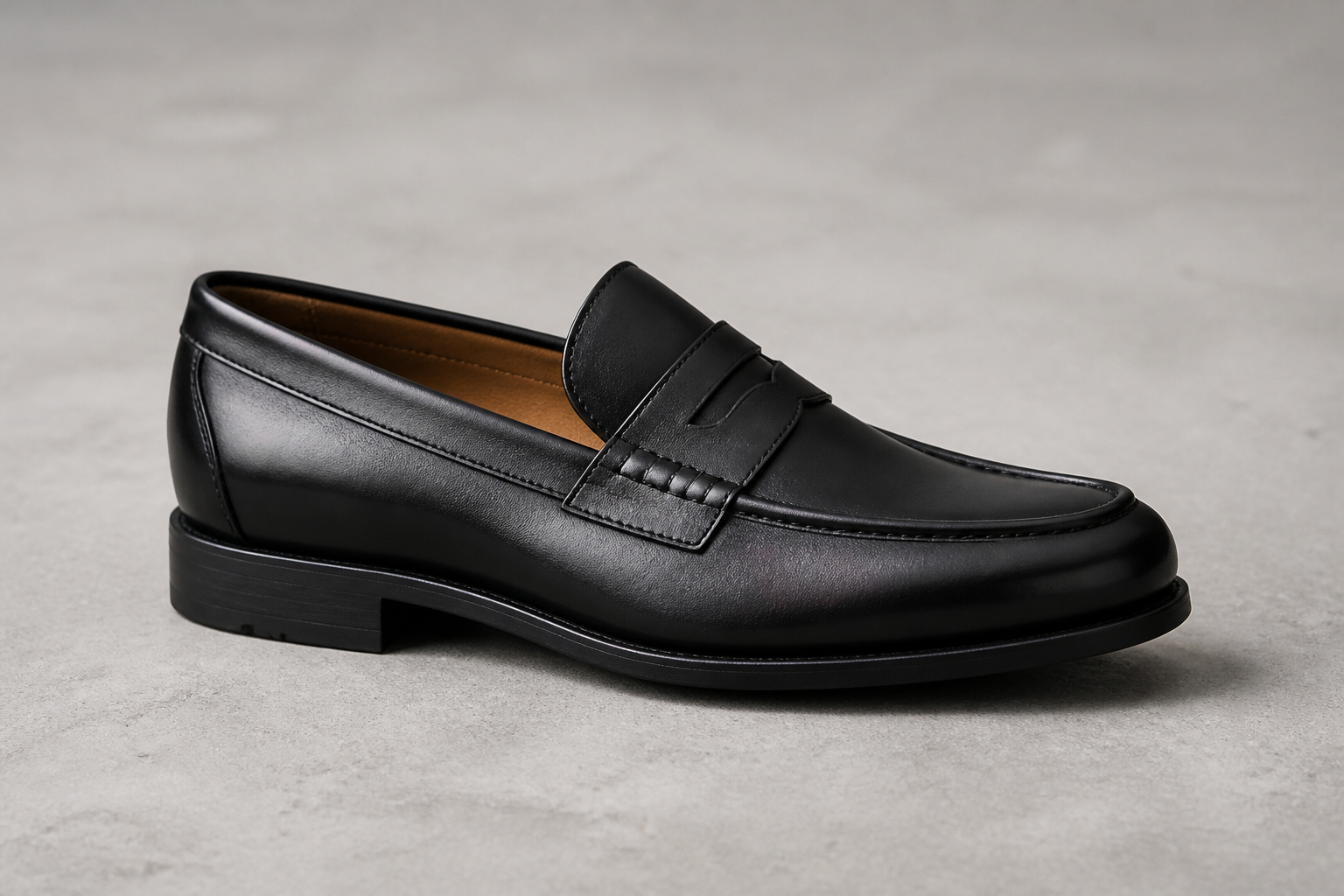 BEFORE
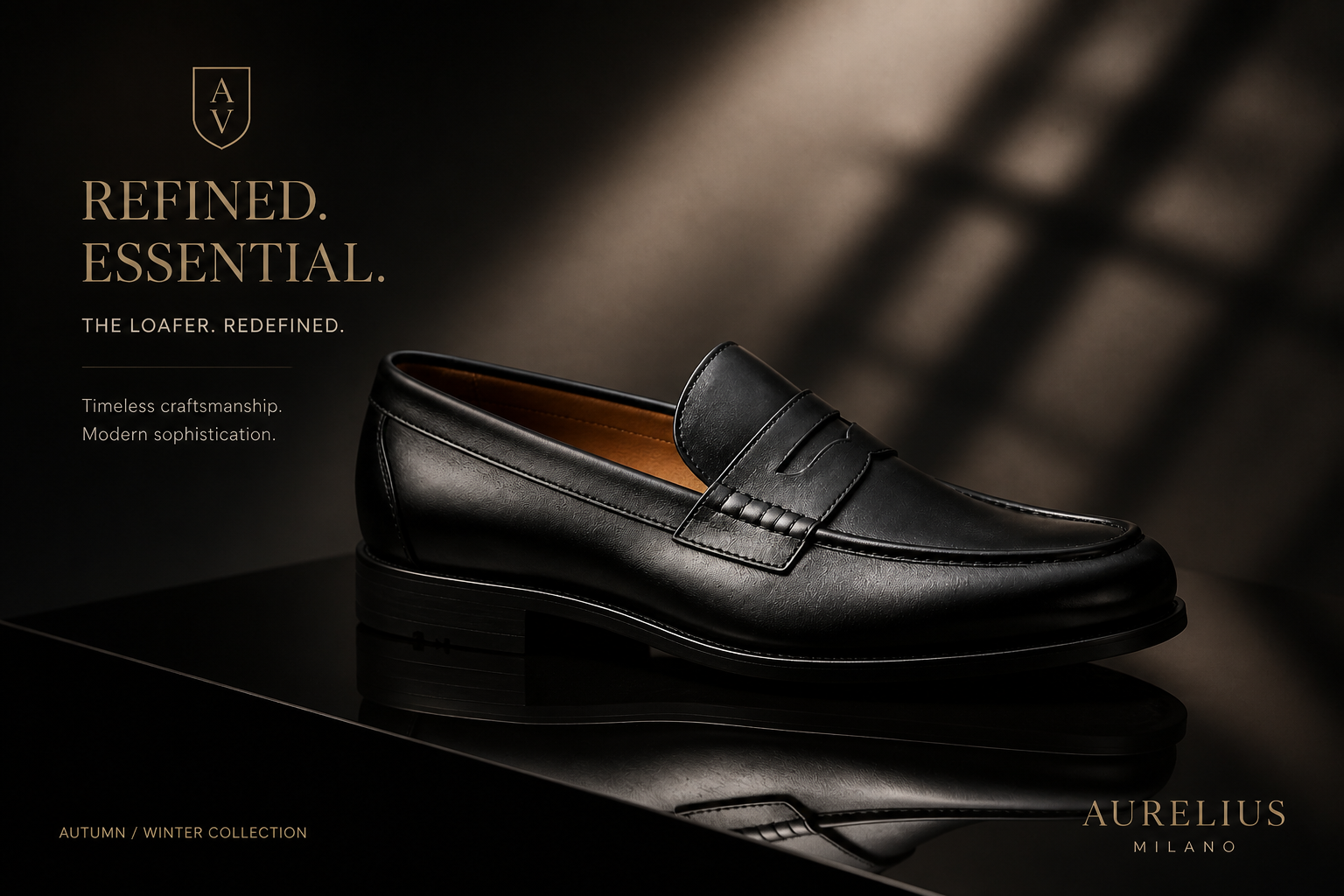 AFTERBEFOREAFTERBEFOREAFTERBEFOREAFTERBEFOREAFTERBEFOREAFTER
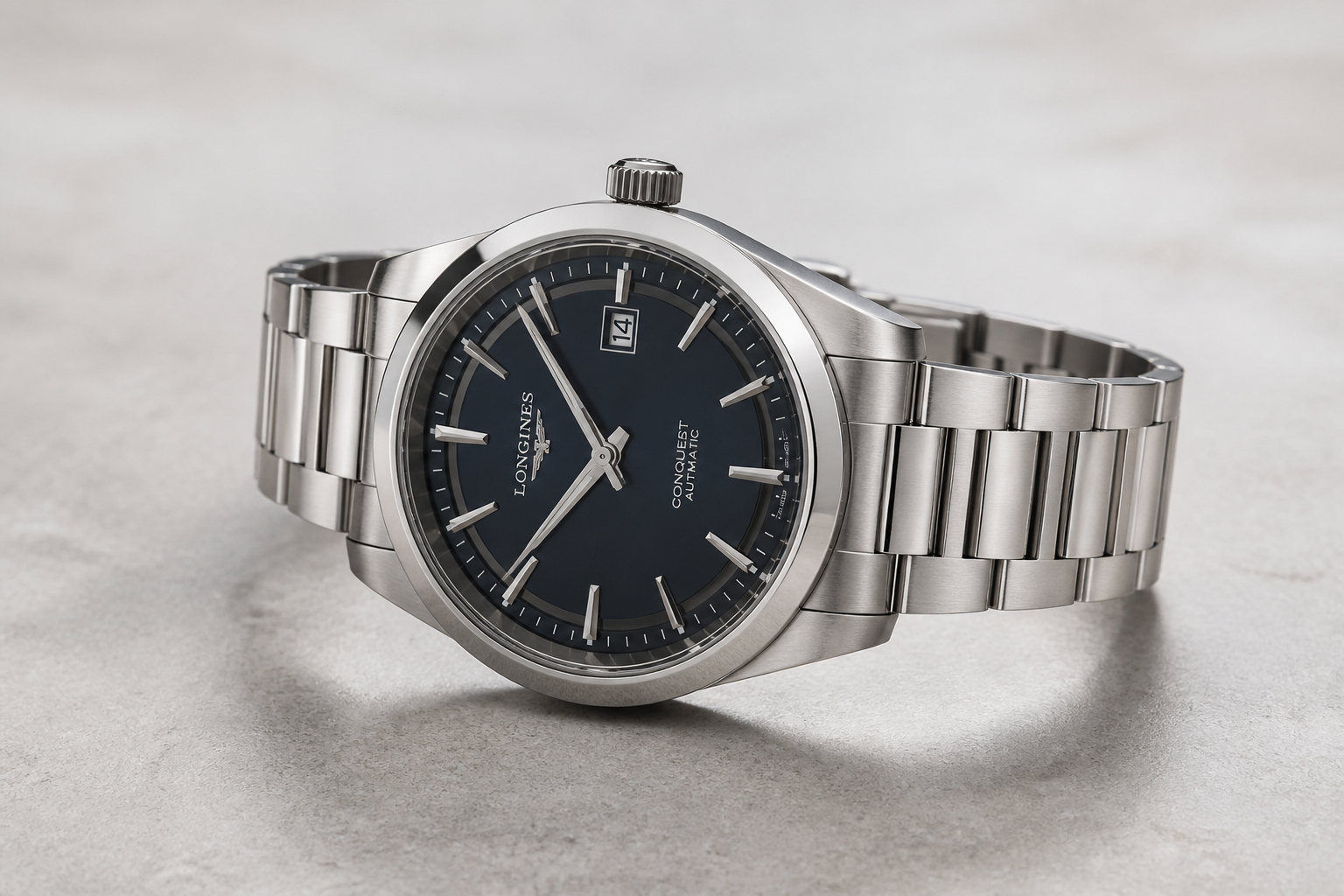 BEFORE
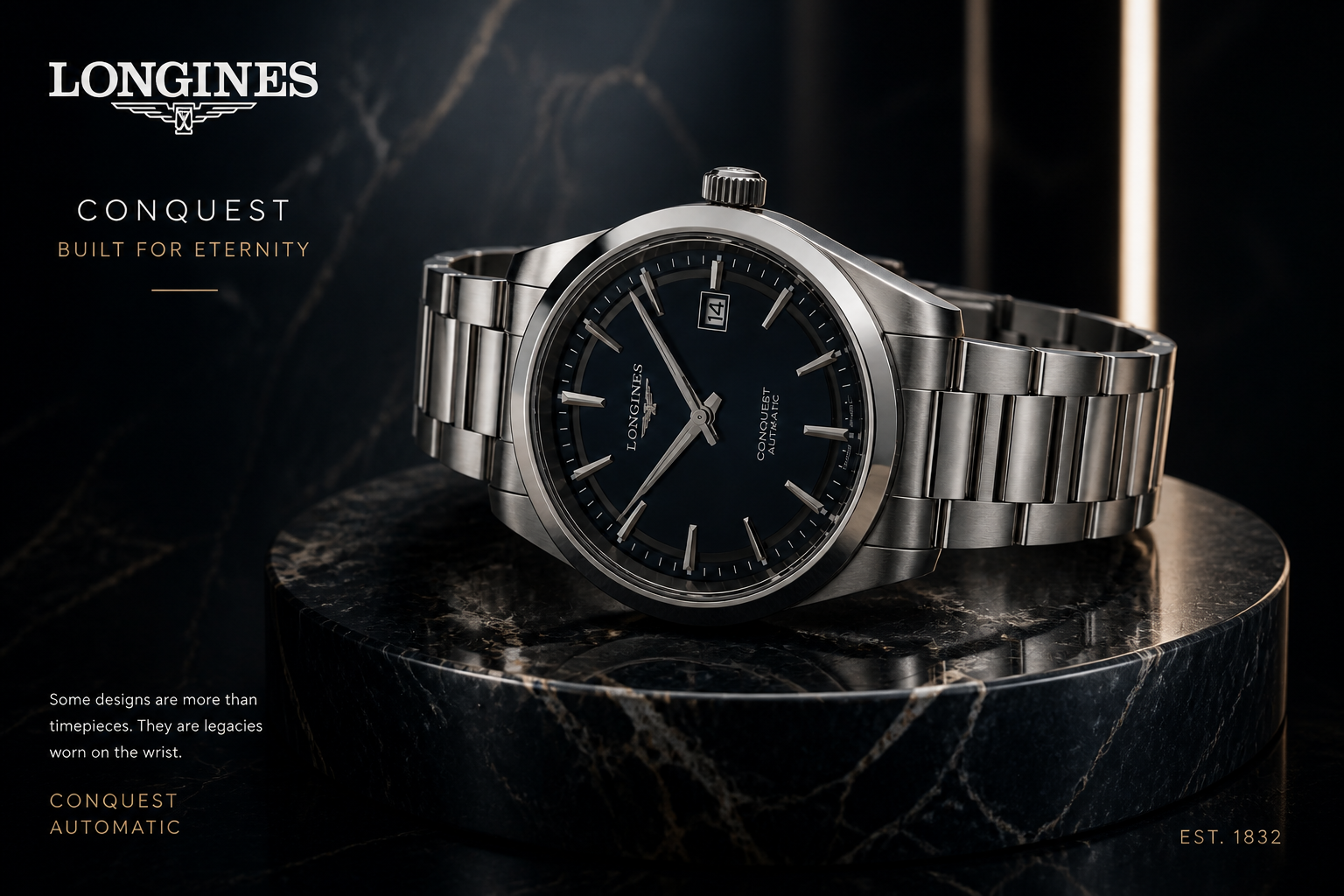 AFTER
AFTER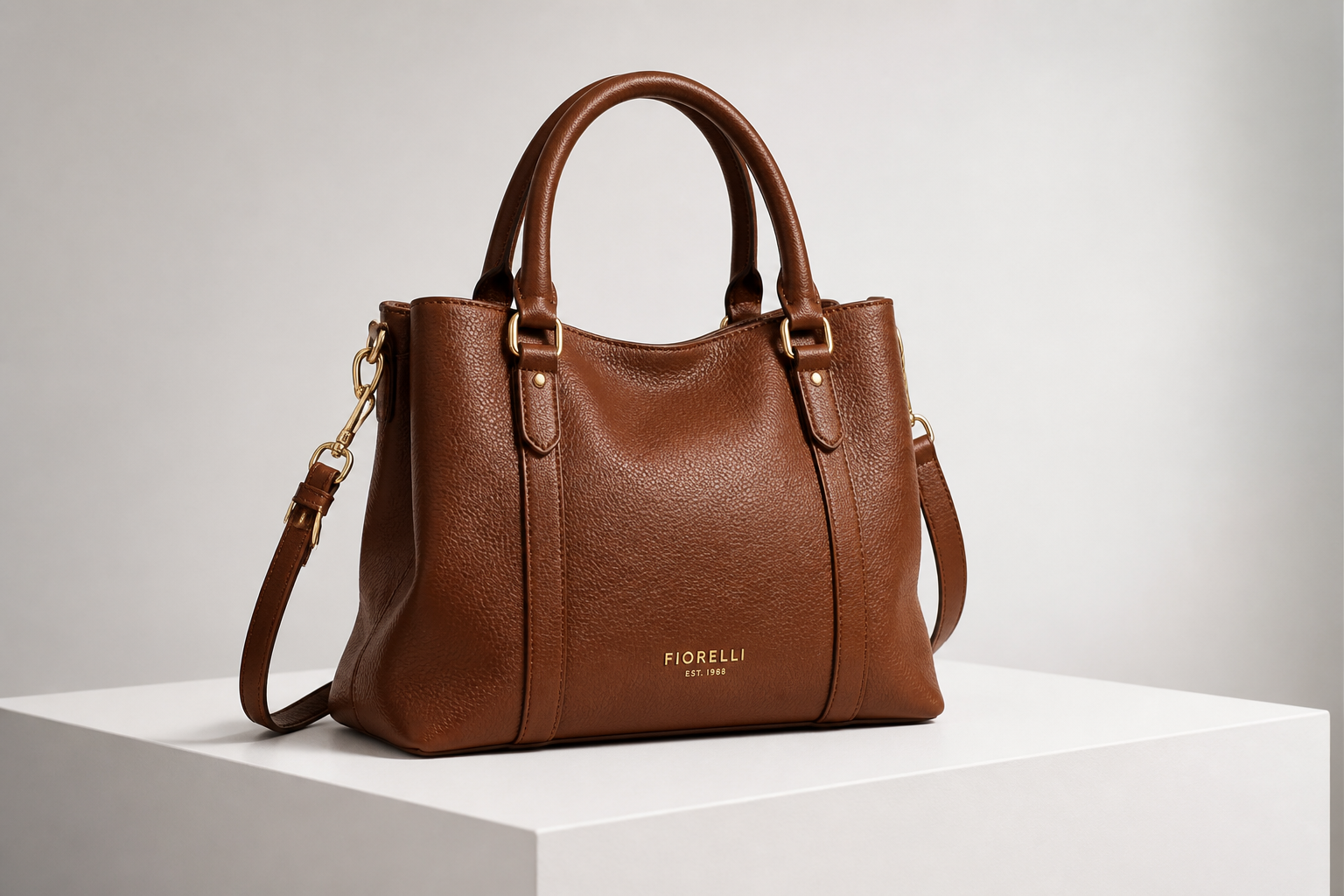 BEFORE
 AFTER
AFTER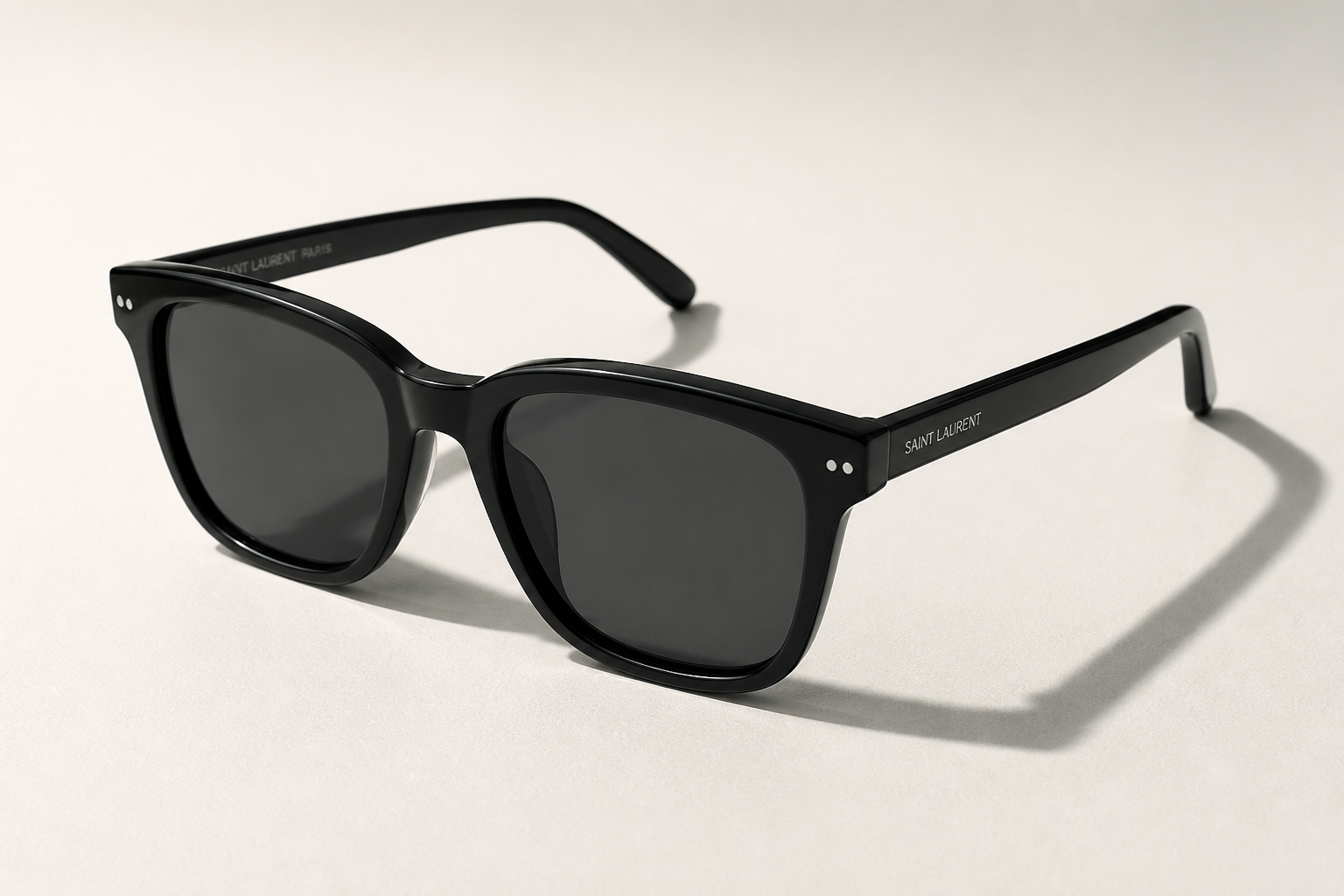 BEFORE
 AFTER
AFTER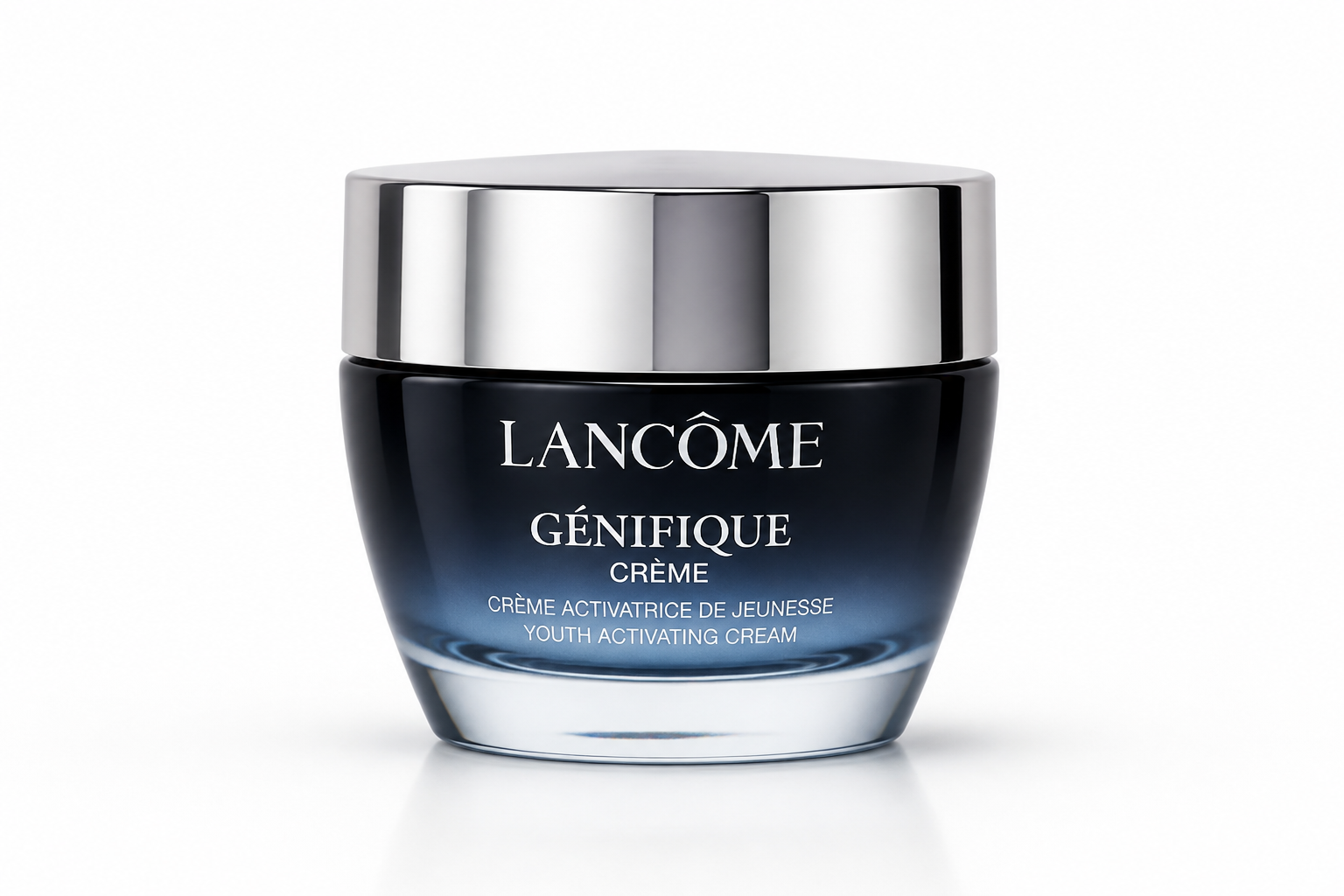 BEFORE
 AFTER
AFTER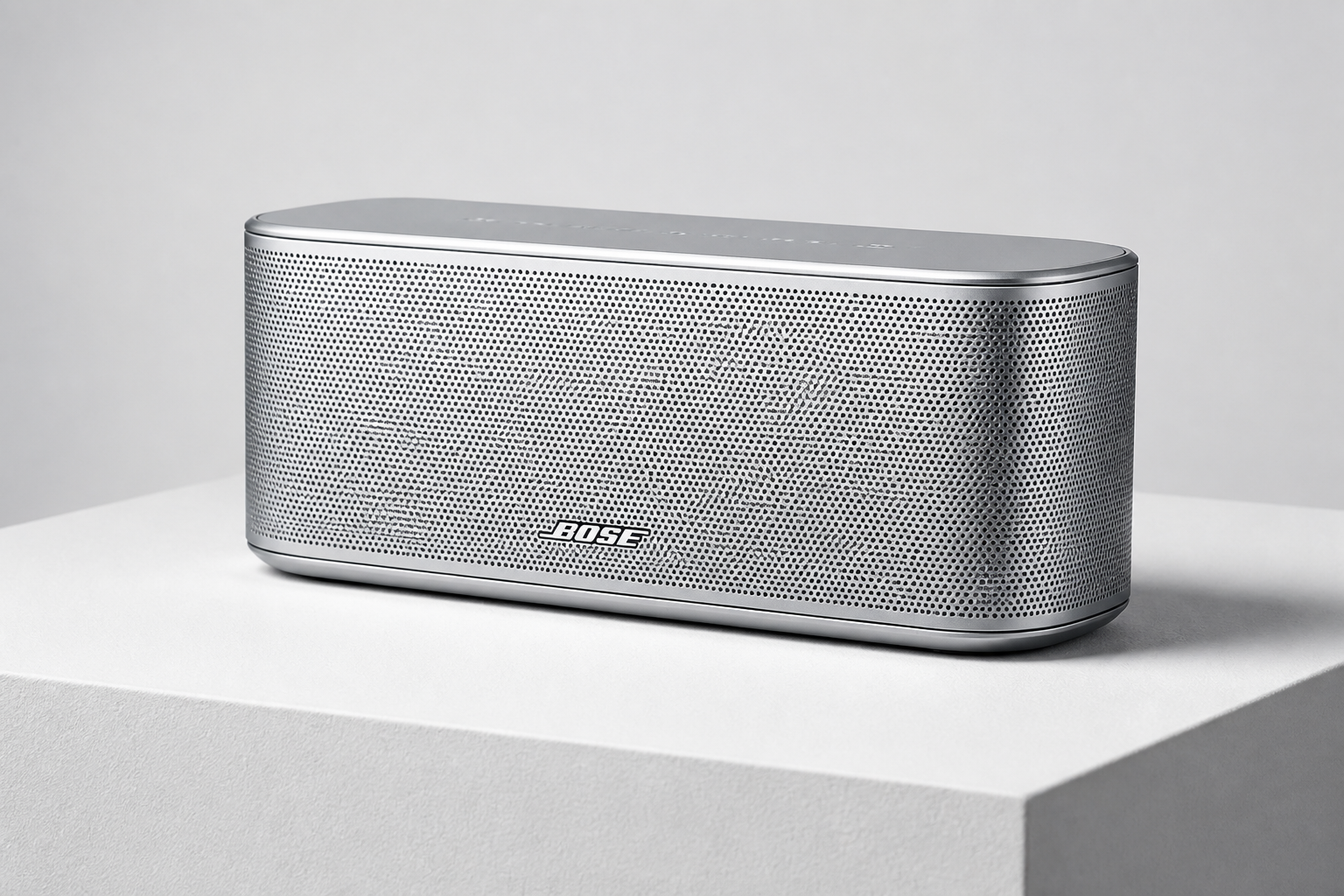 BEFORE
 AFTERBEFOREAFTERBEFOREAFTERBEFOREAFTERBEFOREAFTERBEFOREAFTER
Key Features
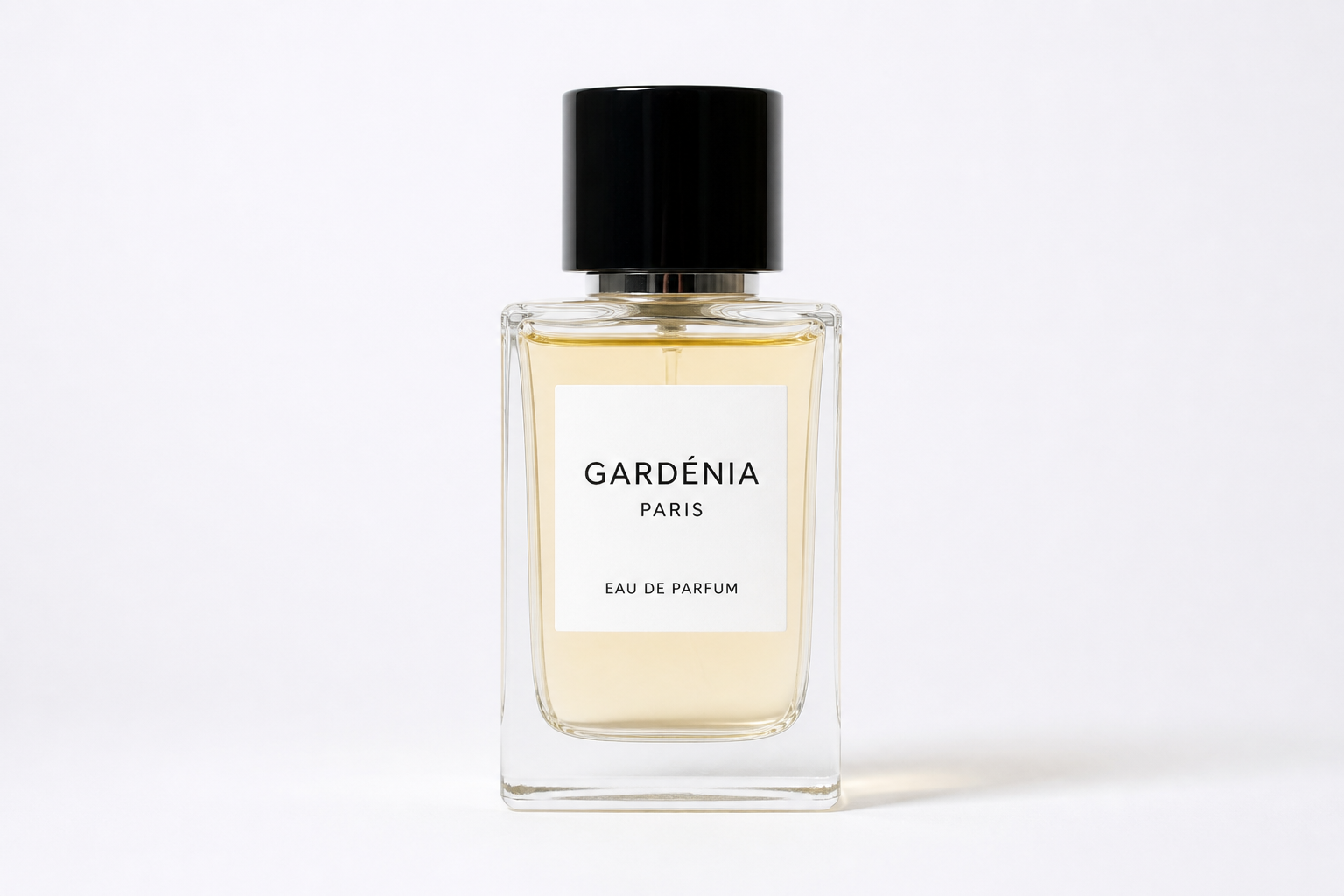
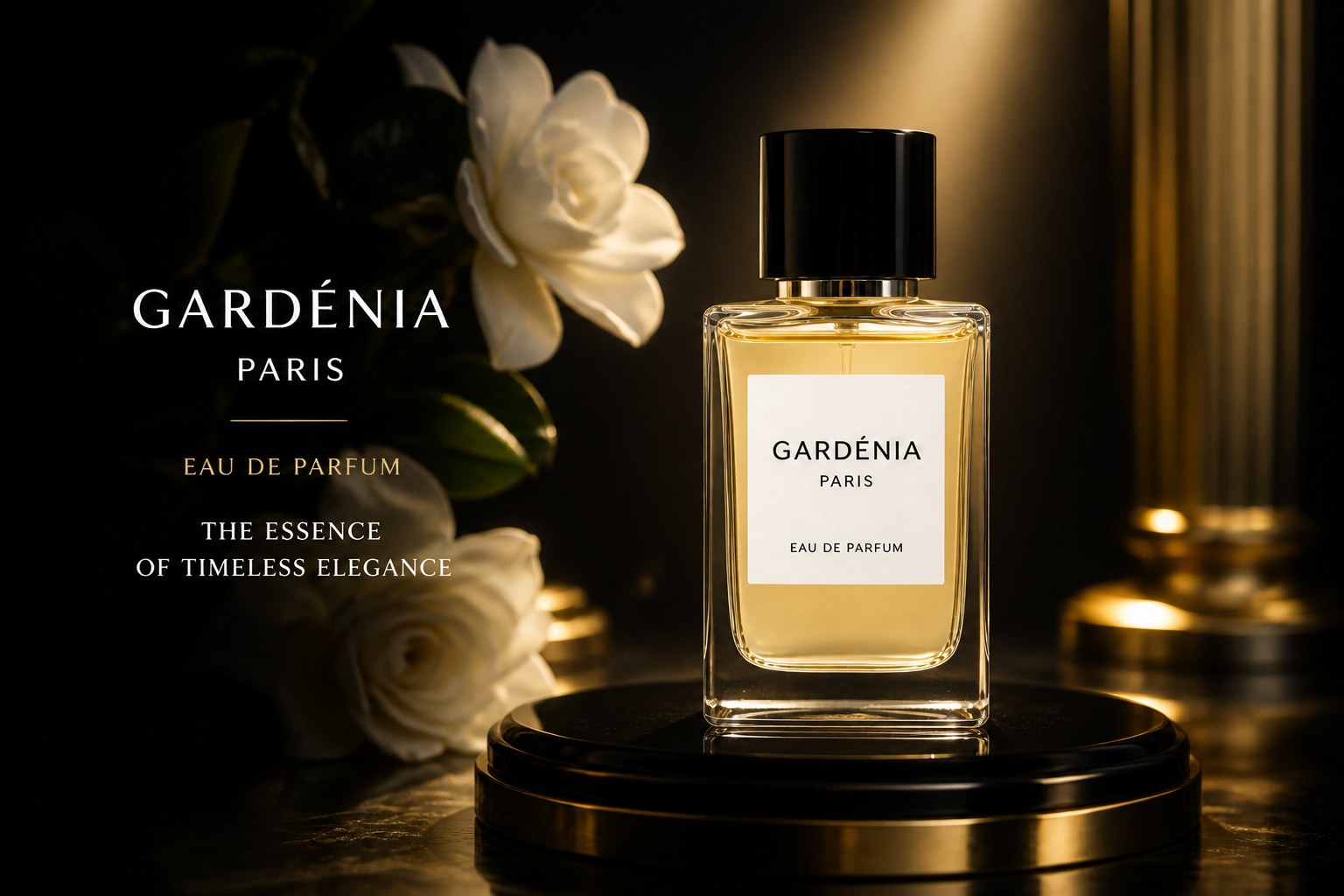
Premium scenes from plain shots
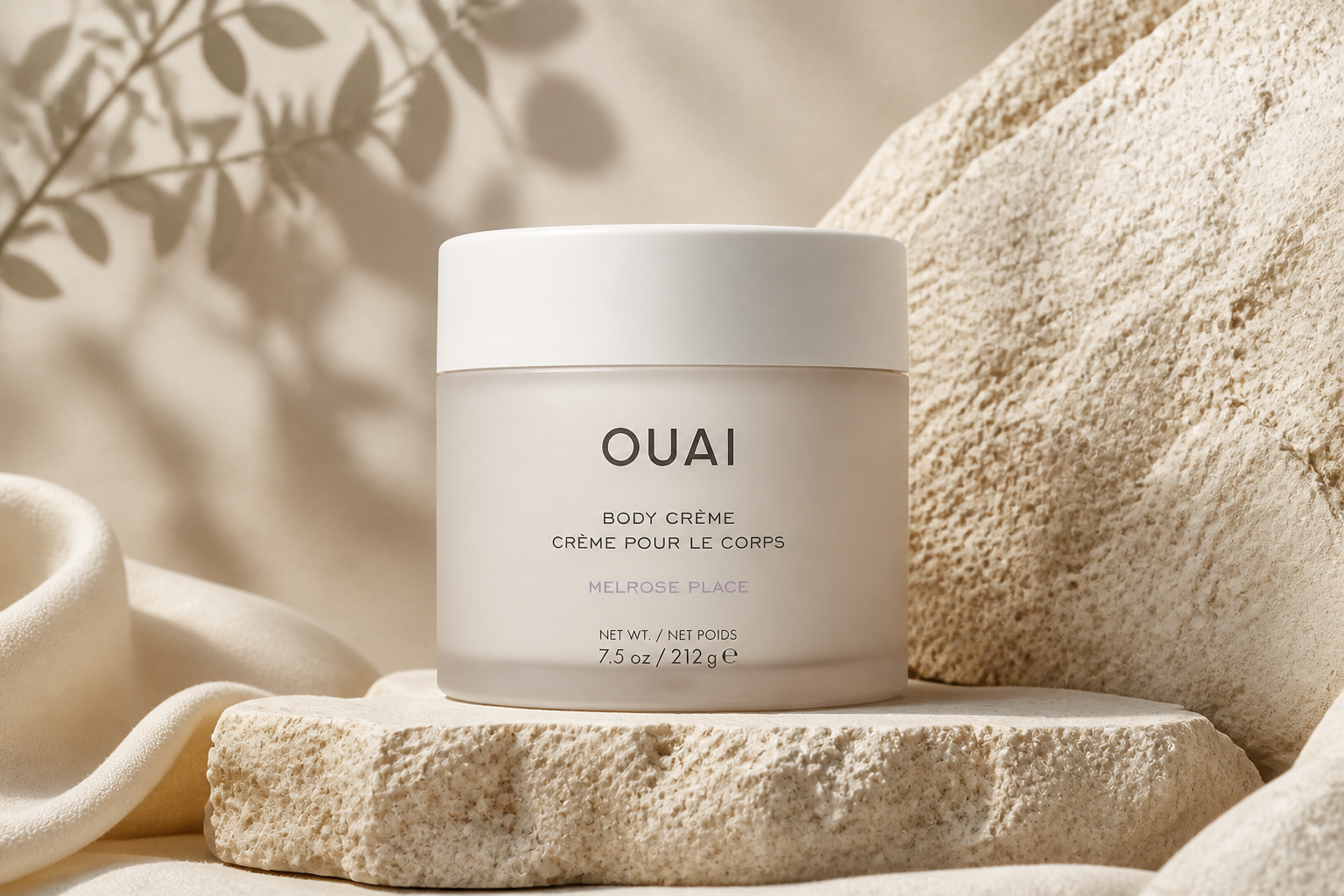
Start with a simple catalog-style product image and turn it into something that looks campaign-ready. The edit adds richer lighting, surfaces, atmosphere, and composition cues associated with luxury ads. That saves time compared with building elaborate sets or sourcing expensive props. You keep the original product as the hero while upgrading the overall presentation.
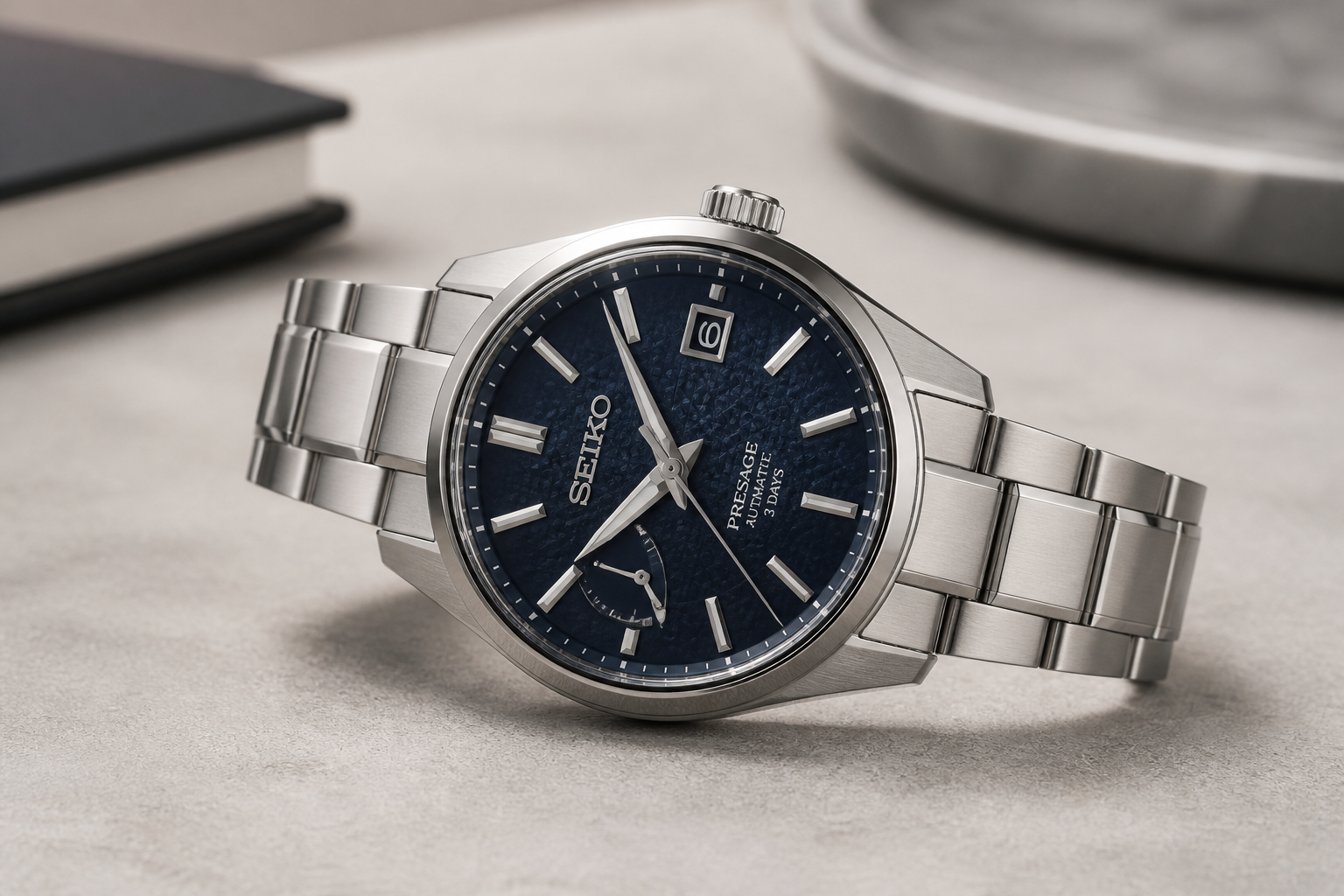
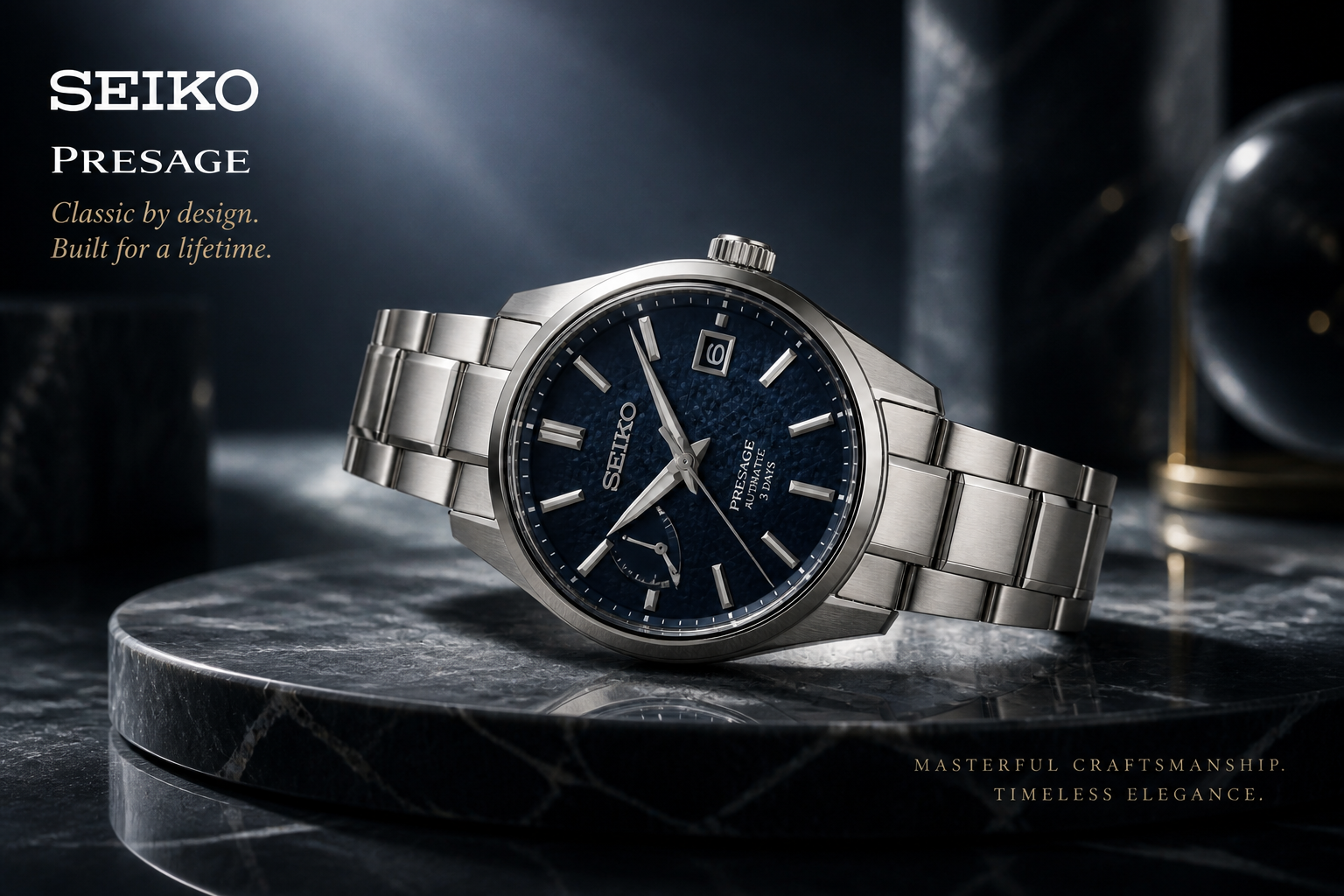
Keep the product recognizable
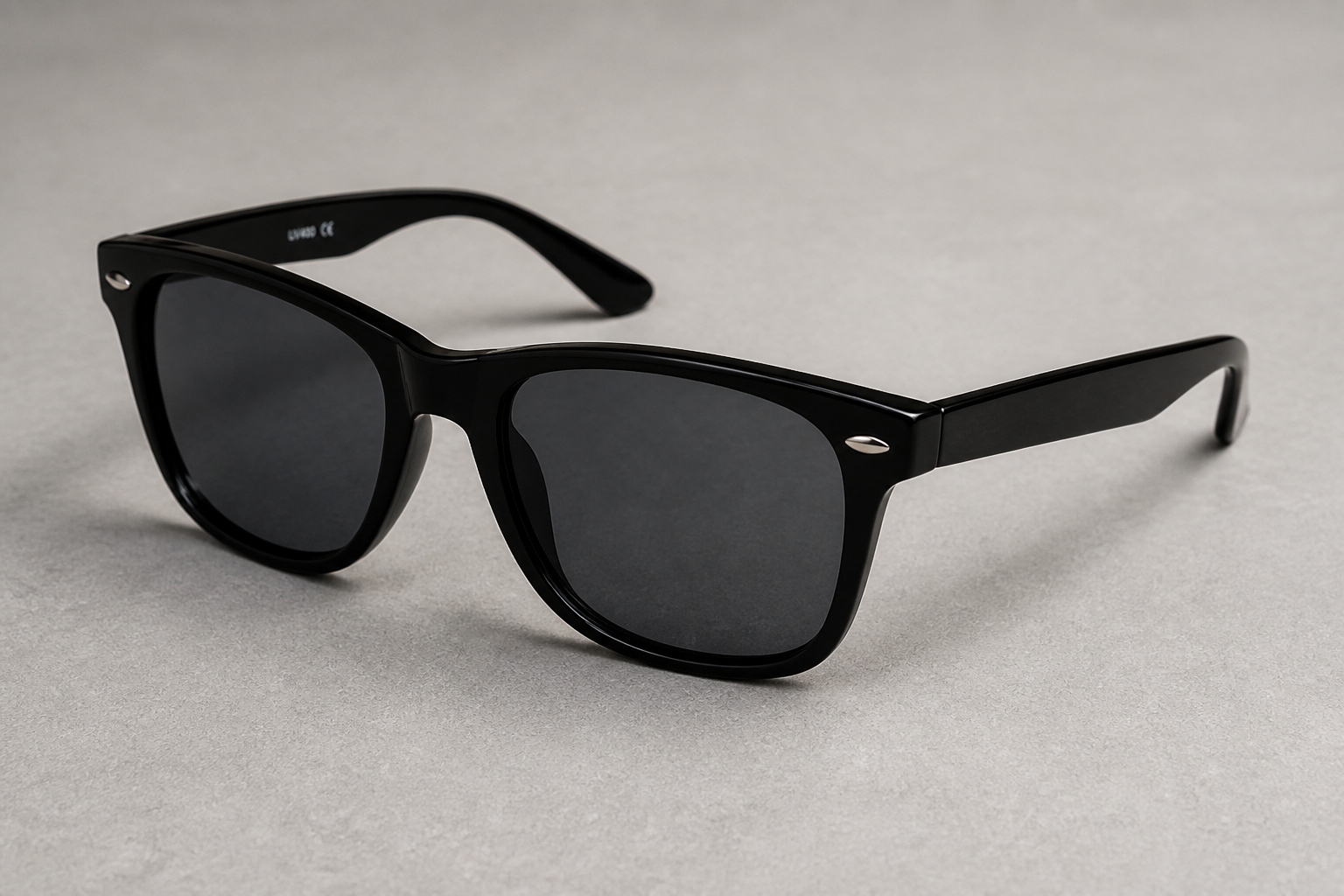
Luxury styling only works if the item still looks like the one you sell. This tool is designed to preserve key product details such as silhouette, materials, label placement, and overall proportions while changing the environment around it. That makes the result more useful for ecommerce, pitches, and social ads. You get a more aspirational image without losing product clarity.
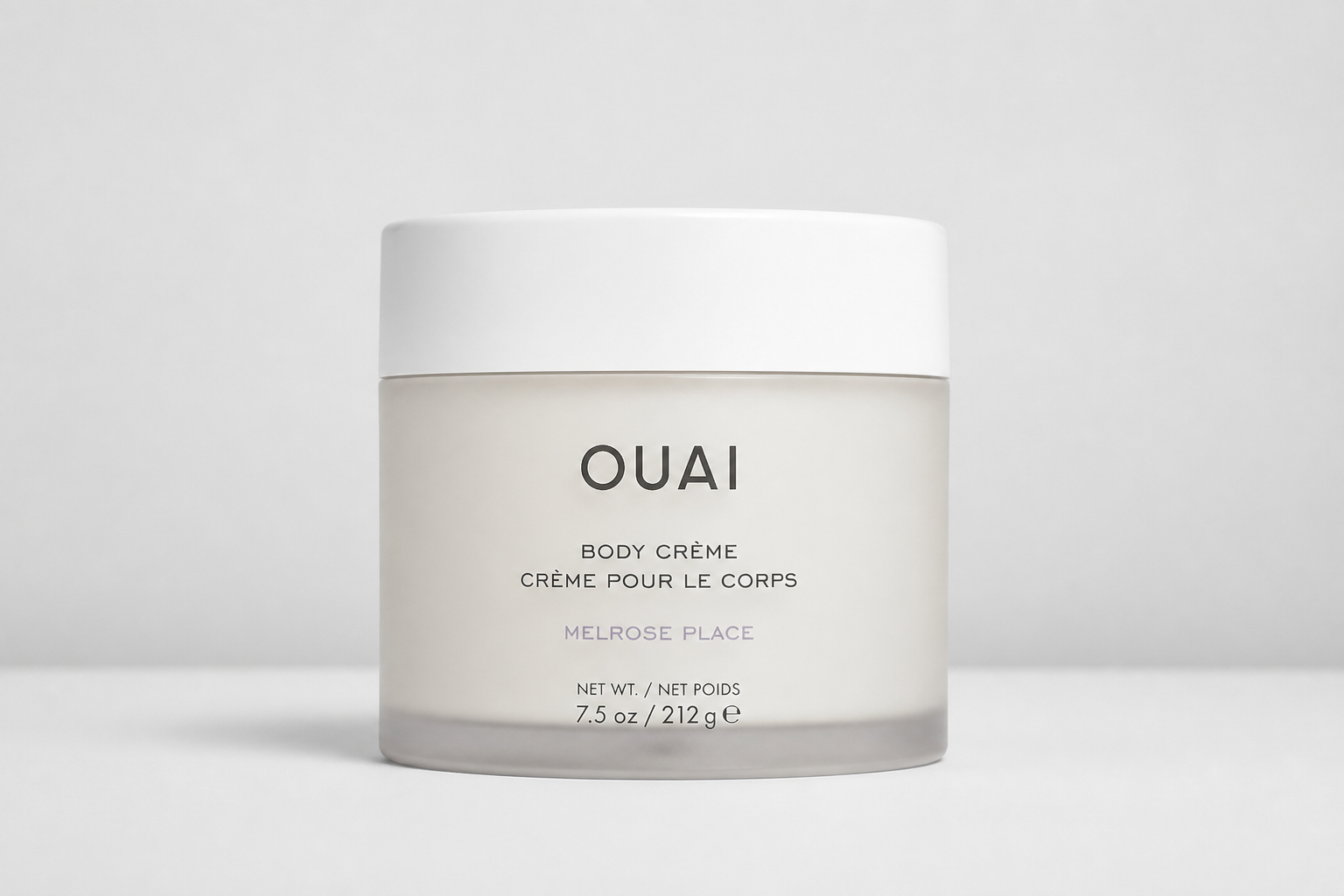
Test different luxury directions
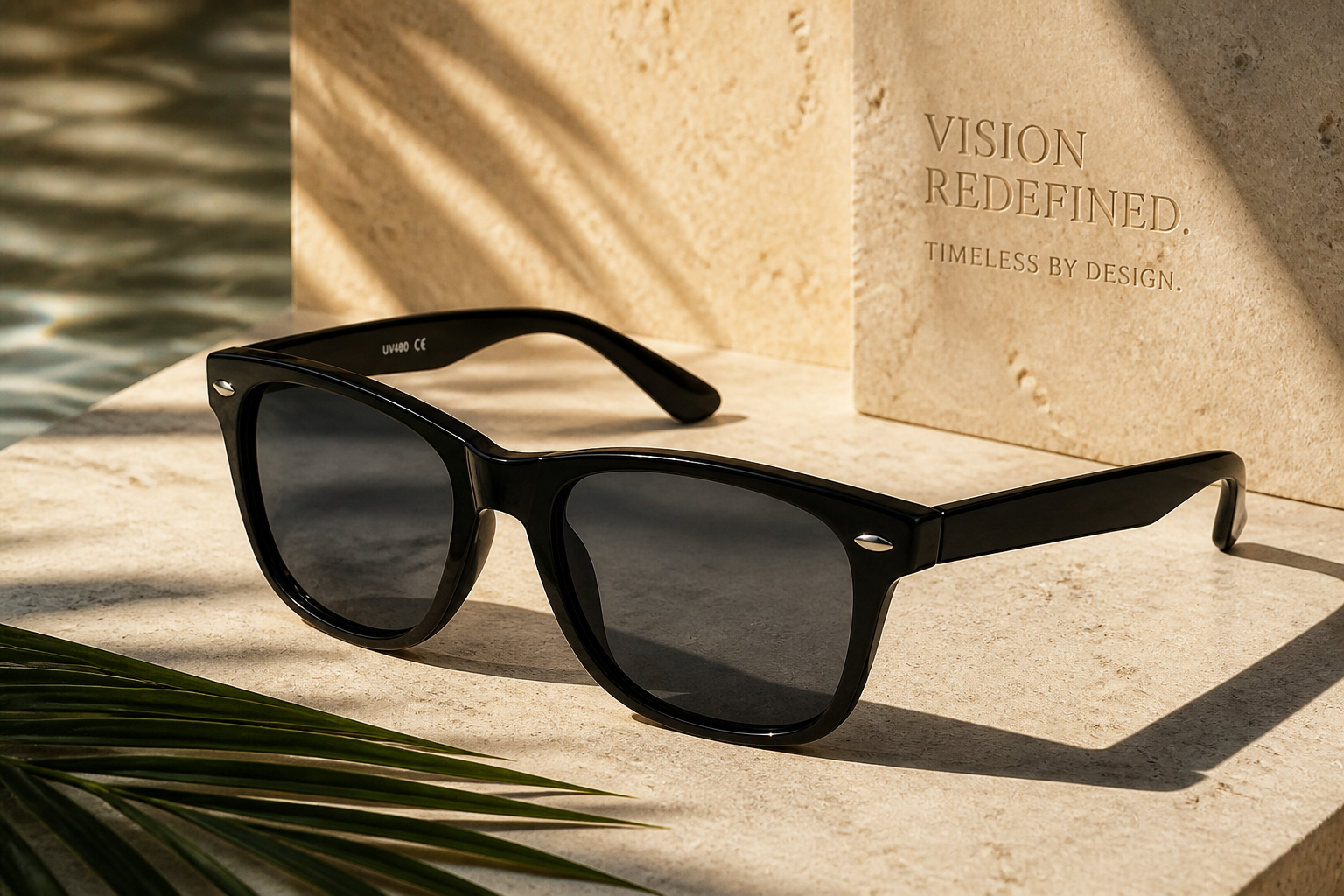
Not every premium brand wants the same mood. You can explore glossy beauty, dark editorial, warm boutique, or sleek tech-inspired looks from the same source image. That makes it faster to compare concepts for campaigns, landing pages, and marketplace creatives. Instead of rebuilding visuals from scratch, you can iterate on style direction in a few edits.
Fast visuals for marketing teams
Luxury-looking ad concepts usually require multiple tools, rounds of retouching, and careful art direction. Here, you can move from a basic product shot to a polished visual in one workflow. That helps small teams produce launch assets, test creatives, and build moodboards faster. It is especially useful when you need premium output without a full production budget.
How It Works
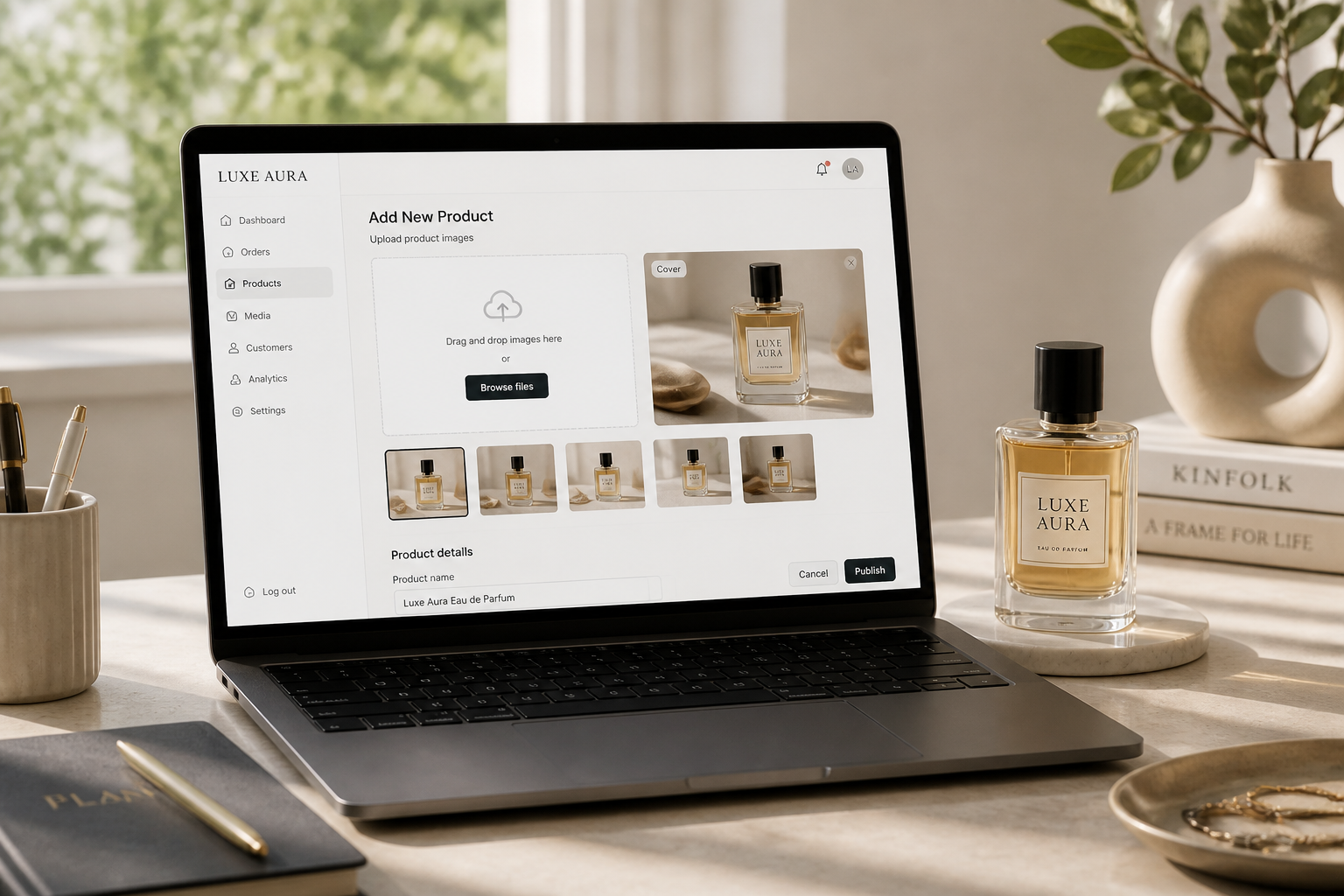
Upload your product photo
Start with a clear product image shot against a simple background. Clean lighting and visible product details usually give the best ad-ready result.
Describe the luxury look
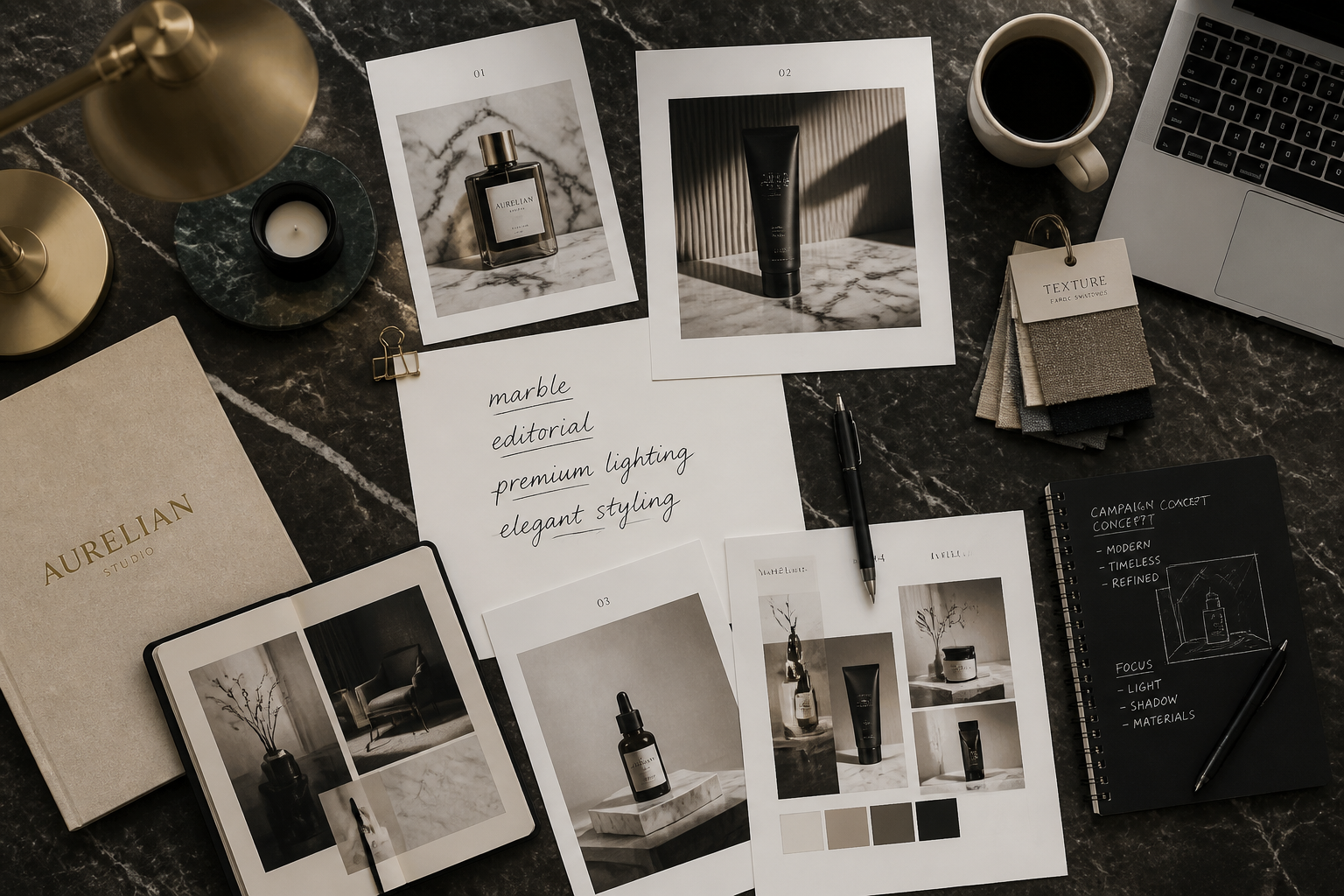
Tell the AI what kind of premium ad feel you want, such as glossy editorial, dark moody, marble set, or boutique warmth. The clearer the direction, the easier it is to shape the final visual.
Review and refine
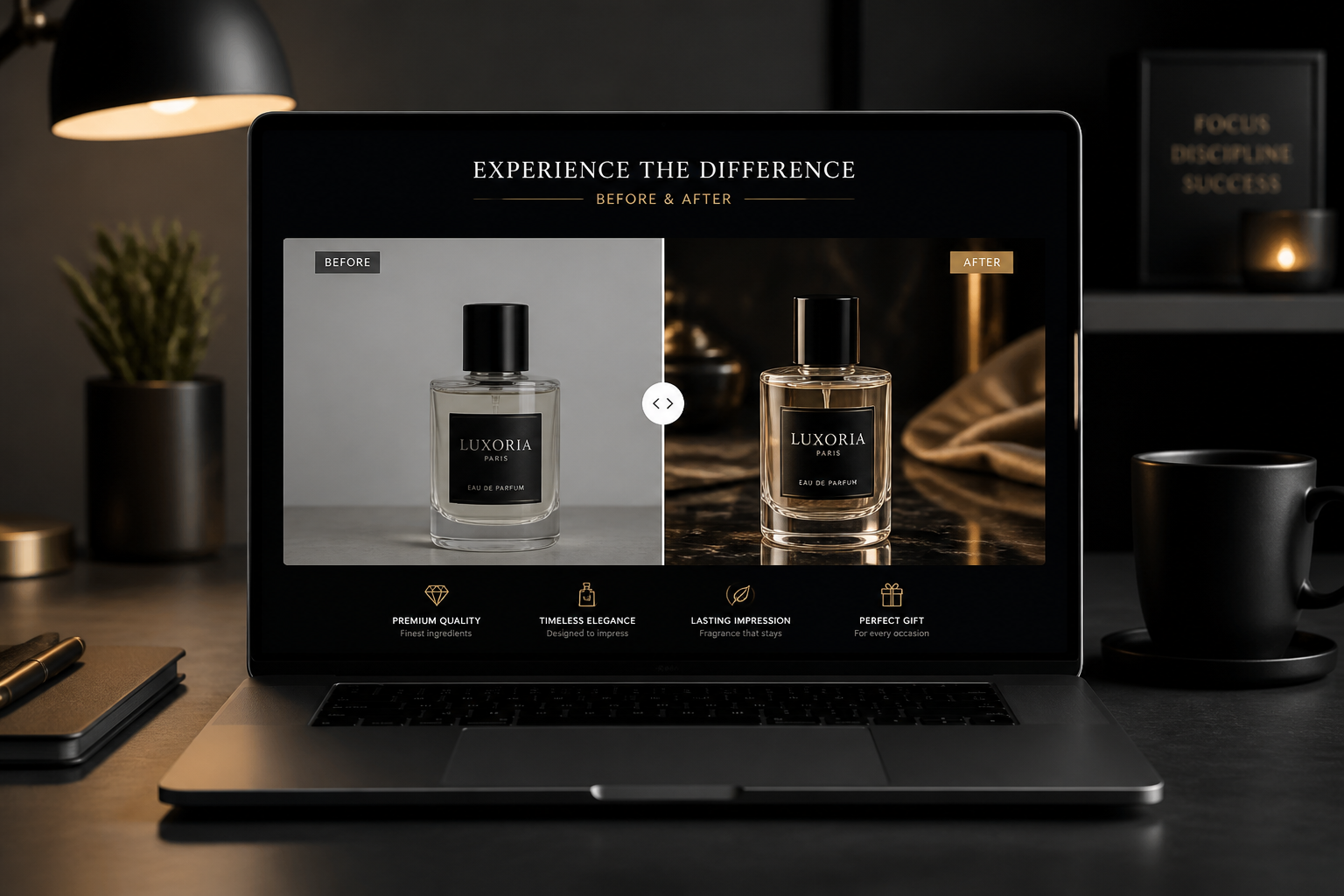
Compare the before and after, then adjust the prompt for a stronger luxury mood or a cleaner product focus. You can iterate until the image fits your campaign, listing, or social post.
Perfect For
Discover how creators and professionals use ai luxury ad generator
Ecommerce hero banners
Turn standard product photos into premium banner visuals that feel more polished and aspirational.
Social ad concepts
Create eye-catching luxury-style creatives for paid social tests without booking a full campaign shoot.
Pitch decks and mockups
Show clients or internal teams how a product could look in a high-end advertising treatment.
Product launch visuals
Generate premium-looking launch imagery for landing pages, email campaigns, and marketplace promos.
Built For
Ecommerce brands
Create better-looking product marketing assets from simple studio photos.
Design and marketing teams
Explore multiple luxury art directions quickly when building campaigns or presentations.
Freelancers and agencies
Produce polished premium ad concepts for clients without a large production setup.
Why use it for luxury ad concepts
A quick look at how we compare on the things that matter for this niche.
| Feature | BudgetPixel | Generic AI editors | Manual editing apps |
|---|---|---|---|
| Luxury ad-style transformations | ✓ | ✓ | — |
| Keeps product photo workflow simple | ✓ | — | ✓ |
| Fast concept variation | ✓ | ✓ | — |
| Before/after visual comparison | ✓ | — | — |
| No full set build required | ✓ | ✓ | ✓ |
Frequently Asked Questions
What does an AI Luxury Ad Generator do?
Do I need a professional product photo first?
Can I use it for different product categories?
Will the product still look like my actual item?
Can I create multiple ad styles from one photo?
Create together.
Share your creations, discover trending AI art, and grow with fellow creators.