Character Lineup Generator
Turn a single image into a clean, consistent cast lineup.
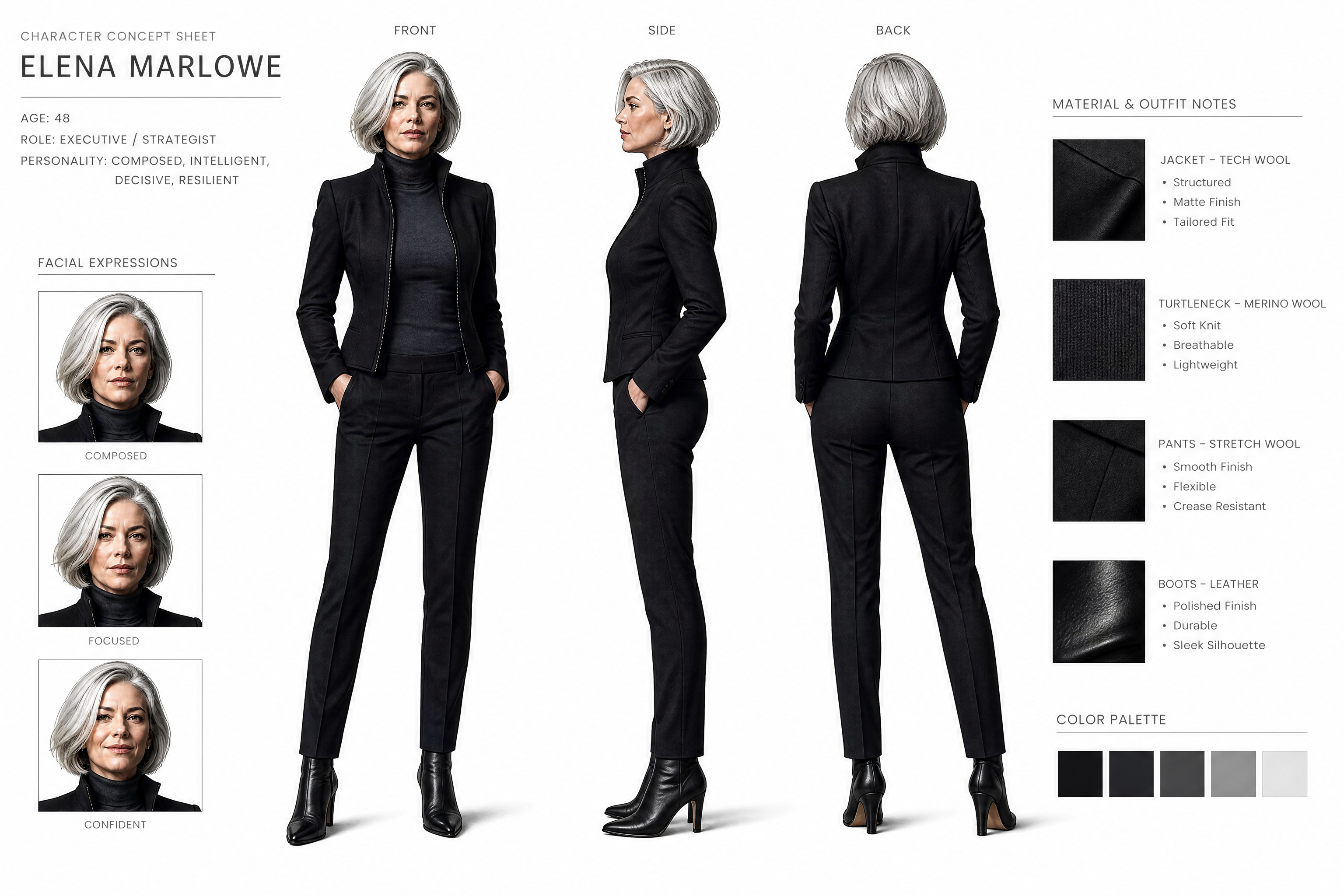
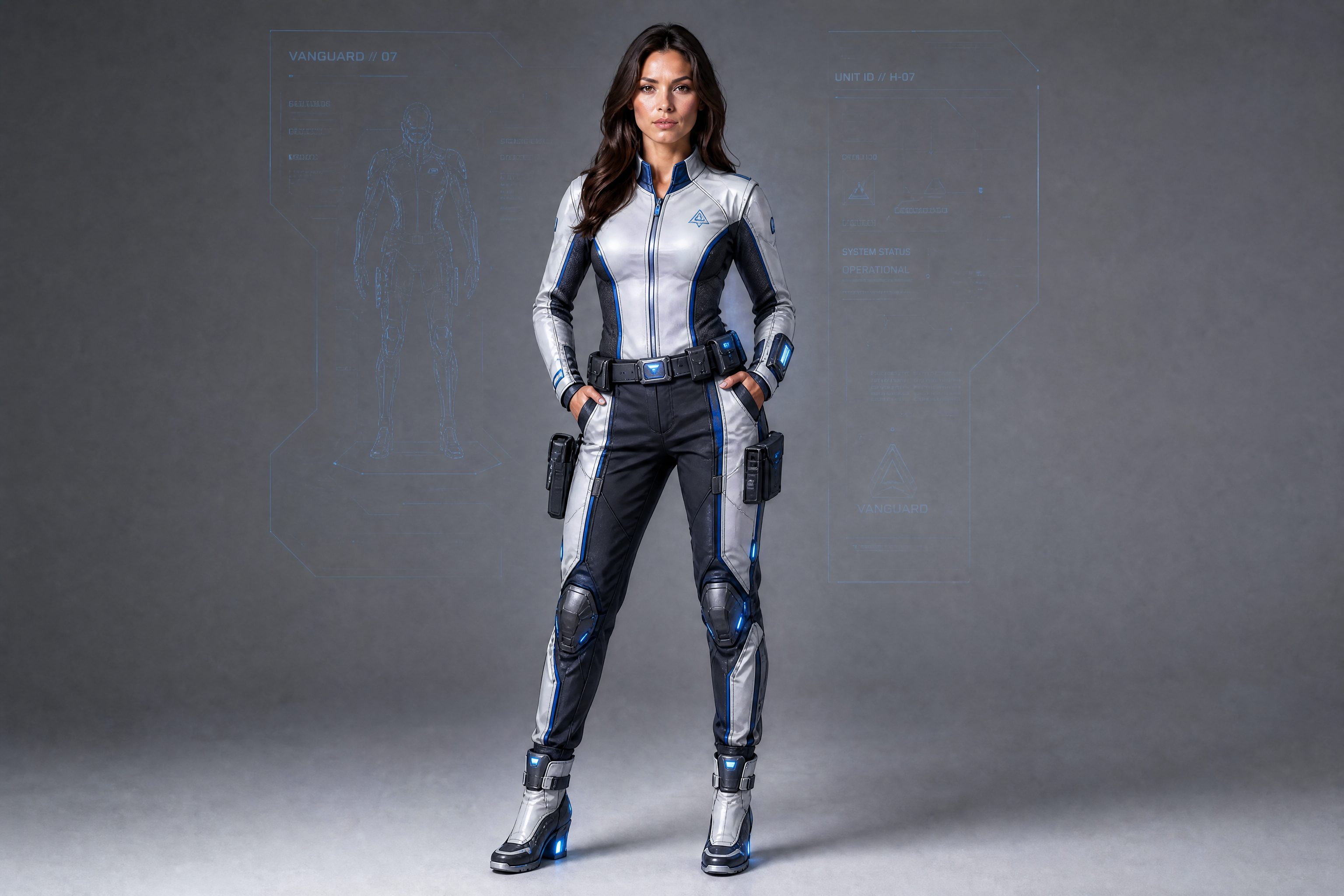
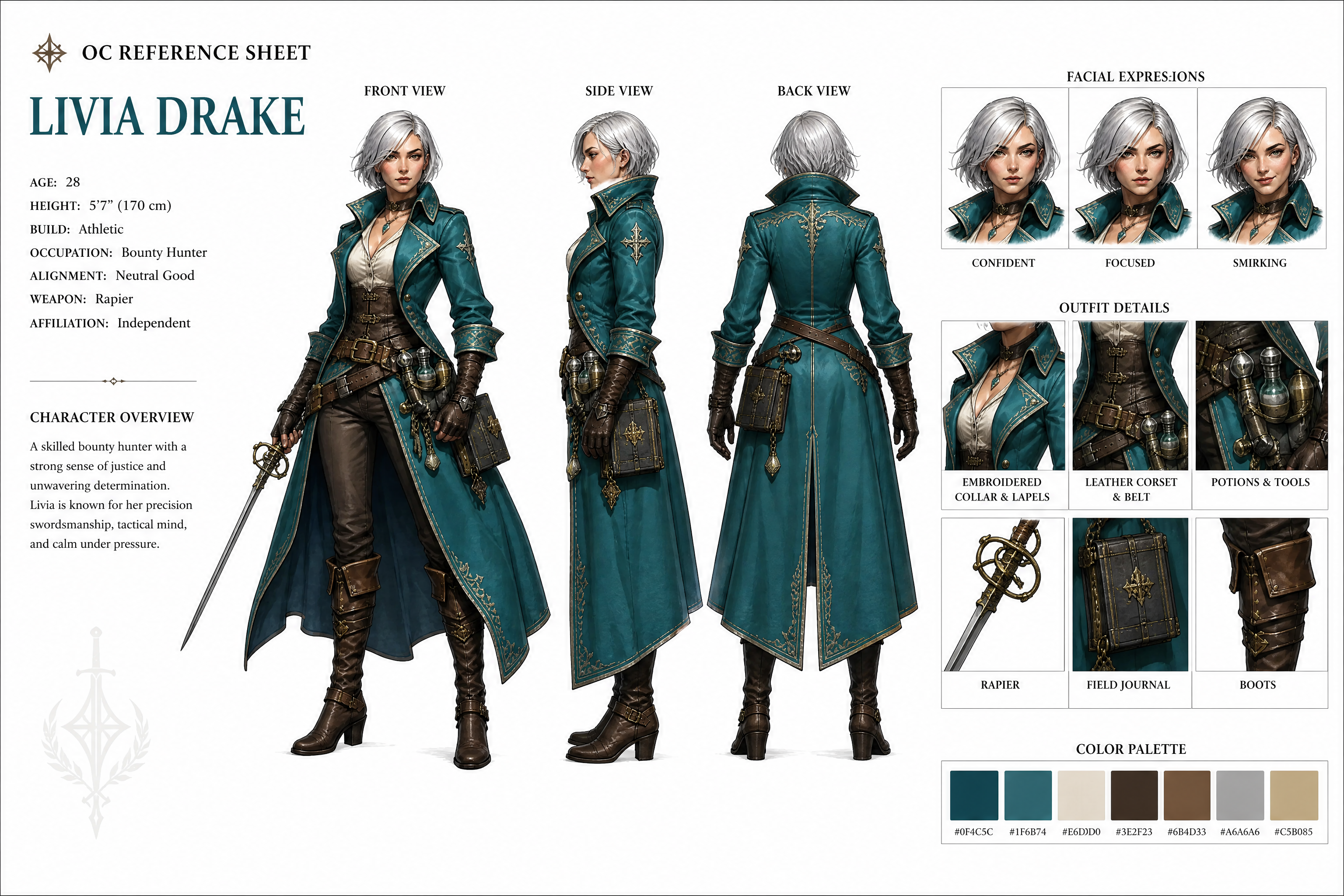
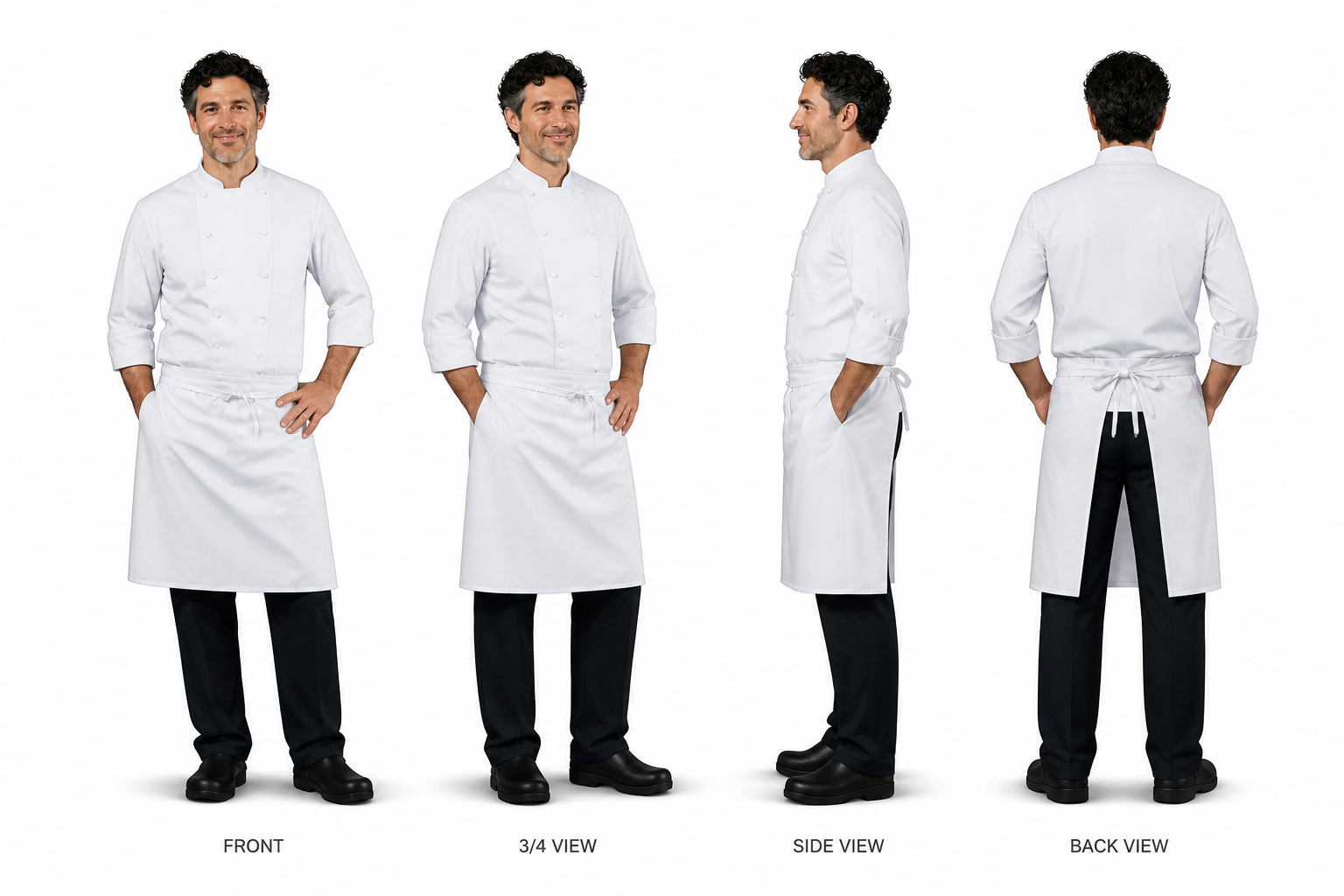
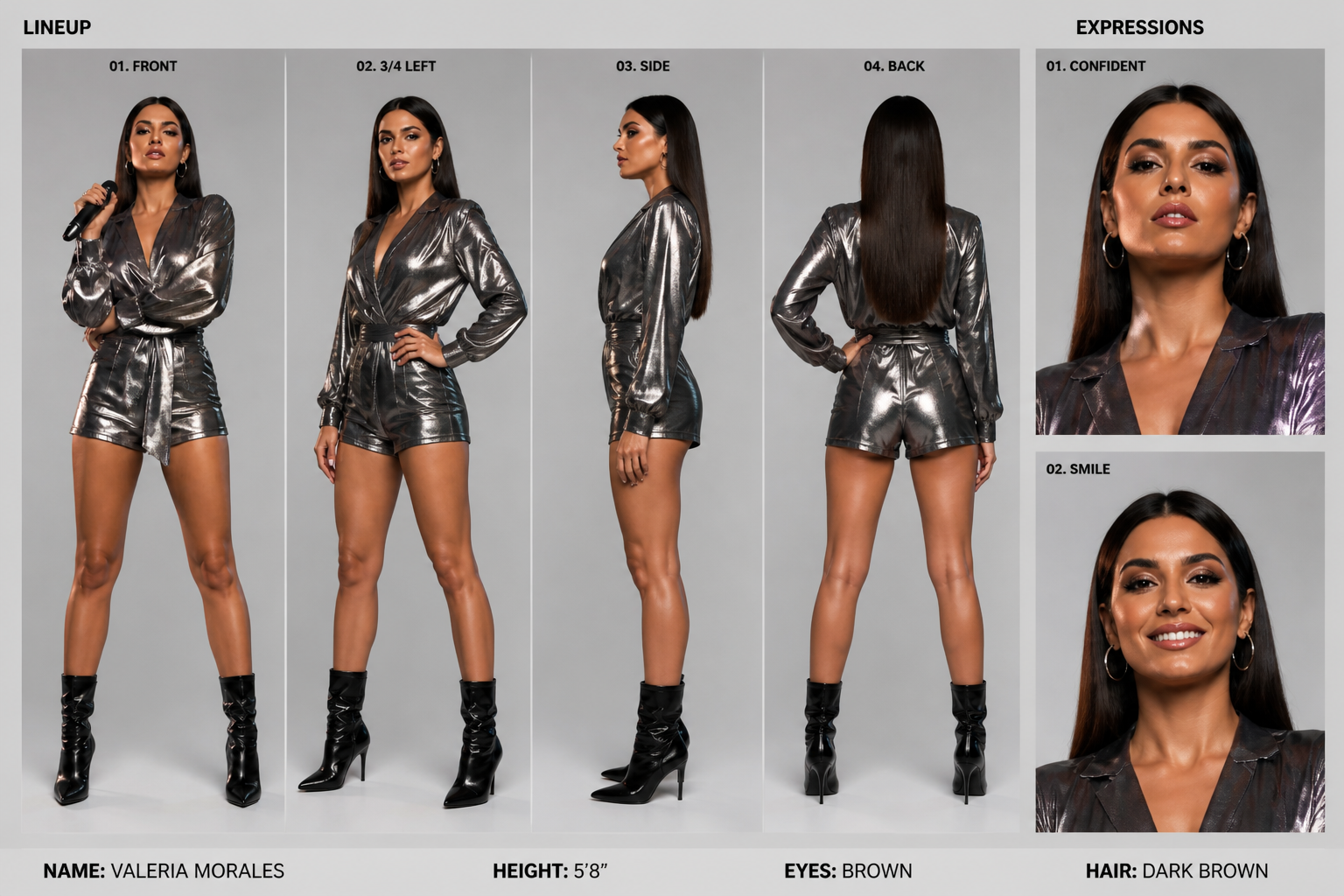
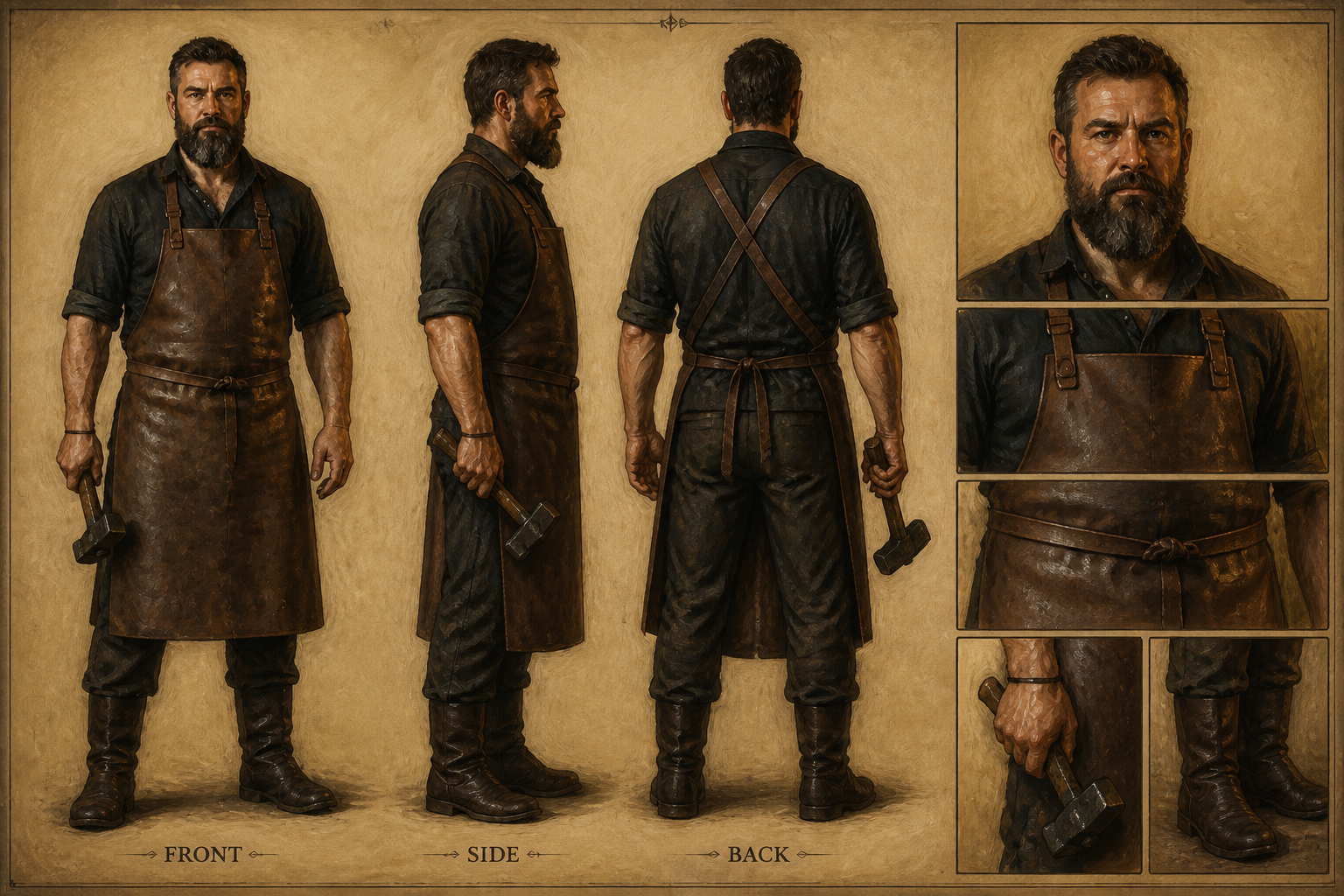
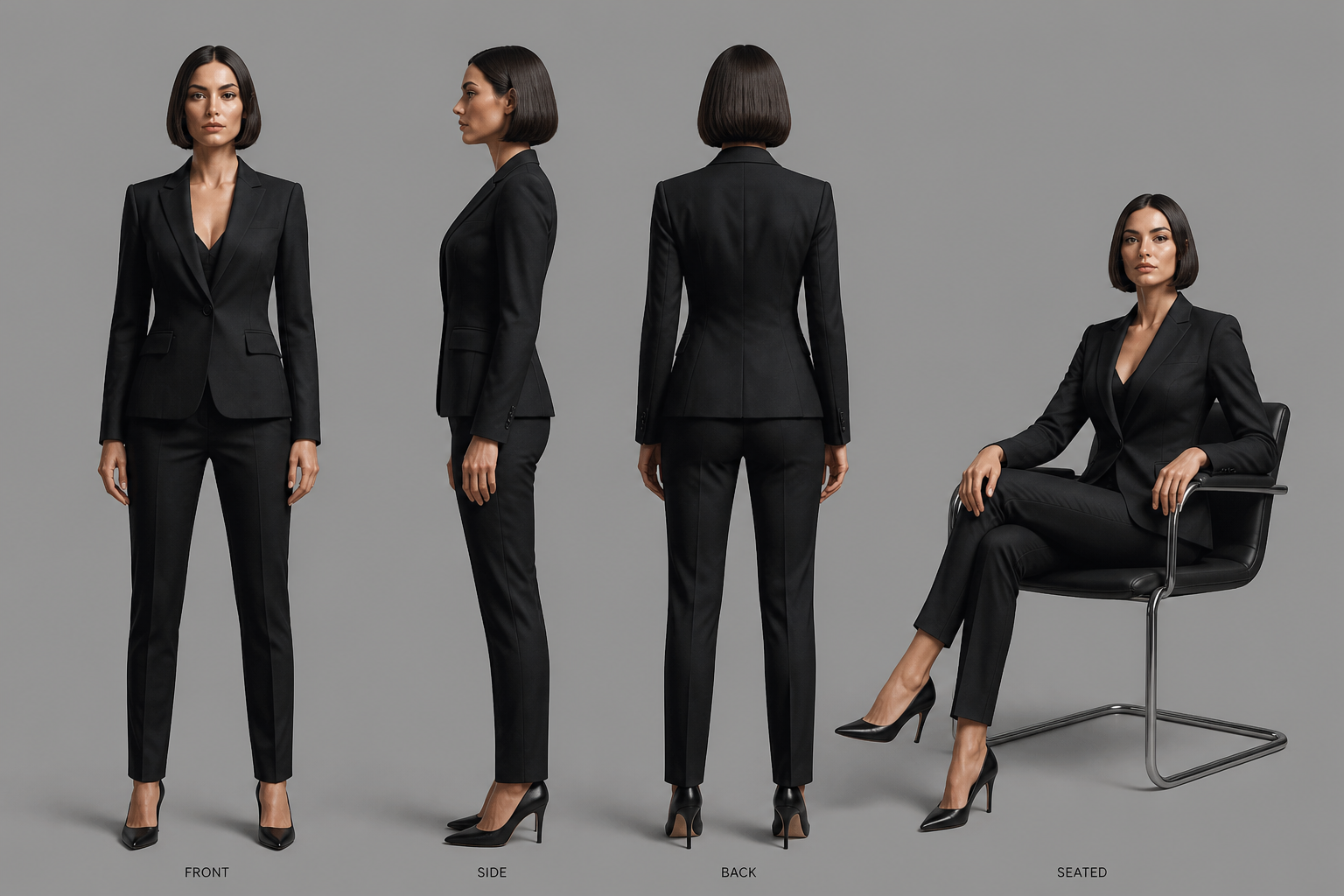
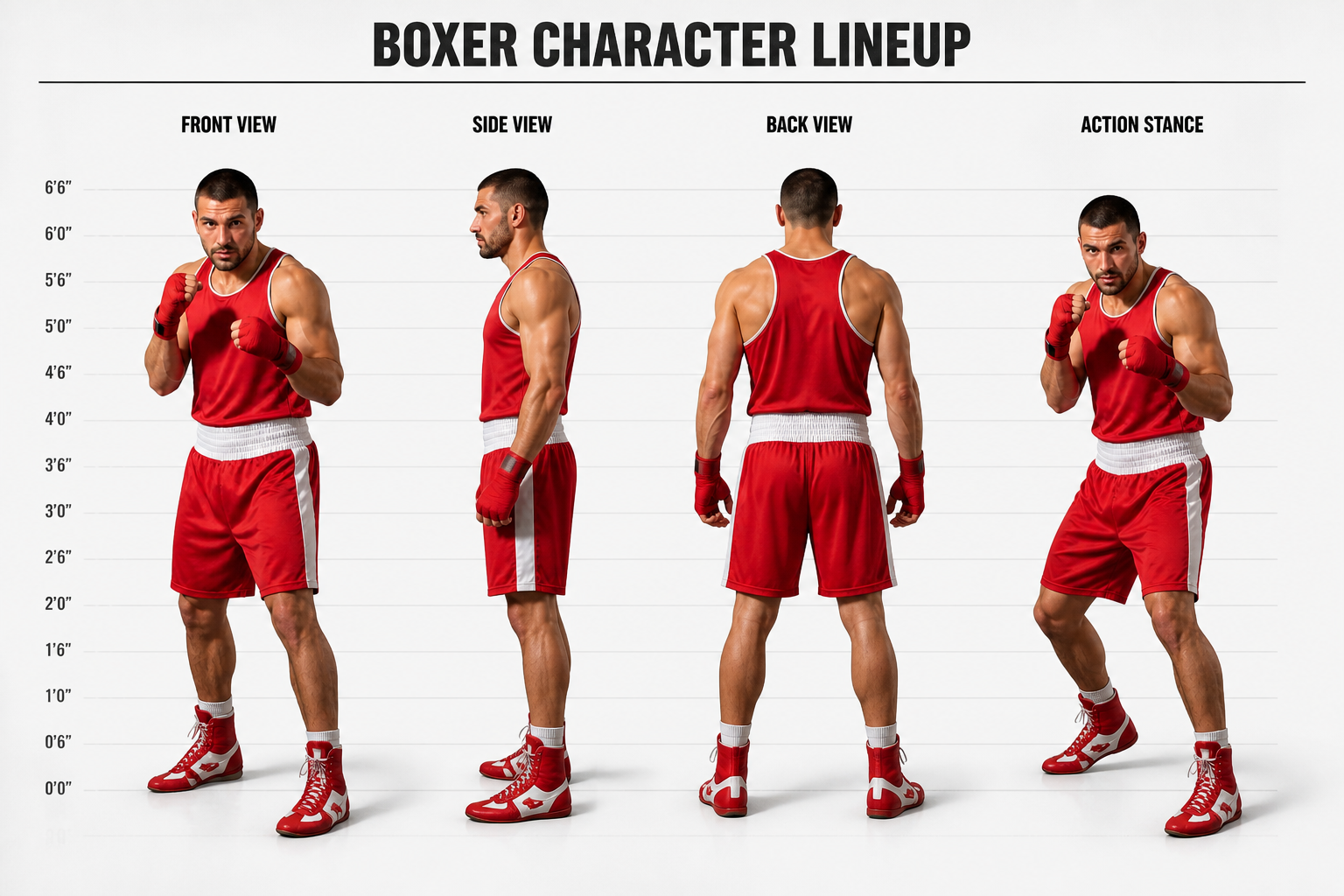
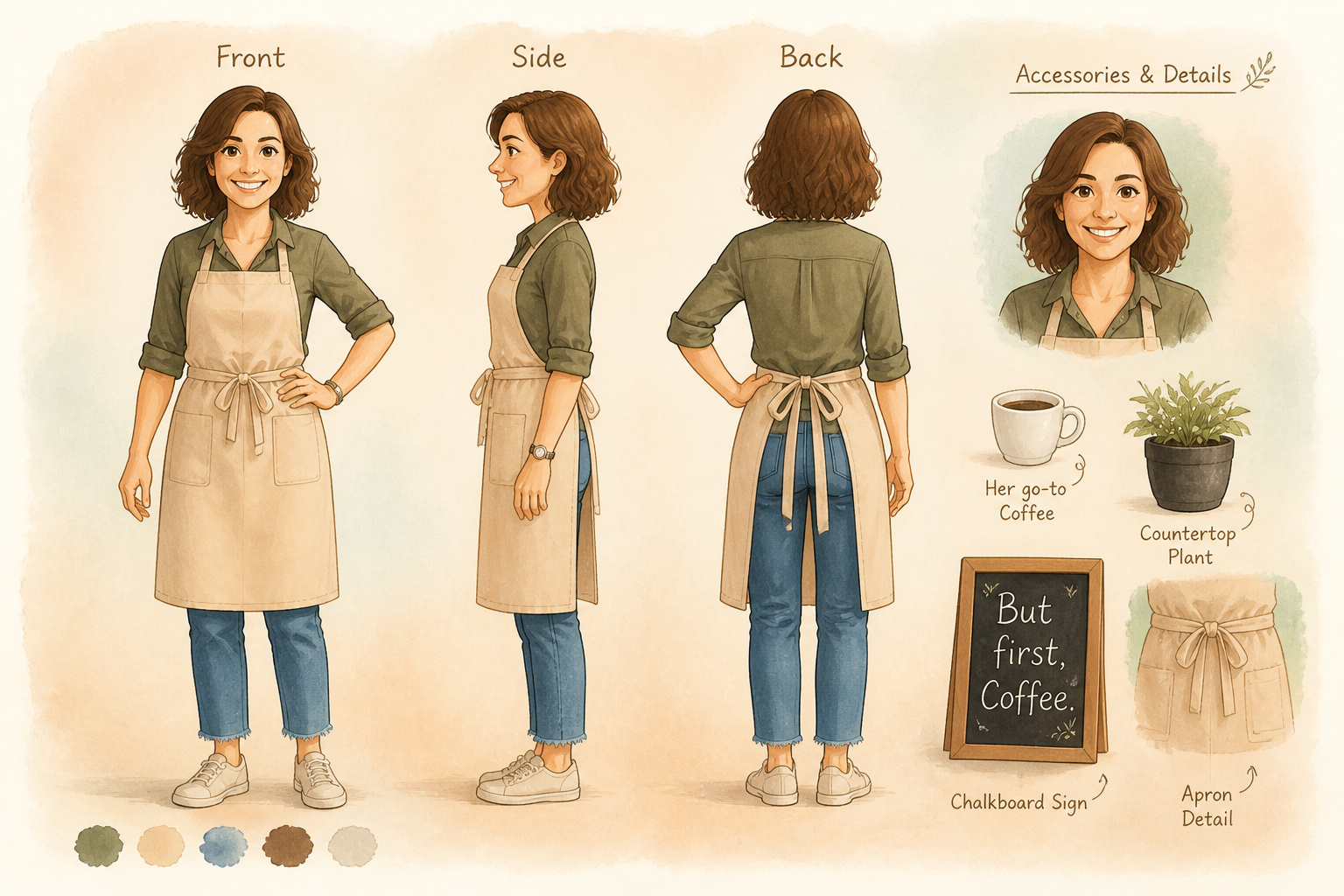
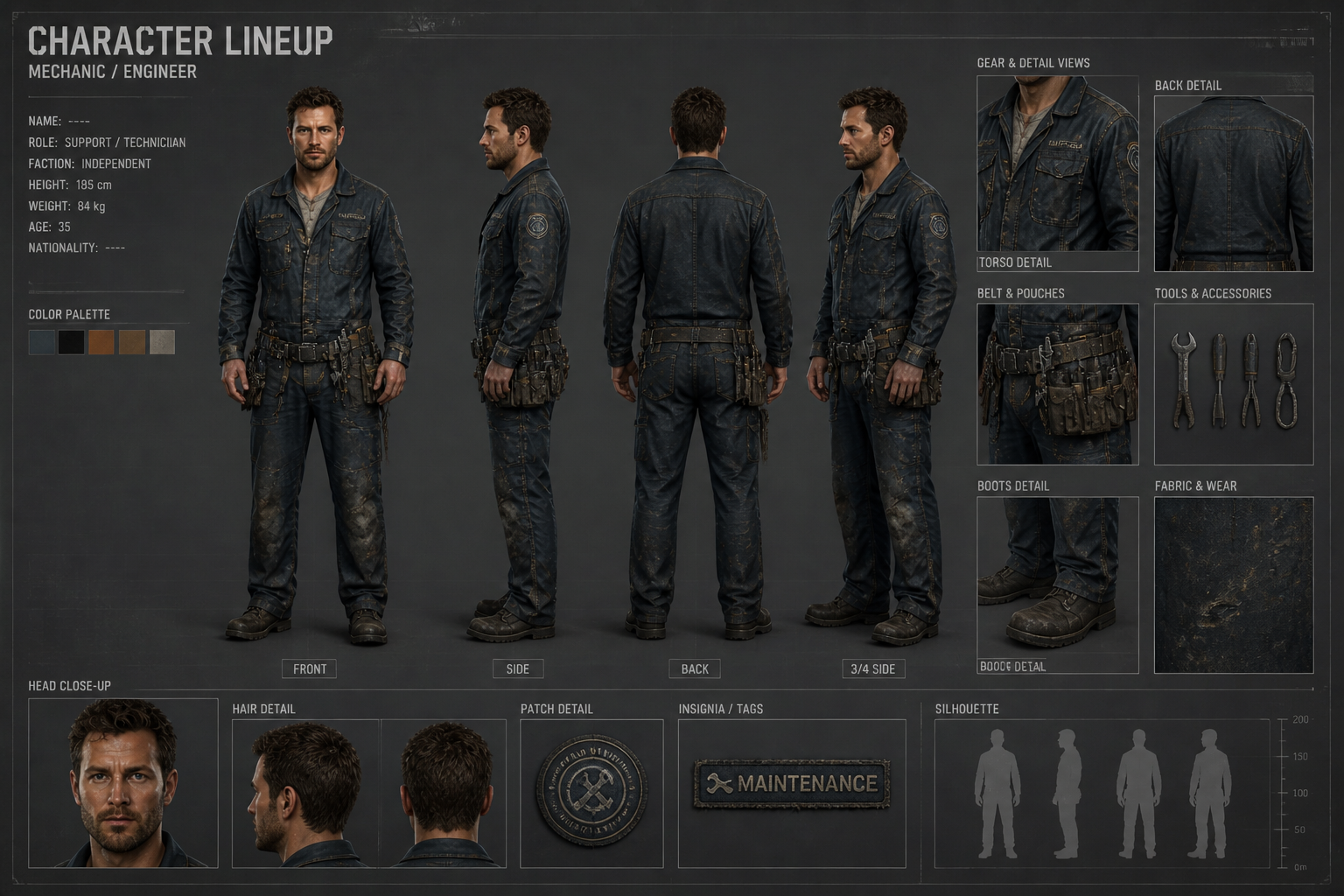
Create presentation-ready character lineups for comics, games, films, and pitch decks. Upload a character image, then generate a multi-view lineup or cast-sheet style arrangement that keeps the design consistent and easy to compare.
Watch the Transformation
See character lineup generator in motion — generated end-to-end by our AI.
See It In Action
Real outputs from character lineup generator.
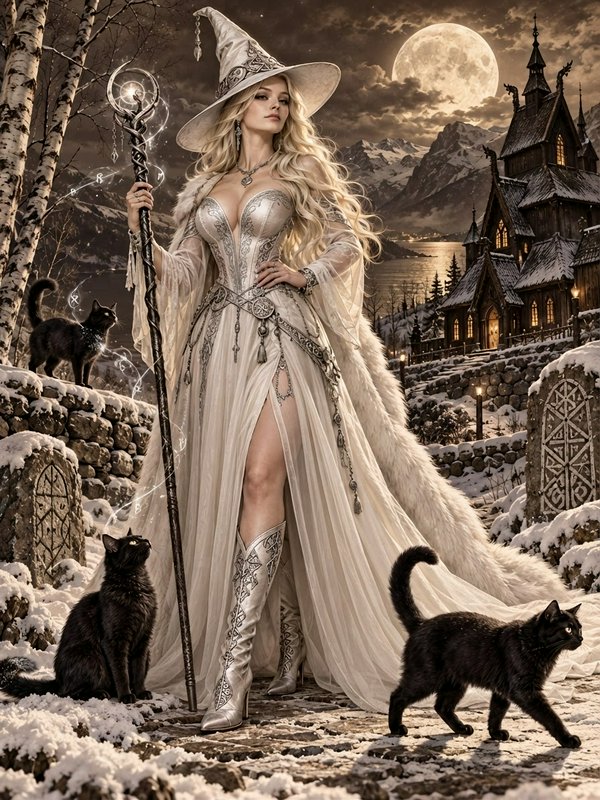
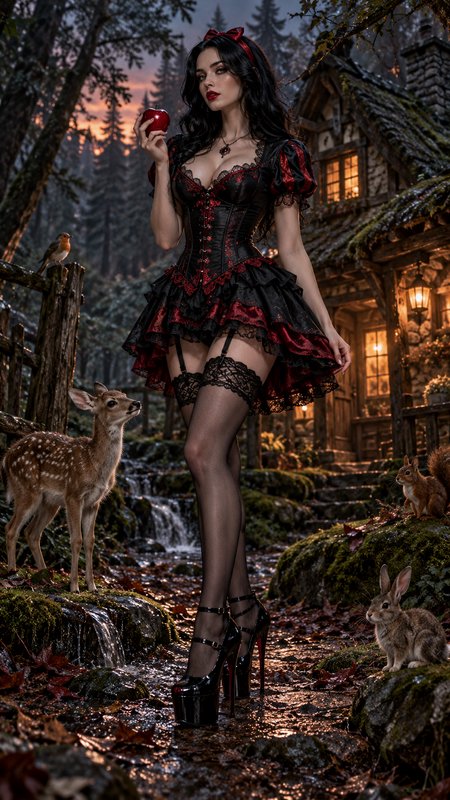
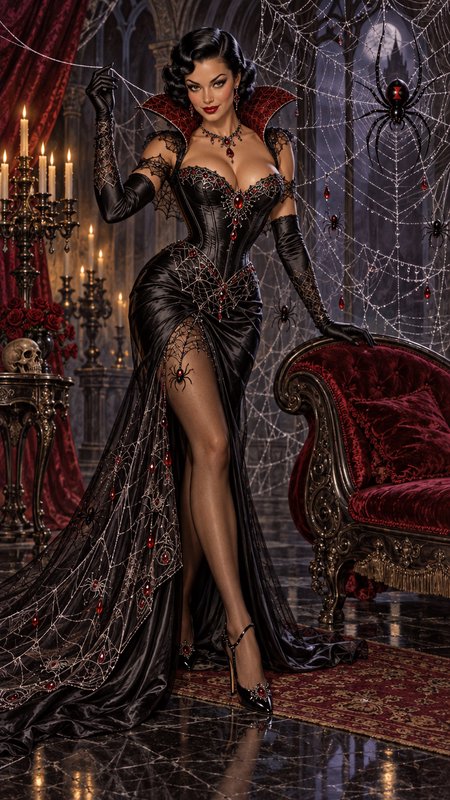
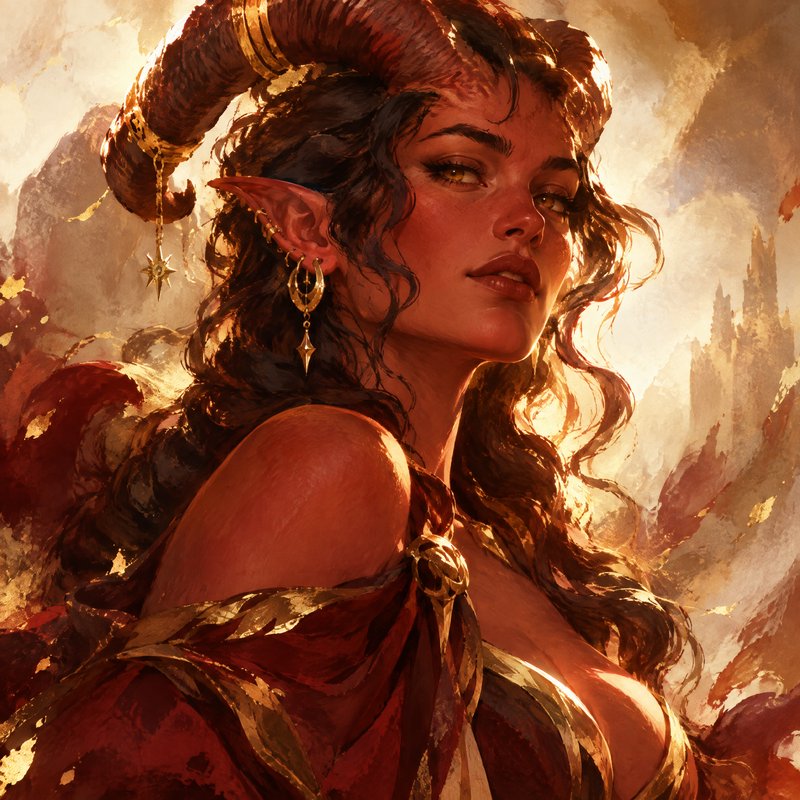
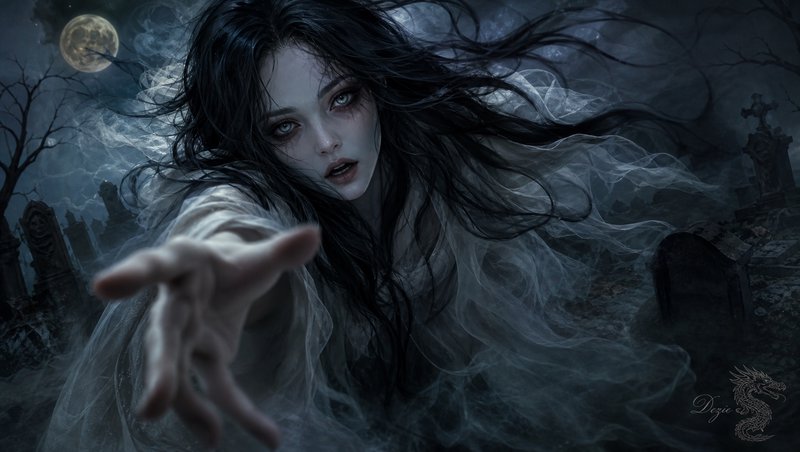
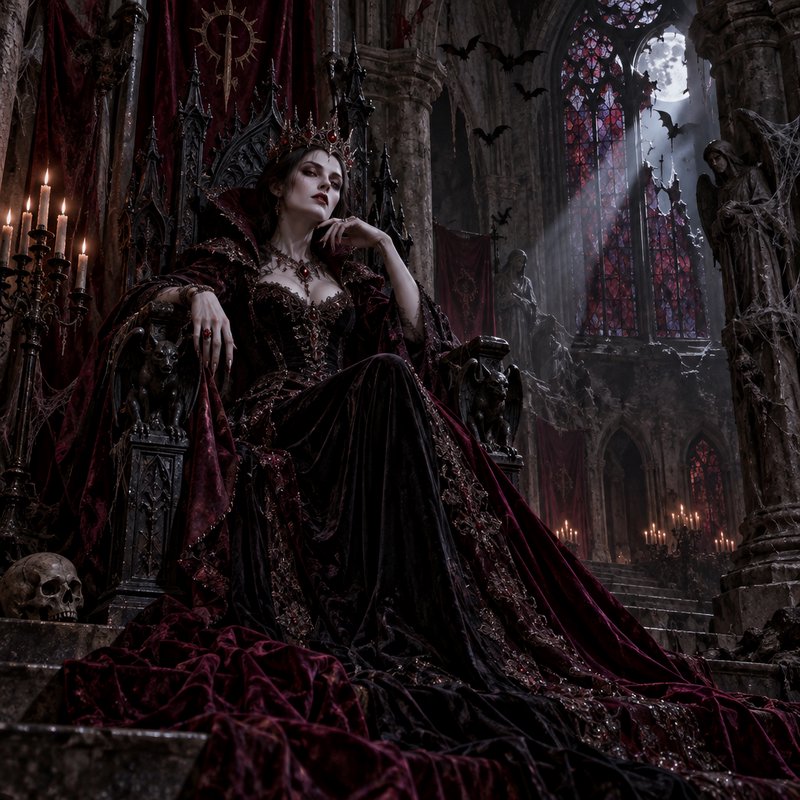
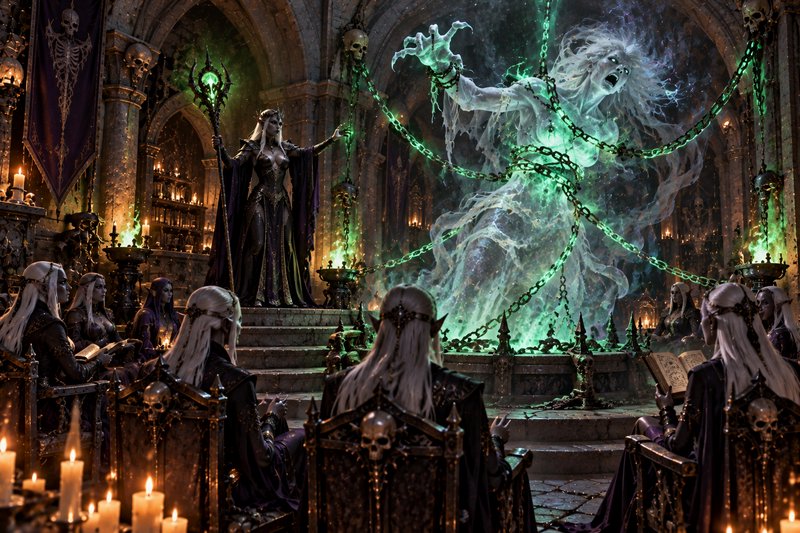
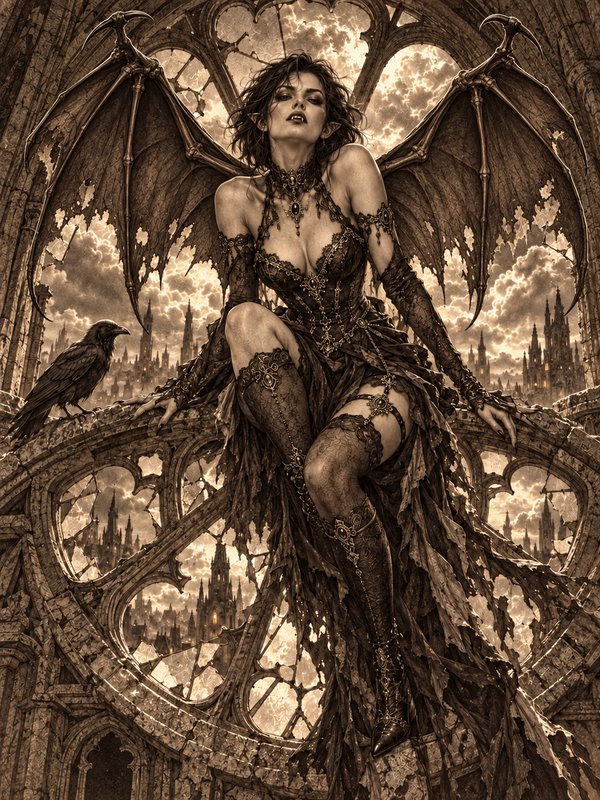
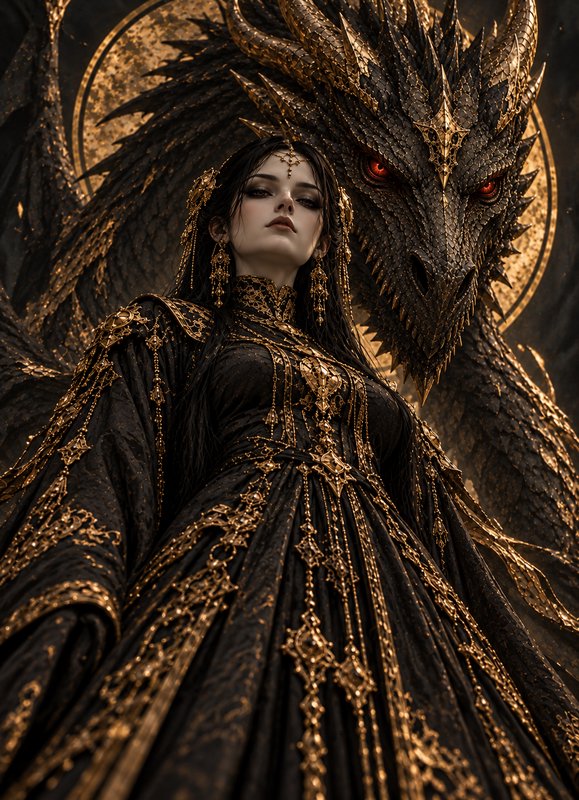
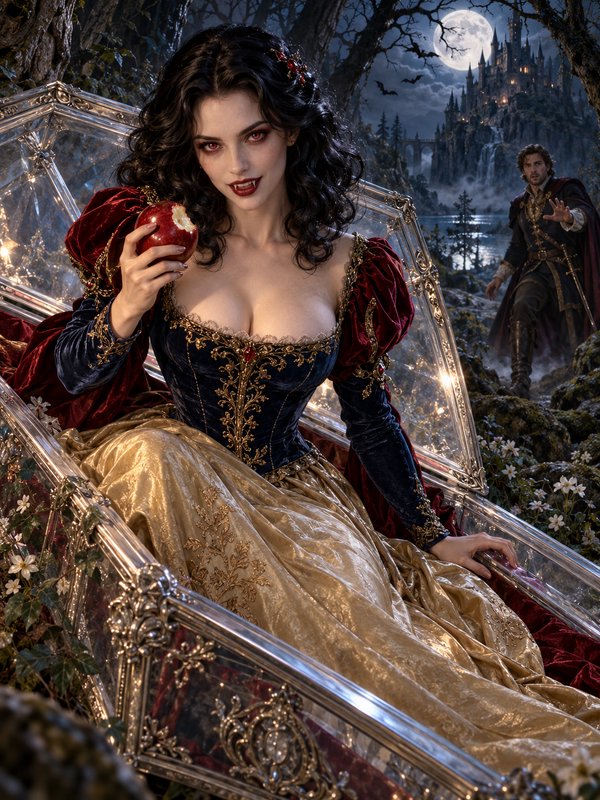
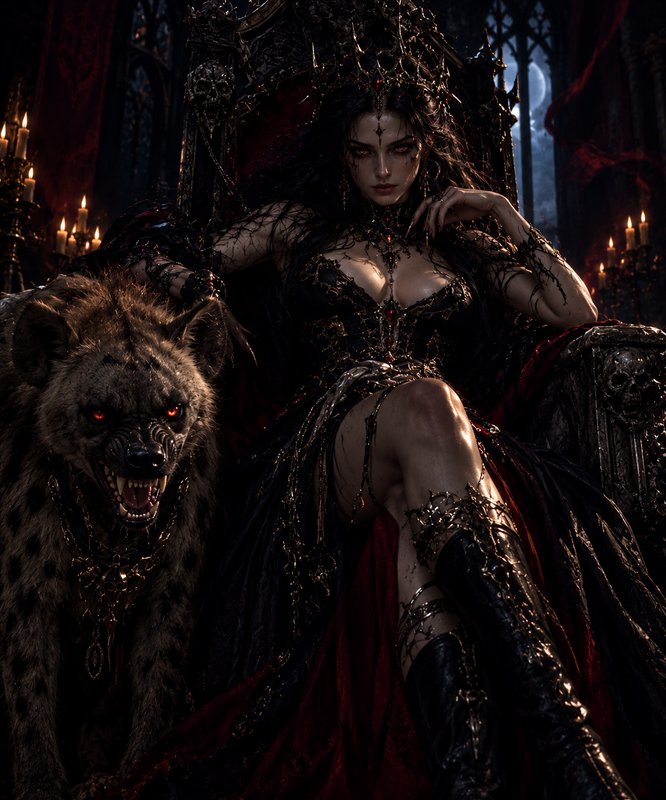
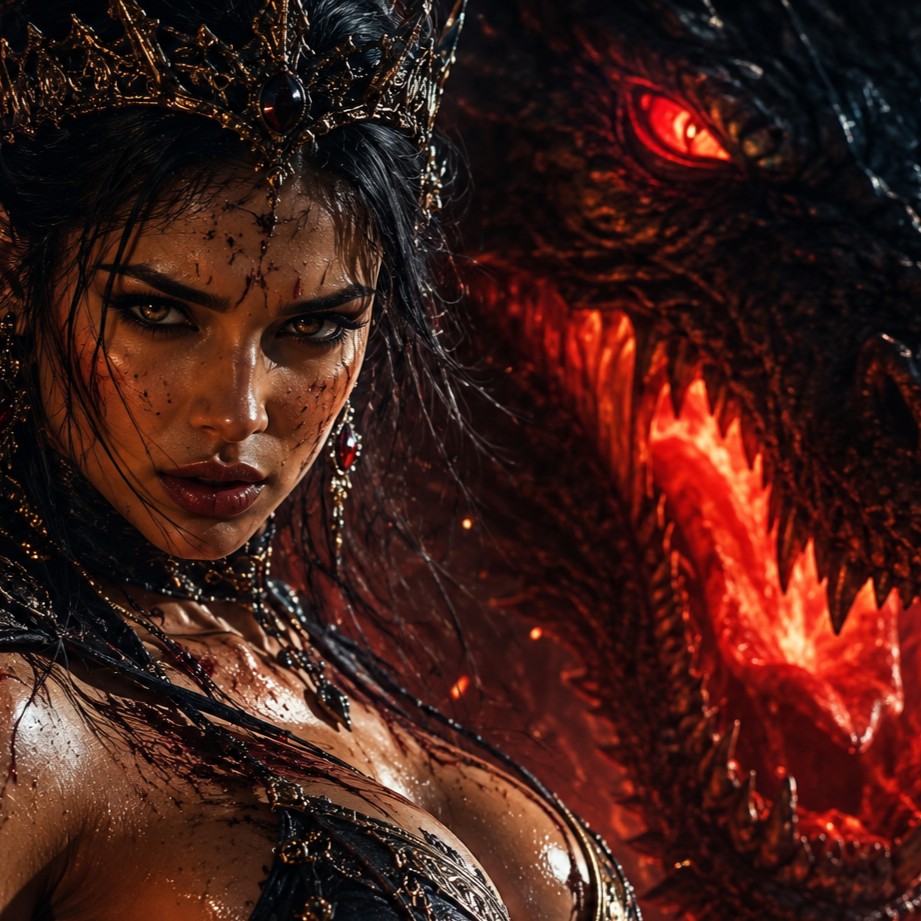
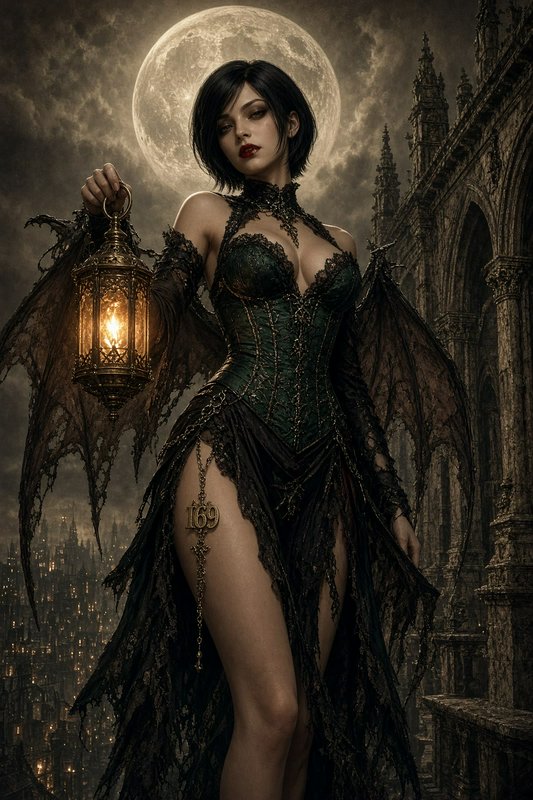
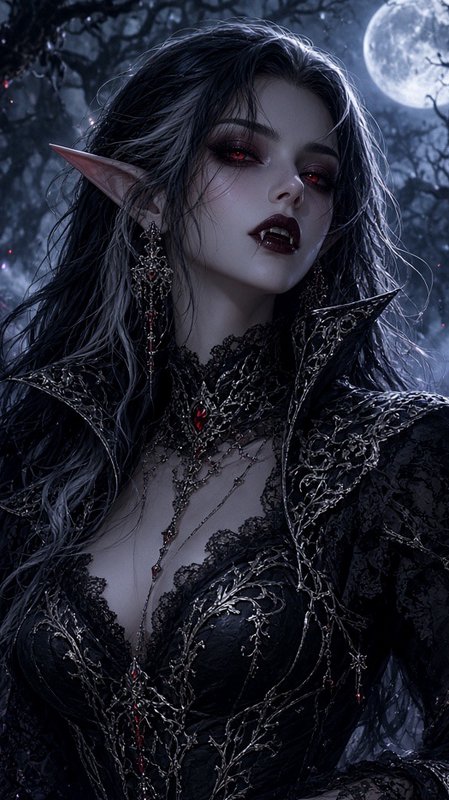
BEFOREAFTER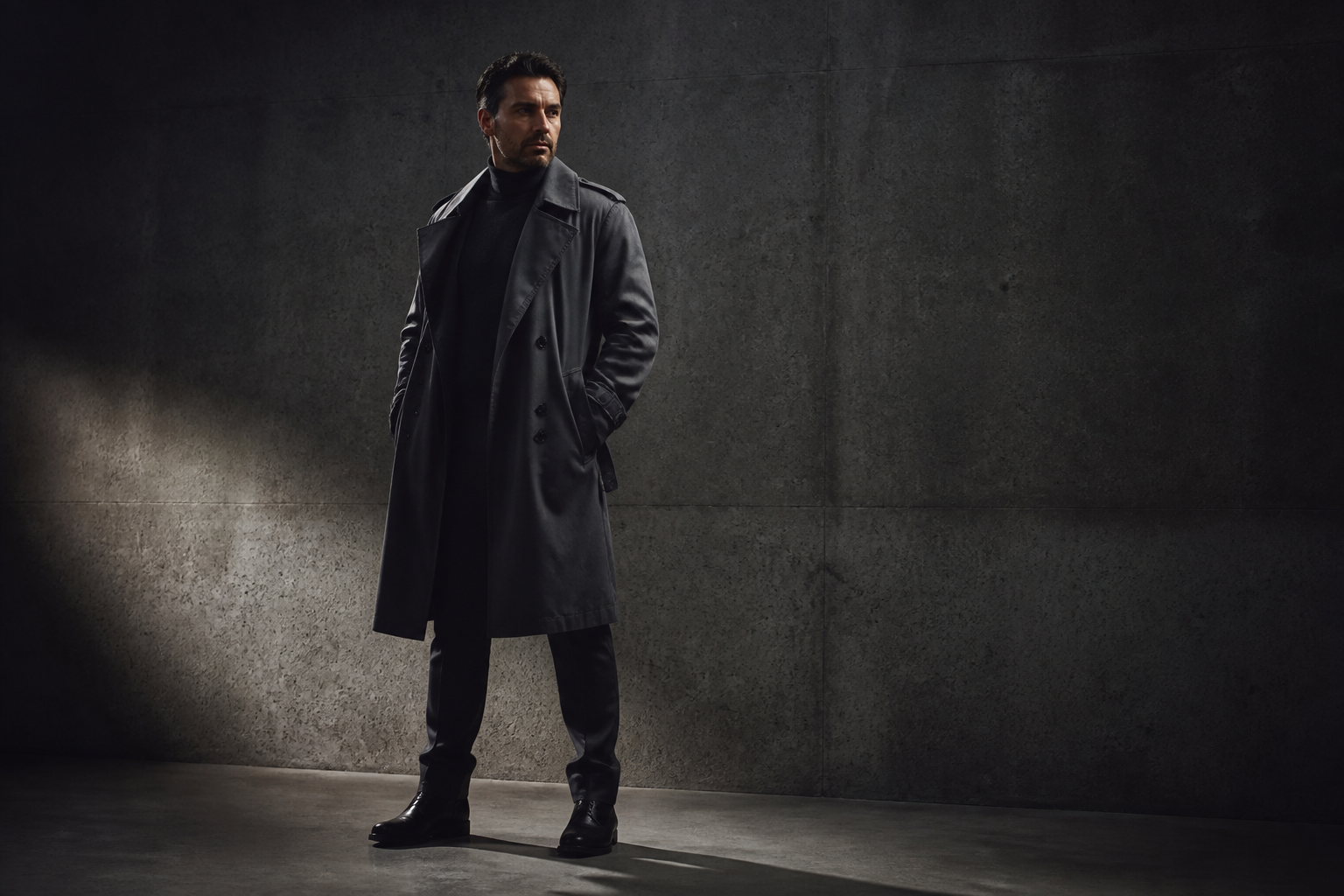 BEFORE
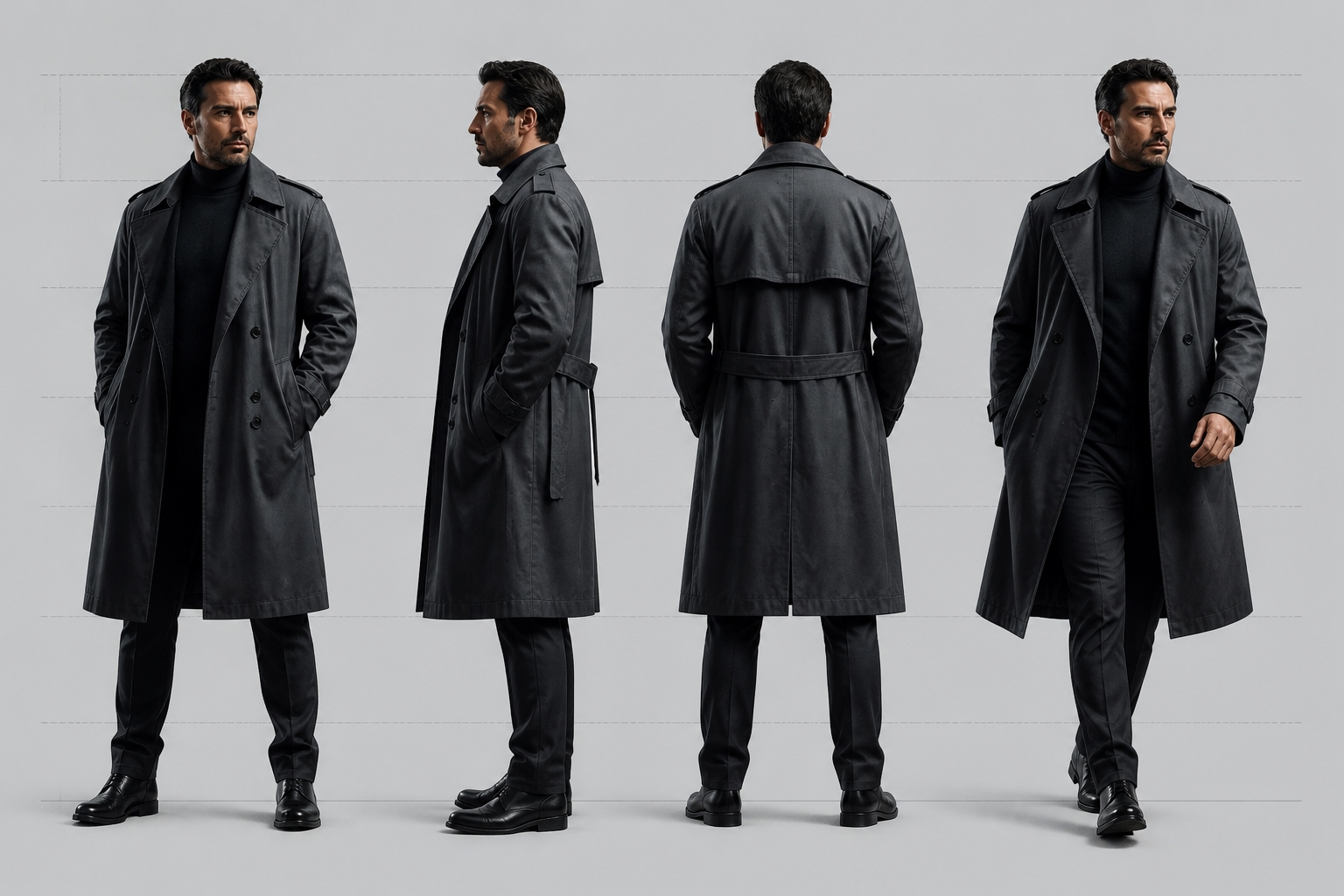 AFTER
AFTER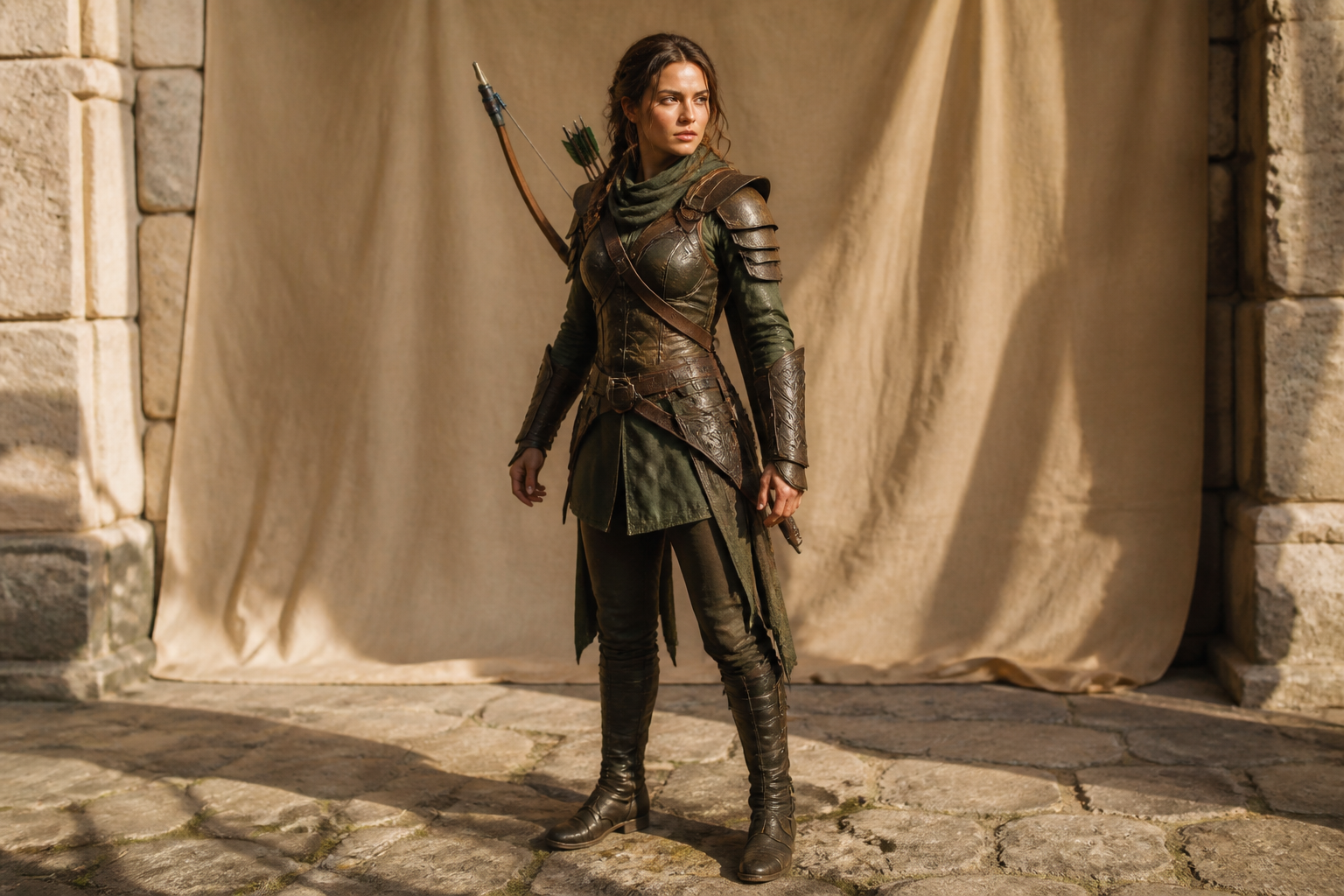 BEFORE
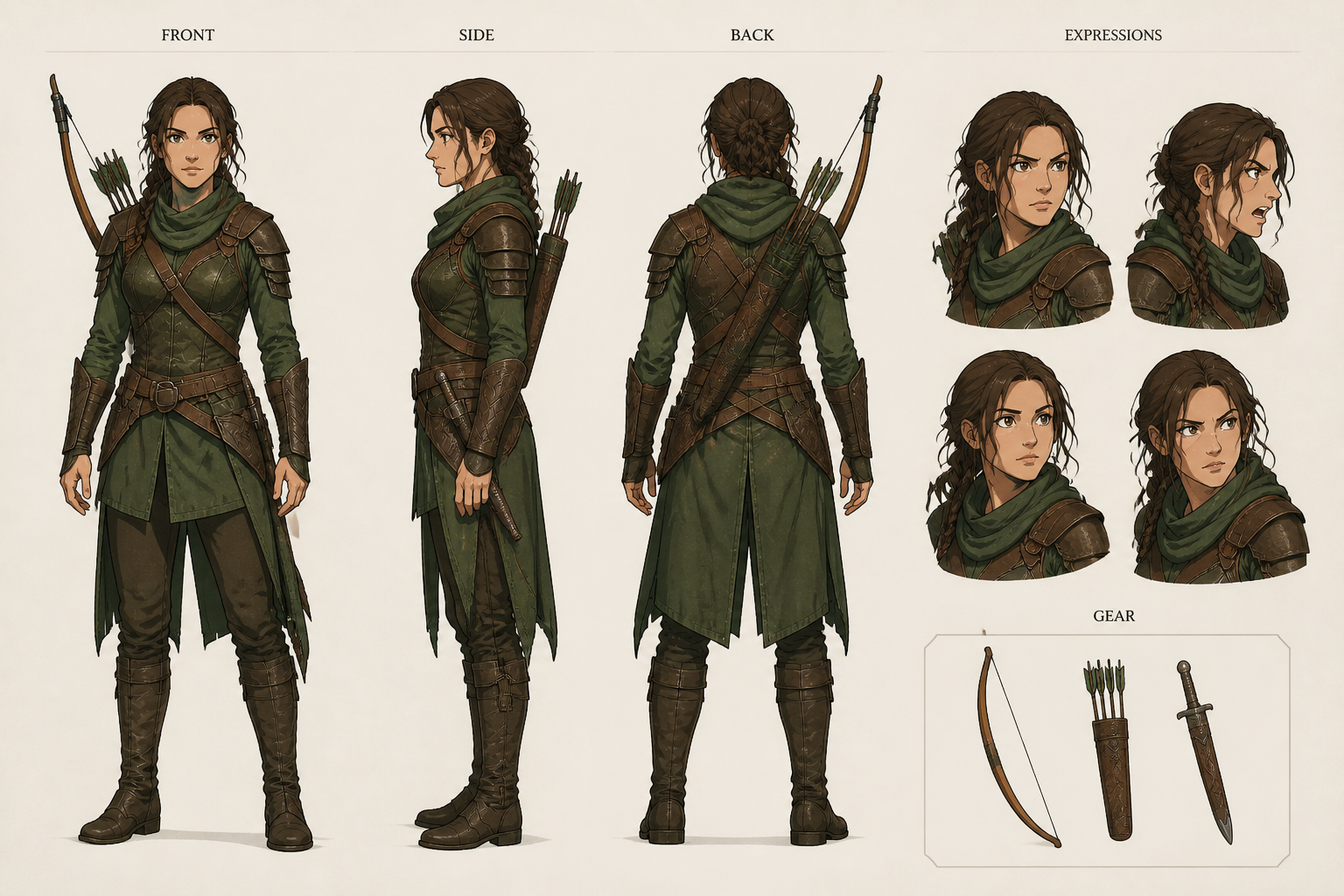 AFTER
AFTER BEFORE
 AFTER
AFTER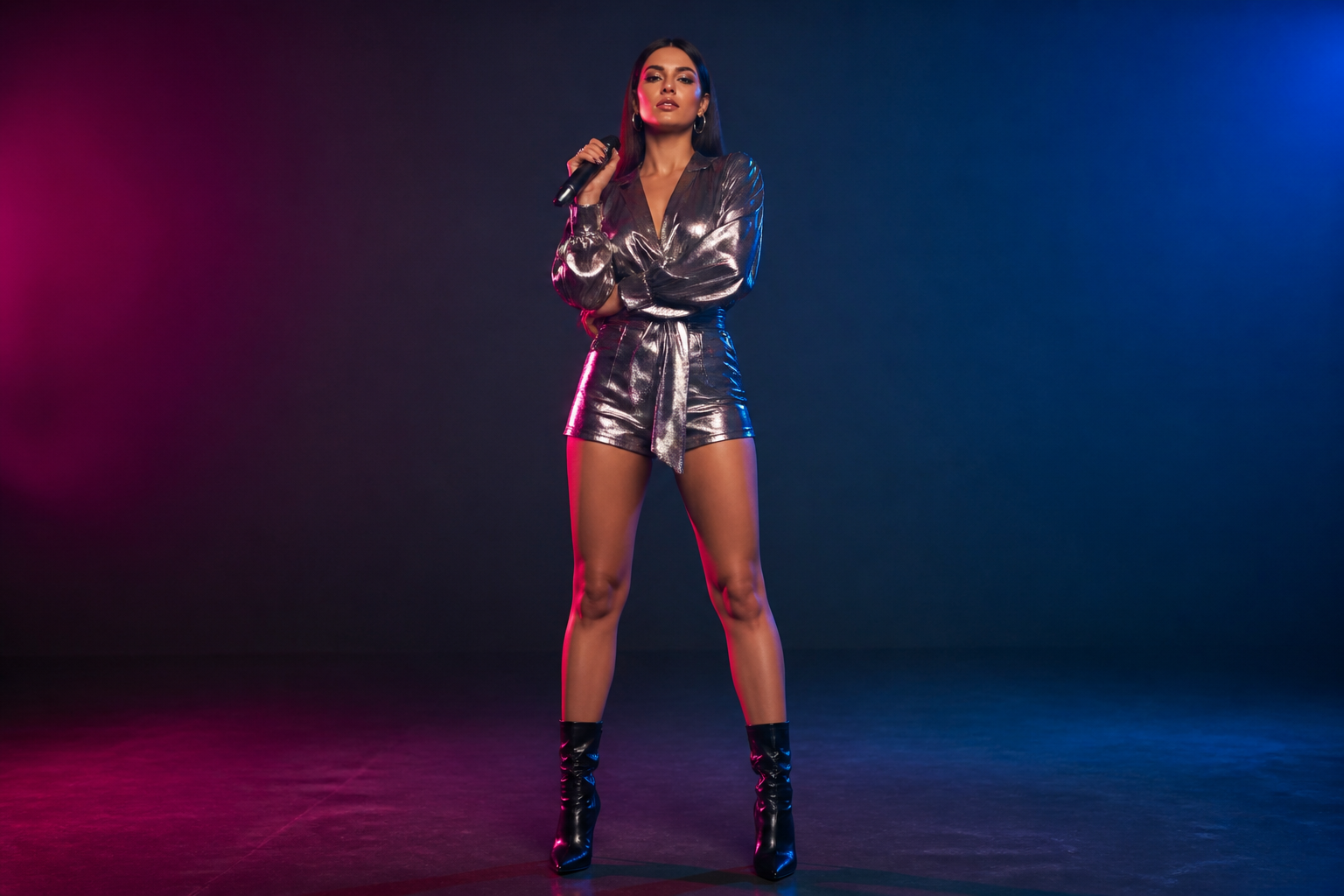 BEFORE
 AFTER
AFTER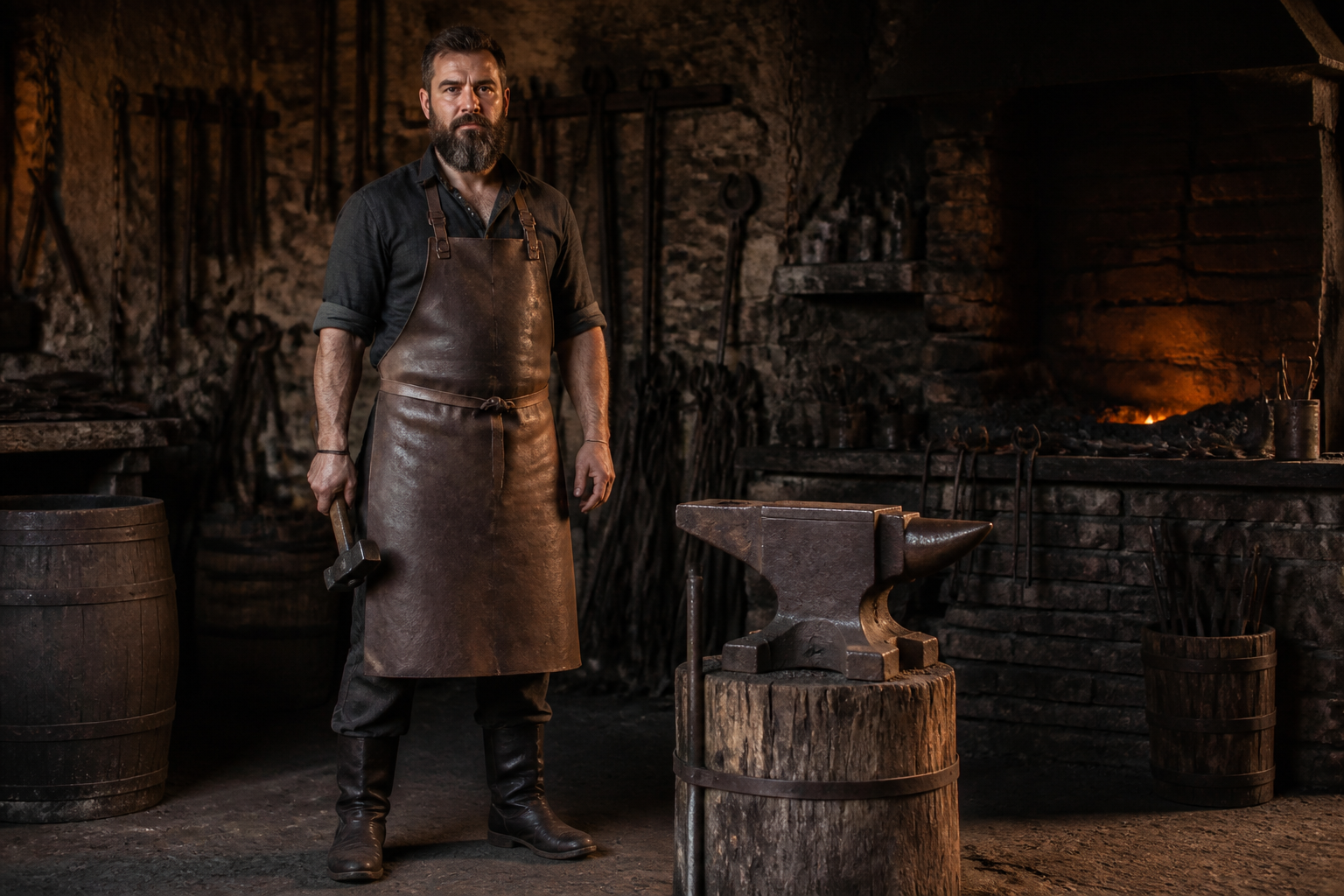 BEFORE
 AFTER
AFTER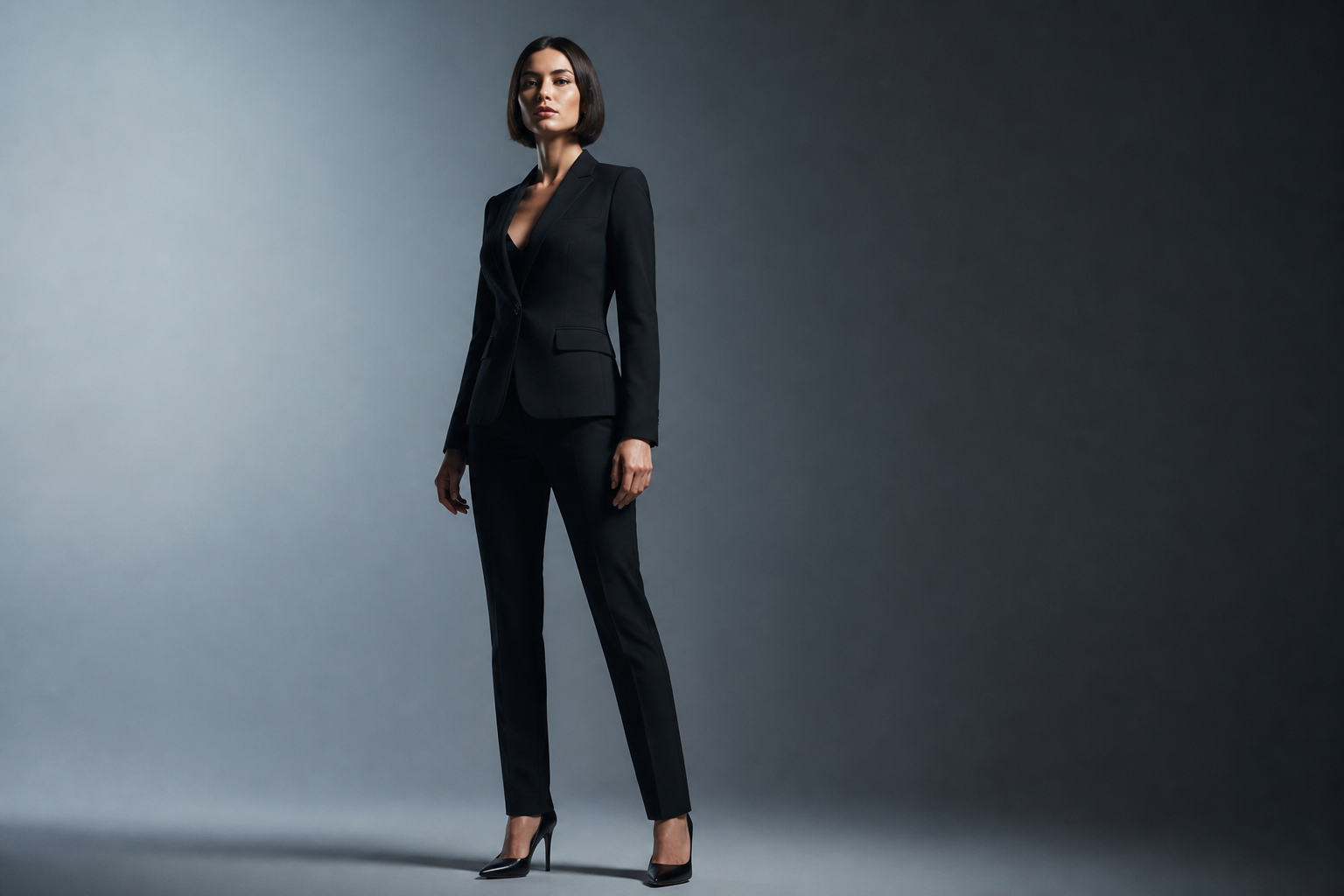 BEFORE
 AFTER
AFTER BEFORE
 AFTER
AFTER BEFORE
 AFTER
AFTER BEFORE
 AFTER
AFTERKey Features
Consistent multi-view turnarounds
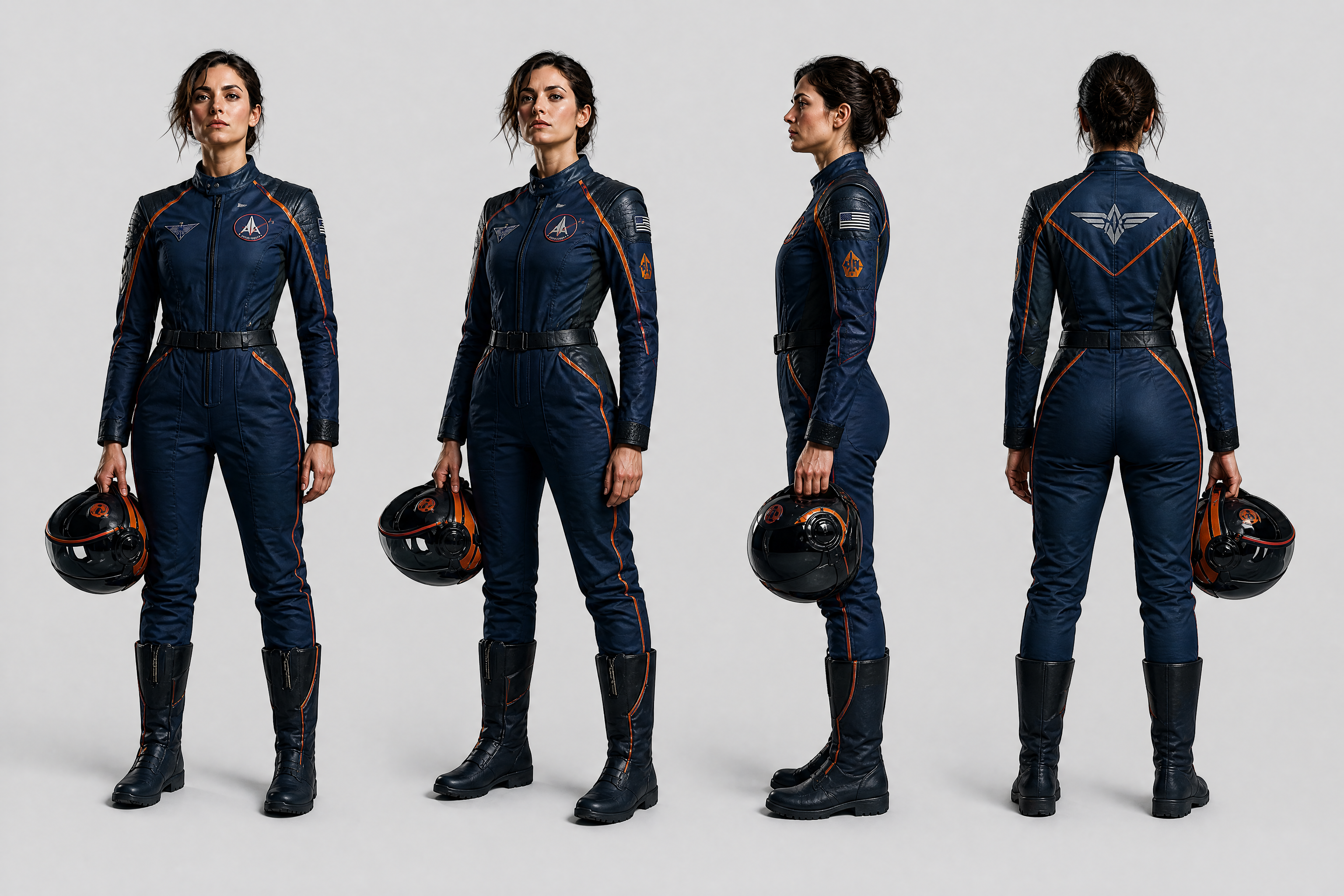
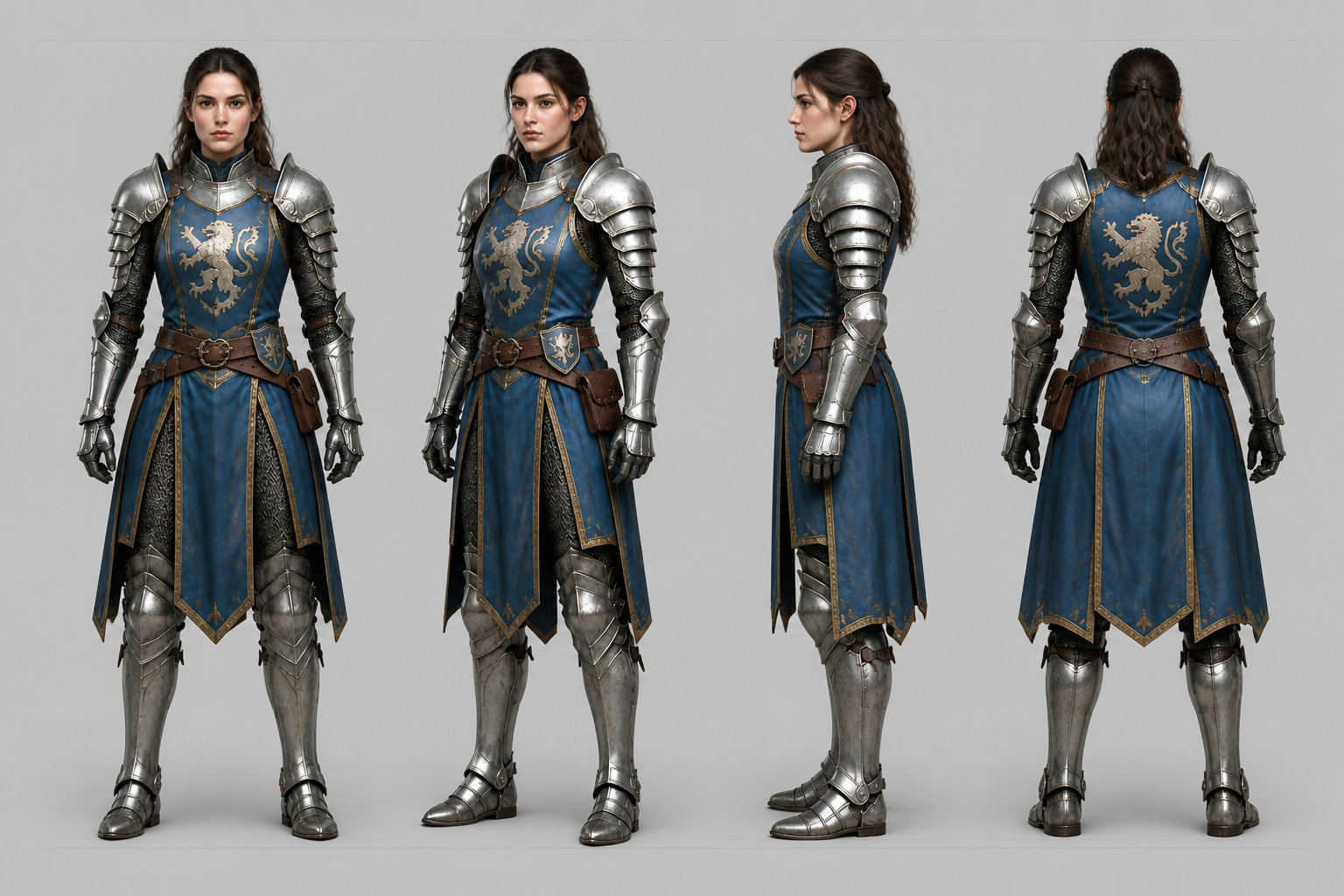
Generate lineup sheets that show the same character from multiple angles without redesign drift. This makes it easier to review silhouette, costume shape, and proportion at a glance. Manually building turnarounds usually means redrawing each view and fixing mismatches one by one. Our AI helps you get to a readable sheet much faster.
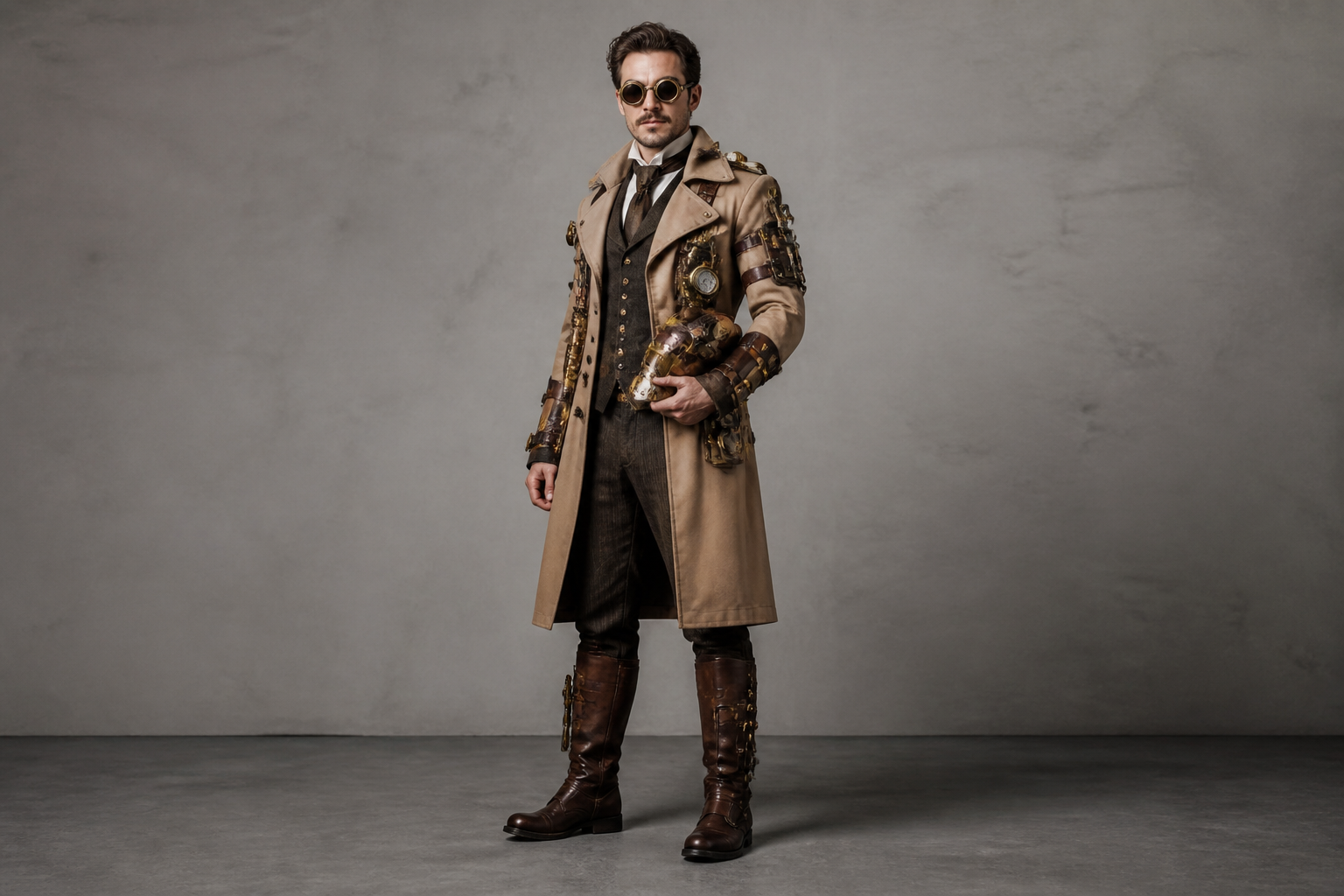
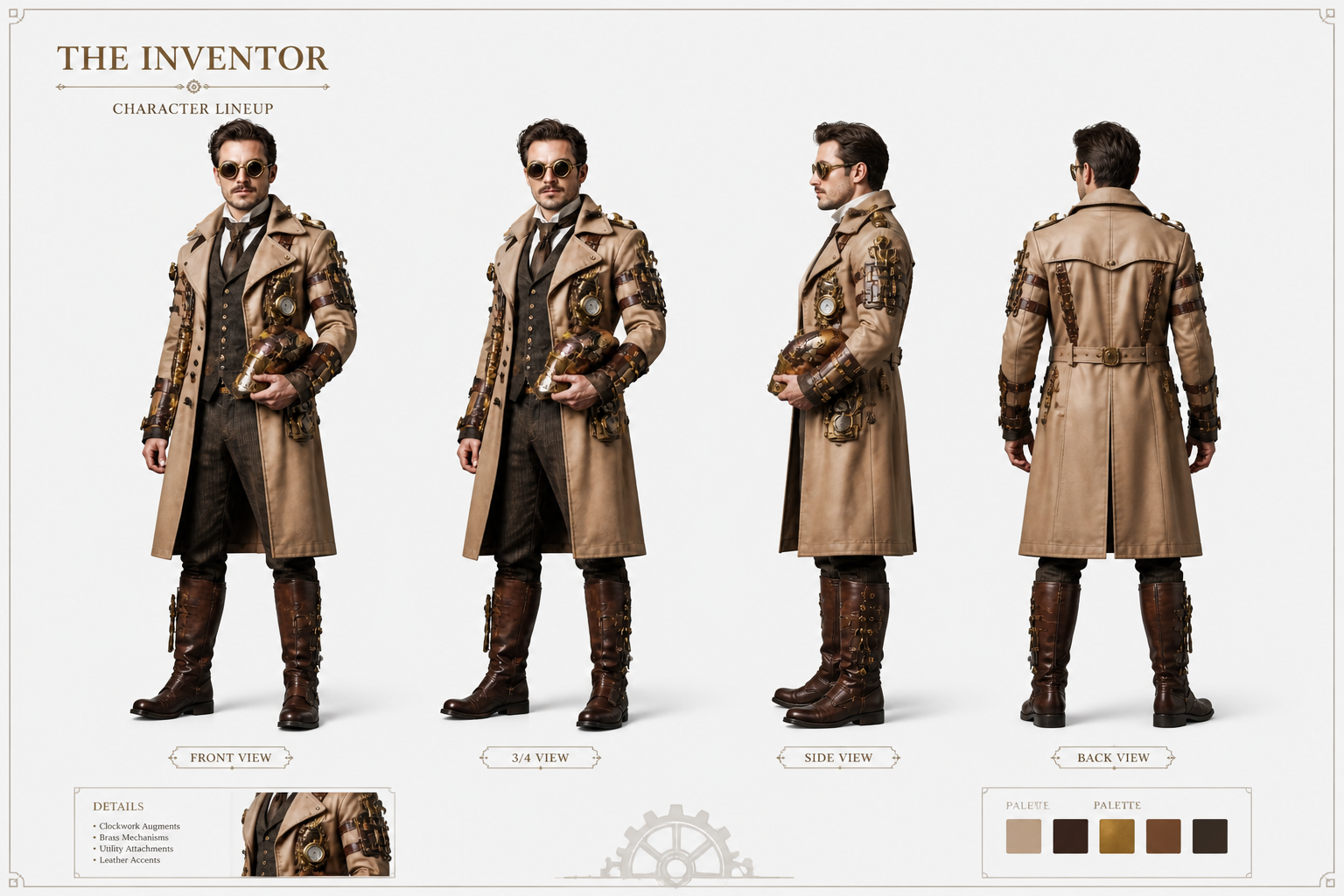
Clean sheets for presentations
Turn a single character image into a layout that looks ready for a deck, pitch, or internal review. The result is easier to scan than a loose folder of references because every view is aligned on one sheet. That helps teams compare costume details and silhouette quickly. It also reduces the time spent arranging boards by hand in design tools.
Works across visual styles
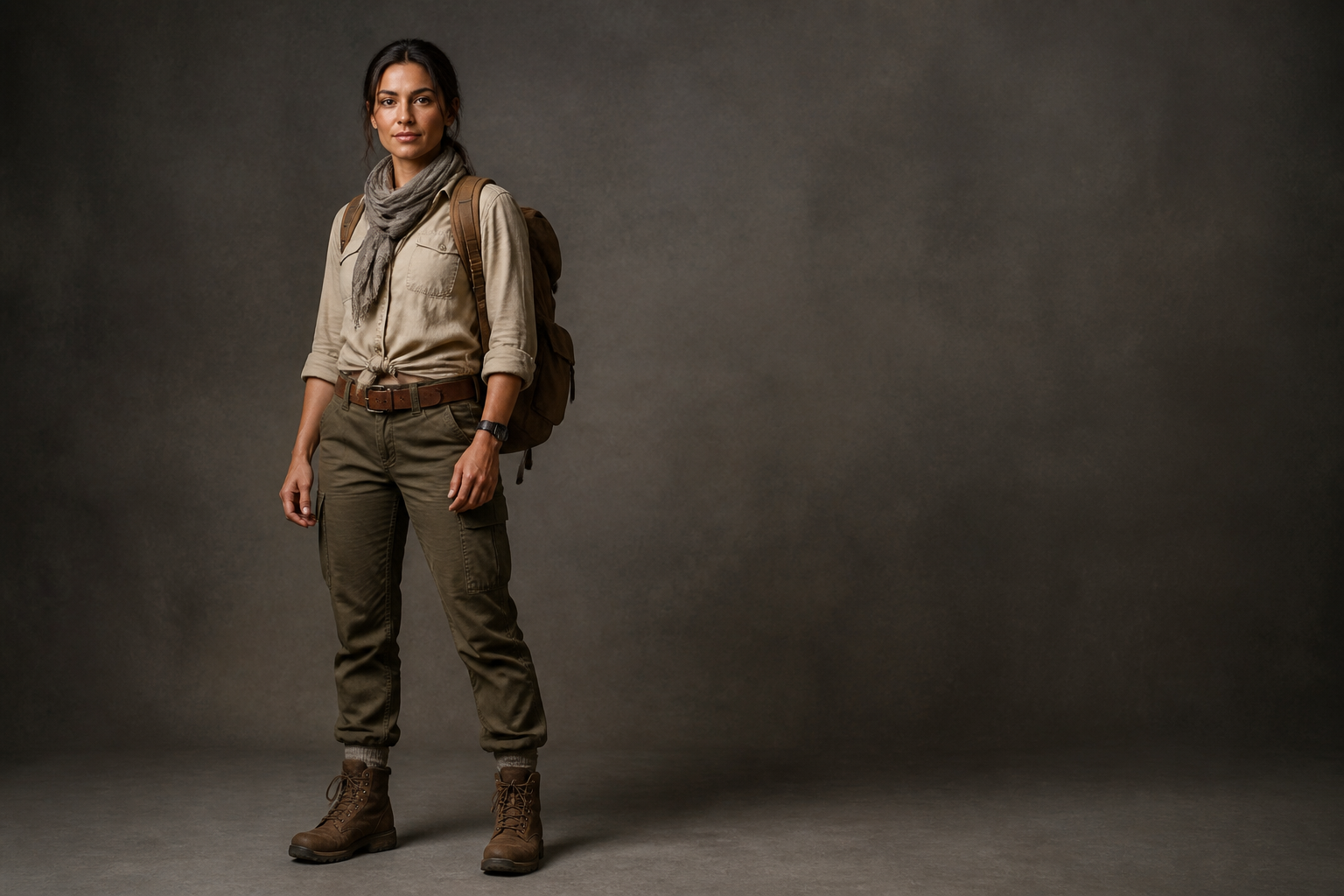
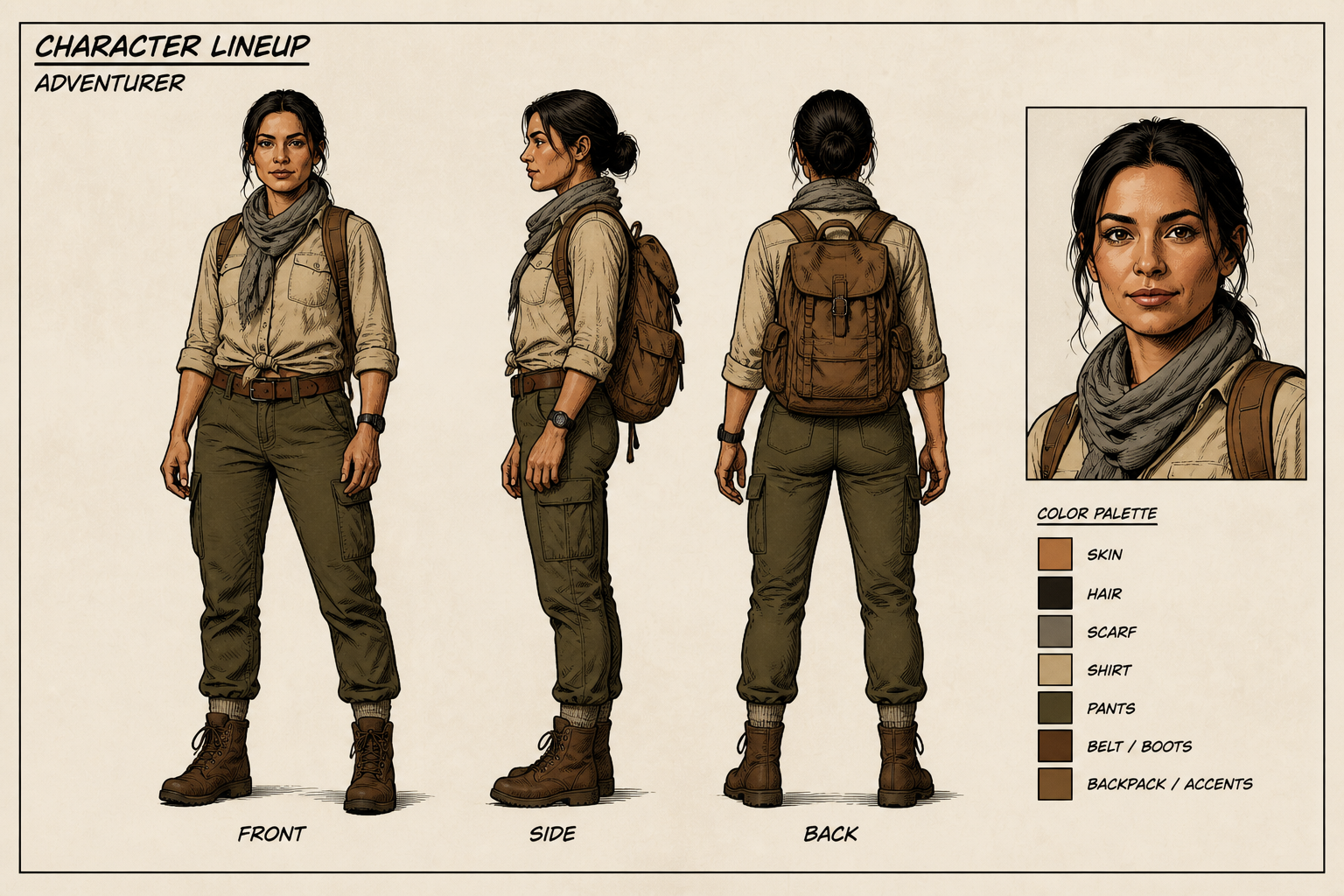
You can generate lineups for realistic characters, animation concepts, or stylized art directions. That is useful when you want one workflow for game references, comic cast sheets, and pitch visuals. Instead of rebuilding the layout from scratch for each art direction, you can reuse the same idea with a new prompt. The output stays focused on lineup clarity.

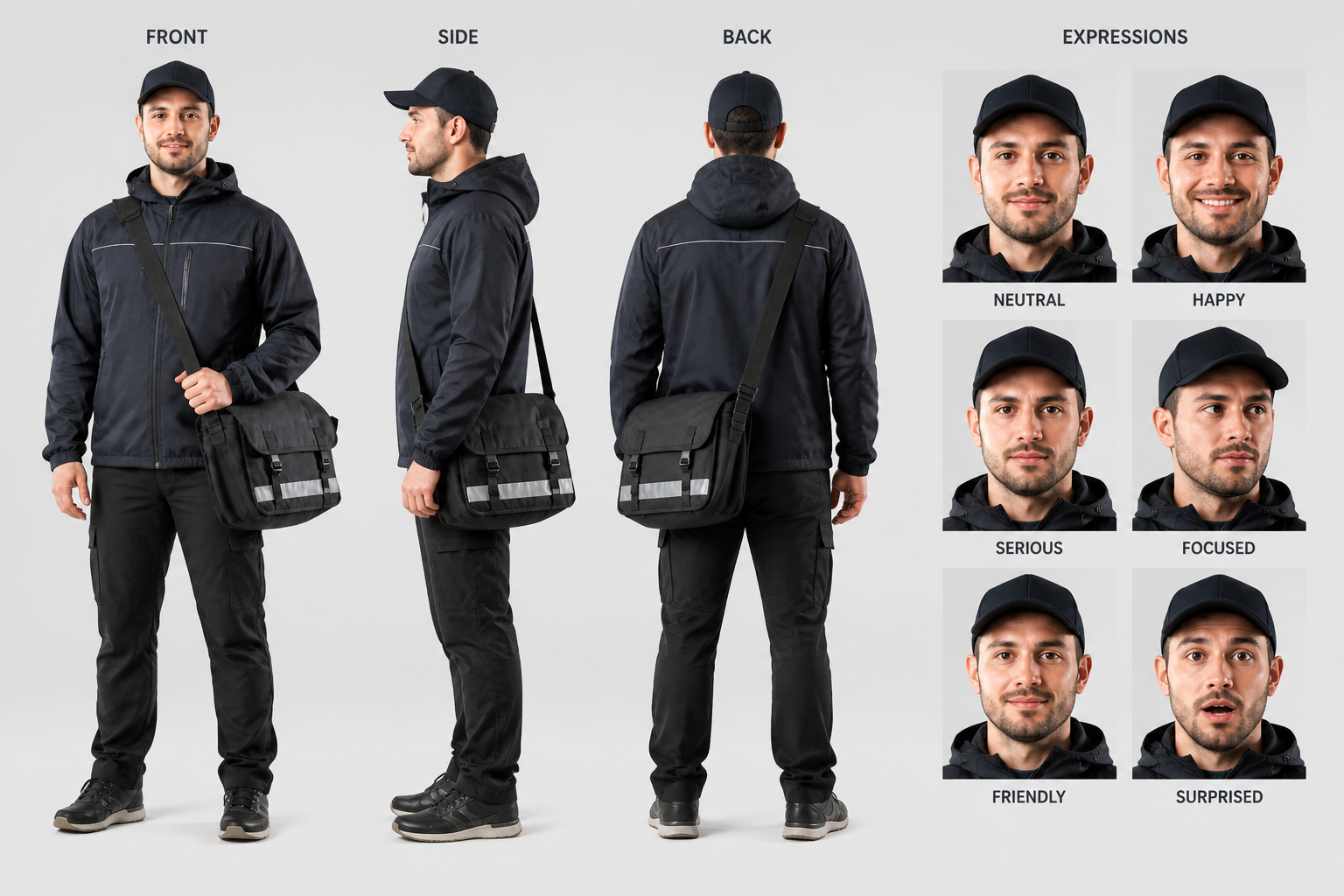
Fast reference for teams
Character lineups are useful when writers, artists, animators, and producers all need the same visual reference. A single organized sheet cuts down on confusion about costume details, body shape, and character identity. That makes approvals easier and keeps revisions focused. It is much faster than collecting scattered screenshots or manually arranging image boards.
How It Works
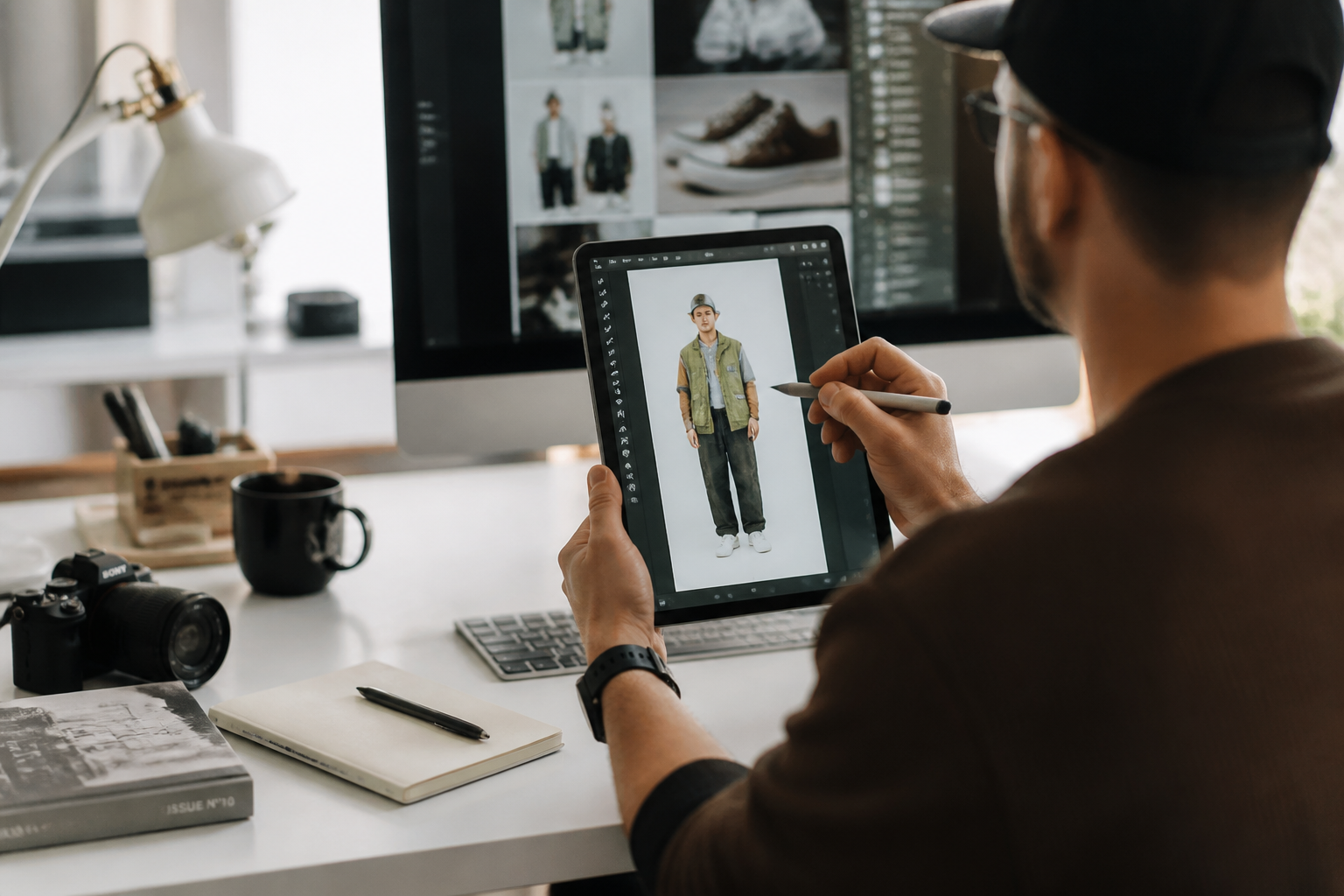
Upload your character image
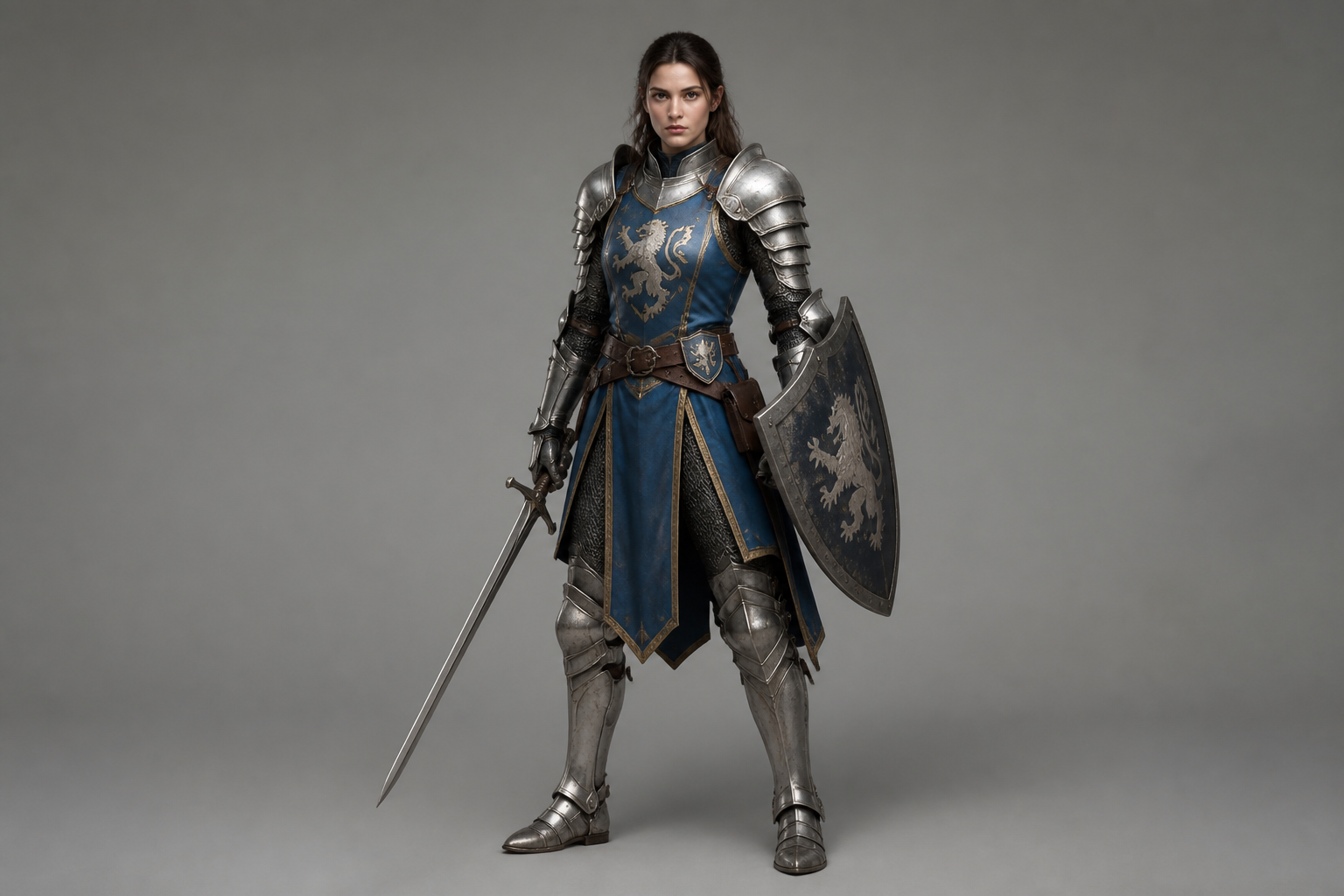
Start with a clear image that shows the character well, ideally full body. Clean framing and visible outfit details lead to stronger lineup sheets.
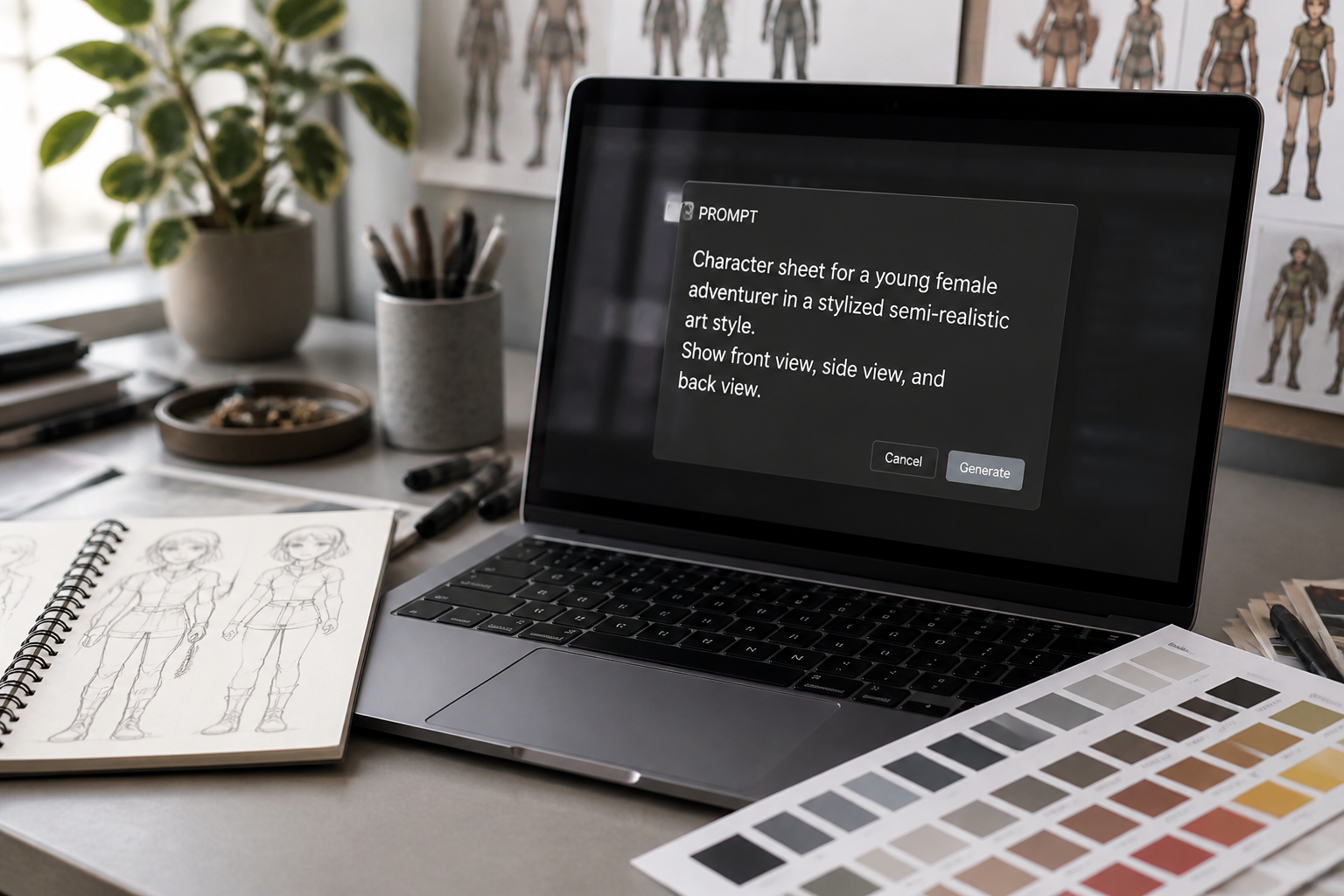
Describe the lineup you want
Tell our AI how many views you need and what format you prefer, such as front, side, back, or a cast sheet. You can also ask for a specific presentation style or art direction.
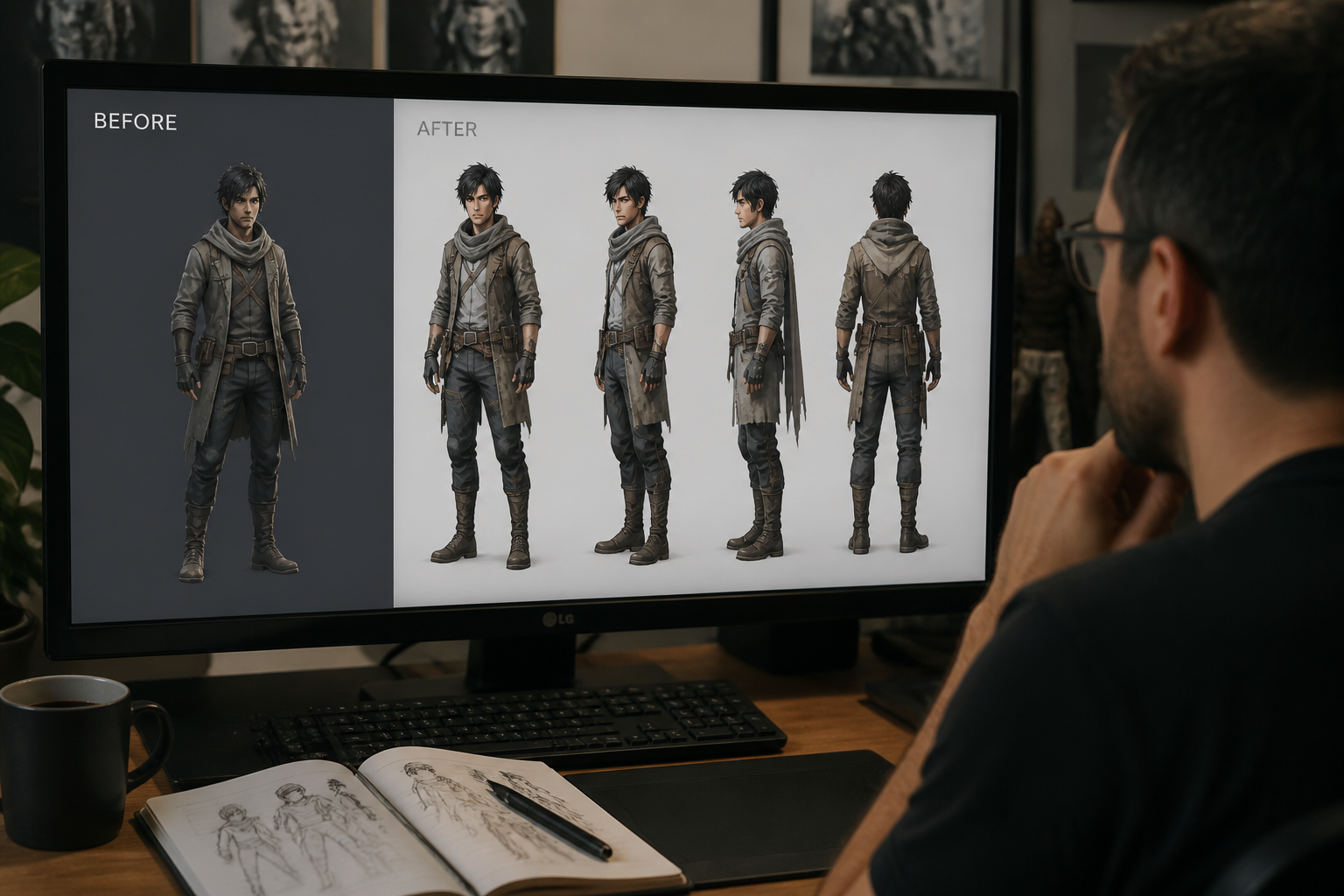
Review and refine the sheet
Compare the result, then rerun with clearer instructions if you want different spacing, angles, or styling. Small prompt changes can quickly turn a rough reference into a cleaner lineup board.
Perfect For
Discover how creators and professionals use character lineup generator
Game character references
Create multi-view sheets for playable characters, NPCs, or enemy designs before modeling or illustration work begins.
Comic and animation cast sheets
Build organized lineup boards that help keep recurring characters consistent across scenes and episodes.
Pitch decks and lookbooks
Present character concepts in a format that reads clearly for clients, collaborators, or investors.
Internal design reviews
Compare silhouette, costume details, and proportions in one place so feedback is easier to act on.
Built For
Concept artists
Generate lineup references quickly when exploring cast designs, alternate outfits, or presentation boards.
Game and animation teams
Use consistent sheets to align artists, producers, and reviewers around one clear visual reference.
Indie creators
Make cleaner character boards for comics, visual novels, short films, and worldbuilding projects without complex manual layout work.
Why use it for character lineups
A quick look at how we compare on the things that matter for this niche.
| Feature | BudgetPixel | Generic AI editors | Manual editing apps |
|---|---|---|---|
| Multi-view lineup prompts | ✓ | — | — |
| Fast cast-sheet creation | ✓ | — | — |
| Stylized or realistic output | ✓ | ✓ | — |
| Manual layout work required | Low | Medium | High |
Frequently Asked Questions
What is a character lineup generator?
Can I make front, side, and back views?
Does it work for stylized art too?
Do I need a full-body image?
Can I use it for team review boards?
Create together.
Share your creations, discover trending AI art, and grow with fellow creators.