Ghibli Style Transformation for Any Image
Convert photos and artwork into a warm, hand-painted animated look.
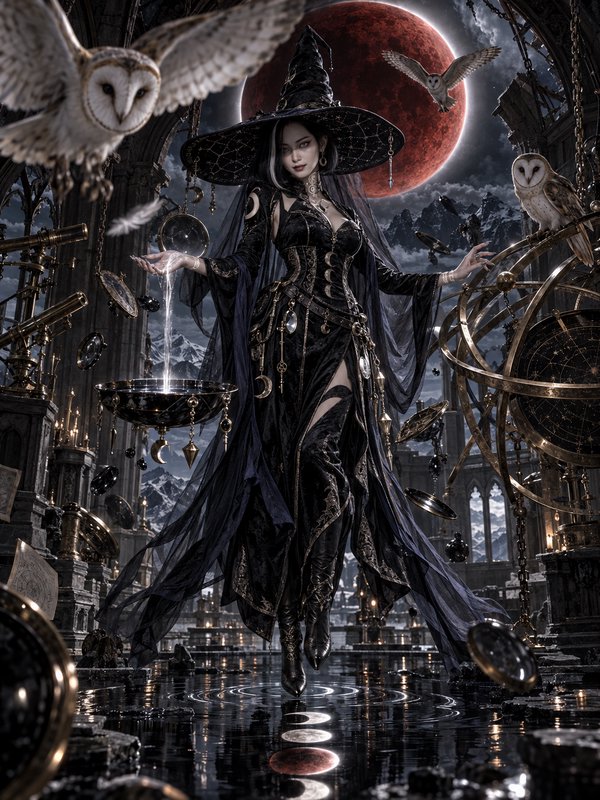
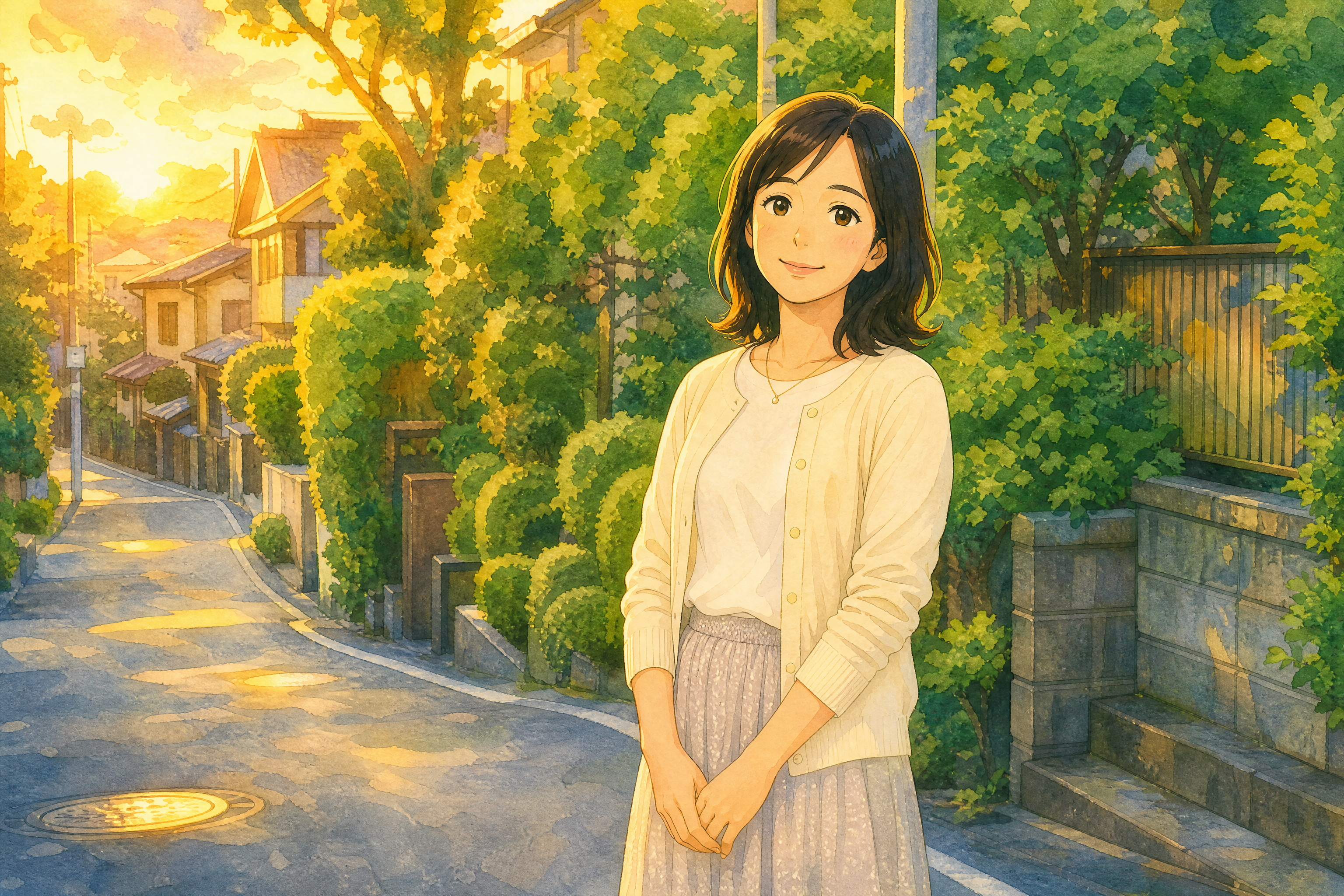
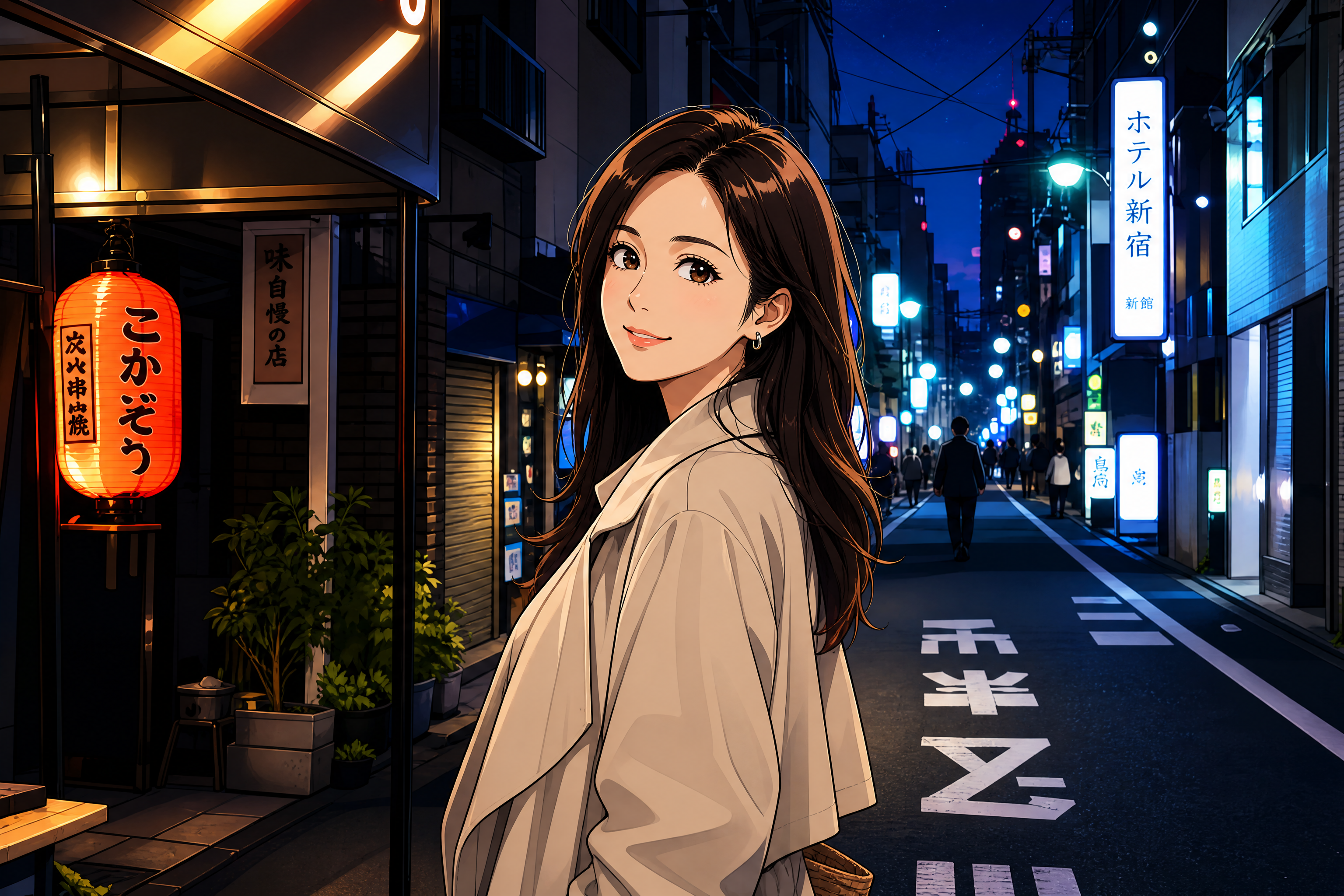
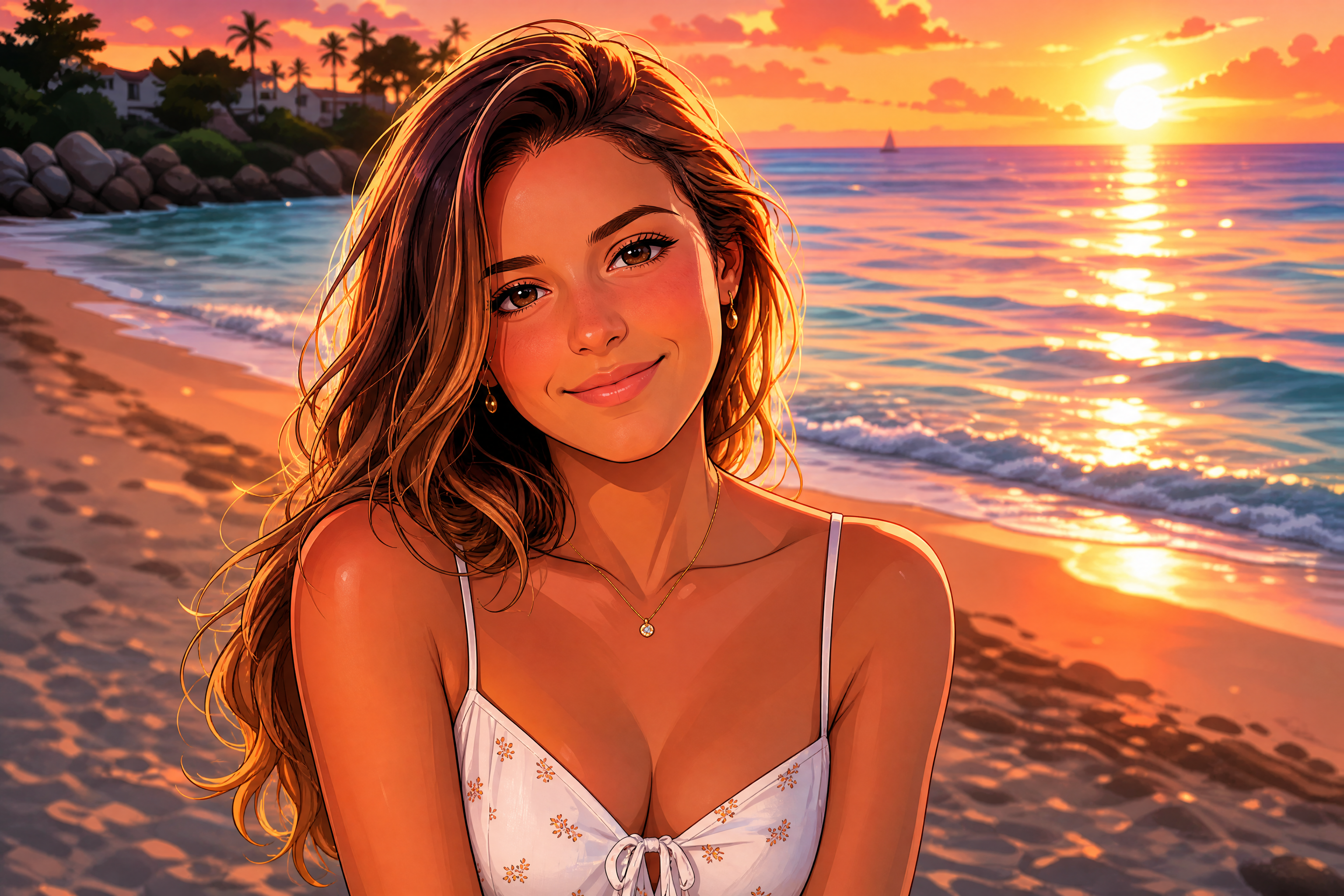
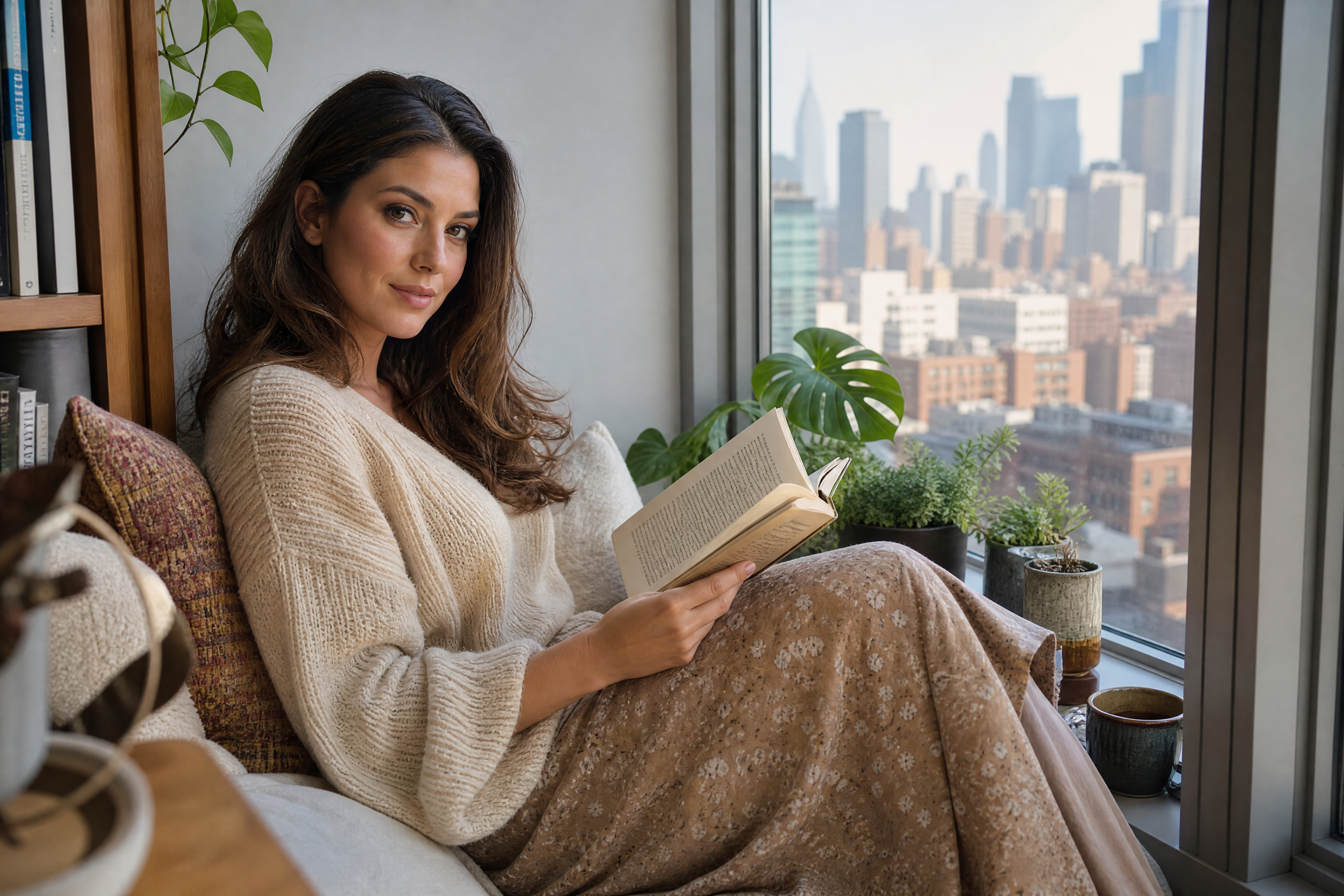
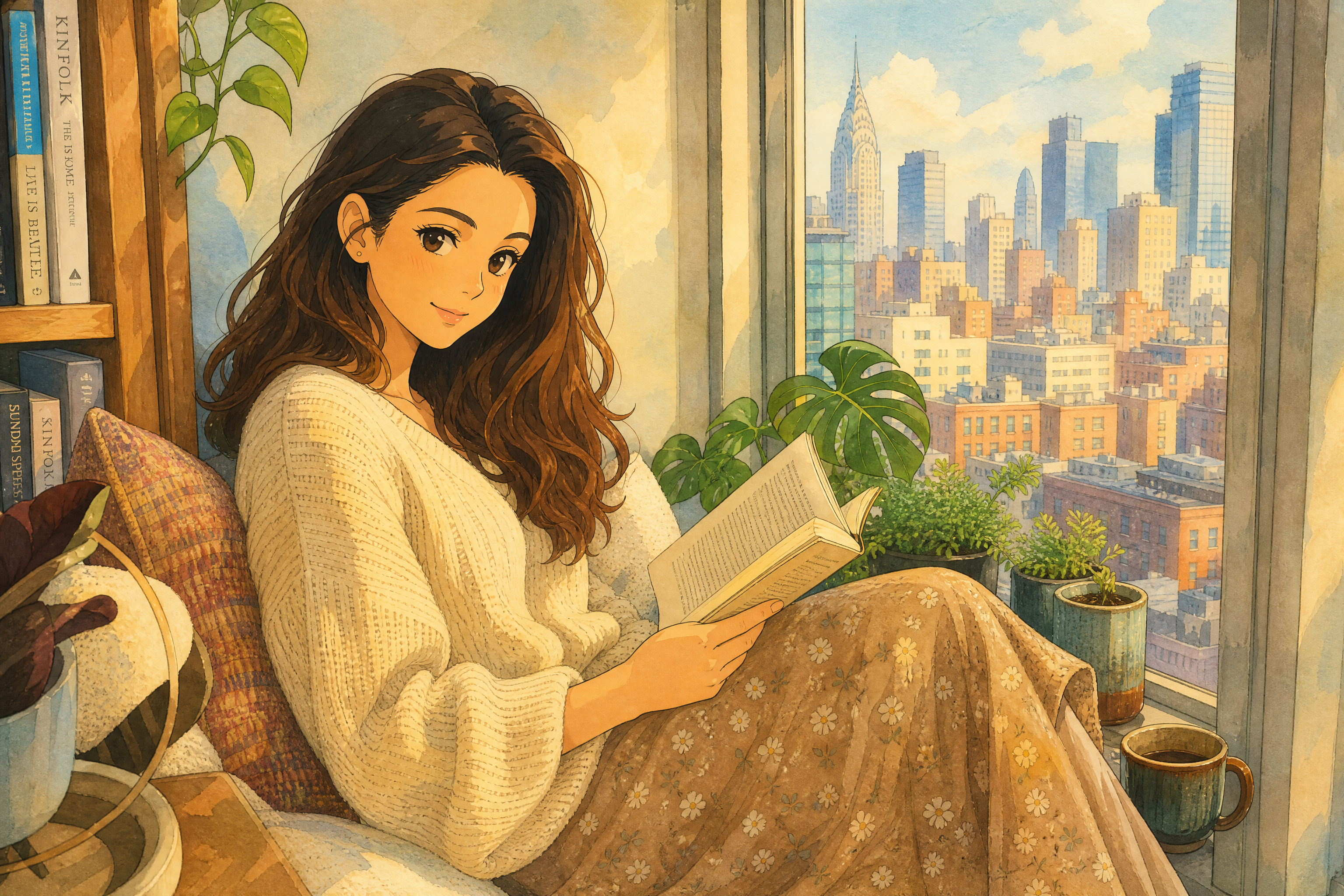
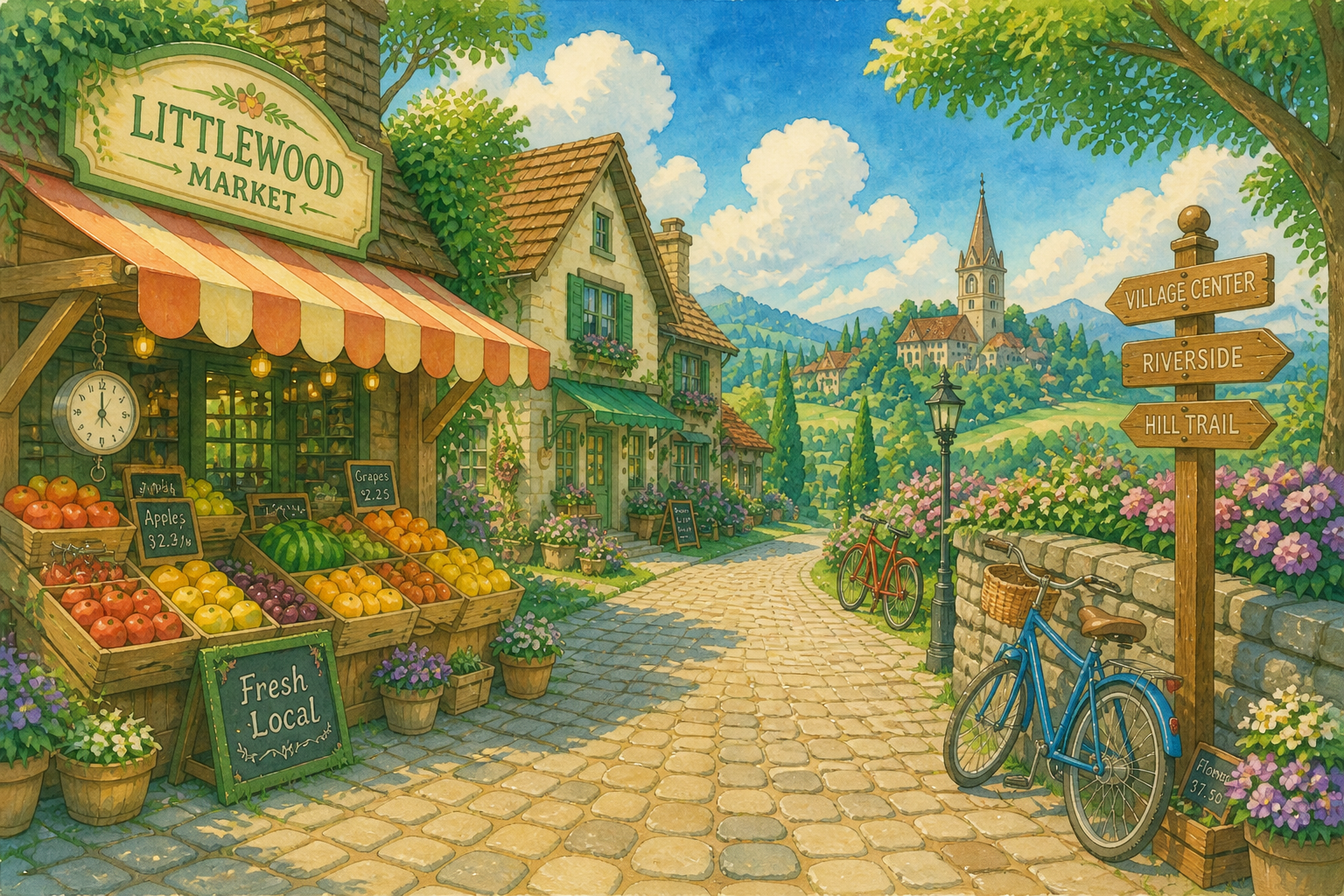
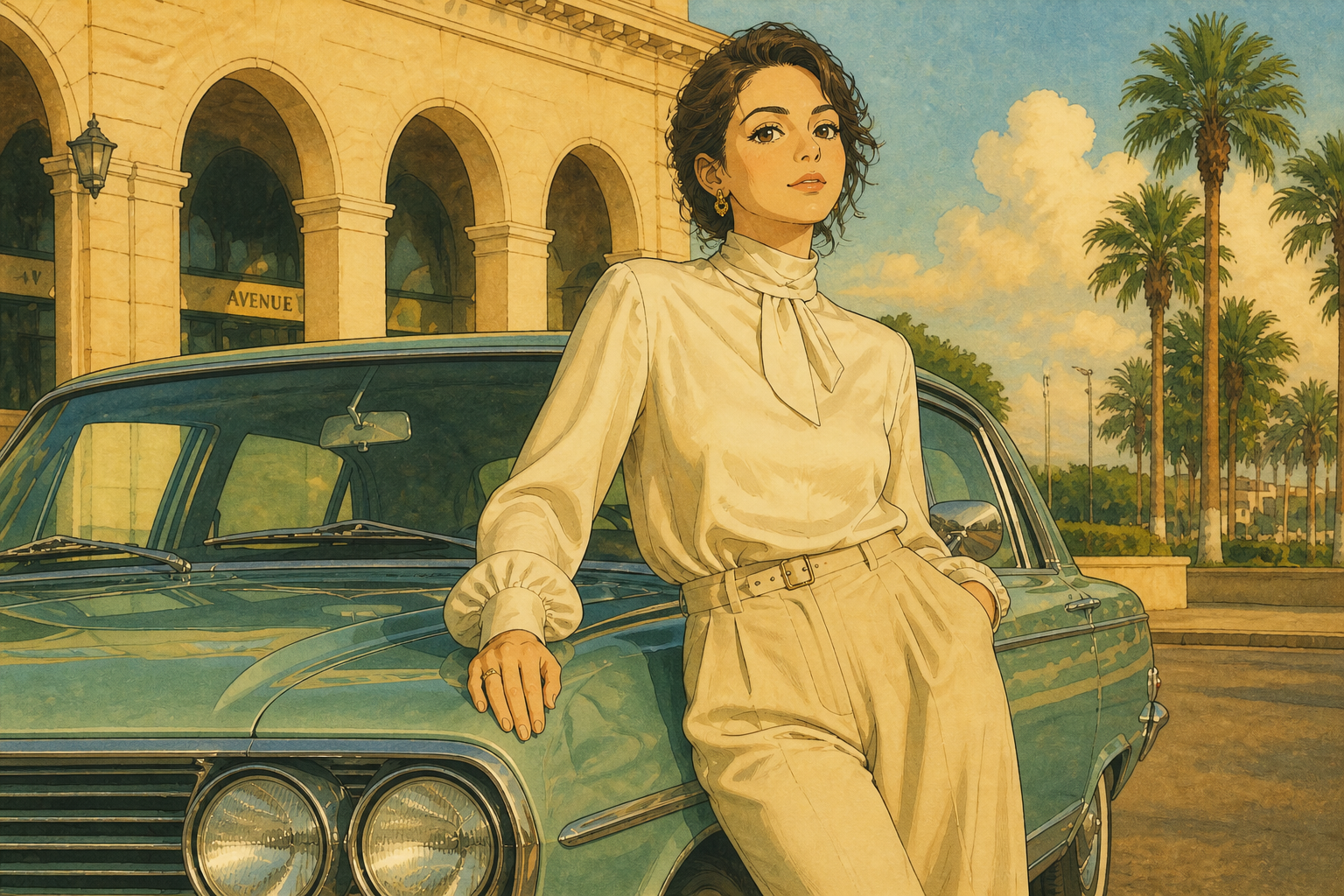
Upload a portrait, landscape, fashion shot, or existing artwork and turn it into a Ghibli-style scene. Our AI keeps the main composition readable while changing the color, texture, and mood into a soft illustrated finish.
Watch the Transformation
See ghibli style transformation in motion — generated end-to-end by our AI.
See It In Action
Real outputs from ghibli style transformation.
BEFOREAFTER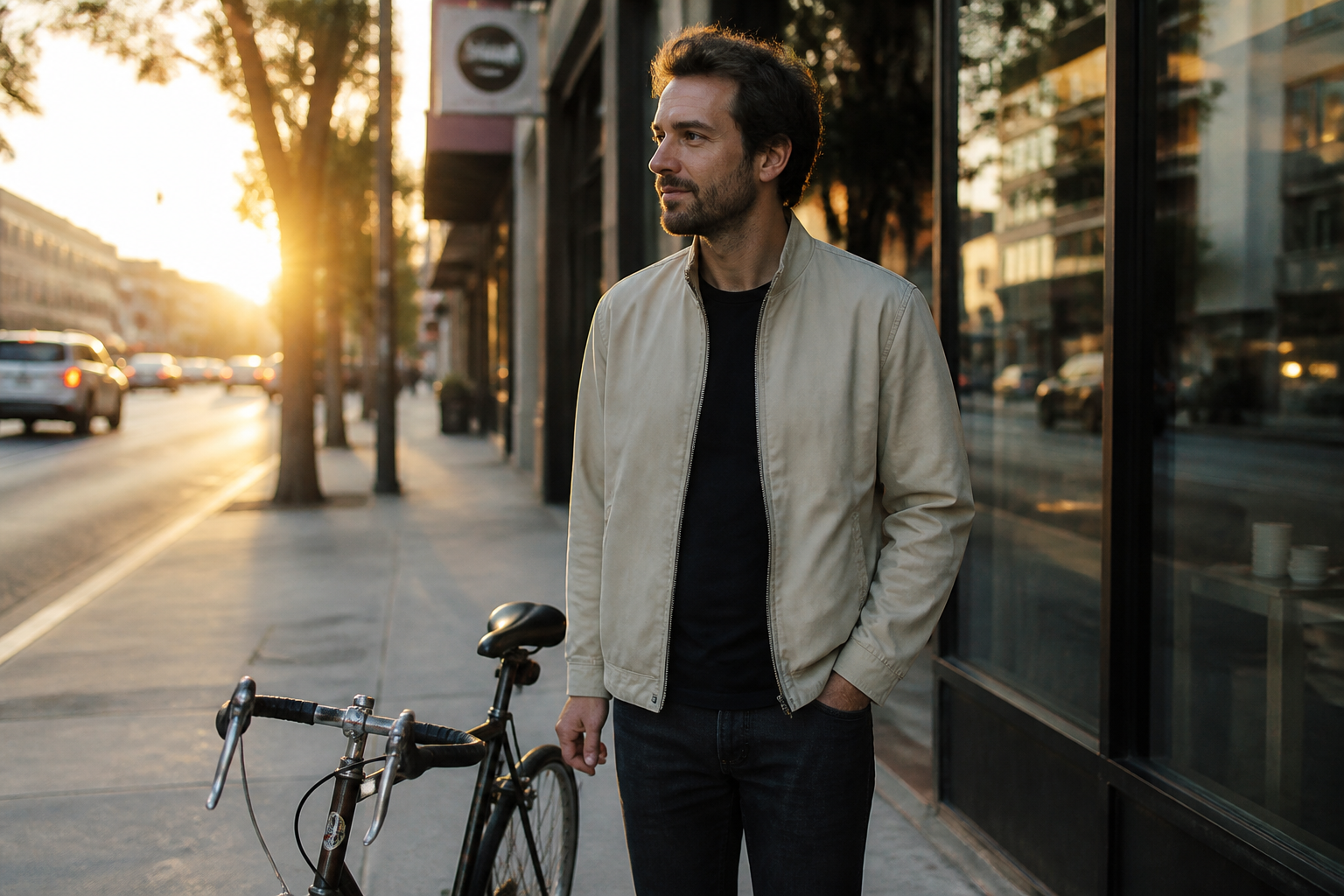 BEFORE
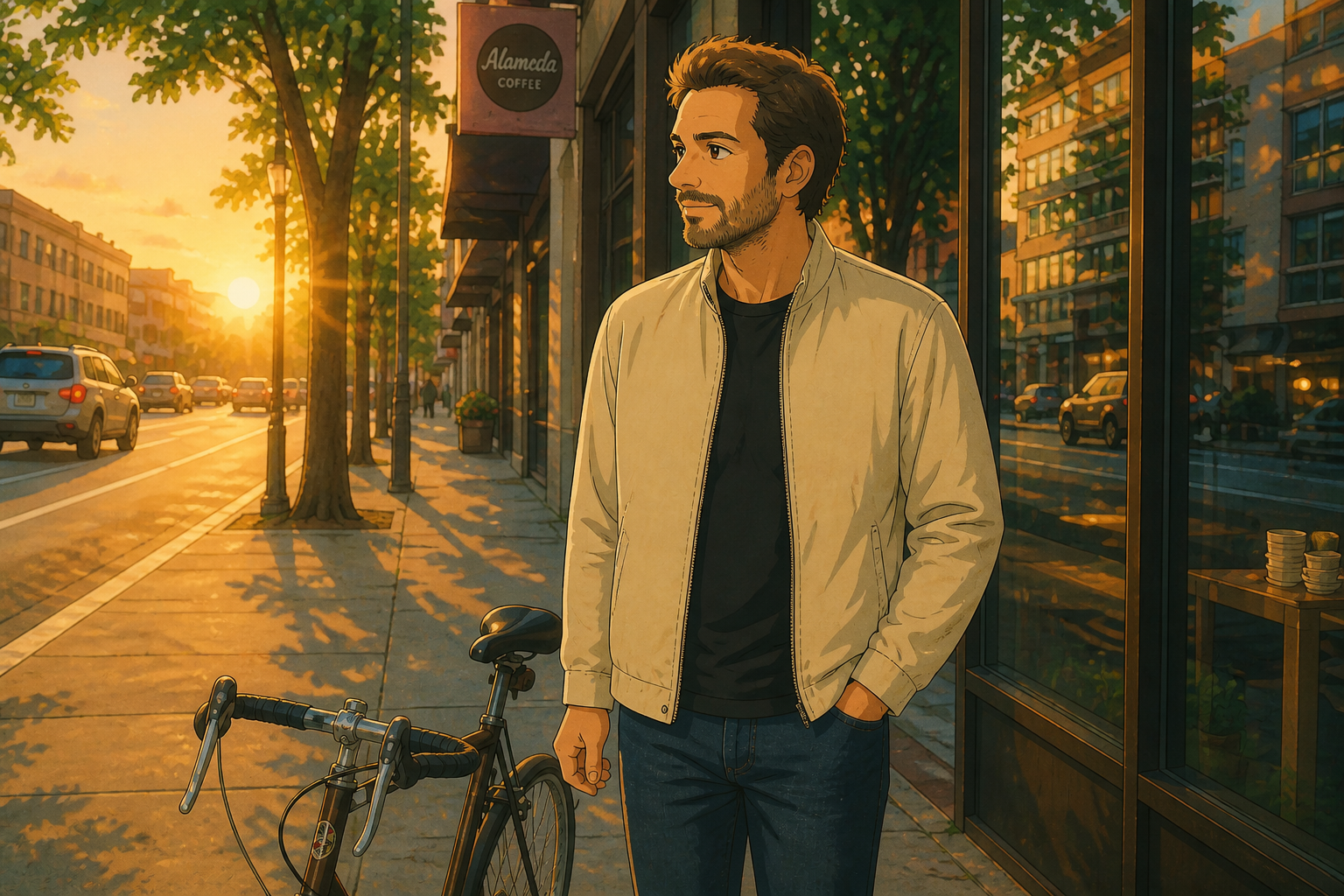 AFTER
AFTER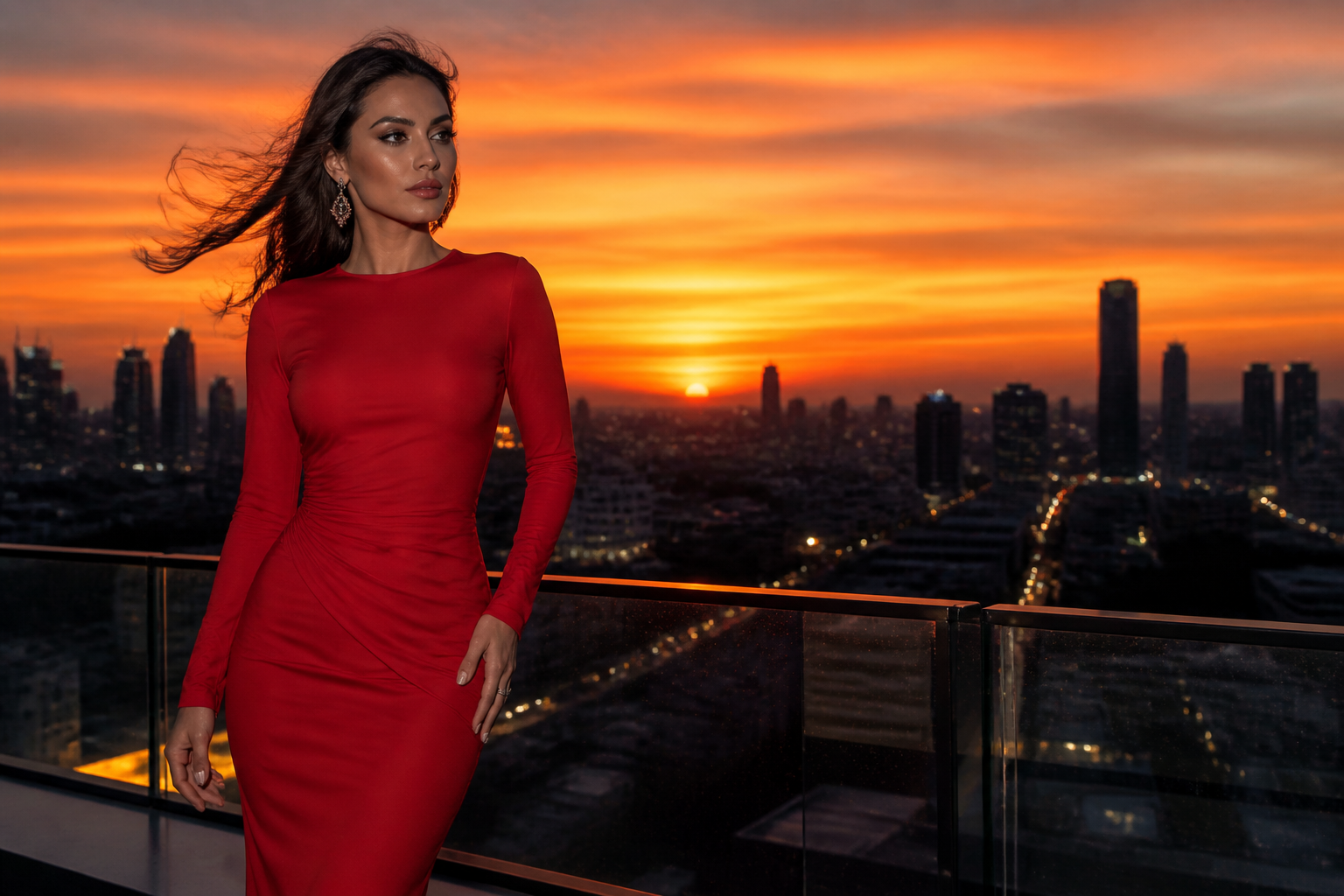 BEFORE
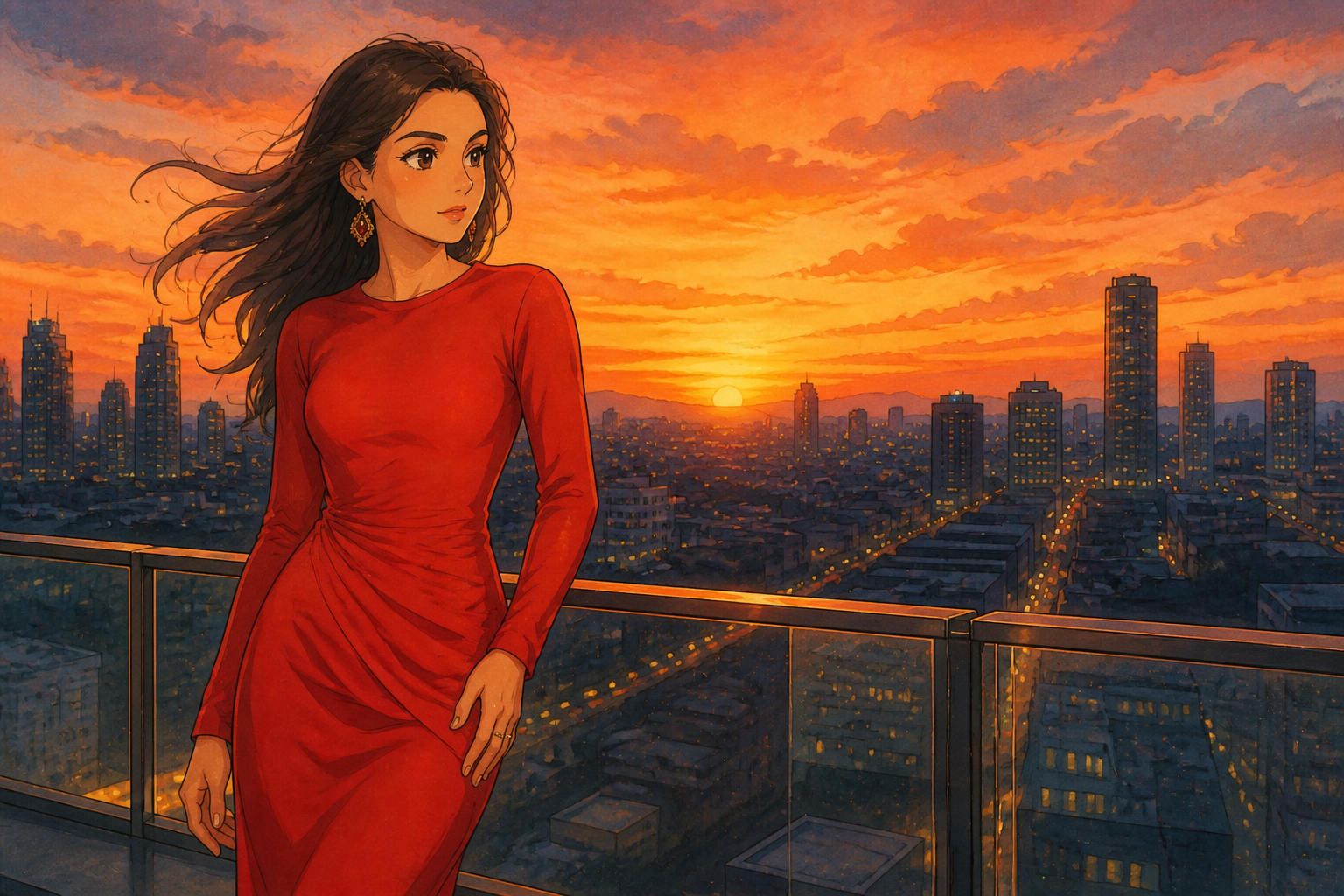 AFTER
AFTER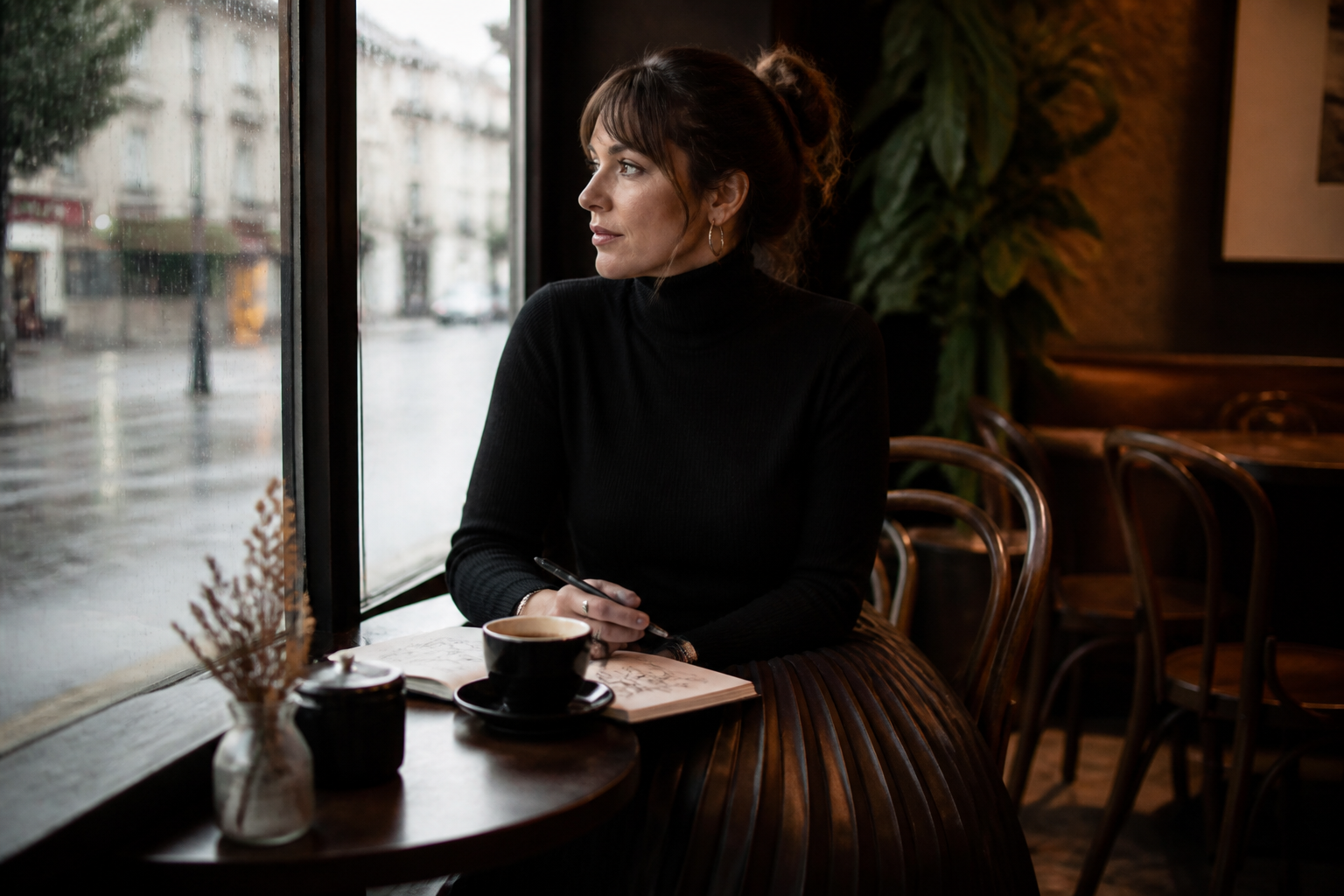 BEFORE
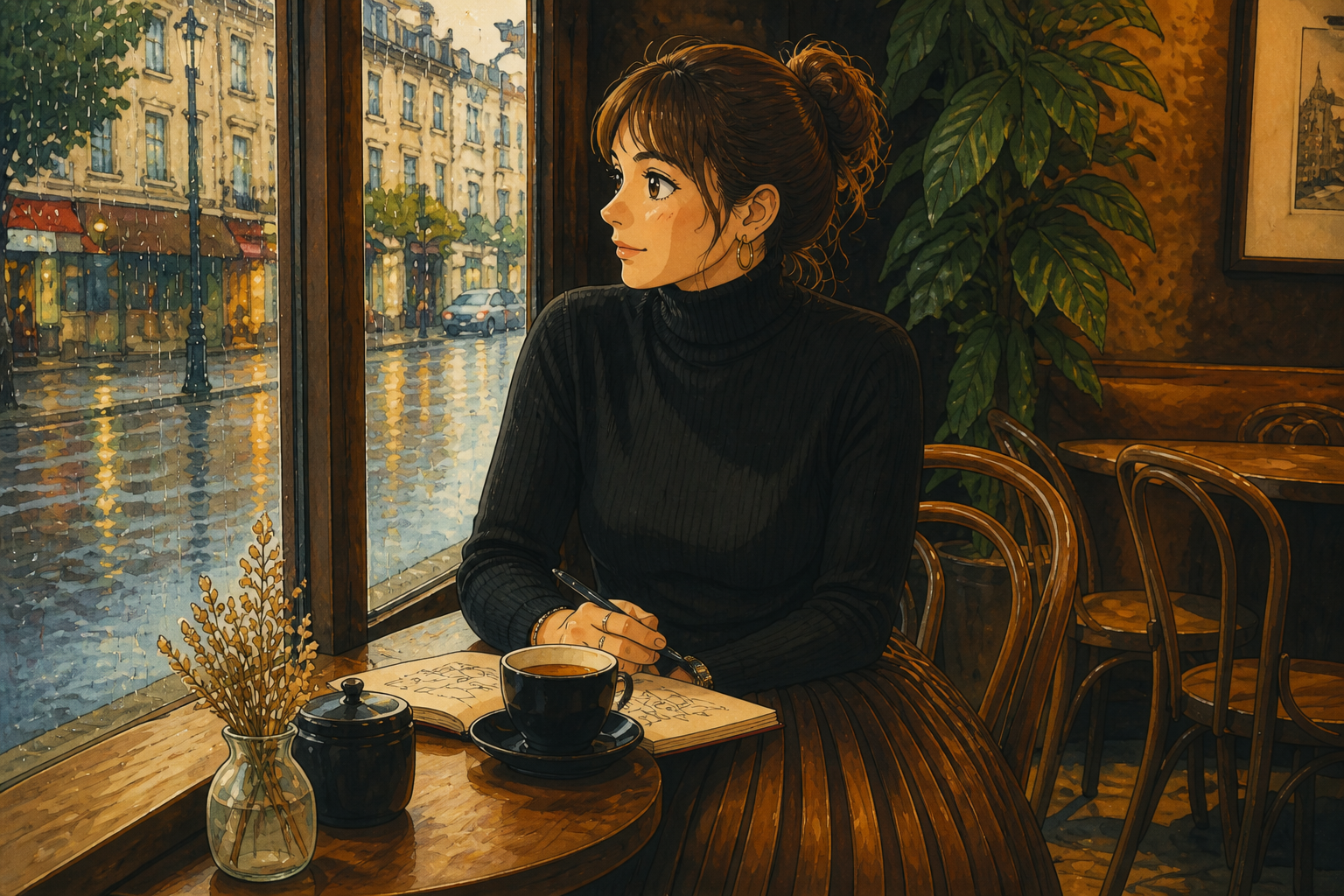 AFTER
AFTER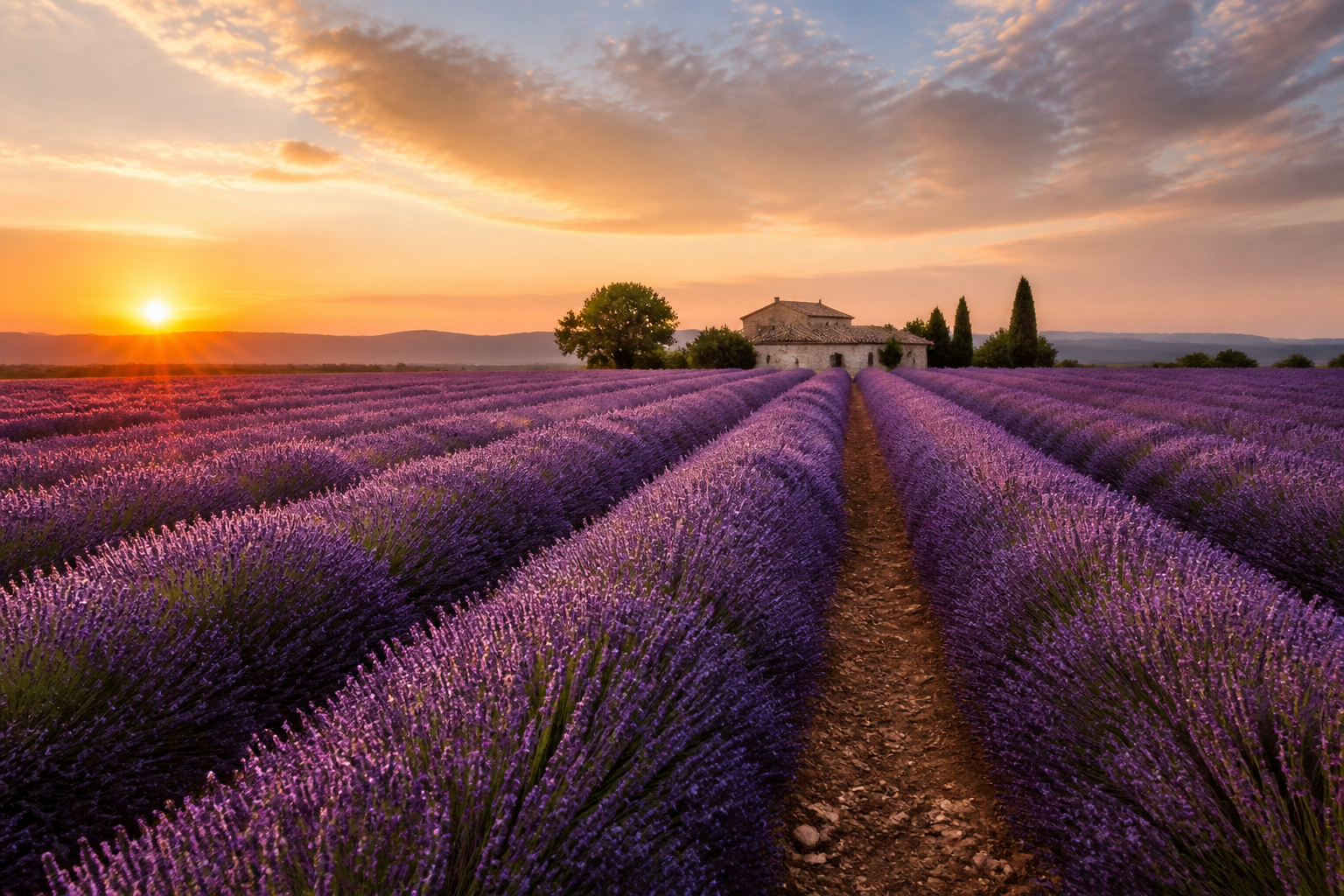 BEFORE
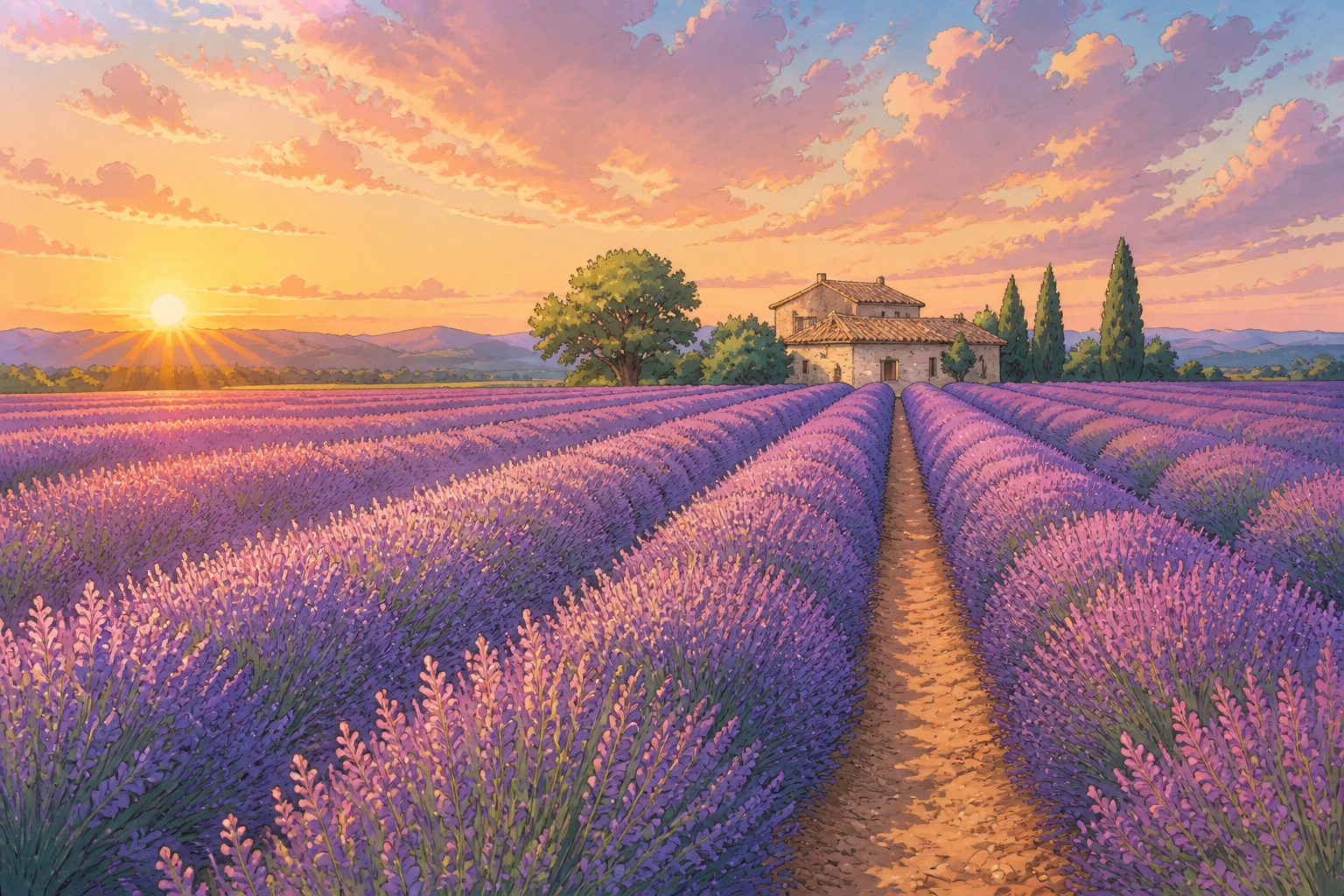 AFTERBEFOREAFTERBEFOREAFTERBEFOREAFTERBEFOREAFTERBEFOREAFTER
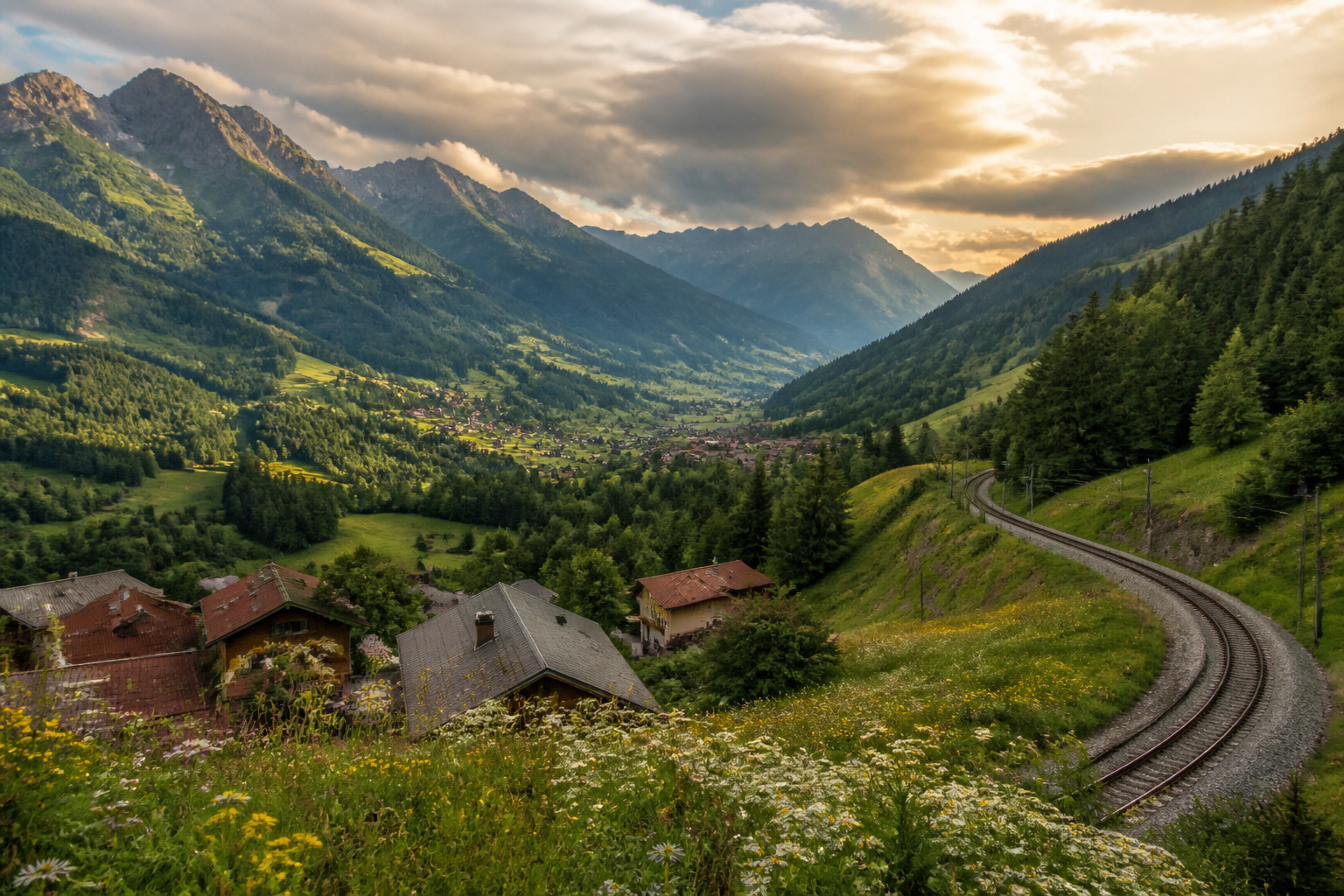 BEFORE
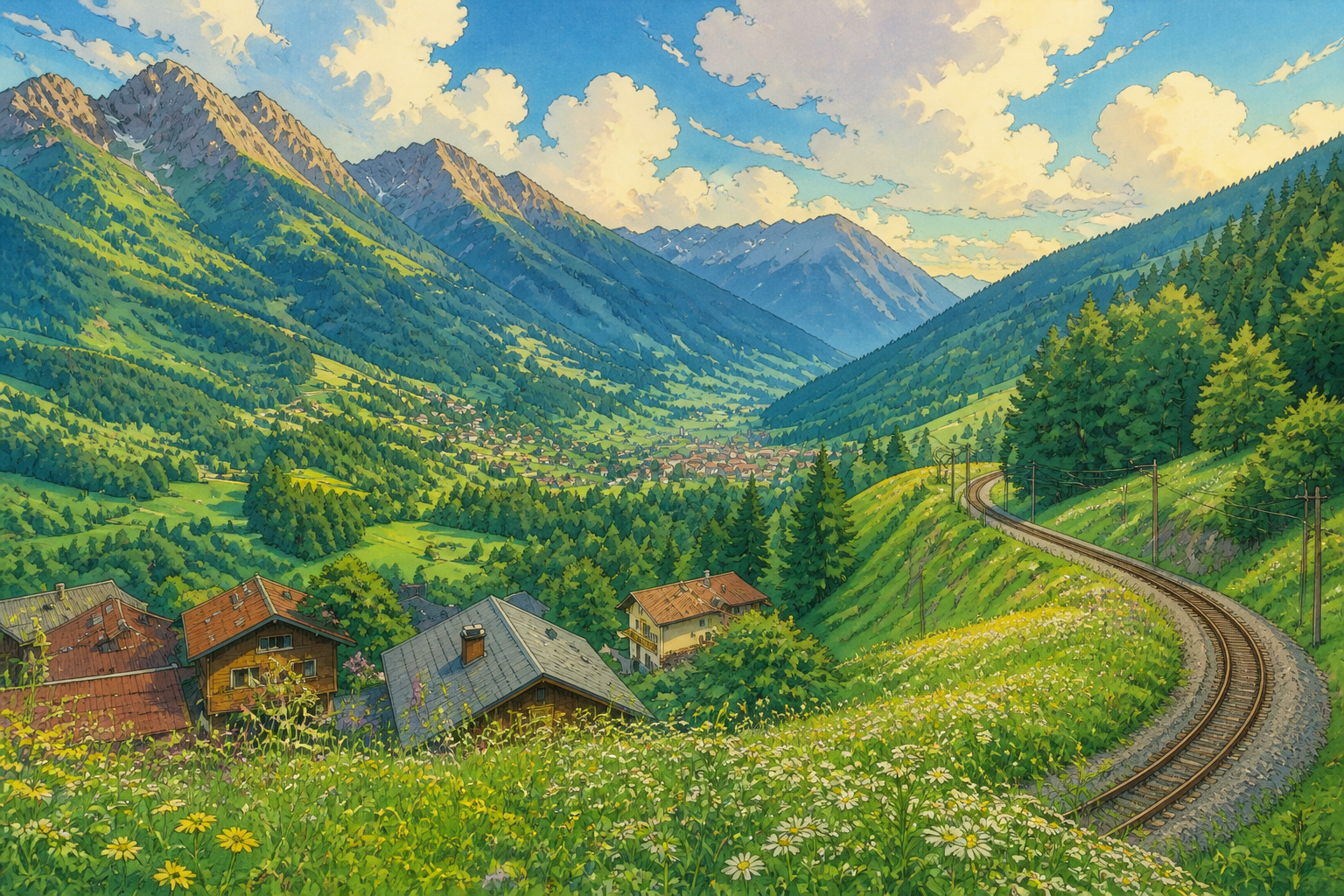 AFTER
AFTER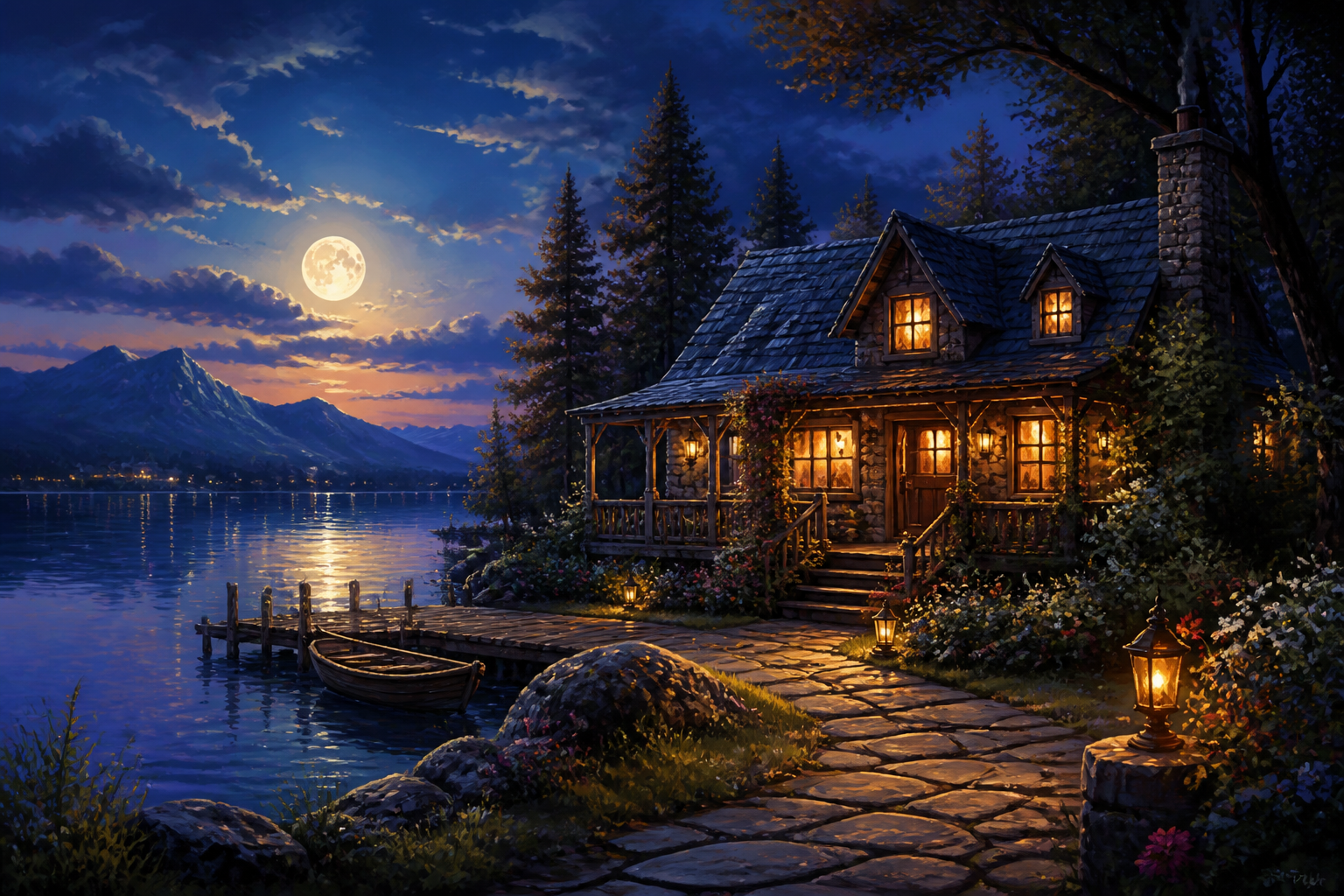 BEFORE
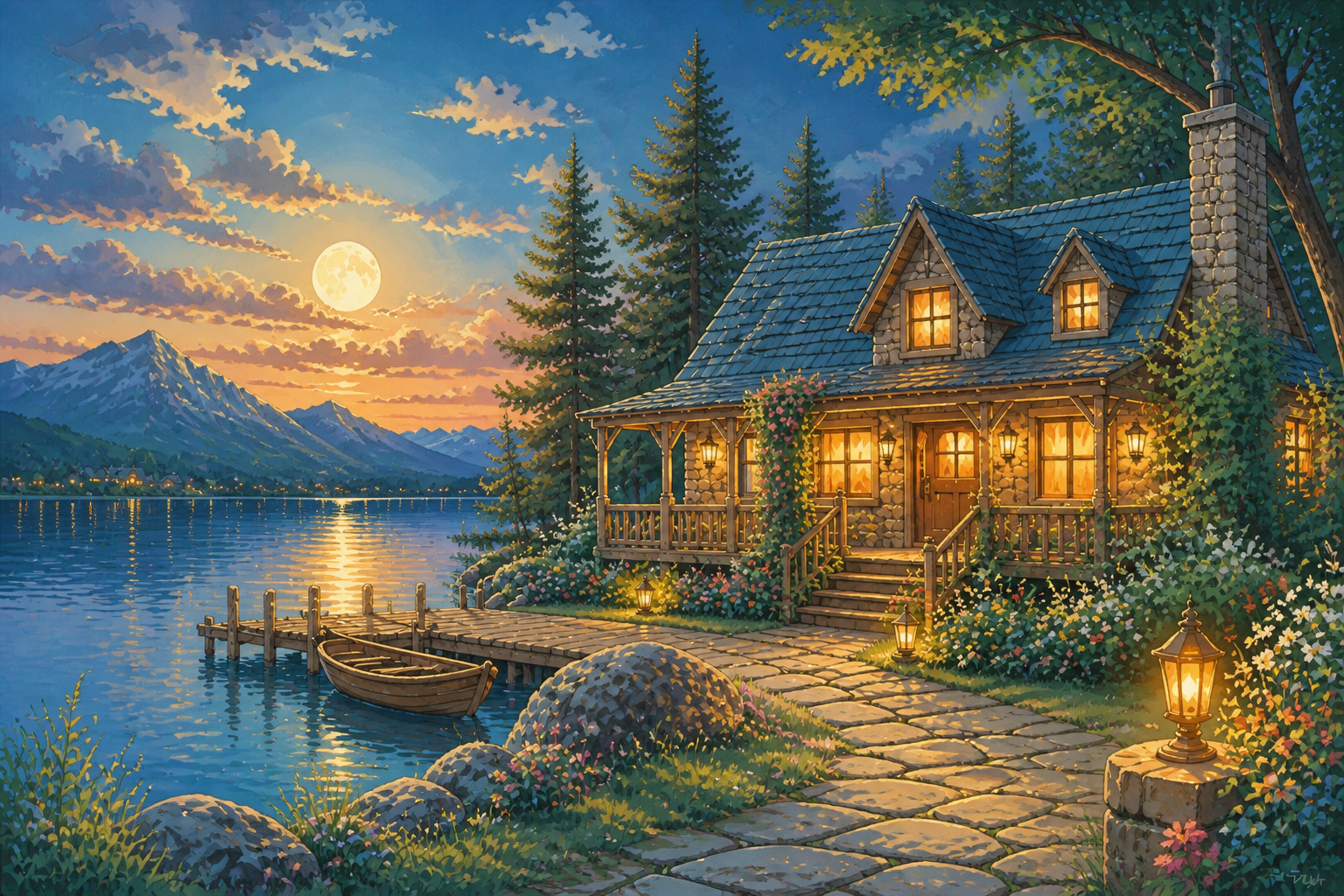 AFTER
AFTER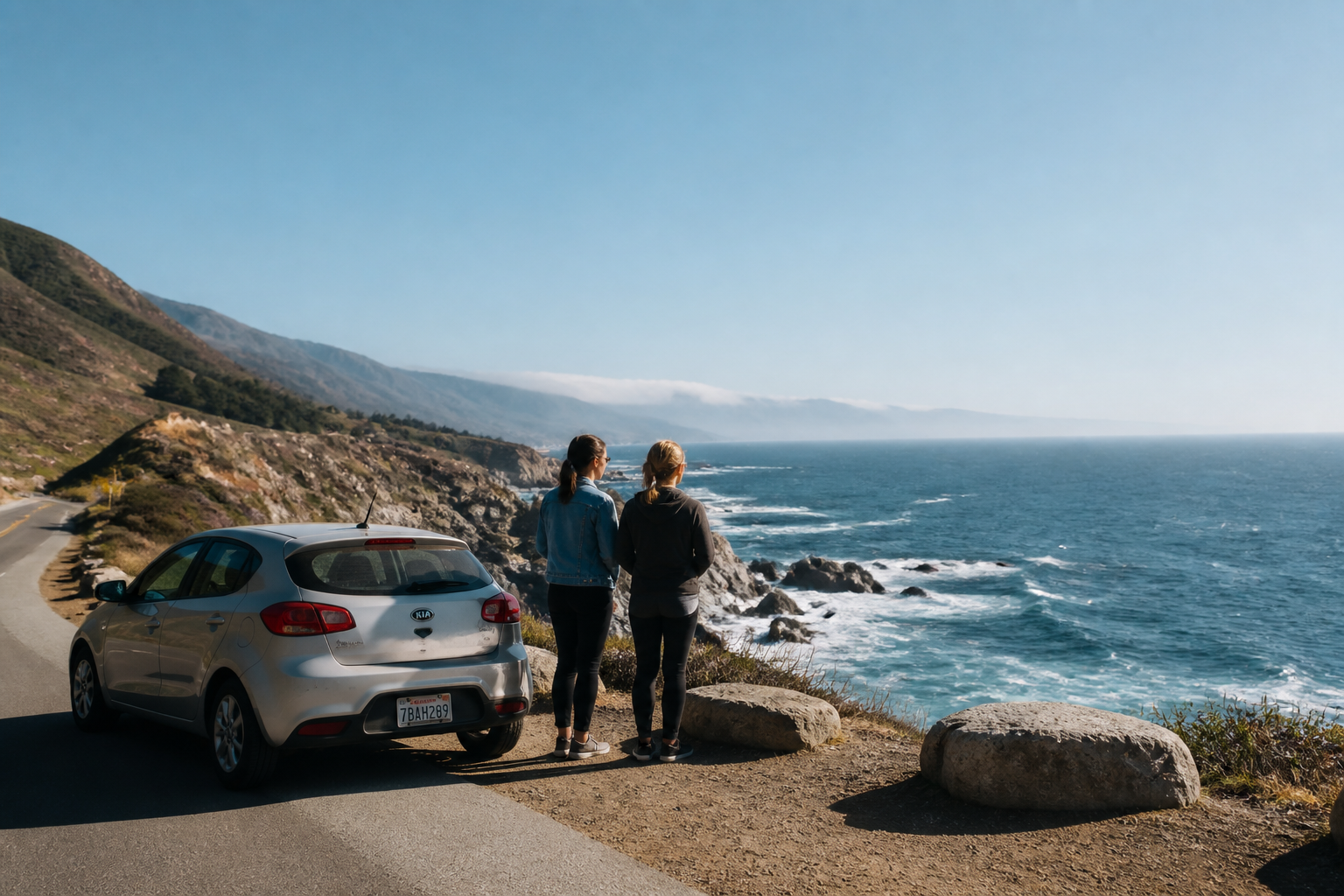 BEFORE
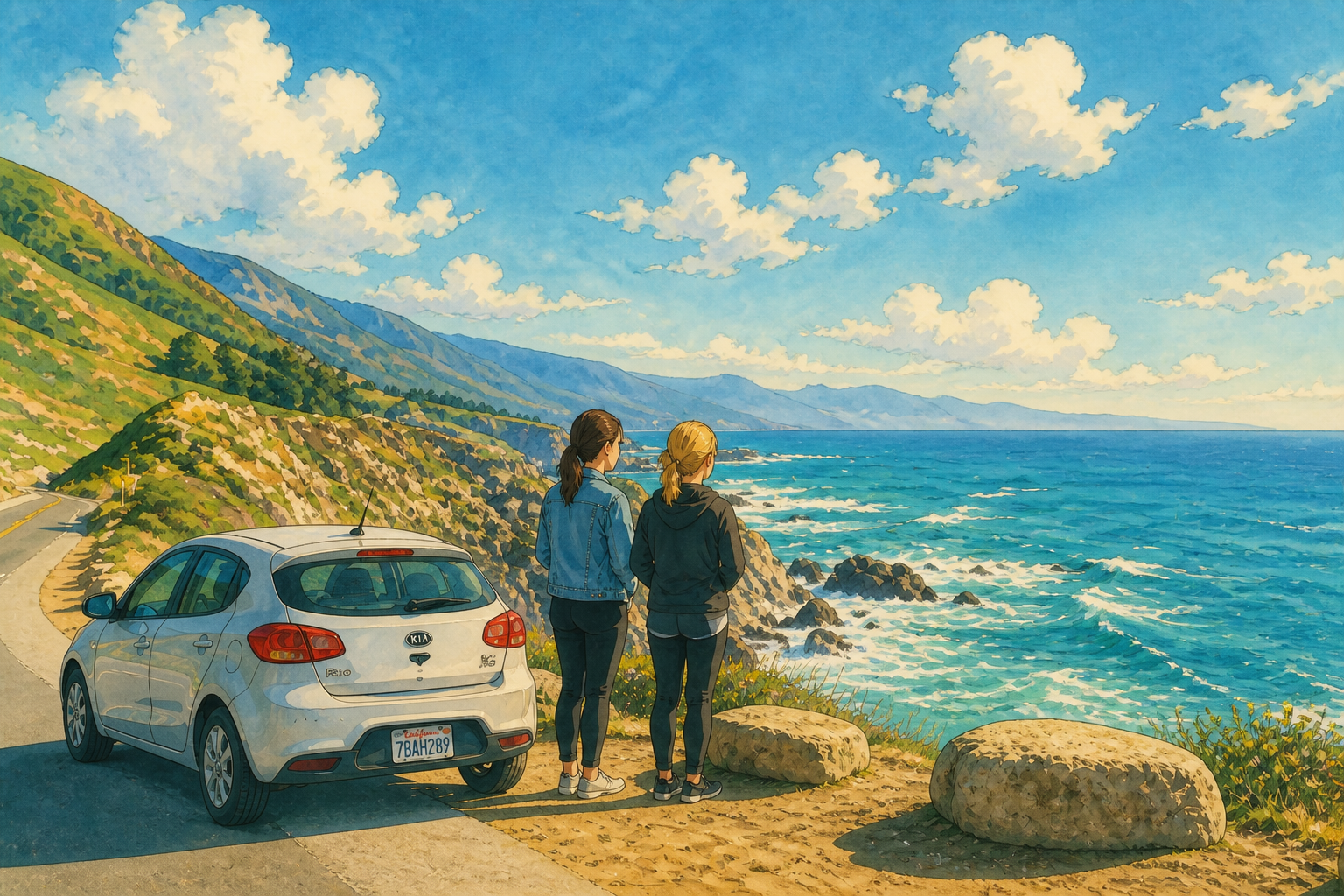 AFTER
AFTER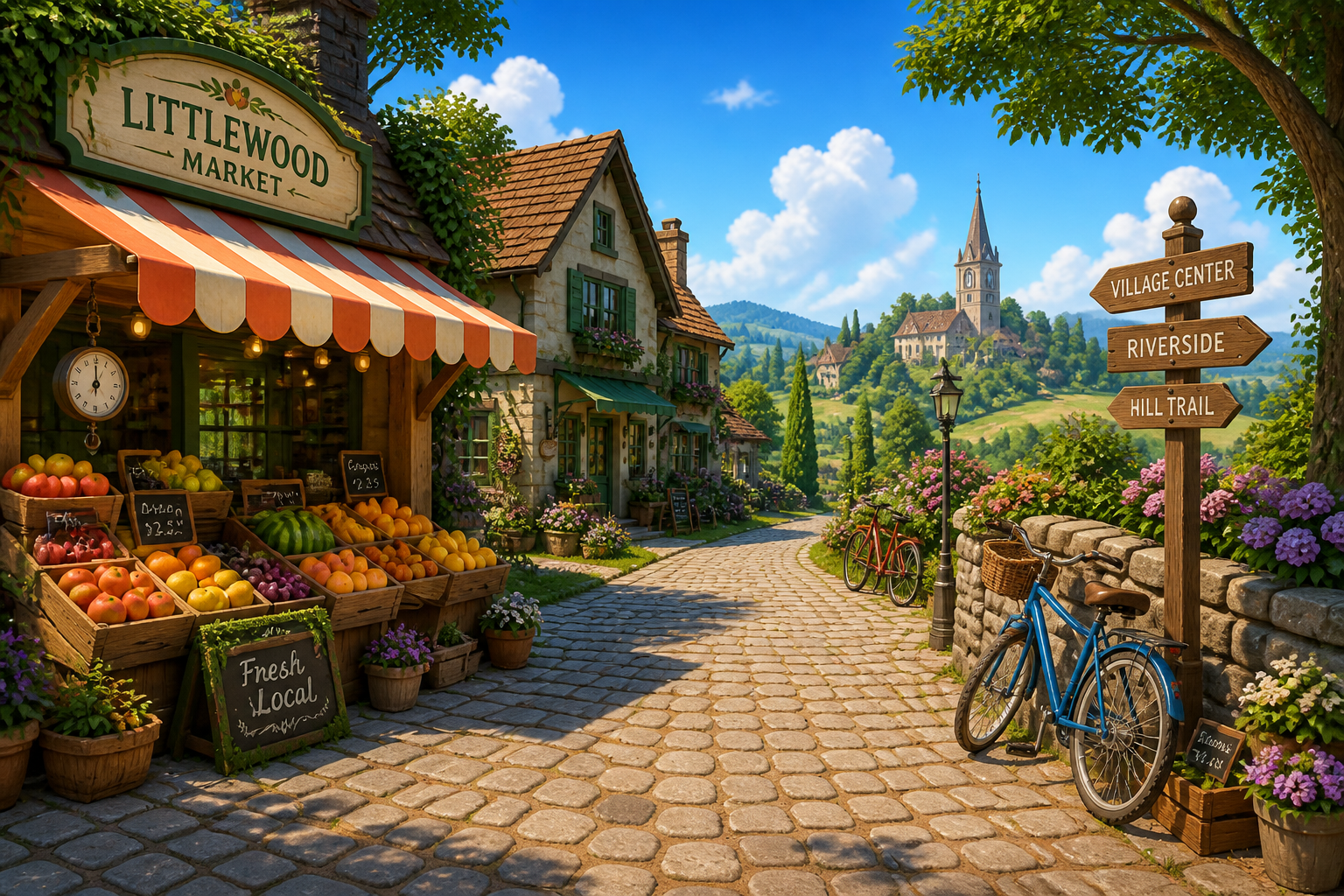 BEFORE
 AFTER
AFTER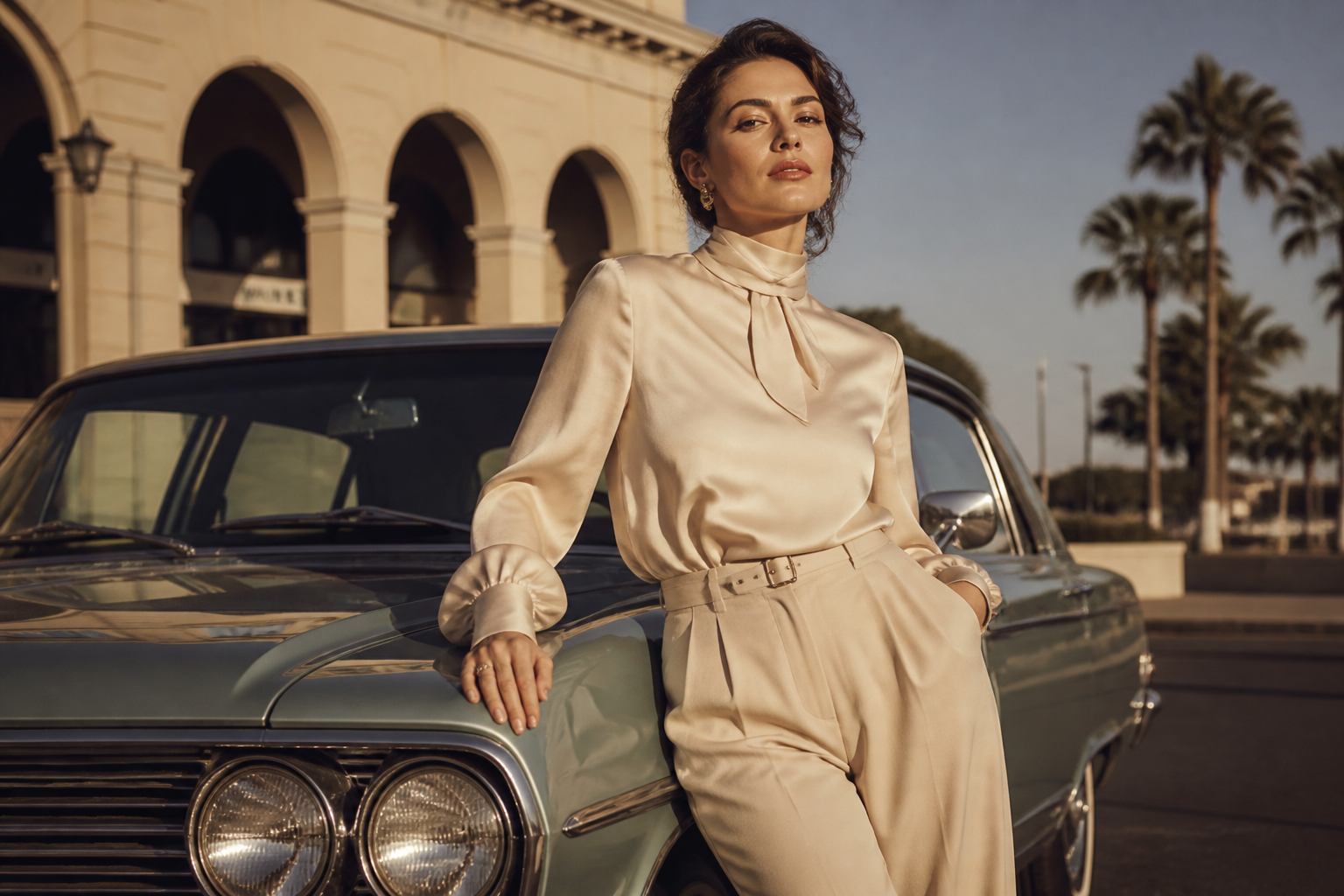 BEFORE
 AFTERBEFOREAFTERBEFOREAFTERBEFOREAFTERBEFOREAFTERBEFOREAFTER
Key Features
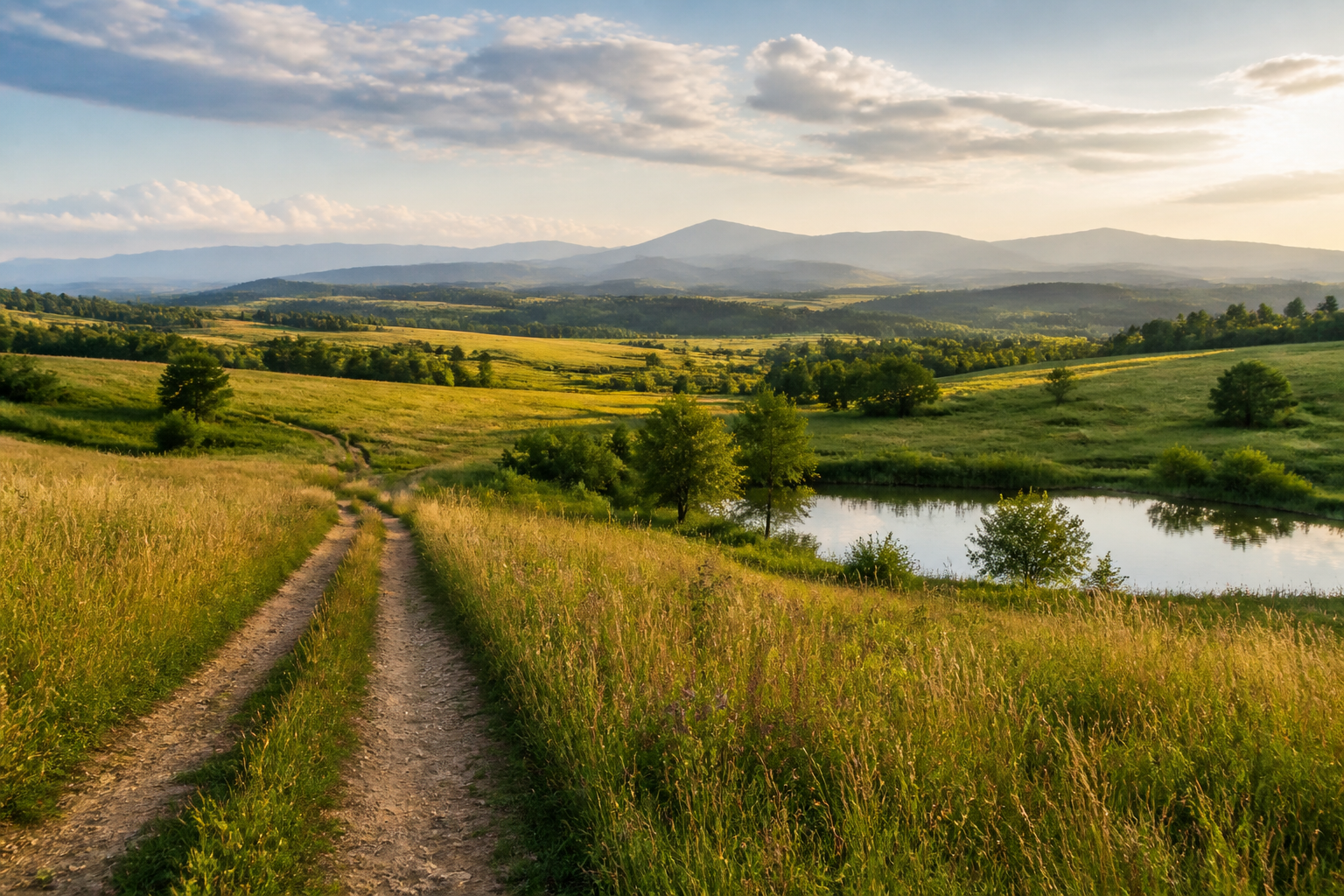
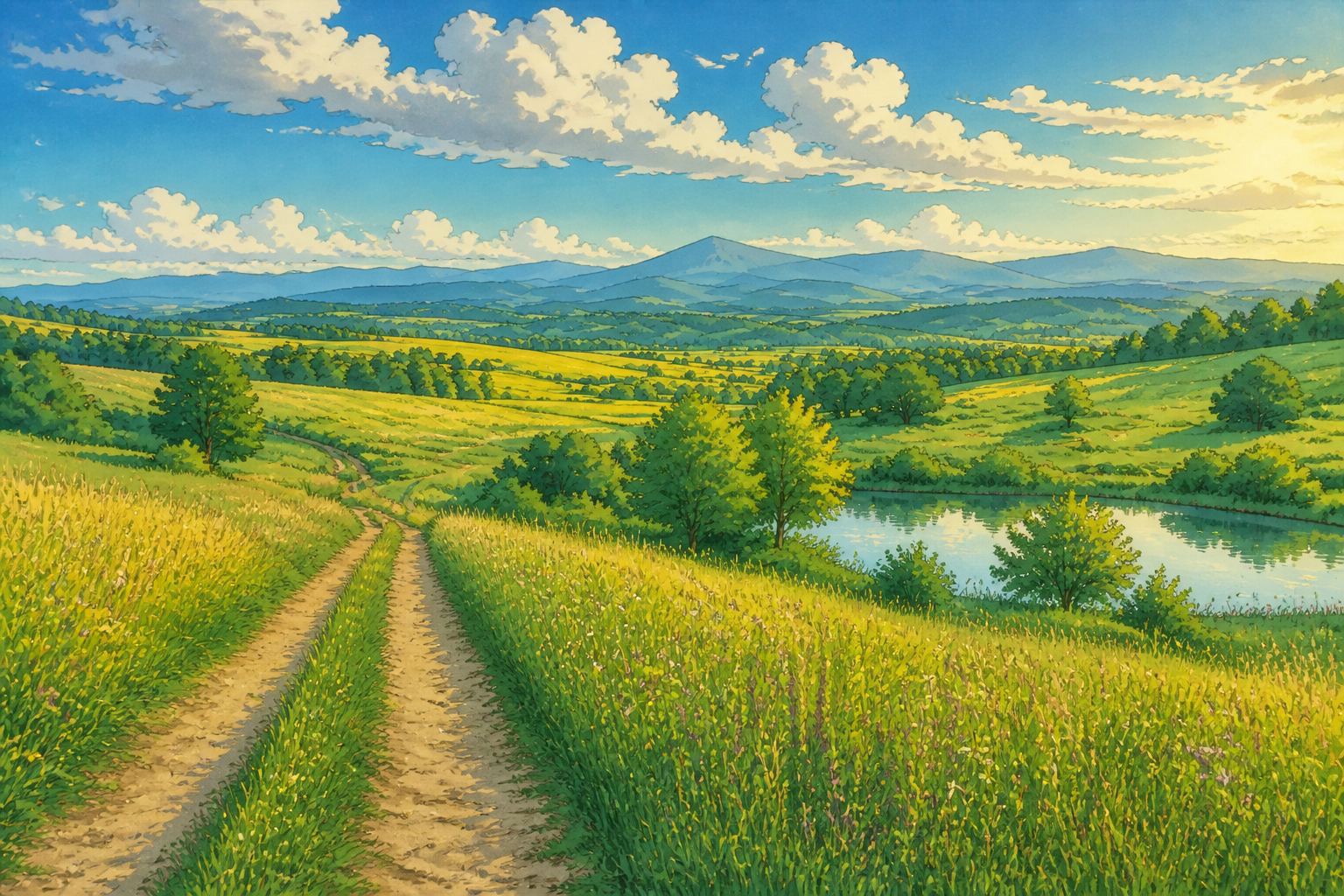
Works on more than portraits
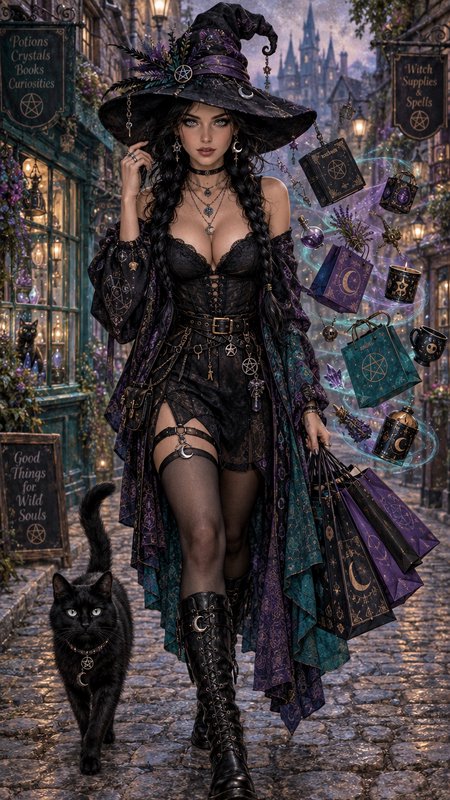
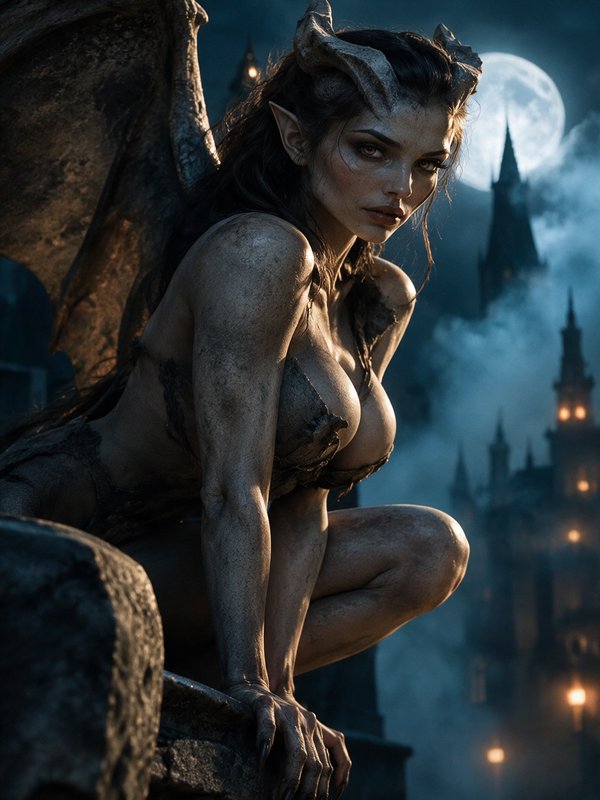
You can apply the Ghibli-style look to people, places, interiors, and existing artwork. That matters because most style tools only look good on one kind of image. Here, the edit can carry the same soft illustrated mood across different subjects without rebuilding the scene by hand.
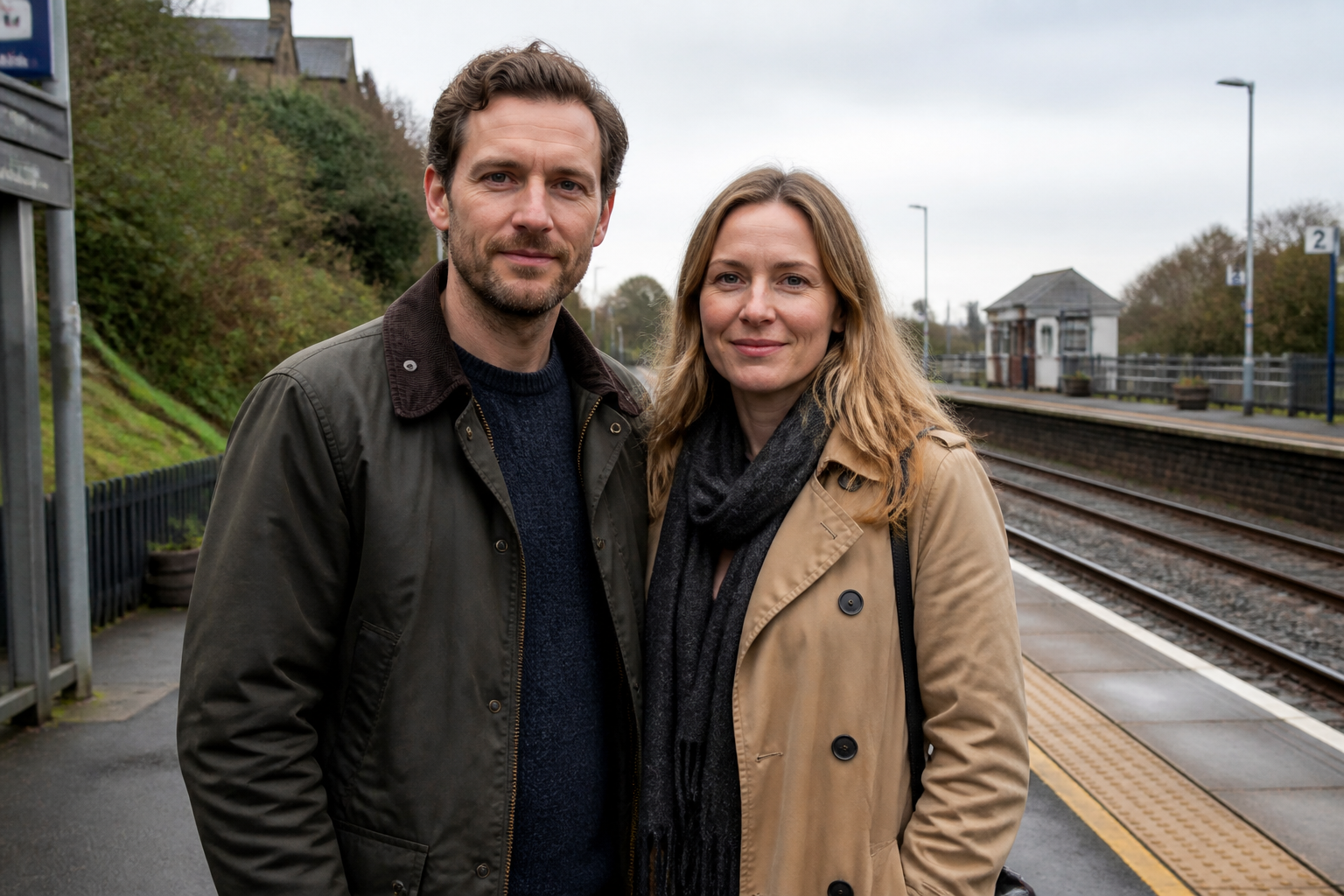
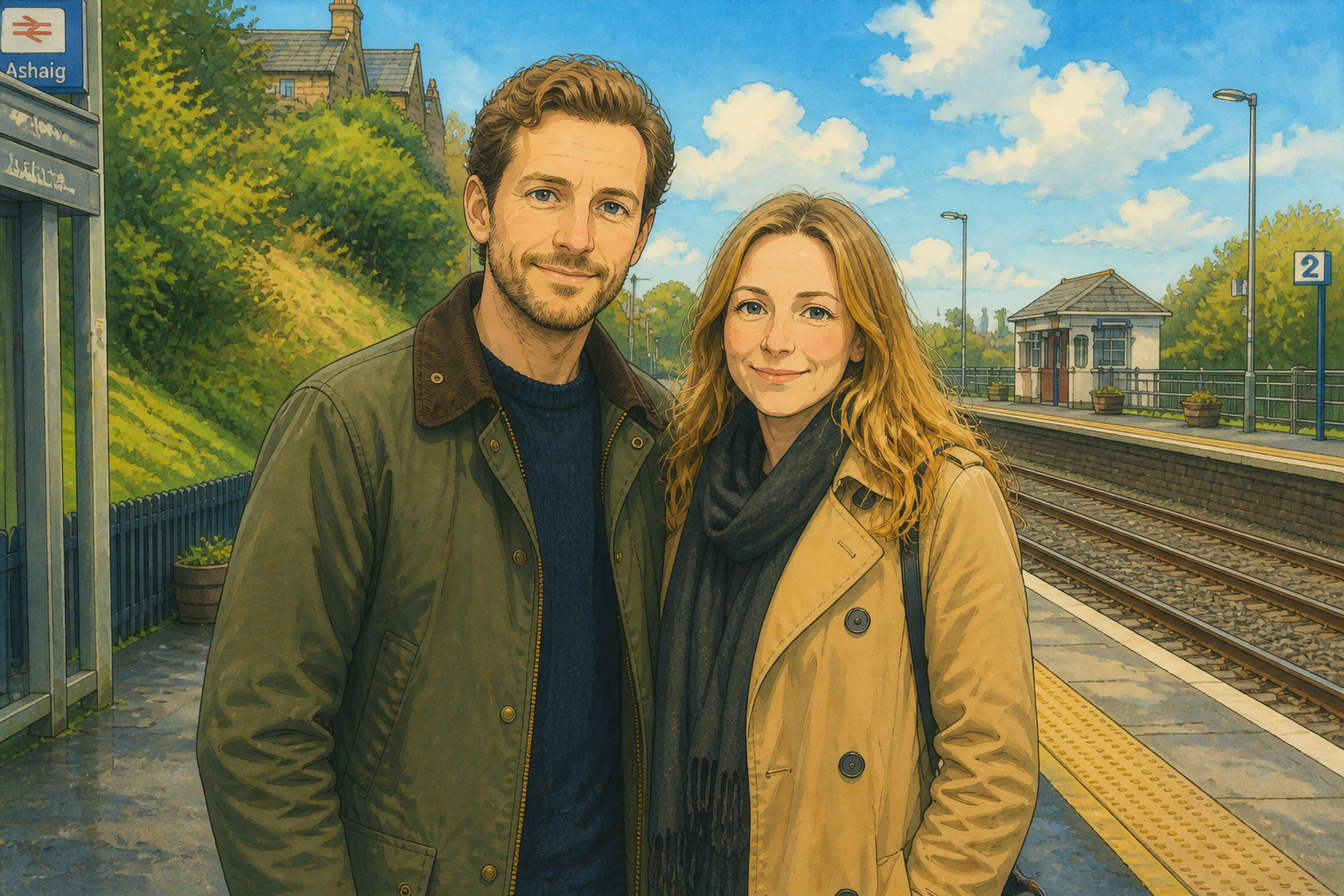
Keeps your scene readable
The goal is not to replace your image with a random cartoon. Our AI preserves the main pose, framing, and visual structure so the result still feels like your photo. That makes before-and-after comparisons clearer and gives you edits you can actually use for profiles, posts, and concepts.
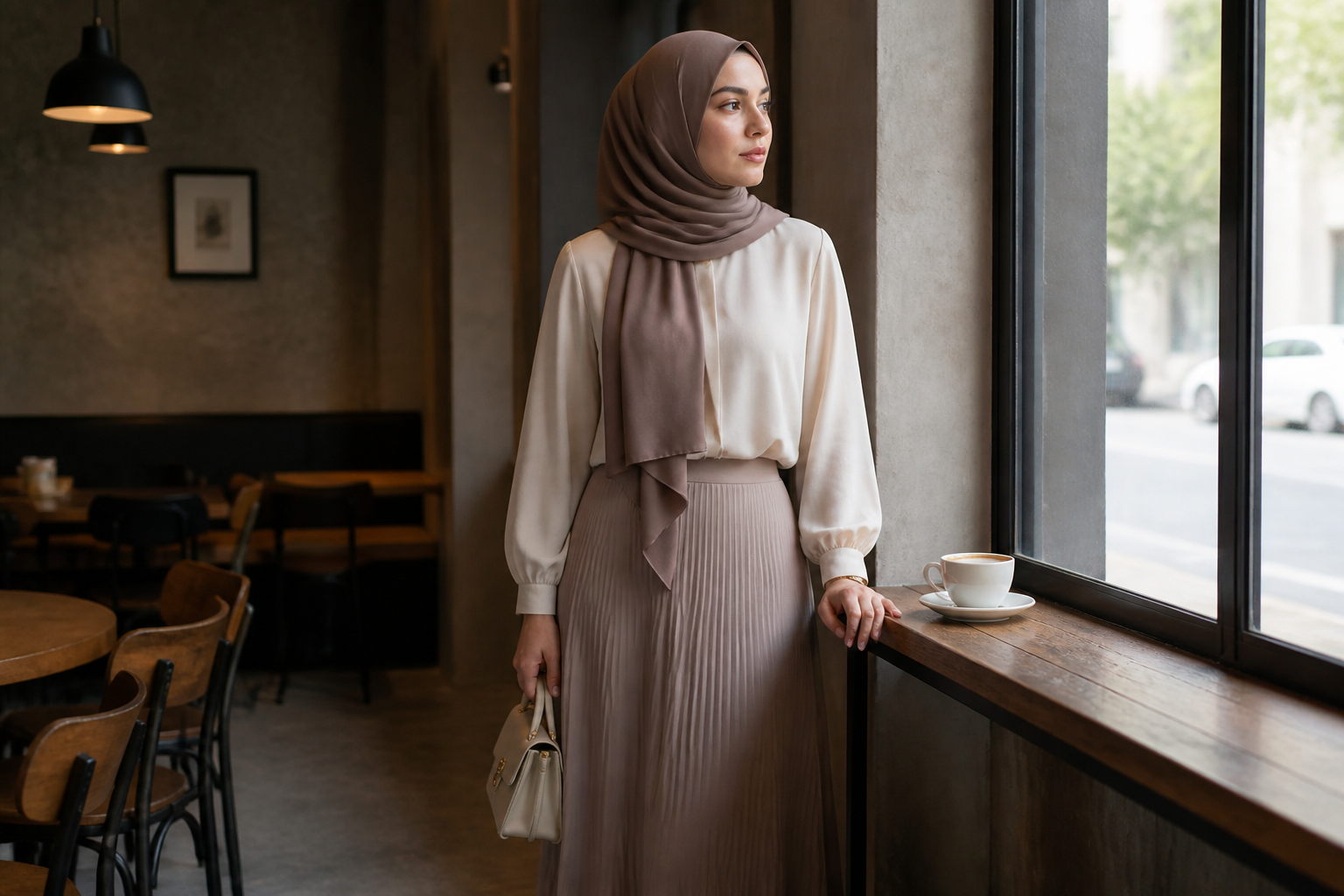
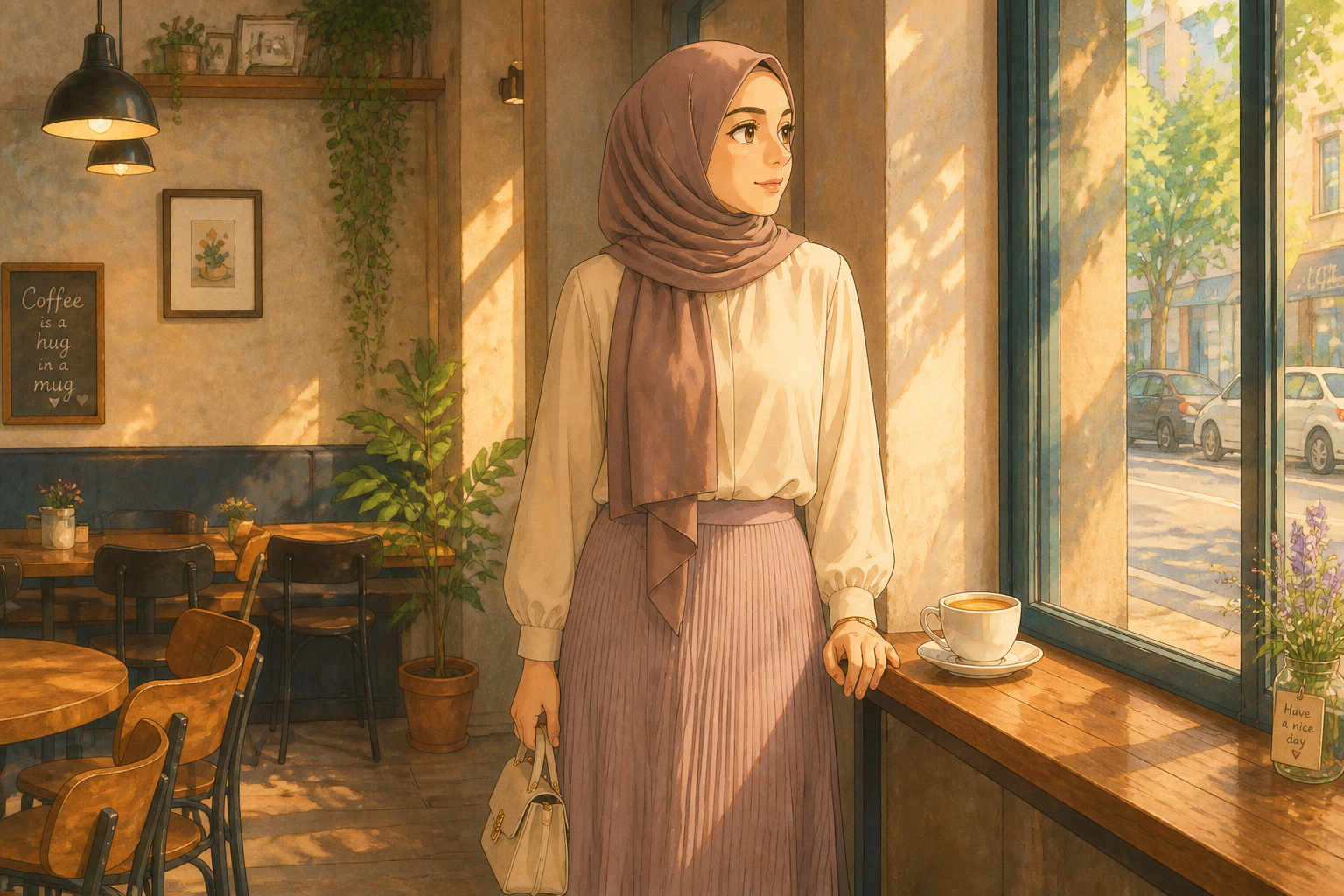
Soft cinematic color shift
A strong Ghibli-style edit is about mood as much as linework. This tool changes flat or ordinary lighting into warm painted color, atmospheric haze, and gentler contrast. It saves time compared with trying to fake the same feeling with manual filters, brushes, and layered adjustments.
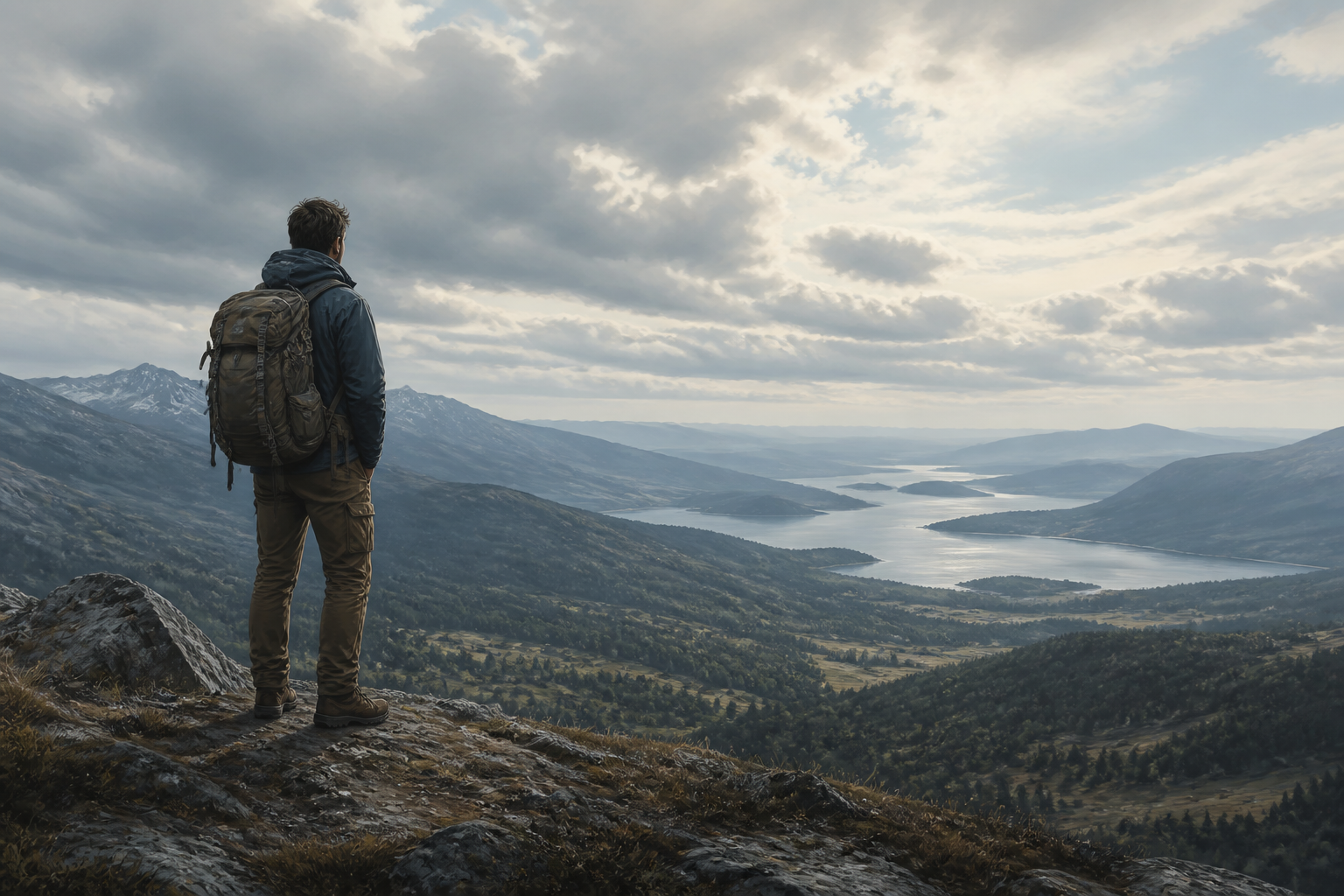
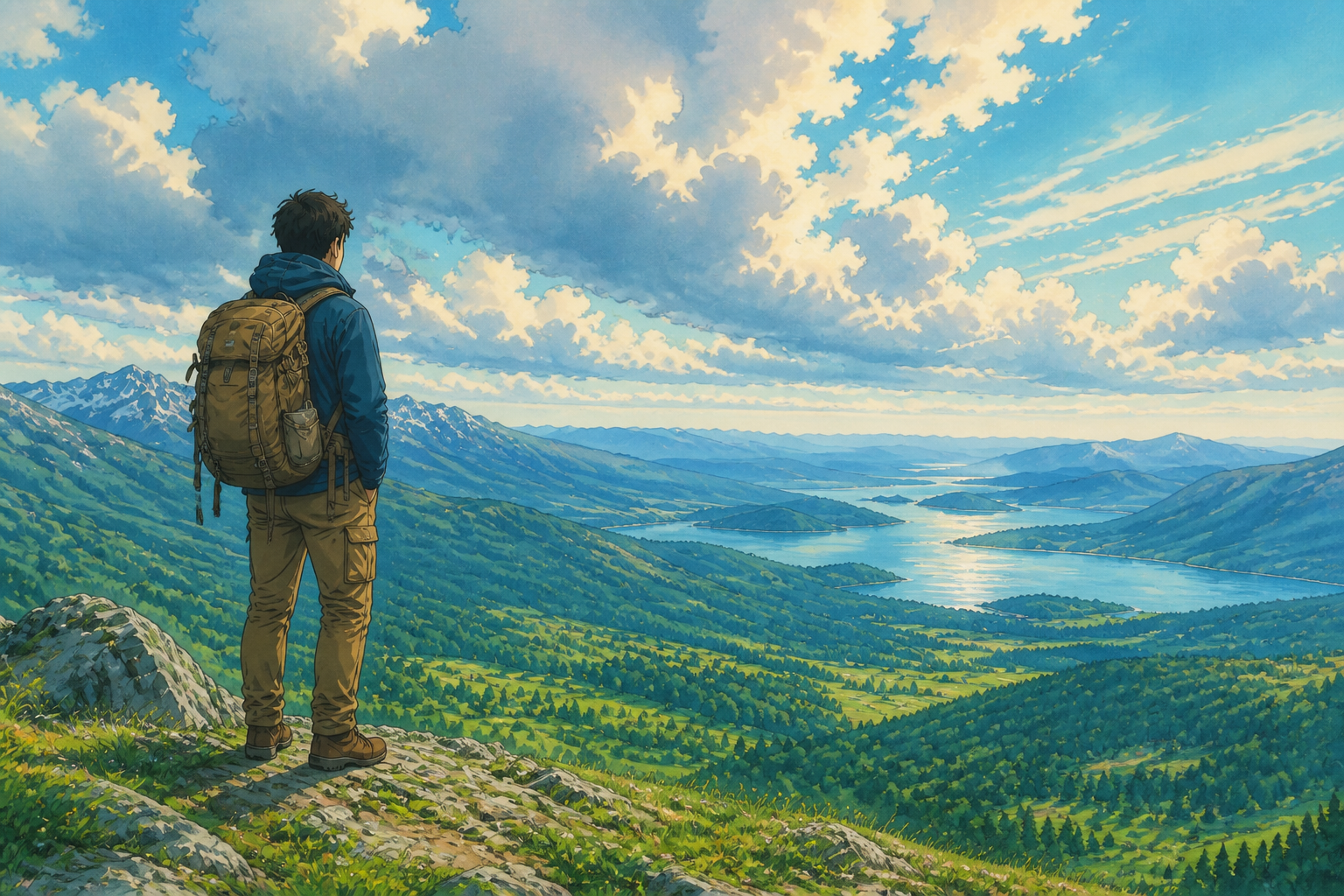
Good for photos or art
You are not limited to camera images. You can start with paintings, sketches, or digital art and move them toward a unified Ghibli-inspired finish. That makes the tool useful for moodboards, concept development, and restyling mixed-source visuals into one consistent look.
How It Works
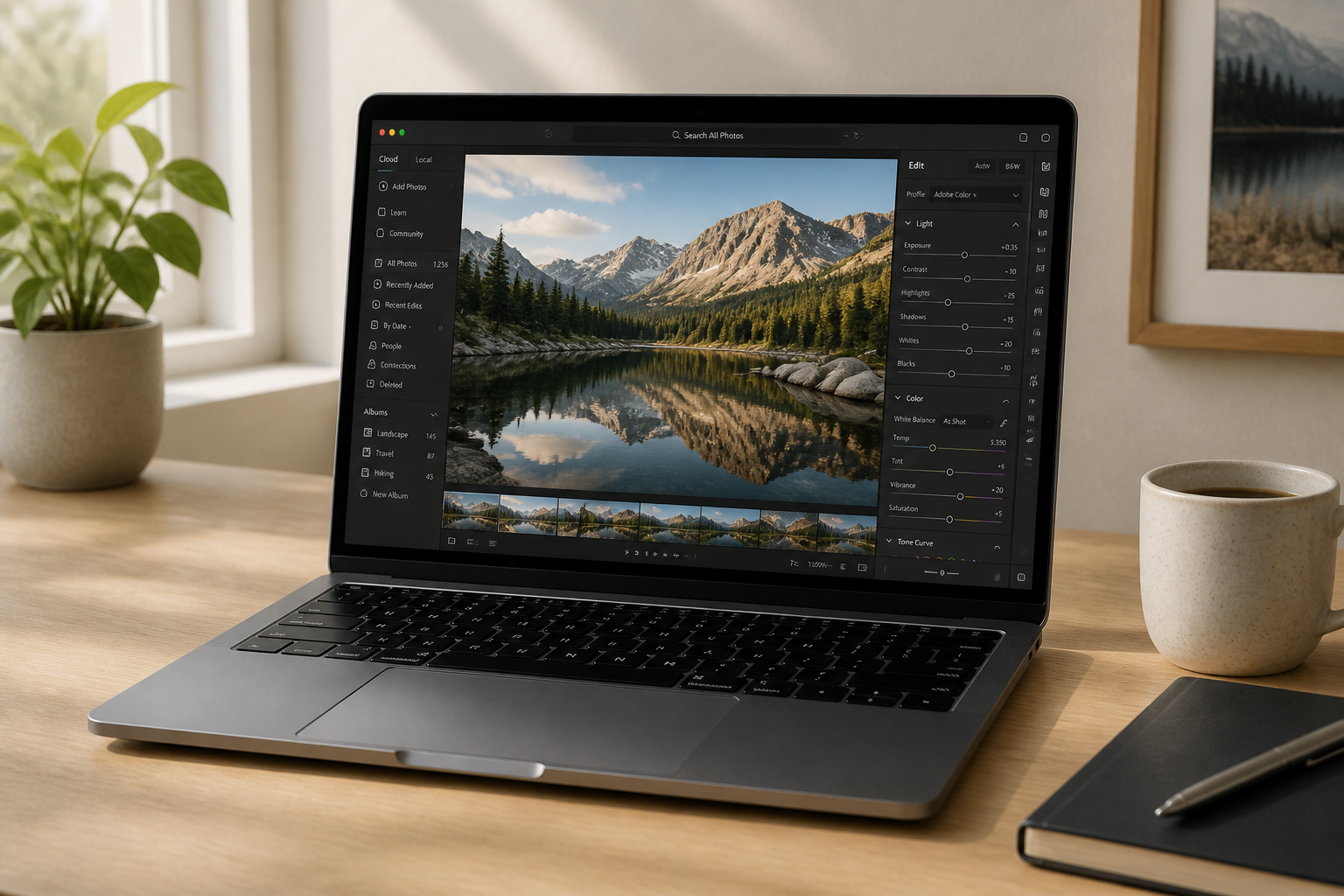
Upload your image
Start with a clear photo, landscape, or artwork. Wider scenes work especially well because the painted backgrounds become part of the transformation.
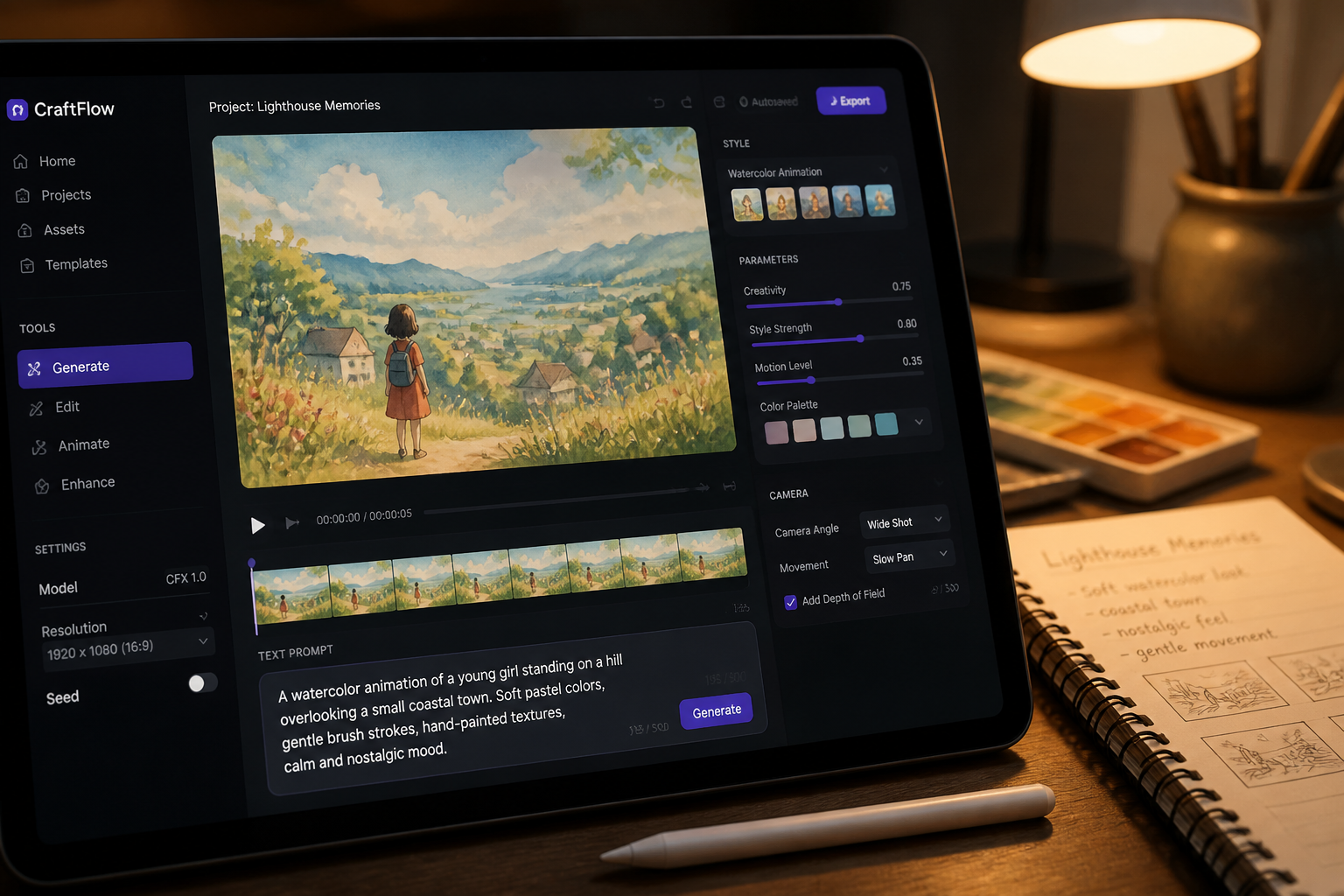
Describe the Ghibli look
Tell the editor you want a soft hand-painted animation feel, watercolor textures, and storybook lighting. You can also mention whether the image is a portrait, landscape, or artwork.
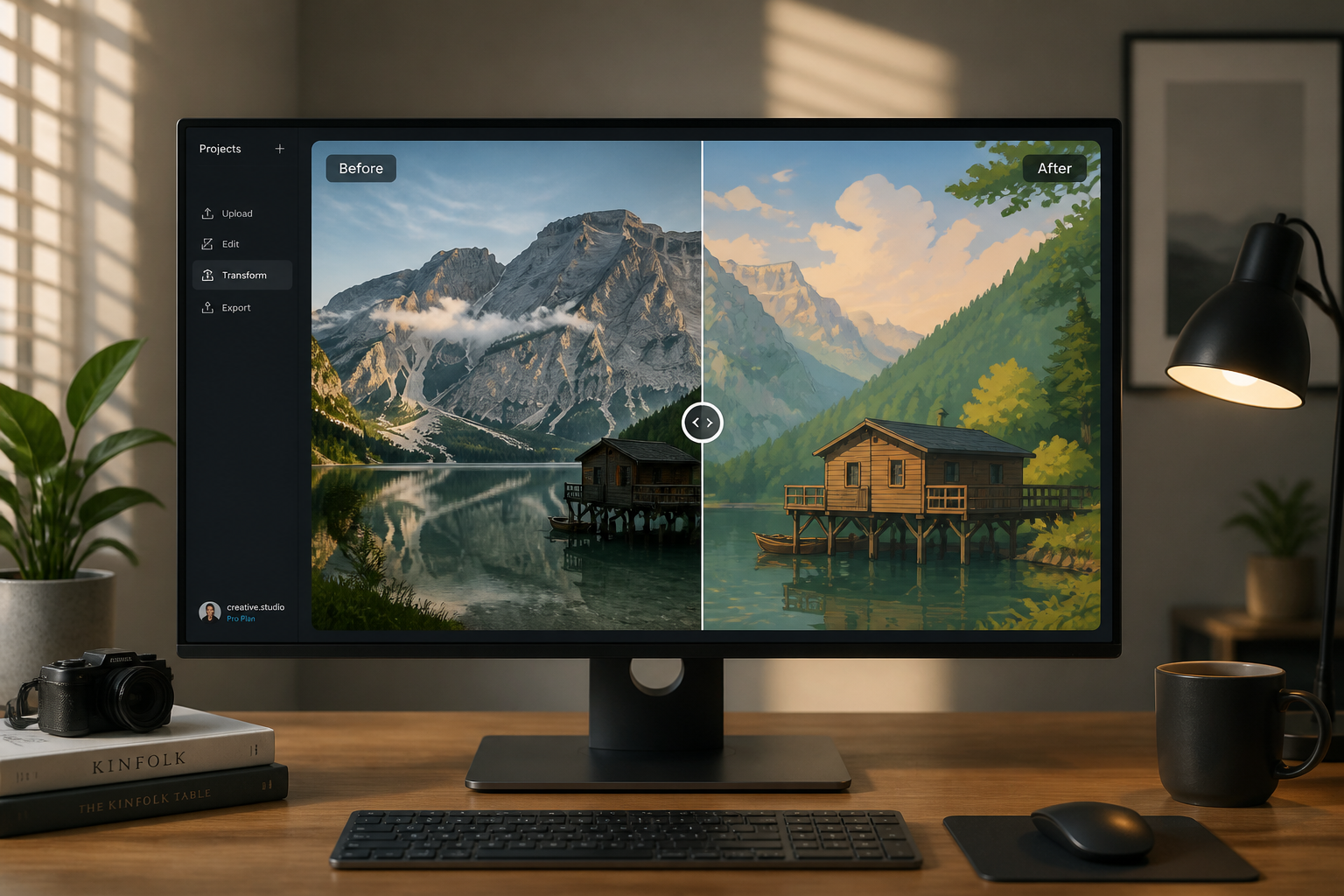
Generate and compare
Create the edit and compare the original with the styled result. If you want a stronger look, rerun it with a more direct style description.
Perfect For
Discover how creators and professionals use ghibli style transformation
Portrait restyling
Turn selfies, profile photos, and editorial portraits into a warm illustrated look while keeping the person recognizable.
Landscape moodboards
Convert travel photos, countryside scenes, and city views into soft storybook environments for concepts and inspiration boards.
Fashion and glamour edits
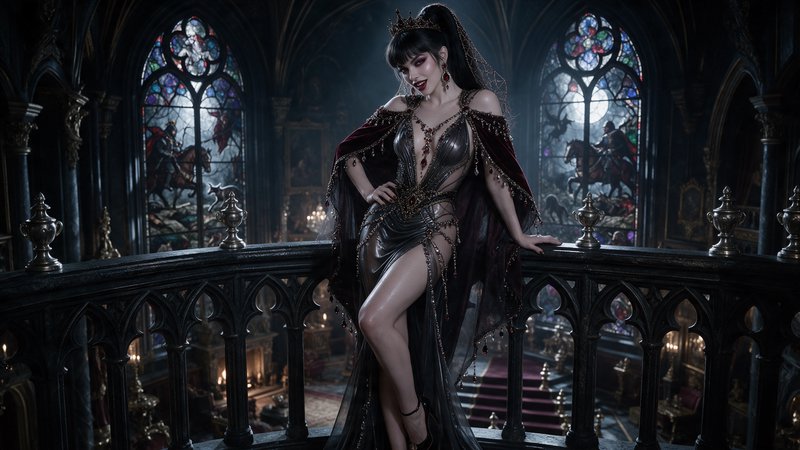
Apply a painted animation finish to stylish adult fashion photos for social posts, look concepts, and aesthetic experiments.
Artwork conversion
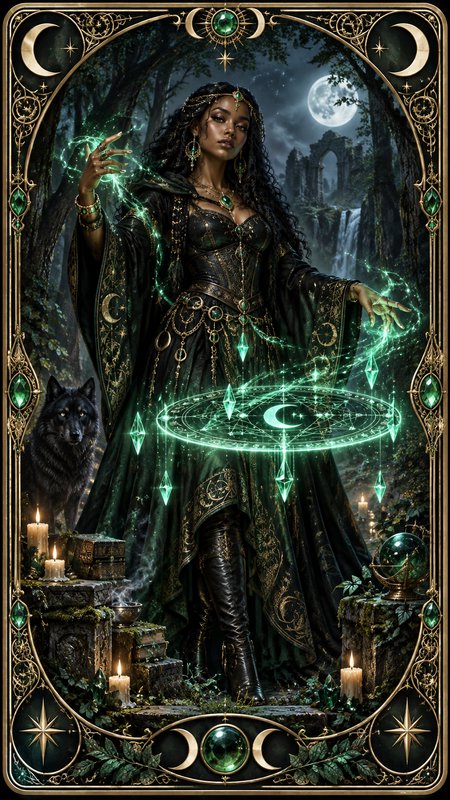
Restyle sketches, paintings, and digital art into a more unified Ghibli-inspired visual language.
Built For
Creators and hobby artists
Useful for testing animated moods without repainting an entire scene from scratch.
Social media users
Good for turning ordinary photos into distinctive posts, profile images, and carousel content.
Designers and moodboard builders
Helps unify mixed references into one soft illustrated style for pitches and concept work.
Why use this for Ghibli-style edits
A quick look at how we compare on the things that matter for this niche.
| Feature | BudgetPixel | Generic AI editors | Manual editing apps |
|---|---|---|---|
| Image-to-image style transfer | ✓ | ✓ | — |
| Keeps original composition | ✓ | Varies | Manual work |
| Works on portraits and landscapes | ✓ | Varies | ✓ |
| Fast Ghibli-style look | ✓ | Varies | — |
Frequently Asked Questions
What kinds of images work best for Ghibli Style Transformation?
Can I use it on people and backgrounds?
Will the edited image still look like my original photo?
Can I transform existing art, not just photos?
Do I need to write a long prompt?
Create together.
Share your creations, discover trending AI art, and grow with fellow creators.