Photo to Ghibli Style in Seconds
Upload a real photo and turn it into soft, storybook-inspired artwork.
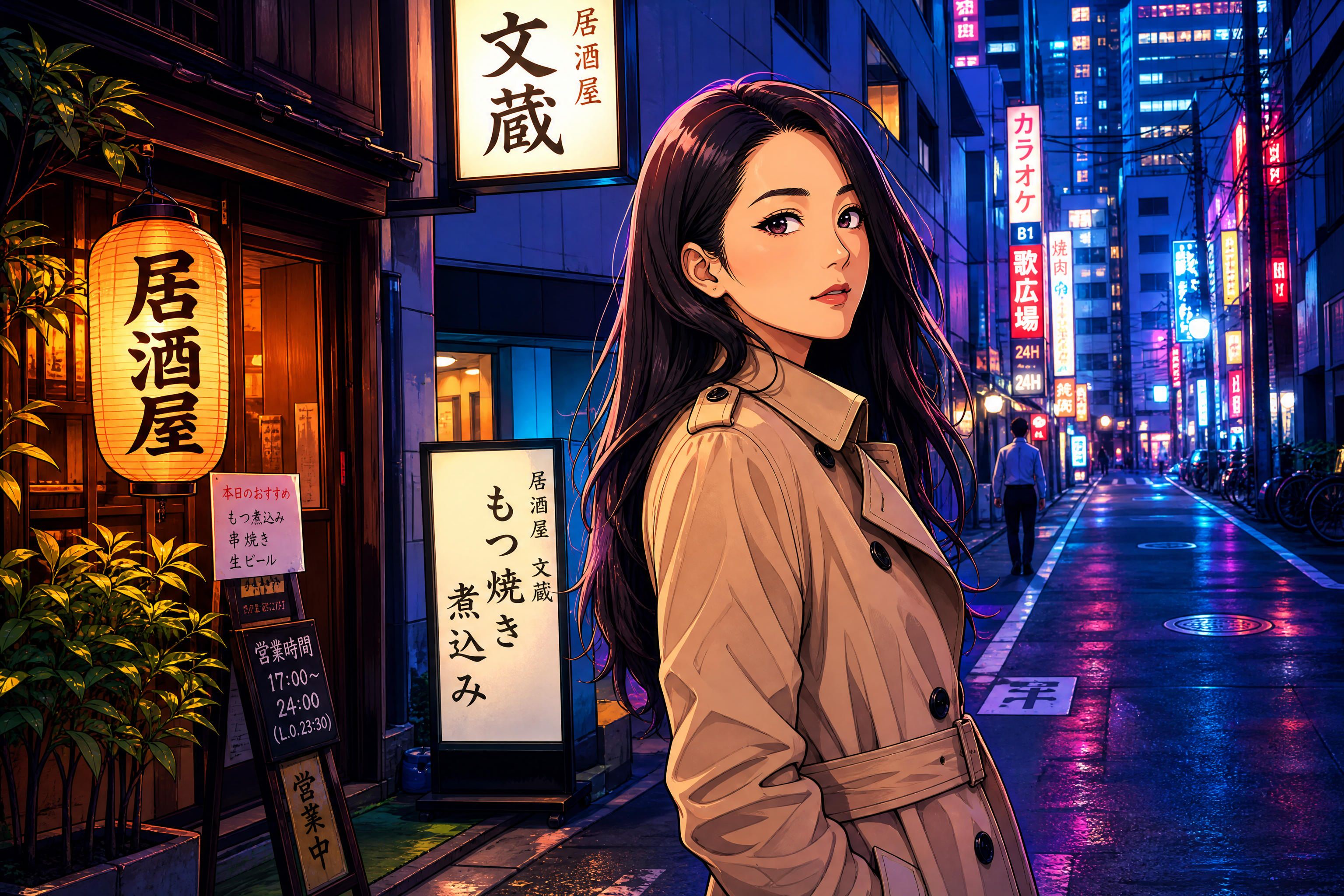
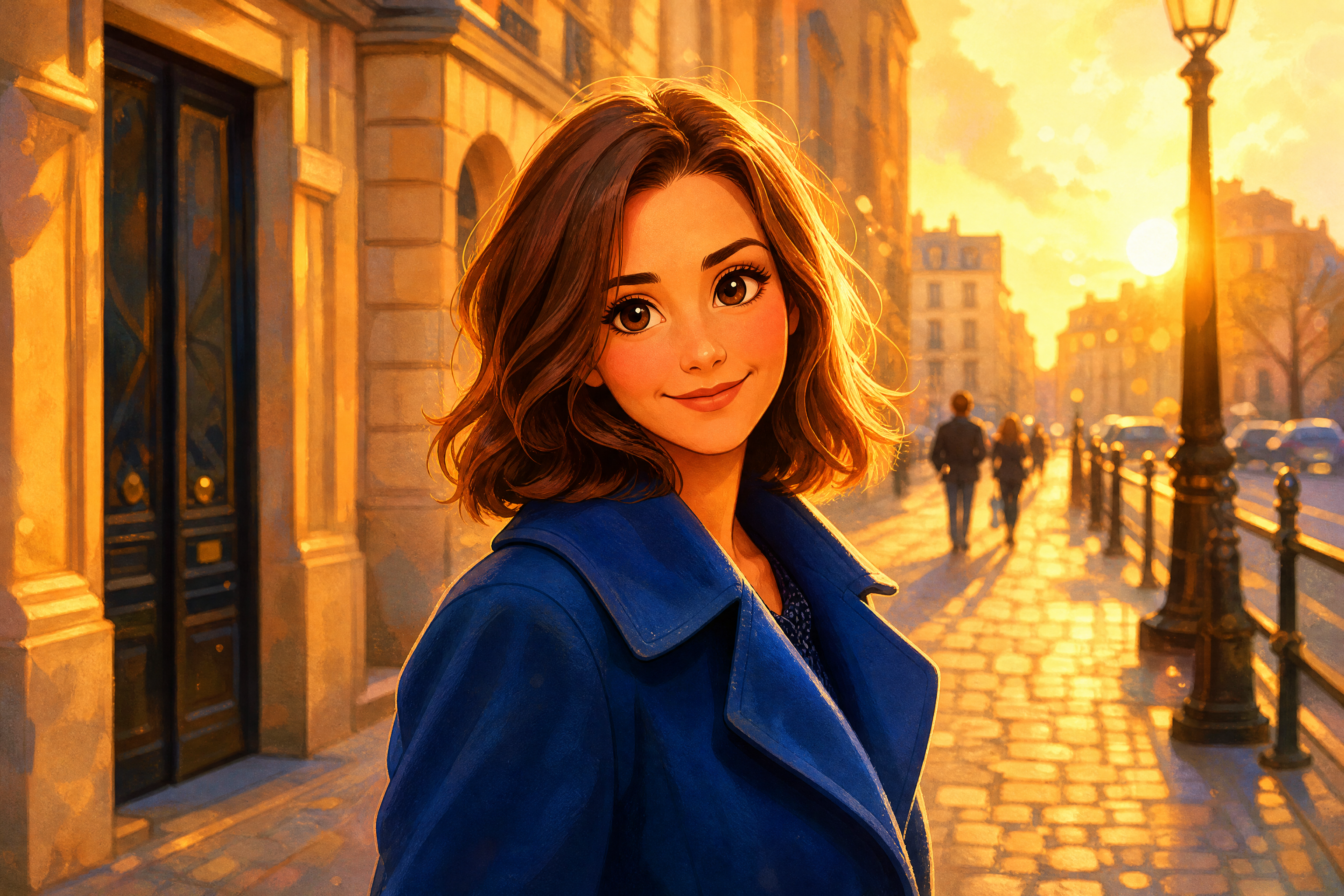
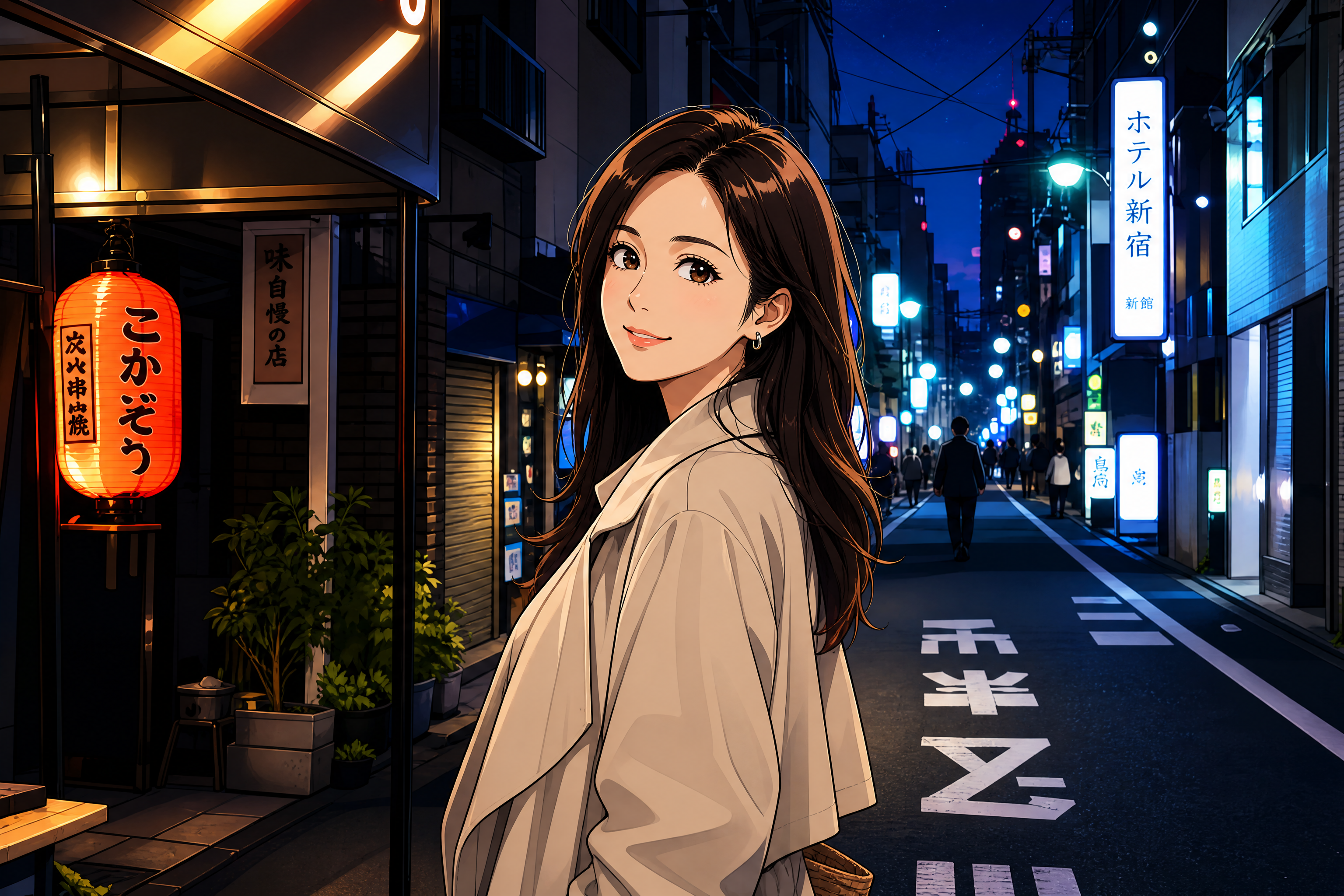
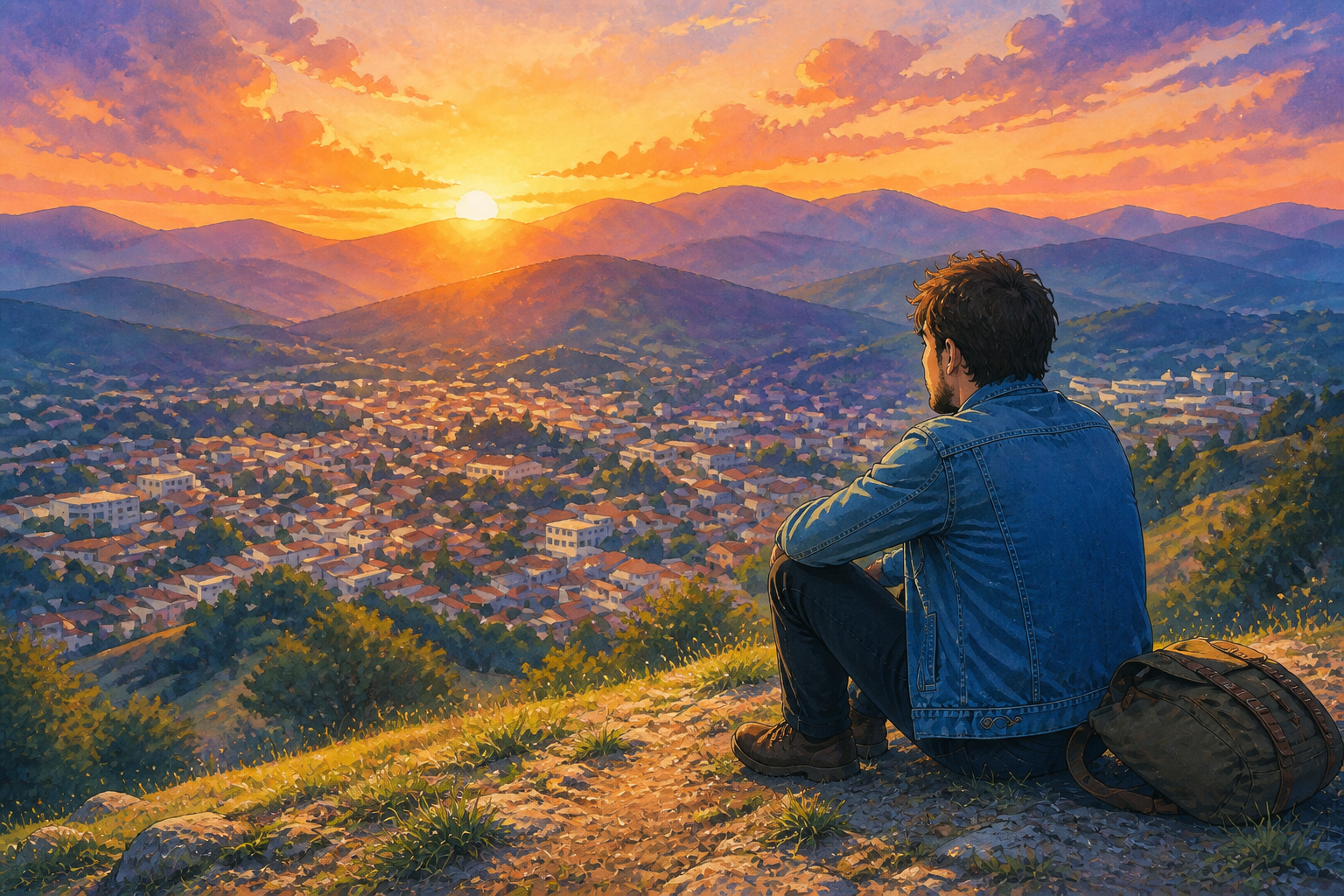
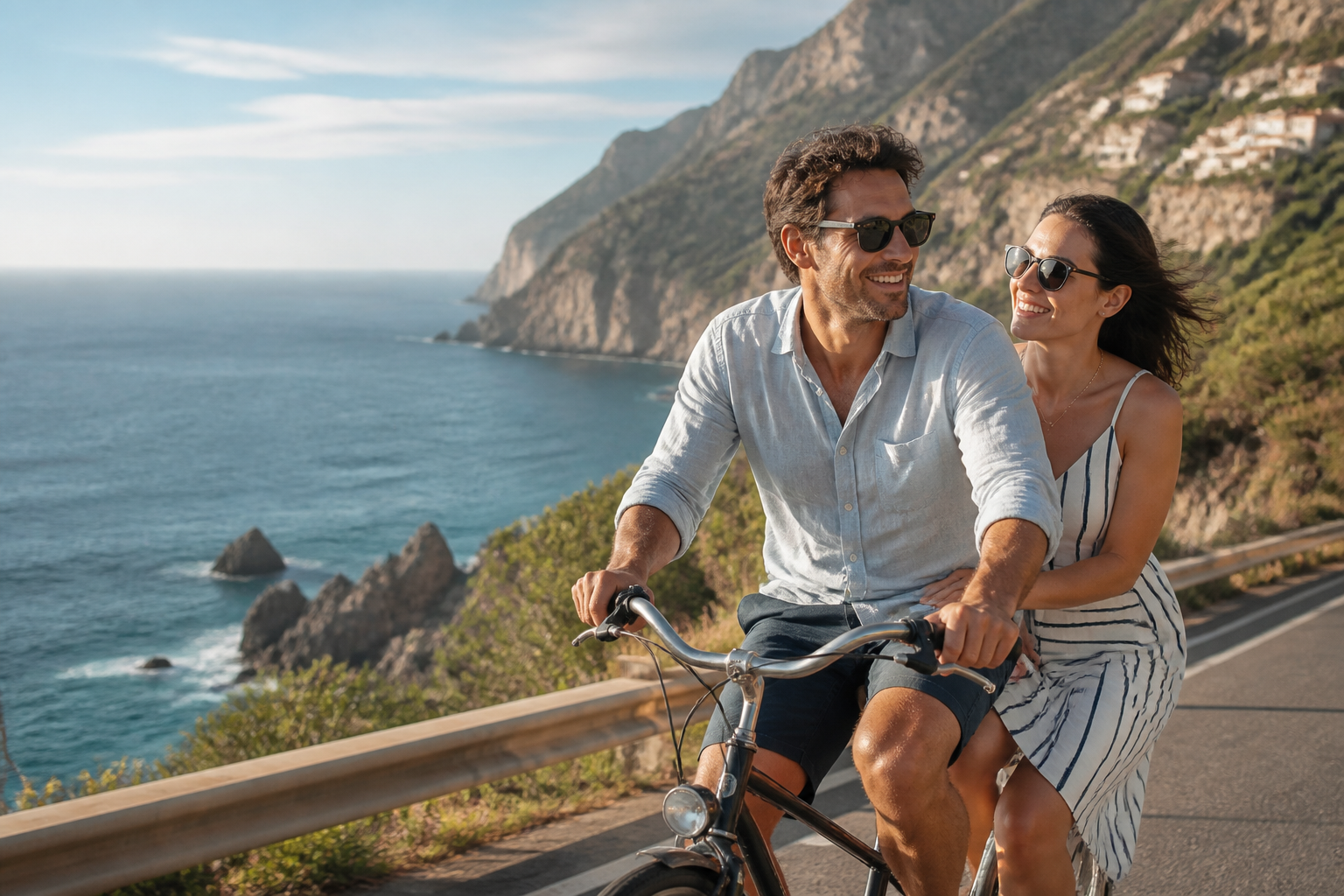
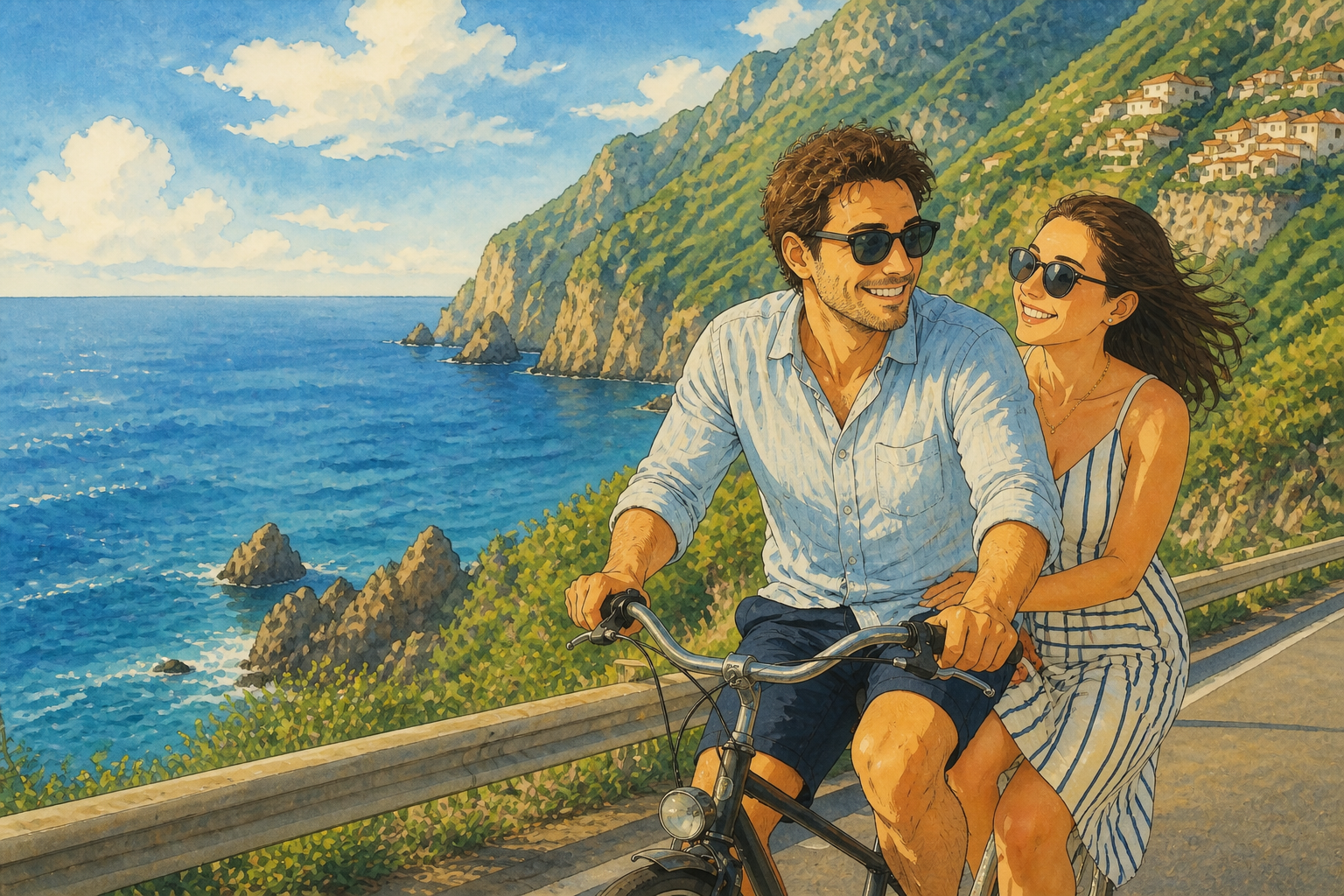
Photo to Ghibli Style transforms your image into a hand-painted anime-film look while keeping the original subject, pose, and scene readable. Use it for portraits, couples photos, pets, and travel shots that feel warm, cinematic, and instantly recognizable.
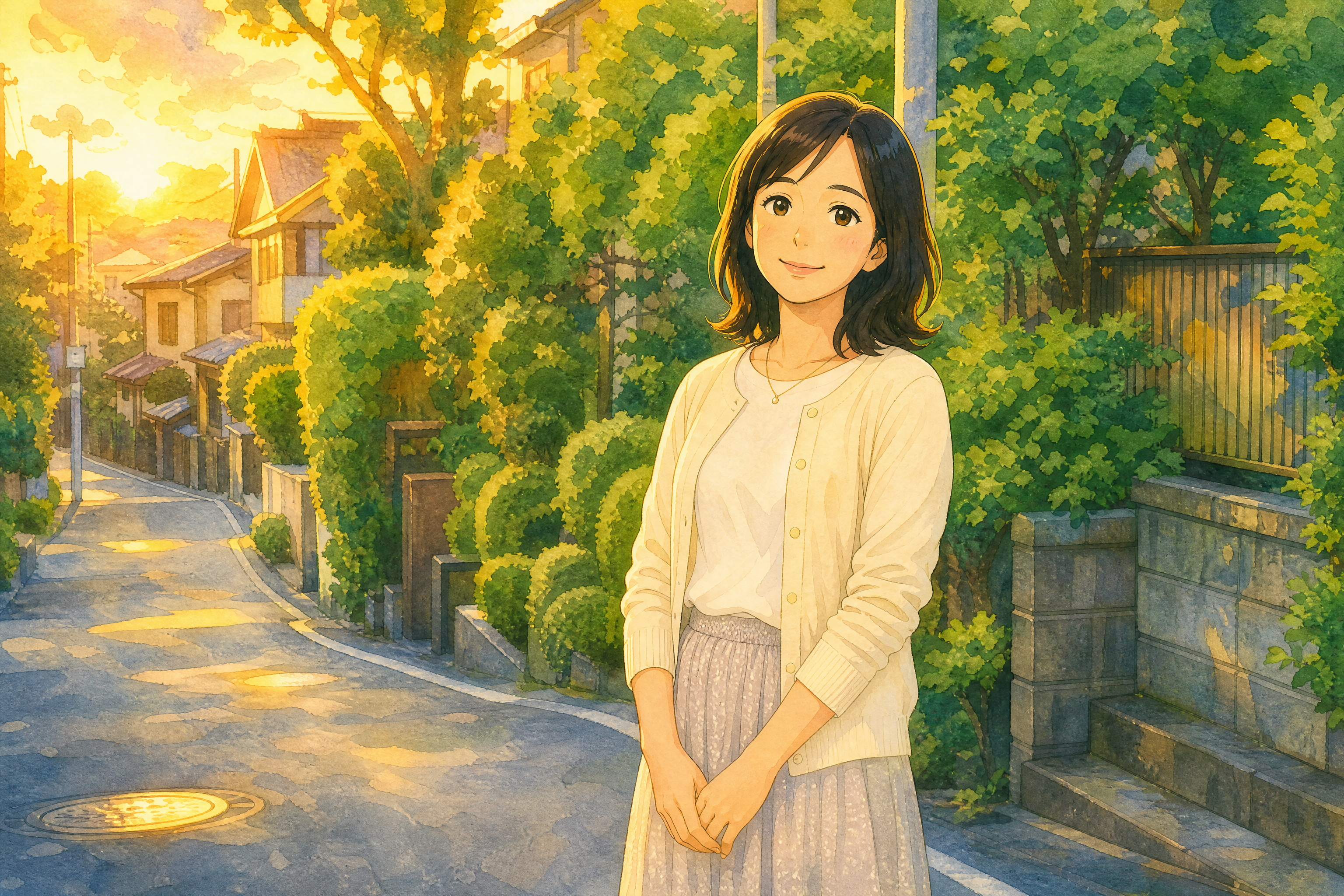
Watch the Transformation
See photo to ghibli style in motion — generated end-to-end by our AI.
See It In Action
Real outputs from photo to ghibli style.
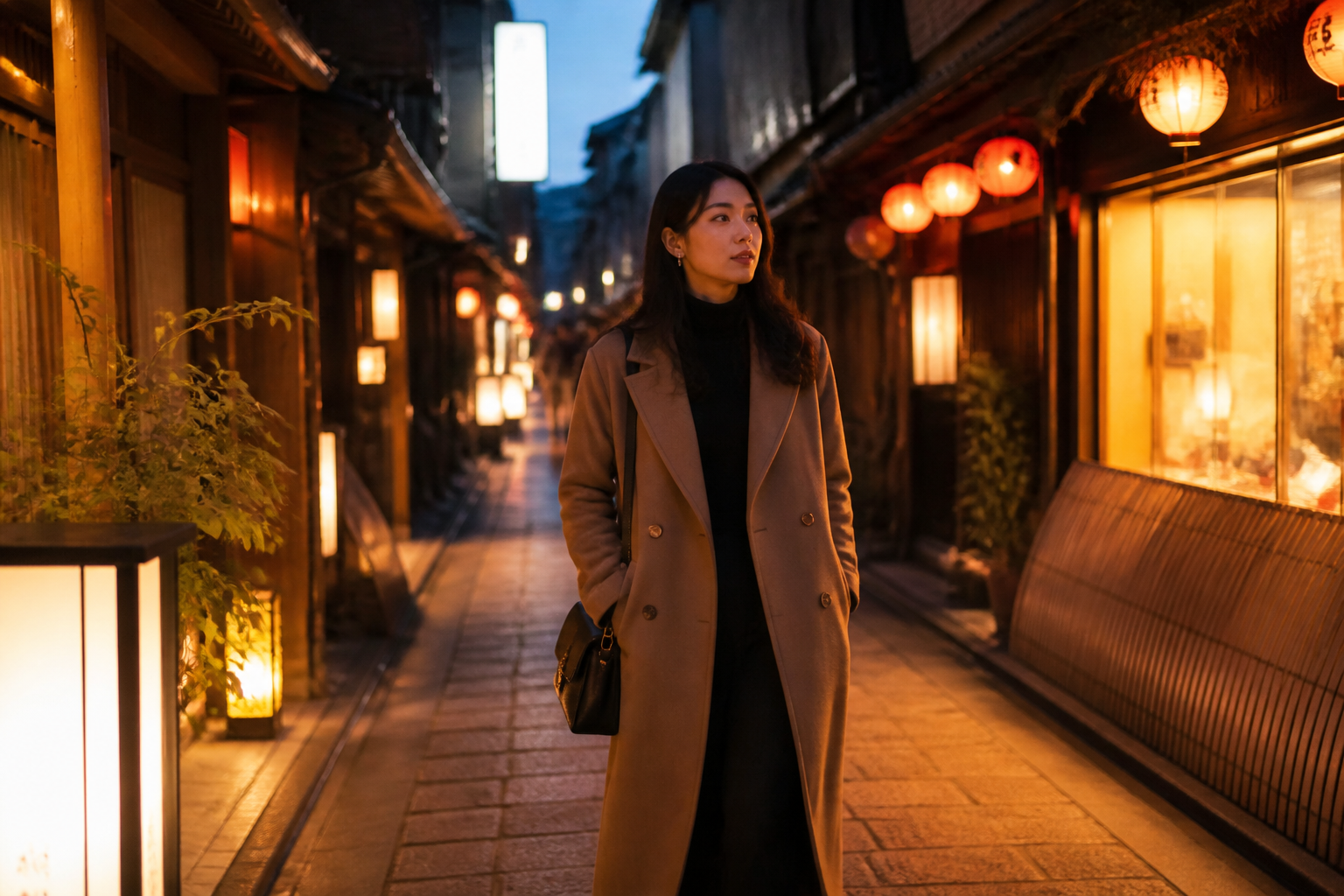
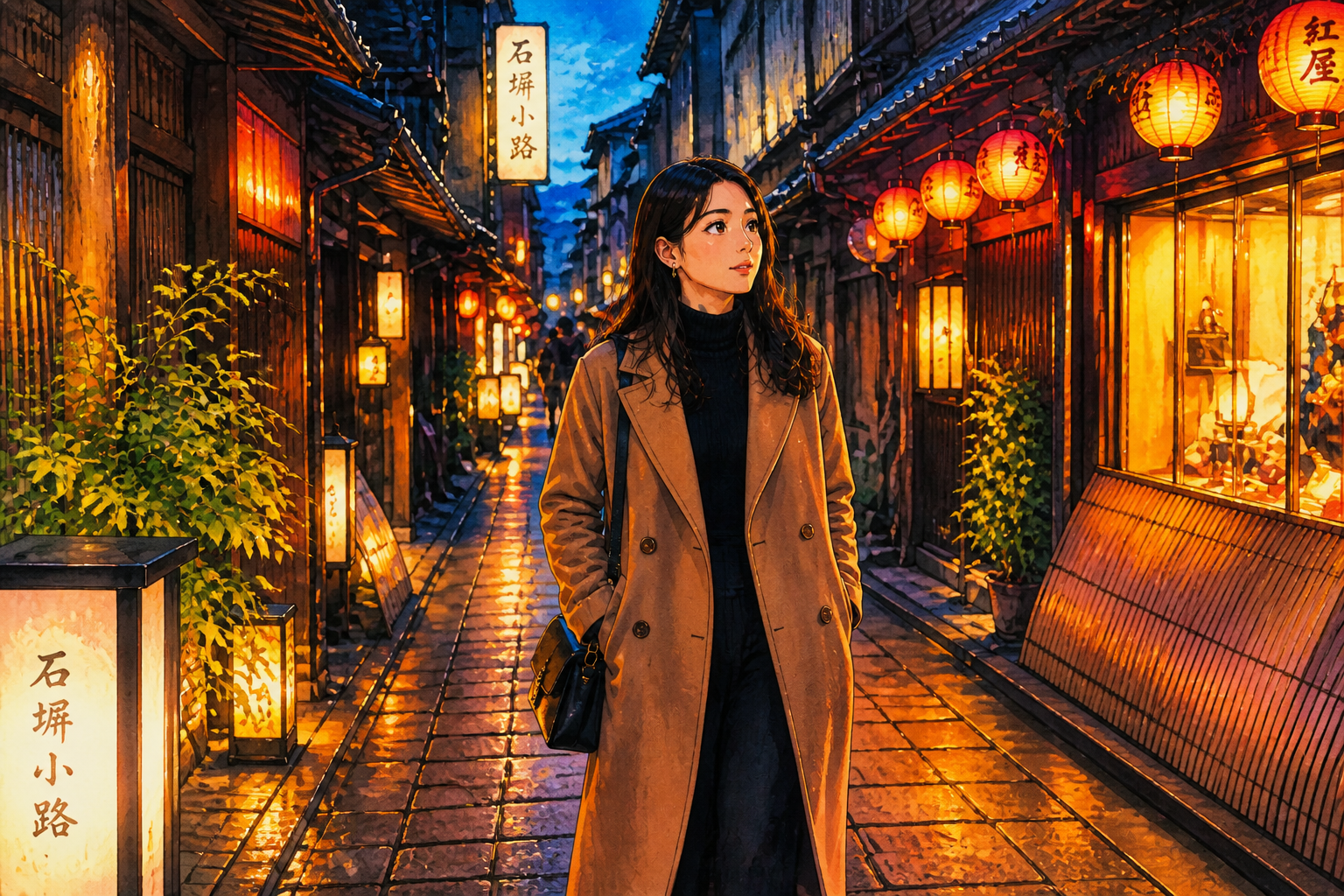
BEFOREAFTER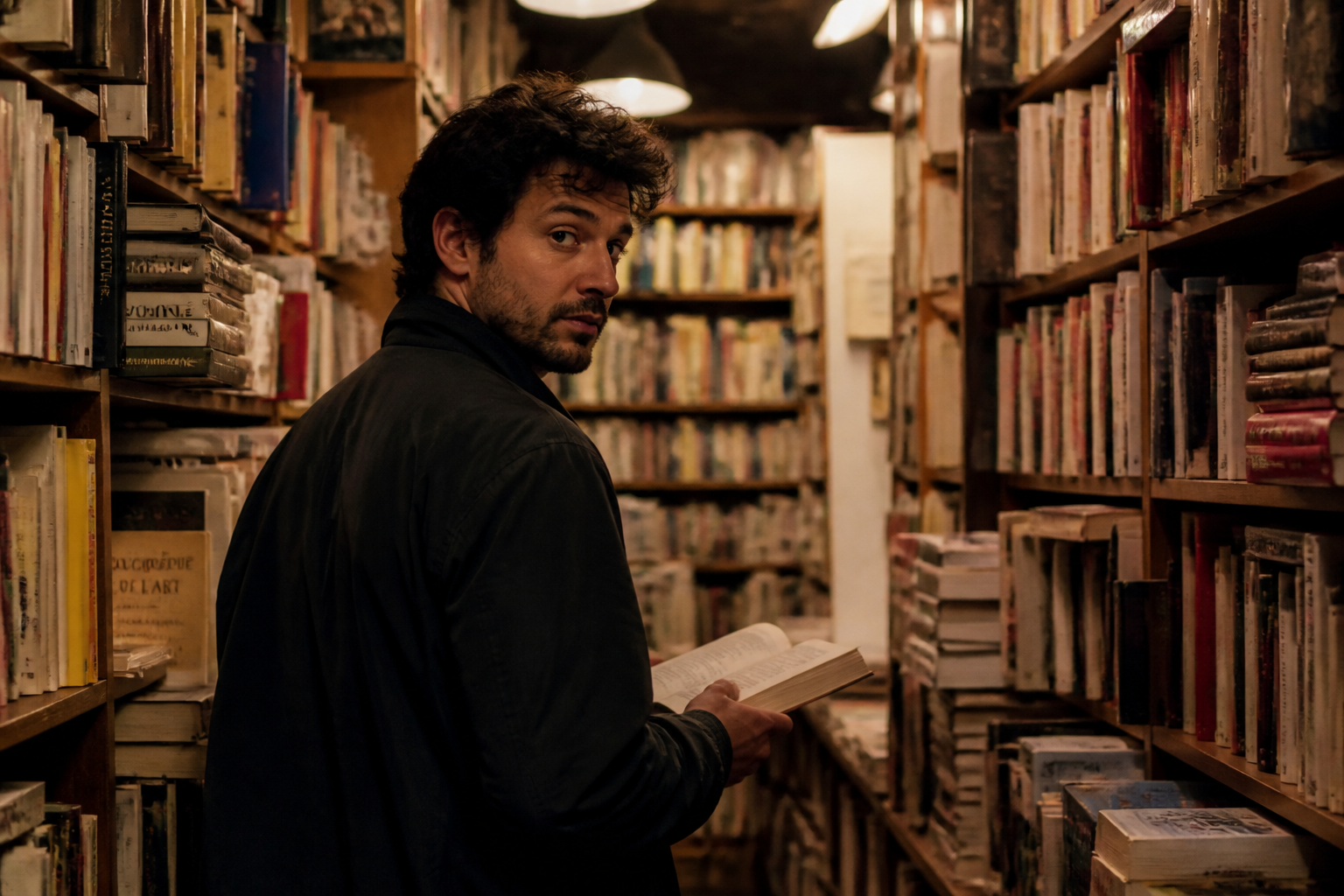 BEFORE
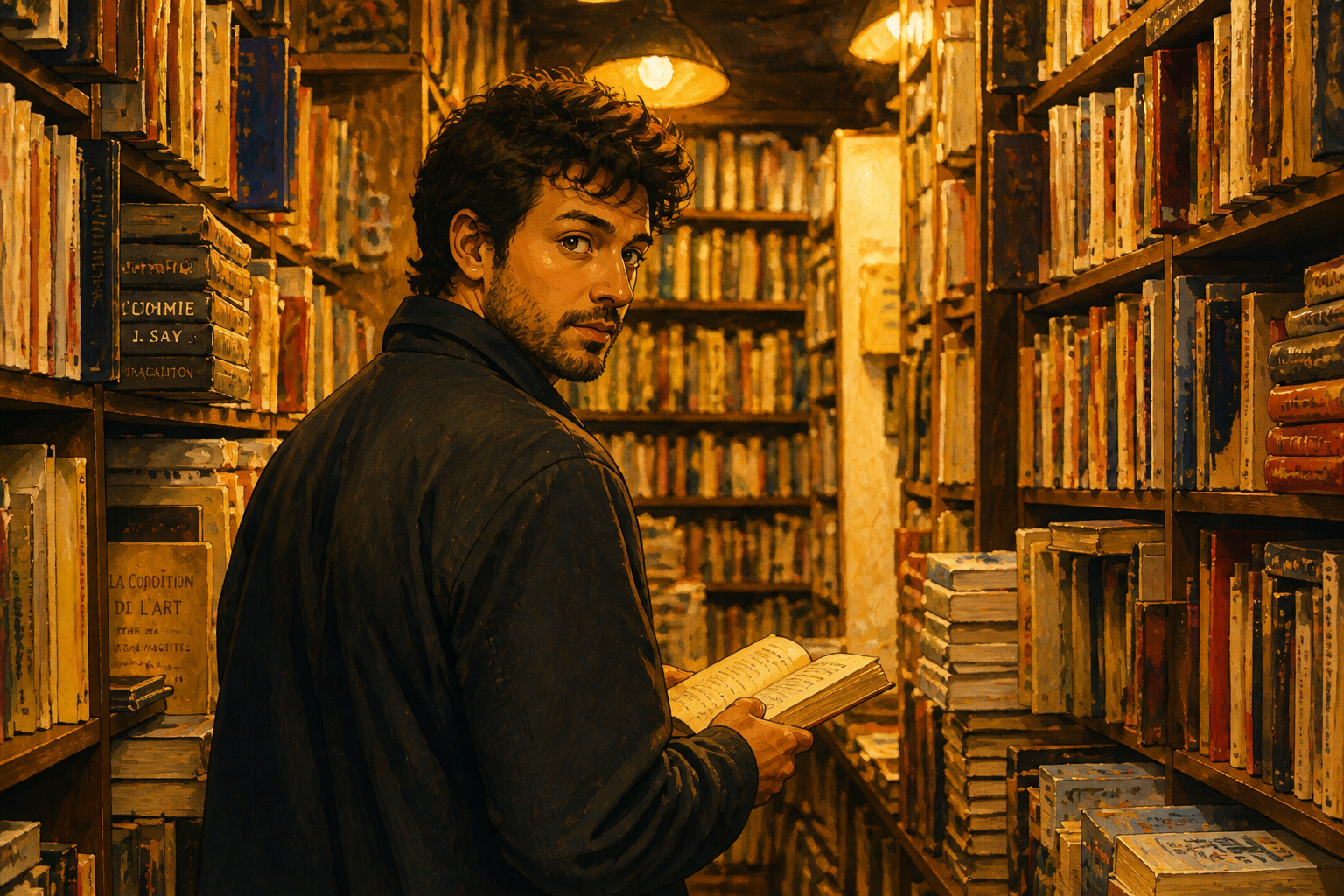 AFTER
AFTER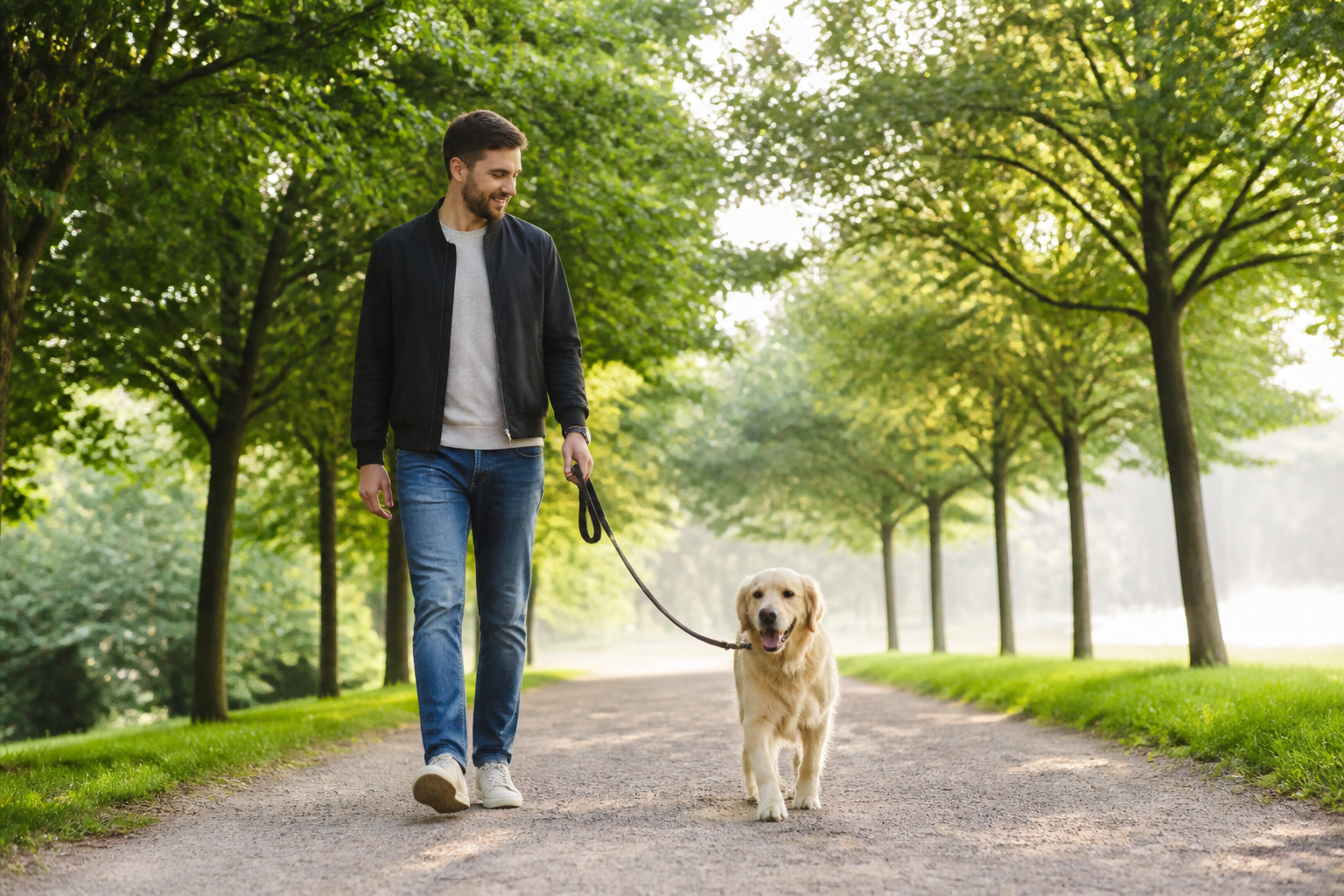 BEFORE
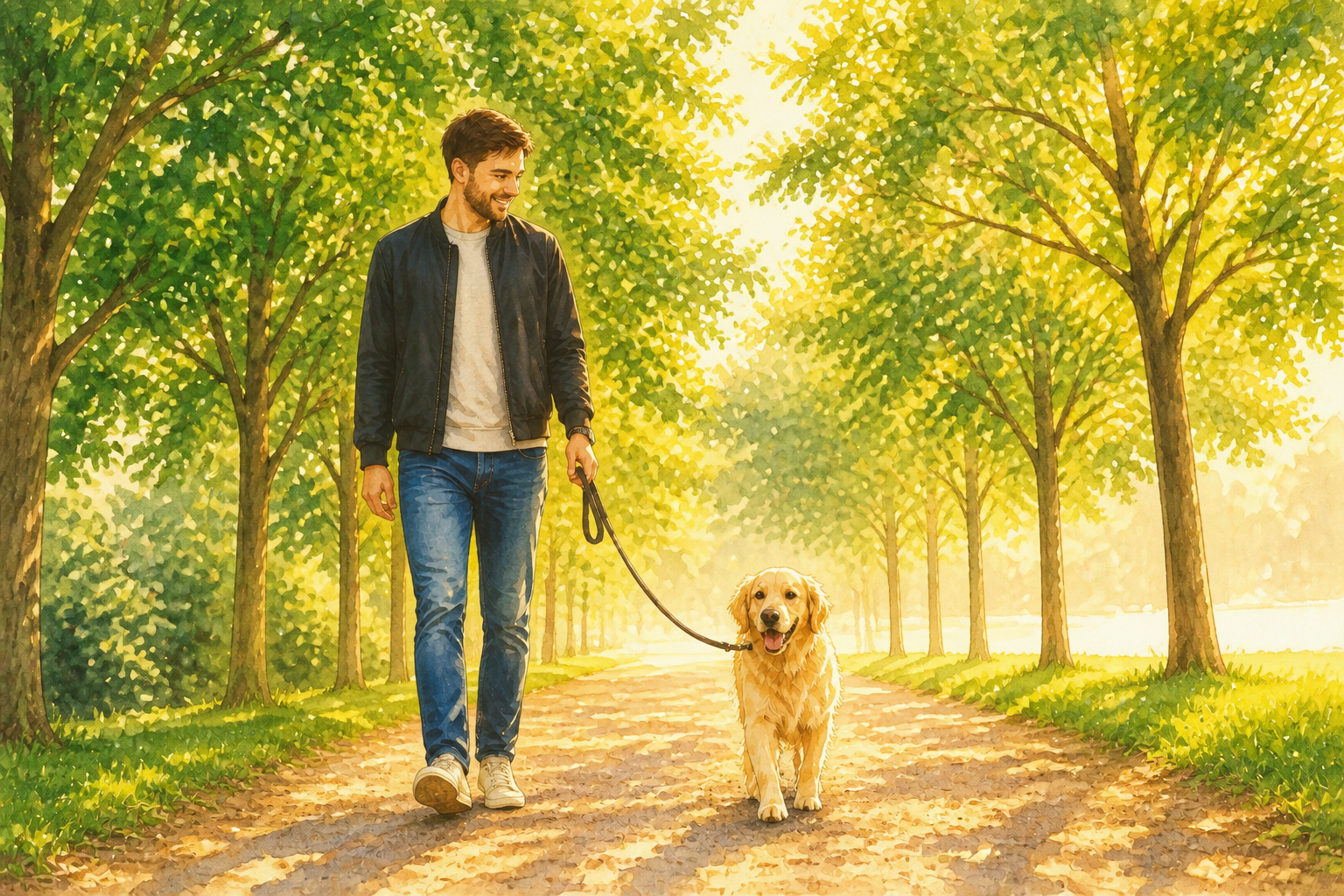 AFTER
AFTER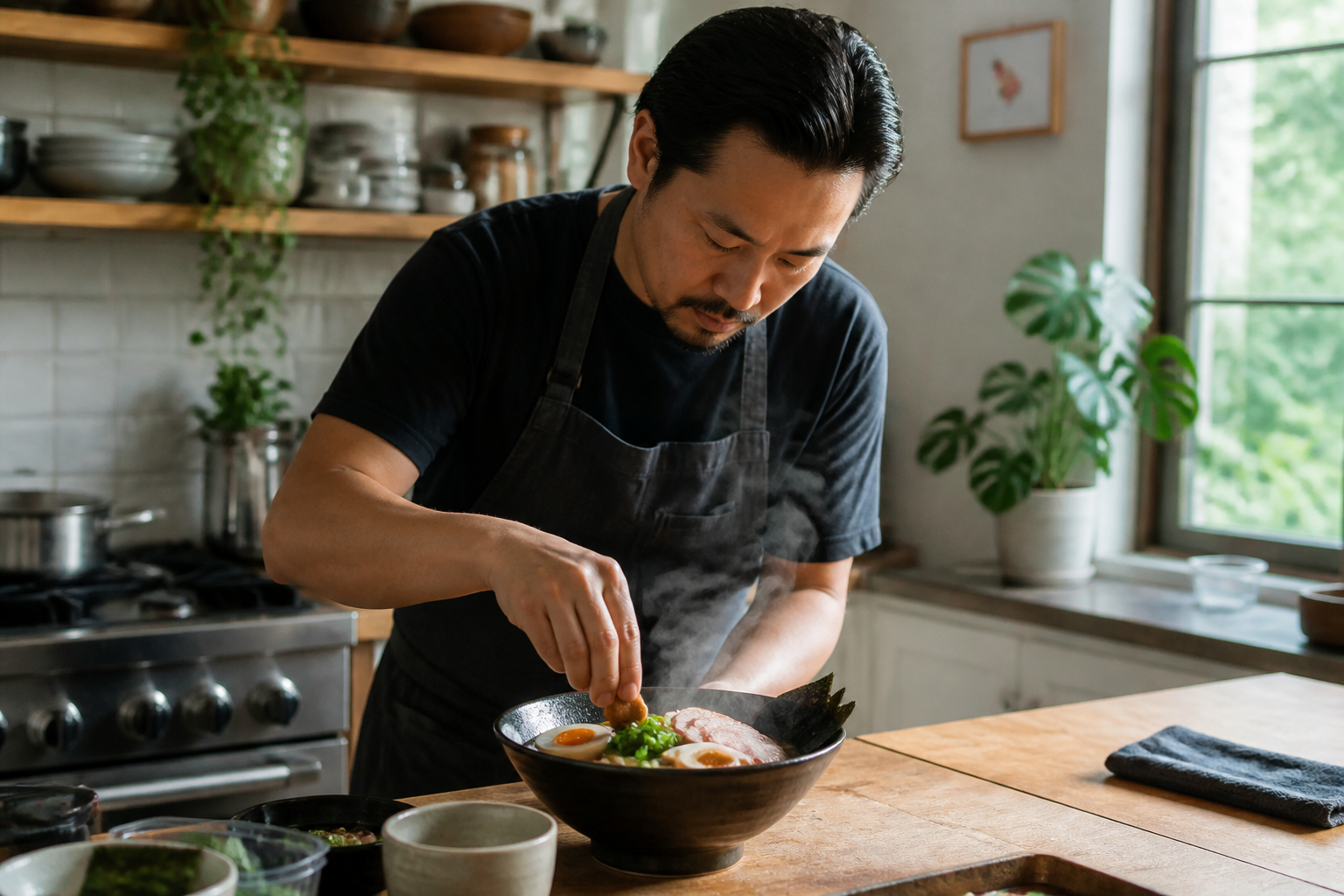 BEFORE
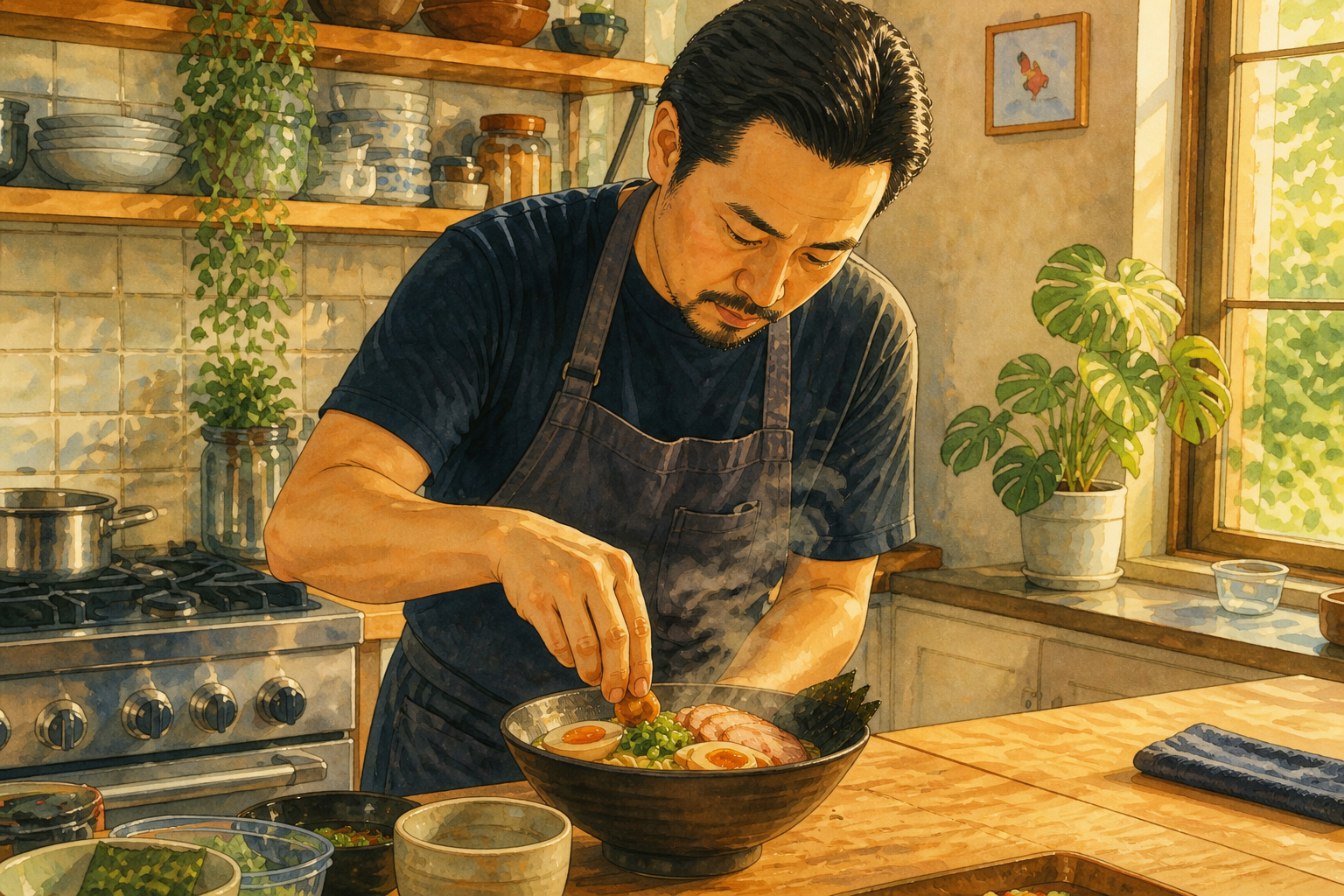 AFTER
AFTER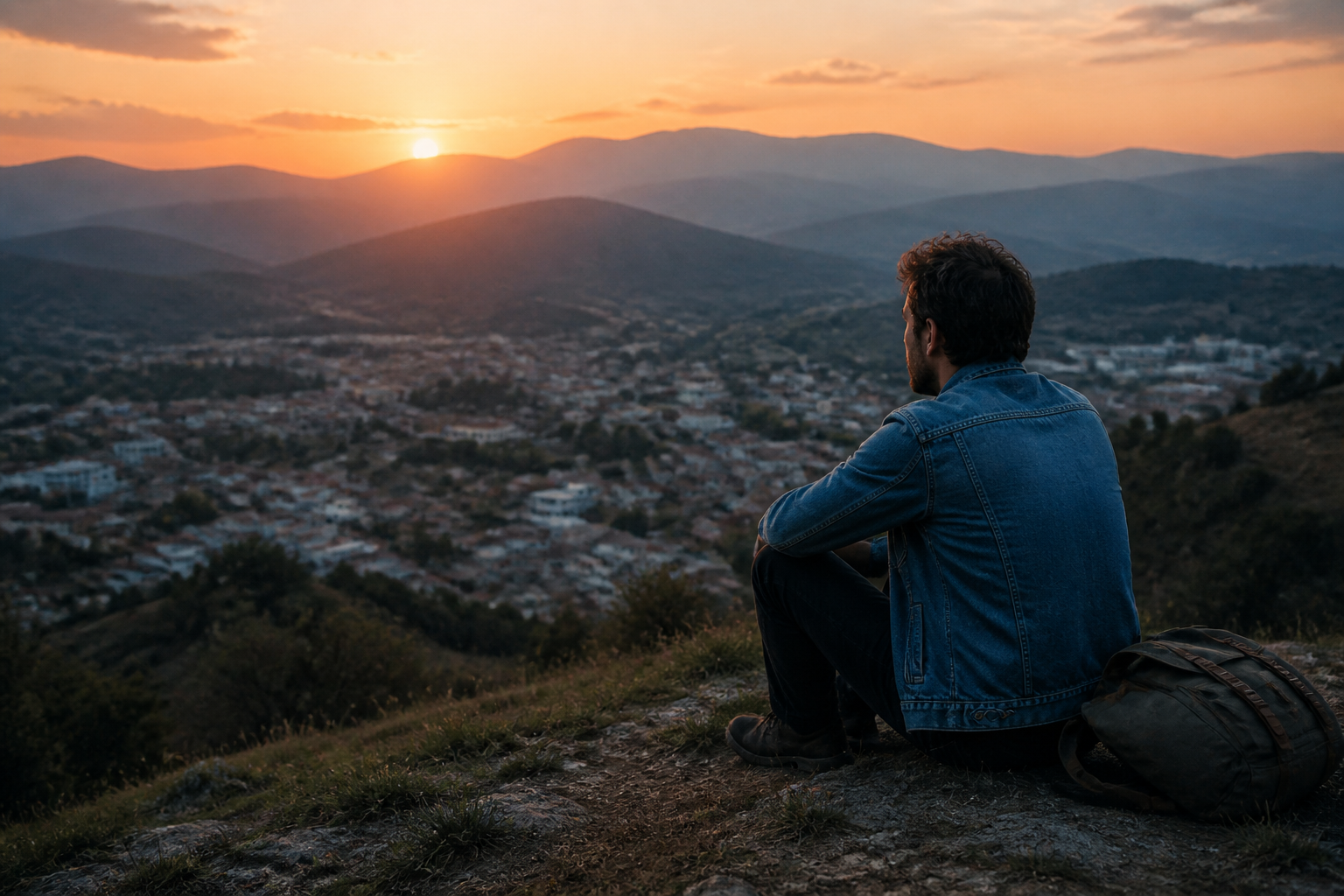 BEFORE
 AFTERBEFOREAFTERBEFOREAFTERBEFOREAFTERBEFOREAFTERBEFOREAFTER
 BEFORE
 AFTER
AFTER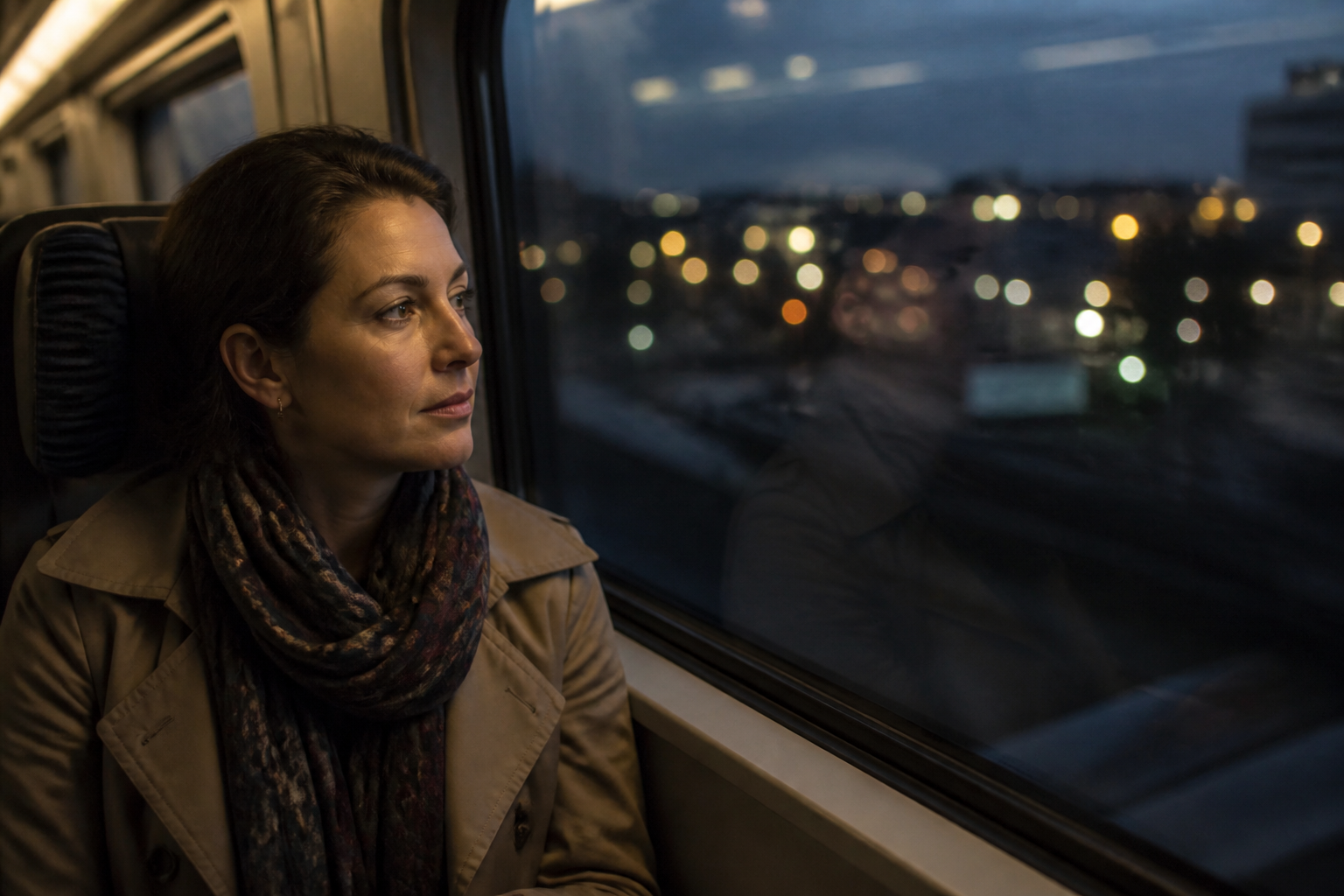 BEFORE
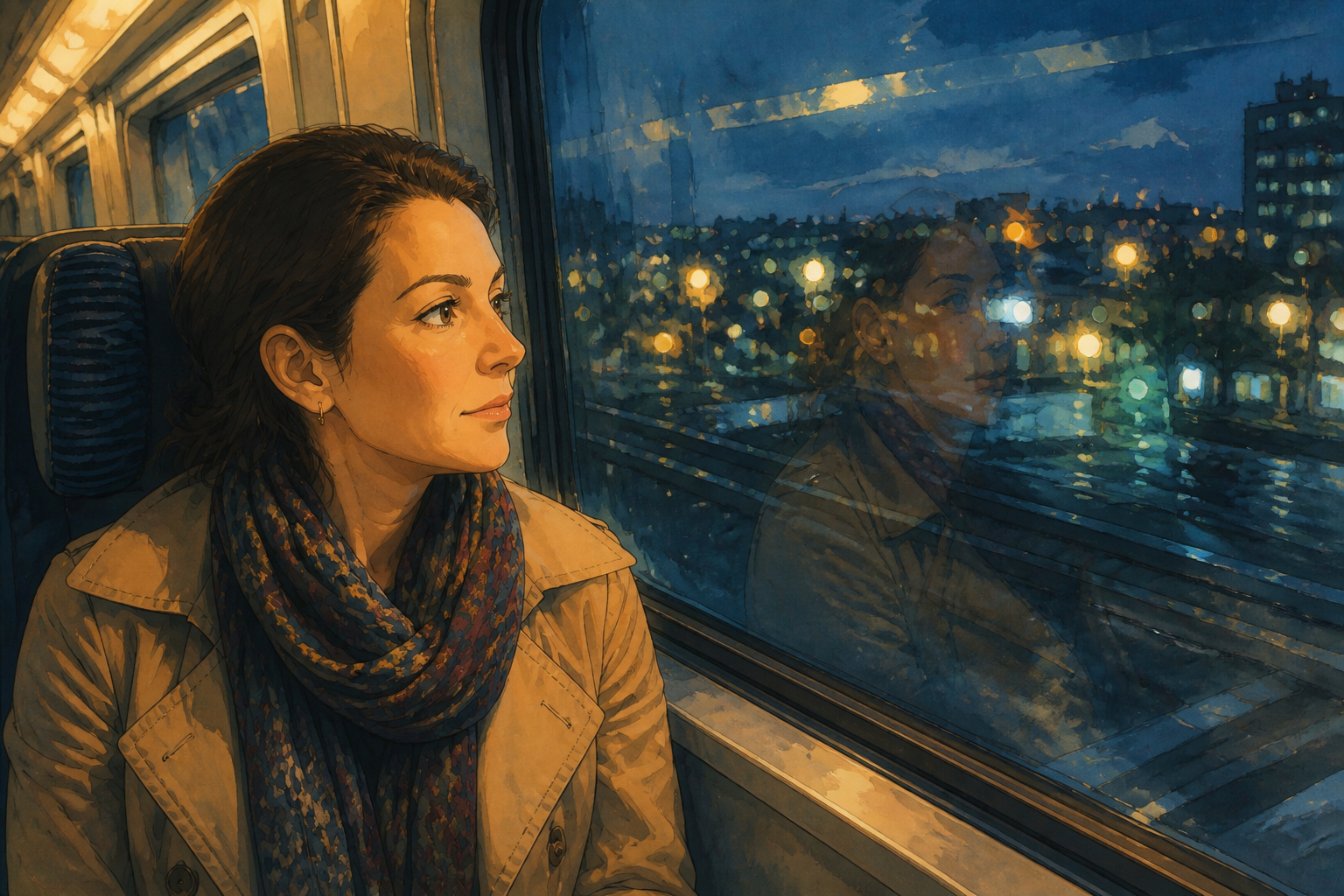 AFTER
AFTER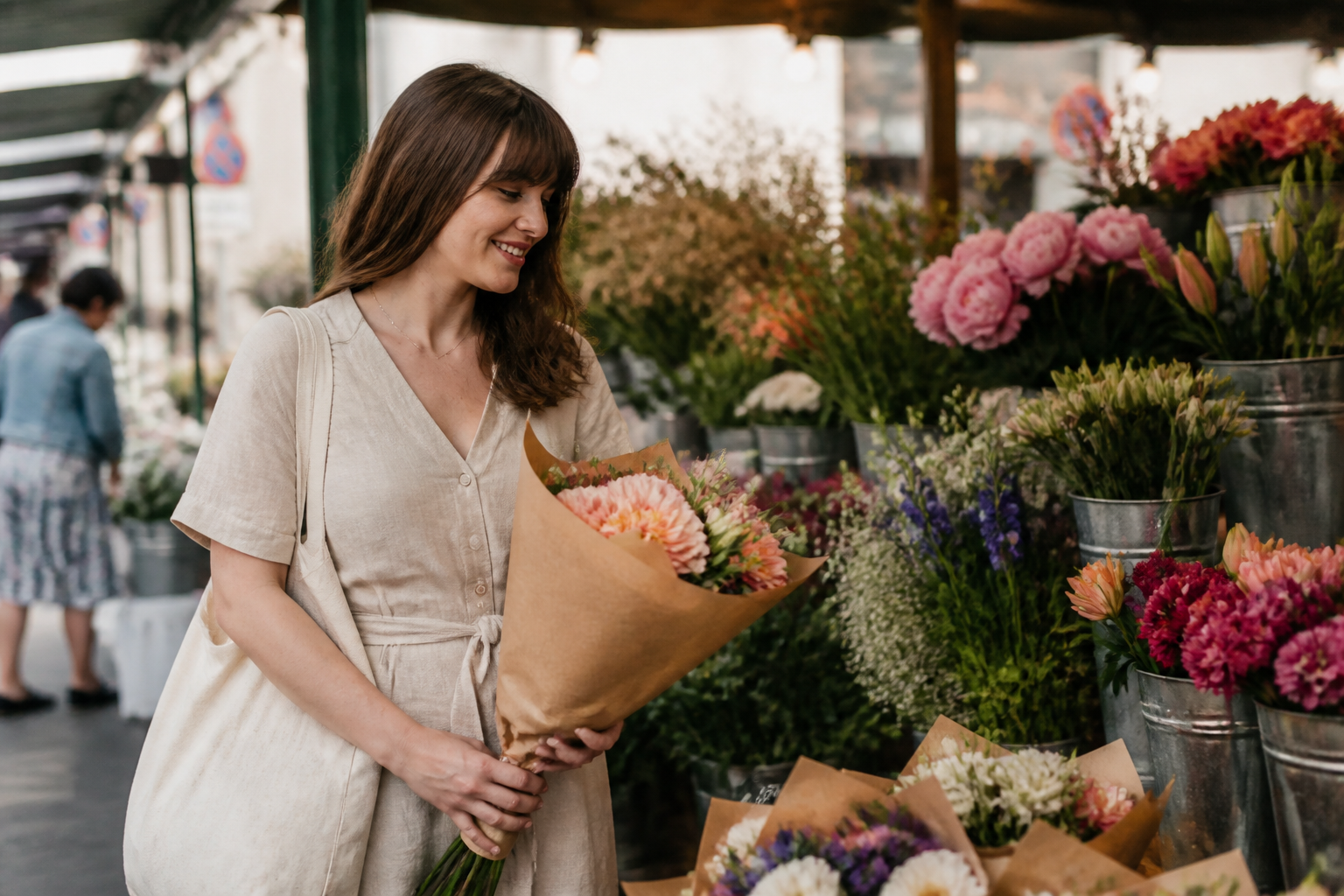 BEFORE
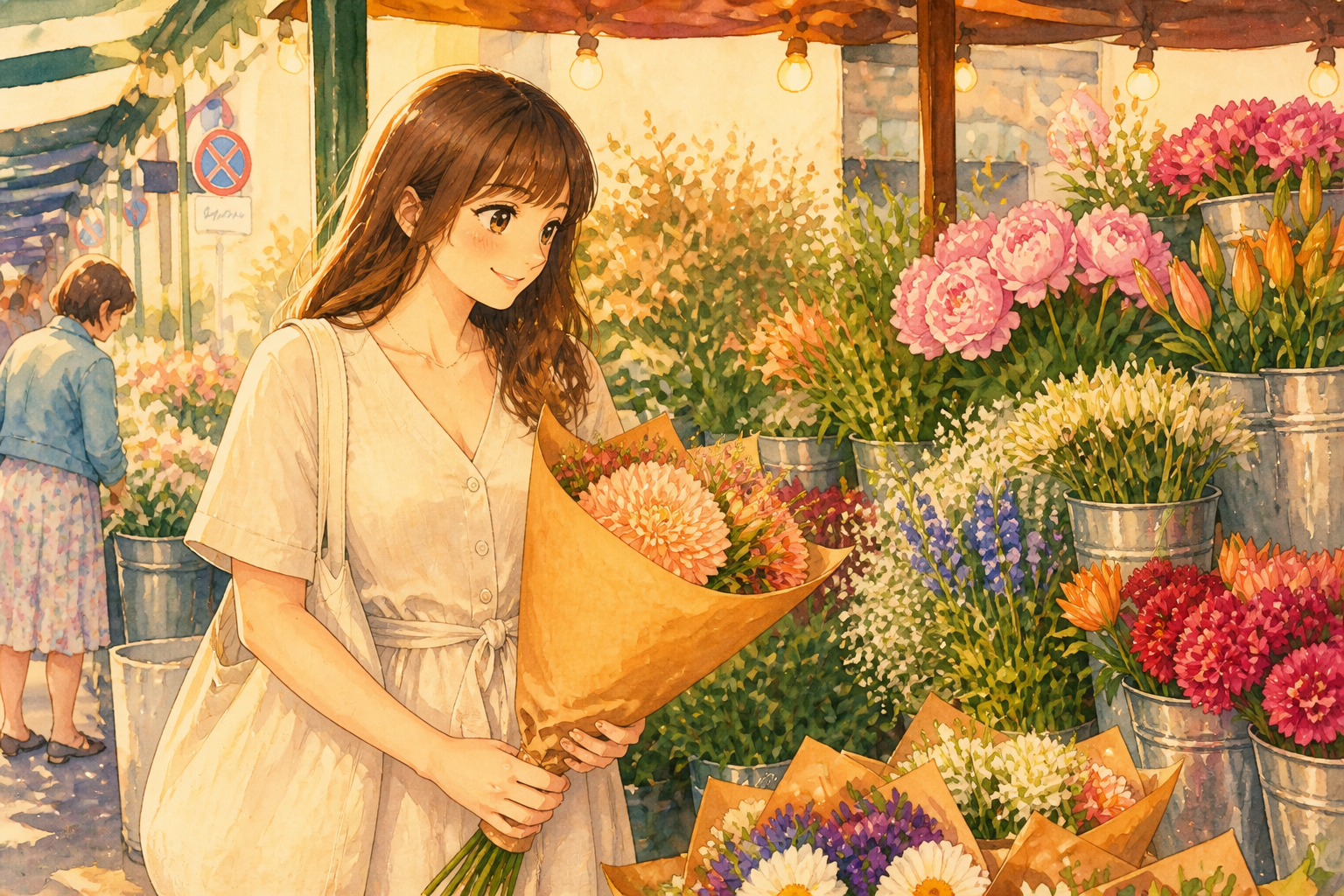 AFTER
AFTER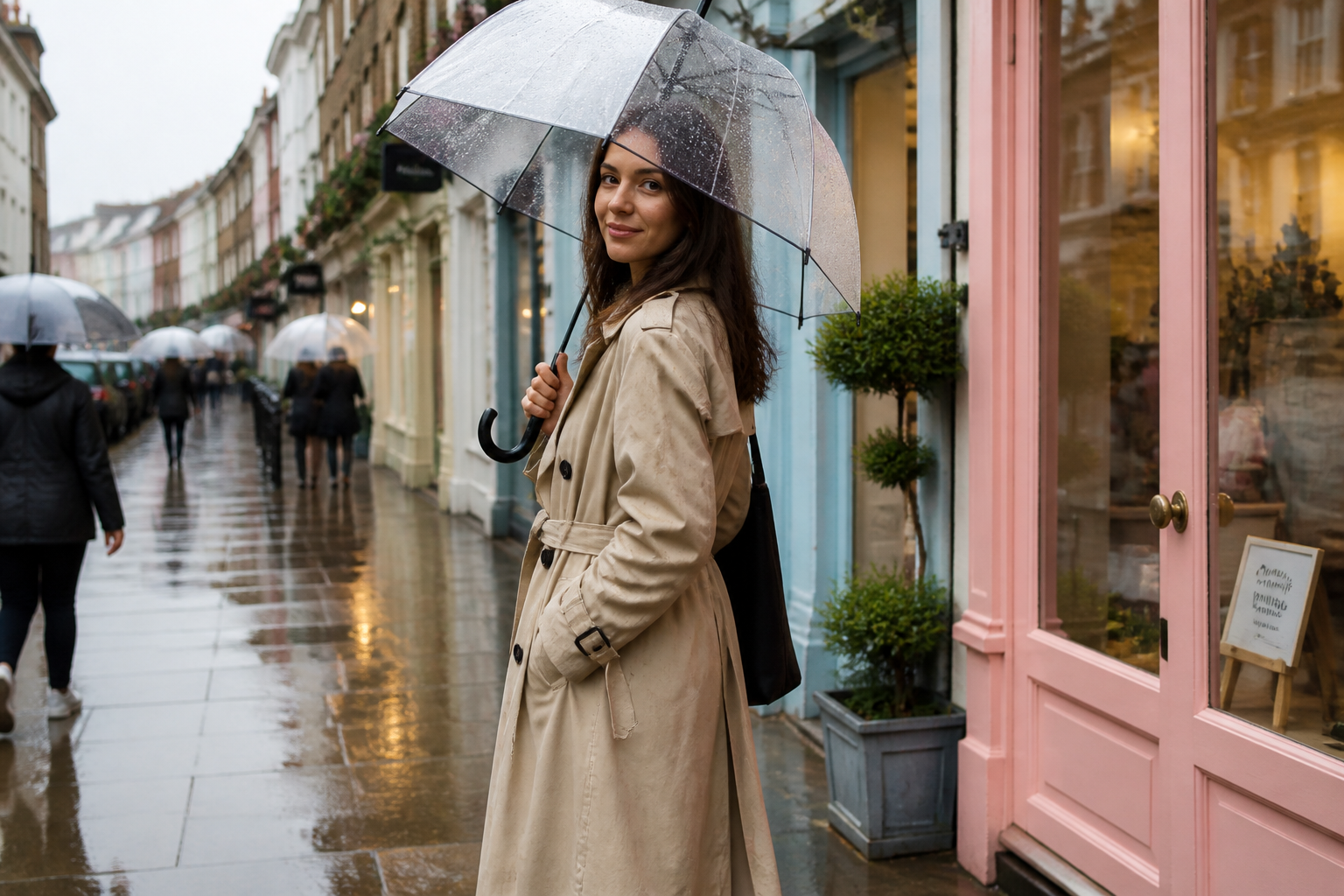 BEFORE
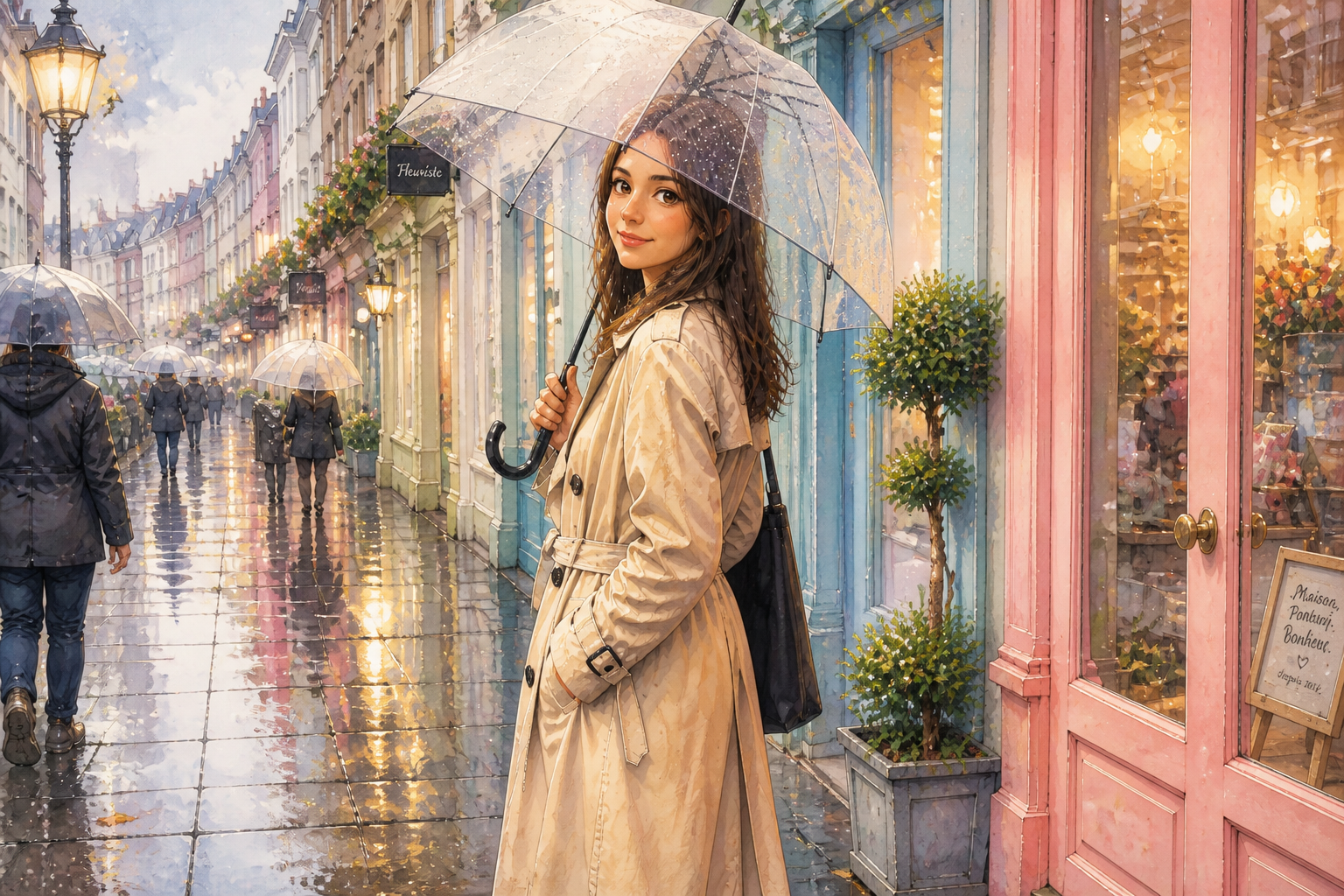 AFTER
AFTER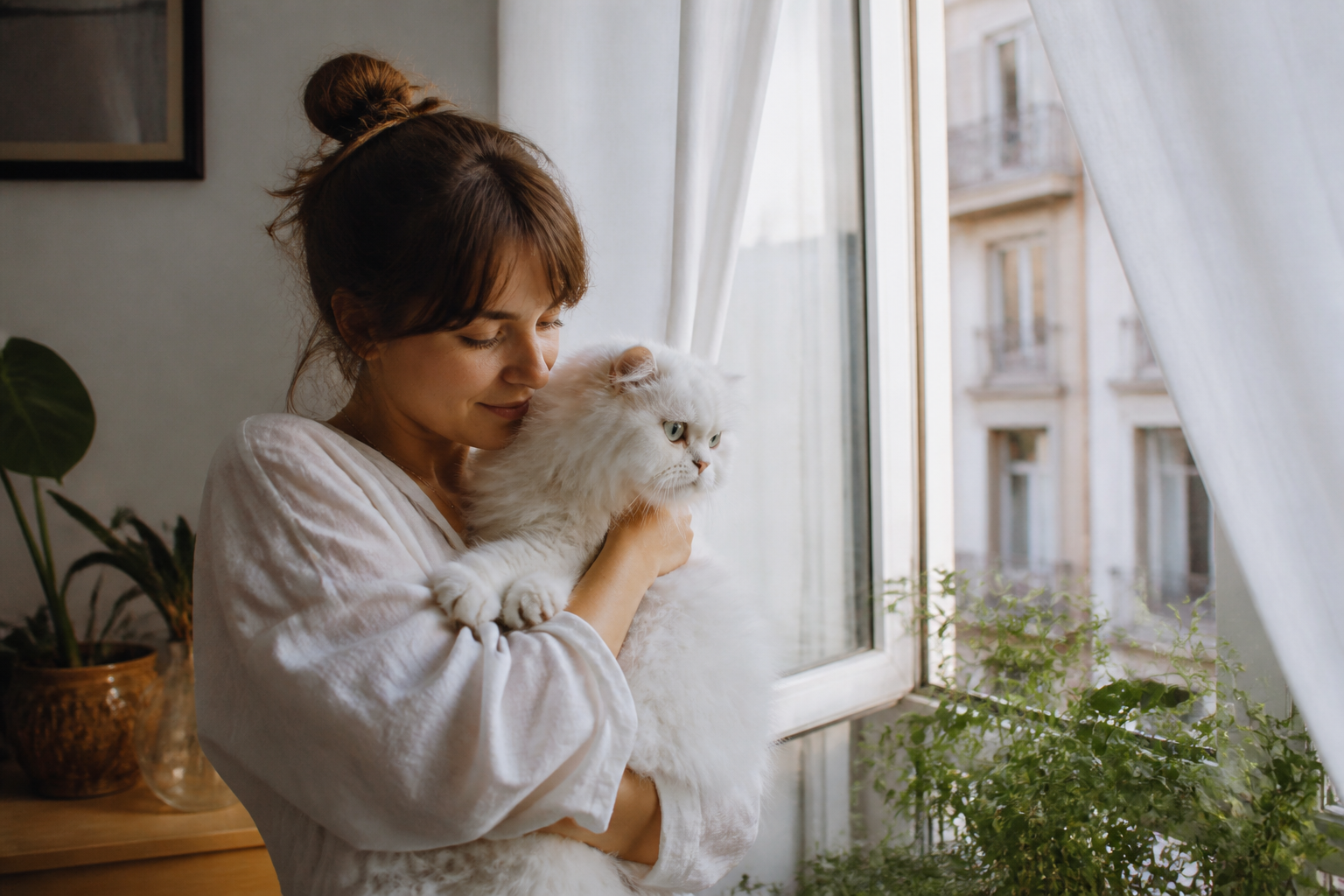 BEFORE
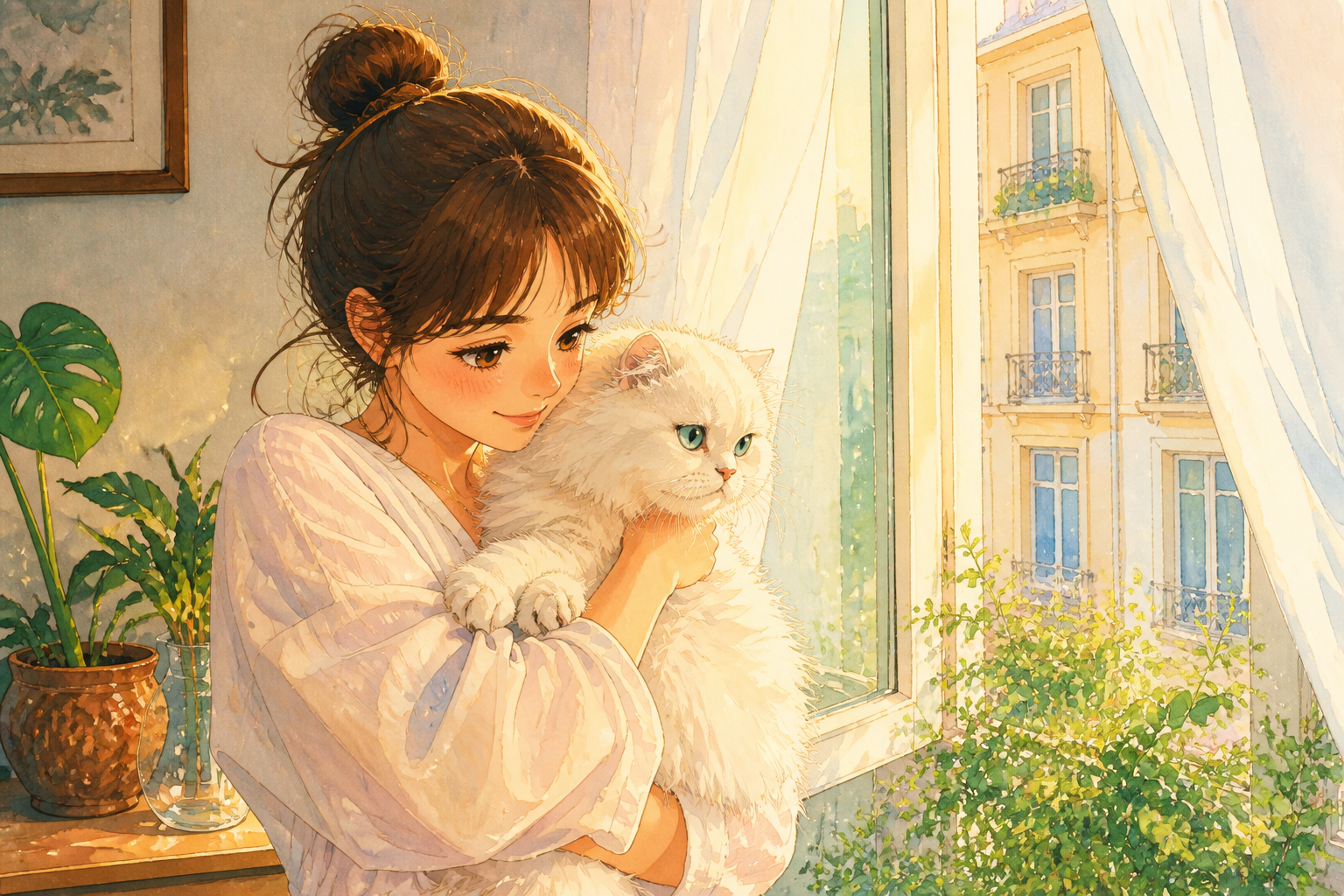 AFTERBEFOREAFTERBEFOREAFTERBEFOREAFTERBEFOREAFTERBEFOREAFTER
Key Features
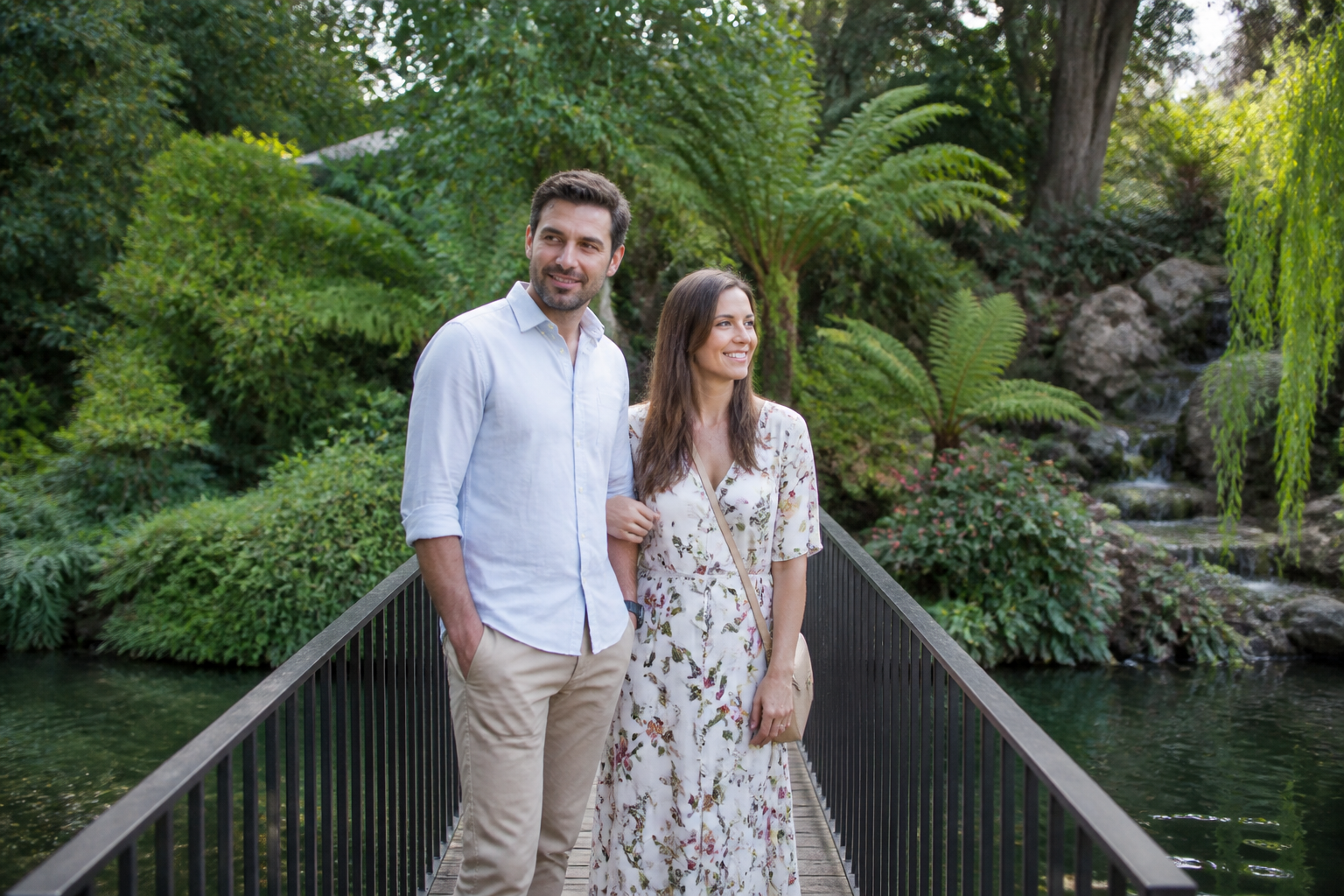
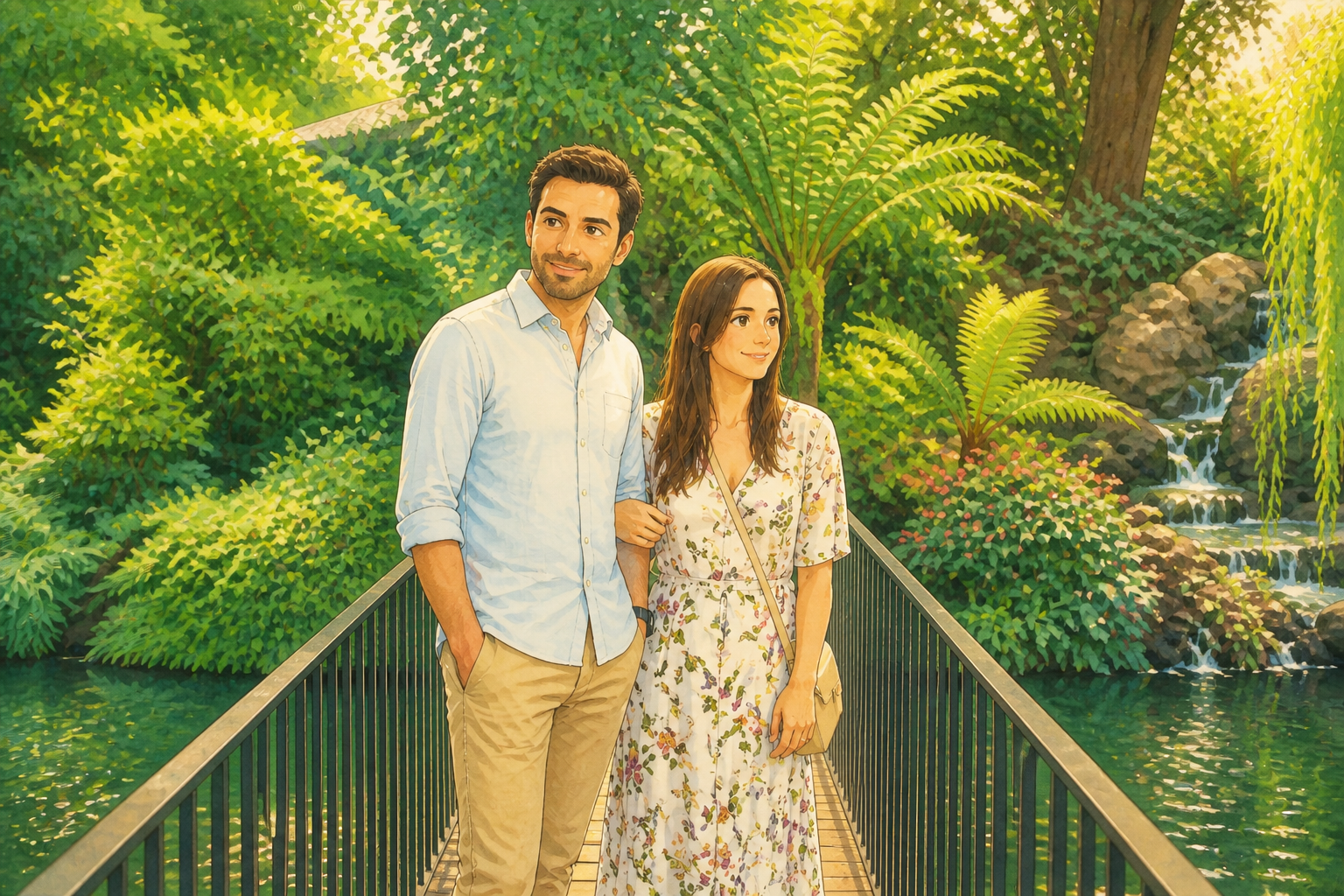
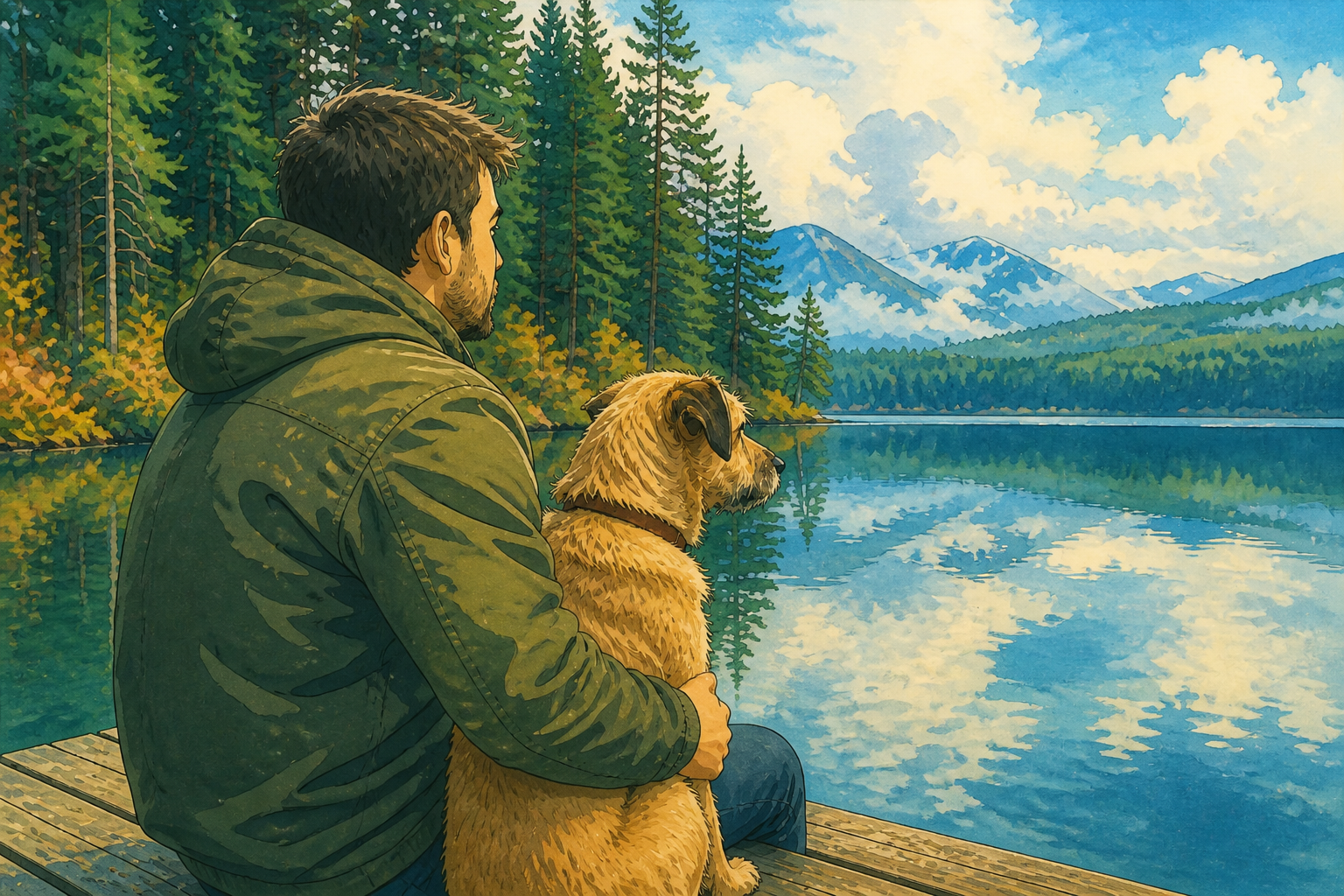
Keep the original scene
The edit changes the visual style, not the meaning of your photo. Faces, poses, outfits, and background structure stay recognizable so the result still feels like your moment. That matters when you want a painted look without losing who is in the image or where it happened. It saves you from rebuilding the whole scene in a text prompt from scratch.
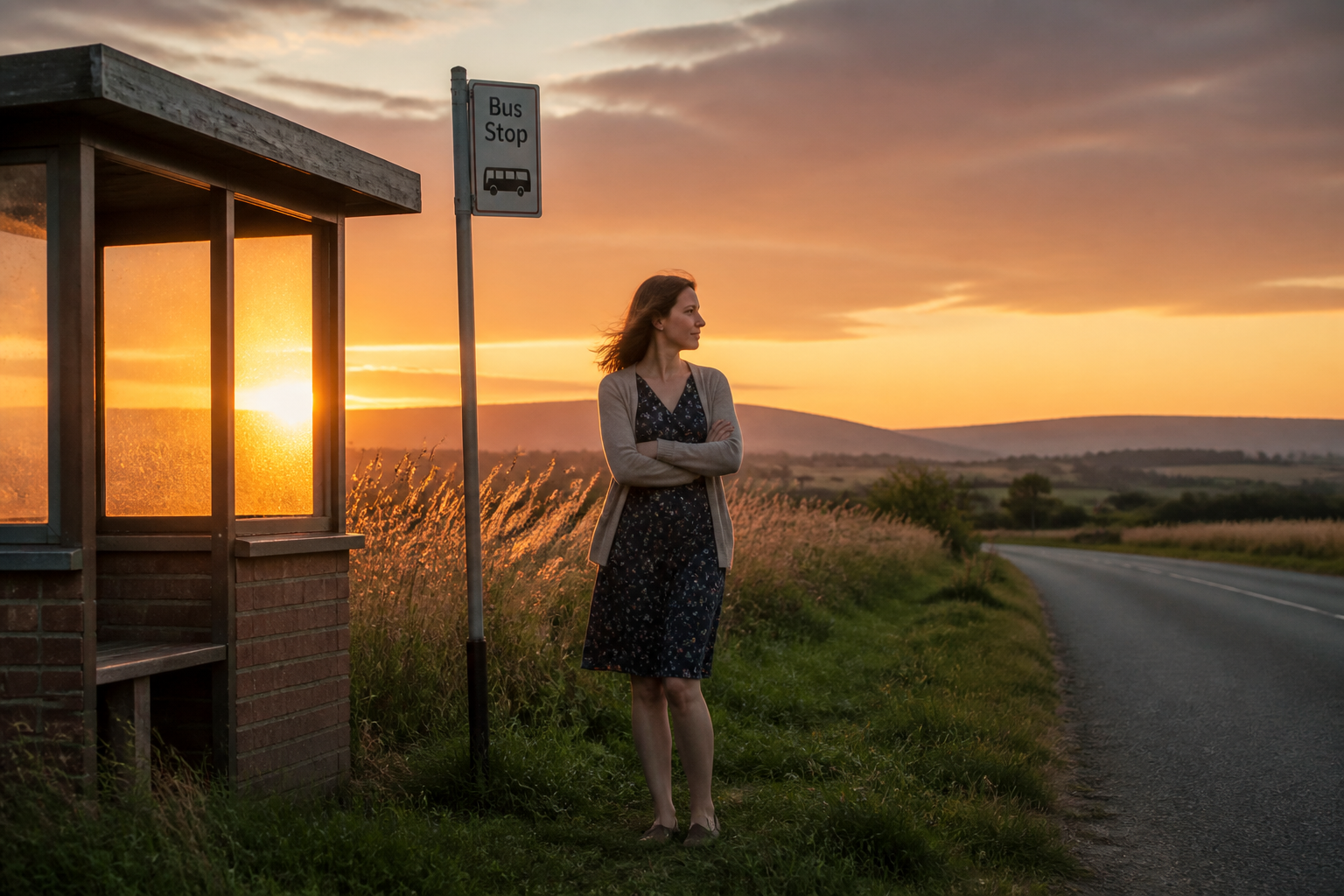
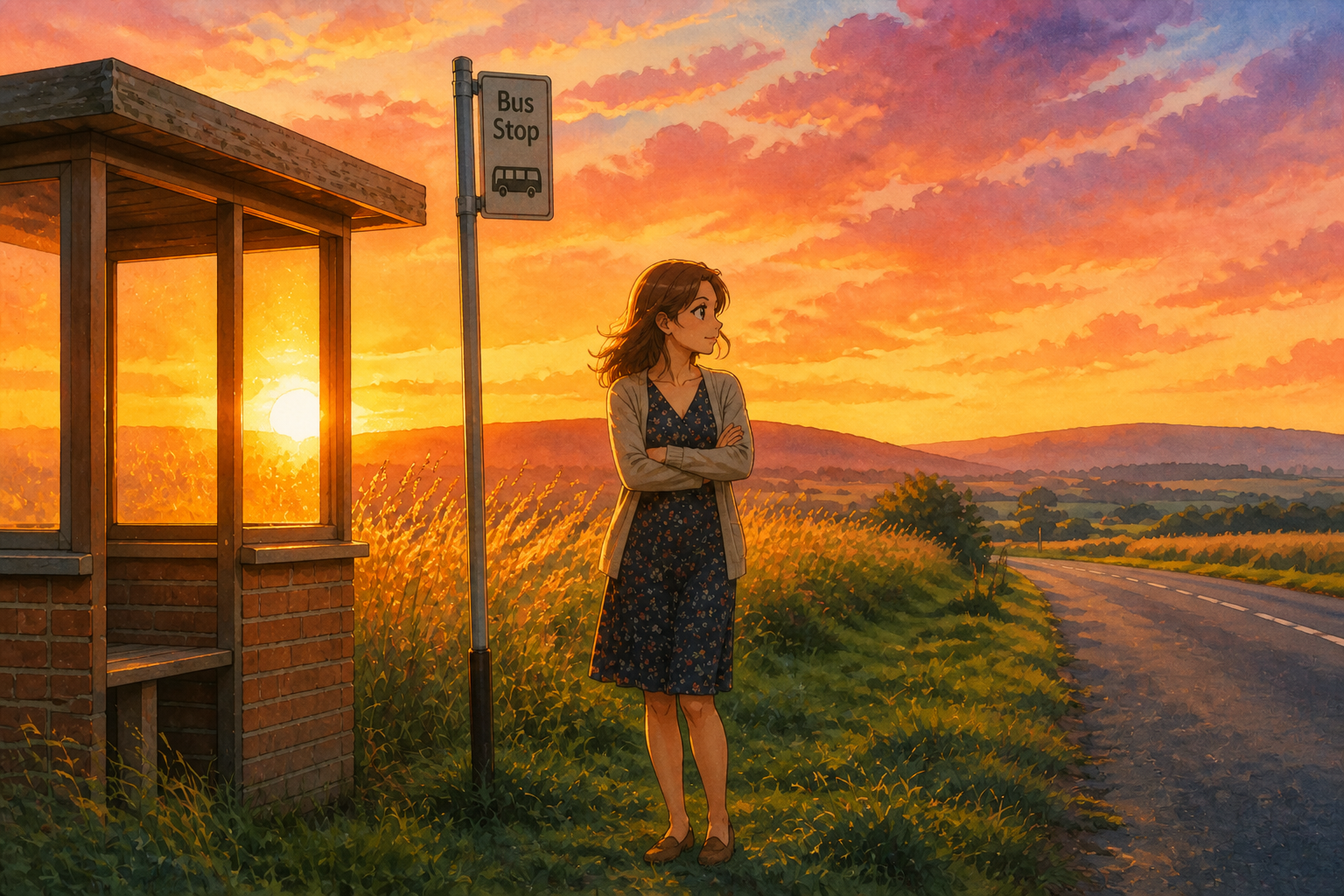
Soft cinematic color
This look works because the color palette feels warm, airy, and slightly dreamlike. Our AI adds painterly shading, atmospheric light, and richer environmental detail without making the scene hard to read. You get the emotional tone people expect from storybook animation in one edit. Doing that manually takes layers, masking, and a lot of color grading.
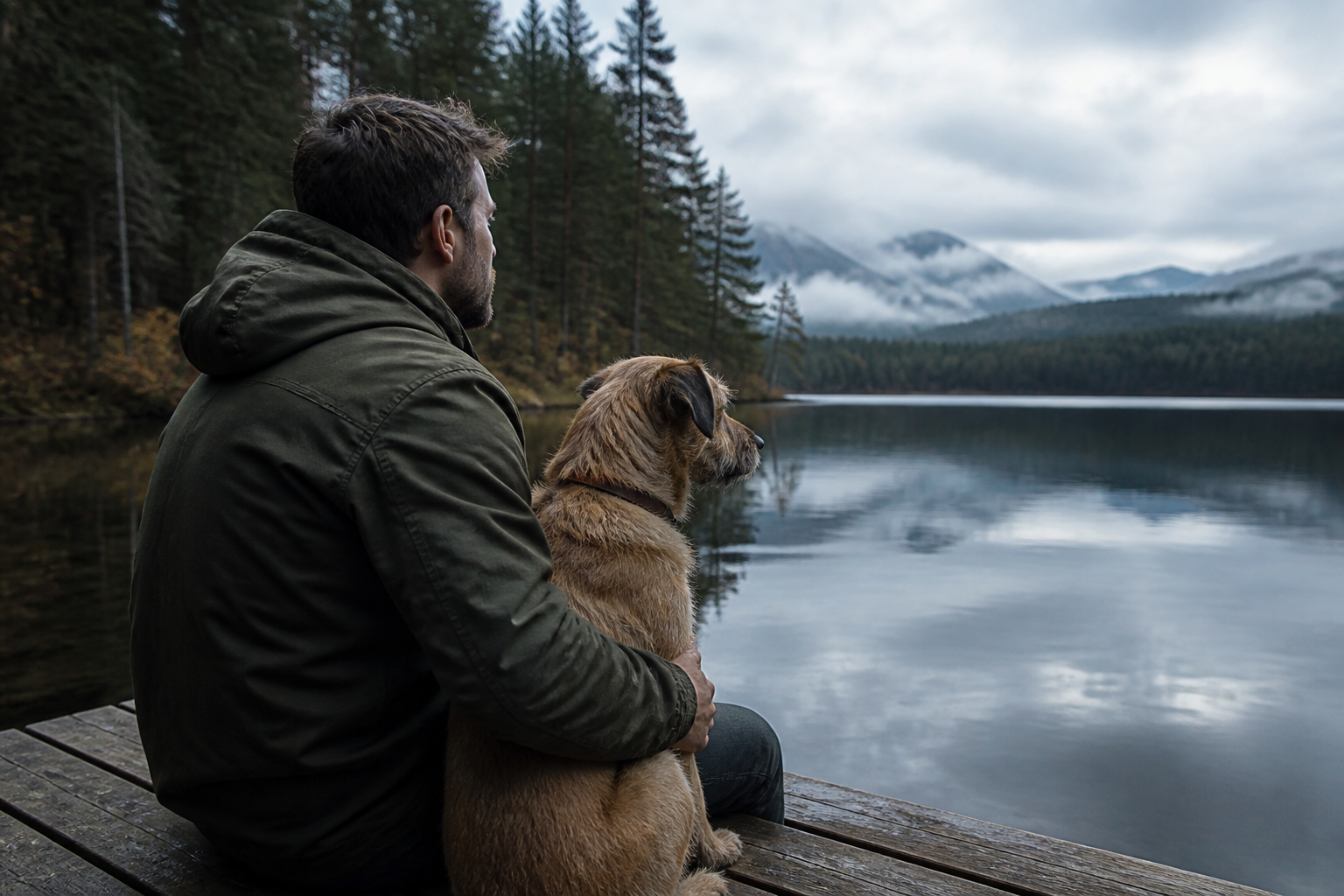
Works beyond portraits
You are not limited to headshots. Travel photos, pets, couples images, and everyday lifestyle scenes can all be turned into a painted anime-film frame while keeping the main subject clear. That gives you more variety for posts, gifts, wallpapers, and prints. The result looks intentional instead of like a generic filter dropped over everything.
Readable from a thumbnail
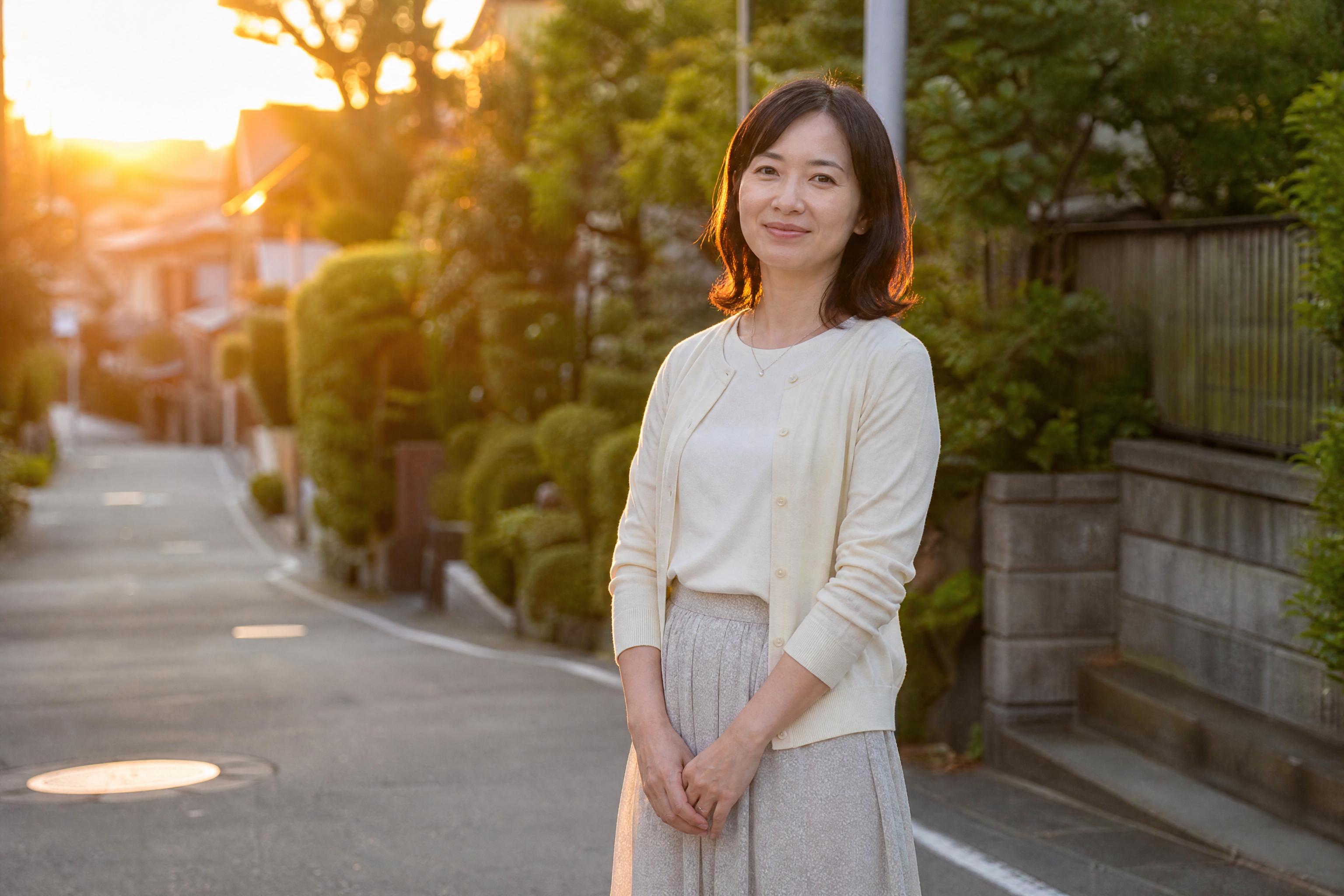
Good style transfer should still be obvious at a glance. The painted textures, expressive features, and environmental detail are strong enough to stand out in a feed, even at small sizes. That makes the before and after contrast easy to understand in social posts or gallery grids. You get a result that looks shareable without becoming messy or overprocessed.
How It Works
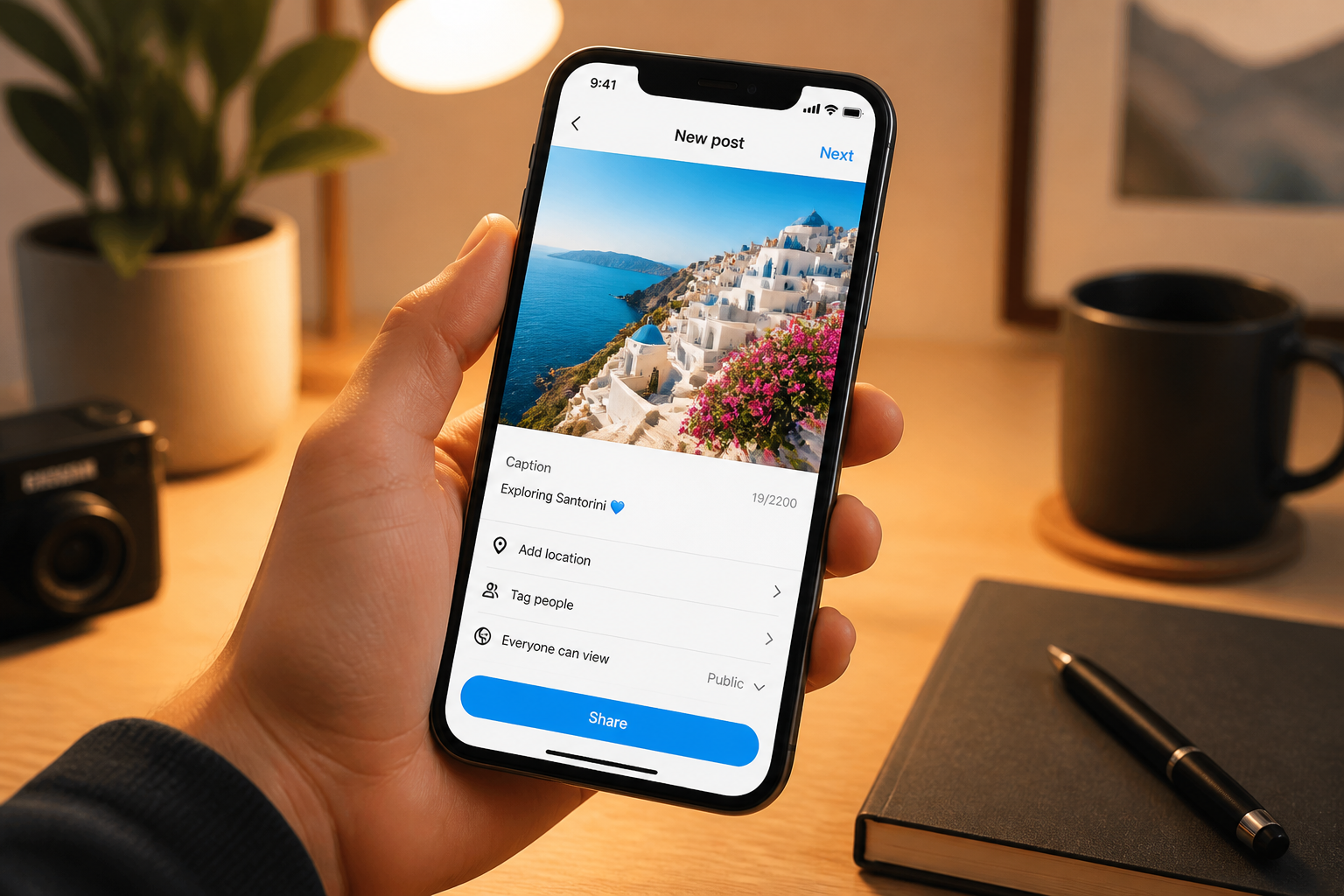
Upload your photo
Start with a clear image of a person, couple, pet, or place. Well-lit photos with a readable subject usually give the strongest painted result.
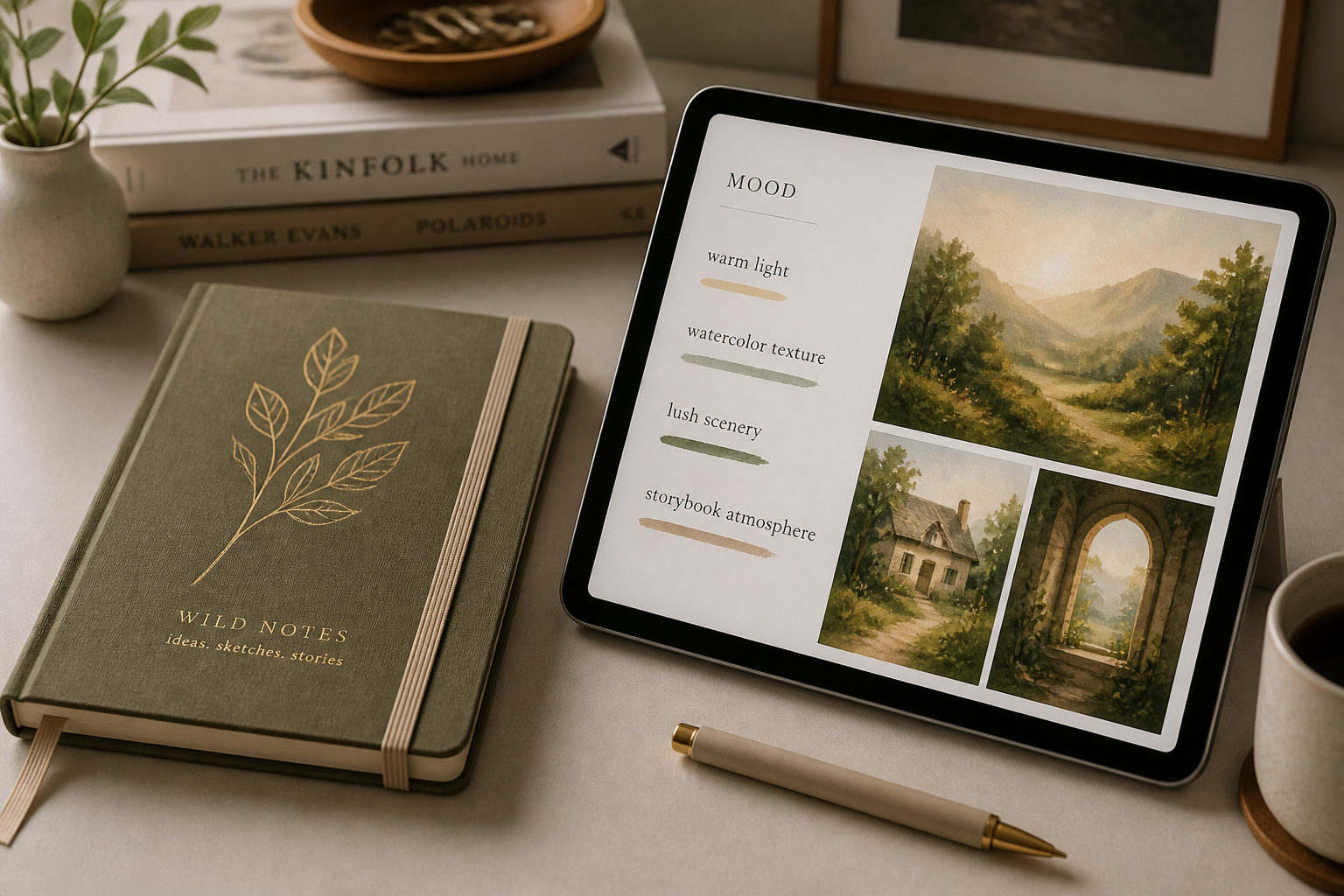
Choose the painted look
Tell the editor you want a soft hand-painted anime-film feel. You can keep it simple or add notes like warm light, lush scenery, cozy mood, or watercolor textures.
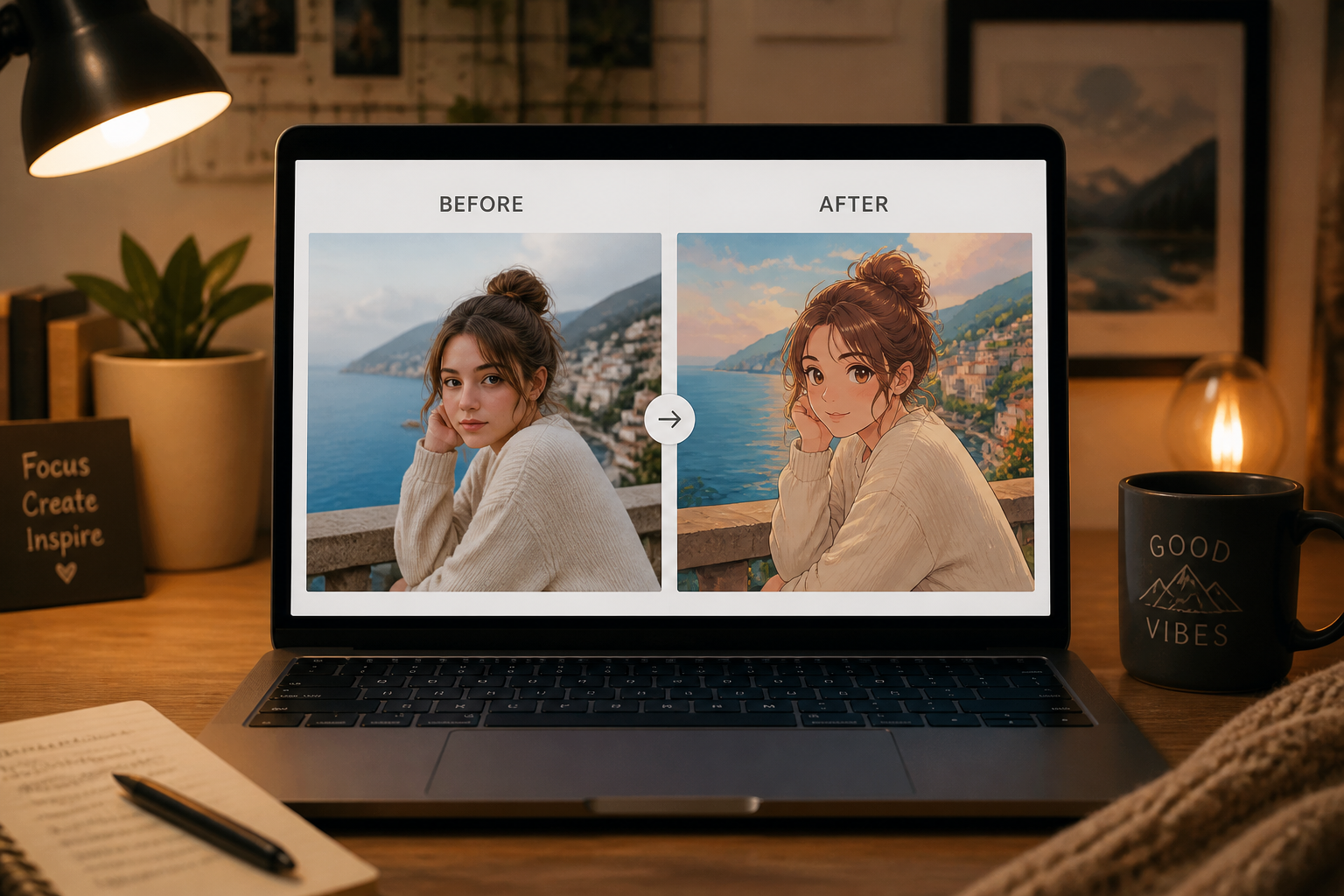
Compare and download
Preview the before and after side by side to check how well the scene and identity were preserved. When it looks right, save the image for sharing, printing, or posting.
Perfect For
Discover how creators and professionals use photo to ghibli style
Portrait art for profiles
Turn a standard selfie or portrait into a warm, painted image for social profiles, banners, or personal branding.
Travel photos with more mood
Give landscapes, streets, and vacation moments a cinematic storybook feel while keeping the location recognizable.
Couples and family keepsakes
Make favorite shared photos feel more special for digital albums, gifts, prints, or framed decor.
Pet photos with character
Convert everyday pet shots into charming illustrated scenes that still look like your animal.
Built For
Social creators
Make scroll-stopping before and after posts without painting the image manually.
Casual photo editors
Get a polished anime-film look from a normal photo without learning layers, masking, or digital painting tools.
Gift makers and print buyers
Create custom art from meaningful photos for cards, wall prints, and personal keepsakes.
Why use this for painted anime-style edits
A quick look at how we compare on the things that matter for this niche.
| Feature | BudgetPixel | Generic AI editors | Manual editing apps |
|---|---|---|---|
| Photo-to-style conversion | ✓ | ✓ | — |
| Keeps original scene readable | ✓ | — | ✓ |
| Fast before/after workflow | ✓ | ✓ | — |
| No manual brushwork needed | ✓ | ✓ | — |
Frequently Asked Questions
What kinds of photos work best?
Will the result still look like my original photo?
Can I use it on couples, pets, or travel shots?
Do I need to write a detailed prompt?
Is this a background replacement tool?
Create together.
Share your creations, discover trending AI art, and grow with fellow creators.