Photo to Disney Style
Turn everyday photos into warm, storybook-inspired portraits.
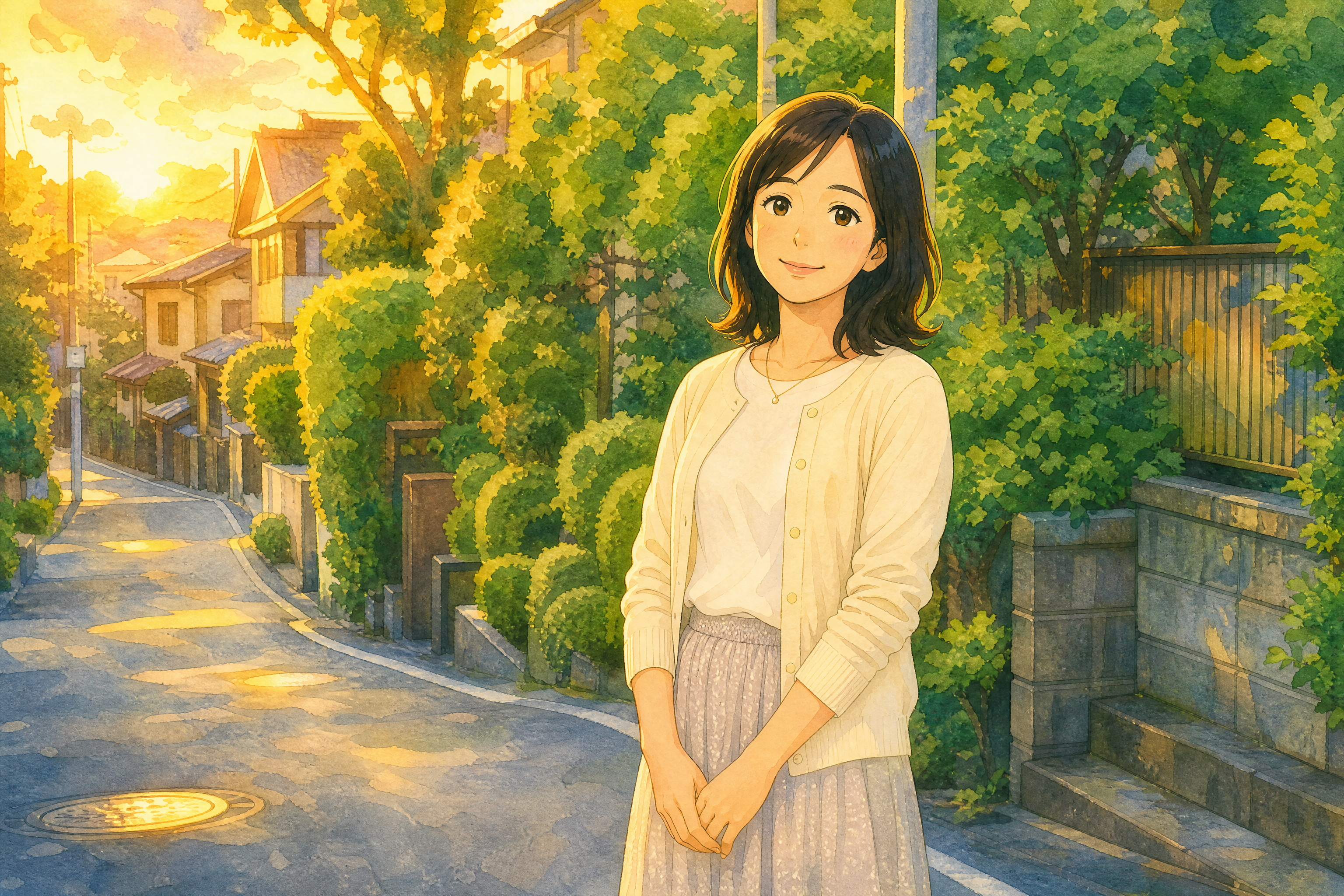
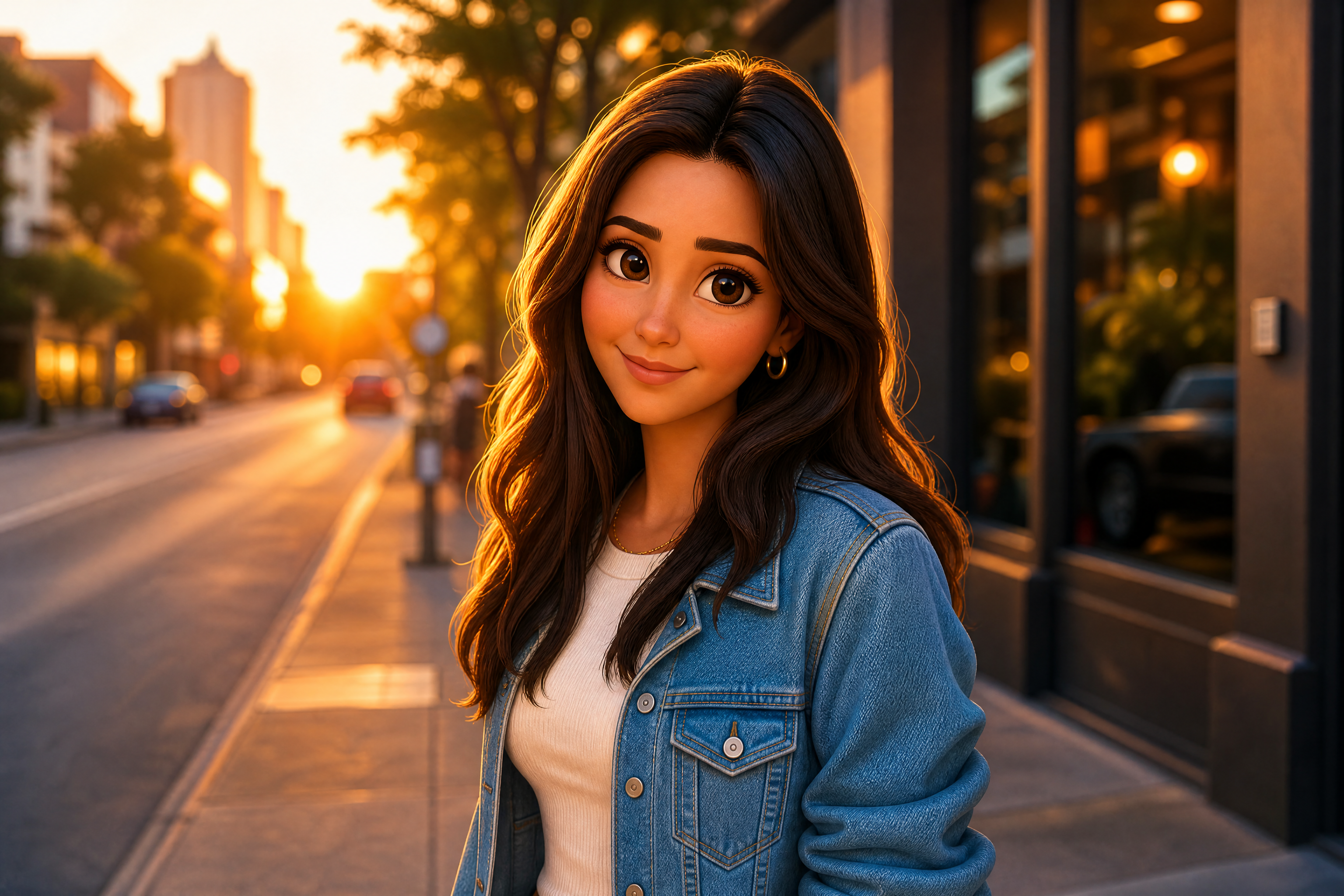
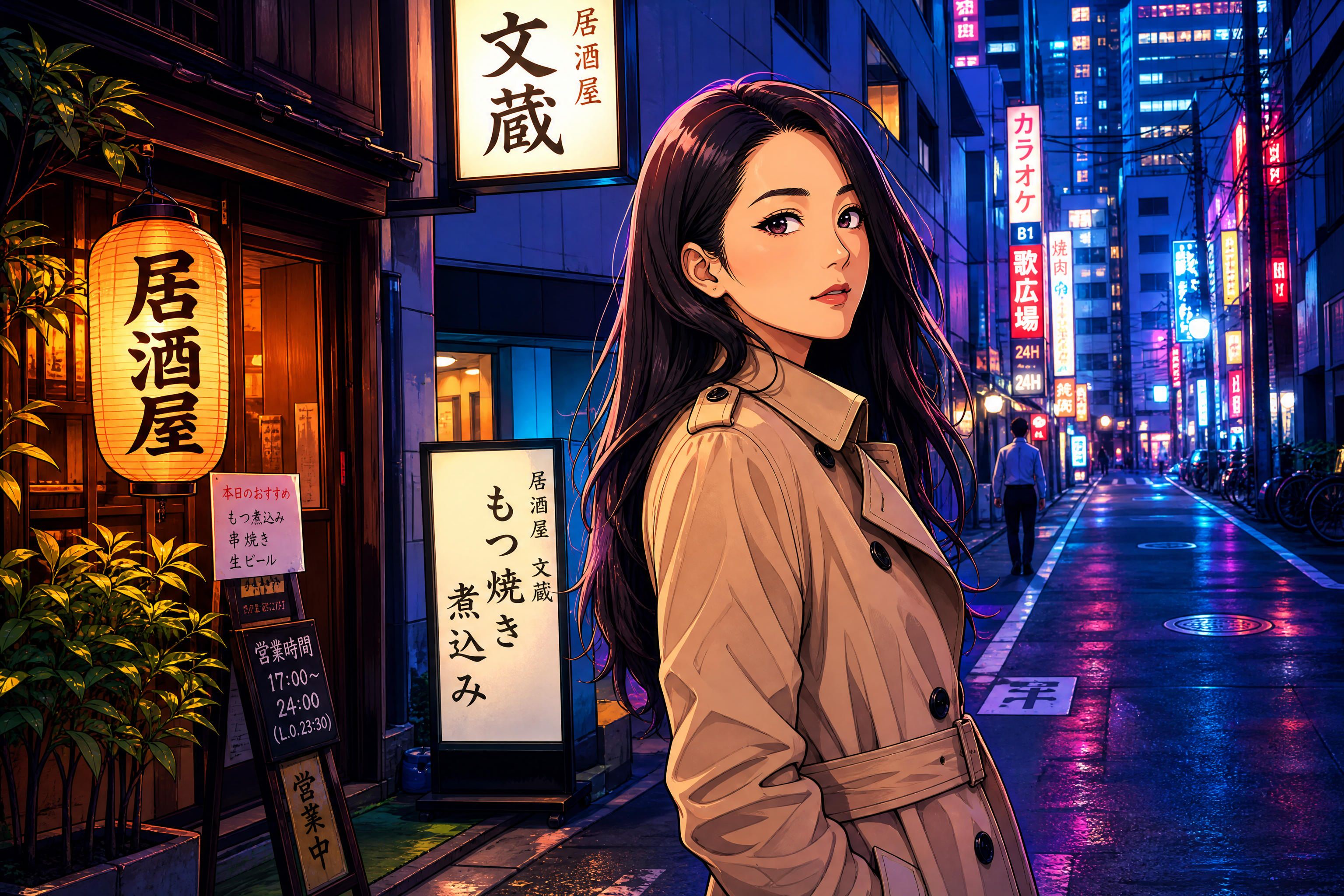
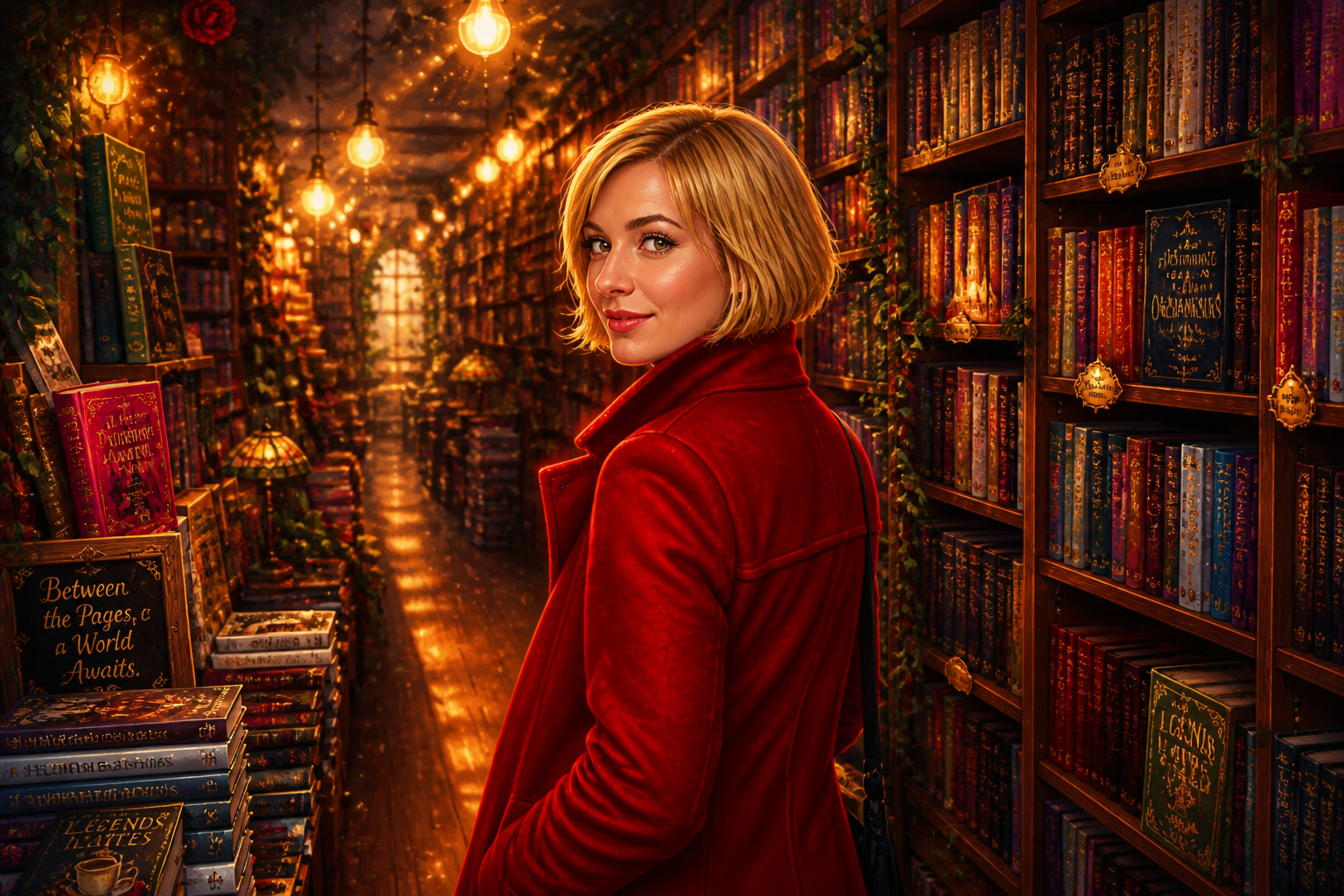
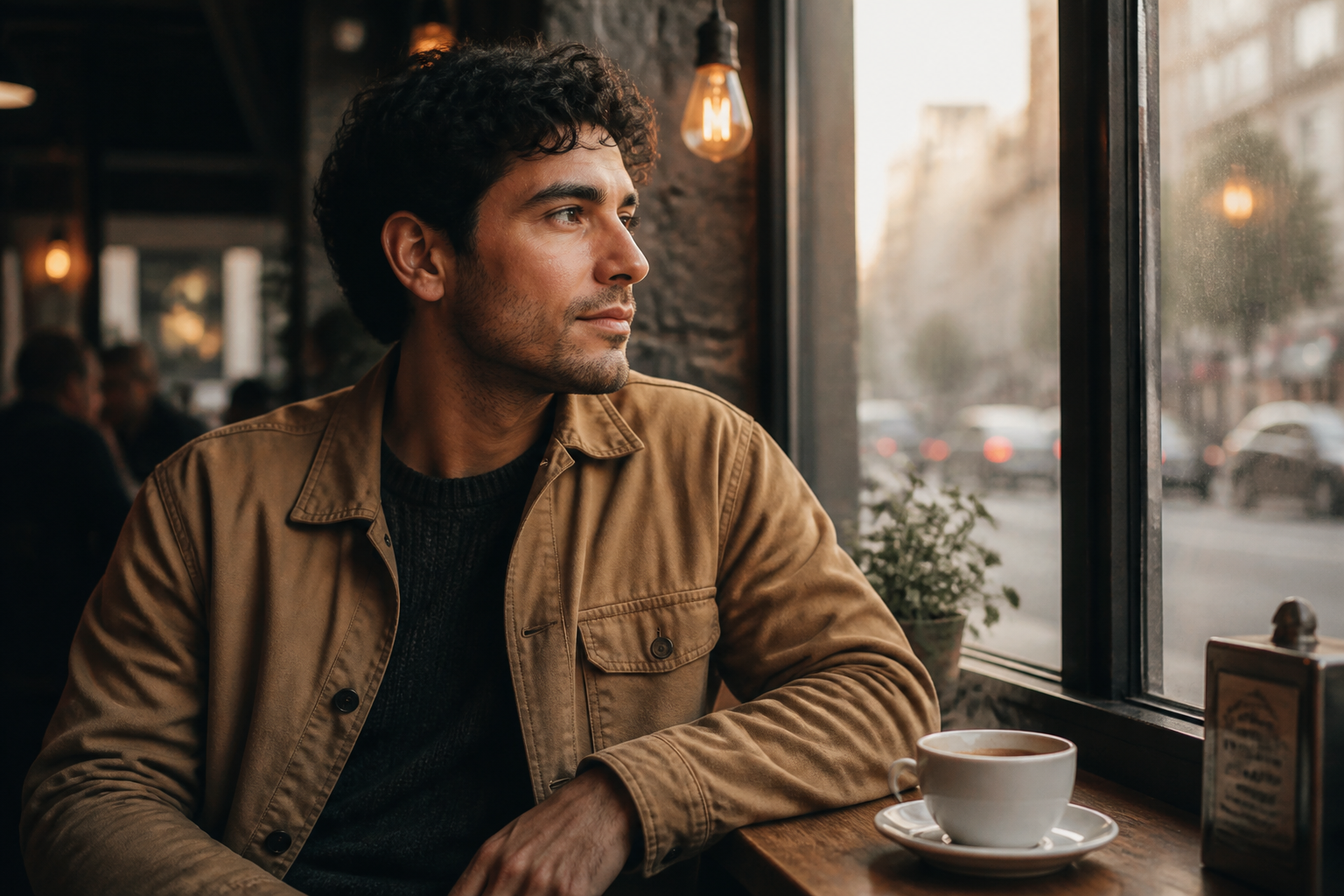
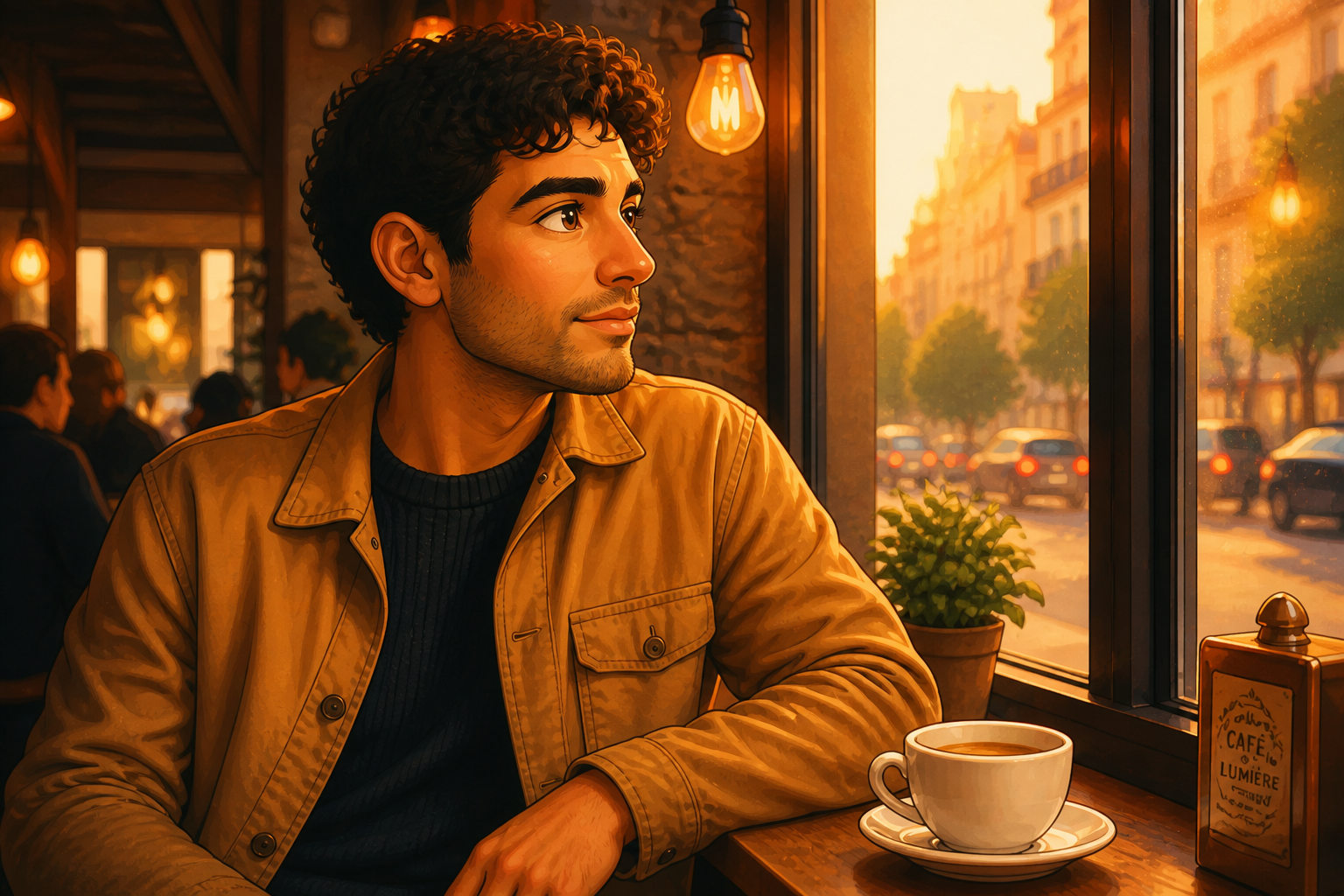
Upload a photo and transform it into a polished animated fairytale look while keeping the pose and identity recognizable. Our AI adds expressive features, soft lighting, and painterly detail for a cinematic storybook finish.
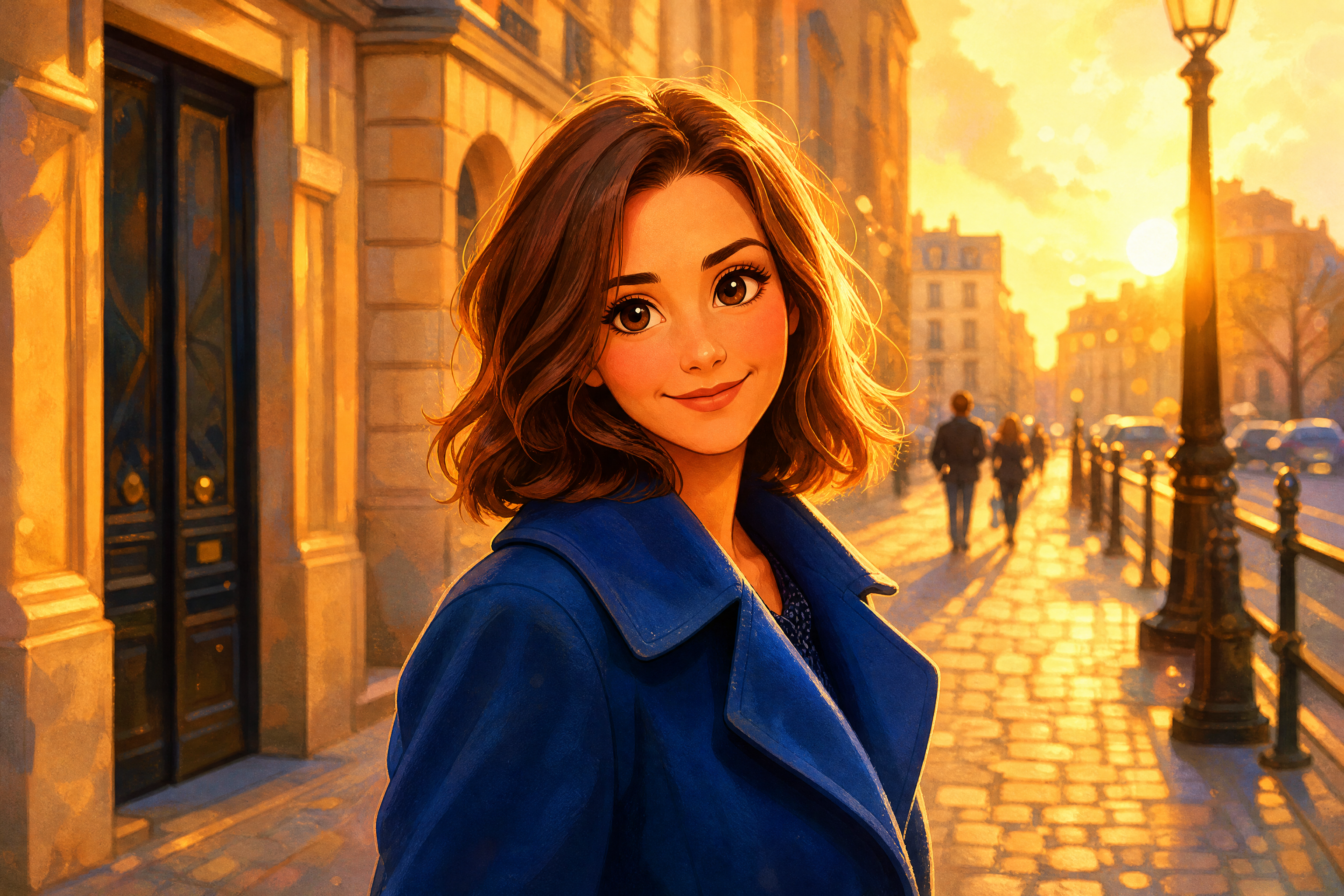
Watch the Transformation
See photo to disney style in motion — generated end-to-end by our AI.
See It In Action
Real outputs from photo to disney style.
BEFOREAFTER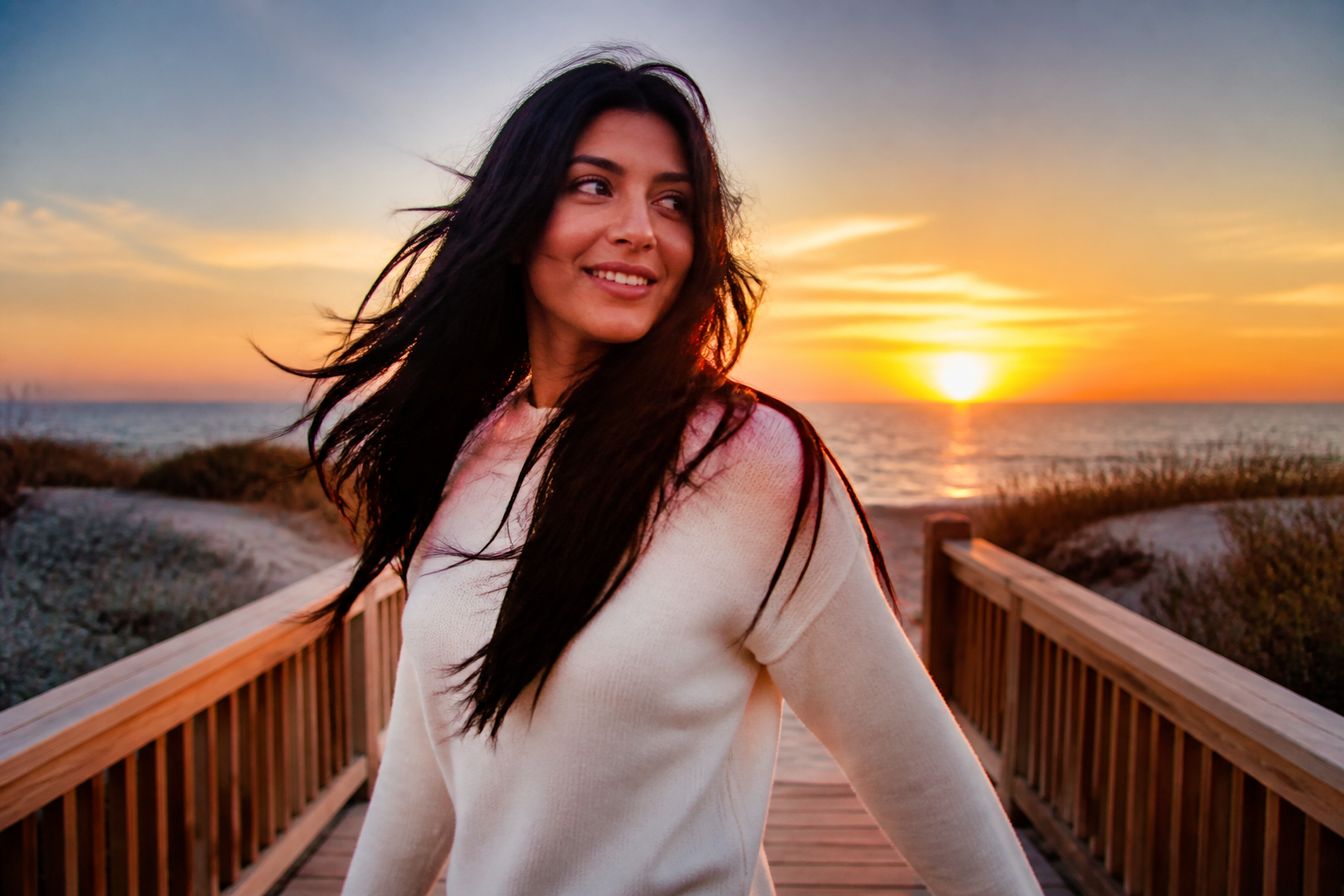 BEFORE
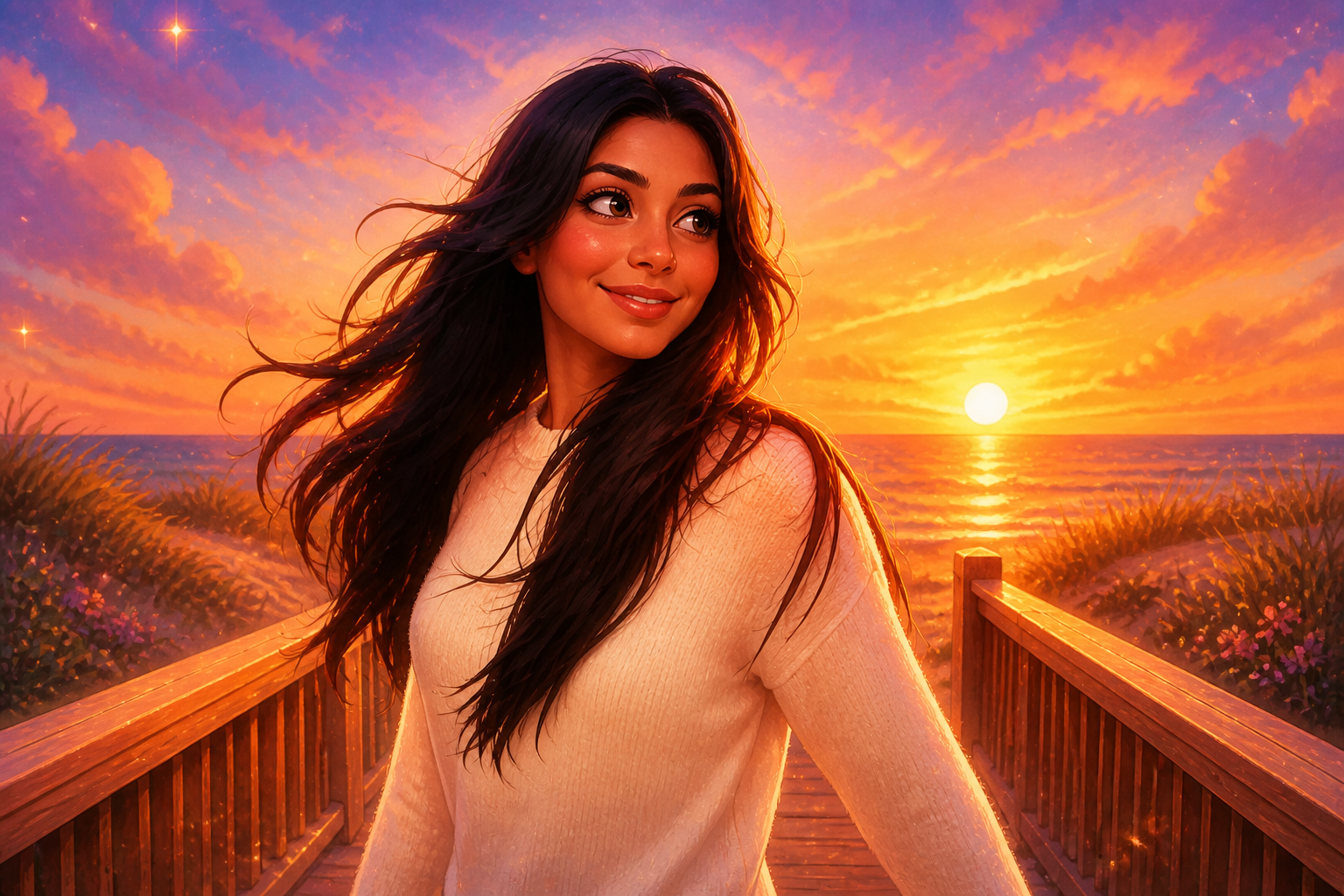 AFTER
AFTER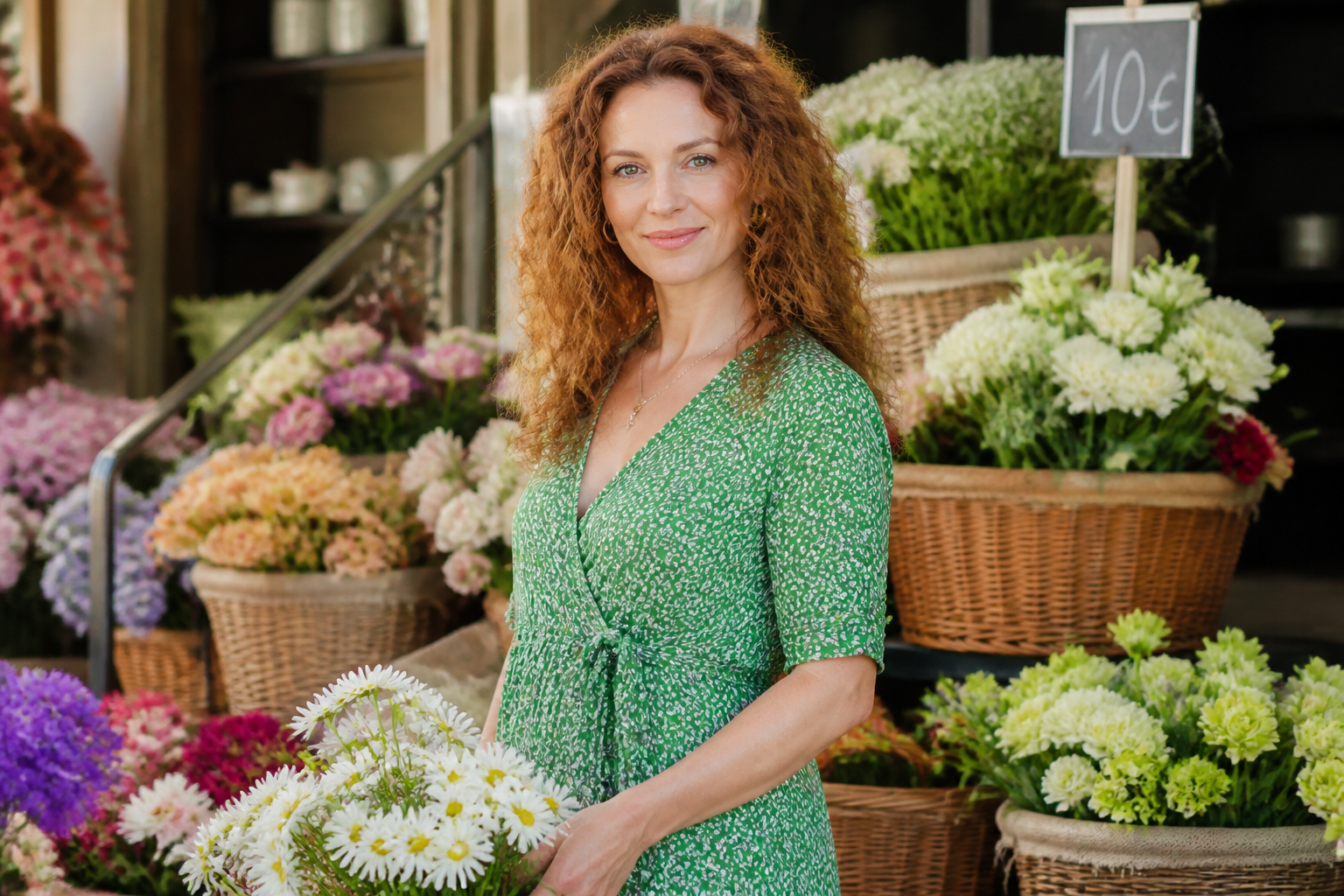 BEFORE
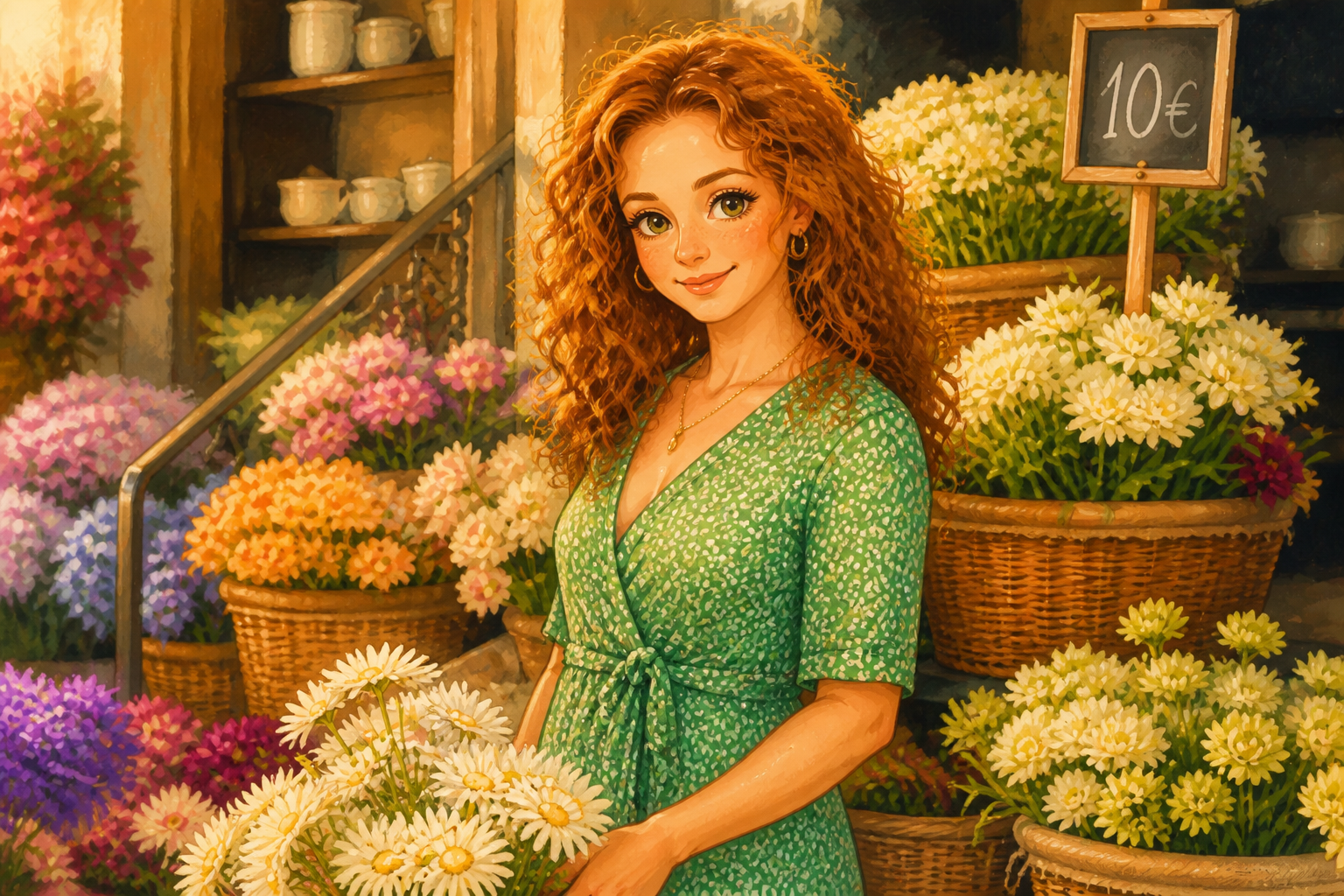 AFTER
AFTER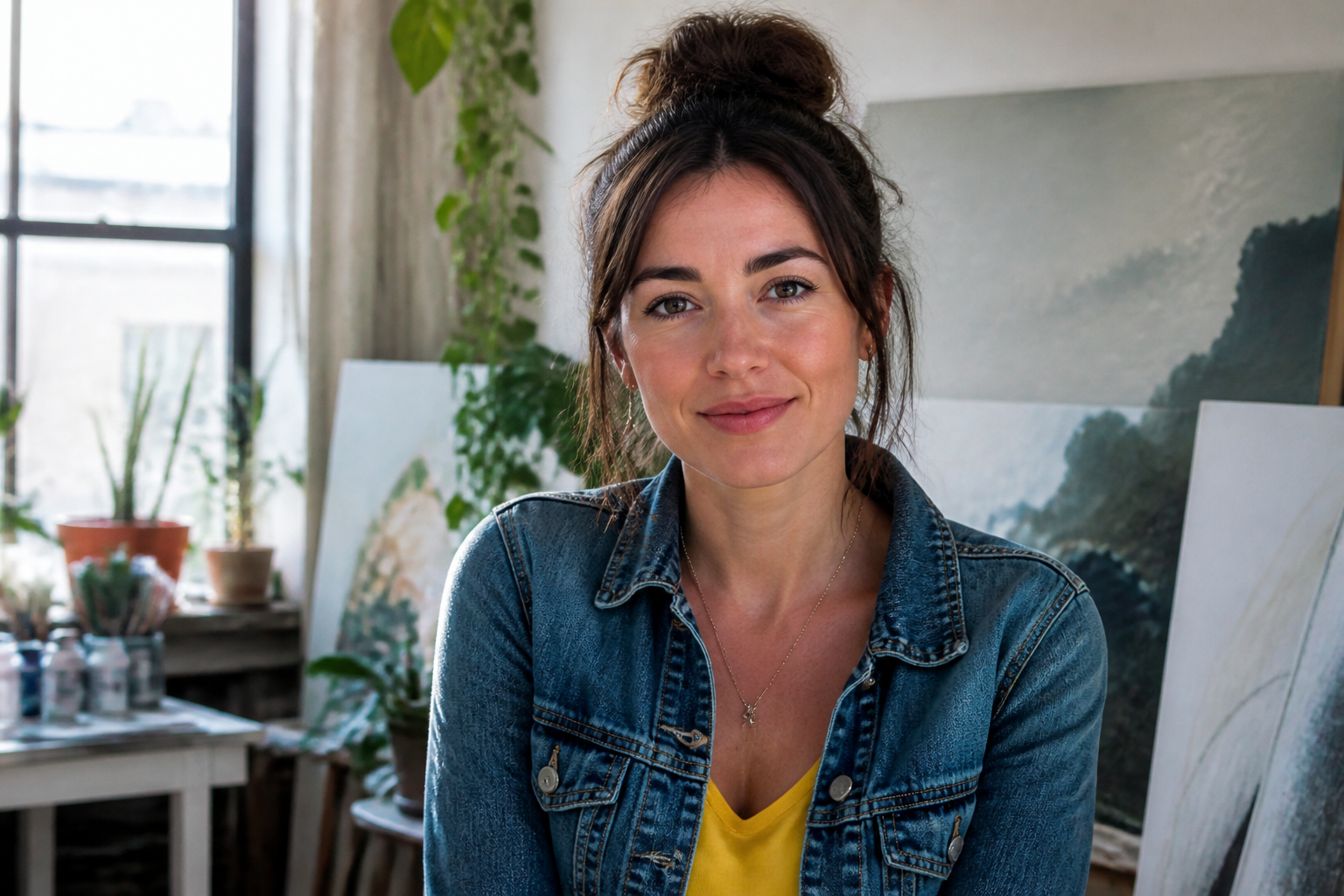 BEFORE
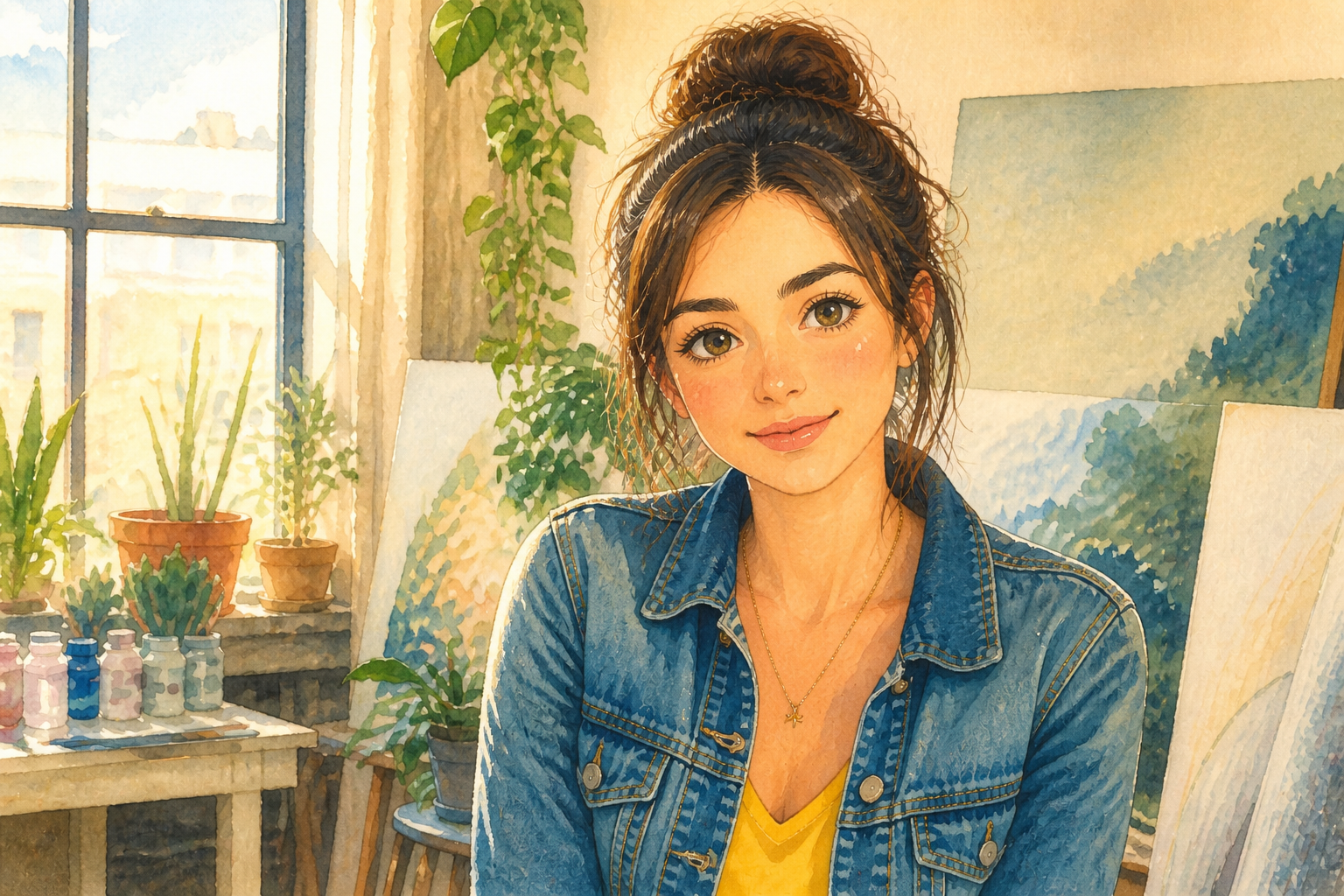 AFTER
AFTER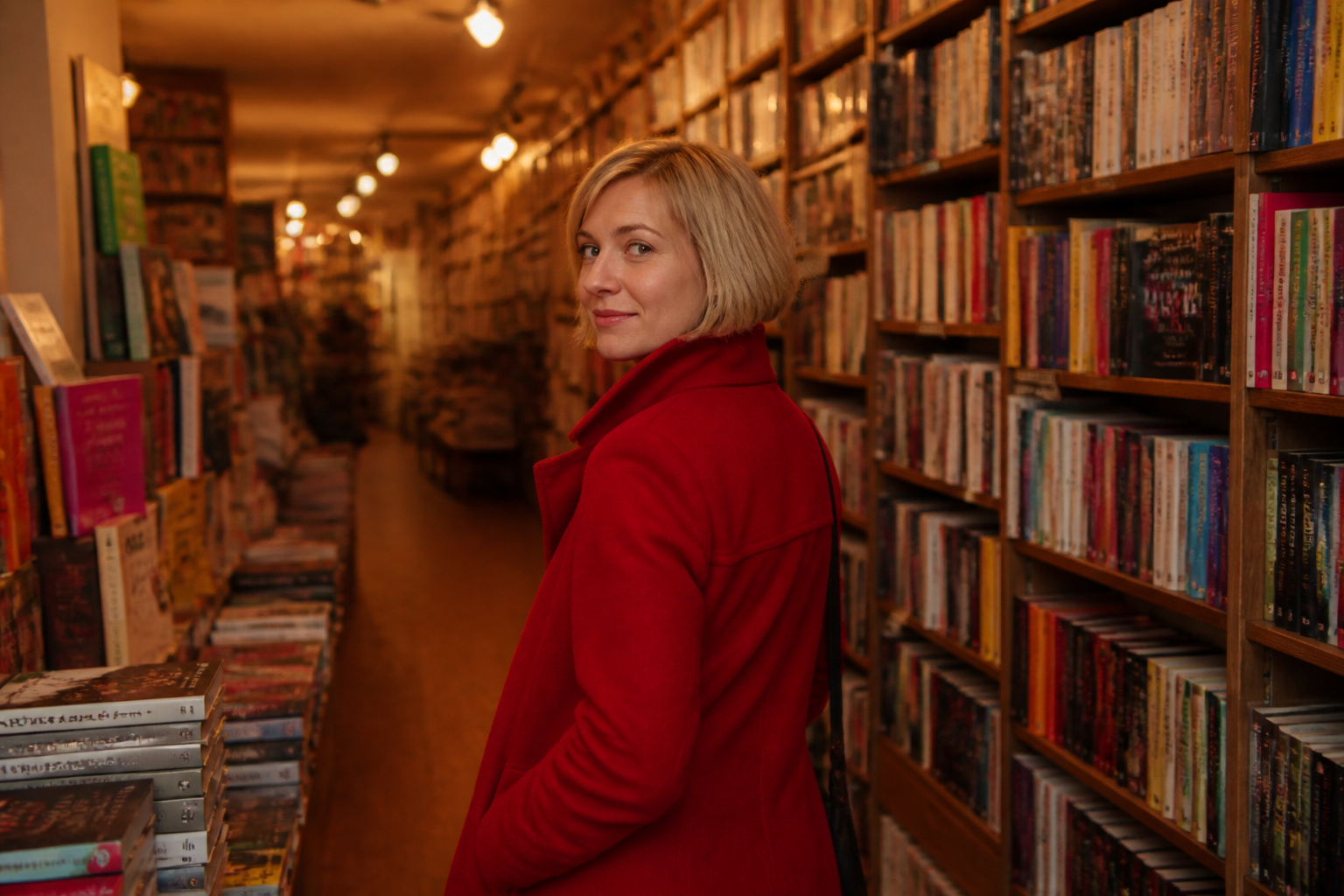 BEFORE
 AFTERBEFOREAFTERBEFOREAFTERBEFOREAFTERBEFOREAFTERBEFOREAFTER
 BEFORE
 AFTER
AFTER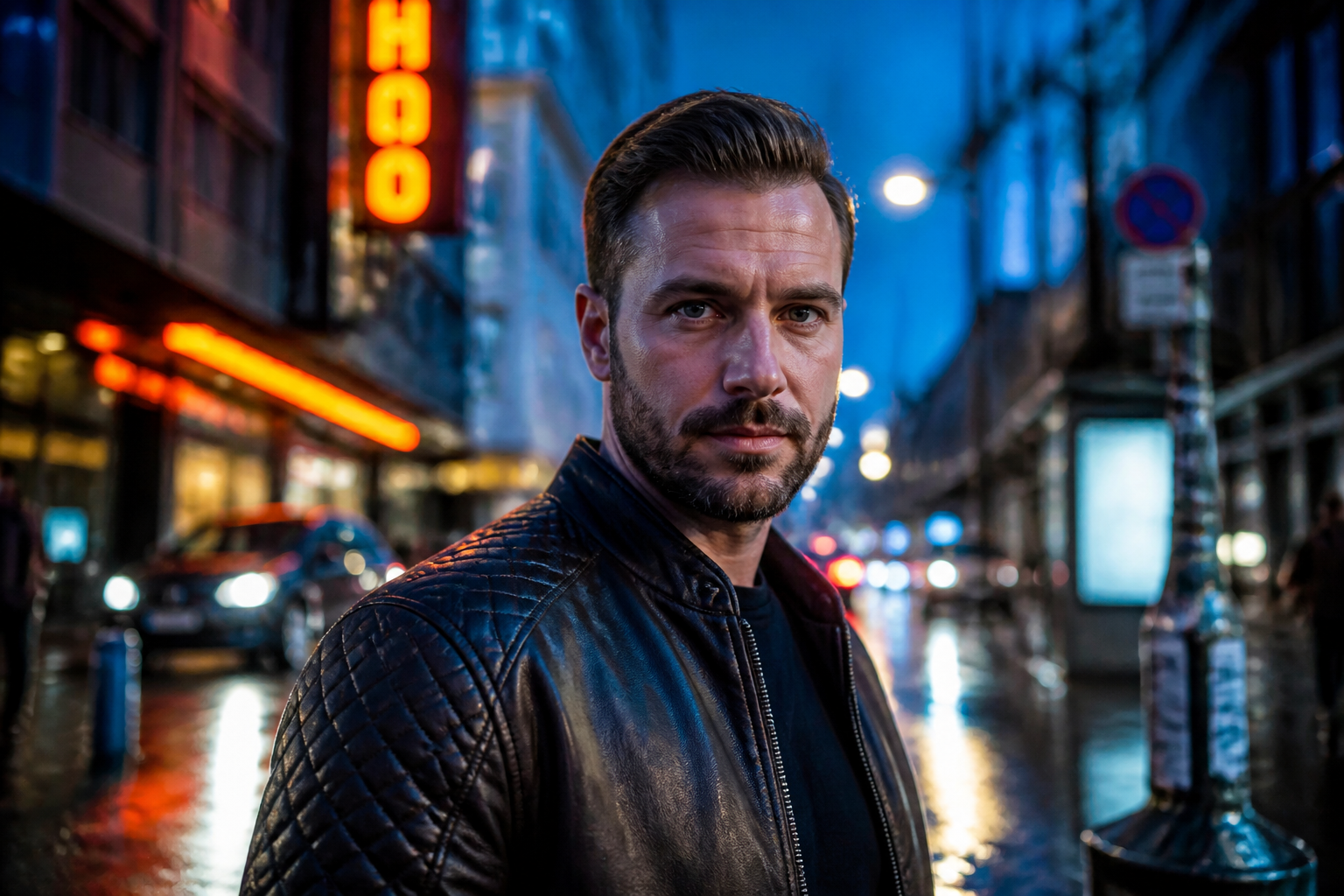 BEFORE
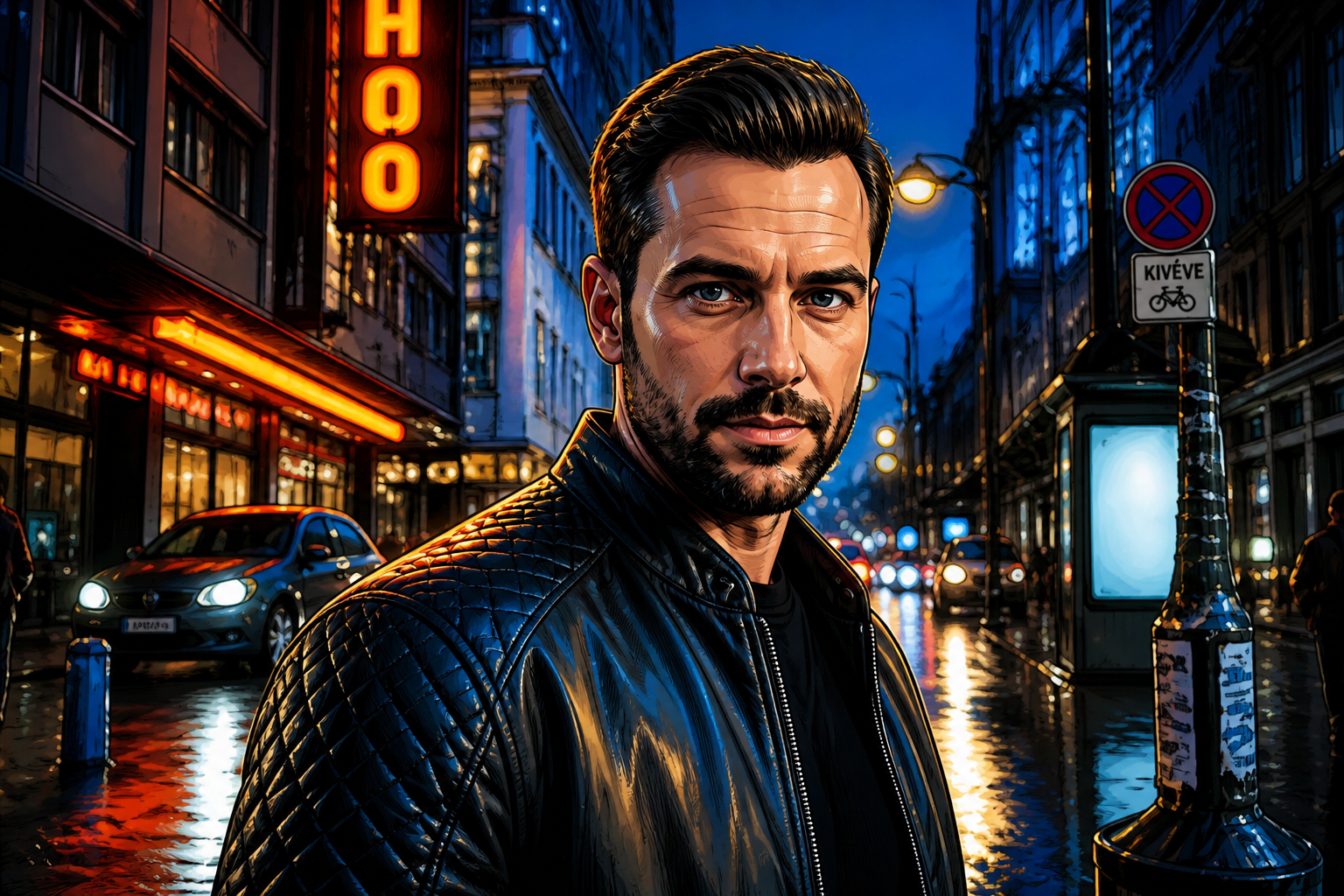 AFTER
AFTER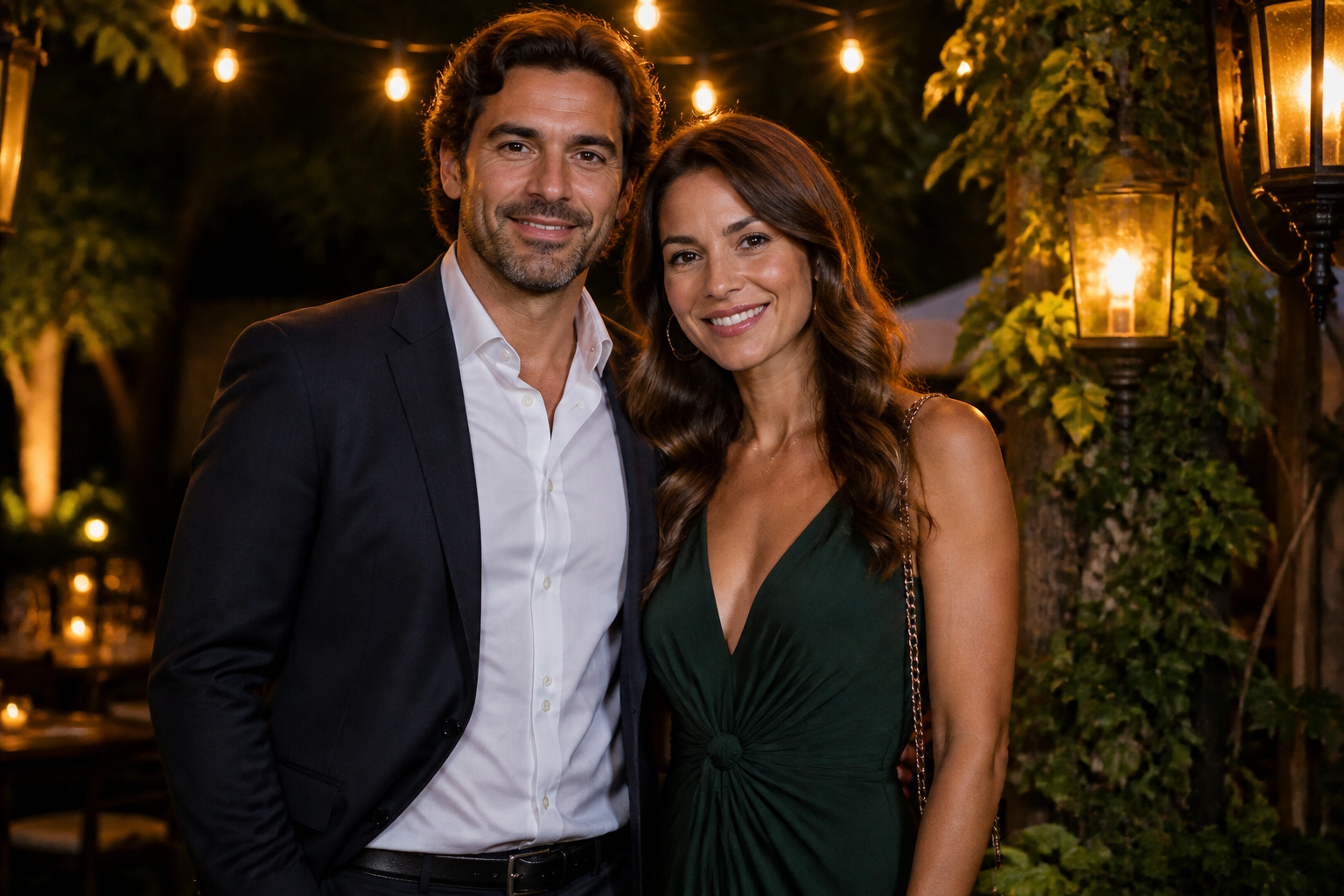 BEFORE
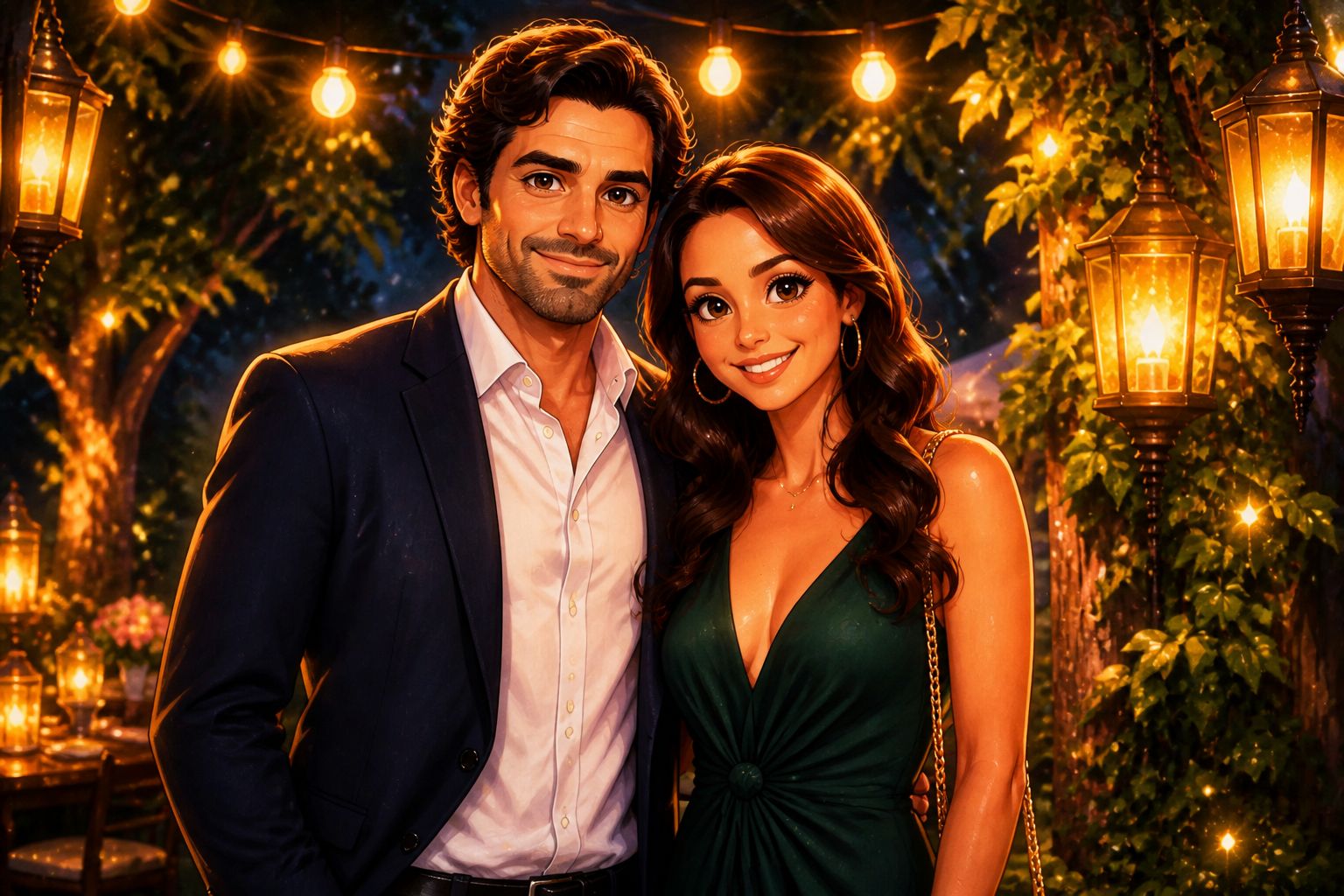 AFTER
AFTER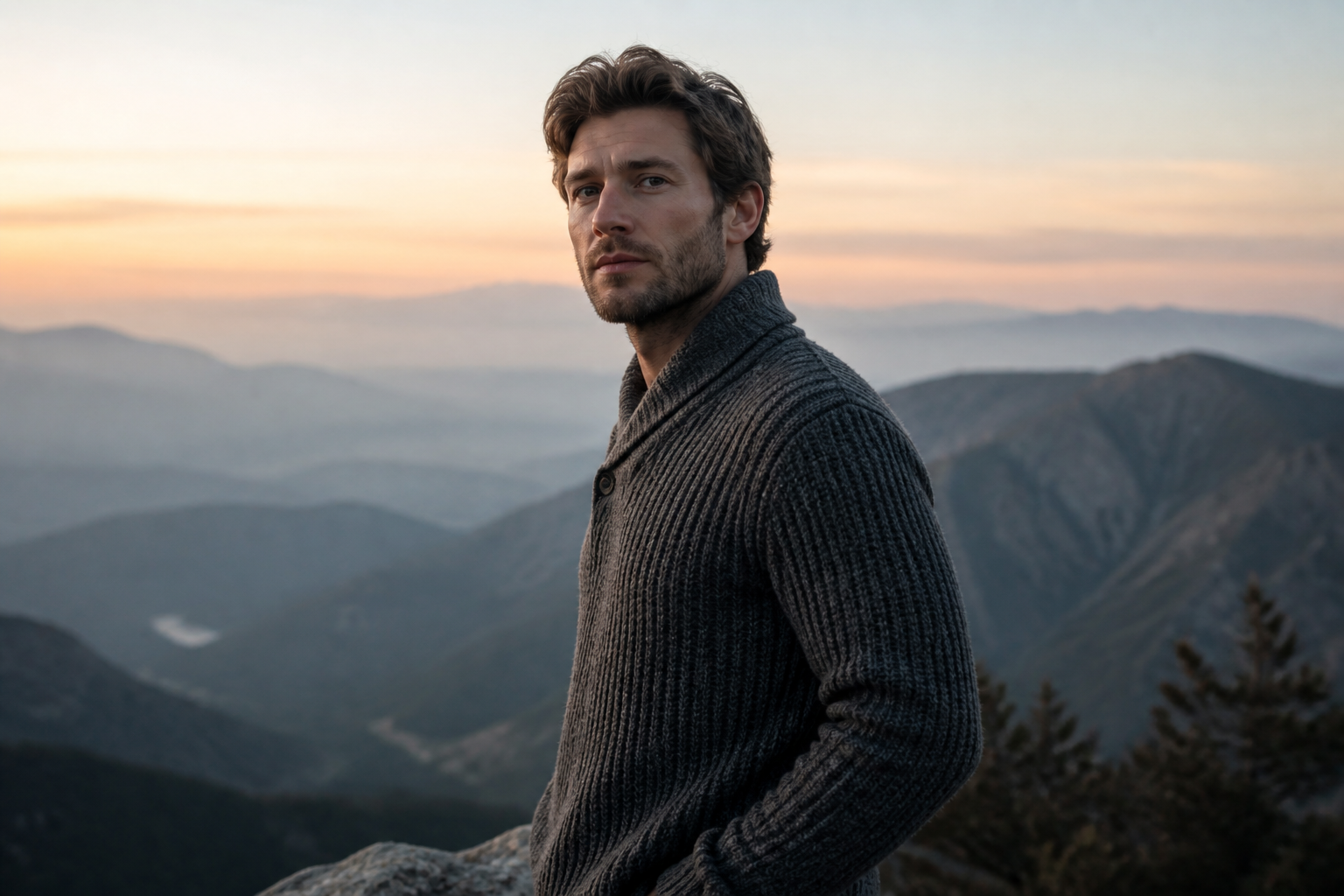 BEFORE
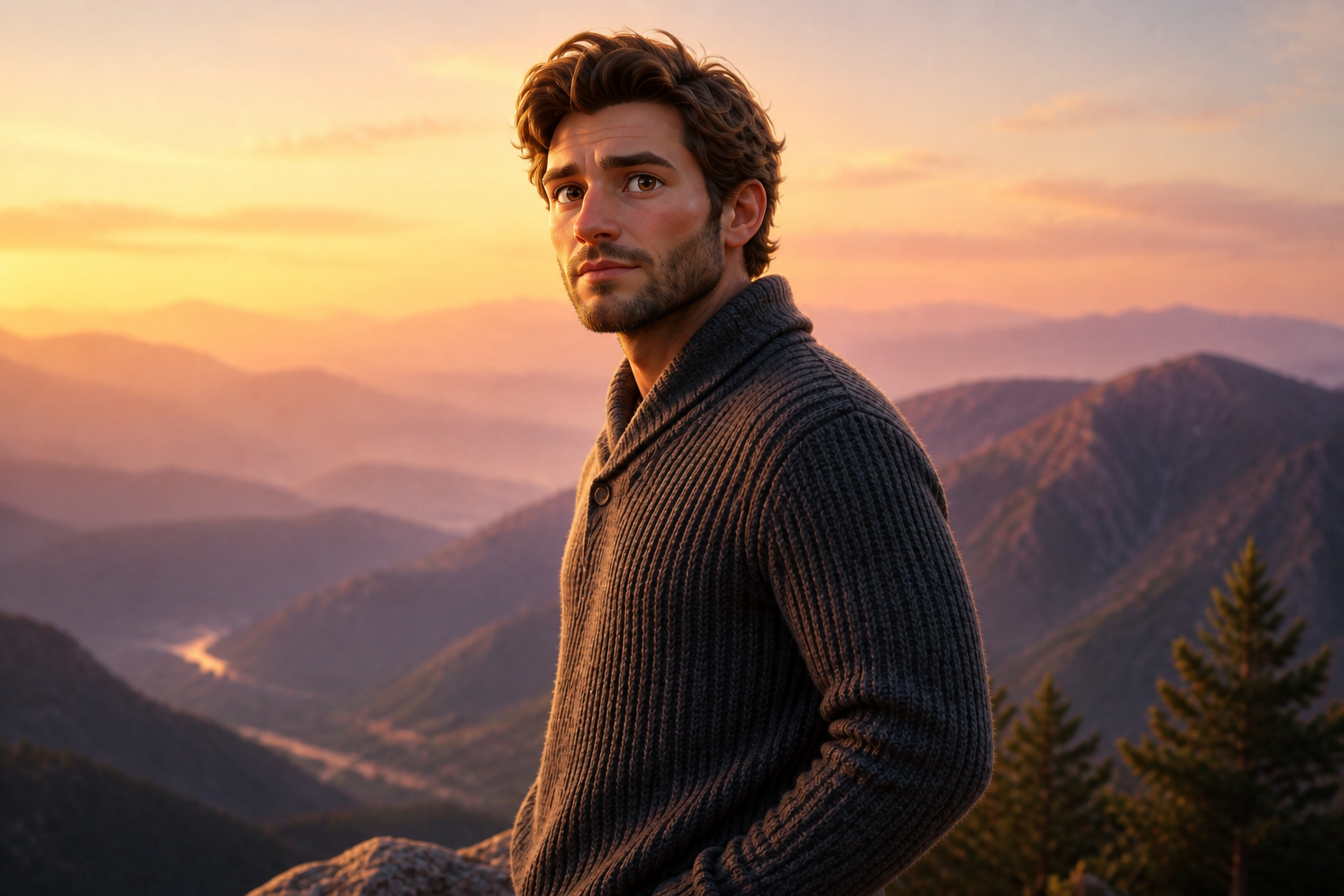 AFTER
AFTER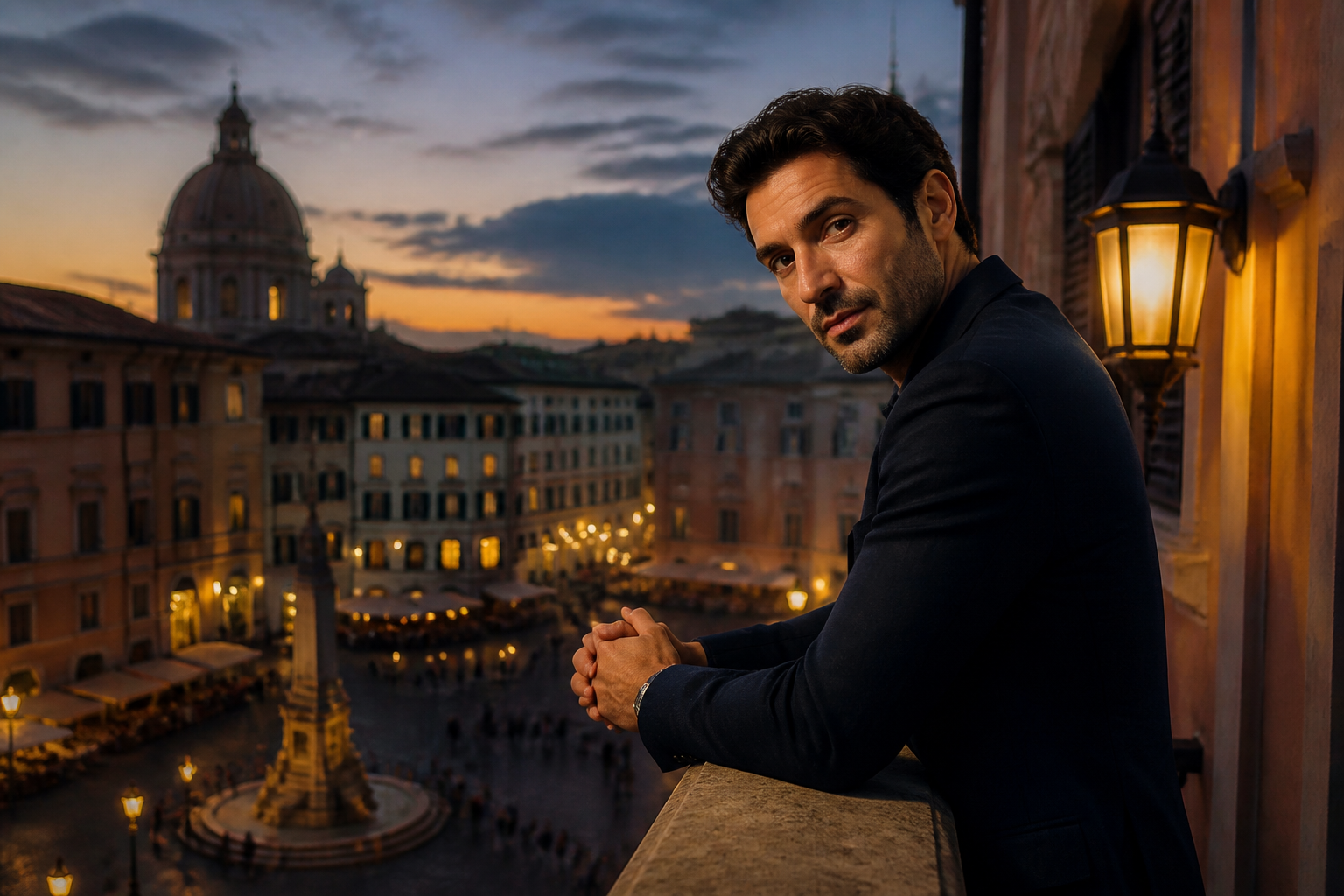 BEFORE
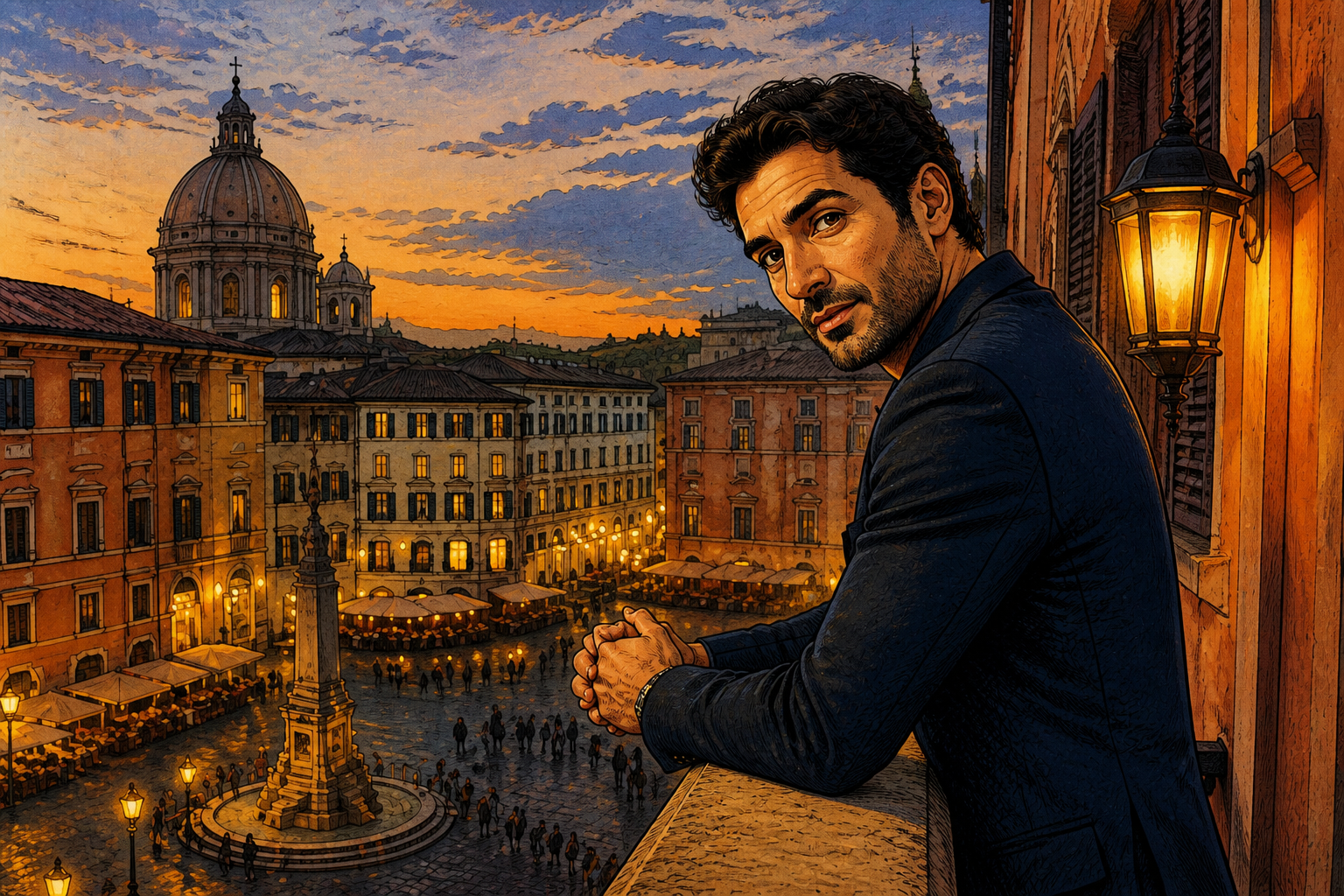 AFTERBEFOREAFTERBEFOREAFTERBEFOREAFTERBEFOREAFTERBEFOREAFTER
Key Features
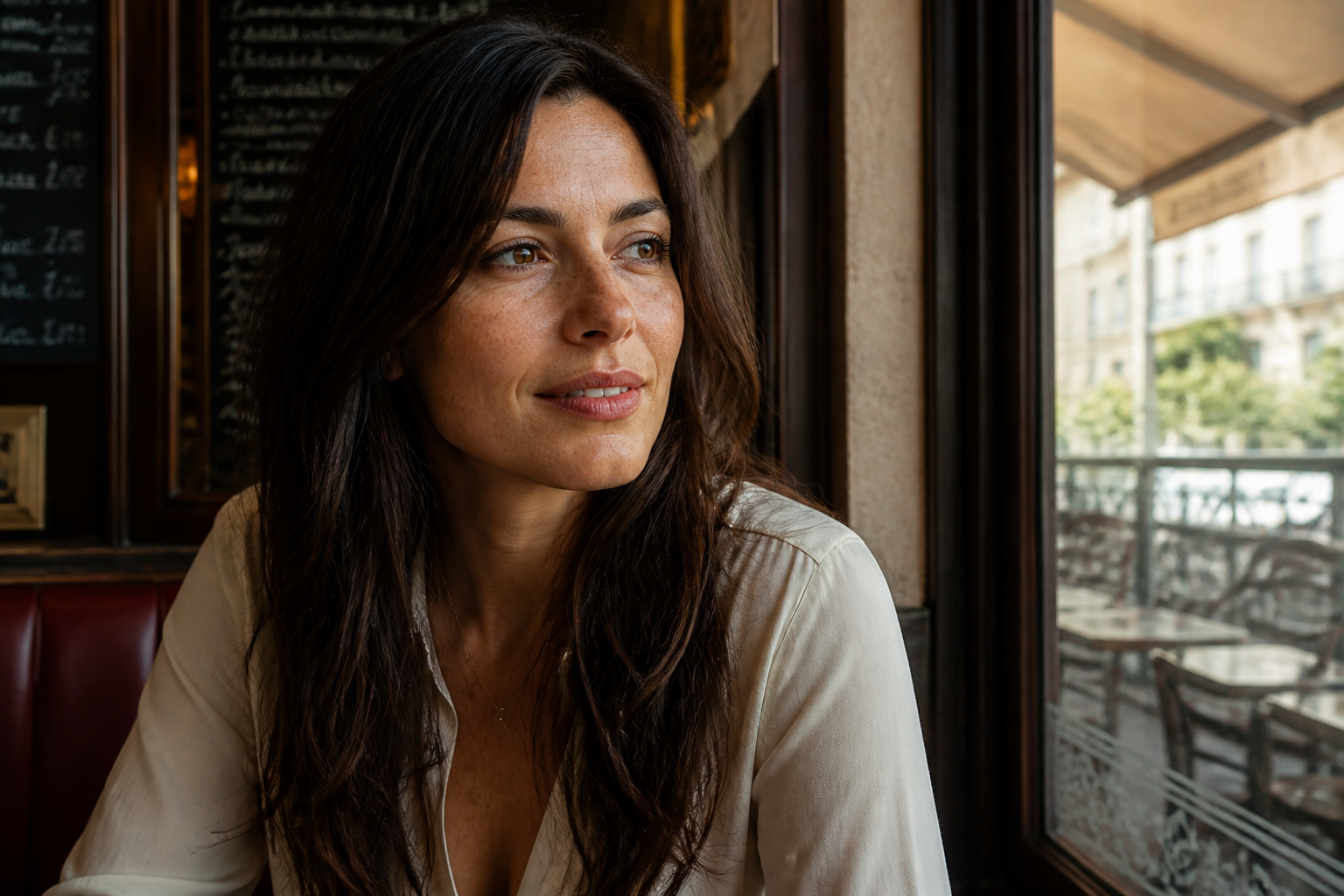
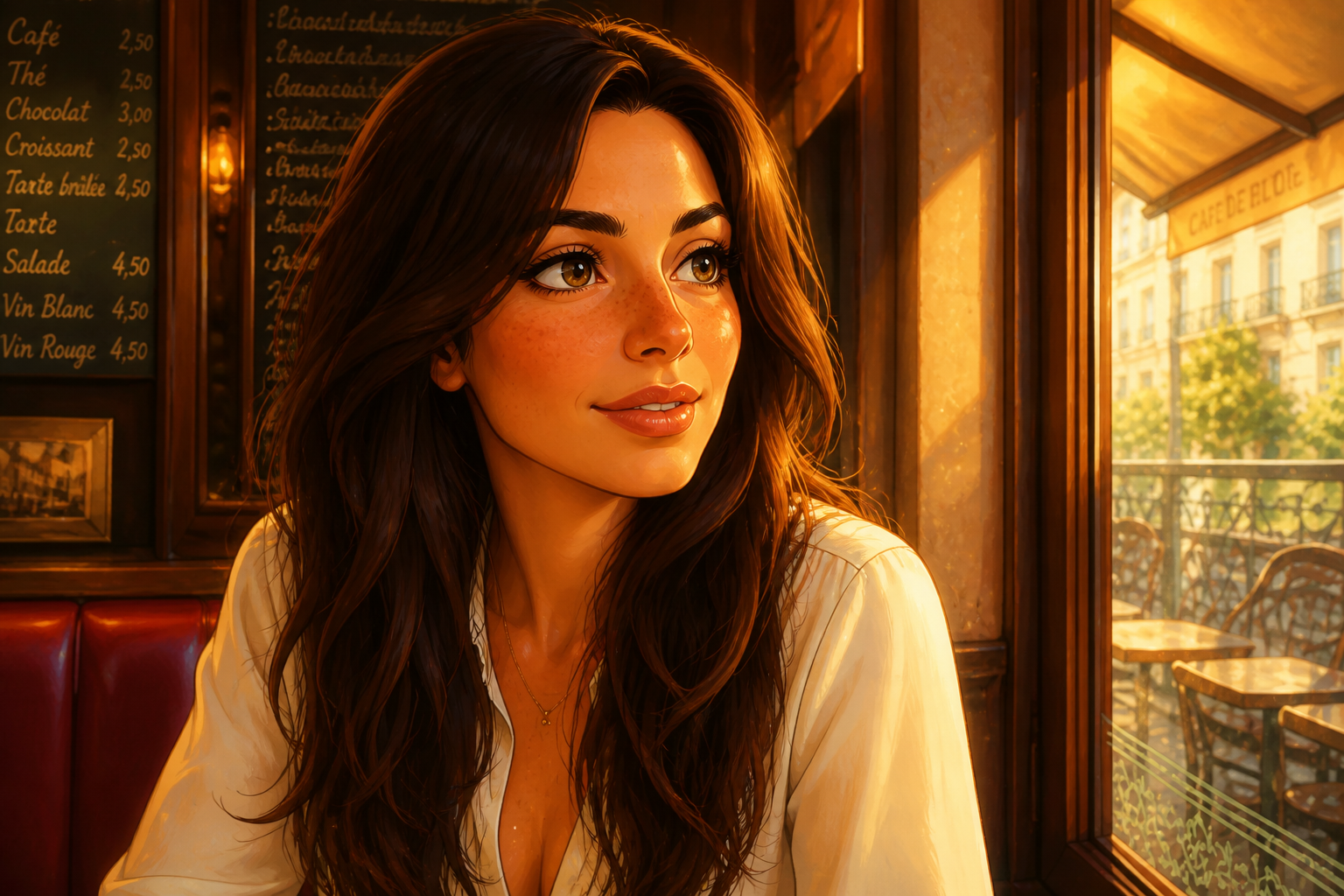
Keep faces recognizable
You want the animated look without losing the person in the photo. Our AI changes the style, eyes, shading, and color treatment while keeping key facial features readable. That makes the result feel like a stylized version of the same person instead of a random character. It is much faster than manually painting over a portrait or testing dozens of generic filters.
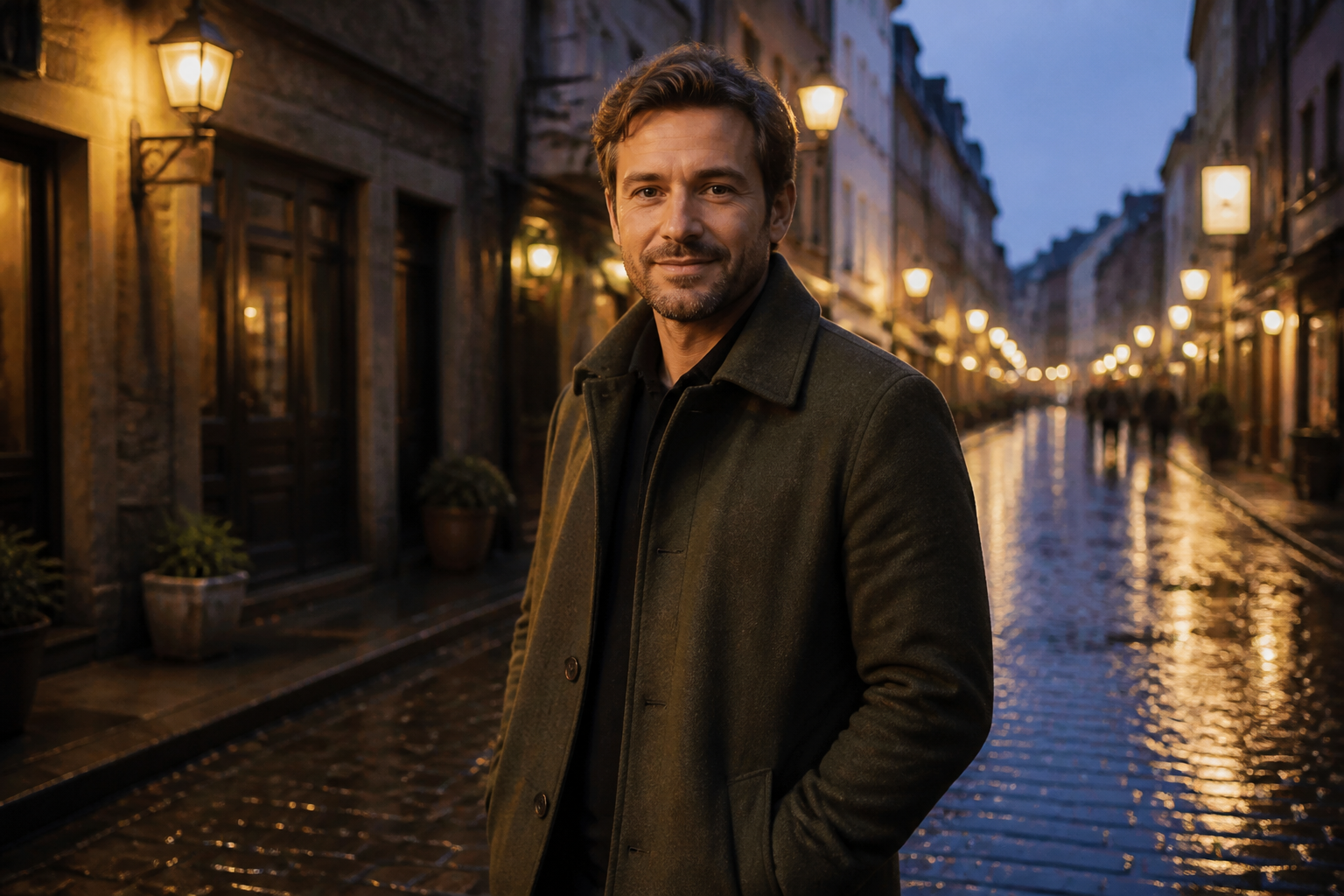
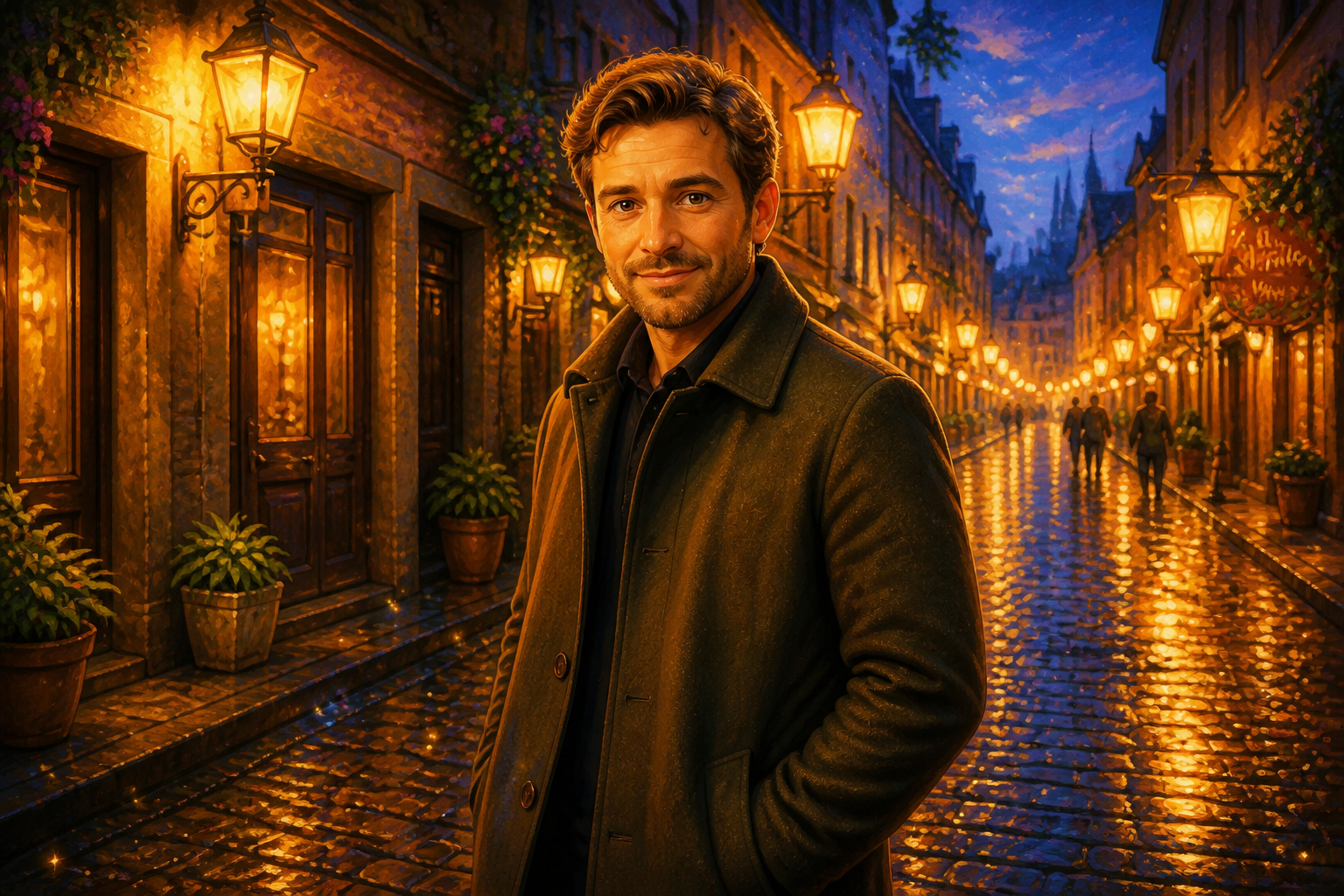
Instant storybook atmosphere
A good style transfer should change more than the face. This edit adds the soft glow, rich color harmony, and cinematic mood that make the image feel like a frame from an animated film. Backgrounds stay readable but become more charming and cohesive. You get a full scene upgrade in one pass instead of manually adjusting color, texture, and lighting layer by layer.
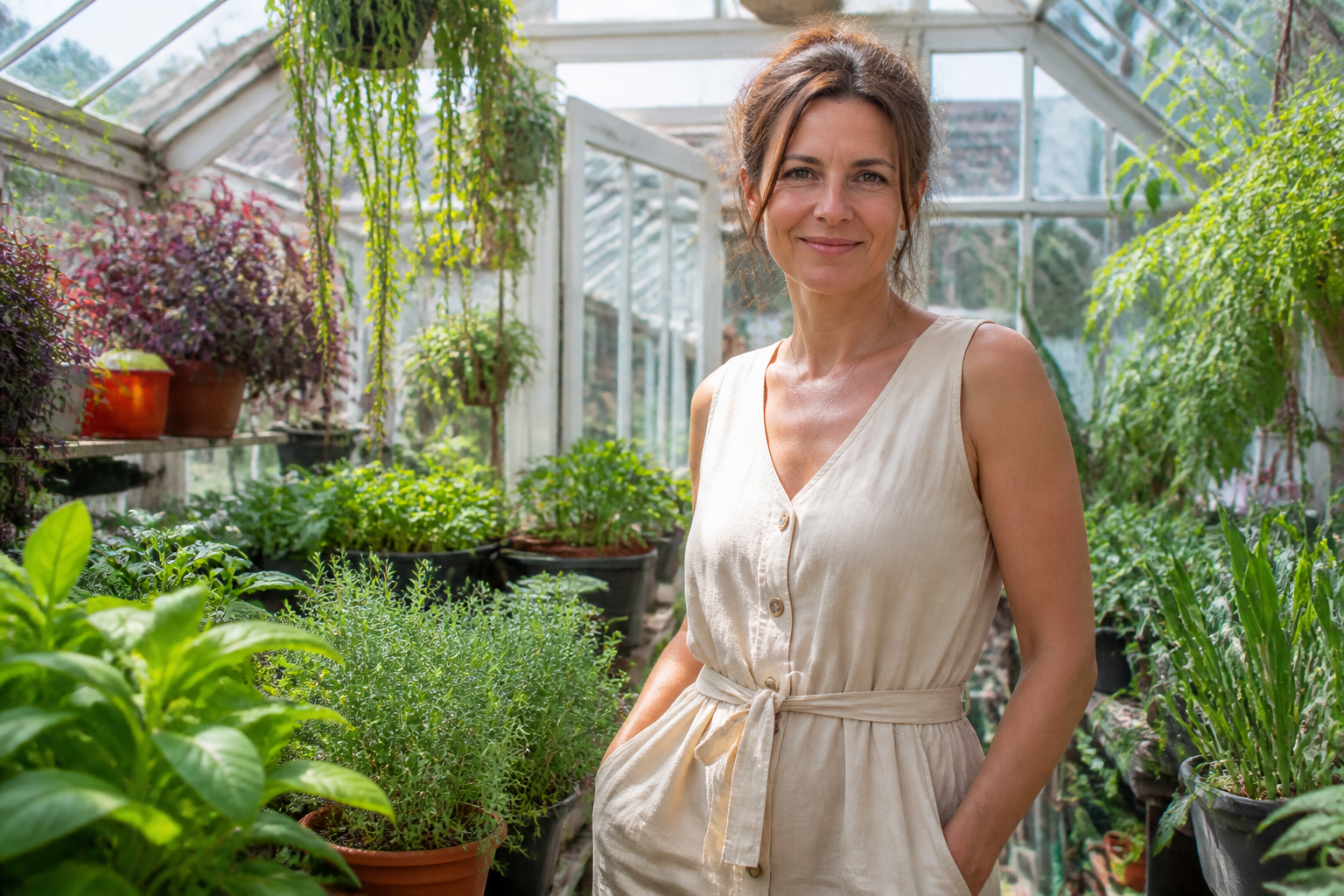
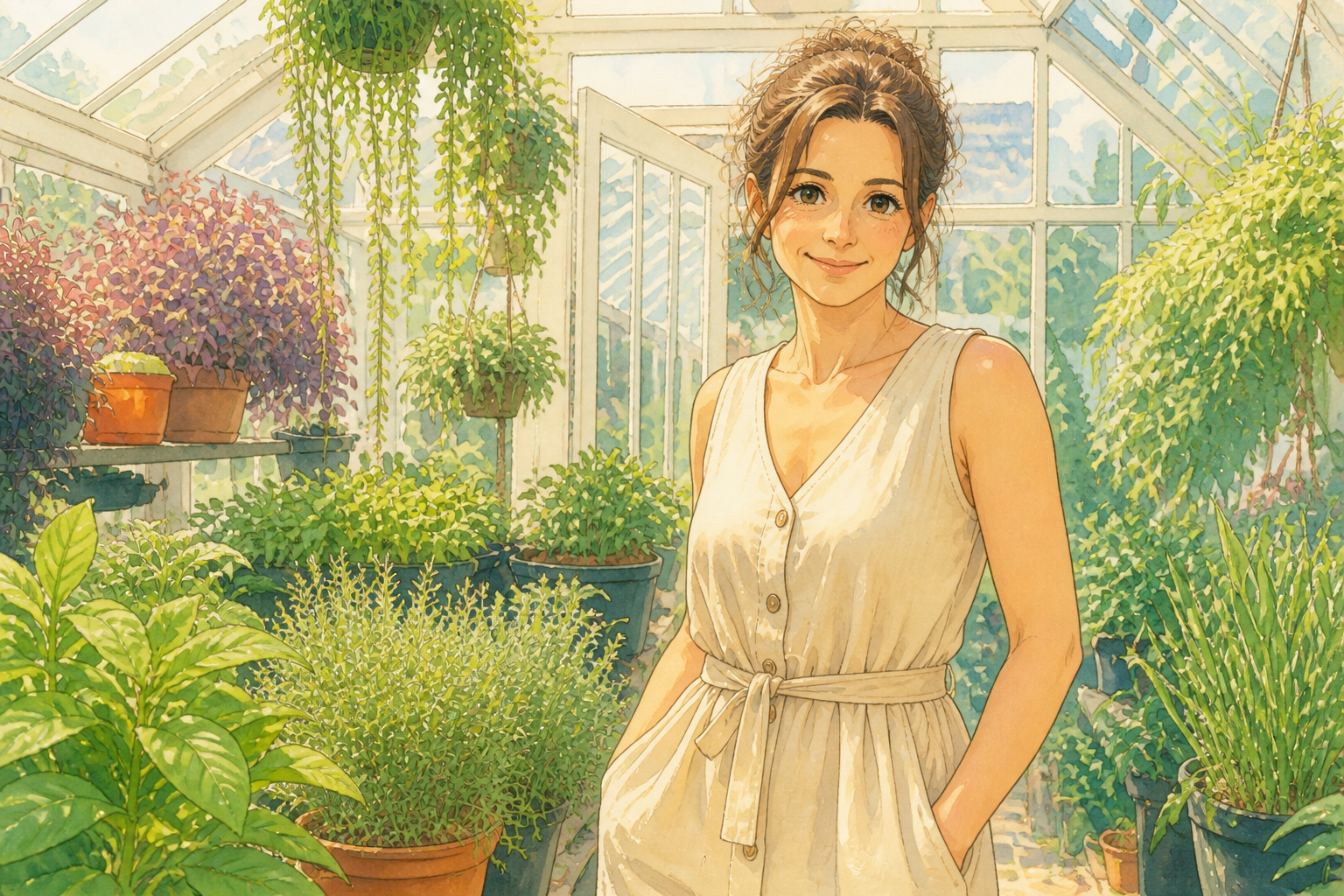
Works across visual styles
Some photos look better as soft watercolor while others need a glossy animated finish. The tool handles multiple stylized directions from the same starting image, so you can test the look that fits your project. That is useful for avatars, gifts, social posts, and mood boards. It saves time compared with rebuilding the same portrait in several art styles by hand.
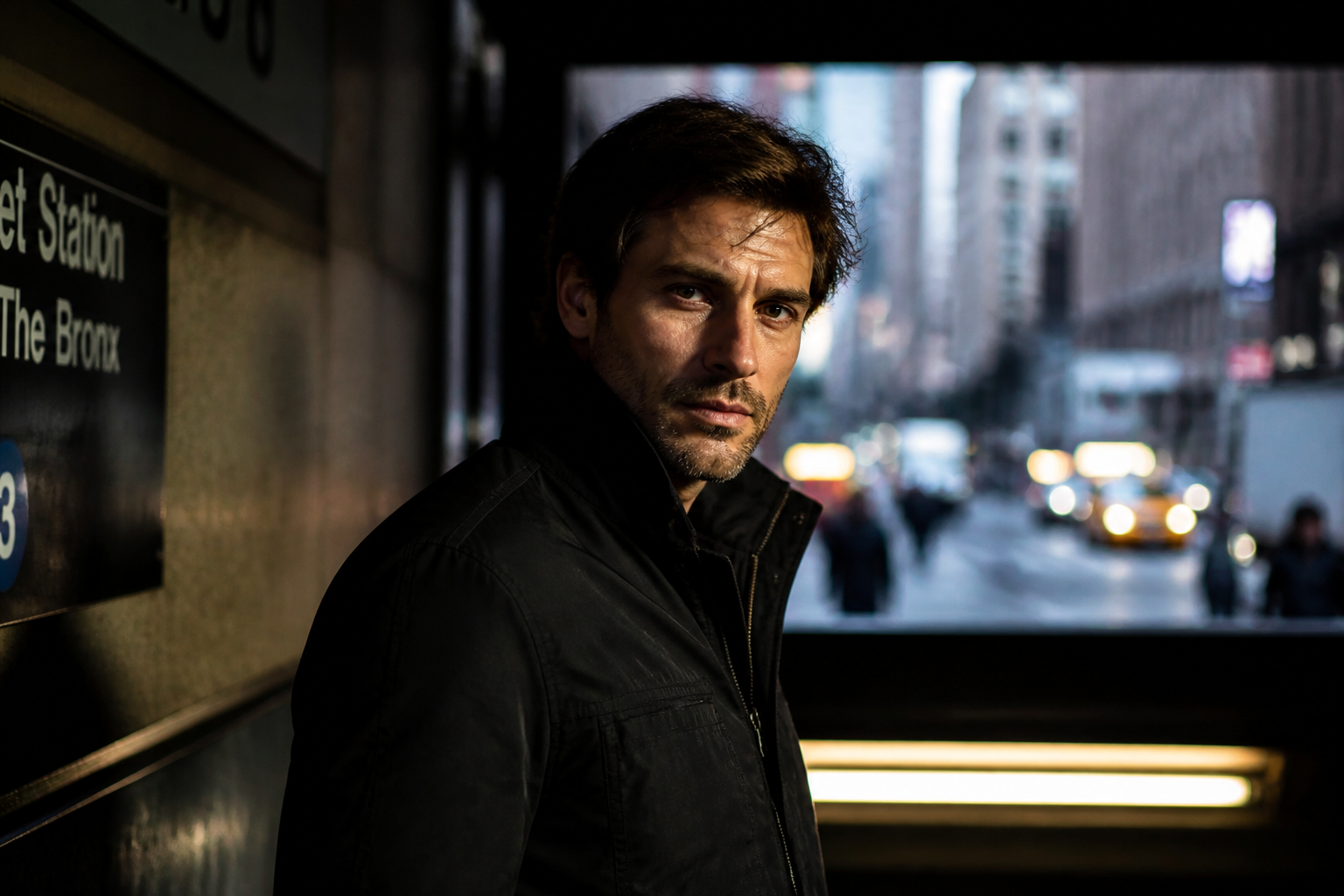
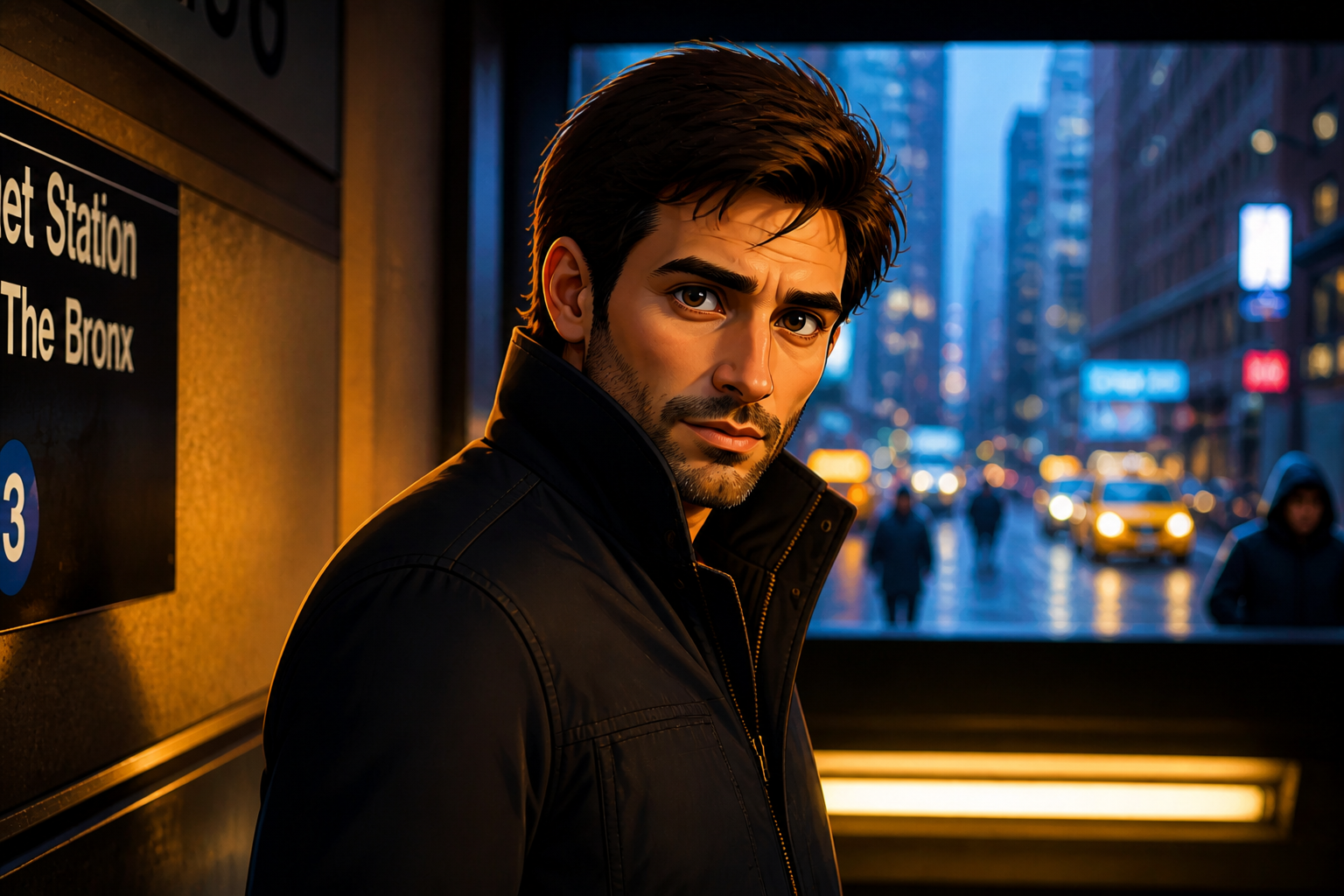
Readable from thumbnails
The best results still look strong when they are small on a phone screen or in a gallery. Our AI emphasizes clear eyes, shape language, color contrast, and clean stylized edges so the transformation is obvious at a glance. That matters for profile pictures, short-form content, and shareable before-and-after posts. Manual edits often get lost at small sizes unless you spend extra time pushing the effect.
How It Works
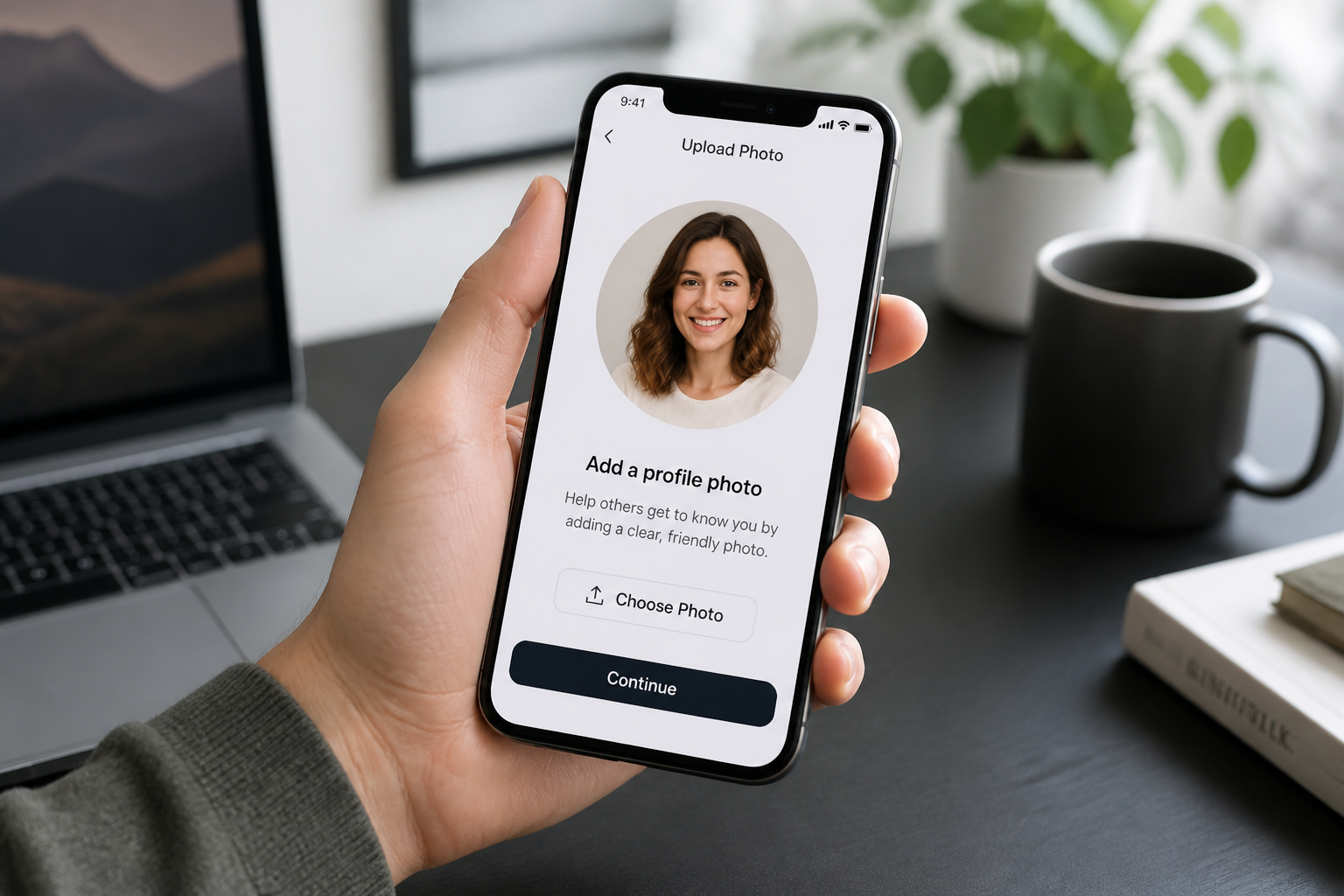
Upload your photo
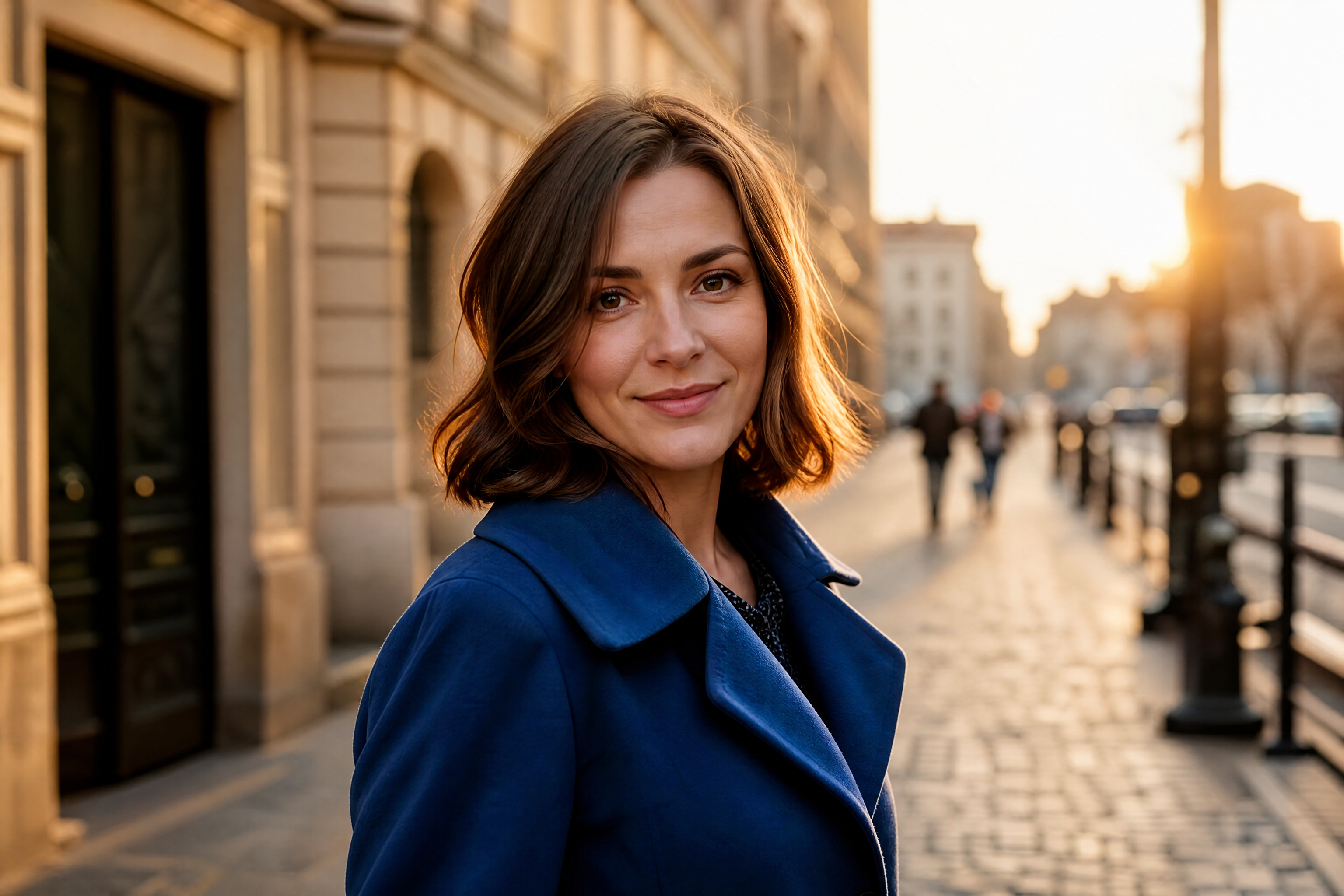
Start with a clear portrait or lifestyle photo of an adult subject. Well-lit faces and simple framing usually produce the cleanest animated result.
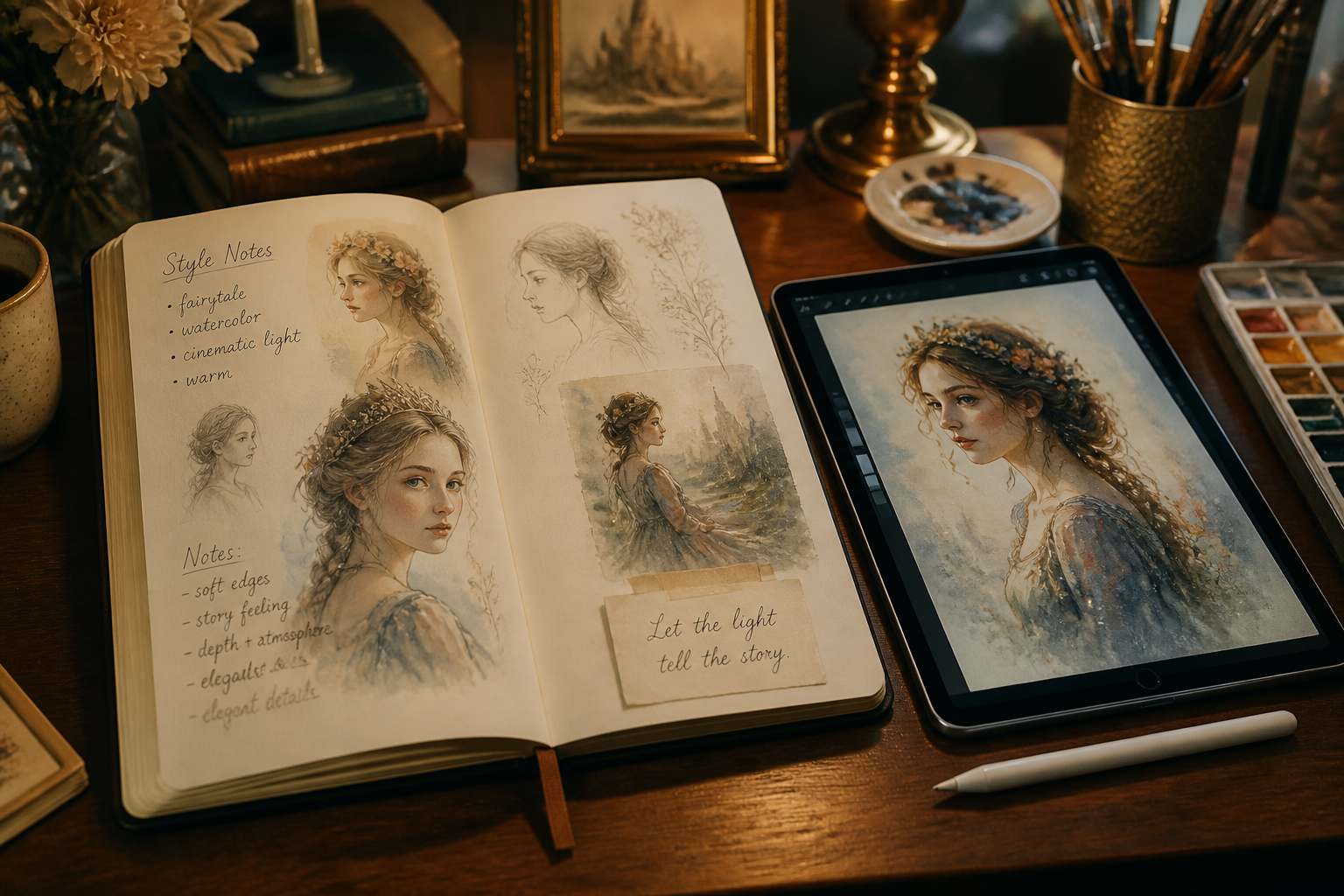
Describe the animated look
Type the style you want, such as fairytale, storybook, watercolor, or glossy animated. You can also mention lighting, mood, and how strongly you want the transformation to show.
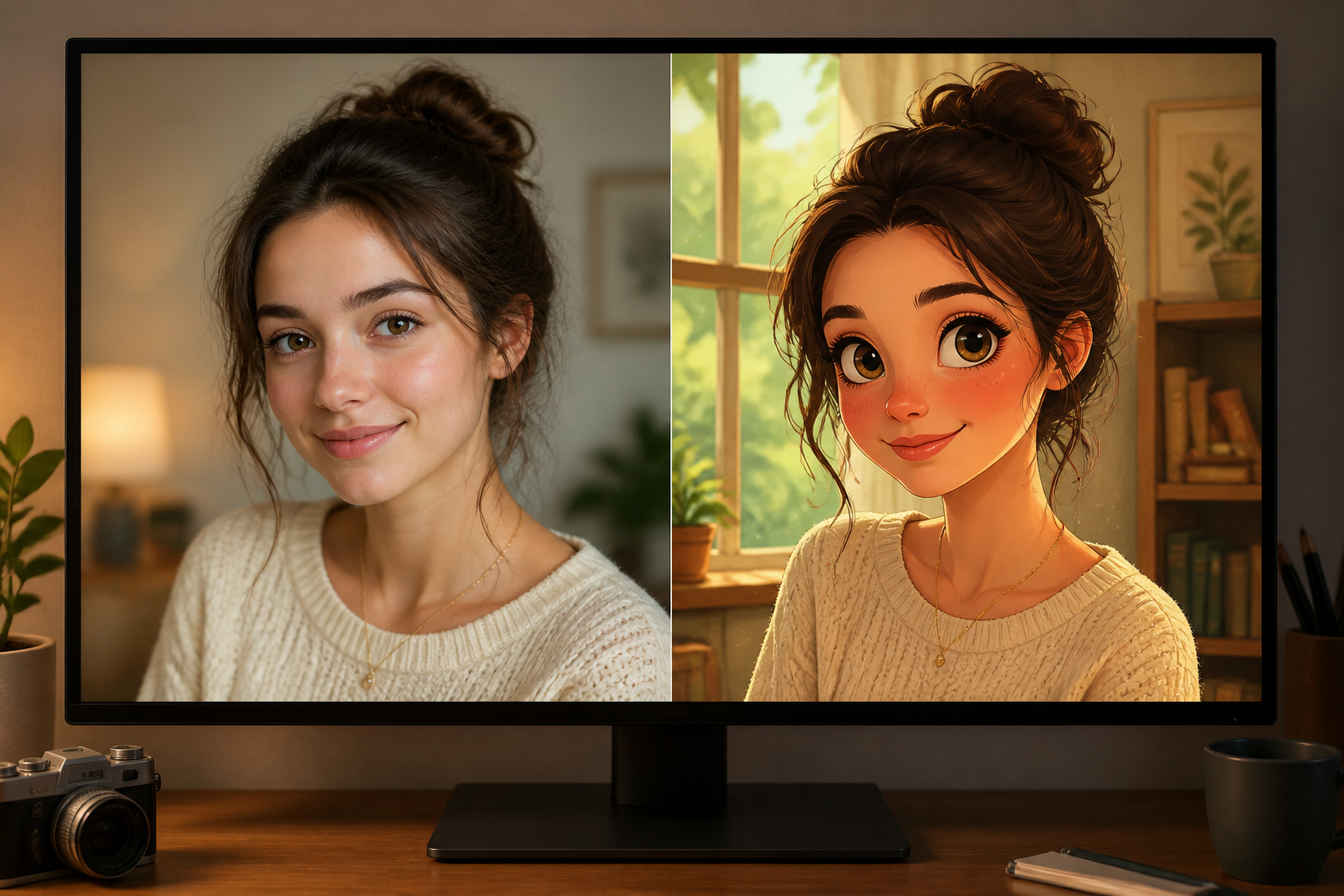
Generate and compare
Create the edit and compare the before and after side by side. If you want a different mood or more stylization, adjust the prompt and run another version.
Perfect For
Discover how creators and professionals use photo to disney style
Profile pictures
Turn selfies and portraits into polished animated avatars for social profiles, messaging apps, and community pages.
Giftable portraits
Create storybook-style edits for birthdays, anniversaries, or framed keepsakes from ordinary photos.
Social content
Make eye-catching before-and-after posts, reels covers, and short-form thumbnails that stand out quickly.
Creative mood boards
Test animated character aesthetics from real photos when planning costumes, shoots, or visual concepts.
Built For
Creators and influencers
Useful for avatar refreshes, post covers, and stylized portrait content that needs to read fast on mobile.
Couples and gift makers
A simple way to turn meaningful photos into charming art for cards, prints, and personalized gifts.
Designers and hobby artists
Helpful for testing animated portrait directions before committing to a longer illustration workflow.
Why people use it for animated portraits
A quick look at how we compare on the things that matter for this niche.
| Feature | BudgetPixel | Generic AI editors | Manual editing apps |
|---|---|---|---|
| Image-to-image style transfer | ✓ | ✓ | — |
| Keeps pose and photo structure | ✓ | — | ✓ |
| Fast fairytale-style results | ✓ | — | — |
| No manual painting required | ✓ | ✓ | — |
Frequently Asked Questions
What kind of photos work best?
Will the result still look like me?
Can I choose different animated looks?
Do I need editing skills?
Can I use it for couples or group photos?
Create together.
Share your creations, discover trending AI art, and grow with fellow creators.