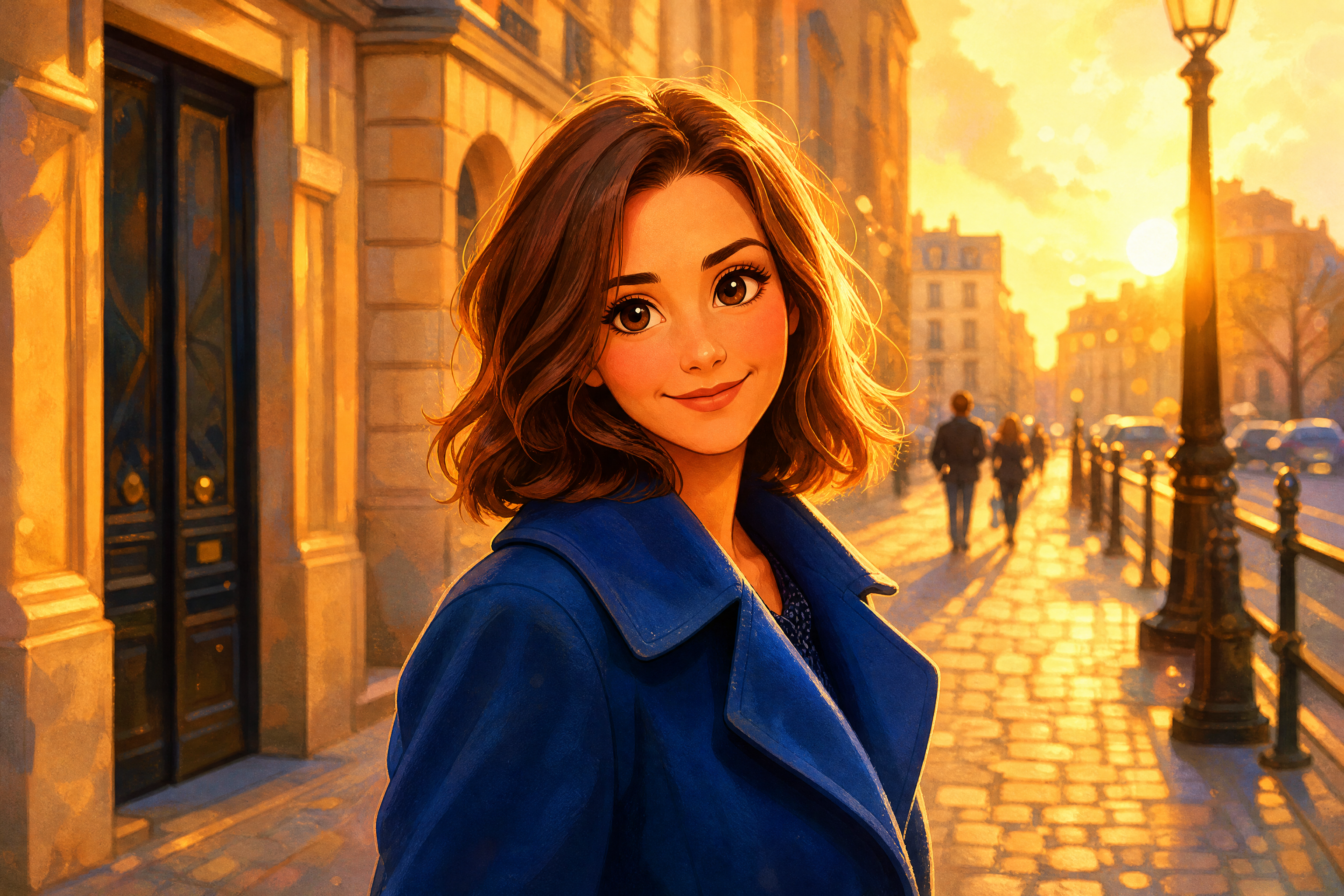
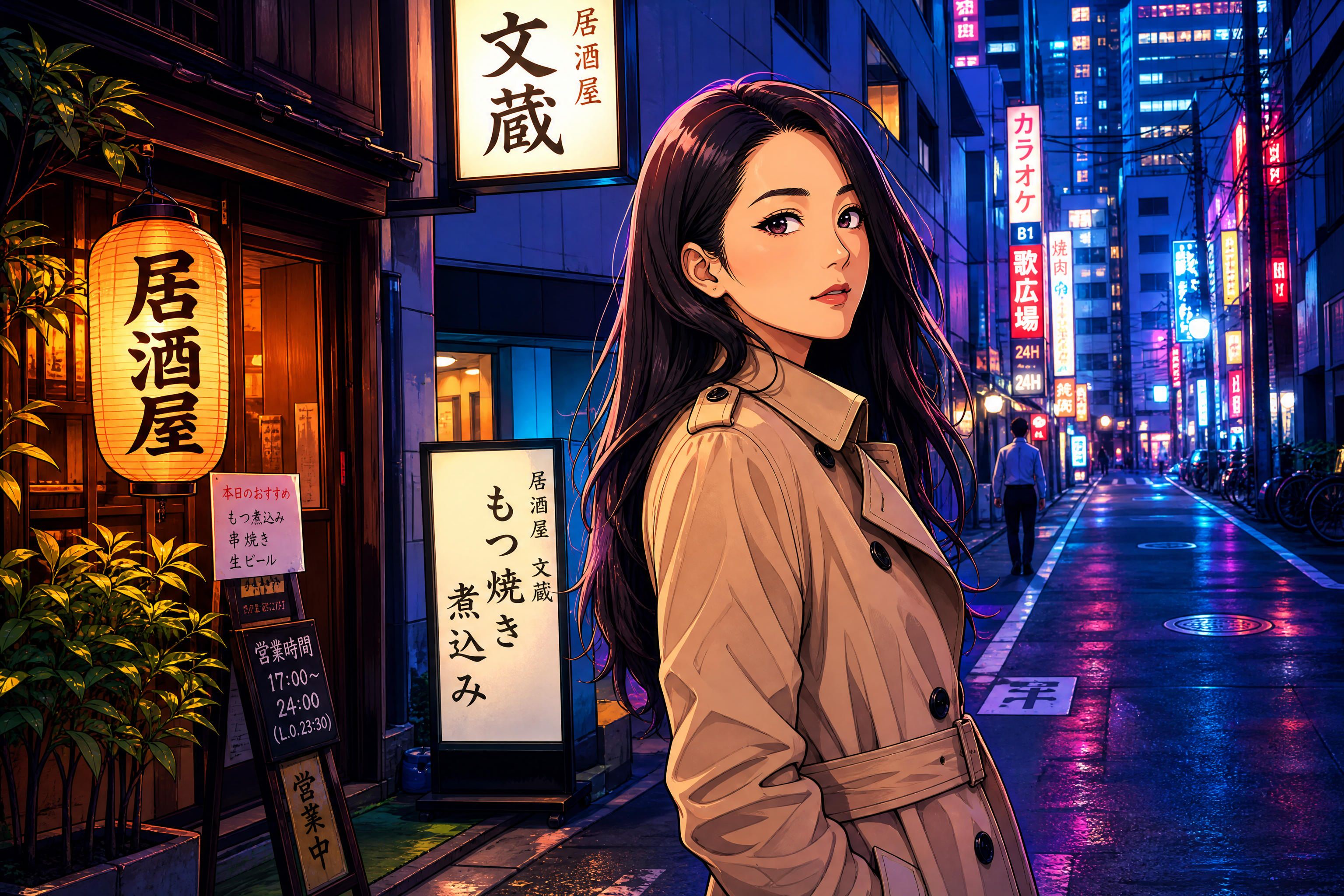
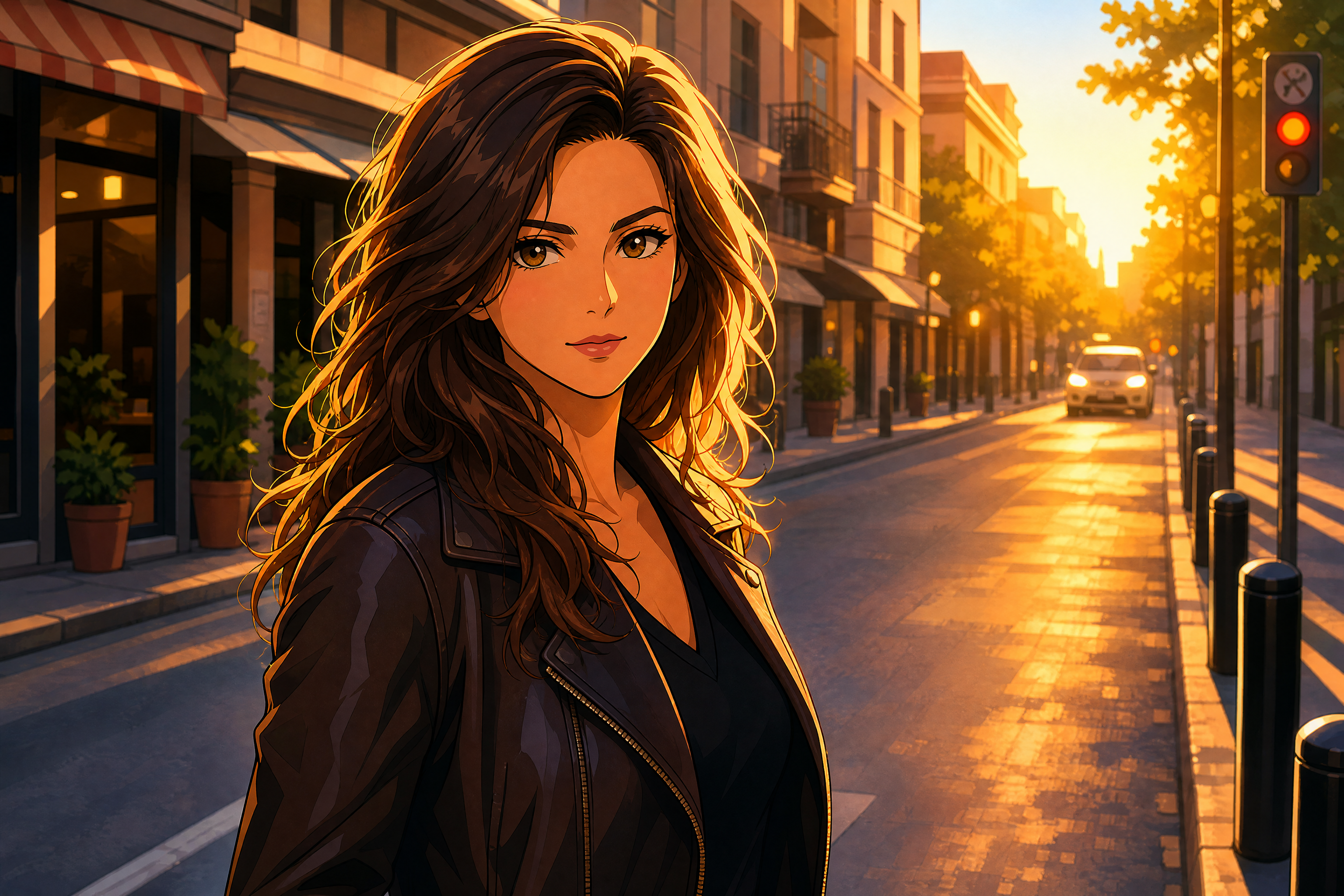
Photo to Pixar Style in Seconds
Transform real photos into warm, polished 3D animated artwork.
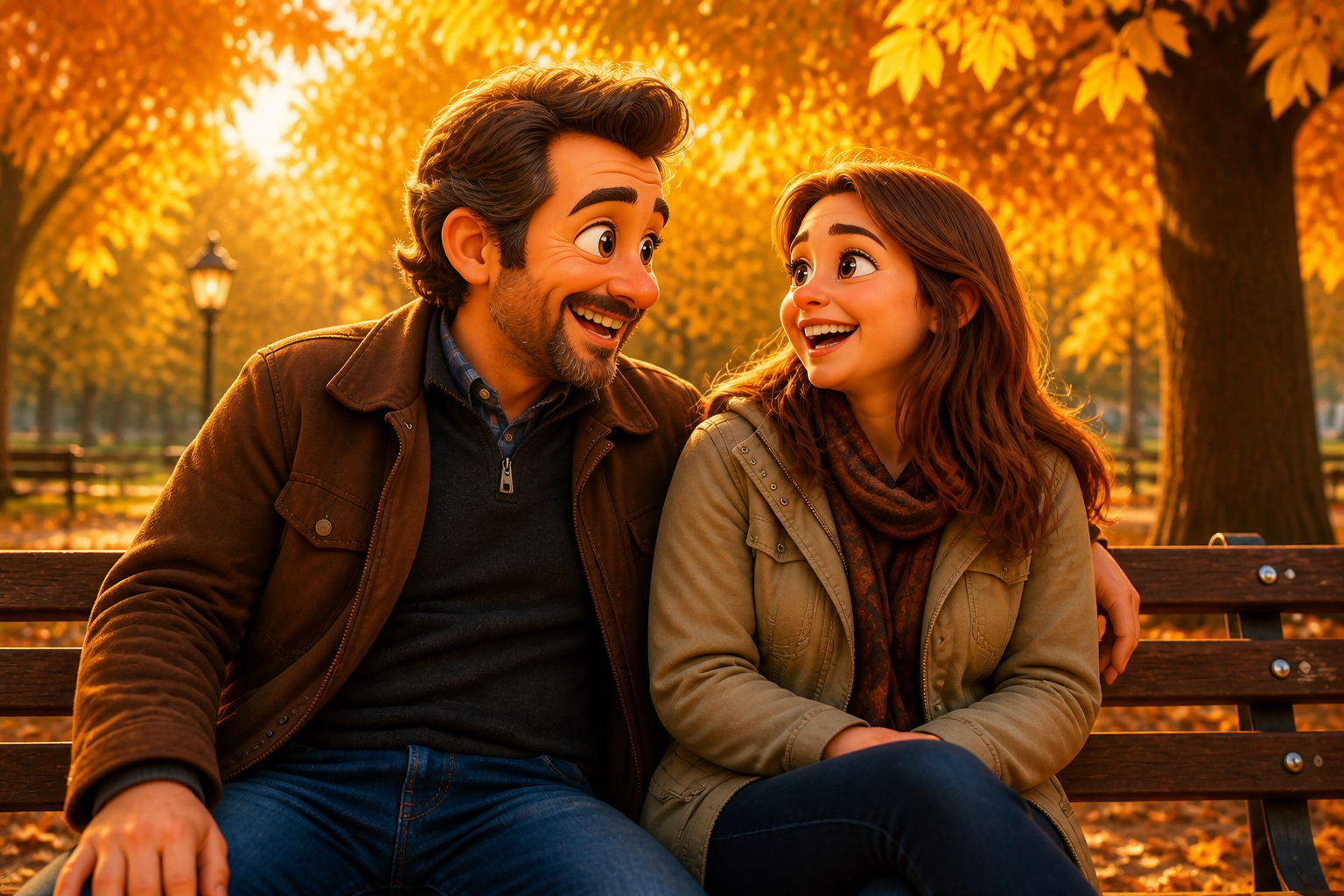
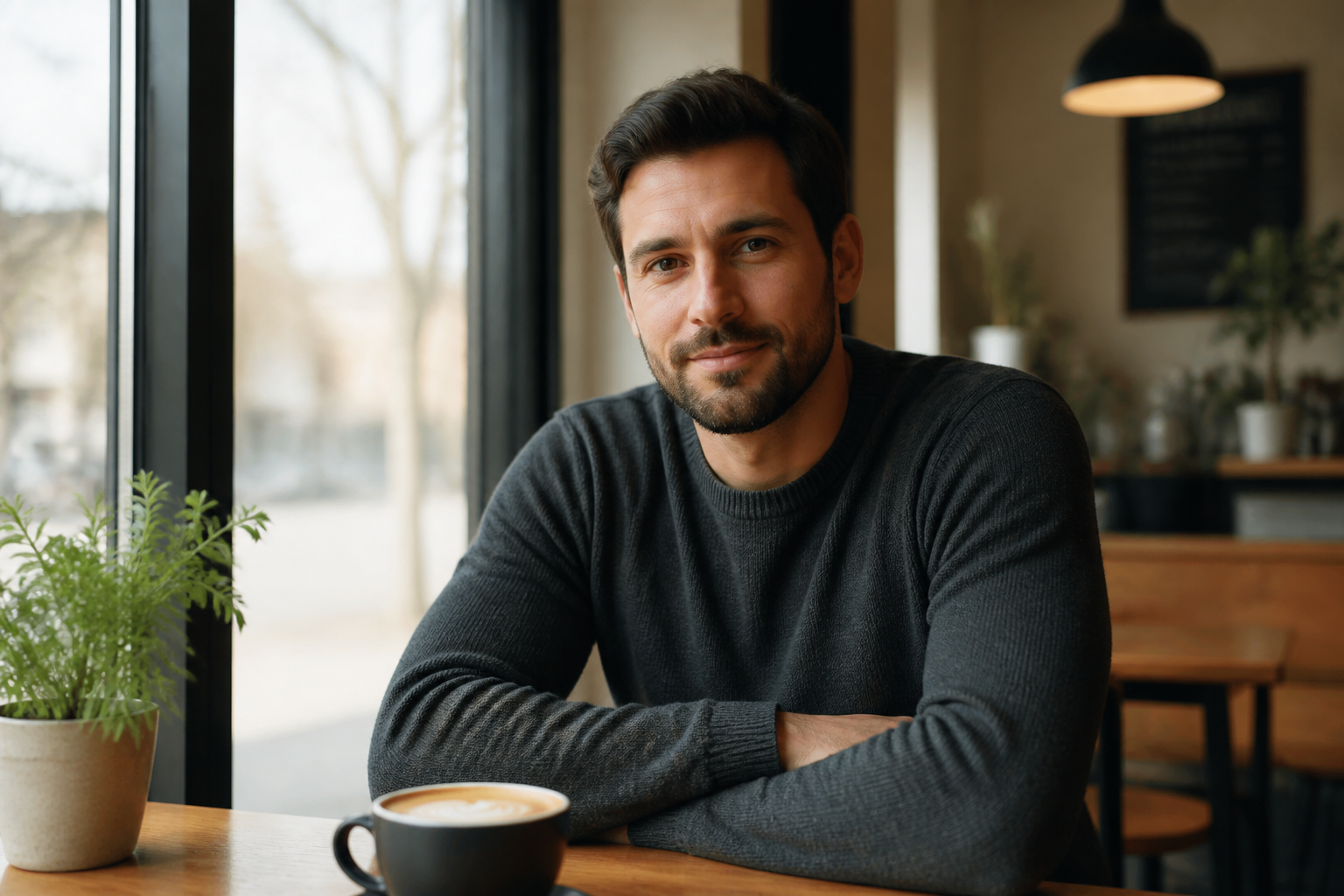
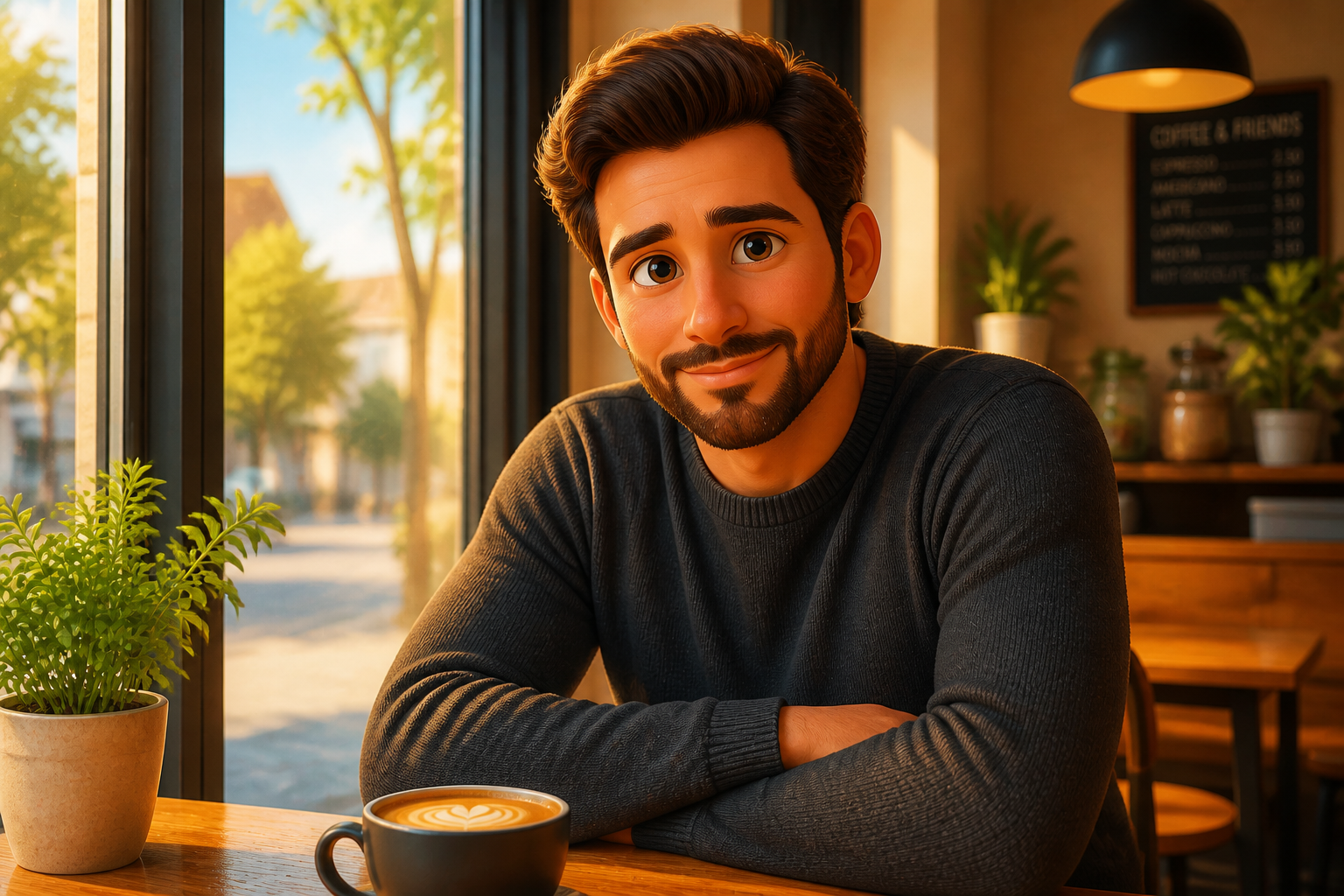
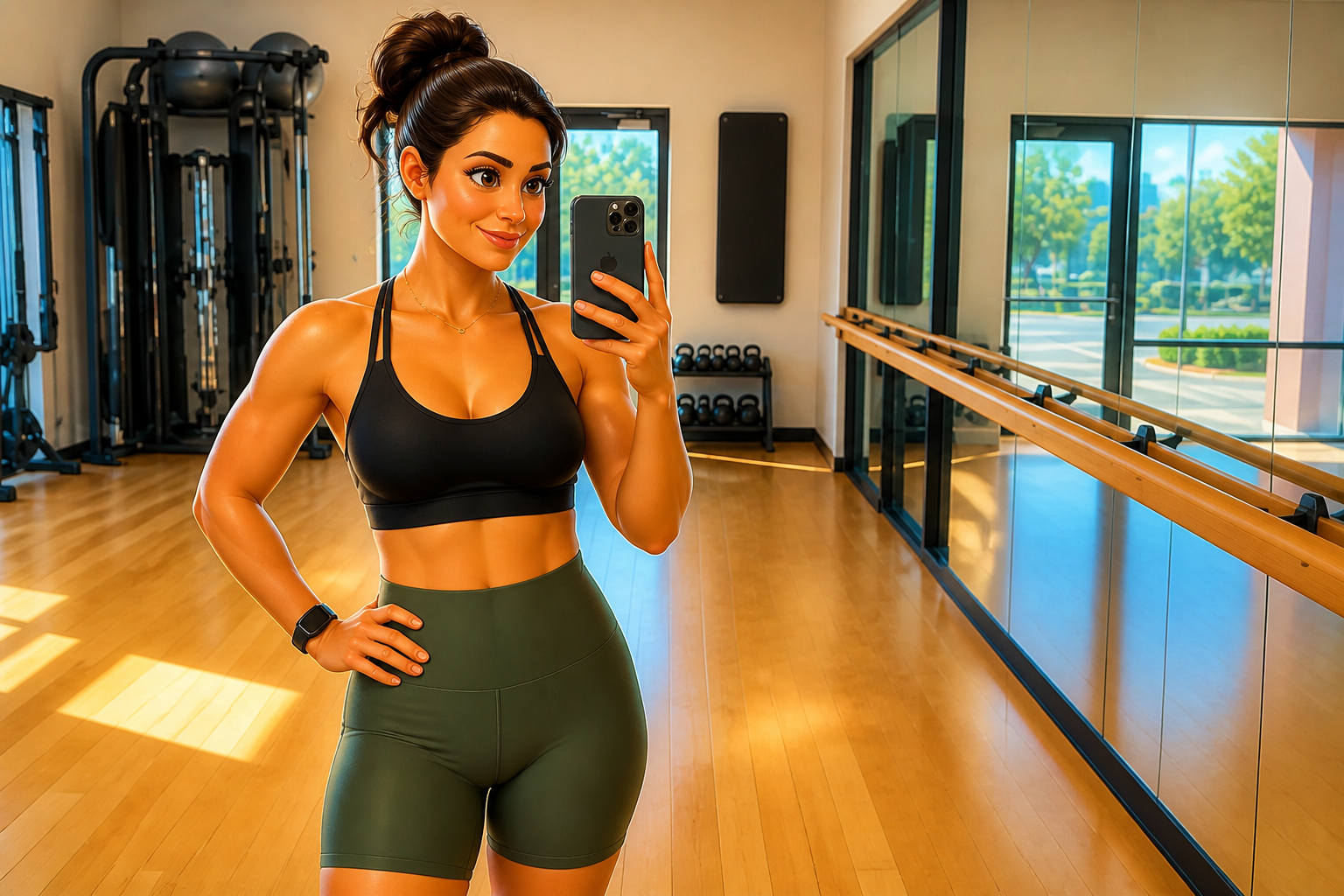
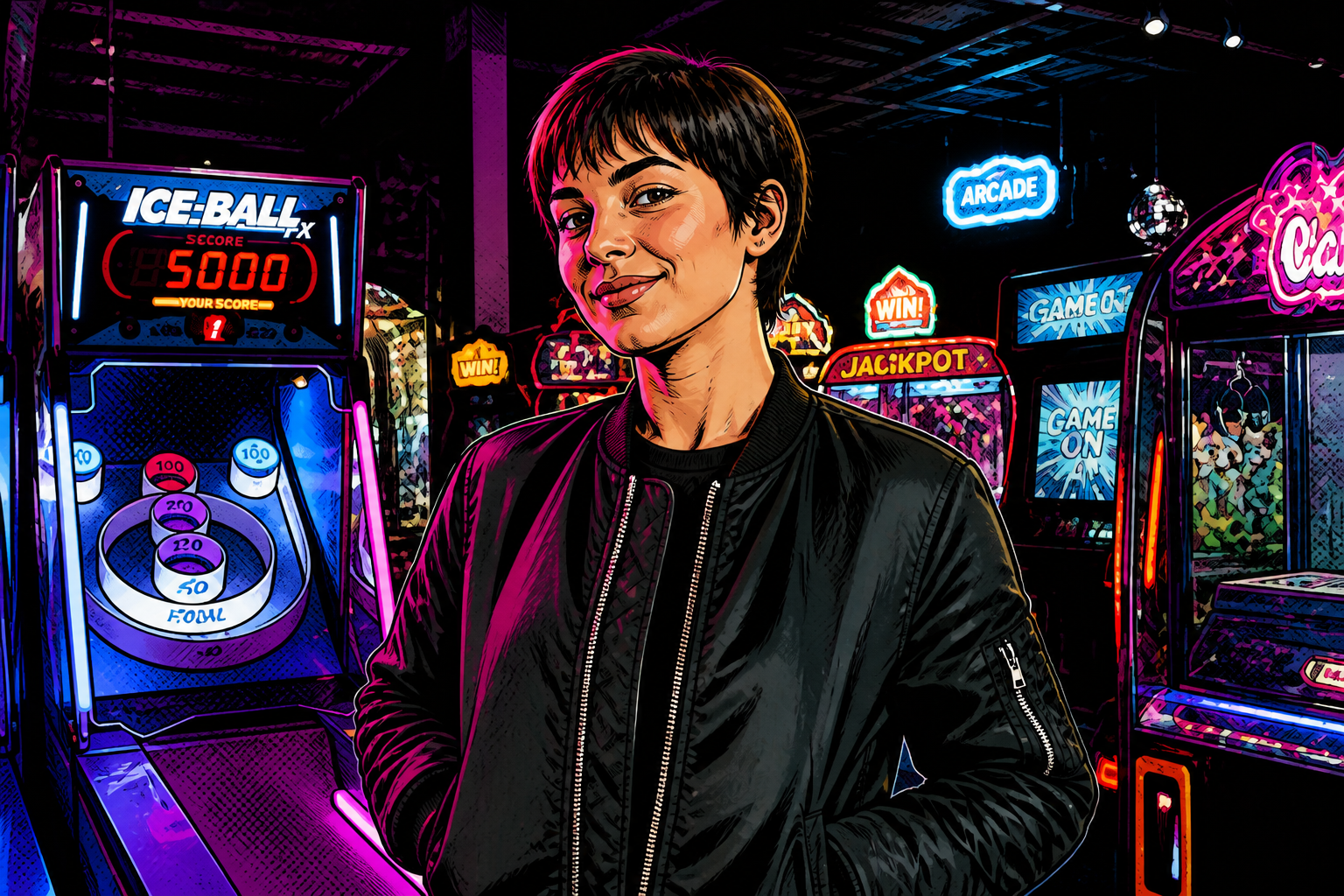
Upload a photo and turn it into a charming 3D animated look with bright color, expressive features, and clean cinematic lighting. Our AI keeps the core pose and scene readable, so the result still feels like your original image.
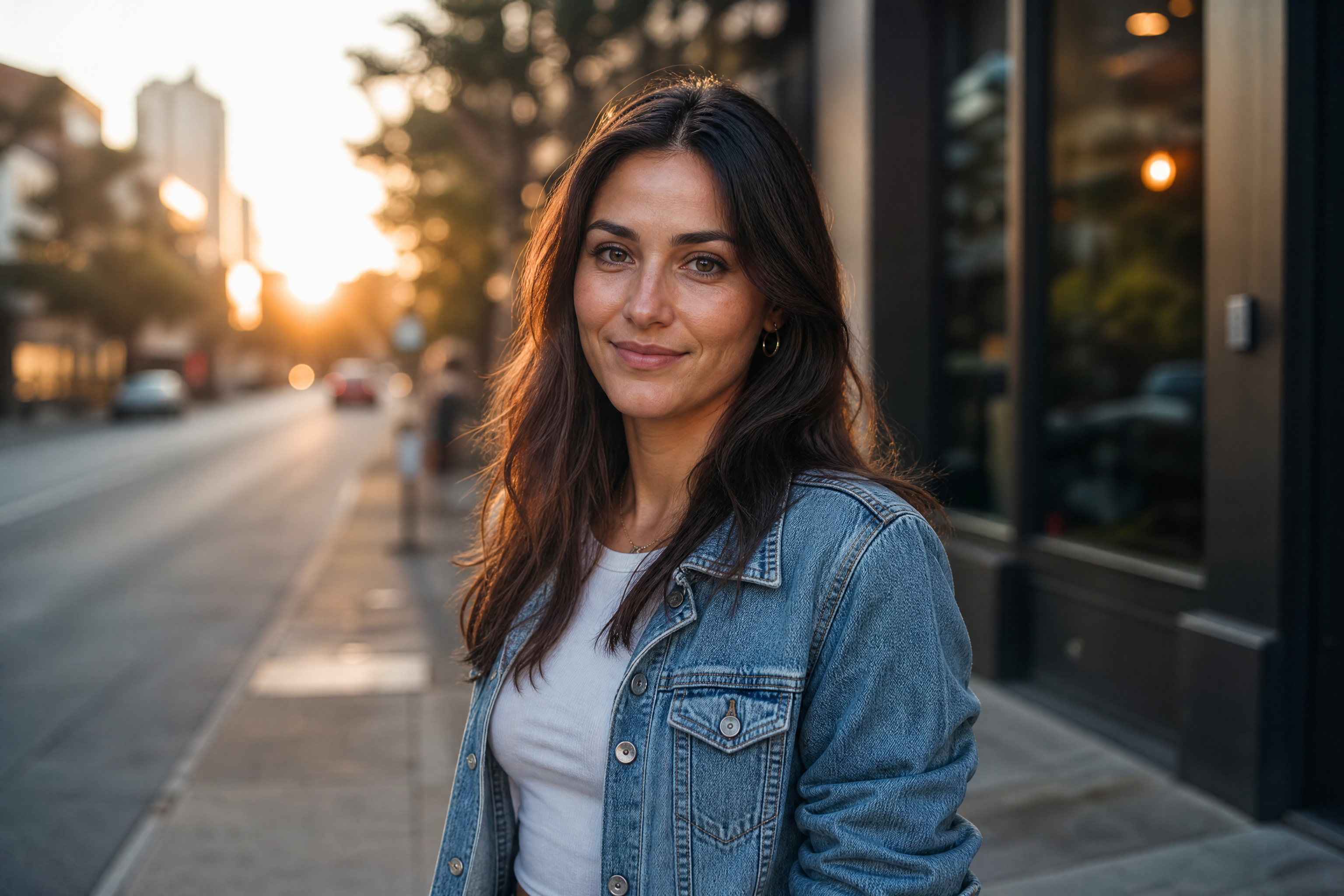
Watch the Transformation
See photo to pixar style in motion — generated end-to-end by our AI.
See It In Action
Real outputs from photo to pixar style.
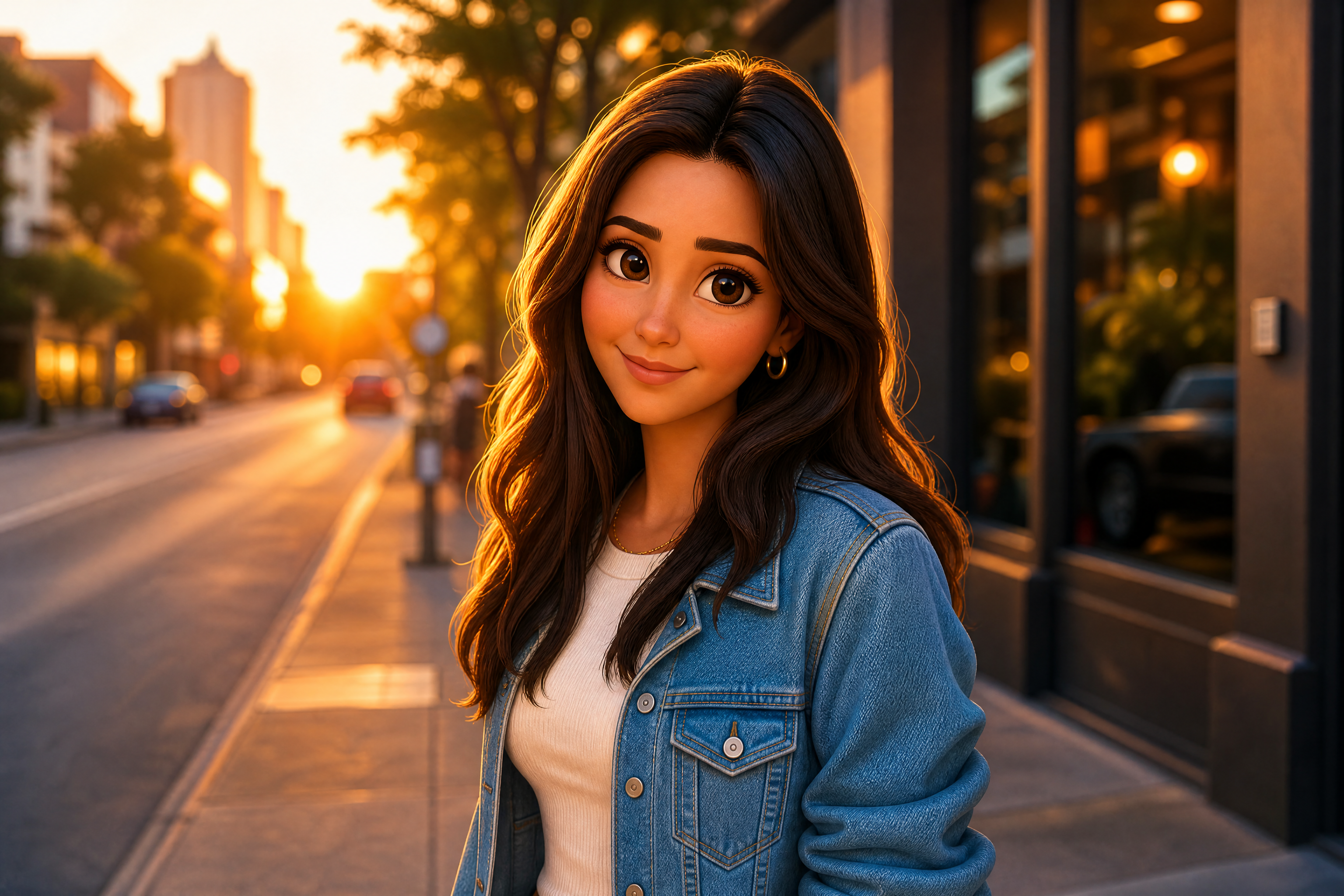
BEFOREAFTER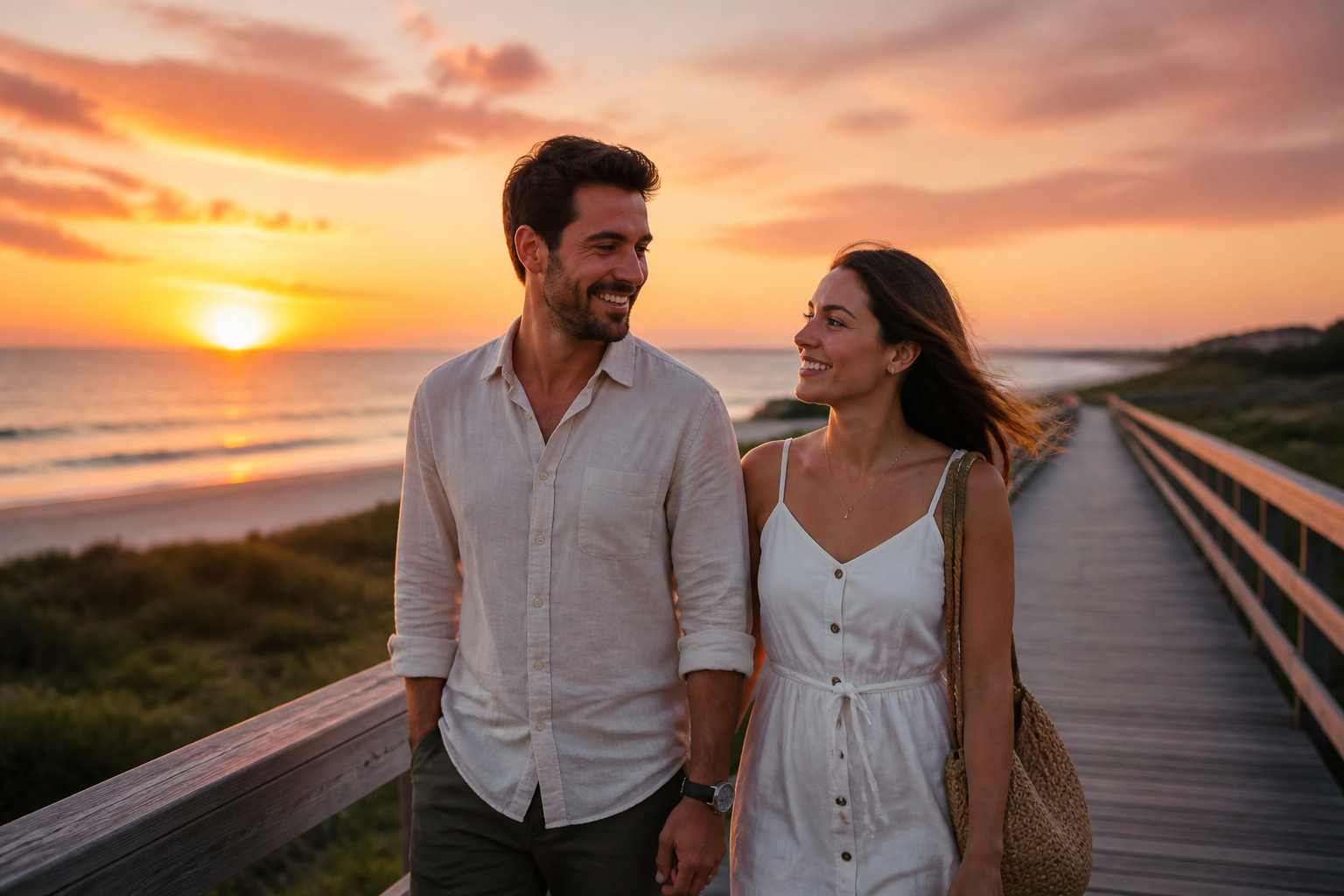 BEFORE
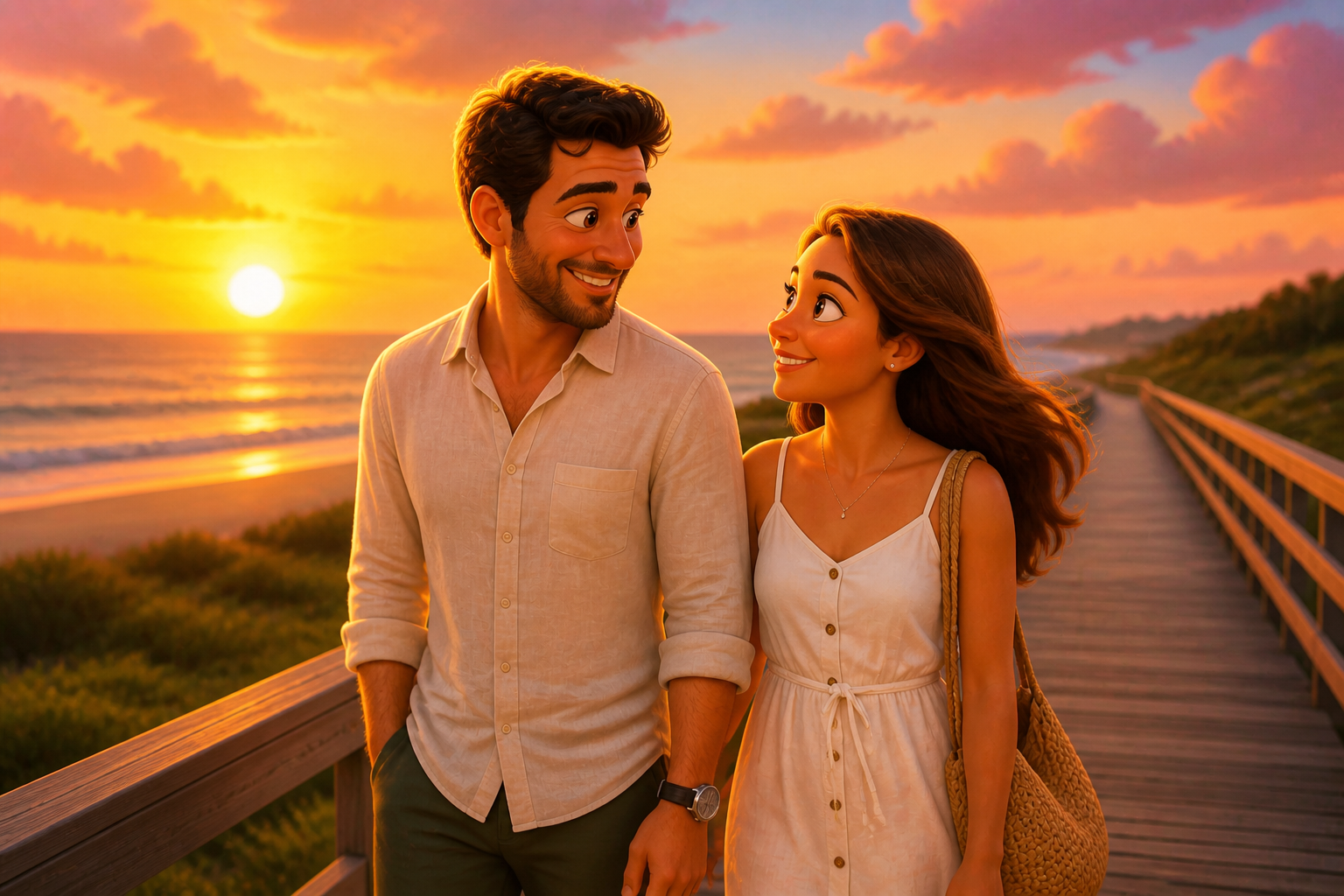 AFTER
AFTER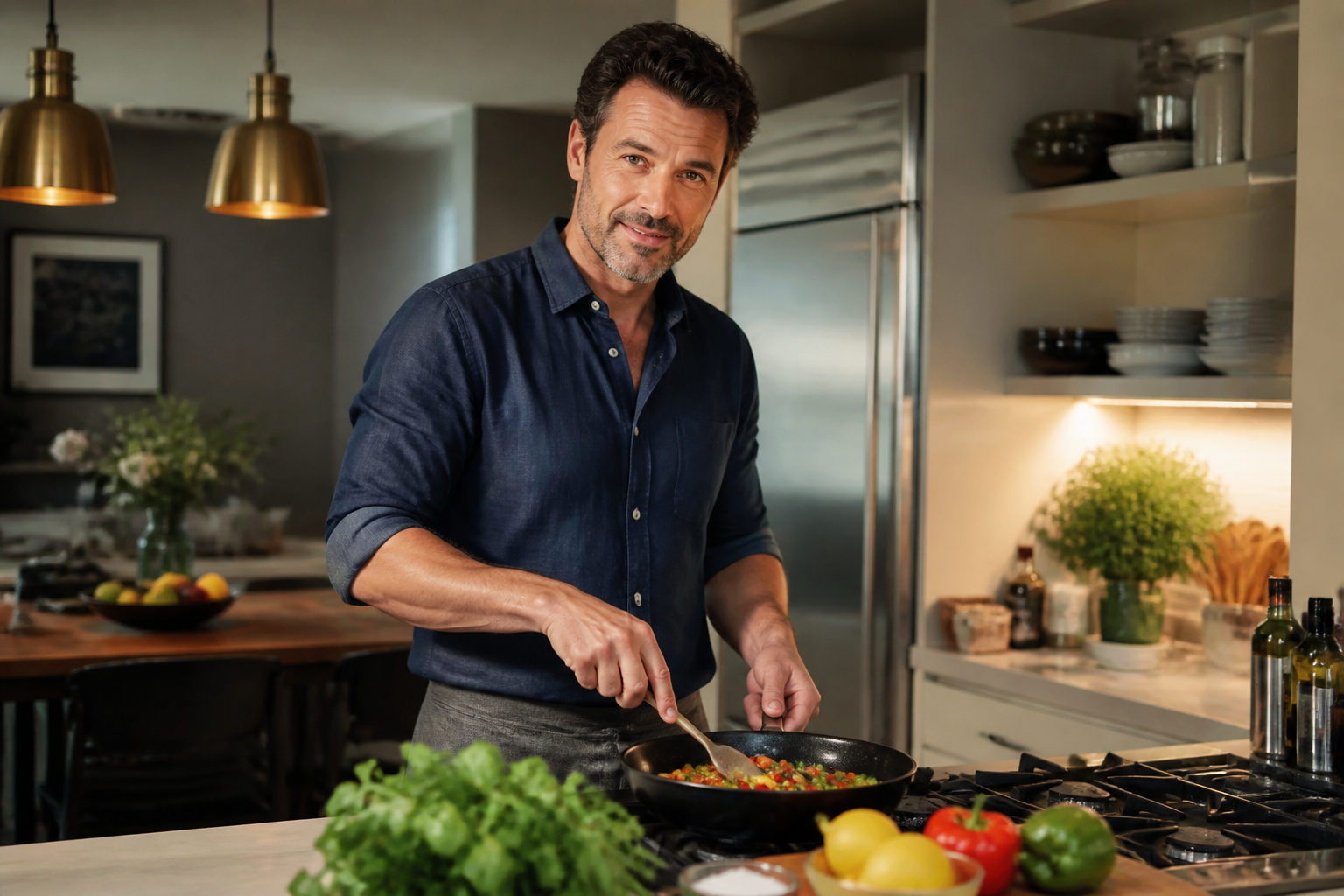 BEFORE
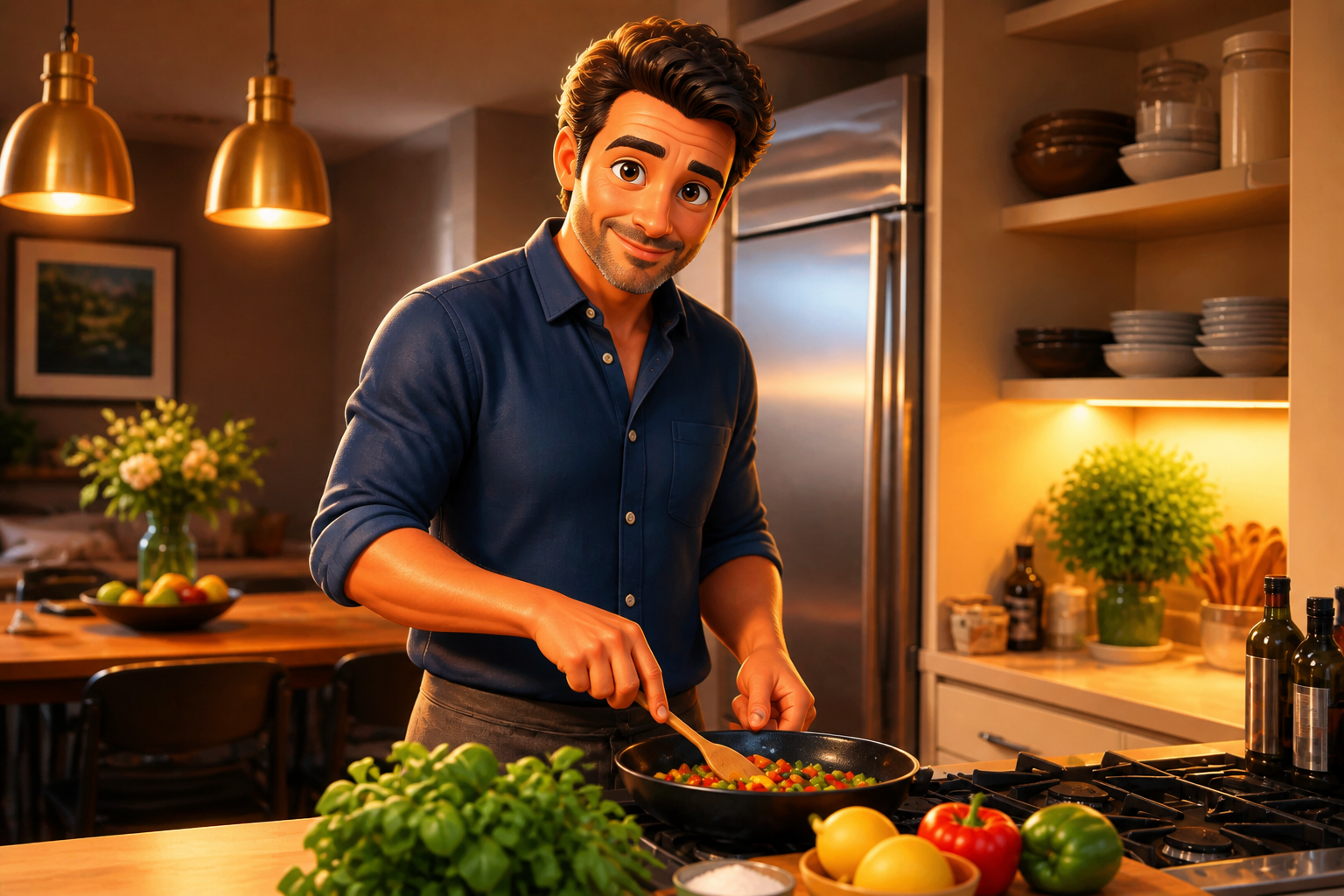 AFTER
AFTER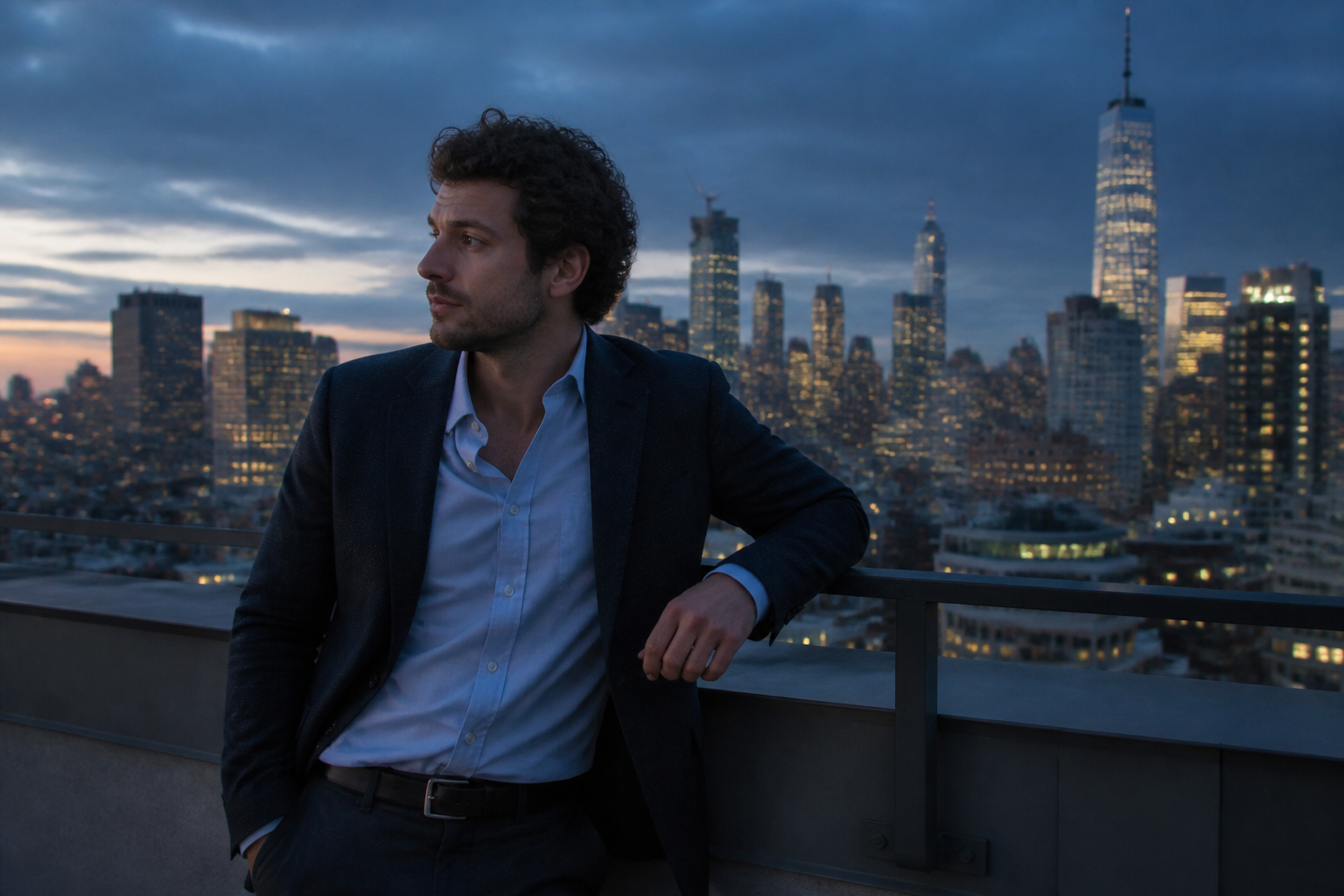 BEFORE
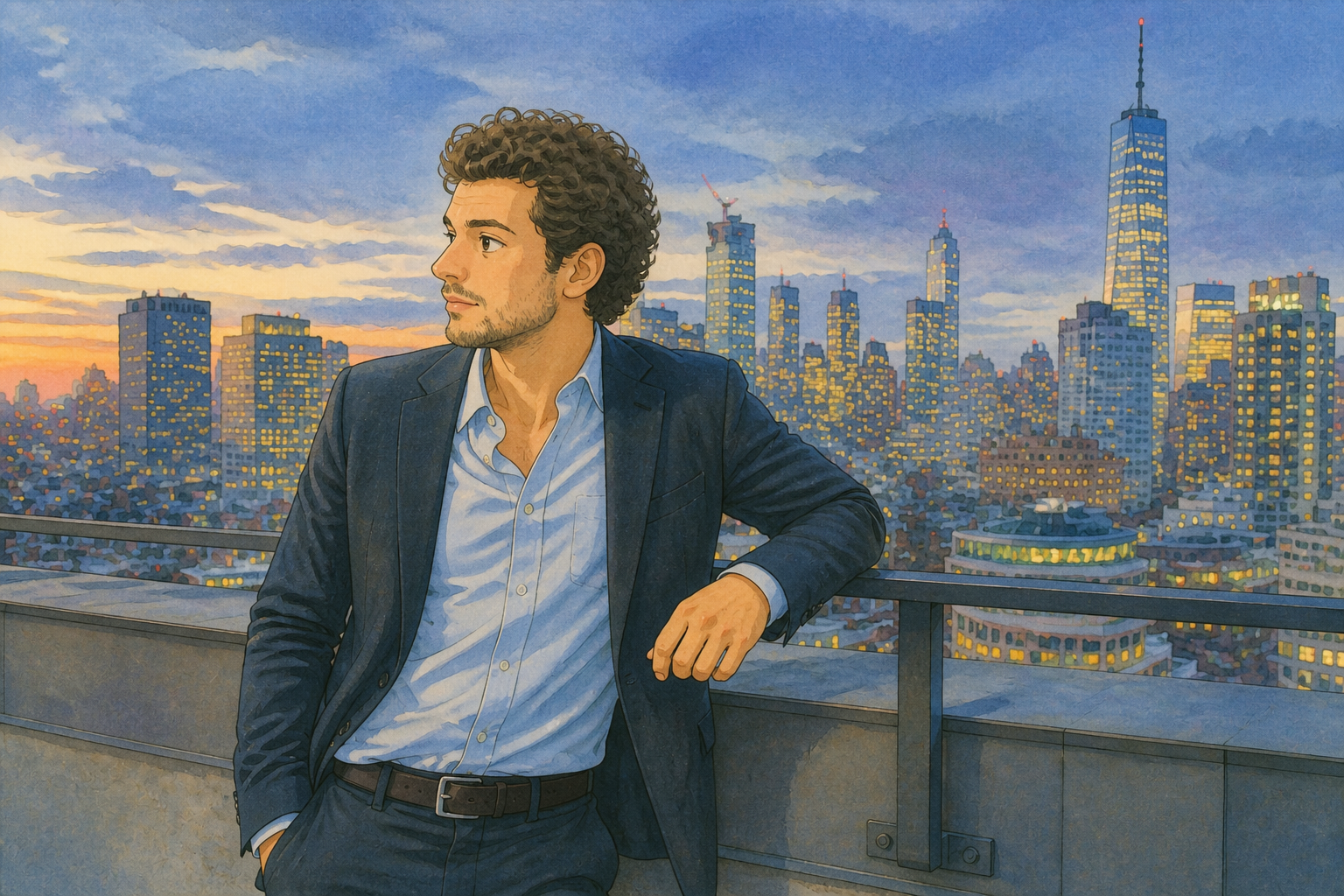 AFTER
AFTER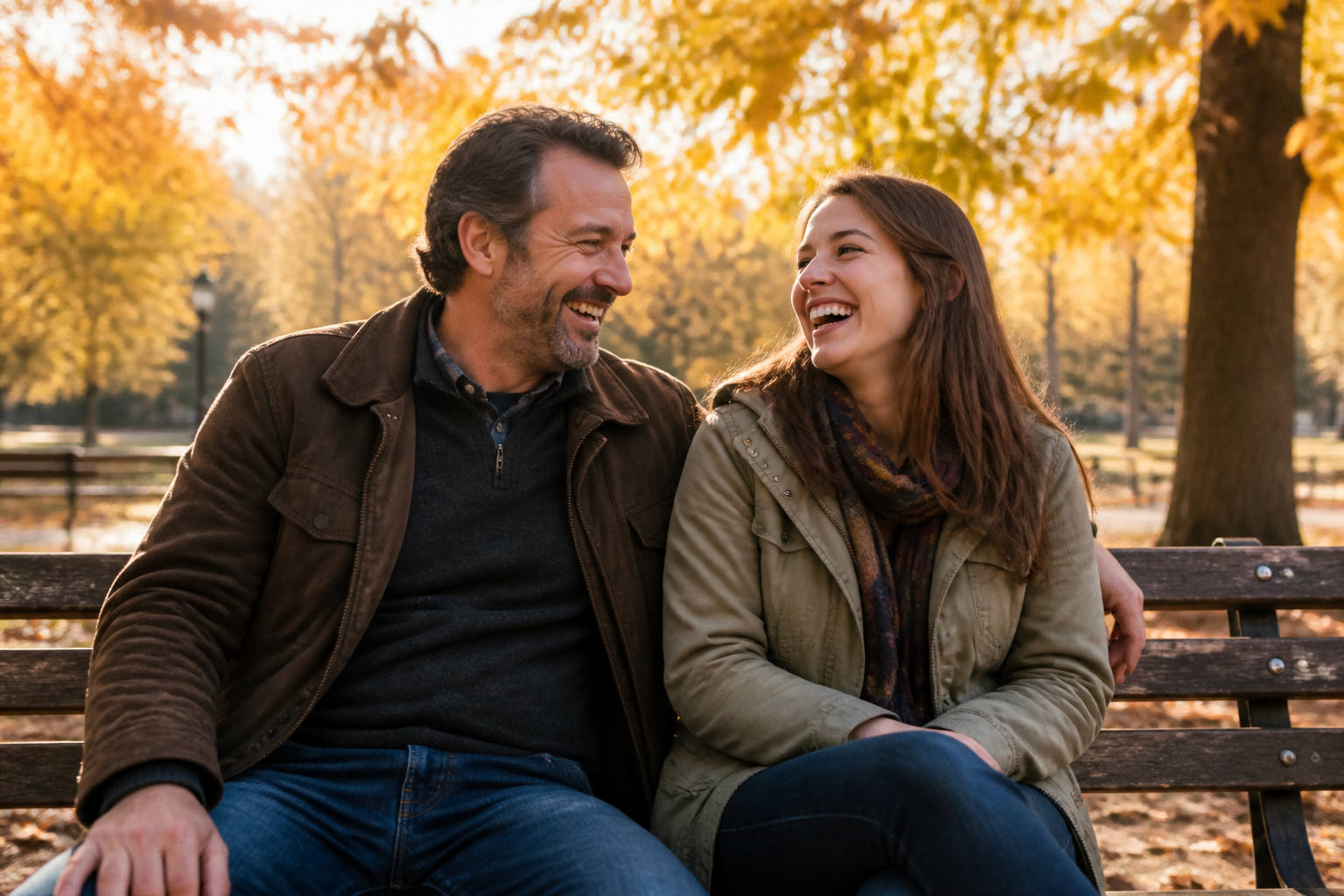 BEFORE
 AFTERBEFOREAFTERBEFOREAFTERBEFOREAFTERBEFOREAFTERBEFOREAFTER
 BEFORE
 AFTER
AFTER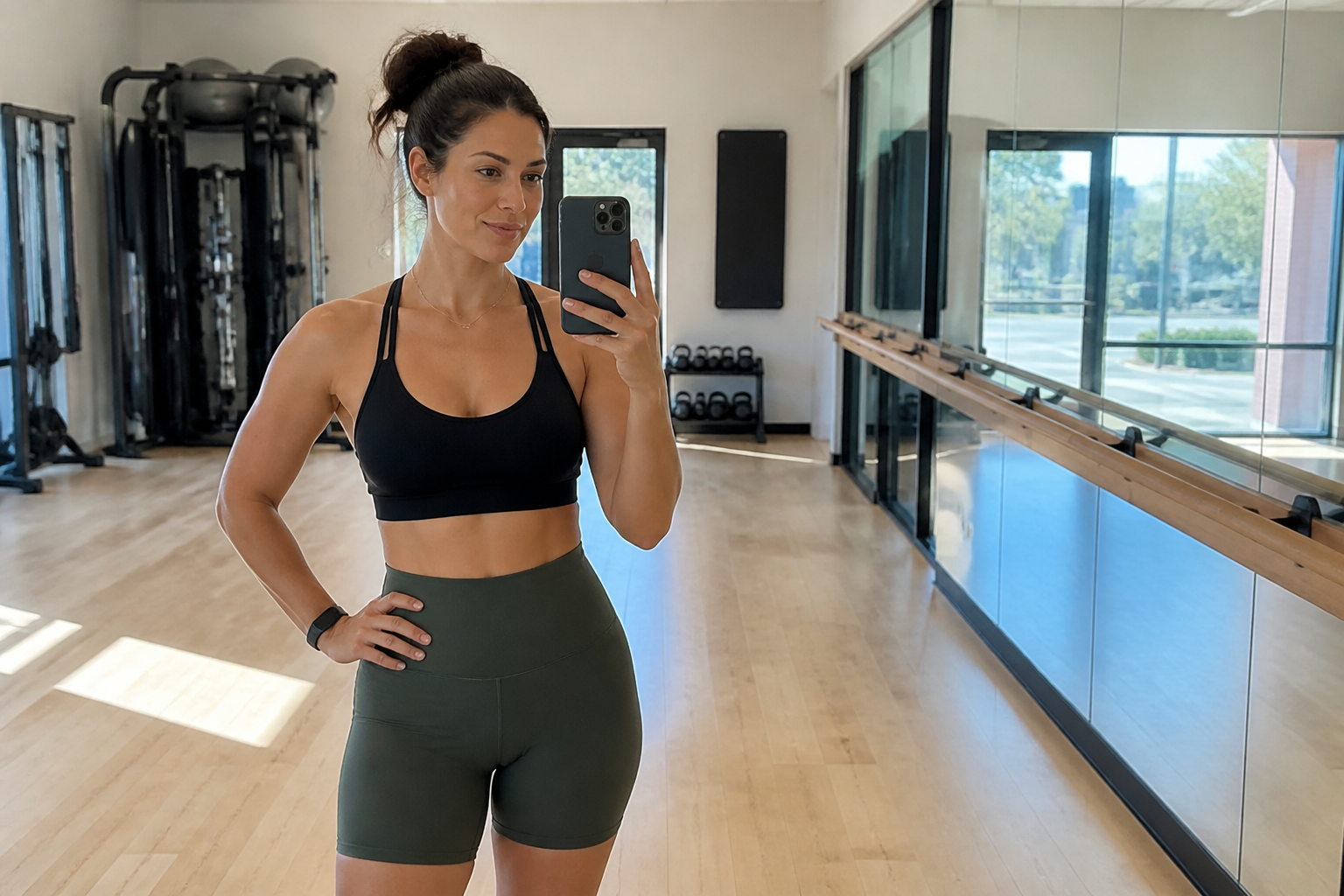 BEFORE
 AFTER
AFTER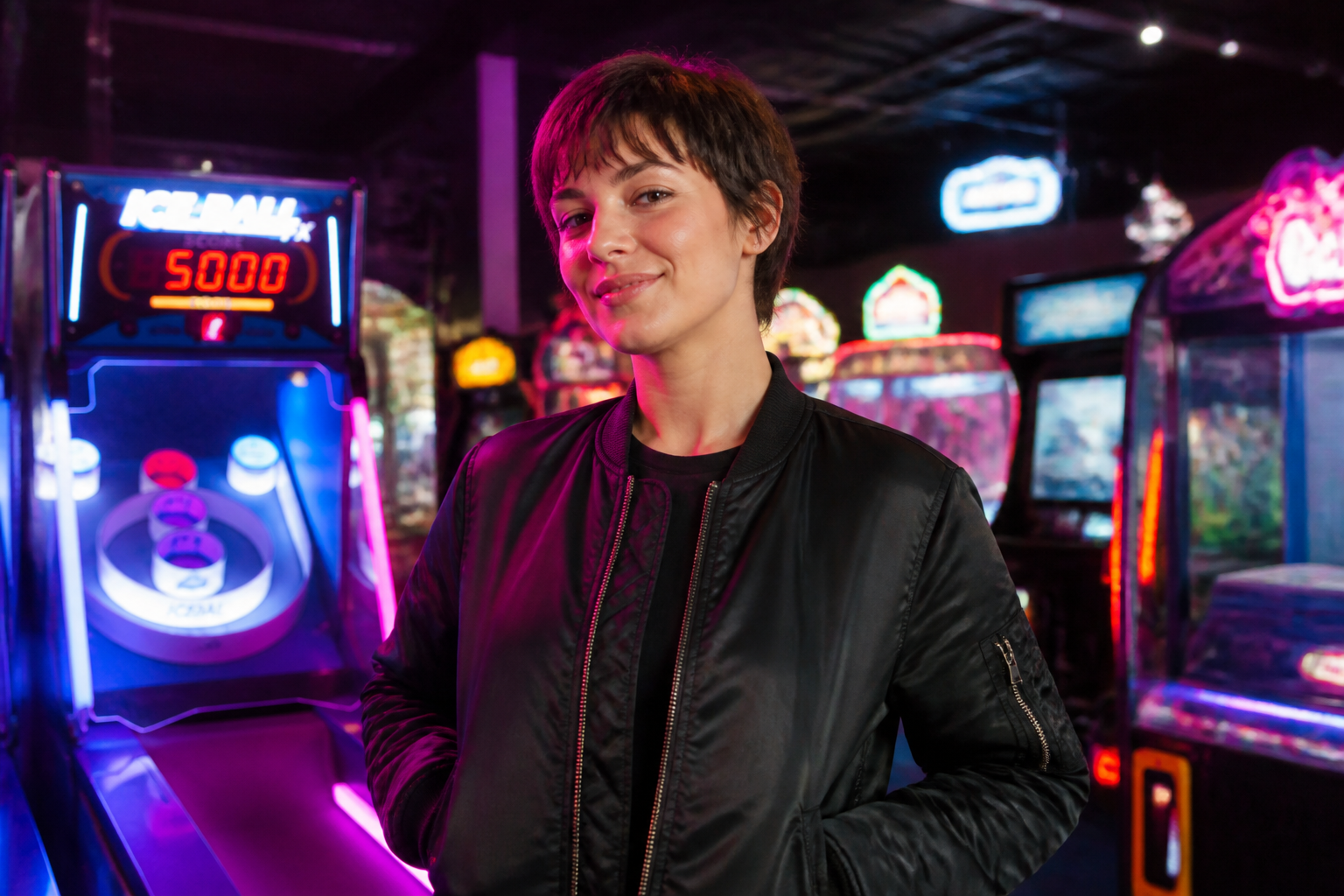 BEFORE
 AFTER
AFTER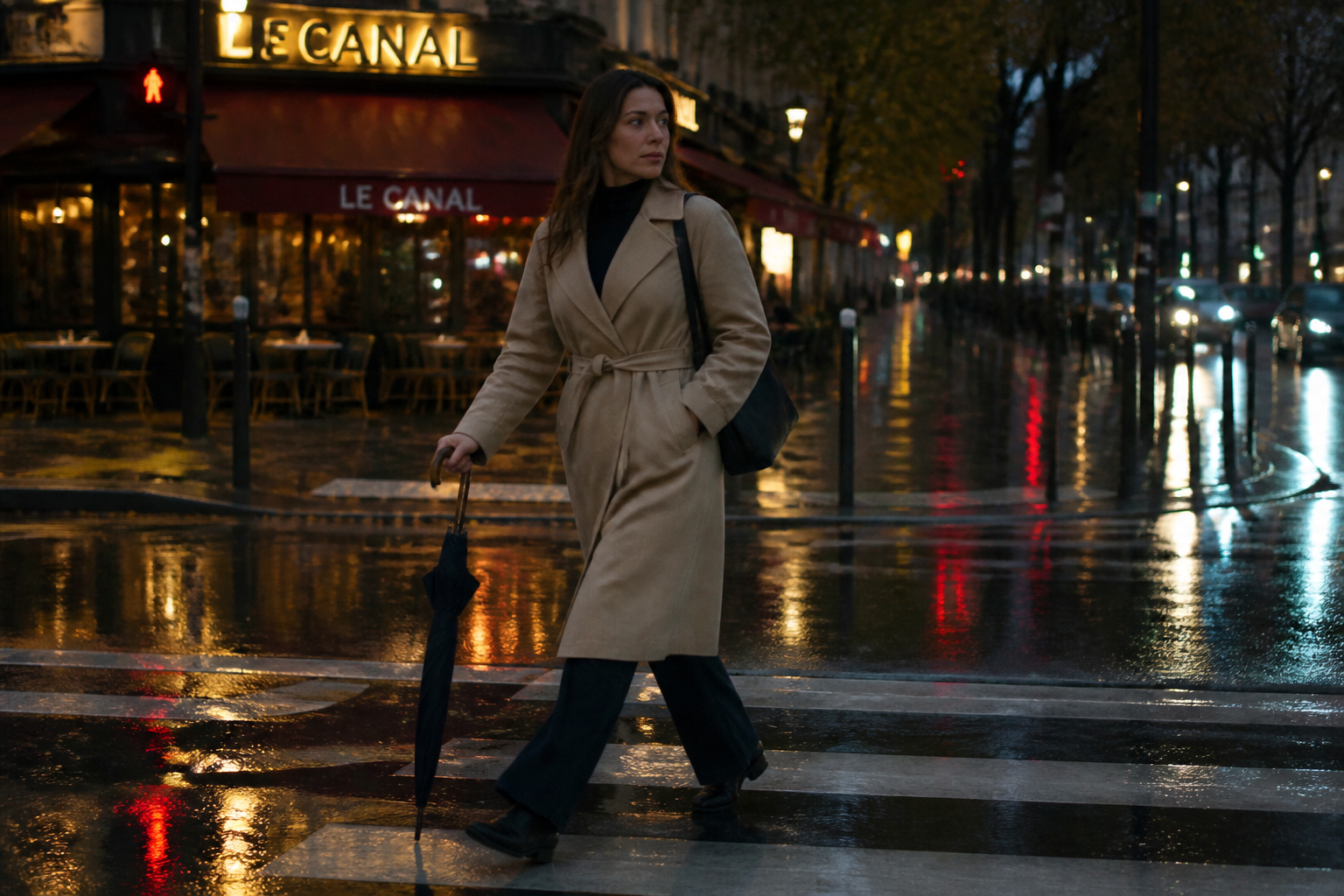 BEFORE
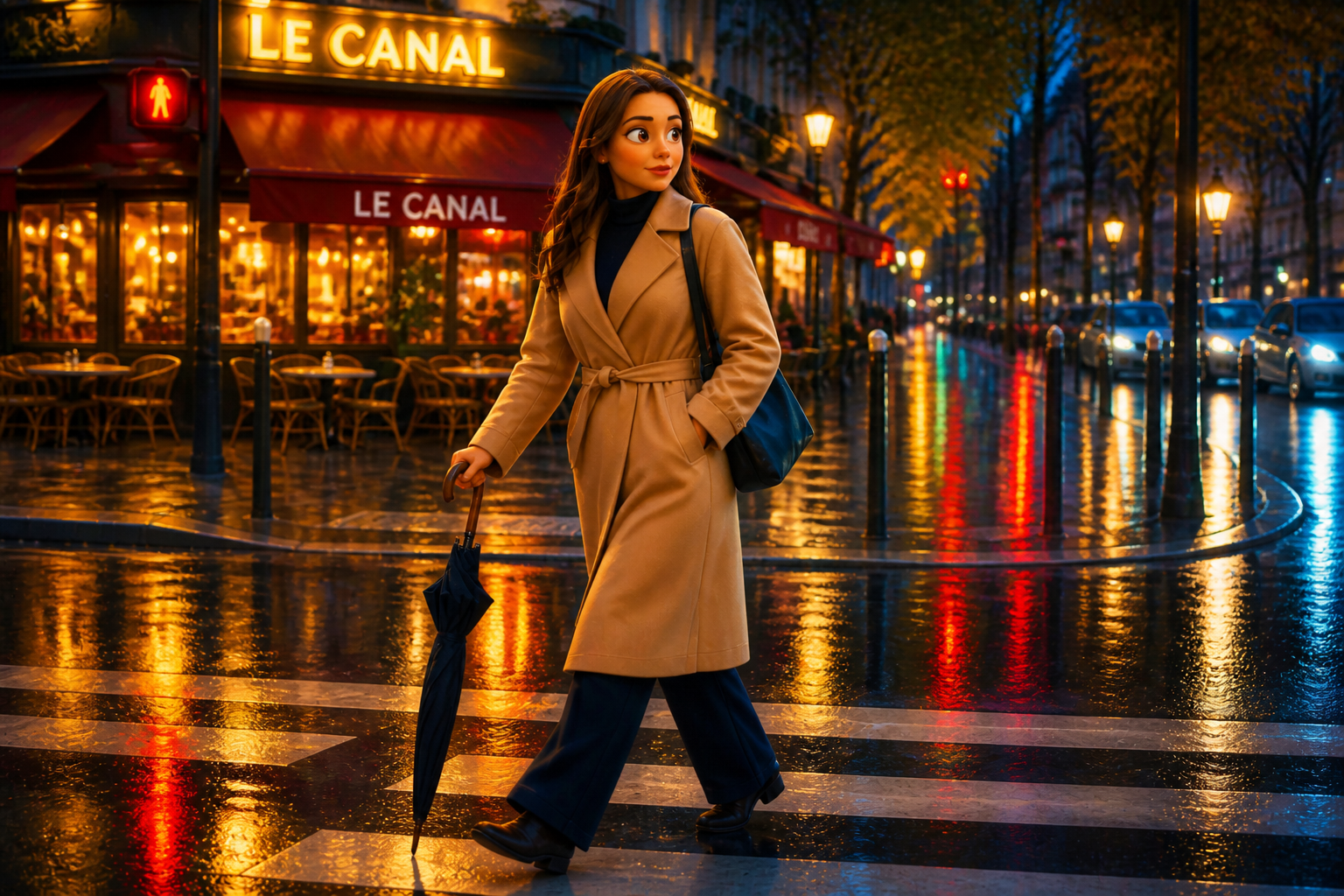 AFTER
AFTER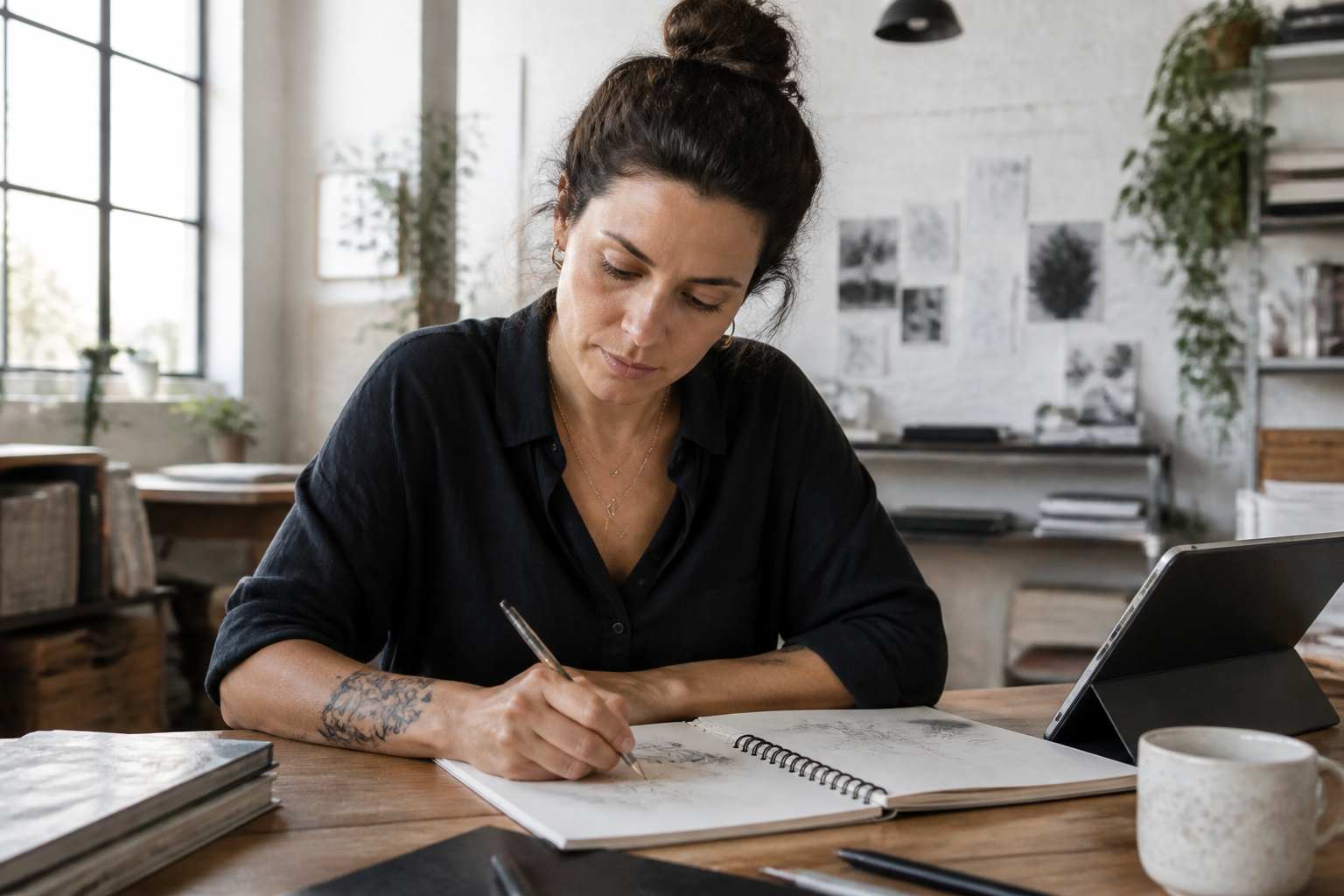 BEFORE
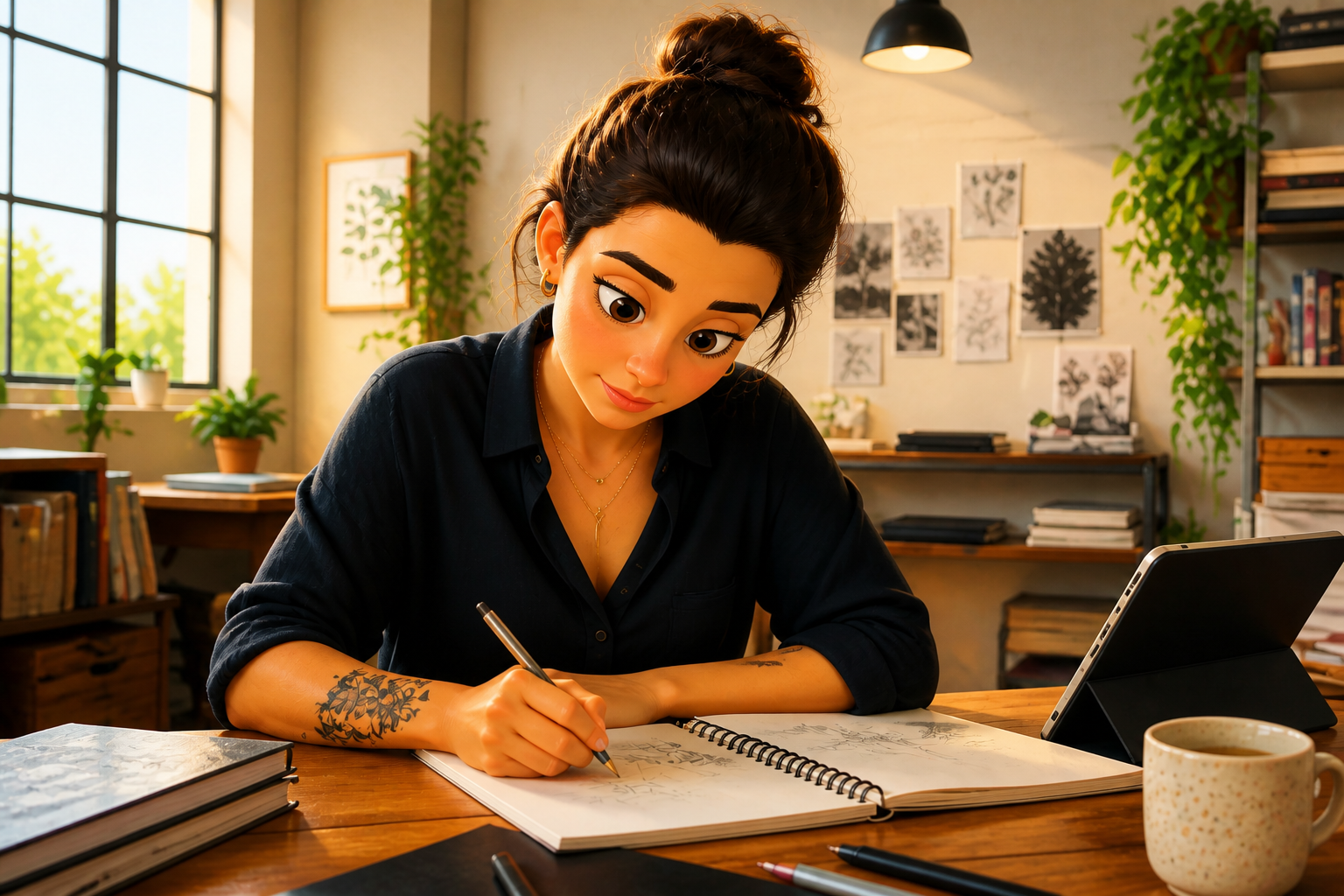 AFTERBEFOREAFTERBEFOREAFTERBEFOREAFTERBEFOREAFTERBEFOREAFTER
Key Features
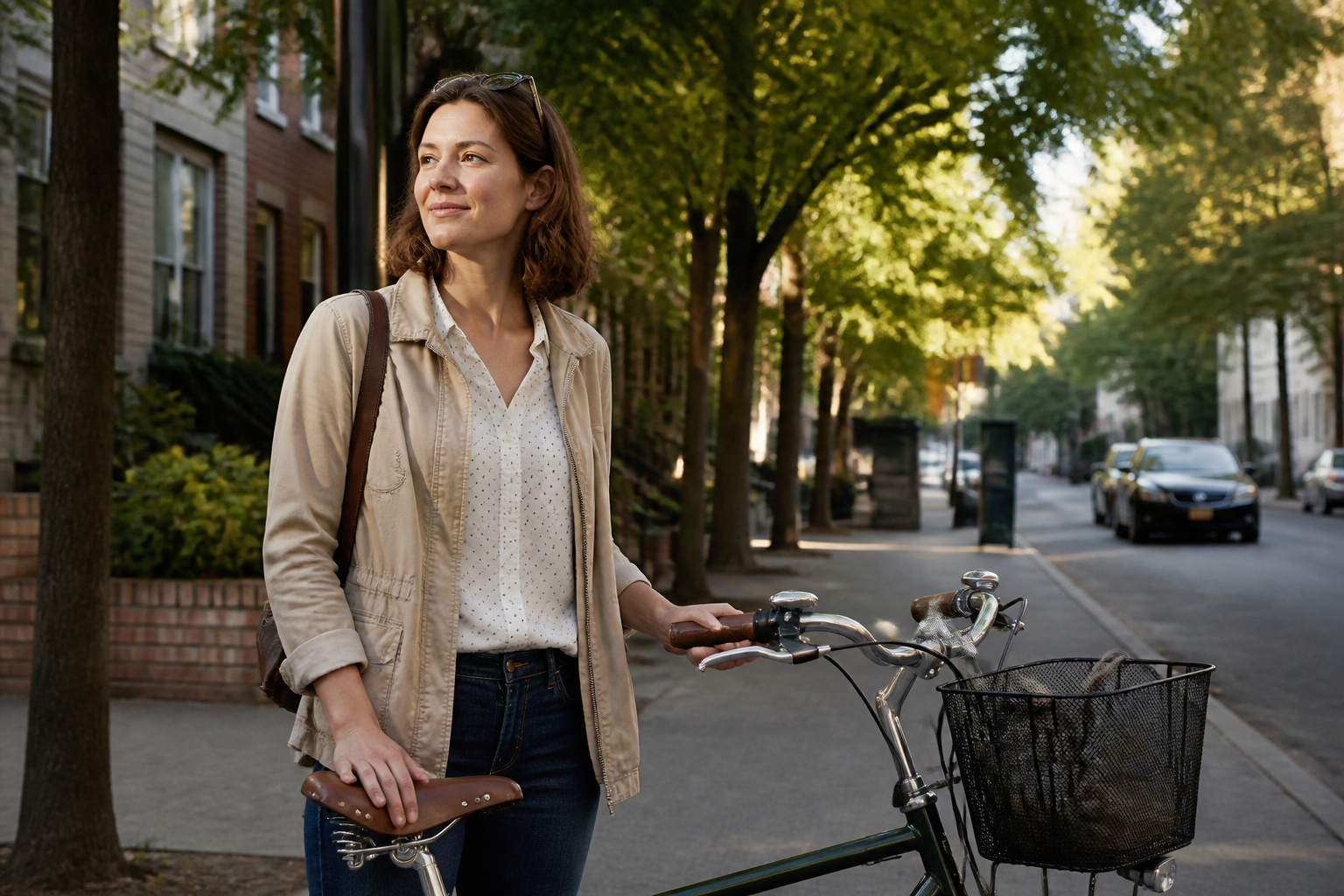
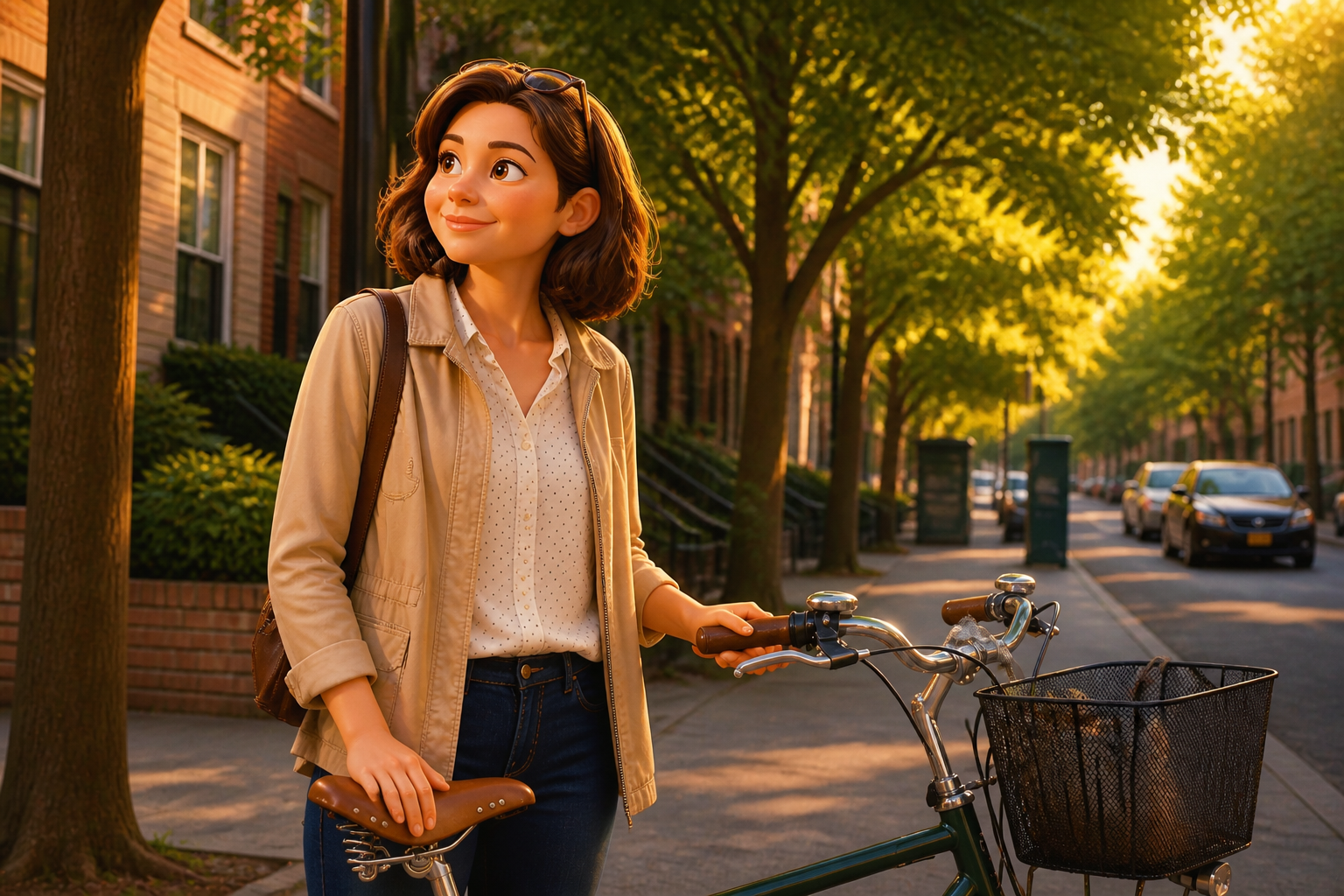
Keep the pose readable
The edit changes the visual style, not the whole scene. Your subject stays in the same general position, so the result still feels tied to the original photo. That makes it useful for profile pictures, social posts, and quick concept mockups. You get a clear transformation without rebuilding the shot from scratch.
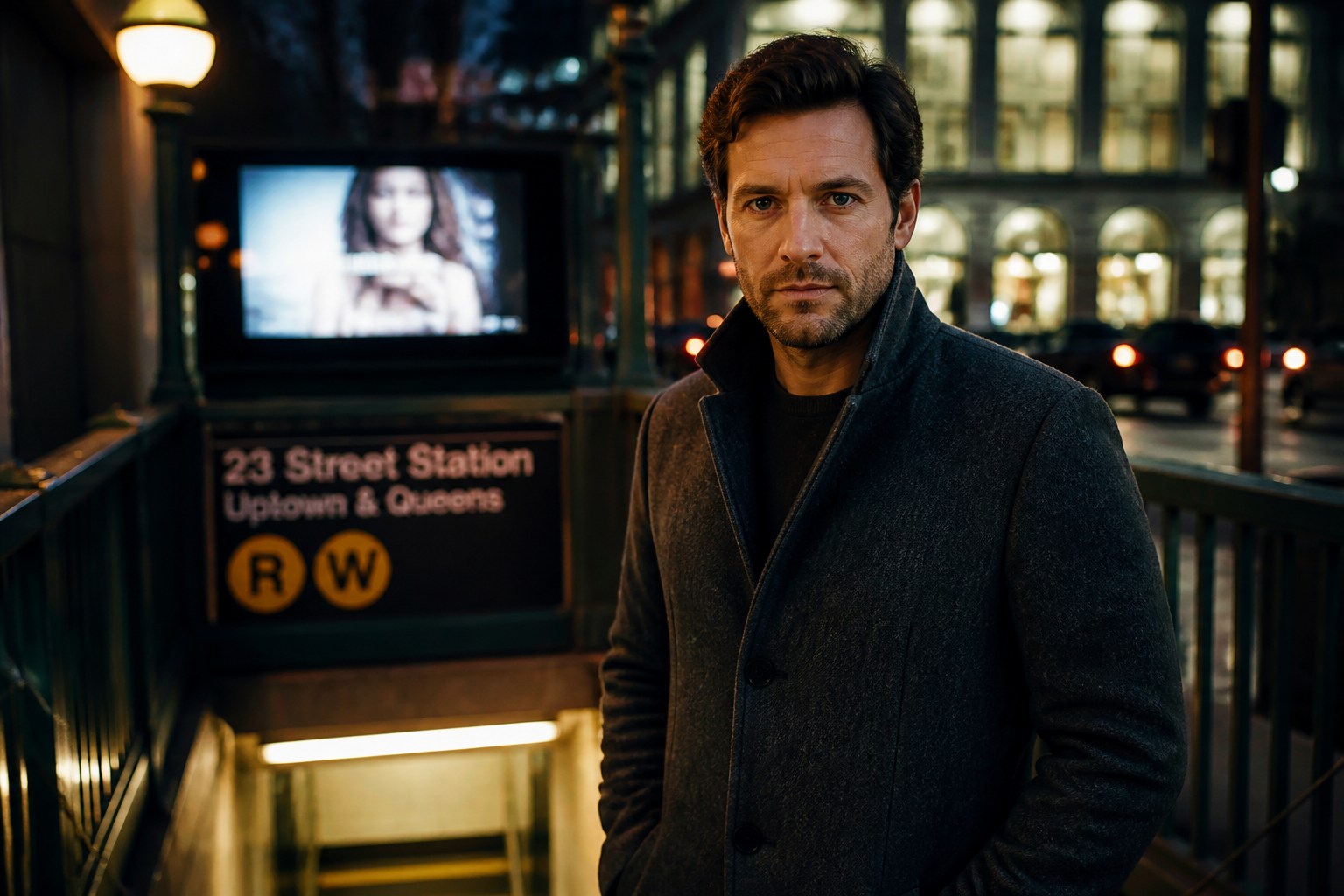
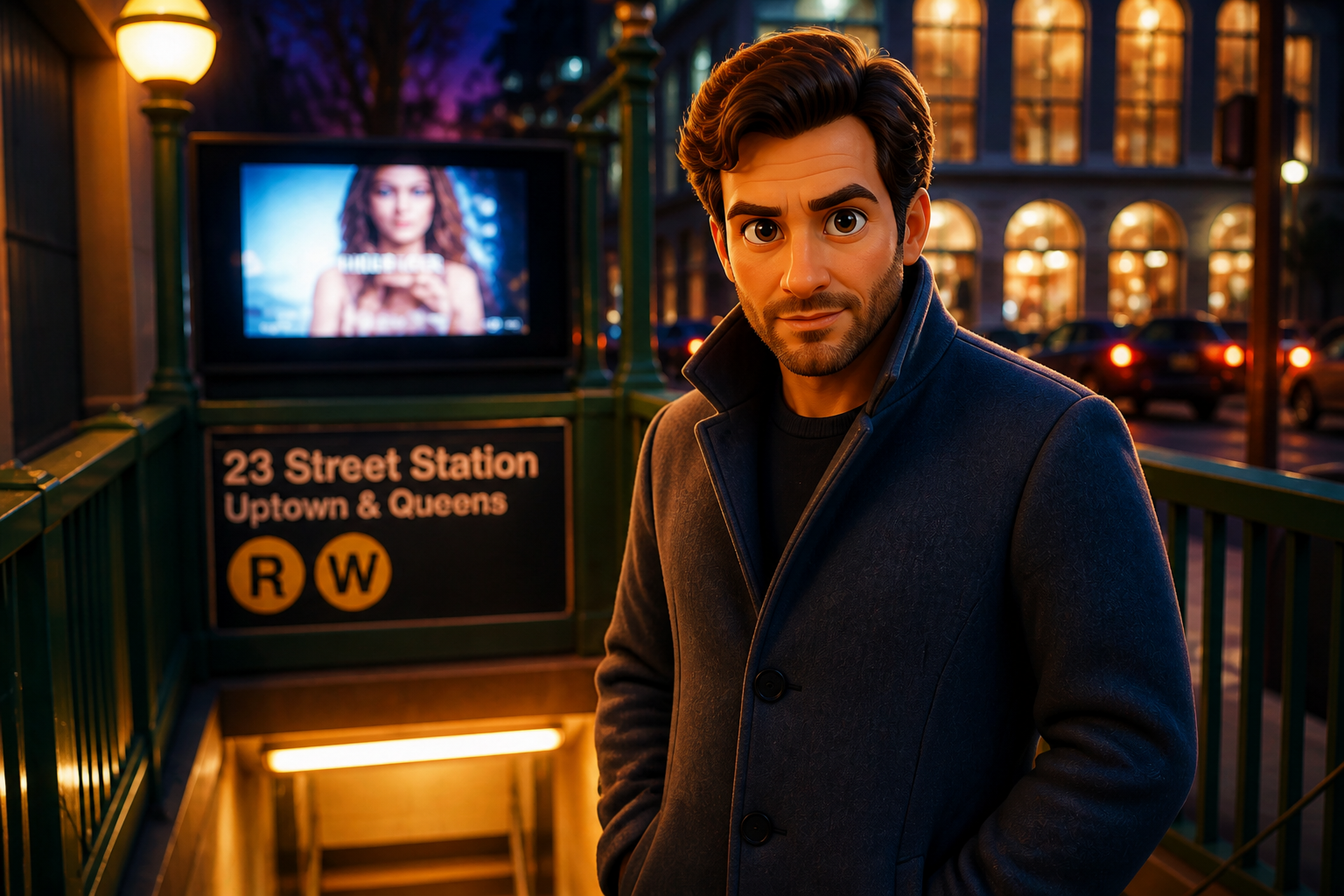
Expressive 3D character detail
Flat cartoon filters often lose depth and make faces look generic. This style adds rounded forms, richer materials, and more emotive facial design so the image feels closer to a full animated still. The change is obvious even in a small thumbnail. It gives ordinary portraits a more polished, shareable finish.
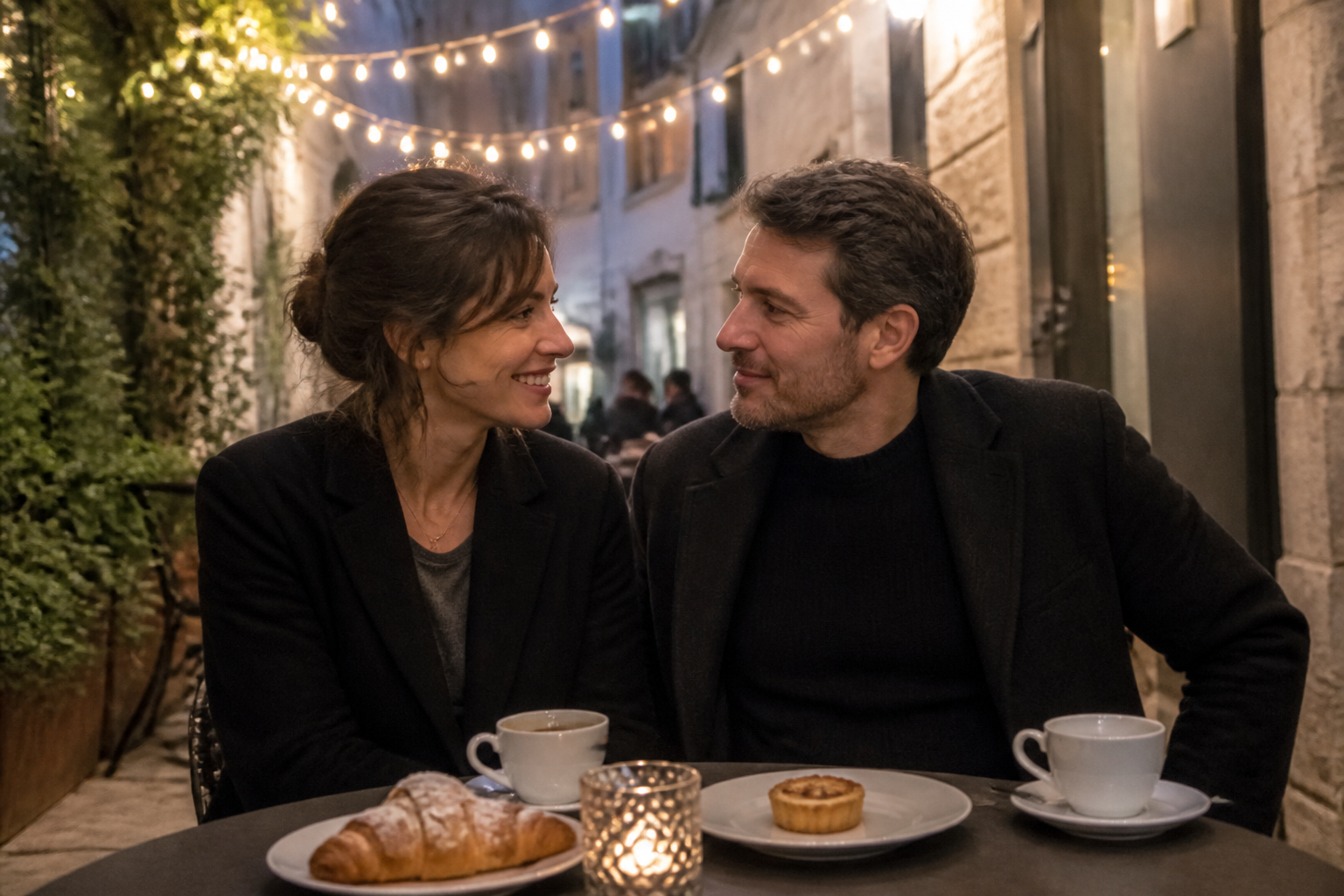
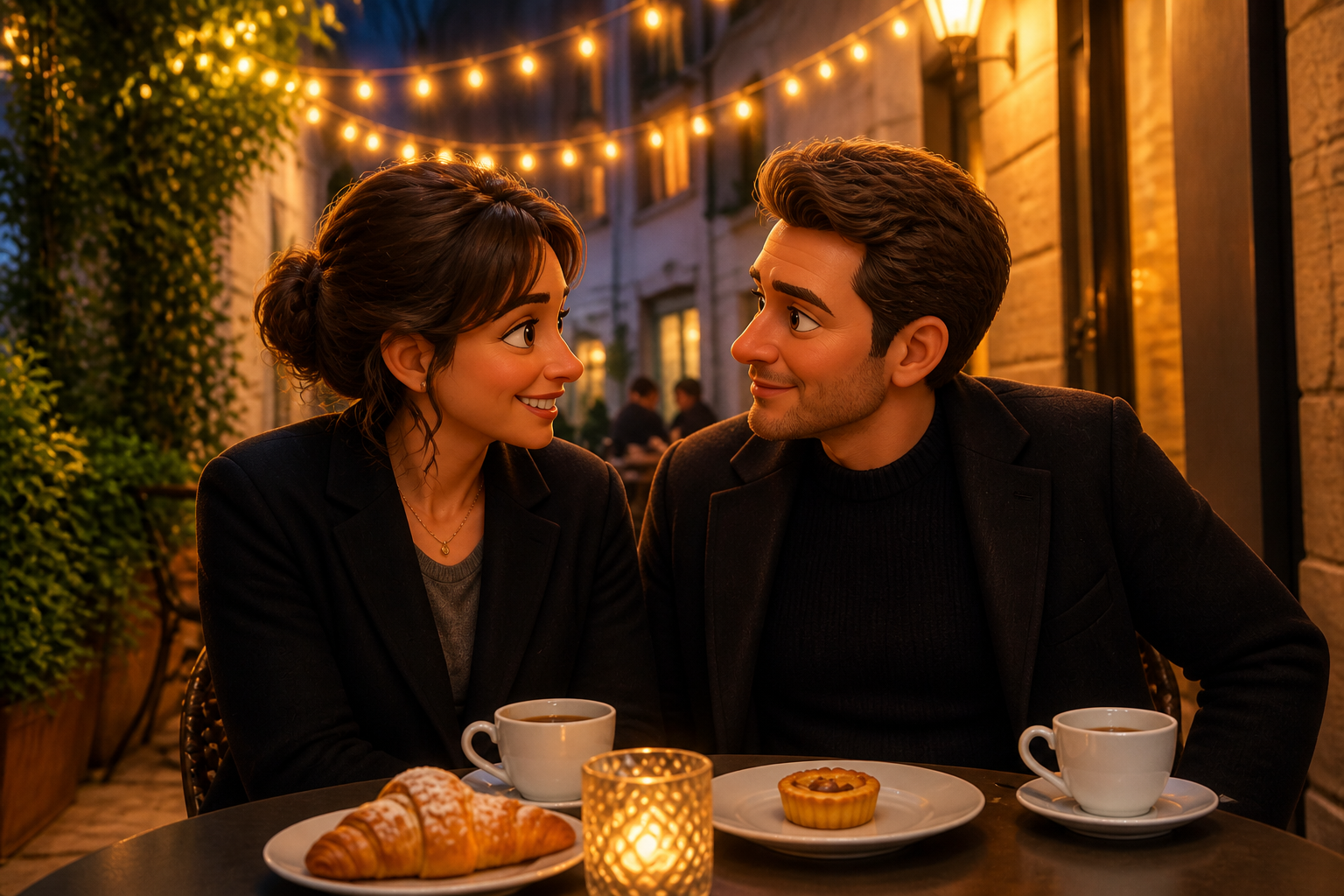
Works on scenes too
You are not limited to tight portraits. The edit can stylize wider lifestyle shots while keeping the setting understandable, from cafes to beaches to city streets. That matters when the background is part of the story. You can turn a whole moment into an animated frame instead of only changing a face.
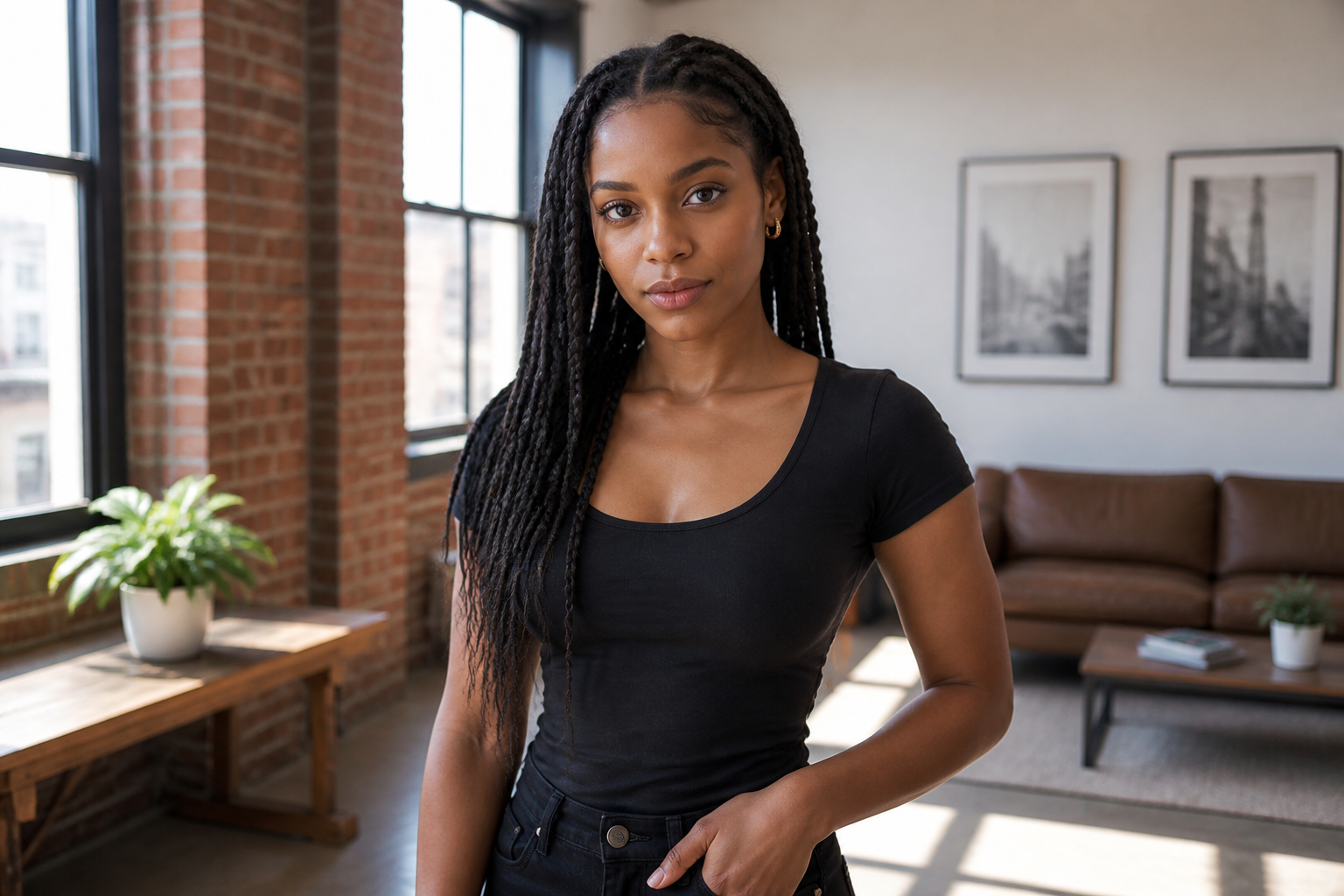
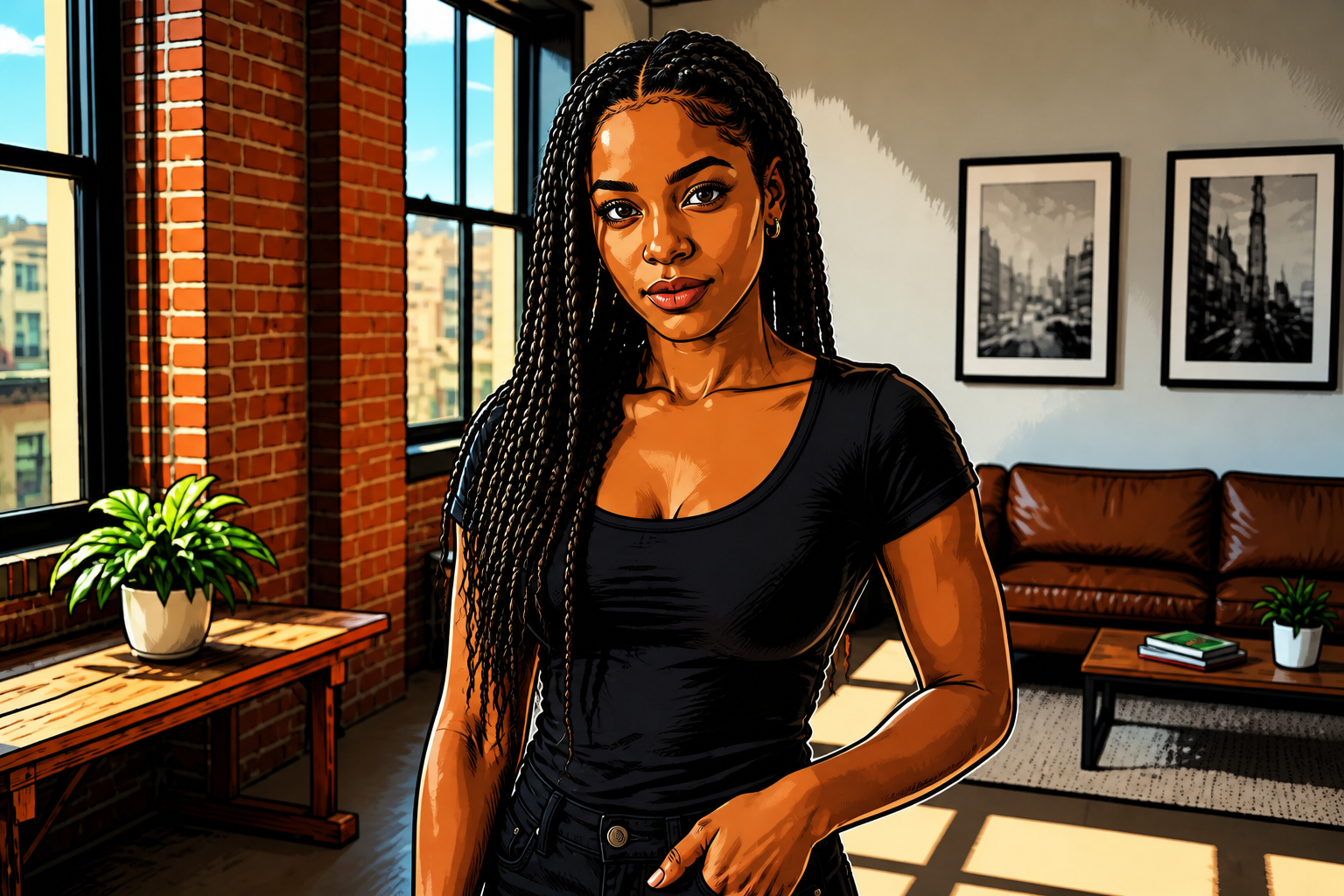
Try multiple art directions
You can use the same photo as a base and explore different animated looks. One version can lean toward glossy 3D, while another pushes into hand-painted or comic-inspired territory. That is faster than manually repainting or masking every detail. It helps creators compare directions before they commit to one.
How It Works
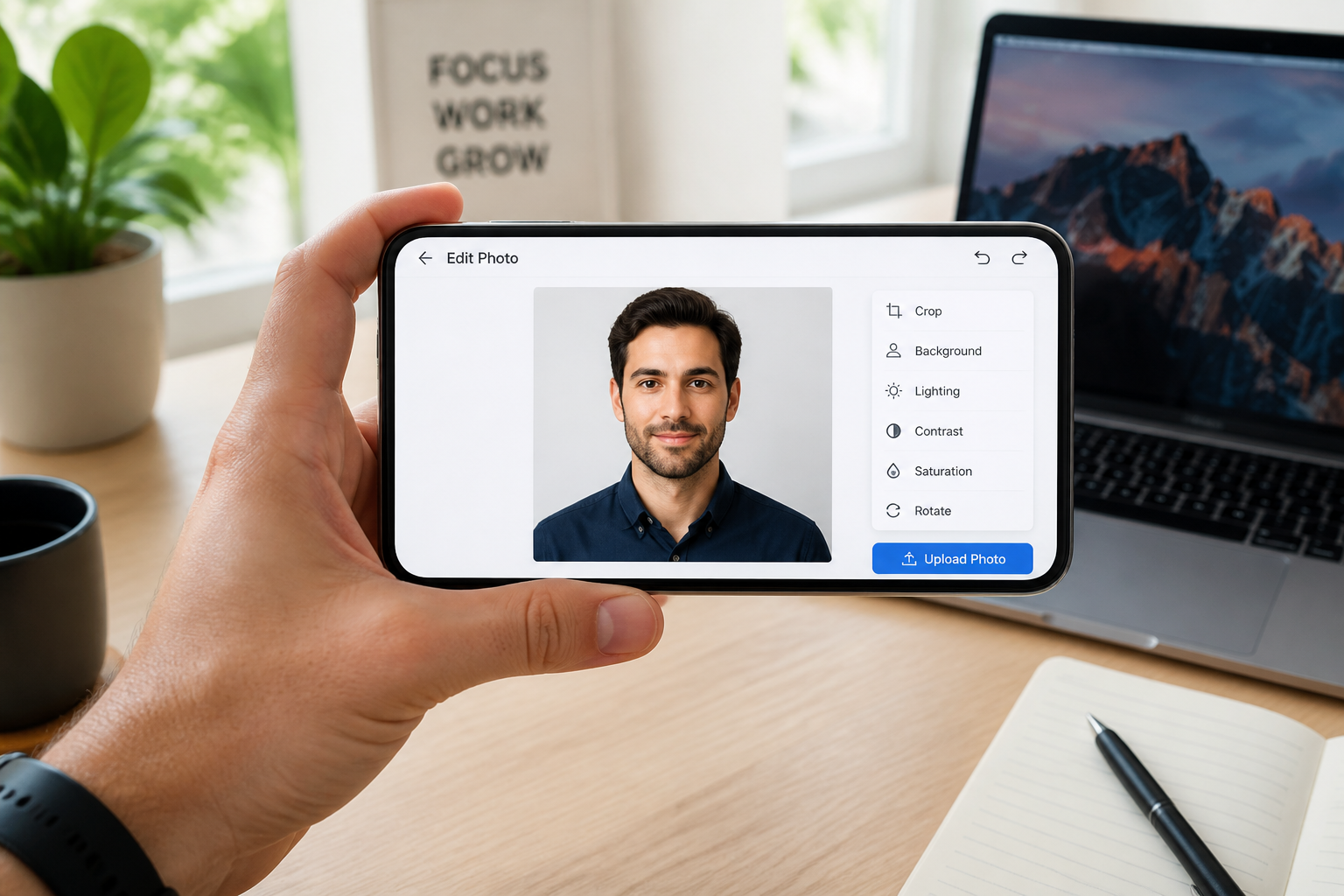
Upload your photo
Start with a clear image of one person, a couple, or a scene you want to stylize. Well-lit photos with a readable face and clean framing usually give the strongest result.
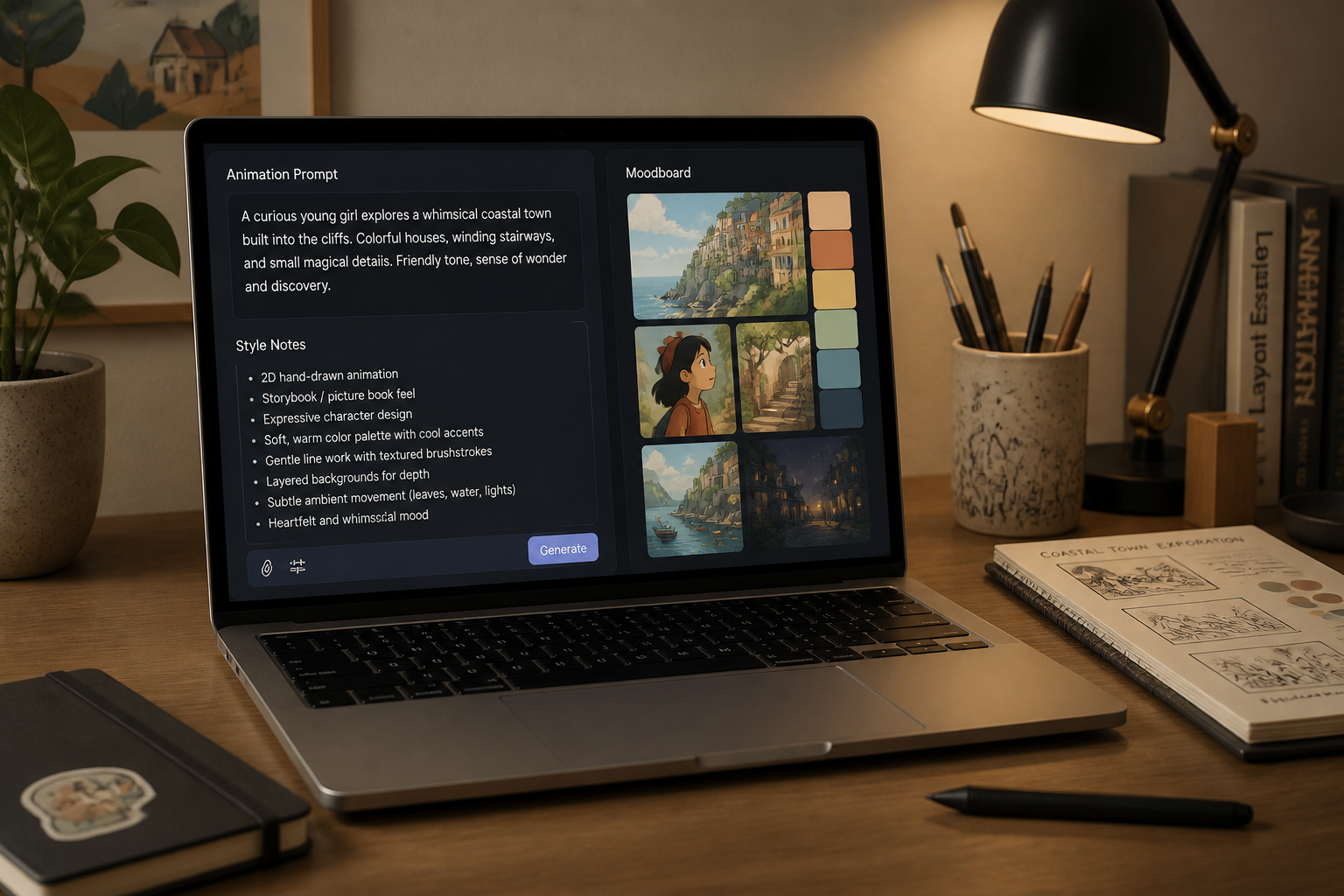
Describe the animated look
Tell the editor the kind of result you want, such as polished 3D animated portrait, family-film look, or softer watercolor animation. You can also mention lighting or color mood to guide the edit.
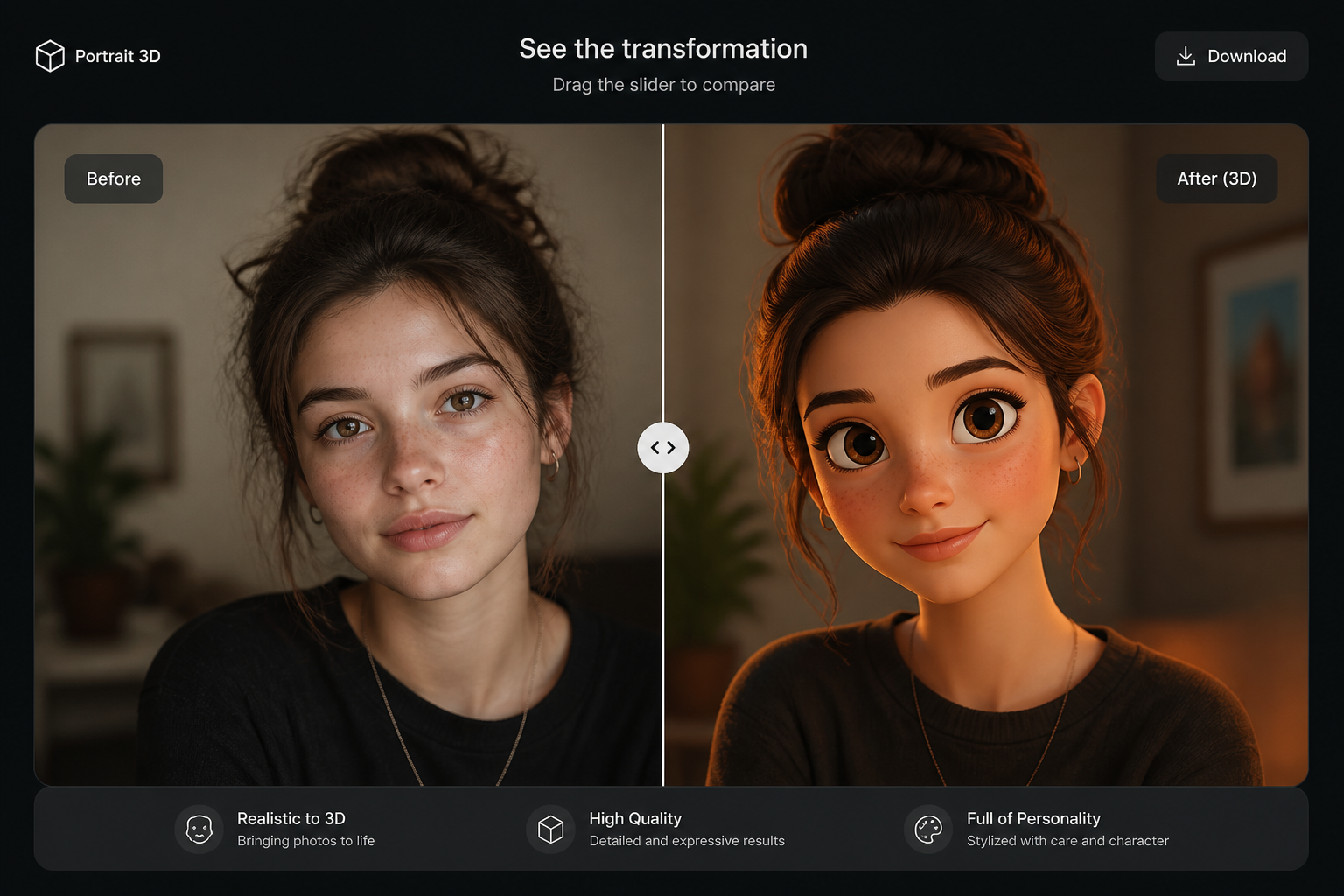
Generate and compare
Create the edit and compare the before and after side by side. If you want a stronger stylized look, adjust your prompt and run another version.
Perfect For
Discover how creators and professionals use photo to pixar style
Profile pictures
Turn selfies and portraits into polished animated avatars for social profiles, forums, and messaging apps.
Shareable social posts
Give travel, cafe, and lifestyle photos a distinctive animated look that stands out in feeds.
Creative concepting
Test how a real photo feels in an animated art direction before you commission illustrations or motion work.
Gift and print ideas
Convert favorite couple, family, or friendship photos into stylized artwork for cards, posters, and keepsakes.
Built For
Creators and influencers
Make recognizable, scroll-stopping animated edits from everyday photos without learning complex software.
Designers and marketers
Quickly explore a friendly 3D animated direction for campaigns, mockups, and social content.
Anyone making personal art
Turn portraits and memory photos into fun animated images for sharing, gifting, or saving.
Why use this for animated photo edits
A quick look at how we compare on the things that matter for this niche.
| Feature | BudgetPixel | Generic AI editors | Manual editing apps |
|---|---|---|---|
| Fast style transfer | ✓ | ✓ | — |
| Before/after workflow | ✓ | ✓ | — |
| Keeps scene composition | ✓ | Varies | Manual |
| No drawing skills needed | ✓ | ✓ | — |
| Easy to test multiple looks | ✓ | Varies | Slow |
Frequently Asked Questions
What kind of photos work best for Photo to Pixar Style edits?
Will the edit keep my face recognizable?
Can I use full scenes instead of close-up portraits?
Can I make the result more or less stylized?
Do I need editing experience to use it?
Create together.
Share your creations, discover trending AI art, and grow with fellow creators.