AI Valentine Photo Generator
Turn everyday photos into romantic Valentine-ready images.
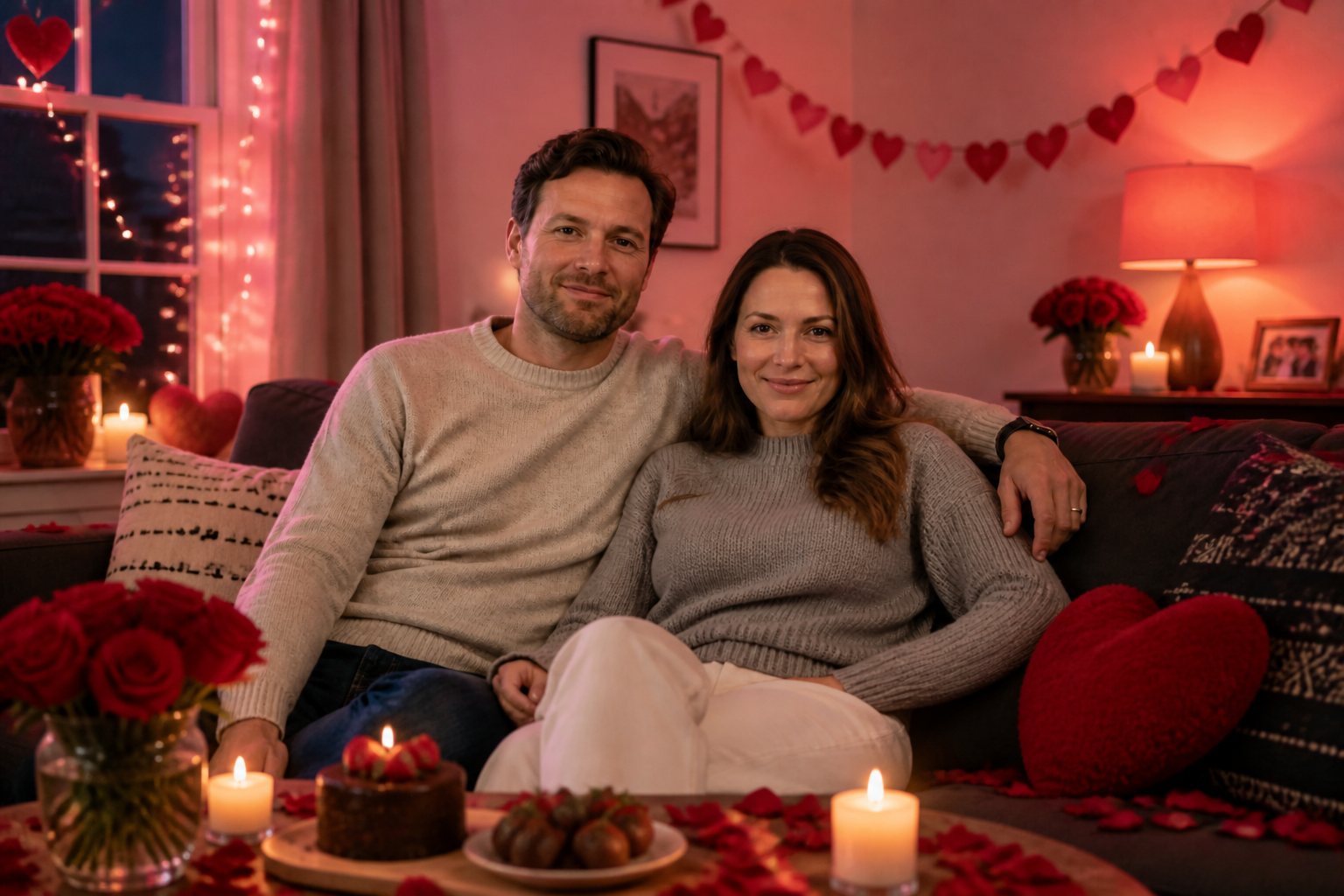
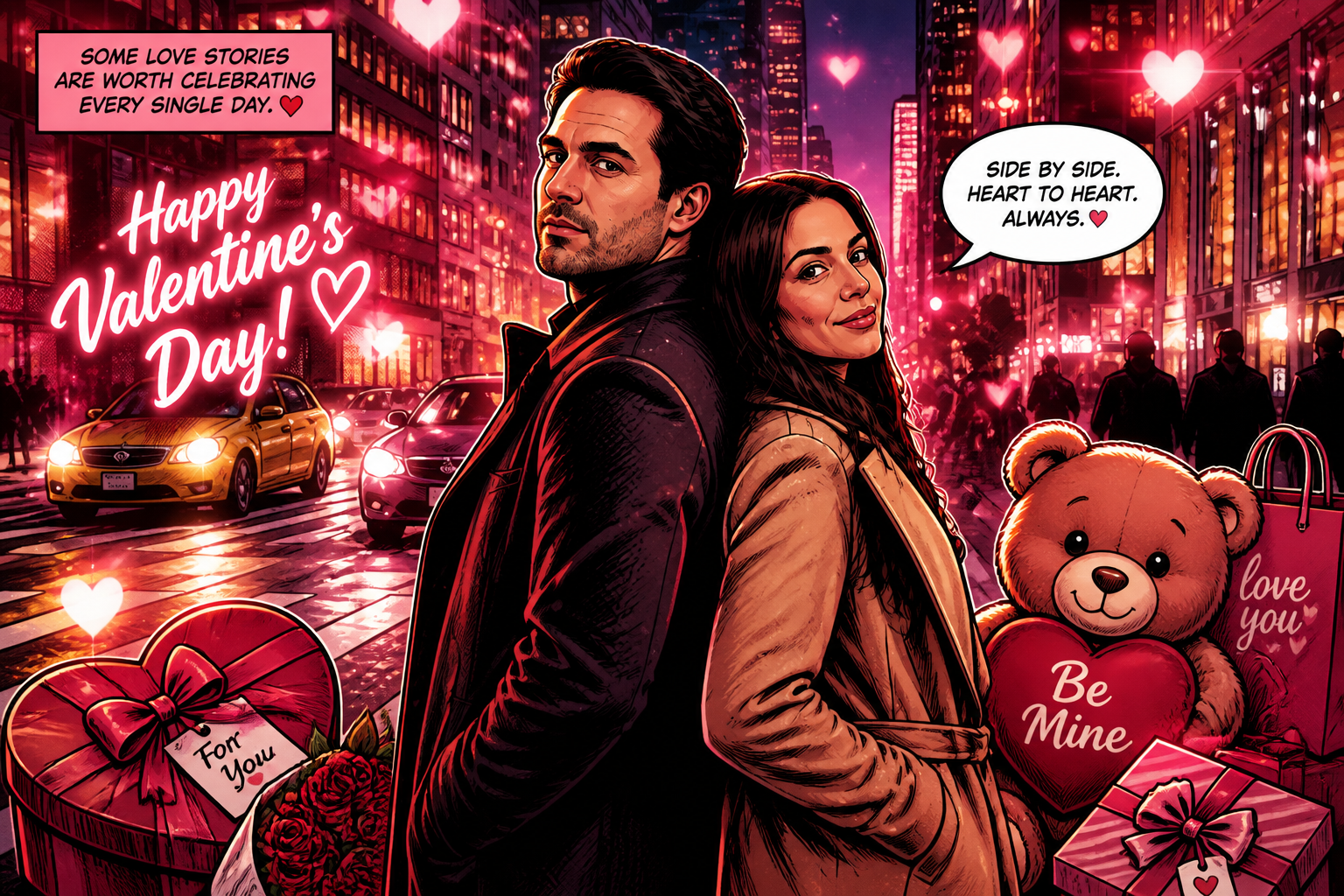
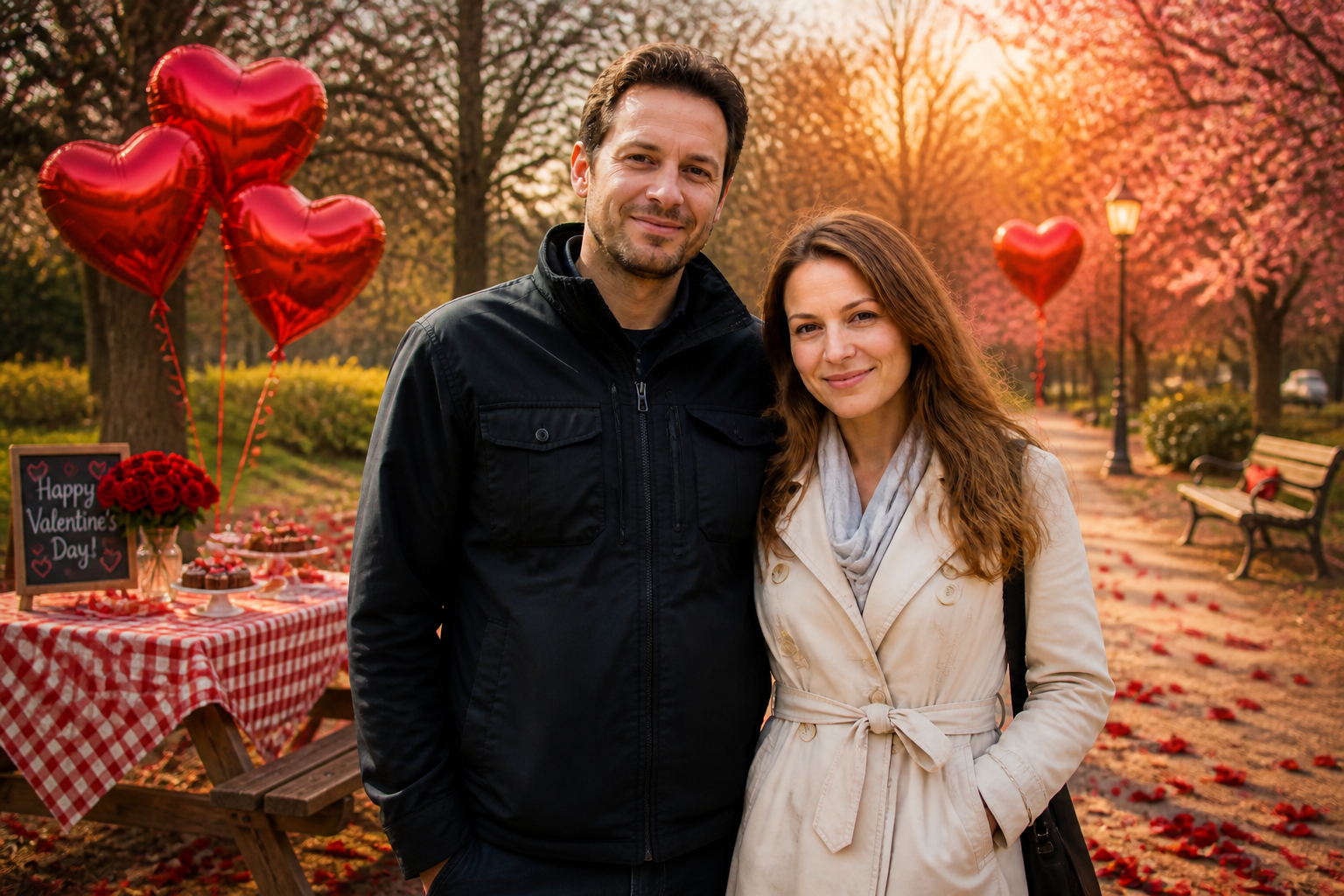
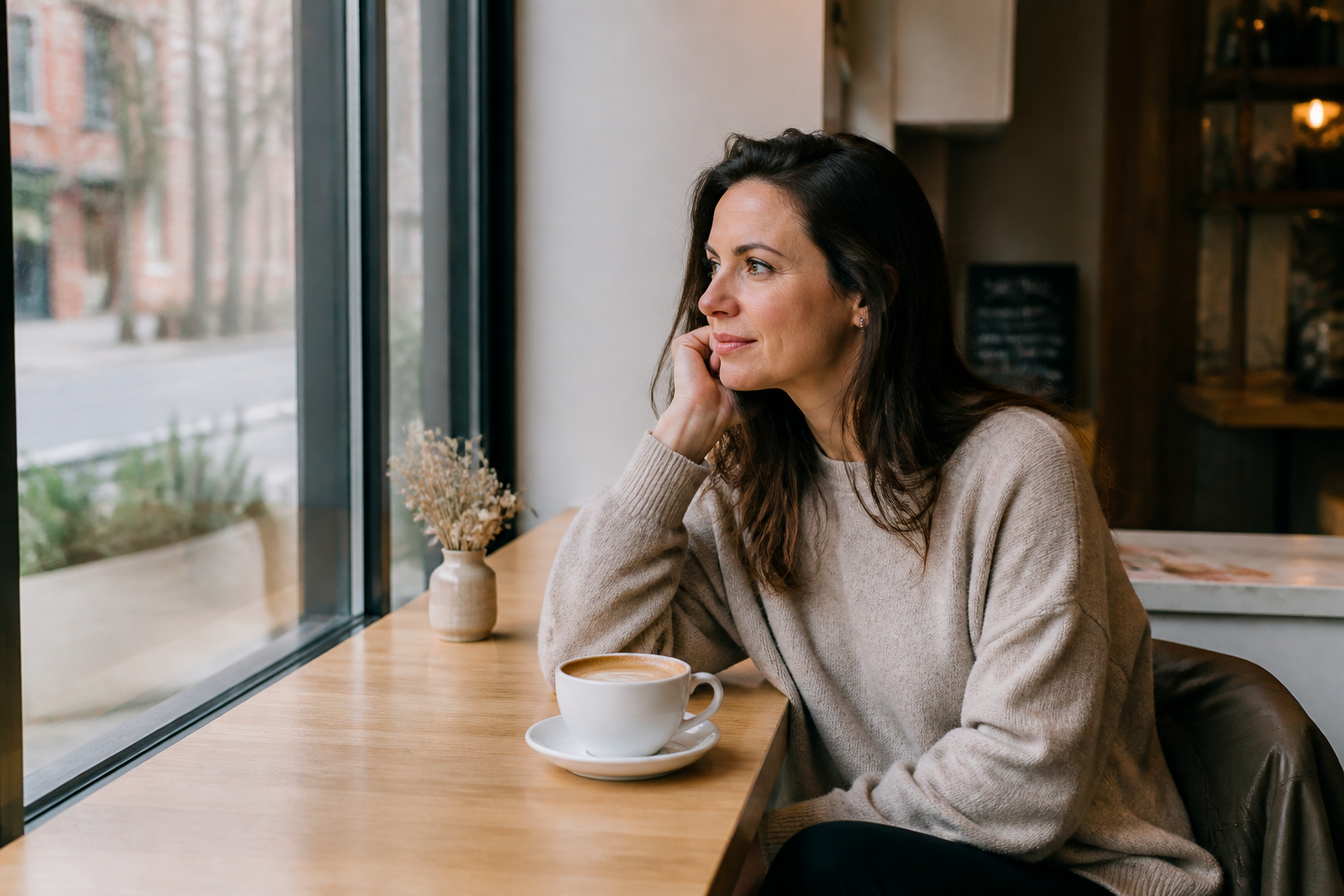
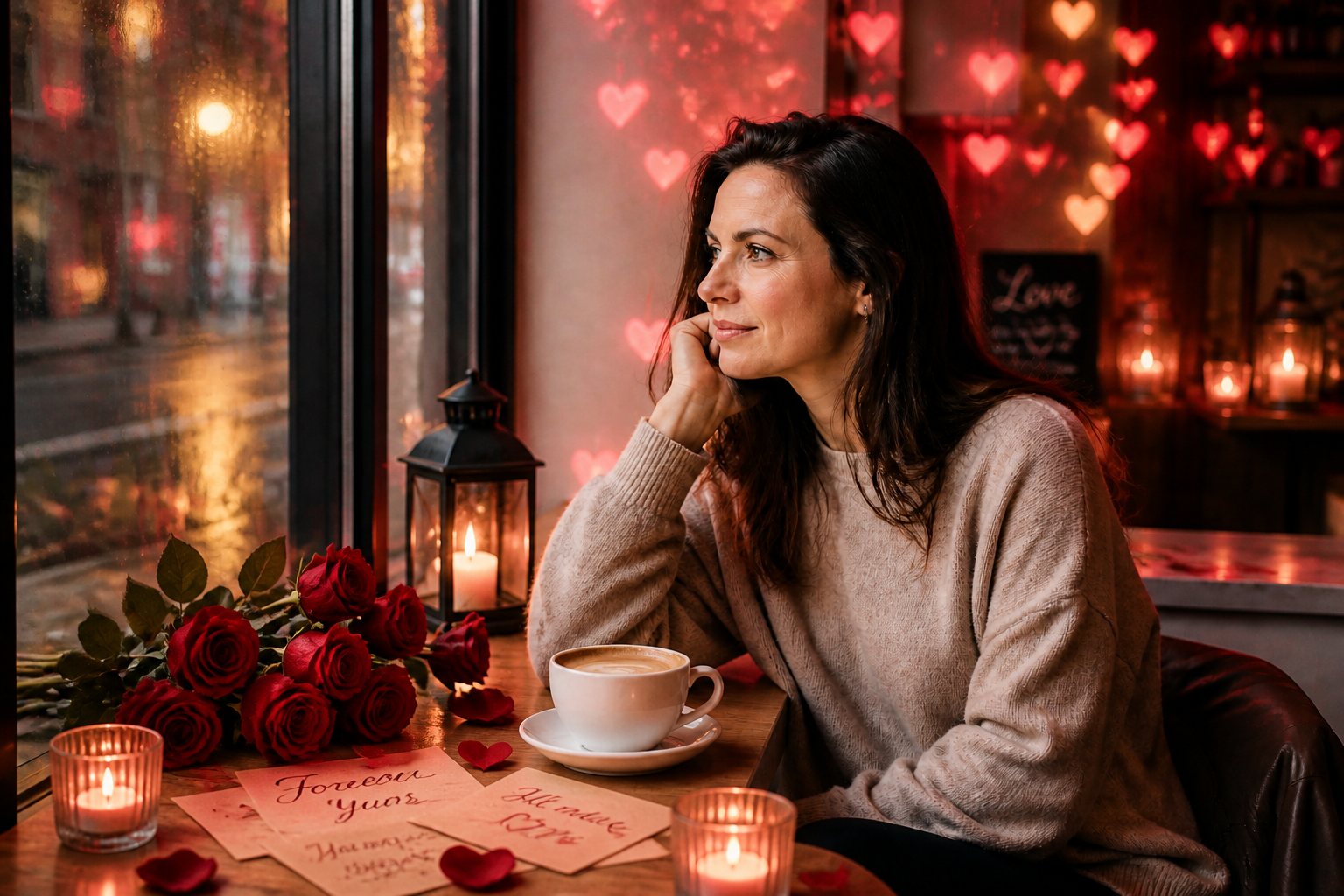
Upload a photo and turn it into a polished Valentine scene with romantic lighting, flowers, cards, gifts, and soft pink-red color palettes. Our AI keeps the core subject recognizable while transforming the mood into something date-night, giftable, and social-ready.
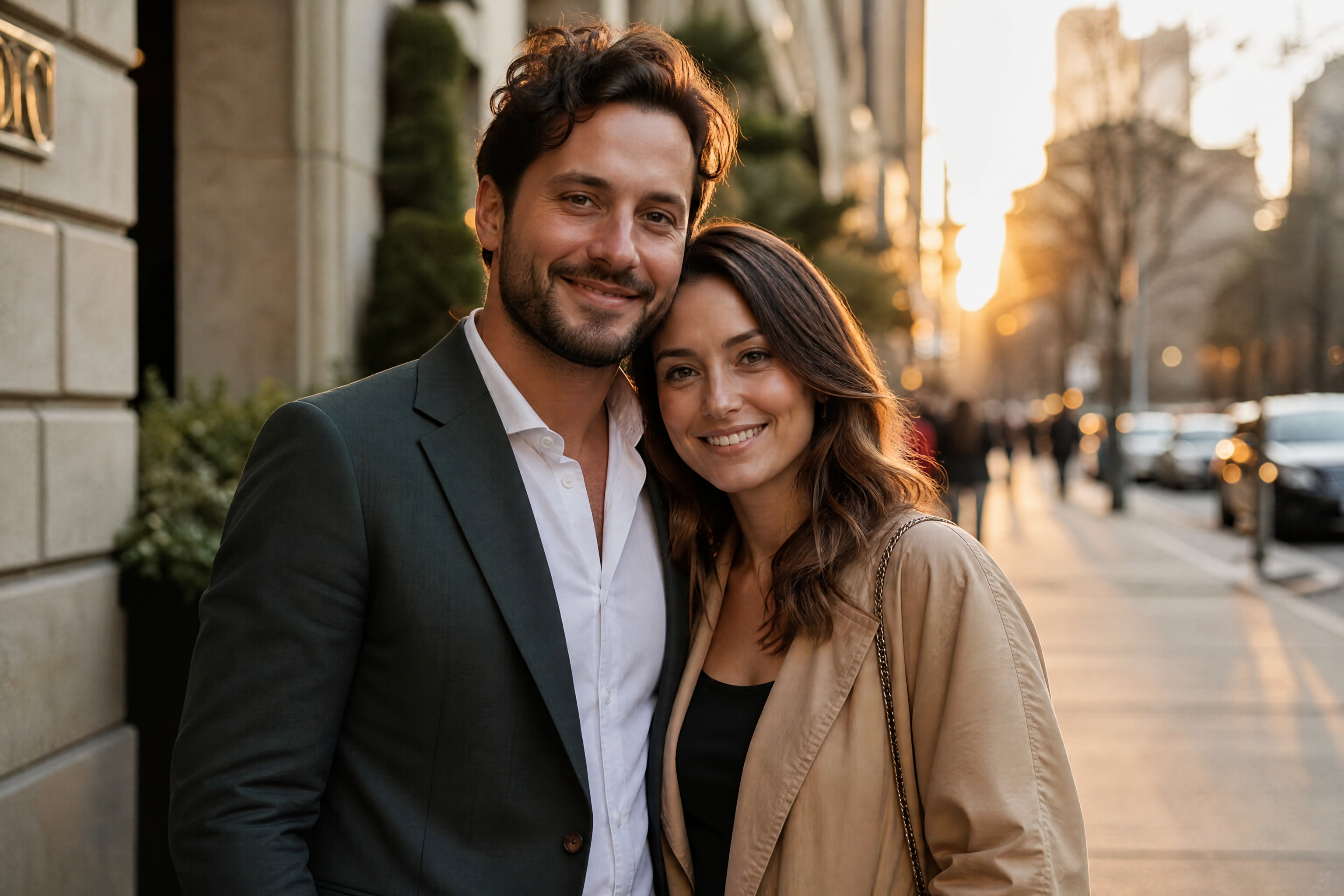
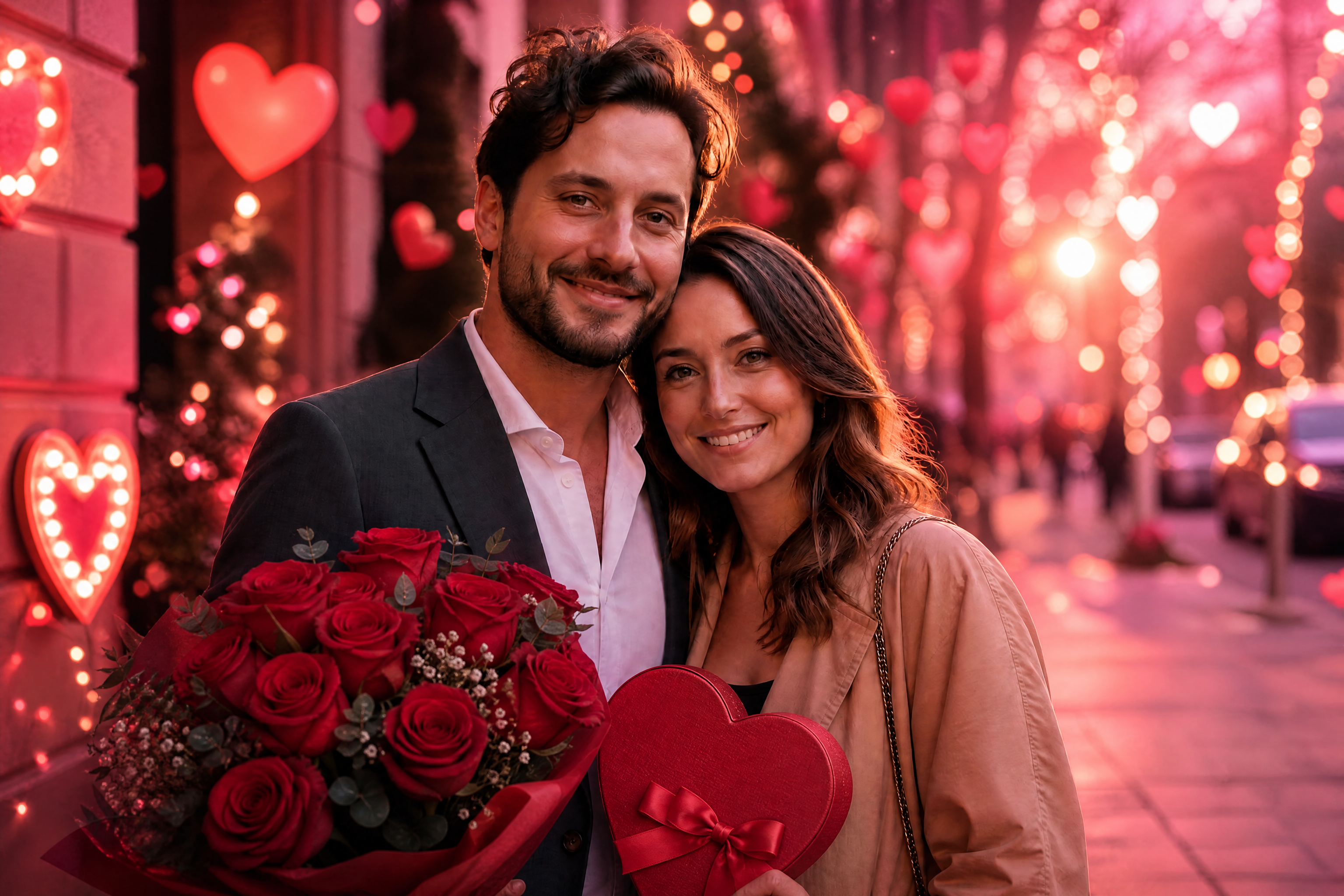
Watch the Transformation
See ai valentine photo generator in motion — generated end-to-end by our AI.
See It In Action
Real outputs from ai valentine photo generator.
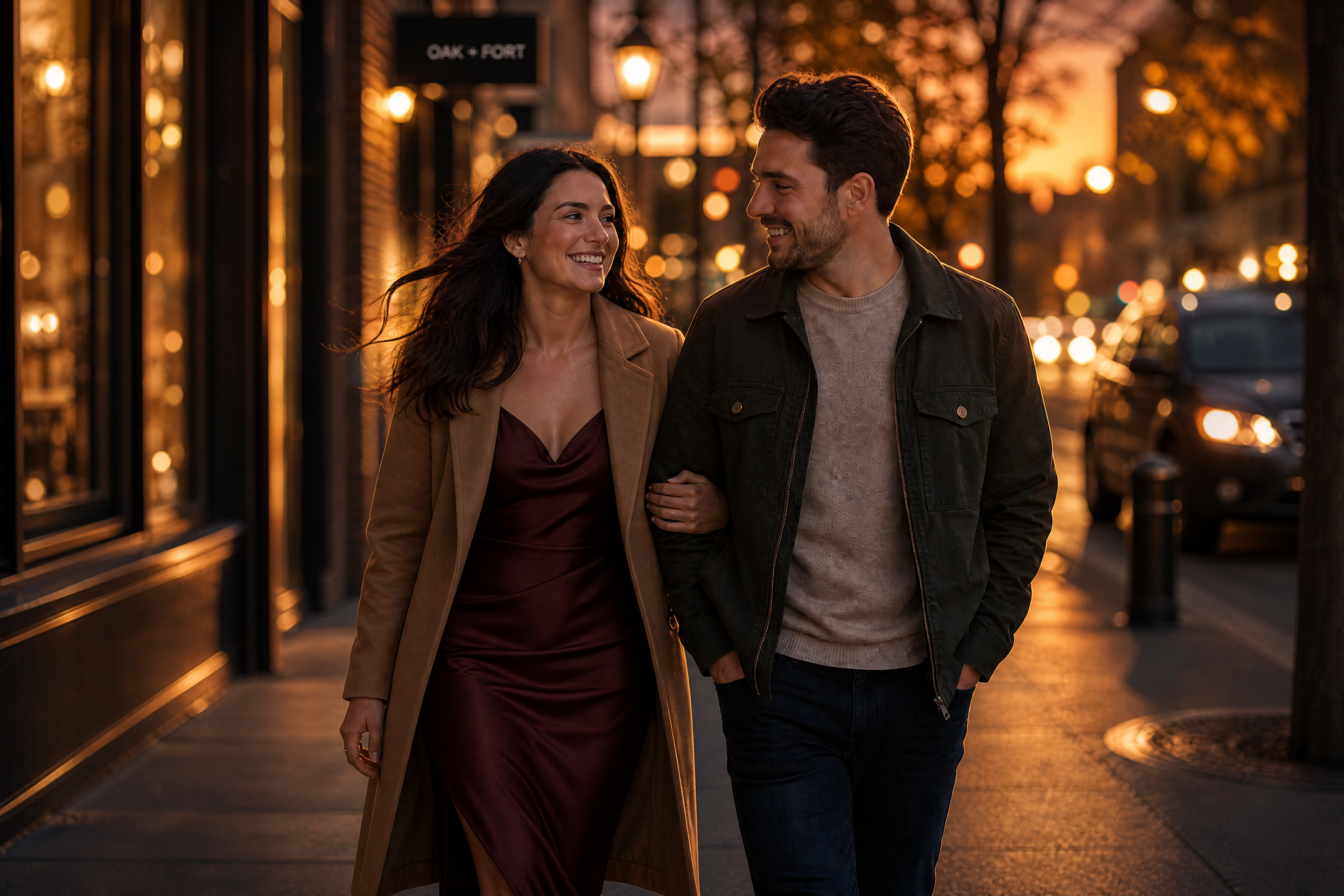
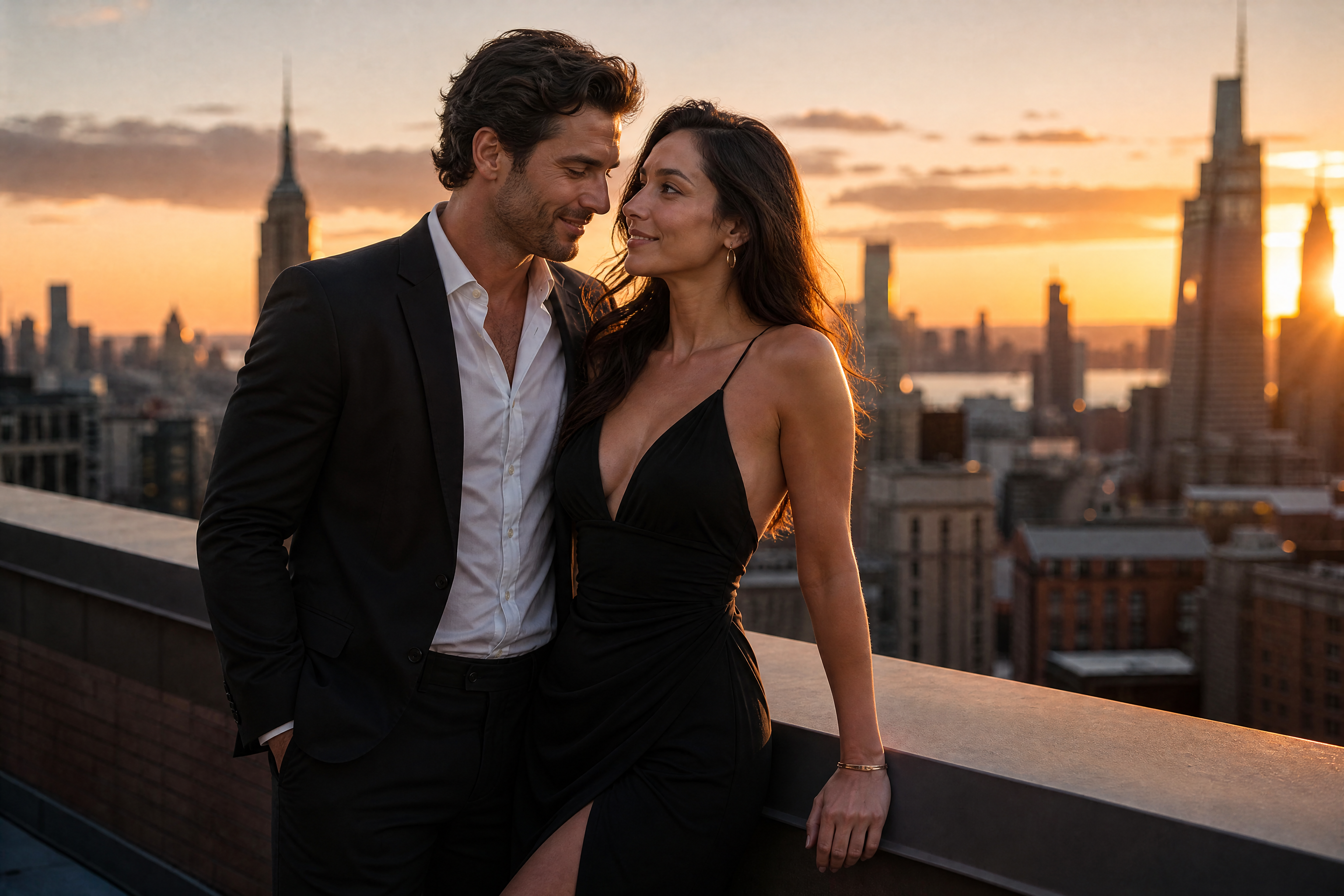
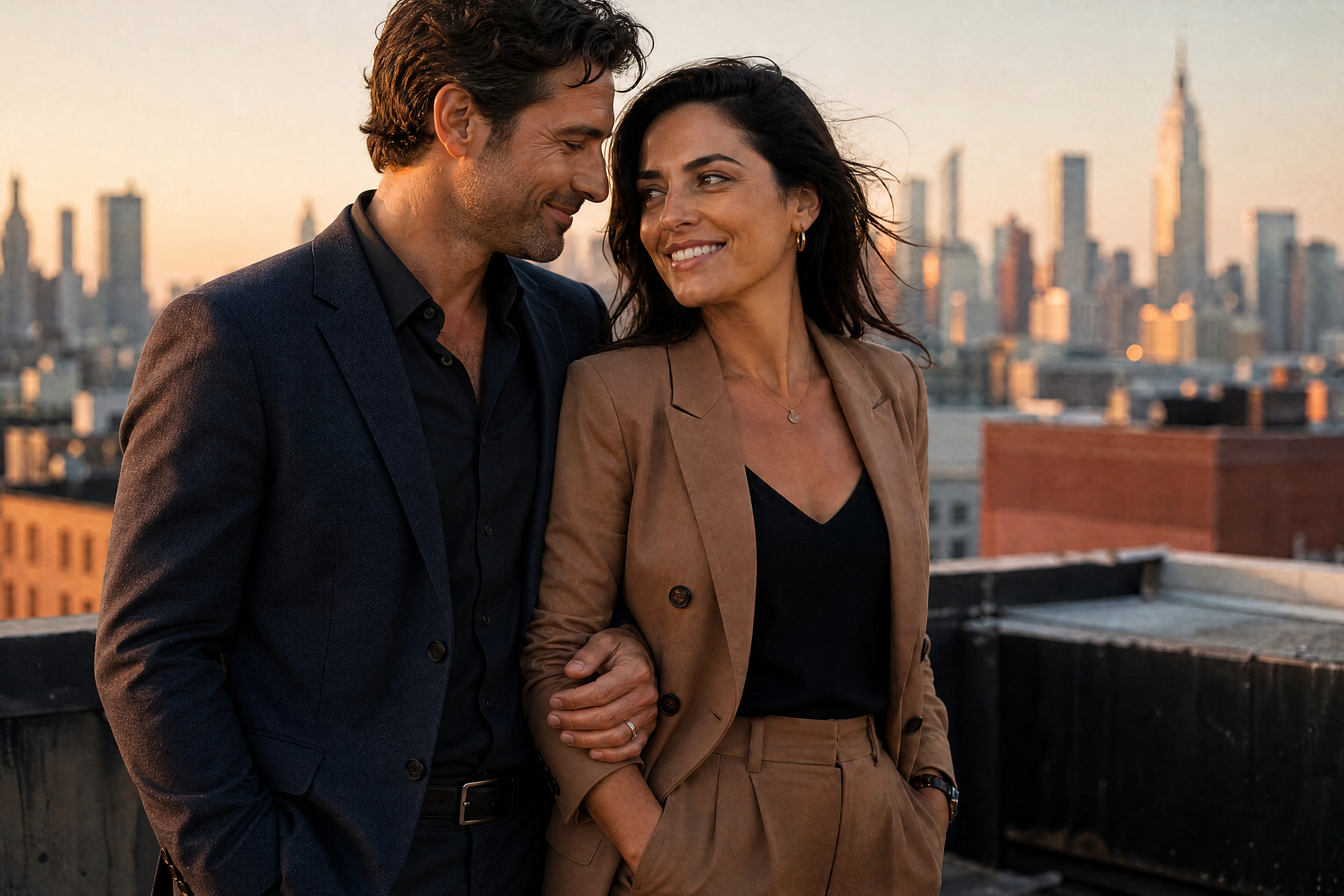
BEFOREAFTER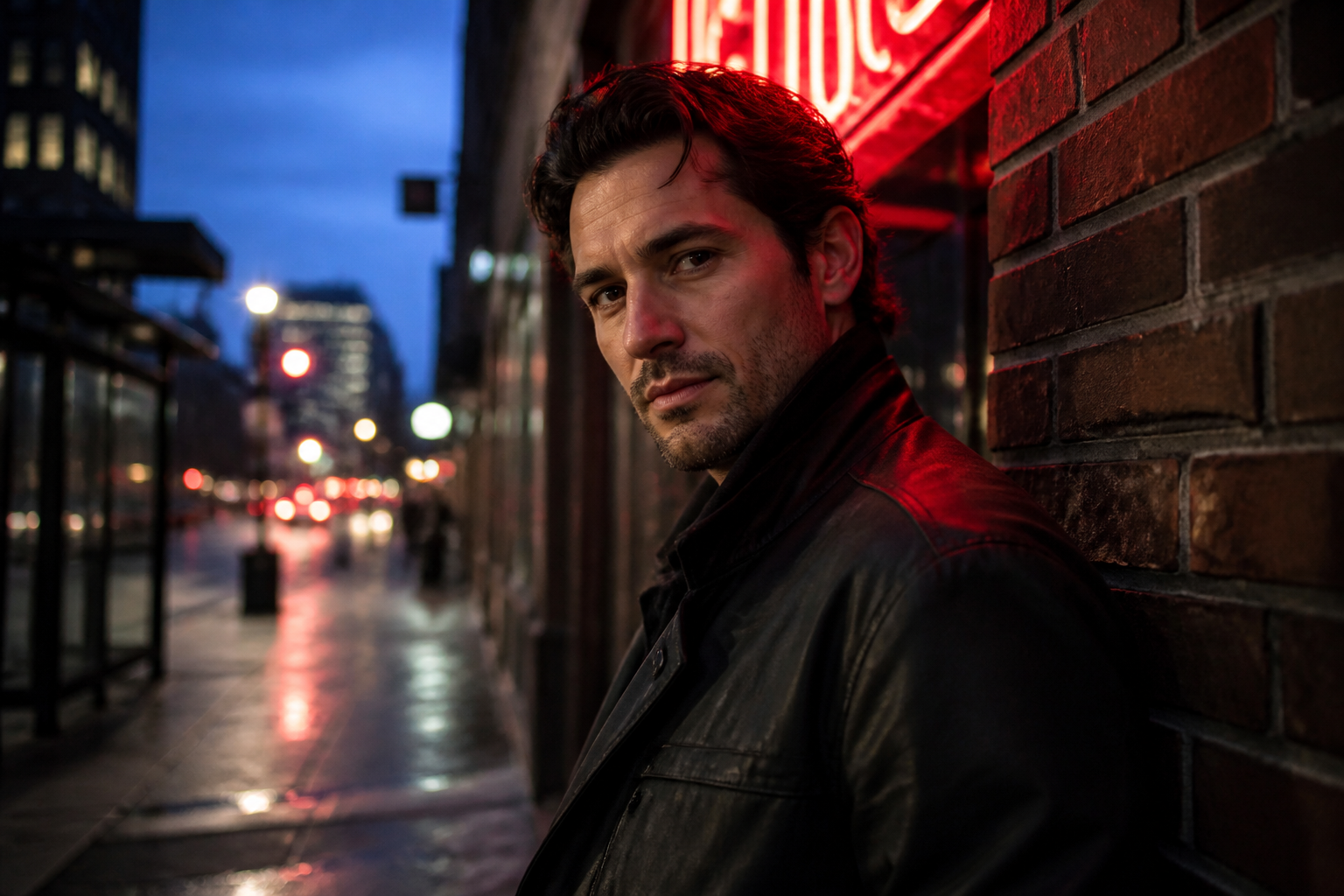 BEFORE
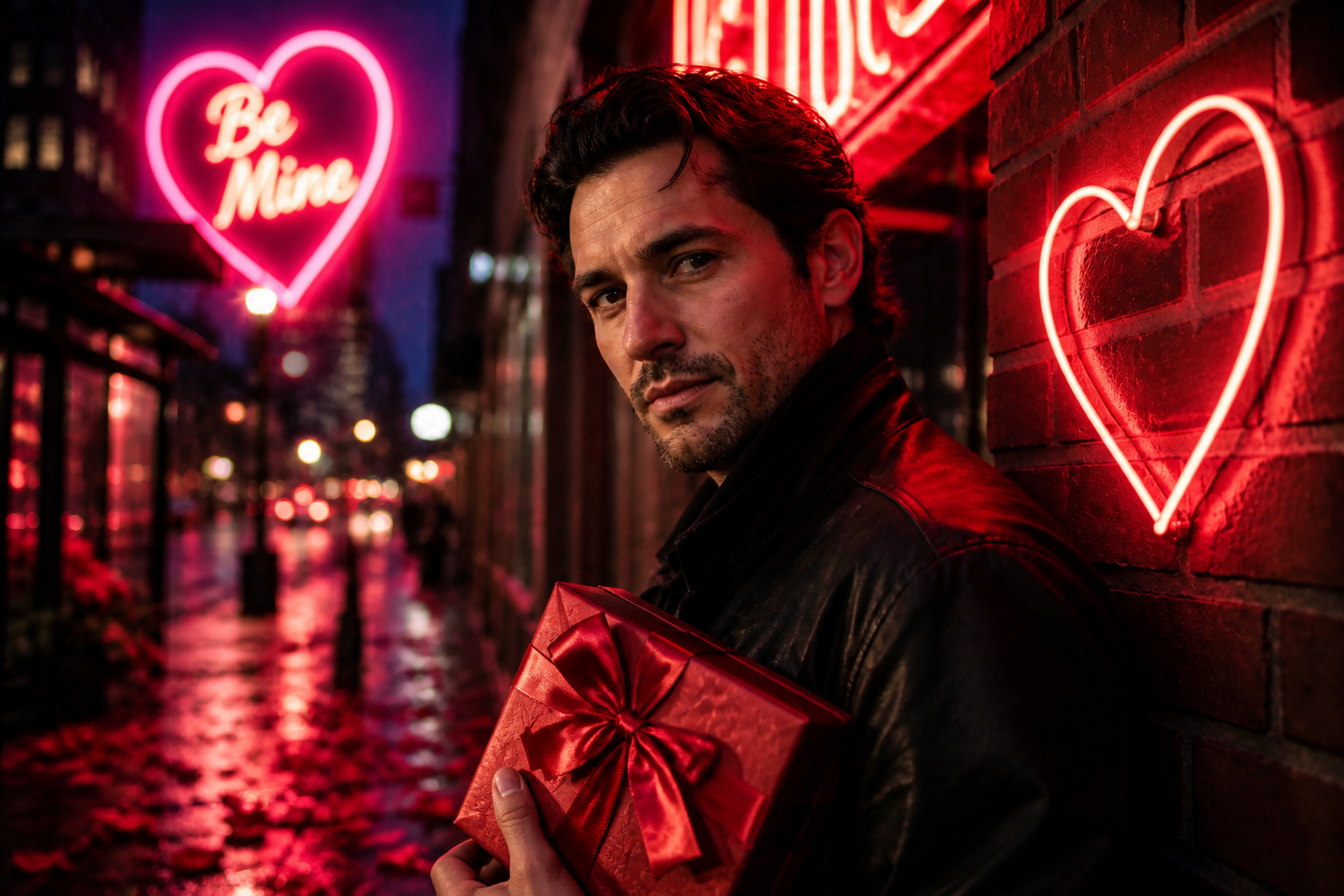 AFTER
AFTER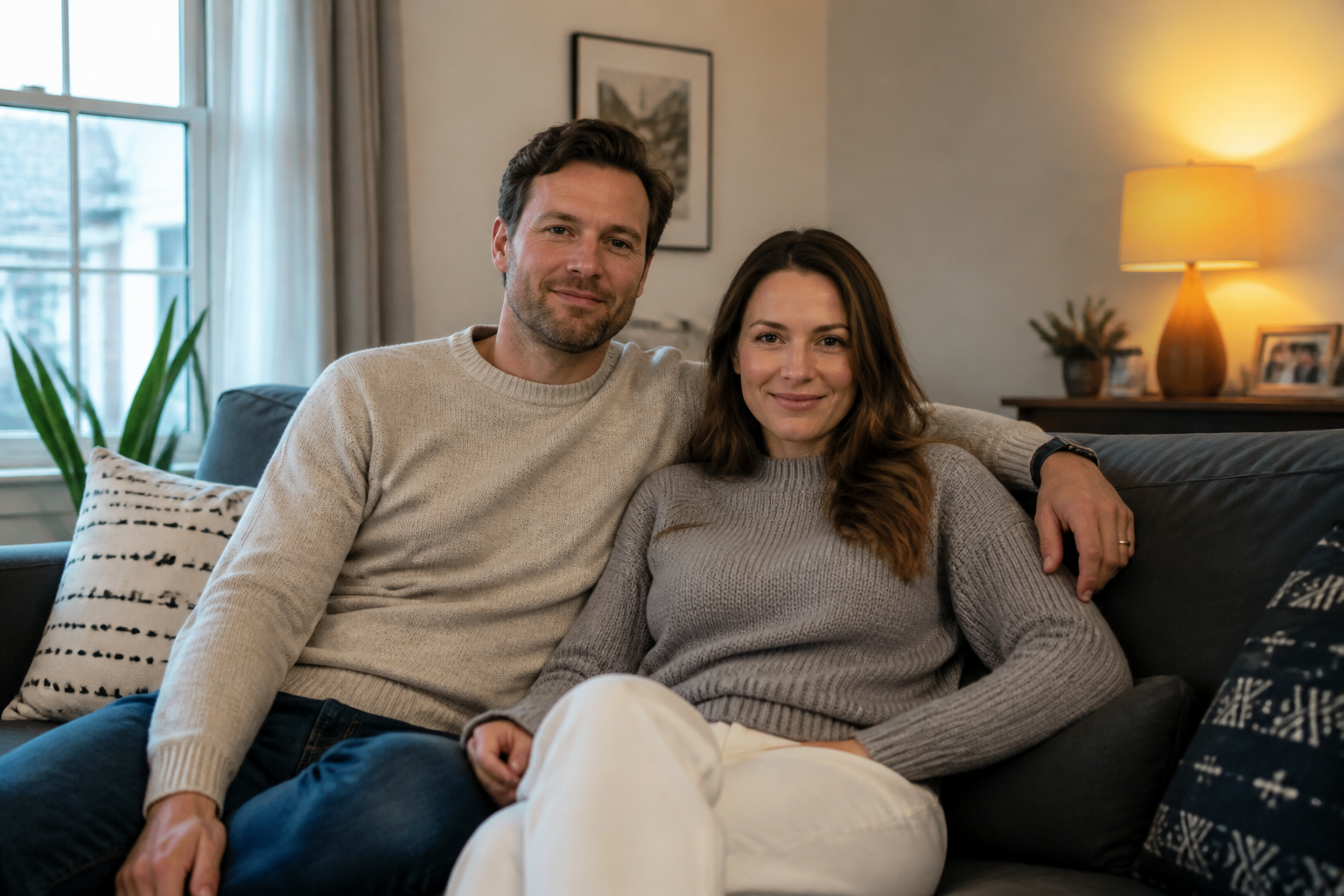 BEFORE
 AFTER
AFTER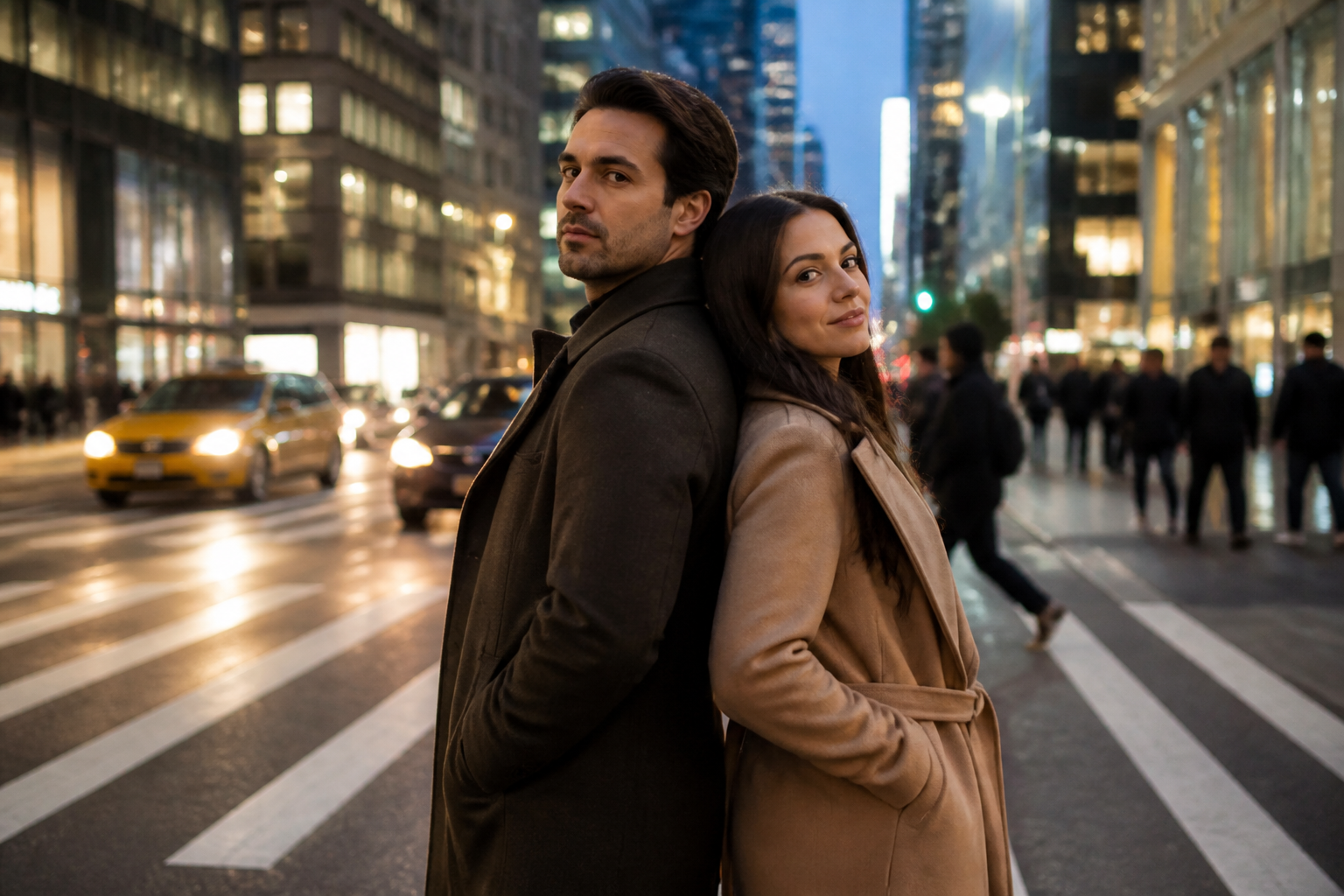 BEFORE
 AFTER
AFTER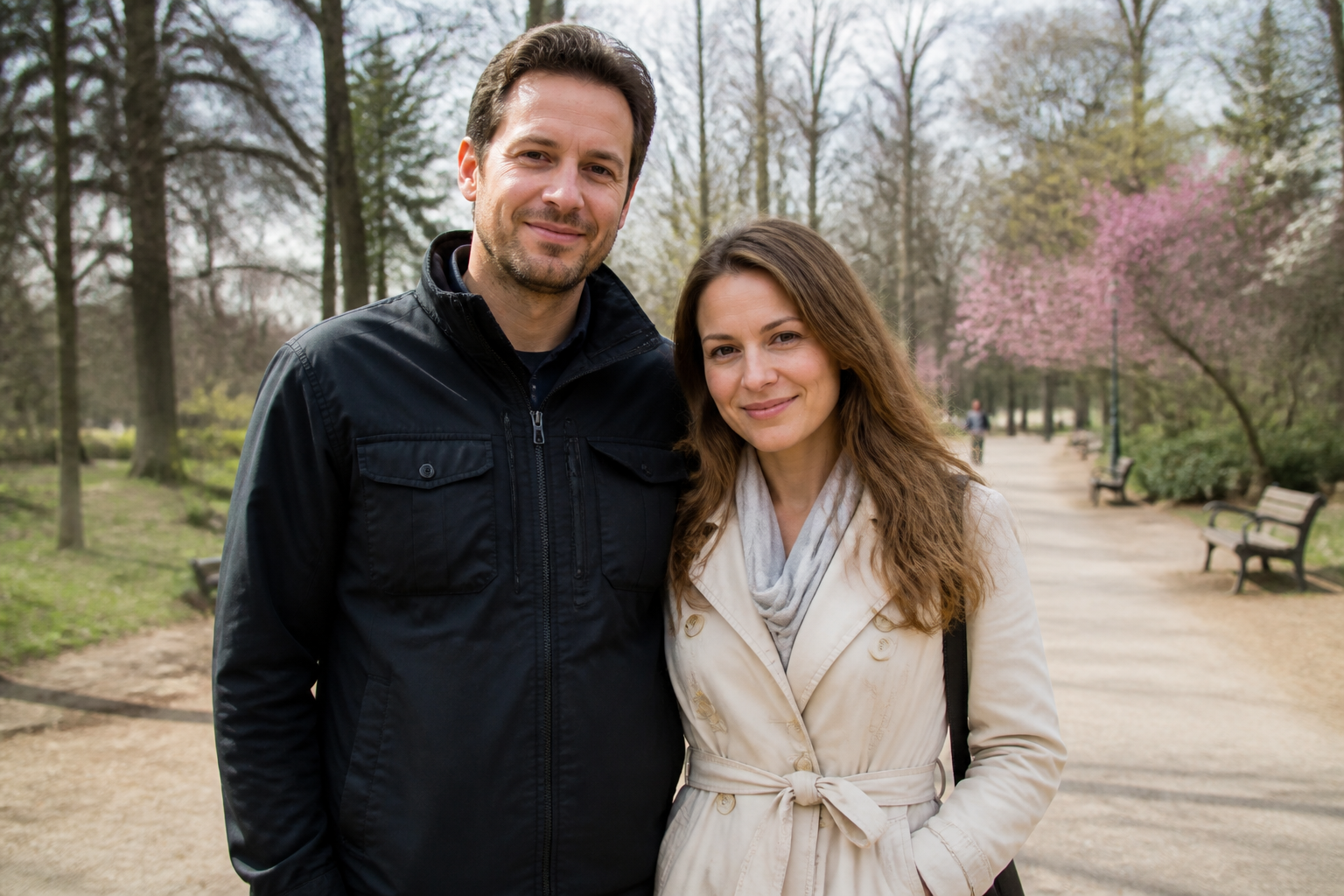 BEFORE
 AFTERBEFOREAFTERBEFOREAFTERBEFOREAFTERBEFOREAFTERBEFOREAFTER
 BEFORE
 AFTER
AFTER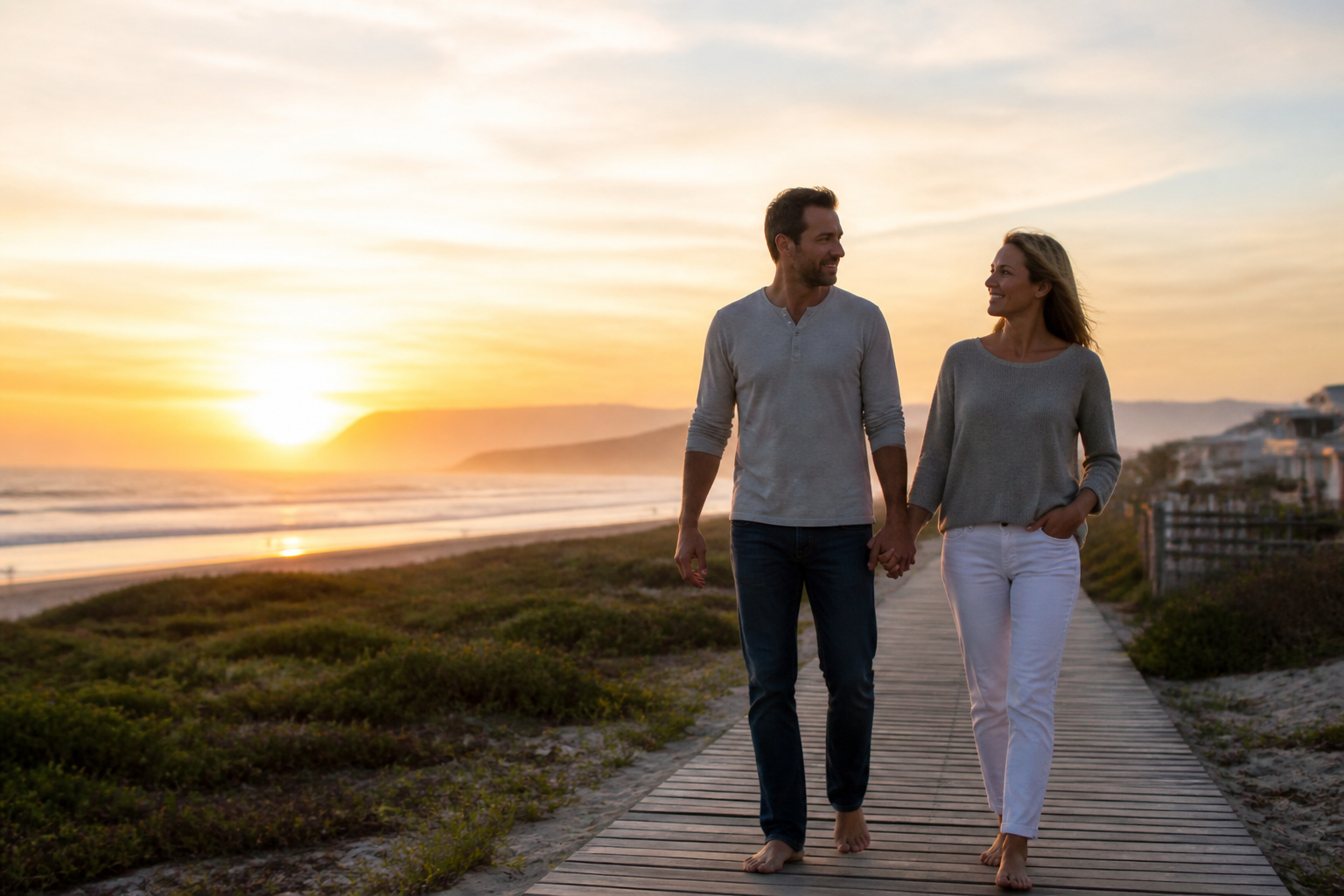 BEFORE
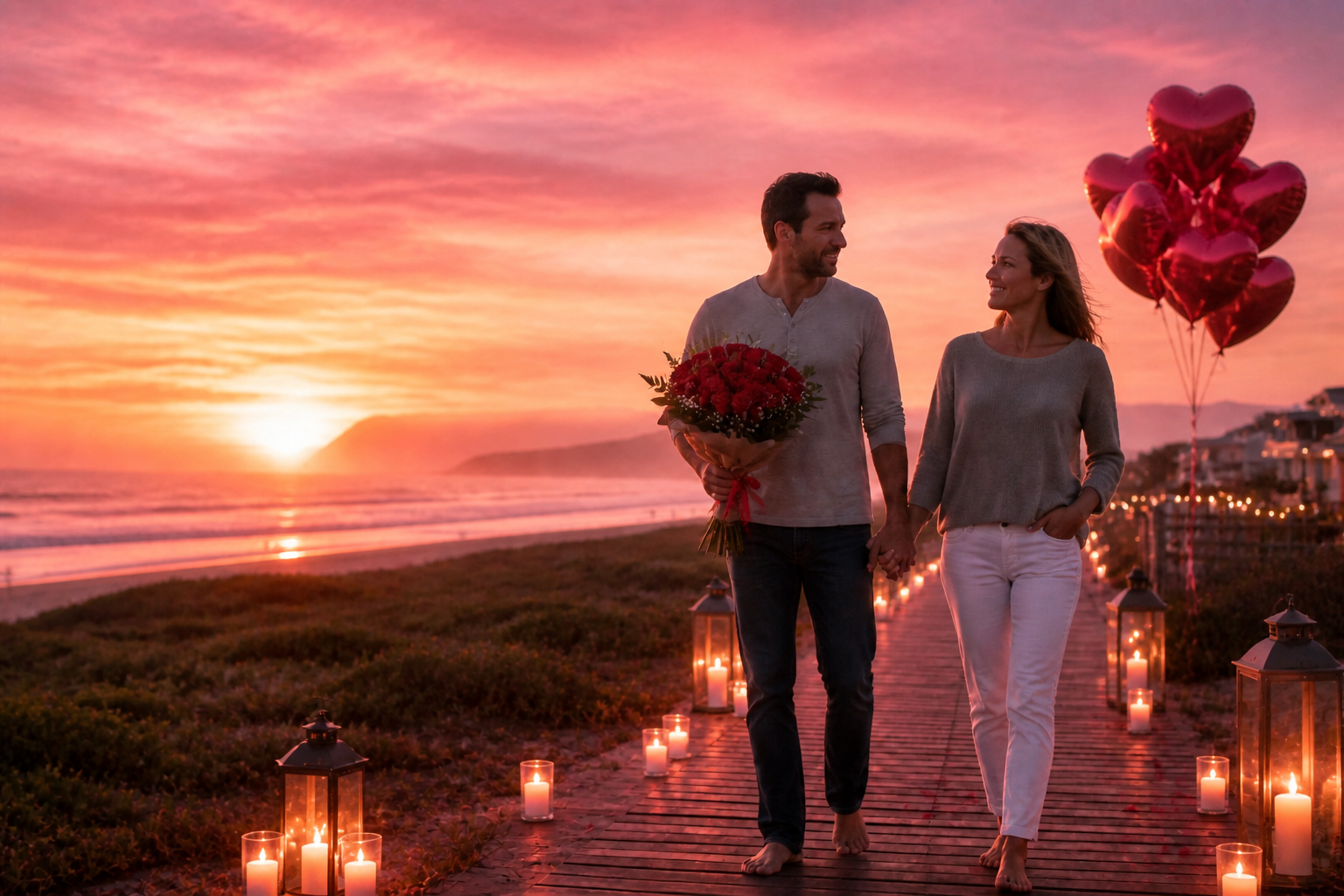 AFTER
AFTER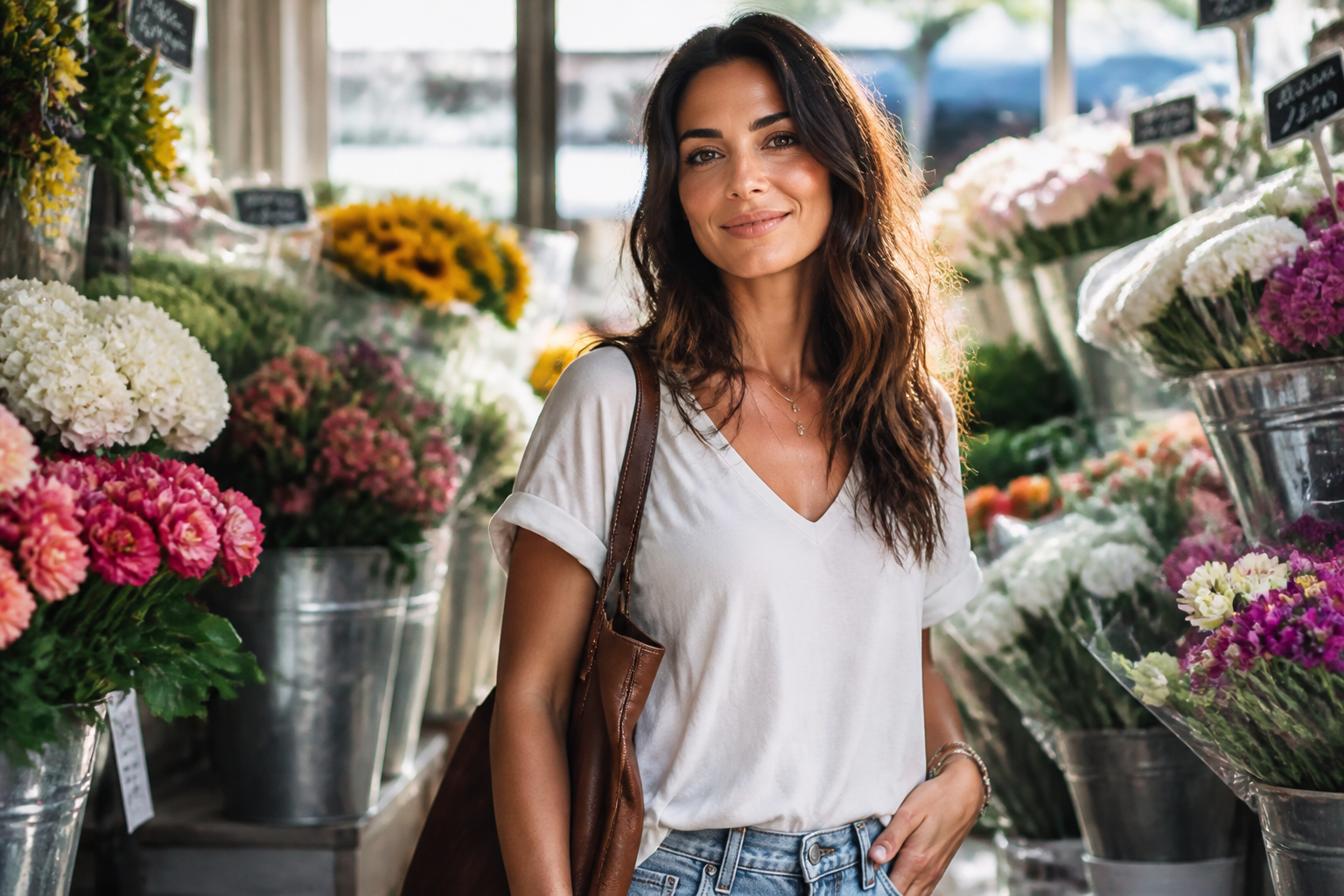 BEFORE
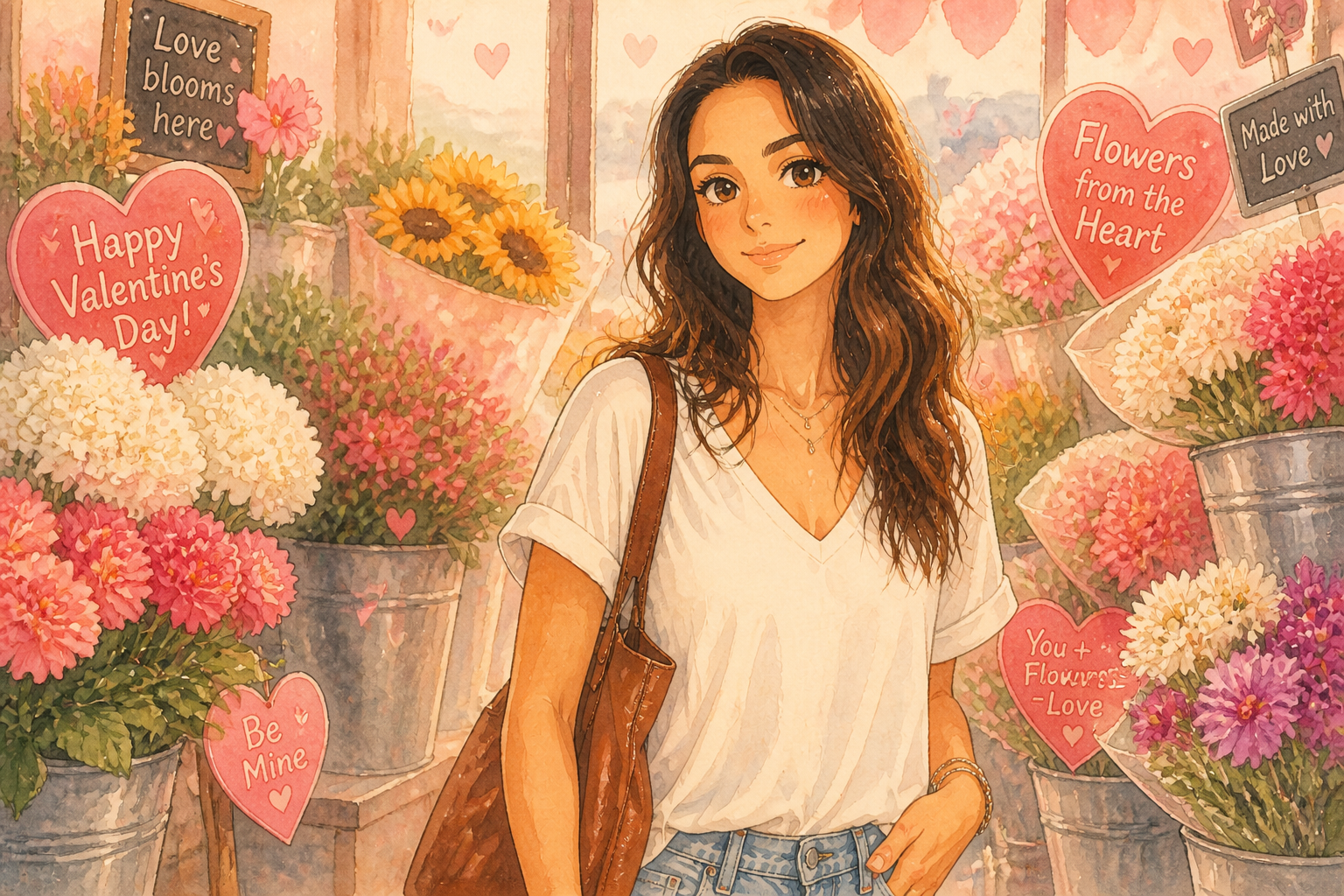 AFTER
AFTER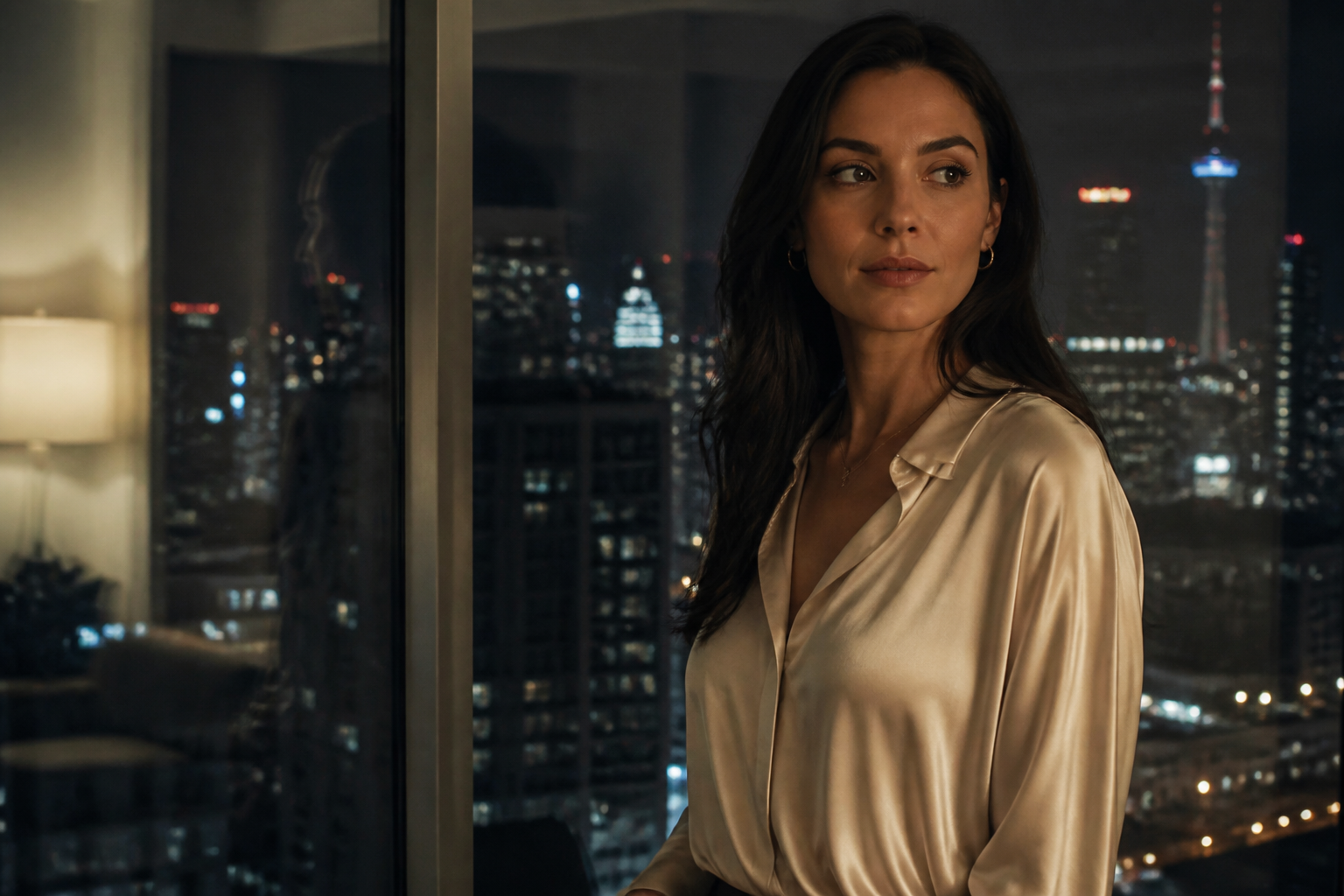 BEFORE
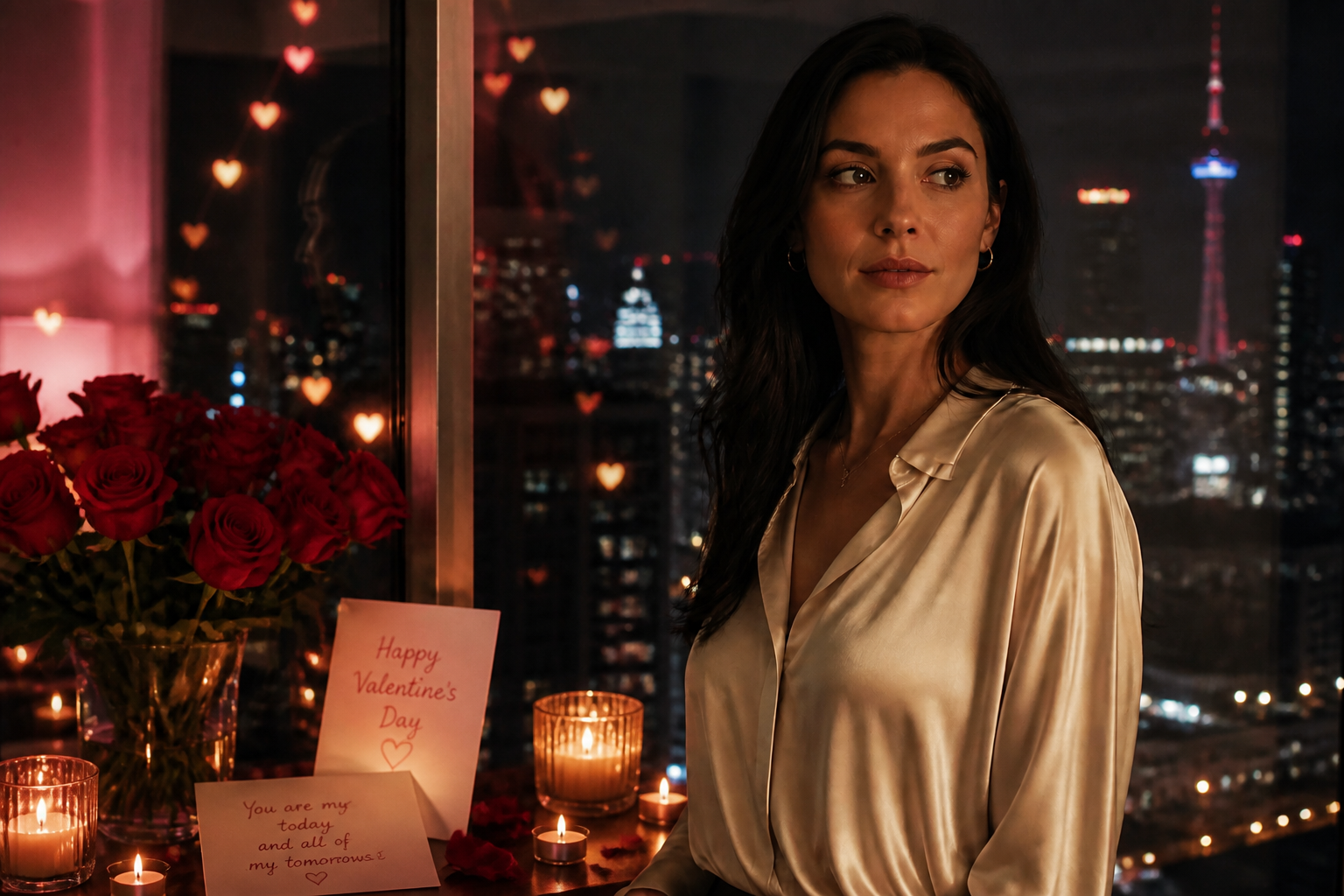 AFTERBEFOREAFTERBEFOREAFTERBEFOREAFTERBEFOREAFTER
Key Features
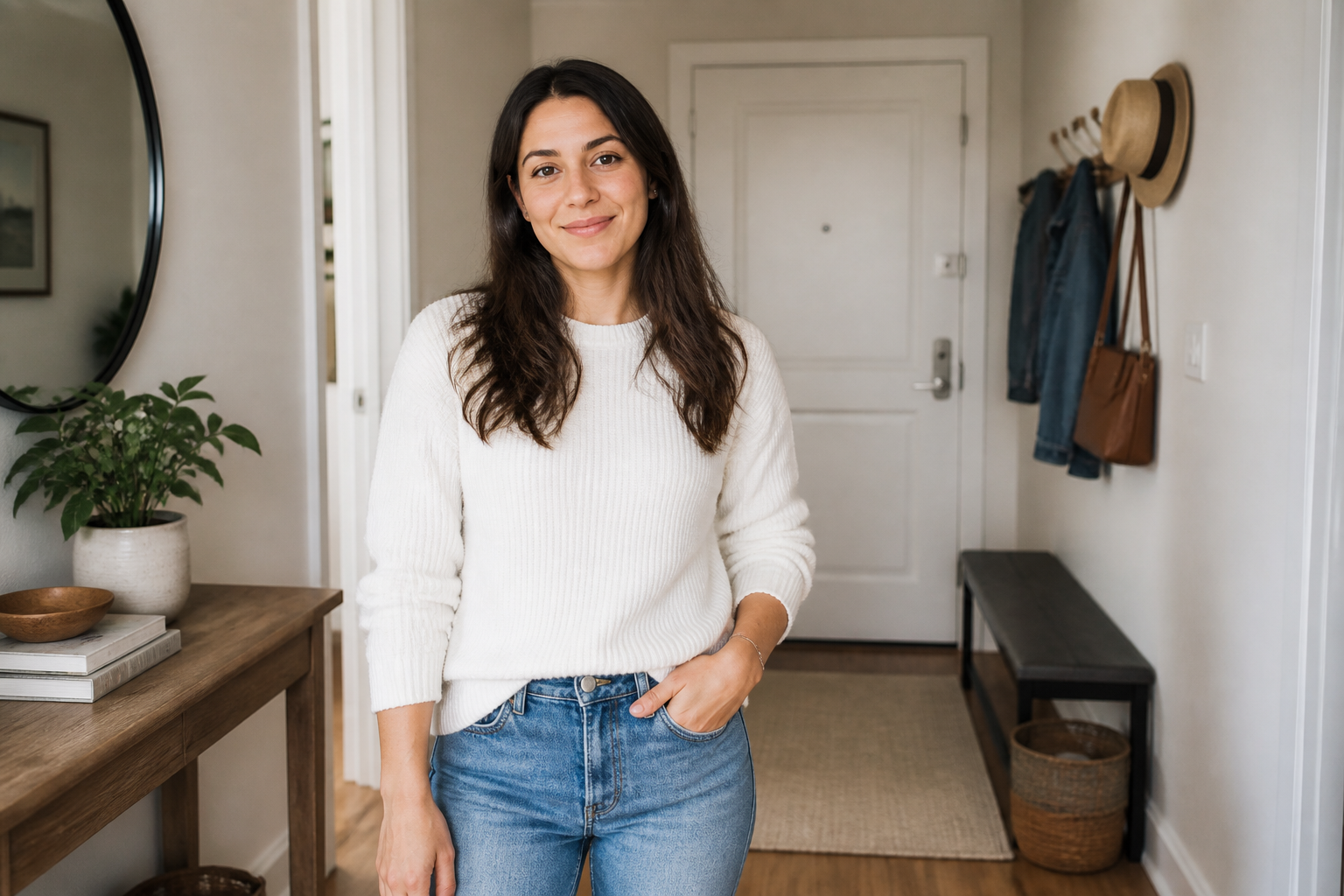
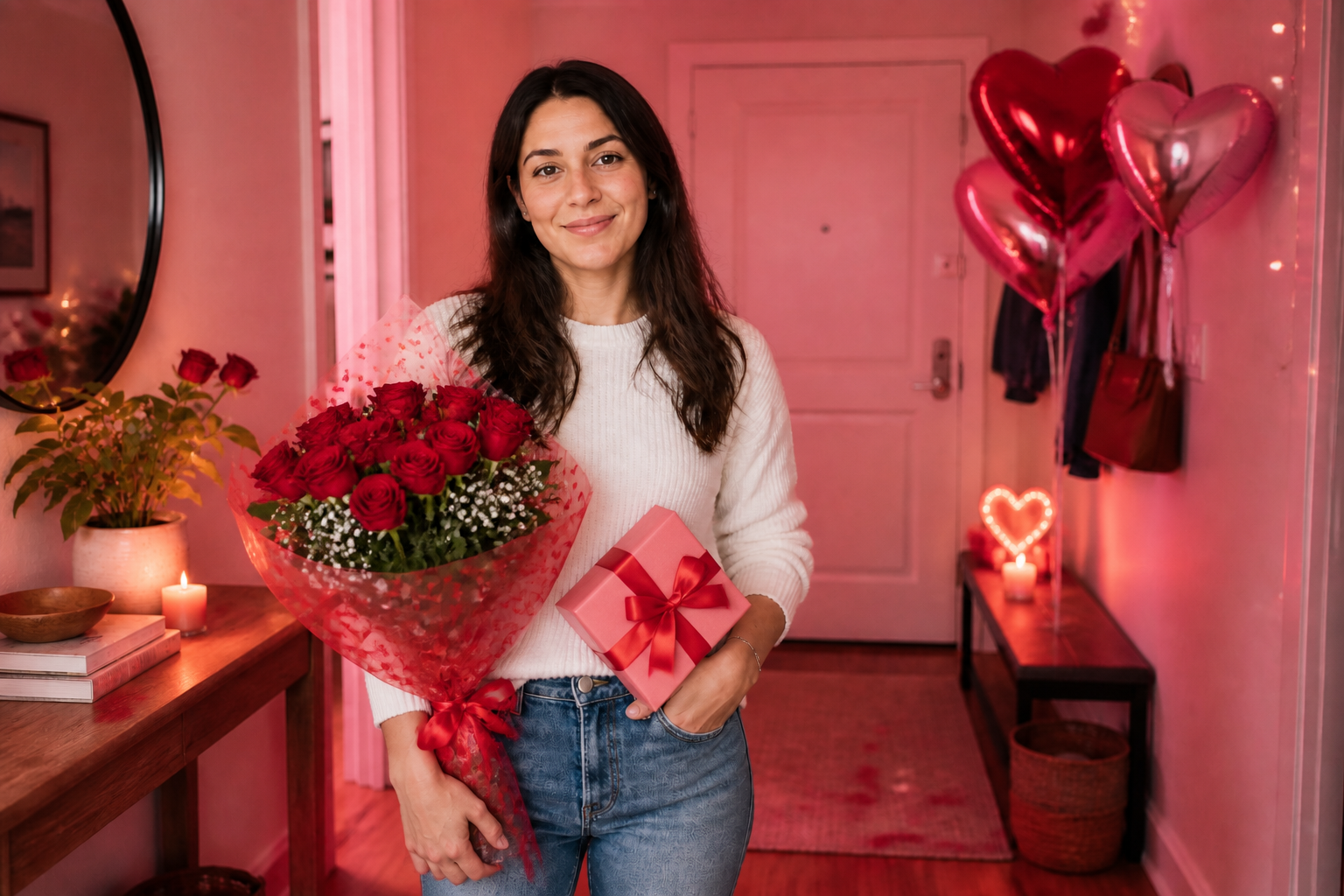
Add instant Valentine styling
Turn a normal photo into something that clearly reads as Valentine's Day. Our AI can add roses, gift boxes, candles, cards, balloons, and romantic color grading in one edit. That saves you from staging props, renting a set, or compositing multiple elements by hand. The result is a themed image that still feels like your original moment.
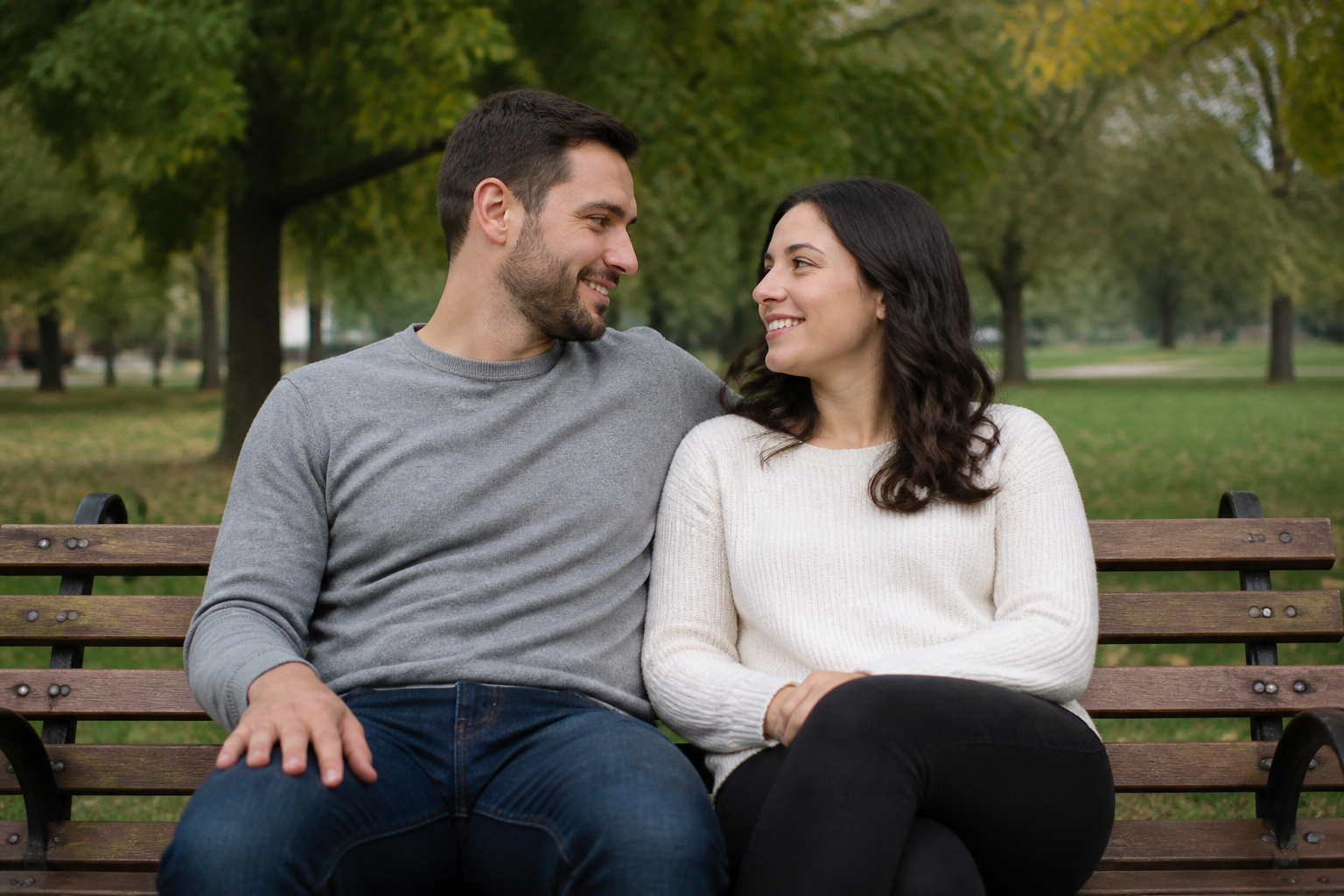
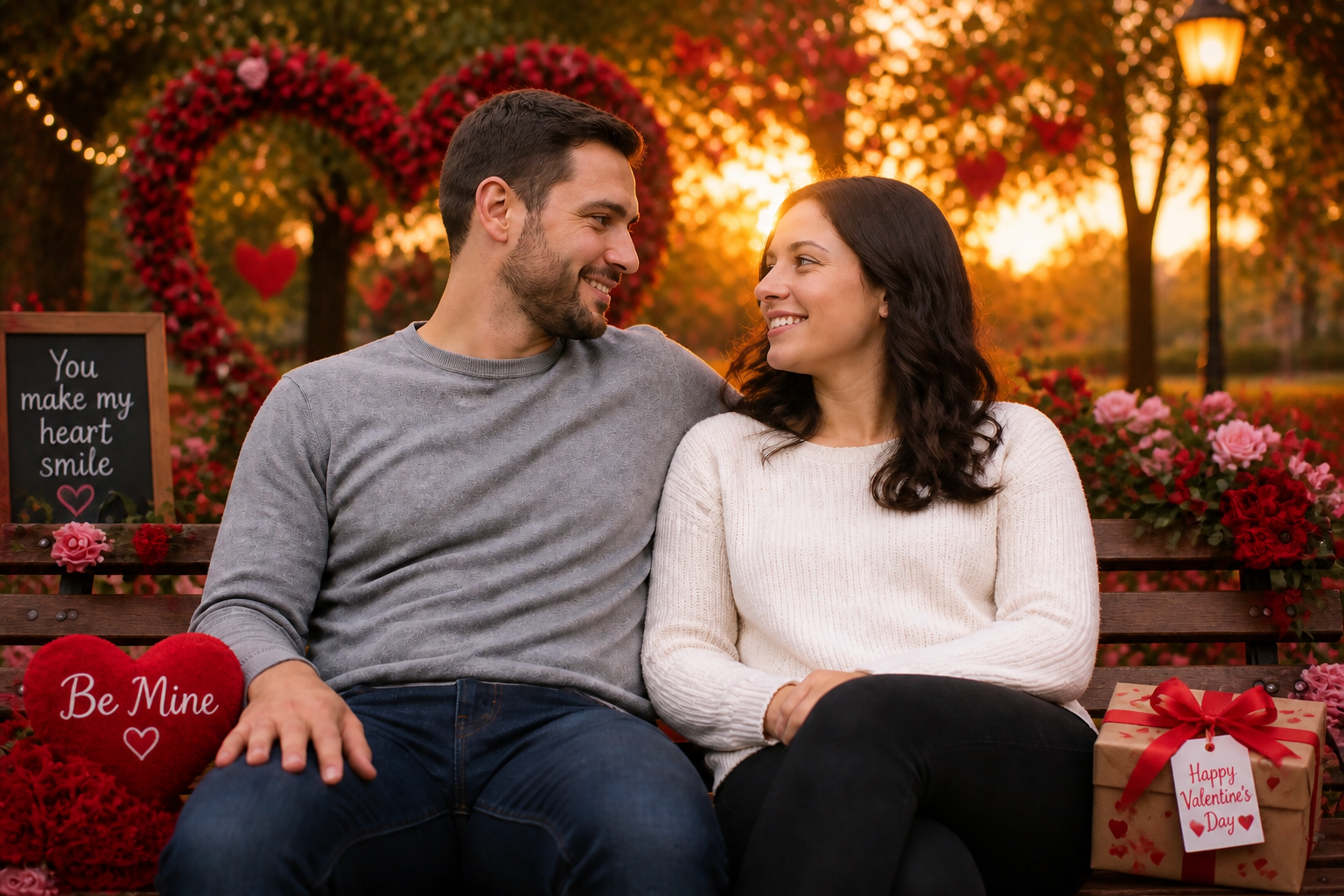
Keep the people recognizable
A themed edit should not make you look like someone else. Our AI focuses on changing the setting, props, and mood while keeping the core face, body, and pose consistent. That makes the output more useful for couple posts, gift prints, and profile images. You get a stronger transformation without losing the point of the photo.

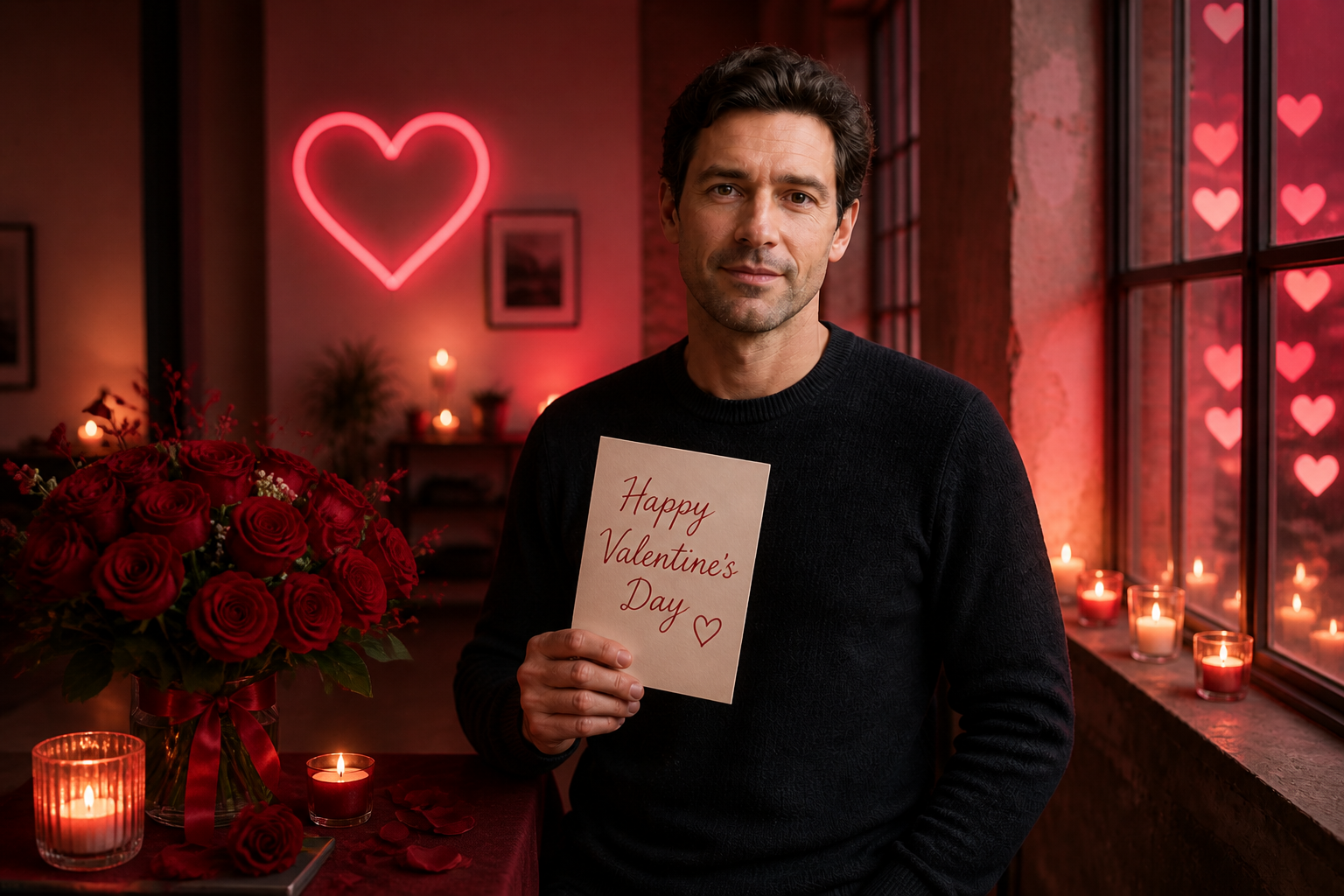
Works for couples or solo shots
You can create a Valentine image whether the original photo is a pair portrait or a single-person shot. The AI adapts the same romantic visual language to different subjects and settings. That means you can make date-night posts, singles portraits, or gift-style photos from images you already have. You do not need a perfect studio setup to get a polished result.
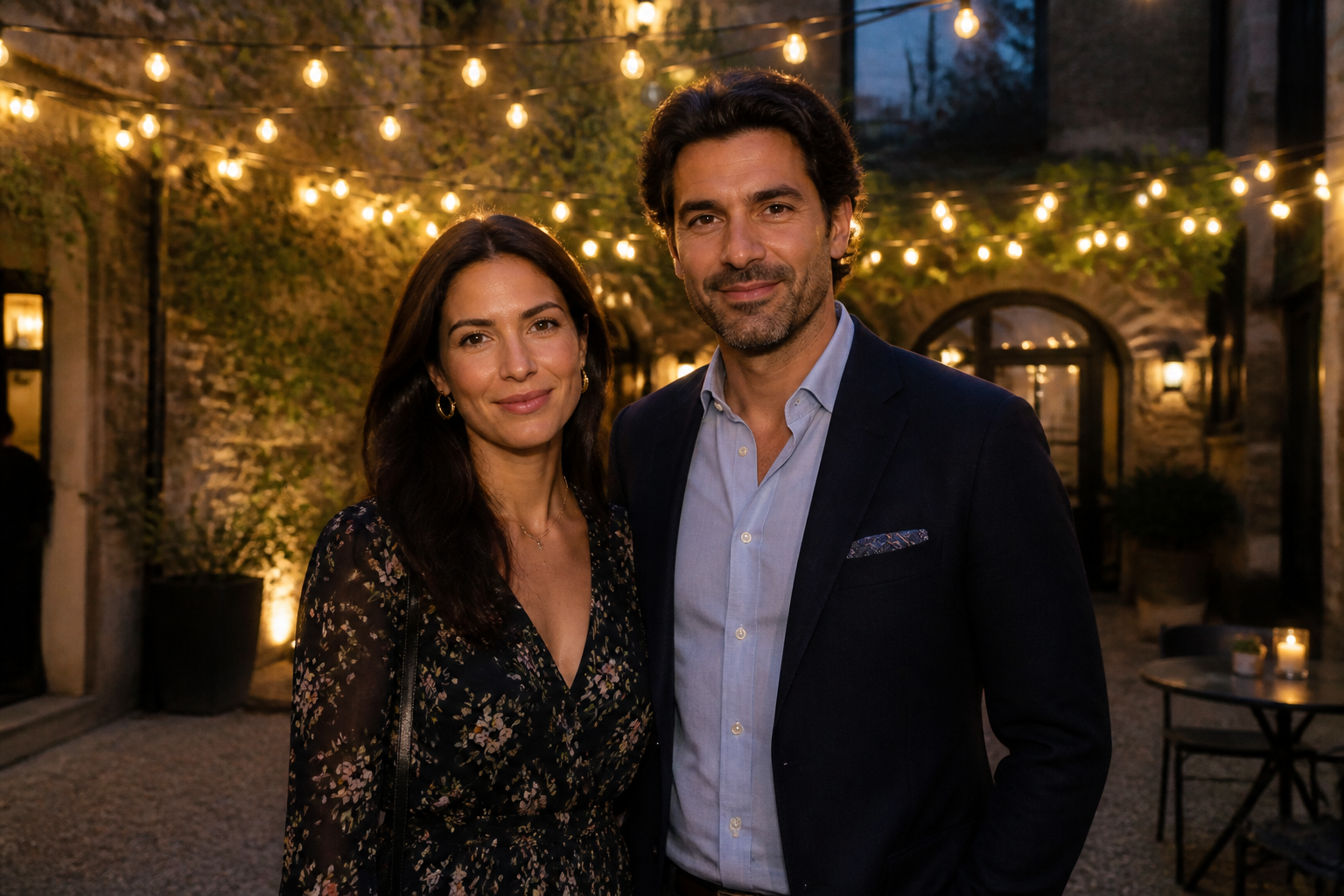
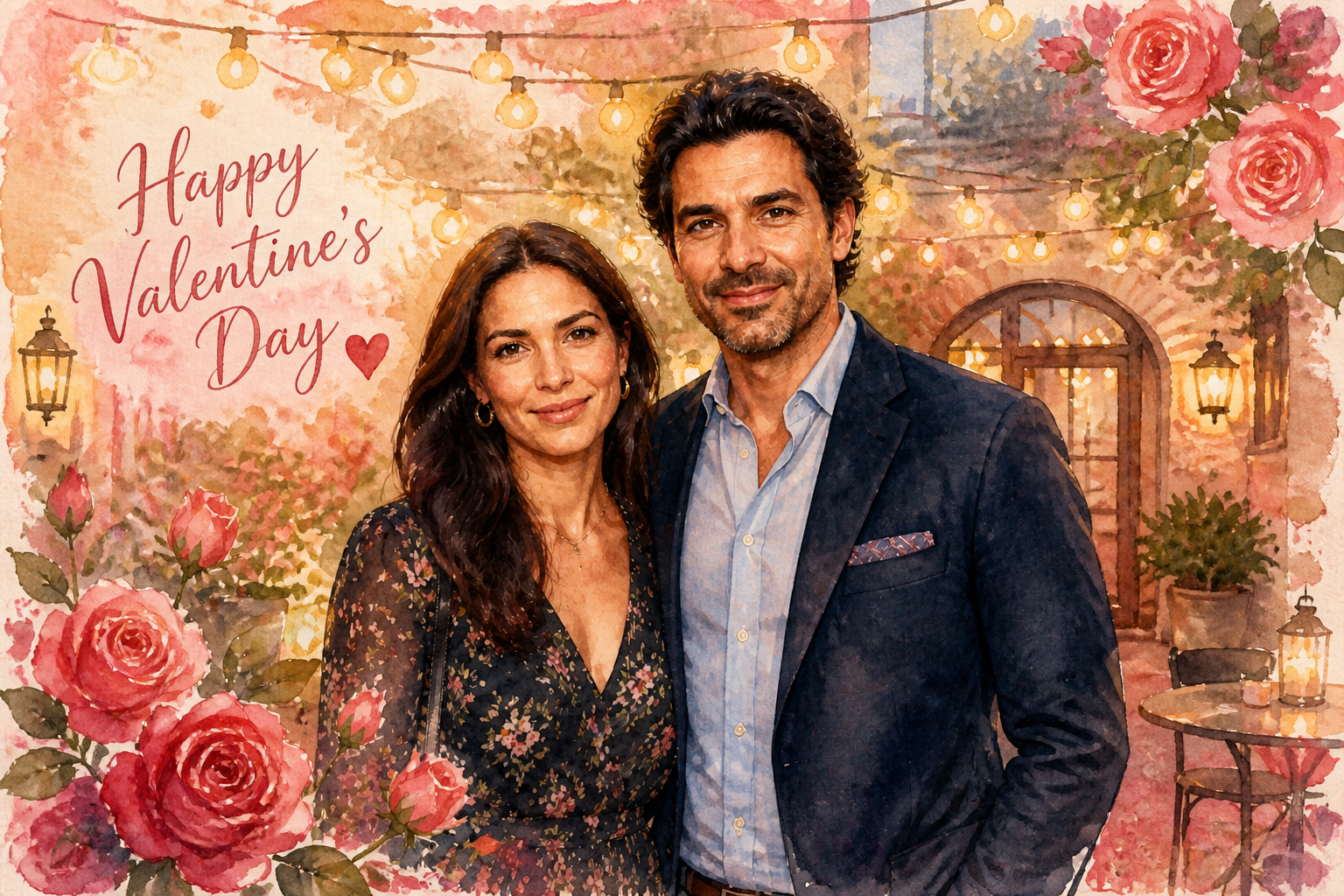
Create multiple visual styles
Some people want a realistic romantic portrait, while others want a stylized keepsake. Our AI can push the same photo into editorial, illustrated, or cinematic directions without rebuilding the composition from scratch. That gives you more range for social posts, cards, and gifts. It is much faster than trying separate apps for retouching, filters, and design.
How It Works
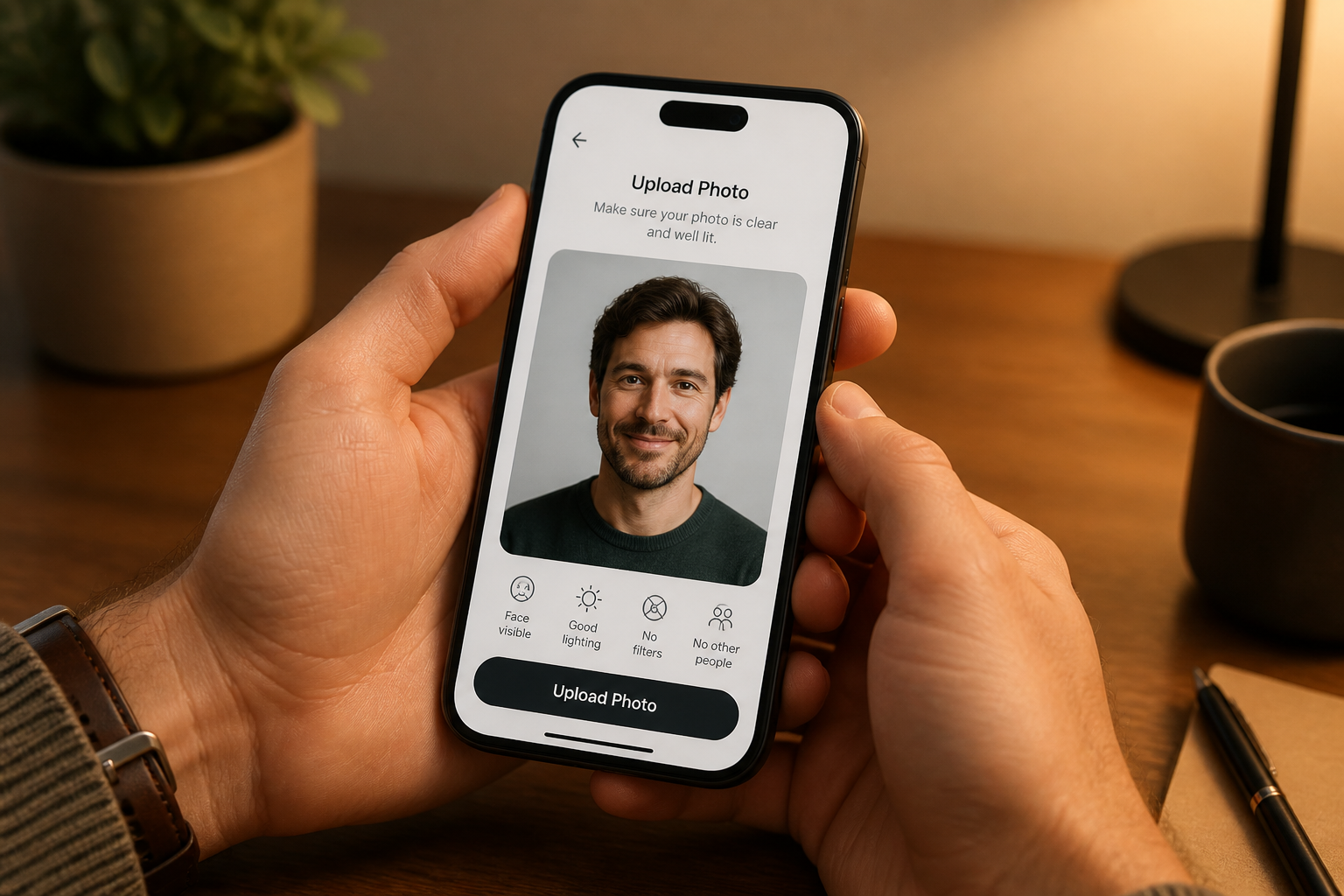
Upload your photo
Start with a clear image of yourself, your partner, or both. Well-lit photos with a simple pose usually give the strongest Valentine edits.
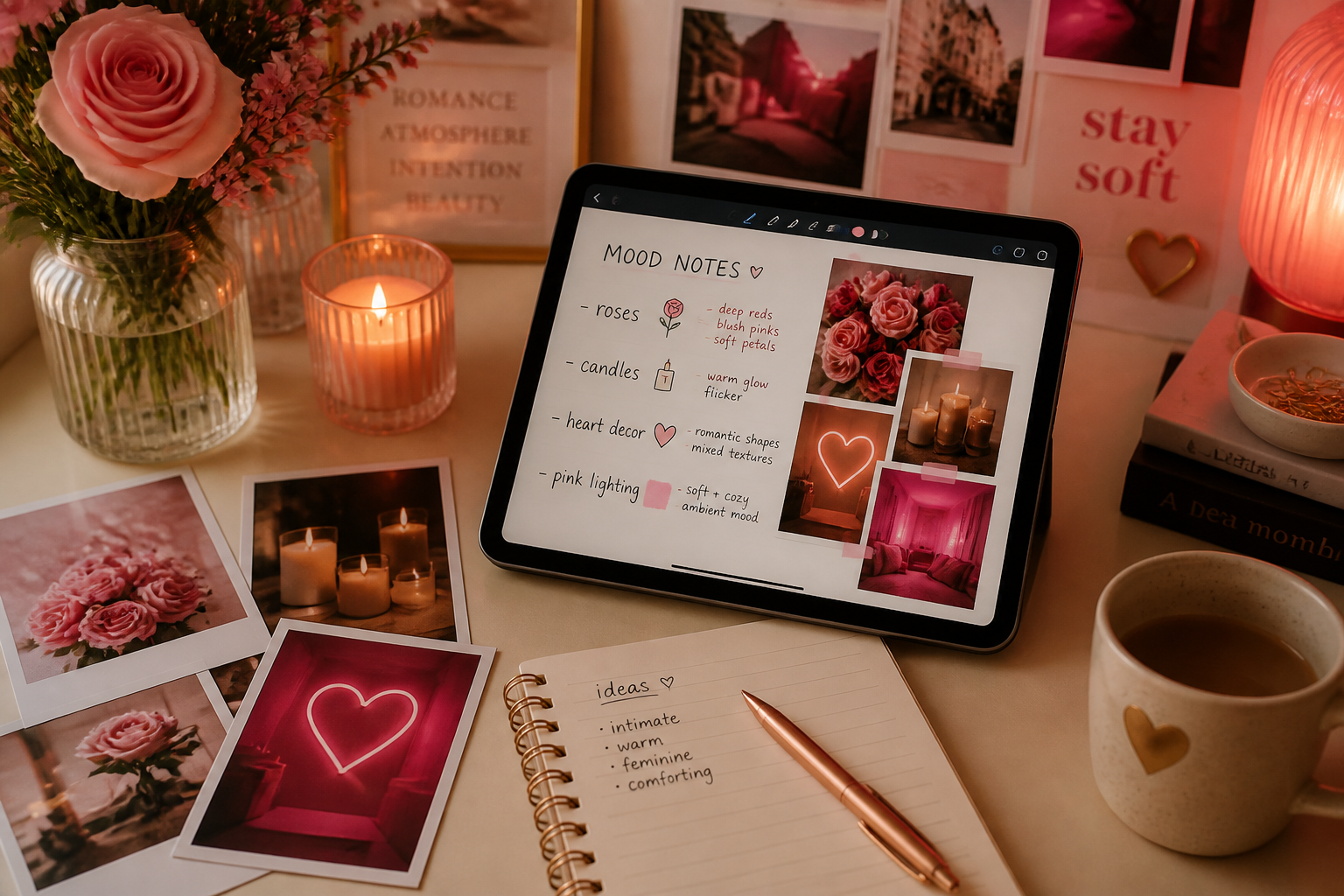
Describe the Valentine look
Tell the AI what mood you want, such as roses, candles, gifts, cafe romance, or a cinematic pink-red palette. You can keep it realistic or ask for a more stylized finish.
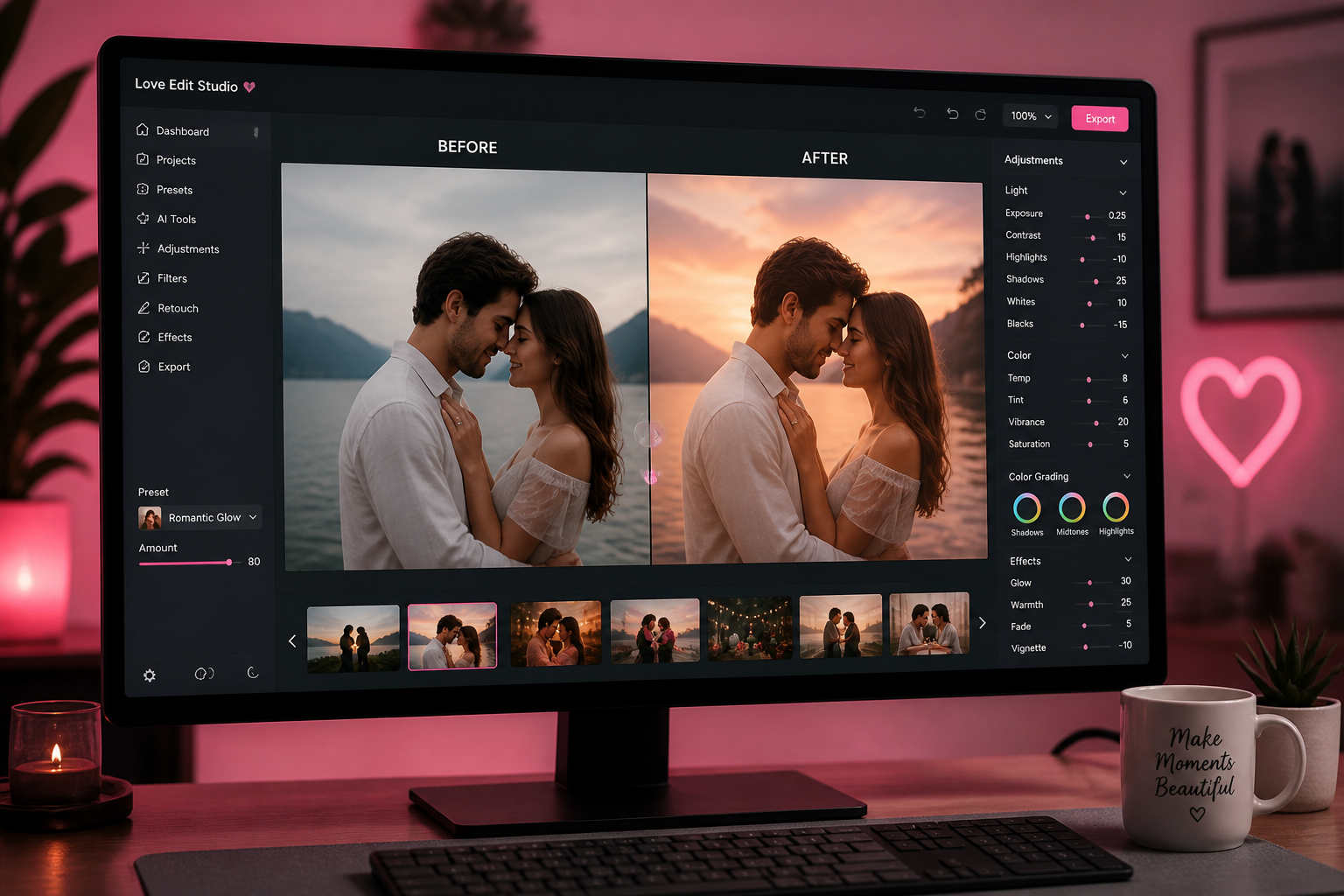
Generate and compare
Review the edited result and compare it with the original. If needed, adjust the prompt and create another version for a stronger romantic vibe.
Perfect For
Discover how creators and professionals use ai valentine photo generator
Couple social posts
Create polished Valentine's images for Instagram, stories, or private messages without planning a full themed shoot.
Digital greeting cards
Turn a casual photo into a card-ready image with flowers, gifts, and romantic color grading.
Profile and cover photos
Make seasonal profile pictures or banners that fit Valentine's Day without changing your core look.
Print gifts
Generate romantic portraits that work for framed prints, scrapbooks, or custom photo gifts.
Built For
Couples
Make themed portraits from date photos, travel shots, or casual selfies without setting up a holiday shoot.
Singles and creators
Create stylish solo Valentine images for posts, campaigns, or personal branding with a romantic aesthetic.
Gift makers
Produce polished images for cards, prints, and keepsakes using photos you already have.
Why use this for Valentine edits
A quick look at how we compare on the things that matter for this niche.
| Feature | BudgetPixel | Generic AI editors | Manual editing apps |
|---|---|---|---|
| Valentine-themed scene changes | ✓ | — | — |
| Keeps original pose recognizable | ✓ | — | ✓ |
| Fast romantic props and lighting | ✓ | — | — |
| Stylized or realistic outputs | ✓ | ✓ | — |
Frequently Asked Questions
What does an AI Valentine Photo Generator do?
Can I use solo photos, or does it only work for couples?
Will the result still look like me?
Can I make realistic and illustrated versions?
What kind of source photo works best?
Create together.
Share your creations, discover trending AI art, and grow with fellow creators.