AI Skincare Ad Generator
Turn plain product shots into clean, premium ad creatives.
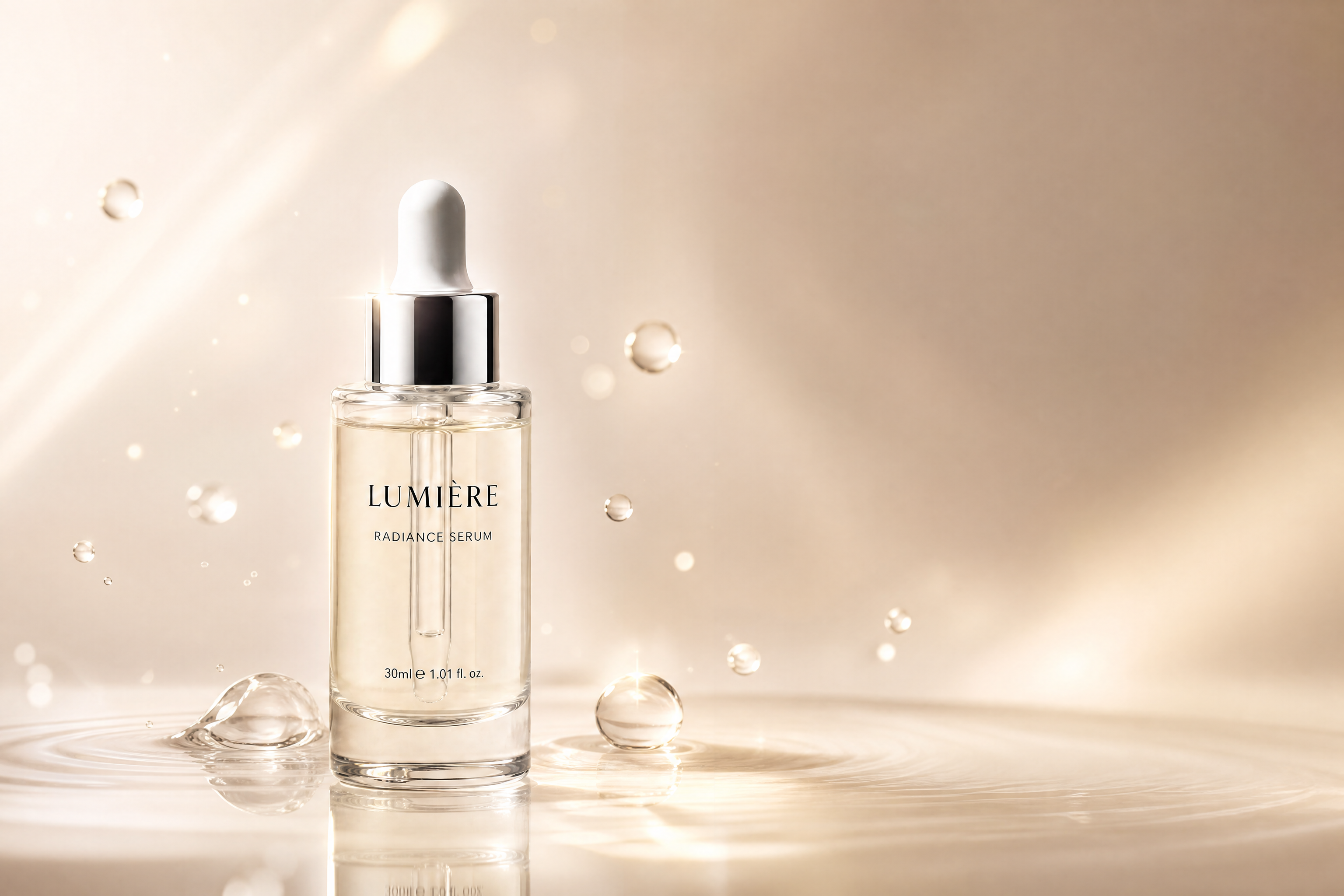
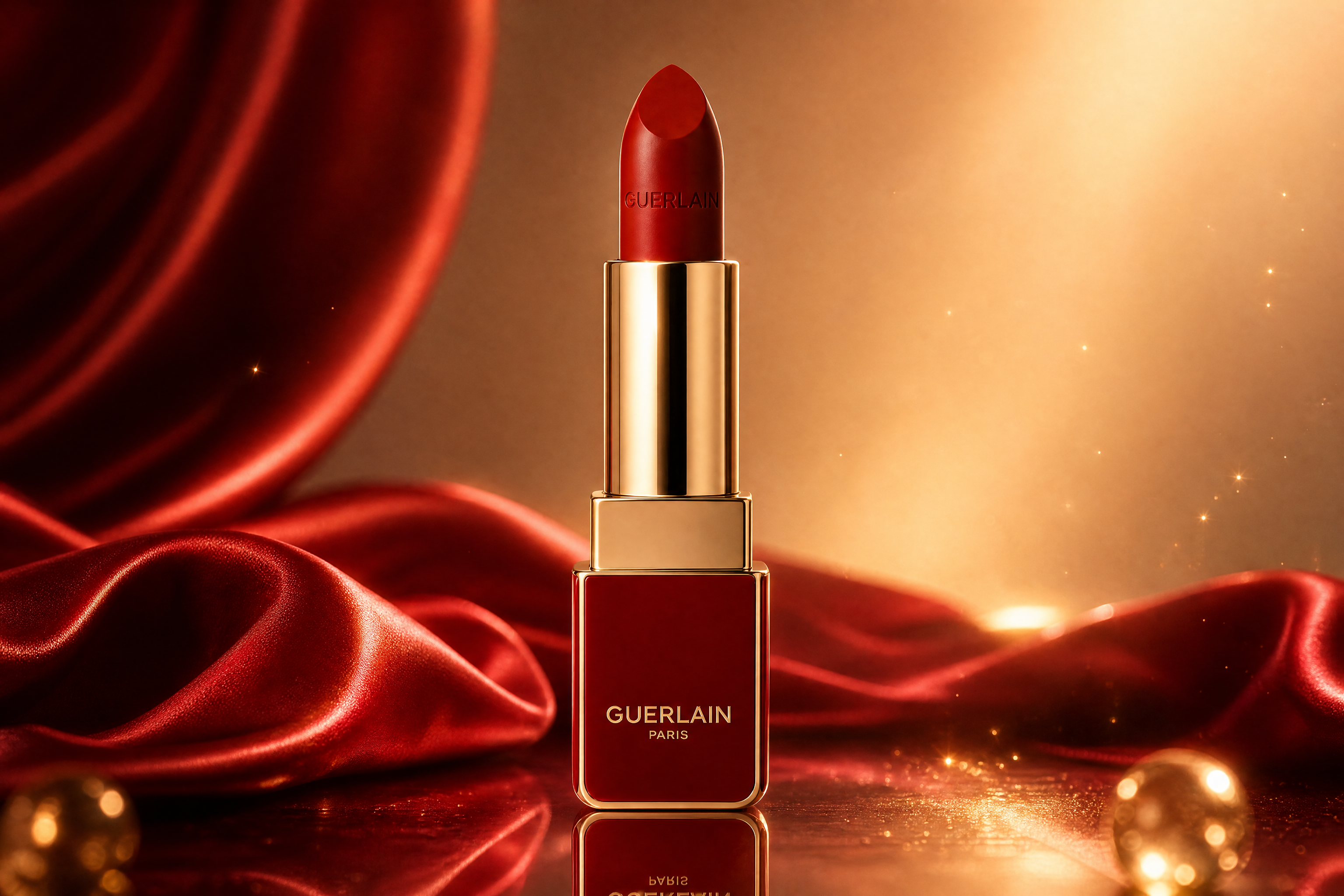
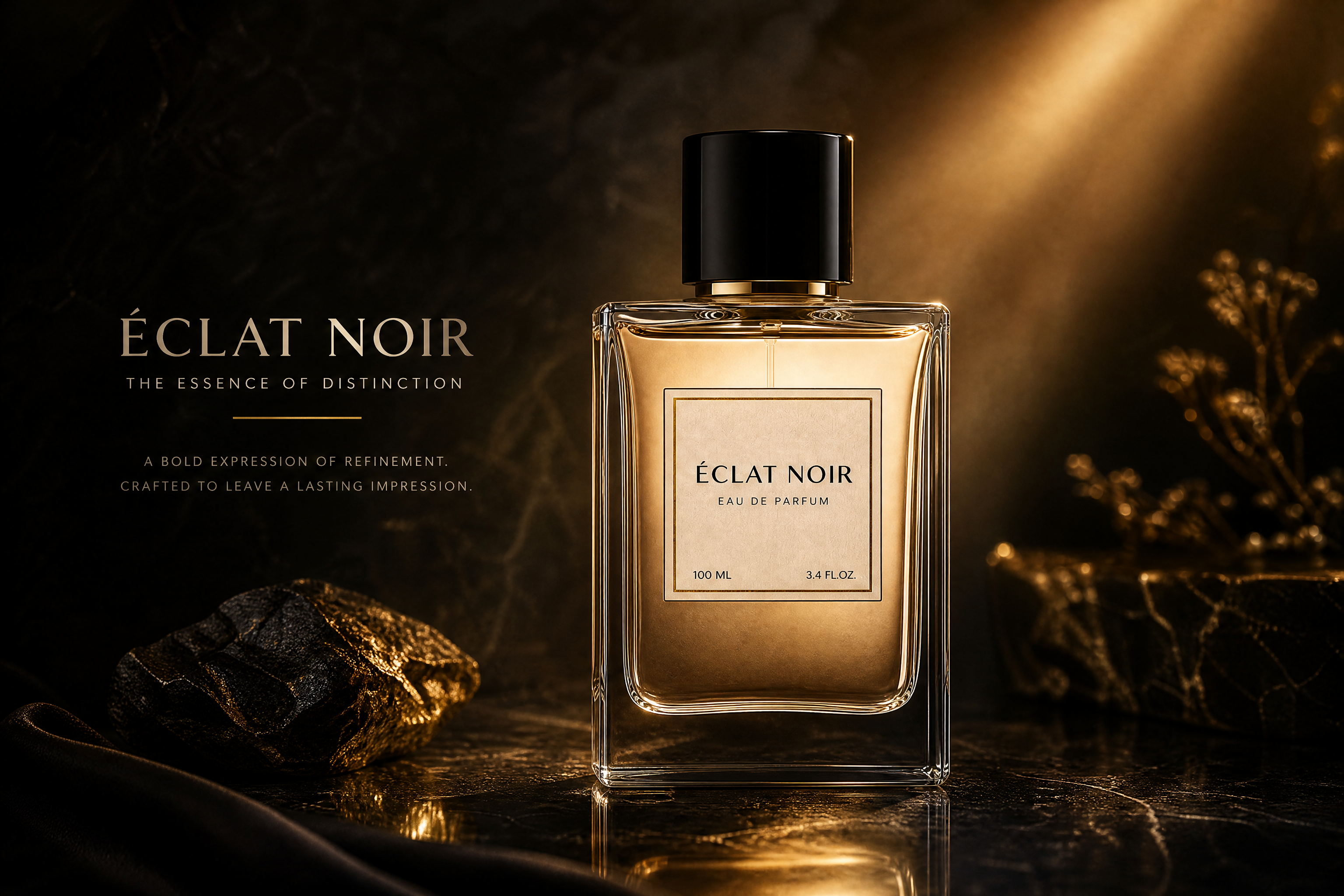
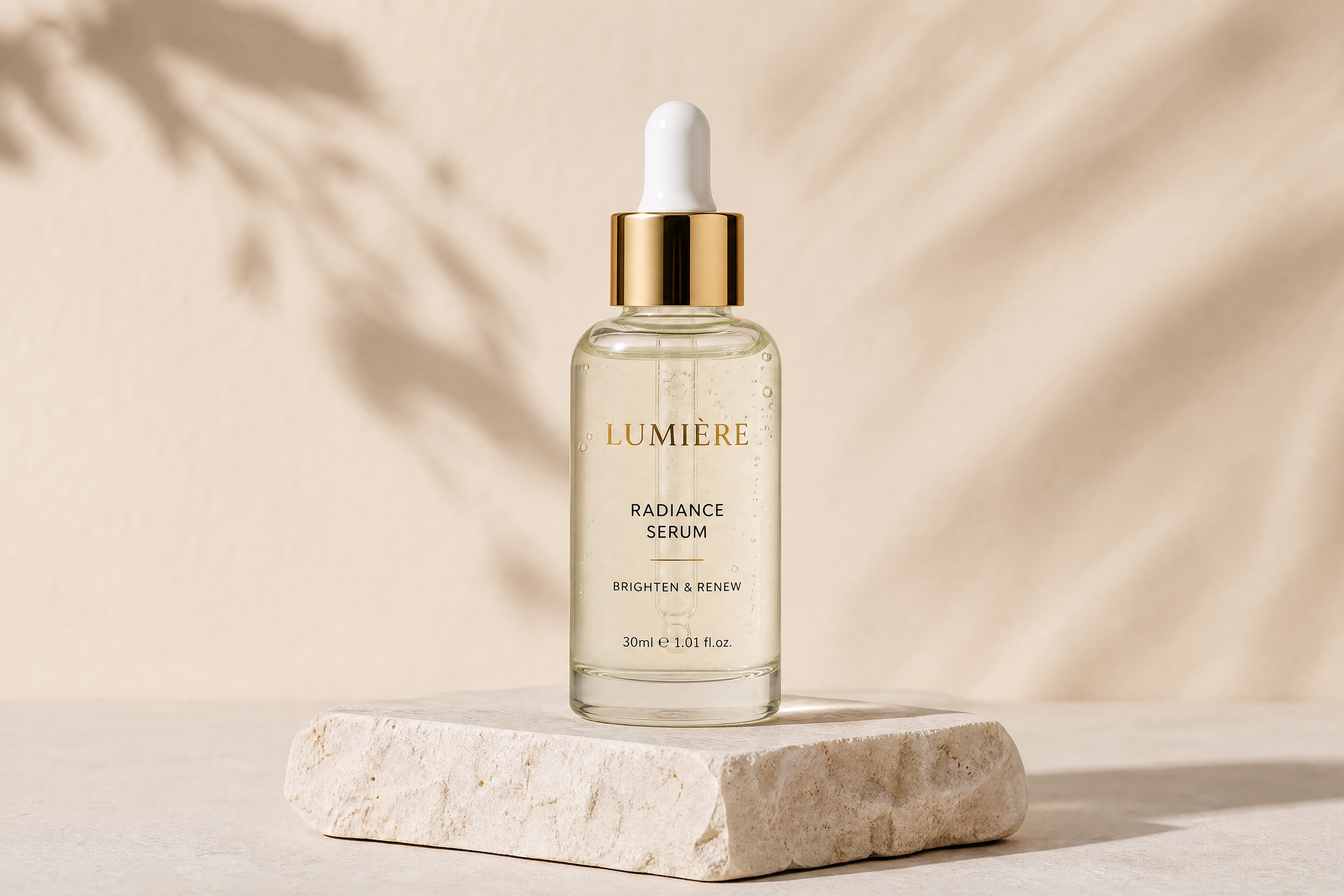
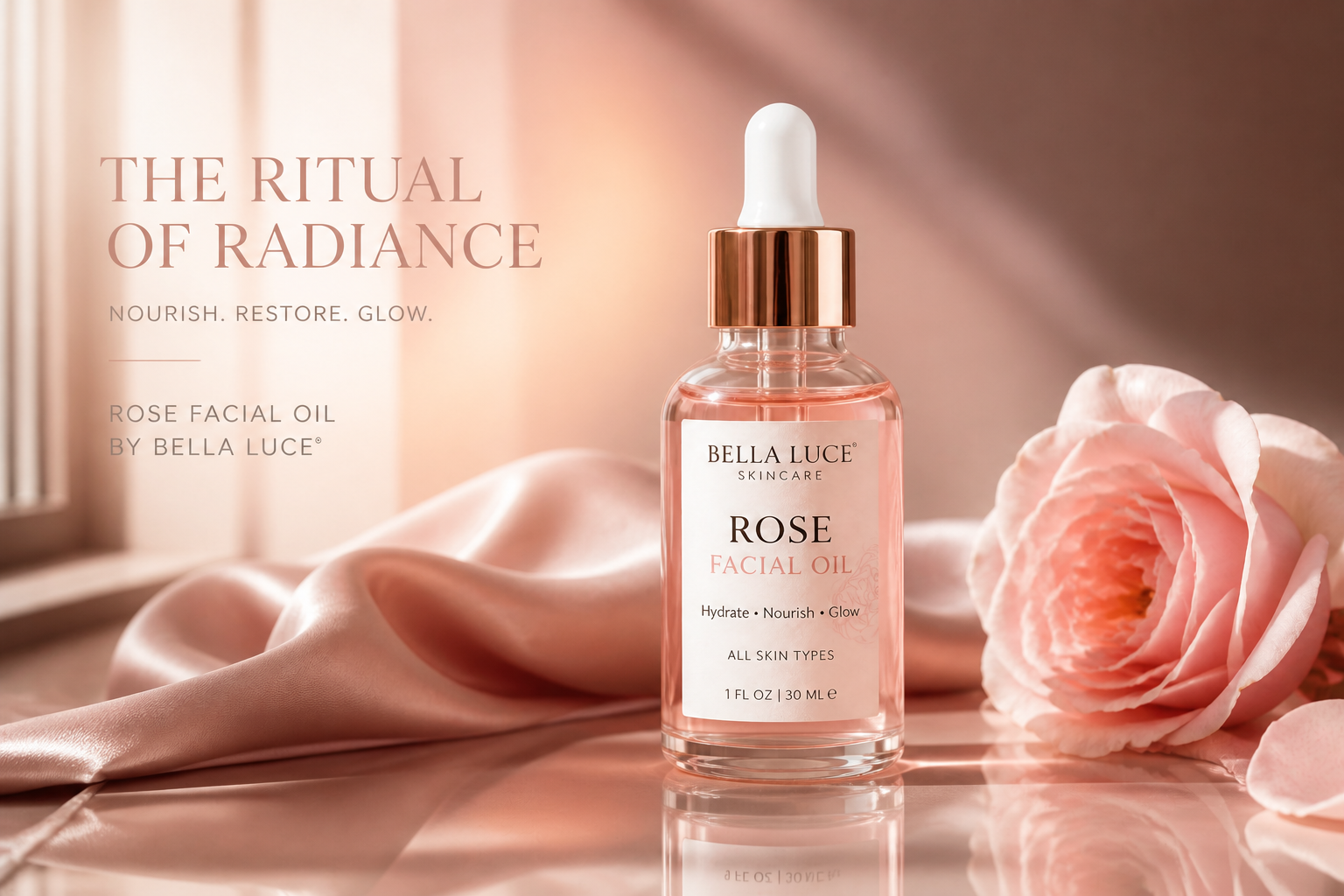
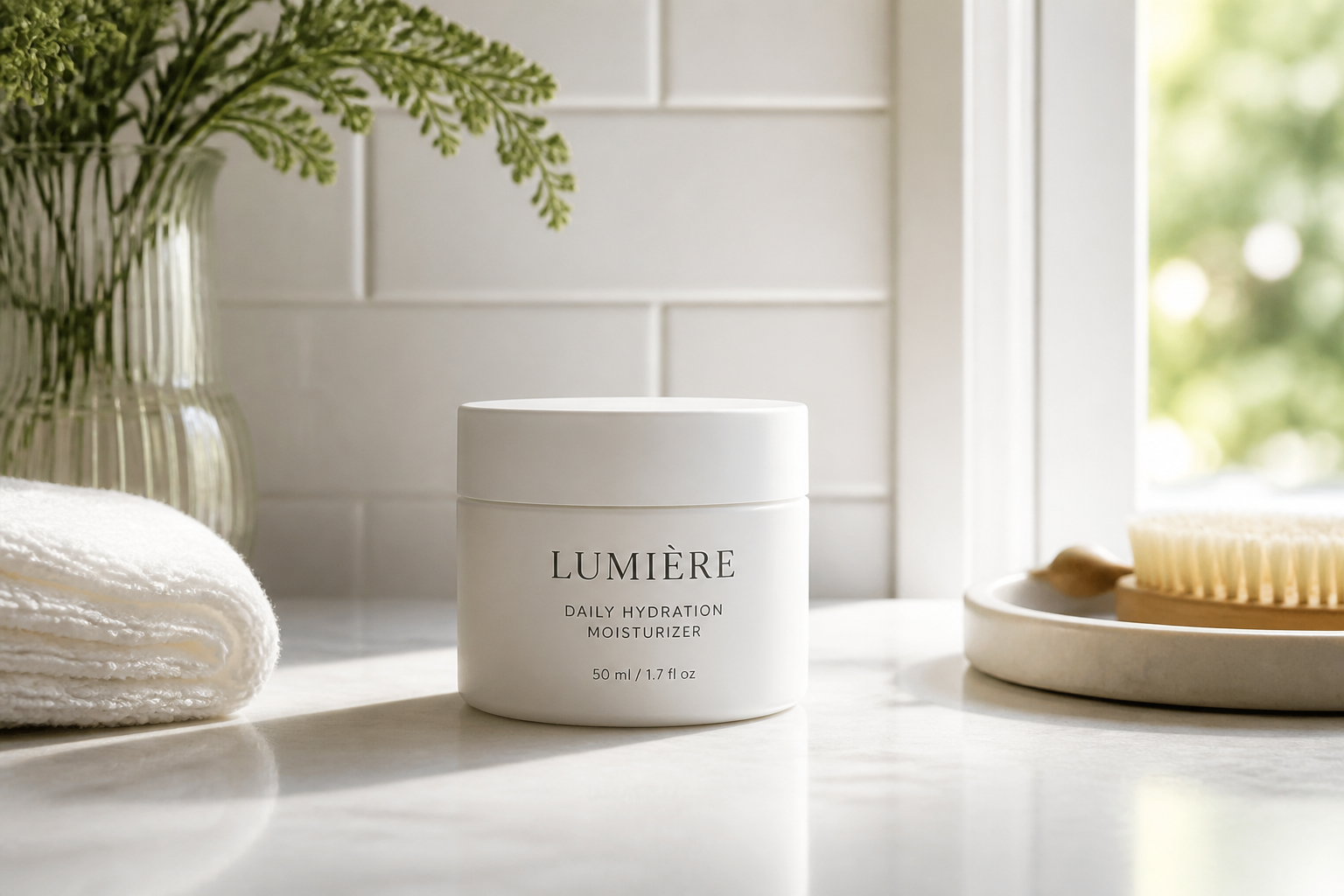
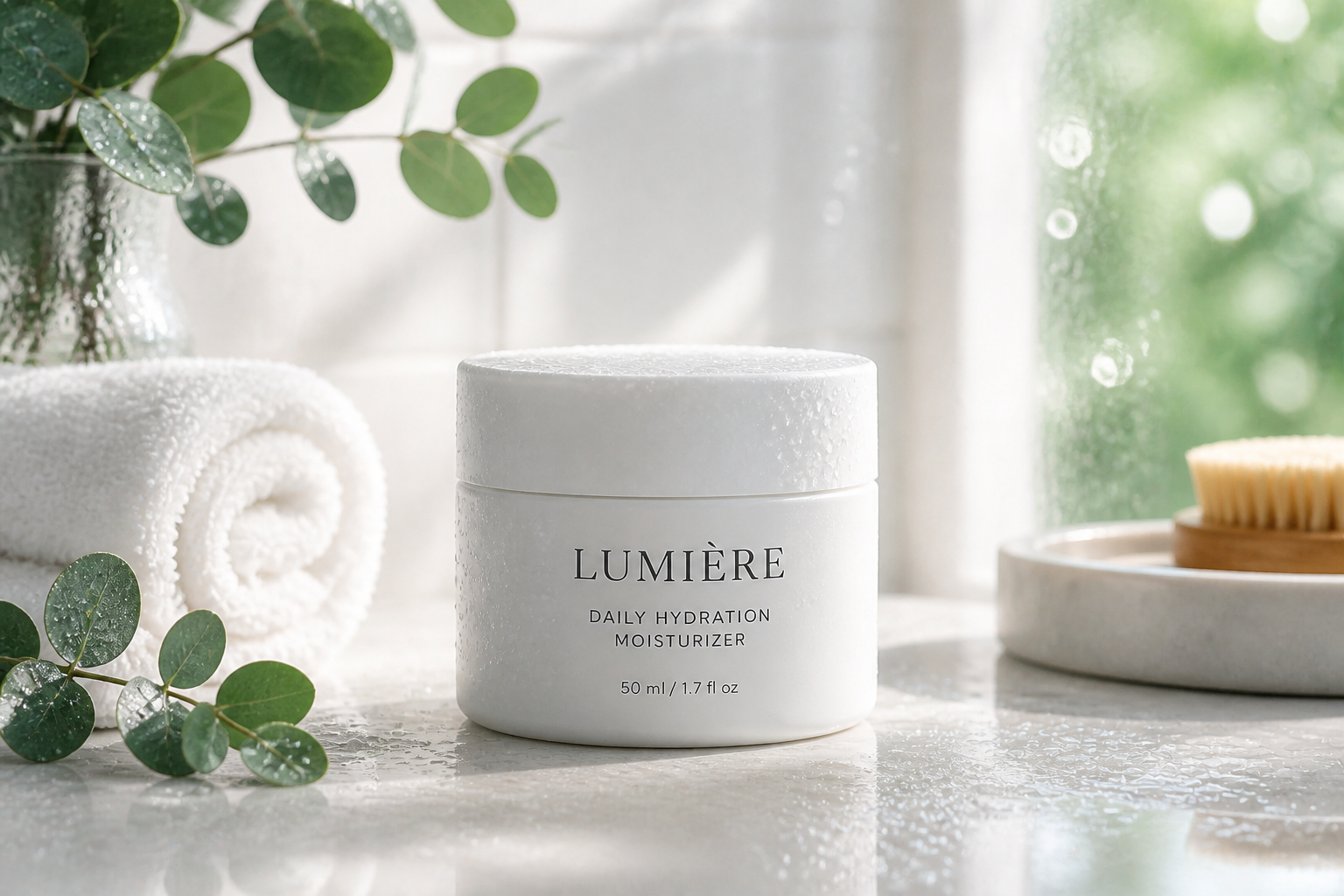
Upload a skincare product photo and turn it into a polished ad visual in seconds. Our AI can restyle the scene, improve composition, and add brand-ready atmosphere while keeping the product clear and front and center.
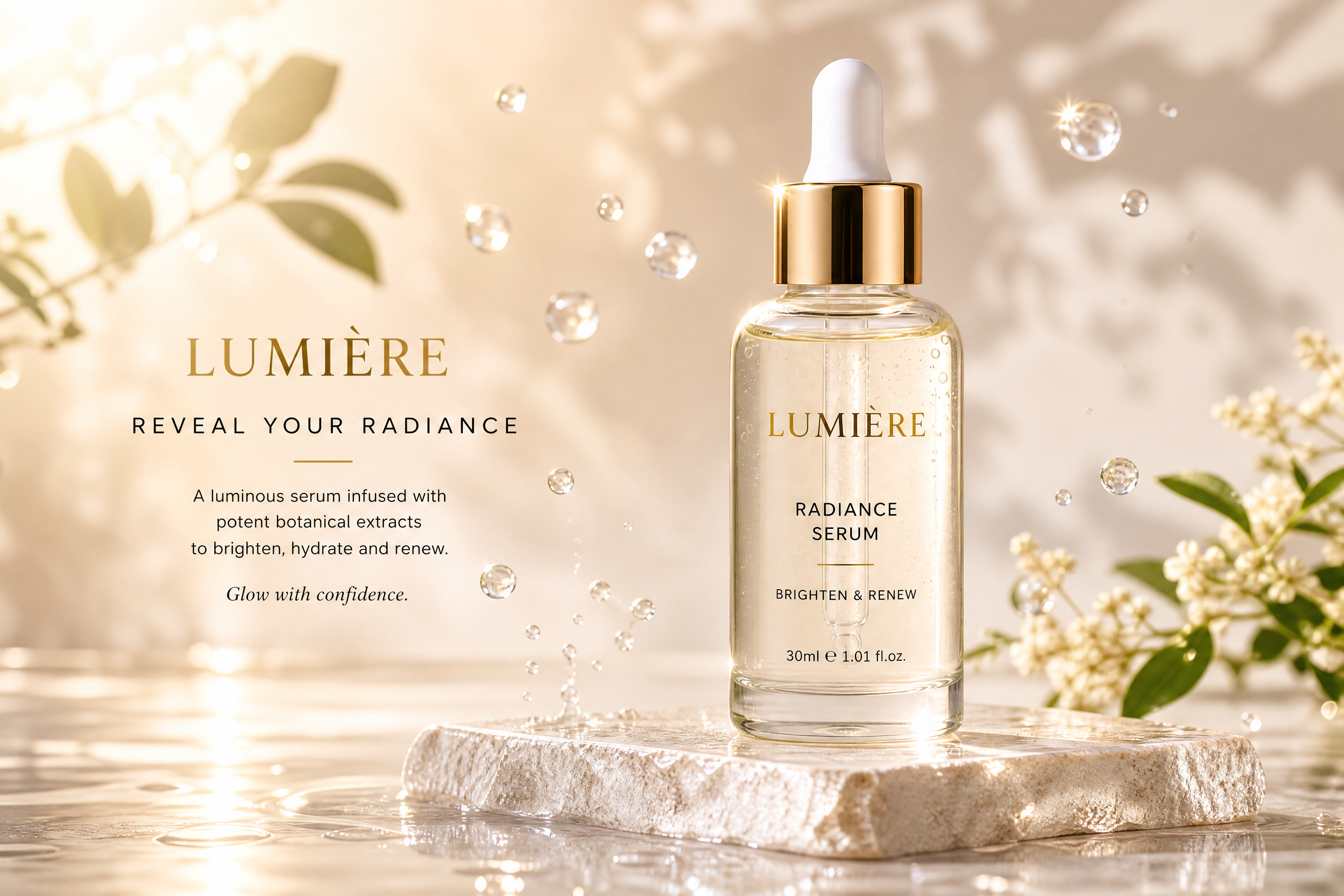
Watch the Transformation
See ai skincare ad generator in motion — generated end-to-end by our AI.
See It In Action
Real outputs from ai skincare ad generator.
BEFOREAFTER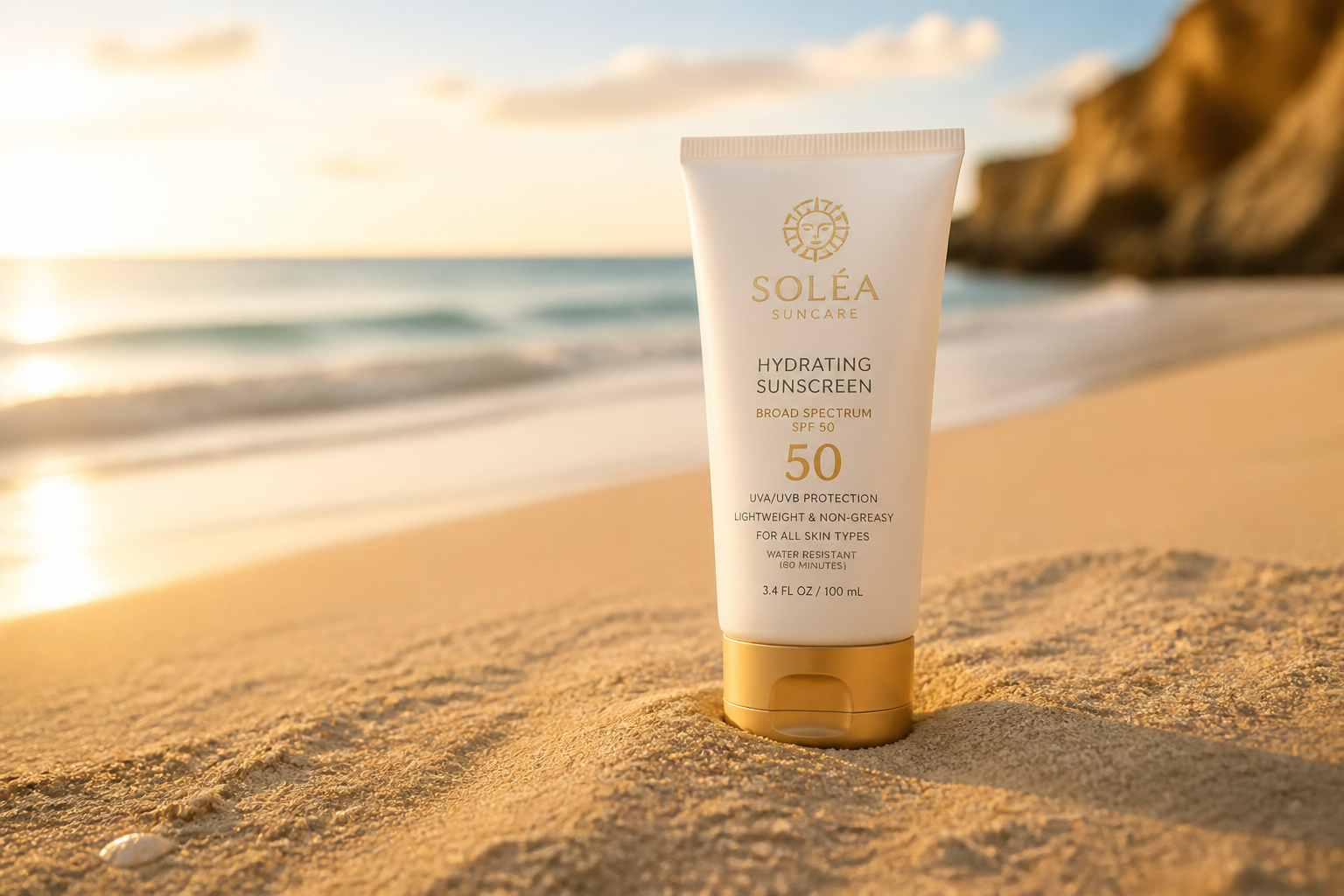 BEFORE
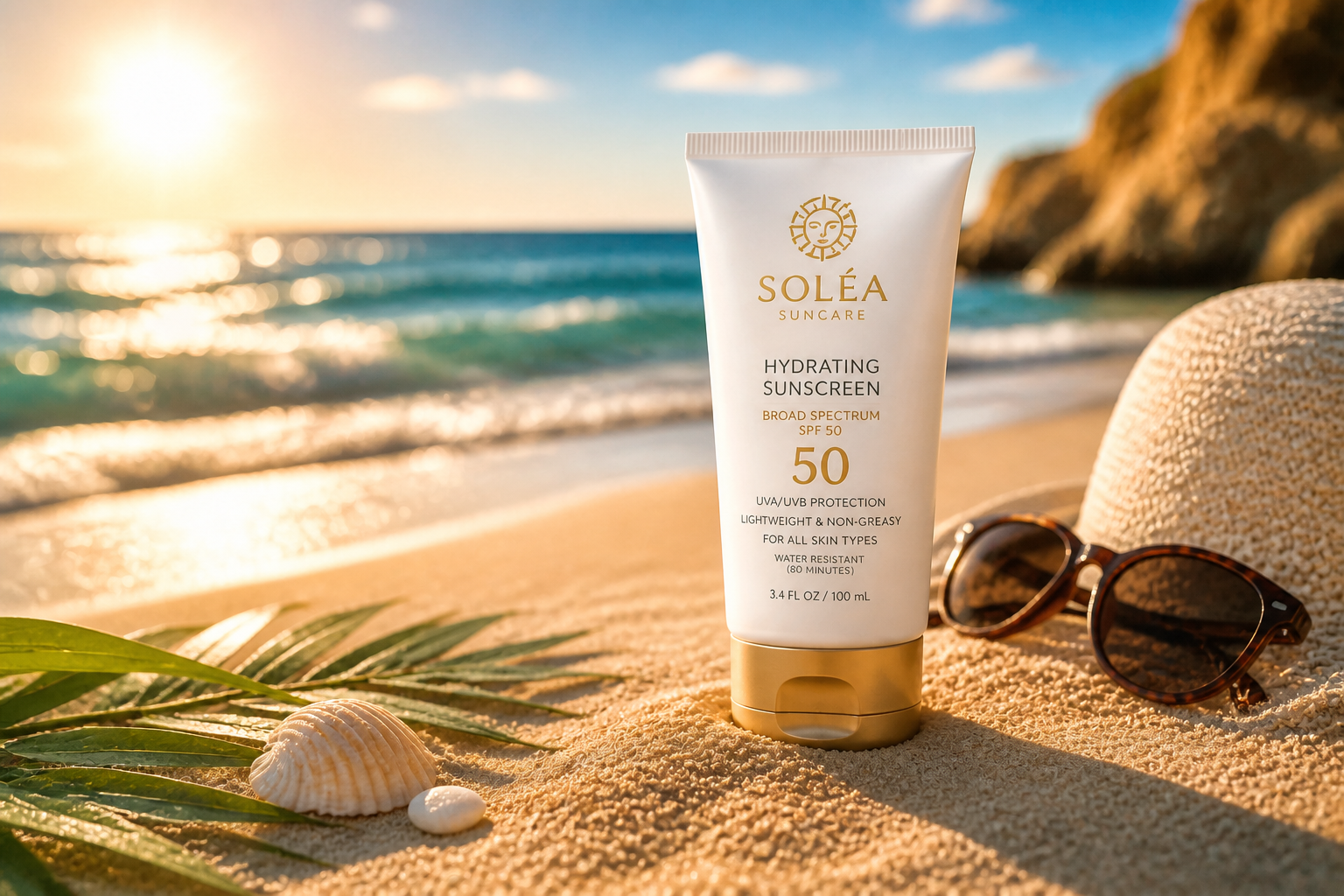 AFTER
AFTER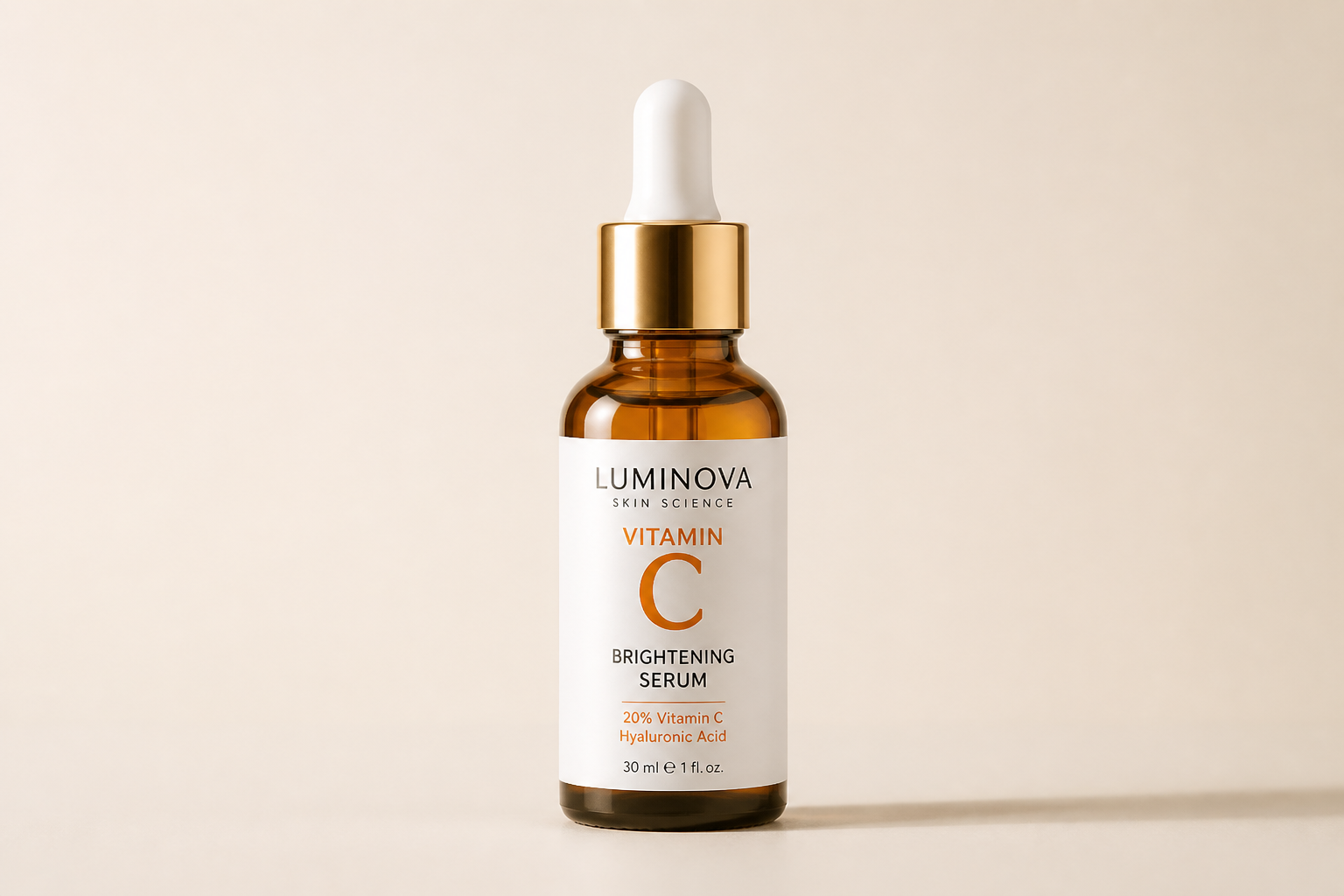 BEFORE
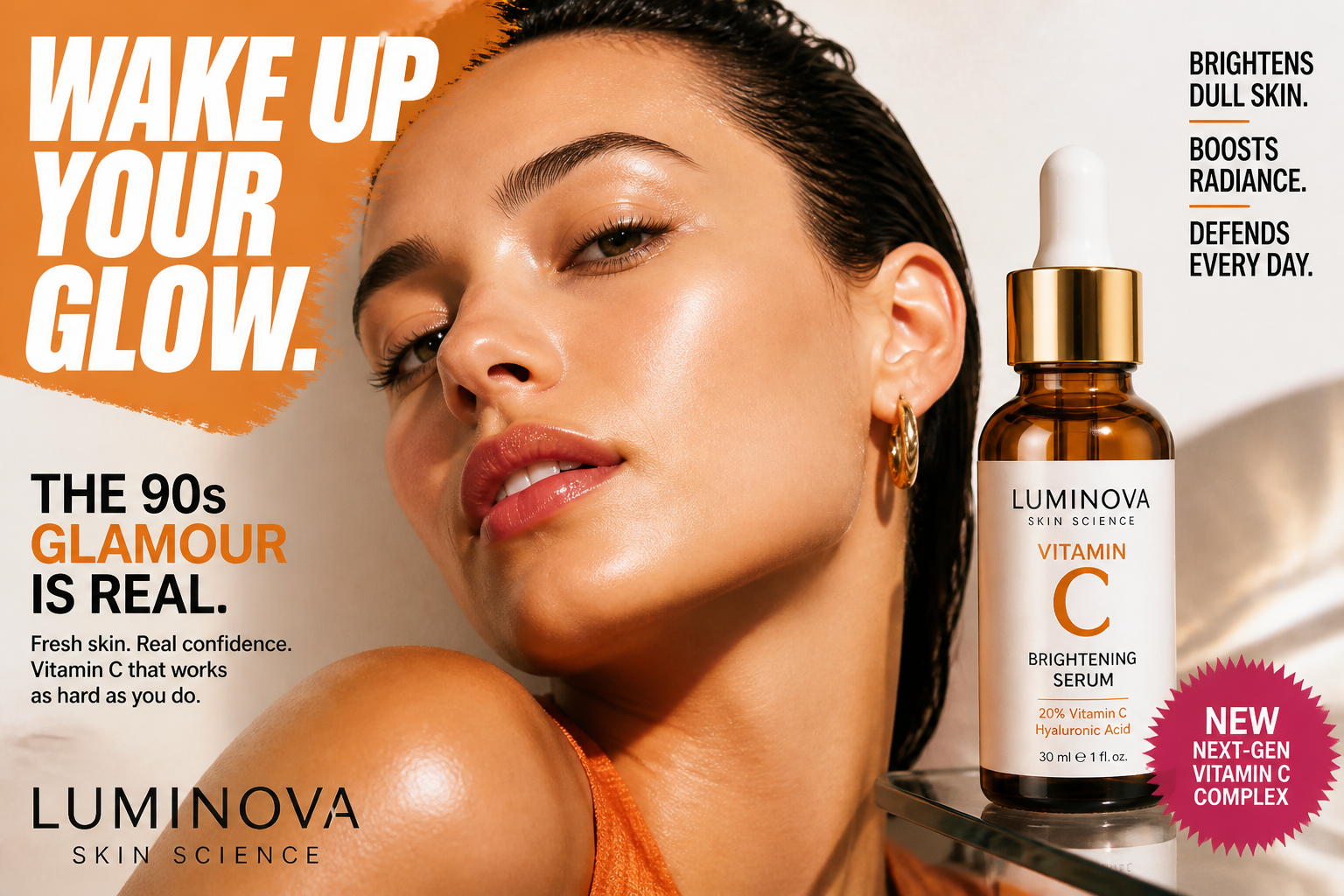 AFTER
AFTER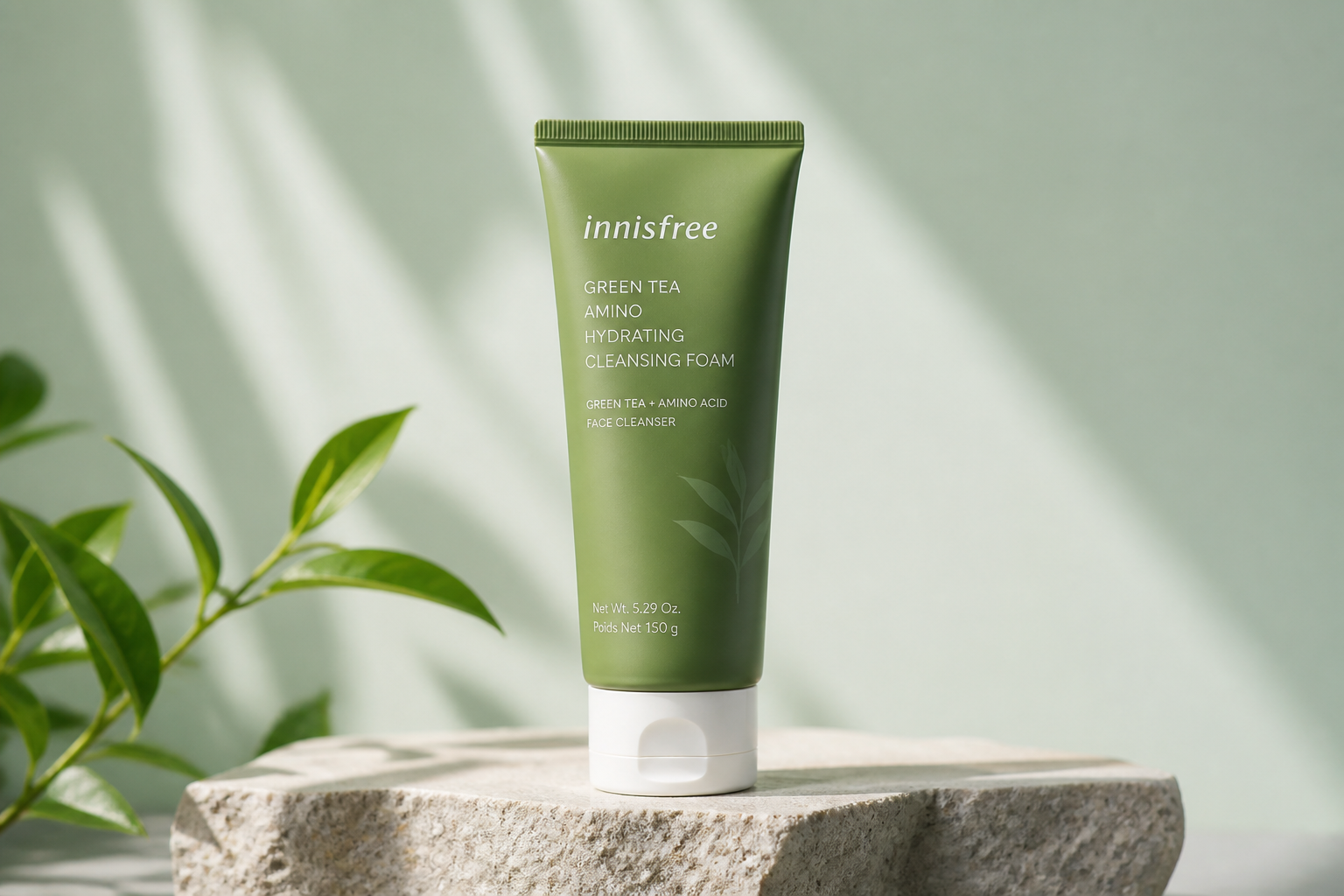 BEFORE
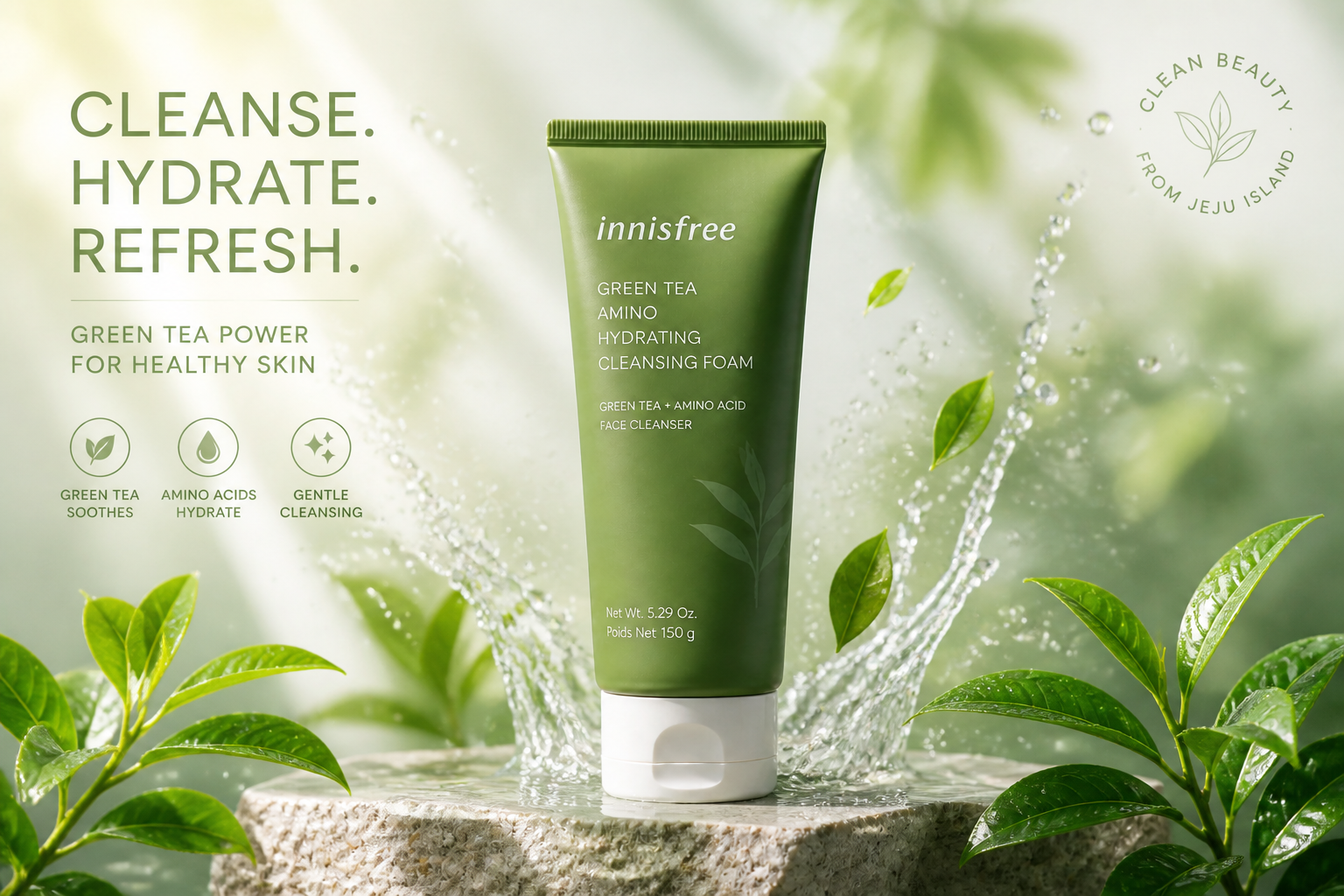 AFTER
AFTER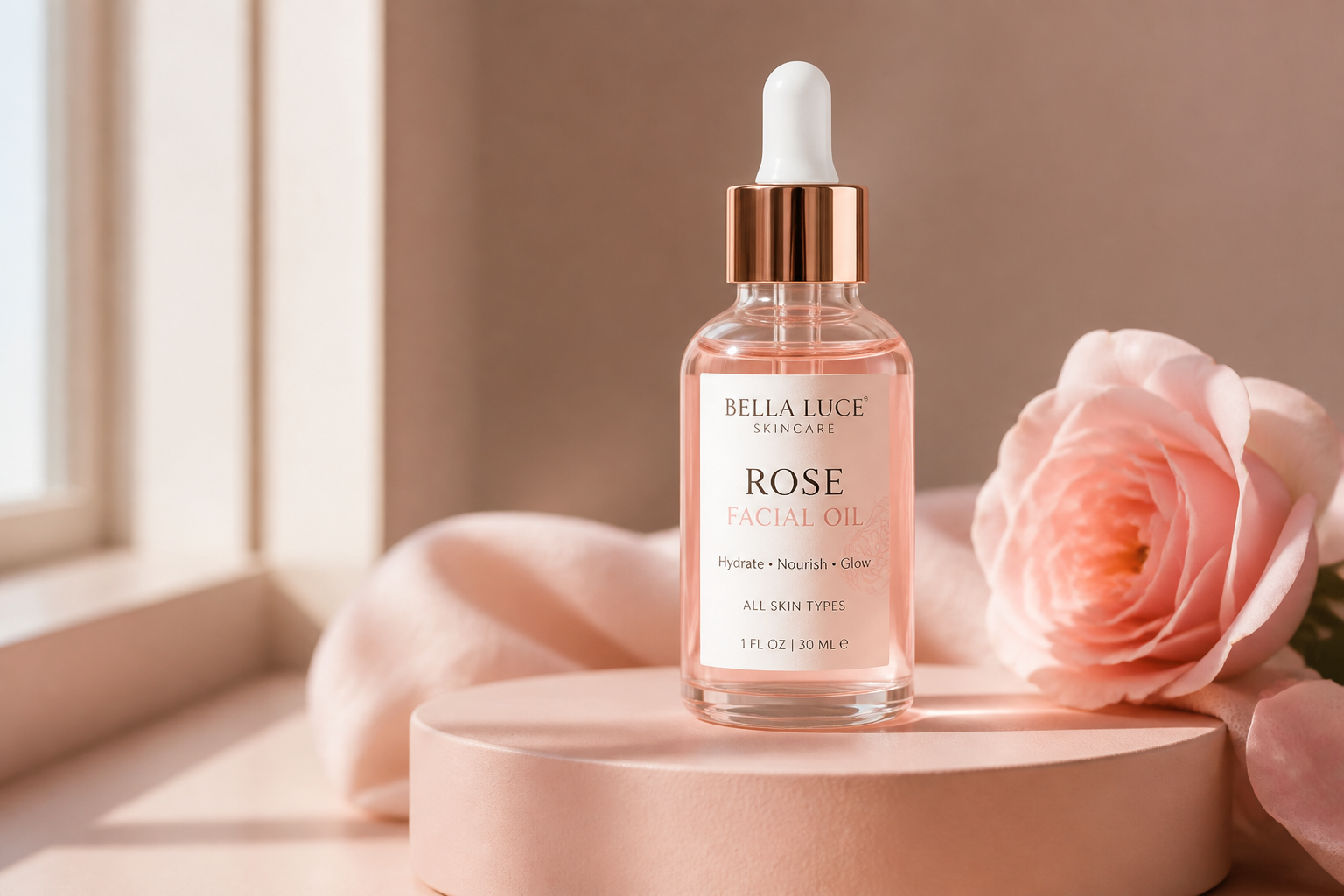 BEFORE
 AFTERBEFOREAFTERBEFOREAFTERBEFOREAFTERBEFOREAFTERBEFOREAFTER
 BEFORE
 AFTER
AFTER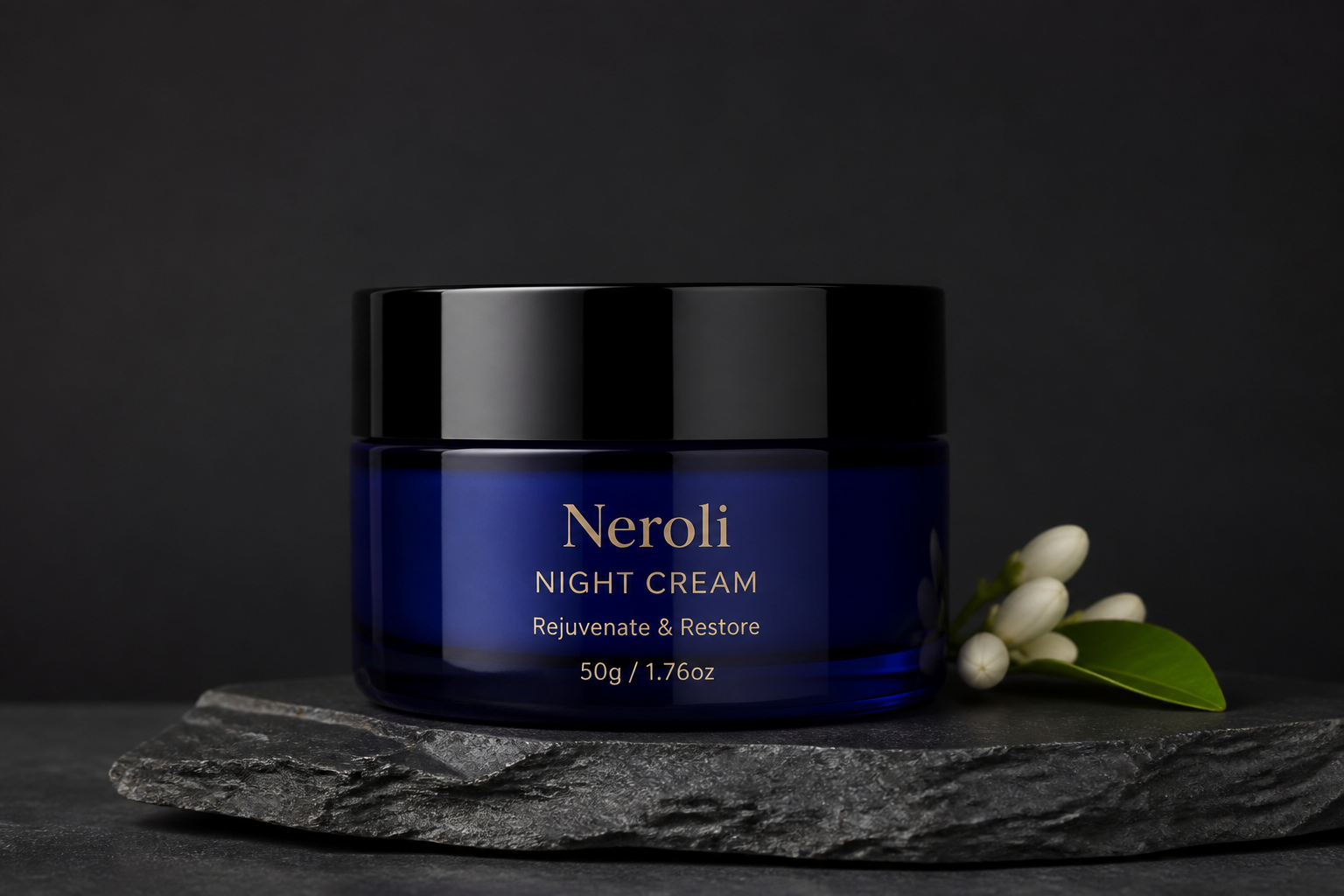 BEFORE
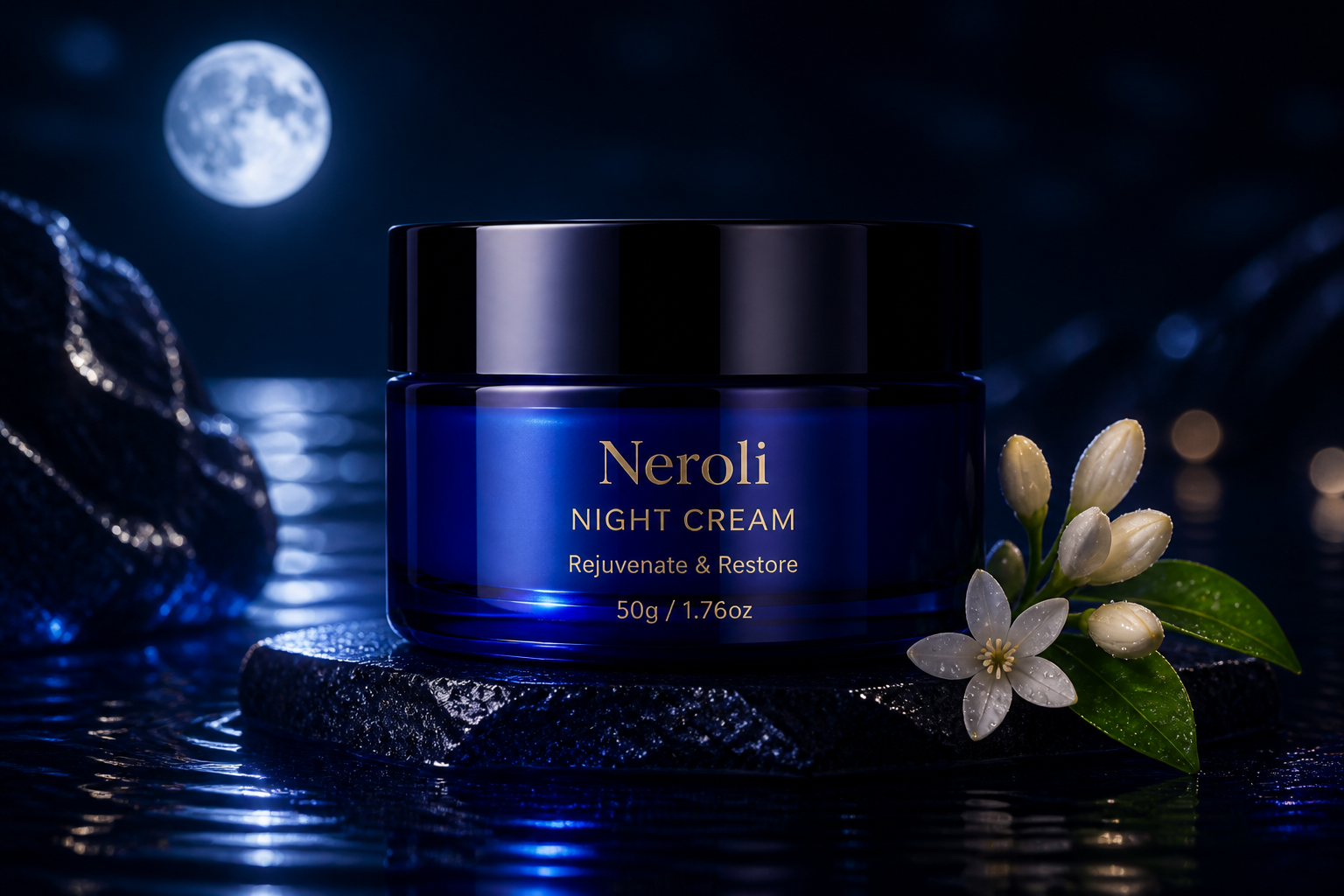 AFTER
AFTER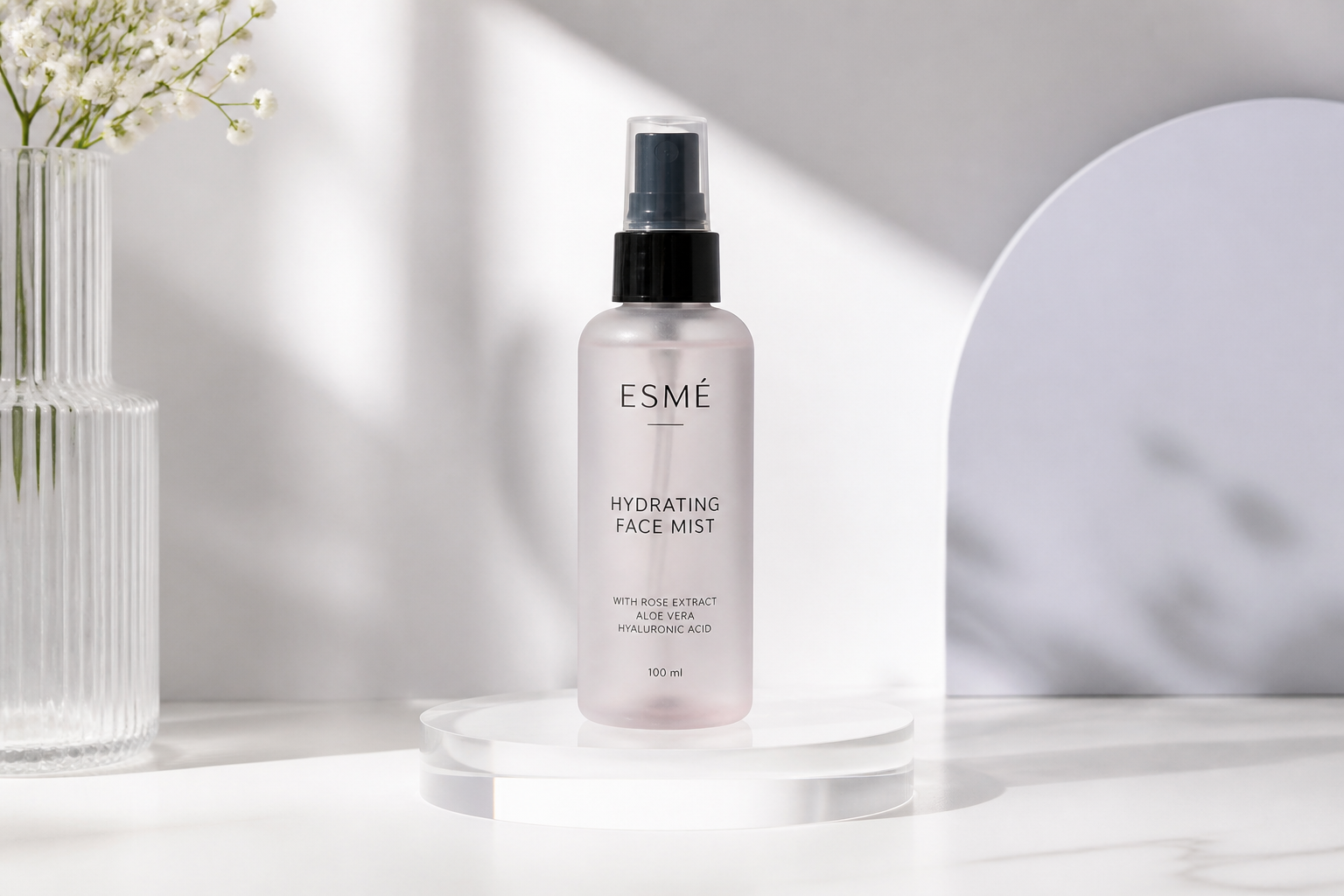 BEFORE
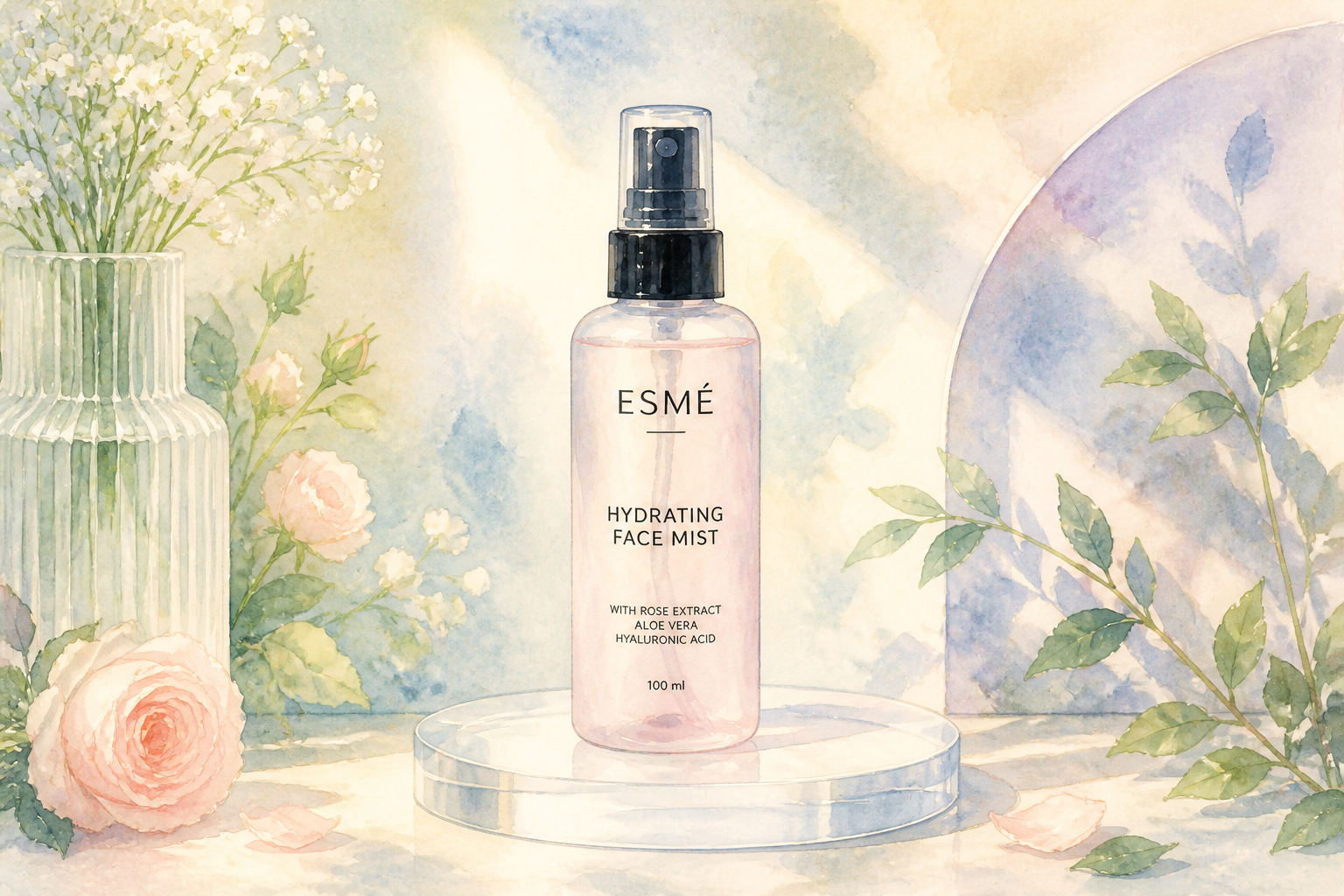 AFTER
AFTER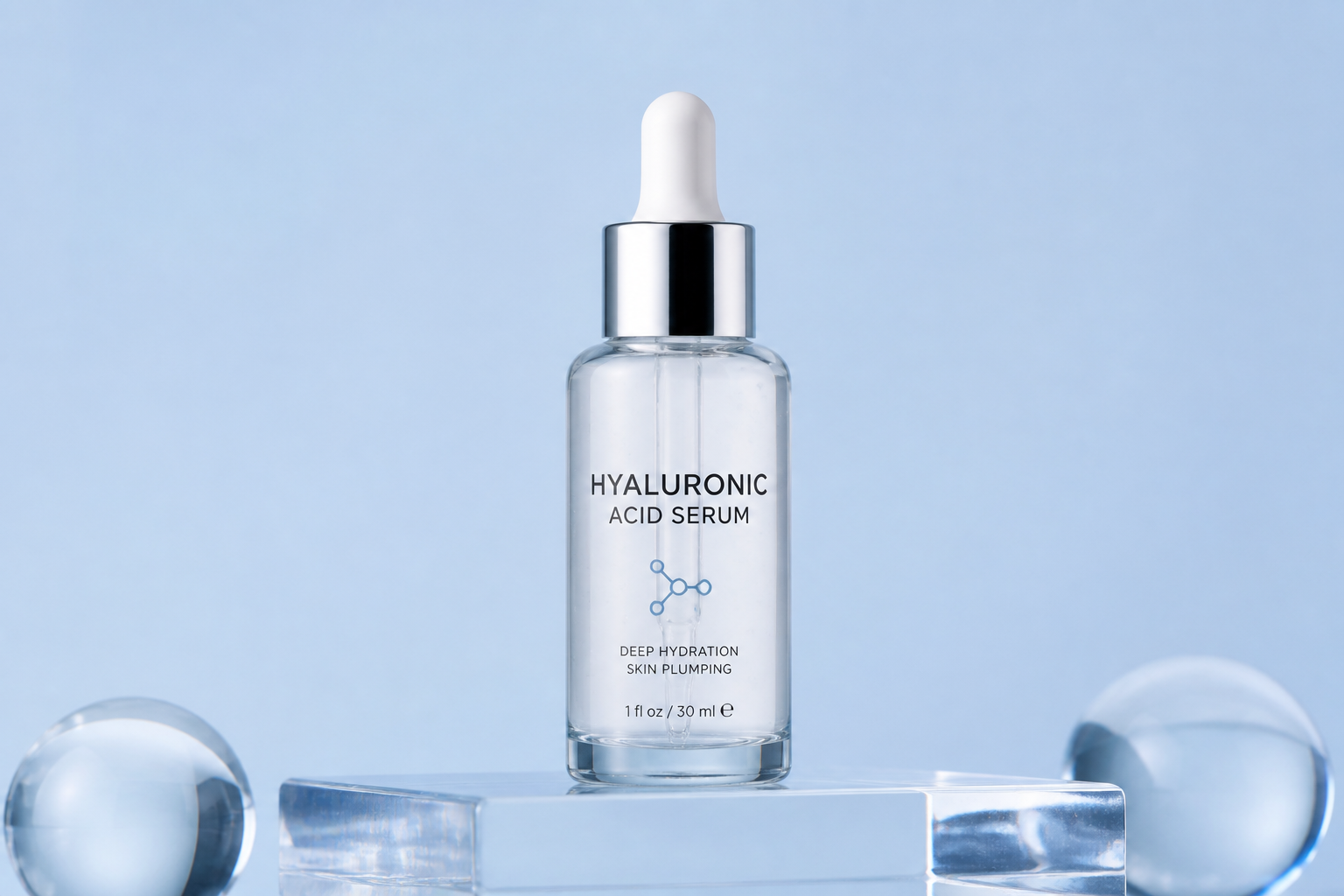 BEFORE
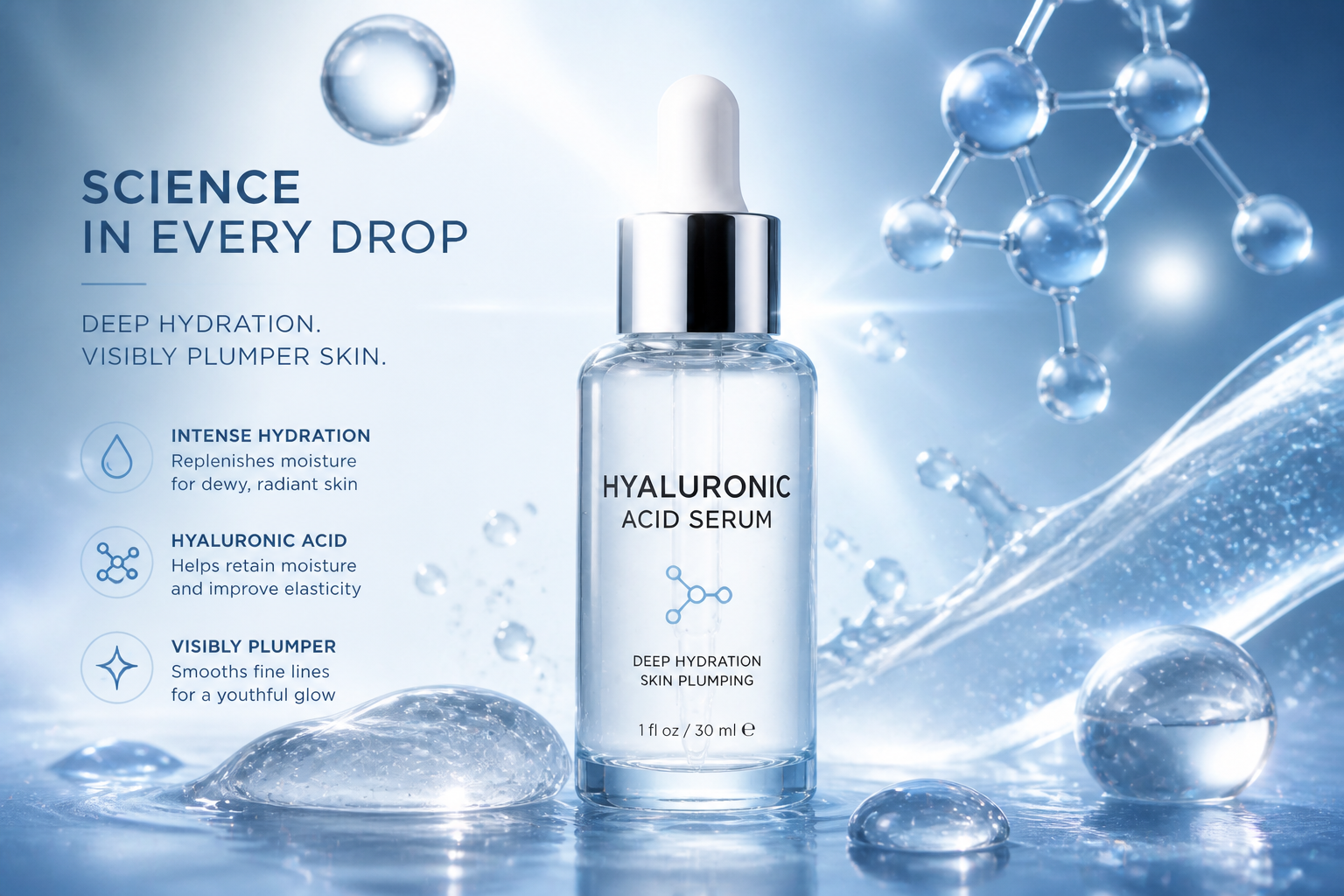 AFTER
AFTER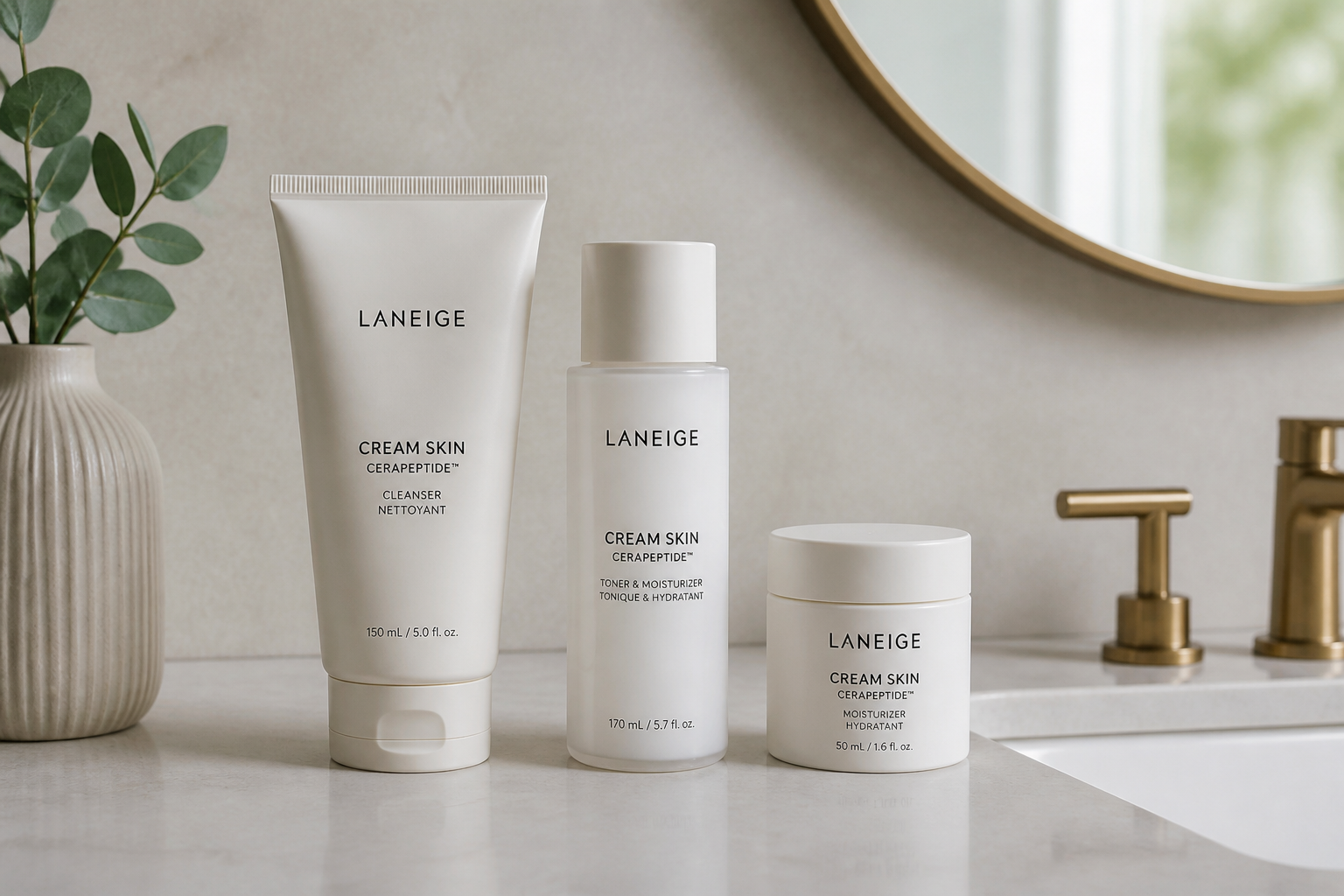 BEFORE
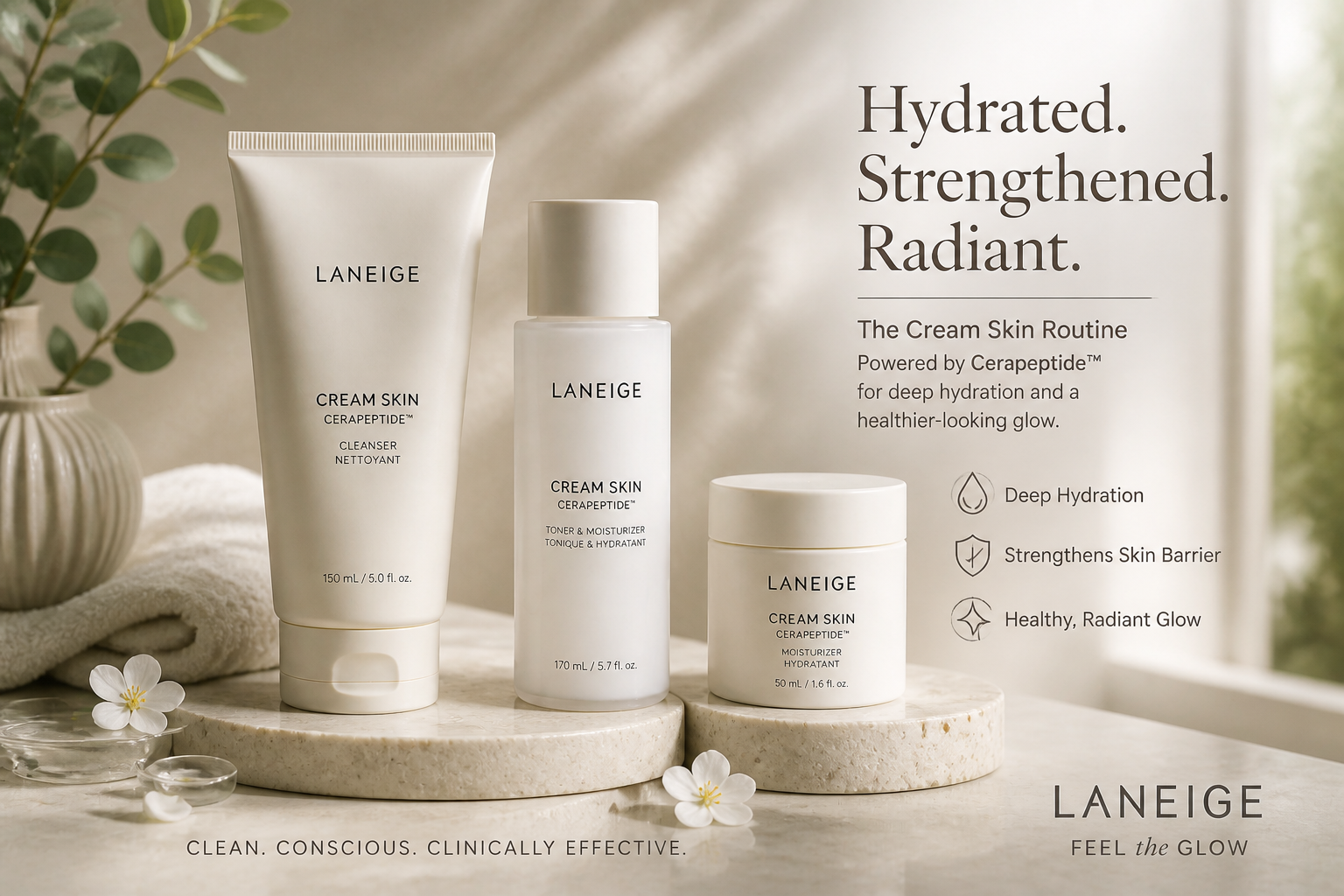 AFTERBEFOREAFTERBEFOREAFTERBEFOREAFTERBEFOREAFTERBEFOREAFTER
Key Features
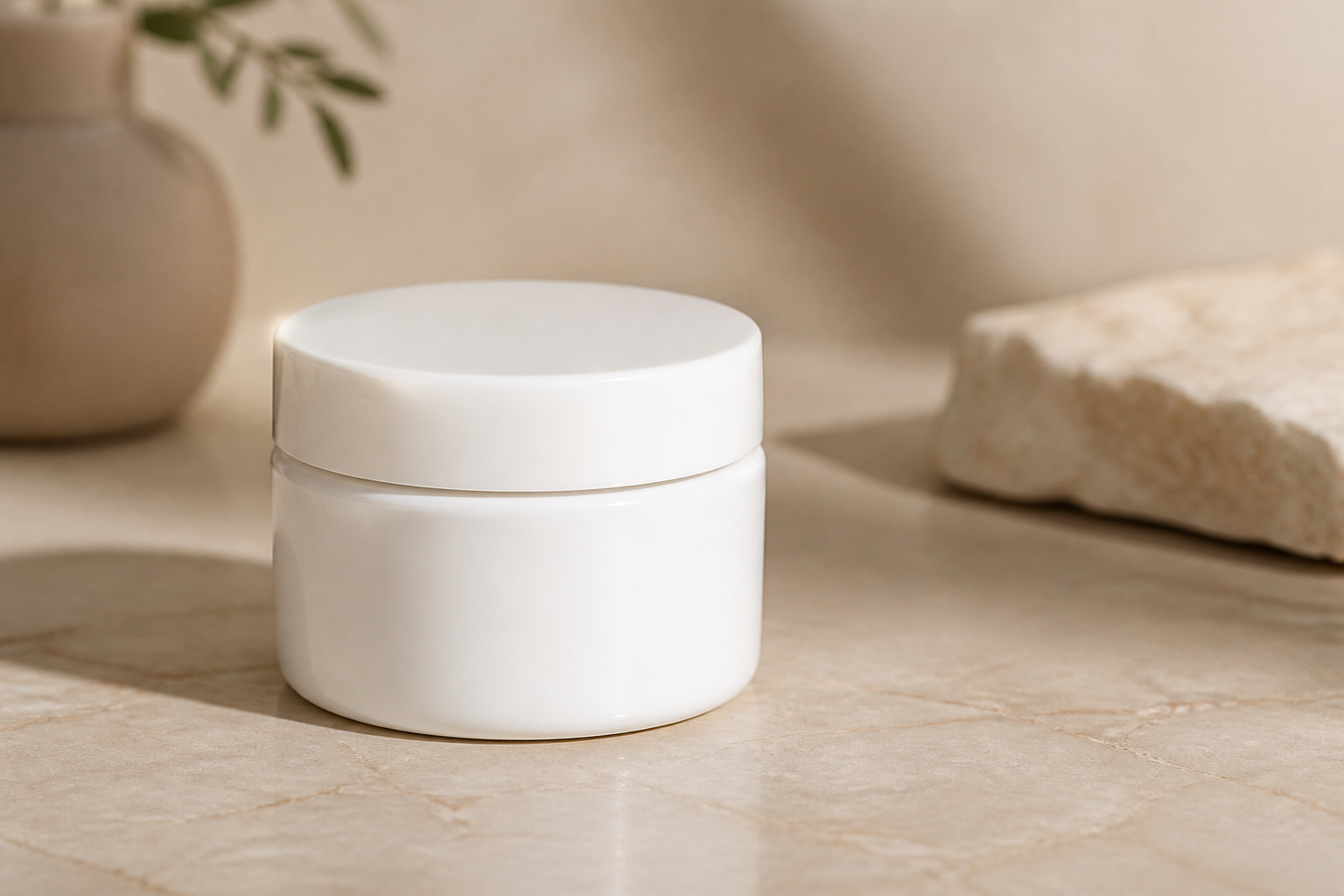
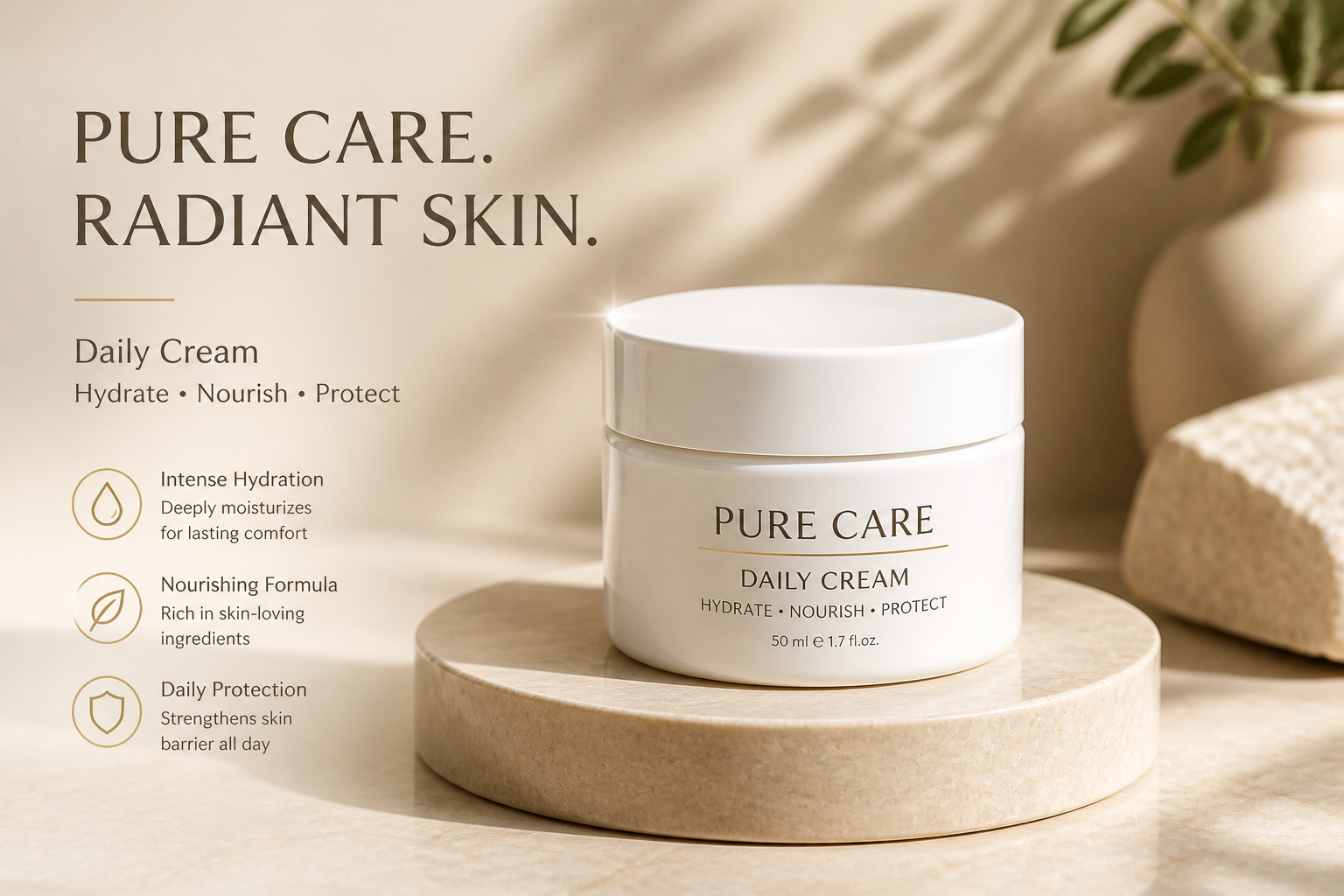
Turn simple shots into ads
Start with a clean product photo and turn it into a finished creative that looks ready for a landing page or paid social post. Our AI adds mood, layout polish, and commercial styling without losing the product itself. That saves time compared with building every concept from scratch in a design app. It is a fast way to test multiple campaign directions from one source image.
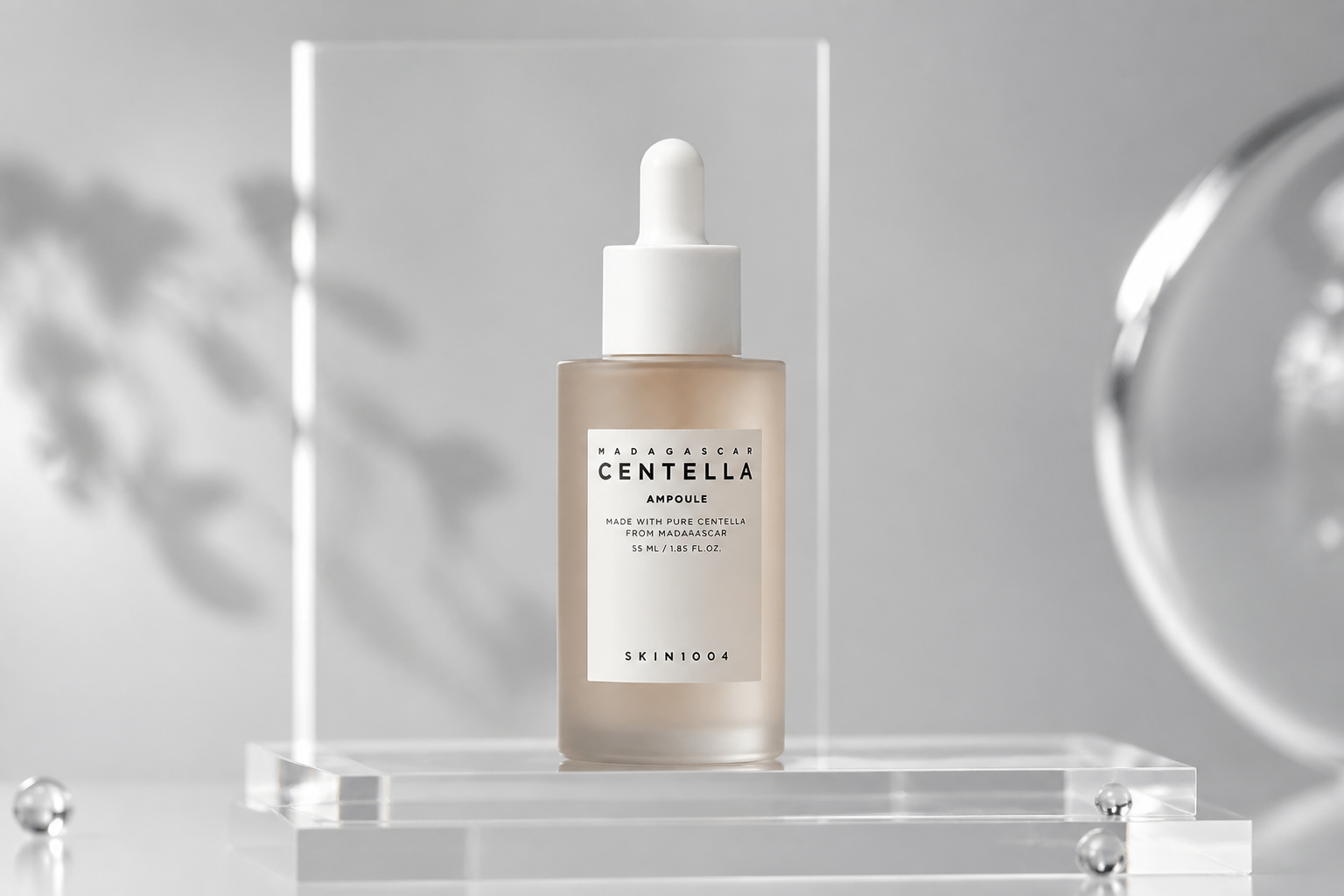
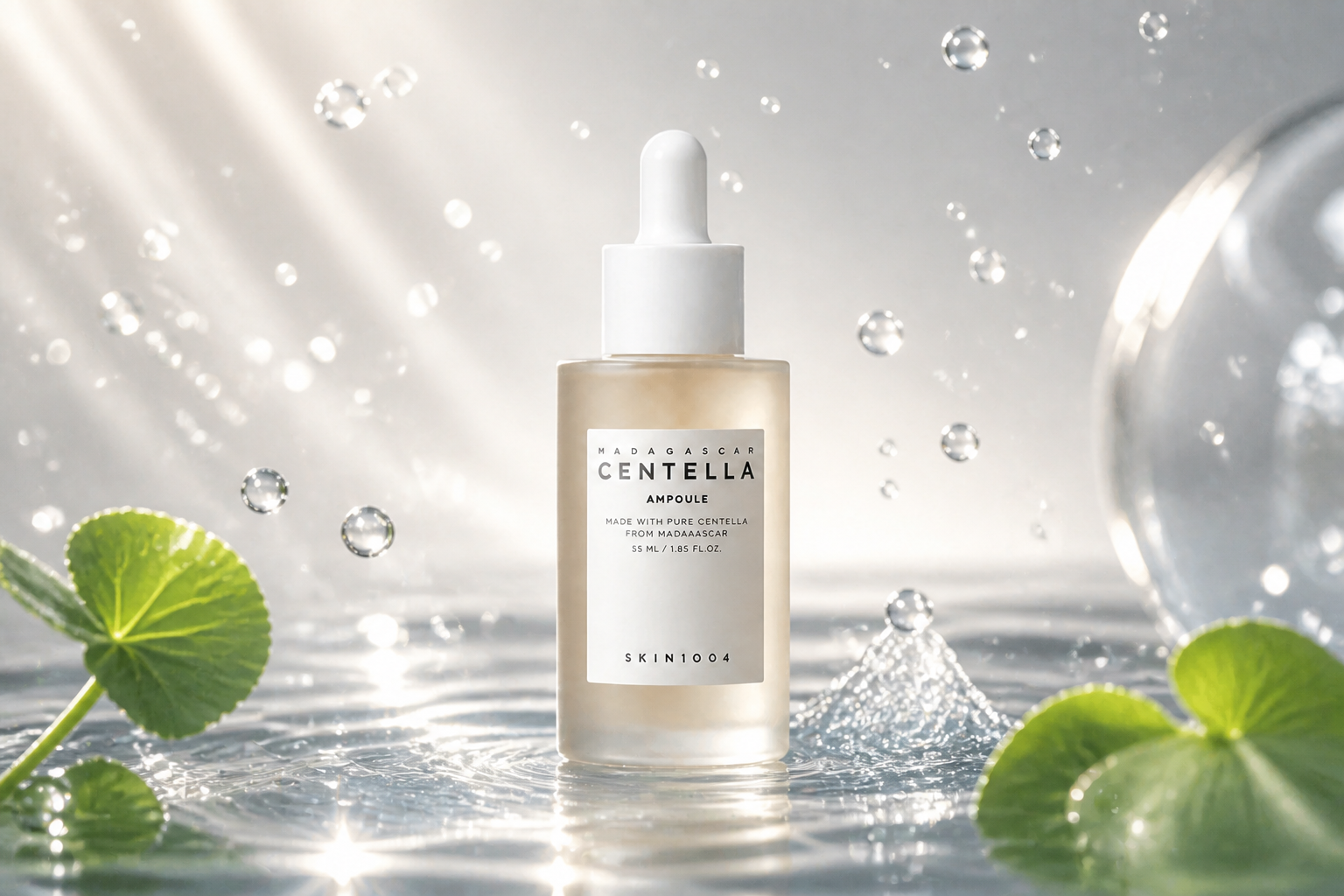
Keep the packaging recognizable
Ad mockups only help if the bottle, jar, or tube still looks like your product. Our AI is guided to preserve the pack shape and label position while changing the scene around it. That makes it useful for concept testing, client previews, and internal reviews. You get stronger visuals without turning the product into something unrecognizable.
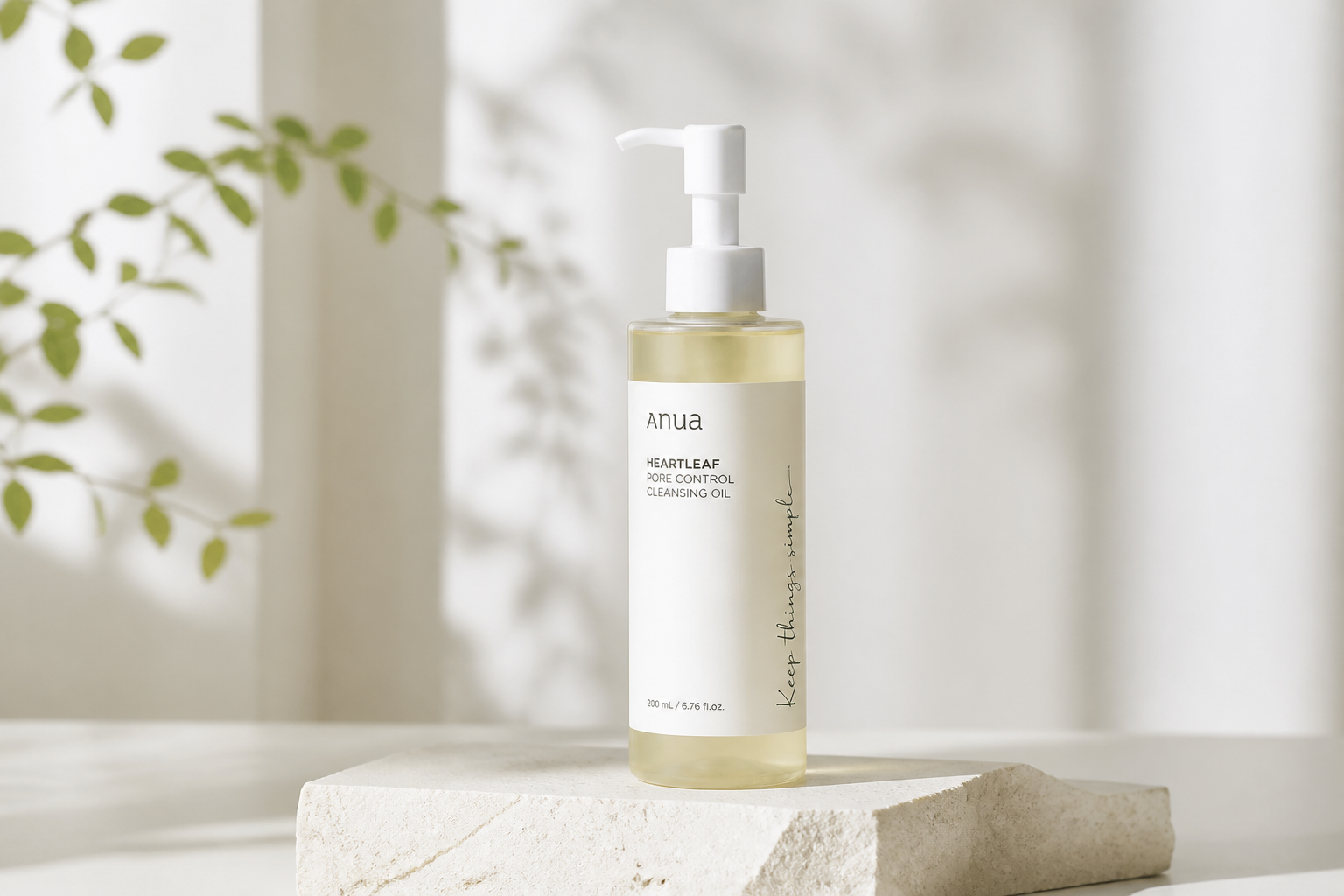
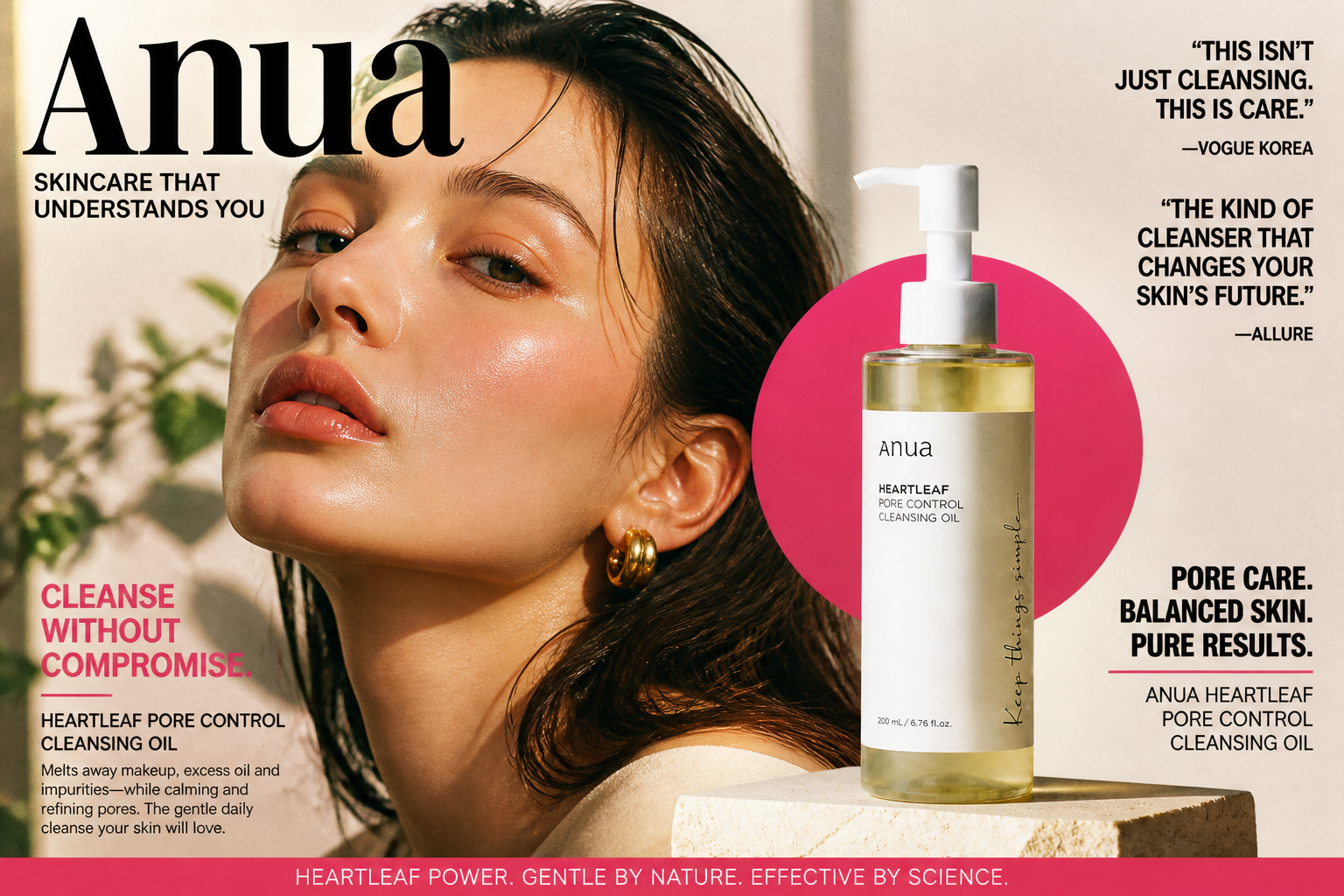
Explore multiple visual styles
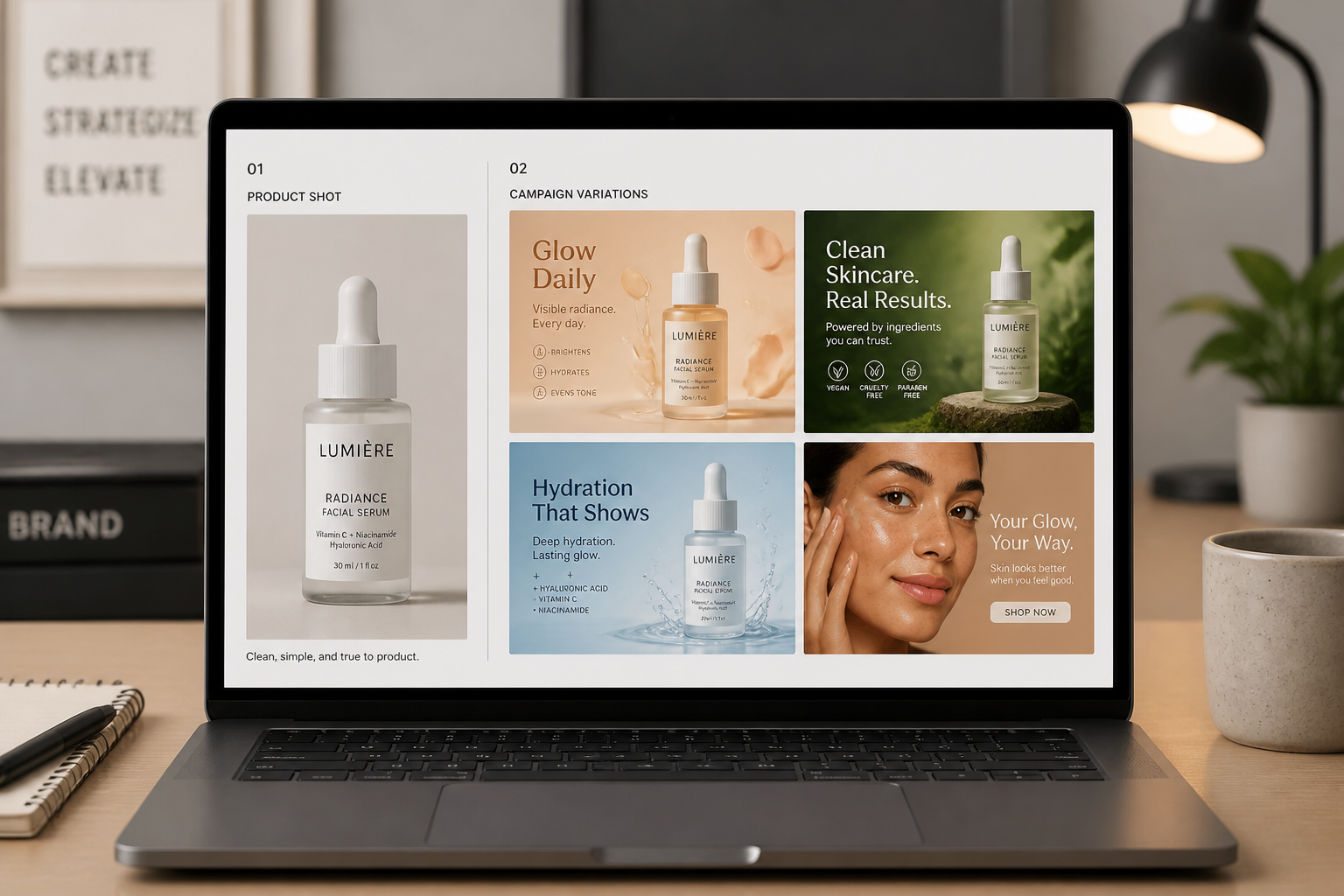
Beauty brands rarely use one look everywhere. You can try spa minimalism, glossy luxury, clinical clean, or stylized editorial directions from the same product image. This makes early-stage creative exploration much faster than setting up separate shoots or building each concept manually. It is useful when you need options for different audiences and channels.
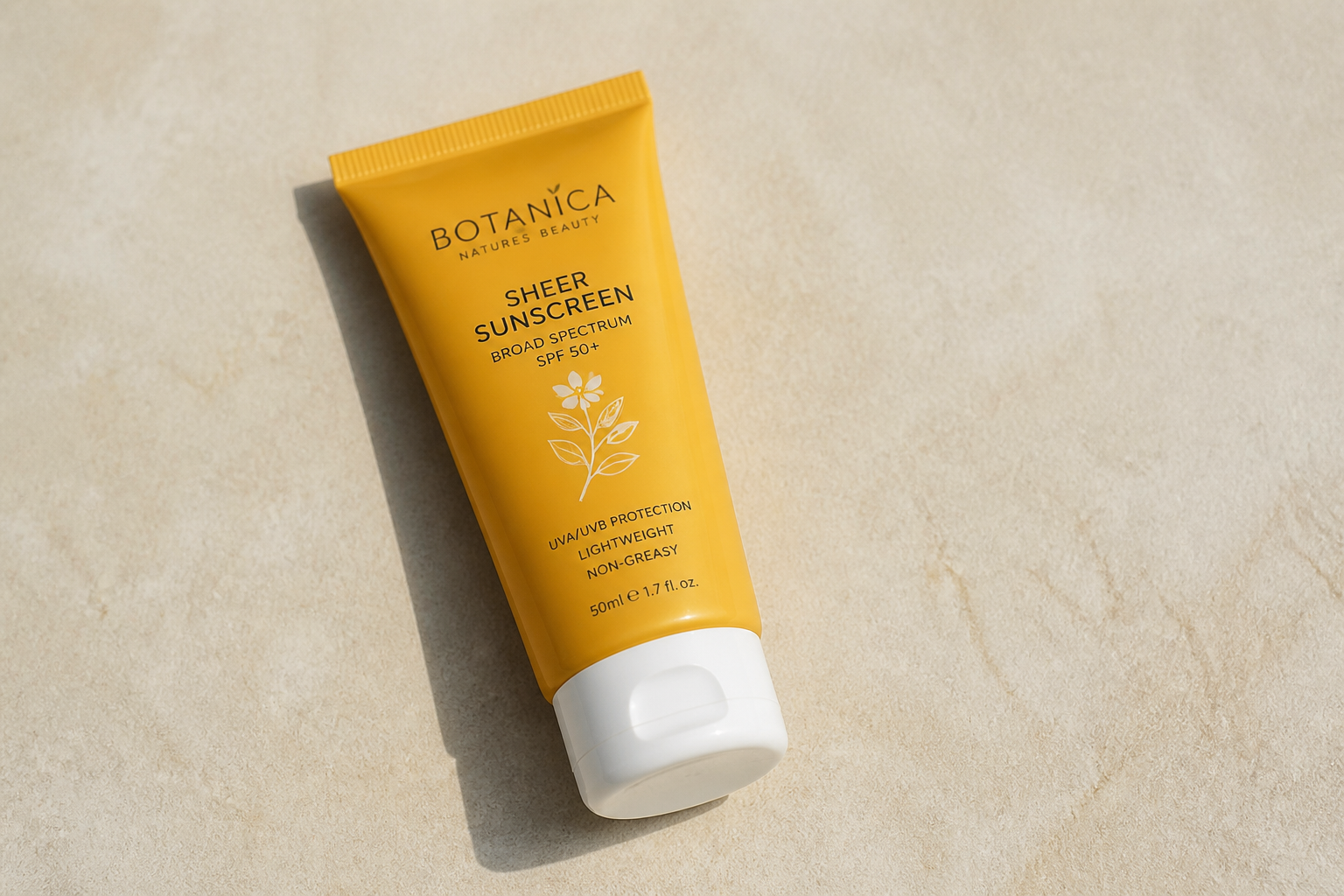
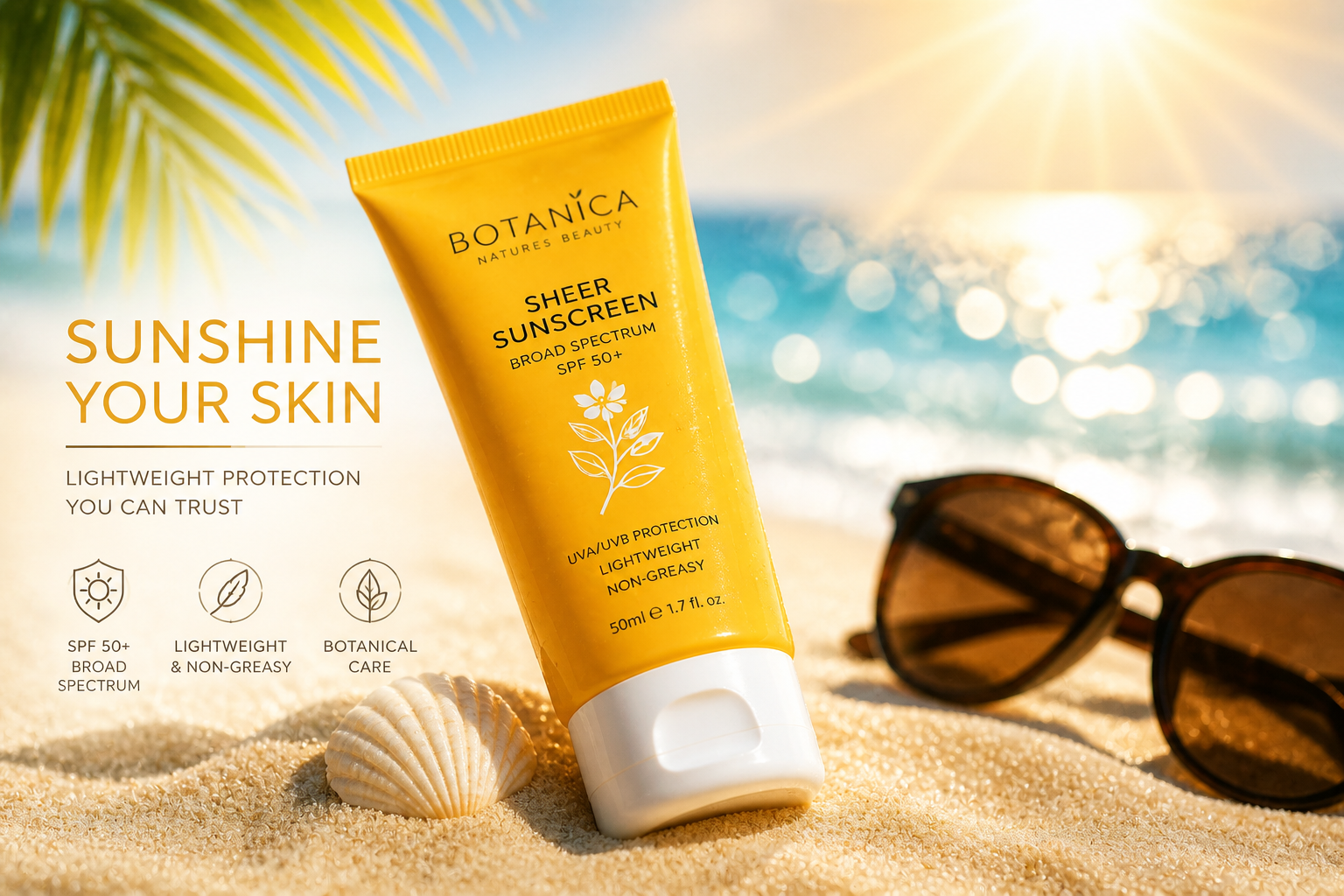
Make thumbnails read clearly
Ads need to work at small sizes, especially in feeds and carousels. Our AI can strengthen lighting, contrast, and composition so the product remains the focal point even in a quick scroll. That matters when you are testing variants for click-through or trying to make a new launch stand out. Instead of subtle edits, you get visuals with clear commercial payoff.
How It Works
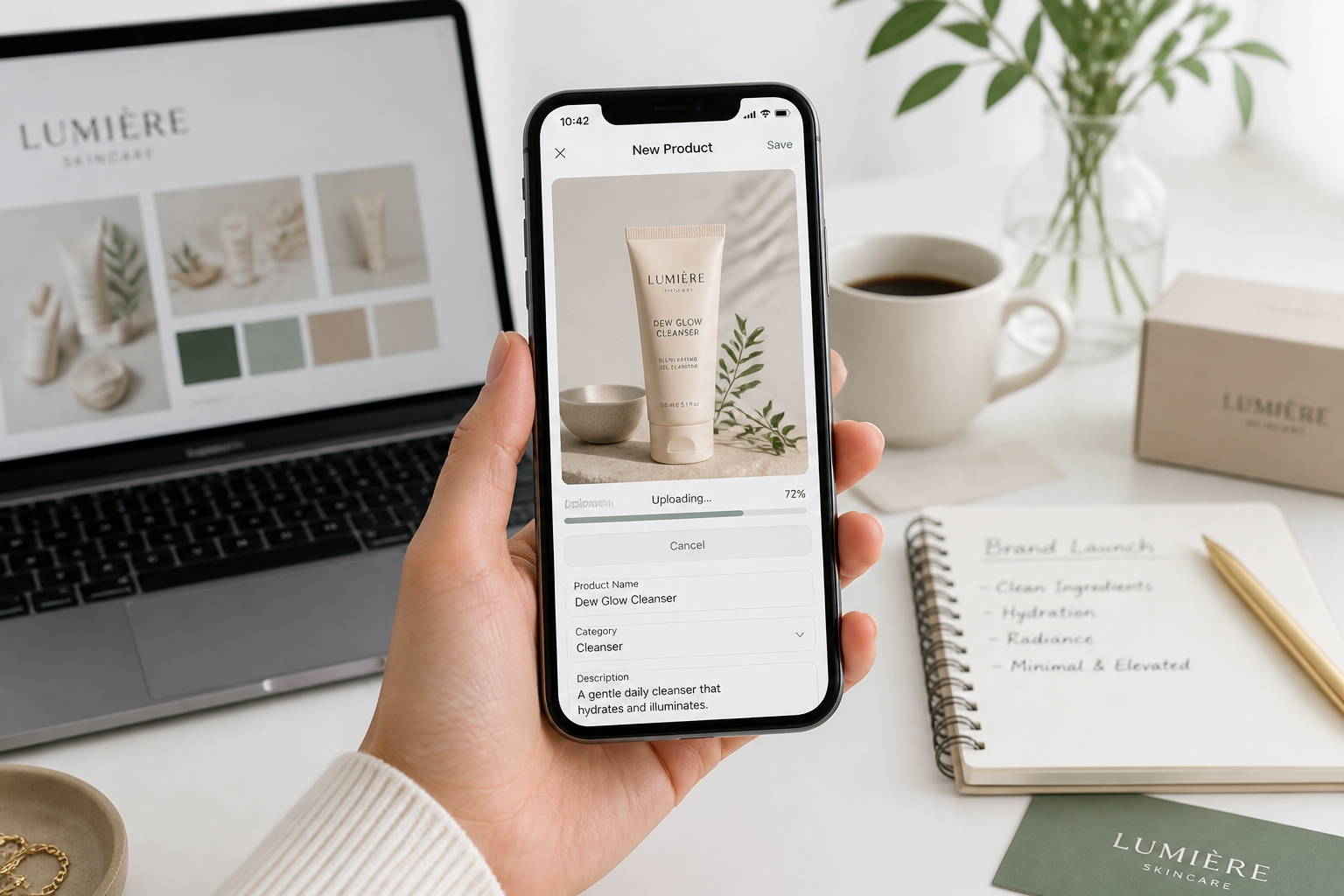
Upload your product photo
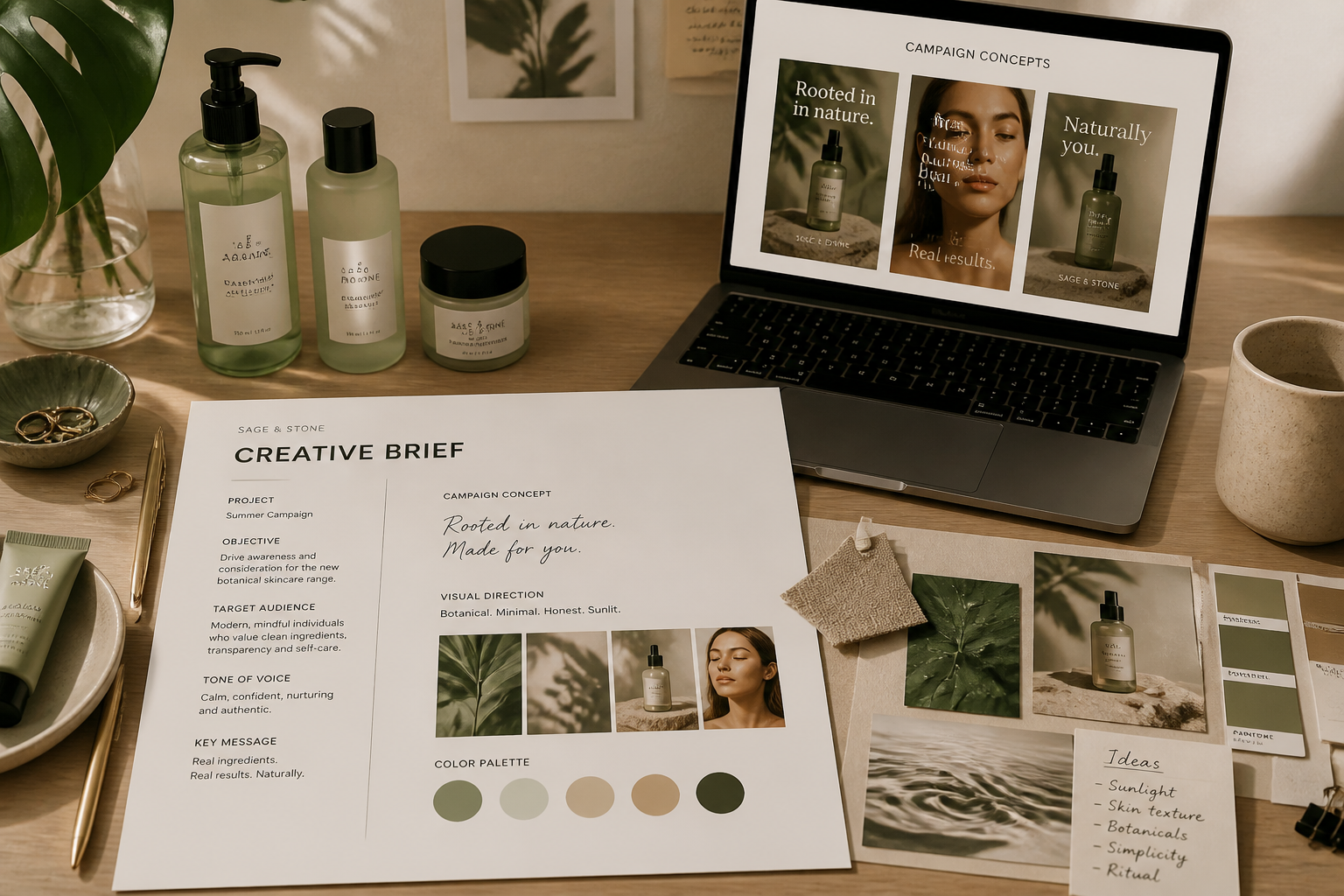
Start with a clear image of your skincare bottle, jar, tube, or set. Simple backgrounds work well because they give our AI more room to build a polished ad scene around the product.
Describe the campaign look
Tell the editor what kind of ad you want, such as spa-fresh, luxury glossy, beachy, or clinical. You can keep it broad for quick ideas or add more direction for a tighter concept.
Generate and compare versions
Review different ad directions and keep the ones that fit your brand or campaign. You can compare before and after, then refine the prompt to push the creative in a new direction.
Perfect For
Discover how creators and professionals use ai skincare ad generator
Paid social concepts
Quickly mock up scroll-friendly skincare ads for Instagram, Facebook, and short-form video cover frames.
Product launch visuals
Create polished concept images for new serums, cleansers, and moisturizers before a full production shoot.
Agency client previews
Show clients multiple campaign directions from one source image without spending days on manual comps.
Marketplace and PDP creative
Turn simple pack shots into elevated visuals for product detail pages, landing pages, and store banners.
Built For
Beauty brands
Useful for in-house teams that need fresh campaign visuals while keeping packaging and product identity consistent.
Creative agencies
Helps teams produce faster mockups for pitches, concept rounds, and client approvals.
Ecommerce sellers
A practical option for merchants who want stronger skincare product imagery without a full art department.
Why teams use BudgetPixel for skincare ads
A quick look at how we compare on the things that matter for this niche.
| Feature | BudgetPixel | Generic AI editors | Manual editing apps |
|---|---|---|---|
| Fast ad-style mockups | ✓ | ✓ | — |
| Preserves product focus | ✓ | — | ✓ |
| Multiple creative directions | ✓ | ✓ | — |
| Useful from one source photo | ✓ | ✓ | — |
| Manual compositing required | — | — | ✓ |
Frequently Asked Questions
What kinds of skincare products work best?
Will the product label stay readable?
Can I create different ad styles from one photo?
Is this for finished ads or early concepts?
Do I need design experience to use it?
Create together.
Share your creations, discover trending AI art, and grow with fellow creators.