AI Shirt Changer
Swap any shirt in a photo without reshooting the whole look
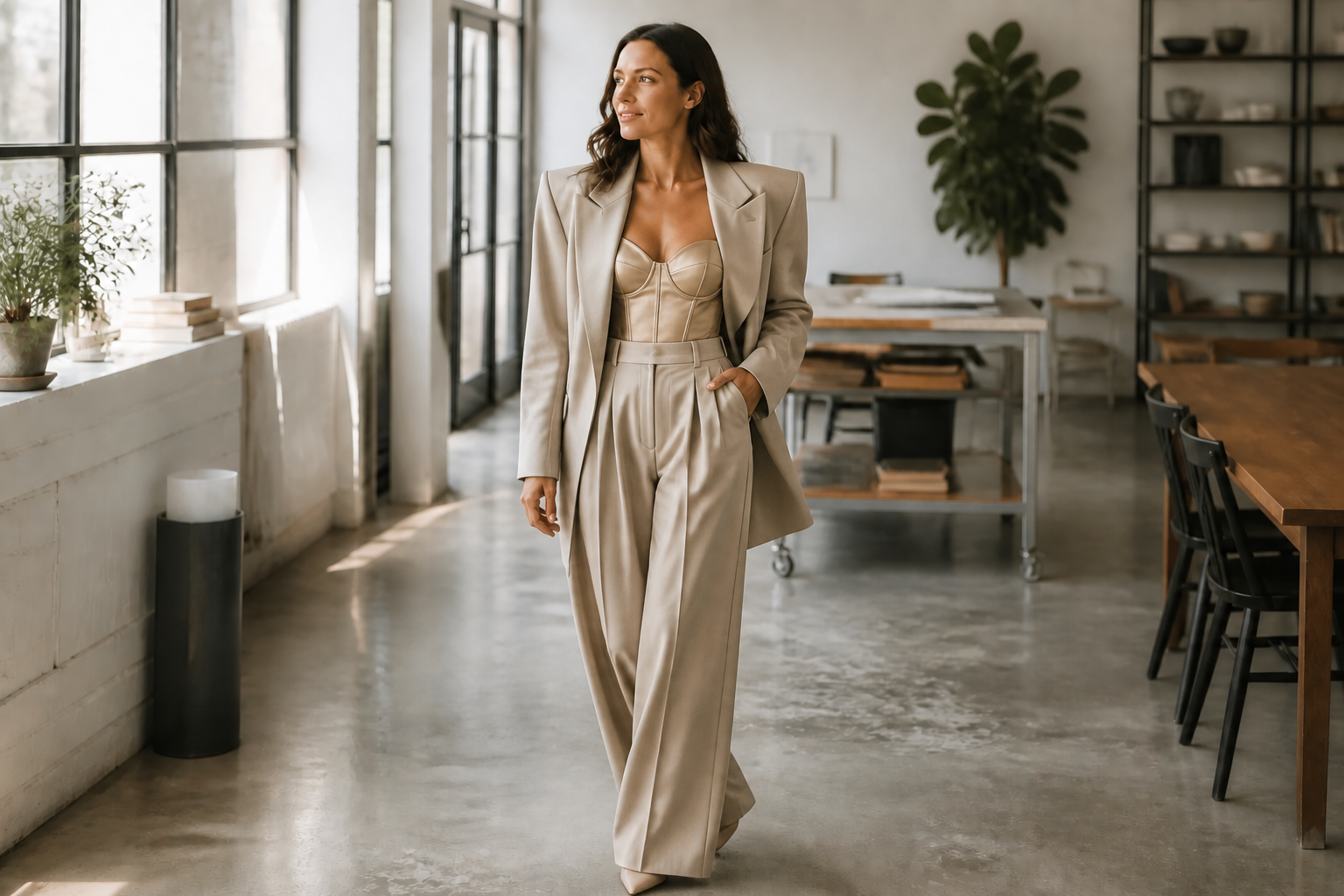
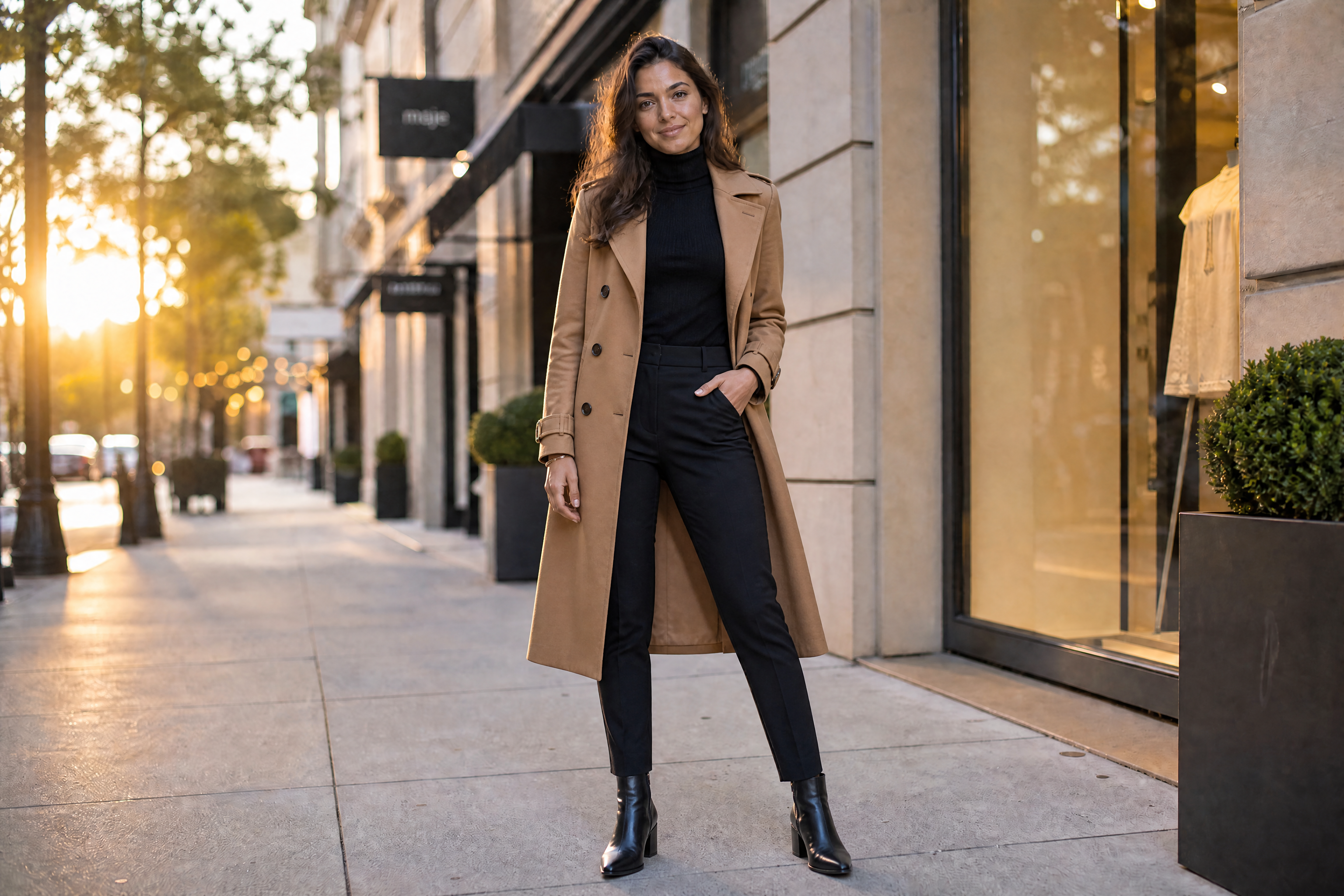
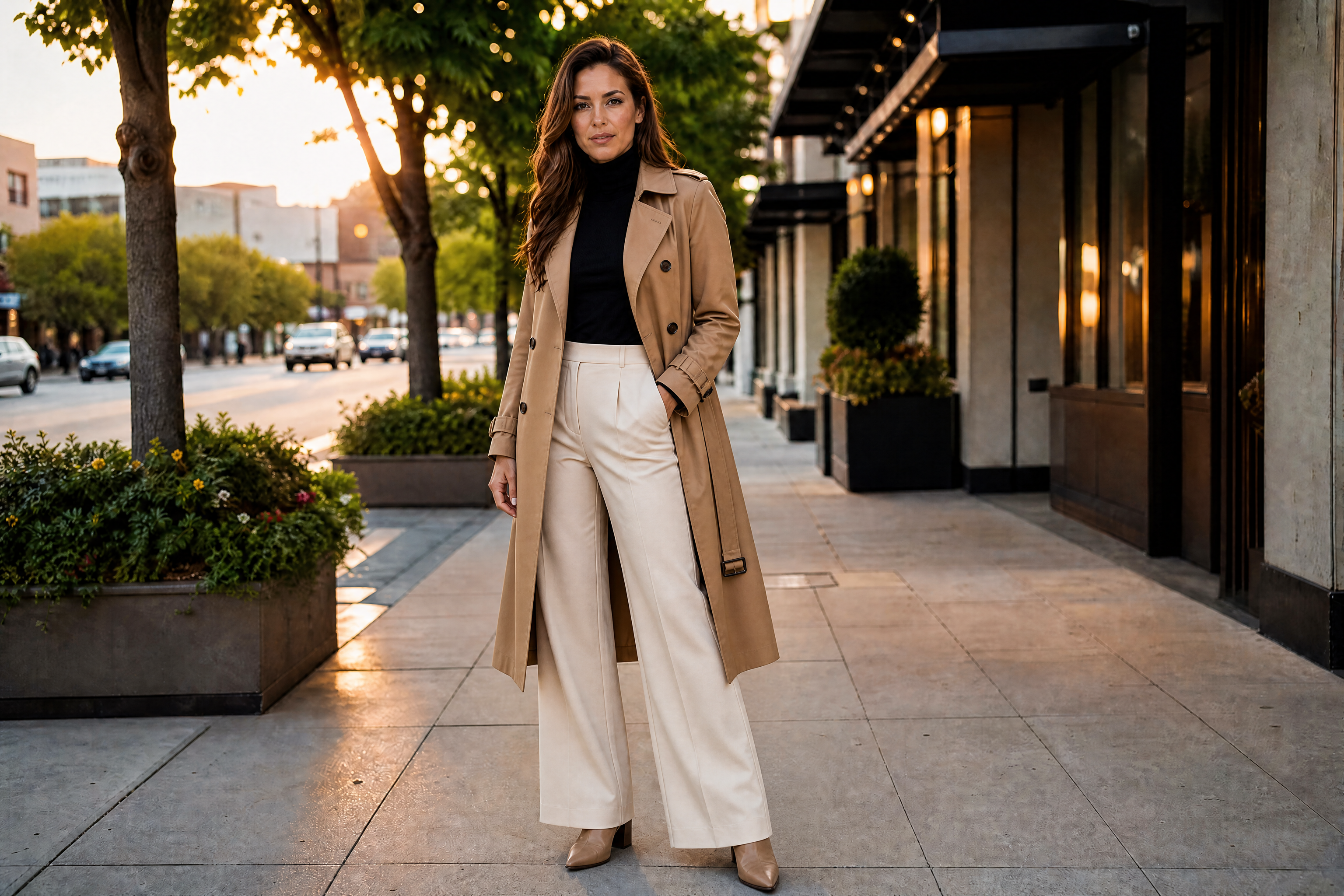
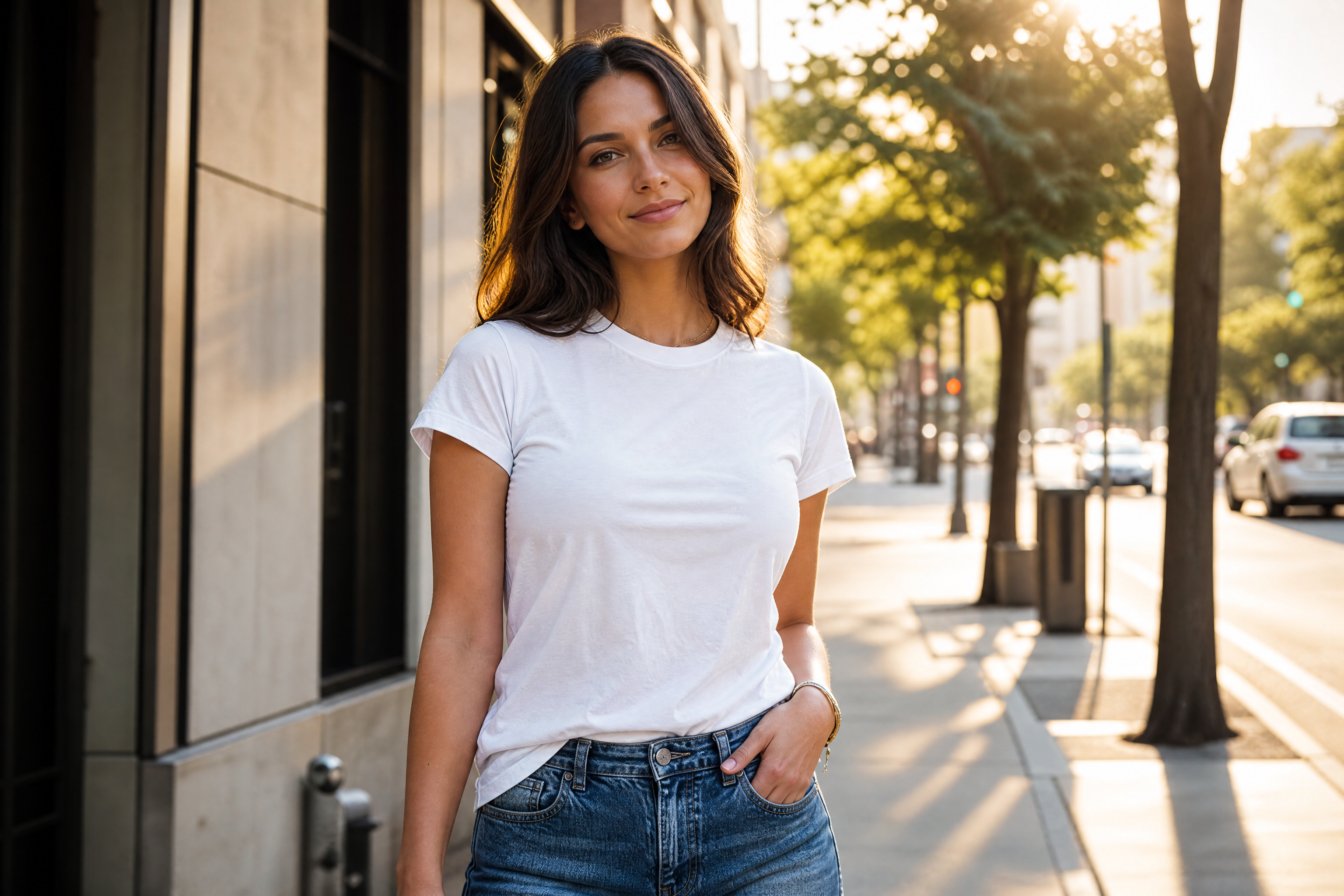
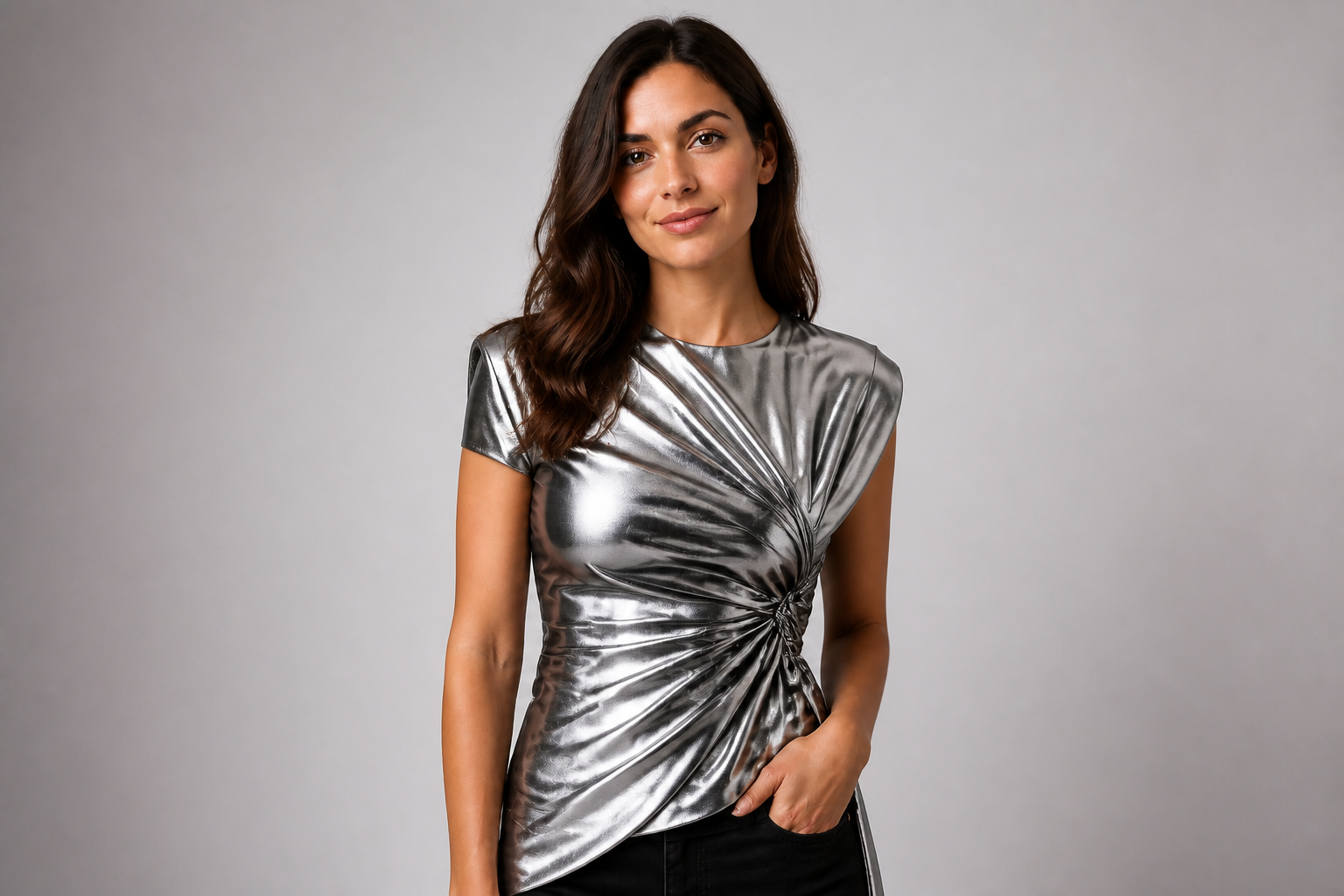
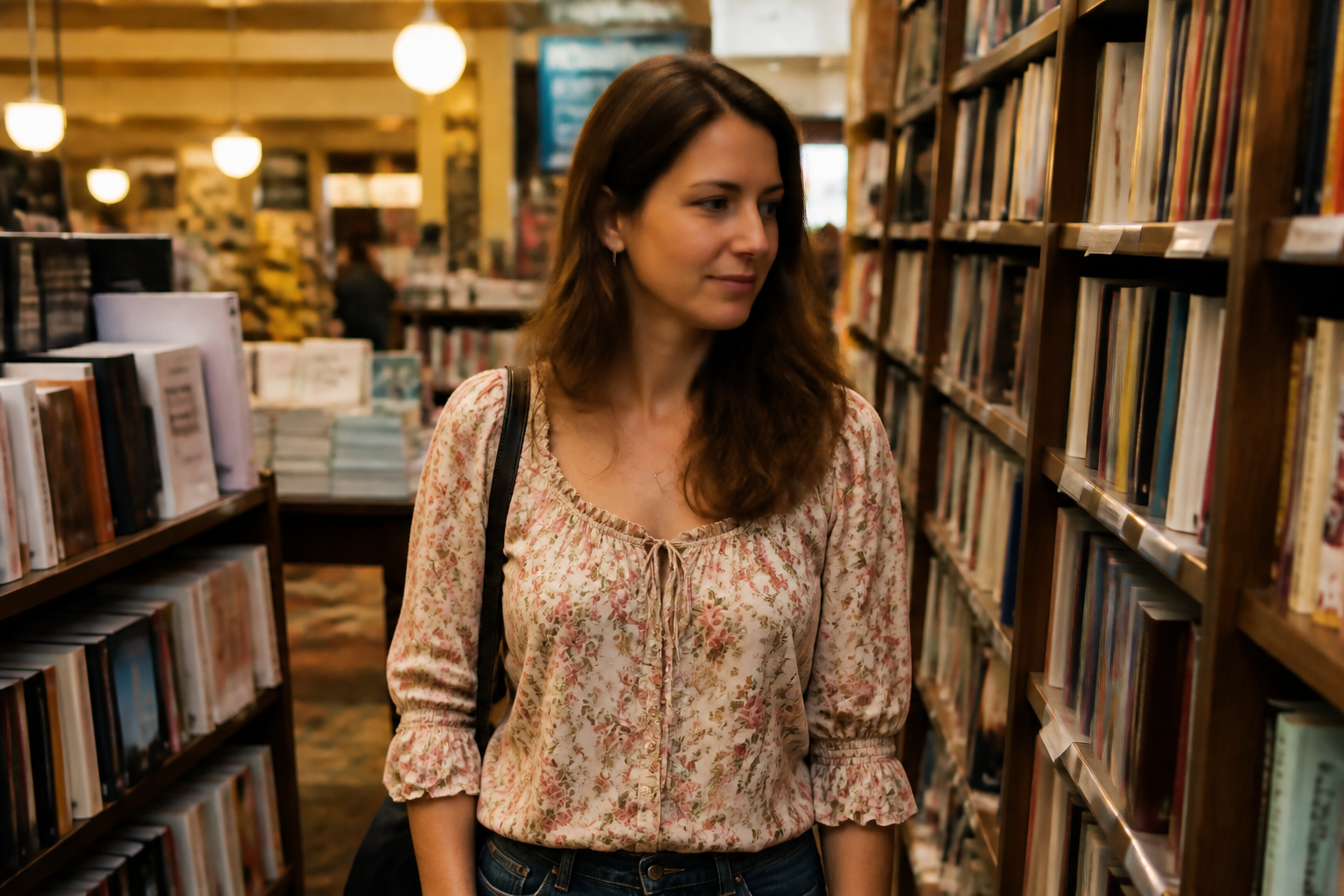
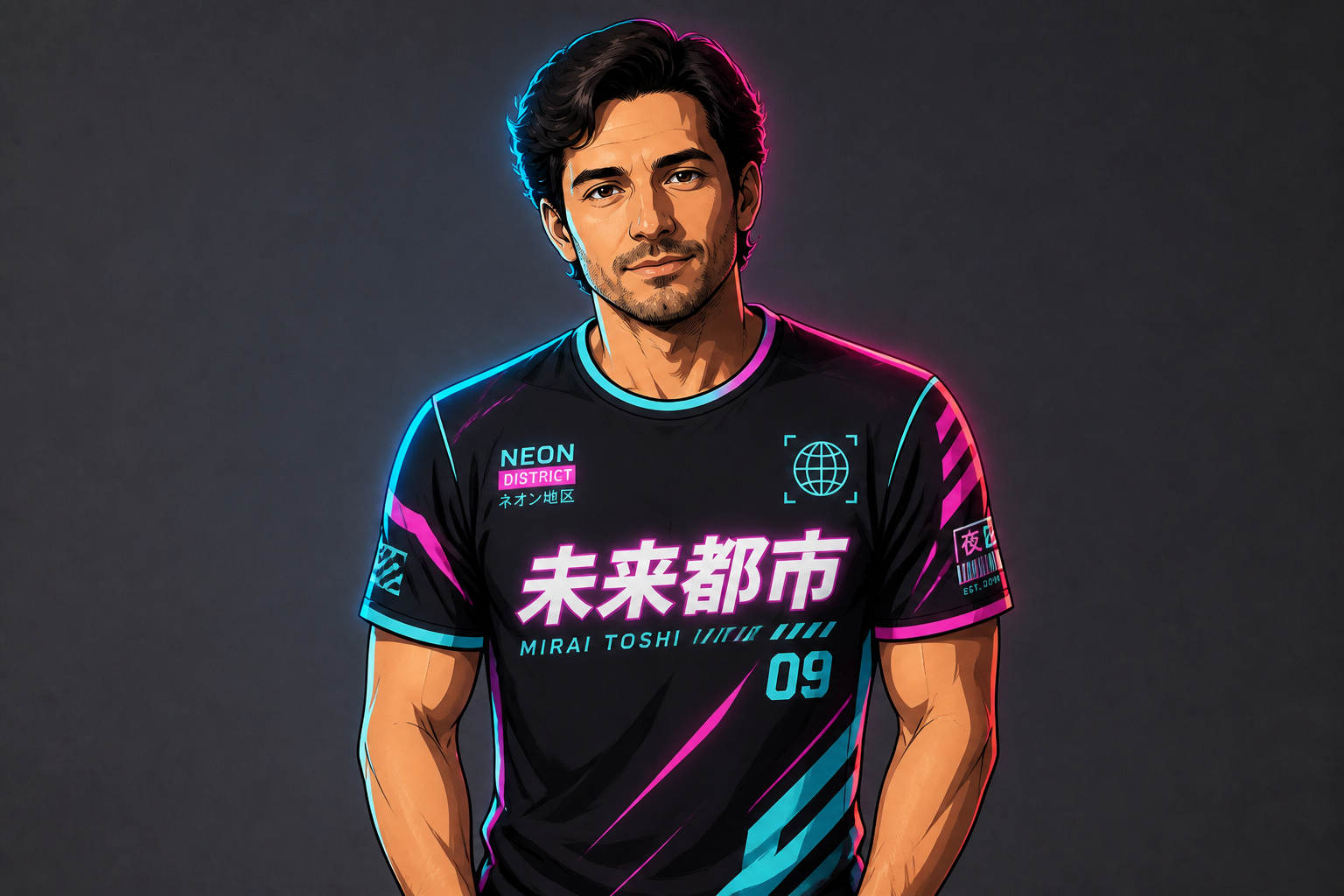
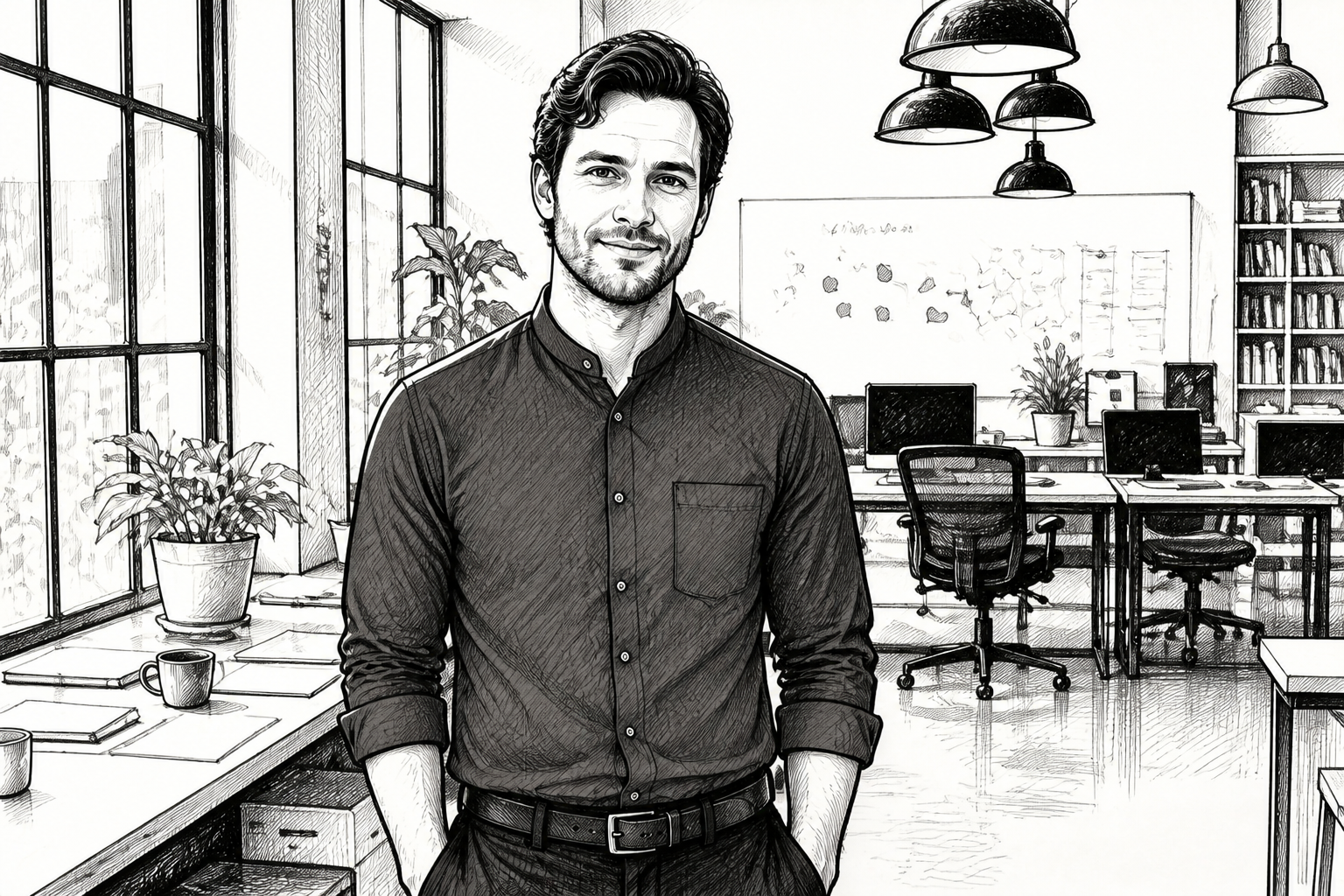
Upload a photo and change the shirt to a new style, color, or vibe in seconds. Our AI updates the clothing while keeping the person's pose, face, body, and background consistent.
Watch the Transformation
See ai shirt changer in motion — generated end-to-end by our AI.
See It In Action
Real outputs from ai shirt changer.
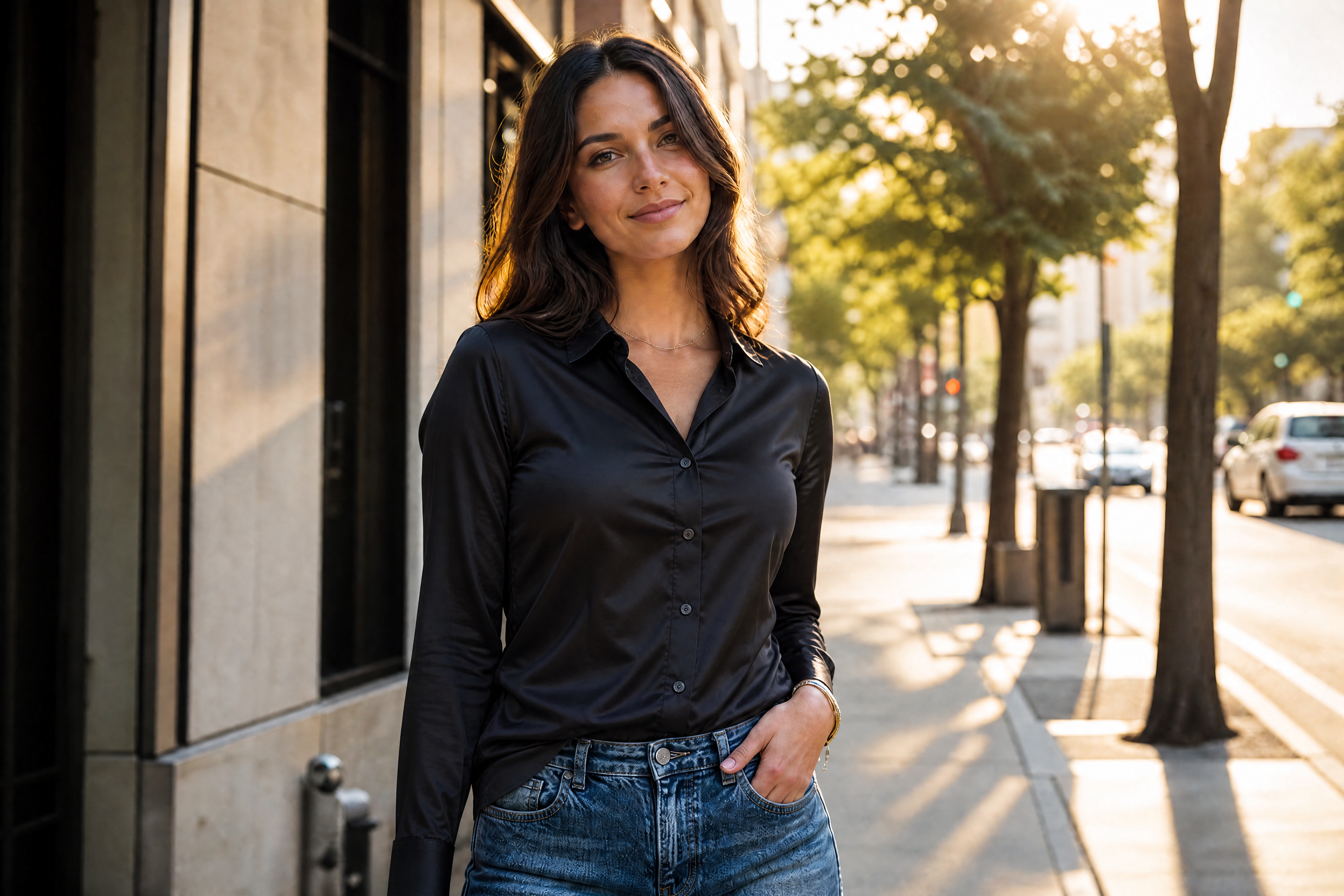
BEFOREAFTER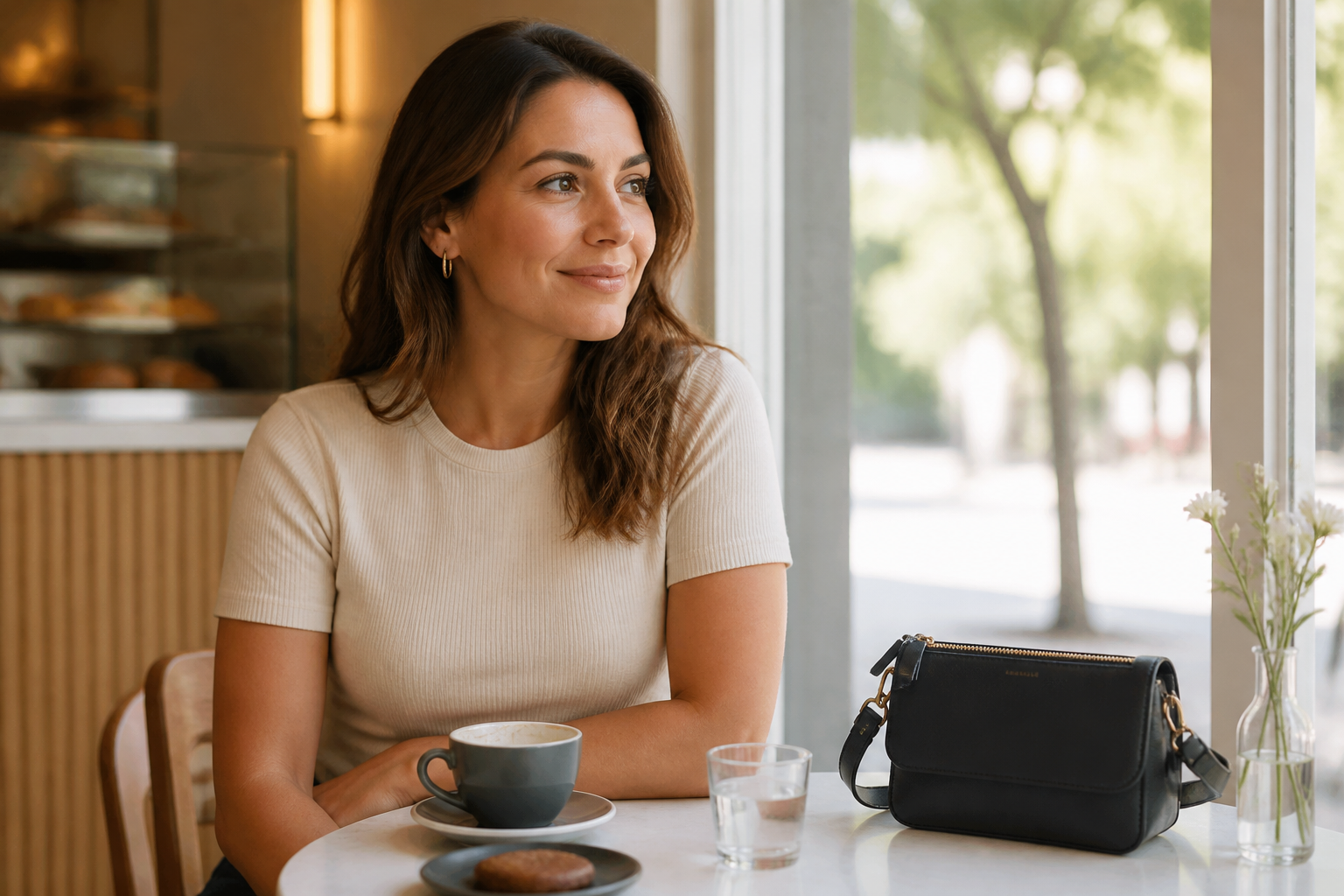 BEFORE
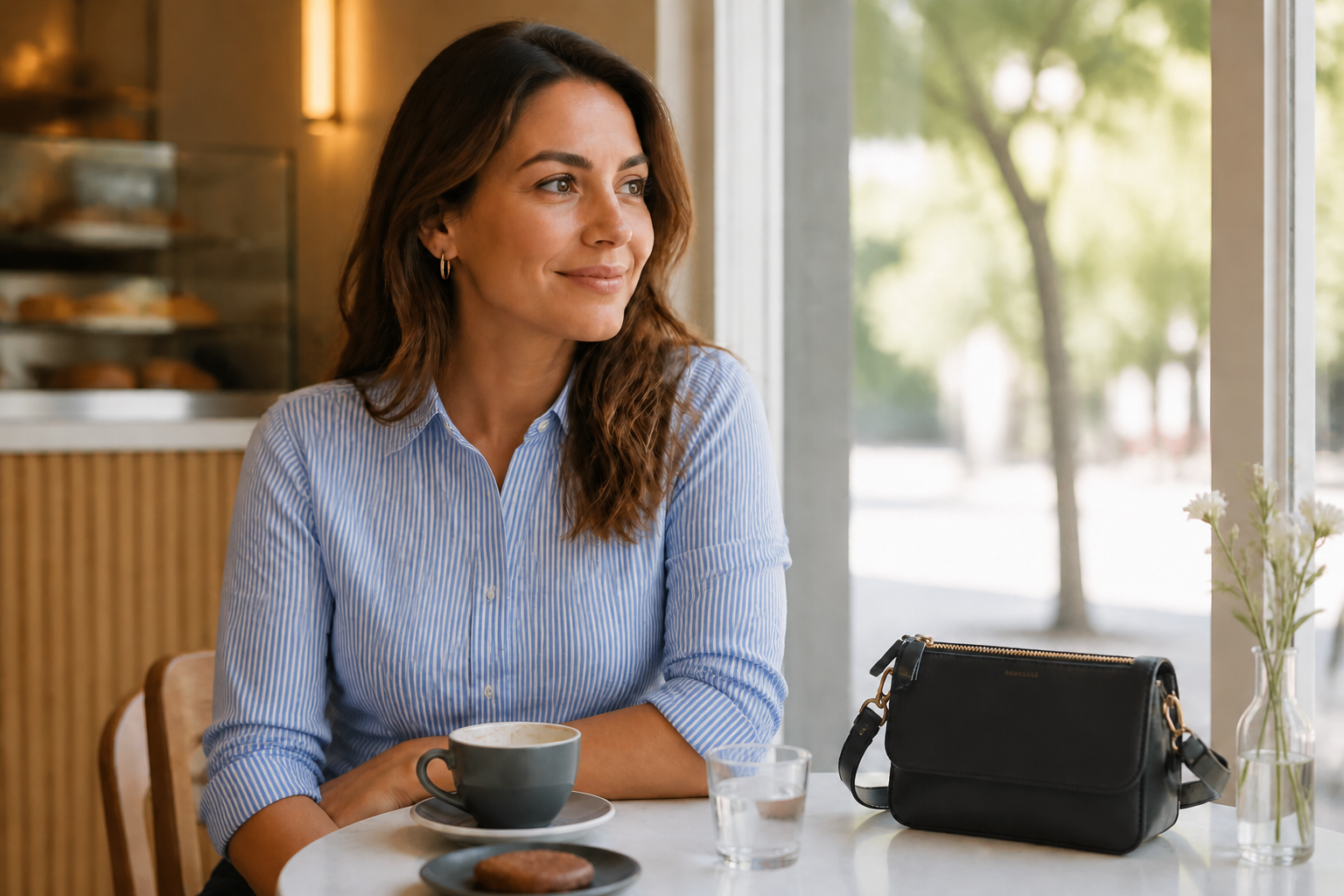 AFTER
AFTER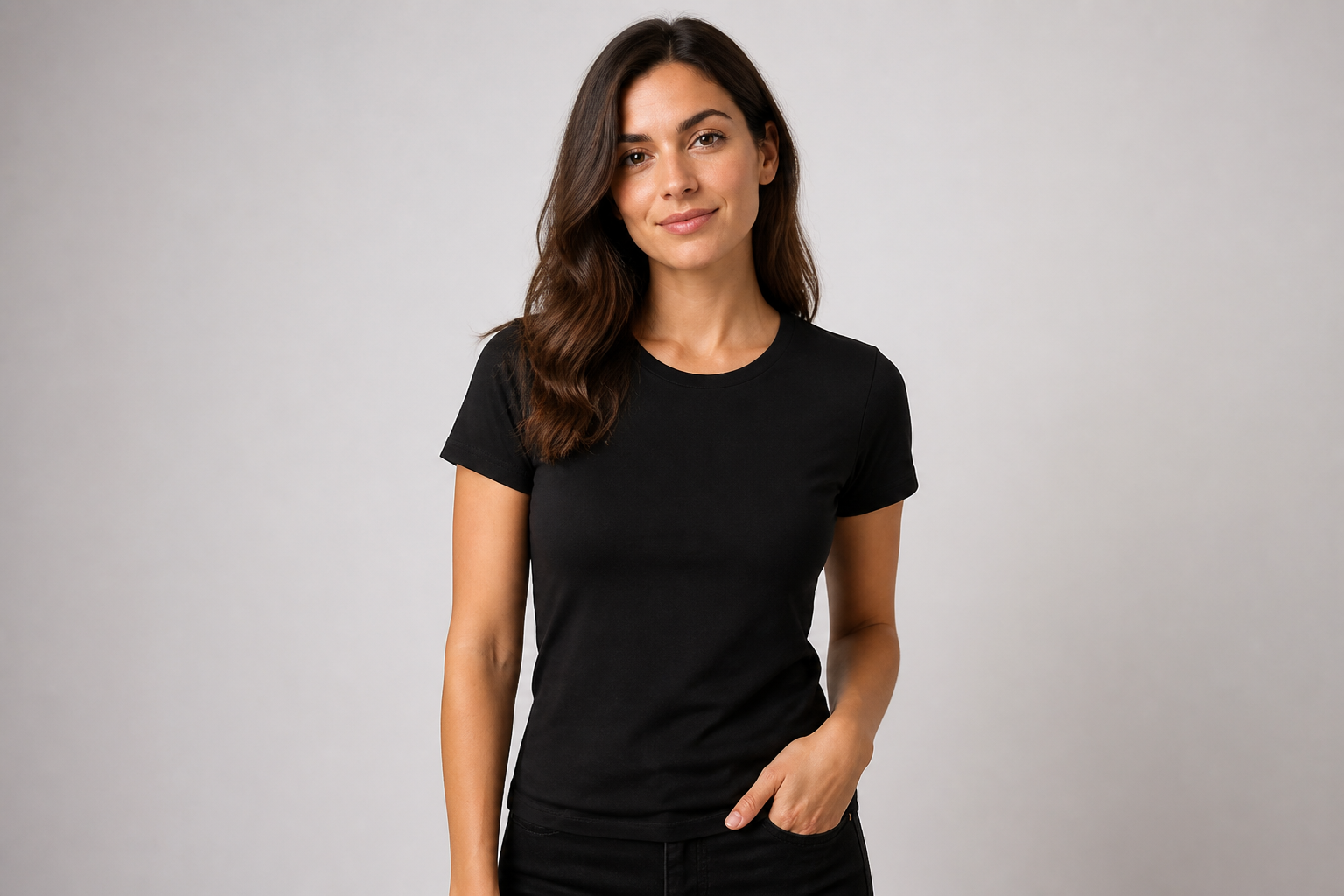 BEFORE
 AFTER
AFTER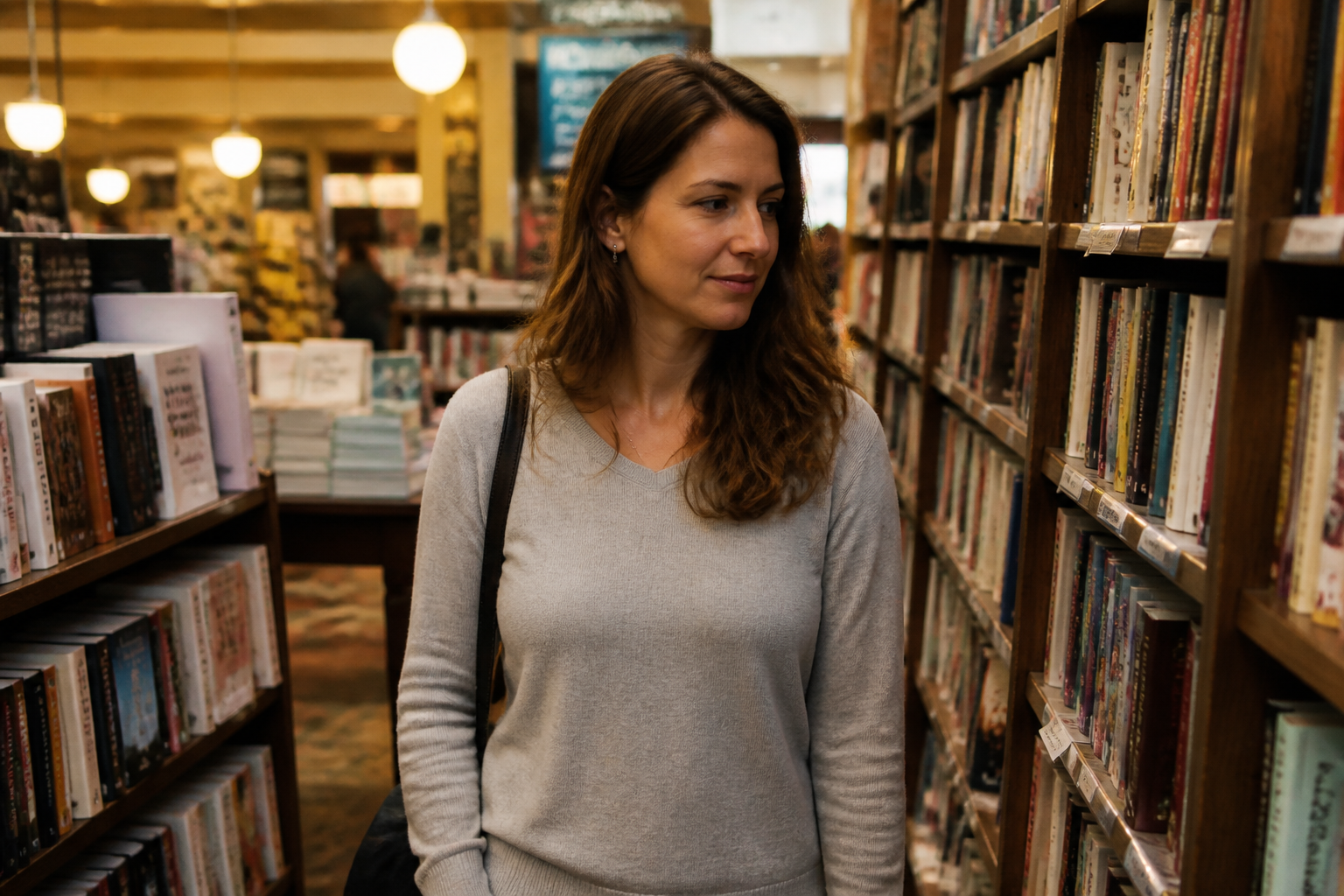 BEFORE
 AFTER
AFTER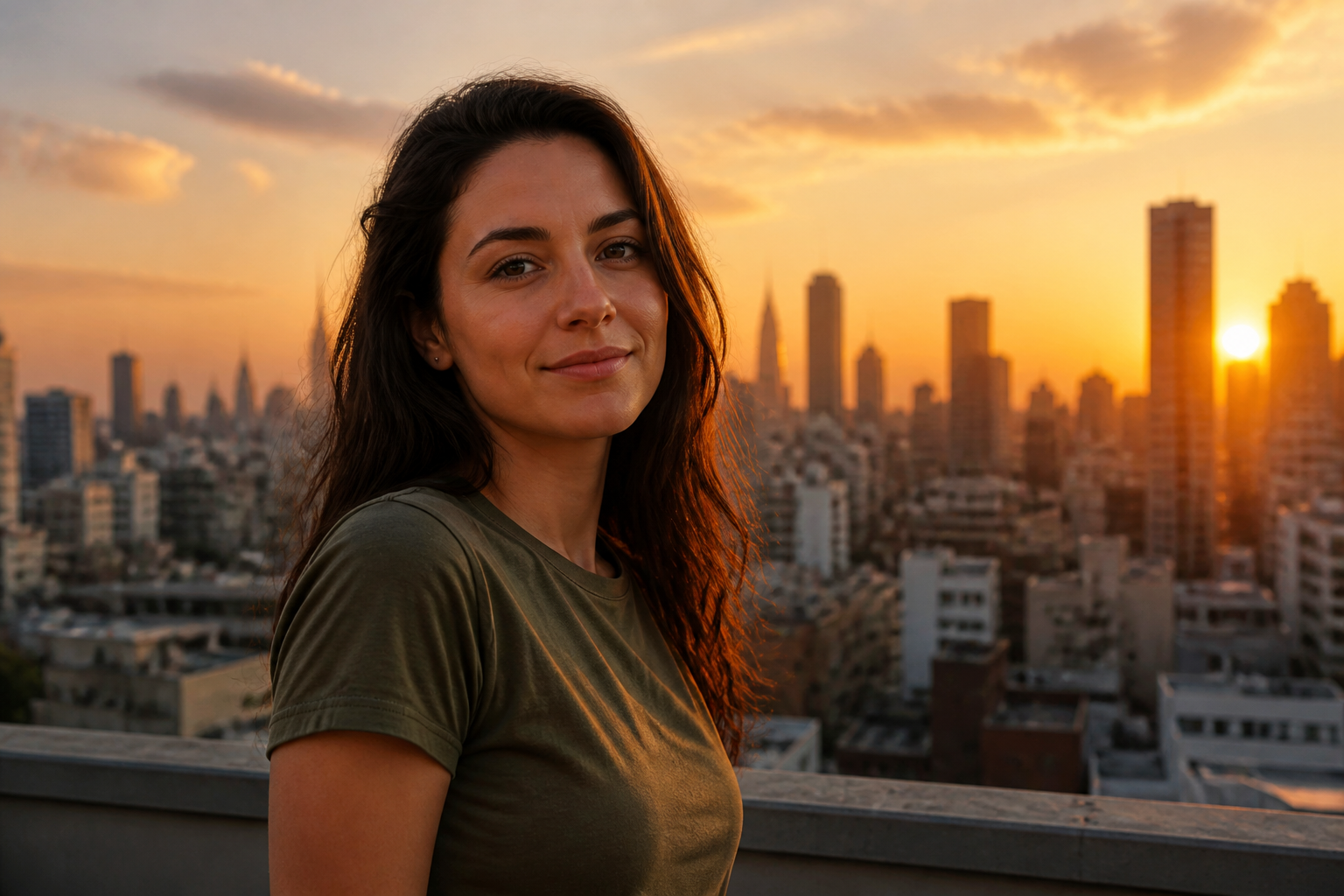 BEFORE
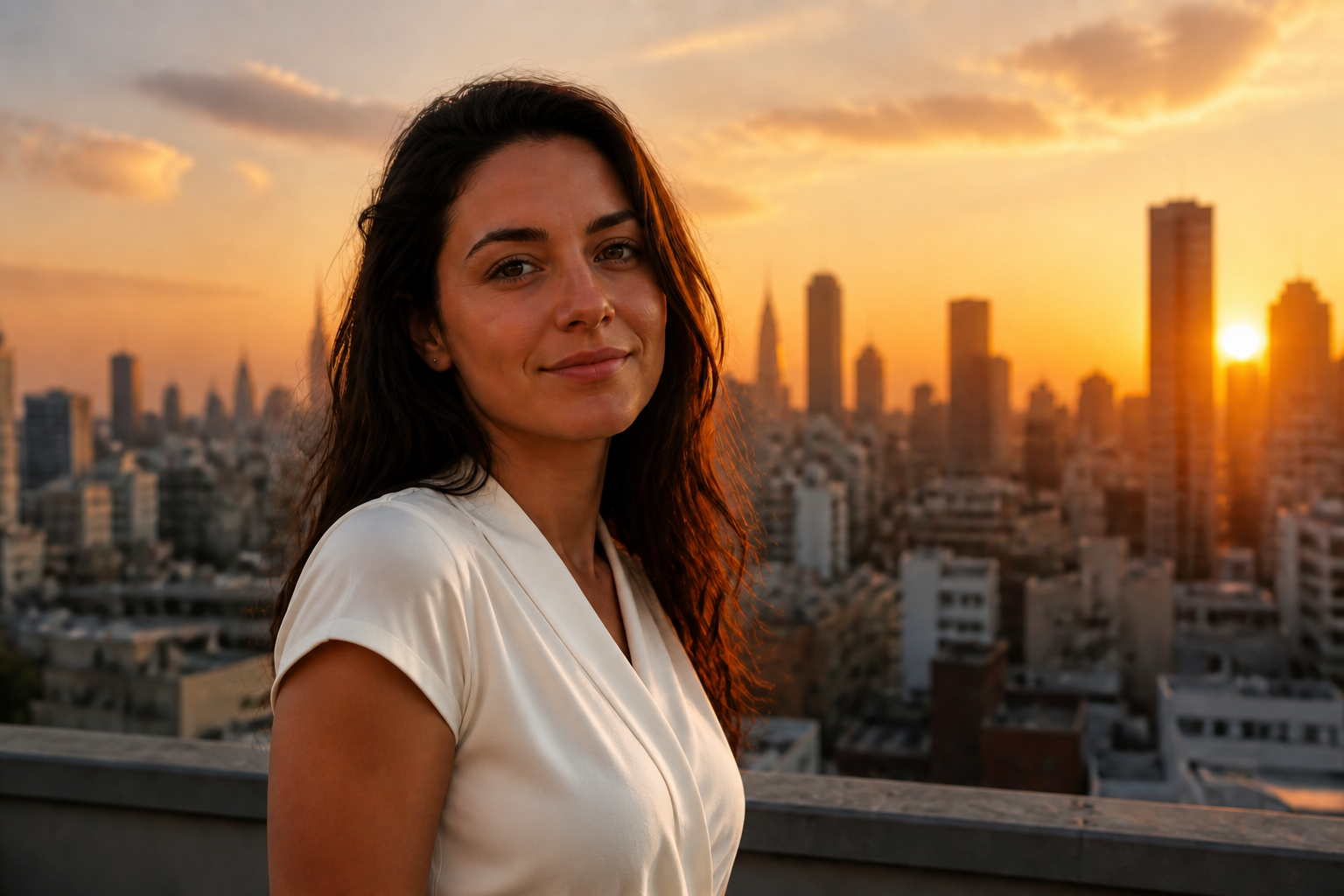 AFTERBEFOREAFTERBEFOREAFTERBEFOREAFTERBEFOREAFTERBEFOREAFTER
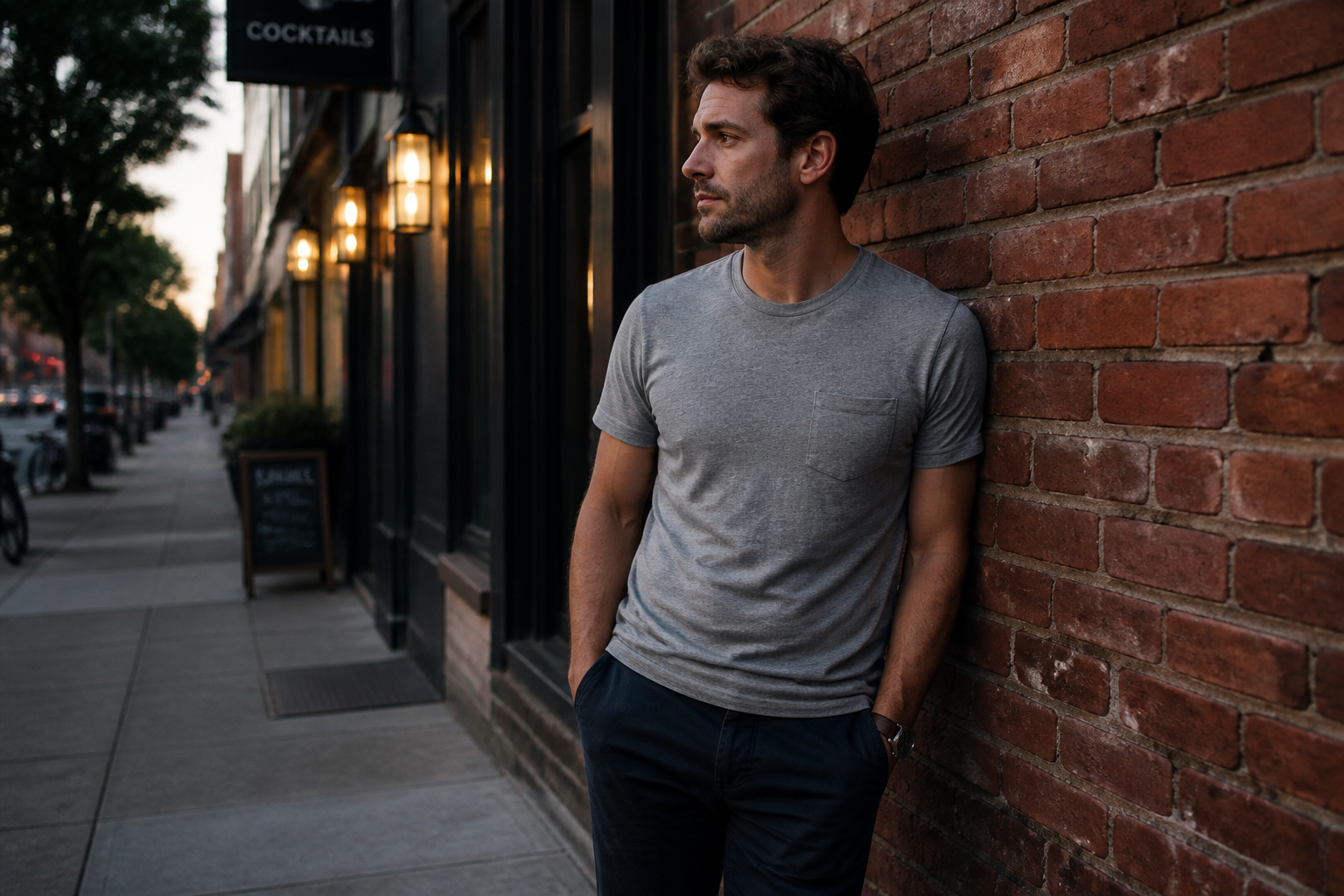 BEFORE
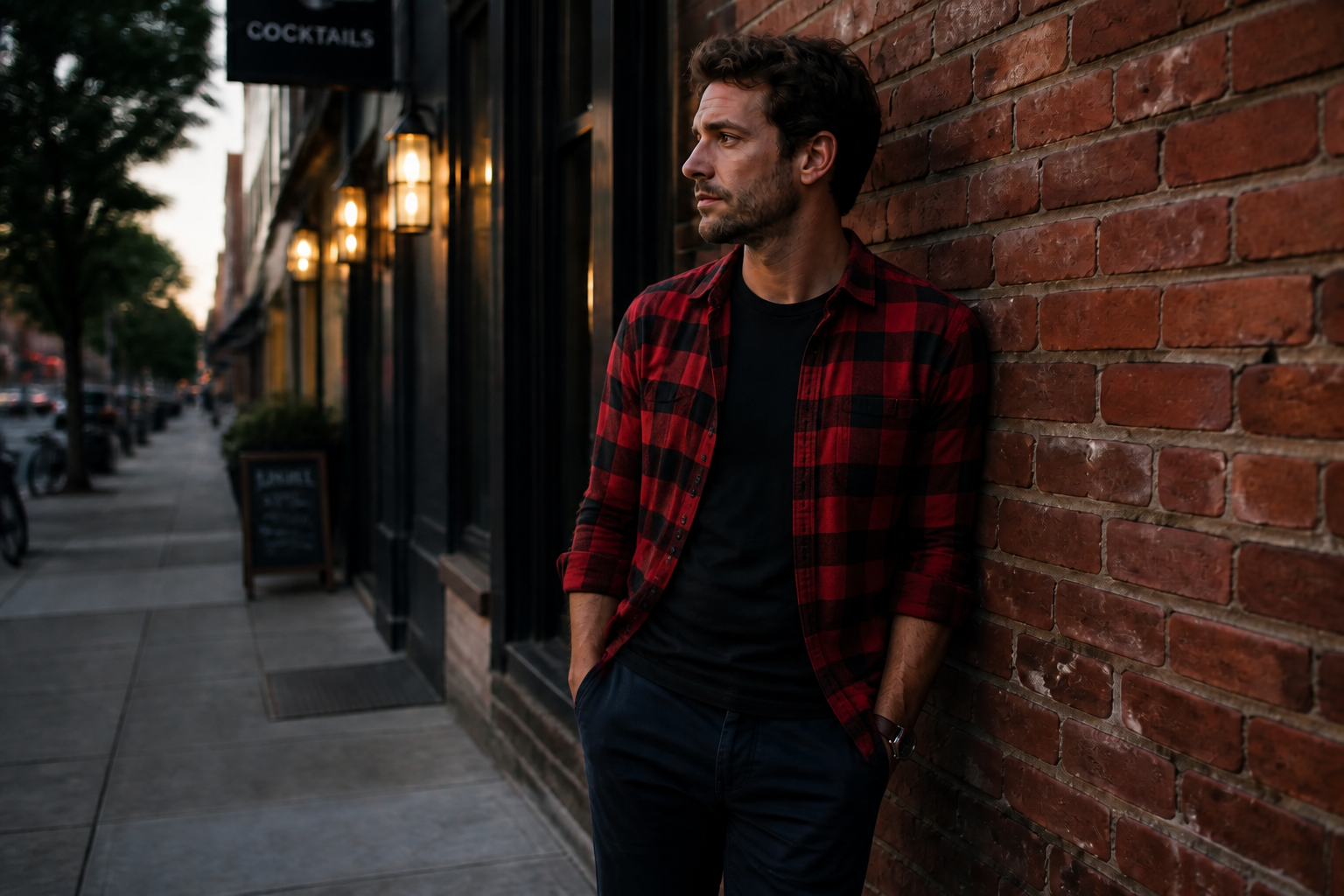 AFTER
AFTER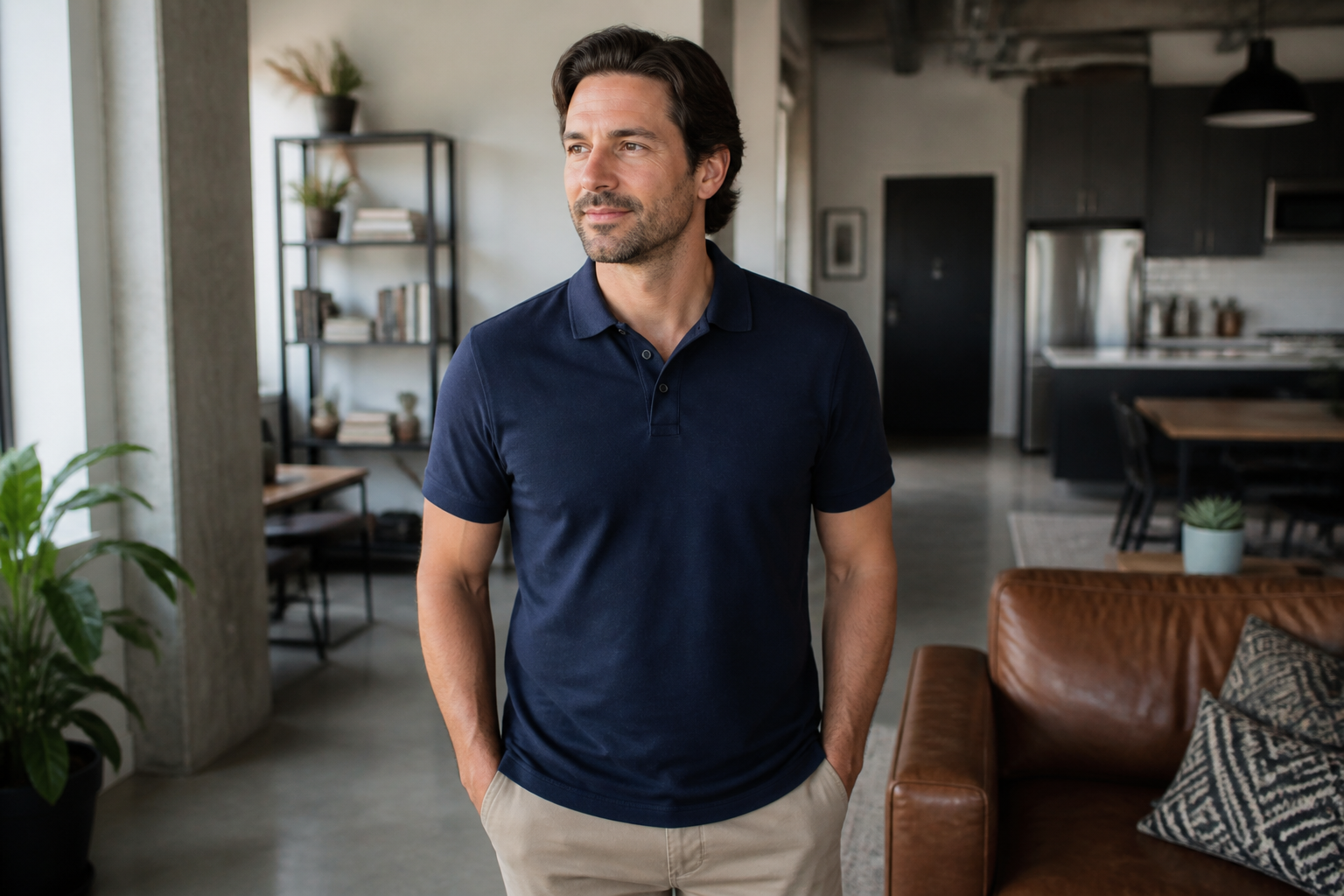 BEFORE
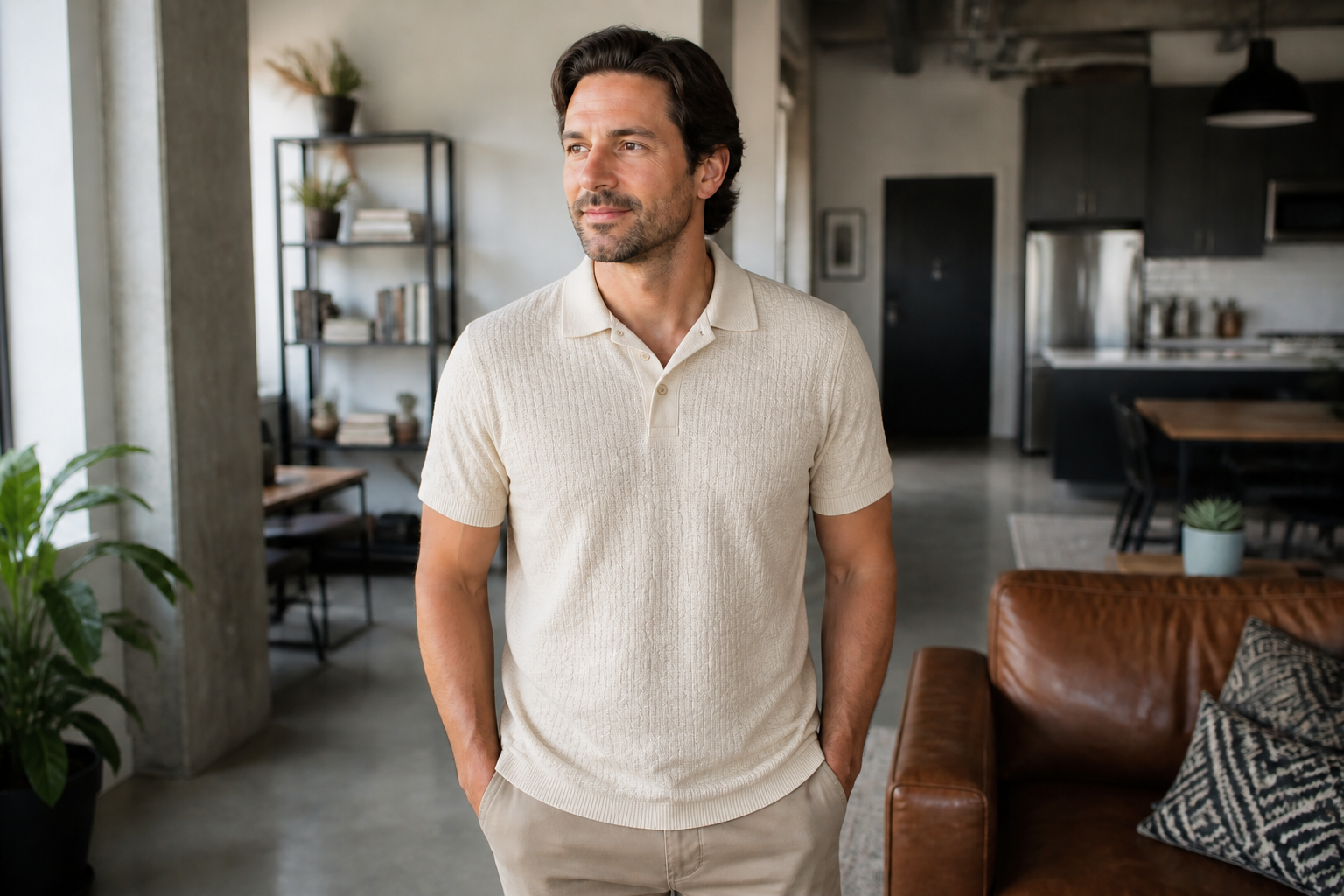 AFTER
AFTER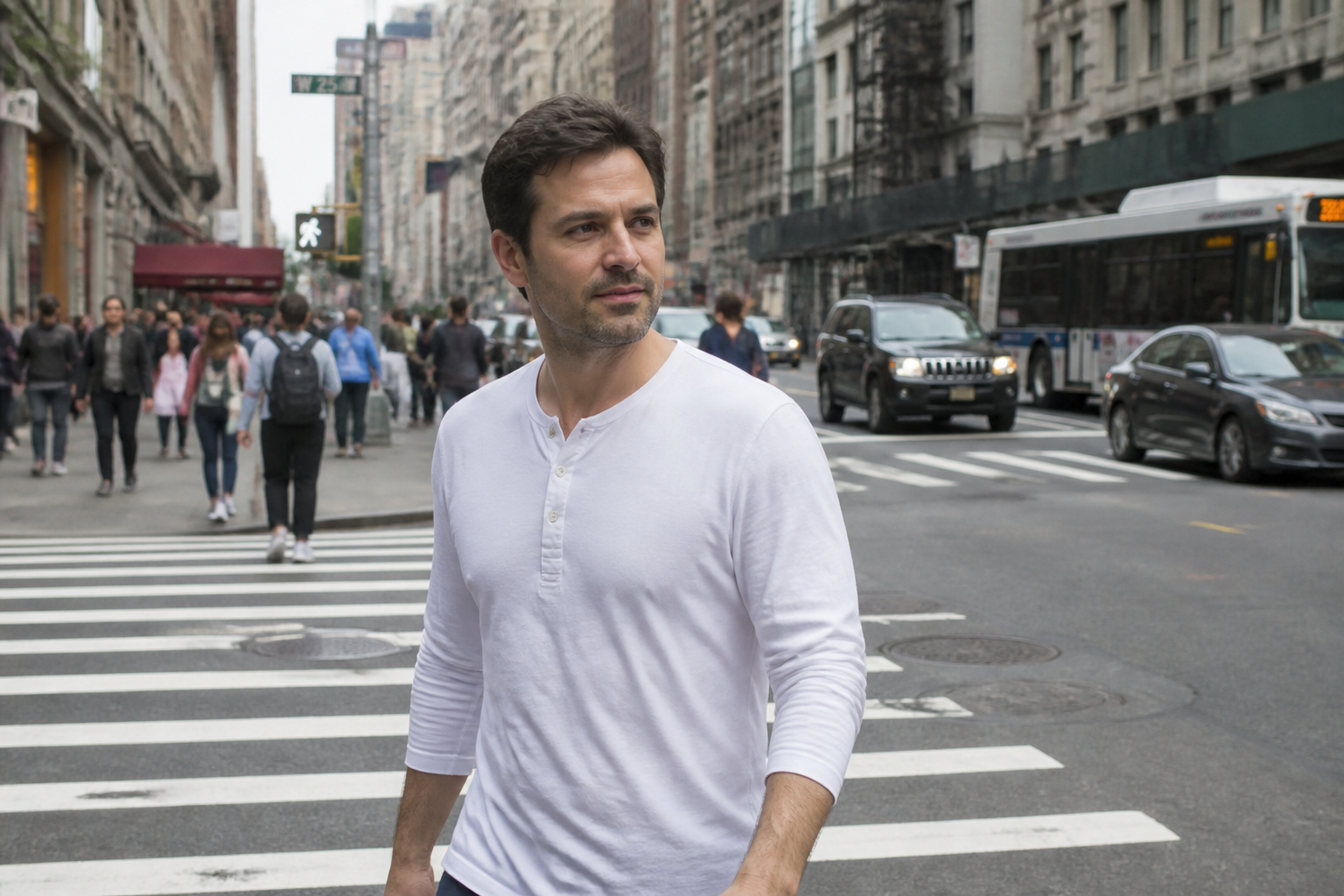 BEFORE
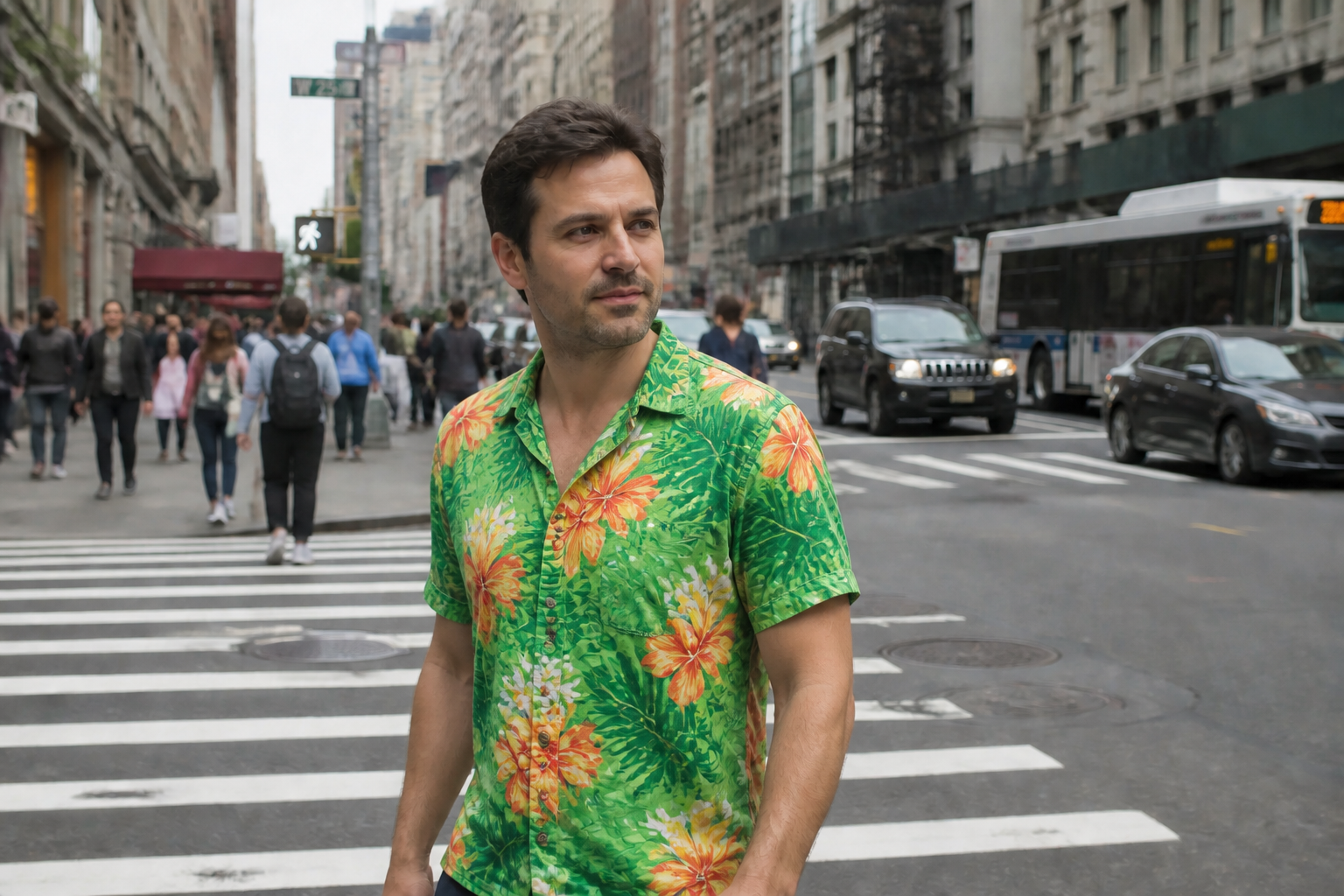 AFTER
AFTER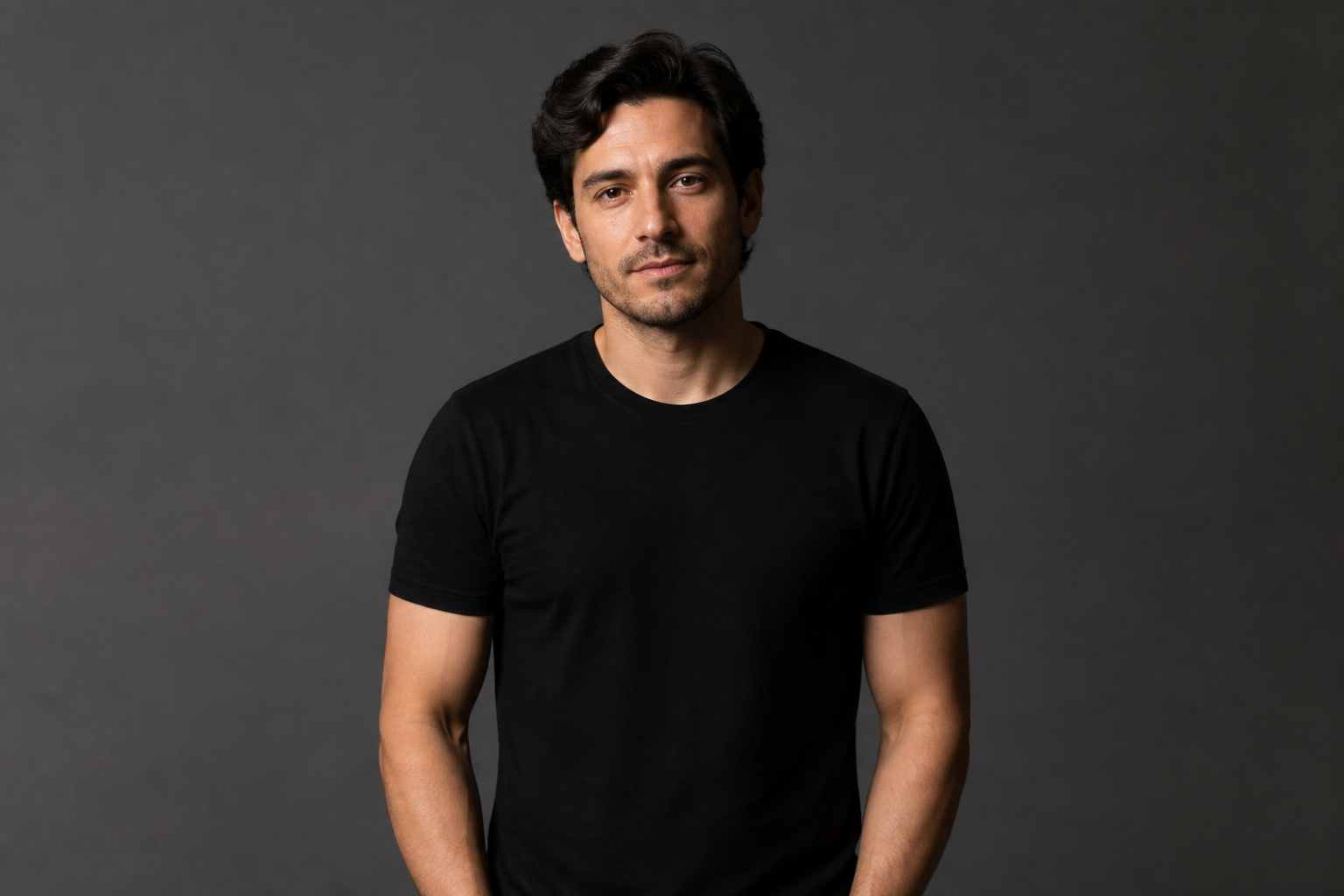 BEFORE
 AFTER
AFTER BEFORE
 AFTERBEFOREAFTERBEFOREAFTERBEFOREAFTERBEFOREAFTERBEFOREAFTER
Key Features
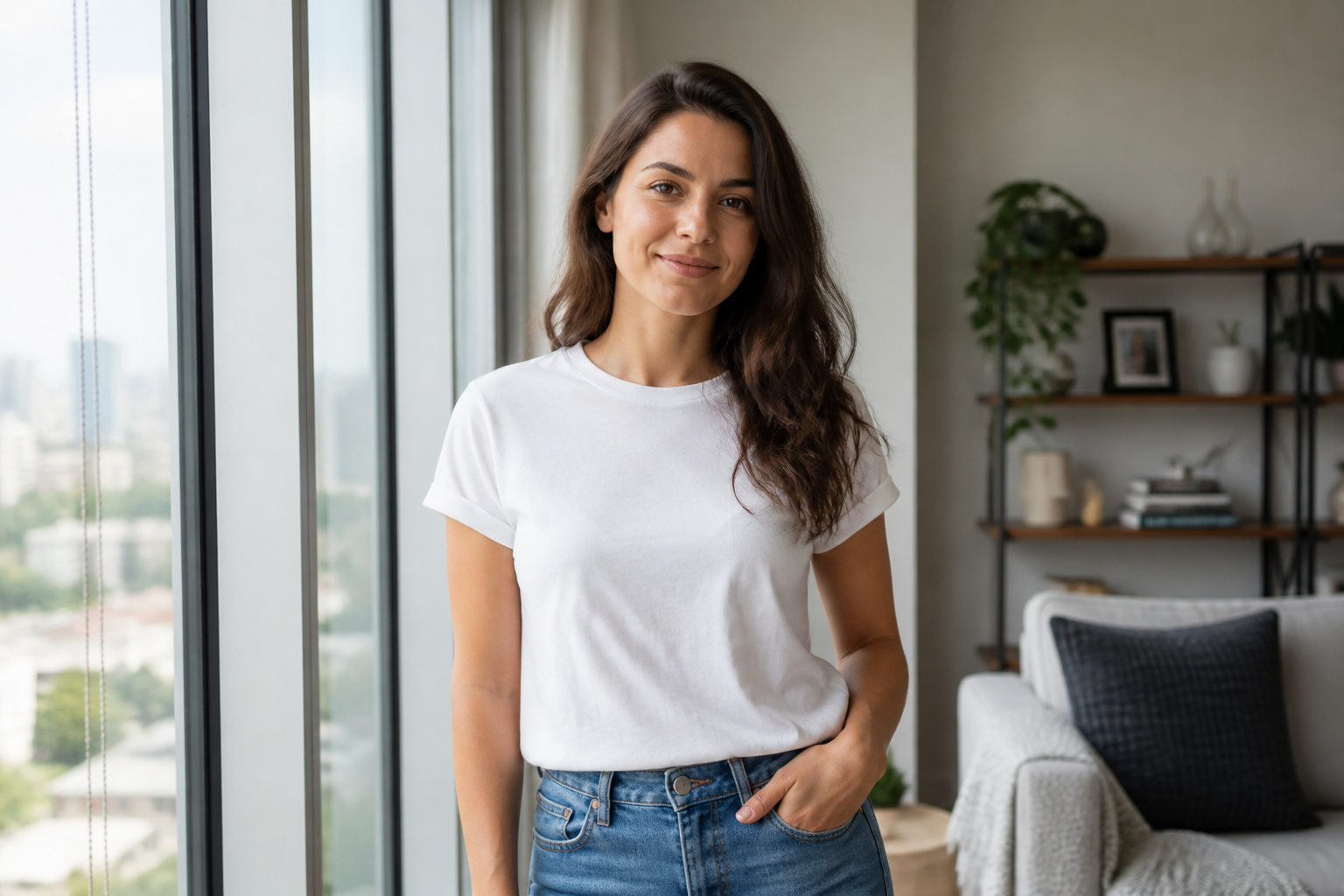
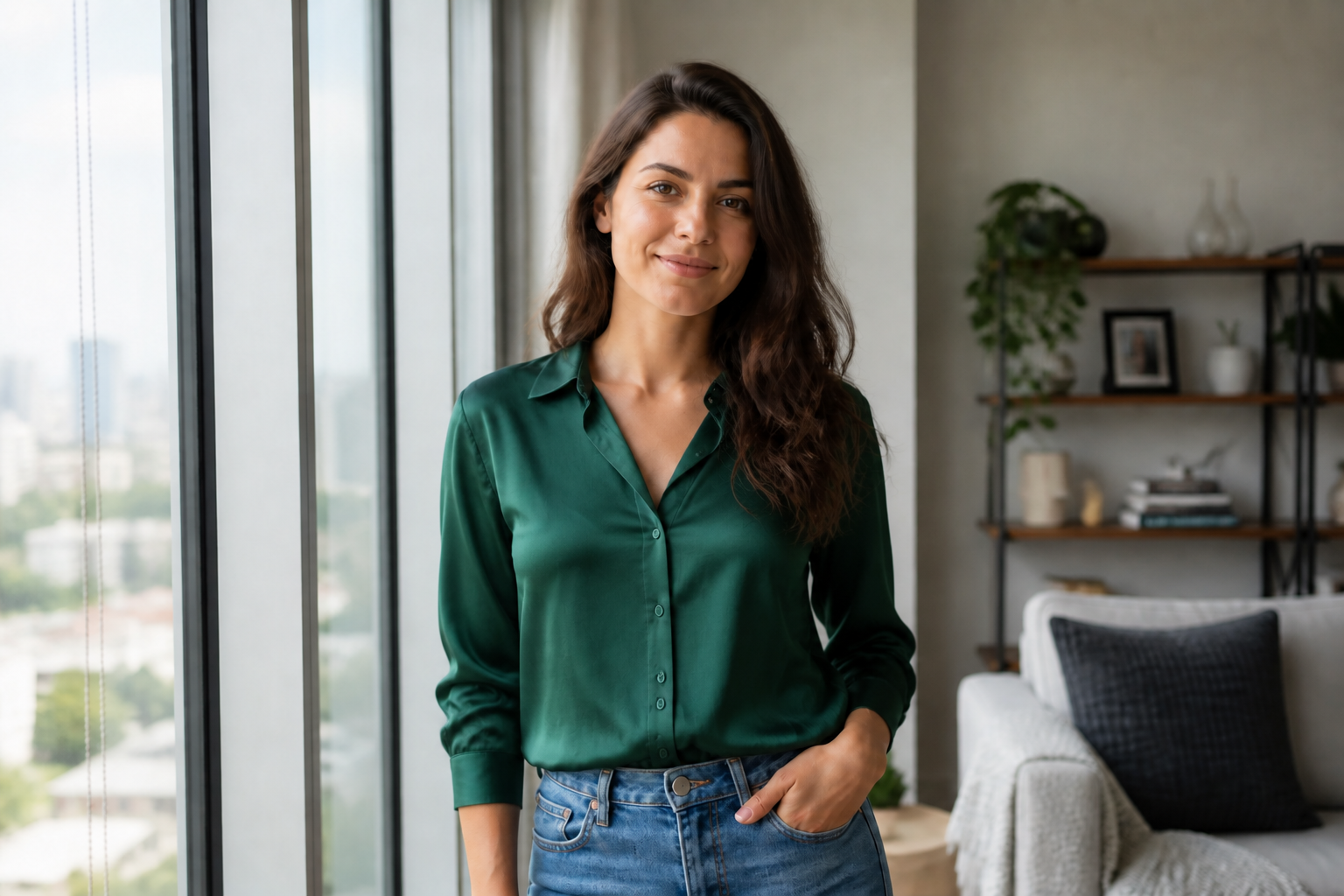
Swap shirts without reshooting
Replace the shirt in an existing photo instead of setting up a new shoot. This is useful when the pose, lighting, and expression are already right but the outfit is not. You can test a cleaner, bolder, or more seasonal top in seconds. Manual editing usually means slow masking and fabric cleanup, while the AI handles the whole change in one pass.
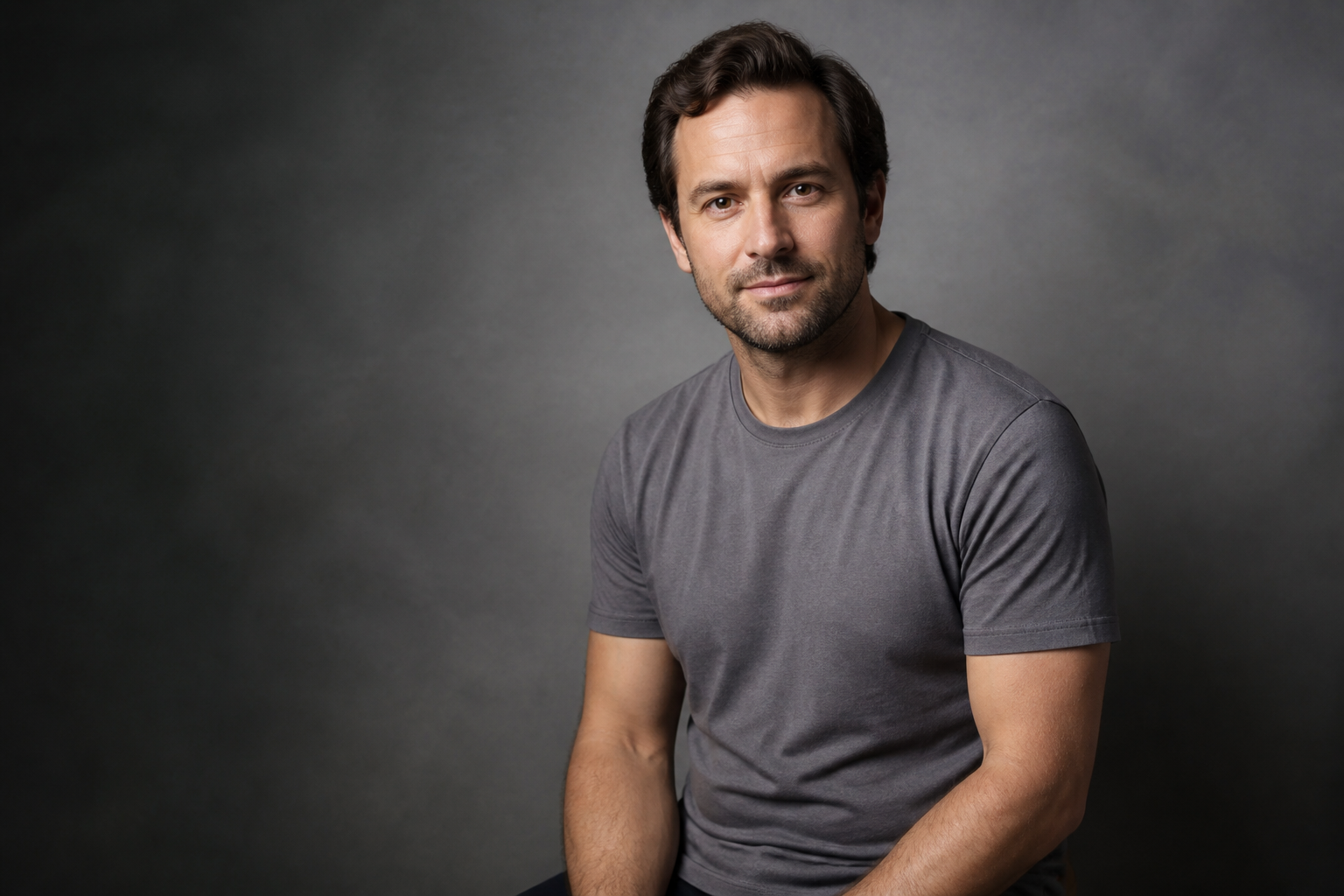
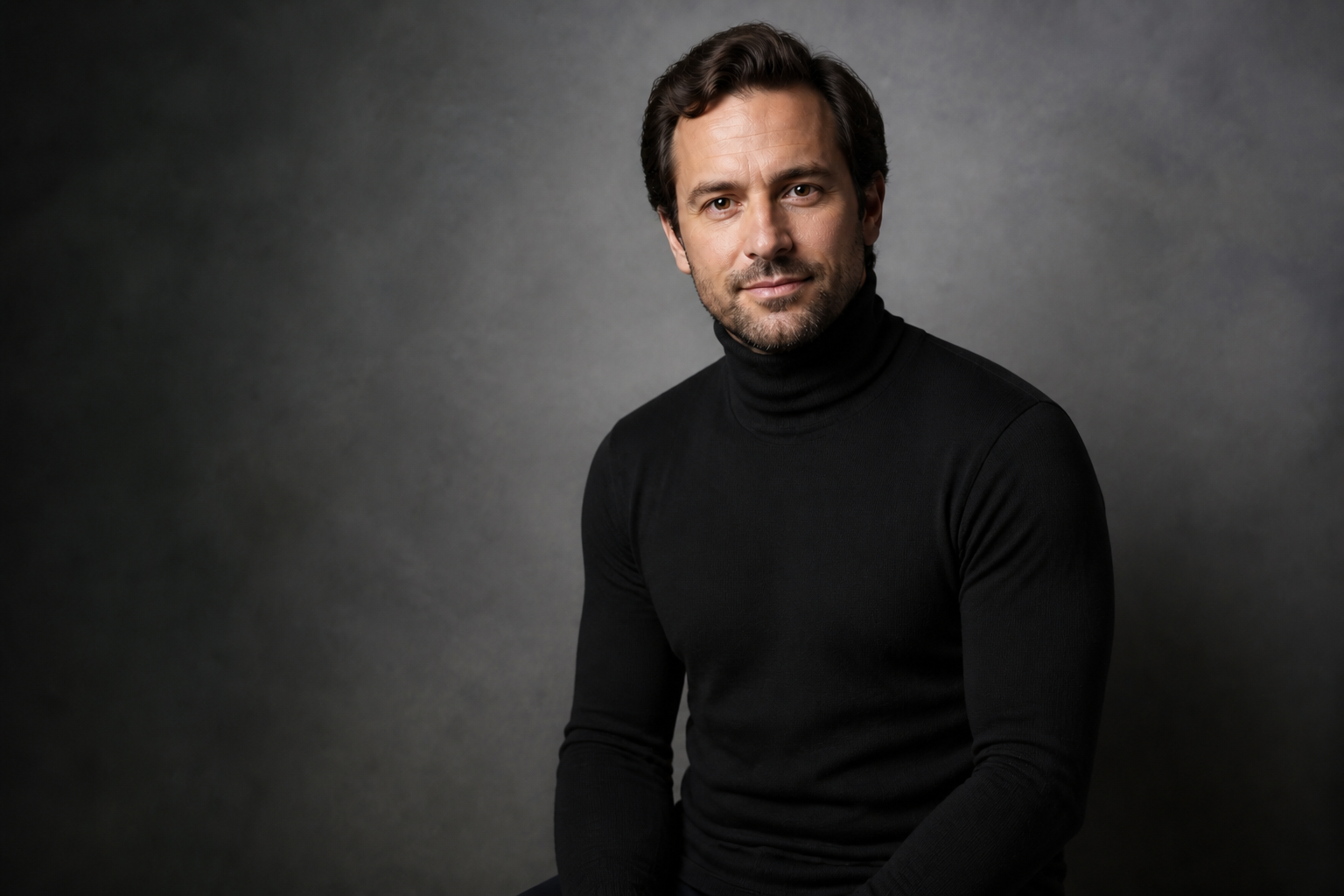
Keep the person consistent
The edit focuses on the shirt while preserving the person's facial features, body shape, and pose. That matters when you need believable outfit previews instead of a different-looking subject. It also helps keep branding and campaign images consistent across multiple versions. Doing this by hand often creates edge artifacts around hair, arms, and collars.
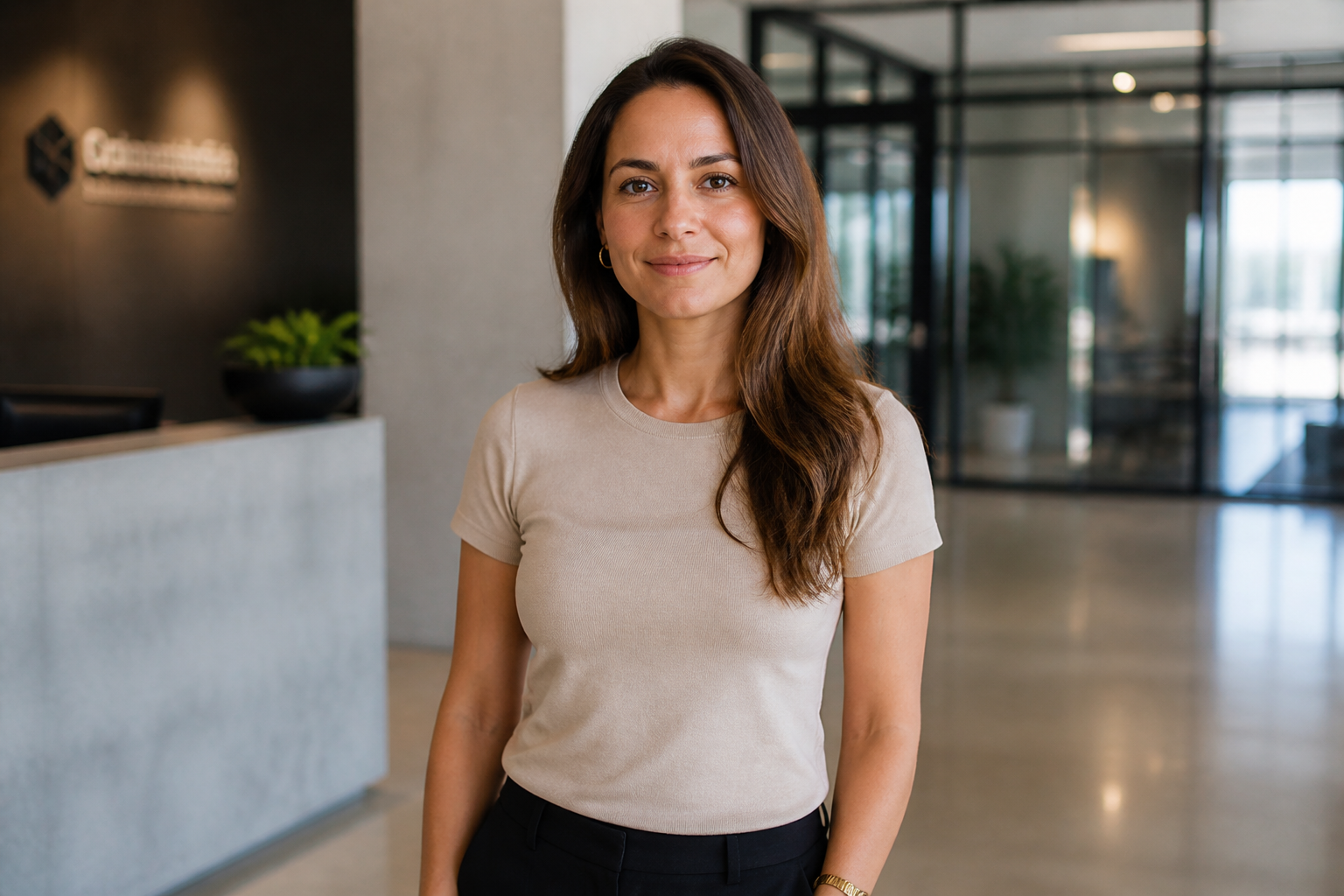
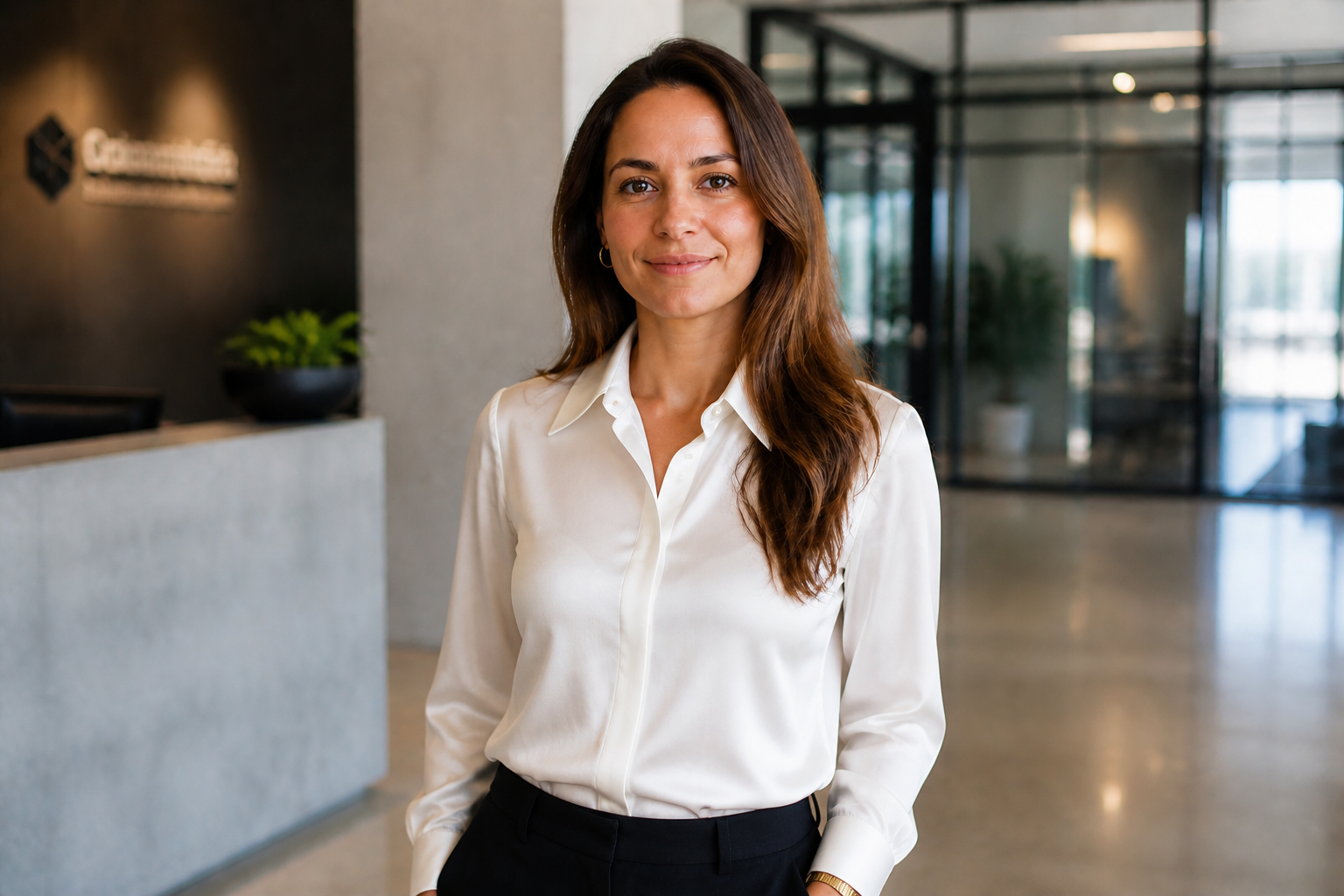
Try styles for any vibe
Test casual, formal, streetwear, seasonal, or editorial shirts from the same source photo. This makes it easier to compare options before posting, sending proofs, or planning a campaign. You can quickly see what reads best on camera without hunting for samples or styling a second look. The visual payoff is immediate because the shirt change is obvious at a glance.
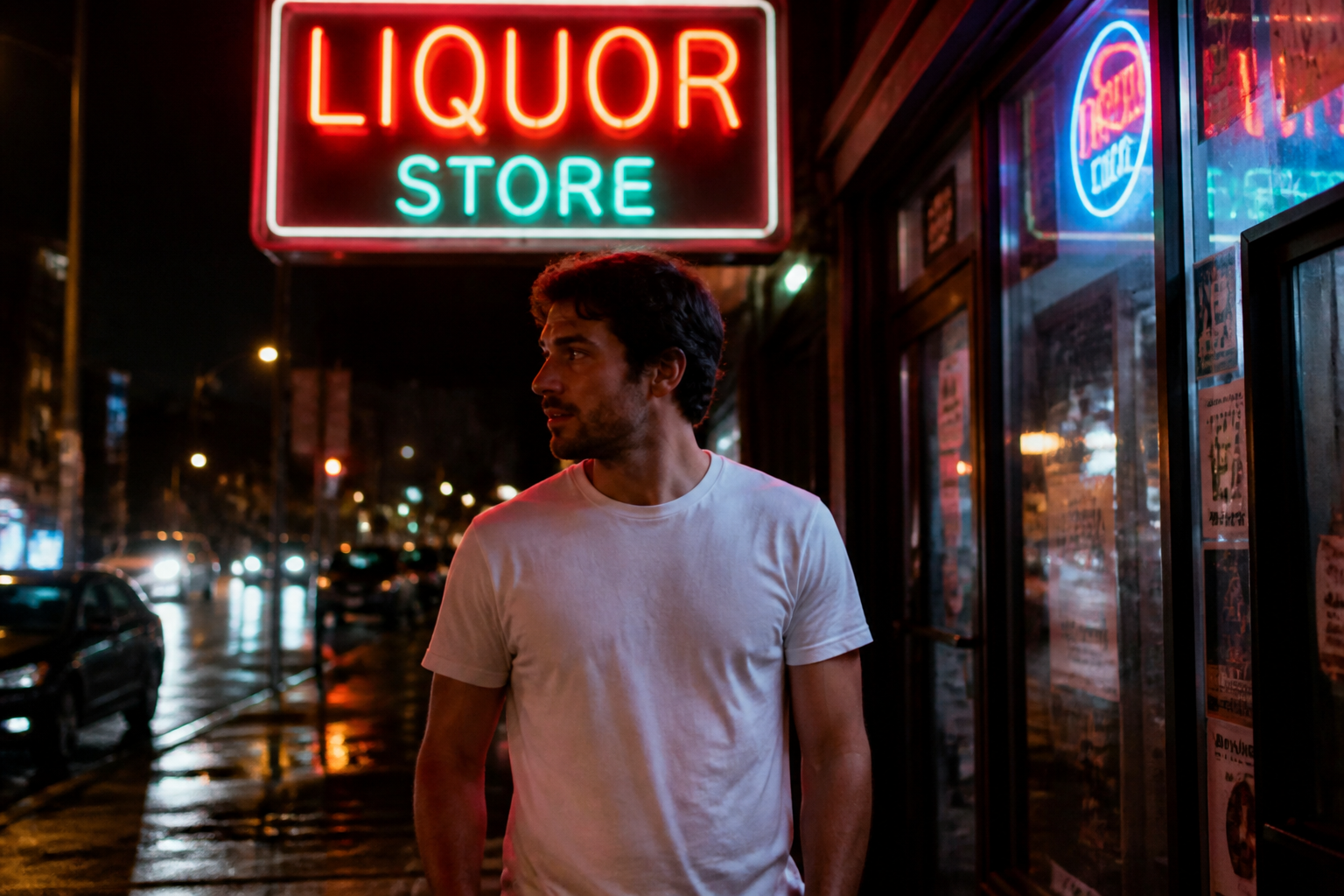
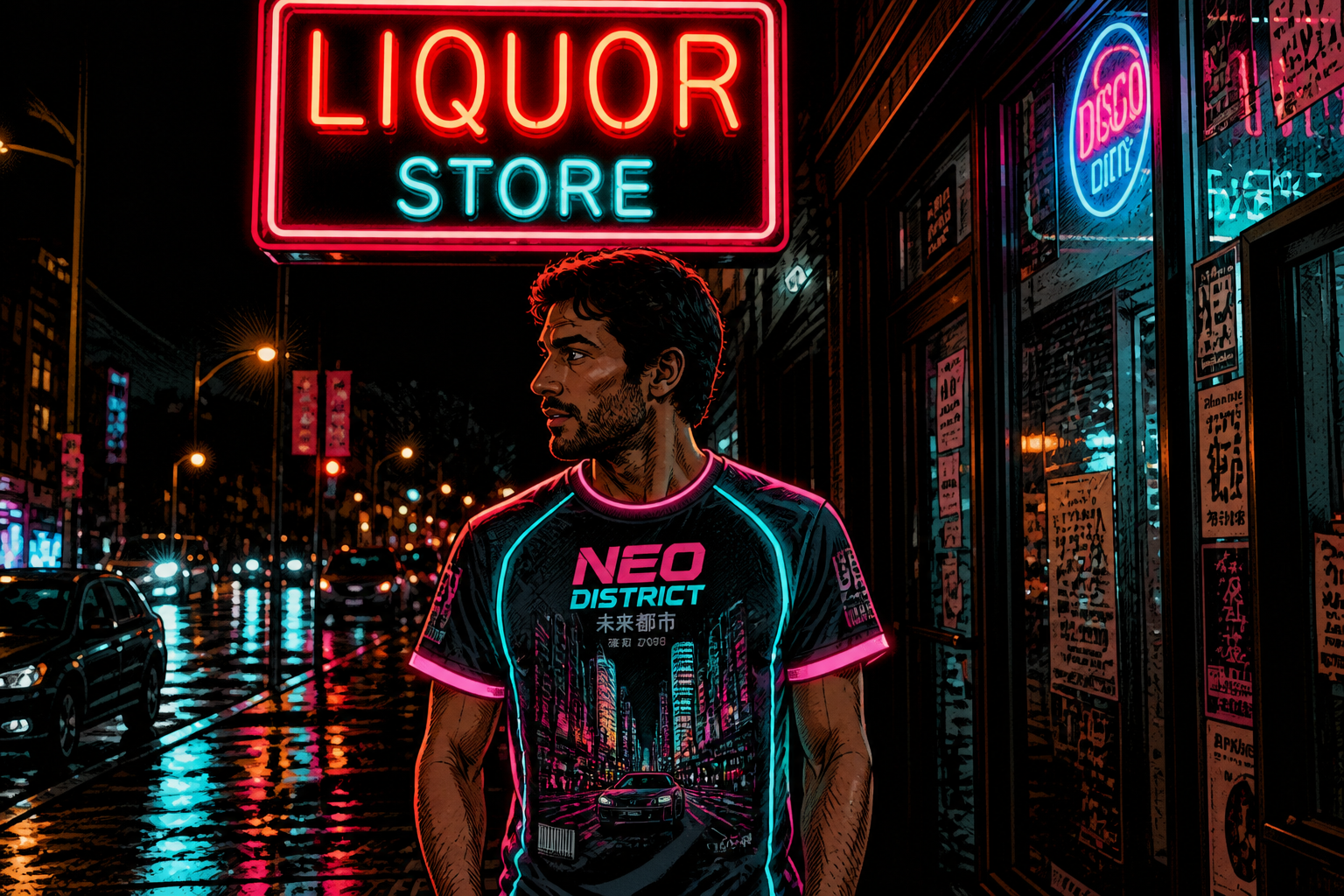
Go realistic or stylized
You can make a normal shirt swap or push the image into a more creative direction. That is useful for mood boards, social posts, concept art, and campaign exploration. The same base image can become a polished fashion edit, an illustrated variant, or a stylized promo visual. It is much faster than rebuilding the scene in a separate design workflow.
How It Works
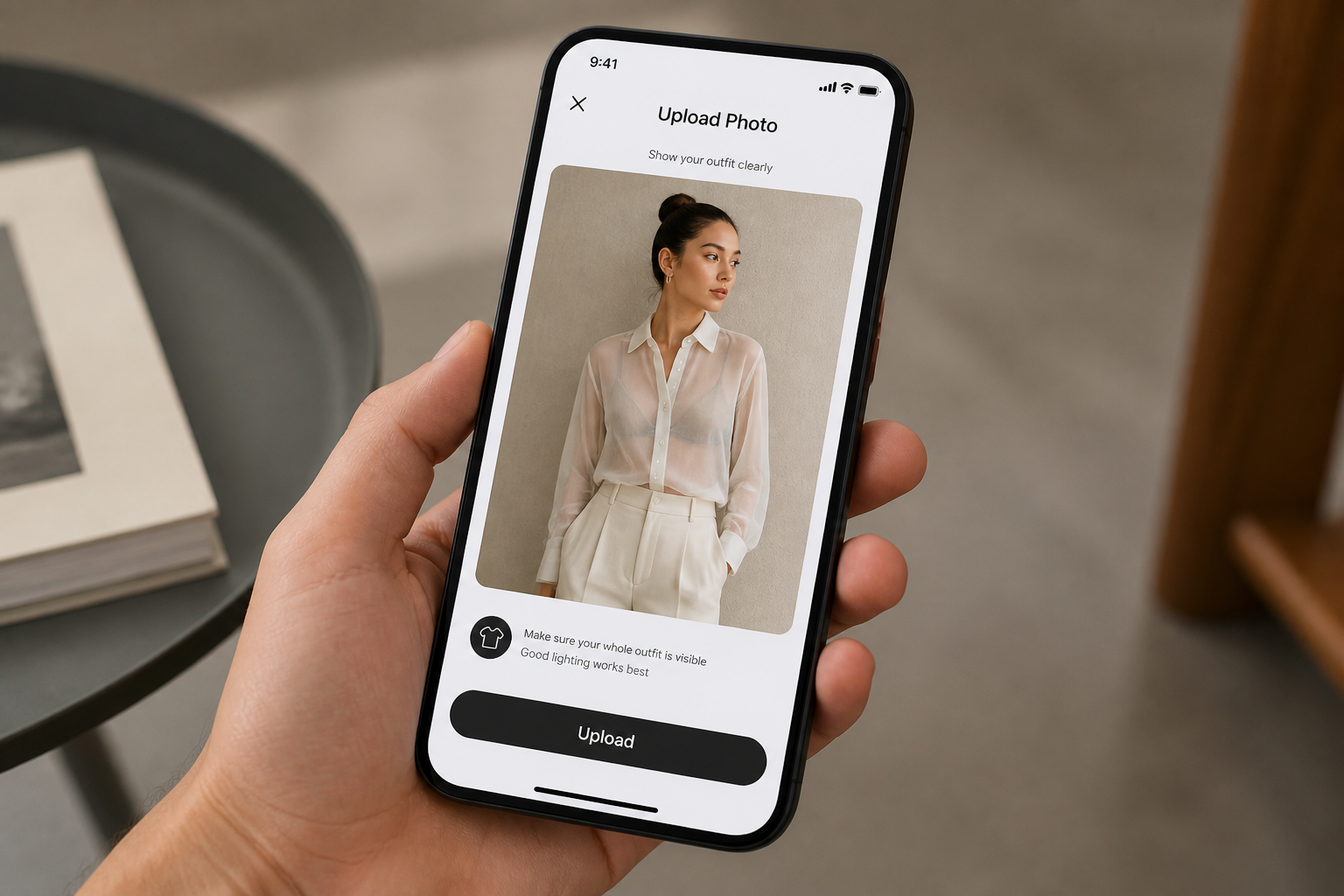
Upload your photo
Start with a clear image where the shirt is easy to see. Mid-shot photos work best because the clothing, face, and body are all visible for a clean edit.
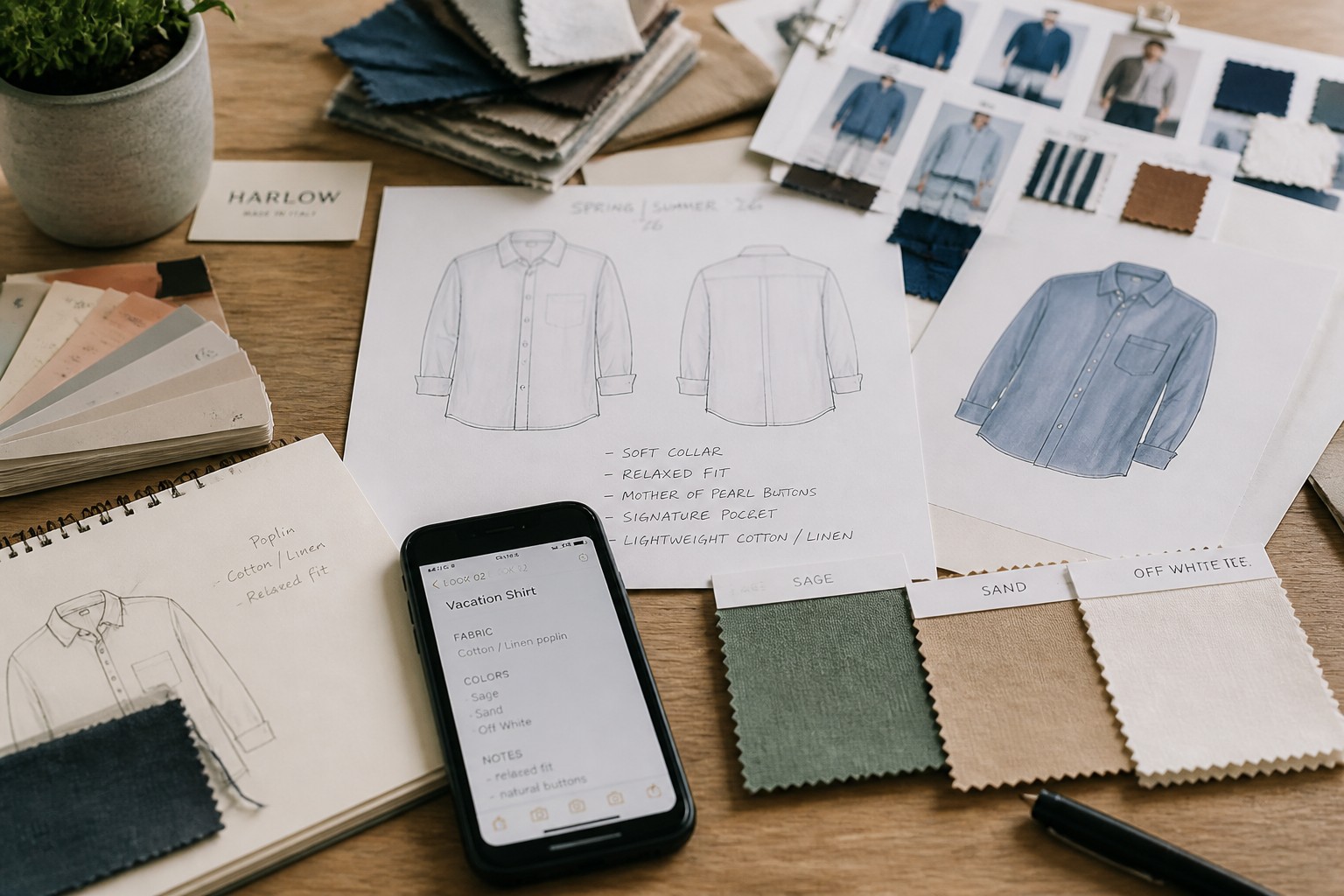
Describe the new shirt
Tell the AI what to replace it with, such as a linen button-up, cropped blouse, striped Oxford, or graphic streetwear top. Include color, material, fit, and style details for a stronger result.
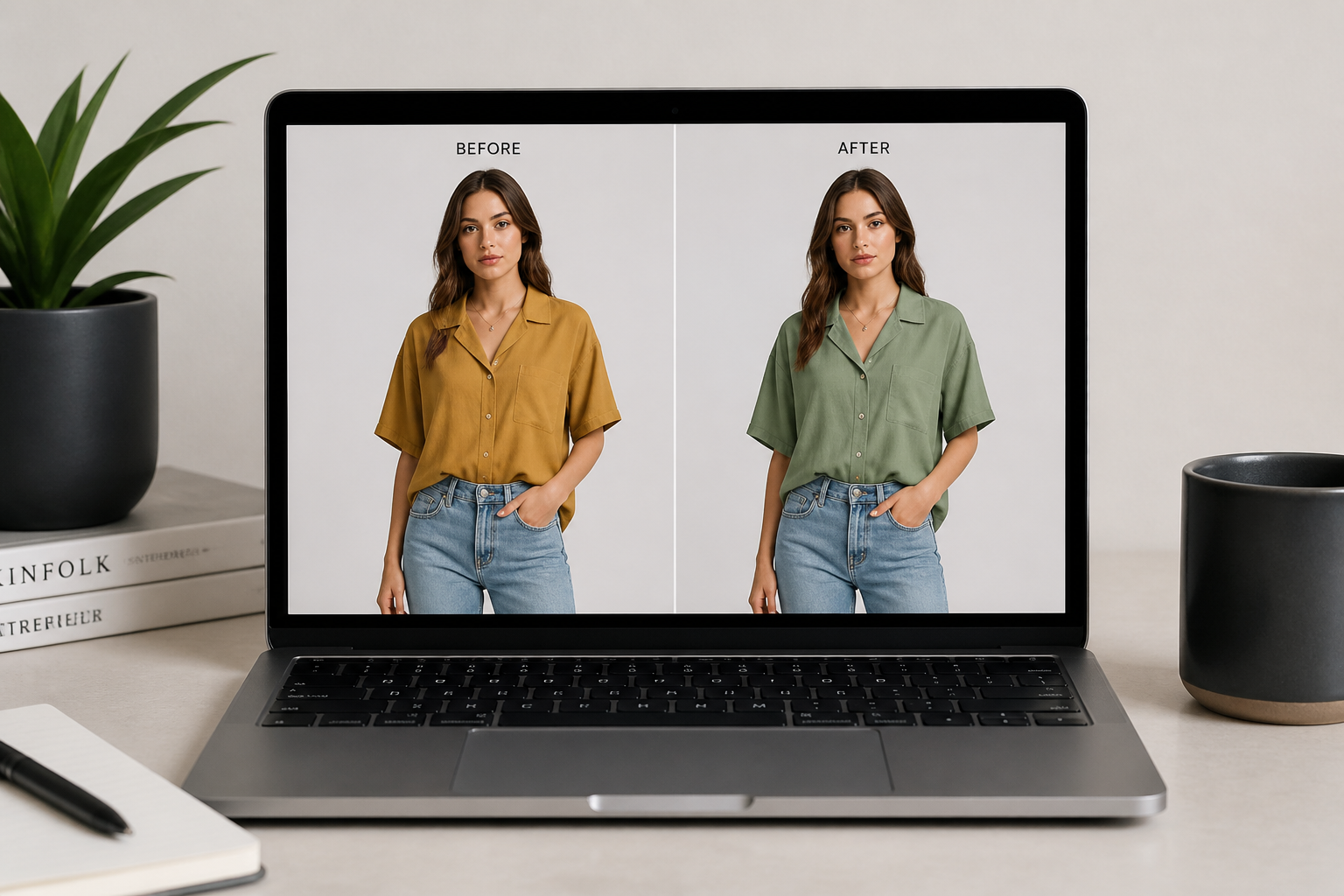
Compare and refine
Review the updated image and check how the new shirt fits the mood of the photo. If needed, run another version with a different fabric, pattern, or silhouette until it looks right.
Perfect For
Discover how creators and professionals use ai shirt changer
Social content planning
Test multiple tops from one photo to match different posts, seasons, or campaign themes.
Ecommerce mockups
Visualize alternate shirt styles or colorways before organizing a full product shoot.
Personal outfit previews
See how a shirt style might look in your photo before buying or sharing the look.
Creative concepting
Build mood boards and stylized fashion concepts from a simple source image.
Built For
Creators and influencers
Generate fresh outfit variations for thumbnails, reels, and feed posts without changing the rest of the shot.
Fashion sellers and marketers
Explore alternate shirt concepts quickly for ads, lookbooks, and listing ideas.
Everyday users
Try new shirt styles on your own photos for planning, sharing, or simple visual fun.
Why use an AI shirt changer
A quick look at how we compare on the things that matter for this niche.
| Feature | BudgetPixel | Generic AI editors | Manual editing apps |
|---|---|---|---|
| Fast shirt-only swaps | ✓ | ✓ | — |
| Keeps pose and scene | ✓ | — | ✓ |
| Style variations from one photo | ✓ | ✓ | — |
| No masking by hand | ✓ | ✓ | — |
Frequently Asked Questions
What kinds of shirts can I change in a photo?
Will the person still look like the same person?
Can I change only the shirt color?
Do I need a studio-quality image?
Can I make stylized shirt edits too?
Create together.
Share your creations, discover trending AI art, and grow with fellow creators.