Hair Color Changer
Preview a new hair shade before you dye it.
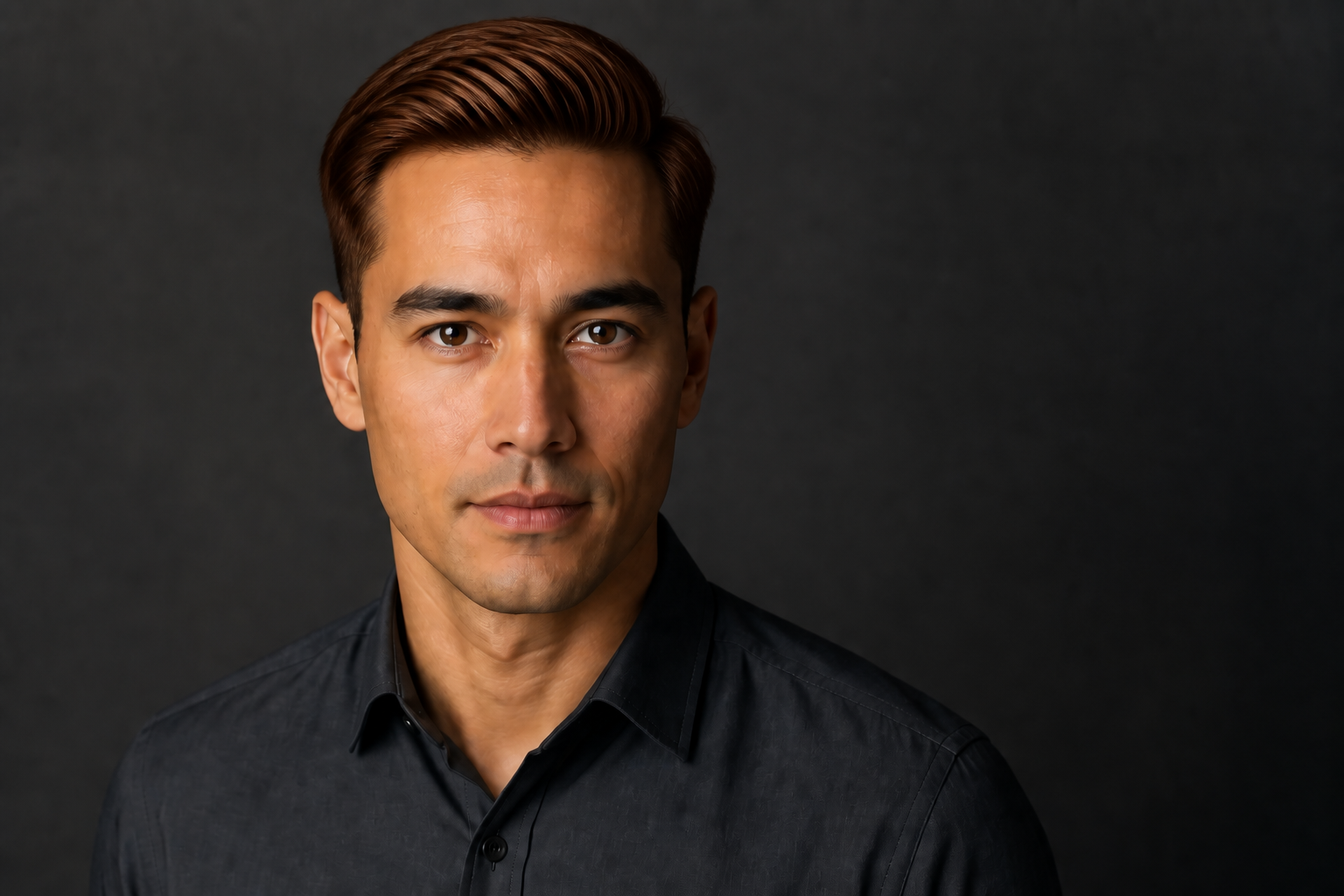
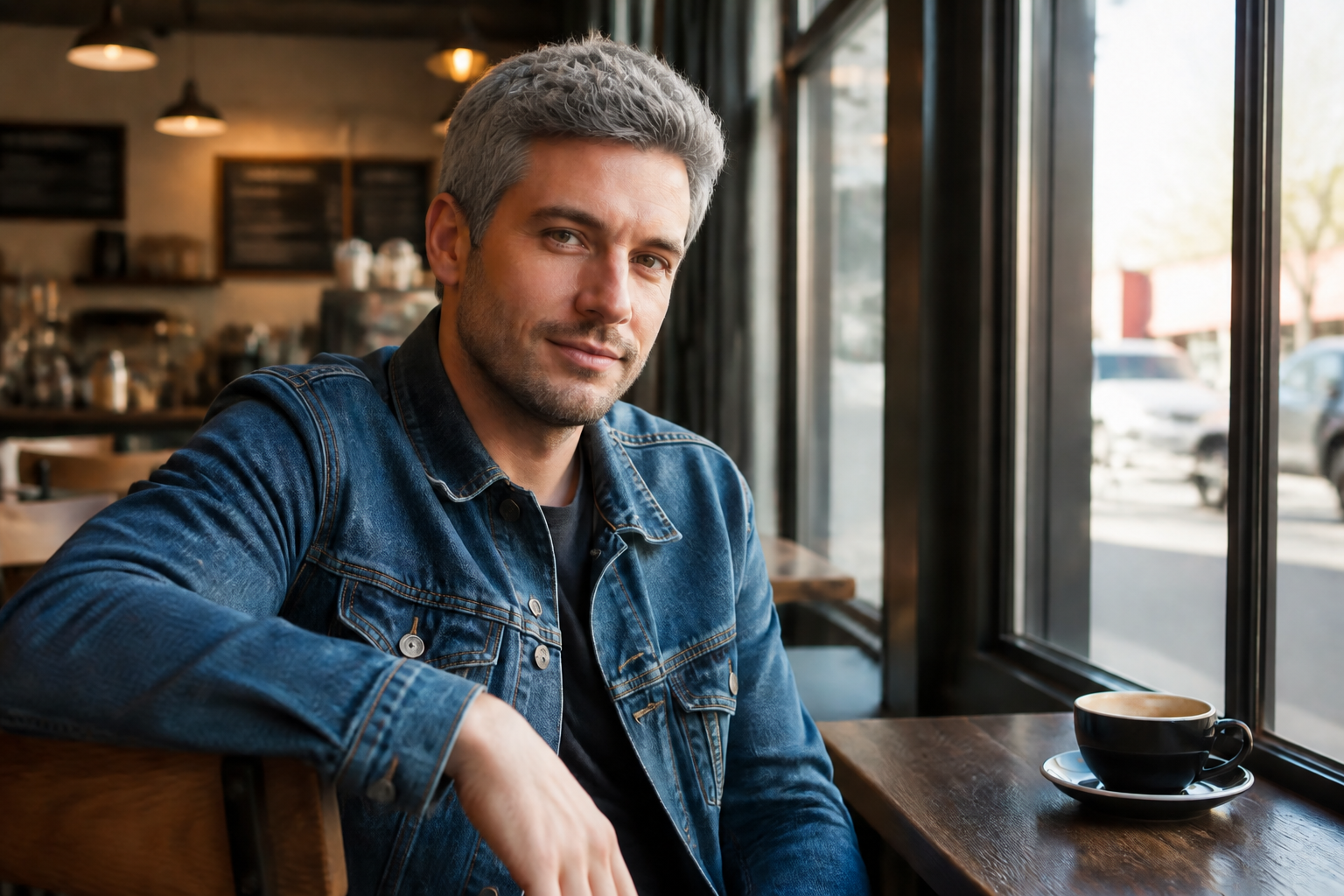
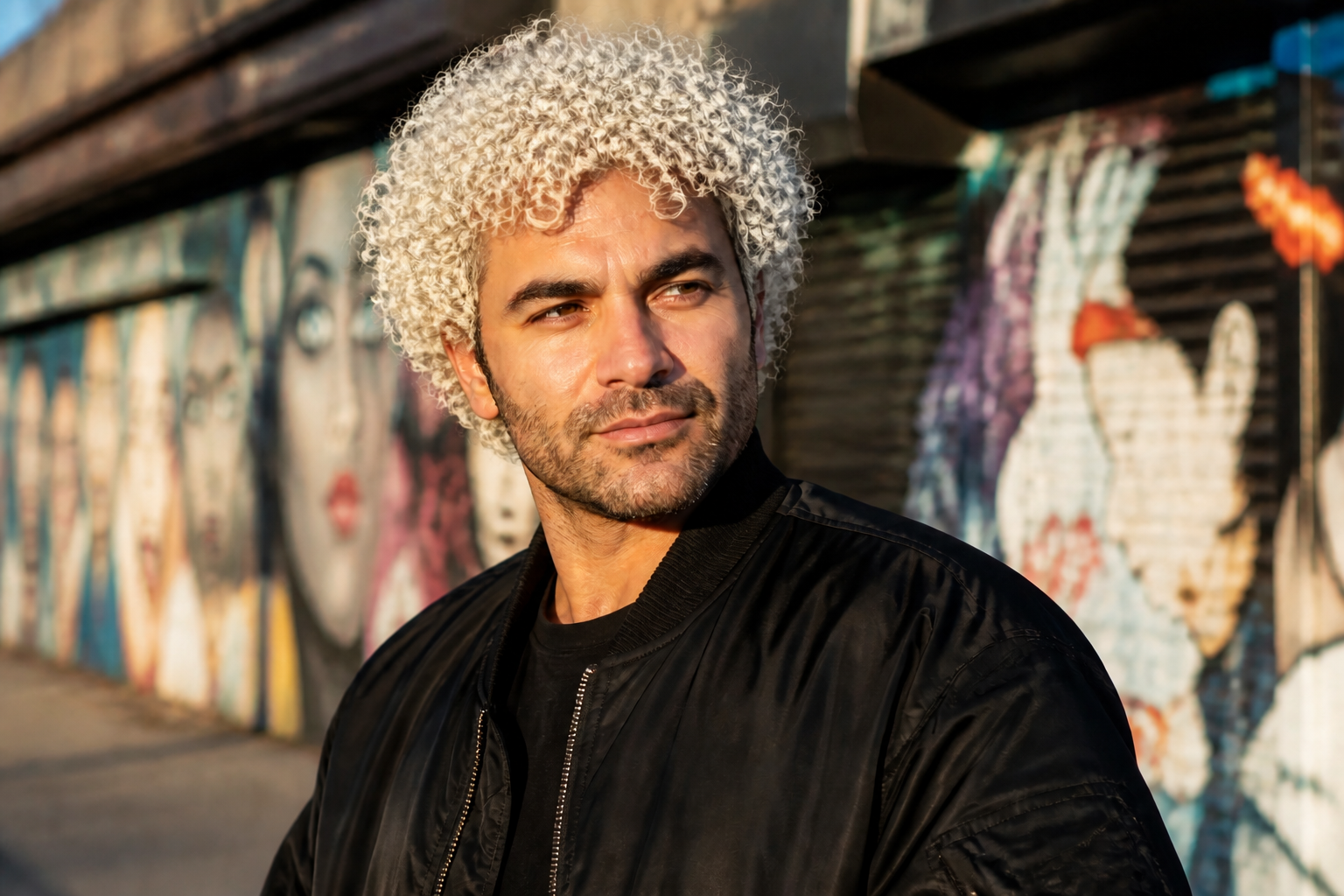
Change hair color in your photo without reshooting or masking by hand. Our AI can swap natural shades or bold fashion colors while keeping the face, pose, and outfit consistent. It is a fast way to test ideas before a salon visit, a photoshoot, or a social post.
Watch the Transformation
See hair color changer in motion — generated end-to-end by our AI.
See It In Action
Real outputs from hair color changer.
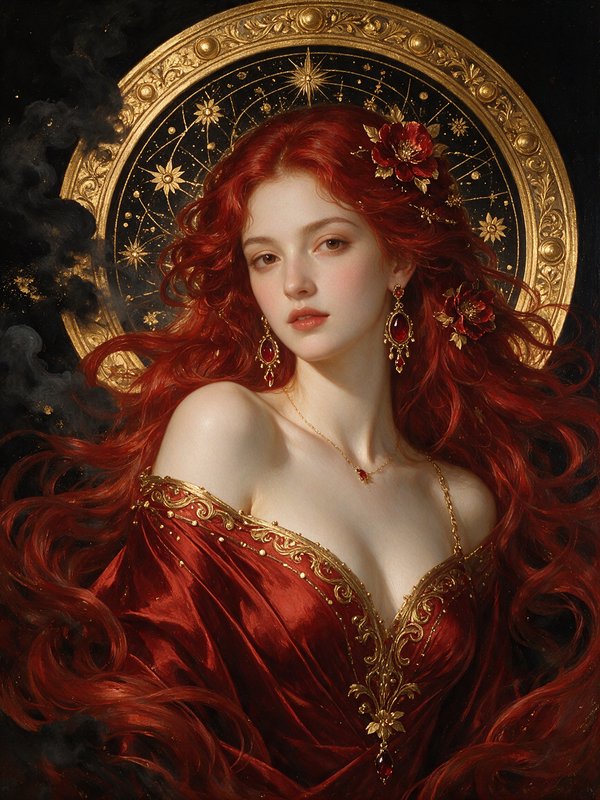
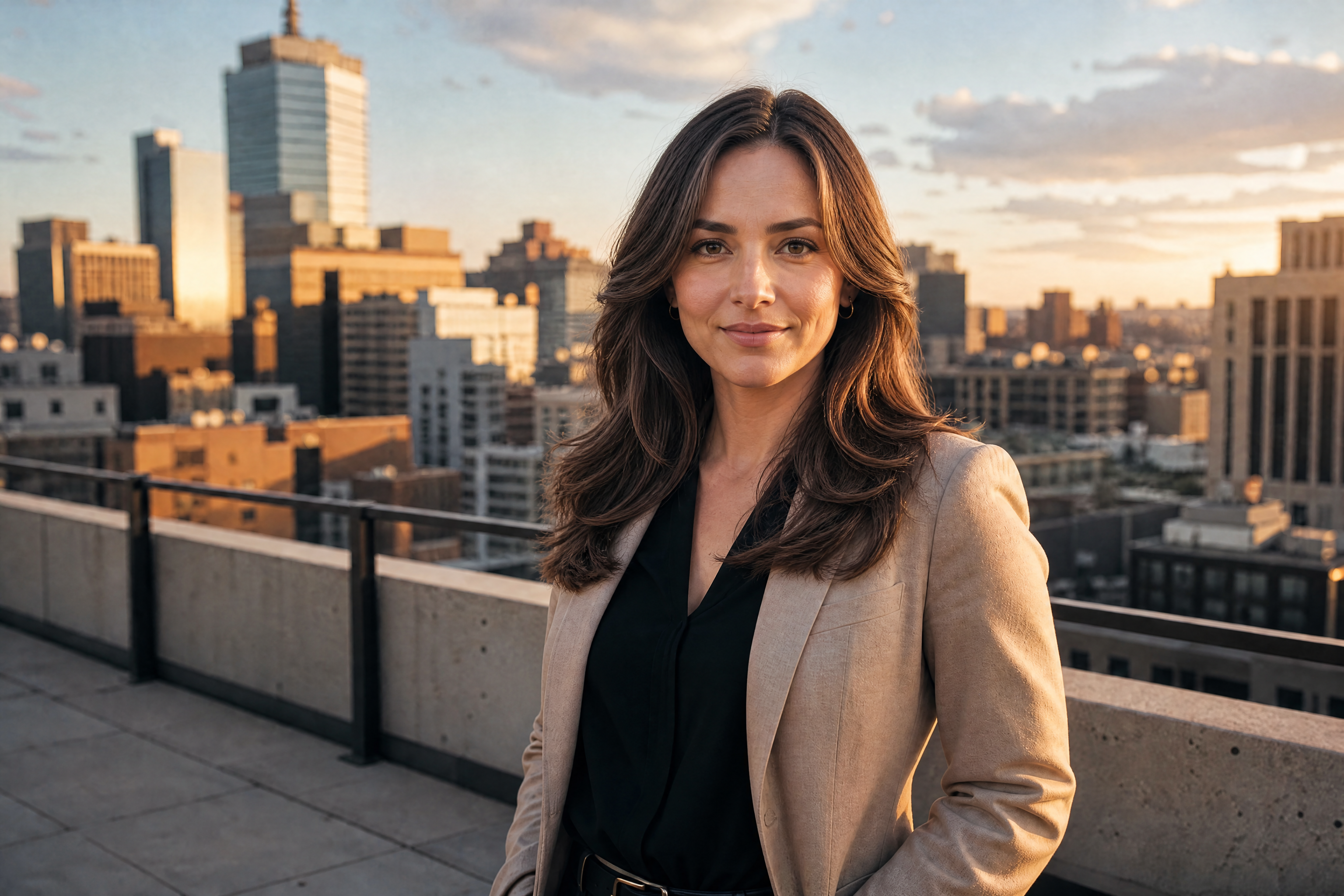
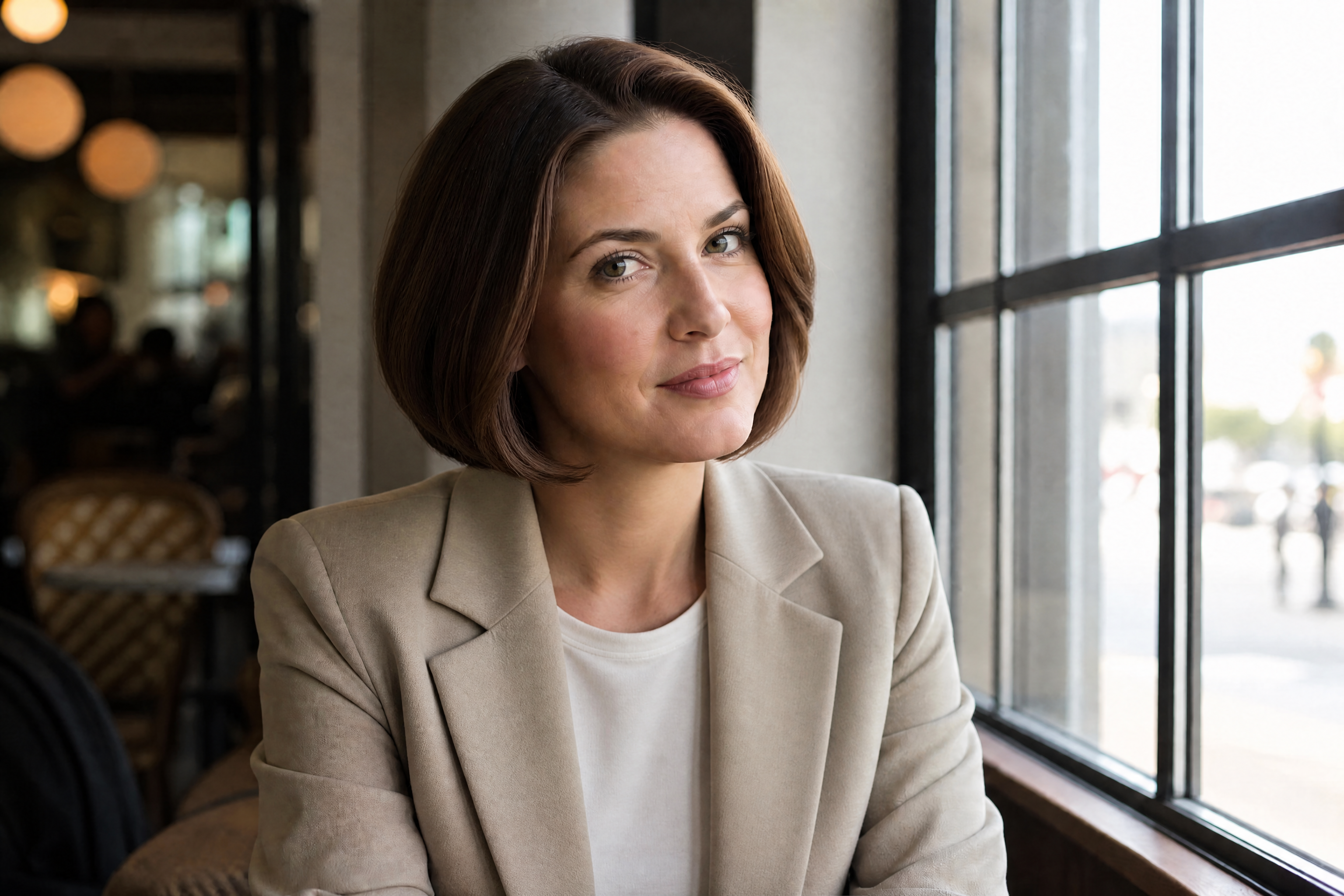
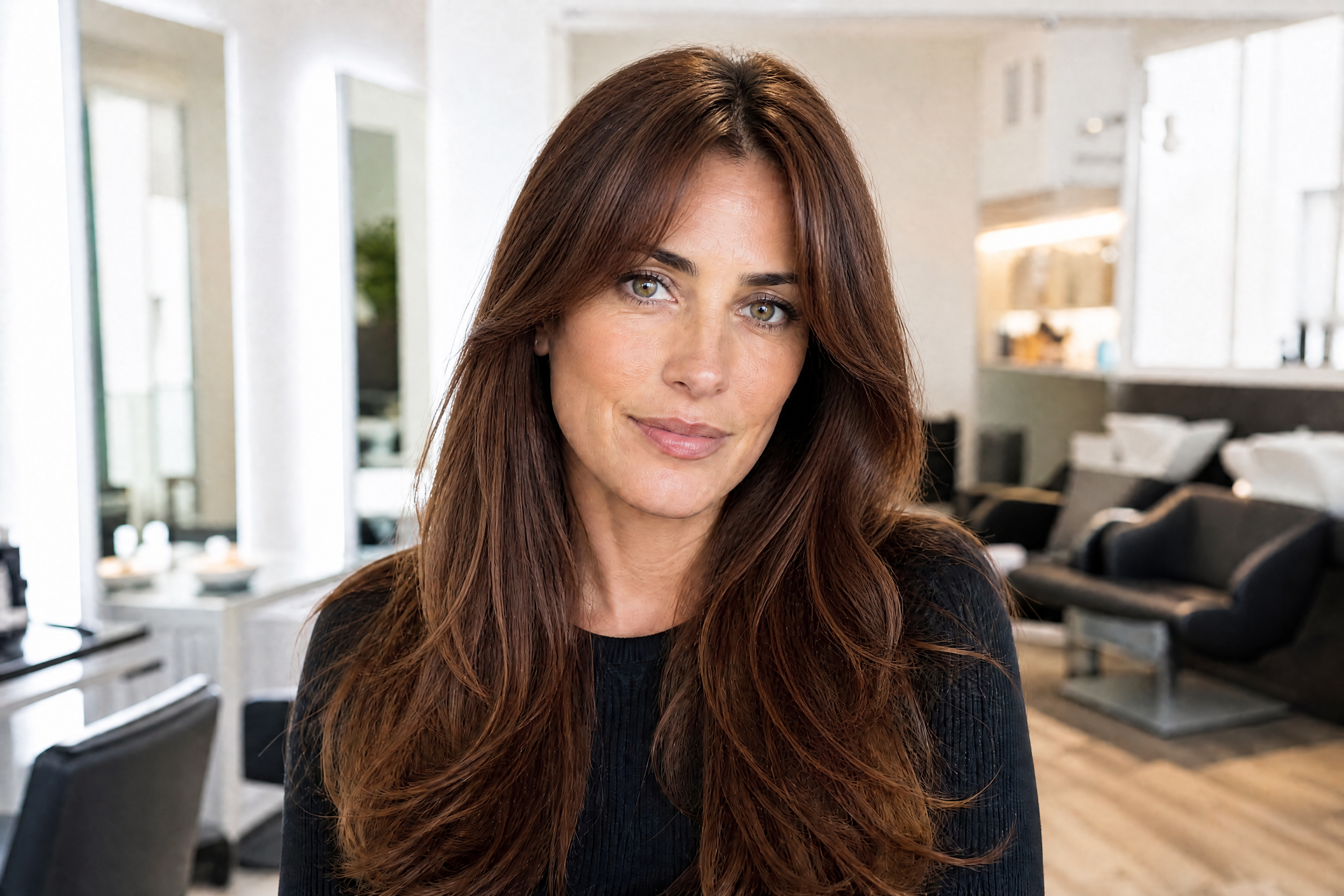
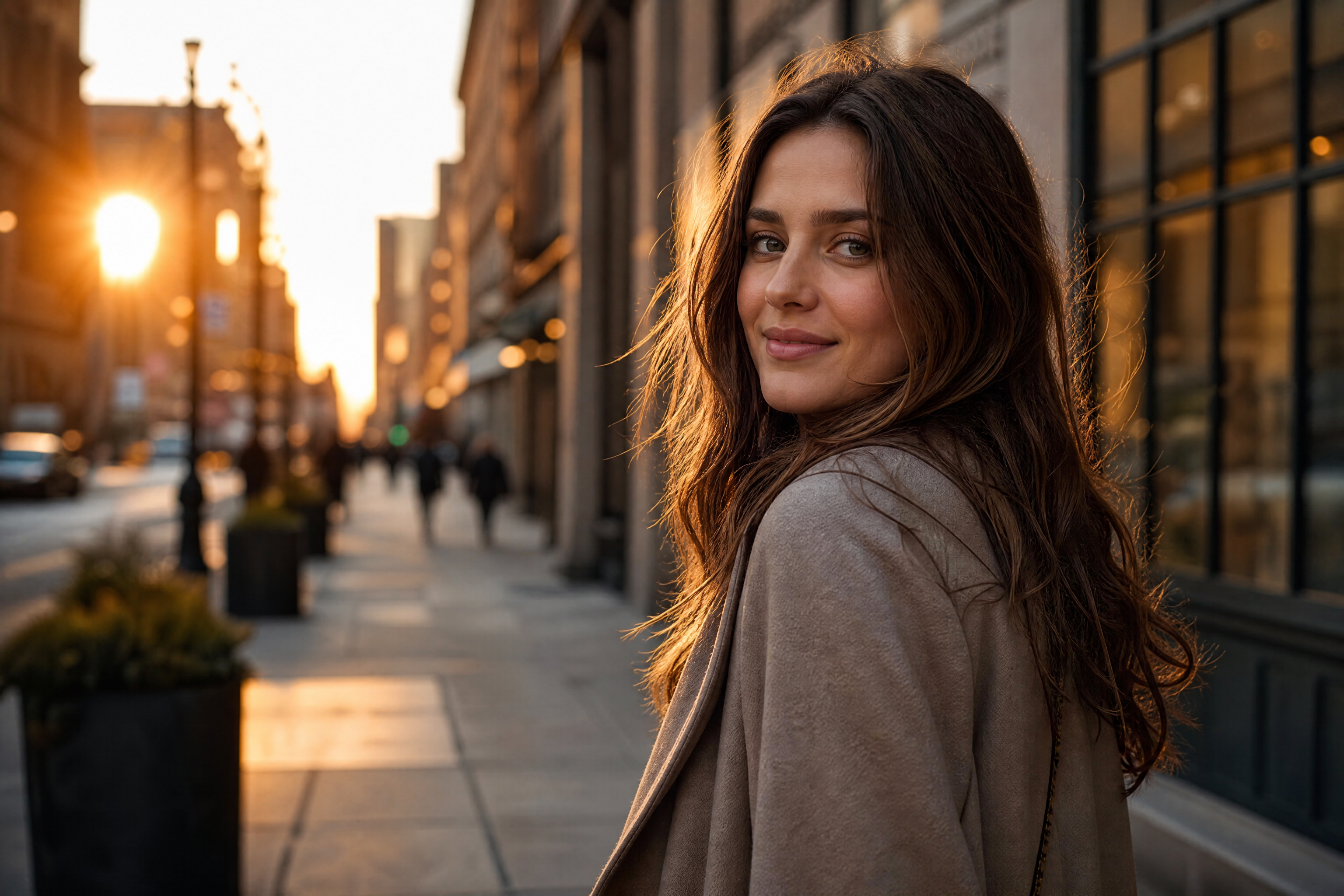
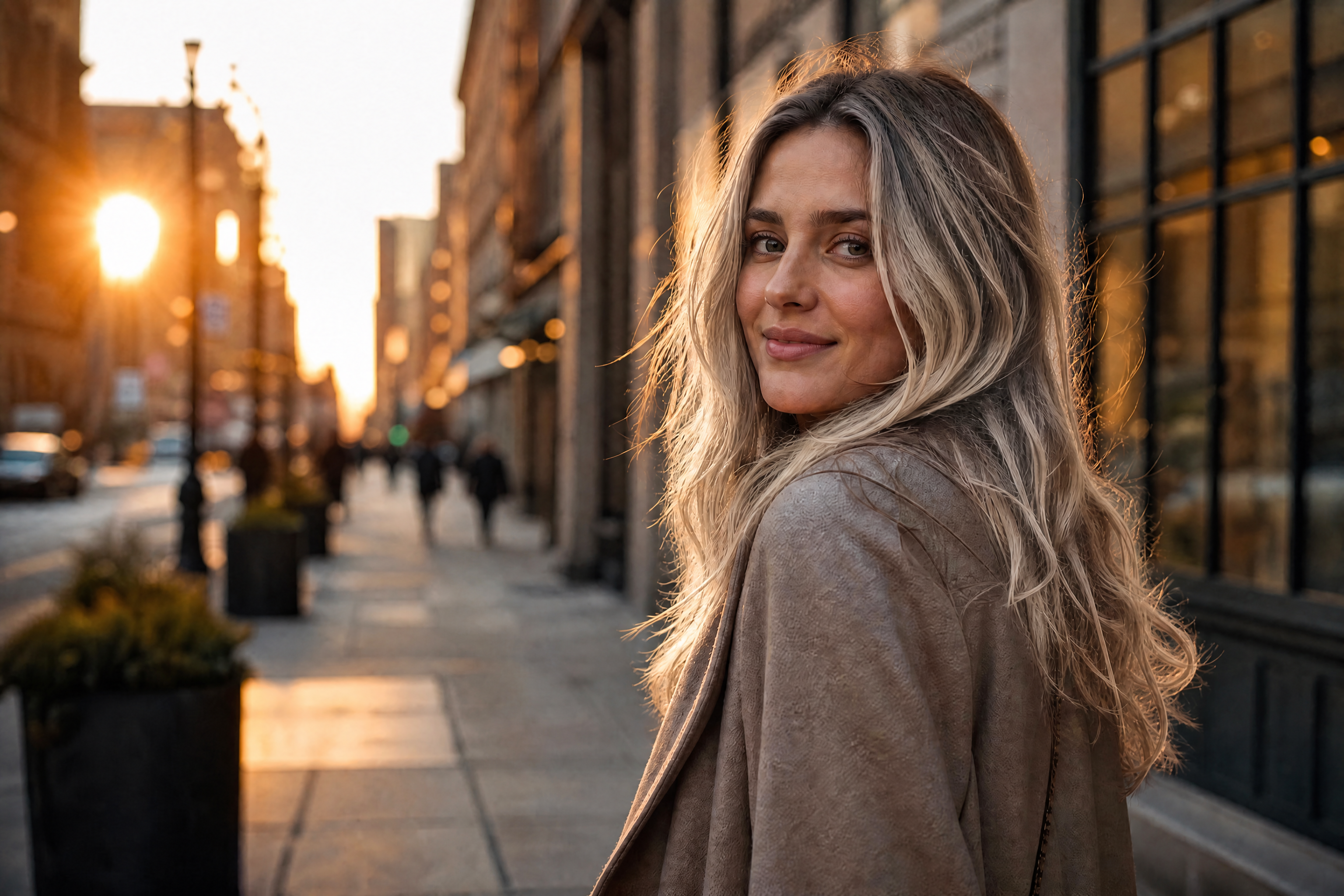
BEFOREAFTER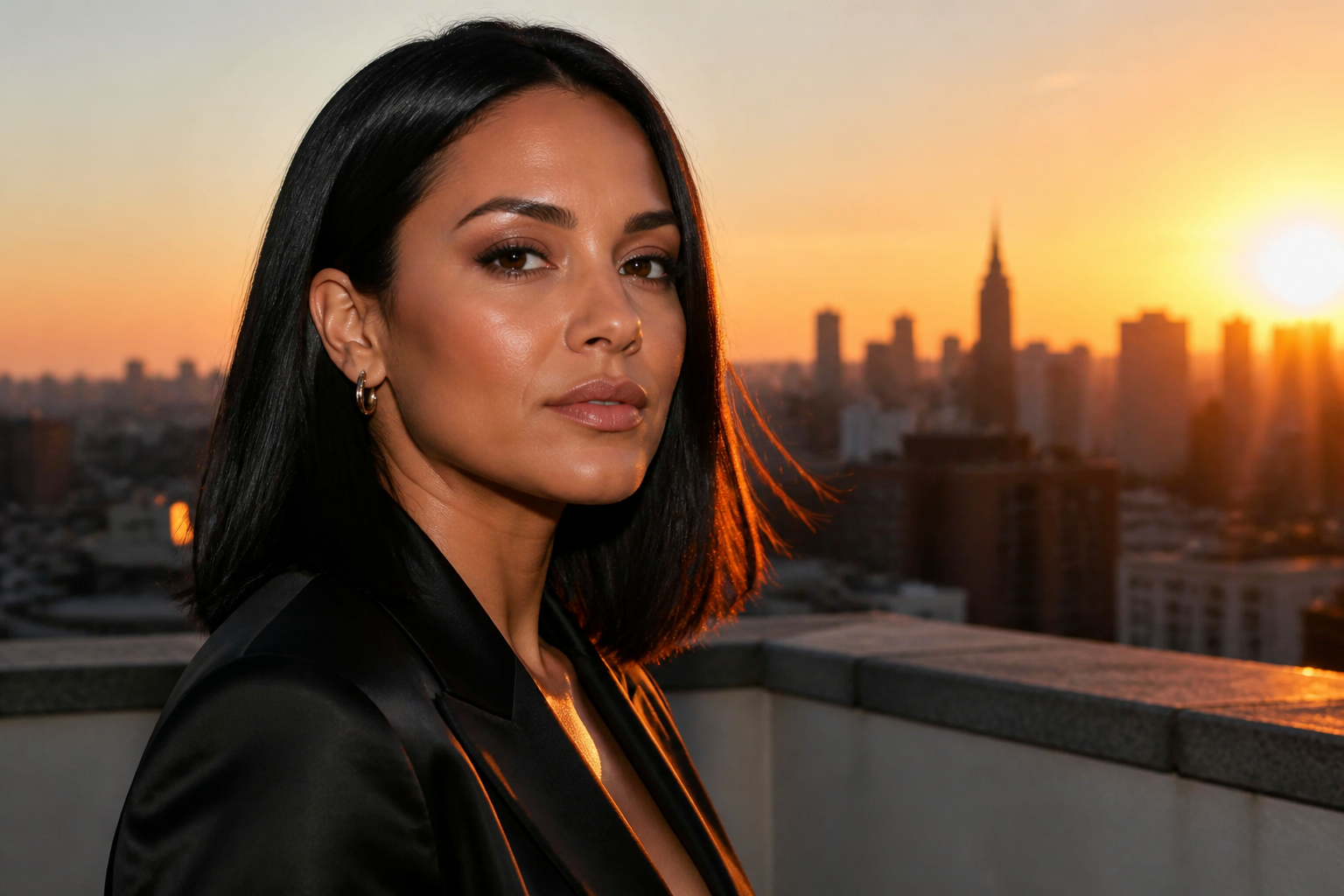 BEFORE
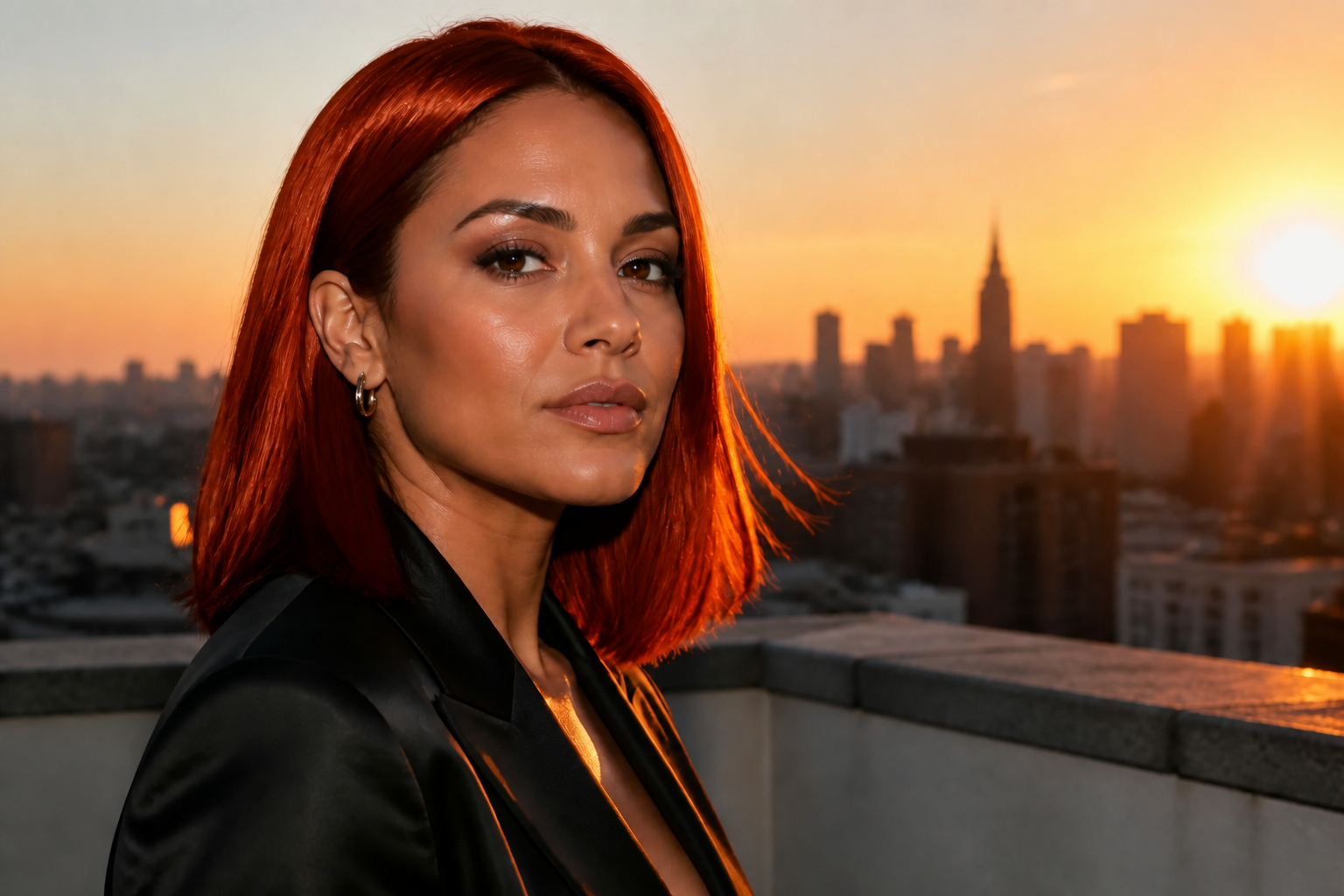 AFTER
AFTER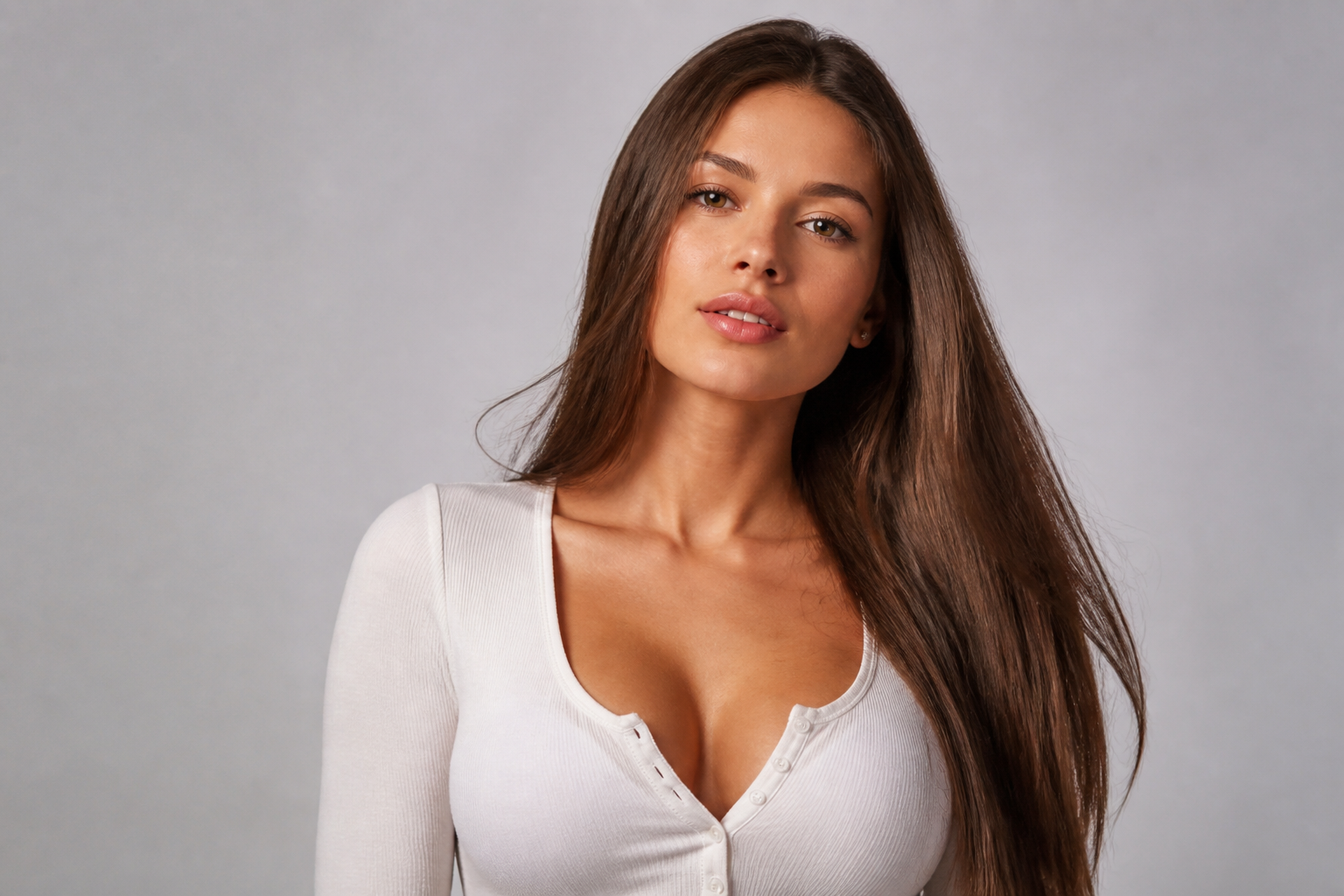 BEFORE
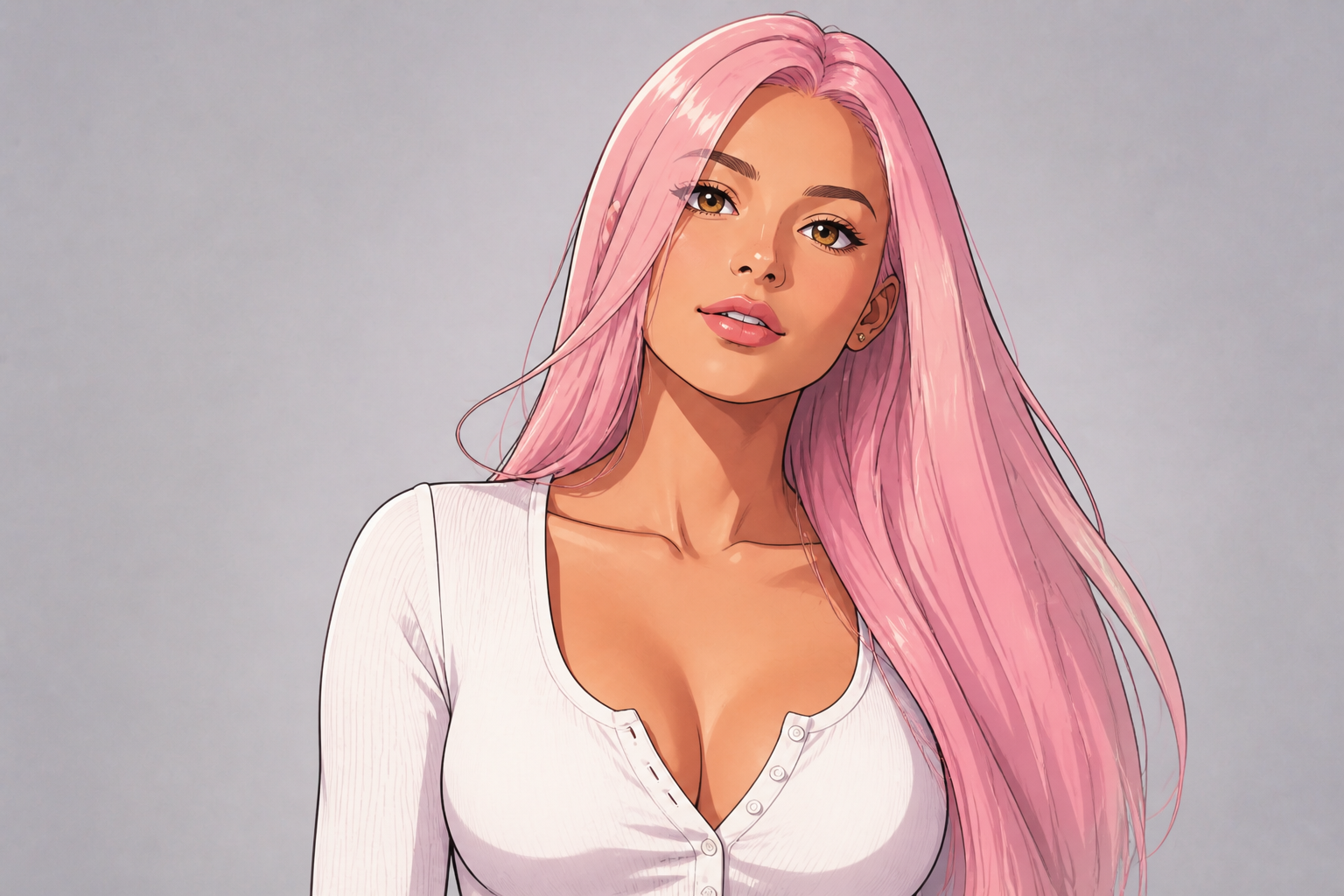 AFTER
AFTER BEFORE
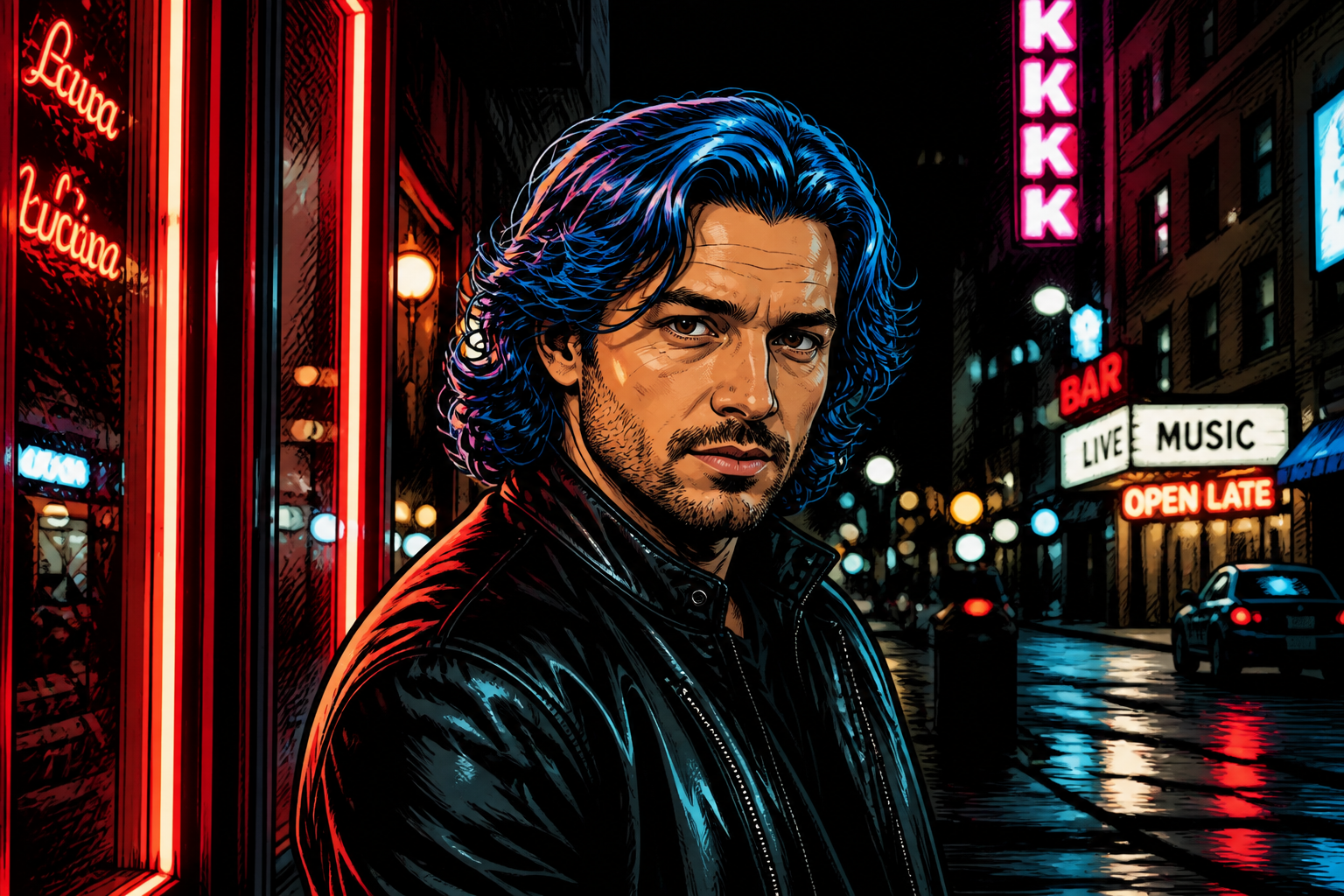 AFTER
AFTER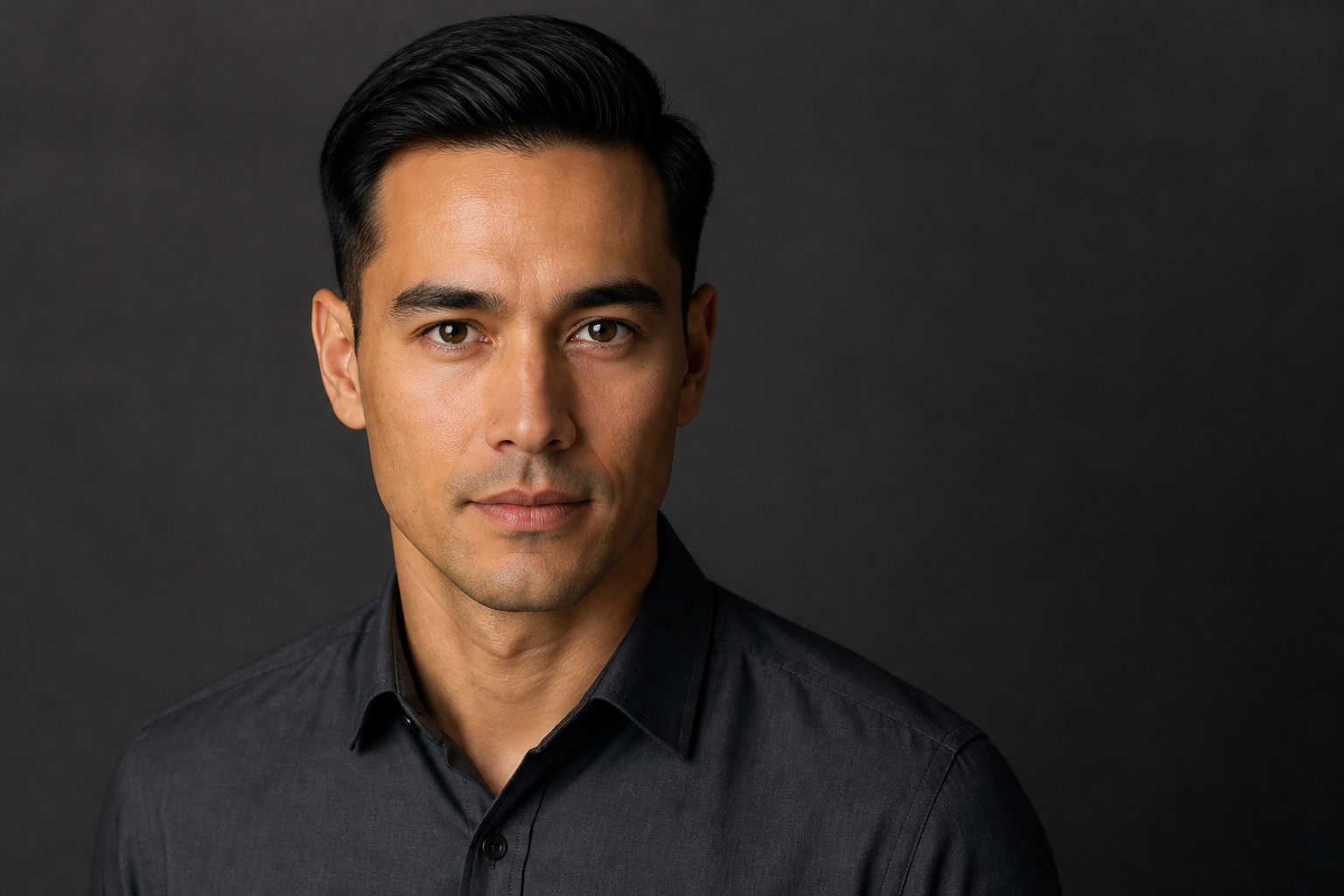 BEFORE
 AFTERBEFOREAFTERBEFOREAFTERBEFOREAFTERBEFOREAFTERBEFOREAFTER
 BEFORE
 AFTER
AFTER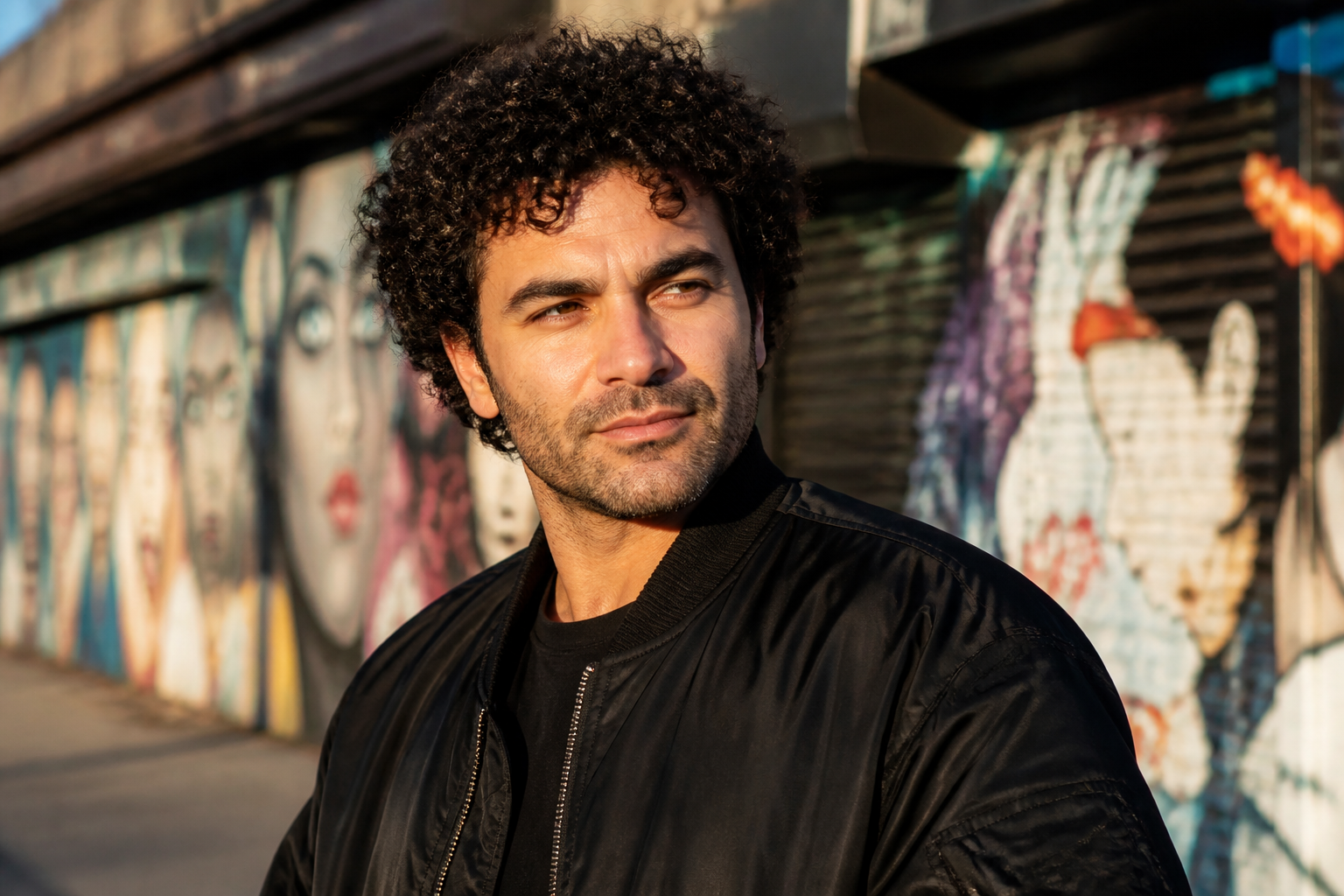 BEFORE
 AFTER
AFTER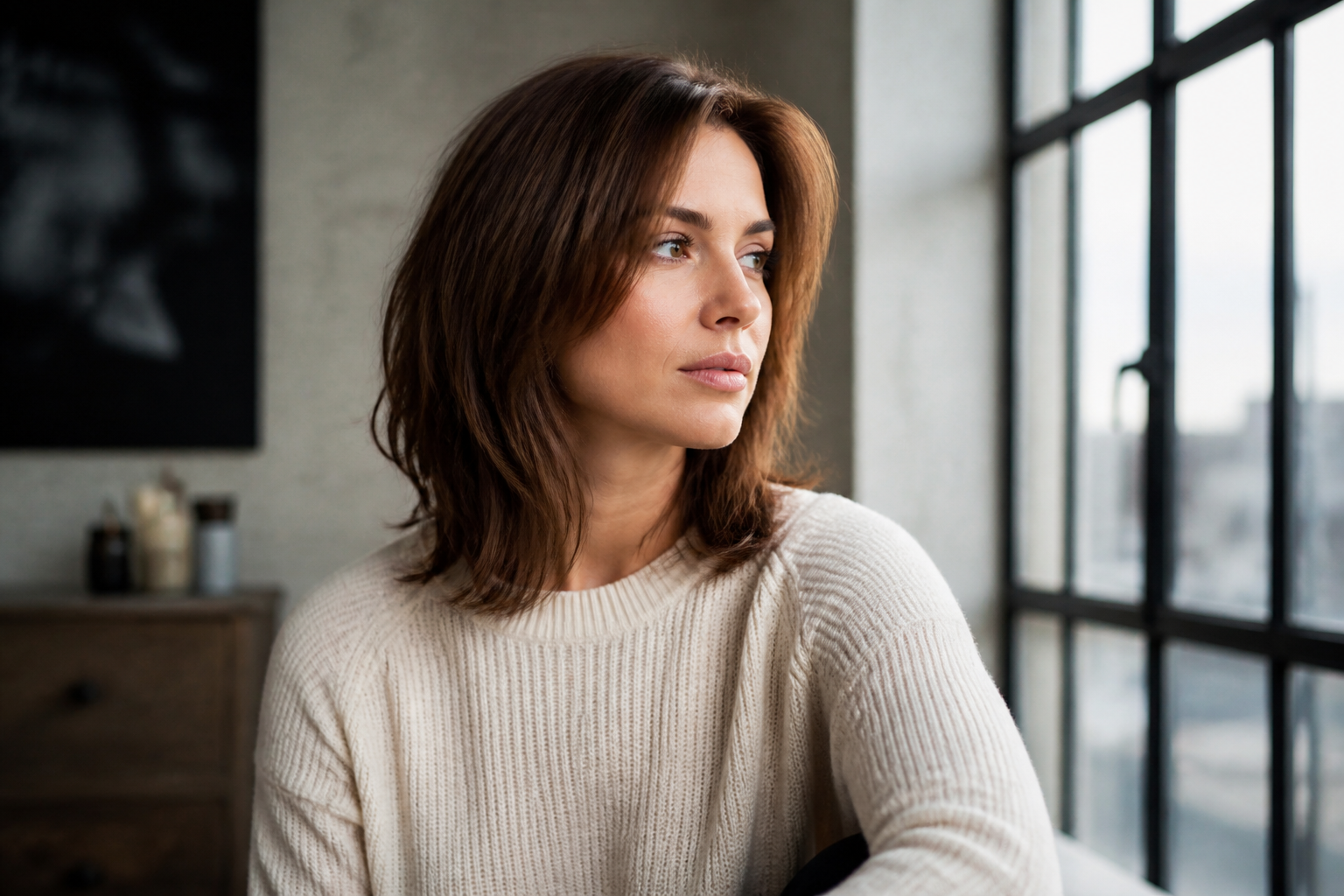 BEFORE
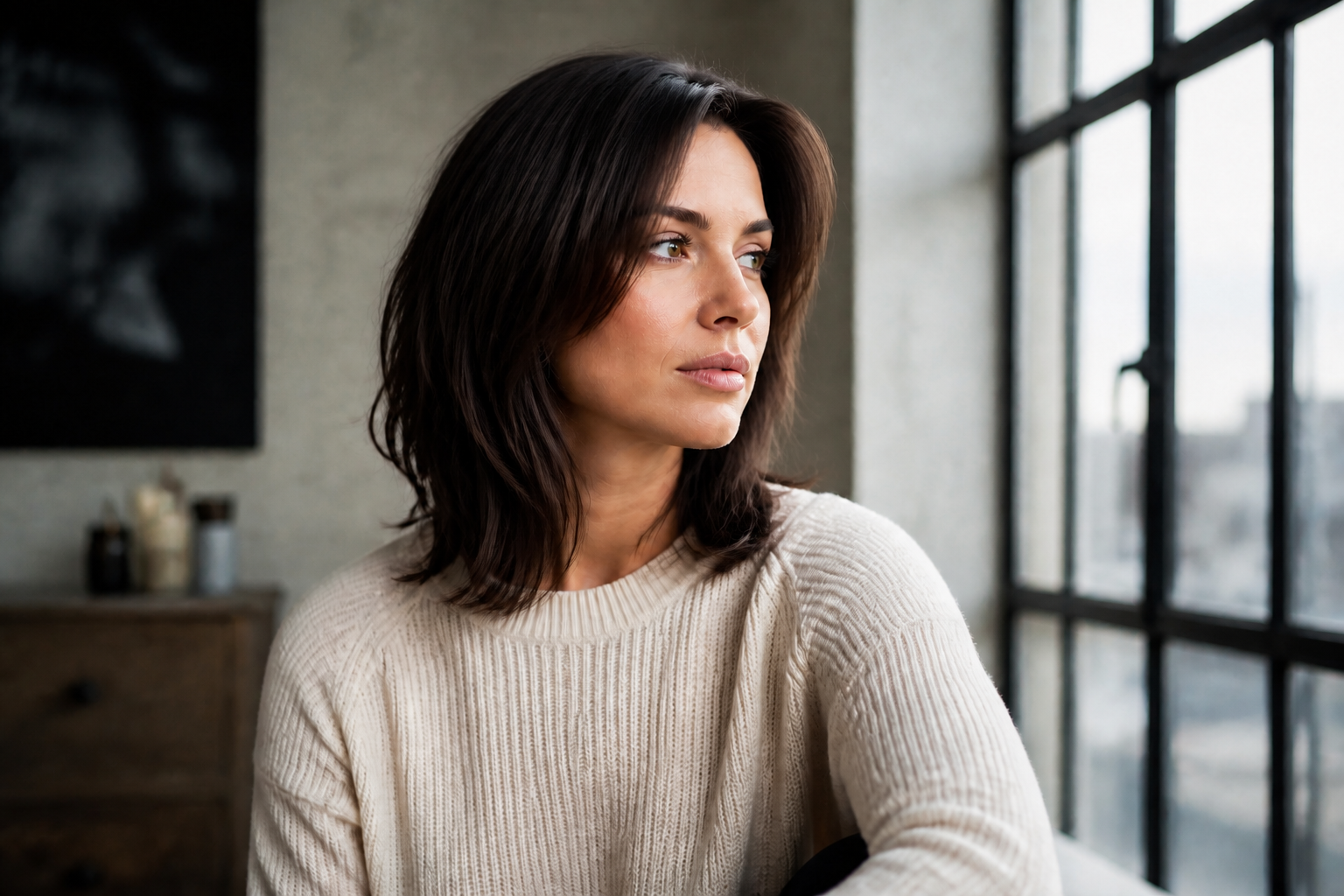 AFTER
AFTER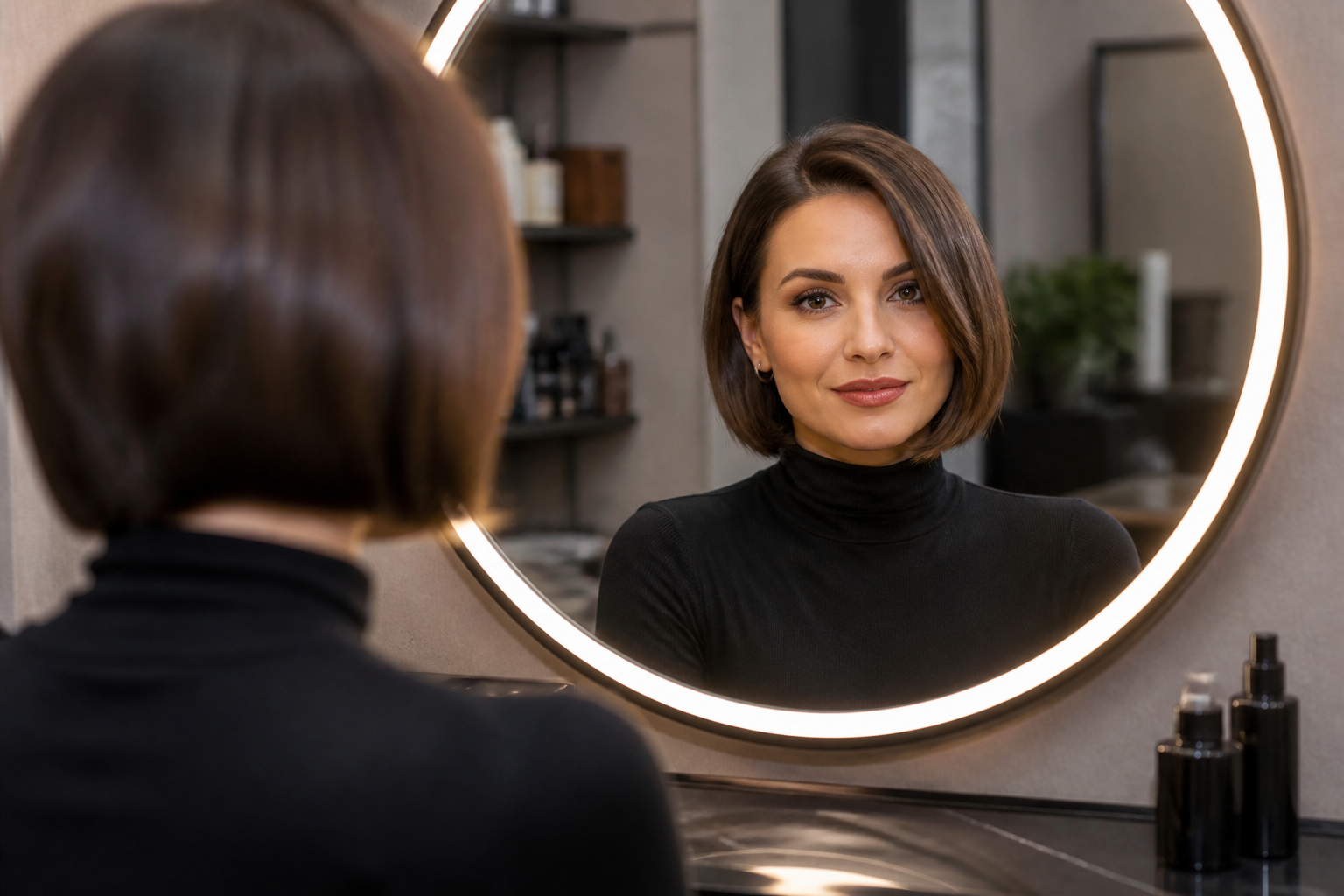 BEFORE
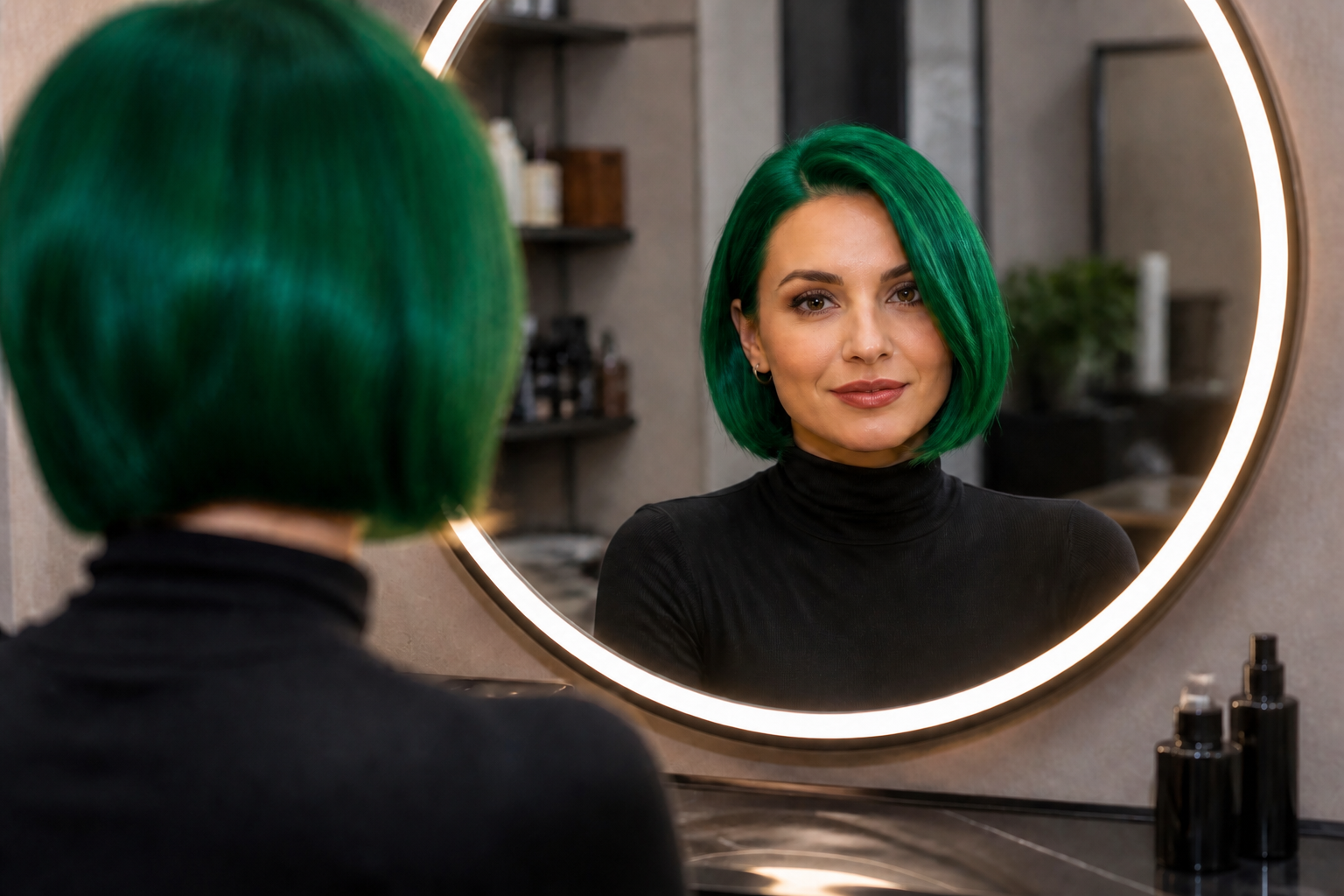 AFTERBEFOREAFTERBEFOREAFTERBEFOREAFTERBEFOREAFTER
Key Features
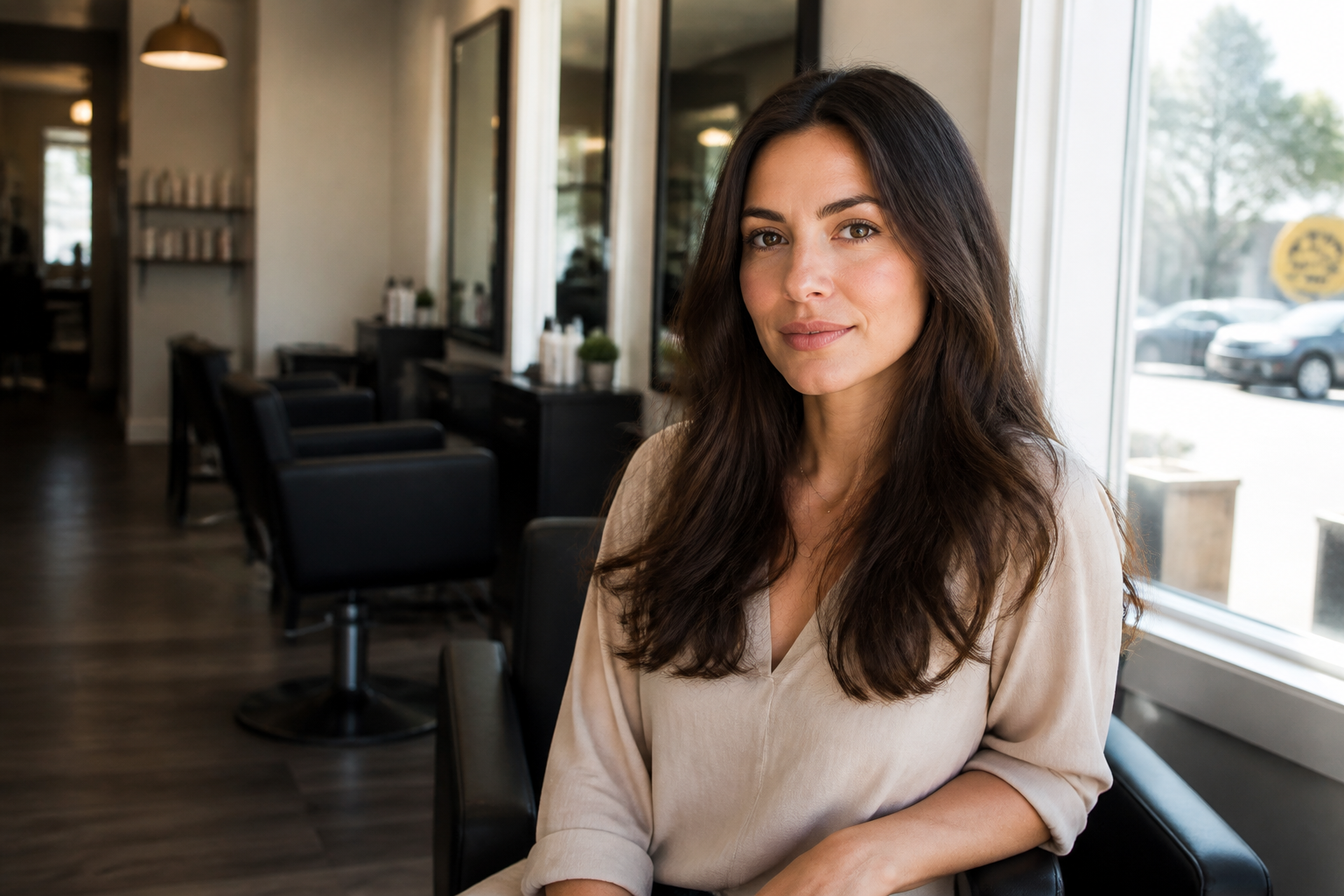
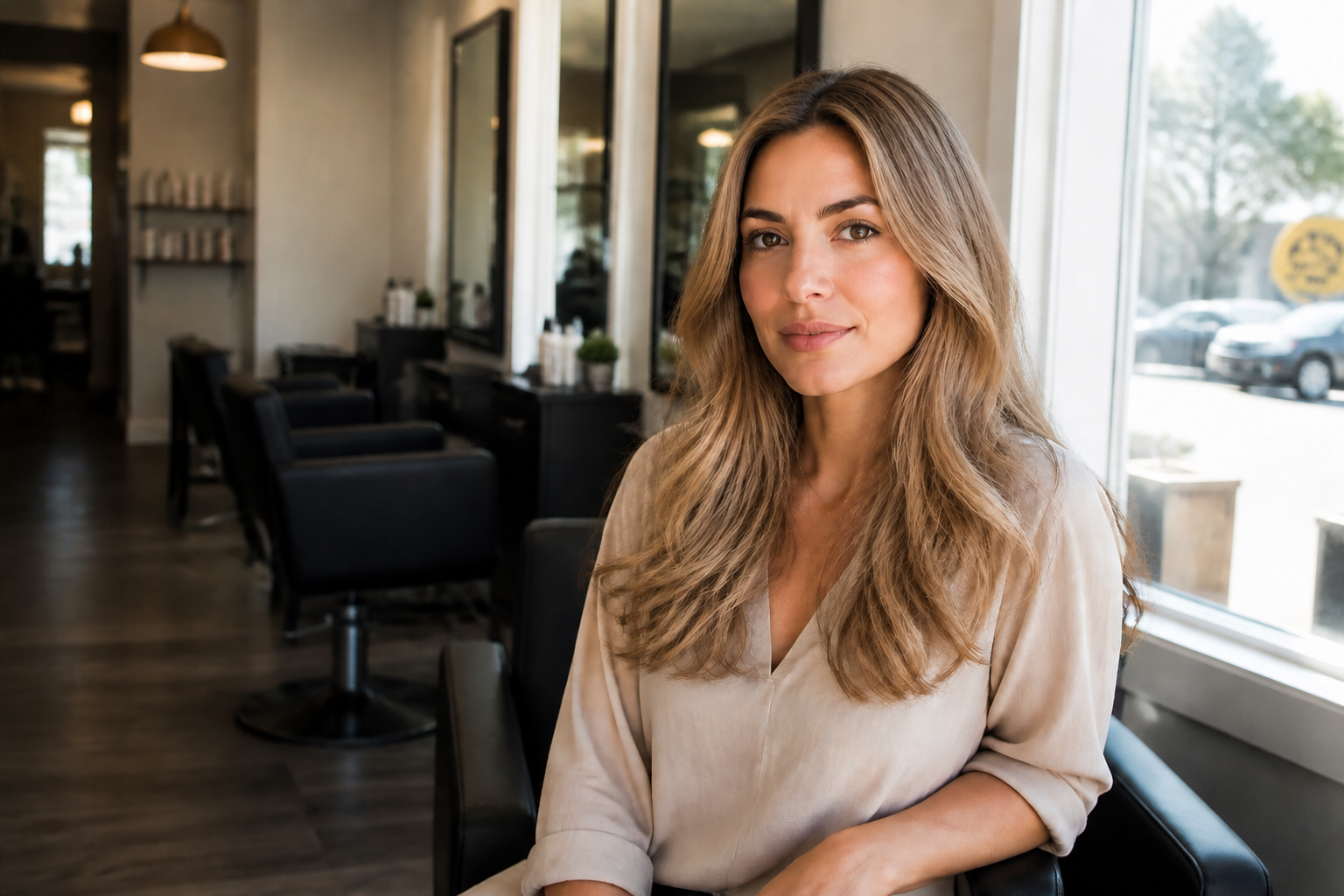
Natural shade previews
Test blonde, brunette, black, red, and gray tones on your own photo before making a real change. This helps you compare undertones and intensity without booking a salon visit first. Manual recoloring often takes layer masks and careful brushing to avoid skin and background spill. Our AI gives you a clear preview much faster.
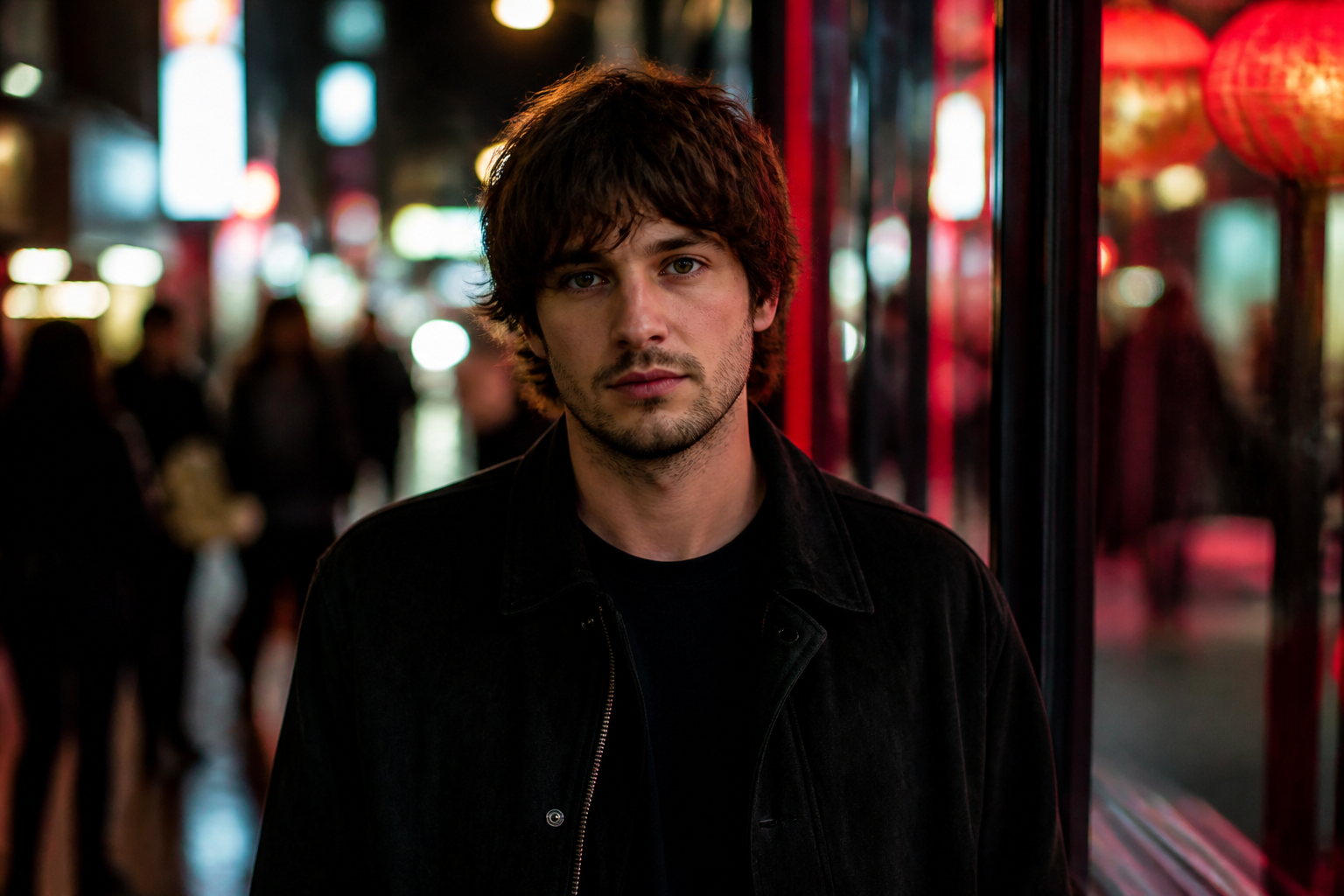
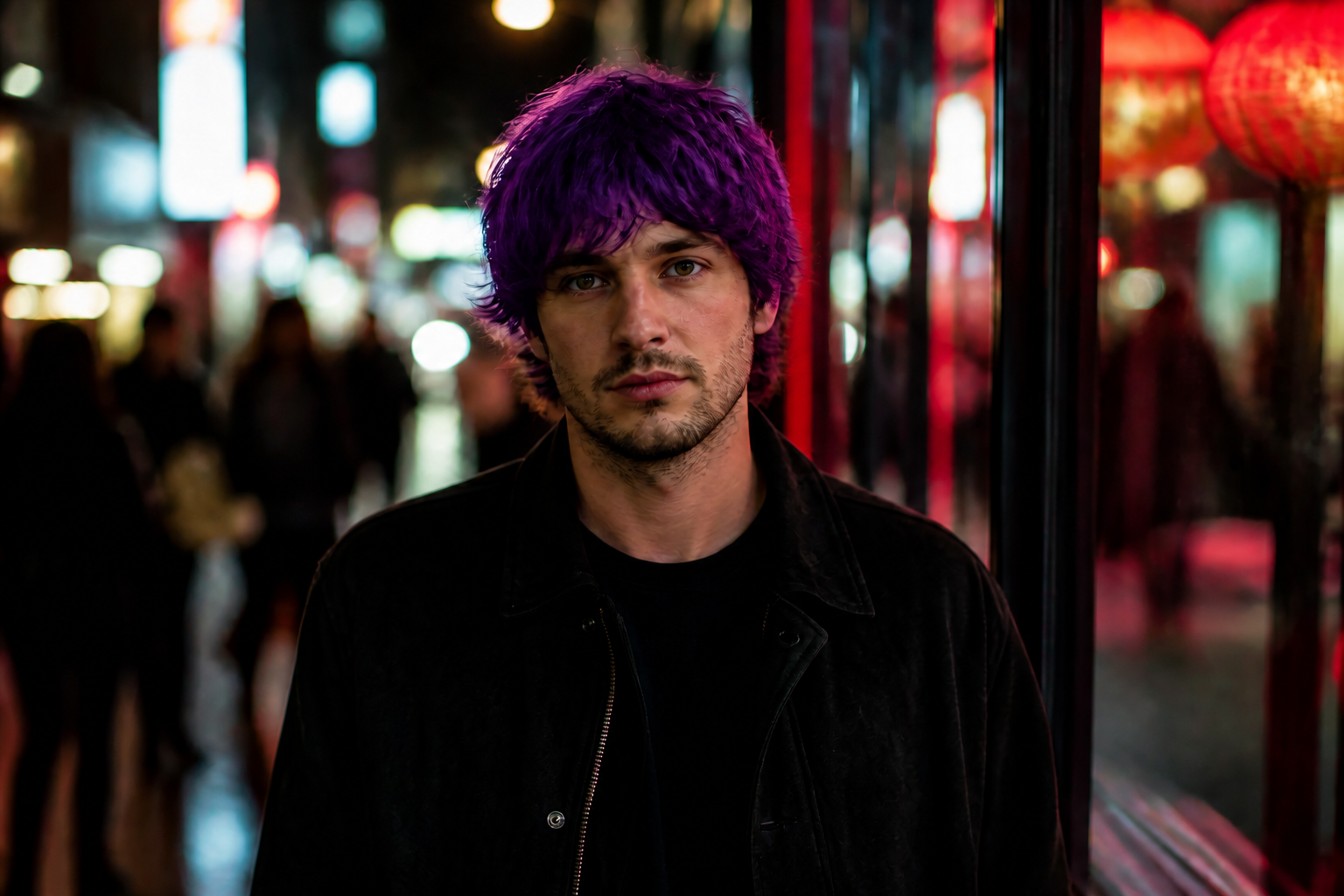
Bold fashion colors
Try high-impact shades like pink, blue, purple, or green when you want a look that stands out in a thumbnail. The edit keeps the rest of the image stable so the color change is easy to judge. Doing this manually usually means tedious selections around flyaway hairs. Our AI handles the visible transformation in one pass.
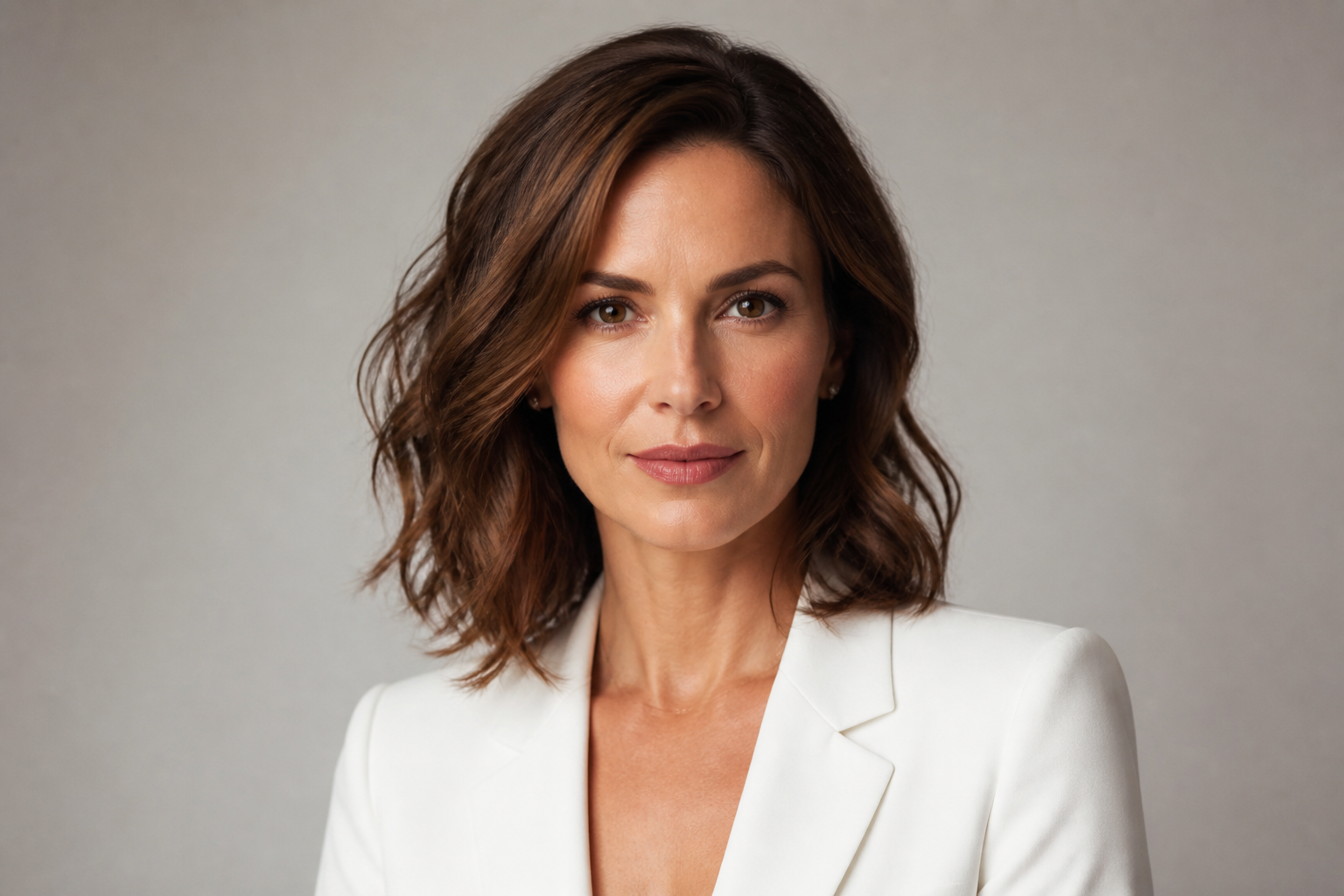
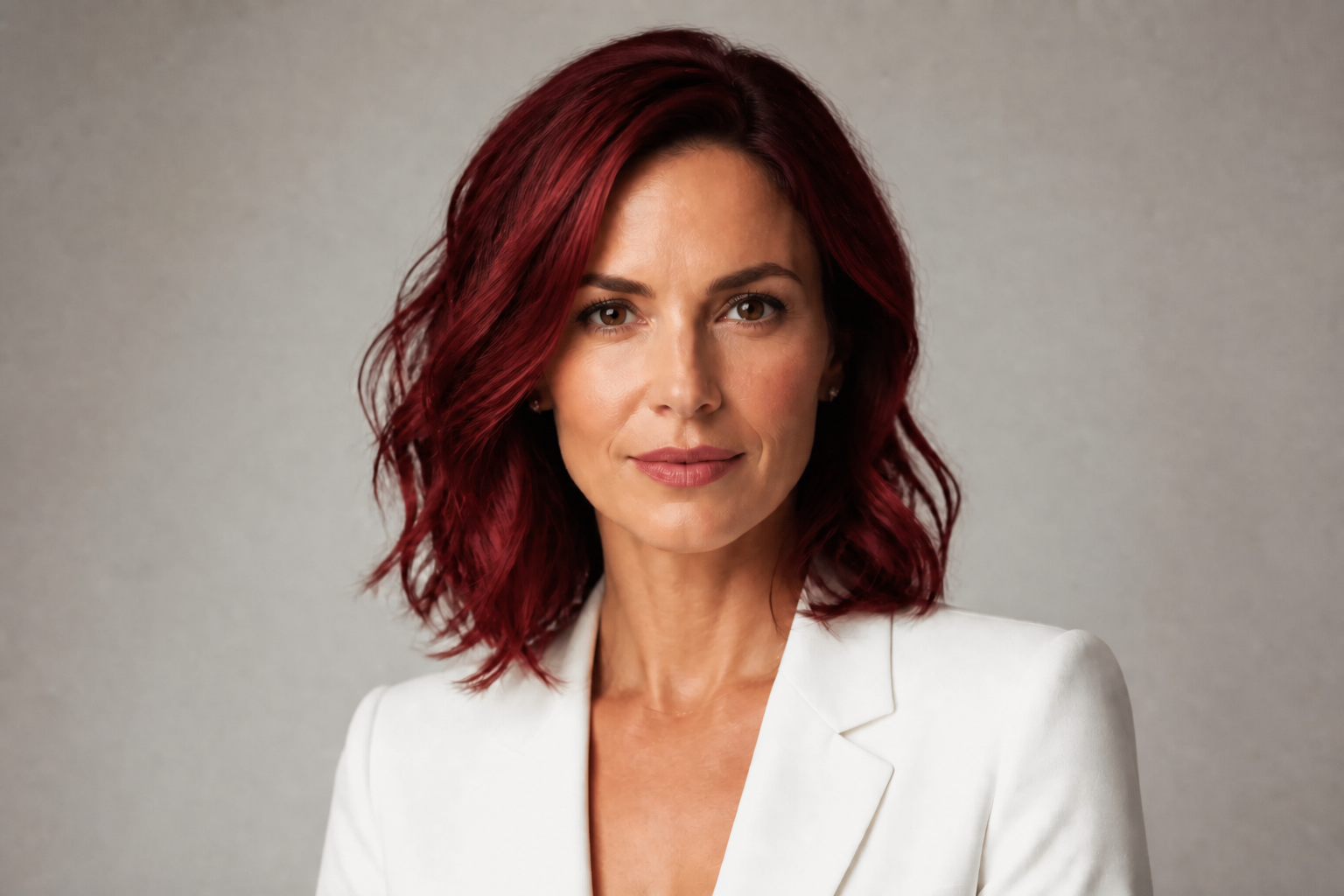
Keeps your identity intact
The goal is to change the hair shade, not the person. Facial features, expression, outfit, and framing stay consistent so you can compare before and after with confidence. That makes the result more useful for personal try-ons, creator content, and client previews. You spend less time fixing unrelated changes.
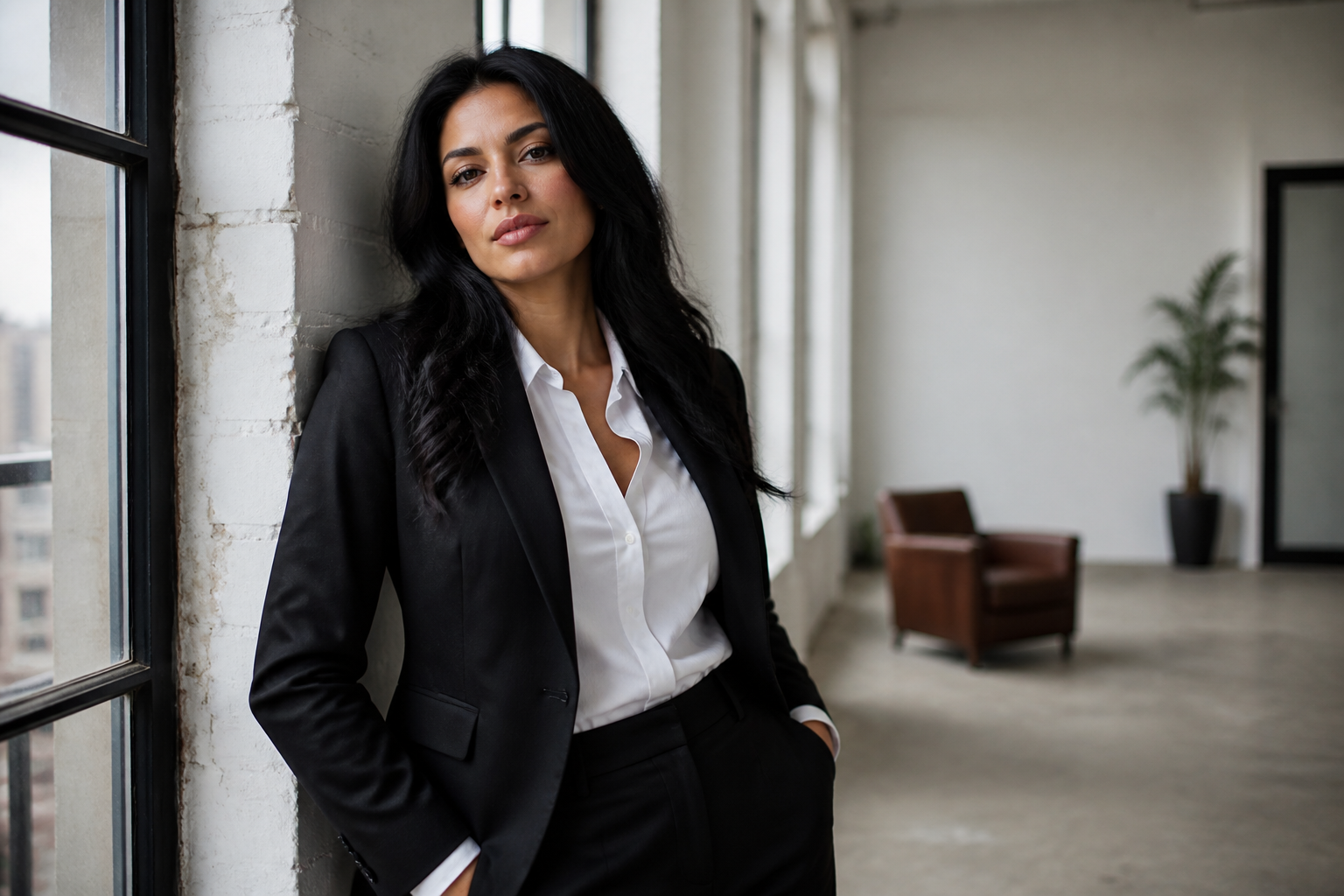
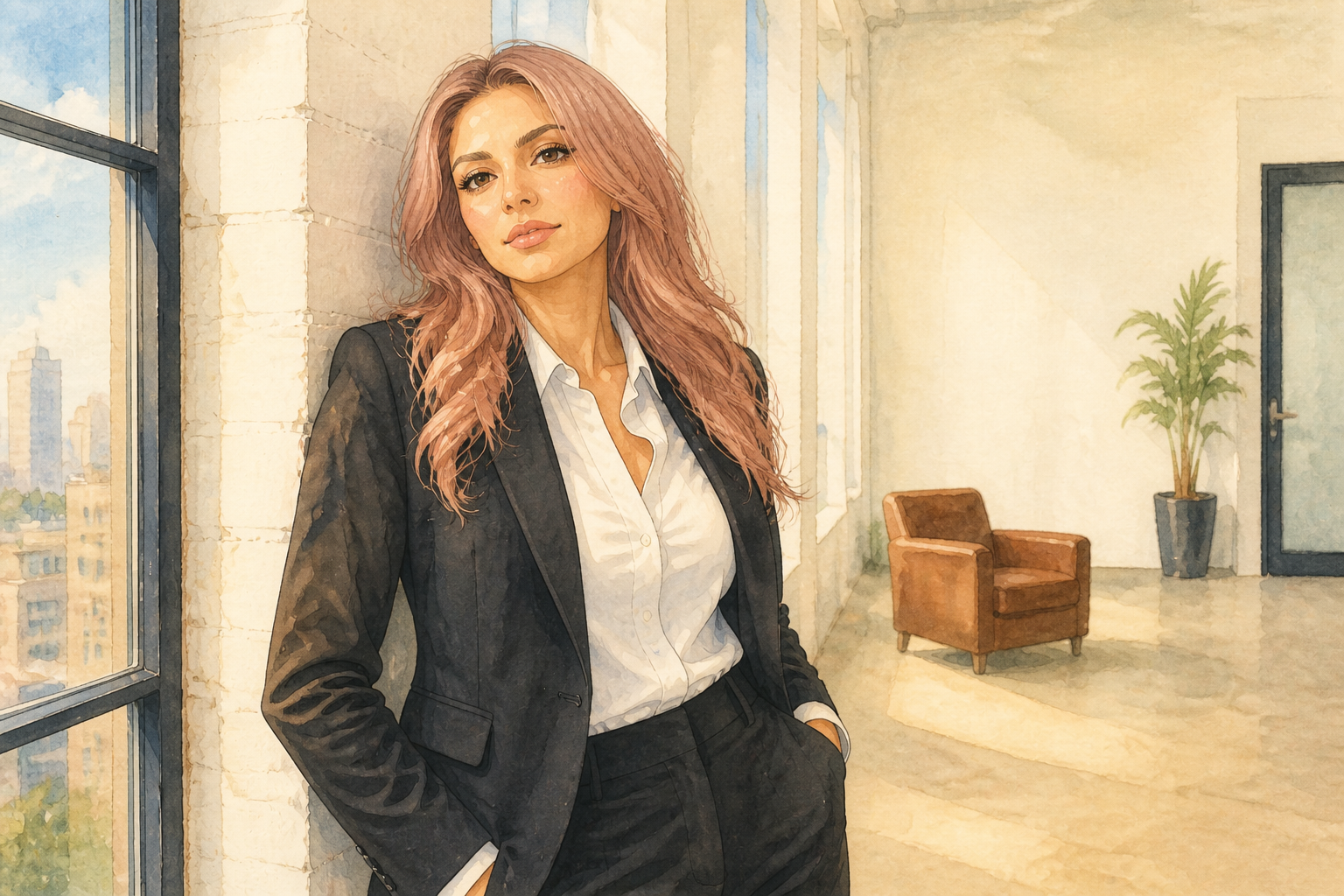
Works across art styles
Hair color changes are not limited to standard photo edits. You can also test the same idea in stylized looks for mood boards, posters, thumbnails, or social content. This gives you more creative range from one source image. It is much quicker than rebuilding the same concept in multiple editing apps.
How It Works
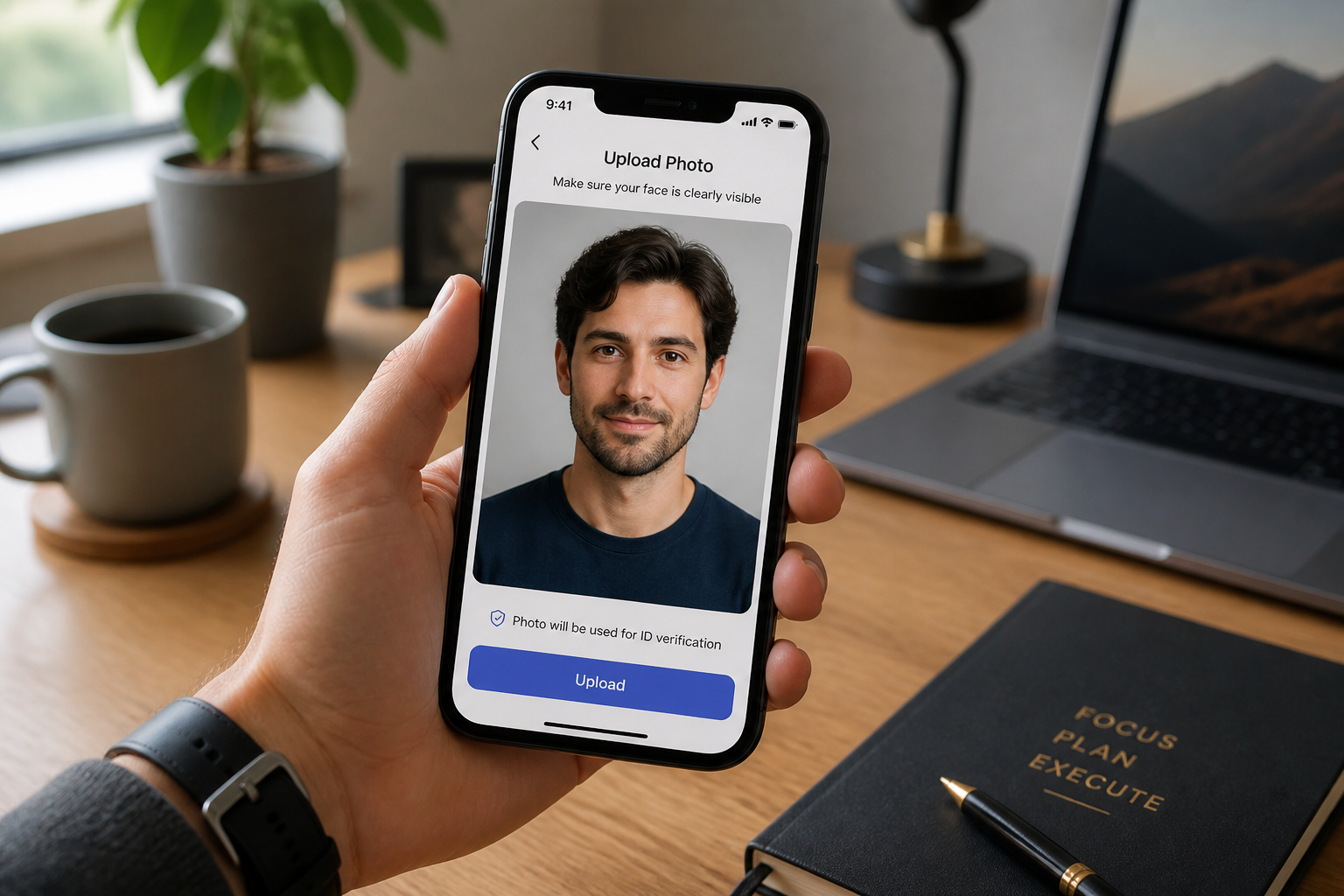
Upload your photo
Start with a clear photo where the hair is visible and well lit. Landscape shots work well here, especially if the subject is separated from the background.
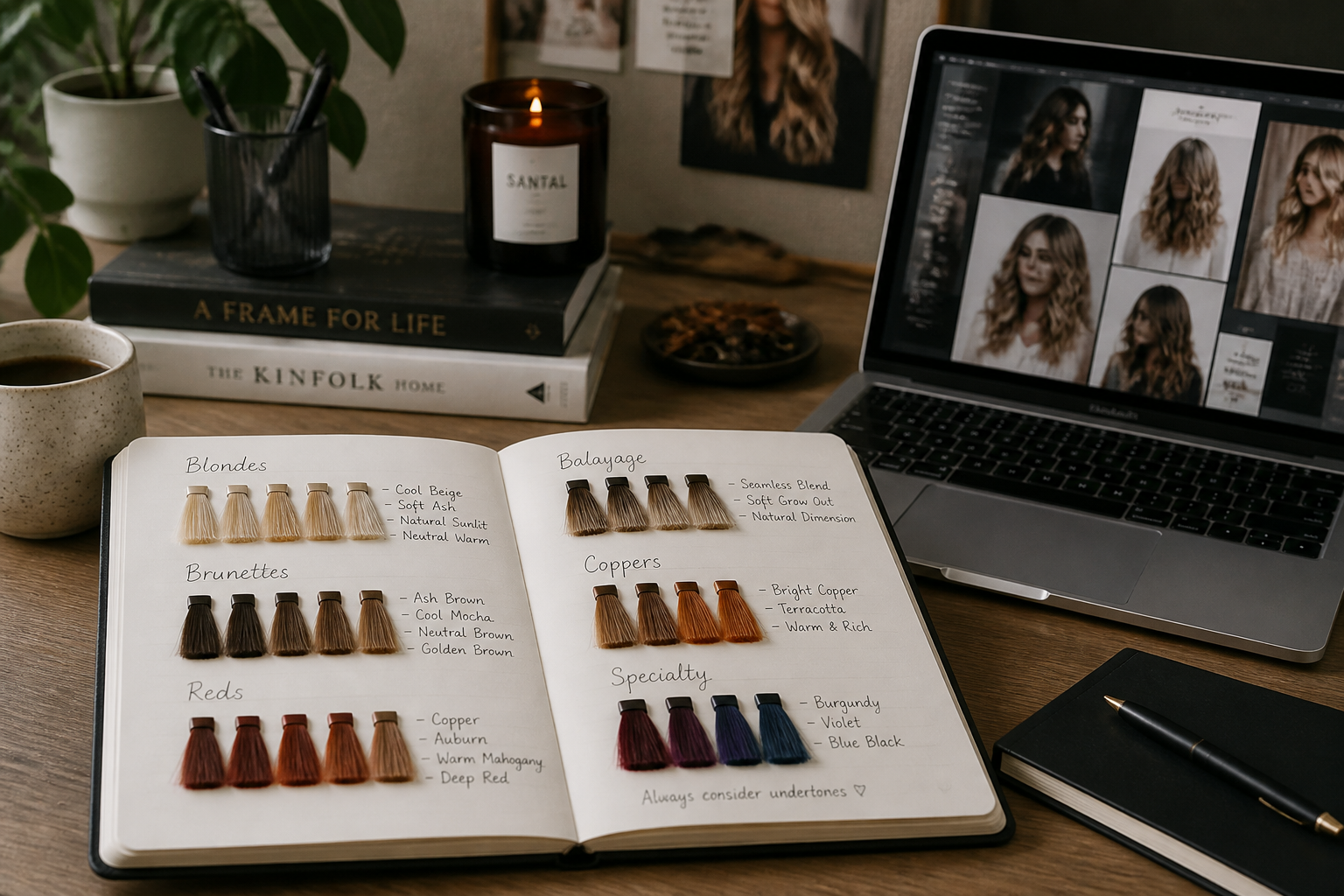
Describe the color
Type the exact shade you want to preview, such as ash blonde, copper red, jet black, silver, or pastel pink. You can be simple or specific depending on the look you want.
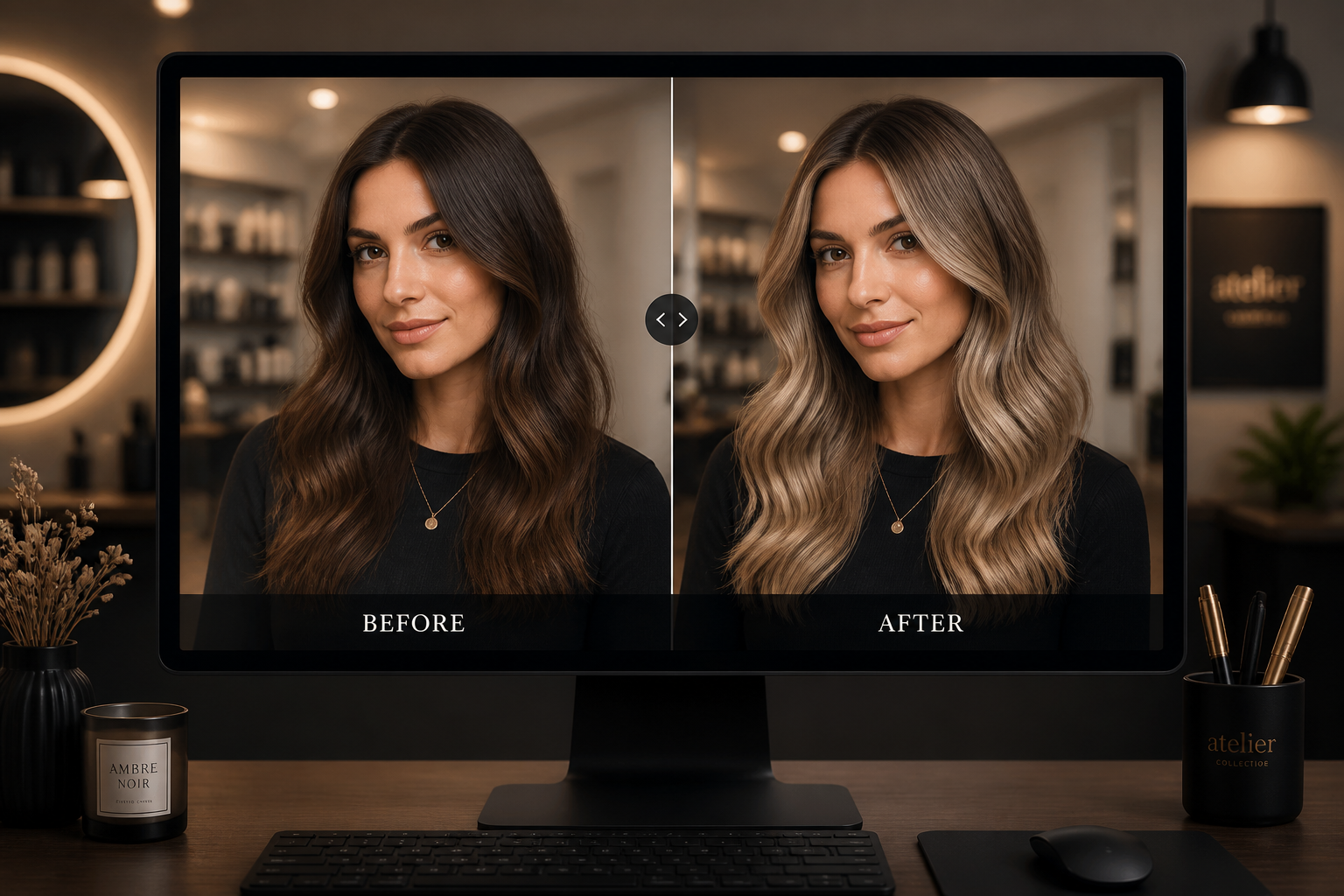
Compare the result
Review the before and after version side by side and see how the new shade changes the overall look. If needed, adjust the color description and generate another variation.
Perfect For
Discover how creators and professionals use hair color changer
Salon consultation prep
Show a color idea on your own photo before you commit to bleach, toner, or dye.
Creator thumbnails
Make clear before-and-after posts for TikTok, Reels, Shorts, and beauty content.
Personal style testing
Compare natural and fashion shades to see which fits your skin tone, wardrobe, and vibe.
Client mood boards
Build fast visual references for stylists, photographers, and makeup artists.
Built For
Anyone trying a new shade
Preview hair color changes on your own image before spending money or time on a real dye job.
Hair stylists and salons
Create quick visual mockups for consultations, client options, and social proof.
Creators and marketers
Produce striking before-and-after visuals that read clearly in feeds and ads.
Why use an AI hair color changer
A quick look at how we compare on the things that matter for this niche.
| Feature | BudgetPixel | Generic AI editors | Manual editing apps |
|---|---|---|---|
| Hair-specific color swaps | ✓ | — | — |
| Preserves pose and identity | ✓ | Varies | ✓ |
| Fast preview workflow | ✓ | ✓ | — |
| Bold and natural shades | ✓ | Varies | ✓ |
| No masking by hand | ✓ | ✓ | — |
Frequently Asked Questions
What kinds of hair colors can I try?
Will it keep my face and outfit the same?
Does it work on short and long hair?
Can I use it for natural-looking salon colors?
Do I need editing skills to use it?
Create together.
Share your creations, discover trending AI art, and grow with fellow creators.