AI Vampire Generator
Generate dark, elegant vampire art from a simple prompt
Create original vampire portraits, cinematic scenes, and gothic character art from text alone. This tool is made for writers, gamers, artists, and anyone who wants moody supernatural visuals without starting from scratch.
See It In Action
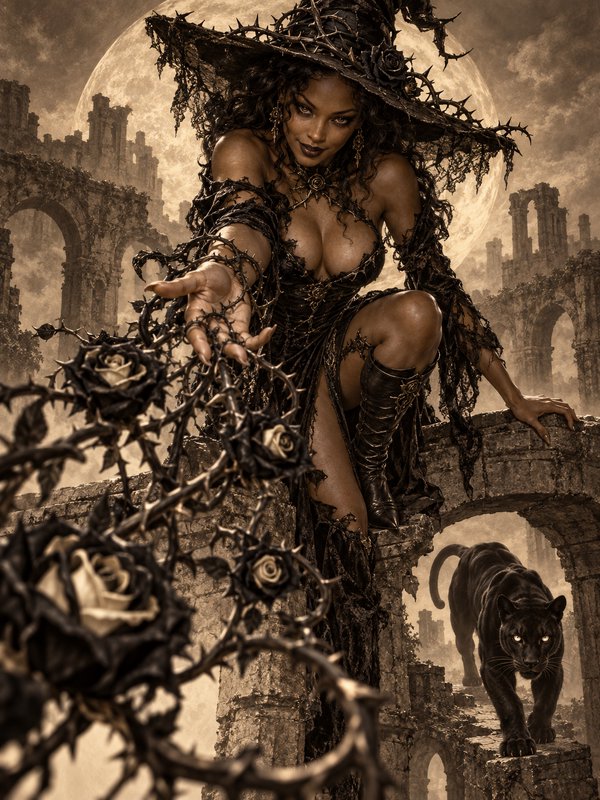
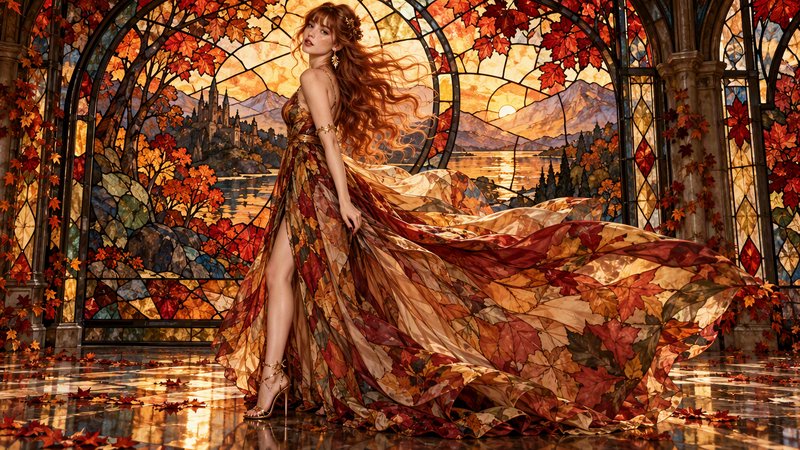
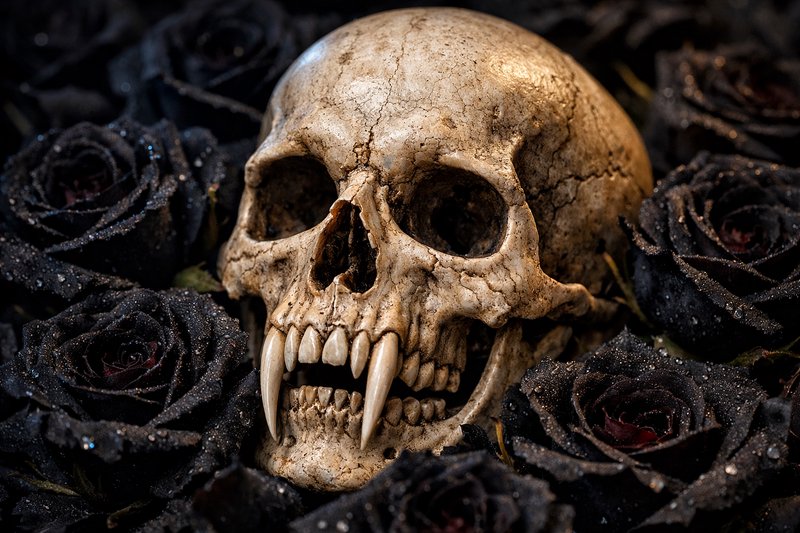
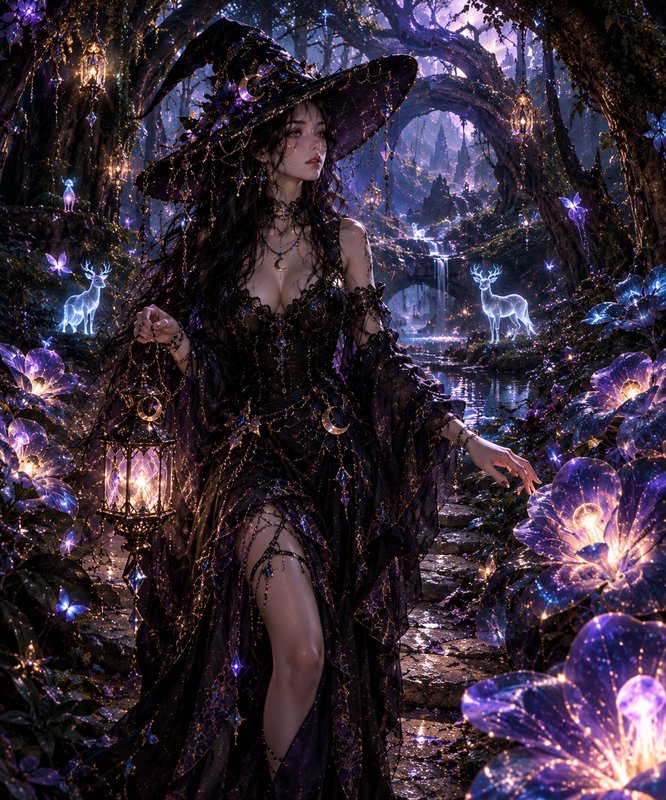
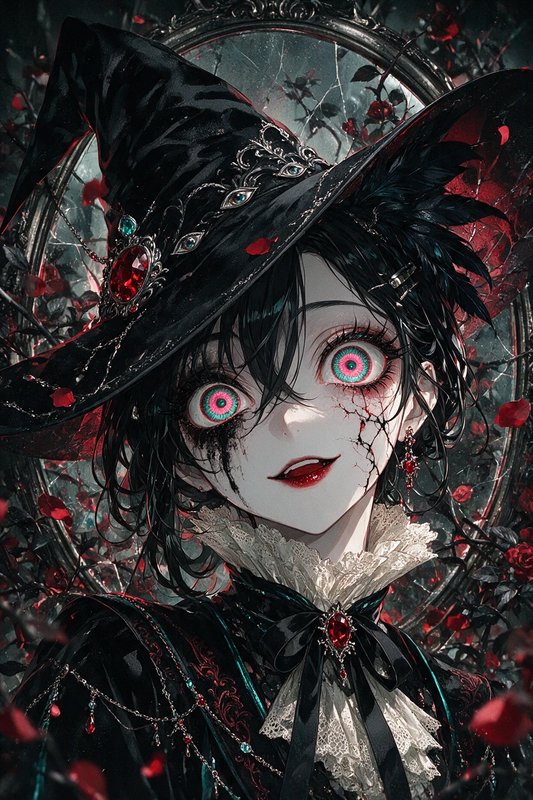
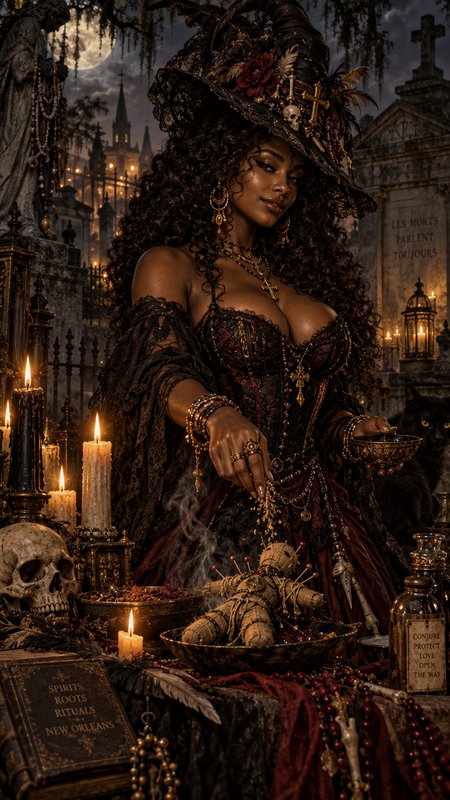
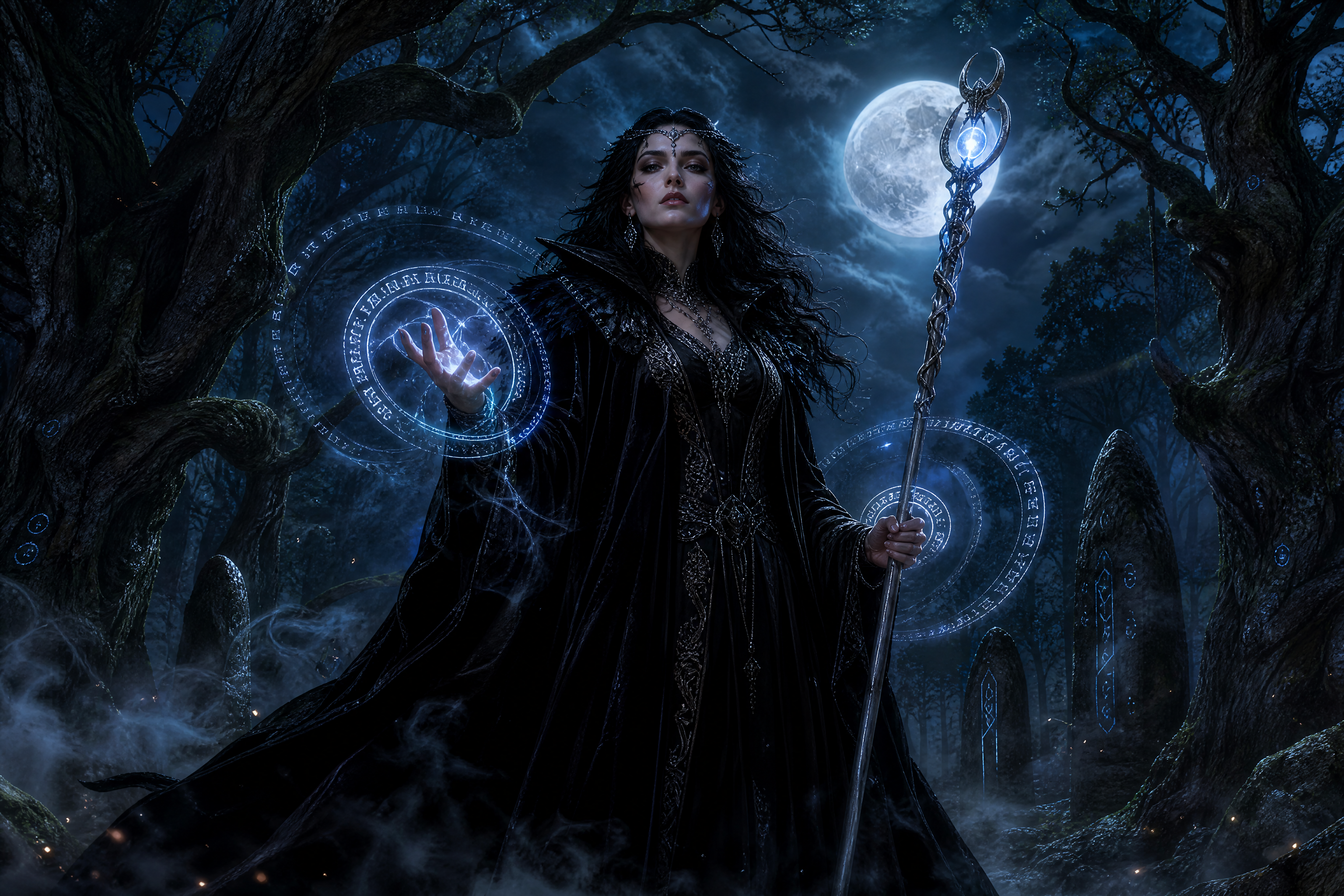
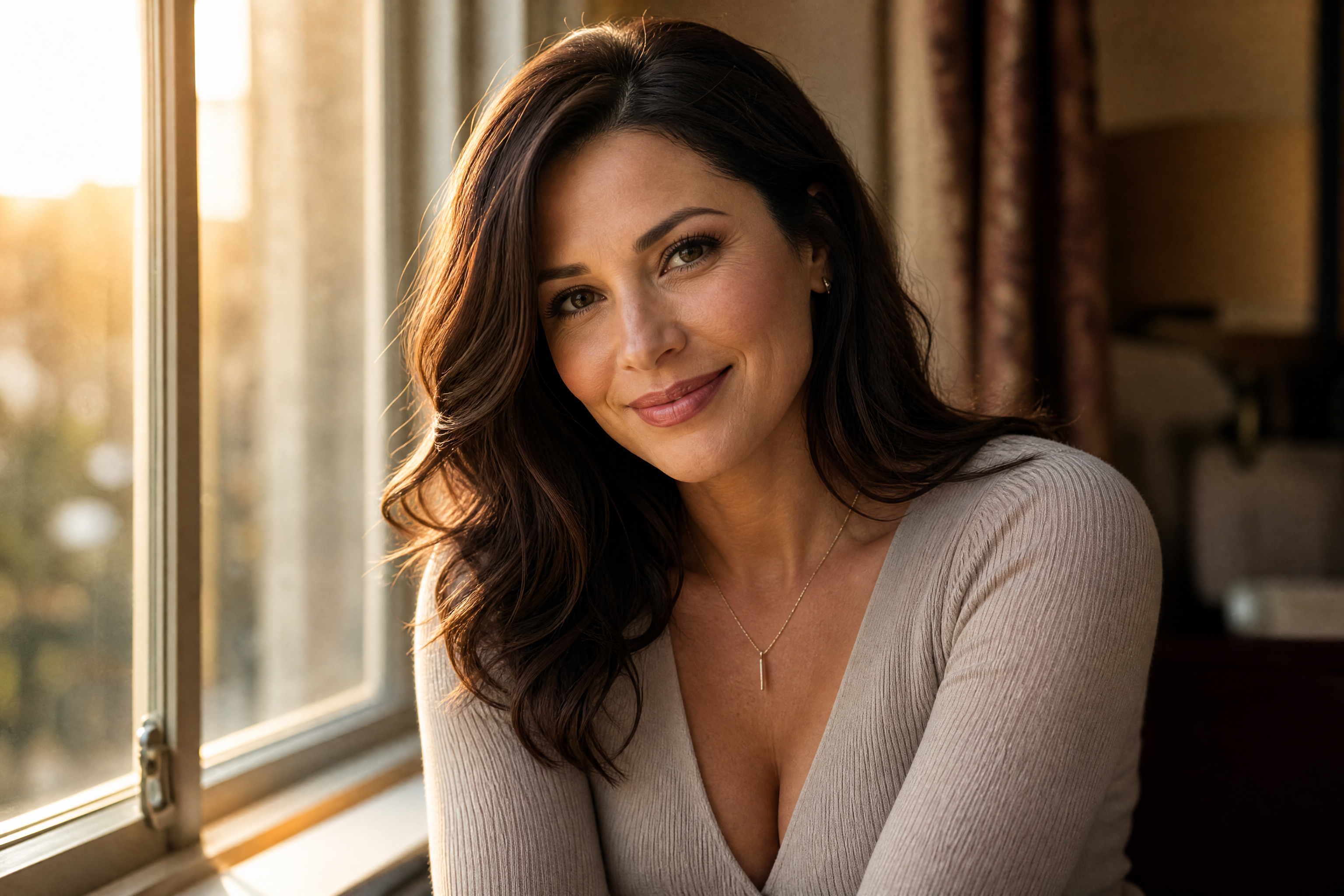
Real outputs from ai vampire generator.
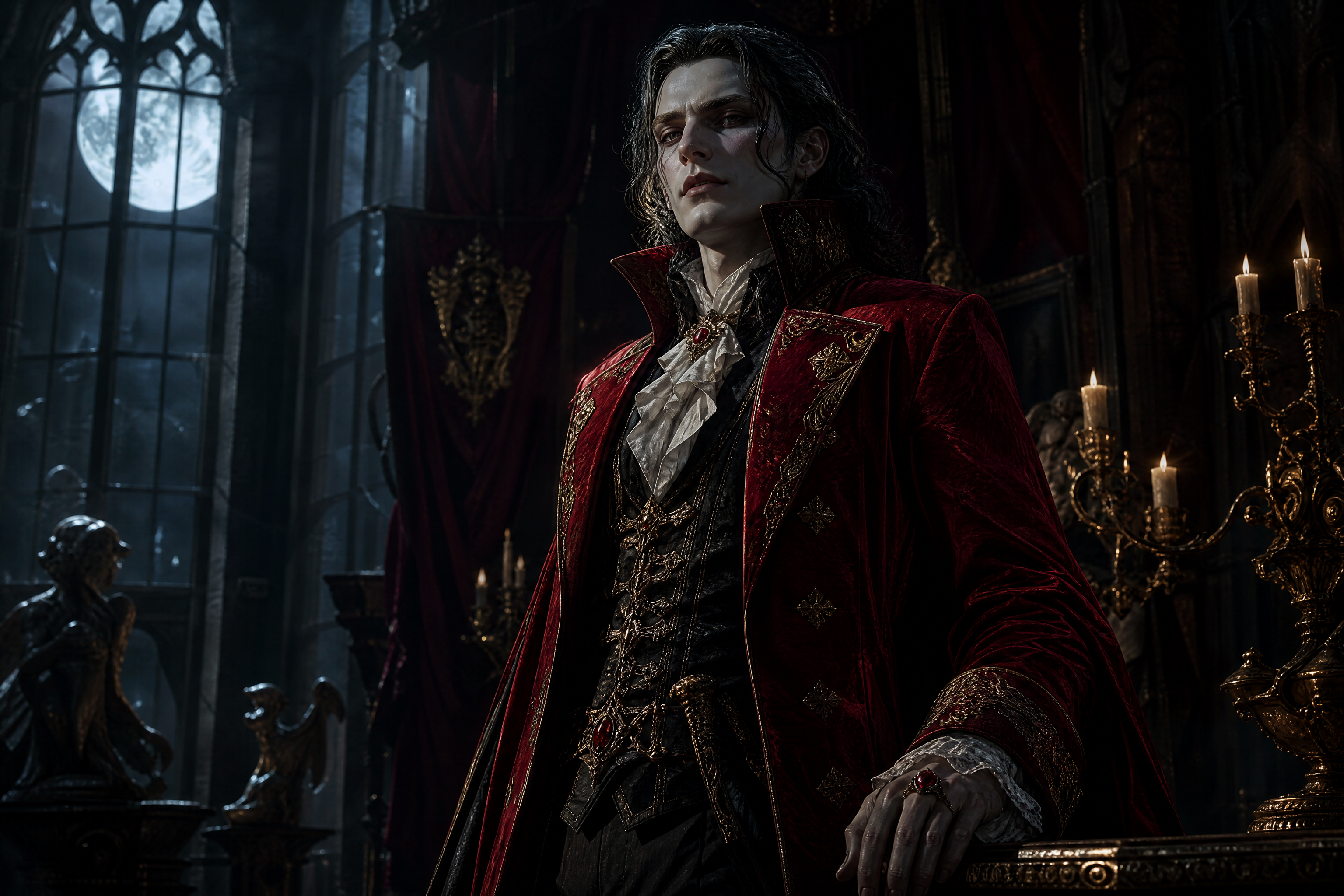
elegant immortal vampire noble, crimson velvet coat, pale skin, subtle fangs, standing in a candlelit gothic castle hall, moonlight through tall windows, dark fantasy portrait, cinematic composition, highly detailed, dramatic shadows, 3:2
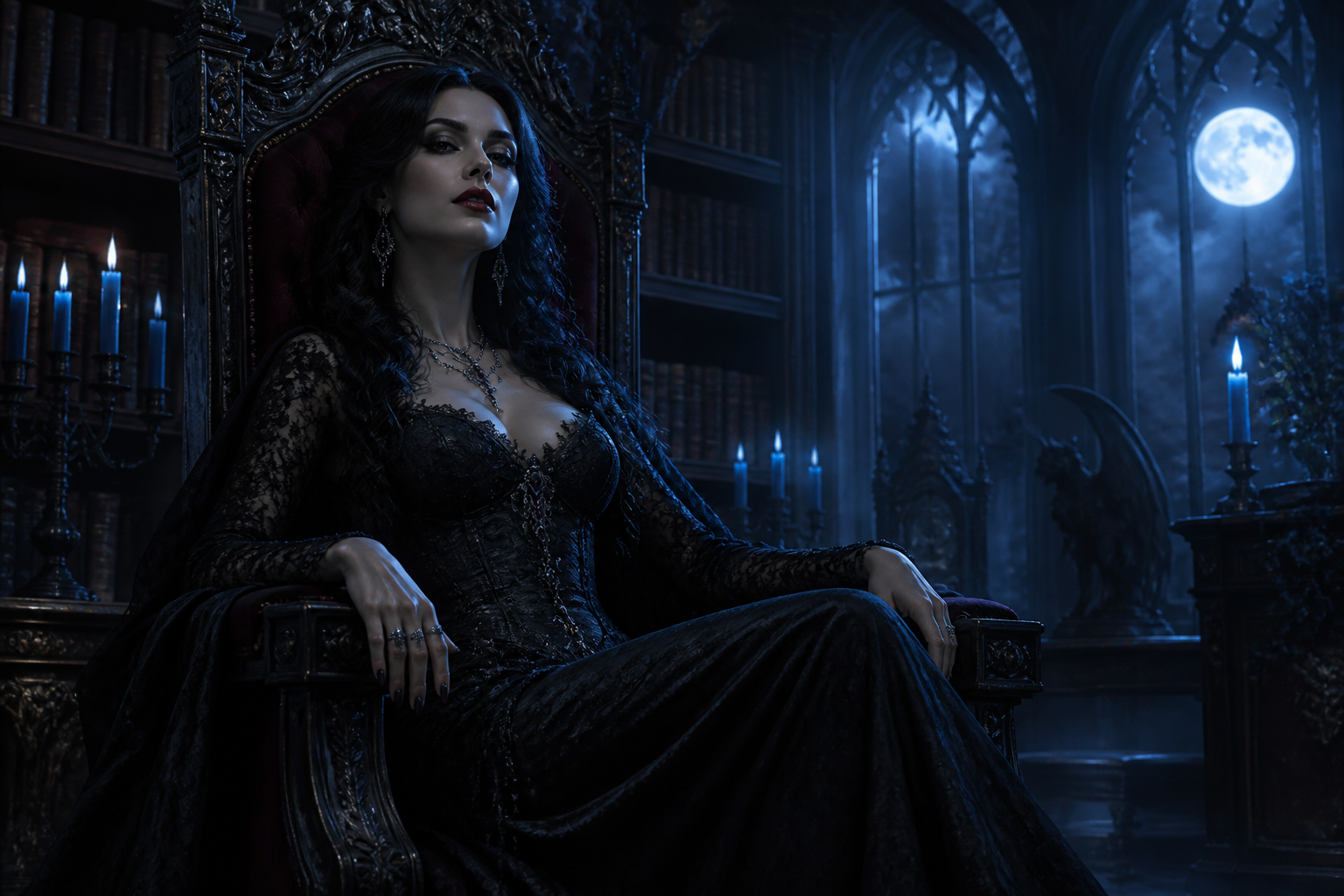
mysterious female vampire in a black lace gown, silver jewelry, raven hair, seated on a throne in a moonlit manor library, blue candle glow, dark romantic gothic style, detailed environment, cinematic framing, 3:2
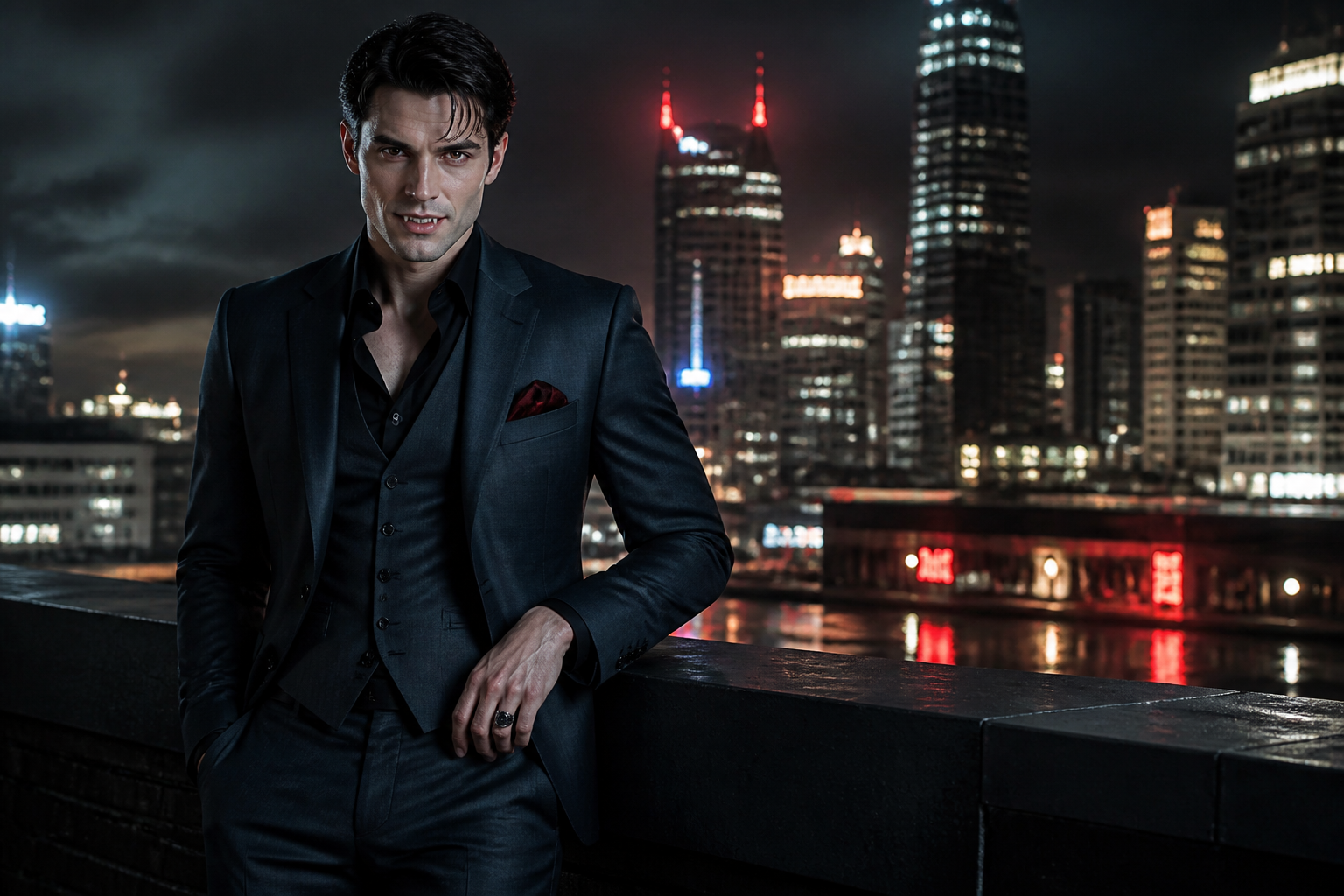
modern vampire man in a tailored charcoal suit, rooftop skyline at night, neon reflections, confident stance, subtle fangs, sleek urban fantasy style, cinematic photography, moody lighting, 3:2
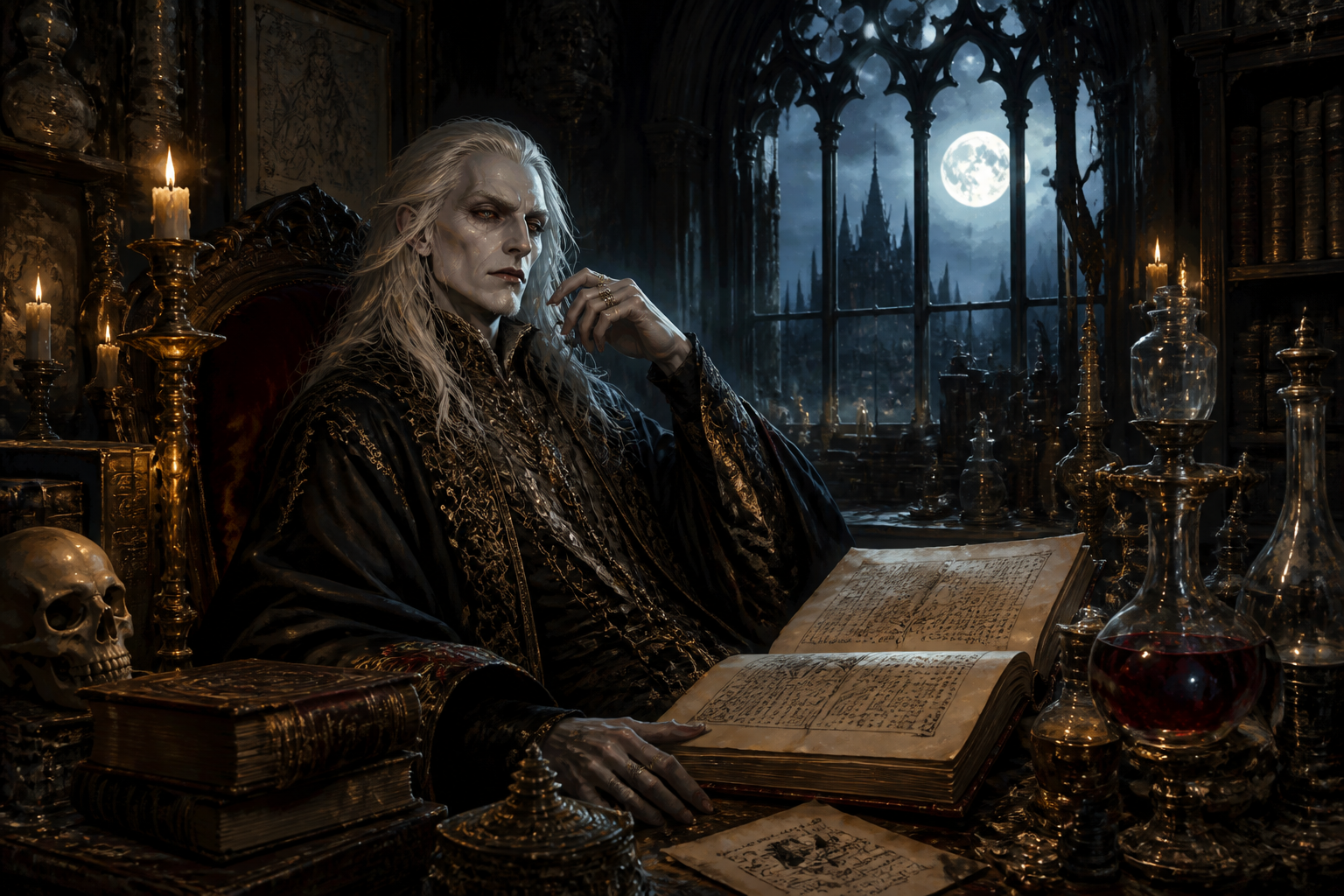
ancient vampire scholar with long white hair, dark embroidered robes, surrounded by antique books and alchemical glassware, warm candlelight and cool moonlight mix, gothic illustration style, richly detailed, 3:2
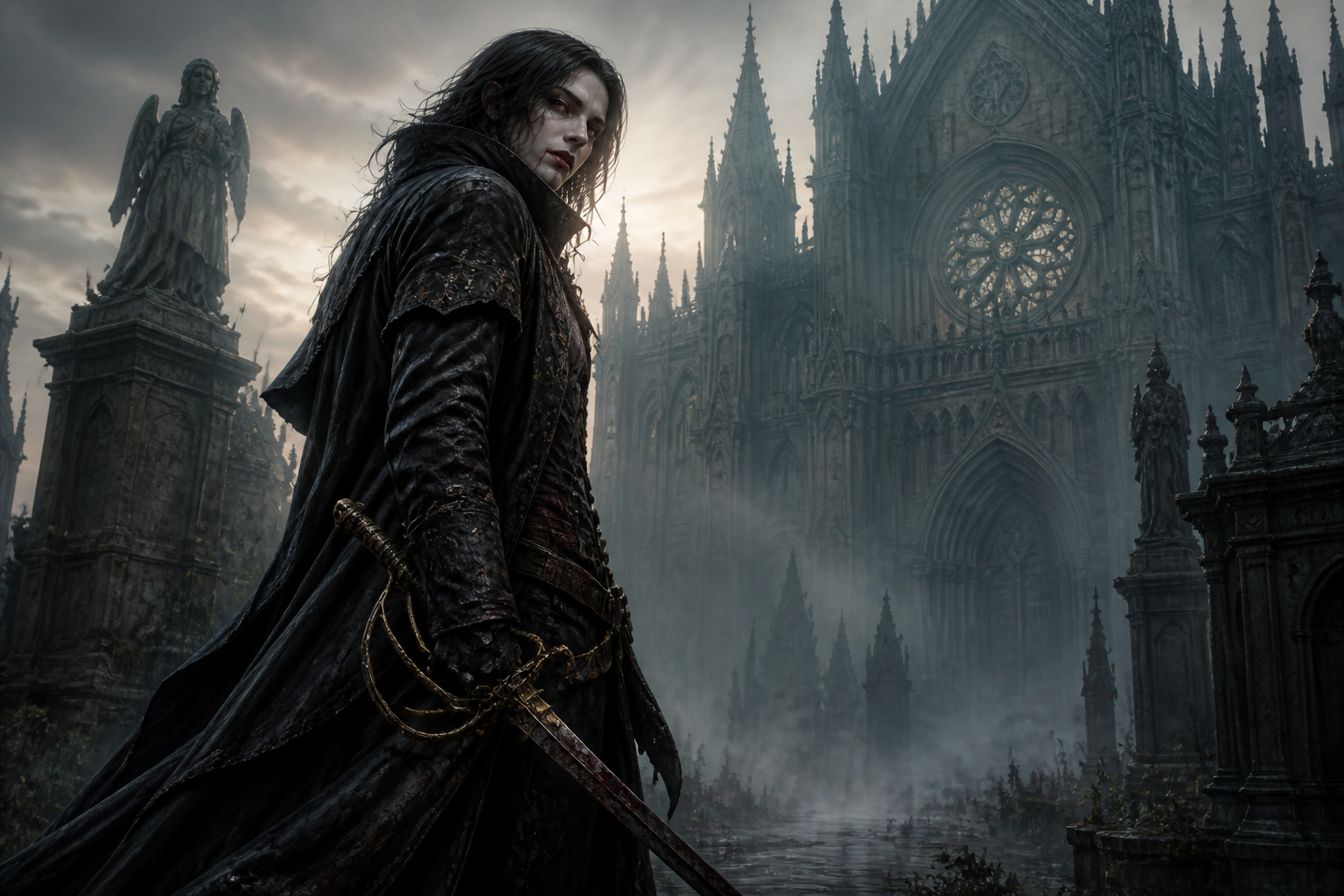
vampire hunter turned vampire, androgynous adult, weathered leather coat, ornate rapier at side, foggy cathedral courtyard at dawn, dark fantasy concept art, dramatic angle, detailed textures, 3:2
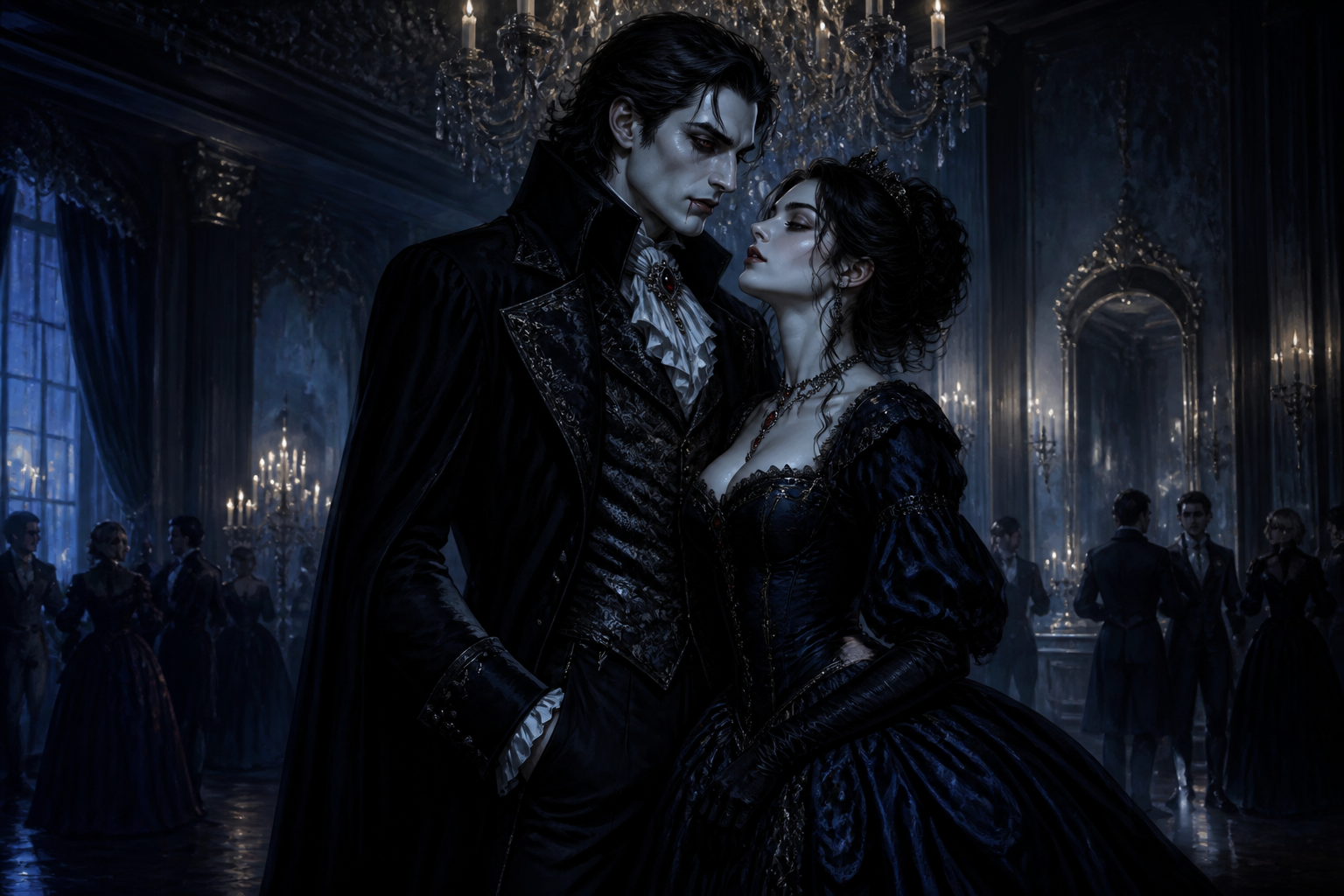
regal vampire couple in formal Victorian attire, grand ballroom with chandeliers, midnight blue palette, elegant posture, dark romance painting style, cinematic depth, highly detailed, 3:2
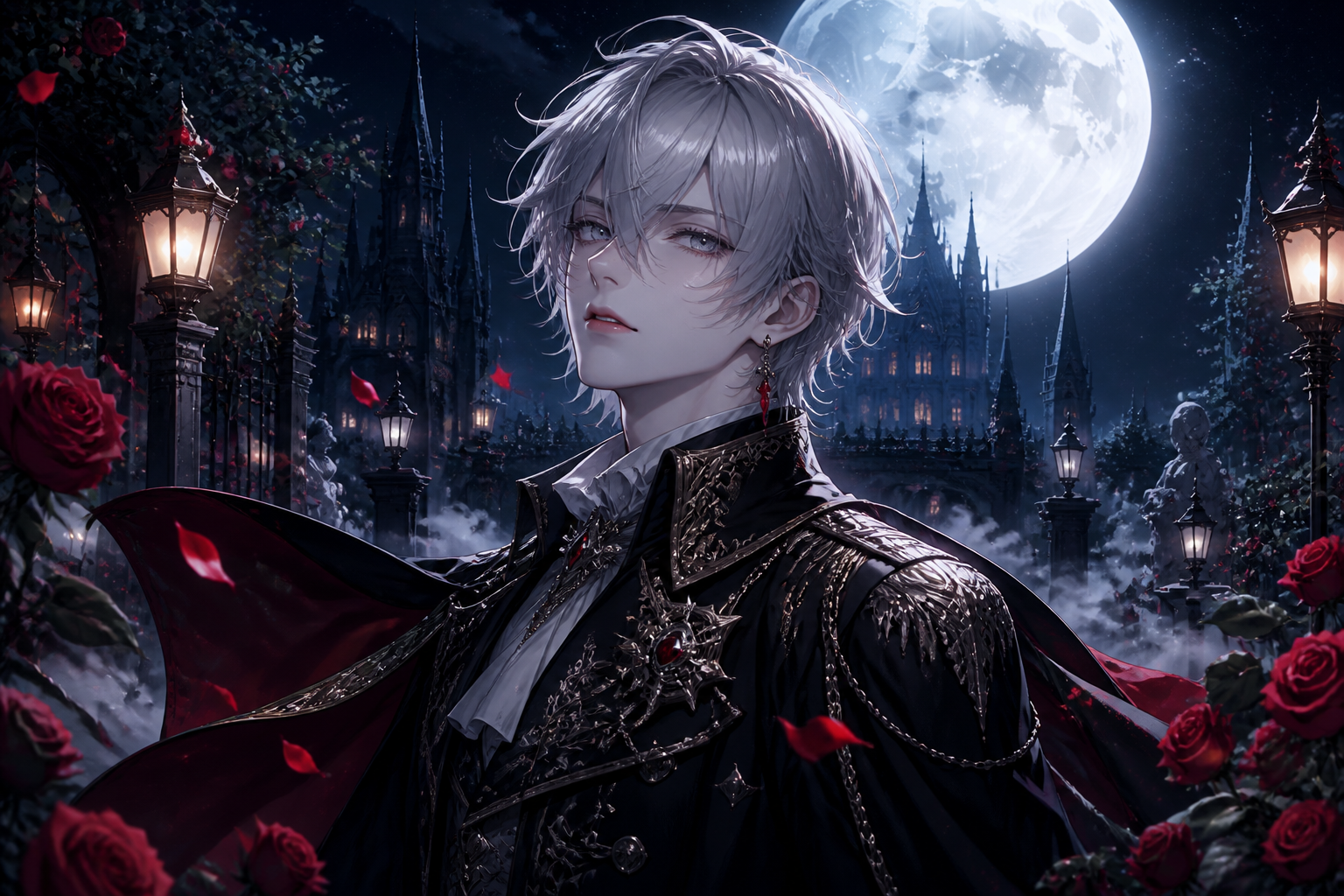
anime-style vampire prince with silver eyes, black military-inspired coat, rose garden at night, drifting mist, glowing lanterns, polished character art, dramatic moonlight, crisp detail, 3:2
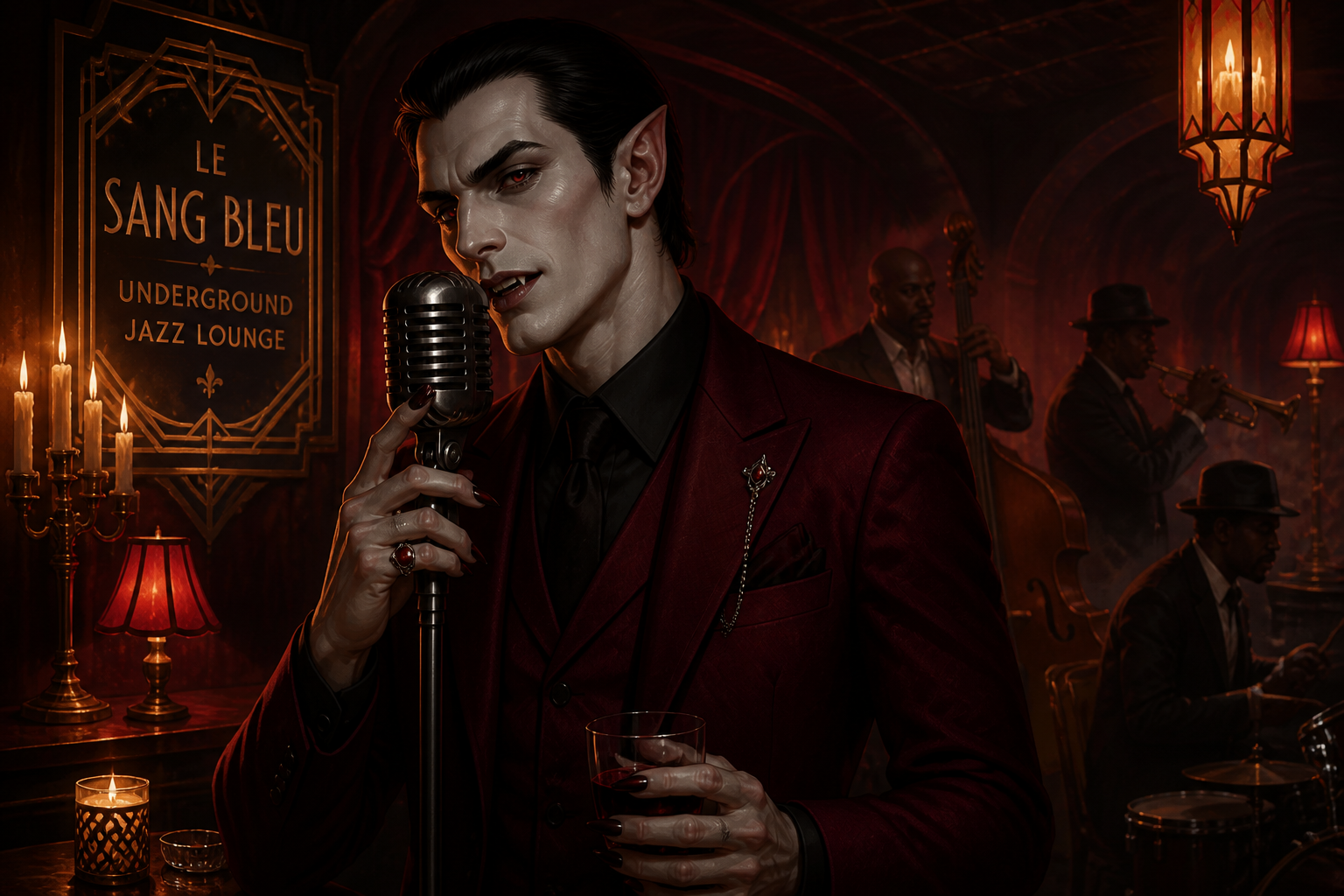
vampire musician in a candlelit underground jazz lounge, burgundy suit, vintage microphone, art deco decor, moody red and gold lighting, stylized cinematic illustration, 3:2
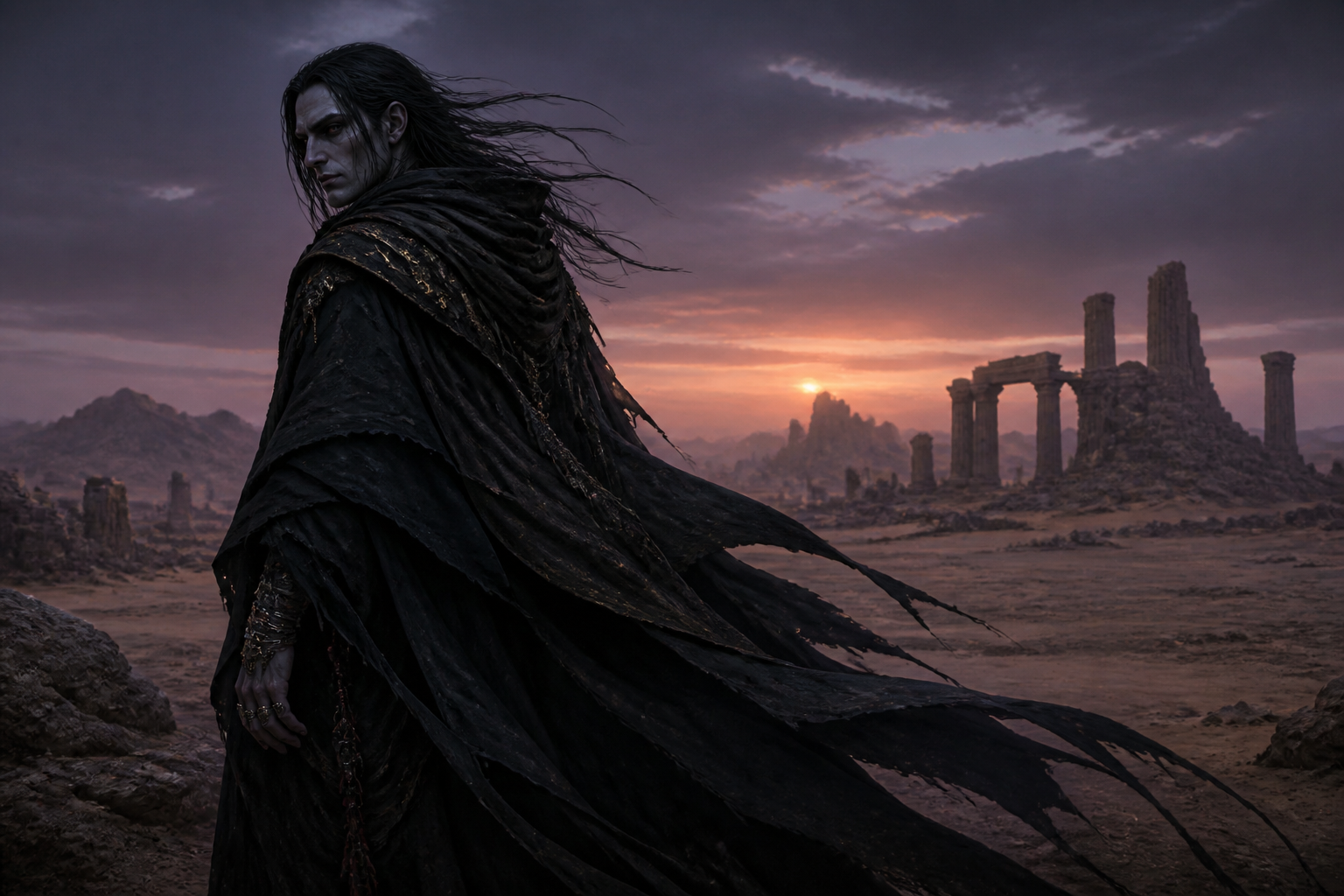
desert vampire wanderer, dark layered cloak, jeweled rings, ancient ruins under a twilight sky, wind-blown fabric, dark fantasy realism, strong silhouette, cinematic environment, 3:2
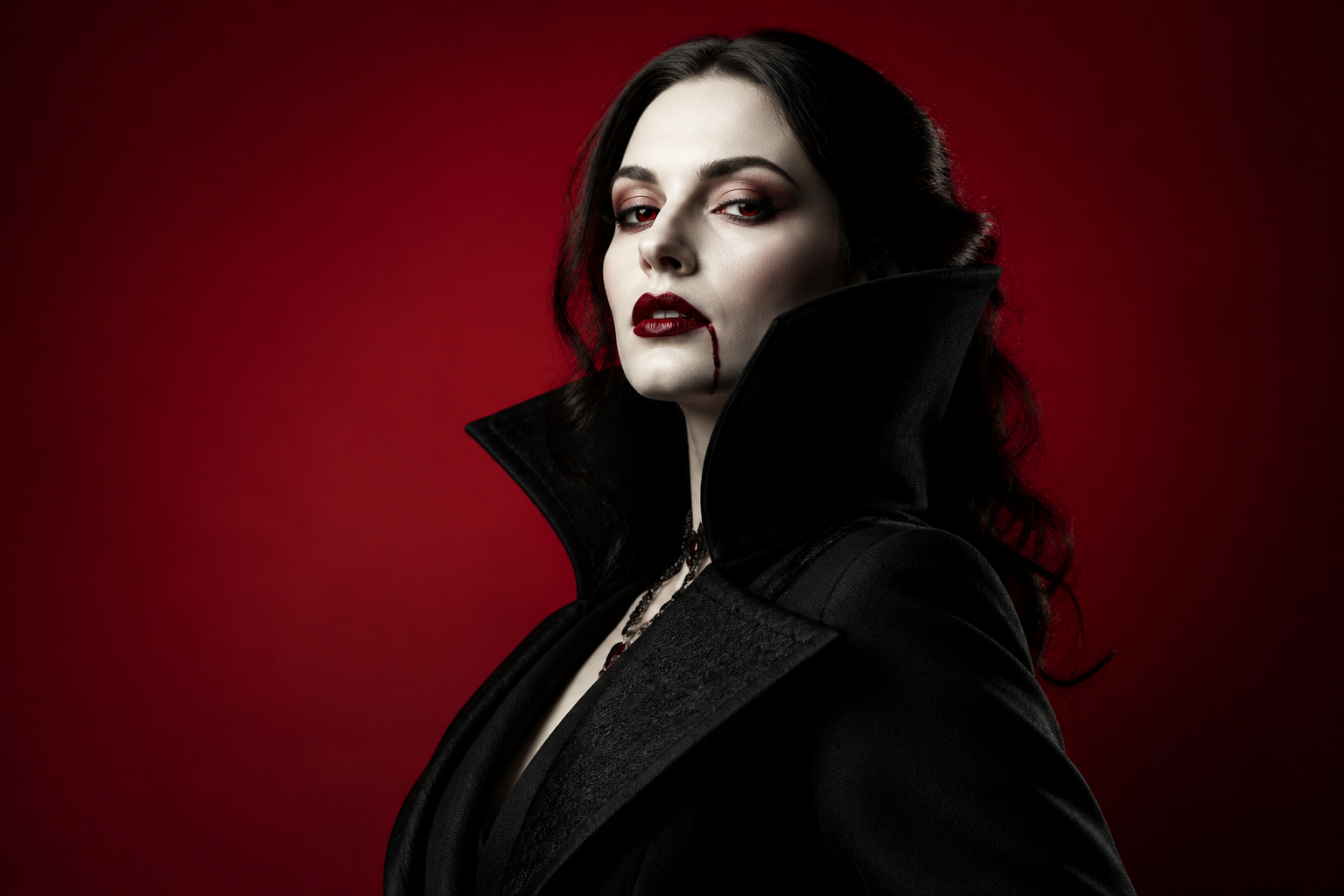
fashion editorial portrait of an elegant adult vampire woman, structured black coat, dramatic collar, porcelain skin, studio backdrop with crimson gradient, glossy magazine lighting, high-fashion photography style, 3:2
Key Features
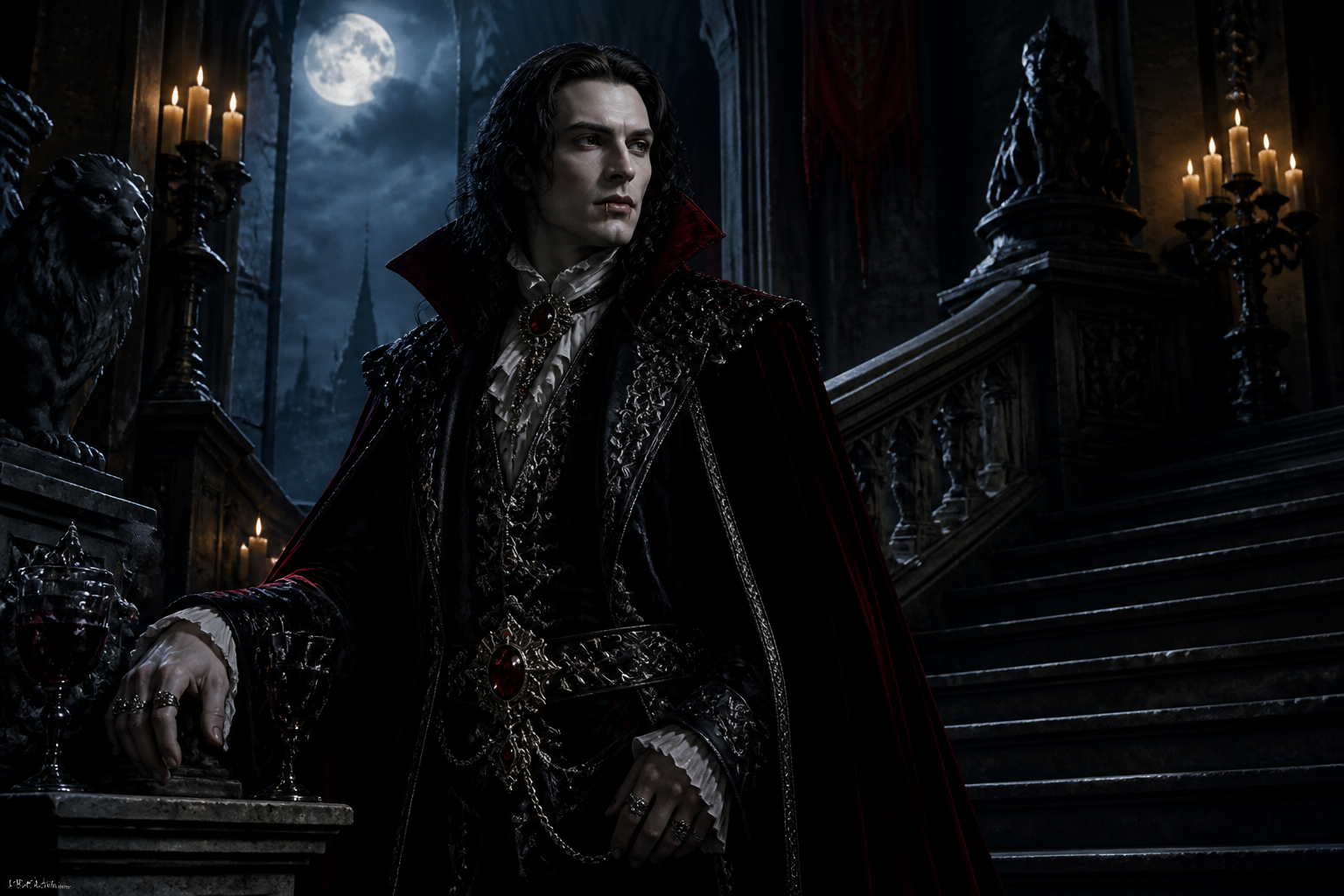
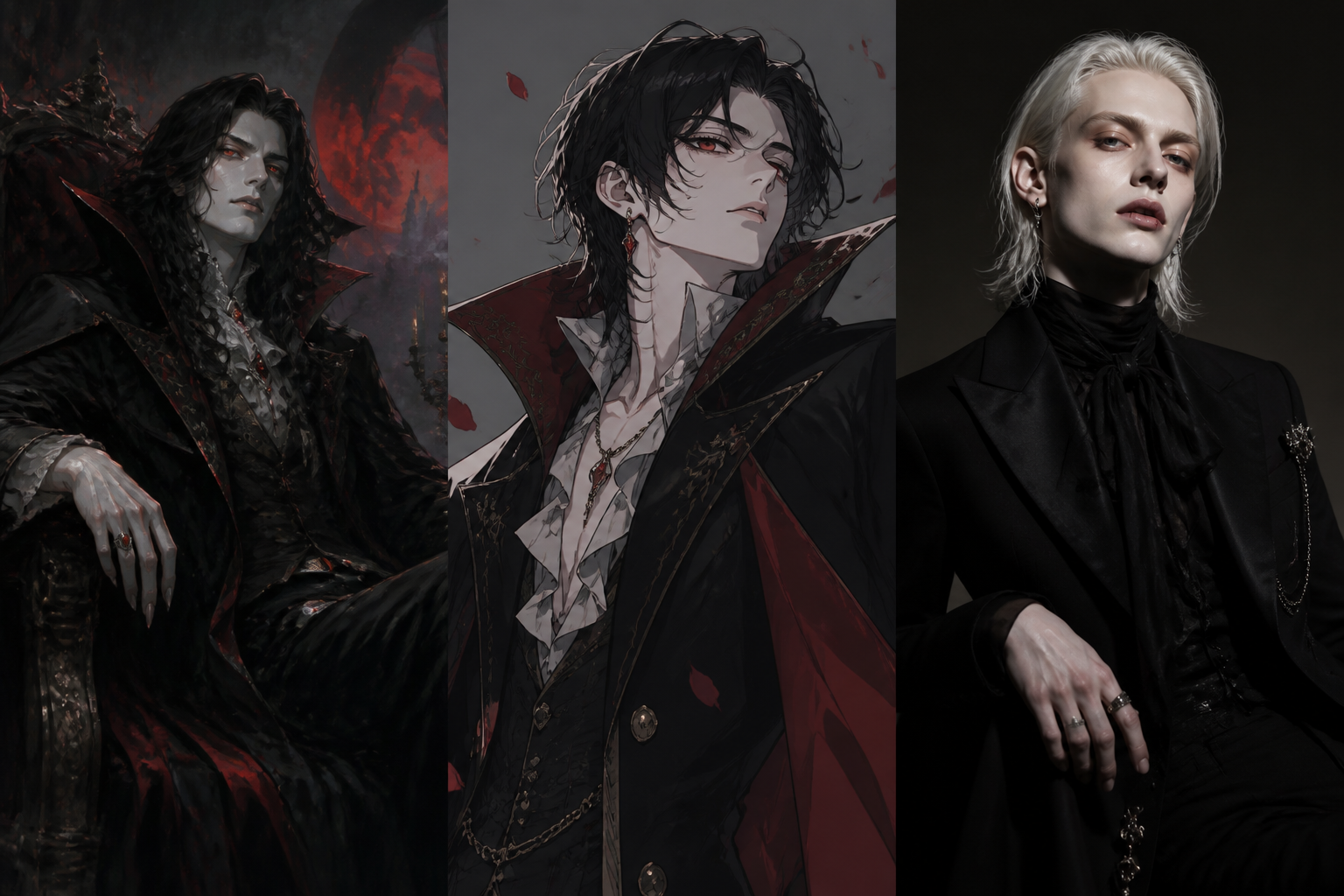
Rich Gothic Character Detail
The generator is well suited to the textures that make vampire art feel convincing, from velvet coats to candlelit stone halls. You can describe clothing, jewelry, architecture, and mood in one prompt and get a cohesive result. That saves time compared with stitching together references by hand. It also gives you images that feel more specific than a generic dark portrait.
Multiple Visual Styles
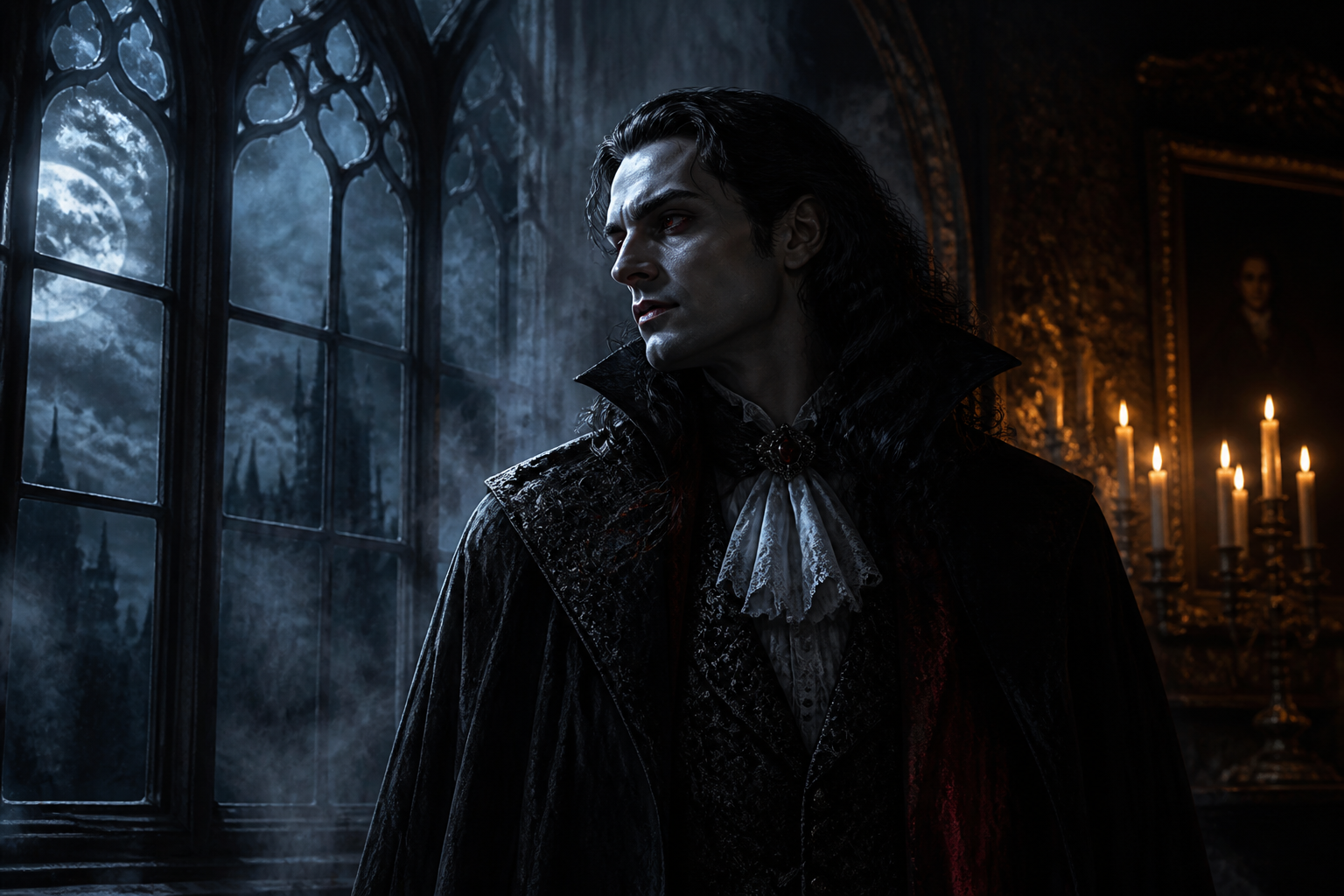
You can generate vampires as cinematic portraits, polished anime characters, painterly gothic scenes, or fashion-editorial images. Adding the style directly into the prompt makes it easy to steer the look without rebuilding the concept. This is useful when you want to explore the same character across different aesthetics. A general image tool often leaves that direction too vague.
Strong Mood and Lighting
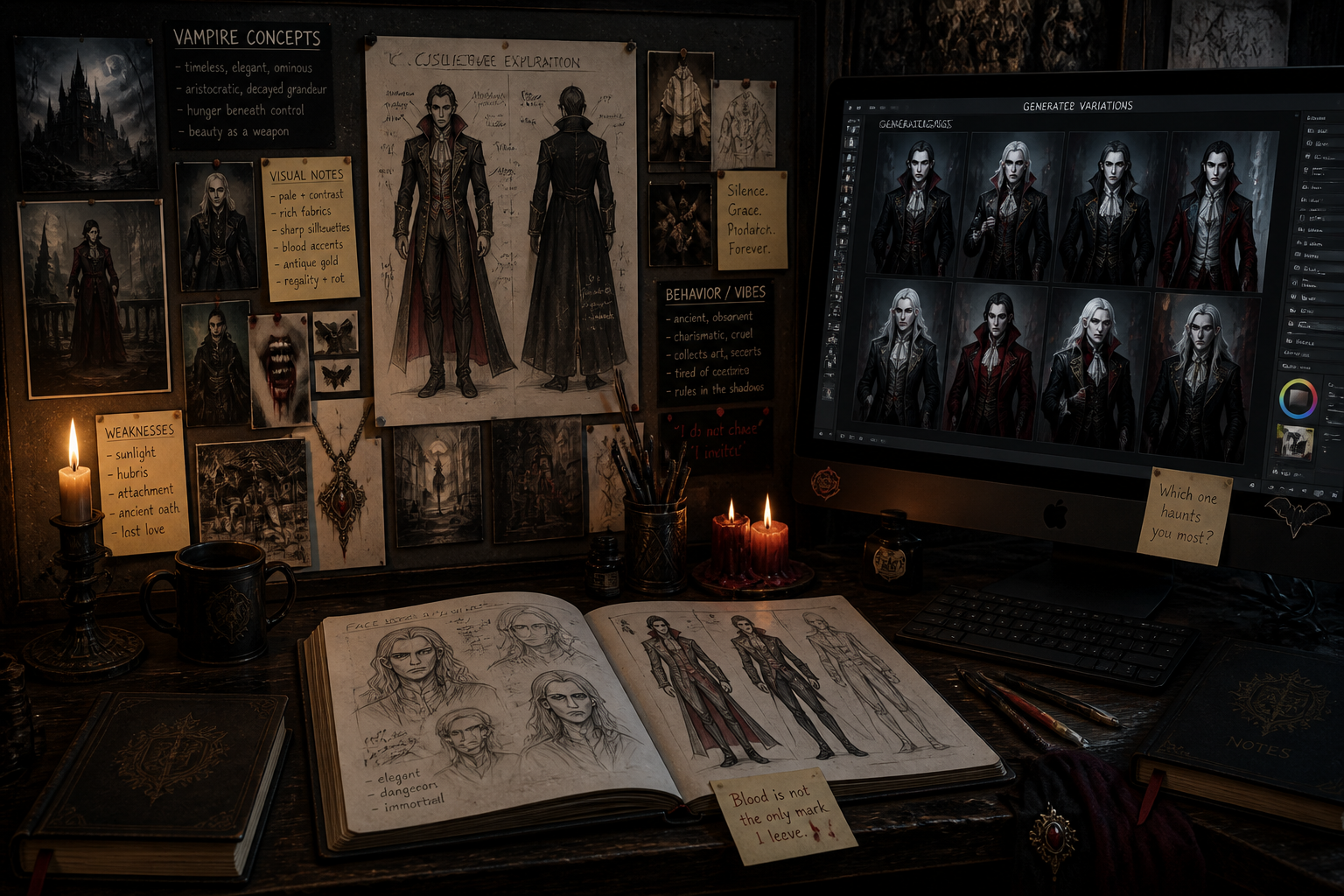
Vampire imagery depends on atmosphere, and this tool works well with moonlight, candle glow, fog, stained glass, and shadowy interiors. Those lighting cues help the image read instantly as supernatural without needing excessive prompt length. You get more dramatic and usable outputs for covers, profiles, and moodboards. That makes it easier to land on a striking final image quickly.
Easy Prompt Remixing
Each example prompt gives you a practical starting point that you can edit for era, setting, wardrobe, or personality. Swap noble for wanderer, castle for rooftop, or oil painting for anime and generate a fresh take in seconds. That is faster than writing every prompt from zero. It also helps beginners get better vampire art with less trial and error.
How It Works
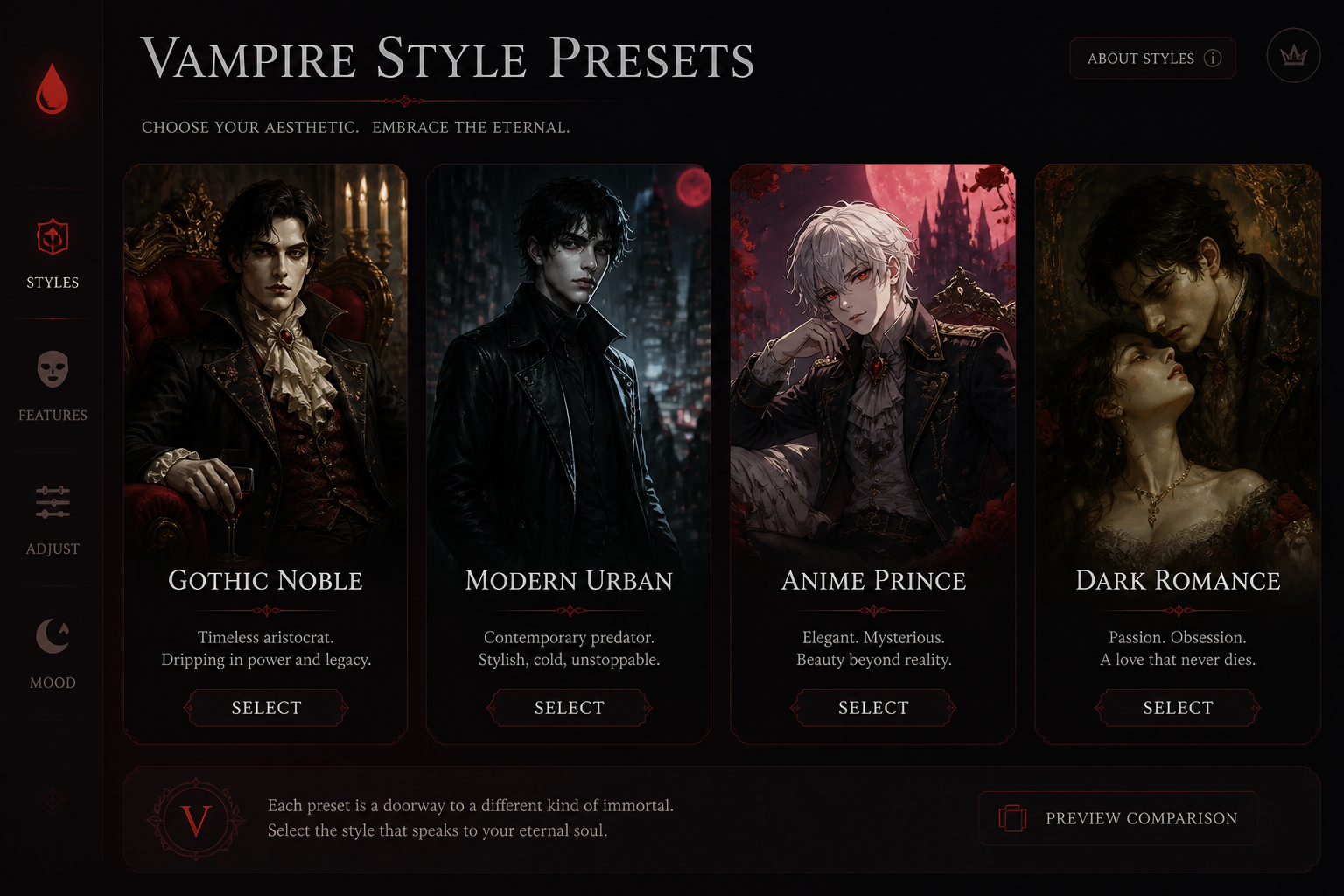
Pick a vampire style
Start with a prompt template that already fits the vampire theme. Choose whether you want gothic nobility, urban fantasy, anime, or dark romantic portraiture as your base look.
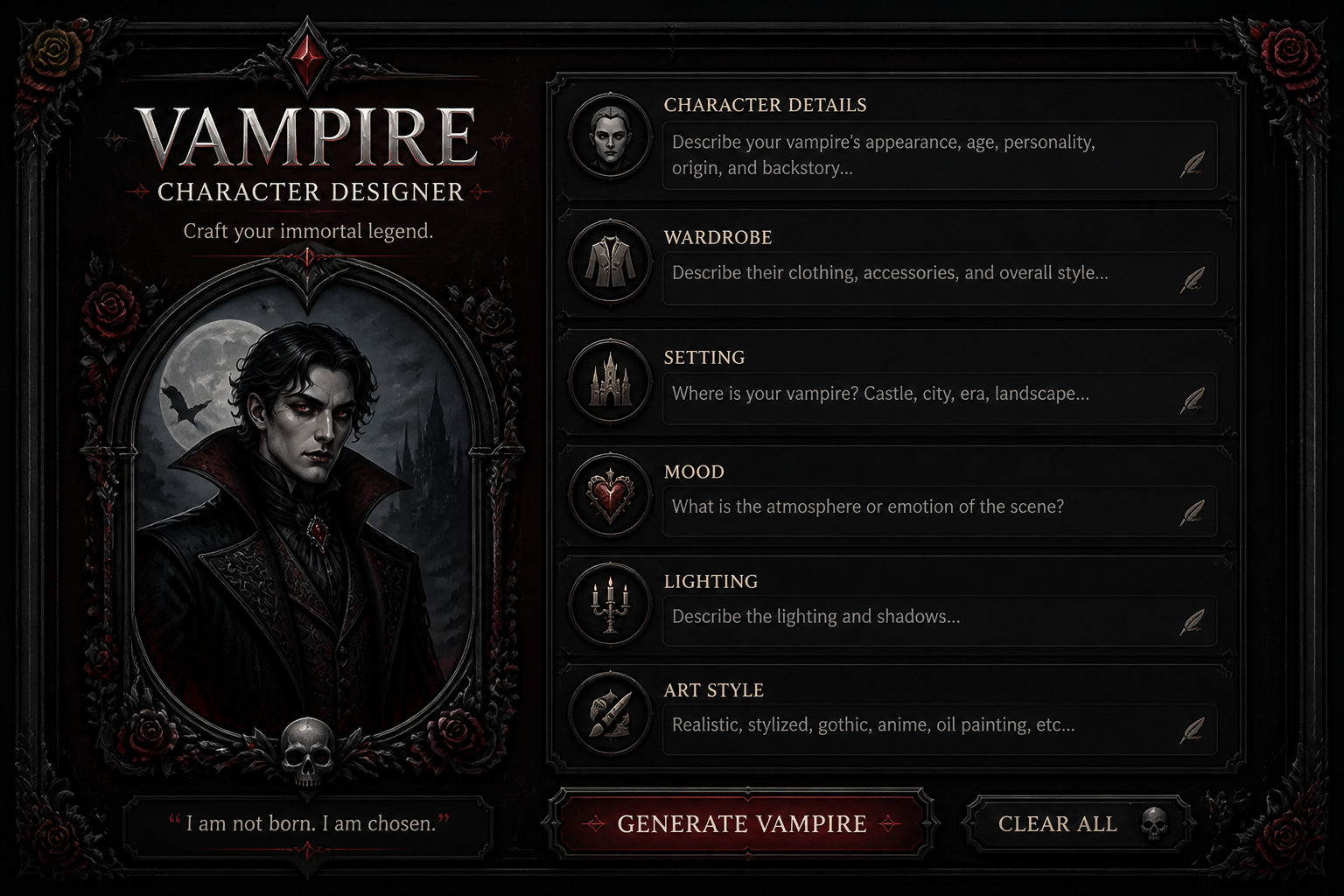
Describe the character
Add the details that shape the image, like clothing, setting, era, expression, and lighting. Small changes such as moonlit castle, rooftop neon, or Victorian ballroom can completely shift the result.
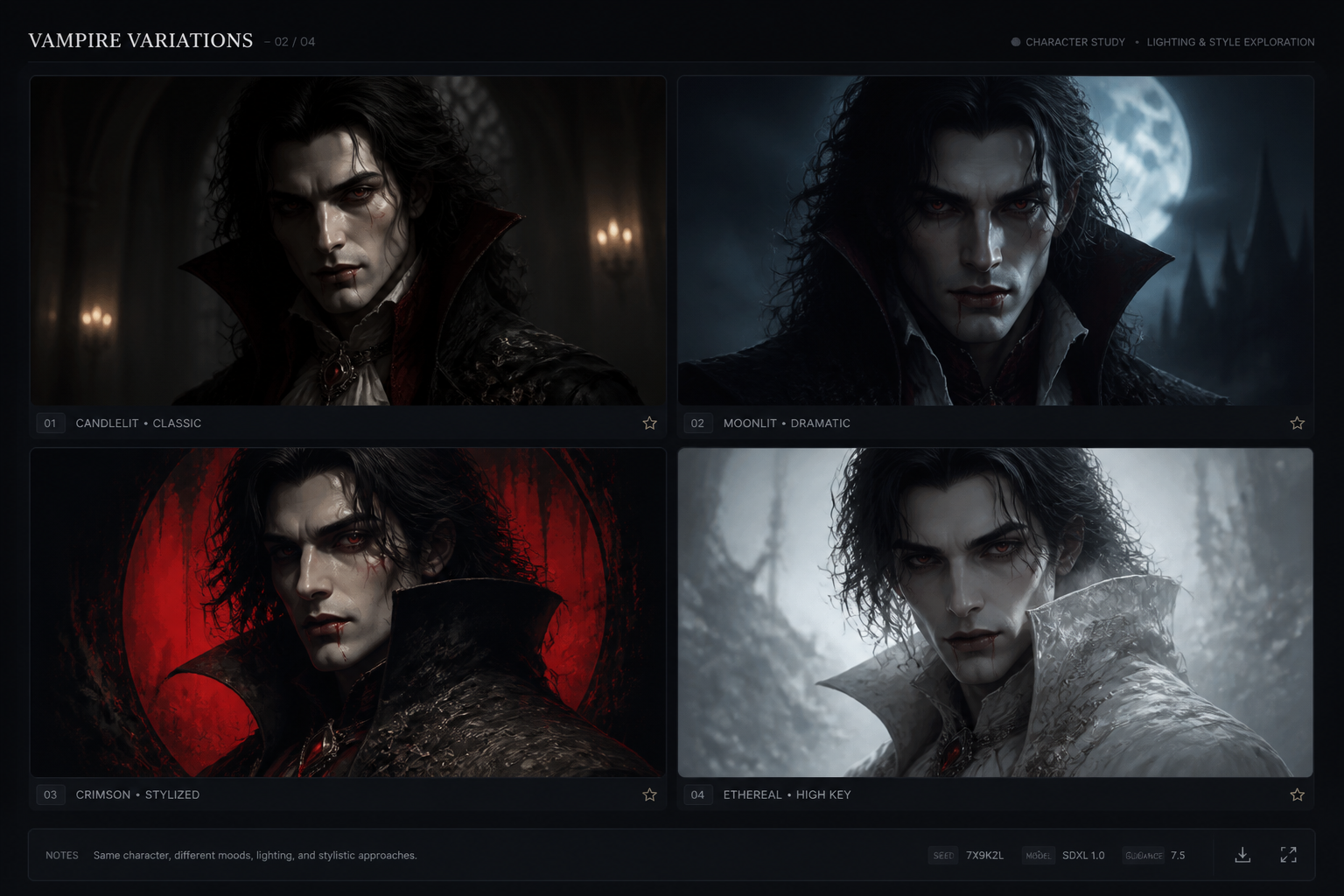
Generate and refine
Create a batch of vampire images, compare the variations, and keep the one that fits your idea best. Then adjust a few words in the prompt to explore different moods, poses, or visual styles.
Perfect For
Discover how creators and professionals use ai vampire generator
Character concept art
Design original vampires for stories, campaigns, comics, or personal art projects.
Book and cover ideas
Create moody vampire visuals for draft covers, pitch decks, and promotional mockups.
Roleplaying inspiration
Generate portraits and scene art for tabletop characters, NPCs, and supernatural factions.
Moodboards and social posts
Make dark fantasy images for aesthetic boards, profile art, and themed content.
Built For
Writers and authors
Visualize vampire characters, houses, and settings before they make it onto the page.
Tabletop players and GMs
Create portraits and atmospheric scene art for campaigns, NPCs, and faction leaders.
Artists and hobby creators
Use generated images as style references, mood pieces, or quick concept starting points.
Why use a vampire-focused generator
A quick look at how we compare on the things that matter for this niche.
| Feature | Feature | BudgetPixel | Generic AI generators |
|---|---|---|---|
| Vampire-ready prompt starters | Yes | Built for gothic vampire concepts | Often starts from a blank prompt |
| Editable example library | Yes | Prompt examples you can remix fast | Usually fewer niche-specific examples |
| Dark fantasy mood control | Yes | Easy to steer lighting, wardrobe, and setting | Can take more trial and error |
| Multiple variations per idea | Yes | Generate and refine from one concept | Varies by tool |
| No subscription required | Yes | Pay as you go access available | Often subscription-based |
Frequently Asked Questions
What can I make with the AI Vampire Generator?
Do I need to upload a photo?
Can I choose different art styles?
Is this good for book or game characters?
Can I edit the prompt after I generate an image?
Create together.
Share your creations, discover trending AI art, and grow with fellow creators.