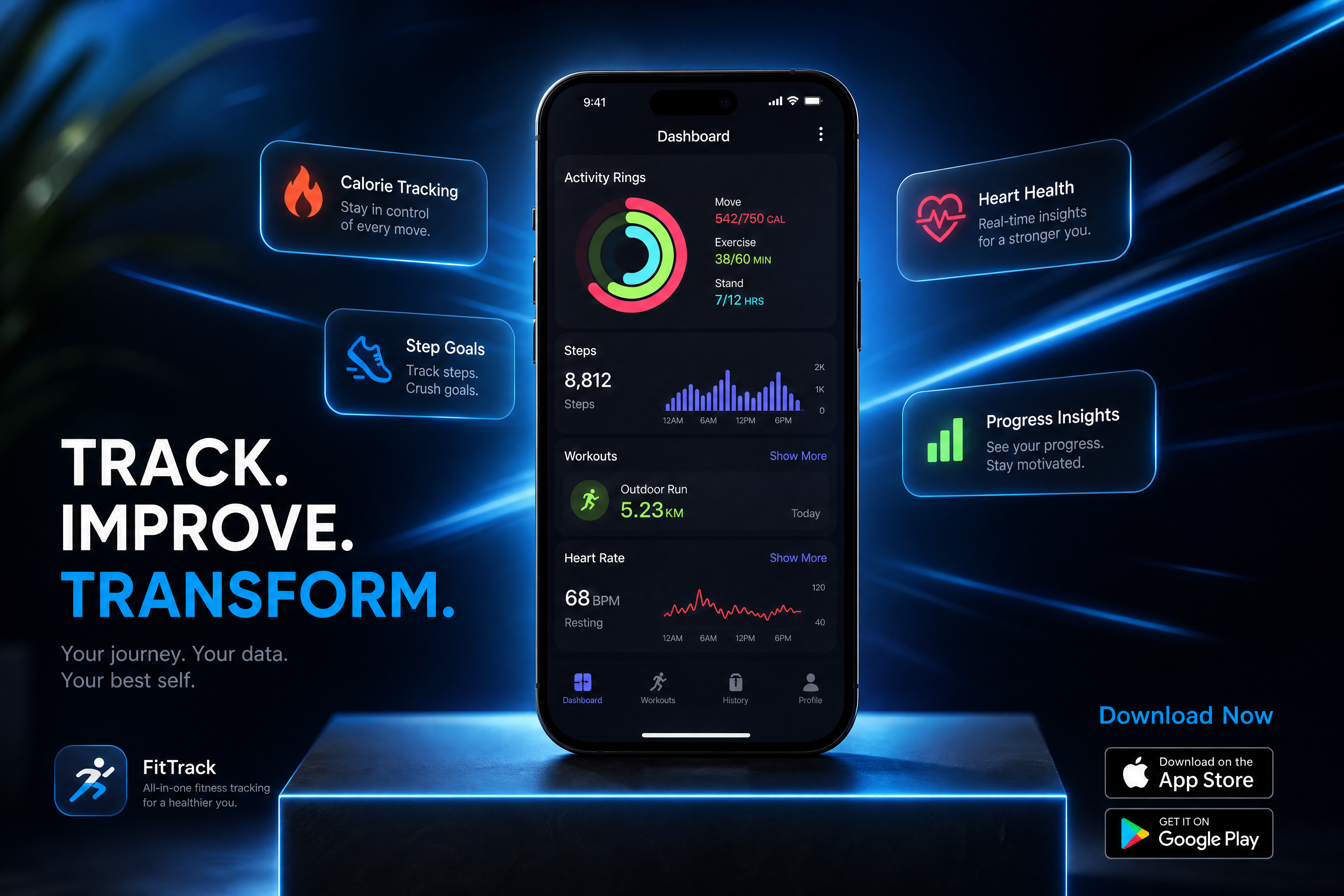
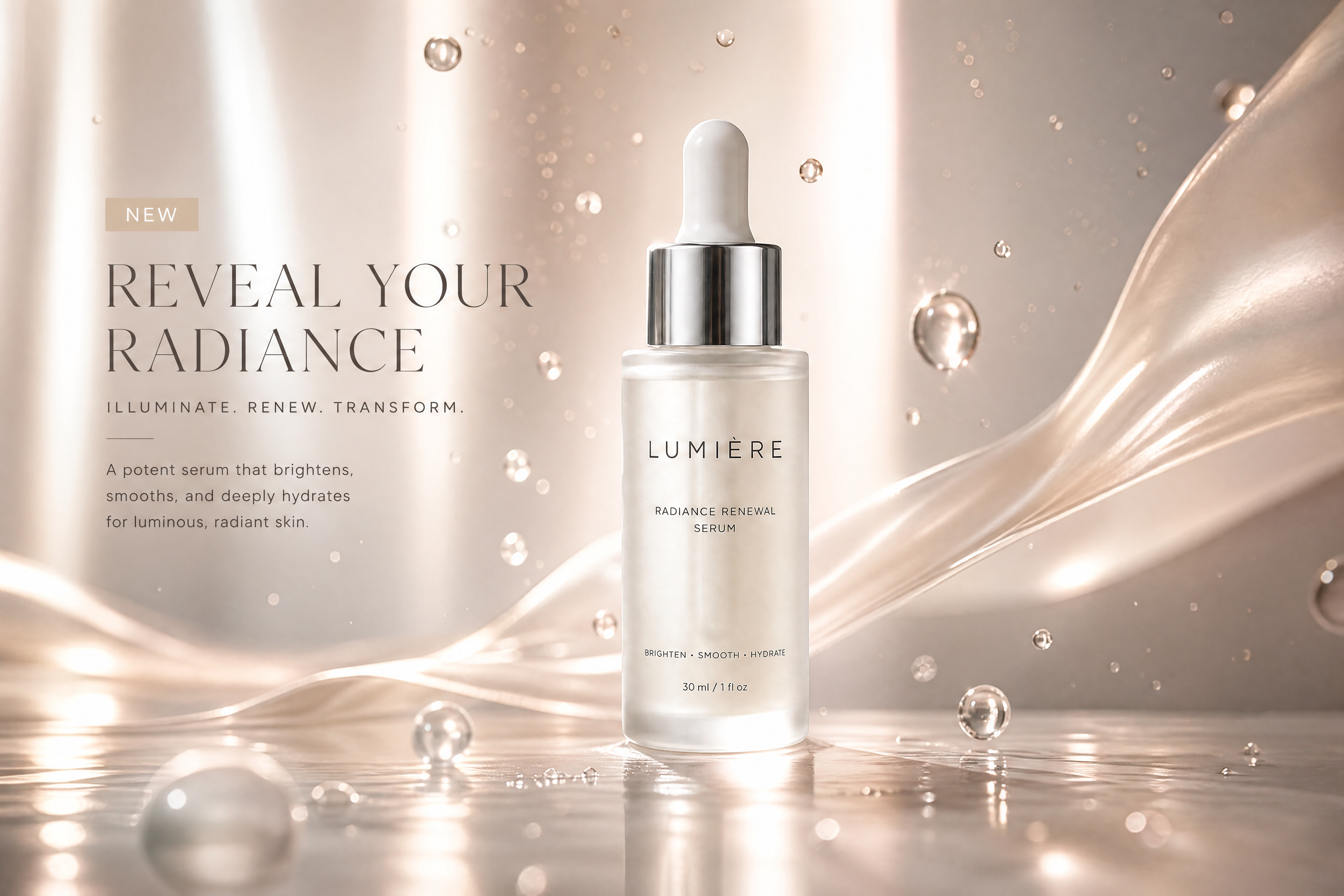
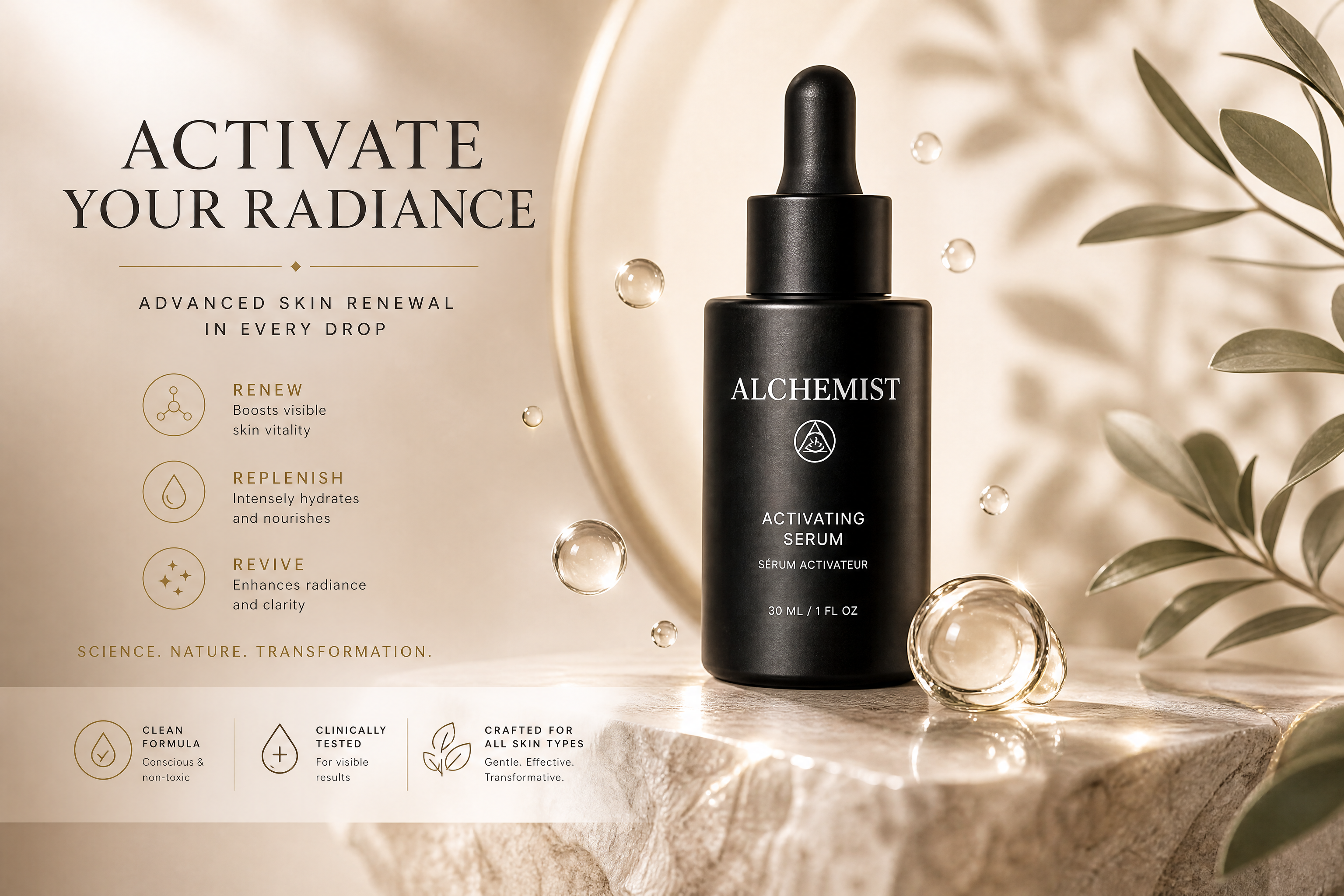
AI Game Ad Generator for Instant Promo Creatives
Turn plain gameplay shots into ad-ready game marketing visuals.
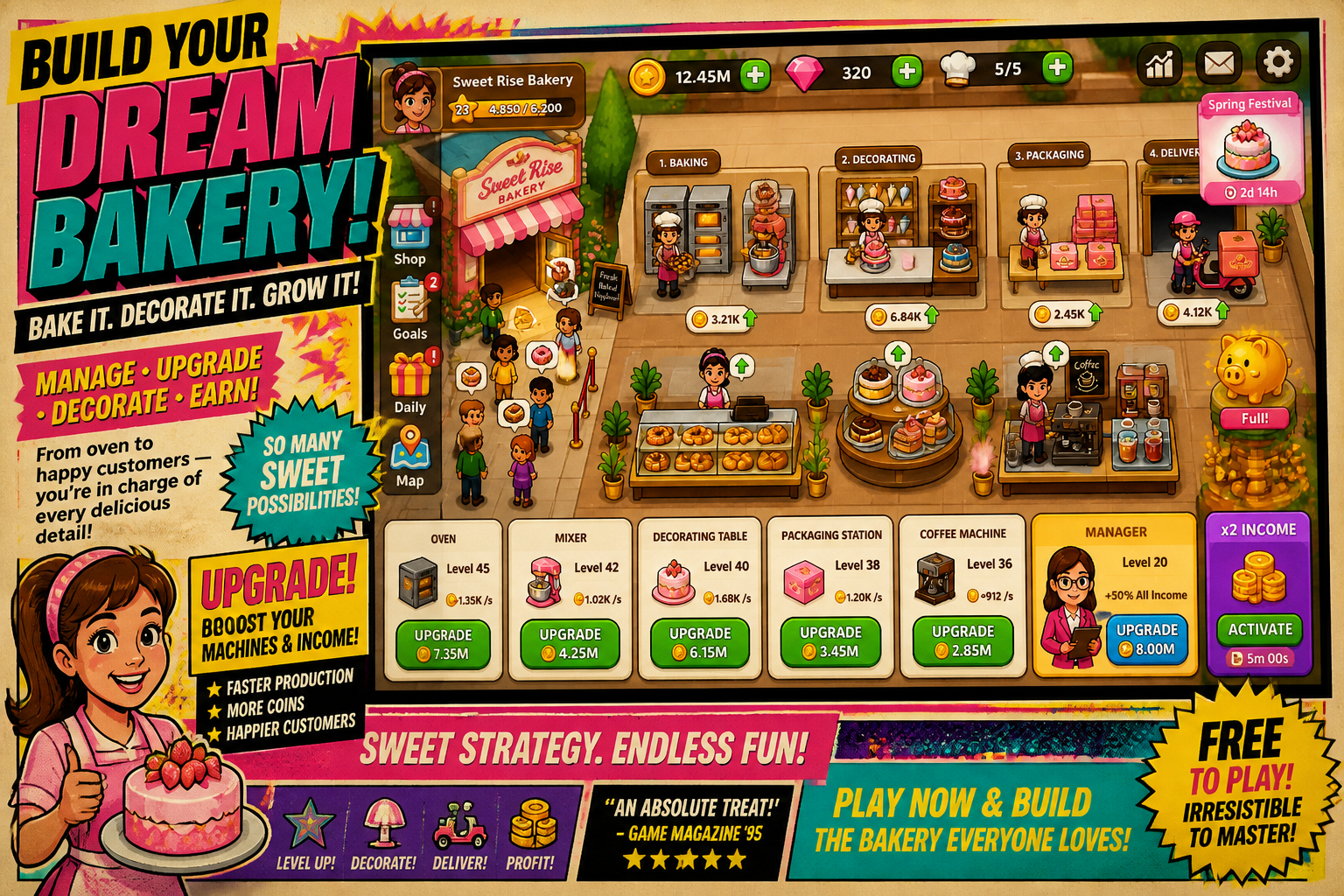
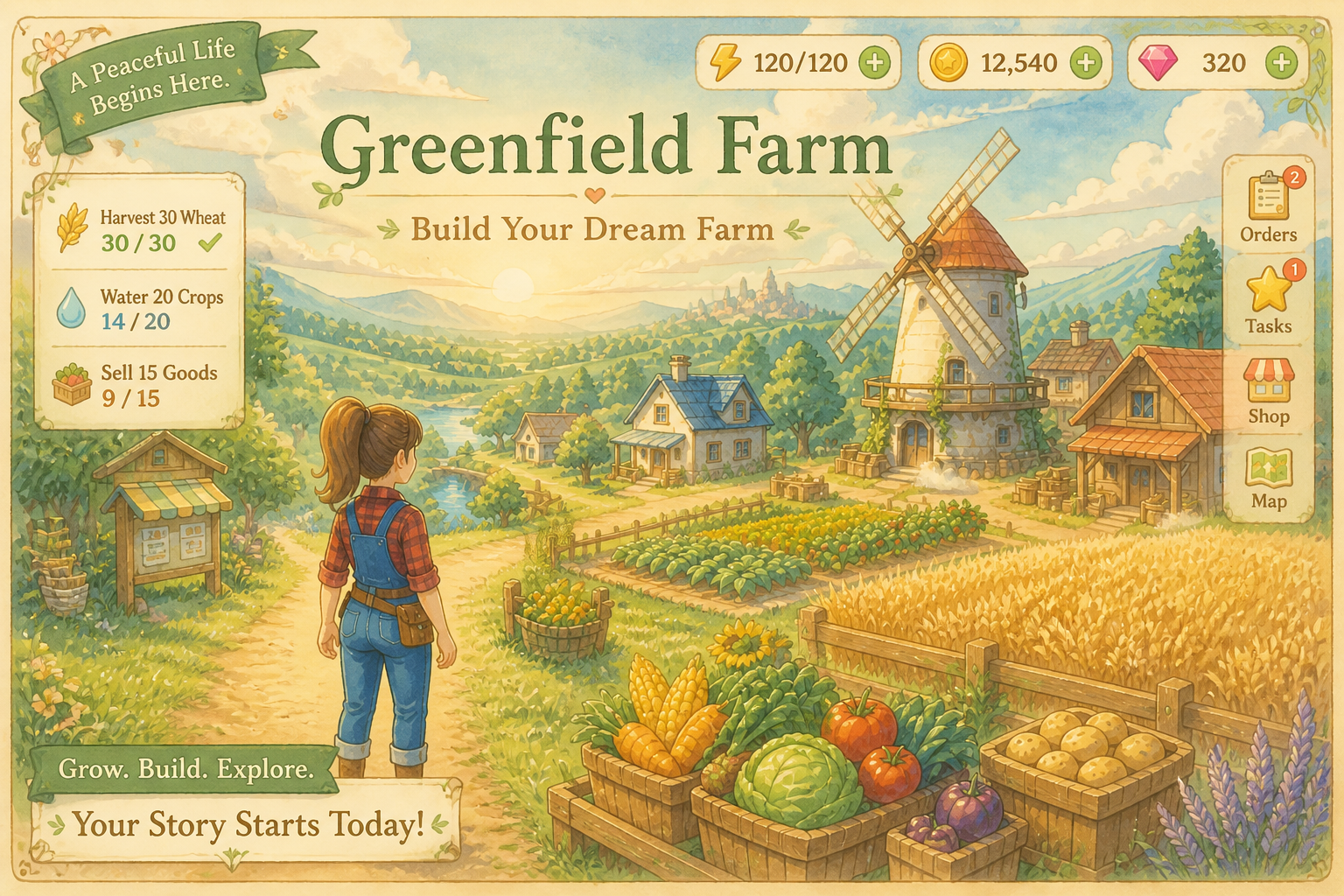
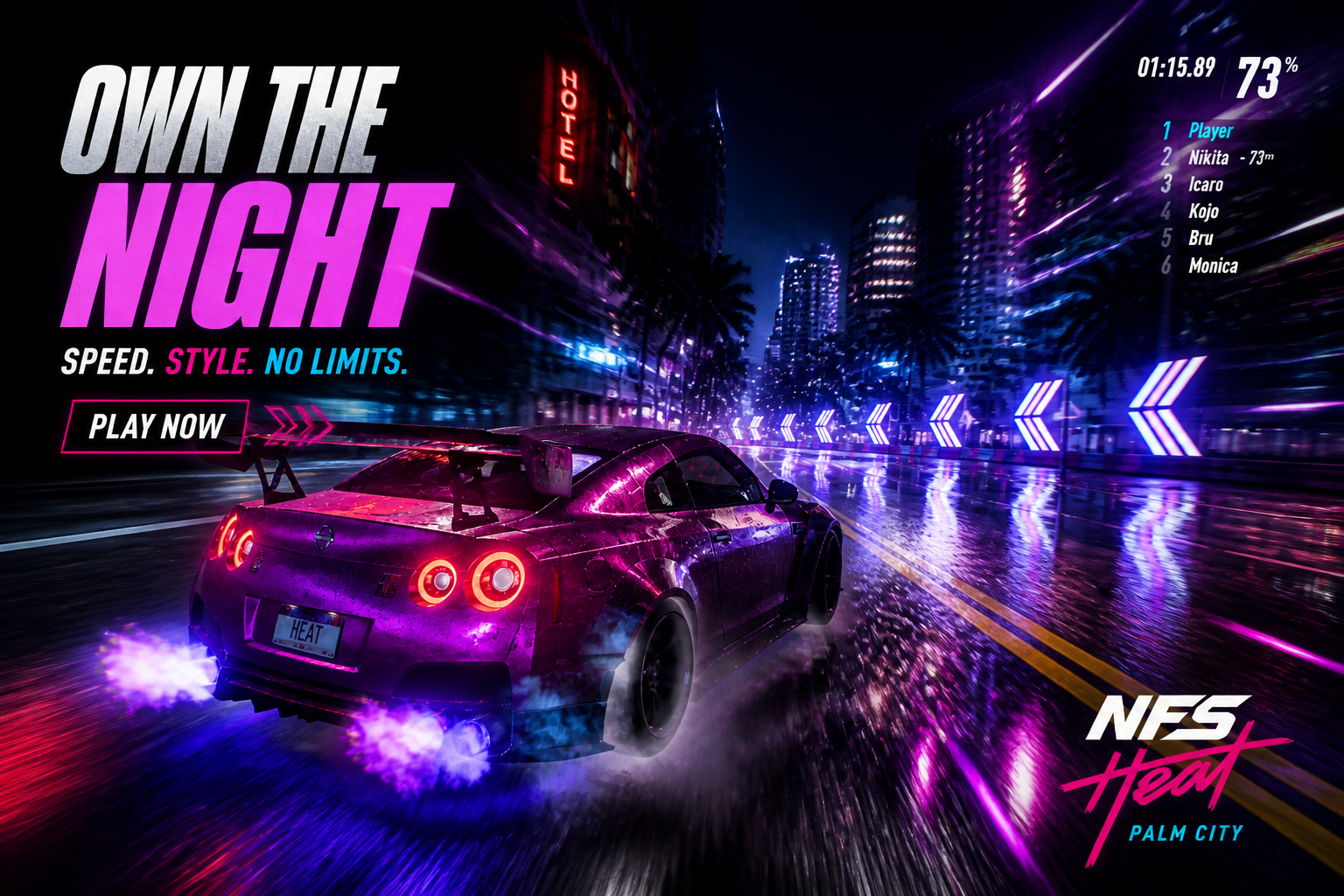
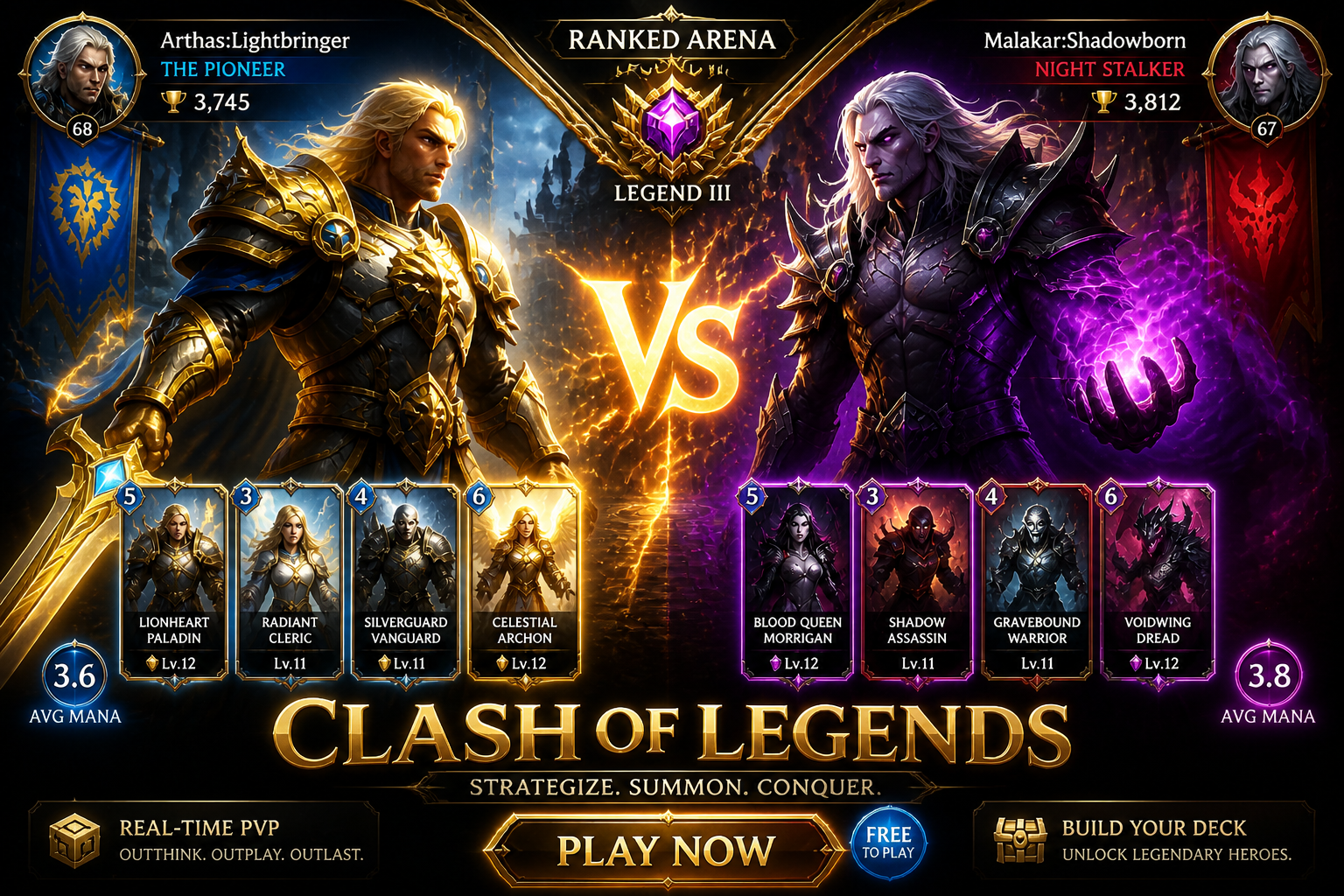
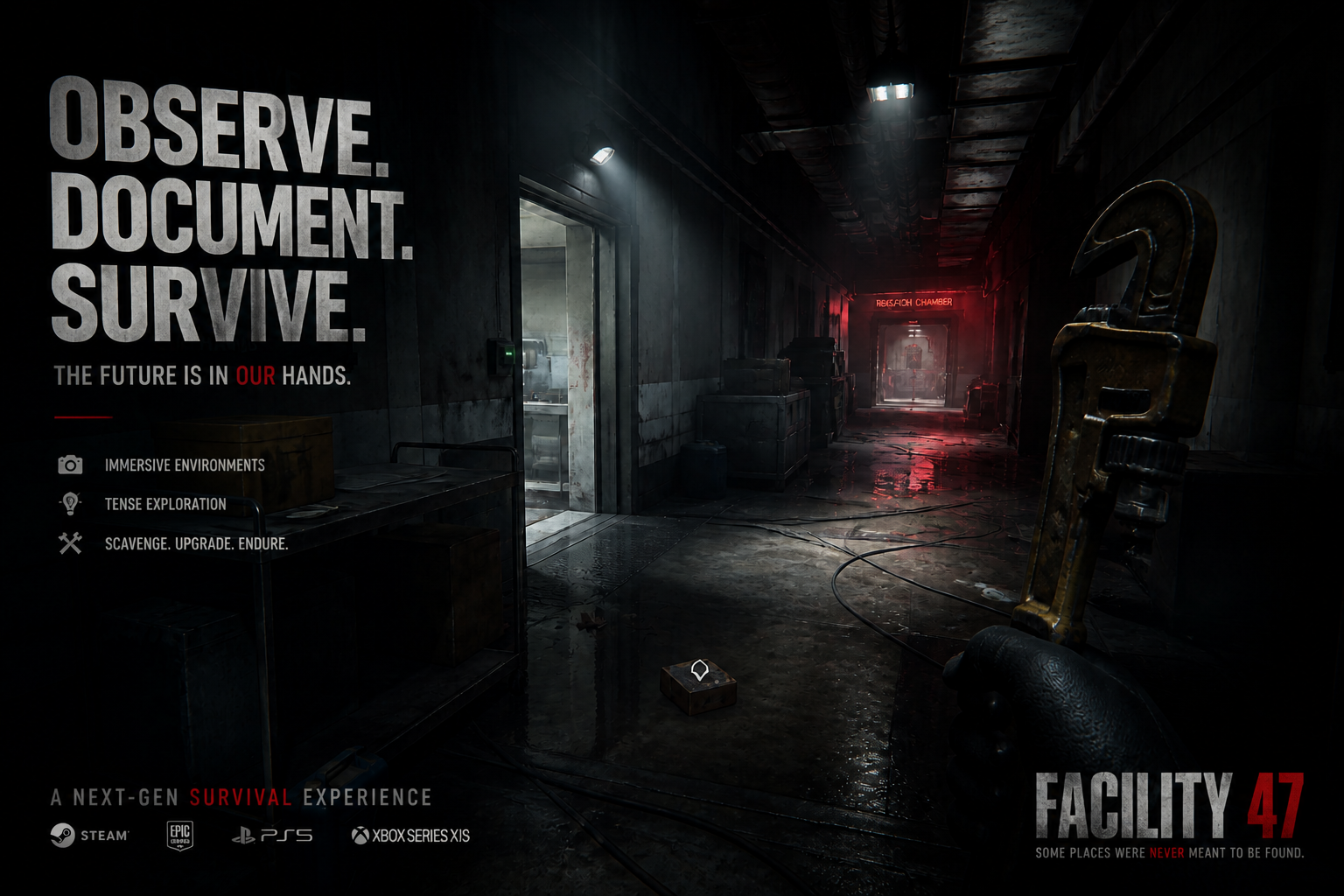
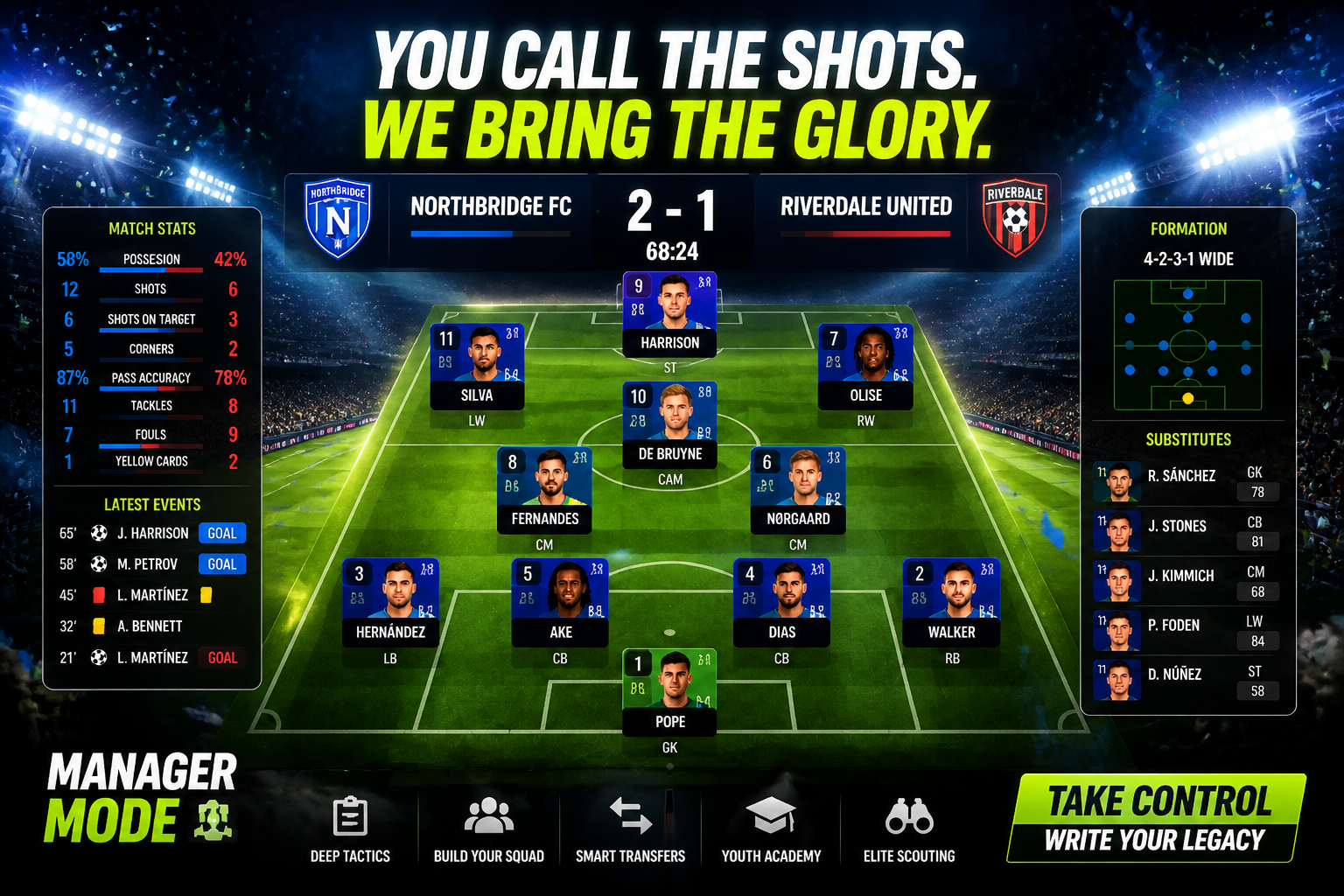
Upload a gameplay screenshot, character render, or store asset and transform it into a polished game ad concept in seconds. Our AI helps you create brighter, clearer, more clickable promo images without rebuilding the scene from scratch.
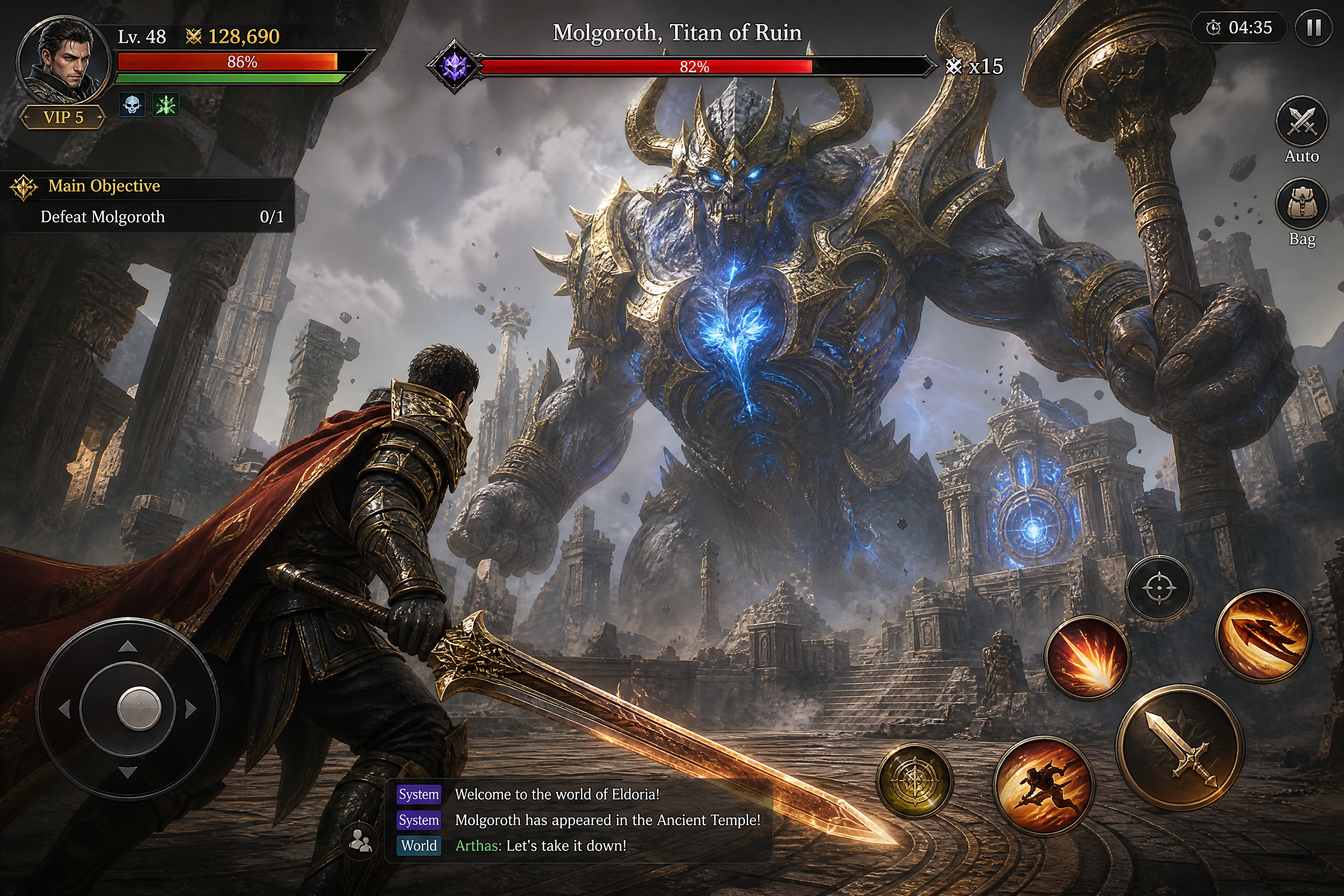
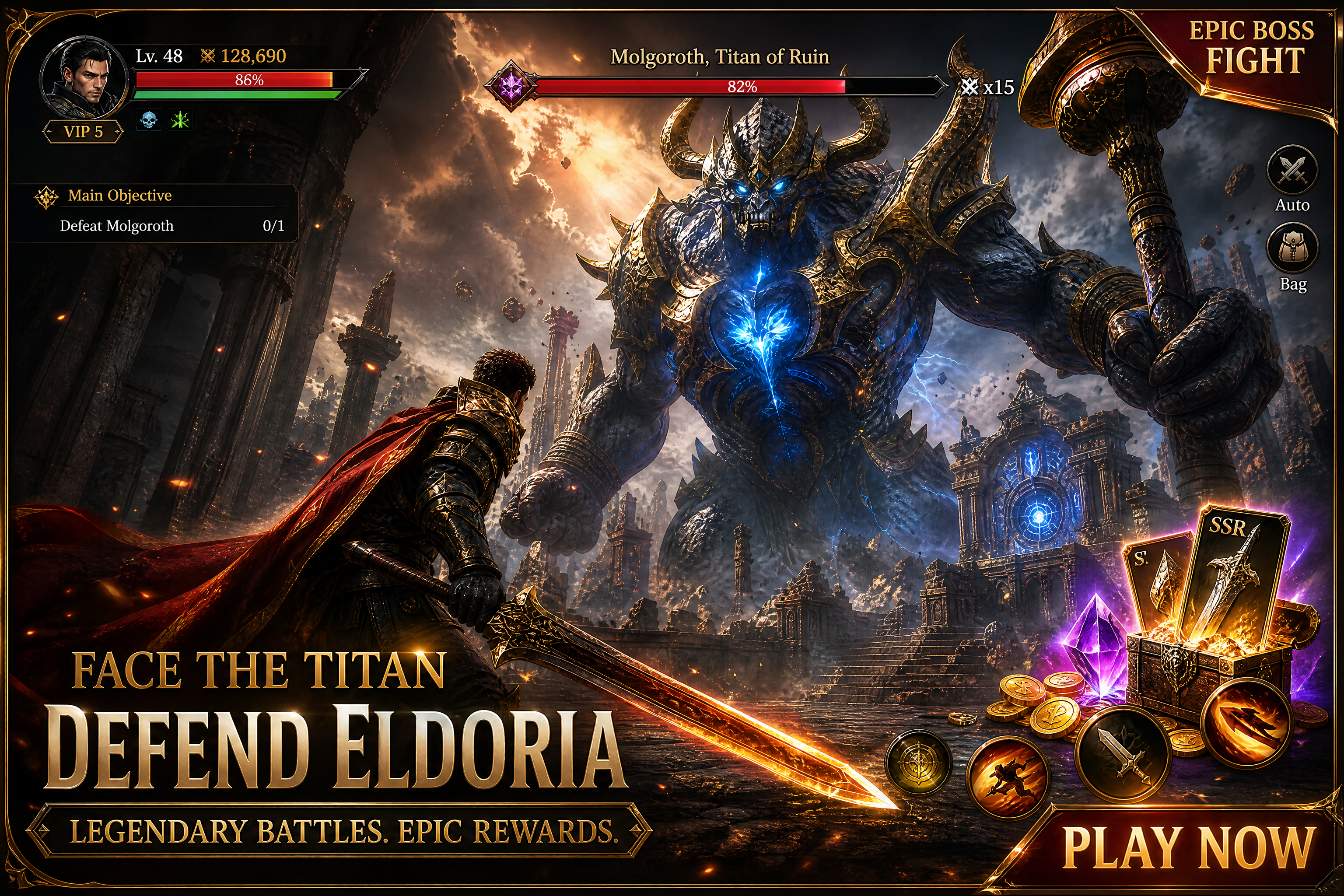
Watch the Transformation
See ai game ad generator in motion — generated end-to-end by our AI.
See It In Action
Real outputs from ai game ad generator.
BEFOREAFTER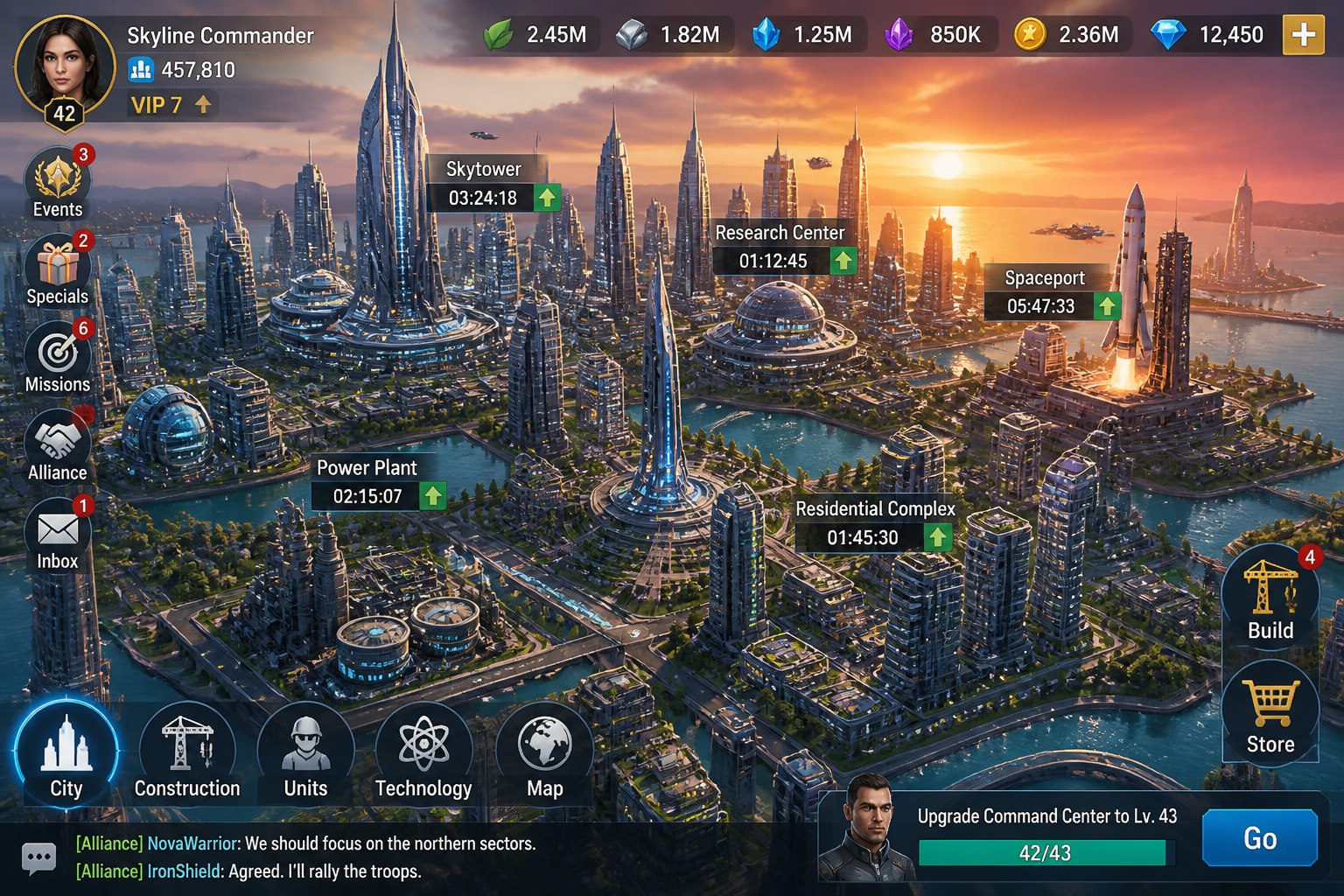 BEFORE
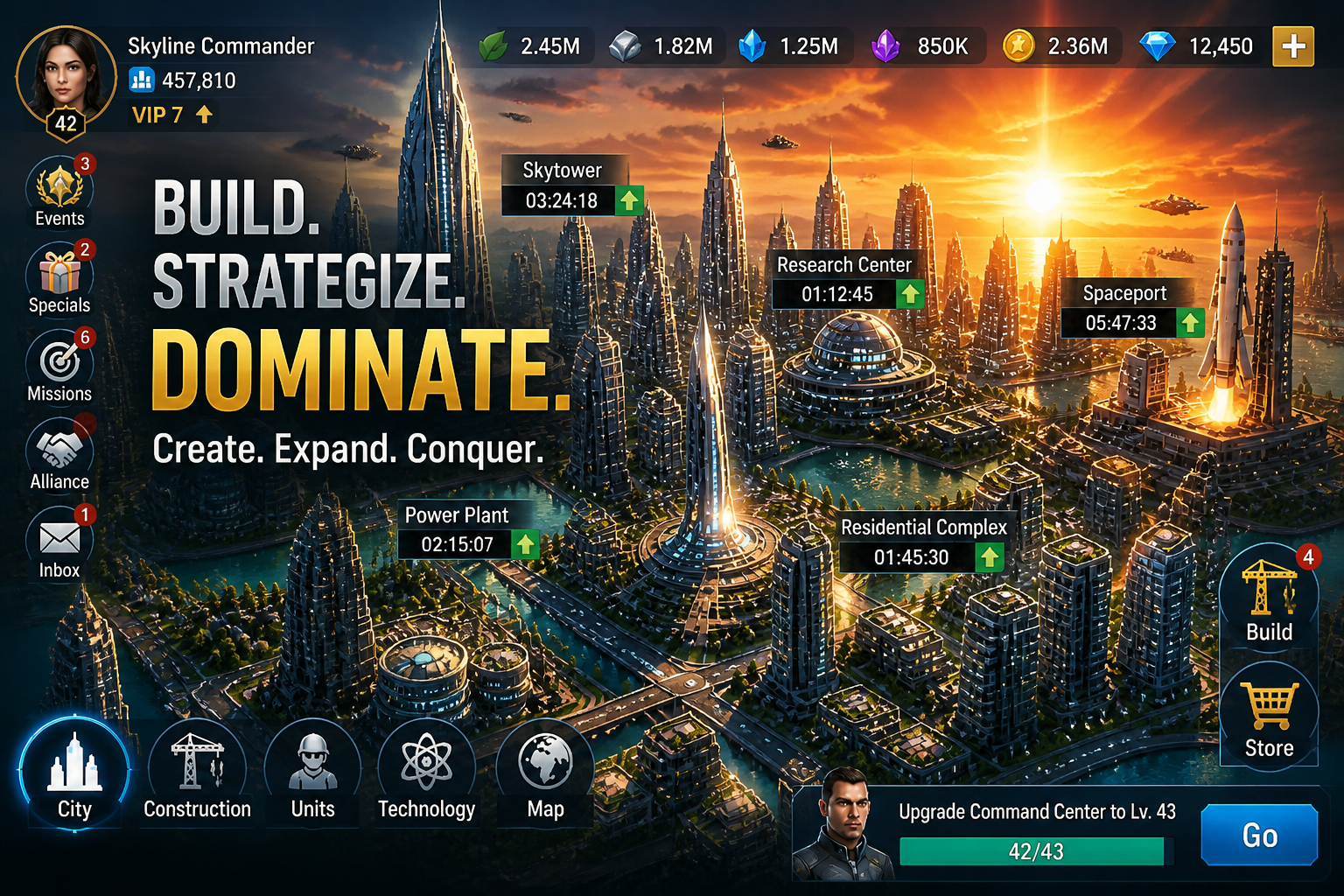 AFTER
AFTER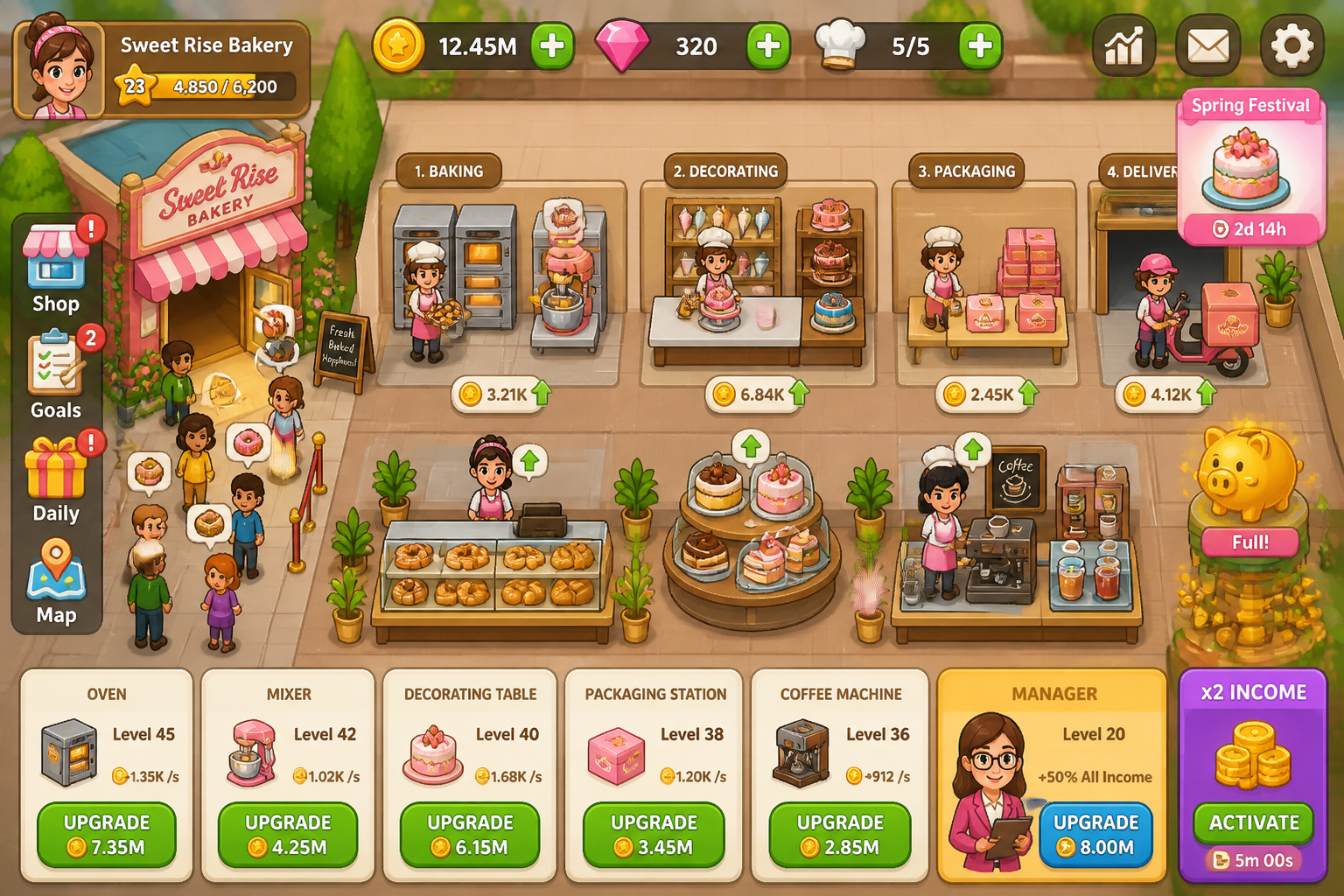 BEFORE
 AFTER
AFTER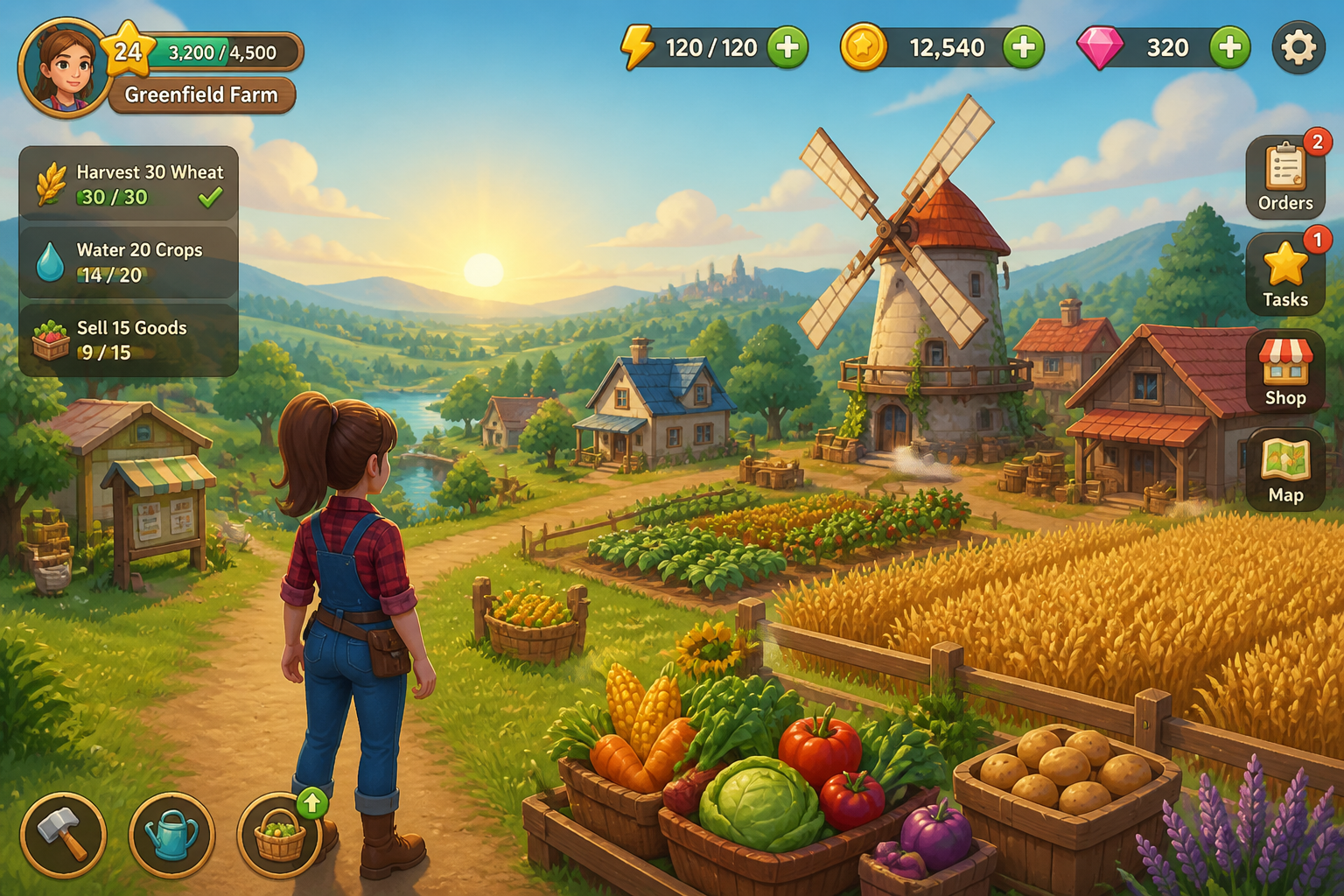 BEFORE
 AFTER
AFTER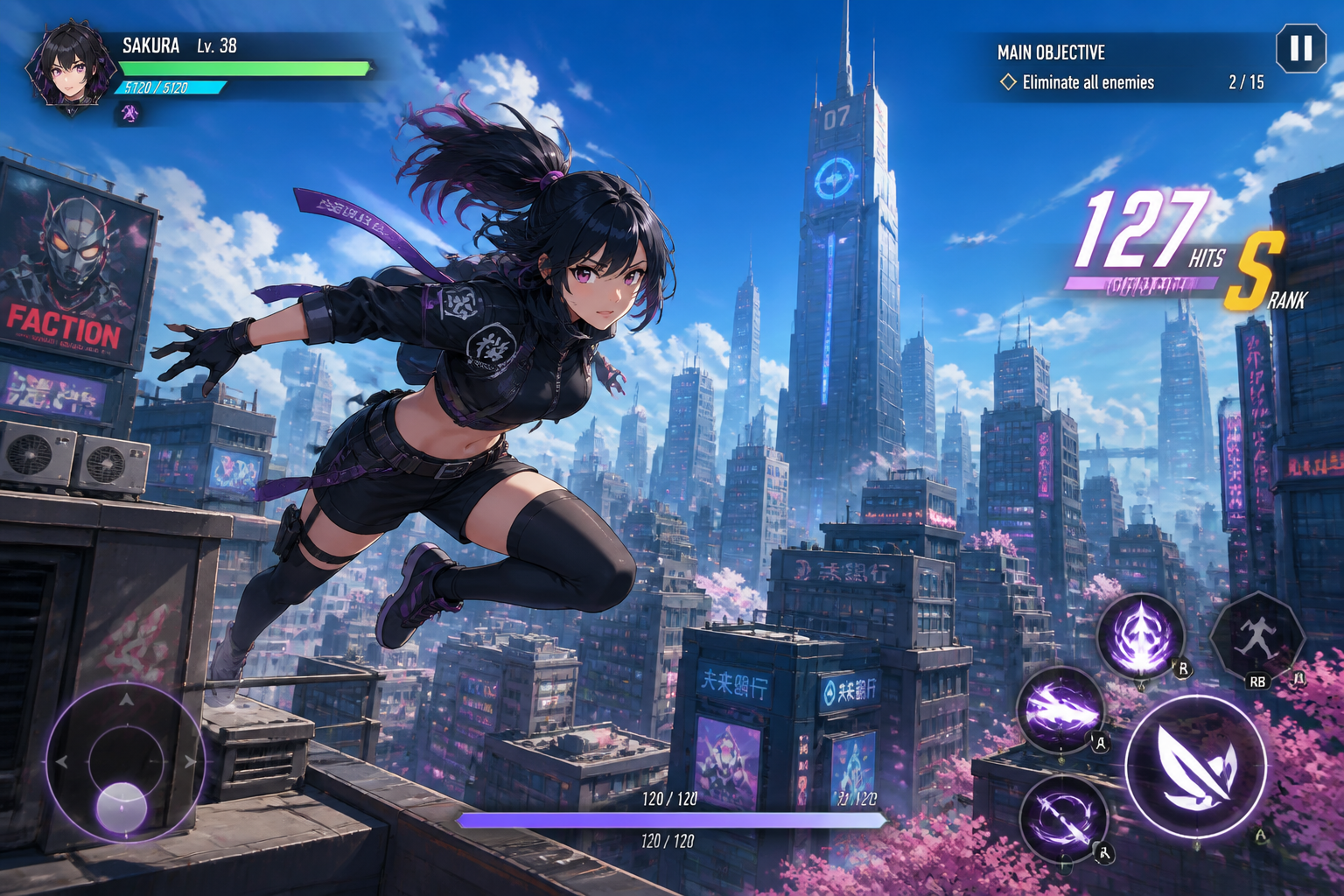 BEFORE
 AFTERBEFOREAFTERBEFOREAFTERBEFOREAFTERBEFOREAFTERBEFOREAFTER
 BEFORE
 AFTER
AFTER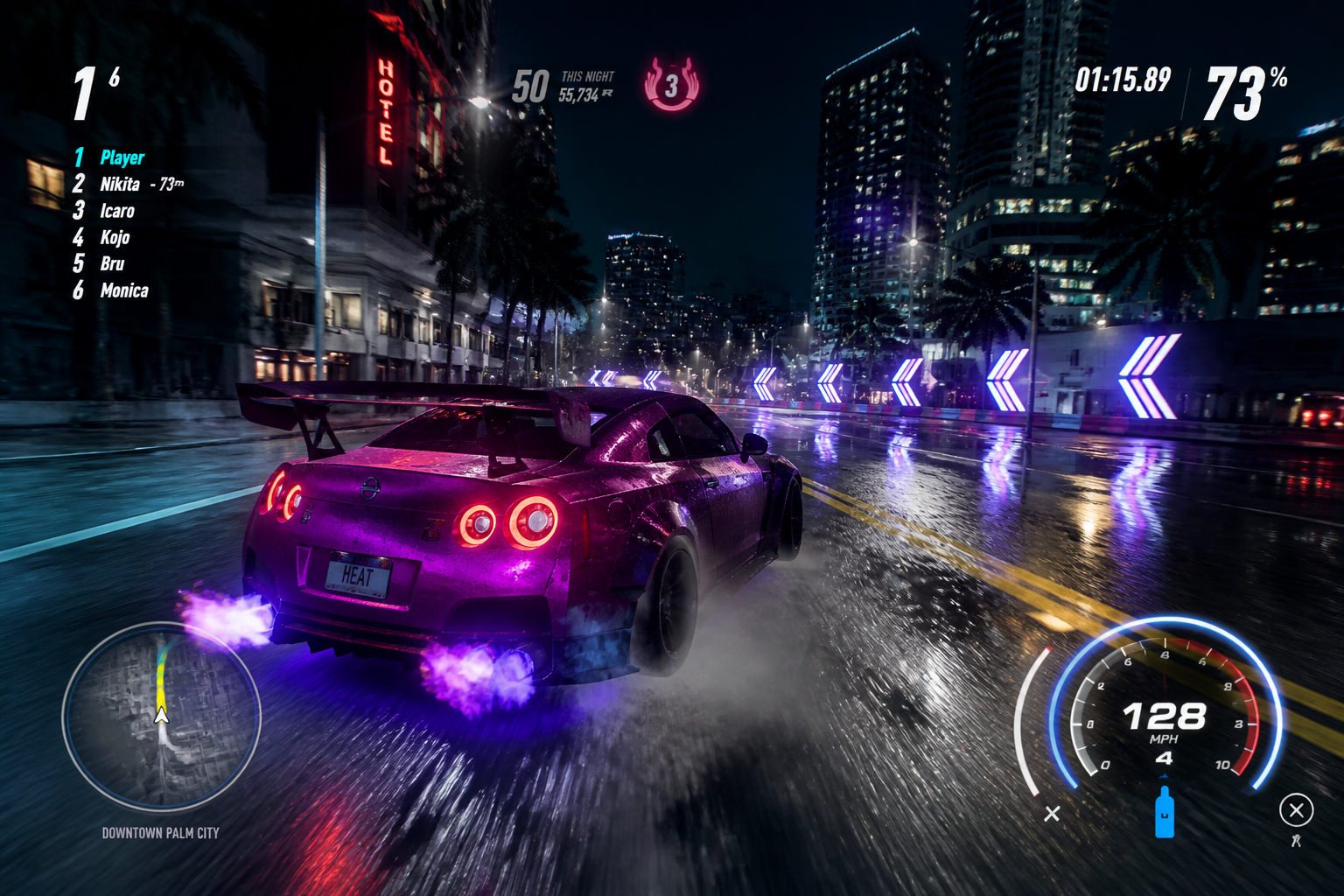 BEFORE
 AFTER
AFTER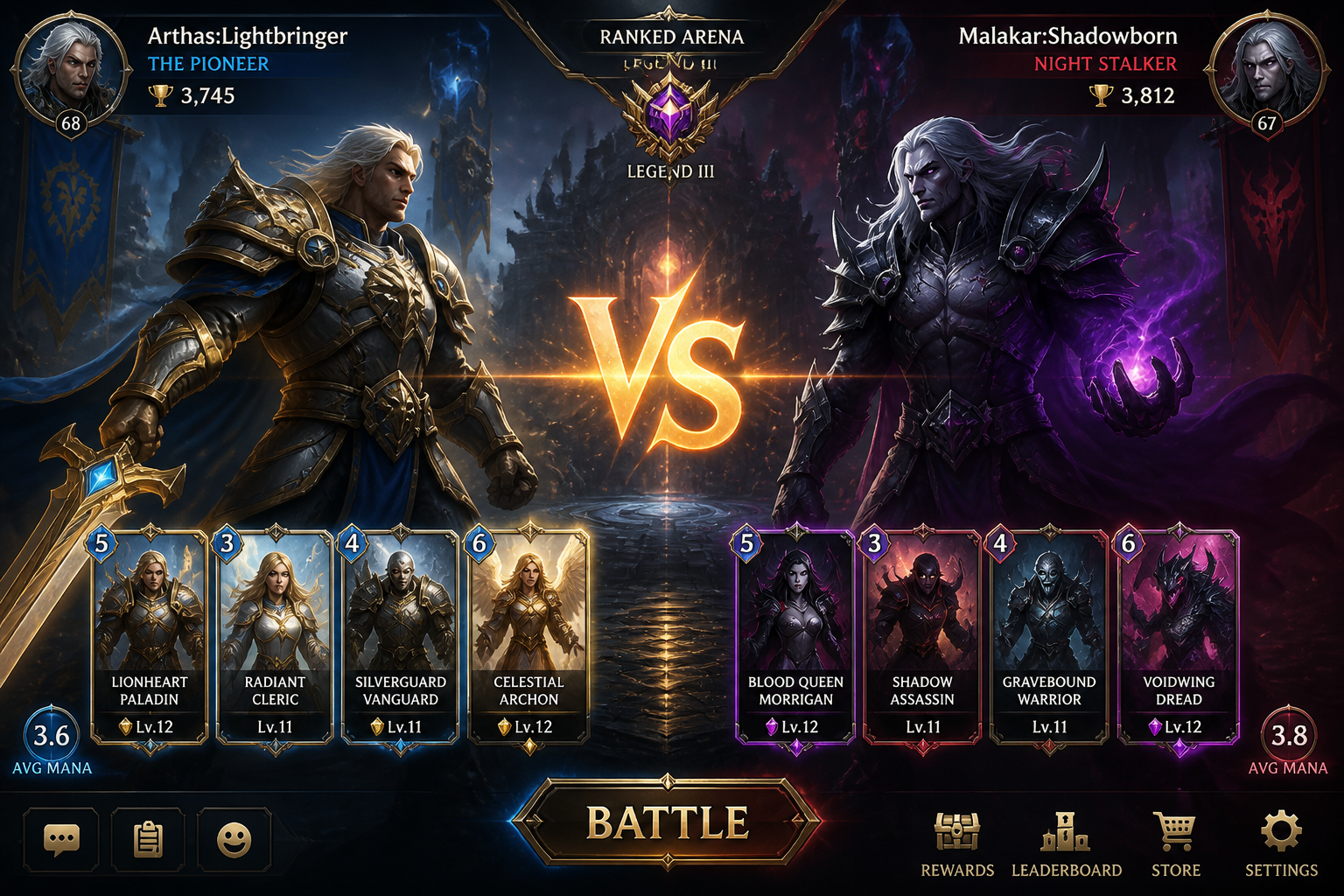 BEFORE
 AFTER
AFTER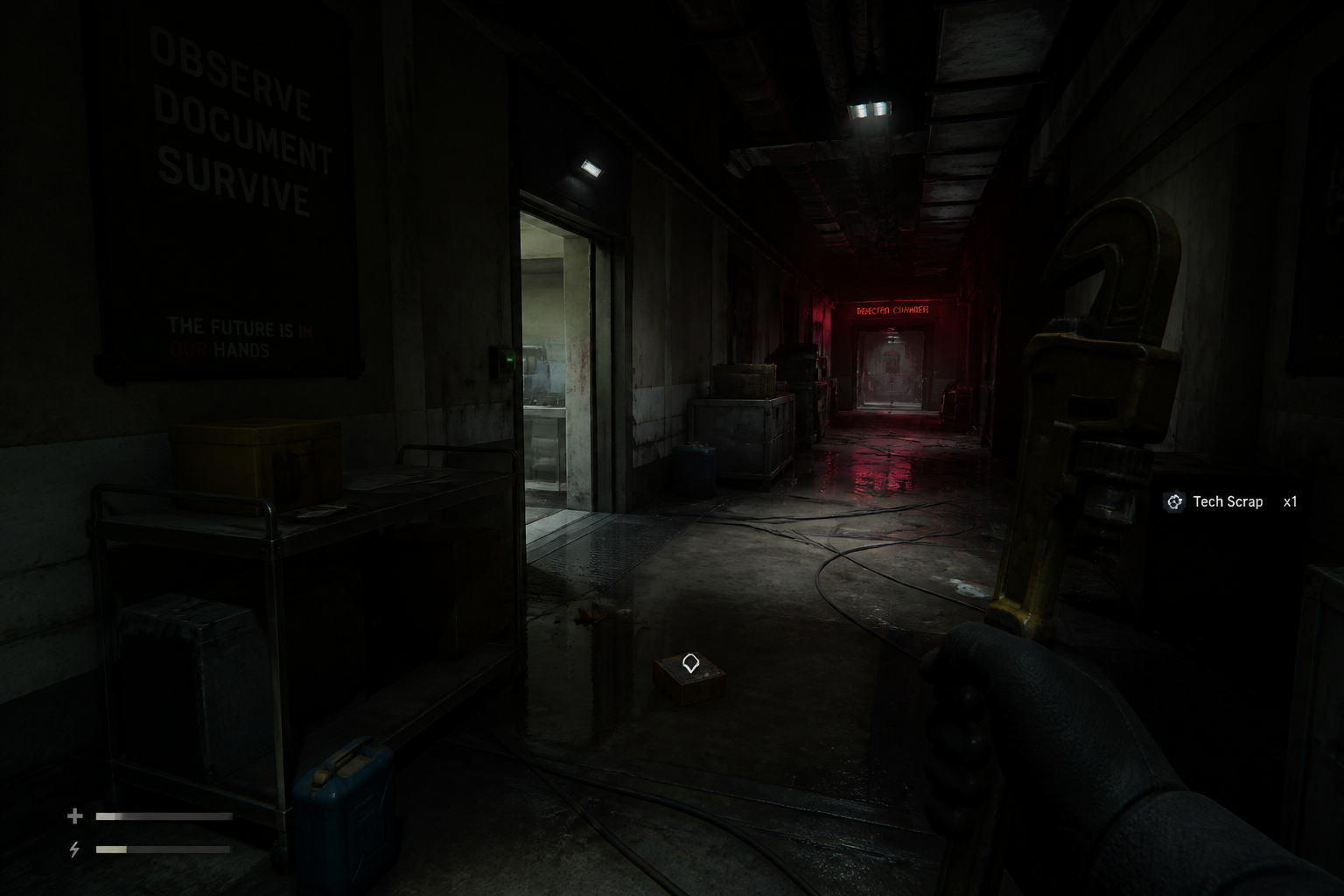 BEFORE
 AFTER
AFTER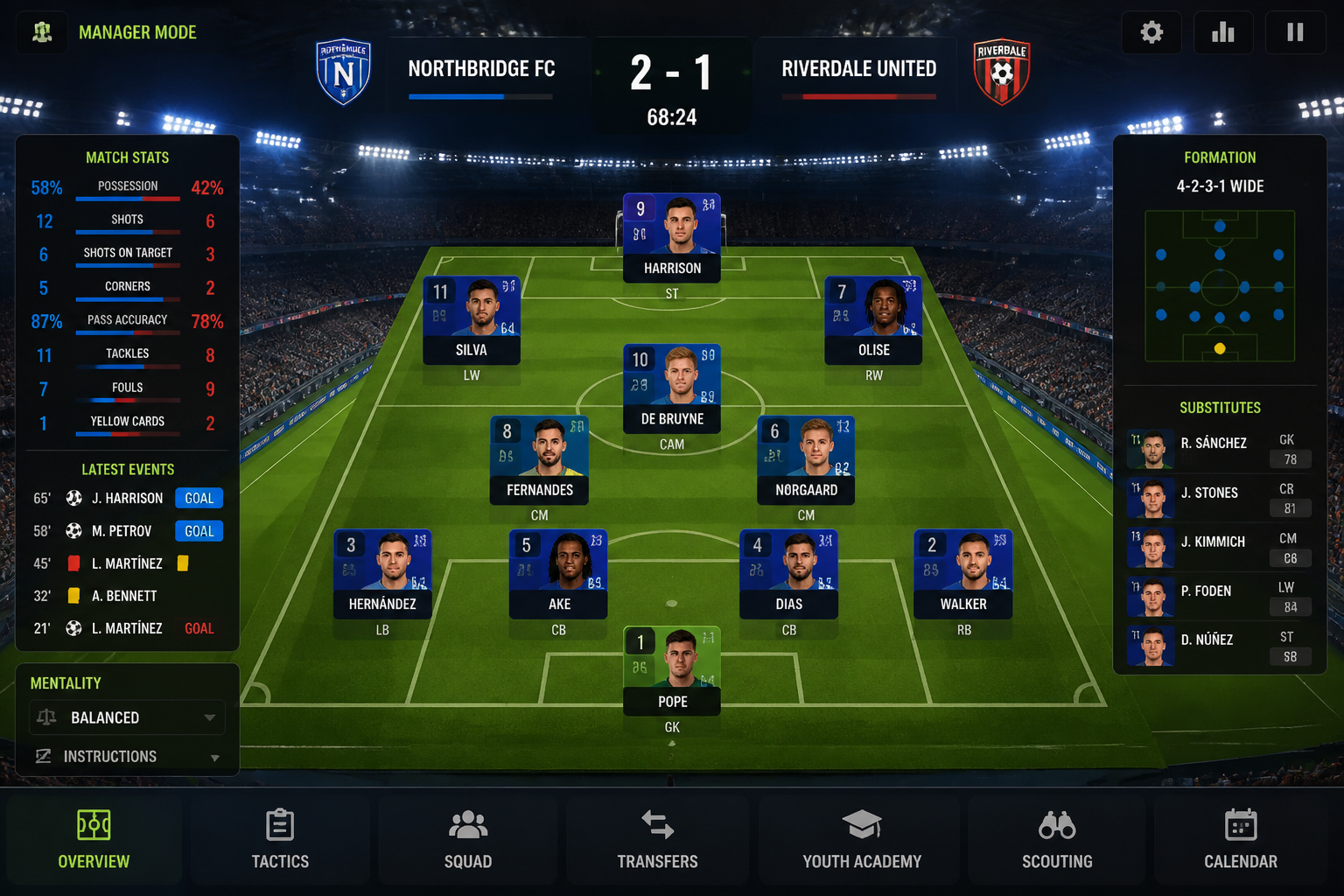 BEFORE
 AFTERBEFOREAFTERBEFOREAFTERBEFOREAFTERBEFOREAFTERBEFOREAFTER
Key Features
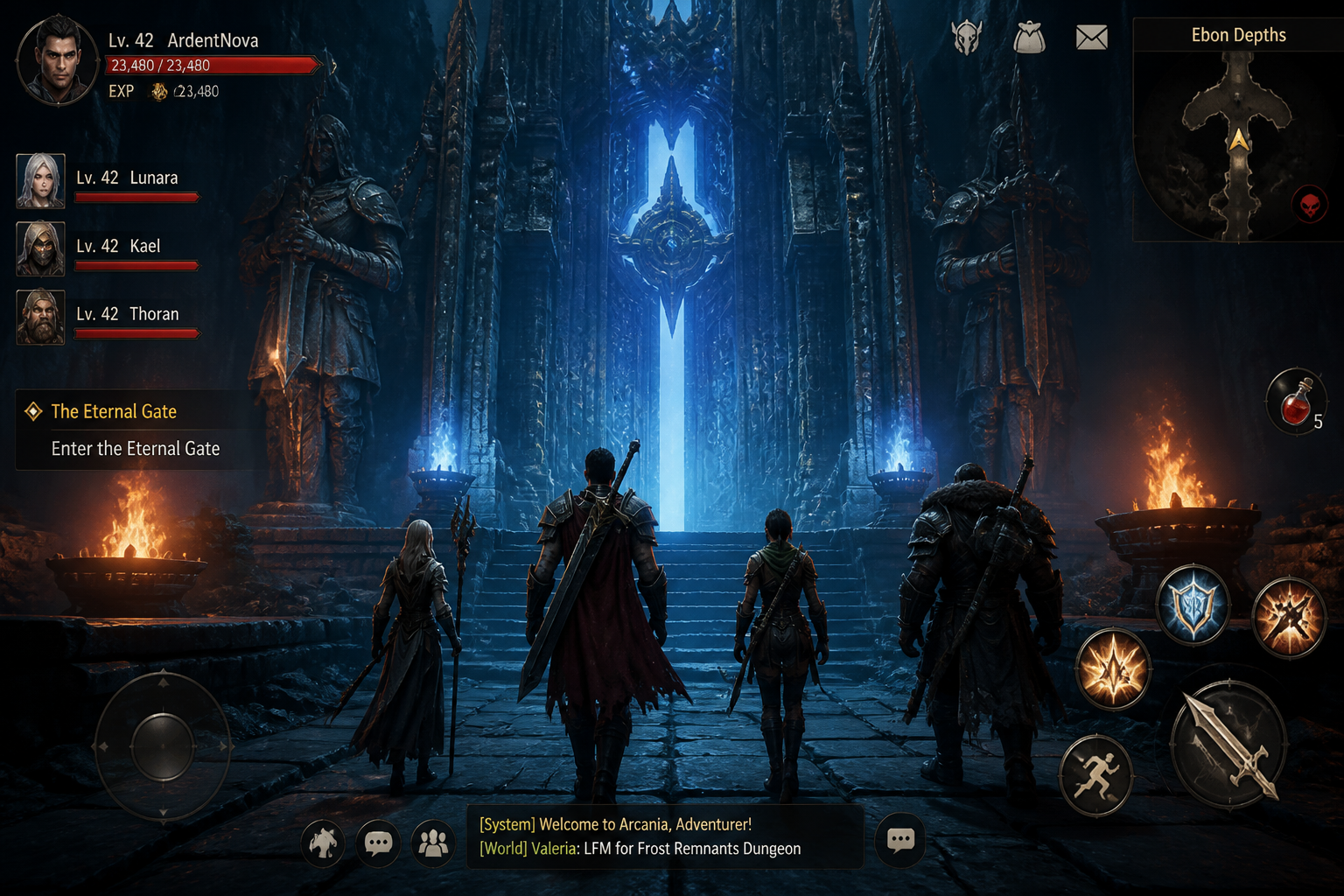
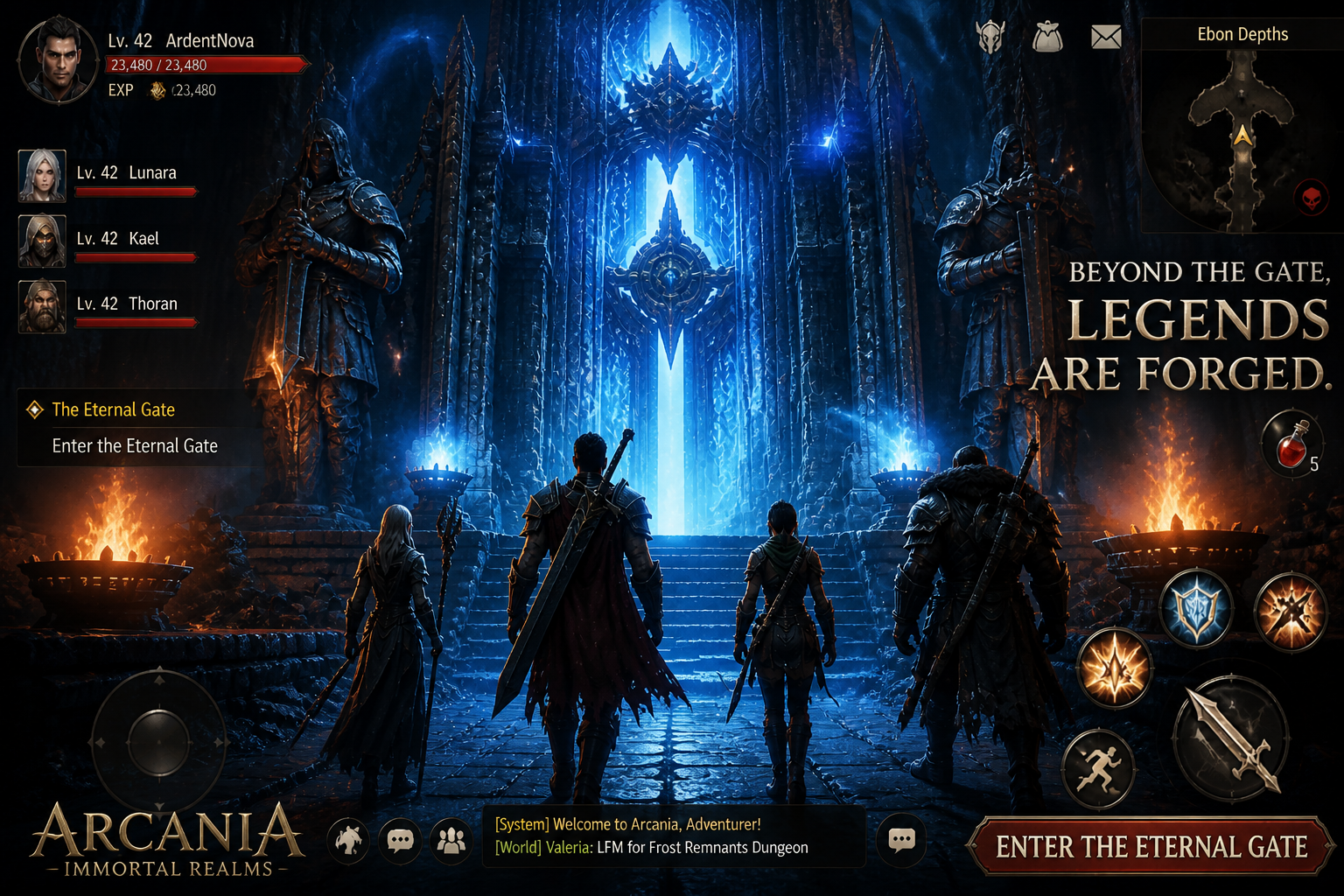
Turn gameplay into ads
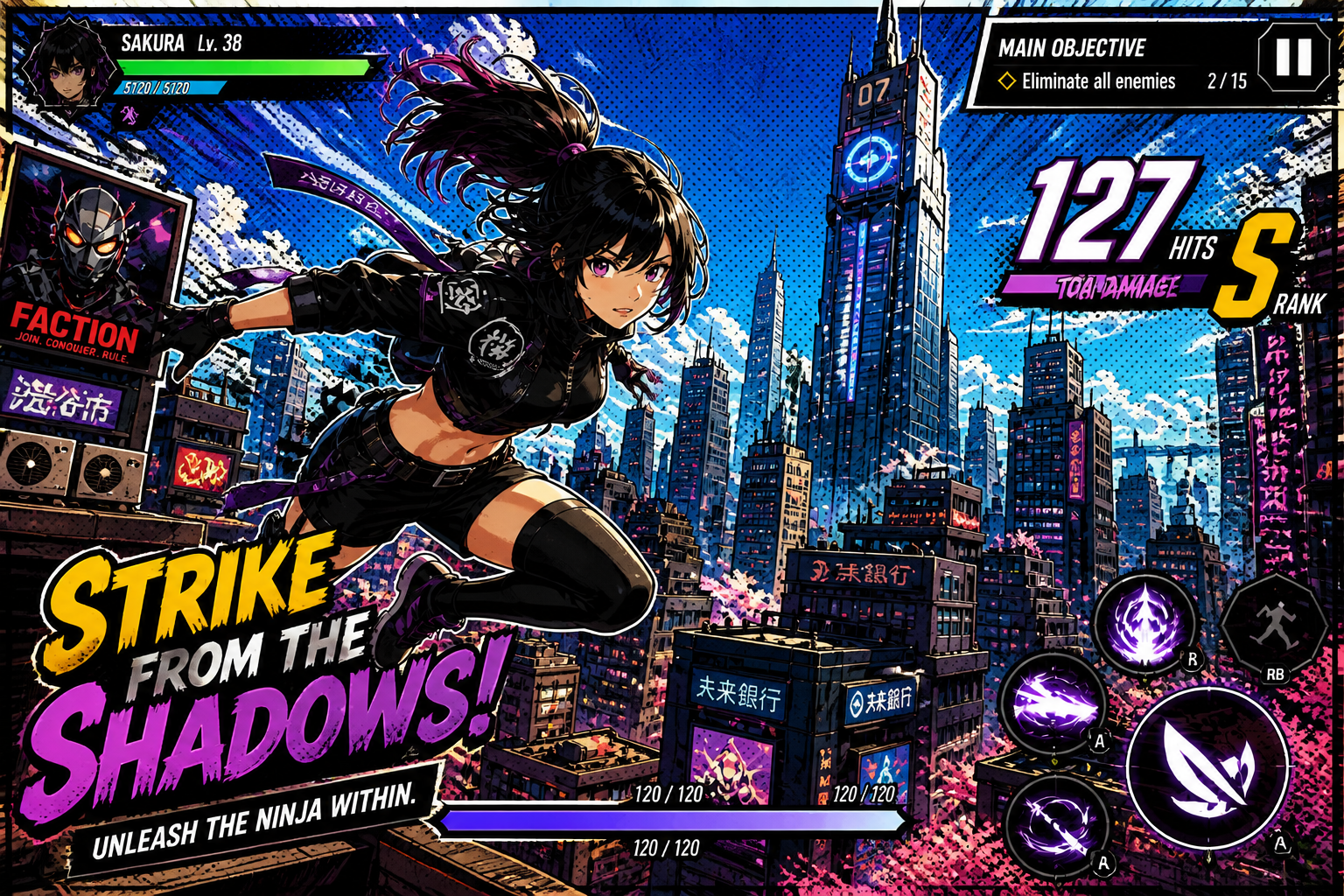
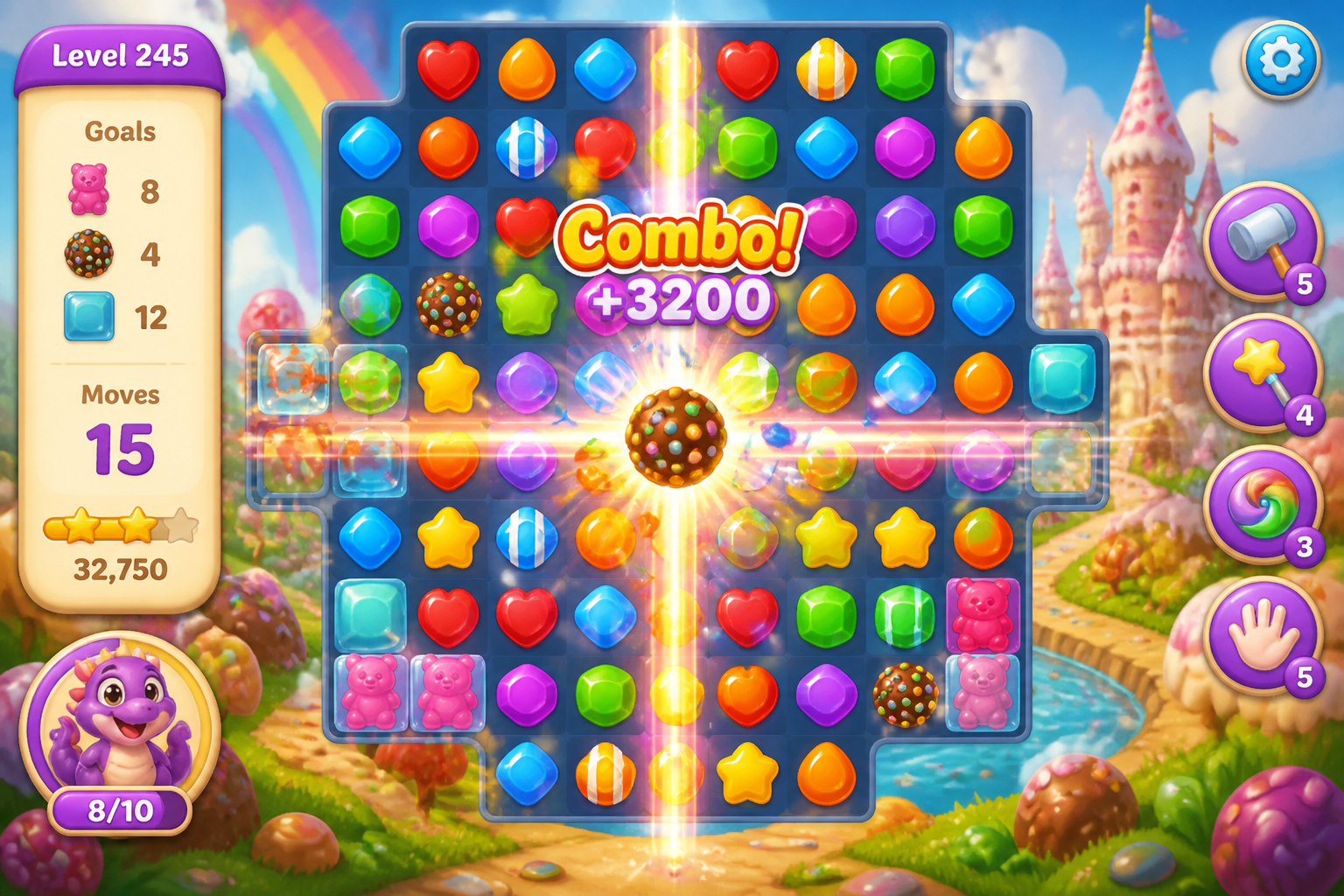
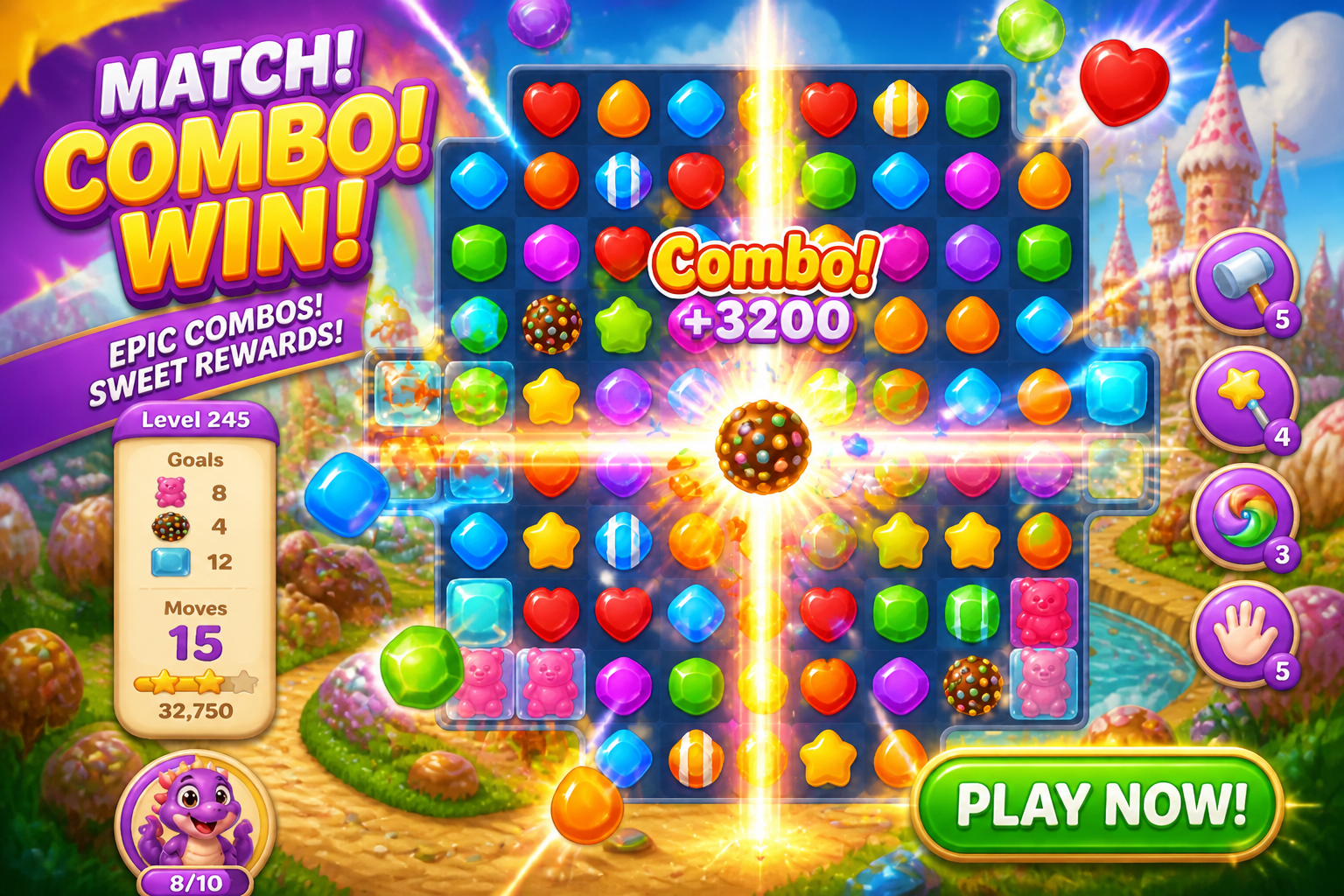
Start with a real screenshot instead of a blank canvas. The edit keeps the core game scene recognizable while upgrading the lighting, framing, and visual punch. That makes it faster to produce concepts that still feel true to the actual game. It also saves time compared with rebuilding a promo image manually in a design tool.
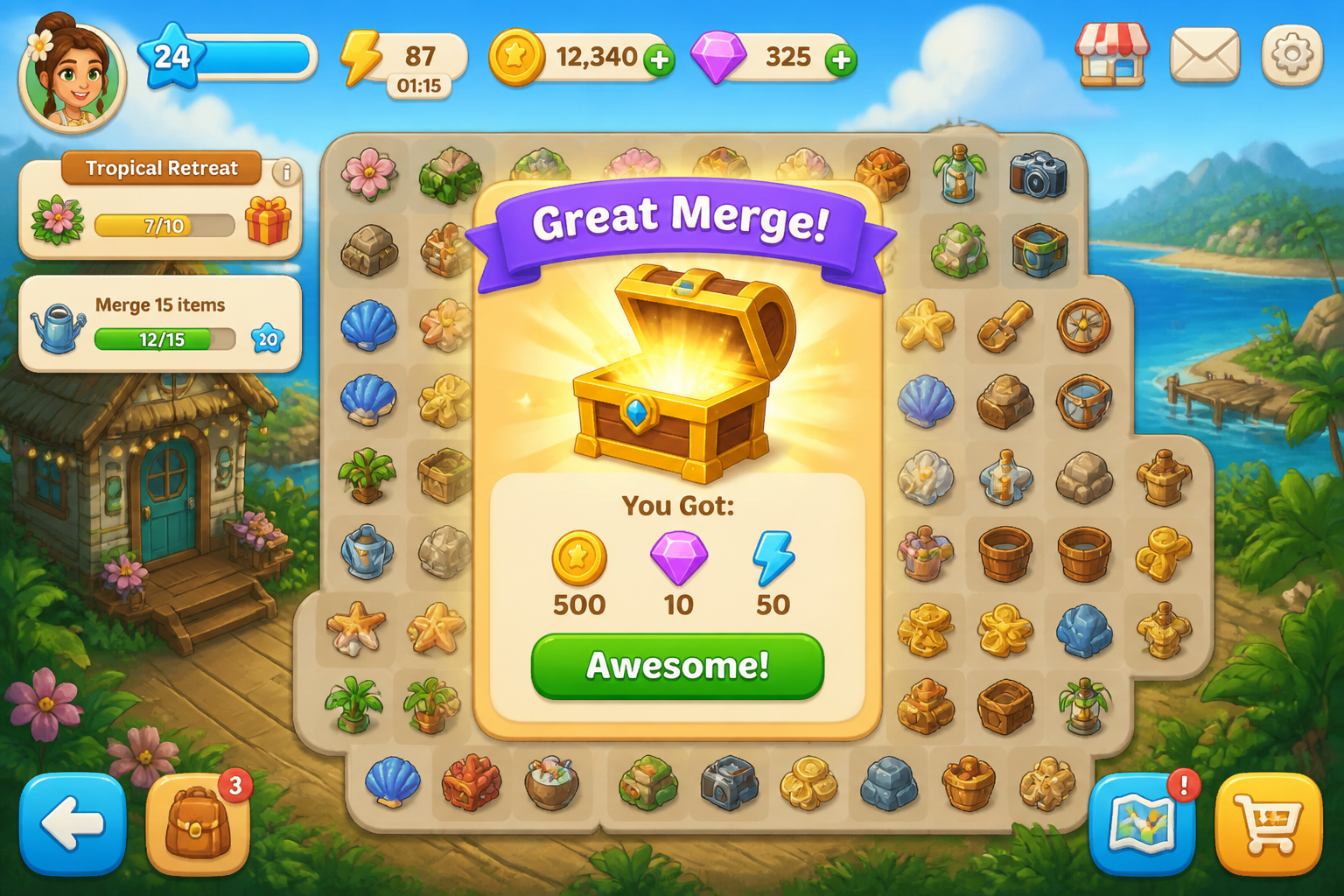
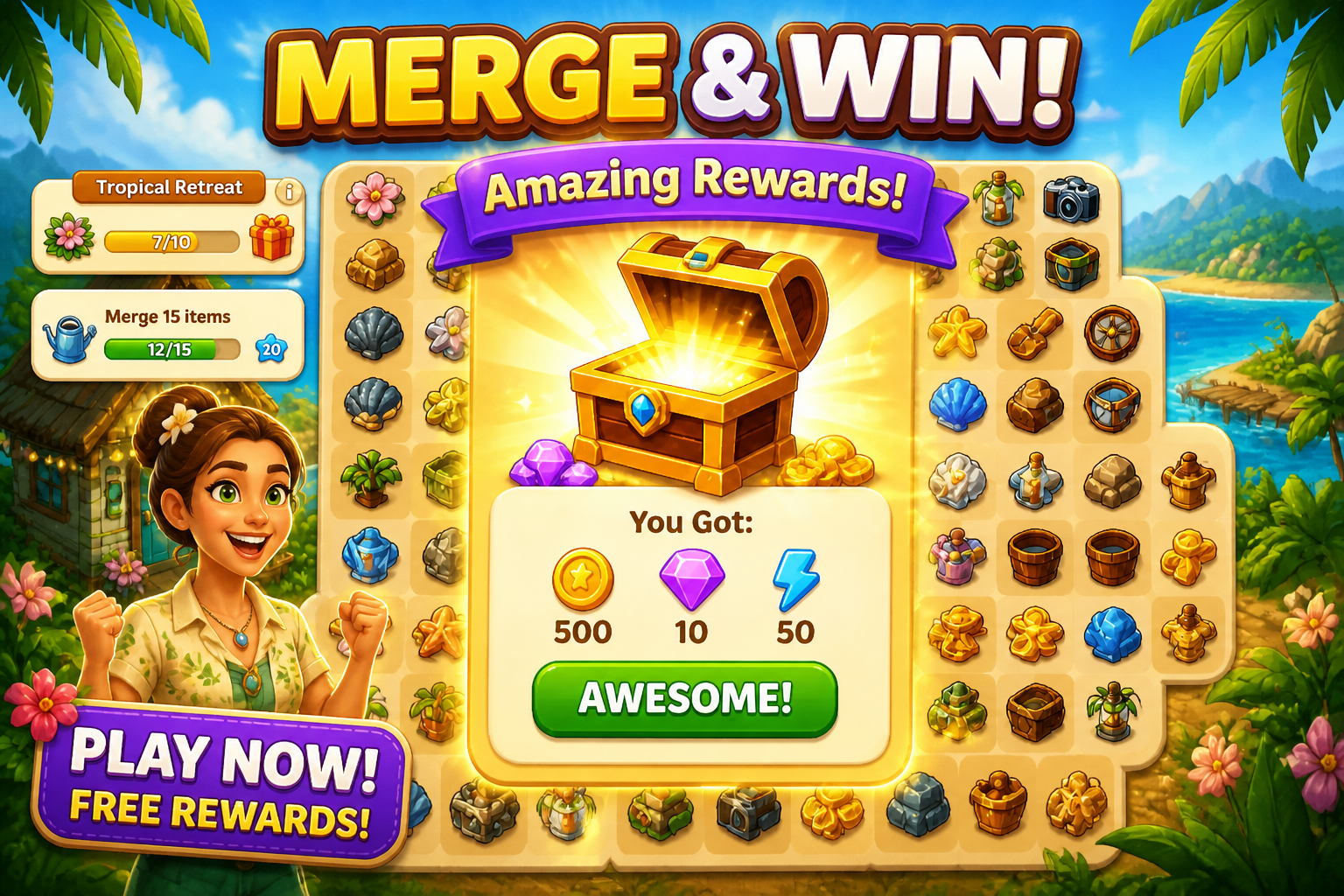
Make thumbnails more clickable
Game ads often fail because the image reads as noisy or flat at small sizes. Our AI boosts visual hierarchy so the main action is easier to understand in a feed. It can emphasize rewards, characters, motion, or tension without changing the whole concept. That gives you sharper creative for testing across channels.
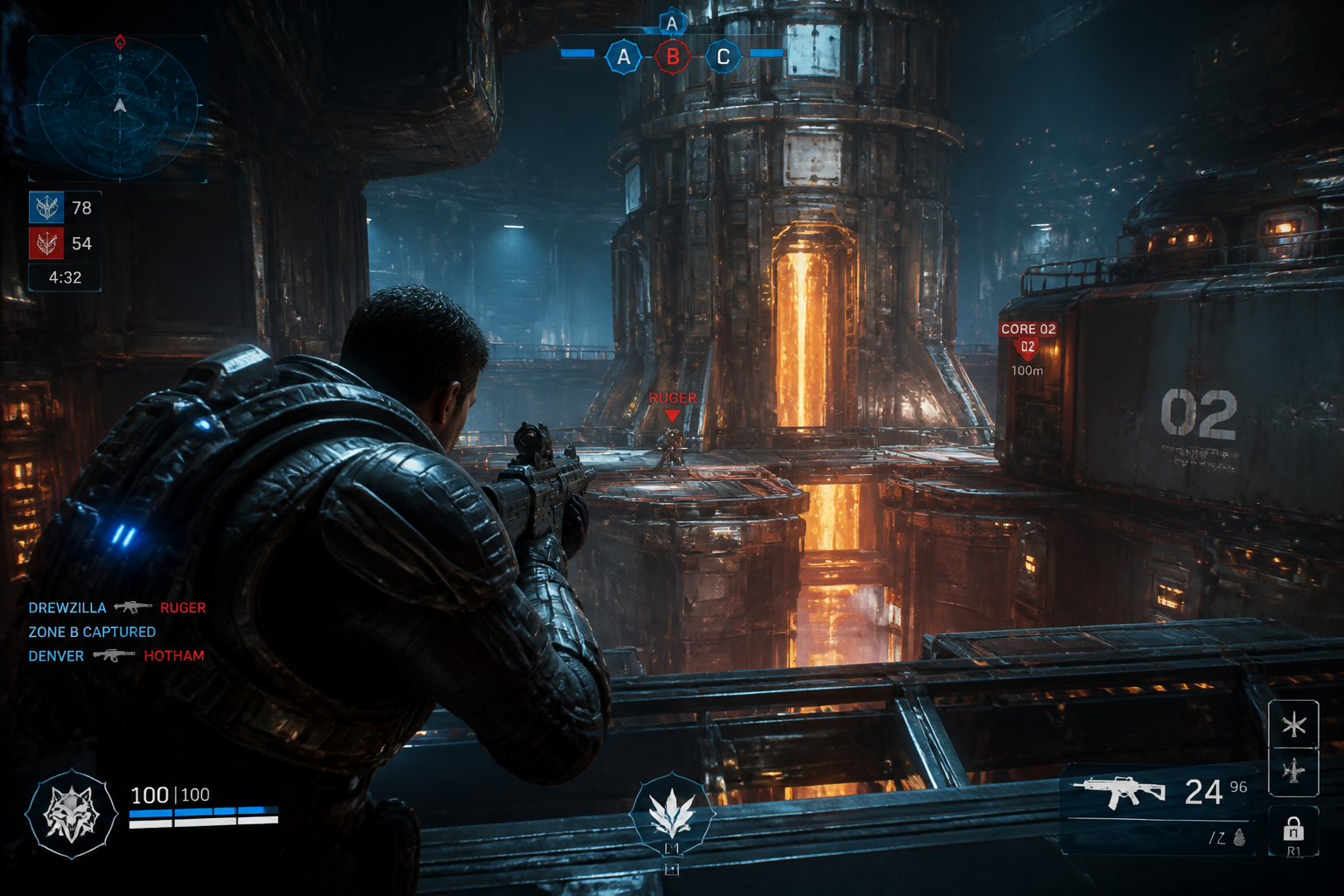
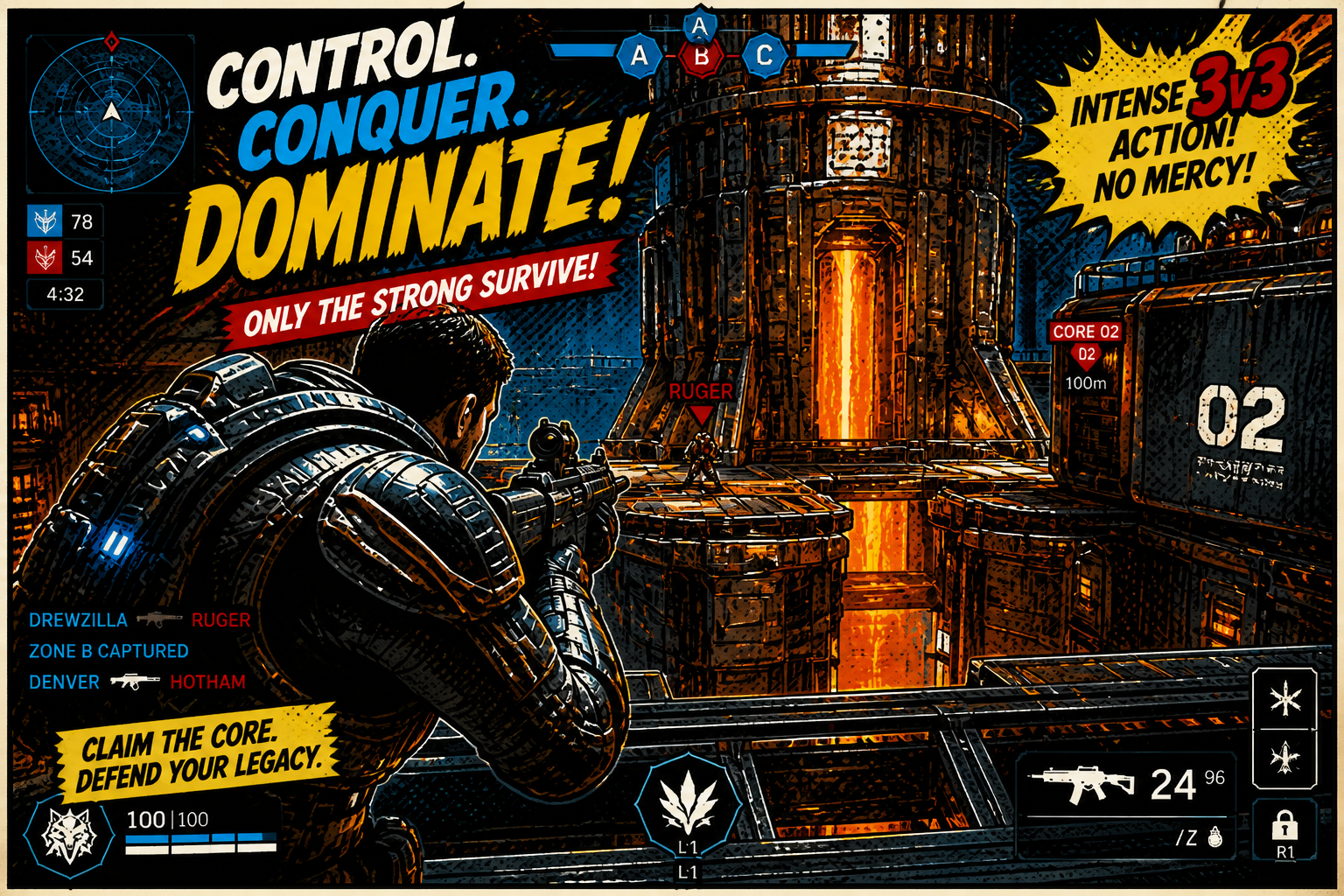
Explore multiple ad styles
You can quickly try different creative directions from the same source image. Test polished realism, comic-book energy, painterly fantasy, or retro promo looks without new photo shoots or full redraws. This is useful when you want different hooks for different audiences. It helps teams generate range before narrowing down winners.
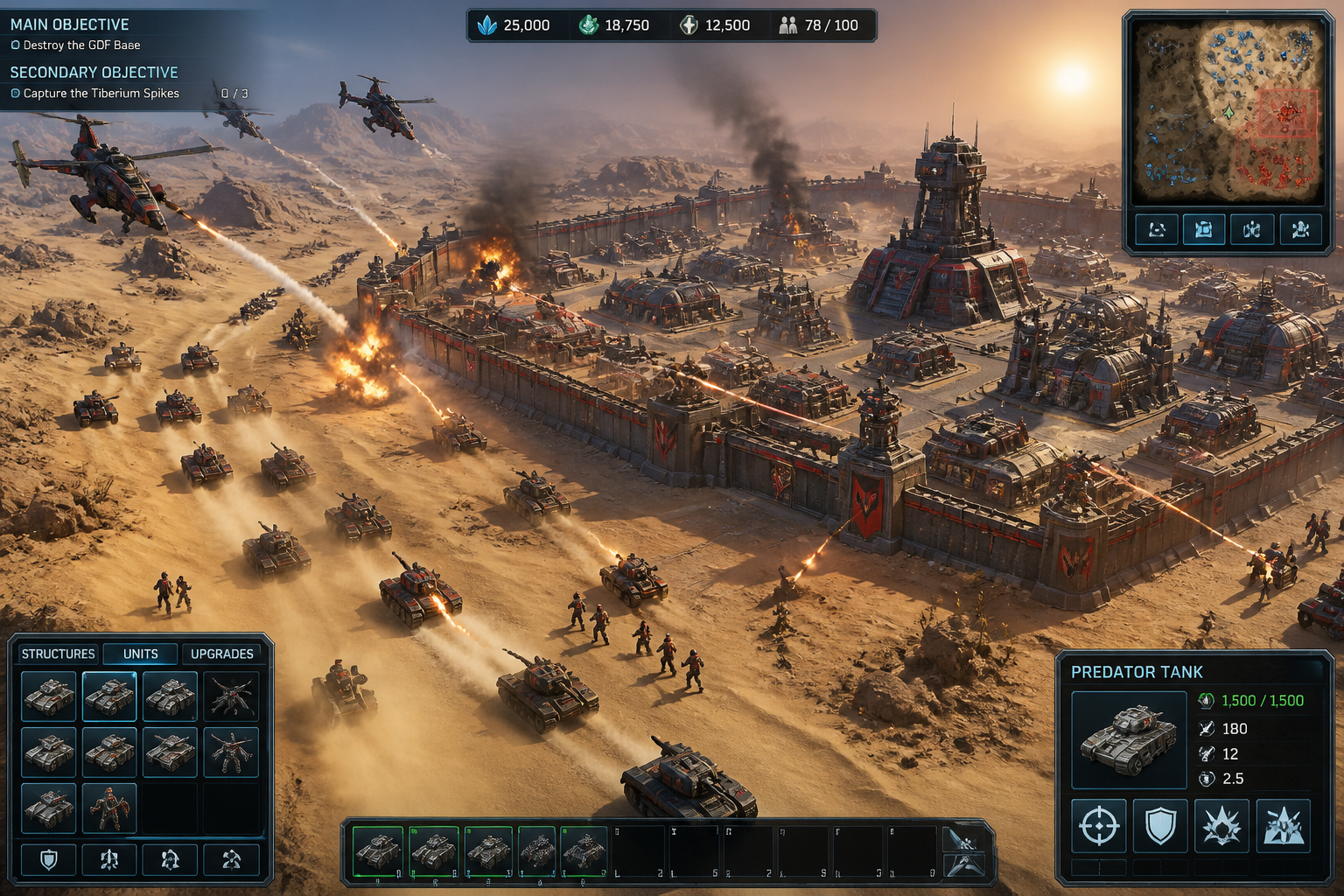
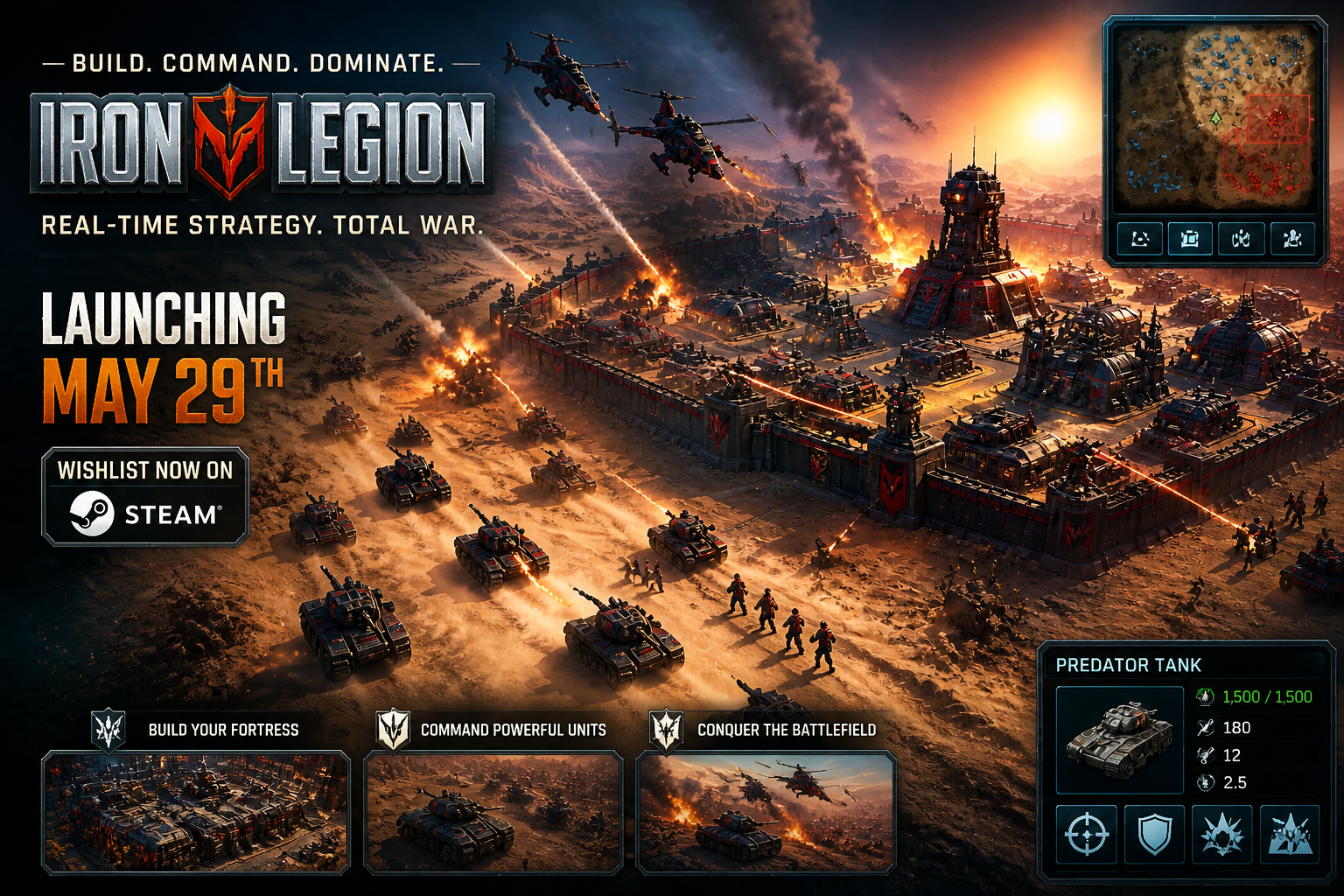
Keep production moving
Creative testing for games often means making many visual variations under tight deadlines. This workflow lets marketers and designers start from existing assets and get polished concepts quickly. It reduces repetitive manual compositing work and helps smaller teams keep pace with campaign demands. You stay focused on angle and message instead of setup.
How It Works
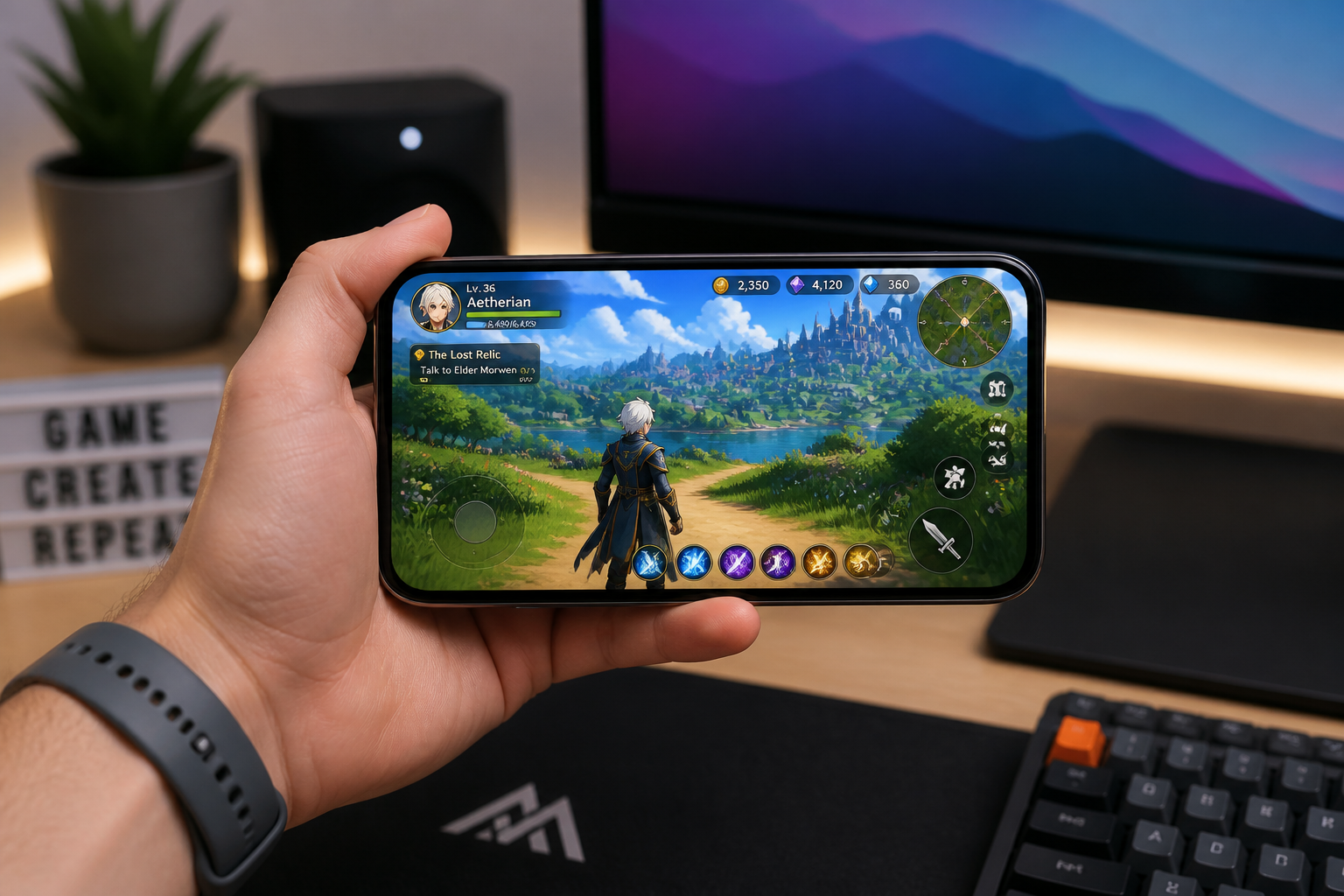
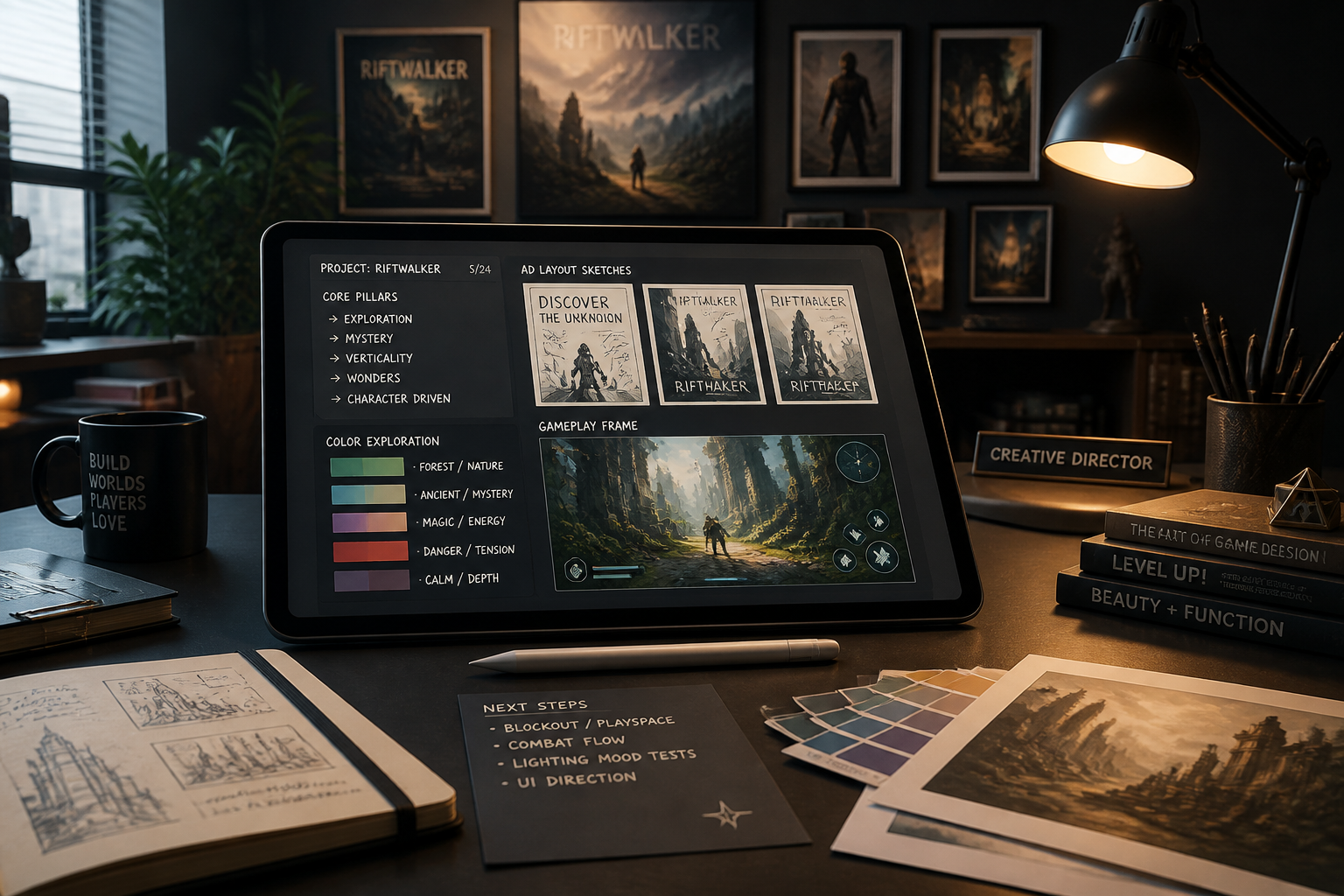
Upload your game image
Start with a gameplay screenshot, character scene, or store asset. Choose an image with a clear focal point so the ad concept reads quickly.
Describe the ad angle
Tell the AI what kind of promo you want, such as cinematic launch art, reward-focused creative, or a bold app-install ad. The clearer the angle, the stronger the visual direction.
Review and reuse
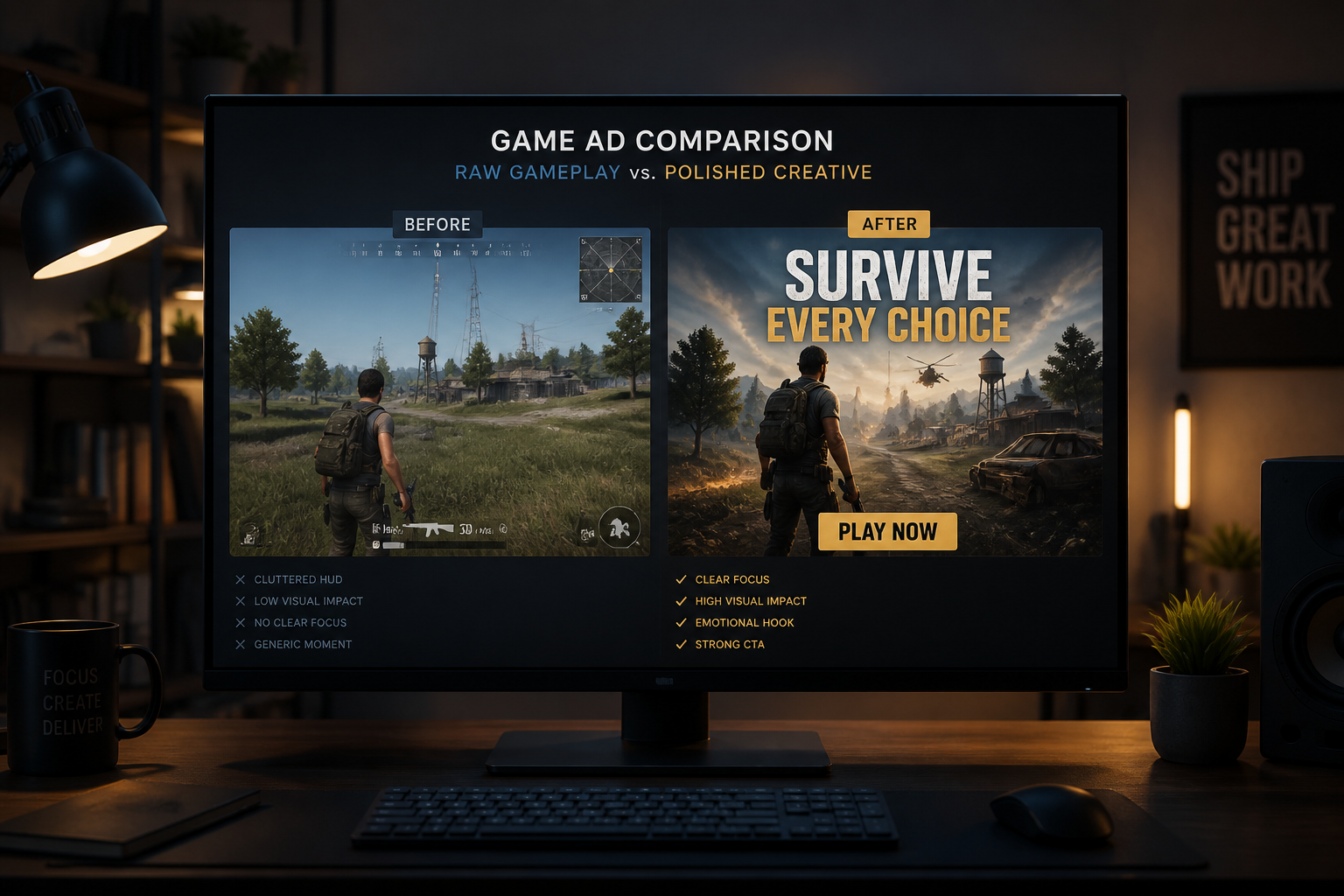
Compare the before and after image to see how the ad concept changed. Then refine the prompt or generate more variations for different campaigns and audiences.
Perfect For
Discover how creators and professionals use ai game ad generator
User acquisition testing
Create multiple ad directions from the same game scene to test different hooks, moods, and visual priorities.
Store and social promos
Turn plain screenshots into stronger creatives for app store updates, organic social posts, and launch announcements.
Pitch decks and publisher kits
Upgrade in-game visuals into cleaner marketing-ready mockups for presentations, one-pagers, and sales materials.
Rapid creative iteration
Give designers and marketers a fast way to explore concepts before committing to manual polishing or final campaign production.
Built For
Mobile game marketers
Quickly turn gameplay captures into ad concepts for testing, launch pushes, and live-ops campaigns.
Indie game studios
Create stronger promo visuals without needing a large design team or a long asset-production cycle.
Creative strategists
Generate varied visual directions from existing game assets to support faster experimentation and clearer briefs.
Why use it for game ad concepts
A quick look at how we compare on the things that matter for this niche.
| Feature | BudgetPixel | Generic AI editors | Manual editing apps |
|---|---|---|---|
| Starts from your gameplay image | ✓ | ✓ | ✓ |
| Fast ad-style transformations | ✓ | — | — |
| Keeps scene recognizable | ✓ | — | ✓ |
| Style exploration from one asset | ✓ | ✓ | — |
| Manual design time required | Low | Medium | High |
Frequently Asked Questions
What kind of images work best with the AI Game Ad Generator?
Does it create a full finished ad with copy and logos?
Can I make multiple ad styles from one screenshot?
Will the edited image still look like my actual game?
Is this useful for small studios?
Create together.
Share your creations, discover trending AI art, and grow with fellow creators.