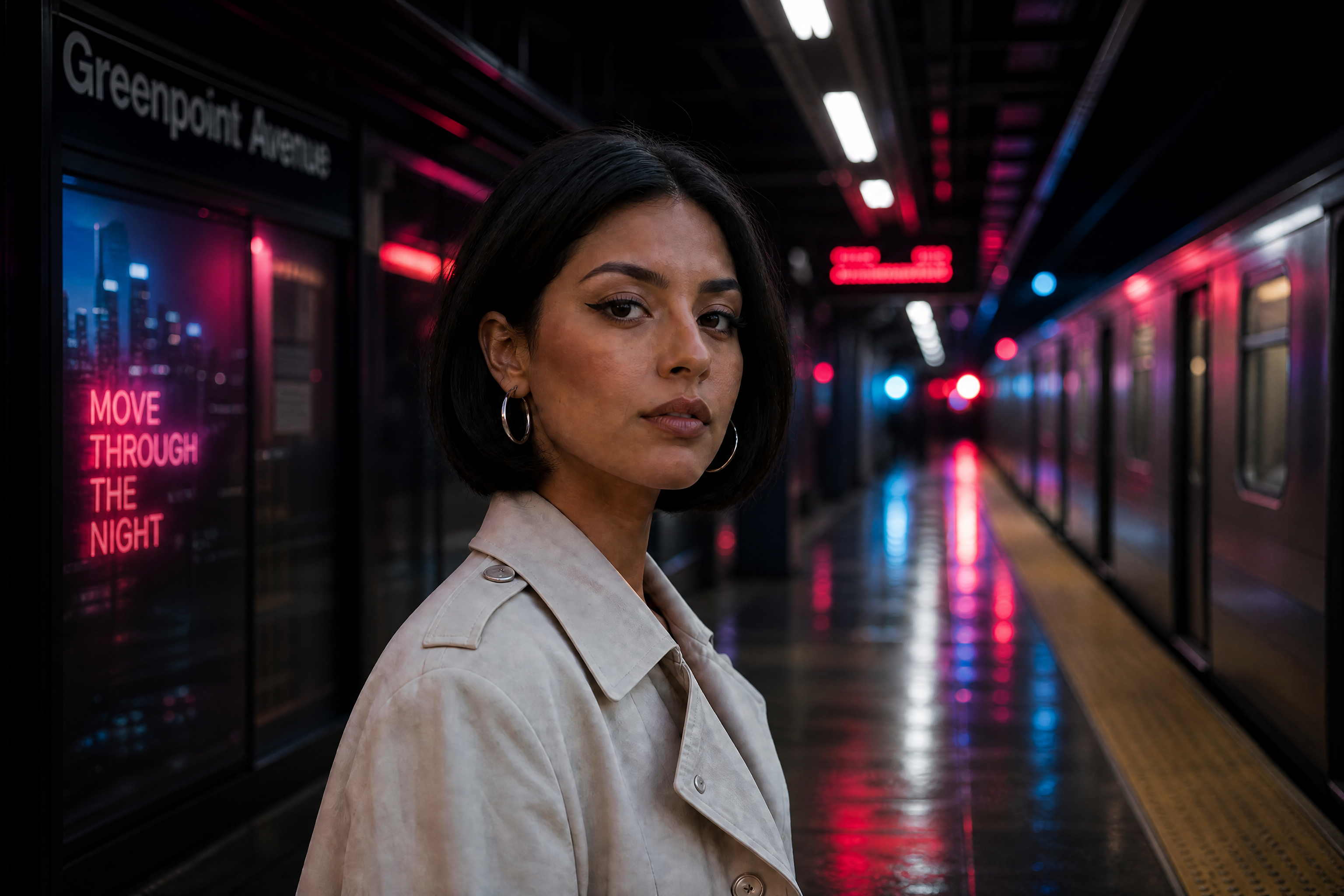
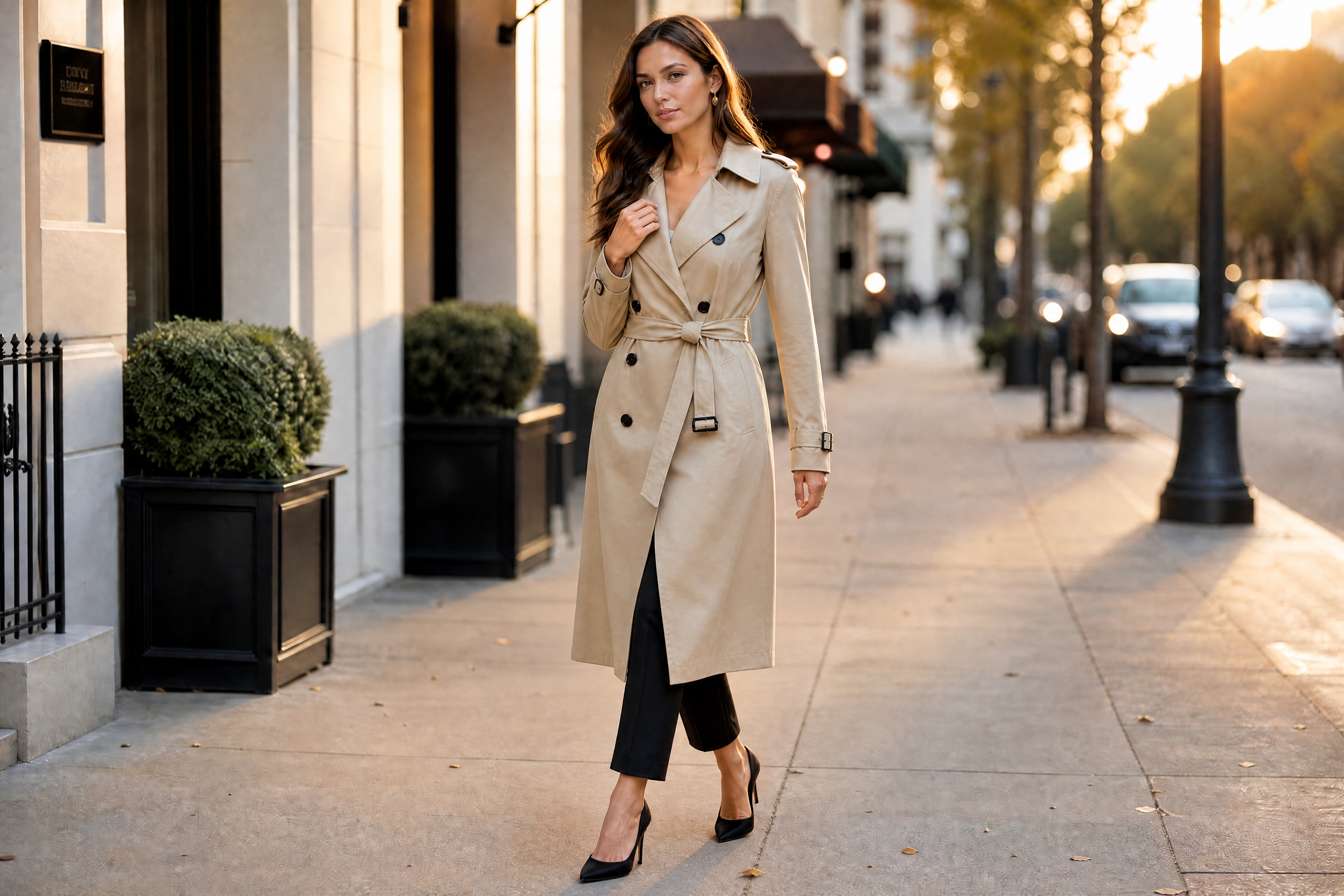
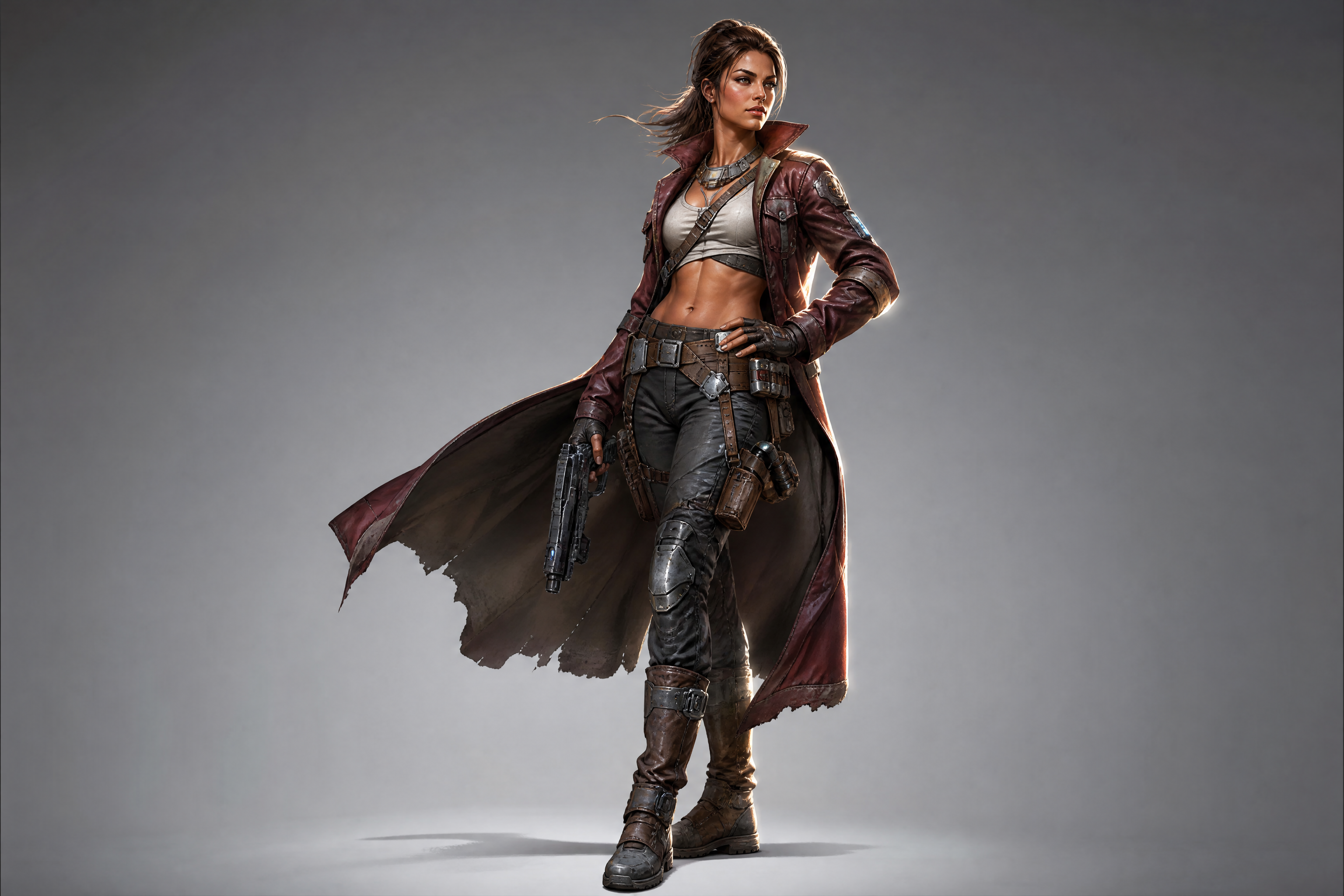
Character Pose Changer
Repose characters without redrawing them from scratch.
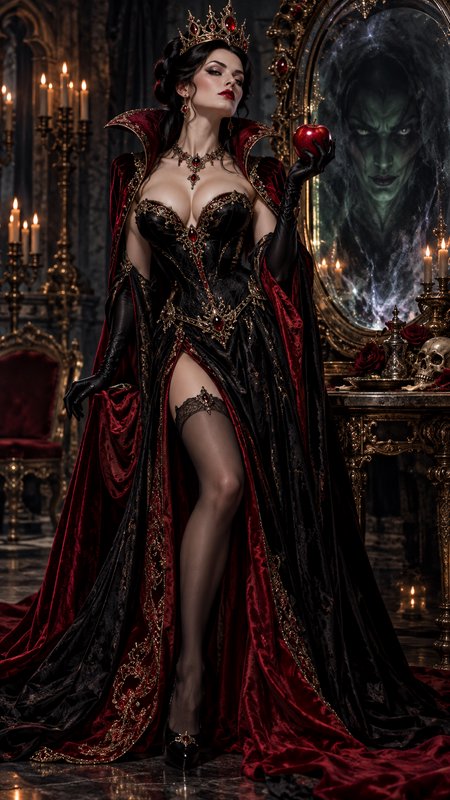
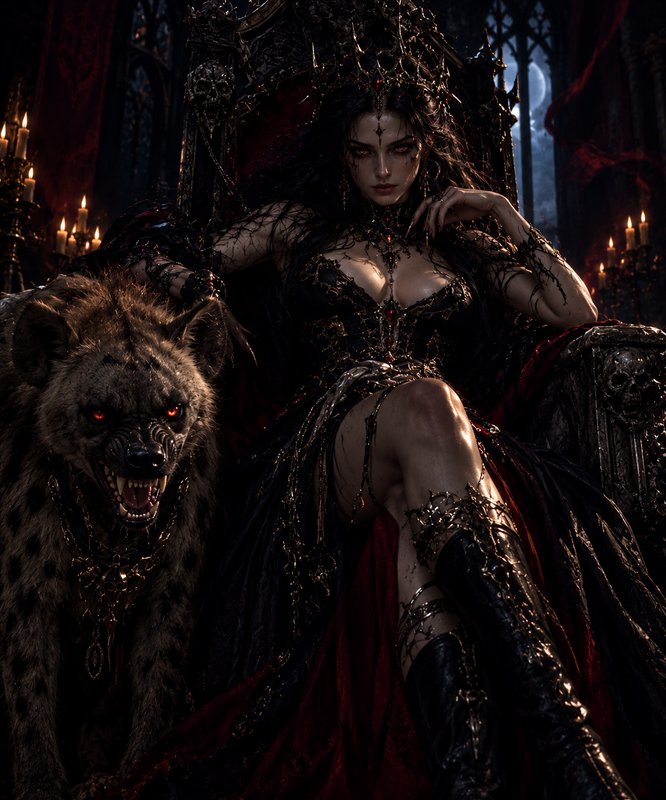
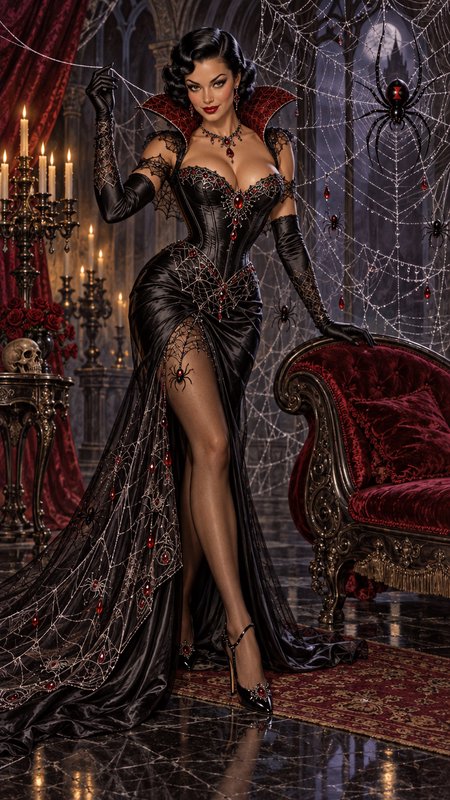
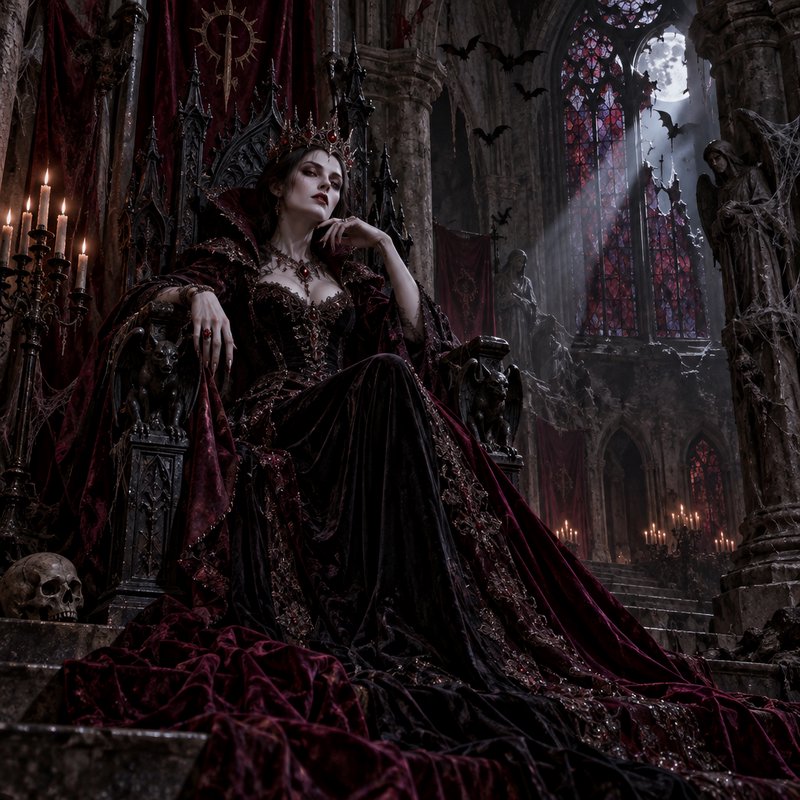
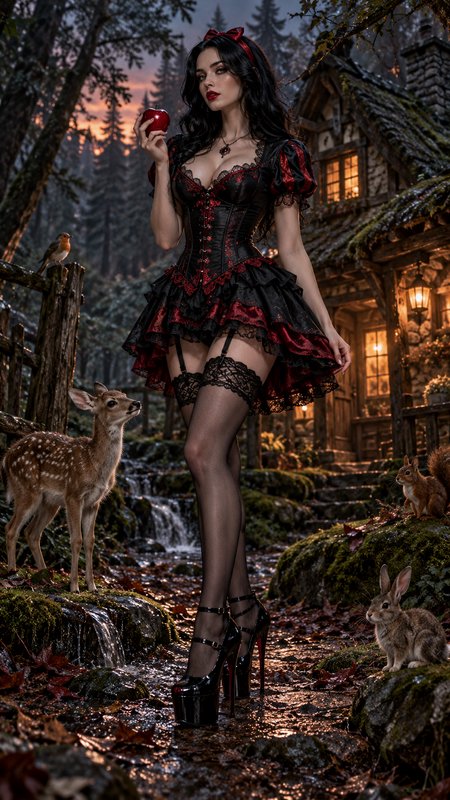
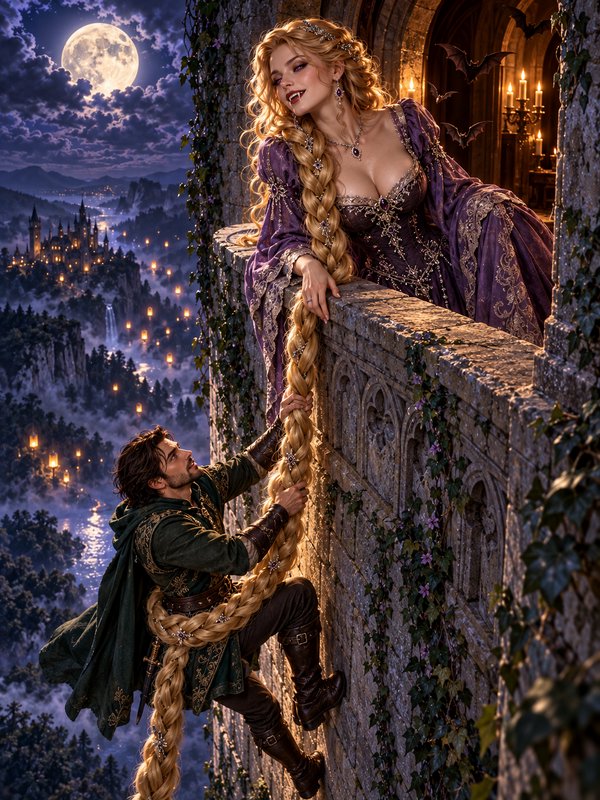
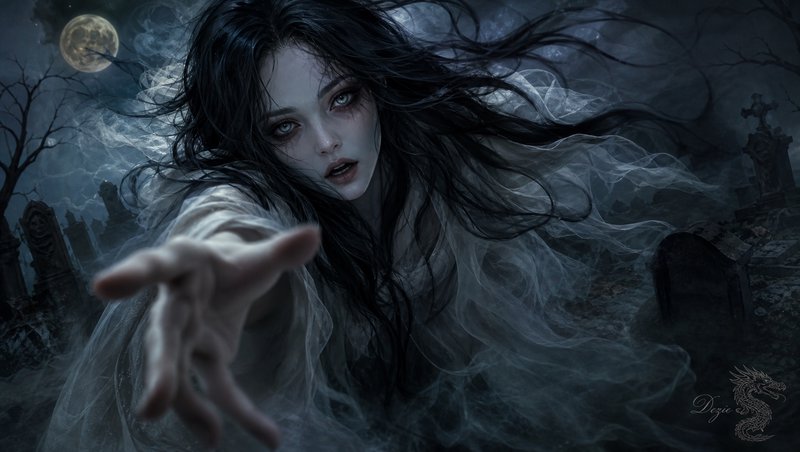
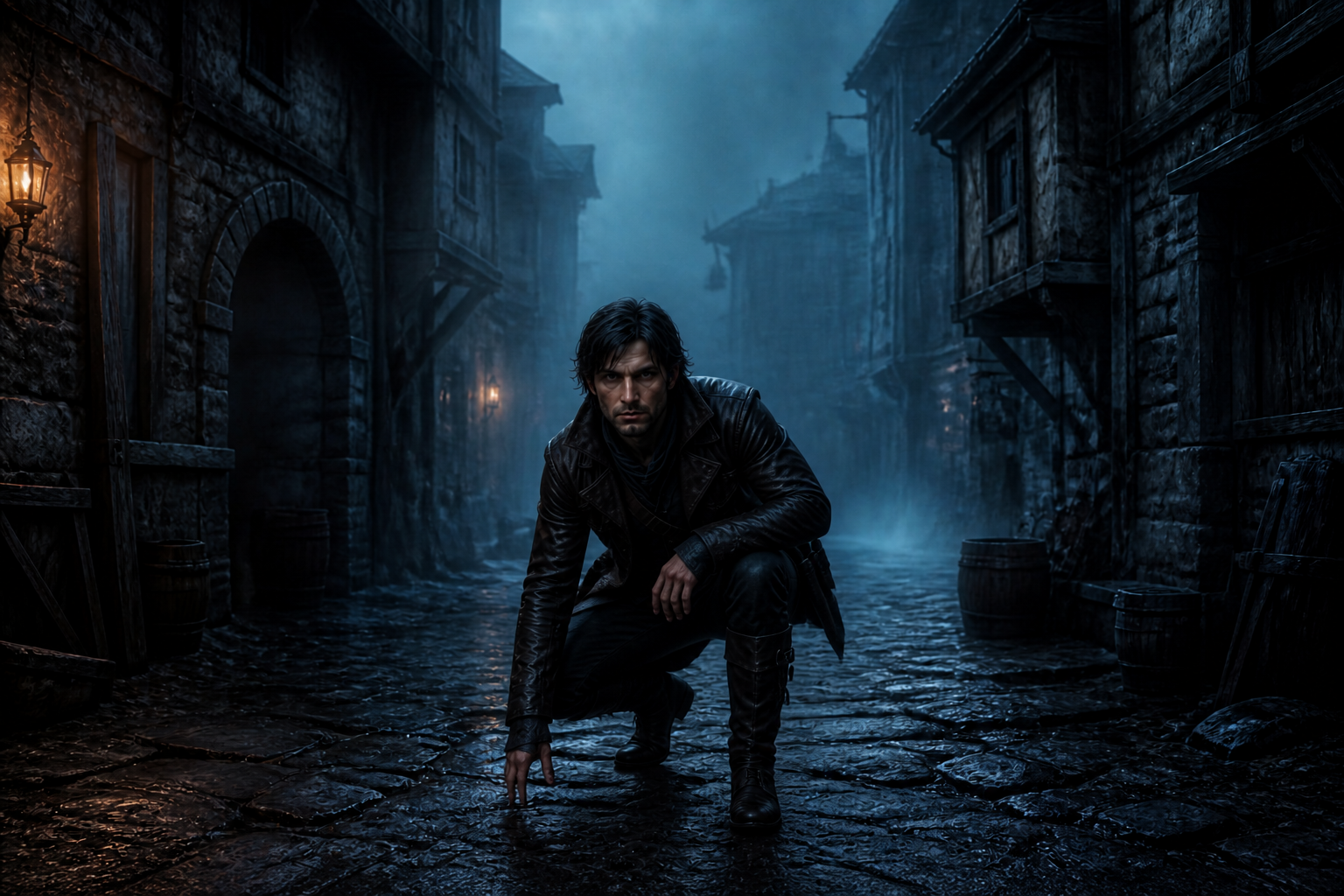
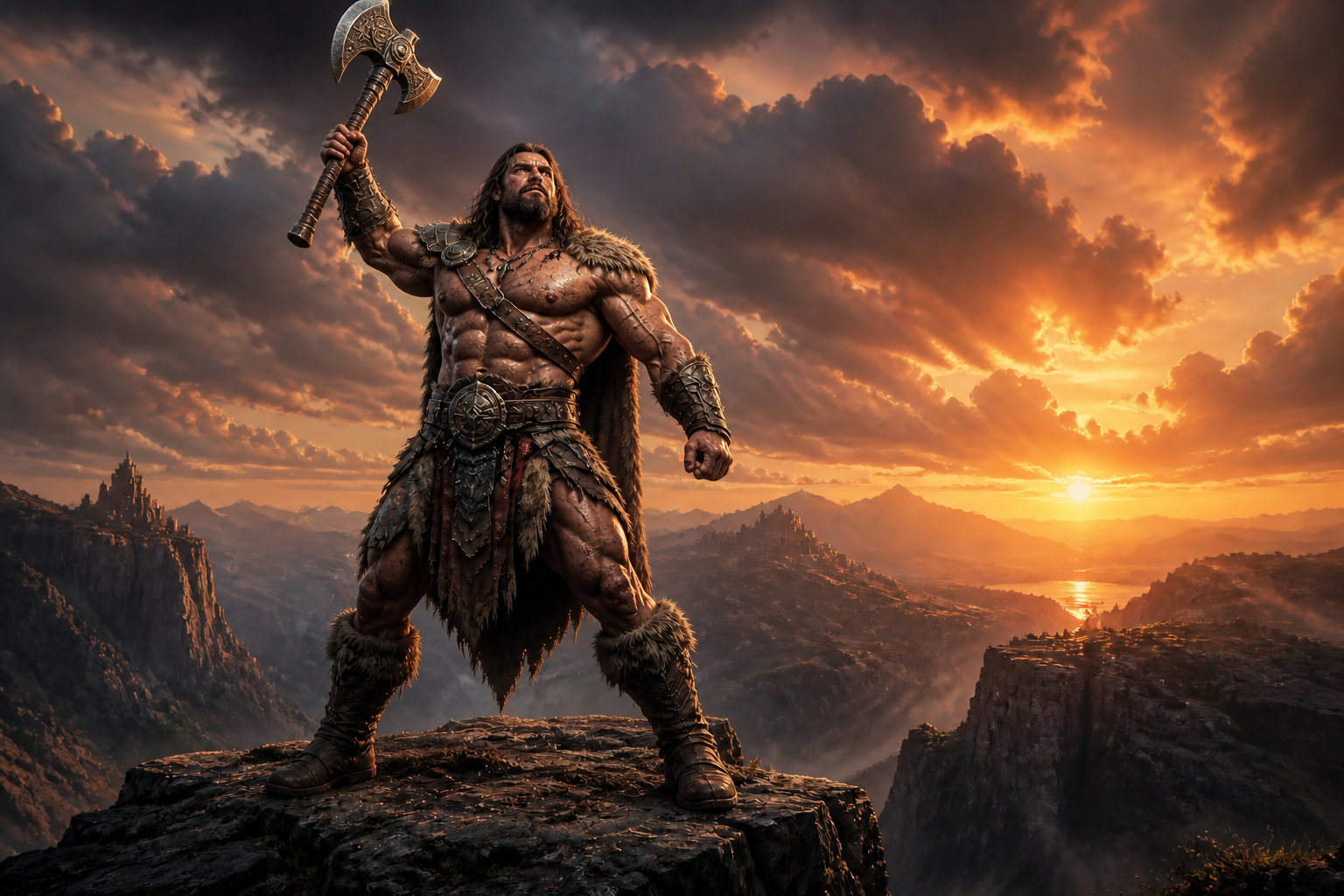
Upload a character image and change the pose with a simple prompt. Our AI keeps the character's look, outfit, and visual style consistent while shifting the stance, gesture, or camera-ready body position.
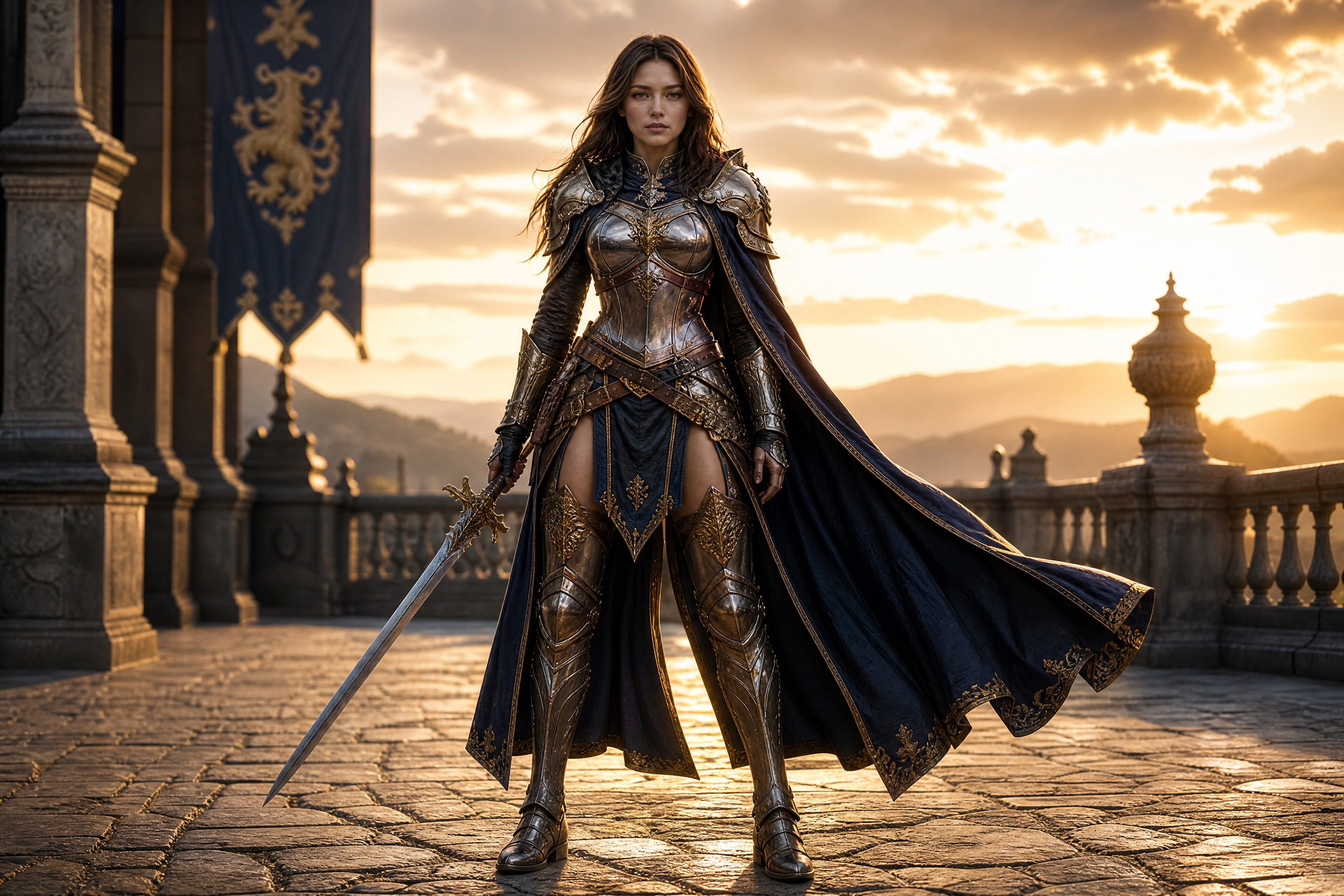
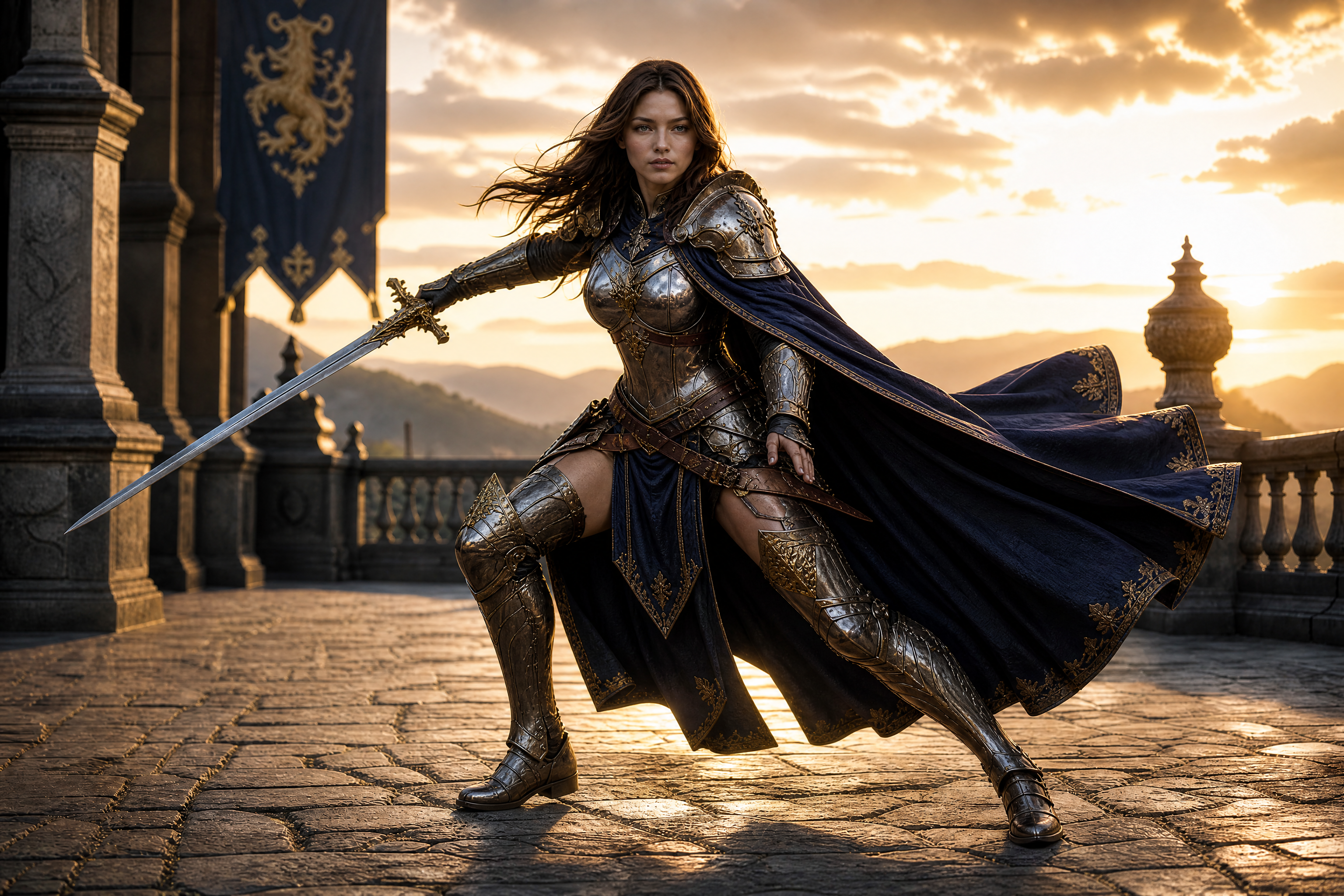
Watch the Transformation
See character pose changer in motion — generated end-to-end by our AI.
See It In Action
Real outputs from character pose changer.
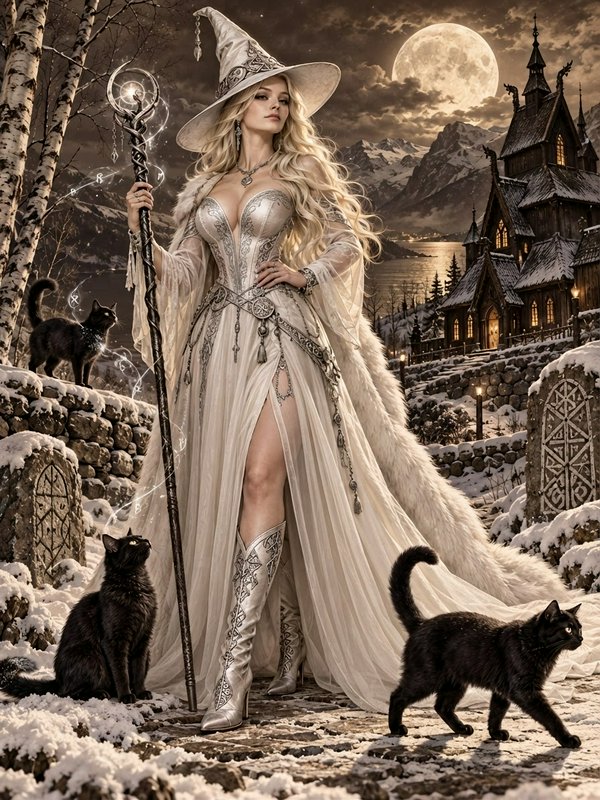
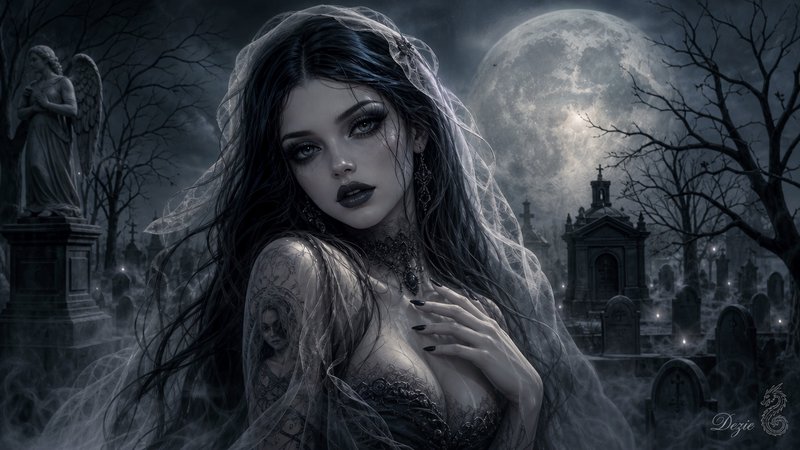
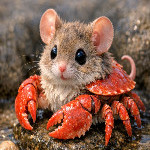
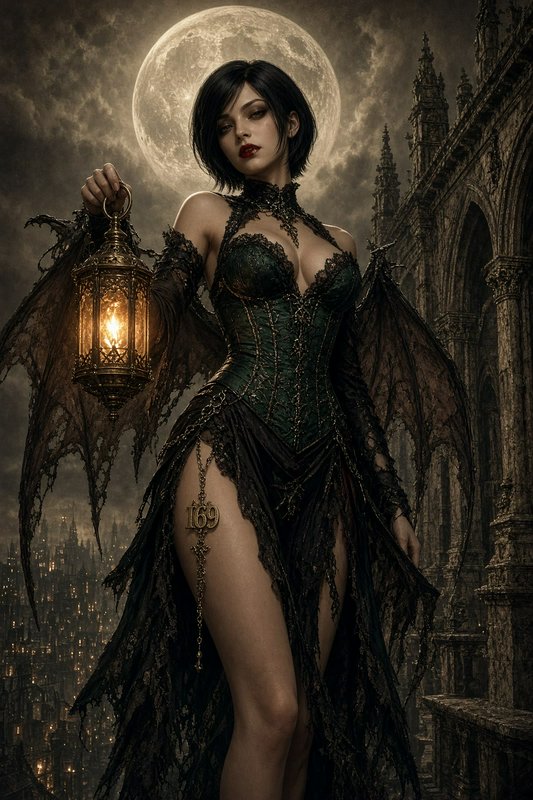
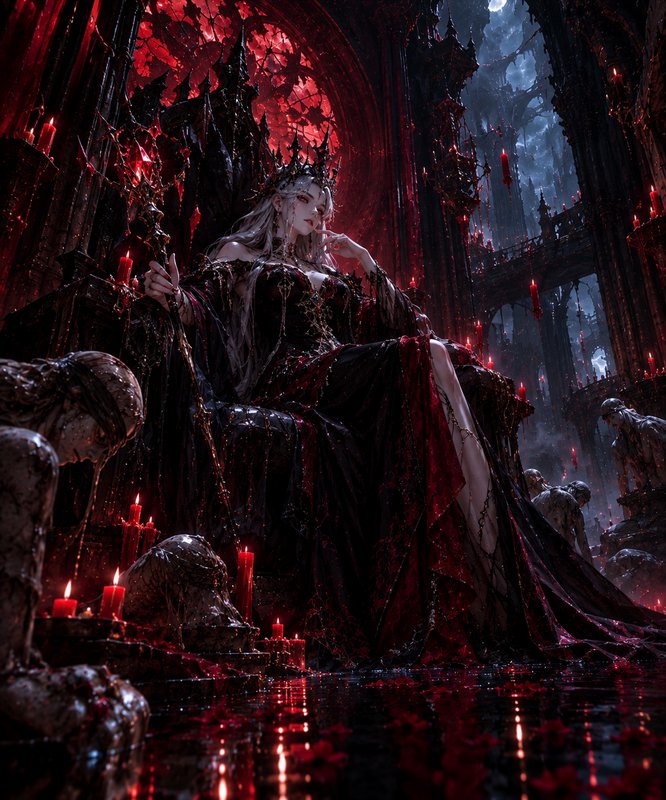
BEFOREAFTER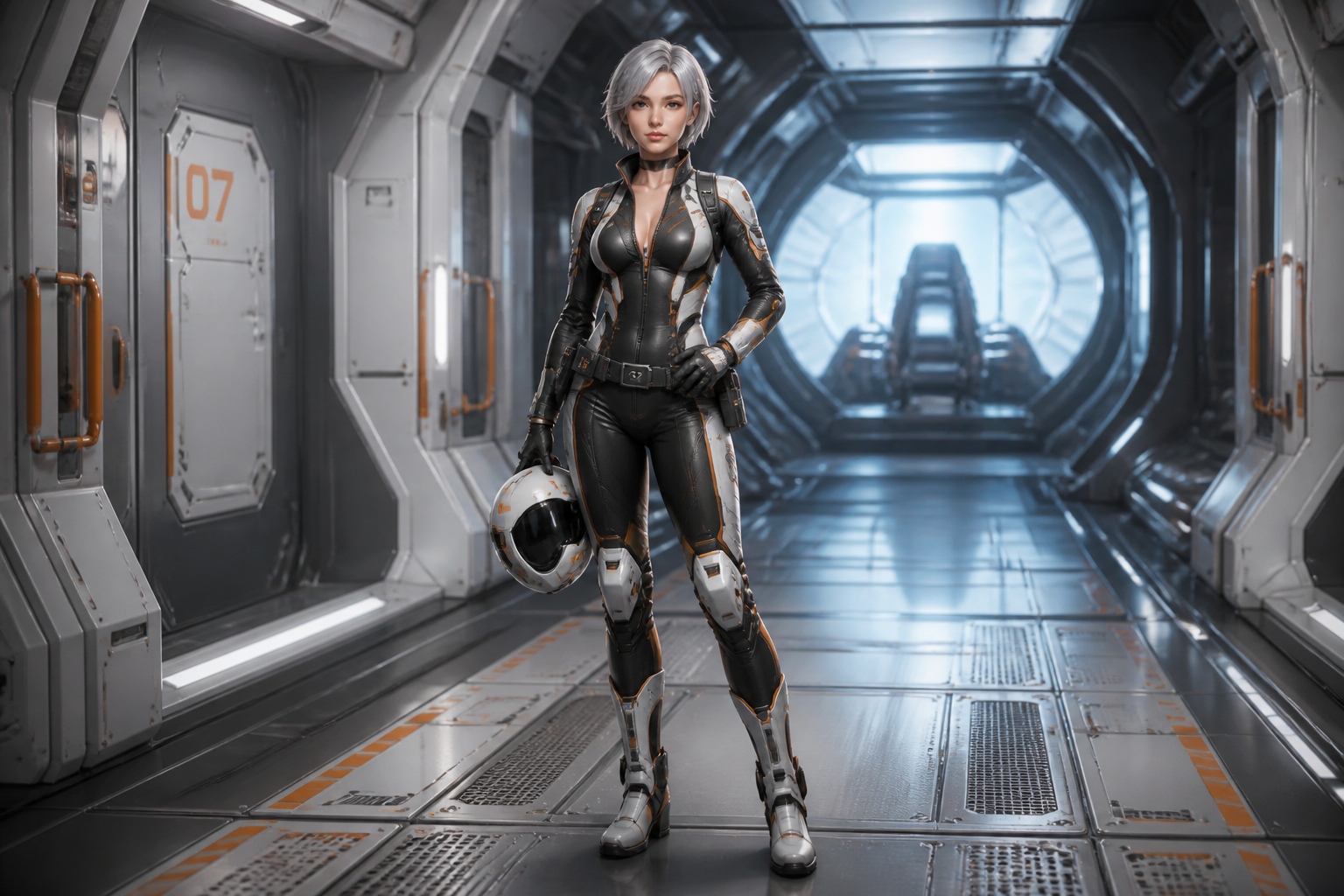 BEFORE
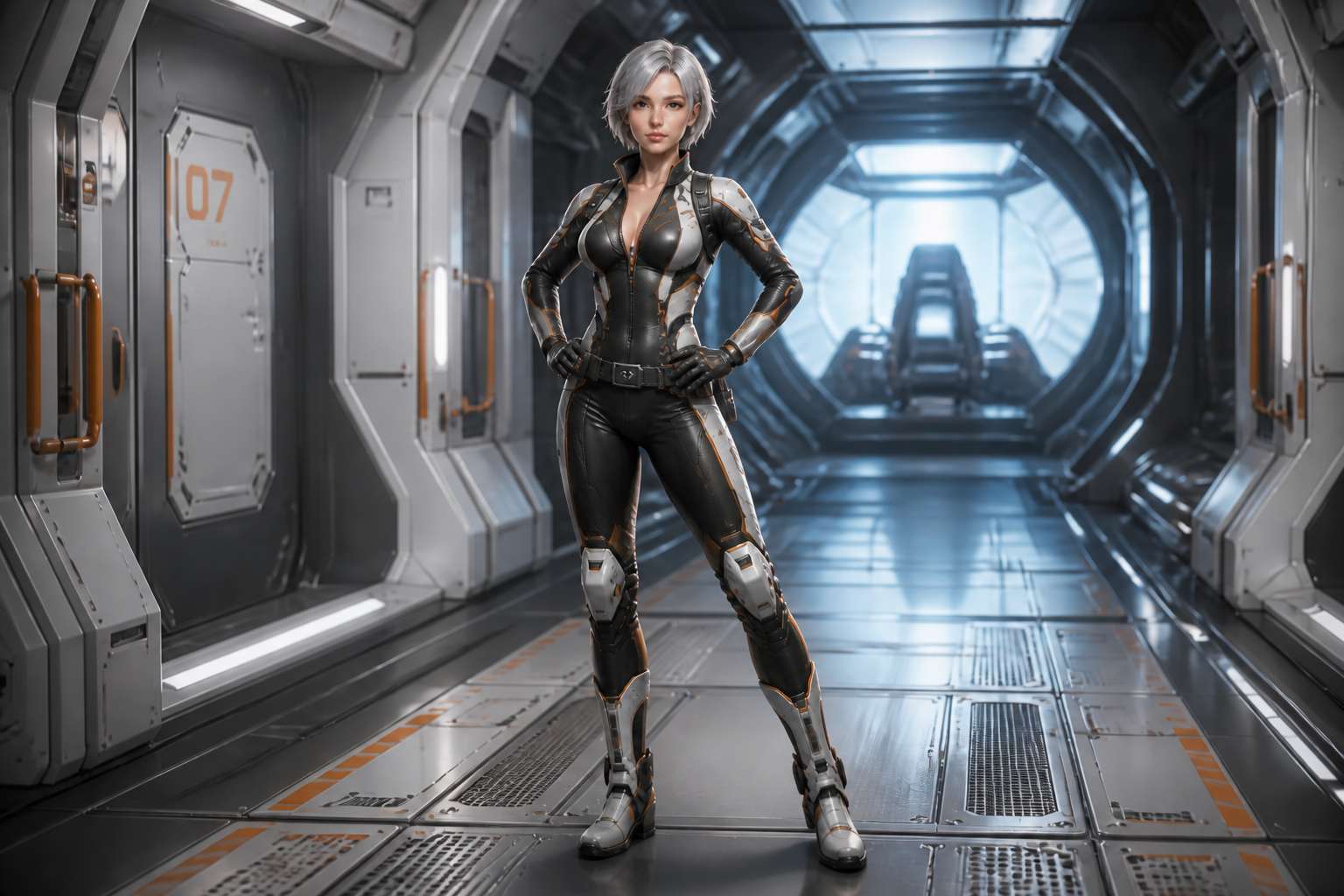 AFTER
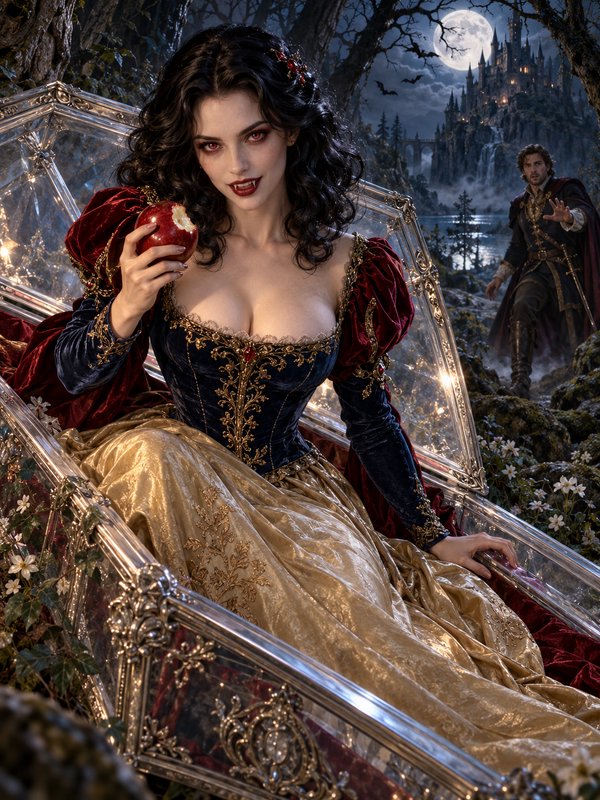
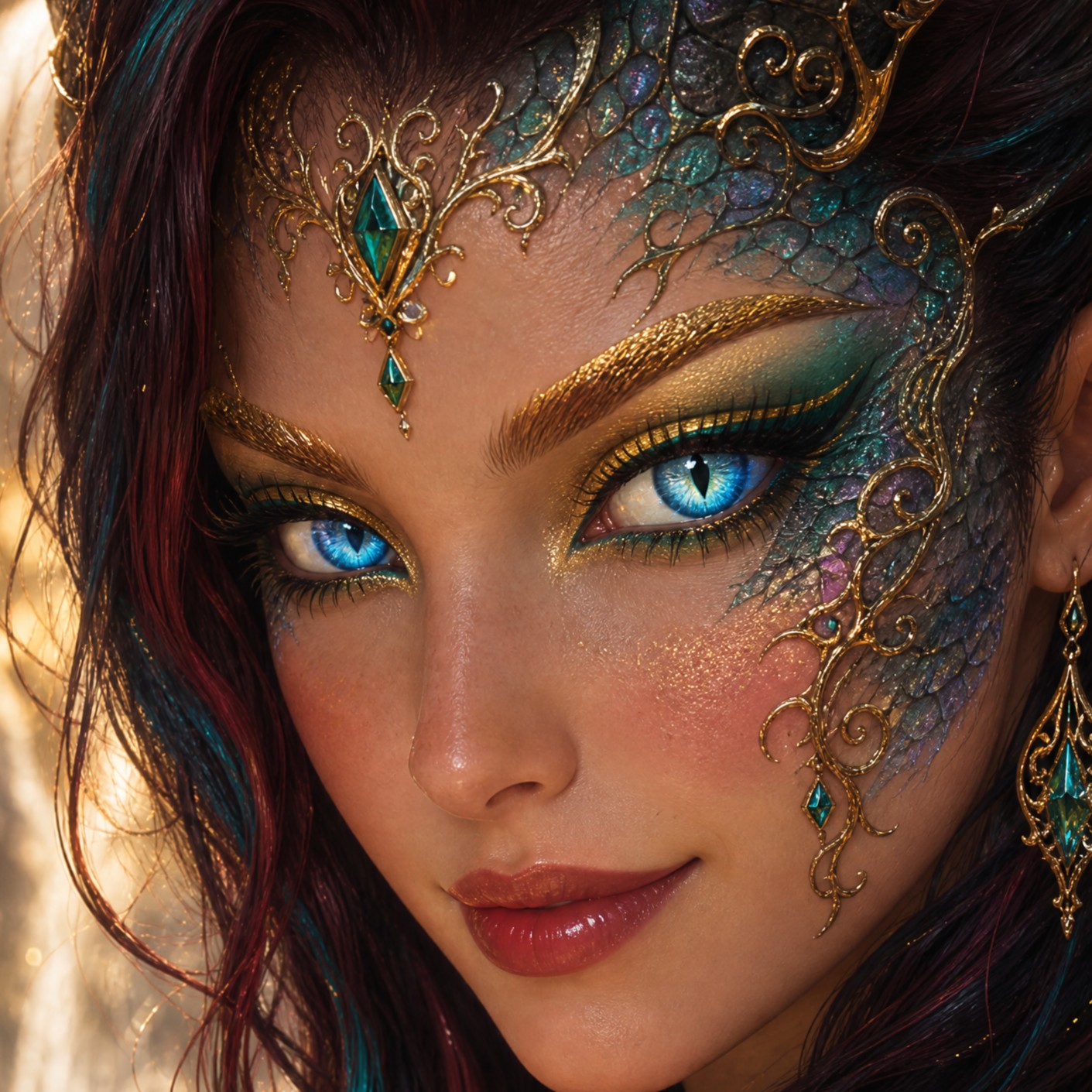
AFTER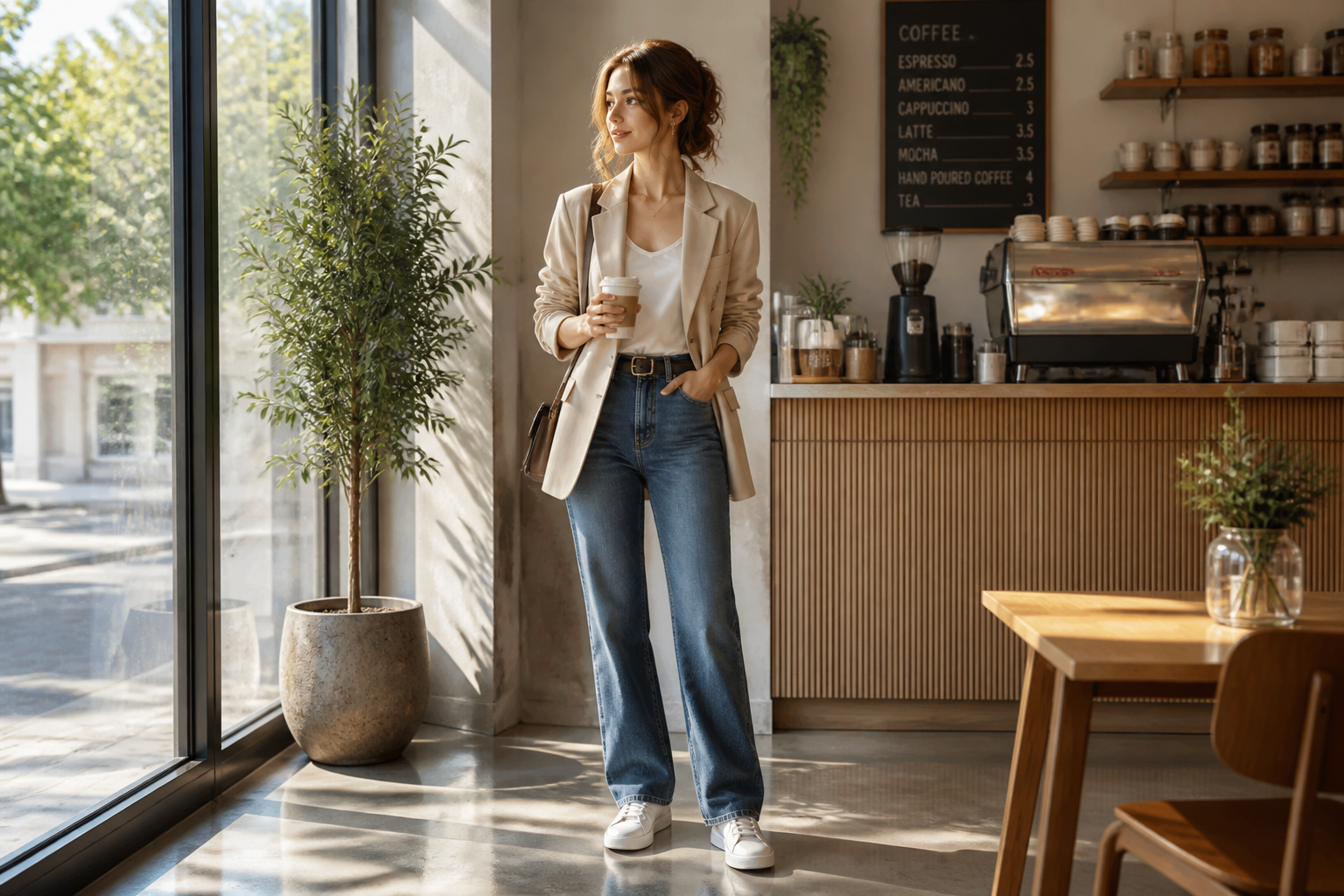 BEFORE
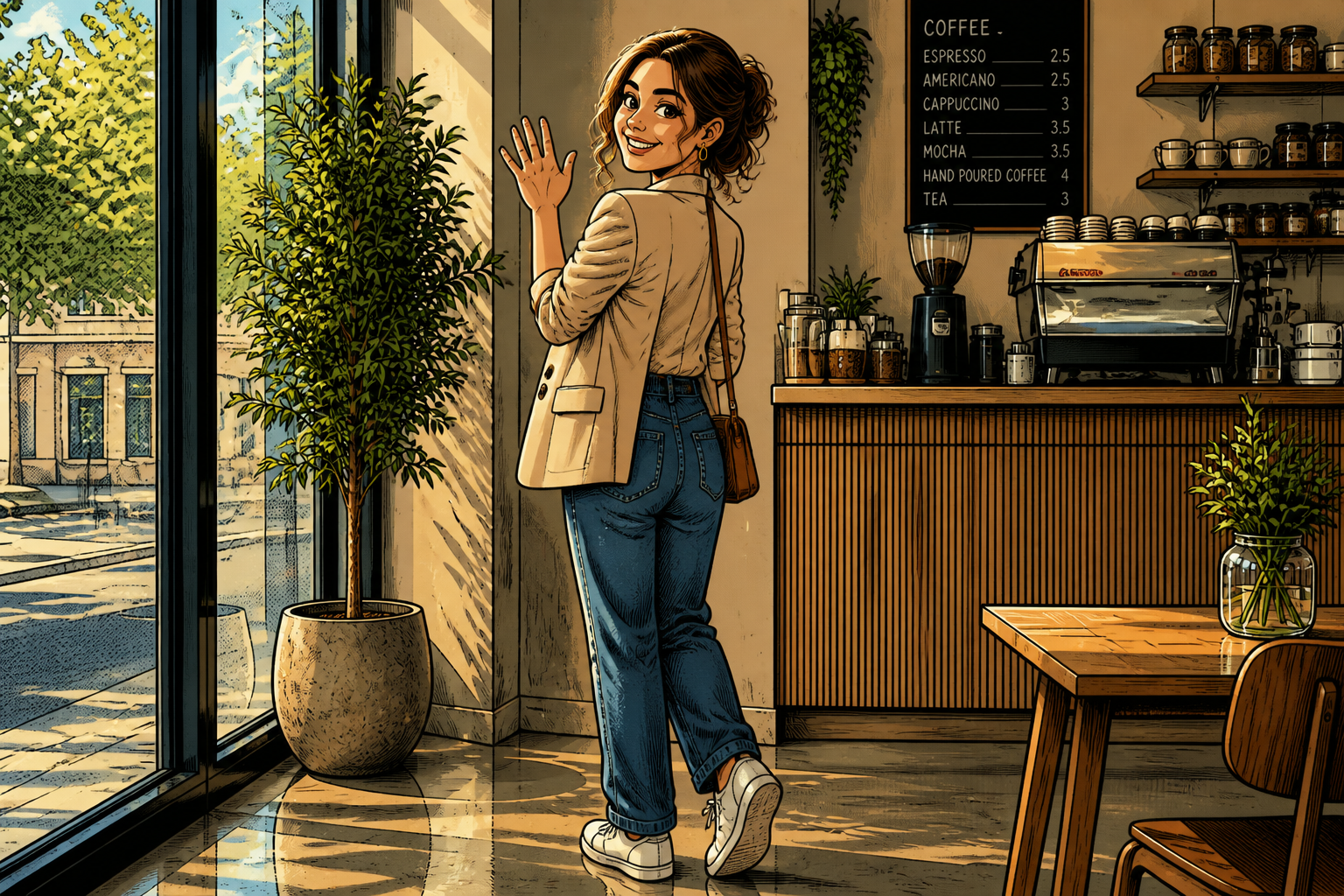 AFTER
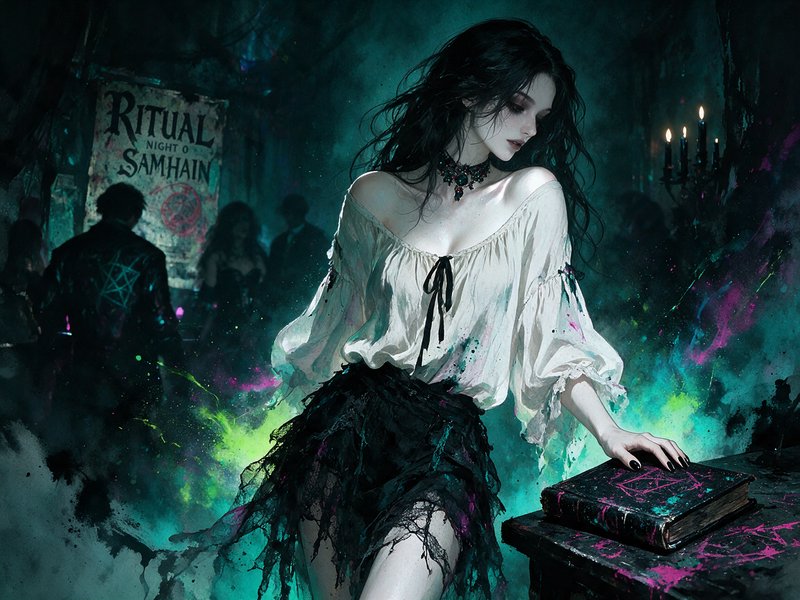
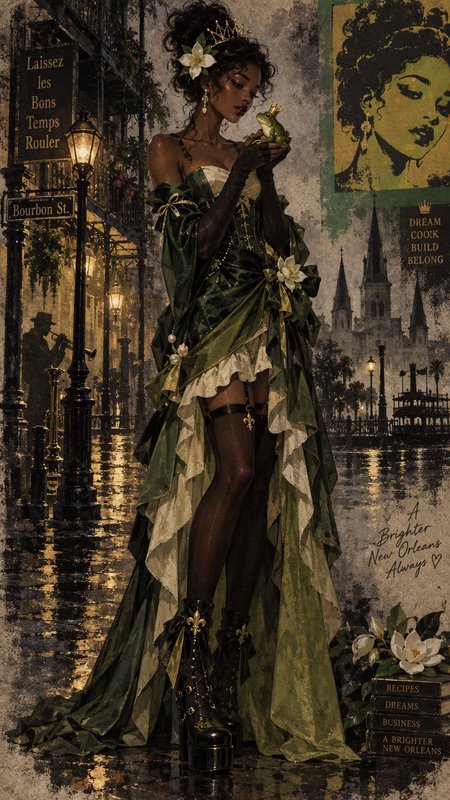
AFTER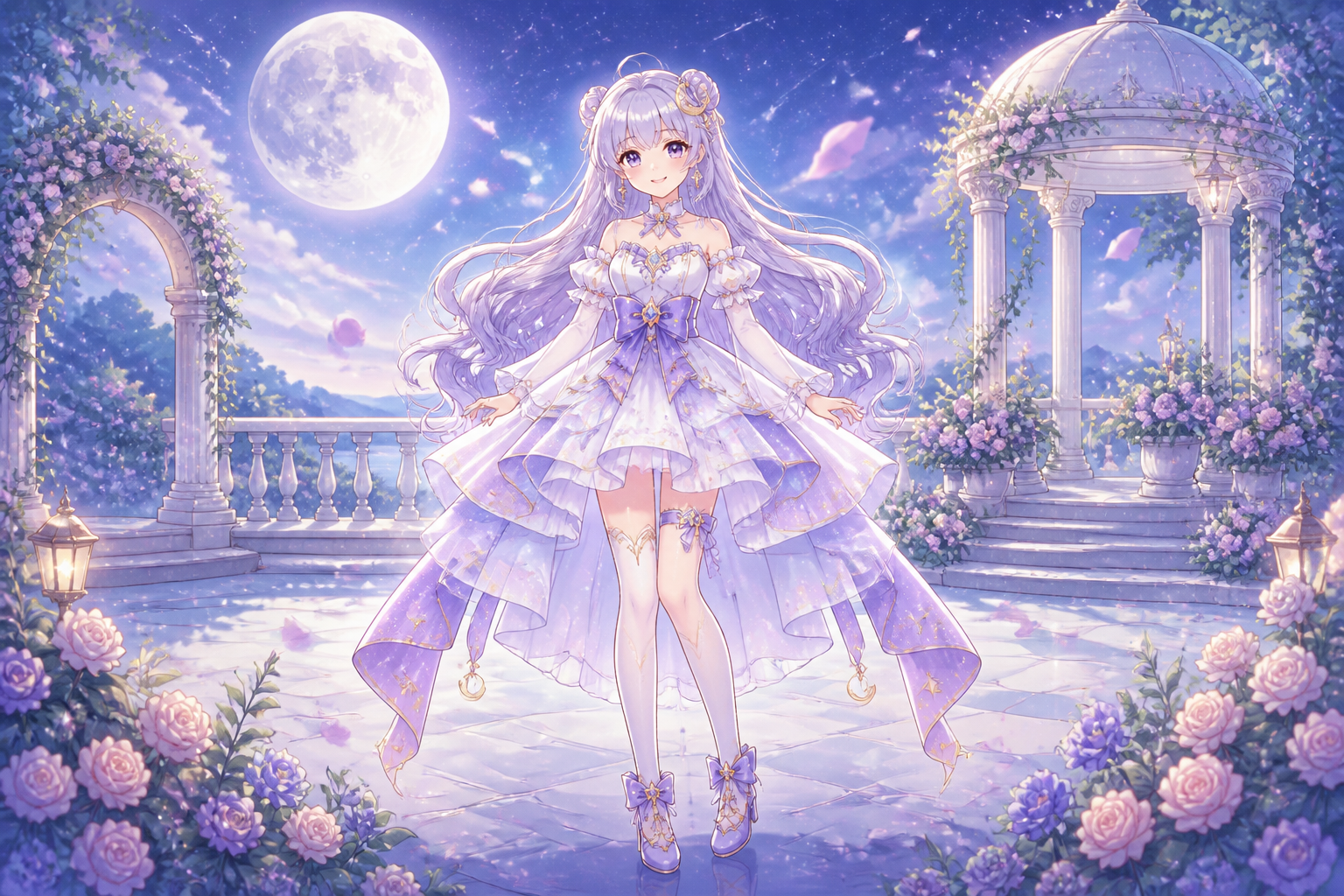 BEFORE
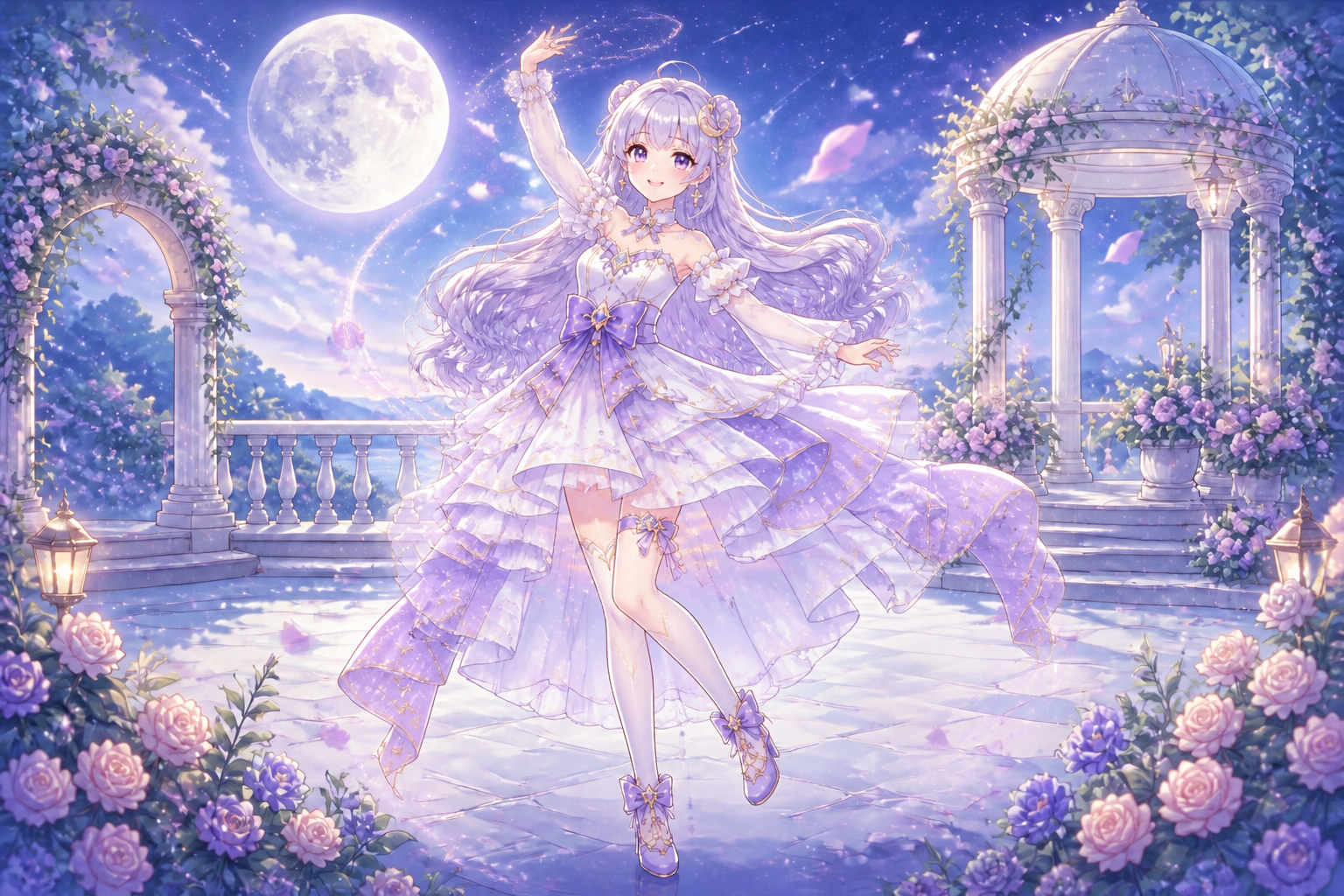 AFTER
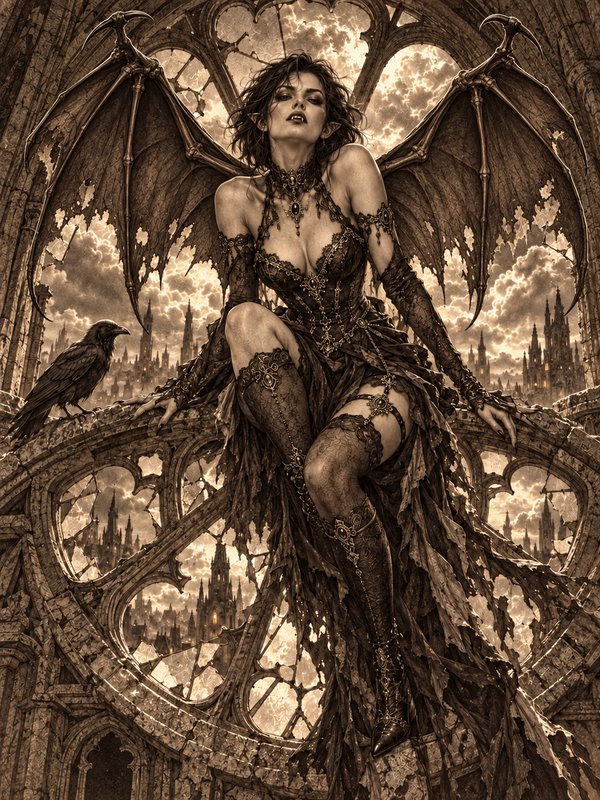
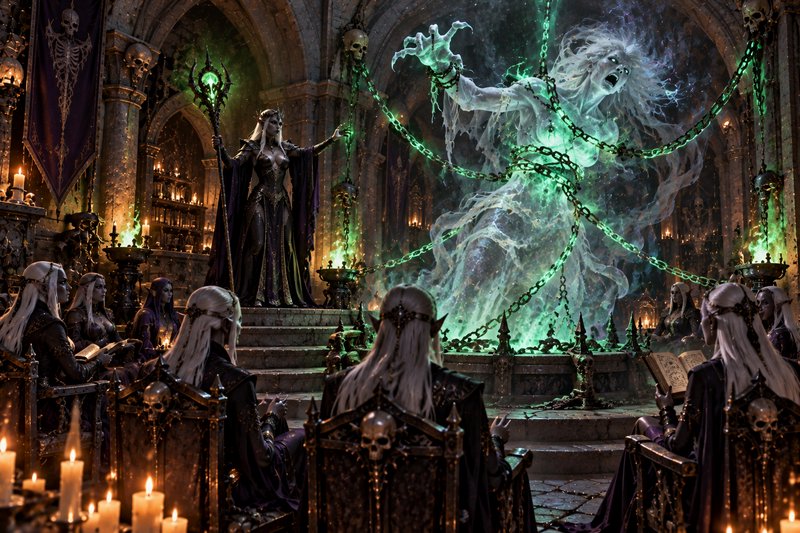
AFTER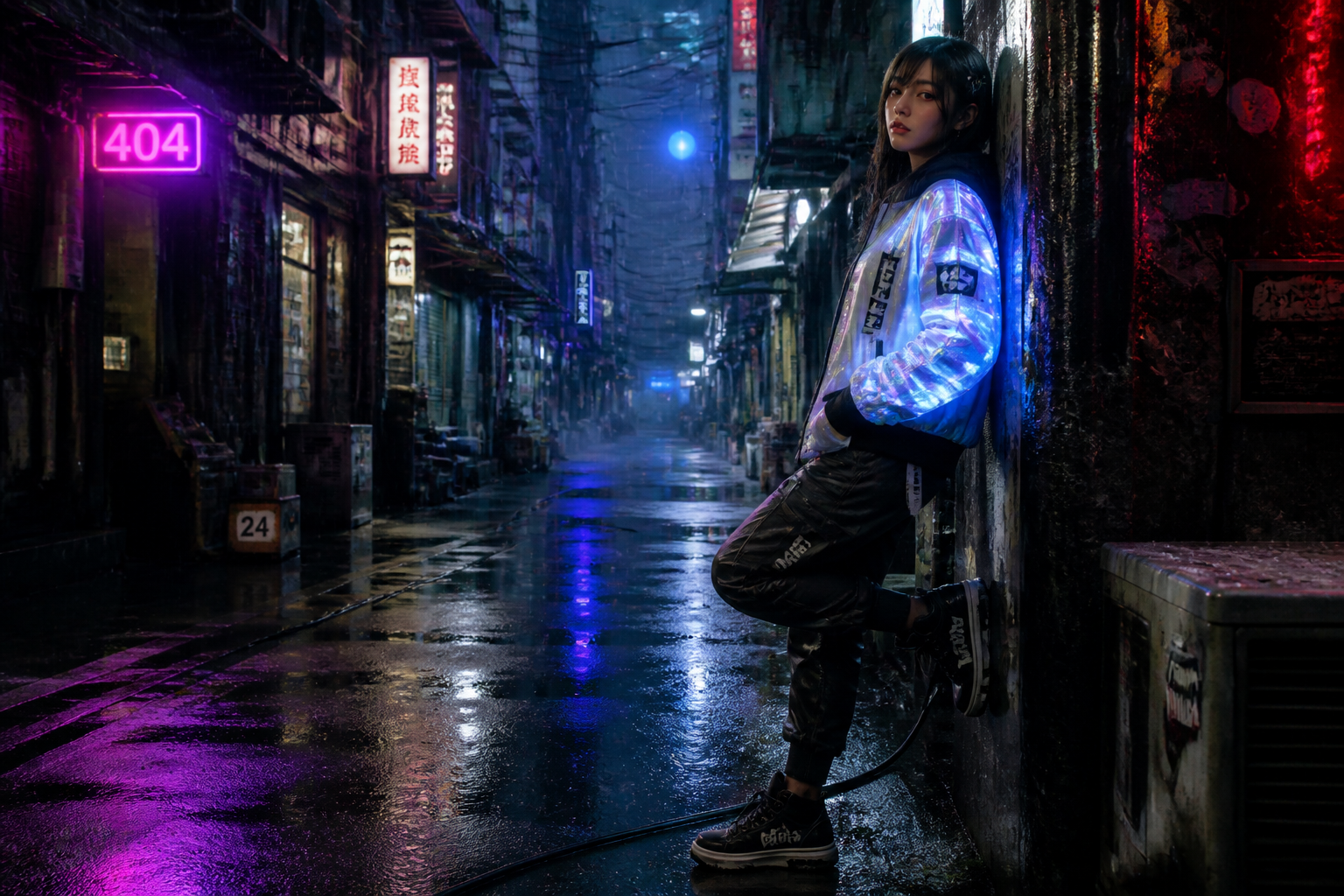 BEFORE
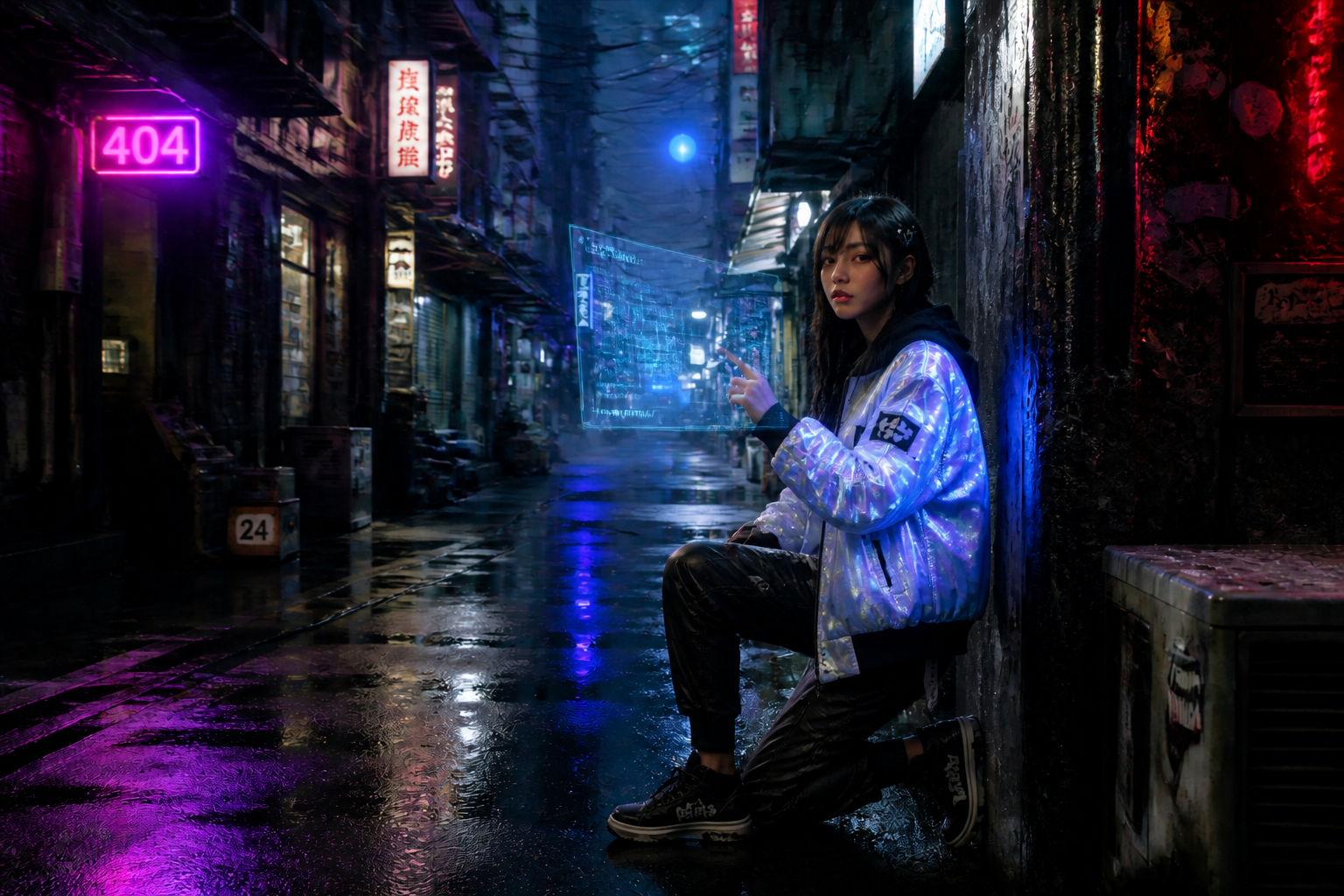 AFTERBEFOREAFTERBEFOREAFTERBEFOREAFTERBEFOREAFTERBEFOREAFTER
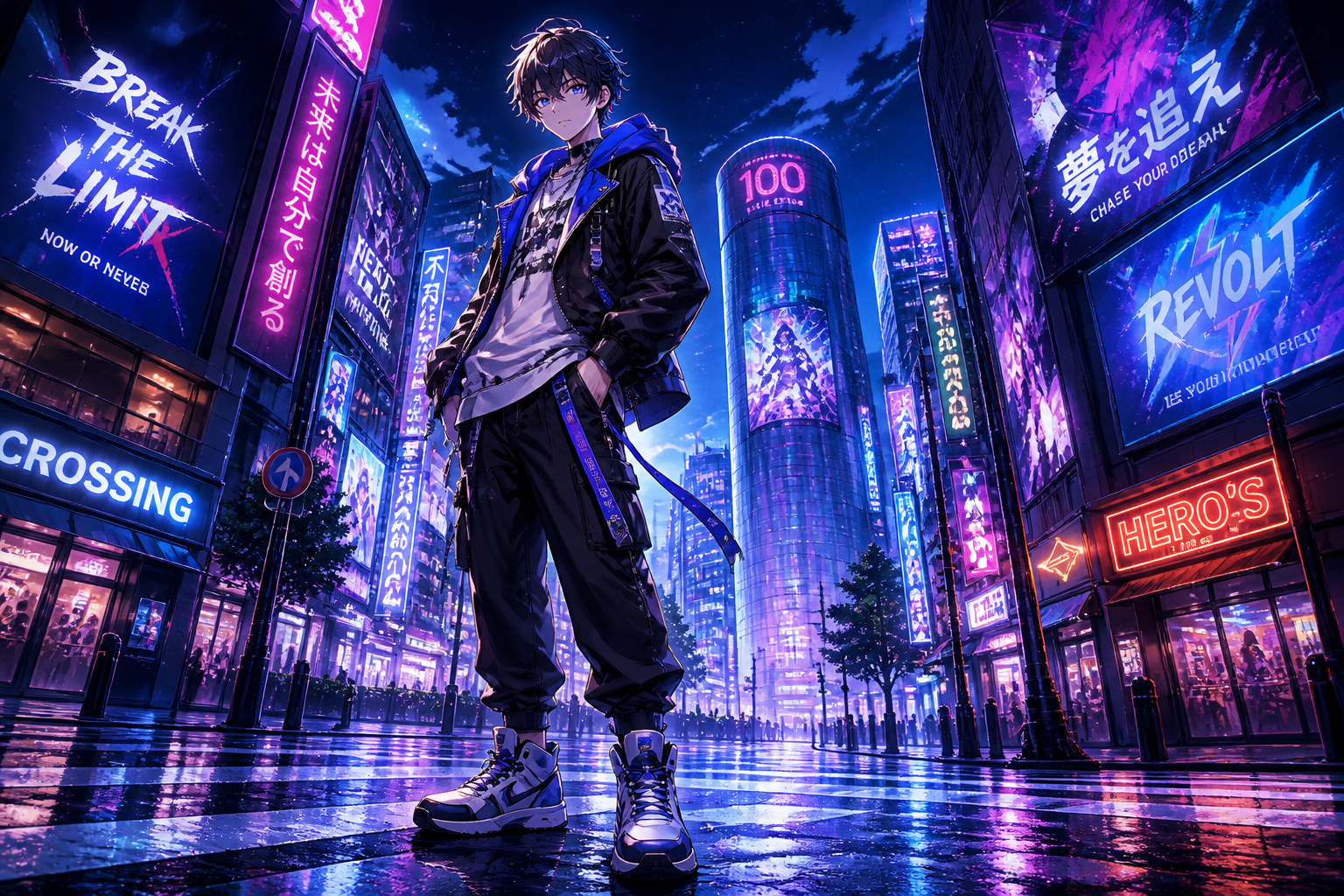 BEFORE
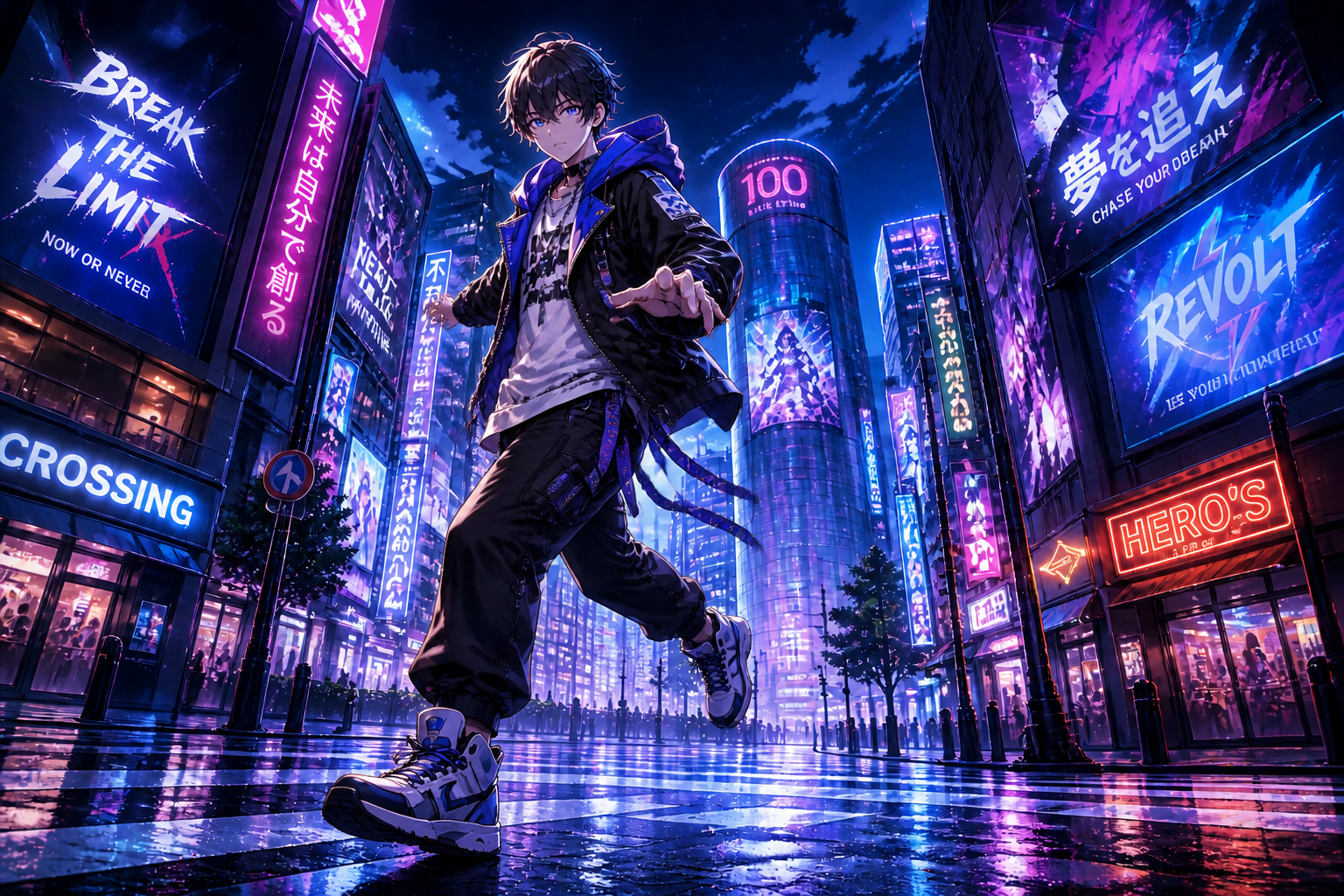 AFTER
AFTER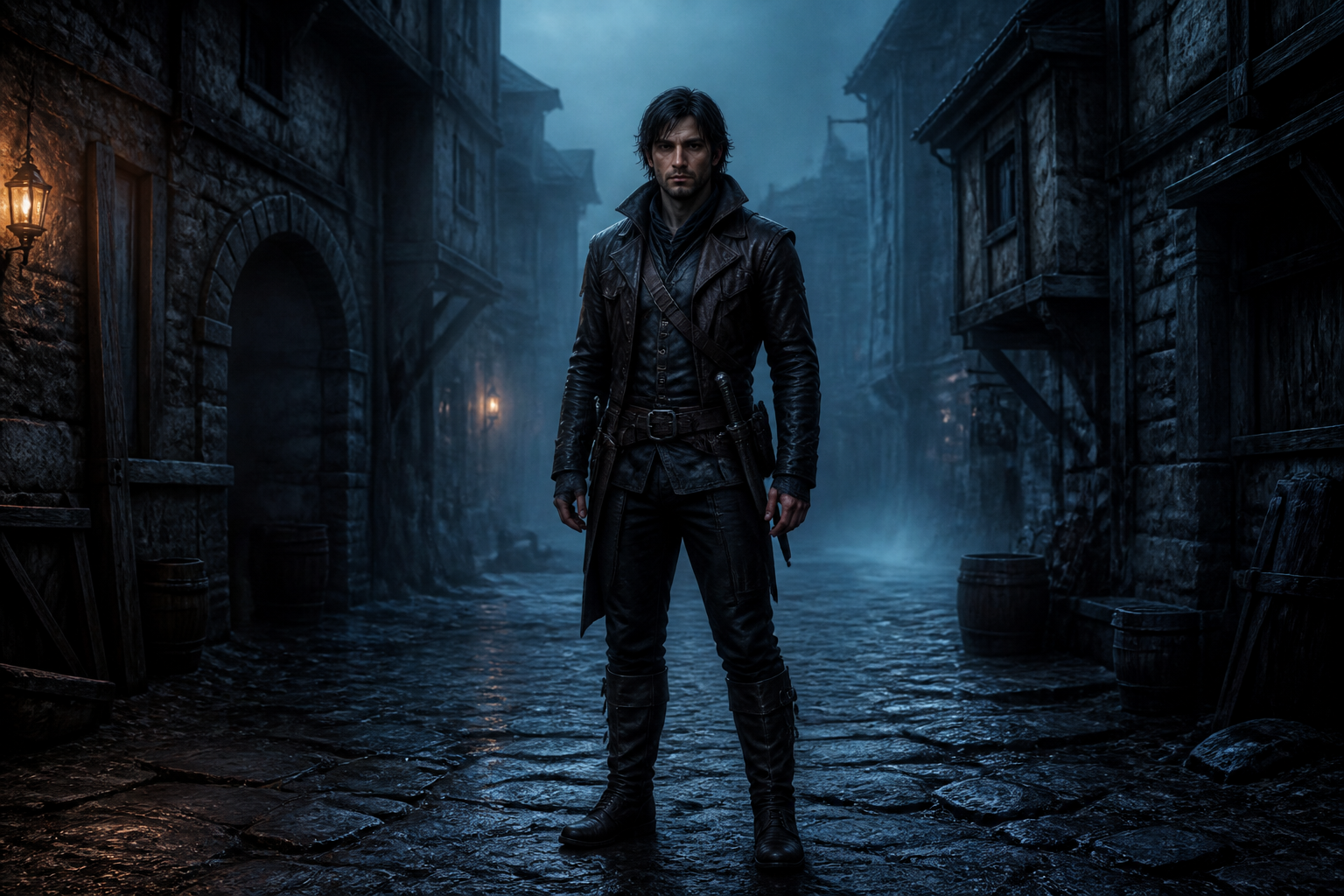 BEFORE
 AFTER
AFTER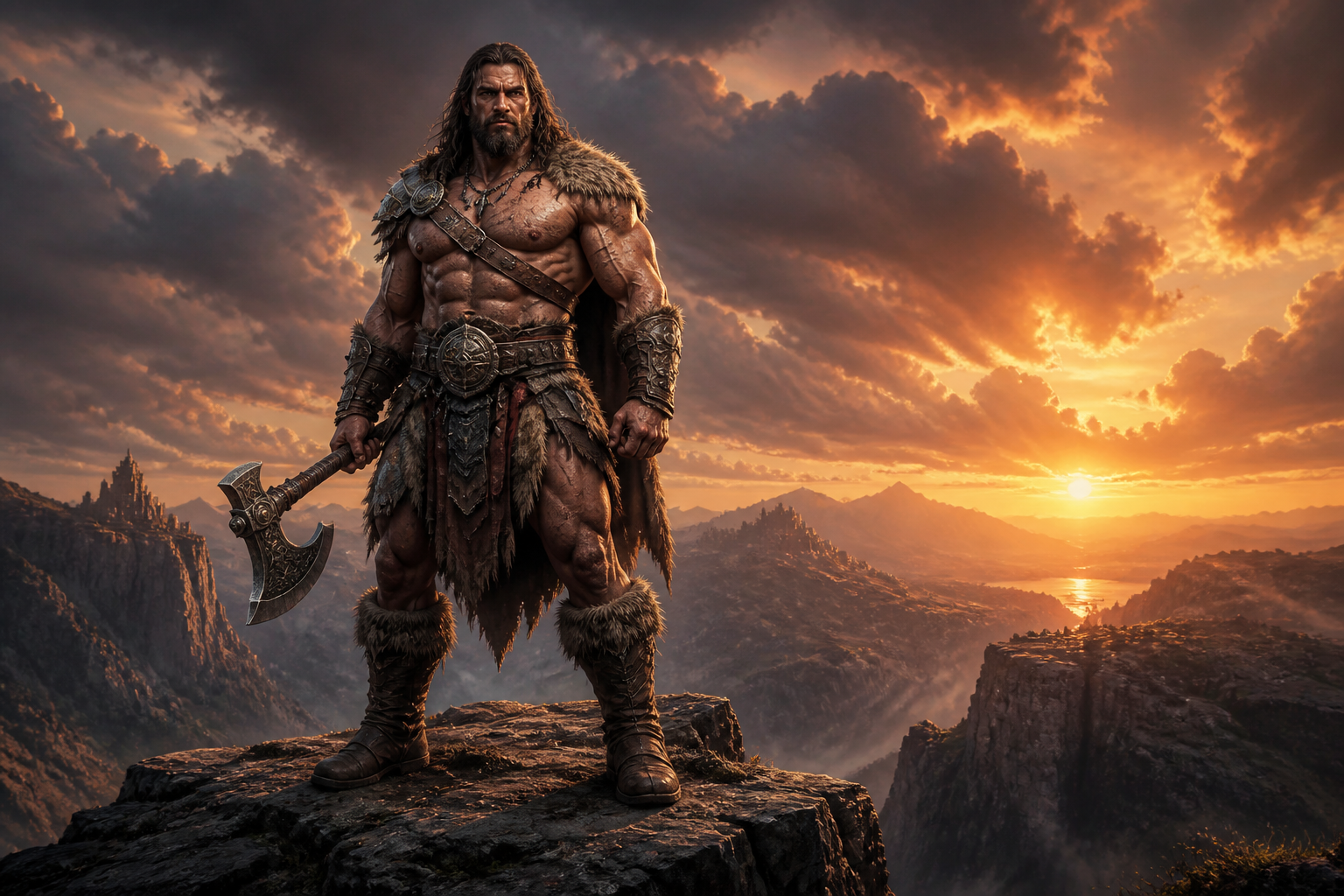 BEFORE
 AFTER
AFTER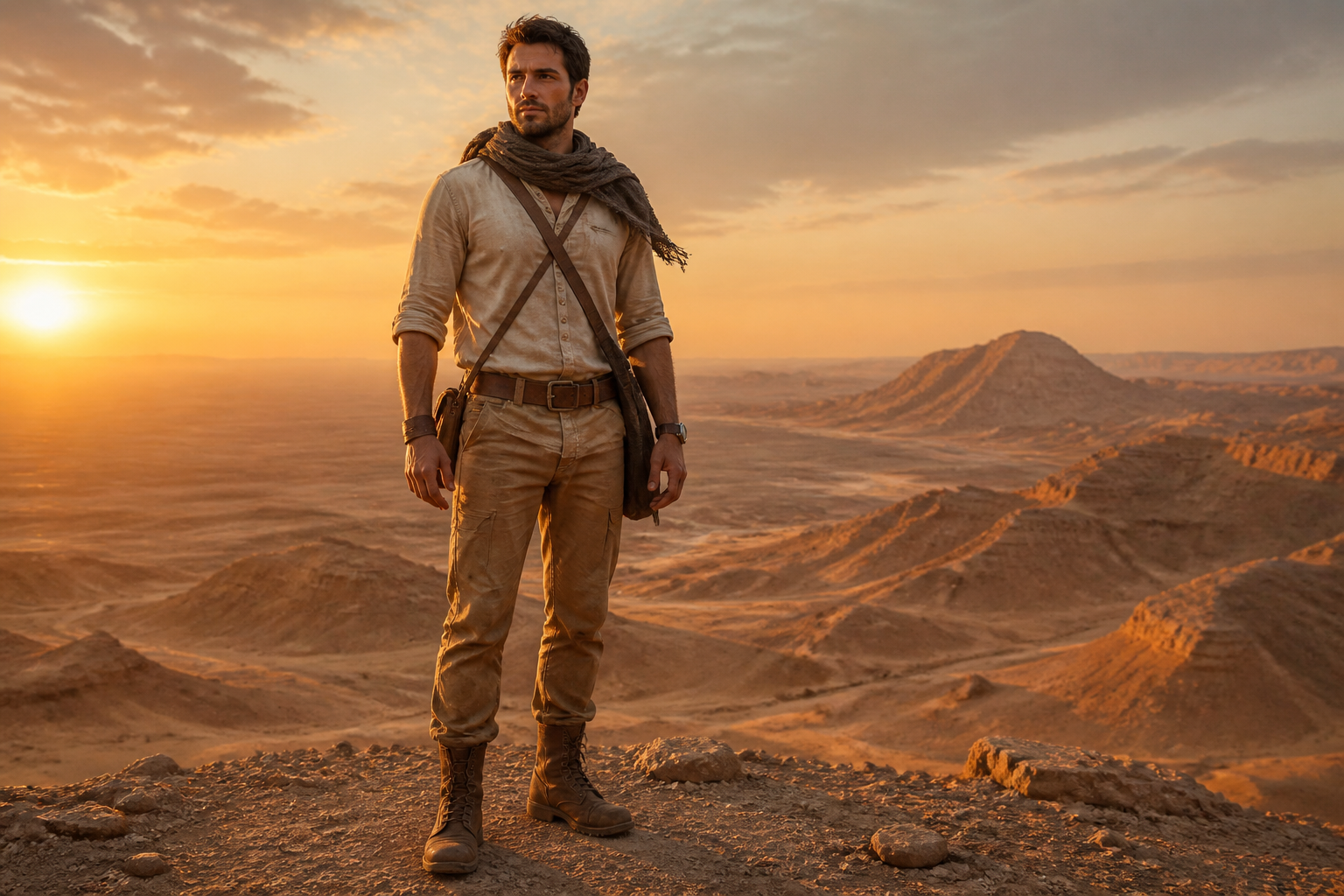 BEFORE
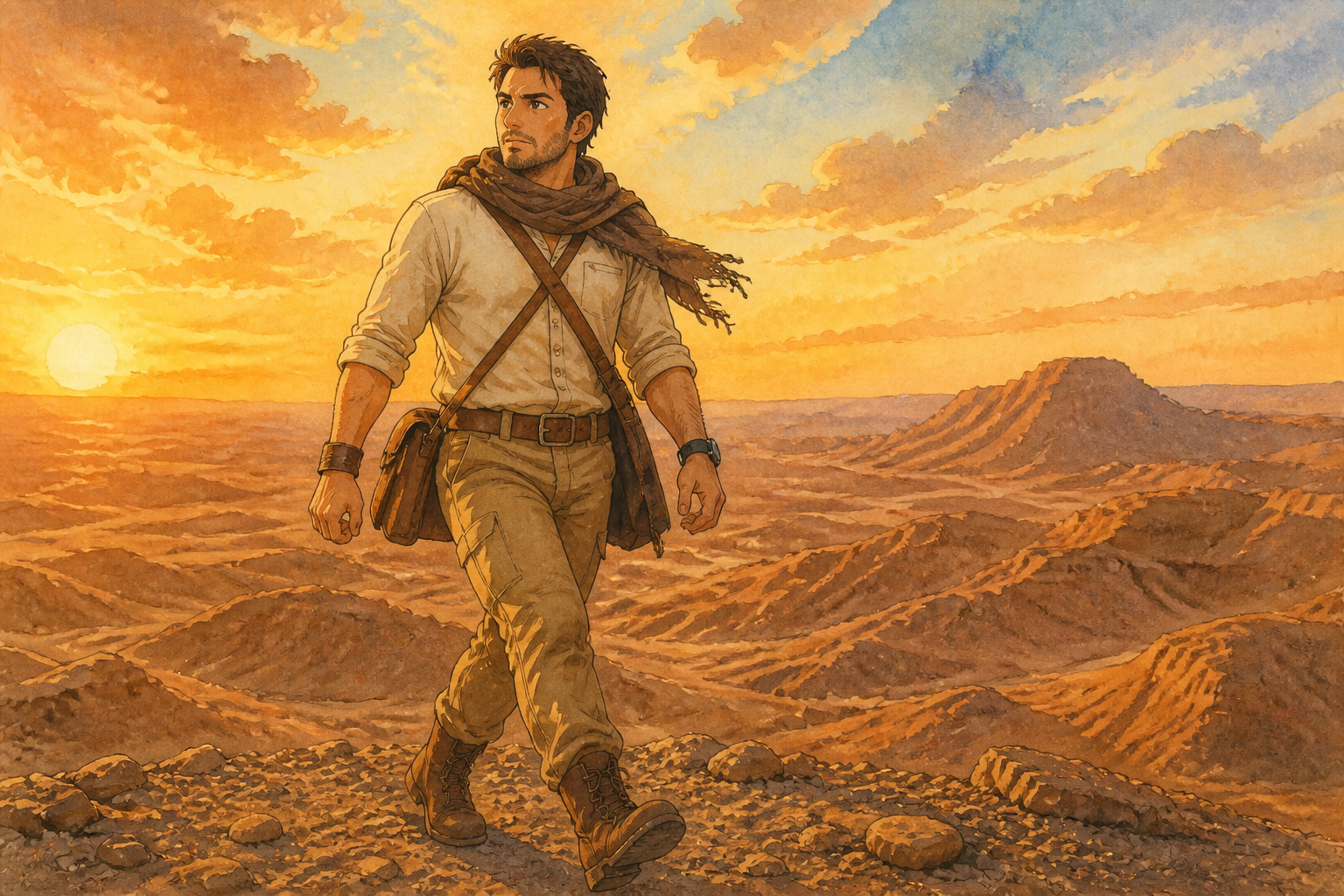 AFTER
AFTER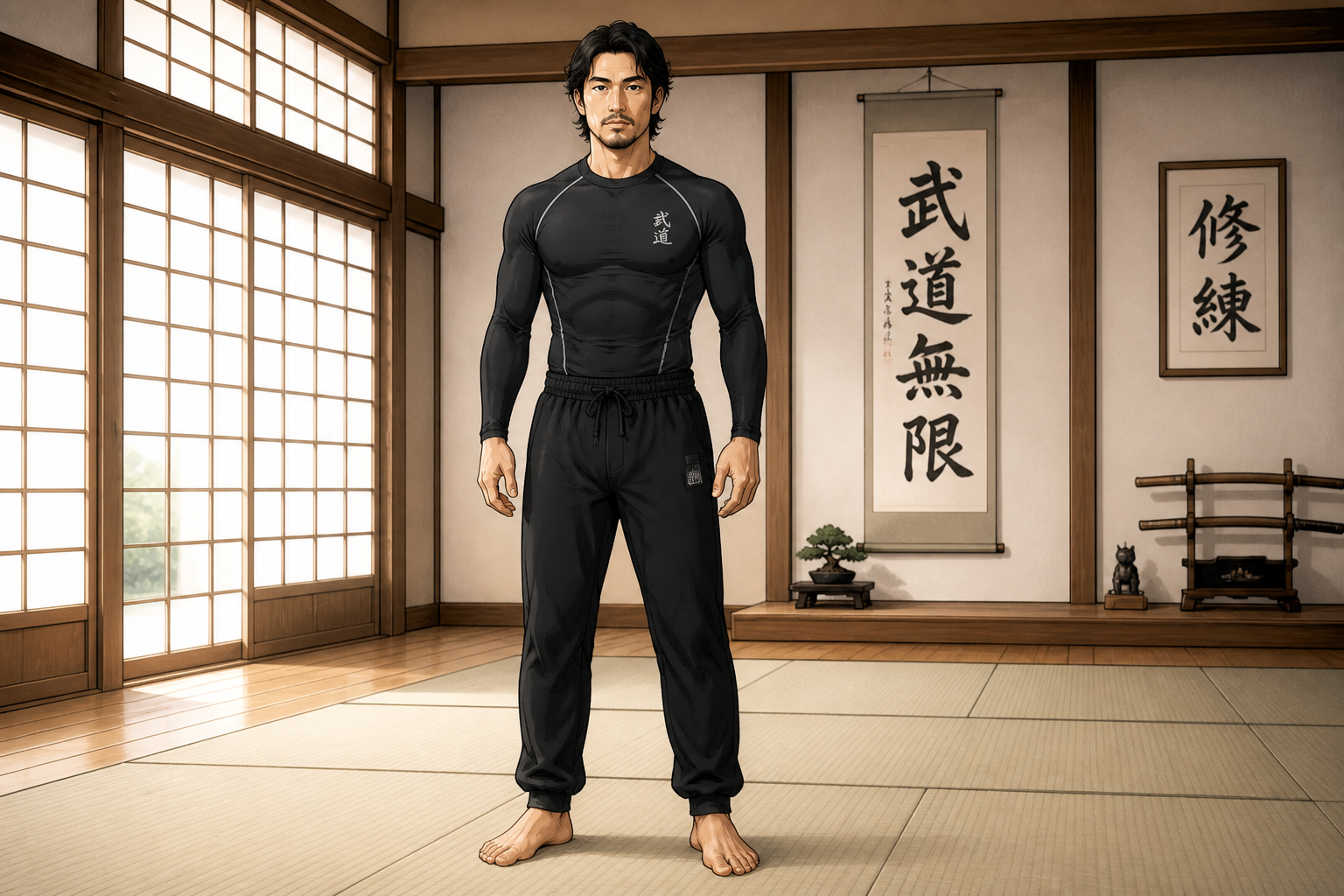 BEFORE
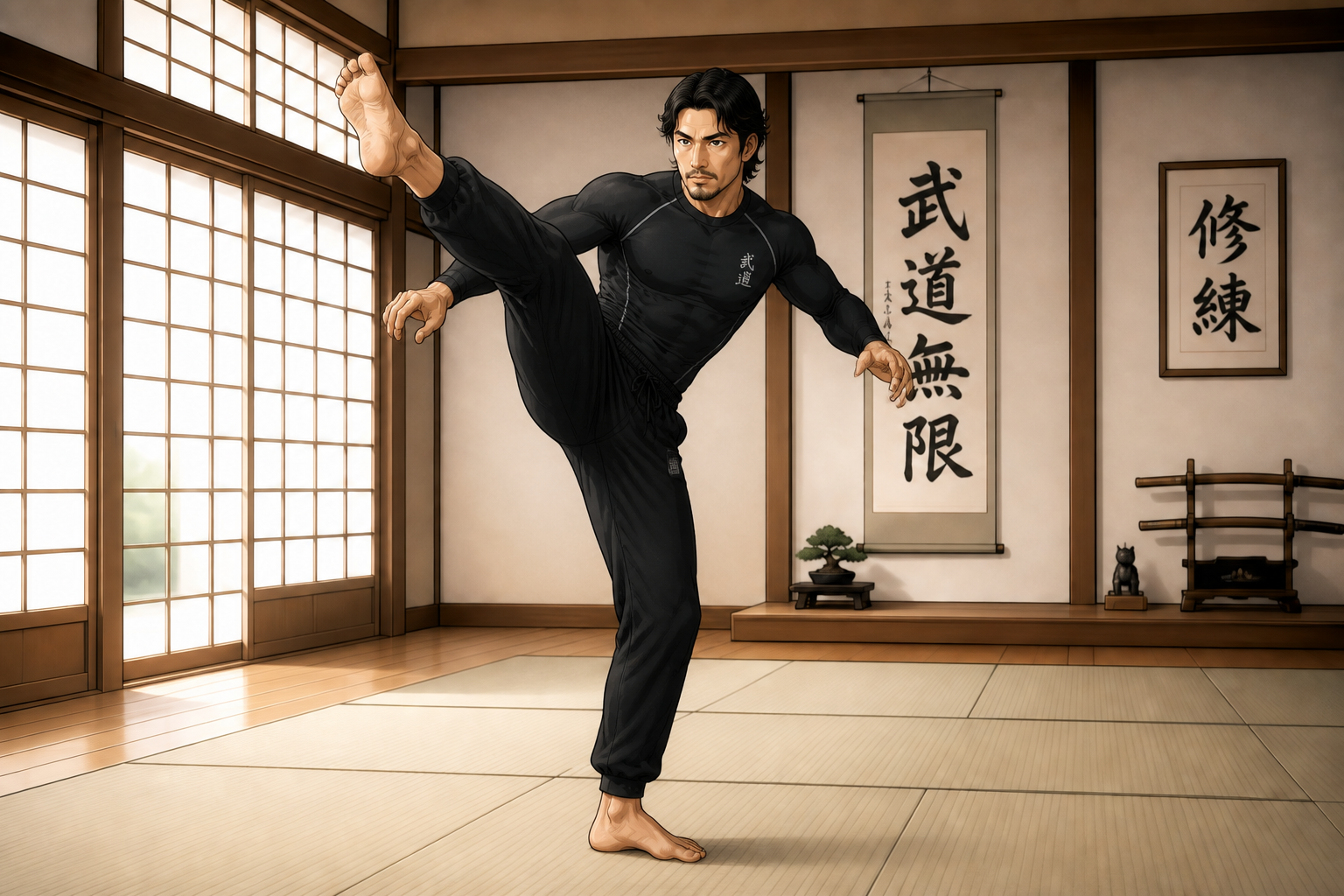 AFTERBEFOREAFTERBEFOREAFTERBEFOREAFTERBEFOREAFTERBEFOREAFTER
Key Features
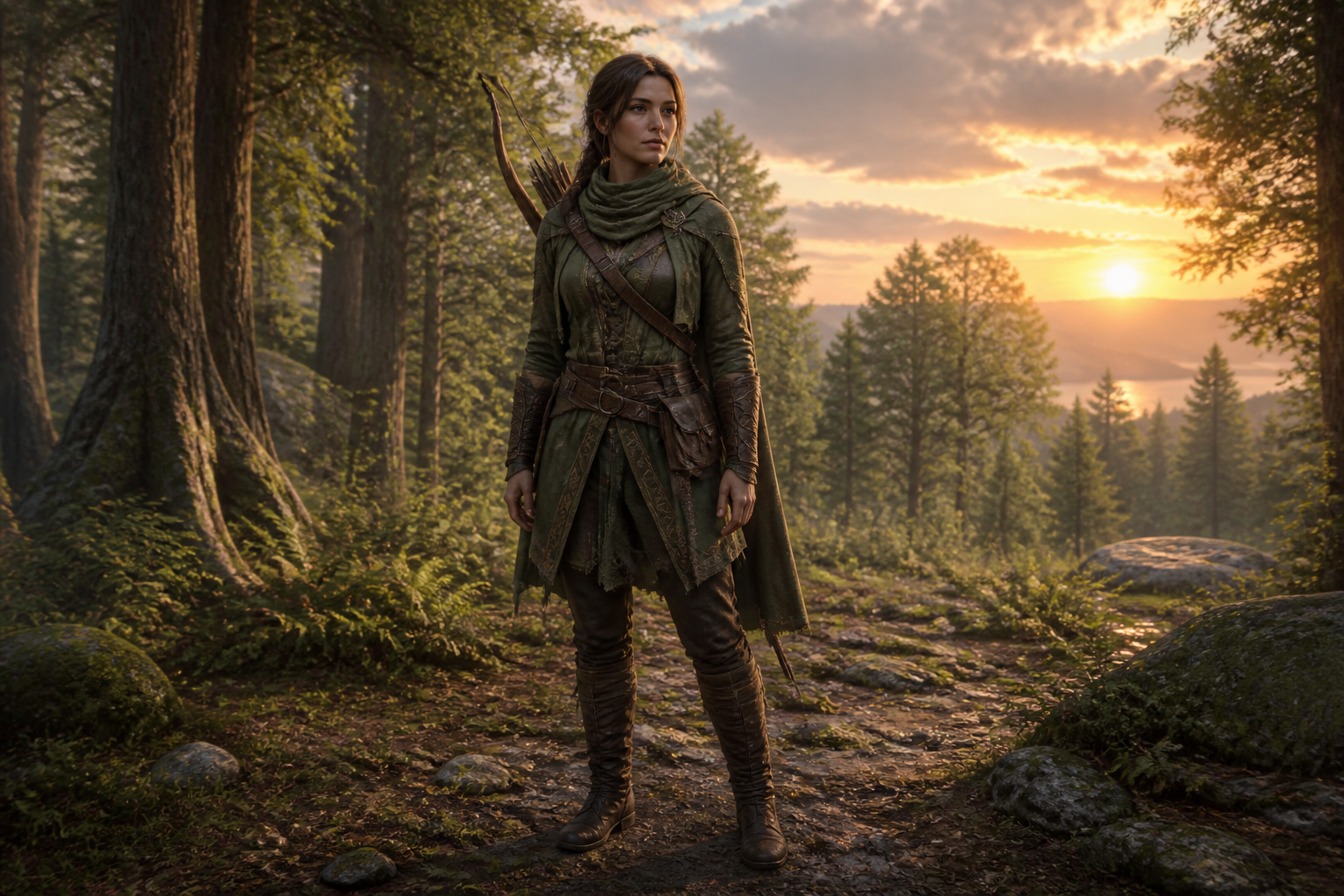
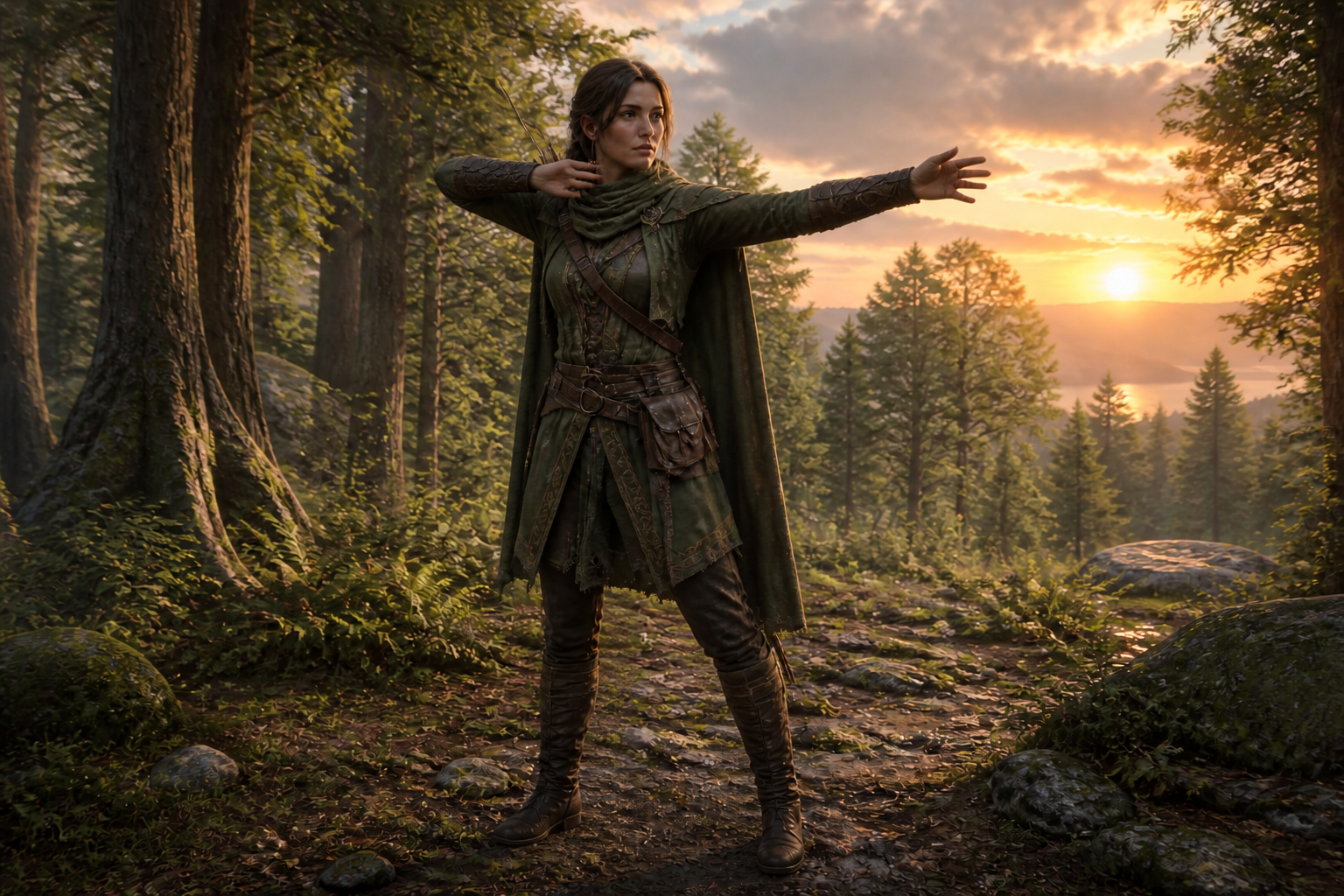
Change poses, keep design
You can move a character into a new stance without rebuilding the whole image. The tool is made to preserve core visual details like clothing, hairstyle, face shape, and color palette. That matters when you already like the character and only want a stronger pose. It saves time compared with redrawing anatomy, folds, and accessories by hand.
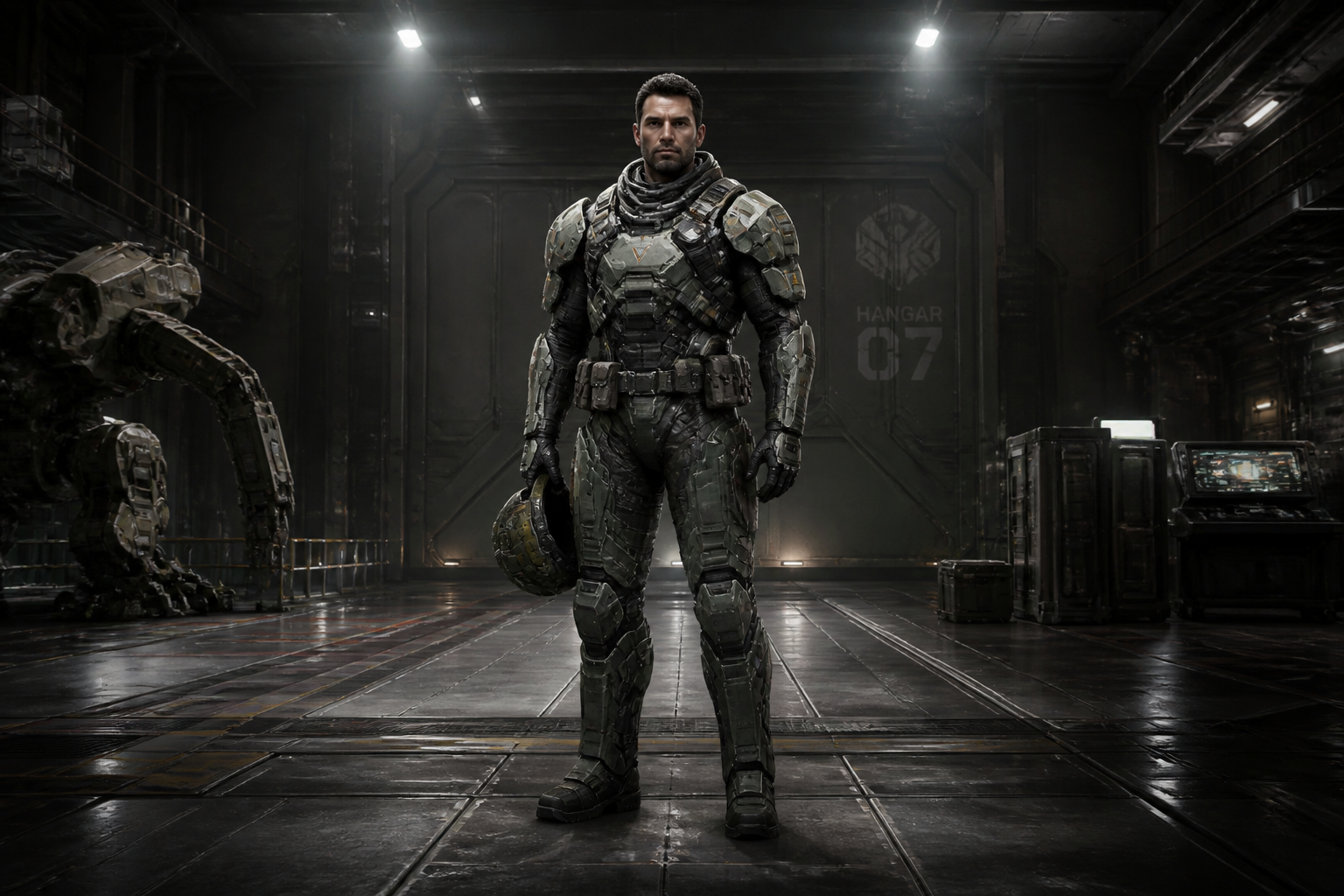
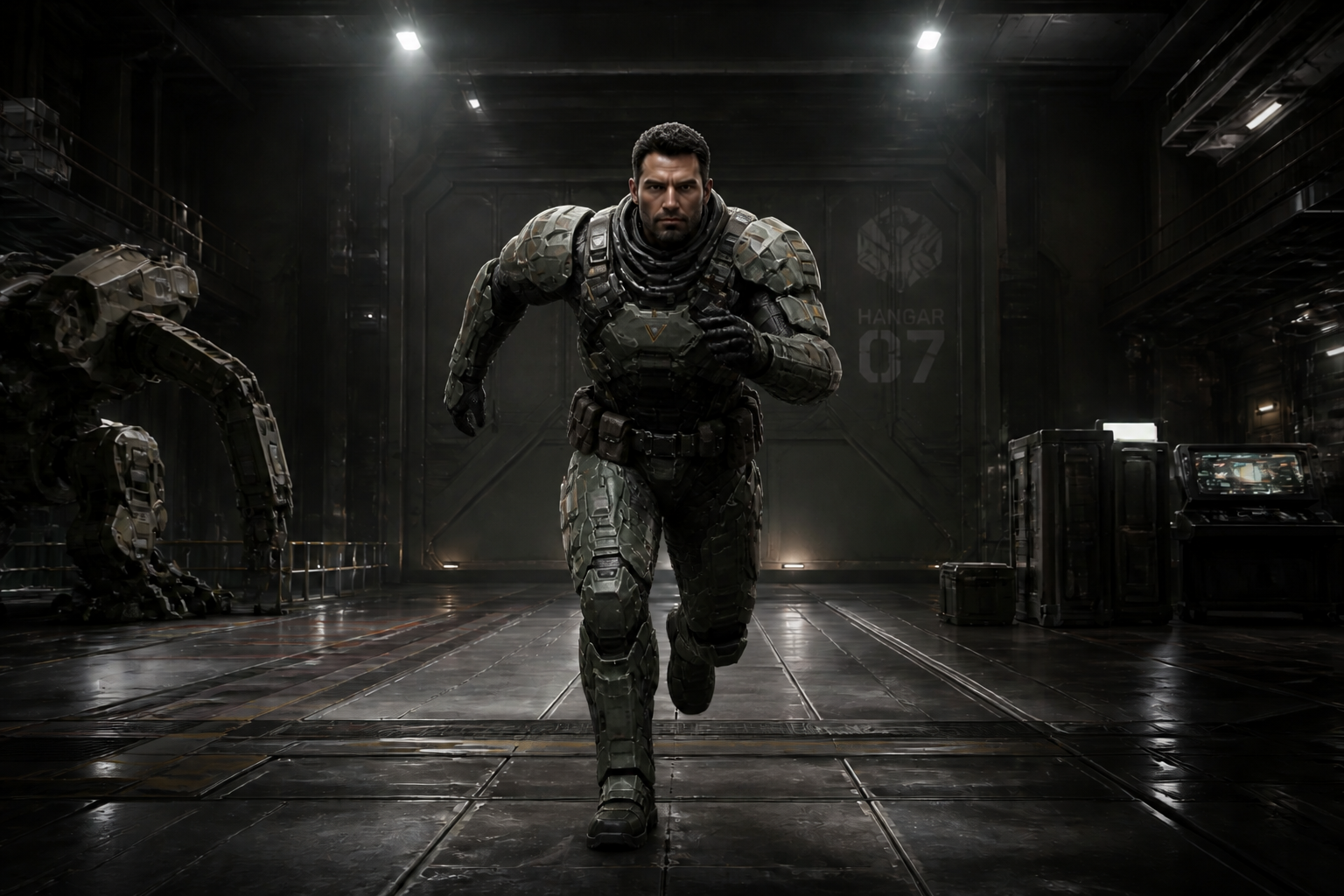
Works for action shots
Static character art often feels flat when you need motion or tension. This tool can turn a calm standing figure into a readable action pose that works for thumbnails, social posts, and concept boards. The result stays legible at a glance, which is important for character showcases. Doing this manually usually means sketching several pose options before one feels right.
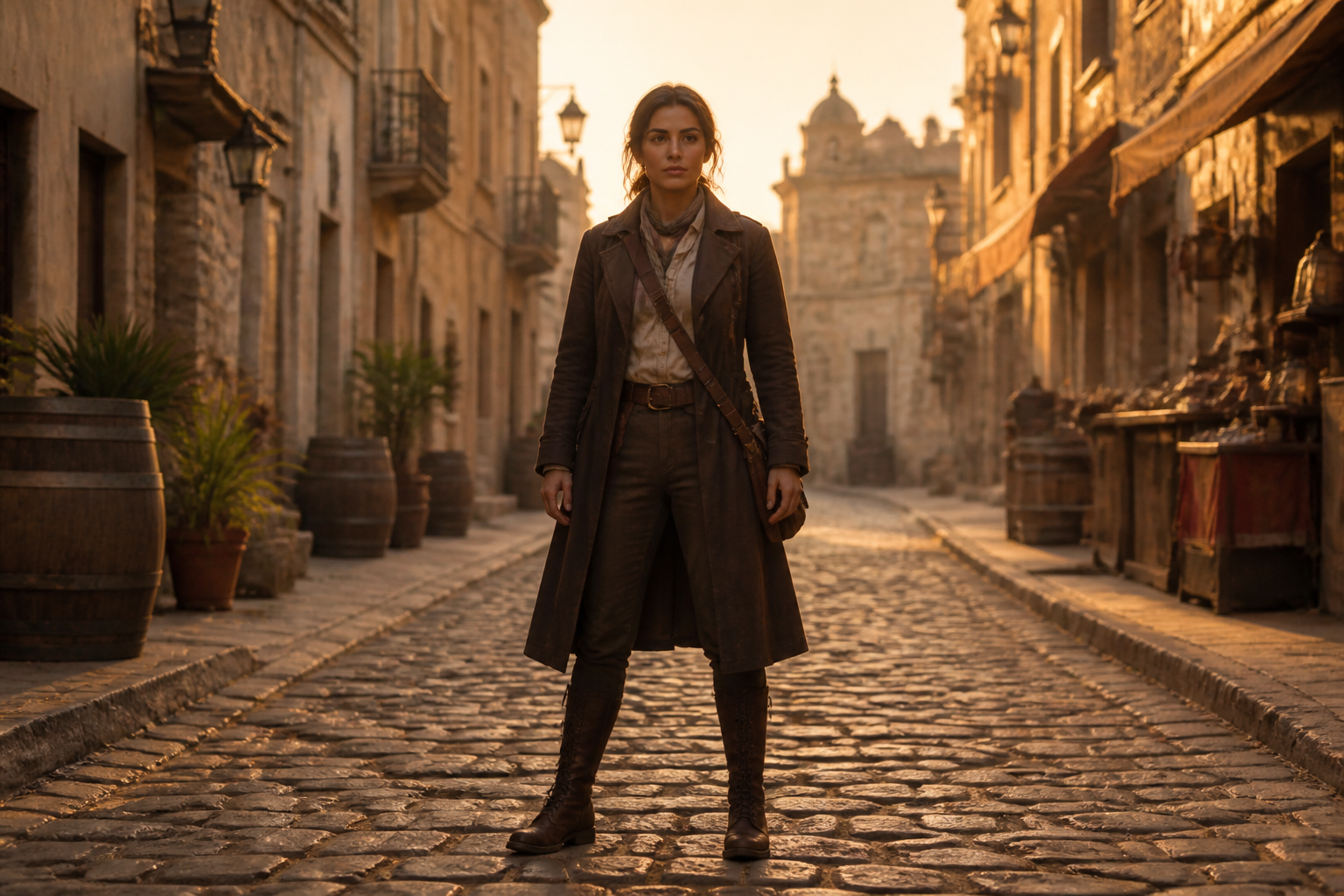
Supports many art styles
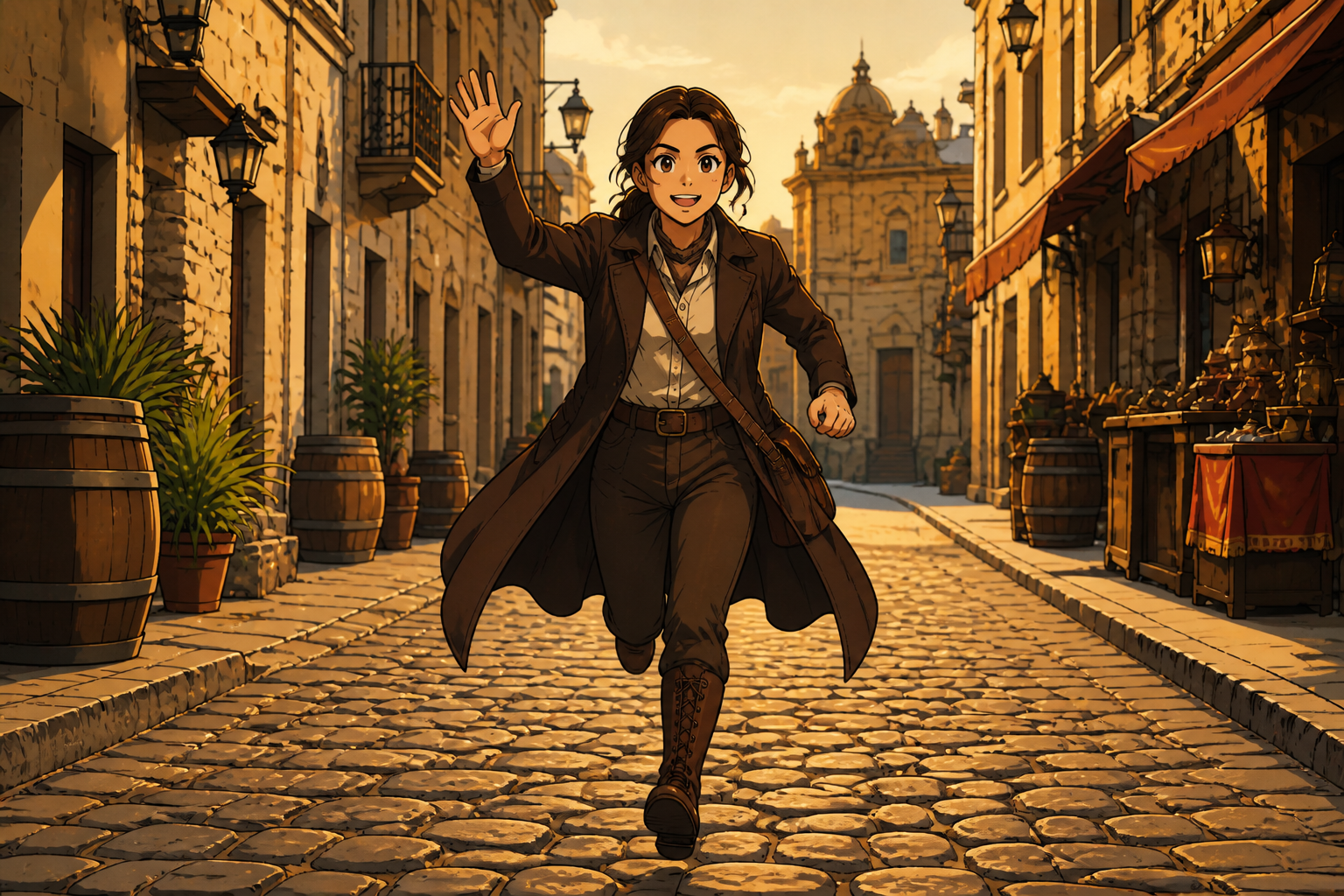
Pose changes are useful across more than one visual style. You can reposition illustrated, anime, painted, or rendered characters while keeping the overall look coherent. That makes it easier to test the same composition idea in different directions. It is much faster than reposing separate versions manually for every style.
Better thumbnails and turnarounds
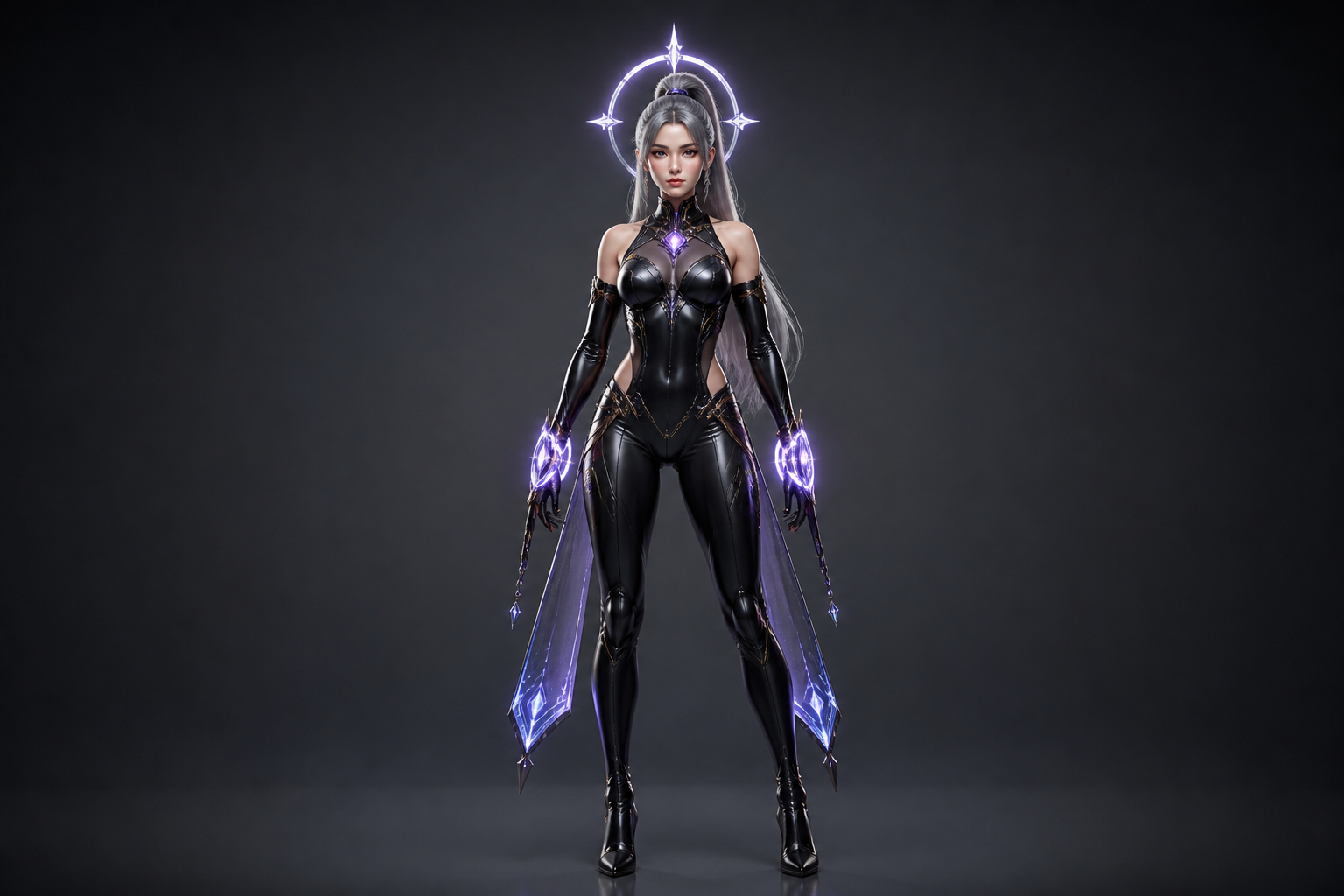
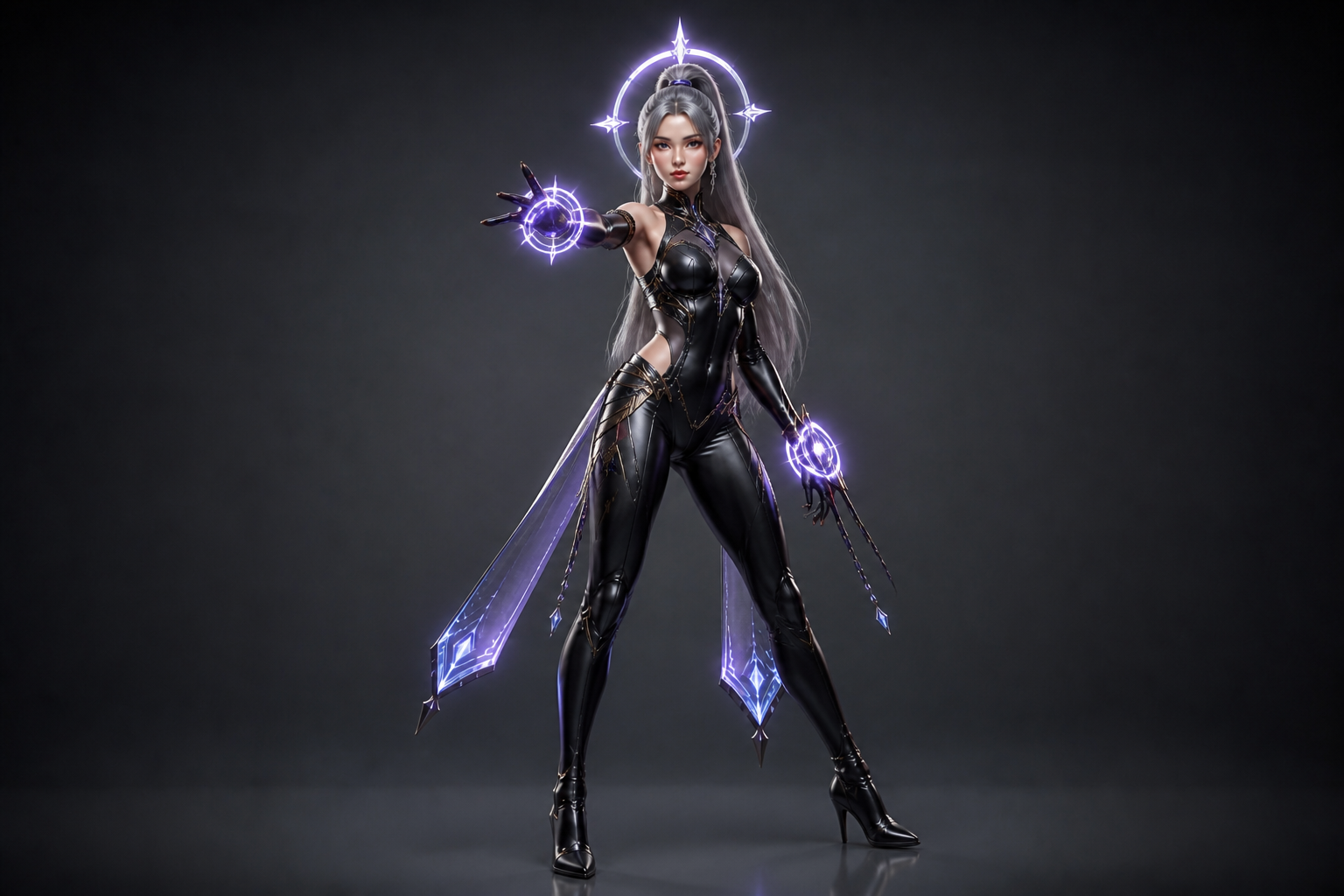
A stronger pose can make a character sheet, portfolio tile, or store listing much easier to notice. Instead of settling for a neutral stance, you can generate expressive variations for hero art, promo images, or pose lineup tests. The tool helps you explore readable silhouettes quickly. That is useful when small visual differences affect clicks and presentation quality.
How It Works
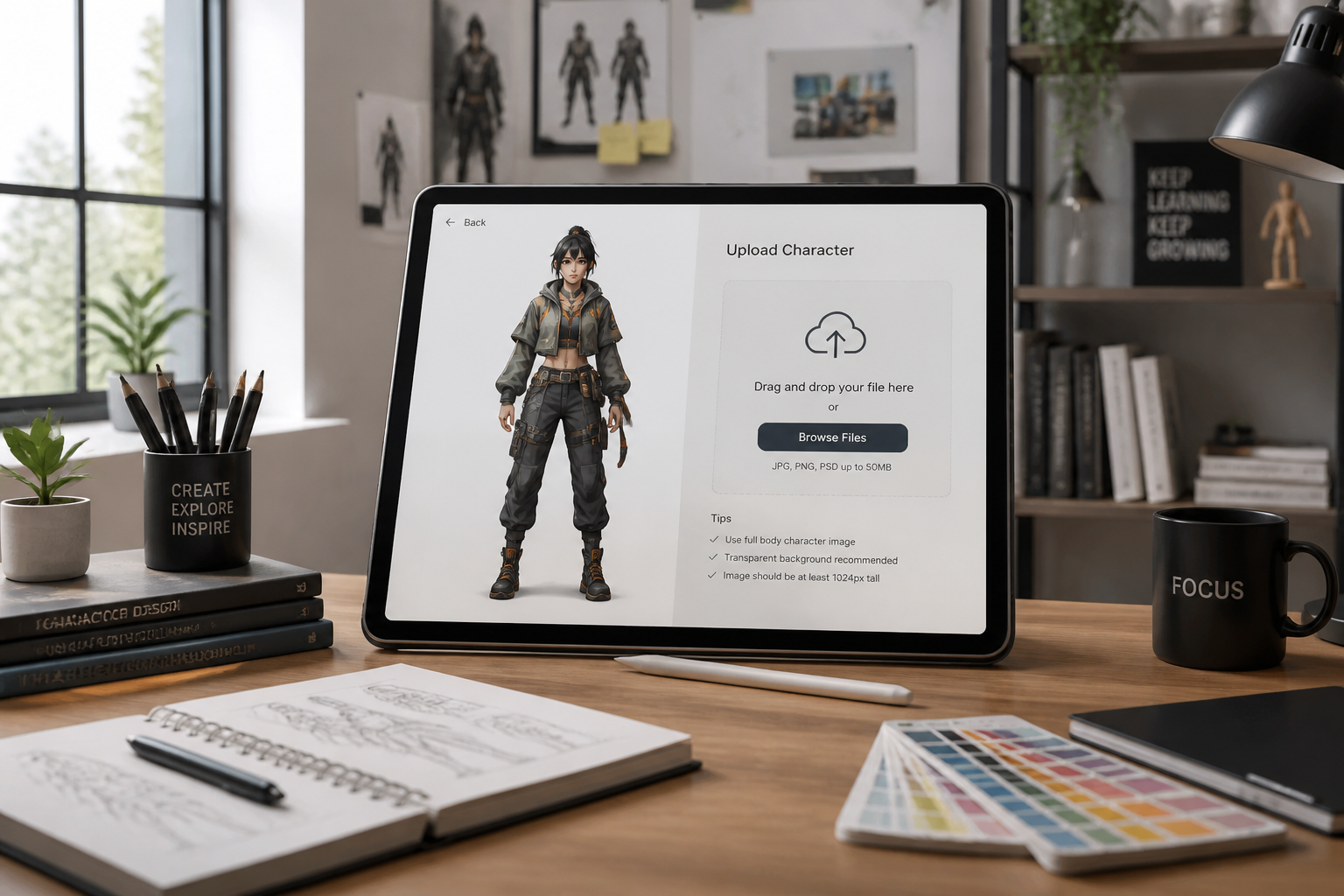
Upload your character image
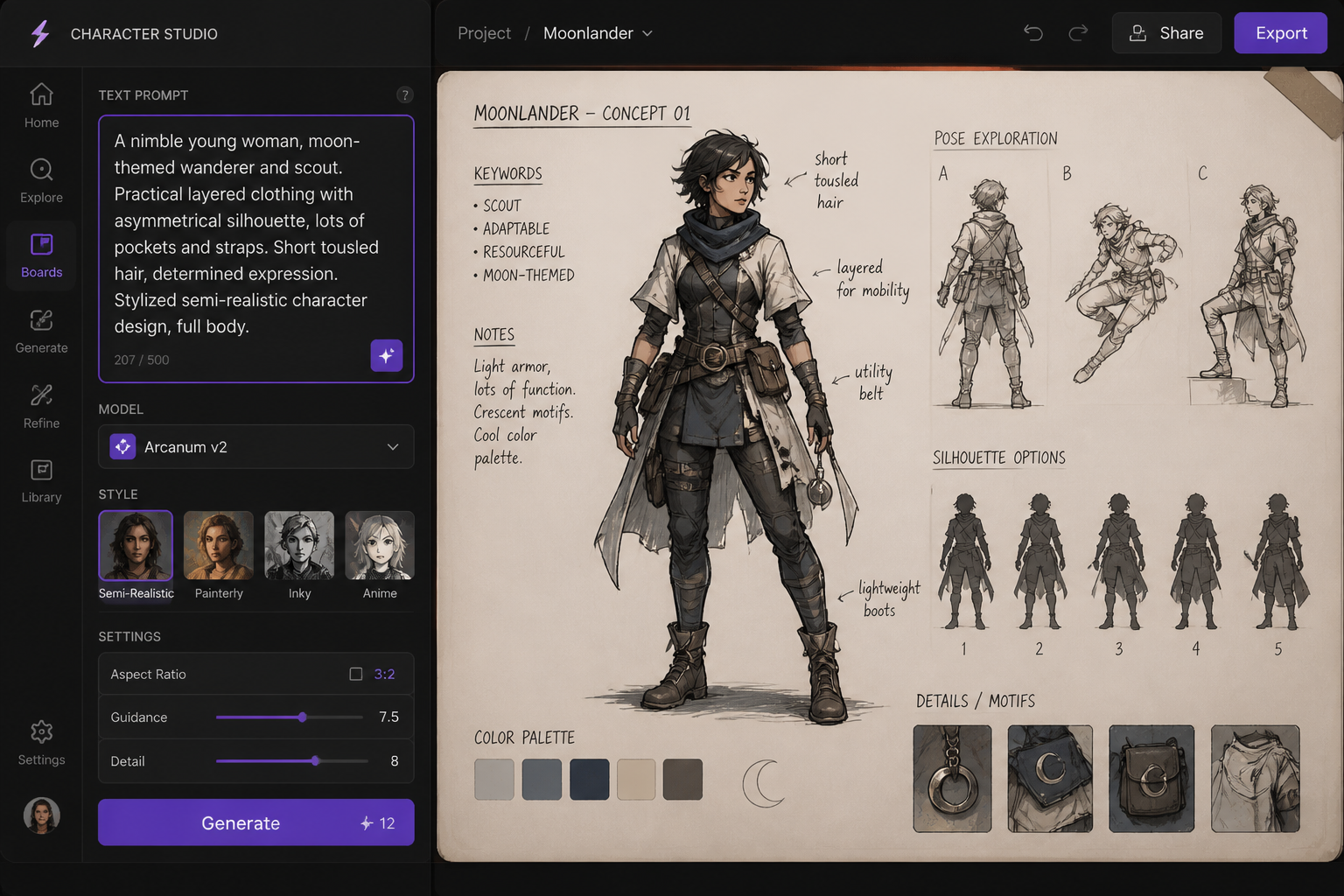
Start with a clear image where the character is easy to see from head to toe. Full-body images usually give the AI the best pose change results.
Describe the new pose
Write the stance or action you want, such as crouching, running, waving, or holding a hero pose. Be direct about limb position and body angle so the result is easier to control.
Generate and compare
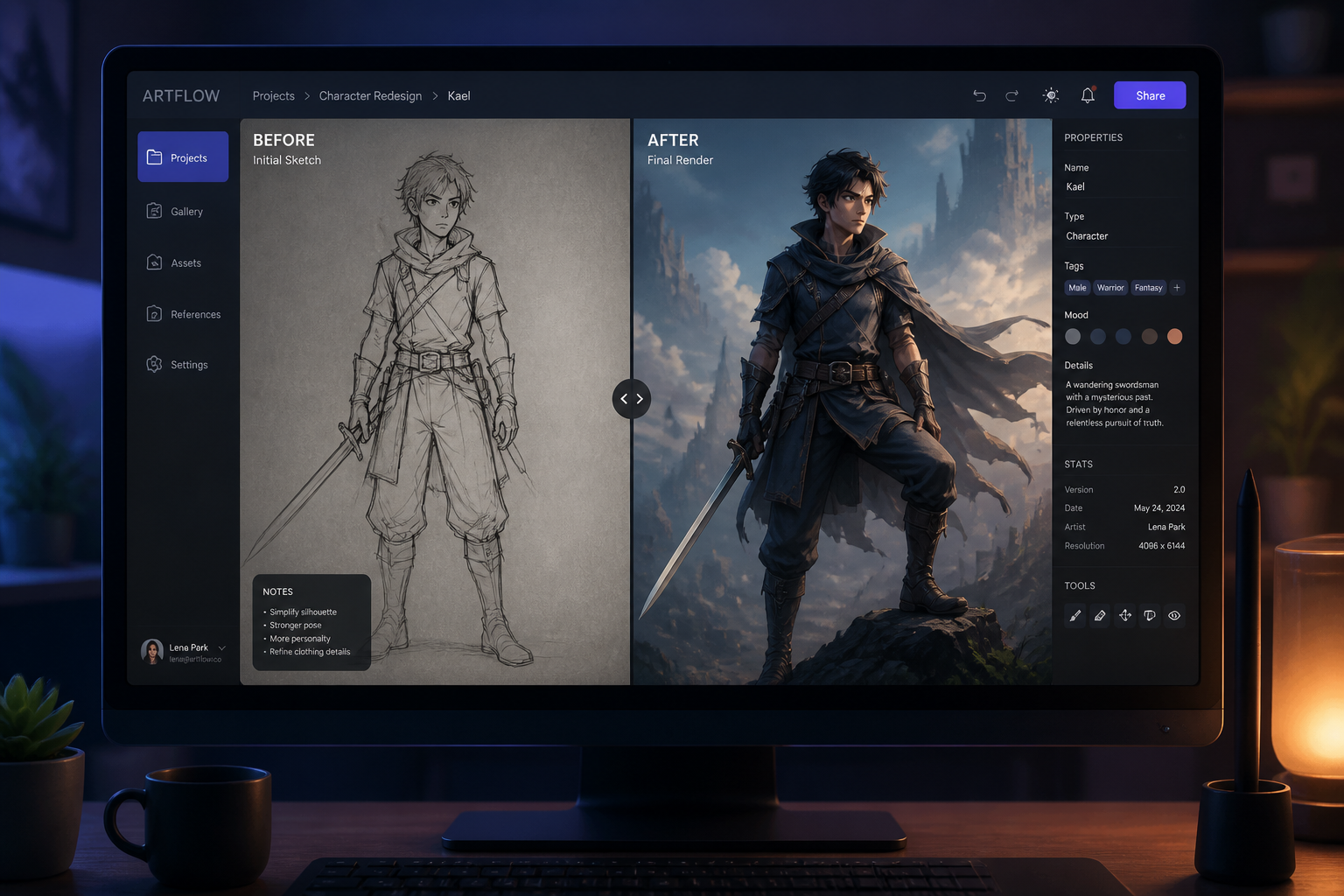
Create the edit and compare the before and after versions side by side. If needed, refine the prompt and try another pose variation in seconds.
Perfect For
Discover how creators and professionals use character pose changer
Concept art iteration
Test multiple stances for the same character before committing to a final illustration.
Social media character posts
Turn a static character image into a stronger pose for thumbnails, reels, and promo graphics.
Game and comic pitch decks
Show the same character in more expressive or action-ready poses without rebuilding every asset.
Reference generation
Create quick pose variations that help with composition planning and manual redraws.
Built For
Illustrators and concept artists
Explore pose options fast while keeping the character design consistent across drafts.
Indie game teams
Mock up stronger character presentation art for stores, pitch decks, and in-game marketing.
Content creators
Refresh character visuals for posts, banners, and thumbnails without starting over.
Why use this for pose changes
A quick look at how we compare on the things that matter for this niche.
| Feature | BudgetPixel | Generic AI editors | Manual editing apps |
|---|---|---|---|
| Fast pose-specific edits | ✓ | — | — |
| Keeps character design consistent | ✓ | — | — |
| Works from an existing image | ✓ | ✓ | ✓ |
| No manual redrawing needed | ✓ | ✓ | — |
Frequently Asked Questions
What does a character pose changer do?
Will it keep the same outfit and character details?
Can I use it for anime and painted characters?
Do I need a full-body image?
Can I generate multiple pose variations?
Create together.
Share your creations, discover trending AI art, and grow with fellow creators.