AI Model Pose Generator for Better Photo Direction
Turn flat shots into stronger poses without reshooting.
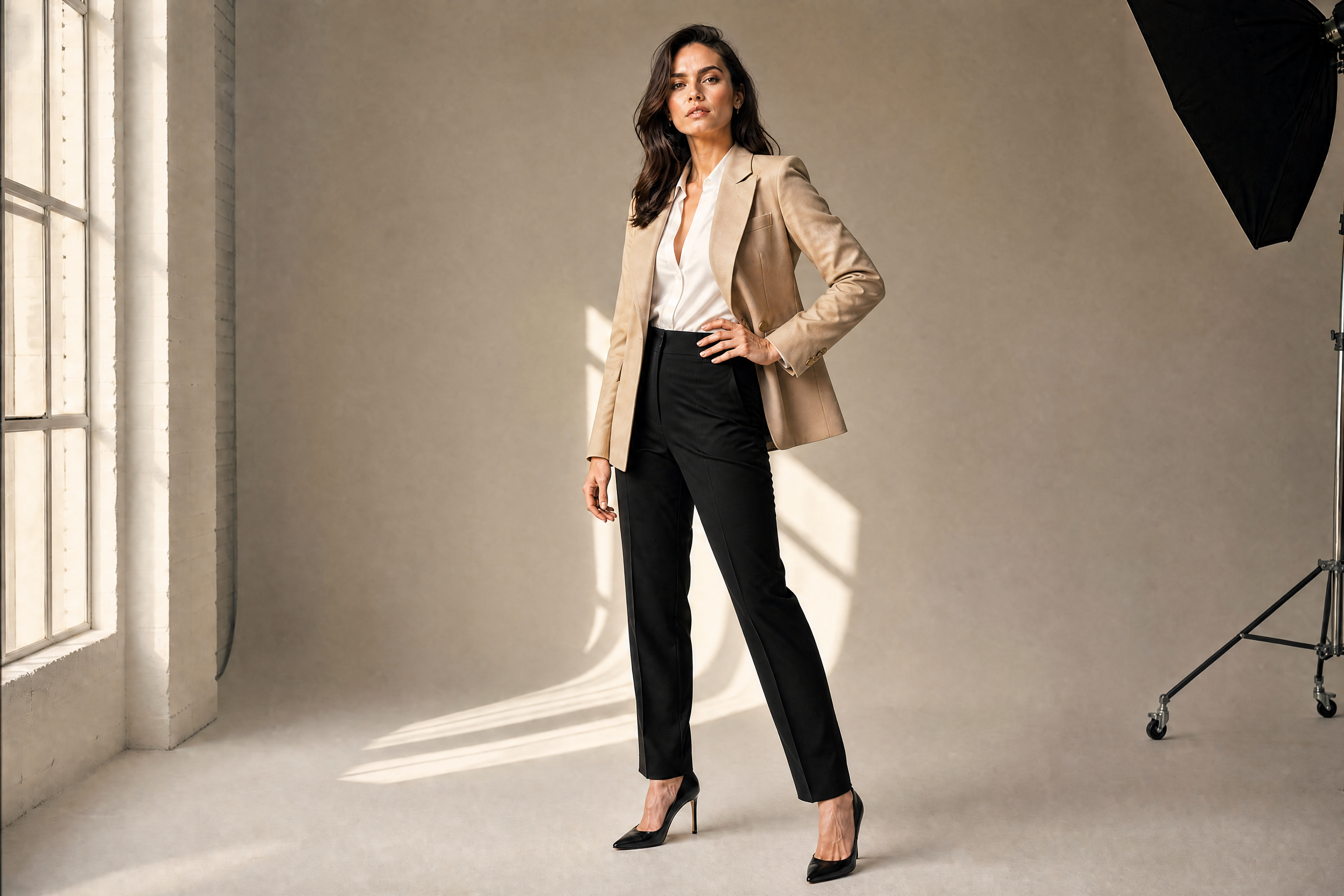
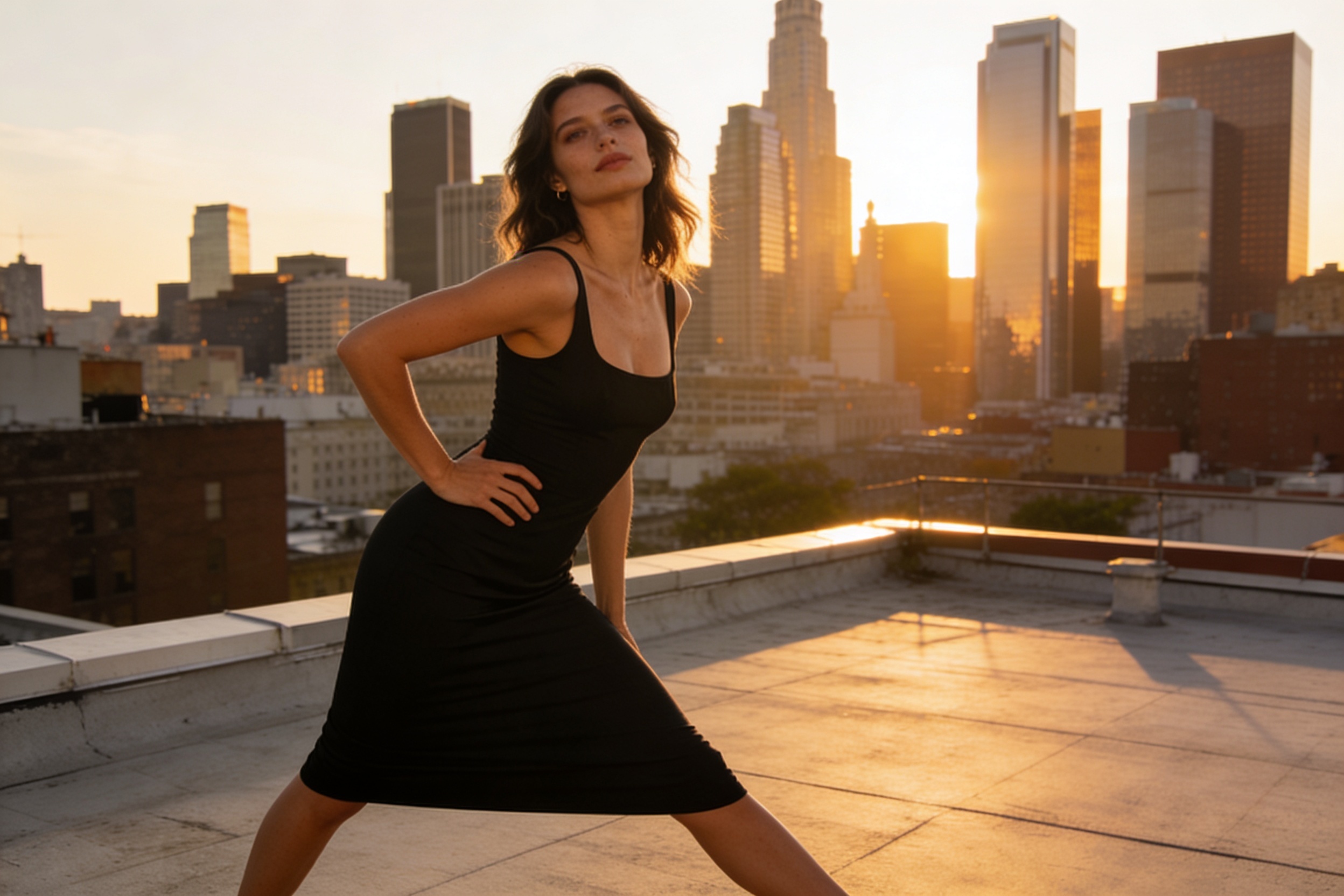
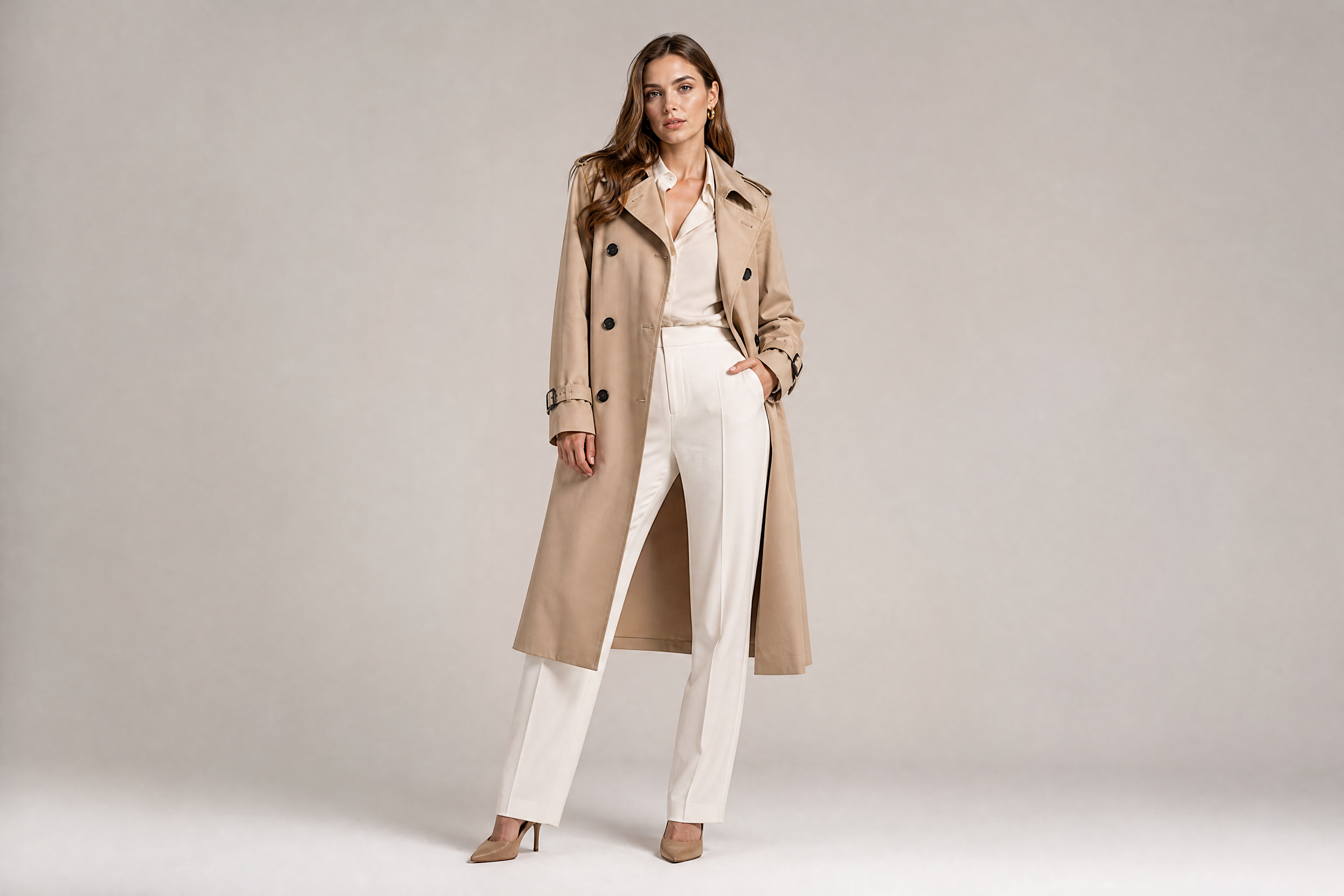
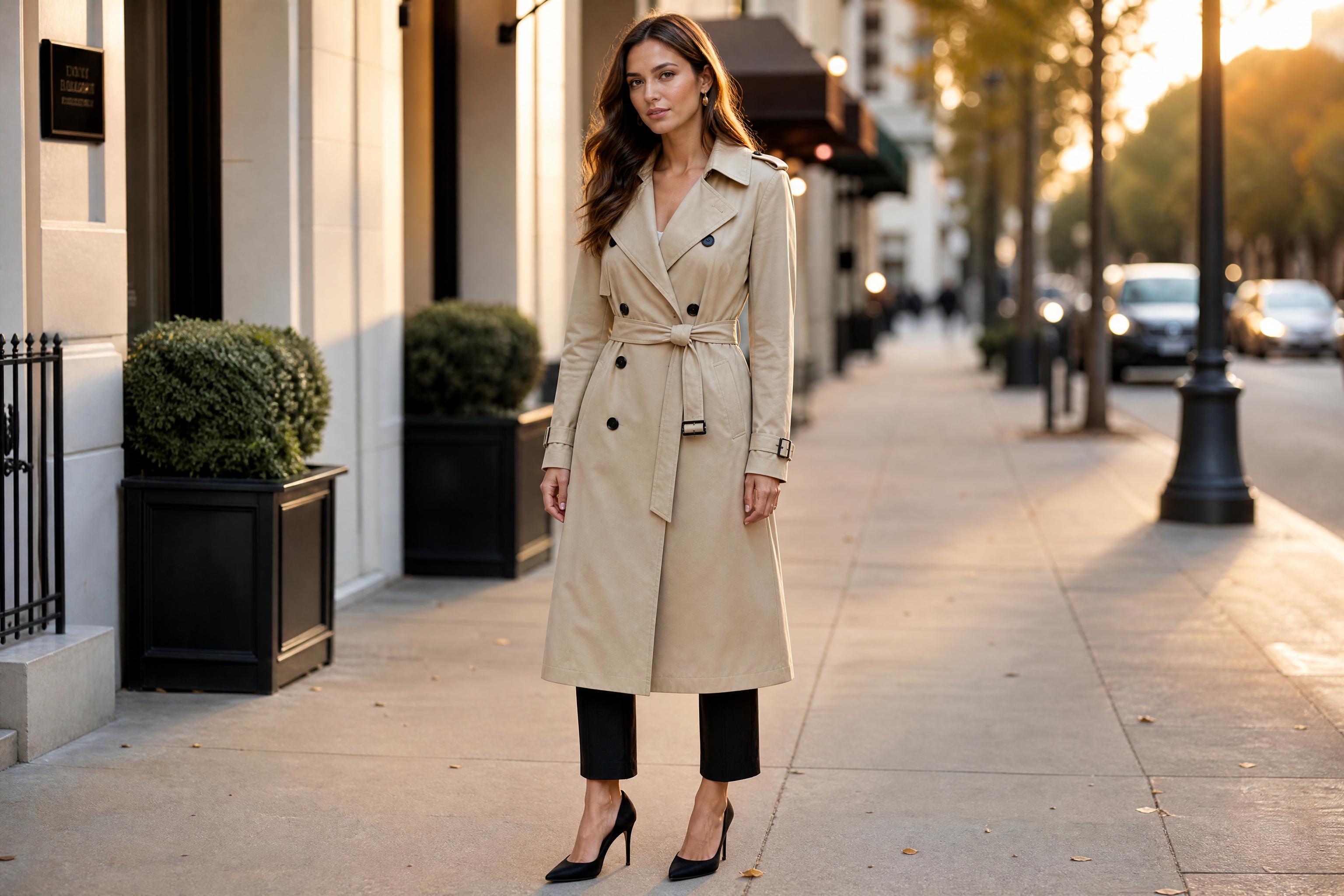
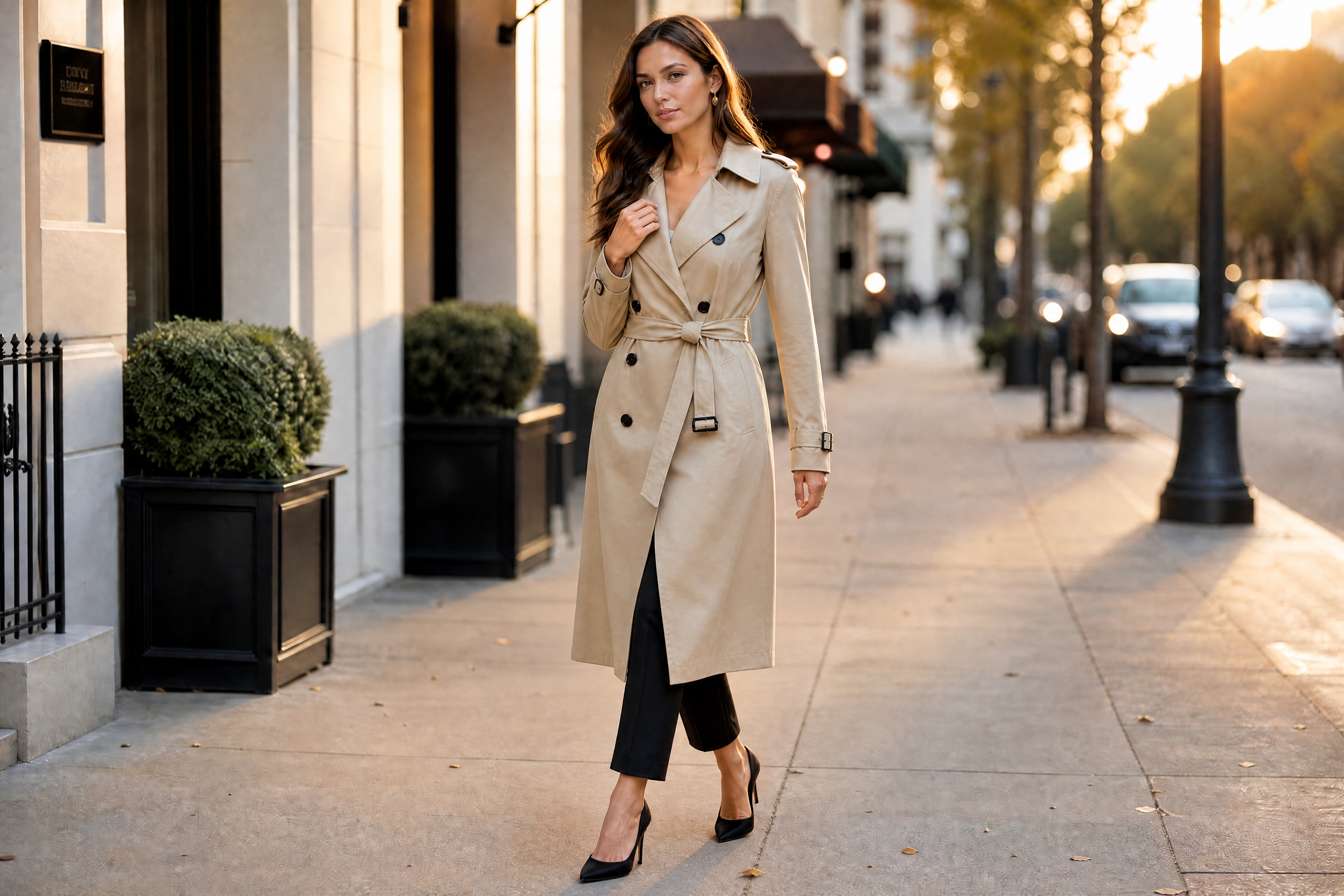
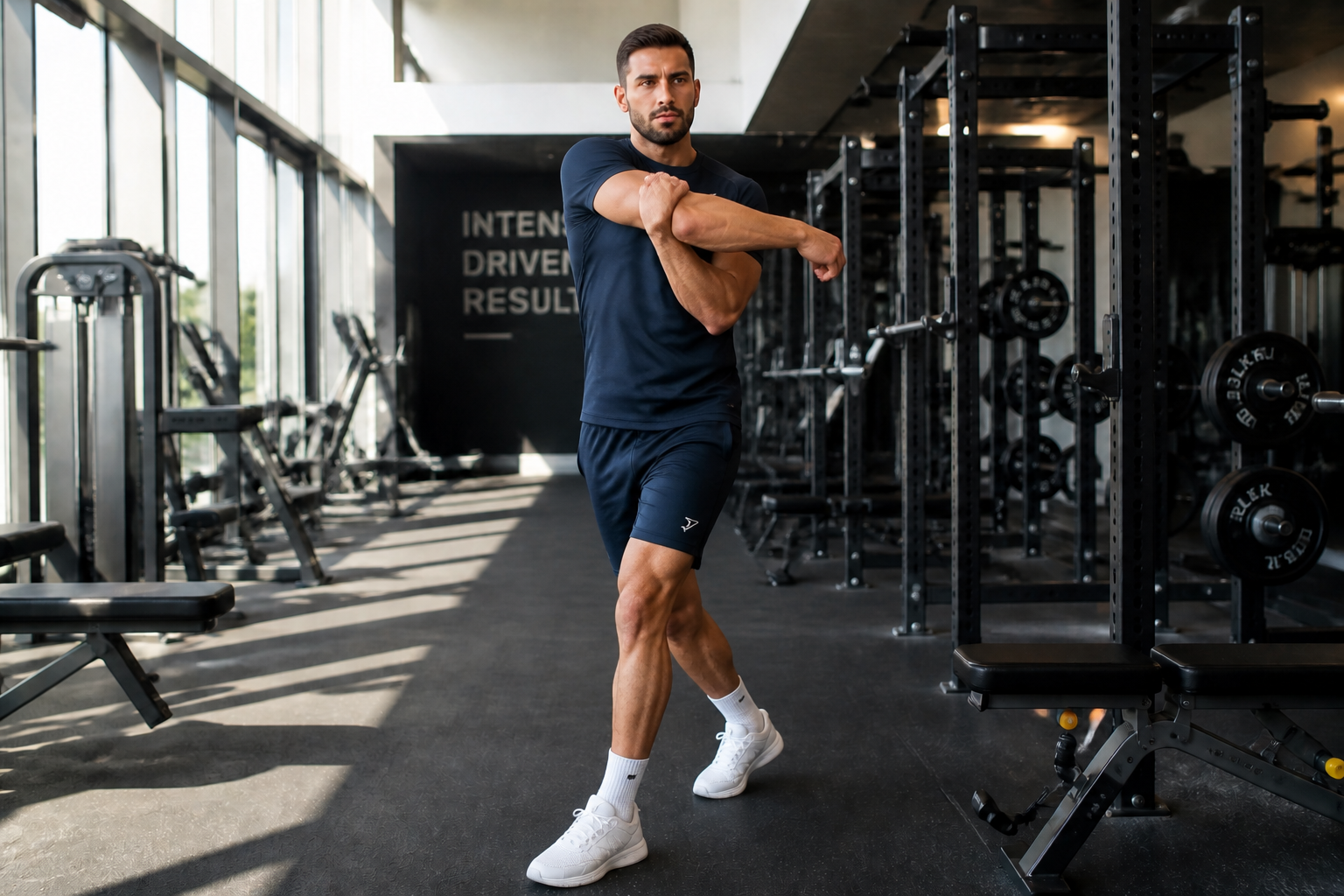
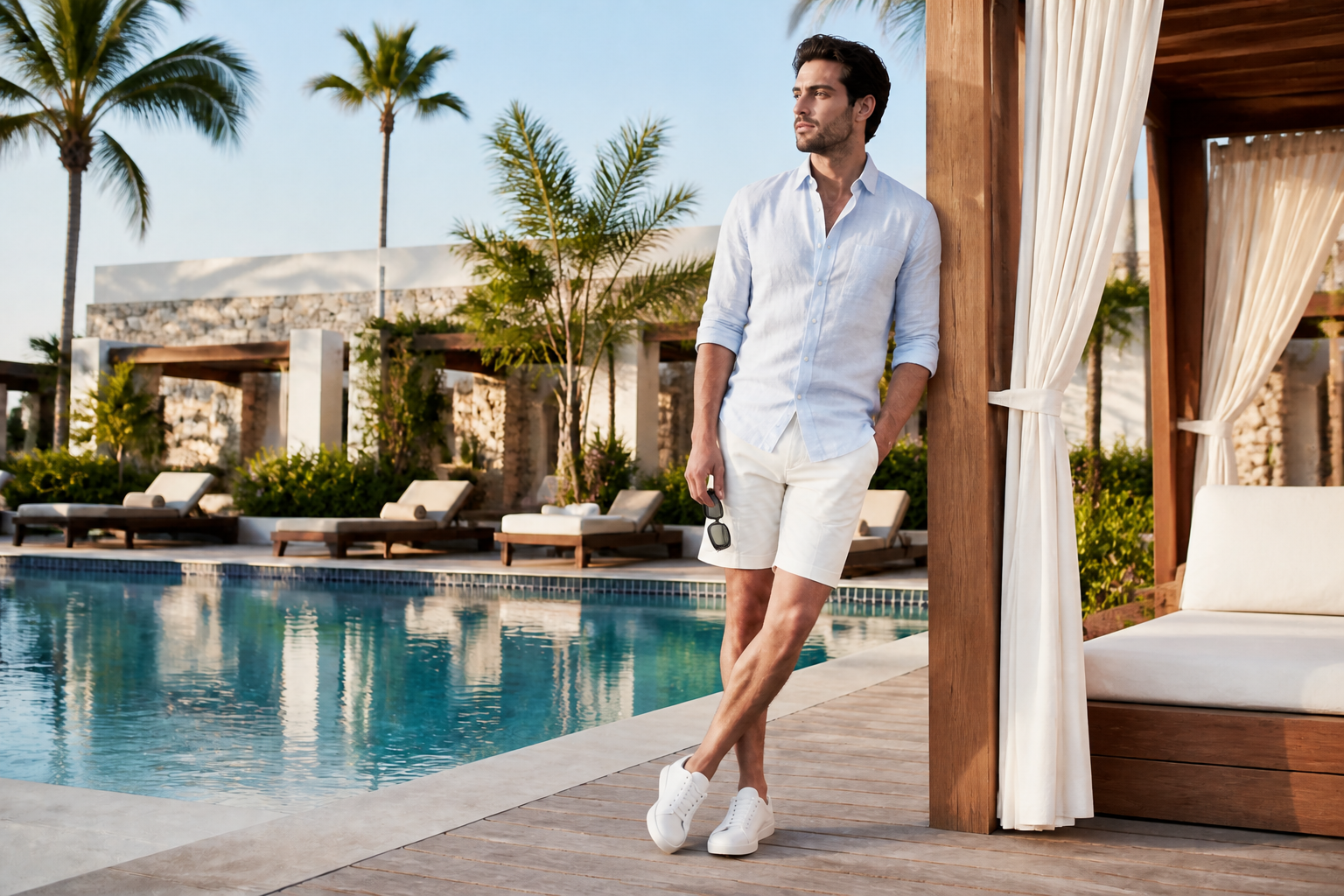
AI Model Pose Generator lets you change a model's stance, arm placement, body angle, and camera-facing pose from a single photo. It is useful for fashion content, ecommerce images, social posts, and campaign concepts when you need more variety from the same shoot.
Watch the Transformation
See ai model pose generator in motion — generated end-to-end by our AI.
See It In Action
Real outputs from ai model pose generator.
BEFOREAFTER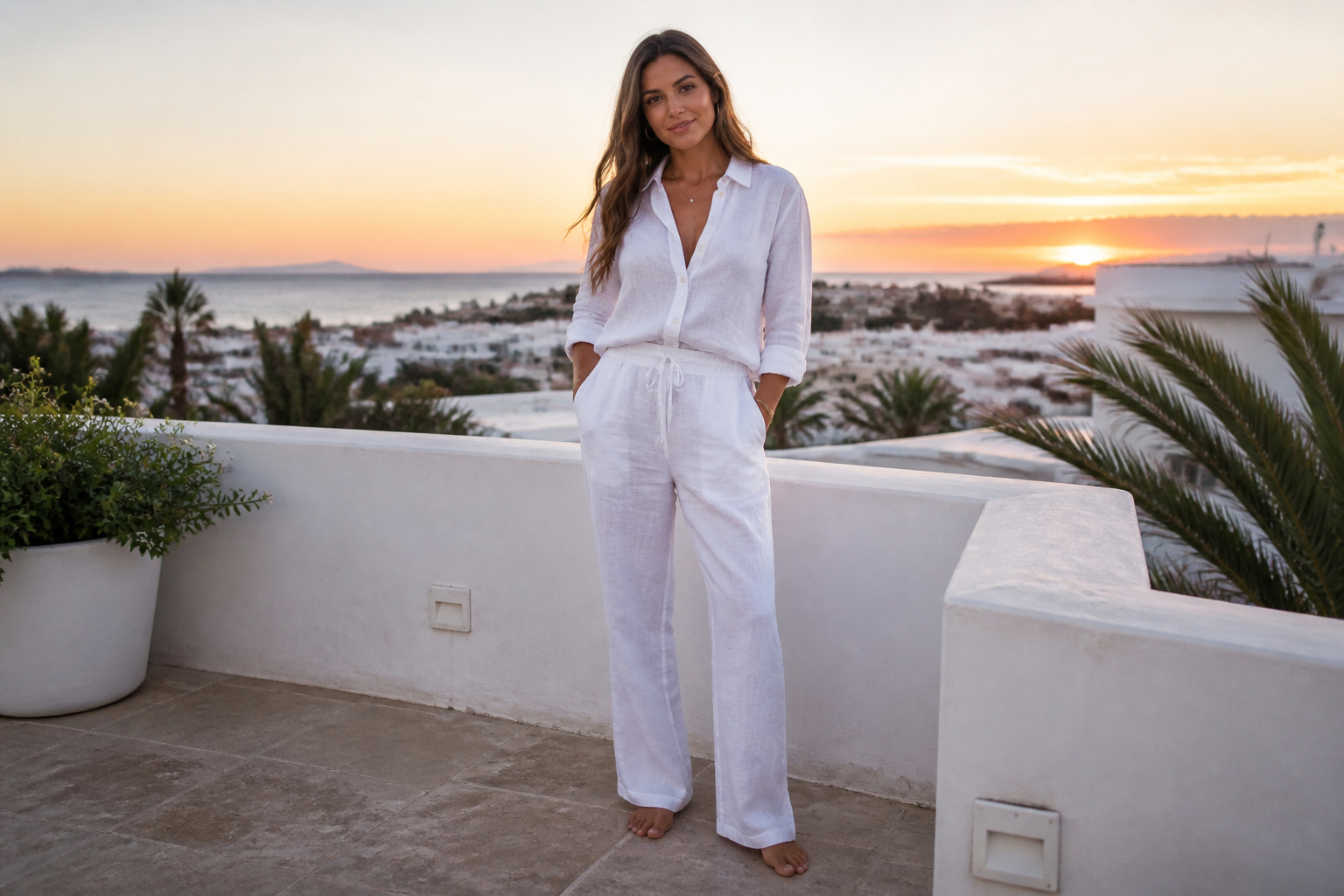 BEFORE
 AFTER
AFTER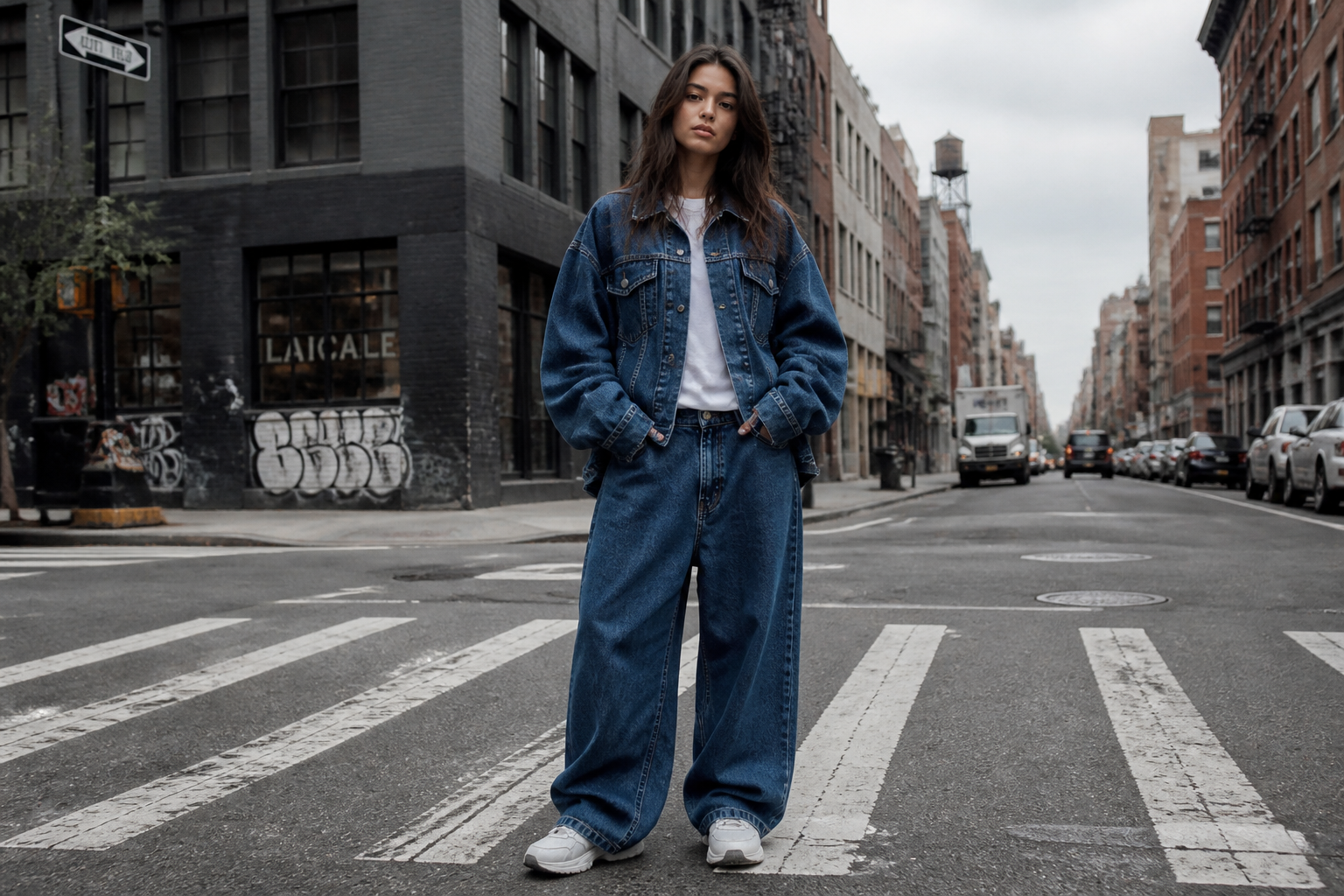 BEFORE
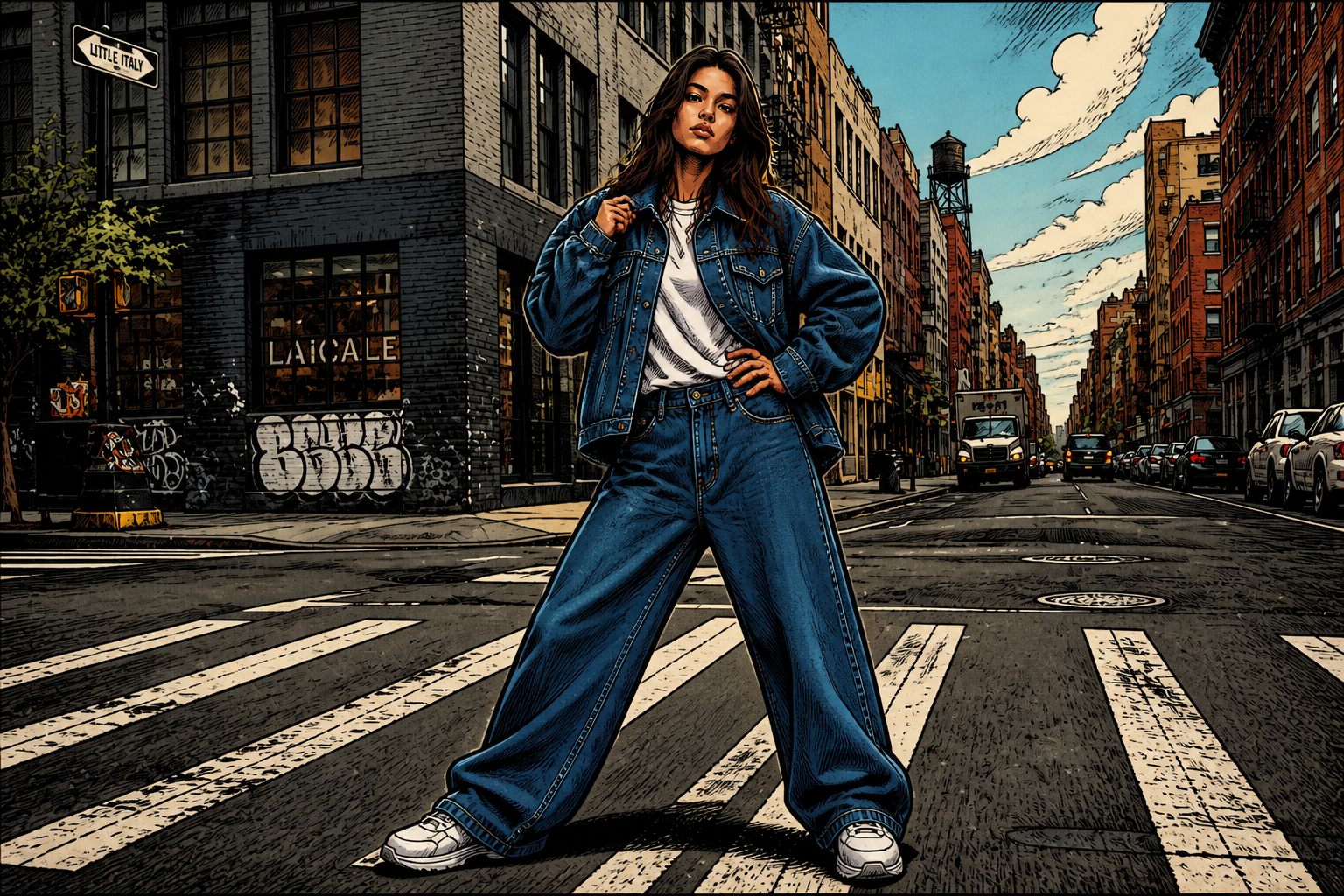 AFTER
AFTER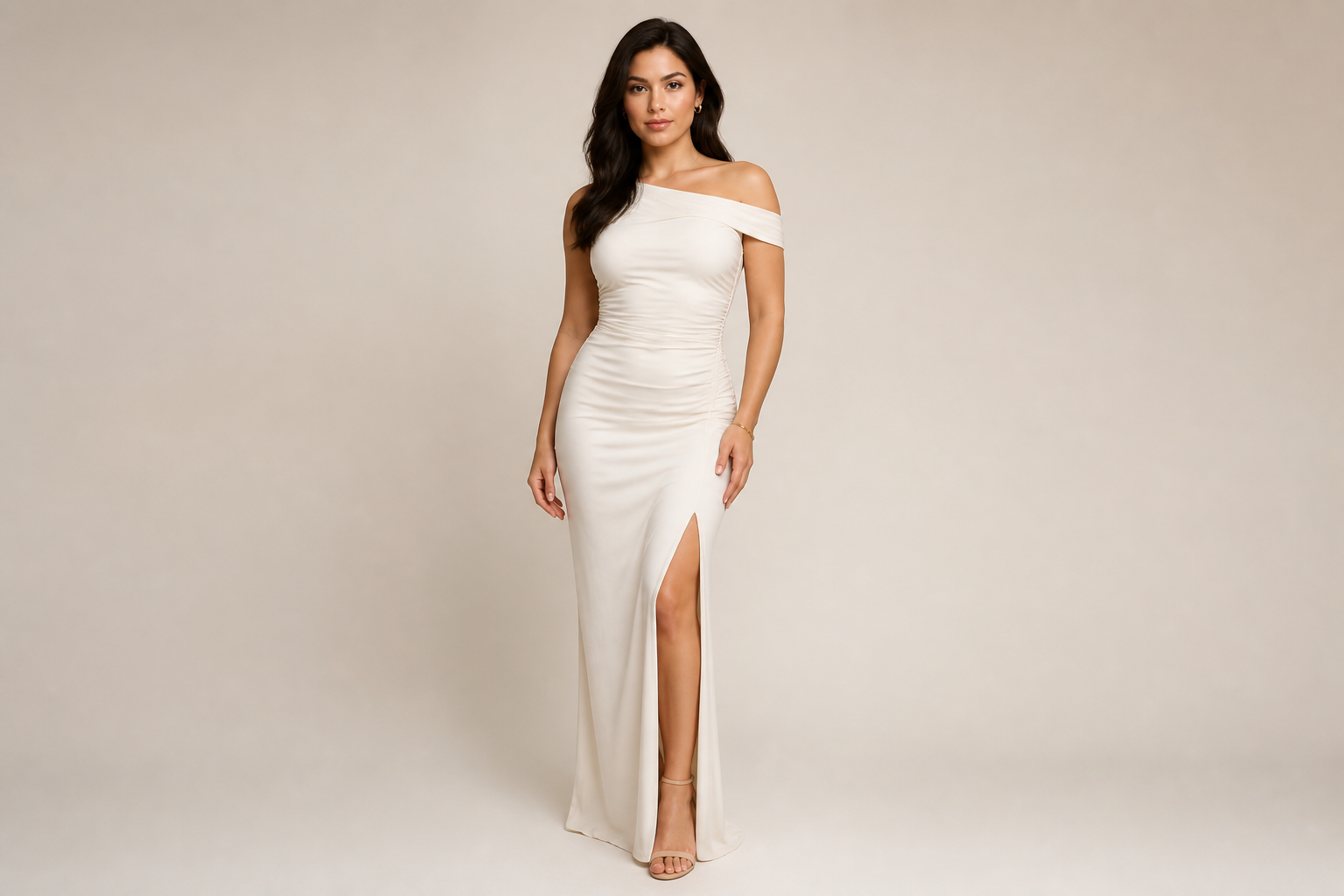 BEFORE
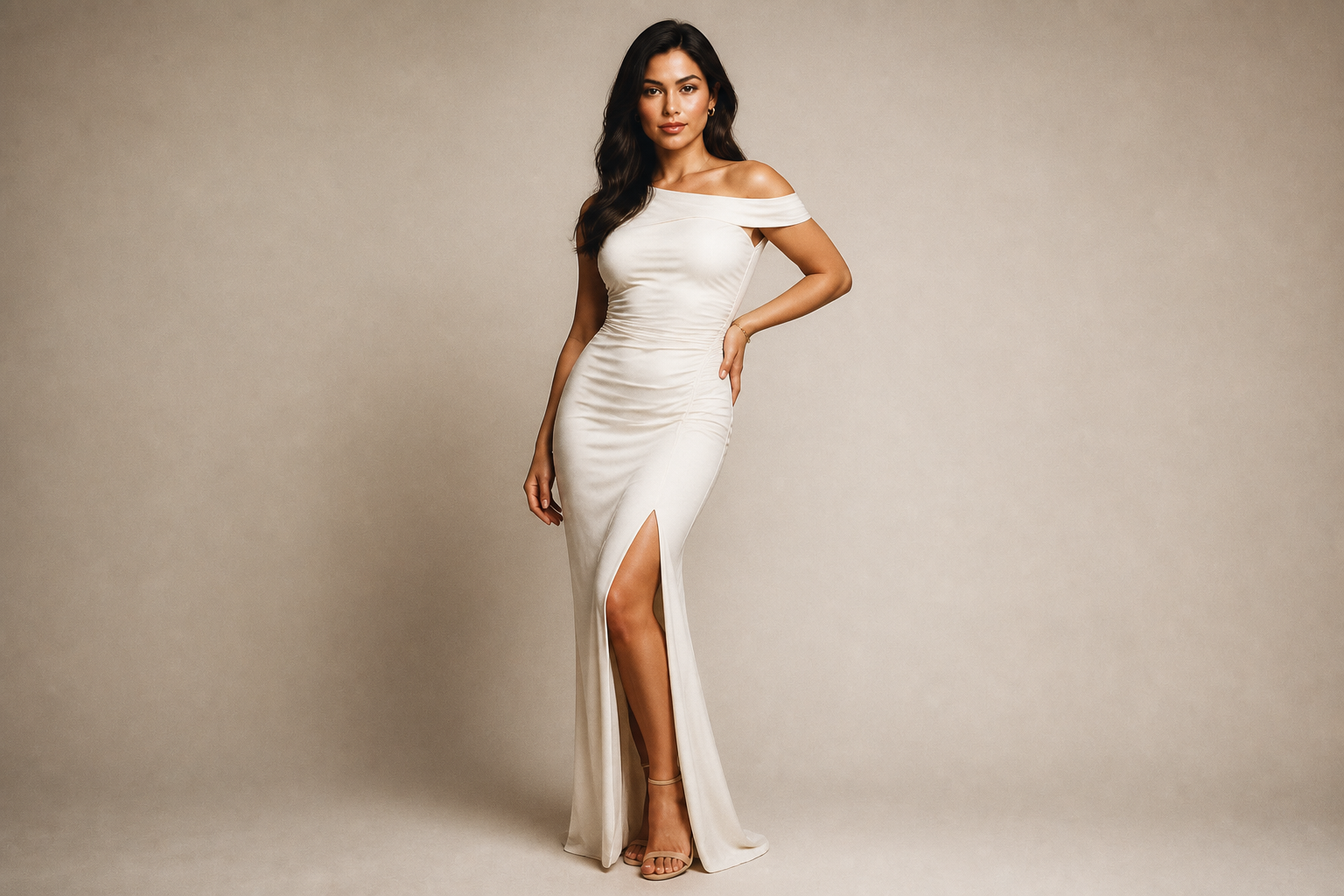 AFTER
AFTER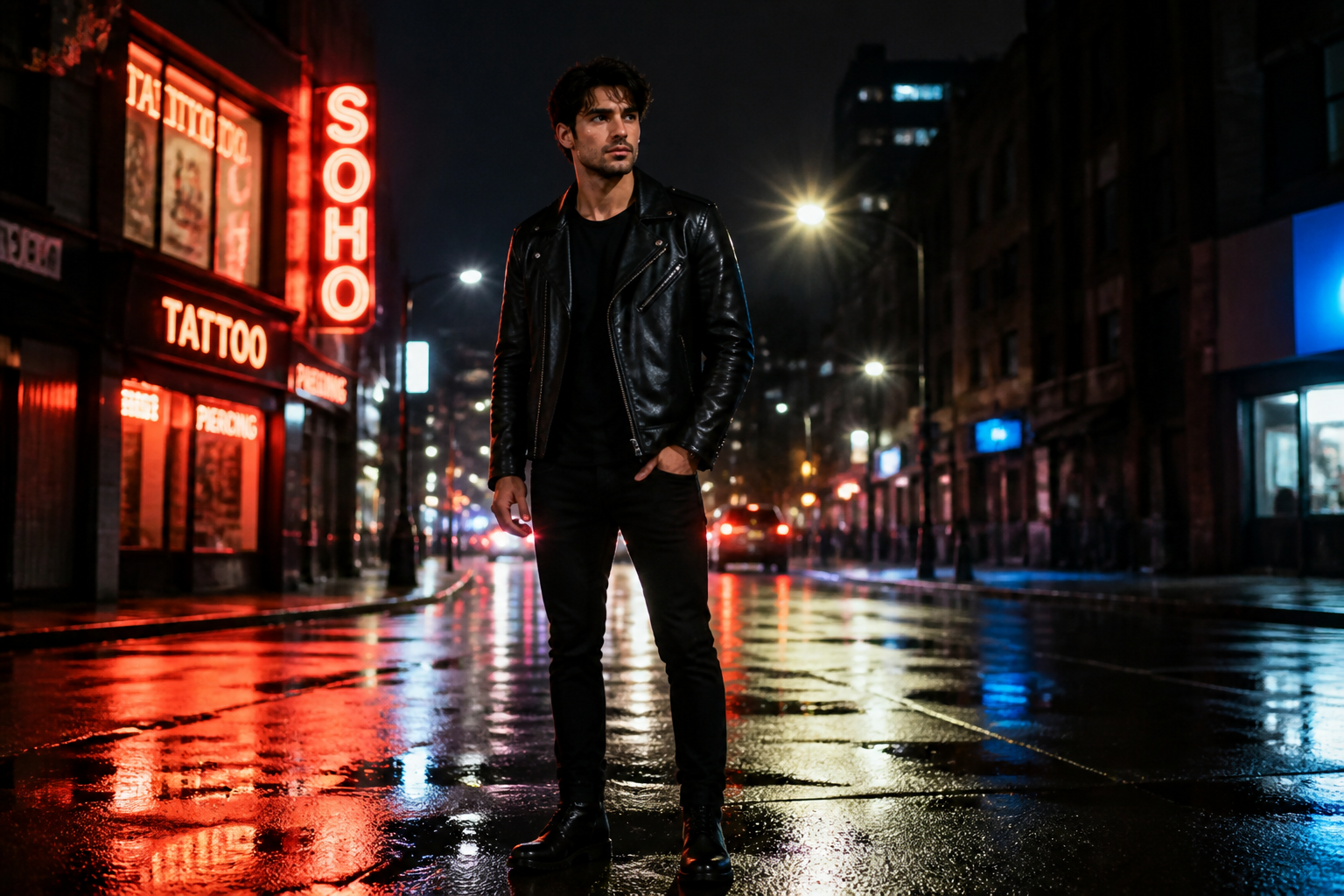 BEFORE
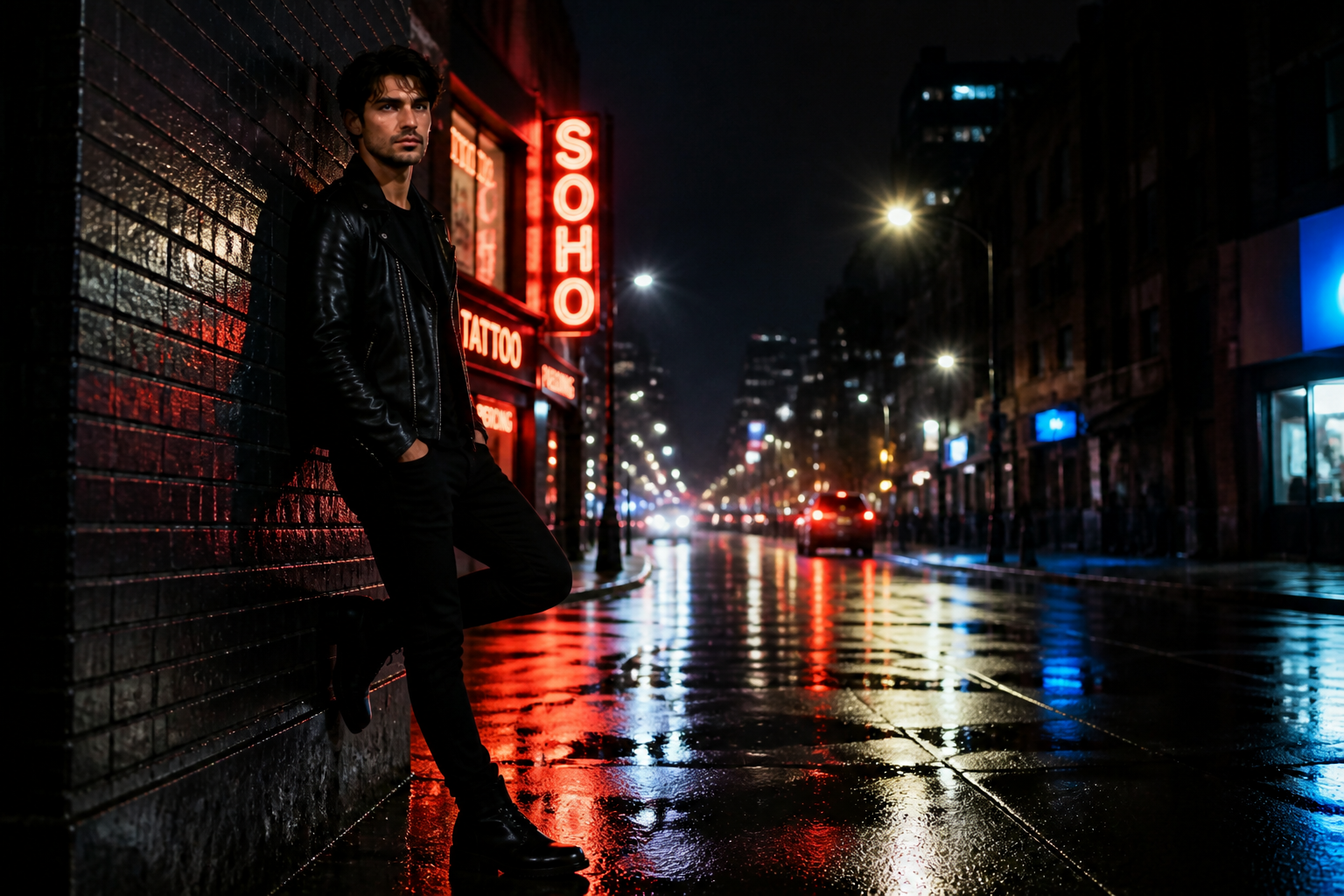 AFTERBEFOREAFTERBEFOREAFTERBEFOREAFTERBEFOREAFTERBEFOREAFTER
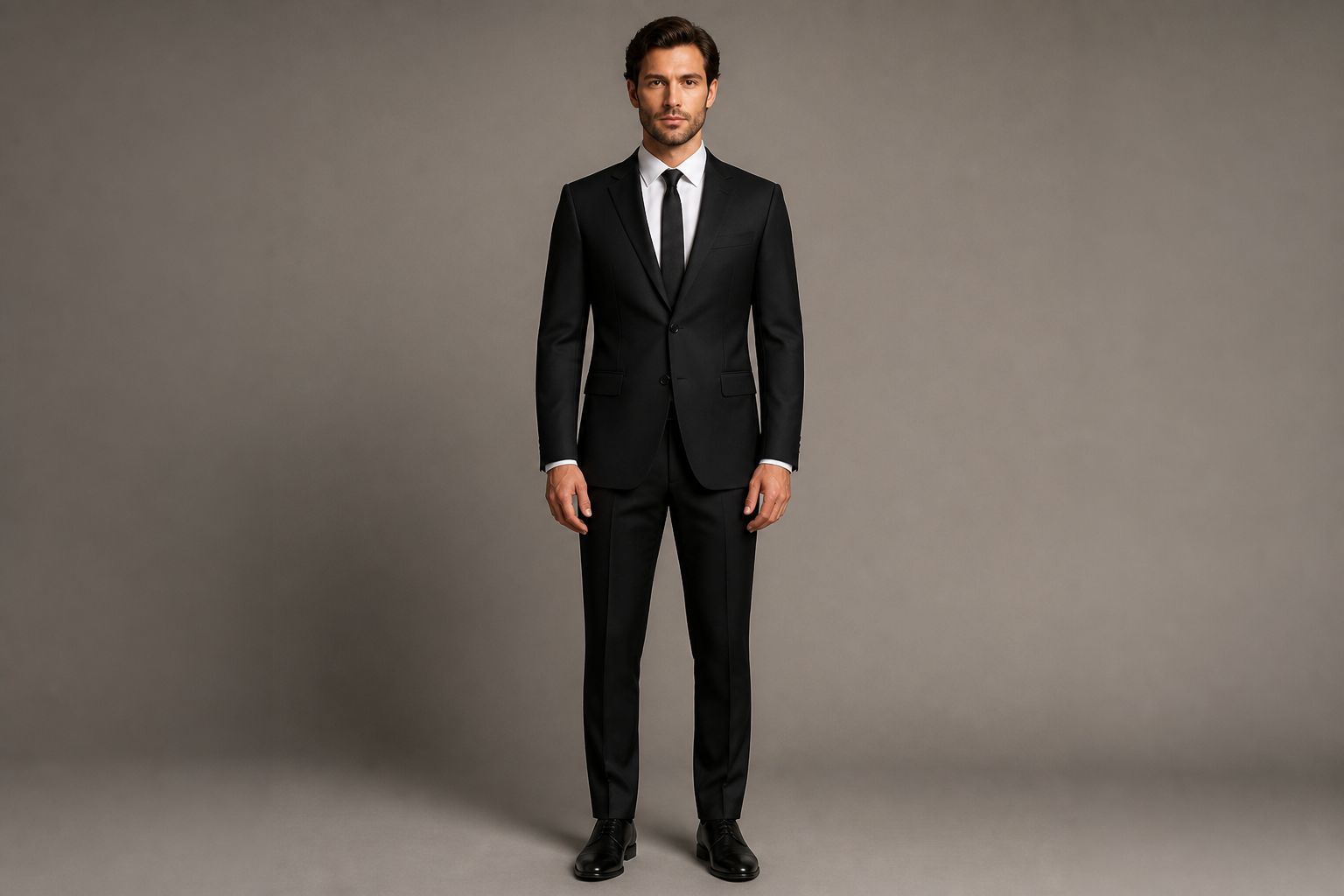 BEFORE
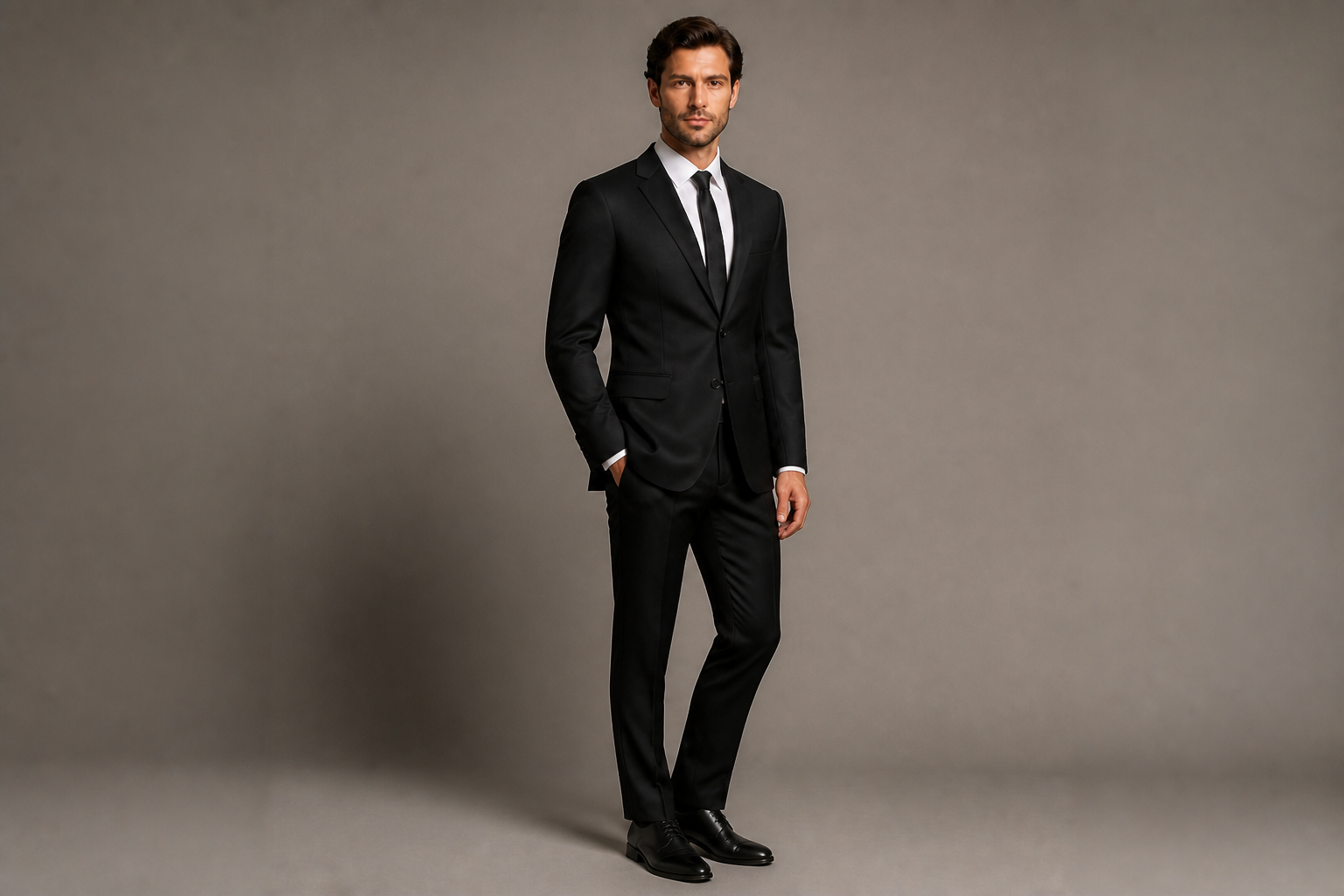 AFTER
AFTER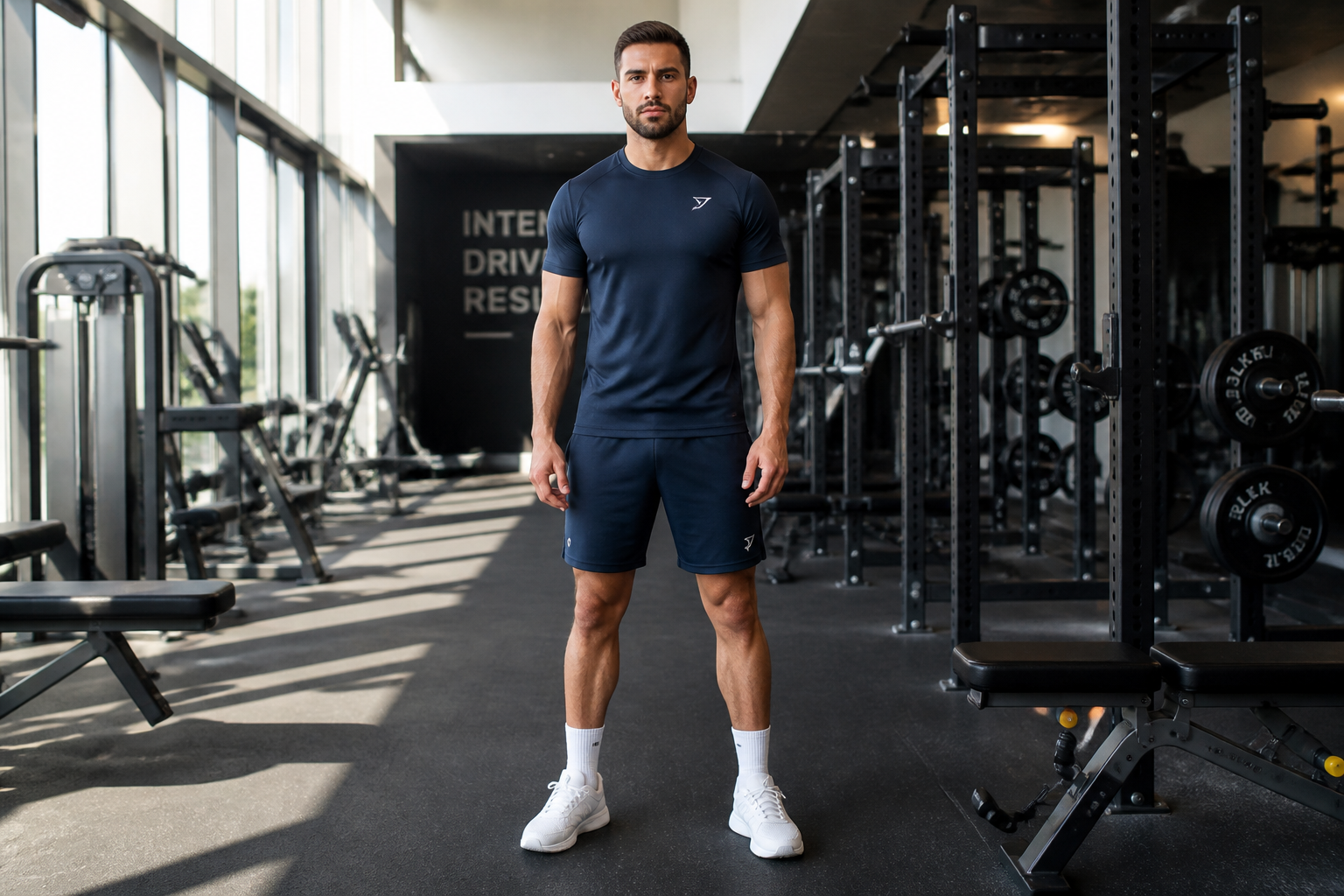 BEFORE
 AFTER
AFTER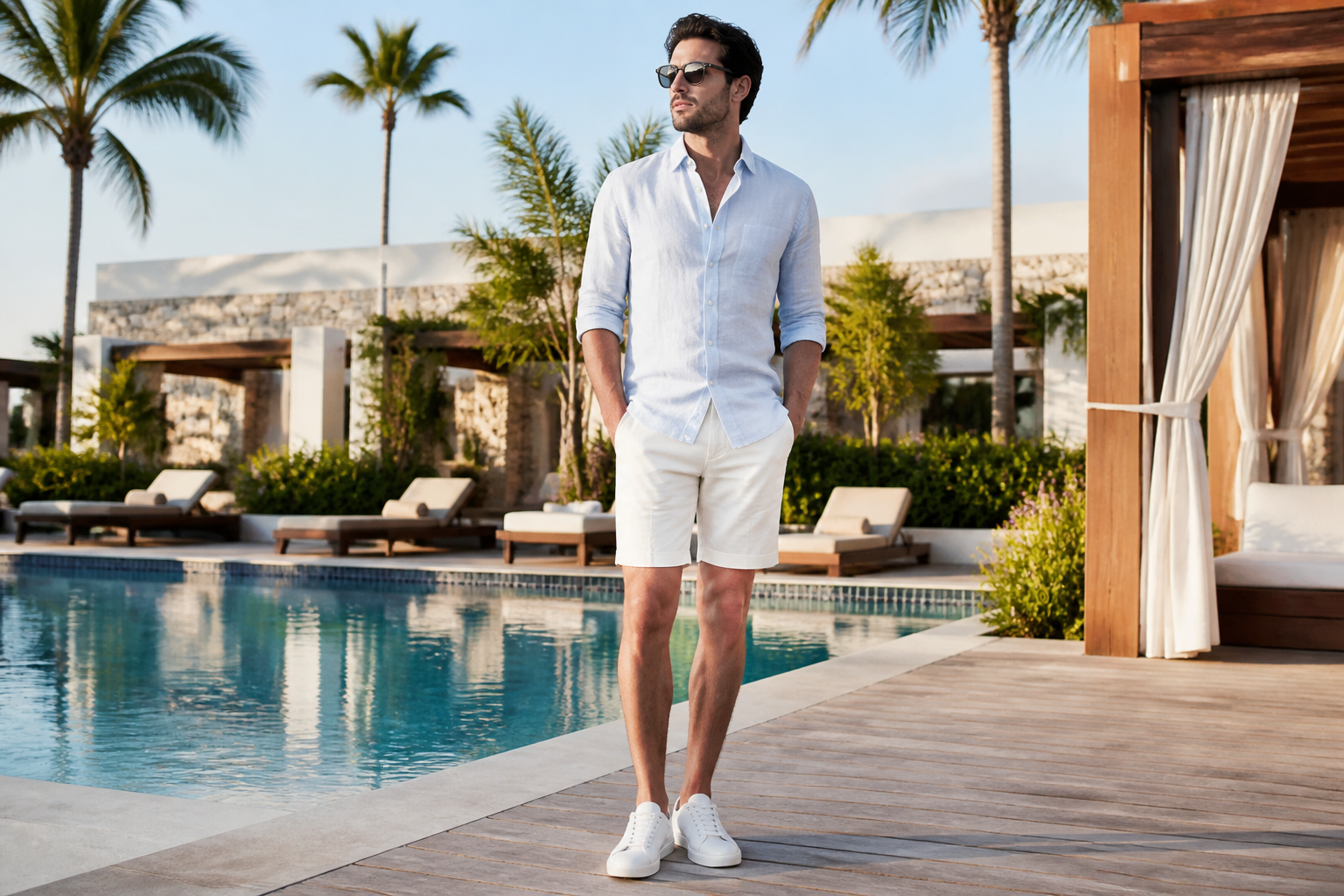 BEFORE
 AFTER
AFTER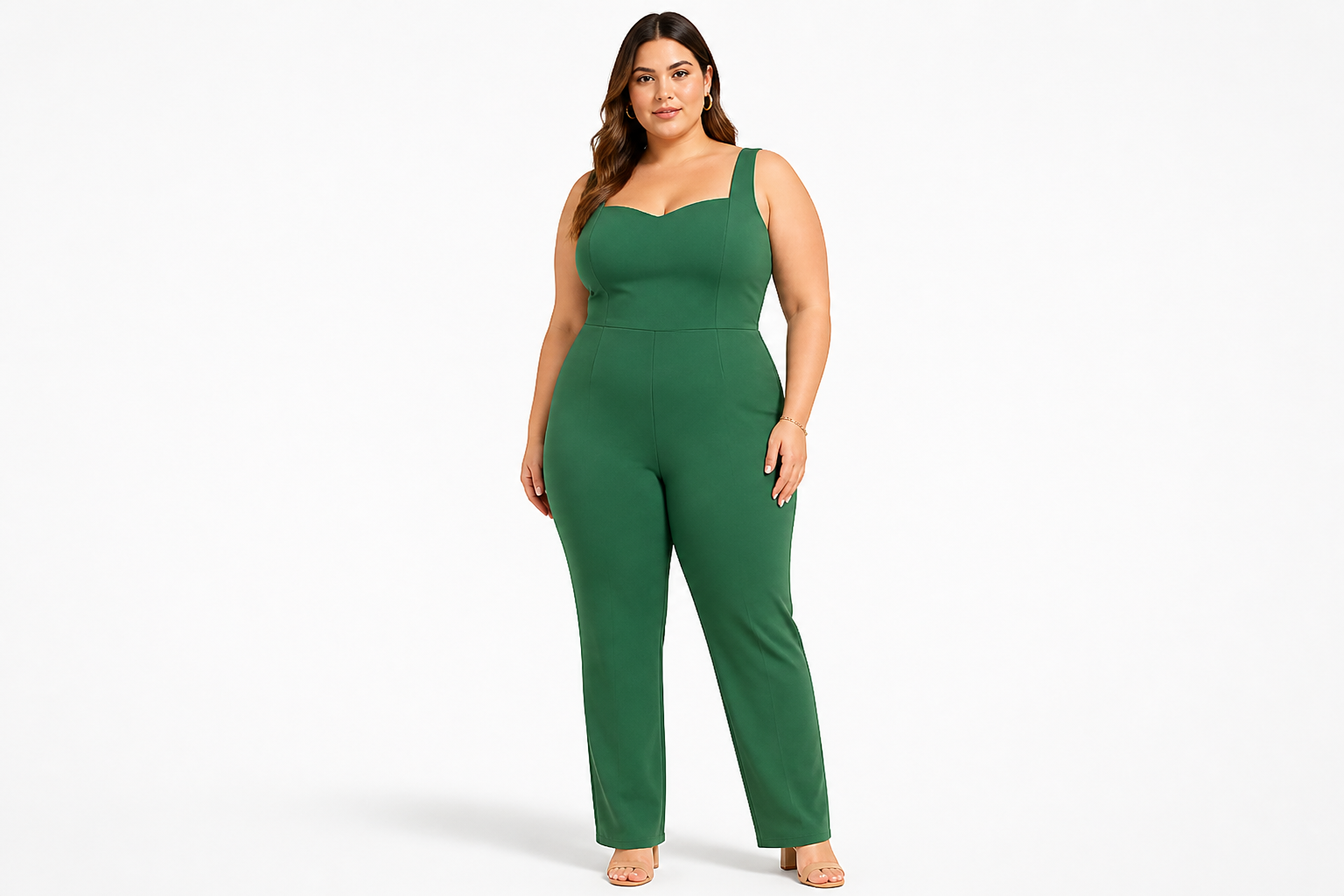 BEFORE
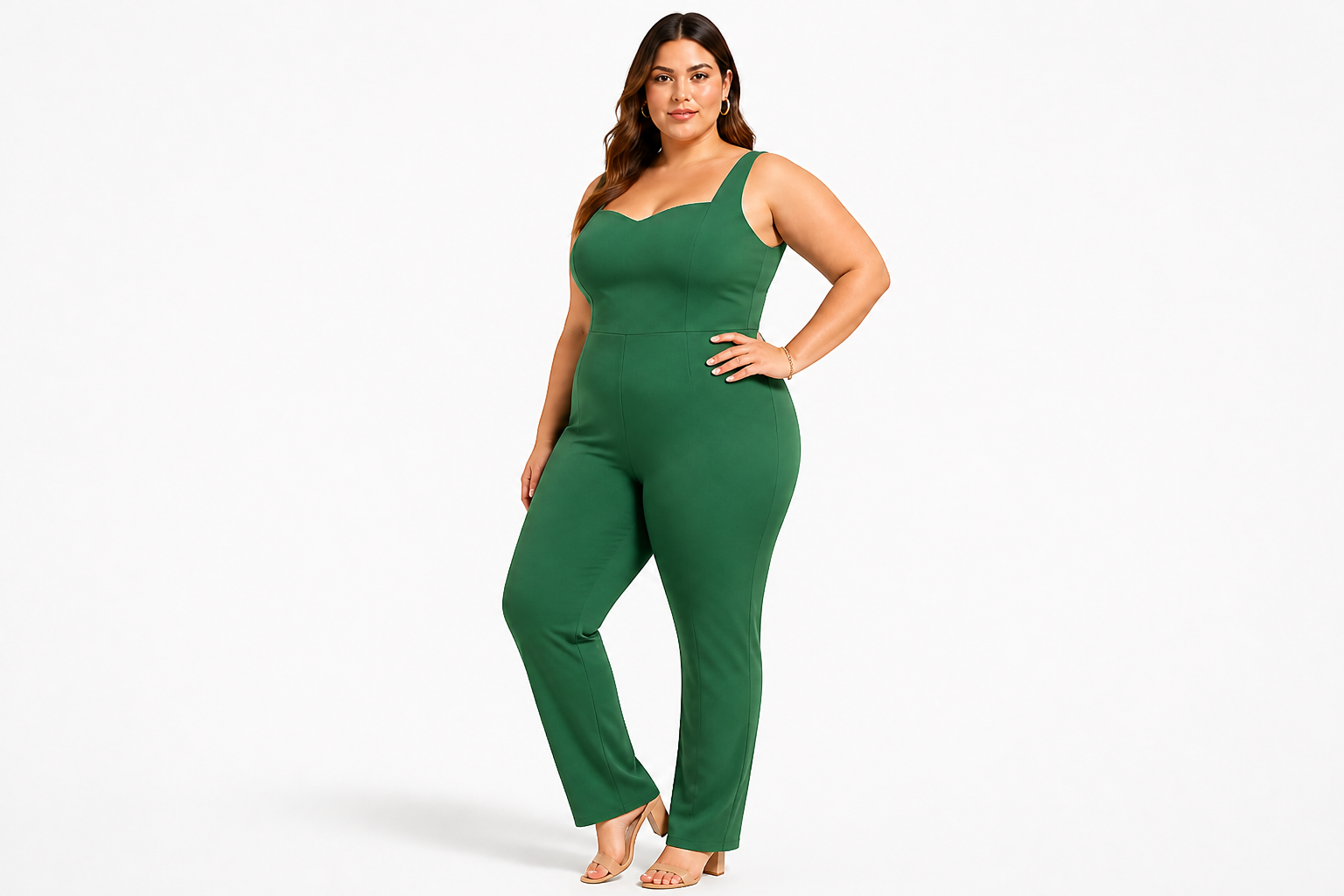 AFTER
AFTER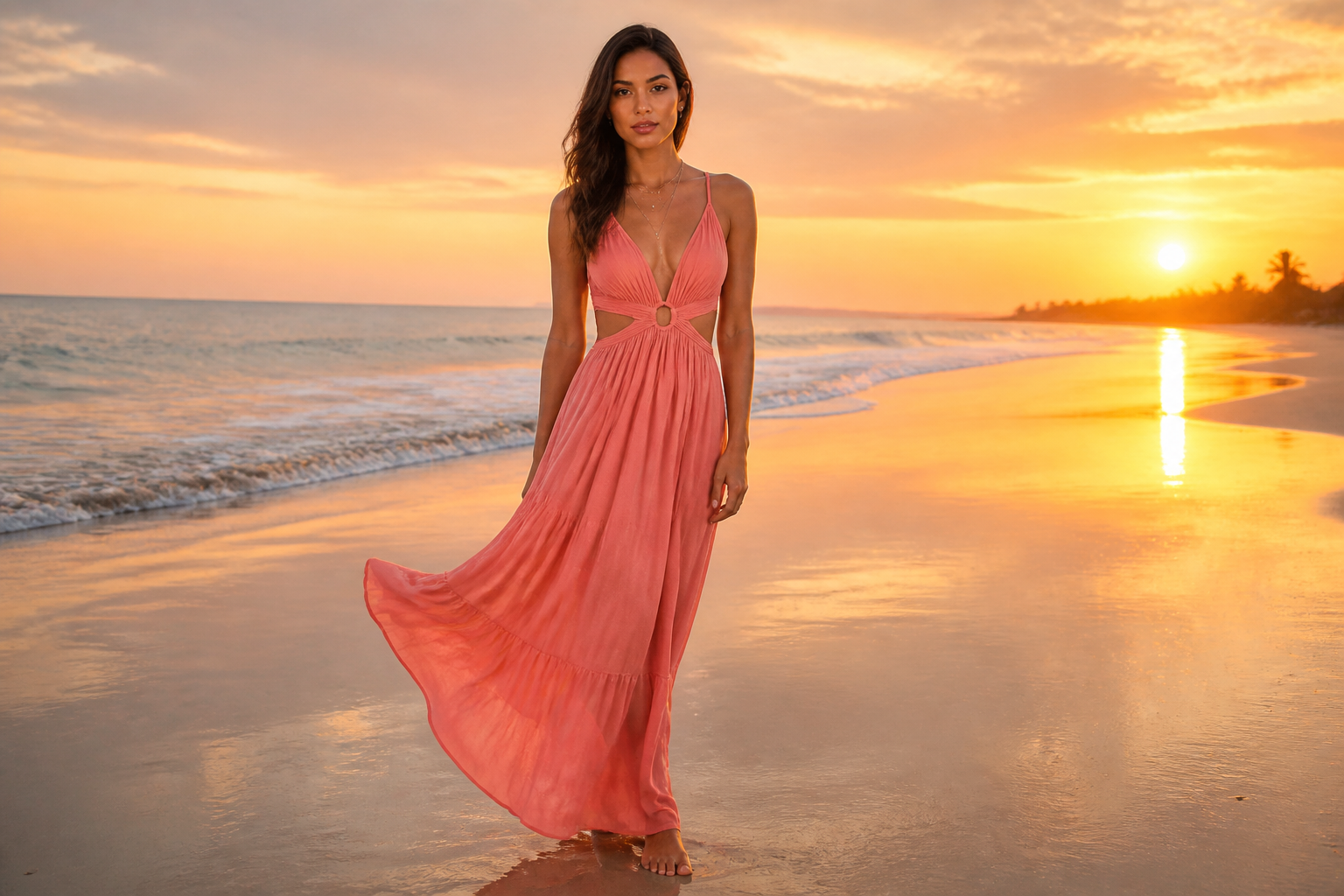 BEFORE
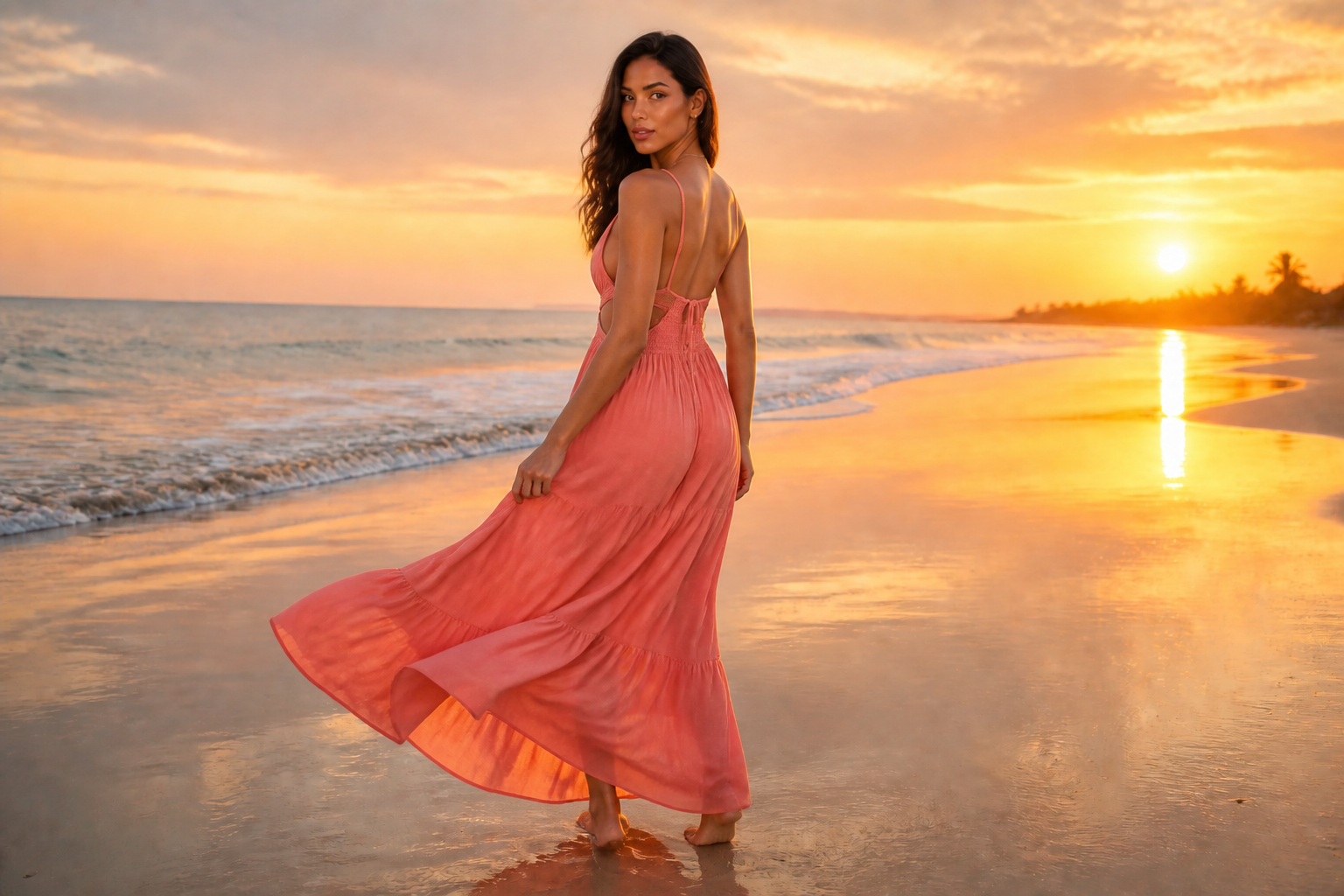 AFTERBEFOREAFTERBEFOREAFTERBEFOREAFTERBEFOREAFTERBEFOREAFTER
Key Features
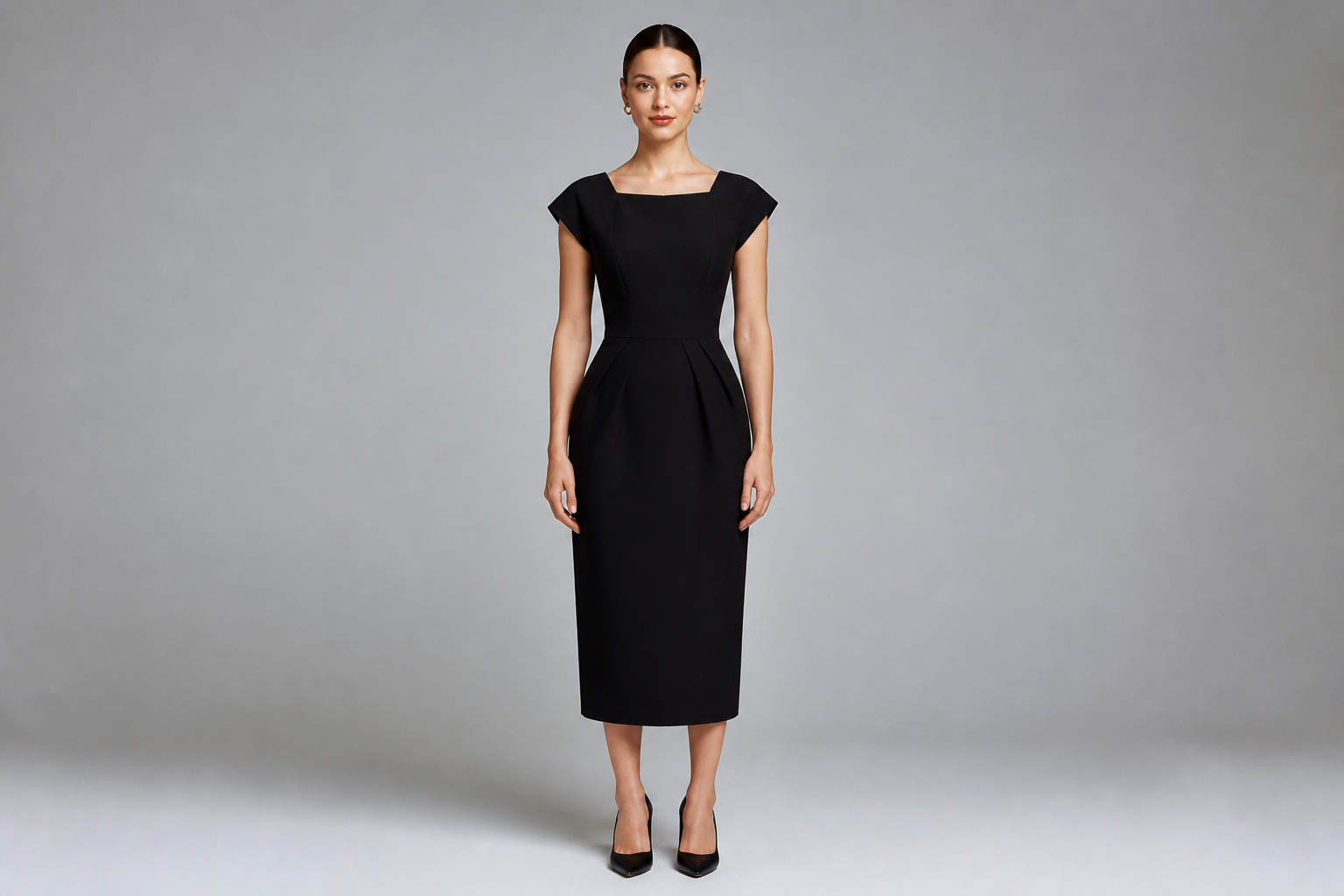
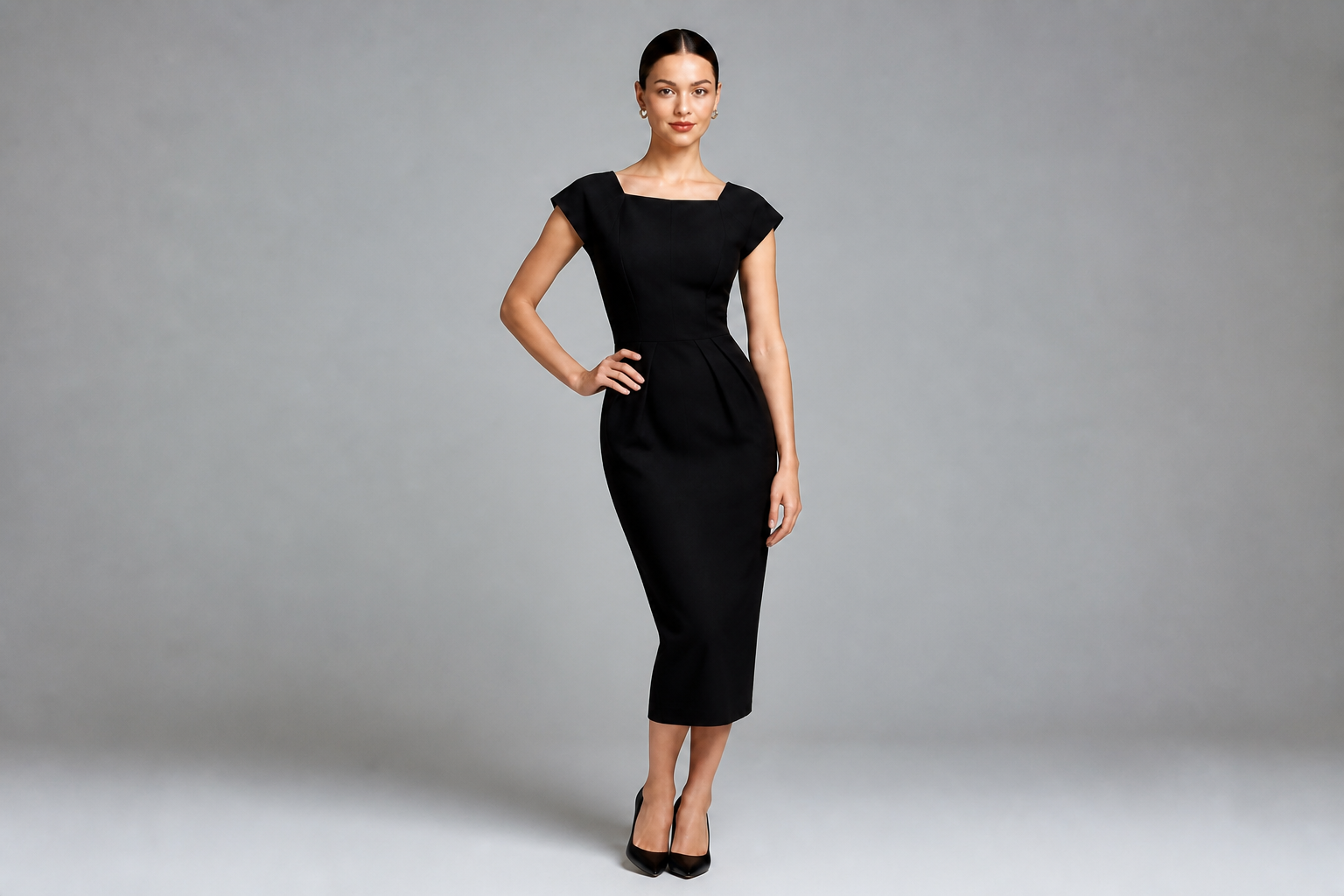
Swap stiff poses fast
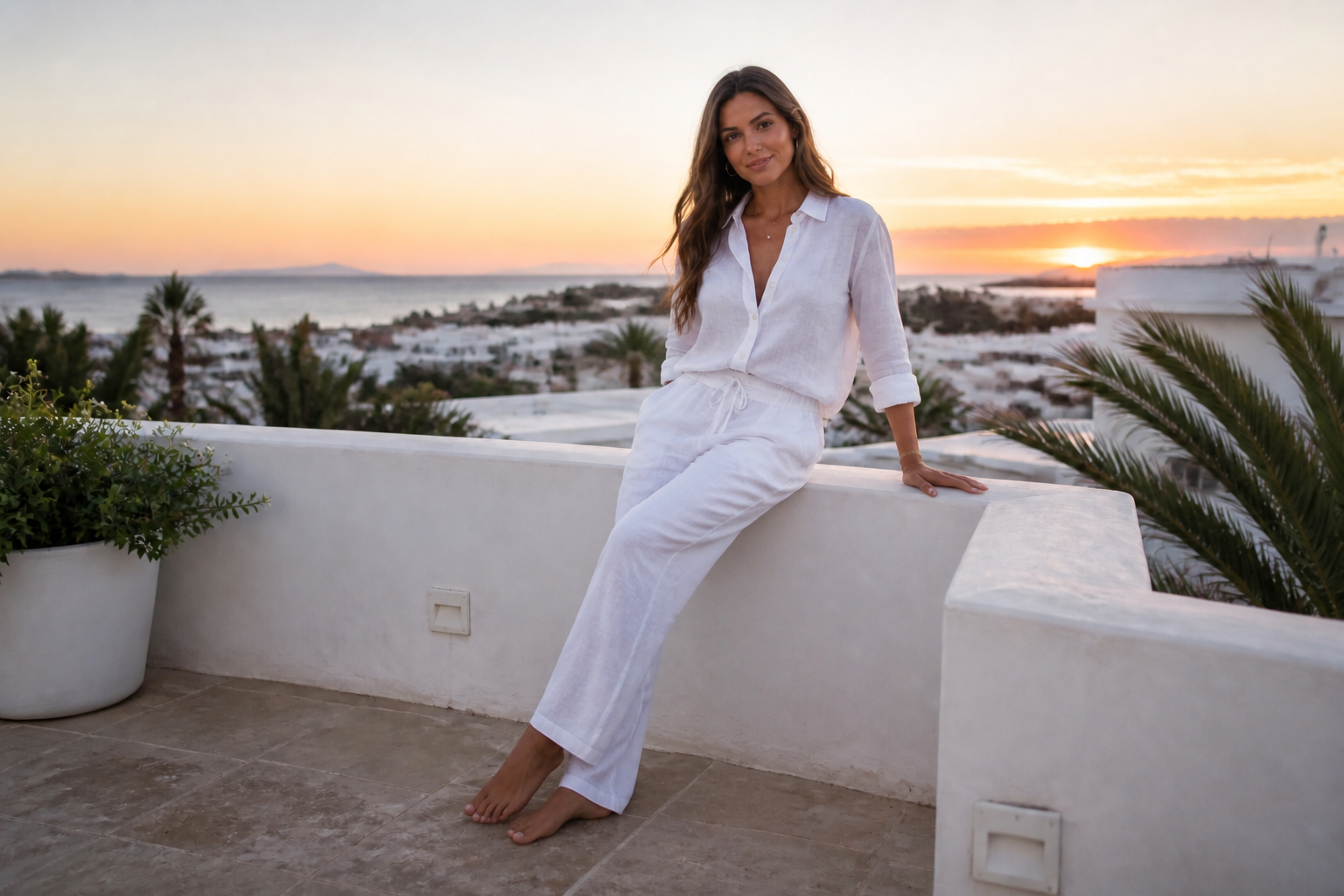
You can turn a flat standing shot into a pose with more shape, movement, and intent in one edit. That helps when the original photo feels static but the outfit and lighting are already usable. Instead of planning a reshoot or sorting through near-duplicates, you can test stronger body positions directly on the image. It is a quick way to improve a frame that almost works.
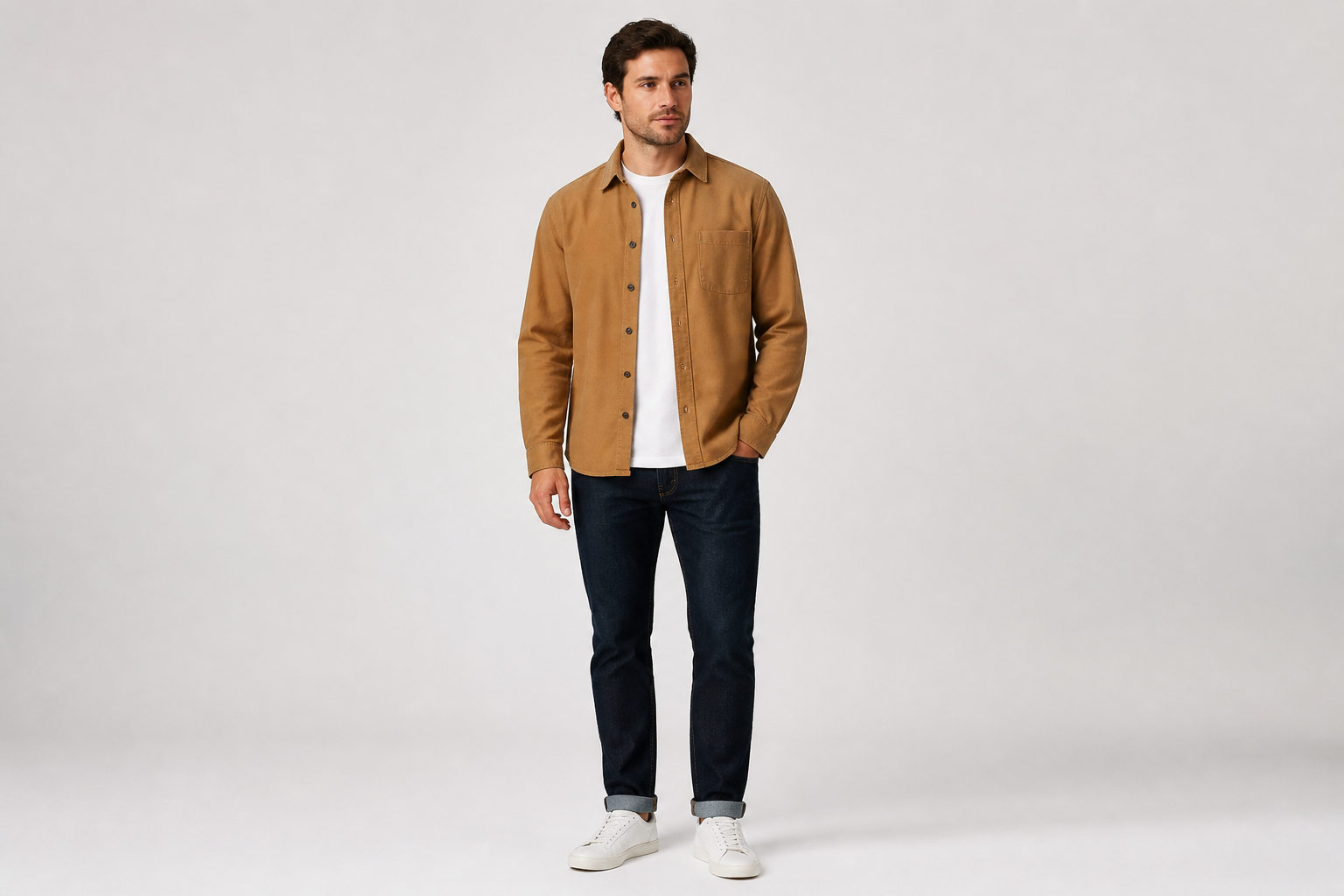
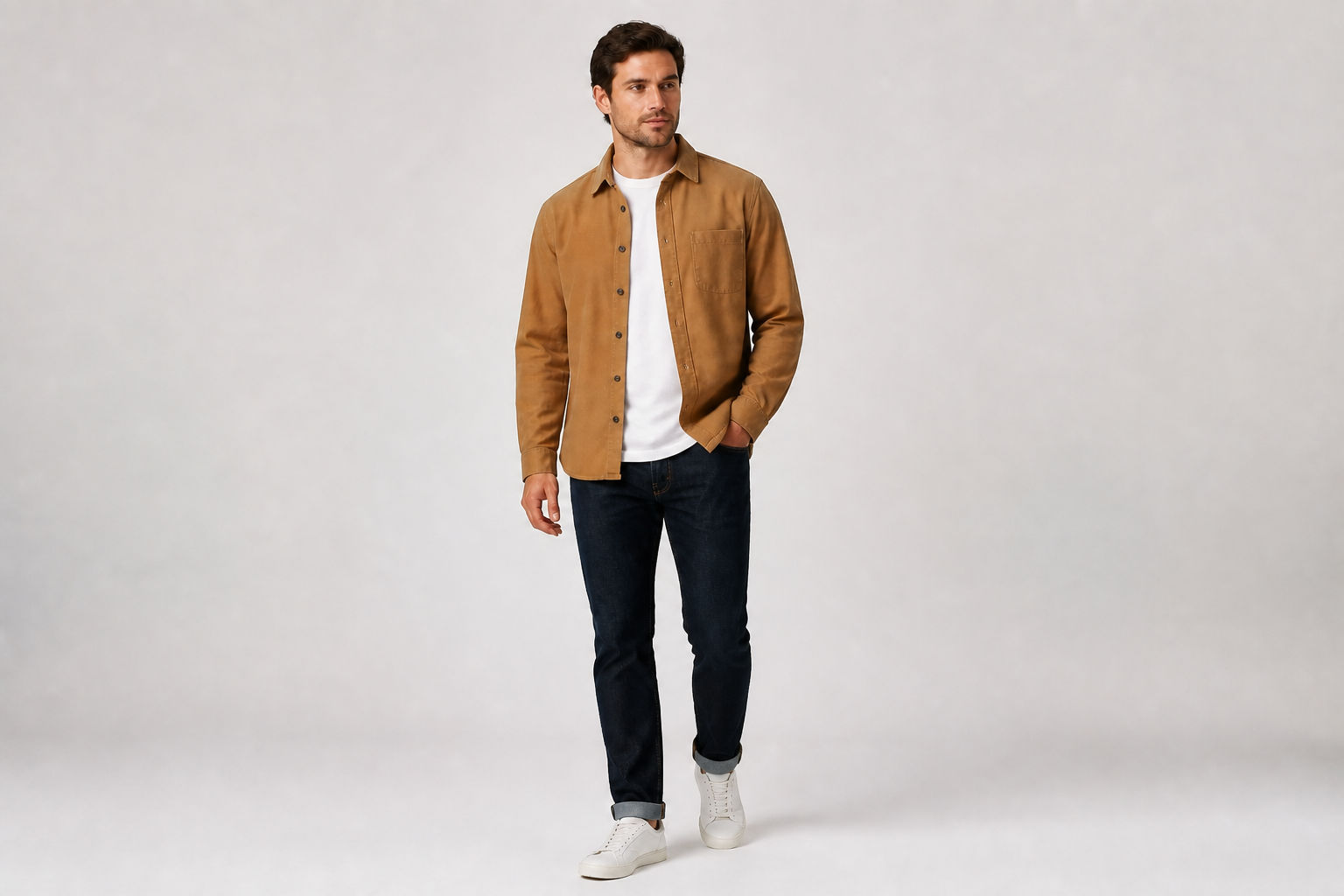
Keep the outfit consistent
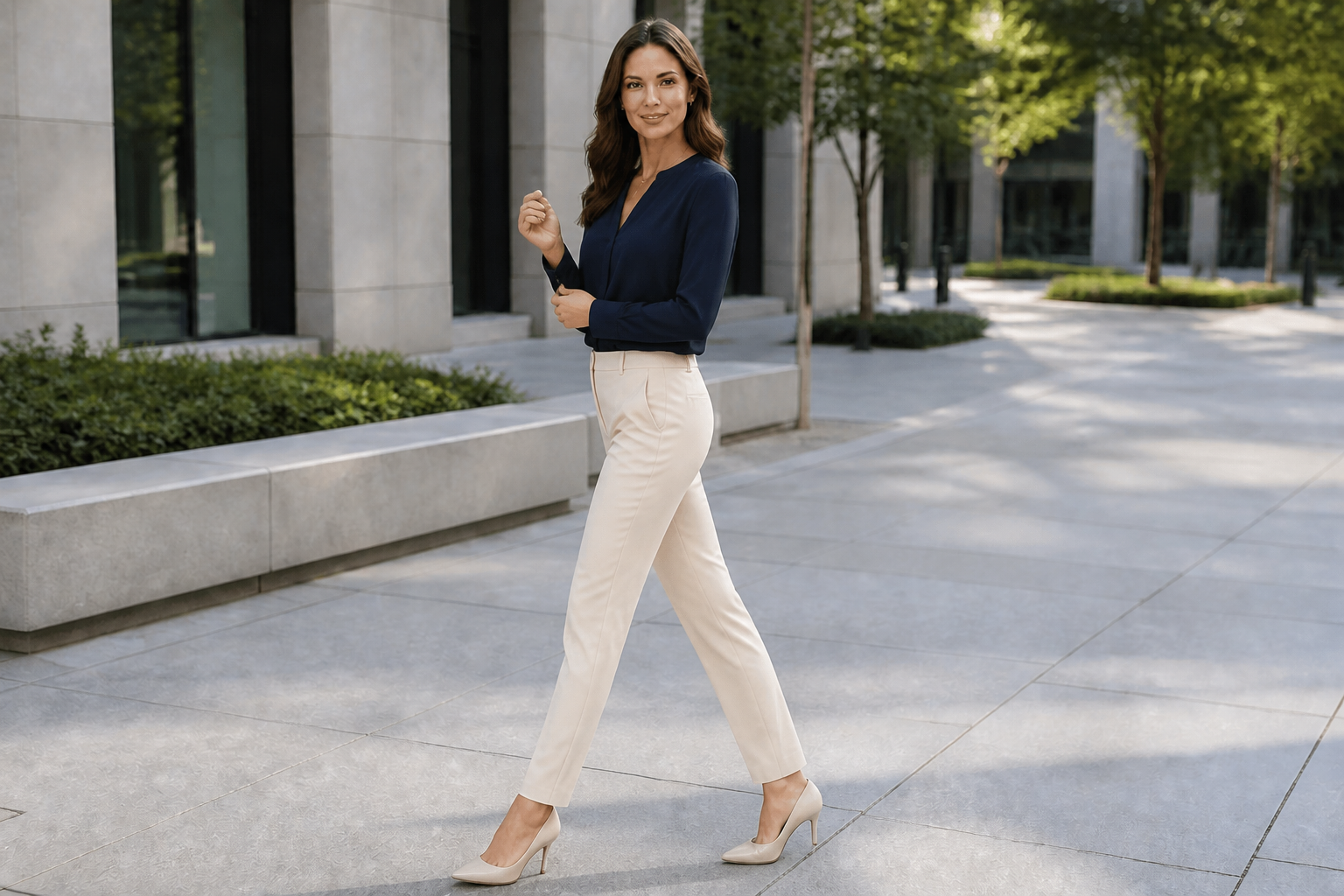
A pose edit should change body position without rewriting the clothing. Our AI is useful when you want more variety from the same product shot but still need the garment, fabric, and styling to stay recognizable. That matters for ecommerce, lookbooks, and ad mockups where consistency is part of the job. You get a clearer before-and-after change without rebuilding the whole image.
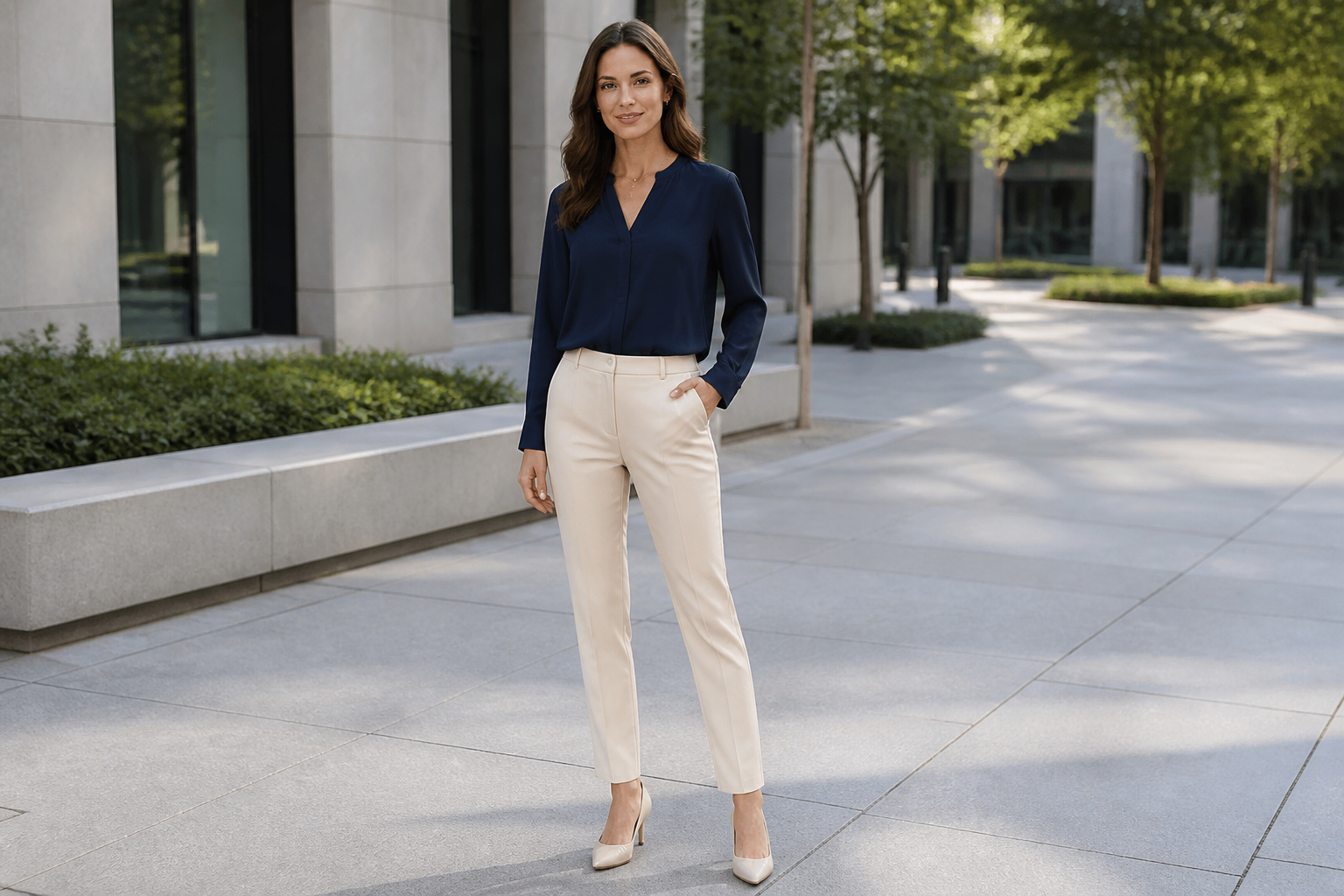
Test multiple pose directions
Different campaigns need different body language. You can try polished, casual, dynamic, or elegant directions from the same source photo and compare what fits the brand best. This is useful when a team wants options before approving a final layout. It saves time over manually compositing or reshooting every variation.
Works beyond photorealism
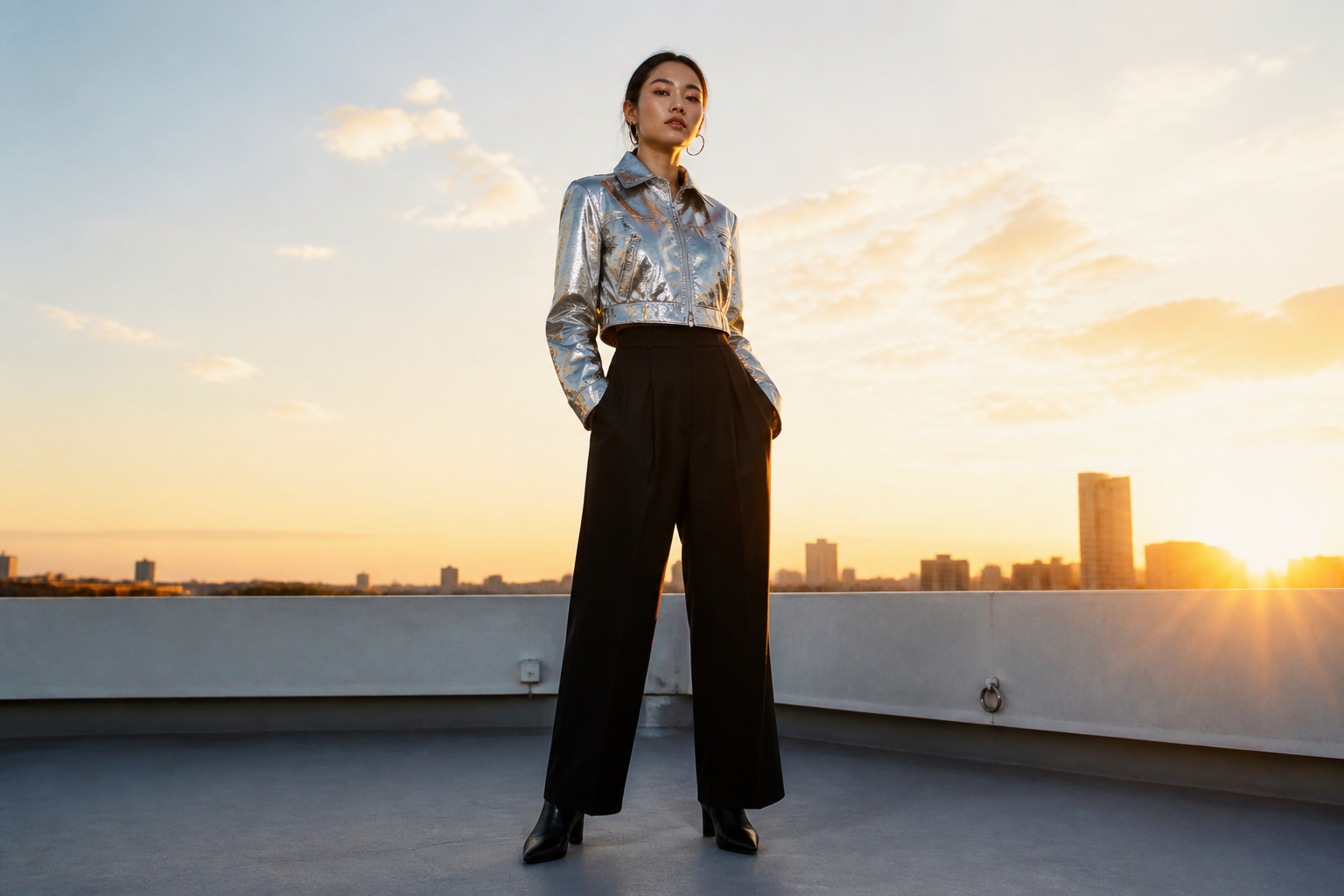
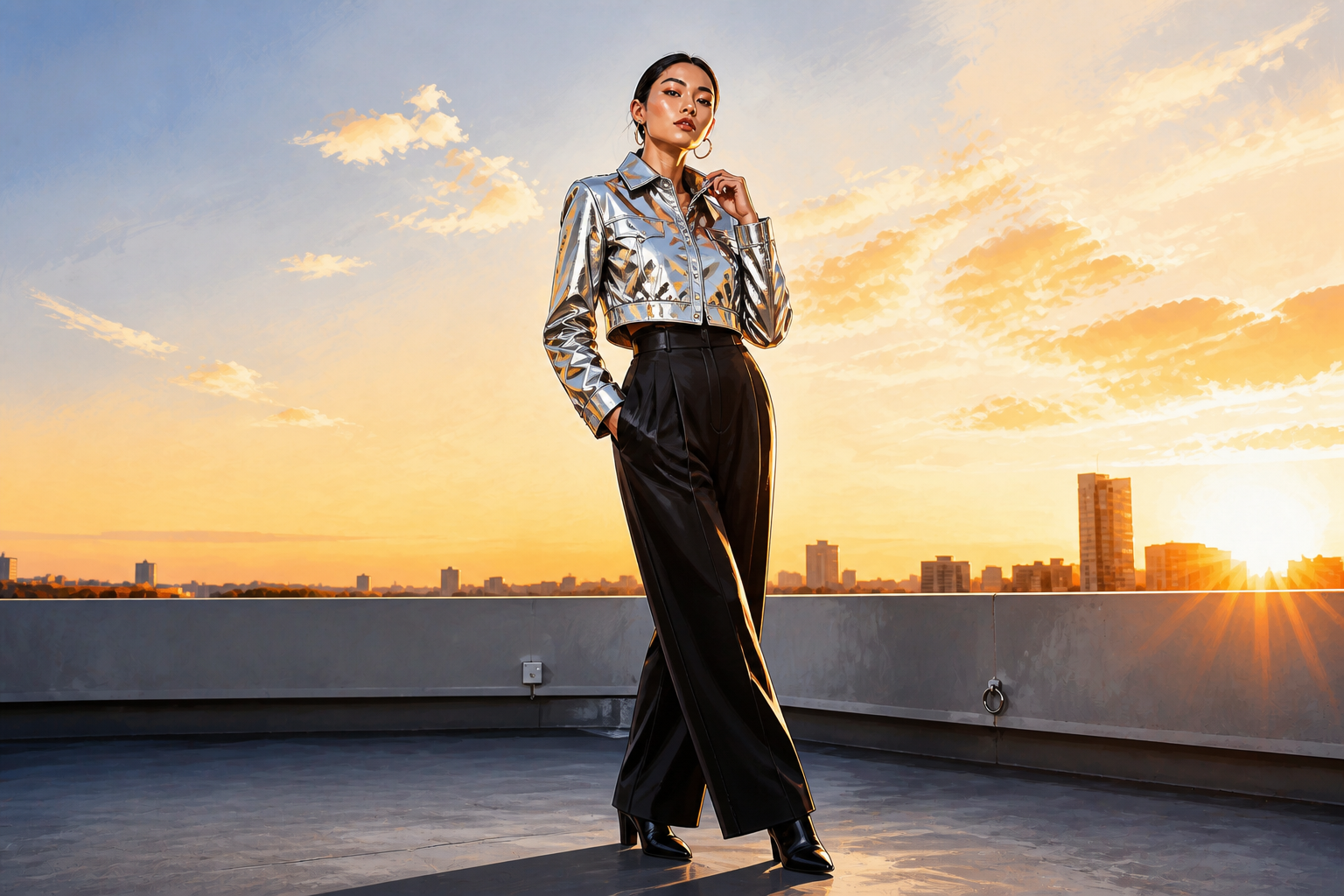
Pose changes are not limited to standard product photos. You can combine a new stance with a stylized finish for moodboards, concept art, pitch decks, or social content. That makes the page feel less like a single-use editor and more like a flexible creative tool. It is an easy way to show the same model direction in different visual languages.
How It Works
Upload your photo
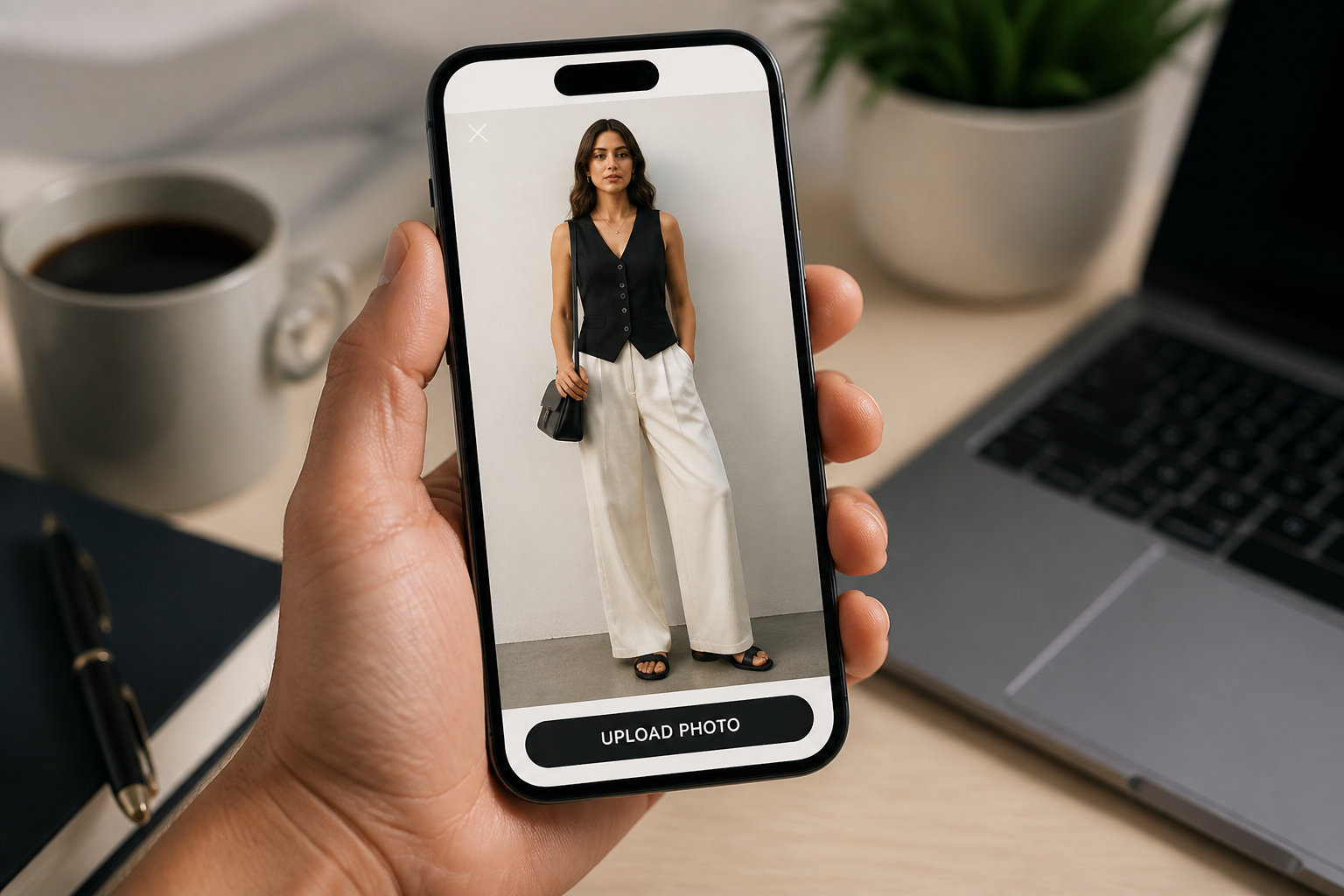
Start with a clear full-body or three-quarter model photo. Clean framing and visible limbs make pose changes read better.
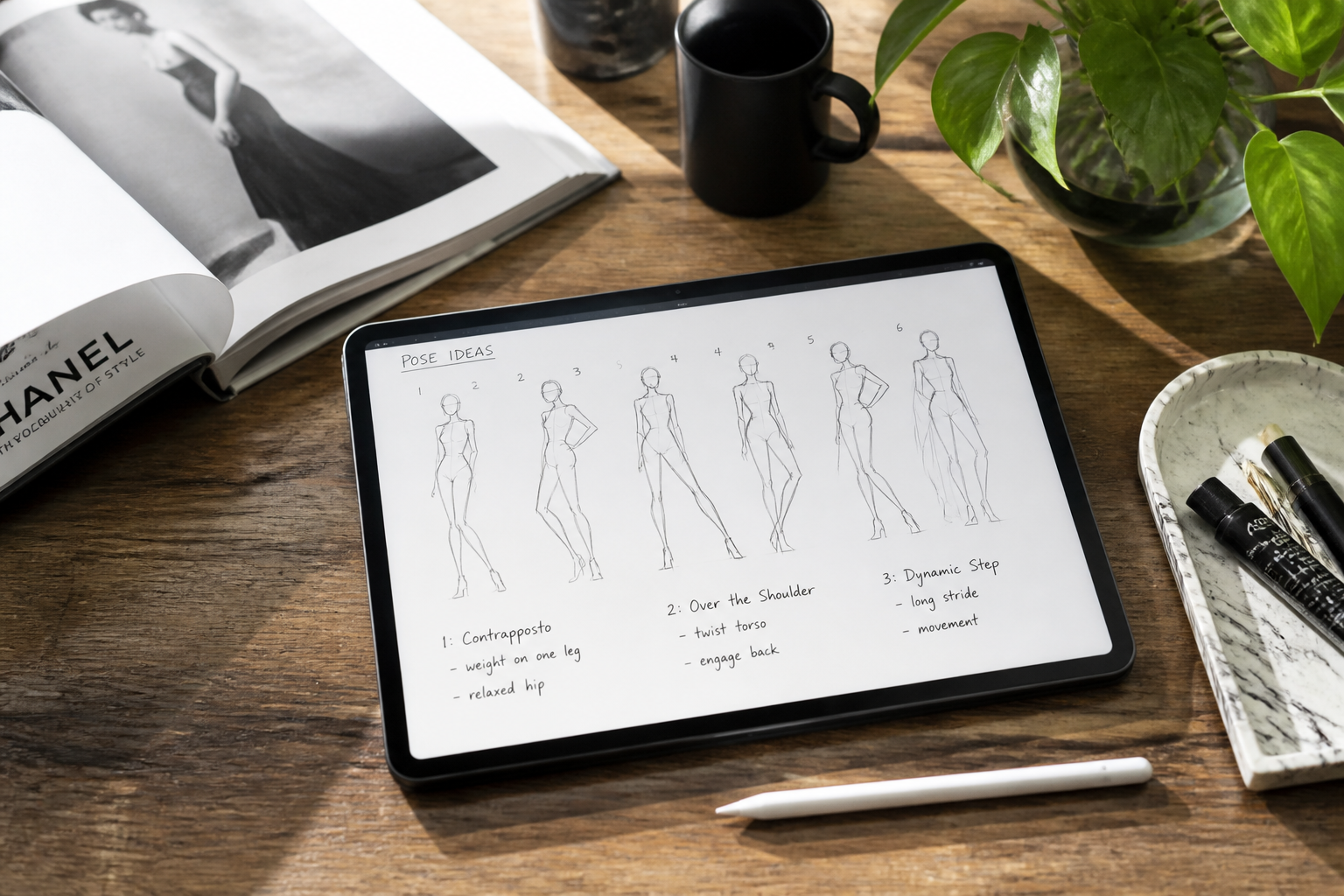
Describe the new pose
Tell the AI how the model should stand, walk, sit, lean, or angle toward camera. You can also mention hand placement, weight shift, and overall mood.
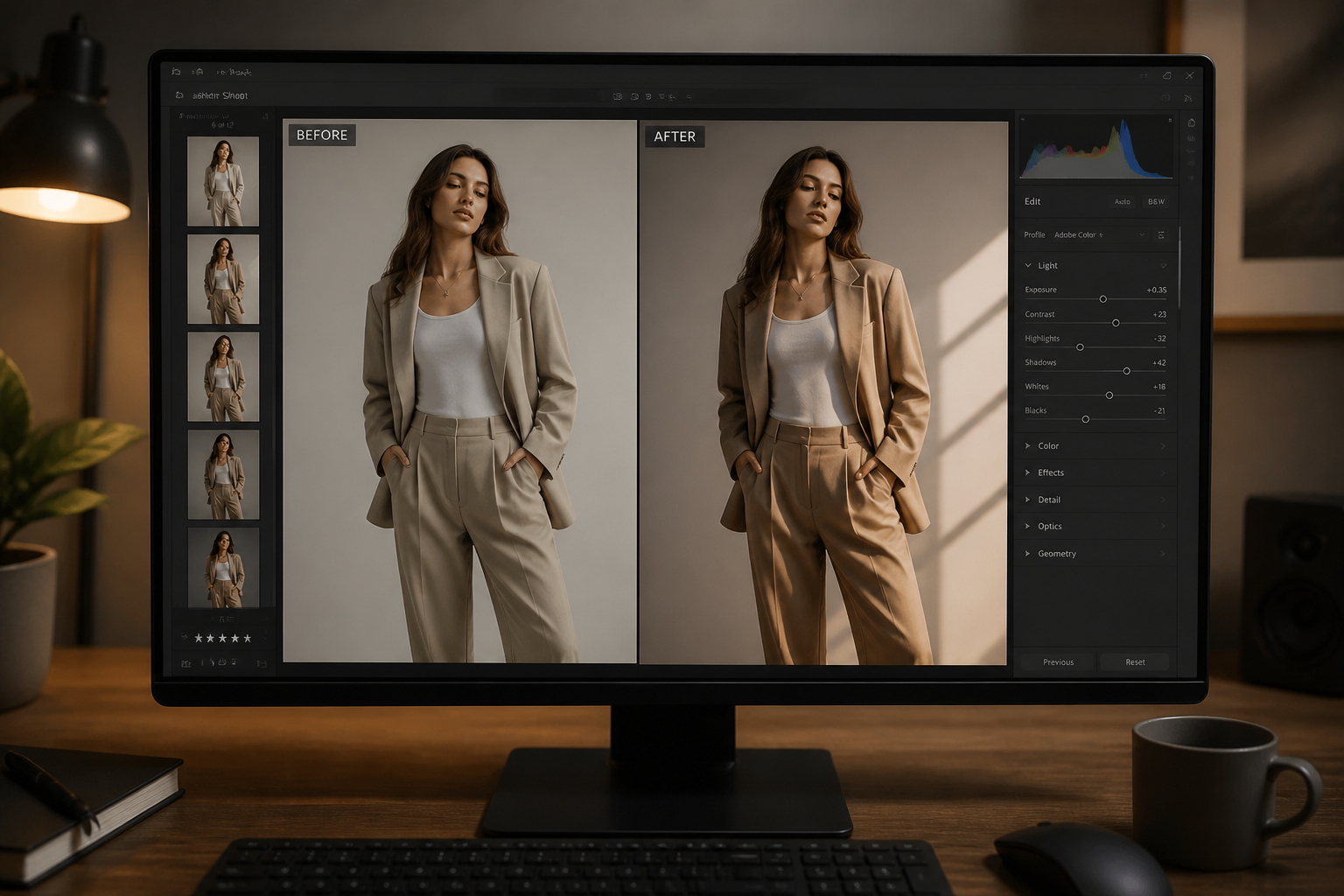
Compare and refine
Review the new pose against the original image and adjust the direction if needed. Try a few variations to find the one that fits the product or campaign best.
Perfect For
Discover how creators and professionals use ai model pose generator
Ecommerce product photos
Create more useful model variations from the same apparel shot without scheduling another studio session.
Lookbook development
Test stronger editorial body language before finalizing layouts, styling selects, or campaign direction.
Social content production
Turn a basic frame into a more scrollable fashion pose for Reels covers, posts, and paid creatives.
Concept and moodboard work
Prototype pose direction quickly when pitching a shoot, planning references, or building visual ideas for clients.
Built For
Fashion brands
Useful for teams that need more pose variety across product pages, ads, and seasonal launches.
Photographers and retouchers
Helps salvage usable shots and explore alternate direction without rebuilding an image by hand.
Creators and marketers
Makes it easier to generate cleaner, more deliberate model poses for content calendars and campaign tests.
Why use this for pose edits
A quick look at how we compare on the things that matter for this niche.
| Feature | BudgetPixel | Generic AI editors | Manual editing apps |
|---|---|---|---|
| Pose-focused photo edits | ✓ | — | — |
| Keeps outfit and scene | ✓ | Varies | Manual |
| Fast concept variations | ✓ | Varies | Slow |
| No reshoot needed | ✓ | ✓ | ✓ |
Frequently Asked Questions
What does an AI model pose generator do?
Do I need a full-body photo?
Will the outfit stay the same?
Can I create fashion and ecommerce poses?
Can I make stylized pose edits too?
Create together.
Share your creations, discover trending AI art, and grow with fellow creators.