AI Fashion Pose Generator for Stronger Editorial Looks
Create cleaner, more confident fashion poses from one photo.
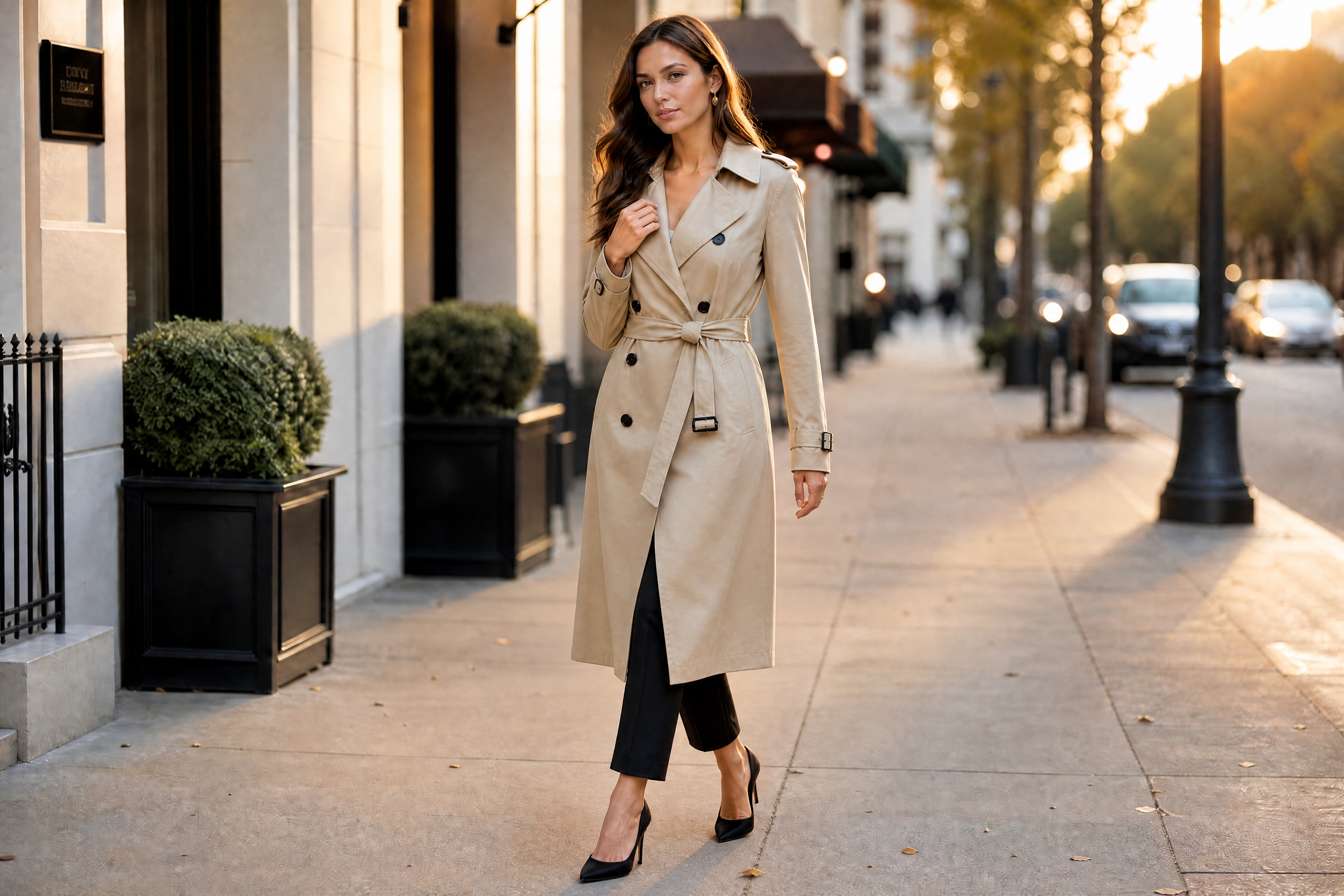
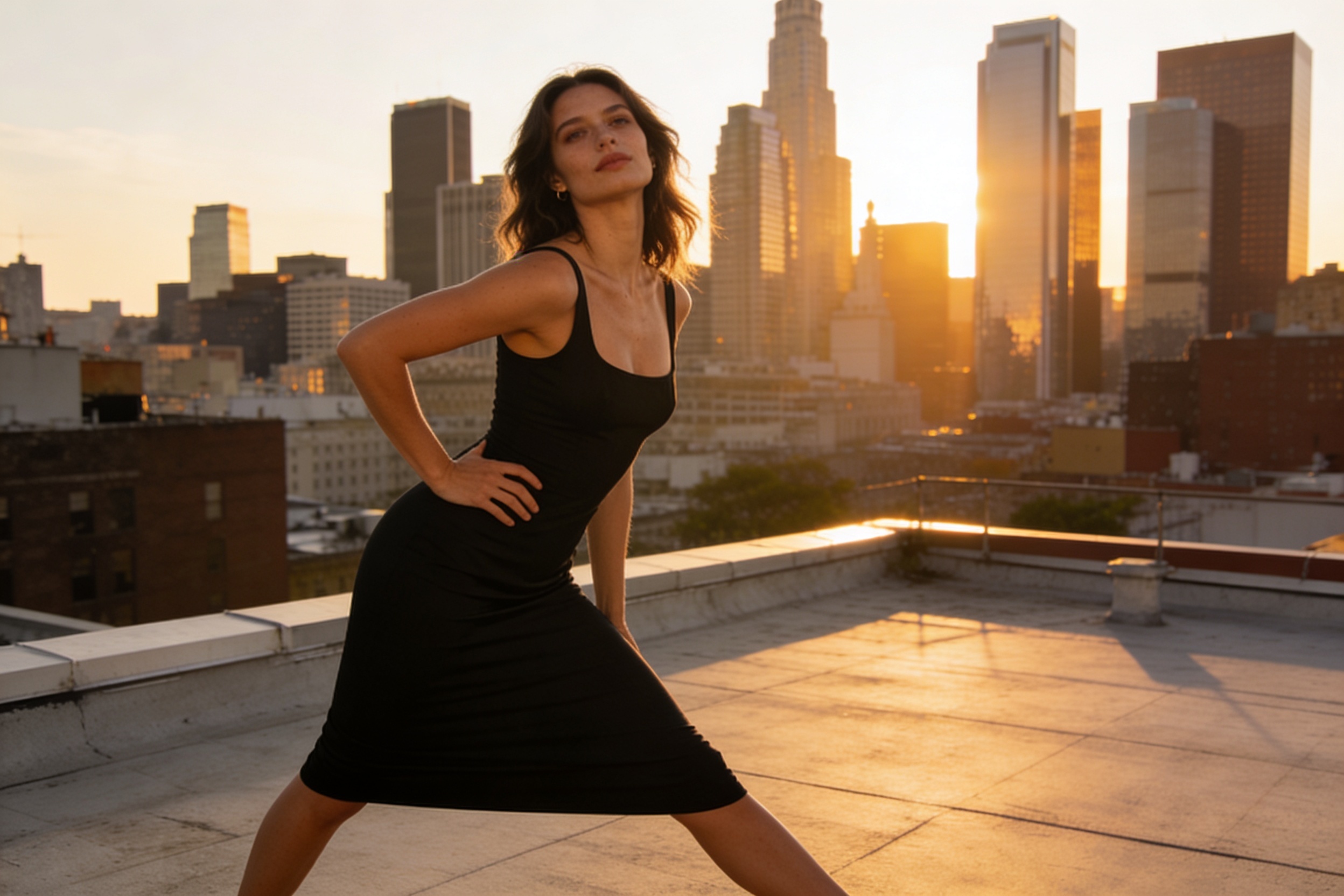
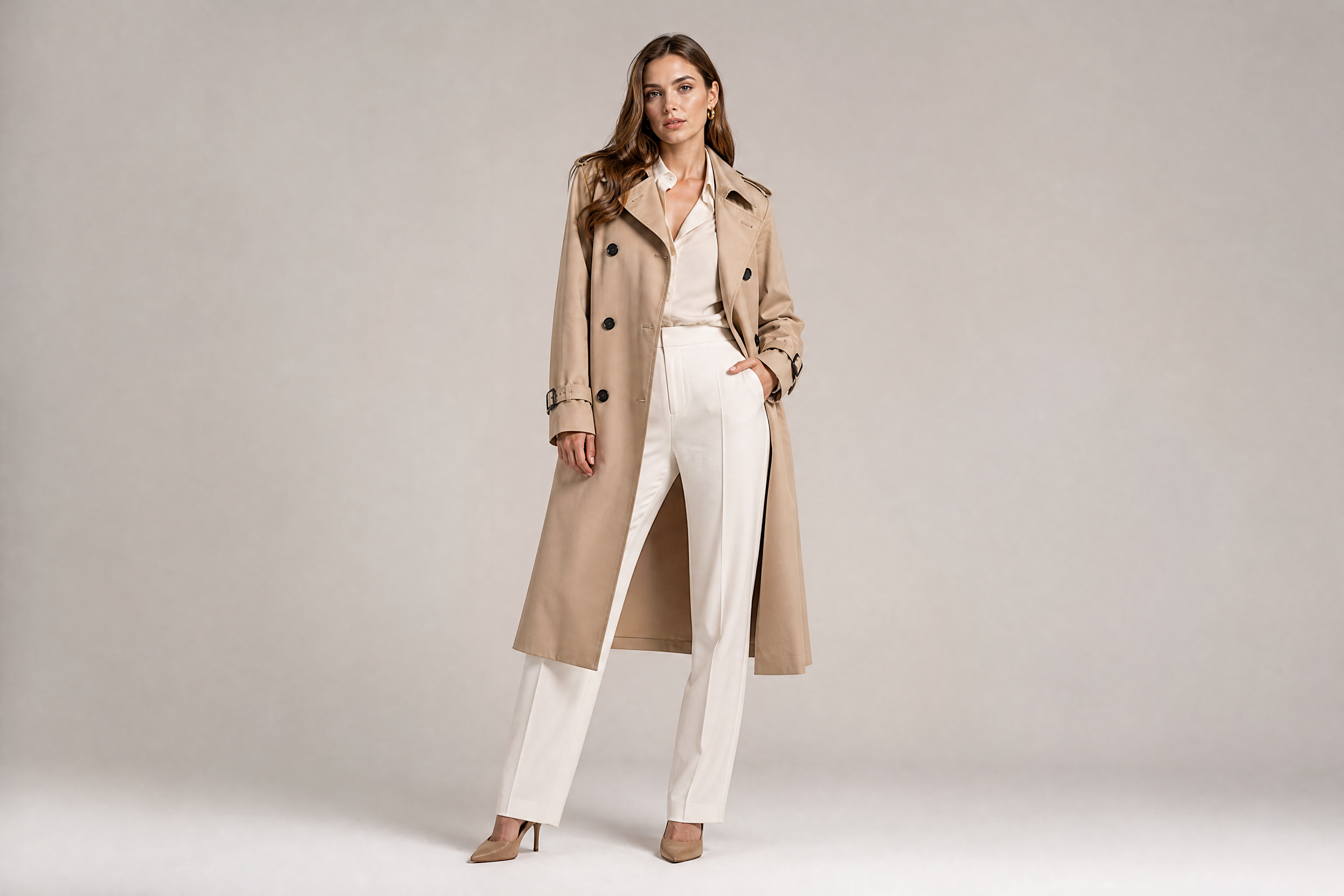
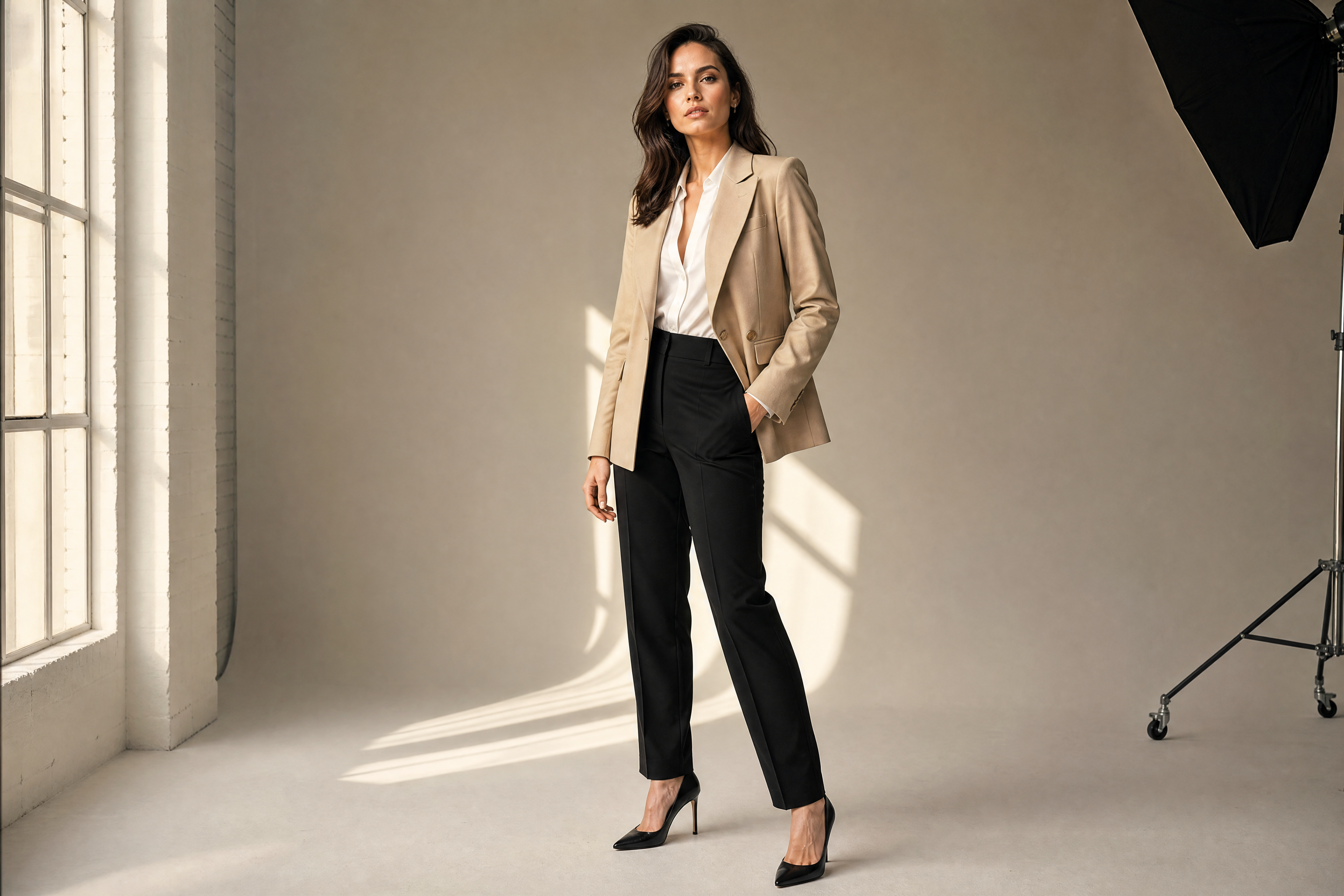
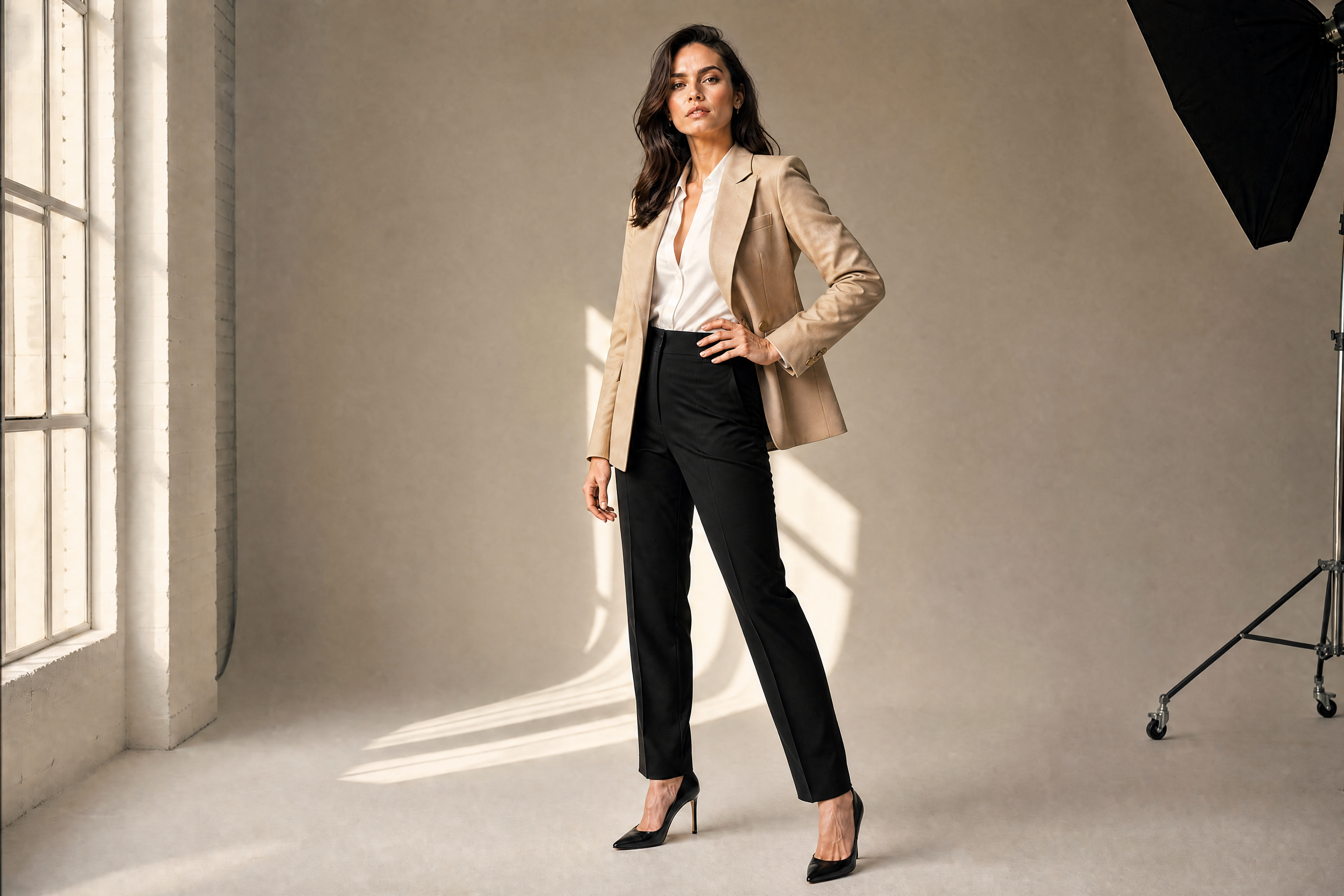
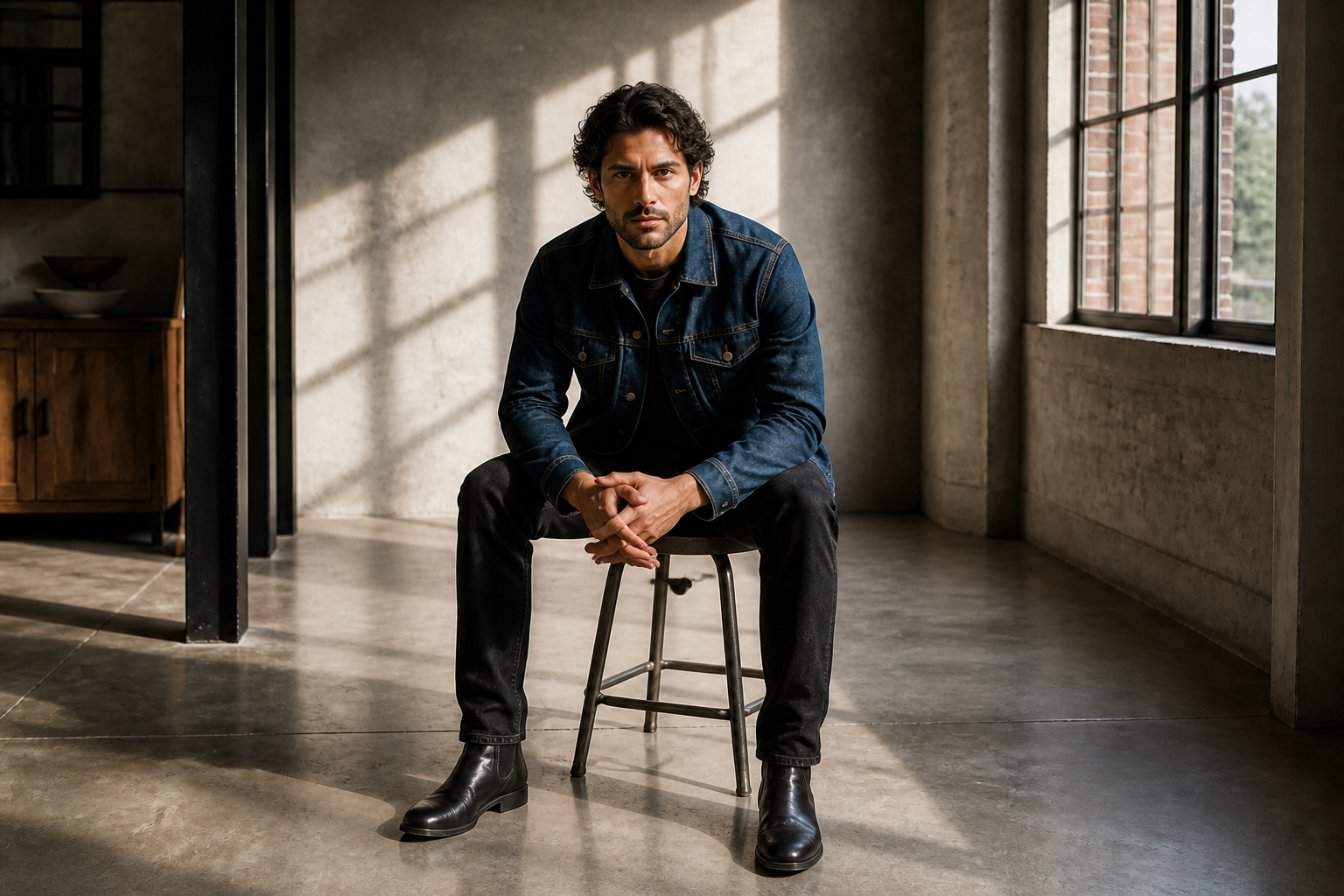
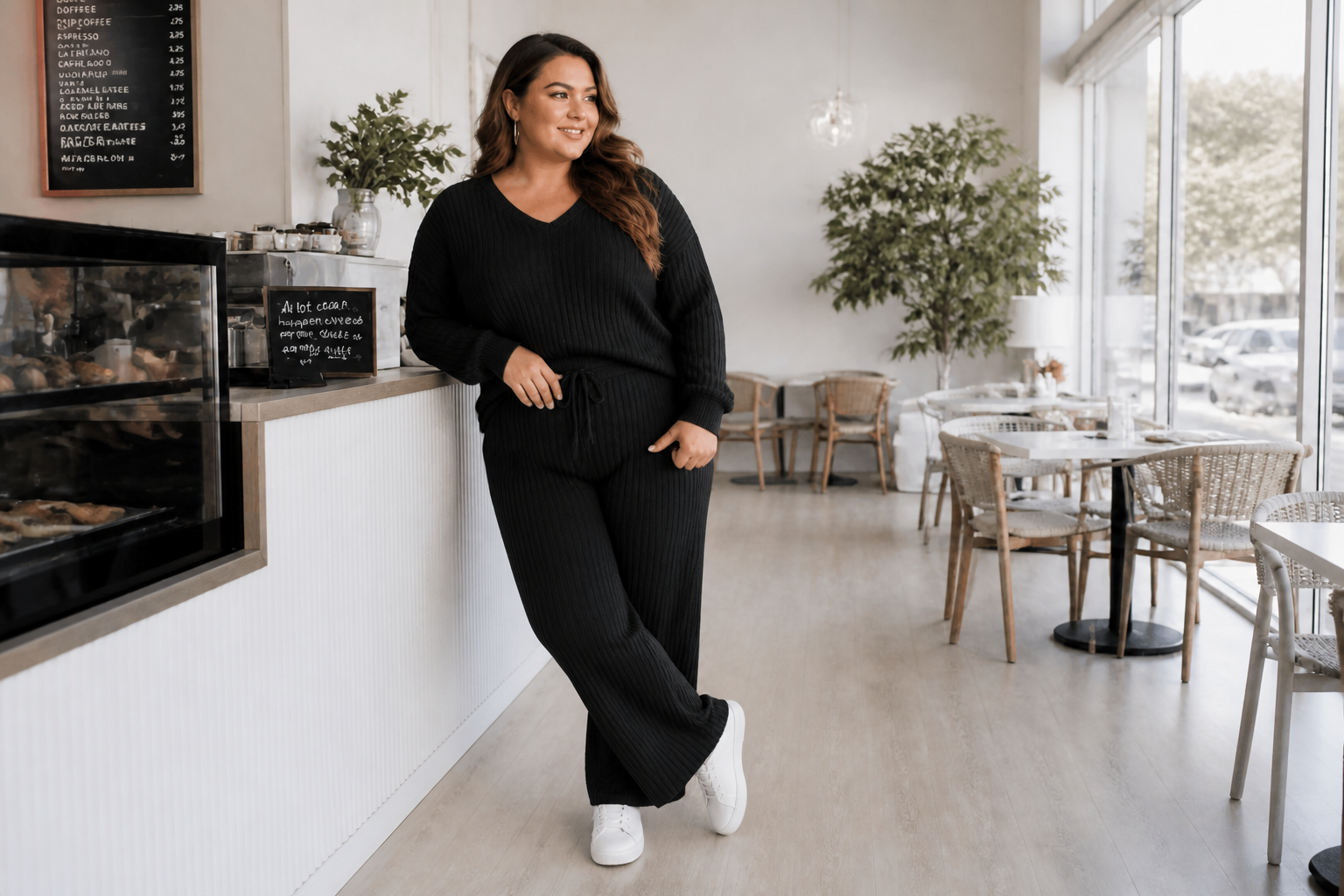
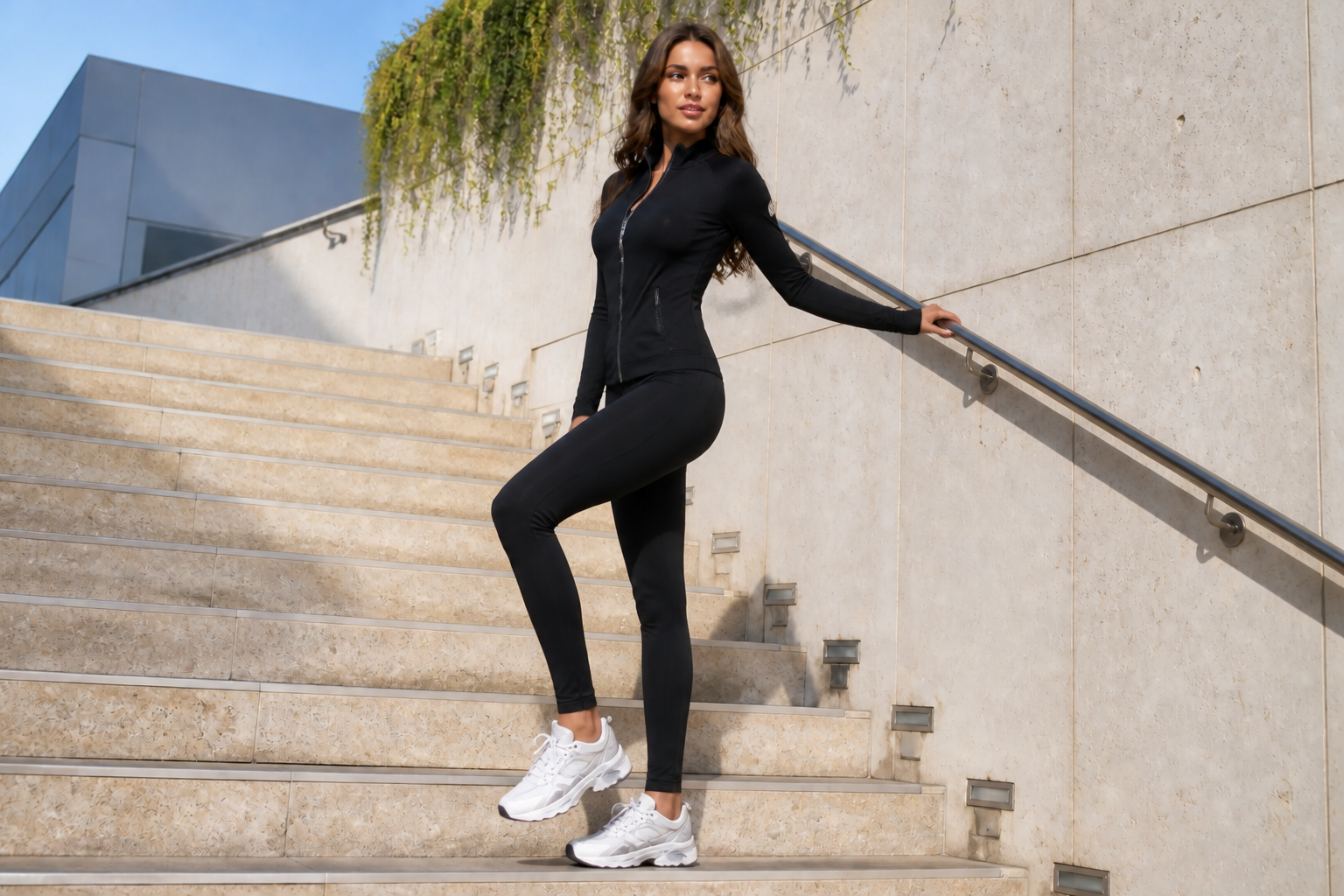
AI Fashion Pose Generator changes a model's pose while keeping the outfit, identity, and overall scene consistent. Use it to test stronger angles, sharper body lines, and more editorial stances without reshooting.
Watch the Transformation
See ai fashion pose generator in motion — generated end-to-end by our AI.
See It In Action
Real outputs from ai fashion pose generator.
BEFOREAFTER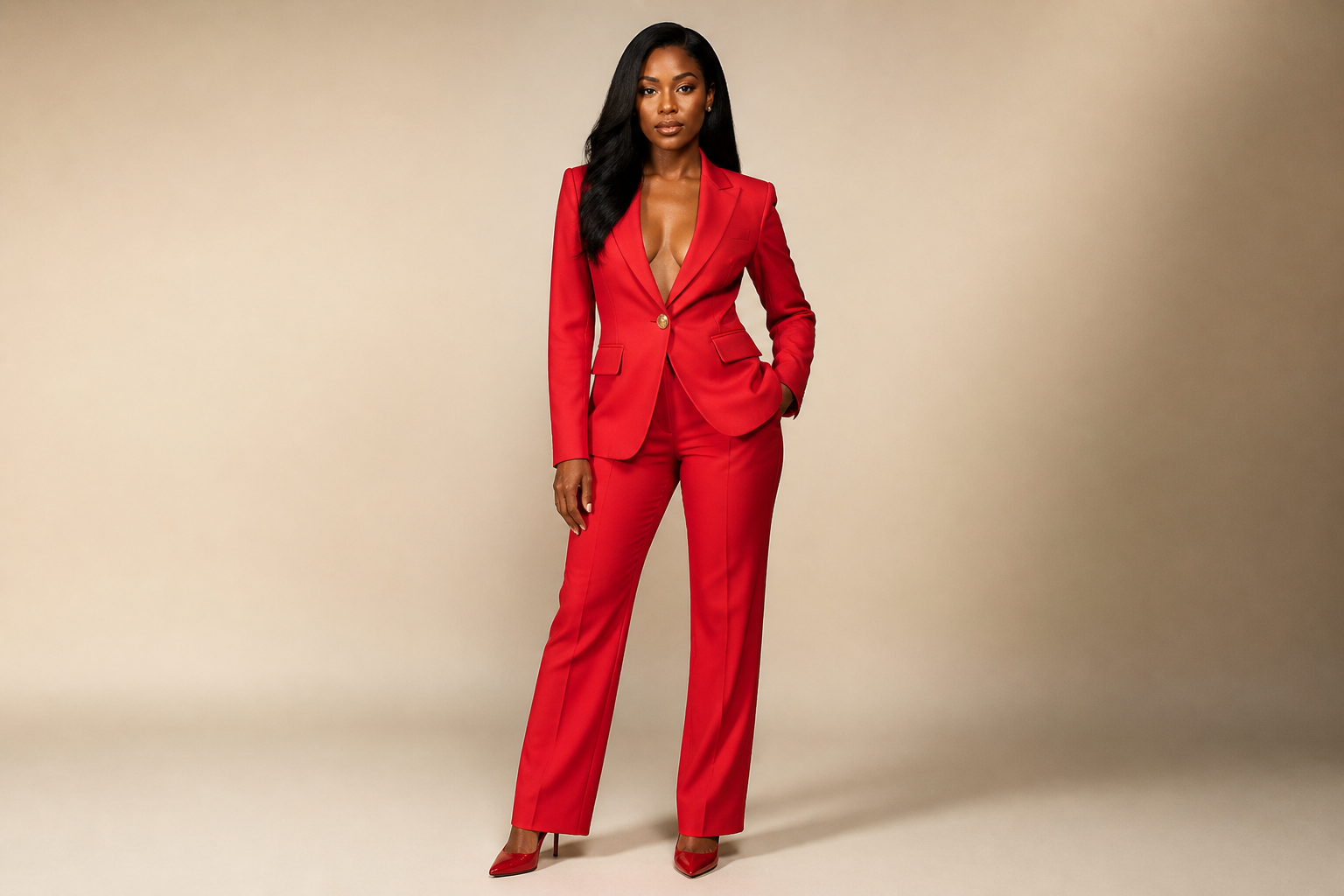 BEFORE
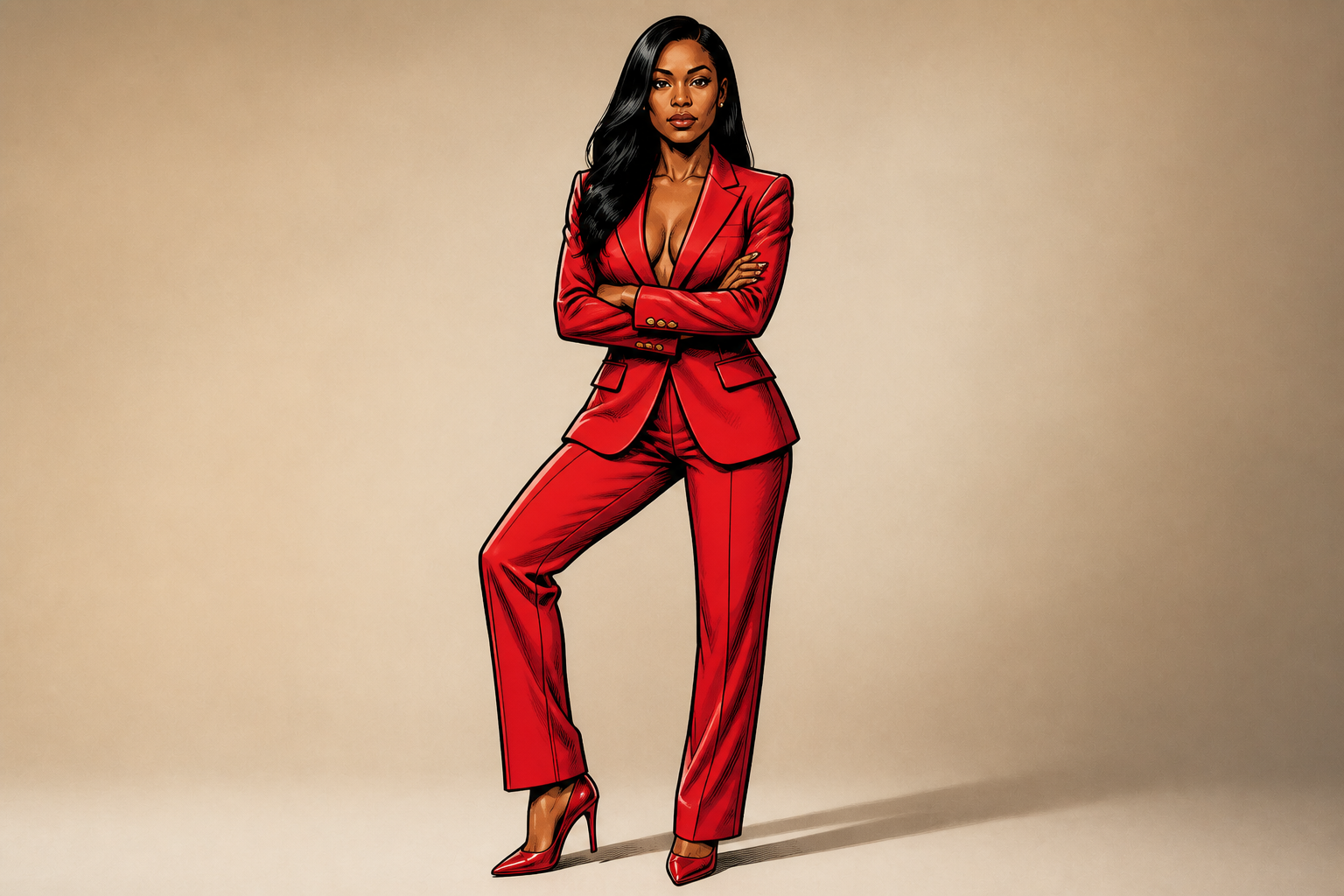 AFTER
AFTER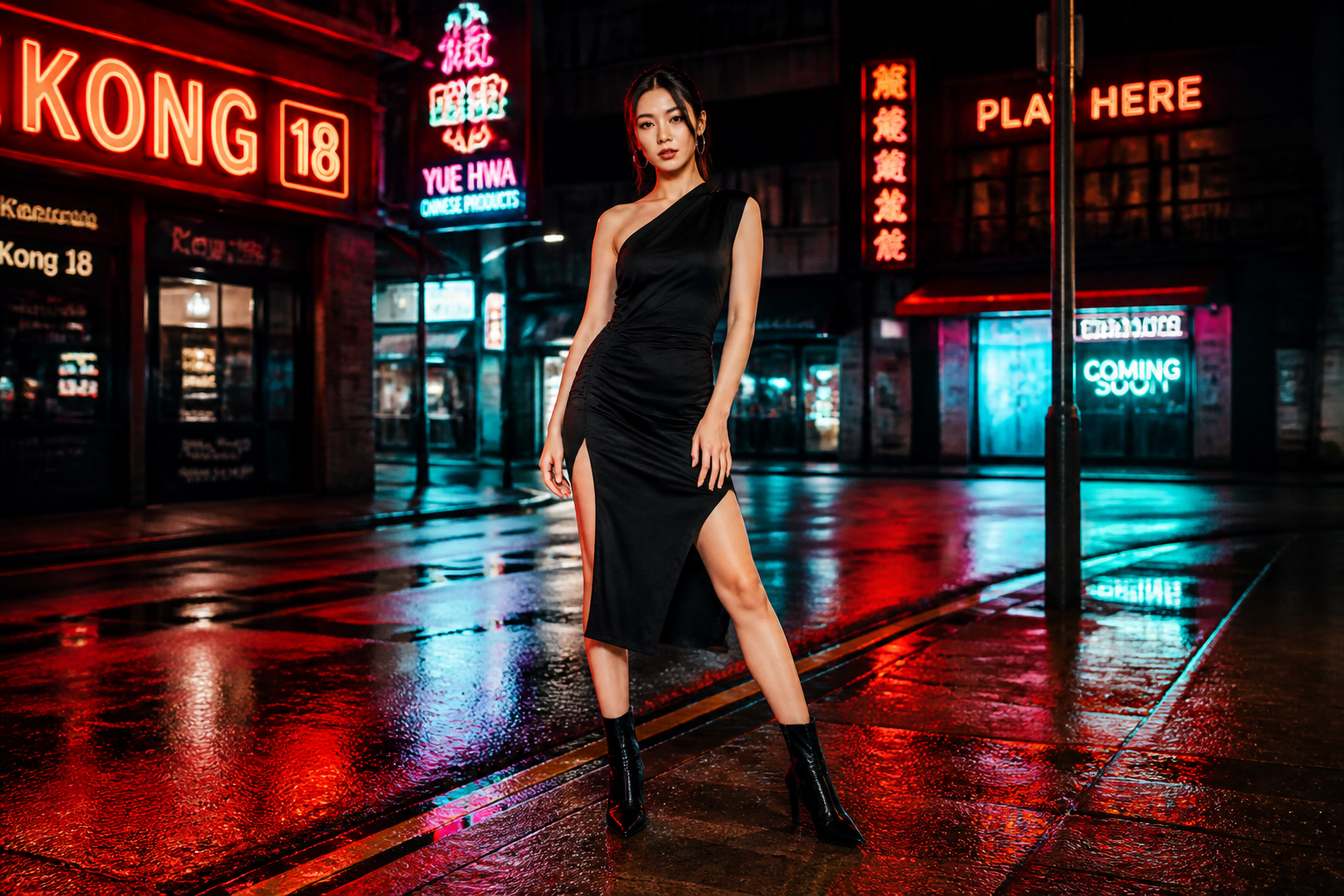 BEFORE
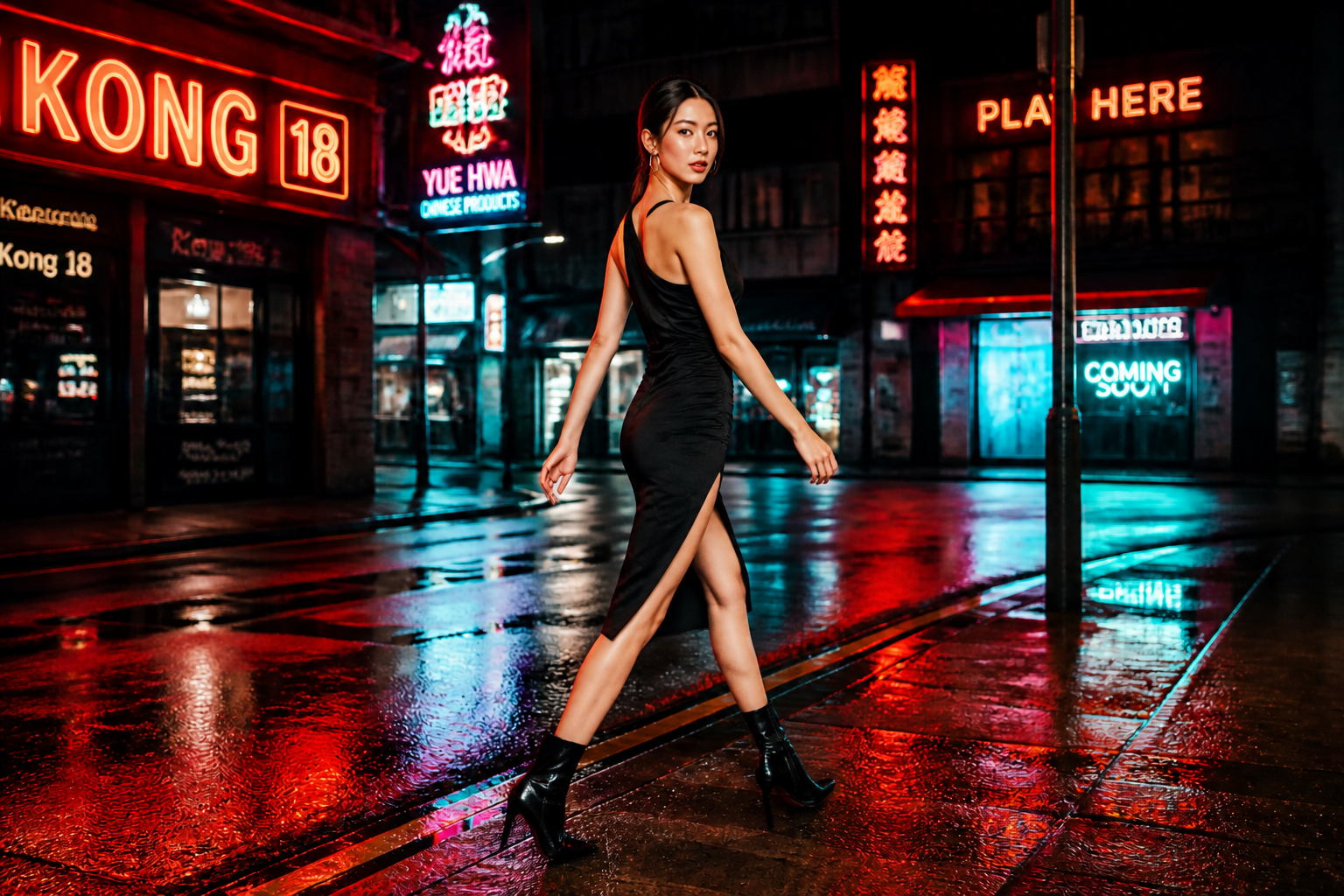 AFTER
AFTER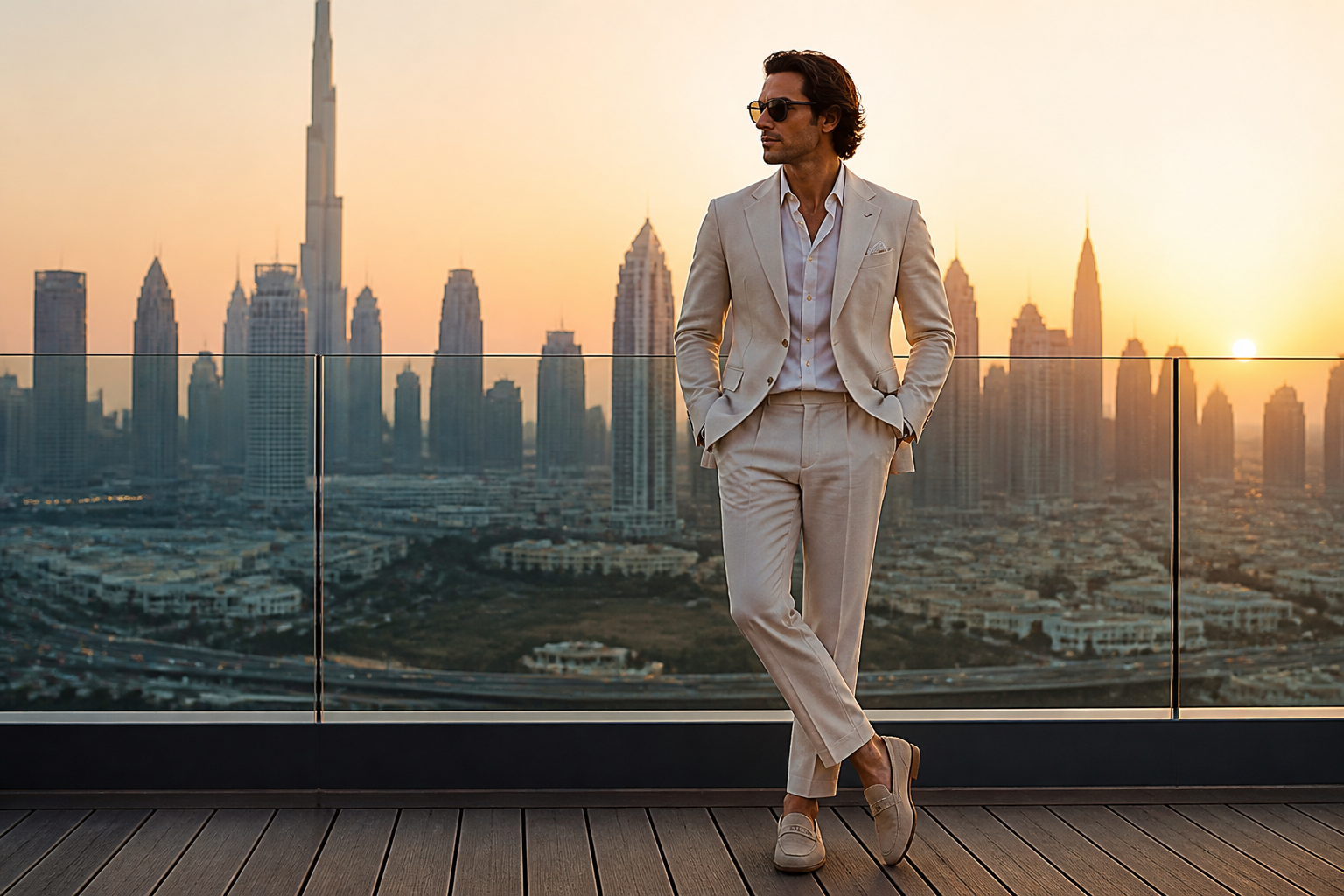 BEFORE
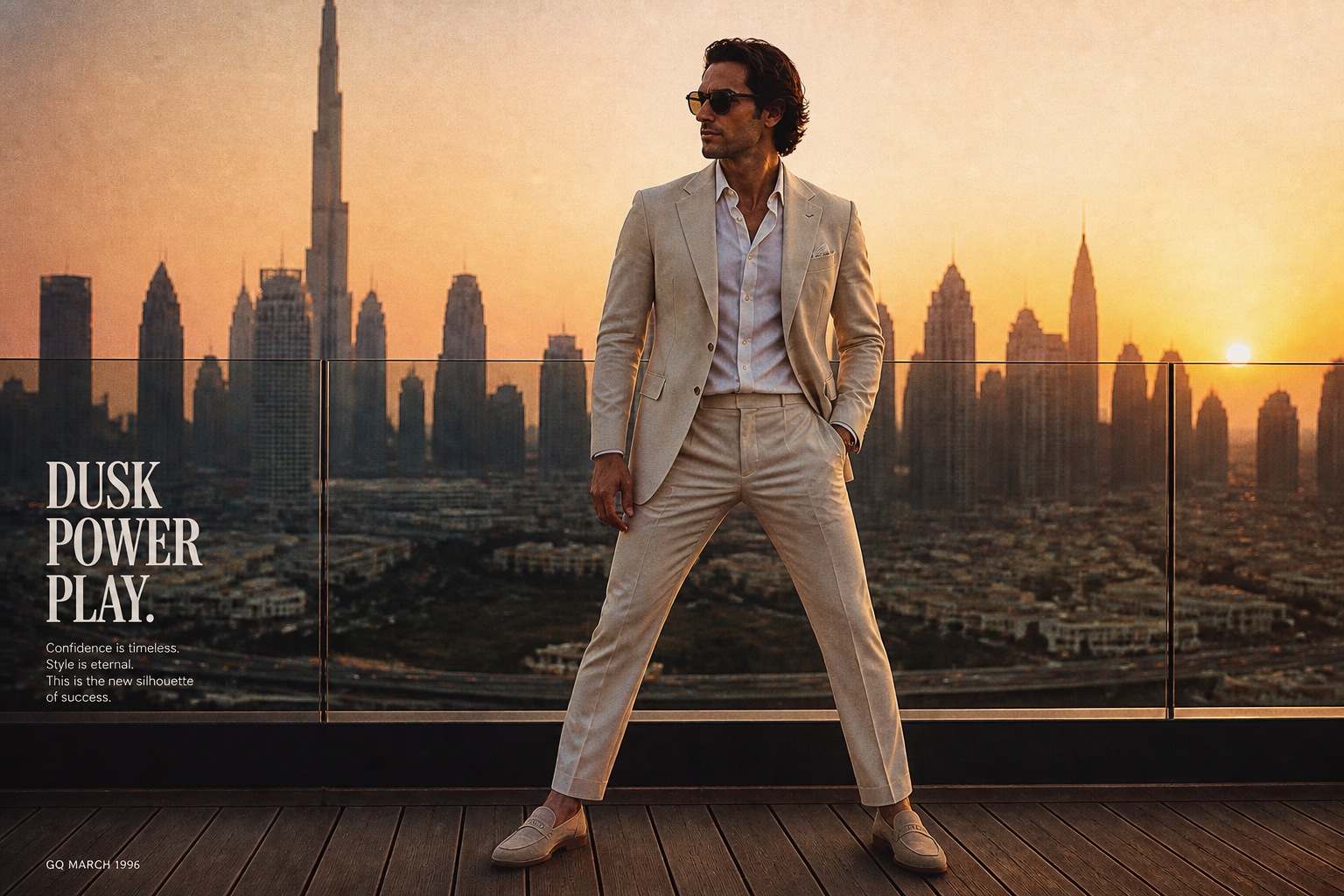 AFTER
AFTER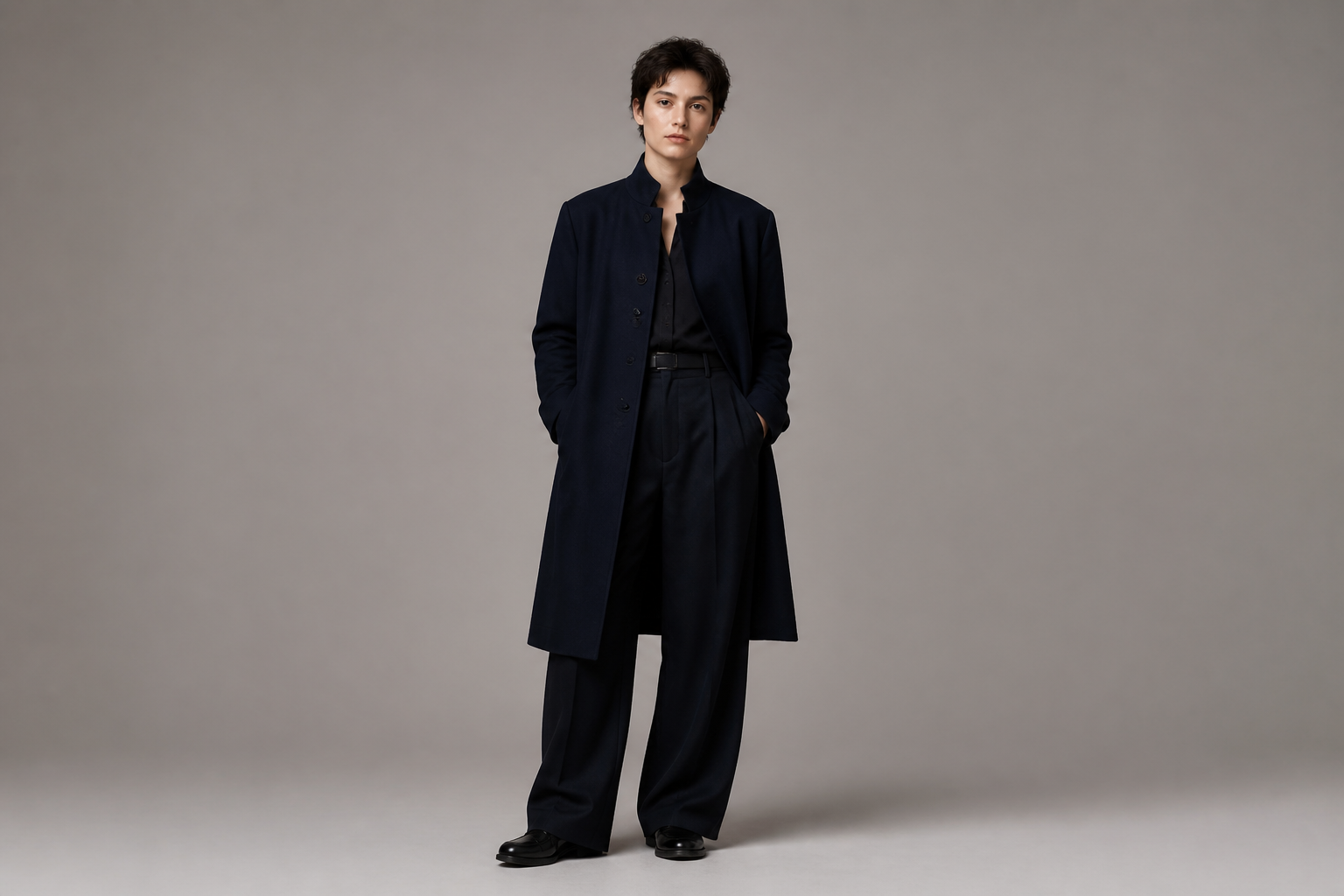 BEFORE
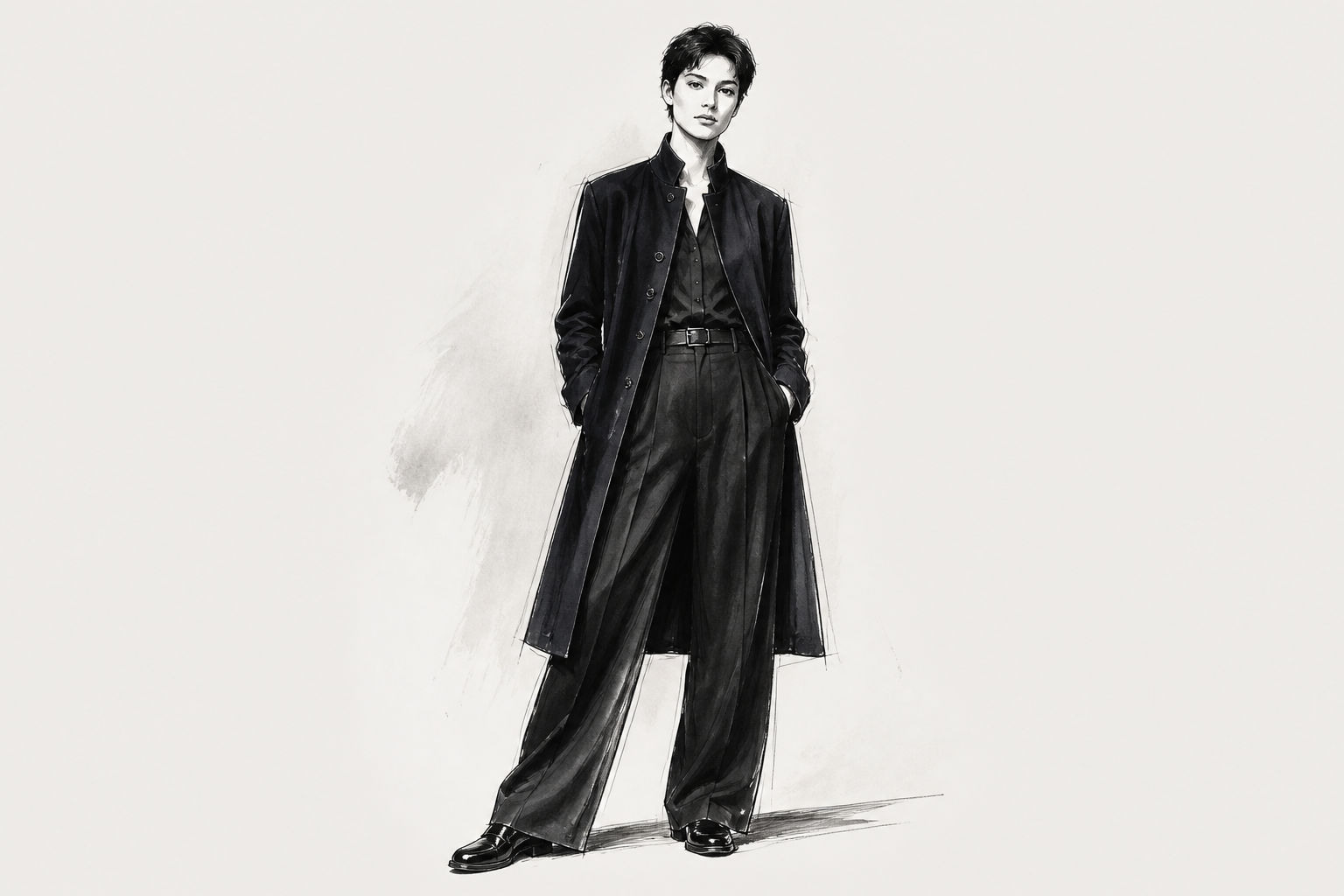 AFTERBEFOREAFTERBEFOREAFTERBEFOREAFTERBEFOREAFTERBEFOREAFTER
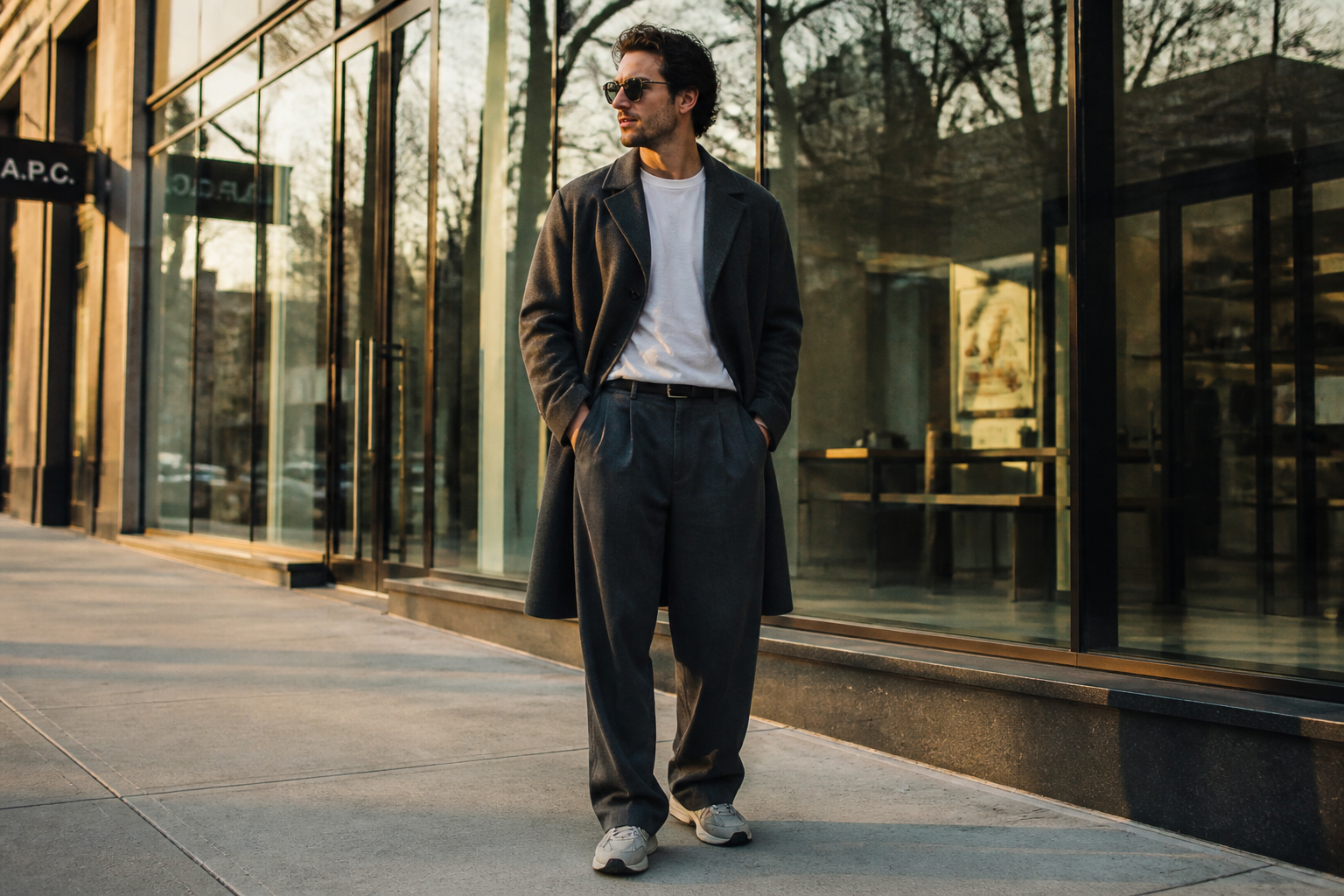 BEFORE
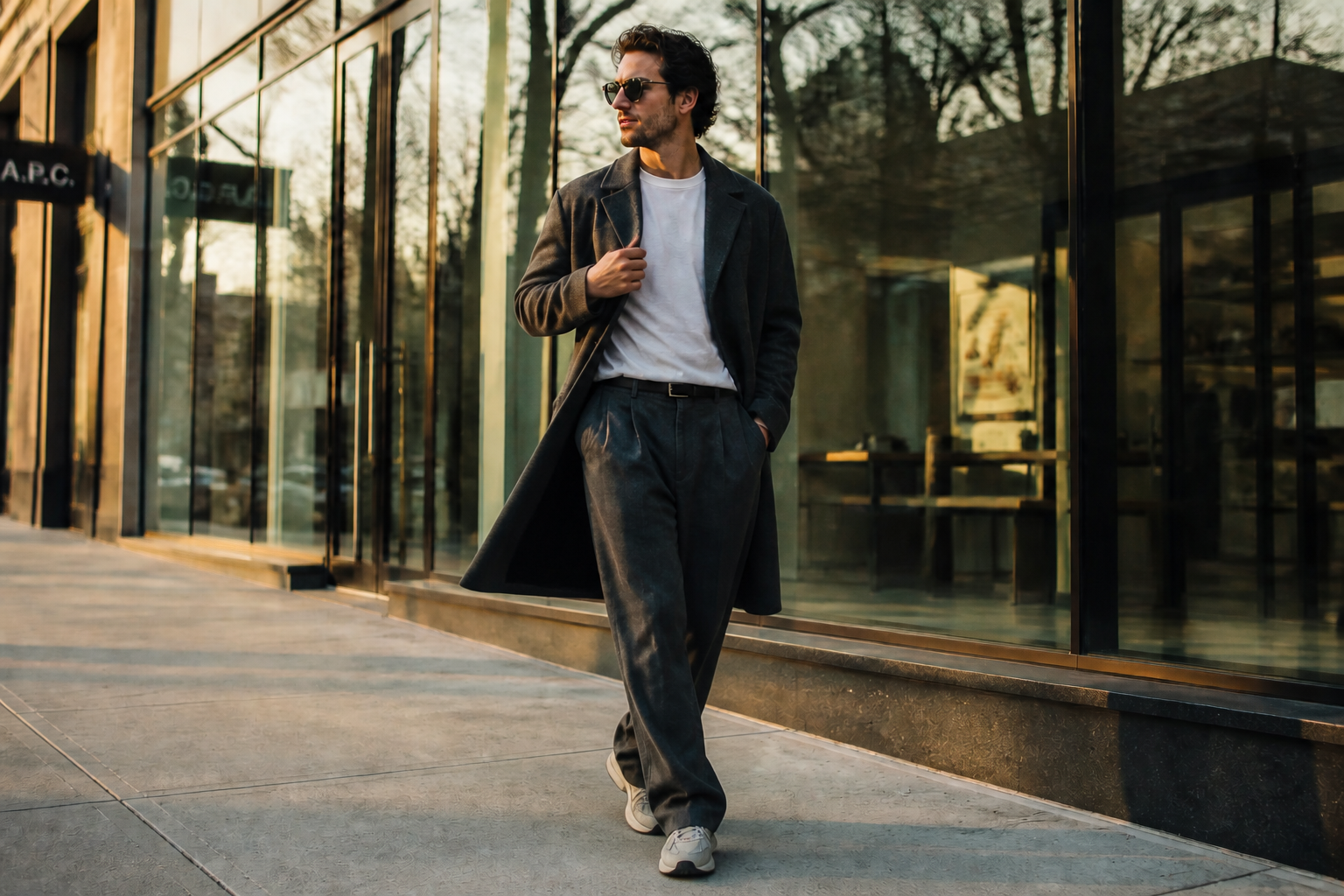 AFTER
AFTER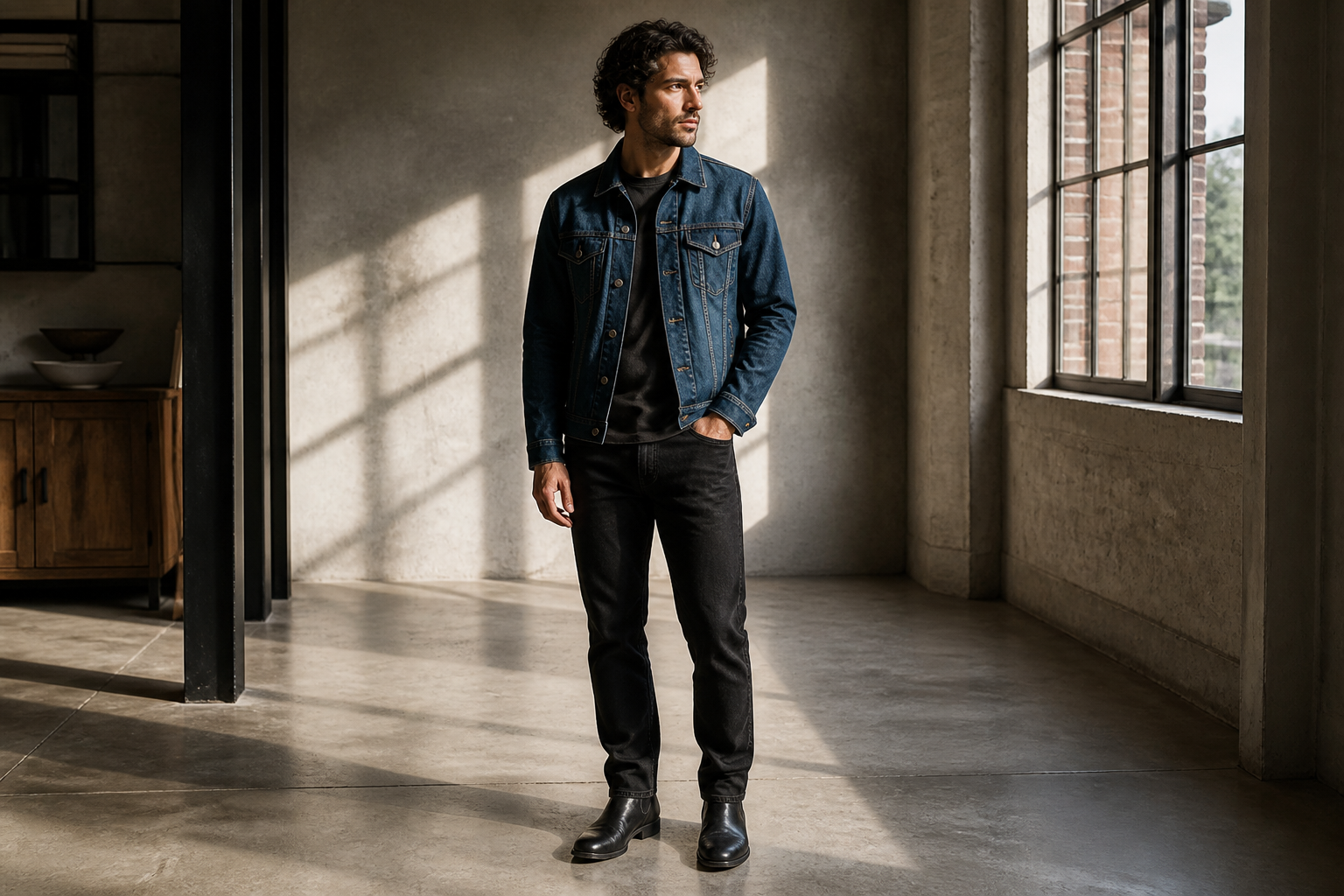 BEFORE
 AFTER
AFTER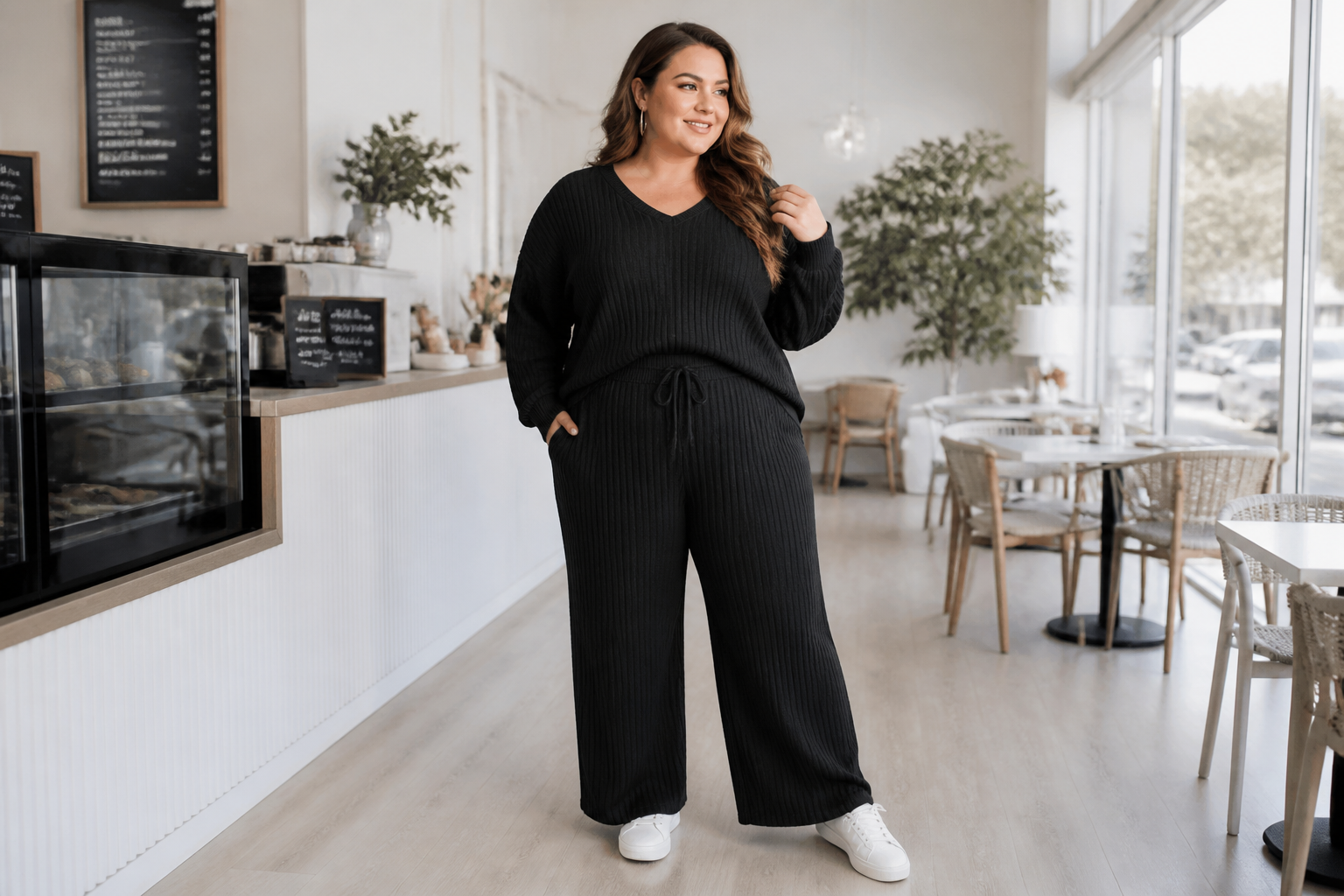 BEFORE
 AFTER
AFTER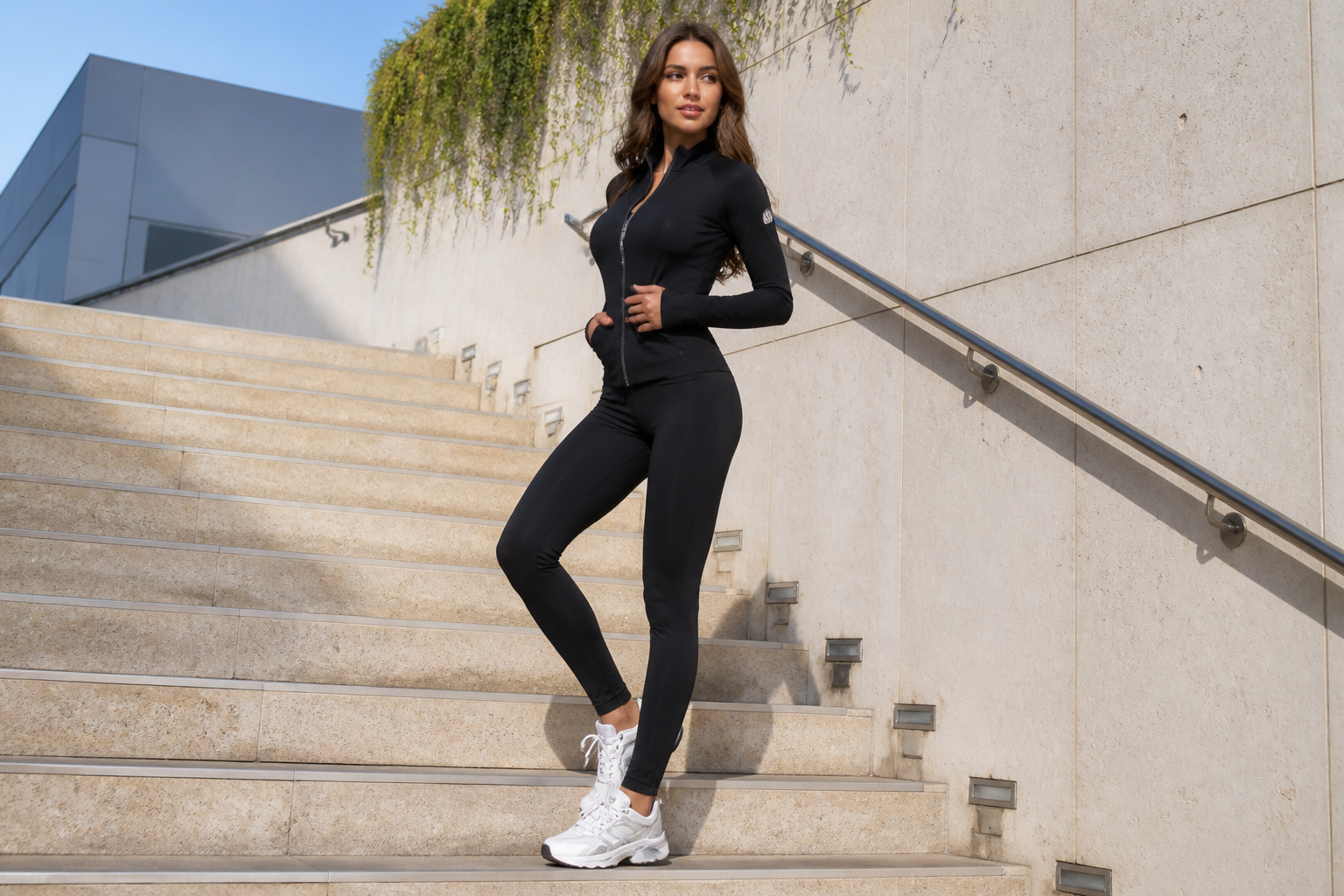 BEFORE
 AFTERBEFOREAFTERBEFOREAFTERBEFOREAFTERBEFOREAFTER
Key Features
Switch to stronger poses
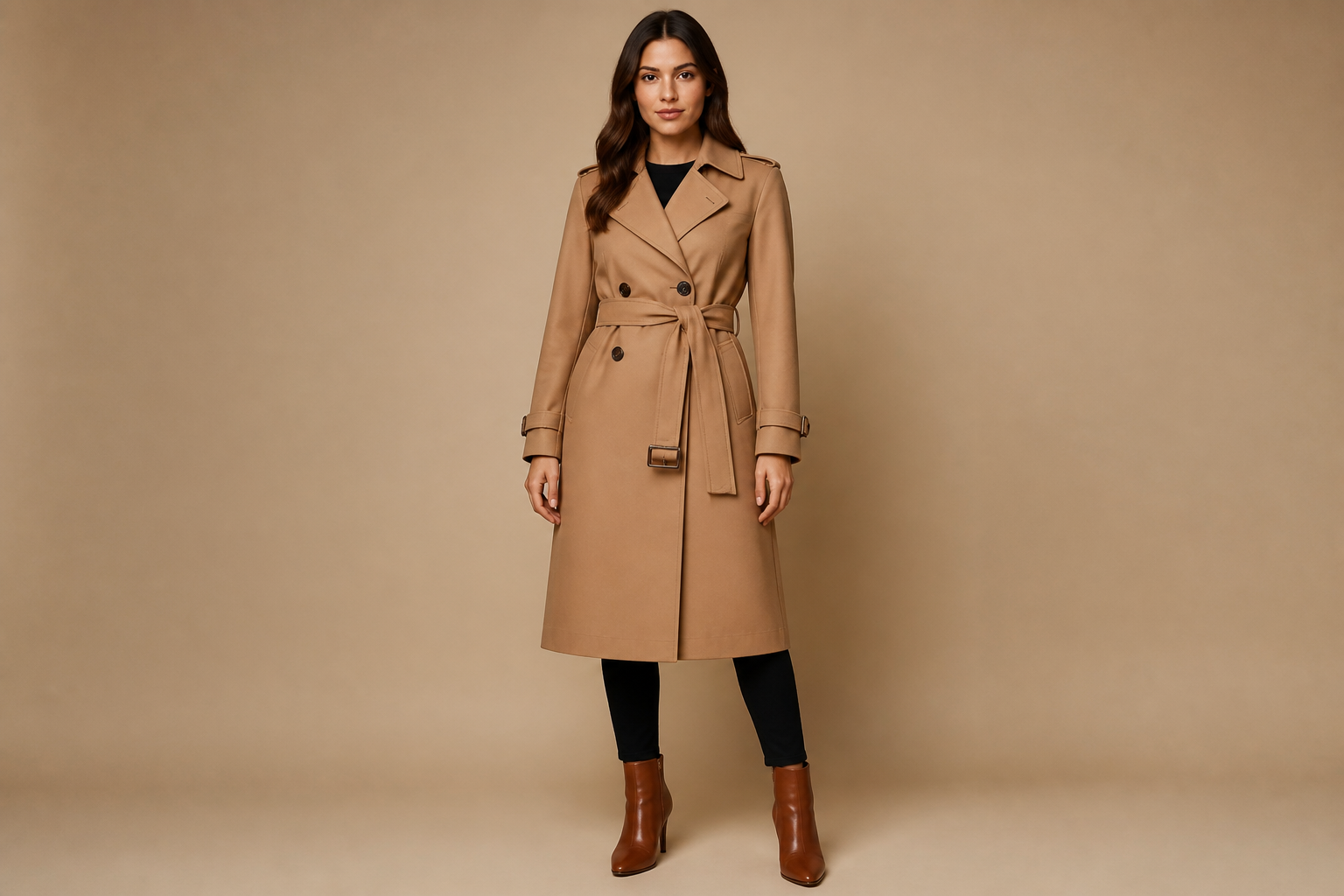
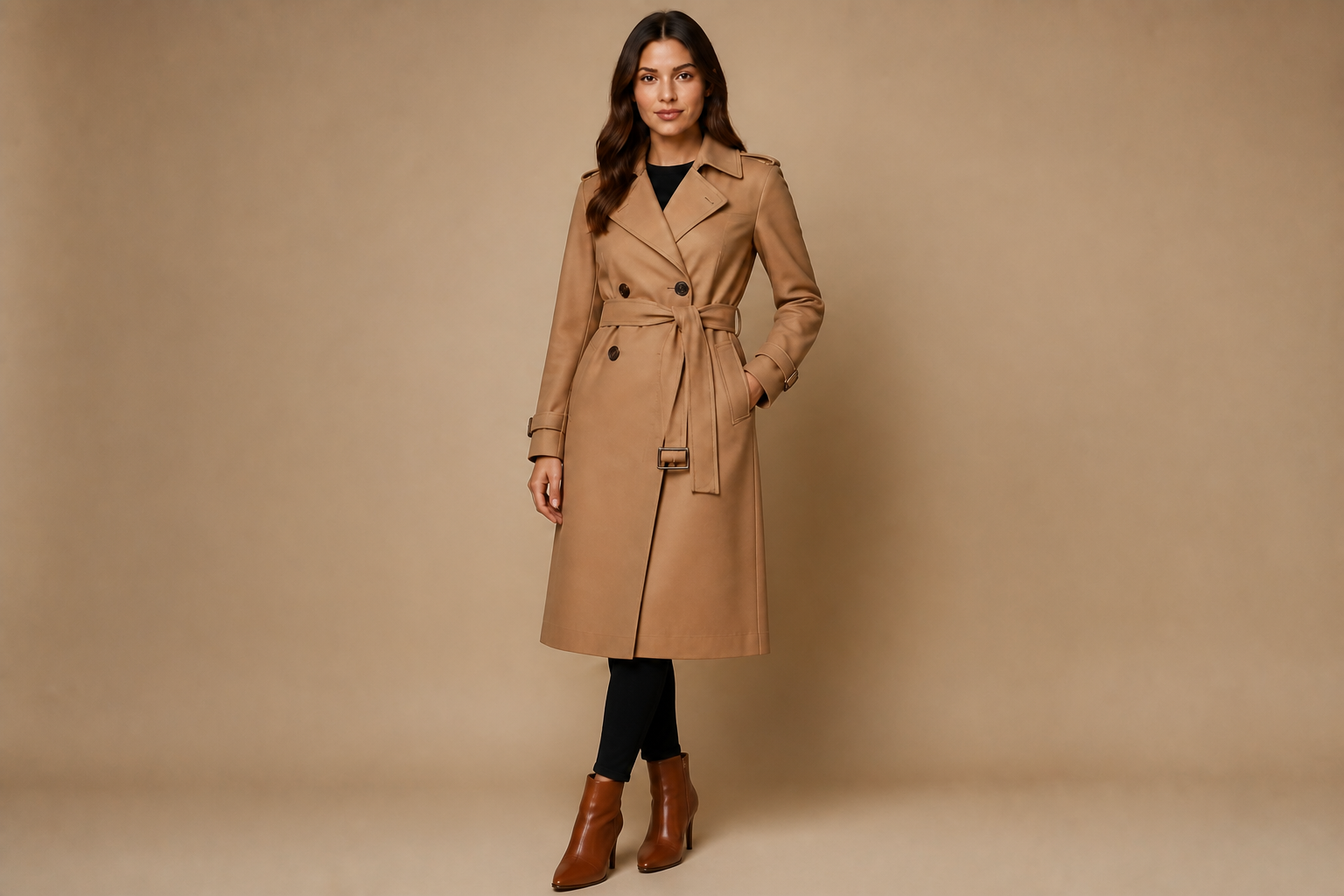
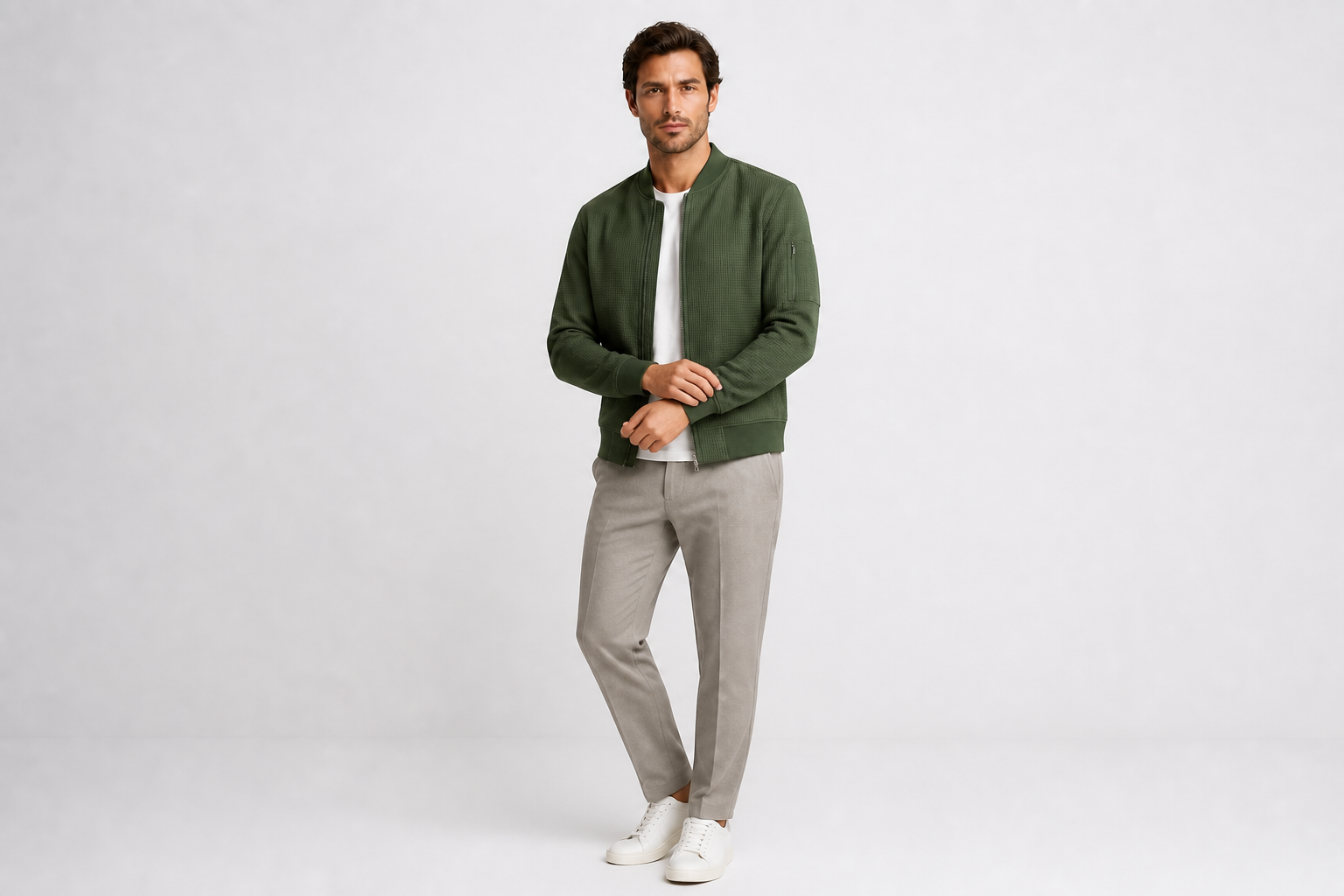
Turn a flat standing shot into a pose that reads like a real fashion editorial. Our AI can shift body angle, arm placement, and stance so the outfit feels more intentional. That matters when you need a better hero image without booking another shoot. It is much faster than manually compositing limbs or searching through dozens of near-duplicate frames.
Keep outfit details readable
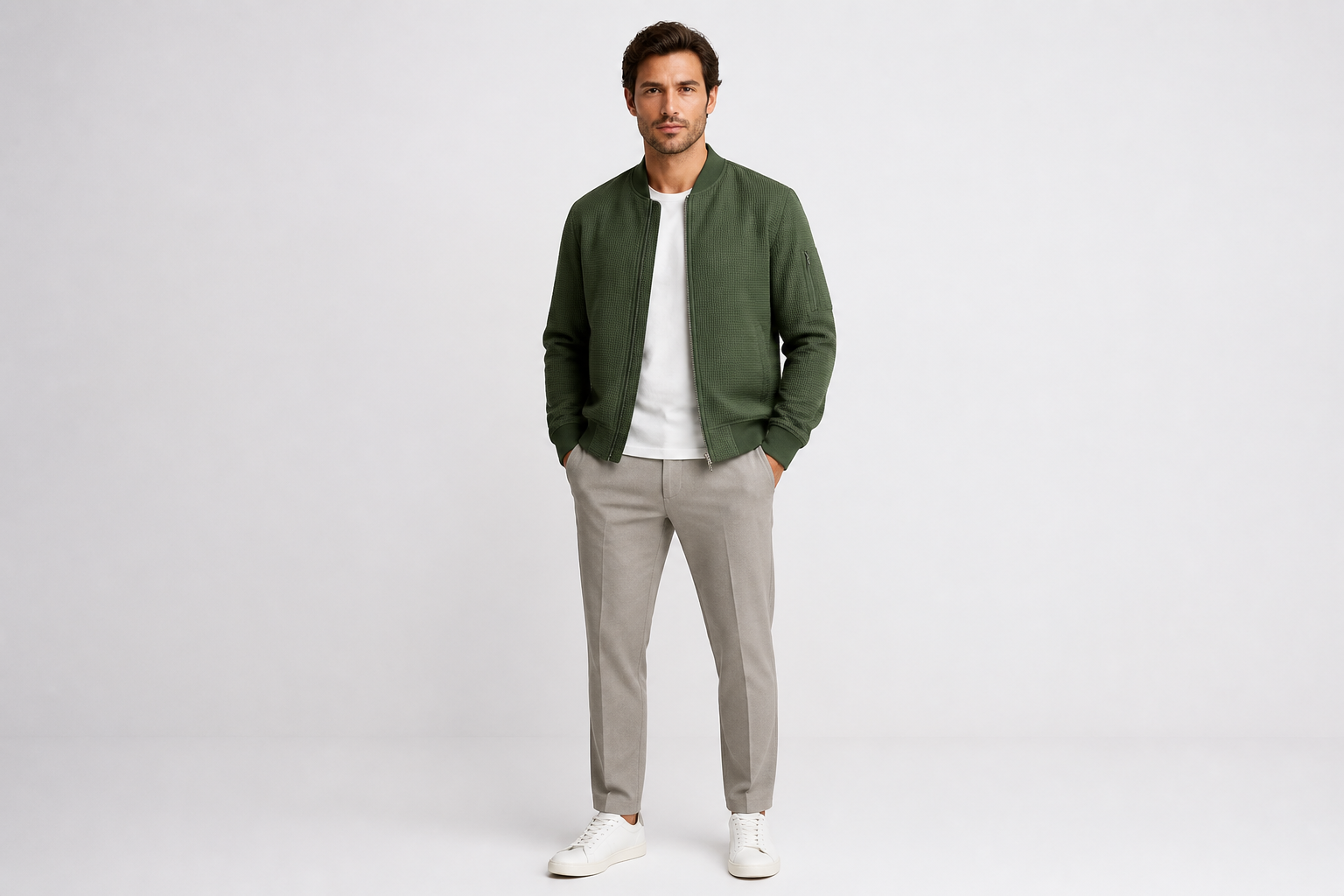
Fashion images fail when the pose hides key garment lines. This tool aims to preserve the silhouette, texture, and important styling details while changing the body position. That makes it useful for lookbooks, campaign mockups, and online store assets. You get a new pose without losing the reason the outfit needs to be seen.
Try multiple visual styles
You can test more than one fashion mood from the same source shot. Use realistic editorial poses for production planning, then preview illustrated or magazine-inspired versions for concepts and pitch decks. This helps teams align on direction before the final shoot. It is a practical way to explore ideas without rebuilding the image from scratch.
Stay consistent across sets
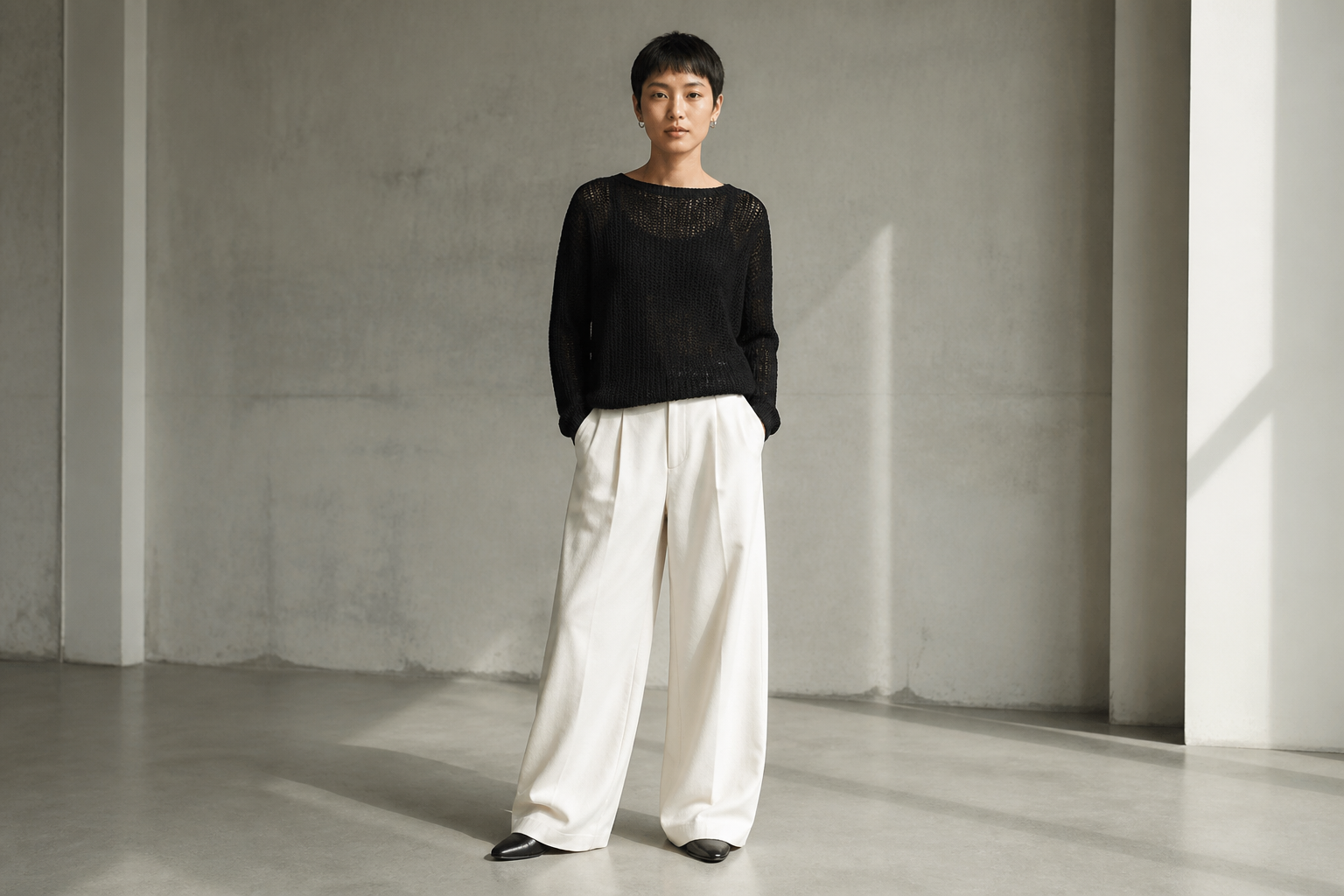
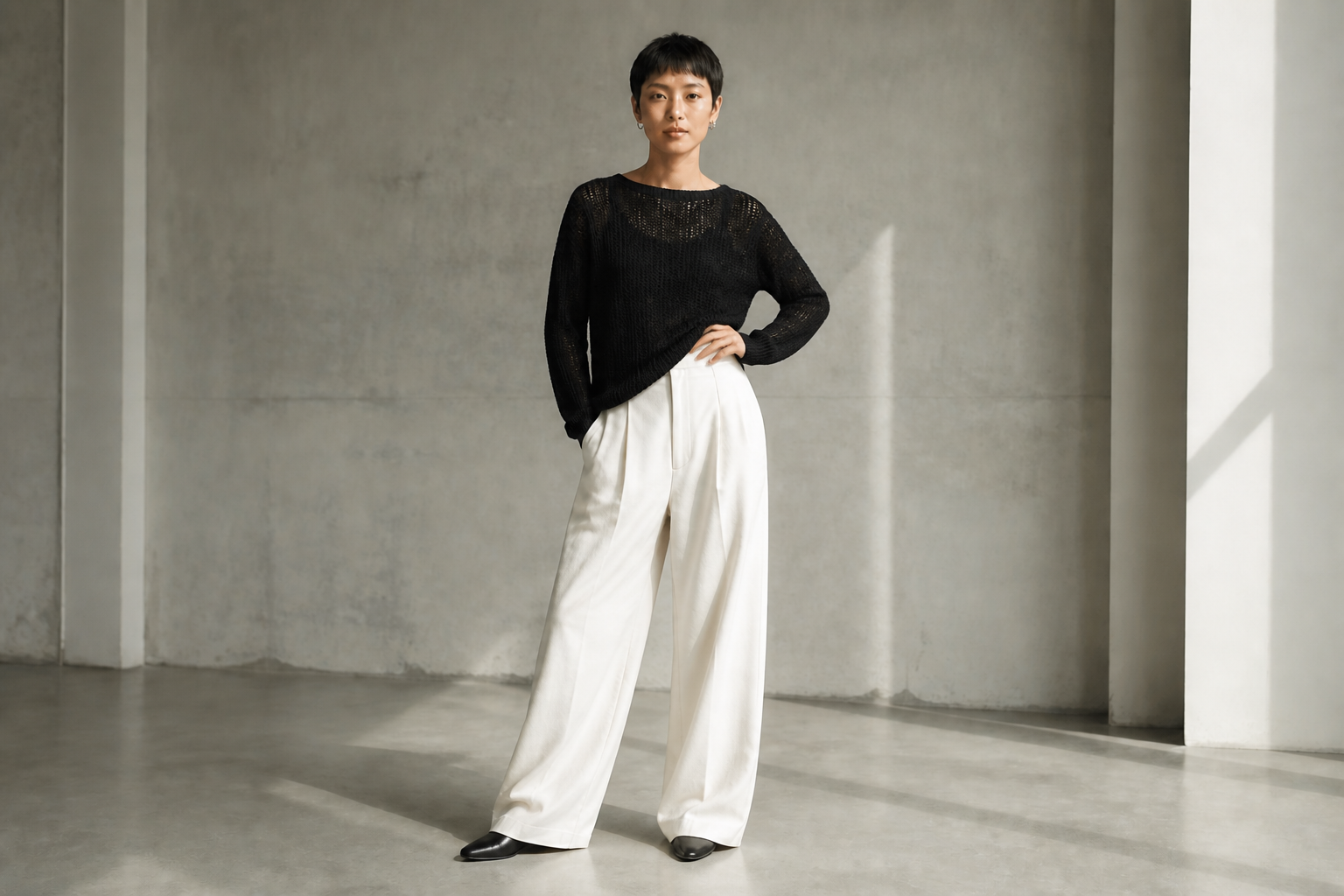
When you are building a gallery, inconsistency between poses can make the whole set feel uneven. Our AI helps create a cleaner sequence of body language while keeping the person and outfit recognizable. That is useful for campaign boards, ecommerce variants, and social posts that need a matching visual rhythm. It saves time compared with directing a full reshoot to fill one missing pose.
How It Works
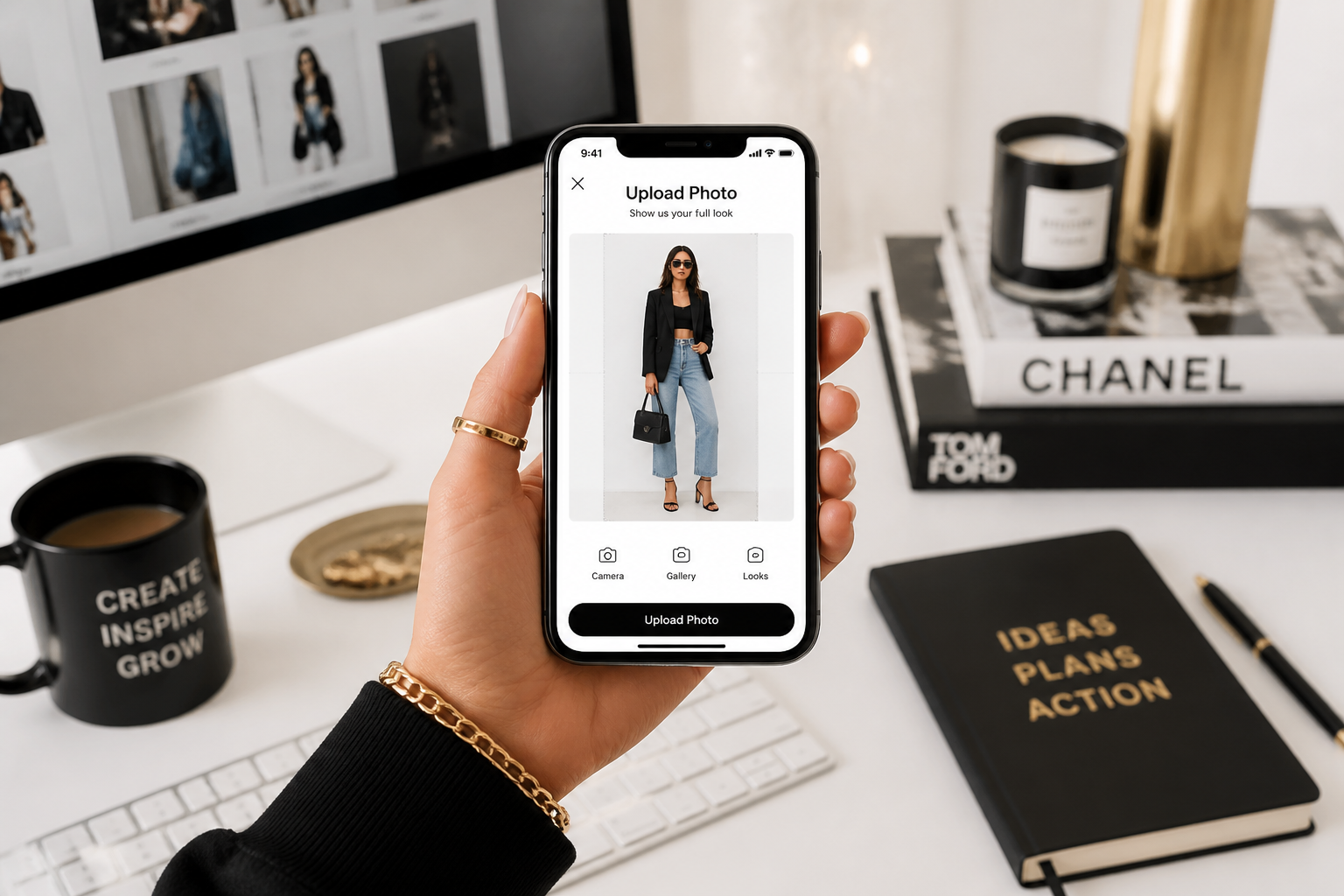
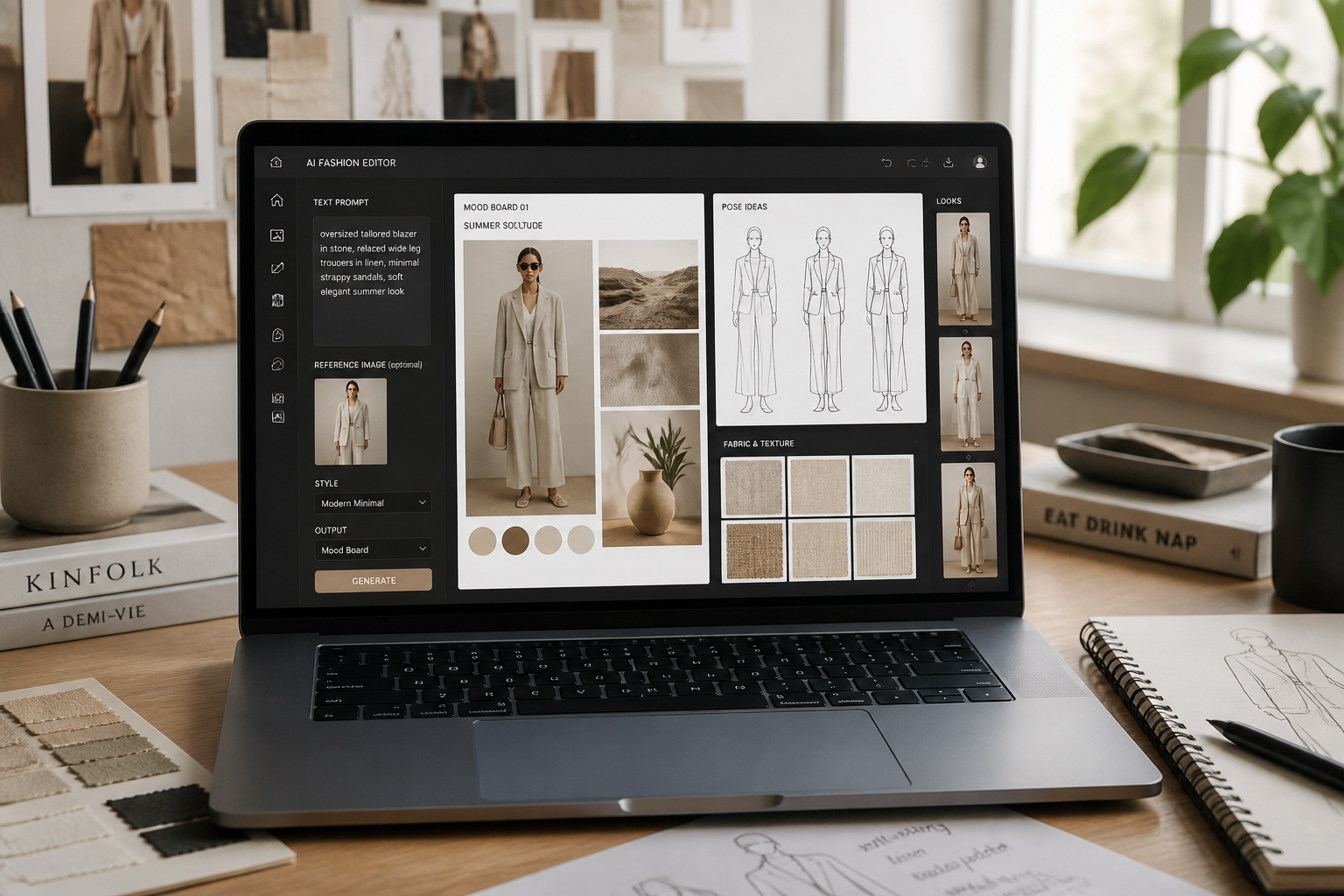
Upload your fashion photo
Start with a clear full-body or three-quarter shot where the outfit is visible. Images with clean lighting and simple backgrounds are easiest to edit well.
Describe the pose you want
Type a clear direction like runway walk, seated editorial, hand-on-hip stance, or leaning pose. You can also mention mood and whether the outfit should stay fully visible.
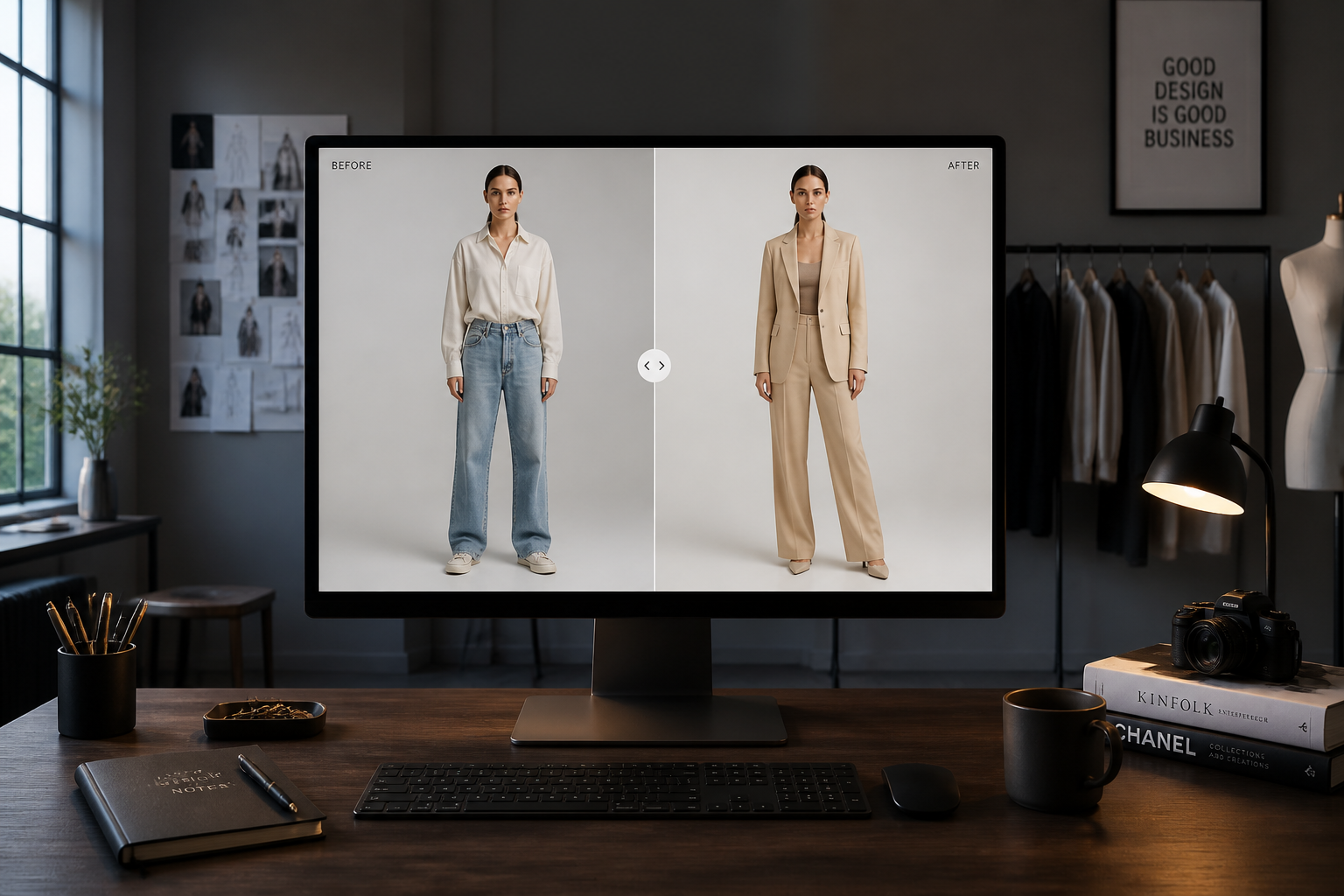
Compare and refine
Review the updated image and check body lines, garment visibility, and overall balance. If needed, run another edit with a more specific pose instruction.
Perfect For
Discover how creators and professionals use ai fashion pose generator
Lookbook planning
Test pose ideas before a shoot so your team can agree on body language, framing, and how each outfit should be presented.
Ecommerce refreshes
Improve product photos that feel stiff by creating clearer stance options that still keep the clothing visible.
Social campaign mockups
Build stronger concept visuals for launch posts, mood boards, and ad drafts without waiting for a new session.
Model direction practice
Explore pose references quickly when planning how you want talent to stand, walk, lean, or sit in a final shoot.
Built For
Fashion brands
Use it to test hero poses, lookbook structure, and campaign directions while keeping garments front and center.
Photographers and art directors
Preview stronger compositions and pose options before committing time, budget, and set coordination.
Creators and resellers
Upgrade flat outfit shots into cleaner editorial-looking images for storefronts, social posts, and mood boards.
Why use this for fashion pose edits
A quick look at how we compare on the things that matter for this niche.
| Feature | BudgetPixel | Generic AI editors | Manual editing apps |
|---|---|---|---|
| Pose-specific edits | ✓ | — | — |
| Keeps outfit context | ✓ | — | ✓ |
| Fast concept iteration | ✓ | ✓ | — |
| No manual warping skills needed | ✓ | ✓ | — |
| Useful for mood boards and lookbooks | ✓ | ✓ | ✓ |
Frequently Asked Questions
What does AI Fashion Pose Generator change?
Does it work best on full-body photos?
Can I keep the clothing details intact?
Can I make editorial or stylized versions too?
Will every pose look physically perfect?
Create together.
Share your creations, discover trending AI art, and grow with fellow creators.