AI Texture Generator
Create seamless texture ideas from a simple text prompt.
Generate original texture concepts for games, 3D art, product visuals, and design boards using plain text. Describe the material, pattern, wear level, and style, then create variations in seconds.
See It In Action
Real outputs from ai texture generator.
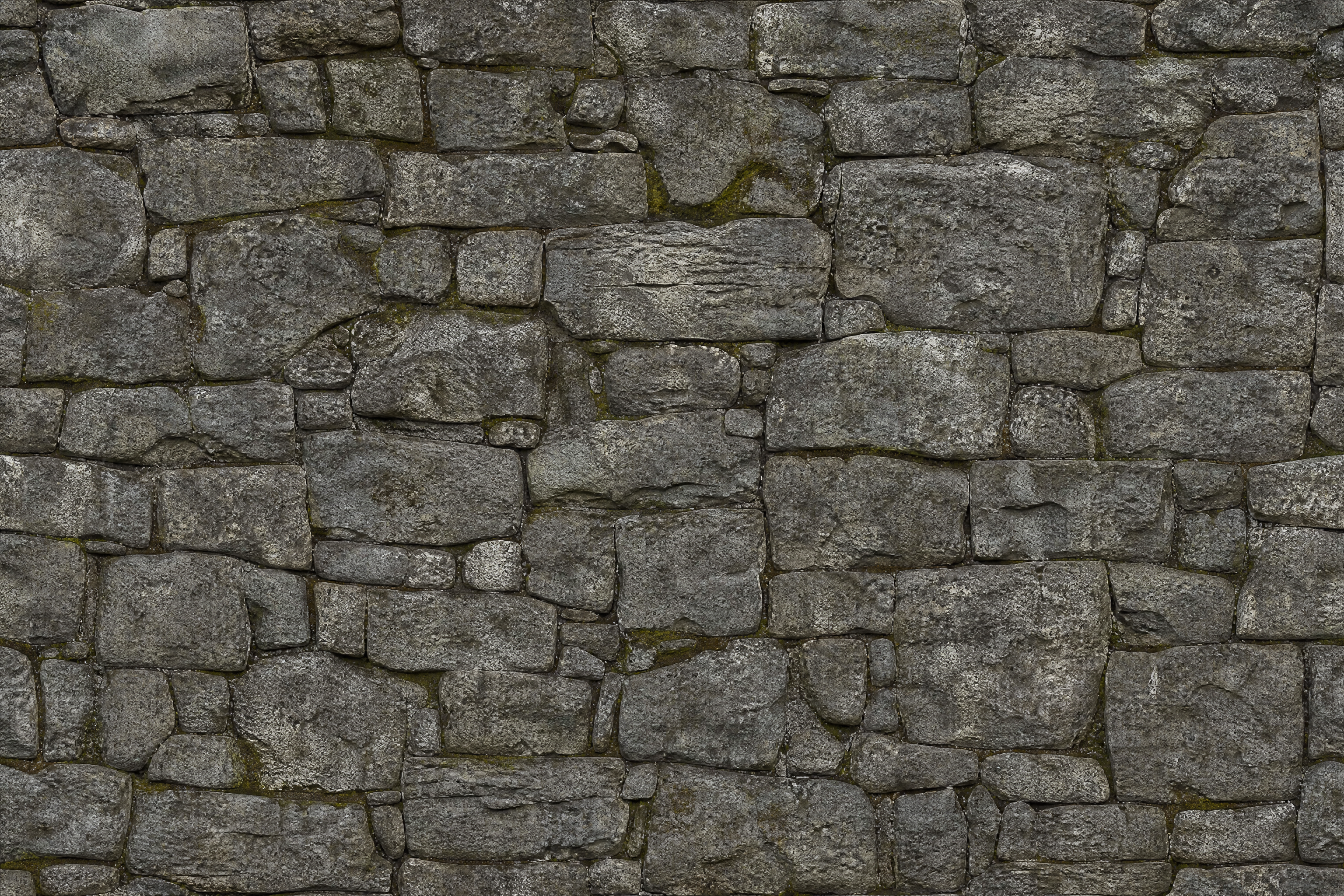
seamless cracked stone wall texture, weathered gray rock blocks, subtle moss in crevices, realistic material scan look, even lighting, tileable surface pattern, high detail
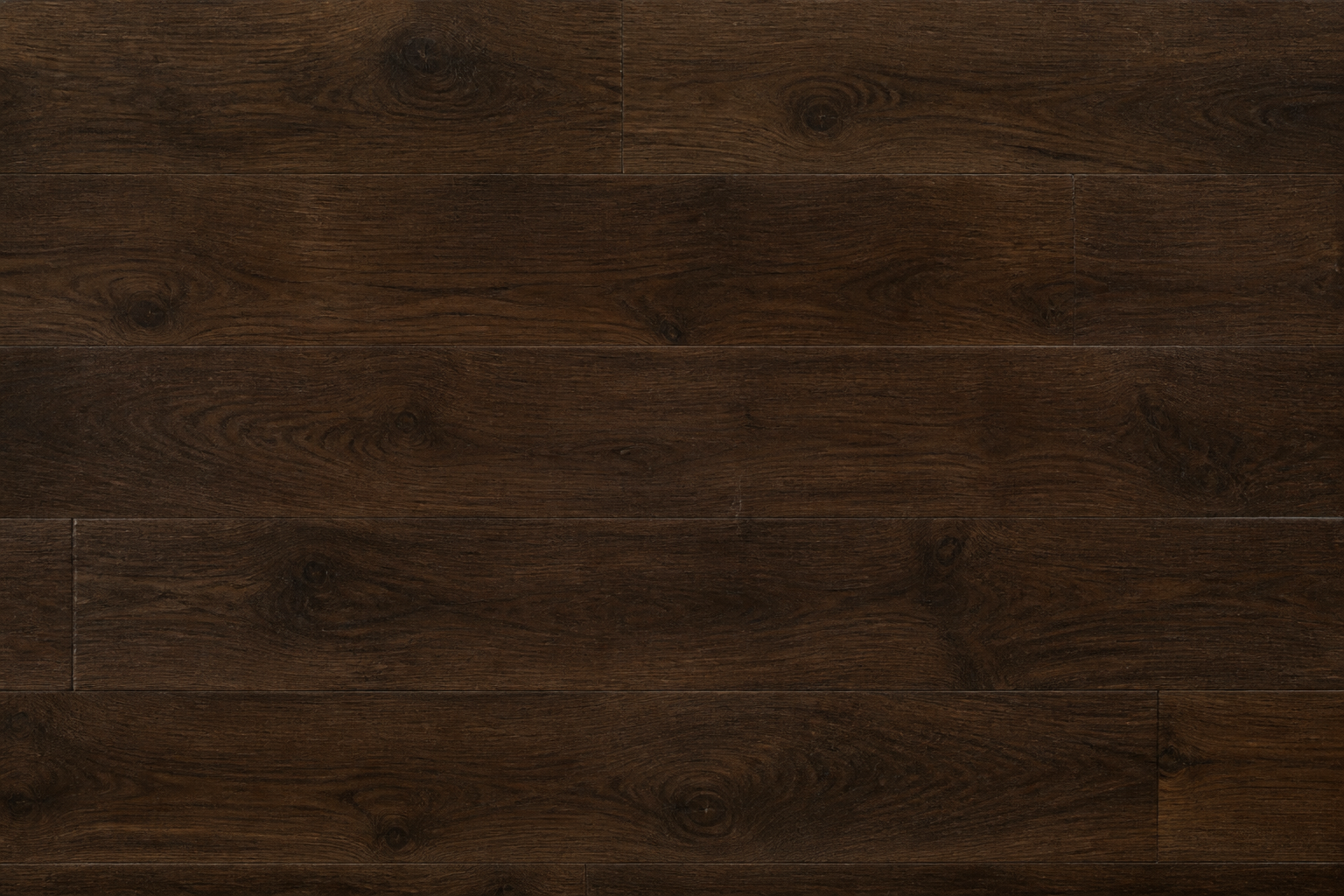
seamless dark walnut wood plank texture, rich grain variation, light scratches, matte finish, realistic PBR material style, even studio lighting, tileable surface, high detail
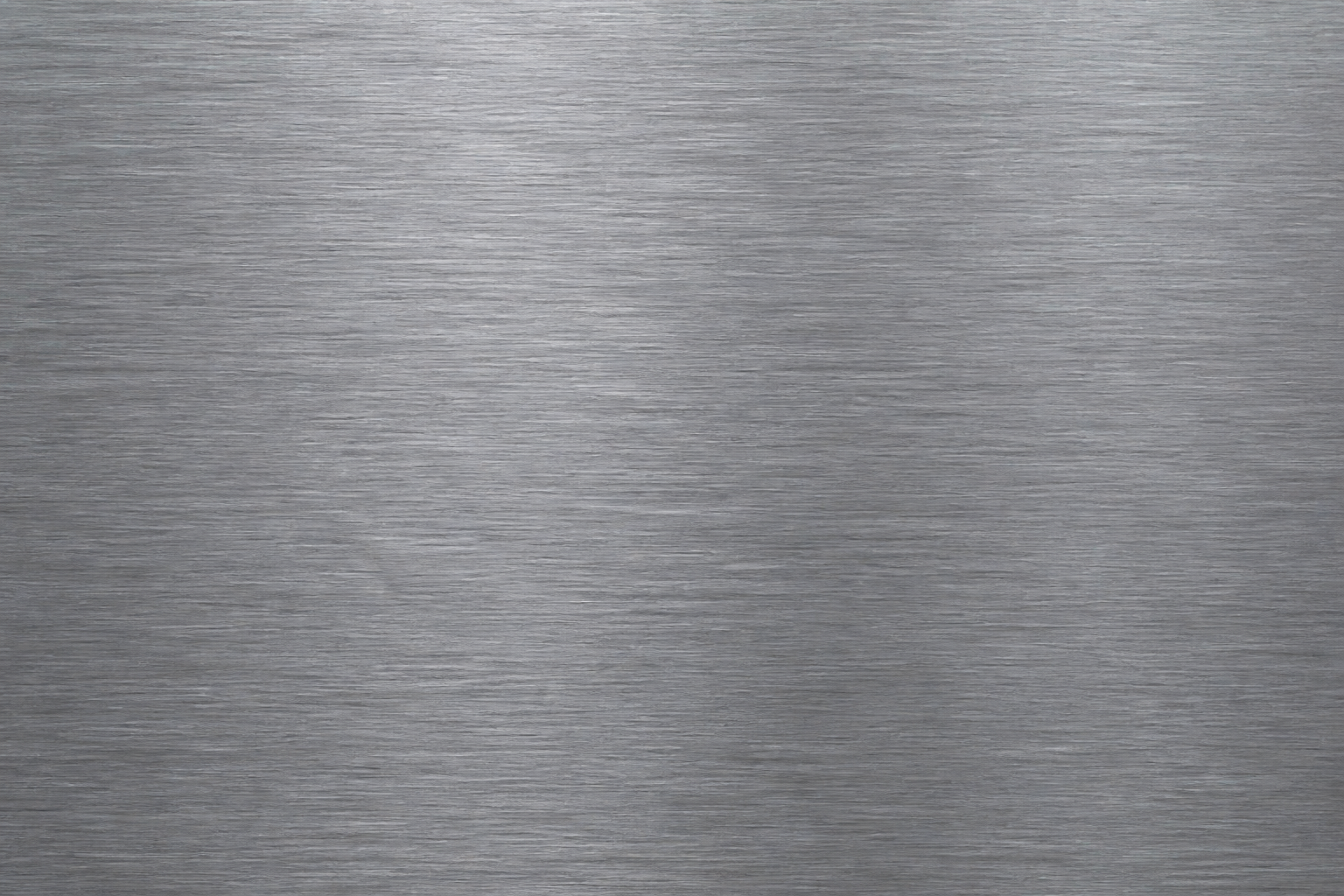
seamless brushed steel texture, cool metallic tone, fine directional scratches, clean industrial finish, realistic material render, neutral lighting, tileable pattern, high detail
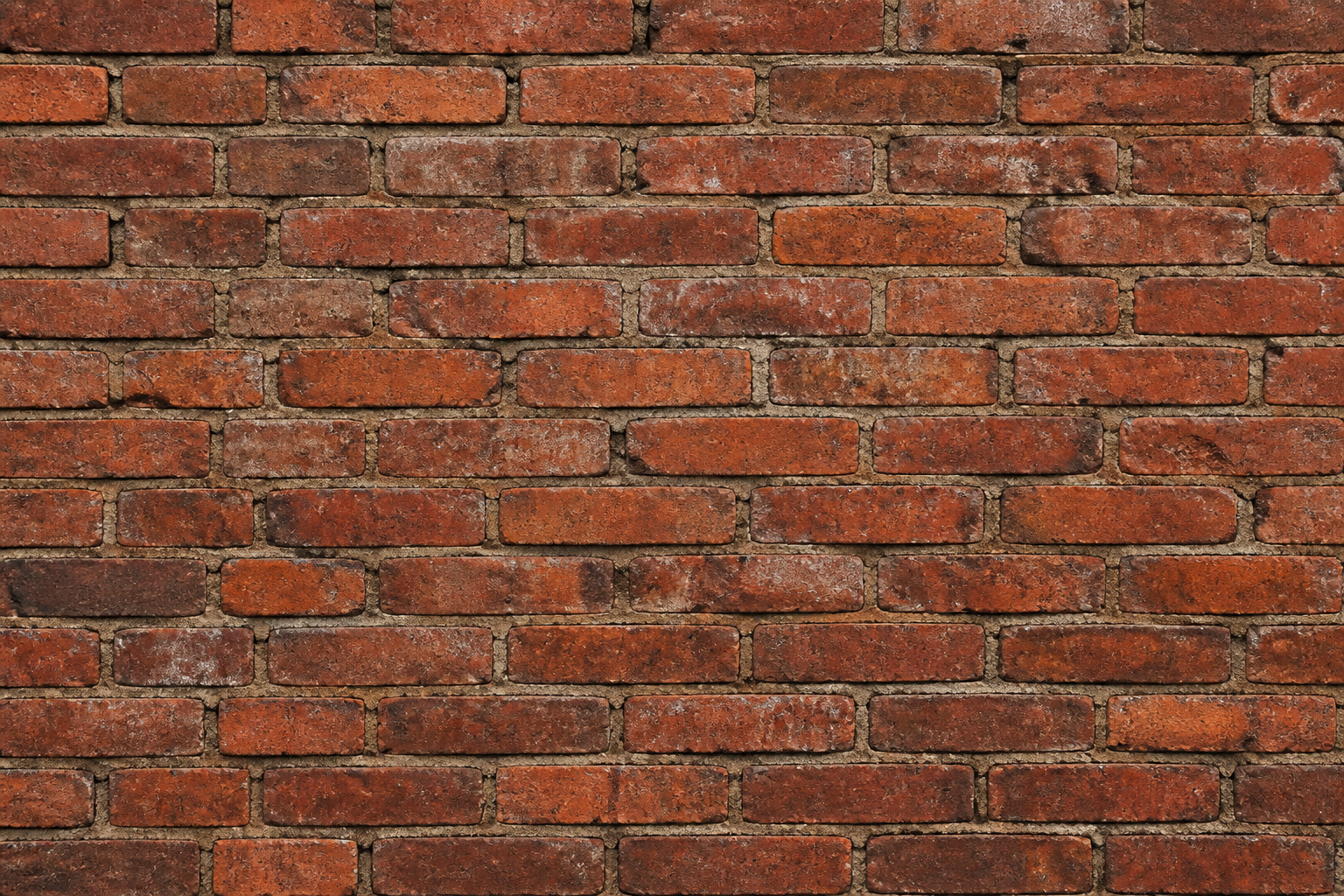
seamless aged red brick texture, uneven mortar lines, chipped edges, slight dirt buildup, architectural realism, flat lighting, tileable wall surface, high detail
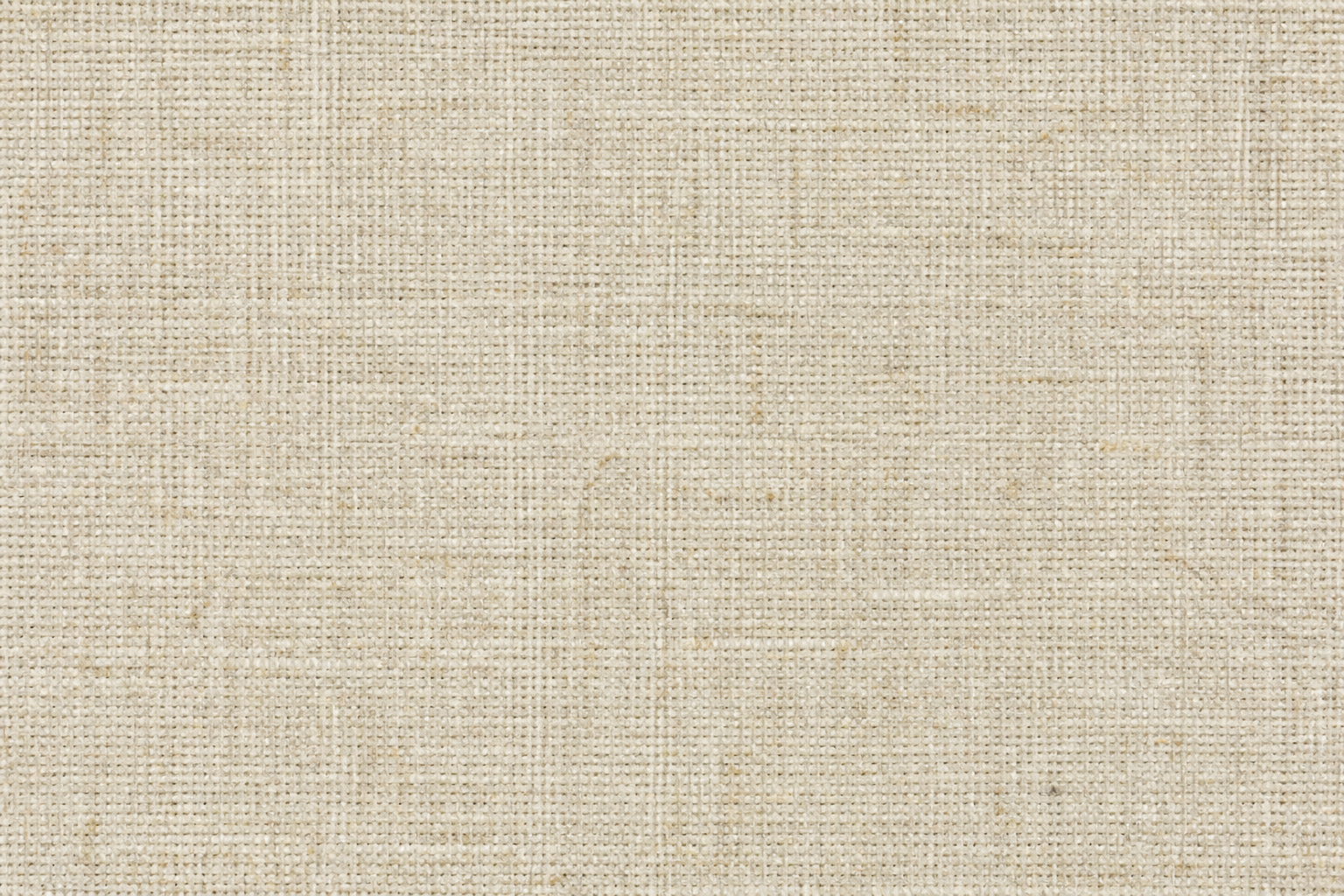
seamless woven linen fabric texture, natural beige fibers, soft irregular weave, subtle textile depth, realistic scan aesthetic, even lighting, tileable pattern, high detail
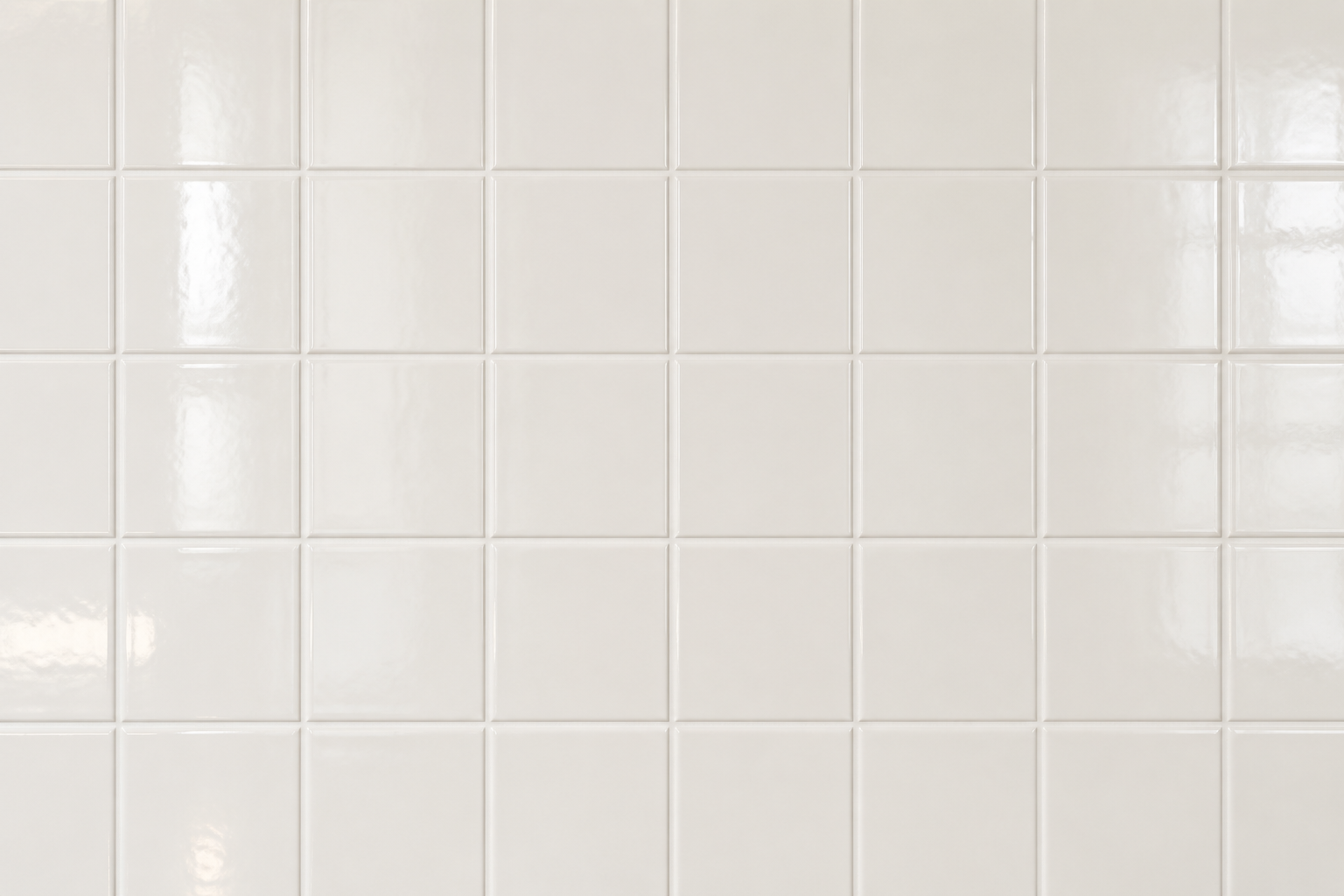
seamless glossy ceramic tile texture, off-white square tiles, faint grout lines, clean bathroom surface, soft reflections, realistic interior material style, tileable pattern, high detail
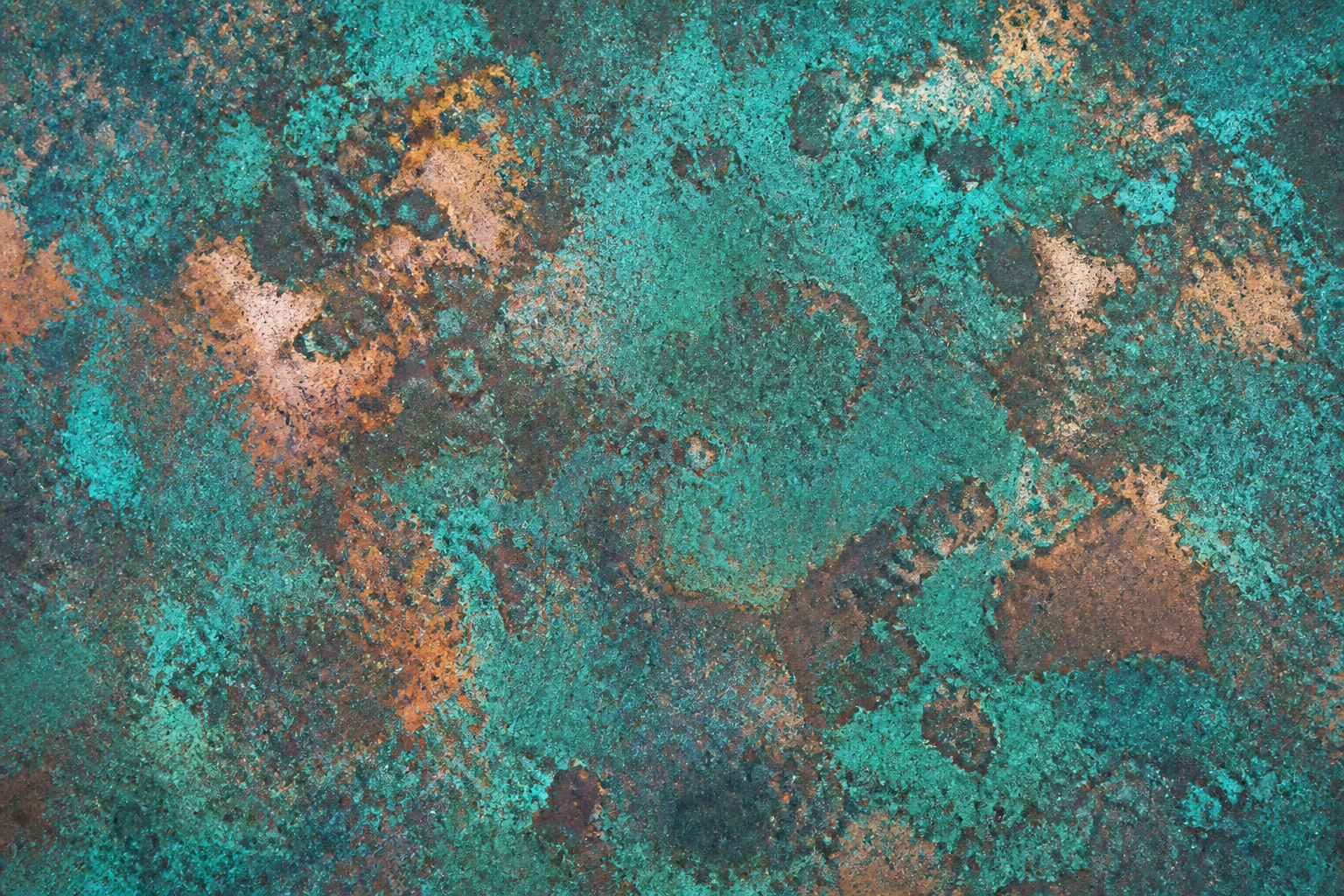
seamless oxidized copper texture, blue-green patina, worn metallic highlights, organic corrosion patterns, realistic material study, balanced lighting, tileable surface, high detail
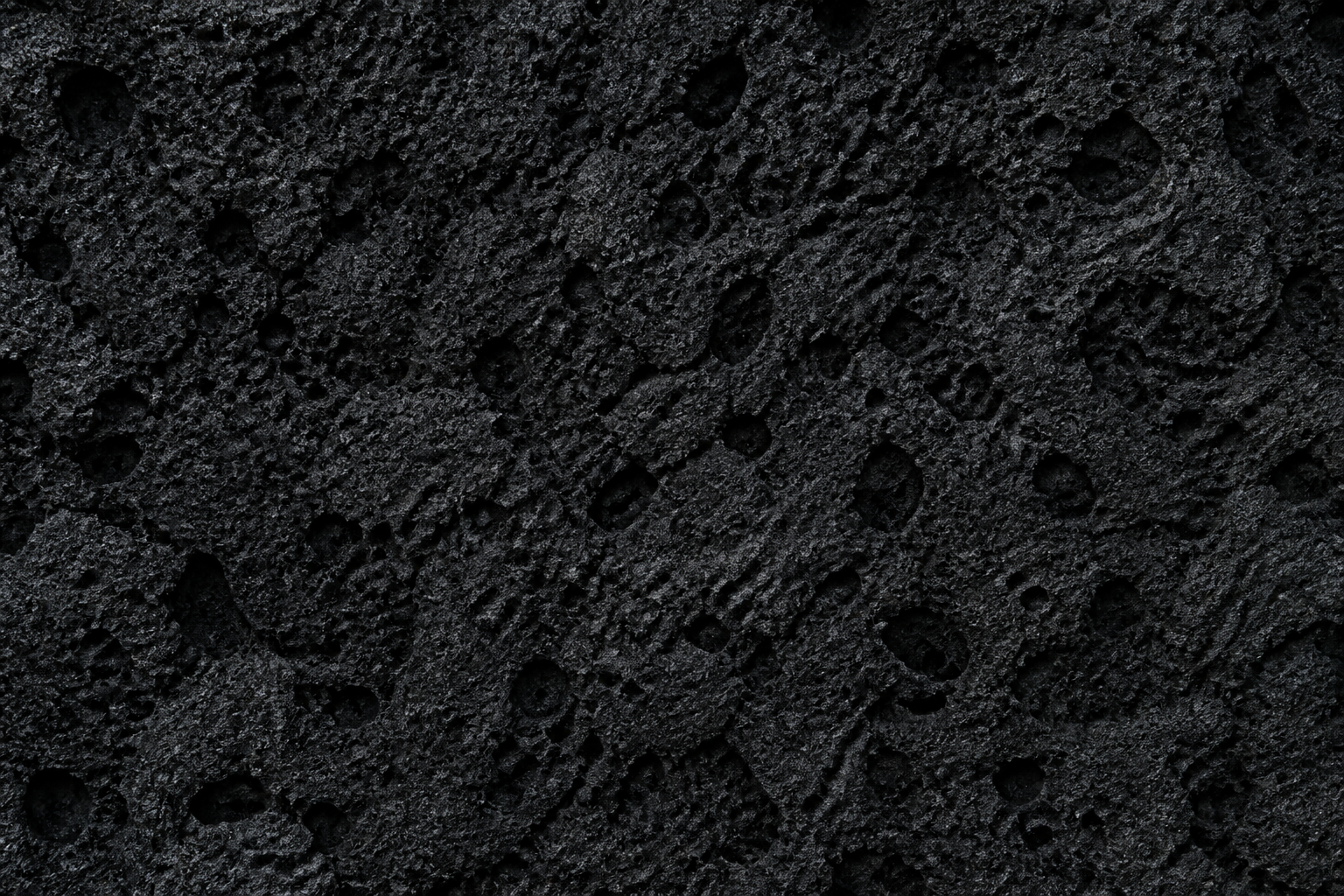
seamless black volcanic rock texture, porous lava stone, rough uneven pits, matte mineral finish, realistic terrain material, even top lighting, tileable pattern, high detail
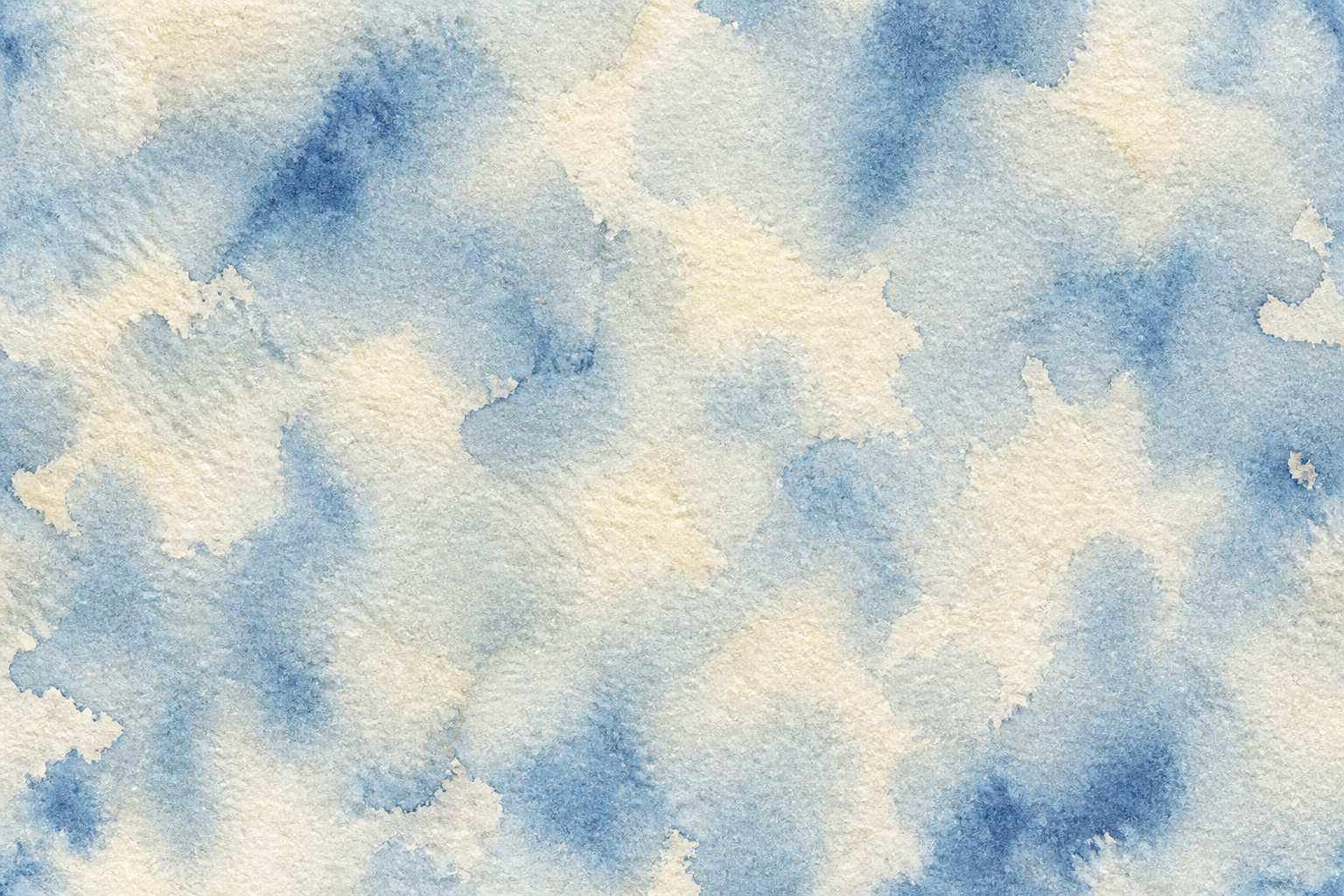
seamless hand-painted watercolor paper texture, soft grain, subtle pigment blooms in muted blue and cream, artistic paper surface, flat scanned look, tileable pattern, high detail
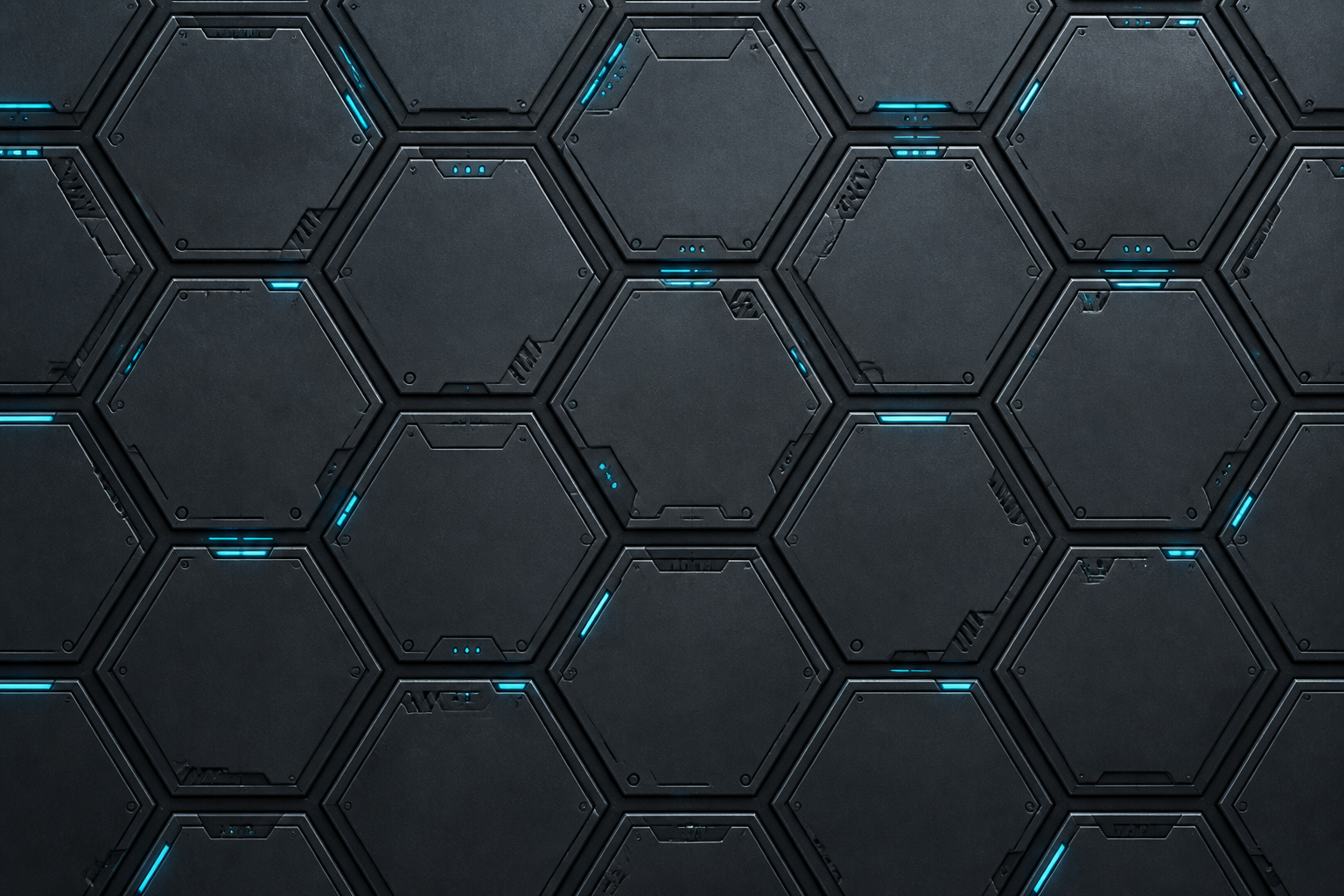
seamless futuristic hex panel texture, matte gunmetal plates, fine panel seams, subtle cyan glow accents, sci-fi hard surface style, clean lighting, tileable pattern, high detail
Key Features
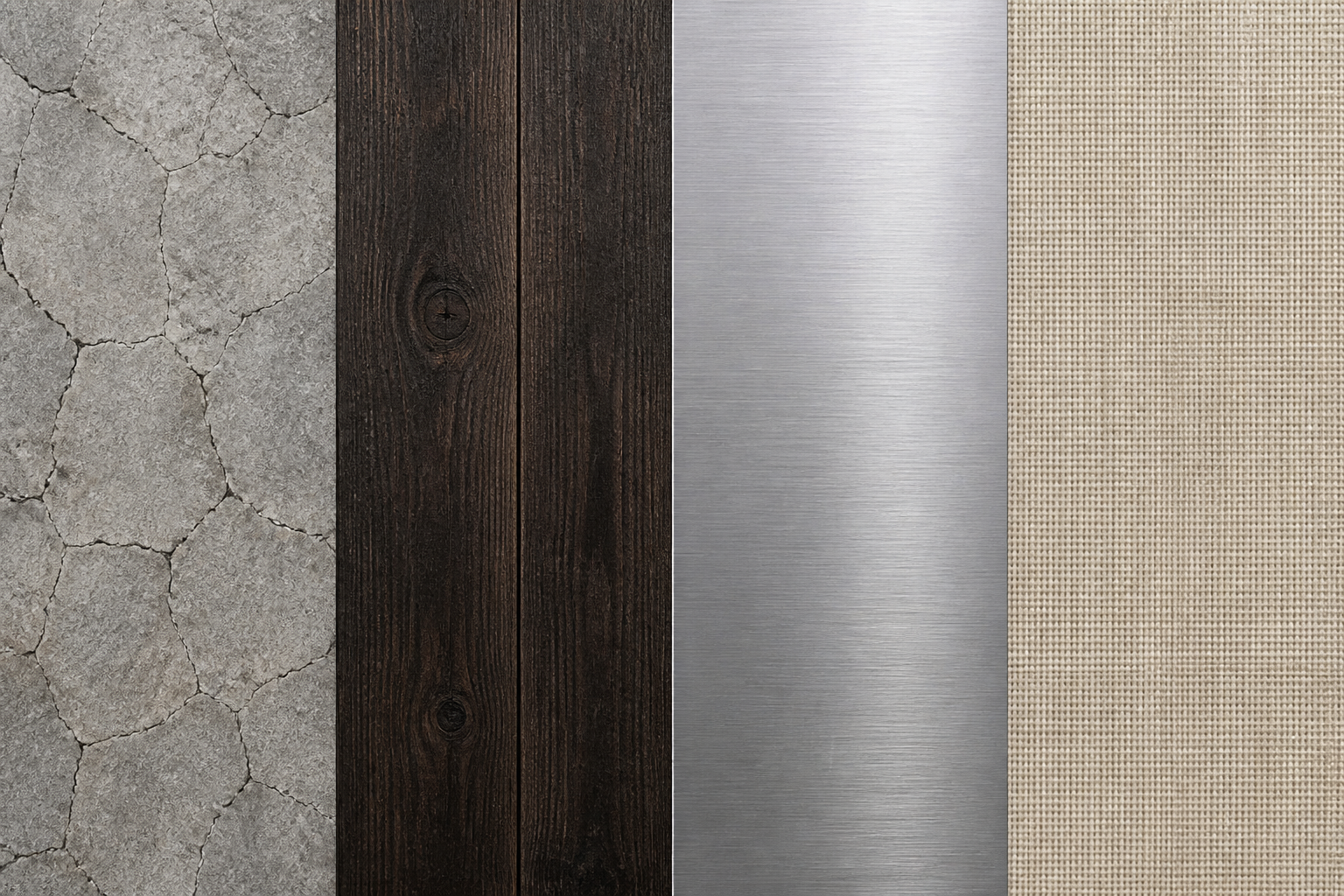
Create Seamless Surface Ideas
Write a material prompt and generate texture concepts that read clearly as repeatable surfaces. This is useful when you need fast starting points for walls, floors, fabrics, metals, or abstract materials. Compared with searching stock libraries, you can define the exact wear, color, and pattern density you want. It is a faster way to explore texture directions before refining your final asset set.
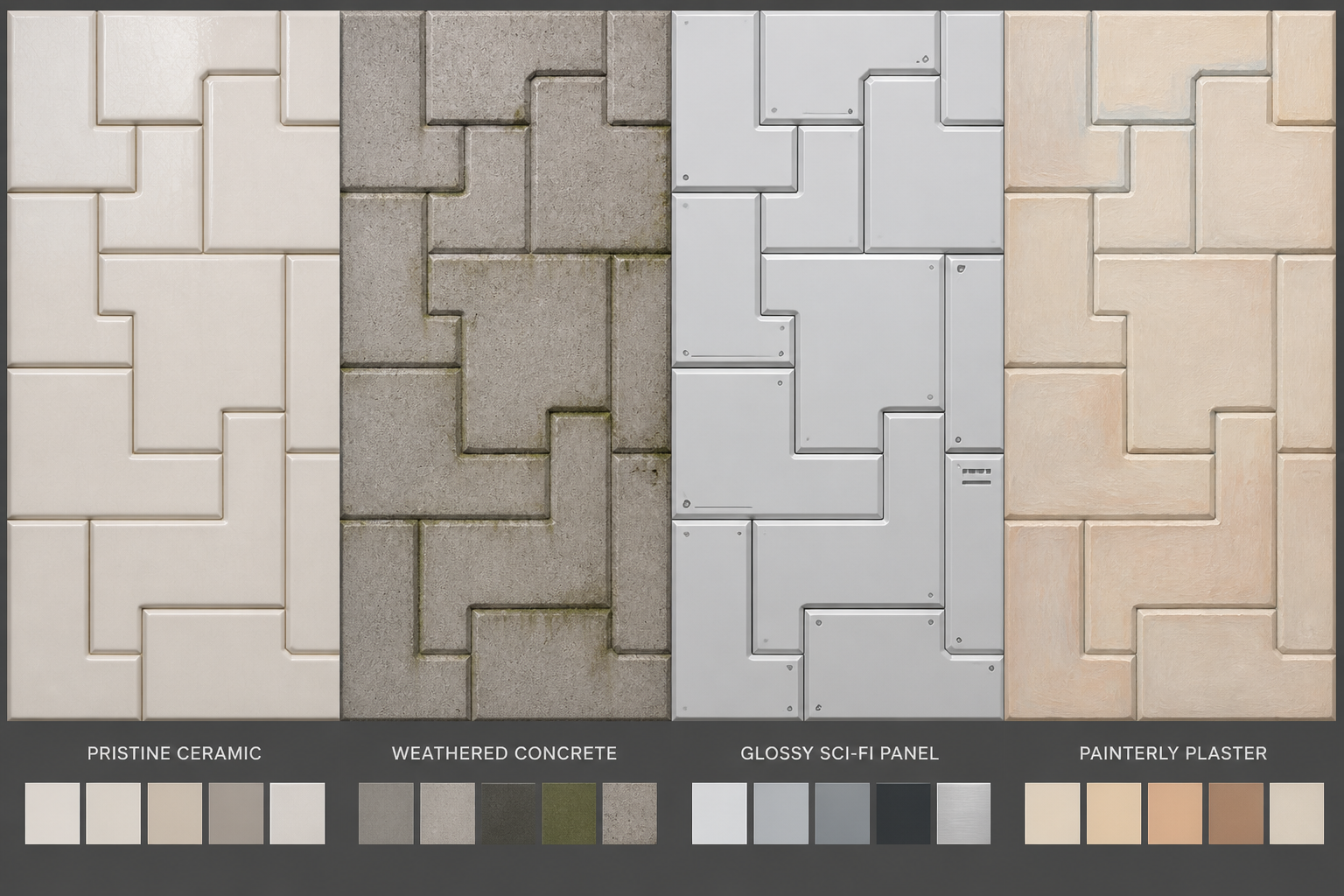
Dial In Material Style
You can describe realism, stylization, age, finish, and mood directly in the prompt. That makes it easier to get clean ceramic, worn concrete, glossy sci-fi panels, or painterly paper textures without wrestling with a generic image tool. Small prompt edits can shift the result from pristine to weathered or from natural to synthetic. That control helps concept artists and designers iterate more intentionally.
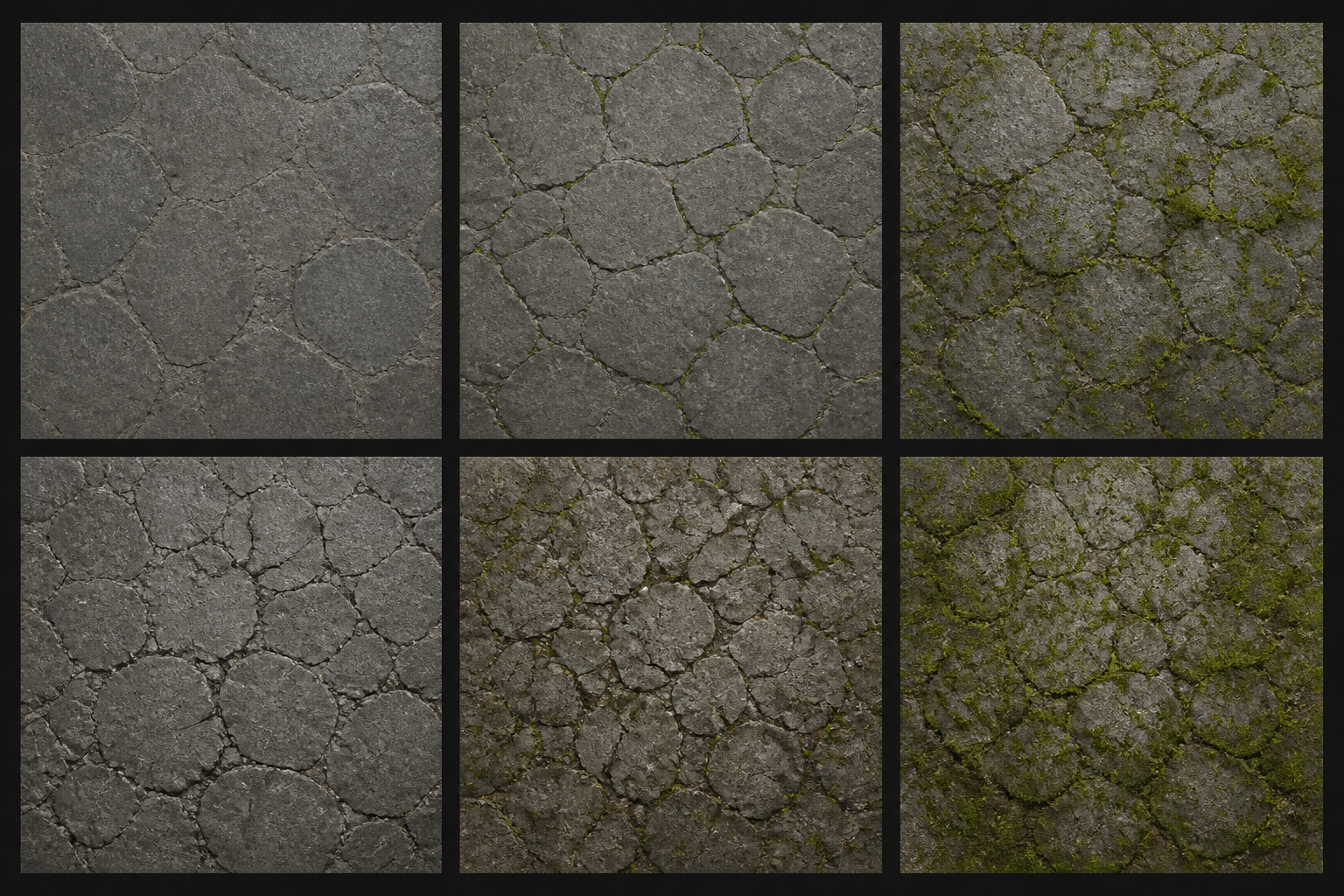
Generate Variation Quickly
Texture work often depends on trying several close options, not one perfect first result. This tool helps you explore different grain sizes, crack patterns, color temperatures, and surface wear from the same core idea. That is useful for mood boards, environment concepts, and placeholder assets. It saves time compared with building every variation manually from scratch.
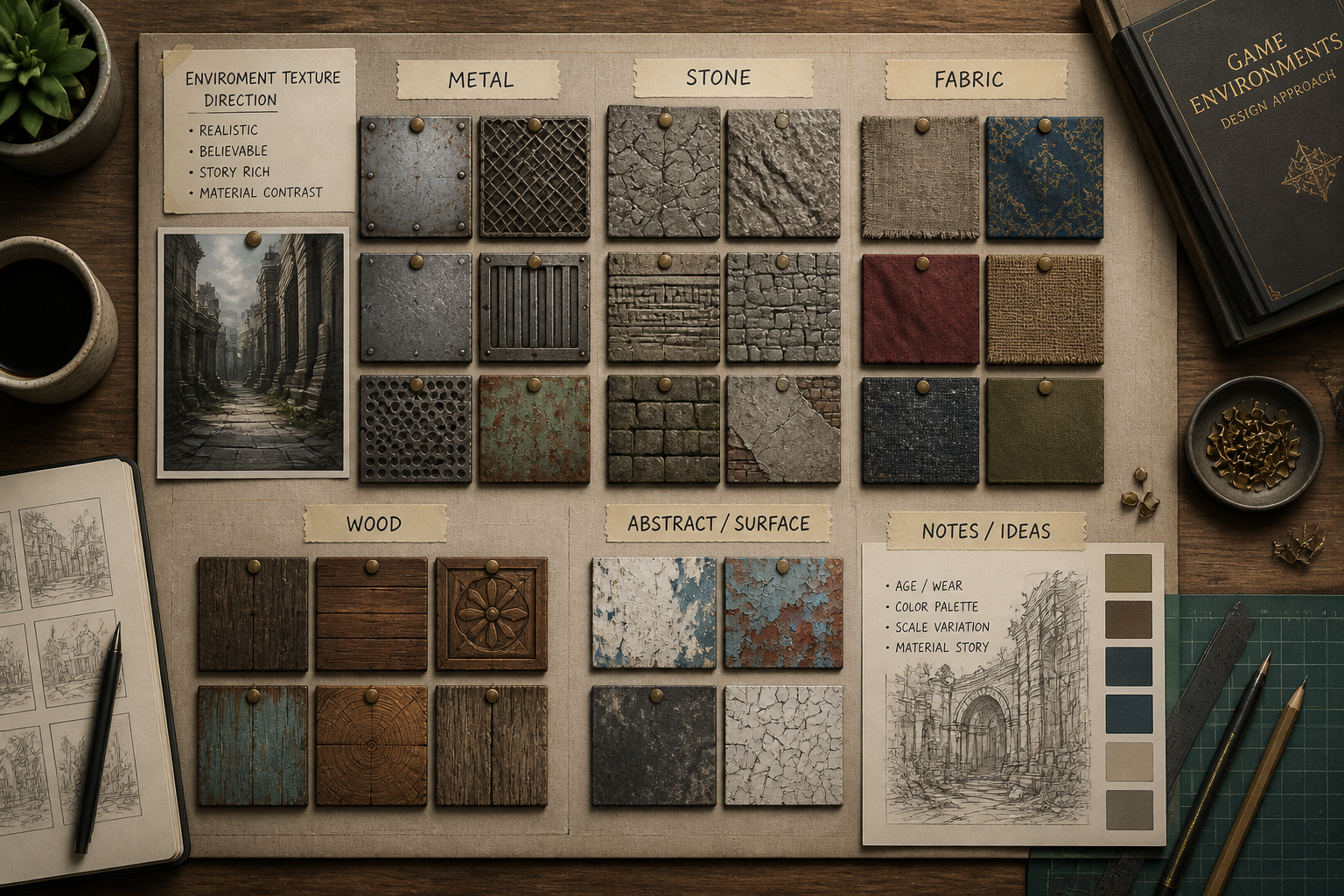
Useful for 3D and Design
The generated images are helpful for early concepting across games, 3D scenes, packaging mockups, motion backgrounds, and graphic design. You can use prompts to explore how a surface should feel before moving into a more technical production pipeline. Generic image generators tend to focus on scenes or characters, while this page is tuned for surface-first prompts. That makes it easier to produce references that are immediately relevant to material work.
How It Works
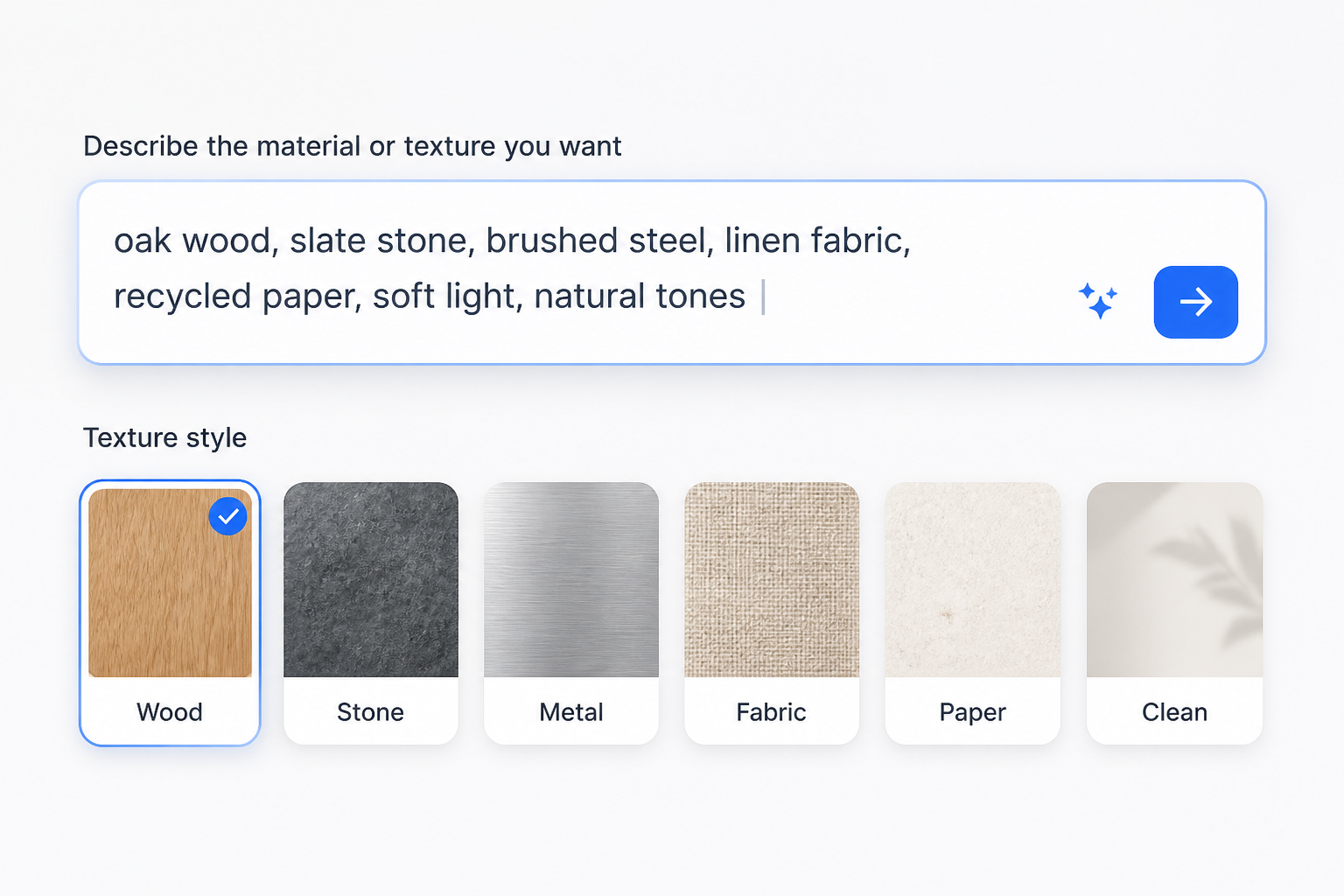
Start with a material prompt
Begin with a surface type such as wood, stone, fabric, metal, paper, or ceramic. Add words like seamless, tileable, realistic, stylized, worn, glossy, or matte to set the direction.
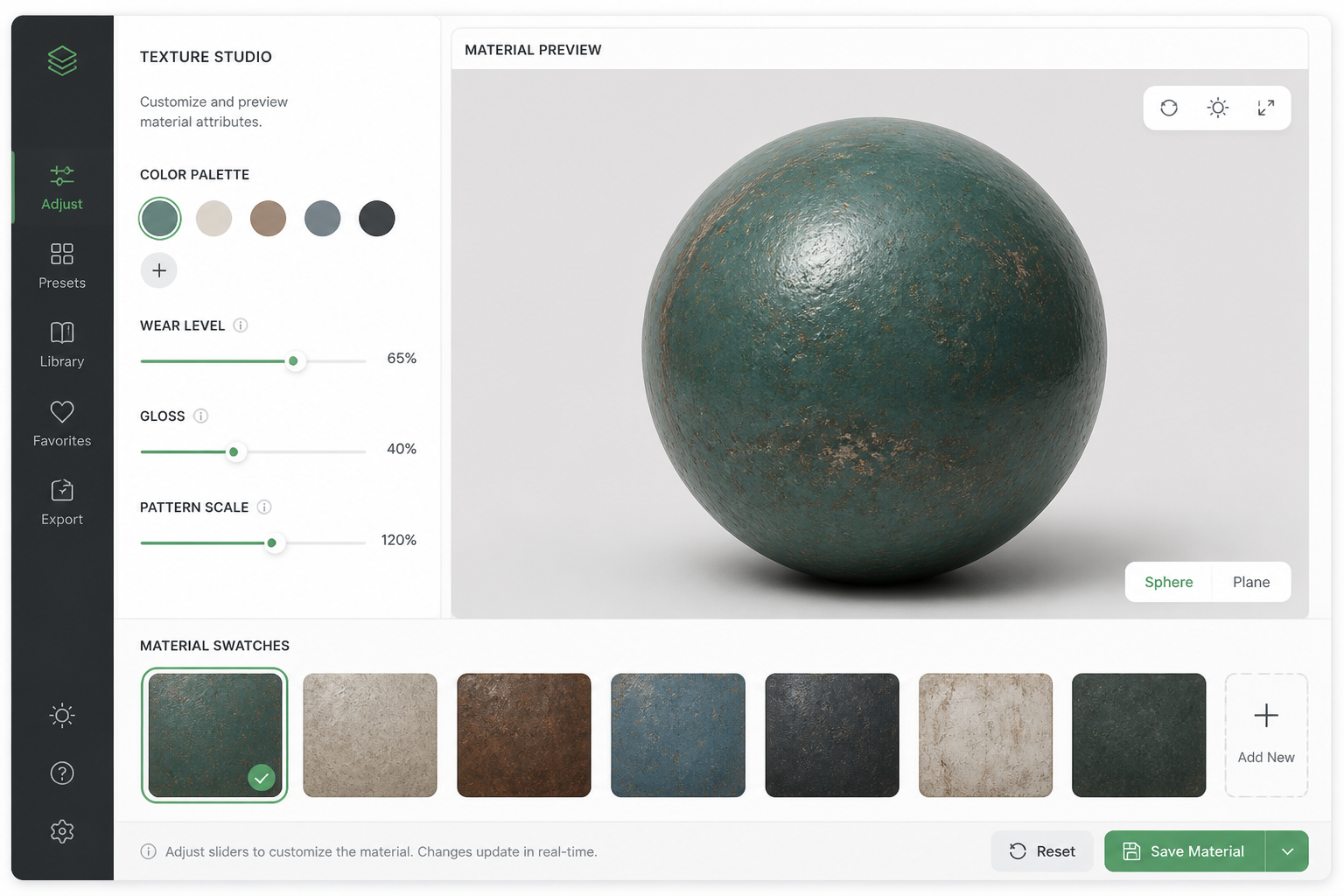
Customize the surface details
Refine the texture by describing color, pattern scale, finish, damage, grain, and mood. You can steer toward clean studio materials, rough natural surfaces, or graphic abstract patterns.
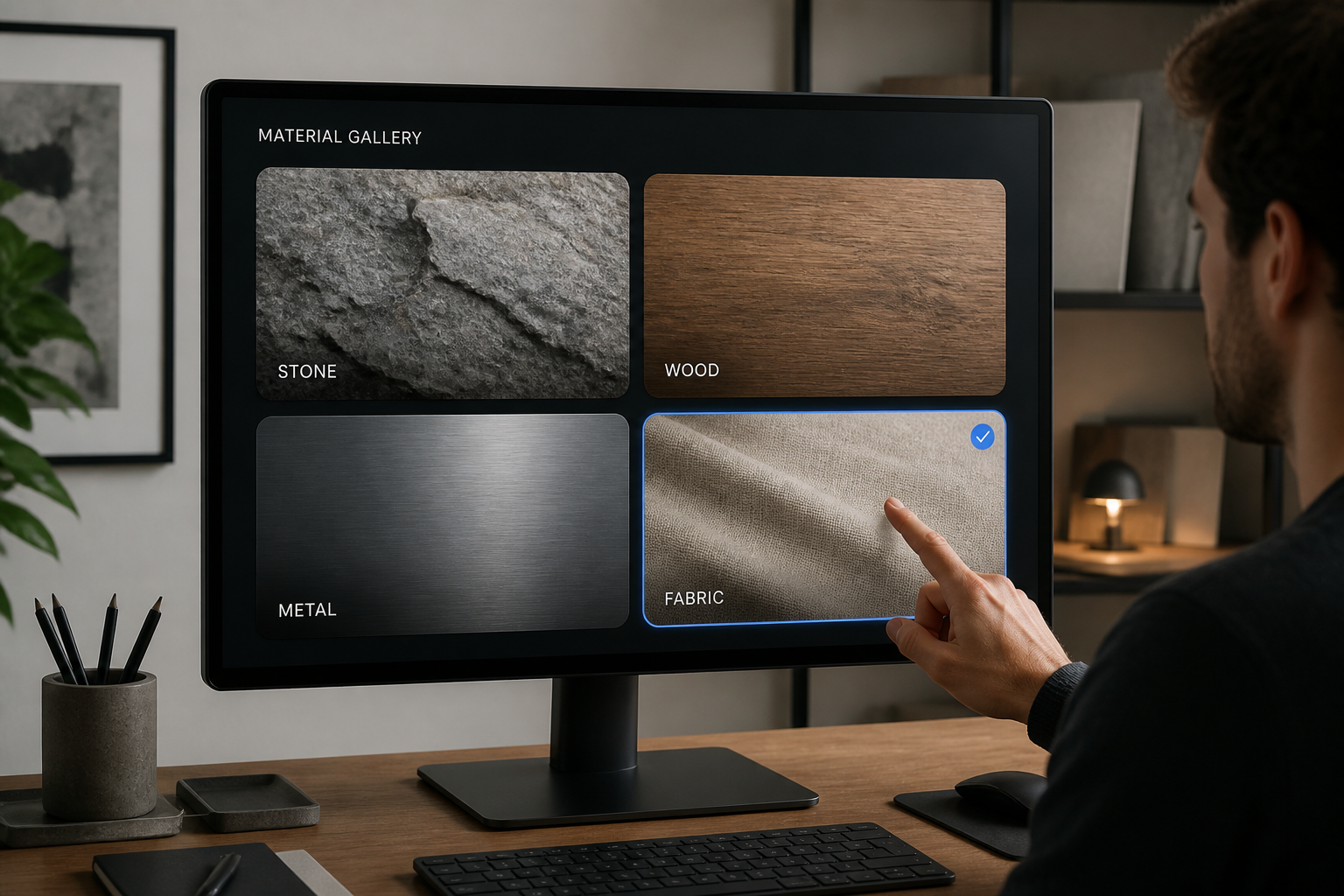
Generate and pick a variation
Create several results and compare which one best fits your project. Download the option you like most, or edit the prompt to push the texture in a new direction.
Perfect For
Discover how creators and professionals use ai texture generator
Game environment concepting
Explore walls, floors, terrain, and prop materials before building final assets.
3D material mood boards
Collect fast surface directions for look development, rendering, and scene planning.
Graphic and product design
Generate background surfaces and material references for packaging, posters, and mockups.
Motion and abstract visuals
Create patterned or atmospheric textures for title cards, loops, and digital backdrops.
Built For
Game artists
Useful for finding quick surface directions for environments, props, and level themes.
3D designers
Helps visualize material ideas before moving into detailed shader or texture workflows.
Creative generalists
A practical way to make texture references for presentations, mockups, and visual experiments.
Frequently Asked Questions
Can I make seamless textures with this tool?
What kinds of textures can I generate?
Is this meant for final production assets?
Do I need texture design experience?
Can I generate different styles from the same material?
Create together.
Share your creations, discover trending AI art, and grow with fellow creators.