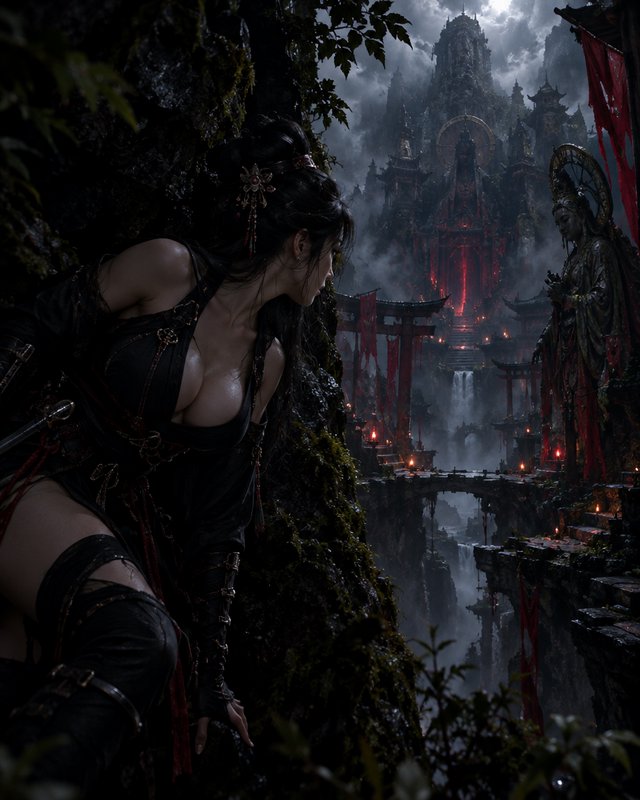
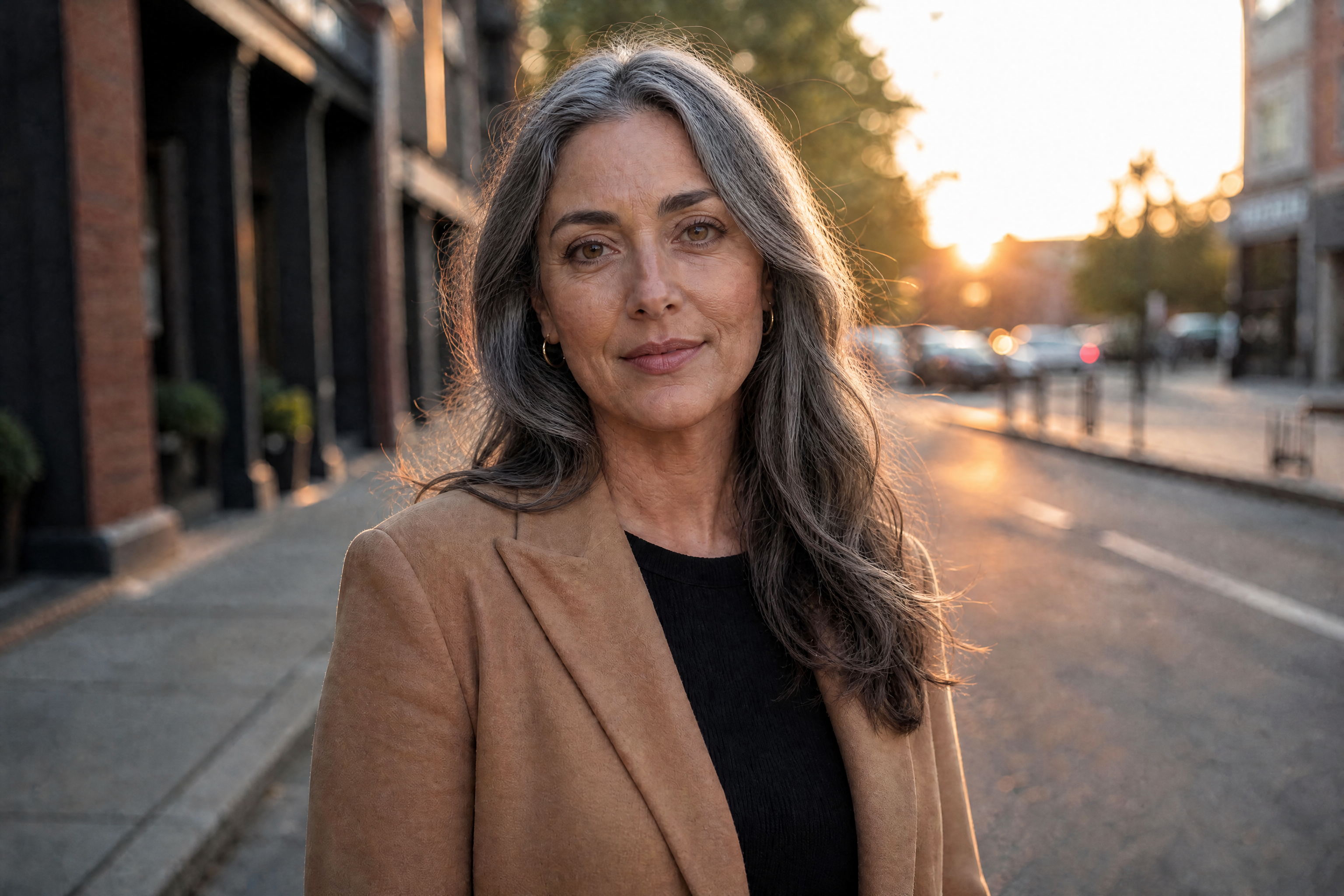
AI 80s Photo Filter
See how you would look in the 80s without changing who you are.
Upload a modern selfie and transform it into a convincing 1980s portrait. Keep your face, skin tone, age and identity while changing the hair, clothing, setting, lighting and film finish.


See It In Action
Real outputs from ai 80s photo filter.
BEFOREAFTER BEFORE
 AFTER
AFTER BEFORE
 AFTER
AFTER BEFORE
 AFTER
AFTER BEFORE
 AFTERBEFOREAFTERBEFOREAFTERBEFOREAFTERBEFOREAFTERBEFOREAFTER
 BEFORE
 AFTER
AFTER BEFORE
 AFTER
AFTER BEFORE
 AFTER
AFTER BEFORE
 AFTER
AFTER BEFORE
 AFTERBEFOREAFTERBEFOREAFTERBEFOREAFTERBEFOREAFTERBEFOREAFTER
Key Features


Keep Your Face Recognizable
The filter changes the era rather than the person. Your facial features, skin tone, age and identity remain consistent while the hair, wardrobe and surroundings shift to the 1980s. This helps the result feel like a real photograph from another decade instead of a different person. You avoid the difficult masking and retouching required by manual editors.


Choose Your 80s Look
Describe the specific 1980s look you want, from arcade casual to power-suit polish. You can combine period hair, wardrobe, setting and film treatments in one instruction. This gives you more control than a fixed preset with a single visual style. Try several looks using the same source photo.


Get Authentic Period Detail
The transformation can coordinate hair, clothing, decor, lighting and analog film character. Details such as direct flash, faded color, grain and soft focus make the image read as a period photograph. That consistency matters because one modern element can weaken the illusion. Our AI applies the look across the image without requiring separate manual adjustments.


Create Shareable Retro Portraits
Generate a polished image suited to the 80s AI photo trend on Instagram. Strong hair silhouettes, recognizable period settings and film texture make the change clear even on a small screen. The result remains photographic rather than cartoon-like. Download your preferred version and crop it for your chosen social format.
How It Works

Upload your selfie
Choose a clear photo with your face visible and even lighting. A waist-up or environmental portrait gives the filter room to change both your outfit and setting.

Describe your 80s look
Specify the hair, clothing, location and film finish you want. Try a laser studio portrait, neon arcade, roller rink or power-suit office.

Generate and share
Create the edit and compare it with your original photo. Download the result you prefer, then format it for Instagram or another personal post.
Perfect For
Discover how creators and professionals use ai 80s photo filter
Instagram Trend Posts
Join the 80s AI photo trend with a realistic retro version of your current selfie.
Retro Profile Photos
Create a distinctive profile image with big hair, period fashion and analog film texture.
Themed Party Inspiration
Preview an 80s hairstyle and outfit combination before choosing your party look.
Nostalgic Photo Projects
Build a photographic set inspired by mall studios, arcades, roller rinks and family albums.
Built For
Social media creators
Make recognizable, photographic transformations for trend posts, reels and profile images.
80s style fans
Explore distinct decade looks without sourcing vintage clothing, sets or studio equipment.
Friends and families
Create coordinated retro portraits for themed albums, invitations or casual sharing.
Ways to Create an 80s Portrait
A quick look at how we compare on the things that matter for this niche.
| Feature | BudgetPixel | Generic preset filters | Manual editing apps |
|---|---|---|---|
| Custom 80s look descriptions | ✓ | Limited | Manual |
| Identity-preserving instructions | ✓ | — | Manual |
| Hair, wardrobe and scene editing | One edit | Usually color only | Multiple steps |
| Analog film treatment | ✓ | Preset dependent | Manual |
| Free to try | Free credits | Varies | Varies |
Frequently Asked Questions
What is the 80s AI photo trend?
Will my face stay the same?
Can I choose a specific 80s look?
Can I share the result on Instagram?
Is the AI 80s photo filter free?
Create together.
Share your creations, discover trending AI art, and grow with fellow creators.