AI Product Photography for Commercial-Ready Images
Turn one plain product photo into polished packshots and lifestyle scenes.
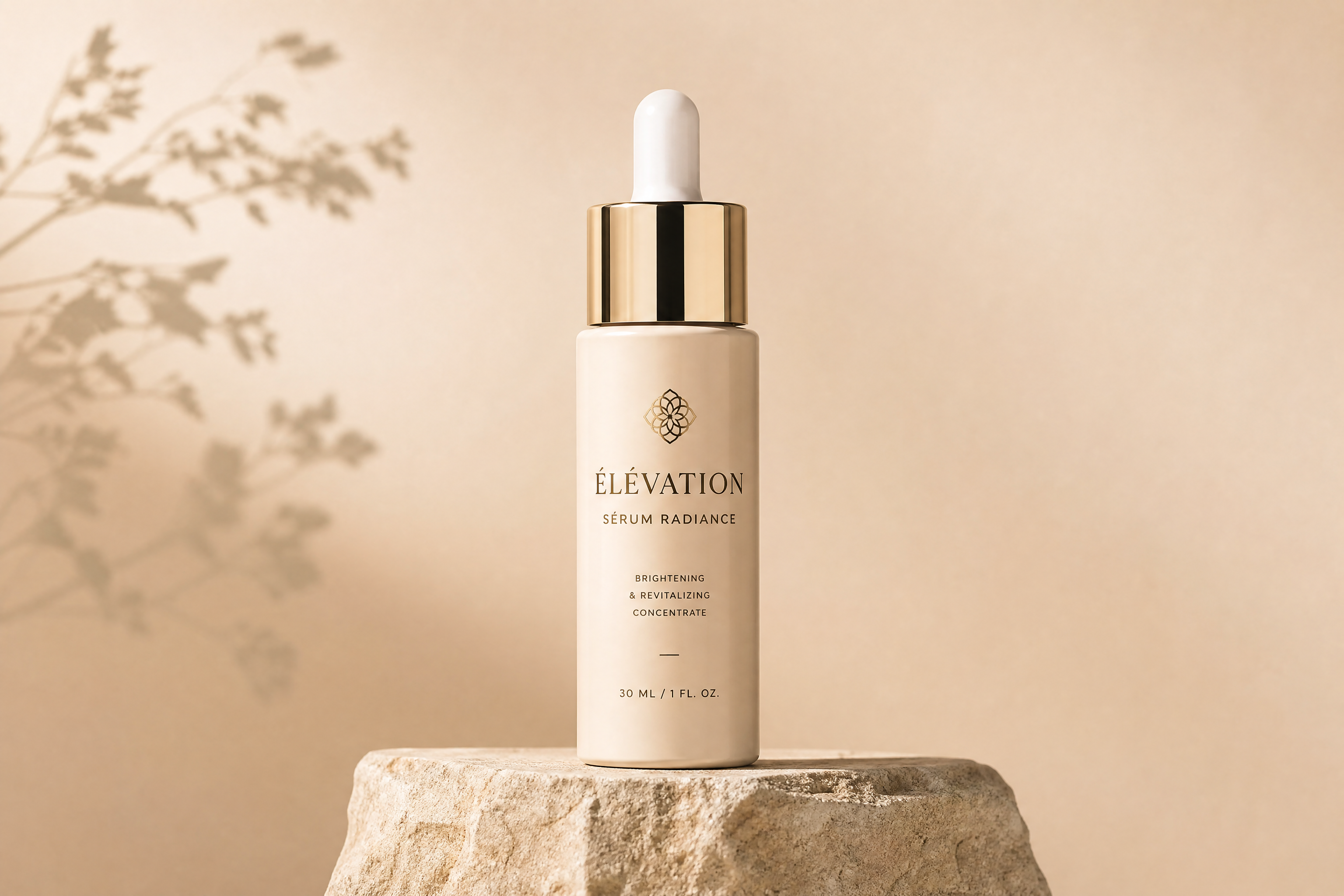
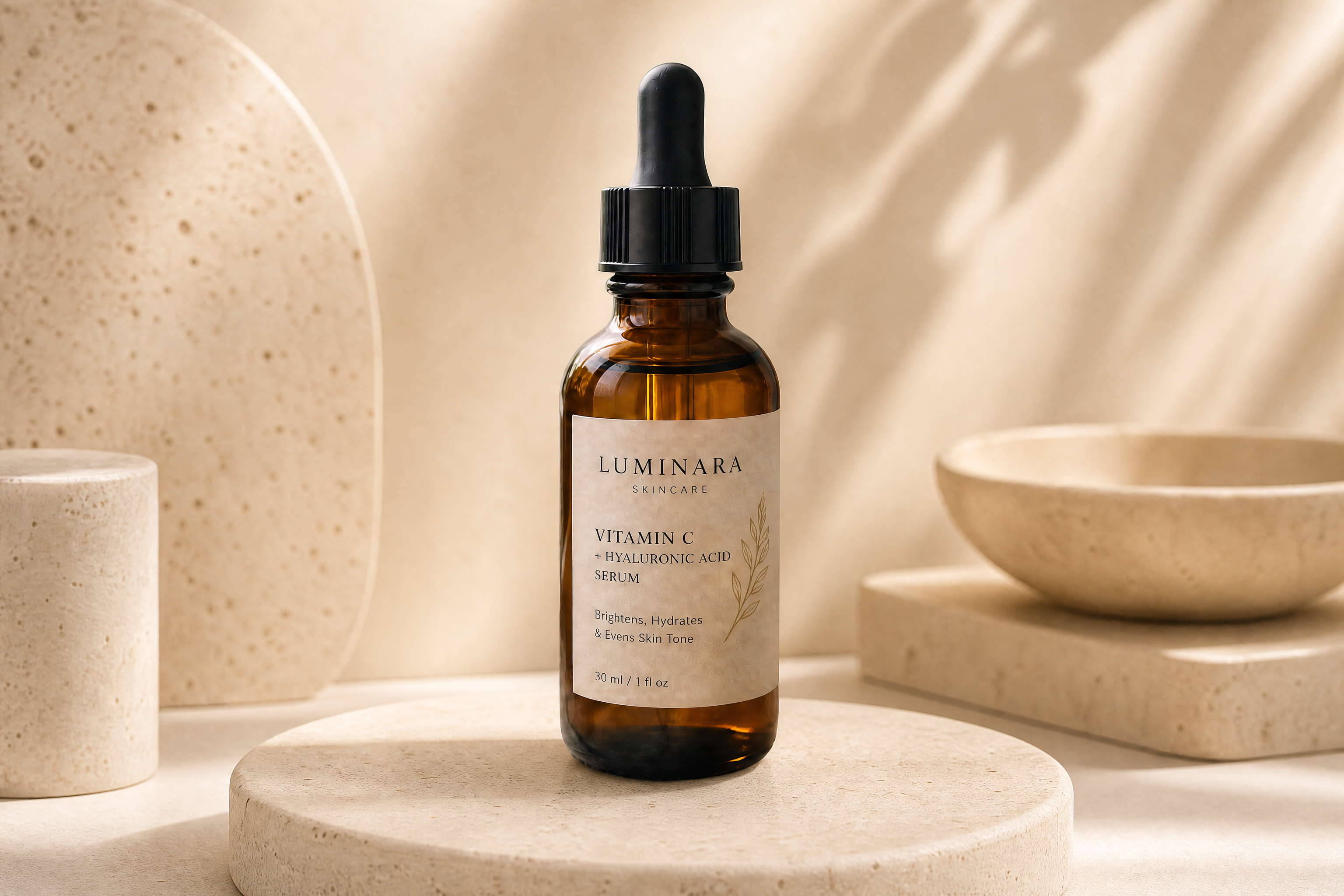
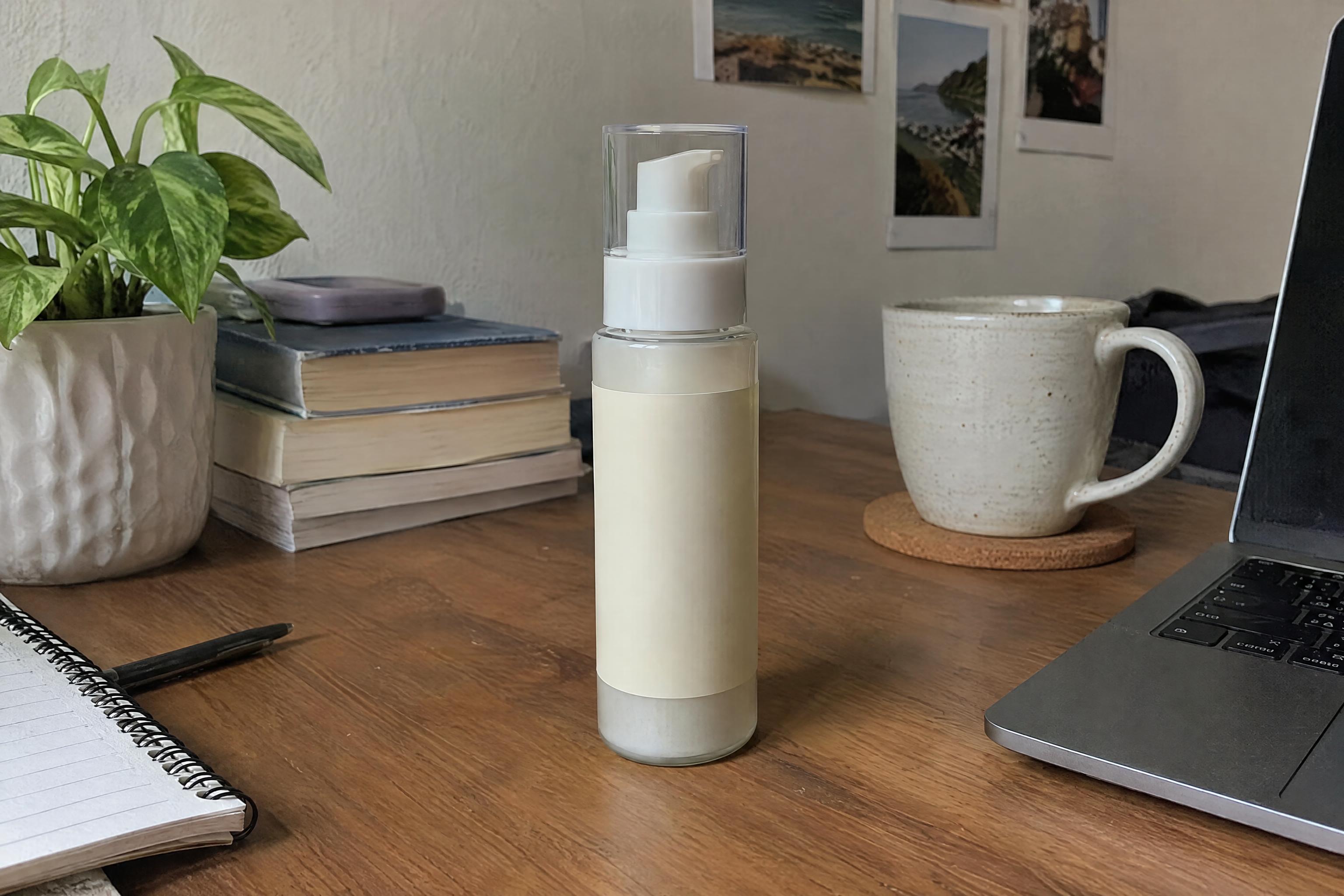
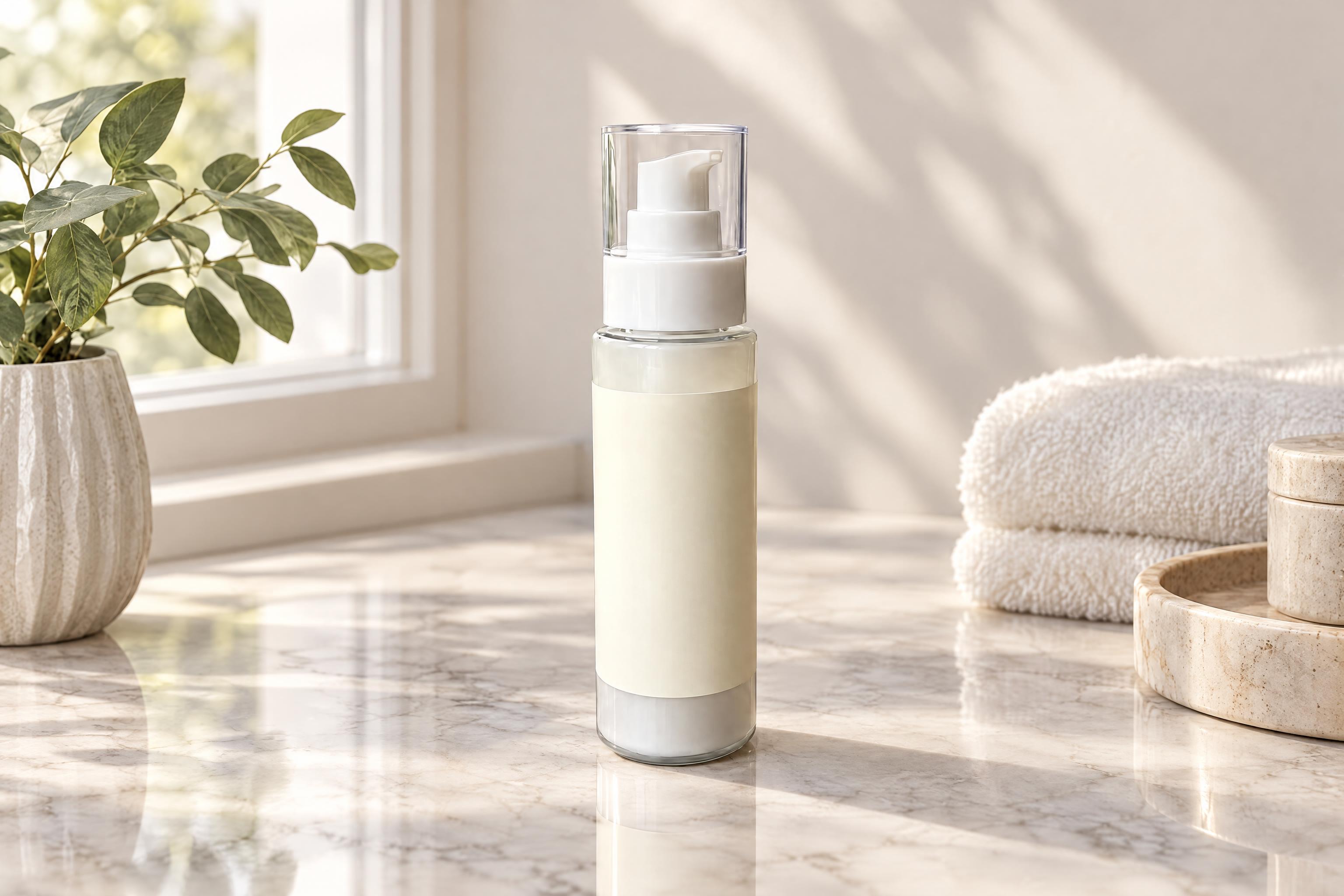
Upload a product photo and replace the original setting with a commercial scene. Create clean packshots or styled lifestyle images while keeping the product's shape, label area, colours and proportions unchanged.
See It In Action
Real outputs from ai product photography.
BEFOREAFTER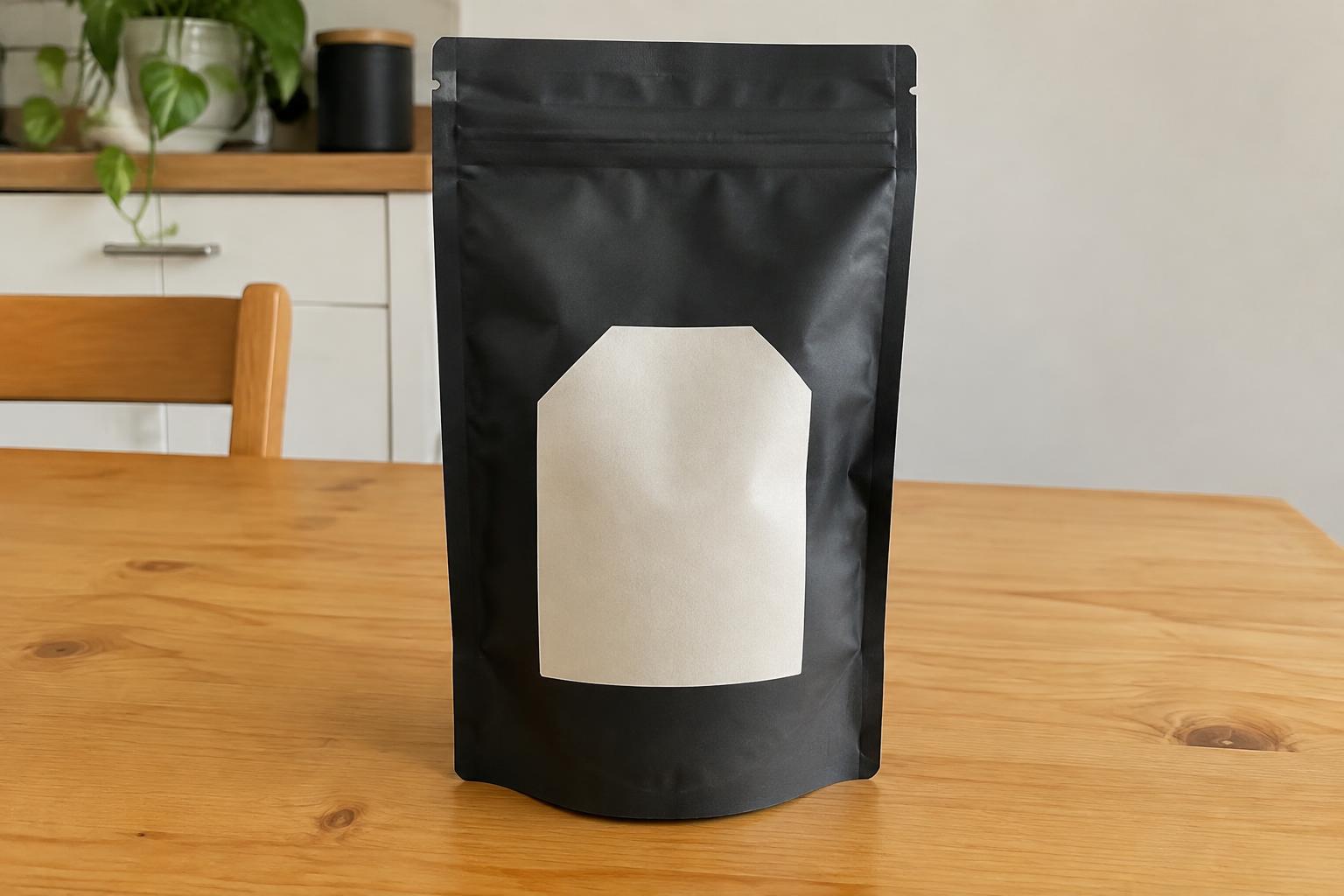 BEFORE
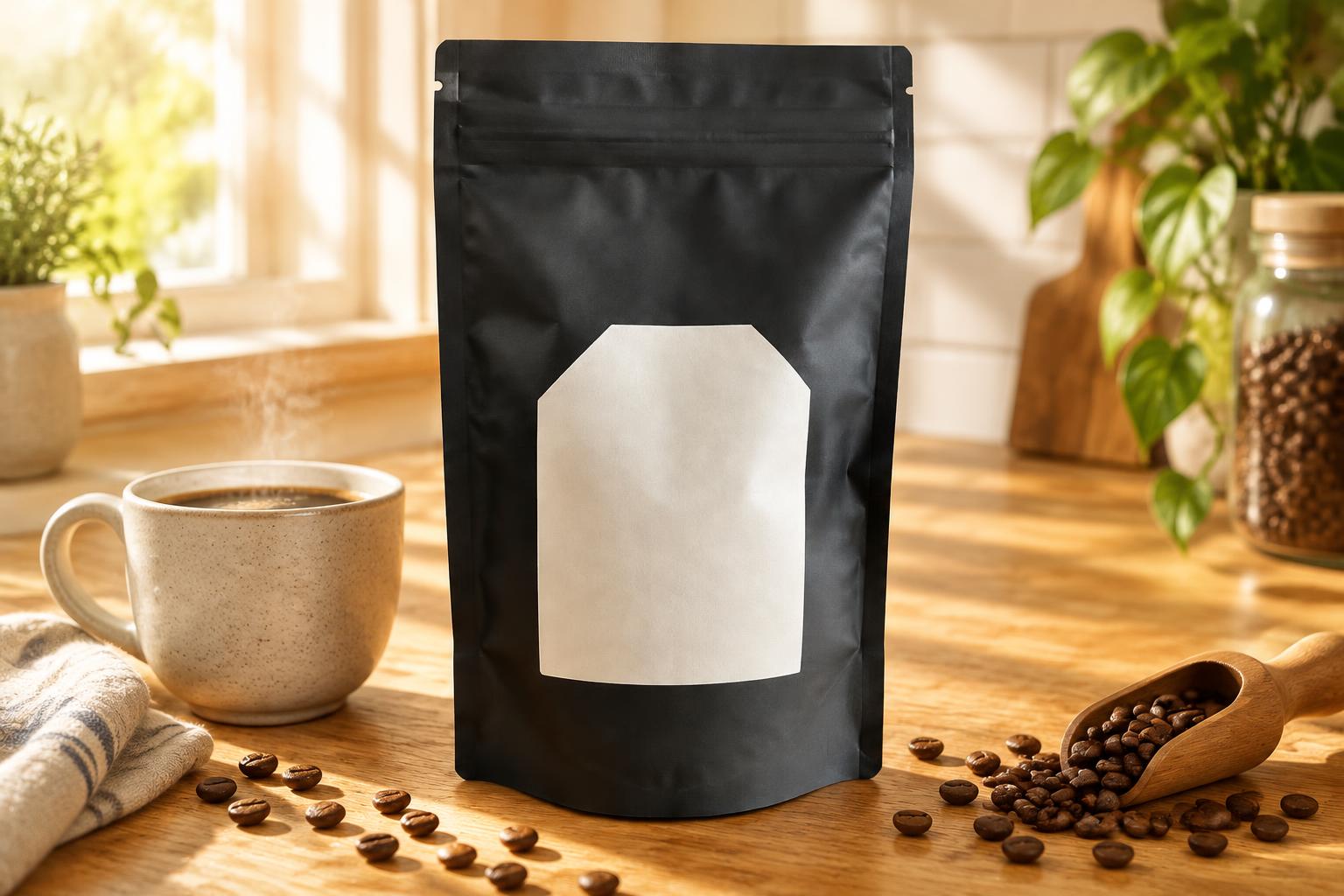 AFTER
AFTER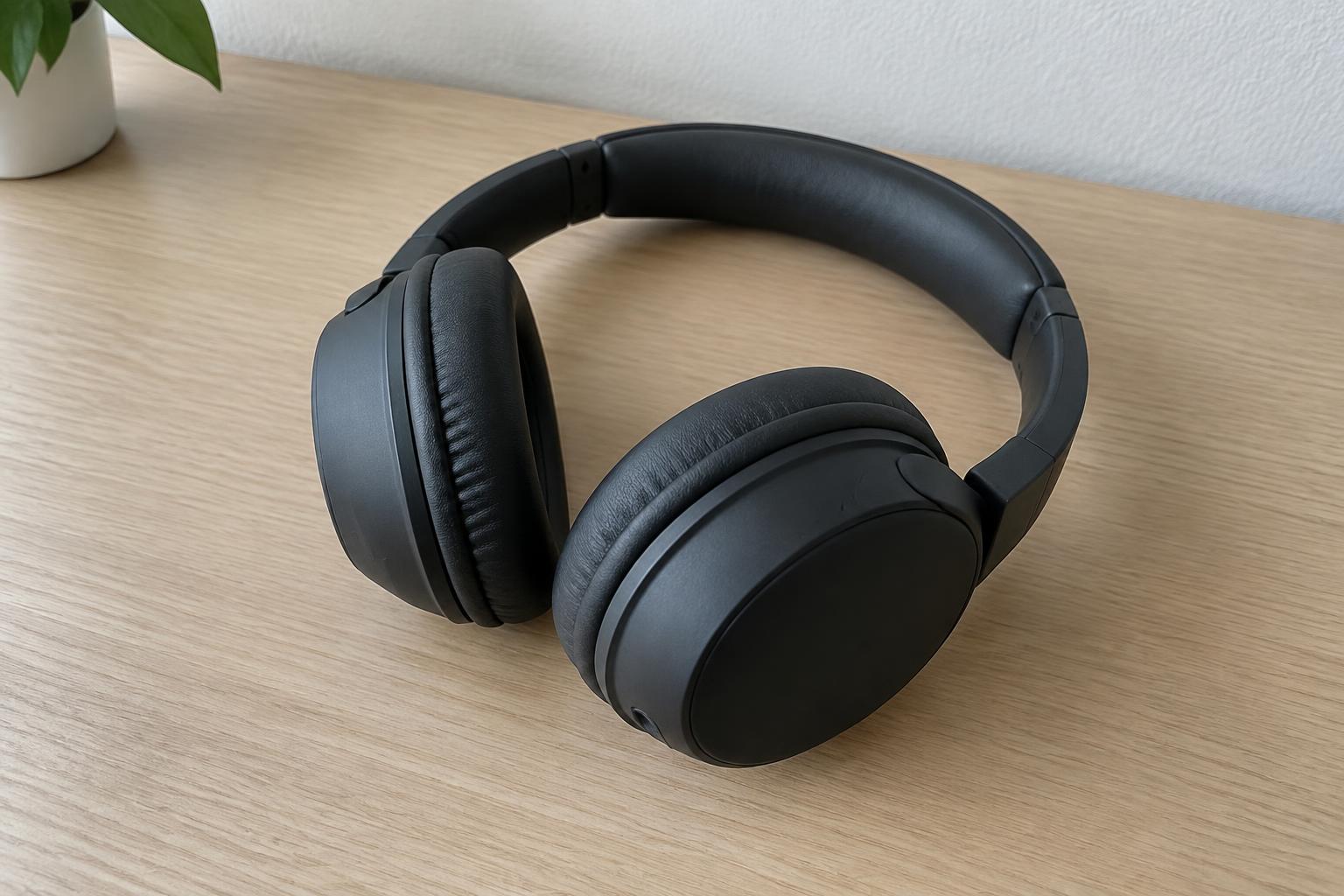 BEFORE
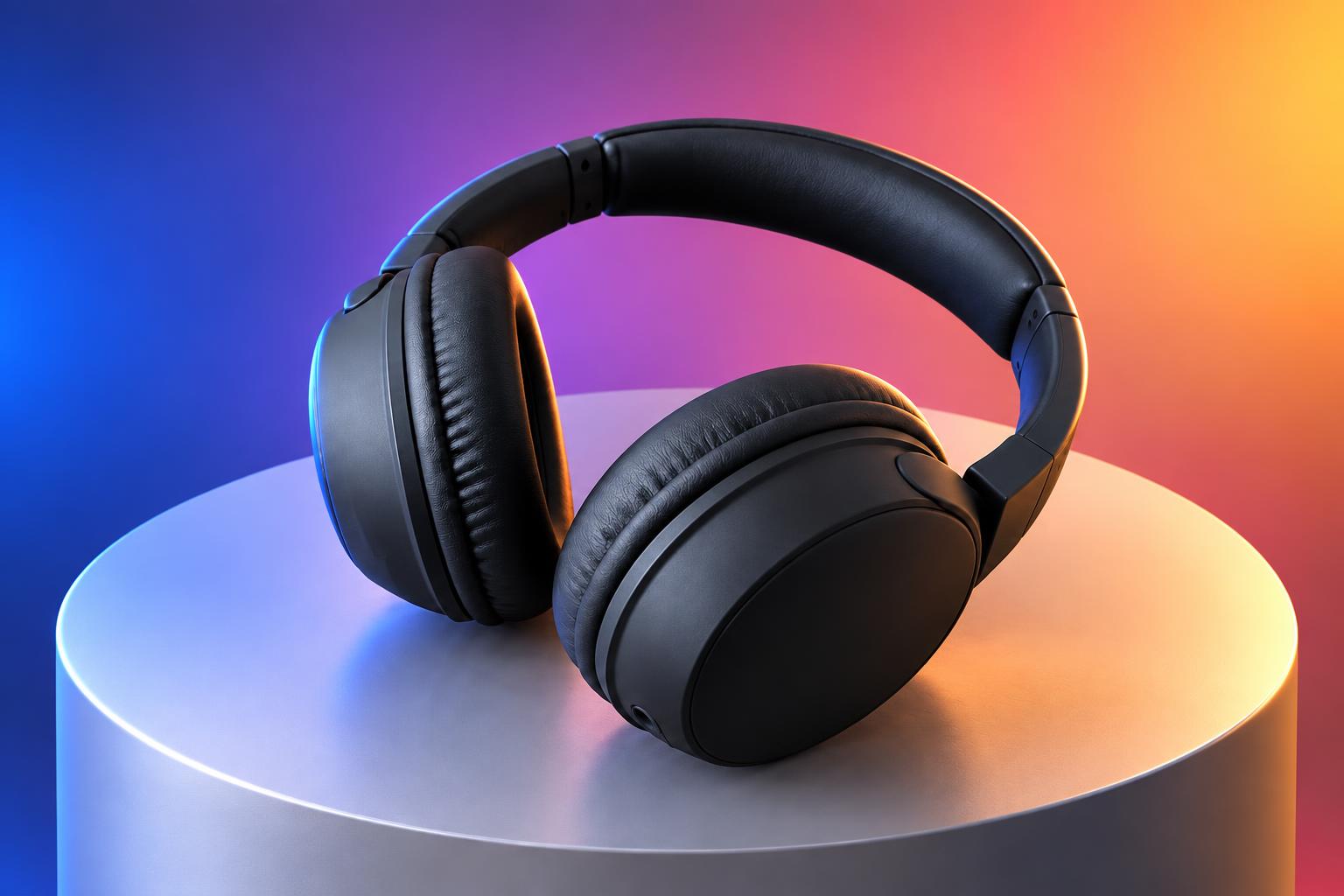 AFTER
AFTER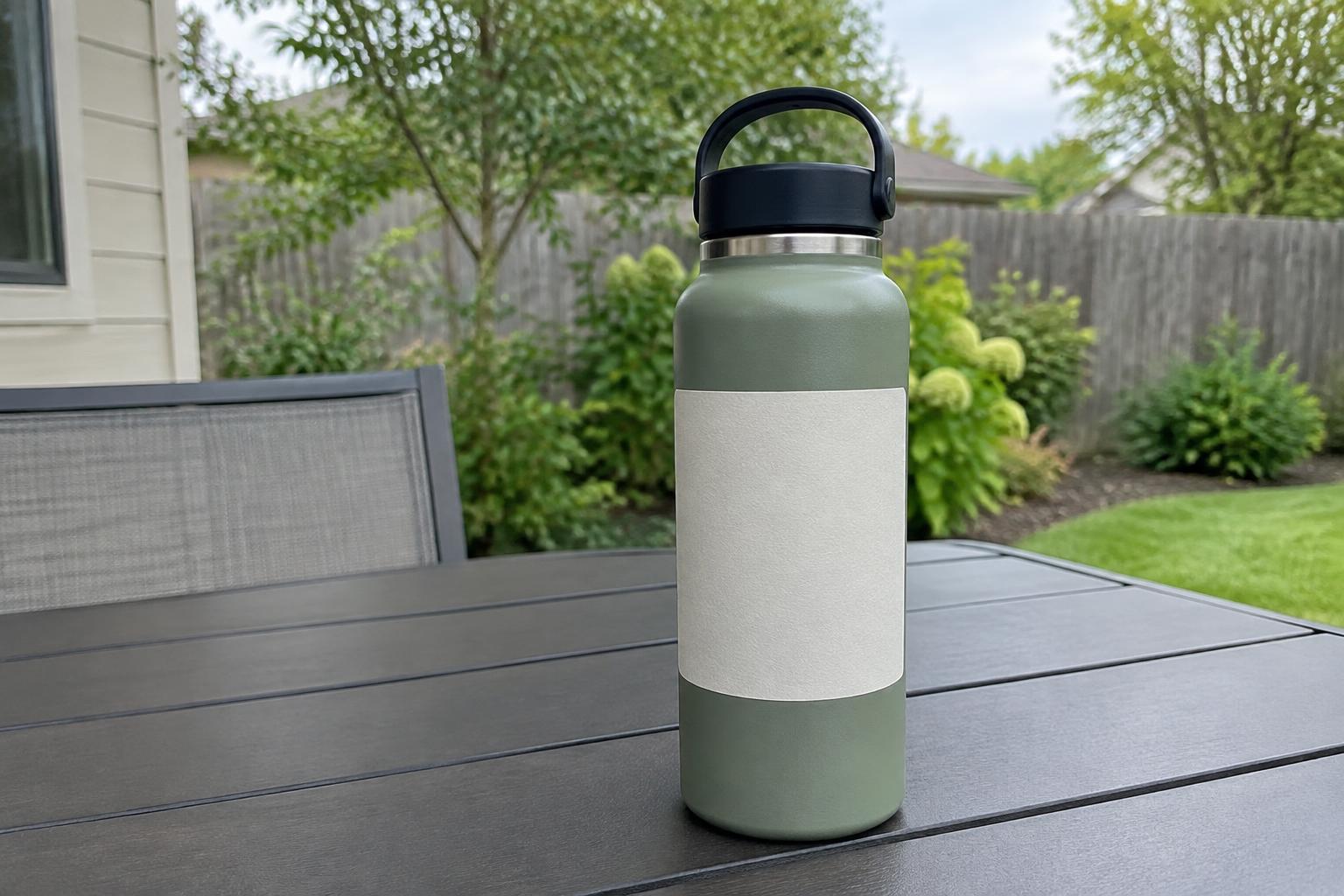 BEFORE
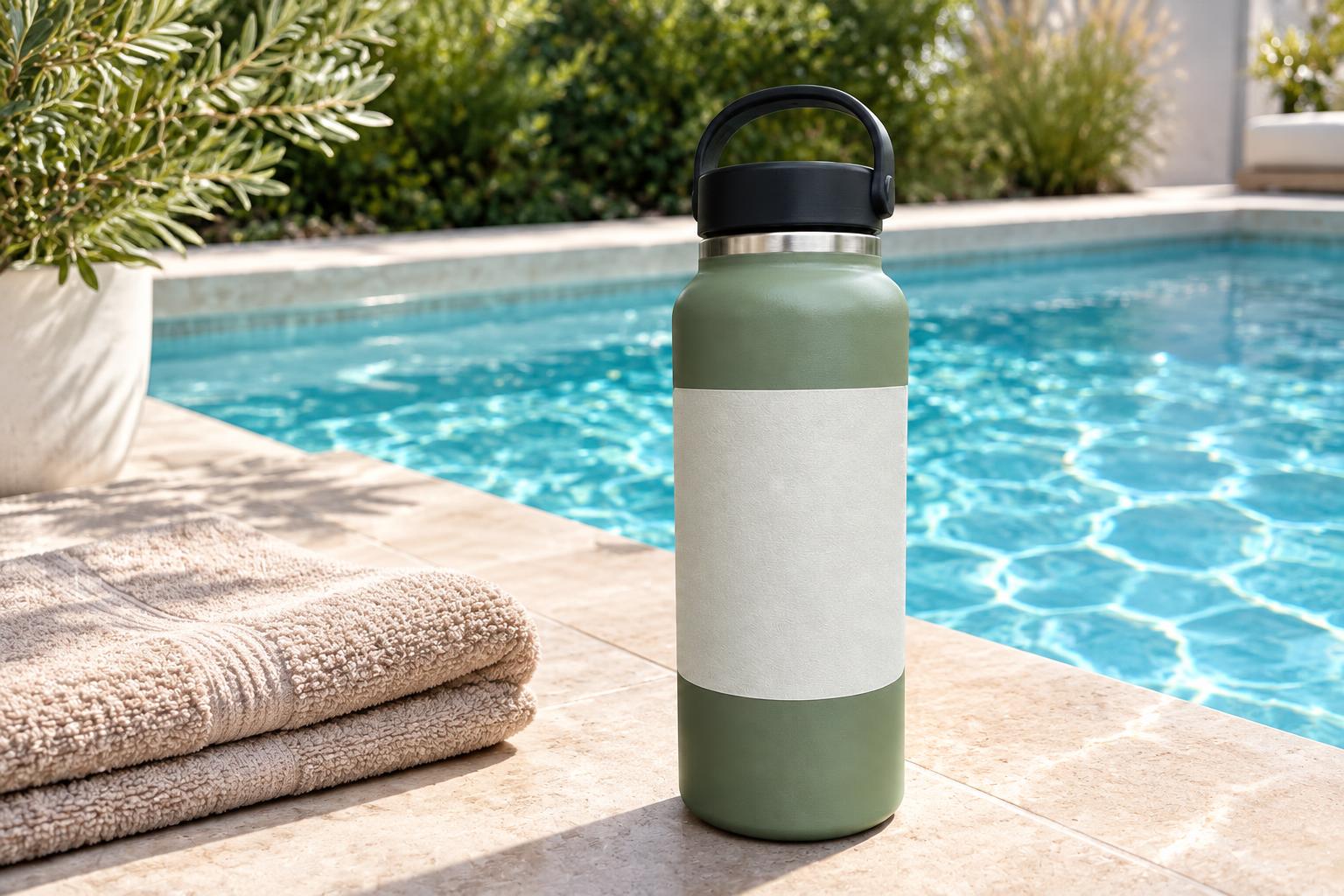 AFTER
AFTER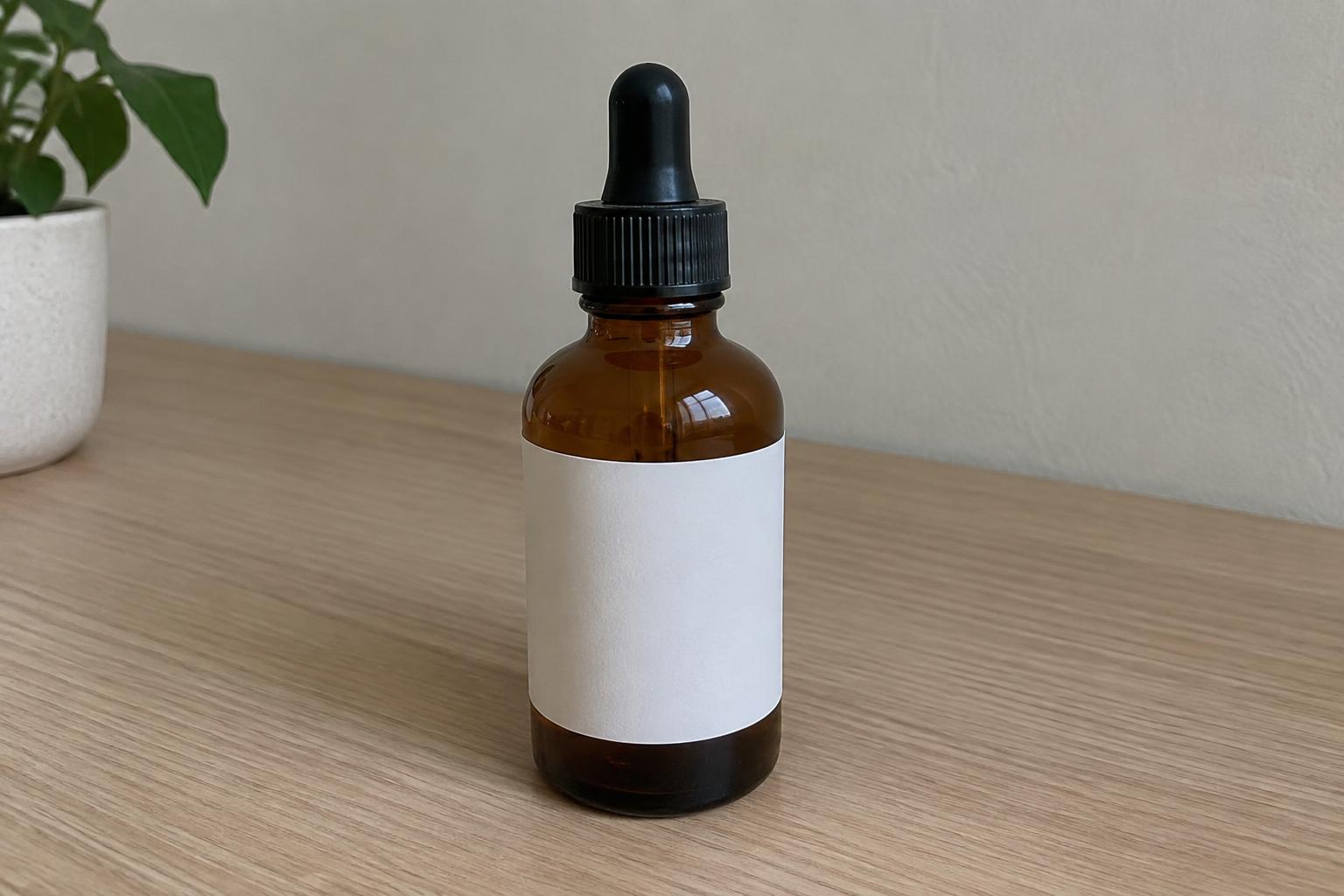 BEFORE
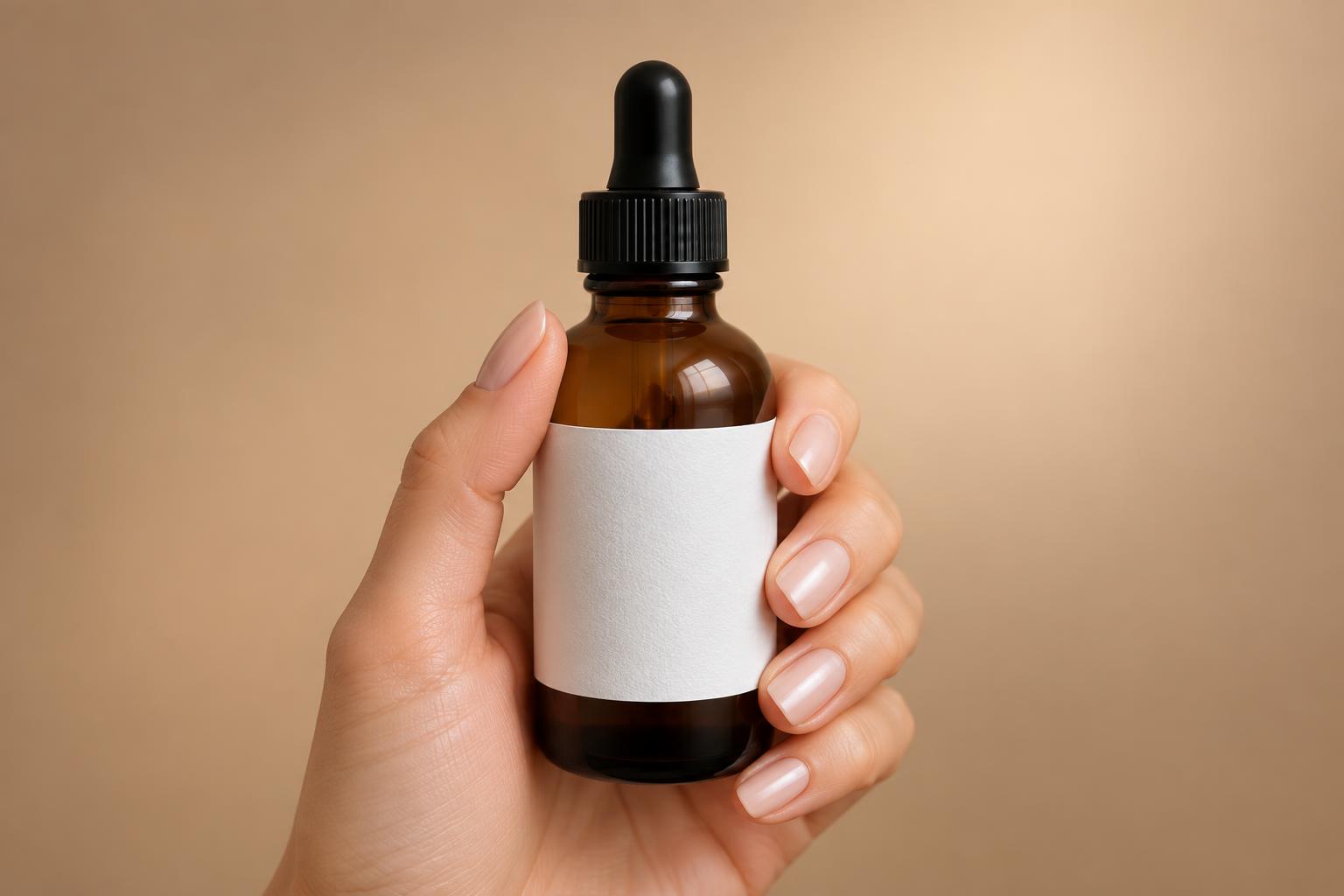 AFTERBEFOREAFTERBEFOREAFTERBEFOREAFTERBEFOREAFTERBEFOREAFTER
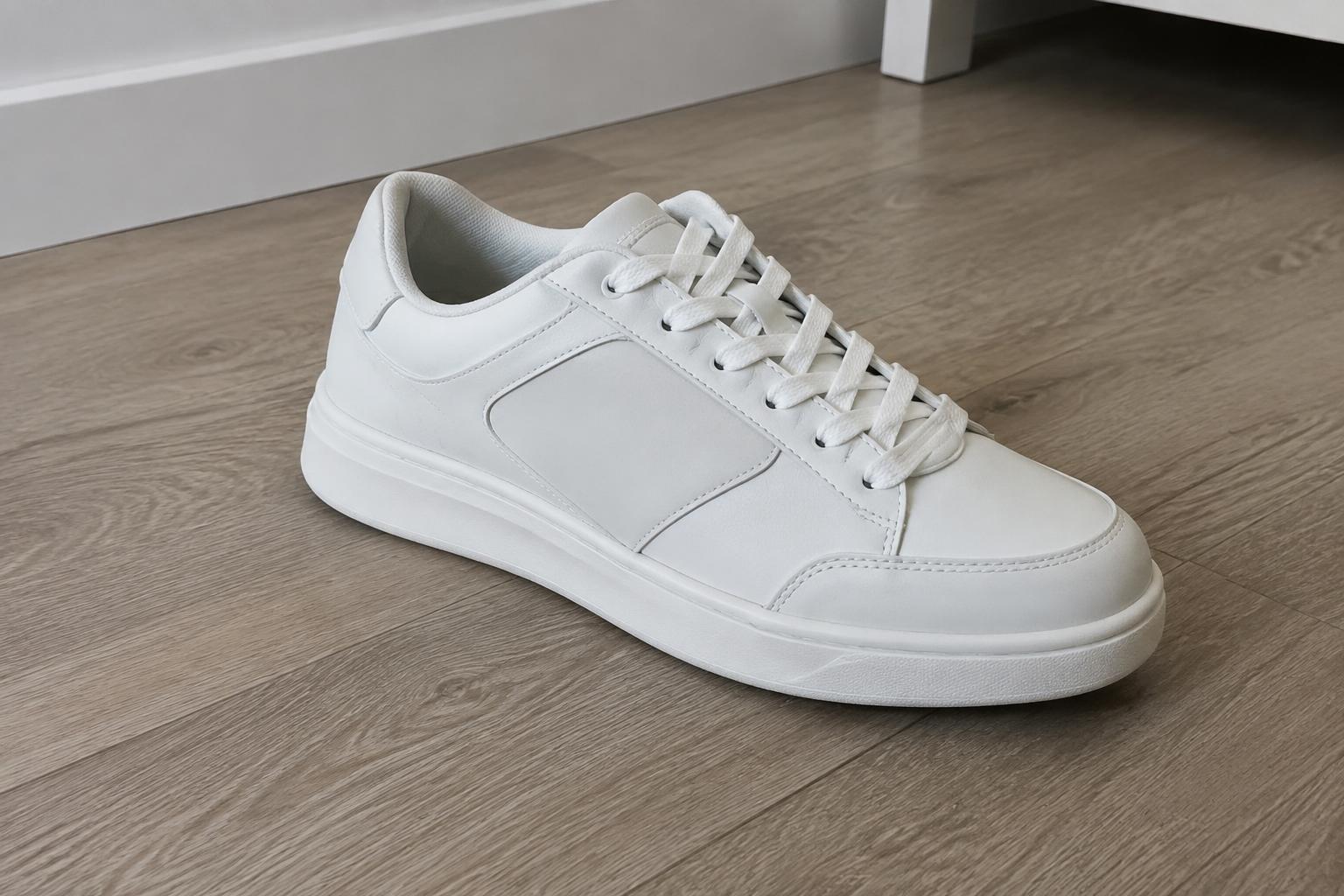 BEFORE
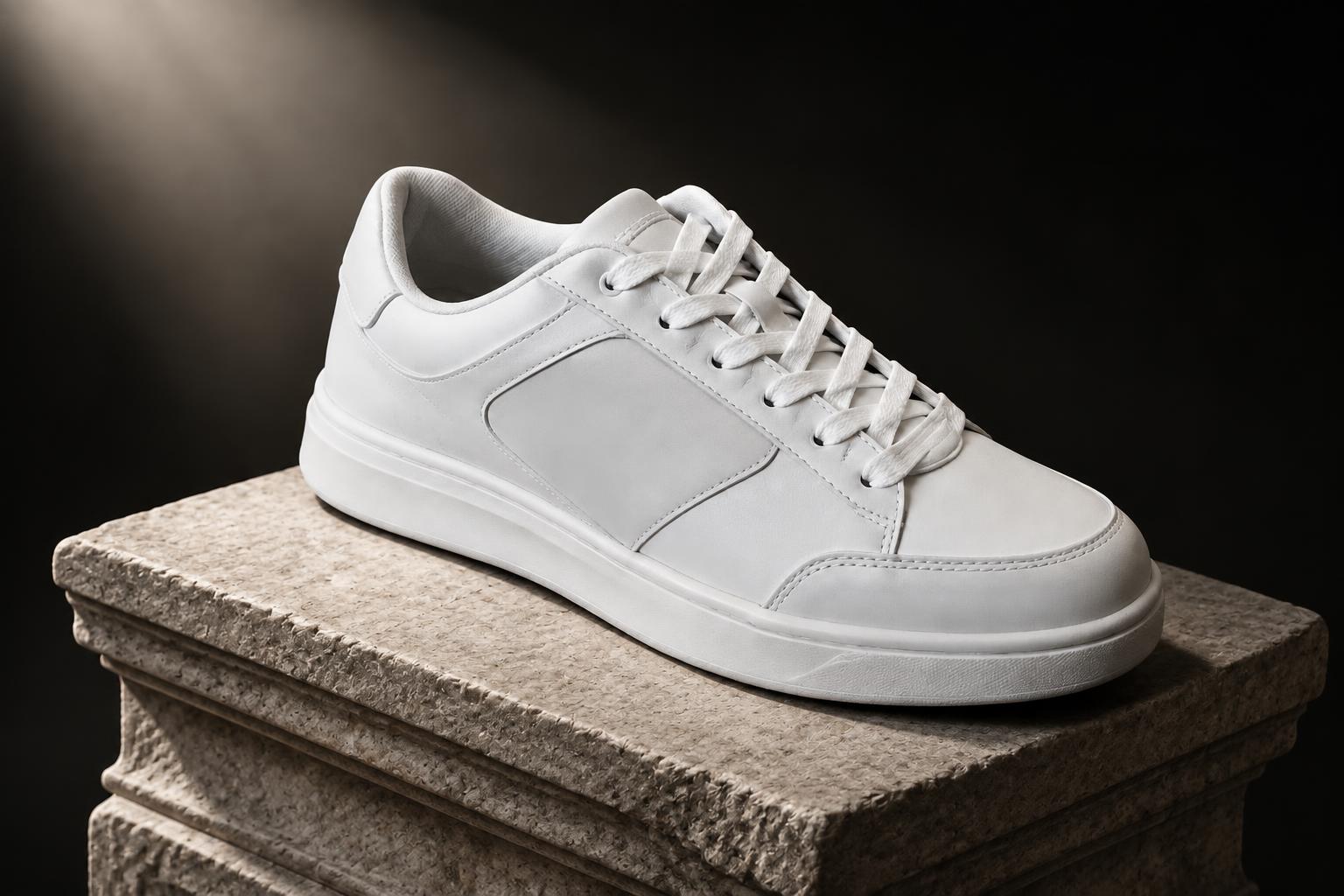 AFTER
AFTER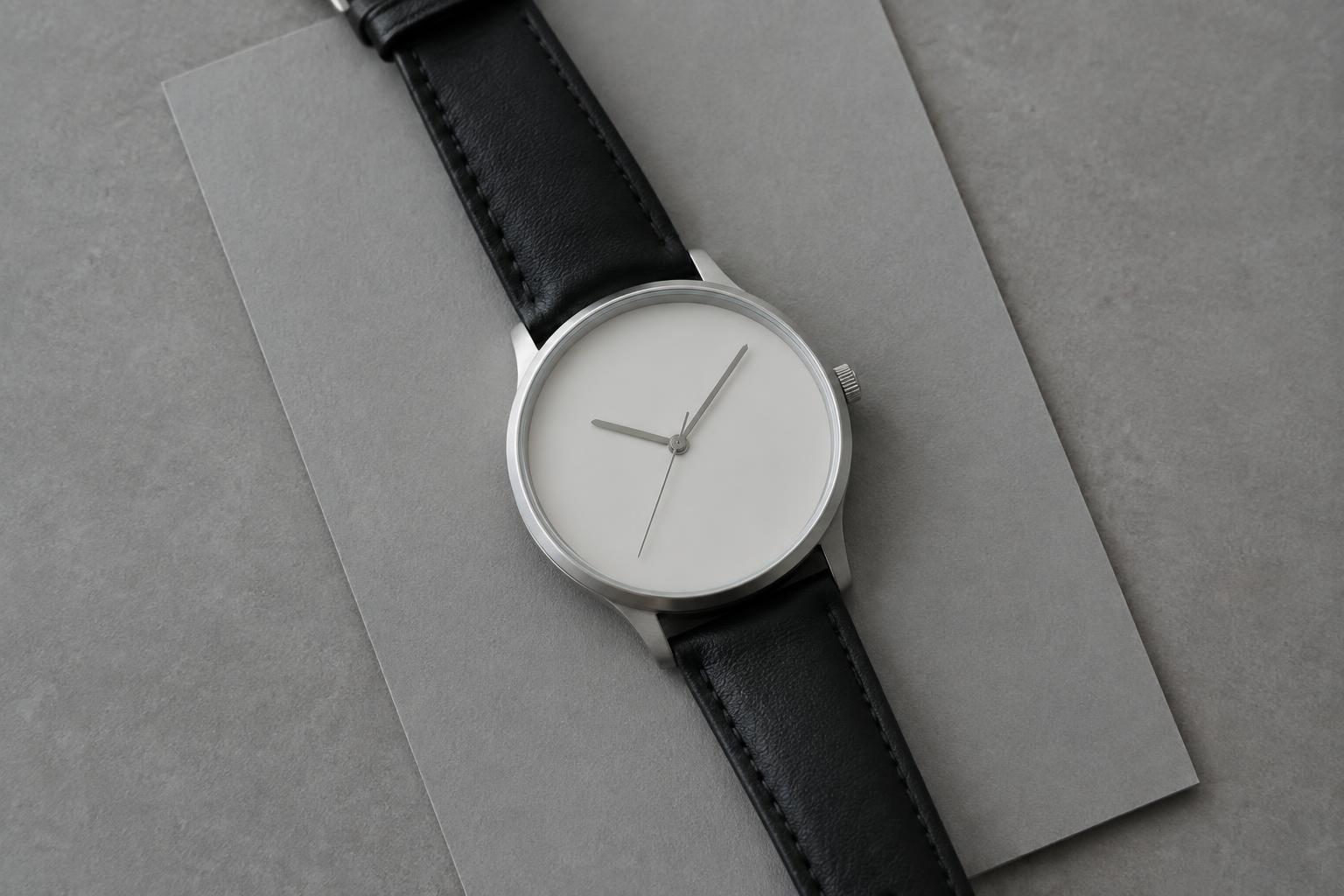 BEFORE
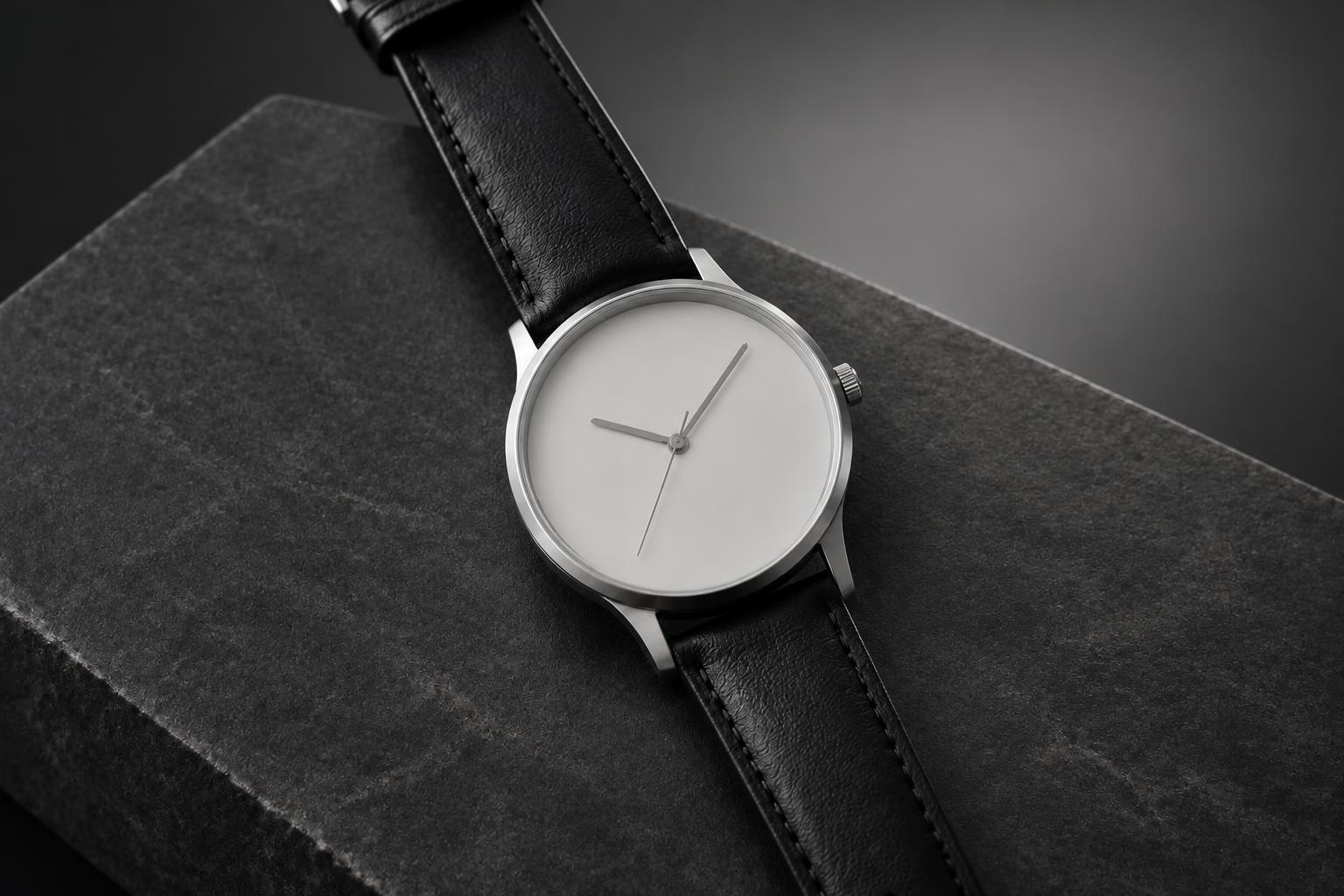 AFTER
AFTER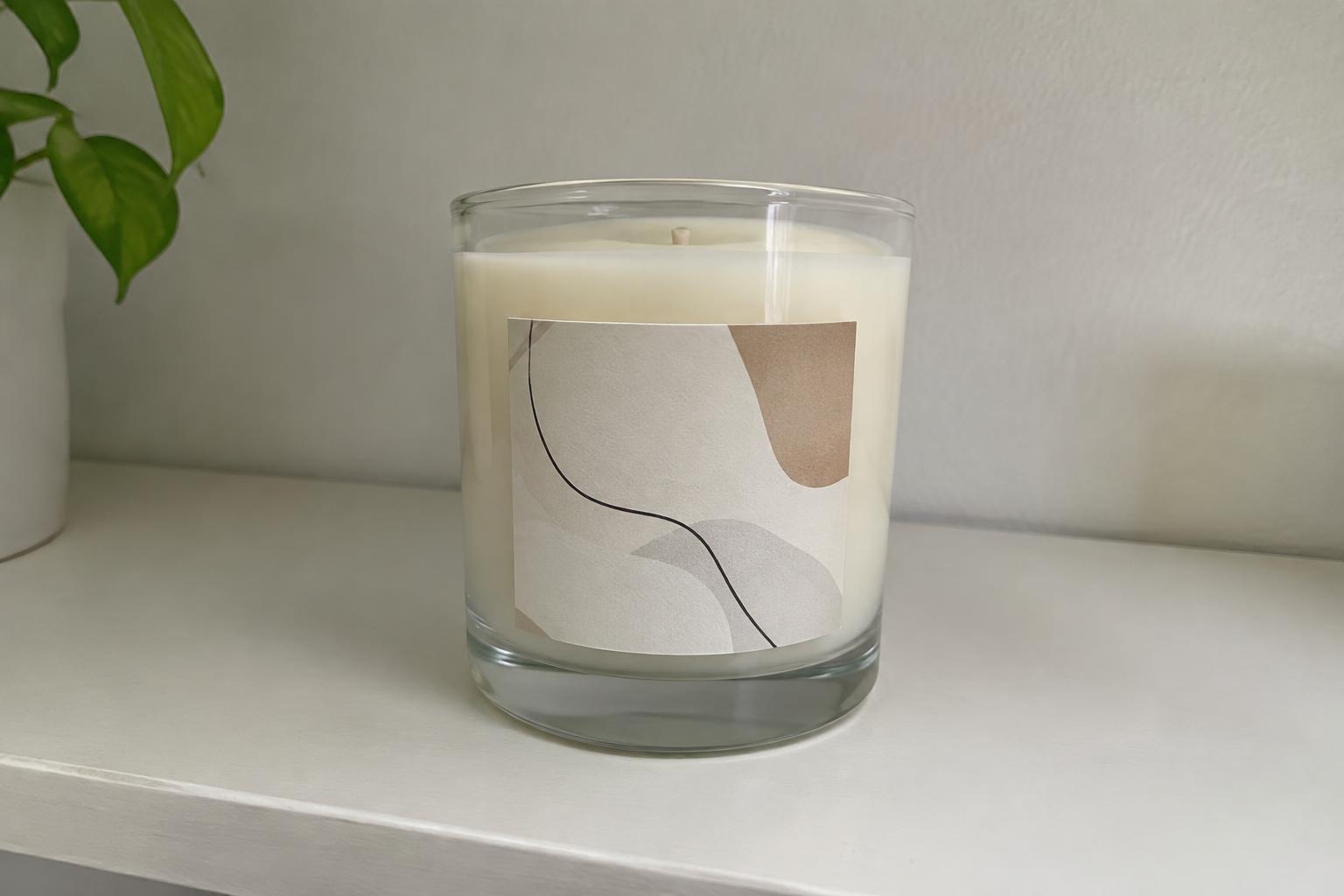 BEFORE
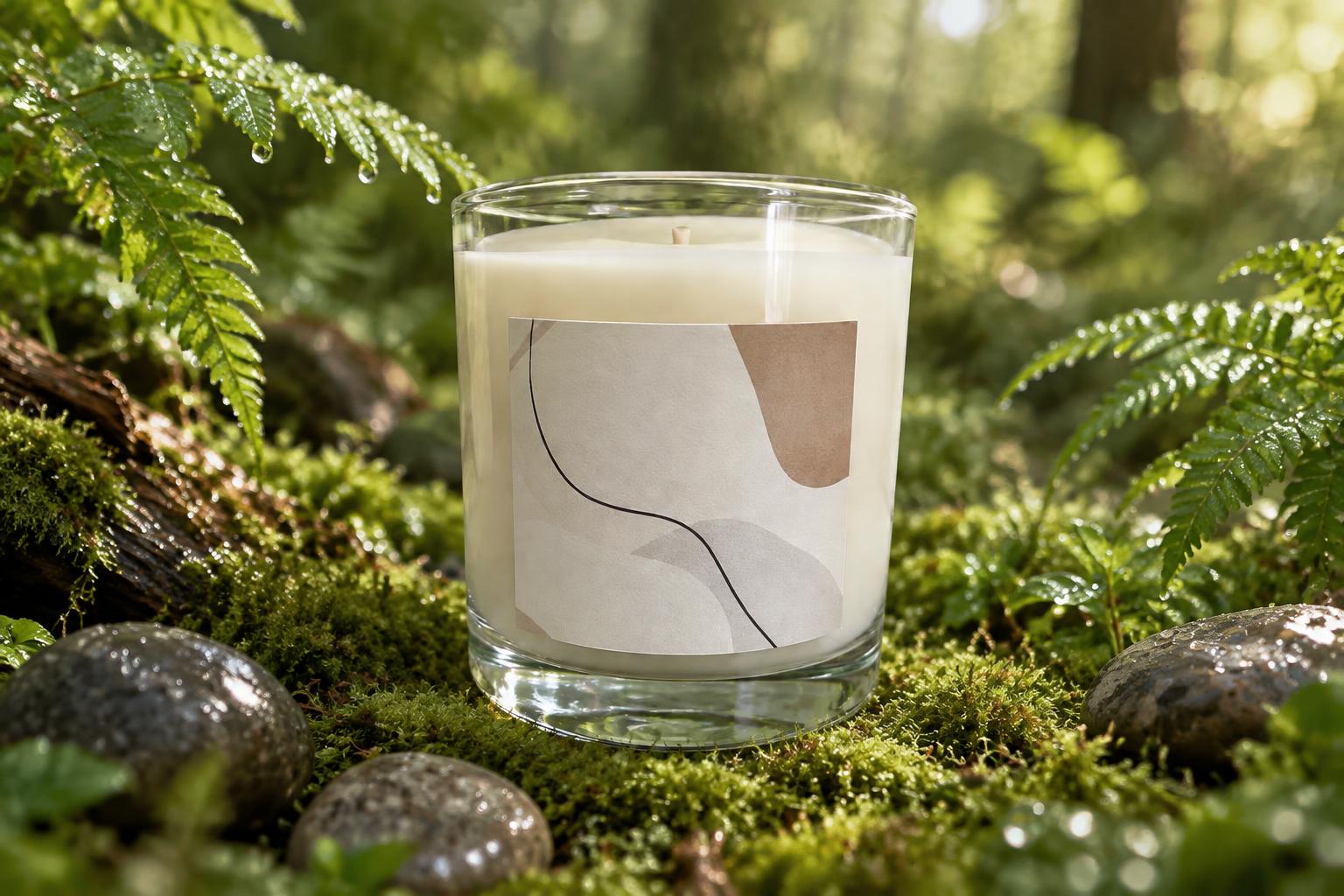 AFTER
AFTER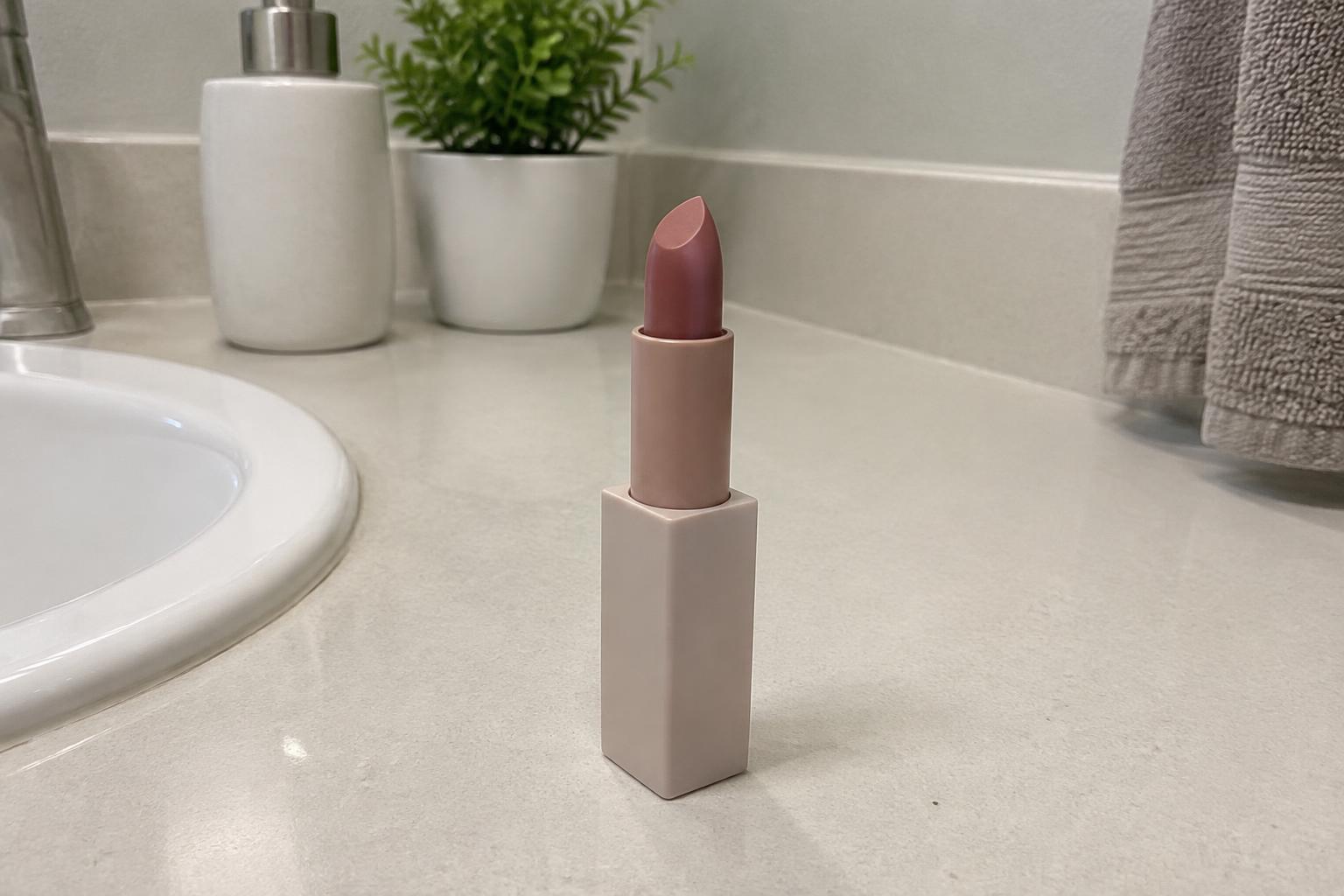 BEFORE
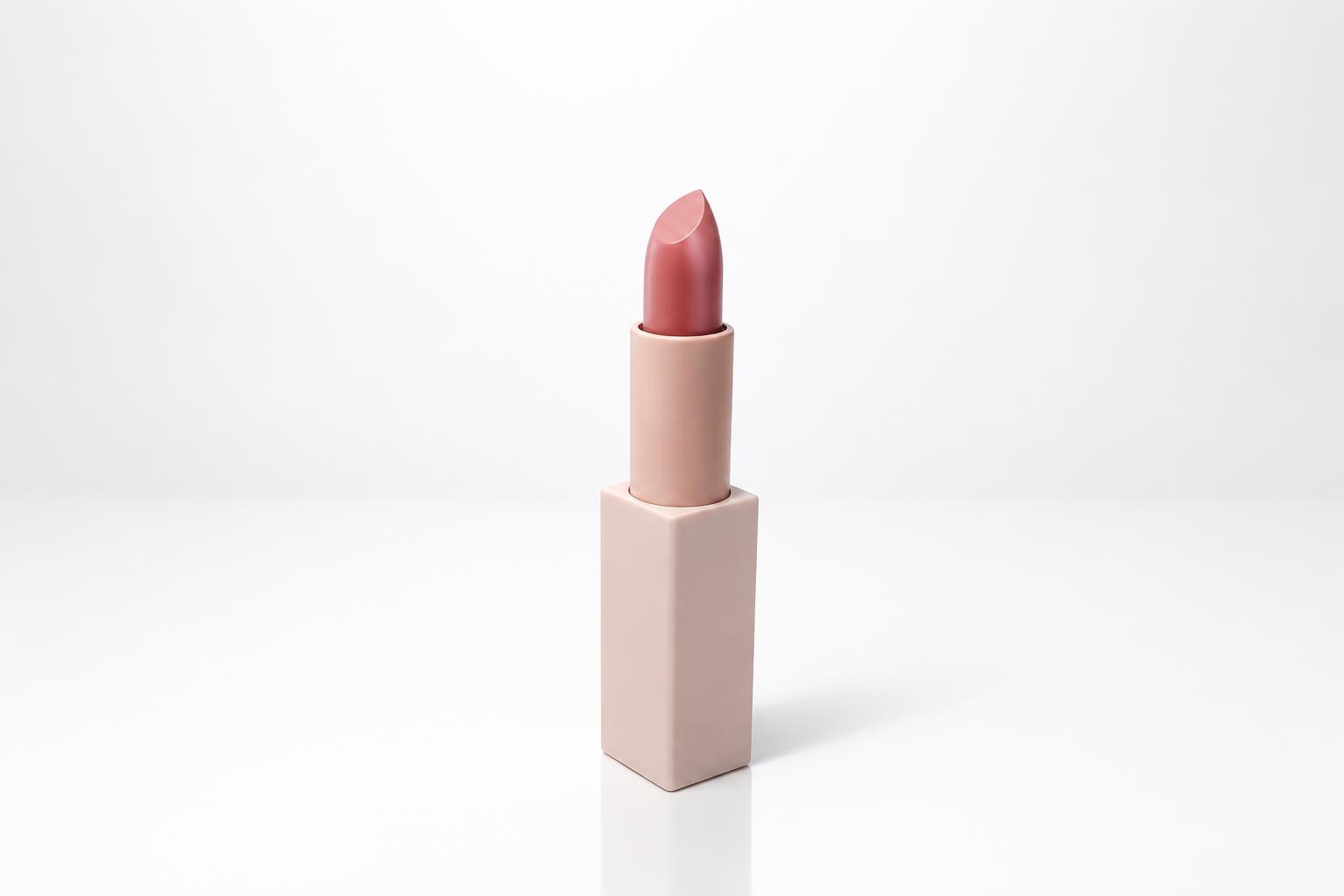 AFTER
AFTER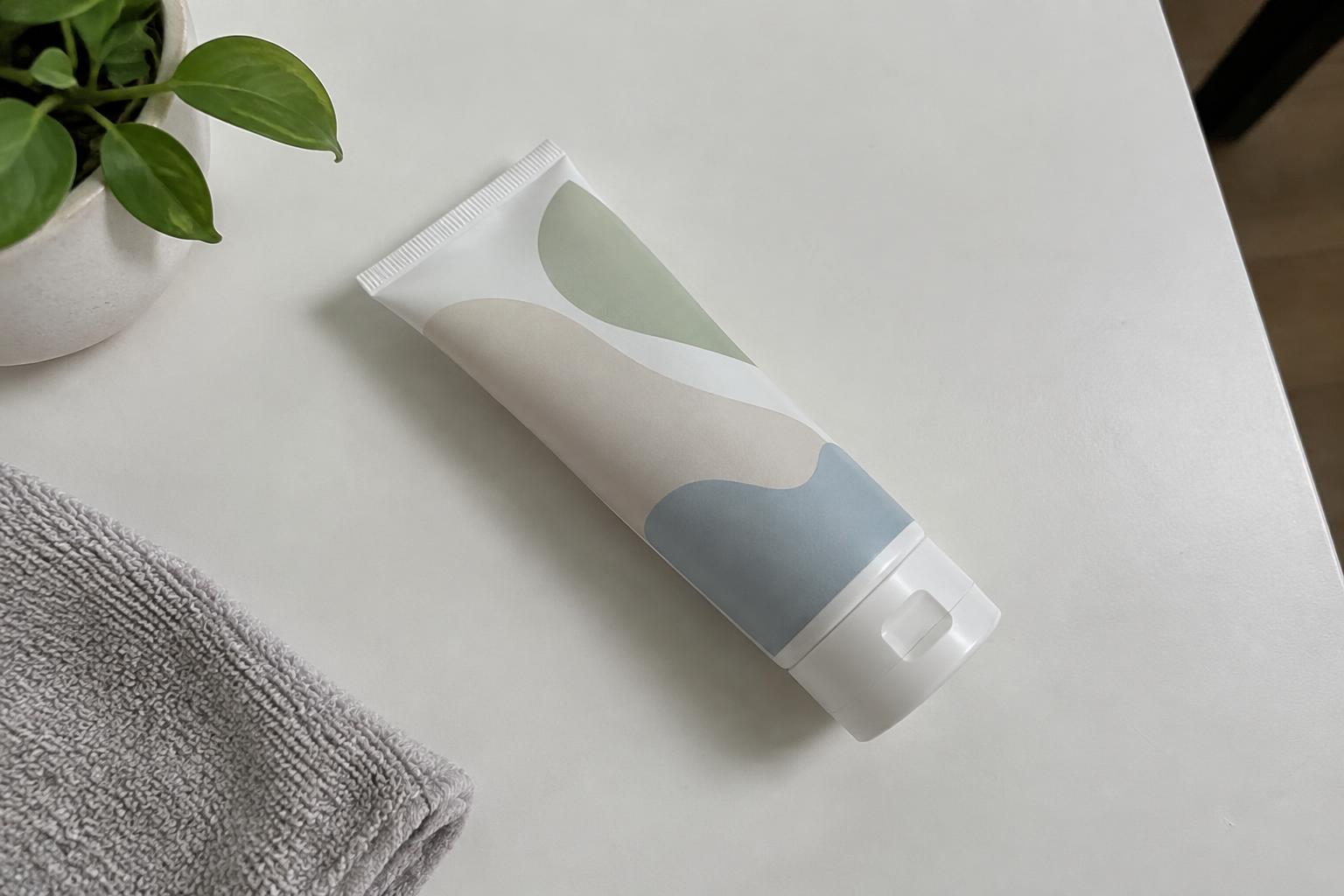 BEFORE
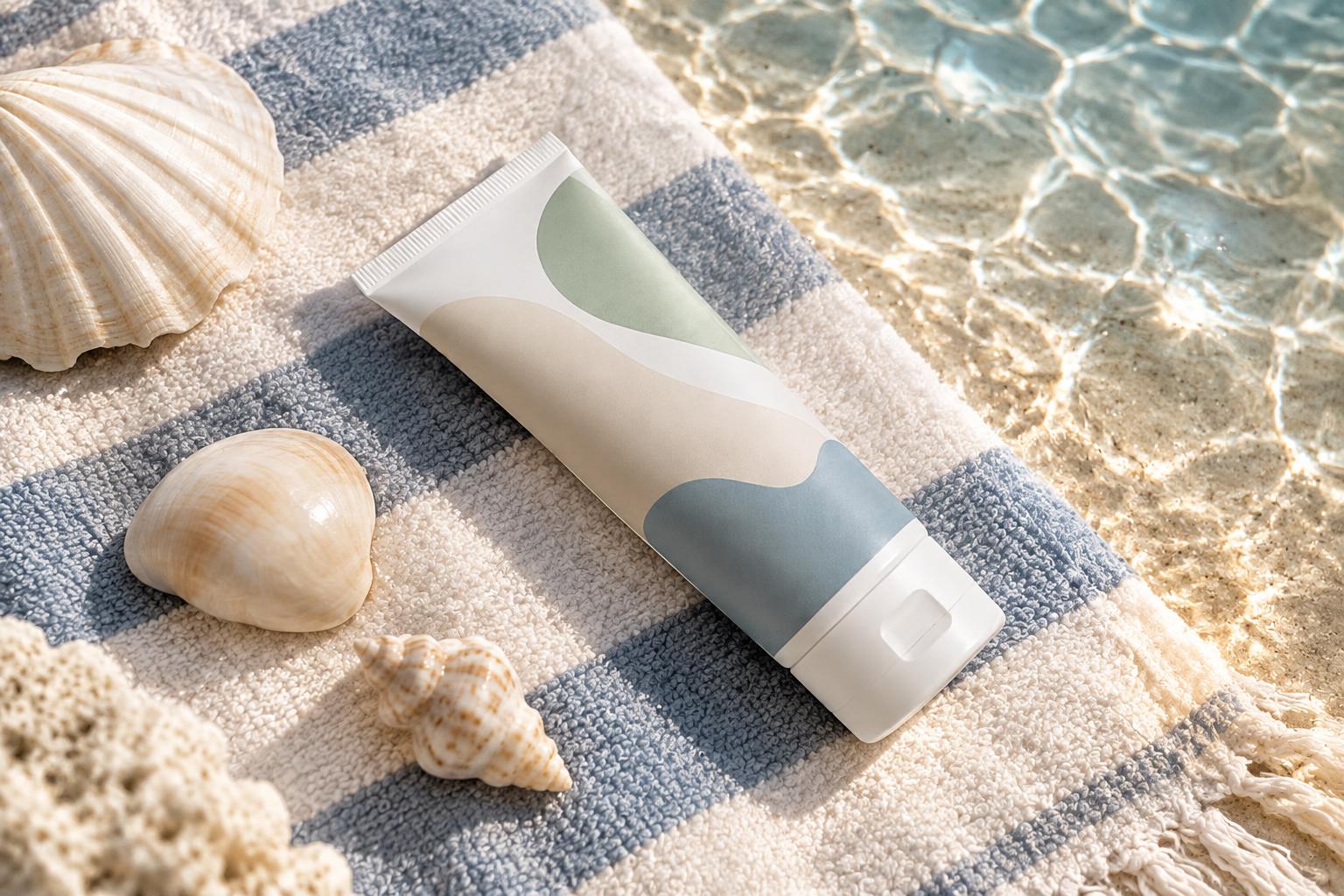 AFTERBEFOREAFTERBEFOREAFTERBEFOREAFTERBEFOREAFTERBEFOREAFTER
Key Features
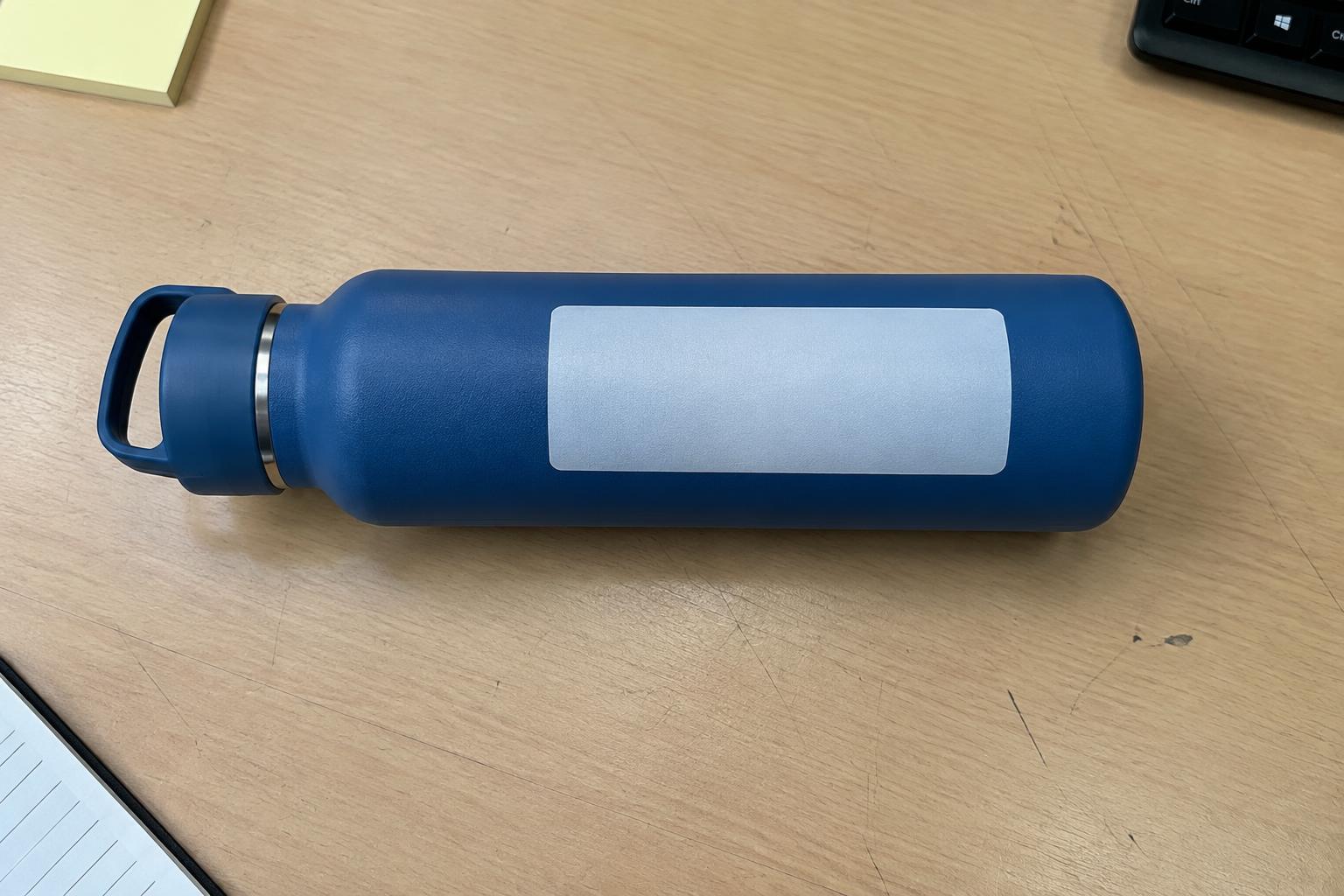
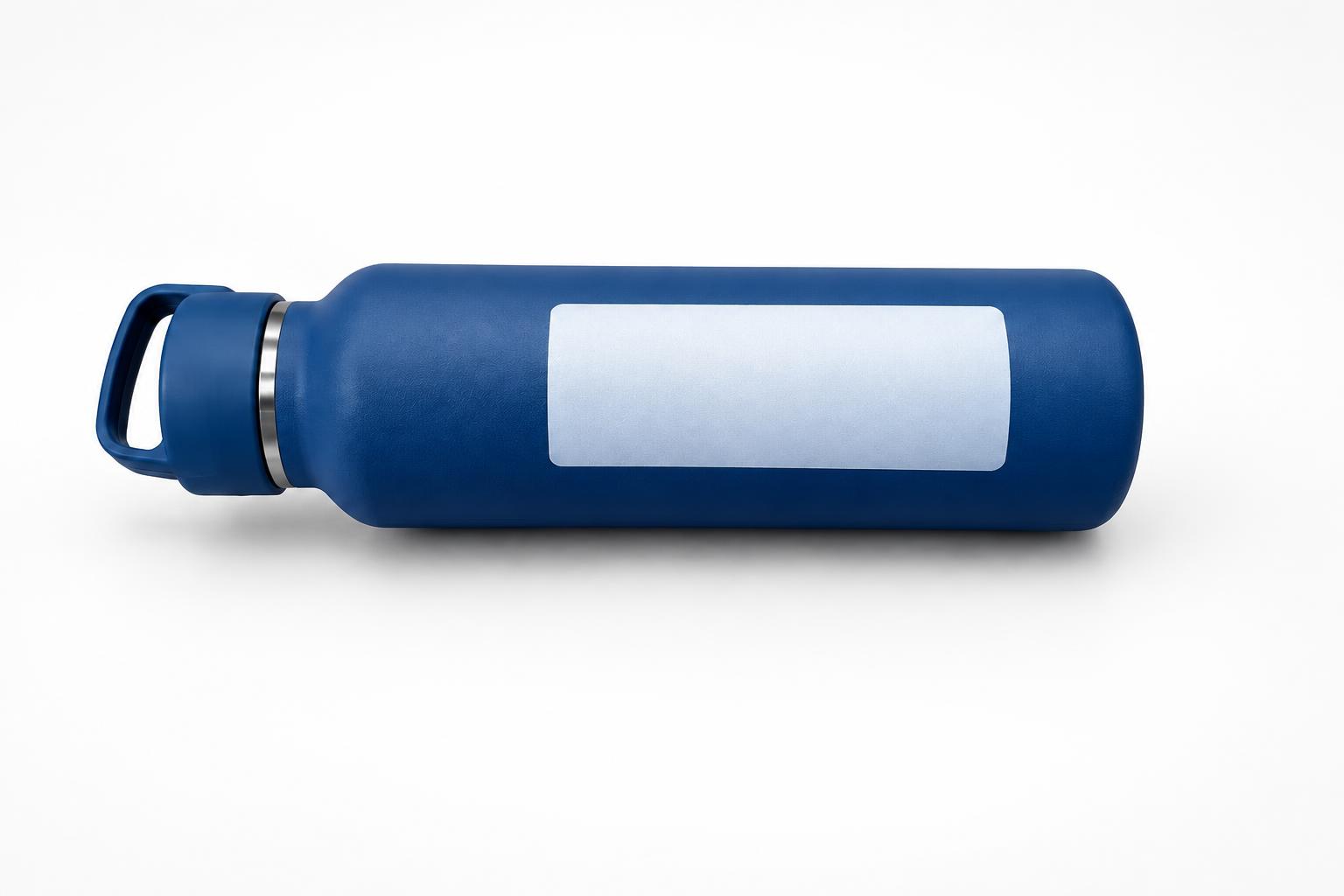
Keep Your Product Consistent
Change the setting without intentionally redesigning the item you sell. The edit preserves the product's shape, label area, colours and proportions while replacing the surface, background and lighting. This helps a set of campaign images remain visually consistent without rebuilding the product manually in every scene.
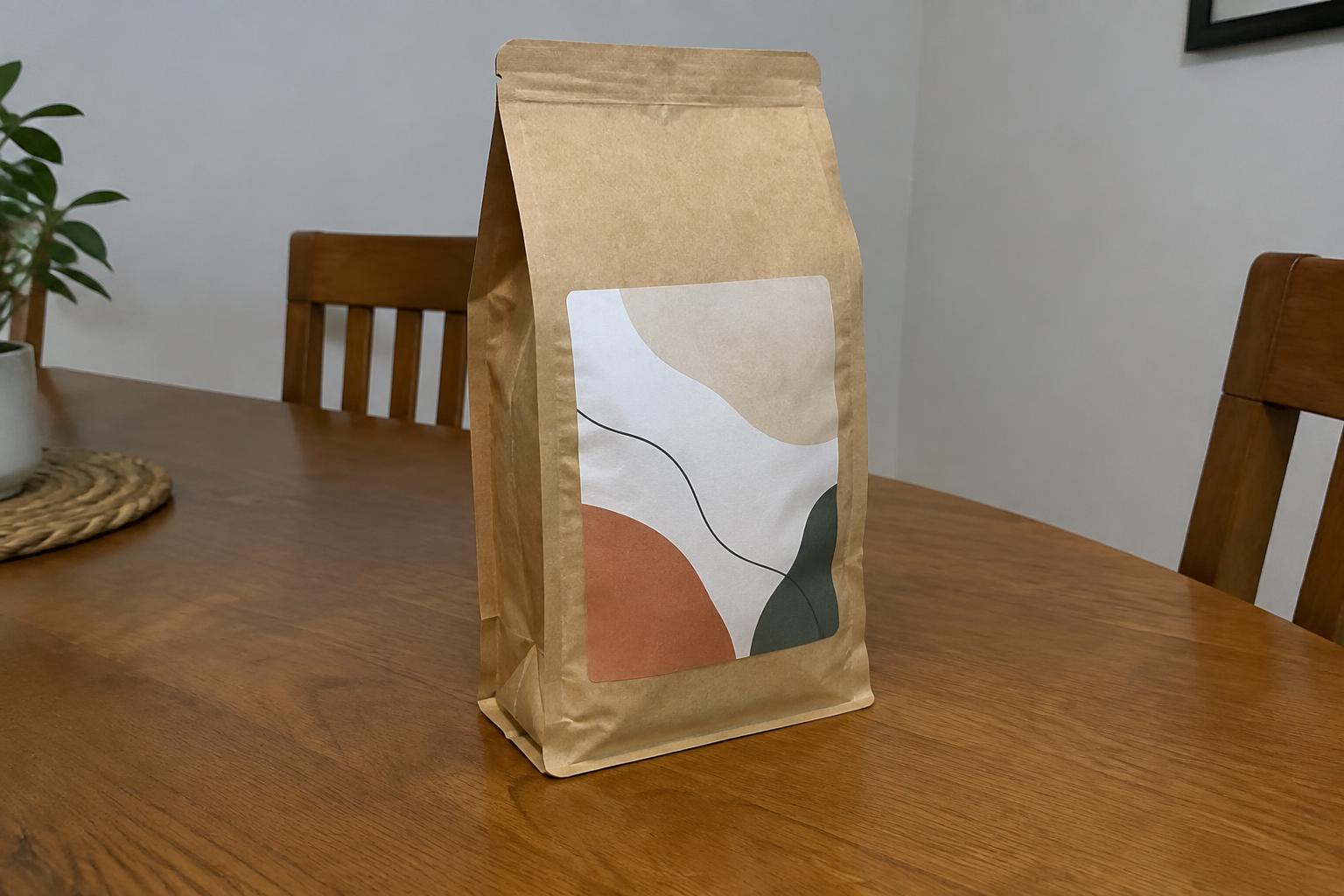
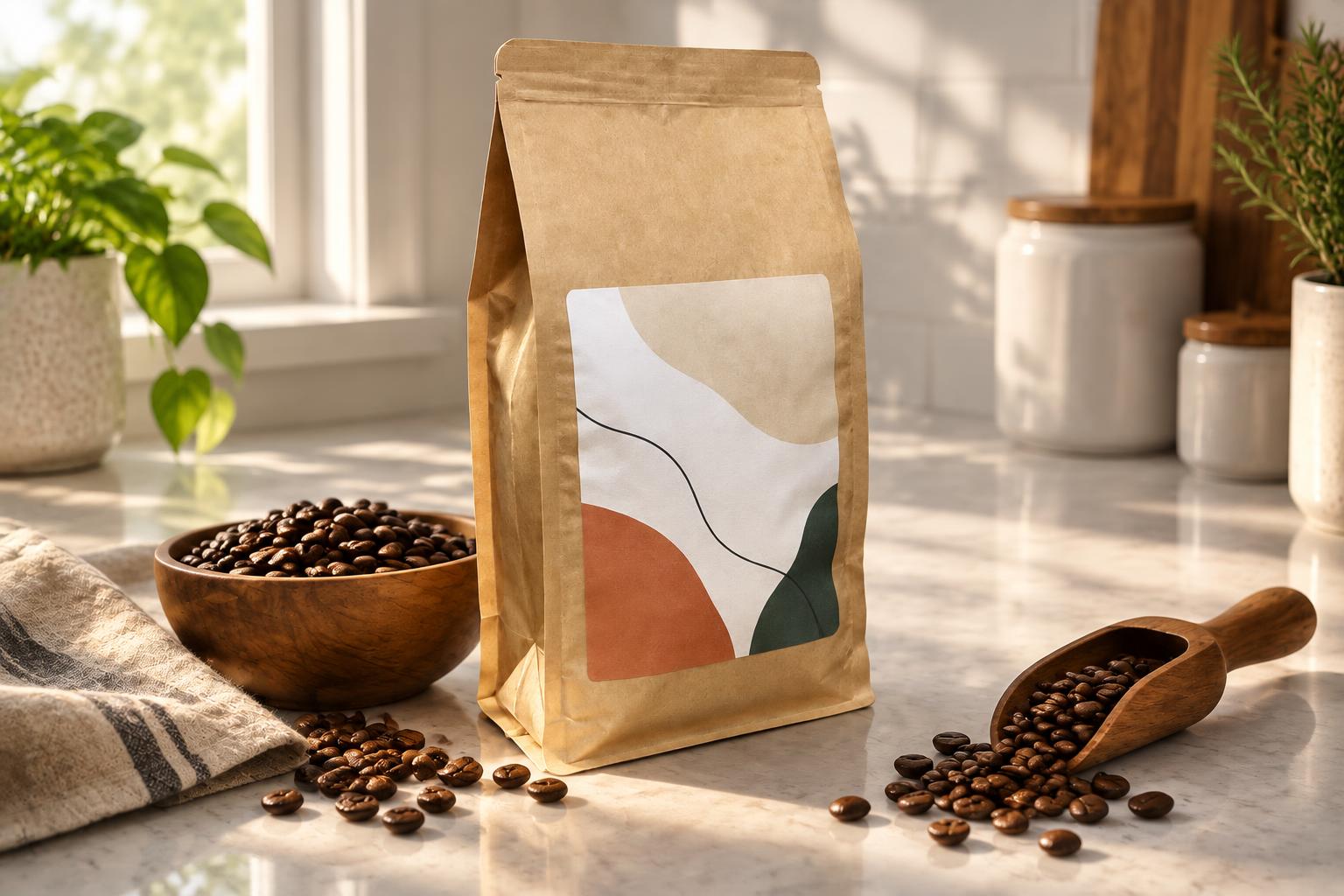
Build Several Scenes Fast
Use the same source photo to explore packshots, studio campaigns and lifestyle settings. You can create distinct images for a product page, advert or social post without arranging several physical sets. Each edit focuses on changing the surroundings while retaining the original product.
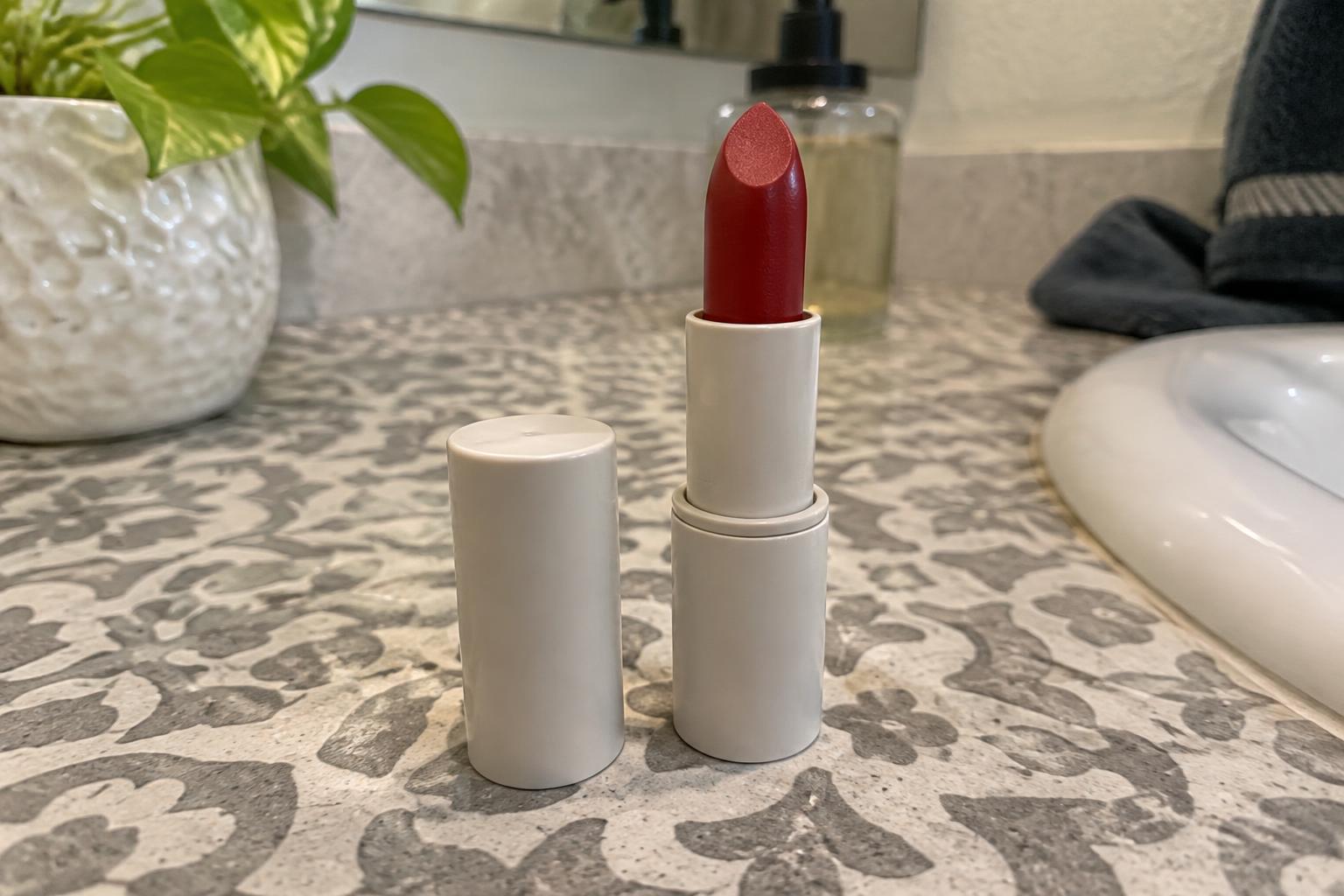
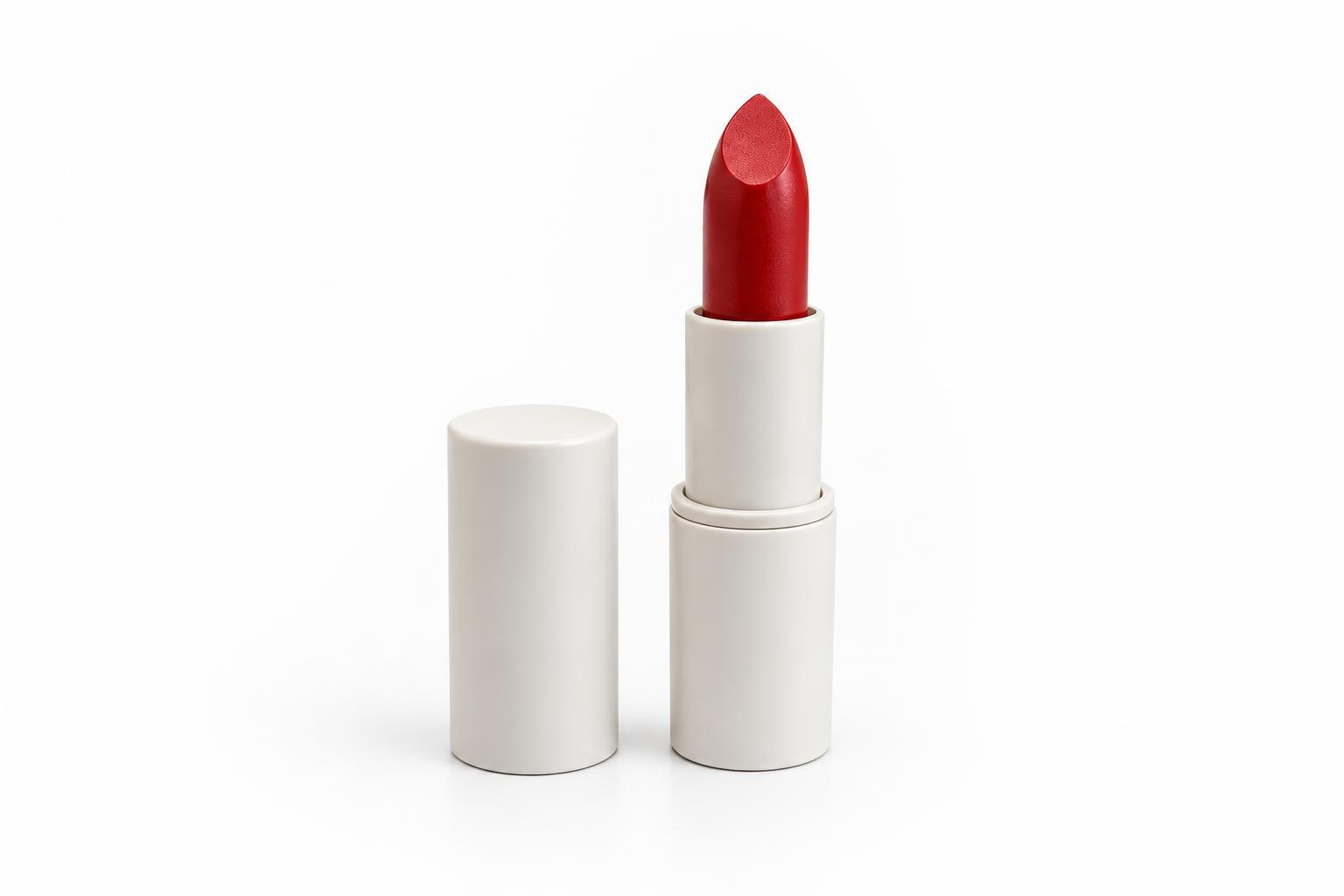
Create Clean Store Packshots
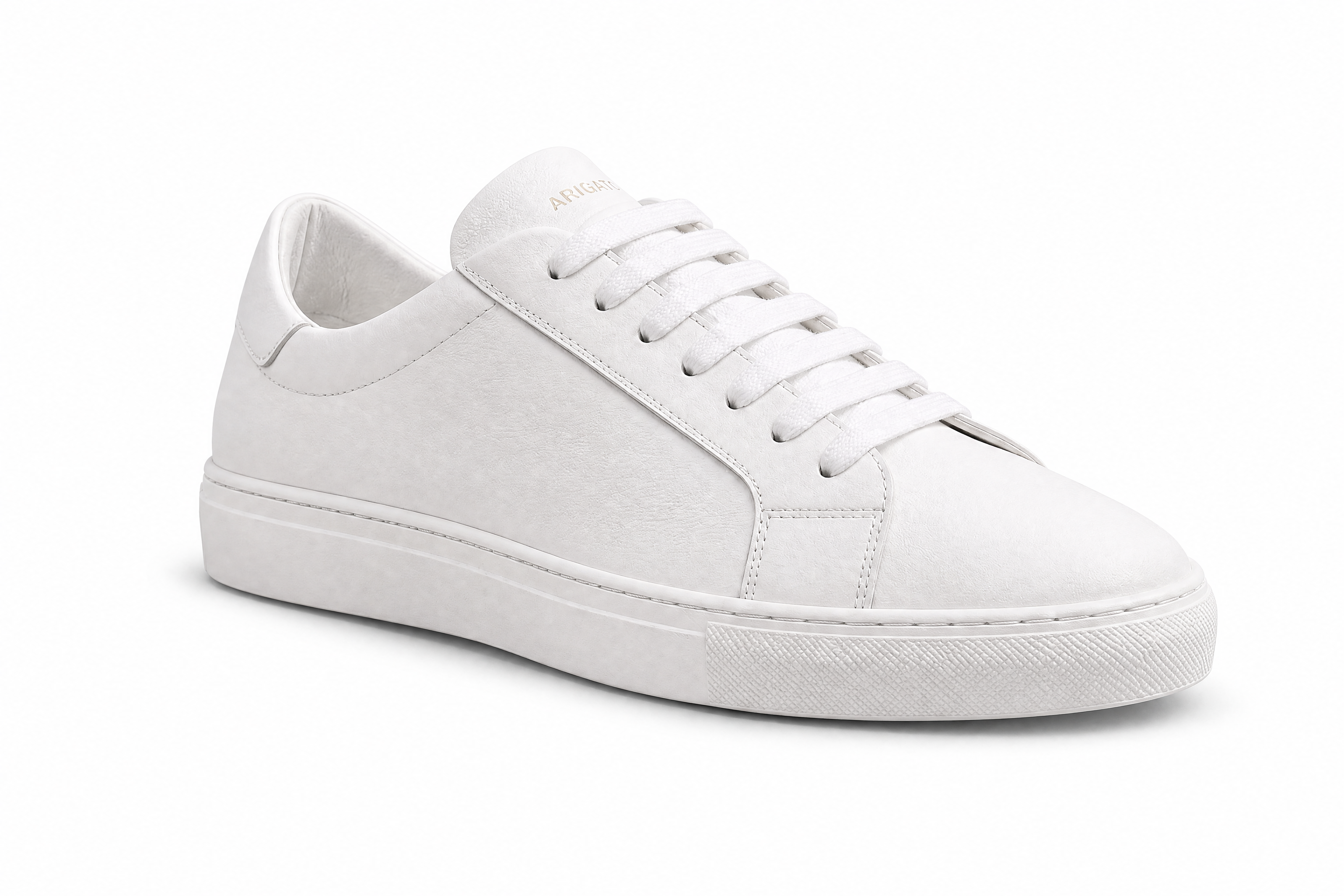
Convert an everyday photo into a simple ecommerce presentation with balanced lighting and a controlled shadow. The uncluttered result keeps attention on the item and fits common product-listing layouts. It reduces the manual work involved in masking, rebuilding shadows and correcting a makeshift background.
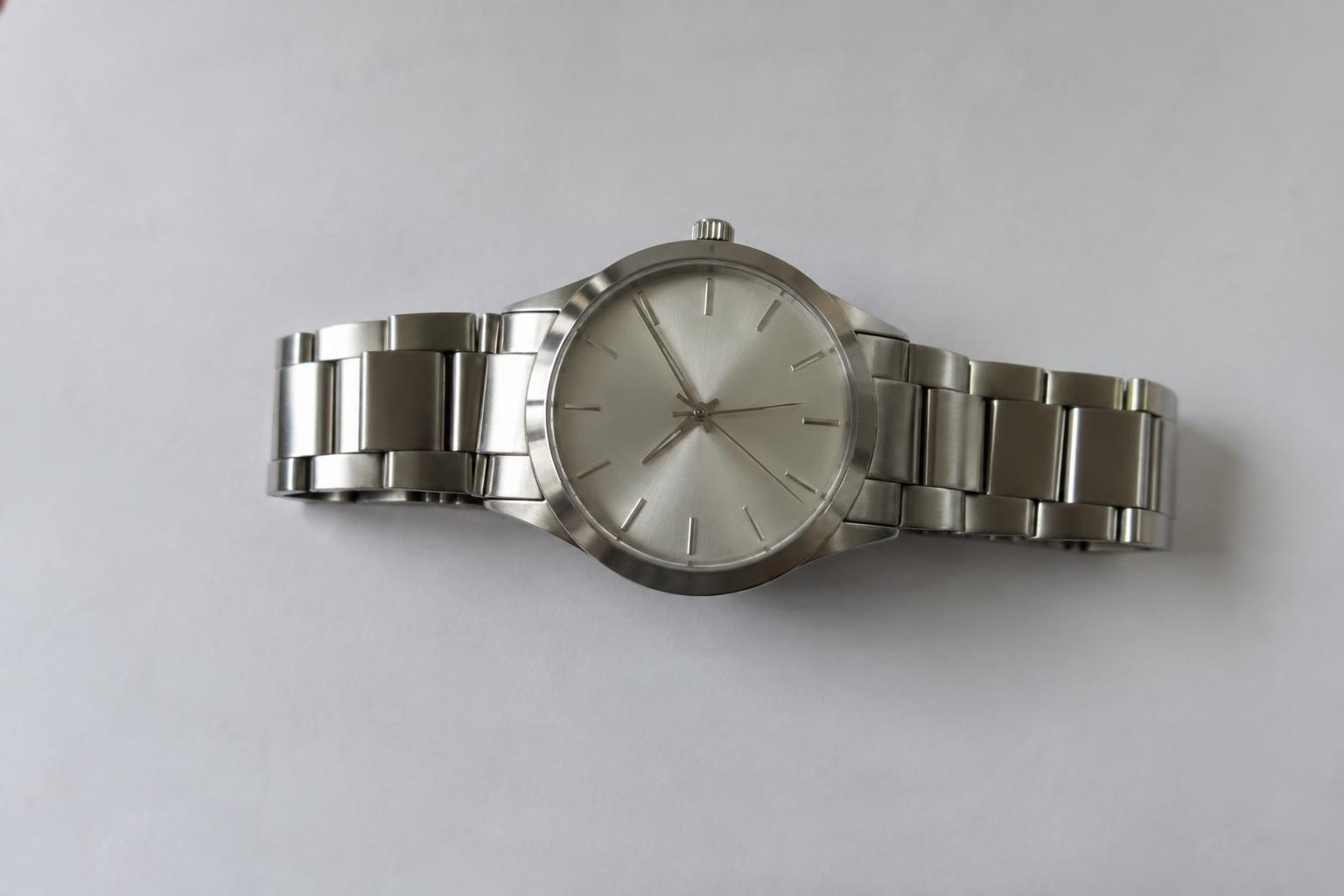
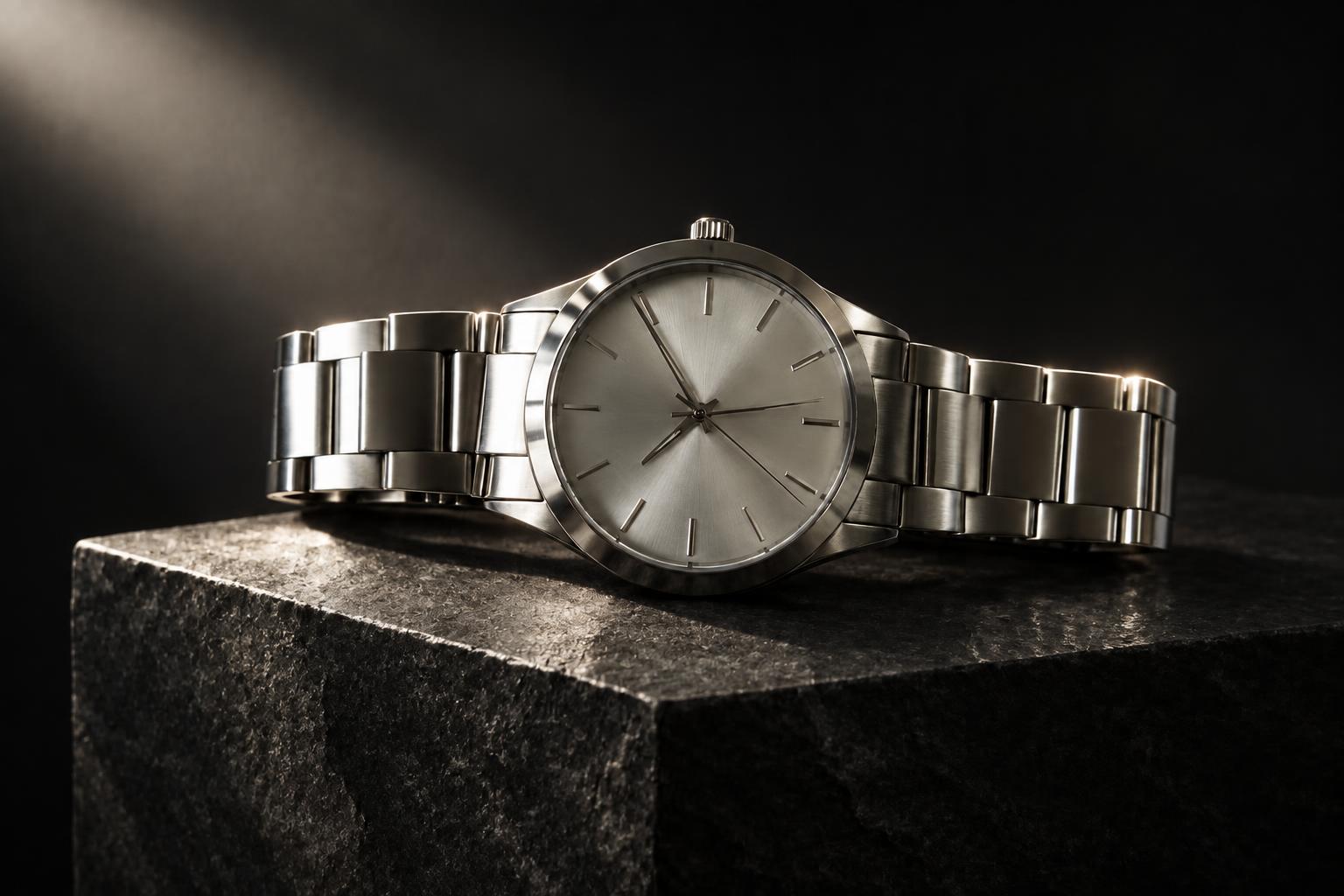
Control Light and Atmosphere
Describe the surface, light direction and supporting props that suit your campaign. Move from soft window light to a dramatic spotlight or vibrant gradient without reshooting the physical item. Clear scene instructions give you more control than applying a generic background preset.
How It Works
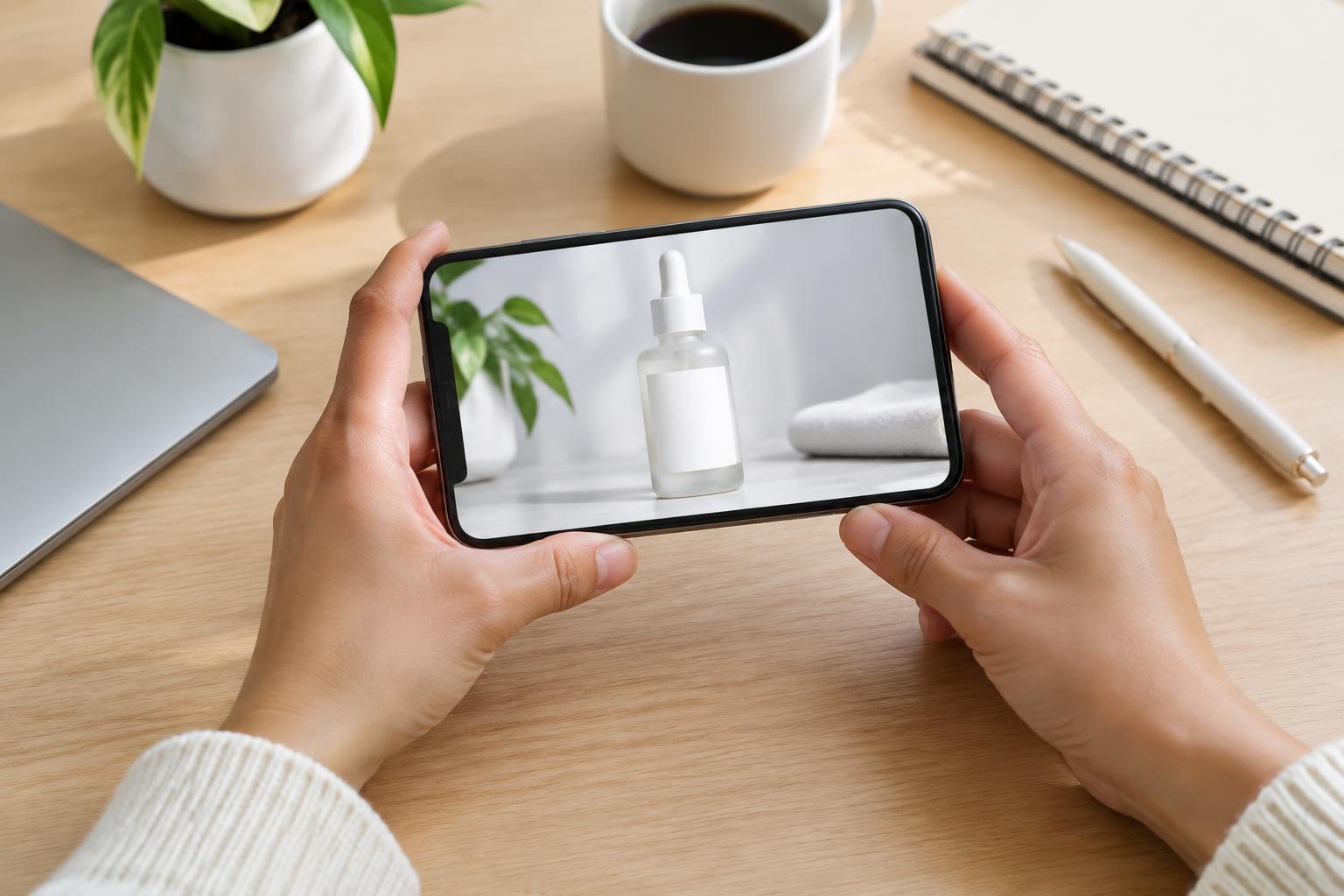
Upload your product photo
Start with a clear photo where the complete product is visible. A well-framed phone snapshot is enough, and no studio setup is required.
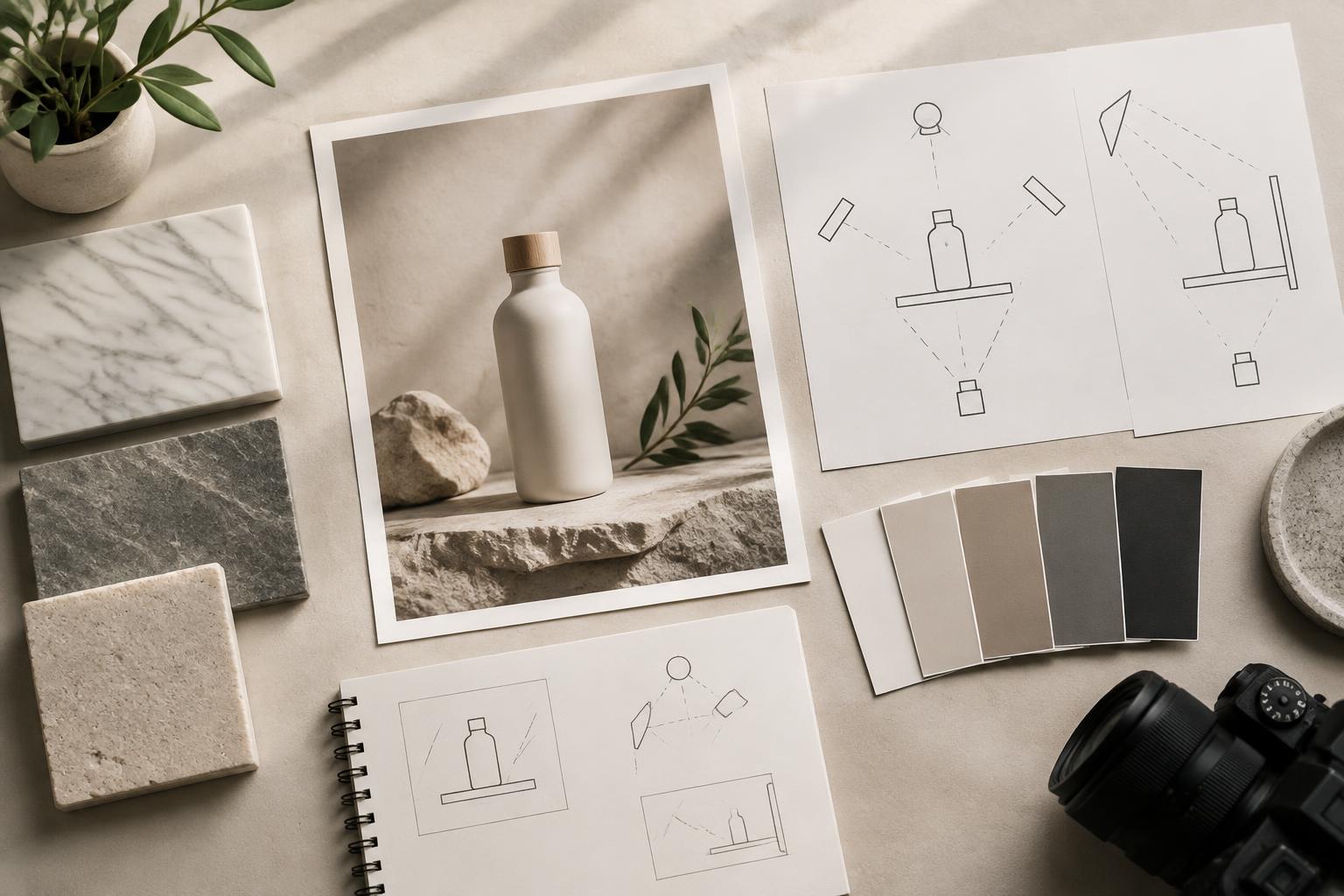
Describe the new scene
Specify the background, surface, lighting and props you want. Ask the editor to keep the product's shape, label area, colours and proportions identical.
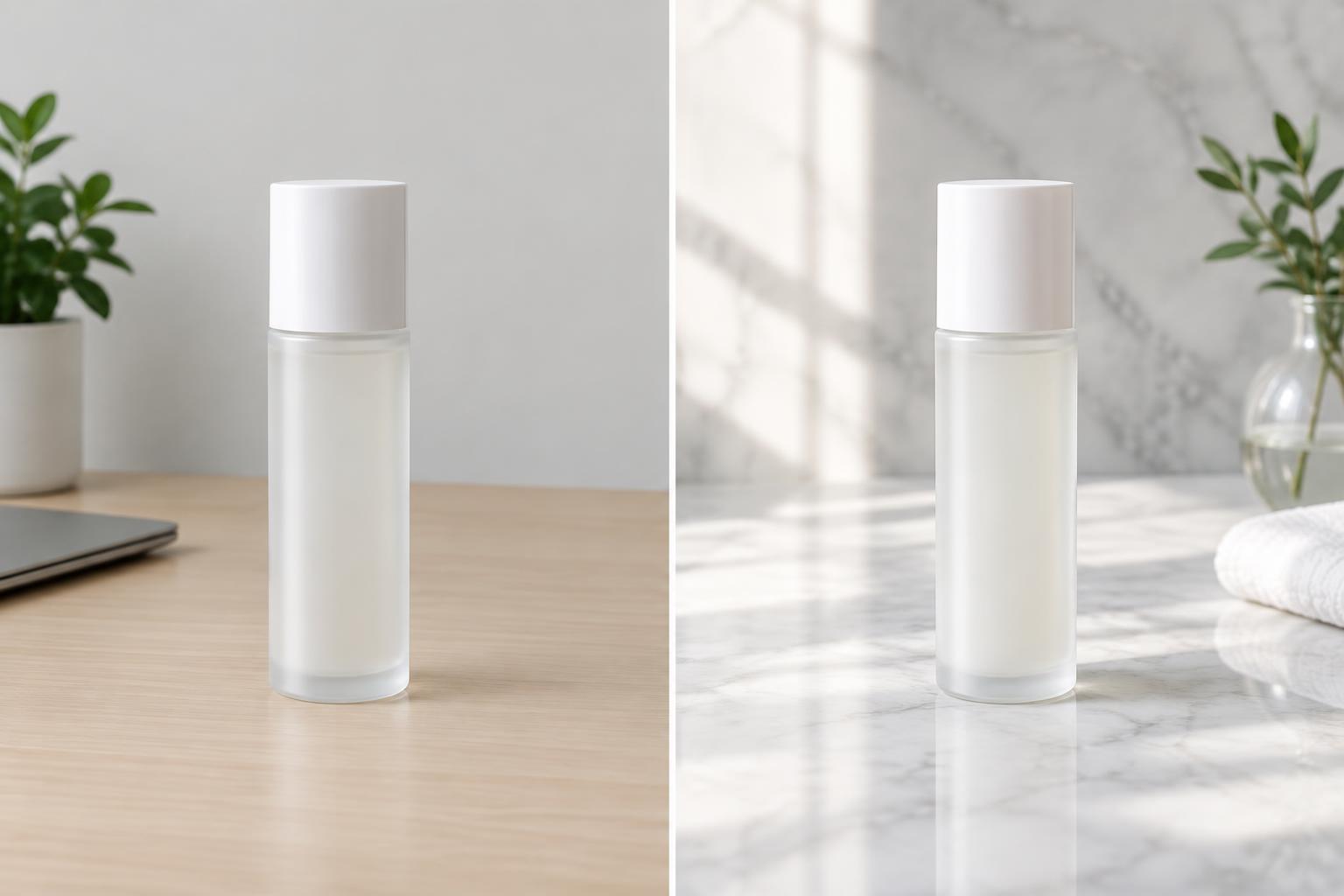
Generate and choose
Create the edit, compare it with your source and check product details carefully. Generate more scenes when you need a coordinated set for listings or campaigns.
Perfect For
Discover how creators and professionals use ai product photography
Ecommerce listing images
Create clean white packshots and coordinated secondary scenes for online product pages.
Lifestyle campaigns
Place products in kitchens, beach settings, poolside scenes or natural environments.
Ad creative testing
Generate several visual directions from one source photo before committing to a campaign.
Social product content
Produce polished studio and editorial images for feeds, launches and promotional posts.
Built For
Online sellers
Turn simple inventory photos into consistent images for product listings and storefronts.
Product marketers
Develop multiple campaign settings without coordinating a new physical shoot for every concept.
Small creative teams
Prepare polished visual concepts when studio time, equipment or editing resources are limited.
AI Product Photography Options
A quick look at how we compare on the things that matter for this niche.
| Feature | BudgetPixel | Generic AI editors | Manual studio workflow |
|---|---|---|---|
| Phone photo as input | ✓ | Often | Usually reshot |
| Scene described in plain English | ✓ | Varies | — |
| Multiple scenes from one product | ✓ | Varies | Requires setup |
| Free credits to start | ✓ | Varies | — |
Frequently Asked Questions
Does AI product photography keep my product unchanged?
Do I need a studio photo to start?
Can I make several scenes for the same product?
Can I use the results in my shop listings?
How much does the AI product photo generator cost?
Create together.
Share your creations, discover trending AI art, and grow with fellow creators.