AI Poster Generator
Turn a simple prompt into a poster concept worth sharing, printing, or refining.
Generate custom poster artwork from a text prompt in seconds. Whether you need a movie-style one-sheet, event promo, travel poster, or bold typographic concept, this tool helps designers, marketers, creators, and hobbyists explore polished ideas fast.
See It In Action
Real outputs from ai poster generator.
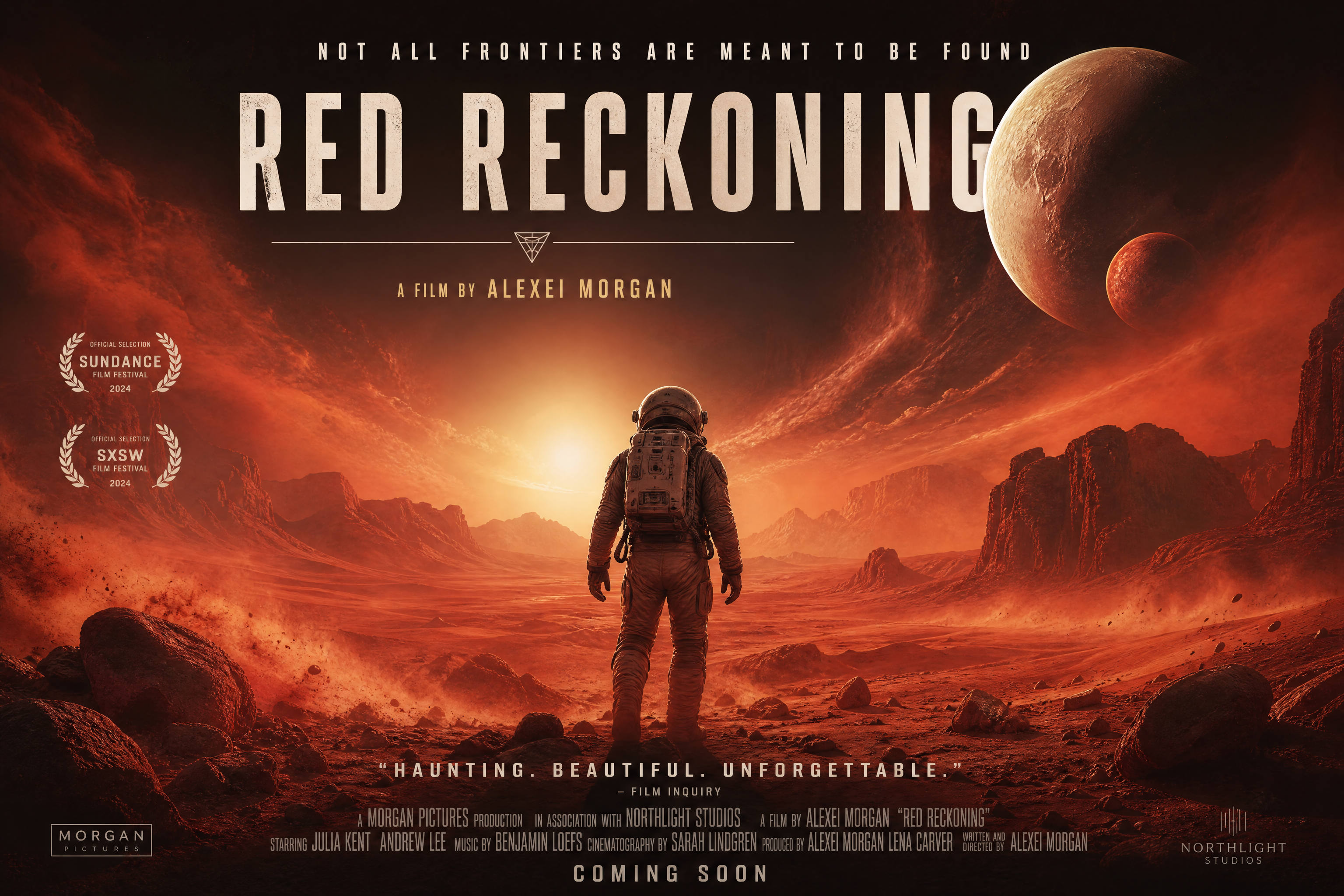
bold cinematic poster for an indie sci-fi film, lone astronaut on a red desert under twin moons, dramatic backlight, swirling dust, large title area at top, premium composition, high-detail poster design, dramatic color grading, 3:2
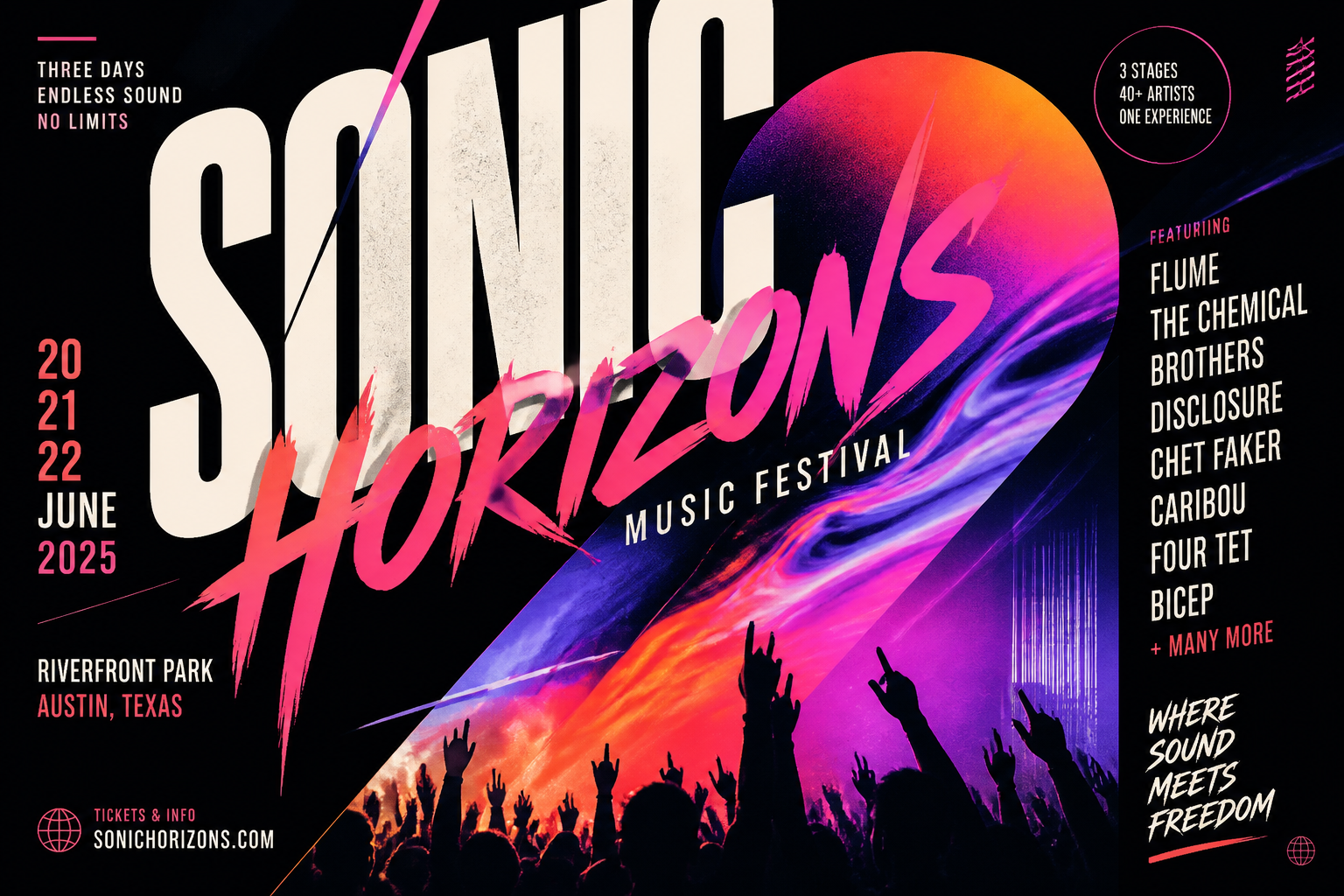
modern music festival poster, layered typography, abstract neon gradients, silhouetted crowd, dynamic diagonal layout, black background, editorial poster design, vibrant color contrast, 3:2
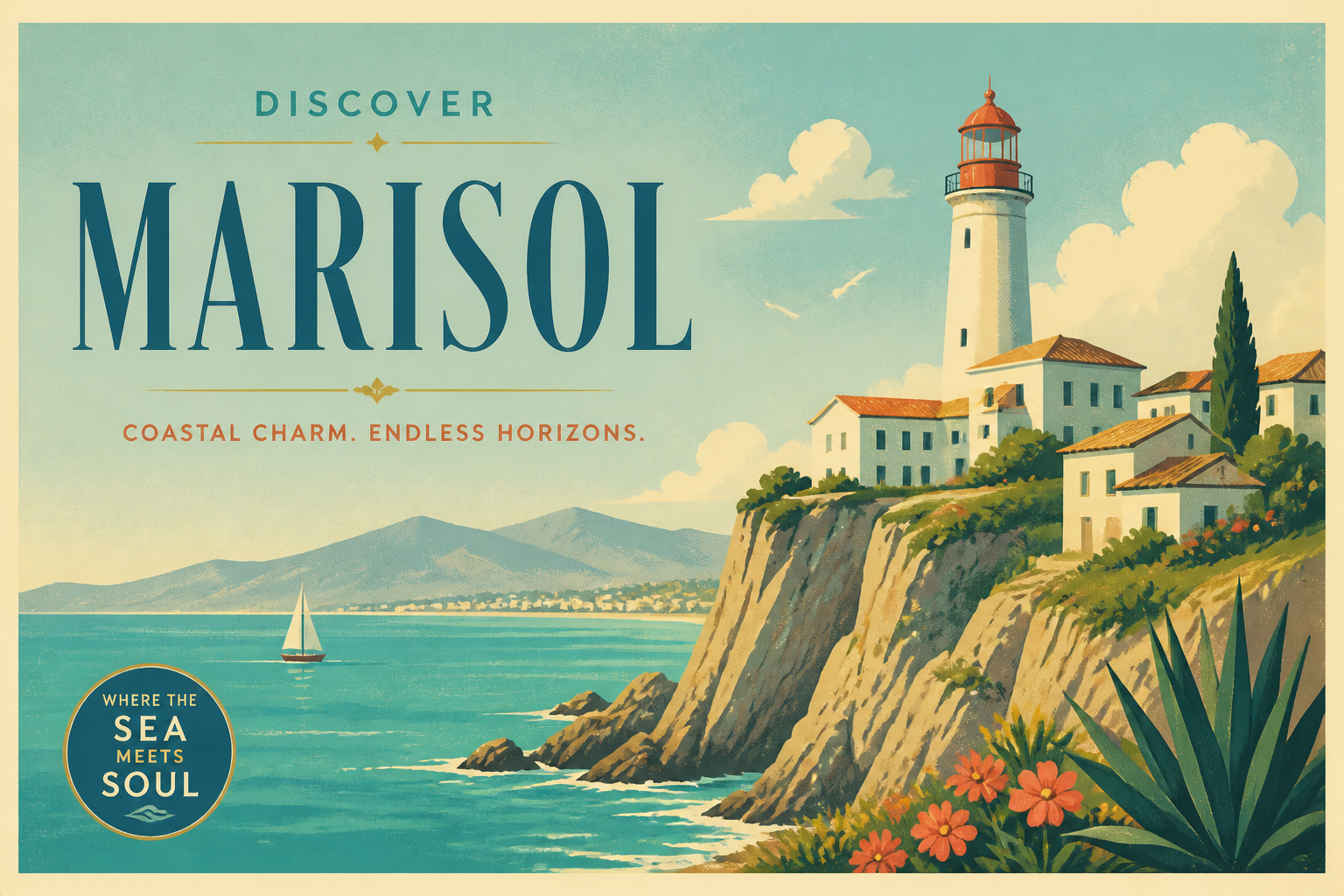
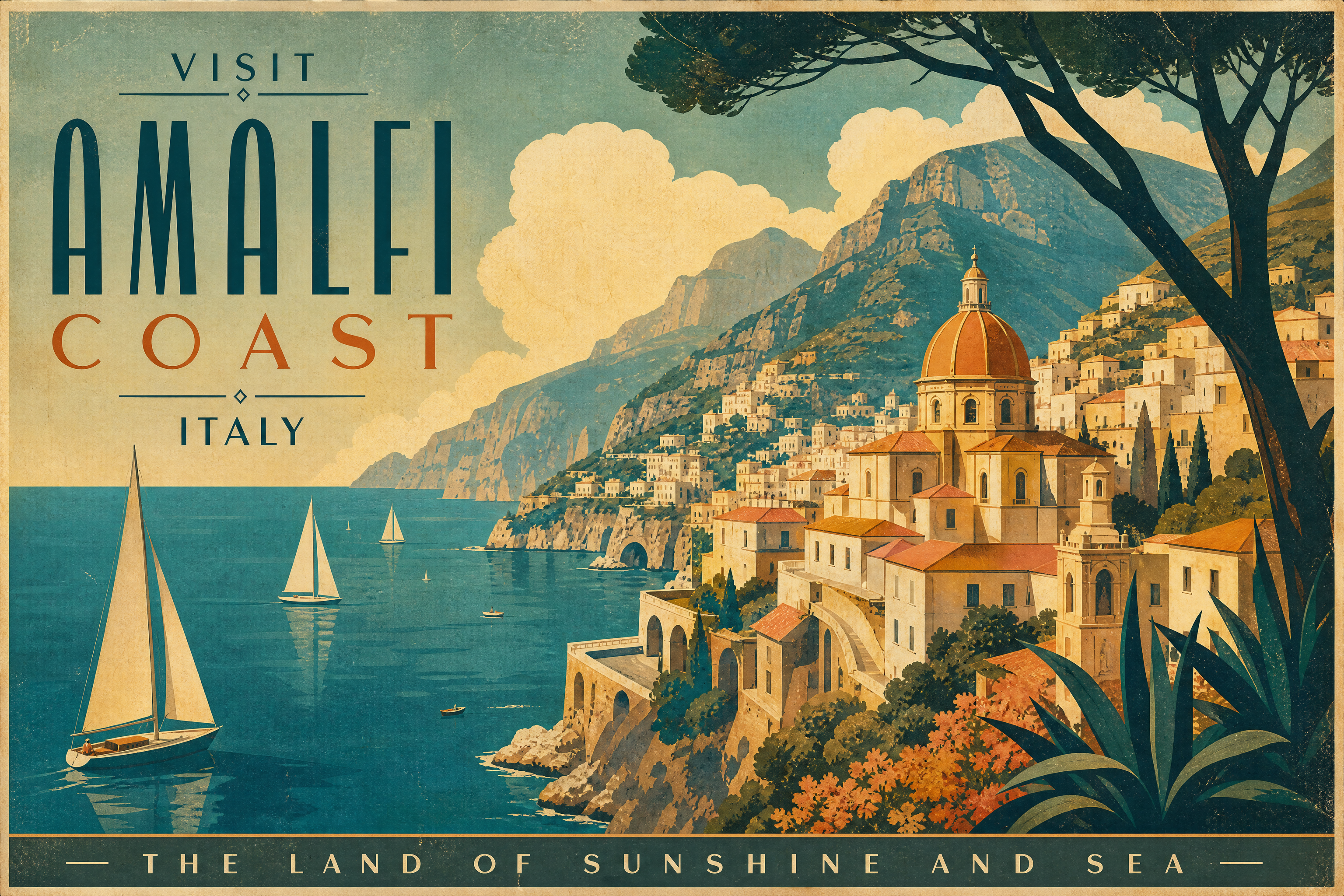
vintage-inspired travel poster for a coastal town, cliffside lighthouse, turquoise sea, sunlit sky, retro print texture, simplified shapes, elegant typography space, 3:2
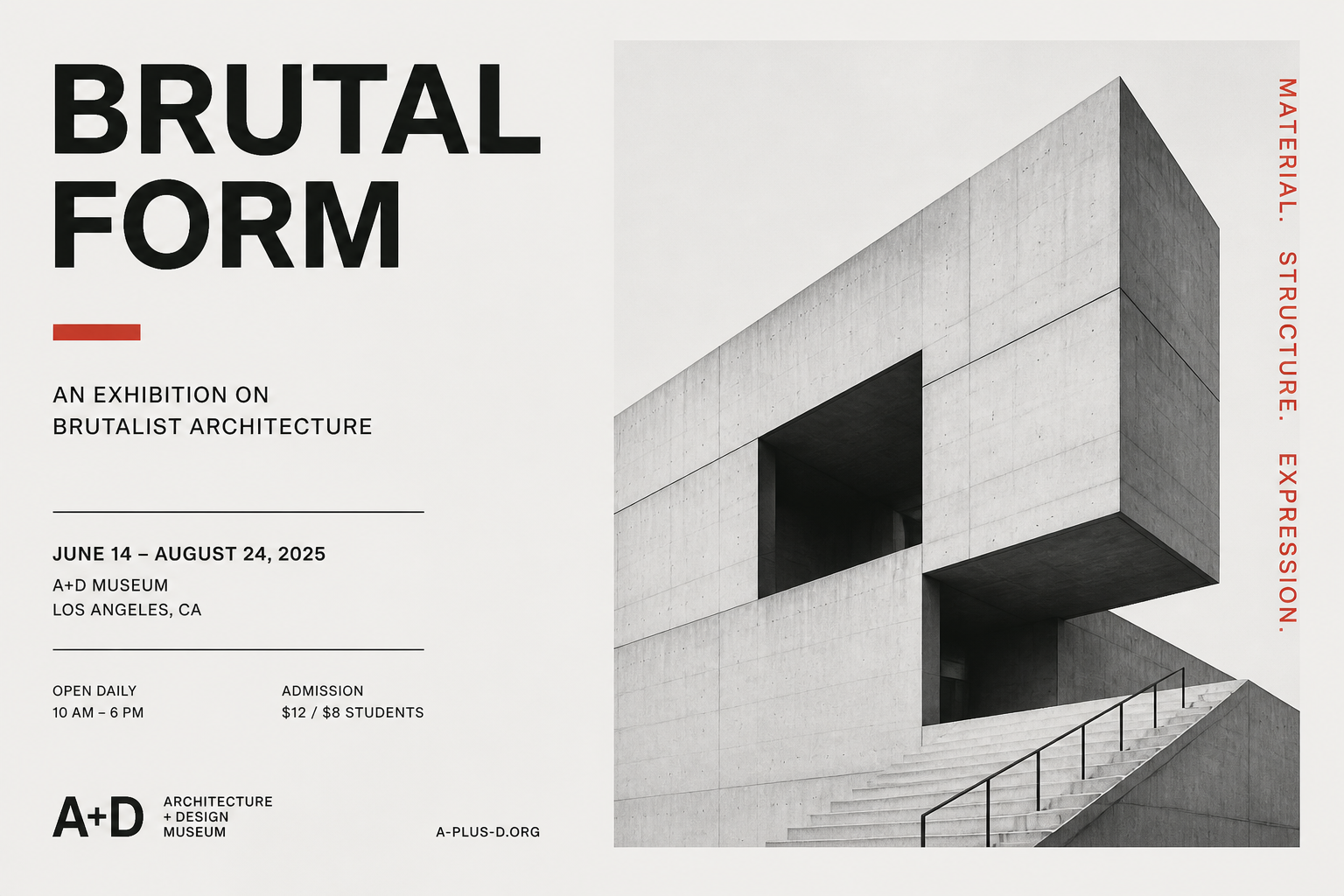
minimalist architecture exhibition poster, brutalist concrete building, clean grid layout, lots of negative space, monochrome palette with one red accent, Swiss design style, 3:2
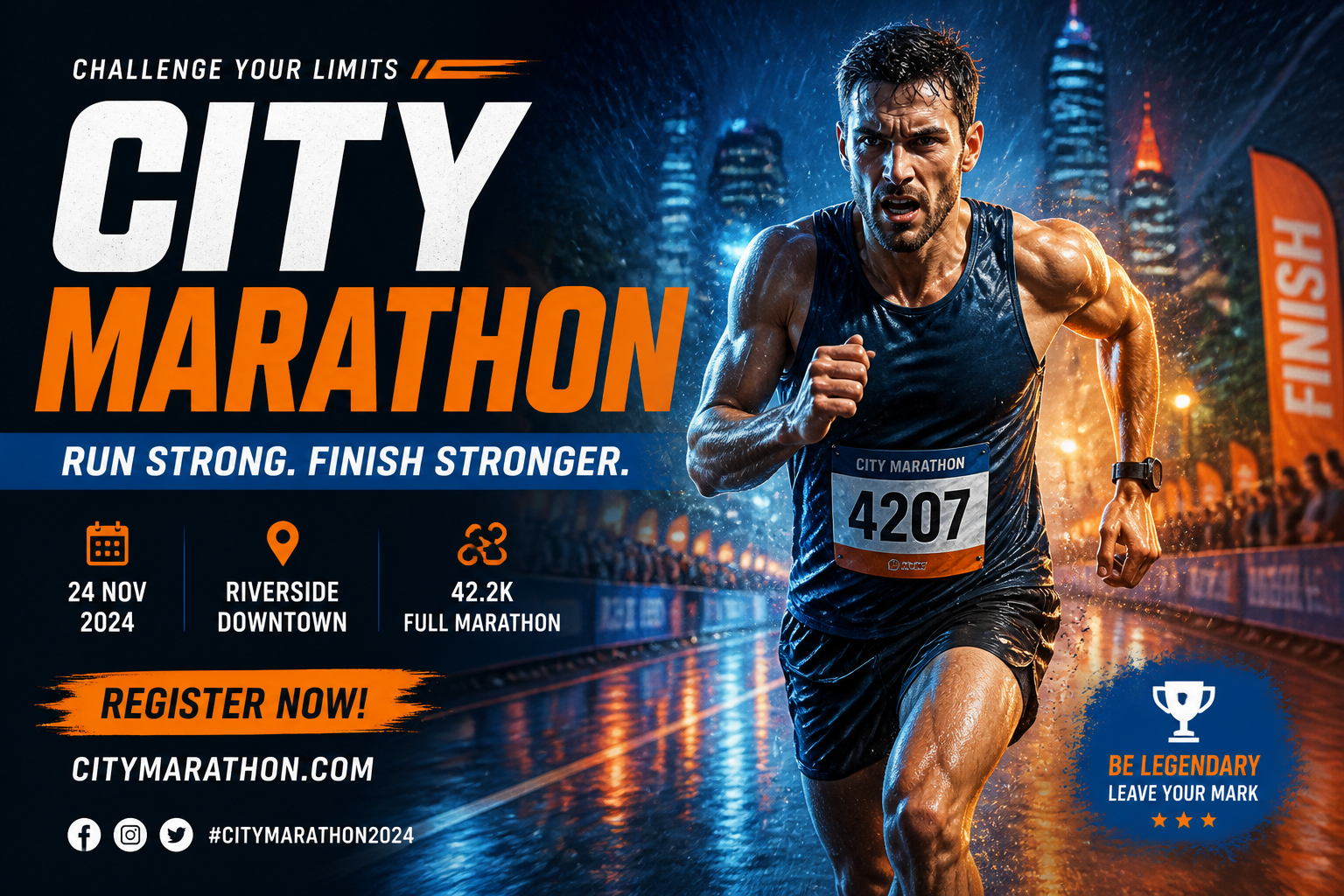
high-energy sports event poster, adult marathon runner sprinting through rain, intense studio-style rim lighting, bold sans serif headline area, blue and orange palette, dynamic motion blur, 3:2
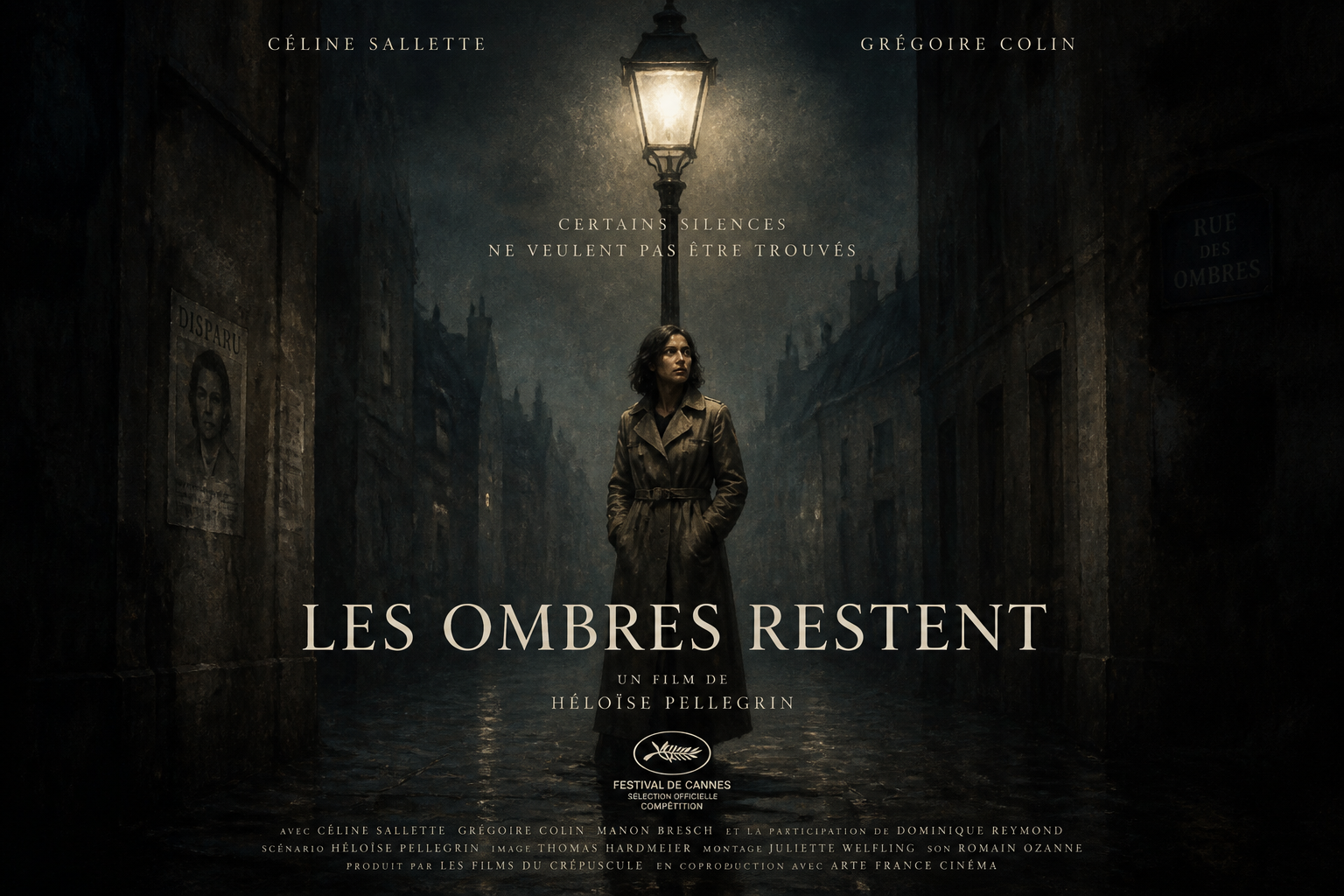
art-house mystery movie poster, adult woman in trench coat beneath a glowing streetlamp, foggy alley, noir color palette, centered composition, refined title placement, painterly poster style, 3:2
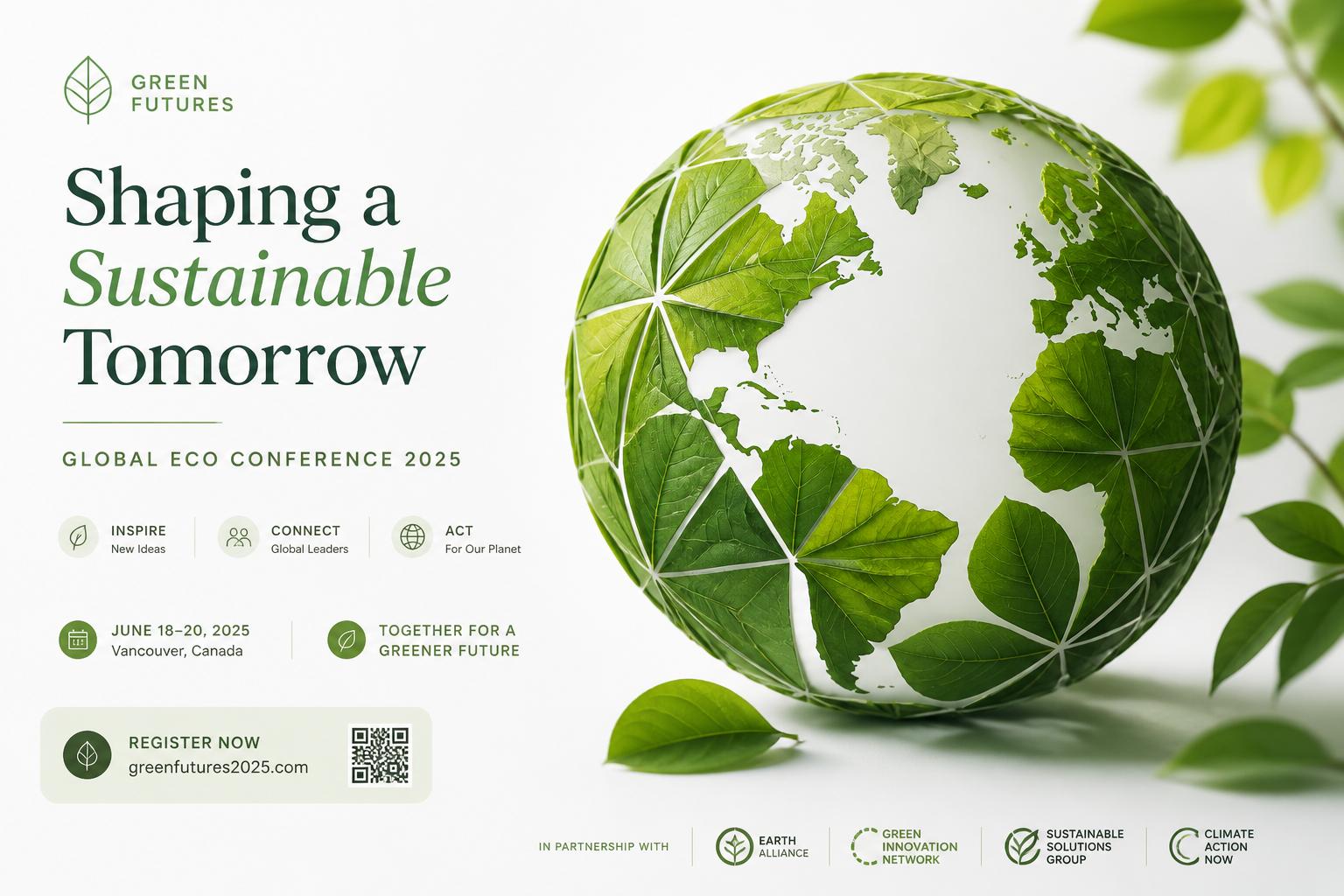
eco conference poster, lush green leaves forming a geometric globe, clean modern layout, sustainable brand aesthetic, soft natural lighting, white background, premium editorial design, 3:2
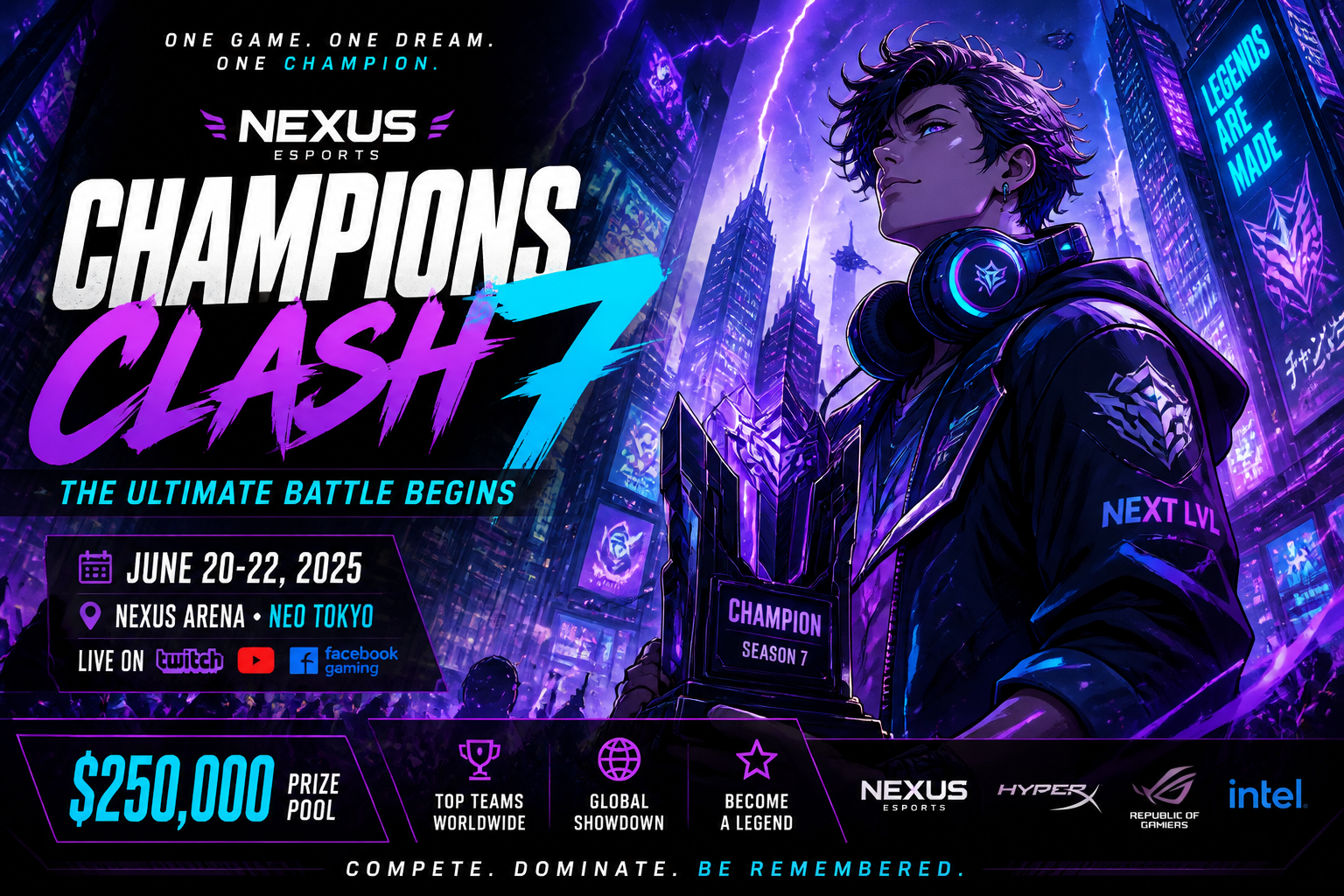
anime-inspired gaming tournament poster, futuristic city skyline, adult esports champion with glowing headset, electric purple and cyan palette, dramatic perspective, bold layered text zones, 3:2
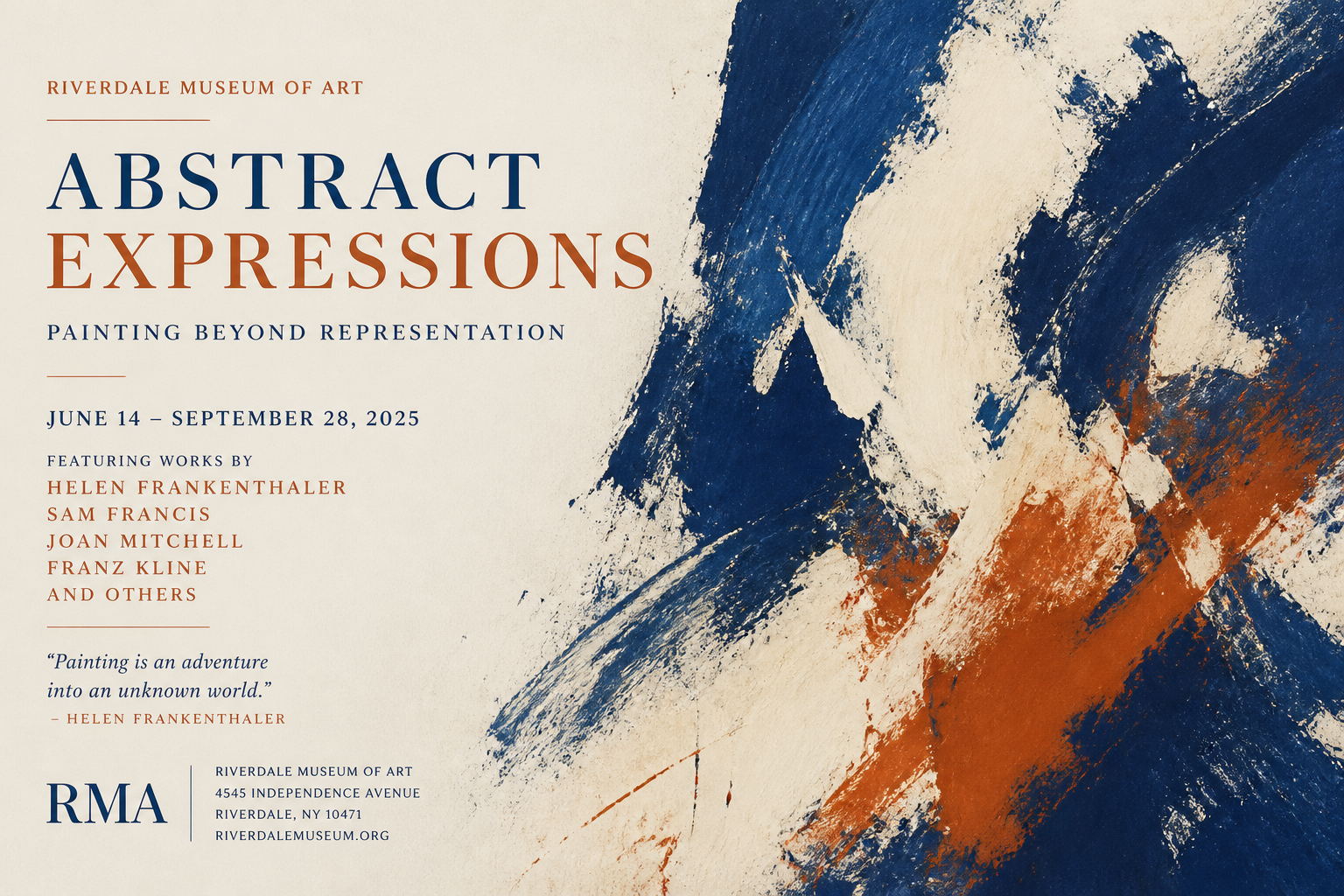
museum poster for an abstract painting show, expressive brushstrokes in cobalt, cream, and rust, gallery-grade typography, elegant balance, textured fine-art paper look, 3:2
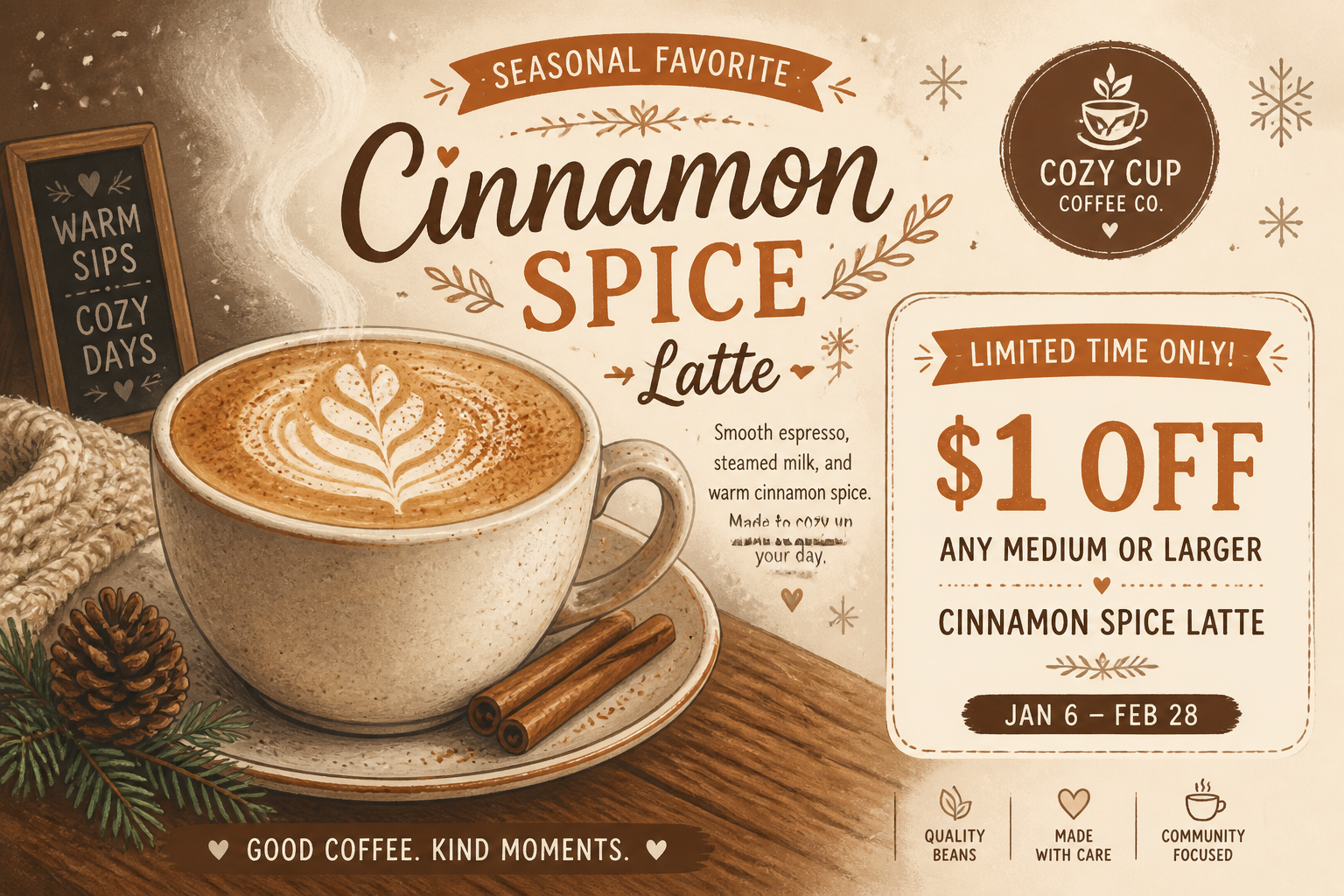
coffee shop seasonal promo poster, steaming latte with cinnamon dust, warm brown and cream palette, cozy winter mood, handcrafted illustration style, clear offer area, 3:2
Key Features
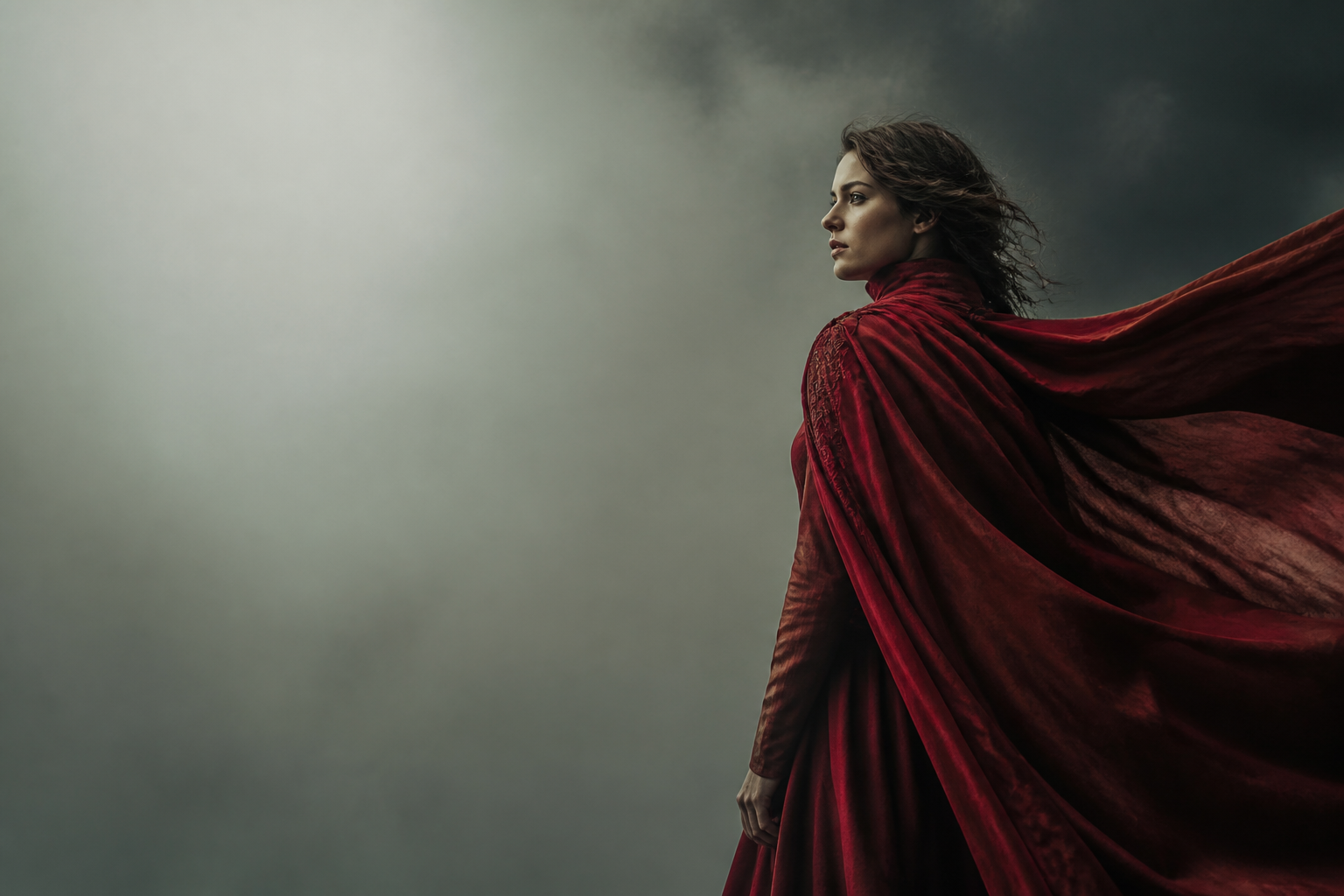
Poster-ready compositions fast
The tool generates images that already feel structured like posters, not just random standalone art. That means stronger focal points, clearer empty space for titles, and layouts that read well at a glance. For posters, composition matters as much as style because text and imagery need to work together. Using a niche-focused generator saves time compared with forcing a general image tool to leave room for headlines and event details.
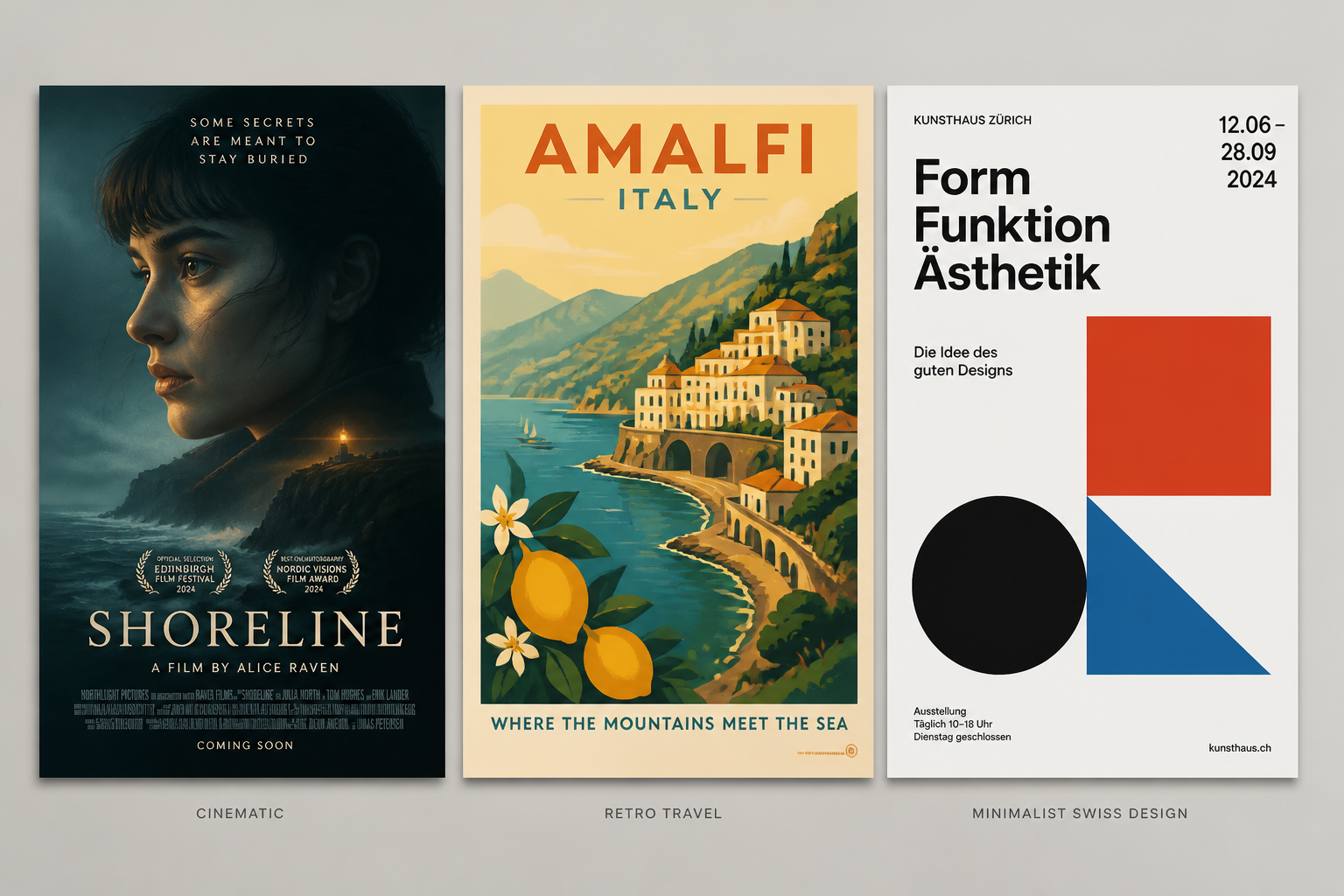
Easy style range switching
You can move from cinematic to minimalist, retro, illustrated, or bold typographic looks just by changing the prompt. That makes it useful for film posters, event promos, travel art, and brand campaigns without starting over from scratch. A generic generator may produce nice images, but not always images that match poster conventions. Here, style changes stay focused on making something that still looks like a designed poster.
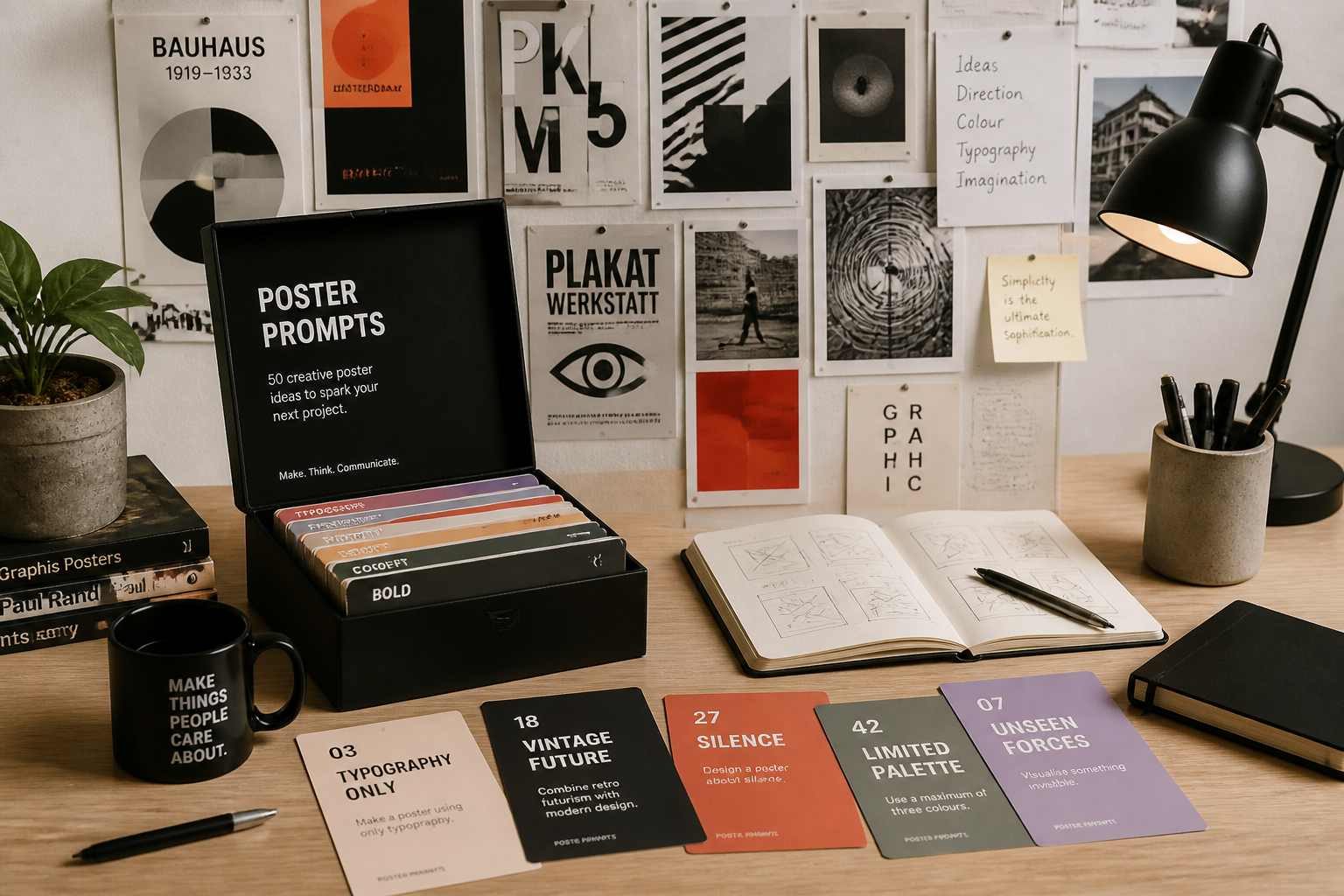
Strong prompts to start
The sample prompts give you usable poster directions instead of vague one-line ideas. You can start with a movie one-sheet, exhibition flyer, promo graphic, or travel print and then edit the subject, palette, and mood. This reduces blank-page friction and helps non-designers get better results quickly. It also gives experienced creators a faster way to explore concept directions before refining elsewhere.
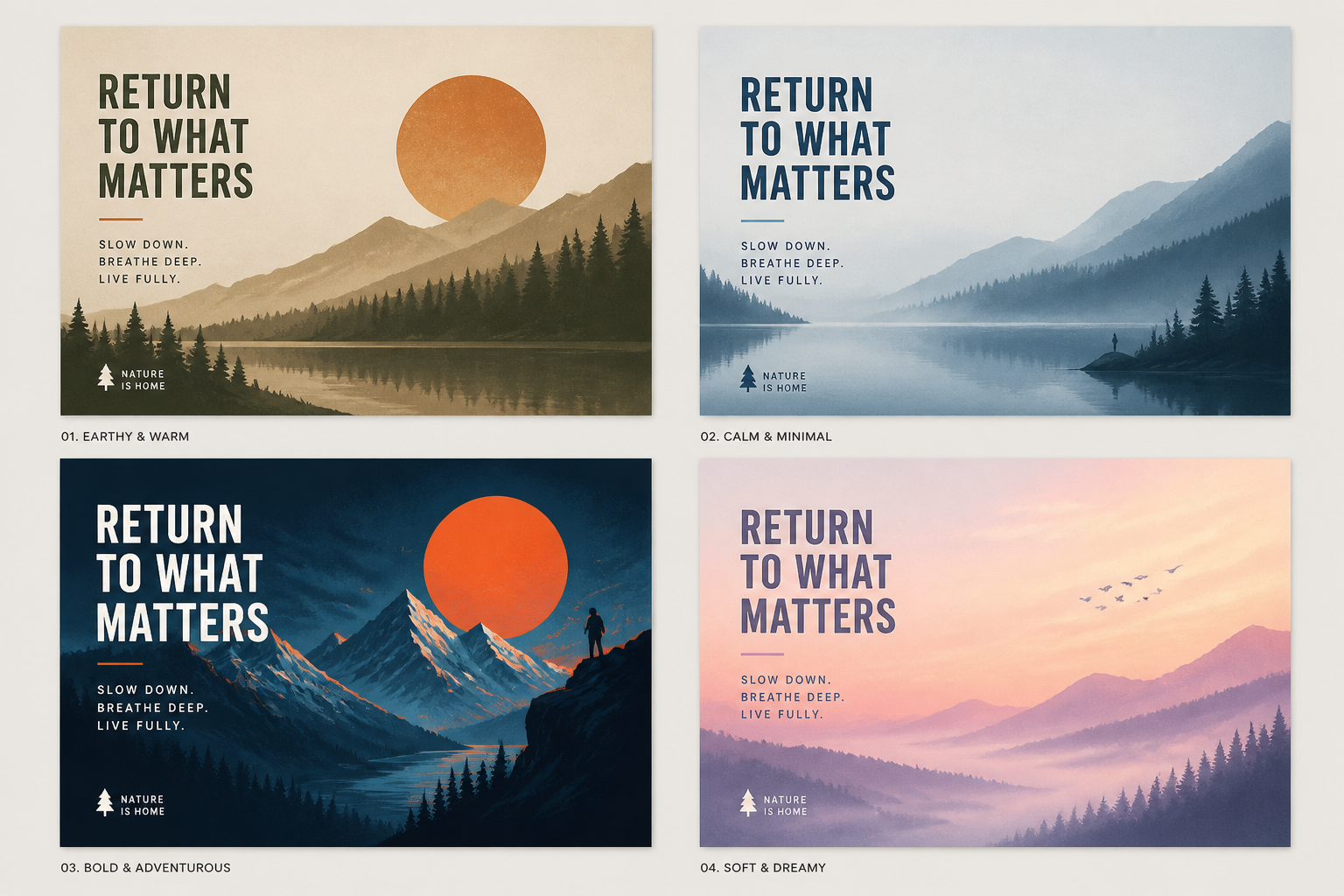
Built for quick iteration
Poster design usually takes several rounds to get the tone, hierarchy, and imagery right. This tool makes it easy to generate multiple visual directions from one idea and compare them side by side. That is useful when testing event themes, campaign looks, or title treatments. Instead of manually building every concept, you can explore more options in less time and keep the strongest one.
How It Works
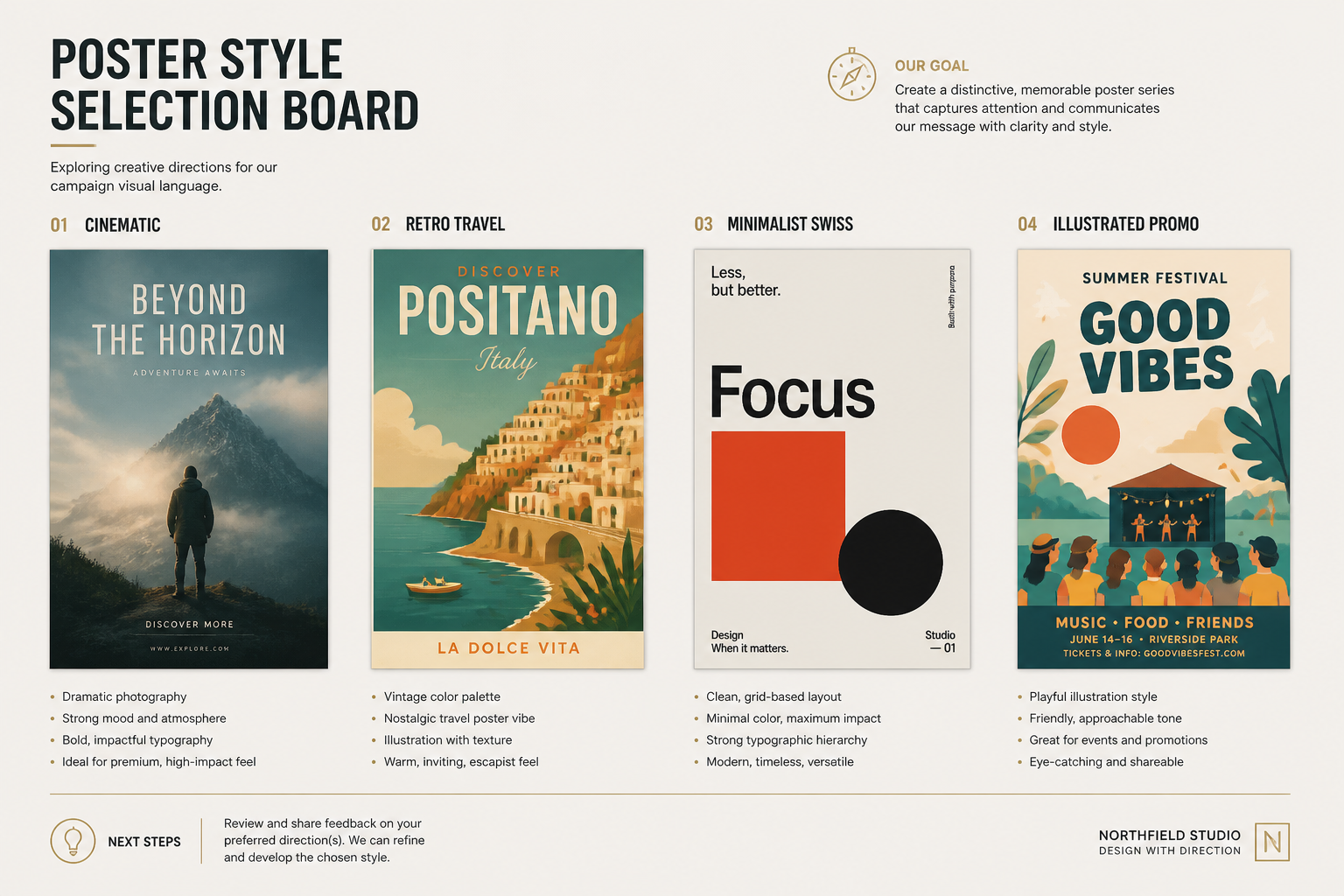
Pick a poster style
Start with a prompt template that matches the kind of poster you want to make. Choose a cinematic, retro, minimalist, illustrated, or promotional direction as your base.
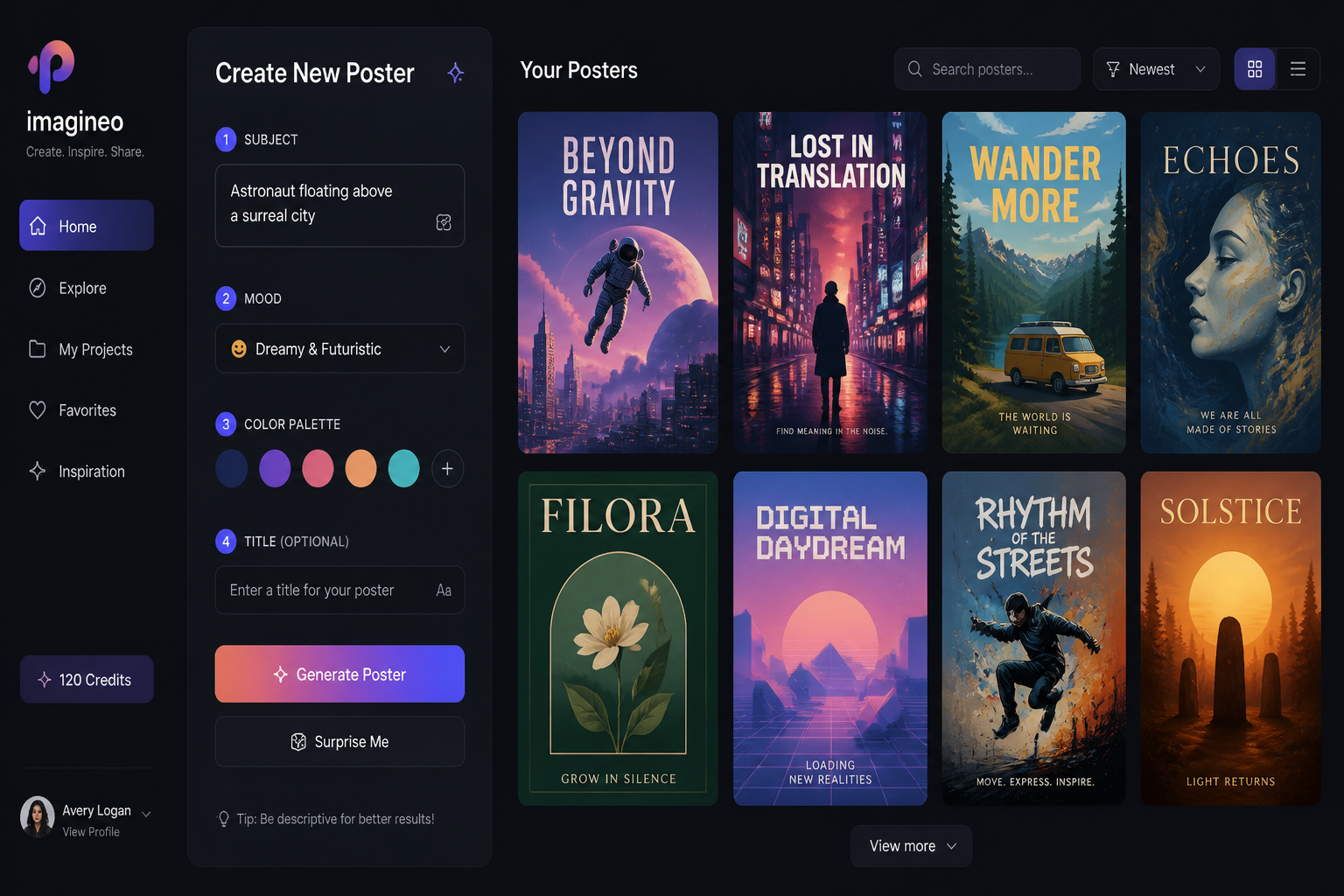
Describe the key details
Add the subject, setting, mood, colors, and any layout cues you want. For better poster results, mention the genre, lighting, and whether you want space for a title or headline.
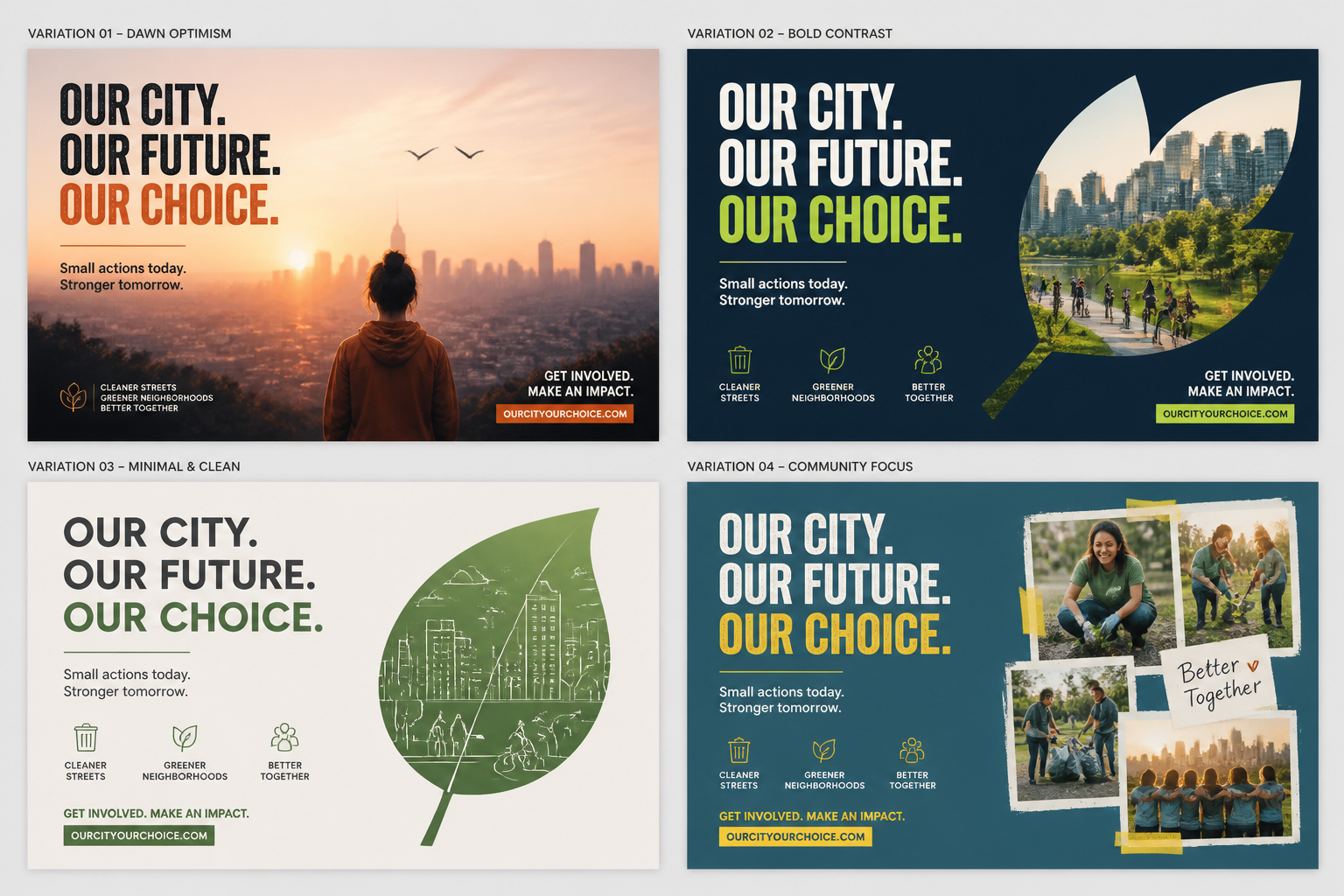
Generate and compare options
Create several variations and scan for the one with the strongest composition and tone. Download your favorite poster concept and keep refining the prompt if you want more directions.
Perfect For
Discover how creators and professionals use ai poster generator
Event promotion
Create concept posters for concerts, conferences, pop-ups, screenings, and seasonal campaigns.
Movie-style concepts
Generate film poster ideas for short films, indie projects, pitch decks, or creative moodboards.
Print shop art
Explore decorative wall poster ideas in travel, abstract, editorial, and retro styles.
Brand campaign mockups
Visualize poster directions for product launches, store displays, and marketing presentations.
Built For
Designers and art directors
Useful for quick concepting, mood exploration, and early-stage poster directions before final layout work.
Marketers and event teams
Helps teams generate promotional visuals fast when they need campaign ideas without a full design process.
Creators and hobbyists
Makes it easy to turn a simple idea into a polished poster image, even without formal design training.
Frequently Asked Questions
What kind of posters can I make?
Do I need design experience to use it?
Can I make typography-heavy posters?
Will it generate multiple poster styles?
Can I use it for client mockups or pitches?
Create together.
Share your creations, discover trending AI art, and grow with fellow creators.