AI Waist Slimmer
Make the waistline visibly slimmer in seconds
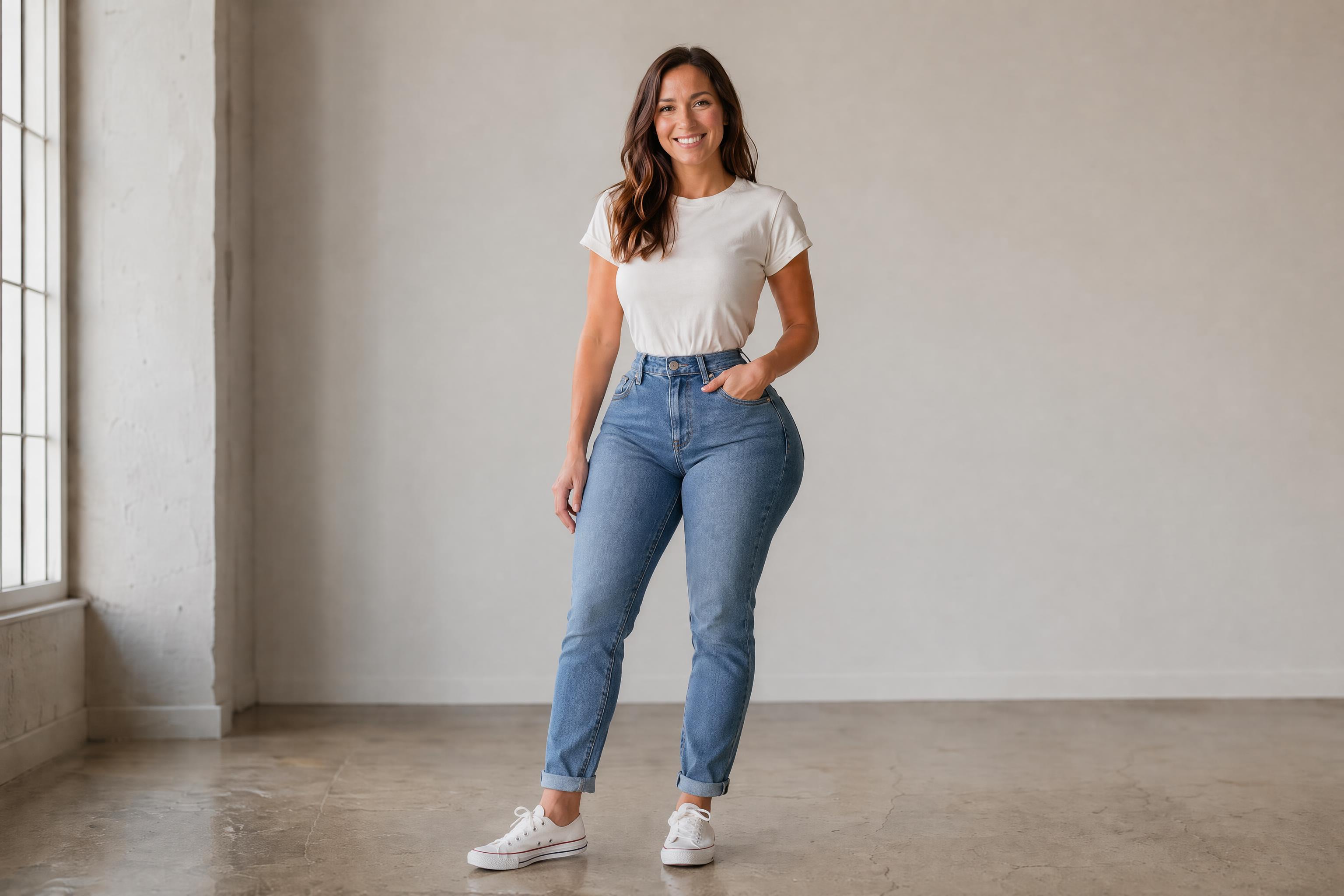
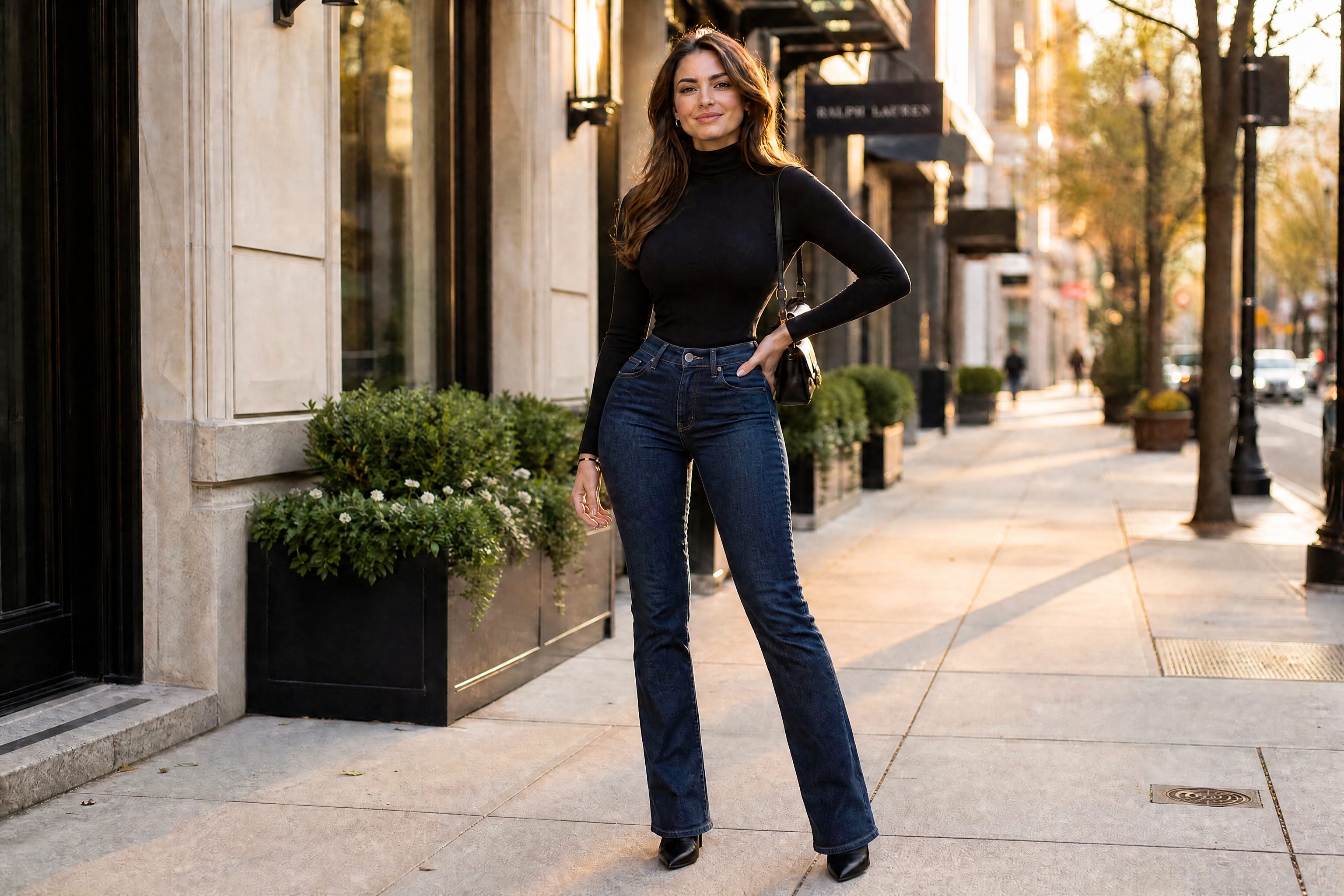
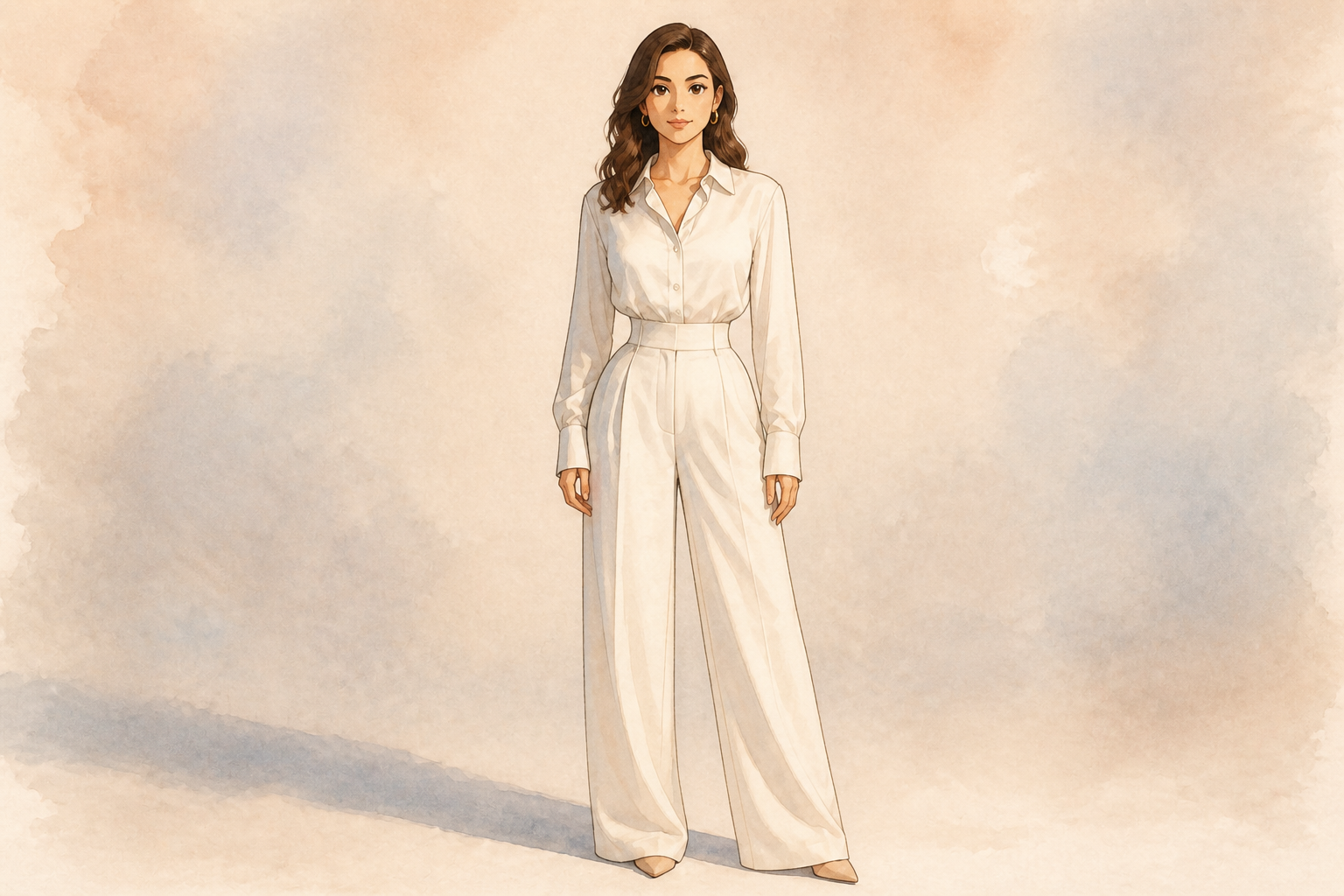
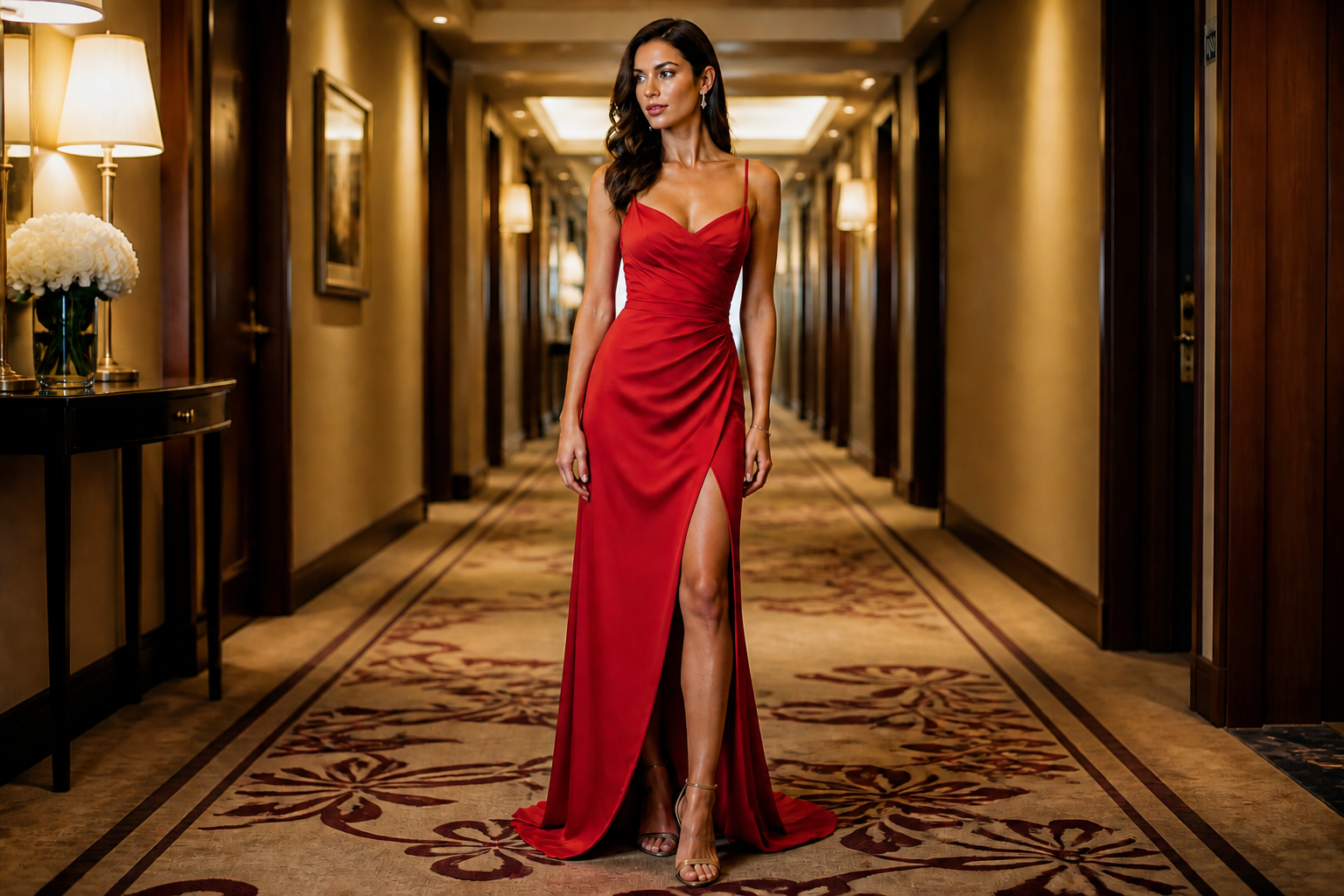
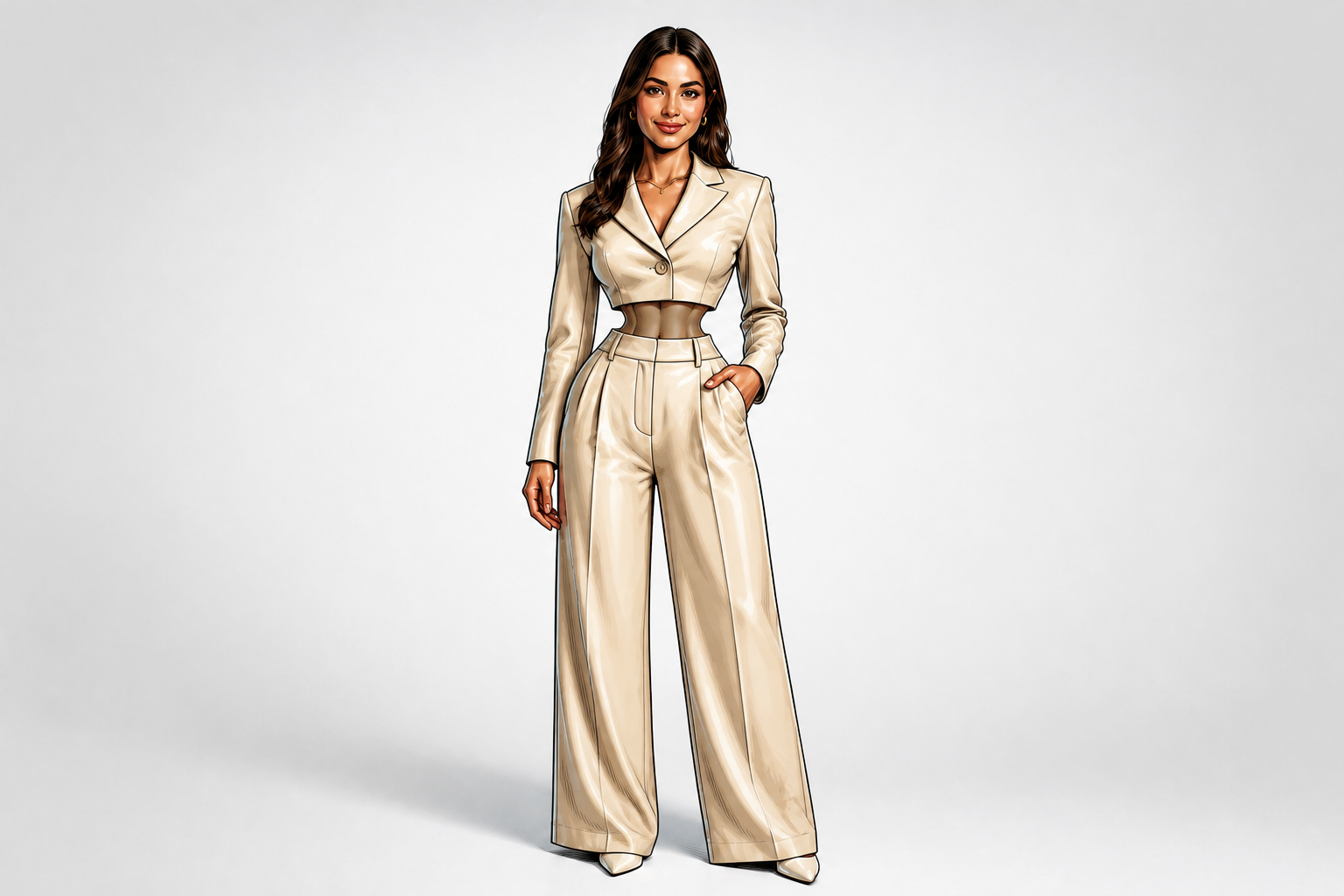
AI Waist Slimmer lets you dramatically reduce the waistline in a photo while keeping the person's pose, outfit, and scene consistent. It is built for bold, obvious before-and-after changes that read clearly at a glance.
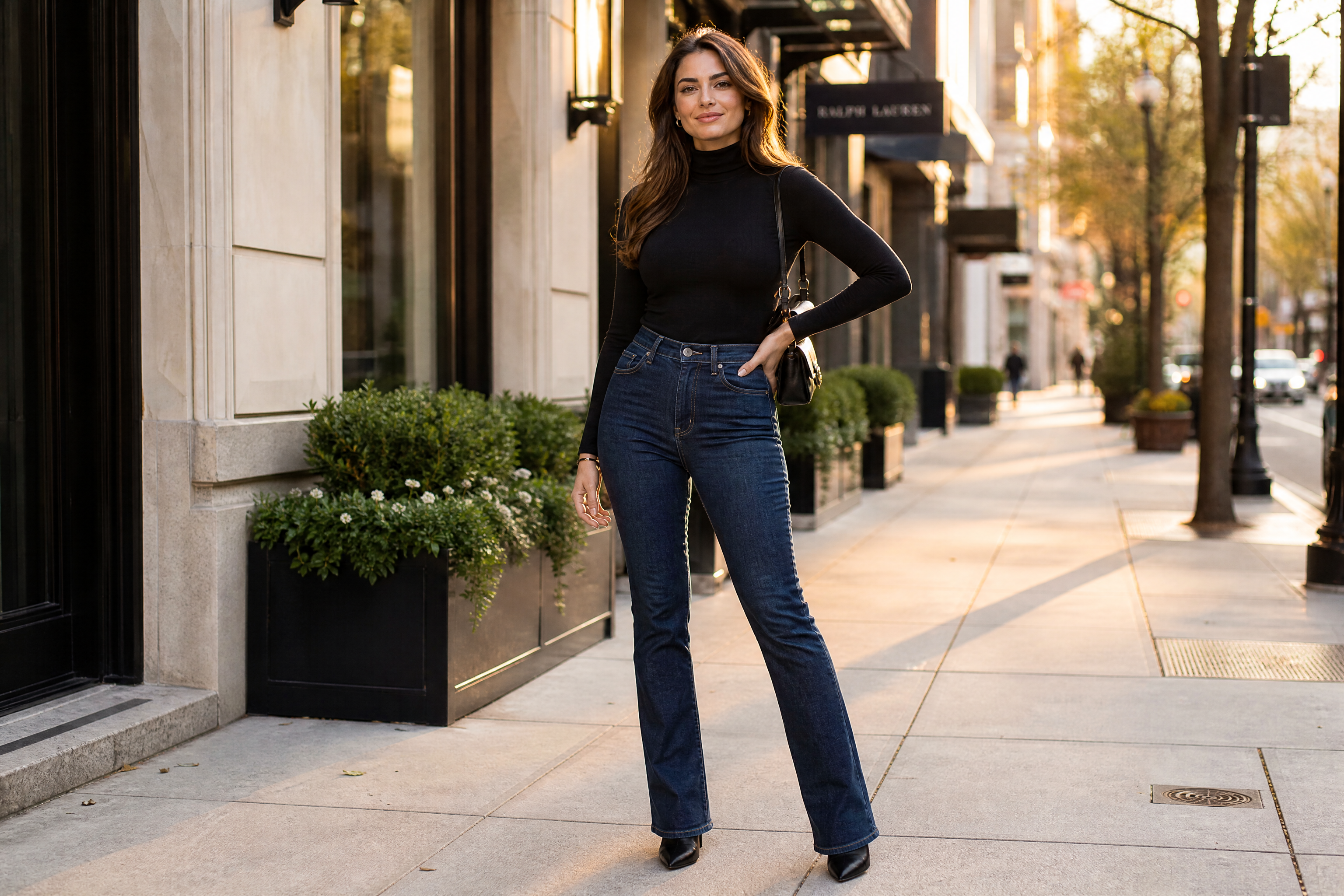
Watch the Transformation
See ai waist slimmer in motion — generated end-to-end by our AI.
See It In Action
Real outputs from ai waist slimmer.
BEFOREAFTER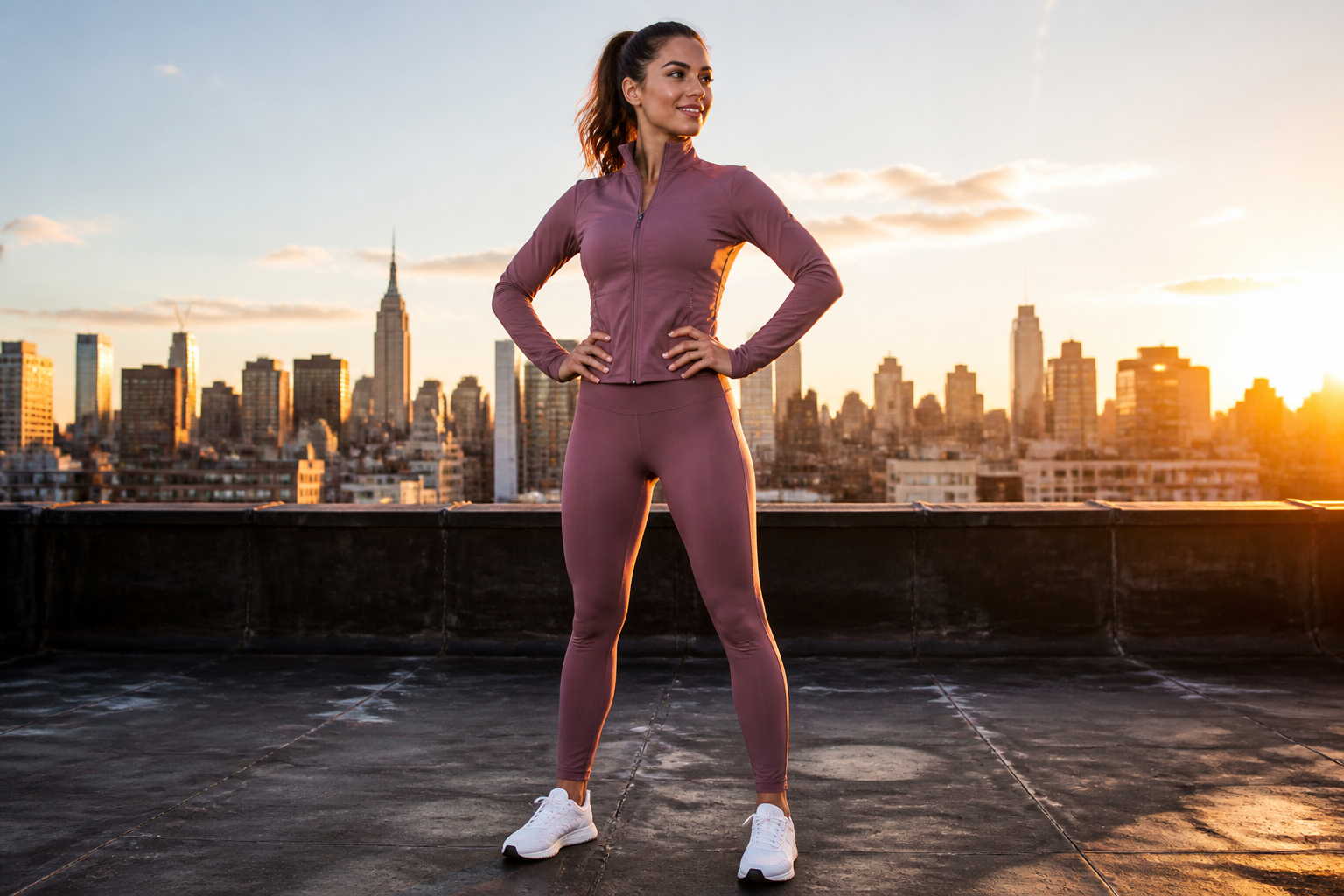 BEFORE
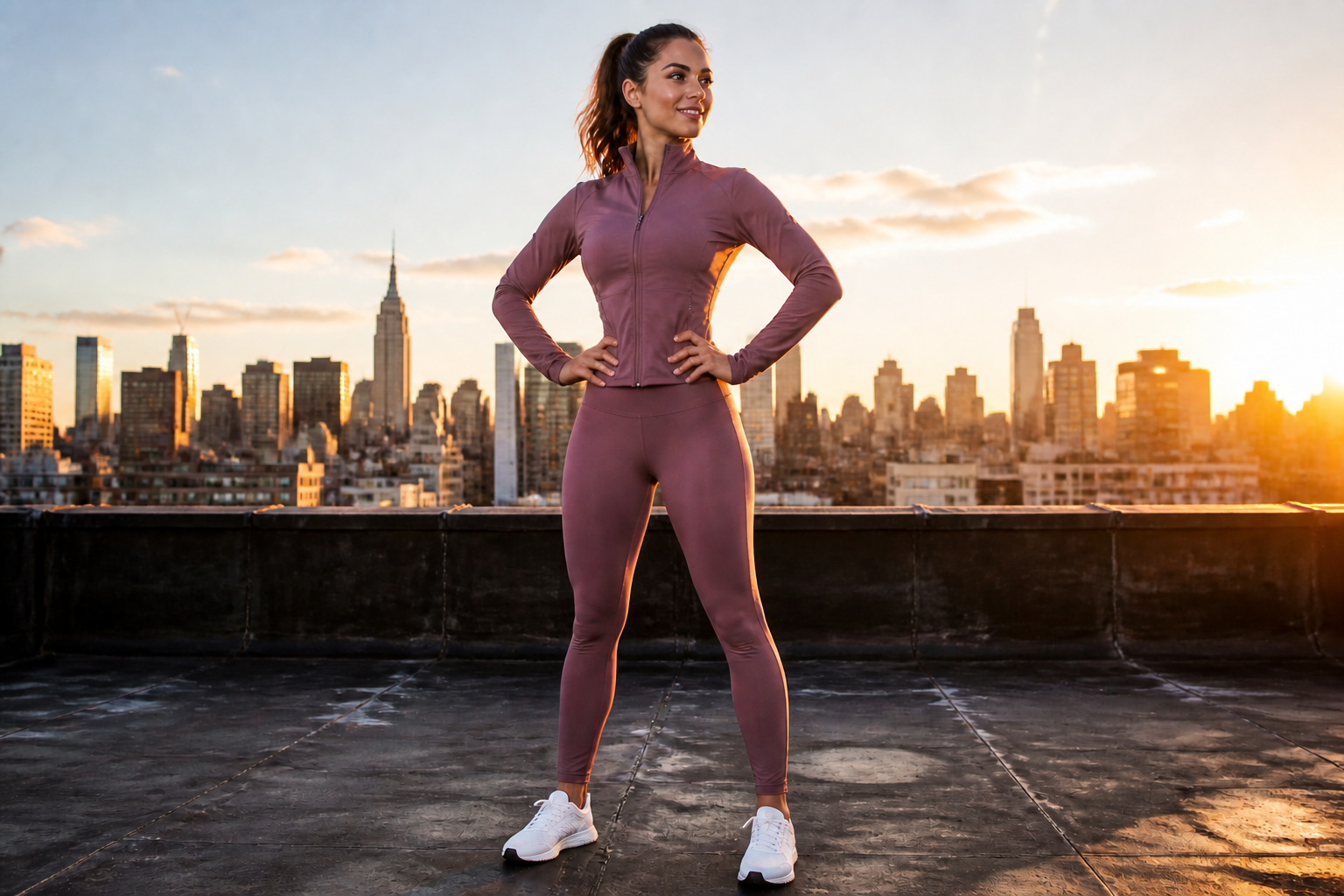 AFTER
AFTER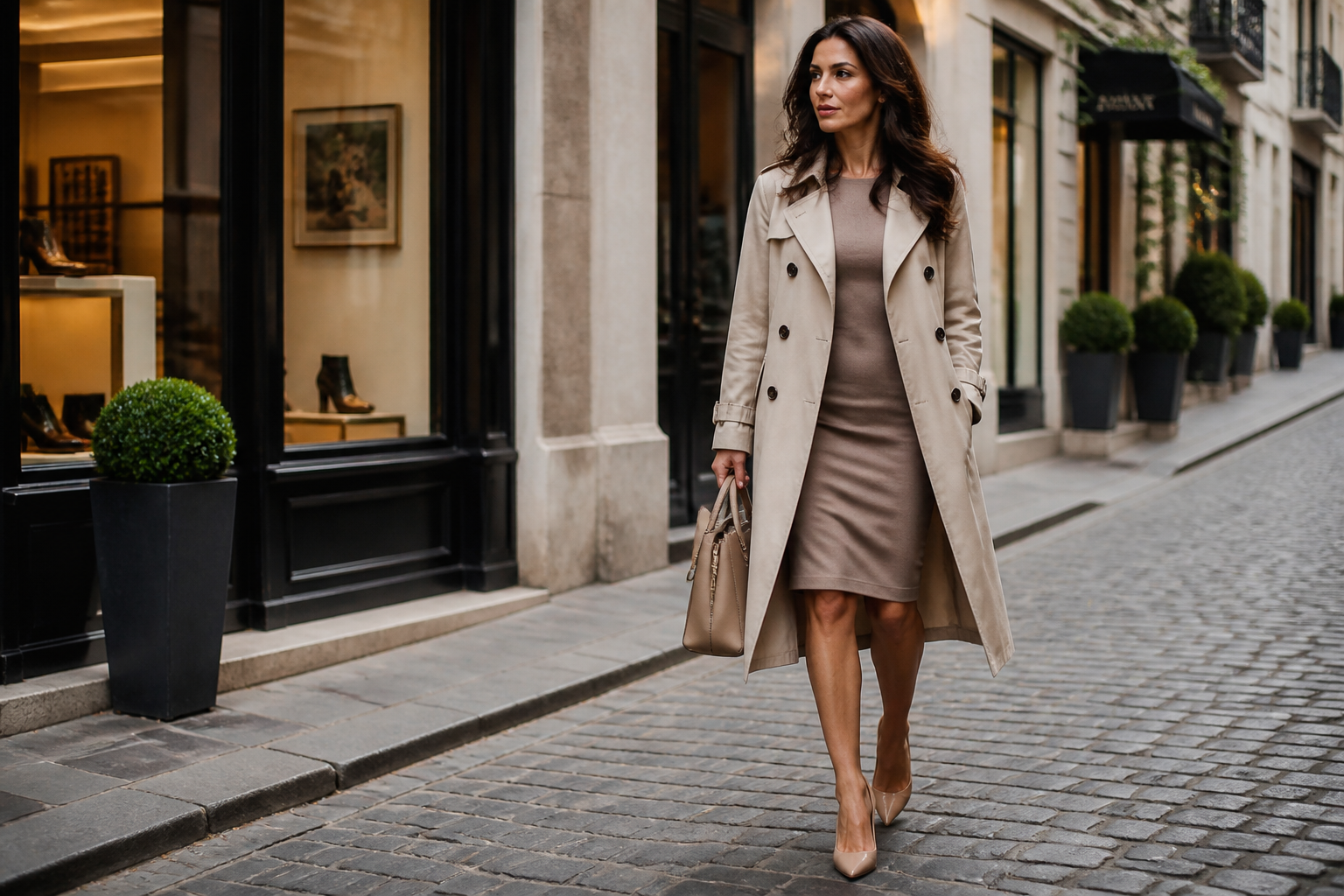 BEFORE
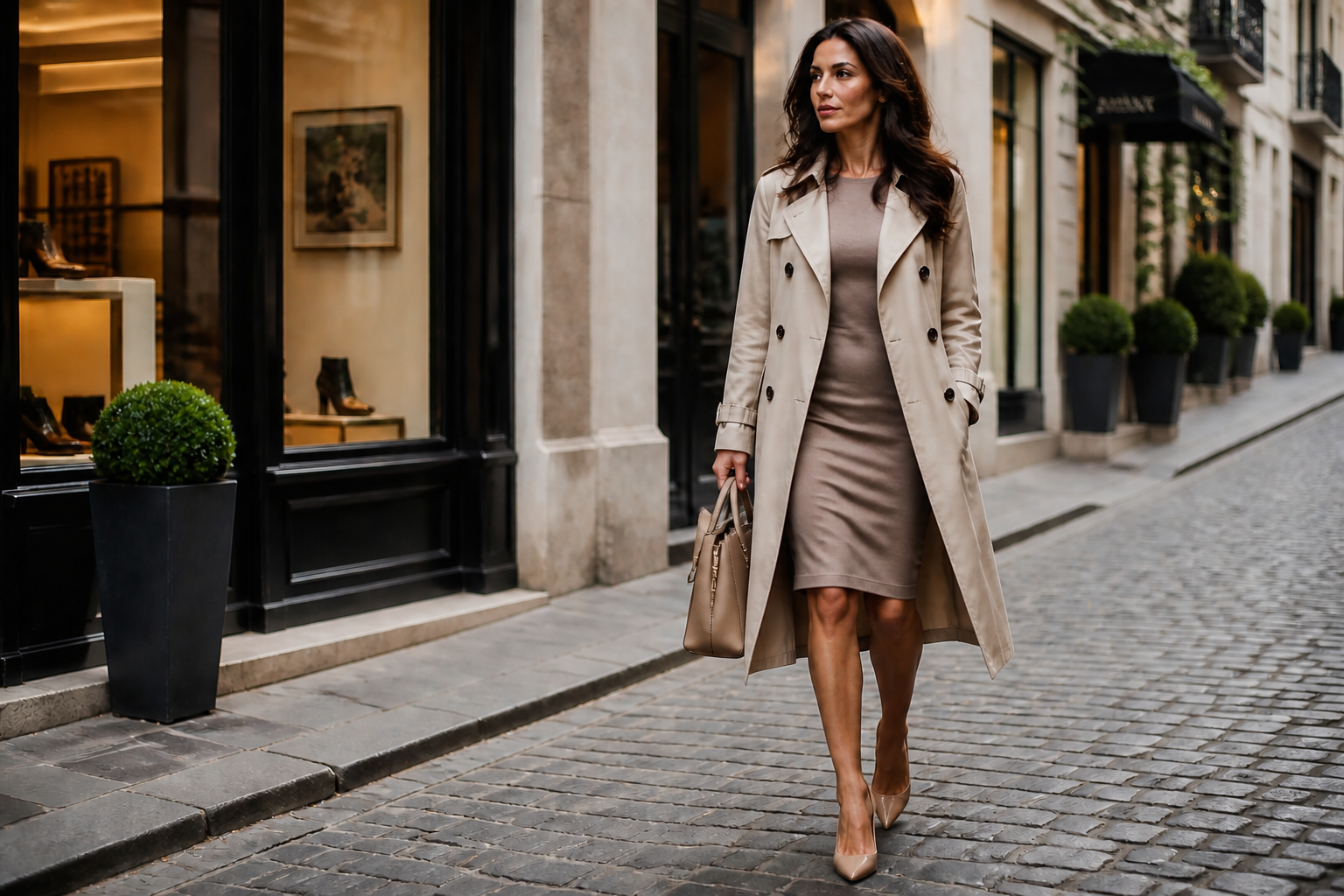 AFTER
AFTER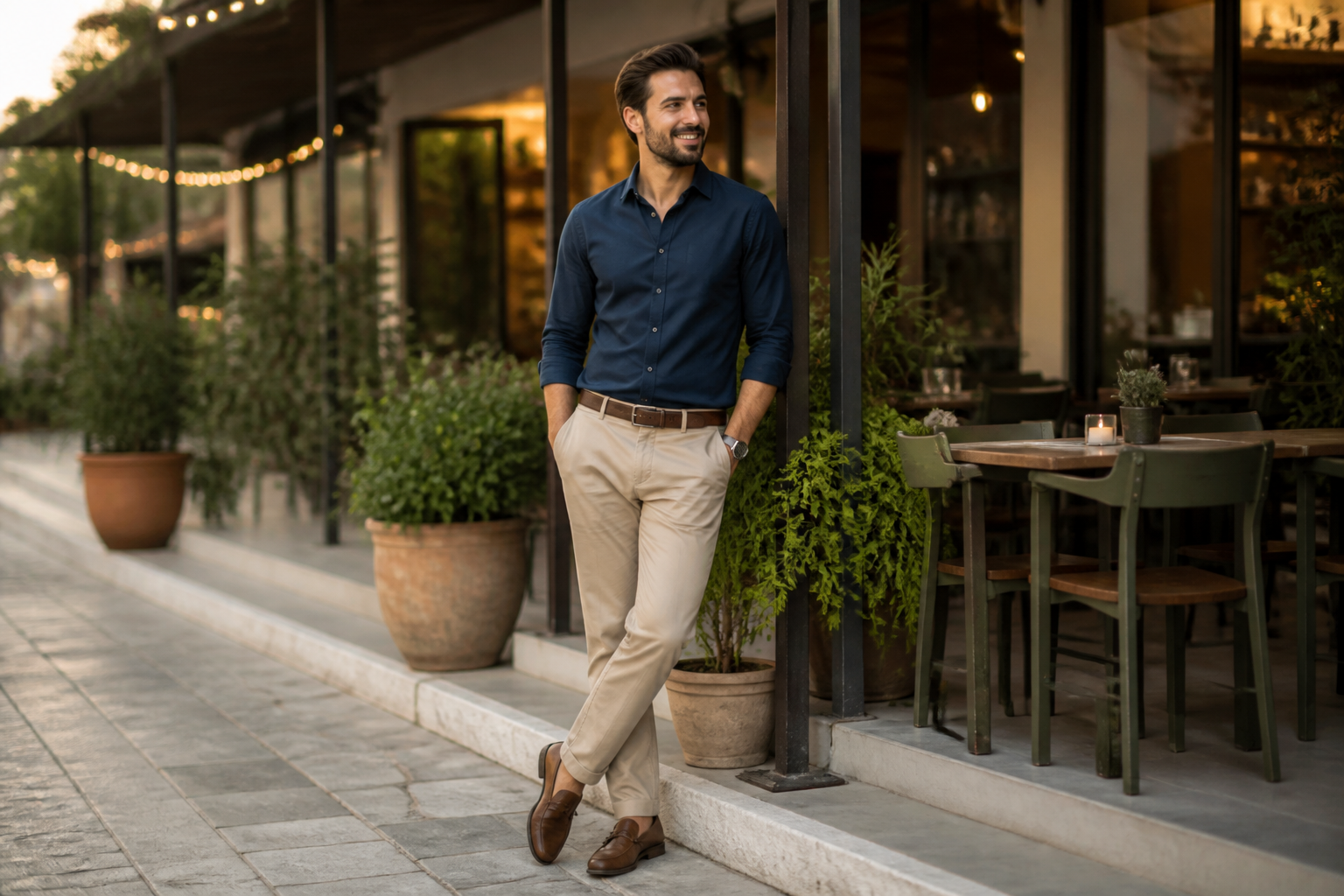 BEFORE
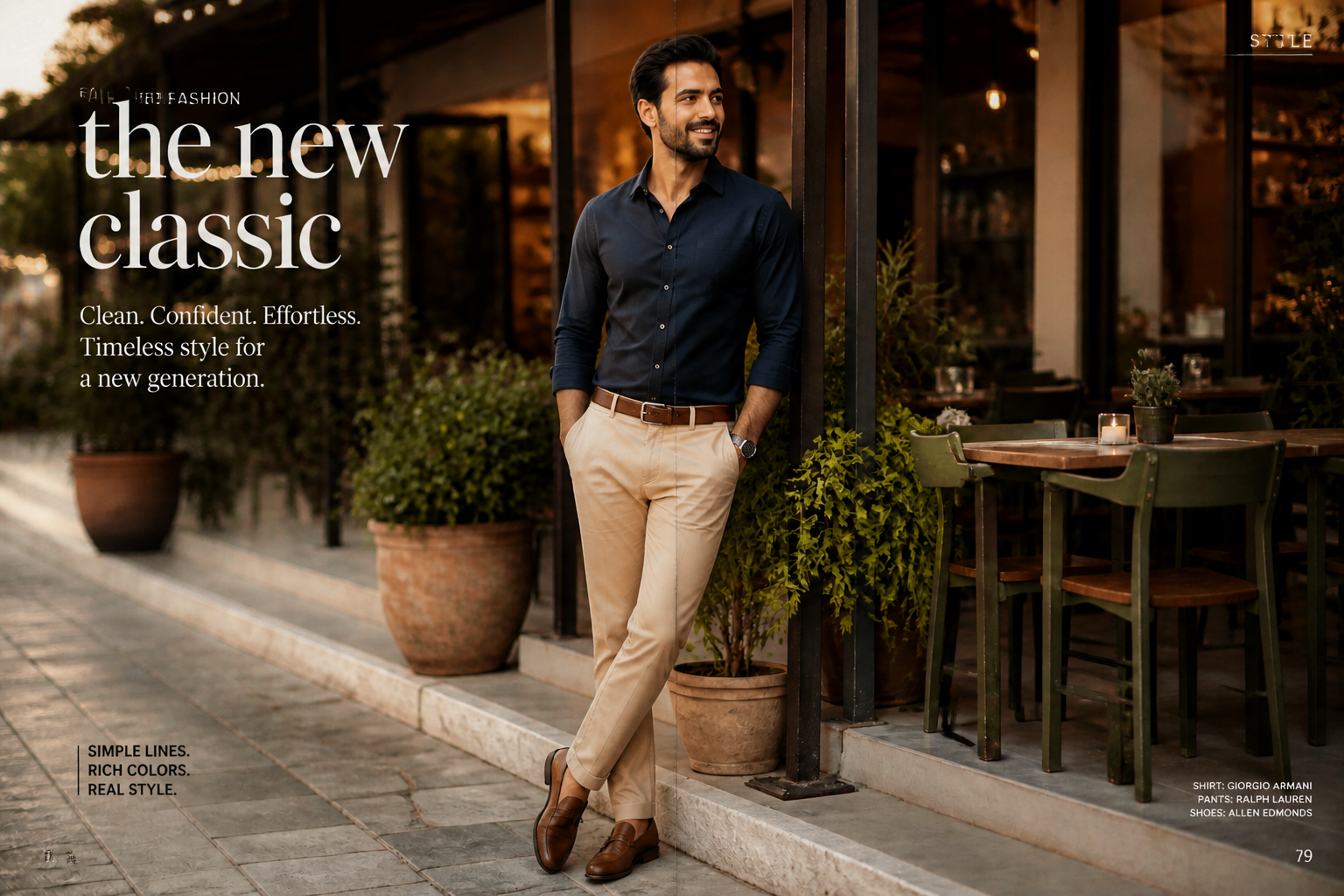 AFTER
AFTER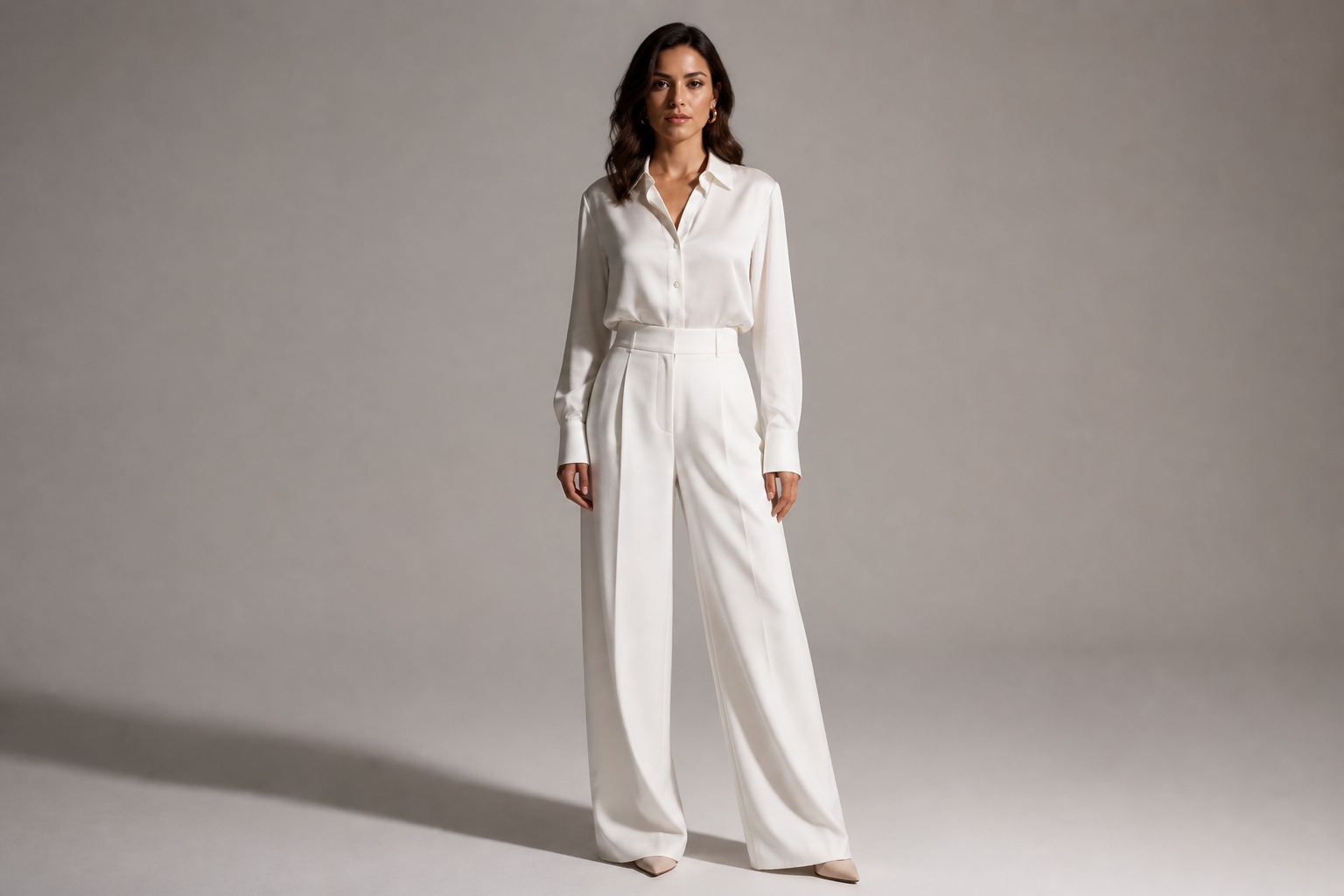 BEFORE
 AFTERBEFOREAFTERBEFOREAFTERBEFOREAFTERBEFOREAFTERBEFOREAFTER
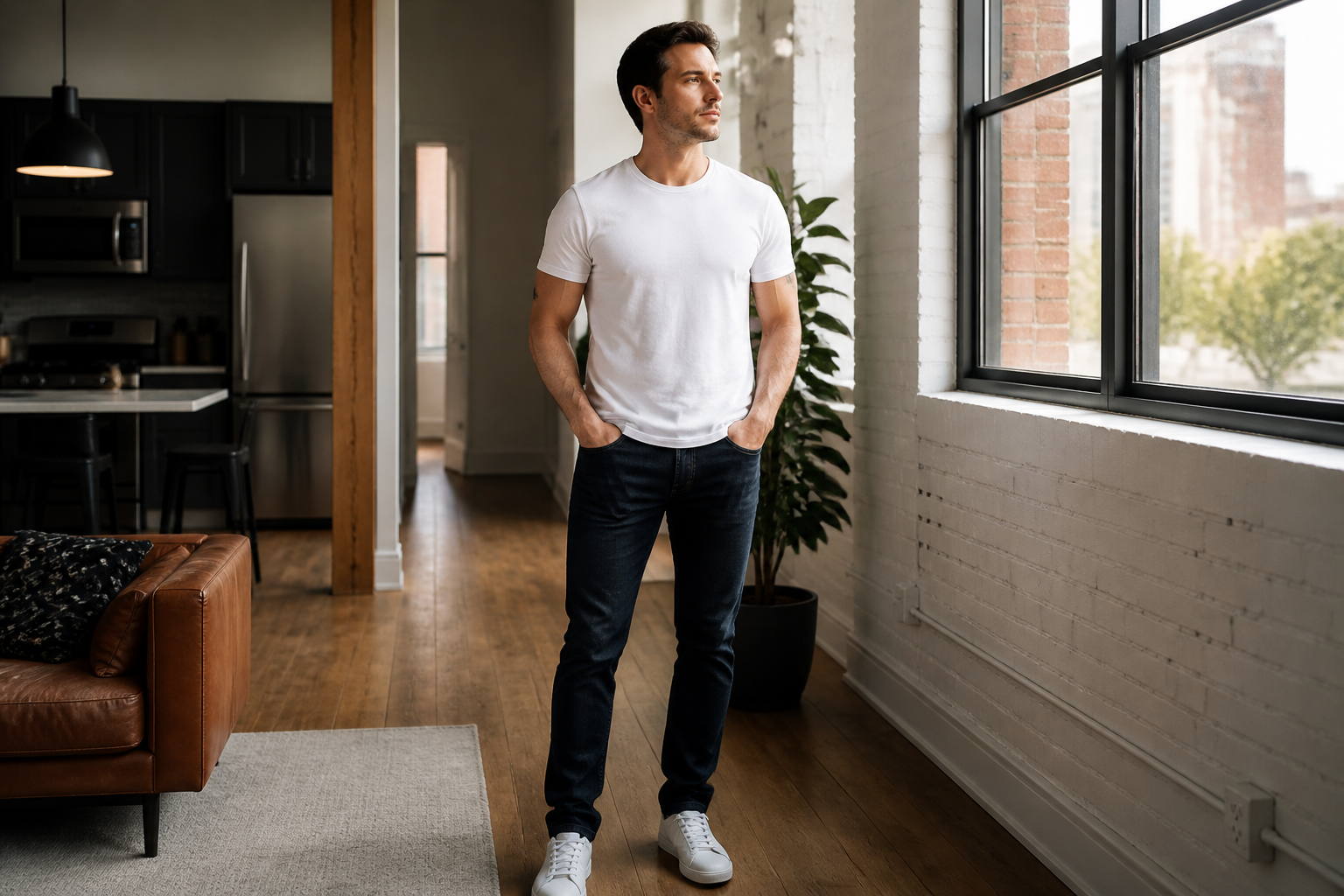 BEFORE
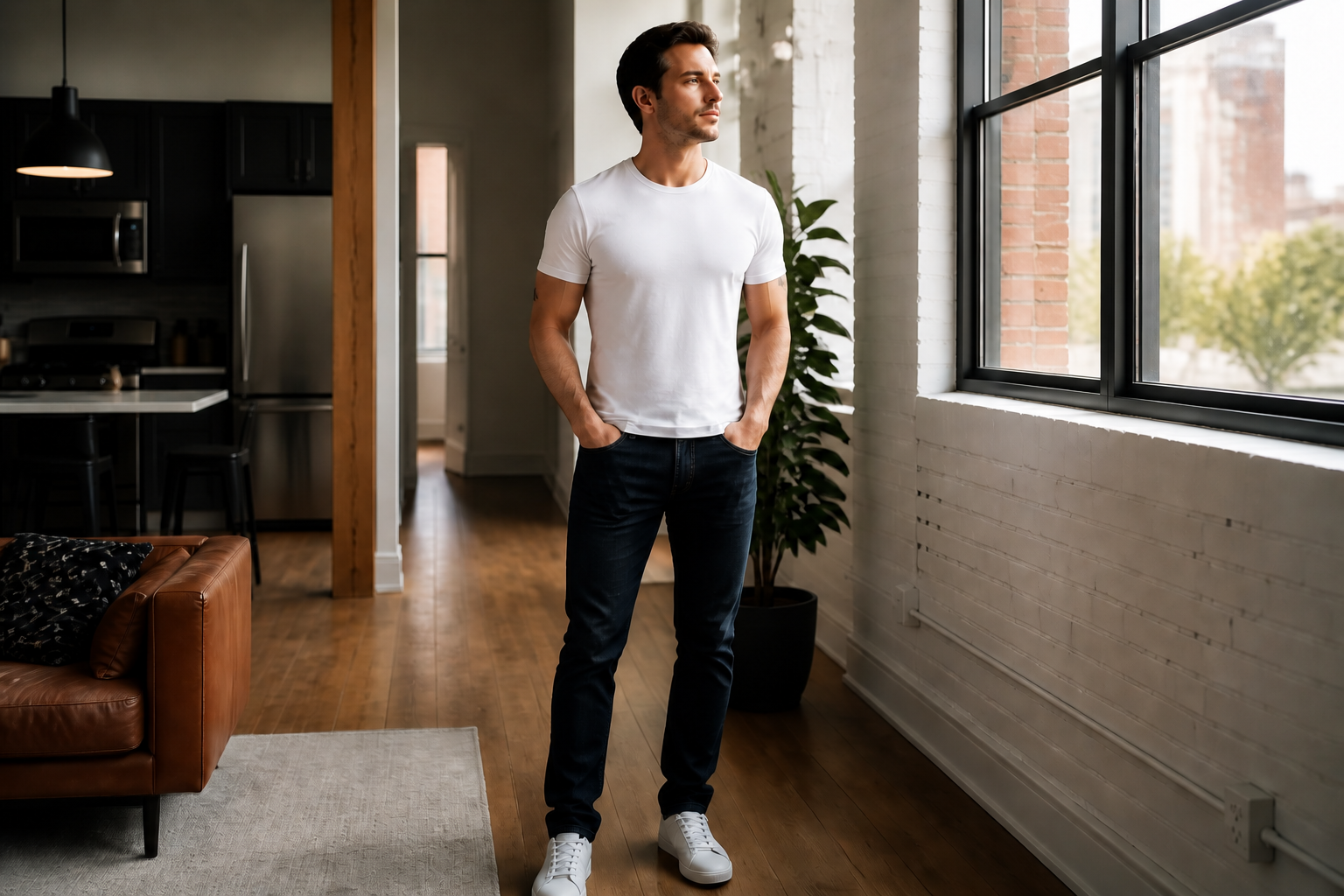 AFTER
AFTER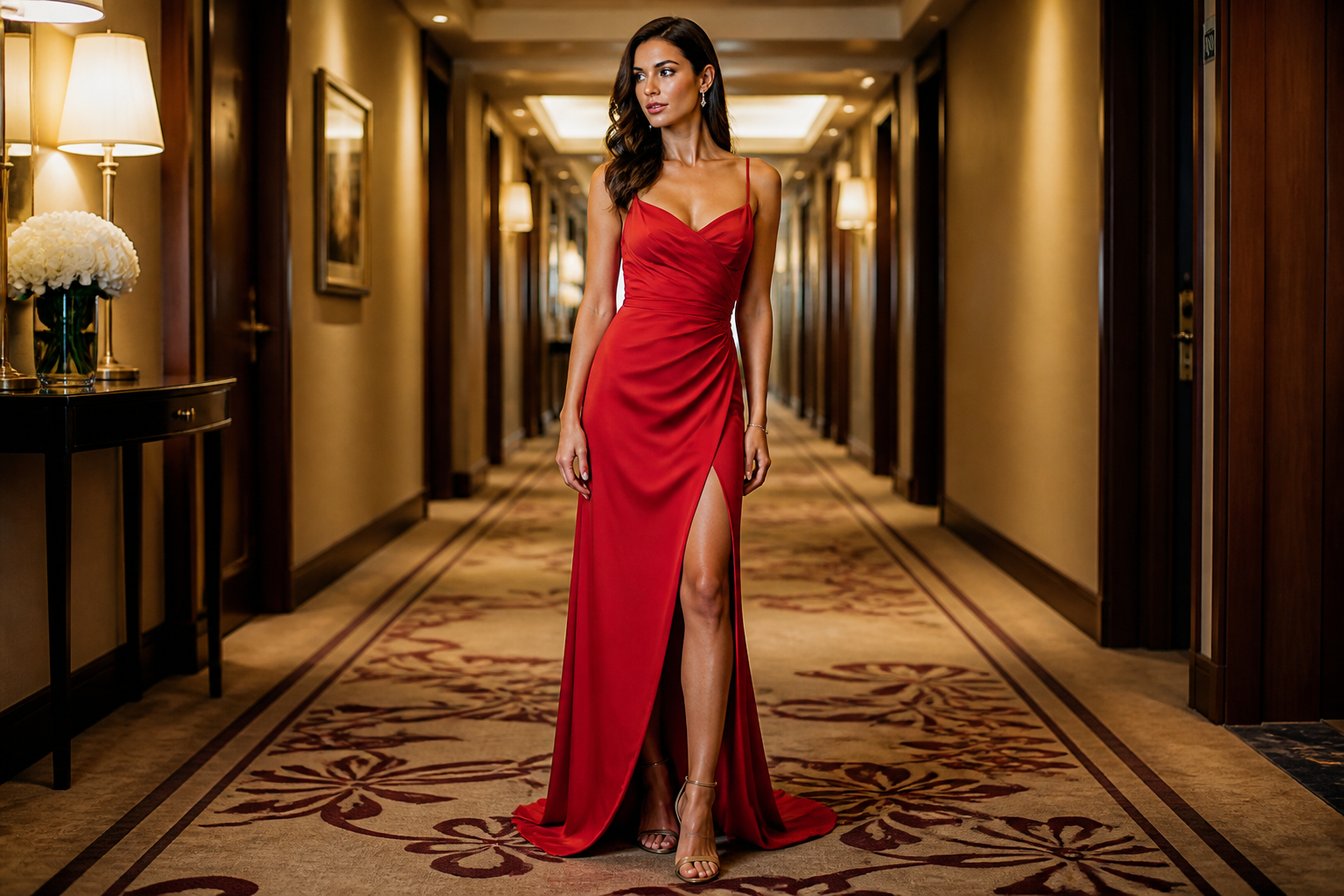 BEFORE
 AFTER
AFTER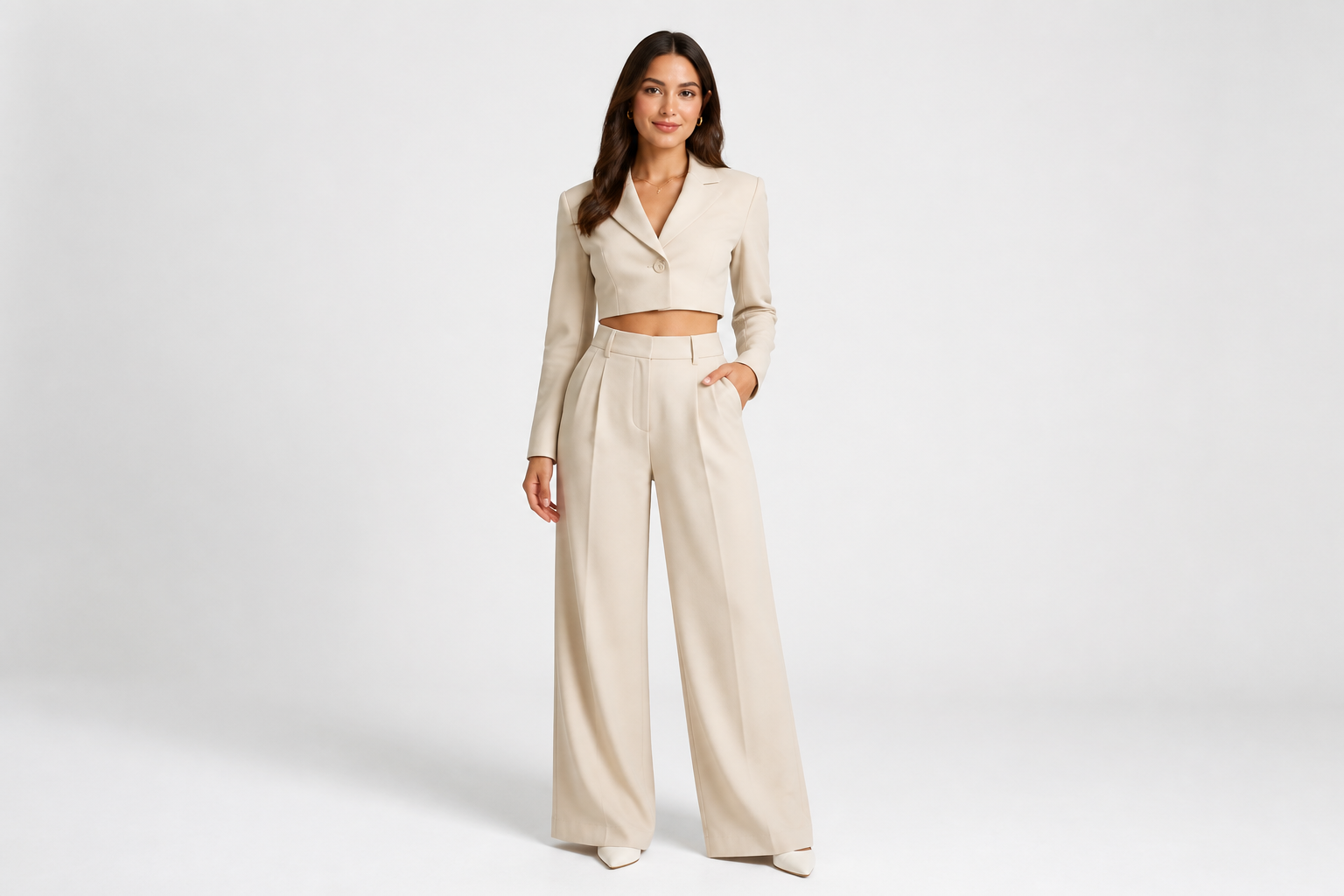 BEFORE
 AFTER
AFTER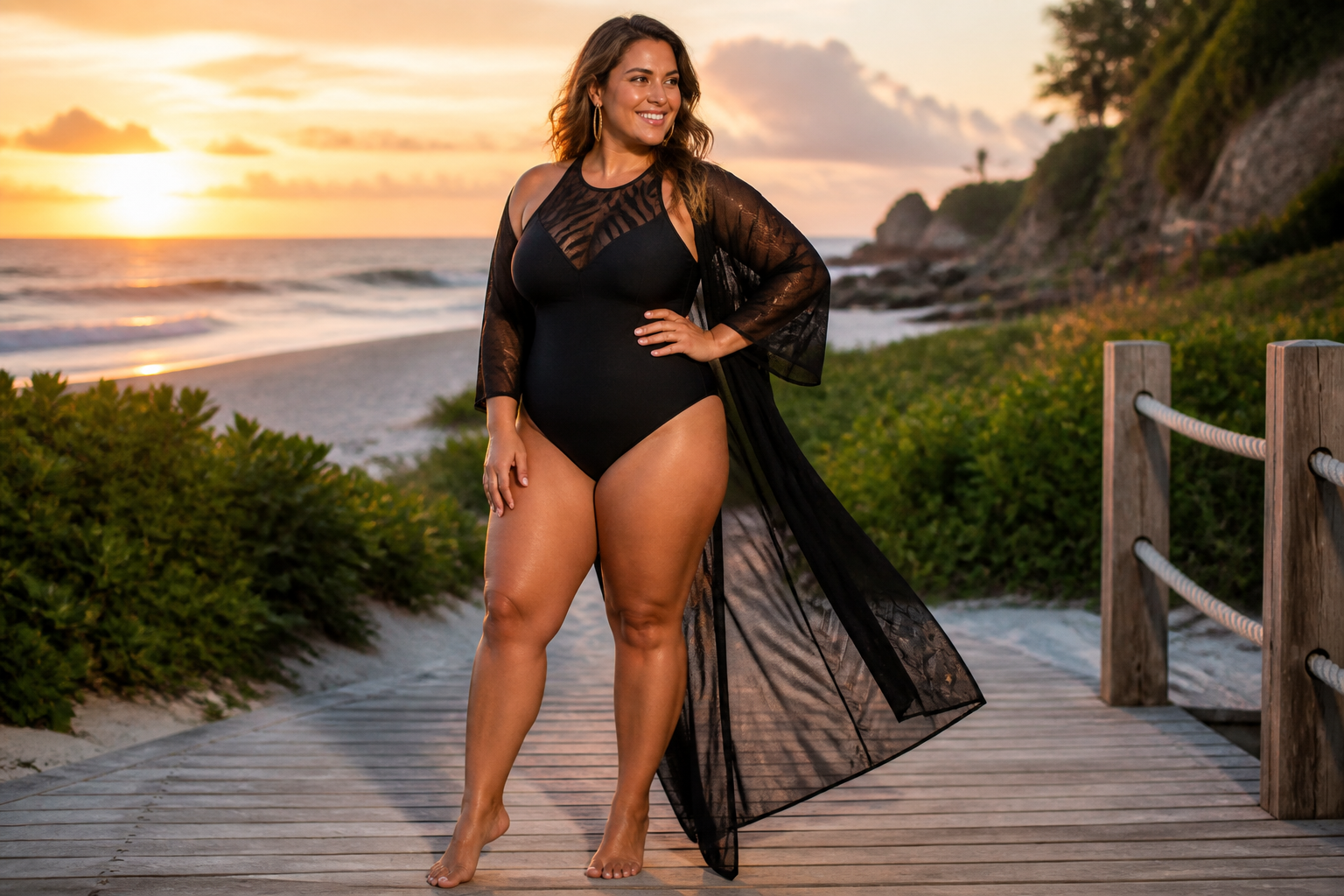 BEFORE
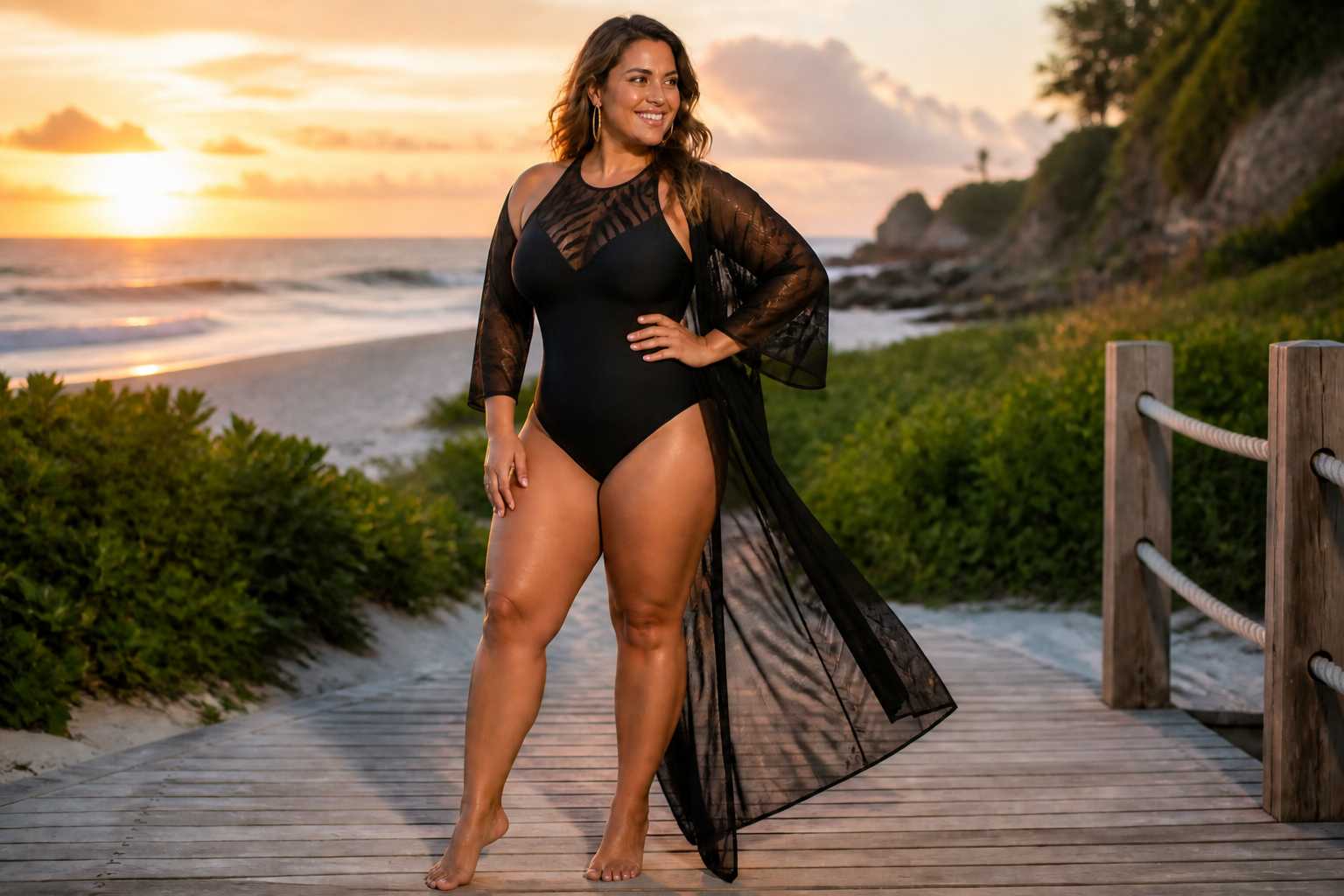 AFTERBEFOREAFTERBEFOREAFTERBEFOREAFTERBEFOREAFTER
Key Features
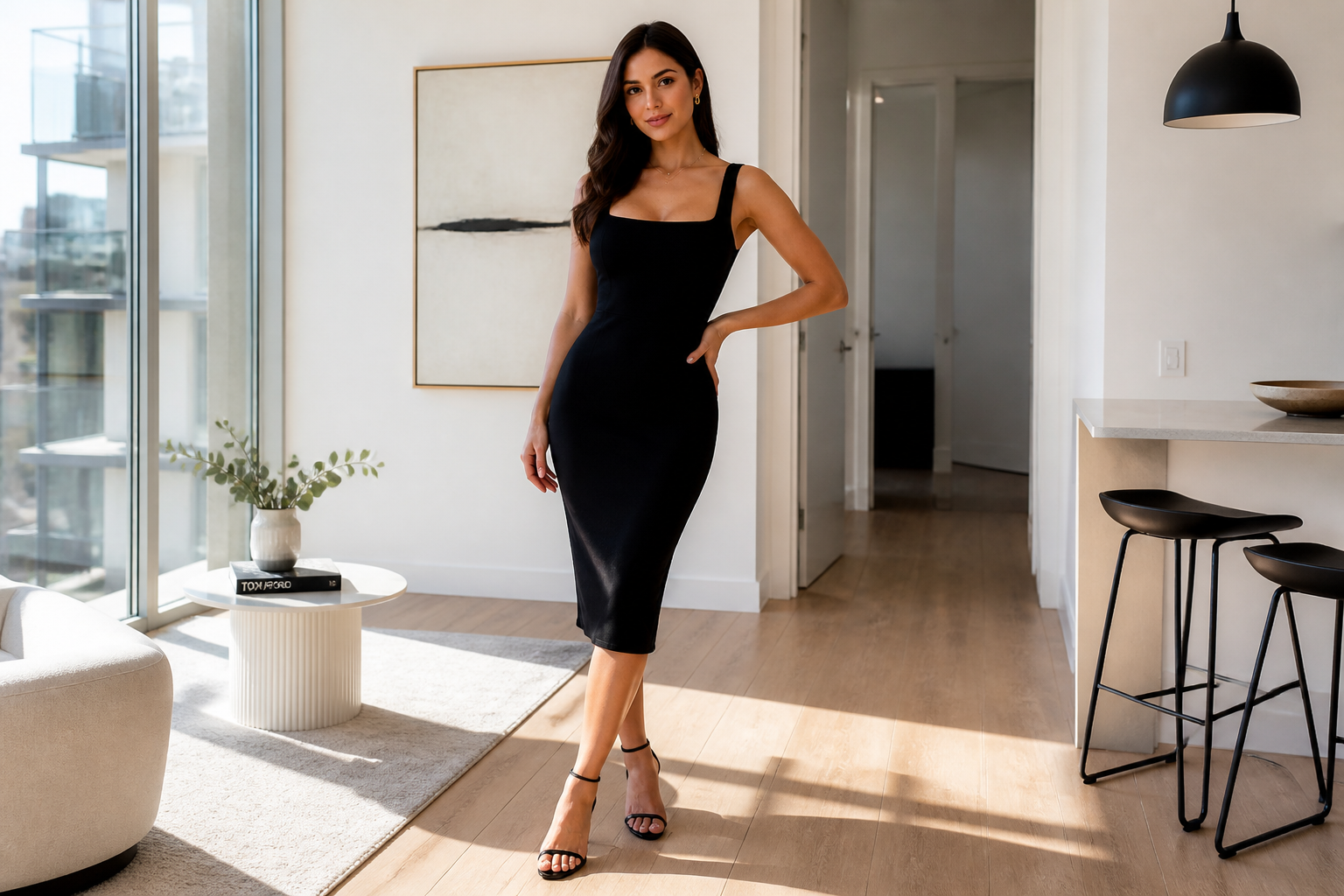
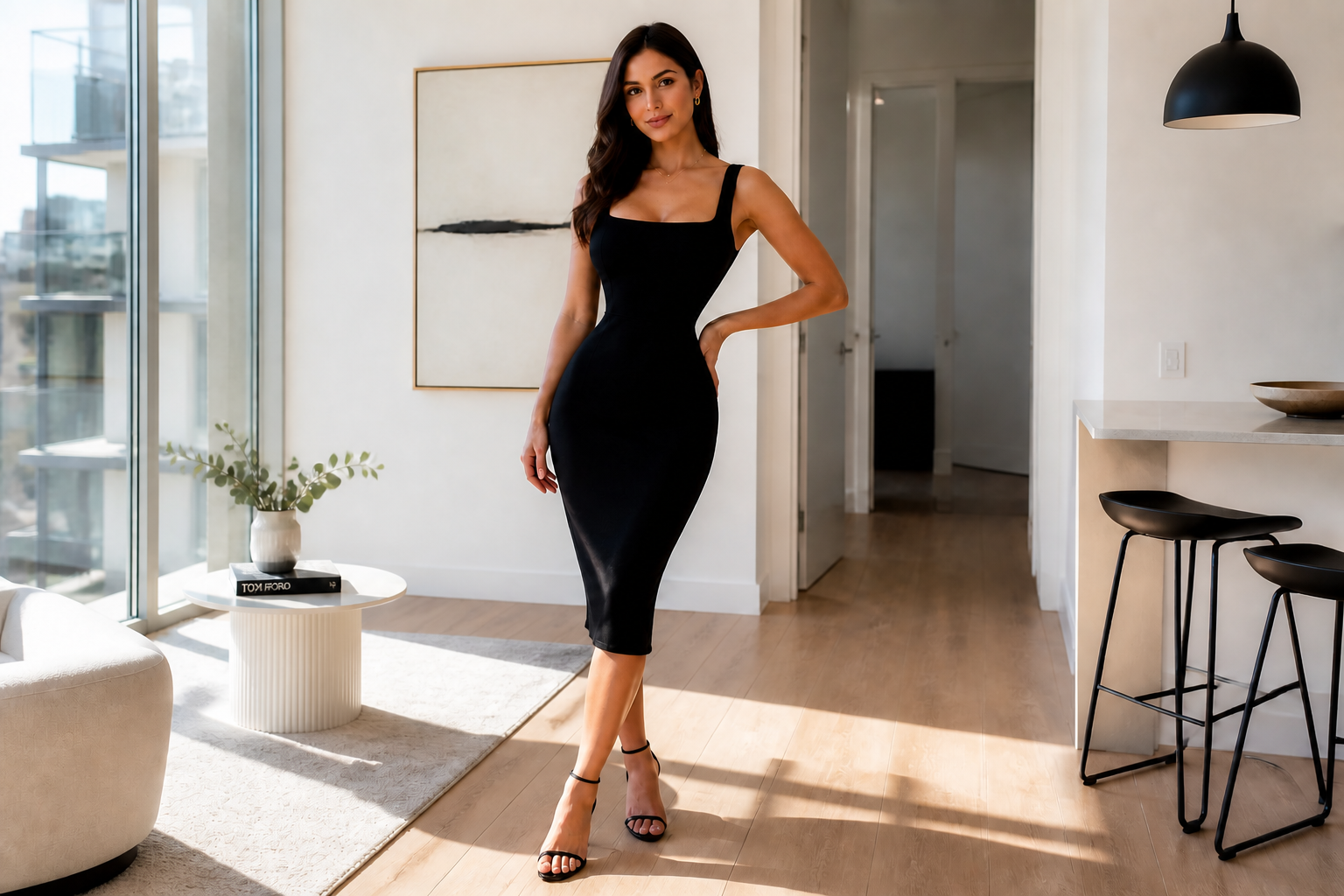
Big, clear waist changes
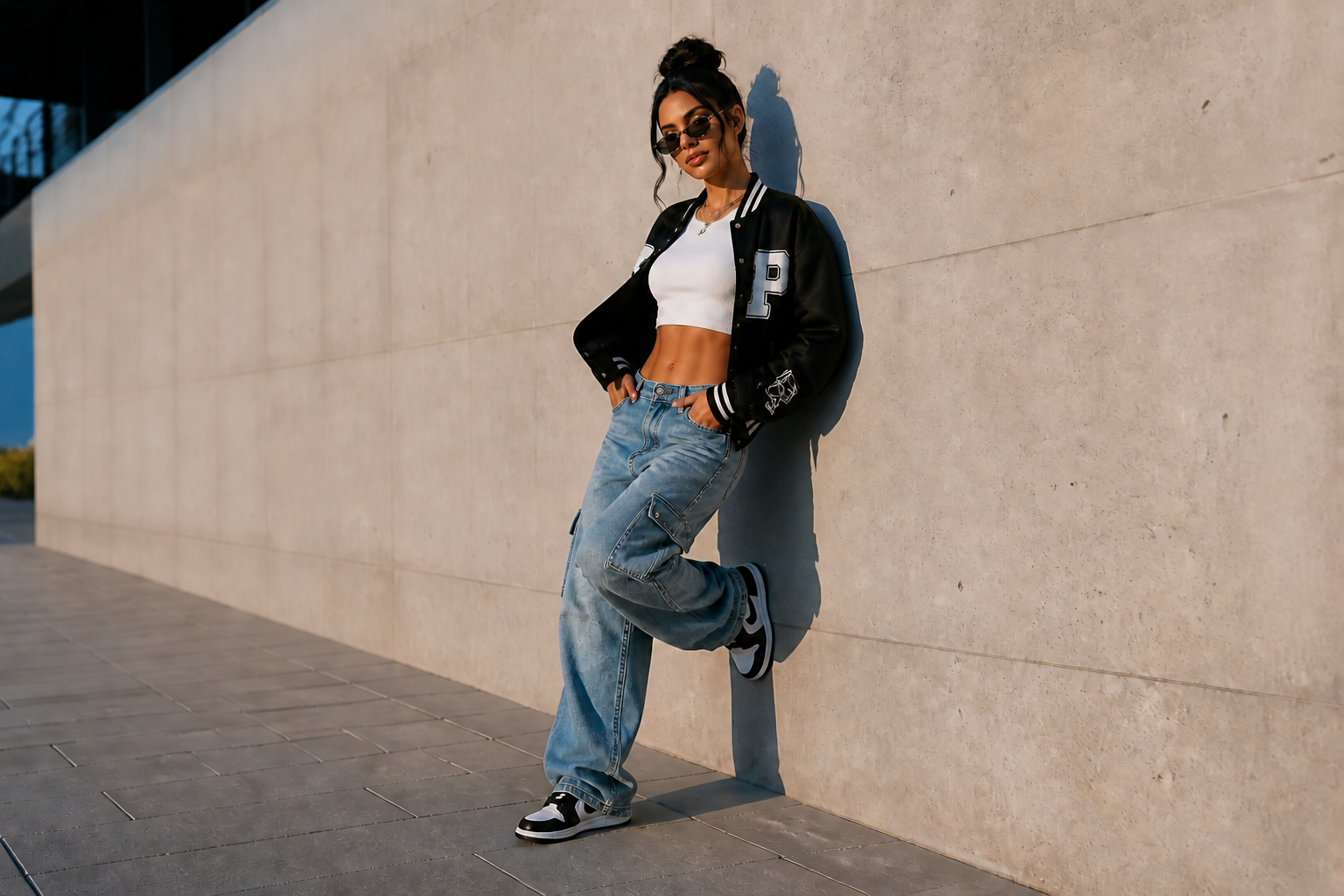
This tool is built for obvious body-shape edits, not tiny tweaks that are hard to notice. You can make the waist look dramatically slimmer while preserving the overall photo. That makes the before-and-after difference readable right away in portraits, fashion shots, and social posts. It is much faster than manually pushing pixels around with warp tools.
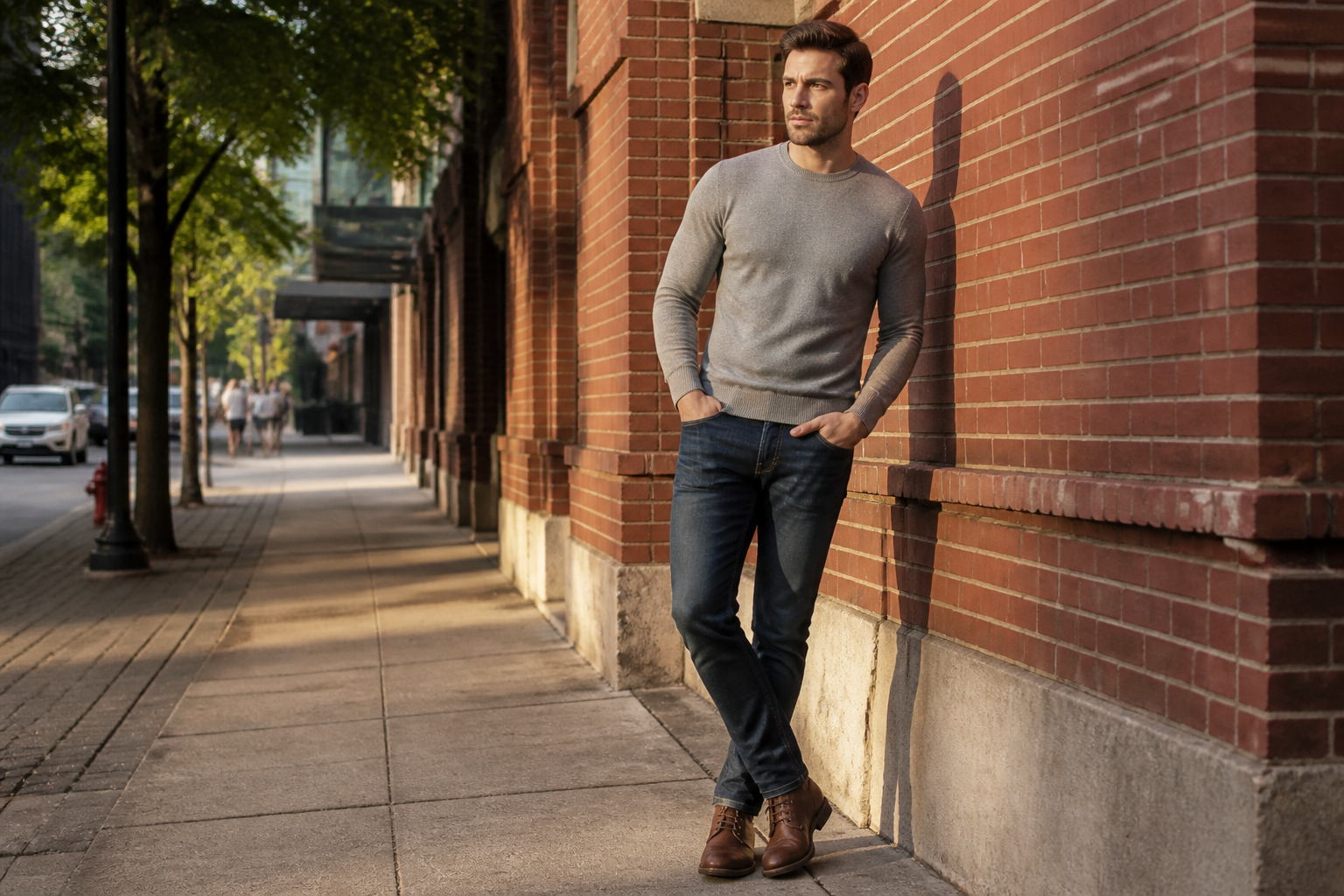
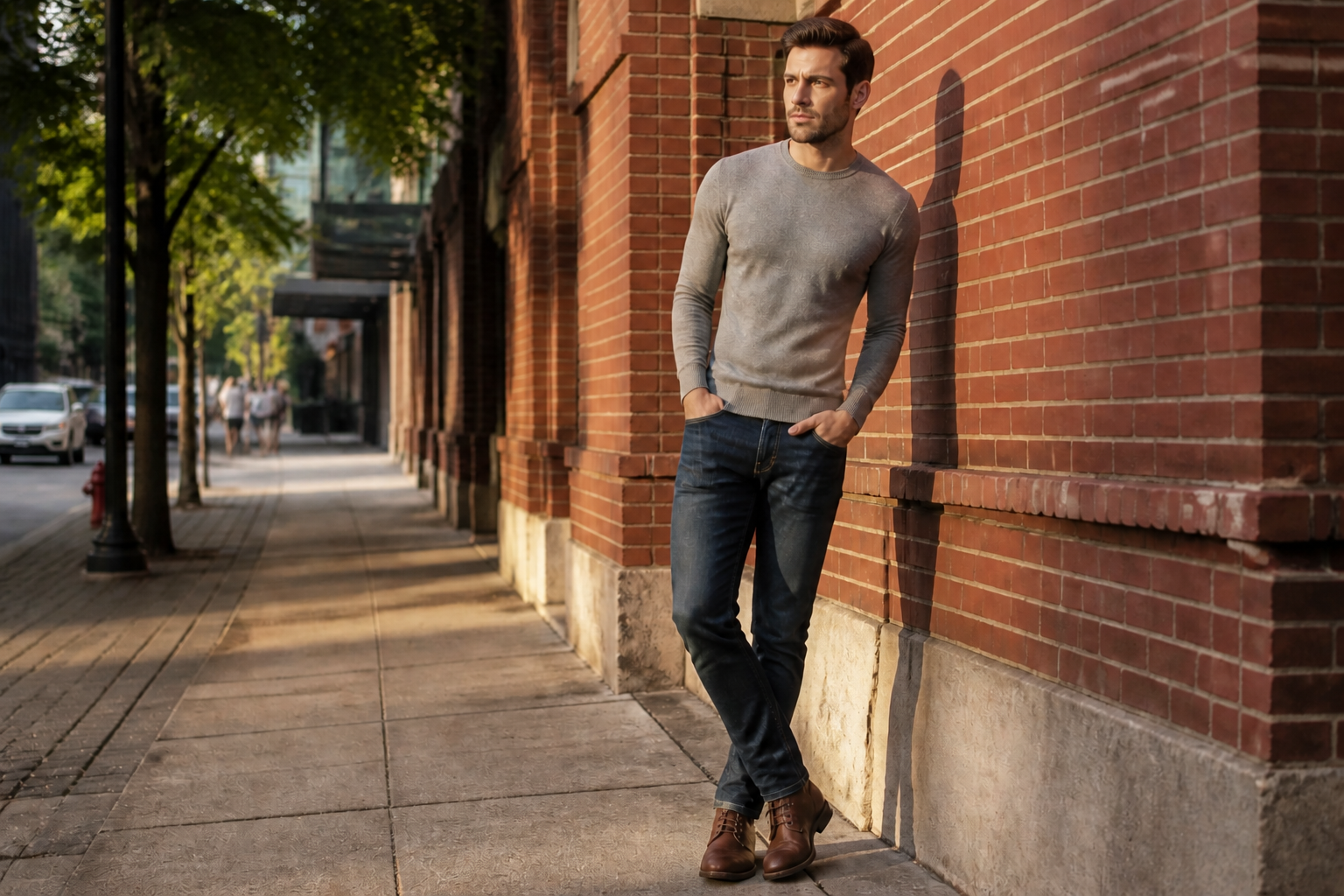
Keeps the rest consistent
A strong waist edit only works if the outfit, pose, and background still look stable. Our AI focuses the change on the midsection so the photo does not feel remade from scratch. That helps the final image stay believable for outfit previews, content drafts, and creative edits. You get a bold result without having to rebuild the whole scene.
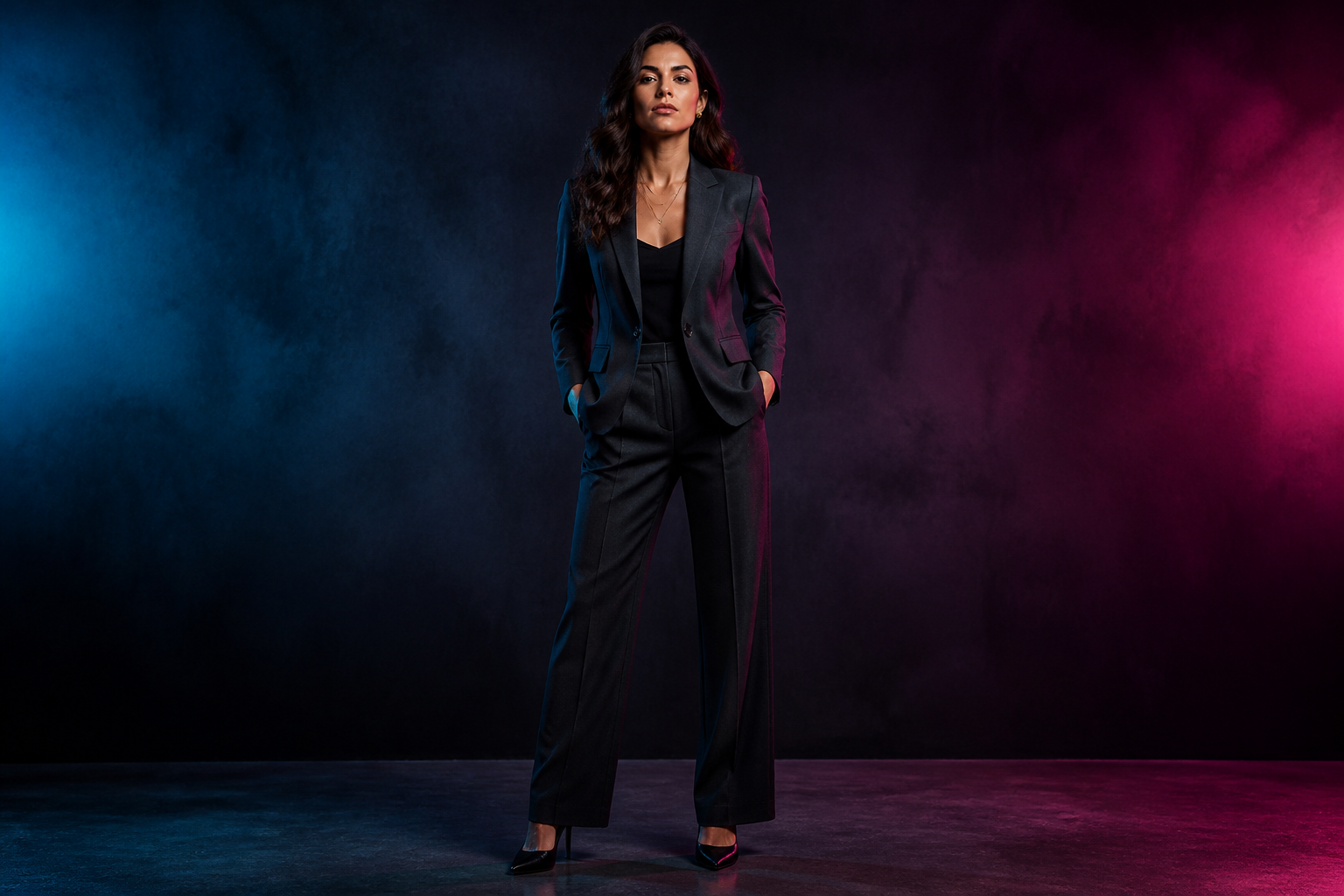
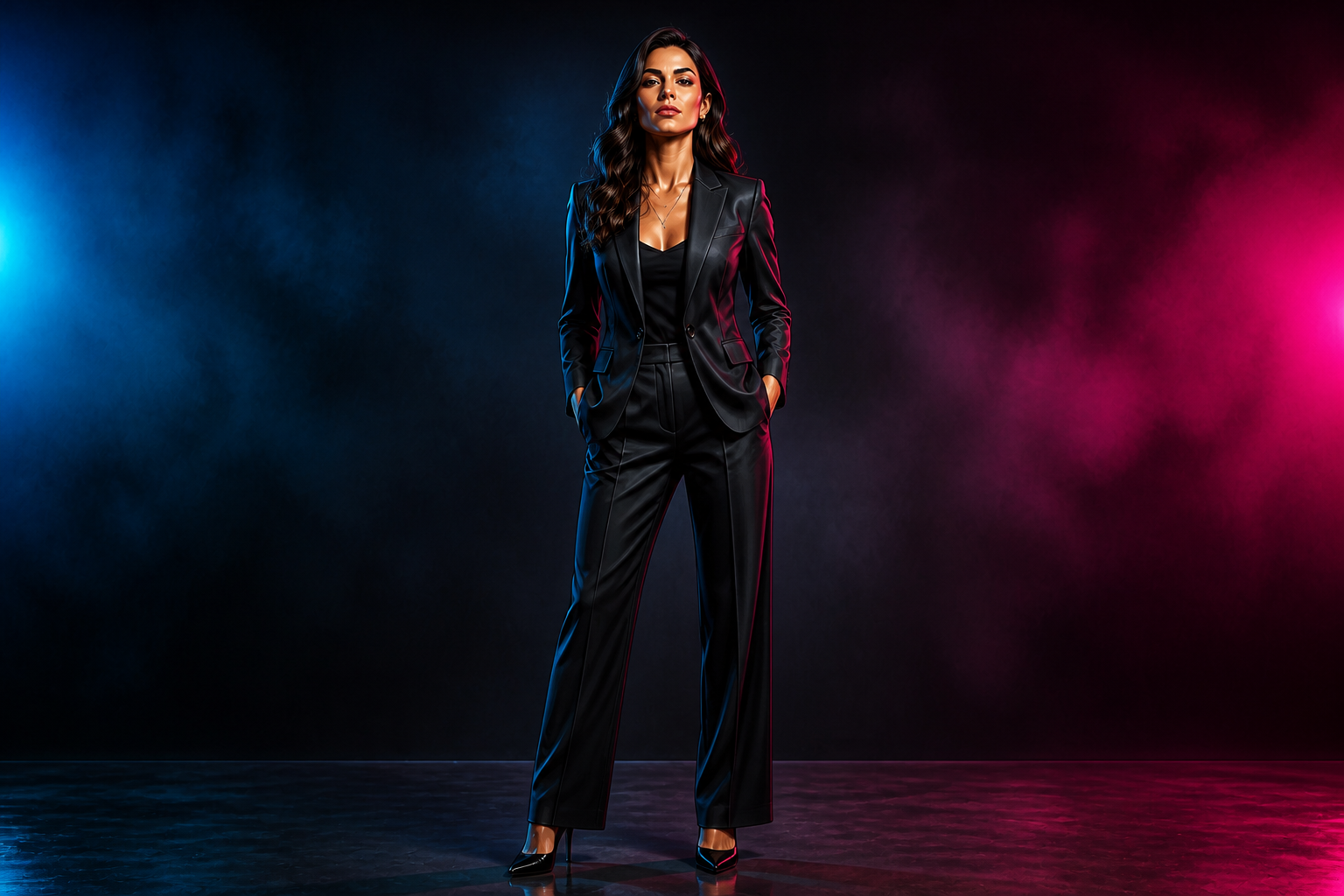
Works across styles
You can apply the same waist-slimming idea to realistic photos, editorial looks, or stylized artwork. That makes the tool useful for creators who want both believable edits and more playful content. Instead of building separate workflows for each style, you can start from one image and push it in different directions. The change stays easy to read in every version.
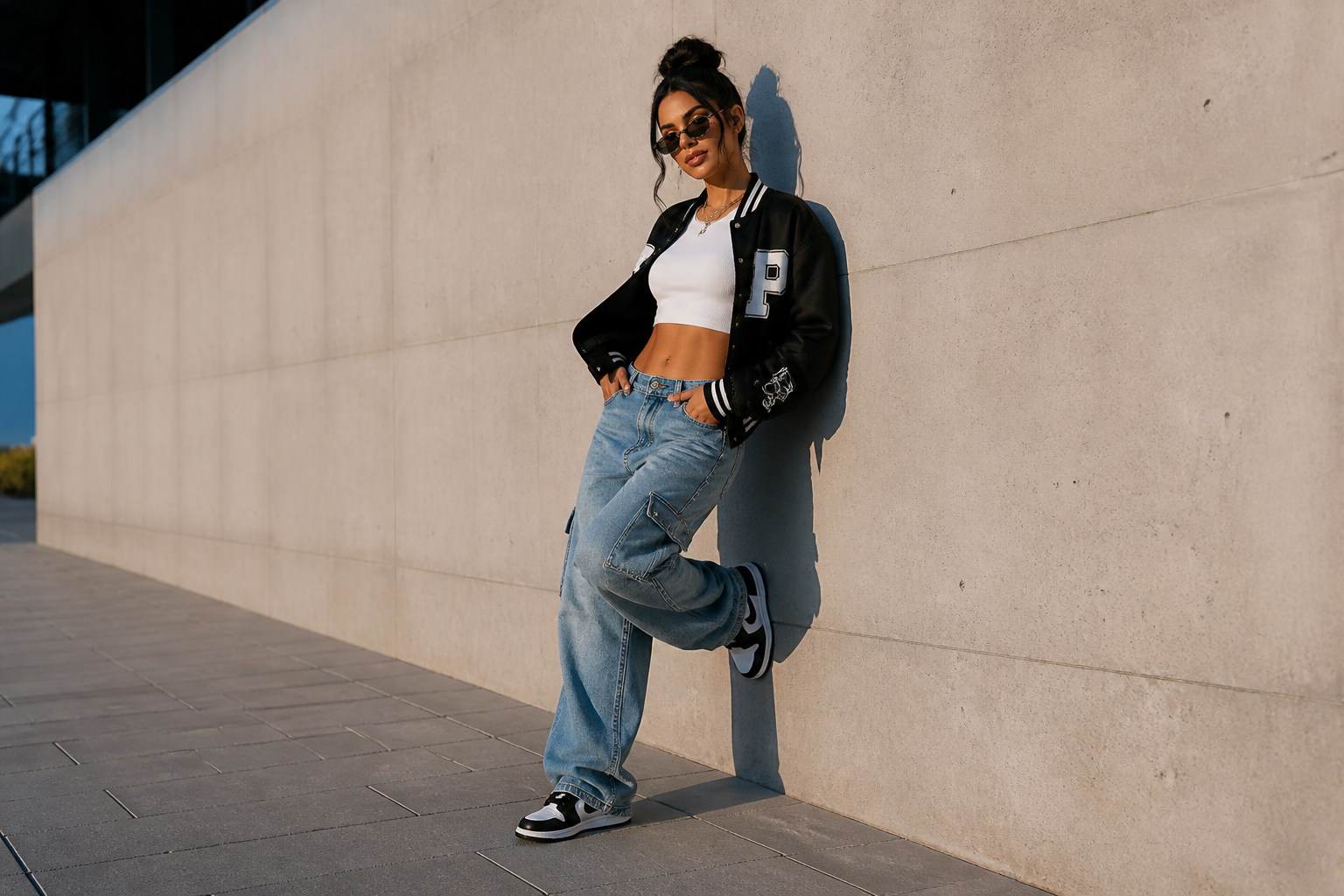
Fast for content testing
If you create visual concepts, you often need to compare multiple body-shape directions quickly. This editor makes it easy to test stronger or more stylized waistlines without spending time on manual retouching. That is useful for thumbnails, concept art, fashion mockups, and social content planning. You can iterate fast and keep the original framing intact.
How It Works
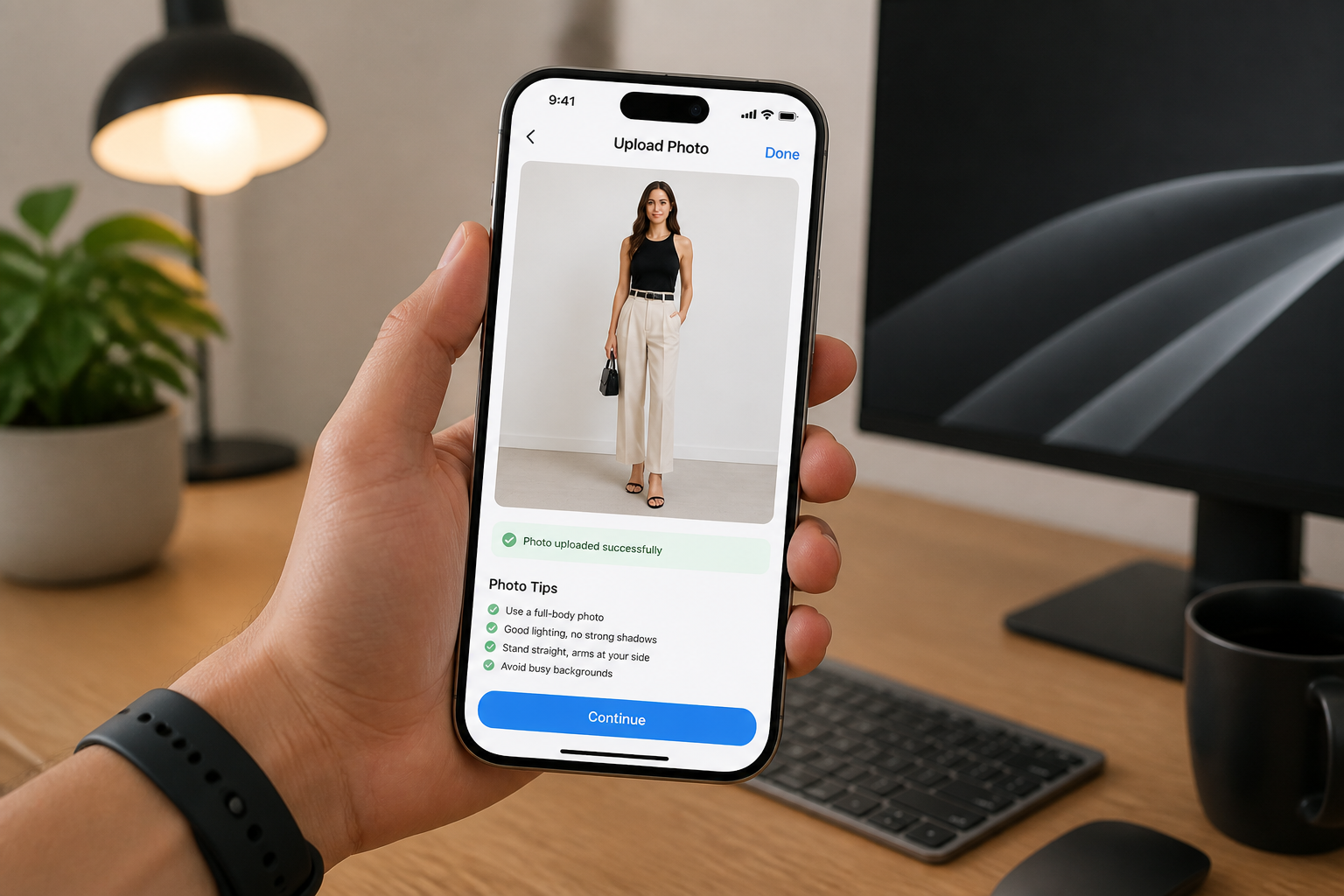
Upload your photo
Start with a clear full-body or three-quarter photo where the waist is visible. Good lighting and a simple pose make the change read more cleanly.
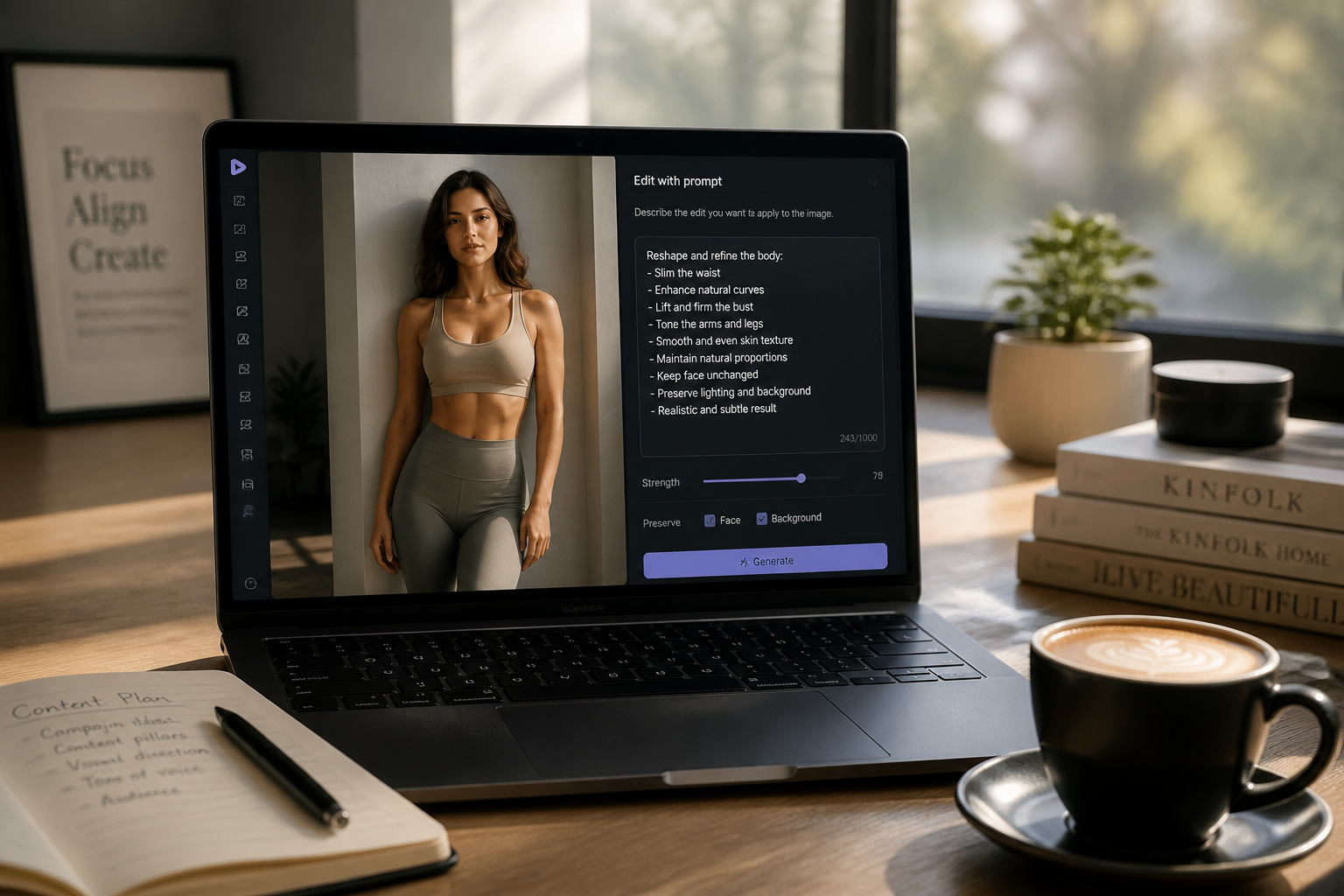
Describe the waist edit
Tell the editor how strong you want the change to be. Use direct wording like dramatically slimmer waist or strong hourglass shape for clearer results.
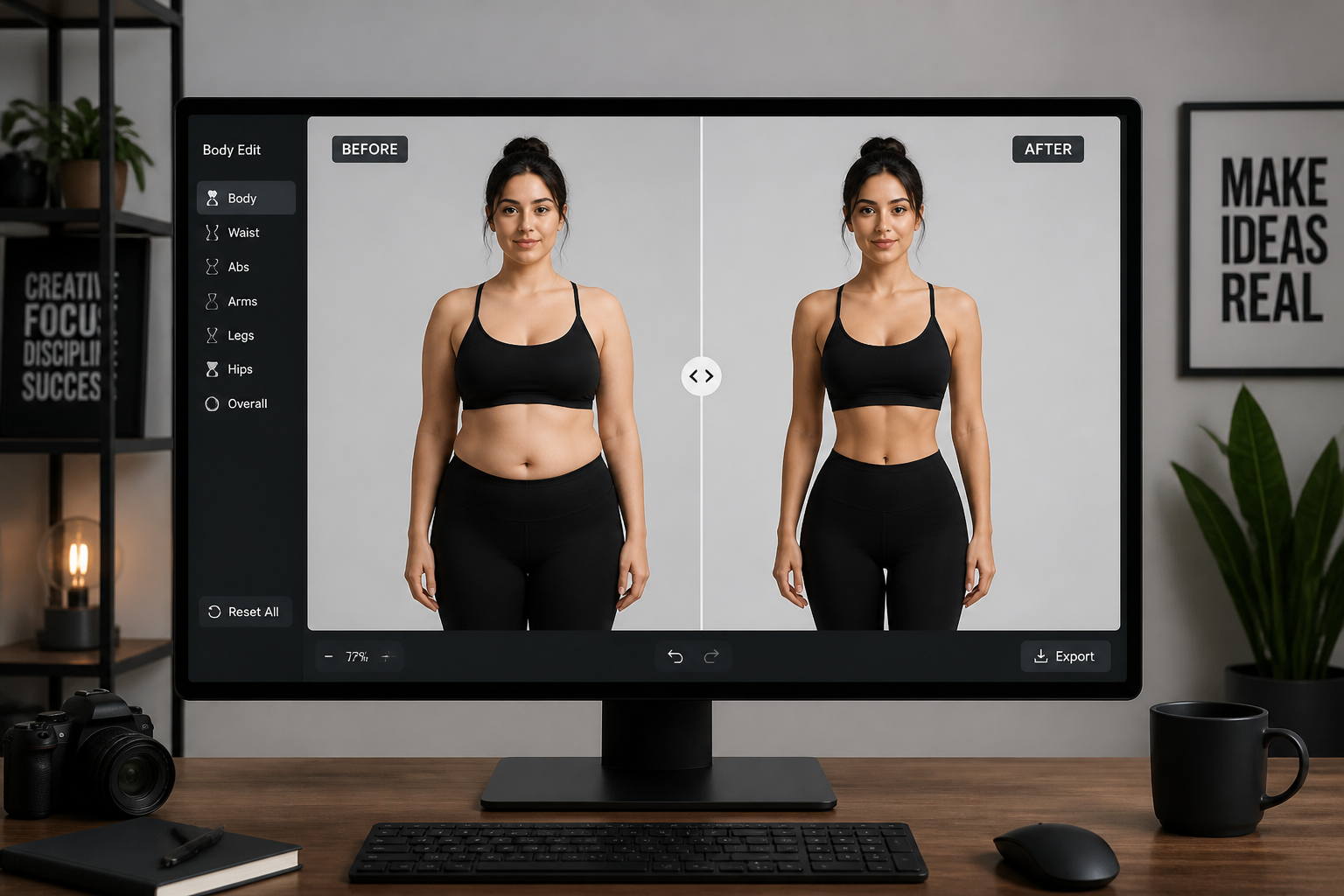
Compare the result
Review the before and after side by side and check that the pose, outfit, and background still match. If needed, rerun with stronger or more specific wording.
Perfect For
Discover how creators and professionals use ai waist slimmer
Fashion concept mockups
Test how a more dramatic silhouette changes the impact of an outfit before planning a shoot or campaign.
Social content variations
Create bolder thumbnail-ready body edits for reels, posts, and creative experiments.
Character and style design
Explore stronger waist proportions for stylized portraits, comic looks, or editorial concepts.
Before-and-after demos
Show a clear visible body-shape transformation in galleries, case studies, or landing pages.
Built For
Creators and influencers
Make visual body-shape edits that stand out quickly in feeds, thumbnails, and content drafts.
Fashion marketers
Preview stronger silhouettes for apparel images, moodboards, and campaign concepts.
Designers and editors
Produce dramatic reshape concepts faster than manual warp-based editing.
Why people use it for waist edits
A quick look at how we compare on the things that matter for this niche.
| Feature | BudgetPixel | Generic AI editors | Manual editing apps |
|---|---|---|---|
| Clear waist transformation | ✓ | — | ✓ |
| Keeps pose and scene aligned | ✓ | — | — |
| Fast to try variations | ✓ | ✓ | — |
| No manual warping required | ✓ | ✓ | — |
Frequently Asked Questions
What does AI Waist Slimmer do?
Will the results be subtle or dramatic?
Does it work on men and women?
Do I need editing skills?
What kind of photos work best?
Create together.
Share your creations, discover trending AI art, and grow with fellow creators.