Character Reference Sheet Maker from a Single Image
Turn one photo or concept image into a clean multi-view character sheet.
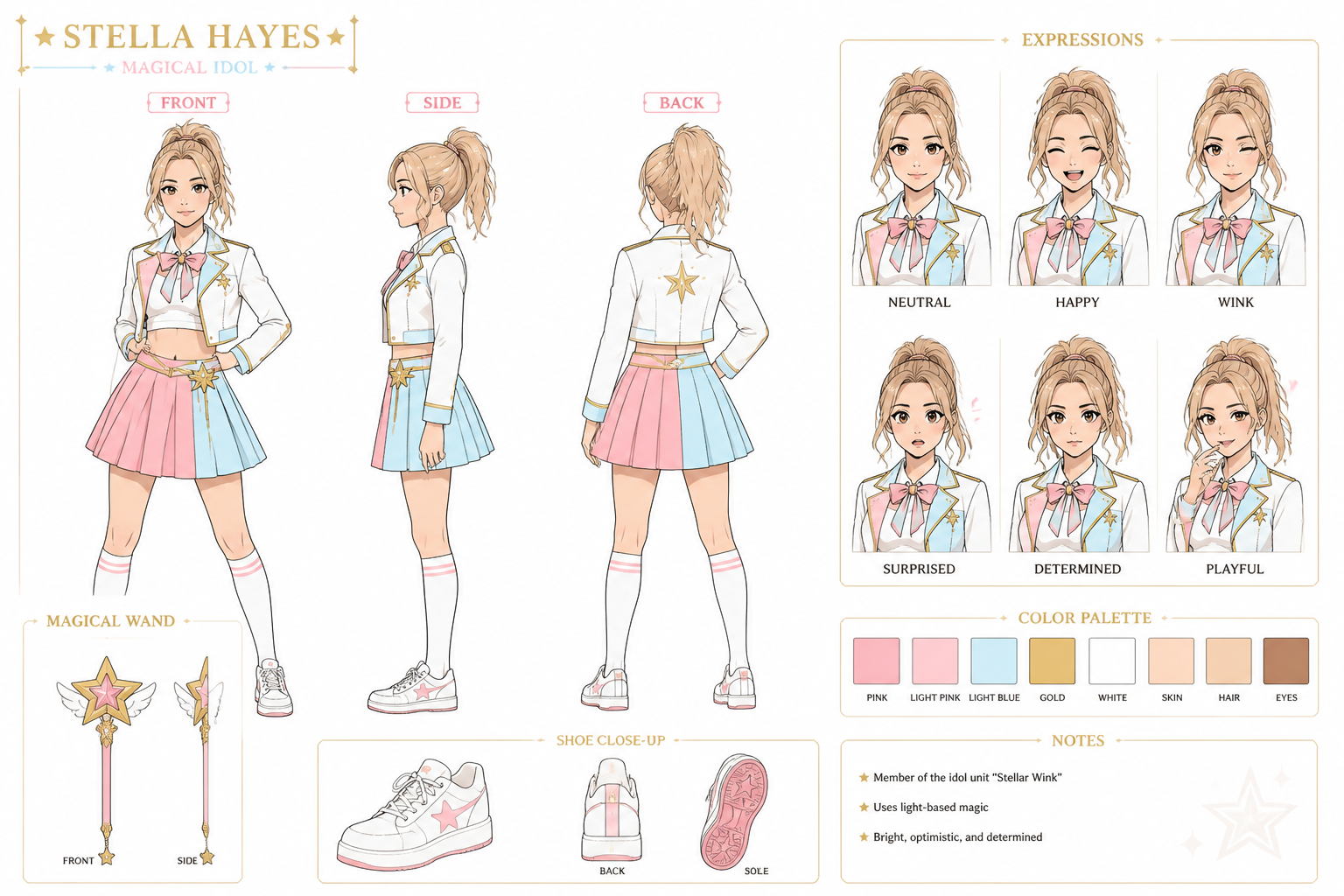
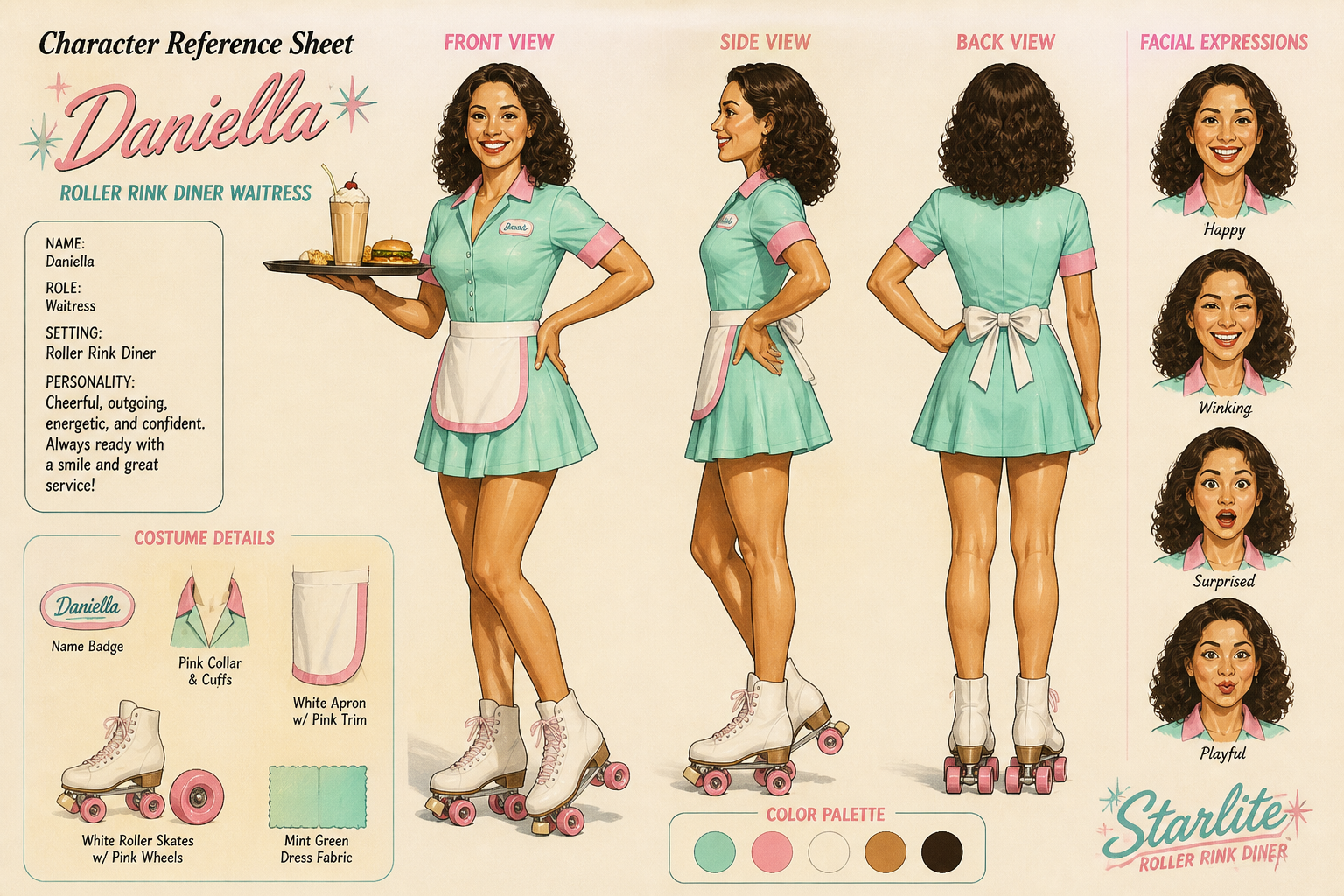
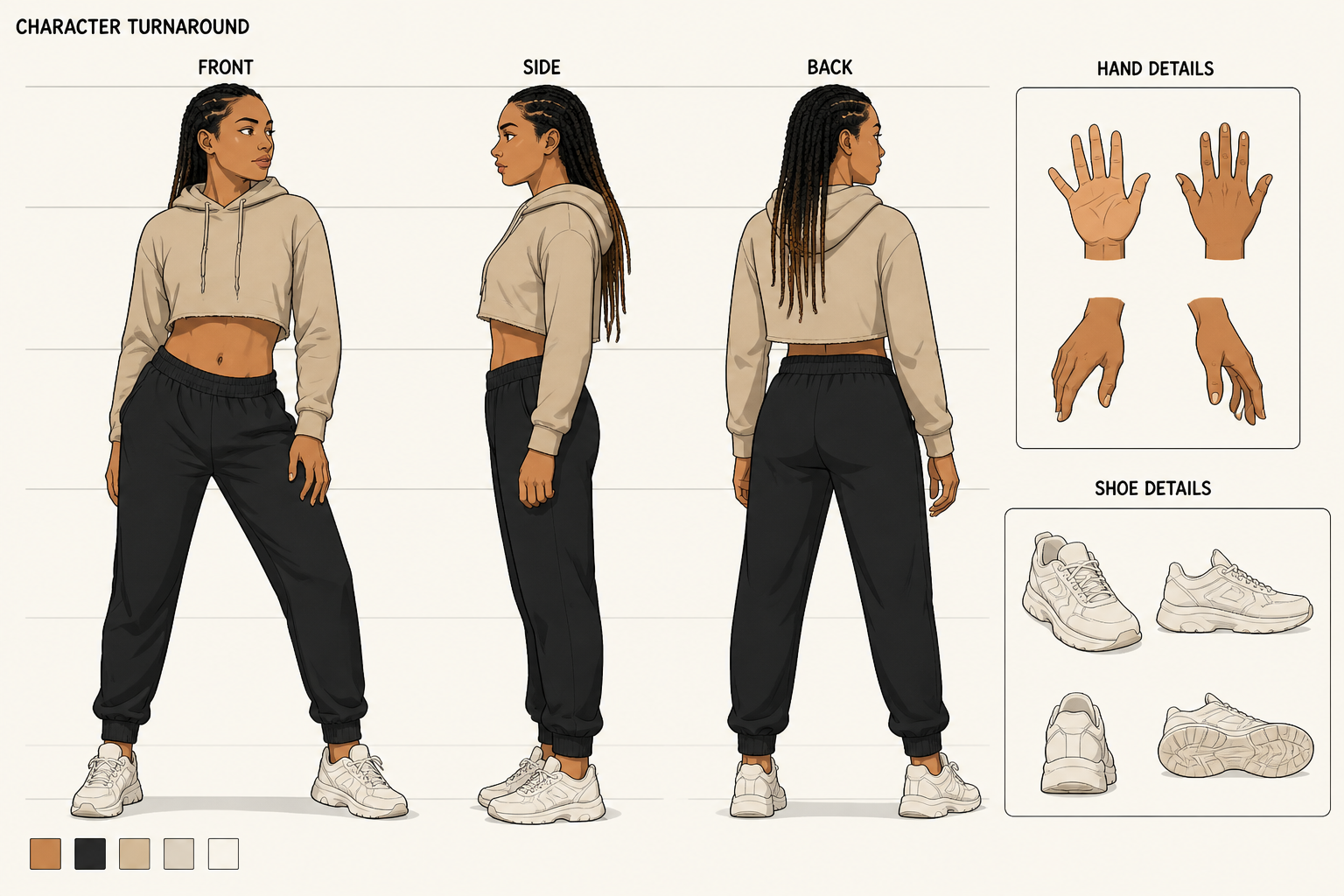
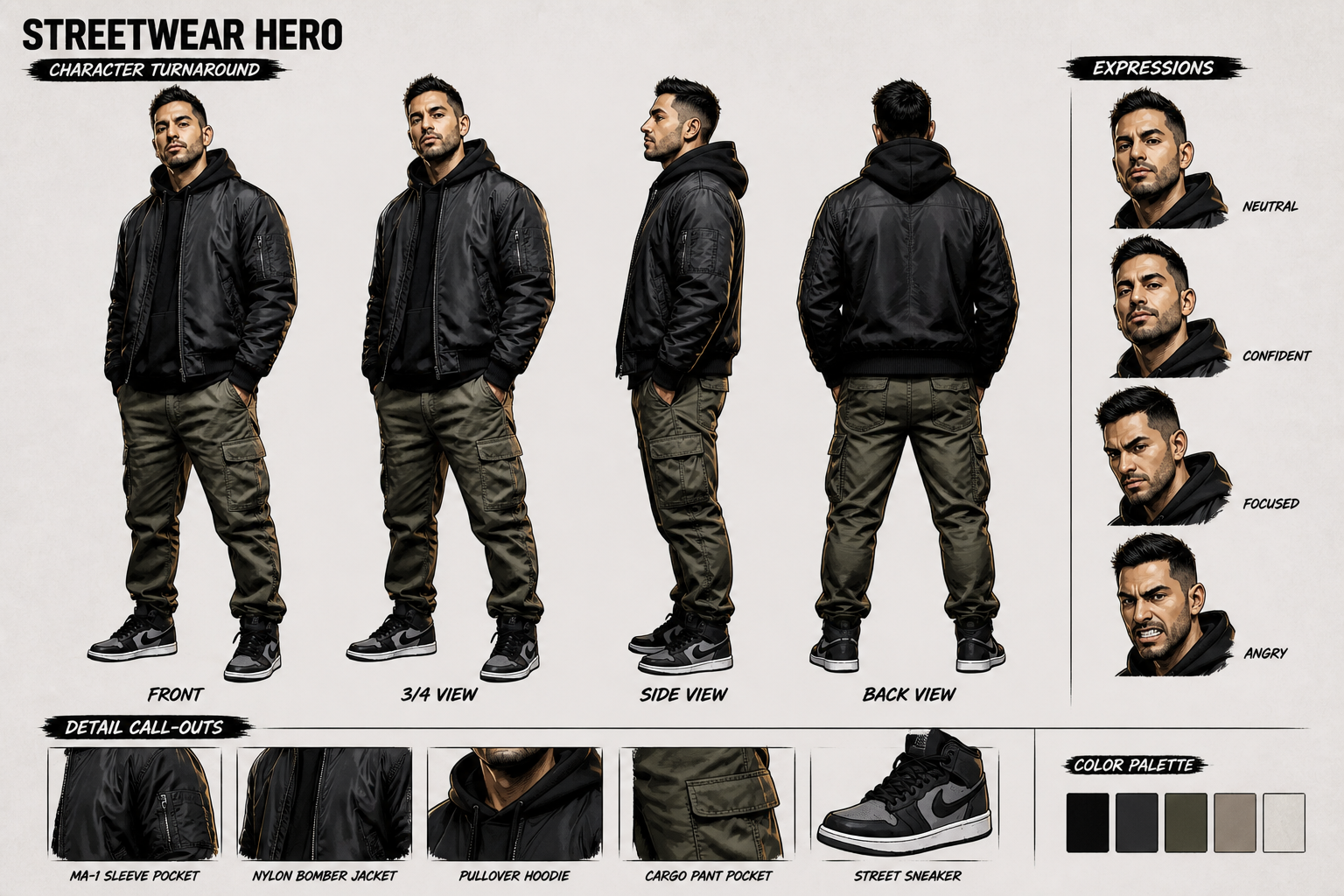
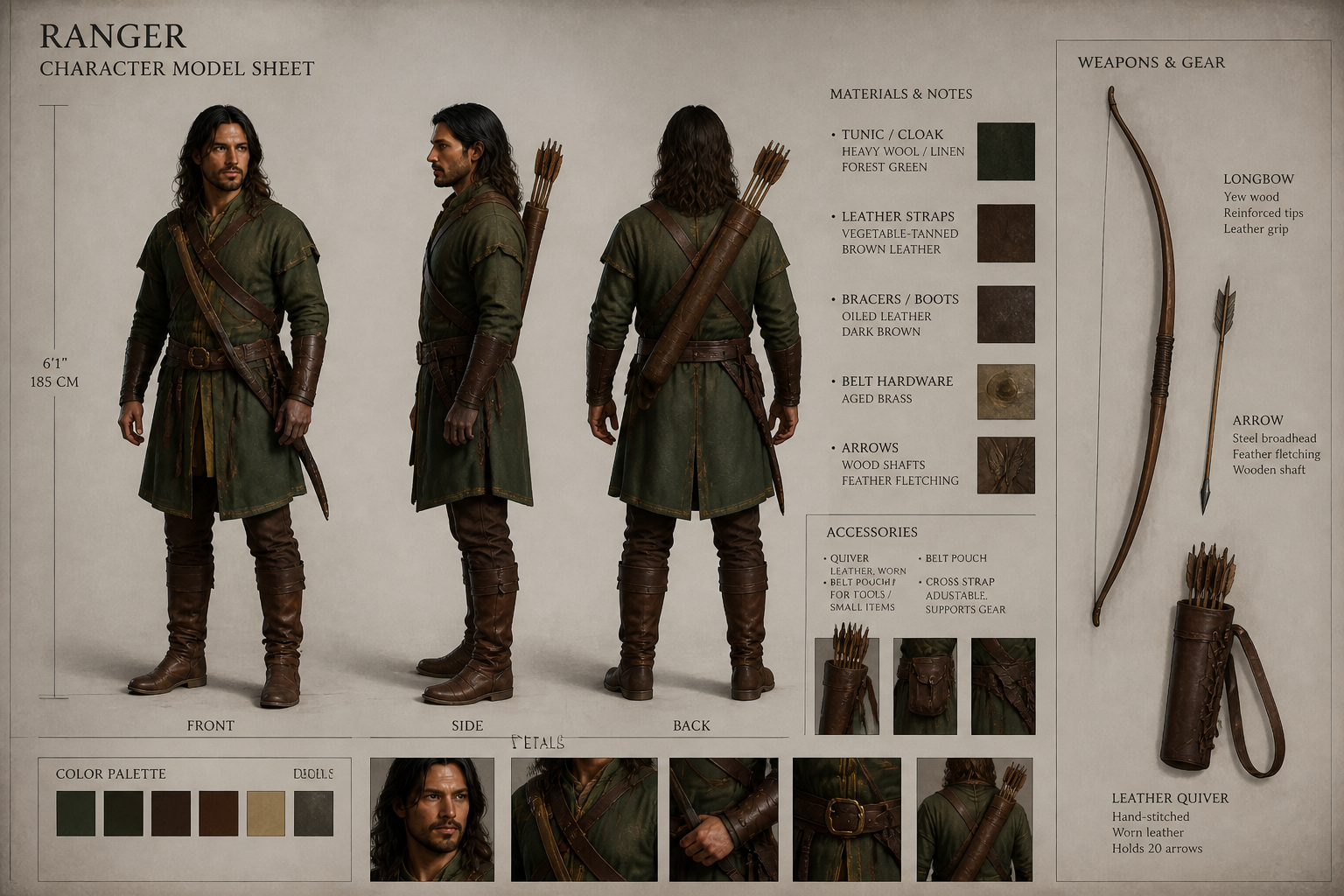
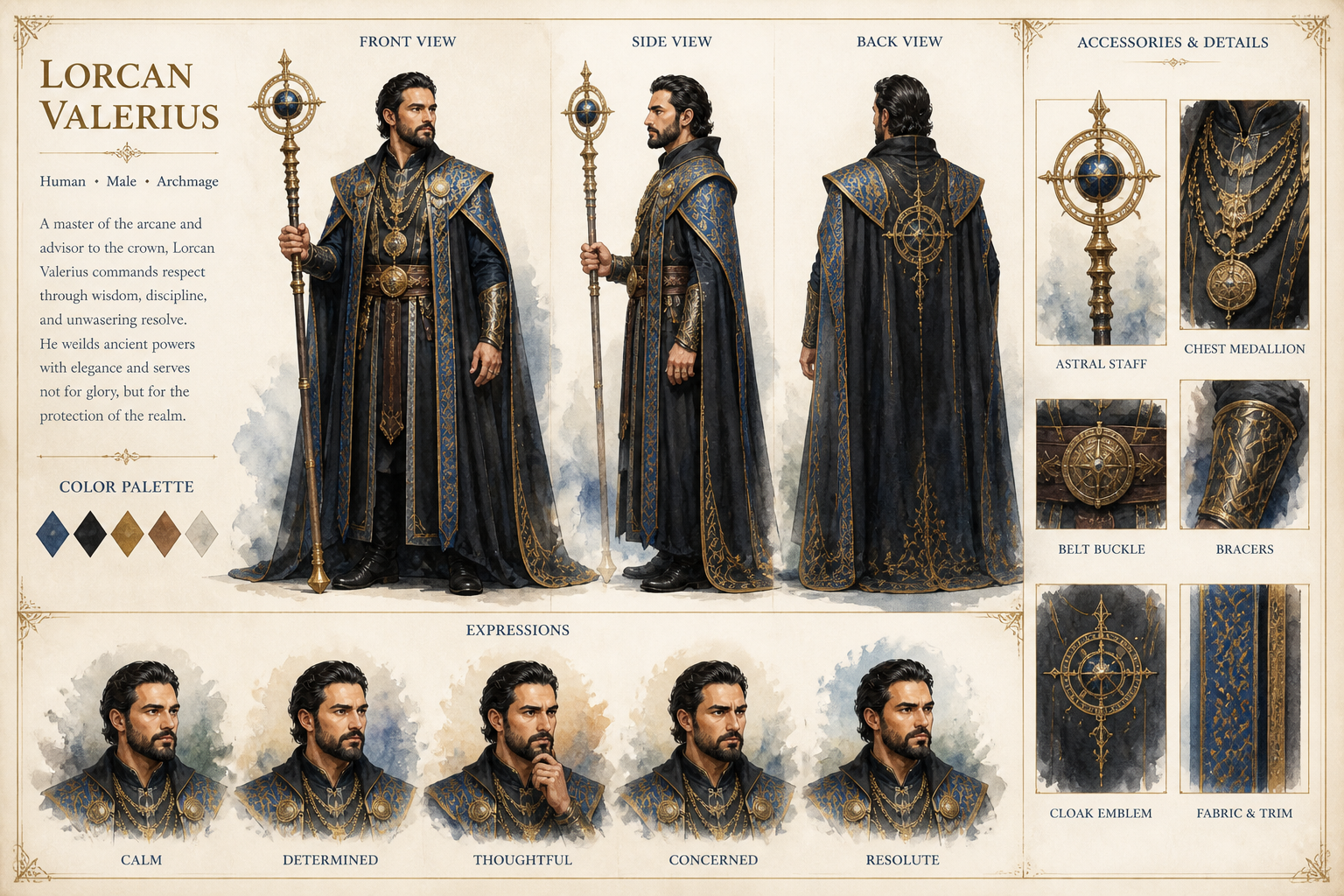
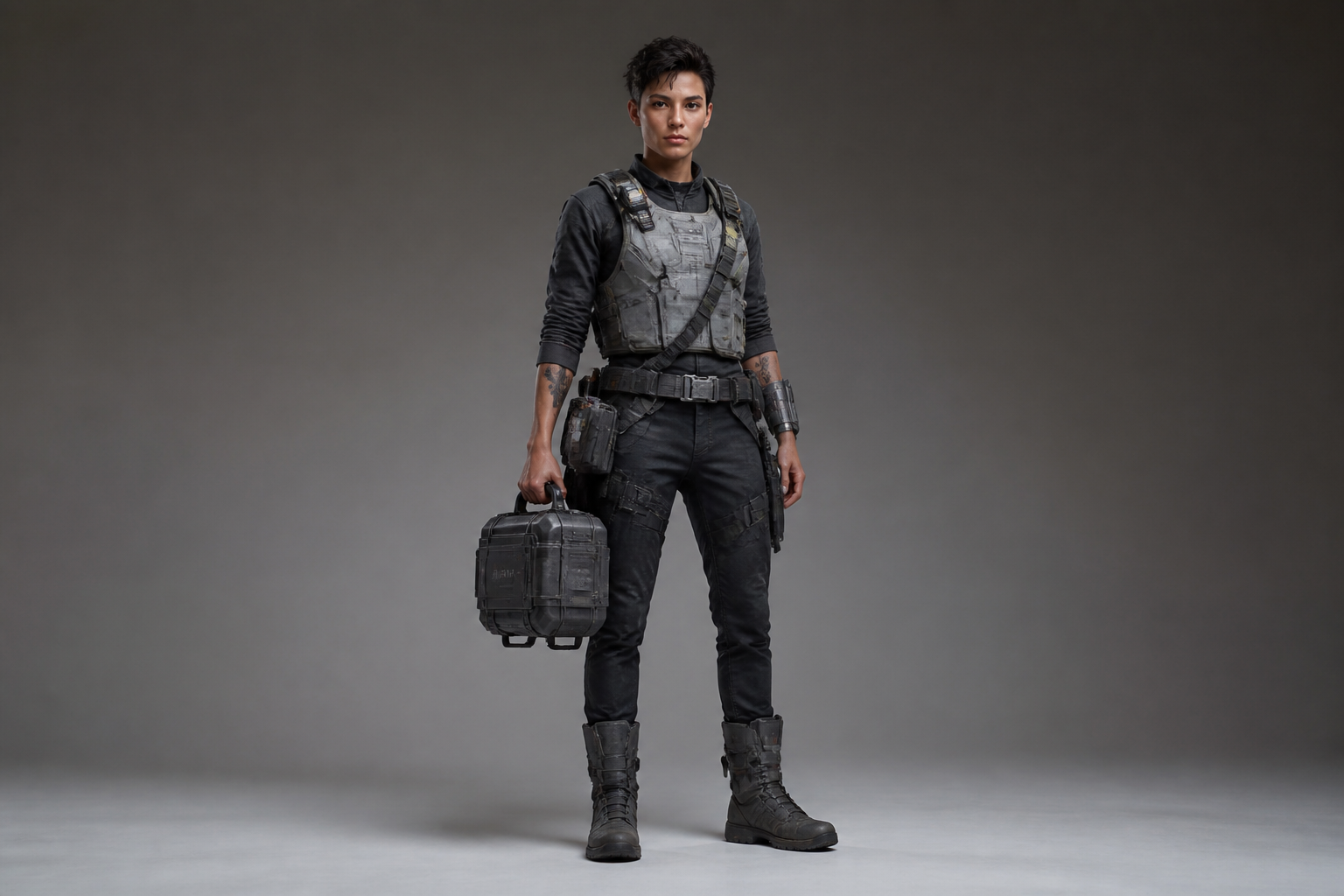
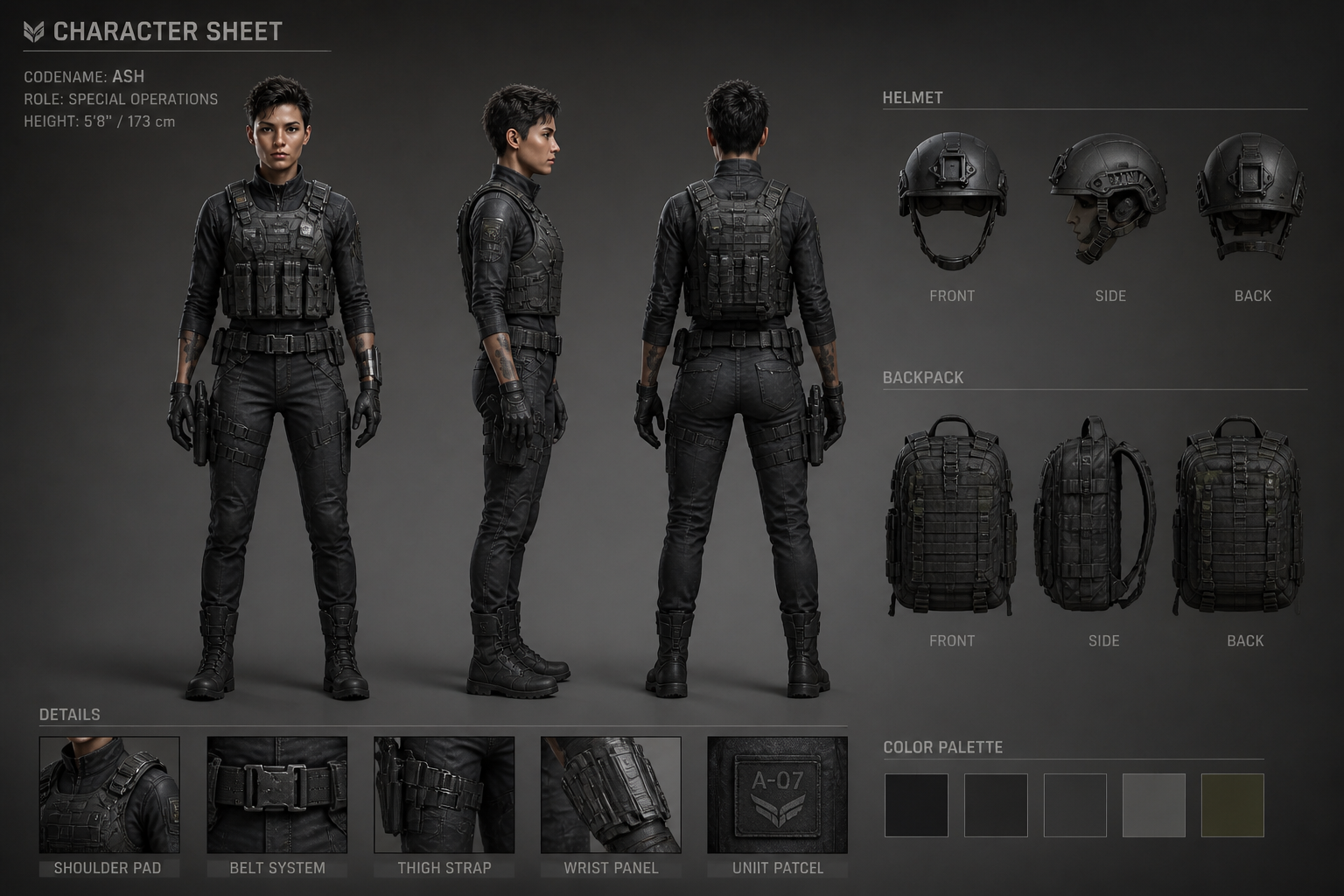
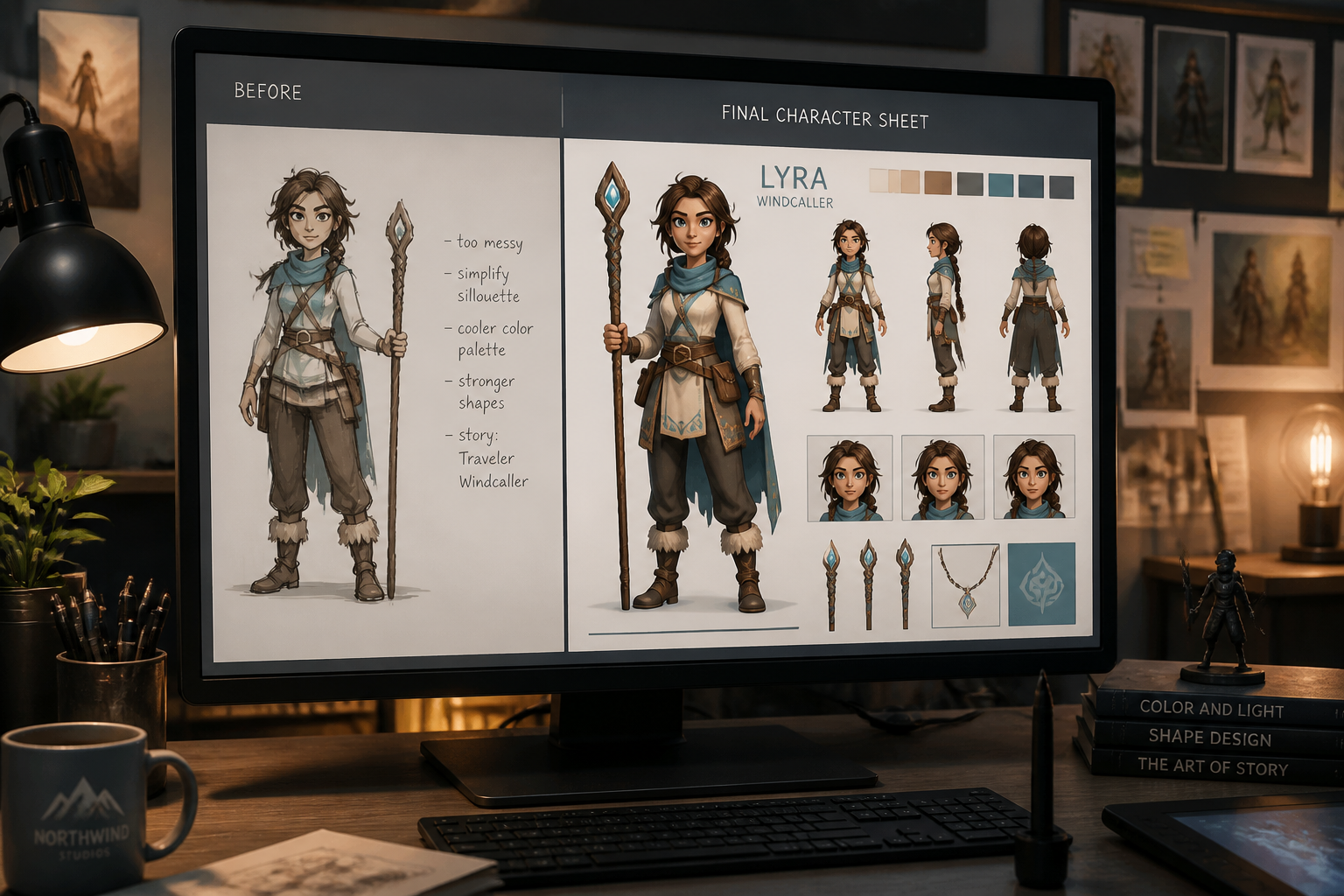
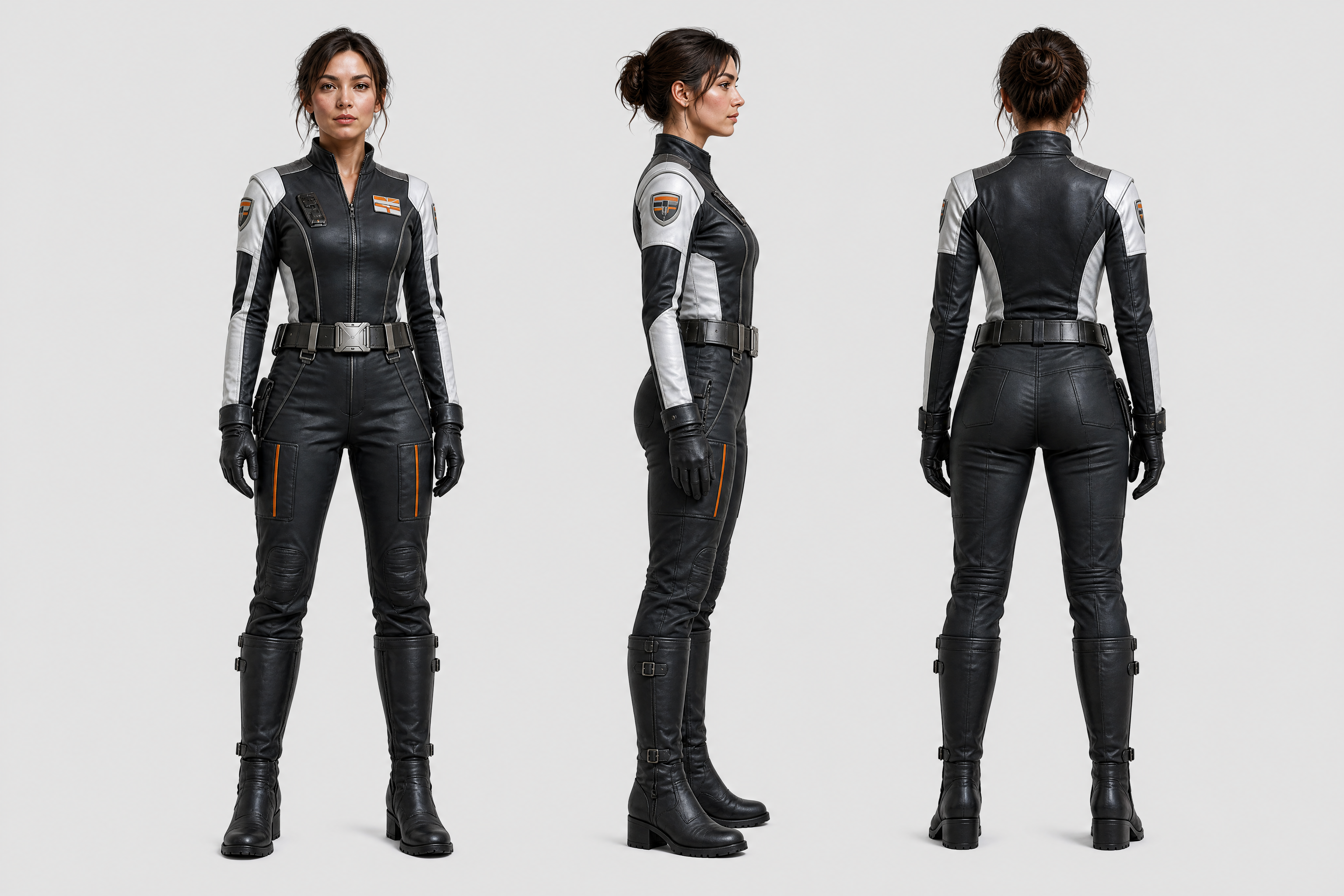
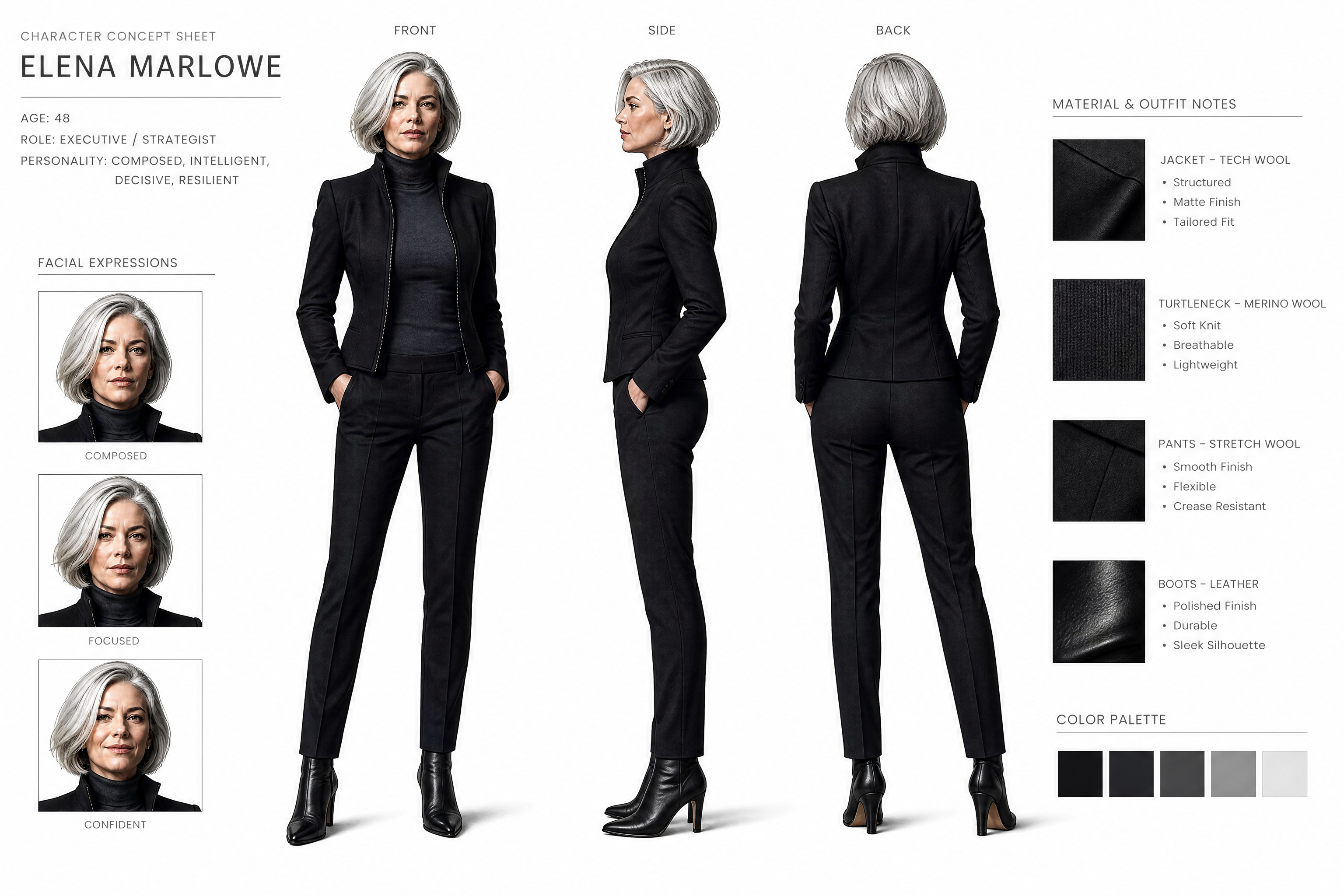
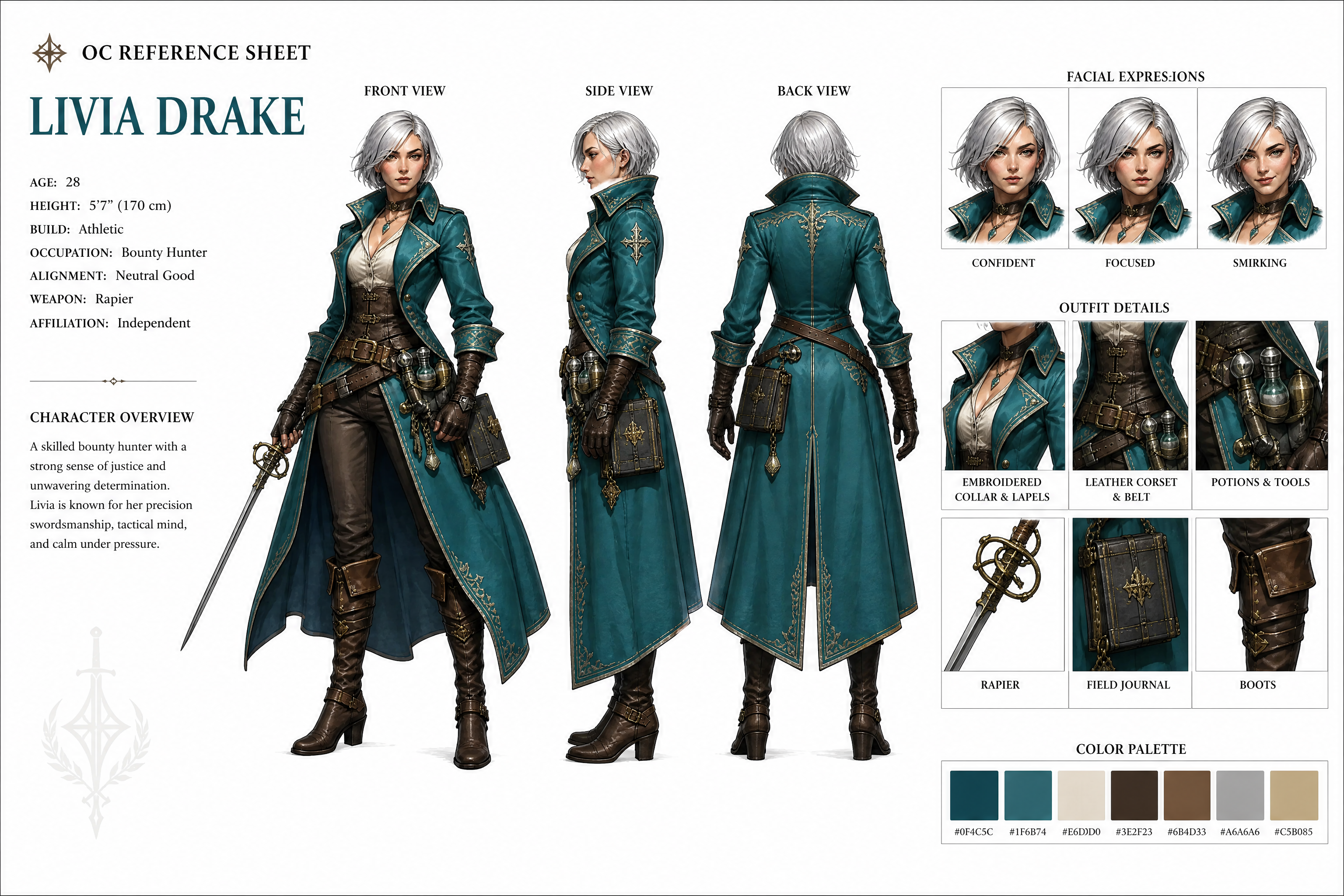
Upload a character image and generate a polished reference sheet with consistent design details across multiple angles. Our AI helps you create front, side, and back views, expression callouts, and outfit notes without drawing each panel by hand.
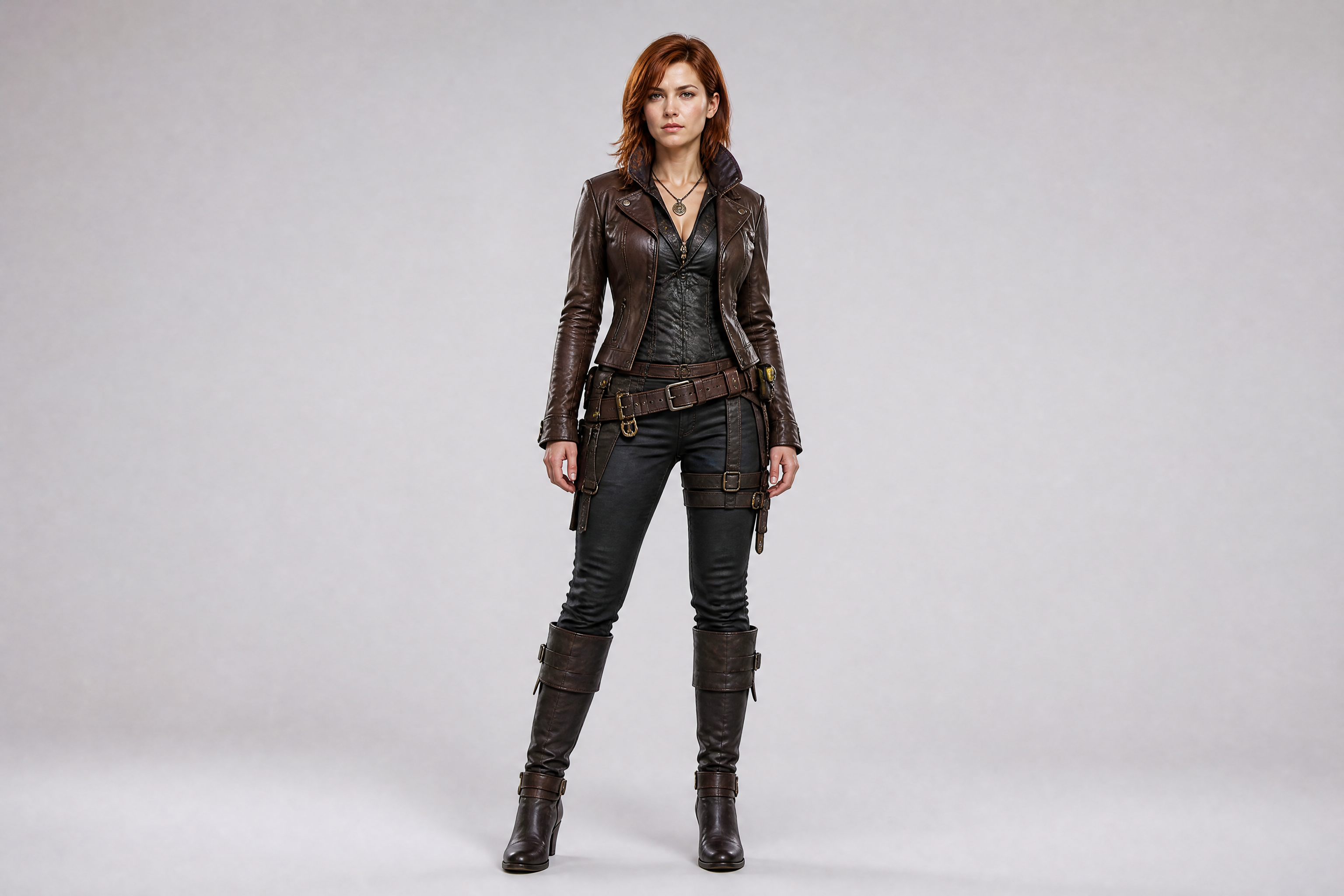
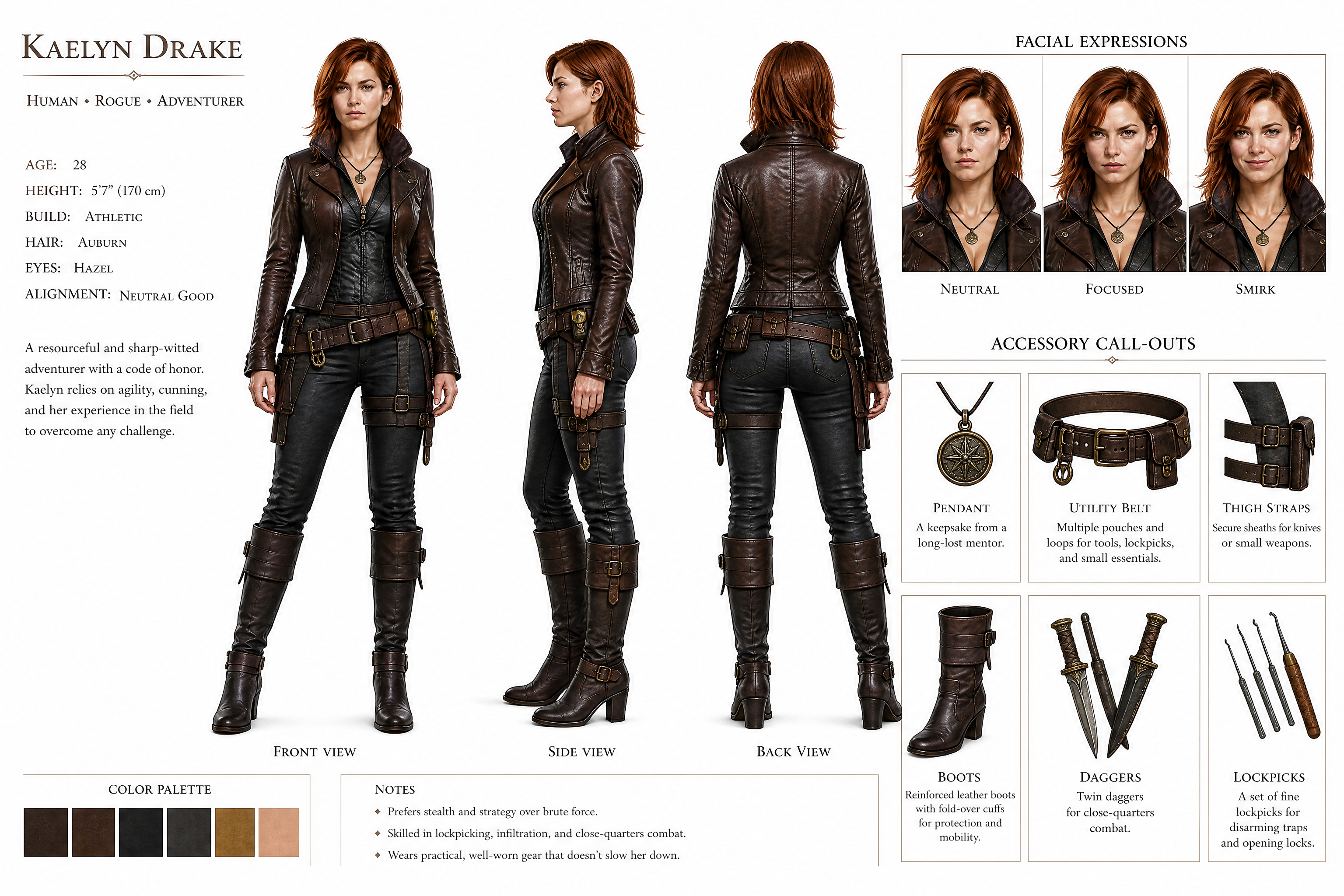
Watch the Transformation
See character reference sheet maker in motion — generated end-to-end by our AI.
See It In Action
Real outputs from character reference sheet maker.
BEFOREAFTER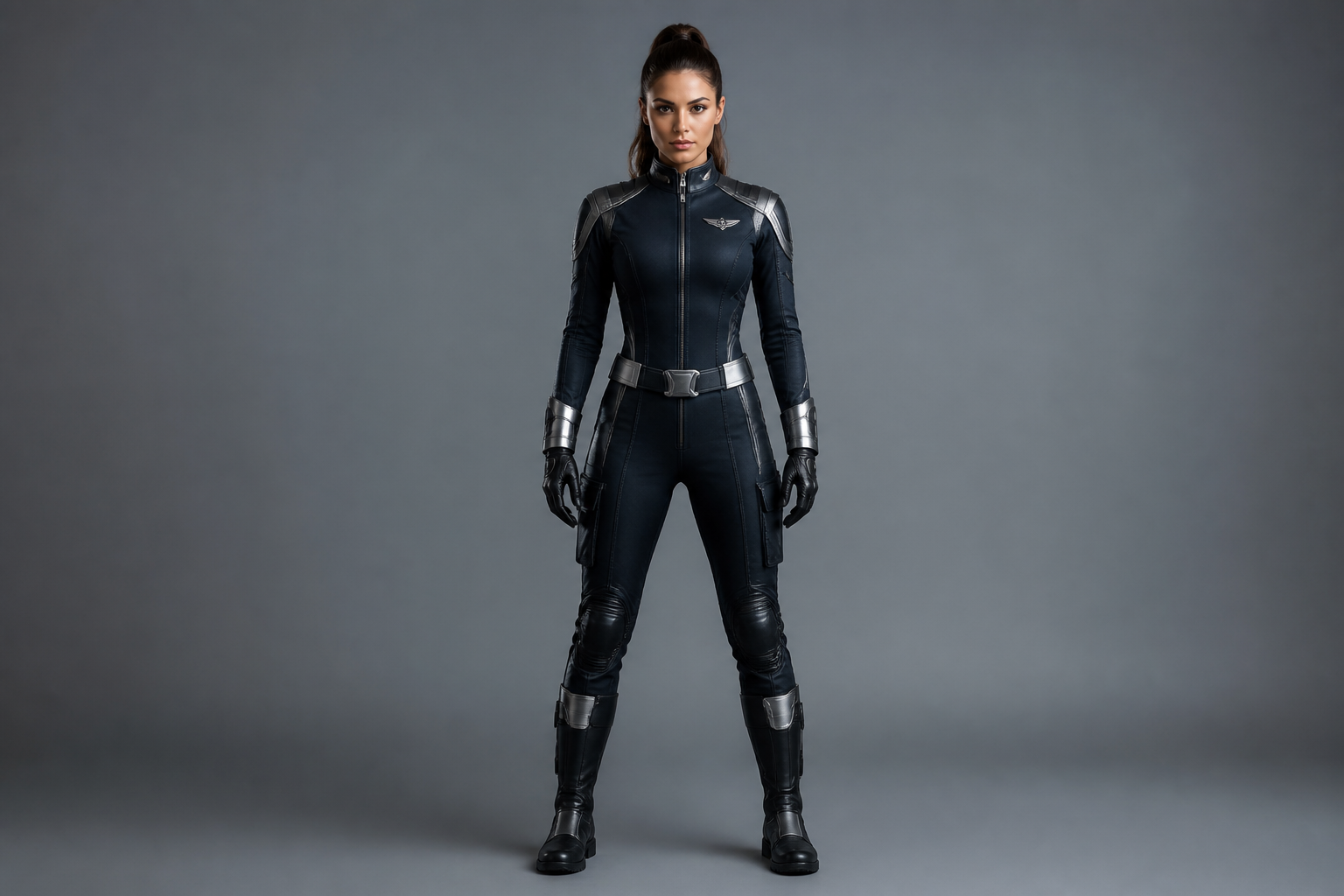 BEFORE
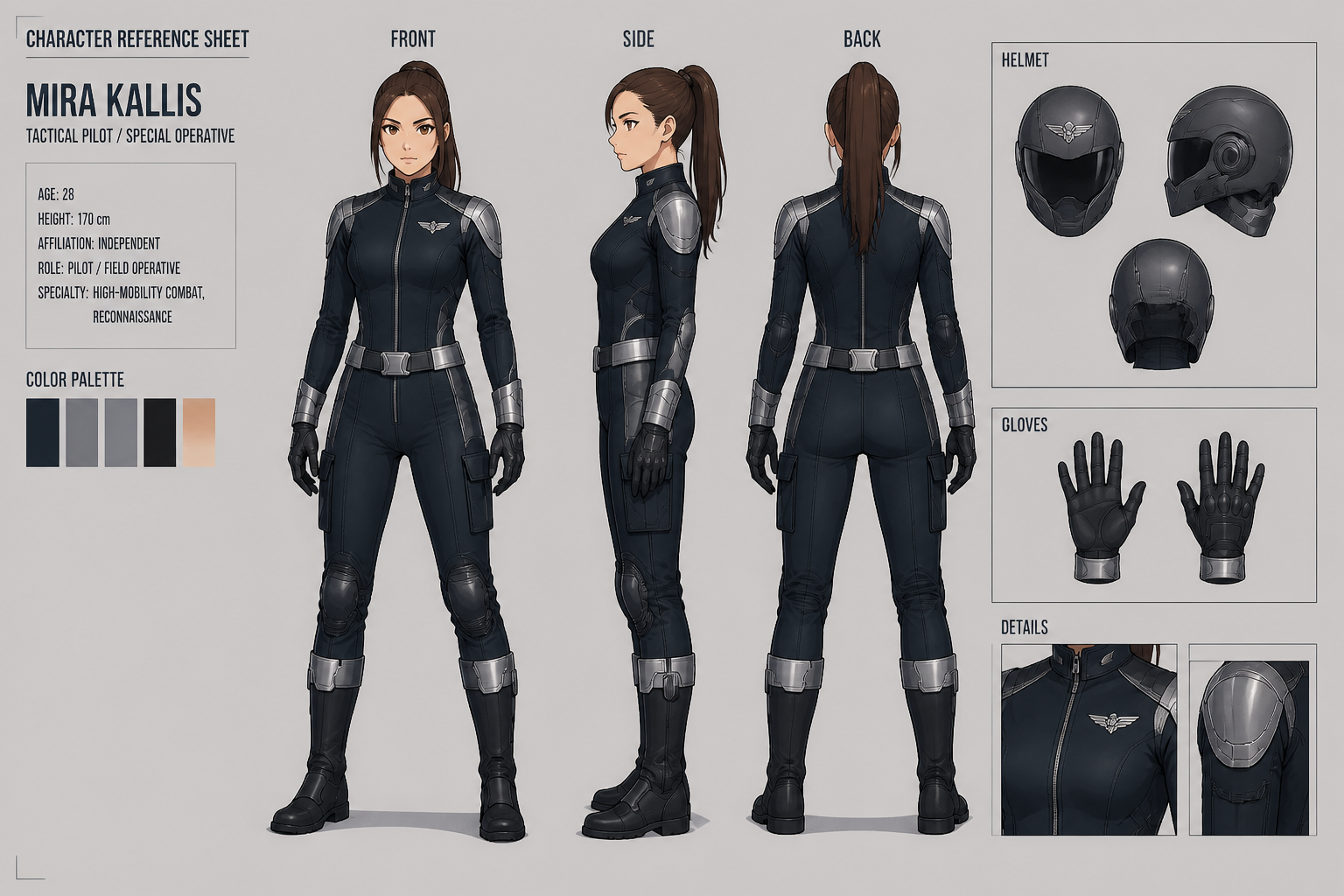 AFTER
AFTER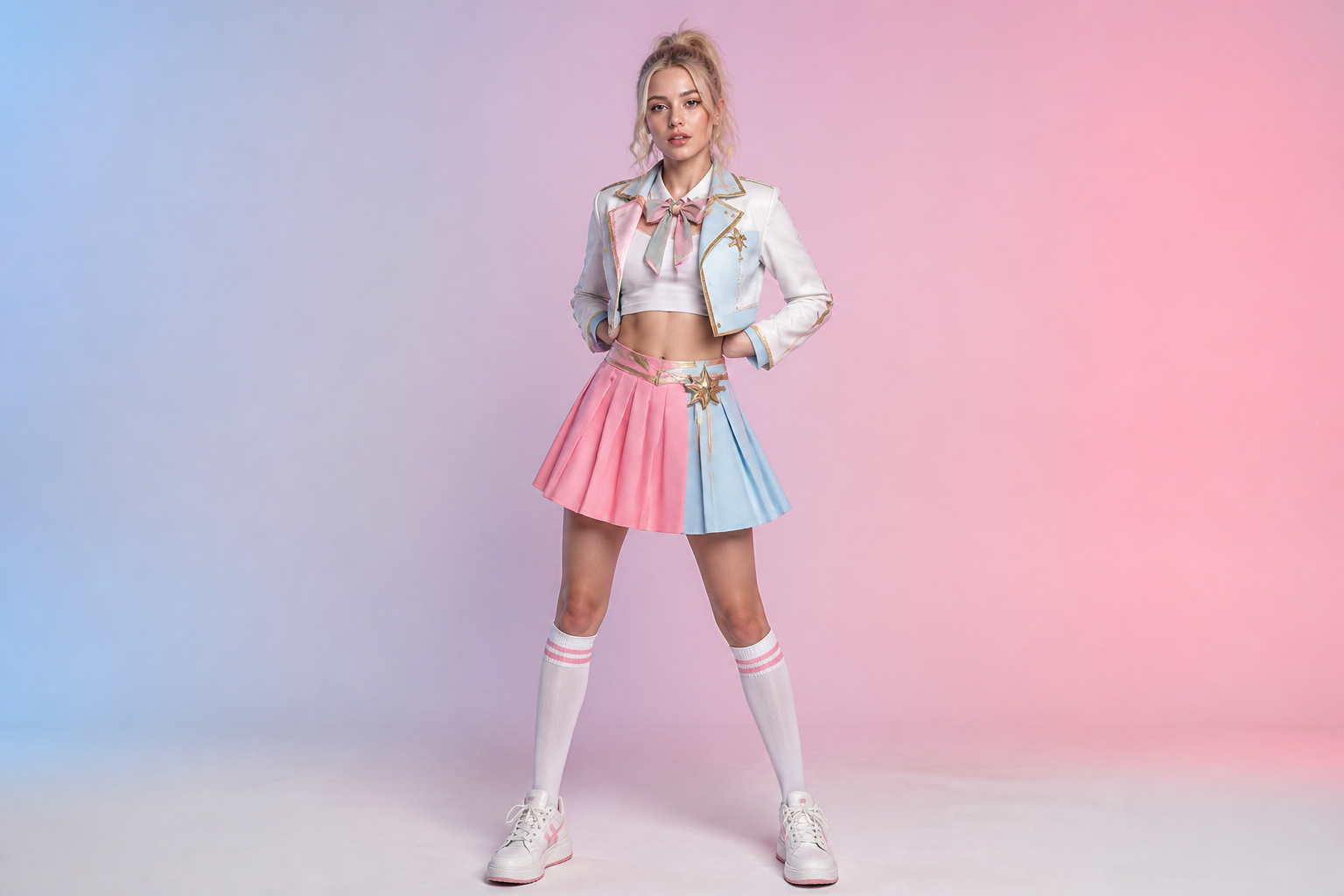 BEFORE
 AFTER
AFTER BEFORE
 AFTER
AFTER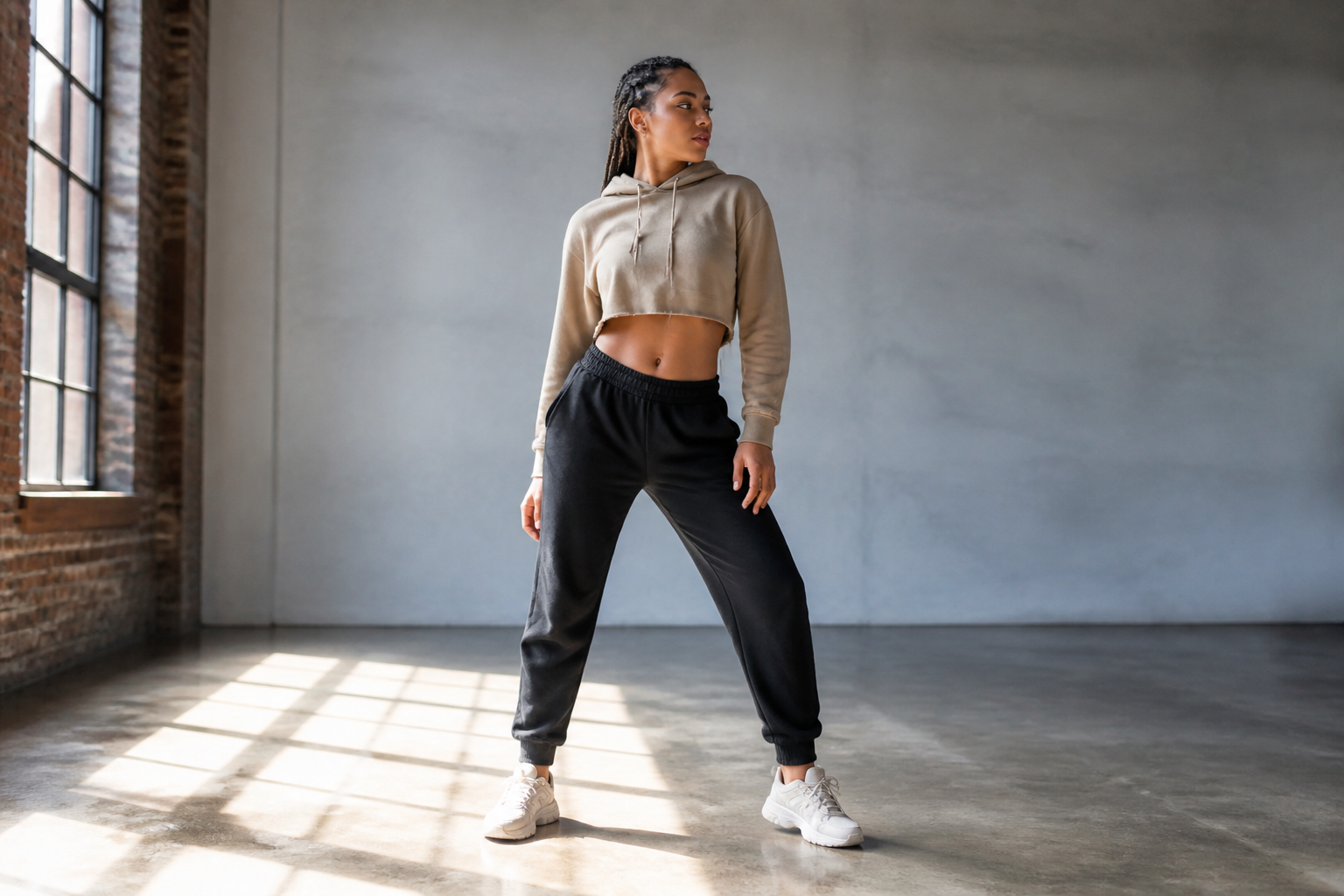 BEFORE
 AFTERBEFOREAFTERBEFOREAFTERBEFOREAFTERBEFOREAFTERBEFOREAFTER
 BEFORE
 AFTER
AFTER BEFORE
 AFTER
AFTER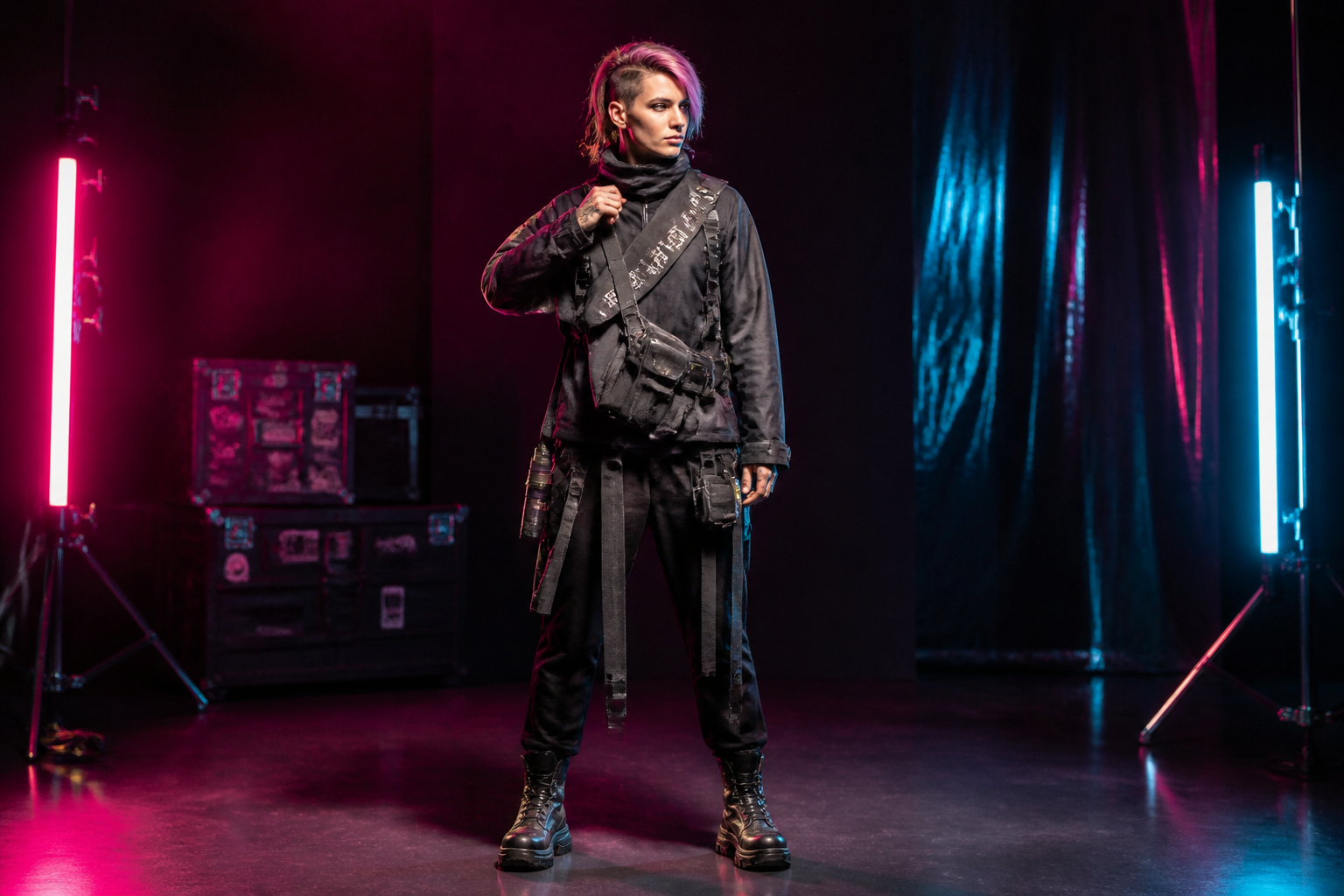 BEFORE
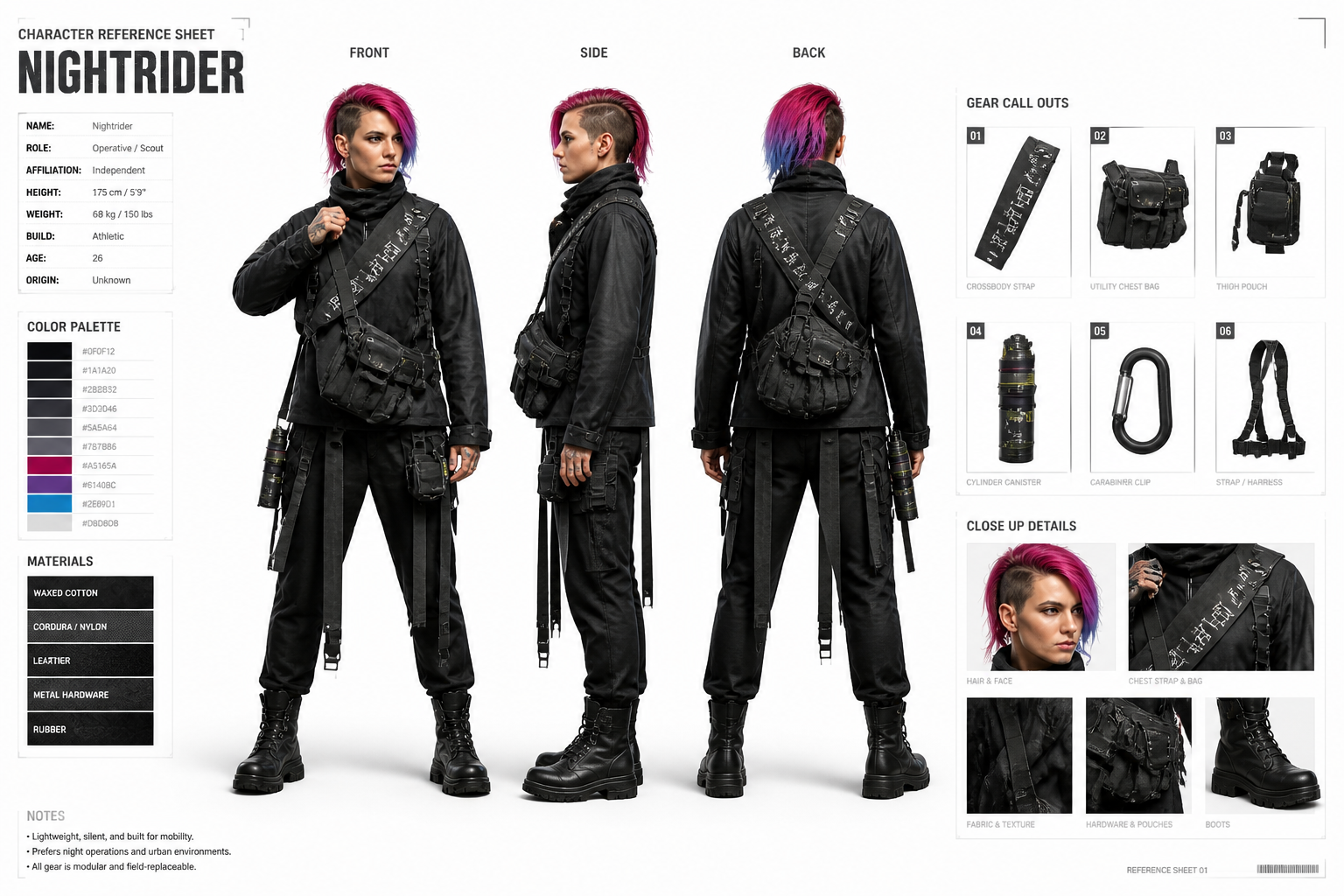 AFTER
AFTER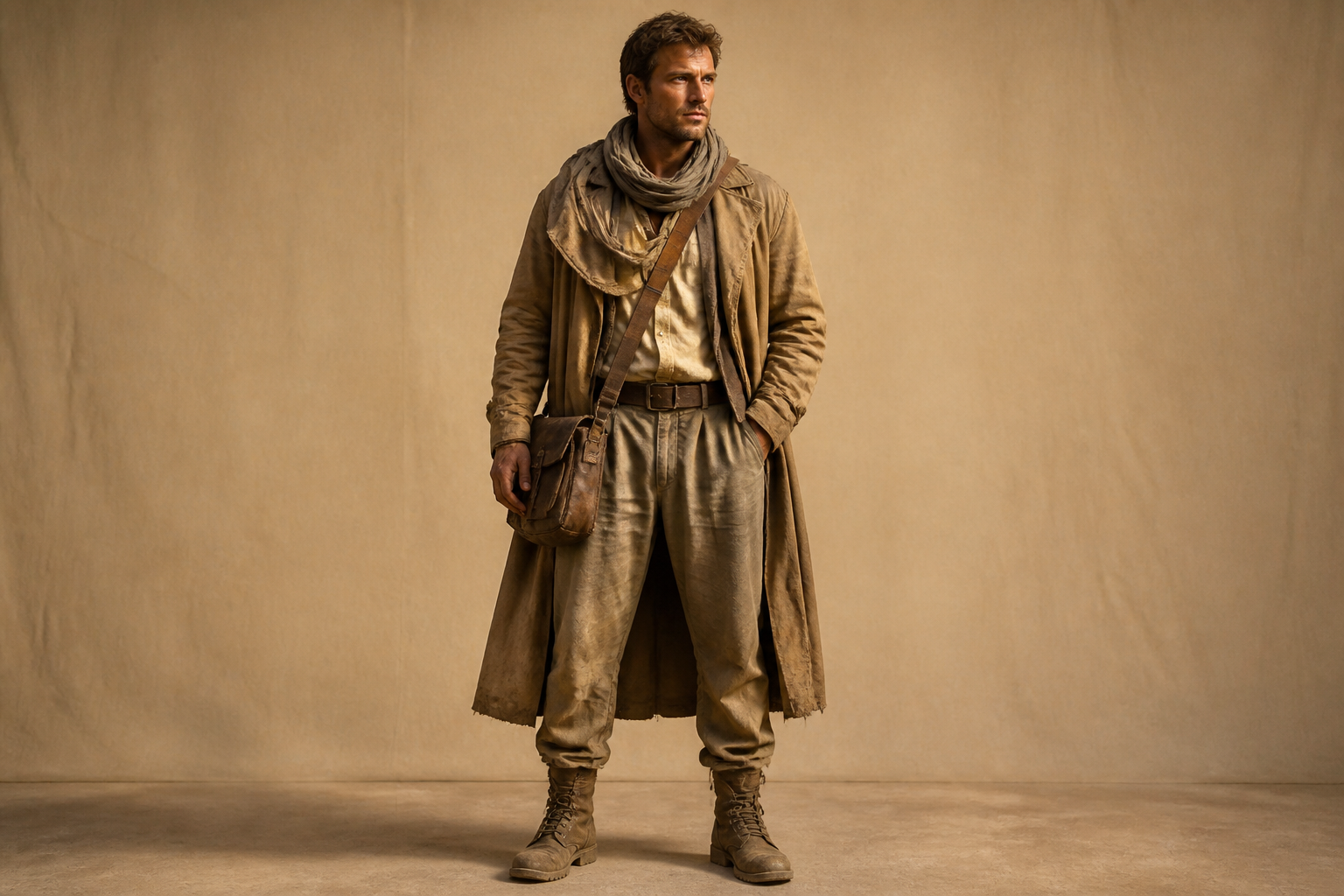 BEFORE
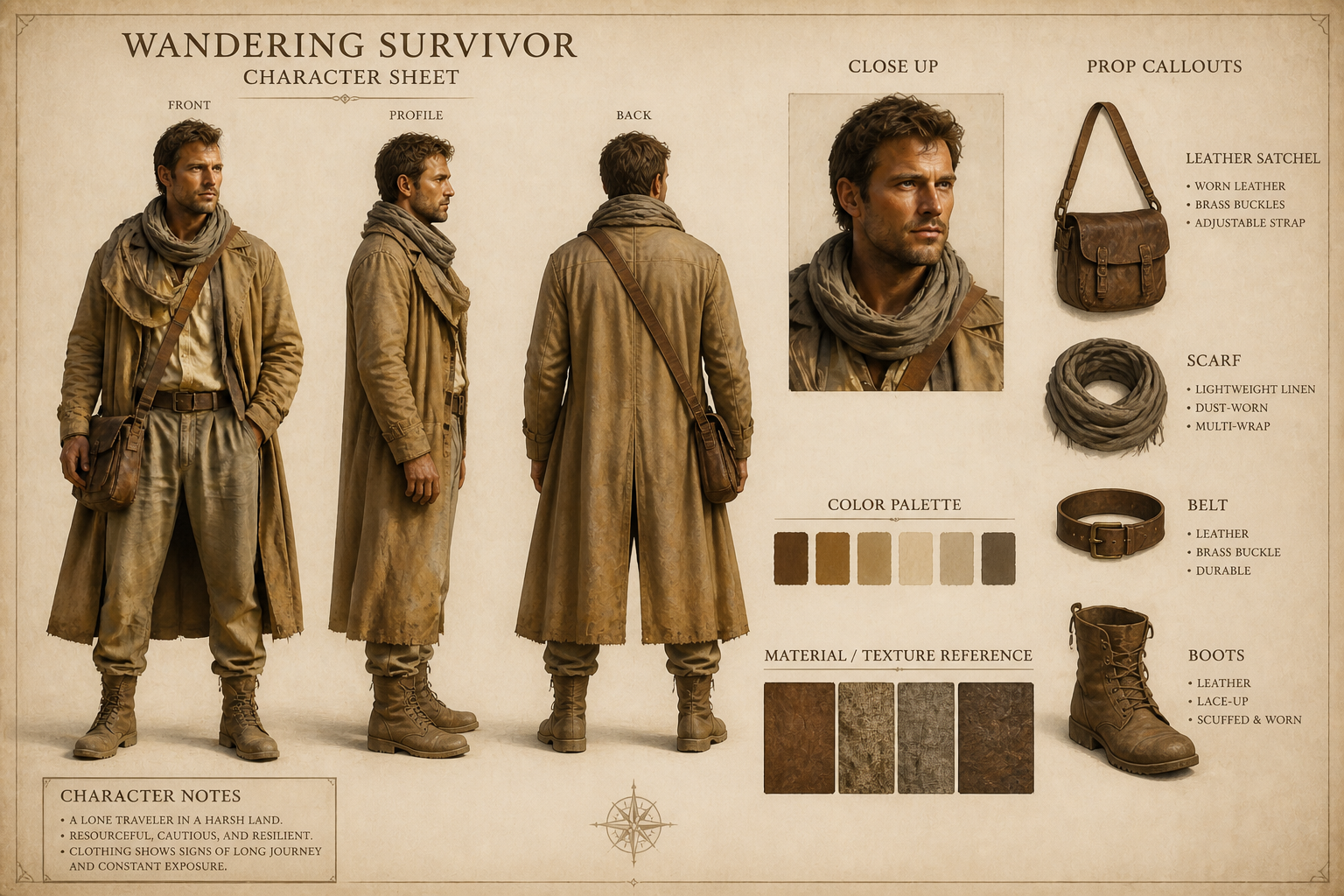 AFTER
AFTER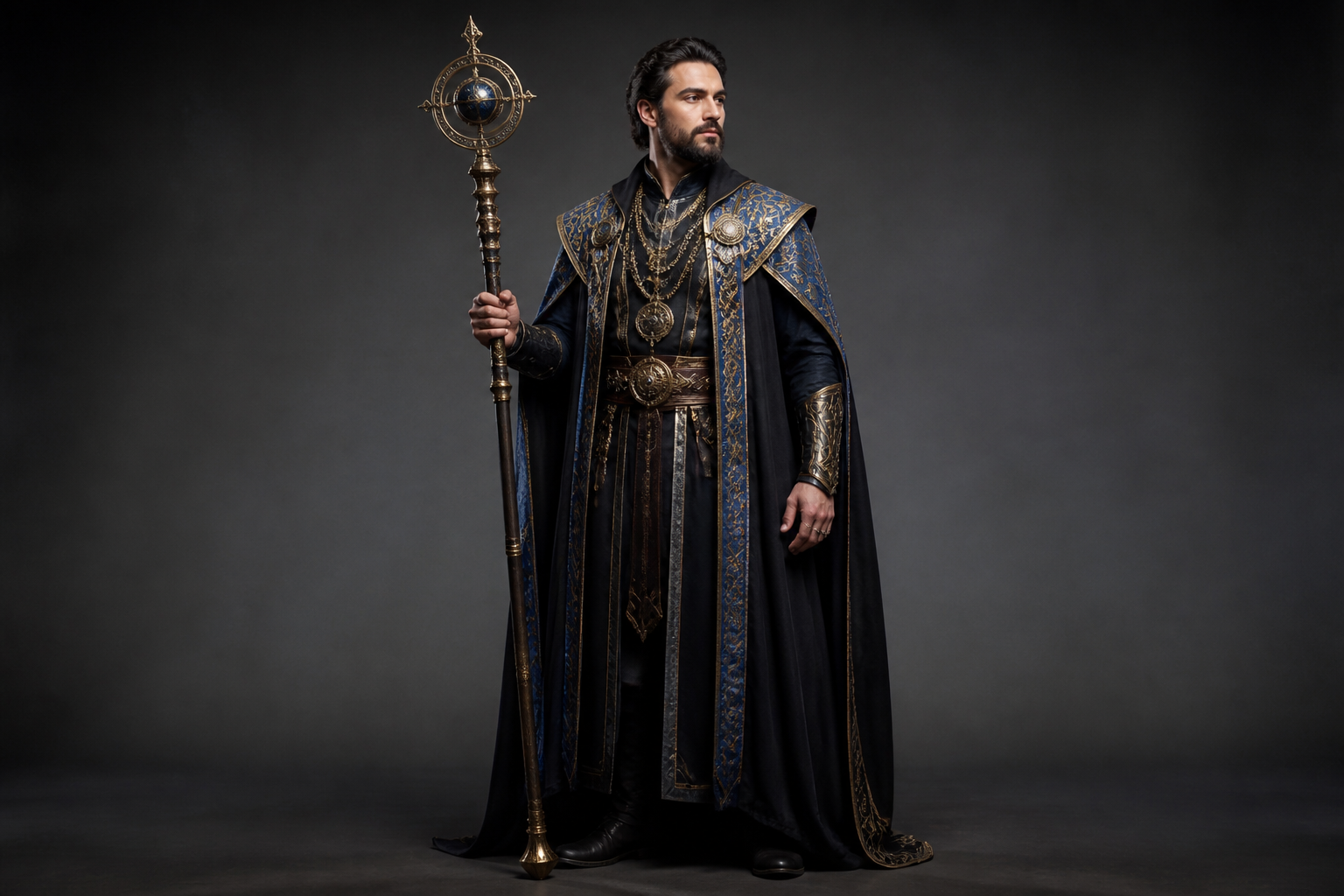 BEFORE
 AFTERBEFOREAFTERBEFOREAFTERBEFOREAFTERBEFOREAFTERBEFOREAFTER
Key Features
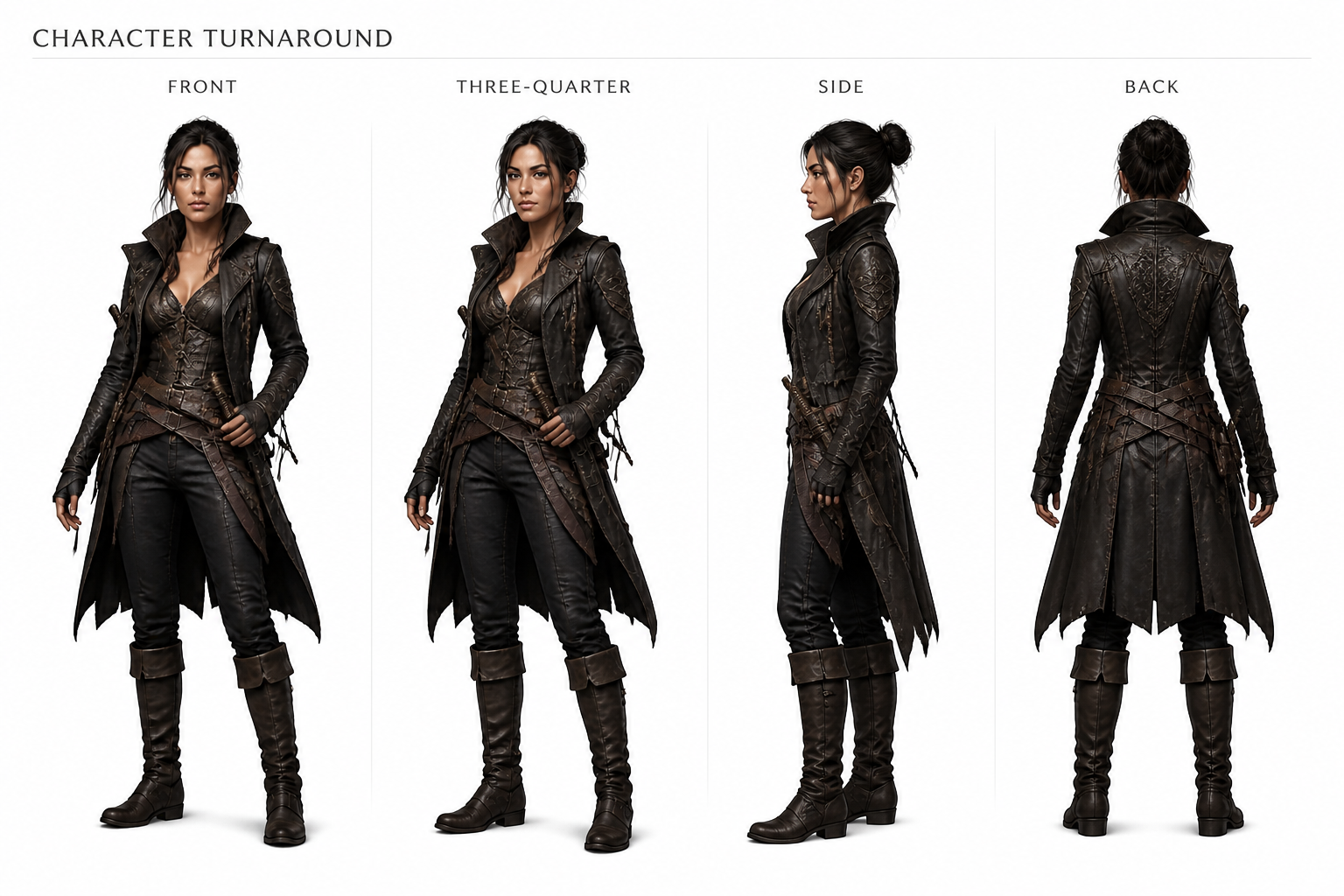
Consistent multi-view turnarounds
Build a reference sheet that shows the same character from multiple angles without redesign drift. This matters when you need clean handoff material for artists, animators, or commissioners. Instead of redrawing the outfit and proportions over and over, you can generate a structured sheet that keeps key details aligned across views.
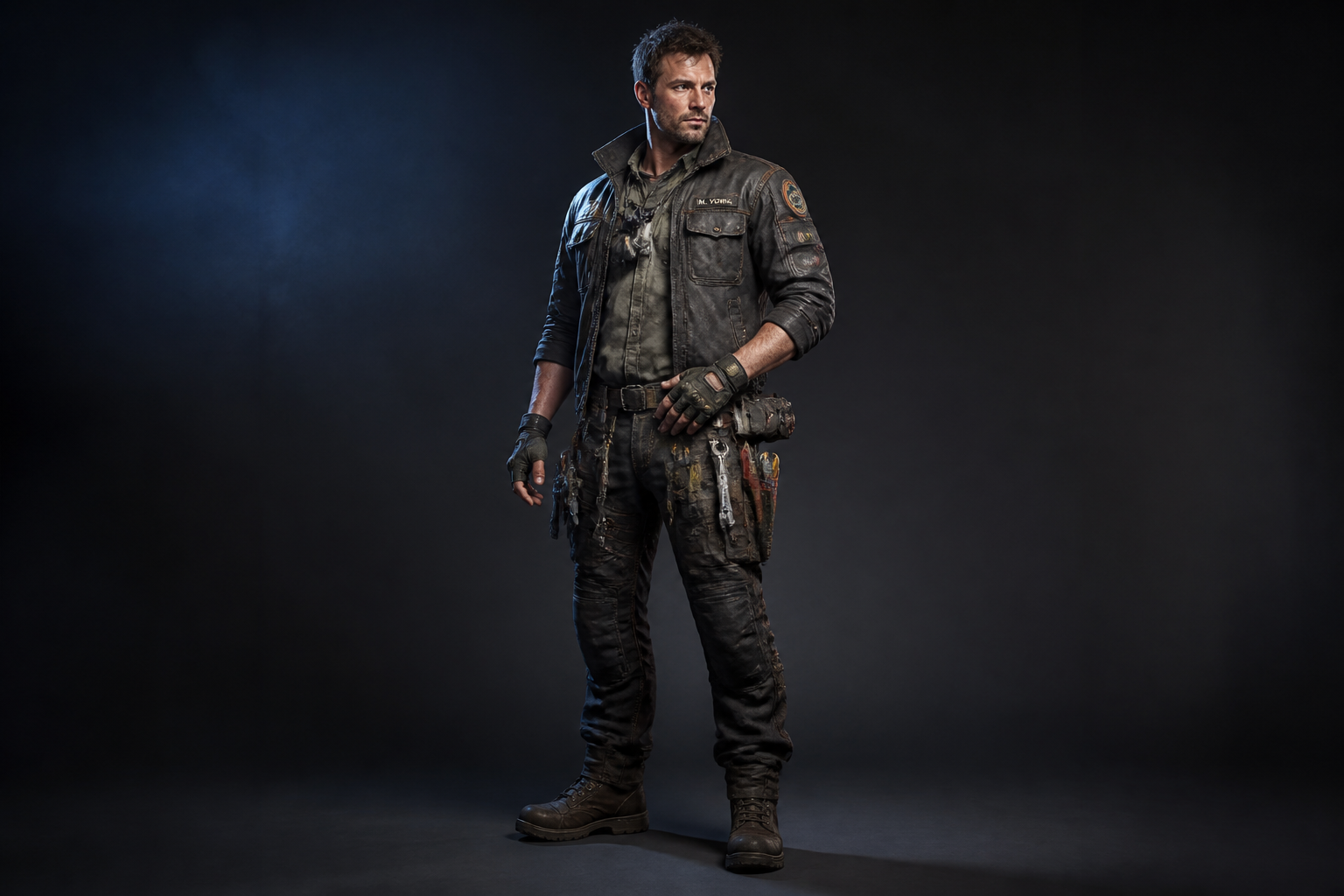
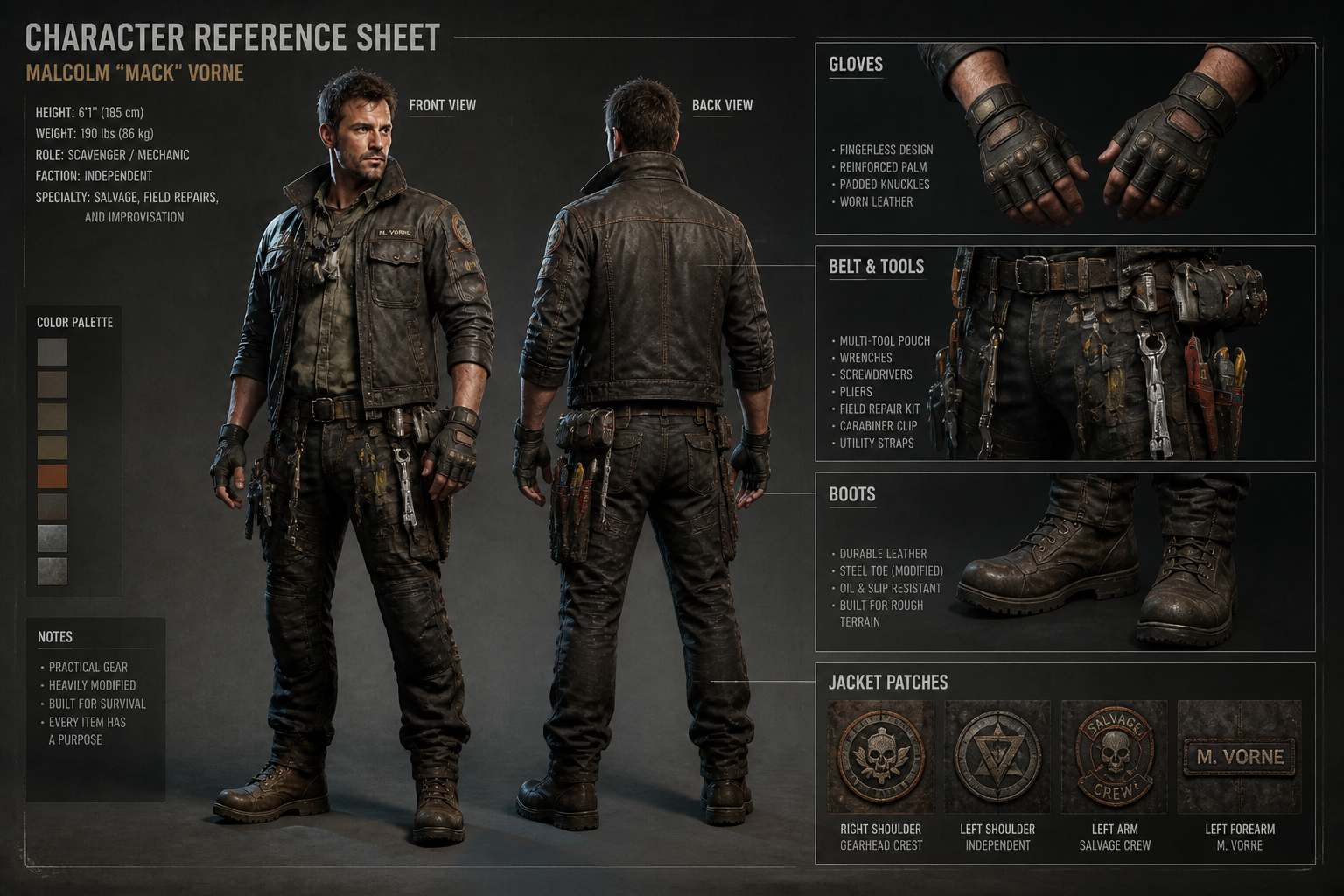
Detail callouts that read clearly
Add close-up panels for accessories, materials, and distinctive design elements. These callouts make a sheet more useful than a single portrait because they show what small parts are supposed to look like. It is much faster than manually assembling a page in a design app and trying to keep every annotation organized.
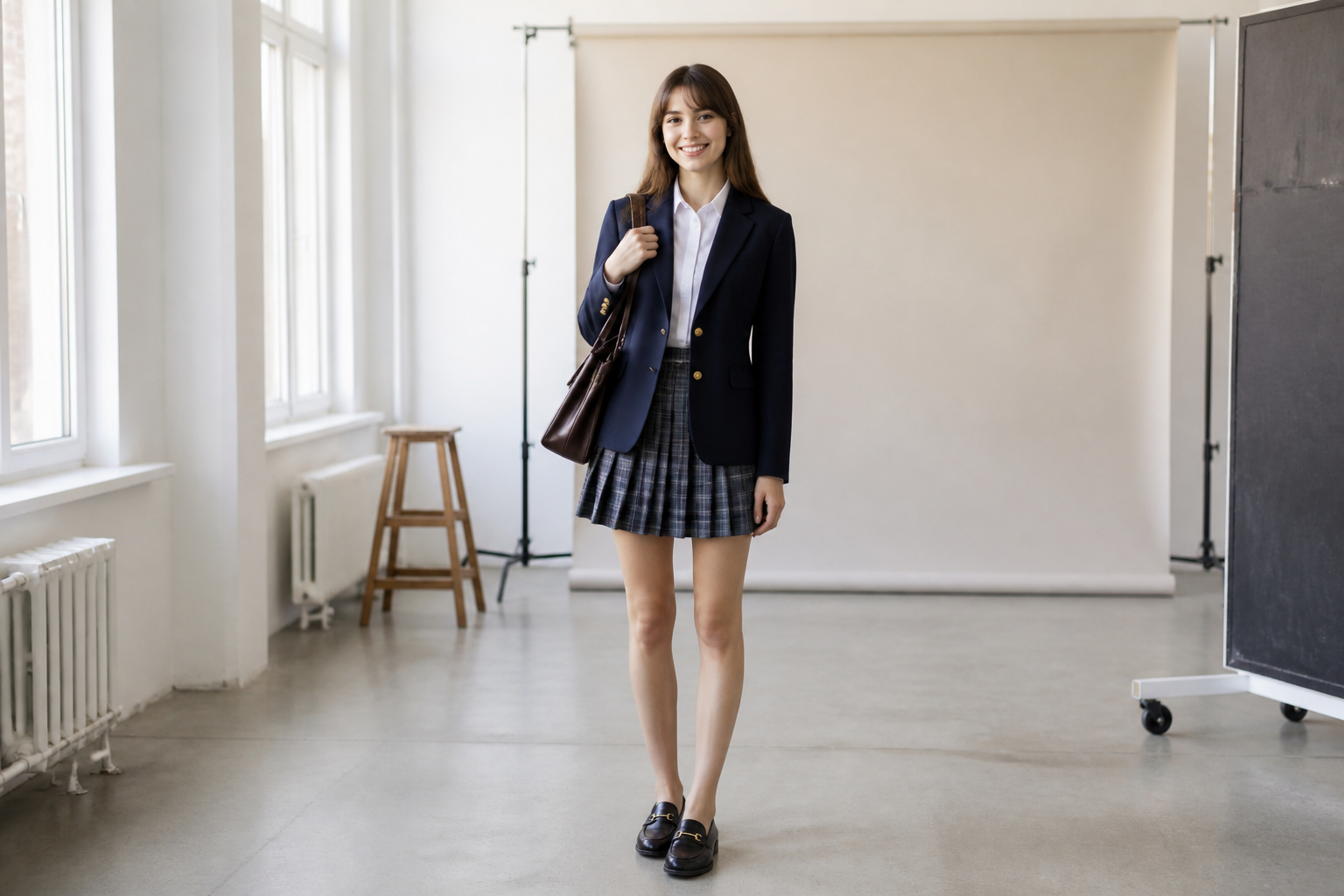
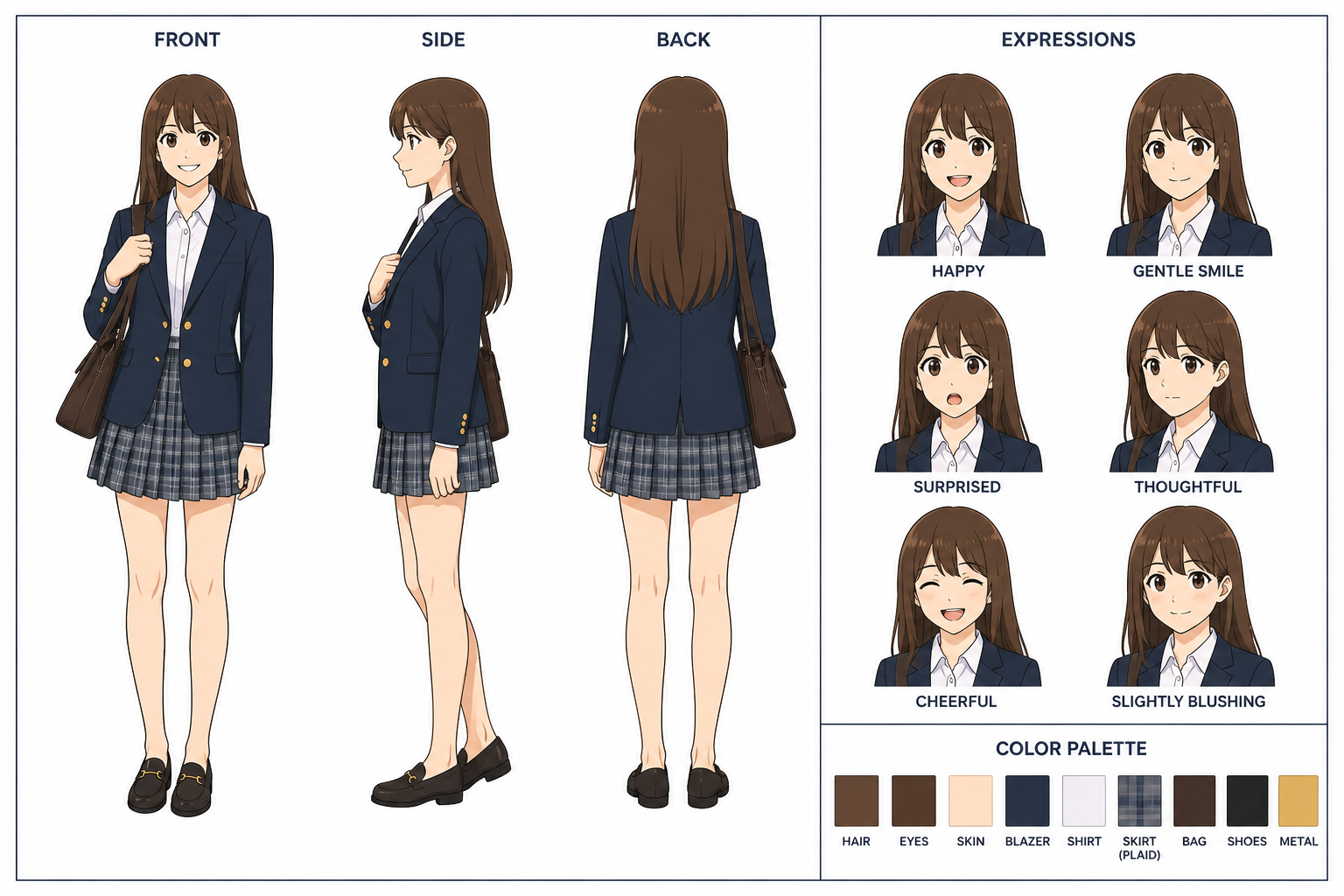
Works across art styles
You can turn a grounded source image into the style that fits your project, from anime sheets to game concept layouts. That helps when your character idea exists in one format but needs to be presented in another. It saves time on restyling while still preserving the core silhouette, palette, and recognizable features.
Useful for revisions
Reference sheets make it easier to test outfit changes, prop swaps, and presentation formats before finalizing a design. You can iterate visually without rebuilding the entire character from scratch every time. That is especially helpful for teams and solo creators who need fast feedback on readability and consistency.
How It Works
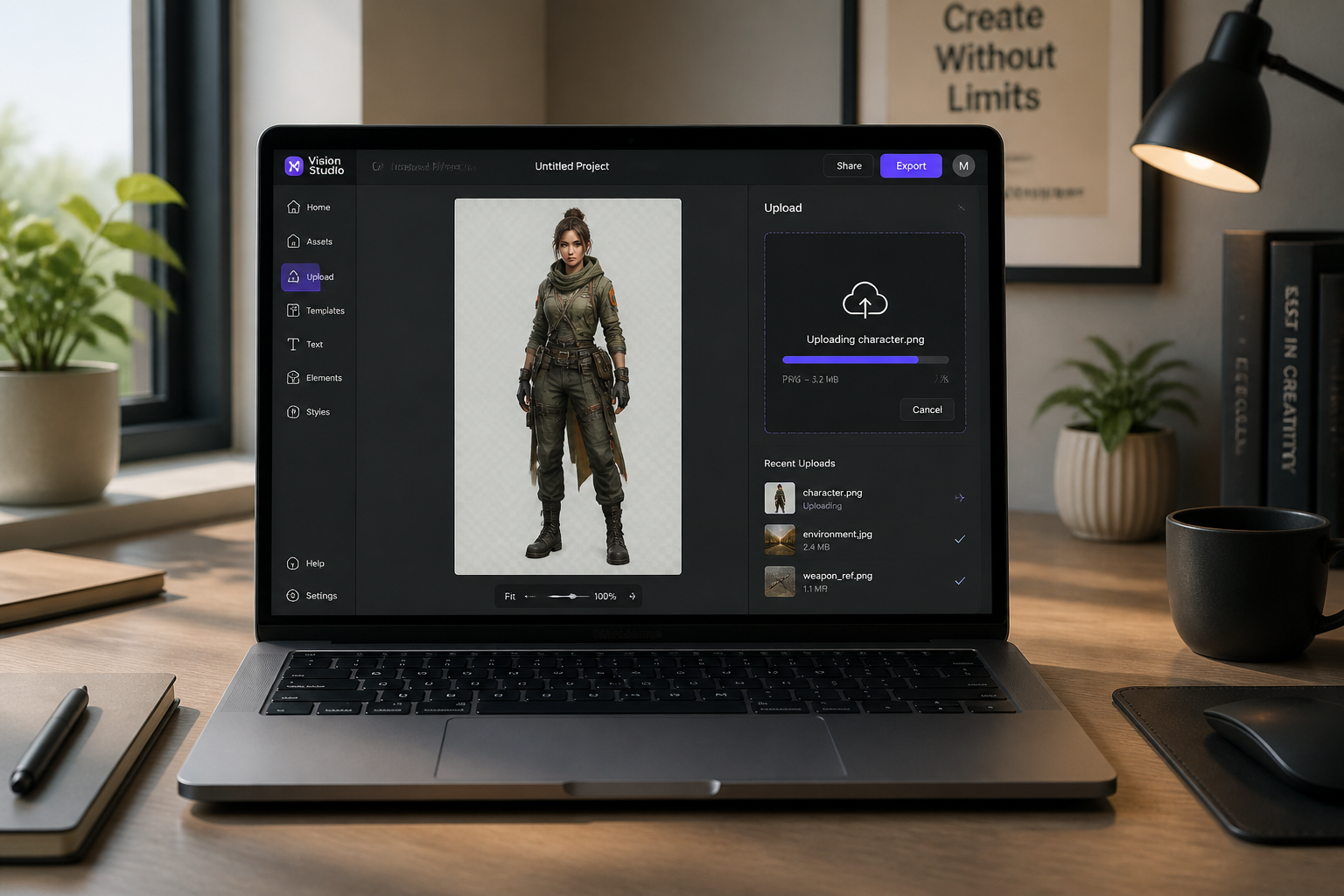
Upload your character image
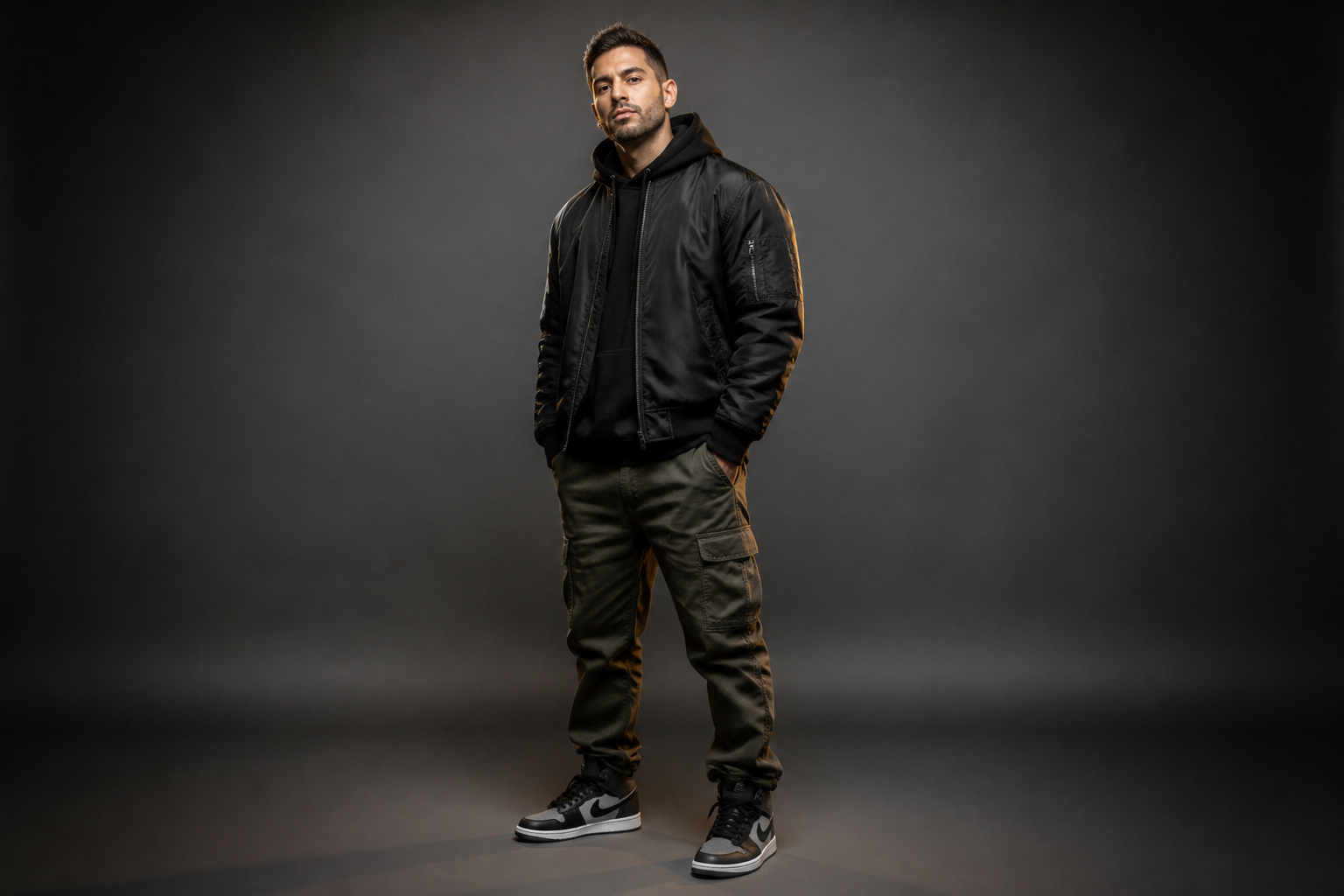
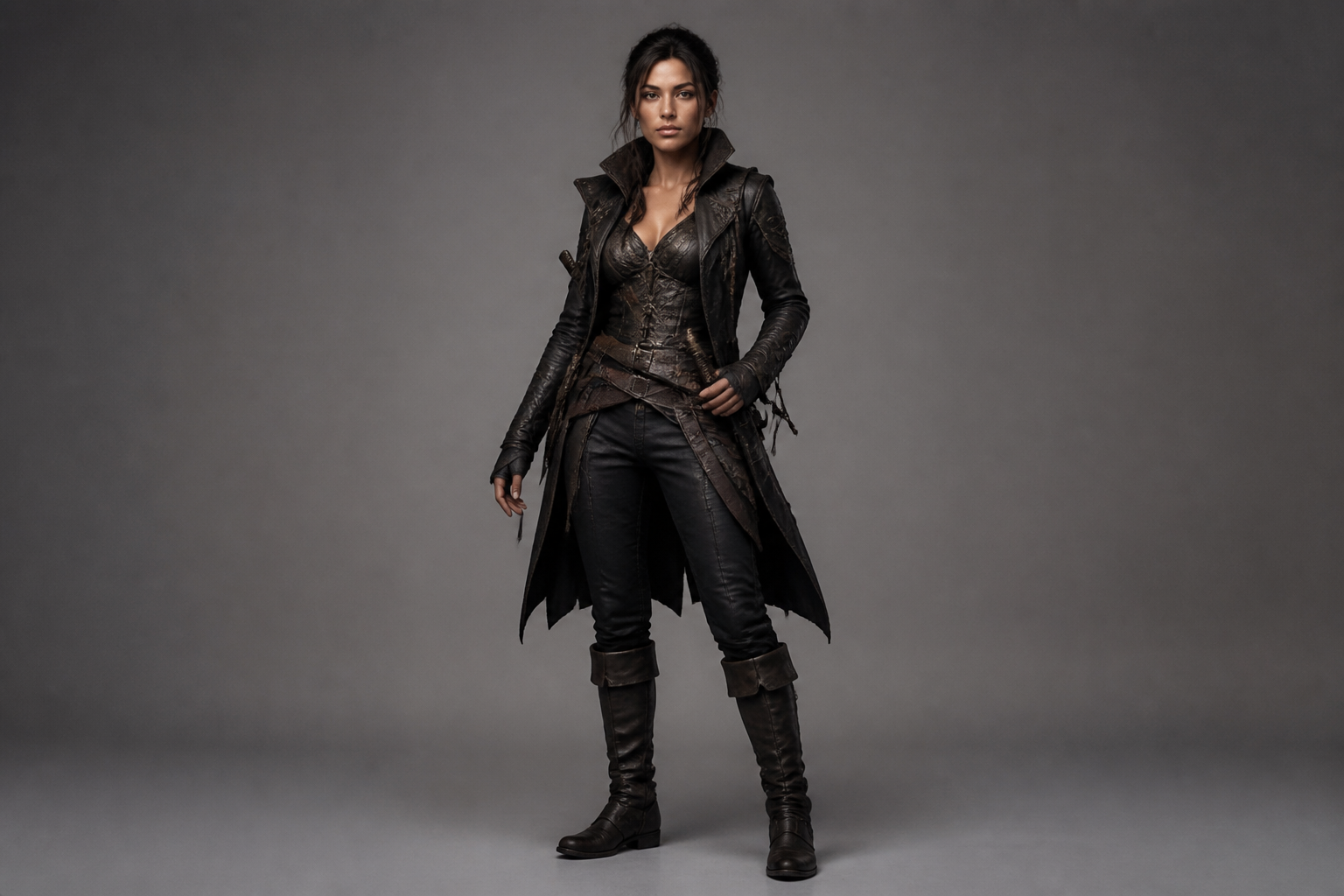
Start with a clear image that shows the character design well. Full-body images work best because they give our AI enough information to build a useful turnaround.
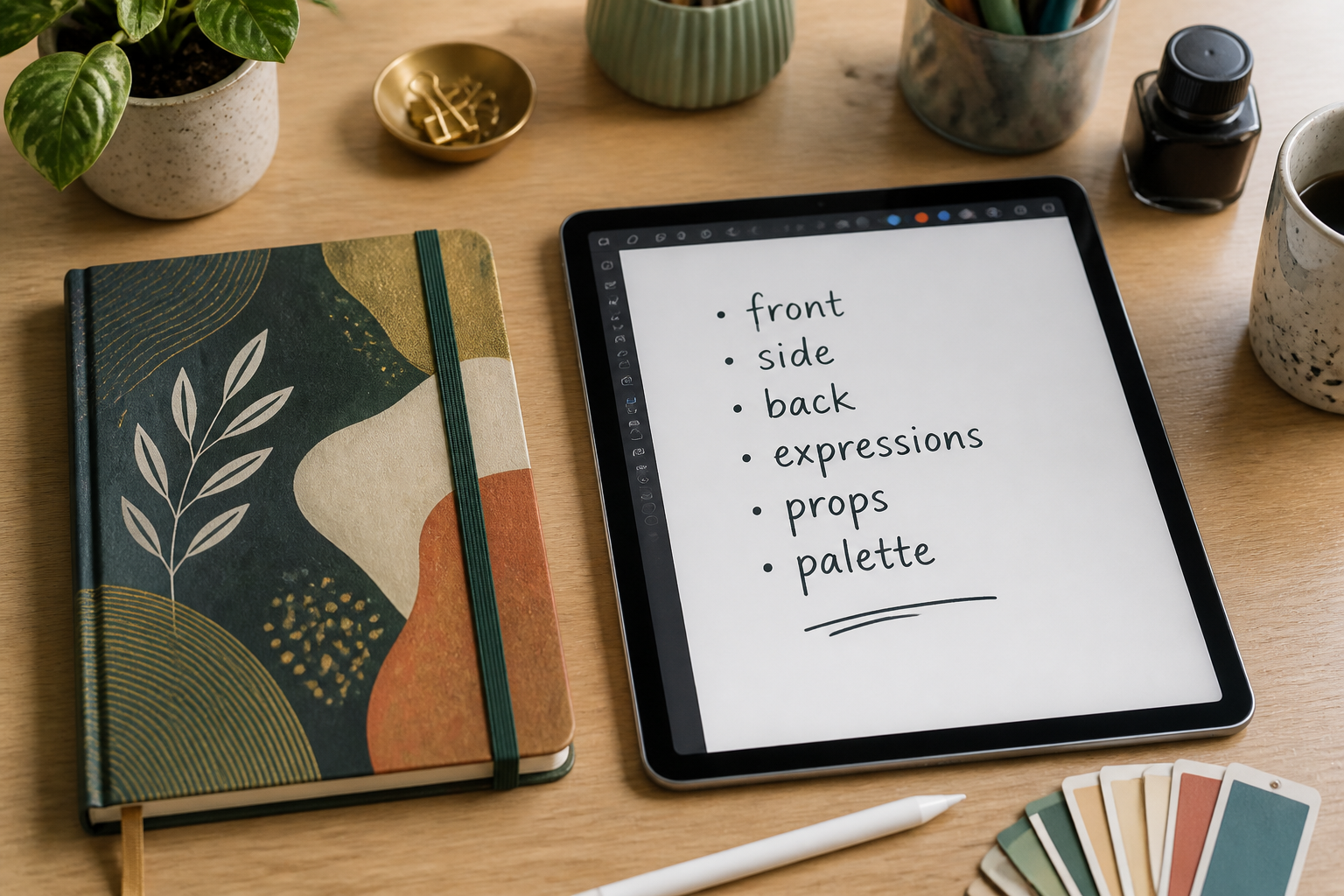
Describe the sheet you need
Tell the tool what views and extras to include, such as front, side, back, expressions, props, or color notes. You can also ask for a specific presentation style like anime, concept art, or cel-shaded model sheet.
Generate and compare results
Review the new sheet, compare it with the original, and refine the prompt if you want more callouts or a different look. In a few iterations, you can get a cleaner sheet for sharing, planning, or commissioning.
Perfect For
Discover how creators and professionals use character reference sheet maker
OC planning
Turn a rough character image into a structured sheet you can use to lock in outfit details, proportions, and signature features.
Commission briefs
Give illustrators a cleaner starting point with multi-view references, accessory callouts, and expression notes.
Animation prep
Create model-sheet-style layouts that help communicate how a character should look from different angles.
Game and comic pitches
Present characters in a format that feels more production-ready than a single hero image.
Built For
Character artists
Speed up the process of turning a design idea into a presentable sheet for clients, portfolios, or internal review.
Writers and worldbuilders
Visualize recurring characters more clearly so descriptions stay consistent across stories, campaigns, and lore docs.
Indie game and animation teams
Generate quick reference material for discussion, iteration, and early production planning without spending hours on layout.
Why use it for character sheets
A quick look at how we compare on the things that matter for this niche.
| Feature | BudgetPixel | Generic AI editors | Manual editing apps |
|---|---|---|---|
| Turns one image into a sheet layout | ✓ | — | — |
| Multi-view character turnarounds | ✓ | — | — |
| Style variation for presentation | ✓ | ✓ | — |
| Fast detail callouts | ✓ | — | — |
| Manual layout work required | Low | Medium | High |
Frequently Asked Questions
What kind of image works best for a character reference sheet?
Can I ask for front, side, and back views?
Does it only work for realistic characters?
Will the character stay consistent across the sheet?
Can I use the sheet for commissions or internal project work?
Create together.
Share your creations, discover trending AI art, and grow with fellow creators.











Ready to Try Character Reference Sheet Maker?
Get started for free. No credit card required.
Try it Free